
Just make a few small changes to your Bilibili homepage.
         ## ⬇️ Installation Even in the Edge browser, we strongly recommend you install it in the Chrome web store. In terms of review speed, the Chrome web store is slightly faster than Edge Add-ons. - Chrome: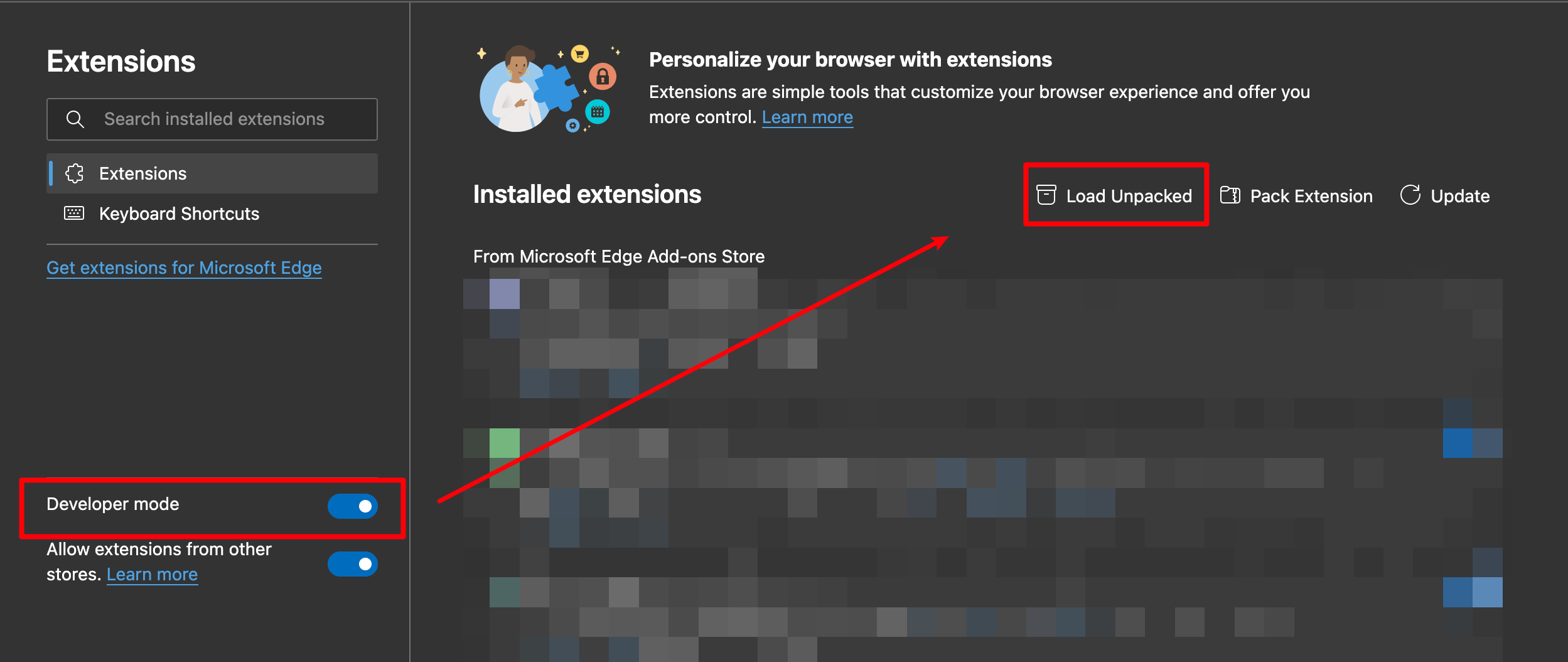 3. Load the decompressed extension folder in your browser
#### Chrome
>
> Ensure you installed [extension.zip](https://github.com/hakadao/BewlyBewly/releases) and decompress this file.
1. Type in `chrome://extensions/` in the address bar and press Enter
2. Turn on `Developer mode` then press `Load unpacked`
3. Load the decompressed extension folder in your browser
#### Chrome
>
> Ensure you installed [extension.zip](https://github.com/hakadao/BewlyBewly/releases) and decompress this file.
1. Type in `chrome://extensions/` in the address bar and press Enter
2. Turn on `Developer mode` then press `Load unpacked` 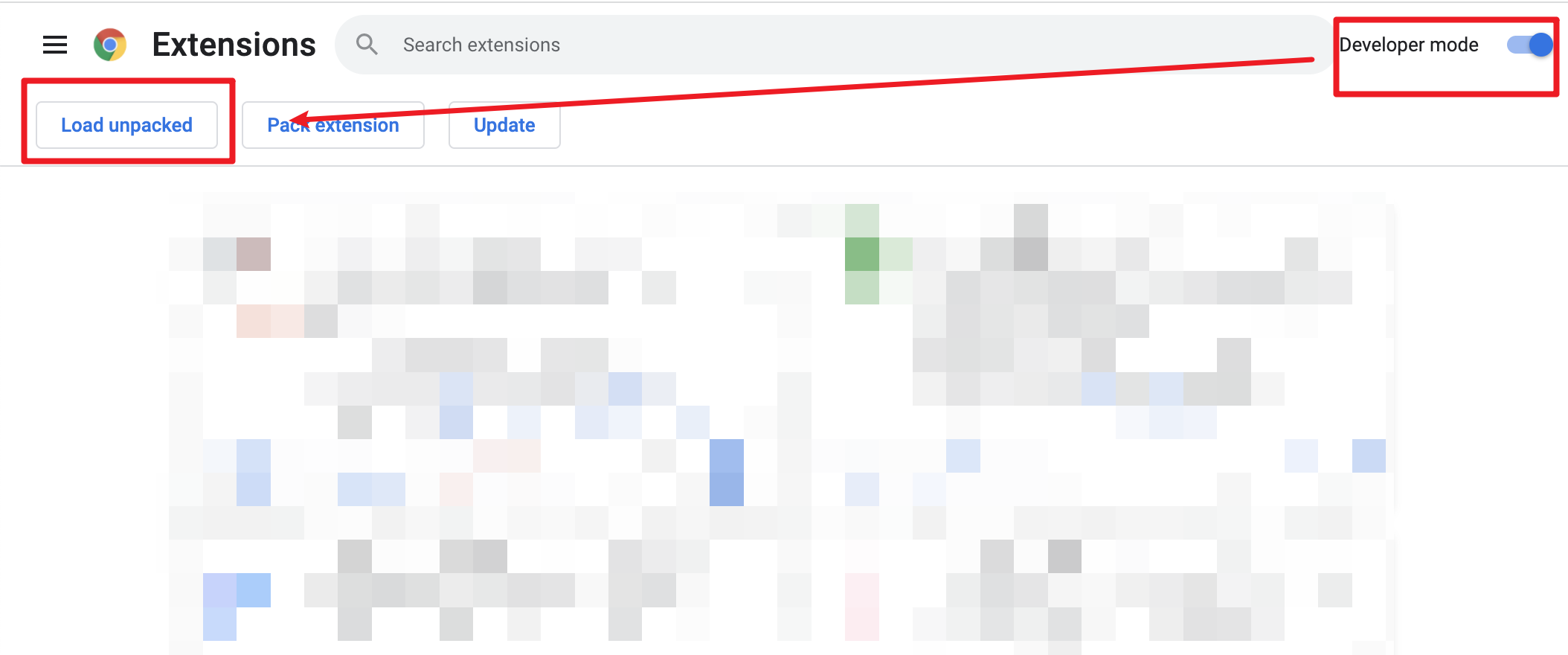 3. Load decompressed exetension folder in your browser