mirror of
https://github.com/zfile-dev/zfile.git
synced 2025-04-19 05:34:52 +00:00

138 lines
4.9 KiB
Markdown
138 lines
4.9 KiB
Markdown
<p align = "center">
|
|
<img alt="ZFile" src="https://cdn.jun6.net/2021/04/21/69a89344e2a84.png" height="150px">
|
|
<br><br>
|
|
基于 Java 的在线网盘程序,支持对接 S3、OneDrive、SharePoint、又拍云、本地存储、FTP 等存储源,支持在线浏览图片、播放音视频,文本文件等文件类型。
|
|
<br><br>
|
|
<img src="https://img.shields.io/badge/license-MIT-blue.svg?longCache=true&style=flat-square">
|
|
<img src="https://api.codacy.com/project/badge/Grade/70b793267f7941d58cbd93f50c9a8e0a">
|
|
<img src="https://img.shields.io/github/last-commit/zhaojun1998/zfile.svg?style=flat-square">
|
|
<img src="https://img.shields.io/github/downloads/zhaojun1998/zfile/total?style=flat-square">
|
|
<img src="https://img.shields.io/github/v/release/zhaojun1998/zfile?style=flat-square">
|
|
<img src="https://img.shields.io/github/commit-activity/y/zhaojun1998/zfile?style=flat-square">
|
|
<br>
|
|
<img src="https://img.shields.io/github/issues/zhaojun1998/zfile?style=flat-square">
|
|
<img src="https://img.shields.io/github/issues-closed-raw/zhaojun1998/zfile?style=flat-square">
|
|
<img src="https://img.shields.io/github/forks/zhaojun1998/zfile?style=flat-square">
|
|
<img src="https://img.shields.io/github/stars/zhaojun1998/zfile?style=flat-square">
|
|
<img src="https://img.shields.io/github/watchers/zhaojun1998/zfile?style=flat-square">
|
|
</p>
|
|
|
|
## 相关地址
|
|
|
|
预览地址: [https://zfile.vip](https://zfile.vip)
|
|
|
|
文档地址: [https://docs.zfile.vip](https://docs.zfile.vip)
|
|
|
|
社区地址: [https://bbs.zfile.vip](https://bbs.zfile.vip)
|
|
|
|
项目源码: [https://github.com/zhaojun1998/zfile](https://github.com/zhaojun1998/zfile)
|
|
|
|
前端源码: [https://github.com/zhaojun1998/zfile-vue](https://github.com/zhaojun1998/zfile-vue)
|
|
|
|
## 系统特色
|
|
|
|
* 文件夹密码
|
|
* 目录 README 说明
|
|
* 文件直链(短链,永久直链,二维码)
|
|
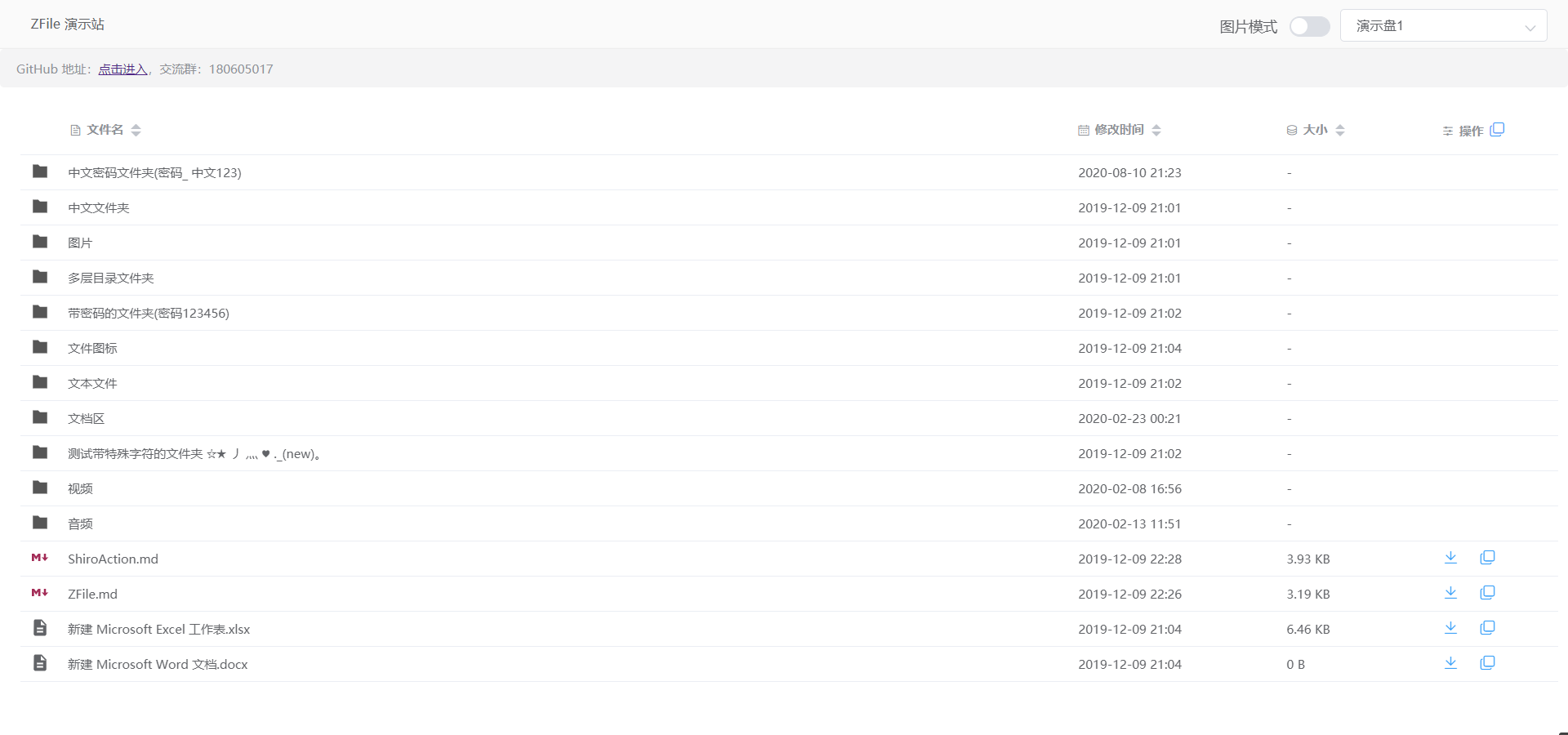
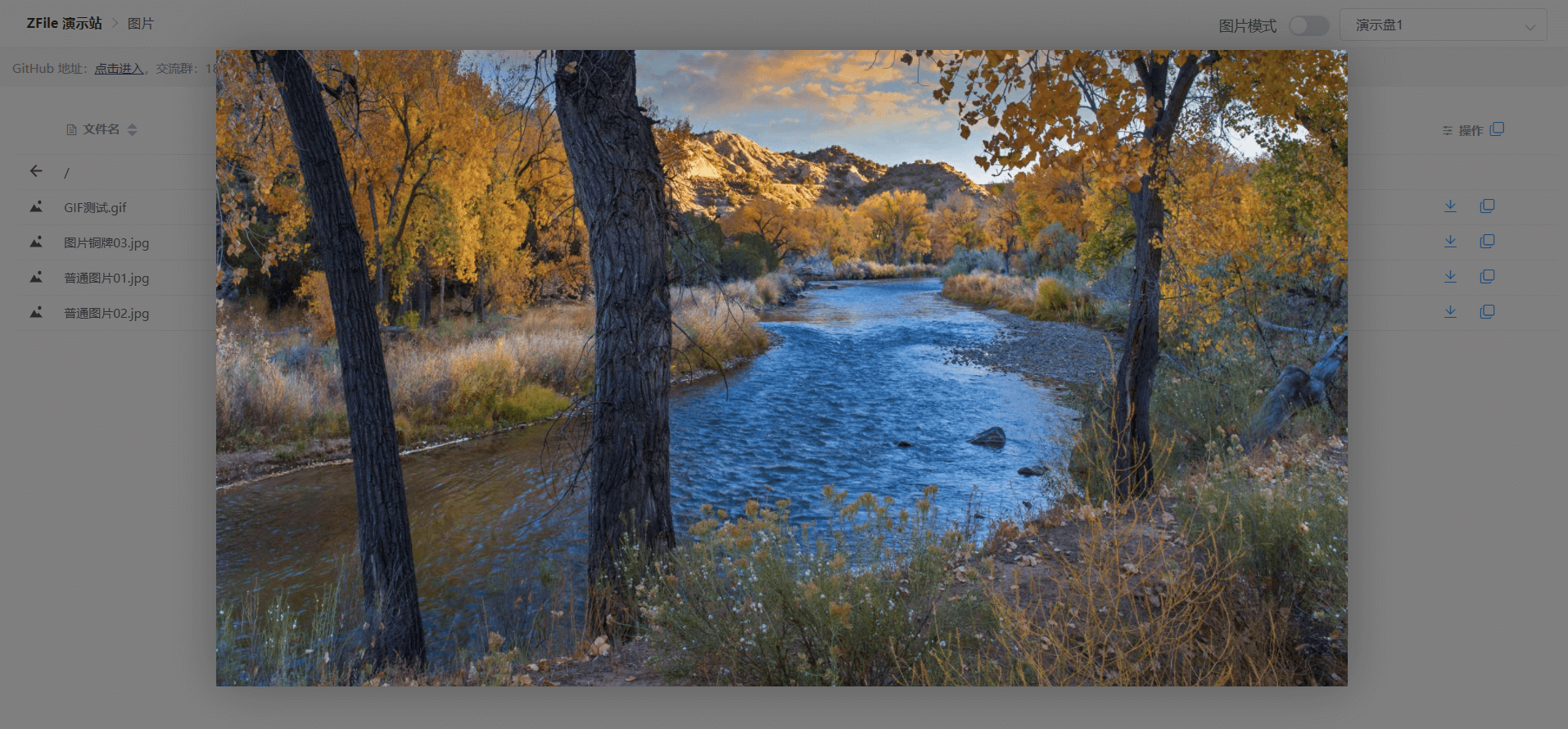
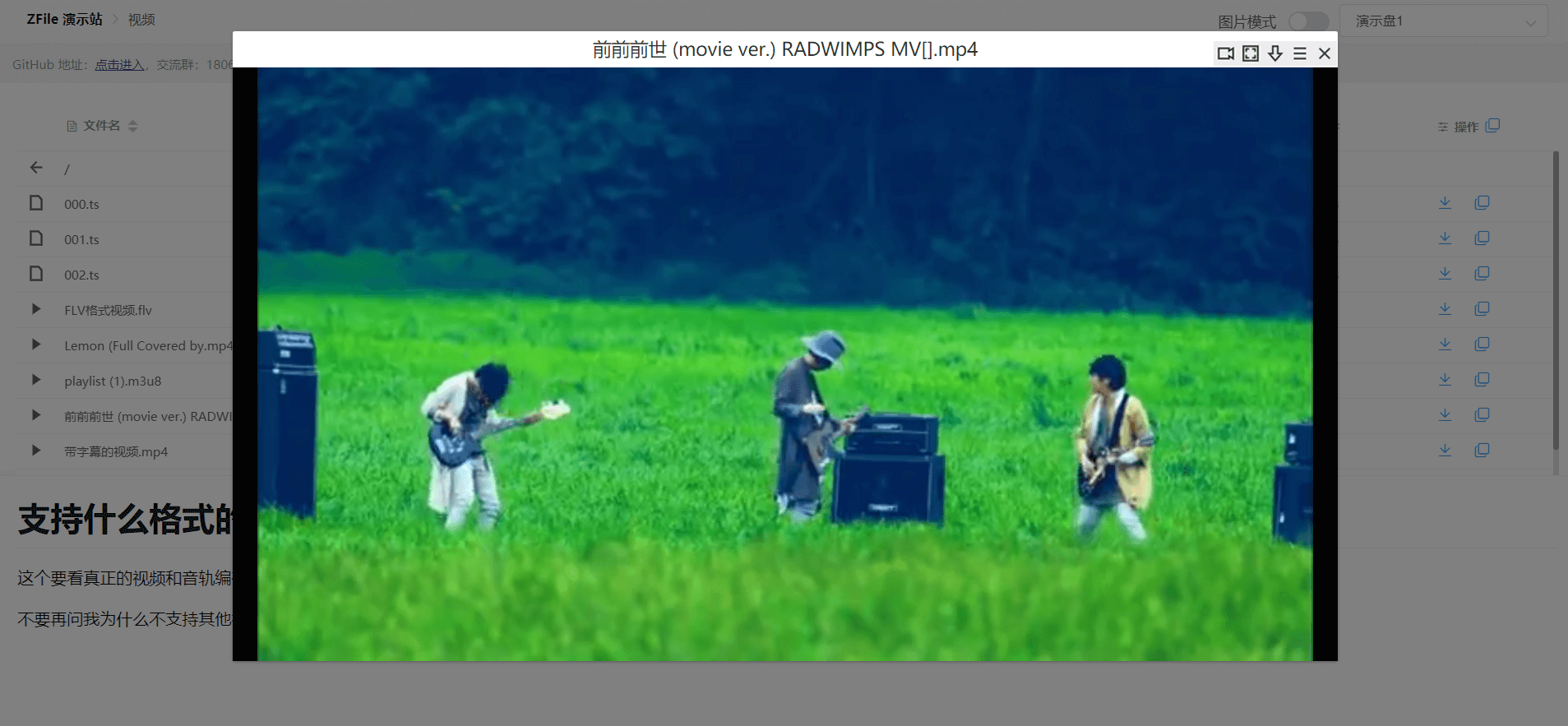
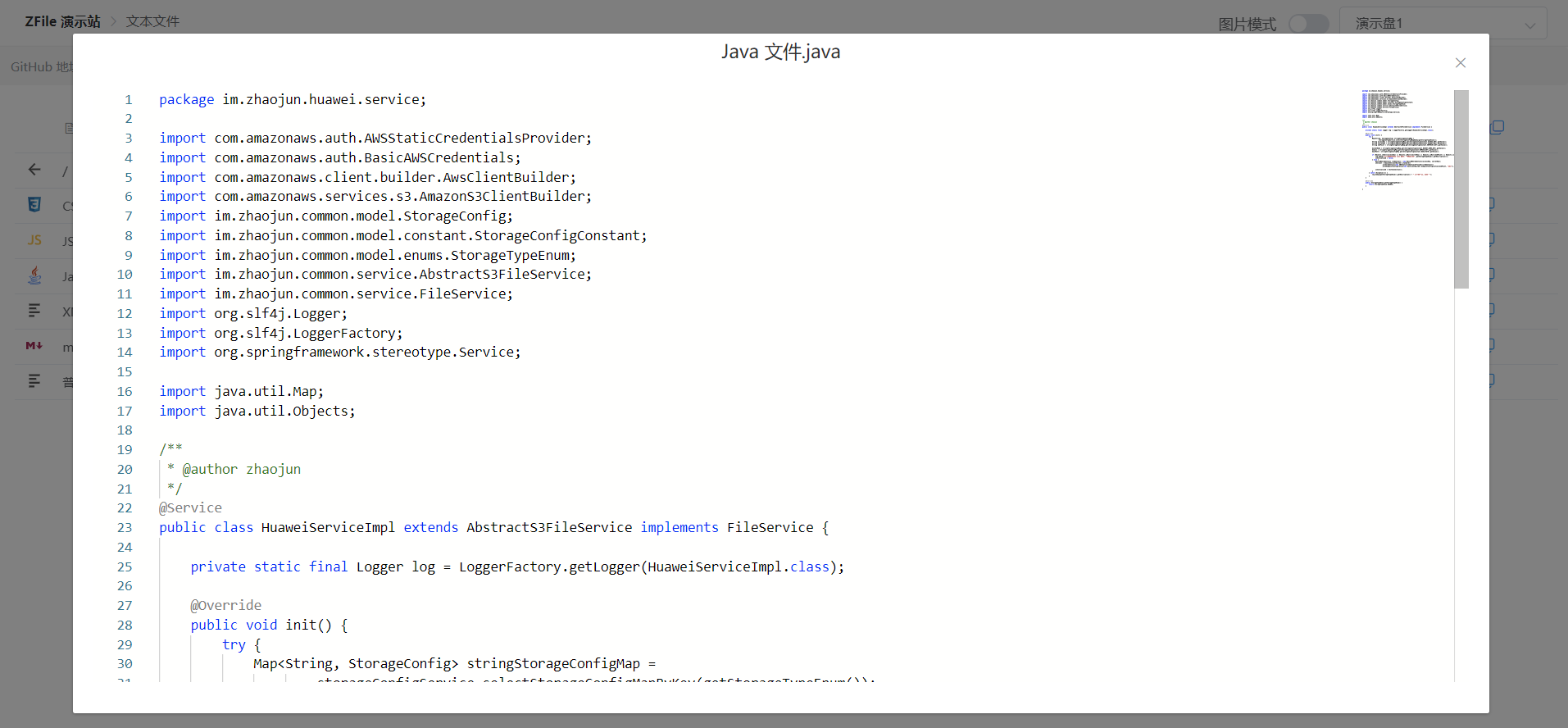
* 支持在线浏览文本文件, 视频, 图片, 音乐. (支持 FLV 和 HLS)
|
|
* 图片模式
|
|
* Docker 支持
|
|
* 隐藏指定文件夹(通配符支持)
|
|
* 自定义 JS, CSS
|
|
* 自定义目录 README 说明文件和密码文件名称
|
|
* 同时挂载多个存储策略
|
|
* 缓存动态开启, ~~缓存自动刷新 (v2.2 及以前版本支持)~~
|
|
* ~~全局搜索 (v2.2 及以前版本支持)~~
|
|
* 支持 S3 协议, 阿里云 OSS, FTP, 华为云 OBS, 本地存储, MINIO, OneDrive 国际/家庭/个人版/世纪互联版/SharePoint, , 七牛云 KODO, 腾讯云 COS, 又拍云 USS.
|
|
|
|
## 快速开始
|
|
|
|
安装依赖环境:
|
|
|
|
```bash
|
|
# CentOS系统
|
|
yum install -y java-1.8.0-openjdk unzip
|
|
```
|
|
|
|
```bash
|
|
# Debian 9 / Ubuntu 14+
|
|
apt update
|
|
apt install -y openjdk-8-jre-headless unzip
|
|
```
|
|
|
|
```bash
|
|
# Debian 10 (Buster) 系统
|
|
apt update && apt install -y apt-transport-https software-properties-common ca-certificates dirmngr gnupg
|
|
wget -qO - https://adoptopenjdk.jfrog.io/adoptopenjdk/api/gpg/key/public | apt-key add -
|
|
add-apt-repository --yes https://adoptopenjdk.jfrog.io/adoptopenjdk/deb/
|
|
apt update && apt install -y adoptopenjdk-8-hotspot-jre
|
|
```
|
|
|
|
|
|
> 如为更新程序, 则请先执行 `~/zfile/bin/stop.sh && rm -rf ~/zfile` 清理旧程序. 首次安装请忽略此选项.
|
|
|
|
下载项目:
|
|
|
|
```bash
|
|
export ZFILE_INSTALL_PATH=~/zfile
|
|
mkdir -p $ZFILE_INSTALL_PATH && cd $ZFILE_INSTALL_PATH
|
|
wget https://c.jun6.net/ZFILE/zfile-release.war
|
|
unzip zfile-release.war && rm -rf zfile-release.war
|
|
chmod +x $ZFILE_INSTALL_PATH/bin/*.sh
|
|
```
|
|
|
|
> 下载指定版本可以将 `zfile-release.war` 改为 `zfile-x.x.war`,如 `zfile-2.2.war`。
|
|
|
|
程序的目录结构为:
|
|
```
|
|
├── zfile
|
|
├── META-INF
|
|
├── WEB-INF
|
|
└── bin
|
|
├── start.sh # 启动脚本
|
|
└── stop.sh # 停止脚本
|
|
├── restart.sh # 重启脚本
|
|
```
|
|
|
|
启动项目:
|
|
|
|
```bash
|
|
~/zfile/bin/start.sh
|
|
```
|
|
|
|
篇幅有限, 更详细的安装教程及介绍请参考: [ZFile 文档](https://docs.zfile.vip)
|
|
|
|
访问地址:
|
|
|
|
用户前台: http://127.0.0.1:8080/main
|
|
|
|
初始安装: http://127.0.0.1:8080/install
|
|
|
|
管理后台: http://127.0.0.1:8080/admin
|
|
|
|
|
|
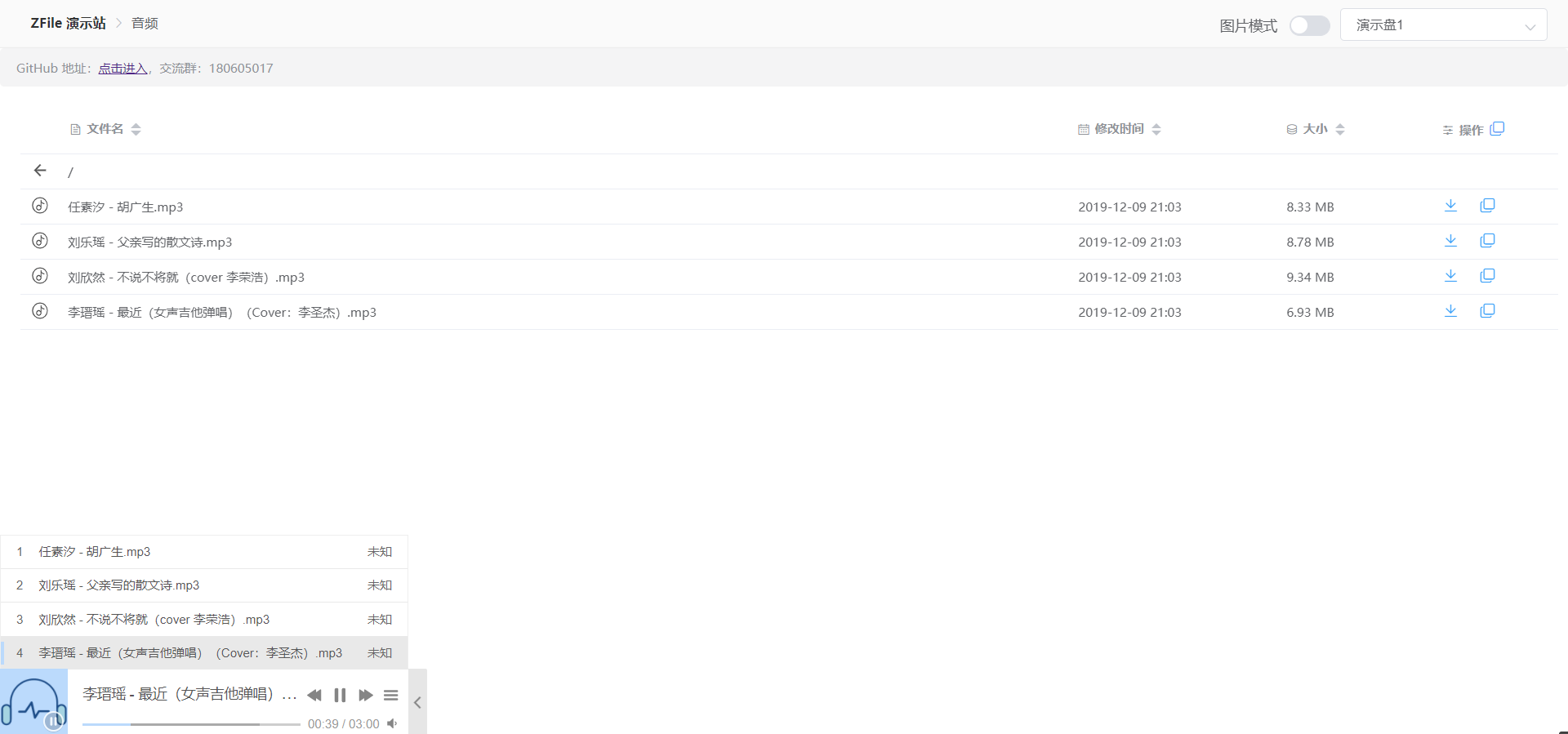
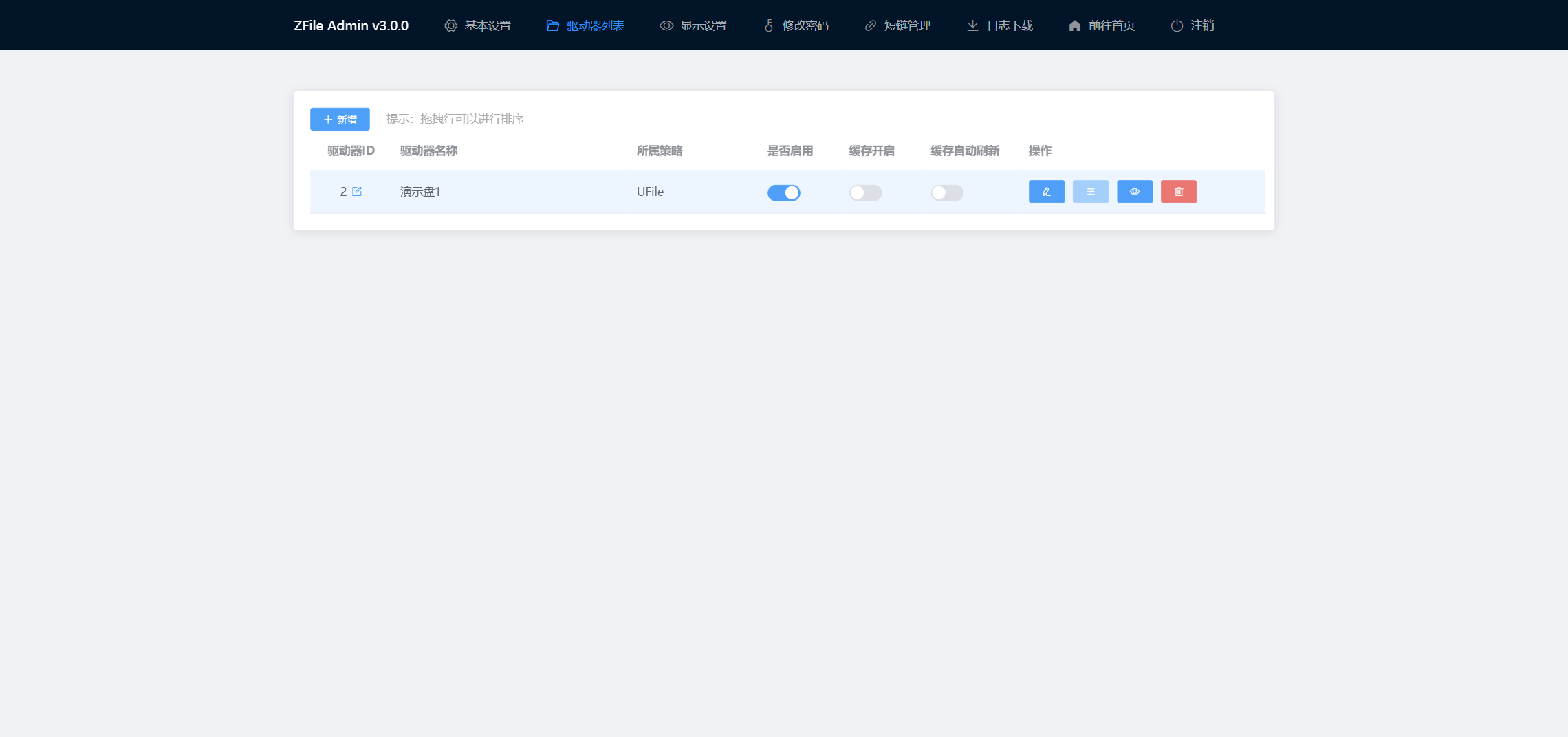
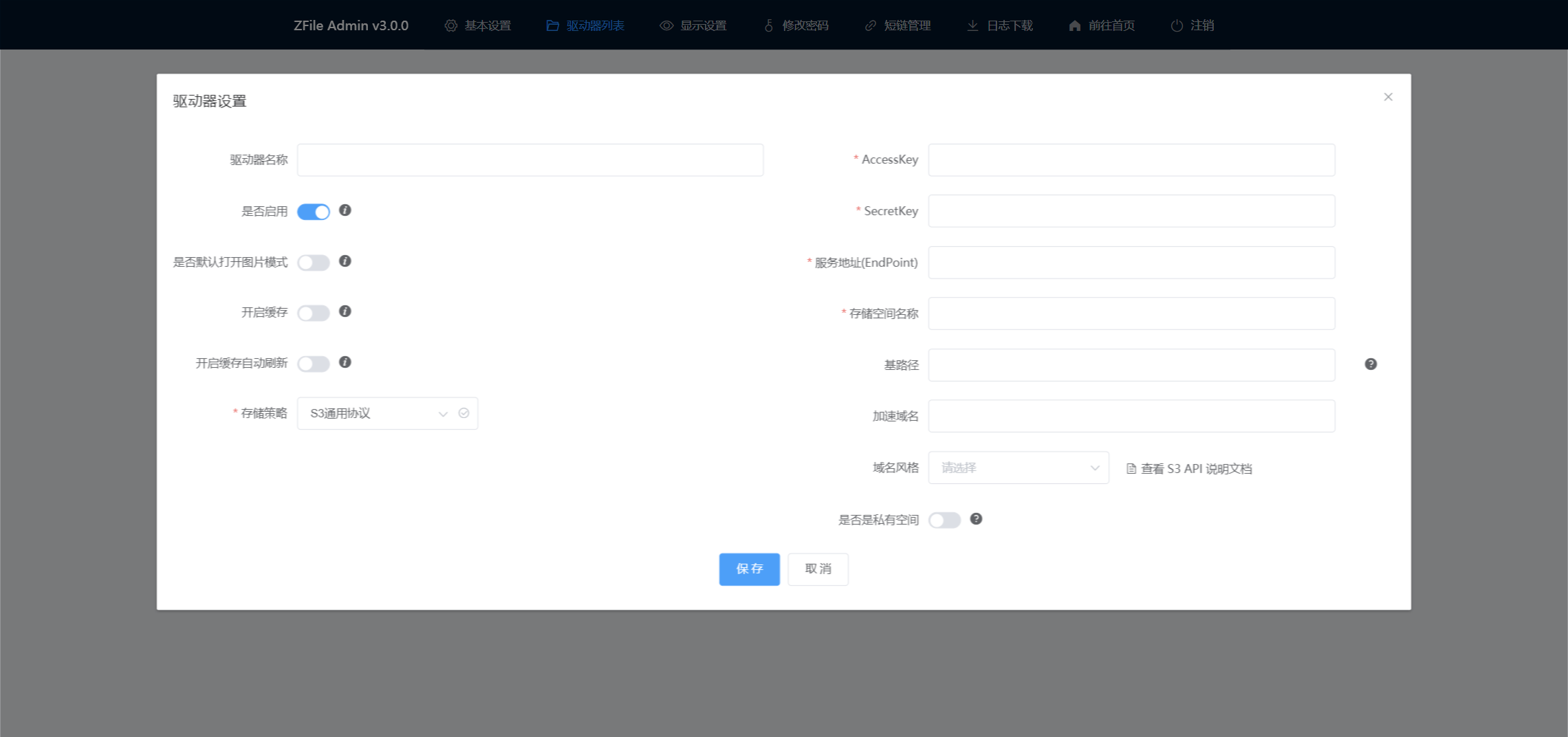
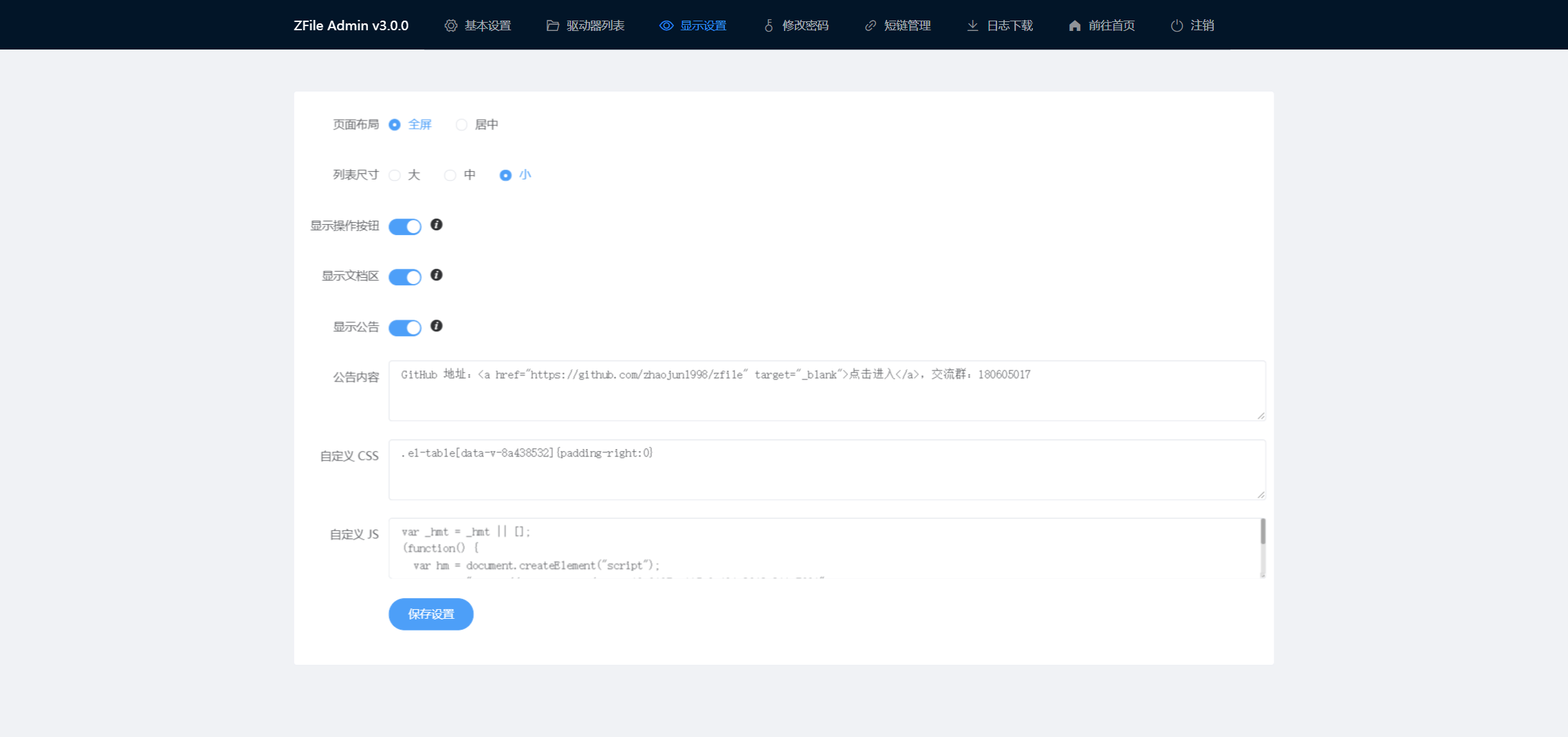
## 预览
|
|
|
|
|
|
|
|
|
|
|
|
|
|
|
|
|
|
|
|
|
|
## 支持作者
|
|
|
|
如果本项目对你有帮助,请作者喝杯咖啡吧。
|
|
|
|
<img src="https://cdn.jun6.net/2021/03/27/152704e91f13d.png" width="400" alt="赞助我">
|
|
|
|
## Stargazers over time
|
|
|
|
[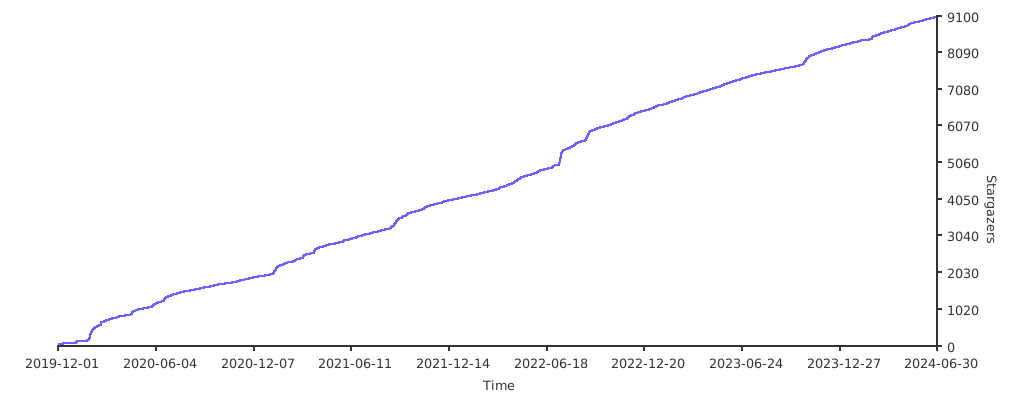](https://starchart.cc/zhaojun1998/zfile.svg)
|
|
|
|
## 开发工具赞助
|
|
|
|
<a href="https://www.jetbrains.com/?from=zfile"><img src="https://cdn.jun6.net/2021/04/21/26e410d60b0b0.png?1=1" width="100px"></a>
|