Compare commits
372 Commits
| Author | SHA1 | Date | |
|---|---|---|---|
 zsviczian zsviczian
|
5c949dc71c | ||
|
zsviczian
|
0439d67a0c | ||
|
dmscode
|
d3446a20b1 | ||
|
zsviczian
|
5b37dc2e38 | ||
|
zsviczian
|
eee264918e | ||
|
zsviczian
|
89172a88f1 | ||
|
zsviczian
|
ffdb054291 | ||
|
zsviczian
|
200d39c408 | ||
|
zsviczian
|
4306574ace | ||
|
zsviczian
|
12e3b90458 | ||
|
dmscode
|
03364b5d2e | ||
|
dmscode
|
4e268991dc | ||
|
zsviczian
|
429c84f940 | ||
|
zsviczian
|
e890e4489b | ||
|
zsviczian
|
8466c42217 | ||
|
zsviczian
|
353732f597 | ||
|
zsviczian
|
5599d2507f | ||
|
zsviczian
|
70cf6ffe70 | ||
|
zsviczian
|
61c9277097 | ||
|
zsviczian
|
401052efd3 | ||
|
zsviczian
|
a57a0e797d | ||
|
zsviczian
|
8f48853e2c | ||
|
zsviczian
|
a62148dc07 | ||
|
zsviczian
|
3ae890bd86 | ||
|
zsviczian
|
65a4cd4ba5 | ||
|
dmscode
|
f63b473bc1 | ||
|
稻米鼠
|
859a5ba03a | ||
|
zsviczian
|
832b97b179 | ||
|
dmscode
|
e98d688d36 | ||
|
zsviczian
|
39318337fe | ||
|
zsviczian
|
f21215be84 | ||
|
zsviczian
|
0690525af8 | ||
|
dmscode
|
b3176425c5 | ||
|
dmscode
|
9f2c18b6b6 | ||
|
zsviczian
|
d529a04f48 | ||
|
zsviczian
|
8786c5aa99 | ||
|
zsviczian
|
013279ab60 | ||
|
zsviczian
|
06193b6d49 | ||
|
zsviczian
|
ac6f4af5d6 | ||
|
zsviczian
|
bf148adc68 | ||
|
Moritz Jung
|
0f9dafb01d | ||
|
zsviczian
|
9fc0452b70 | ||
|
zsviczian
|
83eda9b3f5 | ||
|
zsviczian
|
9bfbf47963 | ||
|
zsviczian
|
252bf411b1 | ||
|
zsviczian
|
5622c019dd | ||
|
zsviczian
|
b32fab7865 | ||
|
zsviczian
|
cafdad1f7a | ||
|
zsviczian
|
9da40944ab | ||
|
zsviczian
|
f678203a64 | ||
|
zsviczian
|
a9572e08e9 | ||
|
dmscode
|
ee9b042cdf | ||
|
zsviczian
|
bc138fa78a | ||
|
zsviczian
|
67dbe256f7 | ||
|
zsviczian
|
8b066d46e2 | ||
|
zsviczian
|
1769a65a82 | ||
|
zsviczian
|
941eb56769 | ||
|
zsviczian
|
a317613ef4 | ||
|
zsviczian
|
173571846f | ||
|
zsviczian
|
ab1078d393 | ||
|
zsviczian
|
681321a595 | ||
|
zsviczian
|
fcd50d4bc2 | ||
|
dmscode
|
7e214e5aaa | ||
|
zsviczian
|
de39053857 | ||
|
zsviczian
|
f543e3218e | ||
|
zsviczian
|
e668aea214 | ||
|
zsviczian
|
d810daa735 | ||
|
zsviczian
|
b94b3118eb | ||
|
dmscode
|
06cbd0c92d | ||
|
zsviczian
|
96ebbbf11d | ||
|
zsviczian
|
fc1467b05b | ||
|
zsviczian
|
53c27f2a59 | ||
|
zsviczian
|
db80f5c715 | ||
|
zsviczian
|
405c98ca50 | ||
|
zsviczian
|
4892aed9e6 | ||
|
zsviczian
|
1b04b94db2 | ||
|
zsviczian
|
4a430f5fe7 | ||
|
zsviczian
|
325bfd825f | ||
|
zsviczian
|
471553f913 | ||
|
zsviczian
|
a43d0689d8 | ||
|
zsviczian
|
afacb8a94b | ||
|
zsviczian
|
afe5300e00 | ||
|
zsviczian
|
ef85d0e323 | ||
|
Igor Tarasenko
|
d3aeedb9f6 | ||
|
Toby Baratta
|
7718f69269 | ||
|
Toby Baratta
|
af50b0c5c6 | ||
|
dmscode
|
b576faad82 | ||
|
稻米鼠
|
4583e603e9 | ||
|
zsviczian
|
7ee316a605 | ||
|
dmscode
|
7dca225691 | ||
|
zsviczian
|
8a27d0240a | ||
|
zsviczian
|
939bd6fd91 | ||
|
zsviczian
|
dfbd385de7 | ||
|
dmscode
|
0d791070dd | ||
|
zsviczian
|
94fbac38bf | ||
|
zsviczian
|
73cf8e75d3 | ||
|
zsviczian
|
395cbc104c | ||
|
zsviczian
|
9a24db8379 | ||
|
zsviczian
|
934a5f4838 | ||
|
dmscode
|
9022500087 | ||
|
John Hammond
|
795807b6cf | ||
|
zsviczian
|
9eff79733c | ||
|
zsviczian
|
c4e95d9207 | ||
|
zsviczian
|
32cd3a62b6 | ||
|
zsviczian
|
d05ccc0055 | ||
|
zsviczian
|
ff1d7b44b4 | ||
|
zsviczian
|
2b86ba2128 | ||
|
zsviczian
|
44a3b30e3b | ||
|
zsviczian
|
bb9389c7dd | ||
|
zsviczian
|
ba4bfe9de7 | ||
|
zsviczian
|
3a73b14ebb | ||
|
zsviczian
|
31f54db433 | ||
|
zsviczian
|
26812dd297 | ||
|
zsviczian
|
ae4f4b4f08 | ||
|
zsviczian
|
4ac0a4c565 | ||
|
zsviczian
|
69c9f824a0 | ||
|
zsviczian
|
6a2220c960 | ||
|
zsviczian
|
aa501c2843 | ||
|
zsviczian
|
efce44f0a7 | ||
|
zsviczian
|
491eb83d35 | ||
|
zsviczian
|
35cf0802d1 | ||
|
zsviczian
|
f768548f60 | ||
|
zsviczian
|
37789f9907 | ||
|
zsviczian
|
131294464e | ||
|
zsviczian
|
b7652a41f8 | ||
|
zsviczian
|
91c5f85ec6 | ||
|
zsviczian
|
985983b31d | ||
|
zsviczian
|
9a27e38ce2 | ||
|
zsviczian
|
0017ed7c92 | ||
|
evolutioned
|
d5cf4ace21 | ||
|
zsviczian
|
1c899746fd | ||
|
zsviczian
|
9ea09c0fdd | ||
|
zsviczian
|
cda674c289 | ||
|
zsviczian
|
ef7d7ccc91 | ||
|
zsviczian
|
21aa5eb2d6 | ||
|
zsviczian
|
e725fb9b65 | ||
|
zsviczian
|
fbd634bfce | ||
|
zsviczian
|
9a686f3827 | ||
|
zsviczian
|
999219a0c9 | ||
|
zsviczian
|
65fd370cc5 | ||
|
zsviczian
|
232f0c38fa | ||
|
zsviczian
|
fa03968508 | ||
|
zsviczian
|
78dace32d4 | ||
|
Bryan
|
a21e7aa0c5 | ||
|
Bryan
|
9b7d828209 | ||
|
Bryan
|
a1071426c0 | ||
|
zsviczian
|
23baf21ef5 | ||
|
zsviczian
|
d280b33073 | ||
|
zsviczian
|
d1ab6bb7a1 | ||
|
zsviczian
|
146d04ea64 | ||
|
zsviczian
|
fd46a3f8ac | ||
|
zsviczian
|
9974ca1e2e | ||
|
Felix
|
2c8a733359 | ||
|
zsviczian
|
4c9eeb9a61 | ||
|
zsviczian
|
de23be8c2d | ||
|
zsviczian
|
bb25a1fde9 | ||
|
zsviczian
|
9267c27bc5 | ||
|
zsviczian
|
591f073413 | ||
|
Andreas Deininger
|
9c28c1ee00 | ||
|
zsviczian
|
120d41ea2f | ||
|
zsviczian
|
80b24a45ad | ||
|
zsviczian
|
e8db9cbff6 | ||
|
zsviczian
|
5db4f8dd95 | ||
|
zsviczian
|
820b2ff6c4 | ||
|
zsviczian
|
596102fb68 | ||
|
zsviczian
|
fa5c63b224 | ||
|
zsviczian
|
aa66b8f716 | ||
|
zsviczian
|
c06cdfcfa0 | ||
|
zsviczian
|
e6943cf7f5 | ||
|
zsviczian
|
b3a2f067ab | ||
|
zsviczian
|
35407cf13d | ||
|
BenMoon
|
d671faf712 | ||
|
zsviczian
|
815ad559ac | ||
|
zsviczian
|
d2cf594756 | ||
|
zsviczian
|
6709f6cf87 | ||
|
zsviczian
|
f463f79222 | ||
|
zsviczian
|
51cf3a9219 | ||
|
zsviczian
|
8700405af8 | ||
|
thxnder
|
d1d082b4f9 | ||
|
zsviczian
|
6dd9d1a056 | ||
|
zsviczian
|
46b03725e9 | ||
|
zsviczian
|
65d6577b28 | ||
|
zsviczian
|
97967f5b70 | ||
|
zsviczian
|
9323e1fad4 | ||
|
zsviczian
|
3e4e741b54 | ||
|
zsviczian
|
4e2d8374e6 | ||
|
zsviczian
|
2b3037402a | ||
|
zsviczian
|
bc67c27a82 | ||
|
zsviczian
|
ffb8f6f00f | ||
|
zsviczian
|
d179dfe703 | ||
|
zsviczian
|
5701020901 | ||
|
zsviczian
|
1f2d795b58 | ||
|
zsviczian
|
c123b3ef51 | ||
|
zsviczian
|
d565c7e9e9 | ||
|
zsviczian
|
710a40c36b | ||
|
zsviczian
|
64f9a5dd7d | ||
|
zsviczian
|
323fe33c2f | ||
|
zsviczian
|
2470f6f531 | ||
|
zsviczian
|
42968d8299 | ||
|
zsviczian
|
7a50b6c77e | ||
|
zsviczian
|
0a10d5fbc9 | ||
|
zsviczian
|
40d2345501 | ||
|
zsviczian
|
ab97ae5ebc | ||
|
zsviczian
|
7c93e90fc0 | ||
|
zsviczian
|
d44cf3306b | ||
|
zsviczian
|
324609999f | ||
|
zsviczian
|
3f54b851ae | ||
|
zsviczian
|
8bbb04b421 | ||
|
zsviczian
|
dc396c8707 | ||
|
zsviczian
|
52cc5d3aa7 | ||
|
zsviczian
|
87b6335905 | ||
|
zsviczian
|
17358f16c8 | ||
|
zsviczian
|
23eb268031 | ||
|
zsviczian
|
27f4cb248d | ||
|
zsviczian
|
bbaf4f7a34 | ||
|
zsviczian
|
559455bf5b | ||
|
zsviczian
|
bd519aff08 | ||
|
zsviczian
|
febeb787b5 | ||
|
zsviczian
|
9f8a9bfa8a | ||
|
zsviczian
|
8b1daed0ef | ||
|
zsviczian
|
44c828c7e7 | ||
|
Igor Berlenko
|
afabeaa2f3 | ||
|
zsviczian
|
e72c1676c2 | ||
|
zsviczian
|
5a17eb7054 | ||
|
zsviczian
|
75d52c07b8 | ||
|
zsviczian
|
4dc6c17486 | ||
|
zsviczian
|
e780930799 | ||
|
zsviczian
|
49cd6a36a1 | ||
|
zsviczian
|
d4830983e2 | ||
|
zsviczian
|
a69fefffdc | ||
|
zsviczian
|
1d0466dae7 | ||
|
zsviczian
|
6e5a853d0f | ||
|
zsviczian
|
0c702ddf7b | ||
|
zsviczian
|
fdbffce1f9 | ||
|
zsviczian
|
2872b4e3ce | ||
|
Hendrik Horstmann
|
0ba55e51e9 | ||
|
zsviczian
|
5887bf377d | ||
|
zsviczian
|
c440dd9cf0 | ||
|
zsviczian
|
21bc1f7fa6 | ||
|
zsviczian
|
4279b13554 | ||
|
zsviczian
|
0e106b7c7b | ||
|
zsviczian
|
4d7d1fba3a | ||
|
zsviczian
|
a35ea5e9da | ||
|
zsviczian
|
48466f624d | ||
|
Igor Berlenko
|
f306b20449 | ||
|
zsviczian
|
fc4fd685ba | ||
|
zsviczian
|
7449df6ac6 | ||
|
zsviczian
|
1390333c4c | ||
|
zsviczian
|
a9f545a1b2 | ||
|
Sora Liu
|
f80a96c703 | ||
|
zsviczian
|
f291c15bbc | ||
|
zsviczian
|
18821e1a67 | ||
|
zsviczian
|
5dd65d691c | ||
|
zsviczian
|
8f96dbc21d | ||
|
zsviczian
|
f71623f8a1 | ||
|
zsviczian
|
b380420cac | ||
|
zsviczian
|
21cccd4475 | ||
|
zsviczian
|
06475aea78 | ||
|
zsviczian
|
84af0c2d5c | ||
|
zsviczian
|
84648f5a56 | ||
|
zsviczian
|
60b7988860 | ||
|
zsviczian
|
732b7ad424 | ||
|
zsviczian
|
a664c34418 | ||
|
zsviczian
|
eaf3b7f7d7 | ||
|
zsviczian
|
03edbaf545 | ||
|
zsviczian
|
c3edf23023 | ||
|
Liam Swayne
|
5f765609f9 | ||
|
zsviczian
|
3c1beac822 | ||
|
zsviczian
|
f30f66969c | ||
|
zsviczian
|
4e6fb48bf0 | ||
|
zsviczian
|
53225ba5a7 | ||
|
zsviczian
|
c04967d775 | ||
|
zsviczian
|
6bb7a3c0e5 | ||
|
zsviczian
|
2c85191671 | ||
|
zsviczian
|
637235eb9d | ||
|
zsviczian
|
13e4203c44 | ||
|
Marius Wörfel
|
d04b628d55 | ||
|
zsviczian
|
2eab13661d | ||
|
GColoy
|
6eefb49eb0 | ||
|
GColoy
|
6878b1f969 | ||
|
GColoy
|
0ba784564f | ||
|
GColoy
|
62804cdc63 | ||
|
GColoy
|
ff900b4b61 | ||
|
GColoy
|
e34f03c0d1 | ||
|
Felix
|
2a9cf1cf6b | ||
|
GColoy
|
d4159dbe75 | ||
|
GColoy
|
7cd68304c3 | ||
|
GColoy
|
0d7a76310c | ||
|
zsviczian
|
056be574ef | ||
|
zsviczian
|
f6e2886185 | ||
|
Aeases
|
7b178ce2c8 | ||
|
zsviczian
|
e4d05ac284 | ||
|
zsviczian
|
5311f53612 | ||
|
thxnder
|
f20ce396f0 | ||
|
zsviczian
|
996f1f79f1 | ||
|
zsviczian
|
cd58d1af06 | ||
|
zsviczian
|
9d9201b4d1 | ||
|
zsviczian
|
684b2f6268 | ||
|
zsviczian
|
de08f4584d | ||
|
zsviczian
|
a937b5d70a | ||
|
zsviczian
|
95b99edede | ||
|
zsviczian
|
cdf7591e0f | ||
|
zsviczian
|
f373867356 | ||
|
zsviczian
|
041efcab74 | ||
|
zsviczian
|
e1fe3eeaab | ||
|
GColoy
|
3793148c77 | ||
|
GColoy
|
5dbfeb085e | ||
|
zsviczian
|
f79181c76a | ||
|
zsviczian
|
c0df46cb7b | ||
|
zsviczian
|
aa7dcf7604 | ||
|
zsviczian
|
fe4a39afc5 | ||
|
zsviczian
|
4185192954 | ||
|
zsviczian
|
3a9ee63c97 | ||
|
GColoy
|
d2d2537867 | ||
|
GColoy
|
97fe819737 | ||
|
zsviczian
|
9fdca28579 | ||
|
zsviczian
|
261e093700 | ||
|
zsviczian
|
07a651c2c8 | ||
|
zsviczian
|
6c0a1f9a4d | ||
|
zsviczian
|
9d941a4e44 | ||
|
zsviczian
|
cbb8f676af | ||
|
zsviczian
|
3bcf460ce4 | ||
|
zsviczian
|
23dd4883e3 | ||
|
zsviczian
|
ce2e0fd408 | ||
|
zsviczian
|
9438031b4a | ||
|
zsviczian
|
d5e584c1f0 | ||
|
zsviczian
|
8624671c4c | ||
|
zsviczian
|
88094c056c | ||
|
zsviczian
|
fa918e1c76 | ||
|
zsviczian
|
d89d35e420 | ||
|
zsviczian
|
ddcfddd698 | ||
|
zsviczian
|
bdce2477c3 | ||
|
zsviczian
|
83aa04396c | ||
|
zsviczian
|
c9c5468fe4 | ||
|
zsviczian
|
4d6ec72717 | ||
|
zsviczian
|
b8ce29214f | ||
|
zsviczian
|
66197e81b3 | ||
|
zsviczian
|
d925ece80a | ||
|
zsviczian
|
8b3c61ae24 | ||
|
zsviczian
|
3f0086359a | ||
|
zsviczian
|
9a807e4f8a | ||
|
zsviczian
|
2eb5fc476c | ||
|
zsviczian
|
bb2d30f9e3 | ||
|
zsviczian
|
71582220ee | ||
|
zsviczian
|
cfc872f3f1 | ||
|
zsviczian
|
d914bd0678 | ||
|
zsviczian
|
a5fdf6efbb | ||
|
zsviczian
|
02b1f035d3 | ||
|
zsviczian
|
395fde7982 | ||
|
zsviczian
|
8edab82308 | ||
|
zsviczian
|
d483ac55b5 | ||
|
zsviczian
|
982f206ca4 | ||
|
zsviczian
|
1a9f56bb09 | ||
|
zsviczian
|
8ff312b8e4 | ||
|
zsviczian
|
d92349925a | ||
|
zsviczian
|
d8cd929ebe | ||
|
zsviczian
|
58d8780ac8 | ||
|
zsviczian
|
d3a0e43a2b | ||
|
zsviczian
|
0f5744eb43 | ||
|
zsviczian
|
85386c6b9b | ||
|
zsviczian
|
f708bf14fc | ||
|
zsviczian
|
64388096b8 | ||
|
Alexander Mazurov
|
ee92f91b86 | ||
|
zsviczian
|
d82815c56a | ||
|
zsviczian
|
1d6005f3c5 | ||
|
zsviczian
|
a6ec0ceab5 | ||
|
zsviczian
|
65ecd8556f | ||
|
zsviczian
|
9067f2b79a | ||
|
Mqlvin
|
159166d03e | ||
|
zsviczian
|
b869bd6861 | ||
|
zsviczian
|
de5b8b64a6 | ||
|
zsviczian
|
ea01c73e57 |
@@ -1,12 +1,22 @@
|
||||
---
|
||||
name: Bug report
|
||||
about: Create a report to help me improve Excalidraw
|
||||
about: When something is clearly broken. Everything else is a feature request.
|
||||
title: 'BUG: '
|
||||
labels: ''
|
||||
assignees: ''
|
||||
|
||||
---
|
||||
|
||||
Help me help you. I am a one man show doing this plugin as a part time hobby. There is no point in flooding me with issues, if there are too many, and they are poorly documented, I will just ignore them. Sorry...
|
||||
|
||||
Before creating a bug report, please
|
||||
1. review recent release notes - maybe there is already an answer,
|
||||
2. search issues (including closed ones) to see if there is anything similar.
|
||||
|
||||
⚠️ I will have to close all recorded bugs that do not provide this background information. Sorry, I need to control my workload/time. ⚠️
|
||||
|
||||
--------
|
||||
|
||||
**Your environment**
|
||||
Please run `Command Palette/Show Debug info` in Obsidian and paste the result here.
|
||||
|
||||
|
||||
@@ -13,6 +13,7 @@ stats.html
|
||||
hot-reload.bat
|
||||
data.json
|
||||
lib
|
||||
dist
|
||||
|
||||
#VSCode
|
||||
.vscode
|
||||
|
||||
@@ -195,7 +195,7 @@ This is relevant when setting a fix height using the `addText()` function.
|
||||
### startArrowHead, endArrowHead
|
||||
String. Valid values are "arrow", "bar", "dot", and "none". Specifies the beginning and ending of an arrow.
|
||||
|
||||
This is relavant when using the `addArrow()` and the `connectObjects()` functions.
|
||||
This is relevant when using the `addArrow()` and the `connectObjects()` functions.
|
||||
|
||||
## canvas
|
||||
Sets the properties of the canvas.
|
||||
|
||||
@@ -1,4 +1,4 @@
|
||||
The project runs with `node 16.10.0`. Some packages will throw dependency errors if you try to compile with a higher node version.
|
||||
The project runs with `node 18`.
|
||||
|
||||
After running `npm -i` you'll need to make two manual changes:
|
||||
|
||||
|
||||
@@ -1,10 +1,17 @@
|
||||
# Excalidraw
|
||||
|
||||
[简体中文](./README.zh-cn.md)
|
||||
|
||||
The Obsidian-Excalidraw plugin integrates [Excalidraw](https://excalidraw.com/), a feature rich sketching tool, into Obsidian. You can store and edit Excalidraw files in your vault, you can embed drawings into your documents, and you can link to documents and other drawings to/and from Excalidraw. For a showcase of Excalidraw features, please read my blog post [here](https://www.zsolt.blog/2021/03/showcasing-excalidraw.html) and/or watch the videos below.
|
||||
|
||||
## Video Walkthrough
|
||||
<a href="https://youtu.be/P_Q6avJGoWI" target="_blank"><img src="https://github.com/zsviczian/obsidian-excalidraw-plugin/assets/14358394/da34bb33-7610-45e6-b36f-cb7a02a9141b" width="300"/></a>
|
||||
<a href="https://youtu.be/o0exK-xFP3k" target="_blank"><img src="https://user-images.githubusercontent.com/14358394/156931370-aa4d88de-c4a8-46cc-aeb2-dc09aa0bea39.jpg" width="300"/></a>
|
||||
<a href="https://youtu.be/QKnQgSjJVuc" target="_blank"><img src="https://raw.githubusercontent.com/zsviczian/obsidian-excalidraw-plugin/master/images/thumbnail-getting-started.jpg" width="300"/></a>
|
||||
|
||||
<a href="https://youtu.be/o0exK-xFP3k" target="_blank"><img src="https://user-images.githubusercontent.com/14358394/156931370-aa4d88de-c4a8-46cc-aeb2-dc09aa0bea39.jpg" width="300"/></a>
|
||||
### Here's my complete catalog of videos:
|
||||
<a href="https://excalidraw-obsidian.online/Hobbies/Excalidraw+Blog/Catalogue+of+Videos"><img width="380" alt="image" src="https://github.com/zsviczian/obsidian-excalidraw-plugin/assets/14358394/2577e5ad-7a21-4c62-acd5-4fe80c8a8a95"></a>
|
||||
<br>
|
||||
|
||||
<details><summary>10 Part (slightly outdated) Video Walkthrough</summary>
|
||||
<a href="https://youtu.be/sY4FoflGaiM" target="_blank"><img src="https://user-images.githubusercontent.com/14358394/125160304-7f211180-e17c-11eb-8363-c52723de1ffd.jpg" width="100" style="vertical-align: middle;"/> 1 Getting Started</a><br>
|
||||
@@ -58,55 +65,57 @@ The Obsidian-Excalidraw plugin integrates [Excalidraw](https://excalidraw.com/),
|
||||
<a href="https://youtu.be/4N6efq1DtH0" target="_blank"><img src="https://user-images.githubusercontent.com/14358394/158008902-12c6a851-237e-4edd-a631-d48e81c904b2.jpg" width="100" style="vertical-align: middle;"/> Eraser, left-handed mode, improved filename configuration</a><br>
|
||||
</details>
|
||||
|
||||
### Beta testing
|
||||
The plugin follows a monthly release schedule. If you want to receive more frequent updates with new features (e.g. shiny new stuff available on excalidraw.com, but not yet in Obsidian) and minor bug fixes, then join the beta community.
|
||||
|
||||
[](https://youtu.be/2poSS-Z91lY)
|
||||
|
||||
[](https://github.com/user-attachments/assets/120a0790-7239-48ae-bfbd-eb249f8b518d)
|
||||
|
||||
---
|
||||
|
||||
## Features
|
||||
|
||||
- The plugin integrates Excalidraw seamlessly into Obsidian including Command Palette actions, File
|
||||
Explorer features, Option Menu commands, and the Ribbon Button.
|
||||
- <kbd>CTRL/CMD+Click</kbd> on the ribbon button, or in the file explorer to create / open drawings
|
||||
in a new pane.
|
||||
- The plugin integrates Excalidraw seamlessly into Obsidian, including Command Palette actions, File Explorer features, Option Menu commands, and the Ribbon Button.
|
||||
- <kbd>CTRL/CMD+Click</kbd> on the ribbon button or in the file explorer to create / open drawings in a new pane.
|
||||
|
||||
### Settings
|
||||
|
||||
Settings will allow you to customize Excalidraw to your needs. The plugin comes with tons of settings. I tried adding meaningful explanations to these settings, so please be patient and look for the setting, for most requests a setting already exists.
|
||||
Settings will allow you to customize Excalidraw to your needs. The plugin comes with tons of settings. I tried adding meaningful explanations to these settings, so please be patient and look for the setting, for most requests, a setting already exists.
|
||||
|
||||
Plugin settings are grouped into the following sections:
|
||||
- **Basic settings**: such as default folders to use
|
||||
- **Saving**: compression and autosave timer
|
||||
- **Filename**: configure the automatically created Excalidraw filename
|
||||
- **Display**: settings that effect the handling of Excalidraw (e.g.: left-handed mode, theme settings, mouse wheel and pinch zoom settings, zoom to fit settings)
|
||||
- **Links and transclusions**: Settings that effect how links and embedded items behave on the Excalidraw canvas
|
||||
- **Markdown-embed settings**: These settings control how markdown documents from your Vault embedded into Excalidraw drawings will behave
|
||||
- **Embed & Export**: Settings that control how Excalidraw images are displayed when embedding them into markdown documents
|
||||
- **Auto-export Settings**: You can configure Excalidraw to create a PNG or SVG copy of your drawing each time it gets saved
|
||||
- **Compatibility features**: Check these settings if you edit the Excalidraw drawings outside Obsidian (e.g. in LogSeq, Visual Studio, on the web, etc.)
|
||||
- **Basic settings**: such as default folders to use.
|
||||
- **Saving**: compression and autosave timer.
|
||||
- **Filename**: configure the automatically created Excalidraw filename.
|
||||
- **Display**: settings that effect the handling of Excalidraw (e.g.: left-handed mode, theme settings, mouse wheel and pinch zoom settings, zoom to fit settings).
|
||||
- **Links and transclusions**: Settings that effect how links and embedded items behave on the Excalidraw canvas.
|
||||
- **Markdown-embed settings**: These settings control how markdown documents from your Vault embedded into Excalidraw drawings will behave.
|
||||
- **Embed & Export**: Settings that control how Excalidraw images are displayed when embedding them into markdown documents.
|
||||
- **Auto-export Settings**: You can configure Excalidraw to create a PNG or SVG copy of your drawing each time it gets saved.
|
||||
- **Compatibility features**: Check these settings if you edit the Excalidraw drawings outside Obsidian (e.g. in LogSeq, Visual Studio, on the web, etc.).
|
||||
- **Experimental features**: There are advanced features that are implemented as "clever" hacks. Features include defining a fourth font, adding a custom icon to distinguish Exalidraw files in the Obsidian file explorer, OCR settings, and more.
|
||||
- **Settings for installed Scripts**: Some of the scripts you install from the Script Library come with settings. Script settings are installed the first time you run the script. So to access settings for a script, install the script, run it for the first time, then look for the settings in plugin settings.
|
||||
- **Settings for installed Scripts**: Some of the scripts you install from the Script Library come with settings. Script settings are installed the first time you run the script. So to access settings for a script, install the script, run it for the first time and then look for the settings in plugin settings.
|
||||
|
||||
#### Templates
|
||||
|
||||
- Template for new drawings. The template will restore stroke properties.
|
||||
This means you can set up defaults in your template for stroke color, stroke width,
|
||||
opacity, font family, font size, fill style, stroke style, etc.
|
||||
This also applies to ExcalidrawAutomate.
|
||||
- Via the template you can customize the color palette used by Excalidraw.
|
||||
- Switch to Markdown view.
|
||||
- Scroll down to the bottom of the file and find `"AppState": {`.
|
||||
- Find `"customColorPalette": {` at the end of the AppState section.
|
||||
- You may specify the 3 palettes used in Excalidraw by adding any or all of the following 3 variables:
|
||||
- `"canvasBackground":[], "elementBackground":[], "elementStroke": []`.
|
||||
- Add a comma separated list of valid HTML colors (e.g. `#FF0000` for red)
|
||||
in the array for each of the variables.
|
||||
- See my videos above for further help.
|
||||
- Template for new drawings. The template will restore stroke properties. This means you can set up defaults in your template for stroke color, stroke width, opacity, font family, font size, fill style, stroke style, etc. This also applies to ExcalidrawAutomate.
|
||||
- Via the template, you can customize the color palette used by Excalidraw.
|
||||
- Switch to Markdown view.
|
||||
- Scroll down to the bottom of the file and find `"AppState": {`.
|
||||
- Find `"customColorPalette": {` at the end of the AppState section.
|
||||
- You may specify the 3 palettes used in Excalidraw by adding any or all of the following 3 variables:
|
||||
- `"canvasBackground":[], "elementBackground":[], "elementStroke": []`.
|
||||
- Add a comma-separated list of valid HTML colors (e.g. `#FF0000` for red).
|
||||
in the array for each of the variables.
|
||||
- See my videos above for further help.
|
||||
|
||||
#### Export
|
||||
|
||||
- If portability is important to you:
|
||||
- Auto-export SVG and/or PNG files including keep-in-sync feature so you can
|
||||
embed SVG/PNG into your documents instead of embedding excalidraw files.
|
||||
- You can override export settings for an individual file by adding the `excalidraw-autoexport`
|
||||
frontmatter key. Valid values for this key are `none`, `both`, `png` and `svg`.
|
||||
- Auto-export SVG and/or PNG files, including the keep-in-sync feature, so you can
|
||||
embed SVG/PNG into your documents instead of embedding excalidraw files.
|
||||
- You can override export settings for an individual file by adding the `excalidraw-autoexport`
|
||||
frontmatter key. Valid values for this key are `none`, `both`, 'png', and `svg`.
|
||||
|
||||
- Specify the default width of embedded drawings.
|
||||
- Compatibility features to auto-export and keep in sync markdown excalidraw files and legacy `.excalidraw` files.
|
||||
@@ -114,137 +123,144 @@ Plugin settings are grouped into the following sections:
|
||||
- Enable / disable autosave.
|
||||
|
||||
### Embedding your drawings into markdown documents
|
||||
|
||||
- You can customize the size and position of the embedded images using the
|
||||
- `![[image.excalidraw|100]]`,
|
||||
- `![[image.excalidraw|100x100]]`,
|
||||
- `![[image.excalidraw|100|left]]`,
|
||||
- `![[image.excalidraw|right-wrap]]`, formatting options.
|
||||
- `![[<filename.excalidraw>|<width>x<height>|<alignment>]]`.
|
||||
- You can add your custom [alignment via CSS](https://www.scaler.com/topics/align-image-in-html/).
|
||||
- Any text that appears in `<alignment>` will be added to the rendered SVG element style and to the wrapper DIV element.
|
||||
- See [styles.css](https://github.com/zsviczian/obsidian-excalidraw-plugin/blob/master/styles.css) for more insight.
|
||||
- `![[image.excalidraw|100]]`,
|
||||
- `![[image.excalidraw|100x100]]`,
|
||||
- `![[image.excalidraw|100|left]]`,
|
||||
- `![[image.excalidraw|right-wrap]]`, formatting options.
|
||||
- `![[<filename.excalidraw>|<width>x<height>|<alignment>]]`.
|
||||
- You can add your custom [alignment via CSS](https://www.scaler.com/topics/align-image-in-html/).
|
||||
- Any text that appears in `<alignment>` will be added to the rendered SVG element style and to the wrapper DIV element.
|
||||
- See [styles.css](https://github.com/zsviczian/obsidian-excalidraw-plugin/blob/master/styles.css) for more insight.
|
||||
- Excalidraw drawings do not display in Obsidian Publish. If you want to use Excalidraw in your published documents, you can configure in plugin settings, under `Embed & Export`, to automatically insert a PNG or SVG version of the drawing in your document when creating a new file. See `type of file to insert into document`
|
||||
- Under `Export settings` you can also configure to automatically export a dark and light version of the image, in case your published site supports dark and light mode.
|
||||
- Under `Export settings`, you can also configure to automatically export a dark and light version of the image, in case your published site supports dark and light modes.
|
||||
|
||||
### Hyperlinks and Drag & Drop support
|
||||
|
||||

|
||||
|
||||
#### Hyperlinks
|
||||
- Supports hyperlinks e.g.
|
||||
- `https://zsolt.blog`,
|
||||
- `[Obsidian](https://obsidian.md)`, and
|
||||
- internal links e.g. `[[My file in vault|Alias]]` in drawing text.
|
||||
- Links will update when files are moved or renamed, if you have the Obsidian
|
||||
setting Files & Links/Automatically Update Internal Links enabled.
|
||||
- Links in drawings will show up in backlinks of documents
|
||||
- Transclusions are supported
|
||||
- `![[myfile#^blockref]]` will convert in the drawing into the transcluded text of the block
|
||||
- `![[myfile#section]]` also works, this will transclude the section
|
||||
- you can also specify word wrapping for transcluded text by adding the max character count
|
||||
in curly brackets right after the transclusion e.g. `![[myfile#^blockref]]{40}` will wrap text at 40 characters.
|
||||
- For convenience you can also use the command palette to insert links into drawings
|
||||
- <kbd>CTRL/CMD + hover</kbd> to bring up the Obsidian quick preview for the link. (On Mac it is <kbd>CTRL+CMD+hover</kbd>).
|
||||
- Using the block reference you can also reference & transclude text that appears on drawings, in other documents
|
||||
|
||||
- Supports hyperlinks, e.g.
|
||||
- `https://zsolt.blog`,
|
||||
- `[Obsidian](https://obsidian.md)`, and
|
||||
- Internal links, e.g. `[[My file in vault|Alias]]` in drawing text.
|
||||
- Links will update when files are moved or renamed, if you have the Obsidian setting Files & Links/Automatically Update Internal Links enabled.
|
||||
- Links in drawings will show up in the backlinks of documents.
|
||||
- Transclusions are supported:
|
||||
- `![[myfile#^blockref]]` will convert the drawing into the transcluded text of the block
|
||||
- `![[myfile#section]]` also works, this will transclude the section.
|
||||
- You can also specify word wrapping for transcluded text by adding the max character count:
|
||||
in curly brackets right after the transclusion e.g. `![[myfile#^blockref]]{40}` will wrap text at 40 characters.
|
||||
- For convenience, you can also use the command palette to insert links into drawings.
|
||||
- <kbd>CTRL/CMD + hover</kbd> to bring up the Obsidian quick preview for the link. (On Mac, it is <kbd>CTRL+CMD+hover</kbd>).
|
||||
- Using the block reference, you can also reference & transclude text that appears on drawings, in other documents.
|
||||
|
||||
#### Drag & Drop support
|
||||
- You can drag files from the Obsidian file explorer and they will become links to those files in Excalidraw. See table above for the varios modifier key combinations.
|
||||
- Note: anchoring an image to 100% of its size is a very niche feature with a very particular behavior that I built primarily for myself
|
||||
- (even more so than other features in Excalidraw Obsidian - also built primarily for myself 😉).
|
||||
- This will reset your embedded image to 100% size every time you open the Excalidraw drawing,
|
||||
or in case you have embedded an Excalidraw drawing on your canvas inserted using this function,
|
||||
every time you update the embedded drawing, it will be scaled back to 100% size.
|
||||
- This means that even if you resize the image on the drawing, it will reset to 100% the next time you open
|
||||
the file or you modify the original embedded object. This feature is useful when you
|
||||
decompose a drawing into separate Excalidraw files, but when combined onto a single canvas
|
||||
you want the individual pieces to maintain their actual sizes. I use this feature to
|
||||
construct Book-on-a-Page summaries from atomic drawings.
|
||||
|
||||
- You can drag files from the Obsidian file explorer, and they will become links to those files in Excalidraw. See the table above for the various modifier key combinations.
|
||||
- Note: Anchoring an image to 100% of its size is a very niche feature with a very particular behavior that I built primarily for myself.
|
||||
- (even more so than other features in Excalidraw Obsidian - also built primarily for myself 😉).
|
||||
- This will reset your embedded image to 100% size every time you open the Excalidraw drawing,
|
||||
or in case you have embedded an Excalidraw drawing on your canvas inserted using this function,
|
||||
every time you update the embedded drawing, it will be scaled back to 100% size.
|
||||
- This means that even if you resize the image on the drawing, it will reset to 100% the next time you open
|
||||
the file, or you modify the original embedded object. This feature is useful when you
|
||||
decompose a drawing into separate Excalidraw files, but when combined onto a single canvas
|
||||
you want the individual pieces to maintain their actual sizes. I use this feature to
|
||||
construct book-on-a-page summaries from atomic drawings.
|
||||
- You can drag and drop text from Markdown views onto Excalidraw.
|
||||
- You can drag and drop web addresses from your browser and they will become links.
|
||||
- You can drag and drop YouTube links and thumbnails and they will be YouTube links with thumbnails in Excalidraw
|
||||
- You can drag and drop web addresses from your browser, and they will become links.
|
||||
- You can drag and drop YouTube links and thumbnails, and they will be YouTube links with thumbnails in Excalidraw.
|
||||
|
||||
### LaTeX
|
||||
|
||||
Insert LaTeX formulas using the Command Palette action "Insert LaTeX formula".
|
||||
You can edit formulas either in Markdown view, or by <kbd>CTRL/CMD + Click</kbd> on the formula.
|
||||
You can edit formulas either in Markdown view or by <kbd>CTRL/CMD + Click</kbd> on the formula.
|
||||
|
||||
### Image support
|
||||
- On iOS and Android you can add images from your camera by pressing the add image button in Excalidraw.
|
||||
|
||||
- On iOS and Android, you can add images from your camera by pressing the add image button in Excalidraw.
|
||||
- You can copy/paste images into your drawing. Images will be saved in your vault.
|
||||
- You can drag and drop images as explained above.
|
||||
- URL link to images on the web: You can drag images from a webpage to Excalidraw. If you hold down the CTRL button while dropping the image to Excalidraw, the image will not be saved to your vault. Excalidraw will load the image from the URL. Note, that if you do not have internet access, or these images are deleted from the internet, they will also disappear from your drawing.
|
||||
- If you page an image URL to excalidraw (simply click copy on the url, then click paste on the excalidraw canvas), the image will be inserted with a link to the image on the web. Again, the image won't be save to your vault, only the link.
|
||||
- If you drop a YouTube video link it will be convereted into a thumbnail photo with an element link pointing to the video.
|
||||
- URL link to images on the web: You can drag images from a webpage to Excalidraw. If you hold down the CTRL button while dropping the image to Excalidraw, the image will not be saved to your vault. Excalidraw will load the image from the URL. Note that if you do not have internet access or if these images are deleted from the internet, they will also disappear from your drawing.
|
||||
- If you page an image URL to excalidraw (simply click copy on the url, then click paste on the excalidraw canvas), the image will be inserted with a link to the image on the web. Again, the image won't be saved to your vault, only the link.
|
||||
- If you drop a YouTube video link, it will be converted into a thumbnail photo with an element link pointing to the video.
|
||||
|
||||
### Block referencing parts of images
|
||||
For more details see this [video](https://youtu.be/yZQoJg2RCKI)
|
||||
|
||||
For more details, see this [video](https://youtu.be/yZQoJg2RCKI)
|
||||
- When referencing an element on the canvas in a link pointing to an Excalidraw file using
|
||||
- the elementId or the section header (i.e. a Text Element containing the `# <Section title>`)
|
||||
- e.g. `[[file#^elementID]]`,
|
||||
- you can add the `group=` prefix,
|
||||
- e.g. `[[file#^group=elementID]]` or
|
||||
- the `area=` prefix,
|
||||
- e.g. `[[file#area=Section heading]]`.
|
||||
- If the `group=` prefix is found Excalidraw will select the group of elements in the
|
||||
same group as the element referenced by the elementID (block reference) or the section heading.
|
||||
- If the `area=` prefix is found Excalidraw will insert a cutout of the image around the referenced element.
|
||||
- Note that the `area=` selector is not supported when embedding Excalidraw as PNG into your markdown documents.
|
||||
- Referencing the elementID of a text element without the `group=` or `area=` prefix will
|
||||
transclude the element as plain text. Referencing a non-Text Element (e.g. rectangle,
|
||||
ellipse, etc.) without the `group=` or `area=` prefix will result in an Obsidian error
|
||||
since these elementIds are not present in the Excalidraw markdown file as block
|
||||
references.
|
||||
- The elementId or the section header (i.e. a Text Element containing the `# <Section title>`)
|
||||
- e.g. `[[file#^elementID]]`,
|
||||
- You can add the `group=` prefix,
|
||||
- e.g. `[[file#^group=elementID]]` or
|
||||
- The `area=` prefix,
|
||||
- e.g. `[[file#area=Section heading]]`.
|
||||
- If the `group=` prefix is found, Excalidraw will select the group of elements in the
|
||||
same group as the element referenced by the elementID (block reference) or the section heading.
|
||||
- If the `area=` prefix is found, Excalidraw will insert a cutout of the image around the referenced element.
|
||||
- Note that the `area=` selector is not supported when embedding Excalidraw as a PNG into your markdown documents.
|
||||
- Referencing the elementID of a text element without the `group=` or `area=` prefix will
|
||||
transclude the element as plain text. Referencing a non-Text Element (e.g. rectangle,
|
||||
ellipse, etc.) without the `group=` or `area=` prefix will result in an Obsidian error.
|
||||
since these elementIds are not present in the Excalidraw markdown file as block
|
||||
references.
|
||||
|
||||
### Markdown
|
||||
- Since 1.2.0 Drawing files are stored in Markdown files
|
||||
- You can add tags to drawings
|
||||
- You can add metadata to the YAML front matter of drawings
|
||||
- Anything you add between the frontmatter and the `# Text Elements` heading will be ignored by Excalidraw, i.e. you can add whatever you like here, it will be preserved as part of the document.
|
||||
- Excalidraw documents now show in graph view.
|
||||
- The following front matter keys will customize how the drawing is displayed - overriding general settings:
|
||||
- `excalidraw-link-prefix: "📍"` preview prefix for internal links
|
||||
- `excalidraw-url-prefix: "🌐"` preview prefix for external links
|
||||
- `excalidraw-link-brackets: true|false` whether or not to display brackets around links in preview
|
||||
- `excalidraw-default-mode: view|zen` Open this document in view mode or zen mode by defult. Default view mode is excellent for presentation slides.
|
||||
- Frontmatter tags to customize image export at a file level [519](https://github.com/zsviczian/obsidian-excalidraw-plugin/issues/519). If these keys are present they will override the default excalidraw embed and export settings.
|
||||
- `excalidraw-export-transparent: true`: true == Transparent / false == with background.
|
||||
- `excalidraw-export-dark`: true == Dark mode / false == light mode.
|
||||
- `excalidraw-export-padding`: Specify the export padding for the image
|
||||
- `excalidraw-export-pngscale`: This only affects export to PNG. Specify the export scale for the image. The typical range is between 0.5 and 5, but you can experiment with other values as well.
|
||||
|
||||
- Since 1.2.0, drawing files are stored in Markdown files.
|
||||
- You can add tags to drawings.
|
||||
- You can add metadata to the YAML front matter of drawings.
|
||||
- Anything you add between the frontmatter and the `# Text Elements` heading will be ignored by Excalidraw, i.e. you can add whatever you like here, and it will be preserved as part of the document.
|
||||
- Excalidraw documents now show up in graph view.
|
||||
- The following front matter keys will customize how the drawing is displayed - overriding general settings:
|
||||
- `excalidraw-link-prefix: "📍"` preview prefix for internal links
|
||||
- `excalidraw-url-prefix: "🌐"` preview prefix for external links
|
||||
- `excalidraw-link-brackets: true|false` whether or not to display brackets around links in preview
|
||||
- `excalidraw-default-mode: view|zen` Open this document in view mode or zen mode by defult. The default view mode is excellent for presentation slides.
|
||||
- Frontmatter tags to customize image export at a file level [519](https://github.com/zsviczian/obsidian-excalidraw-plugin/issues/519). If these keys are present, they will override the default Excalidraw embed and export settings.
|
||||
- `excalidraw-export-transparent: true`: true == Transparent / false == with background.
|
||||
- `excalidraw-export-dark`: true == Dark mode / false == light mode.
|
||||
- `excalidraw-export-padding`: Specify the export padding for the image.
|
||||
- `excalidraw-export-pngscale`: This only affects export to PNG. Specify the export scale for the image. The typical range is between 0.5 and 5, but you can experiment with other values as well.
|
||||
|
||||
### Embed complete markdown files into your drawings
|
||||
- Drag from the desired file from the Obsidian file explorer and hold down <kbd>SHIFT</kbd> while dropping the file onto the canvas.
|
||||
|
||||
Drag the desired file from the Obsidian file explorer and hold down <kbd>SHIFT</kbd> while dropping the file onto the canvas.
|
||||
- Use the command palette action: `Insert markdown file from vault`
|
||||
- Use custom woff, woff2 or TTF font to display the document, you can set the default font to use under Excalidraw Settings.
|
||||
- You can set a custom css for rendering the snapshot image of your markdown document.
|
||||
Only operating system standard fonts are supported as the font-family (
|
||||
[Win10](https://docs.microsoft.com/en-us/typography/fonts/windows_10_font_list),
|
||||
[Mac & iOS](https://developer.apple.com/fonts/system-fonts/)
|
||||
), plus you can set one additional custom font using the setting explained above.
|
||||
- (for a demonstration watch this [video](https://youtu.be/K6qZkTz8GHs) and check out this
|
||||
- [sample css](https://github.com/zsviczian/obsidian-excalidraw-plugin/discussions/281)).
|
||||
- To help with styling you can observe the SVG snapshot of the markdown document created by Excalidraw.
|
||||
- Open Obsidian Developer Console (<kbd>CTRL+Shift+i</kbd>/<kbd>CMD+OPT+i</kbd>) and
|
||||
- execute the following command: `ExcalidrawAutomate.mostRecentMarkdownSVG`
|
||||
- You can control appearance of the embedded markdown file on a file by file
|
||||
bases by adding the following front matter keys to your markdown document:
|
||||
- `excalidraw-font: Virgil|Cascadia|font_file_name.extension`
|
||||
- `excalidraw-font-color: css-color-name|#HEXcolor|any-other-html-standard-format`,
|
||||
- you can find css color names [here](https://www.w3schools.com/colors/colors_names.asp).
|
||||
- `excalidraw-border-color: css-color-name|#HEXcolor|any-other-html-standard-format`
|
||||
- `excalidraw-css: "css-filename|css snippet"`
|
||||
- Switch to markdown view or use <kbd>WIN+CTRL</kbd>/<kbd>CMD+CTRL</kbd> click on the image to edit properties of the embed:
|
||||
- `[[filename#^blockref|WIDTHxMAXHEIGHT]]`
|
||||
- Use custom woff, woff2, or TTF font to display the document, you can set the default font to use under Excalidraw Settings.
|
||||
- You can set a custom CSS for rendering the snapshot image of your markdown document. Only operating system-standard fonts are supported as the font-family ([Win10](https://docs.microsoft.com/en-us/typography/fonts/windows_10_font_list), [Mac & iOS](https://developer.apple.com/fonts/system-fonts/)), plus you can set one additional custom font using the setting explained above.
|
||||
- (for a demonstration, watch this [video](https://youtu.be/K6qZkTz8GHs) and check out this
|
||||
- [sample css](https://github.com/zsviczian/obsidian-excalidraw-plugin/discussions/281)).
|
||||
- To help with styling, you can observe the SVG snapshot of the markdown document created by Excalidraw.
|
||||
- Open Obsidian Developer Console (<kbd>CTRL+Shift+i</kbd>/<kbd>CMD+OPT+i</kbd>) and
|
||||
- Execute the following command: `ExcalidrawAutomate.mostRecentMarkdownSVG`
|
||||
- You can control the appearance of the embedded markdown file on a file by file
|
||||
bases by adding the following front matter keys to your markdown document:
|
||||
- `excalidraw-font: Virgil|Cascadia|font_file_name.extension`
|
||||
- `excalidraw-font-color: css-color-name|#HEXcolor|any-other-html-standard-format`,
|
||||
- You can find css color names [here](https://www.w3schools.com/colors/colors_names.asp).
|
||||
- `excalidraw-border-color: css-color-name|#HEXcolor|any-other-html-standard-format`
|
||||
- `excalidraw-css: "css-filename|css snippet"`
|
||||
- Switch to markdown view or use <kbd>WIN+CTRL</kbd>/<kbd>CMD+CTRL</kbd> click on the image to edit the properties of the embed:
|
||||
- `[[filename#^blockref|WIDTHxMAXHEIGHT]]`
|
||||
|
||||
### Custom Font, Custom Pen, OCR support, SVG import
|
||||
- In plugin settings you can add a custom 4th font. For more details see this [video](https://youtu.be/eKFmrSQhFA4)
|
||||
- The plugin includes OCR support using Taskbone OCR. For more details see this [video](https://youtu.be/7gu4ETx7zro)
|
||||
- You can convert SVG files into Excalidraw drawings (with some limitation). For more details see this [video](https://youtu.be/vlC1-iBvIfo)
|
||||
- You can define custom freedraw pens. See documentation [here](https://github.com/zsviczian/obsidian-excalidraw-plugin/blob/master/ea-scripts/Alternative%20Pens.md), [video](https://youtu.be/uZz5MgzWXiM)
|
||||
|
||||
- In plugin settings, you can add a custom fourth font. For more details, see this [video](https://youtu.be/eKFmrSQhFA4)
|
||||
- The plugin includes OCR support using Taskbone OCR. For more details, see this [video](https://youtu.be/7gu4ETx7zro)
|
||||
- You can convert SVG files into Excalidraw drawings (with some limitation). For more details, see this [video](https://youtu.be/vlC1-iBvIfo)
|
||||
- You can define custom pens and higlighters and pin them to the sidebar. For more details, see this [video](https://youtu.be/OjNhjaH2KjI). Using ExcalidrawAutomate, you can add support for [auto-toggling](<ea-scripts/Auto Draw for Pen.md>) pen & support for [hardware eraser buttons](<ea-scripts/Hardware Eraser Support.md>).
|
||||
|
||||
### Script Engine
|
||||
- Since 1.5.0 you can easily execute ExcalidrawAutomate macros and assign command palette shortcuts to them, using the ScriptEngine. You will find an intro video and a growing library of ready to install scripts [here](https://github.com/zsviczian/obsidian-excalidraw-plugin/tree/master/ea-scripts).
|
||||
- You can organize scripts into groups on the Obsidian Tools Panel in Excalidraw by moving scripts and accompanying SVG icon files to folders. See demo [video](https://youtu.be/wTtaXmRJ7wg?t=16).
|
||||
|
||||
- Since 1.5.0, you can easily execute ExcalidrawAutomate macros and assign command palette shortcuts to them, using the ScriptEngine. You will find an intro video and a growing library of ready to install scripts [here](ea-scripts/README.md).
|
||||
- You can organize scripts into groups on the Obsidian Tools Panel in Excalidraw by moving scripts and accompanying SVG icon files to folders. See the demo [video](https://youtu.be/wTtaXmRJ7wg?t=16).
|
||||
|
||||
### Other
|
||||
|
||||
- Left-handed mode
|
||||
- Includes full
|
||||
- [QuickAdd](https://github.com/chhoumann/quickadd),
|
||||
@@ -269,7 +285,7 @@ report a bug or request an enhancement.
|
||||
|
||||
## Say Thank You
|
||||
|
||||
If you are enjoying Excalidraw then please support my work and enthusiasm by buying me a coffee on
|
||||
If you are enjoying Excalidraw, then please support my work and enthusiasm by buying me a coffee on
|
||||
[https://ko-fi/zsolt](https://ko-fi.com/zsolt).
|
||||
|
||||
Please also help spread the word by sharing about the Obsidian Excalidraw Plugin on Twitter, Reddit,
|
||||
@@ -284,4 +300,4 @@ You can find me on Twitter [@zsviczian](https://twitter.com/zsviczian), and on m
|
||||
## Friends of Excalidraw
|
||||
If you enjoy Excalidraw, consider giving [ExcaliBrain](https://github.com/zsviczian/excalibrain) a try (also available via Obsidian Community Plugins).
|
||||
|
||||
<a href="https://youtu.be/gOkniMkDPyM" target="_blank"><img src="https://user-images.githubusercontent.com/14358394/169708346-9e41289d-9536-43ec-8f70-2d2ad2d369d6.png" width="300"/></a>
|
||||
<a href="https://youtu.be/gOkniMkDPyM" target="_blank"><img src="https://user-images.githubusercontent.com/14358394/169708346-9e41289d-9536-43ec-8f70-2d2ad2d369d6.png" width="300"/></a>
|
||||
|
||||
@@ -0,0 +1,285 @@
|
||||
# Excalidraw
|
||||
|
||||
> 此说明当前更新至 2.4.0-beta-9。
|
||||
|
||||
Obsidian-Excalidraw 插件将 [Excalidraw](https://excalidraw.com/) 这一功能丰富的草图工具集成到 Obsidian 中。您可以在您的库中存储和编辑 Excalidraw 文件,可以将图形嵌入到文档中,还可以在 Excalidraw 中链接到文档和其他图形。有关 Excalidraw 功能的展示,请查看我的博客文章 [这里](https://www.zsolt.blog/2021/03/showcasing-excalidraw.html) 或观看以下视频。
|
||||
|
||||
## 视频演示
|
||||
|
||||
<a href="https://youtu.be/P_Q6avJGoWI" target="_blank"><img src="https://github.com/zsviczian/obsidian-excalidraw-plugin/assets/14358394/da34bb33-7610-45e6-b36f-cb7a02a9141b" width="300"/></a>
|
||||
<a href="https://youtu.be/o0exK-xFP3k" target="_blank"><img src="https://user-images.githubusercontent.com/14358394/156931370-aa4d88de-c4a8-46cc-aeb2-dc09aa0bea39.jpg" width="300"/></a>
|
||||
<a href="https://youtu.be/QKnQgSjJVuc" target="_blank"><img src="https://raw.githubusercontent.com/zsviczian/obsidian-excalidraw-plugin/master/images/thumbnail-getting-started.jpg" width="300"/></a>
|
||||
|
||||
### 这是我完整的视频目录:
|
||||
|
||||
<a href="https://excalidraw-obsidian.online/Hobbies/Excalidraw+Blog/Catalogue+of+Videos"><img width="380" alt="image" src="https://github.com/zsviczian/obsidian-excalidraw-plugin/assets/14358394/2577e5ad-7a21-4c62-acd5-4fe80c8a8a95"></a>
|
||||
<br>
|
||||
|
||||
<details><summary>10 部分(稍微过时)视频演示</summary>
|
||||
<a href="https://youtu.be/sY4FoflGaiM" target="_blank"><img src="https://user-images.githubusercontent.com/14358394/125160304-7f211180-e17c-11eb-8363-c52723de1ffd.jpg" width="100" style="vertical-align: middle;"/> 1 入门</a><br>
|
||||
<a href="https://youtu.be/Iy_oVTq12Gw" target="_blank"><img src="https://user-images.githubusercontent.com/14358394/125160312-8a743d00-e17c-11eb-9fa2-490ef4cbd59e.jpg" width="100" style="vertical-align: middle;"/> 2 基本形状和功能</a><br>
|
||||
<a href="https://youtu.be/QOL1KF7-kdc" target="_blank"><img src="https://user-images.githubusercontent.com/14358394/125160323-96f89580-e17c-11eb-9bce-8eb1067a51bb.jpg" width="100" style="vertical-align: middle;"/> 3 元素分组</a><br>
|
||||
<a href="https://youtu.be/aSgcbfspvfo" target="_blank"><img src="https://user-images.githubusercontent.com/14358394/125160332-9f50d080-e17c-11eb-98e9-fec60fe147d9.jpg" width="100" style="vertical-align: middle;"/> 4 模板库</a><br>
|
||||
<a href="https://youtu.be/MaJ5jJwBRWs" target="_blank"><img src="https://user-images.githubusercontent.com/14358394/125160341-a546b180-e17c-11eb-9de8-d87fdc844c9c.jpg" width="100" style="vertical-align: middle;"/> 5 嵌入</a><br>
|
||||
<a href="https://youtu.be/MXzeCOEExNo" target="_blank"><img src="https://user-images.githubusercontent.com/14358394/125160346-aa0b6580-e17c-11eb-930b-4024807040d1.jpg" width="100" style="vertical-align: middle;"/> 6 链接</a><br>
|
||||
<a href="https://youtu.be/R0IAg0s-wQE" target="_blank"><img src="https://user-images.githubusercontent.com/14358394/125160354-b2fc3700-e17c-11eb-81af-9e71e461f6dd.jpg" width="100" style="vertical-align: middle;"/> 7 Markdown</a><br>
|
||||
<a href="https://youtu.be/ibdS7ykwpW4" target="_blank"><img src="https://user-images.githubusercontent.com/14358394/125160360-b8f21800-e17c-11eb-8bd8-79d4e3f6e92d.jpg" width="100" style="vertical-align: middle;"/> 8 模板</a><br>
|
||||
<a href="https://youtu.be/VRZVujfVab0" target="_blank"><img src="https://user-images.githubusercontent.com/14358394/125160367-bdb6cc00-e17c-11eb-92f1-6f59faea85fd.jpg" width="100" style="vertical-align: middle;"/> 9 Excalidraw 自动化</a><br>
|
||||
<a href="https://youtu.be/D1iBYo1_jjc" target="_blank"><img src="https://user-images.githubusercontent.com/14358394/125160374-c3141680-e17c-11eb-8cc2-dfaffd903d15.jpg" width="100" style="vertical-align: middle;"/> 10 杂项</a><br>
|
||||
</details>
|
||||
|
||||
<details><summary>将内容嵌入 Excalidraw</summary>
|
||||
<a href="https://www.youtube.com/watch?v=_c_0zpBJ4Xc&" target="_blank"><img src="https://user-images.githubusercontent.com/14358394/138607067-ccb62f92-48a4-4880-ac6e-68c1bf86ac2c.png" width="100" style="vertical-align: middle;"/> 图像元素</a><br>
|
||||
<a href="https://youtu.be/r08wk-58DPk" target="_blank"><img src="https://user-images.githubusercontent.com/14358394/143732412-1c65227e-4381-406d-847a-b001ab3506ca.jpg" width="100" style="vertical-align: middle;"/> LaTeX 演示</a><br>
|
||||
<a href="https://youtu.be/tsecSfnTMow" target="_blank"><img src="https://user-images.githubusercontent.com/14358394/143732440-90bfa029-8615-462e-ada3-c903d71a82c9.jpg" width="100" style="vertical-align: middle;"/> Markdown 嵌入</a><br>
|
||||
<a href="https://youtu.be/K6qZkTz8GHs" target="_blank"><img src="https://user-images.githubusercontent.com/14358394/143783906-15cee494-c6d5-4495-a2ca-74634e4e7355.jpg" width="100" style="vertical-align: middle;"/> Markdown 嵌入高级功能</a><br>
|
||||
<a href="https://youtu.be/Etskjw7a5zo" target="_blank"><img src="https://user-images.githubusercontent.com/14358394/156931461-0979b821-315a-41dd-86f1-31d169b7c127.jpg" width="100" style="vertical-align: middle;"/> 链接到元素、垂直文本对齐、Markdown 样式</a><br>
|
||||
</details>
|
||||
<details><summary>脚本引擎商店 - Excalidraw 自动化</summary>
|
||||
<a href="https://youtu.be/hePJcObHIso" target="_blank"><img src="https://user-images.githubusercontent.com/14358394/145684531-8d9c2992-59ac-4ebc-804a-4cce1777ded2.jpg" width="100" style="vertical-align: middle;"/> 介绍脚本引擎</a><br>
|
||||
<a href="https://youtu.be/lzYdOQ6z8F0" target="_blank"><img src="https://user-images.githubusercontent.com/14358394/147889174-6c306d0d-2d29-46cc-a53f-3f0013cf14de.jpg" width="100" style="vertical-align: middle;"/> 脚本引擎商店</a><br>
|
||||
</details>
|
||||
<details><summary>使用颜色</summary>
|
||||
<a href="https://youtu.be/6PLGHBH9VZ4" target="_blank"><img src="https://user-images.githubusercontent.com/14358394/194773147-5418a0ab-6be5-4eb0-a8e4-d6af21b1b483.png" width="100" style="vertical-align: middle;"/> 颜色 - Excalidraw 基础(自定义)</a><br>
|
||||
<a href="https://youtu.be/epYNx2FSf2w" target="_blank"><img src="https://user-images.githubusercontent.com/14358394/194773211-9e871be7-0795-4dc7-947e-c6c275e690d0.png" width="100" style="vertical-align: middle;"/> Excalidraw 调色板(自定义)</a><br>
|
||||
<a href="https://youtu.be/Amhlv6r9WvM" target="_blank"><img src="https://user-images.githubusercontent.com/14358394/194773268-400cfb1b-6bde-45e0-9e4b-91bbaa461cf0.png" width="100" style="vertical-align: middle;"/> “艺术”颜色渐变</a><br>
|
||||
<a href="https://youtu.be/r9oB1SlK1GU" target="_blank"><img src="https://user-images.githubusercontent.com/14358394/194773527-ef35c8b9-1a6d-4415-9c7e-b667fb17535d.png" width="100" style="vertical-align: middle;"/> 美丽草图的简单规则</a><br>
|
||||
<a href="https://youtu.be/7gJDwNgQ6NU" target="_blank"><img src="https://user-images.githubusercontent.com/14358394/195988535-a133a9b9-d094-45ba-ba64-c994b9a1e0ef.png" width="100" style="vertical-align: middle;"/> ColorMaster 脚本编写</a><br>
|
||||
</details>
|
||||
<details><summary>链接和块引用</summary>
|
||||
<a href="https://youtu.be/qiKuqMcNWgU" target="_blank"><img src="https://user-images.githubusercontent.com/14358394/171635214-30533c45-94fa-436e-83a9-b2ec99f190e2.jpg" width="100" style="vertical-align: middle;"/> 链接视觉思维的 6 种策略 v4</a><br>
|
||||
<a href="https://youtu.be/yZQoJg2RCKI" target="_blank"><img src="https://user-images.githubusercontent.com/14358394/185791706-3d9983ab-7cb1-4b27-a016-30c039d84e34.jpg" width="100" style="vertical-align: middle;"/> 图像的块引用部分</a><br>
|
||||
<a href="https://youtu.be/Etskjw7a5zo" target="_blank"><img src="https://user-images.githubusercontent.com/14358394/156931461-0979b821-315a-41dd-86f1-31d169b7c127.jpg" width="100" style="vertical-align: middle;"/> 链接到元素、垂直文本对齐、Markdown 样式</a><br>
|
||||
<a href="https://youtu.be/2Y8OhkGiTHg" target="_blank"><img src="https://user-images.githubusercontent.com/14358394/152585752-7eb0371f-0bab-40f6-a194-3b48e5811735.jpg" width="100" style="vertical-align: middle;"/> Excalidraw 原生超链接使用指南</a><br>
|
||||
</details>
|
||||
<details><summary>强大工具</summary>
|
||||
<a href="https://youtu.be/NOuddK6xrr8" target="_blank"><img src="https://user-images.githubusercontent.com/14358394/147283367-e5689385-ea51-4983-81a3-04d810d39f62.jpg" width="100" style="vertical-align: middle;"/> 便签(自动换行)</a><br>
|
||||
<a href="https://youtu.be/eKFmrSQhFA4" target="_blank"><img src="https://user-images.githubusercontent.com/14358394/149659524-2a4e0a24-40c9-4e66-a6b1-c92f3b88ecd5.jpg" width="100" style="vertical-align: middle;"/> 本地字体</a><br>
|
||||
<a href="https://youtu.be/vlC1-iBvIfo" target="_blank"><img src="https://user-images.githubusercontent.com/14358394/199207784-8bbe14e0-7d10-47d7-971d-20dce8dbd659.png" width="100" style="vertical-align: middle;"/> SVG 导入</a><br>
|
||||
<a href="https://youtu.be/7gu4ETx7zro" target="_blank"><img src="https://user-images.githubusercontent.com/14358394/202916770-28f2fa64-1ba2-4b40-a7fe-d721b42634f7.png" width="100" style="vertical-align: middle;"/> OCR</a><br>
|
||||
<a href="https://youtu.be/U2LkBRBk4LY" target="_blank"><img src="https://user-images.githubusercontent.com/14358394/159369910-6371f08d-b5fa-454d-9c6c-948f7e7a7d26.jpg" width="100" style="vertical-align: middle;"/> 绑定/解绑文本与容器,前置标签自定义导出</a><br>
|
||||
<a href="https://youtu.be/uZz5MgzWXiM" target="_blank"><img src="https://user-images.githubusercontent.com/14358394/211054371-8872e01a-77d6-4afc-a0c2-86a55410a8d3.png" width="100" style="vertical-align: middle;"/> 自定义笔支持</a><br>
|
||||
</details>
|
||||
<details><summary>生活质量改善</summary>
|
||||
<a href="https://youtu.be/qbPIAZguJeo" target="_blank"><img src="https://user-images.githubusercontent.com/14358394/151705333-54e9ffd2-0bd7-4d02-b99e-0bd4e4708d4d.jpg" width="100" style="vertical-align: middle;"/> 移动支持</a><br>
|
||||
<a href="https://youtu.be/2v9TZmQNO8c" target="_blank"><img src="https://user-images.githubusercontent.com/14358394/153676009-6f86b2d7-c248-49a2-b802-be21c6999e4f.jpg" width="100" style="vertical-align: middle;"/> 托盘模式和可自定义调色板</a><br>
|
||||
<a href="https://youtu.be/xHPGWR3m0c8" target="_blank"><img src="https://user-images.githubusercontent.com/14358394/154821232-a404b6cf-72fb-4ce4-9d53-619132dce491.jpg" width="100" style="vertical-align: middle;"/> 压缩 JSON 和改进的保存/同步支持</a><br>
|
||||
<a href="https://youtu.be/gMIKXyhS-dM" target="_blank"><img src="https://user-images.githubusercontent.com/14358394/156931428-b2269fd9-87bd-43ab-8558-5572f40dff93.jpg" width="100" style="vertical-align: middle;"/> Obsidian 工具面板</a><br>
|
||||
<a href="https://youtu.be/4N6efq1DtH0" target="_blank"><img src="https://user-images.githubusercontent.com/14358394/158008902-12c6a851-237e-4edd-a631-d48e81c904b2.jpg" width="100" style="vertical-align: middle;"/> 橡皮擦、左利手模式、改进的文件名配置</a><br>
|
||||
</details>
|
||||
|
||||
### Beta 测试
|
||||
|
||||
该插件遵循每月发布的计划。如果您希望获得更频繁的更新,包括新功能(例如,excalidraw.com 上的新内容,但尚未在 Obsidian 中提供)和小的 bug 修复,请加入 beta 社区。
|
||||
|
||||
[](https://youtu.be/2poSS-Z91lY)
|
||||
|
||||
[](https://github.com/user-attachments/assets/120a0790-7239-48ae-bfbd-eb249f8b518d)
|
||||
|
||||
---
|
||||
|
||||
## 功能
|
||||
|
||||
- 该插件将 Excalidraw 无缝集成到 Obsidian 中,包括命令面板操作、文件资源管理器功能、选项菜单命令和工具栏按钮。
|
||||
- 在工具栏按钮或文件资源管理器中 <kbd>CTRL/CMD+鼠标左键</kbd> 以在新面板中创建/打开绘图。
|
||||
|
||||
### 设置
|
||||
|
||||
设置将允许您根据需要自定义 Excalidraw。该插件提供了大量设置。我尝试为这些设置添加有意义的解释,所以请耐心查找,对于大多数请求,已经存在相关设置。
|
||||
|
||||
插件设置分为以下几个部分:
|
||||
|
||||
- **基本设置**:例如使用的默认文件夹。
|
||||
- **保存**:压缩和自动保存间隔。
|
||||
- **文件名**:配置自动生成的 Excalidraw 文件名。
|
||||
- **显示**:影响 Excalidraw 处理的设置(例如:左利手模式、主题设置、鼠标滚轮和捏合缩放设置、适应缩放设置)。
|
||||
- **链接和嵌入**:影响链接和嵌入项在 Excalidraw 画布上行为的设置。
|
||||
- **Markdown 嵌入设置**:这些设置控制从您的 Vault 嵌入到 Excalidraw 绘图中的 Markdown 文档的行为。
|
||||
- **嵌入与导出**:控制 Excalidraw 图像在嵌入到 Markdown 文档时的显示方式的设置。
|
||||
- **自动导出设置**:您可以配置 Excalidraw 在每次保存时创建绘图的 PNG 或 SVG 副本。
|
||||
- **兼容性功能**:如果您在 Obsidian 之外编辑 Excalidraw 绘图(例如在 LogSeq、Visual Studio、网页等),请检查这些设置。
|
||||
- **实验性功能**:有一些高级功能作为“巧妙”的 hacks 实现,包括定义本地字体、添加自定义图标以区分 Obsidian 文件资源管理器中的 Excalidraw 文件、OCR 设置等。
|
||||
- **已安装脚本的设置**:从脚本库安装的一些脚本附带设置。脚本设置在您第一次运行脚本时安装。因此,要访问脚本的设置,请安装脚本,首次运行后在插件设置中查找设置。
|
||||
|
||||
#### 模板
|
||||
|
||||
- 新绘图的模板。该模板将恢复笔画属性。这意味着您可以在模板中设置笔画颜色、笔画宽度、不透明度、字体系列、字体大小、填充样式、笔画样式等的默认值。这同样适用于 ExcalidrawAutomate。
|
||||
- 通过模板,您可以自定义 Excalidraw 使用的调色板。
|
||||
- 切换到 Markdown 视图。
|
||||
- 滚动到文件底部,找到 `"AppState": {`。
|
||||
- 在 AppState 部分末尾找到 `"customColorPalette": {`。
|
||||
- 您可以通过添加以下三个变量中的任何一个或全部来指定 Excalidraw 使用的 3 个调色板:
|
||||
- `"canvasBackground":[], "elementBackground":[], "elementStroke": []`。
|
||||
- 在每个变量的数组中添加有效 HTML 颜色的逗号分隔列表(例如,`#FF0000` 表示红色)。
|
||||
- 有关更多帮助,请查看我上面的录像。
|
||||
|
||||
#### 导出
|
||||
|
||||
- 如果便携性对您很重要:
|
||||
- 自动导出 SVG 和/或 PNG 文件,包括同步保持功能,这样您可以将 SVG/PNG 嵌入到文档中,而不是嵌入 Excalidraw 文件。
|
||||
- 您可以通过添加 `excalidraw-autoexport` 前置字段键来覆盖单个文件的导出设置。该键的有效值为 `none`、`both`、`png` 和 `svg`。
|
||||
|
||||
- 指定嵌入绘图的默认宽度。
|
||||
- 兼容性功能以自动导出和保持同步 Markdown Excalidraw 文件及旧版 `.excalidraw` 文件。
|
||||
- 实验性功能可在文件资源管理器中添加自定义标签以标记绘图文件。
|
||||
- 启用/禁用自动保存。
|
||||
|
||||
### 将您的绘图嵌入到 Markdown 文档中
|
||||
|
||||
- 您可以使用以下格式自定义嵌入图像的大小和位置:
|
||||
- `![[image.excalidraw|100]]`,
|
||||
- `![[image.excalidraw|100x100]]`,
|
||||
- `![[image.excalidraw|100|left]]`,
|
||||
- `![[image.excalidraw|right-wrap]]`,
|
||||
- `![[<filename.excalidraw>|<width>x<height>|<alignment>]]`。
|
||||
- 您可以通过 CSS 添加自定义 [对齐方式](https://www.scaler.com/topics/align-image-in-html/)。
|
||||
- 出现在 `<alignment>` 中的任何文本将被添加到渲染的 SVG 元素样式和包装 DIV 元素中。
|
||||
- 有关更多信息,请参见 [styles.css](https://github.com/zsviczian/obsidian-excalidraw-plugin/blob/master/styles.css)。
|
||||
- Excalidraw 绘图在 Obsidian Publish 中不显示。如果您希望在发布的文档中使用 Excalidraw,可以在插件设置中的 `Embed & Export` 下进行配置,以便在创建新文件时自动将绘图的 PNG 或 SVG 版本插入到文档中。请参见 `type of file to insert into document`。
|
||||
- 在 `Export settings` 下,您还可以配置自动导出图像的深色和浅色版本,以便您的发布网站支持深色和浅色模式。
|
||||
|
||||
### 超链接和拖放支持
|
||||
|
||||

|
||||
|
||||
#### 超链接
|
||||
|
||||
- 支持超链接,例如:
|
||||
- `https://zsolt.blog`,
|
||||
- `[Obsidian](https://obsidian.md)`,以及
|
||||
- 内部链接,例如在绘图文本中使用 `[[My file in vault|Alias]]`。
|
||||
- 如果您启用了 Obsidian 设置中的“文件与链接/自动更新内部链接”,则文件移动或重命名时链接会自动更新。
|
||||
- 绘图中的链接会出现在文档的反向链接中。
|
||||
- 支持嵌入:
|
||||
- `![[myfile#^blockref]]` 将绘图转换为该块的嵌入文本。
|
||||
- `![[myfile#section]]` 也有效,这将嵌入该部分。
|
||||
- 您还可以通过在嵌入后加上最大字符数的花括号来指定嵌入文本的换行,例如 `![[myfile#^blockref]]{40}` 将在 40 个字符处换行。
|
||||
- 为了方便,您还可以使用命令面板将链接插入到绘图中。
|
||||
- <kbd>CTRL/CMD + 鼠标悬停</kbd> 可以调出链接的 Obsidian 快速预览。(在 Mac 上为 <kbd>CTRL+CMD+鼠标悬停</kbd>)。
|
||||
- 使用块引用,您还可以在其他文档中引用和嵌入绘图中出现的文本。
|
||||
|
||||
#### 拖放支持
|
||||
|
||||
- 您可以从 Obsidian 文件资源管理器中拖动文件,它们将成为 Excalidraw 中指向这些文件的链接。有关各种修饰键组合,请参见上面的表格。
|
||||
- 注意:将图像锚定到其 100% 尺寸是一个非常小众的功能,具有非常特定的行为,我主要是为自己开发的。
|
||||
- (甚至 Excalidraw Obsidian 中的其他功能更是如此 - 也是主要为自己开发的 😉)。
|
||||
- 每次打开 Excalidraw 绘图时,这将重置您嵌入的图像为 100% 尺寸,或者如果您在画布上嵌入了使用此功能插入的 Excalidraw 绘图,每次更新嵌入的绘图时,它将缩放回 100% 尺寸。
|
||||
- 这意味着即使您在绘图中调整了图像的大小,下次打开文件或修改原始嵌入对象时,它也会重置为 100%。此功能在将绘图分解为单独的 Excalidraw 文件时非常有用,但当它们组合到单个画布上时,您希望各个部分保持其实际大小。我使用此功能从原子绘图构建“一页书”摘要。
|
||||
- 您可以将文本从 Markdown 视图拖放到 Excalidraw 中。
|
||||
- 您可以从浏览器中拖放网页地址,它们将成为链接。
|
||||
- 您可以拖放 YouTube 链接和缩略图,它们将在 Excalidraw 中成为带缩略图的 YouTube 链接。
|
||||
|
||||
### LaTeX
|
||||
|
||||
使用命令面板操作“插入 LaTeX 公式”插入 LaTeX 公式。您可以在 Markdown 视图中编辑公式,或者通过 <kbd>CTRL/CMD + 鼠标左键</kbd> 点击公式进行编辑。
|
||||
|
||||
### 图像支持
|
||||
|
||||
- 在 iOS 和 Android 上,您可以通过按下 Excalidraw 中的添加图像按钮从相机添加图像。
|
||||
- 您可以将图像复制/粘贴到绘图中。图像将保存在您的 Vault 中。
|
||||
- 您可以按照上面的说明拖放图像。
|
||||
- URL 链接到网络上的图像:您可以从网页将图像拖放到 Excalidraw。如果在将图像拖放到 Excalidraw 时按住 CTRL 键,图像将不会保存到您的 Vault 中。Excalidraw 将从 URL 加载图像。请注意,如果您没有互联网连接,或者这些图像从互联网上被删除,它们也会从您的绘图中消失。
|
||||
- 如果您将图像 URL 粘贴到 Excalidraw(只需点击 URL 复制,然后在 Excalidraw 画布上点击粘贴),图像将以链接形式插入到网络图像上。同样,图像不会保存到您的 Vault 中,只有链接会被保存。
|
||||
- 如果您拖放 YouTube 视频链接,它将转换为一个缩略图,并带有指向视频的元素链接。
|
||||
|
||||
### 引用图像部分的块
|
||||
|
||||
有关更多详细信息,请参见此 [视频](https://youtu.be/yZQoJg2RCKI)。
|
||||
- 当通过链接引用 Excalidraw 文件中的画布元素时,可以使用:
|
||||
- 元素 ID 或章节标题(即包含 `# <章节标题>` 的文本元素)
|
||||
- 例如 `[[file#^elementID]]`,
|
||||
- 您可以添加 `group=` 前缀,
|
||||
- 例如 `[[file#^group=elementID]]`,或
|
||||
- `area=` 前缀,
|
||||
- 例如 `[[file#area=Section heading]]`。
|
||||
- 如果找到 `group=` 前缀,Excalidraw 将选择与通过元素 ID(块引用)或章节标题引用的元素在同一组中的元素。
|
||||
- 如果找到 `area=` 前缀,Excalidraw 将在引用的元素周围插入图像的剪切部分。
|
||||
- 请注意,当将 Excalidraw 嵌入为 PNG 到您的 Markdown 文档时,不支持 `area=` 选择器。
|
||||
- 引用文本元素的元素 ID 而不带 `group=` 或 `area=` 前缀将以普通文本嵌入该元素。引用非文本元素(例如矩形、椭圆等)而不带 `group=` 或 `area=` 前缀将导致 Obsidian 错误,因为这些元素 ID 在 Excalidraw Markdown 文件中不能够作为块引用。
|
||||
|
||||
### Markdown
|
||||
|
||||
- 从 1.2.0 版本开始,绘图文件存储在 Markdown 文件中。
|
||||
- 您可以为绘图添加标签。
|
||||
- 您可以在绘图的 YAML 前置字段中添加元数据。
|
||||
- 您在前置字段和 `# Text Elements` 标题之间添加的任何内容将被 Excalidraw 忽略,即您可以在这里添加任何内容,它将作为文档的一部分被保留。
|
||||
- Excalidraw 文档现在会在图形视图中显示。
|
||||
- 以下前置字段键将自定义绘图的显示方式 - 覆盖一般设置:
|
||||
- `excalidraw-link-prefix: "📍"` 内部链接的预览前缀
|
||||
- `excalidraw-url-prefix: "🌐"` 外部链接的预览前缀
|
||||
- `excalidraw-link-brackets: true|false` 是否在预览中显示链接周围的括号
|
||||
- `excalidraw-default-mode: view|zen` 默认以查看模式或禅模式打开此文档。默认查看模式非常适合演示幻灯片。
|
||||
- 前置字段标签用于在文件级别自定义图像导出 [519](https://github.com/zsviczian/obsidian-excalidraw-plugin/issues/519)。如果这些键存在,它们将覆盖默认的 Excalidraw 嵌入和导出设置。
|
||||
- `excalidraw-export-transparent: true`: true == 透明 / false == 有背景。
|
||||
- `excalidraw-export-dark`: true == 深色模式 / false == 浅色模式。
|
||||
- `excalidraw-export-padding`:指定图像的导出边距。
|
||||
- `excalidraw-export-pngscale`:这仅影响导出为 PNG。指定图像的导出比例。典型范围在 0.5 到 5 之间,但您也可以尝试其他值。
|
||||
|
||||
### 将完整的 Markdown 文件嵌入到您的绘图中
|
||||
|
||||
从 Obsidian 文件资源管理器中拖动所需文件,同时按住 <kbd>SHIFT</kbd> 将文件放到画布上。
|
||||
- 使用命令面板操作:`从 Vault 插入 Markdown 文件`
|
||||
- 使用自定义的 woff、woff2 或 TTF 字体来显示文档,您可以在 Excalidraw 设置中设置默认字体。
|
||||
- 您可以为渲染 Markdown 文档的快照图像设置自定义 CSS。仅支持操作系统标准字体作为字体系列([Win10](https://docs.microsoft.com/en-us/typography/fonts/windows_10_font_list)、[Mac & iOS](https://developer.apple.com/fonts/system-fonts/)),此外,您可以使用上述设置添加一个额外的自定义字体。
|
||||
- (要查看演示,请观看此 [视频](https://youtu.be/K6qZkTz8GHs) 并查看此
|
||||
- [示例 CSS](https://github.com/zsviczian/obsidian-excalidraw-plugin/discussions/281))。
|
||||
- 为了帮助样式设置,您可以查看 Excalidraw 创建的 Markdown 文档的 SVG 快照。
|
||||
- 打开 Obsidian 开发者控制台 (<kbd>CTRL+Shift+i</kbd>/<kbd>CMD+OPT+i</kbd>),并
|
||||
- 执行以下命令:`ExcalidrawAutomate.mostRecentMarkdownSVG`
|
||||
- 您可以通过将以下前置字段键添加到您的 Markdown 文档,按文件控制嵌入 Markdown 文件的外观:
|
||||
- `excalidraw-font: Virgil|Cascadia|font_file_name.extension`
|
||||
- `excalidraw-font-color: css-color-name|#HEXcolor|any-other-html-standard-format`,
|
||||
- 您可以在 [这里](https://www.w3schools.com/colors/colors_names.asp) 找到 CSS 颜色名称。
|
||||
- `excalidraw-border-color: css-color-name|#HEXcolor|any-other-html-standard-format`
|
||||
- `excalidraw-css: "css-filename|css snippet"`
|
||||
- 切换到 Markdown 视图或使用 <kbd>WIN+CTRL</kbd>/<kbd>CMD+CTRL</kbd> 点击图像以编辑嵌入的属性:
|
||||
- `[[filename#^blockref|WIDTHxMAXHEIGHT]]`
|
||||
|
||||
### 自定义字体、自定义笔、OCR 支持、SVG 导入
|
||||
|
||||
- 在插件设置中,您可以添加自定义的本地字体。有关更多详细信息,请参见此 [视频](https://youtu.be/eKFmrSQhFA4)。
|
||||
- 该插件包括使用 Taskbone OCR 的 OCR 支持。有关更多详细信息,请参见此 [视频](https://youtu.be/7gu4ETx7zro)。
|
||||
- 您可以将 SVG 文件转换为 Excalidraw 绘图(有一些限制)。有关更多详细信息,请参见此 [视频](https://youtu.be/vlC1-iBvIfo)。
|
||||
- 您可以定义自定义笔和荧光笔,并将其固定到侧边栏。有关更多详细信息,请参见此 [视频](https://youtu.be/OjNhjaH2KjI)。使用 ExcalidrawAutomate,您可以添加对 [自动切换](<ea-scripts/Auto Draw for Pen.md>) 笔的支持,以及对 [硬件橡皮擦按钮](<ea-scripts/Hardware Eraser Support.md>) 的支持。
|
||||
|
||||
### 脚本引擎
|
||||
|
||||
- 从 1.5.0 版本开始,您可以轻松执行 ExcalidrawAutomate 宏,并为它们分配命令面板快捷键,使用脚本引擎。您可以在 [这里](ea-scripts/README.md) 找到介绍视频和不断增加的可安装脚本库。
|
||||
- 您可以通过将脚本和随附的 SVG 图标文件移动到文件夹中,将脚本组织成组,放在 Excalidraw 的 Obsidian 工具面板中。请参见演示 [视频](https://youtu.be/wTtaXmRJ7wg?t=16)。
|
||||
|
||||
### 其他
|
||||
|
||||
- 左利手模式
|
||||
- 包含完整的
|
||||
- [QuickAdd](https://github.com/chhoumann/quickadd),
|
||||
- [Templater](https://silentvoid13.github.io/Templater/) 和
|
||||
- [Dataview](https://blacksmithgu.github.io/obsidian-dataview/docs/api/intro/) 支持,通过 ExcalidrawAutomate 实现。
|
||||
- 查看 [详细帮助 + 示例](https://zsviczian.github.io/obsidian-excalidraw-plugin/)。
|
||||
- 我还有一个 [YouTube ExcalidrawAutomate 播放列表](https://www.youtube.com/playlist?list=PL6mqgtMZ4NP1IR4nXxSlMA4PA5E-qpyHZ),里面有很多示例。
|
||||
- 需要 Obsidian Sync 订阅:完整的绘图文件历史记录和设备之间的同步。
|
||||
- 多语言支持:如果您想通过翻译插件来帮助,请与我联系。
|
||||
|
||||
## 反馈、问题、想法、问题
|
||||
|
||||
请在 [forum.obsidian.md](https://forum.obsidian.md/t/excalidraw-full-featured-sketching-plugin-in-obsidian) 上参与关于 Excalidraw 插件的讨论。
|
||||
|
||||
请前往 [GitHub](https://github.com/zsviczian/obsidian-excalidraw-plugin/issues) 报告错误或请求增强功能。
|
||||
|
||||
---
|
||||
|
||||
## 感谢支持
|
||||
|
||||
如果您喜欢 Excalidraw,请通过在 [https://ko-fi/zsolt](https://ko-fi.com/zsolt) 上请我喝杯咖啡来支持我的工作和热情。
|
||||
|
||||
请通过在 Twitter、Reddit 或其他您常用的社交媒体平台上分享 Obsidian Excalidraw 插件来帮助传播消息。
|
||||
|
||||
您可以在 Twitter 上找到我 [@zsviczian](https://twitter.com/zsviczian),以及我的博客 [zsolt.blog](https://zsolt.blog)。
|
||||
|
||||
[<img style="float:left" src="https://user-images.githubusercontent.com/14358394/115450238-f39e8100-a21b-11eb-89d0-fa4b82cdbce8.png" width="200">](https://ko-fi.com/zsolt)
|
||||
|
||||
---
|
||||
|
||||
## Excalidraw 的朋友们
|
||||
如果您喜欢 Excalidraw,可以考虑尝试 [ExcaliBrain](https://github.com/zsviczian/excalibrain)(也可通过 Obsidian 社区插件获得)。
|
||||
|
||||
<a href="https://youtu.be/gOkniMkDPyM" target="_blank"><img src="https://user-images.githubusercontent.com/14358394/169708346-9e41289d-9536-43ec-8f70-2d2ad2d369d6.png" width="300"/></a>
|
||||
@@ -0,0 +1,773 @@
|
||||
/// <reference types="react" />
|
||||
import ExcalidrawPlugin from "src/main";
|
||||
import { FillStyle, StrokeStyle, ExcalidrawElement, ExcalidrawBindableElement, FileId, NonDeletedExcalidrawElement, ExcalidrawImageElement, StrokeRoundness, RoundnessType } from "@zsviczian/excalidraw/types/excalidraw/element/types";
|
||||
import { Editor, OpenViewState, TFile, WorkspaceLeaf } from "obsidian";
|
||||
import * as obsidian_module from "obsidian";
|
||||
import ExcalidrawView, { ExportSettings } from "src/ExcalidrawView";
|
||||
import { AppState, BinaryFileData, DataURL, ExcalidrawImperativeAPI, Point } from "@zsviczian/excalidraw/types/excalidraw/types";
|
||||
import { EmbeddedFilesLoader } from "src/EmbeddedFileLoader";
|
||||
import { ConnectionPoint, DeviceType } from "src/types/types";
|
||||
import { ColorMaster } from "colormaster";
|
||||
import { TInput } from "colormaster/types";
|
||||
import { ClipboardData } from "@zsviczian/excalidraw/types/excalidraw/clipboard";
|
||||
import { PaneTarget } from "src/utils/ModifierkeyHelper";
|
||||
export declare class ExcalidrawAutomate {
|
||||
/**
|
||||
* Utility function that returns the Obsidian Module object.
|
||||
*/
|
||||
get obsidian(): typeof obsidian_module;
|
||||
get DEVICE(): DeviceType;
|
||||
getAttachmentFilepath(filename: string): Promise<string>;
|
||||
/**
|
||||
* Prompts the user with a dialog to select new file action.
|
||||
* - create markdown file
|
||||
* - create excalidraw file
|
||||
* - cancel action
|
||||
* The new file will be relative to this.targetView.file.path, unless parentFile is provided.
|
||||
* If shouldOpenNewFile is true, the new file will be opened in a workspace leaf.
|
||||
* targetPane control which leaf will be used for the new file.
|
||||
* Returns the TFile for the new file or null if the user cancelled the action.
|
||||
* @param newFileNameOrPath
|
||||
* @param shouldOpenNewFile
|
||||
* @param targetPane //type PaneTarget = "active-pane"|"new-pane"|"popout-window"|"new-tab"|"md-properties";
|
||||
* @param parentFile
|
||||
* @returns
|
||||
*/
|
||||
newFilePrompt(newFileNameOrPath: string, shouldOpenNewFile: boolean, targetPane?: PaneTarget, parentFile?: TFile): Promise<TFile | null>;
|
||||
/**
|
||||
* Generates a new Obsidian Leaf following Excalidraw plugin settings such as open in Main Workspace or not, open in adjacent pane if available, etc.
|
||||
* @param origo // the currently active leaf, the origin of the new leaf
|
||||
* @param targetPane //type PaneTarget = "active-pane"|"new-pane"|"popout-window"|"new-tab"|"md-properties";
|
||||
* @returns
|
||||
*/
|
||||
getLeaf(origo: WorkspaceLeaf, targetPane?: PaneTarget): WorkspaceLeaf;
|
||||
/**
|
||||
* Returns the editor or leaf.view of the currently active embedded obsidian file.
|
||||
* If view is not provided, ea.targetView is used.
|
||||
* If the embedded file is a markdown document the function will return
|
||||
* {file:TFile, editor:Editor} otherwise it will return {view:any}. You can check view type with view.getViewType();
|
||||
* @param view
|
||||
* @returns
|
||||
*/
|
||||
getActiveEmbeddableViewOrEditor(view?: ExcalidrawView): {
|
||||
view: any;
|
||||
} | {
|
||||
file: TFile;
|
||||
editor: Editor;
|
||||
} | null;
|
||||
plugin: ExcalidrawPlugin;
|
||||
elementsDict: {
|
||||
[key: string]: any;
|
||||
};
|
||||
imagesDict: {
|
||||
[key: FileId]: any;
|
||||
};
|
||||
mostRecentMarkdownSVG: SVGSVGElement;
|
||||
style: {
|
||||
strokeColor: string;
|
||||
backgroundColor: string;
|
||||
angle: number;
|
||||
fillStyle: FillStyle;
|
||||
strokeWidth: number;
|
||||
strokeStyle: StrokeStyle;
|
||||
roughness: number;
|
||||
opacity: number;
|
||||
strokeSharpness?: StrokeRoundness;
|
||||
roundness: null | {
|
||||
type: RoundnessType;
|
||||
value?: number;
|
||||
};
|
||||
fontFamily: number;
|
||||
fontSize: number;
|
||||
textAlign: string;
|
||||
verticalAlign: string;
|
||||
startArrowHead: string;
|
||||
endArrowHead: string;
|
||||
};
|
||||
canvas: {
|
||||
theme: string;
|
||||
viewBackgroundColor: string;
|
||||
gridSize: number;
|
||||
};
|
||||
colorPalette: {};
|
||||
constructor(plugin: ExcalidrawPlugin, view?: ExcalidrawView);
|
||||
/**
|
||||
*
|
||||
* @returns the last recorded pointer position on the Excalidraw canvas
|
||||
*/
|
||||
getViewLastPointerPosition(): {
|
||||
x: number;
|
||||
y: number;
|
||||
};
|
||||
/**
|
||||
*
|
||||
* @returns
|
||||
*/
|
||||
getAPI(view?: ExcalidrawView): ExcalidrawAutomate;
|
||||
/**
|
||||
* @param val //0:"hachure", 1:"cross-hatch" 2:"solid"
|
||||
* @returns
|
||||
*/
|
||||
setFillStyle(val: number): "hachure" | "cross-hatch" | "solid";
|
||||
/**
|
||||
* @param val //0:"solid", 1:"dashed", 2:"dotted"
|
||||
* @returns
|
||||
*/
|
||||
setStrokeStyle(val: number): "solid" | "dashed" | "dotted";
|
||||
/**
|
||||
* @param val //0:"round", 1:"sharp"
|
||||
* @returns
|
||||
*/
|
||||
setStrokeSharpness(val: number): "round" | "sharp";
|
||||
/**
|
||||
* @param val //1: Virgil, 2:Helvetica, 3:Cascadia
|
||||
* @returns
|
||||
*/
|
||||
setFontFamily(val: number): "Virgil, Segoe UI Emoji" | "Helvetica, Segoe UI Emoji" | "Cascadia, Segoe UI Emoji" | "Local Font";
|
||||
/**
|
||||
* @param val //0:"light", 1:"dark"
|
||||
* @returns
|
||||
*/
|
||||
setTheme(val: number): "light" | "dark";
|
||||
/**
|
||||
* @param objectIds
|
||||
* @returns
|
||||
*/
|
||||
addToGroup(objectIds: string[]): string;
|
||||
/**
|
||||
* @param templatePath
|
||||
*/
|
||||
toClipboard(templatePath?: string): Promise<void>;
|
||||
/**
|
||||
* @param file: TFile
|
||||
* @returns ExcalidrawScene
|
||||
*/
|
||||
getSceneFromFile(file: TFile): Promise<{
|
||||
elements: ExcalidrawElement[];
|
||||
appState: AppState;
|
||||
}>;
|
||||
/**
|
||||
* get all elements from ExcalidrawAutomate elementsDict
|
||||
* @returns elements from elementsDict
|
||||
*/
|
||||
getElements(): ExcalidrawElement[];
|
||||
/**
|
||||
* get single element from ExcalidrawAutomate elementsDict
|
||||
* @param id
|
||||
* @returns
|
||||
*/
|
||||
getElement(id: string): ExcalidrawElement;
|
||||
/**
|
||||
* create a drawing and save it to filename
|
||||
* @param params
|
||||
* filename: if null, default filename as defined in Excalidraw settings
|
||||
* foldername: if null, default folder as defined in Excalidraw settings
|
||||
* @returns
|
||||
*/
|
||||
create(params?: {
|
||||
filename?: string;
|
||||
foldername?: string;
|
||||
templatePath?: string;
|
||||
onNewPane?: boolean;
|
||||
frontmatterKeys?: {
|
||||
"excalidraw-plugin"?: "raw" | "parsed";
|
||||
"excalidraw-link-prefix"?: string;
|
||||
"excalidraw-link-brackets"?: boolean;
|
||||
"excalidraw-url-prefix"?: string;
|
||||
"excalidraw-export-transparent"?: boolean;
|
||||
"excalidraw-export-dark"?: boolean;
|
||||
"excalidraw-export-padding"?: number;
|
||||
"excalidraw-export-pngscale"?: number;
|
||||
"excalidraw-default-mode"?: "view" | "zen";
|
||||
"excalidraw-onload-script"?: string;
|
||||
"excalidraw-linkbutton-opacity"?: number;
|
||||
"excalidraw-autoexport"?: boolean;
|
||||
};
|
||||
plaintext?: string;
|
||||
}): Promise<string>;
|
||||
/**
|
||||
*
|
||||
* @param templatePath
|
||||
* @param embedFont
|
||||
* @param exportSettings use ExcalidrawAutomate.getExportSettings(boolean,boolean)
|
||||
* @param loader use ExcalidrawAutomate.getEmbeddedFilesLoader(boolean?)
|
||||
* @param theme
|
||||
* @returns
|
||||
*/
|
||||
createSVG(templatePath?: string, embedFont?: boolean, exportSettings?: ExportSettings, loader?: EmbeddedFilesLoader, theme?: string, padding?: number): Promise<SVGSVGElement>;
|
||||
/**
|
||||
*
|
||||
* @param templatePath
|
||||
* @param scale
|
||||
* @param exportSettings use ExcalidrawAutomate.getExportSettings(boolean,boolean)
|
||||
* @param loader use ExcalidrawAutomate.getEmbeddedFilesLoader(boolean?)
|
||||
* @param theme
|
||||
* @returns
|
||||
*/
|
||||
createPNG(templatePath?: string, scale?: number, exportSettings?: ExportSettings, loader?: EmbeddedFilesLoader, theme?: string, padding?: number): Promise<any>;
|
||||
/**
|
||||
*
|
||||
* @param text
|
||||
* @param lineLen
|
||||
* @returns
|
||||
*/
|
||||
wrapText(text: string, lineLen: number): string;
|
||||
private boxedElement;
|
||||
addIFrame(topX: number, topY: number, width: number, height: number, url?: string, file?: TFile): string;
|
||||
/**
|
||||
*
|
||||
* @param topX
|
||||
* @param topY
|
||||
* @param width
|
||||
* @param height
|
||||
* @returns
|
||||
*/
|
||||
addEmbeddable(topX: number, topY: number, width: number, height: number, url?: string, file?: TFile): string;
|
||||
/**
|
||||
*
|
||||
* @param topX
|
||||
* @param topY
|
||||
* @param width
|
||||
* @param height
|
||||
* @returns
|
||||
*/
|
||||
addRect(topX: number, topY: number, width: number, height: number): string;
|
||||
/**
|
||||
*
|
||||
* @param topX
|
||||
* @param topY
|
||||
* @param width
|
||||
* @param height
|
||||
* @returns
|
||||
*/
|
||||
addDiamond(topX: number, topY: number, width: number, height: number): string;
|
||||
/**
|
||||
*
|
||||
* @param topX
|
||||
* @param topY
|
||||
* @param width
|
||||
* @param height
|
||||
* @returns
|
||||
*/
|
||||
addEllipse(topX: number, topY: number, width: number, height: number): string;
|
||||
/**
|
||||
*
|
||||
* @param topX
|
||||
* @param topY
|
||||
* @param width
|
||||
* @param height
|
||||
* @returns
|
||||
*/
|
||||
addBlob(topX: number, topY: number, width: number, height: number): string;
|
||||
/**
|
||||
* Refresh the size of a text element to fit its contents
|
||||
* @param id - the id of the text element
|
||||
*/
|
||||
refreshTextElementSize(id: string): void;
|
||||
/**
|
||||
*
|
||||
* @param topX
|
||||
* @param topY
|
||||
* @param text
|
||||
* @param formatting
|
||||
* box: if !null, text will be boxed
|
||||
* @param id
|
||||
* @returns
|
||||
*/
|
||||
addText(topX: number, topY: number, text: string, formatting?: {
|
||||
wrapAt?: number;
|
||||
width?: number;
|
||||
height?: number;
|
||||
textAlign?: "left" | "center" | "right";
|
||||
box?: boolean | "box" | "blob" | "ellipse" | "diamond";
|
||||
boxPadding?: number;
|
||||
boxStrokeColor?: string;
|
||||
textVerticalAlign?: "top" | "middle" | "bottom";
|
||||
}, id?: string): string;
|
||||
/**
|
||||
*
|
||||
* @param points
|
||||
* @returns
|
||||
*/
|
||||
addLine(points: [[x: number, y: number]]): string;
|
||||
/**
|
||||
*
|
||||
* @param points
|
||||
* @param formatting
|
||||
* @returns
|
||||
*/
|
||||
addArrow(points: [x: number, y: number][], formatting?: {
|
||||
startArrowHead?: string;
|
||||
endArrowHead?: string;
|
||||
startObjectId?: string;
|
||||
endObjectId?: string;
|
||||
}): string;
|
||||
/**
|
||||
*
|
||||
* @param topX
|
||||
* @param topY
|
||||
* @param imageFile
|
||||
* @returns
|
||||
*/
|
||||
addImage(topX: number, topY: number, imageFile: TFile | string, scale?: boolean, //default is true which will scale the image to MAX_IMAGE_SIZE, false will insert image at 100% of its size
|
||||
anchor?: boolean): Promise<string>;
|
||||
/**
|
||||
*
|
||||
* @param topX
|
||||
* @param topY
|
||||
* @param tex
|
||||
* @returns
|
||||
*/
|
||||
addLaTex(topX: number, topY: number, tex: string): Promise<string>;
|
||||
/**
|
||||
*
|
||||
* @param objectA
|
||||
* @param connectionA type ConnectionPoint = "top" | "bottom" | "left" | "right" | null
|
||||
* @param objectB
|
||||
* @param connectionB when passed null, Excalidraw will automatically decide
|
||||
* @param formatting
|
||||
* numberOfPoints: points on the line. Default is 0 ie. line will only have a start and end point
|
||||
* startArrowHead: "triangle"|"dot"|"arrow"|"bar"|null
|
||||
* endArrowHead: "triangle"|"dot"|"arrow"|"bar"|null
|
||||
* padding:
|
||||
* @returns
|
||||
*/
|
||||
connectObjects(objectA: string, connectionA: ConnectionPoint | null, objectB: string, connectionB: ConnectionPoint | null, formatting?: {
|
||||
numberOfPoints?: number;
|
||||
startArrowHead?: "triangle" | "dot" | "arrow" | "bar" | null;
|
||||
endArrowHead?: "triangle" | "dot" | "arrow" | "bar" | null;
|
||||
padding?: number;
|
||||
}): string;
|
||||
/**
|
||||
* Adds a text label to a line or arrow. Currently only works with a straight (2 point - start & end - line)
|
||||
* @param lineId id of the line or arrow object in elementsDict
|
||||
* @param label the label text
|
||||
* @returns undefined (if unsuccessful) or the id of the new text element
|
||||
*/
|
||||
addLabelToLine(lineId: string, label: string): string;
|
||||
/**
|
||||
* clear elementsDict and imagesDict only
|
||||
*/
|
||||
clear(): void;
|
||||
/**
|
||||
* clear() + reset all style values to default
|
||||
*/
|
||||
reset(): void;
|
||||
/**
|
||||
* returns true if MD file is an Excalidraw file
|
||||
* @param f
|
||||
* @returns
|
||||
*/
|
||||
isExcalidrawFile(f: TFile): boolean;
|
||||
targetView: ExcalidrawView;
|
||||
/**
|
||||
* sets the target view for EA. All the view operations and the access to Excalidraw API will be performend on this view
|
||||
* if view is null or undefined, the function will first try setView("active"), then setView("first").
|
||||
* @param view
|
||||
* @returns targetView
|
||||
*/
|
||||
setView(view?: ExcalidrawView | "first" | "active"): ExcalidrawView;
|
||||
/**
|
||||
*
|
||||
* @returns https://github.com/excalidraw/excalidraw/tree/master/src/packages/excalidraw#ref
|
||||
*/
|
||||
getExcalidrawAPI(): any;
|
||||
/**
|
||||
* get elements in View
|
||||
* @returns
|
||||
*/
|
||||
getViewElements(): ExcalidrawElement[];
|
||||
/**
|
||||
*
|
||||
* @param elToDelete
|
||||
* @returns
|
||||
*/
|
||||
deleteViewElements(elToDelete: ExcalidrawElement[]): boolean;
|
||||
/**
|
||||
* get the selected element in the view, if more are selected, get the first
|
||||
* @returns
|
||||
*/
|
||||
getViewSelectedElement(): any;
|
||||
/**
|
||||
*
|
||||
* @returns
|
||||
*/
|
||||
getViewSelectedElements(): any[];
|
||||
/**
|
||||
*
|
||||
* @param el
|
||||
* @returns TFile file handle for the image element
|
||||
*/
|
||||
getViewFileForImageElement(el: ExcalidrawElement): TFile | null;
|
||||
/**
|
||||
* copies elements from view to elementsDict for editing
|
||||
* @param elements
|
||||
*/
|
||||
copyViewElementsToEAforEditing(elements: ExcalidrawElement[]): void;
|
||||
/**
|
||||
*
|
||||
* @param forceViewMode
|
||||
* @returns
|
||||
*/
|
||||
viewToggleFullScreen(forceViewMode?: boolean): void;
|
||||
setViewModeEnabled(enabled: boolean): void;
|
||||
/**
|
||||
* This function gives you a more hands on access to Excalidraw.
|
||||
* @param scene - The scene you want to load to Excalidraw
|
||||
* @param restore - Use this if the scene includes legacy excalidraw file elements that need to be converted to the latest excalidraw data format (not a typical usecase)
|
||||
* @returns
|
||||
*/
|
||||
viewUpdateScene(scene: {
|
||||
elements?: ExcalidrawElement[];
|
||||
appState?: AppState;
|
||||
files?: BinaryFileData;
|
||||
commitToHistory?: boolean;
|
||||
storeAction?: "capture" | "none" | "update";
|
||||
}, restore?: boolean): void;
|
||||
/**
|
||||
* connect an object to the selected element in the view
|
||||
* @param objectA ID of the element
|
||||
* @param connectionA
|
||||
* @param connectionB
|
||||
* @param formatting
|
||||
* @returns
|
||||
*/
|
||||
connectObjectWithViewSelectedElement(objectA: string, connectionA: ConnectionPoint | null, connectionB: ConnectionPoint | null, formatting?: {
|
||||
numberOfPoints?: number;
|
||||
startArrowHead?: "triangle" | "dot" | "arrow" | "bar" | null;
|
||||
endArrowHead?: "triangle" | "dot" | "arrow" | "bar" | null;
|
||||
padding?: number;
|
||||
}): boolean;
|
||||
/**
|
||||
* zoom tarteView to fit elements provided as input
|
||||
* elements === [] will zoom to fit the entire scene
|
||||
* selectElements toggles whether the elements should be in a selected state at the end of the operation
|
||||
* @param selectElements
|
||||
* @param elements
|
||||
*/
|
||||
viewZoomToElements(selectElements: boolean, elements: ExcalidrawElement[]): void;
|
||||
/**
|
||||
* Adds elements from elementsDict to the current view
|
||||
* @param repositionToCursor default is false
|
||||
* @param save default is true
|
||||
* @param newElementsOnTop controls whether elements created with ExcalidrawAutomate
|
||||
* are added at the bottom of the stack or the top of the stack of elements already in the view
|
||||
* Note that elements copied to the view with copyViewElementsToEAforEditing retain their
|
||||
* position in the stack of elements in the view even if modified using EA
|
||||
* default is false, i.e. the new elements get to the bottom of the stack
|
||||
* @param shouldRestoreElements - restore elements - auto-corrects broken, incomplete or old elements included in the update
|
||||
* @returns
|
||||
*/
|
||||
addElementsToView(repositionToCursor?: boolean, save?: boolean, newElementsOnTop?: boolean, shouldRestoreElements?: boolean): Promise<boolean>;
|
||||
/**
|
||||
* Register instance of EA to use for hooks with TargetView
|
||||
* By default ExcalidrawViews will check window.ExcalidrawAutomate for event hooks.
|
||||
* Using this event you can set a different instance of Excalidraw Automate for hooks
|
||||
* @returns true if successful
|
||||
*/
|
||||
registerThisAsViewEA(): boolean;
|
||||
/**
|
||||
* Sets the targetView EA to window.ExcalidrawAutomate
|
||||
* @returns true if successful
|
||||
*/
|
||||
deregisterThisAsViewEA(): boolean;
|
||||
/**
|
||||
* If set, this callback is triggered when the user closes an Excalidraw view.
|
||||
*/
|
||||
onViewUnloadHook: (view: ExcalidrawView) => void;
|
||||
/**
|
||||
* If set, this callback is triggered, when the user changes the view mode.
|
||||
* You can use this callback in case you want to do something additional when the user switches to view mode and back.
|
||||
*/
|
||||
onViewModeChangeHook: (isViewModeEnabled: boolean, view: ExcalidrawView, ea: ExcalidrawAutomate) => void;
|
||||
/**
|
||||
* If set, this callback is triggered, when the user hovers a link in the scene.
|
||||
* You can use this callback in case you want to do something additional when the onLinkHover event occurs.
|
||||
* This callback must return a boolean value.
|
||||
* In case you want to prevent the excalidraw onLinkHover action you must return false, it will stop the native excalidraw onLinkHover management flow.
|
||||
*/
|
||||
onLinkHoverHook: (element: NonDeletedExcalidrawElement, linkText: string, view: ExcalidrawView, ea: ExcalidrawAutomate) => boolean;
|
||||
/**
|
||||
* If set, this callback is triggered, when the user clicks a link in the scene.
|
||||
* You can use this callback in case you want to do something additional when the onLinkClick event occurs.
|
||||
* This callback must return a boolean value.
|
||||
* In case you want to prevent the excalidraw onLinkClick action you must return false, it will stop the native excalidraw onLinkClick management flow.
|
||||
*/
|
||||
onLinkClickHook: (element: ExcalidrawElement, linkText: string, event: MouseEvent, view: ExcalidrawView, ea: ExcalidrawAutomate) => boolean;
|
||||
/**
|
||||
* If set, this callback is triggered, when Excalidraw receives an onDrop event.
|
||||
* You can use this callback in case you want to do something additional when the onDrop event occurs.
|
||||
* This callback must return a boolean value.
|
||||
* In case you want to prevent the excalidraw onDrop action you must return false, it will stop the native excalidraw onDrop management flow.
|
||||
*/
|
||||
onDropHook: (data: {
|
||||
ea: ExcalidrawAutomate;
|
||||
event: React.DragEvent<HTMLDivElement>;
|
||||
draggable: any;
|
||||
type: "file" | "text" | "unknown";
|
||||
payload: {
|
||||
files: TFile[];
|
||||
text: string;
|
||||
};
|
||||
excalidrawFile: TFile;
|
||||
view: ExcalidrawView;
|
||||
pointerPosition: {
|
||||
x: number;
|
||||
y: number;
|
||||
};
|
||||
}) => boolean;
|
||||
/**
|
||||
* If set, this callback is triggered, when Excalidraw receives an onPaste event.
|
||||
* You can use this callback in case you want to do something additional when the
|
||||
* onPaste event occurs.
|
||||
* This callback must return a boolean value.
|
||||
* In case you want to prevent the excalidraw onPaste action you must return false,
|
||||
* it will stop the native excalidraw onPaste management flow.
|
||||
*/
|
||||
onPasteHook: (data: {
|
||||
ea: ExcalidrawAutomate;
|
||||
payload: ClipboardData;
|
||||
event: ClipboardEvent;
|
||||
excalidrawFile: TFile;
|
||||
view: ExcalidrawView;
|
||||
pointerPosition: {
|
||||
x: number;
|
||||
y: number;
|
||||
};
|
||||
}) => boolean;
|
||||
/**
|
||||
* if set, this callback is triggered, when an Excalidraw file is opened
|
||||
* You can use this callback in case you want to do something additional when the file is opened.
|
||||
* This will run before the file level script defined in the `excalidraw-onload-script` frontmatter.
|
||||
*/
|
||||
onFileOpenHook: (data: {
|
||||
ea: ExcalidrawAutomate;
|
||||
excalidrawFile: TFile;
|
||||
view: ExcalidrawView;
|
||||
}) => Promise<void>;
|
||||
/**
|
||||
* if set, this callback is triggered, when an Excalidraw file is created
|
||||
* see also: https://github.com/zsviczian/obsidian-excalidraw-plugin/issues/1124
|
||||
*/
|
||||
onFileCreateHook: (data: {
|
||||
ea: ExcalidrawAutomate;
|
||||
excalidrawFile: TFile;
|
||||
view: ExcalidrawView;
|
||||
}) => Promise<void>;
|
||||
/**
|
||||
* If set, this callback is triggered whenever the active canvas color changes
|
||||
*/
|
||||
onCanvasColorChangeHook: (ea: ExcalidrawAutomate, view: ExcalidrawView, //the excalidraw view
|
||||
color: string) => void;
|
||||
/**
|
||||
* utility function to generate EmbeddedFilesLoader object
|
||||
* @param isDark
|
||||
* @returns
|
||||
*/
|
||||
getEmbeddedFilesLoader(isDark?: boolean): EmbeddedFilesLoader;
|
||||
/**
|
||||
* utility function to generate ExportSettings object
|
||||
* @param withBackground
|
||||
* @param withTheme
|
||||
* @returns
|
||||
*/
|
||||
getExportSettings(withBackground: boolean, withTheme: boolean): ExportSettings;
|
||||
/**
|
||||
* get bounding box of elements
|
||||
* bounding box is the box encapsulating all of the elements completely
|
||||
* @param elements
|
||||
* @returns
|
||||
*/
|
||||
getBoundingBox(elements: ExcalidrawElement[]): {
|
||||
topX: number;
|
||||
topY: number;
|
||||
width: number;
|
||||
height: number;
|
||||
};
|
||||
/**
|
||||
* elements grouped by the highest level groups
|
||||
* @param elements
|
||||
* @returns
|
||||
*/
|
||||
getMaximumGroups(elements: ExcalidrawElement[]): ExcalidrawElement[][];
|
||||
/**
|
||||
* gets the largest element from a group. useful when a text element is grouped with a box, and you want to connect an arrow to the box
|
||||
* @param elements
|
||||
* @returns
|
||||
*/
|
||||
getLargestElement(elements: ExcalidrawElement[]): ExcalidrawElement;
|
||||
/**
|
||||
* @param element
|
||||
* @param a
|
||||
* @param b
|
||||
* @param gap
|
||||
* @returns 2 or 0 intersection points between line going through `a` and `b`
|
||||
* and the `element`, in ascending order of distance from `a`.
|
||||
*/
|
||||
intersectElementWithLine(element: ExcalidrawBindableElement, a: readonly [number, number], b: readonly [number, number], gap?: number): Point[];
|
||||
/**
|
||||
* Gets the groupId for the group that contains all the elements, or null if such a group does not exist
|
||||
* @param elements
|
||||
* @returns null or the groupId
|
||||
*/
|
||||
getCommonGroupForElements(elements: ExcalidrawElement[]): string;
|
||||
/**
|
||||
* Gets all the elements from elements[] that share one or more groupIds with element.
|
||||
* @param element
|
||||
* @param elements - typically all the non-deleted elements in the scene
|
||||
* @returns
|
||||
*/
|
||||
getElementsInTheSameGroupWithElement(element: ExcalidrawElement, elements: ExcalidrawElement[]): ExcalidrawElement[];
|
||||
/**
|
||||
* Gets all the elements from elements[] that are contained in the frame.
|
||||
* @param element
|
||||
* @param elements - typically all the non-deleted elements in the scene
|
||||
* @returns
|
||||
*/
|
||||
getElementsInFrame(frameElement: ExcalidrawElement, elements: ExcalidrawElement[]): ExcalidrawElement[];
|
||||
/**
|
||||
* See OCR plugin for example on how to use scriptSettings
|
||||
* Set by the ScriptEngine
|
||||
*/
|
||||
activeScript: string;
|
||||
/**
|
||||
*
|
||||
* @returns script settings. Saves settings in plugin settings, under the activeScript key
|
||||
*/
|
||||
getScriptSettings(): {};
|
||||
/**
|
||||
* sets script settings.
|
||||
* @param settings
|
||||
* @returns
|
||||
*/
|
||||
setScriptSettings(settings: any): Promise<void>;
|
||||
/**
|
||||
* Open a file in a new workspaceleaf or reuse an existing adjacent leaf depending on Excalidraw Plugin Settings
|
||||
* @param file
|
||||
* @param openState - if not provided {active: true} will be used
|
||||
* @returns
|
||||
*/
|
||||
openFileInNewOrAdjacentLeaf(file: TFile, openState?: OpenViewState): WorkspaceLeaf;
|
||||
/**
|
||||
* measure text size based on current style settings
|
||||
* @param text
|
||||
* @returns
|
||||
*/
|
||||
measureText(text: string): {
|
||||
width: number;
|
||||
height: number;
|
||||
};
|
||||
/**
|
||||
* Returns the size of the image element at 100% (i.e. the original size)
|
||||
* @param imageElement an image element from the active scene on targetView
|
||||
*/
|
||||
getOriginalImageSize(imageElement: ExcalidrawImageElement): Promise<{
|
||||
width: number;
|
||||
height: number;
|
||||
}>;
|
||||
/**
|
||||
* verifyMinimumPluginVersion returns true if plugin version is >= than required
|
||||
* recommended use:
|
||||
* if(!ea.verifyMinimumPluginVersion || !ea.verifyMinimumPluginVersion("1.5.20")) {new Notice("message");return;}
|
||||
* @param requiredVersion
|
||||
* @returns
|
||||
*/
|
||||
verifyMinimumPluginVersion(requiredVersion: string): boolean;
|
||||
/**
|
||||
* Check if view is instance of ExcalidrawView
|
||||
* @param view
|
||||
* @returns
|
||||
*/
|
||||
isExcalidrawView(view: any): boolean;
|
||||
/**
|
||||
* sets selection in view
|
||||
* @param elements
|
||||
* @returns
|
||||
*/
|
||||
selectElementsInView(elements: ExcalidrawElement[] | string[]): void;
|
||||
/**
|
||||
* @returns an 8 character long random id
|
||||
*/
|
||||
generateElementId(): string;
|
||||
/**
|
||||
* @param element
|
||||
* @returns a clone of the element with a new id
|
||||
*/
|
||||
cloneElement(element: ExcalidrawElement): ExcalidrawElement;
|
||||
/**
|
||||
* Moves the element to a specific position in the z-index
|
||||
*/
|
||||
moveViewElementToZIndex(elementId: number, newZIndex: number): void;
|
||||
/**
|
||||
* Deprecated. Use getCM / ColorMaster instead
|
||||
* @param color
|
||||
* @returns
|
||||
*/
|
||||
hexStringToRgb(color: string): number[];
|
||||
/**
|
||||
* Deprecated. Use getCM / ColorMaster instead
|
||||
* @param color
|
||||
* @returns
|
||||
*/
|
||||
rgbToHexString(color: number[]): string;
|
||||
/**
|
||||
* Deprecated. Use getCM / ColorMaster instead
|
||||
* @param color
|
||||
* @returns
|
||||
*/
|
||||
hslToRgb(color: number[]): number[];
|
||||
/**
|
||||
* Deprecated. Use getCM / ColorMaster instead
|
||||
* @param color
|
||||
* @returns
|
||||
*/
|
||||
rgbToHsl(color: number[]): number[];
|
||||
/**
|
||||
*
|
||||
* @param color
|
||||
* @returns
|
||||
*/
|
||||
colorNameToHex(color: string): string;
|
||||
/**
|
||||
* https://github.com/lbragile/ColorMaster
|
||||
* @param color
|
||||
* @returns
|
||||
*/
|
||||
getCM(color: TInput): ColorMaster;
|
||||
importSVG(svgString: string): boolean;
|
||||
}
|
||||
export declare function initExcalidrawAutomate(plugin: ExcalidrawPlugin): Promise<ExcalidrawAutomate>;
|
||||
export declare function destroyExcalidrawAutomate(): void;
|
||||
export declare function _measureText(newText: string, fontSize: number, fontFamily: number, lineHeight: number): {
|
||||
w: number;
|
||||
h: number;
|
||||
baseline: number;
|
||||
};
|
||||
export declare const generatePlaceholderDataURL: (width: number, height: number) => DataURL;
|
||||
export declare function createPNG(templatePath: string, scale: number, exportSettings: ExportSettings, loader: EmbeddedFilesLoader, forceTheme: string, canvasTheme: string, canvasBackgroundColor: string, automateElements: ExcalidrawElement[], plugin: ExcalidrawPlugin, depth: number, padding?: number, imagesDict?: any): Promise<Blob>;
|
||||
export declare function createSVG(templatePath: string, embedFont: boolean, exportSettings: ExportSettings, loader: EmbeddedFilesLoader, forceTheme: string, canvasTheme: string, canvasBackgroundColor: string, automateElements: ExcalidrawElement[], plugin: ExcalidrawPlugin, depth: number, padding?: number, imagesDict?: any, convertMarkdownLinksToObsidianURLs?: boolean): Promise<SVGSVGElement>;
|
||||
export declare function estimateBounds(elements: ExcalidrawElement[]): [number, number, number, number];
|
||||
export declare function repositionElementsToCursor(elements: ExcalidrawElement[], newPosition: {
|
||||
x: number;
|
||||
y: number;
|
||||
}, center: boolean, api: ExcalidrawImperativeAPI): ExcalidrawElement[];
|
||||
export declare const insertLaTeXToView: (view: ExcalidrawView) => void;
|
||||
export declare const search: (view: ExcalidrawView) => Promise<void>;
|
||||
/**
|
||||
*
|
||||
* @param elements
|
||||
* @param query
|
||||
* @param exactMatch - when searching for section header exactMatch should be set to true
|
||||
* @returns the elements matching the query
|
||||
*/
|
||||
export declare const getTextElementsMatchingQuery: (elements: ExcalidrawElement[], query: string[], exactMatch?: boolean) => ExcalidrawElement[];
|
||||
/**
|
||||
*
|
||||
* @param elements
|
||||
* @param query
|
||||
* @param exactMatch - when searching for section header exactMatch should be set to true
|
||||
* @returns the elements matching the query
|
||||
*/
|
||||
export declare const getFrameElementsMatchingQuery: (elements: ExcalidrawElement[], query: string[], exactMatch?: boolean) => ExcalidrawElement[];
|
||||
export declare const cloneElement: (el: ExcalidrawElement) => any;
|
||||
export declare const verifyMinimumPluginVersion: (requiredVersion: string) => boolean;
|
||||
@@ -2,36 +2,110 @@
|
||||
## Attributes and functions overview
|
||||
Here's the interface implemented by ExcalidrawAutomate:
|
||||
|
||||
```typescript
|
||||
export declare class ExcalidrawAutomate implements ExcalidrawAutomateInterface {
|
||||
plugin: ExcalidrawPlugin;
|
||||
targetView: ExcalidrawView = null; //the view currently edited
|
||||
elementsDict: {[key:string]:any}; //contains the ExcalidrawElements currently edited in Automate indexed by el.id
|
||||
imagesDict: {[key: FileId]: any}; //the images files including DataURL, indexed by fileId
|
||||
mostRecentMarkdownSVG:SVGSVGElement = null; //Markdown renderer will drop a copy of the most recent SVG here for debugging purposes
|
||||
style: {
|
||||
strokeColor: string; //https://www.w3schools.com/colors/default.asp
|
||||
backgroundColor: string;
|
||||
angle: number; //radian
|
||||
fillStyle: FillStyle; //type FillStyle = "hachure" | "cross-hatch" | "solid"
|
||||
strokeWidth: number;
|
||||
strokeStyle: StrokeStyle; //type StrokeStyle = "solid" | "dashed" | "dotted"
|
||||
roughness: number;
|
||||
opacity: number;
|
||||
strokeSharpness: StrokeSharpness; //type StrokeSharpness = "round" | "sharp"
|
||||
fontFamily: number; //1: Virgil, 2:Helvetica, 3:Cascadia, 4:LocalFont
|
||||
fontSize: number;
|
||||
textAlign: string; //"left"|"right"|"center"
|
||||
verticalAlign: string; //"top"|"bottom"|"middle" :for future use, has no effect currently
|
||||
startArrowHead: string; //"triangle"|"dot"|"arrow"|"bar"|null
|
||||
endArrowHead: string;
|
||||
};
|
||||
canvas: {
|
||||
theme: string; //"dark"|"light"
|
||||
viewBackgroundColor: string;
|
||||
gridSize: number;
|
||||
};
|
||||
You can find the source file here: [ExcalidrawAutomate.d.ts](ExcalidrawAutomate.d.ts).
|
||||
|
||||
```javascript
|
||||
/// <reference types="react" />
|
||||
import ExcalidrawPlugin from "src/main";
|
||||
import { FillStyle, StrokeStyle, ExcalidrawElement, ExcalidrawBindableElement, FileId, NonDeletedExcalidrawElement, ExcalidrawImageElement, StrokeRoundness, RoundnessType } from "@zsviczian/excalidraw/types/element/types";
|
||||
import { Editor, OpenViewState, TFile, WorkspaceLeaf } from "obsidian";
|
||||
import * as obsidian_module from "obsidian";
|
||||
import ExcalidrawView, { ExportSettings } from "src/ExcalidrawView";
|
||||
import { AppState, BinaryFileData, DataURL, ExcalidrawImperativeAPI, Point } from "@zsviczian/excalidraw/types/types";
|
||||
import { EmbeddedFilesLoader } from "src/EmbeddedFileLoader";
|
||||
import { ConnectionPoint, DeviceType } from "src/types";
|
||||
import { ColorMaster } from "colormaster";
|
||||
import { TInput } from "colormaster/types";
|
||||
import { ClipboardData } from "@zsviczian/excalidraw/types/clipboard";
|
||||
import { PaneTarget } from "src/utils/ModifierkeyHelper";
|
||||
export declare class ExcalidrawAutomate {
|
||||
/**
|
||||
* Utility function that returns the Obsidian Module object.
|
||||
*/
|
||||
get obsidian(): typeof obsidian_module;
|
||||
get DEVICE(): DeviceType;
|
||||
getAttachmentFilepath(filename: string): Promise<string>;
|
||||
/**
|
||||
* Prompts the user with a dialog to select new file action.
|
||||
* - create markdown file
|
||||
* - create excalidraw file
|
||||
* - cancel action
|
||||
* The new file will be relative to this.targetView.file.path, unless parentFile is provided.
|
||||
* If shouldOpenNewFile is true, the new file will be opened in a workspace leaf.
|
||||
* targetPane control which leaf will be used for the new file.
|
||||
* Returns the TFile for the new file or null if the user cancelled the action.
|
||||
* @param newFileNameOrPath
|
||||
* @param shouldOpenNewFile
|
||||
* @param targetPane //type PaneTarget = "active-pane"|"new-pane"|"popout-window"|"new-tab"|"md-properties";
|
||||
* @param parentFile
|
||||
* @returns
|
||||
*/
|
||||
newFilePrompt(newFileNameOrPath: string, shouldOpenNewFile: boolean, targetPane?: PaneTarget, parentFile?: TFile): Promise<TFile | null>;
|
||||
/**
|
||||
* Generates a new Obsidian Leaf following Excalidraw plugin settings such as open in Main Workspace or not, open in adjacent pane if available, etc.
|
||||
* @param origo // the currently active leaf, the origin of the new leaf
|
||||
* @param targetPane //type PaneTarget = "active-pane"|"new-pane"|"popout-window"|"new-tab"|"md-properties";
|
||||
* @returns
|
||||
*/
|
||||
getLeaf(origo: WorkspaceLeaf, targetPane?: PaneTarget): WorkspaceLeaf;
|
||||
/**
|
||||
* Returns the editor or leaf.view of the currently active embedded obsidian file.
|
||||
* If view is not provided, ea.targetView is used.
|
||||
* If the embedded file is a markdown document the function will return
|
||||
* {file:TFile, editor:Editor} otherwise it will return {view:any}. You can check view type with view.getViewType();
|
||||
* @param view
|
||||
* @returns
|
||||
*/
|
||||
getActiveEmbeddableViewOrEditor(view?: ExcalidrawView): {
|
||||
view: any;
|
||||
} | {
|
||||
file: TFile;
|
||||
editor: Editor;
|
||||
} | null;
|
||||
plugin: ExcalidrawPlugin;
|
||||
elementsDict: {
|
||||
[key: string]: any;
|
||||
};
|
||||
imagesDict: {
|
||||
[key: FileId]: any;
|
||||
};
|
||||
mostRecentMarkdownSVG: SVGSVGElement;
|
||||
style: {
|
||||
strokeColor: string;
|
||||
backgroundColor: string;
|
||||
angle: number;
|
||||
fillStyle: FillStyle;
|
||||
strokeWidth: number;
|
||||
strokeStyle: StrokeStyle;
|
||||
roughness: number;
|
||||
opacity: number;
|
||||
strokeSharpness?: StrokeRoundness;
|
||||
roundness: null | {
|
||||
type: RoundnessType;
|
||||
value?: number;
|
||||
};
|
||||
fontFamily: number;
|
||||
fontSize: number;
|
||||
textAlign: string;
|
||||
verticalAlign: string;
|
||||
startArrowHead: string;
|
||||
endArrowHead: string;
|
||||
};
|
||||
canvas: {
|
||||
theme: string;
|
||||
viewBackgroundColor: string;
|
||||
gridSize: number;
|
||||
};
|
||||
colorPalette: {};
|
||||
constructor(plugin: ExcalidrawPlugin, view?: ExcalidrawView);
|
||||
/**
|
||||
*
|
||||
* @returns the last recorded pointer position on the Excalidraw canvas
|
||||
*/
|
||||
getViewLastPointerPosition(): {
|
||||
x: number;
|
||||
y: number;
|
||||
};
|
||||
/**
|
||||
*
|
||||
* @returns
|
||||
@@ -71,9 +145,17 @@ export declare class ExcalidrawAutomate implements ExcalidrawAutomateInterface {
|
||||
* @param templatePath
|
||||
*/
|
||||
toClipboard(templatePath?: string): Promise<void>;
|
||||
/**
|
||||
* @param file: TFile
|
||||
* @returns ExcalidrawScene
|
||||
*/
|
||||
getSceneFromFile(file: TFile): Promise<{
|
||||
elements: ExcalidrawElement[];
|
||||
appState: AppState;
|
||||
}>;
|
||||
/**
|
||||
* get all elements from ExcalidrawAutomate elementsDict
|
||||
* @returns elements from elemenetsDict
|
||||
* @returns elements from elementsDict
|
||||
*/
|
||||
getElements(): ExcalidrawElement[];
|
||||
/**
|
||||
@@ -101,10 +183,14 @@ export declare class ExcalidrawAutomate implements ExcalidrawAutomateInterface {
|
||||
"excalidraw-url-prefix"?: string;
|
||||
"excalidraw-export-transparent"?: boolean;
|
||||
"excalidraw-export-dark"?: boolean;
|
||||
"excalidraw-export-svgpadding"?: number;
|
||||
"excalidraw-export-padding"?: number;
|
||||
"excalidraw-export-pngscale"?: number;
|
||||
"excalidraw-default-mode"?: "view" | "zen";
|
||||
"excalidraw-onload-script"?: string;
|
||||
"excalidraw-linkbutton-opacity"?: number;
|
||||
"excalidraw-autoexport"?: boolean;
|
||||
};
|
||||
plaintext?: string;
|
||||
}): Promise<string>;
|
||||
/**
|
||||
*
|
||||
@@ -134,6 +220,16 @@ export declare class ExcalidrawAutomate implements ExcalidrawAutomateInterface {
|
||||
*/
|
||||
wrapText(text: string, lineLen: number): string;
|
||||
private boxedElement;
|
||||
addIFrame(topX: number, topY: number, width: number, height: number, url?: string, file?: TFile): string;
|
||||
/**
|
||||
*
|
||||
* @param topX
|
||||
* @param topY
|
||||
* @param width
|
||||
* @param height
|
||||
* @returns
|
||||
*/
|
||||
addEmbeddable(topX: number, topY: number, width: number, height: number, url?: string, file?: TFile): string;
|
||||
/**
|
||||
*
|
||||
* @param topX
|
||||
@@ -170,6 +266,11 @@ export declare class ExcalidrawAutomate implements ExcalidrawAutomateInterface {
|
||||
* @returns
|
||||
*/
|
||||
addBlob(topX: number, topY: number, width: number, height: number): string;
|
||||
/**
|
||||
* Refresh the size of a text element to fit its contents
|
||||
* @param id - the id of the text element
|
||||
*/
|
||||
refreshTextElementSize(id: string): void;
|
||||
/**
|
||||
*
|
||||
* @param topX
|
||||
@@ -184,9 +285,11 @@ export declare class ExcalidrawAutomate implements ExcalidrawAutomateInterface {
|
||||
wrapAt?: number;
|
||||
width?: number;
|
||||
height?: number;
|
||||
textAlign?: string;
|
||||
textAlign?: "left" | "center" | "right";
|
||||
box?: boolean | "box" | "blob" | "ellipse" | "diamond";
|
||||
boxPadding?: number;
|
||||
boxStrokeColor?: string;
|
||||
textVerticalAlign?: "top" | "middle" | "bottom";
|
||||
}, id?: string): string;
|
||||
/**
|
||||
*
|
||||
@@ -213,7 +316,8 @@ export declare class ExcalidrawAutomate implements ExcalidrawAutomateInterface {
|
||||
* @param imageFile
|
||||
* @returns
|
||||
*/
|
||||
addImage(topX: number, topY: number, imageFile: TFile): Promise<string>;
|
||||
addImage(topX: number, topY: number, imageFile: TFile | string, scale?: boolean, //default is true which will scale the image to MAX_IMAGE_SIZE, false will insert image at 100% of its size
|
||||
anchor?: boolean): Promise<string>;
|
||||
/**
|
||||
*
|
||||
* @param topX
|
||||
@@ -262,12 +366,14 @@ export declare class ExcalidrawAutomate implements ExcalidrawAutomateInterface {
|
||||
* @returns
|
||||
*/
|
||||
isExcalidrawFile(f: TFile): boolean;
|
||||
targetView: ExcalidrawView;
|
||||
/**
|
||||
*
|
||||
* sets the target view for EA. All the view operations and the access to Excalidraw API will be performend on this view
|
||||
* if view is null or undefined, the function will first try setView("active"), then setView("first").
|
||||
* @param view
|
||||
* @returns
|
||||
* @returns targetView
|
||||
*/
|
||||
setView(view: ExcalidrawView | "first" | "active"): ExcalidrawView;
|
||||
setView(view?: ExcalidrawView | "first" | "active"): ExcalidrawView;
|
||||
/**
|
||||
*
|
||||
* @returns https://github.com/excalidraw/excalidraw/tree/master/src/packages/excalidraw#ref
|
||||
@@ -311,6 +417,19 @@ export declare class ExcalidrawAutomate implements ExcalidrawAutomateInterface {
|
||||
* @returns
|
||||
*/
|
||||
viewToggleFullScreen(forceViewMode?: boolean): void;
|
||||
setViewModeEnabled(enabled: boolean): void;
|
||||
/**
|
||||
* This function gives you a more hands on access to Excalidraw.
|
||||
* @param scene - The scene you want to load to Excalidraw
|
||||
* @param restore - Use this if the scene includes legacy excalidraw file elements that need to be converted to the latest excalidraw data format (not a typical usecase)
|
||||
* @returns
|
||||
*/
|
||||
viewUpdateScene(scene: {
|
||||
elements?: ExcalidrawElement[];
|
||||
appState?: AppState;
|
||||
files?: BinaryFileData;
|
||||
commitToHistory?: boolean;
|
||||
}, restore?: boolean): void;
|
||||
/**
|
||||
* connect an object to the selected element in the view
|
||||
* @param objectA ID of the element
|
||||
@@ -325,6 +444,14 @@ export declare class ExcalidrawAutomate implements ExcalidrawAutomateInterface {
|
||||
endArrowHead?: "triangle" | "dot" | "arrow" | "bar" | null;
|
||||
padding?: number;
|
||||
}): boolean;
|
||||
/**
|
||||
* zoom tarteView to fit elements provided as input
|
||||
* elements === [] will zoom to fit the entire scene
|
||||
* selectElements toggles whether the elements should be in a selected state at the end of the operation
|
||||
* @param selectElements
|
||||
* @param elements
|
||||
*/
|
||||
viewZoomToElements(selectElements: boolean, elements: ExcalidrawElement[]): void;
|
||||
/**
|
||||
* Adds elements from elementsDict to the current view
|
||||
* @param repositionToCursor default is false
|
||||
@@ -334,9 +461,10 @@ export declare class ExcalidrawAutomate implements ExcalidrawAutomateInterface {
|
||||
* Note that elements copied to the view with copyViewElementsToEAforEditing retain their
|
||||
* position in the stack of elements in the view even if modified using EA
|
||||
* default is false, i.e. the new elements get to the bottom of the stack
|
||||
* @param shouldRestoreElements - restore elements - auto-corrects broken, incomplete or old elements included in the update
|
||||
* @returns
|
||||
*/
|
||||
addElementsToView(repositionToCursor?: boolean, save?: boolean, newElementsOnTop?: boolean): Promise<boolean>;
|
||||
addElementsToView(repositionToCursor?: boolean, save?: boolean, newElementsOnTop?: boolean, shouldRestoreElements?: boolean): Promise<boolean>;
|
||||
/**
|
||||
* Register instance of EA to use for hooks with TargetView
|
||||
* By default ExcalidrawViews will check window.ExcalidrawAutomate for event hooks.
|
||||
@@ -362,7 +490,7 @@ export declare class ExcalidrawAutomate implements ExcalidrawAutomateInterface {
|
||||
* If set, this callback is triggered, when the user hovers a link in the scene.
|
||||
* You can use this callback in case you want to do something additional when the onLinkHover event occurs.
|
||||
* This callback must return a boolean value.
|
||||
* In case you want to prevent the excalidraw onLinkHover action you must return true, it will stop the native excalidraw onLinkHover management flow.
|
||||
* In case you want to prevent the excalidraw onLinkHover action you must return false, it will stop the native excalidraw onLinkHover management flow.
|
||||
*/
|
||||
onLinkHoverHook: (element: NonDeletedExcalidrawElement, linkText: string, view: ExcalidrawView, ea: ExcalidrawAutomate) => boolean;
|
||||
/**
|
||||
@@ -394,6 +522,49 @@ export declare class ExcalidrawAutomate implements ExcalidrawAutomateInterface {
|
||||
y: number;
|
||||
};
|
||||
}) => boolean;
|
||||
/**
|
||||
* If set, this callback is triggered, when Excalidraw receives an onPaste event.
|
||||
* You can use this callback in case you want to do something additional when the
|
||||
* onPaste event occurs.
|
||||
* This callback must return a boolean value.
|
||||
* In case you want to prevent the excalidraw onPaste action you must return false,
|
||||
* it will stop the native excalidraw onPaste management flow.
|
||||
*/
|
||||
onPasteHook: (data: {
|
||||
ea: ExcalidrawAutomate;
|
||||
payload: ClipboardData;
|
||||
event: ClipboardEvent;
|
||||
excalidrawFile: TFile;
|
||||
view: ExcalidrawView;
|
||||
pointerPosition: {
|
||||
x: number;
|
||||
y: number;
|
||||
};
|
||||
}) => boolean;
|
||||
/**
|
||||
* if set, this callback is triggered, when an Excalidraw file is opened
|
||||
* You can use this callback in case you want to do something additional when the file is opened.
|
||||
* This will run before the file level script defined in the `excalidraw-onload-script` frontmatter.
|
||||
*/
|
||||
onFileOpenHook: (data: {
|
||||
ea: ExcalidrawAutomate;
|
||||
excalidrawFile: TFile;
|
||||
view: ExcalidrawView;
|
||||
}) => Promise<void>;
|
||||
/**
|
||||
* if set, this callback is triggered, when an Excalidraw file is created
|
||||
* see also: https://github.com/zsviczian/obsidian-excalidraw-plugin/issues/1124
|
||||
*/
|
||||
onFileCreateHook: (data: {
|
||||
ea: ExcalidrawAutomate;
|
||||
excalidrawFile: TFile;
|
||||
view: ExcalidrawView;
|
||||
}) => Promise<void>;
|
||||
/**
|
||||
* If set, this callback is triggered whenever the active canvas color changes
|
||||
*/
|
||||
onCanvasColorChangeHook: (ea: ExcalidrawAutomate, view: ExcalidrawView, //the excalidraw view
|
||||
color: string) => void;
|
||||
/**
|
||||
* utility function to generate EmbeddedFilesLoader object
|
||||
* @param isDark
|
||||
@@ -431,6 +602,15 @@ export declare class ExcalidrawAutomate implements ExcalidrawAutomateInterface {
|
||||
* @returns
|
||||
*/
|
||||
getLargestElement(elements: ExcalidrawElement[]): ExcalidrawElement;
|
||||
/**
|
||||
* @param element
|
||||
* @param a
|
||||
* @param b
|
||||
* @param gap
|
||||
* @returns 2 or 0 intersection points between line going through `a` and `b`
|
||||
* and the `element`, in ascending order of distance from `a`.
|
||||
*/
|
||||
intersectElementWithLine(element: ExcalidrawBindableElement, a: readonly [number, number], b: readonly [number, number], gap?: number): Point[];
|
||||
/**
|
||||
* Gets the groupId for the group that contains all the elements, or null if such a group does not exist
|
||||
* @param elements
|
||||
@@ -445,14 +625,12 @@ export declare class ExcalidrawAutomate implements ExcalidrawAutomateInterface {
|
||||
*/
|
||||
getElementsInTheSameGroupWithElement(element: ExcalidrawElement, elements: ExcalidrawElement[]): ExcalidrawElement[];
|
||||
/**
|
||||
* Gets all the elements from elements[] that are contained in the frame.
|
||||
* @param element
|
||||
* @param a
|
||||
* @param b
|
||||
* @param gap
|
||||
* @returns 2 or 0 intersection points between line going through `a` and `b`
|
||||
* and the `element`, in ascending order of distance from `a`.
|
||||
* @param elements - typically all the non-deleted elements in the scene
|
||||
* @returns
|
||||
*/
|
||||
intersectElementWithLine(element: ExcalidrawBindableElement, a: readonly [number, number], b: readonly [number, number], gap?: number): Point[];
|
||||
getElementsInFrame(frameElement: ExcalidrawElement, elements: ExcalidrawElement[]): ExcalidrawElement[];
|
||||
/**
|
||||
* See OCR plugin for example on how to use scriptSettings
|
||||
* Set by the ScriptEngine
|
||||
@@ -472,9 +650,10 @@ export declare class ExcalidrawAutomate implements ExcalidrawAutomateInterface {
|
||||
/**
|
||||
* Open a file in a new workspaceleaf or reuse an existing adjacent leaf depending on Excalidraw Plugin Settings
|
||||
* @param file
|
||||
* @param openState - if not provided {active: true} will be used
|
||||
* @returns
|
||||
*/
|
||||
openFileInNewOrAdjacentLeaf(file: TFile): WorkspaceLeaf;
|
||||
openFileInNewOrAdjacentLeaf(file: TFile, openState?: OpenViewState): WorkspaceLeaf;
|
||||
/**
|
||||
* measure text size based on current style settings
|
||||
* @param text
|
||||
@@ -484,6 +663,14 @@ export declare class ExcalidrawAutomate implements ExcalidrawAutomateInterface {
|
||||
width: number;
|
||||
height: number;
|
||||
};
|
||||
/**
|
||||
* Returns the size of the image element at 100% (i.e. the original size)
|
||||
* @param imageElement an image element from the active scene on targetView
|
||||
*/
|
||||
getOriginalImageSize(imageElement: ExcalidrawImageElement): Promise<{
|
||||
width: number;
|
||||
height: number;
|
||||
}>;
|
||||
/**
|
||||
* verifyMinimumPluginVersion returns true if plugin version is >= than required
|
||||
* recommended use:
|
||||
@@ -503,7 +690,7 @@ export declare class ExcalidrawAutomate implements ExcalidrawAutomateInterface {
|
||||
* @param elements
|
||||
* @returns
|
||||
*/
|
||||
selectElementsInView(elements: ExcalidrawElement[]): void;
|
||||
selectElementsInView(elements: ExcalidrawElement[] | string[]): void;
|
||||
/**
|
||||
* @returns an 8 character long random id
|
||||
*/
|
||||
@@ -518,25 +705,25 @@ export declare class ExcalidrawAutomate implements ExcalidrawAutomateInterface {
|
||||
*/
|
||||
moveViewElementToZIndex(elementId: number, newZIndex: number): void;
|
||||
/**
|
||||
*
|
||||
* Deprecated. Use getCM / ColorMaster instead
|
||||
* @param color
|
||||
* @returns
|
||||
*/
|
||||
hexStringToRgb(color: string): number[];
|
||||
/**
|
||||
*
|
||||
* Deprecated. Use getCM / ColorMaster instead
|
||||
* @param color
|
||||
* @returns
|
||||
*/
|
||||
rgbToHexString(color: number[]): string;
|
||||
/**
|
||||
*
|
||||
* Deprecated. Use getCM / ColorMaster instead
|
||||
* @param color
|
||||
* @returns
|
||||
*/
|
||||
hslToRgb(color: number[]): number[];
|
||||
/**
|
||||
*
|
||||
* Deprecated. Use getCM / ColorMaster instead
|
||||
* @param color
|
||||
* @returns
|
||||
*/
|
||||
@@ -547,5 +734,47 @@ export declare class ExcalidrawAutomate implements ExcalidrawAutomateInterface {
|
||||
* @returns
|
||||
*/
|
||||
colorNameToHex(color: string): string;
|
||||
}```
|
||||
|
||||
/**
|
||||
* https://github.com/lbragile/ColorMaster
|
||||
* @param color
|
||||
* @returns
|
||||
*/
|
||||
getCM(color: TInput): ColorMaster;
|
||||
importSVG(svgString: string): boolean;
|
||||
}
|
||||
export declare function initExcalidrawAutomate(plugin: ExcalidrawPlugin): Promise<ExcalidrawAutomate>;
|
||||
export declare function destroyExcalidrawAutomate(): void;
|
||||
export declare function _measureText(newText: string, fontSize: number, fontFamily: number, lineHeight: number): {
|
||||
w: number;
|
||||
h: number;
|
||||
baseline: number;
|
||||
};
|
||||
export declare const generatePlaceholderDataURL: (width: number, height: number) => DataURL;
|
||||
export declare function createPNG(templatePath: string, scale: number, exportSettings: ExportSettings, loader: EmbeddedFilesLoader, forceTheme: string, canvasTheme: string, canvasBackgroundColor: string, automateElements: ExcalidrawElement[], plugin: ExcalidrawPlugin, depth: number, padding?: number, imagesDict?: any): Promise<Blob>;
|
||||
export declare function createSVG(templatePath: string, embedFont: boolean, exportSettings: ExportSettings, loader: EmbeddedFilesLoader, forceTheme: string, canvasTheme: string, canvasBackgroundColor: string, automateElements: ExcalidrawElement[], plugin: ExcalidrawPlugin, depth: number, padding?: number, imagesDict?: any, convertMarkdownLinksToObsidianURLs?: boolean): Promise<SVGSVGElement>;
|
||||
export declare function estimateBounds(elements: ExcalidrawElement[]): [number, number, number, number];
|
||||
export declare function repositionElementsToCursor(elements: ExcalidrawElement[], newPosition: {
|
||||
x: number;
|
||||
y: number;
|
||||
}, center: boolean, api: ExcalidrawImperativeAPI): ExcalidrawElement[];
|
||||
export declare const insertLaTeXToView: (view: ExcalidrawView) => void;
|
||||
export declare const search: (view: ExcalidrawView) => Promise<void>;
|
||||
/**
|
||||
*
|
||||
* @param elements
|
||||
* @param query
|
||||
* @param exactMatch - when searching for section header exactMatch should be set to true
|
||||
* @returns the elements matching the query
|
||||
*/
|
||||
export declare const getTextElementsMatchingQuery: (elements: ExcalidrawElement[], query: string[], exactMatch?: boolean) => ExcalidrawElement[];
|
||||
/**
|
||||
*
|
||||
* @param elements
|
||||
* @param query
|
||||
* @param exactMatch - when searching for section header exactMatch should be set to true
|
||||
* @returns the elements matching the query
|
||||
*/
|
||||
export declare const getFrameElementsMatchingQuery: (elements: ExcalidrawElement[], query: string[], exactMatch?: boolean) => ExcalidrawElement[];
|
||||
export declare const cloneElement: (el: ExcalidrawElement) => any;
|
||||
export declare const verifyMinimumPluginVersion: (requiredVersion: string) => boolean;
|
||||
```
|
||||
@@ -88,4 +88,4 @@ This is relevant when setting a fix height using the `addText()` function.
|
||||
### startArrowHead, endArrowHead
|
||||
String. Valid values are "arrow", "bar", "dot", and "none". Specifies the beginning and ending of an arrow.
|
||||
|
||||
This is relavant when using the `addArrow()` and the `connectObjects()` functions.
|
||||
This is relevant when using the `addArrow()` and the `connectObjects()` functions.
|
||||
@@ -21,7 +21,7 @@ The second line resets ExcalidrawAutomate to defaults. This is important as you
|
||||
|
||||
You can change the styling between adding different elements. My logic for separating element styling and creation is based on the assumption that you will probably set a stroke color, stroke style, stroke roughness, etc. and draw most of your elements using that. There would be no point in setting all these parameters each time you add an element.
|
||||
|
||||
### Before we dive deeper, here are three a simple example [Templater](https://github.com/SilentVoid13/Templater) scripts
|
||||
### Before we dive deeper, here are three simple example [Templater](https://github.com/SilentVoid13/Templater) scripts
|
||||
#### Create a new drawing with custom name, in a custom folder, using a template
|
||||
This simple script gives you significant additional flexibility over Excalidraw Plugin settings to name your drawings, place them into folders, and to apply templates.
|
||||
|
||||
|
||||
@@ -22,7 +22,7 @@ Places the generated drawing to the clipboard. Useful when you don't want to cre
|
||||
```typescript
|
||||
getElements():ExcalidrawElement[];
|
||||
```
|
||||
Returns the elements in ExcalidrawAutomate as an array of ExcalidrawElements. This format is usefull when working with ExcalidrawRef.
|
||||
Returns the elements in ExcalidrawAutomate as an array of ExcalidrawElements. This format is useful when working with ExcalidrawRef.
|
||||
|
||||
### getElement()
|
||||
```typescript
|
||||
@@ -156,7 +156,7 @@ You first need to set the view calling `setView()`.
|
||||
|
||||
Gets the array of selected elements in the scene. Returns [] if no elements are selected.
|
||||
|
||||
Note: you can call `getExcalidrawAPI().getSceneElements()` to retreive all the elements in the scene.
|
||||
Note: you can call `getExcalidrawAPI().getSceneElements()` to retrieve all the elements in the scene.
|
||||
|
||||
#### viewToggleFullScreen()
|
||||
```typescript
|
||||
@@ -178,7 +178,7 @@ Same as `connectObjects()`, but ObjectB is the currently selected element in the
|
||||
async addElementsToView(repositionToCursor:boolean=false, save:boolean=false):Promise<boolean>
|
||||
```
|
||||
Adds elements created with ExcalidrawAutomate to the target ExcalidrawView.
|
||||
`repositionToCursor` dafault is false
|
||||
`repositionToCursor` default is false
|
||||
- true: the elements will be moved such that the center point of the elements will be aligned with the current position of the pointer on ExcalidrawView. You can point and place elements to a desired location in your drawing using this switch.
|
||||
- false: elements will be positioned as defined by the x&y coordinates of each element.
|
||||
|
||||
@@ -204,7 +204,7 @@ onDropHook (data: {
|
||||
```
|
||||
|
||||
Callback function triggered when an draggable item is dropped on Excalidraw.
|
||||
The function should return a boolean value. True if the drop was handled by the hook and futher native processing should be stopped, and false if Excalidraw should continue with the processing of the drop.
|
||||
The function should return a boolean value. True if the drop was handled by the hook and further native processing should be stopped, and false if Excalidraw should continue with the processing of the drop.
|
||||
type of drop can be one of:
|
||||
- "file" if a file from Obsidian file explorer is dropped onto Excalidraw. In this case payload.files will contain the list of files dropped.
|
||||
- "text" if a link (e.g. url, or wiki link) or other text is dropped. In this case payload.text will contain the received string
|
||||
|
||||
@@ -1,6 +1,6 @@
|
||||
# [◀ Excalidraw Automate How To](../readme.md)
|
||||
## Generating a simple mindmap from a text outline
|
||||
This is a slightly more elaborate example. This will generate an a mindmap from a tabulated outline.
|
||||
This is a slightly more elaborate example. This will generate a mindmap from a tabulated outline.
|
||||
|
||||
### Output
|
||||

|
||||
|
||||
@@ -21,7 +21,7 @@ This will allow you to assign hotkeys to your favorite scripts just like to any
|
||||
|
||||
## Script development
|
||||
An Excalidraw script will automatically receive two objects:
|
||||
- `ea`: The Script Enginge will initialize the `ea` object including setting the active view to the View from which the script was called.
|
||||
- `ea`: The Script Engine will initialize the `ea` object including setting the active view to the View from which the script was called.
|
||||
- `utils`: I have borrowed functions exposed on utils from [QuickAdd](https://github.com/chhoumann/quickadd/blob/master/docs/QuickAddAPI.md), though currently not all QuickAdd utility functions are implemented in Excalidraw. As of now, these are the available functions. See the example below for details.
|
||||
- `inputPrompt: (header: string, placeholder?: string, value?: string, buttons?: [{caption:string, action:Function}])`
|
||||
- Opens a prompt that asks for an input. Returns a string with the input.
|
||||
|
||||
@@ -8,7 +8,7 @@ With a little work, using ExcalidrawAutomate you can generate simple mindmaps, b
|
||||
## API documentation
|
||||
- **start here** [Introduction to the API](API/introduction.md)
|
||||
- [Overview of Attributes and Functions](API/attributes_functions_overview.md)
|
||||
- [Element Sytle](API/element_style.md)
|
||||
- [Element Style](API/element_style.md)
|
||||
- [Canvas Style](API/canvas_style.md)
|
||||
- [Adding Objects](API/objects.md)
|
||||
- [Utility Functions](API/utility.md)
|
||||
|
||||

|
Before Width: | Height: | Size: 632 B After Width: | Height: | Size: 632 B |
@@ -4,7 +4,7 @@
|
||||
THIS SCRIPT REQUIRES EXCALIDRAW 1.5.15
|
||||
|
||||
The script will
|
||||
1) send the selected image file to [taskbone.com](https://taskbone.com) to exctract the text from the image, and
|
||||
1) send the selected image file to [taskbone.com](https://taskbone.com) to extract the text from the image, and
|
||||
2) will add the text to your drawing as a text element
|
||||
|
||||
I recommend also installing the [Transfer TextElements to Excalidraw markdown metadata](Transfer%20TextElements%20to%20Excalidraw%20markdown%20metadata.md) script as well.
|
||||
|
||||
@@ -15,7 +15,7 @@ In the `Command Palette` installed scripts are prefixed with `Downloaded/`, thus
|
||||
|
||||
## Attention developers and hobby hackers
|
||||
<img src='https://raw.githubusercontent.com/zsviczian/obsidian-excalidraw-plugin/master/images/hobby-programmer.svg' align='left' style='background-color:whitesmoke; width:80px; margin-right:15px; margin-bottom:10px;'/>
|
||||
If you want to modify scripts, I recommend moving them to the `Excalidraw Automate script folder` or a different subfolder under the script folder. Scripts in the `Downloaded` folder will be overwritten when you click the `Update this script` button. Note also, that at this time, I do not check if the script file has been updated on GitHub, thus the `Update this script` button is always visible once you have installed a script, not only when an update is availble (hope to build this feature in the future).
|
||||
If you want to modify scripts, I recommend moving them to the `Excalidraw Automate script folder` or a different subfolder under the script folder. Scripts in the `Downloaded` folder will be overwritten when you click the `Update this script` button. Note also, that at this time, I do not check if the script file has been updated on GitHub, thus the `Update this script` button is always visible once you have installed a script, not only when an update is available (hope to build this feature in the future).
|
||||
|
||||
I would love to include your contribution in the script library. If you have a script of your own that you would like to share with the community, please open a [PR](https://github.com/zsviczian/obsidian-excalidraw-plugin/pulls) on GitHub. Be sure to include the following in your pull request
|
||||
- The [script file](https://github.com/zsviczian/obsidian-excalidraw-plugin/tree/master/ea-scripts) with a self explanetory name. The name of the file will be the name of the script in the Command Palette.
|
||||
@@ -243,7 +243,7 @@ https://raw.githubusercontent.com/zsviczian/obsidian-excalidraw-plugin/master/ea
|
||||
```excalidraw-script-install
|
||||
https://raw.githubusercontent.com/zsviczian/obsidian-excalidraw-plugin/master/ea-scripts/OCR%20-%20Optical%20Character%20Recognition.md
|
||||
```
|
||||
<table><tr valign='top'><td class="label">Author</td><td class="data"><a href='https://github.com/zsviczian'>@zsviczian</a></td></tr><tr valign='top'><td class="label">Source</td><td class="data"><a href='https://github.com/zsviczian/obsidian-excalidraw-plugin/blob/master/ea-scripts/OCR%20-%20Optical%20Character%20Recognition.md'>File on GitHub</a></td></tr><tr valign='top'><td class="label">Description</td><td class="data">REQUIRES EXCALIDRAW 1.5.15<br>The script will 1) send the selected image file to [taskbone.com](https://taskbone.com) to exctract the text from the image, and 2) will add the text to your drawing as a text element.<br><mark>⚠ Note that you will need to manually paste your token into the script after the first run! ⚠</mark><br><img src='https://raw.githubusercontent.com/zsviczian/obsidian-excalidraw-plugin/master/images/scripts-ocr.jpg'><br><iframe width="560" height="315" src="https://www.youtube.com/embed/W2NMzR8s4eE" title="YouTube video player" frameborder="0" allow="accelerometer; autoplay; clipboard-write; encrypted-media; gyroscope; picture-in-picture" allowfullscreen></iframe></td></tr></table>
|
||||
<table><tr valign='top'><td class="label">Author</td><td class="data"><a href='https://github.com/zsviczian'>@zsviczian</a></td></tr><tr valign='top'><td class="label">Source</td><td class="data"><a href='https://github.com/zsviczian/obsidian-excalidraw-plugin/blob/master/ea-scripts/OCR%20-%20Optical%20Character%20Recognition.md'>File on GitHub</a></td></tr><tr valign='top'><td class="label">Description</td><td class="data">REQUIRES EXCALIDRAW 1.5.15<br>The script will 1) send the selected image file to [taskbone.com](https://taskbone.com) to extract the text from the image, and 2) will add the text to your drawing as a text element.<br><mark>⚠ Note that you will need to manually paste your token into the script after the first run! ⚠</mark><br><img src='https://raw.githubusercontent.com/zsviczian/obsidian-excalidraw-plugin/master/images/scripts-ocr.jpg'><br><iframe width="560" height="315" src="https://www.youtube.com/embed/W2NMzR8s4eE" title="YouTube video player" frameborder="0" allow="accelerometer; autoplay; clipboard-write; encrypted-media; gyroscope; picture-in-picture" allowfullscreen></iframe></td></tr></table>
|
||||
|
||||
## Organic Line
|
||||
```excalidraw-script-install
|
||||
|
||||
@@ -0,0 +1,369 @@
|
||||
/*
|
||||
With This Script it is possible to make boolean Operations on Shapes.
|
||||
The style of the resulting shape will be the style of the highest ranking Element that was used.
|
||||
The ranking of the elements is based on their background. The "denser" the background, the higher the ranking (the order of backgroundstyles is shown below). If they have the same background the opacity will decide. If thats also the same its decided by the order they were created.
|
||||
The ranking is also important for the difference operation, so a transparent object for example will cut a hole into a solid object.
|
||||
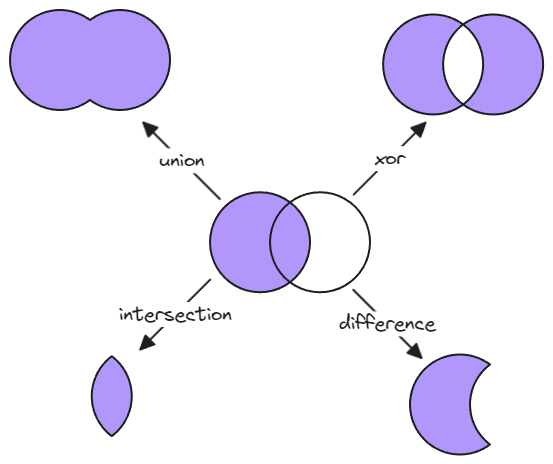
|
||||

|
||||
|
||||
|
||||
See documentation for more details:
|
||||
https://zsviczian.github.io/obsidian-excalidraw-plugin/ExcalidrawScriptsEngine.html
|
||||
|
||||
```javascript
|
||||
*/
|
||||
if(!ea.verifyMinimumPluginVersion || !ea.verifyMinimumPluginVersion("1.9.20")) {
|
||||
new Notice("This script requires a newer version of Excalidraw. Please install the latest version.");
|
||||
return;
|
||||
}
|
||||
const ShadowGroupMarker = "ShadowCloneOf-";
|
||||
|
||||
const elements = ea.getViewSelectedElements().filter(
|
||||
el=>["ellipse", "rectangle", "diamond"].includes(el.type) ||
|
||||
el.groupIds.some(id => id.startsWith(ShadowGroupMarker)) ||
|
||||
(["line", "arrow"].includes(el.type) && el.roundness === null)
|
||||
);
|
||||
if(elements.length === 0) {
|
||||
new Notice ("Select ellipses, rectangles or diamonds");
|
||||
return;
|
||||
}
|
||||
|
||||
const PolyBool = ea.getPolyBool();
|
||||
const polyboolAction = await utils.suggester(["union (a + b)", "intersect (a && b)", "difference (a - b)", "reversed difference (b - a)", "xor"], [
|
||||
PolyBool.union, PolyBool.intersect, PolyBool.difference, PolyBool.differenceRev, PolyBool.xor
|
||||
], "What would you like todo with the object");
|
||||
|
||||
const shadowClones = elements.filter(element => element.groupIds.some(id => id.startsWith(ShadowGroupMarker)));
|
||||
shadowClones.forEach(shadowClone => {
|
||||
let parentId = shadowClone.groupIds
|
||||
.filter(id => id.startsWith(ShadowGroupMarker))[0]
|
||||
.slice(ShadowGroupMarker.length);
|
||||
const shadowCloneIndex = elements.findIndex(element => element.id == parentId);
|
||||
if (shadowCloneIndex == -1) return;
|
||||
elements[shadowCloneIndex].backgroundColor = shadowClone.backgroundColor;
|
||||
elements[shadowCloneIndex].fillStyle = shadowClone.fillStyle;
|
||||
})
|
||||
const borderElements = elements.filter(element => !element.groupIds.some(id => id.startsWith(ShadowGroupMarker)));
|
||||
groups = ea.getMaximumGroups(borderElements);
|
||||
groups = groups.map((group) => group.sort((a, b) => RankElement(b) - RankElement(a)));
|
||||
groups.sort((a, b) => RankElement(b[0]) - RankElement(a[0]));
|
||||
|
||||
ea.style.strokeColor = groups[0][0].strokeColor;
|
||||
ea.style.backgroundColor = groups[0][0].backgroundColor;
|
||||
ea.style.fillStyle = groups[0][0].fillStyle;
|
||||
ea.style.strokeWidth = groups[0][0].strokeWidth;
|
||||
ea.style.strokeStyle = groups[0][0].strokeStyle;
|
||||
ea.style.roughness = groups[0][0].roughness;
|
||||
ea.style.opacity = groups[0][0].opacity;
|
||||
|
||||
const basePolygons = groups.shift().map(element => traceElement(element));
|
||||
const toolPolygons = groups.flatMap(group => group.map(element => traceElement(element)));
|
||||
|
||||
const result = polyboolAction({
|
||||
regions: basePolygons,
|
||||
inverted: false
|
||||
}, {
|
||||
regions: toolPolygons,
|
||||
inverted: false
|
||||
});
|
||||
const polygonHierachy = subordinateInnerPolygons(result.regions);
|
||||
drawPolygonHierachy(polygonHierachy);
|
||||
ea.deleteViewElements(elements);
|
||||
ea.addElementsToView(false,false,true);
|
||||
return;
|
||||
|
||||
|
||||
|
||||
function traceElement(element) {
|
||||
const diamondPath = (diamond) => [
|
||||
SxVEC(1/2, [0, diamond.height]),
|
||||
SxVEC(1/2, [diamond.width, 0]),
|
||||
addVec([SxVEC(1/2, [0, diamond.height]), ([diamond.width, 0])]),
|
||||
addVec([SxVEC(1/2, [diamond.width, 0]), ([0, diamond.height])]),
|
||||
SxVEC(1/2, [0, diamond.height])
|
||||
];
|
||||
const rectanglePath = (rectangle) => [
|
||||
[0,0],
|
||||
[0, rectangle.height],
|
||||
[rectangle.width, rectangle.height],
|
||||
[rectangle.width, 0],
|
||||
[0, 0]
|
||||
]
|
||||
const ellipsePath = (ellipse) => {
|
||||
const angle = ellipse.angle;
|
||||
const width = ellipse.width;
|
||||
const height = ellipse.height;
|
||||
const ellipseAtPoint = (t) => {
|
||||
const spanningVector = [width/2*Math.cos(t), height/2*Math.sin(t)];
|
||||
const baseVector = [width/2, height/2];
|
||||
return addVec([spanningVector, baseVector]);
|
||||
}
|
||||
let points = [];
|
||||
step = (2*Math.PI)/64
|
||||
for (let t = 0; t < 2*Math.PI; t = t + step) {
|
||||
points.push(ellipseAtPoint(t));
|
||||
}
|
||||
return points;
|
||||
}
|
||||
let polygon;
|
||||
let correctForPolygon = [0, 0];
|
||||
switch (element.type) {
|
||||
case "diamond":
|
||||
polygon = diamondPath(element);
|
||||
break;
|
||||
case "rectangle":
|
||||
polygon = rectanglePath(element);
|
||||
break;
|
||||
case "ellipse":
|
||||
polygon = ellipsePath(element);
|
||||
break;
|
||||
case "line":
|
||||
case "arrow":
|
||||
if (element.angle != 0) {
|
||||
let smallestX = 0;
|
||||
let smallestY = 0;
|
||||
element.points.forEach(point => {
|
||||
if (point[0] < smallestX) smallestX = point[0];
|
||||
if (point[1] < smallestY) smallestY = point[1];
|
||||
});
|
||||
polygon = element.points.map(point => {
|
||||
return [
|
||||
point[0] -= smallestX,
|
||||
point[1] -= smallestY
|
||||
];
|
||||
});
|
||||
correctForPolygon = [smallestX, smallestY];
|
||||
break;
|
||||
}
|
||||
if (element.roundness) {
|
||||
new Notice("This script does not work with curved lines or arrows yet!");
|
||||
return [];
|
||||
}
|
||||
polygon = element.points;
|
||||
default:
|
||||
break;
|
||||
}
|
||||
if (element.angle == 0) return polygon.map(v => addVec([v, [element.x, element.y]]));
|
||||
|
||||
polygon = polygon.map(v => addVec([v, SxVEC(-1/2, [element.width, element.height])]));
|
||||
polygon = rotateVectorsByAngle(polygon, element.angle);
|
||||
return polygon.map(v => addVec([v, [element.x, element.y], SxVEC(1/2, [element.width, element.height]), correctForPolygon]));
|
||||
}
|
||||
|
||||
function RankElement(element) {
|
||||
let score = 0;
|
||||
const backgroundRank = [
|
||||
"dashed",
|
||||
"none",
|
||||
"hachure",
|
||||
"zigzag",
|
||||
"zigzag-line",
|
||||
"cross-hatch",
|
||||
"solid"
|
||||
]
|
||||
score += (backgroundRank.findIndex((fillStyle) => fillStyle == element.fillStyle) + 1) * 10;
|
||||
if (element.backgroundColor == "transparent") score -= 100;
|
||||
if (element.points && getVectorLength(element.points[element.points.length - 1]) > 8) score -= 100;
|
||||
if (score < 0) score = 0;
|
||||
score += element.opacity / 100;
|
||||
return score;
|
||||
}
|
||||
|
||||
function drawPolygonHierachy(polygonHierachy) {
|
||||
const backgroundColor = ea.style.backgroundColor;
|
||||
const strokeColor = ea.style.strokeColor;
|
||||
const setInnerStyle = () => {
|
||||
ea.style.backgroundColor = backgroundColor;
|
||||
ea.style.strokeColor = "transparent";
|
||||
}
|
||||
const setBorderStyle = () => {
|
||||
ea.style.backgroundColor = "transparent";
|
||||
ea.style.strokeColor = strokeColor;
|
||||
}
|
||||
const setFilledStyle = () => {
|
||||
ea.style.backgroundColor = backgroundColor;
|
||||
ea.style.strokeColor = strokeColor;
|
||||
}
|
||||
|
||||
polygonHierachy.forEach(polygon => {
|
||||
setFilledStyle();
|
||||
let path = polygon.path;
|
||||
path.push(polygon.path[0]);
|
||||
if (polygon.innerPolygons.length === 0) {
|
||||
ea.addLine(path);
|
||||
return;
|
||||
}
|
||||
const outerBorder = path;
|
||||
const innerPolygons = addInnerPolygons(polygon.innerPolygons);
|
||||
path = path.concat(innerPolygons.backgroundPath);
|
||||
path.push(polygon.path[0]);
|
||||
setInnerStyle();
|
||||
const backgroundId = ea.addLine(path);
|
||||
setBorderStyle();
|
||||
const outerBorderId = ea.addLine(outerBorder)
|
||||
const innerBorderIds = innerPolygons.borderPaths.map(path => ea.addLine(path));
|
||||
const allIds = [innerBorderIds, outerBorderId, backgroundId].flat();
|
||||
ea.addToGroup(allIds);
|
||||
const background = ea.getElement(backgroundId);
|
||||
background.groupIds.push(ShadowGroupMarker + outerBorderId);
|
||||
});
|
||||
}
|
||||
|
||||
function addInnerPolygons(polygonHierachy) {
|
||||
let firstPath = [];
|
||||
let secondPath = [];
|
||||
let borderPaths = [];
|
||||
polygonHierachy.forEach(polygon => {
|
||||
let path = polygon.path;
|
||||
path.push(polygon.path[0]);
|
||||
borderPaths.push(path);
|
||||
firstPath = firstPath.concat(path);
|
||||
secondPath.push(polygon.path[0]);
|
||||
drawPolygonHierachy(polygon.innerPolygons);
|
||||
});
|
||||
return {
|
||||
backgroundPath: firstPath.concat(secondPath.reverse()),
|
||||
borderPaths: borderPaths
|
||||
};
|
||||
}
|
||||
|
||||
function subordinateInnerPolygons(polygons) {
|
||||
const polygonObjectPrototype = (polygon) => {
|
||||
return {
|
||||
path: polygon,
|
||||
innerPolygons: []
|
||||
};
|
||||
}
|
||||
|
||||
const insertPolygonIntoHierachy = (polygon, hierarchy) => {
|
||||
for (let i = 0; i < hierarchy.length; i++) {
|
||||
const polygonObject = hierarchy[i];
|
||||
let inside = null;
|
||||
let pointIndex = 0;
|
||||
do {
|
||||
inside = pointInPolygon(polygon[pointIndex], polygonObject.path);
|
||||
pointIndex++
|
||||
} while (inside === null);
|
||||
if (inside) {
|
||||
hierarchy[i].innerPolygons = insertPolygonIntoHierachy(polygon, hierarchy[i].innerPolygons);
|
||||
return hierarchy;
|
||||
}
|
||||
}
|
||||
polygon = polygonObjectPrototype(polygon);
|
||||
for (let i = 0; i < hierarchy.length; i++) {
|
||||
const polygonObject = hierarchy[i];
|
||||
let inside = null;
|
||||
let pointIndex = 0;
|
||||
do {
|
||||
inside = pointInPolygon(polygonObject.path[pointIndex], polygon.path);
|
||||
pointIndex++
|
||||
} while (inside === null);
|
||||
if (inside) {
|
||||
polygon.innerPolygons.push(hierarchy.splice(i, 1)[0]);
|
||||
i--;
|
||||
}
|
||||
}
|
||||
hierarchy.push(polygon);
|
||||
return hierarchy;
|
||||
}
|
||||
|
||||
let polygonHierachy = [];
|
||||
polygons.forEach(polygon => {
|
||||
polygonHierachy = insertPolygonIntoHierachy(polygon, polygonHierachy);
|
||||
})
|
||||
|
||||
return polygonHierachy;
|
||||
}
|
||||
|
||||
/**
|
||||
* Checks if the given point lays in the polygon
|
||||
* @param point array [x, y]
|
||||
* @param polygon array [[x, y], ...]
|
||||
* @returns true if inside, false if not, null if the point is on one of the polygons vertecies
|
||||
*/
|
||||
function pointInPolygon(point, polygon) {
|
||||
const x = point[0];
|
||||
const y = point[1];
|
||||
let inside = false;
|
||||
|
||||
// odd even test if point is in polygon
|
||||
for (let i = 0, j = polygon.length - 1; i < polygon.length; j = i++) {
|
||||
const xi = polygon[i][0];
|
||||
const yi = polygon[i][1];
|
||||
const xj = polygon[j][0];
|
||||
const yj = polygon[j][1];
|
||||
|
||||
const intersect =
|
||||
yi > y !== yj > y &&
|
||||
x < ((xj - xi) * (y - yi)) / (yj - yi) + xi;
|
||||
|
||||
if (intersect) {
|
||||
inside = !inside;
|
||||
}
|
||||
|
||||
if ((x === xi && y === yi) || (x === xj && y === yj)) {
|
||||
return null;
|
||||
}
|
||||
}
|
||||
|
||||
return inside;
|
||||
}
|
||||
|
||||
|
||||
function getVectorLength(vector) {
|
||||
return Math.sqrt(vector[0]**2+vector[1]**2);
|
||||
}
|
||||
|
||||
/**
|
||||
* Adds two Vectors together
|
||||
*/
|
||||
function addVec(vectors) {
|
||||
return vectors.reduce((acc, vec) => [acc[0] + vec[0], acc[1] + vec[1]], [0, 0]);
|
||||
}
|
||||
|
||||
/**
|
||||
* Returns the negative of the vector
|
||||
*/
|
||||
function negVec(vector) {
|
||||
return [-vector[0], -vector[1]];
|
||||
}
|
||||
|
||||
/**
|
||||
* Multiplies Vector with a scalar
|
||||
*/
|
||||
function SxVEC(scalar, vector) {
|
||||
return [vector[0] * scalar, vector[1] * scalar];
|
||||
}
|
||||
|
||||
function rotateVector (vec, ang) {
|
||||
var cos = Math.cos(ang);
|
||||
var sin = Math.sin(ang);
|
||||
return [vec[0] * cos - vec[1] * sin, vec[0] * sin + vec[1] * cos];
|
||||
}
|
||||
|
||||
function rotateVectorsByAngle(vectors, angle) {
|
||||
const cosAngle = Math.cos(angle);
|
||||
const sinAngle = Math.sin(angle);
|
||||
|
||||
const rotationMatrix = [
|
||||
[cosAngle, -sinAngle],
|
||||
[sinAngle, cosAngle]
|
||||
];
|
||||
|
||||
return applyTranformationMatrix(vectors, rotationMatrix);
|
||||
}
|
||||
|
||||
function applyTranformationMatrix(vectors, transformationMatrix) {
|
||||
const result = [];
|
||||
for (const vector of vectors) {
|
||||
const x = vector[0];
|
||||
const y = vector[1];
|
||||
|
||||
const newX = transformationMatrix[0][0] * x + transformationMatrix[0][1] * y;
|
||||
const newY = transformationMatrix[1][0] * x + transformationMatrix[1][1] * y;
|
||||
|
||||
result.push([newX, newY]);
|
||||
}
|
||||
|
||||
return result;
|
||||
}
|
||||

|
After Width: | Height: | Size: 17 KiB |
@@ -0,0 +1,102 @@
|
||||
/*
|
||||
Connects two lines. Lines may be type of arrow or line. The resulting line will carry the style of the line higher in the drawing layers (bring to front the one you want to control the look and feel). Arrows are connected intelligently.
|
||||
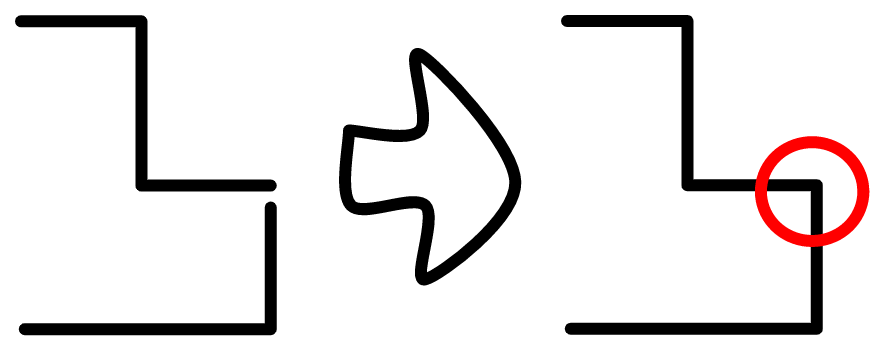
|
||||
```js*/
|
||||
const lines = ea.getViewSelectedElements().filter(el=>el.type==="line" || el.type==="arrow");
|
||||
if(lines.length !== 2) {
|
||||
new Notice ("Select two lines or arrows");
|
||||
return;
|
||||
}
|
||||
|
||||
// https://math.stackexchange.com/questions/2204520/how-do-i-rotate-a-line-segment-in-a-specific-point-on-the-line
|
||||
const rotate = (point, element) => {
|
||||
const [x1, y1] = point;
|
||||
const x2 = element.x + element.width/2;
|
||||
const y2 = element.y - element.height/2;
|
||||
const angle = element.angle;
|
||||
return [
|
||||
(x1 - x2) * Math.cos(angle) - (y1 - y2) * Math.sin(angle) + x2,
|
||||
(x1 - x2) * Math.sin(angle) + (y1 - y2) * Math.cos(angle) + y2,
|
||||
];
|
||||
}
|
||||
|
||||
const points = lines.map(
|
||||
el=>el.points.map(p=>rotate([p[0]+el.x, p[1]+el.y],el))
|
||||
);
|
||||
|
||||
const last = (p) => p[p.length-1];
|
||||
const first = (p) => p[0];
|
||||
const distance = (p1,p2) => Math.sqrt((p1[0]-p2[0])**2+(p1[1]-p2[1])**2);
|
||||
|
||||
const distances = [
|
||||
distance(first(points[0]),first(points[1])),
|
||||
distance(first(points[0]),last (points[1])),
|
||||
distance(last (points[0]),first(points[1])),
|
||||
distance(last (points[0]),last (points[1]))
|
||||
];
|
||||
|
||||
const connectDirection = distances.indexOf(Math.min(...distances));
|
||||
|
||||
let newPoints = [];
|
||||
switch(connectDirection) {
|
||||
case 0: //first-first
|
||||
newPoints = [...points[0].reverse(),...points[1].slice(1)];
|
||||
break;
|
||||
case 1: //first-last
|
||||
newPoints = [...points[0].reverse(),...points[1].reverse().slice(1)];
|
||||
break;
|
||||
case 2: //last-first
|
||||
newPoints = [...points[0],...points[1].slice(1)];
|
||||
break;
|
||||
case 3: //last-last
|
||||
newPoints = [...points[0],...points[1].reverse().slice(1)];
|
||||
break;
|
||||
}
|
||||
|
||||
["strokeColor", "backgrounColor", "fillStyle", "roundness", "roughness", "strokeWidth", "strokeStyle", "opacity"].forEach(prop=>{
|
||||
ea.style[prop] = lines[1][prop];
|
||||
})
|
||||
|
||||
ea.style.startArrowHead = null;
|
||||
ea.style.endArrowHead = null;
|
||||
|
||||
ea.copyViewElementsToEAforEditing(lines);
|
||||
ea.getElements().forEach(el=>{el.isDeleted = true});
|
||||
|
||||
const lineTypes = parseInt(lines.map(line => line.type === "line" ? '1' : '0').join(''),2);
|
||||
|
||||
switch (lineTypes) {
|
||||
case 0: //arrow - arrow
|
||||
ea.addArrow(
|
||||
newPoints,
|
||||
connectDirection === 0 //first-first
|
||||
? { startArrowHead: lines[0].endArrowhead, endArrowHead: lines[1].endArrowhead }
|
||||
: connectDirection === 1 //first-last
|
||||
? { startArrowHead: lines[0].endArrowhead, endArrowHead: lines[1].startArrowhead }
|
||||
: connectDirection === 2 //last-first
|
||||
? { startArrowHead: lines[0].startArrowhead, endArrowHead: lines[1].endArrowhead }
|
||||
//3: last-last
|
||||
: { startArrowHead: lines[0].startArrowhead, endArrowHead: lines[1].startArrowhead }
|
||||
);
|
||||
break;
|
||||
case 1: //arrow - line
|
||||
reverse = connectDirection === 0 || connectDirection === 1;
|
||||
ea.addArrow(newPoints,{
|
||||
startArrowHead: reverse ? lines[0].endArrowhead : lines[0].startArrowhead,
|
||||
endArrowHead: reverse ? lines[0].startArrowhead : lines[0].endArrowhead
|
||||
});
|
||||
break;
|
||||
case 2: //line - arrow
|
||||
reverse = connectDirection === 1 || connectDirection === 3;
|
||||
ea.addArrow(newPoints,{
|
||||
startArrowHead: reverse ? lines[1].endArrowhead : lines[1].startArrowhead,
|
||||
endArrowHead: reverse ? lines[1].startArrowhead : lines[1].endArrowhead
|
||||
});
|
||||
break;
|
||||
case 3: //line - line
|
||||
ea.addLine(newPoints);
|
||||
break;
|
||||
}
|
||||
|
||||
|
||||
ea.addElementsToView();
|
||||

@@ -0,0 +1,17 @@
|
||||
<svg version="1.1" xmlns="http://www.w3.org/2000/svg" viewBox="0 0 72.75819749055177 80.03703336574608" width="72.75819749055177" height="80.03703336574608">
|
||||
<!-- svg-source:excalidraw -->
|
||||
|
||||
<defs>
|
||||
<style class="style-fonts">
|
||||
@font-face {
|
||||
font-family: "Virgil";
|
||||
src: url("https://excalidraw.com/Virgil.woff2");
|
||||
}
|
||||
@font-face {
|
||||
font-family: "Cascadia";
|
||||
src: url("https://excalidraw.com/Cascadia.woff2");
|
||||
}
|
||||
</style>
|
||||
|
||||
</defs>
|
||||
<g stroke-linecap="round"><g transform="translate(4 4) rotate(0 12.71901889991409 17.183109917454658)"><path d="M0 0 C0 7.02, 0 14.05, 0 34.37 M0 34.37 C7.62 34.37, 15.24 34.37, 25.44 34.37" stroke="black" stroke-width="4.5" fill="none" stroke-dasharray="1.5 10"></path></g></g><mask></mask><g stroke-linecap="round"><g transform="translate(51.379765518092086 61.93633577499986) rotate(0 5.684341886080802e-14 7.050348795373111)"><path d="M0 0 C0 4.06, 0 8.11, 0 14.1" stroke="black" stroke-width="4.5" fill="none" stroke-dasharray="1.5 10"></path></g></g><mask></mask><g stroke-linecap="round" transform="translate(34.0013341989918 20.987787610339183) rotate(0 17.378431645779926 17.378431645779983)"><path d="M34.76 17.38 C34.76 18.38, 34.67 19.41, 34.49 20.4 C34.32 21.39, 34.05 22.38, 33.71 23.32 C33.36 24.27, 32.93 25.2, 32.43 26.07 C31.93 26.94, 31.34 27.78, 30.69 28.55 C30.04 29.32, 29.32 30.04, 28.55 30.69 C27.78 31.34, 26.94 31.93, 26.07 32.43 C25.2 32.93, 24.27 33.36, 23.32 33.71 C22.38 34.05, 21.39 34.32, 20.4 34.49 C19.41 34.67, 18.38 34.76, 17.38 34.76 C16.37 34.76, 15.35 34.67, 14.36 34.49 C13.37 34.32, 12.38 34.05, 11.43 33.71 C10.49 33.36, 9.56 32.93, 8.69 32.43 C7.82 31.93, 6.98 31.34, 6.21 30.69 C5.44 30.04, 4.71 29.32, 4.07 28.55 C3.42 27.78, 2.83 26.94, 2.33 26.07 C1.83 25.2, 1.39 24.27, 1.05 23.32 C0.7 22.38, 0.44 21.39, 0.26 20.4 C0.09 19.41, 0 18.38, 0 17.38 C0 16.37, 0.09 15.35, 0.26 14.36 C0.44 13.37, 0.7 12.38, 1.05 11.43 C1.39 10.49, 1.83 9.56, 2.33 8.69 C2.83 7.82, 3.42 6.98, 4.07 6.21 C4.71 5.44, 5.44 4.71, 6.21 4.07 C6.98 3.42, 7.82 2.83, 8.69 2.33 C9.56 1.83, 10.49 1.39, 11.43 1.05 C12.38 0.7, 13.37 0.44, 14.36 0.26 C15.35 0.09, 16.37 0, 17.38 0 C18.38 0, 19.41 0.09, 20.4 0.26 C21.39 0.44, 22.38 0.7, 23.32 1.05 C24.27 1.39, 25.2 1.83, 26.07 2.33 C26.94 2.83, 27.78 3.42, 28.55 4.07 C29.32 4.71, 30.04 5.44, 30.69 6.21 C31.34 6.98, 31.93 7.82, 32.43 8.69 C32.93 9.56, 33.36 10.49, 33.71 11.43 C34.05 12.38, 34.32 13.37, 34.49 14.36 C34.67 15.35, 34.71 16.88, 34.76 17.38 C34.8 17.88, 34.8 16.88, 34.76 17.38" stroke="black" stroke-width="4" fill="none"></path></g><g stroke-linecap="round"><g transform="translate(41.72257566145686 38.36621939788711) rotate(0 9.65718949485347 0)"><path d="M0 0 C4.11 0, 8.22 0, 19.31 0 M0 0 C6.95 0, 13.9 0, 19.31 0" stroke="black" stroke-width="4" fill="none"></path></g></g><mask></mask><g stroke-linecap="round"><g transform="translate(41.72257587602678 38.36622004108449) rotate(89.99999999999994 9.65718949485347 0)"><path d="M0 0 C5.31 0, 10.62 0, 19.31 0 M0 0 C4.56 0, 9.13 0, 19.31 0" stroke="black" stroke-width="4" fill="none"></path></g></g><mask></mask></svg>
|
||||
|
After Width: | Height: | Size: 3.1 KiB |
@@ -0,0 +1,75 @@
|
||||
/*
|
||||
Adds a rounded mask to the image by adding a full cover black mask and a rounded rectangle white mask. The script is also useful for adding just a black mask. In this case, run the script, then delete the white mask and add your custom white mask.
|
||||
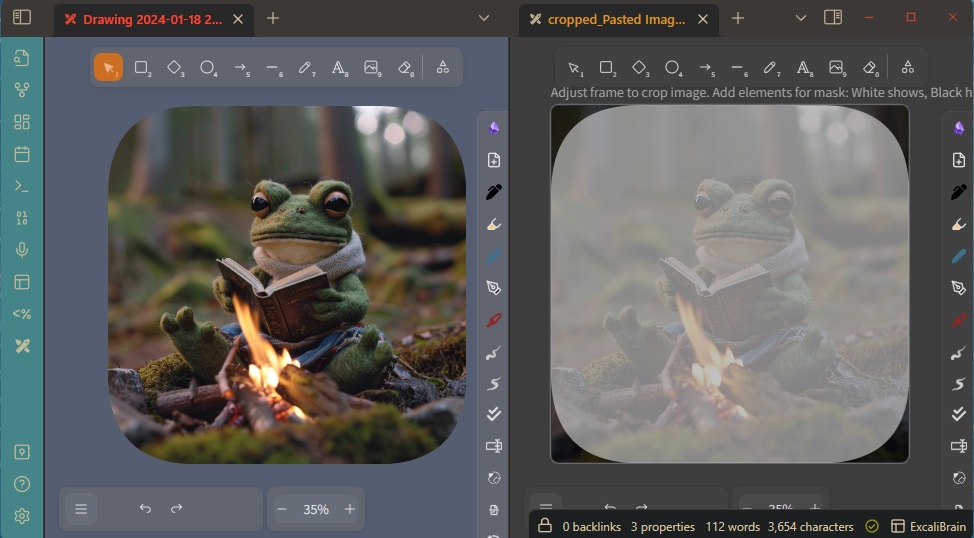
|
||||
```js*/
|
||||
if(!ea.verifyMinimumPluginVersion || !ea.verifyMinimumPluginVersion("2.0.18")) {
|
||||
new Notice("This script requires a newer version of Excalidraw. Please install the latest version.");
|
||||
return;
|
||||
}
|
||||
|
||||
if(!ea.isExcalidrawMaskFile()) {
|
||||
new Notice("This script only works with Mask Files");
|
||||
return;
|
||||
}
|
||||
|
||||
const frames = ea.getViewElements().filter(el=>el.type==="frame")
|
||||
if(frames.length !== 1) {
|
||||
new Notice("Multiple frames found");
|
||||
return;
|
||||
}
|
||||
const frame = frames[0];
|
||||
ea.copyViewElementsToEAforEditing(ea.getViewElements().filter(el=>el.frameId === frame.id));
|
||||
const frameId = ea.generateElementId();
|
||||
ea.style.fillStyle = "solid";
|
||||
ea.style.roughness = 0;
|
||||
ea.style.strokeColor = "transparent";
|
||||
ea.style.strokeWidth = 0.1;
|
||||
ea.style.opacity = 50;
|
||||
|
||||
let blackEl = ea.getViewElements().find(el=>el.id === "allblack");
|
||||
let whiteEl = ea.getViewElements().find(el=>el.id === "whiteovr");
|
||||
|
||||
if(blackEl && whiteEl) {
|
||||
ea.copyViewElementsToEAforEditing([blackEl, whiteEl]);
|
||||
} else
|
||||
if (blackEl && !whiteEl) {
|
||||
ea.copyViewElementsToEAforEditing([blackEl]);
|
||||
ea.style.backgroundColor = "white";
|
||||
ea.addRect(frame.x,frame.y,frame.width,frame.height, "whiteovr");
|
||||
} else
|
||||
if (!blackEl && whiteEl) {
|
||||
ea.style.backgroundColor = "black";
|
||||
ea.addRect(frame.x-2,frame.y-2,frame.width+4,frame.height+4, "allblack");
|
||||
ea.copyViewElementsToEAforEditing([whiteEl]);
|
||||
} else {
|
||||
ea.style.backgroundColor = "black";
|
||||
ea.addRect(frame.x-2,frame.y-2,frame.width+4,frame.height+4, "allblack");
|
||||
ea.style.backgroundColor = "white";
|
||||
ea.addRect(frame.x,frame.y,frame.width,frame.height, "whiteovr");
|
||||
}
|
||||
blackEl = ea.getElement("allblack");
|
||||
whiteEl = ea.getElement("whiteovr");
|
||||
|
||||
//this "magic" is required to ensure the frame element is above in sequence of the new rectangle elements
|
||||
ea.getElements().forEach(el=>{el.frameId = frameId});
|
||||
ea.copyViewElementsToEAforEditing(ea.getViewElements().filter(el=>el.id === frame.id));
|
||||
const newFrame = ea.getElement(frame.id);
|
||||
newFrame.id = frameId;
|
||||
ea.elementsDict[frameId] = newFrame;
|
||||
ea.copyViewElementsToEAforEditing(ea.getViewElements().filter(el=>el.id === frame.id));
|
||||
ea.getElement(frame.id).isDeleted = true;
|
||||
|
||||
let curve = await utils.inputPrompt(
|
||||
"Set roundess",
|
||||
"Positive whole number",
|
||||
`${whiteEl.roundness?.value ?? "500"}`
|
||||
);
|
||||
|
||||
if(!curve) return;
|
||||
curve = parseInt(curve);
|
||||
if(isNaN(curve) || curve < 0) {
|
||||
new Notice ("Roudness is not a valid positive whole number");
|
||||
return;
|
||||
}
|
||||
whiteEl.roundness = {type: 3, value: curve};
|
||||
ea.addElementsToView(false,false,true);
|
||||

@@ -0,0 +1 @@
|
||||
<svg xmlns="http://www.w3.org/2000/svg" width="24" height="24" viewBox="0 0 24 24" fill="none" stroke="currentColor" stroke-width="2" stroke-linecap="round" stroke-linejoin="round" class="lucide lucide-squircle"><path fill="none" d="M12 3c7.2 0 9 1.8 9 9s-1.8 9-9 9-9-1.8-9-9 1.8-9 9-9"/></svg>
|
||||
|
After Width: | Height: | Size: 294 B |
@@ -0,0 +1,15 @@
|
||||
/*
|
||||
You can set a custom zoom level with this script. This allows you to set a zoom level below 10% or set the zoom level to a specific value. Note however, that Excalidraw has a bug under 10% zoom, and a phantom copy of your image may appear on screen. If this happens, increase the zoom and the phantom should disappear, if it doesn't then close and open the drawing.
|
||||
|
||||
```js*/
|
||||
const api = ea.getExcalidrawAPI();
|
||||
const appState = api.getAppState();
|
||||
const zoomStr = await utils.inputPrompt("Zoom [%]",null,`${appState.zoom.value*100}%`);
|
||||
if(!zoomStr) return;
|
||||
const zoomNum = parseFloat(zoomStr.match(/^\d*/)[0]);
|
||||
if(isNaN(zoomNum)) {
|
||||
new Notice("You must provide a number");
|
||||
return;
|
||||
}
|
||||
|
||||
ea.getExcalidrawAPI().updateScene({appState:{zoom:{value: zoomNum/100 }}});
|
||||

@@ -0,0 +1 @@
|
||||
<svg xmlns="http://www.w3.org/2000/svg" width="24" height="24" viewBox="0 0 24 24" fill="none" stroke="currentColor" stroke-width="2" stroke-linecap="round" stroke-linejoin="round" class="lucide lucide-scan-search"><g stroke-width="2"><path d="M3 7V5a2 2 0 0 1 2-2h2"/><path d="M17 3h2a2 2 0 0 1 2 2v2"/><path d="M21 17v2a2 2 0 0 1-2 2h-2"/><path d="M7 21H5a2 2 0 0 1-2-2v-2"/><circle cx="12" cy="12" r="3"/><path d="m16 16-1.9-1.9"/></g></svg>
|
||||
|
After Width: | Height: | Size: 444 B |
@@ -3,13 +3,70 @@
|
||||
|
||||
Select some elements in the scene. The script will take these elements and move them into a new Excalidraw file, and open that file. The selected elements will also be replaced in your original drawing with the embedded Excalidraw file (the one that was just created). You will be prompted for the file name of the new deconstructed image. The script is useful if you want to break a larger drawing into smaller reusable parts that you want to reference in multiple drawings.
|
||||
|
||||
<iframe width="560" height="315" src="https://www.youtube.com/embed/HRtaaD34Zzg" title="YouTube video player" frameborder="0" allow="accelerometer; autoplay; clipboard-write; encrypted-media; gyroscope; picture-in-picture" allowfullscreen></iframe>
|
||||
|
||||
<iframe width="560" height="315" src="https://www.youtube.com/embed/mvMQcz401yo" title="YouTube video player" frameborder="0" allow="accelerometer; autoplay; clipboard-write; encrypted-media; gyroscope; picture-in-picture" allowfullscreen></iframe>
|
||||
|
||||
```javascript
|
||||
*/
|
||||
if(!ea.verifyMinimumPluginVersion || !ea.verifyMinimumPluginVersion("1.7.29")) {
|
||||
if(!ea.verifyMinimumPluginVersion || !ea.verifyMinimumPluginVersion("2.0.25")) {
|
||||
new Notice("This script requires a newer version of Excalidraw. Please install the latest version.");
|
||||
return;
|
||||
}
|
||||
|
||||
// -------------------------------
|
||||
// Utility variables and functions
|
||||
// -------------------------------
|
||||
const excalidrawTemplates = ea.getListOfTemplateFiles();
|
||||
if(typeof window.ExcalidrawDeconstructElements === "undefined") {
|
||||
window.ExcalidrawDeconstructElements = {
|
||||
openDeconstructedImage: true,
|
||||
templatePath: excalidrawTemplates?.[0].path??""
|
||||
};
|
||||
}
|
||||
|
||||
const splitFolderAndFilename = (filepath) => {
|
||||
const lastIndex = filepath.lastIndexOf("/");
|
||||
return {
|
||||
foldername: ea.obsidian.normalizePath(filepath.substring(0, lastIndex)),
|
||||
filename: (lastIndex == -1 ? filepath : filepath.substring(lastIndex + 1)) + ".md"
|
||||
};
|
||||
}
|
||||
|
||||
let settings = ea.getScriptSettings();
|
||||
//set default values on first run
|
||||
if(!settings["Templates"]) {
|
||||
settings = {
|
||||
"Templates" : {
|
||||
value: "",
|
||||
description: "Comma-separated list of template filepaths"
|
||||
}
|
||||
};
|
||||
await ea.setScriptSettings(settings);
|
||||
}
|
||||
|
||||
if(!settings["Default file name"]) {
|
||||
settings["Default file name"] = {
|
||||
value: "deconstructed",
|
||||
description: "The default filename to use when deconstructing elements."
|
||||
};
|
||||
await ea.setScriptSettings(settings);
|
||||
}
|
||||
|
||||
const DEFAULT_FILENAME = settings["Default file name"].value;
|
||||
|
||||
const templates = settings["Templates"]
|
||||
.value
|
||||
.split(",")
|
||||
.map(p=>app.metadataCache.getFirstLinkpathDest(p.trim(),""))
|
||||
.concat(excalidrawTemplates)
|
||||
.filter(f=>Boolean(f))
|
||||
.sort((a,b) => a.basename.localeCompare(b.basename));
|
||||
|
||||
|
||||
// ------------------------------------
|
||||
// Prepare elements to be deconstructed
|
||||
// ------------------------------------
|
||||
const els = ea.getViewSelectedElements();
|
||||
if (els.length === 0) {
|
||||
new Notice("You must select elements first")
|
||||
@@ -20,53 +77,126 @@ const bb = ea.getBoundingBox(els);
|
||||
ea.copyViewElementsToEAforEditing(els);
|
||||
|
||||
ea.getElements().filter(el=>el.type==="image").forEach(el=>{
|
||||
const img = ea.targetView.excalidrawData.getFile(el.fileId);
|
||||
const path = (img?.linkParts?.original)??(img?.file?.path);
|
||||
if(img && path) {
|
||||
ea.imagesDict[el.fileId] = {
|
||||
mimeType: img.mimeType,
|
||||
id: el.fileId,
|
||||
dataURL: img.img,
|
||||
created: img.mtime,
|
||||
file: path,
|
||||
hasSVGwithBitmap: img.isSVGwithBitmap,
|
||||
latex: null,
|
||||
};
|
||||
return;
|
||||
}
|
||||
const equation = ea.targetView.excalidrawData.getEquation(el.fileId);
|
||||
eqImg = ea.targetView.getScene()?.files[el.fileId]
|
||||
if(equation && eqImg) {
|
||||
ea.imagesDict[el.fileId] = {
|
||||
mimeType: eqImg.mimeType,
|
||||
id: el.fileId,
|
||||
dataURL: eqImg.dataURL,
|
||||
created: eqImg.created,
|
||||
file: null,
|
||||
hasSVGwithBitmap: null,
|
||||
latex: equation.latex,
|
||||
};
|
||||
return;
|
||||
}
|
||||
const img = ea.targetView.excalidrawData.getFile(el.fileId);
|
||||
const path = (img?.linkParts?.original)??(img?.file?.path);
|
||||
if(img && path) {
|
||||
ea.imagesDict[el.fileId] = {
|
||||
mimeType: img.mimeType,
|
||||
id: el.fileId,
|
||||
dataURL: img.img,
|
||||
created: img.mtime,
|
||||
file: path,
|
||||
hasSVGwithBitmap: img.isSVGwithBitmap,
|
||||
latex: null,
|
||||
};
|
||||
return;
|
||||
}
|
||||
const equation = ea.targetView.excalidrawData.getEquation(el.fileId);
|
||||
eqImg = ea.targetView.getScene()?.files[el.fileId]
|
||||
if(equation && eqImg) {
|
||||
ea.imagesDict[el.fileId] = {
|
||||
mimeType: eqImg.mimeType,
|
||||
id: el.fileId,
|
||||
dataURL: eqImg.dataURL,
|
||||
created: eqImg.created,
|
||||
file: null,
|
||||
hasSVGwithBitmap: null,
|
||||
latex: equation.latex,
|
||||
};
|
||||
return;
|
||||
}
|
||||
});
|
||||
|
||||
let folder = ea.targetView.file.path;
|
||||
folder = folder.lastIndexOf("/")===-1?"":folder.substring(0,folder.lastIndexOf("/"))+"/";
|
||||
const fname = await utils.inputPrompt("Filename for new file","Filename","");
|
||||
const template = app.metadataCache.getFirstLinkpathDest(ea.plugin.settings.templateFilePath,"");
|
||||
|
||||
// ------------
|
||||
// Input prompt
|
||||
// ------------
|
||||
let shouldAnchor = false;
|
||||
const actionButtons = [
|
||||
{
|
||||
caption: "Insert @100%",
|
||||
tooltip: "Anchor to 100% size",
|
||||
action: () => {
|
||||
shouldAnchor = true;
|
||||
}
|
||||
},
|
||||
{
|
||||
caption: "Insert",
|
||||
tooltip: "Insert without anchoring",
|
||||
action: () => {
|
||||
shouldAnchor = false;
|
||||
}
|
||||
}];
|
||||
|
||||
const customControls = (container) => {
|
||||
new ea.obsidian.Setting(container)
|
||||
.setName(`Select template`)
|
||||
.addDropdown(dropdown => {
|
||||
templates.forEach(file => dropdown.addOption(file.path, file.basename));
|
||||
if(templates.length === 0) dropdown.addOption(null, "none");
|
||||
dropdown
|
||||
.setValue(window.ExcalidrawDeconstructElements.templatePath)
|
||||
.onChange(value => {
|
||||
window.ExcalidrawDeconstructElements.templatePath = value;
|
||||
})
|
||||
})
|
||||
|
||||
new ea.obsidian.Setting(container)
|
||||
.setName(`Open deconstructed image`)
|
||||
.addToggle((toggle) => toggle
|
||||
.setValue(window.ExcalidrawDeconstructElements.openDeconstructedImage)
|
||||
.onChange(value => {
|
||||
window.ExcalidrawDeconstructElements.openDeconstructedImage = value;
|
||||
})
|
||||
)
|
||||
}
|
||||
|
||||
const path = await utils.inputPrompt(
|
||||
"Filename for new file",
|
||||
"Filename",
|
||||
await ea.getAttachmentFilepath(DEFAULT_FILENAME),
|
||||
actionButtons,
|
||||
2,
|
||||
false,
|
||||
customControls
|
||||
);
|
||||
|
||||
if(!path) return;
|
||||
|
||||
// ----------------------
|
||||
// Execute deconstruction
|
||||
// ----------------------
|
||||
const {foldername, filename} = splitFolderAndFilename(path);
|
||||
|
||||
const newPath = await ea.create ({
|
||||
filename: fname + ".md",
|
||||
foldername: folder,
|
||||
templatePath: template?.path,
|
||||
onNewPane: true
|
||||
filename,
|
||||
foldername,
|
||||
templatePath: window.ExcalidrawDeconstructElements.templatePath,
|
||||
onNewPane: true,
|
||||
silent: !window.ExcalidrawDeconstructElements.openDeconstructedImage
|
||||
});
|
||||
|
||||
setTimeout(async ()=>{
|
||||
const file = app.metadataCache.getFirstLinkpathDest(newPath,"")
|
||||
ea.deleteViewElements(els);
|
||||
ea.clear();
|
||||
await ea.addImage(bb.topX,bb.topY,file,false);
|
||||
await ea.addElementsToView(false, true, true);
|
||||
ea.getExcalidrawAPI().history.clear(); //to avoid undo/redo messing up the decomposition
|
||||
},1000);
|
||||
let f = app.vault.getAbstractFileByPath(newPath);
|
||||
let counter = 0;
|
||||
while((!f || !ea.isExcalidrawFile(f)) && counter++<100) {
|
||||
await sleep(50);
|
||||
f = app.vault.getAbstractFileByPath(newPath);
|
||||
}
|
||||
|
||||
if(!f || !ea.isExcalidrawFile(f)) {
|
||||
new Notice("Something went wrong");
|
||||
return;
|
||||
}
|
||||
|
||||
let padding = parseFloat(app.metadataCache.getCache(f.path)?.frontmatter["excalidraw-export-padding"]);
|
||||
if(isNaN(padding)) {
|
||||
padding = ea.plugin.settings.exportPaddingSVG;
|
||||
}
|
||||
|
||||
ea.getElements().forEach(el=>el.isDeleted = true);
|
||||
await ea.addImage(bb.topX-padding,bb.topY-padding,f,false, shouldAnchor);
|
||||
await ea.addElementsToView(false, true, true);
|
||||
ea.getExcalidrawAPI().history.clear();
|
||||
if(!window.ExcalidrawDeconstructElements.openDeconstructedImage) {
|
||||
new Notice("Deconstruction ready");
|
||||
}
|
||||
|
||||
@@ -0,0 +1,61 @@
|
||||
/*
|
||||
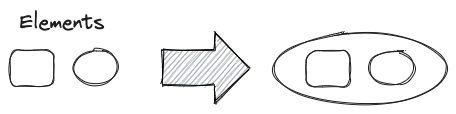
|
||||
|
||||
This script will add an encapsulating ellipse around the currently selected elements in Excalidraw.
|
||||
|
||||
See documentation for more details:
|
||||
https://zsviczian.github.io/obsidian-excalidraw-plugin/ExcalidrawScriptsEngine.html
|
||||
|
||||
```javascript
|
||||
*/
|
||||
if(!ea.verifyMinimumPluginVersion || !ea.verifyMinimumPluginVersion("1.5.21")) {
|
||||
new Notice("This script requires a newer version of Excalidraw. Please install the latest version.");
|
||||
return;
|
||||
}
|
||||
settings = ea.getScriptSettings();
|
||||
//set default values on first run
|
||||
if(!settings["Default padding"]) {
|
||||
settings = {
|
||||
"Prompt for padding?": true,
|
||||
"Default padding" : {
|
||||
value: 10,
|
||||
description: "Padding between the bounding box of the selected elements, and the ellipse the script creates"
|
||||
}
|
||||
};
|
||||
ea.setScriptSettings(settings);
|
||||
}
|
||||
|
||||
let padding = settings["Default padding"].value;
|
||||
|
||||
if(settings["Prompt for padding?"]) {
|
||||
padding = parseInt (await utils.inputPrompt("padding?","number",padding.toString()));
|
||||
}
|
||||
|
||||
if(isNaN(padding)) {
|
||||
new Notice("The padding value provided is not a number");
|
||||
return;
|
||||
}
|
||||
elements = ea.getViewSelectedElements();
|
||||
const box = ea.getBoundingBox(elements);
|
||||
color = ea
|
||||
.getExcalidrawAPI()
|
||||
.getAppState()
|
||||
.currentItemStrokeColor;
|
||||
//uncomment for random color:
|
||||
//color = '#'+(Math.random()*0xFFFFFF<<0).toString(16).padStart(6,"0");
|
||||
ea.style.strokeColor = color;
|
||||
|
||||
const ellipseWidth = box.width/Math.sqrt(2);
|
||||
const ellipseHeight = box.height/Math.sqrt(2);
|
||||
|
||||
const topX = box.topX - (ellipseWidth - box.width/2);
|
||||
const topY = box.topY - (ellipseHeight - box.height/2);
|
||||
id = ea.addEllipse(
|
||||
topX - padding,
|
||||
topY - padding,
|
||||
2*ellipseWidth + 2*padding,
|
||||
2*ellipseHeight + 2*padding
|
||||
);
|
||||
ea.copyViewElementsToEAforEditing(elements);
|
||||
ea.addToGroup([id].concat(elements.map((el)=>el.id)));
|
||||
ea.addElementsToView(false,false);
|
||||

|
After Width: | Height: | Size: 16 KiB |
@@ -0,0 +1,689 @@
|
||||
/*
|
||||
<iframe width="560" height="315" src="https://www.youtube.com/embed/A1vrSGBbWgo" title="YouTube video player" frameborder="0" allow="accelerometer; autoplay; clipboard-write; encrypted-media; gyroscope; picture-in-picture" allowfullscreen></iframe>
|
||||
|
||||
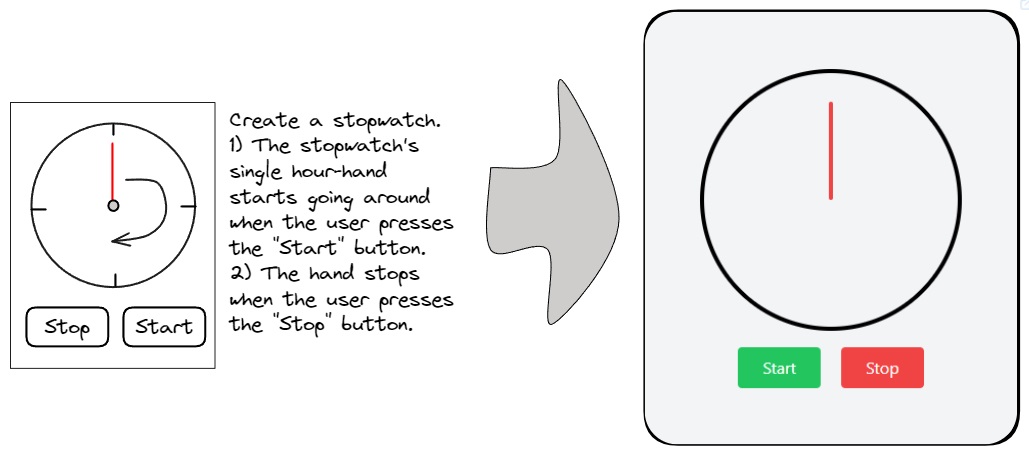
|
||||
```js*/
|
||||
let dirty=false;
|
||||
|
||||
if(!ea.verifyMinimumPluginVersion || !ea.verifyMinimumPluginVersion("2.0.12")) {
|
||||
new Notice("This script requires a newer version of Excalidraw. Please install the latest version.");
|
||||
return;
|
||||
}
|
||||
|
||||
const outputTypes = {
|
||||
"html": {
|
||||
instruction: "Turn this into a single html file using tailwind. Return a single message containing only the html file in a codeblock.",
|
||||
blocktype: "html"
|
||||
},
|
||||
"mermaid": {
|
||||
instruction: "Return a single message containing only the mermaid diagram in a codeblock.",
|
||||
blocktype: "mermaid"
|
||||
},
|
||||
"svg": {
|
||||
instruction: "Return a single message containing only the SVG code in an html codeblock.",
|
||||
blocktype: "svg"
|
||||
},
|
||||
"image-gen": {
|
||||
instruction: "Return a single message with the generated image prompt in a codeblock",
|
||||
blocktype: "image"
|
||||
},
|
||||
"image-gen-silent": {
|
||||
instruction: "Return a single message with the generated image prompt in a codeblock",
|
||||
blocktype: "image-silent"
|
||||
},
|
||||
"image-edit": {
|
||||
instruction: "",
|
||||
blocktype: "image"
|
||||
}
|
||||
}
|
||||
|
||||
const systemPrompts = {
|
||||
"Challenge my thinking": {
|
||||
prompt: `Your task is to interpret a screenshot of a whiteboard, translating its ideas into a Mermaid graph. The whiteboard will encompass thoughts on a subject. Within the mind map, distinguish ideas that challenge, dispute, or contradict the whiteboard content. Additionally, include concepts that expand, complement, or advance the user's thinking. Utilize the Mermaid graph diagram type and present the resulting Mermaid diagram within a code block. Ensure the Mermaid script excludes the use of parentheses ().`,
|
||||
type: "mermaid",
|
||||
help: "Translate your image and optional text prompt into a Mermaid mindmap. If there are conversion errors, edit the Mermaid script under 'More Tools'."
|
||||
},
|
||||
"Convert sketch to shapes": {
|
||||
prompt: `Given an image featuring various geometric shapes drawn by the user, your objective is to analyze the input and generate SVG code that accurately represents these shapes. Your output will be the SVG code enclosed in an HTML code block.`,
|
||||
type: "svg",
|
||||
help: "Convert selected scribbles into shapes; works better with fewer shapes. Experimental and may not produce good drawings."
|
||||
},
|
||||
"Create a simple Excalidraw icon": {
|
||||
prompt: `Given a description of an SVG image from the user, your objective is to generate the corresponding SVG code. Avoid incorporating textual elements within the generated SVG. Your output should be the resulting SVG code enclosed in an HTML code block.`,
|
||||
type: "svg",
|
||||
help: "Convert text prompts into simple icons inserted as Excalidraw elements. Expect only a text prompt. Experimental and may not produce good drawings."
|
||||
},
|
||||
|
||||
"Create a stick figure": {
|
||||
prompt: "You will receive a prompt from the user. Your task involves drawing a simple stick figure or a scene involving a few stick figures based on the user's prompt. Create the stickfigure based on the following style description. DO NOT add any detail, just use it AS-IS: Create a simple stick figure character with a large round head and a face in the style of sketchy caricatures. The stick figure should have a rudimentary body composed of straight lines representing the arms and legs. Hands and toes should be should be represented with round shapes, do not add details such as fingers or toes. Use fine lines, smooth curves, rounded shapes. The stick figure should retain a playful and childlike simplicity, reminiscent of a doodle someone might draw on the corner of a notebook page. Create a black and white drawing, a hand-drawn figure on white background.",
|
||||
type: "image-gen",
|
||||
help: "Send only the text prompt to OpenAI. Provide a detailed description; OpenAI will enrich your prompt automatically. To avoid it, start your prompt like this 'DO NOT add any detail, just use it AS-IS:'"
|
||||
},
|
||||
"Edit an image": {
|
||||
prompt: null,
|
||||
type: "image-edit",
|
||||
help: "Image elements will be used as the Image. Shapes on top of the image will be the Mask. Use the prompt to instruct Dall-e about the changes. Dall-e-2 model will be used."
|
||||
},
|
||||
"Generate an image from image and prompt": {
|
||||
prompt: "Your task involves receiving an image and a textual prompt from the user. Your goal is to craft a detailed, accurate, and descriptive narrative of the image, tailored for effective image generation. Utilize the user-provided text prompt to inform and guide your depiction of the image. Ensure the resulting image remains text-free.",
|
||||
type: "image-gen",
|
||||
help: "Generate an image based on the drawing and prompt using ChatGPT-Vision and Dall-e. Provide a contextual text-prompt for accurate interpretation."
|
||||
},
|
||||
"Generate an image from prompt": {
|
||||
prompt: null,
|
||||
type: "image-gen",
|
||||
help: "Send only the text prompt to OpenAI. Provide a detailed description; OpenAI will enrich your prompt automatically. To avoid it, start your prompt like this 'DO NOT add any detail, just use it AS-IS:'"
|
||||
},
|
||||
"Generate an image to illustrate a quote": {
|
||||
prompt: "Your task involves transforming a user-provided quote into a detailed and imaginative illustration. Craft a visual representation that captures the essence of the quote and resonates well with a broad audience. If the Author's name is provided, aim to establish a connection between the illustration and the Author. This can be achieved by referencing a well-known story from the Author, situating the image in the Author's era or setting, or employing other creative methods of association. Additionally, provide preferences for styling, such as the chosen medium and artistic direction, to guide the image creation process. Ensure the resulting image remains text-free. Your task output should comprise a descriptive and detailed narrative aimed at facilitating the creation of a captivating illustration from the quote.",
|
||||
type: "image-gen",
|
||||
help: "ExcaliAI will create an image prompt to illustrate your text input - a quote - with GPT, then generate an image using Dall-e. In case you include the Author's name, GPT will try to generate an image that in some way references the Author."
|
||||
},
|
||||
"Generate 4 icon-variants based on input image": {
|
||||
prompt: "Given a simple sketch and an optional text prompt from the user, your task is to generate a descriptive narrative tailored for effective image generation, capturing the style of the sketch. Utilize the text prompt to guide the description. Your objective is to instruct DALL-E to create a collage of four minimalist black and white hand-drawn pencil sketches in a 2x2 matrix format. Each sketch should convert the user's sketch into simple artistic SVG icons with transparent backgrounds. Ensure the resulting images remain text-free, maintaining a minimalist, easy-to-understand style, and omit framing borders. Only include a pencil in the drawing if it is explicitely metioned in the user prompt or included in the sketch.",
|
||||
type: "image-gen-silent",
|
||||
help: "Generate a collage of 4 icons based on the drawing using ChatGPT-Vision and Dall-e. You may provide a contextual text-prompt to improve accuracy of interpretation."
|
||||
},
|
||||
"Visual brainstorm": {
|
||||
prompt: "Your objective is to interpret a screenshot of a whiteboard, creating an image aimed at sparking further thoughts on the subject. The whiteboard will present diverse ideas about a specific topic. Your generated image should achieve one of two purposes: highlighting concepts that challenge, dispute, or contradict the whiteboard content, or introducing ideas that expand, complement, or enrich the user's thinking. You have the option to include multiple tiles in the resulting image, resembling a sequence akin to a comic strip. Ensure that the image remains devoid of text.",
|
||||
type: "image-gen",
|
||||
help: "Use ChatGPT Visions and Dall-e to create an image based on your text prompt and image to spark new ideas."
|
||||
},
|
||||
"Wireframe to code": {
|
||||
prompt: `You are an expert tailwind developer. A user will provide you with a low-fidelity wireframe of an application and you will return a single html file that uses tailwind to create the website. Use creative license to make the application more fleshed out. Write the necessary javascript code. If you need to insert an image, use placehold.co to create a placeholder image.`,
|
||||
type: "html",
|
||||
help: "Use GPT Visions to interpret the wireframe and generate a web application. YOu may copy the resulting code from the active embeddable's top left menu."
|
||||
},
|
||||
}
|
||||
|
||||
const IMAGE_WARNING = "The generated image is linked through a temporary OpenAI URL and will be removed in approximately 30 minutes. To save it permanently, choose 'Save image from URL to local file' from the Obsidian Command Palette."
|
||||
// --------------------------------------
|
||||
// Initialize values and settings
|
||||
// --------------------------------------
|
||||
let settings = ea.getScriptSettings();
|
||||
|
||||
if(!settings["Agent's Task"]) {
|
||||
settings = {
|
||||
"Agent's Task": "Wireframe to code",
|
||||
"User Prompt": "",
|
||||
};
|
||||
await ea.setScriptSettings(settings);
|
||||
}
|
||||
|
||||
const OPENAI_API_KEY = ea.plugin.settings.openAIAPIToken;
|
||||
if(!OPENAI_API_KEY || OPENAI_API_KEY === "") {
|
||||
new Notice("You must first configure your API key in Excalidraw Plugin Settings");
|
||||
return;
|
||||
}
|
||||
|
||||
let userPrompt = settings["User Prompt"] ?? "";
|
||||
let agentTask = settings["Agent's Task"];
|
||||
let imageSize = settings["Image Size"]??"1024x1024";
|
||||
|
||||
if(!systemPrompts.hasOwnProperty(agentTask)) {
|
||||
agentTask = Object.keys(systemPrompts)[0];
|
||||
}
|
||||
let imageModel, valideSizes;
|
||||
|
||||
const setImageModelAndSizes = () => {
|
||||
imageModel = systemPrompts[agentTask].type === "image-edit"
|
||||
? "dall-e-2"
|
||||
: ea.plugin.settings.openAIDefaultImageGenerationModel;
|
||||
validSizes = imageModel === "dall-e-2"
|
||||
? [`256x256`, `512x512`, `1024x1024`]
|
||||
: (imageModel === "dall-e-3"
|
||||
? [`1024x1024`, `1792x1024`, `1024x1792`]
|
||||
: [`1024x1024`])
|
||||
if(!validSizes.includes(imageSize)) {
|
||||
imageSize = "1024x1024";
|
||||
dirty = true;
|
||||
}
|
||||
}
|
||||
setImageModelAndSizes();
|
||||
|
||||
// --------------------------------------
|
||||
// Generate Image Blob From Selected Excalidraw Elements
|
||||
// --------------------------------------
|
||||
const calculateImageScale = (elements) => {
|
||||
const bb = ea.getBoundingBox(elements);
|
||||
const size = (bb.width*bb.height);
|
||||
const minRatio = Math.sqrt(360000/size);
|
||||
const maxRatio = Math.sqrt(size/16000000);
|
||||
return minRatio > 1
|
||||
? minRatio
|
||||
: (
|
||||
maxRatio > 1
|
||||
? 1/maxRatio
|
||||
: 1
|
||||
);
|
||||
}
|
||||
|
||||
const createMask = async (dataURL) => {
|
||||
return new Promise((resolve, reject) => {
|
||||
const img = new Image();
|
||||
|
||||
img.onload = () => {
|
||||
const canvas = document.createElement('canvas');
|
||||
canvas.width = img.width;
|
||||
canvas.height = img.height;
|
||||
|
||||
const ctx = canvas.getContext('2d');
|
||||
ctx.drawImage(img, 0, 0);
|
||||
|
||||
const imageData = ctx.getImageData(0, 0, canvas.width, canvas.height);
|
||||
const data = imageData.data;
|
||||
|
||||
for (let i = 0; i < data.length; i += 4) {
|
||||
// If opaque (alpha > 0), make it transparent
|
||||
if (data[i + 3] > 0) {
|
||||
data[i + 3] = 0; // Set alpha to 0 (transparent)
|
||||
} else if (data[i + 3] === 0) {
|
||||
// If fully transparent, make it red
|
||||
data[i] = 255; // Red
|
||||
data[i + 1] = 0; // Green
|
||||
data[i + 2] = 0; // Blue
|
||||
data[i + 3] = 255; // make it opaque
|
||||
}
|
||||
}
|
||||
|
||||
ctx.putImageData(imageData, 0, 0);
|
||||
const maskDataURL = canvas.toDataURL();
|
||||
|
||||
resolve(maskDataURL);
|
||||
};
|
||||
|
||||
img.onerror = error => {
|
||||
reject(error);
|
||||
};
|
||||
|
||||
img.src = dataURL;
|
||||
});
|
||||
}
|
||||
|
||||
//https://platform.openai.com/docs/api-reference/images/createEdit
|
||||
//dall-e-2 image edit only works on square images
|
||||
//if targetDalleImageEdit === true then the image and the mask will be returned in two separate dataURLs
|
||||
let squareBB;
|
||||
|
||||
const generateCanvasDataURL = async (view, targetDalleImageEdit=false) => {
|
||||
let PADDING = 5;
|
||||
await view.forceSave(true); //to ensure recently embedded PNG and other images are saved to file
|
||||
const viewElements = ea.getViewSelectedElements();
|
||||
if(viewElements.length === 0) {
|
||||
return {imageDataURL: null, maskDataURL: null} ;
|
||||
}
|
||||
ea.copyViewElementsToEAforEditing(viewElements, true); //copying the images objects over to EA for PNG generation
|
||||
|
||||
let maskDataURL;
|
||||
const loader = ea.getEmbeddedFilesLoader(false);
|
||||
let scale = calculateImageScale(ea.getElements());
|
||||
const bb = ea.getBoundingBox(viewElements);
|
||||
if(ea.getElements()
|
||||
.filter(el=>el.type==="image")
|
||||
.some(el=>Math.round(el.width) === Math.round(bb.width) && Math.round(el.height) === Math.round(bb.height))
|
||||
) { PADDING = 0; }
|
||||
|
||||
let exportSettings = {withBackground: true, withTheme: true};
|
||||
|
||||
if(targetDalleImageEdit) {
|
||||
PADDING = 0;
|
||||
const strokeColor = ea.style.strokeColor;
|
||||
const backgroundColor = ea.style.backgroundColor;
|
||||
ea.style.backgroundColor = "transparent";
|
||||
ea.style.strokeColor = "transparent";
|
||||
let rectID;
|
||||
if(bb.height > bb.width) {
|
||||
rectID = ea.addRect(bb.topX-(bb.height-bb.width)/2, bb.topY,bb.height, bb.height);
|
||||
}
|
||||
if(bb.width > bb.height) {
|
||||
rectID = ea.addRect(bb.topX, bb.topY-(bb.width-bb.height)/2,bb.width, bb.width);
|
||||
}
|
||||
if(bb.height === bb.width) {
|
||||
rectID = ea.addRect(bb.topX, bb.topY, bb.width, bb.height);
|
||||
}
|
||||
const rect = ea.getElement(rectID);
|
||||
squareBB = {topX: rect.x-PADDING, topY: rect.y-PADDING, width: rect.width + 2*PADDING, height: rect.height + 2*PADDING};
|
||||
ea.style.strokeColor = strokeColor;
|
||||
ea.style.backgroundColor = backgroundColor;
|
||||
ea.getElements().filter(el=>el.type === "image").forEach(el=>{el.isDeleted = true});
|
||||
|
||||
dalleWidth = parseInt(imageSize.split("x")[0]);
|
||||
scale = dalleWidth/squareBB.width;
|
||||
exportSettings = {withBackground: false, withTheme: true};
|
||||
maskDataURL= await ea.createPNGBase64(
|
||||
null, scale, exportSettings, loader, "light", PADDING
|
||||
);
|
||||
maskDataURL = await createMask(maskDataURL)
|
||||
ea.getElements().filter(el=>el.type === "image").forEach(el=>{el.isDeleted = false});
|
||||
ea.getElements().filter(el=>el.type !== "image" && el.id !== rectID).forEach(el=>{el.isDeleted = true});
|
||||
}
|
||||
|
||||
const imageDataURL = await ea.createPNGBase64(
|
||||
null, scale, exportSettings, loader, "light", PADDING
|
||||
);
|
||||
ea.clear();
|
||||
return {imageDataURL, maskDataURL};
|
||||
}
|
||||
|
||||
let {imageDataURL, maskDataURL} = await generateCanvasDataURL(ea.targetView, systemPrompts[agentTask].type === "image-edit");
|
||||
|
||||
// --------------------------------------
|
||||
// Support functions - embeddable spinner and error
|
||||
// --------------------------------------
|
||||
const spinner = await ea.convertStringToDataURL(`
|
||||
<html><head><style>
|
||||
html, body {width: 100%; height: 100%; color: ${ea.getExcalidrawAPI().getAppState().theme === "dark" ? "white" : "black"};}
|
||||
body {display: flex; align-items: center; justify-content: center; flex-direction: column; gap: 1rem; overflow: hidden;}
|
||||
.Spinner {display: flex; align-items: center; justify-content: center; margin-left: auto; margin-right: auto;}
|
||||
.Spinner svg {animation: rotate 1.6s linear infinite; transform-origin: center center; width: 40px; height: 40px;}
|
||||
.Spinner circle {stroke: currentColor; animation: dash 1.6s linear 0s infinite; stroke-linecap: round;}
|
||||
@keyframes rotate {100% {transform: rotate(360deg);}}
|
||||
@keyframes dash {
|
||||
0% {stroke-dasharray: 1, 300; stroke-dashoffset: 0;}
|
||||
50% {stroke-dasharray: 150, 300; stroke-dashoffset: -200;}
|
||||
100% {stroke-dasharray: 1, 300; stroke-dashoffset: -280;}
|
||||
}
|
||||
</style></head><body>
|
||||
<div class="Spinner">
|
||||
<svg viewBox="0 0 100 100">
|
||||
<circle cx="50" cy="50" r="46" stroke-width="8" fill="none" stroke-miter-limit="10"/>
|
||||
</svg>
|
||||
</div>
|
||||
<div>Generating...</div>
|
||||
</body></html>`);
|
||||
|
||||
const errorMessage = async (spinnerID, message) => {
|
||||
const error = "Something went wrong! Check developer console for more.";
|
||||
const details = message ? `<p>${message}</p>` : "";
|
||||
const errorDataURL = await ea.convertStringToDataURL(`
|
||||
<html><head><style>
|
||||
html, body {height: 100%;}
|
||||
body {display: flex; flex-direction: column; align-items: center; justify-content: center; color: red;}
|
||||
h1, h3 {margin-top: 0;margin-bottom: 0.5rem;}
|
||||
</style></head><body>
|
||||
<h1>Error!</h1>
|
||||
<h3>${error}</h3>${details}
|
||||
</body></html>`);
|
||||
new Notice (error);
|
||||
ea.getElement(spinnerID).link = errorDataURL;
|
||||
ea.addElementsToView(false,true);
|
||||
}
|
||||
|
||||
// --------------------------------------
|
||||
// Utility to write Mermaid to dialog
|
||||
// --------------------------------------
|
||||
const EDITOR_LS_KEYS = {
|
||||
OAI_API_KEY: "excalidraw-oai-api-key",
|
||||
MERMAID_TO_EXCALIDRAW: "mermaid-to-excalidraw",
|
||||
PUBLISH_LIBRARY: "publish-library-data",
|
||||
};
|
||||
|
||||
const setMermaidDataToStorage = (mermaidDefinition) => {
|
||||
try {
|
||||
window.localStorage.setItem(
|
||||
EDITOR_LS_KEYS.MERMAID_TO_EXCALIDRAW,
|
||||
JSON.stringify(mermaidDefinition)
|
||||
);
|
||||
return true;
|
||||
} catch (error) {
|
||||
console.warn(`localStorage.setItem error: ${error.message}`);
|
||||
return false;
|
||||
}
|
||||
};
|
||||
|
||||
// --------------------------------------
|
||||
// Submit Prompt
|
||||
// --------------------------------------
|
||||
const generateImage = async(text, spinnerID, bb, silent=false) => {
|
||||
const requestObject = {
|
||||
text,
|
||||
imageGenerationProperties: {
|
||||
size: imageSize,
|
||||
//quality: "standard", //not supported by dall-e-2
|
||||
n:1,
|
||||
},
|
||||
};
|
||||
|
||||
const result = await ea.postOpenAI(requestObject);
|
||||
console.log({result, json:result?.json});
|
||||
|
||||
if(!result?.json?.data?.[0]?.url) {
|
||||
await errorMessage(spinnerID, result?.json?.error?.message);
|
||||
return;
|
||||
}
|
||||
|
||||
const spinner = ea.getElement(spinnerID)
|
||||
spinner.isDeleted = true;
|
||||
const imageID = await ea.addImage(spinner.x, spinner.y, result.json.data[0].url);
|
||||
const imageEl = ea.getElement(imageID);
|
||||
const revisedPrompt = result.json.data[0].revised_prompt;
|
||||
if(revisedPrompt && !silent) {
|
||||
ea.style.fontSize = 16;
|
||||
const rectID = ea.addText(imageEl.x+15, imageEl.y + imageEl.height + 50, revisedPrompt, {
|
||||
width: imageEl.width-30,
|
||||
textAlign: "center",
|
||||
textVerticalAlign: "top",
|
||||
box: true,
|
||||
})
|
||||
ea.getElement(rectID).strokeColor = "transparent";
|
||||
ea.getElement(rectID).backgroundColor = "transparent";
|
||||
ea.addToGroup(ea.getElements().filter(el=>el.id !== spinnerID).map(el=>el.id));
|
||||
}
|
||||
|
||||
await ea.addElementsToView(false, true, true);
|
||||
if(silent) return;
|
||||
ea.getExcalidrawAPI().setToast({
|
||||
message: IMAGE_WARNING,
|
||||
duration: 15000,
|
||||
closable: true
|
||||
});
|
||||
}
|
||||
|
||||
const run = async (text) => {
|
||||
if(!text && !imageDataURL) {
|
||||
new Notice("No prompt, aborting");
|
||||
return;
|
||||
}
|
||||
|
||||
const systemPrompt = systemPrompts[agentTask];
|
||||
const outputType = outputTypes[systemPrompt.type];
|
||||
const isImageGenRequest = outputType.blocktype === "image" || outputType.blocktype === "image-silent";
|
||||
const isImageEditRequest = systemPrompt.type === "image-edit";
|
||||
|
||||
if(isImageEditRequest) {
|
||||
if(!text) {
|
||||
new Notice("You must provide a text prompt with instructions for how the image should be modified");
|
||||
return;
|
||||
}
|
||||
if(!imageDataURL || !maskDataURL) {
|
||||
new Notice("You must provide an image and a mask");
|
||||
return;
|
||||
}
|
||||
}
|
||||
|
||||
//place spinner next to selected elements
|
||||
const bb = ea.getBoundingBox(ea.getViewSelectedElements());
|
||||
const spinnerID = ea.addEmbeddable(bb.topX+bb.width+100,bb.topY-(720-bb.height)/2,550,720,spinner);
|
||||
|
||||
//this block is in an async call using the isEACompleted flag because otherwise during debug Obsidian
|
||||
//goes black (not freezes, but does not get a new frame for some reason)
|
||||
//palcing this in an async call solves this issue
|
||||
//If you know why this is happening and can offer a better solution, please reach out to @zsviczian
|
||||
let isEACompleted = false;
|
||||
setTimeout(async()=>{
|
||||
await ea.addElementsToView(false,true);
|
||||
ea.clear();
|
||||
const embeddable = ea.getViewElements().filter(el=>el.id===spinnerID);
|
||||
ea.copyViewElementsToEAforEditing(embeddable);
|
||||
const els = ea.getViewSelectedElements();
|
||||
ea.viewZoomToElements(false, els.concat(embeddable));
|
||||
isEACompleted = true;
|
||||
});
|
||||
|
||||
if(isImageGenRequest && !systemPrompt.prompt && !isImageEditRequest) {
|
||||
generateImage(text,spinnerID,bb);
|
||||
return;
|
||||
}
|
||||
|
||||
const requestObject = isImageEditRequest
|
||||
? {
|
||||
...imageDataURL ? {image: {url: imageDataURL}} : {},
|
||||
...(text && text.trim() !== "") ? {text} : {},
|
||||
imageGenerationProperties: {
|
||||
size: imageSize,
|
||||
//quality: "standard", //not supported by dall-e-2
|
||||
n:1,
|
||||
mask: maskDataURL,
|
||||
},
|
||||
}
|
||||
: {
|
||||
...imageDataURL ? {image: {url: imageDataURL}} : {},
|
||||
...(text && text.trim() !== "") ? {text} : {},
|
||||
systemPrompt: systemPrompt.prompt,
|
||||
instruction: outputType.instruction,
|
||||
}
|
||||
|
||||
//Get result from GPT
|
||||
const result = await ea.postOpenAI(requestObject);
|
||||
console.log({result, json:result?.json});
|
||||
|
||||
//checking that EA has completed. Because the postOpenAI call is an async await
|
||||
//I don't expect EA not to be completed by now. However the devil never sleeps.
|
||||
//This (the insomnia of the Devil) is why I have a watchdog here as well
|
||||
let counter = 0
|
||||
while(!isEACompleted && counter++<10) sleep(50);
|
||||
if(!isEACompleted) {
|
||||
await errorMessage(spinnerID, "Unexpected issue with ExcalidrawAutomate");
|
||||
return;
|
||||
}
|
||||
|
||||
if(isImageEditRequest) {
|
||||
if(!result?.json?.data?.[0]?.url) {
|
||||
await errorMessage(spinnerID, result?.json?.error?.message);
|
||||
return;
|
||||
}
|
||||
|
||||
const spinner = ea.getElement(spinnerID)
|
||||
spinner.isDeleted = true;
|
||||
const imageID = await ea.addImage(spinner.x, spinner.y, result.json.data[0].url);
|
||||
await ea.addElementsToView(false, true, true);
|
||||
ea.getExcalidrawAPI().setToast({
|
||||
message: IMAGE_WARNING,
|
||||
duration: 15000,
|
||||
closable: true
|
||||
});
|
||||
return;
|
||||
}
|
||||
|
||||
if(!result?.json?.hasOwnProperty("choices")) {
|
||||
await errorMessage(spinnerID, result?.json?.error?.message);
|
||||
return;
|
||||
}
|
||||
|
||||
//exctract codeblock and display result
|
||||
let content = ea.extractCodeBlocks(result.json.choices[0]?.message?.content)[0]?.data;
|
||||
|
||||
if(!content) {
|
||||
await errorMessage(spinnerID);
|
||||
return;
|
||||
}
|
||||
|
||||
if(isImageGenRequest) {
|
||||
generateImage(content,spinnerID,bb,outputType.blocktype === "image-silent");
|
||||
return;
|
||||
}
|
||||
|
||||
switch(outputType.blocktype) {
|
||||
case "html":
|
||||
ea.getElement(spinnerID).link = await ea.convertStringToDataURL(content);
|
||||
ea.addElementsToView(false,true);
|
||||
break;
|
||||
case "svg":
|
||||
ea.getElement(spinnerID).isDeleted = true;
|
||||
ea.importSVG(content);
|
||||
ea.addToGroup(ea.getElements().map(el=>el.id));
|
||||
if(ea.getViewSelectedElements().length>0) {
|
||||
ea.targetView.currentPosition = {x: bb.topX+bb.width+100, y: bb.topY};
|
||||
}
|
||||
ea.addElementsToView(true, false);
|
||||
break;
|
||||
case "mermaid":
|
||||
if(content.startsWith("mermaid")) {
|
||||
content = content.replace(/^mermaid/,"").trim();
|
||||
}
|
||||
|
||||
try {
|
||||
result = await ea.addMermaid(content);
|
||||
if(typeof result === "string") {
|
||||
await errorMessage(spinnerID, "Open [More Tools / Mermaid to Excalidraw] to manually fix the received mermaid script<br><br>" + result);
|
||||
return;
|
||||
}
|
||||
} catch (e) {
|
||||
ea.addText(0,0,content);
|
||||
}
|
||||
ea.getElement(spinnerID).isDeleted = true;
|
||||
ea.targetView.currentPosition = {x: bb.topX+bb.width+100, y: bb.topY-bb.height};
|
||||
await ea.addElementsToView(true, false);
|
||||
setMermaidDataToStorage(content);
|
||||
new Notice("Open More Tools/Mermaid to Excalidraw in the top tools menu to edit the generated diagram",8000);
|
||||
break;
|
||||
}
|
||||
}
|
||||
|
||||
// --------------------------------------
|
||||
// User Interface
|
||||
// --------------------------------------
|
||||
let previewDiv;
|
||||
const fragWithHTML = (html) => createFragment((frag) => (frag.createDiv().innerHTML = html));
|
||||
const isImageGenerationTask = () => systemPrompts[agentTask].type === "image-gen" || systemPrompts[agentTask].type === "image-gen-silent" || systemPrompts[agentTask].type === "image-edit";
|
||||
const addPreviewImage = () => {
|
||||
if(!previewDiv) return;
|
||||
previewDiv.empty();
|
||||
previewDiv.createEl("img",{
|
||||
attr: {
|
||||
style: `max-width: 100%;max-height: 30vh;`,
|
||||
src: imageDataURL,
|
||||
}
|
||||
});
|
||||
if(maskDataURL) {
|
||||
previewDiv.createEl("img",{
|
||||
attr: {
|
||||
style: `max-width: 100%;max-height: 30vh;`,
|
||||
src: maskDataURL,
|
||||
}
|
||||
});
|
||||
}
|
||||
}
|
||||
|
||||
const configModal = new ea.obsidian.Modal(app);
|
||||
configModal.modalEl.style.width="100%";
|
||||
configModal.modalEl.style.maxWidth="1000px";
|
||||
|
||||
configModal.onOpen = async () => {
|
||||
const contentEl = configModal.contentEl;
|
||||
contentEl.createEl("h1", {text: "ExcaliAI"});
|
||||
|
||||
let systemPromptTextArea, systemPromptDiv, imageSizeSetting, imageSizeSettingDropdown, helpEl;
|
||||
|
||||
new ea.obsidian.Setting(contentEl)
|
||||
.setName("What would you like to do?")
|
||||
.addDropdown(dropdown=>{
|
||||
Object.keys(systemPrompts).forEach(key=>dropdown.addOption(key,key));
|
||||
dropdown
|
||||
.setValue(agentTask)
|
||||
.onChange(async (value) => {
|
||||
dirty = true;
|
||||
const prevTask = agentTask;
|
||||
agentTask = value;
|
||||
if(
|
||||
(systemPrompts[prevTask].type === "image-edit" && systemPrompts[value].type !== "image-edit") ||
|
||||
(systemPrompts[prevTask].type !== "image-edit" && systemPrompts[value].type === "image-edit")
|
||||
) {
|
||||
({imageDataURL, maskDataURL} = await generateCanvasDataURL(ea.targetView, systemPrompts[value].type === "image-edit"));
|
||||
addPreviewImage();
|
||||
setImageModelAndSizes();
|
||||
while (imageSizeSettingDropdown.selectEl.options.length > 0) { imageSizeSettingDropdown.selectEl.remove(0); }
|
||||
validSizes.forEach(size=>imageSizeSettingDropdown.addOption(size,size));
|
||||
imageSizeSettingDropdown.setValue(imageSize);
|
||||
}
|
||||
imageSizeSetting.settingEl.style.display = isImageGenerationTask() ? "" : "none";
|
||||
const prompt = systemPrompts[value].prompt;
|
||||
helpEl.innerHTML = `<b>Help: </b>` + systemPrompts[value].help;
|
||||
if(prompt) {
|
||||
systemPromptDiv.style.display = "";
|
||||
systemPromptTextArea.setValue(systemPrompts[value].prompt);
|
||||
} else {
|
||||
systemPromptDiv.style.display = "none";
|
||||
}
|
||||
});
|
||||
})
|
||||
|
||||
helpEl = contentEl.createEl("p");
|
||||
helpEl.innerHTML = `<b>Help: </b>` + systemPrompts[agentTask].help;
|
||||
|
||||
systemPromptDiv = contentEl.createDiv();
|
||||
systemPromptDiv.createEl("h4", {text: "Customize System Prompt"});
|
||||
systemPromptDiv.createEl("span", {text: "Unless you know what you are doing I do not recommend changing the system prompt"})
|
||||
const systemPromptSetting = new ea.obsidian.Setting(systemPromptDiv)
|
||||
.addTextArea(text => {
|
||||
systemPromptTextArea = text;
|
||||
const prompt = systemPrompts[agentTask].prompt;
|
||||
text.inputEl.style.minHeight = "10em";
|
||||
text.inputEl.style.width = "100%";
|
||||
text.setValue(prompt);
|
||||
text.onChange(value => {
|
||||
systemPrompts[value].prompt = value;
|
||||
});
|
||||
if(!prompt) systemPromptDiv.style.display = "none";
|
||||
})
|
||||
systemPromptSetting.nameEl.style.display = "none";
|
||||
systemPromptSetting.descEl.style.display = "none";
|
||||
systemPromptSetting.infoEl.style.display = "none";
|
||||
|
||||
contentEl.createEl("h4", {text: "User Prompt"});
|
||||
const userPromptSetting = new ea.obsidian.Setting(contentEl)
|
||||
.addTextArea(text => {
|
||||
text.inputEl.style.minHeight = "10em";
|
||||
text.inputEl.style.width = "100%";
|
||||
text.setValue(userPrompt);
|
||||
text.onChange(value => {
|
||||
userPrompt = value;
|
||||
dirty = true;
|
||||
})
|
||||
})
|
||||
userPromptSetting.nameEl.style.display = "none";
|
||||
userPromptSetting.descEl.style.display = "none";
|
||||
userPromptSetting.infoEl.style.display = "none";
|
||||
|
||||
imageSizeSetting = new ea.obsidian.Setting(contentEl)
|
||||
.setName("Select image size")
|
||||
.setDesc(fragWithHTML("<mark>⚠️ Important ⚠️</mark>: " + IMAGE_WARNING))
|
||||
.addDropdown(dropdown=>{
|
||||
validSizes.forEach(size=>dropdown.addOption(size,size));
|
||||
imageSizeSettingDropdown = dropdown;
|
||||
dropdown
|
||||
.setValue(imageSize)
|
||||
.onChange(async (value) => {
|
||||
dirty = true;
|
||||
imageSize = value;
|
||||
if(systemPrompts[agentTask].type === "image-edit") {
|
||||
({imageDataURL, maskDataURL} = await generateCanvasDataURL(ea.targetView, true));
|
||||
addPreviewImage();
|
||||
}
|
||||
});
|
||||
})
|
||||
imageSizeSetting.settingEl.style.display = isImageGenerationTask() ? "" : "none";
|
||||
|
||||
if(imageDataURL) {
|
||||
previewDiv = contentEl.createDiv({
|
||||
attr: {
|
||||
style: "text-align: center;",
|
||||
}
|
||||
});
|
||||
addPreviewImage();
|
||||
} else {
|
||||
contentEl.createEl("h4", {text: "No elements are selected from your canvas"});
|
||||
contentEl.createEl("span", {text: "Because there are no Excalidraw elements selected on the canvas, only the text prompt will be sent to OpenAI."});
|
||||
}
|
||||
|
||||
new ea.obsidian.Setting(contentEl)
|
||||
.addButton(button =>
|
||||
button
|
||||
.setButtonText("Run")
|
||||
.onClick((event)=>{
|
||||
run(userPrompt); //Obsidian crashes otherwise, likely has to do with requesting an new frame for react
|
||||
configModal.close();
|
||||
})
|
||||
);
|
||||
}
|
||||
|
||||
configModal.onClose = () => {
|
||||
if(dirty) {
|
||||
settings["User Prompt"] = userPrompt;
|
||||
settings["Agent's Task"] = agentTask;
|
||||
settings["Image Size"] = imageSize;
|
||||
ea.setScriptSettings(settings);
|
||||
}
|
||||
}
|
||||
|
||||
configModal.open();
|
||||

@@ -0,0 +1 @@
|
||||
<svg xmlns="http://www.w3.org/2000/svg" viewBox="0 0 640 512"><path d="M320 0c17.7 0 32 14.3 32 32V96H472c39.8 0 72 32.2 72 72V440c0 39.8-32.2 72-72 72H168c-39.8 0-72-32.2-72-72V168c0-39.8 32.2-72 72-72H288V32c0-17.7 14.3-32 32-32zM208 384c-8.8 0-16 7.2-16 16s7.2 16 16 16h32c8.8 0 16-7.2 16-16s-7.2-16-16-16H208zm96 0c-8.8 0-16 7.2-16 16s7.2 16 16 16h32c8.8 0 16-7.2 16-16s-7.2-16-16-16H304zm96 0c-8.8 0-16 7.2-16 16s7.2 16 16 16h32c8.8 0 16-7.2 16-16s-7.2-16-16-16H400zM264 256a40 40 0 1 0 -80 0 40 40 0 1 0 80 0zm152 40a40 40 0 1 0 0-80 40 40 0 1 0 0 80zM48 224H64V416H48c-26.5 0-48-21.5-48-48V272c0-26.5 21.5-48 48-48zm544 0c26.5 0 48 21.5 48 48v96c0 26.5-21.5 48-48 48H576V224h16z"/></svg>
|
||||
|
After Width: | Height: | Size: 694 B |
@@ -0,0 +1,259 @@
|
||||
/*
|
||||
Generates a hierarchical Markdown document out of a visual layout of an article.
|
||||
Watch this video to understand how the script is intended to work:
|
||||

|
||||
You can download the sample Obsidian Templater file from [here](https://gist.github.com/zsviczian/bf49d4b2d401f5749aaf8c2fa8a513d9)
|
||||
You can download the demo PDF document showcased in the video from [here](https://zsviczian.github.io/DemoArticle-AtomicHabits.pdf)
|
||||
|
||||
```js*/
|
||||
const selectedElements = ea.getViewSelectedElements();
|
||||
if (selectedElements.length !== 1 || selectedElements[0].type === "arrow") {
|
||||
new Notice("Select a single element that is not an arrow and not a frame");
|
||||
return;
|
||||
}
|
||||
|
||||
const visited = new Set(); // Avoiding recursive infinite loops
|
||||
delete window.ewm;
|
||||
|
||||
await ea.targetView.save();
|
||||
|
||||
//------------------
|
||||
// Load Settings
|
||||
//------------------
|
||||
|
||||
let settings = ea.getScriptSettings();
|
||||
//set default values on first run
|
||||
let didSettingsChange = false;
|
||||
if(!settings["Template path"]) {
|
||||
settings = {
|
||||
"Template path" : {
|
||||
value: "",
|
||||
description: "The template file path that will receive the concatenated text. If the file includes <<<REPLACE ME>>> then it will be replaced with the generated text, if <<<REPLACE ME>>> is not present in the file the hierarchical markdown generated from the diagram will be added to the end of the template."
|
||||
},
|
||||
"ZK '# Summary' section": {
|
||||
value: "Summary",
|
||||
description: "The section in your visual zettelkasten file that contains the short written summary of the idea. This is the text that will be included in the hierarchical markdown file if visual ZK cards are included in your flow"
|
||||
},
|
||||
"ZK '# Source' section": {
|
||||
value: "Source",
|
||||
description: "The section in your visual zettelkasten file that contains the reference to your source. If present in the file, this text will be included in the output file as a reference"
|
||||
},
|
||||
"Embed image links": {
|
||||
value: true,
|
||||
description: "Should the resulting markdown document include the ![[embedded images]]?"
|
||||
}
|
||||
};
|
||||
didSettingsChange = true;
|
||||
}
|
||||
|
||||
if(!settings["Generate "]) {
|
||||
settings["Generate "] = {
|
||||
value: true,
|
||||
description: "If you turn this off the script will generate ![[wikilinks]] for images"
|
||||
}
|
||||
didSettingsChange = true;
|
||||
}
|
||||
|
||||
if(didSettingsChange) {
|
||||
await ea.setScriptSettings(settings);
|
||||
}
|
||||
|
||||
const ZK_SOURCE = settings["ZK '# Source' section"].value;
|
||||
const ZK_SECTION = settings["ZK '# Summary' section"].value;
|
||||
const INCLUDE_IMG_LINK = settings["Embed image links"].value;
|
||||
const MARKDOWN_LINKS = settings["Generate "].value;
|
||||
let templatePath = settings["Template path"].value;
|
||||
|
||||
//------------------
|
||||
// Select template file
|
||||
//------------------
|
||||
|
||||
const MSG = "Select another file"
|
||||
let selection = MSG;
|
||||
if(templatePath && app.vault.getAbstractFileByPath(templatePath)) {
|
||||
selection = await utils.suggester([templatePath, MSG],[templatePath, MSG], "Use previous template or select another?");
|
||||
if(!selection) {
|
||||
new Notice("process aborted");
|
||||
return;
|
||||
}
|
||||
}
|
||||
|
||||
if(selection === MSG) {
|
||||
const files = app.vault.getMarkdownFiles().map(f=>f.path);
|
||||
selection = await utils.suggester(files,files,"Select the template to use. ESC to not use a tempalte");
|
||||
}
|
||||
|
||||
if(selection && selection !== templatePath) {
|
||||
settings["Template path"].value = selection;
|
||||
await ea.setScriptSettings(settings);
|
||||
}
|
||||
|
||||
templatePath = selection;
|
||||
|
||||
//------------------
|
||||
// supporting functions
|
||||
//------------------
|
||||
function getNextElementFollowingArrow(el, arrow) {
|
||||
if (arrow.startBinding?.elementId === el.id) {
|
||||
return ea.getViewElements().find(x => x.id === arrow.endBinding?.elementId);
|
||||
}
|
||||
if (arrow.endBinding?.elementId === el.id) {
|
||||
return ea.getViewElements().find(x => x.id === arrow.startBinding?.elementId);
|
||||
}
|
||||
return null;
|
||||
}
|
||||
|
||||
function getImageLink(f) {
|
||||
if(MARKDOWN_LINKS) {
|
||||
return `})`;
|
||||
}
|
||||
return `![[${f.path}|${f.basename}]]`;
|
||||
}
|
||||
|
||||
function getBoundText(el) {
|
||||
const textId = el.boundElements?.find(x => x.type === "text")?.id;
|
||||
const text = ea.getViewElements().find(x => x.id === textId)?.originalText;
|
||||
return text ? text + "\n" : "";
|
||||
}
|
||||
|
||||
async function getSectionText(file, section) {
|
||||
const content = await app.vault.cachedRead(file);
|
||||
const metadata = app.metadataCache.getFileCache(file);
|
||||
|
||||
if (!metadata || !metadata.headings) {
|
||||
return null;
|
||||
}
|
||||
|
||||
const targetHeading = metadata.headings.find(h => h.heading === section);
|
||||
if (!targetHeading) {
|
||||
return null;
|
||||
}
|
||||
|
||||
const startPos = targetHeading.position.start.offset;
|
||||
let endPos = content.length;
|
||||
|
||||
const nextHeading = metadata.headings.find(h => h.position.start.offset > startPos);
|
||||
if (nextHeading) {
|
||||
endPos = nextHeading.position.start.offset;
|
||||
}
|
||||
|
||||
let sectionContent = content.slice(startPos, endPos).trim();
|
||||
sectionContent = sectionContent.substring(sectionContent.indexOf('\n') + 1).trim();
|
||||
|
||||
// Remove Markdown comments enclosed in %%
|
||||
sectionContent = sectionContent.replace(/%%[\s\S]*?%%/g, '').trim();
|
||||
return sectionContent;
|
||||
}
|
||||
|
||||
async function getBlockText(file, blockref) {
|
||||
const content = await app.vault.cachedRead(file);
|
||||
const blockPattern = new RegExp(`\\^${blockref}\\b`, 'g');
|
||||
let blockPosition = content.search(blockPattern);
|
||||
|
||||
if (blockPosition === -1) {
|
||||
return "";
|
||||
}
|
||||
|
||||
const startPos = content.lastIndexOf('\n', blockPosition) + 1;
|
||||
let endPos = content.indexOf('\n', blockPosition);
|
||||
|
||||
if (endPos === -1) {
|
||||
endPos = content.length;
|
||||
} else {
|
||||
const nextBlockOrHeading = content.slice(endPos).search(/(^# |^\^|\n)/gm);
|
||||
if (nextBlockOrHeading !== -1) {
|
||||
endPos += nextBlockOrHeading;
|
||||
} else {
|
||||
endPos = content.length;
|
||||
}
|
||||
}
|
||||
let blockContent = content.slice(startPos, endPos).trim();
|
||||
blockContent = blockContent.replace(blockPattern, '').trim();
|
||||
blockContent = blockContent.replace(/%%[\s\S]*?%%/g, '').trim();
|
||||
return blockContent;
|
||||
}
|
||||
|
||||
async function getElementText(el) {
|
||||
if (el.type === "text") {
|
||||
return el.originalText;
|
||||
}
|
||||
if (el.type === "image") {
|
||||
const f = ea.getViewFileForImageElement(el);
|
||||
if(!ea.isExcalidrawFile(f)) return f.name + (INCLUDE_IMG_LINK ? `\n${getImageLink(f)}\n` : "");
|
||||
let source = await getSectionText(f, ZK_SOURCE);
|
||||
source = source ? ` (source:: ${source})` : "";
|
||||
const summary = await getSectionText(f, ZK_SECTION) ;
|
||||
|
||||
if(summary) return (INCLUDE_IMG_LINK ? `${getImageLink(f)}\n${summary + source}` : summary + source) + "\n";
|
||||
return f.name + (INCLUDE_IMG_LINK ? `\n${getImageLink(f)}\n` : "");
|
||||
}
|
||||
if (el.type === "embeddable") {
|
||||
const linkWithRef = el.link.match(/\[\[([^\]]*)]]/)?.[1];
|
||||
if(!linkWithRef) return "";
|
||||
const path = linkWithRef.split("#")[0];
|
||||
const f = app.metadataCache.getFirstLinkpathDest(path, ea.targetView.file.path);
|
||||
if(!f) return "";
|
||||
if(f.extension !== "md") return f.name;
|
||||
const ref = linkWithRef.split("#")[1];
|
||||
if(!ref) return await app.vault.read(f);
|
||||
if(ref.startsWith("^")) {
|
||||
return await getBlockText(f, ref.substring(1));
|
||||
} else {
|
||||
return await getSectionText(f, ref);
|
||||
}
|
||||
}
|
||||
return getBoundText(el);
|
||||
}
|
||||
|
||||
//------------------
|
||||
// Navigating the hierarchy
|
||||
//------------------
|
||||
|
||||
async function crawl(el, level, isFirst = false) {
|
||||
visited.add(el.id);
|
||||
|
||||
let result = await getElementText(el) + "\n";
|
||||
|
||||
// Process all arrows connected to this element
|
||||
const boundElementsData = el.boundElements.filter(x => x.type === "arrow");
|
||||
const isFork = boundElementsData.length > (isFirst ? 1 : 2);
|
||||
if(isFork) level++;
|
||||
|
||||
for(const bindingData of boundElementsData) {
|
||||
const arrow = ea.getViewElements().find(x=> x.id === bindingData.id);
|
||||
const nextEl = getNextElementFollowingArrow(el, arrow);
|
||||
if (nextEl && !visited.has(nextEl.id)) {
|
||||
if(isFork) result += `\n${"#".repeat(level)} `;
|
||||
const arrowLabel = getBoundText(arrow);
|
||||
if (arrowLabel) {
|
||||
// If the arrow has a label, add it as an additional level
|
||||
result += arrowLabel + "\n";
|
||||
result += await crawl(nextEl, level);
|
||||
} else {
|
||||
// If no label, continue to the next element
|
||||
result += await crawl(nextEl, level);
|
||||
}
|
||||
}
|
||||
};
|
||||
|
||||
return result;
|
||||
}
|
||||
|
||||
window.ewm = "## " + await crawl(selectedElements[0], 2, true);
|
||||
|
||||
const outputPath = await ea.getAttachmentFilepath(`EWM - ${ea.targetView.file.name}.md`);
|
||||
let result = templatePath
|
||||
? await app.vault.read(app.vault.getAbstractFileByPath(templatePath))
|
||||
: "";
|
||||
|
||||
if(result.match("<<<REPLACE ME>>>")) {
|
||||
result = result.replaceAll("<<<REPLACE ME>>>",window.ewm);
|
||||
} else {
|
||||
result += window.ewm;
|
||||
}
|
||||
|
||||
const outfile = await app.vault.create(outputPath,result);
|
||||
|
||||
setTimeout(()=>{
|
||||
ea.openFileInNewOrAdjacentLeaf(outfile);
|
||||
}, 250);
|
||||

@@ -0,0 +1,11 @@
|
||||
<svg xmlns="http://www.w3.org/2000/svg" viewBox="0 0 24 24" stroke="CurrentColor" stroke-linecap="round" stroke-linejoin="round" class="lucide lucide-keyboard">
|
||||
<path stroke-width="2" d="M10 8h.01"/>
|
||||
<path stroke-width="2" d="M12 12h.01"/>
|
||||
<path stroke-width="2" d="M14 8h.01"/>
|
||||
<path stroke-width="2" d="M16 12h.01"/>
|
||||
<path stroke-width="2" d="M18 8h.01"/>
|
||||
<path stroke-width="2" d="M6 8h.01"/>
|
||||
<path stroke-width="2" d="M7 16h10"/>
|
||||
<path stroke-width="2" d="M8 12h.01"/>
|
||||
<path fill="none" stroke-width="2" d="M4 4h16a2 2 0 0 1 2 2v12a2 2 0 0 1-2 2H4a2 2 0 0 1-2-2V6a2 2 0 0 1 2-2z"/>
|
||||
</svg>
|
||||
|
After Width: | Height: | Size: 611 B |
@@ -0,0 +1,673 @@
|
||||
/*
|
||||
<iframe width="560" height="315" src="https://www.youtube.com/embed/A1vrSGBbWgo" title="YouTube video player" frameborder="0" allow="accelerometer; autoplay; clipboard-write; encrypted-media; gyroscope; picture-in-picture" allowfullscreen></iframe>
|
||||
|
||||

|
||||
```js*/
|
||||
let dirty=false;
|
||||
|
||||
if(!ea.verifyMinimumPluginVersion || !ea.verifyMinimumPluginVersion("2.0.12")) {
|
||||
new Notice("This script requires a newer version of Excalidraw. Please install the latest version.");
|
||||
return;
|
||||
}
|
||||
|
||||
const outputTypes = {
|
||||
"html": {
|
||||
instruction: "Turn this into a single html file using tailwind. Return a single message containing only the html file in a codeblock.",
|
||||
blocktype: "html"
|
||||
},
|
||||
"mermaid": {
|
||||
instruction: "Return a single message containing only the mermaid diagram in a codeblock.",
|
||||
blocktype: "mermaid"
|
||||
},
|
||||
"svg": {
|
||||
instruction: "Return a single message containing only the SVG code in an html codeblock.",
|
||||
blocktype: "svg"
|
||||
},
|
||||
"image-gen": {
|
||||
instruction: "Return a single message with the generated image prompt in a codeblock",
|
||||
blocktype: "image"
|
||||
},
|
||||
"image-edit": {
|
||||
instruction: "",
|
||||
blocktype: "image"
|
||||
}
|
||||
}
|
||||
|
||||
const systemPrompts = {
|
||||
"Challenge my thinking": {
|
||||
prompt: `Your task is to interpret a screenshot of a whiteboard, translating its ideas into a Mermaid graph. The whiteboard will encompass thoughts on a subject. Within the mind map, distinguish ideas that challenge, dispute, or contradict the whiteboard content. Additionally, include concepts that expand, complement, or advance the user's thinking. Utilize the Mermaid graph diagram type and present the resulting Mermaid diagram within a code block. Ensure the Mermaid script excludes the use of parentheses ().`,
|
||||
type: "mermaid",
|
||||
help: "Translate your image and optional text prompt into a Mermaid mindmap. If there are conversion errors, edit the Mermaid script under 'More Tools'."
|
||||
},
|
||||
"Convert sketch to shapes": {
|
||||
prompt: `Given an image featuring various geometric shapes drawn by the user, your objective is to analyze the input and generate SVG code that accurately represents these shapes. Your output will be the SVG code enclosed in an HTML code block.`,
|
||||
type: "svg",
|
||||
help: "Convert selected scribbles into shapes; works better with fewer shapes. Experimental and may not produce good drawings."
|
||||
},
|
||||
"Create a simple Excalidraw icon": {
|
||||
prompt: `Given a description of an SVG image from the user, your objective is to generate the corresponding SVG code. Avoid incorporating textual elements within the generated SVG. Your output should be the resulting SVG code enclosed in an HTML code block.`,
|
||||
type: "svg",
|
||||
help: "Convert text prompts into simple icons inserted as Excalidraw elements. Expect only a text prompt. Experimental and may not produce good drawings."
|
||||
},
|
||||
"Edit an image": {
|
||||
prompt: null,
|
||||
type: "image-edit",
|
||||
help: "Image elements will be used as the Image. Shapes on top of the image will be the Mask. Use the prompt to instruct Dall-e about the changes. Dall-e-2 model will be used."
|
||||
},
|
||||
"Generate an image from image and prompt": {
|
||||
prompt: "Your task involves receiving an image and a textual prompt from the user. Your goal is to craft a detailed, accurate, and descriptive narrative of the image, tailored for effective image generation. Utilize the user-provided text prompt to inform and guide your depiction of the image. Ensure the resulting image remains text-free.",
|
||||
type: "image-gen",
|
||||
help: "Generate an image based on the drawing and prompt using ChatGPT-Vision and Dall-e. Provide a contextual text-prompt for accurate interpretation."
|
||||
},
|
||||
"Generate an image from prompt": {
|
||||
prompt: null,
|
||||
type: "image-gen",
|
||||
help: "Send only the text prompt to OpenAI. Provide a detailed description; OpenAI will enrich your prompt automatically. To avoid it, start your prompt like this 'DO NOT add any detail, just use it AS-IS:'"
|
||||
},
|
||||
"Generate an image to illustrate a quote": {
|
||||
prompt: "Your task involves transforming a user-provided quote into a detailed and imaginative illustration. Craft a visual representation that captures the essence of the quote and resonates well with a broad audience. If the Author's name is provided, aim to establish a connection between the illustration and the Author. This can be achieved by referencing a well-known story from the Author, situating the image in the Author's era or setting, or employing other creative methods of association. Additionally, provide preferences for styling, such as the chosen medium and artistic direction, to guide the image creation process. Ensure the resulting image remains text-free. Your task output should comprise a descriptive and detailed narrative aimed at facilitating the creation of a captivating illustration from the quote.",
|
||||
type: "image-gen",
|
||||
help: "ExcaliAI will create an image prompt to illustrate your text input - a quote - with GPT, then generate an image using Dall-e. In case you include the Author's name, GPT will try to generate an image that in some way references the Author."
|
||||
},
|
||||
"Visual brainstorm": {
|
||||
prompt: "Your objective is to interpret a screenshot of a whiteboard, creating an image aimed at sparking further thoughts on the subject. The whiteboard will present diverse ideas about a specific topic. Your generated image should achieve one of two purposes: highlighting concepts that challenge, dispute, or contradict the whiteboard content, or introducing ideas that expand, complement, or enrich the user's thinking. You have the option to include multiple tiles in the resulting image, resembling a sequence akin to a comic strip. Ensure that the image remains devoid of text.",
|
||||
type: "image-gen",
|
||||
help: "Use ChatGPT Visions and Dall-e to create an image based on your text prompt and image to spark new ideas."
|
||||
},
|
||||
"Wireframe to code": {
|
||||
prompt: `You are an expert tailwind developer. A user will provide you with a low-fidelity wireframe of an application and you will return a single html file that uses tailwind to create the website. Use creative license to make the application more fleshed out. Write the necessary javascript code. If you need to insert an image, use placehold.co to create a placeholder image.`,
|
||||
type: "html",
|
||||
help: "Use GPT Visions to interpret the wireframe and generate a web application. You may copy the resulting code from the active embeddable's top left menu."
|
||||
},
|
||||
}
|
||||
|
||||
const IMAGE_WARNING = "The generated image is linked through a temporary OpenAI URL and will be removed in approximately 30 minutes. To save it permanently, choose 'Save image from URL to local file' from the Obsidian Command Palette."
|
||||
// --------------------------------------
|
||||
// Initialize values and settings
|
||||
// --------------------------------------
|
||||
let settings = ea.getScriptSettings();
|
||||
|
||||
if(!settings["Agent's Task"]) {
|
||||
settings = {
|
||||
"Agent's Task": "Wireframe to code",
|
||||
"User Prompt": "",
|
||||
};
|
||||
await ea.setScriptSettings(settings);
|
||||
}
|
||||
|
||||
const OPENAI_API_KEY = ea.plugin.settings.openAIAPIToken;
|
||||
if(!OPENAI_API_KEY || OPENAI_API_KEY === "") {
|
||||
new Notice("You must first configure your API key in Excalidraw Plugin Settings");
|
||||
return;
|
||||
}
|
||||
|
||||
let userPrompt = settings["User Prompt"] ?? "";
|
||||
let agentTask = settings["Agent's Task"];
|
||||
let imageSize = settings["Image Size"]??"1024x1024";
|
||||
|
||||
if(!systemPrompts.hasOwnProperty(agentTask)) {
|
||||
agentTask = Object.keys(systemPrompts)[0];
|
||||
}
|
||||
let imageModel, valideSizes;
|
||||
|
||||
const setImageModelAndSizes = () => {
|
||||
imageModel = systemPrompts[agentTask].type === "image-edit"
|
||||
? "dall-e-2"
|
||||
: ea.plugin.settings.openAIDefaultImageGenerationModel;
|
||||
validSizes = imageModel === "dall-e-2"
|
||||
? [`256x256`, `512x512`, `1024x1024`]
|
||||
: (imageModel === "dall-e-3"
|
||||
? [`1024x1024`, `1792x1024`, `1024x1792`]
|
||||
: [`1024x1024`])
|
||||
if(!validSizes.includes(imageSize)) {
|
||||
imageSize = "1024x1024";
|
||||
dirty = true;
|
||||
}
|
||||
}
|
||||
setImageModelAndSizes();
|
||||
|
||||
// --------------------------------------
|
||||
// Generate Image Blob From Selected Excalidraw Elements
|
||||
// --------------------------------------
|
||||
const calculateImageScale = (elements) => {
|
||||
const bb = ea.getBoundingBox(elements);
|
||||
const size = (bb.width*bb.height);
|
||||
const minRatio = Math.sqrt(360000/size);
|
||||
const maxRatio = Math.sqrt(size/16000000);
|
||||
return minRatio > 1
|
||||
? minRatio
|
||||
: (
|
||||
maxRatio > 1
|
||||
? 1/maxRatio
|
||||
: 1
|
||||
);
|
||||
}
|
||||
|
||||
const createMask = async (dataURL) => {
|
||||
return new Promise((resolve, reject) => {
|
||||
const img = new Image();
|
||||
|
||||
img.onload = () => {
|
||||
const canvas = document.createElement('canvas');
|
||||
canvas.width = img.width;
|
||||
canvas.height = img.height;
|
||||
|
||||
const ctx = canvas.getContext('2d');
|
||||
ctx.drawImage(img, 0, 0);
|
||||
|
||||
const imageData = ctx.getImageData(0, 0, canvas.width, canvas.height);
|
||||
const data = imageData.data;
|
||||
|
||||
for (let i = 0; i < data.length; i += 4) {
|
||||
// If opaque (alpha > 0), make it transparent
|
||||
if (data[i + 3] > 0) {
|
||||
data[i + 3] = 0; // Set alpha to 0 (transparent)
|
||||
} else if (data[i + 3] === 0) {
|
||||
// If fully transparent, make it red
|
||||
data[i] = 255; // Red
|
||||
data[i + 1] = 0; // Green
|
||||
data[i + 2] = 0; // Blue
|
||||
data[i + 3] = 255; // make it opaque
|
||||
}
|
||||
}
|
||||
|
||||
ctx.putImageData(imageData, 0, 0);
|
||||
const maskDataURL = canvas.toDataURL();
|
||||
|
||||
resolve(maskDataURL);
|
||||
};
|
||||
|
||||
img.onerror = error => {
|
||||
reject(error);
|
||||
};
|
||||
|
||||
img.src = dataURL;
|
||||
});
|
||||
}
|
||||
|
||||
//https://platform.openai.com/docs/api-reference/images/createEdit
|
||||
//dall-e-2 image edit only works on square images
|
||||
//if targetDalleImageEdit === true then the image and the mask will be returned in two separate dataURLs
|
||||
let squareBB;
|
||||
|
||||
const generateCanvasDataURL = async (view, targetDalleImageEdit=false) => {
|
||||
let PADDING = 5;
|
||||
await view.forceSave(true); //to ensure recently embedded PNG and other images are saved to file
|
||||
const viewElements = ea.getViewSelectedElements();
|
||||
if(viewElements.length === 0) {
|
||||
return {imageDataURL: null, maskDataURL: null} ;
|
||||
}
|
||||
ea.copyViewElementsToEAforEditing(viewElements, true); //copying the images objects over to EA for PNG generation
|
||||
|
||||
let maskDataURL;
|
||||
const loader = ea.getEmbeddedFilesLoader(false);
|
||||
let scale = calculateImageScale(ea.getElements());
|
||||
const bb = ea.getBoundingBox(viewElements);
|
||||
if(ea.getElements()
|
||||
.filter(el=>el.type==="image")
|
||||
.some(el=>Math.round(el.width) === Math.round(bb.width) && Math.round(el.height) === Math.round(bb.height))
|
||||
) { PADDING = 0; }
|
||||
|
||||
let exportSettings = {withBackground: true, withTheme: true};
|
||||
|
||||
if(targetDalleImageEdit) {
|
||||
PADDING = 0;
|
||||
const strokeColor = ea.style.strokeColor;
|
||||
const backgroundColor = ea.style.backgroundColor;
|
||||
ea.style.backgroundColor = "transparent";
|
||||
ea.style.strokeColor = "transparent";
|
||||
let rectID;
|
||||
if(bb.height > bb.width) {
|
||||
rectID = ea.addRect(bb.topX-(bb.height-bb.width)/2, bb.topY,bb.height, bb.height);
|
||||
}
|
||||
if(bb.width > bb.height) {
|
||||
rectID = ea.addRect(bb.topX, bb.topY-(bb.width-bb.height)/2,bb.width, bb.width);
|
||||
}
|
||||
if(bb.height === bb.width) {
|
||||
rectID = ea.addRect(bb.topX, bb.topY, bb.width, bb.height);
|
||||
}
|
||||
const rect = ea.getElement(rectID);
|
||||
squareBB = {topX: rect.x-PADDING, topY: rect.y-PADDING, width: rect.width + 2*PADDING, height: rect.height + 2*PADDING};
|
||||
ea.style.strokeColor = strokeColor;
|
||||
ea.style.backgroundColor = backgroundColor;
|
||||
ea.getElements().filter(el=>el.type === "image").forEach(el=>{el.isDeleted = true});
|
||||
|
||||
dalleWidth = parseInt(imageSize.split("x")[0]);
|
||||
scale = dalleWidth/squareBB.width;
|
||||
exportSettings = {withBackground: false, withTheme: true};
|
||||
maskDataURL= await ea.createPNGBase64(
|
||||
null, scale, exportSettings, loader, "light", PADDING
|
||||
);
|
||||
maskDataURL = await createMask(maskDataURL)
|
||||
ea.getElements().filter(el=>el.type === "image").forEach(el=>{el.isDeleted = false});
|
||||
ea.getElements().filter(el=>el.type !== "image" && el.id !== rectID).forEach(el=>{el.isDeleted = true});
|
||||
}
|
||||
|
||||
const imageDataURL = await ea.createPNGBase64(
|
||||
null, scale, exportSettings, loader, "light", PADDING
|
||||
);
|
||||
ea.clear();
|
||||
return {imageDataURL, maskDataURL};
|
||||
}
|
||||
|
||||
let {imageDataURL, maskDataURL} = await generateCanvasDataURL(ea.targetView, systemPrompts[agentTask].type === "image-edit");
|
||||
|
||||
// --------------------------------------
|
||||
// Support functions - embeddable spinner and error
|
||||
// --------------------------------------
|
||||
const spinner = await ea.convertStringToDataURL(`
|
||||
<html><head><style>
|
||||
html, body {width: 100%; height: 100%; color: ${ea.getExcalidrawAPI().getAppState().theme === "dark" ? "white" : "black"};}
|
||||
body {display: flex; align-items: center; justify-content: center; flex-direction: column; gap: 1rem; overflow: hidden;}
|
||||
.Spinner {display: flex; align-items: center; justify-content: center; margin-left: auto; margin-right: auto;}
|
||||
.Spinner svg {animation: rotate 1.6s linear infinite; transform-origin: center center; width: 40px; height: 40px;}
|
||||
.Spinner circle {stroke: currentColor; animation: dash 1.6s linear 0s infinite; stroke-linecap: round;}
|
||||
@keyframes rotate {100% {transform: rotate(360deg);}}
|
||||
@keyframes dash {
|
||||
0% {stroke-dasharray: 1, 300; stroke-dashoffset: 0;}
|
||||
50% {stroke-dasharray: 150, 300; stroke-dashoffset: -200;}
|
||||
100% {stroke-dasharray: 1, 300; stroke-dashoffset: -280;}
|
||||
}
|
||||
</style></head><body>
|
||||
<div class="Spinner">
|
||||
<svg viewBox="0 0 100 100">
|
||||
<circle cx="50" cy="50" r="46" stroke-width="8" fill="none" stroke-miter-limit="10"/>
|
||||
</svg>
|
||||
</div>
|
||||
<div>Generating...</div>
|
||||
</body></html>`);
|
||||
|
||||
const errorMessage = async (spinnerID, message) => {
|
||||
const error = "Something went wrong! Check developer console for more.";
|
||||
const details = message ? `<p>${message}</p>` : "";
|
||||
const errorDataURL = await ea.convertStringToDataURL(`
|
||||
<html><head><style>
|
||||
html, body {height: 100%;}
|
||||
body {display: flex; flex-direction: column; align-items: center; justify-content: center; color: red;}
|
||||
h1, h3 {margin-top: 0;margin-bottom: 0.5rem;}
|
||||
</style></head><body>
|
||||
<h1>Error!</h1>
|
||||
<h3>${error}</h3>${details}
|
||||
</body></html>`);
|
||||
new Notice (error);
|
||||
ea.getElement(spinnerID).link = errorDataURL;
|
||||
ea.addElementsToView(false,true);
|
||||
}
|
||||
|
||||
// --------------------------------------
|
||||
// Utility to write Mermaid to dialog
|
||||
// --------------------------------------
|
||||
const EDITOR_LS_KEYS = {
|
||||
OAI_API_KEY: "excalidraw-oai-api-key",
|
||||
MERMAID_TO_EXCALIDRAW: "mermaid-to-excalidraw",
|
||||
PUBLISH_LIBRARY: "publish-library-data",
|
||||
};
|
||||
|
||||
const setMermaidDataToStorage = (mermaidDefinition) => {
|
||||
try {
|
||||
window.localStorage.setItem(
|
||||
EDITOR_LS_KEYS.MERMAID_TO_EXCALIDRAW,
|
||||
JSON.stringify(mermaidDefinition)
|
||||
);
|
||||
return true;
|
||||
} catch (error) {
|
||||
console.warn(`localStorage.setItem error: ${error.message}`);
|
||||
return false;
|
||||
}
|
||||
};
|
||||
|
||||
// --------------------------------------
|
||||
// Submit Prompt
|
||||
// --------------------------------------
|
||||
const generateImage = async(text, spinnerID, bb) => {
|
||||
const requestObject = {
|
||||
text,
|
||||
imageGenerationProperties: {
|
||||
size: imageSize,
|
||||
//quality: "standard", //not supported by dall-e-2
|
||||
n:1,
|
||||
},
|
||||
};
|
||||
|
||||
const result = await ea.postOpenAI(requestObject);
|
||||
console.log({result, json:result?.json});
|
||||
|
||||
if(!result?.json?.data?.[0]?.url) {
|
||||
await errorMessage(spinnerID, result?.json?.error?.message);
|
||||
return;
|
||||
}
|
||||
|
||||
const spinner = ea.getElement(spinnerID)
|
||||
spinner.isDeleted = true;
|
||||
const imageID = await ea.addImage(spinner.x, spinner.y, result.json.data[0].url);
|
||||
const imageEl = ea.getElement(imageID);
|
||||
const revisedPrompt = result.json.data[0].revised_prompt;
|
||||
if(revisedPrompt) {
|
||||
ea.style.fontSize = 16;
|
||||
const rectID = ea.addText(imageEl.x+15, imageEl.y + imageEl.height + 50, revisedPrompt, {
|
||||
width: imageEl.width-30,
|
||||
textAlign: "center",
|
||||
textVerticalAlign: "top",
|
||||
box: true,
|
||||
})
|
||||
ea.getElement(rectID).strokeColor = "transparent";
|
||||
ea.getElement(rectID).backgroundColor = "transparent";
|
||||
ea.addToGroup(ea.getElements().filter(el=>el.id !== spinnerID).map(el=>el.id));
|
||||
}
|
||||
|
||||
await ea.addElementsToView(false, true, true);
|
||||
ea.getExcalidrawAPI().setToast({
|
||||
message: IMAGE_WARNING,
|
||||
duration: 15000,
|
||||
closable: true
|
||||
});
|
||||
}
|
||||
|
||||
const run = async (text) => {
|
||||
if(!text && !imageDataURL) {
|
||||
new Notice("No prompt, aborting");
|
||||
return;
|
||||
}
|
||||
|
||||
const systemPrompt = systemPrompts[agentTask];
|
||||
const outputType = outputTypes[systemPrompt.type];
|
||||
const isImageGenRequest = outputType.blocktype === "image";
|
||||
const isImageEditRequest = systemPrompt.type === "image-edit";
|
||||
|
||||
if(isImageEditRequest) {
|
||||
if(!text) {
|
||||
new Notice("You must provide a text prompt with instructions for how the image should be modified");
|
||||
return;
|
||||
}
|
||||
if(!imageDataURL || !maskDataURL) {
|
||||
new Notice("You must provide an image and a mask");
|
||||
return;
|
||||
}
|
||||
}
|
||||
|
||||
//place spinner next to selected elements
|
||||
const bb = ea.getBoundingBox(ea.getViewSelectedElements());
|
||||
const spinnerID = ea.addEmbeddable(bb.topX+bb.width+100,bb.topY-(720-bb.height)/2,550,720,spinner);
|
||||
|
||||
//this block is in an async call using the isEACompleted flag because otherwise during debug Obsidian
|
||||
//goes black (not freezes, but does not get a new frame for some reason)
|
||||
//palcing this in an async call solves this issue
|
||||
//If you know why this is happening and can offer a better solution, please reach out to @zsviczian
|
||||
let isEACompleted = false;
|
||||
setTimeout(async()=>{
|
||||
await ea.addElementsToView(false,true);
|
||||
ea.clear();
|
||||
const embeddable = ea.getViewElements().filter(el=>el.id===spinnerID);
|
||||
ea.copyViewElementsToEAforEditing(embeddable);
|
||||
const els = ea.getViewSelectedElements();
|
||||
ea.viewZoomToElements(false, els.concat(embeddable));
|
||||
isEACompleted = true;
|
||||
});
|
||||
|
||||
if(isImageGenRequest && !systemPrompt.prompt && !isImageEditRequest) {
|
||||
generateImage(text,spinnerID,bb);
|
||||
return;
|
||||
}
|
||||
|
||||
const requestObject = isImageEditRequest
|
||||
? {
|
||||
...imageDataURL ? {image: imageDataURL} : {},
|
||||
...(text && text.trim() !== "") ? {text} : {},
|
||||
imageGenerationProperties: {
|
||||
size: imageSize,
|
||||
//quality: "standard", //not supported by dall-e-2
|
||||
n:1,
|
||||
mask: maskDataURL,
|
||||
},
|
||||
}
|
||||
: {
|
||||
...imageDataURL ? {image: imageDataURL} : {},
|
||||
...(text && text.trim() !== "") ? {text} : {},
|
||||
systemPrompt: systemPrompt.prompt,
|
||||
instruction: outputType.instruction,
|
||||
}
|
||||
|
||||
//Get result from GPT
|
||||
const result = await ea.postOpenAI(requestObject);
|
||||
console.log({result, json:result?.json});
|
||||
|
||||
//checking that EA has completed. Because the postOpenAI call is an async await
|
||||
//I don't expect EA not to be completed by now. However the devil never sleeps.
|
||||
//This (the insomnia of the Devil) is why I have a watchdog here as well
|
||||
let counter = 0
|
||||
while(!isEACompleted && counter++<10) sleep(50);
|
||||
if(!isEACompleted) {
|
||||
await errorMessage(spinnerID, "Unexpected issue with ExcalidrawAutomate");
|
||||
return;
|
||||
}
|
||||
|
||||
if(isImageEditRequest) {
|
||||
if(!result?.json?.data?.[0]?.url) {
|
||||
await errorMessage(spinnerID, result?.json?.error?.message);
|
||||
return;
|
||||
}
|
||||
|
||||
const spinner = ea.getElement(spinnerID)
|
||||
spinner.isDeleted = true;
|
||||
const imageID = await ea.addImage(spinner.x, spinner.y, result.json.data[0].url);
|
||||
await ea.addElementsToView(false, true, true);
|
||||
ea.getExcalidrawAPI().setToast({
|
||||
message: IMAGE_WARNING,
|
||||
duration: 15000,
|
||||
closable: true
|
||||
});
|
||||
return;
|
||||
}
|
||||
|
||||
if(!result?.json?.hasOwnProperty("choices")) {
|
||||
await errorMessage(spinnerID, result?.json?.error?.message);
|
||||
return;
|
||||
}
|
||||
|
||||
//extract codeblock and display result
|
||||
let content = ea.extractCodeBlocks(result.json.choices[0]?.message?.content)[0]?.data;
|
||||
|
||||
if(!content) {
|
||||
await errorMessage(spinnerID);
|
||||
return;
|
||||
}
|
||||
|
||||
if(isImageGenRequest) {
|
||||
generateImage(content,spinnerID,bb);
|
||||
return;
|
||||
}
|
||||
|
||||
switch(outputType.blocktype) {
|
||||
case "html":
|
||||
ea.getElement(spinnerID).link = await ea.convertStringToDataURL(content);
|
||||
ea.addElementsToView(false,true);
|
||||
break;
|
||||
case "svg":
|
||||
ea.getElement(spinnerID).isDeleted = true;
|
||||
ea.importSVG(content);
|
||||
ea.addToGroup(ea.getElements().map(el=>el.id));
|
||||
if(ea.getViewSelectedElements().length>0) {
|
||||
ea.targetView.currentPosition = {x: bb.topX+bb.width+100, y: bb.topY};
|
||||
}
|
||||
ea.addElementsToView(true, false);
|
||||
break;
|
||||
case "mermaid":
|
||||
if(content.startsWith("mermaid")) {
|
||||
content = content.replace(/^mermaid/,"").trim();
|
||||
}
|
||||
|
||||
try {
|
||||
result = await ea.addMermaid(content);
|
||||
if(typeof result === "string") {
|
||||
await errorMessage(spinnerID, "Open [More Tools / Mermaid to Excalidraw] to manually fix the received mermaid script<br><br>" + result);
|
||||
return;
|
||||
}
|
||||
} catch (e) {
|
||||
ea.addText(0,0,content);
|
||||
}
|
||||
ea.getElement(spinnerID).isDeleted = true;
|
||||
ea.targetView.currentPosition = {x: bb.topX+bb.width+100, y: bb.topY-bb.height};
|
||||
await ea.addElementsToView(true, false);
|
||||
setMermaidDataToStorage(content);
|
||||
new Notice("Open More Tools/Mermaid to Excalidraw in the top tools menu to edit the generated diagram",8000);
|
||||
break;
|
||||
}
|
||||
}
|
||||
|
||||
// --------------------------------------
|
||||
// User Interface
|
||||
// --------------------------------------
|
||||
let previewDiv;
|
||||
const fragWithHTML = (html) => createFragment((frag) => (frag.createDiv().innerHTML = html));
|
||||
const isImageGenerationTask = () => systemPrompts[agentTask].type === "image-gen" || systemPrompts[agentTask].type === "image-edit";
|
||||
const addPreviewImage = () => {
|
||||
if(!previewDiv) return;
|
||||
previewDiv.empty();
|
||||
previewDiv.createEl("img",{
|
||||
attr: {
|
||||
style: `max-width: 100%;max-height: 30vh;`,
|
||||
src: imageDataURL,
|
||||
}
|
||||
});
|
||||
if(maskDataURL) {
|
||||
previewDiv.createEl("img",{
|
||||
attr: {
|
||||
style: `max-width: 100%;max-height: 30vh;`,
|
||||
src: maskDataURL,
|
||||
}
|
||||
});
|
||||
}
|
||||
}
|
||||
|
||||
const configModal = new ea.obsidian.Modal(app);
|
||||
configModal.modalEl.style.width="100%";
|
||||
configModal.modalEl.style.maxWidth="1000px";
|
||||
|
||||
configModal.onOpen = async () => {
|
||||
const contentEl = configModal.contentEl;
|
||||
contentEl.createEl("h1", {text: "ExcaliAI"});
|
||||
|
||||
let systemPromptTextArea, systemPromptDiv, imageSizeSetting, imageSizeSettingDropdown, helpEl;
|
||||
|
||||
new ea.obsidian.Setting(contentEl)
|
||||
.setName("What would you like to do?")
|
||||
.addDropdown(dropdown=>{
|
||||
Object.keys(systemPrompts).forEach(key=>dropdown.addOption(key,key));
|
||||
dropdown
|
||||
.setValue(agentTask)
|
||||
.onChange(async (value) => {
|
||||
dirty = true;
|
||||
const prevTask = agentTask;
|
||||
agentTask = value;
|
||||
if(
|
||||
(systemPrompts[prevTask].type === "image-edit" && systemPrompts[value].type !== "image-edit") ||
|
||||
(systemPrompts[prevTask].type !== "image-edit" && systemPrompts[value].type === "image-edit")
|
||||
) {
|
||||
({imageDataURL, maskDataURL} = await generateCanvasDataURL(ea.targetView, systemPrompts[value].type === "image-edit"));
|
||||
addPreviewImage();
|
||||
setImageModelAndSizes();
|
||||
while (imageSizeSettingDropdown.selectEl.options.length > 0) { imageSizeSettingDropdown.selectEl.remove(0); }
|
||||
validSizes.forEach(size=>imageSizeSettingDropdown.addOption(size,size));
|
||||
imageSizeSettingDropdown.setValue(imageSize);
|
||||
}
|
||||
imageSizeSetting.settingEl.style.display = isImageGenerationTask() ? "" : "none";
|
||||
const prompt = systemPrompts[value].prompt;
|
||||
helpEl.innerHTML = `<b>Help: </b>` + systemPrompts[value].help;
|
||||
if(prompt) {
|
||||
systemPromptDiv.style.display = "";
|
||||
systemPromptTextArea.setValue(systemPrompts[value].prompt);
|
||||
} else {
|
||||
systemPromptDiv.style.display = "none";
|
||||
}
|
||||
});
|
||||
})
|
||||
|
||||
helpEl = contentEl.createEl("p");
|
||||
helpEl.innerHTML = `<b>Help: </b>` + systemPrompts[agentTask].help;
|
||||
|
||||
systemPromptDiv = contentEl.createDiv();
|
||||
systemPromptDiv.createEl("h4", {text: "Customize System Prompt"});
|
||||
systemPromptDiv.createEl("span", {text: "Unless you know what you are doing I do not recommend changing the system prompt"})
|
||||
const systemPromptSetting = new ea.obsidian.Setting(systemPromptDiv)
|
||||
.addTextArea(text => {
|
||||
systemPromptTextArea = text;
|
||||
const prompt = systemPrompts[agentTask].prompt;
|
||||
text.inputEl.style.minHeight = "10em";
|
||||
text.inputEl.style.width = "100%";
|
||||
text.setValue(prompt);
|
||||
text.onChange(value => {
|
||||
systemPrompts[value].prompt = value;
|
||||
});
|
||||
if(!prompt) systemPromptDiv.style.display = "none";
|
||||
})
|
||||
systemPromptSetting.nameEl.style.display = "none";
|
||||
systemPromptSetting.descEl.style.display = "none";
|
||||
systemPromptSetting.infoEl.style.display = "none";
|
||||
|
||||
contentEl.createEl("h4", {text: "User Prompt"});
|
||||
const userPromptSetting = new ea.obsidian.Setting(contentEl)
|
||||
.addTextArea(text => {
|
||||
text.inputEl.style.minHeight = "10em";
|
||||
text.inputEl.style.width = "100%";
|
||||
text.setValue(userPrompt);
|
||||
text.onChange(value => {
|
||||
userPrompt = value;
|
||||
dirty = true;
|
||||
})
|
||||
})
|
||||
userPromptSetting.nameEl.style.display = "none";
|
||||
userPromptSetting.descEl.style.display = "none";
|
||||
userPromptSetting.infoEl.style.display = "none";
|
||||
|
||||
imageSizeSetting = new ea.obsidian.Setting(contentEl)
|
||||
.setName("Select image size")
|
||||
.setDesc(fragWithHTML("<mark>⚠️ Important ⚠️</mark>: " + IMAGE_WARNING))
|
||||
.addDropdown(dropdown=>{
|
||||
validSizes.forEach(size=>dropdown.addOption(size,size));
|
||||
imageSizeSettingDropdown = dropdown;
|
||||
dropdown
|
||||
.setValue(imageSize)
|
||||
.onChange(async (value) => {
|
||||
dirty = true;
|
||||
imageSize = value;
|
||||
if(systemPrompts[agentTask].type === "image-edit") {
|
||||
({imageDataURL, maskDataURL} = await generateCanvasDataURL(ea.targetView, true));
|
||||
addPreviewImage();
|
||||
}
|
||||
});
|
||||
})
|
||||
imageSizeSetting.settingEl.style.display = isImageGenerationTask() ? "" : "none";
|
||||
|
||||
if(imageDataURL) {
|
||||
previewDiv = contentEl.createDiv({
|
||||
attr: {
|
||||
style: "text-align: center;",
|
||||
}
|
||||
});
|
||||
addPreviewImage();
|
||||
} else {
|
||||
contentEl.createEl("h4", {text: "No elements are selected from your canvas"});
|
||||
contentEl.createEl("span", {text: "Because there are no Excalidraw elements selected on the canvas, only the text prompt will be sent to OpenAI."});
|
||||
}
|
||||
|
||||
new ea.obsidian.Setting(contentEl)
|
||||
.addButton(button =>
|
||||
button
|
||||
.setButtonText("Run")
|
||||
.onClick((event)=>{
|
||||
run(userPrompt); //Obsidian crashes otherwise, likely has to do with requesting an new frame for react
|
||||
configModal.close();
|
||||
})
|
||||
);
|
||||
}
|
||||
|
||||
configModal.onClose = () => {
|
||||
if(dirty) {
|
||||
settings["User Prompt"] = userPrompt;
|
||||
settings["Agent's Task"] = agentTask;
|
||||
settings["Image Size"] = imageSize;
|
||||
ea.setScriptSettings(settings);
|
||||
}
|
||||
}
|
||||
|
||||
configModal.open();
|
||||

@@ -0,0 +1 @@
|
||||
<svg xmlns="http://www.w3.org/2000/svg" viewBox="0 0 640 512"><path d="M320 0c17.7 0 32 14.3 32 32V96H472c39.8 0 72 32.2 72 72V440c0 39.8-32.2 72-72 72H168c-39.8 0-72-32.2-72-72V168c0-39.8 32.2-72 72-72H288V32c0-17.7 14.3-32 32-32zM208 384c-8.8 0-16 7.2-16 16s7.2 16 16 16h32c8.8 0 16-7.2 16-16s-7.2-16-16-16H208zm96 0c-8.8 0-16 7.2-16 16s7.2 16 16 16h32c8.8 0 16-7.2 16-16s-7.2-16-16-16H304zm96 0c-8.8 0-16 7.2-16 16s7.2 16 16 16h32c8.8 0 16-7.2 16-16s-7.2-16-16-16H400zM264 256a40 40 0 1 0 -80 0 40 40 0 1 0 80 0zm152 40a40 40 0 1 0 0-80 40 40 0 1 0 0 80zM48 224H64V416H48c-26.5 0-48-21.5-48-48V272c0-26.5 21.5-48 48-48zm544 0c26.5 0 48 21.5 48 48v96c0 26.5-21.5 48-48 48H576V224h16z"/></svg>
|
||||
|
After Width: | Height: | Size: 694 B |
@@ -0,0 +1,673 @@
|
||||
/*
|
||||
The script performs two different functions depending on the elements selected in the view.
|
||||
1) In case you select text elements, the script will cycle through a set of font scales. First the 2 larger fonts following the Fibonacci sequence (fontsize * φ; fonsize * φ^2), then the 2 smaller fonts (fontsize / φ; fontsize / φ^2), finally the original size, followed again by the 2 larger fonts. If you wait 2 seconds, the sequence clears and starts from which ever font size you are on. So if you want the 3rd larges font, then toggle twice, wait 2 sec, then toggle again.
|
||||
2) In case you select a single rectangle, the script will open the "Golden Grid", "Golden Spiral" window, where you can set up the type of grid or spiral you want to insert into the document.
|
||||
|
||||
|
||||
|
||||
|
||||
<iframe width="560" height="315" src="https://www.youtube.com/embed/2SHn_ruax-s" title="YouTube video player" frameborder="0" allow="accelerometer; autoplay; clipboard-write; encrypted-media; gyroscope; picture-in-picture" allowfullscreen></iframe>
|
||||
|
||||
|
||||
Gravitational point of spiral: $$\left[x,y\right]=\left[ x + \frac{{\text{width} \cdot \phi^2}}{{\phi^2 + 1}}\;, \; y + \frac{{\text{height} \cdot \phi^2}}{{\phi^2 + 1}} \right]$$
|
||||
Dimensions of inner rectangles in case of Double Spiral: $$[width, height] = \left[\frac{width\cdot(\phi^2+1)}{2\phi^2}\;, \;\frac{height\cdot(\phi^2+1)}{2\phi^2}\right]$$
|
||||
|
||||
```js*/
|
||||
const phi = (1 + Math.sqrt(5)) / 2; // Golden Ratio (φ)
|
||||
const inversePhi = (1-1/phi);
|
||||
const pointsPerCurve = 20; // Number of points per curve segment
|
||||
const ownerWindow = ea.targetView.ownerWindow;
|
||||
const hostLeaf = ea.targetView.leaf;
|
||||
let dirty = false;
|
||||
const ids = [];
|
||||
|
||||
const textEls = ea.getViewSelectedElements().filter(el=>el.type === "text");
|
||||
let rect = ea.getViewSelectedElements().length === 1 ? ea.getViewSelectedElement() : null;
|
||||
if(!rect || rect.type !== "rectangle") {
|
||||
//Fontsize cycle
|
||||
if(textEls.length>0) {
|
||||
if(window.excalidrawGoldenRatio) {
|
||||
clearTimeout(window.excalidrawGoldenRatio?.timer);
|
||||
} else {
|
||||
window.excalidrawGoldenRatio = {timer: null, cycle:-1};
|
||||
}
|
||||
window.excalidrawGoldenRatio.timer = setTimeout(()=>{delete window.excalidrawGoldenRatio;},2000);
|
||||
window.excalidrawGoldenRatio.cycle = (window.excalidrawGoldenRatio.cycle+1)%5;
|
||||
|
||||
ea.copyViewElementsToEAforEditing(textEls);
|
||||
ea.getElements().forEach(el=> {
|
||||
el.fontSize = window.excalidrawGoldenRatio.cycle === 2
|
||||
? el.fontSize / Math.pow(phi,4)
|
||||
: el.fontSize * phi;
|
||||
const font = ExcalidrawLib.getFontString(el);
|
||||
const lineHeight = ExcalidrawLib.getDefaultLineHeight(el.fontFamily);
|
||||
const {width, height, baseline} = ExcalidrawLib.measureText(el.originalText, font, lineHeight);
|
||||
el.width = width;
|
||||
el.height = height;
|
||||
el.baseline = baseline;
|
||||
});
|
||||
ea.addElementsToView();
|
||||
return;
|
||||
}
|
||||
new Notice("Select text elements, or a select a single rectangle");
|
||||
return;
|
||||
}
|
||||
ea.copyViewElementsToEAforEditing([rect]);
|
||||
rect = ea.getElement(rect.id);
|
||||
ea.style.strokeColor = rect.strokeColor;
|
||||
ea.style.strokeWidth = rect.strokeWidth;
|
||||
ea.style.roughness = rect.roughness;
|
||||
ea.style.angle = rect.angle;
|
||||
let {x,y,width,height} = rect;
|
||||
|
||||
// --------------------------------------------
|
||||
// Load Settings
|
||||
// --------------------------------------------
|
||||
let settings = ea.getScriptSettings();
|
||||
if(!settings["Horizontal Grid"]) {
|
||||
settings = {
|
||||
"Horizontal Grid" : {
|
||||
value: "left-right",
|
||||
valueset: ["none","letf-right","right-left","center-out","center-in"]
|
||||
},
|
||||
"Vertical Grid": {
|
||||
value: "none",
|
||||
valueset: ["none","top-down","bottom-up","center-out","center-in"]
|
||||
},
|
||||
"Size": {
|
||||
value: "6",
|
||||
valueset: ["2", "3", "4", "5", "6", "7", "8", "9", "10", "11", "12", "13", "14", "15", "16", "17", "18", "19", "20"]
|
||||
},
|
||||
"Aspect Choice": {
|
||||
value: "none",
|
||||
valueset: ["none","adjust-width","adjust-height"]
|
||||
},
|
||||
"Type": "grid",
|
||||
"Spiral Orientation": {
|
||||
value: "top-left",
|
||||
valueset: ["double","top-left","top-right","bottom-right","bottom-left"]
|
||||
},
|
||||
"Lock Elements": false,
|
||||
"Send to Back": false,
|
||||
"Update Style": false,
|
||||
"Bold Spiral": false,
|
||||
};
|
||||
await ea.setScriptSettings(settings);
|
||||
}
|
||||
|
||||
let hDirection = settings["Horizontal Grid"].value;
|
||||
let vDirection = settings["Vertical Grid"].value;
|
||||
let aspectChoice = settings["Aspect Choice"].value;
|
||||
let type = settings["Type"];
|
||||
let spiralOrientation = settings["Spiral Orientation"].value;
|
||||
let lockElements = settings["Lock Elements"];
|
||||
let sendToBack = settings["Send to Back"];
|
||||
let size = parseInt(settings["Size"].value);
|
||||
let updateStyle = settings["Update Style"];
|
||||
let boldSpiral = settings["Bold Spiral"];
|
||||
|
||||
// --------------------------------------------
|
||||
// Rotation
|
||||
// --------------------------------------------
|
||||
let centerX, centerY;
|
||||
const rotatePointAndAddToElementList = (elementID) => {
|
||||
ids.push(elementID);
|
||||
const line = ea.getElement(elementID);
|
||||
|
||||
// Calculate the initial position of the line's center
|
||||
const lineCenterX = line.x + line.width / 2;
|
||||
const lineCenterY = line.y + line.height / 2;
|
||||
|
||||
// Calculate the difference between the line's center and the rectangle's center
|
||||
const diffX = lineCenterX - (rect.x + rect.width / 2);
|
||||
const diffY = lineCenterY - (rect.y + rect.height / 2);
|
||||
|
||||
// Apply the rotation to the difference
|
||||
const cosTheta = Math.cos(rect.angle);
|
||||
const sinTheta = Math.sin(rect.angle);
|
||||
const rotatedX = diffX * cosTheta - diffY * sinTheta;
|
||||
const rotatedY = diffX * sinTheta + diffY * cosTheta;
|
||||
|
||||
// Calculate the new position of the line's center with respect to the rectangle's center
|
||||
const newLineCenterX = rotatedX + (rect.x + rect.width / 2);
|
||||
const newLineCenterY = rotatedY + (rect.y + rect.height / 2);
|
||||
|
||||
// Update the line's coordinates by adjusting for the change in the center
|
||||
line.x += newLineCenterX - lineCenterX;
|
||||
line.y += newLineCenterY - lineCenterY;
|
||||
}
|
||||
|
||||
const rotatePointsWithinRectangle = (points) => {
|
||||
const centerX = rect.x + rect.width / 2;
|
||||
const centerY = rect.y + rect.height / 2;
|
||||
|
||||
const cosTheta = Math.cos(rect.angle);
|
||||
const sinTheta = Math.sin(rect.angle);
|
||||
|
||||
const rotatedPoints = points.map(([x, y]) => {
|
||||
// Translate the point relative to the rectangle's center
|
||||
const translatedX = x - centerX;
|
||||
const translatedY = y - centerY;
|
||||
|
||||
// Apply the rotation to the translated coordinates
|
||||
const rotatedX = translatedX * cosTheta - translatedY * sinTheta;
|
||||
const rotatedY = translatedX * sinTheta + translatedY * cosTheta;
|
||||
|
||||
// Translate back to the original coordinate system
|
||||
const finalX = rotatedX + centerX;
|
||||
const finalY = rotatedY + centerY;
|
||||
|
||||
return [finalX, finalY];
|
||||
});
|
||||
|
||||
return rotatedPoints;
|
||||
}
|
||||
|
||||
// --------------------------------------------
|
||||
// Grid
|
||||
// --------------------------------------------
|
||||
const calculateGoldenSum = (baseOfGoldenGrid, pow) => {
|
||||
const ratio = 1 / phi;
|
||||
const geometricSum = baseOfGoldenGrid * ((1 - Math.pow(ratio, pow)) / (1 - ratio));
|
||||
return geometricSum;
|
||||
};
|
||||
|
||||
const findBaseForGoldenGrid = (targetValue, n, scenario) => {
|
||||
const ratio = 1 / phi;
|
||||
if (scenario === "center-out") {
|
||||
return targetValue * (2-2*ratio) / (1 + ratio + 2*Math.pow(ratio,n));
|
||||
} else if (scenario === "center-in") {
|
||||
return targetValue*2*(1-ratio)*Math.pow(phi,n-1) /(2*Math.pow(phi,n-1)*(1-Math.pow(ratio,n))-1+ratio);
|
||||
} else {
|
||||
return targetValue * (1-ratio)/(1-Math.pow(ratio,n));
|
||||
}
|
||||
}
|
||||
|
||||
const calculateOffsetVertical = (scenario, base) => {
|
||||
if (scenario === "center-out") return base / 2;
|
||||
if (scenario === "center-in") return base / Math.pow(phi, size + 1) / 2;
|
||||
return 0;
|
||||
};
|
||||
|
||||
const horizontal = (direction, scenario) => {
|
||||
const base = findBaseForGoldenGrid(width, size + 1, scenario);
|
||||
const totalGridWidth = calculateGoldenSum(base, size + 1);
|
||||
|
||||
for (i = 1; i <= size; i++) {
|
||||
const offset =
|
||||
scenario === "center-out"
|
||||
? totalGridWidth - calculateGoldenSum(base, i)
|
||||
: calculateGoldenSum(base, size + 1 - i);
|
||||
|
||||
const x2 =
|
||||
direction === "left"
|
||||
? x + offset
|
||||
: x + width - offset;
|
||||
|
||||
rotatePointAndAddToElementList(
|
||||
ea.addLine([
|
||||
[x2, y],
|
||||
[x2, y + height],
|
||||
])
|
||||
);
|
||||
}
|
||||
};
|
||||
|
||||
const vertical = (direction, scenario) => {
|
||||
const base = findBaseForGoldenGrid(height, size + 1, scenario);
|
||||
const totalGridWidth = calculateGoldenSum(base, size + 1);
|
||||
|
||||
for (i = 1; i <= size; i++) {
|
||||
const offset =
|
||||
scenario === "center-out"
|
||||
? totalGridWidth - calculateGoldenSum(base, i)
|
||||
: calculateGoldenSum(base, size + 1 - i);
|
||||
|
||||
const y2 =
|
||||
direction === "top"
|
||||
? y + offset
|
||||
: y + height - offset;
|
||||
|
||||
rotatePointAndAddToElementList(
|
||||
ea.addLine([
|
||||
[x, y2],
|
||||
[x+width, y2],
|
||||
])
|
||||
);
|
||||
}
|
||||
};
|
||||
|
||||
const centerHorizontal = (scenario) => {
|
||||
width = width / 2;
|
||||
horizontal("left", scenario);
|
||||
x += width;
|
||||
horizontal("right", scenario);
|
||||
x -= width;
|
||||
width = 2*width;
|
||||
|
||||
};
|
||||
|
||||
const centerVertical = (scenario) => {
|
||||
height = height / 2;
|
||||
vertical("top", scenario);
|
||||
y += height;
|
||||
vertical("bottom", scenario);
|
||||
y -= height;
|
||||
height = 2*height;
|
||||
};
|
||||
|
||||
const drawGrid = () => {
|
||||
switch(hDirection) {
|
||||
case "none": break;
|
||||
case "left-right": horizontal("left"); break;
|
||||
case "right-left": horizontal("right"); break;
|
||||
case "center-out": centerHorizontal("center-out"); break;
|
||||
case "center-in": centerHorizontal("center-in"); break;
|
||||
}
|
||||
switch(vDirection) {
|
||||
case "none": break;
|
||||
case "top-down": vertical("top"); break;
|
||||
case "bottom-up": vertical("bottom"); break;
|
||||
case "center-out": centerVertical("center-out"); break;
|
||||
case "center-in": centerVertical("center-in"); break;
|
||||
}
|
||||
}
|
||||
|
||||
// --------------------------------------------
|
||||
// Draw Spiral
|
||||
// --------------------------------------------
|
||||
const drawSpiral = () => {
|
||||
let nextX, nextY, nextW, nextH;
|
||||
let spiralPoints = [];
|
||||
let curveEndX, curveEndY, curveX, curveY;
|
||||
|
||||
const phaseShift = {
|
||||
"bottom-right": 0,
|
||||
"bottom-left": 2,
|
||||
"top-left": 2,
|
||||
"top-right": 0,
|
||||
}[spiralOrientation];
|
||||
|
||||
let curveStartX = {
|
||||
"bottom-right": x,
|
||||
"bottom-left": x+width,
|
||||
"top-left": x+width,
|
||||
"top-right": x,
|
||||
}[spiralOrientation];
|
||||
|
||||
let curveStartY = {
|
||||
"bottom-right": y+height,
|
||||
"bottom-left": y+height,
|
||||
"top-left": y,
|
||||
"top-right": y,
|
||||
}[spiralOrientation];
|
||||
|
||||
const mirror = spiralOrientation === "bottom-left" || spiralOrientation === "top-right";
|
||||
for (let i = phaseShift; i < size+phaseShift; i++) {
|
||||
const curvePhase = i%4;
|
||||
const linePhase = mirror?[0,3,2,1][curvePhase]:curvePhase;
|
||||
const longHorizontal = width/phi;
|
||||
const shortHorizontal = width*inversePhi;
|
||||
const longVertical = height/phi;
|
||||
const shortVertical = height*inversePhi;
|
||||
switch(linePhase) {
|
||||
case 0: //right
|
||||
nextX = x + longHorizontal;
|
||||
nextY = y;
|
||||
nextW = shortHorizontal;
|
||||
nextH = height;
|
||||
break;
|
||||
case 1: //down
|
||||
nextX = x;
|
||||
nextY = y + longVertical;
|
||||
nextW = width;
|
||||
nextH = shortVertical;
|
||||
break;
|
||||
case 2: //left
|
||||
nextX = x;
|
||||
nextY = y;
|
||||
nextW = shortHorizontal;
|
||||
nextH = height;
|
||||
break;
|
||||
case 3: //up
|
||||
nextX = x;
|
||||
nextY = y;
|
||||
nextW = width;
|
||||
nextH = shortVertical;
|
||||
break;
|
||||
}
|
||||
|
||||
switch(curvePhase) {
|
||||
case 0: //right
|
||||
curveEndX = nextX;
|
||||
curveEndY = mirror ? nextY + nextH : nextY;
|
||||
break;
|
||||
case 1: //down
|
||||
curveEndX = nextX + nextW;
|
||||
curveEndY = mirror ? nextY + nextH : nextY;
|
||||
break;
|
||||
case 2: //left
|
||||
curveEndX = nextX + nextW;
|
||||
curveEndY = mirror ? nextY : nextY + nextH;
|
||||
break;
|
||||
case 3: //up
|
||||
curveEndX = nextX;
|
||||
curveEndY = mirror ? nextY : nextY + nextH;
|
||||
break;
|
||||
}
|
||||
|
||||
// Add points for the curve segment
|
||||
|
||||
for (let j = 0; j <= pointsPerCurve; j++) {
|
||||
const t = j / pointsPerCurve;
|
||||
const angle = -Math.PI / 2 * t;
|
||||
|
||||
switch(curvePhase) {
|
||||
case 0:
|
||||
curveX = curveEndX + (curveStartX - curveEndX) * Math.cos(angle);
|
||||
curveY = curveStartY + (curveStartY - curveEndY) * Math.sin(angle);
|
||||
break;
|
||||
case 1:
|
||||
curveX = curveStartX + (curveStartX - curveEndX) * Math.sin(angle);
|
||||
curveY = curveEndY + (curveStartY - curveEndY) * Math.cos(angle);
|
||||
break;
|
||||
case 2:
|
||||
curveX = curveEndX + (curveStartX - curveEndX) * Math.cos(angle);
|
||||
curveY = curveStartY + (curveStartY - curveEndY) * Math.sin(angle);
|
||||
break;
|
||||
case 3:
|
||||
curveX = curveStartX + (curveStartX - curveEndX) * Math.sin(angle);
|
||||
curveY = curveEndY + (curveStartY - curveEndY) * Math.cos(angle);
|
||||
break;
|
||||
}
|
||||
spiralPoints.push([curveX, curveY]);
|
||||
}
|
||||
x = nextX;
|
||||
y = nextY;
|
||||
curveStartX = curveEndX;
|
||||
curveStartY = curveEndY;
|
||||
width = nextW;
|
||||
height = nextH;
|
||||
switch(linePhase) {
|
||||
case 0: rotatePointAndAddToElementList(ea.addLine([[x,y],[x,y+height]]));break;
|
||||
case 1: rotatePointAndAddToElementList(ea.addLine([[x,y],[x+width,y]]));break;
|
||||
case 2: rotatePointAndAddToElementList(ea.addLine([[x+width,y],[x+width,y+height]]));break;
|
||||
case 3: rotatePointAndAddToElementList(ea.addLine([[x,y+height],[x+width,y+height]]));break;
|
||||
}
|
||||
}
|
||||
const strokeWidth = ea.style.strokeWidth;
|
||||
ea.style.strokeWidth = strokeWidth * (boldSpiral ? 3 : 1);
|
||||
const angle = ea.style.angle;
|
||||
ea.style.angle = 0;
|
||||
ids.push(ea.addLine(rotatePointsWithinRectangle(spiralPoints)));
|
||||
ea.style.angle = angle;
|
||||
ea.style.strokeWidth = strokeWidth;
|
||||
}
|
||||
|
||||
// --------------------------------------------
|
||||
// Update Aspect Ratio
|
||||
// --------------------------------------------
|
||||
const updateAspectRatio = () => {
|
||||
switch(aspectChoice) {
|
||||
case "none": break;
|
||||
case "adjust-width": rect.width = rect.height/phi; break;
|
||||
case "adjust-height": rect.height = rect.width/phi; break;
|
||||
}
|
||||
({x,y,width,height} = rect);
|
||||
centerX = x + width/2;
|
||||
centerY = y + height/2;
|
||||
}
|
||||
// --------------------------------------------
|
||||
// UI
|
||||
// --------------------------------------------
|
||||
draw = async () => {
|
||||
if(updateStyle) {
|
||||
ea.style.strokeWidth = 0.5; rect.strokeWidth;
|
||||
ea.style.roughness = 0; rect.roughness;
|
||||
ea.style.roundness = null;
|
||||
rect.strokeWidth = 0.5;
|
||||
rect.roughness = 0;
|
||||
rect.roundness = null;
|
||||
}
|
||||
updateAspectRatio();
|
||||
switch(type) {
|
||||
case "grid": drawGrid(); break;
|
||||
case "spiral":
|
||||
if(spiralOrientation === "double") {
|
||||
wInner = width * (Math.pow(phi,2)+1)/(2*Math.pow(phi,2));
|
||||
hInner = height * (Math.pow(phi,2)+1)/(2*Math.pow(phi,2));
|
||||
x2 = width - wInner + x;
|
||||
y2 = height - hInner + y;
|
||||
width = wInner;
|
||||
height = hInner;
|
||||
rotatePointAndAddToElementList(ea.addRect(x,y,width,height));
|
||||
spiralOrientation = "bottom-right";
|
||||
drawSpiral();
|
||||
x = x2;
|
||||
y = y2;
|
||||
width = wInner;
|
||||
height = hInner;
|
||||
rotatePointAndAddToElementList(ea.addRect(x,y,width,height));
|
||||
spiralOrientation = "top-left";
|
||||
drawSpiral();
|
||||
spiralOrientation = "double";
|
||||
} else {
|
||||
drawSpiral();
|
||||
}
|
||||
break;
|
||||
}
|
||||
ea.addToGroup(ids);
|
||||
ids.push(rect.id);
|
||||
ea.addToGroup(ids);
|
||||
lockElements && ea.getElements().forEach(el=>{el.locked = true;});
|
||||
await ea.addElementsToView(false,false,!sendToBack);
|
||||
!lockElements && ea.selectElementsInView(ea.getViewElements().filter(el => ids.includes(el.id)));
|
||||
}
|
||||
|
||||
const modal = new ea.obsidian.Modal(app);
|
||||
|
||||
const fragWithHTML = (html) => createFragment((frag) => (frag.createDiv().innerHTML = html));
|
||||
|
||||
const keydownListener = (e) => {
|
||||
if(hostLeaf !== app.workspace.activeLeaf) return;
|
||||
if(hostLeaf.width === 0 && hostLeaf.height === 0) return;
|
||||
if(e.key === "Enter" && (e.ctrlKey || e.shiftKey || e.metaKey || e.altKey)) {
|
||||
e.preventDefault();
|
||||
modal.close();
|
||||
draw()
|
||||
}
|
||||
}
|
||||
ownerWindow.addEventListener('keydown',keydownListener);
|
||||
|
||||
modal.onOpen = async () => {
|
||||
const contentEl = modal.contentEl;
|
||||
contentEl.createEl("h1", {text: "Golden Ratio"});
|
||||
|
||||
new ea.obsidian.Setting(contentEl)
|
||||
.setName("Adjust Rectangle Aspect Ratio to Golden Ratio")
|
||||
.addDropdown(dropdown=>dropdown
|
||||
.addOption("none","None")
|
||||
.addOption("adjust-width","Adjust Width")
|
||||
.addOption("adjust-height","Adjust Height")
|
||||
.setValue(aspectChoice)
|
||||
.onChange(value => {
|
||||
aspectChoice = value;
|
||||
dirty = true;
|
||||
})
|
||||
);
|
||||
|
||||
new ea.obsidian.Setting(contentEl)
|
||||
.setName("Change Line Style To: thin, architect, sharp")
|
||||
.addToggle(toggle=>
|
||||
toggle
|
||||
.setValue(updateStyle)
|
||||
.onChange(value => {
|
||||
dirty = true;
|
||||
updateStyle = value;
|
||||
})
|
||||
)
|
||||
|
||||
let sizeEl;
|
||||
new ea.obsidian.Setting(contentEl)
|
||||
.setName("Number of lines")
|
||||
.addSlider(slider => slider
|
||||
.setLimits(2, 20, 1)
|
||||
.setValue(size)
|
||||
.onChange(value => {
|
||||
sizeEl.innerText = ` ${value.toString()}`;
|
||||
size = value;
|
||||
dirty = true;
|
||||
}),
|
||||
)
|
||||
.settingEl.createDiv("", el => {
|
||||
sizeEl = el;
|
||||
el.style.minWidth = "2.3em";
|
||||
el.style.textAlign = "right";
|
||||
el.innerText = ` ${size.toString()}`;
|
||||
});
|
||||
|
||||
new ea.obsidian.Setting(contentEl)
|
||||
.setName("Lock Rectangle and Gridlines")
|
||||
.addToggle(toggle=>
|
||||
toggle
|
||||
.setValue(lockElements)
|
||||
.onChange(value => {
|
||||
dirty = true;
|
||||
lockElements = value;
|
||||
})
|
||||
)
|
||||
|
||||
new ea.obsidian.Setting(contentEl)
|
||||
.setName("Send to Back")
|
||||
.addToggle(toggle=>
|
||||
toggle
|
||||
.setValue(sendToBack)
|
||||
.onChange(value => {
|
||||
dirty = true;
|
||||
sendToBack = value;
|
||||
})
|
||||
)
|
||||
|
||||
let bGrid, bSpiral;
|
||||
let sHGrid, sVGrid, sSpiral, sBoldSpiral;
|
||||
const showGridSettings = (value) => {
|
||||
value
|
||||
? (bGrid.setCta(), bSpiral.removeCta())
|
||||
: (bGrid.removeCta(), bSpiral.setCta());
|
||||
sHGrid.settingEl.style.display = value ? "" : "none";
|
||||
sVGrid.settingEl.style.display = value ? "" : "none";
|
||||
sSpiral.settingEl.style.display = !value ? "" : "none";
|
||||
sBoldSpiral.settingEl.style.display = !value ? "" : "none";
|
||||
}
|
||||
|
||||
new ea.obsidian.Setting(contentEl)
|
||||
.setName(fragWithHTML("<h3>Output Type</h3>"))
|
||||
.addButton(button => {
|
||||
bGrid = button;
|
||||
button
|
||||
.setButtonText("Grid")
|
||||
.setCta(type === "grid")
|
||||
.onClick(event => {
|
||||
type = "grid";
|
||||
showGridSettings(true);
|
||||
dirty = true;
|
||||
})
|
||||
})
|
||||
.addButton(button => {
|
||||
bSpiral = button;
|
||||
button
|
||||
.setButtonText("Spiral")
|
||||
.setCta(type === "spiral")
|
||||
.onClick(event => {
|
||||
type = "spiral";
|
||||
showGridSettings(false);
|
||||
dirty = true;
|
||||
})
|
||||
});
|
||||
|
||||
sSpiral = new ea.obsidian.Setting(contentEl)
|
||||
.setName("Spiral Orientation")
|
||||
.addDropdown(dropdown=>dropdown
|
||||
.addOption("double","Double")
|
||||
.addOption("top-left","Top left")
|
||||
.addOption("top-right","Top right")
|
||||
.addOption("bottom-right","Bottom right")
|
||||
.addOption("bottom-left","Bottom left")
|
||||
.setValue(spiralOrientation)
|
||||
.onChange(value => {
|
||||
spiralOrientation = value;
|
||||
dirty = true;
|
||||
})
|
||||
);
|
||||
|
||||
sBoldSpiral = new ea.obsidian.Setting(contentEl)
|
||||
.setName("Spiral with Bold Line")
|
||||
.addToggle(toggle=>
|
||||
toggle
|
||||
.setValue(boldSpiral)
|
||||
.onChange(value => {
|
||||
dirty = true;
|
||||
boldSpiral = value;
|
||||
})
|
||||
)
|
||||
|
||||
sHGrid = new ea.obsidian.Setting(contentEl)
|
||||
.setName("Horizontal Grid")
|
||||
.addDropdown(dropdown=>dropdown
|
||||
.addOption("none","None")
|
||||
.addOption("left-right","Left to right")
|
||||
.addOption("right-left","Right to left")
|
||||
.addOption("center-out","Center out")
|
||||
.addOption("center-in","Center in")
|
||||
.setValue(hDirection)
|
||||
.onChange(value => {
|
||||
hDirection = value;
|
||||
dirty = true;
|
||||
})
|
||||
);
|
||||
|
||||
sVGrid = new ea.obsidian.Setting(contentEl)
|
||||
.setName("Vertical Grid")
|
||||
.addDropdown(dropdown=>dropdown
|
||||
.addOption("none","None")
|
||||
.addOption("top-down","Top down")
|
||||
.addOption("bottom-up","Bottom up")
|
||||
.addOption("center-out","Center out")
|
||||
.addOption("center-in","Center in")
|
||||
.setValue(vDirection)
|
||||
.onChange(value => {
|
||||
vDirection = value;
|
||||
dirty = true;
|
||||
})
|
||||
);
|
||||
|
||||
showGridSettings(type === "grid");
|
||||
new ea.obsidian.Setting(contentEl)
|
||||
.addButton(button => button
|
||||
.setButtonText("Run")
|
||||
.setCta(true)
|
||||
.onClick(async (event) => {
|
||||
draw();
|
||||
modal.close();
|
||||
})
|
||||
);
|
||||
}
|
||||
|
||||
modal.onClose = () => {
|
||||
if(dirty) {
|
||||
settings["Horizontal Grid"].value = hDirection;
|
||||
settings["Vertical Grid"].value = vDirection;
|
||||
settings["Size"].value = size.toString();
|
||||
settings["Aspect Choice"].value = aspectChoice;
|
||||
settings["Type"] = type;
|
||||
settings["Spiral Orientation"].value = spiralOrientation;
|
||||
settings["Lock Elements"] = lockElements;
|
||||
settings["Send to Back"] = sendToBack;
|
||||
settings["Update Style"] = updateStyle;
|
||||
settings["Bold Spiral"] = boldSpiral;
|
||||
ea.setScriptSettings(settings);
|
||||
}
|
||||
ownerWindow.removeEventListener('keydown',keydownListener);
|
||||
}
|
||||
|
||||
modal.open();
|
||||

@@ -0,0 +1 @@
|
||||
<svg xmlns="http://www.w3.org/2000/svg" viewBox="0 0 642.8 373.7" stroke="currentColor"><path stroke-linecap="round" stroke-width="4" d="M5 5h633M5 5h633m0 0v364m0-364v364m0 0H5m633 0H5m0 0V5m0 364V5m242 0v364m0-364v364M5 144h242M5 144h242M154 5v139m0-139v139m0-53h93m-93 0h93m-57 0v53m0-53v53m-36-33h36m-36 0h36m-14-20v20m0-20v20m0-8h14m-14 0h14"/><path stroke-linecap="round" stroke-width="12" d="m638 5-5 57m5-57-5 57m0 0-14 55m14-55-14 55m0 0-24 53m24-53-24 53m0 0-32 49m32-49-32 49m0 0-40 43m40-43-40 43m0 0-46 37m46-37-46 37m0 0-53 30m53-30-53 30m0 0-56 22m56-22-56 22m0 0-60 13m60-13-60 13m0 0-61 5m61-5-61 5m0 0s0 0 0 0m0 0s0 0 0 0m0 0-38-3m38 3-38-3m0 0-37-8m37 8-37-8m0 0-35-14m35 14-35-14m0 0-32-18m32 18-32-18m0 0-29-23m29 23-29-23m0 0-25-27m25 27-25-27m0 0-20-30m20 30-20-30m0 0-14-33m14 33-14-33m0 0-9-34m9 34-9-34m0 0-3-35m3 35-3-35m0 0s0 0 0 0m0 0s0 0 0 0m0 0 2-22m-2 22 2-22m0 0 5-21m-5 21 5-21m0 0 9-20m-9 20 9-20m0 0 13-19M21 81l13-19m0 0 15-16M34 62l15-16m0 0 18-14M49 46l18-14m0 0 20-12M67 32c4-3 8-6 20-12m0 0 21-8m-21 8 21-8m0 0 23-5m-23 5 23-5m0 0 23-2m-23 2 23-2m0 0s0 0 0 0m0 0s0 0 0 0m0 0 15 1m-15-1 15 1m0 0 14 3m-14-3 14 3m0 0 13 5m-13-5 13 5m0 0 13 7m-13-7 13 7m0 0 11 9m-11-9 11 9m0 0 9 10m-9-10 9 10m0 0 8 12m-8-12 8 12m0 0 5 12m-5-12 5 12m0 0 4 13m-4-13 4 13m0 0 1 14m-1-14 1 14m0 0s0 0 0 0m0 0s0 0 0 0m0 0-1 8m1-8-1 8m0 0-2 8m2-8-2 8m0 0-4 8m4-8-4 8m0 0-4 7m4-7-4 7m0 0-6 6m6-6-6 6m0 0-7 6m7-6-7 6m0 0-7 4m7-4-7 4m0 0-9 3m9-3-9 3m0 0-8 2m8-2-8 2m0 0-9 1m9-1-9 1m0 0s0 0 0 0m0 0s0 0 0 0m0 0h-6m6 0h-6m0 0-5-2m5 2-5-2m0 0-5-2m5 2-5-2m0 0-5-2m5 2-5-2m0 0-4-4m4 4-4-4m0 0-4-4m4 4-4-4m0 0-3-4m3 4-3-4m0 0-2-5m2 5-2-5m0 0-1-5m1 5-1-5m0 0-1-5m1 5-1-5m0 0s0 0 0 0m0 0s0 0 0 0m0 0 1-3m-1 3 1-3m0 0v-3m0 3v-3m0 0 2-3m-2 3 2-3m0 0 2-3m-2 3 2-3m0 0 2-2m-2 2 2-2m0 0 2-2m-2 2 2-2m0 0 3-2m-3 2 3-2m0 0 3-1m-3 1 3-1m0 0 4-1m-4 1 4-1m0 0h3m-3 0h3m0 0s0 0 0 0m0 0s0 0 0 0m0 0h2m-2 0h2m0 0h2m-2 0h2m0 0 2 1m-2-1 2 1m0 0 2 1m-2-1 2 1m0 0 2 2m-2-2 2 2m0 0 1 1m-1-1 1 1m0 0 1 2m-1-2 1 2m0 0 1 2m-1-2 1 2m0 0v1m0-1v1m0 0 1 2m-1-2 1 2"/></svg>
|
||||
|
After Width: | Height: | Size: 2.0 KiB |
@@ -29,7 +29,7 @@ try {
|
||||
elHeight /= 1.1;
|
||||
}
|
||||
} else if (elWidth * elHeight < areaAvailable) {
|
||||
while (elWidth * elHeight > areaAvailable) {
|
||||
while (elWidth * elHeight < areaAvailable) {
|
||||
elWidth *= 1.1;
|
||||
elHeight *= 1.1;
|
||||
}
|
||||
@@ -64,4 +64,4 @@ try {
|
||||
ea.addElementsToView(false, true, true);
|
||||
} catch (err) {
|
||||
_ = new Notice(err.toString())
|
||||
}
|
||||
}
|
||||
|
||||
@@ -33,8 +33,20 @@ const invertColor = (color) => {
|
||||
}
|
||||
}
|
||||
|
||||
const invertPaletteColors = (palette) => Object.keys(palette).forEach(key => palette[key] = invertColor(palette[key]));
|
||||
Object.keys(colorPalette).forEach(key => invertPaletteColors(colorPalette[key]));
|
||||
function invertColorsRecursively(obj) {
|
||||
if (typeof obj === 'string') {
|
||||
return invertColor(obj);
|
||||
} else if (Array.isArray(obj)) {
|
||||
return obj.map(item => invertColorsRecursively(item));
|
||||
} else if (typeof obj === 'object' && obj !== null) {
|
||||
const result = {};
|
||||
Object.keys(obj).forEach(key => result[key] = invertColorsRecursively(obj[key]));
|
||||
return result;
|
||||
} else {
|
||||
return obj;
|
||||
}
|
||||
}
|
||||
colorPalette = invertColorsRecursively(colorPalette);
|
||||
|
||||
ea.copyViewElementsToEAforEditing(ea.getViewElements());
|
||||
ea.getElements().forEach(el=>{
|
||||
|
||||
@@ -0,0 +1,36 @@
|
||||
/*
|
||||

|
||||
|
||||
Converts selected freedraw lines such that pencil pressure will decrease from maximum to minimum from the beginning of the line to its end. The resulting line is placed at the back of the layers, under all other items. Helpful when drawing organic mindmaps.
|
||||
|
||||
This is the old script from this [video](https://youtu.be/JMcNDdj_lPs?t=479). Since it's release this has been superseded by custom pens that you can enable in plugin settings. For more on custom pens, watch [this](https://youtu.be/OjNhjaH2KjI)
|
||||
|
||||
The benefit of the approach in this implementation of custom pens is that it will look the same on excalidraw.com when you copy your drawing over for sharing with non-Obsidian users. Otherwise custom pens are faster to use and much more configurable.
|
||||
|
||||
```javascript
|
||||
*/
|
||||
let elements = ea.getViewSelectedElements().filter((el)=>["freedraw","line","arrow"].includes(el.type));
|
||||
if(elements.length === 0) {
|
||||
elements = ea.getViewSelectedElements();
|
||||
const len = elements.length;
|
||||
if(len === 0 || ["freedraw","line","arrow"].includes(elements[len].type)) {
|
||||
return;
|
||||
}
|
||||
elements = [elements[len]];
|
||||
}
|
||||
|
||||
ea.copyViewElementsToEAforEditing(elements);
|
||||
|
||||
ea.getElements().forEach((el)=>{
|
||||
el.simulatePressure = false;
|
||||
el.type = "freedraw";
|
||||
el.pressures = [];
|
||||
const len = el.points.length;
|
||||
for(i=0;i<len;i++)
|
||||
el.pressures.push((len-i)/len);
|
||||
});
|
||||
|
||||
await ea.addElementsToView(false,true);
|
||||
elements.forEach((el)=>ea.moveViewElementToZIndex(el.id,0));
|
||||
const ids=ea.getElements().map(el=>el.id);
|
||||
ea.selectElementsInView(ea.getViewElements().filter(el=>ids.contains(el.id)));
|
||||

|
After Width: | Height: | Size: 9.6 KiB |
@@ -33,6 +33,7 @@ Open the script you are interested in and save it to your Obsidian Vault includi
|
||||
|[Add Link to Existing File and Open](Add%20Link%20to%20Existing%20File%20and%20Open.md)|Prompts for a file from the vault. Adds a link to the selected element pointing to the selected file. You can control in settings to open the file in the current active pane or an adjacent pane.|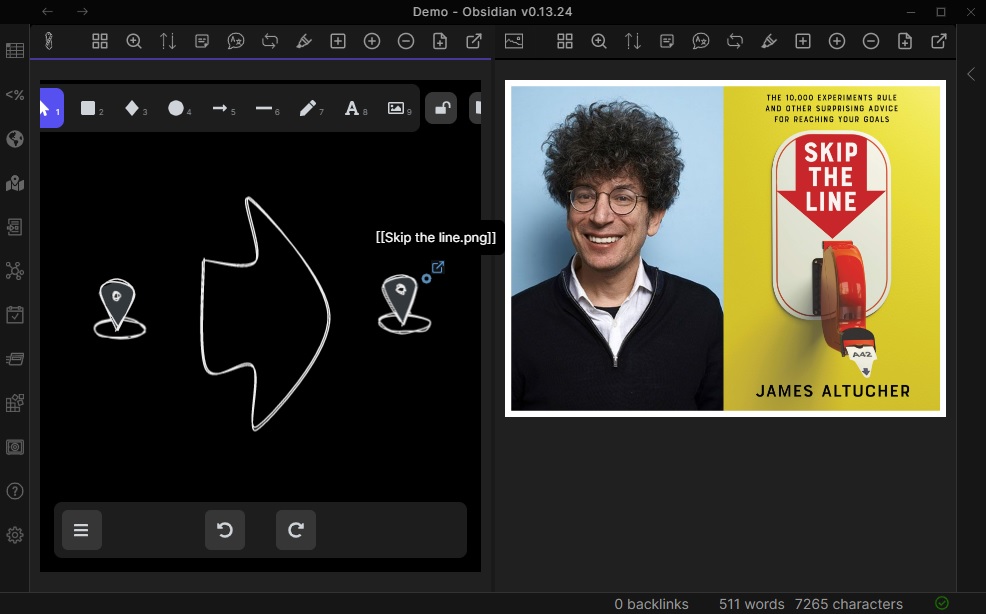|[@zsviczian](https://github.com/zsviczian)|
|
||||
|[Add Link to New Page and Open](Add%20Link%20and%20Open%20Page.md)|Prompts for filename. Offers option to create and open a new Markdown or Excalidraw document. Adds link pointing to the new file, to the selected objects in the drawing. You can control in settings to open the file in the current active pane or an adjacent pane.|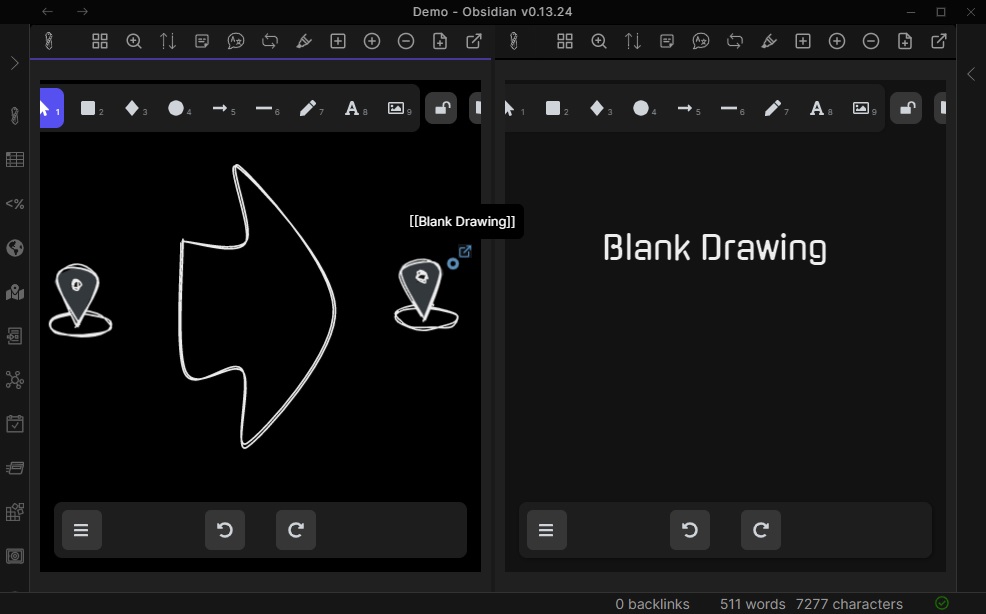|[@zsviczian](https://github.com/zsviczian)|
|
||||
|[Add Next Step in Process](Add%20Link%20to%20New%20Page%20and%20Open.md)|This script will prompt you for the title of the process step, then will create a stick note with the text. If an element is selected then the script will connect this new step with an arrow to the previous step (the selected element). If no element is selected, then the script assumes this is the first step in the process and will only output the sticky note with the text that was entered.||[@zsviczian](https://github.com/zsviczian)|
|
||||
|[Split Ellipse](Boolean%20Operations.md)|With This Script it is possible to make boolean Operations on Shapes.||[@GColoy](https://github.com/GColoy)|
|
||||
|[Box Each Selected Groups](Box%20Each%20Selected%20Groups.md)|This script will add encapsulating boxes around each of the currently selected groups in Excalidraw.||[@1-2-3](https://github.com/1-2-3)|
|
||||
|[Box Selected Elements](Box%20Selected%20Elements.md)|This script will add an encapsulating box around the currently selected elements in Excalidraw.||[@zsviczian](https://github.com/zsviczian)|
|
||||
|[Change shape of selected elements](Change%20shape%20of%20selected%20elements.md)|The script allows you to change the shape of selected Rectangles, Diamonds and Ellipses||[@zsviczian](https://github.com/zsviczian)|
|
||||
@@ -57,7 +58,7 @@ Open the script you are interested in and save it to your Obsidian Vault includi
|
||||
|[Mindmap connector](Mindmap%20connector.md)|This script creates mindmap like lines (only right side and down available currently) for selected elements. The line will start according to the creation time of the elements. So you should create the header element first.||[@xllowl](https://github.com/xllowl)|
|
||||
|[Modify background color opacity](Modify%20background%20color%20opacity.md)|This script changes the opacity of the background color of the selected boxes. The default background color in Excalidraw is so dark that the text is hard to read. You can lighten the color a bit by setting transparency. And you can tweak the transparency over and over again until you're happy with it. Although excalidraw has the opacity option in its native property Settings, it also changes the transparency of the border. Use this script to change only the opacity of the background color without affecting the border.|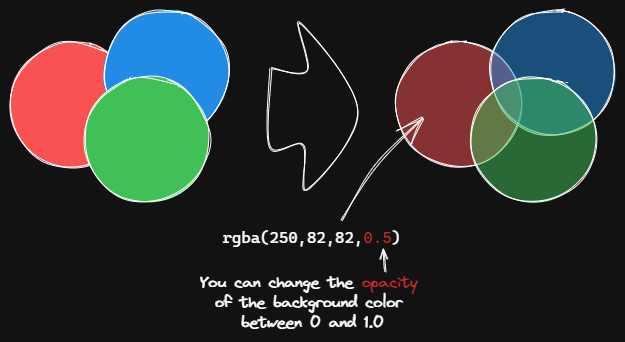|[@1-2-3](https://github.com/1-2-3)|
|
||||
|[Normalize Selected Arrows](Normalize%20Selected%20Arrows.md)|This script will reset the start and end positions of the selected arrows. The arrow will point to the center of the connected box and will have a gap of 8px from the box.||[@1-2-3](https://github.com/1-2-3)|
|
||||
|[OCR - Optical Character Recognition](OCR%20-%20Optical%20Character%20Recognition.md)|The script will 1) send the selected image file to [taskbone.com](https://taskbone.com) to exctract the text from the image, and 2) will add the text to your drawing as a text element.||[@zsviczian](https://github.com/zsviczian)|
|
||||
|[OCR - Optical Character Recognition](OCR%20-%20Optical%20Character%20Recognition.md)|The script will 1) send the selected image file to [taskbone.com](https://taskbone.com) to extract the text from the image, and 2) will add the text to your drawing as a text element.||[@zsviczian](https://github.com/zsviczian)|
|
||||
|[Organic Line](Organic%20Line.md)|Converts selected freedraw lines such that pencil pressure will decrease from maximum to minimum from the beginning of the line to its end. The resulting line is placed at the back of the layers, under all other items. Helpful when drawing organic mindmaps.|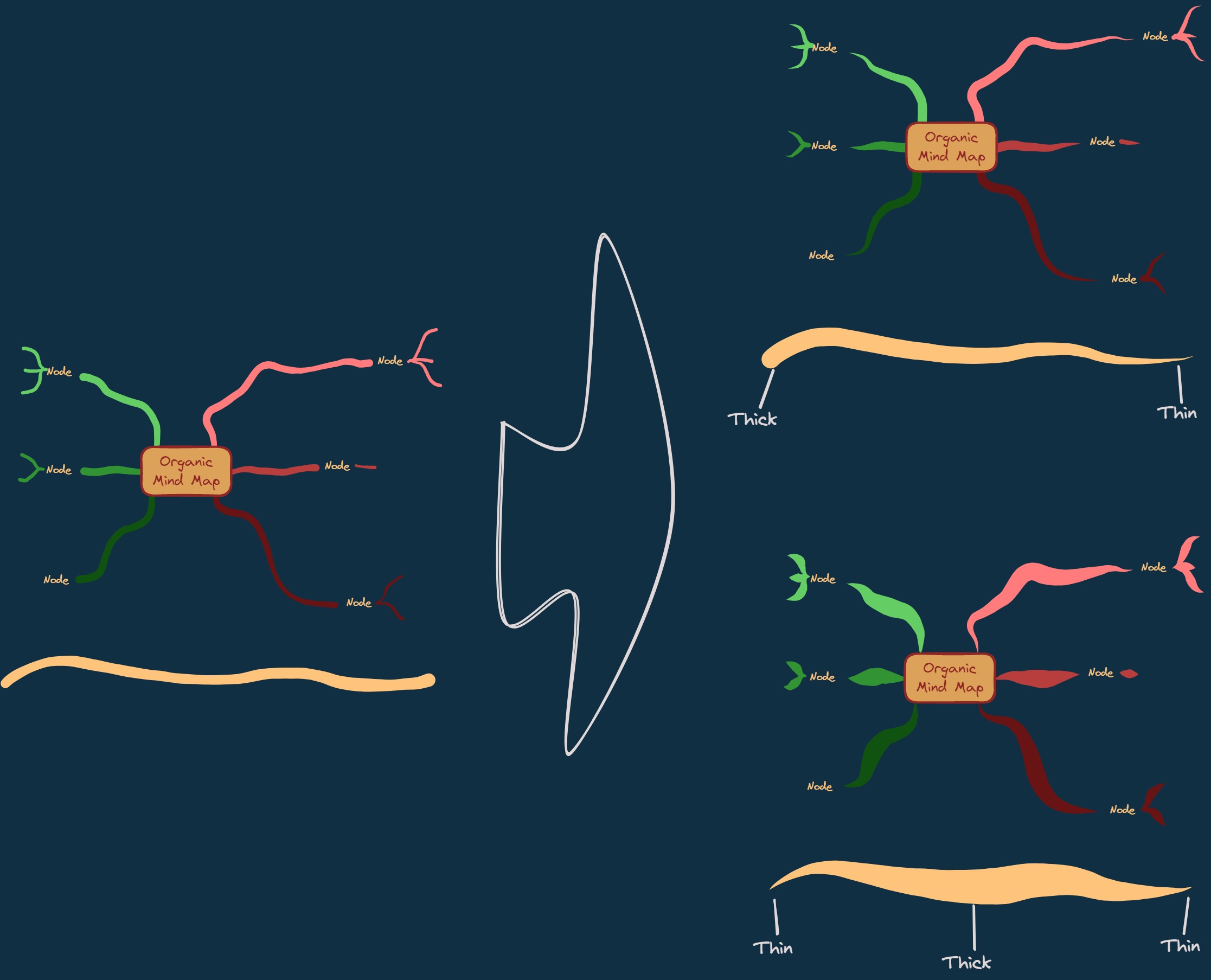|[@zsviczian](https://github.com/zsviczian)|
|
||||
|[Repeat Elements](Repeat%20Elements.md)|This script will detect the difference between 2 selected elements, including position, size, angle, stroke and background color, and create several elements that repeat these differences based on the number of repetitions entered by the user.|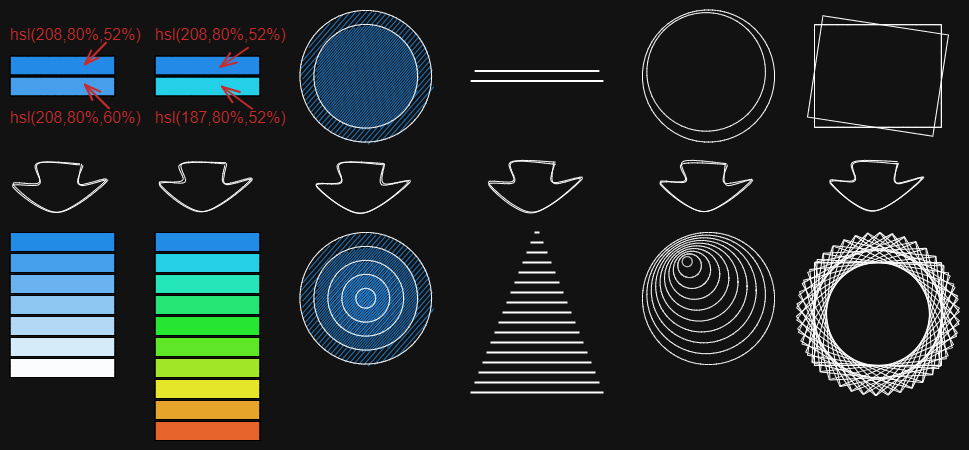|[@1-2-3](https://github.com/1-2-3)|
|
||||
|[Reverse arrows](Reverse%20arrows.md)|Reverse the direction of **arrows** within the scope of selected elements.||[@zsviczian](https://github.com/zsviczian)|
|
||||
@@ -71,8 +72,10 @@ Open the script you are interested in and save it to your Obsidian Vault includi
|
||||
|[Set stroke width of selected elements](Set%20Stroke%20Width%20of%20Selected%20Elements.md)|This script will set the stroke width of selected elements. This is helpful, for example, when you scale freedraw sketches and want to reduce or increase their line width.||[@zsviczian](https://github.com/zsviczian)|
|
||||
|[Split text by lines](Split%20text%20by%20lines.md)|Split lines of text into separate text elements for easier reorganization||[@zsviczian](https://github.com/zsviczian)|
|
||||
|[Set Text Alignment](Set%20Text%20Alignment.md)|Sets text alignment of text block (cetner, right, left). Useful if you want to set a keyboard shortcut for selecting text alignment.||[@zsviczian](https://github.com/zsviczian)|
|
||||
|[Split Ellipse](Split%20Ellipse.md)|This script splits an ellipse at any point where a line intersects it.|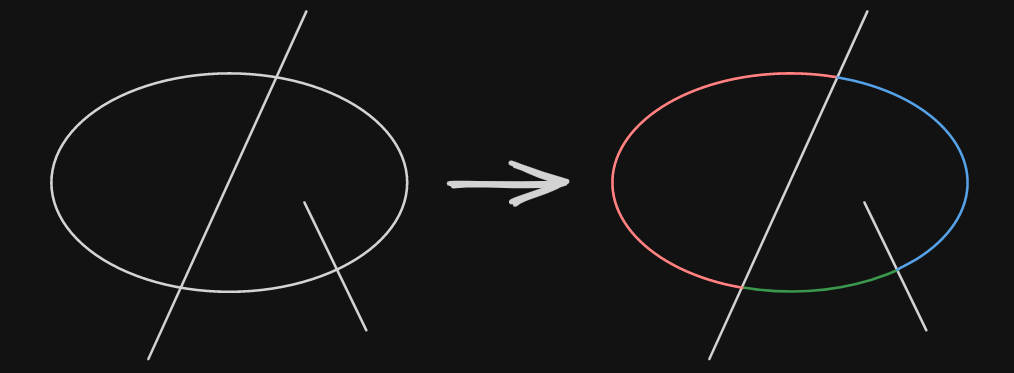|[@GColoy](https://github.com/GColoy)|
|
||||
|[TheBrain-navigation](TheBrain-navigation.md)|An Excalidraw based graph user interface for your Vault. Requires the [Dataview plugin](https://github.com/blacksmithgu/obsidian-dataview). Generates a graph view similar to that of [TheBrain](https://TheBrain.com) plex. Watch introduction to this script on [YouTube](https://youtu.be/plYobK-VufM).||[@zsviczian](https://github.com/zsviczian)|
|
||||
|[Toggle Fullscreen on Mobile](Toggle%20Fullscreen%20on%20Mobile.md)|Hides Obsidian workspace leaf padding and header (based on option in settings, default is "hide header" = false) which will take Excalidraw to full screen. ⚠ Note that if the header is not visible, it will be very difficult to invoke the command palette to end full screen. Only hide the header if you have a keyboard or you've practiced opening command palette!||[@zsviczian](https://github.com/zsviczian)|
|
||||
|[Toggle Grid](Toggle%20Grid.md)|Toggles the grid.||[@GColoy](https://github.com/GColoy)|
|
||||
|[Transfer TextElements to Excalidraw markdown metadata](Transfer%20TextElements%20to%20Excalidraw%20markdown%20metadata.md)|The script will delete the selected text elements from the canvas and will copy the text from these text elements into the Excalidraw markdown file as metadata. This means, that the text will no longer be visible in the drawing, however you will be able to search for the text in Obsidian and find the drawing containing this image.||[@zsviczian](https://github.com/zsviczian)|
|
||||
|[Zoom to Fit Selected Elements](Zoom%20to%20Fit%20Selected%20Elements.md)|Similar to Excalidraw standard <kbd>SHIFT+2</kbd> feature: Zoom to fit selected elements, but with the ability to zoom to 1000%. Inspiration: [#272](https://github.com/zsviczian/obsidian-excalidraw-plugin/issues/272)||[@zsviczian](https://github.com/zsviczian)|
|
||||
|[Hardware Eraser Suppoer](Hardware%20Eraser%20Support.md)|Allows the use of pen inversion/hardware erasers on supported pens.|[@threethan](https://github.com/threethan)|
|
||||
|
||||
@@ -0,0 +1,40 @@
|
||||
/*
|
||||
The script will cycle through S, M, L, XL font sizes scaled to the current canvas zoom.
|
||||
```js*/
|
||||
const FONTSIZES = [16, 20, 28, 36];
|
||||
const api = ea.getExcalidrawAPI();
|
||||
const st = api.getAppState();
|
||||
const zoom = st.zoom.value;
|
||||
const currentItemFontSize = st.currentItemFontSize;
|
||||
|
||||
const fontsizes = FONTSIZES.map(s=>s/zoom);
|
||||
const els = ea.getViewSelectedElements().filter(el=>el.type === "text");
|
||||
|
||||
const findClosestIndex = (val, list) => {
|
||||
let closestIndex = 0;
|
||||
let closestDifference = Math.abs(list[0] - val);
|
||||
for (let i = 1; i < list.length; i++) {
|
||||
const difference = Math.abs(list[i] - val);
|
||||
if (difference <= closestDifference) {
|
||||
closestDifference = difference;
|
||||
closestIndex = i;
|
||||
}
|
||||
}
|
||||
return closestIndex;
|
||||
}
|
||||
|
||||
ea.viewUpdateScene({appState:{currentItemFontSize: fontsizes[(findClosestIndex(currentItemFontSize, fontsizes)+1) % fontsizes.length] }});
|
||||
|
||||
if(els.length>0) {
|
||||
ea.copyViewElementsToEAforEditing(els);
|
||||
ea.getElements().forEach(el=> {
|
||||
el.fontSize = fontsizes[(findClosestIndex(el.fontSize, fontsizes)+1) % fontsizes.length];
|
||||
const font = ExcalidrawLib.getFontString(el);
|
||||
const lineHeight = ExcalidrawLib.getDefaultLineHeight(el.fontFamily);
|
||||
const {width, height, baseline} = ExcalidrawLib.measureText(el.originalText, font, lineHeight);
|
||||
el.width = width;
|
||||
el.height = height;
|
||||
el.baseline = baseline;
|
||||
});
|
||||
ea.addElementsToView();
|
||||
}
|
||||

@@ -0,0 +1,4 @@
|
||||
<svg viewBox="0 0 50 30" xmlns="http://www.w3.org/2000/svg">
|
||||
<text fill="currentColor" x="10" y="30" font-size="16px" font-weight="light">A</text>
|
||||
<text fill="currentColor" x="22" y="30" font-size="36px" font-weight="light">A</text>
|
||||
</svg>
|
||||
|
After Width: | Height: | Size: 243 B |
@@ -0,0 +1,96 @@
|
||||
/*
|
||||
|
||||
|
||||
In the following script, we address the concept of repetition through the lens of numerical progression. As visualized by the image, where multiple circles each labeled with an even task number are being condensed into a linear sequence, our script will similarly iterate through a set of numbers.
|
||||
|
||||
Inspired from [Repeat Elements](https://github.com/zsviczian/obsidian-excalidraw-plugin/blob/master/ea-scripts/Repeat%20Elements.md)
|
||||
|
||||
|
||||
```javascript
|
||||
*/
|
||||
|
||||
if(!ea.verifyMinimumPluginVersion || !ea.verifyMinimumPluginVersion("1.7.19")) {
|
||||
new Notice("This script requires a newer version of Excalidraw. Please install the latest version.");
|
||||
return;
|
||||
}
|
||||
|
||||
let repeatNum = parseInt(await utils.inputPrompt("repeat times?","number","5"));
|
||||
if(!repeatNum) {
|
||||
new Notice("Please enter a number.");
|
||||
return;
|
||||
}
|
||||
|
||||
const selectedElements = ea.getViewSelectedElements().sort((lha,rha) => lha.x === rha.x ? lha.y - rha.y : lha.x - rha.x);
|
||||
|
||||
const selectedBounds = selectedElements.filter(e => e.type !== "text");
|
||||
const selectedTexts = selectedElements.filter(e => e.type === "text");
|
||||
const selectedTextsById = selectedTexts.reduce((prev, next) => (prev[next.id] = next, prev), {})
|
||||
|
||||
|
||||
if(selectedTexts.length !== 2 || ![0, 2].includes(selectedBounds.length)) {
|
||||
new Notice("Please select only 2 text elements.");
|
||||
return;
|
||||
}
|
||||
|
||||
if(selectedBounds.length === 2) {
|
||||
if(selectedBounds[0].type !== selectedBounds[1].type) {
|
||||
new Notice("The selected elements must be of the same type.");
|
||||
return;
|
||||
}
|
||||
if (!selectedBounds.every(e => e.boundElements?.length === 1)) {
|
||||
new Notice("Only support the bound element with 1 text element.");
|
||||
return;
|
||||
}
|
||||
if (!selectedBounds.every(e => !!selectedTextsById[e.boundElements?.[0]?.id])) {
|
||||
new Notice("Bound element must refer to the text element.");
|
||||
return;
|
||||
}
|
||||
}
|
||||
|
||||
const prevBoundEl = selectedBounds.length ? selectedBounds[0] : selectedTexts[0];
|
||||
const nextBoundEl = selectedBounds.length ? selectedBounds[1] : selectedTexts[1];
|
||||
const prevTextEl = prevBoundEl.type === 'text' ? prevBoundEl : selectedTextsById[prevBoundEl.boundElements[0].id]
|
||||
const nextTextEl = nextBoundEl.type === 'text' ? nextBoundEl : selectedTextsById[nextBoundEl.boundElements[0].id]
|
||||
|
||||
const xDistance = nextBoundEl.x - prevBoundEl.x;
|
||||
const yDistance = nextBoundEl.y - prevBoundEl.y;
|
||||
|
||||
const numReg = /\d+/
|
||||
let textNumDiff
|
||||
try {
|
||||
const num0 = +prevTextEl.text.match(numReg)
|
||||
const num1 = +nextTextEl.text.match(numReg)
|
||||
textNumDiff = num1 - num0
|
||||
} catch(e) {
|
||||
new Notice("Text must include a number!")
|
||||
return;
|
||||
}
|
||||
|
||||
const repeatEl = (newEl, step) => {
|
||||
ea.elementsDict[newEl.id] = newEl;
|
||||
newEl.x += xDistance * (step + 1);
|
||||
newEl.y += yDistance * (step + 1);
|
||||
|
||||
if(newEl.text) {
|
||||
const text = newEl.text.replace(numReg, (match) => +match + (step + 1) * textNumDiff)
|
||||
newEl.originalText = text
|
||||
newEl.rawText = text
|
||||
newEl.text = text
|
||||
}
|
||||
}
|
||||
|
||||
ea.copyViewElementsToEAforEditing(selectedBounds);
|
||||
for(let i=0; i<repeatNum; i++) {
|
||||
const newTextEl = ea.cloneElement(nextTextEl);
|
||||
repeatEl(newTextEl, i)
|
||||
|
||||
if (selectedBounds.length) {
|
||||
const newBoundEl = ea.cloneElement(selectedBounds[1]);
|
||||
newBoundEl.boundElements[0].id = newTextEl.id
|
||||
newTextEl.containerId = newBoundEl.id
|
||||
repeatEl(newBoundEl, i)
|
||||
}
|
||||
}
|
||||
|
||||
await ea.addElementsToView(false, false, true);
|
||||
|
||||

@@ -0,0 +1,7 @@
|
||||
<?xml version="1.0" encoding="utf-8"?>
|
||||
<!-- Svg Vector Icons : http://www.onlinewebfonts.com/icon -->
|
||||
<!DOCTYPE svg PUBLIC "-//W3C//DTD SVG 1.1//EN" "http://www.w3.org/Graphics/SVG/1.1/DTD/svg11.dtd">
|
||||
<svg version="1.1" xmlns="http://www.w3.org/2000/svg" xmlns:xlink="http://www.w3.org/1999/xlink" x="0px" y="0px" viewBox="0 0 256 256" enable-background="new 0 0 256 256" xml:space="preserve">
|
||||
<metadata> Svg Vector Icons : http://www.onlinewebfonts.com/icon </metadata>
|
||||
<g><g><g><path fill="#000000" d="M101.2,18.7c-2,0.9-38,36.6-39.2,39c-1,1.9-1.1,4.2-0.4,6.2c0.6,1.5,37.3,38.6,39.3,39.6c1.7,0.9,5.2,0.8,7.1-0.1c1.9-0.9,3.7-3.5,4.1-5.8c0.6-3.5-0.2-4.5-12.5-16.8L88.2,69.2h44.3c38.7,0,44.8,0.1,48.6,0.7c24.2,4.2,43.2,22.6,48.1,46.8c3.3,16.4-1,34.2-11.5,47.6c-3.5,4.6-4.1,6.9-2.4,10.4c1.8,3.7,6.6,5.3,10.4,3.5c2.8-1.3,8.7-9.4,12.5-17.2c10.5-20.8,10.5-45.2,0-66.2c-10.3-20.6-28.6-34.8-51.8-40c-4.6-1.1-4.8-1.1-51.3-1.2c-25.7-0.1-46.7-0.3-46.7-0.5s5.2-5.5,11.5-11.9c9.4-9.4,11.6-11.9,12-13.3C113.6,21.6,107.3,16.1,101.2,18.7z"/><path fill="#000000" d="M34.9,73.4c-1.8,0.5-5.8,4.4-9.7,9.6c-7.9,10.4-12.8,22.4-14.5,35.4c-5.3,40.1,22.9,77.3,63.1,83.3c4,0.6,11.3,0.7,45.4,0.7c24,0,40.6,0.2,40.6,0.4c0,0.2-5,5.3-11.1,11.1c-11.3,11-12.9,13-12.9,16c0,4.1,3.8,7.9,7.9,7.9c0.7,0,2.1-0.3,3.1-0.7c2.3-1,38.1-36.6,39.3-39.2c1-2.1,1.1-4.2,0.4-6.1c-0.6-1.5-37.3-38.6-39.3-39.7c-1.9-1-6.1-0.6-8.1,0.8c-2.9,2-4,6.4-2.5,9.4c0.4,0.8,5.9,6.6,12.1,12.9l11.4,11.4h-40.4c-35,0-40.9-0.1-44.7-0.7c-24.2-4.1-43.4-22.9-48.2-47.1c-1.1-5.5-1.1-16.4,0-21.9c2.1-10.7,7-20.2,14.6-28.7c2.1-2.3,3.5-4.3,3.8-5.4c1-3.6-0.7-7.3-4.2-9C38.7,72.8,37.4,72.7,34.9,73.4z"/></g></g></g>
|
||||
</svg>
|
||||
|
After Width: | Height: | Size: 1.6 KiB |
@@ -3,6 +3,8 @@
|
||||
|
||||
Scribble Helper can improve handwriting and add links. It lets you create and edit text elements, including wrapped text and sticky notes, by double-tapping on the canvas. When you run the script, it creates an event handler that will activate the editor when you double-tap. If you select a text element on the canvas before running the script, it will open the editor for that element. If you use a pen, you can set it up to only activate Scribble Helper when you double-tap with the pen. The event handler is removed when you run the script a second time or switch to a different tab.
|
||||
|
||||
<iframe width="560" height="315" src="https://www.youtube.com/embed/BvYkOaly-QM" title="YouTube video player" frameborder="0" allow="accelerometer; autoplay; clipboard-write; encrypted-media; gyroscope; picture-in-picture" allowfullscreen></iframe>
|
||||
|
||||
```javascript
|
||||
*/
|
||||
if(!ea.verifyMinimumPluginVersion || !ea.verifyMinimumPluginVersion("1.8.25")) {
|
||||
|
||||
@@ -0,0 +1,206 @@
|
||||
/*
|
||||
|
||||
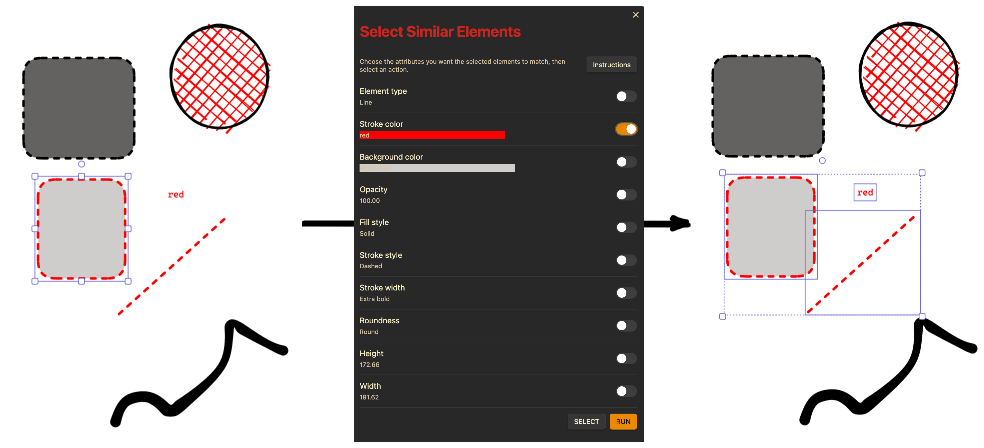
|
||||
|
||||
This script enables the selection of elements based on matching properties. Select the attributes (such as stroke color, fill style, font family, etc) that should match for selection. It's perfect for large scenes where manual selection of elements would be cumbersome. You can either run the script to select matching elements across the entire scene, or define a specific group of elements to apply the selection criteria to.
|
||||
|
||||
```js */
|
||||
|
||||
let config = window.ExcalidrawSelectConfig;
|
||||
config = Boolean(config) && (Date.now() - config.timestamp < 60000) ? config : null;
|
||||
|
||||
let elements = ea.getViewSelectedElements();
|
||||
if(!config && (elements.length !==1)) {
|
||||
new Notice("Select a single element");
|
||||
return;
|
||||
} else {
|
||||
if(elements.length === 0) {
|
||||
elements = ea.getViewElements();
|
||||
}
|
||||
}
|
||||
|
||||
const {angle, backgroundColor, fillStyle, fontFamily, fontSize, height, width, opacity, roughness, roundness, strokeColor, strokeStyle, strokeWidth, type, startArrowhead, endArrowhead, fileId} = ea.getViewSelectedElement();
|
||||
|
||||
const fragWithHTML = (html) => createFragment((frag) => (frag.createDiv().innerHTML = html));
|
||||
|
||||
//--------------------------
|
||||
// RUN
|
||||
//--------------------------
|
||||
const run = () => {
|
||||
selectedElements = elements.filter(el=>
|
||||
((typeof config.angle === "undefined") || (el.angle === config.angle)) &&
|
||||
((typeof config.backgroundColor === "undefined") || (el.backgroundColor === config.backgroundColor)) &&
|
||||
((typeof config.fillStyle === "undefined") || (el.fillStyle === config.fillStyle)) &&
|
||||
((typeof config.fontFamily === "undefined") || (el.fontFamily === config.fontFamily)) &&
|
||||
((typeof config.fontSize === "undefined") || (el.fontSize === config.fontSize)) &&
|
||||
((typeof config.height === "undefined") || Math.abs(el.height - config.height) < 0.01) &&
|
||||
((typeof config.width === "undefined") || Math.abs(el.width - config.width) < 0.01) &&
|
||||
((typeof config.opacity === "undefined") || (el.opacity === config.opacity)) &&
|
||||
((typeof config.roughness === "undefined") || (el.roughness === config.roughness)) &&
|
||||
((typeof config.roundness === "undefined") || (el.roundness === config.roundness)) &&
|
||||
((typeof config.strokeColor === "undefined") || (el.strokeColor === config.strokeColor)) &&
|
||||
((typeof config.strokeStyle === "undefined") || (el.strokeStyle === config.strokeStyle)) &&
|
||||
((typeof config.strokeWidth === "undefined") || (el.strokeWidth === config.strokeWidth)) &&
|
||||
((typeof config.type === "undefined") || (el.type === config.type)) &&
|
||||
((typeof config.startArrowhead === "undefined") || (el.startArrowhead === config.startArrowhead)) &&
|
||||
((typeof config.endArrowhead === "undefined") || (el.endArrowhead === config.endArrowhead)) &&
|
||||
((typeof config.fileId === "undefined") || (el.fileId === config.fileId))
|
||||
)
|
||||
ea.selectElementsInView(selectedElements);
|
||||
delete window.ExcalidrawSelectConfig;
|
||||
}
|
||||
|
||||
//--------------------------
|
||||
// Modal
|
||||
//--------------------------
|
||||
const showInstructions = () => {
|
||||
const instructionsModal = new ea.obsidian.Modal(app);
|
||||
instructionsModal.onOpen = () => {
|
||||
instructionsModal.contentEl.createEl("h2", {text: "Instructions"});
|
||||
instructionsModal.contentEl.createEl("p", {text: "Step 1: Choose the attributes that you want the selected elements to match."});
|
||||
instructionsModal.contentEl.createEl("p", {text: "Step 2: Select an action:"});
|
||||
instructionsModal.contentEl.createEl("ul", {}, el => {
|
||||
el.createEl("li", {text: "Click 'RUN' to find matching elements throughout the entire scene."});
|
||||
el.createEl("li", {text: "Click 'SELECT' to 1) first choose a specific group of elements in the scene, then 2) run the 'Select Similar Elements' once more within 1 minute to apply the filter criteria only to that group of elements."});
|
||||
});
|
||||
instructionsModal.contentEl.createEl("p", {text: "Note: If you choose 'SELECT', make sure to click the 'Select Similar Elements' script again within 1 minute to apply your selection criteria to the group of elements you chose."});
|
||||
};
|
||||
instructionsModal.open();
|
||||
};
|
||||
|
||||
const selectAttributesToCopy = () => {
|
||||
const configModal = new ea.obsidian.Modal(app);
|
||||
configModal.onOpen = () => {
|
||||
config = {};
|
||||
configModal.contentEl.createEl("h1", {text: "Select Similar Elements"});
|
||||
new ea.obsidian.Setting(configModal.contentEl)
|
||||
.setDesc("Choose the attributes you want the selected elements to match, then select an action.")
|
||||
.addButton(button => button
|
||||
.setButtonText("Instructions")
|
||||
.onClick(showInstructions)
|
||||
);
|
||||
|
||||
|
||||
// Add Toggles for the rest of the attributes
|
||||
let attributes = [
|
||||
{name: "Element type", key: "type"},
|
||||
{name: "Stroke color", key: "strokeColor"},
|
||||
{name: "Background color", key: "backgroundColor"},
|
||||
{name: "Opacity", key: "opacity"},
|
||||
{name: "Fill style", key: "fillStyle"},
|
||||
{name: "Stroke style", key: "strokeStyle"},
|
||||
{name: "Stroke width", key: "strokeWidth"},
|
||||
{name: "Roughness", key: "roughness"},
|
||||
{name: "Roundness", key: "roundness"},
|
||||
{name: "Font family", key: "fontFamily"},
|
||||
{name: "Font size", key: "fontSize"},
|
||||
{name: "Start arrowhead", key: "startArrowhead"},
|
||||
{name: "End arrowhead", key: "endArrowhead"},
|
||||
{name: "Height", key: "height"},
|
||||
{name: "Width", key: "width"},
|
||||
{name: "ImageID", key: "fileId"},
|
||||
];
|
||||
|
||||
attributes.forEach(attr => {
|
||||
const attrValue = elements[0][attr.key];
|
||||
if((typeof attrValue !== "undefined" && attrValue !== null) || (attr.key === "startArrowhead" && elements[0].type === "arrow") || (attr.key === "endArrowhead" && elements[0].type === "arrow")) {
|
||||
let description = '';
|
||||
|
||||
switch(attr.key) {
|
||||
case 'backgroundColor':
|
||||
case 'strokeColor':
|
||||
description = `<div style='background-color:${attrValue};'>${attrValue}</div>`;
|
||||
break;
|
||||
case 'roundness':
|
||||
description = attrValue === null ? 'Sharp' : 'Round';
|
||||
break;
|
||||
case 'roughness':
|
||||
description = attrValue === 0 ? 'Architect' : attrValue === 1 ? 'Artist' : 'Cartoonist';
|
||||
break;
|
||||
case 'strokeWidth':
|
||||
description = attrValue <= 0.5 ? 'Extra thin' :
|
||||
attrValue <= 1 ? 'Thin' :
|
||||
attrValue <= 2 ? 'Bold' :
|
||||
'Extra bold';
|
||||
break;
|
||||
case 'opacity':
|
||||
description = `${attrValue}%`;
|
||||
break;
|
||||
case 'width':
|
||||
case 'height':
|
||||
description = `${attrValue.toFixed(2)}`;
|
||||
break;
|
||||
case 'startArrowhead':
|
||||
case 'endArrowhead':
|
||||
description = attrValue === null ? 'None' : `${attrValue.charAt(0).toUpperCase() + attrValue.slice(1)}`;
|
||||
break;
|
||||
case 'fontFamily':
|
||||
description = attrValue === 1 ? 'Hand-drawn' :
|
||||
attrValue === 2 ? 'Normal' :
|
||||
attrValue === 3 ? 'Code' :
|
||||
'Custom 4th font';
|
||||
break;
|
||||
case 'fontSize':
|
||||
description = `${attrValue}`;
|
||||
break;
|
||||
default:
|
||||
description = `${attrValue.charAt(0).toUpperCase() + attrValue.slice(1)}`;
|
||||
break;
|
||||
}
|
||||
|
||||
new ea.obsidian.Setting(configModal.contentEl)
|
||||
.setName(`${attr.name}`)
|
||||
.setDesc(fragWithHTML(`${description}`))
|
||||
.addToggle(toggle => toggle
|
||||
.setValue(false)
|
||||
.onChange(value => {
|
||||
if(value) {
|
||||
config[attr.key] = attrValue;
|
||||
} else {
|
||||
delete config[attr.key];
|
||||
}
|
||||
})
|
||||
)
|
||||
}
|
||||
});
|
||||
|
||||
|
||||
//Add Toggle for the rest of the attributes. Organize attributes into a logical sequence or groups by adding
|
||||
//configModal.contentEl.createEl("h") or similar to the code
|
||||
|
||||
new ea.obsidian.Setting(configModal.contentEl)
|
||||
.addButton(button => button
|
||||
.setButtonText("SELECT")
|
||||
.onClick(()=>{
|
||||
config.timestamp = Date.now();
|
||||
window.ExcalidrawSelectConfig = config;
|
||||
configModal.close();
|
||||
})
|
||||
)
|
||||
.addButton(button => button
|
||||
.setButtonText("RUN")
|
||||
.setCta(true)
|
||||
.onClick(()=>{
|
||||
elements = ea.getViewElements();
|
||||
run();
|
||||
configModal.close();
|
||||
})
|
||||
)
|
||||
}
|
||||
|
||||
|
||||
configModal.onClose = () => {
|
||||
setTimeout(()=>{
|
||||
delete configModal
|
||||
});
|
||||
}
|
||||
|
||||
configModal.open();
|
||||
}
|
||||
|
||||
|
||||
if(config) {
|
||||
run();
|
||||
} else {
|
||||
selectAttributesToCopy();
|
||||
}
|
||||

@@ -0,0 +1 @@
|
||||
<svg xmlns="http://www.w3.org/2000/svg" viewBox="0 0 24 24" fill="none" stroke="currentColor" stroke-width="2" stroke-linecap="round" stroke-linejoin="round" class="lucide lucide-filter"><polygon fill="none" stroke-width="2" points="22 3 2 3 10 12.46 10 19 14 21 14 12.46 22 3"/></svg>
|
||||
|
After Width: | Height: | Size: 285 B |
@@ -8,18 +8,84 @@ https://zsviczian.github.io/obsidian-excalidraw-plugin/ExcalidrawScriptsEngine.h
|
||||
|
||||
```javascript
|
||||
*/
|
||||
if(!ea.verifyMinimumPluginVersion || !ea.verifyMinimumPluginVersion("1.8.11")) {
|
||||
if(ea.verifyMinimumPluginVersion && ea.verifyMinimumPluginVersion("2.4.0")) {
|
||||
|
||||
const api = ea.getExcalidrawAPI();
|
||||
let appState = api.getAppState();
|
||||
let gridFrequency = appState.gridStep;;
|
||||
|
||||
const customControls = (container) => {
|
||||
new ea.obsidian.Setting(container)
|
||||
.setName(`Major grid frequency`)
|
||||
.addDropdown(dropdown => {
|
||||
[2,3,4,5,6,7,8,9,10].forEach(grid=>dropdown.addOption(grid,grid));
|
||||
dropdown
|
||||
.setValue(gridFrequency)
|
||||
.onChange(value => {
|
||||
gridFrequency = value;
|
||||
})
|
||||
})
|
||||
}
|
||||
|
||||
const gridSize = parseInt(await utils.inputPrompt(
|
||||
"Grid size?",
|
||||
null,
|
||||
appState.GridSize?.toString()??"20",
|
||||
null,
|
||||
1,
|
||||
false,
|
||||
customControls
|
||||
));
|
||||
if(isNaN(gridSize)) return; //this is to avoid passing an illegal value to Excalidraw
|
||||
const gridStep = isNaN(parseInt(gridFrequency)) ? appState.gridStep : parseInt(gridFrequency);
|
||||
|
||||
api.updateScene({
|
||||
appState : {gridSize, gridStep, gridModeEnabled:true},
|
||||
commitToHistory:false
|
||||
});
|
||||
}
|
||||
|
||||
// ----------------
|
||||
// old script
|
||||
// ----------------
|
||||
if(!ea.verifyMinimumPluginVersion || !ea.verifyMinimumPluginVersion("1.9.19")) {
|
||||
new Notice("This script requires a newer version of Excalidraw. Please install the latest version.");
|
||||
return;
|
||||
}
|
||||
|
||||
const api = ea.getExcalidrawAPI();
|
||||
let appState = api.getAppState();
|
||||
const grid = parseInt(await utils.inputPrompt("Grid size?",null,appState.previousGridSize?.toString()??"20"));
|
||||
const gridColor = appState.gridColor;
|
||||
let gridFrequency = gridColor?.MajorGridFrequency ?? 5;
|
||||
|
||||
const customControls = (container) => {
|
||||
new ea.obsidian.Setting(container)
|
||||
.setName(`Major grid frequency`)
|
||||
.addDropdown(dropdown => {
|
||||
[2,3,4,5,6,7,8,9,10].forEach(grid=>dropdown.addOption(grid,grid));
|
||||
dropdown
|
||||
.setValue(gridFrequency)
|
||||
.onChange(value => {
|
||||
gridFrequency = value;
|
||||
})
|
||||
})
|
||||
}
|
||||
|
||||
const grid = parseInt(await utils.inputPrompt(
|
||||
"Grid size?",
|
||||
null,
|
||||
appState.previousGridSize?.toString()??"20",
|
||||
null,
|
||||
1,
|
||||
false,
|
||||
customControls
|
||||
));
|
||||
if(isNaN(grid)) return; //this is to avoid passing an illegal value to Excalidraw
|
||||
|
||||
appState.gridSize = grid;
|
||||
appState.previousGridSize = grid;
|
||||
if(gridColor) gridColor.MajorGridFrequency = parseInt(gridFrequency);
|
||||
api.updateScene({
|
||||
appState,
|
||||
appState : {gridSize: grid, previousGridSize: grid, gridColor},
|
||||
commitToHistory:false
|
||||
});
|
||||
@@ -9,7 +9,11 @@ https://zsviczian.github.io/obsidian-excalidraw-plugin/ExcalidrawScriptsEngine.h
|
||||
```javascript
|
||||
*/
|
||||
let width = (ea.getViewSelectedElement().strokeWidth??1).toString();
|
||||
width = await utils.inputPrompt("Width?","number",width);
|
||||
width = parseFloat(await utils.inputPrompt("Width?","number",width));
|
||||
if(isNaN(width)) {
|
||||
new Notice("Invalid number");
|
||||
return;
|
||||
}
|
||||
const elements=ea.getViewSelectedElements();
|
||||
ea.copyViewElementsToEAforEditing(elements);
|
||||
ea.getElements().forEach((el)=>el.strokeWidth=width);
|
||||
|
||||
@@ -0,0 +1,208 @@
|
||||
/*
|
||||
|
||||
This script splits an ellipse at any point where a line intersects it. If no lines are selected, it will use every line that intersects the ellipse. Otherwise, it will only use the selected lines. If there is no intersecting line, the ellipse will be converted into a line object.
|
||||
There is also the option to close the object along the cut, which will close the cut in the shape of the line.
|
||||

|
||||

|
||||
Tip: To use an ellipse as the cutting object, you first have to use this script on it, since it will convert the ellipse into a line.
|
||||
|
||||
|
||||
See documentation for more details:
|
||||
https://zsviczian.github.io/obsidian-excalidraw-plugin/ExcalidrawScriptsEngine.html
|
||||
|
||||
```javascript
|
||||
*/
|
||||
const elements = ea.getViewSelectedElements();
|
||||
const ellipse = elements.filter(el => el.type == "ellipse")[0];
|
||||
if (!ellipse) return;
|
||||
|
||||
let lines = elements.filter(el => el.type == "line" || el.type == "arrow");
|
||||
if (lines.length == 0) lines = ea.getViewElements().filter(el => el.type == "line" || el.type == "arrow");
|
||||
const subLines = getSubLines(lines);
|
||||
|
||||
const angles = subLines.flatMap(line => {
|
||||
return intersectionAngleOfEllipseAndLine(ellipse, line.a, line.b).map(result => ({
|
||||
angle: result,
|
||||
cuttingLine: line
|
||||
}));
|
||||
});
|
||||
|
||||
if (angles.length === 0) angles.push({ angle: 0, cuttingLine: null });
|
||||
|
||||
angles.sort((a, b) => a.angle - b.angle);
|
||||
|
||||
const closeObject = await utils.suggester(["Yes", "No"], [true, false], "Close object along cutedge?")
|
||||
|
||||
ea.style.strokeSharpness = closeObject ? "sharp" : "round";
|
||||
ea.style.strokeColor = ellipse.strokeColor;
|
||||
ea.style.strokeWidth = ellipse.strokeWidth;
|
||||
ea.style.backgroundColor = ellipse.backgroundColor;
|
||||
ea.style.fillStyle = ellipse.fillStyle;
|
||||
ea.style.roughness = ellipse.roughness;
|
||||
|
||||
angles.forEach((angle, key) => {
|
||||
const cuttingLine = angle.cuttingLine;
|
||||
angle = angle.angle;
|
||||
const nextAngleKey = (key + 1) < angles.length ? key + 1 : 0;
|
||||
const nextAngle = angles[nextAngleKey].angle;
|
||||
const AngleDelta = nextAngle - angle ? nextAngle - angle : Math.PI*2;
|
||||
const pointAmount = Math.ceil((AngleDelta*64)/(Math.PI*2));
|
||||
const stepSize = AngleDelta/pointAmount;
|
||||
let points = drawEllipse(ellipse.x, ellipse.y, ellipse.width, ellipse.height, ellipse.angle, angle, nextAngle, stepSize);
|
||||
if (closeObject && cuttingLine) points = points.concat(getCutLine(points[0], angles[key], angles[nextAngleKey], ellipse));
|
||||
|
||||
const lineId = ea.addLine(points);
|
||||
const line = ea.getElement(lineId);
|
||||
line.frameId = ellipse.frameId;
|
||||
line.groupIds = ellipse.groupIds;
|
||||
});
|
||||
|
||||
ea.deleteViewElements([ellipse]);
|
||||
ea.addElementsToView(false,false,true);
|
||||
return;
|
||||
|
||||
function getSubLines(lines) {
|
||||
return lines.flatMap((line, key) => {
|
||||
return line.points.slice(1).map((pointB, i) => ({
|
||||
a: addVectors([line.points[i], [line.x, line.y]]),
|
||||
b: addVectors([pointB, [line.x, line.y]]),
|
||||
originLineIndex: key,
|
||||
indexPointA: i,
|
||||
}));
|
||||
});
|
||||
}
|
||||
|
||||
function intersectionAngleOfEllipseAndLine(ellipse, pointA, pointB) {
|
||||
/*
|
||||
To understand the code in this function and subfunctions it might help to take a look at this geogebra file
|
||||
https://www.geogebra.org/m/apbm3hs6
|
||||
*/
|
||||
const c = multiplyVectorByScalar([ellipse.width, ellipse.height], (1/2));
|
||||
const a = rotateVector(
|
||||
addVectors([
|
||||
pointA,
|
||||
invVec([ellipse.x, ellipse.y]),
|
||||
invVec(multiplyVectorByScalar([ellipse.width, ellipse.height], (1/2)))
|
||||
]),
|
||||
-ellipse.angle
|
||||
)
|
||||
const l_b = rotateVector(
|
||||
addVectors([
|
||||
pointB,
|
||||
invVec([ellipse.x, ellipse.y]),
|
||||
invVec(multiplyVectorByScalar([ellipse.width, ellipse.height], (1/2)))
|
||||
]),
|
||||
-ellipse.angle
|
||||
);
|
||||
const b = addVectors([
|
||||
l_b,
|
||||
invVec(a)
|
||||
]);
|
||||
const solutions = calculateLineSegment(a[0], a[1], b[0], b[1], c[0], c[1]);
|
||||
return solutions
|
||||
.filter(num => isBetween(num, 0, 1))
|
||||
.map(num => {
|
||||
const point = [
|
||||
(a[0] + b[0] * num) / ellipse.width,
|
||||
(a[1] + b[1] * num) / ellipse.height
|
||||
];
|
||||
return angleBetweenVectors([1, 0], point);
|
||||
});
|
||||
}
|
||||
|
||||
function drawEllipse(x, y, width, height, angle = 0, start = 0, end = Math.PI*2, step = Math.PI/32) {
|
||||
const ellipse = (t) => {
|
||||
const spanningVector = rotateVector([width/2*Math.cos(t), height/2*Math.sin(t)], angle);
|
||||
const baseVector = [x+width/2, y+height/2];
|
||||
return addVectors([baseVector, spanningVector]);
|
||||
}
|
||||
|
||||
if(end <= start) end = end + Math.PI*2;
|
||||
|
||||
let points = [];
|
||||
const almostEnd = end - step/2;
|
||||
for (let t = start; t < almostEnd; t = t + step) {
|
||||
points.push(ellipse(t));
|
||||
}
|
||||
points.push(ellipse(end))
|
||||
return points;
|
||||
}
|
||||
|
||||
function getCutLine(startpoint, currentAngle, nextAngle, ellipse) {
|
||||
if (currentAngle.cuttingLine.originLineIndex != nextAngle.cuttingLine.originLineIndex) return [];
|
||||
|
||||
const originLineIndex = currentAngle.cuttingLine.originLineIndex;
|
||||
|
||||
if (lines[originLineIndex] == 2) return startpoint;
|
||||
|
||||
const originLine = [];
|
||||
lines[originLineIndex].points.forEach(p => originLine.push(addVectors([
|
||||
p,
|
||||
[lines[originLineIndex].x, lines[originLineIndex].y]
|
||||
])));
|
||||
|
||||
const edgepoints = [];
|
||||
const direction = isInEllipse(originLine[clamp(nextAngle.cuttingLine.indexPointA - 1, 0, originLine.length - 1)], ellipse) ? -1 : 1
|
||||
let i = isInEllipse(originLine[nextAngle.cuttingLine.indexPointA], ellipse) ? nextAngle.cuttingLine.indexPointA : nextAngle.cuttingLine.indexPointA + direction;
|
||||
while (isInEllipse(originLine[i], ellipse)) {
|
||||
edgepoints.push(originLine[i]);
|
||||
i = (i + direction) % originLine.length;
|
||||
}
|
||||
edgepoints.push(startpoint);
|
||||
return edgepoints;
|
||||
}
|
||||
|
||||
function calculateLineSegment(ax, ay, bx, by, cx, cy) {
|
||||
const sqrt = Math.sqrt((cx ** 2) * (cy ** 2) * (-(ay ** 2) * (bx ** 2) + 2 * ax * ay * bx * by - (ax ** 2) * (by ** 2) + (bx ** 2) * (cy ** 2) + (by ** 2) * (cx ** 2)));
|
||||
const numerator = -(ay * by * (cx ** 2) + ax * bx * (cy ** 2));
|
||||
const denominator = ((by ** 2) * (cx ** 2) + (bx ** 2) * (cy ** 2));
|
||||
const t1 = (numerator + sqrt) / denominator;
|
||||
const t2 = (numerator - sqrt) / denominator;
|
||||
|
||||
return [t1, t2];
|
||||
}
|
||||
|
||||
function isInEllipse(point, ellipse) {
|
||||
point = addVectors([point, invVec([ellipse.x, ellipse.y]), invVec(multiplyVectorByScalar([ellipse.width, ellipse.height], 1/2))]);
|
||||
point = [point[0]*2/ellipse.width, point[1]*2/ellipse.height];
|
||||
const distance = Math.sqrt(point[0]**2 + point[1]**2);
|
||||
return distance < 1;
|
||||
}
|
||||
|
||||
function angleBetweenVectors(v1, v2) {
|
||||
let dotProduct = v1[0] * v2[0] + v1[1] * v2[1];
|
||||
let determinant = v1[0] * v2[1] - v1[1] * v2[0];
|
||||
let angle = Math.atan2(determinant, dotProduct);
|
||||
return angle < 0 ? angle + 2 * Math.PI : angle;
|
||||
}
|
||||
|
||||
function rotateVector (vec, ang) {
|
||||
var cos = Math.cos(ang);
|
||||
var sin = Math.sin(ang);
|
||||
return [vec[0] * cos - vec[1] * sin, vec[0] * sin + vec[1] * cos];
|
||||
}
|
||||
|
||||
function addVectors(vectors) {
|
||||
return vectors.reduce((acc, vec) => [acc[0] + vec[0], acc[1] + vec[1]], [0, 0]);
|
||||
}
|
||||
|
||||
function invVec(vector) {
|
||||
return [-vector[0], -vector[1]];
|
||||
}
|
||||
|
||||
function multiplyVectorByScalar(vector, scalar) {
|
||||
return [vector[0] * scalar, vector[1] * scalar];
|
||||
}
|
||||
|
||||
function round(number, precision) {
|
||||
var factor = Math.pow(10, precision);
|
||||
return Math.round(number * factor) / factor;
|
||||
}
|
||||
|
||||
function isBetween(num, min, max) {
|
||||
return (num >= min && num <= max);
|
||||
}
|
||||
|
||||
function clamp(number, min, max) {
|
||||
return Math.max(min, Math.min(number, max));
|
||||
}
|
||||

|
After Width: | Height: | Size: 11 KiB |
@@ -18,10 +18,10 @@ elements.forEach((el)=>{
|
||||
ea.style.strokeColor = el.strokeColor;
|
||||
ea.style.fontFamily = el.fontFamily;
|
||||
ea.style.fontSize = el.fontSize;
|
||||
const text = el.text.split("\n");
|
||||
const text = el.rawText.split("\n");
|
||||
for(i=0;i<text.length;i++) {
|
||||
ea.addText(el.x,el.y+i*el.height/text.length,text[i]);
|
||||
ea.addText(el.x,el.y+i*el.height/text.length,text[i].trim());
|
||||
}
|
||||
});
|
||||
ea.addElementsToView(false,false);
|
||||
ea.addElementsToView(false,false,true);
|
||||
ea.deleteViewElements(elements);
|
||||
@@ -46,4 +46,4 @@ for(i=0;i<el.text.length;i++) {
|
||||
objectIDs.push(ea.addText(x,y,character));
|
||||
}
|
||||
ea.addToGroup(objectIDs);
|
||||
ea.addElementsToView(true);
|
||||
ea.addElementsToView(true, false, true);
|
||||
@@ -0,0 +1,70 @@
|
||||
/*
|
||||
|
||||
Select a single text element, or a text element in a container. The container must have a transparent background.
|
||||
The script will add an aura to the text by adding 4 copies of the text each with the inverted stroke color of the original text element and with a very small X and Y offset. The resulting 4 + 1 (original) text elements or containers will be grouped.
|
||||
|
||||
If you copy a color string on the clipboard before running the script, the script will use that color instead of the inverted color.
|
||||
|
||||
```js*/
|
||||
els = ea.getViewSelectedElements();
|
||||
const isText = (els.length === 1) && els[0].type === "text";
|
||||
const isContainer = (els.length === 2) &&
|
||||
((els[0].type === "text" && els[1].id === els[0].containerId && els[1].backgroundColor.toLowerCase() === "transparent") ||
|
||||
(els[1].type === "text" && els[0].id === els[1].containerId && els[0].backgroundColor.toLowerCase() === "transparent"));
|
||||
|
||||
if (!(isText || isContainer)) {
|
||||
new Notice ("Select a single text element, or a container with a text element and with transparent background color",10000);
|
||||
return;
|
||||
}
|
||||
|
||||
let strokeColor = ea
|
||||
.getCM(els.filter(el=>el.type === "text")[0].strokeColor)
|
||||
.invert({alpha: false})
|
||||
.stringHEX({alpha: false});
|
||||
clipboardText = await navigator.clipboard.readText();
|
||||
if(clipboardText) {
|
||||
const cm1 = ea.getCM(clipboardText);
|
||||
if(cm1.format !== "invalid") {
|
||||
strokeColor = cm1.stringHEX();
|
||||
} else {
|
||||
const cm2 = ea.getCM("#"+clipboardText);
|
||||
if(cm2.format !== "invalid") {
|
||||
strokeColor = cm2.stringHEX();
|
||||
}
|
||||
}
|
||||
}
|
||||
|
||||
const offset = els.filter(el=>el.type === "text")[0].fontSize/24;
|
||||
|
||||
let ids = [];
|
||||
|
||||
const addClone = (offsetX, offsetY) => {
|
||||
els.forEach(el=>{
|
||||
const clone = ea.cloneElement(el);
|
||||
ids.push(clone.id);
|
||||
clone.x += offsetX;
|
||||
clone.y += offsetY;
|
||||
if(offsetX!==0 || offsetY!==0) {
|
||||
switch (clone.type) {
|
||||
case "text":
|
||||
clone.strokeColor = strokeColor;
|
||||
break;
|
||||
default:
|
||||
clone.strokeColor = "transparent";
|
||||
break;
|
||||
}
|
||||
}
|
||||
ea.elementsDict[clone.id] = clone;
|
||||
})
|
||||
}
|
||||
|
||||
addClone(-offset,0);
|
||||
addClone(offset,0);
|
||||
addClone(0,offset);
|
||||
addClone(0,-offset);
|
||||
addClone(0,0);
|
||||
ea.copyViewElementsToEAforEditing(els);
|
||||
els.forEach(el=>ea.elementsDict[el.id].isDeleted = true);
|
||||
|
||||
ea.addToGroup(ids);
|
||||
ea.addElementsToView(false, true, true);
|
||||

@@ -0,0 +1,17 @@
|
||||
<svg version="1.1" xmlns="http://www.w3.org/2000/svg" viewBox="0 0 120 120" width="120" height="120">
|
||||
<!-- svg-source:excalidraw -->
|
||||
|
||||
<defs>
|
||||
<style class="style-fonts">
|
||||
@font-face {
|
||||
font-family: "Virgil";
|
||||
src: url("https://excalidraw.com/Virgil.woff2");
|
||||
}
|
||||
@font-face {
|
||||
font-family: "Cascadia";
|
||||
src: url("https://excalidraw.com/Cascadia.woff2");
|
||||
}
|
||||
</style>
|
||||
|
||||
</defs>
|
||||
<g stroke-linecap="round"><g transform="translate(0 0) rotate(0 60 60)" fill-rule="evenodd"><path d="M0 0 L120 0 L120 40 L80 40 L80 120 L40 120 L40 40 L0 40 L0 0" stroke="none" stroke-width="0" fill="red" fill-rule="evenodd"></path><path d="M0 0 C41.51 0, 83.02 0, 120 0 M0 0 C30.58 0, 61.16 0, 120 0 M120 0 C120 12.11, 120 24.22, 120 40 M120 0 C120 13.92, 120 27.84, 120 40 M120 40 C108.75 40, 97.49 40, 80 40 M120 40 C107.65 40, 95.29 40, 80 40 M80 40 C80 66.51, 80 93.01, 80 120 M80 40 C80 70.33, 80 100.66, 80 120 M80 120 C66.08 120, 52.16 120, 40 120 M80 120 C70.07 120, 60.13 120, 40 120 M40 120 C40 89.21, 40 58.42, 40 40 M40 120 C40 92.66, 40 65.33, 40 40 M40 40 C25.35 40, 10.71 40, 0 40 M40 40 C27.7 40, 15.4 40, 0 40 M0 40 C0 24.03, 0 8.05, 0 0 M0 40 C0 27.82, 0 15.65, 0 0 M0 0 C0 0, 0 0, 0 0 M0 0 C0 0, 0 0, 0 0" stroke="transparent" stroke-width="0.5" fill="none"></path></g></g><mask></mask><g stroke-linecap="round"><g transform="translate(110 10) rotate(0 -50 50)" fill-rule="evenodd"><path d="M0 0 L-100 0 L-100 20 L-60 20 L-60 100 L-40 100 L-40 20 L0 20 L0 0" stroke="none" stroke-width="0" fill="currentColor" fill-rule="evenodd"></path><path d="M0 0 C-23.27 0, -46.54 0, -100 0 M0 0 C-23.31 0, -46.62 0, -100 0 M-100 0 C-100 6.13, -100 12.26, -100 20 M-100 0 C-100 5.84, -100 11.69, -100 20 M-100 20 C-87.37 20, -74.74 20, -60 20 M-100 20 C-88.34 20, -76.68 20, -60 20 M-60 20 C-60 37.78, -60 55.56, -60 100 M-60 20 C-60 39.34, -60 58.68, -60 100 M-60 100 C-52.58 100, -45.17 100, -40 100 M-60 100 C-54.72 100, -49.43 100, -40 100 M-40 100 C-40 83.83, -40 67.67, -40 20 M-40 100 C-40 77.76, -40 55.51, -40 20 M-40 20 C-25.4 20, -10.8 20, 0 20 M-40 20 C-28.47 20, -16.93 20, 0 20 M0 20 C0 15.42, 0 10.84, 0 0 M0 20 C0 14.54, 0 9.08, 0 0 M0 0 C0 0, 0 0, 0 0 M0 0 C0 0, 0 0, 0 0" stroke="currentColor" stroke-width="0.5" fill="none"></path></g></g><mask></mask></svg>
|
||||
|
After Width: | Height: | Size: 2.3 KiB |
@@ -0,0 +1,33 @@
|
||||
/*
|
||||
Toggles the grid on and off. Especially useful when drawing with just a pen without a mouse or keyboard, as toggling the grid by left-clicking with the pen is sometimes quite tedious.
|
||||
|
||||
See documentation for more details:
|
||||
https://zsviczian.github.io/obsidian-excalidraw-plugin/ExcalidrawScriptsEngine.html
|
||||
|
||||
```javascript
|
||||
*/
|
||||
if(!ea.verifyMinimumPluginVersion || !ea.verifyMinimumPluginVersion("1.8.11")) {
|
||||
new Notice("This script requires a newer version of Excalidraw. Please install the latest version.");
|
||||
return;
|
||||
}
|
||||
const api = ea.getExcalidrawAPI();
|
||||
let {gridSize, previousGridSize} = api.getAppState();
|
||||
|
||||
if (!previousGridSize) {
|
||||
previousGridSize = 20
|
||||
}
|
||||
if (!gridSize) {
|
||||
gridSize = previousGridSize;
|
||||
}
|
||||
else
|
||||
{
|
||||
previousGridSize = gridSize;
|
||||
gridSize = null;
|
||||
}
|
||||
ea.viewUpdateScene({
|
||||
appState:{
|
||||
gridSize,
|
||||
previousGridSize
|
||||
},
|
||||
commitToHistory:false
|
||||
});
|
||||

@@ -0,0 +1,4 @@
|
||||
<svg xmlns="http://www.w3.org/2000/svg" viewBox="0 0 567 489">
|
||||
<path
|
||||
d="M 20.803582,0.35478208 A 25,25 0 0 0 5.9442069,8.8176728 25,25 0 0 0 8.8172543,44.055954 L 31.254754,63.108689 c -0.121266,0.849954 -0.301322,1.680716 -0.388672,2.541015 -0.218469,2.151668 -0.330078,4.335551 -0.330078,6.544922 V 392.19462 c 0,2.20625 0.111609,4.38587 0.330078,6.53516 0.218468,2.14929 0.544482,4.26807 0.970703,6.34961 0.426219,2.08154 0.952918,4.12591 1.576172,6.12891 0.623252,2.00299 1.342775,3.96328 2.152343,5.87695 0.80957,1.91367 1.708193,3.7802 2.69336,5.59375 0.985166,1.81355 2.056984,3.57472 3.207031,5.27734 1.150047,1.70264 2.379385,3.34681 3.683594,4.92774 1.304208,1.58093 2.683206,3.09844 4.130859,4.54687 1.447654,1.44844 2.964542,2.82767 4.544922,4.13282 1.58038,1.30514 3.223392,2.53642 4.925781,3.6875 1.70239,1.15106 3.463664,2.22277 5.277344,3.20898 1.81368,0.98621 3.679496,1.88672 5.59375,2.69727 1.914254,0.81053 3.87675,1.5302 5.880859,2.15429 2.00411,0.6241 4.049565,1.15323 6.132813,1.58008 2.083248,0.42686 4.203801,0.75188 6.355469,0.9707 2.151667,0.21883 4.335552,0.33204 6.544922,0.33203 H 478.53601 c 2.20625,0 4.38587,-0.1132 6.53515,-0.33203 2.14929,-0.21882 4.26808,-0.54384 6.34961,-0.9707 0.30707,-0.063 0.59887,-0.16503 0.9043,-0.23242 l 33.48047,28.43164 a 25,25 0 0 0 35.23828,-2.87305 25,25 0 0 0 -2.87305,-35.23828 L 41.182488,5.9446259 A 25,25 0 0 0 29.485222,0.40556338 25,25 0 0 0 20.803582,0.35478208 Z M 94.536004,8.1946259 c -2.209366,0 -4.39326,0.1116097 -6.544922,0.3300781 -2.151664,0.2184684 -4.272226,0.5425319 -6.355469,0.9687499 -2.083244,0.42622 -4.128707,0.9548741 -6.132813,1.5781251 -2.004105,0.623253 -3.966609,1.340824 -5.880859,2.150391 -0.337447,0.142712 -0.651869,0.326303 -0.986328,0.474609 l 68.884767,58.498047 h 93.49024 23.52539 v 19.978516 79.392578 l 109.07422,92.6289 h 93.49218 21.4336 v 18.20313 79.39258 l 60.42383,51.31445 c 0.22119,-0.63745 0.49391,-1.25011 0.69531,-1.89648 0.62409,-2.00299 1.15127,-4.04738 1.57812,-6.12891 0.42686,-2.08153 0.75188,-4.20033 0.97071,-6.34961 0.21882,-2.14928 0.33203,-4.32892 0.33203,-6.53516 V 336.74736 271.15166 72.194626 c 0,-2.209349 -0.11321,-4.393275 -0.33203,-6.544922 -0.21882,-2.151647 -0.54386,-4.272242 -0.97071,-6.355469 -0.42685,-2.083227 -0.95403,-4.128722 -1.57812,-6.132812 -0.62409,-2.00409 -1.34376,-3.966624 -2.1543,-5.88086 -0.81054,-1.914234 -1.71302,-3.780086 -2.69922,-5.59375 -0.98619,-1.813662 -2.05792,-3.574971 -3.20898,-5.277343 -1.15106,-1.702373 -2.38041,-3.34737 -3.68555,-4.927735 -1.30514,-1.580364 -2.68439,-3.097282 -4.13281,-4.544922 -1.44842,-1.447638 -2.96596,-2.82471 -4.54688,-4.128906 -1.5809,-1.304195 -3.22708,-2.535511 -4.92968,-3.685547 -1.70262,-1.150034 -3.46187,-2.219921 -5.27539,-3.205078 -1.81353,-0.985156 -3.68011,-1.885752 -5.59375,-2.695312 -1.91366,-0.809561 -3.87593,-1.527143 -5.87891,-2.150391 -2.00298,-0.623246 -4.04739,-1.1519091 -6.12891,-1.5781251 -2.08151,-0.426215 -4.20034,-0.7502832 -6.34961,-0.9687499 -2.14925,-0.2184666 -4.32893,-0.3300781 -6.53515,-0.3300781 H 232.88952 155.64538 Z M 318.53601,72.194626 h 160 V 200.19462 H 458.97937 381.73718 318.53601 V 146.52275 80.927048 Z M 94.536004,116.84892 192.67859,200.19462 H 94.536004 Z m 0,147.3457 H 254.53601 v 128 H 94.536004 Z m 224.000006,42.87891 100.23437,85.12109 H 318.53601 Z" />
|
||||
</svg>
|
||||
|
After Width: | Height: | Size: 3.3 KiB |
@@ -15,38 +15,26 @@ In the `Command Palette` installed scripts are prefixed with `Downloaded/`, thus
|
||||
|
||||
## Attention developers and hobby hackers
|
||||
<img src='https://raw.githubusercontent.com/zsviczian/obsidian-excalidraw-plugin/master/images/hobby-programmer.svg' align='left' style='background-color:whitesmoke; width:80px; margin-right:15px; margin-bottom:10px;'/>
|
||||
If you want to modify scripts, I recommend moving them to the `Excalidraw Automate script folder` or a different subfolder under the script folder. Scripts in the `Downloaded` folder will be overwritten when you click the `Update this script` button. Note also, that at this time, I do not check if the script file has been updated on GitHub, thus the `Update this script` button is always visible once you have installed a script, not only when an update is availble (hope to build this feature in the future).
|
||||
If you want to modify scripts, I recommend moving them to the `Excalidraw Automate script folder` or a different subfolder under the script folder. Scripts in the `Downloaded` folder will be overwritten when you click the `Update this script` button. Note also, that at this time, I do not check if the script file has been updated on GitHub, thus the `Update this script` button is always visible once you have installed a script, not only when an update is available (hope to build this feature in the future).
|
||||
|
||||
I would love to include your contribution in the script library. If you have a script of your own that you would like to share with the community, please open a [PR](https://github.com/zsviczian/obsidian-excalidraw-plugin/pulls) on GitHub. Be sure to include the following in your pull request
|
||||
- The [script file](https://github.com/zsviczian/obsidian-excalidraw-plugin/tree/master/ea-scripts) with a self explanetory name. The name of the file will be the name of the script in the Command Palette.
|
||||
- An [image](https://github.com/zsviczian/obsidian-excalidraw-plugin/tree/master/images) explaining the scripts purpose. Remember a picture speaks thousand words!
|
||||
- An update to this file [ea-scripts/index.md](https://github.com/zsviczian/obsidian-excalidraw-plugin/blob/master/ea-scripts/index.md)
|
||||
- An update to this file [ea-scripts/index-new.md](https://github.com/zsviczian/obsidian-excalidraw-plugin/blob/master/ea-scripts/index-new.md)
|
||||
|
||||
---
|
||||
|
||||
# List of available scripts
|
||||
|
||||
## Layout and Organization
|
||||
**Keywords**: Design, Placement, Arrangement, Structure, Formatting, Alignment
|
||||
|
||||
| | |
|
||||
|----|-----|
|
||||
|<div><img src="https://raw.githubusercontent.com/zsviczian/obsidian-excalidraw-plugin/master/ea-scripts/Add%20Connector%20Point.svg"></div>|[[#Add Connector Point]]|
|
||||
|<div><img src="https://raw.githubusercontent.com/zsviczian/obsidian-excalidraw-plugin/master/ea-scripts/Add%20Link%20to%20Existing%20File%20and%20Open.svg"/></div>|[[#Add Link to Existing File and Open]]|
|
||||
|<div><img src="https://raw.githubusercontent.com/zsviczian/obsidian-excalidraw-plugin/master/ea-scripts/Add%20Link%20to%20New%20Page%20and%20Open.svg"/></div>|[[#Add Link to New Page and Open]]|
|
||||
|<div><img src="https://raw.githubusercontent.com/zsviczian/obsidian-excalidraw-plugin/master/ea-scripts/Add%20Next%20Step%20in%20Process.svg"/></div>|[[#Add Next Step in Process]]|
|
||||
|<div><img src="https://raw.githubusercontent.com/zsviczian/obsidian-excalidraw-plugin/master/ea-scripts/Auto%20Draw%20for%20Pen.svg"/></div>|[[#Auto Draw for Pen]]|
|
||||
|<div><img src="https://raw.githubusercontent.com/zsviczian/obsidian-excalidraw-plugin/master/ea-scripts/Auto%20Layout.svg"/></div>|[[#Auto Layout]]|
|
||||
|<div><img src="https://raw.githubusercontent.com/zsviczian/obsidian-excalidraw-plugin/master/ea-scripts/Box%20Each%20Selected%20Groups.svg"/></div>|[[#Box Each Selected Groups]]|
|
||||
|<div><img src="https://raw.githubusercontent.com/zsviczian/obsidian-excalidraw-plugin/master/ea-scripts/Box%20Selected%20Elements.svg"/></div>|[[#Box Selected Elements]]|
|
||||
|<div><img src="https://raw.githubusercontent.com/zsviczian/obsidian-excalidraw-plugin/master/ea-scripts/Change%20shape%20of%20selected%20elements.svg"/></div>|[[#Change shape of selected elements]]|
|
||||
|<div><img src="https://raw.githubusercontent.com/zsviczian/obsidian-excalidraw-plugin/master/ea-scripts/Connect%20elements.svg"/></div>|[[#Connect elements]]|
|
||||
|<div><img src="https://raw.githubusercontent.com/zsviczian/obsidian-excalidraw-plugin/master/ea-scripts/Convert%20freedraw%20to%20line.svg"/></div>|[[#Convert freedraw to line]]|
|
||||
|<div><img src="https://raw.githubusercontent.com/zsviczian/obsidian-excalidraw-plugin/master/ea-scripts/Convert%20selected%20text%20elements%20to%20sticky%20notes.svg"/></div>|[[#Convert selected text elements to sticky notes]]|
|
||||
|<div><img src="https://raw.githubusercontent.com/zsviczian/obsidian-excalidraw-plugin/master/ea-scripts/Convert%20text%20to%20link%20with%20folder%20and%20alias.svg"/></div>|[[#Convert text to link with folder and alias]]|
|
||||
|<div><img src="https://raw.githubusercontent.com/zsviczian/obsidian-excalidraw-plugin/master/ea-scripts/Copy%20Selected%20Element%20Styles%20to%20Global.svg"/></div>|[[#Copy Selected Element Styles to Global]]|
|
||||
|<div><img src="https://raw.githubusercontent.com/zsviczian/obsidian-excalidraw-plugin/master/ea-scripts/Create%20DrawIO%20file.svg"/></div>|[[#Create DrawIO file]]|
|
||||
|<div><img src="https://raw.githubusercontent.com/zsviczian/obsidian-excalidraw-plugin/master/ea-scripts/Create%20new%20markdown%20file%20and%20embed%20into%20active%20drawing.svg"/></div>|[[#Create new markdown file and embed into active drawing]]|
|
||||
|<div><img src="https://raw.githubusercontent.com/zsviczian/obsidian-excalidraw-plugin/master/ea-scripts/Darken%20background%20color.svg"/></div>|[[#Darken background color]]|
|
||||
|<div><img src="https://raw.githubusercontent.com/zsviczian/obsidian-excalidraw-plugin/master/ea-scripts/Deconstruct%20selected%20elements%20into%20new%20drawing.svg"/></div>|[[#Deconstruct selected elements into new drawing]]|
|
||||
|<div><img src="https://raw.githubusercontent.com/zsviczian/obsidian-excalidraw-plugin/master/ea-scripts/Elbow%20connectors.svg"/></div>|[[#Elbow connectors]]|
|
||||
|<div><img src="https://raw.githubusercontent.com/zsviczian/obsidian-excalidraw-plugin/master/ea-scripts/Excalidraw%20Collaboration%20Frame.svg"/></div>|[[#Excalidraw Collaboration Frame]]|
|
||||
|<div><img src="https://raw.githubusercontent.com/zsviczian/obsidian-excalidraw-plugin/master/ea-scripts/Ellipse%20Selected%20Elements.svg"/></div>|[[#Ellipse Selected Elements]]|
|
||||
|<div><img src="https://raw.githubusercontent.com/zsviczian/obsidian-excalidraw-plugin/master/ea-scripts/Expand%20rectangles%20horizontally%20keep%20text%20centered.svg"/></div>|[[#Expand rectangles horizontally keep text centered]]|
|
||||
|<div><img src="https://raw.githubusercontent.com/zsviczian/obsidian-excalidraw-plugin/master/ea-scripts/Expand%20rectangles%20horizontally.svg"/></div>|[[#Expand rectangles horizontally]]|
|
||||
|<div><img src="https://raw.githubusercontent.com/zsviczian/obsidian-excalidraw-plugin/master/ea-scripts/Expand%20rectangles%20vertically%20keep%20text%20centered.svg"/></div>|[[#Expand rectangles vertically keep text centered]]|
|
||||
@@ -56,37 +44,120 @@ I would love to include your contribution in the script library. If you have a s
|
||||
|<div><img src="https://raw.githubusercontent.com/zsviczian/obsidian-excalidraw-plugin/master/ea-scripts/Fixed%20spacing.svg"/></div>|[[#Fixed spacing]]|
|
||||
|<div><img src="https://raw.githubusercontent.com/zsviczian/obsidian-excalidraw-plugin/master/ea-scripts/Fixed%20vertical%20distance%20between%20centers.svg"/></div>|[[#Fixed vertical distance between centers]]|
|
||||
|<div><img src="https://raw.githubusercontent.com/zsviczian/obsidian-excalidraw-plugin/master/ea-scripts/Fixed%20vertical%20distance.svg"/></div>|[[#Fixed vertical distance]]|
|
||||
|<div><img src="https://raw.githubusercontent.com/zsviczian/obsidian-excalidraw-plugin/master/ea-scripts/Folder%20Note%20Core%20-%20Make%20Current%20Drawing%20a%20Folder.svg"/></div>|[[#Folder Note Core - Make Current Drawing a Folder]]|
|
||||
|<div><img src="https://raw.githubusercontent.com/zsviczian/obsidian-excalidraw-plugin/master/ea-scripts/Golden%20Ratio.svg"/></div>|[[#Golden Ratio]]|
|
||||
|<div><img src="https://raw.githubusercontent.com/zsviczian/obsidian-excalidraw-plugin/master/ea-scripts/Grid%20Selected%20Images.svg"/></div>|[[#Grid selected images]]|
|
||||
|<div><img src="https://raw.githubusercontent.com/zsviczian/obsidian-excalidraw-plugin/master/ea-scripts/Hardware%20Eraser%20Support.svg"/></div>|[[#Hardware Eraser Support]]|
|
||||
|<div><img src="https://raw.githubusercontent.com/zsviczian/obsidian-excalidraw-plugin/master/ea-scripts/Mindmap%20format.svg"/></div>|[[#Mindmap format]]|
|
||||
|<div><img src="https://raw.githubusercontent.com/zsviczian/obsidian-excalidraw-plugin/master/ea-scripts/Zoom%20to%20Fit%20Selected%20Elements.svg"/></div>|[[#Zoom to Fit Selected Elements]]|
|
||||
|
||||
## Connectors and Arrows
|
||||
**Keywords**: Links, Relations, Paths, Direction, Flow, Connections
|
||||
|
||||
| | |
|
||||
|----|-----|
|
||||
|<div><img src="https://raw.githubusercontent.com/zsviczian/obsidian-excalidraw-plugin/master/ea-scripts/Add%20Connector%20Point.svg"></div>|[[#Add Connector Point]]|
|
||||
|<div><img src="https://raw.githubusercontent.com/zsviczian/obsidian-excalidraw-plugin/master/ea-scripts/Concatenate%20lines.svg"></div>|[[#Concatenate lines]]|
|
||||
|<div><img src="https://raw.githubusercontent.com/zsviczian/obsidian-excalidraw-plugin/master/ea-scripts/Connect%20elements.svg"/></div>|[[#Connect elements]]|
|
||||
|<div><img src="https://raw.githubusercontent.com/zsviczian/obsidian-excalidraw-plugin/master/ea-scripts/Elbow%20connectors.svg"/></div>|[[#Elbow connectors]]|
|
||||
|<div><img src="https://raw.githubusercontent.com/zsviczian/obsidian-excalidraw-plugin/master/ea-scripts/Mindmap%20connector.svg"/></div>|[[#Mindmap connector]]|
|
||||
|<div><img src="https://raw.githubusercontent.com/zsviczian/obsidian-excalidraw-plugin/master/ea-scripts/Normalize%20Selected%20Arrows.svg"/></div>|[[#Normalize Selected Arrows]]|
|
||||
|<div><img src="https://raw.githubusercontent.com/zsviczian/obsidian-excalidraw-plugin/master/ea-scripts/Reverse%20arrows.svg"/></div>|[[#Reverse arrows]]|
|
||||
|
||||
## Text Manipulation
|
||||
**Keywords**: Editing, Font Control, Wording, Typography, Annotation, Modification
|
||||
|
||||
| | |
|
||||
|----|-----|
|
||||
|<div><img src="https://raw.githubusercontent.com/zsviczian/obsidian-excalidraw-plugin/master/ea-scripts/Convert%20selected%20text%20elements%20to%20sticky%20notes.svg"/></div>|[[#Convert selected text elements to sticky notes]]|
|
||||
|<div><img src="https://raw.githubusercontent.com/zsviczian/obsidian-excalidraw-plugin/master/ea-scripts/Relative%20Font%20Size%20Cycle.svg"/></div>|[[#Relative Font Size Cycle]]|
|
||||
|<div><img src="https://raw.githubusercontent.com/zsviczian/obsidian-excalidraw-plugin/master/ea-scripts/Scribble%20Helper.svg"/></div>|[[#Scribble Helper]]|
|
||||
|<div><img src="https://raw.githubusercontent.com/zsviczian/obsidian-excalidraw-plugin/master/ea-scripts/Set%20Font%20Family.svg"/></div>|[[#Set Font Family]]|
|
||||
|<div><img src="https://raw.githubusercontent.com/zsviczian/obsidian-excalidraw-plugin/master/ea-scripts/Set%20Text%20Alignment.svg"/></div>|[[#Set Text Alignment]]|
|
||||
|<div><img src="https://raw.githubusercontent.com/zsviczian/obsidian-excalidraw-plugin/master/ea-scripts/Split%20text%20by%20lines.svg"/></div>|[[#Split text by lines]]|
|
||||
|<div><img src="https://raw.githubusercontent.com/zsviczian/obsidian-excalidraw-plugin/master/ea-scripts/Text%20Arch.svg"/></div>|[[#Text Arch]]|
|
||||
|<div><img src="https://raw.githubusercontent.com/zsviczian/obsidian-excalidraw-plugin/master/ea-scripts/Text%20Aura.svg"/></div>|[[#Text Aura]]|
|
||||
|<div><img src="https://raw.githubusercontent.com/zsviczian/obsidian-excalidraw-plugin/master/ea-scripts/Text%20to%20Sticky%20Notes.svg"/></div>|[[#Text to Sticky Notes]]|
|
||||
|
||||
## Styling and Appearance
|
||||
**Keywords**: Design, Look, Visuals, Graphics, Aesthetics, Presentation
|
||||
|
||||
| | |
|
||||
|----|-----|
|
||||
|<div><img src="https://raw.githubusercontent.com/zsviczian/obsidian-excalidraw-plugin/master/ea-scripts/Change%20shape%20of%20selected%20elements.svg"/></div>|[[#Change shape of selected elements]]|
|
||||
|<div><img src="https://raw.githubusercontent.com/zsviczian/obsidian-excalidraw-plugin/master/ea-scripts/Darken%20background%20color.svg"/></div>|[[#Darken background color]]|
|
||||
|<div><img src="https://raw.githubusercontent.com/zsviczian/obsidian-excalidraw-plugin/master/ea-scripts/Invert%20colors.svg"/></div>|[[#Invert colors]]|
|
||||
|<div><img src="https://raw.githubusercontent.com/zsviczian/obsidian-excalidraw-plugin/master/ea-scripts/Lighten%20background%20color.svg"/></div>|[[#Lighten background color]]|
|
||||
|<div><img src="https://raw.githubusercontent.com/zsviczian/obsidian-excalidraw-plugin/master/ea-scripts/Mindmap%20connector.svg"/></div>|[[#Mindmap connector]]|
|
||||
|<div><img src="https://raw.githubusercontent.com/zsviczian/obsidian-excalidraw-plugin/master/ea-scripts/Mindmap%20format.svg"/></div>|[[#Mindmap format]]|
|
||||
|<div><img src="https://raw.githubusercontent.com/zsviczian/obsidian-excalidraw-plugin/master/ea-scripts/Modify%20background%20color%20opacity.svg"/></div>|[[#Modify background color opacity]]|
|
||||
|<div><img src="https://raw.githubusercontent.com/zsviczian/obsidian-excalidraw-plugin/master/ea-scripts/Normalize%20Selected%20Arrows.svg"/></div>|[[#Normalize Selected Arrows]]|
|
||||
|<div><img src="https://raw.githubusercontent.com/zsviczian/obsidian-excalidraw-plugin/master/ea-scripts/Organic%20Line.svg"/></div>|[[#Organic Line]]|
|
||||
|<div><img src="https://raw.githubusercontent.com/zsviczian/obsidian-excalidraw-plugin/master/ea-scripts/Organic%20Line%20Legacy.svg"/></div>|[[#Organic Line Legacy]]|
|
||||
|<div><img src="https://raw.githubusercontent.com/zsviczian/obsidian-excalidraw-plugin/master/ea-scripts/Set%20background%20color%20of%20unclosed%20line%20object%20by%20adding%20a%20shadow%20clone.svg"/></div>|[[#Set background color of unclosed line object by adding a shadow clone]]|
|
||||
|<div><img src="https://raw.githubusercontent.com/zsviczian/obsidian-excalidraw-plugin/master/ea-scripts/Set%20Dimensions.svg"/></div>|[[#Set Dimensions]]|
|
||||
|<div><img src="https://raw.githubusercontent.com/zsviczian/obsidian-excalidraw-plugin/master/ea-scripts/Set%20Grid.svg"/></div>|[[#Set Grid]]|
|
||||
|<div><img src="https://raw.githubusercontent.com/zsviczian/obsidian-excalidraw-plugin/master/ea-scripts/Set%20Stroke%20Width%20of%20Selected%20Elements.svg"/></div>|[[#Set Stroke Width of Selected Elements]]|
|
||||
|<div><img src="https://raw.githubusercontent.com/zsviczian/obsidian-excalidraw-plugin/master/ea-scripts/Toggle%20Grid.svg"/></div>|[[#Toggle Grid]]|
|
||||
|<div><img src="https://raw.githubusercontent.com/zsviczian/obsidian-excalidraw-plugin/master/ea-scripts/Uniform%20size.svg"/></div>|[[#Uniform Size]]|
|
||||
|
||||
## Linking and Embedding
|
||||
**Keywords**: Attach, Incorporate, Integrate, Associate, Insert, Reference
|
||||
|
||||
| | |
|
||||
|----|-----|
|
||||
|<div><img src="https://raw.githubusercontent.com/zsviczian/obsidian-excalidraw-plugin/master/ea-scripts/Add%20Link%20to%20Existing%20File%20and%20Open.svg"/></div>|[[#Add Link to Existing File and Open]]|
|
||||
|<div><img src="https://raw.githubusercontent.com/zsviczian/obsidian-excalidraw-plugin/master/ea-scripts/Add%20Link%20to%20New%20Page%20and%20Open.svg"/></div>|[[#Add Link to New Page and Open]]|
|
||||
|<div><img src="https://raw.githubusercontent.com/zsviczian/obsidian-excalidraw-plugin/master/ea-scripts/Convert%20text%20to%20link%20with%20folder%20and%20alias.svg"/></div>|[[#Convert text to link with folder and alias]]|
|
||||
|<div><img src="https://raw.githubusercontent.com/zsviczian/obsidian-excalidraw-plugin/master/ea-scripts/Create%20DrawIO%20file.svg"/></div>|[[#Create DrawIO file]]|
|
||||
|<div><img src="https://raw.githubusercontent.com/zsviczian/obsidian-excalidraw-plugin/master/ea-scripts/Create%20new%20markdown%20file%20and%20embed%20into%20active%20drawing.svg"/></div>|[[#Create new markdown file and embed into active drawing]]|
|
||||
|<div><img src="https://raw.githubusercontent.com/zsviczian/obsidian-excalidraw-plugin/master/ea-scripts/Folder%20Note%20Core%20-%20Make%20Current%20Drawing%20a%20Folder.svg"/></div>|[[#Folder Note Core - Make Current Drawing a Folder]]|
|
||||
|<div><img src="https://raw.githubusercontent.com/zsviczian/obsidian-excalidraw-plugin/master/ea-scripts/Set%20Link%20Alias.svg"/></div>|[[#Set Link Alias]]|
|
||||
|
||||
## Utilities and Tools
|
||||
**Keywords**: Functionalities, Instruments, Helpers, Aids, Features, Enhancements
|
||||
|
||||
| | |
|
||||
|----|-----|
|
||||
|<div><img src="https://raw.githubusercontent.com/zsviczian/obsidian-excalidraw-plugin/master/ea-scripts/Auto%20Draw%20for%20Pen.svg"/></div>|[[#Auto Draw for Pen]]|
|
||||
|<div><img src="https://raw.githubusercontent.com/zsviczian/obsidian-excalidraw-plugin/master/ea-scripts/Boolean%20Operations.svg"/></div>|[[#Boolean Operations]]|
|
||||
|<div><img src="https://raw.githubusercontent.com/zsviczian/obsidian-excalidraw-plugin/master/ea-scripts/Custom%20Zoom.svg"/></div>|[[#Custom Zoom]]|
|
||||
|<div><img src="https://raw.githubusercontent.com/zsviczian/obsidian-excalidraw-plugin/master/ea-scripts/Copy%20Selected%20Element%20Styles%20to%20Global.svg"/></div>|[[#Copy Selected Element Styles to Global]]|
|
||||
|<div><img src="https://raw.githubusercontent.com/zsviczian/obsidian-excalidraw-plugin/master/ea-scripts/ExcaliAI.svg"/></div>|[[#ExcaliAI]]|
|
||||
|<div><img src="https://raw.githubusercontent.com/zsviczian/obsidian-excalidraw-plugin/master/ea-scripts/Excalidraw%20Writing%20Machine.svg"/></div>|[[#Excalidraw Writing Machine]]|
|
||||
|<div><img src="https://raw.githubusercontent.com/zsviczian/obsidian-excalidraw-plugin/master/ea-scripts/GPT-Draw-a-UI.svg"/></div>|[[#GPT Draw-a-UI]]|
|
||||
|<div><img src="https://raw.githubusercontent.com/zsviczian/obsidian-excalidraw-plugin/master/ea-scripts/Hardware%20Eraser%20Support.svg"/></div>|[[#Hardware Eraser Support]]|
|
||||
|<div><img src="https://raw.githubusercontent.com/zsviczian/obsidian-excalidraw-plugin/master/ea-scripts/Palette%20loader.svg"/></div>|[[#Palette Loader]]|
|
||||
|<div><img src="https://raw.githubusercontent.com/zsviczian/obsidian-excalidraw-plugin/master/ea-scripts/PDF%20Page%20Text%20to%20Clipboard.svg"/></div>|[[#PDF Page Text to Clipboard]]|
|
||||
|<div><img src="https://raw.githubusercontent.com/zsviczian/obsidian-excalidraw-plugin/master/ea-scripts/Rename%20Image.svg"/></div>|[[#Rename Image]]|
|
||||
|<div><img src="https://raw.githubusercontent.com/zsviczian/obsidian-excalidraw-plugin/master/ea-scripts/Repeat%20Elements.svg"/></div>|[[#Repeat Elements]]|
|
||||
|<div><img src="https://raw.githubusercontent.com/zsviczian/obsidian-excalidraw-plugin/master/ea-scripts/Reverse%20arrows.svg"/></div>|[[#Reverse arrows]]|
|
||||
|<div><img src="https://raw.githubusercontent.com/zsviczian/obsidian-excalidraw-plugin/master/ea-scripts/Scribble%20Helper.svg"/></div>|[[#Scribble Helper]]|
|
||||
|<div><img src="https://raw.githubusercontent.com/zsviczian/obsidian-excalidraw-plugin/master/ea-scripts/Repeat%20Texts.svg"/></div>|[[#Repeat Texts]]|
|
||||
|<div><img src="https://raw.githubusercontent.com/zsviczian/obsidian-excalidraw-plugin/master/ea-scripts/Select%20Elements%20of%20Type.svg"/></div>|[[#Select Elements of Type]]|
|
||||
|<div><img src="https://raw.githubusercontent.com/zsviczian/obsidian-excalidraw-plugin/master/ea-scripts/Set%20background%20color%20of%20unclosed%20line%20object%20by%20adding%20a%20shadow%20clone.svg"/></div>|[[#Set background color of unclosed line object by adding a shadow clone]]|
|
||||
|<div><img src="https://raw.githubusercontent.com/zsviczian/obsidian-excalidraw-plugin/master/ea-scripts/Set%20Dimensions.svg"/></div>|[[#Set Dimensions]]|
|
||||
|<div><img src="https://raw.githubusercontent.com/zsviczian/obsidian-excalidraw-plugin/master/ea-scripts/Set%20Font%20Family.svg"/></div>|[[#Set Font Family]]|
|
||||
|<div><img src="https://raw.githubusercontent.com/zsviczian/obsidian-excalidraw-plugin/master/ea-scripts/Set%20Grid.svg"/></div>|[[#Set Grid]]|
|
||||
|<div><img src="https://raw.githubusercontent.com/zsviczian/obsidian-excalidraw-plugin/master/ea-scripts/Set%20Link%20Alias.svg"/></div>|[[#Set Link Alias]]|
|
||||
|<div><img src="https://raw.githubusercontent.com/zsviczian/obsidian-excalidraw-plugin/master/ea-scripts/Set%20Stroke%20Width%20of%20Selected%20Elements.svg"/></div>|[[#Set Stroke Width of Selected Elements]]|
|
||||
|<div><img src="https://raw.githubusercontent.com/zsviczian/obsidian-excalidraw-plugin/master/ea-scripts/Set%20Text%20Alignment.svg"/></div>|[[#Set Text Alignment]]|
|
||||
|<div><img src="https://raw.githubusercontent.com/zsviczian/obsidian-excalidraw-plugin/master/ea-scripts/Select%20Similar%20Elements.svg"/></div>|[[#Select Similar Elements]]|
|
||||
|<div><img src="https://raw.githubusercontent.com/zsviczian/obsidian-excalidraw-plugin/master/ea-scripts/Slideshow.svg"/></div>|[[#Slideshow]]|
|
||||
|<div><img src="https://raw.githubusercontent.com/zsviczian/obsidian-excalidraw-plugin/master/ea-scripts/Split%20text%20by%20lines.svg"/></div>|[[#Split text by lines]]|
|
||||
|<div><img src="https://raw.githubusercontent.com/zsviczian/obsidian-excalidraw-plugin/master/ea-scripts/Text%20Arch.svg"/></div>|[[#Text Arch]]|
|
||||
|<div><img src="https://raw.githubusercontent.com/zsviczian/obsidian-excalidraw-plugin/master/ea-scripts/Text%20to%20Sticky%20Notes.svg"/></div>|[[#Text to Sticky Notes]]|
|
||||
|<div><img src="https://raw.githubusercontent.com/zsviczian/obsidian-excalidraw-plugin/master/ea-scripts/Uniform%20size.svg"/></div>|[[#Uniform Size]]|
|
||||
|<div><img src="https://raw.githubusercontent.com/zsviczian/obsidian-excalidraw-plugin/master/ea-scripts/Zoom%20to%20Fit%20Selected%20Elements.svg"/></div>|[[#Zoom to Fit Selected Elements]]|
|
||||
|<div><img src="https://raw.githubusercontent.com/zsviczian/obsidian-excalidraw-plugin/master/ea-scripts/Split%20Ellipse.svg"/></div>|[[#Split Ellipse]]|
|
||||
|
||||
## Collaboration and Export
|
||||
**Keywords**: Sharing, Teamwork, Exporting, Distribution, Cooperative, Publish
|
||||
|
||||
| | |
|
||||
|----|-----|
|
||||
|<div><img src="https://raw.githubusercontent.com/zsviczian/obsidian-excalidraw-plugin/master/ea-scripts/Excalidraw%20Collaboration%20Frame.svg"/></div>|[[#Excalidraw Collaboration Frame]]|
|
||||
|
||||
## Conversation and Creation
|
||||
**Keywords**: Transform, Generate, Craft, Produce, Change, Originate
|
||||
|
||||
| | |
|
||||
|----|-----|
|
||||
|<div><img src="https://raw.githubusercontent.com/zsviczian/obsidian-excalidraw-plugin/master/ea-scripts/Add%20Next%20Step%20in%20Process.svg"/></div>|[[#Add Next Step in Process]]|
|
||||
|<div><img src="https://raw.githubusercontent.com/zsviczian/obsidian-excalidraw-plugin/master/ea-scripts/Convert%20freedraw%20to%20line.svg"/></div>|[[#Convert freedraw to line]]|
|
||||
|<div><img src="https://raw.githubusercontent.com/zsviczian/obsidian-excalidraw-plugin/master/ea-scripts/Deconstruct%20selected%20elements%20into%20new%20drawing.svg"/></div>|[[#Deconstruct selected elements into new drawing]]|
|
||||
|
||||
## Masking and cropping
|
||||
**Keywords**: Crop, Mask, Transform images
|
||||
|
||||
| | |
|
||||
|----|-----|
|
||||
|<div><img src="https://raw.githubusercontent.com/zsviczian/obsidian-excalidraw-plugin/master/ea-scripts/Crop%20Vintage%20Mask.svg"/></div>|[[#Crop Vintage Mask]]|
|
||||
|
||||
---
|
||||
|
||||
# Description and Installation
|
||||
|
||||
## Add Connector Point
|
||||
```excalidraw-script-install
|
||||
@@ -112,12 +183,6 @@ https://raw.githubusercontent.com/zsviczian/obsidian-excalidraw-plugin/master/ea
|
||||
```
|
||||
<table><tr valign='top'><td class="label">Author</td><td class="data"><a href='https://github.com/zsviczian'>@zsviczian</a></td></tr><tr valign='top'><td class="label">Source</td><td class="data"><a href='https://github.com/zsviczian/obsidian-excalidraw-plugin/blob/master/ea-scripts/Add%20Next%20Step%20in%20Process.md'>File on GitHub</a></td></tr><tr valign='top'><td class="label">Description</td><td class="data">This script will prompt you for the title of the process step, then will create a stick note with the text. If an element is selected then the script will connect this new step with an arrow to the previous step (the selected element). If no element is selected, then the script assumes this is the first step in the process and will only output the sticky note with the text that was entered.<br><img src='https://raw.githubusercontent.com/zsviczian/obsidian-excalidraw-plugin/master/images/scripts-add-process-step.jpg'></td></tr></table>
|
||||
|
||||
## Alternative Pens
|
||||
```excalidraw-script-install
|
||||
https://raw.githubusercontent.com/zsviczian/obsidian-excalidraw-plugin/master/ea-scripts/Alternative%20Pens.md
|
||||
```
|
||||
<table><tr valign='top'><td class="label">Author</td><td class="data"><a href='https://github.com/zsviczian'>@zsviczian</a></td></tr><tr valign='top'><td class="label">Source</td><td class="data"><a href='https://github.com/zsviczian/obsidian-excalidraw-plugin/blob/master/ea-scripts/Alternative%20Pens.md'>File on GitHub</a></td></tr><tr valign='top'><td class="label">Description</td><td class="data">This script will load pen presets overriding the default freedraw line in Excalidraw. Once you've downloaded this script, check the script description for a detailed how to guide.<br><img src='https://raw.githubusercontent.com/zsviczian/obsidian-excalidraw-plugin/master/images/scripts-alternative-pens.jpg'></td></tr></table>
|
||||
|
||||
## Auto Draw for Pen
|
||||
```excalidraw-script-install
|
||||
https://raw.githubusercontent.com/zsviczian/obsidian-excalidraw-plugin/master/ea-scripts/Auto%20Draw%20for%20Pen.md
|
||||
@@ -130,6 +195,13 @@ https://raw.githubusercontent.com/zsviczian/obsidian-excalidraw-plugin/master/ea
|
||||
```
|
||||
<table><tr valign='top'><td class="label">Author</td><td class="data"><a href='https://github.com/1-2-3'>@1-2-3</a></td></tr><tr valign='top'><td class="label">Source</td><td class="data"><a href='https://github.com/zsviczian/obsidian-excalidraw-plugin/blob/master/ea-scripts/Auto%20Layout.md'>File on GitHub</a></td></tr><tr valign='top'><td class="label">Description</td><td class="data">This script performs automatic layout for the selected top-level grouping objects. It is powered by <a href='https://github.com/kieler/elkjs'>elkjs</a> and needs to be connected to the Internet.<br><img src='https://raw.githubusercontent.com/zsviczian/obsidian-excalidraw-plugin/master/images/scripts-auto-layout.png'></td></tr></table>
|
||||
|
||||
## Boolean Operations
|
||||
```excalidraw-script-install
|
||||
https://raw.githubusercontent.com/zsviczian/obsidian-excalidraw-plugin/master/ea-scripts/Boolean%20Operations.md
|
||||
```
|
||||
<table><tr valign='top'><td class="label">Author</td><td class="data"><a href='https://github.com/GColoy'>@GColoy</a></td></tr><tr valign='top'><td class="label">Source</td><td class="data"><a href='https://github.com/zsviczian/obsidian-excalidraw-plugin/blob/master/ea-scripts/Boolean%20Operations.md'>File on GitHub</a></td></tr><tr valign='top'><td class="label">Description</td><td class="data">With This Script it is possible to make boolean Operations on Shapes.<br>The style of the resulting shape will be the style of the highest ranking Element that was used.<br>The ranking of the elements is based on their background. The "denser" the background, the higher the ranking (the order of backgroundstyles is shown below). If they have the same background the opacity will decide. If thats also the same its decided by the order they were created.<br>The ranking is also important for the difference operation, so a transparent object for example will cut a hole into a solid object.<br><img src='https://raw.githubusercontent.com/zsviczian/obsidian-excalidraw-plugin/master/images/scripts-boolean-operations-showcase.png'><br><img src='https://raw.githubusercontent.com/zsviczian/obsidian-excalidraw-plugin/master/images/scripts-boolean-operations-element-ranking.png'></td></tr></table>
|
||||
|
||||
|
||||
## Box Each Selected Groups
|
||||
```excalidraw-script-install
|
||||
https://raw.githubusercontent.com/zsviczian/obsidian-excalidraw-plugin/master/ea-scripts/Box%20Each%20Selected%20Groups.md
|
||||
@@ -148,6 +220,12 @@ https://raw.githubusercontent.com/zsviczian/obsidian-excalidraw-plugin/master/ea
|
||||
```
|
||||
<table><tr valign='top'><td class="label">Author</td><td class="data"><a href='https://github.com/zsviczian'>@zsviczian</a></td></tr><tr valign='top'><td class="label">Source</td><td class="data"><a href='https://github.com/zsviczian/obsidian-excalidraw-plugin/blob/master/ea-scripts/Change%20shape%20of%20selected%20elements.md'>File on GitHub</a></td></tr><tr valign='top'><td class="label">Description</td><td class="data">The script allows you to change the shape and fill style of selected Rectangles, Diamonds, Ellipses, Lines, Arrows and Freedraw.<br><img src='https://raw.githubusercontent.com/zsviczian/obsidian-excalidraw-plugin/master/images/scripts-change-shape.jpg'></td></tr></table>
|
||||
|
||||
## Concatenate lines
|
||||
```excalidraw-script-install
|
||||
https://raw.githubusercontent.com/zsviczian/obsidian-excalidraw-plugin/master/ea-scripts/Concatenate%20lines.md
|
||||
```
|
||||
<table><tr valign='top'><td class="label">Author</td><td class="data"><a href='https://github.com/zsviczian'>@zsviczian</a></td></tr><tr valign='top'><td class="label">Source</td><td class="data"><a href='https://github.com/zsviczian/obsidian-excalidraw-plugin/blob/master/ea-scripts/Concatenate%20lines.md'>File on GitHub</a></td></tr><tr valign='top'><td class="label">Description</td><td class="data">This script will connect two objects with an arrow. If either of the objects are a set of grouped elements (e.g. a text element grouped with an encapsulating rectangle), the script will identify these groups, and connect the arrow to the largest object in the group (assuming you want to connect the arrow to the box around the text element).<br><img src='https://raw.githubusercontent.com/zsviczian/obsidian-excalidraw-plugin/master/images/scripts-concatenate-lines.png'></td></tr></table>
|
||||
|
||||
## Connect elements
|
||||
```excalidraw-script-install
|
||||
https://raw.githubusercontent.com/zsviczian/obsidian-excalidraw-plugin/master/ea-scripts/Connect%20elements.md
|
||||
@@ -182,7 +260,7 @@ https://raw.githubusercontent.com/zsviczian/obsidian-excalidraw-plugin/master/ea
|
||||
```excalidraw-script-install
|
||||
https://raw.githubusercontent.com/zsviczian/obsidian-excalidraw-plugin/master/ea-scripts/Create%20DrawIO%20file.md
|
||||
```
|
||||
<table><tr valign='top'><td class="label">Author</td><td class="data"><a href='https://github.com/zsviczian'>@zsviczian</a></td></tr><tr valign='top'><td class="label">Source</td><td class="data"><a href='https://github.com/zsviczian/obsidian-excalidraw-plugin/blob/master/ea-scripts/Create%20DrawIO%20file.md'>File on GitHub</a></td></tr><tr valign='top'><td class="label">Description</td><td class="data">The script will prompt you for a filename, then create a new draw.io diagram file and open the file in the <a href='https://github.com/zapthedingbat/drawio-obsidian'>Diagram plugin</a>, in a new tab.</td></tr></table>
|
||||
<table><tr valign='top'><td class="label">Author</td><td class="data"><a href='https://github.com/zsviczian'>@zsviczian</a></td></tr><tr valign='top'><td class="label">Source</td><td class="data"><a href='https://github.com/zsviczian/obsidian-excalidraw-plugin/blob/master/ea-scripts/Create%20DrawIO%20file.md'>File on GitHub</a></td></tr><tr valign='top'><td class="label">Description</td><td class="data">The script will prompt you for a filename, then create a new draw.io diagram file and open the file in the <a href='https://github.com/zapthedingbat/drawio-obsidian'>Diagram plugin</a>, in a new tab.<br><iframe width="400" height="225" src="https://www.youtube.com/embed/DJcosmN-q2s" title="YouTube video player" frameborder="0" allow="accelerometer; autoplay; clipboard-write; encrypted-media; gyroscope; picture-in-picture" allowfullscreen></iframe></td></tr></table>
|
||||
|
||||
## Create new markdown file and embed into active drawing
|
||||
```excalidraw-script-install
|
||||
@@ -190,6 +268,18 @@ https://raw.githubusercontent.com/zsviczian/obsidian-excalidraw-plugin/master/ea
|
||||
```
|
||||
<table><tr valign='top'><td class="label">Author</td><td class="data"><a href='https://github.com/zsviczian'>@zsviczian</a></td></tr><tr valign='top'><td class="label">Source</td><td class="data"><a href='https://github.com/zsviczian/obsidian-excalidraw-plugin/blob/master/ea-scripts/Create%20new%20markdown%20file%20and%20embed%20into%20active%20drawing.md'>File on GitHub</a></td></tr><tr valign='top'><td class="label">Description</td><td class="data">The script will prompt you for a filename, then create a new markdown document with the file name provided, open the new markdown document in an adjacent pane, and embed the markdown document into the active Excalidraw drawing.<br><img src='https://raw.githubusercontent.com/zsviczian/obsidian-excalidraw-plugin/master/images/scripts-create-and-embed-new-markdown-file.jpg'></td></tr></table>
|
||||
|
||||
## Crop Vintage Mask
|
||||
```excalidraw-script-install
|
||||
https://raw.githubusercontent.com/zsviczian/obsidian-excalidraw-plugin/master/ea-scripts/Crop%20Vintage%20Mask.md
|
||||
```
|
||||
<table><tr valign='top'><td class="label">Author</td><td class="data"><a href='https://github.com/zsviczian'>@zsviczian</a></td></tr><tr valign='top'><td class="label">Source</td><td class="data"><a href='https://github.com/zsviczian/obsidian-excalidraw-plugin/blob/master/ea-scripts/Crop%20Vintage%20Mask.md'>File on GitHub</a></td></tr><tr valign='top'><td class="label">Description</td><td class="data">Adds a rounded mask to the image by adding a full cover black mask and a rounded rectangle white mask. The script is also useful for adding just a black mask. In this case, run the script, then delete the white mask and add your custom white mask.<br><img src='https://raw.githubusercontent.com/zsviczian/obsidian-excalidraw-plugin/master/images/scripts-crop-vintage.jpg'></td></tr></table>
|
||||
|
||||
## Custom Zoom
|
||||
```excalidraw-script-install
|
||||
https://raw.githubusercontent.com/zsviczian/obsidian-excalidraw-plugin/master/ea-scripts/Custom%20Zoom.md
|
||||
```
|
||||
<table><tr valign='top'><td class="label">Author</td><td class="data"><a href='https://github.com/zsviczian'>@zsviczian</a></td></tr><tr valign='top'><td class="label">Source</td><td class="data"><a href='https://github.com/zsviczian/obsidian-excalidraw-plugin/blob/master/ea-scripts/Custom%20Zoom.md'>File on GitHub</a></td></tr><tr valign='top'><td class="label">Description</td><td class="data">You can set a custom zoom level with this script. This allows you to set a zoom level below 10% or set the zoom level to a specific value. Note however, that Excalidraw has a bug under 10% zoom... a phantom copy of your image may appear on screen. If this happens, increase the zoom and the phantom should disappear, if it doesn't, then close and open the drawing.</td></tr></table>
|
||||
|
||||
## Darken background color
|
||||
```excalidraw-script-install
|
||||
https://raw.githubusercontent.com/zsviczian/obsidian-excalidraw-plugin/master/ea-scripts/Darken%20background%20color.md
|
||||
@@ -200,7 +290,7 @@ https://raw.githubusercontent.com/zsviczian/obsidian-excalidraw-plugin/master/ea
|
||||
```excalidraw-script-install
|
||||
https://raw.githubusercontent.com/zsviczian/obsidian-excalidraw-plugin/master/ea-scripts/Deconstruct%20selected%20elements%20into%20new%20drawing.md
|
||||
```
|
||||
<table><tr valign='top'><td class="label">Author</td><td class="data"><a href='https://github.com/zsviczian'>@zsviczian</a></td></tr><tr valign='top'><td class="label">Source</td><td class="data"><a href='https://github.com/zsviczian/obsidian-excalidraw-plugin/blob/master/ea-scripts/Deconstruct%20selected%20elements%20into%20new%20drawing.md'>File on GitHub</a></td></tr><tr valign='top'><td class="label">Description</td><td class="data">Select some elements in the scene. The script will take these elements and move them into a new Excalidraw file, and open that file. The selected elements will also be replaced in your original drawing with the embedded Excalidraw file (the one that was just created). You will be prompted for the file name of the new deconstructed image. The script is useful if you want to break a larger drawing into smaller reusable parts that you want to reference in multiple drawings.<br><img src='https://raw.githubusercontent.com/zsviczian/obsidian-excalidraw-plugin/master/images/scripts-deconstruct.jpg'></td></tr></table>
|
||||
<table><tr valign='top'><td class="label">Author</td><td class="data"><a href='https://github.com/zsviczian'>@zsviczian</a></td></tr><tr valign='top'><td class="label">Source</td><td class="data"><a href='https://github.com/zsviczian/obsidian-excalidraw-plugin/blob/master/ea-scripts/Deconstruct%20selected%20elements%20into%20new%20drawing.md'>File on GitHub</a></td></tr><tr valign='top'><td class="label">Description</td><td class="data">Select some elements in the scene. The script will take these elements and move them into a new Excalidraw file, and open that file. The selected elements will also be replaced in your original drawing with the embedded Excalidraw file (the one that was just created). You will be prompted for the file name of the new deconstructed image. The script is useful if you want to break a larger drawing into smaller reusable parts that you want to reference in multiple drawings.<br><iframe width="400" height="225" src="https://www.youtube.com/embed/HRtaaD34Zzg" title="YouTube video player" frameborder="0" allow="accelerometer; autoplay; clipboard-write; encrypted-media; gyroscope; picture-in-picture" allowfullscreen></iframe><br><img src='https://raw.githubusercontent.com/zsviczian/obsidian-excalidraw-plugin/master/images/scripts-deconstruct.jpg'></td></tr></table>
|
||||
|
||||
## Elbow connectors
|
||||
```excalidraw-script-install
|
||||
@@ -208,6 +298,12 @@ https://raw.githubusercontent.com/zsviczian/obsidian-excalidraw-plugin/master/ea
|
||||
```
|
||||
<table><tr valign='top'><td class="label">Author</td><td class="data"><a href='https://github.com/1-2-3'>@1-2-3</a></td></tr><tr valign='top'><td class="label">Source</td><td class="data"><a href='https://github.com/zsviczian/obsidian-excalidraw-plugin/blob/master/ea-scripts/Elbow%20connectors.md'>File on GitHub</a></td></tr><tr valign='top'><td class="label">Description</td><td class="data">This script converts the selected connectors to elbows.<br><img src='https://raw.githubusercontent.com/zsviczian/obsidian-excalidraw-plugin/master/images/elbow-connectors.png'></td></tr></table>
|
||||
|
||||
## Ellipse Selected Elements
|
||||
```excalidraw-script-install
|
||||
https://raw.githubusercontent.com/zsviczian/obsidian-excalidraw-plugin/master/ea-scripts/Ellipse%20Selected%20Elements.md
|
||||
```
|
||||
<table><tr valign='top'><td class="label">Author</td><td class="data"><a href='https://github.com/mazurov'>@mazurov</a></td></tr><tr valign='top'><td class="label">Source</td><td class="data"><a href='https://github.com/zsviczian/obsidian-excalidraw-plugin/blob/master/ea-scripts/Ellipse%20Selected%20Elements.md'>File on GitHub</a></td></tr><tr valign='top'><td class="label">Description</td><td class="data">This script will add an encapsulating ellipse around the currently selected elements in Excalidraw.<br><img src='https://raw.githubusercontent.com/zsviczian/obsidian-excalidraw-plugin/master/images/scripts-ellipse-elements.png'></td></tr></table>
|
||||
|
||||
## Excalidraw Collaboration Frame
|
||||
```excalidraw-script-install
|
||||
https://raw.githubusercontent.com/zsviczian/obsidian-excalidraw-plugin/master/ea-scripts/Excalidraw%20Collaboration%20Frame.md
|
||||
@@ -274,12 +370,39 @@ https://raw.githubusercontent.com/zsviczian/obsidian-excalidraw-plugin/master/ea
|
||||
```
|
||||
<table><tr valign='top'><td class="label">Author</td><td class="data"><a href='https://github.com/zsviczian'>@zsviczian</a></td></tr><tr valign='top'><td class="label">Source</td><td class="data"><a href='https://github.com/zsviczian/obsidian-excalidraw-plugin/blob/master/ea-scripts/Folder%20Note%20Core%20-%20Make%20Current%20Drawing%20a%20Folder.md'>File on GitHub</a></td></tr><tr valign='top'><td class="label">Description</td><td class="data">This script adds the `Folder Note Core: Make current document folder note` function to Excalidraw drawings. Running this script will convert the active Excalidraw drawing into a folder note. If you already have embedded images in your drawing, those attachments will not be moved when the folder note is created. You need to take care of those attachments separately, or convert the drawing to a folder note prior to adding the attachments. The script requires the <a href="https://github.com/aidenlx/folder-note-core" target="_blank">Folder Note Core</a> plugin.</td></tr></table>
|
||||
|
||||
## Golden Ratio
|
||||
```excalidraw-script-install
|
||||
https://raw.githubusercontent.com/zsviczian/obsidian-excalidraw-plugin/master/ea-scripts/Golden%20Ratio.md
|
||||
```
|
||||
<table><tr valign='top'><td class="label">Author</td><td class="data"><a href='https://github.com/zsviczian'>@zsviczian</a></td></tr><tr valign='top'><td class="label">Source</td><td class="data"><a href='https://github.com/zsviczian/obsidian-excalidraw-plugin/blob/master/ea-scripts/Golden%20Ratio.md'>File on GitHub</a></td></tr><tr valign='top'><td class="label">Description</td><td class="data">The script performs two different functions depending on the elements selected in the view.<br>
|
||||
1) In case you select text elements, the script will cycle through a set of font scales. First the 2 larger fonts following the Fibonacci sequence (fontsize * φ; fonsize * φ^2), then the 2 smaller fonts (fontsize / φ; fontsize / φ^2), finally the original size, followed again by the 2 larger fonts. If you wait 2 seconds, the sequence clears and starts from which ever font size you are on. So if you want the 3rd larges font, then toggle twice, wait 2 sec, then toggle again.<br>
|
||||
2) In case you select a single rectangle, the script will open the "Golden Grid", "Golden Spiral" window, where you can set up the type of grid or spiral you want to insert into the document.<br><img src='https://raw.githubusercontent.com/zsviczian/obsidian-excalidraw-plugin/master/images/golden-ratio.jpg'><br><iframe width="400" height="225" src="https://www.youtube.com/embed/2SHn_ruax-s" title="YouTube video player" frameborder="0" allow="accelerometer; autoplay; clipboard-write; encrypted-media; gyroscope; picture-in-picture" allowfullscreen></iframe></td></tr></table>
|
||||
|
||||
## Grid selected images
|
||||
```excalidraw-script-install
|
||||
https://raw.githubusercontent.com/zsviczian/obsidian-excalidraw-plugin/master/ea-scripts/Grid%20Selected%20Images.md
|
||||
```
|
||||
<table><tr valign='top'><td class="label">Author</td><td class="data"><a href='https://github.com/7flash'>@7flash</a></td></tr><tr valign='top'><td class="label">Source</td><td class="data"><a href='https://github.com/zsviczian/obsidian-excalidraw-plugin/blob/master/ea-scripts/Grid%20Selected%20Images.md'>File on GitHub</a></td></tr><tr valign='top'><td class="label">Description</td><td class="data">This script arranges selected images into compact grid view, removing gaps in-between, resizing when necessary and breaking into multiple rows/columns.<br><img src='https://raw.githubusercontent.com/zsviczian/obsidian-excalidraw-plugin/master/images/scripts-grid-selected-images.png'></td></tr></table>
|
||||
|
||||
## ExcaliAI
|
||||
```excalidraw-script-install
|
||||
https://raw.githubusercontent.com/zsviczian/obsidian-excalidraw-plugin/master/ea-scripts/ExcaliAI.md
|
||||
```
|
||||
<table><tr valign='top'><td class="label">Author</td><td class="data"><a href='https://github.com/zsviczian'>@zsviczian</a></td></tr><tr valign='top'><td class="label">Source</td><td class="data"><a href='https://github.com/zsviczian/obsidian-excalidraw-plugin/blob/master/ea-scripts/ExcaliAI.md'>File on GitHub</a></td></tr><tr valign='top'><td class="label">Description</td><td class="data">Various AI features based on GPT Vision.<br><iframe width="400" height="225" src="https://www.youtube.com/embed/A1vrSGBbWgo" title="YouTube video player" frameborder="0" allow="accelerometer; autoplay; clipboard-write; encrypted-media; gyroscope; picture-in-picture" allowfullscreen></iframe><img src='https://raw.githubusercontent.com/zsviczian/obsidian-excalidraw-plugin/master/images/scripts-draw-a-ui.jpg'></td></tr></table>
|
||||
|
||||
## Excalidraw Writing Machine
|
||||
```excalidraw-script-install
|
||||
https://raw.githubusercontent.com/zsviczian/obsidian-excalidraw-plugin/master/ea-scripts/Excalidraw%20Writing%20Machine.md
|
||||
```
|
||||
<table><tr valign='top'><td class="label">Author</td><td class="data"><a href='https://github.com/zsviczian'>@zsviczian</a></td></tr><tr valign='top'><td class="label">Source</td><td class="data"><a href='https://github.com/zsviczian/obsidian-excalidraw-plugin/blob/master/ea-scripts/Excalidraw%20Writing%20Machine.md'>File on GitHub</a></td></tr><tr valign='top'><td class="label">Description</td><td class="data">Creates a hierarchical Markdown document out of a visual layout of an article that can be fed to Templater and converted into an article using AI for Templater.<br>Watch this video to understand how the script is intended to work:<br><iframe width="400" height="225" src="https://www.youtube.com/embed/zvRpCOZAUSs" title="YouTube video player" frameborder="0" allow="accelerometer; autoplay; clipboard-write; encrypted-media; gyroscope; picture-in-picture" allowfullscreen></iframe><br>You can download the sample Obsidian Templater file from <a href="https://gist.github.com/zsviczian/bf49d4b2d401f5749aaf8c2fa8a513d9">here</a>. You can download the demo PDF document showcased in the video from <a href="https://zsviczian.github.io/DemoArticle-AtomicHabits.pdf">here</a>.</td></tr></table>
|
||||
|
||||
## GPT Draw-a-UI
|
||||
```excalidraw-script-install
|
||||
https://raw.githubusercontent.com/zsviczian/obsidian-excalidraw-plugin/master/ea-scripts/GPT-Draw-a-UI.md
|
||||
```
|
||||
<table><tr valign='top'><td class="label">Author</td><td class="data"><a href='https://github.com/zsviczian'>@zsviczian</a></td></tr><tr valign='top'><td class="label">Source</td><td class="data"><a href='https://github.com/zsviczian/obsidian-excalidraw-plugin/blob/master/ea-scripts/GPT-Draw-a-UI.md'>File on GitHub</a></td></tr><tr valign='top'><td class="label">Description</td><td class="data">This script was discontinued in favor of ExcaliAI. Draw a UI and let GPT create the code for you.<br><iframe width="400" height="225" src="https://www.youtube.com/embed/y3kHl_6Ll4w" title="YouTube video player" frameborder="0" allow="accelerometer; autoplay; clipboard-write; encrypted-media; gyroscope; picture-in-picture" allowfullscreen></iframe><img src='https://raw.githubusercontent.com/zsviczian/obsidian-excalidraw-plugin/master/images/scripts-draw-a-ui.jpg'></td></tr></table>
|
||||
|
||||
|
||||
## Hardware Eraser Support
|
||||
```excalidraw-script-install
|
||||
https://raw.githubusercontent.com/zsviczian/obsidian-excalidraw-plugin/master/ea-scripts/Hardware%20Eraser%20Support.md
|
||||
@@ -326,7 +449,13 @@ https://raw.githubusercontent.com/zsviczian/obsidian-excalidraw-plugin/master/ea
|
||||
```excalidraw-script-install
|
||||
https://raw.githubusercontent.com/zsviczian/obsidian-excalidraw-plugin/master/ea-scripts/Organic%20Line.md
|
||||
```
|
||||
<table><tr valign='top'><td class="label">Author</td><td class="data"><a href='https://github.com/zsviczian'>@zsviczian</a></td></tr><tr valign='top'><td class="label">Source</td><td class="data"><a href='https://github.com/zsviczian/obsidian-excalidraw-plugin/blob/master/ea-scripts/Organic%20Line.md'>File on GitHub</a></td></tr><tr valign='top'><td class="label">Description</td><td class="data">Converts selected freedraw lines such that pencil pressure will decrease from maximum to minimum from the beginning of the line to its end. The resulting line is placed at the back of the layers, under all other items. Helpful when drawing organic mindmaps.<br><img src='https://raw.githubusercontent.com/zsviczian/obsidian-excalidraw-plugin/master/images/scripts-organic-line.jpg'></td></tr></table>
|
||||
<table><tr valign='top'><td class="label">Author</td><td class="data"><a href='https://github.com/zsviczian'>@zsviczian</a></td></tr><tr valign='top'><td class="label">Source</td><td class="data"><a href='https://github.com/zsviczian/obsidian-excalidraw-plugin/blob/master/ea-scripts/Organic%20Line.md'>File on GitHub</a></td></tr><tr valign='top'><td class="label">Description</td><td class="data">Converts selected freedraw lines such that pencil pressure will decrease from maximum to minimum from the beginning of the line to its end. The resulting line is placed at the back of the layers, under all other items. Helpful when drawing organic mindmaps.<br>The script has been superseded by Custom Pens that you can enable in plugin settings. Find out more by watching this <a href="https://youtu.be/OjNhjaH2KjI" target="_blank">video</a><img src='https://raw.githubusercontent.com/zsviczian/obsidian-excalidraw-plugin/master/images/scripts-organic-line.jpg'></td></tr></table>
|
||||
|
||||
## Organic Line Legacy
|
||||
```excalidraw-script-install
|
||||
https://raw.githubusercontent.com/zsviczian/obsidian-excalidraw-plugin/master/ea-scripts/Organic%20Line%20Legacy.md
|
||||
```
|
||||
<table><tr valign='top'><td class="label">Author</td><td class="data"><a href='https://github.com/zsviczian'>@zsviczian</a></td></tr><tr valign='top'><td class="label">Source</td><td class="data"><a href='https://github.com/zsviczian/obsidian-excalidraw-plugin/blob/master/ea-scripts/Organic%20Line%20Legacy.md'>File on GitHub</a></td></tr><tr valign='top'><td class="label">Description</td><td class="data">Converts selected freedraw lines such that pencil pressure will decrease from maximum to minimum from the beginning of the line to its end. The resulting line is placed at the back of the layers, under all other items. Helpful when drawing organic mindmaps.<br>This is the old script from this <a href="https://youtu.be/JMcNDdj_lPs?t=479" target="_blank">video</a>. Since it's release this has been superseded by custom pens that you can enable in plugin settings. For more on custom pens, watch <a href="https://youtu.be/OjNhjaH2KjI" target="_blank">this</a><br>The benefit of the approach in this implementation of custom pens is that it will look the same on excalidraw.com when you copy your drawing over for sharing with non-Obsidian users. Otherwise custom pens are faster to use and much more configurable.<br><img src='https://raw.githubusercontent.com/zsviczian/obsidian-excalidraw-plugin/master/images/scripts-organic-line-legacy.jpg'></td></tr></table>
|
||||
|
||||
## Palette Loader
|
||||
```excalidraw-script-install
|
||||
@@ -340,6 +469,12 @@ https://raw.githubusercontent.com/zsviczian/obsidian-excalidraw-plugin/master/ea
|
||||
```
|
||||
<table><tr valign='top'><td class="label">Author</td><td class="data"><a href='https://github.com/zsviczian'>@zsviczian</a></td></tr><tr valign='top'><td class="label">Source</td><td class="data"><a href='https://github.com/zsviczian/obsidian-excalidraw-plugin/blob/master/ea-scripts/PDF%20Page%20Text%20to%20Clipboard.md'>File on GitHub</a></td></tr><tr valign='top'><td class="label">Description</td><td class="data">Copies the text from the selected PDF page on the Excalidraw canvas to the clipboard.<br><iframe width="400" height="225" src="https://www.youtube.com/embed/Kwt_8WdOUT4" title="YouTube video player" frameborder="0" allow="accelerometer; autoplay; clipboard-write; encrypted-media; gyroscope; picture-in-picture" allowfullscreen></iframe><br><a href='https://youtu.be/Kwt_8WdOUT4' target='_blank'>Link to video on YouTube</a></td></tr></table>
|
||||
|
||||
## Relative Font Size Cycle
|
||||
```excalidraw-script-install
|
||||
https://raw.githubusercontent.com/zsviczian/obsidian-excalidraw-plugin/master/ea-scripts/Relative%20Font%20Size%20Cycle.md
|
||||
```
|
||||
<table><tr valign='top'><td class="label">Author</td><td class="data"><a href='https://github.com/zsviczian'>@zsviczian</a></td></tr><tr valign='top'><td class="label">Source</td><td class="data"><a href='https://github.com/zsviczian/obsidian-excalidraw-plugin/blob/master/ea-scripts/Relative%20Font%20Size%20Cycle.md'>File on GitHub</a></td></tr><tr valign='top'><td class="label">Description</td><td class="data">The script will cycle through S, M, L, XL font sizes scaled to the current canvas zoom.</td></tr></table>
|
||||
|
||||
## Rename Image
|
||||
```excalidraw-script-install
|
||||
https://raw.githubusercontent.com/zsviczian/obsidian-excalidraw-plugin/master/ea-scripts/Rename%20Image.md
|
||||
@@ -352,6 +487,12 @@ https://raw.githubusercontent.com/zsviczian/obsidian-excalidraw-plugin/master/ea
|
||||
```
|
||||
<table><tr valign='top'><td class="label">Author</td><td class="data"><a href='https://github.com/1-2-3'>@1-2-3</a></td></tr><tr valign='top'><td class="label">Source</td><td class="data"><a href='https://github.com/zsviczian/obsidian-excalidraw-plugin/blob/master/ea-scripts/Repeat%20Elements.md'>File on GitHub</a></td></tr><tr valign='top'><td class="label">Description</td><td class="data">This script will detect the difference between 2 selected elements, including position, size, angle, stroke and background color, and create several elements that repeat these differences based on the number of repetitions entered by the user.<br><img src='https://raw.githubusercontent.com/zsviczian/obsidian-excalidraw-plugin/master/images/scripts-repeat-elements.png'></td></tr></table>
|
||||
|
||||
## Repeat Texts
|
||||
```excalidraw-script-install
|
||||
https://raw.githubusercontent.com/zsviczian/obsidian-excalidraw-plugin/master/ea-scripts/Repeat%20Texts.md
|
||||
```
|
||||
<table><tr valign='top'><td class="label">Author</td><td class="data"><a href='https://github.com/soraliu'>@soraliu</a></td></tr><tr valign='top'><td class="label">Source</td><td class="data"><a href='https://github.com/zsviczian/obsidian-excalidraw-plugin/blob/master/ea-scripts/Repeat%20Texts.md'>File on GitHub</a></td></tr><tr valign='top'><td class="label">Description</td><td class="data">In the following script, we address the concept of repetition through the lens of numerical progression. As visualized by the image, where multiple circles each labeled with an even task number are being condensed into a linear sequence, our script will similarly iterate through a set of numbers</td></tr></table>
|
||||
|
||||
## Reverse arrows
|
||||
```excalidraw-script-install
|
||||
https://raw.githubusercontent.com/zsviczian/obsidian-excalidraw-plugin/master/ea-scripts/Reverse%20arrows.md
|
||||
@@ -362,7 +503,7 @@ https://raw.githubusercontent.com/zsviczian/obsidian-excalidraw-plugin/master/ea
|
||||
```excalidraw-script-install
|
||||
https://raw.githubusercontent.com/zsviczian/obsidian-excalidraw-plugin/master/ea-scripts/Scribble%20Helper.md
|
||||
```
|
||||
<table><tr valign='top'><td class="label">Author</td><td class="data"><a href='https://github.com/zsviczian'>@zsviczian</a></td></tr><tr valign='top'><td class="label">Source</td><td class="data"><a href='https://github.com/zsviczian/obsidian-excalidraw-plugin/blob/master/ea-scripts/Scribble%20Helper.md'>File on GitHub</a></td></tr><tr valign='top'><td class="label">Description</td><td class="data">iOS scribble helper for better handwriting experience with text elements. If no elements are selected then the creates a text element at pointer position and you can use the edit box to modify the text with scribble. If a text element is selected then opens the input prompt where you can modify this text with scribble.<br><img src='https://raw.githubusercontent.com/zsviczian/obsidian-excalidraw-plugin/master/images/scripts-scribble-helper.jpg'></td></tr></table>
|
||||
<table><tr valign='top'><td class="label">Author</td><td class="data"><a href='https://github.com/zsviczian'>@zsviczian</a></td></tr><tr valign='top'><td class="label">Source</td><td class="data"><a href='https://github.com/zsviczian/obsidian-excalidraw-plugin/blob/master/ea-scripts/Scribble%20Helper.md'>File on GitHub</a></td></tr><tr valign='top'><td class="label">Description</td><td class="data">iOS scribble helper for better handwriting experience with text elements. If no elements are selected then the creates a text element at pointer position and you can use the edit box to modify the text with scribble. If a text element is selected then opens the input prompt where you can modify this text with scribble.<br><img src='https://raw.githubusercontent.com/zsviczian/obsidian-excalidraw-plugin/master/images/scripts-scribble-helper.jpg'><br><iframe width="560" height="315" src="https://www.youtube.com/embed/BvYkOaly-QM" title="YouTube video player" frameborder="0" allow="accelerometer; autoplay; clipboard-write; encrypted-media; gyroscope; picture-in-picture" allowfullscreen></iframe></td></tr></table>
|
||||
|
||||
## Select Elements of Type
|
||||
```excalidraw-script-install
|
||||
@@ -370,6 +511,12 @@ https://raw.githubusercontent.com/zsviczian/obsidian-excalidraw-plugin/master/ea
|
||||
```
|
||||
<table><tr valign='top'><td class="label">Author</td><td class="data"><a href='https://github.com/zsviczian'>@zsviczian</a></td></tr><tr valign='top'><td class="label">Source</td><td class="data"><a href='https://github.com/zsviczian/obsidian-excalidraw-plugin/blob/master/ea-scripts/Select%20Elements%20of%20Type.md'>File on GitHub</a></td></tr><tr valign='top'><td class="label">Description</td><td class="data">Prompts you with a list of the different element types in the active image. Only elements of the selected type will be selected on the canvas. If nothing is selected when running the script, then the script will process all the elements on the canvas. If some elements are selected when the script is executed, then the script will only process the selected elements.<br>The script is useful when, for example, you want to bring to front all the arrows, or want to change the color of all the text elements, etc.<br><img src='https://raw.githubusercontent.com/zsviczian/obsidian-excalidraw-plugin/master/images/scripts-select-element-of-type.jpg'></td></tr></table>
|
||||
|
||||
## Select Similar Elements
|
||||
```excalidraw-script-install
|
||||
https://raw.githubusercontent.com/zsviczian/obsidian-excalidraw-plugin/master/ea-scripts/Select%20Similar%20Elements.md
|
||||
```
|
||||
<table><tr valign='top'><td class="label">Author</td><td class="data"><a href='https://github.com/zsviczian'>@zsviczian</a></td></tr><tr valign='top'><td class="label">Source</td><td class="data"><a href='https://github.com/zsviczian/obsidian-excalidraw-plugin/blob/master/ea-scripts/Select%20Similar%20Elements.md'>File on GitHub</a></td></tr><tr valign='top'><td class="label">Description</td><td class="data">This script allows you to streamline your Obsidian-Excalidraw workflows by enabling the selection of elements based on similar properties. you can precisely define which attributes such as stroke color, fill style, font family, and more, should match for selection. It's perfect for large canvases where manual selection would be cumbersome. You can either run the script to find and select matching elements across the entire scene, or define a specific group of elements to apply the selection criteria within a defined timeframe.<br><img src='https://raw.githubusercontent.com/zsviczian/obsidian-excalidraw-plugin/master/images/scripts-select-similar-elements.png'></td></tr></table>
|
||||
|
||||
## Set background color of unclosed line object by adding a shadow clone
|
||||
```excalidraw-script-install
|
||||
https://raw.githubusercontent.com/zsviczian/obsidian-excalidraw-plugin/master/ea-scripts/Set%20background%20color%20of%20unclosed%20line%20object%20by%20adding%20a%20shadow%20clone.md
|
||||
@@ -416,7 +563,13 @@ https://raw.githubusercontent.com/zsviczian/obsidian-excalidraw-plugin/master/ea
|
||||
```excalidraw-script-install
|
||||
https://raw.githubusercontent.com/zsviczian/obsidian-excalidraw-plugin/master/ea-scripts/Slideshow.md
|
||||
```
|
||||
<table><tr valign='top'><td class="label">Author</td><td class="data"><a href='https://github.com/zsviczian'>@zsviczian</a></td></tr><tr valign='top'><td class="label">Source</td><td class="data"><a href='https://github.com/zsviczian/obsidian-excalidraw-plugin/blob/master/ea-scripts/Slideshow.md'>File on GitHub</a></td></tr><tr valign='top'><td class="label">Description</td><td class="data">The script will convert your drawing into a slideshow presentation.<br><iframe width="560" height="315" src="https://www.youtube.com/embed/HhRHFhWkmCk" title="YouTube video player" frameborder="0" allow="accelerometer; autoplay; clipboard-write; encrypted-media; gyroscope; picture-in-picture" allowfullscreen></iframe></td></tr></table>
|
||||
<table><tr valign='top'><td class="label">Author</td><td class="data"><a href='https://github.com/zsviczian'>@zsviczian</a></td></tr><tr valign='top'><td class="label">Source</td><td class="data"><a href='https://github.com/zsviczian/obsidian-excalidraw-plugin/blob/master/ea-scripts/Slideshow.md'>File on GitHub</a></td></tr><tr valign='top'><td class="label">Description</td><td class="data">The script will convert your drawing into a slideshow presentation.<br><iframe width="560" height="315" src="https://www.youtube.com/embed/JwgtCrIVeEU" title="YouTube video player" frameborder="0" allow="accelerometer; autoplay; clipboard-write; encrypted-media; gyroscope; picture-in-picture" allowfullscreen></iframe></td></tr></table>
|
||||
|
||||
## Split Ellipse
|
||||
```excalidraw-script-install
|
||||
https://raw.githubusercontent.com/zsviczian/obsidian-excalidraw-plugin/master/ea-scripts/Split%20Ellipse.md
|
||||
```
|
||||
<table><tr valign='top'><td class="label">Author</td><td class="data"><a href='https://github.com/GColoy'>@GColoy</a></td></tr><tr valign='top'><td class="label">Source</td><td class="data"><a href='https://github.com/zsviczian/obsidian-excalidraw-plugin/blob/master/ea-scripts/Split%20Ellipse.md'>File on GitHub</a></td></tr><tr valign='top'><td class="label">Description</td><td class="data">This script splits an ellipse at any point where a line intersects it. If no lines are selected, it will use every line that intersects the ellipse. Otherwise, it will only use the selected lines. If there is no intersecting line, the ellipse will be converted into a line object.<br>There is also the option to close the object along the cut, which will close the cut in the shape of the line.<br><img src='https://raw.githubusercontent.com/zsviczian/obsidian-excalidraw-plugin/master/images/scripts-splitEllipse-demo1.png'><br><img src='https://raw.githubusercontent.com/zsviczian/obsidian-excalidraw-plugin/master/images/scripts-splitEllipse-demo2.png'><br>Tip: To use an ellipse as the cutting object, you first have to use this script on it, since it will convert the ellipse into a line.</td></tr></table>
|
||||
|
||||
## Split text by lines
|
||||
```excalidraw-script-install
|
||||
@@ -430,6 +583,18 @@ https://raw.githubusercontent.com/zsviczian/obsidian-excalidraw-plugin/master/ea
|
||||
```
|
||||
<table><tr valign='top'><td class="label">Author</td><td class="data"><a href='https://github.com/zsviczian'>@zsviczian</a></td></tr><tr valign='top'><td class="label">Source</td><td class="data"><a href='https://github.com/zsviczian/obsidian-excalidraw-plugin/blob/master/ea-scripts/Text%20Arch.md'>File on GitHub</a></td></tr><tr valign='top'><td class="label">Description</td><td class="data">Fit a text to the arch of a circle. The script will prompt you for the radius of the circle and then split your text to individual letters and place each letter to the arch defined by the radius. Setting a lower radius value will increase the arching of the text. Note that the arched-text will no longer be editable as a text element and it will no longer function as a markdown link. Emojis are currently not supported.<br><img src='https://raw.githubusercontent.com/zsviczian/obsidian-excalidraw-plugin/master/images/text-arch.jpg'></td></tr></table>
|
||||
|
||||
## Text Aura
|
||||
```excalidraw-script-install
|
||||
https://raw.githubusercontent.com/zsviczian/obsidian-excalidraw-plugin/master/ea-scripts/Text%20Aura.md
|
||||
```
|
||||
<table><tr valign='top'><td class="label">Author</td><td class="data"><a href='https://github.com/zsviczian'>@zsviczian</a></td></tr><tr valign='top'><td class="label">Source</td><td class="data"><a href='https://github.com/zsviczian/obsidian-excalidraw-plugin/blob/master/ea-scripts/Text%20Aura.md'>File on GitHub</a></td></tr><tr valign='top'><td class="label">Description</td><td class="data">Select a single text element, or a text element in a container. The container must have a transparent background.<br>The script will add an aura to the text by adding 4 copies of the text each with the inverted stroke color of the original text element and with a very small X and Y offset. The resulting 4 + 1 (original) text elements or containers will be grouped.<br>If you copy a color string on the clipboard before running the script, the script will use that color instead of the inverted color.<br><img src='https://raw.githubusercontent.com/zsviczian/obsidian-excalidraw-plugin/master/images/scripts-text-aura.jpg'></td></tr></table>
|
||||
|
||||
## Toggle Grid
|
||||
```excalidraw-script-install
|
||||
https://raw.githubusercontent.com/zsviczian/obsidian-excalidraw-plugin/master/ea-scripts/Toggle%20Grid.md
|
||||
```
|
||||
<table><tr valign='top'><td class="label">Author</td><td class="data"><a href='https://github.com/GColoy'>@GColoy</a></td></tr><tr valign='top'><td class="label">Source</td><td class="data"><a href='https://github.com/zsviczian/obsidian-excalidraw-plugin/blob/master/ea-scripts/Toggle%20Grid.md'>File on GitHub</a></td></tr><tr valign='top'><td class="label">Description</td><td class="data">Toggles the grid on and off.<br> Especially useful when drawing with just a pen without a mouse or keyboard, as toggling the grid by left-clicking with the pen is sometimes quite tedious.</table>
|
||||
|
||||
## Text to Sticky Notes
|
||||
```excalidraw-script-install
|
||||
https://raw.githubusercontent.com/zsviczian/obsidian-excalidraw-plugin/master/ea-scripts/Text%20to%20Sticky%20Notes.md
|
||||
@@ -446,4 +611,4 @@ https://raw.githubusercontent.com/zsviczian/obsidian-excalidraw-plugin/master/ea
|
||||
```excalidraw-script-install
|
||||
https://raw.githubusercontent.com/zsviczian/obsidian-excalidraw-plugin/master/ea-scripts/Zoom%20to%20Fit%20Selected%20Elements.md
|
||||
```
|
||||
<table><tr valign='top'><td class="label">Author</td><td class="data"><a href='https://github.com/zsviczian'>@zsviczian</a></td></tr><tr valign='top'><td class="label">Source</td><td class="data"><a href='https://github.com/zsviczian/obsidian-excalidraw-plugin/blob/master/ea-scripts/Zoom%20to%20Fit%20Selected%20Elements.md'>File on GitHub</a></td></tr><tr valign='top'><td class="label">Description</td><td class="data">Similar to Excalidraw standard <kbd>SHIFT+2</kbd> feature: Zoom to fit selected elements, but with the ability to zoom to 1000%. Inspiration: [#272](https://github.com/zsviczian/obsidian-excalidraw-plugin/issues/272)</td></tr></table>
|
||||
<table><tr valign='top'><td class="label">Author</td><td class="data"><a href='https://github.com/zsviczian'>@zsviczian</a></td></tr><tr valign='top'><td class="label">Source</td><td class="data"><a href='https://github.com/zsviczian/obsidian-excalidraw-plugin/blob/master/ea-scripts/Zoom%20to%20Fit%20Selected%20Elements.md'>File on GitHub</a></td></tr><tr valign='top'><td class="label">Description</td><td class="data">Similar to Excalidraw standard <kbd>SHIFT+2</kbd> feature: Zoom to fit selected elements, but with the ability to zoom to 1000%. Inspiration: [#272](https://github.com/zsviczian/obsidian-excalidraw-plugin/issues/272)</td></tr></table>
|
||||
|
||||

|
Before Width: | Height: | Size: 373 KiB After Width: | Height: | Size: 861 KiB |

|
After Width: | Height: | Size: 13 KiB |

|
After Width: | Height: | Size: 68 KiB |

|
After Width: | Height: | Size: 44 KiB |

|
After Width: | Height: | Size: 23 KiB |

|
After Width: | Height: | Size: 19 KiB |

|
After Width: | Height: | Size: 116 KiB |

|
After Width: | Height: | Size: 67 KiB |

|
After Width: | Height: | Size: 19 KiB |

|
After Width: | Height: | Size: 59 KiB |

|
After Width: | Height: | Size: 28 KiB |

|
After Width: | Height: | Size: 90 KiB |

|
Before Width: | Height: | Size: 74 KiB After Width: | Height: | Size: 234 KiB |

|
After Width: | Height: | Size: 27 KiB |

|
After Width: | Height: | Size: 69 KiB |

|
After Width: | Height: | Size: 118 KiB |

|
After Width: | Height: | Size: 34 KiB |

|
After Width: | Height: | Size: 37 KiB |
@@ -1,7 +1,7 @@
|
||||
{
|
||||
"id": "obsidian-excalidraw-plugin",
|
||||
"name": "Excalidraw",
|
||||
"version": "1.9.6.1-beta",
|
||||
"version": "2.4.0-rc-1",
|
||||
"minAppVersion": "1.1.6",
|
||||
"description": "An Obsidian plugin to edit and view Excalidraw drawings",
|
||||
"author": "Zsolt Viczian",
|
||||
|
||||
@@ -1,11 +1,12 @@
|
||||
{
|
||||
"id": "obsidian-excalidraw-plugin",
|
||||
"name": "Excalidraw",
|
||||
"version": "1.9.7",
|
||||
"version": "2.3.0",
|
||||
"minAppVersion": "1.1.6",
|
||||
"description": "An Obsidian plugin to edit and view Excalidraw drawings",
|
||||
"author": "Zsolt Viczian",
|
||||
"authorUrl": "https://zsolt.blog",
|
||||
"authorUrl": "https://www.zsolt.blog",
|
||||
"fundingUrl": "https://ko-fi.com/zsolt",
|
||||
"helpUrl": "https://github.com/zsviczian/obsidian-excalidraw-plugin#readme",
|
||||
"isDesktopOnly": false
|
||||
}
|
||||
|
||||
@@ -1,6 +1,6 @@
|
||||
{
|
||||
"name": "obsidian-excalidraw-plugin",
|
||||
"version": "1.8.10",
|
||||
"version": "2.2.5",
|
||||
"description": "This is an Obsidian.md plugin that lets you view and edit Excalidraw drawings",
|
||||
"main": "lib/index.js",
|
||||
"types": "lib/index.d.ts",
|
||||
@@ -10,60 +10,72 @@
|
||||
"scripts": {
|
||||
"dev": "cross-env NODE_ENV=development rollup --config rollup.config.js -w",
|
||||
"build": "cross-env NODE_ENV=production rollup --config rollup.config.js",
|
||||
"lib": "cross-env NODE_ENV=lib rollup --config rollup.config.js -w",
|
||||
"code:fix": "eslint --max-warnings=0 --ext .ts,.tsx ./src --fix"
|
||||
"lib": "cross-env NODE_ENV=lib rollup --config rollup.config.js",
|
||||
"code:fix": "eslint --max-warnings=0 --ext .ts,.tsx ./src --fix",
|
||||
"madge": "madge --circular ."
|
||||
},
|
||||
"keywords": [],
|
||||
"author": "",
|
||||
"license": "MIT",
|
||||
"dependencies": {
|
||||
"@types/lz-string": "^1.3.34",
|
||||
"@zsviczian/excalidraw": "0.15.2-obsidian-5",
|
||||
"@popperjs/core": "^2.11.8",
|
||||
"@zsviczian/excalidraw": "0.17.1-obsidian-43",
|
||||
"chroma-js": "^2.4.2",
|
||||
"clsx": "^1.2.1",
|
||||
"clsx": "^2.0.0",
|
||||
"colormaster": "^1.2.1",
|
||||
"gl-matrix": "^3.4.3",
|
||||
"lz-string": "^1.4.4",
|
||||
"js-yaml": "^4.1.0",
|
||||
"lucide-react": "^0.263.1",
|
||||
"mathjax-full": "^3.2.2",
|
||||
"monkey-around": "^2.3.0",
|
||||
"nanoid": "^4.0.2",
|
||||
"opentype.js": "^1.3.4",
|
||||
"polybooljs": "^1.2.0",
|
||||
"react": "^18.2.0",
|
||||
"react-dom": "^18.2.0",
|
||||
"react-scripts": "^5.0.1",
|
||||
"roughjs": "^4.5.2",
|
||||
"html2canvas": "^1.4.1",
|
||||
"@popperjs/core": "^2.11.6",
|
||||
"nanoid": "^4.0.0"
|
||||
"woff2sfnt-sfnt2woff": "^1.0.0"
|
||||
},
|
||||
"devDependencies": {
|
||||
"@babel/core": "^7.20.12",
|
||||
"@babel/preset-env": "^7.20.2",
|
||||
"@babel/preset-react": "^7.18.6",
|
||||
"@babel/core": "^7.22.9",
|
||||
"@babel/preset-env": "^7.22.10",
|
||||
"@babel/preset-react": "^7.22.5",
|
||||
"@codemirror/commands": "^6.3.3",
|
||||
"@codemirror/language": "^6.10.0",
|
||||
"@codemirror/search": "^6.5.5",
|
||||
"@codemirror/state": "^6.4.0",
|
||||
"@codemirror/view": "^6.23.0",
|
||||
"@excalidraw/eslint-config": "^1.0.3",
|
||||
"@excalidraw/prettier-config": "^1.0.2",
|
||||
"@rollup/plugin-babel": "^6.0.3",
|
||||
"@rollup/plugin-commonjs": "^24.0.0",
|
||||
"@rollup/plugin-node-resolve": "^15.0.1",
|
||||
"@rollup/plugin-commonjs": "^26.0.1",
|
||||
"@rollup/plugin-node-resolve": "^15.2.3",
|
||||
"@rollup/plugin-replace": "^5.0.2",
|
||||
"@rollup/plugin-typescript": "^11.0.0",
|
||||
"@types/chroma-js": "^2.1.4",
|
||||
"@types/js-beautify": "^1.13.3",
|
||||
"@types/node": "^18.11.18",
|
||||
"@types/react-dom": "^18.0.10",
|
||||
"@rollup/plugin-typescript": "^11.1.6",
|
||||
"@types/chroma-js": "^2.4.0",
|
||||
"@types/js-beautify": "^1.14.0",
|
||||
"@types/js-yaml": "^4.0.9",
|
||||
"@types/node": "^20.10.5",
|
||||
"@types/opentype.js": "^1.3.8",
|
||||
"@types/react": "^18.2.45",
|
||||
"@types/react-dom": "^18.2.18",
|
||||
"@zerollup/ts-transform-paths": "^1.7.18",
|
||||
"cross-env": "^7.0.3",
|
||||
"eslint-config-prettier": "^8.6.0",
|
||||
"eslint-plugin-prettier": "^4.2.1",
|
||||
"obsidian": "^1.1.1",
|
||||
"prettier": "^2.8.2",
|
||||
"cssnano": "^6.0.2",
|
||||
"dotenv": "^16.4.5",
|
||||
"eslint-config-prettier": "^9.0.0",
|
||||
"eslint-plugin-prettier": "^5.0.0",
|
||||
"lz-string": "^1.5.0",
|
||||
"obsidian": "1.5.7-1",
|
||||
"prettier": "^3.0.1",
|
||||
"rollup": "^2.70.1",
|
||||
"rollup-plugin-copy": "^3.4.0",
|
||||
"rollup-plugin-copy": "^3.5.0",
|
||||
"rollup-plugin-postprocess": "github:brettz9/rollup-plugin-postprocess#update",
|
||||
"rollup-plugin-terser": "^7.0.2",
|
||||
"rollup-plugin-typescript2": "^0.34.1",
|
||||
"rollup-plugin-visualizer": "^5.9.0",
|
||||
"rollup-plugin-web-worker-loader": "^1.6.1",
|
||||
"tslib": "^2.4.1",
|
||||
"tslib": "^2.6.1",
|
||||
"ttypescript": "^1.5.15",
|
||||
"typescript": "^4.9.4"
|
||||
"typescript": "^5.2.2"
|
||||
},
|
||||
"resolutions": {
|
||||
"@typescript-eslint/typescript-estree": "5.3.0"
|
||||
|
||||
@@ -1,92 +1,128 @@
|
||||
import typescript from '@rollup/plugin-typescript';
|
||||
import { nodeResolve } from '@rollup/plugin-node-resolve';
|
||||
import commonjs from '@rollup/plugin-commonjs';
|
||||
import { env } from "process";
|
||||
import babel from '@rollup/plugin-babel';
|
||||
import replace from "@rollup/plugin-replace";
|
||||
import { terser } from "rollup-plugin-terser";
|
||||
import copy from "rollup-plugin-copy";
|
||||
import ttypescript from "ttypescript";
|
||||
import typescript2 from "rollup-plugin-typescript2";
|
||||
import webWorker from "rollup-plugin-web-worker-loader";
|
||||
import fs from'fs';
|
||||
import fs from 'fs';
|
||||
import LZString from 'lz-string';
|
||||
import postprocess from 'rollup-plugin-postprocess';
|
||||
import cssnano from 'cssnano';
|
||||
|
||||
// Load environment variables
|
||||
import dotenv from 'dotenv';
|
||||
dotenv.config();
|
||||
|
||||
const DIST_FOLDER = 'dist';
|
||||
const isProd = (process.env.NODE_ENV === "production");
|
||||
const isLib = (process.env.NODE_ENV === "lib");
|
||||
console.log(`Running: ${process.env.NODE_ENV}`);
|
||||
|
||||
const excalidraw_pkg = isProd
|
||||
const excalidraw_pkg = isLib ? "" : isProd
|
||||
? fs.readFileSync("./node_modules/@zsviczian/excalidraw/dist/excalidraw.production.min.js", "utf8")
|
||||
: fs.readFileSync("./node_modules/@zsviczian/excalidraw/dist/excalidraw.development.js", "utf8");
|
||||
const react_pkg = isProd
|
||||
const react_pkg = isLib ? "" : isProd
|
||||
? fs.readFileSync("./node_modules/react/umd/react.production.min.js", "utf8")
|
||||
: fs.readFileSync("./node_modules/react/umd/react.development.js", "utf8");
|
||||
const reactdom_pkg = isProd
|
||||
const reactdom_pkg = isLib ? "" : isProd
|
||||
? fs.readFileSync("./node_modules/react-dom/umd/react-dom.production.min.js", "utf8")
|
||||
: fs.readFileSync("./node_modules/react-dom/umd/react-dom.development.js", "utf8");
|
||||
const lzstring_pkg = fs.readFileSync("./node_modules/lz-string/libs/lz-string.min.js", "utf8");
|
||||
|
||||
const manifestStr = fs.readFileSync("manifest.json", "utf-8");
|
||||
const manifest = JSON.parse(manifestStr);
|
||||
console.log(manifest.version);
|
||||
|
||||
const packageString = ';'+lzstring_pkg+'const EXCALIDRAW_PACKAGES = "' + LZString.compressToBase64(react_pkg + reactdom_pkg + excalidraw_pkg) + '";' +
|
||||
'const {react, reactDOM, excalidrawLib} = window.eval.call(window, `(function() {' +
|
||||
'${LZString.decompressFromBase64(EXCALIDRAW_PACKAGES)};' +
|
||||
'return {react:React, reactDOM:ReactDOM, excalidrawLib: ExcalidrawLib};})();`);' +
|
||||
'const PLUGIN_VERSION="'+manifest.version+'";';
|
||||
const lzstring_pkg = isLib ? "" : fs.readFileSync("./node_modules/lz-string/libs/lz-string.min.js", "utf8");
|
||||
if (!isLib) {
|
||||
const excalidraw_styles = isProd
|
||||
? fs.readFileSync("./node_modules/@zsviczian/excalidraw/dist/styles.production.css", "utf8")
|
||||
: fs.readFileSync("./node_modules/@zsviczian/excalidraw/dist/styles.development.css", "utf8");
|
||||
const plugin_styles = fs.readFileSync("./styles.css", "utf8");
|
||||
const styles = plugin_styles + excalidraw_styles;
|
||||
cssnano()
|
||||
.process(styles) // Process the CSS
|
||||
.then(result => {
|
||||
fs.writeFileSync(`./${DIST_FOLDER}/styles.css`, result.css);
|
||||
})
|
||||
.catch(error => {
|
||||
console.error('Error while processing CSS:', error);
|
||||
});
|
||||
}
|
||||
|
||||
const manifestStr = isLib ? "" : fs.readFileSync("manifest.json", "utf-8");
|
||||
const manifest = isLib ? {} : JSON.parse(manifestStr);
|
||||
if (!isLib) console.log(manifest.version);
|
||||
|
||||
const packageString = isLib
|
||||
? ""
|
||||
: ';' + lzstring_pkg +
|
||||
'\nlet EXCALIDRAW_PACKAGES = LZString.decompressFromBase64("' + LZString.compressToBase64(react_pkg + reactdom_pkg + excalidraw_pkg) + '");\n' +
|
||||
'let {react, reactDOM, excalidrawLib} = window.eval.call(window, `(function() {' +
|
||||
'${EXCALIDRAW_PACKAGES};' +
|
||||
'return {react: React, reactDOM: ReactDOM, excalidrawLib: ExcalidrawLib};})();`);\n' +
|
||||
'let PLUGIN_VERSION="' + manifest.version + '";';
|
||||
|
||||
const BASE_CONFIG = {
|
||||
input: 'src/main.ts',
|
||||
external: ['obsidian', '@zsviczian/excalidraw', 'react', 'react-dom'],
|
||||
}
|
||||
external: [
|
||||
'@codemirror/autocomplete',
|
||||
'@codemirror/collab',
|
||||
'@codemirror/commands',
|
||||
'@codemirror/language',
|
||||
'@codemirror/lint',
|
||||
'@codemirror/search',
|
||||
'@codemirror/state',
|
||||
'@codemirror/view',
|
||||
'@lezer/common',
|
||||
'@lezer/highlight',
|
||||
'@lezer/lr',
|
||||
'obsidian',
|
||||
'@zsviczian/excalidraw',
|
||||
'react',
|
||||
'react-dom'
|
||||
],
|
||||
};
|
||||
|
||||
const getRollupPlugins = (tsconfig, ...plugins) =>
|
||||
[
|
||||
typescript2(tsconfig),
|
||||
nodeResolve({ browser: true }),
|
||||
commonjs(),
|
||||
webWorker({ inline: true, forceInline: true, targetPlatform: "browser" }),
|
||||
].concat(plugins);
|
||||
const getRollupPlugins = (tsconfig, ...plugins) => [
|
||||
typescript2(tsconfig),
|
||||
replace({
|
||||
preventAssignment: true,
|
||||
"process.env.NODE_ENV": JSON.stringify(process.env.NODE_ENV),
|
||||
}),
|
||||
commonjs(),
|
||||
nodeResolve({ browser: true, preferBuiltins: false }),
|
||||
].concat(plugins);
|
||||
|
||||
const BUILD_CONFIG = {
|
||||
...BASE_CONFIG,
|
||||
output: {
|
||||
dir: '.',
|
||||
sourcemap: isProd?false:'inline',
|
||||
dir: DIST_FOLDER,
|
||||
entryFileNames: 'main.js',
|
||||
format: 'cjs',
|
||||
exports: 'default',
|
||||
},
|
||||
plugins: [
|
||||
replace({
|
||||
preventAssignment: true,
|
||||
"process.env.NODE_ENV": JSON.stringify(env.NODE_ENV),
|
||||
}),
|
||||
babel({
|
||||
exclude: "node_modules/**"
|
||||
}),
|
||||
commonjs(),
|
||||
nodeResolve({ browser: true, preferBuiltins: false }),
|
||||
typescript({inlineSources: !isProd}),
|
||||
...isProd
|
||||
? [
|
||||
terser({toplevel: false, compress: {passes: 2}}),
|
||||
plugins: getRollupPlugins(
|
||||
{tsconfig: isProd ? "tsconfig.json" : "tsconfig.dev.json"},
|
||||
...(isProd ? [
|
||||
terser({
|
||||
toplevel: false,
|
||||
compress: { passes: 2 },
|
||||
format: {
|
||||
comments: false, // Remove all comments
|
||||
},
|
||||
}),
|
||||
//!postprocess - the version available on npmjs does not work, need this update:
|
||||
// npm install brettz9/rollup-plugin-postprocess#update --save-dev
|
||||
// https://github.com/developit/rollup-plugin-postprocess/issues/10
|
||||
postprocess([
|
||||
[/,React=require\("react"\);/, packageString],
|
||||
])
|
||||
]
|
||||
: [
|
||||
postprocess([
|
||||
[/var React = require\('react'\);/, packageString],
|
||||
])
|
||||
],
|
||||
],
|
||||
}
|
||||
[/React=require\("react"\),state=require\("@codemirror\/state"\),view=require\("@codemirror\/view"\)/,
|
||||
`state=require("@codemirror/state"),view=require("@codemirror/view")` + packageString],
|
||||
]),
|
||||
] : [
|
||||
postprocess([ [/var React = require\('react'\);/, packageString] ]),
|
||||
]),
|
||||
copy({
|
||||
targets: [ { src: 'manifest.json', dest: DIST_FOLDER } ],
|
||||
verbose: true,
|
||||
}),
|
||||
),
|
||||
};
|
||||
|
||||
const LIB_CONFIG = {
|
||||
...BASE_CONFIG,
|
||||
@@ -98,16 +134,16 @@ const LIB_CONFIG = {
|
||||
name: "Excalidraw (Library)",
|
||||
},
|
||||
plugins: getRollupPlugins(
|
||||
{ tsconfig: "tsconfig-lib.json", typescript: ttypescript },
|
||||
copy({ targets: [{ src: "src/*.d.ts", dest: "lib/typings" }] })
|
||||
),
|
||||
}
|
||||
{ tsconfig: "tsconfig-lib.json" },
|
||||
copy({ targets: [{ src: "src/*.d.ts", dest: "lib/typings" }] })
|
||||
),
|
||||
};
|
||||
|
||||
let config = [];
|
||||
if(process.env.NODE_ENV === "lib") {
|
||||
if (process.env.NODE_ENV === "lib") {
|
||||
config.push(LIB_CONFIG);
|
||||
} else {
|
||||
config.push(BUILD_CONFIG);
|
||||
}
|
||||
|
||||
export default config;
|
||||
export default config;
|
||||
|
||||
@@ -0,0 +1,49 @@
|
||||
import { Extension } from "@codemirror/state";
|
||||
import ExcalidrawPlugin from "src/main";
|
||||
import { HideTextBetweenCommentsExtension } from "./Fadeout";
|
||||
export const EDITOR_FADEOUT = "fadeOutExcalidrawMarkup";
|
||||
|
||||
const editorExtensions: {[key:string]:Extension}= {
|
||||
[EDITOR_FADEOUT]: HideTextBetweenCommentsExtension,
|
||||
}
|
||||
|
||||
export class EditorHandler {
|
||||
private activeEditorExtensions: Extension[] = [];
|
||||
|
||||
constructor(private plugin: ExcalidrawPlugin) {}
|
||||
|
||||
destroy(): void {
|
||||
this.plugin = null;
|
||||
}
|
||||
|
||||
setup(): void {
|
||||
this.plugin.registerEditorExtension(this.activeEditorExtensions);
|
||||
this.updateCMExtensionState(EDITOR_FADEOUT, this.plugin.settings.fadeOutExcalidrawMarkup);
|
||||
}
|
||||
|
||||
updateCMExtensionState(
|
||||
extensionIdentifier: string,
|
||||
extensionState: boolean,
|
||||
) {
|
||||
const extension = editorExtensions[extensionIdentifier];
|
||||
if(!extension) return;
|
||||
if (extensionState == true) {
|
||||
this.activeEditorExtensions.push(extension);
|
||||
// @ts-ignore
|
||||
this.activeEditorExtensions[this.activeEditorExtensions.length - 1].exID = extensionIdentifier;
|
||||
} else {
|
||||
for (let i = 0; i < this.activeEditorExtensions.length; i++) {
|
||||
const ext = this.activeEditorExtensions[i];
|
||||
// @ts-ignore
|
||||
if (ext.exID === extensionIdentifier) {
|
||||
this.activeEditorExtensions.splice(i, 1);
|
||||
break;
|
||||
}
|
||||
}
|
||||
}
|
||||
this.plugin.app.workspace.updateOptions();
|
||||
}
|
||||
update(): void {
|
||||
this.plugin.app.workspace.updateOptions();
|
||||
}
|
||||
}
|
||||
@@ -0,0 +1,66 @@
|
||||
import { RangeSetBuilder } from "@codemirror/state";
|
||||
import { Decoration, DecorationSet, EditorView, ViewPlugin, ViewUpdate } from "@codemirror/view";
|
||||
|
||||
const o30 = Decoration.line({ attributes: {class: "ex-opacity-30"} });
|
||||
const o15 = Decoration.line({ attributes: {class: "ex-opacity-15"} });
|
||||
const o8 = Decoration.line({ attributes: {class: "ex-opacity-8"} });
|
||||
const o5 = Decoration.line({ attributes: {class: "ex-opacity-5"} });
|
||||
const o0 = Decoration.line({ attributes: {class: "ex-opacity-0"} });
|
||||
|
||||
export const HideTextBetweenCommentsExtension = ViewPlugin.fromClass(
|
||||
class {
|
||||
view: EditorView;
|
||||
decorations: DecorationSet;
|
||||
reExcalidrawData = /^%%(?:\r\n|\r|\n)# Excalidraw Data$/gm;
|
||||
reTextElements = /^%%(?:\r\n|\r|\n)# Text Elements$/gm;
|
||||
reDrawing = /^%%(?:\r\n|\r|\n)##? Drawing$/gm;
|
||||
linecount = 0;
|
||||
isExcalidraw = false;
|
||||
|
||||
constructor(view: EditorView) {
|
||||
this.view = view;
|
||||
this.isExcalidraw = view.state.doc.toString().search(/^excalidraw-plugin: /m) > 0;
|
||||
if(!this.isExcalidraw) {
|
||||
this.decorations = Decoration.none;
|
||||
return;
|
||||
}
|
||||
this.decorations = this.updateDecorations(view);
|
||||
}
|
||||
|
||||
updateDecorations (view: EditorView) {
|
||||
const { state } = view;
|
||||
const { doc } = state;
|
||||
|
||||
const text = doc.toString();
|
||||
|
||||
let start = text.search(this.reExcalidrawData);
|
||||
if(start == -1) {
|
||||
start = text.search(this.reTextElements);
|
||||
}
|
||||
if(start == -1) {
|
||||
start = text.search(this.reDrawing);
|
||||
}
|
||||
if(start == -1) return Decoration.none;
|
||||
|
||||
const startLine = doc.lineAt(start).number;
|
||||
const endLine = doc.lines;
|
||||
let builder = new RangeSetBuilder<Decoration>()
|
||||
for (let l = startLine; l <= endLine; l++) {
|
||||
const line = doc.line(l);
|
||||
const pos = l-startLine;
|
||||
builder.add(line.from, line.from,
|
||||
pos == 0 ? o30 : (pos == 1) ? o15 : (pos < 6) ? o8 : (pos < 12) ? o5 : o0);
|
||||
}
|
||||
return builder.finish()
|
||||
}
|
||||
|
||||
update(update: ViewUpdate) {
|
||||
if (this.isExcalidraw && update.docChanged) {
|
||||
this.decorations = this.updateDecorations(update.view)
|
||||
}
|
||||
}
|
||||
},
|
||||
{
|
||||
decorations: (x) => x.decorations,
|
||||
}
|
||||
);
|
||||
@@ -1,28 +1,25 @@
|
||||
//https://stackoverflow.com/questions/2068344/how-do-i-get-a-youtube-video-thumbnail-from-the-youtube-api
|
||||
//https://img.youtube.com/vi/uZz5MgzWXiM/maxresdefault.jpg
|
||||
|
||||
import { FileId } from "@zsviczian/excalidraw/types/element/types";
|
||||
import { BinaryFileData, DataURL } from "@zsviczian/excalidraw/types/types";
|
||||
import { ExcalidrawElement, FileId } from "@zsviczian/excalidraw/types/excalidraw/element/types";
|
||||
import { BinaryFileData, DataURL } from "@zsviczian/excalidraw/types/excalidraw/types";
|
||||
import { App, MarkdownRenderer, Notice, TFile } from "obsidian";
|
||||
import {
|
||||
CASCADIA_FONT,
|
||||
import {
|
||||
DEFAULT_MD_EMBED_CSS,
|
||||
fileid,
|
||||
FRONTMATTER_KEY_BORDERCOLOR,
|
||||
FRONTMATTER_KEY_FONT,
|
||||
FRONTMATTER_KEY_FONTCOLOR,
|
||||
FRONTMATTER_KEY_MD_STYLE,
|
||||
IMAGE_TYPES,
|
||||
nanoid,
|
||||
VIRGIL_FONT,
|
||||
} from "./Constants";
|
||||
THEME_FILTER,
|
||||
FRONTMATTER_KEYS,
|
||||
getCSSFontDefinition,
|
||||
} from "./constants/constants";
|
||||
import { createSVG } from "./ExcalidrawAutomate";
|
||||
import { ExcalidrawData, getTransclusion } from "./ExcalidrawData";
|
||||
import { ExportSettings } from "./ExcalidrawView";
|
||||
import { t } from "./lang/helpers";
|
||||
import { tex2dataURL } from "./LaTeX";
|
||||
import ExcalidrawPlugin from "./main";
|
||||
import { blobToBase64, getDataURLFromURL, getMimeType, getPDFDoc, getURLImageExtension } from "./utils/FileUtils";
|
||||
import { blobToBase64, getDataURLFromURL, getMimeType, getPDFDoc, getURLImageExtension, hasExcalidrawEmbeddedImagesTreeChanged, readLocalFileBinary } from "./utils/FileUtils";
|
||||
import {
|
||||
errorlog,
|
||||
getDataURL,
|
||||
@@ -36,10 +33,15 @@ import {
|
||||
hasExportTheme,
|
||||
LinkParts,
|
||||
svgToBase64,
|
||||
isMaskFile,
|
||||
getEmbeddedFilenameParts,
|
||||
cropCanvas,
|
||||
} from "./utils/Utils";
|
||||
import { ValueOf } from "./types";
|
||||
|
||||
const THEME_FILTER = "invert(100%) hue-rotate(180deg) saturate(1.25)";
|
||||
import { ValueOf } from "./types/types";
|
||||
import { getMermaidImageElements, getMermaidText, shouldRenderMermaid } from "./utils/MermaidUtils";
|
||||
import { mermaidToExcalidraw } from "src/constants/constants";
|
||||
import { ImageKey, imageCache } from "./utils/ImageCache";
|
||||
import { FILENAMEPARTS, PreviewImageType } from "./utils/UtilTypes";
|
||||
|
||||
//An ugly workaround for the following situation.
|
||||
//File A is a markdown file that has an embedded Excalidraw file B
|
||||
@@ -54,6 +56,7 @@ export const IMAGE_MIME_TYPES = {
|
||||
svg: "image/svg+xml",
|
||||
png: "image/png",
|
||||
jpg: "image/jpeg",
|
||||
jpeg: "image/jpeg",
|
||||
gif: "image/gif",
|
||||
webp: "image/webp",
|
||||
bmp: "image/bmp",
|
||||
@@ -62,6 +65,15 @@ export const IMAGE_MIME_TYPES = {
|
||||
jfif: "image/jfif",
|
||||
} as const;
|
||||
|
||||
type ImgData = {
|
||||
mimeType: MimeType;
|
||||
fileId: FileId;
|
||||
dataURL: DataURL;
|
||||
created: number;
|
||||
hasSVGwithBitmap: boolean;
|
||||
size: { height: number; width: number };
|
||||
};
|
||||
|
||||
export declare type MimeType = ValueOf<typeof IMAGE_MIME_TYPES> | "application/octet-stream";
|
||||
|
||||
export type FileData = BinaryFileData & {
|
||||
@@ -93,10 +105,14 @@ const replaceSVGColors = (svg: SVGSVGElement | string, colorMap: ColorMap | null
|
||||
if(typeof svg === 'string') {
|
||||
// Replace colors in the SVG string
|
||||
for (const [oldColor, newColor] of Object.entries(colorMap)) {
|
||||
const fillRegex = new RegExp(`fill="${oldColor}"`, 'g');
|
||||
const fillRegex = new RegExp(`fill="${oldColor}"`, 'gi');
|
||||
svg = svg.replaceAll(fillRegex, `fill="${newColor}"`);
|
||||
const strokeRegex = new RegExp(`stroke="${oldColor}"`, 'g');
|
||||
const fillStyleRegex = new RegExp(`fill:${oldColor}`, 'gi');
|
||||
svg = svg.replaceAll(fillStyleRegex, `fill:${newColor}`);
|
||||
const strokeRegex = new RegExp(`stroke="${oldColor}"`, 'gi');
|
||||
svg = svg.replaceAll(strokeRegex, `stroke="${newColor}"`);
|
||||
const strokeStyleRegex = new RegExp(`stroke:${oldColor}`, 'gi');
|
||||
svg = svg.replaceAll(strokeStyleRegex, `stroke:${newColor}`);
|
||||
}
|
||||
return svg;
|
||||
}
|
||||
@@ -104,8 +120,8 @@ const replaceSVGColors = (svg: SVGSVGElement | string, colorMap: ColorMap | null
|
||||
// Modify the fill and stroke attributes of child nodes
|
||||
const childNodes = (node: ChildNode) => {
|
||||
if (node instanceof SVGElement) {
|
||||
const oldFill = node.getAttribute('fill');
|
||||
const oldStroke = node.getAttribute('stroke');
|
||||
const oldFill = node.getAttribute('fill')?.toLocaleLowerCase();
|
||||
const oldStroke = node.getAttribute('stroke')?.toLocaleLowerCase();
|
||||
|
||||
if (oldFill && colorMap[oldFill]) {
|
||||
node.setAttribute('fill', colorMap[oldFill]);
|
||||
@@ -126,8 +142,6 @@ const replaceSVGColors = (svg: SVGSVGElement | string, colorMap: ColorMap | null
|
||||
return svg;
|
||||
}
|
||||
|
||||
|
||||
|
||||
export class EmbeddedFile {
|
||||
public file: TFile = null;
|
||||
public isSVGwithBitmap: boolean = false;
|
||||
@@ -138,18 +152,20 @@ export class EmbeddedFile {
|
||||
public mimeType: MimeType = "application/octet-stream";
|
||||
public size: Size = { height: 0, width: 0 };
|
||||
public linkParts: LinkParts;
|
||||
public filenameparts: FILENAMEPARTS
|
||||
private hostPath: string;
|
||||
public attemptCounter: number = 0;
|
||||
public isHyperlink: boolean = false;
|
||||
public isHyperLink: boolean = false;
|
||||
public isLocalLink: boolean = false;
|
||||
public hyperlink:DataURL;
|
||||
public colorMap: ColorMap | null = null;
|
||||
|
||||
constructor(plugin: ExcalidrawPlugin, hostPath: string, imgPath: string, colorMapJSON?: string) {
|
||||
this.plugin = plugin;
|
||||
this.resetImage(hostPath, imgPath);
|
||||
if(this.file && (this.plugin.ea.isExcalidrawFile(this.file) || this.file.extension.toLowerCase() === "svg")) {
|
||||
if(this.file && (this.plugin.isExcalidrawFile(this.file) || this.file.extension.toLowerCase() === "svg")) {
|
||||
try {
|
||||
this.colorMap = colorMapJSON ? JSON.parse(colorMapJSON) : null;
|
||||
this.colorMap = colorMapJSON ? JSON.parse(colorMapJSON.toLocaleLowerCase()) : null;
|
||||
} catch (error) {
|
||||
this.colorMap = null;
|
||||
}
|
||||
@@ -160,12 +176,18 @@ export class EmbeddedFile {
|
||||
this.imgInverted = this.img = "";
|
||||
this.mtime = 0;
|
||||
|
||||
if(imgPath.startsWith("https://") || imgPath.startsWith("http://")){
|
||||
this.isHyperlink = true;
|
||||
if(imgPath.startsWith("https://") || imgPath.startsWith("http://") || imgPath.startsWith("ftp://") || imgPath.startsWith("ftps://")) {
|
||||
this.isHyperLink = true;
|
||||
this.hyperlink = imgPath as DataURL;
|
||||
return;
|
||||
};
|
||||
|
||||
if(imgPath.startsWith("file://")) {
|
||||
this.isLocalLink = true;
|
||||
this.hyperlink = imgPath as DataURL;
|
||||
return;
|
||||
}
|
||||
|
||||
this.linkParts = getLinkParts(imgPath);
|
||||
this.hostPath = hostPath;
|
||||
if (!this.linkParts.path) {
|
||||
@@ -178,7 +200,7 @@ export class EmbeddedFile {
|
||||
if (!this.linkParts.height) {
|
||||
this.linkParts.height = this.plugin.settings.mdSVGmaxHeight;
|
||||
}
|
||||
this.file = app.metadataCache.getFirstLinkpathDest(
|
||||
this.file = this.plugin.app.metadataCache.getFirstLinkpathDest(
|
||||
this.linkParts.path,
|
||||
hostPath,
|
||||
);
|
||||
@@ -189,15 +211,18 @@ export class EmbeddedFile {
|
||||
5000,
|
||||
);
|
||||
}
|
||||
} else {
|
||||
this.filenameparts = getEmbeddedFilenameParts(imgPath);
|
||||
this.filenameparts.filepath = this.file.path;
|
||||
}
|
||||
}
|
||||
|
||||
private fileChanged(): boolean {
|
||||
if(this.isHyperlink) {
|
||||
if(this.isHyperLink || this.isLocalLink) {
|
||||
return false;
|
||||
}
|
||||
if (!this.file) {
|
||||
this.file = app.metadataCache.getFirstLinkpathDest(
|
||||
this.file = this.plugin.app.metadataCache.getFirstLinkpathDest(
|
||||
this.linkParts.path,
|
||||
this.hostPath,
|
||||
); // maybe the file has synchronized in the mean time
|
||||
@@ -206,7 +231,7 @@ export class EmbeddedFile {
|
||||
return false;
|
||||
}
|
||||
}
|
||||
return this.mtime != this.file.stat.mtime;
|
||||
return this.mtime !== this.file.stat.mtime;
|
||||
}
|
||||
|
||||
public setImage(
|
||||
@@ -216,13 +241,13 @@ export class EmbeddedFile {
|
||||
isDark: boolean,
|
||||
isSVGwithBitmap: boolean,
|
||||
) {
|
||||
if (!this.file && !this.isHyperlink) {
|
||||
if (!this.file && !this.isHyperLink && !this.isLocalLink) {
|
||||
return;
|
||||
}
|
||||
if (this.fileChanged()) {
|
||||
this.imgInverted = this.img = "";
|
||||
}
|
||||
this.mtime = this.isHyperlink ? 0 : this.file.stat.mtime;
|
||||
this.mtime = this.isHyperLink || this.isLocalLink ? 0 : this.file.stat.mtime;
|
||||
this.size = size;
|
||||
this.mimeType = mimeType;
|
||||
switch (isDark && isSVGwithBitmap) {
|
||||
@@ -237,7 +262,7 @@ export class EmbeddedFile {
|
||||
}
|
||||
|
||||
public isLoaded(isDark: boolean): boolean {
|
||||
if(!this.isHyperlink) {
|
||||
if(!this.isHyperLink && !this.isLocalLink) {
|
||||
if (!this.file) {
|
||||
this.file = app.metadataCache.getFirstLinkpathDest(
|
||||
this.linkParts.path,
|
||||
@@ -259,7 +284,7 @@ export class EmbeddedFile {
|
||||
}
|
||||
|
||||
public getImage(isDark: boolean) {
|
||||
if (!this.file && !this.isHyperlink) {
|
||||
if (!this.file && !this.isHyperLink && !this.isLocalLink) {
|
||||
return "";
|
||||
}
|
||||
if (isDark && this.isSVGwithBitmap) {
|
||||
@@ -273,7 +298,7 @@ export class EmbeddedFile {
|
||||
* @returns true if image should scale such as the updated images has the same area as the previous images, false if the image should be displayed at 100%
|
||||
*/
|
||||
public shouldScale() {
|
||||
return this.isHyperlink || !Boolean(this.linkParts && this.linkParts.original && this.linkParts.original.endsWith("|100%"));
|
||||
return this.isHyperLink || this.isLocalLink || !Boolean(this.linkParts && this.linkParts.original && this.linkParts.original.endsWith("|100%"));
|
||||
}
|
||||
}
|
||||
|
||||
@@ -308,19 +333,148 @@ export class EmbeddedFilesLoader {
|
||||
return result;
|
||||
}
|
||||
|
||||
private async _getObsidianImage(inFile: TFile | EmbeddedFile, depth: number): Promise<{
|
||||
mimeType: MimeType;
|
||||
fileId: FileId;
|
||||
dataURL: DataURL;
|
||||
created: number;
|
||||
private async getExcalidrawSVG ({
|
||||
isDark,
|
||||
file,
|
||||
depth,
|
||||
inFile,
|
||||
hasSVGwithBitmap,
|
||||
elements = [],
|
||||
}: {
|
||||
isDark: boolean;
|
||||
file: TFile;
|
||||
depth: number;
|
||||
inFile: TFile | EmbeddedFile;
|
||||
hasSVGwithBitmap: boolean;
|
||||
size: { height: number; width: number };
|
||||
}> {
|
||||
elements?: ExcalidrawElement[];
|
||||
}) : Promise<{dataURL: DataURL, hasSVGwithBitmap:boolean}> {
|
||||
//debug({where:"EmbeddedFileLoader.getExcalidrawSVG",uid:this.uid,file:file.name});
|
||||
const isMask = isMaskFile(this.plugin, file);
|
||||
const forceTheme = hasExportTheme(this.plugin, file)
|
||||
? getExportTheme(this.plugin, file, "light")
|
||||
: undefined;
|
||||
const exportSettings: ExportSettings = {
|
||||
withBackground: hasExportBackground(this.plugin, file)
|
||||
? getWithBackground(this.plugin, file)
|
||||
: false,
|
||||
withTheme: !!forceTheme,
|
||||
isMask,
|
||||
skipInliningFonts: false,
|
||||
};
|
||||
|
||||
const hasColorMap = Boolean(inFile instanceof EmbeddedFile ? inFile.colorMap : null);
|
||||
const shouldUseCache = !hasColorMap && this.plugin.settings.allowImageCacheInScene && file && imageCache.isReady();
|
||||
const hasFilenameParts = Boolean((inFile instanceof EmbeddedFile) && inFile.filenameparts);
|
||||
const filenameParts = hasFilenameParts ? (inFile as EmbeddedFile).filenameparts : null;
|
||||
const cacheKey:ImageKey = {
|
||||
...hasFilenameParts? {
|
||||
...filenameParts,
|
||||
inlineFonts: !exportSettings.skipInliningFonts,
|
||||
}: {
|
||||
filepath: file.path,
|
||||
hasBlockref: false,
|
||||
hasGroupref: false,
|
||||
hasTaskbone: false,
|
||||
hasArearef: false,
|
||||
hasFrameref: false,
|
||||
hasClippedFrameref: false,
|
||||
hasSectionref: false,
|
||||
inlineFonts: !exportSettings.skipInliningFonts,
|
||||
blockref: null,
|
||||
sectionref: null,
|
||||
linkpartReference: null,
|
||||
linkpartAlias: null,
|
||||
},
|
||||
isDark,
|
||||
previewImageType: PreviewImageType.SVG,
|
||||
scale: 1,
|
||||
isTransparent: !exportSettings.withBackground,
|
||||
}
|
||||
|
||||
const maybeSVG = shouldUseCache
|
||||
? await imageCache.getImageFromCache(cacheKey)
|
||||
: undefined;
|
||||
|
||||
const svg = (maybeSVG && (maybeSVG instanceof SVGSVGElement))
|
||||
? maybeSVG
|
||||
: replaceSVGColors(
|
||||
await createSVG(
|
||||
hasFilenameParts
|
||||
? (filenameParts.hasGroupref || filenameParts.hasBlockref ||
|
||||
filenameParts.hasSectionref || filenameParts.hasFrameref ||
|
||||
filenameParts.hasClippedFrameref
|
||||
? filenameParts.filepath + filenameParts.linkpartReference
|
||||
: file.path)
|
||||
: file?.path,
|
||||
false, //false
|
||||
hasFilenameParts && filenameParts.hasClippedFrameref
|
||||
? {...exportSettings, frameRendering: {enabled: true, name: false, outline: false, clip: true}}
|
||||
: exportSettings,
|
||||
this,
|
||||
forceTheme,
|
||||
null,
|
||||
null,
|
||||
elements,
|
||||
this.plugin,
|
||||
depth+1,
|
||||
getExportPadding(this.plugin, file),
|
||||
),
|
||||
inFile instanceof EmbeddedFile ? inFile.colorMap : null
|
||||
) as SVGSVGElement;
|
||||
|
||||
//https://stackoverflow.com/questions/51154171/remove-css-filter-on-child-elements
|
||||
const imageList = svg.querySelectorAll(
|
||||
"image:not([href^='data:image/svg'])",
|
||||
);
|
||||
if (imageList.length > 0) {
|
||||
hasSVGwithBitmap = true;
|
||||
}
|
||||
|
||||
if (hasSVGwithBitmap && isDark && !Boolean(maybeSVG)) {
|
||||
imageList.forEach((i) => {
|
||||
const id = i.parentElement?.id;
|
||||
svg.querySelectorAll(`use[href='#${id}']`).forEach((u) => {
|
||||
u.setAttribute("filter", THEME_FILTER);
|
||||
});
|
||||
});
|
||||
}
|
||||
if (!hasSVGwithBitmap && svg.getAttribute("hasbitmap")) {
|
||||
hasSVGwithBitmap = true;
|
||||
}
|
||||
if(shouldUseCache && !Boolean(maybeSVG)) {
|
||||
//cache SVG should have the width and height parameters and not the embedded font
|
||||
//see svgWithFont below
|
||||
imageCache.addImageToCache(cacheKey,"", svg);
|
||||
}
|
||||
|
||||
if(!svg.hasAttribute("width") && svg.hasAttribute("viewBox")){
|
||||
//2024.06.09
|
||||
//this addresses backward compatibility issues where the cache does not have the width and height attributes
|
||||
//this should be removed in the future
|
||||
const vb = svg.getAttr("viewBox").split(" ");
|
||||
Boolean(vb[2]) && svg.setAttribute("width", vb[2]);
|
||||
Boolean(vb[3]) && svg.setAttribute("height", vb[3]);
|
||||
}
|
||||
const dURL = svgToBase64(svg.outerHTML) as DataURL;
|
||||
return {dataURL: dURL as DataURL, hasSVGwithBitmap};
|
||||
};
|
||||
|
||||
//this is a fix for backward compatibility - I messed up with generating the local link
|
||||
private getLocalPath(path: string) {
|
||||
const localPath = path.split("file://")[1]
|
||||
if(localPath.startsWith("/")) {
|
||||
return localPath.substring(1);
|
||||
}
|
||||
return localPath;
|
||||
}
|
||||
|
||||
private async _getObsidianImage(inFile: TFile | EmbeddedFile, depth: number): Promise<ImgData> {
|
||||
if (!this.plugin || !inFile) {
|
||||
return null;
|
||||
}
|
||||
|
||||
const isHyperlink = inFile instanceof EmbeddedFile ? inFile.isHyperlink : false;
|
||||
const isHyperLink = inFile instanceof EmbeddedFile ? inFile.isHyperLink : false;
|
||||
const isLocalLink = inFile instanceof EmbeddedFile ? inFile.isLocalLink : false;
|
||||
const hyperlink = inFile instanceof EmbeddedFile ? inFile.hyperlink : "";
|
||||
const file: TFile = inFile instanceof EmbeddedFile ? inFile.file : inFile;
|
||||
if(file && markdownRendererRecursionWatcthdog.has(file)) {
|
||||
@@ -329,7 +483,7 @@ export class EmbeddedFilesLoader {
|
||||
}
|
||||
|
||||
const linkParts =
|
||||
isHyperlink
|
||||
isHyperLink
|
||||
? null
|
||||
: inFile instanceof EmbeddedFile
|
||||
? inFile.linkParts
|
||||
@@ -344,11 +498,11 @@ export class EmbeddedFilesLoader {
|
||||
};
|
||||
|
||||
let hasSVGwithBitmap = false;
|
||||
const isExcalidrawFile = !isHyperlink && this.plugin.isExcalidrawFile(file);
|
||||
const isPDF = !isHyperlink && file.extension.toLowerCase() === "pdf";
|
||||
const isExcalidrawFile = !isHyperLink && !isLocalLink && this.plugin.isExcalidrawFile(file);
|
||||
const isPDF = !isHyperLink && !isLocalLink && file.extension.toLowerCase() === "pdf";
|
||||
|
||||
if (
|
||||
!isHyperlink && !isPDF &&
|
||||
!isHyperLink && !isPDF && !isLocalLink &&
|
||||
!(
|
||||
IMAGE_TYPES.contains(file.extension) ||
|
||||
isExcalidrawFile ||
|
||||
@@ -357,63 +511,26 @@ export class EmbeddedFilesLoader {
|
||||
) {
|
||||
return null;
|
||||
}
|
||||
const ab = isHyperlink || isPDF
|
||||
const ab = isHyperLink || isPDF
|
||||
? null
|
||||
: await app.vault.readBinary(file);
|
||||
: isLocalLink
|
||||
? await readLocalFileBinary(this.getLocalPath((inFile as EmbeddedFile).hyperlink))
|
||||
: await app.vault.readBinary(file);
|
||||
|
||||
const getExcalidrawSVG = async (isDark: boolean) => {
|
||||
//debug({where:"EmbeddedFileLoader.getExcalidrawSVG",uid:this.uid,file:file.name});
|
||||
const forceTheme = hasExportTheme(this.plugin, file)
|
||||
? getExportTheme(this.plugin, file, "light")
|
||||
: undefined;
|
||||
const exportSettings: ExportSettings = {
|
||||
withBackground: hasExportBackground(this.plugin, file)
|
||||
? getWithBackground(this.plugin, file)
|
||||
: false,
|
||||
withTheme: !!forceTheme,
|
||||
};
|
||||
const svg = replaceSVGColors(
|
||||
await createSVG(
|
||||
file.path,
|
||||
true,
|
||||
exportSettings,
|
||||
this,
|
||||
forceTheme,
|
||||
null,
|
||||
null,
|
||||
[],
|
||||
this.plugin,
|
||||
depth+1,
|
||||
getExportPadding(this.plugin, file),
|
||||
),
|
||||
inFile instanceof EmbeddedFile ? inFile.colorMap : null
|
||||
) as SVGSVGElement;
|
||||
let dURL: DataURL = null;
|
||||
if (isExcalidrawFile) {
|
||||
const res = await this.getExcalidrawSVG({
|
||||
isDark: this.isDark,
|
||||
file,
|
||||
depth,
|
||||
inFile,
|
||||
hasSVGwithBitmap,
|
||||
});
|
||||
dURL = res.dataURL;
|
||||
hasSVGwithBitmap = res.hasSVGwithBitmap;
|
||||
}
|
||||
|
||||
//https://stackoverflow.com/questions/51154171/remove-css-filter-on-child-elements
|
||||
const imageList = svg.querySelectorAll(
|
||||
"image:not([href^='data:image/svg'])",
|
||||
);
|
||||
if (imageList.length > 0) {
|
||||
hasSVGwithBitmap = true;
|
||||
}
|
||||
if (hasSVGwithBitmap && isDark) {
|
||||
imageList.forEach((i) => {
|
||||
const id = i.parentElement?.id;
|
||||
svg.querySelectorAll(`use[href='#${id}']`).forEach((u) => {
|
||||
u.setAttribute("filter", THEME_FILTER);
|
||||
});
|
||||
});
|
||||
}
|
||||
if (!hasSVGwithBitmap && svg.getAttribute("hasbitmap")) {
|
||||
hasSVGwithBitmap = true;
|
||||
}
|
||||
const dURL = svgToBase64(svg.outerHTML) as DataURL;
|
||||
return dURL as DataURL;
|
||||
};
|
||||
|
||||
const excalidrawSVG = isExcalidrawFile
|
||||
? await getExcalidrawSVG(this.isDark)
|
||||
: null;
|
||||
const excalidrawSVG = isExcalidrawFile ? dURL : null;
|
||||
|
||||
const [pdfDataURL, pdfSize] = isPDF
|
||||
? await this.pdfToDataURL(file,linkParts)
|
||||
@@ -423,7 +540,7 @@ export class EmbeddedFilesLoader {
|
||||
? "image/png"
|
||||
: "image/svg+xml";
|
||||
|
||||
const extension = isHyperlink
|
||||
const extension = isHyperLink || isLocalLink
|
||||
? getURLImageExtension(hyperlink)
|
||||
: file.extension;
|
||||
if (!isExcalidrawFile && !isPDF) {
|
||||
@@ -431,20 +548,20 @@ export class EmbeddedFilesLoader {
|
||||
}
|
||||
|
||||
let dataURL =
|
||||
isHyperlink
|
||||
isHyperLink
|
||||
? (
|
||||
inFile instanceof EmbeddedFile
|
||||
? await getDataURLFromURL(inFile.hyperlink, mimeType)
|
||||
: null
|
||||
)
|
||||
: excalidrawSVG ?? pdfDataURL ??
|
||||
(file.extension === "svg"
|
||||
(file?.extension === "svg"
|
||||
? await getSVGData(app, file, inFile instanceof EmbeddedFile ? inFile.colorMap : null)
|
||||
: file.extension === "md"
|
||||
: file?.extension === "md"
|
||||
? null
|
||||
: await getDataURL(ab, mimeType));
|
||||
|
||||
if(!isHyperlink && !dataURL) {
|
||||
if(!isHyperLink && !dataURL && !isLocalLink) {
|
||||
markdownRendererRecursionWatcthdog.add(file);
|
||||
const result = await this.convertMarkdownToSVG(this.plugin, file, linkParts, depth);
|
||||
markdownRendererRecursionWatcthdog.delete(file);
|
||||
@@ -456,10 +573,11 @@ export class EmbeddedFilesLoader {
|
||||
return {
|
||||
mimeType,
|
||||
fileId: await generateIdFromFile(
|
||||
isHyperlink || isPDF ? (new TextEncoder()).encode(dataURL as string) : ab
|
||||
isHyperLink || isPDF ? (new TextEncoder()).encode(dataURL as string) : ab,
|
||||
inFile instanceof EmbeddedFile ? inFile.filenameparts?.linkpartReference : undefined
|
||||
),
|
||||
dataURL,
|
||||
created: isHyperlink ? 0 : file.stat.mtime,
|
||||
created: isHyperLink || isLocalLink ? 0 : file.stat.mtime,
|
||||
hasSVGwithBitmap,
|
||||
size,
|
||||
};
|
||||
@@ -471,9 +589,11 @@ export class EmbeddedFilesLoader {
|
||||
public async loadSceneFiles(
|
||||
excalidrawData: ExcalidrawData,
|
||||
addFiles: (files: FileData[], isDark: boolean, final?: boolean) => void,
|
||||
depth:number
|
||||
depth:number,
|
||||
isThemeChange:boolean = false,
|
||||
) {
|
||||
if(depth > 4) {
|
||||
|
||||
if(depth > 7) {
|
||||
new Notice(t("INFINITE_LOOP_WARNING")+depth.toString(), 6000);
|
||||
return;
|
||||
}
|
||||
@@ -482,7 +602,7 @@ export class EmbeddedFilesLoader {
|
||||
if (this.isDark === undefined) {
|
||||
this.isDark = excalidrawData?.scene?.appState?.theme === "dark";
|
||||
}
|
||||
let entry;
|
||||
let entry: IteratorResult<[FileId, EmbeddedFile]>;
|
||||
const files: FileData[] = [];
|
||||
while (!this.terminate && !(entry = entries.next()).done) {
|
||||
const embeddedFile: EmbeddedFile = entry.value[1];
|
||||
@@ -490,7 +610,7 @@ export class EmbeddedFilesLoader {
|
||||
//debug({where:"EmbeddedFileLoader.loadSceneFiles",uid:this.uid,status:"embedded Files are not loaded"});
|
||||
const data = await this._getObsidianImage(embeddedFile, depth);
|
||||
if (data) {
|
||||
const fileData = {
|
||||
const fileData: FileData = {
|
||||
mimeType: data.mimeType,
|
||||
id: entry.value[0],
|
||||
dataURL: data.dataURL,
|
||||
@@ -507,7 +627,8 @@ export class EmbeddedFilesLoader {
|
||||
}
|
||||
//files.push(fileData);
|
||||
}
|
||||
} else if (embeddedFile.isSVGwithBitmap) {
|
||||
} else if (embeddedFile.isSVGwithBitmap && (depth !== 0 || isThemeChange)) {
|
||||
//this will reload the image in light/dark mode when switching themes
|
||||
const fileData = {
|
||||
mimeType: embeddedFile.mimeType,
|
||||
id: entry.value[0],
|
||||
@@ -532,7 +653,7 @@ export class EmbeddedFilesLoader {
|
||||
while (!this.terminate && !(equation = equations.next()).done) {
|
||||
if (!excalidrawData.getEquation(equation.value[0]).isLoaded) {
|
||||
const latex = equation.value[1].latex;
|
||||
const data = await tex2dataURL(latex, this.plugin);
|
||||
const data = await tex2dataURL(latex);
|
||||
if (data) {
|
||||
const fileData = {
|
||||
mimeType: data.mimeType,
|
||||
@@ -548,6 +669,59 @@ export class EmbeddedFilesLoader {
|
||||
}
|
||||
}
|
||||
|
||||
if(shouldRenderMermaid()) {
|
||||
const mermaidElements = getMermaidImageElements(excalidrawData.scene.elements);
|
||||
for(const element of mermaidElements) {
|
||||
if(this.terminate) {
|
||||
continue;
|
||||
}
|
||||
const data = getMermaidText(element);
|
||||
const result = await mermaidToExcalidraw(data, {fontSize: 20}, true);
|
||||
if(!result) {
|
||||
continue;
|
||||
}
|
||||
if(result?.files) {
|
||||
for (const key in result.files) {
|
||||
const fileData = {
|
||||
...result.files[key],
|
||||
id: element.fileId,
|
||||
created: Date.now(),
|
||||
hasSVGwithBitmap: false,
|
||||
shouldScale: true,
|
||||
size: await getImageSize(result.files[key].dataURL),
|
||||
};
|
||||
files.push(fileData);
|
||||
}
|
||||
continue;
|
||||
}
|
||||
if(result?.elements) {
|
||||
//handle case that mermaidToExcalidraw has implemented this type of diagram in the mean time
|
||||
const res = await this.getExcalidrawSVG({
|
||||
isDark: this.isDark,
|
||||
file: null,
|
||||
depth,
|
||||
inFile: null,
|
||||
hasSVGwithBitmap: false,
|
||||
elements: result.elements
|
||||
});
|
||||
if(res?.dataURL) {
|
||||
const size = await getImageSize(res.dataURL);
|
||||
const fileData:FileData = {
|
||||
mimeType: "image/svg+xml",
|
||||
id: element.fileId,
|
||||
dataURL: res.dataURL,
|
||||
created: Date.now(),
|
||||
hasSVGwithBitmap: res.hasSVGwithBitmap,
|
||||
size,
|
||||
shouldScale: true,
|
||||
};
|
||||
files.push(fileData);
|
||||
}
|
||||
continue;
|
||||
}
|
||||
}
|
||||
};
|
||||
|
||||
this.emptyPDFDocsMap();
|
||||
if (this.terminate) {
|
||||
return;
|
||||
@@ -573,6 +747,8 @@ export class EmbeddedFilesLoader {
|
||||
}
|
||||
const pageNum = isNaN(linkParts.page) ? 1 : (linkParts.page??1);
|
||||
const scale = this.plugin.settings.pdfScale;
|
||||
const cropRect = linkParts.ref.split("rect=")[1]?.split(",").map(x=>parseInt(x));
|
||||
const validRect = cropRect && cropRect.length === 4 && cropRect.every(x=>!isNaN(x));
|
||||
|
||||
// Render the page
|
||||
const renderPage = async (num:number) => {
|
||||
@@ -593,6 +769,23 @@ export class EmbeddedFilesLoader {
|
||||
};
|
||||
|
||||
await page.render(renderCtx).promise;
|
||||
if(validRect) {
|
||||
const [left, bottom, _, top] = page.view;
|
||||
|
||||
const pageHeight = top - bottom;
|
||||
width = (cropRect[2] - cropRect[0]) * scale;
|
||||
height = (cropRect[3] - cropRect[1]) * scale;
|
||||
|
||||
const crop = validRect ? {
|
||||
left: (cropRect[0] - left) * scale,
|
||||
top: (bottom + pageHeight - cropRect[3]) * scale,
|
||||
width,
|
||||
height,
|
||||
} : undefined;
|
||||
if(crop) {
|
||||
return cropCanvas(canvas, crop);
|
||||
}
|
||||
}
|
||||
return canvas;
|
||||
};
|
||||
|
||||
@@ -637,16 +830,35 @@ export class EmbeddedFilesLoader {
|
||||
let fontName = plugin.settings.mdFont;
|
||||
if (
|
||||
fileCache?.frontmatter &&
|
||||
Boolean(fileCache.frontmatter[FRONTMATTER_KEY_FONT])
|
||||
Boolean(fileCache.frontmatter[FRONTMATTER_KEYS["font"].name])
|
||||
) {
|
||||
fontName = fileCache.frontmatter[FRONTMATTER_KEY_FONT];
|
||||
fontName = fileCache.frontmatter[FRONTMATTER_KEYS["font"].name];
|
||||
}
|
||||
switch (fontName) {
|
||||
case "Virgil":
|
||||
fontDef = VIRGIL_FONT;
|
||||
fontDef = await getCSSFontDefinition(1);
|
||||
break;
|
||||
case "Cascadia":
|
||||
fontDef = CASCADIA_FONT;
|
||||
fontDef = await getCSSFontDefinition(3);
|
||||
break;
|
||||
case "Assistant":
|
||||
case "Helvetica":
|
||||
fontDef = await getCSSFontDefinition(2);
|
||||
break;
|
||||
case "Excalifont":
|
||||
fontDef = await getCSSFontDefinition(5);
|
||||
break;
|
||||
case "Nunito":
|
||||
fontDef = await getCSSFontDefinition(6);
|
||||
break;
|
||||
case "Lilita One":
|
||||
fontDef = await getCSSFontDefinition(7);
|
||||
break;
|
||||
case "Comic Shanns":
|
||||
fontDef = await getCSSFontDefinition(8);
|
||||
break;
|
||||
case "Liberation Sans":
|
||||
fontDef = await getCSSFontDefinition(9);
|
||||
break;
|
||||
case "":
|
||||
fontDef = "";
|
||||
@@ -665,15 +877,15 @@ export class EmbeddedFilesLoader {
|
||||
}
|
||||
|
||||
const fontColor = fileCache?.frontmatter
|
||||
? fileCache.frontmatter[FRONTMATTER_KEY_FONTCOLOR] ??
|
||||
? fileCache.frontmatter[FRONTMATTER_KEYS["font-color"].name] ??
|
||||
plugin.settings.mdFontColor
|
||||
: plugin.settings.mdFontColor;
|
||||
|
||||
let style = fileCache?.frontmatter
|
||||
? fileCache.frontmatter[FRONTMATTER_KEY_MD_STYLE] ?? ""
|
||||
? fileCache.frontmatter[FRONTMATTER_KEYS["md-css"].name] ?? ""
|
||||
: "";
|
||||
let frontmatterCSSisAfile = false;
|
||||
if (style && style != "") {
|
||||
if (style && style !== "") {
|
||||
const f = plugin.app.metadataCache.getFirstLinkpathDest(style, file.path);
|
||||
if (f) {
|
||||
style = await plugin.app.vault.read(f);
|
||||
@@ -693,7 +905,7 @@ export class EmbeddedFilesLoader {
|
||||
}
|
||||
|
||||
const borderColor = fileCache?.frontmatter
|
||||
? fileCache.frontmatter[FRONTMATTER_KEY_BORDERCOLOR] ??
|
||||
? fileCache.frontmatter[FRONTMATTER_KEYS["border-color"].name] ??
|
||||
plugin.settings.mdBorderColor
|
||||
: plugin.settings.mdBorderColor;
|
||||
|
||||
@@ -729,12 +941,14 @@ export class EmbeddedFilesLoader {
|
||||
mdDIV.style.display = "block";
|
||||
mdDIV.style.color = fontColor && fontColor !== "" ? fontColor : "initial";
|
||||
|
||||
await MarkdownRenderer.renderMarkdown(text, mdDIV, file.path, plugin);
|
||||
|
||||
//await MarkdownRenderer.renderMarkdown(text, mdDIV, file.path, plugin);
|
||||
await MarkdownRenderer.render(this.plugin.app,text,mdDIV,file.path,this.plugin);
|
||||
|
||||
mdDIV
|
||||
.querySelectorAll(":scope > *[class^='frontmatter']")
|
||||
.forEach((el) => mdDIV.removeChild(el));
|
||||
|
||||
await replaceBlobWithBase64(mdDIV); //because image cache returns a blob
|
||||
const internalEmbeds = Array.from(mdDIV.querySelectorAll("span[class='internal-embed']"))
|
||||
for(let i=0;i<internalEmbeds.length;i++) {
|
||||
const el = internalEmbeds[i];
|
||||
@@ -846,7 +1060,7 @@ const getSVGData = async (app: App, file: TFile, colorMap: ColorMap | null): Pro
|
||||
return svgToBase64(svg) as DataURL;
|
||||
};
|
||||
|
||||
export const generateIdFromFile = async (file: ArrayBuffer): Promise<FileId> => {
|
||||
/*export const generateIdFromFile = async (file: ArrayBuffer): Promise<FileId> => {
|
||||
let id: FileId;
|
||||
try {
|
||||
const hashBuffer = await window.crypto.subtle.digest("SHA-1", file);
|
||||
@@ -861,4 +1075,53 @@ export const generateIdFromFile = async (file: ArrayBuffer): Promise<FileId> =>
|
||||
id = fileid() as FileId;
|
||||
}
|
||||
return id;
|
||||
};*/
|
||||
|
||||
export const generateIdFromFile = async (file: ArrayBuffer, key?: string): Promise<FileId> => {
|
||||
let id: FileId;
|
||||
try {
|
||||
// Convert the file ArrayBuffer to a Uint8Array
|
||||
const fileArray = new Uint8Array(file);
|
||||
|
||||
// If a key is provided, concatenate it to the file data
|
||||
let dataToHash: Uint8Array;
|
||||
if (key) {
|
||||
const encoder = new TextEncoder();
|
||||
const keyArray = encoder.encode(key);
|
||||
dataToHash = new Uint8Array(fileArray.length + keyArray.length);
|
||||
dataToHash.set(fileArray);
|
||||
dataToHash.set(keyArray, fileArray.length);
|
||||
} else {
|
||||
dataToHash = fileArray;
|
||||
}
|
||||
|
||||
// Hash the combined data (file and key, if provided)
|
||||
const hashBuffer = await window.crypto.subtle.digest("SHA-1", dataToHash);
|
||||
id =
|
||||
// Convert buffer to byte array
|
||||
Array.from(new Uint8Array(hashBuffer))
|
||||
// Convert to hex string
|
||||
.map((byte) => byte.toString(16).padStart(2, "0"))
|
||||
.join("") as FileId;
|
||||
} catch (error) {
|
||||
errorlog({ where: "EmbeddedFileLoader.generateIdFromFile", error });
|
||||
id = fileid() as FileId;
|
||||
}
|
||||
return id;
|
||||
};
|
||||
|
||||
const replaceBlobWithBase64 = async (divElement: HTMLDivElement): Promise<void> => {
|
||||
const images = divElement.querySelectorAll<HTMLImageElement>('img[src^="blob:app://obsidian.md"]');
|
||||
|
||||
for (let img of images) {
|
||||
const blobUrl = img.src;
|
||||
try {
|
||||
const response = await fetch(blobUrl);
|
||||
const blob = await response.blob();
|
||||
const base64 = await blobToBase64(blob);
|
||||
img.src = `data:${blob.type};base64,${base64}`;
|
||||
} catch (error) {
|
||||
console.error(`Failed to fetch or convert blob: ${blobUrl}`, error);
|
||||
}
|
||||
}
|
||||
};
|
||||
@@ -0,0 +1,190 @@
|
||||
import { RestoredDataState } from "@zsviczian/excalidraw/types/excalidraw/data/restore";
|
||||
import { ImportedDataState } from "@zsviczian/excalidraw/types/excalidraw/data/types";
|
||||
import { BoundingBox } from "@zsviczian/excalidraw/types/excalidraw/element/bounds";
|
||||
import { ElementsMap, ExcalidrawBindableElement, ExcalidrawElement, ExcalidrawFrameElement, ExcalidrawFrameLikeElement, ExcalidrawTextContainer, ExcalidrawTextElement, FontFamilyValues, FontString, NonDeleted, NonDeletedExcalidrawElement, Theme } from "@zsviczian/excalidraw/types/excalidraw/element/types";
|
||||
import { FontMetadata } from "@zsviczian/excalidraw/types/excalidraw/fonts/metadata";
|
||||
import { AppState, BinaryFiles, DataURL, GenerateDiagramToCode, Point, Zoom } from "@zsviczian/excalidraw/types/excalidraw/types";
|
||||
import { Mutable } from "@zsviczian/excalidraw/types/excalidraw/utility-types";
|
||||
|
||||
type EmbeddedLink =
|
||||
| ({
|
||||
aspectRatio: { w: number; h: number };
|
||||
warning?: string;
|
||||
} & (
|
||||
| { type: "video" | "generic"; link: string }
|
||||
| { type: "document"; srcdoc: (theme: Theme) => string }
|
||||
))
|
||||
| null;
|
||||
|
||||
declare namespace ExcalidrawLib {
|
||||
type ElementUpdate<TElement extends ExcalidrawElement> = Omit<
|
||||
Partial<TElement>,
|
||||
"id" | "version" | "versionNonce"
|
||||
>;
|
||||
|
||||
type ExportOpts = {
|
||||
elements: readonly NonDeleted<ExcalidrawElement>[];
|
||||
appState?: Partial<Omit<AppState, "offsetTop" | "offsetLeft">>;
|
||||
files: BinaryFiles | null;
|
||||
maxWidthOrHeight?: number;
|
||||
exportingFrame?: ExcalidrawFrameLikeElement | null;
|
||||
getDimensions?: (
|
||||
width: number,
|
||||
height: number,
|
||||
) => { width: number; height: number; scale?: number };
|
||||
};
|
||||
|
||||
function restore(
|
||||
data: Pick<ImportedDataState, "appState" | "elements" | "files"> | null,
|
||||
localAppState: Partial<AppState> | null | undefined,
|
||||
localElements: readonly ExcalidrawElement[] | null | undefined,
|
||||
elementsConfig?: { refreshDimensions?: boolean; repairBindings?: boolean },
|
||||
): RestoredDataState;
|
||||
|
||||
function exportToSvg(opts: Omit<ExportOpts, "getDimensions"> & {
|
||||
elements: ExcalidrawElement[];
|
||||
appState?: AppState;
|
||||
files?: any;
|
||||
exportPadding?: number;
|
||||
exportingFrame: ExcalidrawFrameElement | null | undefined;
|
||||
renderEmbeddables?: boolean;
|
||||
skipInliningFonts?: boolean;
|
||||
}): Promise<SVGSVGElement>;
|
||||
|
||||
function sceneCoordsToViewportCoords(
|
||||
sceneCoords: { sceneX: number; sceneY: number },
|
||||
viewParams: {
|
||||
zoom: Zoom;
|
||||
offsetLeft: number;
|
||||
offsetTop: number;
|
||||
scrollX: number;
|
||||
scrollY: number;
|
||||
},
|
||||
): { x: number; y: number };
|
||||
|
||||
function viewportCoordsToSceneCoords(
|
||||
viewportCoords: { clientX: number; clientY: number },
|
||||
viewParams: {
|
||||
zoom: Zoom;
|
||||
offsetLeft: number;
|
||||
offsetTop: number;
|
||||
scrollX: number;
|
||||
scrollY: number;
|
||||
},
|
||||
): { x: number; y: number };
|
||||
|
||||
function determineFocusDistance(
|
||||
element: ExcalidrawBindableElement,
|
||||
a: Point,
|
||||
b: Point,
|
||||
): number;
|
||||
|
||||
function intersectElementWithLine(
|
||||
element: ExcalidrawBindableElement,
|
||||
a: Point,
|
||||
b: Point,
|
||||
gap?: number,
|
||||
): Point[];
|
||||
|
||||
function getCommonBoundingBox(
|
||||
elements: ExcalidrawElement[] | readonly NonDeleted<ExcalidrawElement>[],
|
||||
): BoundingBox;
|
||||
|
||||
function getContainerElement(
|
||||
element: ExcalidrawTextElement | null,
|
||||
elementsMap: ElementsMap,
|
||||
): ExcalidrawTextContainer | null;
|
||||
|
||||
function refreshTextDimensions(
|
||||
textElement: ExcalidrawTextElement,
|
||||
container: ExcalidrawTextContainer | null,
|
||||
elementsMap: ElementsMap,
|
||||
text: string,
|
||||
): {
|
||||
text: string,
|
||||
x: number,
|
||||
y: number,
|
||||
width: number,
|
||||
height: number,
|
||||
};
|
||||
|
||||
function getMaximumGroups(
|
||||
elements: ExcalidrawElement[],
|
||||
elementsMap: ElementsMap,
|
||||
): ExcalidrawElement[][];
|
||||
|
||||
function measureText(
|
||||
text: string,
|
||||
font: FontString,
|
||||
lineHeight: number,
|
||||
): { width: number; height: number; };
|
||||
|
||||
function getLineHeight (fontFamily: FontFamilyValues):number;
|
||||
function wrapText(text: string, font: FontString, maxWidth: number): string;
|
||||
|
||||
function getFontString({
|
||||
fontSize,
|
||||
fontFamily,
|
||||
}: {
|
||||
fontSize: number;
|
||||
fontFamily: FontFamilyValues;
|
||||
}): FontString;
|
||||
|
||||
|
||||
function getFontFamilyString ({
|
||||
fontFamily,
|
||||
}: {
|
||||
fontFamily: number;
|
||||
}): string;
|
||||
|
||||
function getBoundTextMaxWidth(container: ExcalidrawElement): number;
|
||||
|
||||
function exportToBlob(
|
||||
opts: ExportOpts & {
|
||||
mimeType?: string;
|
||||
quality?: number;
|
||||
exportPadding?: number;
|
||||
},
|
||||
): Promise<Blob>;
|
||||
|
||||
function mutateElement<TElement extends Mutable<ExcalidrawElement>>(
|
||||
element: TElement,
|
||||
updates: ElementUpdate<TElement>,
|
||||
informMutation?: boolean,
|
||||
): TElement;
|
||||
|
||||
function getEmbedLink (link: string | null | undefined): EmbeddedLink;
|
||||
|
||||
function mermaidToExcalidraw(
|
||||
mermaidDefinition: string,
|
||||
opts: {fontSize: number},
|
||||
forceSVG?: boolean,
|
||||
): Promise<{
|
||||
elements?: ExcalidrawElement[];
|
||||
files?: any;
|
||||
error?: string;
|
||||
} | undefined>;
|
||||
|
||||
var getSceneVersion: any;
|
||||
var Excalidraw: any;
|
||||
var MainMenu: any;
|
||||
var WelcomeScreen: any;
|
||||
var TTDDialogTrigger: any;
|
||||
var TTDDialog: any;
|
||||
var DiagramToCodePlugin: (props: {
|
||||
generate: GenerateDiagramToCode;
|
||||
}) => any;
|
||||
|
||||
function getDataURL(file: Blob | File): Promise<DataURL>;
|
||||
function destroyObsidianUtils(): void;
|
||||
function registerLocalFont(fontMetrics: FontMetadata, uri: string): void;
|
||||
function getFontFamilies(): string[];
|
||||
function registerFontsInCSS(): Promise<void>;
|
||||
function getCSSFontDefinition(fontFamily: number): Promise<string>;
|
||||
function getTextFromElements (
|
||||
elements: readonly ExcalidrawElement[],
|
||||
separator?: string,
|
||||
): string;
|
||||
function safelyParseJSON (json: string): Record<string, any> | null;
|
||||
}
|
||||
|
||||
@@ -1,23 +1,26 @@
|
||||
import { DataURL } from "@zsviczian/excalidraw/types/types";
|
||||
import ExcalidrawView from "./ExcalidrawView";
|
||||
import ExcalidrawPlugin from "./main";
|
||||
import { FileData, MimeType } from "./EmbeddedFileLoader";
|
||||
import { FileId } from "@zsviczian/excalidraw/types/element/types";
|
||||
import { errorlog, getImageSize, log, sleep, svgToBase64 } from "./utils/Utils";
|
||||
import { fileid } from "./Constants";
|
||||
import html2canvas from "html2canvas";
|
||||
import { Notice } from "obsidian";
|
||||
import { DataURL } from "@zsviczian/excalidraw/types/excalidraw/types";
|
||||
import {mathjax} from "mathjax-full/js/mathjax";
|
||||
import {TeX} from 'mathjax-full/js/input/tex.js';
|
||||
import {SVG} from 'mathjax-full/js/output/svg.js';
|
||||
import {LiteAdaptor, liteAdaptor} from 'mathjax-full/js/adaptors/liteAdaptor.js';
|
||||
import {RegisterHTMLHandler} from 'mathjax-full/js/handlers/html.js';
|
||||
import {AllPackages} from 'mathjax-full/js/input/tex/AllPackages.js';
|
||||
|
||||
declare let window: any;
|
||||
import ExcalidrawView from "./ExcalidrawView";
|
||||
import { FileData, MimeType } from "./EmbeddedFileLoader";
|
||||
import { FileId } from "@zsviczian/excalidraw/types/excalidraw/element/types";
|
||||
import { getImageSize, svgToBase64 } from "./utils/Utils";
|
||||
import { fileid } from "./constants/constants";
|
||||
import { TFile } from "obsidian";
|
||||
import { MathDocument } from "mathjax-full/js/core/MathDocument";
|
||||
|
||||
export const updateEquation = async (
|
||||
equation: string,
|
||||
fileId: string,
|
||||
view: ExcalidrawView,
|
||||
addFiles: Function,
|
||||
plugin: ExcalidrawPlugin,
|
||||
) => {
|
||||
const data = await tex2dataURL(equation, plugin);
|
||||
const data = await tex2dataURL(equation);
|
||||
if (data) {
|
||||
const files: FileData[] = [];
|
||||
files.push({
|
||||
@@ -33,9 +36,27 @@ export const updateEquation = async (
|
||||
}
|
||||
};
|
||||
|
||||
let adaptor: LiteAdaptor;
|
||||
let html: MathDocument<any, any, any>;
|
||||
let preamble: string;
|
||||
|
||||
export const clearMathJaxVariables = () => {
|
||||
adaptor = null;
|
||||
html = null;
|
||||
preamble = null;
|
||||
};
|
||||
|
||||
//https://github.com/xldenis/obsidian-latex/blob/master/main.ts
|
||||
const loadPreamble = async () => {
|
||||
const file = app.vault.getAbstractFileByPath("preamble.sty");
|
||||
preamble = file && file instanceof TFile
|
||||
? await app.vault.read(file)
|
||||
: null;
|
||||
};
|
||||
|
||||
export async function tex2dataURL(
|
||||
tex: string,
|
||||
plugin: ExcalidrawPlugin,
|
||||
scale: number = 4 // Default scale value, adjust as needed
|
||||
): Promise<{
|
||||
mimeType: MimeType;
|
||||
fileId: FileId;
|
||||
@@ -43,102 +64,47 @@ export async function tex2dataURL(
|
||||
created: number;
|
||||
size: { height: number; width: number };
|
||||
}> {
|
||||
//if network is slow, or not available, or mathjax has not yet fully loaded
|
||||
let counter = 0;
|
||||
while (!plugin.mathjax && !plugin.mathjaxLoaderFinished && counter < 10) {
|
||||
await sleep(100);
|
||||
counter++;
|
||||
}
|
||||
let input: TeX<unknown, unknown, unknown>;
|
||||
let output: SVG<unknown, unknown, unknown>;
|
||||
|
||||
if(!plugin.mathjaxLoaderFinished) {
|
||||
errorlog({where: "text2dataURL", fn: tex2dataURL, message:"mathjaxLoader not ready, using fallback. Try reloading Obsidian or restarting the Excalidraw plugin"});
|
||||
if(!adaptor) {
|
||||
await loadPreamble();
|
||||
adaptor = liteAdaptor();
|
||||
RegisterHTMLHandler(adaptor);
|
||||
input = new TeX({
|
||||
packages: AllPackages,
|
||||
...Boolean(preamble) ? {
|
||||
inlineMath: [['$', '$']],
|
||||
displayMath: [['$$', '$$']]
|
||||
} : {},
|
||||
});
|
||||
output = new SVG({ fontCache: "local" });
|
||||
html = mathjax.document("", { InputJax: input, OutputJax: output });
|
||||
}
|
||||
|
||||
//it is not clear why this works, but it seems that after loading the plugin sometimes only the third attempt is successful.
|
||||
try {
|
||||
return await mathjaxSVG(tex, plugin);
|
||||
} catch (e) {
|
||||
await sleep(100);
|
||||
try {
|
||||
return await mathjaxSVG(tex, plugin);
|
||||
} catch (e) {
|
||||
await sleep(100);
|
||||
try {
|
||||
return await mathjaxSVG(tex, plugin);
|
||||
} catch (e) {
|
||||
if (plugin.mathjax) {
|
||||
new Notice(
|
||||
"Unknown error loading LaTeX. Using fallback solution. Try closing and reopening this drawing.",
|
||||
);
|
||||
} else {
|
||||
new Notice(
|
||||
"LaTeX support did not load. Using fallback solution. Try checking your network connection.",
|
||||
);
|
||||
}
|
||||
//fallback
|
||||
return await mathjaxImage2html(tex);
|
||||
const node = html.convert(
|
||||
Boolean(preamble) ? `${preamble}${tex}` : tex,
|
||||
{ display: true, scale }
|
||||
);
|
||||
const svg = new DOMParser().parseFromString(adaptor.innerHTML(node), "image/svg+xml").firstChild as SVGSVGElement;
|
||||
if (svg) {
|
||||
if(svg.width.baseVal.valueInSpecifiedUnits < 2) {
|
||||
svg.width.baseVal.valueAsString = `${(svg.width.baseVal.valueInSpecifiedUnits+1).toFixed(3)}ex`;
|
||||
}
|
||||
const img = svgToBase64(svg.outerHTML);
|
||||
svg.width.baseVal.valueAsString = (svg.width.baseVal.valueInSpecifiedUnits * 10).toFixed(3);
|
||||
svg.height.baseVal.valueAsString = (svg.height.baseVal.valueInSpecifiedUnits * 10).toFixed(3);
|
||||
const dataURL = svgToBase64(svg.outerHTML);
|
||||
return {
|
||||
mimeType: "image/svg+xml",
|
||||
fileId: fileid() as FileId,
|
||||
dataURL: dataURL as DataURL,
|
||||
created: Date.now(),
|
||||
size: await getImageSize(img),
|
||||
};
|
||||
}
|
||||
}
|
||||
}
|
||||
|
||||
export async function mathjaxSVG(
|
||||
tex: string,
|
||||
plugin: ExcalidrawPlugin,
|
||||
): Promise<{
|
||||
mimeType: MimeType;
|
||||
fileId: FileId;
|
||||
dataURL: DataURL;
|
||||
created: number;
|
||||
size: { height: number; width: number };
|
||||
}> {
|
||||
const eq = plugin.mathjax.tex2svg(tex, { display: true, scale: 4 });
|
||||
const svg = eq.querySelector("svg");
|
||||
if (svg) {
|
||||
if(svg.width.baseVal.valueInSpecifiedUnits < 2) {
|
||||
svg.width.baseVal.valueAsString = `${(svg.width.baseVal.valueInSpecifiedUnits+1).toFixed(3)}ex`;
|
||||
}
|
||||
const dataURL = svgToBase64(svg.outerHTML);
|
||||
return {
|
||||
mimeType: "image/svg+xml",
|
||||
fileId: fileid() as FileId,
|
||||
dataURL: dataURL as DataURL,
|
||||
created: Date.now(),
|
||||
size: await getImageSize(dataURL),
|
||||
};
|
||||
} catch (e) {
|
||||
console.error(e);
|
||||
}
|
||||
return null;
|
||||
}
|
||||
|
||||
async function mathjaxImage2html(tex: string): Promise<{
|
||||
mimeType: MimeType;
|
||||
fileId: FileId;
|
||||
dataURL: DataURL;
|
||||
created: number;
|
||||
size: { height: number; width: number };
|
||||
}> {
|
||||
const div = document.body.createDiv();
|
||||
div.style.display = "table"; //this will ensure div fits width of formula exactly
|
||||
//@ts-ignore
|
||||
|
||||
const eq = window.MathJax.tex2chtml(tex, { display: true, scale: 4 }); //scale to ensure good resolution
|
||||
eq.style.margin = "3px";
|
||||
eq.style.color = "black";
|
||||
|
||||
//ipad support - removing mml as that was causing phantom double-image blur.
|
||||
const el = eq.querySelector("mjx-assistive-mml");
|
||||
if (el) {
|
||||
el.parentElement.removeChild(el);
|
||||
}
|
||||
div.appendChild(eq);
|
||||
window.MathJax.typeset();
|
||||
const canvas = await html2canvas(div, { backgroundColor: null }); //transparent
|
||||
document.body.removeChild(div);
|
||||
return {
|
||||
mimeType: "image/png",
|
||||
fileId: fileid() as FileId,
|
||||
dataURL: canvas.toDataURL() as DataURL,
|
||||
created: Date.now(),
|
||||
size: { height: canvas.height, width: canvas.width },
|
||||
};
|
||||
}
|
||||
}
|
||||
@@ -1,64 +1,315 @@
|
||||
import {
|
||||
App,
|
||||
MarkdownPostProcessorContext,
|
||||
MetadataCache,
|
||||
PaneType,
|
||||
TFile,
|
||||
Vault,
|
||||
} from "obsidian";
|
||||
import { RERENDER_EVENT } from "./Constants";
|
||||
import { DEVICE, RERENDER_EVENT } from "./constants/constants";
|
||||
import { EmbeddedFilesLoader } from "./EmbeddedFileLoader";
|
||||
import { createPNG, createSVG } from "./ExcalidrawAutomate";
|
||||
import { ExportSettings } from "./ExcalidrawView";
|
||||
import ExcalidrawPlugin from "./main";
|
||||
import {getIMGFilename,} from "./utils/FileUtils";
|
||||
import {
|
||||
embedFontsInSVG,
|
||||
getEmbeddedFilenameParts,
|
||||
getExportTheme,
|
||||
getQuickImagePreview,
|
||||
getExportPadding,
|
||||
getWithBackground,
|
||||
hasExportTheme,
|
||||
svgToBase64,
|
||||
convertSVGStringToElement,
|
||||
isMaskFile,
|
||||
} from "./utils/Utils";
|
||||
import { isObsidianThemeDark } from "./utils/ObsidianUtils";
|
||||
import { getParentOfClass, isObsidianThemeDark, getFileCSSClasses } from "./utils/ObsidianUtils";
|
||||
import { linkClickModifierType } from "./utils/ModifierkeyHelper";
|
||||
import { imageCache } from "./utils/ImageCache";
|
||||
import { ImageKey, imageCache } from "./utils/ImageCache";
|
||||
import { FILENAMEPARTS, PreviewImageType } from "./utils/UtilTypes";
|
||||
import { CustomMutationObserver, debug, DEBUGGING } from "./utils/DebugHelper";
|
||||
import { getExcalidrawFileForwardLinks } from "./utils/ExcalidrawViewUtils";
|
||||
import { linkPrompt } from "./dialogs/Prompt";
|
||||
|
||||
interface imgElementAttributes {
|
||||
file?: TFile;
|
||||
fname: string; //Excalidraw filename
|
||||
fwidth: string; //Display width of image
|
||||
fheight: string; //Display height of image
|
||||
style: string; //css style to apply to IMG element
|
||||
style: string[]; //css style to apply to IMG element
|
||||
}
|
||||
|
||||
let plugin: ExcalidrawPlugin;
|
||||
let app: App;
|
||||
let vault: Vault;
|
||||
let metadataCache: MetadataCache;
|
||||
const DEBUGGING_MPP = false;
|
||||
|
||||
|
||||
const getDefaultWidth = (plugin: ExcalidrawPlugin): string => {
|
||||
const width = parseInt(plugin.settings.width);
|
||||
if (isNaN(width) || width === 0 || width === null) {
|
||||
if(getDefaultHeight(plugin)!=="") return "";
|
||||
return "400";
|
||||
}
|
||||
return plugin.settings.width;
|
||||
};
|
||||
|
||||
export const initializeMarkdownPostProcessor = (p: ExcalidrawPlugin) => {
|
||||
plugin = p;
|
||||
vault = p.app.vault;
|
||||
metadataCache = p.app.metadataCache;
|
||||
const getDefaultHeight = (plugin: ExcalidrawPlugin): string => {
|
||||
const height = parseInt(plugin.settings.height);
|
||||
if (isNaN(height) || height === 0 || height === null) {
|
||||
return "";
|
||||
}
|
||||
return plugin.settings.height;
|
||||
};
|
||||
|
||||
export const initializeMarkdownPostProcessor = (p: ExcalidrawPlugin) => {
|
||||
plugin = p;
|
||||
app = plugin.app;
|
||||
vault = app.vault;
|
||||
metadataCache = app.metadataCache;
|
||||
};
|
||||
|
||||
const _getPNG = async ({imgAttributes,filenameParts,theme,cacheReady,img,file,exportSettings,loader}:{
|
||||
imgAttributes: imgElementAttributes,
|
||||
filenameParts: FILENAMEPARTS,
|
||||
theme: string,
|
||||
cacheReady: boolean,
|
||||
img: HTMLImageElement,
|
||||
file: TFile,
|
||||
exportSettings: ExportSettings,
|
||||
loader: EmbeddedFilesLoader,
|
||||
}):Promise<HTMLImageElement> => {
|
||||
(process.env.NODE_ENV === 'development') && DEBUGGING && debug(_getPNG, `MarkdownPostProcessor.ts > _getPNG`);
|
||||
const width = parseInt(imgAttributes.fwidth);
|
||||
const scale = width >= 2400
|
||||
? 5
|
||||
: width >= 1800
|
||||
? 4
|
||||
: width >= 1200
|
||||
? 3
|
||||
: width >= 600
|
||||
? 2
|
||||
: 1;
|
||||
|
||||
const cacheKey = {
|
||||
...filenameParts,
|
||||
isDark: theme==="dark",
|
||||
previewImageType: PreviewImageType.PNG,
|
||||
scale,
|
||||
isTransparent: !exportSettings.withBackground,
|
||||
inlineFonts: true, //though for PNG this makes no difference, but the key requires it
|
||||
};
|
||||
|
||||
if(cacheReady) {
|
||||
const src = await imageCache.getImageFromCache(cacheKey);
|
||||
//In case of PNG I cannot change the viewBox to select the area of the element
|
||||
//being referenced. For PNG only the group reference works
|
||||
if(src && typeof src === "string") {
|
||||
img.src = src;
|
||||
return img;
|
||||
}
|
||||
}
|
||||
|
||||
const quickPNG = !(filenameParts.hasGroupref || filenameParts.hasFrameref)
|
||||
? await getQuickImagePreview(plugin, file.path, "png")
|
||||
: undefined;
|
||||
|
||||
const png =
|
||||
quickPNG ??
|
||||
(await createPNG(
|
||||
(filenameParts.hasGroupref || filenameParts.hasFrameref || filenameParts.hasClippedFrameref)
|
||||
? filenameParts.filepath + filenameParts.linkpartReference
|
||||
: file.path,
|
||||
scale,
|
||||
filenameParts.hasClippedFrameref
|
||||
? { ...exportSettings, frameRendering: { enabled: true, name: false, outline: false, clip: true}}
|
||||
: exportSettings,
|
||||
loader,
|
||||
theme,
|
||||
null,
|
||||
null,
|
||||
[],
|
||||
plugin,
|
||||
0
|
||||
));
|
||||
if (!png) {
|
||||
return null;
|
||||
}
|
||||
img.src = URL.createObjectURL(png);
|
||||
cacheReady && imageCache.addImageToCache(cacheKey, img.src, png);
|
||||
return img;
|
||||
}
|
||||
|
||||
const setStyle = ({element,imgAttributes,onCanvas}:{
|
||||
element: HTMLElement,
|
||||
imgAttributes: imgElementAttributes,
|
||||
onCanvas: boolean,
|
||||
}
|
||||
) => {
|
||||
(process.env.NODE_ENV === 'development') && DEBUGGING && debug(setStyle, `MarkdownPostProcessor.ts > setStyle`);
|
||||
let style = "";
|
||||
if(imgAttributes.fwidth) {
|
||||
style = `max-width:${imgAttributes.fwidth}${imgAttributes.fwidth.match(/\d$/) ? "px":""}; `; //width:100%;`; //removed !important https://github.com/zsviczian/obsidian-excalidraw-plugin/issues/886
|
||||
} else {
|
||||
style = "width: fit-content;"
|
||||
}
|
||||
if (imgAttributes.fheight) {
|
||||
style += `${imgAttributes.fwidth?"min-":"max-"}height:${imgAttributes.fheight}px;`;
|
||||
}
|
||||
if(!onCanvas) element.setAttribute("style", style);
|
||||
element.classList.add(...Array.from(imgAttributes.style))
|
||||
if(!element.hasClass("excalidraw-embedded-img")) {
|
||||
element.addClass("excalidraw-embedded-img");
|
||||
}
|
||||
if(
|
||||
window?.ExcalidrawAutomate?.plugin?.settings?.canvasImmersiveEmbed &&
|
||||
!element.hasClass("excalidraw-canvas-immersive")
|
||||
) {
|
||||
element.addClass("excalidraw-canvas-immersive");
|
||||
}
|
||||
}
|
||||
|
||||
const _getSVGIMG = async ({filenameParts,theme,cacheReady,img,file,exportSettings,loader}:{
|
||||
filenameParts: FILENAMEPARTS,
|
||||
theme: string,
|
||||
cacheReady: boolean,
|
||||
img: HTMLImageElement,
|
||||
file: TFile,
|
||||
exportSettings: ExportSettings,
|
||||
loader: EmbeddedFilesLoader,
|
||||
}):Promise<HTMLImageElement> => {
|
||||
(process.env.NODE_ENV === 'development') && DEBUGGING && debug(_getSVGIMG, `MarkdownPostProcessor.ts > _getSVGIMG`);
|
||||
exportSettings.skipInliningFonts = false;
|
||||
const cacheKey = {
|
||||
...filenameParts,
|
||||
isDark: theme==="dark",
|
||||
previewImageType: PreviewImageType.SVGIMG,
|
||||
scale:1,
|
||||
isTransparent: !exportSettings.withBackground,
|
||||
inlineFonts: !exportSettings.skipInliningFonts,
|
||||
};
|
||||
|
||||
if(cacheReady) {
|
||||
const src = await imageCache.getImageFromCache(cacheKey);
|
||||
if(src && typeof src === "string") {
|
||||
img.setAttribute("src", src);
|
||||
return img;
|
||||
}
|
||||
}
|
||||
|
||||
if(!(filenameParts.hasBlockref || filenameParts.hasSectionref)) {
|
||||
const quickSVG = await getQuickImagePreview(plugin, file.path, "svg");
|
||||
if (quickSVG) {
|
||||
const svg = convertSVGStringToElement(quickSVG);
|
||||
if (svg) {
|
||||
return addSVGToImgSrc(img, svg, cacheReady, cacheKey);
|
||||
}
|
||||
}
|
||||
}
|
||||
|
||||
const svg = convertSVGStringToElement((
|
||||
await createSVG(
|
||||
filenameParts.hasGroupref || filenameParts.hasBlockref || filenameParts.hasSectionref || filenameParts.hasFrameref || filenameParts.hasClippedFrameref
|
||||
? filenameParts.filepath + filenameParts.linkpartReference
|
||||
: file.path,
|
||||
true,
|
||||
filenameParts?.hasClippedFrameref
|
||||
? { ...exportSettings, frameRendering: { enabled: true, name: false, outline: false, clip: true}}
|
||||
: exportSettings,
|
||||
loader,
|
||||
theme,
|
||||
null,
|
||||
null,
|
||||
[],
|
||||
plugin,
|
||||
0,
|
||||
getExportPadding(plugin, file),
|
||||
)
|
||||
).outerHTML);
|
||||
|
||||
if (!svg) {
|
||||
return null;
|
||||
}
|
||||
|
||||
//need to remove width and height attributes to support area= embeds
|
||||
svg.removeAttribute("width");
|
||||
svg.removeAttribute("height");
|
||||
return addSVGToImgSrc(img, svg, cacheReady, cacheKey);
|
||||
}
|
||||
|
||||
const _getSVGNative = async ({filenameParts,theme,cacheReady,containerElement,file,exportSettings,loader}:{
|
||||
filenameParts: FILENAMEPARTS,
|
||||
theme: string,
|
||||
cacheReady: boolean,
|
||||
containerElement: HTMLDivElement,
|
||||
file: TFile,
|
||||
exportSettings: ExportSettings,
|
||||
loader: EmbeddedFilesLoader,
|
||||
}):Promise<HTMLDivElement> => {
|
||||
(process.env.NODE_ENV === 'development') && DEBUGGING && debug(_getSVGNative, `MarkdownPostProcessor.ts > _getSVGNative`);
|
||||
exportSettings.skipInliningFonts = false;
|
||||
const cacheKey = {
|
||||
...filenameParts,
|
||||
isDark: theme==="dark",
|
||||
previewImageType: PreviewImageType.SVG,
|
||||
scale:1,
|
||||
isTransparent: !exportSettings.withBackground,
|
||||
inlineFonts: !exportSettings.skipInliningFonts,
|
||||
};
|
||||
let maybeSVG;
|
||||
if(cacheReady) {
|
||||
maybeSVG = await imageCache.getImageFromCache(cacheKey);
|
||||
}
|
||||
|
||||
const svg = (maybeSVG && (maybeSVG instanceof SVGSVGElement))
|
||||
? maybeSVG
|
||||
: convertSVGStringToElement((await createSVG(
|
||||
filenameParts.hasGroupref || filenameParts.hasBlockref || filenameParts.hasSectionref || filenameParts.hasFrameref || filenameParts.hasClippedFrameref
|
||||
? filenameParts.filepath + filenameParts.linkpartReference
|
||||
: file.path,
|
||||
false,
|
||||
filenameParts.hasClippedFrameref
|
||||
? { ...exportSettings, frameRendering: { enabled: true, name: false, outline: false, clip: true}}
|
||||
: exportSettings,
|
||||
loader,
|
||||
theme,
|
||||
null,
|
||||
null,
|
||||
[],
|
||||
plugin,
|
||||
0,
|
||||
getExportPadding(plugin, file),
|
||||
undefined,
|
||||
true
|
||||
)).outerHTML);
|
||||
|
||||
if (!svg) {
|
||||
return null;
|
||||
}
|
||||
|
||||
//cache SVG should have the width and height parameters and not the embedded font
|
||||
if(!Boolean(maybeSVG)) {
|
||||
cacheReady && imageCache.addImageToCache(cacheKey,"", svg);
|
||||
}
|
||||
|
||||
svg.removeAttribute("width");
|
||||
svg.removeAttribute("height");
|
||||
containerElement.append(svg);
|
||||
return containerElement;
|
||||
}
|
||||
|
||||
/**
|
||||
* Generates an img element with the drawing encoded as a base64 SVG or a PNG (depending on settings)
|
||||
* Generates an IMG or DIV element
|
||||
* - The IMG element will have the drawing encoded as a base64 SVG or a PNG (depending on settings)
|
||||
* - The DIV element will have the drawing as an SVG element
|
||||
* @param parts {imgElementAttributes} - display properties of the image
|
||||
* @returns {Promise<HTMLElement>} - the IMG HTML element containing the image
|
||||
*/
|
||||
const getIMG = async (
|
||||
imgAttributes: imgElementAttributes,
|
||||
onCanvas: boolean = false,
|
||||
): Promise<HTMLElement> => {
|
||||
): Promise<HTMLImageElement | HTMLDivElement> => {
|
||||
(process.env.NODE_ENV === 'development') && DEBUGGING && debug(getIMG, `MarkdownPostProcessor.ts > getIMG`, imgAttributes);
|
||||
let file = imgAttributes.file;
|
||||
if (!imgAttributes.file) {
|
||||
const f = vault.getAbstractFileByPath(imgAttributes.fname?.split("#")[0]);
|
||||
@@ -71,7 +322,7 @@ const getIMG = async (
|
||||
const filenameParts = getEmbeddedFilenameParts(imgAttributes.fname);
|
||||
|
||||
// https://github.com/zsviczian/obsidian-excalidraw-plugin/issues/387
|
||||
imgAttributes.style = imgAttributes.style.replaceAll(" ", "-");
|
||||
imgAttributes.style = imgAttributes.style.map(s=>s.replaceAll(" ", "-"));
|
||||
|
||||
const forceTheme = hasExportTheme(plugin, file)
|
||||
? getExportTheme(plugin, file, "light")
|
||||
@@ -80,16 +331,9 @@ const getIMG = async (
|
||||
const exportSettings: ExportSettings = {
|
||||
withBackground: getWithBackground(plugin, file),
|
||||
withTheme: forceTheme ? true : plugin.settings.exportWithTheme,
|
||||
isMask: isMaskFile(plugin, file),
|
||||
};
|
||||
const img = createEl("img");
|
||||
let style = `max-width:${imgAttributes.fwidth}${imgAttributes.fwidth.match(/\d$/) ? "px":""}; `; //width:100%;`; //removed !important https://github.com/zsviczian/obsidian-excalidraw-plugin/issues/886
|
||||
if (imgAttributes.fheight) {
|
||||
style += `height:${imgAttributes.fheight}px;`;
|
||||
}
|
||||
if(!onCanvas) img.setAttribute("style", style);
|
||||
img.addClass(imgAttributes.style);
|
||||
img.addClass("excalidraw-embedded-img");
|
||||
|
||||
|
||||
const theme =
|
||||
forceTheme ??
|
||||
(plugin.settings.previewMatchObsidianTheme
|
||||
@@ -108,182 +352,139 @@ const getIMG = async (
|
||||
);
|
||||
|
||||
const cacheReady = imageCache.isReady();
|
||||
|
||||
if (!plugin.settings.displaySVGInPreview) {
|
||||
const width = parseInt(imgAttributes.fwidth);
|
||||
const scale = width >= 2400
|
||||
? 5
|
||||
: width >= 1800
|
||||
? 4
|
||||
: width >= 1200
|
||||
? 3
|
||||
: width >= 600
|
||||
? 2
|
||||
: 1;
|
||||
|
||||
|
||||
const cacheKey = {...filenameParts, isDark: theme==="dark", isSVG: false, scale};
|
||||
|
||||
if(cacheReady) {
|
||||
const src = await imageCache.getImageFromCache(cacheKey);
|
||||
//In case of PNG I cannot change the viewBox to select the area of the element
|
||||
//being referenced. For PNG only the group reference works
|
||||
if(src) {
|
||||
img.src = src;
|
||||
return img;
|
||||
}
|
||||
|
||||
switch (plugin.settings.previewImageType) {
|
||||
case PreviewImageType.PNG: {
|
||||
const img = createEl("img");
|
||||
setStyle({element:img,imgAttributes,onCanvas});
|
||||
return await _getPNG({imgAttributes,filenameParts,theme,cacheReady,img,file,exportSettings,loader});
|
||||
}
|
||||
|
||||
const quickPNG = !(filenameParts.hasGroupref || filenameParts.hasFrameref)
|
||||
? await getQuickImagePreview(plugin, file.path, "png")
|
||||
: undefined;
|
||||
|
||||
|
||||
const png =
|
||||
quickPNG ??
|
||||
(await createPNG(
|
||||
(filenameParts.hasGroupref || filenameParts.hasFrameref)
|
||||
? filenameParts.filepath + filenameParts.linkpartReference
|
||||
: file.path,
|
||||
scale,
|
||||
exportSettings,
|
||||
loader,
|
||||
theme,
|
||||
null,
|
||||
null,
|
||||
[],
|
||||
plugin,
|
||||
0
|
||||
));
|
||||
if (!png) {
|
||||
return null;
|
||||
case PreviewImageType.SVGIMG: {
|
||||
const img = createEl("img");
|
||||
setStyle({element:img,imgAttributes,onCanvas});
|
||||
return await _getSVGIMG({filenameParts,theme,cacheReady,img,file,exportSettings,loader});
|
||||
}
|
||||
img.src = URL.createObjectURL(png);
|
||||
cacheReady && imageCache.addImageToCache(cacheKey, img.src);
|
||||
return img;
|
||||
}
|
||||
|
||||
const cacheKey = {...filenameParts, isDark: theme==="dark", isSVG: true, scale:1};
|
||||
if(cacheReady) {
|
||||
const src = await imageCache.getImageFromCache(cacheKey);
|
||||
if(src) {
|
||||
img.setAttribute("src", src);
|
||||
return img;
|
||||
case PreviewImageType.SVG: {
|
||||
const img = createEl("div");
|
||||
setStyle({element:img,imgAttributes,onCanvas});
|
||||
return await _getSVGNative({filenameParts,theme,cacheReady,containerElement: img,file,exportSettings,loader});
|
||||
}
|
||||
}
|
||||
|
||||
|
||||
if(!(filenameParts.hasBlockref || filenameParts.hasSectionref)) {
|
||||
const quickSVG = await getQuickImagePreview(plugin, file.path, "svg");
|
||||
if (quickSVG) {
|
||||
img.setAttribute("src", svgToBase64(quickSVG));
|
||||
cacheReady && imageCache.addImageToCache(cacheKey, img.src);
|
||||
return img;
|
||||
}
|
||||
}
|
||||
const svgSnapshot = (
|
||||
await createSVG(
|
||||
filenameParts.hasGroupref || filenameParts.hasBlockref || filenameParts.hasSectionref || filenameParts.hasFrameref
|
||||
? filenameParts.filepath + filenameParts.linkpartReference
|
||||
: file.path,
|
||||
true,
|
||||
exportSettings,
|
||||
loader,
|
||||
theme,
|
||||
null,
|
||||
null,
|
||||
[],
|
||||
plugin,
|
||||
0,
|
||||
getExportPadding(plugin, file),
|
||||
)
|
||||
).outerHTML;
|
||||
let svg: SVGSVGElement = null;
|
||||
const el = document.createElement("div");
|
||||
el.innerHTML = svgSnapshot;
|
||||
const firstChild = el.firstChild;
|
||||
if (firstChild instanceof SVGSVGElement) {
|
||||
svg = firstChild;
|
||||
}
|
||||
if (!svg) {
|
||||
return null;
|
||||
}
|
||||
svg = embedFontsInSVG(svg, plugin);
|
||||
//need to remove width and height attributes to support area= embeds
|
||||
svg.removeAttribute("width");
|
||||
svg.removeAttribute("height");
|
||||
img.setAttribute("src", svgToBase64(svg.outerHTML));
|
||||
cacheReady && imageCache.addImageToCache(cacheKey, img.src);
|
||||
return img;
|
||||
};
|
||||
|
||||
const addSVGToImgSrc = (img: HTMLImageElement, svg: SVGSVGElement, cacheReady: boolean, cacheKey: ImageKey):HTMLImageElement => {
|
||||
(process.env.NODE_ENV === 'development') && DEBUGGING && debug(addSVGToImgSrc, `MarkdownPostProcessor.ts > addSVGToImgSrc`);
|
||||
const svgString = new XMLSerializer().serializeToString(svg);
|
||||
const blob = new Blob([svgString], { type: 'image/svg+xml' });
|
||||
const blobUrl = URL.createObjectURL(blob);
|
||||
img.setAttribute("src", blobUrl);
|
||||
cacheReady && imageCache.addImageToCache(cacheKey, blobUrl, blob);
|
||||
return img;
|
||||
}
|
||||
|
||||
const createImgElement = async (
|
||||
attr: imgElementAttributes,
|
||||
onCanvas: boolean = false,
|
||||
) :Promise<HTMLElement> => {
|
||||
const img = await getIMG(attr,onCanvas);
|
||||
img.setAttribute("fileSource", attr.fname);
|
||||
(process.env.NODE_ENV === 'development') && DEBUGGING && debug(createImgElement, `MarkdownPostProcessor.ts > createImgElement`);
|
||||
const imgOrDiv = await getIMG(attr,onCanvas);
|
||||
if(!imgOrDiv) {
|
||||
return null;
|
||||
}
|
||||
imgOrDiv.setAttribute("fileSource", attr.fname);
|
||||
if (attr.fwidth) {
|
||||
img.setAttribute("w", attr.fwidth);
|
||||
imgOrDiv.setAttribute("w", attr.fwidth);
|
||||
}
|
||||
if (attr.fheight) {
|
||||
img.setAttribute("h", attr.fheight);
|
||||
imgOrDiv.setAttribute("h", attr.fheight);
|
||||
}
|
||||
img.setAttribute("draggable","false");
|
||||
img.setAttribute("onCanvas",onCanvas?"true":"false");
|
||||
imgOrDiv.setAttribute("draggable","false");
|
||||
imgOrDiv.setAttribute("onCanvas",onCanvas?"true":"false");
|
||||
|
||||
let timer:NodeJS.Timeout;
|
||||
let timer:number;
|
||||
const clickEvent = (ev:PointerEvent) => {
|
||||
if (
|
||||
ev.target instanceof Element &&
|
||||
ev.target.tagName.toLowerCase() != "img"
|
||||
) {
|
||||
if(!(ev.target instanceof Element)) {
|
||||
return;
|
||||
}
|
||||
const src = img.getAttribute("fileSource");
|
||||
const containerElement = ev.target.hasClass("excalidraw-embedded-img")
|
||||
? ev.target
|
||||
: getParentOfClass(ev.target, "excalidraw-embedded-img");
|
||||
if (!containerElement) {
|
||||
return;
|
||||
}
|
||||
const src = imgOrDiv.getAttribute("fileSource");
|
||||
if (src) {
|
||||
const srcParts = src.match(/([^#]*)(.*)/);
|
||||
if(!srcParts) return;
|
||||
plugin.openDrawing(
|
||||
vault.getAbstractFileByPath(srcParts[1]) as TFile,
|
||||
linkClickModifierType(ev),
|
||||
true,
|
||||
srcParts[2],
|
||||
);
|
||||
const f = vault.getAbstractFileByPath(srcParts[1]) as TFile;
|
||||
const linkModifier = linkClickModifierType(ev);
|
||||
if (plugin.isExcalidrawFile(f) && isMaskFile(plugin, f)) {
|
||||
(async () => {
|
||||
const linkString = `[[${f.path}${srcParts[2]?"#"+srcParts[2]:""}]] ${getExcalidrawFileForwardLinks(plugin.app, f, new Set<string>())}`;
|
||||
const result = await linkPrompt(linkString, plugin.app);
|
||||
if(!result) return;
|
||||
const [file, linkText, subpath] = result;
|
||||
if(plugin.isExcalidrawFile(file)) {
|
||||
plugin.openDrawing(file,linkModifier, true, subpath);
|
||||
return;
|
||||
}
|
||||
let paneType: boolean | PaneType = false;
|
||||
switch(linkModifier) {
|
||||
case "active-pane": paneType = false; break;
|
||||
case "new-pane": paneType = "split"; break;
|
||||
case "popout-window": paneType = "window"; break;
|
||||
case "new-tab": paneType = "tab"; break;
|
||||
case "md-properties": paneType = "tab"; break;
|
||||
}
|
||||
plugin.app.workspace.openLinkText(linkText,"",paneType,subpath ? {eState: {subpath}} : {});
|
||||
})()
|
||||
return;
|
||||
}
|
||||
plugin.openDrawing(f,linkModifier,true,srcParts[2]);
|
||||
} //.ctrlKey||ev.metaKey);
|
||||
};
|
||||
//https://github.com/zsviczian/obsidian-excalidraw-plugin/issues/1003
|
||||
let pointerDownEvent:any;
|
||||
img.addEventListener("pointermove",(ev)=>{
|
||||
const eventElement = imgOrDiv as HTMLElement;
|
||||
|
||||
/*plugin.settings.previewImageType === PreviewImageType.SVG
|
||||
? imgOrDiv.firstElementChild as HTMLElement
|
||||
: imgOrDiv;*/
|
||||
|
||||
eventElement.addEventListener("pointermove",(ev)=>{
|
||||
if(!timer) return;
|
||||
if(Math.abs(ev.screenX-pointerDownEvent.screenX)>10 || Math.abs(ev.screenY-pointerDownEvent.screenY)>10) {
|
||||
clearTimeout(timer);
|
||||
window.clearTimeout(timer);
|
||||
timer = null;
|
||||
}
|
||||
});
|
||||
img.addEventListener("pointerdown",(ev)=>{
|
||||
if(img?.parentElement?.hasClass("canvas-node-content")) return;
|
||||
timer = setTimeout(()=>clickEvent(ev),500);
|
||||
eventElement.addEventListener("pointerdown",(ev)=>{
|
||||
if(imgOrDiv?.parentElement?.hasClass("canvas-node-content")) return;
|
||||
//@ts-ignore
|
||||
const PLUGIN = app.plugins.plugins["obsidian-excalidraw-plugin"] as ExcalidrawPlugin;
|
||||
const timeoutValue = DEVICE.isDesktop ? PLUGIN.settings.longPressDesktop : PLUGIN.settings.longPressMobile;
|
||||
timer = window.setTimeout(()=>clickEvent(ev),timeoutValue);
|
||||
pointerDownEvent = ev;
|
||||
});
|
||||
img.addEventListener("pointerup",()=>{
|
||||
if(timer) clearTimeout(timer);
|
||||
eventElement.addEventListener("pointerup",()=>{
|
||||
if(timer) window.clearTimeout(timer);
|
||||
timer = null;
|
||||
})
|
||||
img.addEventListener("dblclick",clickEvent);
|
||||
img.addEventListener(RERENDER_EVENT, async (e) => {
|
||||
eventElement.addEventListener("dblclick",clickEvent);
|
||||
eventElement.addEventListener(RERENDER_EVENT, async (e) => {
|
||||
e.stopPropagation();
|
||||
const parent = img.parentElement;
|
||||
const imgMaxWidth = img.style.maxWidth;
|
||||
const imgMaxHeigth = img.style.maxHeight;
|
||||
const fileSource = img.getAttribute("fileSource");
|
||||
const onCanvas = img.getAttribute("onCanvas") === "true";
|
||||
const parent = imgOrDiv.parentElement;
|
||||
const imgMaxWidth = imgOrDiv.style.maxWidth;
|
||||
const imgMaxHeigth = imgOrDiv.style.maxHeight;
|
||||
const fileSource = imgOrDiv.getAttribute("fileSource");
|
||||
const onCanvas = imgOrDiv.getAttribute("onCanvas") === "true";
|
||||
const newImg = await createImgElement({
|
||||
fname: fileSource,
|
||||
fwidth: img.getAttribute("w"),
|
||||
fheight: img.getAttribute("h"),
|
||||
style: img.getAttribute("class"),
|
||||
fwidth: imgOrDiv.getAttribute("w"),
|
||||
fheight: imgOrDiv.getAttribute("h"),
|
||||
style: [...Array.from(imgOrDiv.classList)],
|
||||
}, onCanvas);
|
||||
if(!newImg) return;
|
||||
parent.empty();
|
||||
if(!onCanvas) {
|
||||
newImg.style.maxHeight = imgMaxHeigth;
|
||||
@@ -292,21 +493,37 @@ const createImgElement = async (
|
||||
newImg.setAttribute("fileSource",fileSource);
|
||||
parent.append(newImg);
|
||||
});
|
||||
return img;
|
||||
const cssClasses = getFileCSSClasses(attr.file);
|
||||
cssClasses.forEach((cssClass) => {
|
||||
if(imgOrDiv.hasClass(cssClass)) return;
|
||||
imgOrDiv.addClass(cssClass);
|
||||
});
|
||||
if(window?.ExcalidrawAutomate?.plugin?.settings?.canvasImmersiveEmbed) {
|
||||
if(!imgOrDiv.hasClass("excalidraw-canvas-immersive")) {
|
||||
imgOrDiv.addClass("excalidraw-canvas-immersive");
|
||||
}
|
||||
} else {
|
||||
if(imgOrDiv.hasClass("excalidraw-canvas-immersive")) {
|
||||
imgOrDiv.removeClass("excalidraw-canvas-immersive");
|
||||
}
|
||||
}
|
||||
return imgOrDiv;
|
||||
}
|
||||
|
||||
const createImageDiv = async (
|
||||
attr: imgElementAttributes,
|
||||
onCanvas: boolean = false
|
||||
): Promise<HTMLDivElement> => {
|
||||
(process.env.NODE_ENV === 'development') && DEBUGGING && debug(createImageDiv, `MarkdownPostProcessor.ts > createImageDiv`);
|
||||
const img = await createImgElement(attr, onCanvas);
|
||||
return createDiv(attr.style, (el) => el.append(img));
|
||||
return createDiv(attr.style.join(" "), (el) => el.append(img));
|
||||
};
|
||||
|
||||
const processReadingMode = async (
|
||||
embeddedItems: NodeListOf<Element> | [HTMLElement],
|
||||
ctx: MarkdownPostProcessorContext,
|
||||
) => {
|
||||
(process.env.NODE_ENV === 'development') && DEBUGGING_MPP && debug(processReadingMode, `MarkdownPostProcessor.ts > processReadingMode`);
|
||||
//We are processing a non-excalidraw file in reading mode
|
||||
//Embedded files will be displayed in an .internal-embed container
|
||||
|
||||
@@ -338,11 +555,12 @@ const processReadingMode = async (
|
||||
};
|
||||
|
||||
const processInternalEmbed = async (internalEmbedEl: Element, file: TFile ):Promise<HTMLDivElement> => {
|
||||
(process.env.NODE_ENV === 'development') && DEBUGGING_MPP && debug(processInternalEmbed, `MarkdownPostProcessor.ts > processInternalEmbed`, internalEmbedEl);
|
||||
const attr: imgElementAttributes = {
|
||||
fname: "",
|
||||
fheight: "",
|
||||
fwidth: "",
|
||||
style: "",
|
||||
style: [],
|
||||
};
|
||||
|
||||
const src = internalEmbedEl.getAttribute("src");
|
||||
@@ -355,11 +573,13 @@ const processInternalEmbed = async (internalEmbedEl: Element, file: TFile ):Prom
|
||||
internalEmbedEl.addClass("image-embed");
|
||||
|
||||
attr.fwidth = internalEmbedEl.getAttribute("width")
|
||||
? internalEmbedEl.getAttribute("width")
|
||||
: getDefaultWidth(plugin);
|
||||
attr.fheight = internalEmbedEl.getAttribute("height");
|
||||
? internalEmbedEl.getAttribute("width")
|
||||
: getDefaultWidth(plugin);
|
||||
attr.fheight = internalEmbedEl.getAttribute("height")
|
||||
? internalEmbedEl.getAttribute("height")
|
||||
: getDefaultHeight(plugin);
|
||||
let alt = internalEmbedEl.getAttribute("alt");
|
||||
attr.style = "excalidraw-svg";
|
||||
attr.style = ["excalidraw-svg"];
|
||||
processAltText(src.split("#")[0],alt,attr);
|
||||
const fnameParts = getEmbeddedFilenameParts(src);
|
||||
attr.fname = file?.path + (fnameParts.hasBlockref||fnameParts.hasSectionref?fnameParts.linkpartReference:"");
|
||||
@@ -372,36 +592,42 @@ const processAltText = (
|
||||
alt:string,
|
||||
attr: imgElementAttributes
|
||||
) => {
|
||||
(process.env.NODE_ENV === 'development') && DEBUGGING && debug(processAltText, `MarkdownPostProcessor.ts > processAltText`);
|
||||
if (alt && !alt.startsWith(fname)) {
|
||||
//2:width, 3:height, 4:style 12 3 4
|
||||
const parts = alt.match(/[^\|\d]*\|?((\d*%?)x?(\d*%?))?\|?(.*)/);
|
||||
attr.fwidth = parts[2] ?? attr.fwidth;
|
||||
attr.fheight = parts[3] ?? attr.fheight;
|
||||
if (parts[4] && !parts[4].startsWith(fname)) {
|
||||
attr.style = `excalidraw-svg${`-${parts[4]}`}`;
|
||||
attr.style = [`excalidraw-svg${`-${parts[4]}`}`];
|
||||
}
|
||||
if (
|
||||
(!parts[4] || parts[4]==="") &&
|
||||
(!parts[2] || parts[2]==="") &&
|
||||
parts[0] && parts[0] !== ""
|
||||
) {
|
||||
attr.style = `excalidraw-svg${`-${parts[0]}`}`;
|
||||
attr.style = [`excalidraw-svg${`-${parts[0]}`}`];
|
||||
}
|
||||
}
|
||||
}
|
||||
|
||||
const isTextOnlyEmbed = (internalEmbedEl: Element):boolean => {
|
||||
(process.env.NODE_ENV === 'development') && DEBUGGING && debug(isTextOnlyEmbed, `MarkdownPostProcessor.ts > isTextOnlyEmbed`);
|
||||
const src = internalEmbedEl.getAttribute("src");
|
||||
if(!src) return true; //technically this does not mean this is a text only embed, but still should abort further processing
|
||||
const fnameParts = getEmbeddedFilenameParts(src);
|
||||
return !(fnameParts.hasArearef || fnameParts.hasGroupref || fnameParts.hasFrameref) &&
|
||||
return !(fnameParts.hasArearef || fnameParts.hasGroupref || fnameParts.hasFrameref || fnameParts.hasClippedFrameref) &&
|
||||
(fnameParts.hasBlockref || fnameParts.hasSectionref)
|
||||
}
|
||||
|
||||
const tmpObsidianWYSIWYG = async (
|
||||
el: HTMLElement,
|
||||
ctx: MarkdownPostProcessorContext,
|
||||
isPrinting: boolean,
|
||||
isMarkdownReadingMode: boolean,
|
||||
isHoverPopover: boolean,
|
||||
) => {
|
||||
(process.env.NODE_ENV === 'development') && DEBUGGING_MPP && debug(tmpObsidianWYSIWYG, `MarkdownPostProcessor.ts > tmpObsidianWYSIWYG`);
|
||||
const file = app.vault.getAbstractFileByPath(ctx.sourcePath);
|
||||
if(!(file instanceof TFile)) return;
|
||||
if(!plugin.isExcalidrawFile(file)) return;
|
||||
@@ -418,8 +644,18 @@ const tmpObsidianWYSIWYG = async (
|
||||
|
||||
//@ts-ignore
|
||||
const containerEl = ctx.containerEl;
|
||||
|
||||
if(!plugin.settings.renderImageInMarkdownReadingMode && isMarkdownReadingMode) { // containerEl.parentElement?.parentElement?.hasClass("markdown-reading-view")) {
|
||||
return;
|
||||
}
|
||||
|
||||
if(!plugin.settings.renderImageInMarkdownToPDF && isPrinting) { //containerEl.parentElement?.hasClass("print")) {
|
||||
return;
|
||||
}
|
||||
|
||||
let internalEmbedDiv: HTMLElement = containerEl;
|
||||
while (
|
||||
!internalEmbedDiv.hasClass("print") &&
|
||||
!internalEmbedDiv.hasClass("dataview") &&
|
||||
!internalEmbedDiv.hasClass("cm-preview-code-block") &&
|
||||
!internalEmbedDiv.hasClass("cm-embed-block") &&
|
||||
@@ -430,7 +666,7 @@ const tmpObsidianWYSIWYG = async (
|
||||
) {
|
||||
internalEmbedDiv = internalEmbedDiv.parentElement;
|
||||
}
|
||||
|
||||
|
||||
if(
|
||||
internalEmbedDiv.hasClass("dataview") ||
|
||||
internalEmbedDiv.hasClass("cm-preview-code-block") ||
|
||||
@@ -439,23 +675,50 @@ const tmpObsidianWYSIWYG = async (
|
||||
return; //https://github.com/zsviczian/obsidian-excalidraw-plugin/issues/835
|
||||
}
|
||||
|
||||
|
||||
if(!plugin.settings.renderImageInHoverPreviewForMDNotes) {
|
||||
//const isHoverPopover = internalEmbedDiv.parentElement?.hasClass("hover-popover");
|
||||
const shouldOpenMD = Boolean(ctx.frontmatter?.["excalidraw-open-md"]);
|
||||
if(isHoverPopover && shouldOpenMD) {
|
||||
return;
|
||||
}
|
||||
}
|
||||
|
||||
//const isPrinting = Boolean(internalEmbedDiv.hasClass("print"));
|
||||
|
||||
const attr: imgElementAttributes = {
|
||||
fname: ctx.sourcePath,
|
||||
fheight: "",
|
||||
fwidth: getDefaultWidth(plugin),
|
||||
style: "excalidraw-svg",
|
||||
fheight: isPrinting ? "100%" : getDefaultHeight(plugin),
|
||||
fwidth: isPrinting ? "100%" : getDefaultWidth(plugin),
|
||||
style: ["excalidraw-svg"],
|
||||
};
|
||||
|
||||
attr.file = file;
|
||||
|
||||
const markdownEmbed = internalEmbedDiv.hasClass("markdown-embed");
|
||||
const markdownReadingView = internalEmbedDiv.hasClass("markdown-reading-view");
|
||||
const markdownReadingView = isPrinting || isMarkdownReadingMode; //internalEmbedDiv.hasClass("markdown-reading-view")
|
||||
if (!internalEmbedDiv.hasClass("internal-embed") && (markdownEmbed || markdownReadingView)) {
|
||||
if(isPrinting) {
|
||||
internalEmbedDiv = containerEl;
|
||||
}
|
||||
//We are processing the markdown preview of an actual Excalidraw file
|
||||
//the excalidraw file in markdown preview mode
|
||||
const isFrontmatterDiv = Boolean(el.querySelector(".frontmatter"));
|
||||
el.empty();
|
||||
if(!isFrontmatterDiv) {
|
||||
let areaPreview = false;
|
||||
if(Boolean(ctx.frontmatter)) {
|
||||
el.empty();
|
||||
} else {
|
||||
const warningEl = el.querySelector("div>h3[data-heading^='Unable to find section #^");
|
||||
if(warningEl) {
|
||||
const ref = warningEl.getAttr("data-heading").match(/Unable to find section (#\^(?:group=|area=|frame=|clippedframe=)[^ ]*)/)?.[1];
|
||||
if(ref) {
|
||||
attr.fname = file.path + ref;
|
||||
areaPreview = true;
|
||||
}
|
||||
}
|
||||
|
||||
}
|
||||
if(!isFrontmatterDiv && !areaPreview) {
|
||||
if(el.parentElement === containerEl) containerEl.removeChild(el);
|
||||
return;
|
||||
}
|
||||
@@ -497,26 +760,30 @@ const tmpObsidianWYSIWYG = async (
|
||||
internalEmbedDiv.appendChild(imgDiv);
|
||||
|
||||
//timer to avoid the image flickering when the user is typing
|
||||
let timer: NodeJS.Timeout = null;
|
||||
const observer = new MutationObserver((m) => {
|
||||
let timer: number = null;
|
||||
const markdownObserverFn: MutationCallback = (m) => {
|
||||
if (!["alt", "width", "height"].contains(m[0]?.attributeName)) {
|
||||
return;
|
||||
}
|
||||
if (timer) {
|
||||
clearTimeout(timer);
|
||||
window.clearTimeout(timer);
|
||||
}
|
||||
timer = setTimeout(async () => {
|
||||
timer = window.setTimeout(async () => {
|
||||
timer = null;
|
||||
internalEmbedDiv.empty();
|
||||
const imgDiv = await processInternalEmbed(internalEmbedDiv,file);
|
||||
internalEmbedDiv.appendChild(imgDiv);
|
||||
}, 500);
|
||||
});
|
||||
}
|
||||
const observer = DEBUGGING
|
||||
? new CustomMutationObserver(markdownObserverFn, "markdowPostProcessorObserverFn")
|
||||
: new MutationObserver(markdownObserverFn);
|
||||
observer.observe(internalEmbedDiv, {
|
||||
attributes: true, //configure it to listen to attribute changes
|
||||
});
|
||||
};
|
||||
|
||||
const docIDs = new Set<string>();
|
||||
/**
|
||||
*
|
||||
* @param el
|
||||
@@ -526,12 +793,43 @@ export const markdownPostProcessor = async (
|
||||
el: HTMLElement,
|
||||
ctx: MarkdownPostProcessorContext,
|
||||
) => {
|
||||
const isPrinting = Boolean(document.body.querySelectorAll("body > .print").length>0);
|
||||
//firstElementChild: https://github.com/zsviczian/obsidian-excalidraw-plugin/issues/1956
|
||||
const isFrontmatter = el.hasClass("mod-frontmatter") || el.firstElementChild?.hasClass("frontmatter");
|
||||
if(isPrinting && isFrontmatter) {
|
||||
return;
|
||||
}
|
||||
|
||||
//@ts-ignore
|
||||
const containerEl = ctx.containerEl;
|
||||
|
||||
(process.env.NODE_ENV === 'development') && DEBUGGING_MPP && debug(markdownPostProcessor, `MarkdownPostProcessor.ts > markdownPostProcessor`, ctx, el);
|
||||
|
||||
//check to see if we are rendering in editing mode or live preview
|
||||
//if yes, then there should be no .internal-embed containers
|
||||
//if yes, then there should be no .internal-embed containers
|
||||
const isMarkdownReadingMode = Boolean(containerEl && getParentOfClass(containerEl, "markdown-reading-view"));
|
||||
const isHoverPopover = Boolean(containerEl && getParentOfClass(containerEl, "hover-popover"));
|
||||
const isPreview = (isHoverPopover && Boolean(ctx?.frontmatter?.["excalidraw-open-md"]) && !plugin.settings.renderImageInHoverPreviewForMDNotes);
|
||||
const embeddedItems = el.querySelectorAll(".internal-embed");
|
||||
if (embeddedItems.length === 0) {
|
||||
tmpObsidianWYSIWYG(el, ctx);
|
||||
|
||||
if(isPrinting && plugin.settings.renderImageInMarkdownToPDF) {
|
||||
await tmpObsidianWYSIWYG(el, ctx, isPrinting, isMarkdownReadingMode, isHoverPopover);
|
||||
return;
|
||||
}
|
||||
|
||||
if (!isPreview && embeddedItems.length === 0) {
|
||||
if(isFrontmatter) {
|
||||
docIDs.add(ctx.docId);
|
||||
} else {
|
||||
if(docIDs.has(ctx.docId) && !el.hasChildNodes()) {
|
||||
docIDs.delete(ctx.docId);
|
||||
}
|
||||
const isAreaGroupFrameRef = el.querySelectorAll('[data-heading^="Unable to find"]').length === 1;
|
||||
if(!isAreaGroupFrameRef) {
|
||||
return;
|
||||
}
|
||||
}
|
||||
await tmpObsidianWYSIWYG(el, ctx, isPrinting, isMarkdownReadingMode, isHoverPopover);
|
||||
return;
|
||||
}
|
||||
|
||||
@@ -540,7 +838,7 @@ export const markdownPostProcessor = async (
|
||||
//transcluded text element or some other transcluded content inside the Excalidraw file
|
||||
//in reading mode these elements should be hidden
|
||||
const excalidrawFile = Boolean(ctx.frontmatter?.hasOwnProperty("excalidraw-plugin"));
|
||||
if (excalidrawFile) {
|
||||
if (!(isPreview || isMarkdownReadingMode || isPrinting) && excalidrawFile) {
|
||||
el.style.display = "none";
|
||||
return;
|
||||
}
|
||||
@@ -563,13 +861,16 @@ export const hoverEvent = (e: any) => {
|
||||
};
|
||||
|
||||
//monitoring for div.popover.hover-popover.file-embed.is-loaded to be added to the DOM tree
|
||||
export const observer = new MutationObserver(async (m) => {
|
||||
if (m.length == 0) {
|
||||
const legacyExcalidrawPopoverObserverFn: MutationCallback = async (m) => {
|
||||
if (m.length === 0) {
|
||||
return;
|
||||
}
|
||||
if (!plugin.hover.linkText) {
|
||||
return;
|
||||
}
|
||||
if (!plugin.hover.linkText.endsWith("excalidraw")) {
|
||||
return;
|
||||
}
|
||||
const file = metadataCache.getFirstLinkpathDest(
|
||||
plugin.hover.linkText,
|
||||
plugin.hover.sourcePath ? plugin.hover.sourcePath : "",
|
||||
@@ -599,16 +900,14 @@ export const observer = new MutationObserver(async (m) => {
|
||||
if (!plugin.hover.linkText) {
|
||||
return;
|
||||
}
|
||||
if (m.length != 1) {
|
||||
if (m.length !== 1) {
|
||||
return;
|
||||
}
|
||||
if (m[0].addedNodes.length != 1) {
|
||||
if (m[0].addedNodes.length !== 1) {
|
||||
return;
|
||||
}
|
||||
if (
|
||||
//@ts-ignore
|
||||
!m[0].addedNodes[0].classNames !=
|
||||
"popover hover-popover file-embed is-loaded"
|
||||
(m[0].addedNodes[0] as HTMLElement).className !== "popover hover-popover"
|
||||
) {
|
||||
return;
|
||||
}
|
||||
@@ -616,13 +915,13 @@ export const observer = new MutationObserver(async (m) => {
|
||||
node.empty();
|
||||
|
||||
//this div will be on top of original DIV. By stopping the propagation of the click
|
||||
//I prevent the default Obsidian feature of openning the link in the native app
|
||||
//I prevent the default Obsidian feature of opening the link in the native app
|
||||
const img = await getIMG({
|
||||
file,
|
||||
fname: file.path,
|
||||
fwidth: "300",
|
||||
fheight: null,
|
||||
style: "excalidraw-svg",
|
||||
style: ["excalidraw-svg"],
|
||||
});
|
||||
const div = createDiv("", async (el) => {
|
||||
el.appendChild(img);
|
||||
@@ -639,4 +938,9 @@ export const observer = new MutationObserver(async (m) => {
|
||||
});
|
||||
});
|
||||
node.appendChild(div);
|
||||
});
|
||||
};
|
||||
|
||||
export const legacyExcalidrawPopoverObserver = DEBUGGING
|
||||
? new CustomMutationObserver(legacyExcalidrawPopoverObserverFn, "legacyExcalidrawPopoverObserverFn")
|
||||
: new MutationObserver(legacyExcalidrawPopoverObserverFn);
|
||||
|
||||
|
||||
@@ -5,12 +5,15 @@ import {
|
||||
TFile,
|
||||
WorkspaceLeaf,
|
||||
} from "obsidian";
|
||||
import { PLUGIN_ID, VIEW_TYPE_EXCALIDRAW } from "./Constants";
|
||||
import { PLUGIN_ID, VIEW_TYPE_EXCALIDRAW } from "./constants/constants";
|
||||
import ExcalidrawView from "./ExcalidrawView";
|
||||
import ExcalidrawPlugin from "./main";
|
||||
import { ButtonDefinition, GenericInputPrompt, GenericSuggester } from "./dialogs/Prompt";
|
||||
import { getIMGFilename } from "./utils/FileUtils";
|
||||
import { splitFolderAndFilename } from "./utils/FileUtils";
|
||||
import { getEA } from "src";
|
||||
import { ExcalidrawAutomate } from "./ExcalidrawAutomate";
|
||||
import { WeakArray } from "./utils/WeakArray";
|
||||
|
||||
export type ScriptIconMap = {
|
||||
[key: string]: { name: string; group: string; svgString: string };
|
||||
@@ -21,6 +24,7 @@ export class ScriptEngine {
|
||||
private scriptPath: string;
|
||||
//https://stackoverflow.com/questions/60218638/how-to-force-re-render-if-map-value-changes
|
||||
public scriptIconMap: ScriptIconMap;
|
||||
eaInstances = new WeakArray<ExcalidrawAutomate>();
|
||||
|
||||
constructor(plugin: ExcalidrawPlugin) {
|
||||
this.plugin = plugin;
|
||||
@@ -29,64 +33,95 @@ export class ScriptEngine {
|
||||
this.registerEventHandlers();
|
||||
}
|
||||
|
||||
registerEventHandlers() {
|
||||
const handleSvgFileChange = (path: string) => {
|
||||
if (!path.endsWith(".svg")) {
|
||||
return;
|
||||
public removeViewEAs(view: ExcalidrawView) {
|
||||
const eas = new Set<ExcalidrawAutomate>();
|
||||
this.eaInstances.forEach((ea) => {
|
||||
if (ea.targetView === view) {
|
||||
eas.add(ea);
|
||||
ea.destroy();
|
||||
}
|
||||
const scriptFile = app.vault.getAbstractFileByPath(
|
||||
getIMGFilename(path, "md"),
|
||||
);
|
||||
if (scriptFile && scriptFile instanceof TFile) {
|
||||
this.unloadScript(this.getScriptName(scriptFile), scriptFile.path);
|
||||
this.loadScript(scriptFile);
|
||||
}
|
||||
};
|
||||
const deleteEventHandler = async (file: TFile) => {
|
||||
if (!(file instanceof TFile)) {
|
||||
return;
|
||||
}
|
||||
if (!file.path.startsWith(this.scriptPath)) {
|
||||
return;
|
||||
}
|
||||
this.unloadScript(this.getScriptName(file), file.path);
|
||||
handleSvgFileChange(file.path);
|
||||
};
|
||||
this.plugin.registerEvent(
|
||||
app.vault.on("delete", deleteEventHandler),
|
||||
);
|
||||
});
|
||||
this.eaInstances.removeObjects(eas);
|
||||
}
|
||||
|
||||
const createEventHandler = async (file: TFile) => {
|
||||
if (!(file instanceof TFile)) {
|
||||
return;
|
||||
}
|
||||
if (!file.path.startsWith(this.scriptPath)) {
|
||||
return;
|
||||
}
|
||||
public destroy() {
|
||||
this.eaInstances.forEach((ea) => ea.destroy());
|
||||
this.eaInstances.clear();
|
||||
this.eaInstances = null;
|
||||
this.scriptIconMap = null;
|
||||
this.plugin = null;
|
||||
this.scriptPath = null;
|
||||
}
|
||||
|
||||
private handleSvgFileChange (path: string) {
|
||||
if (!path.endsWith(".svg")) {
|
||||
return;
|
||||
}
|
||||
const scriptFile = app.vault.getAbstractFileByPath(
|
||||
getIMGFilename(path, "md"),
|
||||
);
|
||||
if (scriptFile && scriptFile instanceof TFile) {
|
||||
this.unloadScript(this.getScriptName(scriptFile), scriptFile.path);
|
||||
this.loadScript(scriptFile);
|
||||
}
|
||||
}
|
||||
|
||||
private async deleteEventHandler (file: TFile) {
|
||||
if (!(file instanceof TFile)) {
|
||||
return;
|
||||
}
|
||||
if (!file.path.startsWith(this.scriptPath)) {
|
||||
return;
|
||||
}
|
||||
this.unloadScript(this.getScriptName(file), file.path);
|
||||
this.handleSvgFileChange(file.path);
|
||||
};
|
||||
|
||||
private async createEventHandler (file: TFile) {
|
||||
if (!(file instanceof TFile)) {
|
||||
return;
|
||||
}
|
||||
if (!file.path.startsWith(this.scriptPath)) {
|
||||
return;
|
||||
}
|
||||
this.loadScript(file);
|
||||
this.handleSvgFileChange(file.path);
|
||||
};
|
||||
|
||||
private async renameEventHandler (file: TAbstractFile, oldPath: string) {
|
||||
if (!(file instanceof TFile)) {
|
||||
return;
|
||||
}
|
||||
const oldFileIsScript = oldPath.startsWith(this.scriptPath);
|
||||
const newFileIsScript = file.path.startsWith(this.scriptPath);
|
||||
if (oldFileIsScript) {
|
||||
this.unloadScript(this.getScriptName(oldPath), oldPath);
|
||||
this.handleSvgFileChange(oldPath);
|
||||
}
|
||||
if (newFileIsScript) {
|
||||
this.loadScript(file);
|
||||
handleSvgFileChange(file.path);
|
||||
};
|
||||
this.plugin.registerEvent(
|
||||
app.vault.on("create", createEventHandler),
|
||||
);
|
||||
this.handleSvgFileChange(file.path);
|
||||
}
|
||||
}
|
||||
|
||||
const renameEventHandler = async (file: TAbstractFile, oldPath: string) => {
|
||||
if (!(file instanceof TFile)) {
|
||||
return;
|
||||
}
|
||||
const oldFileIsScript = oldPath.startsWith(this.scriptPath);
|
||||
const newFileIsScript = file.path.startsWith(this.scriptPath);
|
||||
if (oldFileIsScript) {
|
||||
this.unloadScript(this.getScriptName(oldPath), oldPath);
|
||||
handleSvgFileChange(oldPath);
|
||||
}
|
||||
if (newFileIsScript) {
|
||||
this.loadScript(file);
|
||||
handleSvgFileChange(file.path);
|
||||
}
|
||||
};
|
||||
registerEventHandlers() {
|
||||
this.plugin.registerEvent(
|
||||
app.vault.on("rename", renameEventHandler),
|
||||
this.plugin.app.vault.on(
|
||||
"delete",
|
||||
(file: TFile)=>this.deleteEventHandler(file)
|
||||
),
|
||||
);
|
||||
this.plugin.registerEvent(
|
||||
this.plugin.app.vault.on(
|
||||
"create",
|
||||
(file: TFile)=>this.createEventHandler(file)
|
||||
),
|
||||
);
|
||||
this.plugin.registerEvent(
|
||||
this.plugin.app.vault.on(
|
||||
"rename",
|
||||
(file: TAbstractFile, oldPath: string)=>this.renameEventHandler(file, oldPath)
|
||||
),
|
||||
);
|
||||
}
|
||||
|
||||
@@ -103,7 +138,7 @@ export class ScriptEngine {
|
||||
public getListofScripts(): TFile[] {
|
||||
this.scriptPath = this.plugin.settings.scriptFolderPath;
|
||||
if (!app.vault.getAbstractFileByPath(this.scriptPath)) {
|
||||
this.scriptPath = null;
|
||||
//this.scriptPath = null;
|
||||
return;
|
||||
}
|
||||
return app.vault
|
||||
@@ -170,6 +205,7 @@ export class ScriptEngine {
|
||||
(async()=>{
|
||||
const script = await app.vault.read(f);
|
||||
if(script) {
|
||||
//remove YAML frontmatter if present
|
||||
this.executeScript(view, script, scriptName,f);
|
||||
}
|
||||
})()
|
||||
@@ -199,27 +235,28 @@ export class ScriptEngine {
|
||||
|
||||
const commandId = `${PLUGIN_ID}:${basename}`;
|
||||
// @ts-ignore
|
||||
if (!app.commands.commands[commandId]) {
|
||||
if (!this.plugin.app.commands.commands[commandId]) {
|
||||
return;
|
||||
}
|
||||
// @ts-ignore
|
||||
delete app.commands.commands[commandId];
|
||||
delete this.plugin.app.commands.commands[commandId];
|
||||
}
|
||||
|
||||
async executeScript(view: ExcalidrawView, script: string, title: string, file: TFile) {
|
||||
if (!view || !script || !title) {
|
||||
return;
|
||||
}
|
||||
this.plugin.ea.reset();
|
||||
this.plugin.ea.setView(view);
|
||||
this.plugin.ea.activeScript = title;
|
||||
script = script.replace(/^---.*?---\n/gs, "");
|
||||
const ea = getEA(view);
|
||||
this.eaInstances.push(ea);
|
||||
ea.activeScript = title;
|
||||
|
||||
//https://stackoverflow.com/questions/45381204/get-asyncfunction-constructor-in-typescript changed tsconfig to es2017
|
||||
//https://developer.mozilla.org/en-US/docs/Web/JavaScript/Reference/Global_Objects/AsyncFunction
|
||||
const AsyncFunction = Object.getPrototypeOf(async () => {}).constructor;
|
||||
let result = null;
|
||||
//try {
|
||||
result = await new AsyncFunction("ea", "utils", script)(this.plugin.ea, {
|
||||
result = await new AsyncFunction("ea", "utils", script)(ea, {
|
||||
inputPrompt: (
|
||||
header: string,
|
||||
placeholder?: string,
|
||||
@@ -233,7 +270,7 @@ export class ScriptEngine {
|
||||
ScriptEngine.inputPrompt(
|
||||
view,
|
||||
this.plugin,
|
||||
app,
|
||||
this.plugin.app,
|
||||
header,
|
||||
placeholder,
|
||||
value,
|
||||
@@ -250,7 +287,7 @@ export class ScriptEngine {
|
||||
instructions?: Instruction[],
|
||||
) =>
|
||||
ScriptEngine.suggester(
|
||||
app,
|
||||
this.plugin.app,
|
||||
displayItems,
|
||||
items,
|
||||
hint,
|
||||
@@ -261,14 +298,13 @@ export class ScriptEngine {
|
||||
/*} catch (e) {
|
||||
new Notice(t("SCRIPT_EXECUTION_ERROR"), 4000);
|
||||
errorlog({ script: this.plugin.ea.activeScript, error: e });
|
||||
}*/
|
||||
this.plugin.ea.activeScript = null;
|
||||
}*/
|
||||
return result;
|
||||
}
|
||||
}
|
||||
|
||||
private updateToolPannels() {
|
||||
const leaves =
|
||||
app.workspace.getLeavesOfType(VIEW_TYPE_EXCALIDRAW);
|
||||
this.plugin.app.workspace.getLeavesOfType(VIEW_TYPE_EXCALIDRAW);
|
||||
leaves.forEach((leaf: WorkspaceLeaf) => {
|
||||
const excalidrawView = leaf.view as ExcalidrawView;
|
||||
excalidrawView.toolsPanelRef?.current?.updateScriptIconMap(
|
||||
|
||||
@@ -0,0 +1,3 @@
|
||||
export const TAG_PDFEXPORT = "PDFExport";
|
||||
export const TAG_MDREADINGMODE = "MDReadingMode";
|
||||
export const TAG_AUTOEXPORT = "Autoexport";
|
||||
@@ -0,0 +1,408 @@
|
||||
import { customAlphabet } from "nanoid";
|
||||
import { DeviceType } from "../types/types";
|
||||
import { ExcalidrawLib } from "../ExcalidrawLib";
|
||||
import { moment } from "obsidian";
|
||||
import ExcalidrawPlugin from "src/main";
|
||||
//This is only for backward compatibility because an early version of obsidian included an encoding to avoid fantom links from littering Obsidian graph view
|
||||
declare const PLUGIN_VERSION:string;
|
||||
export let EXCALIDRAW_PLUGIN: ExcalidrawPlugin = null;
|
||||
export const setExcalidrawPlugin = (plugin: ExcalidrawPlugin) => {
|
||||
EXCALIDRAW_PLUGIN = plugin;
|
||||
};
|
||||
export const THEME = {
|
||||
LIGHT: "light",
|
||||
DARK: "dark",
|
||||
} as const;
|
||||
|
||||
const MD_EXCALIDRAW = "# Excalidraw Data";
|
||||
const MD_TEXTELEMENTS = "## Text Elements";
|
||||
const MD_ELEMENTLINKS = "## Element Links";
|
||||
const MD_EMBEDFILES = "## Embedded Files";
|
||||
const MD_DRAWING = "## Drawing";
|
||||
|
||||
export const MD_EX_SECTIONS = [MD_EXCALIDRAW, MD_TEXTELEMENTS, MD_ELEMENTLINKS, MD_EMBEDFILES, MD_DRAWING];
|
||||
|
||||
export const ERROR_IFRAME_CONVERSION_CANCELED = "iframe conversion canceled";
|
||||
|
||||
declare const excalidrawLib: typeof ExcalidrawLib;
|
||||
|
||||
export const LOCALE = moment.locale();
|
||||
|
||||
export const obsidianToExcalidrawMap: { [key: string]: string } = {
|
||||
'en': 'en-US',
|
||||
'af': 'af-ZA', // Assuming South Africa for Afrikaans
|
||||
'am': 'am-ET', // Assuming Ethiopia for Amharic
|
||||
'ar': 'ar-SA',
|
||||
'eu': 'eu-ES',
|
||||
'be': 'be-BY', // Assuming Belarus for Belarusian
|
||||
'bg': 'bg-BG',
|
||||
'bn': 'bn-BD', // Assuming Bangladesh for Bengali
|
||||
'ca': 'ca-ES',
|
||||
'cs': 'cs-CZ',
|
||||
'da': 'da-DK', // Assuming Denmark for Danish
|
||||
'de': 'de-DE',
|
||||
'el': 'el-GR',
|
||||
'eo': 'eo-EO', // Esperanto doesn't have a country
|
||||
'es': 'es-ES',
|
||||
'fa': 'fa-IR',
|
||||
'fi-fi': 'fi-FI',
|
||||
'fr': 'fr-FR',
|
||||
'gl': 'gl-ES',
|
||||
'he': 'he-IL',
|
||||
'hi': 'hi-IN',
|
||||
'hu': 'hu-HU',
|
||||
'id': 'id-ID',
|
||||
'it': 'it-IT',
|
||||
'ja': 'ja-JP',
|
||||
'ko': 'ko-KR',
|
||||
'lv': 'lv-LV',
|
||||
'ml': 'ml-IN', // Assuming India for Malayalam
|
||||
'ms': 'ms-MY', // Assuming Malaysia for Malay
|
||||
'nl': 'nl-NL',
|
||||
'no': 'nb-NO', // Using Norwegian Bokmål for Norwegian
|
||||
'oc': 'oc-FR', // Assuming France for Occitan
|
||||
'pl': 'pl-PL',
|
||||
'pt': 'pt-PT',
|
||||
'pt-BR': 'pt-BR',
|
||||
'ro': 'ro-RO',
|
||||
'ru': 'ru-RU',
|
||||
'sr': 'sr-RS', // Assuming Serbia for Serbian
|
||||
'se': 'sv-SE', // Assuming Swedish for 'se'
|
||||
'sk': 'sk-SK',
|
||||
'sq': 'sq-AL', // Assuming Albania for Albanian
|
||||
'ta': 'ta-IN', // Assuming India for Tamil
|
||||
'te': 'te-IN', // Assuming India for Telugu
|
||||
'th': 'th-TH',
|
||||
'tr': 'tr-TR',
|
||||
'uk': 'uk-UA',
|
||||
'ur': 'ur-PK', // Assuming Pakistan for Urdu
|
||||
'vi': 'vi-VN',
|
||||
'zh': 'zh-CN',
|
||||
'zh-TW': 'zh-TW',
|
||||
};
|
||||
|
||||
|
||||
export const {
|
||||
sceneCoordsToViewportCoords,
|
||||
viewportCoordsToSceneCoords,
|
||||
determineFocusDistance,
|
||||
intersectElementWithLine,
|
||||
getCommonBoundingBox,
|
||||
getMaximumGroups,
|
||||
measureText,
|
||||
getLineHeight,
|
||||
wrapText,
|
||||
getFontString,
|
||||
getBoundTextMaxWidth,
|
||||
exportToSvg,
|
||||
exportToBlob,
|
||||
mutateElement,
|
||||
restore,
|
||||
mermaidToExcalidraw,
|
||||
getFontFamilyString,
|
||||
getContainerElement,
|
||||
refreshTextDimensions,
|
||||
getCSSFontDefinition,
|
||||
} = excalidrawLib;
|
||||
|
||||
export const FONTS_STYLE_ID = "excalidraw-custom-fonts";
|
||||
|
||||
export function JSON_parse(x: string): any {
|
||||
return JSON.parse(x.replaceAll("[", "["));
|
||||
}
|
||||
export const isDarwin = /Mac|iPod|iPhone|iPad/.test(window.navigator.platform);
|
||||
|
||||
export const DEVICE: DeviceType = {
|
||||
isDesktop: !document.body.hasClass("is-tablet") && !document.body.hasClass("is-mobile"),
|
||||
isPhone: document.body.hasClass("is-phone"),
|
||||
isTablet: document.body.hasClass("is-tablet"),
|
||||
isMobile: document.body.hasClass("is-mobile"), //running Obsidian Mobile, need to also check isTablet
|
||||
isLinux: document.body.hasClass("mod-linux") && ! document.body.hasClass("is-android"),
|
||||
isMacOS: document.body.hasClass("mod-macos") && ! document.body.hasClass("is-ios"),
|
||||
isWindows: document.body.hasClass("mod-windows"),
|
||||
isIOS: document.body.hasClass("is-ios"),
|
||||
isAndroid: document.body.hasClass("is-android"),
|
||||
};
|
||||
|
||||
export const ROOTELEMENTSIZE = (() => {
|
||||
const tempElement = document.createElement('div');
|
||||
tempElement.style.fontSize = '1rem';
|
||||
tempElement.style.display = 'none'; // Hide the element
|
||||
document.body.appendChild(tempElement);
|
||||
const computedStyle = getComputedStyle(tempElement);
|
||||
const pixelSize = parseFloat(computedStyle.fontSize);
|
||||
document.body.removeChild(tempElement);
|
||||
return pixelSize;
|
||||
})();
|
||||
|
||||
export const nanoid = customAlphabet(
|
||||
"1234567890abcdefghijklmnopqrstuvwxyzABCDEFGHIJKLMNOPQRSTUVWXYZ",
|
||||
8,
|
||||
);
|
||||
export const KEYCODE = {
|
||||
ESC: 27,
|
||||
};
|
||||
export const ROUNDNESS = { //should at one point publish @zsviczian/excalidraw/types/constants
|
||||
LEGACY: 1,
|
||||
PROPORTIONAL_RADIUS: 2,
|
||||
ADAPTIVE_RADIUS: 3,
|
||||
} as const;
|
||||
export const THEME_FILTER = "invert(100%) hue-rotate(180deg) saturate(1.25)";
|
||||
export const GITHUB_RELEASES = "https://github.com/zsviczian/obsidian-excalidraw-plugin/releases/tag/";
|
||||
export const URLFETCHTIMEOUT = 3000;
|
||||
export const PLUGIN_ID = "obsidian-excalidraw-plugin";
|
||||
export const SCRIPT_INSTALL_CODEBLOCK = "excalidraw-script-install";
|
||||
export const SCRIPT_INSTALL_FOLDER = "Downloaded";
|
||||
export const fileid = customAlphabet("1234567890abcdef", 40);
|
||||
export const REG_LINKINDEX_INVALIDCHARS = /[<>:"\\|?*#]/g;
|
||||
|
||||
//taken from Obsidian source code
|
||||
export const REG_SECTION_REF_CLEAN = /([:#|^\\\r\n]|%%|\[\[|]])/g;
|
||||
export const REG_BLOCK_REF_CLEAN = /[!"#$%&()*+,.:;<=>?@^`{|}~\/\[\]\\\r\n]/g;
|
||||
// /[!"#$%&()*+,.:;<=>?@^`{|}~\/\[\]\\]/g;
|
||||
// https://discord.com/channels/686053708261228577/989603365606531104/1000128926619816048
|
||||
// /\+|\/|~|=|%|\(|\)|{|}|,|&|\.|\$|!|\?|;|\[|]|\^|#|\*|<|>|&|@|\||\\|"|:|\s/g;
|
||||
export const IMAGE_TYPES = ["jpeg", "jpg", "png", "gif", "svg", "webp", "bmp", "ico", "jtif", "tif"];
|
||||
export const ANIMATED_IMAGE_TYPES = ["gif", "webp", "apng", "svg"];
|
||||
export const EXPORT_TYPES = ["svg", "dark.svg", "light.svg", "png", "dark.png", "light.png"];
|
||||
export const MAX_IMAGE_SIZE = 500;
|
||||
|
||||
export const FRONTMATTER_KEYS:{[key:string]: {name: string, type: string, depricated?:boolean}} = {
|
||||
"plugin": {name: "excalidraw-plugin", type: "text"},
|
||||
"export-transparent": {name: "excalidraw-export-transparent", type: "checkbox"},
|
||||
"mask": {name: "excalidraw-mask", type: "checkbox"},
|
||||
"export-dark": {name: "excalidraw-export-dark", type: "checkbox"},
|
||||
"export-svgpadding": {name: "excalidraw-export-svgpadding", type: "number", depricated: true},
|
||||
"export-padding": {name: "excalidraw-export-padding", type: "number"},
|
||||
"export-pngscale": {name: "excalidraw-export-pngscale", type: "number"},
|
||||
"export-embed-scene": {name: "excalidraw-export-embed-scene", type: "checkbox"},
|
||||
"link-prefix": {name: "excalidraw-link-prefix", type: "text"},
|
||||
"url-prefix": {name: "excalidraw-url-prefix", type: "text"},
|
||||
"link-brackets": {name: "excalidraw-link-brackets", type: "checkbox"},
|
||||
"onload-script": {name: "excalidraw-onload-script", type: "text"},
|
||||
"linkbutton-opacity": {name: "excalidraw-linkbutton-opacity", type: "number"},
|
||||
"default-mode": {name: "excalidraw-default-mode", type: "text"},
|
||||
"font": {name: "excalidraw-font", type: "text"},
|
||||
"font-color": {name: "excalidraw-font-color", type: "text"},
|
||||
"border-color": {name: "excalidraw-border-color", type: "text"},
|
||||
"md-css": {name: "excalidraw-css", type: "text"},
|
||||
"autoexport": {name: "excalidraw-autoexport", type: "text"},
|
||||
"iframe-theme": {name: "excalidraw-iframe-theme", type: "text", depricated: true},
|
||||
"embeddable-theme": {name: "excalidraw-embeddable-theme", type: "text"},
|
||||
"open-as-markdown": {name: "excalidraw-open-md", type: "checkbox"},
|
||||
};
|
||||
|
||||
export const EMBEDDABLE_THEME_FRONTMATTER_VALUES = ["light", "dark", "auto", "dafault"];
|
||||
export const VIEW_TYPE_EXCALIDRAW = "excalidraw";
|
||||
export const ICON_NAME = "excalidraw-icon";
|
||||
export const MAX_COLORS = 5;
|
||||
export const COLOR_FREQ = 6;
|
||||
export const RERENDER_EVENT = "excalidraw-embed-rerender";
|
||||
export const BLANK_DRAWING =
|
||||
`{"type":"excalidraw","version":2,"source":"${GITHUB_RELEASES+PLUGIN_VERSION}","elements":[],"appState":{"gridSize":null,"viewBackgroundColor":"#ffffff"}}`;
|
||||
export const DARK_BLANK_DRAWING =
|
||||
`{"type":"excalidraw","version":2,"source":"${GITHUB_RELEASES+PLUGIN_VERSION}","elements":[],"appState":{"theme":"dark","gridSize":null,"viewBackgroundColor":"#ffffff"}}`;
|
||||
export const FRONTMATTER = [
|
||||
"---",
|
||||
"",
|
||||
`${FRONTMATTER_KEYS["plugin"].name}: parsed`,
|
||||
"tags: [excalidraw]",
|
||||
"",
|
||||
"---",
|
||||
"==⚠ Switch to EXCALIDRAW VIEW in the MORE OPTIONS menu of this document. ⚠== You can decompress Drawing data with the command palette: 'Decompress current Excalidraw file'. For more info check in plugin settings under 'Saving'",
|
||||
"",
|
||||
"",
|
||||
].join("\n");
|
||||
export const EMPTY_MESSAGE = "Hit enter to create a new drawing";
|
||||
export const TEXT_DISPLAY_PARSED_ICON_NAME = "quote-glyph";
|
||||
export const TEXT_DISPLAY_RAW_ICON_NAME = "presentation";
|
||||
/*export const FULLSCREEN_ICON_NAME = "fullscreen";
|
||||
export const EXIT_FULLSCREEN_ICON_NAME = "exit-fullscreen";*/
|
||||
export const SCRIPTENGINE_ICON_NAME = "ScriptEngine";
|
||||
|
||||
export const KEYBOARD_EVENT_TYPES = [
|
||||
"keydown",
|
||||
"keyup",
|
||||
"keypress"
|
||||
];
|
||||
|
||||
export const EXTENDED_EVENT_TYPES = [
|
||||
/* "pointerdown",
|
||||
"pointerup",
|
||||
"pointermove",
|
||||
"mousedown",
|
||||
"mouseup",
|
||||
"mousemove",
|
||||
"mouseover",
|
||||
"mouseout",
|
||||
"mouseenter",
|
||||
"mouseleave",
|
||||
"dblclick",
|
||||
"drag",
|
||||
"dragend",
|
||||
"dragenter",
|
||||
"dragexit",
|
||||
"dragleave",
|
||||
"dragover",
|
||||
"dragstart",
|
||||
"drop",*/
|
||||
"copy",
|
||||
"cut",
|
||||
"paste",
|
||||
/*"wheel",
|
||||
"touchstart",
|
||||
"touchend",
|
||||
"touchmove",*/
|
||||
];
|
||||
|
||||
//export const TWITTER_REG = /^(?:http(?:s)?:\/\/)?(?:(?:w){3}.)?twitter.com/;
|
||||
|
||||
|
||||
export const COLOR_NAMES = new Map<string, string>();
|
||||
COLOR_NAMES.set("aliceblue", "#f0f8ff");
|
||||
COLOR_NAMES.set("antiquewhite", "#faebd7");
|
||||
COLOR_NAMES.set("aqua", "#00ffff");
|
||||
COLOR_NAMES.set("aquamarine", "#7fffd4");
|
||||
COLOR_NAMES.set("azure", "#f0ffff");
|
||||
COLOR_NAMES.set("beige", "#f5f5dc");
|
||||
COLOR_NAMES.set("bisque", "#ffe4c4");
|
||||
COLOR_NAMES.set("black", "#000000");
|
||||
COLOR_NAMES.set("blanchedalmond", "#ffebcd");
|
||||
COLOR_NAMES.set("blue", "#0000ff");
|
||||
COLOR_NAMES.set("blueviolet", "#8a2be2");
|
||||
COLOR_NAMES.set("brown", "#a52a2a");
|
||||
COLOR_NAMES.set("burlywood", "#deb887");
|
||||
COLOR_NAMES.set("cadetblue", "#5f9ea0");
|
||||
COLOR_NAMES.set("chartreuse", "#7fff00");
|
||||
COLOR_NAMES.set("chocolate", "#d2691e");
|
||||
COLOR_NAMES.set("coral", "#ff7f50");
|
||||
COLOR_NAMES.set("cornflowerblue", "#6495ed");
|
||||
COLOR_NAMES.set("cornsilk", "#fff8dc");
|
||||
COLOR_NAMES.set("crimson", "#dc143c");
|
||||
COLOR_NAMES.set("cyan", "#00ffff");
|
||||
COLOR_NAMES.set("darkblue", "#00008b");
|
||||
COLOR_NAMES.set("darkcyan", "#008b8b");
|
||||
COLOR_NAMES.set("darkgoldenrod", "#b8860b");
|
||||
COLOR_NAMES.set("darkgray", "#a9a9a9");
|
||||
COLOR_NAMES.set("darkgreen", "#006400");
|
||||
COLOR_NAMES.set("darkkhaki", "#bdb76b");
|
||||
COLOR_NAMES.set("darkmagenta", "#8b008b");
|
||||
COLOR_NAMES.set("darkolivegreen", "#556b2f");
|
||||
COLOR_NAMES.set("darkorange", "#ff8c00");
|
||||
COLOR_NAMES.set("darkorchid", "#9932cc");
|
||||
COLOR_NAMES.set("darkred", "#8b0000");
|
||||
COLOR_NAMES.set("darksalmon", "#e9967a");
|
||||
COLOR_NAMES.set("darkseagreen", "#8fbc8f");
|
||||
COLOR_NAMES.set("darkslateblue", "#483d8b");
|
||||
COLOR_NAMES.set("darkslategray", "#2f4f4f");
|
||||
COLOR_NAMES.set("darkturquoise", "#00ced1");
|
||||
COLOR_NAMES.set("darkviolet", "#9400d3");
|
||||
COLOR_NAMES.set("deeppink", "#ff1493");
|
||||
COLOR_NAMES.set("deepskyblue", "#00bfff");
|
||||
COLOR_NAMES.set("dimgray", "#696969");
|
||||
COLOR_NAMES.set("dodgerblue", "#1e90ff");
|
||||
COLOR_NAMES.set("firebrick", "#b22222");
|
||||
COLOR_NAMES.set("floralwhite", "#fffaf0");
|
||||
COLOR_NAMES.set("forestgreen", "#228b22");
|
||||
COLOR_NAMES.set("fuchsia", "#ff00ff");
|
||||
COLOR_NAMES.set("gainsboro", "#dcdcdc");
|
||||
COLOR_NAMES.set("ghostwhite", "#f8f8ff");
|
||||
COLOR_NAMES.set("gold", "#ffd700");
|
||||
COLOR_NAMES.set("goldenrod", "#daa520");
|
||||
COLOR_NAMES.set("gray", "#808080");
|
||||
COLOR_NAMES.set("green", "#008000");
|
||||
COLOR_NAMES.set("greenyellow", "#adff2f");
|
||||
COLOR_NAMES.set("honeydew", "#f0fff0");
|
||||
COLOR_NAMES.set("hotpink", "#ff69b4");
|
||||
COLOR_NAMES.set("indianred", "#cd5c5c");
|
||||
COLOR_NAMES.set("indigo", "#4b0082");
|
||||
COLOR_NAMES.set("ivory", "#fffff0");
|
||||
COLOR_NAMES.set("khaki", "#f0e68c");
|
||||
COLOR_NAMES.set("lavender", "#e6e6fa");
|
||||
COLOR_NAMES.set("lavenderblush", "#fff0f5");
|
||||
COLOR_NAMES.set("lawngreen", "#7cfc00");
|
||||
COLOR_NAMES.set("lemonchiffon", "#fffacd");
|
||||
COLOR_NAMES.set("lightblue", "#add8e6");
|
||||
COLOR_NAMES.set("lightcoral", "#f08080");
|
||||
COLOR_NAMES.set("lightcyan", "#e0ffff");
|
||||
COLOR_NAMES.set("lightgoldenrodyellow", "#fafad2");
|
||||
COLOR_NAMES.set("lightgrey", "#d3d3d3");
|
||||
COLOR_NAMES.set("lightgreen", "#90ee90");
|
||||
COLOR_NAMES.set("lightpink", "#ffb6c1");
|
||||
COLOR_NAMES.set("lightsalmon", "#ffa07a");
|
||||
COLOR_NAMES.set("lightseagreen", "#20b2aa");
|
||||
COLOR_NAMES.set("lightskyblue", "#87cefa");
|
||||
COLOR_NAMES.set("lightslategray", "#778899");
|
||||
COLOR_NAMES.set("lightsteelblue", "#b0c4de");
|
||||
COLOR_NAMES.set("lightyellow", "#ffffe0");
|
||||
COLOR_NAMES.set("lime", "#00ff00");
|
||||
COLOR_NAMES.set("limegreen", "#32cd32");
|
||||
COLOR_NAMES.set("linen", "#faf0e6");
|
||||
COLOR_NAMES.set("magenta", "#ff00ff");
|
||||
COLOR_NAMES.set("maroon", "#800000");
|
||||
COLOR_NAMES.set("mediumaquamarine", "#66cdaa");
|
||||
COLOR_NAMES.set("mediumblue", "#0000cd");
|
||||
COLOR_NAMES.set("mediumorchid", "#ba55d3");
|
||||
COLOR_NAMES.set("mediumpurple", "#9370d8");
|
||||
COLOR_NAMES.set("mediumseagreen", "#3cb371");
|
||||
COLOR_NAMES.set("mediumslateblue", "#7b68ee");
|
||||
COLOR_NAMES.set("mediumspringgreen", "#00fa9a");
|
||||
COLOR_NAMES.set("mediumturquoise", "#48d1cc");
|
||||
COLOR_NAMES.set("mediumvioletred", "#c71585");
|
||||
COLOR_NAMES.set("midnightblue", "#191970");
|
||||
COLOR_NAMES.set("mintcream", "#f5fffa");
|
||||
COLOR_NAMES.set("mistyrose", "#ffe4e1");
|
||||
COLOR_NAMES.set("moccasin", "#ffe4b5");
|
||||
COLOR_NAMES.set("navajowhite", "#ffdead");
|
||||
COLOR_NAMES.set("navy", "#000080");
|
||||
COLOR_NAMES.set("oldlace", "#fdf5e6");
|
||||
COLOR_NAMES.set("olive", "#808000");
|
||||
COLOR_NAMES.set("olivedrab", "#6b8e23");
|
||||
COLOR_NAMES.set("orange", "#ffa500");
|
||||
COLOR_NAMES.set("orangered", "#ff4500");
|
||||
COLOR_NAMES.set("orchid", "#da70d6");
|
||||
COLOR_NAMES.set("palegoldenrod", "#eee8aa");
|
||||
COLOR_NAMES.set("palegreen", "#98fb98");
|
||||
COLOR_NAMES.set("paleturquoise", "#afeeee");
|
||||
COLOR_NAMES.set("palevioletred", "#d87093");
|
||||
COLOR_NAMES.set("papayawhip", "#ffefd5");
|
||||
COLOR_NAMES.set("peachpuff", "#ffdab9");
|
||||
COLOR_NAMES.set("peru", "#cd853f");
|
||||
COLOR_NAMES.set("pink", "#ffc0cb");
|
||||
COLOR_NAMES.set("plum", "#dda0dd");
|
||||
COLOR_NAMES.set("powderblue", "#b0e0e6");
|
||||
COLOR_NAMES.set("purple", "#800080");
|
||||
COLOR_NAMES.set("rebeccapurple", "#663399");
|
||||
COLOR_NAMES.set("red", "#ff0000");
|
||||
COLOR_NAMES.set("rosybrown", "#bc8f8f");
|
||||
COLOR_NAMES.set("royalblue", "#4169e1");
|
||||
COLOR_NAMES.set("saddlebrown", "#8b4513");
|
||||
COLOR_NAMES.set("salmon", "#fa8072");
|
||||
COLOR_NAMES.set("sandybrown", "#f4a460");
|
||||
COLOR_NAMES.set("seagreen", "#2e8b57");
|
||||
COLOR_NAMES.set("seashell", "#fff5ee");
|
||||
COLOR_NAMES.set("sienna", "#a0522d");
|
||||
COLOR_NAMES.set("silver", "#c0c0c0");
|
||||
COLOR_NAMES.set("skyblue", "#87ceeb");
|
||||
COLOR_NAMES.set("slateblue", "#6a5acd");
|
||||
COLOR_NAMES.set("slategray", "#708090");
|
||||
COLOR_NAMES.set("snow", "#fffafa");
|
||||
COLOR_NAMES.set("springgreen", "#00ff7f");
|
||||
COLOR_NAMES.set("steelblue", "#4682b4");
|
||||
COLOR_NAMES.set("tan", "#d2b48c");
|
||||
COLOR_NAMES.set("teal", "#008080");
|
||||
COLOR_NAMES.set("thistle", "#d8bfd8");
|
||||
COLOR_NAMES.set("tomato", "#ff6347");
|
||||
COLOR_NAMES.set("turquoise", "#40e0d0");
|
||||
COLOR_NAMES.set("violet", "#ee82ee");
|
||||
COLOR_NAMES.set("wheat", "#f5deb3");
|
||||
COLOR_NAMES.set("white", "#ffffff");
|
||||
COLOR_NAMES.set("whitesmoke", "#f5f5f5");
|
||||
COLOR_NAMES.set("yellow", "#ffff00");
|
||||
COLOR_NAMES.set("yellowgreen", "#9acd32");
|
||||
export const DEFAULT_MD_EMBED_CSS = `.snw-reference{display: none;}.excalidraw-md-host{padding:0px 10px}.excalidraw-md-footer{height:5px}foreignObject{background-color:transparent}p{display:block;margin-block-start:1em;margin-block-end:1em;margin-inline-start:0px;margin-inline-end:0px;color:inherit}table,tr,th,td{color:inherit;border:1px solid;border-collapse:collapse;padding:3px}th{font-weight:bold;border-bottom:double;background-color:silver}.copy-code-button{display:none}code[class*=language-],pre[class*=language-]{color:#393a34;font-family:"Consolas","Bitstream Vera Sans Mono","Courier New",Courier,monospace;direction:ltr;text-align:left;white-space:pre;word-spacing:normal;word-break:normal;font-size:.9em;line-height:1.2em;-moz-tab-size:4;-o-tab-size:4;tab-size:4;-webkit-hyphens:none;-moz-hyphens:none;-ms-hyphens:none;hyphens:none}pre>code[class*=language-]{font-size:1em}pre[class*=language-]::-moz-selection,pre[class*=language-] ::-moz-selection,code[class*=language-]::-moz-selection,code[class*=language-] ::-moz-selection{background:#C1DEF1}pre[class*=language-]::selection,pre[class*=language-] ::selection,code[class*=language-]::selection,code[class*=language-] ::selection{background:#C1DEF1}pre[class*=language-]{padding:1em;margin:.5em 0;overflow:auto;background-color:#0000001a}:not(pre)>code[class*=language-]{padding:.2em;padding-top:1px;padding-bottom:1px;background:#f8f8f8;border:1px solid #dddddd}.token.comment,.token.prolog,.token.doctype,.token.cdata{color:green;font-style:italic}.token.namespace{opacity:.7}.token.string{color:#a31515}.token.punctuation,.token.operator{color:#393a34}.token.url,.token.symbol,.token.number,.token.boolean,.token.variable,.token.constant,.token.inserted{color:#36acaa}.token.atrule,.token.keyword,.token.attr-value,.language-autohotkey .token.selector,.language-json .token.boolean,.language-json .token.number,code[class*=language-css]{color:#00f}.token.function{color:#393a34}.token.deleted,.language-autohotkey .token.tag{color:#9a050f}.token.selector,.language-autohotkey .token.keyword{color:#00009f}.token.important{color:#e90}.token.important,.token.bold{font-weight:bold}.token.italic{font-style:italic}.token.class-name,.language-json .token.property{color:#2b91af}.token.tag,.token.selector{color:maroon}.token.attr-name,.token.property,.token.regex,.token.entity{color:red}.token.directive.tag .tag{background:#ffff00;color:#393a34}.line-numbers.line-numbers .line-numbers-rows{border-right-color:#a5a5a5}.line-numbers .line-numbers-rows>span:before{color:#2b91af}.line-highlight.line-highlight{background:rgba(193,222,241,.2);background:-webkit-linear-gradient(left,rgba(193,222,241,.2) 70%,rgba(221,222,241,0));background:linear-gradient(to right,rgba(193,222,241,.2) 70%,rgba(221,222,241,0))}blockquote{ font-style:italic;background-color:rgb(46,43,42,0.1);margin:0;margin-left:1em;border-radius:0 4px 4px 0;border:1px solid hsl(0,80%,32%);border-left-width:8px;border-top-width:0px;border-right-width:0px;border-bottom-width:0px;padding:10px 20px;margin-inline-start:30px;margin-inline-end:30px;}`;
|
||||
export const SCRIPTENGINE_ICON = `<g transform="translate(-8,-8)"><path d="M24.318 37.983c-1.234-1.232-8.433-3.903-7.401-7.387 1.057-3.484 9.893-12.443 13.669-13.517 3.776-1.074 6.142 6.523 9.012 7.073 2.87.55 6.797-1.572 8.207-3.694 1.384-2.148-3.147-7.413.15-9.168 3.298-1.755 16.389-2.646 19.611-1.284 3.247 1.363-1.611 7.335-.151 9.483 1.46 2.148 6.067 3.746 8.836 3.38 2.769-.368 4.154-6.733 7.728-5.633 3.575 1.1 12.36 8.828 13.67 12.233 1.308 3.406-5.186 5.423-5.79 8.2-.58 2.75-.026 6.705 2.265 8.355 2.266 1.65 9.642-1.78 11.404 1.598 1.762 3.38 1.007 15.35-.806 18.651-1.787 3.353-7.753-.367-9.969 1.31-2.215 1.65-3.901 5.92-3.373 8.67.504 2.777 7.754 4.48 6.445 7.885C96.49 87.543 87.15 95.454 83.5 96.685c-3.65 1.231-4.96-4.741-7.577-5.16-2.593-.393-6.57.707-8.03 2.75-1.436 2.017 2.668 7.806-.63 9.483-3.323 1.676-15.759 2.226-19.157.655-3.373-1.598.554-7.964-1.108-10.138-1.687-2.174-6.394-3.431-9.012-2.907-2.643.55-3.273 7.282-6.747 6.103-3.499-1.126-12.788-9.535-14.172-13.019-1.36-3.484 5.437-5.108 5.966-7.858.529-2.777-.68-7.073-2.744-8.697-2.064-1.624-7.93 2.41-9.642-1.126-1.737-3.537-2.441-16.765-.654-20.118 1.787-3.3 9.062 1.598 11.429.183 2.366-1.44 2.316-7.282 2.769-8.749m.126-.104c-1.234-1.232-8.433-3.903-7.401-7.387 1.057-3.484 9.893-12.443 13.669-13.517 3.776-1.074 6.142 6.523 9.012 7.073 2.87.55 6.797-1.572 8.207-3.694 1.384-2.148-3.147-7.413.15-9.168 3.298-1.755 16.389-2.646 19.611-1.284 3.247 1.363-1.611 7.335-.151 9.483 1.46 2.148 6.067 3.746 8.836 3.38 2.769-.368 4.154-6.733 7.728-5.633 3.575 1.1 12.36 8.828 13.67 12.233 1.308 3.406-5.186 5.423-5.79 8.2-.58 2.75-.026 6.705 2.265 8.355 2.266 1.65 9.642-1.78 11.404 1.598 1.762 3.38 1.007 15.35-.806 18.651-1.787 3.353-7.753-.367-9.969 1.31-2.215 1.65-3.901 5.92-3.373 8.67.504 2.777 7.754 4.48 6.445 7.885C96.49 87.543 87.15 95.454 83.5 96.685c-3.65 1.231-4.96-4.741-7.577-5.16-2.593-.393-6.57.707-8.03 2.75-1.436 2.017 2.668 7.806-.63 9.483-3.323 1.676-15.759 2.226-19.157.655-3.373-1.598.554-7.964-1.108-10.138-1.687-2.174-6.394-3.431-9.012-2.907-2.643.55-3.273 7.282-6.747 6.103-3.499-1.126-12.788-9.535-14.172-13.019-1.36-3.484 5.437-5.108 5.966-7.858.529-2.777-.68-7.073-2.744-8.697-2.064-1.624-7.93 2.41-9.642-1.126-1.737-3.537-2.441-16.765-.654-20.118 1.787-3.3 9.062 1.598 11.429.183 2.366-1.44 2.316-7.282 2.769-8.749" fill="none" stroke-width="2" stroke-linecap="round" stroke="currentColor"/><path d="M81.235 56.502a23.3 23.3 0 0 1-1.46 8.068 20.785 20.785 0 0 1-1.762 3.72 24.068 24.068 0 0 1-5.337 6.26 22.575 22.575 0 0 1-3.449 2.358 23.726 23.726 0 0 1-7.803 2.803 24.719 24.719 0 0 1-8.333 0 24.102 24.102 0 0 1-4.028-1.074 23.71 23.71 0 0 1-3.776-1.729 23.259 23.259 0 0 1-6.369-5.265 23.775 23.775 0 0 1-2.416-3.353 24.935 24.935 0 0 1-1.762-3.72 23.765 23.765 0 0 1-1.083-3.981 23.454 23.454 0 0 1 0-8.173c.252-1.336.604-2.698 1.083-3.956a24.935 24.935 0 0 1 1.762-3.72 22.587 22.587 0 0 1 2.416-3.378c.881-1.048 1.888-2.017 2.946-2.908a24.38 24.38 0 0 1 3.423-2.357 23.71 23.71 0 0 1 3.776-1.73 21.74 21.74 0 0 1 4.028-1.047 23.437 23.437 0 0 1 8.333 0 24.282 24.282 0 0 1 7.803 2.777 26.198 26.198 0 0 1 3.45 2.357 24.62 24.62 0 0 1 5.336 6.287 20.785 20.785 0 0 1 1.762 3.72 21.32 21.32 0 0 1 1.083 3.955c.251 1.336.302 3.405.377 4.086.05.681.05-.68 0 0" fill="none" stroke-width="4" stroke-linecap="round" stroke="currentColor"/><path d="M69.404 56.633c-6.596-3.3-13.216-6.6-19.51-9.744m19.51 9.744c-6.747-3.379-13.493-6.758-19.51-9.744m0 0v19.489m0-19.49v19.49m0 0c4.355-2.148 8.71-4.322 19.51-9.745m-19.51 9.745c3.978-1.965 7.93-3.956 19.51-9.745m0 0h0m0 0h0" fill="currentColor" stroke-linecap="round" stroke="currentColor" stroke-width="4"/></g>`;
|
||||
export const DISK_ICON_NAME = "save";
|
||||
export const EXPORT_IMG_ICON = ` <g transform="scale(4.166)" strokeWidth="1.25" fill="none" stroke="currentColor"><path stroke="none" d="M0 0h24v24H0z" fill="none"></path><path d="M15 8h.01"></path><path d="M12 20h-5a3 3 0 0 1 -3 -3v-10a3 3 0 0 1 3 -3h10a3 3 0 0 1 3 3v5"></path><path d="M4 15l4 -4c.928 -.893 2.072 -.893 3 0l4 4"></path><path d="M14 14l1 -1c.617 -.593 1.328 -.793 2.009 -.598"></path><path d="M19 16v6"></path><path d="M22 19l-3 3l-3 -3"></path></g>`;
|
||||
export const EXPORT_IMG_ICON_NAME = `export-img`;
|
||||
export const EXCALIDRAW_ICON = `<path d="M24 17h121v121H24z" style="fill:none" transform="matrix(.8843 0 0 .83471 -21.223 -14.19)"/><path d="M119.81 105.98a.549.549 0 0 0-.53-.12c-4.19-6.19-9.52-12.06-14.68-17.73l-.85-.93c0-.11-.05-.21-.12-.3a.548.548 0 0 0-.34-.2l-.17-.18-.12-.09c-.15-.32-.53-.56-.95-.35-1.58.81-3 1.97-4.4 3.04-1.87 1.43-3.7 2.92-5.42 4.52-.7.65-1.39 1.33-1.97 2.09-.28.37-.07.72.27.87-1.22 1.2-2.45 2.45-3.68 3.74-.11.12-.17.28-.16.44.01.16.09.31.22.41l2.16 1.65s.01.03.03.04c3.09 3.05 8.51 7.28 14.25 11.76.85.67 1.71 1.34 2.57 2.01.39.47.76.94 1.12 1.4.19.25.55.3.8.11.13.1.26.21.39.31a.57.57 0 0 0 .8-.1c.07-.09.1-.2.11-.31.04 0 .07.03.1.03.15 0 .31-.06.42-.18l10.18-11.12a.56.56 0 0 0-.04-.8l.01-.01Zm-29.23-3.85c.07.09.14.17.21.25 1.16.98 2.4 2.04 3.66 3.12l-5.12-3.91s-.32-.22-.52-.36c-.11-.08-.21-.16-.31-.24l-.38-.32s.07-.07.1-.11l.35-.35c1.72-1.74 4.67-4.64 6.19-6.06-1.61 1.62-4.87 6.37-4.17 7.98h-.01Zm17.53 13.81-4.22-3.22c-1.65-1.71-3.43-3.4-5.24-5.03 2.28 1.76 4.23 3.25 4.52 3.51 2.21 1.97 2.11 1.61 3.63 2.91l1.83 1.33c-.18.16-.36.33-.53.49l.01.01Zm1.06.81-.08-.06c.16-.13.33-.25.49-.38l-.4.44h-.01Zm-66.93-65.3c.14.72.27 1.43.4 2.11.69 3.7 1.33 7.03 2.55 9.56l.48 1.92c.19.73.46 1.64.71 1.83 2.85 2.52 7.22 6.28 11.89 9.82.21.16.5.15.7-.01.01.02.03.03.04.04.11.1.24.15.38.15.16 0 .31-.06.42-.19 5.98-6.65 10.43-12.12 13.6-16.7.2-.25.3-.54.29-.84.2-.24.41-.48.6-.68a.558.558 0 0 0-.1-.86.578.578 0 0 0-.17-.36c-1.39-1.34-2.42-2.31-3.46-3.28-1.84-1.72-3.74-3.5-7.77-7.51-.02-.02-.05-.04-.07-.06a.555.555 0 0 0-.22-.14c-1.11-.39-3.39-.78-6.26-1.28-4.22-.72-10-1.72-15.2-3.27h-.04v-.01s-.02 0-.03.02h-.01l.04-.02s-.31.01-.37.04c-.08.04-.14.09-.19.15-.05.06-.09.12-.47.2-.38.08.08 0 .11 0h-.11v.03c.07.34.05.58.16.97-.02.1.21 1.02.24 1.11l1.83 7.26h.03Zm30.95 6.54s-.03.04-.04.05l-.64-.71c.22.21.44.42.68.66Zm-7.09 9.39s-.07.08-.1.12l-.02-.02c.04-.03.08-.07.13-.1h-.01Zm-7.07 8.47Zm3.02-28.57c.35.35 1.74 1.65 2.06 1.97-1.45-.66-5.06-2.34-6.74-2.88 1.65.29 3.93.66 4.68.91Zm-19.18-2.77c.84 1.44 1.5 6.49 2.16 11.4-.37-1.58-.69-3.12-.99-4.6-.52-2.56-1-4.85-1.67-6.88.14.01.31.03.49.05 0 .01 0 .02.02.03h-.01Zm-.29-1.21c-.23-.02-.44-.04-.62-.05-.02-.04-.03-.08-.04-.12l.66.18v-.01Zm-2.22.45v-.02.02Zm78.54-1.18c.04-.23-1.1-1.24-.74-1.26.85-.04.86-1.35 0-1.31-1.13.06-2.27.32-3.37.53-1.98.37-3.95.78-5.92 1.21-4.39.94-8.77 1.93-13.1 3.11-1.36.37-2.86.7-4.11 1.36-.42.22-.4.67-.17.95-.09.05-.18.08-.28.09-.37.07-.74.13-1.11.19a.566.566 0 0 0-.39.86c-2.32 3.1-4.96 6.44-7.82 9.95-2.81 3.21-5.73 6.63-8.72 10.14-9.41 11.06-20.08 23.6-31.9 34.64-.23.21-.24.57-.03.8.05.06.12.1.19.13-.16.15-.32.3-.48.44-.1.09-.14.2-.16.32-.08.08-.16.17-.23.25-.21.23-.2.59.03.8.23.21.59.2.8-.03.04-.04.08-.09.12-.13a.84.84 0 0 1 1.22 0c.69.74 1.34 1.44 1.95 2.09l-1.38-1.15a.57.57 0 0 0-.8.07c-.2.24-.17.6.07.8l14.82 12.43c.11.09.24.13.37.13.15 0 .29-.06.4-.17l.36-.36a.56.56 0 0 0 .63-.12c20.09-20.18 36.27-35.43 54.8-49.06.17-.12.25-.32.23-.51a.57.57 0 0 0 .48-.39c3.42-10.46 4.08-19.72 4.28-24.27 0-.03.01-.05.02-.07.02-.05.03-.1.04-.14.03-.11.05-.19.05-.19.26-.78.17-1.53-.15-2.15v.02ZM82.98 58.94c.9-1.03 1.79-2.04 2.67-3.02-5.76 7.58-15.3 19.26-28.81 33.14 9.2-10.18 18.47-20.73 26.14-30.12Zm-32.55 52.81-.03-.03c.11.02.19.04.2.04a.47.47 0 0 0-.17 0v-.01Zm6.9 6.42-.05-.04.03-.03c.02 0 .03.02.04.02 0 .02-.02.03-.03.05h.01Zm8.36-7.21 1.38-1.44c.01.01.02.03.03.05-.47.46-.94.93-1.42 1.39h.01Zm2.24-2.21c.26-.3.56-.65.87-1.02.01-.01.02-.03.04-.04 3.29-3.39 6.68-6.82 10.18-10.25.02-.02.05-.04.07-.06.86-.66 1.82-1.39 2.72-2.08-4.52 4.32-9.11 8.78-13.88 13.46v-.01Zm21.65-55.88c-1.86 2.42-3.9 5.56-5.63 8.07-5.46 7.91-23.04 27.28-23.43 27.65-2.71 2.62-10.88 10.46-16.09 15.37-.14.13-.25.24-.34.35a.794.794 0 0 1 .03-1.13c24.82-23.4 39.88-42.89 46-51.38-.13.33-.24.69-.55 1.09l.01-.02Zm16.51 7.1-.01.02c0-.02-.02-.07.01-.02Zm-.91-5.13Zm-5.89 9.45c-2.26-1.31-3.32-3.27-2.71-5.25l.19-.66c.08-.19.17-.38.28-.57.59-.98 1.49-1.85 2.52-2.36.05-.02.1-.03.15-.04a.795.795 0 0 1-.04-.43c.05-.31.25-.58.66-.58.67 0 2.75.62 3.54 1.3.24.19.47.4.68.63.3.35.74.92.96 1.33.13.06.23.62.38.91.14.46.2.93.18 1.4 0 .02 0 .02.01.03-.03.07 0 .37-.04.4-.1.72-.36 1.43-.75 2.05-.04.05-.07.11-.11.16 0 .01-.02.02-.03.04-.3.43-.65.83-1.08 1.13-1.26.89-2.73 1.16-4.2.79a6.33 6.33 0 0 1-.57-.25l-.02-.03Zm16.27-1.63c-.49 2.05-1.09 4.19-1.8 6.38-.03.08-.03.16-.03.23-.1.01-.19.05-.27.11-4.44 3.26-8.73 6.62-12.98 10.11 3.67-3.32 7.39-6.62 11.23-9.95a6.409 6.409 0 0 0 2.11-3.74l.56-3.37.03-.1c.25-.71 1.34-.4 1.17.33h-.02Z" style="fill:currentColor;fill-rule:nonzero" transform="translate(-26.41 -29.49)"/>`;
|
||||
@@ -0,0 +1,116 @@
|
||||
/*
|
||||
#exclude
|
||||
```js*/
|
||||
/**
|
||||
* If set, this callback is triggered when the user closes an Excalidraw view.
|
||||
* onViewUnloadHook: (view: ExcalidrawView) => void = null;
|
||||
*/
|
||||
//ea.onViewUnloadHook = (view) => {};
|
||||
|
||||
/**
|
||||
* If set, this callback is triggered, when the user changes the view mode.
|
||||
* You can use this callback in case you want to do something additional when the user switches to view mode and back.
|
||||
* onViewModeChangeHook: (isViewModeEnabled:boolean, view: ExcalidrawView, ea: ExcalidrawAutomate) => void = null;
|
||||
*/
|
||||
//ea.onViewModeChangeHook = (isViewModeEnabled, view, ea) => {};
|
||||
|
||||
/**
|
||||
* If set, this callback is triggered, when the user hovers a link in the scene.
|
||||
* You can use this callback in case you want to do something additional when the onLinkHover event occurs.
|
||||
* This callback must return a boolean value.
|
||||
* In case you want to prevent the excalidraw onLinkHover action you must return false, it will stop the native excalidraw onLinkHover management flow.
|
||||
* onLinkHoverHook: (
|
||||
* element: NonDeletedExcalidrawElement,
|
||||
* linkText: string,
|
||||
* view: ExcalidrawView,
|
||||
* ea: ExcalidrawAutomate
|
||||
* ) => boolean = null;
|
||||
*/
|
||||
//ea.onLinkHoverHook = (element, linkText, view, ea) => {};
|
||||
|
||||
/**
|
||||
* If set, this callback is triggered, when the user clicks a link in the scene.
|
||||
* You can use this callback in case you want to do something additional when the onLinkClick event occurs.
|
||||
* This callback must return a boolean value.
|
||||
* In case you want to prevent the excalidraw onLinkClick action you must return false, it will stop the native excalidraw onLinkClick management flow.
|
||||
* onLinkClickHook:(
|
||||
* element: ExcalidrawElement,
|
||||
* linkText: string,
|
||||
* event: MouseEvent,
|
||||
* view: ExcalidrawView,
|
||||
* ea: ExcalidrawAutomate
|
||||
* ) => boolean = null;
|
||||
*/
|
||||
//ea.onLinkClickHook = (element,linkText,event, view, ea) => {};
|
||||
|
||||
/**
|
||||
* If set, this callback is triggered, when Excalidraw receives an onDrop event.
|
||||
* You can use this callback in case you want to do something additional when the onDrop event occurs.
|
||||
* This callback must return a boolean value.
|
||||
* In case you want to prevent the excalidraw onDrop action you must return false, it will stop the native excalidraw onDrop management flow.
|
||||
* onDropHook: (data: {
|
||||
* ea: ExcalidrawAutomate;
|
||||
* event: React.DragEvent<HTMLDivElement>;
|
||||
* draggable: any; //Obsidian draggable object
|
||||
* type: "file" | "text" | "unknown";
|
||||
* payload: {
|
||||
* files: TFile[]; //TFile[] array of dropped files
|
||||
* text: string; //string
|
||||
* };
|
||||
* excalidrawFile: TFile; //the file receiving the drop event
|
||||
* view: ExcalidrawView; //the excalidraw view receiving the drop
|
||||
* pointerPosition: { x: number; y: number }; //the pointer position on canvas at the time of drop
|
||||
* }) => boolean = null;
|
||||
*/
|
||||
//ea.onDropHook = (data) => {};
|
||||
|
||||
/**
|
||||
* If set, this callback is triggered, when Excalidraw receives an onPaste event.
|
||||
* You can use this callback in case you want to do something additional when the
|
||||
* onPaste event occurs.
|
||||
* This callback must return a boolean value.
|
||||
* In case you want to prevent the excalidraw onPaste action you must return false,
|
||||
* it will stop the native excalidraw onPaste management flow.
|
||||
* onPasteHook: (data: {
|
||||
* ea: ExcalidrawAutomate;
|
||||
* payload: ClipboardData;
|
||||
* event: ClipboardEvent;
|
||||
* excalidrawFile: TFile; //the file receiving the paste event
|
||||
* view: ExcalidrawView; //the excalidraw view receiving the paste
|
||||
* pointerPosition: { x: number; y: number }; //the pointer position on canvas
|
||||
* }) => boolean = null;
|
||||
*/
|
||||
//ea.onPasteHook = (data) => {};
|
||||
|
||||
/**
|
||||
* if set, this callback is triggered, when an Excalidraw file is opened
|
||||
* You can use this callback in case you want to do something additional when the file is opened.
|
||||
* This will run before the file level script defined in the `excalidraw-onload-script` frontmatter.
|
||||
* onFileOpenHook: (data: {
|
||||
* ea: ExcalidrawAutomate;
|
||||
* excalidrawFile: TFile; //the file being loaded
|
||||
* view: ExcalidrawView;
|
||||
* }) => Promise<void>;
|
||||
*/
|
||||
//ea.onFileOpenHook = (data) => {};
|
||||
|
||||
/**
|
||||
* if set, this callback is triggered, when an Excalidraw file is created
|
||||
* see also: https://github.com/zsviczian/obsidian-excalidraw-plugin/issues/1124
|
||||
* onFileCreateHook: (data: {
|
||||
* ea: ExcalidrawAutomate;
|
||||
* excalidrawFile: TFile; //the file being created
|
||||
* view: ExcalidrawView;
|
||||
* }) => Promise<void>;
|
||||
*/
|
||||
//ea.onFileCreateHook = (data) => {};
|
||||
|
||||
/**
|
||||
* If set, this callback is triggered whenever the active canvas color changes
|
||||
* onCanvasColorChangeHook: (
|
||||
* ea: ExcalidrawAutomate,
|
||||
* view: ExcalidrawView, //the excalidraw view
|
||||
* color: string,
|
||||
* ) => void = null;
|
||||
*/
|
||||
//ea.onCanvasColorChangeHook = (ea, view, color) => {};
|
||||