Compare commits
| Author | SHA1 | Date | |
|---|---|---|---|
 zsviczian |
6e60df0b47 |
No files matched your search
@@ -10,10 +10,10 @@ body:
|
||||
I am a one-person team working on this plugin as a part-time hobby. Please help me manage the workload by following these guidelines. **Support requests that don't include enough details may be closed without review**.
|
||||
|
||||
Before submitting a support request, please:
|
||||
1. **[Consult NotebookLM with your question](https://notebooklm.google.com/notebook/42d76a2f-c11d-4002-9286-1683c43d0ab0)**
|
||||
2. **Review the [documentation](https://excalidraw-obsidian.online/wiki/welcome)** – your question may already be answered.
|
||||
3. **[Search issues](https://github.com/zsviczian/obsidian-excalidraw-plugin/issues) (including closed ones)** to see if your question has already been addressed.
|
||||
4. **[Watch the Feature Walkthrough Video](https://youtu.be/P_Q6avJGoWI)**: As it infact answers 90% of the typical questions I receive
|
||||
1. **Review the [documentation](https://github.com/zsviczian/obsidian-excalidraw-plugin/wiki)** – your question may already be answered.
|
||||
2. **[Search issues](https://github.com/zsviczian/obsidian-excalidraw-plugin/issues) (including closed ones)** to see if your question has already been addressed.
|
||||
3. **[Watch the Feature Walkthrough Video](https://youtu.be/P_Q6avJGoWI)**: As it infact answers 90% of the typical questions I receive
|
||||
4. **[Consult NotebookLM with your question](https://excalidraw-obsidian.online/WIKI/09+Video+Transcripts/Videos/Turn+any+YouTube+Channel+into+your+AI+Mentor+-+Obsidian+is+the+ultimate+automation+workbench+for+PKM)**
|
||||
|
||||
- type: markdown
|
||||
attributes:
|
||||
|
||||
@@ -11,9 +11,9 @@ body:
|
||||
|
||||
Before creating a bug report, please:
|
||||
1. **Review recent [release notes](https://github.com/zsviczian/obsidian-excalidraw-plugin/releases)** – maybe there is already an answer.
|
||||
2. **[Consult NotebookLM with your question](https://notebooklm.google.com/notebook/42d76a2f-c11d-4002-9286-1683c43d0ab0)**
|
||||
3. **[Search issues](https://github.com/zsviczian/obsidian-excalidraw-plugin/issues) (including closed ones)** to see if there is anything similar.
|
||||
4. **[Watch the Feature Walkthrough Video](https://youtu.be/P_Q6avJGoWI)**: As it infact answers 90% of the typical questions I receive
|
||||
2. **[Search issues](https://github.com/zsviczian/obsidian-excalidraw-plugin/issues) (including closed ones)** to see if there is anything similar.
|
||||
3. **[Watch the Feature Walkthrough Video](https://youtu.be/P_Q6avJGoWI)**: As it infact answers 90% of the typical questions I receive
|
||||
4. **[Consult NotebookLM with your question](https://excalidraw-obsidian.online/WIKI/09+Video+Transcripts/Videos/Turn+any+YouTube+Channel+into+your+AI+Mentor+-+Obsidian+is+the+ultimate+automation+workbench+for+PKM)** Here's the [direct link to a preloaded NotebookLM](https://notebooklm.google.com/notebook/42d76a2f-c11d-4002-9286-1683c43d0ab0)
|
||||
|
||||
- type: markdown
|
||||
attributes:
|
||||
|
||||
@@ -7,8 +7,6 @@ body:
|
||||
value: |
|
||||
🛠️ **Important: Please Read Before Submitting a Feature Request** 🛠️
|
||||
|
||||
Before you go further, please chat with [NotebookLM](https://notebooklm.google.com/notebook/42d76a2f-c11d-4002-9286-1683c43d0ab0), it may very well be that the feature you are looking for is already there, or you can find a suitable workaround.
|
||||
|
||||
I develop Excalidraw primarily as a hobby, and I prioritize features that I personally use regularly. Features I don't use often break without me noticing, which is why the plugin is as stable as it is—because I rely on it every day.
|
||||
|
||||
**Your task isn't just to describe the feature you want, but to sell me on the idea**. If I'm not convinced that the feature would significantly benefit my own workflow, it's unlikely I'll spend my free hobby time on it.
|
||||
|
||||
@@ -14,13 +14,10 @@ data.json
|
||||
lib
|
||||
dist
|
||||
tmp
|
||||
deploy.ps1
|
||||
|
||||
#VSCode
|
||||
.vscode
|
||||
yarn.lock
|
||||
.DS_Store
|
||||
.lock
|
||||
.lock
|
||||
|
||||
# Obsidian files
|
||||
Obsidian
|
||||
@@ -1,30 +0,0 @@
|
||||
{
|
||||
"typescript.tsdk": "node_modules/typescript/lib",
|
||||
"typescript.enablePromptUseWorkspaceTsdk": true,
|
||||
"typescript.tsserver.log": "off",
|
||||
"[typescript]": {
|
||||
"editor.defaultFormatter": "esbenp.prettier-vscode",
|
||||
"editor.formatOnSave": true
|
||||
},
|
||||
"[typescriptreact]": {
|
||||
"editor.defaultFormatter": "esbenp.prettier-vscode",
|
||||
"editor.formatOnSave": true
|
||||
},
|
||||
"editor.codeActionsOnSave": {
|
||||
"source.fixAll.eslint": "explicit"
|
||||
},
|
||||
"eslint.validate": [
|
||||
"javascript",
|
||||
"javascriptreact",
|
||||
"typescript",
|
||||
"typescriptreact"
|
||||
],
|
||||
"files.exclude": {
|
||||
"**/lib": true
|
||||
},
|
||||
"search.exclude": {
|
||||
"**/node_modules": true,
|
||||
"**/dist": true,
|
||||
"**/lib": true
|
||||
}
|
||||
}
|
||||
@@ -9,7 +9,7 @@
|
||||
"version": "1.0.0",
|
||||
"dependencies": {
|
||||
"mathjax-full": "^3.2.2",
|
||||
"nanoid": "^5.0.9"
|
||||
"nanoid": "^4.0.2"
|
||||
},
|
||||
"devDependencies": {
|
||||
"@rollup/plugin-commonjs": "^26.0.1",
|
||||
@@ -749,9 +749,9 @@
|
||||
}
|
||||
},
|
||||
"node_modules/nanoid": {
|
||||
"version": "5.0.9",
|
||||
"resolved": "https://registry.npmjs.org/nanoid/-/nanoid-5.0.9.tgz",
|
||||
"integrity": "sha512-Aooyr6MXU6HpvvWXKoVoXwKMs/KyVakWwg7xQfv5/S/RIgJMy0Ifa45H9qqYy7pTCszrHzP21Uk4PZq2HpEM8Q==",
|
||||
"version": "4.0.2",
|
||||
"resolved": "https://registry.npmjs.org/nanoid/-/nanoid-4.0.2.tgz",
|
||||
"integrity": "sha512-7ZtY5KTCNheRGfEFxnedV5zFiORN1+Y1N6zvPTnHQd8ENUvfaDBeuJDZb2bN/oXwXxu3qkTXDzy57W5vAmDTBw==",
|
||||
"funding": [
|
||||
{
|
||||
"type": "github",
|
||||
@@ -763,7 +763,7 @@
|
||||
"nanoid": "bin/nanoid.js"
|
||||
},
|
||||
"engines": {
|
||||
"node": "^18 || >=20"
|
||||
"node": "^14 || ^16 || >=18"
|
||||
}
|
||||
},
|
||||
"node_modules/obsidian": {
|
||||
|
||||
@@ -8,7 +8,7 @@
|
||||
},
|
||||
"dependencies": {
|
||||
"mathjax-full": "^3.2.2",
|
||||
"nanoid": "^5.0.9"
|
||||
"nanoid": "^4.0.2"
|
||||
},
|
||||
"devDependencies": {
|
||||
"@rollup/plugin-commonjs": "^26.0.1",
|
||||
|
||||
@@ -6,15 +6,13 @@
|
||||
|
||||
The Obsidian-Excalidraw plugin integrates [Excalidraw](https://excalidraw.com/), a feature rich sketching tool, into Obsidian. You can store and edit Excalidraw files in your vault, you can embed drawings into your documents, and you can link to documents and other drawings to/and from Excalidraw. For a showcase of Excalidraw features, please read my blog post [here](https://www.zsolt.blog/2021/03/showcasing-excalidraw.html) and/or watch the videos below.
|
||||
|
||||
Excalidraw for Obsidian keeps evolving; it is extremely feature‑rich and can feel intimidating at first. The Video Walkthrough below should ease that initial overwhelm. For a comprehensive, searchable knowledge base covering features, settings, scripting, workflows, and visual thinking methods, explore the public [NotebookLM workbook](https://notebooklm.google.com/notebook/42d76a2f-c11d-4002-9286-1683c43d0ab0) (a must‑have learning resource). If you are curious about the Visual PKM philosophy behind the plugin, consider my book [Sketch Your Mind](https://sketch-your-mind.com/) and the [Visual Thinking Workshops](https://visual-thinking-workshop.com/). Finally, keep the [Excalidraw Plugin Wiki](https://excalidraw-obsidian.online/) at hand—it is an essential companion.
|
||||
|
||||
## Video Walkthrough
|
||||
<a href="https://youtu.be/P_Q6avJGoWI" target="_blank"><img src="https://github.com/zsviczian/obsidian-excalidraw-plugin/assets/14358394/da34bb33-7610-45e6-b36f-cb7a02a9141b" width="300"/></a>
|
||||
<a href="https://youtu.be/o0exK-xFP3k" target="_blank"><img src="https://user-images.githubusercontent.com/14358394/156931370-aa4d88de-c4a8-46cc-aeb2-dc09aa0bea39.jpg" width="300"/></a>
|
||||
<a href="https://youtu.be/QKnQgSjJVuc" target="_blank"><img src="https://raw.githubusercontent.com/zsviczian/obsidian-excalidraw-plugin/master/images/thumbnail-getting-started.jpg" width="300"/></a>
|
||||
|
||||
### Here's my complete catalog of videos:
|
||||
<a href="https://excalidraw-obsidian.online/wiki/catalogue"><img width="380" alt="image" src="https://github.com/zsviczian/obsidian-excalidraw-plugin/assets/14358394/2577e5ad-7a21-4c62-acd5-4fe80c8a8a95"></a>
|
||||
<a href="https://excalidraw-obsidian.online/Hobbies/Excalidraw+Blog/Catalogue+of+Videos"><img width="380" alt="image" src="https://github.com/zsviczian/obsidian-excalidraw-plugin/assets/14358394/2577e5ad-7a21-4c62-acd5-4fe80c8a8a95"></a>
|
||||
<br>
|
||||
|
||||
<details><summary>10 Part (slightly outdated) Video Walkthrough</summary>
|
||||
@@ -227,7 +225,7 @@ For more details, see this [video](https://youtu.be/yZQoJg2RCKI)
|
||||
- `excalidraw-link-brackets: true|false` whether or not to display brackets around links in preview
|
||||
- `excalidraw-default-mode: view|zen` Open this document in view mode or zen mode by defult. The default view mode is excellent for presentation slides.
|
||||
- Frontmatter tags to customize image export at a file level [519](https://github.com/zsviczian/obsidian-excalidraw-plugin/issues/519). If these keys are present, they will override the default Excalidraw embed and export settings.
|
||||
- `excalidraw-export-transparent: true`: true == Transparent / false == with background.
|
||||
- `excalidraw-export-transparent: true`: true == Transparent / false == with background.
|
||||
- `excalidraw-export-dark`: true == Dark mode / false == light mode.
|
||||
- `excalidraw-export-padding`: Specify the export padding for the image.
|
||||
- `excalidraw-export-pngscale`: This only affects export to PNG. Specify the export scale for the image. The typical range is between 0.5 and 5, but you can experiment with other values as well.
|
||||
@@ -245,7 +243,7 @@ Drag the desired file from the Obsidian file explorer and hold down <kbd>SHIFT</
|
||||
- Open Obsidian Developer Console (<kbd>CTRL+Shift+i</kbd>/<kbd>CMD+OPT+i</kbd>) and
|
||||
- Execute the following command: `ExcalidrawAutomate.mostRecentMarkdownSVG`
|
||||
- You can control the appearance of the embedded markdown file on a file by file
|
||||
bases by adding the following front matter keys to your markdown document:
|
||||
bases by adding the following front matter keys to your markdown document:
|
||||
- `excalidraw-font: Virgil|Cascadia|font_file_name.extension`
|
||||
- `excalidraw-font-color: css-color-name|#HEXcolor|any-other-html-standard-format`,
|
||||
- You can find css color names [here](https://www.w3schools.com/colors/colors_names.asp).
|
||||
@@ -308,4 +306,3 @@ You can find me on Twitter [@zsviczian](https://twitter.com/zsviczian), and on m
|
||||
If you enjoy Excalidraw, consider giving [ExcaliBrain](https://github.com/zsviczian/excalibrain) a try (also available via Obsidian Community Plugins).
|
||||
|
||||
<a href="https://youtu.be/gOkniMkDPyM" target="_blank"><img src="https://user-images.githubusercontent.com/14358394/169708346-9e41289d-9536-43ec-8f70-2d2ad2d369d6.png" width="300"/></a>
|
||||
|
||||
@@ -1,727 +0,0 @@
|
||||
/*
|
||||
#exclude
|
||||
```js*/
|
||||
// -----------------------------
|
||||
// -----------------------------
|
||||
// Icon Library / Bases Search
|
||||
// -----------------------------
|
||||
// -----------------------------
|
||||
const IMAGE_LIBRARY_FOLDER = ea.obsidian.normalizePath("Assets/nosync");
|
||||
const IMAGE_LIBRARY_FILENAME = "Image Library.base"
|
||||
const ICONTYPES = [
|
||||
{name: "Icon", pattern: "icon"},
|
||||
{name: "Stickfigure", pattern: "stickfigure"},
|
||||
{name: "Logo", pattern: "logo"}
|
||||
];
|
||||
|
||||
const IMAGE_LIBRARY_PATH = ea.obsidian.normalizePath(IMAGE_LIBRARY_FOLDER + "/" + IMAGE_LIBRARY_FILENAME);
|
||||
async function initializeImageLibrary() {
|
||||
await ea.checkAndCreateFolder(IMAGE_LIBRARY_FOLDER);
|
||||
const syncPlugin = app.internalPlugins.plugins["sync"]?.instance;
|
||||
if(syncPlugin && !syncPlugin.ignoreFolders.includes(IMAGE_LIBRARY_FOLDER)) {
|
||||
syncPlugin.setIgnoreFolders(syncPlugin.ignoreFolders.concat(IMAGE_LIBRARY_FOLDER));
|
||||
}
|
||||
const imgLibFile = app.vault.getFileByPath(IMAGE_LIBRARY_PATH);
|
||||
if(!imgLibFile) {
|
||||
//The bases file is very sensitive to spaces, indents, and formatting
|
||||
//take care when modifying this
|
||||
const baseTemplate = `formulas:\n` +
|
||||
` Icon: image(file.path)\n` +
|
||||
` keywords: file.name.split(" - ")[1]\n` +
|
||||
` icon-path: link(if(file.ext == "md", "Assets/" + file.name.split(" - ")[0] + "s/" + file.name + ".svg", file.path))\n` +
|
||||
`views:\n` +
|
||||
` - type: cards\n` +
|
||||
` name: View\n` +
|
||||
` filters:\n` +
|
||||
` and:\n` +
|
||||
` - /^(icon|stickfigure|logo) \\- /i.matches(file.name.lower())\n` +
|
||||
` - '!file.path.startsWith("Assets/")'\n` +
|
||||
` - /./i.matches(formula.keywords)\n` +
|
||||
` order:\n` +
|
||||
` - formula.keywords\n` +
|
||||
` sort:\n` +
|
||||
` - property: formula.keywords\n` +
|
||||
` direction: ASC\n` +
|
||||
` cardSize: 130\n` +
|
||||
` imageFit: contain\n` +
|
||||
` image: formula.icon-path\n` +
|
||||
` imageAspectRatio: 0.8\n`;
|
||||
await app.vault.create(IMAGE_LIBRARY_PATH, baseTemplate);
|
||||
}
|
||||
}
|
||||
|
||||
initializeImageLibrary();
|
||||
|
||||
async function revealIconLibrary() {
|
||||
const file = app.vault.getFileByPath(IMAGE_LIBRARY_PATH);
|
||||
if(!file) return;
|
||||
let leaf;
|
||||
app.workspace.iterateAllLeaves(l=>{
|
||||
if(leaf) return;
|
||||
if(l.view?.getViewType() === "bases" && l.view.getState().file === file.path) leaf = l;
|
||||
});
|
||||
if(leaf) {
|
||||
app.workspace.revealLeaf(leaf);
|
||||
return file;
|
||||
}
|
||||
|
||||
leaf = app.workspace.getRightLeaf();
|
||||
await leaf.openFile(file);
|
||||
app.workspace.revealLeaf(leaf);
|
||||
return file;
|
||||
}
|
||||
|
||||
if(ea.verifyMinimumPluginVersion("2.13.2")) {
|
||||
ea.plugin.addCommand({
|
||||
id: "base-filter-keywords",
|
||||
name: "Icon Library",
|
||||
icon: "images",
|
||||
callback: async () => {
|
||||
// Check if the active file is a .base file
|
||||
const file = await revealIconLibrary();
|
||||
if(!file) return false;
|
||||
|
||||
let baseContent = await app.vault.read(file);
|
||||
// Check if the file has the specific patterns for filtering
|
||||
if (!baseContent.includes(".matches(formula.keywords)")) return;
|
||||
|
||||
// Create a modal using Obsidian's Modal class
|
||||
const Modal = ea.FloatingModal;
|
||||
const modal = new Modal(app);
|
||||
const { contentEl } = modal;
|
||||
|
||||
contentEl.createEl("style", {
|
||||
text: `
|
||||
input[type="checkbox"]:focus-visible {
|
||||
outline: 2px solid ${app.getAccentColor()} !important;
|
||||
outline-offset: 2px !important;
|
||||
}
|
||||
`
|
||||
});
|
||||
|
||||
// Set title
|
||||
contentEl.createEl("h3", {
|
||||
text: "Icon Library"
|
||||
});
|
||||
|
||||
// ---------------------
|
||||
// Create keyword filter
|
||||
// ---------------------
|
||||
const inputContainer = contentEl.createDiv();
|
||||
inputContainer.style.margin = "20px 0";
|
||||
const input = contentEl.createEl("input", {
|
||||
type: "text",
|
||||
placeholder: "Enter filter term (leave empty for wildcard, you may use regular expression)",
|
||||
});
|
||||
input.style.width = "100%";
|
||||
input.style.padding = "8px";
|
||||
// Extract current keyword filter
|
||||
const keywordFilterRegex = /(- +)\/(.*?)\/i?\.matches\(formula\.keywords\)/;
|
||||
const keywordMatch = baseContent.match(keywordFilterRegex);
|
||||
if (keywordMatch && keywordMatch[2] && keywordMatch[2] !== ".") {
|
||||
input.value = keywordMatch[2];
|
||||
}
|
||||
// Set focus on the input
|
||||
setTimeout(() => input.focus(), 50);
|
||||
|
||||
// ------------------
|
||||
// Create toggle switches for file type filters
|
||||
// ------------------
|
||||
const toggleContainer = contentEl.createDiv();
|
||||
toggleContainer.style.margin = "20px 0";
|
||||
toggleContainer.style.display = "flex";
|
||||
toggleContainer.style.gap = "15px";
|
||||
toggleContainer.style.flexWrap = "wrap";
|
||||
// Get current filter pattern to determine initial toggle states
|
||||
const fileNameFilterRegex = /\/\^(.*?) \\- \/i?\.matches\(file\.name\.lower\(\)\)/;
|
||||
const match = baseContent.match(fileNameFilterRegex);
|
||||
let currentFilters = [];
|
||||
if (match && match[1]) {
|
||||
currentFilters = match[1].replace(/[\(\)]/g, '').split('|');
|
||||
}
|
||||
|
||||
// Create toggle function
|
||||
const createToggle = (label, value) => {
|
||||
const toggleWrapper = toggleContainer.createDiv();
|
||||
toggleWrapper.style.display = "flex";
|
||||
toggleWrapper.style.alignItems = "center";
|
||||
|
||||
const checkbox = toggleWrapper.createEl("input", {
|
||||
type: "checkbox",
|
||||
attr: { id: `toggle-${value}` }
|
||||
});
|
||||
checkbox.checked = currentFilters.includes(value);
|
||||
|
||||
const labelEl = toggleWrapper.createEl("label", {
|
||||
text: label,
|
||||
attr: { for: `toggle-${value}` }
|
||||
});
|
||||
labelEl.style.marginLeft = "5px";
|
||||
|
||||
return checkbox;
|
||||
};
|
||||
|
||||
// Create toggles dynamically based on ICONTYPES array
|
||||
const typeToggles = {};
|
||||
ICONTYPES.forEach(iconType => {
|
||||
typeToggles[iconType.pattern] = createToggle(iconType.name, iconType.pattern);
|
||||
});
|
||||
|
||||
// Function to apply the filter
|
||||
const applyFilter = async () => {
|
||||
// Get selected file types
|
||||
const selectedTypes = [];
|
||||
ICONTYPES.forEach(iconType => {
|
||||
if (typeToggles[iconType.pattern].checked) selectedTypes.push(iconType.pattern);
|
||||
});
|
||||
// Build file type filter pattern
|
||||
const fileTypePattern = selectedTypes.length > 0
|
||||
? `/^(${selectedTypes.join('|')}) \\- /i`
|
||||
: `/^() \\- /i`; // Empty pattern if none selected
|
||||
|
||||
// Get keyword filter
|
||||
const keywordTerm = input.value.trim() || ".";
|
||||
|
||||
// Update both filter patterns in the base file
|
||||
let updatedContent = baseContent;
|
||||
|
||||
// Update file name filter
|
||||
updatedContent = updatedContent.replace(
|
||||
/\/\^.*? \\\- \/i?\.matches\(file\.name\.lower\(\)\)/,
|
||||
`${fileTypePattern}.matches(file.name.lower())`
|
||||
);
|
||||
|
||||
// Update keyword filter
|
||||
updatedContent = updatedContent.replace(
|
||||
/(- +)\/.*\/i?\.matches\(formula\.keywords\)/g,
|
||||
`$1/${keywordTerm}/i.matches(formula.keywords)`
|
||||
);
|
||||
|
||||
// Save the updated file
|
||||
if (updatedContent !== baseContent) {
|
||||
await app.vault.modify(file, updatedContent);
|
||||
baseContent = updatedContent; // Update base content to prevent duplicate updates
|
||||
}
|
||||
};
|
||||
|
||||
// -------------------
|
||||
// Add event listeners for input changes to apply filter immediately
|
||||
// -------------------
|
||||
contentEl.querySelectorAll("input").forEach(el => {
|
||||
el.addEventListener("input", applyFilter);
|
||||
});
|
||||
|
||||
// Handle Enter key in the input field
|
||||
contentEl.querySelectorAll("input").forEach(el => {
|
||||
el.addEventListener("keydown", (e) => {
|
||||
if (e.key === "Enter") {
|
||||
e.preventDefault();
|
||||
modal.close();
|
||||
}
|
||||
});
|
||||
});
|
||||
modal.open();
|
||||
},
|
||||
});
|
||||
} else {
|
||||
new Notice("Icon Library not initialized. Please update to the latest Excalidraw Plugin version", 0);
|
||||
}
|
||||
|
||||
// -----------------
|
||||
// -----------------
|
||||
// Throttle Sync
|
||||
// -----------------
|
||||
// -----------------
|
||||
const sync = app.internalPlugins.plugins["sync"]?.instance
|
||||
|
||||
function throttleSync() {
|
||||
function setPause(newState) {
|
||||
if (newState && sync.getStatus() !== "synced") {
|
||||
setTimeout(() => setPause(true), 10000) //20 seconds
|
||||
return;
|
||||
}
|
||||
sync.setPause(newState);
|
||||
//console.log(`${moment().format("HH:mm:ss")} - ${sync.getStatus()}`);
|
||||
if (newState) {
|
||||
//unpause after 2 minutes
|
||||
setTimeout(() => setPause(false), 120000) //2 minutes
|
||||
} else {
|
||||
//pause after 20 seconds of sync
|
||||
setTimeout(() => setPause(true), 20000) //20 seconds
|
||||
}
|
||||
}
|
||||
|
||||
if (sync) {
|
||||
if (ea.DEVICE.isDesktop) {
|
||||
setPause(false);
|
||||
console.log("Sync throttle started");
|
||||
} else {
|
||||
sync.setPause(false);
|
||||
}
|
||||
}
|
||||
}
|
||||
if (sync) {
|
||||
sync.setPause(false);
|
||||
}
|
||||
//throttleSync();
|
||||
|
||||
// ----------------------
|
||||
// ----------------------
|
||||
// Move settings button
|
||||
// ----------------------
|
||||
// ----------------------
|
||||
try {
|
||||
if (ea.DEVICE.isDesktop) {
|
||||
const actions = document.querySelector(".workspace-drawer-vault-actions");
|
||||
actions.style.display = "none";
|
||||
const setting = actions.children[1];
|
||||
const header = document.querySelector(".workspace-tab-header-container");
|
||||
const toggle = document.querySelector(".sidebar-toggle-button.mod-left");
|
||||
header.appendChild(setting);
|
||||
if (header === toggle.parentElement) header.insertBefore(setting, toggle);
|
||||
}
|
||||
} catch (e) {
|
||||
console.log("Excalidraw Startup Move Settings Button", e);
|
||||
}
|
||||
|
||||
// --------------
|
||||
// --------------
|
||||
// Debug logger
|
||||
// --------------
|
||||
// --------------
|
||||
window.logger = (label, values) => {
|
||||
if (!window.log) window.log = [];
|
||||
window.log.push({
|
||||
label,
|
||||
timestamp: performance.now(),
|
||||
stack: new Error().stack,
|
||||
values,
|
||||
});
|
||||
return false;
|
||||
}
|
||||
|
||||
window.printLog = () => {
|
||||
console.log(window.log.map(l => {
|
||||
return `${moment(l.timestamp).format("HH:mm:ss.SSS")} ${
|
||||
l.label}\n${l.stack.split("\n").slice(3).map(x=>x.trim()).join("\n")
|
||||
}\n------------------------`;
|
||||
}).join("\n"))
|
||||
}
|
||||
|
||||
if (window.electron) {
|
||||
const alignElectronSpellcheckWithObsidianSettings = () => {
|
||||
const session = window.electron.remote.getCurrentWebContents().session;
|
||||
session.setSpellCheckerEnabled(app.vault.config.spellcheck);
|
||||
if (app.vault.config.spellcheck) {
|
||||
session.setSpellCheckerLanguages(navigator.languages);
|
||||
}
|
||||
};
|
||||
|
||||
const body = document.body;
|
||||
const observer = new MutationObserver((mutationsList, observer) => {
|
||||
for (let mutation of mutationsList) {
|
||||
if (mutation.type === 'childList') {
|
||||
mutation.removedNodes.forEach(node => {
|
||||
if (node.classList && node.classList.contains('modal-container')) {
|
||||
alignElectronSpellcheckWithObsidianSettings();
|
||||
}
|
||||
});
|
||||
}
|
||||
}
|
||||
});
|
||||
const config = {
|
||||
childList: true
|
||||
};
|
||||
observer.observe(body, config);
|
||||
alignElectronSpellcheckWithObsidianSettings();
|
||||
}
|
||||
|
||||
// ------------------------
|
||||
// ------------------------
|
||||
// Excalidraw Event Hooks
|
||||
// ------------------------
|
||||
// ------------------------
|
||||
/**
|
||||
* If set, this callback is triggered when the user closes an Excalidraw view.
|
||||
* onViewUnloadHook: (view: ExcalidrawView) => void = null;
|
||||
*/
|
||||
//ea.onViewUnloadHook = (view) => {};
|
||||
|
||||
/**
|
||||
* If set, this callback is triggered, when the user changes the view mode.
|
||||
* You can use this callback in case you want to do something additional when the user switches to view mode and back.
|
||||
* onViewModeChangeHook: (isViewModeEnabled:boolean, view: ExcalidrawView, ea: ExcalidrawAutomate) => void = null;
|
||||
*/
|
||||
//ea.onViewModeChangeHook = (isViewModeEnabled, view, ea) => {};
|
||||
|
||||
/**
|
||||
* If set, this callback is triggered, when the user hovers a link in the scene.
|
||||
* You can use this callback in case you want to do something additional when the onLinkHover event occurs.
|
||||
* This callback must return a boolean value.
|
||||
* In case you want to prevent the excalidraw onLinkHover action you must return false, it will stop the native excalidraw onLinkHover management flow.
|
||||
* onLinkHoverHook: (
|
||||
* element: NonDeletedExcalidrawElement,
|
||||
* linkText: string,
|
||||
* view: ExcalidrawView,
|
||||
* ea: ExcalidrawAutomate
|
||||
* ) => boolean = null;
|
||||
*/
|
||||
//ea.onLinkHoverHook = (element, linkText, view, ea) => {};
|
||||
|
||||
/**
|
||||
* If set, this callback is triggered, when the user clicks a link in the scene.
|
||||
* You can use this callback in case you want to do something additional when the onLinkClick event occurs.
|
||||
* This callback must return a boolean value.
|
||||
* In case you want to prevent the excalidraw onLinkClick action you must return false, it will stop the native excalidraw onLinkClick management flow.
|
||||
* onLinkClickHook:(
|
||||
* element: ExcalidrawElement,
|
||||
* linkText: string,
|
||||
* event: MouseEvent,
|
||||
* view: ExcalidrawView,
|
||||
* ea: ExcalidrawAutomate
|
||||
* ) => boolean = null;
|
||||
*/
|
||||
//ea.onLinkClickHook = (element,linkText,event, view, ea) => {};
|
||||
|
||||
/**
|
||||
* If set, this callback is triggered, when Excalidraw receives an onDrop event.
|
||||
* You can use this callback in case you want to do something additional when the onDrop event occurs.
|
||||
* This callback must return a boolean value.
|
||||
* In case you want to prevent the excalidraw onDrop action you must return false, it will stop the native excalidraw onDrop management flow.
|
||||
* onDropHook: (data: {
|
||||
* ea: ExcalidrawAutomate;
|
||||
* event: React.DragEvent<HTMLDivElement>;
|
||||
* draggable: any; //Obsidian draggable object
|
||||
* type: "file" | "text" | "unknown";
|
||||
* payload: {
|
||||
* files: TFile[]; //TFile[] array of dropped files
|
||||
* text: string; //string
|
||||
* };
|
||||
* excalidrawFile: TFile; //the file receiving the drop event
|
||||
* view: ExcalidrawView; //the excalidraw view receiving the drop
|
||||
* pointerPosition: { x: number; y: number }; //the pointer position on canvas at the time of drop
|
||||
* }) => boolean = null;
|
||||
*/
|
||||
ea.onDropHook = (data) => {
|
||||
const {view,draggable} = data;
|
||||
if(!draggable) return;
|
||||
|
||||
const {file, type} = draggable;
|
||||
if(!file || type !== "link") return;
|
||||
|
||||
const {extension} = file;
|
||||
if(!(
|
||||
data.ea.isExcalidrawFile(file) ||
|
||||
["jpeg", "jpg", "png", "gif", "svg", "webp", "bmp", "ico", "jtif", "tif", "jfif", "avif"].contains(extension)
|
||||
)) return;
|
||||
|
||||
const ea = data.ea.getAPI(view);
|
||||
const idBefore = new Set(ea.getViewElements().map(el=>el.id));
|
||||
|
||||
setTimeout(()=>{
|
||||
const newElements = ea.getViewElements().filter(el=>!idBefore.has(el.id));
|
||||
if(newElements.length !== 1 || newElements[0].type !== "image") return;
|
||||
|
||||
const f = ea.getViewFileForImageElement(newElements[0]);
|
||||
if(f !== file) return;
|
||||
|
||||
ea.copyViewElementsToEAforEditing(newElements);
|
||||
ea.getElements().forEach(el=>{
|
||||
const l = Math.max(el.width, el.height);
|
||||
el.width = Math.round(el.width * 180/l);
|
||||
el.height = Math.round(el.height * 180/l);
|
||||
});
|
||||
ea.addElementsToView();
|
||||
},100);
|
||||
}
|
||||
|
||||
/**
|
||||
* If set, this callback is triggered, when Excalidraw receives an onPaste event.
|
||||
* You can use this callback in case you want to do something additional when the
|
||||
* onPaste event occurs.
|
||||
* This callback must return a boolean value.
|
||||
* In case you want to prevent the excalidraw onPaste action you must return false,
|
||||
* it will stop the native excalidraw onPaste management flow.
|
||||
* onPasteHook: (data: {
|
||||
* ea: ExcalidrawAutomate;
|
||||
* payload: ClipboardData;
|
||||
* event: ClipboardEvent;
|
||||
* excalidrawFile: TFile; //the file receiving the paste event
|
||||
* view: ExcalidrawView; //the excalidraw view receiving the paste
|
||||
* pointerPosition: { x: number; y: number }; //the pointer position on canvas
|
||||
* }) => boolean = null;
|
||||
*/
|
||||
ea.onPasteHook = (data) => {
|
||||
const {ea,payload} = data;
|
||||
if (payload?.elements) {
|
||||
payload.elements.filter(el => el.locked).forEach(el => {
|
||||
el.locked = false;
|
||||
});
|
||||
/* data.payload.elements
|
||||
.filter(el=>el.type==="text" && !el.hasOwnProperty("rawText"))
|
||||
.forEach(el=>el.rawText = el.originalText);*/
|
||||
}
|
||||
/*
|
||||
const getFileFromObsidianURL = (data) => {
|
||||
if(!data) return null;
|
||||
if(!data.startsWith("obsidian://")) return null;
|
||||
|
||||
try {
|
||||
const url = new URL(data);
|
||||
const fileParam = url.searchParams.get("file");
|
||||
if(!fileParam) return null;
|
||||
|
||||
return decodeURIComponent(fileParam);
|
||||
} catch {
|
||||
return null;
|
||||
}
|
||||
}
|
||||
|
||||
if(payload.text) {
|
||||
link = getFileFromObsidianURL(payload.text);
|
||||
await ea.addImage(0,0,link);
|
||||
await ea.addElementsToView(true,true,true);
|
||||
return false;
|
||||
}
|
||||
*/
|
||||
};
|
||||
|
||||
/**
|
||||
* if set, this callback is triggered, when an Excalidraw file is opened
|
||||
* You can use this callback in case you want to do something additional when the file is opened.
|
||||
* This will run before the file level script defined in the `excalidraw-onload-script` frontmatter.
|
||||
* onFileOpenHook: (data: {
|
||||
* ea: ExcalidrawAutomate;
|
||||
* excalidrawFile: TFile; //the file being loaded
|
||||
* view: ExcalidrawView;
|
||||
* }) => Promise<void>;
|
||||
*/
|
||||
//ea.onFileOpenHook = (data) => {};
|
||||
|
||||
/**
|
||||
* if set, this callback is triggered, when an Excalidraw file is created
|
||||
* see also: https://github.com/zsviczian/obsidian-excalidraw-plugin/issues/1124
|
||||
* onFileCreateHook: (data: {
|
||||
* ea: ExcalidrawAutomate;
|
||||
* excalidrawFile: TFile; //the file being created
|
||||
* view: ExcalidrawView;
|
||||
* }) => Promise<void>;
|
||||
*/
|
||||
/*ea.onFileCreateHook = (data) => {
|
||||
app.fileManager.promptForFileRename(data.excalidrawFile);
|
||||
};*/
|
||||
|
||||
/**
|
||||
* If set, this callback is triggered when a image is being saved in Excalidraw.
|
||||
* You can use this callback to customize the naming and path of pasted images to avoid
|
||||
* default names like "Pasted image 123147170.png" being saved in the attachments folder,
|
||||
* and instead use more meaningful names based on the Excalidraw file or other criteria,
|
||||
* plus save the image in a different folder.
|
||||
*
|
||||
* If the function returns null or undefined, the normal Excalidraw operation will continue
|
||||
* with the excalidraw generated name and default path.
|
||||
* If a filepath is returned, that will be used. Include the full Vault filepath and filename
|
||||
* with the file extension.
|
||||
* The currentImageName is the name of the image generated by excalidraw or provided during paste.
|
||||
*
|
||||
* @param data - An object containing the following properties:
|
||||
* @property {string} [currentImageName] - Default name for the image.
|
||||
* @property {string} drawingFilePath - The file path of the Excalidraw file where the image is being used.
|
||||
*
|
||||
* @returns {string} - The new filepath for the image including full vault path and extension.
|
||||
*
|
||||
* Example usage:
|
||||
* ```
|
||||
* onImageFilePathHook: (data) => {
|
||||
* const { currentImageName, drawingFilePath } = data;
|
||||
* const ext = currentImageName.split('.').pop();
|
||||
* // Generate a new filepath based on the drawing file name and other criteria
|
||||
* return `${drawingFileName} - ${currentImageName || 'image'}.${ext}`;
|
||||
* }
|
||||
* ```
|
||||
* onImageFilePathHook: (data: {
|
||||
* currentImageName: string; // Excalidraw generated name of the image, or the name received from the file system.
|
||||
* drawingFilePath: string; // The full filepath of the Excalidraw file where the image is being used.
|
||||
* }) => string = null;
|
||||
*/
|
||||
// ea.onImageFilePathHook = (data) => { console.log(data); };
|
||||
|
||||
/**
|
||||
* If set, this callback is triggered when the Excalidraw image is being exported to
|
||||
* .svg, .png, or .excalidraw.
|
||||
* You can use this callback to customize the naming and path of the images. This allows
|
||||
* you to place images into an assets folder.
|
||||
*
|
||||
* If the function returns null or undefined, the normal Excalidraw operation will continue
|
||||
* with the currentImageName and in the same folder as the Excalidraw file
|
||||
* If a filepath is returned, that will be used. Include the full Vault filepath and filename
|
||||
* with the file extension.
|
||||
* !!!! If an image already exists on the path, that will be overwritten. When returning
|
||||
* your own image path, you must take care of unique filenames (if that is a requirement) !!!!
|
||||
* The current image name is the name generated by Excalidraw:
|
||||
* - my-drawing.png
|
||||
* - my-drawing.svg
|
||||
* - my-drawing.excalidraw
|
||||
* - my-drawing.dark.svg
|
||||
* - my-drawing.light.svg
|
||||
* - my-drawing.dark.png
|
||||
* - my-drawing.light.png
|
||||
*
|
||||
* @param data - An object containing the following properties:
|
||||
* @property {string} exportFilepath - Default export filepath for the image.
|
||||
* @property {string} excalidrawFile - TFile: The Excalidraw file being exported.
|
||||
* @property {ExcalidrawAutomate} ea - The ExcalidrawAutomate instance associated with the hook.
|
||||
* @property {string} [oldExcalidrawPath] - If action === "move" The old path of the Excalidraw file, else undefined
|
||||
* @property {string} action - The action being performed: "export", "move", or "delete". move and delete reference the change to the Excalidraw file.
|
||||
*
|
||||
* @returns {string} - The new filepath for the image including full vault path and extension.
|
||||
*
|
||||
* action === "move" || action === "delete" is only possible if "keep in sync" is enabled
|
||||
* in plugin export settings
|
||||
*
|
||||
* Example usage:
|
||||
* ```
|
||||
* onImageFilePathHook: (data) => {
|
||||
* const { currentImageName, drawingFilePath, frontmatter } = data;
|
||||
* // Generate a new filepath based on the drawing file name and other criteria
|
||||
* const ext = currentImageName.split('.').pop();
|
||||
* if(frontmatter && frontmatter["my-custom-field"]) {
|
||||
* }
|
||||
* return `${drawingFileName} - ${currentImageName || 'image'}.${ext}`;
|
||||
* }
|
||||
* ```
|
||||
*/
|
||||
ea.onImageExportPathHook = (data) => {
|
||||
//debugger; //remove comment to debug using Developer Console
|
||||
|
||||
let {
|
||||
excalidrawFile,
|
||||
exportFilepath,
|
||||
exportExtension,
|
||||
oldExcalidrawPath,
|
||||
action
|
||||
} = data;
|
||||
const frontmatter = app.metadataCache.getFileCache(excalidrawFile)?.frontmatter;
|
||||
//console.log(data, frontmatter);
|
||||
|
||||
const excalidrawFilename = action === "move" ?
|
||||
ea.splitFolderAndFilename(excalidrawFile.name).filename :
|
||||
excalidrawFile.name
|
||||
|
||||
if (excalidrawFilename.match(/^icon - /i)) {
|
||||
const {
|
||||
folderpath,
|
||||
filename,
|
||||
basename,
|
||||
extension
|
||||
} = ea.splitFolderAndFilename(exportFilepath);
|
||||
exportFilepath = "Assets/icons/" + filename;
|
||||
return exportFilepath;
|
||||
}
|
||||
|
||||
if (excalidrawFilename.match(/^stickfigure - /i)) {
|
||||
const {
|
||||
folderpath,
|
||||
filename,
|
||||
basename,
|
||||
extension
|
||||
} = ea.splitFolderAndFilename(exportFilepath);
|
||||
exportFilepath = "Assets/stickfigures/" + filename;
|
||||
return exportFilepath;
|
||||
}
|
||||
|
||||
if (excalidrawFilename.match(/^logo - /i)) {
|
||||
const {
|
||||
folderpath,
|
||||
filename,
|
||||
basename,
|
||||
extension
|
||||
} = ea.splitFolderAndFilename(exportFilepath);
|
||||
exportFilepath = "Assets/logos/" + filename;
|
||||
return exportFilepath;
|
||||
}
|
||||
|
||||
|
||||
// !!!! frontmatter will be undefined when action === "delete"
|
||||
// this means if you base your logic on frontmatter properties, then
|
||||
// plugin settings keep files in sync will break for those files when
|
||||
// deleting the Excalidraw file. The images will not be deleted, or worst
|
||||
// your logic might result in deleting other files. This hook gives you
|
||||
// powerful control, but the hook function logic requires careful testing
|
||||
// on your part.
|
||||
//if(frontmatter && frontmatter["is-asset"]) { //custom frontmatter property
|
||||
// exportFilepath = ea.obsidian.normalizePath("assets/" + exportFilepath);
|
||||
// return exportFilepath;
|
||||
//}
|
||||
|
||||
return exportFilepath;
|
||||
};
|
||||
|
||||
/**
|
||||
* Excalidraw supports auto-export of Excalidraw files to .png, .svg, and .excalidraw formats.
|
||||
*
|
||||
* Auto-export of Excalidraw files can be controlled at multiple levels.
|
||||
* 1) In plugin settings where you can set up default auto-export applicable to all your Excalidraw files.
|
||||
* 2) However, if you do not want to auto-export every file, you can also control auto-export
|
||||
* at the file level using the 'excalidraw-autoexport' frontmatter property.
|
||||
* 3) This hook gives you an additional layer of control over the auto-export process.
|
||||
*
|
||||
* This hook is triggered when an Excalidraw file is being saved.
|
||||
*
|
||||
* interface AutoexportConfig {
|
||||
* png: boolean; // Whether to auto-export to PNG
|
||||
* svg: boolean; // Whether to auto-export to SVG
|
||||
* excalidraw: boolean; // Whether to auto-export to Excalidraw format
|
||||
* theme: "light" | "dark" | "both"; // The theme to use for the export
|
||||
* }
|
||||
*
|
||||
* @param {Object} data - The data for the hook.
|
||||
* @param {AutoexportConfig} data.autoexportConfig - The current autoexport configuration.
|
||||
* @param {TFile} data.excalidrawFile - The Excalidraw file being auto-exported.
|
||||
* @returns {AutoexportConfig | null} - Return a modified AutoexportConfig to override the export behavior, or null to use the default.
|
||||
*/
|
||||
ea.onTriggerAutoexportHook = (data) => {
|
||||
let {
|
||||
autoexportConfig,
|
||||
excalidrawFile
|
||||
} = data;
|
||||
//const frontmatter = app.metadataCache.getFileCache(excalidrawFile)?.frontmatter;
|
||||
//console.log(data, frontmatter);
|
||||
//logic based on filepath and frontmatter
|
||||
|
||||
if (excalidrawFile.name.match(/^(?:icon|stickfigure|logo) - /i)) {
|
||||
autoexportConfig.theme = "light";
|
||||
autoexportConfig.svg = true;
|
||||
autoexportConfig.png = false;
|
||||
autoexportConfig.excalidraw = false;
|
||||
return autoexportConfig;
|
||||
}
|
||||
return autoexportConfig;
|
||||
};
|
||||
|
||||
/**
|
||||
* If set, this callback is triggered whenever the active canvas color changes
|
||||
* onCanvasColorChangeHook: (
|
||||
* ea: ExcalidrawAutomate,
|
||||
* view: ExcalidrawView, //the excalidraw view
|
||||
* color: string,
|
||||
* ) => void = null;
|
||||
*/
|
||||
//ea.onCanvasColorChangeHook = (ea, view, color) => {};
|
||||
|
||||
/**
|
||||
* If set, this callback is triggered whenever a drawing is exported to SVG.
|
||||
* The string returned will replace the link in the exported SVG.
|
||||
* The hook is only executed if the link is to a file internal to Obsidian
|
||||
* see: https://github.com/zsviczian/obsidian-excalidraw-plugin/issues/1605
|
||||
* onUpdateElementLinkForExportHook: (data: {
|
||||
* originalLink: string,
|
||||
* obsidianLink: string,
|
||||
* linkedFile: TFile | null,
|
||||
* hostFile: TFile,
|
||||
* }) => string = null;
|
||||
*/
|
||||
//ea.onUpdateElementLinkForExportHook = (data) => {
|
||||
// const decodedObsidianURI = decodeURIComponent(data.obsidianLink);
|
||||
//};
|
||||
|
||||
@@ -577,11 +577,9 @@ export declare class ExcalidrawAutomate {
|
||||
* @param {number} topX - The x-coordinate of the top-left corner.
|
||||
* @param {number} topY - The y-coordinate of the top-left corner.
|
||||
* @param {string} tex - The LaTeX equation string.
|
||||
* @param {number} [scaleX=1] - The x-scaling factor (post mathjax creation)
|
||||
* @param {number} [scaleY=1] - The y-scaling factor (post mathjax creation)
|
||||
* @returns {Promise<string>} Promise resolving to the ID of the added LaTeX image element.
|
||||
*/
|
||||
addLaTex(topX: number, topY: number, tex: string, scaleX?: number, scaleY?: number): Promise<string>;
|
||||
addLaTex(topX: number, topY: number, tex: string): Promise<string>;
|
||||
/**
|
||||
* Returns the base64 dataURL of the LaTeX equation rendered as an SVG.
|
||||
* @param {string} tex - The LaTeX equation string.
|
||||
|
||||
@@ -3011,7 +3011,7 @@ Fix:
|
||||
- Transcluded text will now exclude ^block-references at end of lines
|
||||
- Phantom duplicates of the drawing appear when "zoom to fit" results in a zoom value below 10% and there are many objects on the canvas [#850](https://github.com/zsviczian/obsidian-excalidraw-plugin/issues/850)
|
||||
- CTRL+Wheel will increase/decrease zoom in steps of 5% matching the behavior of the "+" & "-" zoom buttons.
|
||||
- Latest updates from Excalidraw.com
|
||||
- Latest updates from Excalidarw.com
|
||||
- Freedraw flip not scaling correctly [#5752](https://github.com/excalidraw/excalidraw/pull/5752)
|
||||
- Multiple elements resizing regressions [#5586](https://github.com/excalidraw/excalidraw/pull/5586)
|
||||
|
||||
@@ -4339,7 +4339,7 @@ Fixed:
|
||||
|
||||
# 1.5.8
|
||||
|
||||
- minor fix to ExcalidrawAutomate addText to handle non-container bound text wrapping correctly.
|
||||
- minor fix to ExcalidarwAutomate addText to handle non-container bound text wrapping correctly.
|
||||
|
||||
# 1.5.7
|
||||
|
||||
|
||||
@@ -1,482 +0,0 @@
|
||||
# MindMap Builder API
|
||||
|
||||
This page documents how **Mind Map Builder** works internally and how to automate it through `window.MindMapBuilderAPI`.
|
||||
|
||||
## Why this API exists
|
||||
|
||||
Mind Map Builder is optimized for interactive keyboard-first use in Excalidraw. The public API adds a stable automation layer so scripts and AI agents can:
|
||||
|
||||
- discover available methods and actions,
|
||||
- validate arguments before execution,
|
||||
- execute high-level operations without re-implementing layout logic,
|
||||
- retrieve map structure and role-based element groups.
|
||||
|
||||
## Runtime model (how Mind Map Builder works)
|
||||
|
||||
At runtime, Mind Map Builder treats a map as a graph composed of:
|
||||
|
||||
- **Node elements**: text-containing Excalidraw elements representing ideas.
|
||||
- **Branch arrows**: arrows with `customData.isBranch === true`, defining parent/child relationships.
|
||||
- **Map roots**: top-level nodes without incoming branch arrows.
|
||||
- **Additional roots (submaps)**: nodes flagged as `customData.isAdditionalRoot === true`.
|
||||
- **Map config root**: settings are resolved from the node returned by internal root/settings-root logic.
|
||||
- **Project elements**: branch content plus related decorations, boundaries, and crosslinks.
|
||||
|
||||
Most operations run through existing Mind Map Builder internals (action dispatcher + layout engine), and the API wraps those internals with structured success/error return objects.
|
||||
|
||||
## API entry point
|
||||
|
||||
```js
|
||||
const mmb = window.MindMapBuilderAPI;
|
||||
```
|
||||
|
||||
The API is available while Mind Map Builder is active.
|
||||
|
||||
## Result envelope
|
||||
|
||||
All public methods (except `ready()` and `getCapabilities()`) return:
|
||||
|
||||
```ts
|
||||
type MMResult<T> =
|
||||
| { ok: true; data: T }
|
||||
| { ok: false; error: { code: string; message: string; details?: any } };
|
||||
```
|
||||
|
||||
## Discoverability and minification-safe introspection
|
||||
|
||||
Because Mind Map Builder is minified in distribution, rely on runtime introspection (not source signatures):
|
||||
|
||||
- `spec()` for machine-readable contract,
|
||||
- `help()` for human-readable docs,
|
||||
- `listMethods()` for method discovery,
|
||||
- `validate()` for argument validation,
|
||||
- `getErrorCodes()` for stable error semantics.
|
||||
|
||||
## Quick start
|
||||
|
||||
```js
|
||||
const mmb = window.MindMapBuilderAPI;
|
||||
if (!mmb?.ready()) throw new Error("MindMapBuilderAPI not ready");
|
||||
|
||||
const methods = mmb.listMethods();
|
||||
console.log(methods);
|
||||
|
||||
const view = mmb.getView();
|
||||
console.log(view);
|
||||
```
|
||||
|
||||
---
|
||||
|
||||
## Public API reference
|
||||
|
||||
### Metadata and introspection
|
||||
|
||||
#### `ready(): boolean`
|
||||
Returns whether the API runtime is initialized.
|
||||
|
||||
#### `getCapabilities(): { actions: string[]; methods: string[] }`
|
||||
Returns action constants and currently enumerable API method names.
|
||||
|
||||
#### `listMethods(): MMResult<{ methods: string[] }>`
|
||||
Returns all documented public method names.
|
||||
|
||||
#### `getErrorCodes(): MMResult<{ errors: Record<string,string> }>`
|
||||
Returns error code → explanation map.
|
||||
|
||||
#### `spec(): MMResult<{ version; actions; errors; methods }>`
|
||||
Returns the full machine-readable API contract, including method parameter metadata.
|
||||
|
||||
#### `help(method?: string, format?: "object" | "text"): MMResult<object | string>`
|
||||
Returns docs for one method or the full API.
|
||||
|
||||
#### `validate(method: string, args?: any): MMResult<{ valid: boolean; errors: string[]; normalizedArgs: object }>`
|
||||
Validates arguments against documented method contract before execution.
|
||||
|
||||
### View and selection
|
||||
|
||||
#### `setView(view: ExcalidrawView): MMResult<{ view; filePath }>`
|
||||
Sets the active Excalidraw view context used by Mind Map Builder.
|
||||
|
||||
#### `getView(): MMResult<{ view; filePath }>`
|
||||
Returns the current Excalidraw view and backing file path.
|
||||
|
||||
#### `getSelection(): MMResult<{ nodeId: string | null; elementIds: string[] }>`
|
||||
Returns current selected mindmap node (if resolvable) and selected element IDs.
|
||||
|
||||
#### `selectNode(nodeId?: string): MMResult<{ nodeId: string }>`
|
||||
Selects node by ID. If omitted, resolves from current selection context.
|
||||
|
||||
#### `setInputFieldDockStatus({ isDocked }): Promise<MMResult<{ isDocked: boolean; isUndocked: boolean; sidepanelVisible: boolean }>>`
|
||||
Forces input UI mode to docked/undocked. When docking, it docks if needed and reveals sidepanel if hidden. When undocking, it undocks if needed and hides sidepanel if currently visible.
|
||||
|
||||
### Map structure and node content
|
||||
|
||||
#### `getMindMapRoots(): MMResult<{ rootIds: string[] }>`
|
||||
Returns top-level master root IDs.
|
||||
|
||||
#### `getMapInfo(nodeId?: string): MMResult<{ nodeId; rootId; settingsRootId; depth }>`
|
||||
Returns hierarchy info for a node.
|
||||
|
||||
#### `getNodeText(nodeId?: string): MMResult<{ nodeId; text; ontology }>`
|
||||
Returns node text and ontology (derived from incoming branch metadata text).
|
||||
|
||||
### Actions and layout
|
||||
|
||||
#### `performAction(action: string, event?: object): Promise<MMResult<void>>`
|
||||
Executes one built-in action from `MindMapBuilderAPI.Actions`.
|
||||
|
||||
#### `refreshMapLayout(nodeId?: string): Promise<MMResult<{ rootId: string }>>`
|
||||
Re-runs map layout for a selected or provided node.
|
||||
|
||||
### Create / import / export
|
||||
|
||||
#### `addNode({ text, parentId?, ontology?, follow?, position? }): Promise<MMResult<{ nodeId; arrowId; rootId }>>`
|
||||
Adds a node using existing mindmap insertion logic.
|
||||
|
||||
#### `importMarkdown({ markdown, parentId? }): Promise<MMResult<{ addedNodeIds: string[]; rootId: string | null }>>`
|
||||
Imports markdown bullet hierarchy into the map.
|
||||
|
||||
#### `exportMarkdown({ nodeId?, cut? }): Promise<MMResult<{ markdown: string }>>`
|
||||
Copies selected branch as markdown to clipboard and returns the markdown text.
|
||||
|
||||
### Submaps and config
|
||||
|
||||
#### `toggleSubmapRoot({ nodeId?, enabled? }): Promise<MMResult<{ nodeId; enabled }>>`
|
||||
Toggles additional-root status (or forces it when `enabled` is provided).
|
||||
|
||||
#### `getMapConfig(nodeId?): MMResult<{ rootId; settingsRootId; config }>`
|
||||
Returns effective map configuration.
|
||||
|
||||
#### `setMapConfig({ patch, nodeId?, relayout? }): Promise<MMResult<{ rootId; settingsRootId }>>`
|
||||
Patches map config and optionally relayouts.
|
||||
|
||||
### Element extraction for automation
|
||||
|
||||
#### `getBranchElementIds({ nodeId, includeDecorations?, includeCrosslinks? }): MMResult<{ ids: string[] }>`
|
||||
Returns branch element IDs for targeted operations.
|
||||
|
||||
#### `getProjectElementIds(rootId: string): MMResult<{ ids: string[] }>`
|
||||
Returns all project element IDs under a root.
|
||||
|
||||
#### `getElementIdsByRole(rootId: string): MMResult<{ nodes; branchArrows; crossLinks; boundaries; decorations; boundTexts }>`
|
||||
Returns categorized element IDs for selective styling or export workflows.
|
||||
|
||||
---
|
||||
|
||||
## Actions enum
|
||||
|
||||
Use `MindMapBuilderAPI.Actions` constants with `performAction()`.
|
||||
|
||||
Key values include:
|
||||
|
||||
- `ADD`, `ADD_SIBLING_AFTER`, `ADD_SIBLING_BEFORE`,
|
||||
- `ADD_FOLLOW`, `ADD_FOLLOW_FOCUS`, `ADD_FOLLOW_ZOOM`,
|
||||
- `EDIT`, `PIN`, `BOX`, `TOGGLE_BOUNDARY`, `TOGGLE_SUBMAP_ROOT`, `TOGGLE_GROUP`,
|
||||
- `FOLD`, `FOLD_L1`, `FOLD_ALL`,
|
||||
- `COPY`, `CUT`, `PASTE`,
|
||||
- `ZOOM`, `FOCUS`,
|
||||
- `NAVIGATE`, `NAVIGATE_ZOOM`, `NAVIGATE_FOCUS`,
|
||||
- `SORT_ORDER`, `REARRANGE`,
|
||||
- `DOCK_UNDOCK`, `HIDE`,
|
||||
- `UNDO`, `REDO_Z`, `REDO_Y`.
|
||||
|
||||
## Error codes
|
||||
|
||||
Retrieve full list dynamically via:
|
||||
|
||||
```js
|
||||
window.MindMapBuilderAPI.getErrorCodes();
|
||||
```
|
||||
|
||||
Common codes:
|
||||
|
||||
- `NO_VIEW`, `INVALID_VIEW`
|
||||
- `INVALID_NODE`, `NO_SELECTION`, `NO_ROOT`
|
||||
- `INVALID_ACTION`, `INVALID_ARGUMENT`
|
||||
- `OPERATION_FAILED`
|
||||
|
||||
---
|
||||
|
||||
## Examples
|
||||
|
||||
### 1) Agent-safe execution flow
|
||||
|
||||
```js
|
||||
const ea = window.ExcalidrawAutomate;
|
||||
if (!ea) {
|
||||
console.log("Excalidraw not running");
|
||||
return;
|
||||
}
|
||||
|
||||
ea.setView();
|
||||
if (!ea.targetView) {
|
||||
console.log("No Excaliidraw document open");
|
||||
return;
|
||||
}
|
||||
|
||||
let mmb = window.MindMapBuilderAPI;
|
||||
|
||||
if (!mmb) {
|
||||
const cmd = Object.keys(app.commands.commands).find(k=>k.match(/.*Mindmap Builder$/));
|
||||
if(!cmd) {
|
||||
console.log("MindMap Builder not installed");
|
||||
return;
|
||||
}
|
||||
const leaf = ea.targetView.leaf;
|
||||
app.workspace.setActiveLeaf(leaf);
|
||||
if (app.commands.commands[cmd].checkCallback(false)) {
|
||||
console.log("Failed to initialize MindMap Builder");
|
||||
return;
|
||||
}
|
||||
await sleep(100);
|
||||
mmb = window.MindMapBuilderAPI;
|
||||
if (!mmb) {
|
||||
console.log("MindMap Builder API not available");
|
||||
return;
|
||||
}
|
||||
}
|
||||
|
||||
const check = mmb.validate("addNode", { text: "New idea" });
|
||||
if (!check.ok || !check.data.valid) {
|
||||
console.log(check);
|
||||
return;
|
||||
}
|
||||
|
||||
const res = await mmb.addNode(check.data.normalizedArgs);
|
||||
console.log(res);
|
||||
```
|
||||
|
||||
### 2) Discover API at runtime
|
||||
|
||||
```js
|
||||
const spec = window.MindMapBuilderAPI.spec();
|
||||
if (spec.ok) {
|
||||
console.log(spec.data.version);
|
||||
console.log(Object.keys(spec.data.methods));
|
||||
}
|
||||
```
|
||||
|
||||
### 3) Add nodes then relayout
|
||||
|
||||
```js
|
||||
await window.MindMapBuilderAPI.addNode({ text: "Topic A" });
|
||||
await window.MindMapBuilderAPI.addNode({ text: "Topic B", follow: true });
|
||||
await window.MindMapBuilderAPI.refreshMapLayout();
|
||||
```
|
||||
|
||||
### 4) Execute built-in action
|
||||
|
||||
```js
|
||||
const { Actions } = window.MindMapBuilderAPI;
|
||||
await window.MindMapBuilderAPI.performAction(Actions.FOLD_ALL);
|
||||
```
|
||||
|
||||
### 5) Read node text + ontology
|
||||
|
||||
```js
|
||||
const res = window.MindMapBuilderAPI.getNodeText();
|
||||
if (res.ok) {
|
||||
console.log(res.data.text, res.data.ontology);
|
||||
}
|
||||
```
|
||||
|
||||
### 6) Force input dock/undock state
|
||||
|
||||
```js
|
||||
await window.MindMapBuilderAPI.setInputFieldDockStatus({ isDocked: true }); // force docked input
|
||||
await window.MindMapBuilderAPI.setInputFieldDockStatus({ isDocked: false }); // force floating input
|
||||
```
|
||||
|
||||
### 7) Import markdown under selected node
|
||||
|
||||
```js
|
||||
const md = `
|
||||
# Product Strategy
|
||||
- Vision
|
||||
- Problem
|
||||
- Outcome
|
||||
- Execution
|
||||
- Milestones
|
||||
`;
|
||||
|
||||
await window.MindMapBuilderAPI.importMarkdown({ markdown: md });
|
||||
```
|
||||
|
||||
### 8) Export a branch to markdown
|
||||
|
||||
```js
|
||||
const out = await window.MindMapBuilderAPI.exportMarkdown({ cut: false });
|
||||
if (out.ok) console.log(out.data.markdown);
|
||||
```
|
||||
|
||||
### 9) Get role-based IDs and style with ExcalidrawAutomate
|
||||
|
||||
```js
|
||||
const roots = window.MindMapBuilderAPI.getMindMapRoots();
|
||||
if (!roots.ok || roots.data.rootIds.length === 0) return;
|
||||
|
||||
const roles = window.MindMapBuilderAPI.getElementIdsByRole(roots.data.rootIds[0]);
|
||||
if (!roles.ok) return;
|
||||
|
||||
// Example: pass roles.data.nodes into your EA styling pipeline
|
||||
```
|
||||
|
||||
### 10) Build a feature showcase mindmap (Right-Left + boundaries)
|
||||
|
||||
```js
|
||||
(async () => {
|
||||
const ensureMindMapBuilder = async () => {
|
||||
const ea = window.ExcalidrawAutomate;
|
||||
if (!ea) throw new Error("ExcalidrawAutomate is not available");
|
||||
|
||||
ea.setView();
|
||||
if (!ea.targetView) {
|
||||
//if no excalidraw document is avaialble create one and open it
|
||||
await ea.create({onNewPane: true,silent: false});
|
||||
await sleep(100);
|
||||
ea.setView();
|
||||
if(!ea.targetView) {
|
||||
throw new Error("No Excalidraw view is open");
|
||||
}
|
||||
}
|
||||
|
||||
let mmb = window.MindMapBuilderAPI;
|
||||
if (!mmb) {
|
||||
const cmd = Object.keys(app.commands.commands).find((k) => /.*Mindmap Builder$/.test(k));
|
||||
if (!cmd) throw new Error("MindMap Builder command not found");
|
||||
|
||||
app.workspace.setActiveLeaf(ea.targetView.leaf);
|
||||
|
||||
// checkCallback(false) returns false when the command can run.
|
||||
if (app.commands.commands[cmd].checkCallback(false)) {
|
||||
throw new Error("MindMap Builder could not be initialized");
|
||||
}
|
||||
|
||||
await sleep(120);
|
||||
mmb = window.MindMapBuilderAPI;
|
||||
if (!mmb) throw new Error("MindMap Builder API not available after command execution");
|
||||
}
|
||||
|
||||
const setView = mmb.setView(ea.targetView);
|
||||
if (!setView.ok) throw new Error(`setView failed: ${setView.error.message}`);
|
||||
|
||||
return { ea, mmb };
|
||||
}
|
||||
|
||||
const assertOk = (result, label) => {
|
||||
if (!result?.ok) {
|
||||
const message = result?.error?.message || "Unknown error";
|
||||
const code = result?.error?.code || "UNKNOWN";
|
||||
throw new Error(`${label} failed (${code}): ${message}`);
|
||||
}
|
||||
return result.data;
|
||||
}
|
||||
|
||||
const { mmb } = await ensureMindMapBuilder();
|
||||
|
||||
// 1) Create / select root
|
||||
const rootData = assertOk(await mmb.addNode({ text: "MindMapBuilder API", ontology: "Root" }), "add root");
|
||||
assertOk(mmb.selectNode(rootData.nodeId), "select root");
|
||||
|
||||
// 2) Explicitly set growth strategy to Right-Left
|
||||
assertOk(
|
||||
await mmb.setMapConfig({
|
||||
nodeId: rootData.nodeId,
|
||||
patch: {
|
||||
growthMode: "Right-Left",
|
||||
multicolor: true,
|
||||
boxChildren: false,
|
||||
},
|
||||
relayout: true,
|
||||
}),
|
||||
"setMapConfig",
|
||||
);
|
||||
|
||||
// 3) Build feature branches
|
||||
const features = [
|
||||
{
|
||||
title: "Discoverability",
|
||||
ontology: "spec/help/listMethods/getErrorCodes",
|
||||
items: ["spec()", "help('addNode')", "listMethods()", "getErrorCodes()"],
|
||||
},
|
||||
{
|
||||
title: "Validation",
|
||||
ontology: "validate-first automation",
|
||||
items: ["validate(method,args)", "normalizedArgs", "contract checks"],
|
||||
},
|
||||
{
|
||||
title: "Core Ops",
|
||||
ontology: "create+layout",
|
||||
items: ["addNode()", "refreshMapLayout()", "performAction()"],
|
||||
},
|
||||
{
|
||||
title: "Map Data",
|
||||
ontology: "query graph",
|
||||
items: ["getMapInfo()", "getNodeText()", "getMindMapRoots()"],
|
||||
},
|
||||
{
|
||||
title: "Import/Export",
|
||||
ontology: "markdown bridge",
|
||||
items: ["importMarkdown()", "exportMarkdown()"],
|
||||
},
|
||||
{
|
||||
title: "Extraction",
|
||||
ontology: "element grouping",
|
||||
items: ["getBranchElementIds()", "getProjectElementIds()", "getElementIdsByRole()"],
|
||||
},
|
||||
];
|
||||
|
||||
const branchNodeIds = [];
|
||||
for (const group of features) {
|
||||
assertOk(mmb.selectNode(rootData.nodeId), `select root for ${group.title}`);
|
||||
const branch = assertOk(
|
||||
await mmb.addNode({ text: group.title, ontology: group.ontology, parentId: rootData.nodeId }),
|
||||
`add branch ${group.title}`,
|
||||
);
|
||||
branchNodeIds.push(branch.nodeId);
|
||||
|
||||
for (const item of group.items) {
|
||||
assertOk(
|
||||
await mmb.addNode({ text: item, parentId: branch.nodeId }),
|
||||
`add item ${group.title} -> ${item}`,
|
||||
);
|
||||
}
|
||||
}
|
||||
|
||||
// 4) Add boundaries around selected branch groups
|
||||
const withBoundaries = ["Discoverability", "Core Ops", "Extraction"];
|
||||
for (let i = 0; i < features.length; i++) {
|
||||
const group = features[i];
|
||||
if (!withBoundaries.includes(group.title)) continue;
|
||||
assertOk(mmb.selectNode(branchNodeIds[i]), `select for boundary ${group.title}`);
|
||||
assertOk(await mmb.performAction(mmb.Actions.TOGGLE_BOUNDARY), `toggle boundary ${group.title}`);
|
||||
}
|
||||
|
||||
// 5) Final layout + quick verification calls
|
||||
assertOk(mmb.selectNode(rootData.nodeId), "reselect root");
|
||||
assertOk(await mmb.refreshMapLayout(rootData.nodeId), "final relayout");
|
||||
|
||||
const rootInfo = assertOk(mmb.getMapInfo(rootData.nodeId), "getMapInfo root");
|
||||
const rootText = assertOk(mmb.getNodeText(rootData.nodeId), "getNodeText root");
|
||||
mmb.performAction(mmb.Actions.ZOOM);
|
||||
|
||||
console.log("Map created", { rootInfo, rootText, branchNodeIds });
|
||||
})();
|
||||
```
|
||||
|
||||
---
|
||||
|
||||
## ExcalidrawAutomate integration note
|
||||
|
||||
MindMapBuilder API focuses on mindmap-specific orchestration. For advanced canvas operations (fine-grained styling, geometry transforms, scene-level utilities, file operations), use **ExcalidrawAutomate** together with this API.
|
||||
|
||||
Reference:
|
||||
|
||||
- [ExcalidrawAutomate full library for LLM training.md](../AITrainingData/ExcalidrawAutomate%20full%20library%20for%20LLM%20training.md)
|
||||
|
||||
You can use MindMapBuilderAPI to identify target nodes/branches, then use ExcalidrawAutomate to apply detailed transformations.
|
||||
|
||||
## Compatibility
|
||||
|
||||
- Designed for the current MindMapBuilder public API exposed at runtime.
|
||||
- Prefer `spec()` and `validate()` in automation code to remain robust against future changes.
|
||||
@@ -577,11 +577,9 @@ export declare class ExcalidrawAutomate {
|
||||
* @param {number} topX - The x-coordinate of the top-left corner.
|
||||
* @param {number} topY - The y-coordinate of the top-left corner.
|
||||
* @param {string} tex - The LaTeX equation string.
|
||||
* @param {number} [scaleX=1] - The x-scaling factor (post mathjax creation)
|
||||
* @param {number} [scaleY=1] - The y-scaling factor (post mathjax creation)
|
||||
* @returns {Promise<string>} Promise resolving to the ID of the added LaTeX image element.
|
||||
*/
|
||||
addLaTex(topX: number, topY: number, tex: string, scaleX?: number, scaleY?: number): Promise<string>;
|
||||
addLaTex(topX: number, topY: number, tex: string): Promise<string>;
|
||||
/**
|
||||
* Returns the base64 dataURL of the LaTeX equation rendered as an SVG.
|
||||
* @param {string} tex - The LaTeX equation string.
|
||||
|
||||
@@ -3011,7 +3011,7 @@ Fix:
|
||||
- Transcluded text will now exclude ^block-references at end of lines
|
||||
- Phantom duplicates of the drawing appear when "zoom to fit" results in a zoom value below 10% and there are many objects on the canvas [#850](https://github.com/zsviczian/obsidian-excalidraw-plugin/issues/850)
|
||||
- CTRL+Wheel will increase/decrease zoom in steps of 5% matching the behavior of the "+" & "-" zoom buttons.
|
||||
- Latest updates from Excalidraw.com
|
||||
- Latest updates from Excalidarw.com
|
||||
- Freedraw flip not scaling correctly [#5752](https://github.com/excalidraw/excalidraw/pull/5752)
|
||||
- Multiple elements resizing regressions [#5586](https://github.com/excalidraw/excalidraw/pull/5586)
|
||||
|
||||
@@ -4339,7 +4339,7 @@ Fixed:
|
||||
|
||||
# 1.5.8
|
||||
|
||||
- minor fix to ExcalidrawAutomate addText to handle non-container bound text wrapping correctly.
|
||||
- minor fix to ExcalidarwAutomate addText to handle non-container bound text wrapping correctly.
|
||||
|
||||
# 1.5.7
|
||||
|
||||
|
||||

@@ -1 +1 @@
|
||||
<svg xmlns="http://www.w3.org/2000/svg" width="24" height="24" viewBox="0 0 24 24" fill="none" stroke="currentColor" stroke-width="2" stroke-linecap="round" stroke-linejoin="round" class="svg-icon lucide-workflow"><rect width="8" height="8" x="3" y="3" rx="2"/><path d="M7 11v4a2 2 0 0 0 2 2h4"/><rect width="8" height="8" x="13" y="13" rx="2"/></svg>
|
||||
<svg xmlns="http://www.w3.org/2000/svg" viewBox="100 100 500 400"><path fill-rule="evenodd" d="M414.57 183.49a11.194 11.194 0 0 0-10.344 6.914 11.21 11.21 0 0 0-.851 4.285v74.086h-110.09c-5.57-47.172-45.852-83.945-94.48-83.945-52.418 0-95.2 42.715-95.2 95.145 0 52.43 42.782 95.141 95.2 95.141 48.629 0 88.91-36.773 94.48-83.945h110.09v74.145c0 1.465.293 2.93.851 4.285a11.184 11.184 0 0 0 10.344 6.91H585.2c1.465 0 2.93-.292 4.285-.85a11.184 11.184 0 0 0 6.91-10.344v-170.63c0-1.466-.293-2.93-.851-4.286a11.246 11.246 0 0 0-2.426-3.633c-1.035-1.035-2.277-1.867-3.633-2.43s-2.82-.851-4.285-.851z"/></svg>
|
||||
|
Before Width: | Height: | Size: 351 B After Width: | Height: | Size: 604 B |
@@ -7,8 +7,7 @@ If you are enjoying the Excalidraw plugin then please support my work and enthus
|
||||
Jump ahead to the [[#List of available scripts]]
|
||||
|
||||
# Introducing Excalidraw Automate Script Engine
|
||||
|
||||
<a href="https://www.youtube.com/watch?v=hePJcObHIso" target="_blank"><img src ="https://i.ytimg.com/vi/hePJcObHIso/maxresdefault.jpg" style="width:560px;"></a>
|
||||
<iframe width="560" height="315" src="https://www.youtube.com/embed/hePJcObHIso" title="YouTube video player" frameborder="0" allow="accelerometer; autoplay; clipboard-write; encrypted-media; gyroscope; picture-in-picture" allowfullscreen></iframe>
|
||||
|
||||
Script Engine scripts are installed in the `Downloaded` subfolder of the `Excalidraw Automate script folder` specified in plugin settings.
|
||||
|
||||
@@ -244,7 +243,7 @@ https://raw.githubusercontent.com/zsviczian/obsidian-excalidraw-plugin/master/ea
|
||||
```excalidraw-script-install
|
||||
https://raw.githubusercontent.com/zsviczian/obsidian-excalidraw-plugin/master/ea-scripts/OCR%20-%20Optical%20Character%20Recognition.md
|
||||
```
|
||||
<table><tr valign='top'><td class="label">Author</td><td class="data"><a href='https://github.com/zsviczian'>@zsviczian</a></td></tr><tr valign='top'><td class="label">Source</td><td class="data"><a href='https://github.com/zsviczian/obsidian-excalidraw-plugin/blob/master/ea-scripts/OCR%20-%20Optical%20Character%20Recognition.md'>File on GitHub</a></td></tr><tr valign='top'><td class="label">Description</td><td class="data">REQUIRES EXCALIDRAW 1.5.15<br>The script will 1) send the selected image file to [taskbone.com](https://taskbone.com) to extract the text from the image, and 2) will add the text to your drawing as a text element.<br><mark>⚠ Note that you will need to manually paste your token into the script after the first run! ⚠</mark><br><img src='https://raw.githubusercontent.com/zsviczian/obsidian-excalidraw-plugin/master/images/scripts-ocr.jpg'><br><a href="https://www.youtube.com/watch?v=W2NMzR8s4eE" target="_blank"><img src ="https://i.ytimg.com/vi/W2NMzR8s4eE/maxresdefault.jpg" style="width:560px;"></a></td></tr></table>
|
||||
<table><tr valign='top'><td class="label">Author</td><td class="data"><a href='https://github.com/zsviczian'>@zsviczian</a></td></tr><tr valign='top'><td class="label">Source</td><td class="data"><a href='https://github.com/zsviczian/obsidian-excalidraw-plugin/blob/master/ea-scripts/OCR%20-%20Optical%20Character%20Recognition.md'>File on GitHub</a></td></tr><tr valign='top'><td class="label">Description</td><td class="data">REQUIRES EXCALIDRAW 1.5.15<br>The script will 1) send the selected image file to [taskbone.com](https://taskbone.com) to extract the text from the image, and 2) will add the text to your drawing as a text element.<br><mark>⚠ Note that you will need to manually paste your token into the script after the first run! ⚠</mark><br><img src='https://raw.githubusercontent.com/zsviczian/obsidian-excalidraw-plugin/master/images/scripts-ocr.jpg'><br><iframe width="560" height="315" src="https://www.youtube.com/embed/W2NMzR8s4eE" title="YouTube video player" frameborder="0" allow="accelerometer; autoplay; clipboard-write; encrypted-media; gyroscope; picture-in-picture" allowfullscreen></iframe></td></tr></table>
|
||||
|
||||
## Organic Line
|
||||
```excalidraw-script-install
|
||||
|
||||

@@ -1 +1 @@
|
||||
<svg class="icon" viewBox="0 0 1024 1024" xmlns="http://www.w3.org/2000/svg" width="128" height="128"><path d="M947.2 0H76.8C33.6 0 0 33.6 0 76.8v870.4C0 990.4 33.6 1024 76.8 1024h870.4c38.4 0 72-30.4 76.8-68.8V76.8C1024 33.6 990.4 0 947.2 0zM84.8 84.8h852.8V256H84.8V84.8z m256 256h596.8v256H340.8v-256z m-256 598.4V340.8H256v596.8H84.8z m256 0v-256h596.8v256H340.8z"></path></svg>
|
||||
<?xml version="1.0" standalone="no"?><!DOCTYPE svg PUBLIC "-//W3C//DTD SVG 1.1//EN" "http://www.w3.org/Graphics/SVG/1.1/DTD/svg11.dtd"><svg t="1670131481615" class="icon" viewBox="0 0 1024 1024" version="1.1" xmlns="http://www.w3.org/2000/svg" p-id="3504" width="128" height="128" xmlns:xlink="http://www.w3.org/1999/xlink"><path d="M947.2 0H76.8C33.6 0 0 33.6 0 76.8v870.4C0 990.4 33.6 1024 76.8 1024h870.4c38.4 0 72-30.4 76.8-68.8V76.8C1024 33.6 990.4 0 947.2 0zM84.8 84.8h852.8V256H84.8V84.8z m256 256h596.8v256H340.8v-256z m-256 598.4V340.8H256v596.8H84.8z m256 0v-256h596.8v256H340.8z" p-id="3505"></path></svg>
|
||||
|
Before Width: | Height: | Size: 382 B After Width: | Height: | Size: 616 B |

@@ -1 +1,5 @@
|
||||
<svg xmlns="http://www.w3.org/2000/svg" width="24" height="24" viewBox="0 0 24 24" fill="none" stroke="currentColor" stroke-width="2" stroke-linecap="round" stroke-linejoin="round" class="svg-icon lucide-squares-subtract"><path d="M10 22a2 2 0 0 1-2-2"/><path d="M16 22h-2"/><path d="M16 4a2 2 0 0 0-2-2H4a2 2 0 0 0-2 2v10a2 2 0 0 0 2 2h3a1 1 0 0 0 1-1v-5a2 2 0 0 1 2-2h5a1 1 0 0 0 1-1z"/><path d="M20 8a2 2 0 0 1 2 2"/><path d="M22 14v2"/><path d="M22 20a2 2 0 0 1-2 2"/></svg>
|
||||
<svg xmlns="http://www.w3.org/2000/svg" viewBox="0 0 64 64">
|
||||
<path
|
||||
d="m 24.000085,1.5001668 c -0.386664,0 -0.771381,0.00992 -1.153418,0.029456 -0.382035,0.019538 -0.761505,0.048738 -1.138431,0.087333 -0.376928,0.038595 -0.751077,0.086489 -1.122412,0.1436604 -0.371337,0.057172 -0.740095,0.1231708 -1.105359,0.1984375 -0.365266,0.075267 -0.72701,0.1598168 -1.085722,0.2526978 -0.358713,0.092881 -0.714405,0.1943596 -1.066085,0.304374 C 16.976978,2.6261398 16.62896,2.7444758 16.284794,2.8711426 15.940628,2.9978093 15.600354,3.132931 15.264185,3.275769 14.928014,3.4186072 14.596073,3.5694093 14.26838,3.7279378 13.940685,3.8864665 13.617667,4.0523606 13.29893,4.2260986 12.980192,4.3998368 12.66565,4.5812681 12.356352,4.7697347 12.047052,4.9582013 11.74261,5.1540648 11.443229,5.356779 11.143849,5.5594932 10.849575,5.7692003 10.560596,5.9856812 10.271615,6.2021619 9.9881012,6.4251244 9.7100016,6.654891 9.4319021,6.8846574 9.1592182,7.1213204 8.8924805,7.3638916 8.6257427,7.6064628 8.3649942,7.8552043 8.1100993,8.1100993 7.8552043,8.3649942 7.6064628,8.6257427 7.3638916,8.8924805 7.1213204,9.1592182 6.8846574,9.4319021 6.654891,9.7100016 6.4251244,9.9881012 6.2021619,10.271615 5.9856812,10.560596 5.7692003,10.849575 5.5594932,11.143849 5.356779,11.443229 5.1540648,11.74261 4.9582013,12.047052 4.7697347,12.356352 4.5812681,12.66565 4.3998368,12.980192 4.2260986,13.29893 4.0523606,13.617667 3.8864665,13.940685 3.7279378,14.26838 3.5694093,14.596073 3.4186072,14.928014 3.275769,15.264185 3.132931,15.600354 2.9978093,15.940628 2.8711426,16.284794 2.7444758,16.62896 2.6261398,16.976978 2.5161255,17.328658 c -0.1100144,0.35168 -0.2114932,0.707372 -0.3043742,1.066085 -0.092881,0.358712 -0.177431,0.720456 -0.2526978,1.085722 -0.075267,0.365264 -0.1412659,0.734022 -0.1984375,1.105359 -0.057171,0.371335 -0.1050652,0.745484 -0.1436604,1.122412 -0.038595,0.376926 -0.067795,0.756396 -0.087333,1.138431 -0.019538,0.382037 -0.029456,0.766754 -0.029456,1.153418 0,0.386665 0.00992,0.770865 0.029456,1.152902 0.019538,0.382035 0.048738,0.762022 0.087333,1.138948 0.038595,0.376927 0.086489,0.751076 0.1436604,1.122412 0.057172,0.371337 0.1231708,0.739578 0.1984375,1.104842 0.075267,0.365266 0.1598168,0.727526 0.2526978,1.086239 0.092881,0.358713 0.1943598,0.713888 0.3043742,1.065568 0.1100143,0.35168 0.2283503,0.699698 0.3550171,1.043864 0.1266667,0.344166 0.2617884,0.684439 0.4046264,1.02061 0.1428382,0.336169 0.2936403,0.668627 0.4521688,0.996321 0.1585287,0.327695 0.3244228,0.650712 0.4981608,0.96945 0.1737382,0.318738 0.3551695,0.632763 0.5436361,0.942061 0.1884666,0.3093 0.3843301,0.613742 0.5870443,0.913123 0.2027142,0.299381 0.4124213,0.593654 0.6289022,0.882633 0.2164807,0.288981 0.4394432,0.573012 0.6692098,0.851111 0.2297664,0.2781 0.4664294,0.550267 0.7090006,0.817005 0.2425712,0.266737 0.4913127,0.528002 0.7462077,0.782898 0.2548949,0.254894 0.5156434,0.503637 0.7823812,0.746207 0.2667377,0.242572 0.5394216,0.478717 0.8175211,0.708484 0.2780996,0.229767 0.5616134,0.453246 0.8505944,0.669727 0.288979,0.216481 0.583253,0.426188 0.882633,0.628902 0.299381,0.202714 0.603823,0.398577 0.913123,0.587044 0.309298,0.188467 0.62384,0.369381 0.942578,0.54312 0.318737,0.173737 0.641755,0.340148 0.96945,0.498677 0.327693,0.158529 0.659634,0.309331 0.995805,0.452169 0.336169,0.142838 0.676443,0.277443 1.020609,0.40411 0.344166,0.126665 0.692184,0.24552 1.043864,0.355533 0.304779,0.09534 0.613889,0.181052 0.923975,0.26355 0.08249,0.310063 0.168215,0.618701 0.263549,0.923458 0.110015,0.351679 0.228351,0.699699 0.355018,1.043864 0.126665,0.344165 0.261788,0.684439 0.404626,1.02061 0.142838,0.336169 0.29364,0.668111 0.452169,0.995804 0.158528,0.327694 0.324423,0.65123 0.498161,0.969967 0.173736,0.318737 0.355169,0.632763 0.543636,0.942061 0.188465,0.309299 0.38433,0.613743 0.587044,0.913123 0.202714,0.29938 0.412422,0.593654 0.628902,0.882633 0.216481,0.288981 0.439444,0.573013 0.66921,0.851111 0.229766,0.2781 0.465913,0.550267 0.708484,0.817005 0.242571,0.266736 0.491831,0.528003 0.746724,0.782898 0.254895,0.254893 0.515645,0.503637 0.782381,0.746207 0.266738,0.242571 0.539422,0.478718 0.817522,0.708484 0.278098,0.229766 0.561614,0.453246 0.850594,0.669727 0.288979,0.216479 0.583253,0.426188 0.882633,0.628902 0.29938,0.202714 0.603824,0.398578 0.913123,0.587044 0.309298,0.188467 0.623324,0.369383 0.942061,0.543119 0.318737,0.173738 0.642273,0.34015 0.969967,0.498678 0.327693,0.158528 0.659634,0.309331 0.995805,0.452169 0.336169,0.142838 0.676444,0.277443 1.020609,0.40411 0.344165,0.126665 0.692185,0.245519 1.043864,0.355533 0.351679,0.110015 0.707372,0.211494 1.066085,0.304375 0.358711,0.09288 0.720457,0.176914 1.085722,0.252181 0.365263,0.07527 0.734022,0.141782 1.105359,0.198954 0.371335,0.05717 0.745485,0.105065 1.122412,0.14366 0.376925,0.0386 0.756397,0.0678 1.138431,0.08733 0.382036,0.01954 0.766755,0.02946 1.153418,0.02946 0.386665,0 0.770866,-0.0099 1.152902,-0.02946 0.382034,-0.01954 0.762023,-0.04874 1.138948,-0.08733 0.376927,-0.0386 0.751077,-0.08649 1.122412,-0.14366 0.371336,-0.05717 0.73Line truncated
|
||||
/>
|
||||
</svg>
|
||||
|
Before Width: | Height: | Size: 478 B After Width: | Height: | Size: 17 KiB |

@@ -1 +1 @@
|
||||
<svg xmlns="http://www.w3.org/2000/svg" width="24" height="24" viewBox="0 0 24 24" fill="none" stroke="currentColor" stroke-width="2" stroke-linecap="round" stroke-linejoin="round" class="svg-icon lucide-shapes"><path d="M8.3 10a.7.7 0 0 1-.626-1.079L11.4 3a.7.7 0 0 1 1.198-.043L16.3 8.9a.7.7 0 0 1-.572 1.1Z"/><rect x="3" y="14" width="7" height="7" rx="1"/><circle cx="17.5" cy="17.5" r="3.5"/></svg>
|
||||
<svg xmlns="http://www.w3.org/2000/svg" viewBox="5 5 170 70" stroke="#000"><path fill="none" stroke-linecap="round" stroke-width="4" d="M10 10h60m-60 0h60m0 0v60m0-60v60m0 0H10m60 0H10m0 0V10m0 60V10M141 10c6.47 6.91 12.94 13.83 29 31m-29-31c9.29 9.93 18.57 19.86 29 31m0 0-29 29m29-29-29 29m0 0c-10.49-9.82-20.99-19.64-31-29m31 29c-7.35-6.88-14.71-13.76-31-29m0 0 31-31m-31 31 31-31"/><g stroke-linecap="round"><path fill="none" stroke-width="4" d="M80 40h20m-20 0h20"/><path fill-rule="evenodd" stroke-width="0" d="m100 40-9.06 4.23v-8.46L100 40"/><path fill="none" stroke-width="4" d="M100 40c-3.14 1.47-6.29 2.93-9.06 4.23M100 40c-3.13 1.46-6.27 2.92-9.06 4.23m0 0v-8.46m0 8.46v-8.46m0 0c3.38 1.58 6.76 3.16 9.06 4.23m-9.06-4.23c2.17 1.02 4.34 2.03 9.06 4.23m0 0s0 0 0 0m0 0s0 0 0 0"/></g></svg>
|
||||
|
Before Width: | Height: | Size: 403 B After Width: | Height: | Size: 802 B |

@@ -1,2 +1,17 @@
|
||||
<svg version="1.1" xmlns="http://www.w3.org/2000/svg" viewBox="0 0 72.75819749055177 80.03703336574608" width="72.75819749055177" height="80.03703336574608">
|
||||
<!-- svg-source:excalidraw -->
|
||||
|
||||
<defs>
|
||||
<style class="style-fonts">
|
||||
@font-face {
|
||||
font-family: "Virgil";
|
||||
src: url("https://excalidraw.com/Virgil.woff2");
|
||||
}
|
||||
@font-face {
|
||||
font-family: "Cascadia";
|
||||
src: url("https://excalidraw.com/Cascadia.woff2");
|
||||
}
|
||||
</style>
|
||||
|
||||
</defs>
|
||||
<g stroke-linecap="round"><g transform="translate(4 4) rotate(0 12.71901889991409 17.183109917454658)"><path d="M0 0 C0 7.02, 0 14.05, 0 34.37 M0 34.37 C7.62 34.37, 15.24 34.37, 25.44 34.37" stroke="black" stroke-width="4.5" fill="none" stroke-dasharray="1.5 10"></path></g></g><mask></mask><g stroke-linecap="round"><g transform="translate(51.379765518092086 61.93633577499986) rotate(0 5.684341886080802e-14 7.050348795373111)"><path d="M0 0 C0 4.06, 0 8.11, 0 14.1" stroke="black" stroke-width="4.5" fill="none" stroke-dasharray="1.5 10"></path></g></g><mask></mask><g stroke-linecap="round" transform="translate(34.0013341989918 20.987787610339183) rotate(0 17.378431645779926 17.378431645779983)"><path d="M34.76 17.38 C34.76 18.38, 34.67 19.41, 34.49 20.4 C34.32 21.39, 34.05 22.38, 33.71 23.32 C33.36 24.27, 32.93 25.2, 32.43 26.07 C31.93 26.94, 31.34 27.78, 30.69 28.55 C30.04 29.32, 29.32 30.04, 28.55 30.69 C27.78 31.34, 26.94 31.93, 26.07 32.43 C25.2 32.93, 24.27 33.36, 23.32 33.71 C22.38 34.05, 21.39 34.32, 20.4 34.49 C19.41 34.67, 18.38 34.76, 17.38 34.76 C16.37 34.76, 15.35 34.67, 14.36 34.49 C13.37 34.32, 12.38 34.05, 11.43 33.71 C10.49 33.36, 9.56 32.93, 8.69 32.43 C7.82 31.93, 6.98 31.34, 6.21 30.69 C5.44 30.04, 4.71 29.32, 4.07 28.55 C3.42 27.78, 2.83 26.94, 2.33 26.07 C1.83 25.2, 1.39 24.27, 1.05 23.32 C0.7 22.38, 0.44 21.39, 0.26 20.4 C0.09 19.41, 0 18.38, 0 17.38 C0 16.37, 0.09 15.35, 0.26 14.36 C0.44 13.37, 0.7 12.38, 1.05 11.43 C1.39 10.49, 1.83 9.56, 2.33 8.69 C2.83 7.82, 3.42 6.98, 4.07 6.21 C4.71 5.44, 5.44 4.71, 6.21 4.07 C6.98 3.42, 7.82 2.83, 8.69 2.33 C9.56 1.83, 10.49 1.39, 11.43 1.05 C12.38 0.7, 13.37 0.44, 14.36 0.26 C15.35 0.09, 16.37 0, 17.38 0 C18.38 0, 19.41 0.09, 20.4 0.26 C21.39 0.44, 22.38 0.7, 23.32 1.05 C24.27 1.39, 25.2 1.83, 26.07 2.33 C26.94 2.83, 27.78 3.42, 28.55 4.07 C29.32 4.71, 30.04 5.44, 30.69 6.21 C31.34 6.98, 31.93 7.82, 32.43 8.69 C32.93 9.56, 33.36 10.49, 33.71 11.43 C34.05 12.38, 34.32 13.37, 34.49 14.36 C34.67 15.35, 34.71 16.88, 34.76 17.38 C34.8 17.88, 34.8 16.88, 34.76 17.38" stroke="black" stroke-width="4" fill="none"></path></g><g stroke-linecap="round"><g transform="translate(41.72257566145686 38.36621939788711) rotate(0 9.65718949485347 0)"><path d="M0 0 C4.11 0, 8.22 0, 19.31 0 M0 0 C6.95 0, 13.9 0, 19.31 0" stroke="black" stroke-width="4" fill="none"></path></g></g><mask></mask><g stroke-linecap="round"><g transform="translate(41.72257587602678 38.36622004108449) rotate(89.99999999999994 9.65718949485347 0)"><path d="M0 0 C5.31 0, 10.62 0, 19.31 0 M0 0 C4.56 0, 9.13 0, 19.31 0" stroke="black" stroke-width="4" fill="none"></path></g></g><mask></mask></svg>
|
||||
|
Before Width: | Height: | Size: 2.7 KiB After Width: | Height: | Size: 3.1 KiB |

@@ -1 +1 @@
|
||||
<svg xmlns="http://www.w3.org/2000/svg" width="24" height="24" viewBox="0 0 24 24" fill="none" stroke="currentColor" stroke-width="2" stroke-linecap="round" stroke-linejoin="round" class="svg-icon lucide-repeat"><path d="m17 2 4 4-4 4"/><path d="M3 11v-1a4 4 0 0 1 4-4h14"/><path d="m7 22-4-4 4-4"/><path d="M21 13v1a4 4 0 0 1-4 4H3"/></svg>
|
||||
<svg xmlns="http://www.w3.org/2000/svg" viewBox="0 0 512 512"><path d="M480 256c-17.67 0-32 14.31-32 32c0 52.94-43.06 96-96 96H192L192 344c0-9.469-5.578-18.06-14.23-21.94C169.1 318.3 159 319.8 151.9 326.2l-80 72C66.89 402.7 64 409.2 64 416s2.891 13.28 7.938 17.84l80 72C156.4 509.9 162.2 512 168 512c3.312 0 6.615-.6875 9.756-2.062C186.4 506.1 192 497.5 192 488L192 448h160c88.22 0 160-71.78 160-160C512 270.3 497.7 256 480 256zM160 128h159.1L320 168c0 9.469 5.578 18.06 14.23 21.94C337.4 191.3 340.7 192 343.1 192c5.812 0 11.57-2.125 16.07-6.156l80-72C445.1 109.3 448 102.8 448 95.1s-2.891-13.28-7.938-17.84l-80-72c-7.047-6.312-17.19-7.875-25.83-4.094C325.6 5.938 319.1 14.53 319.1 24L320 64H160C71.78 64 0 135.8 0 224c0 17.69 14.33 32 32 32s32-14.31 32-32C64 171.1 107.1 128 160 128z"/></svg>
|
||||
|
Before Width: | Height: | Size: 341 B After Width: | Height: | Size: 794 B |

@@ -1 +1 @@
|
||||
<svg xmlns="http://www.w3.org/2000/svg" width="24" height="24" viewBox="0 0 24 24" fill="none" stroke="currentColor" stroke-width="2" stroke-linecap="round" stroke-linejoin="round" class="svg-icon lucide-paintbrush-vertical"><path d="M10 2v2"/><path d="M14 2v4"/><path d="M17 2a1 1 0 0 1 1 1v9H6V3a1 1 0 0 1 1-1z"/><path d="M6 12a1 1 0 0 0-1 1v1a2 2 0 0 0 2 2h2a1 1 0 0 1 1 1v2.9a2 2 0 1 0 4 0V17a1 1 0 0 1 1-1h2a2 2 0 0 0 2-2v-1a1 1 0 0 0-1-1"/></svg>
|
||||
<svg xmlns="http://www.w3.org/2000/svg" viewBox="0 0 384 512"><path d="M224 0H336C362.5 0 384 21.49 384 48V256H0V48C0 21.49 21.49 0 48 0H64L96 64L128 0H160L192 64L224 0zM384 288V320C384 355.3 355.3 384 320 384H256V448C256 483.3 227.3 512 192 512C156.7 512 128 483.3 128 448V384H64C28.65 384 0 355.3 0 320V288H384zM192 464C200.8 464 208 456.8 208 448C208 439.2 200.8 432 192 432C183.2 432 176 439.2 176 448C176 456.8 183.2 464 192 464z"/></svg>
|
||||
|
Before Width: | Height: | Size: 452 B After Width: | Height: | Size: 443 B |

@@ -1 +1 @@
|
||||
<svg xmlns="http://www.w3.org/2000/svg" width="24" height="24" viewBox="0 0 24 24" fill="none" stroke="currentColor" stroke-width="2" stroke-linecap="round" stroke-linejoin="round" class="svg-icon lucide-squircle"><path fill="none" d="M12 3c7.2 0 9 1.8 9 9s-1.8 9-9 9-9-1.8-9-9 1.8-9 9-9"/></svg>
|
||||
<svg xmlns="http://www.w3.org/2000/svg" width="24" height="24" viewBox="0 0 24 24" fill="none" stroke="currentColor" stroke-width="2" stroke-linecap="round" stroke-linejoin="round" class="lucide lucide-squircle"><path fill="none" d="M12 3c7.2 0 9 1.8 9 9s-1.8 9-9 9-9-1.8-9-9 1.8-9 9-9"/></svg>
|
||||
|
Before Width: | Height: | Size: 296 B After Width: | Height: | Size: 294 B |

@@ -1 +1 @@
|
||||
<svg xmlns="http://www.w3.org/2000/svg" width="24" height="24" viewBox="0 0 24 24" fill="none" stroke="currentColor" stroke-width="2" stroke-linecap="round" stroke-linejoin="round" class="svg-icon lucide-scan-search"><g stroke-width="2"><path d="M3 7V5a2 2 0 0 1 2-2h2"/><path d="M17 3h2a2 2 0 0 1 2 2v2"/><path d="M21 17v2a2 2 0 0 1-2 2h-2"/><path d="M7 21H5a2 2 0 0 1-2-2v-2"/><circle cx="12" cy="12" r="3"/><path d="m16 16-1.9-1.9"/></g></svg>
|
||||
<svg xmlns="http://www.w3.org/2000/svg" width="24" height="24" viewBox="0 0 24 24" fill="none" stroke="currentColor" stroke-width="2" stroke-linecap="round" stroke-linejoin="round" class="lucide lucide-scan-search"><g stroke-width="2"><path d="M3 7V5a2 2 0 0 1 2-2h2"/><path d="M17 3h2a2 2 0 0 1 2 2v2"/><path d="M21 17v2a2 2 0 0 1-2 2h-2"/><path d="M7 21H5a2 2 0 0 1-2-2v-2"/><circle cx="12" cy="12" r="3"/><path d="m16 16-1.9-1.9"/></g></svg>
|
||||
|
Before Width: | Height: | Size: 446 B After Width: | Height: | Size: 444 B |

@@ -1 +1 @@
|
||||
<svg xmlns="http://www.w3.org/2000/svg" width="24" height="24" viewBox="0 0 24 24" fill="none" stroke="currentColor" stroke-width="2" stroke-linecap="round" stroke-linejoin="round" class="svg-icon lucide-moon"><path d="M20.985 12.486a9 9 0 1 1-9.473-9.472c.405-.022.617.46.402.803a6 6 0 0 0 8.268 8.268c.344-.215.825-.004.803.401"/></svg>
|
||||
<svg xmlns="http://www.w3.org/2000/svg" viewBox="120 30 500 500" stroke="#000"><path d="M365.4 56a224.009 224.009 0 0 0-158.39 65.609 223.994 223.994 0 0 0 0 316.78 224.001 224.001 0 0 0 158.39 65.609c59.41 0 116.39-23.602 158.39-65.609a223.99 223.99 0 0 0 65.605-158.39c0-39.32-10.348-77.949-30.008-112s-47.938-62.328-81.992-81.988a224 224 0 0 0-112-30.012zm92.398 243.6h-72.801v72.801l.004-.004a19.602 19.602 0 0 1-39.2 0v-72.8h-72.8v.003a19.6 19.6 0 0 1-16.974-9.8 19.59 19.59 0 0 1 0-19.603c3.5-6.062 9.97-9.8 16.973-9.8h72.801v-72.802.004a19.602 19.602 0 0 1 39.2 0V260.4h72.8v-.004a19.604 19.604 0 0 1 16.974 29.403 19.604 19.604 0 0 1-16.973 9.801z"/></svg>
|
||||
|
Before Width: | Height: | Size: 338 B After Width: | Height: | Size: 664 B |
@@ -3,13 +3,12 @@
|
||||
|
||||
Select some elements in the scene. The script will take these elements and move them into a new Excalidraw file, and open that file. The selected elements will also be replaced in your original drawing with the embedded Excalidraw file (the one that was just created). You will be prompted for the file name of the new deconstructed image. The script is useful if you want to break a larger drawing into smaller reusable parts that you want to reference in multiple drawings.
|
||||
|
||||
<a href="https://www.youtube.com/watch?v=HRtaaD34Zzg" target="_blank"><img src ="https://i.ytimg.com/vi/HRtaaD34Zzg/maxresdefault.jpg" style="width:560px;"></a>
|
||||
<iframe width="560" height="315" src="https://www.youtube.com/embed/HRtaaD34Zzg" title="YouTube video player" frameborder="0" allow="accelerometer; autoplay; clipboard-write; encrypted-media; gyroscope; picture-in-picture" allowfullscreen></iframe>
|
||||
|
||||
<a href="https://www.youtube.com/watch?v=mvMQcz401yo" target="_blank"><img src ="https://i.ytimg.com/vi/mvMQcz401yo/maxresdefault.jpg" style="width:560px;"></a>
|
||||
<iframe width="560" height="315" src="https://www.youtube.com/embed/mvMQcz401yo" title="YouTube video player" frameborder="0" allow="accelerometer; autoplay; clipboard-write; encrypted-media; gyroscope; picture-in-picture" allowfullscreen></iframe>
|
||||
|
||||
```js
|
||||
```javascript
|
||||
*/
|
||||
|
||||
if(!ea.verifyMinimumPluginVersion || !ea.verifyMinimumPluginVersion("2.7.3")) {
|
||||
new Notice("This script requires a newer version of Excalidraw. Please install the latest version.");
|
||||
return;
|
||||
@@ -22,57 +21,16 @@ const excalidrawTemplates = ea.getListOfTemplateFiles();
|
||||
if(typeof window.ExcalidrawDeconstructElements === "undefined") {
|
||||
window.ExcalidrawDeconstructElements = {
|
||||
openDeconstructedImage: true,
|
||||
reuseTab: true,
|
||||
templatePath: excalidrawTemplates?.[0]?.path??""
|
||||
templatePath: excalidrawTemplates?.[0].path??""
|
||||
};
|
||||
} else if (typeof window.ExcalidrawDeconstructElements.reuseTab === "undefined") {
|
||||
window.ExcalidrawDeconstructElements.reuseTab = true;
|
||||
}
|
||||
|
||||
// Helper class for Folder Autocomplete
|
||||
class FolderSuggest extends ea.obsidian.AbstractInputSuggest {
|
||||
constructor(app, inputEl) {
|
||||
super(app, inputEl);
|
||||
this.inputEl = inputEl;
|
||||
}
|
||||
|
||||
getSuggestions(query) {
|
||||
const folders = app.vault.getAllLoadedFiles().filter(f => f instanceof ea.obsidian.TFolder);
|
||||
const lowerQuery = query.toLowerCase();
|
||||
|
||||
// Filter folders that match the query
|
||||
const matches = folders.filter(f => f.path.toLowerCase().includes(lowerQuery));
|
||||
|
||||
// Custom Sort
|
||||
matches.sort((a, b) => {
|
||||
const aPath = a.path;
|
||||
const bPath = b.path;
|
||||
const aLower = aPath.toLowerCase();
|
||||
const bLower = bPath.toLowerCase();
|
||||
|
||||
// Priority 1: Starts with query (e.g. "Projects" comes before "Hobbies/Projects")
|
||||
const aStarts = aLower.startsWith(lowerQuery);
|
||||
const bStarts = bLower.startsWith(lowerQuery);
|
||||
|
||||
if (aStarts && !bStarts) return -1;
|
||||
if (!aStarts && bStarts) return 1;
|
||||
|
||||
// Priority 2: Alphabetical
|
||||
return aPath.localeCompare(bPath);
|
||||
});
|
||||
|
||||
return matches.map(f => f.path);
|
||||
}
|
||||
|
||||
renderSuggestion(value, el) {
|
||||
el.setText(value);
|
||||
}
|
||||
|
||||
selectSuggestion(value, evt) {
|
||||
this.inputEl.value = value;
|
||||
this.inputEl.dispatchEvent(new Event('input'));
|
||||
this.close();
|
||||
}
|
||||
const splitFolderAndFilename = (filepath) => {
|
||||
const lastIndex = filepath.lastIndexOf("/");
|
||||
return {
|
||||
foldername: ea.obsidian.normalizePath(filepath.substring(0, lastIndex)),
|
||||
filename: (lastIndex == -1 ? filepath : filepath.substring(lastIndex + 1)) + ".md"
|
||||
};
|
||||
}
|
||||
|
||||
let settings = ea.getScriptSettings();
|
||||
@@ -118,13 +76,12 @@ if (els.length === 0) {
|
||||
const bb = ea.getBoundingBox(els);
|
||||
ea.copyViewElementsToEAforEditing(els);
|
||||
|
||||
// Handle Image elements logic from original script
|
||||
ea.getElements().filter(el=>el.type==="image").forEach(el=>{
|
||||
const img = ea.targetView.excalidrawData.getFile(el.fileId);
|
||||
const path = (img?.linkParts?.original)??(img?.file?.path);
|
||||
const hyperlink = img?.hyperlink;
|
||||
if(img && (path || hyperlink)) {
|
||||
const colorMap = ea.getColorMapForImageElement(el);
|
||||
const colorMap = ea.getColorMapForImageElement(el);
|
||||
ea.imagesDict[el.fileId] = {
|
||||
mimeType: img.mimeType,
|
||||
id: el.fileId,
|
||||
@@ -139,7 +96,7 @@ ea.getElements().filter(el=>el.type==="image").forEach(el=>{
|
||||
return;
|
||||
}
|
||||
const equation = ea.targetView.excalidrawData.getEquation(el.fileId);
|
||||
const eqImg = ea.targetView.getScene()?.files[el.fileId]
|
||||
eqImg = ea.targetView.getScene()?.files[el.fileId]
|
||||
if(equation && eqImg) {
|
||||
ea.imagesDict[el.fileId] = {
|
||||
mimeType: eqImg.mimeType,
|
||||
@@ -155,107 +112,28 @@ ea.getElements().filter(el=>el.type==="image").forEach(el=>{
|
||||
});
|
||||
|
||||
|
||||
// ----------------------
|
||||
// Execution Logic
|
||||
// ----------------------
|
||||
const executeDeconstruction = async (folderPath, fileName, shouldAnchor) => {
|
||||
// Ensure filename has extension
|
||||
if (!fileName.endsWith(".md")) fileName += ".md";
|
||||
|
||||
// Construct full path
|
||||
// normalizePath handles cases where folderPath might be empty or root
|
||||
const fullPath = ea.obsidian.normalizePath(`${folderPath}/${fileName}`);
|
||||
|
||||
// Separate back into folder and filename for ea.create
|
||||
const pathParts = fullPath.split("/");
|
||||
const finalFileName = pathParts.pop();
|
||||
const finalFolderName = pathParts.join("/");
|
||||
|
||||
// We use silent: true to prevent ea.create from opening the file automatically.
|
||||
// We handle opening manually based on user preference.
|
||||
const newPath = await ea.create ({
|
||||
filename: finalFileName,
|
||||
foldername: finalFolderName,
|
||||
templatePath: window.ExcalidrawDeconstructElements.templatePath,
|
||||
onNewPane: true,
|
||||
silent: true
|
||||
});
|
||||
|
||||
let f = app.vault.getAbstractFileByPath(newPath);
|
||||
let counter = 0;
|
||||
while((!f || !ea.isExcalidrawFile(f)) && counter++<100) {
|
||||
await sleep(50);
|
||||
f = app.vault.getAbstractFileByPath(newPath);
|
||||
}
|
||||
|
||||
if(!f || !ea.isExcalidrawFile(f)) {
|
||||
new Notice("Something went wrong");
|
||||
return;
|
||||
}
|
||||
|
||||
let padding = parseFloat(app.metadataCache.getCache(f.path)?.frontmatter["excalidraw-export-padding"]);
|
||||
if(isNaN(padding)) {
|
||||
padding = ea.plugin.settings.exportPaddingSVG;
|
||||
}
|
||||
|
||||
// Remove elements from current view and replace with image of new file
|
||||
ea.getElements().forEach(el=>el.isDeleted = true);
|
||||
await ea.addImage(bb.topX-padding, bb.topY-padding, f, false, shouldAnchor);
|
||||
await ea.addElementsToView(false, true, true);
|
||||
ea.getExcalidrawAPI().history.clear();
|
||||
|
||||
if(window.ExcalidrawDeconstructElements.openDeconstructedImage) {
|
||||
const reuse = window.ExcalidrawDeconstructElements.reuseTab;
|
||||
if (reuse) {
|
||||
ea.openFileInNewOrAdjacentLeaf(f);
|
||||
} else {
|
||||
// Force new tab
|
||||
await app.workspace.getLeaf('tab').openFile(f);
|
||||
// ------------
|
||||
// Input prompt
|
||||
// ------------
|
||||
let shouldAnchor = false;
|
||||
const actionButtons = [
|
||||
{
|
||||
caption: "Insert @100%",
|
||||
tooltip: "Anchor to 100% size",
|
||||
action: () => {
|
||||
shouldAnchor = true;
|
||||
}
|
||||
} else {
|
||||
new Notice("Deconstruction ready");
|
||||
}
|
||||
};
|
||||
},
|
||||
{
|
||||
caption: "Insert",
|
||||
tooltip: "Insert without anchoring",
|
||||
action: () => {
|
||||
shouldAnchor = false;
|
||||
}
|
||||
}];
|
||||
|
||||
|
||||
// ----------------------
|
||||
// Floating Modal UI
|
||||
// ----------------------
|
||||
|
||||
const modal = new ea.FloatingModal(ea.plugin.app);
|
||||
modal.titleEl.setText("Deconstruct Elements");
|
||||
|
||||
modal.onOpen = () => {
|
||||
const content = modal.contentEl;
|
||||
content.empty();
|
||||
|
||||
// -- Folder Path Input --
|
||||
const folderDiv = content.createDiv({ cls: "setting-item" });
|
||||
folderDiv.createDiv({ cls: "setting-item-info" }).createEl("label", { text: "Folder path" });
|
||||
const folderControl = folderDiv.createDiv({ cls: "setting-item-control" });
|
||||
const folderInput = new ea.obsidian.TextComponent(folderControl);
|
||||
|
||||
// Set default folder to current file's parent
|
||||
const currentFolder = ea.targetView.file.parent.path;
|
||||
folderInput.setValue(currentFolder);
|
||||
folderInput.inputEl.style.width = "100%";
|
||||
|
||||
// Attach Autocomplete
|
||||
new FolderSuggest(ea.plugin.app, folderInput.inputEl);
|
||||
|
||||
// -- Filename Input --
|
||||
const fileDiv = content.createDiv({ cls: "setting-item" });
|
||||
fileDiv.createDiv({ cls: "setting-item-info" }).createEl("label", { text: "File name" });
|
||||
const fileControl = fileDiv.createDiv({ cls: "setting-item-control" });
|
||||
const fileInput = new ea.obsidian.TextComponent(fileControl);
|
||||
fileInput.setValue(DEFAULT_FILENAME);
|
||||
fileInput.inputEl.style.width = "100%";
|
||||
|
||||
// Set focus to file input
|
||||
setTimeout(() => fileInput.inputEl.focus(), 50);
|
||||
|
||||
// -- Template Dropdown --
|
||||
new ea.obsidian.Setting(content)
|
||||
const customControls = (container) => {
|
||||
new ea.obsidian.Setting(container)
|
||||
.setName(`Select template`)
|
||||
.addDropdown(dropdown => {
|
||||
templates.forEach(file => dropdown.addOption(file.path, file.basename));
|
||||
@@ -265,67 +143,64 @@ modal.onOpen = () => {
|
||||
.onChange(value => {
|
||||
window.ExcalidrawDeconstructElements.templatePath = value;
|
||||
})
|
||||
});
|
||||
})
|
||||
|
||||
// -- Open Toggle --
|
||||
new ea.obsidian.Setting(content)
|
||||
new ea.obsidian.Setting(container)
|
||||
.setName(`Open deconstructed image`)
|
||||
.addToggle((toggle) => toggle
|
||||
.setValue(window.ExcalidrawDeconstructElements.openDeconstructedImage)
|
||||
.onChange(value => {
|
||||
window.ExcalidrawDeconstructElements.openDeconstructedImage = value;
|
||||
// Update visibility of the sub-toggle
|
||||
reuseSetting.settingEl.style.display = value ? "" : "none";
|
||||
})
|
||||
);
|
||||
)
|
||||
}
|
||||
|
||||
// -- Reuse Tab Toggle --
|
||||
const reuseSetting = new ea.obsidian.Setting(content)
|
||||
.setName(`Reuse existing tab`)
|
||||
.setDesc("If available, open in an adjacent tab. Otherwise open in a new tab.")
|
||||
.setClass("reuse-tab-setting")
|
||||
.addToggle((toggle) => toggle
|
||||
.setValue(window.ExcalidrawDeconstructElements.reuseTab)
|
||||
.onChange(value => {
|
||||
window.ExcalidrawDeconstructElements.reuseTab = value;
|
||||
})
|
||||
);
|
||||
|
||||
// Initialize visibility and style
|
||||
reuseSetting.settingEl.style.display = window.ExcalidrawDeconstructElements.openDeconstructedImage ? "" : "none";
|
||||
reuseSetting.settingEl.style.borderTop = "none";
|
||||
|
||||
// -- Buttons --
|
||||
const buttonContainer = content.createDiv({ cls: "excalidraw-dialog-buttons", style: "margin-top: 20px; display: flex; gap: 12px; justify-content: flex-end;" });
|
||||
|
||||
const btnInsert = new ea.obsidian.ButtonComponent(buttonContainer)
|
||||
.setButtonText("Insert")
|
||||
.setTooltip("Insert without anchoring")
|
||||
.onClick(async () => {
|
||||
const folder = folderInput.getValue();
|
||||
const filename = fileInput.getValue();
|
||||
if (!filename) {
|
||||
new Notice("Filename is required");
|
||||
return;
|
||||
}
|
||||
modal.close();
|
||||
await executeDeconstruction(folder, filename, false);
|
||||
});
|
||||
const path = await utils.inputPrompt(
|
||||
"Filename for new file",
|
||||
"Filename",
|
||||
await ea.getAttachmentFilepath(DEFAULT_FILENAME),
|
||||
actionButtons,
|
||||
2,
|
||||
false,
|
||||
customControls
|
||||
);
|
||||
|
||||
const btnInsertAnchor = new ea.obsidian.ButtonComponent(buttonContainer)
|
||||
.setButtonText("Insert @100%")
|
||||
.setTooltip("Anchor to 100% size")
|
||||
.setCta()
|
||||
.onClick(async () => {
|
||||
const folder = folderInput.getValue();
|
||||
const filename = fileInput.getValue();
|
||||
if (!filename) {
|
||||
new Notice("Filename is required");
|
||||
return;
|
||||
}
|
||||
modal.close();
|
||||
await executeDeconstruction(folder, filename, true);
|
||||
});
|
||||
};
|
||||
if(!path) return;
|
||||
|
||||
modal.open();
|
||||
// ----------------------
|
||||
// Execute deconstruction
|
||||
// ----------------------
|
||||
const {foldername, filename} = splitFolderAndFilename(path);
|
||||
|
||||
const newPath = await ea.create ({
|
||||
filename,
|
||||
foldername,
|
||||
templatePath: window.ExcalidrawDeconstructElements.templatePath,
|
||||
onNewPane: true,
|
||||
silent: !window.ExcalidrawDeconstructElements.openDeconstructedImage
|
||||
});
|
||||
|
||||
let f = app.vault.getAbstractFileByPath(newPath);
|
||||
let counter = 0;
|
||||
while((!f || !ea.isExcalidrawFile(f)) && counter++<100) {
|
||||
await sleep(50);
|
||||
f = app.vault.getAbstractFileByPath(newPath);
|
||||
}
|
||||
|
||||
if(!f || !ea.isExcalidrawFile(f)) {
|
||||
new Notice("Something went wrong");
|
||||
return;
|
||||
}
|
||||
|
||||
let padding = parseFloat(app.metadataCache.getCache(f.path)?.frontmatter["excalidraw-export-padding"]);
|
||||
if(isNaN(padding)) {
|
||||
padding = ea.plugin.settings.exportPaddingSVG;
|
||||
}
|
||||
|
||||
ea.getElements().forEach(el=>el.isDeleted = true);
|
||||
await ea.addImage(bb.topX-padding,bb.topY-padding,f,false, shouldAnchor);
|
||||
await ea.addElementsToView(false, true, true);
|
||||
ea.getExcalidrawAPI().history.clear();
|
||||
if(!window.ExcalidrawDeconstructElements.openDeconstructedImage) {
|
||||
new Notice("Deconstruction ready");
|
||||
}
|
||||
@@ -1,7 +1,5 @@
|
||||
/*
|
||||
|
||||
<a href="https://www.youtube.com/watch?v=A1vrSGBbWgo" target="_blank"><img src ="https://i.ytimg.com/vi/A1vrSGBbWgo/maxresdefault.jpg" style="width:560px;"></a>
|
||||
|
||||
<iframe width="560" height="315" src="https://www.youtube.com/embed/A1vrSGBbWgo" title="YouTube video player" frameborder="0" allow="accelerometer; autoplay; clipboard-write; encrypted-media; gyroscope; picture-in-picture" allowfullscreen></iframe>
|
||||
|
||||
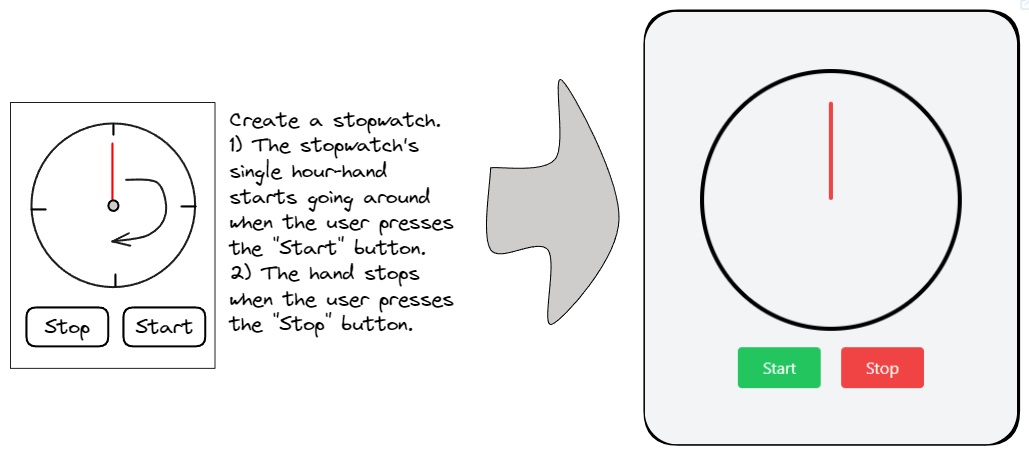
|
||||
```js*/
|
||||
|
||||
@@ -5,7 +5,7 @@ const room = Array.from(window.crypto.getRandomValues(new Uint8Array(10))).map((
|
||||
const key = (await window.crypto.subtle.exportKey("jwk",await window.crypto.subtle.generateKey({name:"AES-GCM",length:128},true,["encrypt", "decrypt"]))).k;
|
||||
const link = `https://excalidraw.com/#room=${room},${key}`;
|
||||
|
||||
ea.addEmbeddable(0,0,800,600,link);
|
||||
ea.addIFrame(0,0,800,600,link);
|
||||
ea.addElementsToView(true,true);
|
||||
|
||||
window.navigator.clipboard.writeText(link);
|
||||
|
||||
@@ -6,23 +6,12 @@ You can download the sample Obsidian Templater file from [here](https://gist.git
|
||||
You can download the demo PDF document showcased in the video from [here](https://zsviczian.github.io/DemoArticle-AtomicHabits.pdf)
|
||||
|
||||
```js*/
|
||||
if (!ea.verifyMinimumPluginVersion || !ea.verifyMinimumPluginVersion("2.20.2")) {
|
||||
new Notice("Please update the Excalidraw Plugin to version 2.20.2 or higher.");
|
||||
return;
|
||||
}
|
||||
|
||||
let selectedElements = ea.getViewSelectedElements();
|
||||
const selectedTextElement = ea.getBoundTextElement(selectedElements, true)?.sceneElement;
|
||||
|
||||
if ((!selectedTextElement && selectedElements.length !== 1) || selectedElements[0].type === "arrow") {
|
||||
const selectedElements = ea.getViewSelectedElements();
|
||||
if (selectedElements.length !== 1 || selectedElements[0].type === "arrow") {
|
||||
new Notice("Select a single element that is not an arrow and not a frame");
|
||||
return;
|
||||
}
|
||||
|
||||
// Detect Mindmap Builder nodes
|
||||
const startNode = selectedElements[0];
|
||||
const isMindMap = typeof startNode.customData?.growthMode !== "undefined" || typeof startNode.customData?.mindmapOrder !== "undefined";
|
||||
|
||||
const visited = new Set(); // Avoiding recursive infinite loops
|
||||
delete window.ewm;
|
||||
|
||||
@@ -122,8 +111,9 @@ function getImageLink(f) {
|
||||
}
|
||||
|
||||
function getBoundText(el) {
|
||||
const text = ea.getBoundTextElement(el,true)?.sceneElement?.rawText;
|
||||
return text ? text + "\n" : "";
|
||||
const textId = el.boundElements?.find(x => x.type === "text")?.id;
|
||||
const text = ea.getViewElements().find(x => x.id === textId)?.originalText;
|
||||
return text ? text + "\n" : "";
|
||||
}
|
||||
|
||||
async function getSectionText(file, section) {
|
||||
@@ -184,9 +174,8 @@ async function getBlockText(file, blockref) {
|
||||
}
|
||||
|
||||
async function getElementText(el) {
|
||||
const maybeTextEl = ea.getBoundTextElement(el,true)?.sceneElement;
|
||||
if (maybeTextEl) {
|
||||
return maybeTextEl.rawText;
|
||||
if (el.type === "text") {
|
||||
return el.originalText;
|
||||
}
|
||||
if (el.type === "image") {
|
||||
const f = ea.getViewFileForImageElement(el);
|
||||
@@ -224,55 +213,16 @@ async function crawl(el, level, isFirst = false) {
|
||||
visited.add(el.id);
|
||||
|
||||
let result = await getElementText(el) + "\n";
|
||||
let itemsToTraverse = [];
|
||||
|
||||
if (isMindMap) {
|
||||
// --- Mindmap Traversal Logic ---
|
||||
// 1. Get all elements to lookup connections
|
||||
const allElements = ea.getViewElements();
|
||||
|
||||
// 2. Find outgoing arrows marked as branches
|
||||
const branchArrows = allElements.filter(a =>
|
||||
a.type === "arrow" &&
|
||||
a.customData?.isBranch &&
|
||||
a.startBinding?.elementId === el.id // Only traverse downwards (Parent -> Child)
|
||||
);
|
||||
|
||||
// 3. Map arrows to their target nodes for sorting
|
||||
const childNodes = branchArrows.map(arrow => {
|
||||
const node = allElements.find(e => e.id === arrow.endBinding?.elementId);
|
||||
return { arrow, nextEl: node };
|
||||
}).filter(x => x.nextEl); // Safety check
|
||||
|
||||
// 4. Sort by mindmapOrder (visual order)
|
||||
childNodes.sort((a, b) => {
|
||||
const orderA = a.nextEl.customData?.mindmapOrder ?? 0;
|
||||
const orderB = b.nextEl.customData?.mindmapOrder ?? 0;
|
||||
return orderA - orderB;
|
||||
});
|
||||
|
||||
itemsToTraverse = childNodes;
|
||||
|
||||
} else {
|
||||
// --- Standard Traversal Logic (Legacy) ---
|
||||
// Use boundElements (incoming and outgoing) in creation order
|
||||
const boundElementsData = el.boundElements?.filter(x => x.type === "arrow") || [];
|
||||
|
||||
itemsToTraverse = boundElementsData.map(bindingData => {
|
||||
const arrow = ea.getViewElements().find(x => x.id === bindingData.id);
|
||||
if (!arrow) return null;
|
||||
const nextEl = getNextElementFollowingArrow(el, arrow);
|
||||
return { arrow, nextEl };
|
||||
}).filter(x => x && x.nextEl);
|
||||
}
|
||||
|
||||
// Determine indentation trigger (Fork)
|
||||
const isFork = itemsToTraverse.length > (isFirst ? 1 : 2);
|
||||
// Process all arrows connected to this element
|
||||
const boundElementsData = el.boundElements.filter(x => x.type === "arrow");
|
||||
const isFork = boundElementsData.length > (isFirst ? 1 : 2);
|
||||
if(isFork) level++;
|
||||
|
||||
// Recursive Traversal
|
||||
for(const {arrow, nextEl} of itemsToTraverse) {
|
||||
if (!visited.has(nextEl.id)) {
|
||||
for(const bindingData of boundElementsData) {
|
||||
const arrow = ea.getViewElements().find(x=> x.id === bindingData.id);
|
||||
const nextEl = getNextElementFollowingArrow(el, arrow);
|
||||
if (nextEl && !visited.has(nextEl.id)) {
|
||||
if(isFork) result += `\n${"#".repeat(level)} `;
|
||||
const arrowLabel = getBoundText(arrow);
|
||||
if (arrowLabel) {
|
||||
|
||||
@@ -1,6 +1,5 @@
|
||||
/*
|
||||
|
||||
<a href="https://www.youtube.com/watch?v=A1vrSGBbWgo" target="_blank"><img src ="https://i.ytimg.com/vi/A1vrSGBbWgo/maxresdefault.jpg" style="width:560px;"></a>
|
||||
<iframe width="560" height="315" src="https://www.youtube.com/embed/A1vrSGBbWgo" title="YouTube video player" frameborder="0" allow="accelerometer; autoplay; clipboard-write; encrypted-media; gyroscope; picture-in-picture" allowfullscreen></iframe>
|
||||
|
||||

|
||||
```js*/
|
||||
|
||||
@@ -6,7 +6,8 @@ The script performs two different functions depending on the elements selected i
|
||||
|
||||
|
||||
|
||||
<a href="https://www.youtube.com/watch?v=2SHn_ruax-s" target="_blank"><img src ="https://i.ytimg.com/vi/2SHn_ruax-s/maxresdefault.jpg" style="width:560px;"></a>
|
||||
<iframe width="560" height="315" src="https://www.youtube.com/embed/2SHn_ruax-s" title="YouTube video player" frameborder="0" allow="accelerometer; autoplay; clipboard-write; encrypted-media; gyroscope; picture-in-picture" allowfullscreen></iframe>
|
||||
|
||||
|
||||
Gravitational point of spiral: $$\left[x,y\right]=\left[ x + \frac{{\text{width} \cdot \phi^2}}{{\phi^2 + 1}}\;, \; y + \frac{{\text{height} \cdot \phi^2}}{{\phi^2 + 1}} \right]$$
|
||||
Dimensions of inner rectangles in case of Double Spiral: $$[width, height] = \left[\frac{width\cdot(\phi^2+1)}{2\phi^2}\;, \;\frac{height\cdot(\phi^2+1)}{2\phi^2}\right]$$
|
||||
|
||||

@@ -1 +1,2 @@
|
||||
<svg xmlns="http://www.w3.org/2000/svg" width="24" height="24" viewBox="0 0 24 24" fill="none" stroke="currentColor" stroke-width="2" stroke-linecap="round" stroke-linejoin="round" class="svg-icon lucide-layout-grid"><rect width="7" height="7" x="3" y="3" rx="1"/><rect width="7" height="7" x="14" y="3" rx="1"/><rect width="7" height="7" x="14" y="14" rx="1"/><rect width="7" height="7" x="3" y="14" rx="1"/></svg>
|
||||
<svg version="1.1" xmlns="http://www.w3.org/2000/svg" viewBox="0 0 376.3492303436433 256.64929991179815" stroke="#000">
|
||||
<g stroke-linecap="round" transform="translate(10 10) rotate(0 58.5858154296875 58.5858154296875)"><path d="M-1.64 1.57 C38.67 2.87, 77.63 0.2, 117.31 1.14 M-0.05 -0.5 C40.75 0.3, 82.48 0.12, 118.09 0.99 M116.67 0.11 C118.02 47.69, 116.43 92.18, 118.63 118.15 M117.41 0.39 C116.57 38.93, 117.51 79.53, 116.57 116.49 M118.65 117.22 C92.96 119.01, 66.56 117.46, -0.42 117.17 M117.21 116.56 C91.43 117.53, 63.4 117.03, -0.23 117.71 M1.5 116.9 C-2.3 91.83, 1.37 68.12, -0.05 -0.85 M-0.84 116.86 C-1.03 87.92, -0.86 61.1, 0.54 0.72" stroke-width="2" fill="none"></path></g><g stroke-linecap="round" transform="translate(128.96603337932902 10.2586194164669) rotate(0 58.5858154296875 58.5858154296875)"><path d="M0.05 1.78 C24.68 -1.8, 48.73 0.22, 118.17 0.33 M-0.27 0.22 C34.72 0.61, 69.52 1.58, 118.12 0.36 M117.6 1.43 C115.71 34.53, 118.33 70.74, 117.89 116.98 M116.68 -0.46 C117.9 41.7, 116.85 81.21, 116.34 117.29 M118.4 119.11 C83.22 117.59, 48.31 117.2, -1.44 117.99 M118.15 116.77 C74.14 115.56, 31.55 116.99, -0.96 117.69 M-1.69 115.77 C1.1 78.33, -0.93 41, -1.14 1.03 M-0.43 116.37 C0.72 90.14, 1.52 62.17, 0.55 -0.66" stroke-width="2" fill="none"></path></g><g stroke-linecap="round" transform="translate(248.3020093440573 10.465294492851172) rotate(0 58.5858154296875 58.5858154296875)"><path d="M0.39 -0.88 C44.51 0.1, 89.74 -0.71, 117.03 -0.11 M0.42 0.03 C30.22 0.74, 59.56 0.11, 117.15 -0.25 M116 -0.35 C118.88 36.78, 118.14 71.41, 118.16 117.65 M117.62 0.75 C115.99 39.07, 115.76 79.63, 117.09 117.91 M117.44 117.56 C81.29 118.3, 44.81 119.12, 1.29 117.25 M116.84 116.27 C88.98 117.24, 60.29 117.22, 0.21 117.92 M1.97 115.99 C0.94 82.75, -0.15 51.05, -1.24 -1.67 M-0.26 118 C1.05 86.36, 1.06 53.45, 0.95 0.65" stroke-width="2" fill="none"></path></g><g stroke-linecap="round" transform="translate(10.875590140210988 129.01237455957016) rotate(0 58.5858154296875 58.5858154296875)"><path d="M0.24 -0.16 C29.59 1.02, 57.45 2.91, 117.44 0.38 M0.41 0.64 C32.74 0.23, 66.39 0.45, 116.84 -0.9 M118.21 0.43 C119.3 32.21, 116.11 63.55, 119.15 115.99 M117.68 -0.62 C115.84 34.54, 116.24 68.9, 116.91 118 M115.86 119.08 C76.96 118.61, 32.48 117.59, -1.75 116.45 M117.39 116.77 C85.7 116.42, 54.91 116.16, 0.1 118.13 M-0.18 118.45 C-0.52 71.18, -0.96 24.41, 1.23 0.16 M0.3 117.66 C0.57 92.18, 0.07 65.33, -0.4 0.17" stroke-width="2" fill="none"></path></g><g stroke-linecap="round" transform="translate(129.84162351954 129.27099397603888) rotate(0 58.5858154296875 58.5858154296875)"><path d="M-0.16 1.48 C27.24 1.09, 56.31 0.13, 117.56 -0.42 M0.64 0.04 C34.52 0.5, 69.88 -0.81, 116.27 -0.23 M117.6 1.5 C115.78 39.75, 114.64 84.85, 115.99 117.12 M116.55 -0.84 C116.19 29.74, 115.7 60.09, 118 117.71 M119.08 118.46 C74.37 114.72, 29.76 114.66, -0.72 116.45 M116.77 116.64 C81.73 117.03, 46.47 117.52, 0.96 118.05 M1.28 117.07 C0.37 77.34, -0.95 39.83, 0.16 -1.64 M0.49 117.63 C0.17 83.07, -1.11 48.64, 0.17 0.23" stroke-width="2" fill="none"></path></g><g stroke-linecap="round" transform="translate(249.17759948426828 129.47766905242315) rotate(0 58.5858154296875 58.5858154296875)"><path d="M1.48 0.05 C26.67 2.03, 51.16 0.48, 116.75 0 M0.04 -0.61 C27.7 -1.15, 53.12 -1.65, 116.94 0.54 M118.67 -0.27 C116.09 22.53, 119.75 46.69, 117.12 116.32 M116.34 -0.31 C117.34 27.65, 117.51 57.73, 117.71 117.89 M118.46 117.96 C73.87 118.06, 32.19 117.57, -0.72 117.14 M116.64 116.71 C84.55 115.98, 52.82 117.66, 0.88 117.52 M-0.11 116.63 C-0.44 89.26, 1.33 65.24, -1.64 -0.19 M0.46 117.75 C-0.38 77.25, -0.75 38.91, 0.23 0.69" stroke-width="2" fill="none"></path></g></svg>
|
||||
|
Before Width: | Height: | Size: 415 B After Width: | Height: | Size: 3.6 KiB |
@@ -1,121 +1,65 @@
|
||||
/*
|
||||
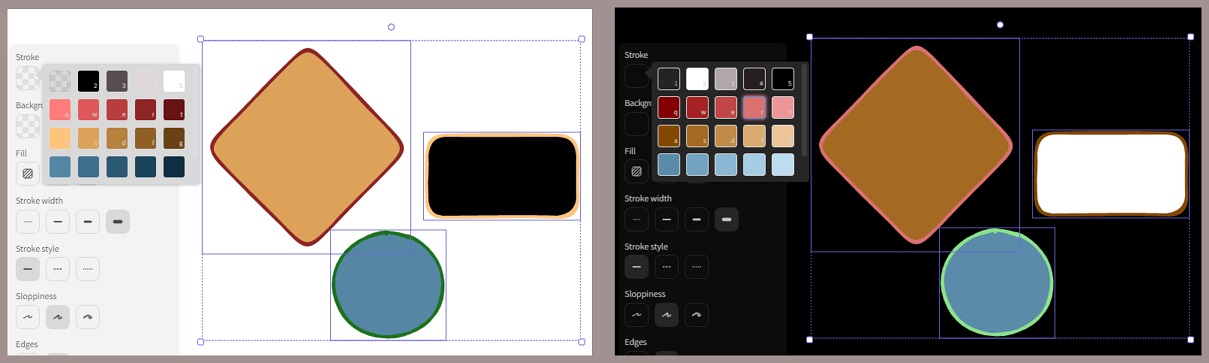
|
||||
|
||||
|
||||
|
||||
The script inverts the colors on the canvas including the color palette in Element Properties.
|
||||
|
||||
This script inverts all the colors in the current Excalidraw drawing. It applies the inversion to:
|
||||
1. The stroke and background colors of every element on the canvas.
|
||||
2. The main canvas background color.
|
||||
3. All colors within the user's custom color palette, handling all possible configurations (simple arrays, nested arrays, and objects).
|
||||
4. The currently selected stroke and background colors in the UI.
|
||||
|
||||
A default color palette is defined to use as a fallback if the current drawing's palette is missing or empty. // This is based on the standard Excalidraw palette from version [1.6.8.](https://github.com/zsviczian/obsidian-excalidraw-plugin/releases/tag/1.6.8)
|
||||
|
||||
You'll find a detailed description of the color palette data structure on the [Excalidraw-Obsidian Wiki](https://excalidraw-obsidian.online/wiki/color-palette)
|
||||
|
||||
```js*/
|
||||
const defaultColorPalette = {
|
||||
elementStroke: ["#000000", "#343a40", "#495057", "#c92a2a", "#a61e4d", "#862e9c", "#5f3dc4", "#364fc7", "#1864ab", "#0b7285", "#087f5b", "#2b8a3e", "#5c940d", "#e67700", "#d9480f"],
|
||||
elementBackground: ["transparent", "#ced4da", "#868e96", "#fa5252", "#e64980", "#be4bdb", "#7950f2", "#4c6ef5", "#228be6", "#15aabf", "#12b886", "#40c057", "#82c91e", "#fab005", "#fd7e14"],
|
||||
canvasBackground: ["#ffffff", "#f8f9fa", "#f1f3f5", "#fff5f5", "#fff0f6", "#f8f0fc", "#f3f0ff", "#edf2ff", "#e7f5ff", "#e3fafc", "#e6fcf5", "#ebfbee", "#f4fce3", "#fff9db", "#fff4e6"]
|
||||
```javascript
|
||||
*/
|
||||
const defaultColorPalette = { // https://github.com/zsviczian/obsidian-excalidraw-plugin/releases/tag/1.6.8
|
||||
elementStroke:["#000000","#343a40","#495057","#c92a2a","#a61e4d","#862e9c","#5f3dc4","#364fc7","#1864ab","#0b7285","#087f5b","#2b8a3e","#5c940d","#e67700","#d9480f"],
|
||||
elementBackground:["transparent","#ced4da","#868e96","#fa5252","#e64980","#be4bdb","#7950f2","#4c6ef5","#228be6","#15aabf","#12b886","#40c057","#82c91e","#fab005","#fd7e14"],
|
||||
canvasBackground:["#ffffff","#f8f9fa","#f1f3f5","#fff5f5","#fff0f6","#f8f0fc","#f3f0ff","#edf2ff","#e7f5ff","#e3fafc","#e6fcf5","#ebfbee","#f4fce3","#fff9db","#fff4e6"]
|
||||
};
|
||||
|
||||
// Get the Excalidraw API and the current application state.
|
||||
const api = ea.getExcalidrawAPI();
|
||||
const st = api.getAppState();
|
||||
|
||||
// Retrieve the current color palette, falling back to the default if necessary.
|
||||
let colorPalette = st.colorPalette ?? defaultColorPalette;
|
||||
if (!colorPalette || Object.keys(colorPalette).length === 0) {
|
||||
colorPalette = defaultColorPalette;
|
||||
}
|
||||
// Ensure each key in the palette has a default value if it's missing.
|
||||
if (!colorPalette.elementStroke || colorPalette.elementStroke.length === 0) {
|
||||
colorPalette.elementStroke = defaultColorPalette.elementStroke;
|
||||
}
|
||||
if (!colorPalette.elementBackground || colorPalette.elementBackground.length === 0) {
|
||||
colorPalette.elementBackground = defaultColorPalette.elementBackground;
|
||||
}
|
||||
if (!colorPalette.canvasBackground || colorPalette.canvasBackground.length === 0) {
|
||||
colorPalette.canvasBackground = defaultColorPalette.canvasBackground;
|
||||
}
|
||||
if (Object.entries(colorPalette).length === 0) colorPalette = defaultColorPalette;
|
||||
if(!colorPalette.elementStroke || Object.entries(colorPalette.elementStroke).length === 0) colorPalette.elementStroke = defaultColorPalette.elementStroke;
|
||||
if(!colorPalette.elementBackground || Object.entries(colorPalette.elementBackground).length === 0) colorPalette.elementBackground = defaultColorPalette.elementBackground;
|
||||
if(!colorPalette.canvasBackground || Object.entries(colorPalette.canvasBackground).length === 0) colorPalette.canvasBackground = defaultColorPalette.canvasBackground;
|
||||
|
||||
/**
|
||||
* Inverts a single color string by reversing its lightness value.
|
||||
* This function uses the ColorMaster utility provided by Excalidraw Automate.
|
||||
* It correctly handles various color formats (HEX, RGB, HSL) and preserves transparency.
|
||||
* @param {string} color - The color to be inverted (e.g., "#FF0000").
|
||||
* @returns {string} The inverted color string.
|
||||
*/
|
||||
const invertColor = (color) => {
|
||||
const cm = ea.getCM(color);
|
||||
const opts = cm.alpha !== 1 ? { alpha: true } : { alpha: false };
|
||||
const lightness = cm.lightness;
|
||||
cm.lightnessTo(Math.abs(lightness - 100)); // Invert lightness on a 0-100 scale.
|
||||
switch (cm.format) {
|
||||
case "hsl": return cm.stringHSL(opts);
|
||||
case "rgb": return cm.stringRGB(opts);
|
||||
case "hsv": return cm.stringHSV(opts);
|
||||
default: return cm.stringHEX(opts);
|
||||
}
|
||||
};
|
||||
if(color.toLowerCase()==="transparent") return color;
|
||||
const cm = ea.getCM(color);
|
||||
const lightness = cm.lightness;
|
||||
cm.lightnessTo(Math.abs(lightness-100));
|
||||
switch (cm.format) {
|
||||
case "hsl": return cm.stringHSL();
|
||||
case "rgb": return cm.stringRGB();
|
||||
case "hsv": return cm.stringHSV();
|
||||
default: return cm.stringHEX({alpha: false});
|
||||
}
|
||||
}
|
||||
|
||||
/**
|
||||
* Recursively traverses a color palette data structure and inverts every color string found.
|
||||
* This robustly handles all valid `colorPalette` configurations, including nested arrays
|
||||
* (`string[][]`), simple arrays (`string[]`), and objects (`topPicks`).
|
||||
* @param {any} palette - A color string, an array of colors, an array of arrays, or an object palette.
|
||||
* @returns {any} A new palette structure with all colors inverted.
|
||||
*/
|
||||
const invertPaletteStructure = (palette) => {
|
||||
if (typeof palette === 'string') {
|
||||
// Base case: If the item is a color string, invert it.
|
||||
return invertColor(palette);
|
||||
function invertColorsRecursively(obj) {
|
||||
if (typeof obj === 'string') {
|
||||
return invertColor(obj);
|
||||
} else if (Array.isArray(obj)) {
|
||||
return obj.map(item => invertColorsRecursively(item));
|
||||
} else if (typeof obj === 'object' && obj !== null) {
|
||||
const result = {};
|
||||
Object.keys(obj).forEach(key => result[key] = invertColorsRecursively(obj[key]));
|
||||
return result;
|
||||
} else {
|
||||
return obj;
|
||||
}
|
||||
if (Array.isArray(palette)) {
|
||||
// If it's an array, recursively call this function for each item.
|
||||
return palette.map(item => invertPaletteStructure(item));
|
||||
}
|
||||
if (typeof palette === 'object' && palette !== null) {
|
||||
// If it's an object, create a new object and recursively process its values.
|
||||
const newPalette = {};
|
||||
for (const key in palette) {
|
||||
if (Object.prototype.hasOwnProperty.call(palette, key)) {
|
||||
newPalette[key] = invertPaletteStructure(palette[key]);
|
||||
}
|
||||
}
|
||||
return newPalette;
|
||||
}
|
||||
// Return any other data types (like numbers or null) unchanged.
|
||||
return palette;
|
||||
};
|
||||
}
|
||||
colorPalette = invertColorsRecursively(colorPalette);
|
||||
|
||||
// Generate the new, fully inverted color palette.
|
||||
const invertedColorPalette = invertPaletteStructure(colorPalette);
|
||||
|
||||
// Load all elements from the current view into the Excalidraw Automate workbench for editing.
|
||||
ea.copyViewElementsToEAforEditing(ea.getViewElements());
|
||||
|
||||
// Iterate over all elements and invert their stroke and background colors.
|
||||
ea.getElements().forEach(el => {
|
||||
if (el.strokeColor) {
|
||||
el.strokeColor = invertColor(el.strokeColor);
|
||||
}
|
||||
if (el.backgroundColor) {
|
||||
el.backgroundColor = invertColor(el.backgroundColor);
|
||||
}
|
||||
ea.getElements().forEach(el=>{
|
||||
el.strokeColor = invertColor(el.strokeColor);
|
||||
el.backgroundColor = invertColor(el.backgroundColor);
|
||||
});
|
||||
|
||||
// Finally, update the Excalidraw scene with the inverted elements and application state.
|
||||
ea.viewUpdateScene({
|
||||
appState: {
|
||||
colorPalette: invertedColorPalette,
|
||||
viewBackgroundColor: invertColor(st.viewBackgroundColor),
|
||||
currentItemStrokeColor: invertColor(st.currentItemStrokeColor),
|
||||
currentItemBackgroundColor: invertColor(st.currentItemBackgroundColor)
|
||||
appState:{
|
||||
colorPalette,
|
||||
viewBackgroundColor: invertColor(st.viewBackgroundColor),
|
||||
currentItemStrokeColor: invertColor(st.currentItemStrokeColor),
|
||||
currentItemBackgroundColor: invertColor(st.currentItemBackgroundColor)
|
||||
},
|
||||
elements: ea.getElements(),
|
||||
storeAction: "capture" // Ensures the change is saved and added to the undo/redo history.
|
||||
elements: ea.getElements()
|
||||
});
|
||||

@@ -1 +1,13 @@
|
||||
<svg xmlns="http://www.w3.org/2000/svg" width="24" height="24" viewBox="0 0 24 24" fill="none" stroke="currentColor" stroke-width="2" stroke-linecap="round" stroke-linejoin="round" class="svg-icon lucide-sun-moon"><path d="M12 2v2"/><path d="M14.837 16.385a6 6 0 1 1-7.223-7.222c.624-.147.97.66.715 1.248a4 4 0 0 0 5.26 5.259c.589-.255 1.396.09 1.248.715"/><path d="M16 12a4 4 0 0 0-4-4"/><path d="m19 5-1.256 1.256"/><path d="M20 12h2"/></svg>
|
||||
<svg xmlns="http://www.w3.org/2000/svg" width="24" height="24" viewBox="0 0 24 24" fill="none" stroke="currentColor" stroke-width="2" stroke-linecap="round" stroke-linejoin="round">
|
||||
<path stroke-width="2" fill="none" d="M12 16a4 4 0 1 0 0-8 4 4 0 0 0 0 8z"></path>
|
||||
<path stroke-width="2" fill="none" d="M12 8a2.828 2.828 0 1 0 4 4"></path>
|
||||
<path stroke-width="2" fill="none" d="M12 2v2"></path>
|
||||
<path stroke-width="2" fill="none" d="M12 20v2"></path>
|
||||
<path stroke-width="2" fill="none" d="m4.93 4.93 1.41 1.41"></path>
|
||||
<path stroke-width="2" fill="none" d="m17.66 17.66 1.41 1.41"></path>
|
||||
<path stroke-width="2" fill="none" d="M2 12h2"></path>
|
||||
<path stroke-width="2" fill="none" d="M20 12h2"></path>
|
||||
<path stroke-width="2" fill="none" d="m6.34 17.66-1.41 1.41"></path>
|
||||
<path stroke-width="2" fill="none" d="m19.07 4.93-1.41 1.41"></path>
|
||||
|
||||
</svg>
|
||||
|
Before Width: | Height: | Size: 444 B After Width: | Height: | Size: 865 B |

@@ -1 +1 @@
|
||||
<svg xmlns="http://www.w3.org/2000/svg" width="24" height="24" viewBox="0 0 24 24" fill="none" stroke="currentColor" stroke-width="2" stroke-linecap="round" stroke-linejoin="round" class="svg-icon lucide-sun"><circle cx="12" cy="12" r="4"/><path d="M12 2v2"/><path d="M12 20v2"/><path d="m4.93 4.93 1.41 1.41"/><path d="m17.66 17.66 1.41 1.41"/><path d="M2 12h2"/><path d="M20 12h2"/><path d="m6.34 17.66-1.41 1.41"/><path d="m19.07 4.93-1.41 1.41"/></svg>
|
||||
<svg xmlns="http://www.w3.org/2000/svg" viewBox="50 -20 600 600"><path d="M350 0c-74.262 0-145.48 29.5-197.99 82.012a279.995 279.995 0 0 0 0 395.98 279.995 279.995 0 0 0 395.98 0 279.995 279.995 0 0 0 0-395.98A279.992 279.992 0 0 0 350 0zm140 324.8H210v-89.602h280z"/></svg>
|
||||
|
Before Width: | Height: | Size: 456 B After Width: | Height: | Size: 274 B |
@@ -1,209 +0,0 @@
|
||||
/*
|
||||
|
||||
This script generates a linear (horizontal) calendar for a specified year, with days flowing left to right and months as rows.
|
||||
|
||||
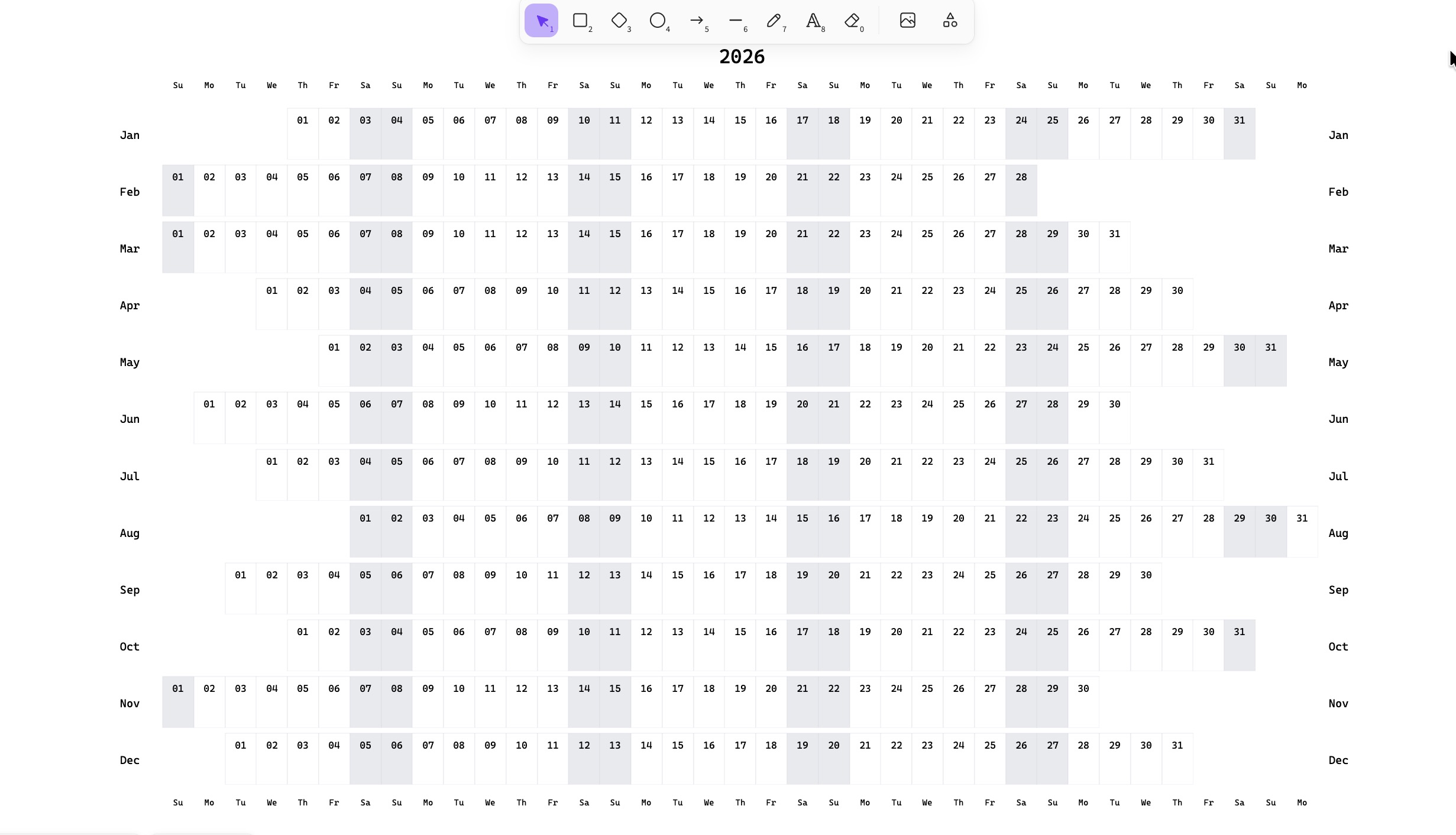
|
||||
|
||||
## Features
|
||||
- Horizontal timeline layout with days of the week as columns
|
||||
- Month names displayed on both left and right sides
|
||||
- Weekend days (Saturday & Sunday) highlighted
|
||||
- Day-of-week headers at top and bottom
|
||||
|
||||
## Customizable Colors
|
||||
|
||||
You can personalize the calendar's appearance by defining your own colors:
|
||||
|
||||
1. Create two rectangles in your design.
|
||||
2. Select both rectangles before running the script:
|
||||
• The **fill and stroke colors of the first rectangle** will be applied to weekdays.
|
||||
• The **fill and stroke colors of the second rectangle** will be used for weekends.
|
||||
|
||||
If no rectangles are selected, the default color schema will be used (white and light blue-gray for weekends).
|
||||
|
||||
```javascript
|
||||
*/
|
||||
|
||||
// -------------------------------------
|
||||
// Constants initiation
|
||||
// -------------------------------------
|
||||
|
||||
const CELL_WIDTH = 176; // Width of each day cell
|
||||
const CELL_HEIGHT = 288; // Height of each day cell
|
||||
const START_X = 0; // X start position
|
||||
const START_Y = 0; // Y start position
|
||||
const ROW_SPACING = 32; // Space between month rows
|
||||
const MONTH_LABEL_WIDTH = 240; // Space for month labels on sides
|
||||
|
||||
// Colors
|
||||
let COLOR_WEEKEND = "#e8eaed";
|
||||
let COLOR_WEEKDAY = "#ffffff";
|
||||
let COLOR_TEXT = "#000000";
|
||||
let COLOR_WEEKEND_TEXT = "#000000";
|
||||
let COLOR_HEADER_TEXT = "#000000";
|
||||
const COLOR_STROKE = "#d0d4db";
|
||||
let STROKE_WIDTH = 1;
|
||||
let FILLSTYLE = "solid";
|
||||
const ROUGHNESS = 0; // 0 = Architect, 1 = Artist, 2 = Cartoonist
|
||||
const FONT_FAMILY = 3; // 1 = Virgil, 2 = Helvetica, 3 = Cascadia (code), 4 = Little One
|
||||
|
||||
// Font sizes
|
||||
const FONT_SIZE_DAY = 56;
|
||||
const FONT_SIZE_HEADER = 48;
|
||||
const FONT_SIZE_MONTH = 64;
|
||||
const FONT_SIZE_YEAR = 112;
|
||||
|
||||
// Day constants
|
||||
const SATURDAY = 6;
|
||||
const SUNDAY = 0;
|
||||
const JANUARY = 0;
|
||||
const FIRST_DAY_OF_THE_MONTH = 1;
|
||||
|
||||
// Day names (short)
|
||||
const DAY_NAMES = ["Su", "Mo", "Tu", "We", "Th", "Fr", "Sa"];
|
||||
|
||||
// Month names (short)
|
||||
const MONTH_NAMES = ["Jan", "Feb", "Mar", "Apr", "May", "Jun", "Jul", "Aug", "Sep", "Oct", "Nov", "Dec"];
|
||||
|
||||
// Number of day columns needed (max 37 to cover all possible month alignments: 6 days offset + 31 days)
|
||||
const NUM_COLUMNS = 37;
|
||||
|
||||
// -------------------------------------
|
||||
|
||||
// Ask for requested Year
|
||||
let requestedYear = parseFloat(new Date().getFullYear());
|
||||
requestedYear = parseFloat(await utils.inputPrompt("Year?", requestedYear, requestedYear));
|
||||
if (isNaN(requestedYear)) {
|
||||
new Notice("Invalid number");
|
||||
return;
|
||||
}
|
||||
|
||||
// -------------------------------------
|
||||
// Use selected elements for calendar style
|
||||
// -------------------------------------
|
||||
|
||||
let elements = ea.getViewSelectedElements();
|
||||
if (elements.length >= 1) {
|
||||
COLOR_WEEKDAY = elements[0].backgroundColor;
|
||||
FILLSTYLE = elements[0].fillStyle;
|
||||
STROKE_WIDTH = elements[0].strokeWidth;
|
||||
}
|
||||
if (elements.length >= 2) {
|
||||
COLOR_WEEKEND = elements[1].backgroundColor;
|
||||
}
|
||||
|
||||
// -------------------------------------
|
||||
// Helper function to get days in a month
|
||||
// -------------------------------------
|
||||
|
||||
function getDaysInMonth(year, month) {
|
||||
return new Date(year, month + 1, 0).getDate();
|
||||
}
|
||||
|
||||
// -------------------------------------
|
||||
// Helper function to get the day of week for first day of month
|
||||
// -------------------------------------
|
||||
|
||||
function getFirstDayOfMonth(year, month) {
|
||||
return new Date(year, month, 1).getDay();
|
||||
}
|
||||
|
||||
// -------------------------------------
|
||||
// Draw day-of-week headers
|
||||
// -------------------------------------
|
||||
|
||||
function drawDayHeaders(yPosition) {
|
||||
ea.style.fontSize = FONT_SIZE_HEADER;
|
||||
ea.style.strokeColor = COLOR_TEXT;
|
||||
ea.style.fontFamily = FONT_FAMILY;
|
||||
|
||||
for (let col = 0; col < NUM_COLUMNS; col++) {
|
||||
const dayIndex = col % 7;
|
||||
const x = START_X + MONTH_LABEL_WIDTH + (col * CELL_WIDTH);
|
||||
|
||||
// Center the text in the cell (approximate width of 2 chars)
|
||||
const textX = x + (CELL_WIDTH / 2) - (FONT_SIZE_HEADER * 0.6);
|
||||
ea.addText(textX, yPosition, DAY_NAMES[dayIndex]);
|
||||
}
|
||||
}
|
||||
|
||||
// -------------------------------------
|
||||
// Draw month row
|
||||
// -------------------------------------
|
||||
|
||||
function drawMonthRow(year, month, rowIndex) {
|
||||
const daysInMonth = getDaysInMonth(year, month);
|
||||
const firstDayOfWeek = getFirstDayOfMonth(year, month);
|
||||
const y = START_Y + 160 + (rowIndex * (CELL_HEIGHT + ROW_SPACING));
|
||||
|
||||
// Draw month label on the left
|
||||
ea.style.fontSize = FONT_SIZE_MONTH;
|
||||
ea.style.strokeColor = COLOR_TEXT;
|
||||
ea.style.fontFamily = FONT_FAMILY;
|
||||
const monthLabelY = y + (CELL_HEIGHT / 2) - (FONT_SIZE_MONTH / 2);
|
||||
ea.addText(START_X, monthLabelY, MONTH_NAMES[month]);
|
||||
|
||||
// Draw day cells
|
||||
for (let day = 1; day <= daysInMonth; day++) {
|
||||
const date = new Date(year, month, day);
|
||||
const dayOfWeek = date.getDay();
|
||||
const col = firstDayOfWeek + day - 1; // Column position based on day of week alignment
|
||||
|
||||
const x = START_X + MONTH_LABEL_WIDTH + (col * CELL_WIDTH);
|
||||
const isWeekend = dayOfWeek === SATURDAY || dayOfWeek === SUNDAY;
|
||||
|
||||
// Set cell style
|
||||
ea.style.backgroundColor = isWeekend ? COLOR_WEEKEND : COLOR_WEEKDAY;
|
||||
ea.style.strokeColor = COLOR_STROKE;
|
||||
ea.style.strokeWidth = STROKE_WIDTH;
|
||||
ea.style.fillStyle = FILLSTYLE;
|
||||
ea.style.roughness = ROUGHNESS;
|
||||
|
||||
// Draw cell rectangle
|
||||
ea.addRect(x, y, CELL_WIDTH, CELL_HEIGHT);
|
||||
|
||||
// Draw day number
|
||||
ea.style.fontSize = FONT_SIZE_DAY;
|
||||
ea.style.strokeColor = COLOR_TEXT;
|
||||
ea.style.fontFamily = FONT_FAMILY;
|
||||
|
||||
// Position the day number at top center of the cell
|
||||
const dayStr = String(day).padStart(2, "0");
|
||||
const charWidth = FONT_SIZE_DAY * 0.6; // Approximate character width
|
||||
const textWidth = dayStr.length * charWidth;
|
||||
const textX = x + (CELL_WIDTH - textWidth) / 2;
|
||||
const textY = y + 32; // 32px padding from top
|
||||
ea.addText(textX, textY, dayStr);
|
||||
}
|
||||
|
||||
// Draw month label on the right
|
||||
ea.style.fontSize = FONT_SIZE_MONTH;
|
||||
ea.style.strokeColor = COLOR_TEXT;
|
||||
const rightLabelX = START_X + MONTH_LABEL_WIDTH + (NUM_COLUMNS * CELL_WIDTH) + 60;
|
||||
ea.addText(rightLabelX, monthLabelY, MONTH_NAMES[month]);
|
||||
}
|
||||
|
||||
// -------------------------------------
|
||||
// Main calendar generation
|
||||
// -------------------------------------
|
||||
|
||||
// Draw year title (centered above calendar)
|
||||
ea.style.fontSize = FONT_SIZE_YEAR;
|
||||
ea.style.strokeColor = COLOR_TEXT;
|
||||
ea.style.fontFamily = FONT_FAMILY;
|
||||
const yearX = START_X + MONTH_LABEL_WIDTH + ((NUM_COLUMNS * CELL_WIDTH) / 2) - 120;
|
||||
ea.addText(yearX, START_Y - 200, String(requestedYear));
|
||||
|
||||
// Draw top day-of-week headers
|
||||
drawDayHeaders(START_Y);
|
||||
|
||||
// Draw all 12 months
|
||||
for (let month = 0; month < 12; month++) {
|
||||
drawMonthRow(requestedYear, month, month);
|
||||
}
|
||||
|
||||
// Draw bottom day-of-week headers
|
||||
const bottomHeaderY = START_Y + 160 + (12 * (CELL_HEIGHT + ROW_SPACING)) + 40;
|
||||
drawDayHeaders(bottomHeaderY);
|
||||
|
||||
await ea.addElementsToView(false, false, true);
|
||||

@@ -1 +0,0 @@
|
||||
<svg xmlns="http://www.w3.org/2000/svg" width="24" height="24" viewBox="0 0 24 24" fill="none" stroke="currentColor" stroke-width="2" stroke-linecap="round" stroke-linejoin="round" class="svg-icon lucide-calendar-days"><path d="M8 2v4"/><path d="M16 2v4"/><rect width="18" height="18" x="3" y="4" rx="2"/><path d="M3 10h18"/><path d="M8 14h.01"/><path d="M12 14h.01"/><path d="M16 14h.01"/><path d="M8 18h.01"/><path d="M12 18h.01"/><path d="M16 18h.01"/></svg>
|
||||
|
Before Width: | Height: | Size: 461 B |
@@ -1,45 +0,0 @@
|
||||
async function compress () {
|
||||
ea = ExcalidrawAutomate;
|
||||
const f = app.workspace.activeLeaf.view.file;
|
||||
const data = await app.vault.read(f);
|
||||
const compressed = ea.compressToBase64(data);
|
||||
let result = '';
|
||||
const chunkSize = 256;
|
||||
for (let i = 0; i < compressed.length; i += chunkSize) {
|
||||
result += compressed.slice(i, i + chunkSize) + '\n\n';
|
||||
}
|
||||
|
||||
await app.vault.modify(f,`/*
|
||||
# Mind Map Builder: Technical Specification & User Guide
|
||||
|
||||
## Overview
|
||||
**Mind Map Builder** transforms the Obsidian-Excalidraw canvas into a rapid brainstorming environment, allowing users to build complex, structured, and visually organized mind maps using primarily keyboard shortcuts.
|
||||
|
||||
The script balances **automation** (auto-layout, recursive grouping, and contrast-aware coloring) with **explicit flexibility** (node pinning and redirection logic), ensuring that the mind map stays organized even as it grows to hundreds of nodes. It leverages the Excalidraw Sidepanel API to provide a persistent control interface utilizing the Obsidian sidepanel, that can also be undocked into a floating modal.
|
||||
|
||||
> [!Note]
|
||||
> Mindmap Builder is Minified for reasons of size and performance. You can find the source here: [Mindmap Builder.js](https://github.com/zsviczian/obsidian-excalidraw-plugin/blob/master/ea-scripts/Mindmap%20Builder.js)
|
||||
|
||||
\`\`\`js*/
|
||||
if (!ea.verifyMinimumPluginVersion || !ea.verifyMinimumPluginVersion("2.19.0")) {
|
||||
new Notice("Please update the Excalidraw Plugin to version 2.19.0 or higher.");
|
||||
return;
|
||||
}
|
||||
|
||||
const existingTab = ea.checkForActiveSidepanelTabForScript();
|
||||
if (existingTab) {
|
||||
const hostEA = existingTab.getHostEA();
|
||||
if (hostEA && hostEA !== ea) {
|
||||
hostEA.activateMindmap = true;
|
||||
hostEA.setView(ea.targetView);
|
||||
existingTab.open();
|
||||
return;
|
||||
}
|
||||
};
|
||||
|
||||
const mmbSource = \`${result}\`;
|
||||
const script = ea.decompressFromBase64(mmbSource.replaceAll("\\n", "").trim())
|
||||
const AsyncFunction = Object.getPrototypeOf(async () => {}).constructor;
|
||||
await new AsyncFunction("ea", "utils", script)(ea, utils);
|
||||
`);
|
||||
}
|
||||
@@ -1,953 +0,0 @@
|
||||
/*
|
||||
|
||||
# Mind Map Builder
|
||||
|
||||

|
||||
|
||||
## Overview
|
||||
**Mind Map Builder** transforms the Obsidian-Excalidraw canvas into a rapid brainstorming environment, allowing users to build complex, structured, and visually organized mind maps using primarily keyboard shortcuts.
|
||||
|
||||
The script balances **automation** (auto-layout, recursive grouping, and contrast-aware coloring) with **explicit flexibility** (node pinning and redirection logic), ensuring that the mind map stays organized even as it grows to hundreds of nodes. It leverages the Excalidraw Sidepanel API to provide a persistent control interface utilizing the Obsidian sidepanel, that can also be undocked into a floating modal.
|
||||
|
||||
> [!Tip]
|
||||
> 🚀 Become a MindMap Builder Pro with the Official [MindMap Builder Course](https://www.visual-thinking-workshop.com/mindmap)!
|
||||
|
||||
> [!Info]
|
||||
> Mindmap Builder is Minified and compressed to reduce size and improve performance. You can find the source here: [Mindmap Builder.js](https://github.com/zsviczian/obsidian-excalidraw-plugin/blob/master/ea-scripts/Mindmap%20Builder.js)
|
||||
> API documentation: [MindMapBuilderAPI.md](https://github.com/zsviczian/obsidian-excalidraw-plugin/blob/master/docs/ea-script-docs/MindMapBuilderAPI.md)
|
||||
|
||||
## Show Your Love!
|
||||
|
||||
💖 **If you love MindMap Builder** say thank you, and [Buy me a Coffee](https://ko-fi.com/zsolt) 🍵
|
||||
|
||||
## The Script
|
||||
|
||||
```js*/
|
||||
|
||||
const VERSION = "v26.03.08";
|
||||
|
||||
if (!ea.verifyMinimumPluginVersion || !ea.verifyMinimumPluginVersion("2.20.6")) {
|
||||
new Notice("Please update the Excalidraw Plugin to version 2.20.6 or higher.");
|
||||
return;
|
||||
}
|
||||
|
||||
ea.skipSidepanelScriptRestore();
|
||||
|
||||
const existingTab = ea.checkForActiveSidepanelTabForScript();
|
||||
if (existingTab) {
|
||||
const hostEA = existingTab.getHostEA();
|
||||
if (hostEA && hostEA !== ea) {
|
||||
hostEA.activateMindmap = true;
|
||||
hostEA.setView(ea.targetView);
|
||||
existingTab.open(false);
|
||||
return;
|
||||
}
|
||||
};
|
||||
|
||||
const mmbSource = `
|
||||
DYUwLgBAlgvAFAShgPgN4HcoDsAmB7dAOgFlscBbAQwAcAhAVymBxACcAyduTXAksqnUbM2hANYgAnvnRYAEpVyhWAZ0IAzPKwCilAMYALOCBSowrSahCIAvnsphDxhKj14sKvKEJtWWuABEpLiCEAxMLKwAXBDarH6sEKwg5HgAbtgA5hAS0gRYEAaKOMpRAQA0IAg2NgjlPDL8ITThIqziUjLyxcoqMADaALrV5XjwSGhQiADc5pYNfMEULcKR
|
||||
|
||||
APyE1HjUAPIARipQOFCKcnhguQDKbtQgG7b2jkZVru6e3r7+QQI0YatsMTiCQgW2o1CyhXOuQgKhuIDKlWqcwwZEWPyEETYG2SqTSIAACnhsGA2AARfIKJRYwgPBxOF5uDxeEA+eJfJahVqRQFsxI49IQrbEthdQo9AEVKo2ZELIgclaY1jYlLpEAAQT0YCgeIAMiBKOodVAVCSsNTaU9nK8mR9eYF5dQ/oqecD+RksNl9Fq8QBaUAGn2GRSZEAQ
|
||||
|
||||
YDG00SxE1cqZeCyprLDFtNZ4RBRBMOrlsGCoXJdSklNgqKJDGzlRAofUbENgbQAD3s4ZwrEo6DV+IAkog6rdxihMoga+A1WDLmAHNY6pd+8h9YQJ6xawA1KAgdCceeLldrogAfWAeEoLBw5TA8EPTfHWkoIcItc7JPIgWAwfot5AAQQAB9vwEQFgX4LngOoEGwADClAqFO5SULmAFRKgAByOwACqduB2h7pc2g6to4GoXuKGklhqE7Hu4E7PiACa
|
||||
|
||||
ZSXCAoCahAlAQFgeAsBAYB4BANySIQFQoehmF7sQHYUQAqqhZTEL8ej0JAXE8eG1B7EerA4Px5SCRhWG0AASmqSHgXIElSQEtCtlghg8fJnHcXoymqZQ6madpwmifiFFUZ22iktJsnbGuODMSoEBUKwYhdK5aE6Xu+mGcZXldr5ZQWYo1k3EFIUQHs9DAKAkDhia0VCVh4E6p2+K0Dsap6aSe7aMQ+KobRATgY5anBcaEApNQYB8QJMXCfiaqXKh
|
||||
|
||||
WFqtVenjX5AT4lBJLMaprAkhpEDtVAKmdRA+AgKFbGQCazmQJgYAGMxEAyRFopFZAWiFPqkQlbFKF7hVY1lEh3FpJQzaXc5kX5GGEYQJo9C4BA7hKZtTkuYNpV7iNY1YWNtVmfNhxah65Qgv60EQOglBQGAONnd19gFBOEgXegBhMCyhDPcNo3jV5TV4eNZQY4tbjkNQBUsvDsVqgRnY7Ehe56doACK4mdlLlx7rVek7AA6pcZSoXToVelAUPJAA
|
||||
|
||||
jowyShWqbLoBAADSUhqBAOxYMAkhhexUDqGuqg8YoOWhkGHogBpQvCZRSEAGIVQRe6q52qEmSL6Hi1EADk4HuOo4ZMad50BKguvuDYASJ1pQ1YTstCXJ2pKdoZe5yGhlvaNRXmh+HUmJwAOvQABMABslAAAwd+oIB9+odsHEcJwFGcFxSOtqfp2AACEbdYCvWvddCqrxEce1RCv2e81QuD54XblYQA4jqpdqjqNd1w3Tdhxhrcdz3/eD8Po/n4ee
|
||||
|
||||
y/RA0/QhTlgNOUBNTL1XlgdeoVN54m3iwEs+9XjkCPjgE+RcEavTkNoNUlckLnw1gEL6D1jxZFCmDCG2BOIGFDOGLAEhgpu28IHMqhlBINUroRYg4kdToQqkhbQZRIJYAOj1Y4kByB5S1H6bAoY2LwJ2lAZImpHaEBXuSegexQCBnTmIKhoYGIpAApAShDYmxHFbBbRS/tiak2oQUVg4NmLyW4skH0zlLIhjCr8RS9BqA4EnHosMlBJB4HkkzFhS
|
||||
|
||||
E2HEB2MuLCXZIkpTaooERuJQzgmEf7Vi7E9qEAgOJLA6TAlyNDG7VQYBwkUVYWhESMSsIqzQoI5J5xnZ4kCX4ZpxSKngSqYRfEelomsx1AARkacI5p1A/CpEWnqPEwAIBDKyfArpPS9wkQGQIpJYzIAsCmbI7JuSiETJABkUJoVDiaIhIpBwE5rJcQqThPCEdiJlXFqhNUnYkIfPPm9D5ls6IGKYixYpPF3ATmwBCFitCxDLMidUtZaEsKvXLrQP
|
||||
|
||||
h3yyJK3AphZqoyRE7POPCCARDzm0OyOQ4KVy9B6BAH1Kh3VOnMMqbCwi8LWavWXDfCu2FOwoq+Ti5peKSQxCIT9P6xLLncWufoc6dyGXdKZasxqCKKIq0uIrcuJEiLVJvlfVWiShG4pVIK9afgVAqB9IcDiAq9YFDpc036h50D+xhVE2pStJLkR1GqaiOxJKrM7JcSaeFZr6uaakxZe0CZ2IgGqZxPodTBNCcY0KxwVCUE0U62IWA02gGjbG+NIT
|
||||
|
||||
bKlOKgy+KRkTJR1JDHEShlxI3z3LUvSekK4bLSlZc6mAcBnQJmwPZkBfH+NWt7ew9B8aeHIKGPYllrIdrOqFR1yQvFYHfPlJ2qRjhuydbKlZxlDLnywqJZGelJY7AaQELWoYqAmjYEkPAzSKYiL2D7dwsDVr3PErQDyx6tWkhIrNS4GjQjtMgABbNm70GxUuO+z99TCJS2ibEv9AHfhAaSCqPEa1wJ02YMkAobELaaHygQQJ1BnJGK8Y6V8BbykV
|
||||
|
||||
GDiHeWxBJaKtidhKDYkYOCKKH7WlZykOOhQ7/PQuirlZNYFQOZxS1grxXo+AmTA5mHnxsTUKl4/6UcTWFcAx4HCUBxsUaAYBQqGAiDh2T+VvaofccGTJewnZnTSaRrAkAgOJ2Uwm2yh5MigM0nHMWEtPW0FwkrH9ZQ1Q4GCphiIFQfPizepNQLOD6rItRUrEO409IhbC4SkA9ZICXCgBcj0UXRYxf8/Fn9XKeV4LitoEOOwpYZeCviZIaQIB5YK5
|
||||
|
||||
kIr8c/NxdvglvctWdQ6oaxAAA1KDLwDrOu+diwF3r5WBs6v6zscC4kCGheCmNgjDrRvjbkioKbJWetBfqgttWe4ABaJ7iDDc2xNojY2ABet7yAHe67N7CdXCJ1ZIultqnHPE7HUmwAA9E1vAuzCXZNezNwLvlo5lG0GI8N0PSu33iVzbAwP8npJR0d6qAANVKeB6xY6wKpesuP3tkXPpfC+KtxL4jKOfPwvjSeZBZ46PLHoc2tsMJTwLlEaKCO2J
|
||||
|
||||
Ifnt8VtmXAvJMXiMWYbO5p+co0W3uBc7E1T79bJJ8I2Z2PmWhIA7HkrQxXyuYe30uzsa7bVJAOVDOd57MvasrYISHPAe2IBwCpY5tgCBkdK+Kyr2+SE1TLk7OfNUnNCGUAyJkScMvg+h/D6zC3VukLR6gLHxa7AIBPfB/HkPYeI9YSd6tz66fM+hmz5oPbjudg6lmq75gpOCPBV5wYWv9e3ojICI3nAzevDku4jMhi8yO/1W1WUXv/fmBhCnedPS
|
||||
|
||||
IA5KqG1AxUX/uutm9Wcty2e5xJIVJNvso5JBOk/wIJmXchm1H7d7o7PdMWAy6lsrXdGyF+Wa4zJagMvqe05Yx+tjJ6Zk44x0wO2gEM/6ewoQekt6YA3+OwNOeEFEWC4ElsBOmseAmQmQOamGi+Yg5OrWE4YAI6FQ8Se4ZEde6Enk8S/Cs0UCPUoA46jm0AoU6SZoGGOidkEA4MhSdmYYbuDg1qkMo8vB0EjEg6BijBsB5QpB5BPClUu+SE1BiSdB
|
||||
|
||||
EhZGtqkArBGaG0gmnBPB1CfBjwgheAwh+hohi+4hDBRiFQP+iB589OnkshlBe4dhPqjOiczOoSjoZMoUk66UBguS9sjszEP0TAoG0Ao8AQHhvis+fhe0AQzBCiqa6aOAhcNhdOrhZBJ6chnke+LhDOSc+S7Onh3GOUc+ARDsTs0eRMr46a4REAkRHOMRbacRCRKaoGKR5Qjh8hcOhEzyCOSOJIOWQhMIAKg6xS1hWRThpBHy8Oc0mO2OlCKmWoUM
|
||||
|
||||
xhF0nSEAqsUamhwUxSc67gickAtYTiXEbi8QVmOAExFB8hUsIcCscgIWziFmZxXGgglx2RW+KB1+OhikeWLAJGZowAbxThe+B+nxAQ+SZ+Qm3EIch4AhHol07Ev0QJ8hKeFE1E5UGy4ENuOaqhTBueL2nRkx8haRzh9hcUqESEScqEGBWBoYRRviWQwO4M9J6S2QqxLEvhba5RQRVRoRtRrs9RURjobeLR3UbRyRhAqRRJDh8Bv+aBZ6NJOawK5O
|
||||
|
||||
yJMpCBukPq++tUrU1JmBOaKgGi5gIAE6oSuAzka+XRapv+YcNU6EVW2g+OqEBkBCuptJPUOWrYIKjmfgwA+2hJVxnktGYe4kUssuHMkeQCbsmQ9AC6e2XE5AIKh4iQJGBUi0mgiQnJhgcR/p7xQZ58IZWEnq3qkkwuwCGeMZNCbmh04AWMmQfplpNSzG+RQQqoeSX+OZTh8GWEB+qslJLZrS5Isgqp7C0cXkV8v2iOxMw5JEHMLy45R+BiJIw5VE
|
||||
|
||||
2gEsI04ZcSGE9cv2OwtwBQ80qZoY+IoCEgrAw5A29Upaxkk+A+0+wUZhmo1mc+55de9UwycUBkZaN5Te+SLePEWGLYAEHuw+cyQyCAL5neE+Pet5v5A+TR1kC+S+hwsyFp0pe4au+IGuPqqE2uZQuuWwK0xCxwHoZCkywMdCmSjCoYUE/5EQ4a9ZaFCs2ghE6KJEIcao3CZkC+0ECk3ELA6glAkiw5kG/+nkMGx2dEi4h0vGoMZFD5YxUOHZ8hIl
|
||||
|
||||
0GgBjGXZpZL6MIMl/G+gUJaxWgYmfuDZJJxk+EqBOwhOCpepoYE4KguiWZgm+BR0RBfpoJO+6EOFGySw/0wp/wZ55QWCOonkkGxAokekrUcgDE7ZHy+Ivq+InqmEtc9e2gv2QCVKfUjMuS/UtwEA/Q/QnB2A0EhFUKFQryde8BjcCVIs2gyVP2ZQ9sXEHmTscAZsfgFs8aj6wA4F5QtAkkZEEsgurUKc1Aa+fVqEA1pkgi0uvV/VMWSMkeCu1h0c
|
||||
|
||||
iBfWSWvKAAButjCPliSrJl2gACRWCUCEAkSh6YSEDGgyR6A7CXC/jzhnU6SXUqBiyXBrABBUSoQBAhY8IBA2AjZgEkisAbWdErUTTzZ15DYBDbV6ZbYEDLVeVJTDUi6lF+HZSDFSGeWIES7TWQCZnnQ0UY0I2IELXy4LQ0IgzqBkUOQwydQVCo4XZXZvTaCxI6hlD27g4QAgX01HYuGqxVpjQGTjTnytQeHoBdrjitgkiZBr4M10aDbYS6raCM49
|
||||
|
||||
5yataOrUrRrc6K4kSXDgT9adgK2XBK0q2kgRisD5byR7LyL6AmqhS8HqB5RzIyT1jq3GmOhqja3QDILWKTiOw4xS3UKJBnRexFE8DZC8HOR6AQDs7HjLo8n7TZI6wLrHgniaQM3KxnYtT4iYkxnoZzwZKahaB+kZ3uqxbFlmQxonH5qJo83vZ5GeRXlYIEJCnwXUIl146WVIGG31TPIEK0DE7rQAWQ7wJ12Bb0776+ReR6T8J6QELQHgwnhzysBm
|
||||
|
||||
iqBj23yrYoyYT8LYROk7D1xlDiSjpe6hgmh+DUwmiSCgAVC6362b3YTb0ox70H3gn4y8GvgkgmgwjmB4AX39Q5pwDvBHA4z+IqDUKng7TnCrS+5U2c0iEn04z3S/SEySChQjqn1eBHDf1X0lL3T405Lr0fkJQmR603wtpz6tZNiK4M20CjRYQVoxypRQShjryCZmimqENcJyGUTjlENlraAELECSKgJeD3Qikd3vaiT46RwGSeQMP3FBCUCu2qyt
|
||||
|
||||
iOiqxHBnSEPb1pZkEOmS5GLXpE3lC30USrk6PjSOnoE2VCHqAxC/QZ64ZJ2cEW2ZAGBgDA6gDqDbLUoATEWZDTAQCuk5ruAxBe5A2BIY3p1Ha1ZISETlznYCM3lMF5YPbZm1yoT1yNw4QB5kFg1lAAKzyRnllS3WoVDpOZM1wfJmTnr4wGBQg2xeJOxbwW0cRjqhj7AWqTw7QgACWSK2znqSCJwLqgRNge6vwADMncAAHB/CPL7jZt0708ACTMxJ
|
||||
|
||||
qCvpDBUZGkBbwUsJ/tAAUoWmuDPt1NXug2tEfbZfoR3KgEMuoOM0Mn3DYMDtc7c+M5QFM08xM9M7M8IYqbZfZP9qGHUzPE7LCNsASi83cw8zYHbLAi0xGh0xPF7MC7kHOnYsctel7KYvYy2G2JxGmgkRkMSiADjJC28x87C74DvKFIi8cMi/U6g1s2aLArEI2DixYgkac9BBA18zM/QEPCPFzfwXMnANgNQIWm7mcwgJpFLJRHVHfBkw/H0pbtin
|
||||
|
||||
NCbKFCi1IFlVFk2mqA/SuehYoSWQECM79DEBqN6KGO4EEbTEBbs78J2Ac0mrtmczq1XPqznQ1Pjt0hVKSAZKrAjmy82BYua2s60ra8y9eva46I6+K3dIkNi8G3iyc5K9y263q3rQa5fNfGzZET/Ga9GmG/orApILawupQrS5PDjBGxi8HfoYm+YnixkOuIS8aLtSbrq4xmNHVt2TVhxTwmUNxVxAuvxYJcs+mxJN28QJ2Akwq5k9NSaODlAKkyUZ
|
||||
|
||||
q2vrVO6w2k2hqpRGFYZLNDsHC9S2PJ017IfMUHvFgEgigvnOUNEqSHWuucxazFjd5eiG3RAAeTWdQ0dquYGmVKtmRAxk+xNRsmAWEVLouwmV+2AEucYwI/rX+yigB1O2Gc+xshc3ovjG4EmaFEVSSMeMMYJScSGKvZOMFO4AQ+UAzZ+QftO7O99qlYO8UEuyu4DpEDfQh5LPu5bjOyXHVEx3MToTh8XUkCx+QEEfh49MMdBEbEYicCuppFgjgl8s
|
||||
|
||||
dkRNoKrGOXVsNkhC2ynEmWU9grgt8j0VpxOUjvp1oIQw8vhIRDw9pwEPRGIXPAZ7NRNTFnKphLfD0aMlSnMpOVIeNZNX1vZ79ttZZwFUFzFgzg+6zKF4fX4gEhFxUPe3WkWdhbk15WUDXbZEU9GSU+4BUNkxvnurPTfEzgBGwH/JcCRnoFkEV7Z9NgZJXOVwEHpCQn/Dl5AHAO1DfpgNBD1cV9NpXLK11q12bUossVmnMl18BT0+43pBnm44N41z
|
||||
|
||||
FrEtNBhK18uGwFqKM5/qFHAOJNQMDoOVgCtzk6HpBjfAQquAaX/NoJYY5n6UNzFqJEhLWrmzJEun/MQNkmECAEUCcgFel76kxVxXtOANGmZopKSD02O1ISD3EyHhspcNHpXutApors11XL1pcDnRHELWLAjvlJtPjGqCoLcExO18sZx3rdxy17j/j7BhHkT21KCj6fbaYUULcLkgADzzKEB9wJETj5TA5Zrmwe59yEAADsEAMAII+urYxM0rAvQv
|
||||
|
||||
5Miickr47QEAyAqvCRHaoYcAr4uAsINAVQMrKnj7deF8Yk1U73BChIOa58vwA9S6blXH2PVvthtv4speAQjregyQzDZytXEIj6YAGtjjNtCk+h1JjoemA9sH4OuScgS316Iq9AEa4rYD9FoMMZdmiQv07gEd+hUdFvDPu9aMSseCeEklx0WttJtP+tnvt8qM001ftOZQmxPagSRakAwKNAtwzkB3sP7OxpKgKvnc0vavoUX0K0BgOMM/sQC0OMAA
|
||||
|
||||
nEv5cImv4RUC39WtI8bdoMrf5K7ZcBrR7drU3/Tzj3v4rYfyrdSSL8xKwNHbyTUTmopIwsALkuM93EL+g2Qk7R4ga9vAQredBAAz4Rp/QrSFiLHkdDh9I+vfRRF/T0yvgv69KcoOHk8hWVnejofHJf0R7OExIVlM4BbSeyOY/4KaCcFZAnTgAEBJGHDJAD0xGYZ8uxTSJgL3Ci1fg1EfAV6gy7sDWo23FaKAgoERh0oNAiPsaQKBip4SrAqHp4C4
|
||||
|
||||
Lct0a+hX+PjFgHjZEg7XOlvJirJqAKg7ArhpQQqiCccBl0YRvzHdg8CK6hAzyAYMqhGDfsgg3bn/Ap76AIQ6ZCAInH9DqBE4ufOAGxForYYAIdQVDB/XWYf9QUO1VJrklAjoAYgt0aRH/T0pZAU+S3GIEdDNLqROIyQU+qHw9CaQRuq3YPL1j0j608e1cT3khAIQTdzC1qP+GbD0Dmp/iEATQZPHd508CBtUUoSND7JS5WAP0IggulWK8FmBwUW6
|
||||
|
||||
NEKIxwApeAAVgQAxAYS1yNgDjHiHhgJAKQ1xh7k7iC9Zh60POv7EQZLhFAoCHGLlCczGhdEqxLeK+GoAys1K2PVbP1jjgOdoCzSFoSOggAhwvQVneDu0N4Gg9bhKnP3kI2WabRww16dwbwWeH99skLmHKKaT8awjXaikFgEDXIAyJ9mxMBTmJ2OAjpNI07CWHcMEbgoJECZV4W0P1oEC8RV/P3ueiWjvAraYUIkfQATKUCxBslOBvoRQxhNDG3EB
|
||||
|
||||
2kgMKgYs5kqxVgTvwBGKwRoP6VTjnSPR9E2uJCN4fNDCyChr0X0B/N8PJG/Dmelce4eKOM6BtzALEVsNiJ1hhZMktwRICMPDScF9Ah8REotBYAeAL0NAXQRgLEi2CEqPkI9C32Y5aC/QVZCACYKBFahzBbASwXwLYyW9c2ntaMlrxhC5DsgEiYEcGMSDuCWhf8NdILBdE2DOKdgj0X6lG6+YtuO3YQcAF9FUZ/RvwQMSCIsFqjy6YYzyAUIDytca
|
||||
|
||||
urg+EgmKDGgjkx90Rbq4zAA+gBKdXeEnpj1BeM+xLYiOtsDDACjUazRP0h8krjdIyIR6HYCHBDg4QzIveCAI62OCPB7oOwdQOoB4qhjfUc4zbouPrQri1xR+UQdQOGK8FE4WVHwX+TIDCDh2bIhMrwXQEniFxdWetCNHAjRxWoG4rcS+N3Gh9+oR4wiF+Ijw/iqIIsACQ1TAlNMTCoYe8YzEfFwVnxO4xIJMJ9APM+40rGjK8neSz1ZcEovBKWTB
|
||||
|
||||
Sr1P2qderjWIIHBw3kHyVKqRN1FzQaJ8JIqjvECT4EI2Hggeq7Qiwz4VRe0HwfdETj8TSc5OHwd1DOa4i1Q+/bQOfGIBmNmaeCRhuZDhHmkuaaIprIvjbaFc6JGouKJqQfYRUfkO9PpPhH9S+Yici9LSSoFSDnA6Y8JI5HV0ODuBcklwMTMoHAG/RM+ydC9FoDSRKJjQhvcZkL3l66S3JVQJYc5BDCJAIBAUm9PQFcbXo4AncPuBFOaGhJXGBE8o
|
||||
|
||||
OtyEh1oRKTpQ/pHArhVpkO++LlDXxR6GlshGxDRudFoCgAIYcALnLSXNQ7wcAPVExgVM26t930JU+huVJMiVTEsXyWvgEDOAWwz6xfIIpR06lL0DSkBJ0R7m7FuNRxA47IMDi5rzdNpWQX3CbDYCtI6mpA0FM4N2oQgXBVKfZuAKLGjNBAtsVPusKgB8wvQmkPqT6z/xDSyplaUaXhCqmkgPudEOqcaQamdompLU4KHAFJDLpFp/sHqVx0+lFTBp
|
||||
|
||||
UsYaX9LigAz6oQM1rtNO/p+BucTsHAHDItSZJlpj0taUt17HDiwAh0iHn0KBZaBl250uZNIOyDXTQwlCF9MWPIxPSlu3tWrtRnympVCpA02gD9MuDRI0IJkGOHcVfIiRsx7owThASNKhgvJMBc6FrBNh1MZ8lYpMZf2RliyJZUsqtLLIEZ1UFZ2RewXXxWhnJHJXaXmEclNSCEDQ4TbwmFDMHBMv4XAq0WkCJD3k4xEAAAFZMjqAaLICuxPjFBSA
|
||||
|
||||
hgFLALkiPrx1QWhpHNODFACmpAkoQbqFrzvAVBDZ30tGdhBNkmRKRpDSaSrPqnqynJl0RkQmWuC/QdaSMkWf1PzmlTJZgBYuR8gfpkNpINckFHzHVaCFTeKcxQQs14LczRmy01WbJghkwh7ZQdNYUHV8nAB/JIII6QzOdgLoZ0/hPJHdxXTaU9gYAFOQ7D2ic9HRjoLOXFIzG1wm0l2WJmlyGQfZUs3SBwnIDln158mTMsgY/2GStZjCkASCI6C1
|
||||
|
||||
l7QdZFxGsdfJnZETb475S4MuNQjPyyCr882a+Toh/zPYjoOANQHrDzMem0co7idyBggVcJ+8qeVvKSmOz1WGaYgNYiZGcE6YL0t6UxChjZyz5zo8BbfLeRQKH5u7SyaqmmwlyfWGyEgczPIEzcFkKcfuSfMELBBKG9cy/mwsgVd42YPC8uK907mly32WAV6TQvIWSKoYQ83BokDwWnddpsyIhVvL7lOz3Jcc/+GnwSl+Ss+a81pKkE3mNTckVC7E
|
||||
|
||||
QmVemCzmIXja9J4C8ZoKEiQfLMgHGFkbcvp3CuOLLilixNu6nedgYTx2DC4GFkAeaAwJ9CCTgoJg6nnrANlNyIlKrKJSNBiV2dL88S8MfHDwoFBHZXoO6UIInmgy9oOMf/iUSpq5wCgqxEwfjnUEggHMvYi0SyOoG5JBBTsOhedCJbtsBZ70m+vLEKF1pwIKqRWPJP9TcdKlAQaoWs3cB/xwIdtNxPWG6g5K8Al/BsWN3FyLKlY+OFZYksES7KlG
|
||||
|
||||
3UQ0VADeEFcelxwSbrULmRR0gkVGA7lL07hy9QYH9cJlHRUA4whkgvf5SzlwCYtn+E/BeeAONDLopljCgoD/Ip5B9Qlb3D7tYMtmGCPR/kb7iWLUy2QAxns6sSYwpE1o60mAuiIHLbFVjr0vEyObn1pj0xc01dP0WKWNDtE5J73OtAAClo4OjT8nunxVwyiVkAPlcTHCbtc/YEE6tLytvgCrQOv2GVfgATJbBMYRhfcTxSZbMRFRMgpxiypzRV08
|
||||
|
||||
AcaDlcmi5USkKgsVX1K+1lzIwv0ZkB0E6DaDUSr01qyoU6XEgB4CEuvfoIvFQibRBgK8ZAJC27hTNHm/3XmNRWrm4A9m2YRIGDn2rSp9Ce4t2HVz/j9Bo2LqyIHPBjLQRBgcANxmADDlRBgcwOdAJWsIBEs4ZZMOhFkB9DoAtAYgMBtsEIC8xgcqI5oNQAQDgIV4PoCAAACpB1ZjVKsOvNaZYWIFogfhDCOhNNKY+hJfAwN6XLr3BqjLBkYgsC5J
|
||||
|
||||
Owo8AtKvJPk9RvciQXibwTFaHMGIXUUKL1H6i99U2pmOZGGkUjDDh6wKEOidBoqpAv6SiIxDyRNFrRdJzs+EgY0SDLTZOmfJglqHHRzo1axMKrotDOgs51hH4ltiMJhFsyVA/aodYOoKaoNx1rWMGYyCjIxkBCUMBwNxKgac0hhphHeP8QYiYbh1x+MQKfhvx4bqIoST2AUEhJMleA3xfQmesgAboZ8I6S5PoS42L0b8OUeSFxA6V1sn0ZZfLpkj
|
||||
|
||||
Xb0bB1veLIHhqnywUZ8Jw6TaFGtaVEwQ+oY9VGlPVOtWiN+f2AE14nibBMewhQZc1wbMAIQa7NQMpoQ54bGNp8gFUeFrL7M42oMI5sFEzjqZdY/QkTafS4m0bgAymiLmpsHVzC+Rk42ZNOKzKhQji4MKAHJ0TKic4AlYkTokHTEq9YesIXxooAMz7Mg6xMFdUYhhF5bVEWAAdcOqFKxbL2EACAAOvA7tYIAbcBosUXEbdbUMSFFfEERZI8Y9gPoV
|
||||
|
||||
WaRU5pQCI00RJ9foT76JaGIdWhrYOpGqSBQc5NPDQ2AIruN8K+ufZvaMHRXRAYsgYGCaBc0QIw1fcVBJuN3Xsa3YEMd2bCAto0pqEwAagI7WAA4x+Y+ofGP0FyiroY1bgfcWDNfjdwhkUwwtcWtLXlqxApqt2O2vBzA4Hs7wWmfxBqDTBHaVkKbj1GMBngXAlAfoCAEGAwAwANgawAEAezt5ygyEYuNhFwi2dNUGqdFENTKAdwpmewdQNLw7jr8+
|
||||
|
||||
4q/DuN3E7ggB+d9AKZqvymZDIO4Uw9fjgCl2dwf+HcaXuGoAAs7O6Zp3EV19w9gIu8KX3E7gMpP0ONAIFLs516Apd3cIeFLpwDqANd9AKYW/Dl19xuddu+XQPBd29x2dOAcZqrvoDdxpe0vdQB3F1367wMwkJulNWN0u6+43cAXfbsD127rdtu+3R7qj3O77d4UuXSnqmZe6fdfugPUHsykh6z41aQMt5ESQm71AZuu3RbpABW6bdUumXXLoV30B
|
||||
|
||||
ldIAN5v9GuhAwBdUzcZlXqmHqAR4BevXSWk/KJRBcPkWaI7pj2+649depPY3pd3N7W9bzOXUMmd1TMpm4a7vb3ql0D749we2VBVCqg1R5WjUZqK1Ez2UBPd3ugXf7vj3L6r99AaXpQGf1D6i9dO0mkrCmgzQ2dT+vQOLuv0+7W9ncWXb7r2CC639l+wA7fvz126hkUzKYSbu1087peUw0MMdtFCr719m+vloLqGTT7w1TunnWLr5YH7Q9iKD1P6j
|
||||
|
||||
MhQHRdOemA/fpAAgHb9ncR/VMPGY4BJdT+8ZnsDd1+6+dse5XXyyV1TNldHek7QUCwPs6cDb+hlJ/rb7UGwD3ccZlLul7fM/9AB2gzfv5YD6q9HOrnYrv7igGphfcIZCLv3F9w+94zHpuzpHigHV+0/N3SQc4Ot7MpHcVvavz2Cx71A0+1fv3p90ZSe4shuXEotnK/7pe/+vltnq0NTC9gUzKvXgbd1kHi9puKWLLFmVLLG0asAhALvAO57ldegU
|
||||
|
||||
A8rvUBTCq99h1w6LvF2cHu4MRkXVMOV1DJODvhoXZAZb2L5EDduqw/fqHi16Z94zEXUUeNI86yjPO+3T0aSN07aMLcMqVWmVy/6XDPRjKUMj0A5xNlWAGwK/BMOgHu4+Rwo8Ub71DI9gtu5/RLoZSlx1UVcCWOUwfiTHn4v+t+G7oFajxK2XsTXf7BGPNG4DhxgwxLsHgD7Jdl2xQ7nvCki6mjPRko9HvZ3i7p9SunANPv3FDIr9q8LuCYeWPntj
|
||||
|
||||
4GxoZKAuL3ZtaGt8K443BuMEQ7jvcB45/C61wGt9duvQMrrd3T83j9AUE1LoONHH3mnB8w/8akyAmBdwJ942Cb0AQmKjm+xXd3FhO/GETnJxY6ifBw3sMTWJunZgiM5fJsjDJgY9ycoDtHqjUzZ3a3u8NuHGDWx1Q6wfYOcHpe3Bt3eCfj2EHnd4ujQ+MYRhyo2EpnWwbhUj3VHh4Augo+0aV3qAgT6pxXeoHwPs71Aq/Tg9LvFOi6RDuh9XZruQ
|
||||
|
||||
P0Bg9nJvQ2ntUNTNWWZiXFhbD1NMGOjlKJk+oE8NwHldyhp/TgAylBmcA+Zjffkf9OBnRdwZtkzocV1DJm9dRvuD0ambqAcAjhyMxid0NDJ9Qcu95jzqWNbG+jSe03ebst3InMTt+6owLot256Yj5p4eEWZKM0mZD5BxlC6mYxKFJ9M+9077s9OK7V+eZgc3yymGJ6RjJhk3av0f3CGfdUzaM0/q1067C97OznWnqGSCHITbey85wbtOxQHT1SLs
|
||||
|
||||
o6t/1uneDh5p/cefzP27BzvunvSLofMPmYzL54fRucAu9J+kSqYZKBbQPgWcAGp9g+ae92y8Fkiu/UOvsfPT9Yz/5oOCshZQbJY9+57uBBdX7bHQD0vci2rqQtPnqLr5g85QCqPT9ajnRtw8GbsPbGfdd5uXcrvYveGwTNJqvRxZf1cWjjz59c8Xps5PIdgO7IiTMSqx8I/kkexMzzsyki7BdwuqXeFPaN1HO4+Z1fqqd91vMvTKulS8hfUsTG6L
|
||||
|
||||
iqVlORHWpVZ0UIsLFAobAsen8LPOti2ReUvaHwzfulgwLqn5gnXdll6w45b9O9GCDuR1yzxZF1SW7dCliKxRe4tUWUL7++055fWSao9w7KX1hVlRQ4WmLLF8K0/s4tRXH9zFgS7fv4MdHkrrF5XT7pgu0mXLvuoSwIbPN5WmrkVxC6pd4uoXi96FhVOVYWW3U1UzaTVIRG1Rqxy9e5vC+0Z6vsXmr8Jx/S4aMOfnODHO2I57pAB8sijkV3a/lfcu
|
||||
|
||||
lX5UwFjiuigIGVwA0yHXc9L0qOK77dkRvs6wZYNnnlzUu6k7wf70EHcLIVr01BdPOZWirLR4ywWdGudx49qBtQxLv7Mu7YLuFlc6DfuuxRw98jeVViq3ZX5I99ugU9UZRuK7/9zuji3oAIOGm5zPp2PTwd+MWHzd+5h/SZcutT6+bM+6m+obpuL5p955+vRGbTRxXld0FwG6JcGO9HirW6eVDujwT7o5cnowAnMbb35nw1fRuG2pdaPXabDHZqQ5
|
||||
|
||||
LdrPMXuTEBuM4XoZQqUAC36X9L/rFtJ7ldgttG2eb2DGGJzPR3WwhcosG2aLKMVjGJVuFMZNrzto8yeYZPdxtjJur29XsnO+39b01pPWvtFue3HD/t2M+CYIM8nWjXx1oz+bgt63RdWd2o8DapNrmGTw57k6v1t1kGgy/SdSq6jtsh3T0Au6PfPqNutGV9vumOz0fX7hnJrbl3K2vrFOB6ATMRnvSDYFPS77mllvYDrdUN97TTS5vuLjartTDPzR
|
||||
|
||||
Z6o9P0ts9HzD+xpXXHczuFWDbOd7k51db0F3W9RdpO6XbPvZ2K7q5t3SGYKO1367Nt9fNNgzrBZXT1umW+/Dt0Z3k7q/GXGtW5TJY1QqWQTgLoAcDnzTNJnowHu7jyWOb41gq1NbAff3Ds72CB5Vm+QBZas9Wf+1Hf6vSXZLqDqXWNaUuYPkL4DiGoNjVigX4HWNoXmNk93W6wr7ZhhydkhpnYS8ypkU2Q5YPsPyT2erh9HfbM7YbDUw280MkCM4
|
||||
|
||||
PA8anU7JpxTwsORH/cGR7QckesXpHHDp/TbrMtsGTcOTBmjAvb6MdfszNhcyXfF2v67dl19QM80cudnLLyuuh1lZlw+dI9Aems+2ZDOgOZc6OSPb4avPAObzLjsXUXbCdDIZc8pOB5o77guOvrUd1i7HdrOxmVd3cOAuqVJKuEwjAZ6E4vmV1RPV+MTmO5JaKdkXqTllqYdZYykQ2UbMuVneTYX3p6cnSjzfEbpoMU3pewTuXGEYiOAGZcGFLClr
|
||||
|
||||
iYlO3xzFJ6y3XeFuHGZc6j8mwJVvNvNUbRj2PVYdrzO5f9EauR42Z7js2gbx9yu+0eAOgHzDftx+9g9NwM0E8heSPBXqjMsH88ieIvIzUtxTPK9aulgxAGzz+nO4xjrZ107ucF4k8xeZbH7yec/OWI/z0XX3H2dP6FHnT259E2QWunAXZ5qw8k5Bv1Pd95Rim00/UBj4u8oFzF0lZxdUm8XdugfULx/kn2gnILtF5BUGy/7B7Se4o7bsF0aGTHlL
|
||||
|
||||
ko9S/70EvGnse5p0y/ezuUFC7lJ2wi9KNK6+X7BggzgA31S6ZXKB3/hfjJsquSjaroXnC9Yvr92dJR4l2K/HrYJG0L+NlzXcct13oXCd0xxvgZoklW7IF5ZwS9X56A9gKT/2DvdQPx6Yj8dqYTXu31XOsHuT3/GZRQIJPU9ltru3YdMvd7ld0J2ywQcylxPpCnchsjudAsZWCzRZ6XiWfNMXmGTxh0M9rsf3xmsruZis+U6LOxOpbr9+N7m8V0Fv
|
||||
|
||||
hTIh0SzJf9NUPrbqFmQmhT3xZvXTObre4WebelmhrsV4t+E5qPlu+L8NuA2k5LfXnWrncKu7ztqPb3R3A1tty3p9OUOxjX9kkg3UyIBl8nzZas8U9qdcmo9RLlo63r0DWXkzPZ/m1TfWc1n6b/hzY0eZ+NP7frXh0WyJZ/dqGyDh7skg2VyL2FdnNbsKxk78cXvc9Q74VwLf318W73D7tQ5Kefez7DHb7kp7Ka/cmnf3M+3U11dRuEfgPaFUzjKP
|
||||
|
||||
PdBnAnvuldw286vD3K3T+wa5qed0xW9Aw5aYp8gUN1uInlAMpzE8XcP2sH7bvdy0b4/TvW395su3qe7tFGh7UzM2xjYBuwW37I5m1925D0NkbidxXZ/9dhvV3371rsc987tfTlD85N1VwybldN63d119fXmZBNK6uXd+4ciCUs9BmLbPd1q7CYSuwXn99hpK+M2HKolwI6JSabvsoCrODQju9jz/1TsjvizY7gPYC82fIPmr9u2y8ORA8ZFxZfZO
|
||||
|
||||
LzG8w9u3BrsHmp5JeTcd3wnFb1DyofQ8onivr7uD3h8gvfv3bf7pK6R6A8Hu0KJJKN306K8ieR77ZrJyIc6cmVZSiBaqCCW1JO2Mp8Xq2/694MS7TrTnn6/kZy+Tfi8V8FnvaUdLOk5vRBxy1bZtNGGQzudyKzqfG9oU8yBZNDqBy1u93CXIr+PSGY7eGOu3Knpd3qeV0IX+TRZh86ofoPDlbvoZRHpa/e8oOwTz9vG6LsXvIO5Lw5YC2e8Nu3mo
|
||||
|
||||
LSP11D2QK+G38zqTvYMOVM7xdfH1T2syGenIM64uFVaxy7rHfpPldy5HOmuTIagdEYW5WB3R7YP4vX7YuqM0D4ZONvzLtRmO1MwgqXlR9CjOKzy+xcuP+X1l2l/W5MudXnvSH0X4oqbpkupfw8GX/e7l+ZSuapF4B/HaY9FXVfUFEywo93327JfWLrX7i91/mnEPL74cmM8scTP+EWtqlDzoctKHUrbHvU8R/Oe2ut7s5qk4PrgtHebTV1vY3qae
|
||||
|
||||
8gOhvzH3e7wZ/6K4dPAjZipkQVTsVOKoFzuw3u7vlOlXb5ygPT6UohVg7jqiSpHrvc+36PivkNyPcFfmn3X0FuP4G6HjCVy/4lODLUidv8n07AboN8Xfr8J/c/duhfdzb7tdvB7j+438+c295OI3FlKyoV+O+26dTgD0MwvrXcJuk34Bqr2m4levse5cal3v5UM7BUWMe7CKk7cYP+fsHNq3pIlVqqvl2fATlc/gY1Pi6OXxRjYz3HEfBn3/aozy
|
||||
|
||||
oCqbkxLMmTEP3stE7JyzKpYmCqhFpEYJ/zqp2fDj1EtOfbQz7ghDX+DO8tDK00V09gDi3ZtsHKLkGoqIC/TH9u7DpwqBiAiPV6d5vKgLmomfZGCGcNDKIxL87VfB1qsNqUS1gN3bCACOoHqFmieorqfQFup7qE6keoLqY0Fep3qT6m+poaX6n+pAaa9ESdAHRB3QdaHUBxBp2AxhyhoVAhByl0QAE5wkdXvcNWNc7VVpzz8jDeXVFtHfLDwn8/fc
|
||||
|
||||
d049QaRGh6d3dAGyO9lfF9xj9WrKYS1NmDJwLtVSaD3wSss9OgyGseA4Z00M+rTuDHsIzcNUIZUSPCFZpCnNL16MMvSKyy98fajl5oVYfmhIYnSIvBFowjLe1e8phHgM9toTQNymFCGeWlb4TaJ2031oLT8w1Me4Cs0r119VfjADHHSgE6cTGWoNv4j+Xx30BoLcZlNM6vXAzKCgDRg0f0MPIazdcp+OK27g2gvQA6CugtAx6CWvHvXXsJzPq3gM
|
||||
|
||||
GnWewrtZ/WM0PsbDdByOs5zQWz0dUbaXirsjg4xz3sjPP12id9A/nweYBdEADeC6PbuFqM5nXfQWDug6fTIMM6TI005s6Biz7txbDi050yzH22gDsgvBzLpwfIywM8sbIG22DK7PuEIYj3JukSZybWwLdsSfd90IYCcOJV7ptLXEO8CGXePzndhHVQKDNRvRN0IYJ6X9GnpZ6ZUzKCBTMXRLNCGe+j1pVyJ+hVgX6bgK68zzU01asY7VGxABoQoa
|
||||
|
||||
3B1t9NPT31L+XkMfpd6QUPBCijHgMI8yg3uxjsLdTMwNNyjaozZsWPbdyhDLTJXSqMe9eULD9zDD23KcyLaUN11Trao1vMpQ5D3Cc53U0MID2bPvVdsbA0w0a8Z7UW2b8anKPw1C1DGowy8HQr+xoZxfLuUi9r3F7xpsgvJqwZscjHACAN1ADnWJC6GX6XUkVDASkV0RDWk1psanTpwZpbBULj4YzKdkJDMZ/KfiT18Q413LD5JGRjEh5GUCwcMG
|
||||
|
||||
9f4O5dIjbs2Ac9gIw31Aywo7G0ZmJCxiCtfA9j2XsQbZXTOd9TS/lHCj0ccKds19WtzQMLnAM1at4LfezE9O3MExYBu4GX3GY7mCvRBNijB4wDNoLeX1ytBbA61j0/AxwN30nvawJnC5wrMyBC0XWJXiYKQw321NijFc1+DQ/Y13xN6dHJiP9fHVszsNRjIc0h9EfQKnvhG4S/FiZdnDs36NhdXH0gjeTTr2NtQDEg2hMRTbuBPYkWCQwZN/YSI1
|
||||
|
||||
/h7zeHz3CWjOkygiPjIo21dAPUUN0cyIovymCnvWH3X5ebdAL5Z5dNQ0eMvQ9AKr11QkUPJMbmKFkeYXHcSPJZPmLuEmY+WR43JMBvVf1QDFLTUPzd49O8PoBpI6FlTN2WPFm70jvaXnwCB7LU2ssAPHn1DNRgvNxKCRrb0LJZ3mGFgbZ0zcRwRd5HQ5yI9Kg25jsihI3lh+Z//VfkACNTMb1kd3IiG2I9UDbyJn0vzLTx358Ib7DnYlWFWCaggr
|
||||
|
||||
POxcMMI+k0ZNkTRRw3YM2QXCwgH/Xv1XdWzBSIH0pmU1ii10Asw03C9Te93GCaPIKJ39Qog53CivIy0zqMRfJXE7ZM2T1gdIfWCuH9ZA2NMwsQxTGfwADwA4KMTc4rfAz0ik2DM3hdEXaXmRcOvH9yijqjQQwnYeoi+CvhcTFcMpMX7I52/g8AX+EqjLnUaPGCiIulhIj1/VALOdd3aiKEjnIjlmwiKjPQCsixg1aPaiNorqPdYFYRcV7Ys/Adld
|
||||
|
||||
NR/aXXz9WIuH2L8J2Z3CA4+ORKLICvvfjx+8zLHN1ojeTCdlJsdLPdn3xe/TkKhNhTWE0uiumah3zc9TEAB907wq9jRNUEFLm0tH2ZnxfY8mcm2mc2/BK0pssPOI3RDAfVzwD1CGJDmxpAOS3Hu9HnG8JFD2dFEKk9WjX73Z1/vNXT5889Y1xMY+YlDiA4hYtUK51RYwuznCtdYg3ddZYtf2NId7C3Xj0EYmCyENbIuj0+CcrG0159P7VCxo4eOe
|
||||
|
||||
jn456qUJ1MDb9Xu3sdWDJx0v5aOXjgY4BOanyuC3Yx/W386PCywZMefPWNODZXNA0vsQTLU09j2zOvzisw4sg2U5jONTn4RNOInz0C2HVm259dY0u1UNDOFTntIOEMzkKd/HOsx1ibY6zgZ0I4bOP59OrQX2ri9Y+gPc5BqBKFhwOEJ2wVc4HZV2w9p9AJzTdqAkLip8NHOkPDiC4rmLbjJqGLnecG4iUIXMjQ62Nbi72WmKgUjJcCIMD0Qg6Ort
|
||||
|
||||
YI1Bwa4cmUrlSpWuAwPGZIjd1x91fDFmx0dQFF7nxEIxJ20zC+reo1DMYfKuxtDiDBx2qNiPey37jLnQ+I3wTlAsVzZvvUezfid42H0/iE9EAEPDLLE8KqjAE6bENknbaXkKt5zIP0H9oElwwE85PfMwATyge+Mqt/UD7mVMefQePdd13JL3zcMpJBNe5KVUBLo9pbQz17gYg/F2Ni+wh/R5orBMHktdjPKHwV85gtCPdjwYjnWL8VXXvW4SMuAN
|
||||
|
||||
FiQ5jDsyMNPbY51FtVwkY39gRRCvlGgmeVZVZ4BdOuyMNp+HwzKC/XRey2MBwkvxMZd+TRMZ1rlV0zeY09F8JpcrbVQz38tPfnjBUheSkJY8PI3w1gMbQqXll5PEqEOstX4wSMPt3E8k3sDwDFcwMTvQ3XnCTPEmIwHCpbeswwCBdSgAnc6jBo0EiyDXfkwpveRul94hHNBJNMDba+PvMwsXCM31rLJ3QViPeCMURhrebFTt4oXO3WeDc433T0SV
|
||||
|
||||
DWe3GYygyy1iDgDXPWKTLLJ7w0imTBA1AdpPEYxviJHUAwrdjDHfVoMlPLsOd0Tg6kINtmLaUP71/gz0JSszzYM3X0lXMaJwAq9HJPqT5DDvnjDs9f3Qb0PXSEzWChw72LOS3kdvl3R4w4yM7hhI4eHs9pgiZPndVnI0JysijfeIPsyogwI2CZ9B4LOitPKfg8SfPPpJWSdDWFIn9W9JY29D1+CJLb0jTXpNijygXfikYBglWg6sm/bsNaCgzFYL
|
||||
|
||||
uSk9B5JrE8UlsIP5BggMJI8pdRoKZNZwyZJpd/grYJXMMErTx/4kUzFPADRQgUwrd2zaeyAi2U+ZOEiaond1gMOQ6fXODgHOI1j0bg9c3YFl/A82iNDAtcOmSKkw6N+B8cQgLlVVUrWxvsDY35PmMqQu4J+87LPwzZTmLDVI+iZko80XsVUsSDICyg9BJviykzhw3CMAkwWogDUwySsF+BJ2xodmrS1MljrUm+Jyt3Uo425THUyC2dStPXfW3dMk
|
||||
|
||||
iBI3tvkrM2jSA9W8yLCpk8pLCwXUrMStk8VUJxtTb4lV27tE/Q1NdFFZa2XJtjwweNk8eIxi3NM4/cNJytw0qFO9MPbYMz1MpmME09s/wtAOl1/gi03FS0E2NM9Sy0+NJq8fTEFPDNwjYyNEsFk+3ViCN9faIjV/3fc3hM7LY8FKjorCNQ/NUwuCyySn9Sr2LdtUgtJxTgE8WDrROhbCG6Er+QyHZCy3ah1PStk802vCtktPSHCjneoUaEvYVMQ8
|
||||
|
||||
AA08lSMl70soWx8lvX5KUNNPVdLptWPC3SONz453VnTW9I52mFQkqVJFSVzTVPsi/9JdJ3cV0mIOwNKTCtxvNC/HiM2ELwzqy0itky00QyOrMyzFC8MoFMZtOrdTwpdiDT32jtvg9cy79RRB4QIgHOYN1+S2DZXVYNn4mmyjsq0wNIy5+MrUWVNu008L7SfbbcLWTYzEbzMsQo40L6tMpLYw5C8Mrez2AVzV9LmCHfacx0z3HCTO3cyDSkQJEOwg
|
||||
|
||||
l35M/Xb3WszzErjgpFO5ezKr9F8VTJLtw0wPxpc9AFc0Ssn9Q40+TyjDQPUzsrVj07CxUpqyvSYjXtPLSE0/M1OSFMliUlFmJKjw6NqXcNP70U0kJKf0X9W8z91cItb1vi5VAkQyzyJQdz0AGDDJLbSm007wb0azXwLtD2k6NJczk08mIbNNYxX0pT7LE3WPTWLY9PdSW/MzxZjC0nFRzFmJL0WWcCs99PfjX7adJ1S7dPTKVTMQ2TN9QElR+Pmy
|
||||
|
||||
X4xbMgSq7VhNDM99PBLZSuQylPBSvU5LOMNK0gzJxT9BWtNzEb0ooVQSPUpeNqNCs67PjTbs/TOn5q0+sVmVGxRhIljU07ePTSv40W2pMGwtmMFtW9ZhIvTJLQa2+zVs37I2z1zKCTPFlxVcWYoNfG3yT8jIwKNvNDjUWz7gijSOyyDQMqwUxyYJC8VxyMXTXwJy6bInLwCPI7BOHgELDs2QcDbKFPjSvrRNPbTBrPnI8NUsr+xpylxP8XgkGc/H
|
||||
|
||||
Mvtmc3u3eS5U4eDjcw/GO1bMwU3oPcyjJcXN/E4JFqDxzOMxy0Jz5cknLZT5U3nXoy1cgEPQzcJcoyhSG7XSxIkdRXlCZjs7YXzGT2jTTO9S5VBiWIlmJJ3JqzhQn63Rtys7JzlD2ElaOjS9g+kIQtVs2zNpTFJZSViUAZc+DzDMnbKzqNFLV0JptH0dXLlVpvLUjMltcRGFlZrJBOCMtys1AyrNHHD6NQcODbPOh9wUuZPXtdDQ5JntjY1vL/0c
|
||||
|
||||
8lMLhMyo8KX+V680sMwz0HCVM90lksfw5SO88I2TDUDEPxtCMpLKSTC6bKoOySv7POWKkC5ImzGlqpTviZj47cNXfSTE9XMss9AfWMtz1gnvNSScsu6MisCE3qXyUUZcWQ3yRpTGVXJxpGqTezJ0vq2ZjB/ALNWS2Dalwc8frKKJ8TUbQaygy7XSy1/4g80qMvzzzWBKPCEEqFLtS+rXDKKyHHa7OjS7mT2Mby+LfvSWjqHfhP7hoLX9IZM909cz
|
||||
|
||||
XzUZUqU3ysZVZGBld85bwPykkq3OzNT8hvIvysXHMx3cb8gfWwc788JQfyfpagtfzaC0+Lt0J04UxvjEsvvR/z9TQzN71JUyK0ijSgngLALW/QfzYMoCpiKOcrdWBPgSizJAqCyUCj6Of10CstMwKnvEgrmSudUMx2MDDbWOYLyM0g1Xz78o2QLk25aWQQU35eqDdE60qkP3y34mvP9grIjnQBcELcp3/c68tbLuz/smsQoLH81uSLlPCpBU7wfC
|
||||
|
||||
ktNHyPc9oPLFHQaiAxTfA0mI9zH0apOiK1AsEy/Tgw6vJ3sgiyyxCLDHVINWT1+GVM/N9Mo0LayB0o3yayVsq9OOMrIijLIyTDT2PPj6o8fLT1v8ycwCzF4uc0tyY7Kw3IKXCluRRhEi/hW7l6C7vUWzAiyIrYMai1LzQj7C1i2MM8lfgtcKEi9uREg1FARQ/yJCr/L3yVvJA0HDwUtA3WLgi3Hw2dF9Ld0GTHMsPxHyk0tbIWTs9MfJHSDksfKK
|
||||
|
||||
Mui+p2EtjzW4qPzvi6fzPjRQ8MMAipC72z1CbHSYp9slDfd1Qt5FO+U4VH5OBTEgzZS4DqpsuA32QKDAmvJqM301b11DUfMK32KwFOrAgUsSxRRgUn5PEsQUCS9F3SKyU9fUKKQQV2gkSfQy3NWScElx3Sj9fJSLj9/CiEuYLG/G5JGCtil4rmTOdH4NHTRi0ovwLcrQgvsLz8pEteKedMgpxTMSjhUUVuFBWBUUJYJYsml6XdVKMKd7ckvATqi5
|
||||
|
||||
4tSD0omks2yTGQ0vvklFU0r4Uzi5Yrk9cEnHzFKpS7Uo6N5S1IPT03iolLbz+Sloy+K/i1g0Ai4y0SxBLpdSy3BL+wu4sBC+LEbwSsM9c2wYM+4YOOqMSi3fXVKM8wo1kLQsqWJxS85SJQjhilFSWMge6bFRsTR3D80iLr7Mc3jsUcq9KWD0w0SyzDYiuYtrLekWqAbKyleqB2y1lVsqZMNi8QpY9JCiUpuLWjLMyFKpQzsuWzL03YzDCUzLpVyK
|
||||
|
||||
rrY0gKKQADUzMT+y0XL11b9b9wBKSymwuM9yEyE3/0fIv3QLiyDF7PmVzlZZUVgWyxQyLNW9cRNrNlUiNLTC3MunlfKzlJawuUrlFniSVvMs/LnLvTKYP7SgC5Qvajs7QrI7SudHrIwCdlPAFNQ9lY0EEjOs8TO6yrUoCvQzCAP5Xl5kk70PCTKKsQoFM7cviz91Ly+EusKCC4KCtLZfLn130rbX/mq8v7TFSpUa04tOQCV3QBzRCIcxHO9SK0v7
|
||||
|
||||
NdLNcqwQErb4alV8dvrLQtF1xY2W0cdDssG2I9aQl4MFzt3bsqMN1siFMSN+KhhL3AlVIVQtcMXBHNNjwcmcN4NAXGwNgtOUnYLlUFKiysFV2fL6za9CPE2I0qcbBypWjdK9pP0qr412KGte7IFPE81s8nMgso7Mgwf9MuEmmCN2Mb4BP8/KRUHJMp8yIxz0PVQWm9UusX1TyoA1INRDUw1CNRhYO7BBKcMyzOyyUMe8taMONbdds24y2DE/JeCa
|
||||
|
||||
jCYO108qbNQTVxHTnWQciCqHVg4YdCtSrUa1X6HG1nJMQAbUm1CKFbVrhDtS7UkwBAHZsOTerSw1R1PSGHVzo33VYdyHQ31PtRPavLlT5En6xTKxC8MP/CKHPUxNSi7fzOHhH9VZMND+jPMz9ch4OyxMNjY8aJmcEbIXQyLAoiaKai4UtAp8CdKvO0DcWALzwvzFLZaOY8L7eKrEq7PSMpn0jQkKsOro0xrOucEbLnLIt6TJQyV8RTNs28Moc2e0
|
||||
|
||||
fc4fI8t+To00NImsOiyQpWdFdNZxX8Gq22I11Nq3aqfNMo0Y05qtIyyNEsJrcrPsMeKu/QMDfDHmyENkcpooeiQ4+x2KtlNLV1ldf+I8NFN9q/uOMNGI4Wr7heaqVJEjoC2OK99KAGvxrM3vGKul0SYyzK5q6In2yV19ghbxarfq4P0mizq4FMgMOawdWt8KXHWvDNavK6siNHaj/xBqNapWu0qCDNEqPNtQvO3ssjasUxGDVakU3VrrPLWpWjEb
|
||||
|
||||
PWtUrUY4tw+N4zd2rc0Palq0DC4HLtzsrSfRqLgspotbM1rbPXyJ3dy6+VIt1+TOB24MBaxz1jNha7mLdD2albUV0bgzO1UNva4OK1Moc12wZTzLDU2Gsz0xfAMNbkyeJtjtCsfyHt6wtJLYSaXa0J4LDMpB1JiAfJtI4tDAuK1gMOyzepbjC4tmoVqB48r37qV4VrQHVqHN20I9ZgzwKw8yvFMI/cLMxGvZdLfJPVXtqPZ+r8Kly1craqG00TJC
|
||||
|
||||
z7HIephyb3JNPdrLApvTgT1DXKu90L64Bwmzbmf0oRK/qm8MdLOc8s2k8xDTAxd0106QwgbOTcSN/4btBvW4snyyVM0KefWo32SyzNCIncVvVq2nChE/WurqlgzuAdqbpfoDfN9DC2NDNpdA0ypK6jViyl1A3A3x7gIdEapLUSwWHXh0oARHXIBkdVHTWrYo2oEqBAgKnXG10ACoBOoqdBAGmACoQlHgASWWAFQBagUwBMBCdMAEGANgInRsa1gE
|
||||
|
||||
6gAg7GtYDWAQAaYGSABhAoH2Ag5cwg6BUGUVmlZkgYmSpQ4APHVpkqwQgGSB+YfQGsAzQC2AXxMgbbTgANqVACOoydGwBBoAgDrDqAoAfoGsa6gKUHKAsAGAG8bfGqmmNJUmOAFQAtoqIFKbNQDQGyFKm1AH40ogcZkqAg2RtliFO4WMHzZgAKICGQimyjiiBHmOoBiY4mc4rqbykcppABKm/oFfpT6E+nGwnuZdkVxVaVSCzRKUKABkVr6coEIR
|
||||
|
||||
DKarioYAgYYAwFcgxhkmaGmipusA5m1MUBJdm9aV7F+xWiRNY9pR5sKw7mqmTjR5uCoHBJqAfaTeb1lfID+aOsXZqO4fQU7iOa6gdR3Obpm2ZpNZ4aXZvcVHlAkimkluCFq6jcg2pr2AfG+ppharmgICXx0Mb5rPoiYHsTRbw9dRUxbsWqZsaa8W1Piq5n+OmCbBvm/JFdhDKCFrUbyAGADjkxmuMO0BygcSC5bCAPmhjhygTsEFaU8coGoBBWra
|
||||
|
||||
PKAxAQVszpVYfKUFbyWgRXKA+gaFppaqmmIUQh4EMQC4hqAKIEIABm1ID2B6YQ1s7hywRFqZEdWvaD1btgc1qmFygE1rNbCAHpPLBnpAwBtb7KfVsNbHW51tABDW7uBqA6gHUBgATANABMAVAInRcbxIYnV/A1AK1vIB3G8ABjICgAQPOptAZ6l+5TW0AFcbCAf1vhAWQXVv1bywdADDbTAFQFOh6QFwHsBoIeZphBFmzQGWbUmb6g8bU26NDOJJ
|
||||
|
||||
AOAGV1pWT/gwUpwdtRjIGBR8BSBXcRzBSYqgaYFrbPwEOHywtlTZu2bPwKIDbaV6foHDVygV23KAe4coHwNBgaYFHZJEZdpTbV2n/i3apmLdr7gd27uEGAYwSQHLbkAdAGcAXGx9r2bRMA5tkU6gYABgBF4AZr0hjG/HSrATqWsGuAXtMAHohYOLIGXB7FPHQCBjoqloCAYAUnUkBbgIYTWAwARCAgEogMnWlYIBcoHAgYAKCEkArISsDQBgATgD
|
||||
|
||||
bAiYYDBOpU0PEBA7NoMDprJSERAHKAv2n9vLA9Af9pJhYAH9omBUAH6EL4w2oDvAA6OvqHA7ayKDuXlrAElj477FLDvKB78e0SiAoAWoGmATqCAVJ1ygKAE4A4AE6gU6AIb9vwlKgajuE7A+ejrE7IO6DpJZKAEYHPgYARRldpUIbLEgB1GCGTKY7OsdtywVmv0hDg7O/iSHpjMACAqBqIOzoXooVcLC0BV6P0lVhfOihjrkc0ccBwYKgB7F87mG
|
||||
|
||||
AgnPpQwFzs0ZjGOzrFou0X7lVF8cOzty1RGRIHy7FcS2Ds7OwUKAhJzNUBSDkcuxonEYKgc7Ds62qIjElpf6NWX/pFcA2Ds7wIYDU4gnO26V2J3qcoAOo7O3SSHh4gTJA5oEybmnKA+VOzpw0/SaWD66R0eMmolDyCoGoQ7O2bjy4KgcdFa6JeVCGQ7FcTsBMBVaMzFP53aEglzAjU1AGghVjOiEKFnCfkIMgdQCoH4p+mjKSdbsAfpsvaqAesCi
|
||||
|
||||
AaTS9qvQDWh5nKB4EPQCiAkIQICpy6xPcDwE6gLNHHQYewIFVSvwcsGDSHumoRCZHOF7uPj3uz7p6YogTuD9a/uv1qUZ+m4wzVaSQA1sdaoetHvWU5KhHu4FkeygFR7YeyIldTMezMWmylZdLBx6nu/HqPi3um+GJ7bGQgG7hfurAENbjWqnraaweuXsh69oaHq574e7bKErcVVKi/AimjnvhAuex7OEq9IXnvkzOwe4XYohMwXse6puZ7tF6yuD
|
||||
|
||||
7pV7Je89q7VfWp1qp7umpXqNaVe2ECZ6Ne2DH+EFM3XpR6DewIDN6Lex4RN6RgOzNFFEIG3utQ7ekrjF7Her7p6SAev7vCl3eoHojVQeunv+6fetXrh6We31Bj6g+9ns577QTzNFFTe+pKsSCeKCrj7ce2XpF6N8Fvgl7DW6Xhl63ewHtJ7ae6lGV7Ge9XrqSNEvHmsSoK4Pv16meyxNH76++OBr6K+PJJt4Ck+3kb7heohLb6ne3vtd6Aeqnsda
|
||||
|
||||
vegZsH6i+unlyTGk9gWaTLgCfor62uepMX6mkwpPn7r+c5NeSBEIXtt6W+prgjF2+6ZnT7ZenfqB7eUvvvB7L2w/uZ7j+p5Kr5n+y/tD7r+ivif6apB/rrR8UulMZxX+hPvf6YsDftT6aTLvvX4s+1pt/5AB/PpAGLE+pKQGTaKAan7SB2lPIGRgUCqVgShB9PKFLeSoVX63+ohNAr2+41r+7venvvGYjW5XUIHve4geL61rBgYgyKB9XqBzTleg
|
||||
|
||||
a6EmBlrkqFeeo3u16j0UCtYG0B9gakGQEzgcIBye2Xvl7/+wQYP7Vev3pEHsVDgfL7oBpQZmyVBzQdvSPukYCqz/c75ClEmdF/vj68ejQfzE7B9vs77t+vAZ+6leowd96h+n4R4SBMpwYkGw+8IYSxMs6UXJDeeuIsELn8rfPLh381AY8GXuw2Xb7XW3QcNaEXPAbBVPevPsF4Ge4wZCH9aRIafyMZFIYmltASIYCBKhqguSGaC1IdpwEhuYvXym
|
||||
|
||||
h6oZoKcZNmnSHm+ohKyHN+qXq76eBqnrBUBBr3vyHhBunkaH0ZCqR6GPueobmHcw/6WELeh9ocOL5iwuROL8Si2VSKmOfocT7kElwvb7pe13p0H/B3Pv77LhmYYqGOhygoWLdhtkv2GnsnXosGmelYfcLTZF4flkDhqPvLAvhxYp9La+I4fQGJYIYa+76PLvoh6e+/A0ylCBiHruHKrB4fiKnhjwotK6hj4a56gRk4sxHee90uxLmS3EpfkvCtQY
|
||||
|
||||
yGLuU4c37A3H/tJ6/+1prb1CBn7uRHCRpktgV4FPYdfJ6h1kegV2R1kq8KCR+kvYUPSk0oEYzS04olgKWsEcGGqRqEewHXe2EfGHeKxEeAGyho/v1oeRrhRVYvS1RUlGBFbkaFGFFd8lFHeFXUd5bNh0WSUUilUctiVGy8pTEoG+6UcyHZRknp0HchkoYKHXWwQemG1R0AfuGth4cuiUxypssnKxYZYaHLClOsptHSlEMYqUwx2gdsGihZVHAqPy
|
||||
|
||||
7RKSUnRykcOLsh7pouH8huEfIrvR0oeCH1RvMTmUwK1VAgrPy8fuxG4exMbfKUxy5SrG5+kYG1zscy8QzGN8S7lITOB2kcp6gemnqV6ixwvr9HaxY8X3xTxWnJxyvqGsf95xx78SXE6c6cfLBWxyXL1yOx5BJITrudvvlG/uxUaB68JFUYL6TB0IYy4Vx3XLZ69eq/rPH/xFqF56fcpiSPQnB8kYGHMhzcZ1AL+zfthG/u+kYHG8+7puRH6JB3L9
|
||||
|
||||
yYhvBHqH7xx3JAnz4XnqQGE8lSWTzGGdcbW43xj8a+6I1Lvsz6e++fMPGAJoyXzzTJRuCLzLJf8TNL6hmCaUk4J1chTy5AaCfMqrBgXufHjh+hIVVtBtpoVH/BwwaPHyh0cc4RaJjsFIneJotOUGaJhVU8rlVbjlVsGJ8EeJtxezft10u++kZB7sJ30f97pJxVS8qo+y8egGPKyytmyX8THvLBjSGAD0gi1aTsw6zG+TqOBFOxeBGbYwEwB/bygP
|
||||
|
||||
cBMA4Ac5tRY4AfEF7atAXQHpBTAfjs4gw2kADsbNOmAHxA7GwgH4ppgJdHyhF4UnU4AAgJdHIBH0M8kQ6cqEACGFOAJCCZFEp56lnbNFEkDgBaZX8GMAAp4nRgAoAWyYM7qgOoBDBtOvQBMnKgElmsnP2iqa3adBuoDVATAbAcc6YACHXKAdgDqfKAh4GAFQNqOEwAh7HUGAGqM8O0acvbJAEwFPbYeGAHPbdOGAEIBz2+iBgBHWhfDs6mwWqb+V
|
||||
|
||||
B1XyVYA4AH0E6lUmH0GV0zp33DGwFHTBR2x+Oo6Z9B+NH0GoQqZBAB6oSQIybgBx0GnUw78W3YVAVEpcACiAxANRrXAYAegWghHWMADgBjJ8+A3bjDV6bvYnJ40DTxYetcAQBtO0GdnDDO4ybkBvp2TtfajKOLsVwAZ9DvIBagOoHrATAYyZDhygHjukIqZuAGohaZsCnKBH0D6fxxaZwzrxAPpoOWZm6gI2o+nSQPGck7B2D5ppkKgEmaiBxINR
|
||||
|
||||
voAPpy2D5neqBmfOxOZ5HoZmDYFWdGA7JgZtjaPpg6mFnM+aSGoUCSSWc7A1GiQA+npYfWfhArALNGSIogeycsg1Ve2YGa8tEsDLALJk0Vl7rJtRu24Pp87oVniALlqdpygVgCDn8oDARMBL2qKjDmvtEOBMBIp4AGmB5wYDtM7ROxjo9AJOzPjgBcZmTpFmCZ99p2bJZsmelYigFQB2BZAMHDNF+oQIBJmvwQqfnAeKEToY6IOjOeg6c5zDqoVy
|
||||
|
||||
gIubUbWOwzuTmTO0DvM7W5yTphkrZ0WZ7FPmrxgln7FHiilnagQgFLny5rAErmduLtoCBa5n8G/BjAYzrA7U55ufE7oOoWdzmDZo2q7mZ5wGelmmpxqemBfJ6iBMB+53ecHn05ushmA75zgDvmF5qCCXmV5laDXmqu2NVekVmi4nRmuAFgAFgIAO+bmb/54IEAXUmC4kGAWOiqYMbIeVWAZnFW4+fhAUW+lqMwmWs+ck7Z55cDUbkgMGeH4QAGEm
|
||||
|
||||
81oZuAAewx5oNoRnUmeAGRnKAWHuSAQFuAGIXu4OoDCbNO3jvPAMphKdEBjQHKdg18phADQ6ogaXpMAZIM6HzalGSYTvYHAfwi7VjAFxsvae2/RpXbAIFlvTIXsRDtKmxF0VhgApFxRdkXveo1sHVaZeRekXIVHADgA8JQdVCaoAcbQQBgcZXUHUQAEbFplnFvCUqnygfHHvmUASppJZkgcoFQW6ga2GMaTqbcHABVwdcA2B8gNgHUZeAdACM7Tq
|
||||
|
||||
QQMkCVAa6lEDvwdNqECXqW6jqAfGgYACAg5W4GBbil6gDKXqAf5s8xjXAIBUA0gMpcdQ9gdsgCBICFpZEZvmoOS1Bal7pc6W3YWpfTxiXBBfOwOphEYNhRptCYOp/FiNrDaFwC2mfB9G12DgBF4FkCOhbZdRjOhAgReHyo6578BWWfAE3g2WjAI5sGAvwBAA0XWIJ2hvnnIHqFmWVAdOGsA2mn0E7hpWCnnDAoZgID/A6gc8ACm+4PdsMbYABOdg
|
||||
|
||||
h4AIZF54WQFqUyAzobTvvmidQgAhWzoXCQQXgcAAD024HABGwDqYHAXA9oKGaqBWF2AHBmQASGecA6gKihjnke79oGa8AEOeTbPGziBkXLQFFf6BkVgAGJBgQdRZWSMEMBgA0V+xfYA24dAEHUBgZFfYBBgEbBcBL2mwHYBJuHlZwBB1coF5WFVuVaVXB1YHFEXim6yaiA4AMYHKQ3l4mECAWV3Xp06YAMlcH582zTAHRKASCCzJ7wcAFnaykI0D
|
||||
|
||||
oQSMM6CK0oZvAH6A/llJaiWwAGJaIAqKTYAUXXp7TtDmAgcgAuJdFxxpywAIKxU3ATqY0Cei2wWdtAAdOgpZZBsAByHoB4EHTp8Ao1jwGtRgIGIQghmGHsF/BWAQqbggE5uoFYAQFzuF0W8AOFYAhIVgwG06NVy9orWnaBGdQBnVz1pJgt5JTs06qAEMCTX4QHTCkDB1gkAUWogLAAGmzWqihjA+VJyZJZwmtAF8n75uZdelEABlacAUV5eG4bg1
|
||||
|
||||
UJuh0VANYD3hnmYHGZWEAMVbWqEATFfUXj2tNtcb+gIZEGAtVkwDAANgbtY2A9Vj5cNXvlzgCmb6YWKbDWEO5KY0B6YHNdNAY1rgBWW41lQATX0AYdfynQN0AE3m7gQgEfXBgTgBWX0NwgDWWDMI5cCBkVs5bWBENsdY/B5oM6EpXygDanyo0mgNbOgbAQYEGANqWYUrXywaWAu71sSUHPBoaTLF04hiNrBJQKgWDla7MsXSRawBN2iWJgRNjbHG
|
||||
|
||||
xCMbRtghuN7aluw5NnbC5YKgRzGk3VNu7AthHsB3FGBuNzDCsw7YIHFYBQcSZHxQR6RXBWg7OgLj9xO0OzqCZQwHAicpicCoBNAJu+YgKRsACoGWZfO4nEklXN8oE1AGuzwjZxGidqR5xnycoG0ADNkXAqB5INbqkI+oCbvJptu7jb21CKQ3EPk0RWBjm7sAehHeF6YA7oM3sSO3D03HwdzrvVPcYDV9xxiWMG4208GPDjwHJhrfLwAkbPHxIosV
|
||||
|
||||
raa2s8F1nrJuNjTWAQ4KNvDKoBtmCiG2Z8RSBApR8AabG2fyCbdbwKGRCnzUhtWWm43HNsIE0kLACoHFoHNv5lawZKSERoxuNxjWY1z8coEkATtiTTvwd4G+m4238Z4k8RP8ASHW39t8hbhJsgBsH1E/gJPg8AiubjZq6d+e7f9huIHrnMASxS4DpgRxc7B6piAYHfwAPccCHB2fQaiB6ocsXMH6B2N59ehozHI7ASwKgInWsaQsXHbwdysXy2+R
|
||||
|
||||
oHNLAJ3YObHdRdSd8aQIdqsYhzqHygfoGJhadknbKw+HJh1VgCdhwA52HXPHZ0CBHSFw/H+gRzAF2f7IXe53FsFPAJ3zgSXdwdAsCxy+x/YgnZWhFd5Rx6ICdztE13N8UymQIl/AnZNA9dhmniQCd5ZlN3O6PAVZ3NQK3apwtvU93xACdmLft2BcUgIJ35IN3fFxJIAnb6hvd+1XGgCdtxgD2XfL7Dd8Wd/oHIAidnHcF33sOXdZ3HwAPcEcCdyF
|
||||
|
||||
YD37ncFwJ29wGPbp3AsDPfecE9/oDVAc9znaDwwXd5xT3Wd1CBL249wLAvICdnYBr2pd97AvIu8Ana8Zk9+WW1QCdnUBj2JvPJzwntSAnfFoA9p1079ACAnaR2A9iVw88UCAncu2A9y/BIgCd0kCb2ld2+CfxzXVWwJ2kIPvd69Hdm0l28TOfb1GgCd8cGx3Ad1nb0gY9hfHwACduHex3b9o5XLB8QH5ZQBYenLGcbXGuoAPkBgFY1t72N2VqkAE
|
||||
|
||||
cI9QO6XYDdFUBSwBBbBZbgKIGuF+NTTpeonWQIkkB7Zx5hp12lKIHAAgD1A4CAlAgKjXRXYd2DdnoacdmgO4QOA8uonWRA9jZ5IFA7QPywf/YT7YOHA5AOgaMA/XRiD0sFIOpCRzih3YCcg/BZKDhA6kDkDiogYOMDp7psRcgNg5DEnW8A64O5m/Lu+a1QMg7VaKD+A+oPRDuNnoPvZyQ9t6HAVg7wPQD+Q84Piwbg+UPBD2A80O42Gg7EPHYCQ6
|
||||
|
||||
YOQmRzCMP8Djg6IPzDpQ/YhvmyHddgBD9Q6EObD+SDsOdD8Q70OnD2XqR3XDkw8IOIDkg98Op5qw/hAgjrjqQPQjhw/CPMDy7dcPTeW4HcO4jqA4CPrDnNeGi2wEI7oOwj9A4iPl2kmDcAWAMoGthJAFndiPFDlsngWij5I6oPbD7Q4qOMjoZEYPMDztCC3skBo6kBHelo88O2jo5o6PhDrQ7SPej1A7Y79DhPpNBhj+o4CBGj53dMOPDyA7mbVD
|
||||
|
||||
/w5gPOjkQ/mOwAXQ/6PljkJmWY1jzBcaPaAfI9aP9j6Y8OPZj7o5OOzjgY6e7e9649GPJAO4+2OCjvY/HZdmhI4OONDro+CP+Nd44uPZe8Wm+ONjqQD5V7jyY8eOkjl44hO3jsI/OPqjzUDhPGjqCf+OHjtQ+eOUj8o9OPMTj49t6Yt3E6kBwIJE92OeDp47BPjj2g7JO+jik4T7gjuo5uOpAG3YmP6TlE5mOSTno9ZPFjrE8wO+oak8kBlwOk5I
|
||||
|
||||
OBT4k/BPUjlk6hPqjtxklPOwGU+4O5Tpk7mOlT8k+hOogVfclOTegk+ROiT7U9ePdTtk/1Po9yU/OwNTwE9BPAjhU9JPlTzA8fBJTkOHtOGT1E6FOMTq0+qPIVow7a70ARo79I+T2U7UPGFnrYT7rJwU+dPhT106e7s9oM/NhQzr08ePgT/g+mOozjPBI0vZ0HvNP0Ty09FP2TkJmL2Uz9qjTOTT/k6BOpjhBZzPM8GM4LOnT5k/sOSz/U/OA4T4
|
||||
|
||||
M6rPwziw+8P6zlQEa3cz23tjP5T1s/SP2z6o+r24Ts2k8wwANN17OHTxk5bOdTts+dnSz2Xsb2ZzjPGJgQ9Rc+9O4z8c4WP1z/U68Ztzuc5C9qziM8dPijo85FOTz6o/HAjDh7C9PLDuM+yxSj5JYTPMTj2asmqjzA+v3nz18+8PMzvw+XPijj8/0ivzv09FPfzhCEyOnuuHaMO18fc7fP5TyC7miXTn87078zhjfk6PpvlTHm+VGBSQgA11QGsB
|
||||
|
||||
iL8WBw3zALIFdgu2g+QRmcLhg7qA0gc8HsnaAc8CBXxIN/cmB1AK0F8muO+9pZAuIQtdYBIIaCE3Wom18BCaAgXIG+agIKS5ibAgY4DnP5L/mfvb+gLKmJ0cN/XE3Wg5IkCwBAgXZopW01wc7a2puNYD2PzYI7hUPzYcFt2bgz8WYcvzYe5qObSwFkC5P7qPxoQWxgSgGMB82hQ+LB9G9MnymiOMEAUaUENQFuhxFSK57AZOvkAI7wrtdi+4Pwdo
|
||||
|
||||
FrBlukje6lfwM1eSvFAVK9tWwAWHiWYwADK/KQjgRZb4vq1kK98mKOUeGrX4rmEEQWpgDSFyA6gDjr8uNIcM+Cv/AXTVHgzuJZamAJ+XRbI72AMYEQ69Ac5bvX6VkPpqAbAC5YTnywPVovB4AEjtQBDGrWeuXg6IKbibfKOAAPkZF6gGMAUAWFfaVKgYYHUudrz/Ex1/AO6FHgDABADABYps+nq5kp07qGFCAdpU4B5G0ucQ32lURZ3nfr1Y3x0s
|
||||
|
||||
Ov9Y+vVjaFaQXfJ6dbGAhga68OmOlUeAYuGr0OaE6oZuOT+vpgJZfquartVsQXqj9G9WMbAOG7gBarseCpa/GlQD8FXpgIHaUAgaKZgAcAbTvOaJkc4HOBTuz+bLmK5vwCrm+IJsGAA2FyHtEXgAfoBwASdVgBFvn1o3gluuWiW8qAKp7q8Onersm98bXJ6tYQAllmm9WM6bxDpUBMN5m78AuIFKY5vv57m9Xn21e1D8E1W16asADO6YEnR9QYGf
|
||||
|
||||
rXs+IwG6pydX0itZNgEdCMAz6egE1AKyHAF64zQNYB9u/boJsDvYm2YUovSLwlbgAo76i4toPQOi6puEZuyceYLlgwBgBqVkAFqBmO88GQB/CB7RsXw2lkHaVdFzxfykeLhq/PBYbi5ZZBwzqg4zWs1tqHB2vwUG+dvAgJHdYBASApoCuzD1QAbvl5Ju6oUJwVu/YBykdu7aggNnu/rv01we72h7Qbw5AXx7r27gBrYd6nAggNwRBbvp7wK/7vZ7
|
||||
|
||||
zNfnuGTpe89uwGVe7uAPqPqDkDHjne77u1Afe6buQT0e+XvT7vg7Aue7rk7Q6T754ER0WASJupRpLinUaO1Lv++iaZL2c6nJdms5ZCxUzm2GA3Zl3IE/uJ74M6/Aygeol0WWQBB+fvjl5sSpQUHrB/8vWrs8EIB9L7AECAdsXnvrB72jajgAjqZcChm9WkldqANqTG74v/CeFYMB6b/a/YeXAda4GAsqAwD3b9r9Mi8mjAPO6sBQN3ACOu5wMG6m
|
||||
|
||||
4y7mR+tQUNr+9juSLsi4ku47568Tv1ALts8WfFjO+zvDG8+HPBVrgFYGA929O40BPJqVHynTAMq7Mvoz9wEsvoac2CcunH9qlcvnL9qhsuPHggHBbBgCx50ArH8NuaalH6o/KRTrmQ5JZez8pHDPagWoCU6lH2mRBn3W88EMfmOkOCMfeO1ddpX22y4CHAjr+gE4AcAVxsiXL5H1d3A4l2QASXUQWISqXpWM/CZEjEDYBC0QAB7kMQNNxDrVAvL+
|
||||
|
||||
p8kImnotlafJCOtccxRGGWge41gFI5fXEr64XmqW1WrhLui2PUANBRFrcFKffVhtYNB0HsQIKvfialEUAGIBZ74ukARDpABY1nDZo1dn4AFQg00Z6lu522IcGuEMLzpqwOSnpcGiXdwNZ/UBrnttnTQ7n+8F6bKDtiDNB/noZuuEAX7O5V6COlQCI7ap1ACiacKjEXcBqSXoU8BogNi4GaaOkdco24m/p6MQy5yBHtbW1tVrqY8oHACHYgpbF6e4
|
||||
|
||||
ogMYFjP7APqArIjuAdHhAQ1tXGUkWucaB1BuBGwFzBzG3i7ak4ruZpZozGD7nZfvm5l7hwi8YV78f77+e+rXOAc+HcWRsWCEJhKtecFTpyXgzGpJfV/Kdggim0YBDn9Gkx52vwO7eYKu1Xym97amAIGikeWQKik7BupA66tekNole6kCmlh+NfbcZyGY7/eMKjFe2X7gV0WOALgBMA4No0D2Atnk+kEErFOAEHBpWFOcq5TXnsECoTAB7rp6SwOV
|
||||
|
||||
67niwBPrBe5XmAEva458lfKA+4em/kbDgVJh4fIeSOeJvpgReFCbeOwxvPBo3gq+HWzXuW5cmbYERaQ3LX8NrABQpy1ZDIdQBW6N5IeW6+gB1bvi/2XC7h16OAy716Y0Wf27J5XpvZhAEQBNwEbBGxeeDKWmAEACjsq17l92lsWZhWa7VbplmF7DbiNi7o0eOsV65Q7R4O4ELbLqU8AbnRiU18dZNXuxoKaWNp2nLBqIIx6XXa3yHkBWW2T/GBWw
|
||||
|
||||
AX8HxxcV29bpXrXyx+8mV1m5bABpgGm/Ng4H4S9O7NwQdqg5SQbTA2BjQNvDQ/cN2gGfEPQDYFxIwAW17Q/fGAj9wAsgYj8e5SPxm64BzwVG/8v8Pwj8yAfAWj9teCm2ZYo/WP9j7ae6P/HU3BtO88HKRGQSiTYBbXhxoKvENsT6JhV6Tj6w6QF4t/AAwmnxeU6Qlyu6WWhkdB4bWPQKFfYAAgY3GQ+PVvx5SnNwEz/Q/4yTD4nANgRea5vwWX+c
|
||||
|
||||
CAcPrbdFxrbut7DaTP+d7TbUb31fjfzXyR+LvLP8HGs/KADYFUg7JCwFte5H8q5jBQAWcGaa+L3J7c/IeMYAfnfVpznMJ/YPz47e2AB17jJgv7TGhWgv8gBC/jb+z55vAgFasEB2OEMUUf8vkr+0wyv5edNvHPgIBw/nyOr/W6CvicCa+f56uayb2qM6DK7dljy66+Gvnr7s/mvhz/6/nPiL9c/Xp118LfEO+te4eGrkwFVg3Viq+cALl0ObTWH3
|
||||
|
||||
11+0/lv3T6bXtO91b+Xiv0r8m++vteaq+aAGr7PJN5s778f6vy76/nyv1ecCAw6Ib6hxXpya88aAgImjrWLPsz/YA+4IH/O/wv3AFNfjv/T6e/EdcgRkRWAST6Ou0v3cGy+J3wL6nflviz9k/Efzj5DnT3+98RAtV0ObwBbGv5ew/TwJ762/DvzO5h/m1gz/cR4acH9M/Tust+AwzwTO5M+gp3VakpKPvxho/+P219/BykHj6o+iPvj8kJbXrz+g
|
||||
|
||||
Az3wToKvfP2j7NeJHou4iasf0qarXCf4BiqAogP2SwZHmJZdrWjv1b5MB61jH5QAAfpzuQ+FwNn9dfjn0H7BXCASH5wBof9h7Q+Xvxr6u+Wv/r9u/dgEzbOWdv2Ze1+7f9n78mPL86Tx+cAV19pkbbs37IBJ3nAGne7fzgD7hHf539d/G1/T9G+MPz37e+pvir9DX0Qe74D+pr3b6J/s7moC0/eeFb8z/7rta//euWltiNf61wQAT+U7un8YRO3i
|
||||
|
||||
36Z/tGnT5SmLrpv+wPimw1+wOf3/x5EepHqu7uW+f1j8F+pfh9+4/cAfn+o/JfoxGl/Hr9gG+uoIERfI6PrsLBEXKgL645vnATgHRv9/qUDanO2hpvBwU1lX6kfF4OOR+u8Vrb9plA/kmDj+AvtX8T/kp6oEPeHsDJ58mNyxMAya30a9vwkuhTT2A8ABJgJjXJWpgAGuR/x+uniwuW8jVrAIi2QWjAlmW5v2QAiH3ao1vxB+2fys+WH2eouH3YAL
|
||||
|
||||
IDF+Av1X+jmCi+P/1dei8Gs681yuWhjWKa1r3j+mP2/+BHWoux0GX+EvxI+nHxl+WAA2AuP3k+RTxYBn/2ke6vzjkQgIk+3UinW5YDA+97Xr+CkEb+FsCuutd3H+gTxQAuqxU+e30RA3y3LAlsB/eAHVI6Df0uuNAGA+oH3A+Mvyg+ATxg+VdwQ+PfzwBqH1IBF3yIB7Xz8IeHxn+4v0yAc/zX+9H2seqy08BfjEoBAn0sa0nzIBS/1n+wQM4++K
|
||||
|
||||
2P+BU2/AynyhmJMCGAOTWk+aOnbueKySeQWycm0AImALAOWYuX3DaOAOZ+Rzxt+twHd+Y3xC+2HxUAJAICBXAMiBvAPYBaOlb+ed1EBqv3EBjQIOWOAG4B3gKiBzrxy+h0wHozIEUABS0MBy60UB0AGUB+GnA+wK1MB1ABl+UzWg+ojzgBsQPveICyKB2jXpu5SBB+5SBZItr11uY93vAHOD2B6gNsBunW3+VQGyuOG20BRTUH+FiyY+5vFToIi1
|
||||
|
||||
ie/M3LA52AABxgOAw8vx3A64D8+210A+NAH8urf3DasK21+51ysB/QLy+FQKIBX3wMAZXXNe+QMOmed0Xg5SHT+Svx0u46Cke6wMcBZQPYAi8GreJgBQB2gNWBICzxBBAO6+oX2IBc+HI+EQK8BPgKoBHQPKu0rCBBX/xGA2gEXWZ4CCmba1gBHwNYgOb1GA5bQ2+cADfeLjSCWQf1PAifz2+xN18mfQBH+UMxBBot30am7wauX7T2A2qyJ+JMGs
|
||||
|
||||
6tAOAA8bWP+X/EZBqAET+9ayOAdtyD4wMzUAjwL1B3UgJ+RoKp+MAC+0WAFXec1zvWBoOpQZ0CnWLHSGQntCpQi7CR+OAGXaIcxgItryiAqCHLAmfE46nIJmBHazgBY7yqADAPyg6AN5BgoOFBrjX5BWAClBNy1DmsoIimmG3aAP1zjk5VyVBWNz3+Ni3zBVoOsmui21WXLWlYHvxs+z1HWw8L2m4kIj++7bTTBNVxgAqoNLBHIM1BSy0Xg3Unmu
|
||||
|
||||
EUwZuToLpWeAHLABsFGBmnUjB+UD/e/fBgAYHwCaqYLCBW30XgeAGbBK9AgAfcATBocw3B1VxuWifyzBeAEw2GkB+uNoP0aLgCWWNoOneO333axYLVB5V35BqoJtBE4Os6Ic0dB8c0XBVgLWAbILx0ZU2nW1nTCmroM9a6BwOo1dza+KgHrBU3F+gR212aMIOG+uzWI4IECrIZtCSIoAFAU6wJO6eR12aTbQMwKzSJm3zTpUeWm+a5OEyUOGG+a1
|
||||
|
||||
i39gKcBXoxYDwhSjBUYNAEy61OlAhm/GbAyD12aXIlYAjnRyw3zU/413WpQhELnwuEN2aKghAAHXQkA9EO+a4qiHmdZGmOfKnHBgK2Dm7aynBgAMSAaYNruf62I2cEEoAv4CgAggKhBtYJgh2SGyuJLGYBhAHrAI2BZAW8mBw3TTXWkgDMhC8xAAVMkshQU20hqACB68jVMh8jQsh3TVQO8jRsh313shPYkshNgEQgQPXKQpkPKQnkIu2WHUIANk
|
||||
|
||||
PKQz0wChFrRBavzVeal70Q6oXx+aQLTkCp3AyhEa3eoWUOShcgXua2UNSh71EKh+UOy4LzTHEcDzShNMgyhCXDBa+QCqhrjV54PkPeooLTKhALVkAtULa4Ysy+aEa1/Asoi0EjULchvPC5aJUI+a7UJqhZUOse9WjchwKxAAD02ihli38IaaEputMmQAhiwUWH1wOAKazWAqf1J0Y0InmE0IqhW0m+oe0LSheUMqhdUPyhr03HmG0nyhbG0ruq60
|
||||
|
||||
J+NYNC+awHMmPyxAAv4DMaXn1QA+kPqOqGz+hn0O/Ap83ghXXCQh7RDQO6DyaeziDBhlqhQhsEHNg6EMLaTT0Rhp3RcaJIAGmoKBLewkKoYWBw2AWEOxhRMxcanc3whJXTKAqkCGBgECveqUxveGwFJhSZDza9MK0AUQEfQrM2JwxEIQgrS1vQ/oCphSHWvePUDC+7MIAoOGDzaREOFhCEEpmAYMXo5EIi65hy5hlMOA2KU1WIqGzIhAd1lhqgDz
|
||||
|
||||
aqsIohkXSiA+IEieNENUY9ELKA8U0SmisLeutMJkW9YFoh1AHohjMINhdEMakSnRMaKgCYhRwGDO5MO5h+oF5hSsIthxoFdhOAGDOebT9hmDADh5sCiAtABJYbEI4h6HXlhPMLNh/MNQ2UcKc6ebSThOWCnWJLG4hZ/A9hCsOphysPxhcmB4h1ADzamcPdoUQG24rM34huMNQ2+NCJhawFQWrM2YYIkJAARsLimmUxDEucIthQkKbhtsJZAXcJ/o
|
||||
|
||||
okMdhwSwkhz8xLAcdxju6jxoumjy7aqG2HhLczrI6MNemMYHshnHUyeNy1MagMKiAIMNRhsBwxhqcPQ6ZoBnW+UELhZcJJYs8NrIJYGNIBkxgA0sEsBAsxZAgMLPAa6x7+SMJuBsyz3h+UjXWJcOpQ9UxgAY8NIWyjyouF7yTu4KyrIkkIn4+jWRAFy3A+NgAe09qEsAAsxQBg31hB2SEfhpUw+u28KMhBIPbUwGmjhH8LQRX8OoAP8PkaZ8NIQM
|
||||
|
||||
YC1AK8KUhEwNChPoBZA9YCCmRiw+uVAk7gorHKAPoEQ2kgBoR0UNem9i3gMyTgYRXYAg+7bSgAvPD7gawF5SI2CgASnXLAUAFgA4bQYR1ixy0m0MdmN/wQAbi35msAET+PL0fQnAFWEIGGSIKf154qwldm9P1XBBQFWEyiPIAawCMRJXSjaDCLTgt6EOm8iPE4iAEHU1iNw4JiOfWbiOLoIt3p+AAFIvEf3d2Hv8ty3mDMYIH0AAfpZAXBAwJrfs
|
||||
|
||||
2x0ALQA9KPSRcABFx3qCyt9xGkjiXFgdq1LuB4kYJhEkWrCkyIgsH5uBBiAIAxpWMaBMPhFBc7m/CSujBwSQHSCwOv3CgYUMAgpq1Qr/saA2qMEgd/gx9SdBoAP6LYtgcPhI6gMkCIprcD23sI8NARG1YpvqIPAPQIrCPTd7fvI127qgBqEED1nYbUj4QIu8VOiFdeHhuCQALzxeUknMRsDABHOhIipgH1Nrbr5M4IEUiSkcsisDmq0ogEPBTkXA
|
||||
|
||||
A9QJ+0ogMAA1gI6gnkf11ZhLNMnkbDx+Zv00VOosiV7ssjssJvD47lkAsEPjhmOsaB1keudqgFDc0EcyCeQcwDUbsUj/LisilwWdw4wYnN3PpID2eAtAqmnsBMgBFwogCoAQZtq8xgPlN9kRjNBWuGAexOwwQVHBB3kQwilFlAARsNgN1+LMJWUbItHFtgMMpBSs45PSi3GIyjqSCmtOfvijvSISjUAMSjSUeSie7isjBWhe8oUVU1foNQAigPCi
|
||||
|
||||
6gH2ZxmFWsZfqn8NIG792ABpBxkbYCBLk+CvgeAB0UZO1KAMJ8uWsCsdMAYtbFhGpeeAYsGEStDENgYBM+G4gF5pnxXpmIjf+A9MlOl4tVpoOpO4CNg3UdtDdVg4BiNFNxvUamgBhHmcEAOGjNoe6jykMKiwAIyjvUemjGUa9Nq/qwsxgGVNdvj4tUAFpdhjlKiTQHJ0u1GbR9xJS9g2hCDi7u78CUSaB1oY5NBEWuC45Mi8oZqp9KEbAB2pnND8
|
||||
|
||||
2tgBq0eoBkAGVNYANE9B0a7Bh0VAAZfjajcQdpDcJPbNZ0dpCRkKZd1kZsDnqOsig4SoBN0QuiRkOOisAEOjOEVWjJ0Wo0sACZ9bPtlh+oSytMpDejMQuWBNFFADKgNwsLGin9dFiE0yrqeAoANKxDUUdceOgmC4IKJ9dIRSCW8MBIsJLa8imt1NdXqwBIerjcvtBx1VQR+juFq689AKd8YAHoATISNh0MRFDQ5qFCPFoQAIocU1WANX81gLuj33
|
||||
|
||||
uMC3GrOijrvI0sAXt8I1kGtA3s9RYeALBE/vZMAgel0IuD0jZpBIAIuJUBCANsBXBP1B/JoQBrxgBICmoVMJQajcB6IvRo4Wq923vqA1XvjDQUBO1fwAEN5fqnRo4XItL2gEBtWJwt75qjdZMeAiLHuO0VmgzdeMVxiQABxjefuxiSurxj+MXVxBMcaRhMXONoJBLlzxrxiMaI4JixKocHGHZ1URGFgdmjsCjgTgB9gan9AsZ4Rjgew882rsDgsQ
|
||||
|
||||
MAwsb4g9gSZ9n1iq8wsNSQhSEKDEMSoBjmsliA4QZpcAPS9JwJBxCAROBMrjToQMVR8wMX6D5UVqjdFgID/LpQ9cMeFDGpGZCWQK2NFxu5inOt5jMgMU1DPl81ZhHViekfWAaES1jnMVjlFxpwit5O1icsJ1jusS4w3GLr0WQHe1ykDFC7IR80oPsZjUmG7d8YJRijePgjWAV/86Maws9QSoAmMeAB/YM1NssaOA9yDgB8sSSBCseSCSsagAysdu
|
||||
|
||||
IHAFoAgwXr9goCM0RgESAKEWgA31v5cXoYpjmAMAQSQIVNYAGD8SgXZjiYJIA1gHhJMkZDj+oCktU6JdjfGDdiLMUBj/LsAxHsQPhgcdbN4cd5CWOrV1MkZeB6EMG0e7nji+QeCtauhVNMkQDiLHkDjCCHcB/LuTiyQeN8TqC3gccXxjEJLxjicWdiWcaV92cQzi4VrV1EcWFhkcXljEuLdj0cToCscfTjJwLr9/ZOuDyZlqtwcbMs8cUV9ycd4t
|
||||
|
||||
ucVTi/0b5NZEZJi4RDJjaPs4BMbj4BKAGq8j/vJjaPvMjOAESBRWMR8zcbR98dOWALaPABqViTBoMaeAhrjyCv2u0AaMfe861lt9uqORiDOsNcXAbWDBFgPg9hABjDwRBjtVlMAvtM+DZQUKDLQWCClll/xosSFjeeOnigsVFda/qH89MSa8lfo6xz0Kjxx0EKQjlrJivtNWtOfiE1qVtWt7XmwDQAScDngBY1/cYh1LQV5dacW4C20J3igMVUCp
|
||||
|
||||
MRkJJAF5d1fl/xacU9iQJL6CRfgPcD7pTc9vpvNA1HjpoMRPxCprbirOsj0bwXPjKpnNd60d38kPn38nAfssu8dUCqQQxiWPl4DT/sf9agStBugb0DFHuQCsgBfin/p0Cb8Q0Dfvs3iDFjy9rOrbiyptfMGINBBxgUY9i3oECH8ewBH/tv8gCXUCvAbfi1gPI178R6B4nmfi/GKItegXLdfcXtj2gUn97fvstykYuR/YAYiWQGrjRrlMAf8WBRg2
|
||||
|
||||
ix0w8RSDnfuaQyPt0i0CWIDaMe3iKCU78XPtEDtOppDslsRtykOTjL2mmjtcfhItVlwTEJDABM+rwSbNCxiwKPo0WMbOi3GpoojeDBjq1gmDYAOwS3GrXi9Xu/ixHk9C6CW0CsQfvicQXzjXAcfj3Ac4DECSv8GgXWtqQV0D6gRx8GQd1Ik5jbipgCY0q1lMBEMYWjmZlbdYnuWBjgBC8oXkdcTWJiFeOksskvqH9zwCADo/i4BfJql8fPmj8lfs
|
||||
|
||||
x1Q5l+D3/nUAxgEUA2FpE1AwVT9QASdReIIr9+PioBqSNghhHmIgsgNqt9XpDwrkfpiYiRSs2cegSGCT0iCwUsszuKgAxgCE1Owd2C+Lkt86fj+iTWHE55kb+B61m0wpHqn8QmjoC/wdw9kvsYhKVq68/Cch9wibuCQ8Yh1JAX3jsppHio/tx0H3idQkcbljrsRLi0cTn9isZ2DmmioBe8P7ApEdUA/8ZzI+Ll0TpicdRiwWLitiQy87sazi/BET
|
||||
|
||||
8DiUcS/QWx1JCXT9+ieG1ywSUCj8a8TFlt+0qfu/ignhdjNiajiHiSF8McaeAXicsSTibE8zieERAgN3t0Hi4BQSVdjwSejj9iRHiRAG8T+jiUTPgc0jq7llQ8AHu0QrrMB6fkqDpQT0jQQMx0v2iE077qeBNQan8v+D+iWQO3cJ+OQSTUS3jkAPg9n/jYAJQeiCpOigAfiW/DFidiSTwACTewbxiuSZP80SSjjtiRCTtMFCSadOKTjicp0t8RbQ
|
||||
|
||||
nicAx7JjphYzu0AgMPj9t3t4wqmjS8BhCABUcZS9z7qK9WXrhBuBAjhYkLEwhXhy9EiUDCjSTYoUiQaSrQfOBYkajjrgJVxVUWOAGcY30xCP7AhSHsDEILNc6gHTBbALNdywIcB/2l+jTAO588gV39sAQ4DdCVgT9CeHjDCW2gPAZASKAQ0CLCd0D6kYaTJgeB15gcCTKET8tOAdfjePg0D+QeEDLCVAT6yaHNCQYkC6gIn82ycUTOfg/NZMRYtI
|
||||
|
||||
iYXj+PsUTXXgG96Phv8VwTnAN8asDNrjCABsT6B2gHQiRPtFD5yYtDSfiZCfQBpA6EWMB61hwiNIJIBFvtFMVAL+AlviB9vwEt8y1meTophOSJMYOTJCFCStvt1IDQRhiYACCo9yUcj4PiY9WAOahgVqaoSYMU0NIEKAnuBSTU/lgBtOgBSDLgZgGbpsAIKWoBW/t2jfscDguWrhIvPkToTPhIjzFpUB0NiNhKAOYsb2ovDIybBBywOGBH0Z2Anw
|
||||
|
||||
Tq8VwUmTIeJmDbgbGB4ALOiFgTYDuSagAF8UuttXtDcQFu0BHgXPi1GsMioEe/jOWrB9EgCYBcwdv9yAKsDOfjoTEOmJSQfovAxKUfiSAWJSTCTwDrCZwAxKXASegQ0DaAVgSN/mJSM8QYjdKTniTEeMCM7lmCllgZTwscFjKyTMsuyZO17ftYCJ/uG1loef9F4XUBU/v4RsYfniOQWVMdMMU0OkXxBctkWpEid1MBkQT8hkCFTE/rhIQqX0BIqZ
|
||||
|
||||
e0v2mFTL2hx14qdFsYADFTygLLNUqVK053nHIZSUE8BLjABOwGEDxKXrjbyUYh7ybMAvrtp1MqZe0xgKyjSHm7iTIZr9aqYZdoMUtiOyRtDpFoD0SbkQ9TIeZDGpHUA+gDyj6wIAwiHjZCWQHFDluIgsmqXIS3IW1d2qYotSHnoBNOlwjkqYNS4AHy03IRIj8MX1S0qXNTLYXAB6AEtTfIStiexC5TJWhDc8ACNgSbj6AVwY5DzwKwBLqWahq1o5
|
||||
|
||||
DYAMABLqdoA/QM4tumnBA9AJdT6AIGBPqbGAQng0CogGJTgGDgBXITQjIeqgdKAONpyZgRS2PjlSqydMA4AILxQVhGjZ8WFMsFL+BUabzx0af5ccAJIB6Mf4DyiUOSyAdYSiabhjZluDSRqUcii2oTTT0aMi2PsiiyaUL9nXux1YABgp5Ol5SAiXxdrhHpTQfvTc+aYZTVvk9DeyUXjIENQhS8SABy8cTADALJjCEWjpO/gUCv/oLT73phsWKdzS
|
||||
|
||||
tvu0TwVnnjxgYn9rhKZCpno1JHIX0BrhDZDrhONT3GN00v2v4RTIf4QIoRx1/CDZD/CJbTHIdoBuprzwjaRDI1gPbTjaV7S3QQM1ZZqCsLaf5C3GD7TjqW4xgcCHSqZP00k5pkSRcNkTJCLkS8APkTPJoUSPQM4BpSYsDJ/majvKeRSCfmLTSadOSA3v4CMMb1SIZI5DrIbZDXad01imvlMNyc4sMFFtSK6S8sWkfNCJ+MDgm6TXS6gHjSzuCND3
|
||||
|
||||
ElMJOAHjSv0f3SShupDSdBuSGyd+SNISOp+QXgBB1AdSFyXaDsKSuTsMdFC0MSNhTVLmDQ6VbTuUSmjtoWdxkAMPTRFsasGEYcAusVTd+Qb2ISbthTB1P7SDAJZCKVq9ScKb7SW6SHMTIVy1N6avTjad012gHe0fqcYBzUKoi/qdvSHIS8stVnBAz6Q4x5wcwC2ESoBb6dHT4oUFSfqS/SI6VbT36Xe0LqfVpQGfFD36ZQ9XqfXTupCOpv6S3SXK
|
||||
|
||||
Ye9tAKY1eAX5B3seuCWOgKJ5cfr9QwbIiLGvlSqDiwB6wHuJjcRotcJFDDOwCZ8ogHwzjACNgwKL4iCqUEjywOCBSptGDeXmMS/JiADKgLQCN/iXSUflESfgRUS7/mwD/Xn6j/AUe8D/nuBDLjdDMwR2t8dMHjY2gh8L3vHCaYbL8CQUp1OABQyogaSBovn4CTAIwA1qcQiBRDG08VtFtKGRx8/IIhjQALMgsDuWAG3s9oJsIi9QUKVS8mggtHsc
|
||||
|
||||
TANXruAdtGgcu5vEz9cLN0PhEXRogDqBM6YcIqAIKhNkTGA6YPF9AiXFdeHqESewS8Aewdjc4PjAA3gTMAewWwsc3rzw00bX80Ovwy1bhotpQBaiynmoyciZus/cer8FCX9jX1royYpPoyewMu0Y5uTpOACEzA+GEy8AEAhTQLitSsbEy5mREzHMM7NYIJoocmRsiRmjGB1AAoD75jpDdiRSDffvd8vPq3D+FklM+YVYz7fnwsspoItwUHlMqgK4
|
||||
|
||||
1hmuWBURD9iEvv5d+aan974cLTdaT8sSaUnTi8ZLT9ejLSzoLJjf3gd9GmSYiNFiWjGYMG98sAVcYru4AB8X4x+JAf8SPiWBUjkKQGDkODU2qgAu1IThaETL1aIAtj6gI7Dy6WdB5OjvTMkZbTKgEr93LgOdsWWx1lxhzSjIbx1Vlrpd4KQ1dYAHxcYpHBA+LrTIZflAB6bqF9HFpQBhmtFNHUQIDURHjozuAOisACSyuEWwjpWc4SimkyDsALRB
|
||||
|
||||
WqaItJEZLQiiXPihcVQxxFLMi2pJPDBwB+iyGbGAOaT5SoMYLdpGUqBj/tZ1TEUkBpPpqDV1pz8ini6zRFmsBsqdUS28QR0lwa/8prhuClloBijmVUD/ibXcekbSyA3u0AeKDp1EQAoyQ2RQSqgeBD3lJCJQbrTjQYYhC4YQjIACWhi/Lj5SuPj6yEQVI8yrlZA57hjTyrvgTOcQJjJAJhtTLidjoGEFMH5iiysgGizzeJbSZfjGyrgVDNR1jk0b
|
||||
|
||||
AIY0+gNqthwL2yvWSE1C2fCDUyYfixSdujsAGwQcmjm9Fvrotc8Xp97rmOi0GUnN3buMC4IBuC1ADKStXlUAe0ap0jkZ5gSsdDcQ5oLdKgLzwV2U2tcJBDcPWagDzWS40fWfQS/WeayWkWT9UgasCXGu+iifmdxXluDghScgBp2WGyN0XOyEZHLc1sWB0Vmi40furABtIY5jg0vIi4RMYA3FiyA6JvYJ+Zkciv0SDNdqZ1TYoTvTYINUA+KbTiqC
|
||||
|
||||
ZF8/AeyjhCYZ1u2XGy+2Zp1ywHuAOaX+SbWd1I7WbZ9t/kgDS/qkD9Gm6yNESOyRFs+yNGftiaAT2Cv0Rctg2Xxd5Gn8TliU6ysERNiaOSp8cgQozB2a7j+ObTIf2dYA/ya9Md8cBysyRSDYUeByrQV+0JOZMJl2SYiv2h5DGpJuz/8YY0d2dMA92dnSD2avDEgNOjKAEcjGOWeyWOQU1r2fT872YG8Gbmpzv2d6yhORgSQNneCOaZ+zH2UFzf2c
|
||||
|
||||
Ax/2YKT7/npyqgceQMkF6TMAUpiYOWsA4OXotEOa6kogMhzF6KhycuYJNrBlhyNfj3M8Obyjm6ZSzrOriy1wVJzFiWRzJADQSjeEcjwpFWtOALGzFOSx1P2uWA1QExyyKeeyjGYpCeXvazEATO8uOY+yeOUADM7mpyvWdRjfWer9BWWUynWRuC2wR5yuOmxTRgEuDtacmy6wYqIIIcABIRL+ARSYlyPrjDDs2chCEZDt8OuT2ytXlaCo/lSTTuYD
|
||||
|
||||
DaAdc1xoZVDdmpND3ud1CJ5uLNJXuWyZ8aUinWQpzEgZeyHuTcsv2jp1ZuRpytXl+jJ2crTdObtyDOSlytaaHjuHtdzpVrdySYPdyEwRx0v+Mii+ucqS86YNyEZu7SiuYj0dqRSyDACNhO4GhyhWq6lJWpMTSoZVDl2f1DPuSdDl2TMSQNGhi/7sE1rAPBTVqb+8C3v1SKuUNTKebxit5ADQRsByS9HiyAVhkIUqpK0M8IC418QIQA5ec0NhCorz
|
||||
|
||||
M2uFMpWqtSDqZTyHqeNi+qYOp7rptiQAOMDZEWXSquQ/SvqXyDimhuCv+Puzf3q3ieqVbzLIc1CHGiLz42XoAomSxtPedOtvefk0VOn0B9eZMJeeKF9tANhThmkmjQ+QICI+b/0oyUJi1ed0N1hh9xlearzURkkNk+YDIPuP+D1ANMAdeZtDOqXryreZdSBeVbyrbobyIZKoiTeadzGuc1zqAK1z8JAmDyAKK1YwA5M8OaQ9TwD2olcJ7zL2nuBK
|
||||
|
||||
+WdA6gKhBE+Rny3CokVORikU3hnpA0+biMPChPzvClPzc+b1NPeWTyOZmTzqIIOpUIKSsYAHuAZfjsBeeGqBtOpy1HMbPyq0JiMZ+aPzjihiMQRlryemLRS4AGK1VqS3yaeavzuEQwiPMEMhDrq1QfQDsBnFp2Bt+frydgCNhMgO1yMeXGySYOoBSVuWBA1I+iYAUCsFIfaDuQQ1cdVojycyYYAp8bTjAYRgKZ2SizzSL+AaGe0TQ2UVjjmUX8TN
|
||||
|
||||
q68tOqNcCdDAB4iU+jC2a68KQZ6TdFmJy71tZN6BdiA0iaYi2OrO9RWMdyVwcdzx3ugTJKbMt8AagKSAcx9gCcpTWaU4yvLupSSyTYTF4b1N+ud5SJgJ3ARofNyS2YF8M8dh9/uVmtPFjpyNacoLv0bX8Z1ve0k8SmT4eUIKUPjiCQOcQL+8Sfir8WABiyb0CiyVYTWaUyCAQY3iQ2koKJgEnj/1hoKIml8zHfhnj6furSHCZrSG8SyC6gJgBwwY
|
||||
|
||||
mTpHl8z5kYcCLKTeyzoFFjDKVgCdgGEKuOjdCgVuBAOacoLKKZ8CQmsoKIMWzsEFox8QuTUSv0fMDDmbYLmCXN8aCXHJ27kQLyQXULB8fj97KVY8NCdNzchSVjnwU5NGhSvctLvzMQuZYLSgXZTRBfYKayY4LXBfP8mBS4LaQb0CnGQt97fgMLT7txStUbzwhUbX8Tnupi8AGlizuEU1ywJIAx0TY8dLitBQmk7y5wCZ9opt28Kfr8tBgONp+GQF
|
||||
|
||||
Mn1o8Kn1lNyXOT0j2HuQKRoS8soETOS4IFwtYhcYATPg9MTPqoj8puhtQRW8K2Ec8KHhbk03hfYtbhXCKwRSULSSf4AdkUnNmoYcjxVljjDptMBVBXSjthewA/LmeithauznlggtSRb5yn1meA33iNCNwQgBGhdsAZgKsLRHm+8bABETTHsTdeHo4shkNMA9oW415oT6AXAGSSCRTX9V2eR1tVv0BxRbezO4D5dpRdSKyhXSLF2QgAnbsyL9Gk7c
|
||||
|
||||
V7t29idMRyprmqLDruviaSevjGQI8BiieWAzaPABPcd1yChTxAoKaRyWCSsS+LihiBaYh0NIHjjgifmySbkT8OSbAA92Ra94eWWzG7vPc58Wh8jgPTdnRd8ya2fZi62biCG2bgTbCUst2ie4zV2fniXyRUK/Wd1QaheSCawEgiyuoZD+QelD8oRs8/wBdD2eUc9+oaC1wWug8CfrDdqMdnTYAIJSeoF2CimtMADwYz898Yh15GiD8/KXWDO2qKxo
|
||||
|
||||
KcSAJ+AYjFkTBT6fjASBxUBT92UTozwMMAWGRtSl1mgiYoe40lHkTpcJI61exJI0q1iuL3Fj1MNxZDotxe3cidMIz1xceLjmu0BDxfNDdxaeLKphM83IWuLOfj5D7xXBANqZZyIZMeKIMT5DNqZbT3xeeKV7tOL8mu/TDxTpgAJb+LT7v0AfKWeLtxUU1zrip1fJu7TjhWwslwWtT6fvsiLkTctZZs0ipWo5iyJonlCIPBM5AGnycJRRM1JHIBc+
|
||||
|
||||
dyKQkbsjeeJm0vhfK9OeYUBqBYFNOWtoB+gEIyRGdRLa/ggsxWvtSlHvdcloQvNkOucBPpiCKDANz9yAJCKRJW8KtvtQBeeP/yGrnGAGEVSgmAA/yo6QO9eHnyK9kf4xaJfQAVxSJK/lpdSxJX8snpmCL7FiABgcCAL5OlhShJS8KJJcMATJWZKL1r/93PklTYAElS4IKlTimjFTpgJm1EaRG0TPo0zbUfcKCmuhtmobSjYRUFK/lsgBKMVciURb
|
||||
|
||||
CLkAKBSuAMwD0NpVMZyXuACOuNoe+TNDOiJ0zZMRNdpgKhBtOqhAP6STBCpXe0ypoVKt5DvzOiGgyYAGqAKwKlLtJcijUKYZLoAZCKoAOdcVxXuATPtz9OpX8t0Nsc1CpYBTIKXuAqpdYtGUdtM/pnA86kWYBTuqT0goUCsBpV4BJAJkB3AAZ0qpTzjxCQW9eeBpBghYaiMhV6KM8dz8QVJmLCpfELEOidLfmRKL2AOdKkhSZ9dFttKc8SZ9Cptd
|
||||
|
||||
L4sTFifEQdK/lsMAogM9LqAHsDTHr/8YwEhAOaV2tVkXyDRqFh0+QTGQ+mmVM/iG6DKANy8GrnXTjQOoxZqo6s5WhAT1lrLTAgDst6MSrjQviMsogOMt+QUjKoACjL8tt6zLIcM1IOesSwsNoB+FmFhQMFwtz2VULkASoBkZVABUZdCsAWaVTzePooc3jlDNLo60dBs+tNLm01XWlliGOd4TiOvkLP8QR1fwCADUxaj9umUnSqkVnMdMJO0oEWe9
|
||||
|
||||
46aNRE6Ti88iWqACiRiIM6eYLDppoywuc68RcTlj0SQqT0cYhjYWZdQ1Gm6SWACaSaAGaSLSYQgBXib01GqhBmOnbKaBYrL0AH58q1mkSoocAweKOfDIREGCP0XE8FrjijywHlhJZbVNajtFs0qZK0eaTIzQ/l+1/ZX59XXg7yFuY0DZGaHNmkRtKh2exTTAM0TuueoTKESY1gVrnKxAaMKRBfJTJhUpSNKdYSasfMKCya3KzZfo1KMab9hGUFNA
|
||||
|
||||
lkFtotj3T96ZTdqOo0j6IQ9MEALzwx6QYsB5QdTu+YLwTDLjSR5dmtzMRPKv0TdylkUcBwUaHLx5Y7D1SX1jYAHPLU5eUAShiNC8aWPL0uuvLWFixjBkf1SSsRdTSCdUB7OVq9DOqn92gKyStZVKdoiTkS9ZQbLayCkTmgSgBa5W0CaieayEZr7js6blSqmYXS7yXPjyqQx947p116IdP8r5X1SHZUq9jSa4AXZXS9tiXhRvXjaThXuTNIeqf8W2
|
||||
|
||||
F9BduNYAuesXpCbM/kPKhjEsRv9LcUhFy9XtIyJyetcvKXND9cdJinOrJjqVo1MIMY40Hcfx8q3vFLqOifRzcYG8v5TrKnuH/K06YbLBwOBKcNuIraPsc1UUSVTHMKvLlFfx9iQUU01gEqAniRYho4TABoMXHIMaMYqimnxiXGNgBfoEYrq1lOtGMfGKDOsu1zqRhj61hFD/mcWCNMSSwdyZvS0GY5Dq8QYtYFaVS9BeZiOMX0TGkTxipORH9hAX
|
||||
|
||||
T9gGF2KOsfSjusWxCKgPEqcsJ5imwNNjfMZZMdmnWL1sZItNofYj/ALkroOakxH6aMBWhS78lfn/sUpmUAjGNvKydMMAYwKQAFAfx0c4ObAgwc7DMlPc05OsaBMlBHCHUP2tcNkGC1ZbgAgwf7yHEcRRJwCWBqVsaAbmv6DxVBspbeqggw2jToVAIThqVioBaICCoQAITgvtCABaIHoBOXlndspUbjJ2uvN7pEiQ7pcRtE/vazbsiYYlOhsBV+E8
|
||||
|
||||
rV+P015oQIN4OTDi3lYa1nlavwzMRIK4wHbKHBd0C6WazTN4aYdMFloBTWlIQ3YJTMcAISBiQKWAdBqm5Ieje1eMepTcwFpdn8ax8QVfP93QemIygJCqIHjCr/YPCq1mQLLkVW1LPCXaCYRR/SVwUFMGhP5c72hyS6lvqIqZJNLGcSyBRpSfIY5rxjBpX0B8qJe1PViLdNOoxs+sZyq4RGNLppbAcEoWySYKcYrLLh6sC3ggtNLqgZB1KeAaeVAB
|
||||
|
||||
gcOMxlVZ+jGNqWBFVUKryKlMI1VZp0tVcqqZeMar1VYOpNVdqrWdrqrzrlqsblRsA7lXujHlc8rXlWdMefp8qzpt8rnlX8r8yVkAMVYzAgVdirgaTph8VbB1WAFCqKgMSq4VRBTSwKeAkVSYZUVY2TugUGqfAFiqvATirfAXiqRjpGro1TOtYVaSr0OmztT5bdkn1uWAQiTSrKHnSrvqTSqmVXUAWVUrxSWmXcOVakTF6GNKgVrKrBxQMADVcqqN
|
||||
|
||||
QaKqX1u2rcAJKqalTKqJxZBSlQAKqlVazsaee4xRZaqrKAP2rYIHqrp1UKr51afKyeoOol1bOrzFlqrT5Yurl1UuqYJeUB9lPAAjpYPK+WqxT55ZRsTKVGDGxbAB6APxyJ+C40QFQn8OebQCoAMdykxagLU2VspDuTAROBXyLDGpy16Sd1y9UfTcxKayTiCcCtGxcwDn2f8DCEThiENSoCzATeTawAZiHyamKZWaeBuqJz8XIZkiCWbZCIoagc67
|
||||
|
||||
hqzq6TvTAoUFMgOrmKUEWMAc4PlBTXm8iAwecAgwSCogMPxI7kUBh+ukeo5OqXMjoidFe8CWBFqfiqypiMIcMLQBJAGkojEFEA+WpbTrVtQh3QVvIFNYy9s1Y5hJNUGD55X0pP8FEADAETclltQBfwOfApgC3yyphYsBoQpw4Hl+jVwJ9NVlfrhh7nUw/QQEAHlEiQsgUeooxAG0gVrAI9ZB2IsDuhytetYMn0jqBD4cABj4VUSj4WfxywNSse1N
|
||||
|
||||
ZzziUKDvuXdCvuWzynmoVDfudPis1rDzt2aY9URYzyeoVPMmBWeC+LmJSfJagA6scRqf6TySTId6zN4dKx0gT4tTOalD6fseSasSYjOAKCsoNbrSTqOw9befT9F2SY8FJfZD+bh1rV2Y/TpgMVrHOZcLStWAB3ebL0/wXVqPCWcTnmiOIixZ2K1gONrGKVI8TqHVrZhOtqHKSgBWRSSt+RZsKQhewAbNdOsHuvZrwAI5qygOPJXNWxCPNfCBcBt5
|
||||
|
||||
rSVACAyef8NSxsDkotSfLU/l1qiRTZqdMBdqVoA5r2IDdqLlbc17tdrRSetPxYwDQAfNe7A/NXTziuQL0PtacovtT2pTeVlrmkcU1axRcTKxQ1CCtR8zdtRMjStQtiKNWAzKtdDjZtbVqV7hf8KwLjKmtWeSWtdw82tbzxhtU2sCdL1rL2mSKm1n1qG/gNqlJWzqzoKNqidU4AuWdSjtIVTqlHhf8agItq2oczzVtSLruSVtqadTdDFdVI8DtXit
|
||||
|
||||
WxVbyVNZMCgPiBSTtWdq7NUDqrtSDqAgKdJhFCLwKgBDraSFEAntbDqXtdEA3tVPyUdSAk0da5Sw+QbqpgADrO0cDqnNebqv5HdrgNA9qodZe1ntYmJfNU7rjei7q7Bm7qCKY1MX9hzSvtNACJwYtS+WvPKuaZy17JqRS4wJWsbRalKDAPxzMxWsB0MX0z2AXhrrWQOSMNUbi8NaHMRSXuBUBcly2CD3zL2sPyTOReTjVrT9tIeh1exPXqJsbAz6
|
||||
|
||||
9TXSe+TDT61nQjh+fVodyeUrKHjpgdyVWDaZvXrpOTiTQ/oaCTIWq06fjZCB9ZRrf6aVMZyeeBVQXBjYwFx98phDcGsa7zumhoiRsL3qf6QXS1BTDiogLhI6gPPrFiePiKsQFKuZRorH9Ucy6cTgBQMS9jfQUTTafvorQoXT9TIW4qmsY5jWsVOMiHhjRMlT1ip5n1igDSPqhsU5j5xC5jzxFONxtOXytgQkqfMc5q2Vd8t16T4r61jXSMDd3SUl
|
||||
|
||||
rWAUWYbihySuDTcWq8F2cYBMNmaBYpskqEhdAbElUV9WDT5iADe9RPGLAQygLNjYCHUAn1dJ8i9SE04MQt8ewSriP9bUL2kfty02YBqpDdmKzuSJcLue0RdobotD+aD9dFqhBfwPYA5CRNcdOSAB6bt1RK5Y2KTAAXruOT+z0xYtzQAVmLWcUlzDOYVMVlv1CHASwbTur3jQOd3jDAKwsglRoq4gXZSpFT/Kk6bIqdAOnSFFTqKqZeor2yd4bnyb
|
||||
|
||||
VLSdccibxfso9DcnL09UCsF+C3yQBbFqzALtj/BQjyj8Y3qIOVgilaSbKImnkbDOVrSoWat9dVpyzJtbriZfpYjeWQgA+xCIsJWQwtZlhwjWqTASogLqyjZasCDWfXIjWaRgTWQnczWcSCOWlPjHeUYDHsc4BNgTsLRcWCTrZUczlSfizSBdyBsOip1eHqez99enreJcU0zUKZLumql9/NVgJySTKSuhUJSYAKezEMYtTtjXQbjyCViuDeitL9W+
|
||||
|
||||
K8AMGDrqUU0zIf4rL1SnLCEWkbW+eZLzDVFzyrpYbS9UsL1LvtTAuUCbi9ZpyifhNcAORiDviadykefOynIUZiSlXcBMuVyDQvuvy8uUoiUOVABaeRhyPRPo0HQWG1sKfCSrKXcadAUSzSdWNTN9RezU9d8aM9X8aEZnWKNtWcamxUTyoMdzysAfXKnAYia0BQz8Q1QsKzCe3j25aYTO5bUTbCSXSnJpXrwAH2TiQa4rT9W3SGbhfrT9WCtRFo8a
|
||||
|
||||
recGDgViCp4NSPrKXoqaJsduToob4rB9aQBVUe0q/Qe0A4lSoAulTHSSWEMq/QfXrtfqMq/QVcaJldYrP6HH1CcGVNNlWCqdle6D9lbWi4adUAFDXYaKldQT6PmbQ4AMNKfDQZhmOv/yYwKa1YBUFMzdZ/IWZF+AChTC9g5TphuNcBpc1fUcRwWG0ZyR7jYMV8b09QXiq9T0z/PtoT0ySUCG5TgKm5f8q5BRGsxTZILZhV3K7CVwBdvm/rEgeJT0
|
||||
|
||||
NXKajcc+CZXkajtOuEibmnA9qVucr6lJcrVtTti/6SNgcGZHTO4HFLFoRx045HQj3aUes45Kgd3kW+SjwdSy9yTtSFyYualTVK13kX/Tl2iaalzSTBzTW0r2qB0qifr0qAKP0qCAMxrHTf6bXTSHLTwG4AtAJMqvTQ91CcItS/TVerCcHrzaINQBpESoA5lUdLs2W8oQmAfKtVj7iMMe0BPIaua6ERx1tzSZC3kWsBNySNgNIH2tNyclSdzTtSLz
|
||||
|
||||
dhaTzahbGpJK1jFdea/Fd007zT39HzTaa7TT2J3zVJRhlZUAvze6a/zZ6bd4IBaogMBbaIKBaogOBa4DlBaYLSx04LU30TiQoKMgPAAr1RwrtjU60/jZRthpWqAkBYY1h+Z2B+OdoAvWdpKQTYh1dLZtzZTXWAjcUZba9SrjCpaUaUuZD0+QTsBF2Vjdy1mG0fQOVKr9cU1O9WItexIVLaWYn9h9Svr7LePrFoSPqCOuUq72gcKA1KgL/ieMC+gC
|
||||
|
||||
PqRsK5a36V+0J9Rx1p0U9DVQWnqlcN8tjGgFKTTbSawGUFNXqd5a6TRx1ptXosRkPfqqpWPiB8D/rh2M1zKzYOahyVZagMV/rqra9jnXkV8a1Yaaf6QPzreTu030Xm1MGSaaiDTvTmscgaJxguMpxpkiBrRwjwDSNjJxmuJOEbSzhLtgausdtNgNPNiuFbgBKDXeTqDZbj+PnQaN/g/97fvi01reuiODV1jhPtispsYkrVraAcoyTpax2dYA09eI
|
||||
|
||||
ax3pZbf1bIb/1U2DGraBys2VRhwYckQ1Da6LX0Yh0dgDoa/Lk9aDDfTddLSYa1vvlSoeWsB9LXnLMCbYbKgWByUuY4agYViDXDbcB3DdIaBTd4bezSIt7qCc8siYEbdZSnT9ZXIqAFW+8IjVWa7yZ4t2rUciH3iaaSmgkapgOlafjUU1g5i3zs9RlbMjYY1OyTpybBYoakTQUbsjamT+TfkaExW0StpUZSNIJ2iLhZMbajRctvAQ0amjbTIWjYEr
|
||||
|
||||
1yaFDtWV0bTWfeS+jaAABjckAhjUUTwFWo1MgL+BjURNrJjQ0aZjaQDqZZbL5SfcSpcc8STmSZssOs8CEwZxdENRBjOrh4KUAATydAQdTfjaRTy7m+Cgmr7c+eaxTYhQ1c4INpbpPjgBShUFyEba+z1fona2peJS66QCaVPunbJXt1JoebnaifvQBtOV8ThSRLayjfajFMXkrYORuDa7h4tLqcIiDUbX9cJN6zXGkcaOBDiarFihycKZHrlBrMJ8
|
||||
|
||||
JOWBDOmMA9jc9SoKbWxp4cKSi1Pxy58dDyg7SXbAOQlyG9WUb1LgLz27UzN8uQF927fjgTJbLyIxk1BrRiUpSQs2UoKhfyAxpGMRyofa7RhOU4xjsBc+b98Cfk3bV2T8Kvrg40EdaqlrwfuycgVXKZbsToWkRkAH5R8bumrT89AGsACrWgzFzW8j5yYPKlLdza2+Wpa6gPHbATfnb4bVYb5BWCbs7X2bITTFzTwMXa4TUByhbeGaRbVaD4OaiaJ2
|
||||
|
||||
jXbK7diaN7TYt8Tb3aSua2LaaWSbTiVZT/7VSbLeRFDSdbYs+rX3AaWTvS2royaQ7XA6MrSkDTjVXKBuVyaU7bWaOxcIK+TRMKjCUKaO5VILDLW2aW5Yo7JTeosIbpWC4zZldtOTZChrXlbgAXFa6LWCsgpkyjT3mA7LacxrimrFbQDW/TUvqmBooQabdHWgy72FMB7zQQAgwdabP0baaXzQxA3zQ6b2LX6DCpS6bv9W6aYTR6as0ABa1lYMraIG
|
||||
|
||||
rLCcNOsgzSODJLb9bFENJbpzU4JASCGabAF9bahXXyozVMBUIGQb6rcrKH9b/9eqKyzcbm7iJwax0wKFmb7UExrFqRxricGCq8zbxq5NVBABNb9AhNSJagtuLCsAJJrpNWsyfjTvSVNbpq1NY4KmuX6CW+Z6SBGZK1tNTQAogJkBOXuxrZluw8dXhKCWQLvw4BrTh2+eoLQtWfw27YQAaUvvx6glNTHMUc6CUsDgpmIOpoMWc6qBsc67+G1MhMdP
|
||||
|
||||
0tEokospbc6F+qf0fePbxl+S/y17QNNPeVQ7FER1TZFrp1COSdQt5KoiznYH1zeorBLeouJB1GCoZhPVMSAFX0FMiG0TVoOpapWW1TwPh0ZprMs4KTUa14TABBVkC7/CF2BgcLwj1LjqBB1M44z6QbBzhQwitgI+11AIOoFJThV5wS8tk0dIsmXc8jWXZtDDgIZcv0Vu0EZsU08aVAzBXSybdqe6i2XZTdYeW3SreYOoHQe6trGtarnFjhSnUXwj
|
||||
|
||||
NoQIjOftY9EOl+ShkLtDamjwiRsFgBN+a9NgcOq7eEcDh+Ef/yPxR4sZfugAjkdOtwIE66adMUg7kcUhmxLL0yprAIvXR7a1Go4z1AFpBCEvAAkIDABwIMgA9wMRtimuBBgcMNLA3Yq6d2mLxZhHuBgcOBBjGJi66gH+0o/h0LRdYS6PhSdyl7TZax/vaL6haeBJAD7zgPoQBPXf8RB1EhBOfjsCaAF6663RBi9INhTHIVSisAL4jxEbykEAN26C
|
||||
|
||||
BmMB1+NX8bceu9p+CRiRkAM1h/vYsbXRS6I1Jr9LgIOpSQNa7+XfS6oZoy6CADDI+XdIs3AJTcDhZy713Y+0F3eK7L6S8s2qZm1TIawAt3f4Qd3ZfS4idear3ac9DLmdxMbmsBKTeX8V9TSa6Lbq9rjZK0mTV9ps9bMI33WDSL2dSsf3RzaW+f+6D9bikjkW5zoAbtzffrpwNwPbabifMbnbYsbpcQh71wAwyPsWo1TWnjoOSXiBOAD0KdARNdYn
|
||||
|
||||
vy0OaRerFqSSw+WiTAb1Tx1anYxr6WQvxGna5CWNWAAeNUDQQafJ12nb00unaRTxNQBB+nX0oFnVSyqZCM7YzbR8NNX6DapdM6CnbMjHMDpqdgJy8E8WmLVncwDLqTDSwKASb6eWMAsAMDhHMXQNwMo+kKhJcB/natTAXX5CqZLTzw+rC7I+gU0WQKX0YXVtzb6e86YXdVlnBlllyQgXSWQHQNFrBWNUxoko0+b573yo2M0xkvzQ2uZ7cTQVzXxW
|
||||
|
||||
dBrPdC6I+lb17PSi6H4gpkBptc6k0T3aNndEMyJB564hiRBbLXp6WXRq7l3dIttXWW1tAGh18LRTLexH3hO4PZz38VyzdcWhiomcCtC3dZam9cU0Kvbuj+QVyz8ldIttMFgBmEZ+7iDWJTJALxiXeZ5CfQGJSsFDwiI1CV6yXf/yRsLgN75iIj/UX3AzIXciRPsDgivVa6bXW2jKYvmaHTf8Q5OrhssDuNpK6bgAsDh4tAoc7ihMfwIF6dt7ZvZq
|
||||
|
||||
7Svba7OyY97ivXt7VOsRsgPUza6EcN66TdOsF+Dza1Lb+6Cnb/yfyd+C6gBV70AJFKphfOTtOmW0x5cdB5ybMJ0AB7rfGIuaEfRwCMfWrctVgYs1APctQEJpzhGTWbIQR4bZ2cjzWFnBA0wD67iCUT8F+JkAHJkI7oth8iNyej7cAJj6uAIj64fXYrHXTgBYfbht4fVz7sfRz61bpz9ofRuSKZXz7HIeV7WfTfTefZdT0VtXiqUb2IuUdO6tXZ2B
|
||||
|
||||
Z3YZ1YANN6RsNS6ZXd2S4IKN6RsCy7j3XSqfvWI6gfYI7apYQiwfSnd4PeiBEPbMbHbeLi0PcQKljZh7YhAQLcPWEK8NYR72AMR76fVvjZWhR6WOhODI4c2L3afR6PgQxrgAExrF6TARONdOsWnZx6fjTx7jop06B8CWAF+AJ6+nVJrhPS3zlNVKh4QKRSSPlJ6RPdM7hpfJ6wADpq1QMp7+QckKF+MPzGvWvDtXn17jFqLyNgFvIVFju19vZxAR
|
||||
|
||||
oUDDjVr2IqgCNDAlSyBNRjiUORr8N68GnyJ/cSMp/V4U77fotGPg9M5oeP7DRoyVjRtqMxRt6U9RmQxZ/Rv6jSlv6moDqNzSjfyl+e4t2UUddVqTpgaeUVNEdYj00+aqk77W/zNoR/zDru4wMgcvzYKQCD4Kd7KTGj7zt+bMDAGPa94KfKDeplEzzrgT9b7RHaQmvBT3FiTBDOqG11+durbLfdTtVvfrB1MFqy2gZ66xsUJZBil6LjKZ78OpF6u7
|
||||
|
||||
QVy45FvI4vdUgqsnC66sEl7HPatgk0fPTXPdqJIJojBPPfl672n3hVqQM1wIIOp0AHUBHGdwHC+aQ8bXXxLOqcktBVnS6GXYXzZFgM1Caffaw3aQH/CAoiKA41IqA5qI3PbQG9IPQHUXU57SQEwHrPdl704i4NnkCG7cA14Mkxn56llKF7Ava+7TqHgHkxv57bA1BUl+X+1lA8OqSwWgyNA1SJbPYl7kXQwHTPUhBB1JcBDAywGxRGwHTA157A5n
|
||||
|
||||
3hggx96NfRTM0MWh0fQMQBqveGjLIfV6JjWMCmvTsAWvXBA2vTOzJbRBiQHd16qUZNr2/YwjFAEN6crXRafQGbTxveVqW6XUGGqU975vYQBtXSt7REeIjC2g27gcHEHdvQkGfoWxC7kS4JZeiTBTvfND0Gb4wrvVbSYwKHMdQH0HWg3t7bLZqr+g3N7PvaF84ACw733RN6r9aSzp1sHblLTza+WvA6IfY4SgtmsB6wB7rBfSXSp9Tz7ZhPWBYfTj
|
||||
|
||||
7tOncGcfTdCHFmmLCfe+iSfemL2vQjIqfZncWER89UAfI1ITd7Kyph5zQQzg6jgwfqEZiA7TIfz6kfStAhfXAA7gzcGG6VEBBsTgB2fUr6XgyL6lffhaEZueB4Q1V7O4JiHJfd01KHiSH5fQ8G2EUr6gqWAB1fS96tfQuyDaSNhggwb7a1WDMTTTtUzfSxcHCU+bNuYcHYHYz6Tg8z7TuZ77nfbcSMSeh7XbY76sPd76f9r77dmrdru7um8iPQKH
|
||||
|
||||
gGMXayPauAYha16anTy8VcTrSUxbO9gNeABY/Uxr/eb06hPQwJKXqJ6exCM7oMUX6syNqay/RM6yUZy8ypvvr2bUybSKYDqa/Sbq/QYz7rdQG1hpWHr2xPDq6/aTpwQfLb4KaraBWQjNnNR1xASLotvAZ7hlrnXd/bcgBT2ToDBuVbdtObAGo7UYCEA0Lyynd+Cw/YtSNQTdC0zWdIRFHA80w7LM1qfi6swx5zcw7q9PcW/jCwwrbl1iWHDOgXz+
|
||||
|
||||
vdtCYzSotGjTCkp5QM1ZquWGfQyD7HWVqtOWkWpmw4ddw2jmG/2TazwEYE1/YJHbuw7kCPFqWGxWmk7ixPWGh6SvKhw7tCRw9Pwxw+R7ywwI7pwwjM9DsZrwwdWtpGUaHoWSwKzQ+MT7Jon85mnLqTobs1SxU808dUOQ/uUGLVoepcLNbOb9ofBStQALcCNbQjGg0LqvIZNaydfFDagONopgNBiCNSfqSNVFDlsTXS4ni36PhbBHKeY5CAMRhjGs
|
||||
|
||||
W/TjIaNSv3SgKcI5vqZfkU8/BFy1kAH/Te1DRbJAMRiBAbuilOm4gtVgWimIw1TopguSw+amBx3f01JrRgbJAPejMAf6LijbkbFiZ76gqcbKyfbUL5I/wCzhaOyLFVkH2WQ77u1Pd87bca8NiVbK3ffdiMPSsaAQNh0gpvHrEiQ17JtZxd6fva65Sa76CsS7bMcW7bVjbhzF3vRzAqEoTIXsR0hZmG77JtU605UESGrrjypwMhi6Je7TCOsR0dgA
|
||||
|
||||
NNqOPUA8OhdtKVrkCpgMFrjHiEidQLtyH4eeAMo5gLaNSwB8xdx0BmvkHJ3ZRtdPYhrpgLfaStX0SiQZjjVkSvrSNdFDPbb5NQ5nODwfYn9v3s5M9XqvqDAZ1Hq8V+1ZgUFtddWYD3aUnjIBclSulmtTepoIaSmvFzvic+GF9RKTqLSE0hZr/yl2Yh1rhGjznQSHcE0cABDNn7B1mZNVdo4Cx1zsjS8QL+AkICAsPniVq6raZbSaaAC0PvzTPmTn
|
||||
|
||||
jZlsEKijff89pSSwYowYGXKQmCM7jKzgteD7OWgRr5qVgB8cCNhX6fBHIoSDHqIODG6LUTdfJqRTZZhaH6WTFHpnULMWPaM6U/QCAW+fxrePVn7unfirajtaH8/baGQVPJri/cxrnQ4pqqPZJ73Q9Bjq/TprUEKvqh8dktNwJsDXXkeS9lugBfwNDiWY4YbkppzKUPYZGnI4saj5hvDzI/kH+CbABjNZzSSYOQBG1RObp3jZrCEf6HfdXwbkw1bq
|
||||
|
||||
g9ZDqvNfbrw9fDraHcjqW+CFrj4TlGn9QXD9nWsBtuKGCLtqAD3boiTXuYdCktcdCUtXlqBDulr57p4tMdZSKuRRrdUtb1Cf/kst9gYvBCaebzdqYpL+bhtHa/qNrrhJpHTAOLrqtXNqVdfCS7YzHGoFXHHCI6frkANN6E49Tq1hclLFtclrCsGXcxnlZTldXnHZhKnGNteG0NdQt99dYajDdarHAw6DqZzeDqtYzbq7ddQA4da9r27e9rQKtbHC
|
||||
|
||||
aZtLftZdL/tUbqAw2dBTdaqHNY+5rIdTCkYdZ3GHdW/aAtcjq+4ynL6aQiSlll+GkoV9y/w/80AI4BAgIxWyRFqH84IFjqfY7jrfmlWKA43xcg4yHH+tZtDw403T2HtHHrI5Mb445Lr5tacSU41ZSSdTUGa6VnHooTnGpdfnH3boWL5dftDK43trYfdtrKDj5Ka4/o1tJVTH45j7a6439qpgOdqfdU3GawxbrA9dPH246HrdYxGHu4w/7e43gH+4
|
||||
|
||||
+7qh4yd9TtV7rR42rGsEwHrW47gmA2rPHww/SpHdT3HndSvGDqfTSCoMsbu1HsDwOiJ6ZmaagoULa8BE8NKWAG4ACuFgBRE4DMow+BB7OQ4Tezc286VeGBjXrTacXsx1qVny10Y5ey4zcr83o98S2Pk/iq2biCB9ecDVgZhs1QJfiFTSVqwFqdieoI40lfmbRNQPKC8KcTdOwMMQ9E3FdfJsPz61qgCCqXUS+LvlKuADjS8aQVTBsYVKsad+BQky
|
||||
|
||||
vKCqRwiSpb99UAK2sTQQ7cagDCzto8Rojo1ZglOtlckmbvI9oyGBZATLNOmdIr4zdNHkiULNi7XHTEdNrLSbTIrybf/KiiVUn+bScrqzavrjUYjbEOgYGOY5hs1AJmzzuck7LuY+TfJrLNdDULMrQcm8HEKHdfoGGS/QYQiWSFl9rCdn7OXroB9qTBjuk9QBOAO+BOabYSTHppdGYPQAEFk5N9LdnT2TSYAOk6nb85V2be4XCJTXmh9UQTkSrKcC
|
||||
|
||||
i1haMa6gLwmkwPwnAZknihXUInCfXQgZE+h03YCTcOyYvgbwFNwAU1EAjQF1SDA2o1vbahq5gVbaq4z5MFcTtzaca5G2AOUDQObk7QbnGzpcXVG6EQ1GxvX2sxeRY7crT2JPbbZzyKQR1MFbEAuqQdSQVLGdT4Zr853omKoWR5SdweLdubYMAhhC4Bj+QTb5Y669yANp0YkwOHKbtN6fQOEnN5iKnlodtDRvRKmuEdjSl5XjSxKVvJ5UxC7FU2jS
|
||||
|
||||
V5WJTLafKnLaYkmLLSknKAMDMbAOEqpkztGCk0DCkIKWt1ITSmnZdgraXskA3ZQK9HSdqhnSZwqFfnUmykxBiKk0RyUliTalZWTbU6SEb5FZfSh2QObbo8U7SfabKYAAYHFXpR1aU9CGGUwM0mU2dTkPbsK0sbxLHZdYB7U67K8FV68WXlXBfXn9QbofWtDoxaniNpsm00yli9hRzhAqXGnKtHanTSbgqGXvgqC0+K9nSbMJ5wO69Dpv1TrAKR7D
|
||||
|
||||
3rO1ygNRAOaRMBZ2sU8PUwGmnuL0zOkzABZ2h+94wVjpVjA1IrQBrcLGR3CeoJuBQ/ql8UACis0VhissVp/RLAYutZlopcQms8xuGixLmVm3BGNiNg1gGtVg1IMAzJRWB83X5NujWazXluYIPll8sWkUiKXGgEAgIDRcFlp+rZOf+ioAehs/0wBn5ljMBjVrOi0wNZ13qN9RrOrv8pXpTdPlqPcYMzhtP04EAvlsD8oM4kSU1gCH/06AC0EaenrA
|
||||
|
||||
J3SWVm3BkVoQBB1AdRvwCytqMwdRnFpA9pWIBmZgBctlCVpDyZiA8AHnABz00KDUVoxtB1Pem24KE1z1pes24M4tGfYCLpwcxAYAG+m7cQhmWM3hmIMfJm31opn11kBn2M9G6uWi2t3Y6hmvlsFyv1thmvwLhmN1ixt6McuCqbgnGgmbqLIPgOzIeA9hyndkGiXQ3NuuqQ6VmsBB5M0miAgDdMAgADQOmumYQ3o29QUB8JURI7B5M1jjHMKFmmAK
|
||||
|
||||
Rqx5TgxUTdFnHYGo0g3gFmLEEFn0AKowNMeoxM6WZqF2fOBx0FBAKyF4qV7ffHBtf2KIXT9C+1lNSqw/aG3GPE9aWRlnB+P7Bo4UEy5Ad5GfCV2sFFoDhh1nci+1iTAeDWkysgEp1KNkD0d2ZFC7eSr0+oJ60xgI8wuXrx1imm6TssbrgPwPGz4nVx8tHQcKRPoVMVcWT98ZeMsFI67yyU24xwQRVK4PZbTSdMDgZle1a0pZTzkevoDmGRG0HbdK
|
||||
|
||||
GFje77pOhvCQYQMnE0H9aUIeszn4TNKMYQTCcIbjCSYcIw8tCzCSWGLCAurL1JYVrD1YSWA9YVn1rYUbC1wIgd/Ye7CI4W5qgaC1mD4QQiT4RXC/CETMogPXC+4WgqIZEe0knYmgwEVEA/4eRcAEaRcgEVo8iphayg5O1niOoq1ZZvZNMqQM1kukCtCukCsKukCt6urnqeXkl9OAKrBYptrcYAKrANM8UyQkbcAqkQnN6btQsw3Q9hNnt8CA5RUS
|
||||
|
||||
Q3RzM/2nO9TyaE0ZwPLLCpjOB/ZRl9HyJUqhyVm7v2ovBQgxWAZwG9R4fuJ9fQWsBSLgZa5Mw7m5PtIDZhKEHOAJcBIrcsS2CbampgFMS6gGG6s5ZrmZwC7mZ077nGQfiTLoKerpCDAAplnABVYD/tf4dYBFWu5Nm2WiiSkSyBYkTkixAHkiIuGUisAC+hN1sqiHSKqj3tBqj3iV3M+QbQBSpvy1ZWnyCK9ReyrRcuAeVRDzLgC2s0MdYBo86eAL
|
||||
|
||||
o03nVqZe0sqHHJW/pAKk0UVGYAFnMgg5vNI85cndFl+CZ86kTWNVaCBWvpzTwO3mb4eKixgGOC2pET9xIFpAWLpnc+5SjdeqN1NdFmkBLY/m1QcyV1rlT3m988AwLoxELpHqEqSuuojgU7MJY2REqyYW19x1nA9fcylN+oSkBH0PTL00P/mxhcRs+gHPnJHbgCMyZincbTUDM1Qo6OzW7nGQcHckFdxiyYb7nX80mQpkZEjq/ZLnsC9/mkyAWswI
|
||||
|
||||
GJdi1qIsiC9ZikyEp0ujRgWLMW/mLtnABlwFXbsIakxa4VQo4Q1ADNnt2nmOq5n4s1hDEs3e1RvtN0qAU+APOkIWUlpfRvAFhCJ2naCs1CIHDLmkByCew979Ucm4s94AuVaagYACwXPAzLDKIRrDX3XcApVfCBxmHNLg5roXAekjnGpC400ZhgI+ZYh1L86tTFJhNcBLcnK5APL8CswaRkgFlmpgCnnRmjABSJVvJkALDNguqRLO2UssQ4Np13aY
|
||||
|
||||
5nk8xgI6gLZ1M2hNjgupm09U4QlUSRoW2MZ10OMbQAEwdHbjLa3myzQyaYHX8b2+dAX31Yh1xII86ZWcNKB88PzdC1gLvwGGaUbY0XT5vZarE0RqrExFC9mR0XyNVYnB9aG0ZWTPn6gEUtvw080d42Us940c09M3AAt+Xh1z844X3qIXGUocciKxVvGyxcciRIwlqHmmAntDSWLAWitrNi93g/Y/lqzpWsX6oUOQtDXL8Qmn3nD8yYj13sdzjALz
|
||||
|
||||
we2puBfEUb9REWVaRkOgA1gOoBeeBlGu1DDGMozXTb9Quj9+f8XsAGDGMo55CQS18Wfi38X5WYCW6LTCXamvCWiNVCWf6TCXEo+CXQY9l1sS9RBpgN8XrHrT9wIJlzMXWgy79f0XCOXe1sS5CXT9WwiQ4GsBz4FEAgi31THIY4y8SzuHlwfb9LYMRs72pbAV9Y4z+S2N78OqSARsOEXN9cgB1ADCXZhHgBGcbKX6EVF7JHkCWd6bTyPKoSbUqGCa
|
||||
|
||||
nEbwAFlj6BWpqqXzKjpNPRC/hY8VqW1VIgBdSzMJ9SyJNDS+JM90FiX5WbSXJvSyWW6dhTsusSW1gByXlS1TIJESa7IUwiWHpj6BxS96WzuMM0XUU0Te80T8Lo0YLLpSTd4AGuTYw5cLaERgasFAgB+gB/Lm7TSK+gDhrD84lHYKRCWpeSXz1+biWES5dT3S16WexCNajUkgbVUoGW0Gb98kLSF0NY1obfwO6WaeV0XHYT6B2yxDJ7S0RqvtOyWE
|
||||
|
||||
S7TNZS5wAeS3AA+SwKWYAEKX5izZC4AAyWmS86XB+ZZDkADsBpS5aTiNvKWOOoC70SxDIrS1ip1SzoHkqaS7Ims4jGjXqXsJQaX1JraW09fABTSyoiLS5C6HPeeWxJsKo+WlK1Zy8yXy+Xe0yyw6W9fSXyfqQIgaS4GA6gwDRiywCWfy8Qagy/FCRsMXbQy/OGbi5GXtOT+iuJZy13KdUbiw8uStWVHtFRbRSZWaRSB844ymaeRqjE8Nb1+Qt9fJ
|
||||
|
||||
sl1dC3vCENb4sdC4LD6wBzCBAZcGSWC11dC39nbgOjCSWL11dC8HDmIebAXGhjnxuroWa4VQwXGvXDFuoJXG4XvLvaXoqSWMl1Vc9+Bvi8dbQDv01dFiSXYDbwbcDaS1ygKt03JlUDlsyGByNgXrA5m6T8cK47u1t1mzWirzu1mSyycyryJsQNmxxHfriS5ht5S0D0xvagdxkwBDdfnE98QNh9x1sOs1gEZWaUyZWqmmZXWAD1mVea9IPwMOtrK2
|
||||
|
||||
6DbK1Rb7K1tJHKypXnKySxXK5FCPK1NmvK7MI9gMRtA5oDKQq2lWwZZUmu7izDJs26C0gGo1Vulo7iAHUBcJPTdwIL0TB/dLAP6RwjmqxC6xVZkX6CygrKmsoXCLoxmpC25nENAYAxpfLnqwUO01/k+AF6K4xGUXew1MSlinOqOXjGCEsadOTh7ZovB8cLFNJuMGAAsctbZetQsPMWDrpsWUA/MUWAdto7C3ywQLas+h0GS7RBLq/BDuKCs17ZiH
|
||||
|
||||
BiFbT9L8w5G7iSLH3fcQAadJ777ZvLN0U9EBgZp2mns6h7Pq/djvq+8nqvu7aga4U6I06VS+85vM3XgnTPU8nSg0wFwiif0BLgMc1jcwTaEaxsK0gJwA9IJhtfc2inTIwG93qzKH3fbcXIa3d9oa2o12iQTXcQXpBfwCTXFiY0XWa6ByAa7+BLYFMAEa7s1IqyGBCC2MLYpsAX/YP4gwC/TcAC24bvwAQLJa9pGkwPd9NngZGnbWDXHidTWAay8y
|
||||
|
||||
Cmp1W15Y1IYAD1WFumN0ta9Rd4s0NWRqwO0l1BNWUgFNXhqyfIBq/FnzMQl04vgbB3qEAwLiHAdza+NWxCykAm4Y7WSWP0AaSz+WIoZ6W6Lcc1CuqiG5q6HD2qEKDLZtLBombhtJmkGDbi74wE636Dvq7htgzlFRjwFOtg5r4wM649Bs6/lBkswTaUy9MB8cJ4Gxpb9MGZOGtEOudg3oWOrzC+HMKay9n7sXQiDiW3hmLuUAg5ITWpgBzMg5HUBF
|
||||
|
||||
4P77U/r7mtBSdqqFp6Kk66oyNc9WawltQK/Lsrn+Wq8tzAL7cdo7MnWFot1qq3UBxulo6sFAt1tOnypEhS9L+VZbBjmoxntOgdQD6z9LXpcfXP4/jB+C94AcC1oB2wXcBJESIXh2k+Am4TxifK89Q9KxOsUhYFX408FXOs2dBzKwG1LKwosYq5604q92WYZZ60Kq4B7fK1FX6YAFXqUwA3TK11mwqxZXLqH5X6YBA3dYeXyYG1lWWYcg38q6gBIZ
|
||||
|
||||
aVWCGyM0X1p1XuId107Oq7XJQJ1WBMAXnrFhxjc89kiEkSw2bMXfWsiwPCIZLODrAH3NOq6bXuVaNXB2qIXSPpNWcpDbXTULNXssRpjBVctWZUU07nNeYRtq4rgzrc31klY/C0lYdXElcdXslYrhycB/WyYdcjjXtIWeGwwWkyIvXhjXpBz4LQBmOn2sLqyimrq1EAbq9h7aGfdW9oI9XF4M9Wja+Y2nfhw24RBxiIkYoAokVYQwllMAaq/y1DFm
|
||||
|
||||
ETa7gTaaq9MBeuniCv6wLWyFvTBfwCk2XqOOsDK/QLbU9mnYXpqoEXnMz81MzDrc2q00eATKgtjgrHU3mnnU6hAnScWn+Wqd8gYT2ofc6H81FernfgfkXp9QT8X2aAq/WVE29wSMK6zdI69CbI7cyc4DZBYsLEOgk2lll2nka5On1Xg0nKbUUS8QNVqinhLcoDh2TbUUddfc6ZDfc55DeeBRbT9ZQWMMQc3HYXs2gpr7mbIb7nB9Vci9FeRaULeX
|
||||
|
||||
yxgAuabzY5CGLZabgwU+bvHREBulf47joInXy/l+bPHcMceLRE6+LVE7xg7RAypgGa1ZbRARwcQq8QAgAvEx5MkUxG0L63sCivhniXo2kLpI+9GwhdOsqi6dSQmgfm5WT5LA/bFzlhVuzeHovm1WXCtPQdQIfQeBjiQ35c2WdtcQuYGLD4yGLnAWGKZm6GKcAPTd6wJwBMALKyF6+pdtISK2fwQvWC64nMlltZ082VmpT1X483o4MCeYRkSak9/L
|
||||
|
||||
Fm6jWKbcGmAFcWzUyZy2AeZvj8DddHWk3Ar7owxjsW+BLGlb/8s087KHU+aTamw6T6m66ni0zYAqq5PX0fjOmEmxct6AMdy3qBJdpYF7nOABJcbc3dRvwOCA0nrABmq8AxRmfzMaU6nxDuHUBpYDGBzsA9n/DQuAVnruATnt6tVnlRQIbsJc8M1usjALumL0/xmKM9+Br05esr04JnGNjetkCehsIbmatx0BOBLViprG3nyJUZd2tXVsCKaRcs8X
|
||||
|
||||
nl0y/VmBtu1vRjQ1tXXuPrmsrFM8ygVgbBWc7VMgo94npuaUyGjVP8w820nzwAdRVWQ1NL2nTMTAGm20AXM2XAIx8aU822LVtph225ogb8O23awK7gMG8msDiUIg/OD9mSOksdJ2iGzQbpe3BMBPxuWfajwri22tMBOB221RRqSKjKMaHjp+2+rnHXnRsF+PwrsdWiLDpls13rp+2W1KO9AgNQgSEEXHOxdW79kP39kBWgjOkDA2CfvI0U0NE0+I
|
||||
|
||||
KRneM6ysRsG3B4GcDhmM5MS4NhAAQvnA9q1vbcjUzOSbldxmlLs8xvwE+n4iLr1Q5vqT/7lx3+gHRm24G3AogI+nGfXx2gqfER6iCA99QGu7ZA0NTqqffriTUo8LqRtQB1DRsc4DYAWVkdRWADYBvwEdRUEIxtmNjYAVcdzqUhTtdyFUT64AFQr5TORA04kqYoHm6TpYGgniHgZdAgPvBF4QiTrO+cBbO/Z2MEI53FTHggL+j527Y352KFXZ3AgM
|
||||
|
||||
XpXoAZYp6PLQGFabzWIGQr/OyE1AuxBg64r0RyQk3BGJJ8h9LL8gzljGBN2zELKNsVG05f+A6ZeLXr6HI9+/nxSoUFMLWZZjKAgNjL3qIvA/M2mj8tlEANqNstC1LRsoUEw8ZyWmCNbqk3JpWMLTEQxGIO689YliUcoLi0W7VvTBENja9nXg401gD13tO0Kj8tmkoDMHEsrFdNxDO0dRAXWRHB+QxsmNhAySk7uBh1re2f632S/Uet3+gEdQttQo
|
||||
|
||||
sbAEdRi2SBhx0PQIdu3Ct8tp92F8FN0AIFSgDu6gAju1bzqgKZ2ygHIEAgJMTAfiBs6u1Ncu9UeX0AC1muCXt2bFU50EwSgKHk0nT84XXKYe6M2nmfe8Zfm2LjVq0CKi5nc/UdpCTqIYqnOuCimZJ5hpuC1n/0+WBJVAnLRy5Rs+gI1NpGcFH//jMAWk8u3gU+MC+UxOmp68U7RWtQLrAKeB5Y7RSCqYwLXReqD2wV6LgGFL3UpcVqZ0zL2OBcjb
|
||||
|
||||
oQXlHXSSSx1Lc0jLGuFcfoJIhEWanAM8IEB0GJc98fAuyzVkb3lmCb35NIEAJwHsAJ2rr1h+efc24OpW5O1E0FO/OCK1qMjdDRpAlewjMArT7a9mQNHimqr2cjbybrBfyaSAWcCMac3K5BSAt4+/5cpm6/igqSgnV2dRwZucboIEHIF94CMXtVhfiStXlT5HckJ6yRbz1Kb0CKo8f8v0b+Bb7XGyypgEBCNmZChOmRwSQGq9bXmXmNEBe85FlMwE
|
||||
|
||||
Zh88xub+APnuALWdsMBQMzcnF6Ka8ce9oS8e1YKCe7FyCOmtrUHXRiZW/yDb7SCGASfFK45NT2csGt2aHkknEe9HDOO2emV4Lx36iNUAogDEB8qHp3GiYZ3B1KKqNqN12b+0dQRwd+AH+0xsBptxylHkK6YxVYmP42P26gPh0WERNmqXgM1UXjJnQ5qr35852KlwdWsNFv+npgDGLWqEo9q8e0Asezi9FMWybv7dAP+m4tzpyfb9/+0nGtxZVbmA
|
||||
|
||||
C1bfQWwSYALgOye+0AXoc1bysb/rWCewAiB6fdhzbtzcnQCHqB9GnaB01aOByAsWB0YBNQS0n/06vrN27ZroMfwqv2iIOOOqE1F4BbazyZsLeiZwPhm1I75+/AXhbQKblHS2bYBwCGW2QbieFUOaVZkoq43rR9k+0f2nOtp0v2lT22wMf3yO88w9PVJ2L+yNhvqDEAKgITTOAAIPxUURmDy4P3wCawsfqXZ16iCb7pPl+iPO6Q9pOyQOGuQ6Kapk
|
||||
|
||||
cj4iCytGubr1b7T9cN5VwAAh3x2RsBv2VPnK66ZrLMRBxzbI2sW2KO9fV8qBAB6wPjgH0xAA1Vsn8uAFH7L2rLN7havqCfT329bdpLRibTMlGW9bCiR9bANcHiVAEnNGu/hs6btjKLCU13NlicsvwK407lg8s4AE8sXlphn3lsZnUy38tMkbhtRh8cttlqPdGyWsPAgOBRvDXZ0ICKEA/M8W9mh8Ma5Fmot/hTAB7u7f3s7qZ3OfkPmimmwjvASM
|
||||
|
||||
hBkZz8yfoVLvew4Aqbl9L5O58PBWRV70VnZ0Ou1BWRsM/TMMXr7gwe+TnBwOo/M6COfqdgGQntvKzNcTAA2tncb62byLO1MznK7hbYhyysgh/QAQR1LywR2zQMFL3yHh1G9b9S8OM7m8Ofh2jdZhO8OfGJ8Pu+f8PYh35mqefiPXqfAy4RxCOYAFTyAgNCOCR5yO9fbHmTAEUKnWupcCNcc2sI6824Y5z8eB+T6/1Y2CYCA826BxvDd+b7Gmyz/8
|
||||
|
||||
OWecLevbmB8U3BGerYSmkI8ubK1bqOooWFClTagclsXhjcI/MDqE1UBUI/GzEnrbHFMBcSTi7AQy7l9ddFur2V8x6LmkbABYbrm6mKWVqiIyuaTqPWAxFqEOAB1UbtR4mX0K8tTi3qhWew3GOB4yYB9kwuBT5YzBKVQiStR12jYx+0auEf0ORHaYakBxDcuB7vjYC/WaZHY3K5HVMKnBSKbSploPpm2o7+B0AnIekcjwIGey+5Xwqn5bVzONLd6O
|
||||
|
||||
x4H3TwDu2BmtfNfJv1HbgcTdU/kQAf0fdTLh/2pjpivBmNkdrpx7X8lQSY8iAGAw/DrUyx3l/xkh8SC1rjeCoQ1WsjkVwEsACytcR0dQuxciPs7ouO8i1QOV+1h27wd9TrAFCGxRxBiYI2w6r9YaOjs7MGeyZlHte7+A1R66ONR6Tot3mpGtwywyPx7sG36d+OZR+eAMI6RGLR9hHrR5vqiblAi0E4iAHR9OsnR7FrESdsXJ5u6Of/gq36zlyK2c
|
||||
|
||||
WnG0AMGPM4xuaIx7nHngD4tox7mO0K/mOB4wmOYx0xPxI+pc0xyTAsqFmO7Y9R1Ex7kDkx93LobVk9kByYAyx2mTVB8LXnAdWOJm2X32zb4CmBWrTJmzSDkC4pOu5S2O6tS+Dw3SVid28OOt8b2OYQOR0aU1mgetloB21B1BnIARaLaCSANMdXjocaE0syyoOKx/j31B4Q7NBypOmyWpP6QXdLiQR4OlHhyT5wHYmSQKUnKbmqBf1lwAVcdg7Ya6
|
||||
|
||||
FOewKPX5m7UmtW8Eb0axnTK3U3WjI48TbZaqTcSZjCyBwwOarX6DFQ0Q9SB9/r8p61axzRd2tW9OmYBz0i6B8/rGB21bkPcFOQALFP+gJlj42/GnG09U3HWy2m8Ds62Gm8QqJLuXdE296O6PqrMLYDZ2Qmt4CMu+5AxIBLgUHjNPdILGF5p/WXIu7Z3ppzF26dIboy9KSAFp5tOEYOHpx9L5AzliHMbAGtP0u/tPMu48hsu8zpyIENQiu2xs524E
|
||||
|
||||
wue8u8rpaH9UpfIyZPccj5h/qtnmKwAV4JW2sAJW3TNnDyZIzbdC22ZmzmZLmsCSisfQKgA2mi92D0zitnAECi2ifTd0yymLxgbLNnmCoB4hy5824J65qLTjPKM0KCYaQ9g1QD6BzsH3AfQKvxBgKgAPmNetaOxndO6cesRM/xnZhJesr+9R2hM5JgL0xRnkVqTOfQOTPKZ9TPaZ/TPagG3BK2x7UH03ABWZ36in05y0UVijTb07MI94CoB7FtRn
|
||||
|
||||
GZ2L2d1m3A+Z/xmq2+Ktr09enMVgd9/XkZTeHuLdPVtWScmdusBZ9zOl3sesfQFLPK2+is24IQA1qvAyUaUJmb1j+m5ft285RTLm6gKW2CqGUOKh0jOTQCf9/OXyOgh3issDsILlM0dcUfif3rAAdSiM+uHQHtYBCEWnPCh/LGLrsHNEZZQP4RaZ9lMwSD+gAHPWM7eGWZql9Ch//zXXsT2CXqb9sNhXP33hct1LW6SWc/5cK55zM3CUCte5/JDk
|
||||
|
||||
elKHQa5LjFjVYnMcTIauh4qPzgB3X3sTGaQ29YA9wIvDDGnGBmkVciImjbOS25R3qO2qsIMYF915xR24APbPZZ3frnZ3um3Zx7PLqZrOb1vQK2FmCLfwM1SwRaH8lCTfO/lqItnh4gtzp5QrLp8zAHVPIZdeoZ0ZB26Td3tShbFoZ1ZgVD6ho3MCiwbHGeQeEifNnyCOOiym+Lqy3Xpiri/scZzV9ZyqhO2enN5yoBaO0RnA531iEF6D0T01guyM
|
||||
|
||||
zgu8F5BmzM4gt79ZkbOLsbiQ2Tw9Sph4tsNl8LeHv7Pi55DPg56UPyh9enKh9isI51UAIbtHO/MzFJg+cl3WU2x9No3SsZ55kB+gJIuMy6Z8nOrEP94LZDm5zYBA4zobUxdpLD06UidXX0A1AOR3U52ctCh93y5IeHMARRv8DFt29My2mLyO1nOTp8kDY8Ww8FoFuJssHyDAGLYvSF0Wpn09zSUANmslkckBbGF6G00AxAsOp/cK5zK21GmnP3BZ
|
||||
|
||||
aBc56mDg5qHM/BKhiz0U+tA56vqz0eXO8M/3WWZon8PF2oBm5zXPJCcGtVpX0BE7akvm54DSt5VCo1mUnqae2TGoILgKLAHcjkO393+1omhlpVkA/uyWBp9UM9mqHaG/Ybxgirm4WBlytJqAK0uDO7/9XKamGTER/Pou4QgHOz8gxoGctMjV2n/QD2mMexey7JovBhpXB3bLdAqtrt5SzW9zLu5a/rbVu32WntYSYUaEirl8003TWeAZpYZ8ZEBU
|
||||
|
||||
BRs/VHwUUSnHYQM0LHUVHIdZe1hG6ah4nhbWva+QBrazNWH69EBL5dkWbMUw3C82TCIV5gWCkTQ2cGGUB6G7T1Sc26Cihul1fa8iuQ4RUA8ca01L2nyr9VYKrlVQM0aRX2qEFlsBHYMtL8zgTixCesyM8eCiM8b+BmkS9DEILN9B8RIctCyWBK64S1W1XXWZpRa1IlyksMWc4nu3tY0G8+lPVa5CTpOrk6PbYaKQUcUgOlWzCy3XKuRgDKDyo0ss
|
||||
|
||||
F5+pbYzQEakp8s3dWxjW9wMc11LVo7nTbYSzicHiEaXi2ETc9QDhzQAirplapqZirmaWwyjECya2KVJGcjWmtql+eAaAbT9LOwXqDFmejPVnBA2PmQBssJwyhXalK25zSmO56kqSYLGdYzljr858HN5GqChhngPGC0QT9R50CSWlz0xOAOhi42fWs810G7q8an961u0uDLpkAulydrM2nGzoMRWv5IB0uPQF0urI6XNGlzGKbFsr7bV7xg/u4LHl
|
||||
|
||||
a45Hh5+770I+POGwZBCYCB3WCfSp961hjRYa7Ji1brVWhkCKypmT9Px2b36U3TVKUG5VoO51z0kqoEFUqhPt+63pOx+5zapwRyKbljFG9mf0Bmmj6vHK4M16jnX692vb9Zi5VORexonBA+L2YzZ0QP1xUnl8wJ85iwlPNW2+v6k2jXQjTDJBbVo7jWwO8dgMMQQBUstb7SMvBAA6uGrqG01AKgDb7RjR9GjqBiNh89utZe0PnlUvDtHev3XTqAlc
|
||||
|
||||
c8ijl1On0Xe3OzkZdaE1yOPL2sFrapX3OpwRbLnsxlPISRlGx52BD3rZPP0Oh5Gp11DMMN051qOKStOdV/3CNzJrcJPev4QKRvwu//iySaCtcN0SKENz6uRoeoB+gEpvyRakvw145hN3gRv1RTOTQ2upvNN7ezUl8UgRiyi2Ri9RvnJrRu3CbGdklsFqgVrfb0181R9GrfaS1wWvbue5vicX936gOJTU/s5um11Wua14ai61yp8iAMAxAt2ABm19
|
||||
|
||||
WuemBySkhw0uXPoU9uAOJSENy7De1/mvJFULGVa0Ov7sRFvoSaOuDuZCJJ115vbNwIHRNxJu1mSpvDtNJuMwLE9vJdbaY7YGOc6c5AYXiT1T4SEu+mmToVlSKP3wc+uC8YyAzQJqBJmrK7T13sqxt6sqpKHnWs612rcANNunNTRc1G402bo+CyiaRY3fa3Z1QGOAwd+JkKyGbHnzwFG6vwTqvIjWa9AmsHKc18Cso3Vo71bWqB6BbFM3R3A9s1rl
|
||||
|
||||
GCAN998o8DDBF8wO32QrKlE1UjFI3ndmheGbJQ8YSF7YUCRm2oOZJ42aax4n2mxzmvGx/WPwFdH9wJ/BT/sXJGya8eTGjTJ9UdzpGTNujv3dU0zMZ3fHt3WVn8d02tRtQxSJ/r16Qa8LHct48STI92pEPe42bJtNqEOR/Swx9hSS+bDjaERwDBsZTybcjsz1F0gu8m1U0Cmw2DEXiU3ogCssqmw62nU/1PXW/TXjtat8THmu3Re2+CgFaYbdsTVP
|
||||
|
||||
ykIqvUuXcAvwY4T/wZlXa7c6CsqFjzPKxX8m8QmW0KzA2MDTA3VJUO9PE99vhe78DYAFJurkQ+OekdruB3qp01x0O8Fe3GsH3gGyEAKx2xAIjvS3W0Lhkzct8Oq0DXF6LzhObVPeBw6KtvnVXEOuBAzweG7DU8amAMeevEgHe1k93ot2Uc8Pqk6khSk9SRzsDHvENrk6bYzUAfE6+vfgY4yo3YVLXc2au6R+7u1QJT8P1zDI55zDIH9Z+D559+u/
|
||||
|
||||
10GCc193KE21MBY01/weKFQpTUCtnFp4HsXkOzBmKAwryCTxQTVKnwnZcvpf/r53Uu1F2Z95/pJoJ9hjp/hTK1RpCfI/O3v7W6TTJ8OdzJzTQtoFZO/7seANMTYbXOw4SWNlvuAu1/OyoEfpqoLVB6oGfpbxgoKTgHqG4ICyrjoJmaUUQMBo7cq3rV2XaCbZvievZn3KE4BvQp8lOwNwcLINzoqezZEbtHXsuCbUePV9cAeVoI1D8D9MKvAXIF1K
|
||||
|
||||
VD3E7Zlj01RQfBgF9CDJtYSrzUcAotRUq7k1wBi17cmqlWwep+2iCDEyrS5e4yD36RgOnuIVN0B+weciX9KBD6Iek6bNG494OPN5iIeuD48mlkTUqsQZp0/QYOOyPdF5H0Zya68c5ydoDAAu2nSq+gF21q8W+DXc0tyV29duUNrqvgN0s3QNyGm33jOT9FwoWOqaQ8dMI361C7ZbE7VNToZdSKL1ogt/LrIWTMTrdtOjtjLDx5M8laZjLfpxDQ8Y
|
||||
|
||||
AXvwF/xBDwZhOAPEfJDzi9pD9gC5++N2QFvOBAl9rItrUYgJ2kbxM7c5Piga5OId+T7EC2n2JTZ4sc5Y7vyDfoOcsJXiNZtWTdrZIQq3hv9VllorJCILH/UzYftW40nUpx0eTB/x9jmh4r1ExorBj2aA1XjoqN/gsCIjzM2ClYeAero/SLrYEf6FnYjFj4dNavUbWcj8Ao8j3krtHdUBrJgkKj8QqPx1+cAC15py6WyVrovITy+5W5zJ3VBiDJ3r
|
||||
|
||||
0tDwUXSzV7i1vhWHiLe7u/h4LGxj+2SeCws3ej8gf7D9oAssXrXrADpgOw4gtKmmVMdDxWB1zcUfe/pWOxm7JPDAHDuqj2tuCbehjyrgCfEp0Cf9VylOFFXoBjmhx0tHdierQXjTC15JWEViP6Shv4Ouq7rW8NVEfYCJDbpJ3jS619SeDADQip5SUNfj0U7gldY3kFYyej16yeTjzxuzj7TILj1q8yW+ROkk6y2nzXce+5XmGOw2R6jwC8fC2TaL
|
||||
|
||||
dPd8etvm2LTU5CukyATrLD7iegN6a9gT1TaSSUbW/j+28wVyFb61mHv/EORzil302ye3aeE92W7MT5gfPHVYeNW0geCT2Bu0y8c16mVo6vT4Kf4V4/XczQE3ckZw2DT66yMwYK0eTWDvpJ7H3JhZUfVHeYe2FjdybT7APriVaevT8affT3YeqbawAssQTavT/QWOMZQA7x3oPuFQ0ejcRIPDOs0ehFa0fkQXh9Oj0Yhuj4CfTT36f7DxMeLl8MfM
|
||||
|
||||
rWgfitJMfaPtMeLrTaeaue+irj7KejwITy2KU8fWwKz2F22hLzjfz2XgKX3PW5rnYAKqCdAemev0bHa5iaKT5R+KeANecA7ftYeuz4WeMa+Eb5Wz2C3SfJAmAE0PMCDitcvnM075n6Q9mtMd/VMOOEFlz1G7Axhu/MxhnXDBgzlqYivbVy9pgMBDv49qKSdEVPJVzTvpV+qC0R1P8s5rlmtIRBit8xYtYADJDyw3+TEheLRkESwB1WwOuPq/BelS
|
||||
|
||||
dLjCt3Iap57GcN4d5TPs/JBvs8cT0bnRfCrjmzGSRgj7FaxWM4VjCgc/XJ7FYDn2C1QwnWjfmaC6PnhL1oA2YXRXenfYrIc4EJk/XCJ9CzrCd+/Je1YQYWQVFYXDYY7DR8/bCbYVRbuK27Cw4fmCXYSHDgzpjm2ANjnsEUepcEbjni2Xs73aPjm20ITm45EJX65A3DoIN3DNLwE23L5yeKc/JAqczTm1Hio8Gc120hUaAiR4WQy7Wzmnm03Li+p4
|
||||
|
||||
K85dxAjP1ySxld++vh9/GnE2+UhPSeNPIcNvvIefMuEYEBfQ7F2Rdp59A6dPleHbAfuh+bYBN9xNO0u5/PcrwBZt0HIAX8NWhD0I6oHp54Tj91C8JgSLnZc+Iha95rmxWvz3ZJYY0M7qqCAk5L2tvnX9DGrLMvwaRSpey4zrALNfewAeeCqWKeJ5xKf4bdYA0jShtfwBJOaidpKMr1gcdr+7v9rxwLXXj2ollmNfdFvAdupLMuZ93NZgLMBeqWy6
|
||||
|
||||
Om6f0nlDYMn2iIyLX9xdO6r7RZHrK6hnrB6gjJG9Z/2LtOnr3FqVr4UGyjbdf395uYgLK6gdzMsuLV4Y0xgGyH76cRHWGaZCCqdhjuQ+bSv3cU04kyNgCqYPqTAEtU2awBP3t7ZbN4xlDfwwcWvuVMWD40a3heWBGUw0c9EFkU8iMbL08AGHzOflnMtr0dfXcydefR4NHd82NeiHkH3kqRheJr36zrr9p1ewfdvXY8h9LbbFMpiyiS6JXGAinovA
|
||||
|
||||
Rrq48fHvjrOxfbMtb8GdXLkwL2+UU8Db9Zcv8EwK3kbFNHLv7Ht9Ust5BwvO82UU87/V+SQy3f7TVH0LPRaLepewB8LYOWTmt2cn7x2YeLW/2KuKT3cM8SAtIxTtKiRXomgWcJCQWRzgK8acqxR08mN8T9G4wD2KAqczKprogeUa2aeiieZKEabKeVt6crpySIDmbeh1YI6ToMFZ1Ps002mam71O6mwNOWLgrjE29de7N6QSbAKlLTb9bfzb1Zrj
|
||||
|
||||
uWbf2qJfHSplbeDPjbfTi6VMB773e3Hmyrjb+rfQHdPedb5cXOxVPex733fLb4PeCAEbeV73stN7+gBxZkwLXXo7ellv4R1fjLfcQe0TSb0ee1ryefA2Z41pgKlLVQaffxr7QCF5xosZyepaJJ9H3xhaifBTbWOZhepOeR8pPU1QA+fJ4h0xr1t9wp+Rieb33v5Y/zeZ04Lexp0FNJb8Ctd82auxb+NelTwws/LgvwQfUQfdeqw8EZlS8Vcde6Z2
|
||||
|
||||
acfb72IskNREsfT3nfuz1TbOwCWfst4Oudie77RbzTW/ftyAg4+8j6tDoMp1iNgdBg7K/LqLedMCJqlqfxecYS5eGt820JH8hs9eg/yifiI/lLfI0Sc0Kfuy8o/K4ZI/PL8JDvL5m1nL7I+zV3Wt+zV2zxxUzD9FYn8Ib6ByjkCcgR0MMgi8/XN784+D5Y8/mLG0XnbLUTASVsGDPicQXmYYn969WCvRgEI+ifgVT/H+Nf601gr67z1Por03e4r1
|
||||
|
||||
3NW71MBHwfZN49QLuo3nRKCnepaQms/exR9MArE5bvl1vGGj40rgUJZ3BvWV9far7NYyrEqgkUJA5VOP5ZMUMrRpxn1jo1yr9y99GmIHxWA4wFw+1gHuBhGVEB++WBQREb+BMgOtCrE5Fjobz9eIkGwh6LBVYqrJyhydlA8YzTVK5Fwgtn71dflJyTcunyaaN9eTrogPXrTIU8b4I8gAVwdFNuH6U+5l+U/5UFM/rA1ygNUGwh1rLqhQb31jP74i
|
||||
|
||||
fsQT/fId3JP/78KaJTc/f0T6o6IH6ws4wFnNhpXA/vwLte/WYg/8fvZat8+ZLh+Wg+ifmGvMHwM0TgN4u8H7htdeupbU/q1R78+g/c52OLVqVlQOiwCDx8z0/L2rne9V5efUpww+oyW+z73uOniL5TX7sWw+Nazb7msHrAbH0MhSUcE/vHxMunnkw+SLyw+GX3KHsd9yA6/fzNAn8AwCnaI/Ko9xeBL5o/xH0TN2evI/xX4PKW+e5uJK2iuF+O5u
|
||||
|
||||
NH6ABotlo/3L92XdH1q+YpMPyDH4h14X2sBb7aY/iNuk/rAPC+U7y6uwV+/nwp7MI2PmCven+WebMTOfRb5y/qC+JeCnVL2IrxE+Zd7FfBsG6m270T9En3fKkL75N7LUU9tb+gBt7yPe438PeypupbY3+PfCJ4m/gzjZdD7/BvfwFA+4wBk+ifgKm6mfIun7ae7foUjvLhfk/qj0wCLjc0+oVLHvQuawzAk0dMl1/MTj4ylTk0/u1iNnG+E3xQLj
|
||||
|
||||
Vg6CWZnG+D752LKB/VoJCWSjMNu8ikSevfR31wAK1iT7vHugBk32O/VO1qsk37reGx/O/P6UO+s3xbe53wO/VO5tK6KS+TOACs/1ozS+dOsAKTEb4jS302sateR1eeHe/9PkddZFzurz39yGjgL0mwKf1ajR1bSmI5kjoJwc+jn3aD65ueelfvneM6YXeX42MCTHvB9fVzpmuAEoTMralDaUageqdzlv+X7TvBXwrX3beqSa7w2m6791Og3y6mQ3
|
||||
|
||||
402w39qT6N799YyTLqIu6c+7rysgHr4evGFamhWe3mBgDqeB8SGSjKNlyw3kZStOXmY005fR9go8je+r20nQ5vz36ru58vwQ2uuPqqCQW3SrH1dYBZPxBiRSXKPcbeQ/02aQCNr3jo+BfEDeid8eB9zICv1d+AP/ngOOgRlfXXg0T3PgRqNzSa6kJzub7P7hG5bgsTQOa0WrOqMX1i+MXabz+H0ob48Zi2+3Krn6zSwS4B1PxoPXiQHnOp0HmdQP
|
||||
|
||||
4SGyRufp6zOSOOs0SifiuDkMUZTOwFMBcpbw8E5l97h37beRAc17lh72/Z766LJh97z0MaoWn1lqt3aehjkUVU13XSSxwaZ3aZUxjSgP9bzkyx2TYJ8QalscQqN38veAuftTqBTpzIxQTSAOWxOkx+DSbdzvXI5rzxWh80z6ABZ93Xd7yX59A9PHvu+Gbtp1prwYawpmxH8JJW+rd4NjykODSuPqn85v6uz4bYt+RjuV/FRdWG933A8Cv8t/adnZ
|
||||
|
||||
dN3w9/+gBV+FF9V/ueXV+kkyMdGv3qOQx8mWoac1+toRjTKI91+uEb1/DbyV+Bv1t+eD8gARv1gp9vxN/8x6N+5bqd+xxQt/zvkt+wRat+CACO+Nv1wBYf1AfpHuDSREWN/GJ8j+bdymOGmWd+m1hd+sf1d+3vzd+CmmOapOv1TOAJG3P2iAtoyRvut2XBKl+3l+J7zgB+oVD+W1a6Lcf+gBs366KRf89/+v46Kcr3d+7pTL+h7y9+Jf/j/hf3+B
|
||||
|
||||
Rf3Ni7pXRLZZpKOr9Rx1pR4Pr2rsXqKdSJbKtfWBkaWlDFf4Db2AHoBlf0vfeYQT/F4ND1Bfxm/6Pvb/Nfy5dof/R8Xf6IsJLvJ+Uv+8Gwv+5OIv/O/A84EAYv7r0TLbFOEZoN+Qmgp/yfxBPkACjvOa2TWXGt4s2EQDuUbQDWM/5lI38YaiJLpj+YJevG+Lrpbg8YH/gGKl/lue/f3PkMSg/0FMoJ/qPHIV1/UJ+STcnxMAoI2VMm/yGPIof96w
|
||||
|
||||
GShGu/zToQoYhOsI1aOCOQP+FvsVb63+wyaB+JT0qcA7DXanql+0b/N9Y78wf5vqrzRe61TRnGHaXRTPwe9Qtf+7+1f/l/ZNYf/Z3wzcJf8Pf87ftSSfb4iSd26D9qbhI8Mdw97/xSShp29/GlfsDOfyx0z31MB/pbF8HV5WQLcsjYrwfKLm/nJAwvLKpy6dNprm816qfCSCqKaLEj9aX2asXsZOqV6aht1I7HQAimvilCLD/D7a1dzwdoO8nwKU
|
||||
|
||||
ShQmZ0DYinRKsJ4EdHY09gJSOjOuTgKIbO3cdKqunuUec+AgLOEqAaoKTvSCNuJIFuKarNK0ouwBtZLNktYSc9I8AXkI9ZJgErK6m8wdolkOgA4WKpv26naLwhymSQBlkip81NqfhsToR2qP2k2sPu5KAnLa/Bx8FhwCwd5t0pr2tYLYphjyXFJMEhwOcgGKcs9aATTbIhRKmIrJitoBtEoNXH0AuTQaASJSlNzL4lvMnFL7/BySAFIr3OAi1e7g
|
||||
|
||||
8jVKV/wBUgoS9gHEAZiKD/4GAOQBIUak6IFMNX4fPt5OAnyjJqIBKjrz/F5KWyY3cj9culo5Adv8xdpJHko85J62Zu20wADlgLoAKZox2rZyJCwHstwsO846coa2Waxz4pcCKGb3kgpGaKLSmO4AQpC3tvG8Bwqk/JwAe0pZ3NwsqYAytj9CGSatgMAAsyb+ggsm5ubz/CWASoBaXouGLIJQHDGA74CwClpG10YYtsFiWLbPRj8ySQoQ2j/8wfok
|
||||
|
||||
YAmSRHJVkhBiZgpBUrKCvTY+2nuC5UYhXMO8X6JFguAKiF5EPIEKcWKX1o36CABKAUrcHwF7AggAR4Lb/N4BctoqfCCoji7bSqCBtE5oAmOOl6oqAfB82yIO7g1cev7CGlt8BTzsANpKgQoYgRdK7OpKAY6AqxBYgUkKqHaLwKkW2/w9qC4AmbSPAjFqvDwQgVDMPajMrmUKExK+TGkaXIohXOdAysKodk8SP1zP3vPiUwAL8IYKR/I8Sv3WEgFF
|
||||
|
||||
qMSCR7a23MHuyT7IgnRK2epwgZ9Mzj7Egu4mDu5GJtv8ED4Gfo8CED6zXCFc0dCrEE8BY7zCgSUBzlbH/AaB7YouTuhiMlLoYr/enm7Q7oWSdv7pAXIKj+Lb/FSeHAFsfK/iDoGU3OhiVfaugaweN4IlAUFszB5K/JHevPDoYgkeXwFKAXuAwxDBgSkeT3DgUHj29eog/PWsjwLN7jL8md6TIGaK3HoJkjJmLLaQ+sCsJGAw8gmyeAF+3qoBJu4Z
|
||||
|
||||
jh9cxzQw3Ags1FKFgVjypOhVysuKQ/ZbzIUaM6b02t6BWk6+ATYsFiyT9lD8Svz3JlGBBmBWUkXcOirh/Aj8wgLJbkOBjubtCrty9U4FTqOBTBJTga1a79xRDu6eM4F0DhwOaE5TXNlS5E5F3EQ+rzJAAafu3V7Lnrcsq550Son8eu4xTijWPYCuvPR8GkAZXuMCHTbTdr0emiaeirmGmvy5gdSs06zXgadedTIyimdA/dLW3KS++J7kvoOA+rbw
|
||||
|
||||
8kaCOgrBiqsCpawBfqKBVZ4/bt8s5qKrJsMBH4E+jvHcy9aZJrMmX3rbJmrKswgeKummtaZpjtSsWVDFnh1OhH72trmmvU7WkoWmtpKNNpYuBiyCflEyq0rekruAvpIn0AGS1AA44sGSmXw4ALMmJYDKdMQq3soAAcuMu4GrXG6yXHTTAOABR1xQAd0i1Z6bWgYOpNIqzJ+sbZ4uHNx0yyzzRpDeyPJ+pp2eEH50PqballxLrMLK4RpwXlh+CF5c
|
||||
|
||||
bpLaJxJngJhsFArZ/kQCXvzTfGvMRDqbDhh+zD6KksViWU4U+mwQjO4EfuE+xH54KrKW71AUQe2mcgTRPmR+ajSyltlcNKavgMx04AIVXgoKseCLni9OB4EvUmFGA1x0SmUSTu4VEmBezJ5WahAWUIZjASGy37Qb/Mo+vYH7AgxGhUEKHlIePJoZHv386qz3vIp8CMqGAU2BW3wNEhESMwLmDjlgBPwnUHvOsM5daJem3C7DALwuXs7OLBPweRY6
|
||||
|
||||
usJSa5bGKuhsBPzi3HKKuzRoPMt871BadvWAgwBBDtEA/6aLmrMI0c4FUEtBfmZqyuB+v8raQalOWACMPlaeIX4QIq1BPyxQGk50Kyoo9jucDPaXQYleVPY9MLkeskGSEAUe77IBvt5BLaa+QfmmPrxUQfaSwb5EKvgaUgIUDqweYn7FOoZ+QMFMDg28/aAFYtEqbAAFHtKKZYGD+nESL45ngVVOCMxukom2+pIcCgJBDkxXIiyA4EzATDl6SuBC
|
||||
|
||||
QUueGcp2gklBfFxftCNc0kE4AHseUMxfaI1Mxg7Dnnta5vJt+pz8eIKj4rDBvoIQYm+s/QCWguQSEMGi3KWAKeIscqDB767tJjpy3966ZkICCfbNmrfid87u5kVQqfaqTrwB8/y/fGESebIvUorBwgJJzAR0doKE9r5MHHQXJuZ+07wHlv+BF546toSeIAYmip8OYhqWnvyeGiqWgssKjkF8vs5BYNrPEkQ6a1YWgWpBTeoa1t7Baf5CvmwAajSZ
|
||||
|
||||
tILBPKq6PkVB2WqWHg4qzGIGdBjq5sFaQYBB1sHuAKaK3VDvCraKX4JfaPnaBu5nQMeSB5Zawdr8esHZYohQ9MHrknuAOmBf8BwiZcHkEhLyNPJVwbuOw1q1wY6yFPIE2kZaMg6GQW7Bk0YHEqZBHMFFur7BZNZvIvLWUNaRADLM7r4GnqY24+5cvtY2nS52Nsx02ko61nw2fiye4IIa7arTViI2HtbiNiO0wK5SNjNWJ14dqtyqesL8rrAcZhZr
|
||||
|
||||
9tpK0K7Rno/WITYzIn0oDDaYHk7B+jQWgVzBUXx8tJGBZUE4vDyqp8ERwdeuyh51Kn6CloJ4XASBh9b6wVoKaY7Z4kkKwso3tCi2ksGJnv3838byThkBgD79vnAhiwo7QZgef4IhgSE8yh4OAqoemSKMHvb6qZ4oFogh6QHIIXOuQ5rSsOghSh4PLlgh28p7fCGaJCFDkqEOIYHZas1ODiaYHqEOL0JhPt0wpEFRXoKgX0H+QUWmf0GkfgDBZ4Ar
|
||||
|
||||
4mLBlG7u7k7BBdLxfmDB4a4cMnxcdKr5ZqqAJe54AGXuDb5qgoLBerzfLIM+m6zQwbdiXMHwwUleYiGu5tZ0xzRRQZrMYUHxphFB0UGHvJc8cUH7gXRKYwD89hOSvHKfrlncUiHJXtUmPR4Wwf0eCioWnmBeWjonghcBVyxJsvaekZrEbCoyaUHVmuDBbp7h7h6eniEJwZbB/p4GQTAevRo4EjHB/Crtwejij4JKNiquioZiqhai5y6d9jYsJly2
|
||||
|
||||
WqNWtlq3Lpt6Dy5GfKeqBpoEpo46uDafLtSy3y426r8u28EnyF82gK4SNlbWrSEyNq6+ep5hntBiZ8FBNmTCfSGWNuJeiK4BtHUsOK6orqo+6K7TIRIAWK6TIc2AuK6ISPiukrQwUkSuM6qPrDu0yqrErhSui0rUroky60r0rjniBppMrt+ALK5AYmyu1QIufJyuEqptITyuaiR8riYWs0pCruWu2wGN+oMB8T7vIdz8BiFeptpCRn4amu8hAwB+
|
||||
|
||||
Jg9KH0pfNla26hbBAsdioCDQXqZiGSGLGlkhsq6ojsRBWCpYvEr89sBx8Osygb5Otv9BbqbWfiEivyHNvC7uk+Z4AJW8lZ4eiqqC/u6IgIoyQe6mgqHui4ExIcjcUkajKqoh0aZWQT18HA6uvHnu9VywAKwAGe41AFnubYJ57tpCBe7DNEXuiiGepqXu5e7vgdUAGMF0+hleWToxkr1MOmC1SgJQycrxoPUACAp4dMVGF2w6oZh8WkA6YKjwuKQ6
|
||||
|
||||
YDJAp6o6YPNADcJnzL1QOmDiQDpgYgA6YFB0GAg6YAoA5QAfCEOmOmCqwDpgD2A6YPjgOmCWwDpgQcg6YOdgOmAGwDpgB1A6YHyoOmDSwCMqZ4C/gtOswiCjAMn674HTrCoA06zAABqsLszD/MHMYBBpUu+BPKpVLPJ0WaHhzGkAlGzkAHXSk2r//mSySSyJgIIACagI+tU8NaEKgG0AfjQFgOKAqgCFTJmA6IAJqC2hFIBtofyqWWLFgtoAeICO
|
||||
|
||||
YEaAV6Cr0IEA+YANQhyC/Cqdod2o3aGTobIAhYC9AEo8JHSYLqkgQ6FGIKOhkYCHTLJcnQBToQmud8rLjHXSvHSzoUmACajvrNsAzxjyAAyw1wDgsPcAseYaQuFcuQCCAAVckIi3oaUhuy5jAOk8247arKrSoLyPzu8yoQLJAJ5gV6AmyhyCc0ZqdlpOJ1CosIQA4MCbjl4w2awwYUaKz8pyAOTuxOoCXK2KjvyHHPXMfjRfXICCu9zbKn4079zZ
|
||||
|
||||
INlaXJzJzoEAQDzMZuRh6yg7nLwcAGYgQGQW4lwwQAKG4Zz46KdS7RIBrvWh1aFZgP5Q0FK7AOPAV0Q4aO+hTkzzZqXGsGFYAMBhEYAFAgjMzCGnobWhvGGggFehQmFwgB4SsYDHod/axkzyzH+iqkK4gk+qMMiGXA90aPCSQvCiKswvrL+AfrZ7LA3MZzwAkJb2mzykyJFolvafPMSwiAB2YdZhDECOYc1g+oD83NkuIwD6MvF8F9K9pmAAgajj
|
||||
|
||||
oImgNby1gaxcjxYmAJBAsUygvJLmLm4YEE0cE8HxZiR2lGCpgL0uCWEPcFEA4U5dPKxeOGFcsA42DaE8YYqAF6H8Yaew16EgsMJhm8yOsLYAF7QD2mfm+EbQAF2a+NKsXhp0lfYekJQAYCKjPKLCUmjuAF1hwlx/MA9wMQJO9jHu+0ILope0QBLxZuTib6wBANMIkPZLUv42SFCP1tNhB0BuIHJsaiQQ9oJ8zgLaaL1hI1z+XNthWAAPcMbW3gCD
|
||||
|
||||
SmwAG6FPcHZ08EKSgE78PWEHYUlh3gCLYSGsK2H2oGBAwCy9cuphaAAKAJwACgA9sp2AjICBAOkg11L7iLr09jYuofwq9jZuoWDhyea6koZ09jbUQNDhdQD2NjgA06yQ4d6hGsz2NtGhaOHGAMjhMOH5TNjhCOGr3PDhvVBwAIGhmOHBoZjhoaGY4eGhmOGRoZjhqaGY4YoAmOEJoZDh7gCY4fqh/CqBzPzmlGL+oeBsrYCdYXdh4fwGnkRm0Aox
|
||||
|
||||
pvFBLgAaGigO4pAoQklGCYLCFm4hlG6uvI4ypICvqjBA8WEjPLthquGJYUdhRbTGgKR2MaYIZsbClHC69AYGfHS23NJ+1gBCzNT+6V5pErospIBPmlPm5uE2xjzGhn4ZXq16KuK24X8Gp4CtrDbhnQ5jrrfe/IKLwKqCtuHAMAPGoczEAEPS3uFg0p6KQeHluv1SFYb35tHhNsbJUoMS9Pw7UtoAVoEg7igAgxJSdET8hNImItRaYg5jekLMia4s
|
||||
|
||||
zBnceIL7tt3yc4apoRVOmUHe4bEetuEhgZwA9eFFQWkeNeHInjFI9jZ04YvA4CKBUJRi32E8UL9h7gA5XjjgZQAA4cYQxLh1AH3h4ADUkF4AQYjJNI92zuaBAL24J7gI3rMIXPRL4e8Q/bgfIDQQmPQQABtQI2BDUiaACMwg4bqSEhILdJRikaE/YX9hAgKhrDQAdQbYAFN62AAjoA9MeawP4MdWt+EA4fzAT+GcSA/gTUwCAlz0DZClXrBgYdh7
|
||||
|
||||
TmegaFCAEcdguvQX4TxQ0+GJiC1y6Q5DUuLQR+Gx3NPqCMz+odp09jb+oQrMSoDc4U50vOEjwodhC2EldHZ0d0zHTMKArYBFsG4glKBurt9QOWg8qjgR7WF84VrhiOiC4SdO+y6cQE1h54CgrFoB+nykgp0ByCDdARzgvQExEv5SxP6B9mBBlbLOvD3c/eF/YdNhzJAc4HIELJC69CJ8C+GgEXk4R7hgeHgg9hAgEbl4DODHuO8QDdDzYj2yMBGz
|
||||
|
||||
4WAAzg5BDkNSmoBIESSwZ0bfgNwRBgC/gT4sSFbE4c+Cz4DDAkThqOF0zPY2TOEszOjhupJGWvY2AEC0zMXaROEZokER+OFk4Z4RcAAU4ZERLOF0zOGhnADhoZfhg+Hu4QyhDp4TOu9QDkChIDgAgOEZIvi0h4CZrMDhNDxYQUThcOEJsvY2nqEKzIjhyOG8SvY2bOEszP8hAOJvQubasNp4Xq9uJLCpSoEAa6ZXMqsQmQBTMiKy9vziQDMWIAps
|
||||
|
||||
EiYAjPrxoCAs8aA9spnMNr5Hrl6O0MJvXigBQyaPOjGa9NxDlqweJgDxukhm7ACYfFMR0HTbLqM0lGLg4dPqMUgfCEYR3MKz4f/hjFA1YHcQX4BmEX5mQ1Kr7Pfa8dqcXi40xkxfTA8hwCxD8vAATaovXN0Ro8AaGmqAmwL2/NCgbQHhTsJ8JgC1SqjwICyo8LsRI8wfEeyqCDqsFoTCwlZrADjMuzRz8ITMhzTB9vAAqED03FQo2nRUKMcixqEg
|
||||
|
||||
LO1wsJFZzJwWgkKewooAljKrEPHalr4FUqY+UQDGTBzMjUzb8s5MnDzPrmzMMUbxIiAs8SJkkdYAj6CNqhTCccLrpvHaMl6xyGsABVLikThgTJEzlnzM6LpwAOoAgrbPrpTMJqzyLCAsMkD8kaiGMUixwl7CNJGjwPHasOaqXpKRehYqXjrCxkxMzDx0UQrwADqA9Nx6wtp0esIwAMFq9YBbES6RWpF6wr2ApCzErDDMcMx3ypjcZlyw9AIGWPpY
|
||||
|
||||
zPo0jjLnMqbCopF0wtpetsIMkdGRjsLJLI4yMMhFvM+uoMxCzLahrCy2oVqRdhaZkSKgnVAMQINhnAA5kb9AeZFx+uPuU+ELVmuAzg6YKLr0upHUkZGRtq7GXrxWASZGXjxW7VCykcrMrJHZdEmRiHQRwugRJgBCzPNAICzzQFqRi8ARwoiRTvyGvpwAy4AzFlKRhr6iLLORBOa4wsZMirRYLK2ADLQHhgt8pID03Kgs2nSoLDGmDcIgLL/AWpGh
|
||||
|
||||
LAmC+HSErO9sUMzGTNQsHCyLLAGRPXCsLPh0HCwzkmGRJsLtwn8Rm4hhfGq+MyEF6lKRX5G8Nm6C6bqJkVuRerrPrsQsQsw/QKwsP0BakSwsZ8zVqMWRnW4FkewAUFG5kQhRZZFBYQtWq0EwUbWR3sLmwh+RFl5Y5snCK144IjT2xkzqzJ2RQFH03IwaCUr9kbK0WxH2oVqRZoBCkVSROFH8wvHaBCImkbjmxkz+zFaRXZHAUToWz66+zELMzvAg
|
||||
|
||||
LM7wWpHbcOORJCIkUFt8pICxTHB05hD6kYx2yLZJvFpcJLBZUKSARNxI3r7uxkzUIDToKnStvP407kywIcVMMF4oppsCzjTQXrrCPbw9MLE8UHRTkTvMtZAPcNp0jjKIOuTep8xQdD2yDlH84WFMOuGUYI2Wg0I24frhcUyG4UfmbHQIkp7QsRLoEXAAERE+EVERJ+H44bEREhLJduLhViaS4Wdi/Coa4Y5RrB7pYWrhTBEpYcEgdnSxYW1MBjLQ
|
||||
|
||||
Cu9hWWr89vK2yZJy4X8hieaqstDhGsxuNPI0nUFn9uqs9H4w3nNYTpjZiNrgtxHwETDIFiwcWDqiEzwBYUe8QWGvSKlM8kBhYWgAVibqdCla03L/rHXK0CFVjm8+aJ6eTnWOEpr+7hqK2VGa4ep0NMF0wXjojUwKQUMePTxnQf1CKXAcAuK+zHRWJvlhIwB3APPkUfKlOvbAtiEfMjVWDVx6PFVRZrwJglK0BdzetlJKofxltEtUj8FFPF9RNU7/
|
||||
|
||||
UcOBnuZwHJz87d4yDtcIDeFcAJy00NHN4RVBVvwZkhTS9453gkDRJsECxgZ8lUFs/OAuU1H2KPMWGVFf8Lh0JgBiDgvwySyJroZ0sszo0ZiCC1EonktRf974IYA+114LsmiBO1HPQaVSB1L7UUzBfZ5HUbv2p5IiDnBA2gDzIhBi4EBFvPQKd85L6onmj1rC8gusk0ZGcnZ0RNDdvt/W2TYKLJbaCDZDrEg2Ug6jdpO+XABSDqLWoBbX0GnBoGpT
|
||||
|
||||
Ilb8RhrHcs6KwACq0ilMYvYu/kkeqz4g/JWeZlK/gENekPDqWkQApkJEABFCw/JEADZCRADE3p+uySy8StWShHYxRtoe1y5skdw2o8GP1tcIYK4uNK6eG8Hv1ly+/NZ/5sNcxGwxvrpWKtEpCsZWaDbANne28IAAUuA2hFr4Np5W2HSbwkFWOdEGACA2+dFYNog22r5F0RNiBDbmRoEqBNq/8tKwlDwUzjF6PVo+QsciC0Ld0mUA+tHVdp+AqdHO
|
||||
|
||||
TDAAJDZkNq+SJdFqNCT2LdHacu3R3qIRQidQd7SoQN6ifdGO9vgW18HoPNrWXL6Cxv42Np6tLNJcYgDrWkwRghYc9DFmdPwdIZvBEhan0f7QxTRdtBSRkdGrHvHMzh4gxtKevh6Qof42gyGL0ME20yJhNo5gN8G70Zye/DYH/GiBZjZuZjaec8GTwXbWmhbdIabS68Fv1l0hKUjSNiCo9lpyNgtWtUoFOny0ZgC7VmUAWjYHVi3GR1aF/P5ihjZN
|
||||
|
||||
OniClMybVqo2F/DEKlo6rdEE/J7gUwDJLEG6C/DiqkLegn7Z9vFqANbfNPZB0ELa9t80yAH0XqxenDGHEssSXEJVWmVOvoIiMbLicHBcwmW6IjHSPgJCoaxiXgFQXMKSXlDmpELKXtrCVEK7NOpeDsKudPzWLZH6XrgCrELEUZxCcEIYIlxC5sY3dIJChr6EQn+RzcKNSOJCoV5zwvtgyraynkQAL0LCtkwSNkEVfB9uN84lTG4xQGLsikbWdL7N
|
||||
|
||||
1o8SqMZRCu8hBiJEANHeMZbAhs9GaY5RMTnixzT9APlu4/bOihlG7dwlATOSyFZQIVJOIPzPIlBB1oHk0r+AnG7iEcrBXk6qwb4C6sGspoLqdfzxwXtBicECpoY0qUqw3GrqQTyVUZgec+IWRkVG+dJvHp8ePoYh2h7SntE2Fh88FkJDMWTmAzRxgKCsftE70j8WfirTMTHSfIolMcBGiGyFMW4KY57/KumqvPzOgWM6QYJKehZGgqpQsnyqrWrb
|
||||
|
||||
vhnGfKpdSp6sFEa2QmcxvUo0ir5cnZa9Ni5atlpqgJvSg6ikUn0AqECLmoOojPrj3DBSt0p5NBOqUbS9SnpKV1LPgj8xg4pdSk+sBvJncMc0SzGHxqL8KsGcAWNOF1roqnbK8LHlMdjAwNJ7Mdx0l7SLcFq8qe6bSmCxQFLM6rrR1JKjipV+g0anMb8xwACDANz8pPI1Bmcx1LETQaMm9zFStO9SBToZ3M8x9ACvMU60xyIjYNQAXzFEPAyxJOj/
|
||||
|
||||
MUKxaFJFqP9SgrFUsTSxkLGfTD6AulrHNBQK9eoUIbAcKh7UIfe8zwKbSvXqP6IfPIwhaY46sUVB9IElgUaupxK7QUEa+0EKKugAR0EOwVDM+W5lIsdijirUvJ5uvLbEums+dTFmsYnBn/72wXDWGiolAdHBp2K3yiihnCGRXg3ecuK8IQQqlEHCvAIhLrbBQS6ShUxzhmK0hKFxTq7mrdGs/p9MdQBMStYA3NqBsYm2YlKeknZugyIY6vFKIDFu
|
||||
|
||||
sYGmCSH2HocmWbqKJpge2kp3gqnu/MwFrh2eeJ5eISs2qU7EnpwsCbFYngqadPbWKhc8l0F8tDL2Ng59sVAxUHJCFqwyJ9FhZmN6D9HpcvQsBVKP0aK0VvJqCs+un0yeFr9oRWYLVtlmulrSsBC6I6KM4gVSnjbYwqVGetZs2pp0MUhY3rrWNjqUskTeO9J0/LSyBVJmKm4qqjC3ALTBTnR9YnuxziAPVvQssZxnsXw2/OpDavfa2R6PQbse7NH7
|
||||
|
||||
Hn8+M5Io3trB0gLh0q7mINHjgTICegCqdELuwbGRPrkyeACNVn5B4bEBQVGxzd6wQA2xtoGCwUfyoiFlJu7uD8Gg0X/qICxQwQqSeiErNEKC5ADHNLBmKVbadGK0X4KuIREhkaYcISNOAKHVABzhwcx40ZJ0gI6JoU1QGWFE0fYogI7Jdtxx4cy8cWGCIg6E0XBRfHEiDvxBs1xTtKgIZCBptLmswWIsIReRWQD5dL9A1oDbRv4A0douAAaQZoiZ
|
||||
|
||||
0t4QHlGkIL/CKjzjwoFeprJJ3OXcpnHuAKjiDeamcdYgpHwNvp2+Z4DawNisfMDBNteit6J3ou4Au5AAQIgAZgCecXlRXbTVAGFxwXFPQqZxYnxGIA9wdvw+AHzA1czv3EHwHfb83GbqIehYMWnCXPSpcGjg9MSkQGDQmPSZXvOAx0RlYYQAkkLOAD2yaeAYglz0DNBKxJOwKsQgcEHsJdrgAEVotUxcTPVx0MSCxE1xDCqeKn8wDrw8UNMR+Uye
|
||||
|
||||
cWHKpCAHLB9efGJYABamk/ymcaNxJFDjcckQV0EjcWjwudyhcT5RnSKVTN8sI3EjwgtxKEIuADtcJXECYZPA5XHPzJVxPFDVcbVe9sT74L7ETsTvDK8srXGq9HMuJAzXcY7E9aBq7Npyuwo2UANx0SzQdLNxO3EWItKw7gDTcUE8f3FOMUeW2pZLccaAOGwrcZtxvGKB8Ap2Fy5odg98GPZvwqlxIABm0GkAzHQWLttxYPHGIp/az6Lq7gdxJ1Cl
|
||||
|
||||
ccREJ3Fzwob6sywh9A9wseKdVmFxdnRpwNlgOjRMEfYwXWKbweEiWjadVrAIdnQPMNWRsEDtqGjxGPEXgR2ibmYVSgEAGUi88cLx8WbnZmLxfcAS8UwRn9FJIkQRuF4f0X+aOYABAJ/yrtCu1gdM90wK8dkRfJw+gMtAkQA9UJLx3gCG8WwApIh2dMrovPGZEmjxXrpVNBjQcq68Yqq87WEMAL9s33GkfH9h6wIG8RngPoC+IEBA0BHnEZtAcy4N
|
||||
|
||||
kMj4zuwtcSxeQyYNahr8k3HaEGIAE1GoAEmK2nR5NDjx58LMEd4ivIplCinxY3GuzKUKwrGg8anxOfFtSh5xUPFzcXWQafGqAGzsiKyZ8SXxMPHF8WoAkXEuUtKwzvH6iK7x0mju8QPhhlxe8aa0mQAbkg1C93FBYYHxh1yXESe4wFhY+MYuPFAMXtQ6ZdxZ8fNxxiKVfoDxU3E6IPHxwrLJTDPxZfFz8RmWSfH58dnxNiJs7MIy1fECbgXxu/Ft
|
||||
|
||||
Snnxa/F9JsfxB/FmcbPxx/H78Zfx6LyrcVDxDfGbcYOhLvE3Ye3xnvF7kHVw3dxnETPhQfHD8e8QhPhU+MYuQPFL8atcznFiICNhZmqecU+A1ACWYnXx3lFvLBtxXGbN8a2ArfGD4YF80hGD4SE2YDDPLP7xU+GD8cHxaFAzkAvuZnDACYvxJ5Dx8dvx1/HuInqsoo4szOAJxMAjYQe+DAmucewynb5bcTXxeIAP8fXx63HhcbQhHlxo8Q9wSPGG
|
||||
|
||||
EfDxk4BCCWbqJfhZceh0PDKr8VDxLnEx7ioRTnZVYH1gmcSkCavhgQBKCSZwZcShcEVxctwzLKY26so53nm05ebQogxq6qLisu8SZQC+cbeijTZOZgTxIXFQ8TAJrDbmQYgq/GiHYdtROTRH/INx0HTILiMAyfojIhbAh3FlcRVxPMrgABdxcy7mOFl2aglN8fNWOWCT/JN2/fFDcaZxTglv5jHxgLAzcdAJvUDOCZ1yPqw+CYw8lUzFghFwx5A2
|
||||
|
||||
aGDOQZ6JCXkJyQlZCW/mC/HA8TY8mQnecUQRRkJakdLqMQldAm/x/25JEZ3xlbR0gFyeFMKH0f3xxhF/8YEADZArkEz4G5Cs+CgQd3Ex8UvxUUZ7gTDai2bUdHUw6ABFCSeQuXwogjdh1PH/gLR8TcJfgF2aBLZ6vOTMusECCQjxgvEW7m5mdPEBAAzxFOB/KvFmIcgmgHRc8zJGIPTxoAA87rgAV2H+Nlzx6vGy8dcJAQLxZuFA9PZx8Nzx3wkV
|
||||
|
||||
AHnuLAkx7kV8oglpcYEA+2EVAFIJTPTUBJ5wXcTRwEVxk3E00IJg8XxgiW5xUm6VCQ0JguHWCTeiQmxrcYgJfAkpcQjx4gkwiTToDvEyCaTonnHyCQ2+KhEjxOVgOgnqCeZADAS74PiAsXBzkHVguvQOQNyua6CBgCPc88zJwTog8XzUiZiJ7DJodGfx5fFqAE0K9QmwCW/mAhJSiTnx4onZYCToOInyiQUiKomUPOVas3G18aZxDfGzXPfxR7ae
|
||||
|
||||
cQ5x2xLDcSXxYV41AA5AUEChQDqAqnGmgOpx84CacR6A2nHAALpxS9bpMtJmD3S+INJh8Aml8X0ApnFsQG+04YDsFiPCB/z2cVgAjnFQCVDxOiEgAMFhOYBArKZxXLB/dtrIS6E5gF28nnGcYEWAruB7YCmJwCgmcZ5xXLDH4BMyQYliYDhCYYkVUZDwxTTfQhcs+lGU3IZRJfZVMiFMv9pKErY0GgFnoiVM4ZFvkT7C0ADpTG3C1pqHEg8yL446
|
||||
|
||||
2kd+1lF3ZgFxe5DBcfqJvAkhVo4owkJN9OxBNeZJiamwxYkxcasyploVPKvQx+ANPI5gLjTdPEYg8AlFiW7gg6HDoWAAW6GVcDuhXLDebIeJqbB5iWAwaYn1ntUAIAk4VFOADgkOcntgx+DCfIWJK4nHiW6ALTynieeJ46GXCamw14nLibmJgHH3iW2hTR7fiR+JbuD5vKZxsYnxiQG83abxiaFhCEnbEkhJHAmH8eZxgYn7NCGJ84lOMeaJ2ElS
|
||||
|
||||
UfAJpokMvERJV/F1kNUAWYmgADmJI6B3iXROdgJJfJKJUPGxcY5gmVEUSWxJplrawRjS3qybzKZxa6C/QIdhMsGdzqU8a27kwT2A0AH3gb8C54BZzL+8IoJy3Cg+InyecaWJ9jChiYRJM8KOMefC9GITwsMatnFn8SxGFnGAIjZxjOaSngx8Z/EadNOJxImzifTItHQLiUGSi7zYQZ5xmRESXEiALjDxSKjiU4mecYhJo1HISWsuqEnjUehJDLyY
|
||||
|
||||
SfAJPknjoKHM0BGjUaFhYAkWSbhJwYnliYRJVAlUSaRJkYlmiUlJHJJBSZOASEkTMuUAt2QRcTOJXaxzifRAqxjsQa2sAn61AMHia4ne4OxJSep8gvRq0iKzLHJwFgCm5sOwgQBwrFWQ5qAjwoGAXMG69Lku/b7ngMW8MzL5QHHwarJH/E1JkgAtSVoAqhzpcciI1RBRtJaspYiJoJ1JqxinLKi2kCartgVcxew0XCcIFOgLSeKoy0lTcLsJli7K
|
||||
|
||||
uiToBBJ7kD4sZAJJceFxcPGCCelxBgCZcQ7xOXHrxNxMyVRYjMlm/PEnCdqACbxhpoUJynEvgB1J/ondSaRxvUlMEYD0UVBUyHZ00/BpANToctpuZlvA9iLoAMF0NNzOIJ90TBEkYPqo1a4QyV8JvPGCfhVGWLQq3G28DYmynnlSzYl+PO4MaYJRtNY0hUyUycKxJiFRMkAmsEo3LNgBkxqBxm+83LJ2irdJylyaYA+esInXINEAqAABAHtJAMlN
|
||||
|
||||
9N9Q5u7ArP2K4LAarA/8p3xf7HTME2HeAP8J2ACJ8PGQQIm88fLJNyYmbNzxN0xa8SQRBvGBNovQU3q73AbxqvHVrCkq8vEmyRbxAQBTCGrJH0liCelxBpDIIOaQyy6dVujJfjCqydcJ1DagoKgsWMmqQMwATPELYeLudnQnYQFQjDb6yYrxguG6ybrxy0nuAGkRPVBxrBkg7EKXQR+SVFJoIpCJ6PFfSeosaMmRyO7JbmyhTEWOocYhTNY0Ln4t
|
||||
|
||||
sEEJpPEVcfXi53H69P2KIfT98W1x/YpQ9PzMVKZsEfB88UpHXH2YZ0zLyqKmgDLEdj0wnCy2RrgRHWH4EcYa/jbM4u9QcThlAJtkvPzxZsHJZ2GQUufcl2EG4WaAQmxMEQ9hp7w+ZhBSIYhlAAe0QJx3AFoCYABbSRbQO0mO9mmgMiHfNP4SUULL7rBwh8lW0MfJprQNvt80uEhFdv0OqdCXAM2A8PKrLOAARoCoiPGajVHYAEtSgPTzYXT05Qkj
|
||||
|
||||
zOlJUTK2FnfaaQlWYBkJFolOMfRBVnRGEQtW8mb9YbO0sKr9imD0vPAGus8O99ppgDFIyQnuSWwAnkmw8R/Jc8LCSQLxX0kiDkE8JPaL1n8J2AAoKgEAVhgEkL8J3gAaNnZ0/BpXYeByicno7KpmZ/H0yVxAKCn+wGgpdPQYKRSOp1Il3DTKr/Fu8ZQpzAL98R3xgQAG3JOAgYB6ANo0AwkECf/xThBg8Bn4bFD9sA0+0wkUCTFJMCnnwvRBPclB
|
||||
|
||||
ungpGeAeSWaJWEkICaR2tgD4ZqApgfJPHgCKflxSTIT0Mkxc9EQkLin2DPzMgQDr9J/0WkDeKS90bfTowf4pOTAcDH4pUkzmDF4pUkxDDG4pzoxZjEEpUSnITAJAwSmdjIkp8SlEJApUSSlSTBkp9vppyacJwk7+NorJeLxStDLx1vG5UbwJzwmM8Xzx/jZ3Cd0skgCPCRpsdSyzPAbxtAiSCOpsJcnE8UdxigBk8QAqf4Kp0GgJhlwYCeAA/Ska
|
||||
|
||||
YrVxRkhg8OPx4ACeoSvQRRI1CaAJvHR1iW5Ma0nE6qApJUykybnysKbQCfgprACEKfAJBokfcWFg/Snu8cMpC1ajKVYIMiS9cTxQSOx+XLMpeik8LN5JGEm+SQWu/klRSYFJ9ynBSb5JlilkSZOAFEn+iZYpLklTgMQqctpDSRc82wDV3vZmJ0DlofqGvHSSAJLGw1EBSV2i0Kk6oYTAFjx7YDVh8+Q93Neo10kKAL/CcEAfCLOCcEDqWoTRPKrR
|
||||
|
||||
oWG0xTQZojyq4aHGKkWhCeLD/FY61KmQ9Lsa9KkCUJMCpclXRN0perKx5tSpX3riCvFmovFQyfJsTCmZhlbCutb4tL9AtUxbBh68pBGMgCdMVQA7YHtM2vHHTNjCzyw+gDqivuD7TGvoPVACUJRJBBFuZmbxj2GG4QNM9lFZADqp08nZyTNhMarxyZoAJqneABcJsWEVgMZCuSkZydQpNqnlKemh71BXCXIEdqkm8SyANSkPCeuJFSmvCaAo3qm9
|
||||
|
||||
Itlg1sJ2dI1m7ZDBqZ8JwIkWKgUpcUjYAICJAQDdwHLx/jZXCWGpAQARqSg8ipFGqR6A1qna4cSJdnTIdhapDuY+kHmpVim+UfvRN+DFqWJ8paleUaLxeEi+ItWp7PBeAGWphSmJqVMw1ZGkrPHS3pAtqV/wmKkzACYAWqk1qb2ptskkgILxhfzdqM/hcbCNqI+xtXytiptRD3Co8WSJ6XH8aLCJ38FW/EFsvpD6NpOpj0wa4RUAGc4gKACAXPTl
|
||||
|
||||
UFfA8ATVUElQL/gAjI86xwl2yU58TrBrqQ8uRjC8idupSYBTqfJAU3pyfPupADyHqdEAu65GsI/4NVBIBFepfiGmADCp9j4ksGBpW8yQQOW0y3wLqV9ohMArKpBAa5Zwab9JNolOfGagXLBqJG1MqGmmoOhp5qAGAA4gdCDzPjJxf4ntQGhpoEJ9iKmwWGmFPqRpf0kUaWAwhGn9CQjM1WF1ADz20UHPyghpSGnarChpqdBkabhpFGmYacAshT68
|
||||
|
||||
aXRpxoD4aYxp0f5waX1iJGloYBZiomkYaVRpQmlWJrRp5GliaQxp4MD9CRlaAnEZrodhqrwASVJhQElqbBWAnf7caYJxauEIzFYmemmboQZpuXzASTXgxmmaAq1QywrxfJBp3ACFYV2h/lAlYUphN6FwgPeheHQ9gFFqPGk0yvppY6G2aZogMZCSgNhpVmkjoTZpO6HhaQFQMUhp4GpisHBSoI6wxuCoyv+gT56gYa1QhqnaqXhqqY6v7HAA7Gze
|
||||
|
||||
Zh7g+Bw9UIVpyvB3EfvhorAWLIVpDgAlafcROnS1aWjctMhVaUNSjmAXrGEOnfHedtk+6CInACWRxZrI3qp0hUyVgkOpzamlkaOp6cmY8SXa5wnlKZcJLwm4rkwRvqlaPPUp3GxXCTQibwnlKqmpLwnpqZmpW2luZp8JncC88eEqfwnxqUUpdnTJqRTgxGYw8klGpgBaqSgJlACHKSDxmdK9whsJu2Gvab9sh2HDYW5xfcw84YPJTjEcSWQCDBFD
|
||||
|
||||
yZm2ewAjYU3ya6wDyXzhTWF0Ajbi9jpNZkkiAFDOAJvCFVKgEhfiCOkB3EjpGQLPykBypWr+oWG0Mikf8QD2TACGEQHxv/FD8cMJFHhlxM8g3VHmEWwsYdp/aYwRl8nmAIEAtNwhzB2BuimCYBNROwD06QoKu7bxCdipoQkD8eTphAnL4Z3IMxDTjG1pgDAM6VDpIOnM6TuhbOmH4bZi5Alc6SR0POmH4SMA/OmUKamhBOmdCZ0RRsCkYIGA1CCC
|
||||
|
||||
YN7x2TRmYvgJIulqKcSQjuyL+ATgtOmNaZ2geCHA6QDpaFEHyazpWtyQ9BzpIAm3KSgAPOmO6Zrp/870qT3K8Qkr0LrpmAmGXG6pPmbnPMbJSfDkANdSe5ByBJFo42jbAPHpgXRSERbpsBFW6VaQiBCH7HaQx+wFBGF2GKnO6efCBBEjgFfJ7umHSVpAXukq6XHxaul2dp4s5YDVvHoApVHpod+06aEhzNIBHvGD4ZHpSemqQLHpqemAQCPh0en6
|
||||
|
||||
tAPpwfS6Zv42dPGR6R6pi8mK4N1IhTy93EJJu2GdXIiQE2lxqfWA4Mk9iHaC1+FwYeAA31AL4EQp8QmKAGHp4ACyKQN8nhCGEbLpLuk9sm7pmtyV6ZYRyumx8dzpnuAN6fVR8QnCIMfpXemd8VtW2tBPTOmadYbp6cLpmemU6Se4fXiWUPbp1WnLME7p+ohM6WXpLOm36aUwLHTV6Y/pdemQGQHpBTTxCStKQumn6abw9WjQQFHQ7eAAGYMJFOmg
|
||||
|
||||
ESe4YXgReFiMUunR7FAZeBFX6fLpFekIGVQZD+lzKb7pn0wv6Z2RuOmxUR/p2BkUwDQis0yk6RnpFxFIkqXsS2DO4OAZQ1KPgNQZ/2kl6a7p5enwGQZIEhlMGT7pS5YP8mwZfczxCZSpWBme8ZkRBRGEGaopwBnvEKAZM3gRUGIZzyIy6cXppCCl6fvJshls6b3sZOI16U/pthloGeo0lCmRoVwZnvGCAHfh9Wif4Wag3+GfgEXp0Bly6bAZCuke
|
||||
|
||||
6YgRihmq6RMAPOmIEU4ZHBkkqZoZWAmYAG7AfoDw0LoZlun6GU4QrexN0CYZ1eySGTAZVhlwGWzp2RlhGbXpERmzFqoZ6BmUKfp0cRmd8QkZjixjKPwZgBmCGSQZ7xCt7O+QmRkNadVpjew5GYEZeRnBGZXpnRlFGU/pnRnRGfEJ5KlVGYEANRn1GUQZounNGV3sg2AmGV4wXRm0GUEZ9BkGSAsZAxl16QsZwxmUKXipYxkqNuU0OAmUoMop5ukN
|
||||
|
||||
GUMJTRnqKdcR5sgmGY8R/hk0GdIZ1+nWGR7pjxHrGSUZ1xmN6WoZlCmeoW4ZWAm8QJMZehmx7M3s7uw0QCYZMWyLGXcZdBlyGYBA0WxIGcwZyhkgmVsZccZw4V8ZXQluSMi8+2ApGUAZ/xnr7KZAJhnyQKCZFhkyGfkZHum4mc8ZLBm4mfCZ6Lbh6YEA1+6wwEJpxClTGVz0uex5ccjAJhl9QHiZJFCWGTfpbOmsmSSZyhmsmeSZpWpI4UiZL4AR
|
||||
|
||||
gONo2Qi/GakZZxnyEGHsmuA4UExIJhnLcDcZUhn4mfcZhJmV6RNSBBL2GXXpCplvGeUZcca+oUKZaUKQkKQeUawr0FNUpVCKmbkZnJke6Ujs6Jmz4RtQ8+FZ6R8QlsDaEX2413Fz7NUAu+HVaTaZdhnIGSUZ3pk6mZ0QNWHgQN1iDzzpmA/hk6lcsOag3XRuDqVRT6pTdoO2ObZZtuuAfGKVPKwAiSwyAKpSAynPPJB28SxpmdU8hCQhllUsmZkY
|
||||
|
||||
KNOslwBncOaKC2Yn7lU0hwAtSJXePH5aAFSgjGjgyvZM6LzGYYVG5Um6Hj5SrrzicXsq2Zn3gSL8WyaodoP6qUHAdG5hwAD7PJusxoA3PN88ghqYbJsGd4HQcn8Q5zwTmfRiZqzTPBzIf9x4gMWR+oB8XCGWs6KLwKzRkSx/MNs8kWiavIIaDjThXOuZszzX6fM8O5lqJsJ0Y5krmaViqbDMXJvCl5nNqBuZy+63mQaAxry5tm88XgjPmXtgzFzT
|
||||
|
||||
RgeZmnQ1TKvcaVJXzIZ0RHSzwez81oALMplhwErXjplh06yCSaWRdobodpEAmWEGdgzcLKknUM6JmQCuica8n+H09h9cYIAaihZONolboTeC/4CpZm2A4ZmvqYwAIMkTifp0q1zxmb6s3AG5mduJkhDzIn2Zg7YpmVuJkrBdHsh6f5nJmVxZQllGIMwSBNJkWVdimSjDkjwmqyKRQt1u7FlvPFxJh2F1HovQWQAbQEYgxcEzAI40V0kzAE169azj
|
||||
|
||||
SZNJO6EL6SWI/ykG8TdhuvR5ChjMZSkFqUFRS8nr4hPpc2l2qV/myWGuWQapJ2neAOTiq0G6cPtppqkYyRdpx2mgydgAG+luMHZ0ManeWZTy9PHEwEDJCzKLaf420vGXYQFZCslKMOFZ54AL4JD0DuZxcaPiZCnTafo0sgAsIvwqkUkhYeNRq1zRWcBAUrSmEfRAVZHXCZVZPBqkmrVZPmYU4OWA3iyeEtMJL4nxfHJhTaHrAHxh3mkVYb5pNIBt
|
||||
|
||||
UkCsIDEc5i7MEFl0zDBZfjZjmZb2ICxgEMK2hlw5oTx0FQFxyP2pHZKc4kFxaI47QGBS5lmZUcvp/iATadX6EioHWYvpf9ypIMx0GkD/KZdZ+bxFWctZ9An3UIBOxVFaQAtmNooLZu2o4OyNHJcC/7aNHHLcqGEhclXcmnRefP9i2SBSfFycOnxcnOCiuQA6fK1c2Voz3KUxUxyKPPDZyzHN3F3cI3y93Dscd9wI2cPclAA2Wfi6BGEzFq/ccBqQ
|
||||
|
||||
chjZcRyE2dfcEGI//Lv88GFgAI0ccwrEih9cyzB02Uc8KnS13G9CmBxzPFNwMxwdHuCwQUJmNHHKr1k8vHQCz1BGsnC8HoCcABw0q/Aisn40KcAsAJhsrFyJmQO2HFkiWUmZK44GgE5htzysLGiBIgJ8Wb6sm4lVPEkscBz/snVBo1ZWfgwaPgChGnTB5tnyUP7AjqyGaApiz1CEntbZSwlyAKd0XdxbdtsAviCodmng/eLE4lkAoZw9gHgcuRxD
|
||||
|
||||
0Y1quQBsEpsAnmGOYEVc8PBY8dRc2wCVzLeAeZwXgaX+gQDaAMHZkubQYVIA5mF5vgJZZIASWY5g8jx4gGq86hpwWRzZMxzdbkhAhlzPgrAA36FLgvb82tmxTJb2VUJEYUkmUFJoWfFx9RL2IYK04llyQJIQhdk80UYgVn48ScUSLgAw3G18TrBTrIJKItysXsMA3zTHAGkAk9lyguY2QqyJwE9ha2EpELPZfjwkPJ3xxlz8gimBN/xxyCZZoxBT
|
||||
|
||||
SflAI9k6cnnuwlxpoOCJsYoLzJZMAEAtrE7QCQpj4TxQAzqnklHelqKgiI5gxcHK/KMSi3zV/EZSW2qR2YVccPCSILHZi7DUAAnZjZyD4cKO3dmpmdxZklnNPGq8rw6urrIhxuJiibaiQ9p5NBwCNNmNHADa+0LfgVyee6ILogh+BDkt2tw6phGpLldRsZIWrhrcbhwRrLhhm/yrPqGZFiCbfoU8x3K4Oq3Z4JqnWehZVmFLmTZhVzxAwYNh+tms
|
||||
|
||||
APA5BdmIObR8tAJHXAICm0lXyZbQeUwQmSBe794ErAqcNgBOGvECjTLlrBHZGLBR2SA5yzBgOfq0kDlJ2XUAPOlr4gABuKSVmT4SkcIVTNIyknFrnjcsNX6YlvUOb1HMdOeaFMEYKB6KX4KEIsER1co+UlPmzuEcCveCTdJahpr8rn61Cu5+lN6gJr5+ExbMtBfGDUIM3lms1eIxWi40hCJftARqbIYk3AWuJcZ9rPhIivqfglHykUJm0pdSct52
|
||||
|
||||
/iXGFjo5Oes+3Dq6WkTcup7BfspOzN5wPKE5ihqAwjVMxjRUDhhOuDrflr3+9Q4llj+OjkIZ3KjeSppw0SaaiDLLmgqW/XpMIrKxwdr/Uvw+NPJ8tJAym0IGAAJKUMxcniJqvvFNTARqP1IG+l+i26rNBlhG+I7Huts5MNIjObMGvaa6LtZutjkd3hNuQKxfaDJxEAjbWec5snGZ8N3O9kzMbvaCwcy3OfYo+jS2OfxxHzlycdYQWPE0pjzpgBxS
|
||||
|
||||
gEyBTrTlgPZaswlcsnM2itnq5ggAlbTEwNW02Cr4wLvsAlrSOTMAwe5TtKl0q+xl0RYh1ykZ7pi52HDodG6SVADouXSh07QQAJdseXK5Vjyq/EGzCGiBpIAGYTWZMmqxnOmQjZk34IkyrZnPzPCi+LnkuRWibpKdgHi5GLnkuZ2gOLmVaLHgzHT8QTy5qXTi0KK5TmCCuWS5qXTLMLK50aDyuQ7cBLmhgL3syrmXPKS5arnkudXsyrnHAJH+sX6S
|
||||
|
||||
uUK5qXSN7Aa50X5xONFBUrn4wF4wFrlIknMZ1rmmufjAMWzU5lMAf6LOuaGA8kBuuSpBTrkKufjAfUBYdNcpgZn6NJ65hQBEuTSms7YSuTq5bHbkudHscBzuuU3yYbmPgLpq//42uVaw6HT+IPlMGwCEPCa5/rl0kBG58aapoFU0MhxvrH405QBcfvZMvH415nm5urmpdNnsyrnFuex+lo45uVIAFbnPYIky1bl4kiG56bnRoIW5O7x+XM25YS7l
|
||||
|
||||
uZW5AzTVuTZMtbmxual0SOwGnIy5RmFcuYu8vbkrQF9KBjK9uYDMekCGXAehobn5uZxA6HQbuVq8Hrk7ucTAAlqpdA4AJ7n4wGsytjmRftuuUwAXOcXhVzkpruHMvzm+ooU+6nTScShpb7n/OVx8qUIb/Dz+ctzzEmZJnP69uexsuvxEuiACIoKT1i1JiyYW5t2ZqOn9iur8xABaQhBxvoK6LDVWW7yAuau5KdmBzGHhoBI8cY85VQAPObh0iT6T
|
||||
|
||||
uo+5bzlPuR+5nzmvuSJx77lmaVtR1HlQ9ppRSgLyMj45PTEwYsHyzjlXzHyKs7QhHiYAw6aSSWPcxGxbniViHJJwQNue3or4Gur8e3xaQuR0R/zq/P7u1Mls/ogsrJGuNmYueGqa3n+s2nSgrJWCDEYIYuJ5oizJfqHKswjJAmOKaoId/igA1b4QKq7iM/7ZYGT25rJ3/gQ5ujLurERB/douoon80U6GYpFiXopmeZKWzgBq2gjMElyJ2i/OLGxd
|
||||
|
||||
7v+yiqHbuXW5+MDjgEp0vLK62buAae7wsqG8sbxmgBG81qBRvJusSXkD2ZRuW3xRUJ6OiHRRUNWoGbzuAAYi+Xlg9N+2kQG3LJRKgRYBAtSgfQ60Sg282sDDsHxA4mi1MtQKdFn73giyGXkpeYPhDbwZeYHK0wB5vMm8NXnMltV5YcjpvMvgCFrutPHMn7wIkvV5EYBaAE15vADMdNHMQKx5vAtcYbnX7Oe56BjodHM2sXnrgPF5bXlBZp15hXmG
|
||||
|
||||
XD15JnSHUe4hkRYLIrosccwFeeN58Uqp/Dd5pXkiiuiKDgF7IrOmI3m1eau8CACzeT6CZHYg7C15CXlhvJVwXXkneel5Z3nMwZGm0wDRzIN5paiPeSm8Y3lWKFIiyXY/eY15PPJpgBPhU3nxgqt5n7wY6MZSuYBsIE/gpICtQAT5RnDcCEXAxCQacMVeFPm87KK0SEAzPvVAoeCU+bOM9PnU+R6oLPkyiB8g7PnxDOT5mlhdYFT5vPm+YINALriv
|
||||
|
||||
QMBeSuCIhEDe/qAg3iFg4vlWCMDeH1hs+Ryg4+AB4HhQdPmK+RigXWAK+dVYtUD5kLhKKvks+dr54kC4SmVQUohQVBLA7FCG0IkgK5CJKGb57yBBoH9QPLHhtFU0v9CJMpasNmZi9tJmfi6NEmIA6zKfANEABApMCm9CkNmRPCfIH4Ae2ohAQflOtCH5hSam7mCgW6m8QVVMs4DMSQnMAjIigWygPkArkUQgzTyzRJ00vqy69F+0LQIcedqeO85I
|
||||
|
||||
0sraLmENgZwSdoIkrGtqzRrdgP4QnPlq+WYGezQcQCIgZKCuDmZC8BoSSX6iz4Dq2rX5hABIoFl2vmDokdxAvvyWiDbZnxG3eqgACWBRAIAcHASqcJTsTHDYHLP5VWBEOD2wWHQkwH1gqjhKdOv5wuyacII4m8Lb+TLsZ2DqOC4cPnArQISQC/iG7GgQQxzo4KscaBBXHIYZBeS0QF8cY+yiUCBYsJw6EYzgOJwXkF9KJMAtGSMgW5yt7BPgZ5ys
|
||||
|
||||
6FScONDBHEEEEpzqODace/nunPnsnMCBnHAFWEDqOMmciAUiGaXg5Zwq7G9x9VCdnJvsz5YGnCTAM+xumX8gURxL7AIg2RweeLrauKS+QORA52BMkSTAUsAH4B3acOxUqqgA/QD+ECT5OCDUQNjs0bD9VIRpkGicyInQxiC5TApwQCzB7H355ECM+arA2OyZ+UWw2fnpmL6sCRCHiKzsdfmq+dVYkgXY7DSILNwZAEvQsSIJEKiIgGhskMpCdqAF
|
||||
|
||||
AHBsufnKBU5iXPkkQBoF+hBaBV1IlohYMLtAggXukCDAlCCR0LIFsSJiBf35106+YNIFw/nvsMCg5MCe1ofIoLCjEGok5gUi+YAQF+y2zO/wLiB7QF4A0Ag3oOcAwOD+iYkFAmj3QCIQoQU7EIpQbAWEAADeL0ly+UGg1gVnyGKAOsCxoOKoiRDtEGIF9fla+QHgRQWryAKAS9DtKAkQGml4YJCZOQXVBZygBvm4Stjs9sBWsPlo0chxSDuJZWik
|
||||
|
||||
YPswIqBHAGIFVvmm+Q8IFvmkgHUF0sJd3McK8JAOfHmcoMDVEJkgZGh8BaNR9vl9AG1ux4CoHN6JjslNLm1wd6zhyAXwgSAdgB4mmwXjoAkQDzIiBXAs+6nOQBz0bswVgScF2cJxwkRSEYC+6iWABwXhQLgcC+CeNJ5ot0DDEOKwFyDR0C22jmqsQPr0fpD0CE8FhRwaLNyuYVDcUJIgvPD4soGGJYAXvGWA2ALBMnKavICy2RC2TIi/BYOwJwU5
|
||||
|
||||
AK0FPUC8gCCgNtCPaM9M+WhewrRIMIXkAM8FIcyvBUEAxABIhcswKIW++SWAiFB/mteyprKorlkAyAA2AFiFarSU8HH0BIXmkESFAIVeIEZgZoDzko9AYRAXBRpgrbbaYD0oH4BPcA8FrYAMhXCFzIWIhXtAyIV8dMd5ZKJ8he0o6IWmsvr2vIBchaCm6kC8hcMa/IUegMgAkfnjxsFilLz4yZqAQoX2+W9oBrQ/BRKFxwVSheCF7ECQMHoAZCD3
|
||||
|
||||
QJRwSoUQhekF82iACBcFGoWwhdeuIfTHVoGGQmwPLhYyTIVGwCk6uJKMHPGFwElvtFIQyh4phYbAxsDHEqxi8UzcHHJRmoDfNETQN7QvBQCF0kCshXqF7IVlhSB8F7zChWMFLabehUcFEnRHAFMqT/DRkEnSzECx4Phw5wVdgGGFAYU1qV6AMYVahXGFk/ShrImF9y4qsfmFIABphUE0jhxZhXFIfpCYIVgAa+AFhemF65zVham0CIV1hQaQ7IW5
|
||||
|
||||
zNvKwpFewpUAFoVGhcMaWOp4SUAsZsB1kC6FVLTuhdiF7Ho0ACfJ7yxrgN8FDsmEhb6F+4XBENUQYRAmhcxAEMD+hcFiE4WMhfCFZQARHKaF14UILKBFMEVZAGWA2wX3gWKFhwW4HOB0nmhZ+aYFu4BekEYw9IVuzHKeqPTrzLuASYUqsY2FFQDbhcuF3sx7hSvQB4VshdNqfHS7gLJqbXm+rN+AQKxUUAZWV4VZAGxFn7zChermqEU/hXK8ZWjD
|
||||
|
||||
CEEFcgUWIAoFsND0wN2s4EXahTWFLIX0RSiFsSLMRZ+crEXsRfTAnEUXvDxFhdZ8RcJ0oxAJ9O2FfwXEhWP59gXBQHpgxkUkfNAAYEWzOpqFEEU6hYeF+oXa7lxFHoBaRXsqSyZORbIuN7TChfJQwkgCRT6FLUk6wJaICzBYMPdAHSEjECGSWQUcQLxIS7CwcGEF+EWlgIRFmCza7qRFmCwLhUuFRYX9HDRFHgC1hQpFP34sAGxqprLPhcNRLJyz
|
||||
|
||||
tBeojGjA4iOgvkVHBbe23oKBhfQg3GiQkJkg/GjOwBxAemCD8KCIoUDrzldIY5nwqOcgTABQ4jJFU4VEReUitXTJRW8FepGphYWFbxKPMJlF3K5g4PoFeyK6hUeFDEXDRXSuZ4UM4caANXSrRcxRarRjmdOZAbRrRWsYyAA6RTX6ZACf4JCIX4XihUcF/wV/hSPpATIj4CP5KGABBVZFcUXNIpBF8kX1hQxFnpIIRR6AmIX2+bWAn+COsJoAlUWG
|
||||
|
||||
RVKFdMDYLIs5+zCaAKqFloghRaJF8lAIGS9FCUUG4XlFoCh5haayFEWLhZNFu4VMhXJFi0UORdkg+UW2hdM6F7zDUeHKwcokxQQ2r5EGdsdFwkgtZgZFkoV/ha+oQ3R6YHup1kWxhUjFQVEoxaNFPxFvNJRF6UV4XG9FeMXHhY5FJMUO8STFGuHuRYVFZojaLBaw+kXfhT6FekBwYRswE6DCAL2IlCAj+VyZjwWThRzFbOloxcMaGMVpRVNFnFrW
|
||||
|
||||
tOc0iUiISpmF04XaObmFDy7kRRNFO4VsdDNFXMCTIKFIuNL2ReyF72JHRfb5Ox5gMJ/gXXDAxUSF+xnt0ORgXyjqYLlsgSDGRcCg90C2BUvQT0UDRRzFSUVzhSlF6MV2xVRFGUU4xfuFTsVLsNBArsU5RcTFBUWexeWAqdA+RfTFPGzqcUCgf3DzBWFFnEEwxYXw9QXaBaaI18FsxdrFWYVGMHrFtEh8xVNFFsVERdX6trzcxalFWMVLHBzFrMVt
|
||||
|
||||
xbzFmMX2xVicWYVw0PJsyh4HRQbFA8UTxdOFGqgNgn3FycUdxdjFb0VzRS7FQsUMRSLFxoWfNppF0sIPaHsIecXDGkKFwoVeKPZqAMBdAP7F/vB64LbIXiCd6KdouUD5QJDwYMVrkYYATsDEgMP5NABxxVmF4UDiGCvF+sUpxUWFVRxZhT3FqMXJhavFY8WpxQLFzIWbxdnF28UohanQ/sDCSOGSGIUVgeTFprIuRWfF9vnZYDtoGBj5ADfF22j6
|
||||
|
||||
4GcgmQXJaNKg38WPxQuoQ1bQwDfu6kC/xdOFCcUjxcC0a8WDxVmFckDWxSqxs8XAJRmFjsVqsFnFC0VuxQxF/8XXxRe8OCWVqseZva4TriXFjmy6aJ2Iz/ARoDRIB3LzkjAQ39ABIFDAdWyIxVmFTCWQJUAlrCULxURFeiIoQtzF3CX6JbAlckXwJYIlOUW7xbaFRiXHEgdF4iW2TDX6NAB5cDfF10W0RT1AIOiyBaEAhGgZ4D0oxSDA4EBgDCVE
|
||||
|
||||
RTol84VQJYbF68V2RbnFmCW2hf6JEcqVYnyFviWZAI+F5hCFRRPuLiWm9sklJcXkbClowcVJJcBFFHB9QO8oQRDJAOKo0IVaxQRFYCU9CdzFtsWsJaAljCUExRAlYSV6JdAl/MVuutOFpSVVkCYlzFFzxePF5iUZxfwl80U5xR9FKIUnxVkApMWkIPElksUFxU4lbeCFIRdFaEUMxR4l+ND0EPx8lkXQaF2g2wAHct0wkiZ5nLguvyZQoOUlNkXx
|
||||
|
||||
RdoljSWAJe3FrSWdxe0lQ0VgQbDwuyVTcOuFDy6mJZclD5xZhVK82FTCJvlsjyVcJT0lPCWRJbjFQiUohUcA30UeRYVFtYBg4FS08yVuJcSF9qD1BVS0qyWSEOsl0MVBJU3FlSUdJWkS5yWjxREl1EXpxbRF2UUjJbcuIKW/RS+F8yWSatAQAbQlxe4lHgA3oFogQkLBQBZFWDAjaMilMBDBJZgsnpKYpSwlLyU4pYLFgKW5RbvA6CX2XoYAwZxE
|
||||
|
||||
pQgsvyaoyiKlyq4ZCJ+F7kVFylaFeyUypQgszvzRwiKlz4XsdPe0/l4UXNZxekmM5l4y7tIGhXd5ZQDuJILwUWCrGCWAGrSXNIhK0WyXhealMzSbXlWsj0CoHC+20GwsdJ8FaIVarBMAz4CohU6FZqWuheUgrkwT8ObaOIUJAHiFJYAkdJ6lnIUCWsCmajQU8Ivg7qUoAJ6lsCCI+Zm0iaXWoLBApqWUtL40ZsUmHpeFtUxWgvBFkaUBpVGS0VAv
|
||||
|
||||
rBJS5EW6HtoeMvz++eWKf4BdET2JR1rQzoHOjjy2xZlB8Tkexks8gnkvksKCreH7Qs+AJPY9ep260fH4Rc/mG0kdxe9QHcVyBFsl7ygpKov8TIjvUBAA34CHqNa0Mc4HLEyIXWlGXBf2EPZefJp2fATiPDNcMQD8BGMKMLAH9th0e+EHymOK9azb2V52gEDrQQOofgiUcD1QczTbQZA89n7yxRYAuzRpKPr0QNDcrrq8v4V4pUEOO/YnBVvZnna5
|
||||
|
||||
9iBeINJVNKBFdyJZULVMOHKzCL35HQXj4LY2hvlmMCC0dCCkhRBlMc7rQXj2f2JwQAspsKjM0s4ObflRtNpcr6UDxs+AShynRb1Z16CKhWkAfmbJpcd5JYFLqmulIGX1lgmlhoV0ZXd5joWOasJqZznppabFM8yWpRGluaU3inBlqgWdBYhluEq7NJ6F6gg5Mh7IX9CPoB4IjYWiSIkABxBOdInAKDwiZfr54mXIZWbq0VDukJTwZWigRZwQ8mXl
|
||||
|
||||
xfVomKn4yBCAvEjRxVhp5YCthXLi8FI8xR1gNwq4URjaeAJ4ZpKRIoHwZfQMOvnaZbZli0B8xQFFhmUh9FmpTkwNYb6K1AGicqYiJ4U5ThGlX4aoZUDA6GUiLpSKt4VwLPeF3wUY6LW+CtrWdCwyRGV7tDX+64FBIbuZTtCpQpFl+mp8XD2K7SJ9io6yocY1iTneZFxPBTB+PCwe6j+i7gHVuvr0JOhWNDa29HIIDuRF66ahfHbKcMrKViUCQ6WR
|
||||
|
||||
YqwFbJIVJYt+bWWbwg3W5QFLvBCy9RJFZe2+MLKthT75l4VWXL2FOLyyZXjQ1FAdKL6lumAFAJZgSEgK8IU203BLyP5I+wgXQAK6bpAQCD0ol2VaIPSFp2I0hd6l0xyqSfhJocIPhfzZKPE13PD2dWUMhd/GudIzArCsIfRPrn/chsUP2flAqUL9Ql0RpR7/pnRi9joT3KQABgWoYIbFK6ifpQCAy6U1yVqsiuYEdLaiOmA03JuFkuaa2lVB2nQ4
|
||||
|
||||
AsEgVmprAIvA5WVgQn2K6tqwdL6lZOUJzGXc/ULkRU5l/MKnkpTlflLNGj2JS8CwDtwB7dwbUI6wrYWcQKd0PSgHpXulemXVxQelKUzlgDHQzSB74a0irYB8QBVlCuU7QiTlouBYdLhRTcHhAkyIp/yP2djlN9kAQKulbQFbEZqKp9z85SXmOLCnZQYoO6UsgGLle+GOsmo0UWXDNIY+qzoRpW+ByWX+wKllRSazZfjoTrQkrE4lACjvhRiIu8Ak
|
||||
|
||||
dKqivGW+pfh5lNzV4vmlCylVOYFhvqxxzkLZsYJTXBplavmSBbs0g3E4RXgl5hA6wCYFLEU4RWWlWlL6crBseeXrgCSsFywp5WoF6fnp5feB4uWagDnlYkVtgAoFBeWQIjneO8yavDFIqy6GaMx0bGkhub7ljEVYeipZ64CHwr/WnrSD5d8WjrzvrKrR2CXVAI8AiLnl5SKBkwUb4Ob5QaC7NB8I9MCD4CMQkAAeBdGAL4Xx5WGlVTRKRWPld87B
|
||||
|
||||
zBxFk6xj5fnCubTQdsflhdZVTLpFYhAJ9CR00bw7XvV+jSVvIlOAlPzX5a5FrNIXwpB5mQXZfC6uMXy9pmIQPkUgkly0XDK1Zb/QkBbZ4ZasxjkqGRVeRbTaYOmxL+UoxZkilqzqsTdCYLz94U6wJUXMAGVFhBAVRZC5BxKMaMcS2dxzZlWSFxo/oXfe7bTwfBrcs8Us5dcyTrIV5WJl3mWxMNXlrnFxsDgVOAB4FdGioUD+ZRdAB0XMEMQVwCyz
|
||||
|
||||
ABYA7MkPzCeZy5k7mX5p+QaLwP8hU5lfPJflzHTlofDaDjSAuWDsswiw6Zv85HTvmQtU15meYduZP5lfoiJaDjQ5tseZu0W7gOmAbpI86TaZtMz4gqjcEhUAkPs896HIEvIVxLDOFXUaVTQrRfQg9swHUhtFPGjeFfSm5hXEsLICM+U9CVaA8+X+EIvl02DL5b5AbBXFRQFo3BWuUKsF6+WRaTGA/0UUZWMuMBChpRMAT+UgvsLuaRIlgDUyPiz/
|
||||
|
||||
RTQAgMUvGs3JZFLxzOAVkHx8YmIAFfkIFROA7qYwAW0msAA0Cs+CcEBZzDVmnqWORYhi0zryNHmxcSU5mh/l8QJGfmVWnrQ9yVNmSuJgvLWAtMU09hUVedJVFYYJNRWQFST2YUzaYD2SHHl95Y5FVKEO8WIOGoLPOUPam1FarEoSFYAkRgmeuTGLUSwBNY6M0WA+aCKMgic8GlkyQbWeQ5Lw4QdREPmNPMdRf4BFcZ2mEjJsADLFT3SQuQuKgn49
|
||||
|
||||
ohQVW3zMCnSs06JlMsdyfGX4LIhKAX7jcnSsTBVK+V1gKGViAKSFmBwYZSIVlgDsZmoVgvLPgAQKoRWWgC8AERWEAFEVMWAxFULMPmZ/FYZQssVQwAJQKRU75UyFgcW+xVWQm8In7iABU/zRvLE2U1zJyeMSOX6Htlka/NyBfsssVBVrgkiVrgxD+c35zSCt+ZiVY6LSgKIVbpIRQVUKlyIfinLKYUbzXOPSX4LxOhx5SBXZmivm4KKekkrivfle
|
||||
|
||||
BYUIQ/lVxWbmlojuCOUF3sUEGXYAYRXElcnlC+Um+UvltvmxFXsZ2sgslWWI9JXGJYyVRcUjHIQVDvEksOAlcnQSxWVMU8WbwpRsS8W29GsYZBWNinXibHmglRzGTrJ9DlCVNaXoxfQV7IEklZ5lXQXaZX6VHEB8FQC8NCJXSYN0nEIv/IZxlfnpnl3hjBUeZaJlZIT5emxIy6jAoC35cIht+YKyElwBpciA7nzWblZ0Pc6keUU0n+WadM+yHazV
|
||||
|
||||
Cpo6mxXIwVq8dKrL6ucVLk7g7sme1xUIsfAhtxXvst0Vr+WIYoxaah6U/Gx6HjpGfkaVTpUnxC6VMwWr5WsFG+VpycjghJVz5Y6VkRXOldEVrpWUlXmVJSDHlakV0iJ3xc4lVCVslR1mIiWEJdFqfSgeOh2Z39pclYe2tdyTEhYyGZWjwKhxXxWGPs3OWZW1lV5lSGWsFb/m+CVXxUDAfBUmZUWVfUCroEhVp2gWMlt89VzAAohKWlLVlSoFlgV8
|
||||
|
||||
tA2VZGBNldKVLZXLQfo0UUHgqXoeZgqF+QAVzrxYlTnANKZudvJZ5bxeUoRxzbzPioLagIESEWsCLhpt4fWyogoufO4KywHtAoKiVyw7fHL883I1TtXi8GqngaEO0zqVrKGWpAEM/NY8slUY0VQBL848wb3uMPJnbvqVlax95cglOACoJc6FuZrBymsY55WMSSSVZJU2+YeVCFWXxVQlyRU+lVKABkz1gIhVb5WEFY5FkcLeuai8f5UPqomVyUHI
|
||||
|
||||
AiH8zTSV+cKVshWEVRYFDfleek35vaDjYIvQbfmTtBJcOHLIgJciW64SqO65yIJ8zB4V+LKYVbNqsTyz5TZVl5WkldeV5JW3lbs0eCVOVeIYLlVhBW5VZ4CSJaMuxW7eVa/liV7RBccS3W7AlTMsAyl12bUVIGai0msVjRXYsRDZZD7HnpCIkxKzxeumMx4FahcsK5UoFVSa7VV+guqS9nJs/sxVbpKtgIZZTMnhVcXSU1xzVU68OCEPvItVkMLF
|
||||
|
||||
Qj7hRW4wEIVV9pWhfiVVdlXTBSvlAPyNVYIAkIi1VaAo9VUlFfKJ8mgJ5YDZCxVgFUsV7bQEEnUVmtqWrE0V0kma5ueAX4LFCgYsKF5EcqIsnqXTOlbhK+YTJSRQUyWvjkkliEAbwsasbCFk3i9uBF469rBAzF6T8cdVHAKvXghC717JEAjC7VBIwuCimbIYIuxWmMJyMbjCmRJP6tK+Mj7omiDmwIhg5thRClGM1ZzWijFg2U1ajJGswtKRnMKT
|
||||
|
||||
Ve+R3NU5OkLCUOZ81Z/qQtXQ5kEs6jFw5mNFdZGi1btyRpGRdFLVxAqmkRoxkBwI5toxOl5k5l2JlzI9iWLVihq61bbCxtWs4pbC1hZk5ijmel6R1m+anNW9ZagKaOa8VubVpXy21ejmkcLGMTHCItVG1btylFau1Y18e8LpwsbGWcIO1crVY+IWMdSg6tUtCrjm5cJ6PiOs7A6GviJWEOa2MS3CVMVc1ewOqdU2FgHVHKFZ1WTmQ8JaSaQg1OaW
|
||||
|
||||
cf/Cukm0XIzmOdUUgpJR88Jt2vhSsGWp+eRAMGC7NCnAxLxZIE5gcQXAAK0gKQVBJRgVcZLgAJ/griWEFc6shgAeuquVTIXiqMNm3syxlVkam7kBsn1VfwpLkpasWlJM5XTloFU9QFFV2ZVaZfBV6SXvVVGQSOWFhQFFw9VsgXTlECKiFUNOacEaQjSme4BVNFpclap9+psGFAqKlX5cFiyw1TmaoxWDFfqVOal1kPElu5VXlfuVN5UOVWvlKEKc
|
||||
|
||||
ELGJeSWZJZj0RVXhFddVZVX2VXdVO9V5cM9VT5WzJXPgUKXIFftVJjS3JXKlDyXNmeNhYEEfJX8mLaiT1bNmXVX7ngBVSC5Oso7RMYIb1TBVOZXwVeQaKDVLJvvVKTqJ0FzFF9XhVUuC9AIlVZ5ljfnCSG3VCVWXepiVtb6JscgyrLZqssDZp5IpDkdcX4KFsjmBflxvgbxiLuE6rC/adp7JwZ8O1nQTPB1BAIJ53M6ebKHaciq2zFGgzjTRFxVs
|
||||
|
||||
VpIi/ZLw/KaKmYbiVVBufeXApVlhYQGpgUniK4LB+uClfgCQpW5FZyYy/LkV2bnhIc0VkabannL8yRJKcp6ltjWWNW38v9XRVdVYjflPVc2ViVVBDj35NZWaZSwVBTpZNOAAEKXmEPMlTDUmwKkFvcUxQdaxewJkpcyA4Mrq7mQ123w53jSh0FWJNXBVyTV/Hvk1kgDkpaGAfBXspbHmxVK+Ne+un6rantQ1xFV3NKolMTUCNR12D6GeilkKEGK5
|
||||
|
||||
gaOsPuVJEs/V9QEo3Pa8edyaVbZ5ejXE/kdaglWlHgQ6KNrsrrHJ8oF3glOVCzUiVXN8YlVt/KvqcfxR9rTRrz5XFW2gezWN4ogshzWpklLBN9m/3uc1LIKDRlc1FgrY0bcAhjVIgsiCyHnC/KZ+aR6dgXMBmA4/NdS+MeYbNVaCI0ajIgcKssxJ4mmO0GJZUImqjMAgqFlQX2hQZcc0UrRPNTJGJIH8Vew51iYmJsLZbQGb4oLaeoKlMdy2vYJQ
|
||||
|
||||
QYyCwLV9+ntVJYD72c+ASeJi+vjQwqV2NQrl1/zUtaMi3eFipV8lDLXBIEy1fgijIqnBkqUOntKlVLXctVWBH+Yq9Pcl1qCUtfY1B9mjImSBfLXKpRy1/lIONf72ZDJE3Kehn+AJqBcF1Aplou8AlOKDgBmp7mkZVOq1w4W3BWpJGaC3toGFQwUrBRMo6HThudI0ZahmSrLSGiAKNEo0GQB6AI5migCXZp0ppmVteXUGy8j09sDgl7aeuJegQNDA
|
||||
|
||||
4GfguC76gOage8y98UGF1roZFYa1DJGgKFU5hjTEAPSp9YDMAqYA1uZl+VeBe1mcwcOBvEliSYVMybVPKYZo8Kk5aAcKybUvklPhLykIqbWB4kHAAjBA//o90tSpIwDwzDjpNvEI8Q4V7mFpoE9x2+CvSbr0FNEsZnYgH+IfMpFV795ZPEdc+4kF2X8eUno9cP+yaHx/icx047X52aJ8t0lDkiyqiXTaclO8wZmTYux6/qlzNOZZs3ZzRAxZHhmM
|
||||
|
||||
ABAAAskzQfDJAyqFAHfZaYLfNA20PpDAAL/AX5J9rFkgZoAIfLs0t7DaYsw59Fm+/L7xWzT7YQ8iqbC7NLs0B7WdNEe1t+EntRZOJ5CgYA9MjIAAdXtgQHWftd61P7UntXk0J8kNvs+sXLAIdSB1YZnIdX+1N2FwdU/hEyjpoFh1X7XoAGB1vzQQdWiJ9qHpoDB1ITCRmUR12r7fNNh1FiDkdb+1eVBO9jIhGHWpsD6ADHWhgGe1snaJoMbgMQBH
|
||||
|
||||
aZrxIcIKqc/hQNDNPJQRYTC+4LIVL5WlaG+1AnVG4DIgORGzzBAAInWKda1oUclg5uJ1ZBFSddaIbq6adVlo0QDidVHJEyCRVhYA+jTfNLewWlziBGksmbQ4Et602wCOPMx137XogGx1BGmntYUpMQDWyZb++cDCyoh1n5ysdSe1nnV5VUuAf3TzIL51EAC+ddMA/nXAdaR1wXVbNJB1gmDQdSIwsvRcsDCADSwkdUh17nWUdTogqXWwdfR1ChWn
|
||||
|
||||
0A0sp7W3tcZ1MQDYABVo8HzWdUx1P7WPTBGpZointYkQpHYxAFcJATCwCDEAHamW/tPIboLzIJlIviIBMD/RDYJ2MGZgUvDjMFeozDABMB+18rKvqbupm1HNdVcJMQB8ilkIoTYjdQCo2WA+gGHQ64KutJN10EABMF2ojaiOwuuC03V1de51j0xUAJQgqAAbdUD08yDS8EN1kSLrdetp23XjdXt1bjQMiPVoz7UbghAAM3X1dU6w11KbUc9QlGl7
|
||||
|
||||
YJkg13VLdXd1p3XAdX9106mXdYZe4mkaaYt1LwnLdad1QGXhDt52kPRLtXZCx4AyWb4wclkxSGmuWADpmQQApACx0KtACgJVLCsqB5kc/vFKZaElmQWZIwAE9dhF64C9cNyw8Xz0uYy59MBrMiy5DZno8ey5o5zzuXPC8KLSIpNxgXGlUSJBqcnrifFxonzKcdRZjwK0WUF1uHVKERzcmSjCSGa89j60eg6p+VkLtU5MOwAdFZICnMmCydzJvpDG
|
||||
|
||||
LmnJ4gkkZbzJV8lx9N10ODHi7jEAwckIfKTik2l28XCJXPRBUGX4V/gXjHzJVvVIrsBJjmCNqNSysIjMAA7170lpyc71DvHrcGaUCmzmAN71EyH2Ime5SQBUyAEwOnW6yRjQU3pW0LYSSzS9iNjCMQBS8P2kSbR/UEXWfGKetSQA+VUL4FCoyQCCduX1OnRggFRsK8C88JOgoagQIEdQf6kFVD6omPRSYFgAW0ragEpANol2dJt1wOjdGBuS2oAB
|
||||
|
||||
AMgAYfKFAIEudnSHrHa1cOh9iFEqijQo6DPhI/XNQuQA7MjP8JP1o1QyNMkFw7AfgOIAcjROtQUYenpw6G7A3cCbAER8JaE5OLCImsnmqcxAvmzmQPQATsBUKBdAKcAg6NRQkAAz9QjovMCydudms4Sj9Ra6v/Xz2Y31dfUsQARpPTDr9ba15aiVqD7RiaAaIOH8ijSEwE8AawAloVMI58Cr8NLAIcC+8avw6AB9wNLA8RDerHZ0e4CaIIoAh9Gj
|
||||
|
||||
9a9Iq/XR0GANY1Q+QpBobHwdqBkAwODIDagN6A0MmFgN0sCdqEowJsDbyeUgJSwdYNgwcXw34YNifaw0jJgolmgfLgN1S/V/9YuOyqGTaacJkDwpLCRZ2ABQ+mSp0g0Zyc+mccZ0sY6pBVlMEfWpYg06vqb1d0nI8UgmgQkdKcEJp3G6Wv0Olck1cZH+R2CJBAK8ninFgqSA3NxdANY8aACzseROYTxhYLuQU3DgdkSGWpGxtPgaQPHpCUE8OszW
|
||||
|
||||
EYVMtUx6zDFIvcyStP/+W+I93A9pT2lxxsGhQpl1LDwZeBkMtHgJJxnEGQ2QZBkYkCYZVBk3KeEZLBl5DQzSRg1F9SYN5PFQ2hYNl3E5BGrAAtAFBMLQbPStCQ4N2wBODWI88aAadIMRPkruDTgAng2peYlePg3eCSPMRtT+DVNx6QmzCRyVGGF3wl3MoQ2jzBENq0q2UVwA7lGl8WWpFwmKxkc8gVGFUYQkr07WPJJBOnRX1VU0G8JgvHcC4UHP
|
||||
|
||||
1dR+PixQdHhZpQ1lyaYN/fHhCaMpLeyG0HUEd/ATKcA5sIBPcVxw/QTIDMYun3G0kPEJzvAf6UNx4lGQKX7AOnTslc3J0wC+zCENW8y1TP7Msw2xnOJBIRJTgFT6ew0xMhFqpcKHDYGxEUE6PBqx9Tn9Edp0iw3PzMsNnllOWTcCJQ0k8WypFXEVDWEJVcl3DfFgMvnYUF8N1aZfcZQpmHz/DXsRspY1CaMNoI3kFaESx0l2TJCNuw3xptfVOcD4
|
||||
|
||||
1axelpJ31RwhmI2nDfPMcQ1v8YMpn+n/YcTpJYgOIMoA6Q30mWkZ8hCg+IWQGohkCb6ZpgA7XHaJ1fWEIsaQsEDslXBAEbSWNEFsdUzGjZIOttyIovz2DRJukkKN1dXdLveiMDnCNeL6sTQJshbyZh4Aoc+yCHG4uQE0daKSyTYpxXHGDVcN5Q03DdSNVg310GSQOISF6X1xTI0RNAMNWcxItkCNIYAgjZ1eQTziQdzM/I21TLzMsI1trMcN0bmn
|
||||
|
||||
Da0JX2yoCbKNccaBoUkNihG2macZ/ey/4NiEFJAmGZYRPpkwmTzpLY3BwZNp4gkEacH07SmXDeSN1w1VcVGNJrDW7EfafdAMjbTB/XGUKTJArI0jzJTMHI1QKWMNQTyqkbmNcpEFjRwhQo0y1TZmMQ0v8S3xFY0UTt6hSQ3f6R1I/uoZmrWNmQ377APsYBntGUNSqBk8mTzpqBnFDSwhZI3HcRSNkY2WDSON72DMhFPQcrBshBONjmzxCS6Rs41Z
|
||||
|
||||
zB6RaY0QnlyNaACOkauNTMzrjY6N+RXSwmaR5hzIoRqxIcEG9T2NoY39ja+Ng42VDREJeOwghGQQ1EA50P+NU41xxqjwwE0U6AS0jyHJTObwAQ2LjRBNWDFryZRNbtZNqiS0c2JTDVCNn0xLrOuNtbWd+UiNgo0WmhTV/2ZgvHyyRY18kj4sRPGYTV0pb41DjR+NDNBKhPyEKoT70BcpD3GvDVxM8k070ILQSk3ETYmNFE7zQORNyyxjkWBNGY3A
|
||||
|
||||
AUE8EcLftKuNHZGwTciN7tVhwissmToYTS+NUk3YTVSNsk144LGE6igTjU0NfiD5AM4NMqIAYvlIVlJdDT0N6Am6AkQ8yY3p5rgpRk1LjeQVqCzTAHuRDUyM1p7gcRbrjZY0yI3x1duNaAGVaHlg/lx5scEs7uIksKEsFKb/vJOCiAqJiRcNjk1xyNJNOE00jbfAtDA4QKsME42vyTvApQk/QB/pX8lKYCjSQDrS9Ea0wClZzCwsRk1iPLOiKElV
|
||||
|
||||
teKiaQCf5ZRRhUyEYjFIxCxcdAgpcQmrQRYsY00cTftWUFk6mpW1ZVm9slWZuh6pTfxNfk1eXuq+cq5dmm6S2U3MMQJ806z1wsEsoSyBIeYuOUl5STENmNw9IlD0pCnttf8Q9vE09phRVnSW9cm8PvWFKX6A83D/dMINmfX+9THSvslR/AX1LFyUYshR8FFdUIupQroSTRVN7KkZ0pSNYAC3DdGNgWAVhFT4VYTN0NpNPw2UKfEi+k2CkVFN9E1s
|
||||
|
||||
zKuNa/KrTXBN+LKKMduNzwK7jeWNkilJjSfpH/H1yDFFqo1/GQ2Qmo2qxDqNMJlJJi2w6gBV2TX1EgB6Cex+Kyq1TJbMgs02jYu8m1nFUSTyXY36DbsJyN43AaSNxfVVTS5NVQ2SMC2EqsCyMA1N+yk4AE1NkQDxCbahbU2ALPGaB4zKjA8wvU0vjjRNIw10TZmNcAL3zFtp5ZFxCe4sLVm69EtNSU2wzFZNu02m1eSy9k22WpWC7QBPTXlZL02K
|
||||
|
||||
AG9NacKVkS7NUfX8yeY2b+HhdfVoPBoAzT11WELAzaxaoM3B9XUAtqHadEWR45moUeT2JI3PjcrNzk0ozcONDNCLhLowjpDPDXXJXEylzeOEOM3JrJQp9qH6TYxRRM22zWgAZoArKm7NtUzqzJ7NlWhCjUHVyE3iTX2NCM0qzUXNrk0t7K8gXKAJMPGNqdBeTS0NpgDtcBp0rTGaAsWCwU0DKaFNe8lDcRSRXBLWzcCN0U1oAISRq424zN3NkABC
|
||||
|
||||
jXK+VcK+zahNy6nCCVD6ss1cybH5fpA5wF9N0c034bHN85Ix0tF1gM2/TfHN782W/uDNwvJeinoNnRGXRWvgLvUaCQhEoEQb4K+wuvRe9d9NEyEPYXb1G8l8oUDNjqBvzanN4M3ZWRoNCbyNhn0mBvXtkCAtU0hgLUhE04yRzTH1mCzJ9ZKp42hOdGn10DABMEnN2fU7dQgYKQAHdWdpMenxkMt13wlpzQ5paAC1TIRcMHaGdJENqGEwAKk8CDoG
|
||||
|
||||
Mhds0s3TAAXcjnLQYrpa0jKLwLmC17XHgeVNBc3k8bCoOE2FaZxSqxgyYZaKeWlZyRjJ9zSRWajJSw1eUa7JWQA0yPot6C3jaYNh14IiaeRppfEPTE+A8Vk+kPLNISJlTUCsGiLKDZjxdSzPzN1Jjsm4AL/pILBomcCsUnK28a9Nni1zwn4tclwUrFdZwS0hzXkRUHU0dWl1m+W1kHKFPoLzQmuwVlm/bNH+8XyRLE50q2k6Fss5/QCgns5Zs2kF
|
||||
|
||||
qb5NJjxCPL6ypdwgbBjc3AqyFYVMonwGQt+AfqVSAIc8DCw/3EDC8jSw2QcC9dzdalh23S1EitE8BNnj2lI8jVEE2bi1pw1FqAUtwwDrDQapMx6bVeca8jRH2WIQXwALzAywQMkgIJqAtHXXpdUOa6GqgLHZKmn8aaXMay0LwFAtK8lEESIOIkqgnkoq4LCrPlgQGfpB4u583FwTLYUtCCrZrNYtBy1QQEctMKFGrFgiofUhLWkthGgLwJstxi4c
|
||||
|
||||
KXIAqEDEAMgGYY1sqQ+AnvFu4BOA1K6rYTtwQECJoGwAoK3grTcJ92FnLSn1lC2++T1QgqkyLLHNei2iqcAAtUxEKPtMuslKqZ3AzyzU3Oit+am64ePZxuB9iAtpNK1iNsi8QckILVdhzkD9aZ1uo9FIkp2w9CpswG9wu0406FTEjvEamVR1+zJaOaeJ0dmgOVIRBjnc3InZXg2ZXpNOZT506DiYdaAgRISYX1DCrdKYF7DmRn2YPbSqYTIOA4nF
|
||||
|
||||
nCNp5yZO9SEtVHUFdXooXi23LSdE4S1SAOkt0mjj8W5mhSmErTtMrb5DqOJ1FK1UrW9M8XzwuZaAFy1kyXCANbSpdOM83q6r0KitEK2STXHI0K1YCbkANJlIrVbQrACRrU7xFtCUAANpDJndRPlEhrBxUEQteK15aMQR5C2p9RIg0DBQ9mG59zxteTghCcmRrfL8CM2xrZ3xCXVpdYmtQNAprSXcaa0Zrbyt7rBbRF6w/UR+sGqAvOyyrfFmBa3r
|
||||
|
||||
zOQtenUUEQZ1HWllrTu5fNJ/POGtKK1grVGtda2MzVgJtq1+GXxiSa2trX1p6a3crZmtXa3ZrWqt9gzMrcOtWK05YDQivIDgUEvCqIkiicJB03KBrVcttwBgXikcusEXvvxoaHTchqR1cc4XvqR1b60zrXctn63chratv0C2oikcUZKTLfetQzL0AFUiF76Abe9pMACPLYGt9GJjPtiYO0TqrWAtmq2wiSKtqI47tGTE+GYjAFDMIrpUHBGtC621
|
||||
|
||||
rcX19a1yKecACimHGc2t861orejc7a07rZ2terB/RD2wmfjaKcH0V60nkPF8qVpzUf02lS08jmBtGNzProGtRknR3KXVWqXl1dPCCMyQbbhtX2KXWeatMS2WrfEtjICJLQ2oqdD2rRwiMIlT/oRtNG2LraRty62d8d4ZgYDACGutyK3JrQutuzRp2TS8Idk0Wgg8VJ6TYUIS3Dqe4FutHa3Q0J2wXXGvcfiYPIkcbeiJq1xT/MBamrWJWneOZbJE
|
||||
|
||||
bWitOGJkXLlZ2iqLLeYQyy22LWuwvUlQAtptZm3grTytbXDxRPKwIETKsClESvVvLahmYmlKIGC2ZumsXKtKw1aKLcEJcICwQE+hUgAvoc7cwmFFqAcKq1zDVmwSlW2SANVt2wC1bcNWUZJNtWLe1a3EbUus51mqgHxpuW2PUlaFfjCuzai8vVCcXJ+8+jQcXKZiw1Z/3CBhlryvOULNtDnp2TDZzS1FIbhOPYJzNPMyji2gXFPMDly1nDjZ0xa4
|
||||
|
||||
tURhAGErzsY0H1ld3I0cR/wT3J3caoZ13Jpg122b/Eo8QQCaYIYRv0C02VIAN20r3EfcZmL8HE9tzybYPFmcPdyEPA6p2SAIfLNBeuXGrI5wszy7CWaiZhptTsEid0BB/HY8w5zWoK2KmGxWXGt+tlwq/kOQS74uPEf+x22lMfBmSG106CkYMsBywArA9Ay5BIXpAhJAPhO8kEb03EHG+GG33PT8RbwM6vss9dxDLeG0oIaEta9MkWHPUEOcUDnx
|
||||
|
||||
SuBVplxC7Xmc1NlSUNsOcb67LKXSH9zh/L/c5HbwnGvg+C5K7eA8dGGdpuW58czBckrtlGGq7V4uNGGqXMxmYKpbAgxh86BMYZWA9Zpm7UWsrkm/fNoy7lkYrRHJRa3YreetbSnVXtle4z6PwFMYUcAzGAHgvMlPdIVpYTwaLWo0qDg6onCpI00kdA7tAuEXwRUA6+7SaYzCBGFIolmGqNks3mG0/UJHbVDCUxxYHGKqpNnEHEnt4lUp7Yref4AZ
|
||||
|
||||
7WsNWe0xSK3JwvHHQNLtQDxSAQMOzXbq7URsINksAHaizCEYPM0tQ6rQ2ZCeuBI9QG0tUm18FuBtNy29NLaijy14rKQq7u1v7p7tZxgVwBcYcMRe7c/AGG06rZd6eq04bb/+7ADeYR2StgCmhh4Sky66DVr1D83R9TAtmCwWOhAANJjCDeDNOdwWLBT1XBJwOZj1nA2+rGlSawAMudWZnPV8bvhuPPVNmfz1dkmC9ZYJd1nI4afhPeX8QQ5MIi0q
|
||||
|
||||
vGGwk4AOgJrKhdlgHeiAlGxHXJph8pGYbE+qpVljUdW1yABP7YZhX+21kJqi9sz12VAVI1EbTRNRaB2cud/teJIpAvoV6+2HXiMVZB1jMn4Iv5mq2VEK+rVnoZ5p/Vmetcph4LDO0QYyz8q1vmI877YHArmZRPUCBiiA3GEeacVh/W14gMWqedmLoW2h96FBbbnZeZlJLAlx0WlnibFp/2EILV0Azy4HCj1ZyYBPQH+J4h0iOb2hVICJLuyyc7Wy
|
||||
|
||||
abPJgEm2acHJah2nqgcKsmEMHfJhioCiHQSACC2ncA+JRwoiLYvAmh3noQ4dssW6gDuZZh1SfiEia5kfmdeZWAlSdV4IRulWYDo0hVm2HZRlgnapIN4dIAD7PH4dWS06FTM8MTR8YvuIgS6Z0jYdQh1zobxhf4nxHYkdsWmxkuLJBPV0ScHy6cYE6YLGolnoANbi3Zo8qmPlNuK0HUrZcXlSFveBL2mZEmsuCbw9VRW5+G0huddR5wHeUtMAHFyc
|
||||
|
||||
ABxcfBa7eTUdJQKxIic88awl5Y+0bDZ7eU6eOdbjHY0dY+V+Nm0d8x0CBn6mnR3I9P5csSLMaSItDdmkAoLGMx0qRRYVGx0n0gAdPsqsetDSnLyBALFhFYLngNw5g2H2WaR26zEeWQ5ZR9HVHaDcPdlDBbxZmbbNHWJZN+292e2eWW7VHbIdojkoguxAfEAY6XJZFiw+2RZOL4nMdElpKrwpaYYAaWkyIBlpKUghgNlpqqEUgoYtKdzjHTlZNUkF
|
||||
|
||||
XK2yHoDaWV/Z5hAJvFPJzCmgqW5yUwh1WcvJ/jaNWeyi9J0uzetBCXX2Yec8DaWxIiOyvqxIwq9OjlmfgPTcxqxPHcPJxS2vHfO+Lx0VqYVRyUoE9Sz1ljRbTbWB6Pkq9OAsHh3+UCqd9iaqtTEdFwWqDRO1OwLWsdO1wZn0YjstXAnbNqAs2bXz6e3ZX/DHWbR8lp0r6Ydh87UbWddZI1nGMm6SHY7XUcsdoBJNHbC5S1LBjZVMQAA=`;
|
||||
const script = ea.decompressFromBase64(mmbSource.replaceAll("\n", "").trim())
|
||||
const AsyncFunction = Object.getPrototypeOf(async () => {}).constructor;
|
||||
await new AsyncFunction("ea", "utils", "VERSION", script)(ea, utils, VERSION);
|
||||

@@ -1 +0,0 @@
|
||||
<svg xmlns="http://www.w3.org/2000/svg" width="24" height="24" viewBox="0 0 24 24" fill="none" stroke="currentColor" stroke-width="2" stroke-linecap="round" stroke-linejoin="round" class="svg-icon lucide-map-plus"><path d="m11 19-1.106-.552a2 2 0 0 0-1.788 0l-3.659 1.83A1 1 0 0 1 3 19.381V6.618a1 1 0 0 1 .553-.894l4.553-2.277a2 2 0 0 1 1.788 0l4.212 2.106a2 2 0 0 0 1.788 0l3.659-1.83A1 1 0 0 1 21 4.619V12"/><path d="M15 5.764V12"/><path d="M18 15v6"/><path d="M21 18h-6"/><path d="M9 3.236v15"/></svg>
|
||||
|
Before Width: | Height: | Size: 505 B |

@@ -1,2 +1,17 @@
|
||||
<svg xmlns="http://www.w3.org/2000/svg" viewBox="0 0 297.0049715909092 210.33238636363632" width="297.0049715909092" height="210.33238636363632">
|
||||
<g transform="translate(120.73437500000006 90.6171875) rotate(0 -55.24325284090909 -43.80859375)" stroke="none"><path d="M -14.07,7.96 Q -14.07,7.96 -15.48,4.09 -16.89,0.22 -18.99,-3.55 -21.09,-7.33 -24.13,-12.89 -27.17,-18.45 -30.14,-24.36 -33.10,-30.28 -35.37,-34.93 -37.64,-39.59 -40.51,-44.80 -43.37,-50.02 -46.11,-53.71 -48.86,-57.40 -52.16,-60.58 -55.46,-63.76 -60.35,-67.14 -65.24,-70.53 -69.99,-72.77 -74.74,-75.00 -80.08,-76.54 -85.41,-78.08 -91.27,-78.91 -97.12,-79.74 -103.29,-80.06 -109.47,-80.38 -110.38,-80.46 -111.29,-80.55 -112.12,-80.91 -112.96,-81.28 -113.64,-81.90 -114.31,-82.52 -114.76,-83.32 -115.20,-84.12 -115.36,-85.02 -115.53,-85.92 -115.40,-86.82 -115.27,-87.73 -114.85,-88.54 -114.44,-89.36 -113.79,-90.00 -113.13,-90.64 -112.31,-91.04 -111.49,-91.44 -110.58,-91.55 -109.67,-91.67 -108.78,-91.49 -107.88,-91.31 -107.09,-90.85 -106.30,-90.39 -105.69,-89.71 -105.09,-89.02 -104.73,-88.18 -104.38,-87.34 -104.31,-86.42 -104.25,-85.51 -104.47,-84.63 -104.70,-83.74 -105.20,-82.97 -105.70,-82.21 -106.42,-81.64 -107.14,-81.07 -108.00,-80.77 -108.86,-80.46 -109.77,-80.44 -110.69,-80.43 -111.56,-80.70 -112.43,-80.98 -113.17,-81.52 -113.91,-82.06 -114.44,-82.81 -114.96,-83.55 -115.22,-84.43 -115.48,-85.31 -115.45,-86.22 -115.42,-87.13 -115.09,-87.99 -114.77,-88.84 -114.19,-89.55 -113.61,-90.26 -112.84,-90.75 -112.06,-91.23 -111.17,-91.44 -110.28,-91.66 -110.29,-91.66 -110.29,-91.66 -104.12,-93.28 -97.96,-94.90 -91.98,-95.45 -85.99,-96.00 -81.46,-95.64 -76.92,-95.29 -68.61,-93.08 -60.30,-90.88 -54.63,-88.23 -48.96,-85.58 -45.26,-83.31 -41.56,-81.05 -36.47,-77.03 -31.37,-73.00 -27.42,-68.77 -23.47,-64.54 -19.02,-58.37 -14.56,-52.20 -11.80,-47.74 -9.05,-43.29 -5.96,-38.13 -2.87,-32.97 0.60,-27.54 4.09,-22.12 6.49,-18.24 8.89,-14.36 11.48,-11.16 14.07,-7.96 14.81,-6.16 15.56,-4.36 15.86,-2.43 16.15,-0.51 15.98,1.43 15.81,3.37 15.17,5.21 14.54,7.05 13.48,8.69 12.43,10.33 11.01,11.67 9.59,13.00 7.90,13.96 6.20,14.92 4.33,15.45 2.45,15.98 0.50,16.04 -1.44,16.10 -3.34,15.69 -5.25,15.29 -7.00,14.43 -8.76,13.58 -10.25,12.34 -11.75,11.09 -12.91,9.52 -14.07,7.96 -14.07,7.96 L -14.07,7.96 Z"></path></g><g transform="translate(164.26775568181824 144.2109375) rotate(0 61.39737215909091 31.56072443181816)" stroke="none"><path d="M 15.66,-4.01 Q 15.66,-4.01 16.13,-0.20 16.61,3.60 17.59,8.51 18.58,13.41 19.95,17.45 21.33,21.49 24.37,24.74 27.42,27.99 31.19,30.37 34.96,32.74 39.20,35.13 43.45,37.52 48.43,39.69 53.42,41.86 58.89,43.75 64.36,45.65 70.65,46.93 76.94,48.20 82.07,49.37 87.20,50.54 94.31,51.57 101.42,52.61 105.80,53.22 110.19,53.84 116.30,55.50 122.42,57.17 123.33,57.43 124.24,57.70 125.02,58.24 125.80,58.78 126.36,59.54 126.93,60.30 127.22,61.20 127.51,62.11 127.50,63.05 127.49,64.00 127.18,64.90 126.86,65.79 126.28,66.54 125.70,67.29 124.91,67.81 124.12,68.33 123.20,68.58 122.29,68.82 121.34,68.76 120.39,68.69 119.52,68.33 118.64,67.97 117.93,67.35 117.21,66.73 116.73,65.91 116.25,65.09 116.06,64.16 115.87,63.24 115.98,62.30 116.09,61.35 116.50,60.50 116.91,59.64 117.57,58.96 118.23,58.28 119.07,57.85 119.91,57.41 120.85,57.27 121.79,57.13 122.72,57.29 123.66,57.46 124.49,57.91 125.32,58.37 125.96,59.06 126.61,59.76 127.00,60.62 127.38,61.49 127.47,62.43 127.57,63.37 127.35,64.30 127.14,65.22 126.64,66.03 126.14,66.83 125.41,67.44 124.68,68.04 123.80,68.38 122.91,68.72 121.96,68.76 121.02,68.80 121.02,68.80 121.02,68.80 115.03,68.92 109.04,69.04 104.35,68.97 99.66,68.90 91.93,68.33 84.21,67.77 79.05,67.15 73.88,66.53 66.31,65.49 58.74,64.46 52.36,62.80 45.98,61.14 39.86,59.02 33.75,56.90 28.77,54.67 23.78,52.44 16.02,48.05 8.26,43.66 4.11,40.01 -0.02,36.37 -2.76,32.84 -5.49,29.32 -7.53,25.15 -9.57,20.98 -11.19,16.07 -12.82,11.16 -14.24,7.58 -15.66,4.01 -15.91,2.08 -16.16,0.15 -15.95,-1.78 -15.73,-3.72 -15.05,-5.54 -14.38,-7.37 -13.29,-8.99 -12.20,-10.60 -10.75,-11.91 -9.30,-13.21 -7.59,-14.14 -5.87,-15.06 -3.98,-15.54 -2.09,-16.03 -0.15,-16.04 1.79,-16.06 3.69,-15.61 5.59,-15.17 7.32,-14.28 9.05,-13.39 10.53,-12.11 12.00,-10.83 13.12,-9.24 14.24,-7.64 14.95,-5.83 15.66,-4.01 15.66,-4.01 L 15.66,-4.01 Z"></path></g><g transform="translate(162.112215909091 97.65198863636371) rotate(0 65.9463778409091 -9.367897727272734)" stroke="none"><path d="M -11.89,-13.03 Q -11.89,-13.03 -9.71,-14.43 -7.53,-15.83 -3.76,-18.75 0.00,-21.67 4.98,-23.33 9.95,-24.99 15.49,-25.40 21.03,-25.81 25.86,-26.38 30.69,-26.94 36.72,-27.29 42.74,-27.64 50.18,-27.53 57.63,-27.43 63.68,-27.17 69.73,-26.92 76.87,-26.79 84.00,-26.67 89.62,-26.12 95.24,-25.57 100.83,-24.77 106.42,-23.98 111.10,-23.39 115.77,-22.79 120.60,-22.26 125.43,-21.72 128.49,-20.87 131.56,-20.02 132.45,-19.88 133.35,-19.73 134.15,-19.31 134.95,-18.88 135.57,-18.22 136.19,-17.56 136.57,-16.74 136.95,-15.92 137.05,-15.02 137.15,-14.12 136.95,-13.24 136.76,-12.35 136.29,-11.57 135.82,-10.80 135.13,-10.21 134.44,-9.63 133.60,-9.29 132.76,-8.96 131.85,-8.91 130.95,-8.86 130.08,-9.10 129.20,-9.35 128.46,-9.85 127.71,-10.36 127.16,-11.08 126.61,-11.81 126.32,-12.66 126.03,-13Line truncated
|
||||
<svg version="1.1" xmlns="http://www.w3.org/2000/svg" viewBox="0 0 297.0049715909092 210.33238636363632" width="297.0049715909092" height="210.33238636363632">
|
||||
<!-- svg-source:excalidraw -->
|
||||
|
||||
<defs>
|
||||
<style class="style-fonts">
|
||||
@font-face {
|
||||
font-family: "Virgil";
|
||||
src: url("https://excalidraw.com/Virgil.woff2");
|
||||
}
|
||||
@font-face {
|
||||
font-family: "Cascadia";
|
||||
src: url("https://excalidraw.com/Cascadia.woff2");
|
||||
}
|
||||
</style>
|
||||
|
||||
</defs>
|
||||
<rect x="0" y="0" width="297.0049715909092" height="210.33238636363632" fill="#ffffff"></rect><g transform="translate(120.73437500000006 90.6171875) rotate(0 -55.24325284090909 -43.80859375)" stroke="none"><path d="M -14.07,7.96 Q -14.07,7.96 -15.48,4.09 -16.89,0.22 -18.99,-3.55 -21.09,-7.33 -24.13,-12.89 -27.17,-18.45 -30.14,-24.36 -33.10,-30.28 -35.37,-34.93 -37.64,-39.59 -40.51,-44.80 -43.37,-50.02 -46.11,-53.71 -48.86,-57.40 -52.16,-60.58 -55.46,-63.76 -60.35,-67.14 -65.24,-70.53 -69.99,-72.77 -74.74,-75.00 -80.08,-76.54 -85.41,-78.08 -91.27,-78.91 -97.12,-79.74 -103.29,-80.06 -109.47,-80.38 -110.38,-80.46 -111.29,-80.55 -112.12,-80.91 -112.96,-81.28 -113.64,-81.90 -114.31,-82.52 -114.76,-83.32 -115.20,-84.12 -115.36,-85.02 -115.53,-85.92 -115.40,-86.82 -115.27,-87.73 -114.85,-88.54 -114.44,-89.36 -113.79,-90.00 -113.13,-90.64 -112.31,-91.04 -111.49,-91.44 -110.58,-91.55 -109.67,-91.67 -108.78,-91.49 -107.88,-91.31 -107.09,-90.85 -106.30,-90.39 -105.69,-89.71 -105.09,-89.02 -104.73,-88.18 -104.38,-87.34 -104.31,-86.42 -104.25,-85.51 -104.47,-84.63 -104.70,-83.74 -105.20,-82.97 -105.70,-82.21 -106.42,-81.64 -107.14,-81.07 -108.00,-80.77 -108.86,-80.46 -109.77,-80.44 -110.69,-80.43 -111.56,-80.70 -112.43,-80.98 -113.17,-81.52 -113.91,-82.06 -114.44,-82.81 -114.96,-83.55 -115.22,-84.43 -115.48,-85.31 -115.45,-86.22 -115.42,-87.13 -115.09,-87.99 -114.77,-88.84 -114.19,-89.55 -113.61,-90.26 -112.84,-90.75 -112.06,-91.23 -111.17,-91.44 -110.28,-91.66 -110.29,-91.66 -110.29,-91.66 -104.12,-93.28 -97.96,-94.90 -91.98,-95.45 -85.99,-96.00 -81.46,-95.64 -76.92,-95.29 -68.61,-93.08 -60.30,-90.88 -54.63,-88.23 -48.96,-85.58 -45.26,-83.31 -41.56,-81.05 -36.47,-77.03 -31.37,-73.00 -27.42,-68.77 -23.47,-64.54 -19.02,-58.37 -14.56,-52.20 -11.80,-47.74 -9.05,-43.29 -5.96,-38.13 -2.87,-32.97 0.60,-27.54 4.09,-22.12 6.49,-18.24 8.89,-14.36 11.48,-11.16 14.07,-7.96 14.81,-6.16 15.56,-4.36 15.86,-2.43 16.15,-0.51 15.98,1.43 15.81,3.37 15.17,5.21 14.54,7.05 13.48,8.69 12.43,10.33 11.01,11.67 9.59,13.00 7.90,13.96 6.20,14.92 4.33,15.45 2.45,15.98 0.50,16.04 -1.44,16.10 -3.34,15.69 -5.25,15.29 -7.00,14.43 -8.76,13.58 -10.25,12.34 -11.75,11.09 -12.91,9.52 -14.07,7.96 -14.07,7.96 L -14.07,7.96 Z"></path></g><g transform="translate(164.26775568181824 144.2109375) rotate(0 61.39737215909091 31.56072443181816)" stroke="none"><path d="M 15.66,-4.01 Q 15.66,-4.01 16.13,-0.20 16.61,3.60 17.59,8.51 18.58,13.41 19.95,17.45 21.33,21.49 24.37,24.74 27.42,27.99 31.19,30.37 34.96,32.74 39.20,35.13 43.45,37.52 48.43,39.69 53.42,41.86 58.89,43.75 64.36,45.65 70.65,46.93 76.94,48.20 82.07,49.37 87.20,50.54 94.31,51.57 101.42,52.61 105.80,53.22 110.19,53.84 116.30,55.50 122.42,57.17 123.33,57.43 124.24,57.70 125.02,58.24 125.80,58.78 126.36,59.54 126.93,60.30 127.22,61.20 127.51,62.11 127.50,63.05 127.49,64.00 127.18,64.90 126.86,65.79 126.28,66.54 125.70,67.29 124.91,67.81 124.12,68.33 123.20,68.58 122.29,68.82 121.34,68.76 120.39,68.69 119.52,68.33 118.64,67.97 117.93,67.35 117.21,66.73 116.73,65.91 116.25,65.09 116.06,64.16 115.87,63.24 115.98,62.30 116.09,61.35 116.50,60.50 116.91,59.64 117.57,58.96 118.23,58.28 119.07,57.85 119.91,57.41 120.85,57.27 121.79,57.13 122.72,57.29 123.66,57.46 124.49,57.91 125.32,58.37 125.96,59.06 126.61,59.76 127.00,60.62 127.38,61.49 127.47,62.43 127.57,63.37 127.35,64.30 127.14,65.22 126.64,66.03 126.14,66.83 125.41,67.44 124.68,68.04 123.80,68.38 122.91,68.72 121.96,68.76 121.02,68.80 121.02,68.80 121.02,68.80 115.03,68.92 109.04,69.04 104.35,68.97 99.66,68.90 91.93,68.33 84.21,67.77 79.05,67.15 73.88,66.53 66.31,65.49 58.74,64.46 52.36,62.80 45.98,61.14 39.86,59.02 33.75,56.90 28.77,54.67 23.78,52.44 16.02,48.05 8.26,43.66 4.11,40.01 -0.02,36.37 -2.76,32.84 -5.49,29.32 -7.53,25.15 -9.57,20.98 -11.19,16.07 -12.82,11.16 -14.24,7.58 -15.66,4.01 -15.91,2.08 -16.16,0.15 -15.95,-1.78 -15.73,-3.72 -15.05,-5.54 -14.38,-7.37 -13.29,-8.99 -12.20,-10.60 -10.75,-11.91 -9.30,-13.21 -7.59,-14.14 -5.87,-15.06 -3.98,-15.54 -2.09,-16.03 -0.15,-16.04 1.79,-16.06 3.69,-15.61 5.59,-15.17 7.32,-14.28 9.05,-13.39 10.53,-12.11 12.00,-10.83 13.12,-9.24 14.24,-7.64 14.95,-5.83 15.66,-4.01 15.66,-4.01 L 15.66,-4.01 Z"></path></g><g transform="translate(162.112215909091 97.65198863636371) rotate(0 65.9463778409091 -9.367897727272734)" stroke="none"><path d="M -11.89,-13.03 Q -11.89,-13.03 -9.71,-14.43 -7.53,-15.83 -3.76,-18.75 0.00,-21.67 4.98,-23.33 9.95,-24.99 15.49,-25.40 21.03,-25.81 25.86,-26.38 30.69,-26.94 36.72,-27.29 42.74,-27.64 50.18,-27.53 57.63,-27.43 63.68,-27.17 69.73,-26.92 76.87,-26.79 84.00,-26.67 89.62,-26.12 95.24,-25.57 100.83,-24.77 106.42,-23.98 111.10,-23.39 115.77,-22.79 120.60,-22.26 125.43,-21.72 128.49,-20.87 131.56,-20.02 132.45,-19.88 133.35,-19.73 134.15,-19.31 134.95,-18.88 135.57,-18.22 136.19,-17.56 136.57,-16.74 136.95,-15.92 137.05,-15.02 137.15,-14.12 136.95,-13.24 136.76,-12.35 136.29,-11.57 135.82,-10.80 135.13,-10.21 134.44,-9.63 133.60,-9.29 132.76,-8.96 131.85,-8.91 130.95,-8.86 130.08,-9Line truncated
|
||||
|
Before Width: | Height: | Size: 9.1 KiB After Width: | Height: | Size: 9.6 KiB |
@@ -1,7 +1,8 @@
|
||||
/*
|
||||
Copies the text from the selected PDF page on the Excalidraw canvas to the clipboard.
|
||||
|
||||
<a href="https://www.youtube.com/watch?v=Kwt_8WdOUT4" target="_blank"><img src ="https://i.ytimg.com/vi/Kwt_8WdOUT4/maxresdefault.jpg" style="width:560px;"></a>
|
||||
<iframe width="560" height="315" src="https://www.youtube.com/embed/Kwt_8WdOUT4" title="YouTube video player" frameborder="0" allow="accelerometer; autoplay; clipboard-write; encrypted-media; gyroscope; picture-in-picture" allowfullscreen></iframe>
|
||||
Link:: https://youtu.be/Kwt_8WdOUT4
|
||||
|
||||
|
||||
```js*/
|
||||
|
||||

@@ -1 +1 @@
|
||||
<svg xmlns="http://www.w3.org/2000/svg" width="24" height="24" viewBox="0 0 24 24" fill="none" stroke="currentColor" stroke-width="2" stroke-linecap="round" stroke-linejoin="round" class="svg-icon lucide-file-text"><path d="M6 22a2 2 0 0 1-2-2V4a2 2 0 0 1 2-2h8a2.4 2.4 0 0 1 1.704.706l3.588 3.588A2.4 2.4 0 0 1 20 8v12a2 2 0 0 1-2 2z"/><path d="M14 2v5a1 1 0 0 0 1 1h5"/><path d="M10 9H8"/><path d="M16 13H8"/><path d="M16 17H8"/></svg>
|
||||
<svg xmlns="http://www.w3.org/2000/svg" viewBox="0 0 384 512"><!--! Font Awesome Pro 6.4.0 by @fontawesome - https://fontawesome.com License - https://fontawesome.com/license (Commercial License) Copyright 2023 Fonticons, Inc. --><path d="M64 0C28.7 0 0 28.7 0 64V448c0 35.3 28.7 64 64 64H320c35.3 0 64-28.7 64-64V160H256c-17.7 0-32-14.3-32-32V0H64zM256 0V128H384L256 0zM112 256H272c8.8 0 16 7.2 16 16s-7.2 16-16 16H112c-8.8 0-16-7.2-16-16s7.2-16 16-16zm0 64H272c8.8 0 16 7.2 16 16s-7.2 16-16 16H112c-8.8 0-16-7.2-16-16s7.2-16 16-16zm0 64H272c8.8 0 16 7.2 16 16s-7.2 16-16 16H112c-8.8 0-16-7.2-16-16s7.2-16 16-16z"/></svg>
|
||||
|
Before Width: | Height: | Size: 437 B After Width: | Height: | Size: 622 B |
@@ -1,8 +1,11 @@
|
||||
/*
|
||||
|
||||
<a href="https://www.youtube.com/watch?v=epYNx2FSf2w" target="_blank"><img src ="https://i.ytimg.com/vi/epYNx2FSf2w/maxresdefault.jpg" style="width:560px;"></a>
|
||||
|
||||
<a href="https://www.youtube.com/watch?v=diBT5iaoAYo" target="_blank"><img src ="https://i.ytimg.com/vi/diBT5iaoAYo/maxresdefault.jpg" style="width:560px;"></a>
|
||||
<iframe width="560" height="315" src="https://www.youtube.com/embed/epYNx2FSf2w" title="YouTube video player" frameborder="0" allow="accelerometer; autoplay; clipboard-write; encrypted-media; gyroscope; picture-in-picture" allowfullscreen></iframe>
|
||||
Link:: https://youtu.be/epYNx2FSf2w
|
||||
|
||||
<iframe width="560" height="315" src="https://www.youtube.com/embed/diBT5iaoAYo" title="YouTube video player" frameborder="0" allow="accelerometer; autoplay; clipboard-write; encrypted-media; gyroscope; picture-in-picture" allowfullscreen></iframe>
|
||||
Link:: https://youtu.be/diBT5iaoAYo
|
||||
|
||||
Design your palette at http://paletton.com/
|
||||
Once you are happy with your colors, click Tables/Export in the bottom right of the screen:
|
||||
|
||||

@@ -1 +1 @@
|
||||
<svg xmlns="http://www.w3.org/2000/svg" width="24" height="24" viewBox="0 0 24 24" fill="none" stroke="currentColor" stroke-width="2" stroke-linecap="round" stroke-linejoin="round" class="svg-icon lucide-palette"><path d="M12 22a1 1 0 0 1 0-20 10 9 0 0 1 10 9 5 5 0 0 1-5 5h-2.25a1.75 1.75 0 0 0-1.4 2.8l.3.4a1.75 1.75 0 0 1-1.4 2.8z"/><circle cx="13.5" cy="6.5" r=".5" fill="currentColor"/><circle cx="17.5" cy="10.5" r=".5" fill="currentColor"/><circle cx="6.5" cy="12.5" r=".5" fill="currentColor"/><circle cx="8.5" cy="7.5" r=".5" fill="currentColor"/></svg>
|
||||
<svg xmlns="http://www.w3.org/2000/svg" viewBox="0 0 512 512"><!--! Font Awesome Pro 6.1.1 by @fontawesome - https://fontawesome.com License - https://fontawesome.com/license (Commercial License) Copyright 2022 Fonticons, Inc. --><path d="M512 255.1C512 256.9 511.1 257.8 511.1 258.7C511.6 295.2 478.4 319.1 441.9 319.1H344C317.5 319.1 296 341.5 296 368C296 371.4 296.4 374.7 297 377.9C299.2 388.1 303.5 397.1 307.9 407.8C313.9 421.6 320 435.3 320 449.8C320 481.7 298.4 510.5 266.6 511.8C263.1 511.9 259.5 512 256 512C114.6 512 0 397.4 0 256C0 114.6 114.6 0 256 0C397.4 0 512 114.6 512 256V255.1zM96 255.1C78.33 255.1 64 270.3 64 287.1C64 305.7 78.33 319.1 96 319.1C113.7 319.1 128 305.7 128 287.1C128 270.3 113.7 255.1 96 255.1zM128 191.1C145.7 191.1 160 177.7 160 159.1C160 142.3 145.7 127.1 128 127.1C110.3 127.1 96 142.3 96 159.1C96 177.7 110.3 191.1 128 191.1zM256 63.1C238.3 63.1 224 78.33 224 95.1C224 113.7 238.3 127.1 256 127.1C273.7 127.1 288 113.7 288 95.1C288 78.33 273.7 63.1 256 63.1zM384 191.1C401.7 191.1 416 177.7 416 159.1C416 142.3 401.7 127.1 384 127.1C366.3 127.1 352 142.3 352 159.1C352 177.7 366.3 191.1 384 191.1z"/></svg>
|
||||
|
Before Width: | Height: | Size: 562 B After Width: | Height: | Size: 1.1 KiB |
@@ -1,215 +0,0 @@
|
||||
/*
|
||||
Palm Guard: A mobile-friendly drawing mode for Excalidraw that prevents accidental palm touches by hiding UI controls and entering fullscreen mode. Perfect for drawing with a stylus on tablets.
|
||||
|
||||
Features:
|
||||
- Enters fullscreen to maximize drawing space (configurable in plugin script settings)
|
||||
- Hides all UI controls to prevent accidental taps
|
||||
- Provides a minimal floating toolbar with toggle visibility button
|
||||
- Enables a completely distraction-free canvas even on desktop devices by hiding the main toolbar and all chrome while keeping a tiny movable toggle control (addresses immersive canvas / beyond Zen Mode request)
|
||||
- Draggable toolbar can be positioned anywhere on screen
|
||||
- Exit Palm Guard mode with a single tap
|
||||
- Press the hotkey you configured for this script in Obsidian's Hotkey settings (e.g., ALT+X) to toggle UI visibility; if no hotkey is set, use the on-screen toggle button.
|
||||
|
||||

|
||||
|
||||
```js
|
||||
*/
|
||||
|
||||
if(!ea.verifyMinimumPluginVersion || !ea.verifyMinimumPluginVersion("2.14.2")) {
|
||||
new Notice("This script requires a newer version of Excalidraw. Please install the latest version.");
|
||||
return;
|
||||
}
|
||||
|
||||
async function run() {
|
||||
if(window.excalidrawPalmGuard) {
|
||||
window.excalidrawPalmGuard()
|
||||
return;
|
||||
}
|
||||
const modal = new ea.FloatingModal(ea.plugin.app);
|
||||
const FULLSCREEN = "Goto fullscreen?";
|
||||
let settings = ea.getScriptSettings() || {};
|
||||
if(!settings[FULLSCREEN]) {
|
||||
settings[FULLSCREEN] = { value: true };
|
||||
await ea.setScriptSettings(settings);
|
||||
}
|
||||
|
||||
//added only to clean up settings if someone installed the initial version of the script
|
||||
const HOTKEY_MODIFIERS = "PalmGuard Toggle UI Hotkey Modifiers";
|
||||
const HOTKEY_KEY = "PalmGuard Toggle UI Hotkey Key";
|
||||
if(settings[HOTKEY_MODIFIERS] || settings[HOTKEY_KEY]) {
|
||||
delete settings[HOTKEY_MODIFIERS];
|
||||
delete settings[HOTKEY_KEY];
|
||||
await ea.setScriptSettings(settings);
|
||||
}
|
||||
|
||||
const enableFullscreen = settings[FULLSCREEN].value;
|
||||
|
||||
// Initialize state
|
||||
let uiHidden = true;
|
||||
let currentIcon = "eye";
|
||||
let layerUIWrapper = ea.targetView.contentEl.querySelector(".excalidraw.excalidraw-container > .layer-ui__wrapper");
|
||||
const toolbar = ea.targetView.contentEl.querySelector(".excalidraw > .Island");
|
||||
let toolbarActive = toolbar?.style.display === "block";
|
||||
let prevHiddenState = false;
|
||||
|
||||
// Function to toggle UI visibility
|
||||
const toggleUIVisibility = (hidden) => {
|
||||
if(hidden === prevHiddenState) return hidden;
|
||||
prevHiddenState = hidden;
|
||||
if (!!layerUIWrapper) {
|
||||
try {
|
||||
if(hidden) {
|
||||
layerUIWrapper.style.display = "none";
|
||||
} else {
|
||||
layerUIWrapper.style.display = "block";
|
||||
}
|
||||
} catch {};
|
||||
} else {
|
||||
try{
|
||||
const topBar = ea.targetView.containerEl.querySelector(".App-top-bar");
|
||||
const bottomBar = ea.targetView.containerEl.querySelector(".App-bottom-bar");
|
||||
const sidebarToggle = ea.targetView.containerEl.querySelector(".sidebar-toggle");
|
||||
const plugins = ea.targetView.containerEl.querySelector(".plugins-container");
|
||||
|
||||
if(hidden) {
|
||||
if (toolbarActive && (toolbar?.style.display === "none")) {
|
||||
toolbarActive = false;
|
||||
}
|
||||
if (toolbarActive = toolbar?.style.display === "block") {
|
||||
toolbarActive = true;
|
||||
};
|
||||
}
|
||||
|
||||
const display = hidden ? "none" : "";
|
||||
|
||||
if (topBar) topBar.style.display = display;
|
||||
if (bottomBar) bottomBar.style.display = display;
|
||||
if (sidebarToggle) sidebarToggle.style.display = display;
|
||||
if (plugins) plugins.style.display = display;
|
||||
if (toolbarActive) toolbar.style.display = hidden ? "none" : "block";
|
||||
modal.modalEl.style.opacity = hidden ? "0.4" : "0.8";
|
||||
} catch {};
|
||||
};
|
||||
return hidden;
|
||||
};
|
||||
|
||||
// Enter fullscreen view mode
|
||||
if(enableFullscreen) ea.targetView.gotoFullscreen();
|
||||
setTimeout(()=>toggleUIVisibility(true),100);
|
||||
|
||||
// Create floating toolbar modal
|
||||
Object.assign(modal.modalEl.style, {
|
||||
width: "fit-content",
|
||||
minWidth: "fit-content",
|
||||
height: "fit-content",
|
||||
minHeight: "fit-content",
|
||||
paddingBottom: "4px",
|
||||
paddingTop: "16px",
|
||||
paddingRight: "4px",
|
||||
paddingLeft: "4px"
|
||||
});
|
||||
|
||||
modal.headerEl.style.display = "none";
|
||||
// Configure modal
|
||||
modal.titleEl.setText(""); // No title for minimal UI
|
||||
|
||||
// Create modal content
|
||||
modal.contentEl.createDiv({ cls: "palm-guard-toolbar" }, div => {
|
||||
const container = div.createDiv({
|
||||
attr: {
|
||||
style: "display: flex; flex-direction: column; background-color: var(--background-secondary); border-radius: 4px;"
|
||||
}
|
||||
});
|
||||
|
||||
// Button container
|
||||
const buttonContainer = container.createDiv({
|
||||
attr: {
|
||||
style: "display: flex; flex-wrap: wrap; gap: 4px; justify-content: center;"
|
||||
}
|
||||
});
|
||||
|
||||
// Toggle UI visibility button
|
||||
const toggleButton = buttonContainer.createEl("button", {
|
||||
cls: "palm-guard-btn clickable-icon",
|
||||
attr: {
|
||||
style: "background-color: var(--interactive-accent); color: var(--text-on-accent);"
|
||||
}
|
||||
});
|
||||
toggleButton.innerHTML = ea.obsidian.getIcon("eye").outerHTML;
|
||||
// Keyboard hotkey listener (only acts if hotkey configured)
|
||||
window.excalidrawPalmGuard = () => toggleButton.click();
|
||||
toggleButton.addEventListener("click", () => {
|
||||
uiHidden = !uiHidden;
|
||||
toggleUIVisibility(uiHidden);
|
||||
|
||||
// Toggle icon
|
||||
currentIcon = uiHidden ? "eye" : "eye-off";
|
||||
toggleButton.innerHTML = ea.obsidian.getIcon(currentIcon).outerHTML;
|
||||
});
|
||||
|
||||
// Exit button
|
||||
const exitButton = buttonContainer.createEl("button", {
|
||||
cls: "palm-guard-btn clickable-icon",
|
||||
attr: {
|
||||
style: "background-color: var(--background-secondary-alt); color: var(--text-normal);"
|
||||
}
|
||||
});
|
||||
exitButton.innerHTML = ea.obsidian.getIcon("cross").outerHTML;
|
||||
|
||||
exitButton.addEventListener("click", () => {
|
||||
modal.close();
|
||||
});
|
||||
|
||||
// Add CSS
|
||||
div.createEl("style", {
|
||||
text: `
|
||||
.palm-guard-btn:hover {
|
||||
filter: brightness(1.1);
|
||||
}
|
||||
.modal-close-button {
|
||||
display: none;
|
||||
}
|
||||
.palm-guard-btn {
|
||||
display: flex;
|
||||
justify-content: center;
|
||||
align-items: center;
|
||||
padding: 4px;
|
||||
border-radius: 10%;
|
||||
width: 2em;
|
||||
height: 2em;
|
||||
cursor: pointer;
|
||||
}
|
||||
`
|
||||
});
|
||||
});
|
||||
|
||||
const autocloseTimer = setInterval(()=>{
|
||||
if(!ea.targetView) modal.close();
|
||||
},1000);
|
||||
|
||||
// Handle modal close (exit Palm Guard mode)
|
||||
modal.onClose = () => {
|
||||
// Show all UI elements
|
||||
toggleUIVisibility(false);
|
||||
|
||||
// Exit fullscreen
|
||||
if(ea.targetView && enableFullscreen) ea.targetView.exitFullscreen();
|
||||
clearInterval(autocloseTimer);
|
||||
delete window.excalidrawPalmGuard;
|
||||
};
|
||||
|
||||
// Open the modal
|
||||
modal.open();
|
||||
|
||||
// Position the modal in the top left initially
|
||||
setTimeout(() => {
|
||||
const modalEl = modal.modalEl;
|
||||
const rect = ea.targetView.contentEl.getBoundingClientRect();
|
||||
if (modalEl) {
|
||||
modalEl.style.left = `${rect.left+10}px`;
|
||||
modalEl.style.top = `${rect.top+10}px`;
|
||||
}
|
||||
}, 100);
|
||||
}
|
||||
|
||||
run();
|
||||

@@ -1 +0,0 @@
|
||||
<svg xmlns="http://www.w3.org/2000/svg" width="24" height="24" viewBox="0 0 24 24" fill="none" stroke="currentColor" stroke-width="2" stroke-linecap="round" stroke-linejoin="round" class="svg-icon lucide-hand"><path d="M18 11V6a2 2 0 0 0-2-2a2 2 0 0 0-2 2"/><path d="M14 10V4a2 2 0 0 0-2-2a2 2 0 0 0-2 2v2"/><path d="M10 10.5V6a2 2 0 0 0-2-2a2 2 0 0 0-2 2v8"/><path d="M18 8a2 2 0 1 1 4 0v6a8 8 0 0 1-8 8h-2c-2.8 0-4.5-.86-5.99-2.34l-3.6-3.6a2 2 0 0 1 2.83-2.82L7 15"/></svg>
|
||||
|
Before Width: | Height: | Size: 475 B |
@@ -6,27 +6,13 @@ Export Excalidraw to PDF Pages: Define printable page areas using frames, then e
|
||||
|
||||
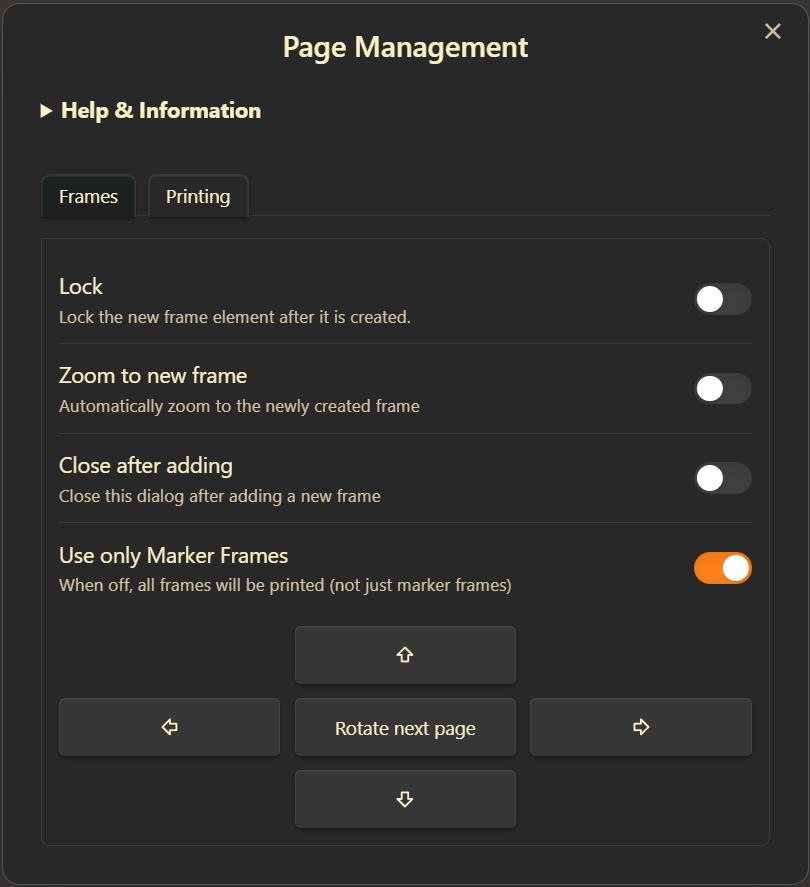
|
||||
|
||||
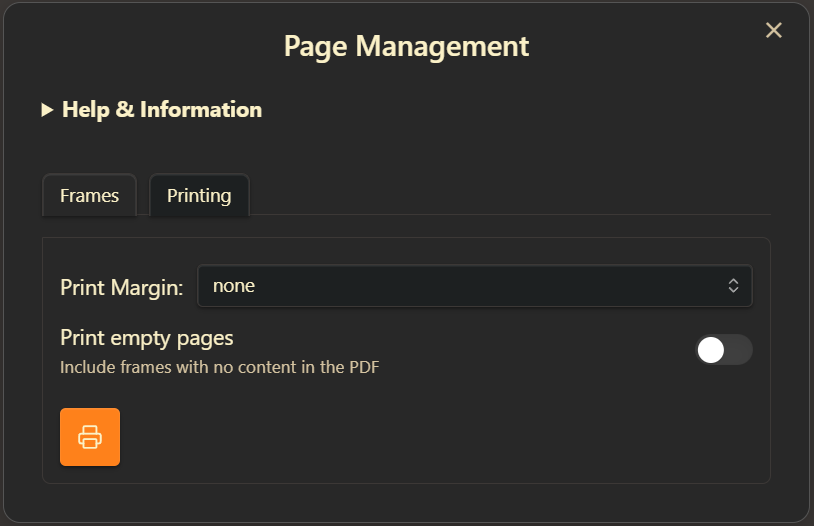
|
||||
|
||||

|
||||
|
||||

|
||||
|
||||
```js
|
||||
*/
|
||||
|
||||
if(!ea.verifyMinimumPluginVersion || !ea.verifyMinimumPluginVersion("2.15.0")) {
|
||||
new Notice("This script requires a newer version of Excalidraw. Please install the latest version.");
|
||||
return;
|
||||
}
|
||||
|
||||
if(window.excalidrawPrintableLayoutWizardModal) {
|
||||
window.excalidrawPrintableLayoutWizardModal.open();
|
||||
return;
|
||||
}
|
||||
|
||||
// Help text for the script
|
||||
const HELP_TEXT = `
|
||||
async function run() {
|
||||
// Help text for the script
|
||||
const HELP_TEXT = `
|
||||
**Easily split your Excalidraw drawing into printable pages!**
|
||||
|
||||
If you find this script helpful, consider [buying me a coffee](https://ko-fi.com/zsolt). Thank you.
|
||||
@@ -73,30 +59,19 @@ You can also access script settings at the bottom of Excalidraw Plugin settings.
|
||||
---
|
||||
|
||||
**Tip:** For more on templates, see [Mastering Excalidraw Templates](https://youtu.be/jgUpYznHP9A). For referencing pages in markdown, see [Image Fragments](https://youtu.be/sjZfdqpxqsg) and [Image Block References](https://youtu.be/yZQoJg2RCKI).
|
||||
|
||||

|
||||
|
||||

|
||||
`;
|
||||
|
||||
async function run() {
|
||||
modal = new ea.FloatingModal(ea.plugin.app);
|
||||
window.excalidrawPrintableLayoutWizardModal = modal;
|
||||
modal.contentEl.empty();
|
||||
let shouldRestart = false;
|
||||
// Enable frame rendering
|
||||
const st = ea.getExcalidrawAPI().getAppState();
|
||||
let {enabled, clip, name, outline, markerName, markerEnabled} = st.frameRendering;
|
||||
if(!enabled || !name || !outline || !markerEnabled || !markerName) {
|
||||
const {enabled, clip, name, outline} = st.frameRendering;
|
||||
if(!enabled || clip || !name || !outline) {
|
||||
ea.viewUpdateScene({
|
||||
appState: {
|
||||
frameRendering: {
|
||||
enabled: true,
|
||||
clip: clip,
|
||||
clip: false,
|
||||
name: true,
|
||||
outline: true,
|
||||
markerName: true,
|
||||
markerEnabled: true
|
||||
outline: true
|
||||
}
|
||||
}
|
||||
});
|
||||
@@ -128,74 +103,35 @@ async function run() {
|
||||
const LOCK_FRAME = "Lock frame after it is created";
|
||||
const SHOULD_ZOOM = "Should zoom after adding page";
|
||||
const SHOULD_CLOSE = "Should close after adding page";
|
||||
const PRINT_EMPTY = "Print empty pages";
|
||||
const PRINT_MARKERS_ONLY = "Print only marker frames";
|
||||
|
||||
// Set default values on first run
|
||||
if (!settings[PAGE_SIZE]) {
|
||||
settings = {};
|
||||
settings[PAGE_SIZE] = { value: "A4", valueset: PAGE_SIZES };
|
||||
settings[ORIENTATION] = { value: "portrait", valueset: PAGE_ORIENTATIONS };
|
||||
settings[MARGIN] = { value: "none", valueset: Object.keys(MARGINS)};
|
||||
settings[PAGE_SIZE] = { value: "A4", valueSet: PAGE_SIZES };
|
||||
settings[ORIENTATION] = { value: "portrait", valueSet: PAGE_ORIENTATIONS };
|
||||
settings[MARGIN] = { value: "none", valueSet: Object.keys(MARGINS)};
|
||||
settings[SHOULD_ZOOM] = { value: false };
|
||||
settings[SHOULD_CLOSE] = { value: false };
|
||||
settings[LOCK_FRAME] = { value: true };
|
||||
settings[PRINT_EMPTY] = { value: false };
|
||||
settings[PRINT_MARKERS_ONLY] = { value: true };
|
||||
dirty = true;
|
||||
await ea.setScriptSettings(settings);
|
||||
}
|
||||
|
||||
//once off correction. In the first version I incorrectly used valueSet with wrong casing.
|
||||
if(settings[PAGE_SIZE].valueSet) {
|
||||
settings[PAGE_SIZE].valueset = settings[PAGE_SIZE].valueSet;
|
||||
delete settings[PAGE_SIZE].valueSet;
|
||||
settings[ORIENTATION].valueset = settings[ORIENTATION].valueSet;
|
||||
delete settings[ORIENTATION].valueSet;
|
||||
settings[MARGIN].valueset = settings[MARGIN].valueSet;
|
||||
delete settings[MARGIN].valueSet;
|
||||
dirty = true;
|
||||
}
|
||||
const getSortedFrames = () => ea.getViewElements()
|
||||
.filter(el => el.type === "frame")
|
||||
.sort((a, b) => {
|
||||
const nameA = a.name || "";
|
||||
const nameB = b.name || "";
|
||||
return nameA.localeCompare(nameB);
|
||||
});
|
||||
|
||||
if(!settings[LOCK_FRAME]) {
|
||||
settings[LOCK_FRAME] = { value: true };
|
||||
dirty = true;
|
||||
}
|
||||
|
||||
if(!settings[PRINT_EMPTY]) {
|
||||
settings[PRINT_EMPTY] = { value: false };
|
||||
dirty = true;
|
||||
}
|
||||
|
||||
|
||||
if(!settings[PRINT_MARKERS_ONLY]) {
|
||||
settings[PRINT_MARKERS_ONLY] = { value: true };
|
||||
dirty = true;
|
||||
}
|
||||
|
||||
let lockFrame = settings[LOCK_FRAME].value;
|
||||
let shouldClose = settings[SHOULD_CLOSE].value;
|
||||
let shouldZoom = settings[SHOULD_ZOOM].value;
|
||||
let printEmptyPages = settings[PRINT_EMPTY].value;
|
||||
let printMarkersOnly = settings[PRINT_MARKERS_ONLY].value;
|
||||
|
||||
const getSortedFrames = () => {
|
||||
return ea.getViewElements()
|
||||
.filter(el => isEligibleFrame(el))
|
||||
.sort((a, b) => {
|
||||
const nameA = a.name || "";
|
||||
const nameB = b.name || "";
|
||||
return nameA.localeCompare(nameB);
|
||||
});
|
||||
};
|
||||
|
||||
// Find existing page frames and determine next page number
|
||||
// Find existing page frames and determine next page number
|
||||
const findExistingPages = (selectLastFrame = false) => {
|
||||
const frameElements = getSortedFrames();
|
||||
|
||||
// Extract page numbers from frame names
|
||||
const pageNumbers = frameElements
|
||||
.map(frame => {
|
||||
const match = frame.name?.match(/(?:Page\s+)?(\d+)/i);
|
||||
const match = frame.name?.match(/Page\s+(\d+)/i);
|
||||
return match ? parseInt(match[1]) : 0;
|
||||
})
|
||||
.filter(num => !isNaN(num));
|
||||
@@ -214,13 +150,10 @@ async function run() {
|
||||
nextPageNumber: nextPageNumber
|
||||
};
|
||||
};
|
||||
|
||||
const isEligibleFrame = (el) => el.type === "frame" && (printMarkersOnly ? el.frameRole === "marker" : true);
|
||||
|
||||
// Check if there are frames in the scene and if a frame is selected
|
||||
let existingFrames = ea.getViewElements().filter(el => isEligibleFrame(el));
|
||||
let selectedFrame = ea.getViewSelectedElements().find(el => isEligibleFrame(el));
|
||||
|
||||
let existingFrames = ea.getViewElements().filter(el => el.type === "frame");
|
||||
let selectedFrame = ea.getViewSelectedElements().find(el => el.type === "frame");
|
||||
const hasFrames = existingFrames.length > 0;
|
||||
if(hasFrames && !selectedFrame) {
|
||||
if(st.activeLockedId && existingFrames.find(f=>f.id === st.activeLockedId)) {
|
||||
@@ -229,20 +162,14 @@ async function run() {
|
||||
ea.selectElementsInView([selectedFrame]);
|
||||
} else {
|
||||
findExistingPages(true);
|
||||
selectedFrame = ea.getViewSelectedElements().find(el => isEligibleFrame(el));
|
||||
selectedFrame = ea.getViewSelectedElements().find(el => el.type === "frame");
|
||||
}
|
||||
}
|
||||
|
||||
const hasSelectedFrame = !!selectedFrame;
|
||||
|
||||
// rotation is now a temporary UI state controlled by the center button
|
||||
let rotateOnAdd = false;
|
||||
let centerRotateBtn = null;
|
||||
const setRotateBtnActive = (active) => {
|
||||
if (!centerRotateBtn) return;
|
||||
centerRotateBtn.classList.toggle("is-accent", active);
|
||||
centerRotateBtn.setAttribute("aria-pressed", active ? "true" : "false");
|
||||
};
|
||||
const modal = new ea.FloatingModal(ea.plugin.app);
|
||||
let lockFrame = !!settings[LOCK_FRAME]?.value;
|
||||
let shouldClose = settings[SHOULD_CLOSE].value;
|
||||
let shouldZoom = settings[SHOULD_ZOOM].value;
|
||||
|
||||
// Show notice if there are frames but none selected
|
||||
if (hasFrames && !hasSelectedFrame) {
|
||||
@@ -272,7 +199,7 @@ async function run() {
|
||||
}
|
||||
|
||||
// Format page number with leading zero
|
||||
const pageName = "01";
|
||||
const pageName = "Page 01";
|
||||
|
||||
// Calculate position to center the frame
|
||||
const appState = ea.getExcalidrawAPI().getAppState();
|
||||
@@ -284,26 +211,19 @@ async function run() {
|
||||
|
||||
// Add new page frame
|
||||
const addPage = async (direction, pageSize, orientation) => {
|
||||
selectedFrame = ea.getViewSelectedElements().find(el => isEligibleFrame(el));
|
||||
if (!selectedFrame) {
|
||||
const { activeLockedId } = ea.getExcalidrawAPI().getAppState();
|
||||
if(activeLockedId) {
|
||||
selectedFrame = ea.getViewElements().find(el=>el.id === activeLockedId && isEligibleFrame(el));
|
||||
}
|
||||
if (!selectedFrame) return;
|
||||
}
|
||||
ea.viewUpdateScene({appState: {activeLockedId: null}});
|
||||
selectedFrame = ea.getViewSelectedElements().find(el => el.type === "frame");
|
||||
if (!selectedFrame) return;
|
||||
|
||||
const { frames, nextPageNumber } = findExistingPages();
|
||||
|
||||
// Get dimensions from selected frame, support optional rotation
|
||||
// Get dimensions from selected frame
|
||||
const dimensions = {
|
||||
width: rotateOnAdd ? selectedFrame.height : selectedFrame.width,
|
||||
height: rotateOnAdd ? selectedFrame.width : selectedFrame.height
|
||||
width: selectedFrame.width,
|
||||
height: selectedFrame.height
|
||||
};
|
||||
|
||||
// Format page number with leading zero
|
||||
const pageName = `${nextPageNumber.toString().padStart(2, '0')}`;
|
||||
const pageName = `Page ${nextPageNumber.toString().padStart(2, '0')}`;
|
||||
|
||||
// Calculate position based on direction and selected frame
|
||||
let x = 0;
|
||||
@@ -328,16 +248,11 @@ async function run() {
|
||||
break;
|
||||
}
|
||||
|
||||
const added = await addFrameElement(x, y, dimensions.width, dimensions.height, pageName);
|
||||
// reset the rotate toggle after adding the frame
|
||||
rotateOnAdd = false;
|
||||
setRotateBtnActive(false);
|
||||
return added;
|
||||
return await addFrameElement(x, y, dimensions.width, dimensions.height, pageName);
|
||||
};
|
||||
|
||||
addFrameElement = async (x, y, width, height, pageName, repositionToCursor = false) => {
|
||||
const frameId = ea.addFrame(x, y, width, height, pageName);
|
||||
ea.getElement(frameId).frameRole = "marker";
|
||||
if(lockFrame) {
|
||||
ea.getElement(frameId).locked = true;
|
||||
}
|
||||
@@ -358,9 +273,8 @@ async function run() {
|
||||
return addedFrame;
|
||||
}
|
||||
|
||||
const translateToZero = ({ x, y, width, height }, padding=0) => {
|
||||
const top = y, left = x, right = x + width, bottom = y + height;
|
||||
const {topX, topY, width:w, height:h} = ea.getBoundingBox(ea.getViewElements());
|
||||
const translateToZero = ({ top, left, bottom, right }, padding=0) => {
|
||||
const {topX, topY, width, height} = ea.getBoundingBox(ea.getViewElements());
|
||||
const newTop = top - (topY - padding);
|
||||
const newLeft = left - (topX - padding);
|
||||
const newBottom = bottom - (topY - padding);
|
||||
@@ -374,9 +288,7 @@ async function run() {
|
||||
};
|
||||
}
|
||||
|
||||
// NEW: detect if any non-frame element overlaps the given area
|
||||
const hasElementsInArea = (area) => ea.getElementsInArea(ea.getViewElements(), area).length>0;
|
||||
|
||||
// Check if all frames have the same size
|
||||
const checkFrameSizes = (frames) => {
|
||||
if (frames.length <= 1) return true;
|
||||
|
||||
@@ -389,6 +301,7 @@ async function run() {
|
||||
);
|
||||
};
|
||||
|
||||
// Print frames to PDF
|
||||
const printToPDF = async (marginSize) => {
|
||||
const margin = MARGINS[marginSize] || 0;
|
||||
|
||||
@@ -405,6 +318,12 @@ async function run() {
|
||||
new Notice("No frames found to print");
|
||||
return;
|
||||
}
|
||||
|
||||
// Check if all frames have the same size
|
||||
if (!checkFrameSizes(frames)) {
|
||||
new Notice("Only same sized pages are supported currently", 7000);
|
||||
return;
|
||||
}
|
||||
|
||||
// Create a notice during processing
|
||||
const notice = new Notice("Preparing PDF, please wait...", 0);
|
||||
@@ -412,33 +331,23 @@ async function run() {
|
||||
// Create SVGs for each frame
|
||||
const svgPages = [];
|
||||
|
||||
let placeholderRects = [];
|
||||
ea.clear();
|
||||
for (const frame of frames) {
|
||||
ea.style.opacity = 0;
|
||||
ea.style.roughness = 0;
|
||||
ea.style.fillStyle = "solid";
|
||||
ea.style.backgroundColor = "black"
|
||||
ea.style.strokeWidth = 0.01;
|
||||
ea.addRect(frame.x, frame.y, frame.width, frame.height);
|
||||
}
|
||||
|
||||
const svgScene = await ea.createViewSVG({
|
||||
withBackground: true,
|
||||
theme: st.theme,
|
||||
//frameRendering: { enabled: false, name: false, outline: false, clip: false },
|
||||
frameRendering: { enabled: false, name: false, outline: false, clip: false },
|
||||
padding: 0,
|
||||
selectedOnly: false,
|
||||
skipInliningFonts: false,
|
||||
embedScene: false,
|
||||
elementsOverride: ea.getViewElements().concat(ea.getElements()),
|
||||
});
|
||||
ea.clear();
|
||||
|
||||
for (const frame of frames) {
|
||||
// NEW: skip empty frames unless user opted to print them
|
||||
if(!printEmptyPages && !hasElementsInArea(frame)) continue;
|
||||
|
||||
const { top, left, bottom, right } = translateToZero(frame);
|
||||
const { top, left, bottom, right } = translateToZero({
|
||||
top: frame.y,
|
||||
left: frame.x,
|
||||
bottom: frame.y + frame.height,
|
||||
right: frame.x + frame.width,
|
||||
});
|
||||
|
||||
//always create the new SVG in the main Obsidian workspace (not the popout window, if present)
|
||||
const host = window.createDiv();
|
||||
@@ -452,14 +361,6 @@ async function run() {
|
||||
svgPages.push(clonedSVG);
|
||||
}
|
||||
|
||||
// NEW: abort if nothing to print
|
||||
if(svgPages.length === 0) {
|
||||
notice.hide();
|
||||
new Notice("No pages to print (all selected frames are empty)");
|
||||
notice.hide();
|
||||
return;
|
||||
}
|
||||
|
||||
// Use dimensions from the first frame
|
||||
const width = frames[0].width;
|
||||
const height = frames[0].height;
|
||||
@@ -469,8 +370,7 @@ async function run() {
|
||||
SVG: svgPages,
|
||||
scale: { fitToPage: true },
|
||||
pageProps: {
|
||||
dimensions: {},
|
||||
//dimensions: { width, height },
|
||||
dimensions: { width, height },
|
||||
backgroundColor: "#ffffff",
|
||||
margin: {
|
||||
left: margin,
|
||||
@@ -492,17 +392,11 @@ async function run() {
|
||||
modal.titleEl.setText("Page Management");
|
||||
modal.titleEl.style.textAlign = "center";
|
||||
|
||||
modal.onClose = async () => {
|
||||
delete window.excalidrawPrintableLayoutWizardModal;
|
||||
// Handle save settings on modal close
|
||||
modal.onClose = () => {
|
||||
if (dirty) {
|
||||
await ea.setScriptSettings(settings);
|
||||
ea.setScriptSettings(settings);
|
||||
}
|
||||
ea.viewUpdateScene({
|
||||
appState: {
|
||||
frameRendering: {enabled, clip, name, outline, markerName, markerEnabled}
|
||||
}
|
||||
});
|
||||
if(shouldRestart) setTimeout(()=>run());
|
||||
};
|
||||
|
||||
// Create modal content
|
||||
@@ -513,12 +407,13 @@ async function run() {
|
||||
}
|
||||
});
|
||||
|
||||
// Help section
|
||||
// Add help section at the top
|
||||
const helpDiv = container.createDiv({
|
||||
attr: {
|
||||
style: "margin-bottom: 10px;"
|
||||
}
|
||||
});
|
||||
|
||||
helpDiv.createEl("details", {}, (details) => {
|
||||
details.createEl("summary", {
|
||||
text: "Help & Information",
|
||||
@@ -535,153 +430,128 @@ async function run() {
|
||||
ea.obsidian.MarkdownRenderer.render(ea.plugin.app, HELP_TEXT, div, "", ea.plugin)
|
||||
});
|
||||
});
|
||||
|
||||
// Tabs (show only when frames exist)
|
||||
let framesTabEl, printingTabEl, tabsHeaderEl, marginDropdown;
|
||||
if (hasFrames) {
|
||||
tabsHeaderEl = container.createDiv({
|
||||
attr: { style: "display:flex; gap:8px; border-bottom:1px solid var(--background-modifier-border); padding-bottom:0;" }
|
||||
});
|
||||
tabsHeaderEl.addClass("tabs-header"); // NEW
|
||||
|
||||
const framesTabBtn = tabsHeaderEl.createEl("button", {
|
||||
text: "Frames",
|
||||
attr: { style: "padding:8px 12px; cursor:pointer;" }
|
||||
});
|
||||
framesTabBtn.addClass("tab-btn"); // NEW
|
||||
|
||||
const printingTabBtn = tabsHeaderEl.createEl("button", {
|
||||
text: "Printing",
|
||||
attr: { style: "padding:8px 12px; cursor:pointer;" }
|
||||
});
|
||||
printingTabBtn.addClass("tab-btn"); // NEW
|
||||
|
||||
const tabsBody = container.createDiv();
|
||||
tabsBody.addClass("tab-panels"); // NEW
|
||||
|
||||
framesTabEl = tabsBody.createDiv({ attr: { style: "display:block;" } });
|
||||
framesTabEl.addClass("tab-panel"); // NEW
|
||||
|
||||
printingTabEl = tabsBody.createDiv({ attr: { style: "display:none;" } });
|
||||
printingTabEl.addClass("tab-panel"); // NEW
|
||||
|
||||
const activate = (tab) => {
|
||||
if (tab === "frames") {
|
||||
framesTabEl.style.display = "";
|
||||
printingTabEl.style.display = "none";
|
||||
framesTabBtn.classList.add("is-active");
|
||||
printingTabBtn.classList.remove("is-active");
|
||||
} else {
|
||||
framesTabEl.style.display = "none";
|
||||
printingTabEl.style.display = "";
|
||||
framesTabBtn.classList.remove("is-active");
|
||||
printingTabBtn.classList.add("is-active");
|
||||
|
||||
let pageSizeDropdown, orientationDropdown, marginDropdown;
|
||||
|
||||
// Settings section - only show for first frame creation
|
||||
if (!hasFrames) {
|
||||
const settingsContainer = container.createDiv({
|
||||
attr: {
|
||||
style: "display: grid; grid-template-columns: auto 1fr; gap: 10px; align-items: center;"
|
||||
}
|
||||
};
|
||||
framesTabBtn.addEventListener("click", () => {
|
||||
window.excalidrawPrintLayoutWizard = "frames";
|
||||
activate("frames")
|
||||
});
|
||||
printingTabBtn.addEventListener("click", () => {
|
||||
window.excalidrawPrintLayoutWizard = "printing";
|
||||
activate("printing")
|
||||
|
||||
// Page size dropdown
|
||||
settingsContainer.createEl("label", { text: "Page Size:" });
|
||||
pageSizeDropdown = settingsContainer.createEl("select", {
|
||||
cls: "dropdown",
|
||||
attr: { style: "width: 100%;" }
|
||||
});
|
||||
activate(window.excalidrawPrintLayoutWizard ?? "frames");
|
||||
} else {
|
||||
// No frames yet, only frames tab content
|
||||
framesTabEl = container.createDiv();
|
||||
}
|
||||
|
||||
const createOptionsContainerCommonControls = (optionsContainer) => {
|
||||
new ea.obsidian.Setting(optionsContainer)
|
||||
.setName("Lock")
|
||||
.setDesc("Lock the new frame element after it is created.")
|
||||
.addToggle(toggle => {
|
||||
toggle.setValue(lockFrame).onChange(value => {
|
||||
lockFrame = value;
|
||||
if (settings[LOCK_FRAME].value !== value) {
|
||||
settings[LOCK_FRAME].value = value; dirty = true;
|
||||
}
|
||||
});
|
||||
});
|
||||
|
||||
new ea.obsidian.Setting(optionsContainer)
|
||||
.setName("Zoom to new frame")
|
||||
.setDesc("Automatically zoom to the newly created frame")
|
||||
.addToggle(toggle => {
|
||||
toggle.setValue(shouldZoom).onChange(value => {
|
||||
shouldZoom = value;
|
||||
if (settings[SHOULD_ZOOM].value !== value) {
|
||||
settings[SHOULD_ZOOM].value = value; dirty = true;
|
||||
}
|
||||
});
|
||||
});
|
||||
|
||||
new ea.obsidian.Setting(optionsContainer)
|
||||
.setName("Close after adding")
|
||||
.setDesc("Close this dialog after adding a new frame")
|
||||
.addToggle(toggle => {
|
||||
toggle.setValue(shouldClose).onChange(value => {
|
||||
shouldClose = value;
|
||||
if (settings[SHOULD_CLOSE].value !== value) {
|
||||
settings[SHOULD_CLOSE].value = value; dirty = true;
|
||||
}
|
||||
});
|
||||
});
|
||||
|
||||
new ea.obsidian.Setting(optionsContainer)
|
||||
.setName("Use only Marker Frames")
|
||||
.setDesc("When off, all frames will be printed (not just marker frames)")
|
||||
.addToggle(toggle => {
|
||||
toggle.setValue(printMarkersOnly).onChange(value => {
|
||||
printMarkersOnly = value;
|
||||
if (settings[PRINT_MARKERS_ONLY].value !== value) {
|
||||
settings[PRINT_MARKERS_ONLY].value = value;
|
||||
dirty = true;
|
||||
shouldRestart = true;
|
||||
modal.close();
|
||||
}
|
||||
});
|
||||
});
|
||||
|
||||
PAGE_SIZES.forEach(size => {
|
||||
pageSizeDropdown.createEl("option", { text: size, value: size });
|
||||
});
|
||||
pageSizeDropdown.value = settings[PAGE_SIZE].value;
|
||||
|
||||
// Orientation dropdown
|
||||
settingsContainer.createEl("label", { text: "Orientation:" });
|
||||
orientationDropdown = settingsContainer.createEl("select", {
|
||||
cls: "dropdown",
|
||||
attr: { style: "width: 100%;" }
|
||||
});
|
||||
|
||||
PAGE_ORIENTATIONS.forEach(orientation => {
|
||||
orientationDropdown.createEl("option", { text: orientation, value: orientation });
|
||||
});
|
||||
orientationDropdown.value = settings[ORIENTATION].value;
|
||||
}
|
||||
|
||||
// FRAMES TAB CONTENT
|
||||
// When no frames yet: initial size/orientation inputs and Create First Frame button
|
||||
if (!hasFrames) {
|
||||
const settingsContainer = framesTabEl.createDiv({
|
||||
// Show margin settings only if frames exist
|
||||
if (hasFrames) {
|
||||
const marginContainer = container.createDiv({
|
||||
attr: {
|
||||
// four columns: label + input, label + input
|
||||
style: "display: grid; grid-template-columns: auto 1fr auto 1fr; gap: 10px; align-items: center;"
|
||||
style: "display: grid; grid-template-columns: auto 1fr; gap: 10px; align-items: center;"
|
||||
}
|
||||
});
|
||||
// Page Size
|
||||
settingsContainer.createEl("label", { text: "Page Size:" });
|
||||
const pageSizeDropdown = settingsContainer.createEl("select", {
|
||||
|
||||
// Margin dropdown (for printing)
|
||||
marginContainer.createEl("label", { text: "Print Margin:" });
|
||||
marginDropdown = marginContainer.createEl("select", {
|
||||
cls: "dropdown",
|
||||
attr: { style: "width: 100%;" }
|
||||
});
|
||||
PAGE_SIZES.forEach(size => pageSizeDropdown.createEl("option", { text: size, value: size }));
|
||||
pageSizeDropdown.value = settings[PAGE_SIZE].value;
|
||||
|
||||
// Orientation
|
||||
settingsContainer.createEl("label", { text: "Orientation:" });
|
||||
const orientationDropdown = settingsContainer.createEl("select", {
|
||||
cls: "dropdown",
|
||||
attr: { style: "width: 100%;" }
|
||||
|
||||
Object.keys(MARGINS).forEach(margin => {
|
||||
marginDropdown.createEl("option", { text: margin, value: margin });
|
||||
});
|
||||
PAGE_ORIENTATIONS.forEach(orientation => orientationDropdown.createEl("option", { text: orientation, value: orientation }));
|
||||
orientationDropdown.value = settings[ORIENTATION].value;
|
||||
marginDropdown.value = settings[MARGIN].value;
|
||||
}
|
||||
|
||||
const optionsContainer = framesTabEl.createDiv({ attr: { style: "margin-top: 10px;" } });
|
||||
createOptionsContainerCommonControls(optionsContainer);
|
||||
// Add checkboxes for zoom and modal behavior only when frames exist
|
||||
const optionsContainer = container.createDiv({
|
||||
attr: {
|
||||
style: "margin-top: 10px;"
|
||||
}
|
||||
});
|
||||
|
||||
// Create First Frame button
|
||||
const buttonContainer = framesTabEl.createDiv({
|
||||
attr: { style: "display: grid; grid-template-columns: 1fr; gap: 10px; margin-top: 10px;" }
|
||||
new ea.obsidian.Setting(optionsContainer)
|
||||
.setName("Lock")
|
||||
.setDesc("Lock the new frame element after it is created.")
|
||||
.addToggle(toggle => {
|
||||
toggle.setValue(lockFrame)
|
||||
.onChange(value => {
|
||||
lockFrame = value;
|
||||
if (settings[LOCK_FRAME].value !== value) {
|
||||
settings[LOCK_FRAME].value = value;
|
||||
dirty = true;
|
||||
}
|
||||
});
|
||||
});
|
||||
|
||||
// Zoom to added frame checkbox
|
||||
new ea.obsidian.Setting(optionsContainer)
|
||||
.setName("Zoom to new frame")
|
||||
.setDesc("Automatically zoom to the newly created frame")
|
||||
.addToggle(toggle => {
|
||||
toggle.setValue(shouldZoom)
|
||||
.onChange(value => {
|
||||
shouldZoom = value;
|
||||
if (settings[SHOULD_ZOOM].value !== value) {
|
||||
settings[SHOULD_ZOOM].value = value;
|
||||
dirty = true;
|
||||
}
|
||||
});
|
||||
});
|
||||
|
||||
// Close after adding checkbox
|
||||
new ea.obsidian.Setting(optionsContainer)
|
||||
.setName("Close after adding")
|
||||
.setDesc("Close this dialog after adding a new frame")
|
||||
.addToggle(toggle => {
|
||||
toggle.setValue(shouldClose)
|
||||
.onChange(value => {
|
||||
shouldClose = value;
|
||||
if (settings[SHOULD_CLOSE].value !== value) {
|
||||
settings[SHOULD_CLOSE].value = value;
|
||||
dirty = true;
|
||||
}
|
||||
});
|
||||
});
|
||||
|
||||
// Buttons section
|
||||
const buttonContainer = container.createDiv({
|
||||
attr: {
|
||||
style: "display: grid; grid-template-columns: repeat(3, 1fr); gap: 10px; margin-top: 10px;"
|
||||
}
|
||||
});
|
||||
|
||||
if (!hasFrames) {
|
||||
// First frame creation button (centered)
|
||||
const createFirstBtn = buttonContainer.createEl("button", {
|
||||
cls: "page-btn",
|
||||
attr: { style: "height: 40px; background-color: var(--interactive-accent); color: var(--text-on-accent);" }
|
||||
attr: {
|
||||
style: "grid-column: 1 / span 3; height: 40px; background-color: var(--interactive-accent); color: var(--text-on-accent);"
|
||||
}
|
||||
});
|
||||
createFirstBtn.textContent = "Create First Frame";
|
||||
createFirstBtn.addEventListener("click", async () => {
|
||||
@@ -689,106 +559,77 @@ async function run() {
|
||||
shouldClose = true;
|
||||
await createFirstFrame(pageSizeDropdown.value, orientationDropdown.value);
|
||||
shouldClose = tmpShouldClose;
|
||||
if(!shouldClose) {
|
||||
shouldRestart = true;
|
||||
modal.close()
|
||||
}
|
||||
if(!shouldClose) run();
|
||||
});
|
||||
|
||||
} else {
|
||||
// hasFrames: frame-management options + arrow buttons
|
||||
const optionsContainer = framesTabEl.createDiv({ attr: { style: "margin-top: 10px;" } });
|
||||
createOptionsContainerCommonControls(optionsContainer);
|
||||
|
||||
// Arrow buttons with center rotate toggle
|
||||
const buttonContainer = framesTabEl.createDiv({
|
||||
attr: {
|
||||
style: "display: grid; grid-template-columns: repeat(3, 1fr); gap: 10px; margin-top: 10px;"
|
||||
}
|
||||
});
|
||||
|
||||
} else if (hasSelectedFrame) {
|
||||
// Only show navigation buttons and print when a frame is selected
|
||||
|
||||
// Up button (in middle of top row)
|
||||
const upBtn = buttonContainer.createEl("button", {
|
||||
cls: "page-btn",
|
||||
attr: { style: "grid-column: 2; grid-row: 1; height: 40px;" }
|
||||
attr: {
|
||||
style: "grid-column: 2; grid-row: 1; height: 40px;"
|
||||
}
|
||||
});
|
||||
upBtn.innerHTML = ea.obsidian.getIcon("arrow-big-up").outerHTML;
|
||||
upBtn.addEventListener("click", async () => { await addPage("up"); });
|
||||
|
||||
buttonContainer.createDiv({ attr: { style: "grid-column: 3; grid-row: 1;" } });
|
||||
|
||||
upBtn.addEventListener("click", async () => {
|
||||
await addPage("up");
|
||||
});
|
||||
|
||||
// Add empty space
|
||||
buttonContainer.createDiv({
|
||||
attr: { style: "grid-column: 3; grid-row: 1;" }
|
||||
});
|
||||
|
||||
// Left button
|
||||
const leftBtn = buttonContainer.createEl("button", {
|
||||
cls: "page-btn",
|
||||
attr: { style: "grid-column: 1; grid-row: 2; height: 40px;" }
|
||||
});
|
||||
leftBtn.innerHTML = ea.obsidian.getIcon("arrow-big-left").outerHTML;
|
||||
leftBtn.addEventListener("click", async () => { await addPage("left"); });
|
||||
|
||||
// Center toggle: Rotate next page
|
||||
centerRotateBtn = buttonContainer.createEl("button", {
|
||||
leftBtn.addEventListener("click", async () => {
|
||||
await addPage("left");
|
||||
});
|
||||
|
||||
// Print button (center)
|
||||
const printBtn = buttonContainer.createEl("button", {
|
||||
cls: "page-btn",
|
||||
attr: { style: "grid-column: 2; grid-row: 2; height: 40px;" }
|
||||
attr: {
|
||||
style: "grid-column: 2; grid-row: 2; height: 40px; background-color: var(--interactive-accent);"
|
||||
}
|
||||
});
|
||||
centerRotateBtn.textContent = "Rotate next page";
|
||||
centerRotateBtn.addEventListener("click", () => {
|
||||
rotateOnAdd = !rotateOnAdd;
|
||||
setRotateBtnActive(rotateOnAdd);
|
||||
printBtn.innerHTML = ea.obsidian.getIcon("printer").outerHTML;
|
||||
printBtn.addEventListener("click", async () => {
|
||||
await printToPDF(marginDropdown.value);
|
||||
});
|
||||
setRotateBtnActive(rotateOnAdd);
|
||||
|
||||
|
||||
// Right button
|
||||
const rightBtn = buttonContainer.createEl("button", {
|
||||
cls: "page-btn",
|
||||
attr: { style: "grid-column: 3; grid-row: 2; height: 40px;" }
|
||||
});
|
||||
rightBtn.innerHTML = ea.obsidian.getIcon("arrow-big-right").outerHTML;
|
||||
rightBtn.addEventListener("click", async () => { await addPage("right"); });
|
||||
|
||||
rightBtn.addEventListener("click", async () => {
|
||||
await addPage("right");
|
||||
});
|
||||
|
||||
// Down button (in middle of bottom row)
|
||||
const downBtn = buttonContainer.createEl("button", {
|
||||
cls: "page-btn",
|
||||
attr: { style: "grid-column: 2; grid-row: 3; height: 40px;" }
|
||||
});
|
||||
downBtn.innerHTML = ea.obsidian.getIcon("arrow-big-down").outerHTML;
|
||||
downBtn.addEventListener("click", async () => { await addPage("down"); });
|
||||
|
||||
buttonContainer.createDiv({ attr: { style: "grid-column: 1; grid-row: 3;" } });
|
||||
}
|
||||
|
||||
// PRINTING TAB CONTENT (only when hasFrames)
|
||||
if (hasFrames && printingTabEl) {
|
||||
const marginContainer = printingTabEl.createDiv({
|
||||
attr: {
|
||||
style: "display: grid; grid-template-columns: auto 1fr; gap: 10px; align-items: center; margin-top: 6px;"
|
||||
}
|
||||
downBtn.addEventListener("click", async () => {
|
||||
await addPage("down");
|
||||
});
|
||||
marginContainer.createEl("label", { text: "Print Margin:" });
|
||||
marginDropdown = marginContainer.createEl("select", { cls: "dropdown", attr: { style: "width: 100%;" } });
|
||||
Object.keys(MARGINS).forEach(margin => marginDropdown.createEl("option", { text: margin, value: margin }));
|
||||
marginDropdown.value = settings[MARGIN].value;
|
||||
|
||||
const printingOptions = printingTabEl.createDiv({ attr: { style: "margin-top: 10px;" } });
|
||||
|
||||
new ea.obsidian.Setting(printingOptions)
|
||||
.setName(PRINT_EMPTY)
|
||||
.setDesc("Include frames with no content in the PDF")
|
||||
.addToggle(toggle => {
|
||||
toggle.setValue(printEmptyPages).onChange(value => {
|
||||
printEmptyPages = value;
|
||||
if(settings[PRINT_EMPTY].value !== value) {
|
||||
settings[PRINT_EMPTY].value = value;
|
||||
dirty = true;
|
||||
}
|
||||
});
|
||||
});
|
||||
|
||||
const printBtnRow = printingTabEl.createDiv({ attr: { style: "margin-top: 10px; display:flex; justify-content:flex-start;" } });
|
||||
const printBtn = printBtnRow.createEl("button", {
|
||||
cls: "page-btn",
|
||||
attr: { style: "height: 40px; background-color: var(--interactive-accent);" }
|
||||
|
||||
// Add empty space
|
||||
buttonContainer.createDiv({
|
||||
attr: { style: "grid-column: 1; grid-row: 3;" }
|
||||
});
|
||||
printBtn.innerHTML = ea.obsidian.getIcon("printer").outerHTML;
|
||||
printBtn.addEventListener("click", async () => { await printToPDF(marginDropdown.value); });
|
||||
}
|
||||
|
||||
// CSS
|
||||
|
||||
// Add CSS
|
||||
div.createEl("style", {
|
||||
text: `
|
||||
.page-btn {
|
||||
@@ -809,51 +650,6 @@ async function run() {
|
||||
border: 1px solid var(--background-modifier-border);
|
||||
padding: 0 10px;
|
||||
}
|
||||
.is-active {
|
||||
background-color: var(--background-modifier-hover);
|
||||
border-radius: 4px;
|
||||
}
|
||||
/* Tabs styling - NEW */
|
||||
.tabs-header {
|
||||
gap: 8px;
|
||||
border-bottom: 1px solid var(--background-modifier-border);
|
||||
}
|
||||
.tabs-header .tab-btn {
|
||||
background: var(--background-primary);
|
||||
color: var(--text-normal);
|
||||
border: 1px solid var(--background-modifier-border);
|
||||
border-bottom: none;
|
||||
border-top-left-radius: 6px;
|
||||
border-top-right-radius: 6px;
|
||||
border-bottom-left-radius: 0;
|
||||
border-bottom-right-radius: 0;
|
||||
padding: 8px 12px;
|
||||
margin-bottom: -1px; /* sit on top of the panel border */
|
||||
}
|
||||
.tabs-header .tab-btn:hover {
|
||||
background: var(--background-modifier-hover);
|
||||
}
|
||||
.tabs-header .tab-btn.is-active {
|
||||
background: var(--background-secondary);
|
||||
color: var(--text-normal);
|
||||
position: relative;
|
||||
z-index: 2;
|
||||
}
|
||||
.tab-panels {
|
||||
border: 1px solid var(--background-modifier-border);
|
||||
border-radius: 0 6px 6px 6px; /* merge with active tab */
|
||||
padding: 12px;
|
||||
background: var(--background-primary);
|
||||
}
|
||||
|
||||
/* accent styling for center rotate toggle when active */
|
||||
.page-btn.is-accent {
|
||||
background-color: var(--interactive-accent);
|
||||
color: var(--text-on-accent);
|
||||
}
|
||||
.page-btn.is-accent:hover {
|
||||
background-color: var(--interactive-accent-hover, var(--interactive-accent));
|
||||
}
|
||||
`
|
||||
});
|
||||
});
|
||||
|
||||

@@ -1 +1 @@
|
||||
<svg class="svg-icon lucide-printer" xmlns="http://www.w3.org/2000/svg" width="24" height="24" viewBox="0 0 24 24" fill="none" stroke="currentColor" stroke-width="2" stroke-linecap="round" stroke-linejoin="round"><path d="M6 18H4a2 2 0 0 1-2-2v-5a2 2 0 0 1 2-2h16a2 2 0 0 1 2 2v5a2 2 0 0 1-2 2h-2"/><path d="M6 9V3a1 1 0 0 1 1-1h10a1 1 0 0 1 1 1v6"/><rect x="6" y="14" width="12" height="8" rx="1"/></svg>
|
||||
<svg class="skip" xmlns="http://www.w3.org/2000/svg" width="24" height="24" viewBox="0 0 24 24" fill="none" stroke="currentColor" stroke-width="2" stroke-linecap="round" stroke-linejoin="round"><path d="M6 18H4a2 2 0 0 1-2-2v-5a2 2 0 0 1 2-2h16a2 2 0 0 1 2 2v5a2 2 0 0 1-2 2h-2"/><path d="M6 9V3a1 1 0 0 1 1-1h10a1 1 0 0 1 1 1v6"/><rect x="6" y="14" width="12" height="8" rx="1"/></svg>
|
||||
|
Before Width: | Height: | Size: 405 B After Width: | Height: | Size: 386 B |

@@ -1 +1,4 @@
|
||||
<svg xmlns="http://www.w3.org/2000/svg" width="24" height="24" viewBox="0 0 24 24" fill="none" stroke="currentColor" stroke-width="2" stroke-linecap="round" stroke-linejoin="round" class="svg-icon lucide-a-large-small"><path d="m15 16 2.536-7.328a1.02 1.02 1 0 1 1.928 0L22 16"/><path d="M15.697 14h5.606"/><path d="m2 16 4.039-9.69a.5.5 0 0 1 .923 0L11 16"/><path d="M3.304 13h6.392"/></svg>
|
||||
<svg viewBox="0 0 50 30" xmlns="http://www.w3.org/2000/svg">
|
||||
<text fill="currentColor" x="10" y="30" font-size="16px" font-weight="light">A</text>
|
||||
<text fill="currentColor" x="22" y="30" font-size="36px" font-weight="light">A</text>
|
||||
</svg>
|
||||
|
Before Width: | Height: | Size: 392 B After Width: | Height: | Size: 243 B |

@@ -1 +1 @@
|
||||
<svg xmlns="http://www.w3.org/2000/svg" width="24" height="24" viewBox="0 0 24 24" fill="none" stroke="currentColor" stroke-width="2" stroke-linecap="round" stroke-linejoin="round" class="svg-icon lucide-file-pen"><path d="M12.659 22H18a2 2 0 0 0 2-2V8a2.4 2.4 0 0 0-.706-1.706l-3.588-3.588A2.4 2.4 0 0 0 14 2H6a2 2 0 0 0-2 2v9.34"/><path d="M14 2v5a1 1 0 0 0 1 1h5"/><path d="M10.378 12.622a1 1 0 0 1 3 3.003L8.36 20.637a2 2 0 0 1-.854.506l-2.867.837a.5.5 0 0 1-.62-.62l.836-2.869a2 2 0 0 1 .506-.853z"/></svg>
|
||||
<svg version="1.1" xmlns="http://www.w3.org/2000/svg" stroke="#000" viewBox="0 0 122.88 102.06"><path stroke-linecap="round" stroke-width="4" d="M8.18,23.12h67.09v5.39H8.18c-0.77,0-1.47,0.31-1.98,0.82c-0.5,0.51-0.82,1.21-0.82,1.98v39.46c0,0.77,0.31,1.47,0.82,1.98 c0.51,0.5,1.21,0.82,1.98,0.82h67.09v5.39H8.18c-2.24,0-4.29-0.92-5.77-2.4L2.4,76.53C0.92,75.05,0,73.01,0,70.76V31.3 c0-2.24,0.92-4.29,2.4-5.77l0.01-0.01C3.89,24.04,5.94,23.12,8.18,23.12L8.18,23.12z M71.77,53.85c-1.52,0-2.75-1.23-2.75-2.75 c0-1.52,1.23-2.75,2.75-2.75h12.78V18.04c-0.39-3.8-1.56-6.62-3.34-8.6c-1.93-2.16-4.67-3.43-7.99-3.98 c-1.49-0.24-2.51-1.65-2.26-3.15c0.24-1.49,1.65-2.51,3.15-2.26c4.54,0.75,8.37,2.57,11.19,5.74c0.72,0.8,1.37,1.69,1.94,2.66 c0.72-1.25,1.58-2.35,2.56-3.32c2.94-2.92,6.88-4.51,11.59-5.1c1.51-0.18,2.88,0.89,3.06,2.4c0.18,1.51-0.89,2.88-2.4,3.06 c-3.52,0.44-6.38,1.54-8.39,3.53c-1.99,1.97-3.25,4.91-3.61,9.04v5.07h24.65c2.24,0,4.29,0.92,5.77,2.4l0.01,0.01 c1.48,1.48,2.4,3.53,2.4,5.77v39.46c0,2.24-0.92,4.29-2.4,5.77l-0.01,0.01c-1.48,1.48-3.53,2.4-5.77,2.4H90.05v5.07 c0.36,4.13,1.62,7.08,3.61,9.04c2,1.98,4.86,3.09,8.39,3.53c1.51,0.18,2.58,1.56,2.4,3.06c-0.18,1.51-1.55,2.58-3.06,2.4 c-4.7-0.59-8.65-2.18-11.59-5.1c-0.98-0.97-1.84-2.07-2.56-3.32c-0.57,0.97-1.22,1.85-1.94,2.66c-2.83,3.16-6.66,4.99-11.19,5.74 c-1.49,0.24-2.9-0.77-3.15-2.26c-0.24-1.49,0.77-2.9,2.26-3.15c3.32-0.55,6.06-1.81,7.99-3.98c1.78-1.99,2.94-4.81,3.34-8.6 l0-30.17H71.77L71.77,53.85L71.77,53.85z M90.05,28.5v19.84h12.98c1.52,0,2.75,1.23,2.75,2.75c0,1.52-1.23,2.75-2.75,2.75H90.05 v19.71h24.65c0.77,0,1.47-0.31,1.98-0.82c0.5-0.51,0.82-1.21,0.82-1.98V31.3c0-0.77-0.31-1.47-0.82-1.98 c-0.51-0.5-1.21-0.82-1.98-0.82H90.05L90.05,28.5z"/></svg>
|
||||
|
Before Width: | Height: | Size: 511 B After Width: | Height: | Size: 1.7 KiB |

@@ -1 +1 @@
|
||||
<svg xmlns="http://www.w3.org/2000/svg" width="24" height="24" viewBox="0 0 24 24" fill="none" stroke="currentColor" stroke-width="2" stroke-linecap="round" stroke-linejoin="round" class="svg-icon lucide-square-stack"><path d="M4 10c-1.1 0-2-.9-2-2V4c0-1.1.9-2 2-2h4c1.1 0 2 .9 2 2"/><path d="M10 16c-1.1 0-2-.9-2-2v-4c0-1.1.9-2 2-2h4c1.1 0 2 .9 2 2"/><rect width="8" height="8" x="14" y="14" rx="2"/></svg>
|
||||
<svg xmlns="http://www.w3.org/2000/svg" viewBox="0 0 220 120" stroke="#000"><defs/><path fill="none" stroke-linecap="round" stroke-width="4" d="M10 110h200m-200 0h200M30 90h160M30 90h160M50 70h120M50 70h120M70 50h80m-80 0h80M90 30h40m-40 0h40M110 10s0 0 0 0m0 0s0 0 0 0"/></svg>
|
||||
|
Before Width: | Height: | Size: 407 B After Width: | Height: | Size: 279 B |

@@ -1 +1,7 @@
|
||||
<svg xmlns="http://www.w3.org/2000/svg" width="24" height="24" viewBox="0 0 24 24" fill="none" stroke="currentColor" stroke-width="2" stroke-linecap="round" stroke-linejoin="round" class="svg-icon lucide-repeat-1"><path d="m17 2 4 4-4 4"/><path d="M3 11v-1a4 4 0 0 1 4-4h14"/><path d="m7 22-4-4 4-4"/><path d="M21 13v1a4 4 0 0 1-4 4H3"/><path d="M11 10h1v4"/></svg>
|
||||
<?xml version="1.0" encoding="utf-8"?>
|
||||
<!-- Svg Vector Icons : http://www.onlinewebfonts.com/icon -->
|
||||
<!DOCTYPE svg PUBLIC "-//W3C//DTD SVG 1.1//EN" "http://www.w3.org/Graphics/SVG/1.1/DTD/svg11.dtd">
|
||||
<svg version="1.1" xmlns="http://www.w3.org/2000/svg" xmlns:xlink="http://www.w3.org/1999/xlink" x="0px" y="0px" viewBox="0 0 256 256" enable-background="new 0 0 256 256" xml:space="preserve">
|
||||
<metadata> Svg Vector Icons : http://www.onlinewebfonts.com/icon </metadata>
|
||||
<g><g><g><path fill="#000000" d="M101.2,18.7c-2,0.9-38,36.6-39.2,39c-1,1.9-1.1,4.2-0.4,6.2c0.6,1.5,37.3,38.6,39.3,39.6c1.7,0.9,5.2,0.8,7.1-0.1c1.9-0.9,3.7-3.5,4.1-5.8c0.6-3.5-0.2-4.5-12.5-16.8L88.2,69.2h44.3c38.7,0,44.8,0.1,48.6,0.7c24.2,4.2,43.2,22.6,48.1,46.8c3.3,16.4-1,34.2-11.5,47.6c-3.5,4.6-4.1,6.9-2.4,10.4c1.8,3.7,6.6,5.3,10.4,3.5c2.8-1.3,8.7-9.4,12.5-17.2c10.5-20.8,10.5-45.2,0-66.2c-10.3-20.6-28.6-34.8-51.8-40c-4.6-1.1-4.8-1.1-51.3-1.2c-25.7-0.1-46.7-0.3-46.7-0.5s5.2-5.5,11.5-11.9c9.4-9.4,11.6-11.9,12-13.3C113.6,21.6,107.3,16.1,101.2,18.7z"/><path fill="#000000" d="M34.9,73.4c-1.8,0.5-5.8,4.4-9.7,9.6c-7.9,10.4-12.8,22.4-14.5,35.4c-5.3,40.1,22.9,77.3,63.1,83.3c4,0.6,11.3,0.7,45.4,0.7c24,0,40.6,0.2,40.6,0.4c0,0.2-5,5.3-11.1,11.1c-11.3,11-12.9,13-12.9,16c0,4.1,3.8,7.9,7.9,7.9c0.7,0,2.1-0.3,3.1-0.7c2.3-1,38.1-36.6,39.3-39.2c1-2.1,1.1-4.2,0.4-6.1c-0.6-1.5-37.3-38.6-39.3-39.7c-1.9-1-6.1-0.6-8.1,0.8c-2.9,2-4,6.4-2.5,9.4c0.4,0.8,5.9,6.6,12.1,12.9l11.4,11.4h-40.4c-35,0-40.9-0.1-44.7-0.7c-24.2-4.1-43.4-22.9-48.2-47.1c-1.1-5.5-1.1-16.4,0-21.9c2.1-10.7,7-20.2,14.6-28.7c2.1-2.3,3.5-4.3,3.8-5.4c1-3.6-0.7-7.3-4.2-9C38.7,72.8,37.4,72.7,34.9,73.4z"/></g></g></g>
|
||||
</svg>
|
||||
|
Before Width: | Height: | Size: 365 B After Width: | Height: | Size: 1.6 KiB |

@@ -1 +1 @@
|
||||
<svg xmlns="http://www.w3.org/2000/svg" width="24" height="24" viewBox="0 0 24 24" fill="none" stroke="currentColor" stroke-width="2" stroke-linecap="round" stroke-linejoin="round" class="svg-icon lucide-arrow-left-right"><path d="M8 3 4 7l4 4"/><path d="M4 7h16"/><path d="m16 21 4-4-4-4"/><path d="M20 17H4"/></svg>
|
||||
<svg xmlns="http://www.w3.org/2000/svg" viewBox="0 0 512 512"><path d="M32 176h370.8l-57.38 57.38c-12.5 12.5-12.5 32.75 0 45.25C351.6 284.9 359.8 288 368 288s16.38-3.125 22.62-9.375l112-112c12.5-12.5 12.5-32.75 0-45.25l-112-112c-12.5-12.5-32.75-12.5-45.25 0s-12.5 32.75 0 45.25L402.8 112H32c-17.69 0-32 14.31-32 32S14.31 176 32 176zM480 336H109.3l57.38-57.38c12.5-12.5 12.5-32.75 0-45.25s-32.75-12.5-45.25 0l-112 112c-12.5 12.5-12.5 32.75 0 45.25l112 112C127.6 508.9 135.8 512 144 512s16.38-3.125 22.62-9.375c12.5-12.5 12.5-32.75 0-45.25L109.3 400H480c17.69 0 32-14.31 32-32S497.7 336 480 336z"/></svg>
|
||||
|
Before Width: | Height: | Size: 317 B After Width: | Height: | Size: 602 B |
@@ -3,11 +3,11 @@
|
||||
|
||||
Scribble Helper can improve handwriting and add links. It lets you create and edit text elements, including wrapped text and sticky notes, by double-tapping on the canvas. When you run the script, it creates an event handler that will activate the editor when you double-tap. If you select a text element on the canvas before running the script, it will open the editor for that element. If you use a pen, you can set it up to only activate Scribble Helper when you double-tap with the pen. The event handler is removed when you run the script a second time or switch to a different tab.
|
||||
|
||||
<a href="https://www.youtube.com/watch?v=BvYkOaly-QM" target="_blank"><img src ="https://i.ytimg.com/vi/BvYkOaly-QM/maxresdefault.jpg" style="width:560px;"></a>
|
||||
<iframe width="560" height="315" src="https://www.youtube.com/embed/BvYkOaly-QM" title="YouTube video player" frameborder="0" allow="accelerometer; autoplay; clipboard-write; encrypted-media; gyroscope; picture-in-picture" allowfullscreen></iframe>
|
||||
|
||||
```js
|
||||
```javascript
|
||||
*/
|
||||
if(!ea.verifyMinimumPluginVersion || !ea.verifyMinimumPluginVersion("2.19.0")) {
|
||||
if(!ea.verifyMinimumPluginVersion || !ea.verifyMinimumPluginVersion("2.11.0")) {
|
||||
new Notice("This script requires a newer version of Excalidraw. Please install the latest version.");
|
||||
return;
|
||||
}
|
||||
@@ -58,10 +58,39 @@ if(typeof win.ExcalidrawScribbleHelper.action === "undefined") {
|
||||
// Helper Functions
|
||||
//---------------------------------------
|
||||
|
||||
// Color Palette for stroke color setting
|
||||
// https://github.com/zsviczian/obsidian-excalidraw-plugin/releases/tag/1.6.8
|
||||
const defaultStrokeColors = [
|
||||
"#000000", "#343a40", "#495057", "#c92a2a", "#a61e4d",
|
||||
"#862e9c", "#5f3dc4", "#364fc7", "#1864ab", "#0b7285",
|
||||
"#087f5b", "#2b8a3e", "#5c940d", "#e67700", "#d9480f"
|
||||
];
|
||||
|
||||
function loadColorPalette() {
|
||||
const st = api.getAppState();
|
||||
const strokeColors = new Set();
|
||||
let strokeColorPalette = st.colorPalette?.elementStroke ?? defaultStrokeColors;
|
||||
if(Object.entries(strokeColorPalette).length === 0) {
|
||||
strokeColorPalette = defaultStrokeColors;
|
||||
}
|
||||
|
||||
ea.getViewElements().forEach(el => {
|
||||
if(el.strokeColor.toLowerCase()==="transparent") return;
|
||||
strokeColors.add(el.strokeColor);
|
||||
});
|
||||
|
||||
strokeColorPalette.forEach(color => {
|
||||
strokeColors.add(color)
|
||||
});
|
||||
|
||||
strokeColors.add(st.currentItemStrokeColor ?? ea.style.strokeColor);
|
||||
return strokeColors;
|
||||
}
|
||||
|
||||
// Event handler management
|
||||
function addEventHandler(handler) {
|
||||
if(win.ExcalidrawScribbleHelper.eventHandler) {
|
||||
win.removeEventListener("pointerdown", handler);
|
||||
win.removeEventListner("pointerdown", handler);
|
||||
}
|
||||
win.addEventListener("pointerdown",handler);
|
||||
win.ExcalidrawScribbleHelper.eventHandler = handler;
|
||||
@@ -118,17 +147,19 @@ function customControls (container) {
|
||||
const viewBackground = api.getAppState().viewBackgroundColor;
|
||||
const el1 = new ea.obsidian.Setting(container)
|
||||
.setName(`Text color`)
|
||||
.addButton(button => button
|
||||
.setIcon("swatch-book")
|
||||
.onClick(async () => {
|
||||
const selected = await ea.showColorPicker(button.buttonEl, "elementStroke");
|
||||
if(selected) {
|
||||
ea.style.strokeColor = selected;
|
||||
el1.nameEl.style.color = selected;
|
||||
}
|
||||
})
|
||||
);
|
||||
|
||||
.addDropdown(dropdown => {
|
||||
Array.from(loadColorPalette()).forEach(color => {
|
||||
const options = dropdown.addOption(color, color).selectEl.options;
|
||||
options[options.length-1].setAttribute("style",`color: ${color
|
||||
}; background: ${viewBackground};`);
|
||||
});
|
||||
dropdown
|
||||
.setValue(ea.style.strokeColor)
|
||||
.onChange(value => {
|
||||
ea.style.strokeColor = value;
|
||||
el1.nameEl.style.color = value;
|
||||
})
|
||||
})
|
||||
el1.nameEl.style.color = ea.style.strokeColor;
|
||||
el1.nameEl.style.background = viewBackground;
|
||||
el1.nameEl.style.fontWeight = "bold";
|
||||
|
||||

@@ -1 +1 @@
|
||||
<svg xmlns="http://www.w3.org/2000/svg" width="24" height="24" viewBox="0 0 24 24" fill="none" stroke="currentColor" stroke-width="2" stroke-linecap="round" stroke-linejoin="round" class="svg-icon lucide-line-squiggle"><path d="M7 3.5c5-2 7 2.5 3 4C1.5 10 2 15 5 16c5 2 9-10 14-7s.5 13.5-4 12c-5-2.5.5-11 6-2"/></svg>
|
||||
<svg xmlns="http://www.w3.org/2000/svg" viewBox="100 80 500 400"><path d="M307.18 443.33a193.376 193.376 0 0 1-41.418-4.664 107.213 107.213 0 0 1-65.613-41.641 107.22 107.22 0 0 1-20.254-75.027c6.3-43.398 45.266-87.5 135.92-81.082a358.117 358.117 0 0 1 97.883 20.297 218.57 218.57 0 0 0-26.832-60.664c-22.285-35-49.934-55.066-81.668-59.5-66.617-9.102-133 49.582-133.58 50.168v-.004a11.664 11.664 0 0 1-19.957-9.09 11.655 11.655 0 0 1 4.324-8.176c3.035-2.8 75.016-66.617 152.25-56 39.316 5.368 72.566 28.934 98.7 70a233.33 233.33 0 0 1 33.831 84.47 245.007 245.007 0 0 1 106.52 91.116c3.219 5.606 1.29 12.762-4.32 15.98-5.606 3.223-12.762 1.29-15.98-4.316a223.277 223.277 0 0 0-83.652-75.016 148.281 148.281 0 0 1-25.781 88.668 129.381 129.381 0 0 1-110.37 54.48zm-8.285-180.02c-63.7 0-91.465 31.035-95.898 61.715v.004a83.522 83.522 0 0 0 16.199 58.66 83.522 83.522 0 0 0 51.699 32.105c54.367 11.668 100.8-2.684 127.4-40.484h.004a128.338 128.338 0 0 0 20.3-87.148 323.793 323.793 0 0 0-104.42-24.27c-5.366-.348-10.851-.465-15.284-.465z"/></svg>
|
||||
|
Before Width: | Height: | Size: 317 B After Width: | Height: | Size: 1.0 KiB |

@@ -1 +1 @@
|
||||
<svg xmlns="http://www.w3.org/2000/svg" viewBox="0 0 24 24" fill="none" stroke="currentColor" stroke-width="2" stroke-linecap="round" stroke-linejoin="round" class="svg-icon lucide-filter"><polygon fill="none" stroke-width="2" points="22 3 2 3 10 12.46 10 19 14 21 14 12.46 22 3"/></svg>
|
||||
<svg xmlns="http://www.w3.org/2000/svg" viewBox="0 0 24 24" fill="none" stroke="currentColor" stroke-width="2" stroke-linecap="round" stroke-linejoin="round" class="lucide lucide-filter"><polygon fill="none" stroke-width="2" points="22 3 2 3 10 12.46 10 19 14 21 14 12.46 22 3"/></svg>
|
||||
|
Before Width: | Height: | Size: 287 B After Width: | Height: | Size: 285 B |

@@ -1 +1 @@
|
||||
<svg xmlns="http://www.w3.org/2000/svg" width="24" height="24" viewBox="0 0 24 24" fill="none" stroke="currentColor" stroke-width="2" stroke-linecap="round" stroke-linejoin="round" class="svg-icon lucide-ruler-dimension-line"><path d="M10 15v-3"/><path d="M14 15v-3"/><path d="M18 15v-3"/><path d="M2 8V4"/><path d="M22 6H2"/><path d="M22 8V4"/><path d="M6 15v-3"/><rect x="2" y="12" width="20" height="8" rx="2"/></svg>
|
||||
<svg xmlns="http://www.w3.org/2000/svg" viewBox="110 80 500 400"><path d="M434 408.8a22.397 22.397 0 0 0-19.398 33.597A22.393 22.393 0 0 0 434 453.6h44.801a44.788 44.788 0 0 0 31.676-13.125 44.787 44.787 0 0 0 13.125-31.676v-257.6a44.788 44.788 0 0 0-13.125-31.676 44.787 44.787 0 0 0-31.676-13.125H434a22.403 22.403 0 0 0-19.398 33.601A22.399 22.399 0 0 0 434 151.198h44.801v56H434a22.397 22.397 0 0 0-19.398 11.199c-4 6.934-4 15.473 0 22.402A22.397 22.397 0 0 0 434 251.998h44.801v56H434a22.397 22.397 0 0 0-19.398 11.199c-4 6.93-4 15.469 0 22.402A22.397 22.397 0 0 0 434 352.798h44.801v56zM294 285.6v-97.105l28.953 28.953a22.42 22.42 0 0 0 21.648 5.8 22.42 22.42 0 0 0 15.848-15.847 22.419 22.419 0 0 0-5.8-21.648l-48.106-48.105a49.447 49.447 0 0 0-34.973-14.492 49.446 49.446 0 0 0-34.969 14.492l-48.105 48.105a22.41 22.41 0 0 0 10.047 37.496 22.419 22.419 0 0 0 21.648-5.801l29.008-28.953v183.01l-28.953-28.953a22.42 22.42 0 0 0-21.648-5.8 22.42 22.42 0 0 0-15.848 15.847 22.419 22.419 0 0 0 5.801 21.648l48.105 48.105a49.452 49.452 0 0 0 34.973 14.492 49.463 49.463 0 0 0 34.973-14.492l48.105-48.105h-.004a22.413 22.413 0 0 0-31.695-31.695L294 371.505z"/></svg>
|
||||
|
Before Width: | Height: | Size: 420 B After Width: | Height: | Size: 1.1 KiB |

@@ -1 +1 @@
|
||||
<svg xmlns="http://www.w3.org/2000/svg" width="24" height="24" viewBox="0 0 24 24" fill="none" stroke="currentColor" stroke-width="2" stroke-linecap="round" stroke-linejoin="round" class="svg-icon lucide-grid-3x3"><rect width="18" height="18" x="3" y="3" rx="2"/><path d="M3 9h18"/><path d="M3 15h18"/><path d="M9 3v18"/><path d="M15 3v18"/></svg>
|
||||
<svg xmlns="http://www.w3.org/2000/svg" viewBox="0 0 512 512"><path d="M448 32C483.3 32 512 60.65 512 96V416C512 451.3 483.3 480 448 480H64C28.65 480 0 451.3 0 416V96C0 60.65 28.65 32 64 32H448zM448 96H288V224H448V96zM448 288H288V416H448V288zM224 224V96H64V224H224zM64 416H224V288H64V416z"/></svg>
|
||||
|
Before Width: | Height: | Size: 347 B After Width: | Height: | Size: 297 B |

@@ -1 +1 @@
|
||||
<svg xmlns="http://www.w3.org/2000/svg" width="24" height="24" viewBox="0 0 24 24" fill="none" stroke="currentColor" stroke-width="2" stroke-linecap="round" stroke-linejoin="round" class="svg-icon lucide-link-alias"><path d="M9 8h1a2 2 0 0 1 2 2v4a2 2 0 0 1-2 2h-1M5 16H4a2 2 0 0 1-2-2v-4a2 2 0 0 1 2-2h1M5.5 12h0m3 0h0M16.75 8s-1.75 1.333-1.75 4 1.75 4 1.75 4M20.25 8s1.75 1.333 1.75 4-1.75 4-1.75 4"/></svg>
|
||||
<svg xmlns="http://www.w3.org/2000/svg" viewBox="0 0 111 60" stroke="#000"><path fill="none" stroke-linecap="round" stroke-width="4" d="M20 10.333H10m10 0H10m0 0v40m0-40v40m0 0h10m-10 0h10M50 10.333h10m-10 0h10m0 0v40m0-40v40m0 0H50m10 0H50M80 10c-1.65 3.33-9.87 13.22-9.92 20-.04 6.78 8.06 17.22 9.67 20.67M80 10c-1.65 3.33-9.87 13.22-9.92 20-.04 6.78 8.06 17.22 9.67 20.67M90 10.333c1.85 3.22 10.96 12.67 11.08 19.33.13 6.67-8.61 17.23-10.33 20.67m-.75-40c1.85 3.22 10.96 12.67 11.08 19.33.13 6.67-8.61 17.23-10.33 20.67"/><g stroke-linecap="round"><path stroke-width="0" d="M23 30.333c0 .14-.01.29-.04.43-.02.15-.06.29-.11.43-.05.13-.11.26-.18.39-.08.13-.16.25-.25.36-.1.11-.2.21-.31.31-.11.09-.23.17-.36.25-.13.07-.26.13-.39.18-.14.05-.28.09-.43.11-.14.03-.29.04-.43.04s-.29-.01-.43-.04c-.15-.02-.29-.06-.43-.11a3.39 3.39 0 0 1-.39-.18c-.13-.08-.25-.16-.36-.25-.11-.1-.21-.2-.31-.31-.09-.11-.17-.23-.25-.36a3.39 3.39 0 0 1-.18-.39c-.05-.14-.09-.28-.11-.43-.03-.14-.04-.29-.04-.43s.01-.29.04-.43c.02-.15.06-.29.11-.43.05-.13.11-.26.18-.39.08-.13.16-.25.25-.36.1-.11.2-.21.31-.31.11-.09.23-.17.36-.25.13-.07.26-.13.39-.18.14-.05.28-.09.43-.11.14-.03.29-.04.43-.04s.29.01.43.04c.15.02.29.06.43.11.13.05.26.11.39.18.13.08.25.16.36.25.11.1.21.2.31.31.09.11.17.23.25.36.07.13.13.26.18.39.05.14.09.28.11.43.03.14.03.36.04.43.01.07.01-.07 0 0"/><path fill="none" stroke-width="4" d="M23 30.333c0 .14-.01.29-.04.43-.02.15-.06.29-.11.43-.05.13-.11.26-.18.39-.08.13-.16.25-.25.36-.1.11-.2.21-.31.31-.11.09-.23.17-.36.25-.13.07-.26.13-.39.18-.14.05-.28.09-.43.11-.14.03-.29.04-.43.04s-.29-.01-.43-.04c-.15-.02-.29-.06-.43-.11a3.39 3.39 0 0 1-.39-.18c-.13-.08-.25-.16-.36-.25-.11-.1-.21-.2-.31-.31-.09-.11-.17-.23-.25-.36a3.39 3.39 0 0 1-.18-.39c-.05-.14-.09-.28-.11-.43-.03-.14-.04-.29-.04-.43s.01-.29.04-.43c.02-.15.06-.29.11-.43.05-.13.11-.26.18-.39.08-.13.16-.25.25-.36.1-.11.2-.21.31-.31.11-.09.23-.17.36-.25.13-.07.26-.13.39-.18.14-.05.28-.09.43-.11.14-.03.29-.04.43-.04s.29.01.43.04c.15.02.29.06.43.11.13.05.26.11.39.18.13.08.25.16.36.25.11.1.21.2.31.31.09.11.17.23.25.36.07.13.13.26.18.39.05.14.09.28.11.43.03.14.03.36.04.43.01.07.01-.07 0 0"/></g><g stroke-linecap="round"><path stroke-width="0" d="M38 30.333c0 .14-.01.29-.04.43-.02.15-.06.29-.11.43-.05.13-.11.26-.18.39-.08.13-.16.25-.25.36-.1.11-.2.21-.31.31-.11.09-.23.17-.36.25-.13.07-.26.13-.39.18-.14.05-.28.09-.43.11-.14.03-.29.04-.43.04s-.29-.01-.43-.04c-.15-.02-.29-.06-.43-.11a3.39 3.39 0 0 1-.39-.18c-.13-.08-.25-.16-.36-.25-.11-.1-.21-.2-.31-.31-.09-.11-.17-.23-.25-.36a3.39 3.39 0 0 1-.18-.39c-.05-.14-.09-.28-.11-.43-.03-.14-.04-.29-.04-.43s.01-.29.04-.43c.02-.15.06-.29.11-.43.05-.13.11-.26.18-.39.08-.13.16-.25.25-.36.1-.11.2-.21.31-.31.11-.09.23-.17.36-.25.13-.07.26-.13.39-.18.14-.05.28-.09.43-.11.14-.03.29-.04.43-.04s.29.01.43.04c.15.02.29.06.43.11.13.05.26.11.39.18.13.08.25.16.36.25.11.1.21.2.31.31.09.11.17.23.25.36.07.13.13.26.18.39.05.14.09.28.11.43.03.14.03.36.04.43.01.07.01-.07 0 0"/><path fill="none" stroke-width="4" d="M38 30.333c0 .14-.01.29-.04.43-.02.15-.06.29-.11.43-.05.13-.11.26-.18.39-.08.13-.16.25-.25.36-.1.11-.2.21-.31.31-.11.09-.23.17-.36.25-.13.07-.26.13-.39.18-.14.05-.28.09-.43.11-.14.03-.29.04-.43.04s-.29-.01-.43-.04c-.15-.02-.29-.06-.43-.11a3.39 3.39 0 0 1-.39-.18c-.13-.08-.25-.16-.36-.25-.11-.1-.21-.2-.31-.31-.09-.11-.17-.23-.25-.36a3.39 3.39 0 0 1-.18-.39c-.05-.14-.09-.28-.11-.43-.03-.14-.04-.29-.04-.43s.01-.29.04-.43c.02-.15.06-.29.11-.43.05-.13.11-.26.18-.39.08-.13.16-.25.25-.36.1-.11.2-.21.31-.31.11-.09.23-.17.36-.25.13-.07.26-.13.39-.18.14-.05.28-.09.43-.11.14-.03.29-.04.43-.04s.29.01.43.04c.15.02.29.06.43.11.13.05.26.11.39.18.13.08.25.16.36.25.11.1.21.2.31.31.09.11.17.23.25.36.07.13.13.26.18.39.05.14.09.28.11.43.03.14.03.36.04.43.01.07.01-.07 0 0"/></g><g stroke-linecap="round"><path stroke-width="0" d="M53 30.333c0 .14-.01.29-.04.43-.02.15-.06.29-.11.43-.05.13-.11.26-.18.39-.08.13-.16.25-.25.36-.1.11-.2.21-.31.31-.11.09-.23.17-.36.25-.13.07-.26.13-.39.18-.14.05-.28.09-.43.11-.14.03-.29.04-.43.04s-.29-.01-.43-.04c-.15-.02-.29-.06-.43-.11a3.39 3.39 0 0 1-.39-.18c-.13-.08-.25-.16-.36-.25-.11-.1-.21-.2-.31-.31-.09-.11-.17-.23-.25-.36a3.39 3.39 0 0 1-.18-.39c-.05-.14-.09-.28-.11-.43-.03-.14-.04-.29-.04-.43s.01-.29.04-.43c.02-.15.06-.29.11-.43.05-.13.11-.26.18-.39.08-.13.16-.25.25-.36.1-.11.2-.21.31-.31.11-.09.23-.17.36-.25.13-.07.26-.13.39-.18.14-.05.28-.09.43-.11.14-.03.29-.04.43-.04s.29.01.43.04c.15.02.29.06.43.11.13.05.26.11.39.18.13.08.25.16.36.25.11.1.21.2.31.31.09.11.17.23.25.36.07.13.13.26.18.39.05.14.09.28.11.43.03.14.03.36.04.43.01.07.01-.07 0 0"/><path fill="none" stroke-width="4" d="M53 30.333c0 .14-.01.29-.04.43-.02.15-.06.29-.11.43-.05.13-.11.26-.18.39-.08.13-.16.25-.25.36-.1.11-.2.21-.31.31-.11.09-.23.17-.36.25-.13.07-.26.13-.39.18-.14.05-.28.09-.43.11-.14.03-.29.04-.43.04s-.29-.01-.43-.04c-.15-.02-.29-.06-.43-.11a3.39 3.39 0 0 1-.39-.18c-.13-.08-.25-.16-.36-.25-.11-.1-.21-.2-.31-.31-.09-.11-.17-.23-.25-.36a3.39 3.39 0 0 1-.18-.39c-.05-.14-.09-.Line truncated
|
||||
|
Before Width: | Height: | Size: 409 B After Width: | Height: | Size: 5.3 KiB |

@@ -1 +1 @@
|
||||
<svg xmlns="http://www.w3.org/2000/svg" width="24" height="24" viewBox="0 0 24 24" fill="none" stroke="currentColor" stroke-width="2" stroke-linecap="round" stroke-linejoin="round" class="svg-icon lucide-pen-tool"><g transform="rotate(180 12 11.75)"><path d="M15.707 21.293a1 1 0 0 1-1.414 0l-1.586-1.586a1 1 0 0 1 0-1.414l5.586-5.586a1 1 0 0 1 1.414 0l1.586 1.586a1 1 0 0 1 0 1.414z"/><path d="m18 13-1.375-6.874a1 1 0 0 0-.746-.776L3.235 2.028a1 1 0 0 0-1.207 1.207L5.35 15.879a1 1 0 0 0 .776.746L13 18"/><path d="m2.3 2.3 7.286 7.286"/><circle cx="11" cy="11" r="2"/></g><path d="M3 22h8"/></svg>
|
||||
<svg xmlns="http://www.w3.org/2000/svg" viewBox="100 100 500 350"><g fill-rule="evenodd"><path d="M451.65 485.81a12.407 12.407 0 0 1 8.77 3.61c2.324 2.316 3.632 5.456 3.632 8.734s-1.308 6.422-3.633 8.738a12.387 12.387 0 0 1-8.769 3.606H227.29c-6.828-.012-12.359-5.536-12.359-12.344s5.531-12.332 12.359-12.344zM415.18 49.504l-226.5 130.56 74.664 62.102 168.47-96.812zM446.52 165.6 273.6 264.725l-8.512 70.004 225.14 128.82-72.148-123.81c-16.746 3.625-34.938-3.559-43.906-19.094-11.164-19.238-4.351-44.207 14.895-55.348 6.012-3.438 12.617-5.25 19.148-5.398 14.348-.332 28.555 7.062 36.168 20.25 8.977 15.469 6.336 34.55-5.027 47.25l71.371 122.46.582-256.88z"/><path d="M408.99 284.59h-.191c-2.461.09-5.07.828-7.352 2.121-7.934 4.594-10.383 13.73-5.8 21.602 4.28 7.441 13.948 10.082 21.468 5.785 7.887-4.601 10.371-13.75 5.805-21.598-2.914-5.062-8.406-7.976-13.926-7.906z"/></g></svg>
|
||||
|
Before Width: | Height: | Size: 599 B After Width: | Height: | Size: 881 B |

@@ -1 +1 @@
|
||||
<svg xmlns="http://www.w3.org/2000/svg" width="24" height="24" viewBox="0 0 24 24" fill="none" stroke="currentColor" stroke-width="2" stroke-linecap="round" stroke-linejoin="round" class="svg-icon lucide-text-align-start"><path d="M21 4.5H3 M15 9.5H3 M17 14.5H3 M15 19.5H3"/></svg>
|
||||
<svg xmlns="http://www.w3.org/2000/svg" viewBox="0 0 448 512"><path d="M256 96H32C14.33 96 0 81.67 0 64C0 46.33 14.33 32 32 32H256C273.7 32 288 46.33 288 64C288 81.67 273.7 96 256 96zM256 352H32C14.33 352 0 337.7 0 320C0 302.3 14.33 288 32 288H256C273.7 288 288 302.3 288 320C288 337.7 273.7 352 256 352zM0 192C0 174.3 14.33 160 32 160H416C433.7 160 448 174.3 448 192C448 209.7 433.7 224 416 224H32C14.33 224 0 209.7 0 192zM416 480H32C14.33 480 0 465.7 0 448C0 430.3 14.33 416 32 416H416C433.7 416 448 430.3 448 448C448 465.7 433.7 480 416 480z"/></svg>
|
||||
|
Before Width: | Height: | Size: 281 B After Width: | Height: | Size: 553 B |

@@ -1 +1 @@
|
||||
<svg xmlns="http://www.w3.org/2000/svg" width="24" height="24" viewBox="0 0 24 24" fill="none" stroke="currentColor" stroke-width="2" stroke-linecap="round" stroke-linejoin="round" class="svg-icon lucide-paint-bucket"><path d="M11 7 6 2"/><path d="M18.992 12H2.041"/><path d="M21.145 18.38A3.34 3.34 0 0 1 20 16.5a3.3 3.3 0 0 1-1.145 1.88c-.575.46-.855 1.02-.855 1.595A2 2 0 0 0 20 22a2 2 0 0 0 2-2.025c0-.58-.285-1.13-.855-1.595"/><path d="m8.5 4.5 2.148-2.148a1.205 1.205 0 0 1 1.704 0l7.296 7.296a1.205 1.205 0 0 1 0 1.704l-7.592 7.592a3.615 3.615 0 0 1-5.112 0l-3.888-3.888a3.615 3.615 0 0 1 0-5.112L5.67 7.33"/></svg>
|
||||
<svg xmlns="http://www.w3.org/2000/svg" viewBox="0 0 576 512"><path d="M41.37 9.372C53.87-3.124 74.13-3.124 86.63 9.372L168 90.74L221.1 37.66C249.2 9.539 294.8 9.539 322.9 37.66L474.3 189.1C502.5 217.2 502.5 262.8 474.3 290.9L283.9 481.4C246.4 518.9 185.6 518.9 148.1 481.4L30.63 363.9C-6.863 326.4-6.863 265.6 30.63 228.1L122.7 135.1L41.37 54.63C28.88 42.13 28.88 21.87 41.37 9.372V9.372zM217.4 230.6L168 181.3L75.88 273.4C71.69 277.6 68.9 282.6 67.52 288H386.7L429.1 245.7C432.2 242.5 432.2 237.5 429.1 234.3L277.7 82.91C274.5 79.79 269.5 79.79 266.3 82.91L213.3 136L262.6 185.4C275.1 197.9 275.1 218.1 262.6 230.6C250.1 243.1 229.9 243.1 217.4 230.6L217.4 230.6zM448 448C448 422.8 480.6 368.4 499.2 339.3C505.3 329.9 518.7 329.9 524.8 339.3C543.4 368.4 576 422.8 576 448C576 483.3 547.3 512 512 512C476.7 512 448 483.3 448 448H448z"/></svg>
|
||||
|
Before Width: | Height: | Size: 622 B After Width: | Height: | Size: 843 B |
@@ -23,27 +23,14 @@ const HELP_TEXT = `
|
||||
- Additionally if the same color is used as fill and stroke the color can only be mapped once
|
||||
- This is an experimental script - contributions welcome on GitHub via PRs
|
||||
|
||||
<div class="ex-coffee-div"><a href="https://ko-fi.com/zsolt"><img src="https://storage.ko-fi.com/cdn/kofi6.png?v=6" border="0" alt="Buy Me a Coffee at ko-fi.com" height=45></a></div>
|
||||
|
||||
<a href="https://www.youtube.com/watch?v=ISuORbVKyhQ" target="_blank"><img src ="https://i.ytimg.com/vi/ISuORbVKyhQ/maxresdefault.jpg" style="max-width:560px; width:100%"></a>
|
||||
|
||||

|
||||
`;
|
||||
|
||||
if(!ea.verifyMinimumPluginVersion || !ea.verifyMinimumPluginVersion("2.19.1")) {
|
||||
new Notice("Please update the Excalidraw Plugin to version 2.19.1 or higher.");
|
||||
if(!ea.verifyMinimumPluginVersion || !ea.verifyMinimumPluginVersion("2.7.2")) {
|
||||
new Notice("This script requires a newer version of Excalidraw. Please install the latest version.");
|
||||
return;
|
||||
}
|
||||
|
||||
const existingTab = ea.checkForActiveSidepanelTabForScript();
|
||||
if (existingTab) {
|
||||
const hostEA = existingTab.getHostEA();
|
||||
if (hostEA && hostEA !== ea) {
|
||||
hostEA.setView(ea.targetView);
|
||||
existingTab.open();
|
||||
return;
|
||||
}
|
||||
}
|
||||
|
||||
/*
|
||||
SVGColorInfo is returned by ea.getSVGColorInfoForImgElement. Color info will all the color strings in the SVG file plus "fill" which represents the default fill color for SVG icons set at the SVG root element level. Fill if not set defaults to black:
|
||||
|
||||
@@ -59,10 +46,22 @@ interface ColorMap {
|
||||
};
|
||||
*/
|
||||
|
||||
// Main script state variables
|
||||
let allElements = [];
|
||||
let svgImageElements = [];
|
||||
let lastSelectionIds = "";
|
||||
// Main script execution
|
||||
const allElements = ea.getViewSelectedElements();
|
||||
const svgImageElements = allElements.filter(el => {
|
||||
if(el.type !== "image") return false;
|
||||
const file = ea.getViewFileForImageElement(el);
|
||||
if(!file) return false;
|
||||
return el.type === "image" && (
|
||||
file.extension === "svg" ||
|
||||
ea.isExcalidrawFile(file)
|
||||
);
|
||||
});
|
||||
|
||||
if(allElements.length === 0) {
|
||||
new Notice("Select at least one rectangle, ellipse, diamond, line, arrow, freedraw, text or SVG image elment");
|
||||
return;
|
||||
}
|
||||
|
||||
const originalColors = new Map();
|
||||
const currentColors = new Map();
|
||||
@@ -93,11 +92,10 @@ if(!settings[STROKE]) {
|
||||
}
|
||||
|
||||
function getRegularElements() {
|
||||
if (!ea.targetView) return [];
|
||||
ea.clear();
|
||||
//loading view elements again as element objects change when colors are updated
|
||||
const viewElements = ea.getViewSelectedElements();
|
||||
return viewElements.filter(el =>
|
||||
const allElements = ea.getViewSelectedElements();
|
||||
return allElements.filter(el =>
|
||||
["rectangle", "ellipse", "diamond", "line", "arrow", "freedraw", "text"].includes(el.type)
|
||||
);
|
||||
}
|
||||
@@ -119,10 +117,6 @@ function updateViewImageColors() {
|
||||
}
|
||||
|
||||
async function storeOriginalColors() {
|
||||
// Clear previous state
|
||||
originalColors.clear();
|
||||
currentColors.clear();
|
||||
|
||||
// Store colors for regular elements
|
||||
for (const el of getRegularElements()) {
|
||||
const key = el.id;
|
||||
@@ -148,7 +142,6 @@ async function storeOriginalColors() {
|
||||
}
|
||||
|
||||
function copyOriginalsToCurrent() {
|
||||
currentColors.clear();
|
||||
for (const [key, value] of originalColors.entries()) {
|
||||
if(value.type === "regular") {
|
||||
currentColors.set(key, {...value});
|
||||
@@ -328,40 +321,26 @@ function slider(contentEl, action, min, max, step, invert) {
|
||||
}
|
||||
}
|
||||
|
||||
let debounceColorPicker = true;
|
||||
function showModal() {
|
||||
let debounceColorPicker = true;
|
||||
const modal = new ea.obsidian.Modal(app);
|
||||
let dirty = false;
|
||||
|
||||
function renderSidepanel(contentEl) {
|
||||
contentEl.empty();
|
||||
|
||||
contentEl.createEl('h2', { text: 'Shade Master' });
|
||||
|
||||
const helpDiv = contentEl.createEl("details", {
|
||||
attr: { style: "margin-bottom: 1em;background: var(--background-secondary); padding: 1em; border-radius: 4px;" }});
|
||||
helpDiv.createEl("summary", { text: "Help & Usage Guide", attr: { style: "cursor: pointer; color: var(--text-accent);" } });
|
||||
const helpDetailsDiv = helpDiv.createEl("div", {
|
||||
attr: { style: "margin-top: 0em; " }
|
||||
});
|
||||
|
||||
ea.obsidian.MarkdownRenderer.render(ea.plugin.app, HELP_TEXT, helpDetailsDiv, "", ea.plugin);
|
||||
|
||||
if (!ea.targetView) {
|
||||
contentEl.createEl("p", {
|
||||
text: "No active Excalidraw view found. Please open a drawing and select elements to use Shade Master.",
|
||||
attr: { style: "color: var(--text-muted);" }
|
||||
modal.onOpen = async () => {
|
||||
const { contentEl, modalEl } = modal;
|
||||
const { width, height } = ea.getExcalidrawAPI().getAppState();
|
||||
modal.bgOpacity = 0;
|
||||
contentEl.createEl('h2', { text: 'Shade Master' });
|
||||
|
||||
const helpDiv = contentEl.createEl("details", {
|
||||
attr: { style: "margin-bottom: 1em;background: var(--background-secondary); padding: 1em; border-radius: 4px;" }});
|
||||
helpDiv.createEl("summary", { text: "Help & Usage Guide", attr: { style: "cursor: pointer; color: var(--text-accent);" } });
|
||||
const helpDetailsDiv = helpDiv.createEl("div", {
|
||||
attr: { style: "margin-top: 0em; " }
|
||||
});
|
||||
return;
|
||||
}
|
||||
//helpDetailsDiv.innerHTML = HELP_TEXT;
|
||||
await ea.obsidian.MarkdownRenderer.render(ea.plugin.app, HELP_TEXT, helpDetailsDiv, "", ea.plugin);
|
||||
|
||||
const { width, height } = ea.getExcalidrawAPI().getAppState();
|
||||
|
||||
if(allElements.length === 0) {
|
||||
contentEl.createEl("p", {
|
||||
text: "Select at least one rectangle, ellipse, diamond, line, arrow, freedraw, text or SVG image element",
|
||||
attr: { style: "color: var(--text-warning);" }
|
||||
});
|
||||
// return; // Removed early return to allow rendering of the Close button
|
||||
} else {
|
||||
// Only render controls if elements are selected
|
||||
const component = new ea.obsidian.Setting(contentEl)
|
||||
.setName(FORMAT)
|
||||
.setDesc("Output color format")
|
||||
@@ -407,7 +386,6 @@ function renderSidepanel(contentEl) {
|
||||
// The range for Hue is 360 since regarless of the position on the circle moving
|
||||
// the slider to the two extremes will travel the entire circle
|
||||
// To modify blacks and whites, lightness first needs to be changed to value between 1% and 99%
|
||||
sliderResetters.length = 0; // Clear existing resetters
|
||||
sliderResetters.push(slider(contentEl, "Hue", 0, 360, 1, false));
|
||||
sliderResetters.push(slider(contentEl, "Saturation", 0, 200, 1, false));
|
||||
sliderResetters.push(slider(contentEl, "Lightness", 0, 200, 1, false));
|
||||
@@ -423,8 +401,6 @@ function renderSidepanel(contentEl) {
|
||||
const colorSection = contentEl.createDiv();
|
||||
colorSection.createEl('h3', { text: 'SVG Colors' });
|
||||
|
||||
colorInputs.clear(); // Clear old inputs map
|
||||
|
||||
for (const [color, info] of initialColorInfo.entries()) {
|
||||
const row = new ea.obsidian.Setting(colorSection)
|
||||
.setName(color === "fill" ? "SVG default" : color)
|
||||
@@ -515,51 +491,7 @@ function renderSidepanel(contentEl) {
|
||||
.setValue(ea.getCM(info.mappedTo).stringHEX({alpha: false}).toLowerCase());
|
||||
|
||||
colorPicker.colorPickerEl.style.maxWidth = "2.5rem";
|
||||
|
||||
// Add palette picker button
|
||||
const paletteButton = new ea.obsidian.Setting(row.controlEl)
|
||||
.addButton(button => button
|
||||
.setIcon("swatch-book")
|
||||
.setTooltip("Pick from Palette")
|
||||
.onClick(async () => {
|
||||
const selected = await ea.showColorPicker(button.buttonEl, "elementStroke");
|
||||
if (selected) {
|
||||
try {
|
||||
const cm = ea.getCM(selected);
|
||||
if (cm) {
|
||||
const format = settings[FORMAT].value;
|
||||
|
||||
// Preserve alpha from original color
|
||||
const currentInfo = currentColors.get(svgElement.id).colors.get(color);
|
||||
const originalAlpha = ea.getCM(currentInfo.mappedTo).alpha;
|
||||
cm.alphaTo(originalAlpha);
|
||||
const alpha = originalAlpha < 1 ? true : false;
|
||||
|
||||
const newColor = format === "RGB"
|
||||
? cm.stringRGB({alpha , precision }).toLowerCase()
|
||||
: format === "HEX"
|
||||
? cm.stringHEX({alpha}).toLowerCase()
|
||||
: cm.stringHSL({alpha, precision }).toLowerCase();
|
||||
|
||||
// Update text input
|
||||
textInput.setValue(newColor);
|
||||
|
||||
// Update Color Picker visual
|
||||
colorPicker.setValue(cm.stringHEX({alpha: false}).toLowerCase());
|
||||
|
||||
// Update SVG mapping
|
||||
currentInfo.mappedTo = newColor;
|
||||
run("Update SVG color");
|
||||
}
|
||||
} catch (e) {
|
||||
console.error("Invalid color value:", e);
|
||||
}
|
||||
}
|
||||
}));
|
||||
paletteButton.settingEl.style.padding = "0";
|
||||
paletteButton.settingEl.style.border = "0";
|
||||
paletteButton.infoEl.style.display = "none";
|
||||
|
||||
|
||||
// Store references to the components
|
||||
colorInputs.set(color, {
|
||||
textInput,
|
||||
@@ -603,39 +535,106 @@ function renderSidepanel(contentEl) {
|
||||
});
|
||||
}
|
||||
}
|
||||
}
|
||||
|
||||
const buttons = new ea.obsidian.Setting(contentEl);
|
||||
if(svgImageElements.length > 0) {
|
||||
buttons.addButton(button => button
|
||||
.setButtonText("Initialize SVG Colors")
|
||||
.onClick(() => {
|
||||
debounceColorPicker = true;
|
||||
clearSVGMapping();
|
||||
})
|
||||
);
|
||||
}
|
||||
|
||||
if (allElements.length > 0) {
|
||||
buttons.addButton(button => button
|
||||
.setButtonText("Reset")
|
||||
.onClick(() => {
|
||||
for (const resetter of sliderResetters) {
|
||||
resetter();
|
||||
}
|
||||
copyOriginalsToCurrent();
|
||||
setColors(originalColors);
|
||||
}));
|
||||
}
|
||||
buttons
|
||||
.addButton(button => button
|
||||
.setButtonText("Reset")
|
||||
.onClick(() => {
|
||||
for (const resetter of sliderResetters) {
|
||||
resetter();
|
||||
}
|
||||
copyOriginalsToCurrent();
|
||||
setColors(originalColors);
|
||||
}))
|
||||
.addButton(button => button
|
||||
.setButtonText("Close")
|
||||
.setCta(true)
|
||||
.onClick(() => modal.close()));
|
||||
|
||||
buttons.addButton(button => button
|
||||
.setButtonText("Close")
|
||||
.onClick(() => {
|
||||
if(ea.sidepanelTab) {
|
||||
ea.sidepanelTab.close();
|
||||
}
|
||||
ea.toggleSidepanelView();
|
||||
}));
|
||||
makeModalDraggable(modalEl);
|
||||
|
||||
const maxHeight = Math.round(height * 0.6);
|
||||
const maxWidth = Math.round(width * 0.9);
|
||||
modalEl.style.maxHeight = `${maxHeight}px`;
|
||||
modalEl.style.maxWidth = `${maxWidth}px`;
|
||||
};
|
||||
|
||||
modal.onClose = () => {
|
||||
terminate = true;
|
||||
if (dirty) {
|
||||
ea.setScriptSettings(settings);
|
||||
}
|
||||
if(ea.targetView.isDirty()) {
|
||||
ea.targetView.save(false);
|
||||
}
|
||||
};
|
||||
|
||||
modal.open();
|
||||
}
|
||||
|
||||
/**
|
||||
* Add draggable functionality to the modal element.
|
||||
* @param {HTMLElement} modalEl - The modal element to make draggable.
|
||||
*/
|
||||
function makeModalDraggable(modalEl) {
|
||||
let isDragging = false;
|
||||
let startX, startY, initialX, initialY;
|
||||
|
||||
const header = modalEl.querySelector('.modal-titlebar') || modalEl; // Default to modalEl if no titlebar
|
||||
header.style.cursor = 'move';
|
||||
|
||||
const onPointerDown = (e) => {
|
||||
// Ensure the event target isn't an interactive element like slider, button, or input
|
||||
if (e.target.tagName === 'INPUT' || e.target.tagName === 'BUTTON') return;
|
||||
|
||||
isDragging = true;
|
||||
startX = e.clientX;
|
||||
startY = e.clientY;
|
||||
const rect = modalEl.getBoundingClientRect();
|
||||
initialX = rect.left;
|
||||
initialY = rect.top;
|
||||
|
||||
modalEl.style.position = 'absolute';
|
||||
modalEl.style.margin = '0';
|
||||
modalEl.style.left = `${initialX}px`;
|
||||
modalEl.style.top = `${initialY}px`;
|
||||
};
|
||||
|
||||
const onPointerMove = (e) => {
|
||||
if (!isDragging) return;
|
||||
|
||||
const dx = e.clientX - startX;
|
||||
const dy = e.clientY - startY;
|
||||
|
||||
modalEl.style.left = `${initialX + dx}px`;
|
||||
modalEl.style.top = `${initialY + dy}px`;
|
||||
};
|
||||
|
||||
const onPointerUp = () => {
|
||||
isDragging = false;
|
||||
};
|
||||
|
||||
header.addEventListener('pointerdown', onPointerDown);
|
||||
document.addEventListener('pointermove', onPointerMove);
|
||||
document.addEventListener('pointerup', onPointerUp);
|
||||
|
||||
// Clean up event listeners on modal close
|
||||
modalEl.addEventListener('remove', () => {
|
||||
header.removeEventListener('pointerdown', onPointerDown);
|
||||
document.removeEventListener('pointermove', onPointerMove);
|
||||
document.removeEventListener('pointerup', onPointerUp);
|
||||
});
|
||||
}
|
||||
|
||||
function executeChange(isDecrease, step, action) {
|
||||
@@ -721,66 +720,6 @@ function run(action="Hue", isDecrease=true, step=0) {
|
||||
if (!isRunning) processQueue();
|
||||
}
|
||||
|
||||
// Function to refresh internal state based on current selection
|
||||
function refreshSelectionState() {
|
||||
if (!ea.targetView) {
|
||||
allElements = [];
|
||||
svgImageElements = [];
|
||||
lastSelectionIds = "";
|
||||
return;
|
||||
}
|
||||
allElements = ea.getViewSelectedElements();
|
||||
svgImageElements = allElements.filter(el => {
|
||||
if(el.type !== "image") return false;
|
||||
const file = ea.getViewFileForImageElement(el);
|
||||
if(!file) return false;
|
||||
return el.type === "image" && (
|
||||
file.extension === "svg" ||
|
||||
ea.isExcalidrawFile(file)
|
||||
);
|
||||
});
|
||||
lastSelectionIds = allElements.map(e => e.id).sort().join(",");
|
||||
}
|
||||
|
||||
// Sidepanel initialization and logic
|
||||
ea.createSidepanelTab("Shade Master", false, true).then(tab => {
|
||||
if (!tab) return;
|
||||
|
||||
const initializeAndRender = async () => {
|
||||
refreshSelectionState();
|
||||
await storeOriginalColors();
|
||||
renderSidepanel(tab.contentEl);
|
||||
processQueue();
|
||||
};
|
||||
|
||||
tab.onOpen = async () => {
|
||||
terminate = false;
|
||||
// Initial load
|
||||
await initializeAndRender();
|
||||
};
|
||||
|
||||
tab.onFocus = async (view) => {
|
||||
if (view && view !== ea.targetView) {
|
||||
ea.setView(view);
|
||||
ea.clear();
|
||||
}
|
||||
|
||||
// Check if selection changed
|
||||
const currentSelectionStr = ea.getViewSelectedElements().map(e => e.id).sort().join(",");
|
||||
if (currentSelectionStr !== lastSelectionIds) {
|
||||
await initializeAndRender();
|
||||
}
|
||||
};
|
||||
|
||||
tab.onClose = async () => {
|
||||
terminate = true;
|
||||
if (dirty) {
|
||||
ea.setScriptSettings(settings);
|
||||
}
|
||||
if(ea.targetView && ea.targetView.isDirty()) {
|
||||
ea.targetView.save(false);
|
||||
}
|
||||
};
|
||||
|
||||
tab.open();
|
||||
});
|
||||
await storeOriginalColors();
|
||||
showModal();
|
||||
processQueue();
|
||||

@@ -1 +1 @@
|
||||
<svg class="svg-icon lucide-swatch-book" xmlns="http://www.w3.org/2000/svg" width="24" height="24" viewBox="0 0 24 24" fill="none" stroke="currentColor" stroke-width="2" stroke-linecap="round" stroke-linejoin="round"><path d="M11 17a4 4 0 0 1-8 0V5a2 2 0 0 1 2-2h4a2 2 0 0 1 2 2Z"/><path d="M16.7 13H19a2 2 0 0 1 2 2v4a2 2 0 0 1-2 2H7"/><path d="M 7 17h.01"/><path d="m11 8 2.3-2.3a2.4 2.4 0 0 1 3.404.004L18.6 7.6a2.4 2.4 0 0 1 .026 3.434L9.9 19.8"/></svg>
|
||||
<svg class="skip" xmlns="http://www.w3.org/2000/svg" width="24" height="24" viewBox="0 0 24 24" fill="none" stroke="currentColor" stroke-width="2" stroke-linecap="round" stroke-linejoin="round"><path d="M11 17a4 4 0 0 1-8 0V5a2 2 0 0 1 2-2h4a2 2 0 0 1 2 2Z"/><path d="M16.7 13H19a2 2 0 0 1 2 2v4a2 2 0 0 1-2 2H7"/><path d="M 7 17h.01"/><path d="m11 8 2.3-2.3a2.4 2.4 0 0 1 3.404.004L18.6 7.6a2.4 2.4 0 0 1 .026 3.434L9.9 19.8"/></svg>
|
||||
|
Before Width: | Height: | Size: 457 B After Width: | Height: | Size: 434 B |
@@ -48,7 +48,6 @@ const EDIT_ZOOMOUT = 0.7; //70% of original slide zoom, set to a value between 1
|
||||
const FADE_LEVEL = 0.1; //opacity of the slideshow controls after fade delay (value between 0 and 1)
|
||||
const PRINT_SLIDE_WIDTH = 1920;
|
||||
const PRINT_SLIDE_HEIGHT = 1080;
|
||||
const MAX_ZOOM = 30; //3000%
|
||||
//using outerHTML because the SVG object returned by Obsidin is in the main workspace window
|
||||
//but excalidraw might be open in a popout window which has a different document object
|
||||
const SVG_COG = ea.obsidian.getIcon("lucide-settings").outerHTML;
|
||||
@@ -61,7 +60,6 @@ const SVG_MINIMIZE = ea.obsidian.getIcon("lucide-minimize").outerHTML;
|
||||
const SVG_LASER_ON = ea.obsidian.getIcon("lucide-hand").outerHTML;
|
||||
const SVG_LASER_OFF = ea.obsidian.getIcon("lucide-wand").outerHTML;
|
||||
const SVG_PRINTER = ea.obsidian.getIcon("lucide-printer").outerHTML;
|
||||
const SVG_REFOCUS = ea.obsidian.getIcon("lucide-scan-eye").outerHTML;
|
||||
|
||||
//-------------------------------
|
||||
//utility & convenience functions
|
||||
@@ -280,7 +278,7 @@ const getNavigationRect = ({ x1, y1, x2, y2, printDimensions }) => {
|
||||
const { width, height } = printDimensions ? printDimensions : excalidrawAPI.getAppState();
|
||||
const ratioX = width / Math.abs(x1 - x2);
|
||||
const ratioY = height / Math.abs(y1 - y2);
|
||||
let ratio = Math.min(Math.max(ratioX, ratioY), MAX_ZOOM);
|
||||
let ratio = Math.min(Math.max(ratioX, ratioY), 30);
|
||||
|
||||
const scaledWidth = Math.abs(x1 - x2) * ratio;
|
||||
const scaledHeight = Math.abs(y1 - y2) * ratio;
|
||||
@@ -501,22 +499,9 @@ const createPresentationNavigationPanel = () => {
|
||||
}
|
||||
});
|
||||
|
||||
el.createEl("button",{
|
||||
attr: {
|
||||
title: "Re-focus current slide (shortcut: HOME)"
|
||||
}
|
||||
}, button => {
|
||||
button.innerHTML = SVG_REFOCUS;
|
||||
button.onclick = () => {
|
||||
debugger;
|
||||
slide--;
|
||||
navigate("fwd");
|
||||
}
|
||||
});
|
||||
|
||||
el.createEl("button",{
|
||||
attr: {
|
||||
title: "Toggle fullscreen. If you hold ALT/OPT when starting the presentation it will not go fullscreen. (shortcut: f)"
|
||||
title: "Toggle fullscreen. If you hold ALT/OPT when starting the presentation it will not go fullscreen."
|
||||
},
|
||||
}, button => {
|
||||
toggleFullscreenButton = button;
|
||||
@@ -605,7 +590,7 @@ const keydownListener = (e) => {
|
||||
navigate("fwd");
|
||||
break;
|
||||
case "Home":
|
||||
slide--;
|
||||
slide = -1;
|
||||
navigate("fwd");
|
||||
break;
|
||||
case "e":
|
||||
@@ -615,9 +600,6 @@ const keydownListener = (e) => {
|
||||
exitPresentation(true);
|
||||
})()
|
||||
break;
|
||||
case "f":
|
||||
toggleFullscreen();
|
||||
break;
|
||||
}
|
||||
}
|
||||
|
||||
@@ -811,22 +793,6 @@ const translateToZero = ({ top, left, bottom, right }, padding) => {
|
||||
};
|
||||
}
|
||||
|
||||
const getElementPlaceholdersForMarkerFrames = () => {
|
||||
const viewMarkerFrames = ea.getViewElements().filter(el=>el.type === "frame" && el.frameRole === "marker");
|
||||
if(viewMarkerFrames.length === 0) return;
|
||||
ea.clear();
|
||||
ea.style.opacity = 0;
|
||||
ea.style.roughness = 0;
|
||||
ea.style.fillStyle = "solid";
|
||||
ea.style.backgroundColor = "black"
|
||||
ea.style.strokeWidth = 0.01;
|
||||
|
||||
for (const frame of viewMarkerFrames) {
|
||||
ea.addRect(frame.x, frame.y, frame.width, frame.height);
|
||||
}
|
||||
return ea.getViewElements().concat(ea.getElements());
|
||||
}
|
||||
|
||||
const printToPDF = async (e) => {
|
||||
const slideWidth = e.shiftKey ? excalidrawAPI.getAppState().width : PRINT_SLIDE_WIDTH;
|
||||
const slideHeight = e.shiftKey ? excalidrawAPI.getAppState().height : PRINT_SLIDE_HEIGHT;
|
||||
@@ -837,7 +803,6 @@ const printToPDF = async (e) => {
|
||||
const padding = shouldClipFrames ? 0 : Math.round(Math.max(slideWidth,slideHeight)/2)+10;
|
||||
const st = ea.getExcalidrawAPI().getAppState();
|
||||
setSingleNotice("Generating image. This can take a longer time depending on the size of the image and speed of your device");
|
||||
const elementsOverride = getElementPlaceholdersForMarkerFrames();
|
||||
const svg = await ea.createViewSVG({
|
||||
withBackground: true,
|
||||
theme: st.theme,
|
||||
@@ -846,7 +811,6 @@ const printToPDF = async (e) => {
|
||||
selectedOnly: false,
|
||||
skipInliningFonts: false,
|
||||
embedScene: false,
|
||||
elementsOverride,
|
||||
});
|
||||
const pages = [];
|
||||
for(i=0;i<slides.length;i++) {
|
||||
|
||||

@@ -1 +1 @@
|
||||
<svg xmlns="http://www.w3.org/2000/svg" width="24" height="24" viewBox="0 0 24 24" fill="none" stroke="currentColor" stroke-width="2" stroke-linecap="round" stroke-linejoin="round" class="svg-icon lucide-projector"><path d="M5 7 3 5"/><path d="M9 6V3"/><path d="m13 7 2-2"/><circle cx="9" cy="13" r="3"/><path d="M11.83 12H20a2 2 0 0 1 2 2v4a2 2 0 0 1-2 2H4a2 2 0 0 1-2-2v-4a2 2 0 0 1 2-2h2.17"/><path d="M16 16h2"/></svg>
|
||||
<svg xmlns="http://www.w3.org/2000/svg" viewBox="0 0 190 145.438" stroke="#000" fill="#fff"><path fill="none" stroke-linecap="round" stroke-width="8" d="M20 60.438h150m-150 0h150m0 0c10 0 15 5 15 15m-15-15c10 0 15 5 15 15m0 0v30m0-30v30m0 0c0 10-5 15-15 15m15-15c0 10-5 15-15 15m0 0H20m150 0H20m0 0c-10 0-15-5-15-15m15 15c-10 0-15-5-15-15m0 0v-30m0 30v-30m0 0c0-10 5-15 15-15m-15 15c0-10 5-15 15-15"/><g stroke-linecap="round"><path fill="var(--input-bg-color)" stroke-width="8" d="M165 90.438c0 2.18-.14 4.37-.43 6.53-.28 2.15-.71 4.31-1.27 6.41-.57 2.1-1.27 4.18-2.11 6.19-.83 2.01-1.8 3.99-2.89 5.87a51.975 51.975 0 0 1-3.63 5.44 53.055 53.055 0 0 1-4.31 4.92c-1.54 1.53-3.2 2.98-4.92 4.31a51.975 51.975 0 0 1-5.44 3.63 49.145 49.145 0 0 1-5.87 2.89c-2.01.84-4.09 1.54-6.19 2.11-2.1.56-4.26.99-6.41 1.27-2.16.29-4.35.43-6.53.43-2.18 0-4.37-.14-6.53-.43-2.15-.28-4.31-.71-6.41-1.27-2.1-.57-4.18-1.27-6.19-2.11-2.01-.83-3.99-1.8-5.87-2.89a51.975 51.975 0 0 1-5.44-3.63 53.055 53.055 0 0 1-4.92-4.31c-1.53-1.54-2.98-3.2-4.31-4.92a51.975 51.975 0 0 1-3.63-5.44 49.145 49.145 0 0 1-2.89-5.87c-.84-2.01-1.54-4.09-2.11-6.19-.56-2.1-.99-4.26-1.27-6.41-.29-2.16-.43-4.35-.43-6.53 0-2.18.14-4.37.43-6.53.28-2.15.71-4.31 1.27-6.41.57-2.1 1.27-4.18 2.11-6.19.83-2.01 1.8-3.99 2.89-5.87s2.31-3.71 3.63-5.44c1.33-1.72 2.78-3.38 4.31-4.92 1.54-1.53 3.2-2.98 4.92-4.31 1.73-1.32 3.56-2.54 5.44-3.63 1.88-1.09 3.86-2.06 5.87-2.89 2.01-.84 4.09-1.54 6.19-2.11 2.1-.56 4.26-.99 6.41-1.27 2.16-.29 4.35-.43 6.53-.43 2.18 0 4.37.14 6.53.43 2.15.28 4.31.71 6.41 1.27 2.1.57 4.18 1.27 6.19 2.11 2.01.83 3.99 1.8 5.87 2.89s3.71 2.31 5.44 3.63c1.72 1.33 3.38 2.78 4.92 4.31 1.53 1.54 2.98 3.2 4.31 4.92 1.32 1.73 2.54 3.56 3.63 5.44 1.09 1.88 2.06 3.86 2.89 5.87.84 2.01 1.54 4.09 2.11 6.19.56 2.1.99 4.26 1.27 6.41.29 2.16.36 5.44.43 6.53.07 1.09.07-1.09 0 0"/><path fill="none" stroke-width="8" d="M165 90.438c0 2.18-.14 4.37-.43 6.53-.28 2.15-.71 4.31-1.27 6.41-.57 2.1-1.27 4.18-2.11 6.19-.83 2.01-1.8 3.99-2.89 5.87a51.975 51.975 0 0 1-3.63 5.44 53.055 53.055 0 0 1-4.31 4.92c-1.54 1.53-3.2 2.98-4.92 4.31a51.975 51.975 0 0 1-5.44 3.63 49.145 49.145 0 0 1-5.87 2.89c-2.01.84-4.09 1.54-6.19 2.11-2.1.56-4.26.99-6.41 1.27-2.16.29-4.35.43-6.53.43-2.18 0-4.37-.14-6.53-.43-2.15-.28-4.31-.71-6.41-1.27-2.1-.57-4.18-1.27-6.19-2.11-2.01-.83-3.99-1.8-5.87-2.89a51.975 51.975 0 0 1-5.44-3.63 53.055 53.055 0 0 1-4.92-4.31c-1.53-1.54-2.98-3.2-4.31-4.92a51.975 51.975 0 0 1-3.63-5.44 49.145 49.145 0 0 1-2.89-5.87c-.84-2.01-1.54-4.09-2.11-6.19-.56-2.1-.99-4.26-1.27-6.41-.29-2.16-.43-4.35-.43-6.53 0-2.18.14-4.37.43-6.53.28-2.15.71-4.31 1.27-6.41.57-2.1 1.27-4.18 2.11-6.19.83-2.01 1.8-3.99 2.89-5.87s2.31-3.71 3.63-5.44c1.33-1.72 2.78-3.38 4.31-4.92 1.54-1.53 3.2-2.98 4.92-4.31 1.73-1.32 3.56-2.54 5.44-3.63 1.88-1.09 3.86-2.06 5.87-2.89 2.01-.84 4.09-1.54 6.19-2.11 2.1-.56 4.26-.99 6.41-1.27 2.16-.29 4.35-.43 6.53-.43 2.18 0 4.37.14 6.53.43 2.15.28 4.31.71 6.41 1.27 2.1.57 4.18 1.27 6.19 2.11 2.01.83 3.99 1.8 5.87 2.89s3.71 2.31 5.44 3.63c1.72 1.33 3.38 2.78 4.92 4.31 1.53 1.54 2.98 3.2 4.31 4.92 1.32 1.73 2.54 3.56 3.63 5.44 1.09 1.88 2.06 3.86 2.89 5.87.84 2.01 1.54 4.09 2.11 6.19.56 2.1.99 4.26 1.27 6.41.29 2.16.36 5.44.43 6.53.07 1.09.07-1.09 0 0"/></g><path fill="none" stroke-linecap="round" stroke-width="8" d="m101 29.438-20-20m20 20-20-20M115 29.438V4.997m0 24.44V4.997M129 29.438l20-20m-20 20 20-20M25 120.438v20m0-20v20M165 120.438v20m0-20v20"/><g stroke-linecap="round"><path stroke-width="0" d="M50.244 90.111c0 .25-.02.5-.06.74-.05.24-.11.48-.2.71-.08.23-.18.46-.31.67a4.257 4.257 0 0 1-1.54 1.54c-.21.13-.44.23-.67.31-.23.09-.47.15-.71.2a4.524 4.524 0 0 1-1.47 0c-.24-.05-.48-.11-.71-.2-.23-.08-.46-.18-.67-.31a4.257 4.257 0 0 1-1.54-1.54c-.13-.21-.23-.44-.32-.67a5.71 5.71 0 0 1-.19-.71 4.524 4.524 0 0 1 0-1.47c.05-.24.11-.48.19-.71.09-.23.19-.46.32-.67a4.257 4.257 0 0 1 1.54-1.54c.21-.13.44-.23.67-.32.23-.08.47-.14.71-.19a4.493 4.493 0 0 1 1.47 0c.24.05.48.11.71.19.23.09.46.19.67.32a4.257 4.257 0 0 1 1.54 1.54c.13.21.23.44.31.67.09.23.15.47.2.71.04.24.05.61.06.73.01.13.01-.12 0 0"/><path fill="none" stroke-width="8" d="M50.244 90.111c0 .25-.02.5-.06.74-.05.24-.11.48-.2.71-.08.23-.18.46-.31.67a4.257 4.257 0 0 1-1.54 1.54c-.21.13-.44.23-.67.31-.23.09-.47.15-.71.2a4.524 4.524 0 0 1-1.47 0c-.24-.05-.48-.11-.71-.2-.23-.08-.46-.18-.67-.31a4.257 4.257 0 0 1-1.54-1.54c-.13-.21-.23-.44-.32-.67a5.71 5.71 0 0 1-.19-.71 4.524 4.524 0 0 1 0-1.47c.05-.24.11-.48.19-.71.09-.23.19-.46.32-.67a4.257 4.257 0 0 1 1.54-1.54c.21-.13.44-.23.67-.32.23-.08.47-.14.71-.19a4.493 4.493 0 0 1 1.47 0c.24.05.48.11.71.19.23.09.46.19.67.32a4.257 4.257 0 0 1 1.54 1.54c.13.21.23.44.31.67.09.23.15.47.2.71.04.24.05.61.06.73.01.13.01-.12 0 0"/></g><g stroke-linecap="round"><path stroke-width="0" d="M29.437 90.111c0 .25-.02.5-.06.74-.05.24-.11.48-.2.71-.08.23-.18.46-.31.67a4.257 4.257 0 0 1-1.54 1.54c-.21.13-.44.23-.67.31-.23.09-.47.15-.71.2a4.524 4.524 0 0 1-1.47 0c-.24-.05-.48-.11-.71-.2-.23-.08-.46-.18-.67-.31a4.Line truncated
|
||||
|
Before Width: | Height: | Size: 422 B After Width: | Height: | Size: 5.9 KiB |

@@ -1 +1,10 @@
|
||||
<svg xmlns="http://www.w3.org/2000/svg" width="24" height="24" viewBox="0 0 24 24" fill="none" stroke="currentColor" stroke-width="2" stroke-linecap="round" stroke-linejoin="round" class="svg-icon lucide-ellipse-slash"><ellipse cx="12" cy="12" rx="10" ry="7"/><path d="M22 2 2 22"/></svg>
|
||||
<svg xmlns="http://www.w3.org/2000/svg" viewBox="0 0 156.01944 159.27567">
|
||||
<g
|
||||
id="layer1"
|
||||
transform="translate(-26.537155,-79.352678)">
|
||||
<path
|
||||
d="m 63.646518,79.35271 c -0.490272,0.0012 -0.981154,0.03861 -1.468128,0.112138 -1.298603,0.196162 -2.54592,0.646235 -3.670577,1.324467 -1.124629,0.677685 -2.104844,1.570274 -2.884578,2.626713 -0.779502,1.056481 -1.343361,2.256195 -1.65933,3.530534 -0.316216,1.274341 -0.37838,2.598559 -0.182935,3.89692 0.195591,1.298277 0.644957,2.545404 1.3224,3.67006 l 11.601876,19.253088 c -0.345867,0.1298 -0.699453,0.25003 -1.042314,0.38344 -1.048727,0.40806 -2.083433,0.83293 -3.10317,1.27434 -1.019736,0.44141 -2.024327,0.89943 -3.013769,1.37356 -0.989442,0.47413 -1.963426,0.96448 -2.921269,1.47071 -0.957843,0.50623 -1.899693,1.02809 -2.824634,1.5658 -0.92494,0.5377 -1.833131,1.09129 -2.723864,1.65984 -0.890734,0.56856 -1.765912,1.15531 -2.62413,1.7601 -0.858217,0.6048 -1.699713,1.22768 -2.522326,1.86759 -0.822614,0.63991 -1.626267,1.29703 -2.410189,1.97094 -0.783922,0.6739 -1.548156,1.36441 -2.2903,2.07119 -0.742144,0.70678 -1.462279,1.42981 -2.159558,2.16834 -0.697278,0.73853 -1.371739,1.49272 -2.021065,2.26188 -0.649326,0.76916 -1.273951,1.55312 -1.872237,2.3518 -0.598286,0.79867 -1.169949,1.61206 -1.714107,2.43912 -0.544159,0.82706 -1.060766,1.668 -1.547709,2.52233 -0.486944,0.85433 -0.944334,1.72195 -1.370976,2.60242 -0.426642,0.88048 -0.822204,1.77393 -1.185458,2.67943 -0.363253,0.9055 -0.694376,1.82288 -0.991154,2.75228 -0.296777,0.92941 -0.559301,1.8709 -0.786515,2.82309 -0.227213,0.95218 -0.419045,1.91538 -0.573608,2.88923 -0.154563,0.97384 -0.272058,1.95789 -0.350883,2.95227 -0.07882,0.99439 -0.118856,1.99894 -0.118856,3.01274 0,1.0138 0.04003,2.01835 0.118856,3.01273 0.07883,0.99439 0.19632,1.97895 0.350883,2.9528 0.154563,0.97384 0.346395,1.93704 0.573608,2.88922 0.227214,0.95219 0.489738,1.89317 0.786515,2.82257 0.296778,0.9294 0.627901,1.84731 0.991154,2.7528 0.363254,0.9055 0.758816,1.79844 1.185458,2.67891 0.426642,0.88048 0.884032,1.7481 1.370976,2.60243 0.486943,0.85432 1.00355,1.69578 1.547709,2.52284 0.544158,0.82706 1.115821,1.63994 1.714107,2.43861 0.598286,0.79867 1.222911,1.58315 1.872237,2.35231 0.649326,0.76916 1.323787,1.52335 2.021065,2.26188 0.697279,0.73853 1.417414,1.46105 2.159558,2.16783 0.742144,0.70677 1.506378,1.3978 2.2903,2.0717 0.783922,0.67391 1.587575,1.33103 2.410189,1.97094 0.822613,0.63991 1.664109,1.26228 2.522326,1.86707 0.858218,0.60479 1.733396,1.19206 2.62413,1.76062 0.890733,0.56855 1.798924,1.12162 2.723864,1.65933 0.924941,0.5377 1.866791,1.06008 2.824634,1.56631 0.957843,0.50623 1.931827,0.99658 2.921269,1.47071 0.989442,0.47414 1.994033,0.93163 3.013769,1.37305 1.019737,0.44141 2.054443,0.86627 3.10317,1.27434 1.048728,0.40806 2.111505,0.79948 3.187919,1.17357 1.076415,0.37409 2.166771,0.73124 3.269568,1.07073 1.102797,0.3395 2.218173,0.66157 3.346049,0.96584 1.127876,0.30427 2.267778,0.59043 3.41943,0.85886 1.151651,0.26842 2.31507,0.5189 3.489192,0.75086 1.174123,0.23195 2.359016,0.44541 3.554305,0.64027 1.19529,0.19485 2.401164,0.371 3.616317,0.52813 1.215153,0.15713 2.439966,0.29566 3.673678,0.41445 1.233712,0.11878 2.476453,0.21784 3.727421,0.29765 1.250967,0.0798 2.510111,0.14013 3.777029,0.18035 1.26692,0.0402 2.54146,0.0605 3.82302,0.0605 1.28157,0 2.55611,-0.0202 3.82303,-0.0605 1.26691,-0.0402 2.52606,-0.10053 3.77703,-0.18035 1.25096,-0.0798 2.49371,-0.17887 3.72742,-0.29765 1.23371,-0.11879 2.45852,-0.25732 3.67368,-0.41445 1.21515,-0.15713 2.42102,-0.33328 3.61631,-0.52813 0.93043,-0.15168 1.84907,-0.32397 2.76676,-0.49816 l 13.09997,21.73924 c 0.67785,1.12469 1.5706,2.10488 2.62723,2.88458 1.05657,0.77994 2.25644,1.34414 3.53105,1.66036 1.27473,0.31618 2.59928,0.37817 3.89796,0.18242 1.29854,-0.19585 2.54583,-0.64556 3.67057,-1.32343 0.37386,-0.22521 0.73258,-0.47466 1.07384,-0.74673 0.34117,-0.27227 0.66416,-0.5666 0.96687,-0.88108 0.3028,-0.31437 0.5847,-0.64823 0.84387,-0.99942 0.25908,-0.35128 0.49489,-0.71915 0.7059,-1.10123 0.21116,-0.38206 0.39708,-0.77755 0.55656,-1.18391 0.15933,-0.4062 0.29191,-0.8224 0.39687,-1.24592 0.10503,-0.42375 0.18219,-0.85393 0.231,-1.28777 0.0488,-0.43366 0.0692,-0.87006 0.061,-1.30638 -0.008,-0.43653 -0.045,-0.87207 -0.11007,-1.3038 -0.0652,-0.43145 -0.15861,-0.85819 -0.27957,-1.27744 -0.12076,-0.41955 -0.26887,-0.83074 -0.44338,-1.23093 -0.1746,-0.39992 -0.37519,-0.78798 -0.60048,-1.16169 l -10.43709,-17.32039 c 0.26843,-0.11306 0.54439,-0.21747 0.8108,-0.33279 1.01973,-0.44141 2.02434,-0.89892 3.01377,-1.37305 0.98944,-0.47413 1.96344,-0.96448 2.92127,-1.47071 0.95784,-0.50623 1.89971,-1.02861 2.82464,-1.56631 0.92493,-0.5377 1.83314,-1.09078 2.72386,-1.65933 0.89073,-0.56855 1.76592,-1.15583 2.62413,-1.76062 0.85821,-0.60478 1.69972,-1.22717 2.52233,-1.86707 0.8226,-0.6399 1.62679,-1.29704 2.4107,-1.97094 0.78392,-0.67389 1.54765,-1.36493 2.28979,-2.0717 0.74213,-0.70678 1.46228,-1.42931 2.15955,-2.16783 0.69728,-0.73853 1.37175,-1.49272 2.02107,-2.26188 0.64932,-0.76915 1.27396,-1.55364 1.87224,-2.35231 0.59828,-0.79866 1.16995,-1.61156 1.7141,-2.43861 0.54416,-0.82705 1.06077,-1.66852 1.54771,-2.52284 0.4Line truncated
|
||||
style="stroke-linecap:round"
|
||||
id="path7" />
|
||||
</g>
|
||||
</svg>
|
||||
|
Before Width: | Height: | Size: 288 B After Width: | Height: | Size: 11 KiB |
@@ -23,5 +23,5 @@ elements.forEach((el)=>{
|
||||
ea.addText(el.x,el.y+i*el.height/text.length,text[i].trim());
|
||||
}
|
||||
});
|
||||
await ea.addElementsToView(false,false,true);
|
||||
ea.addElementsToView(false,false,true);
|
||||
ea.deleteViewElements(elements);
|
||||

@@ -1 +1 @@
|
||||
<svg xmlns="http://www.w3.org/2000/svg" width="24" height="24" viewBox="0 0 24 24" fill="none" stroke="currentColor" stroke-width="2" stroke-linecap="round" stroke-linejoin="round" class="svg-icon lucide-list"><path d="M3 5h.01"/><path d="M3 12h.01"/><path d="M3 19h.01"/><path d="M8 5h13"/><path d="M8 12h13"/><path d="M8 19h13"/></svg>
|
||||
<svg xmlns="http://www.w3.org/2000/svg" viewBox="100 80 500 400"><path d="M309.12 184.8c0 21.957-17.801 39.758-39.762 39.758-21.957 0-39.758-17.801-39.758-39.758 0-21.961 17.801-39.762 39.758-39.762 21.961 0 39.762 17.801 39.762 39.762M341.6 159.04h179.2v51.52H341.6zM309.12 282.24c0 21.961-17.801 39.762-39.762 39.762-21.957 0-39.758-17.801-39.758-39.762 0-21.957 17.801-39.758 39.758-39.758 21.961 0 39.762 17.801 39.762 39.758M341.6 256.48h179.2V308H341.6zM309.12 379.12c0 21.957-17.801 39.758-39.762 39.758-21.957 0-39.758-17.801-39.758-39.758 0-21.961 17.801-39.762 39.758-39.762 21.961 0 39.762 17.801 39.762 39.762M341.6 353.36h179.2v51.52H341.6z"/></svg>
|
||||
|
Before Width: | Height: | Size: 337 B After Width: | Height: | Size: 662 B |

@@ -1 +1,17 @@
|
||||
<svg xmlns="http://www.w3.org/2000/svg" width="24" height="24" viewBox="0 0 24 24" fill="none" stroke="currentColor" stroke-width="2" stroke-linecap="round" stroke-linejoin="round" class="svg-icon lucide-type-outline"><path d="M14 16.5a.5.5 0 0 0 .5.5h.5a2 2 0 0 1 0 4H9a2 2 0 0 1 0-4h.5a.5.5 0 0 0 .5-.5v-9a.5.5 0 0 0-.5-.5h-3a.5.5 0 0 0-.5.5V8a2 2 0 0 1-4 0V5a2 2 0 0 1 2-2h16a2 2 0 0 1 2 2v3a2 2 0 0 1-4 0v-.5a.5.5 0 0 0-.5-.5h-3a.5.5 0 0 0-.5.5Z"/></svg>
|
||||
<svg version="1.1" xmlns="http://www.w3.org/2000/svg" viewBox="0 0 120 120" width="120" height="120">
|
||||
<!-- svg-source:excalidraw -->
|
||||
|
||||
<defs>
|
||||
<style class="style-fonts">
|
||||
@font-face {
|
||||
font-family: "Virgil";
|
||||
src: url("https://excalidraw.com/Virgil.woff2");
|
||||
}
|
||||
@font-face {
|
||||
font-family: "Cascadia";
|
||||
src: url("https://excalidraw.com/Cascadia.woff2");
|
||||
}
|
||||
</style>
|
||||
|
||||
</defs>
|
||||
<g stroke-linecap="round"><g transform="translate(0 0) rotate(0 60 60)" fill-rule="evenodd"><path d="M0 0 L120 0 L120 40 L80 40 L80 120 L40 120 L40 40 L0 40 L0 0" stroke="none" stroke-width="0" fill="red" fill-rule="evenodd"></path><path d="M0 0 C41.51 0, 83.02 0, 120 0 M0 0 C30.58 0, 61.16 0, 120 0 M120 0 C120 12.11, 120 24.22, 120 40 M120 0 C120 13.92, 120 27.84, 120 40 M120 40 C108.75 40, 97.49 40, 80 40 M120 40 C107.65 40, 95.29 40, 80 40 M80 40 C80 66.51, 80 93.01, 80 120 M80 40 C80 70.33, 80 100.66, 80 120 M80 120 C66.08 120, 52.16 120, 40 120 M80 120 C70.07 120, 60.13 120, 40 120 M40 120 C40 89.21, 40 58.42, 40 40 M40 120 C40 92.66, 40 65.33, 40 40 M40 40 C25.35 40, 10.71 40, 0 40 M40 40 C27.7 40, 15.4 40, 0 40 M0 40 C0 24.03, 0 8.05, 0 0 M0 40 C0 27.82, 0 15.65, 0 0 M0 0 C0 0, 0 0, 0 0 M0 0 C0 0, 0 0, 0 0" stroke="transparent" stroke-width="0.5" fill="none"></path></g></g><mask></mask><g stroke-linecap="round"><g transform="translate(110 10) rotate(0 -50 50)" fill-rule="evenodd"><path d="M0 0 L-100 0 L-100 20 L-60 20 L-60 100 L-40 100 L-40 20 L0 20 L0 0" stroke="none" stroke-width="0" fill="currentColor" fill-rule="evenodd"></path><path d="M0 0 C-23.27 0, -46.54 0, -100 0 M0 0 C-23.31 0, -46.62 0, -100 0 M-100 0 C-100 6.13, -100 12.26, -100 20 M-100 0 C-100 5.84, -100 11.69, -100 20 M-100 20 C-87.37 20, -74.74 20, -60 20 M-100 20 C-88.34 20, -76.68 20, -60 20 M-60 20 C-60 37.78, -60 55.56, -60 100 M-60 20 C-60 39.34, -60 58.68, -60 100 M-60 100 C-52.58 100, -45.17 100, -40 100 M-60 100 C-54.72 100, -49.43 100, -40 100 M-40 100 C-40 83.83, -40 67.67, -40 20 M-40 100 C-40 77.76, -40 55.51, -40 20 M-40 20 C-25.4 20, -10.8 20, 0 20 M-40 20 C-28.47 20, -16.93 20, 0 20 M0 20 C0 15.42, 0 10.84, 0 0 M0 20 C0 14.54, 0 9.08, 0 0 M0 0 C0 0, 0 0, 0 0 M0 0 C0 0, 0 0, 0 0" stroke="currentColor" stroke-width="0.5" fill="none"></path></g></g><mask></mask></svg>
|
||||
|
Before Width: | Height: | Size: 458 B After Width: | Height: | Size: 2.3 KiB |

@@ -1 +1 @@
|
||||
<svg xmlns="http://www.w3.org/2000/svg" stroke="currentColor" width="24" height="24" viewBox="0 0 24 24" stroke-width="2" stroke-linecap="round" stroke-linejoin="round" class="svg-icon lucide-circle-ellipsis"><g stroke-width="2" fill="none"><circle cx="12" cy="12" r="10"></circle><path d="M17 12h.01"></path><path d="M12 12h.01"></path><path d="M7 12h.01"></path></g></svg>
|
||||
<svg xmlns="http://www.w3.org/2000/svg" stroke="#000" width="24" height="24" viewBox="0 0 24 24" stroke-width="2" stroke-linecap="round" stroke-linejoin="round"><g stroke-width="2" fill="none"><circle cx="12" cy="12" r="10"></circle><path d="M17 12h.01"></path><path d="M12 12h.01"></path><path d="M7 12h.01"></path></g></svg>
|
||||
|
Before Width: | Height: | Size: 375 B After Width: | Height: | Size: 327 B |

@@ -1 +1 @@
|
||||
<svg xmlns="http://www.w3.org/2000/svg" width="24" height="24" viewBox="0 0 24 24" fill="none" stroke="currentColor" stroke-width="2" stroke-linecap="round" stroke-linejoin="round" class="svg-icon lucide-grip"><circle stroke-width="2" cx="12" cy="5" r="1"></circle><circle stroke-width="2" cx="19" cy="5" r="1"></circle><circle stroke-width="2" cx="5" cy="5" r="1"></circle><circle stroke-width="2" cx="12" cy="12" r="1"></circle><circle stroke-width="2" cx="19" cy="12" r="1"></circle><circle stroke-width="2" cx="5" cy="12" r="1"></circle><circle stroke-width="2" cx="12" cy="19" r="1"></circle><circle stroke-width="2" cx="19" cy="19" r="1"></circle><circle stroke-width="2" cx="5" cy="19" r="1"></circle></svg>
|
||||
<svg xmlns="http://www.w3.org/2000/svg" width="24" height="24" viewBox="0 0 24 24" fill="none" stroke="currentColor" stroke-width="2" stroke-linecap="round" stroke-linejoin="round"><circle stroke-width="2" cx="12" cy="5" r="1"></circle><circle stroke-width="2" cx="19" cy="5" r="1"></circle><circle stroke-width="2" cx="5" cy="5" r="1"></circle><circle stroke-width="2" cx="12" cy="12" r="1"></circle><circle stroke-width="2" cx="19" cy="12" r="1"></circle><circle stroke-width="2" cx="5" cy="12" r="1"></circle><circle stroke-width="2" cx="12" cy="19" r="1"></circle><circle stroke-width="2" cx="19" cy="19" r="1"></circle><circle stroke-width="2" cx="5" cy="19" r="1"></circle></svg>
|
||||
|
Before Width: | Height: | Size: 714 B After Width: | Height: | Size: 685 B |

@@ -1 +1,4 @@
|
||||
<svg xmlns="http://www.w3.org/2000/svg" width="24" height="24" viewBox="0 0 24 24" fill="none" stroke="currentColor" stroke-width="2" stroke-linecap="round" stroke-linejoin="round" class="svg-icon lucide-grid-2x2-x"><path d="M12 3v17a1 1 0 0 1-1 1H5a2 2 0 0 1-2-2V5a2 2 0 0 1 2-2h14a2 2 0 0 1 2 2v6a1 1 0 0 1-1 1H3"/><path d="m16 16 5 5"/><path d="m16 21 5-5"/></svg>
|
||||
<svg xmlns="http://www.w3.org/2000/svg" viewBox="0 0 567 489">
|
||||
<path
|
||||
d="M 20.803582,0.35478208 A 25,25 0 0 0 5.9442069,8.8176728 25,25 0 0 0 8.8172543,44.055954 L 31.254754,63.108689 c -0.121266,0.849954 -0.301322,1.680716 -0.388672,2.541015 -0.218469,2.151668 -0.330078,4.335551 -0.330078,6.544922 V 392.19462 c 0,2.20625 0.111609,4.38587 0.330078,6.53516 0.218468,2.14929 0.544482,4.26807 0.970703,6.34961 0.426219,2.08154 0.952918,4.12591 1.576172,6.12891 0.623252,2.00299 1.342775,3.96328 2.152343,5.87695 0.80957,1.91367 1.708193,3.7802 2.69336,5.59375 0.985166,1.81355 2.056984,3.57472 3.207031,5.27734 1.150047,1.70264 2.379385,3.34681 3.683594,4.92774 1.304208,1.58093 2.683206,3.09844 4.130859,4.54687 1.447654,1.44844 2.964542,2.82767 4.544922,4.13282 1.58038,1.30514 3.223392,2.53642 4.925781,3.6875 1.70239,1.15106 3.463664,2.22277 5.277344,3.20898 1.81368,0.98621 3.679496,1.88672 5.59375,2.69727 1.914254,0.81053 3.87675,1.5302 5.880859,2.15429 2.00411,0.6241 4.049565,1.15323 6.132813,1.58008 2.083248,0.42686 4.203801,0.75188 6.355469,0.9707 2.151667,0.21883 4.335552,0.33204 6.544922,0.33203 H 478.53601 c 2.20625,0 4.38587,-0.1132 6.53515,-0.33203 2.14929,-0.21882 4.26808,-0.54384 6.34961,-0.9707 0.30707,-0.063 0.59887,-0.16503 0.9043,-0.23242 l 33.48047,28.43164 a 25,25 0 0 0 35.23828,-2.87305 25,25 0 0 0 -2.87305,-35.23828 L 41.182488,5.9446259 A 25,25 0 0 0 29.485222,0.40556338 25,25 0 0 0 20.803582,0.35478208 Z M 94.536004,8.1946259 c -2.209366,0 -4.39326,0.1116097 -6.544922,0.3300781 -2.151664,0.2184684 -4.272226,0.5425319 -6.355469,0.9687499 -2.083244,0.42622 -4.128707,0.9548741 -6.132813,1.5781251 -2.004105,0.623253 -3.966609,1.340824 -5.880859,2.150391 -0.337447,0.142712 -0.651869,0.326303 -0.986328,0.474609 l 68.884767,58.498047 h 93.49024 23.52539 v 19.978516 79.392578 l 109.07422,92.6289 h 93.49218 21.4336 v 18.20313 79.39258 l 60.42383,51.31445 c 0.22119,-0.63745 0.49391,-1.25011 0.69531,-1.89648 0.62409,-2.00299 1.15127,-4.04738 1.57812,-6.12891 0.42686,-2.08153 0.75188,-4.20033 0.97071,-6.34961 0.21882,-2.14928 0.33203,-4.32892 0.33203,-6.53516 V 336.74736 271.15166 72.194626 c 0,-2.209349 -0.11321,-4.393275 -0.33203,-6.544922 -0.21882,-2.151647 -0.54386,-4.272242 -0.97071,-6.355469 -0.42685,-2.083227 -0.95403,-4.128722 -1.57812,-6.132812 -0.62409,-2.00409 -1.34376,-3.966624 -2.1543,-5.88086 -0.81054,-1.914234 -1.71302,-3.780086 -2.69922,-5.59375 -0.98619,-1.813662 -2.05792,-3.574971 -3.20898,-5.277343 -1.15106,-1.702373 -2.38041,-3.34737 -3.68555,-4.927735 -1.30514,-1.580364 -2.68439,-3.097282 -4.13281,-4.544922 -1.44842,-1.447638 -2.96596,-2.82471 -4.54688,-4.128906 -1.5809,-1.304195 -3.22708,-2.535511 -4.92968,-3.685547 -1.70262,-1.150034 -3.46187,-2.219921 -5.27539,-3.205078 -1.81353,-0.985156 -3.68011,-1.885752 -5.59375,-2.695312 -1.91366,-0.809561 -3.87593,-1.527143 -5.87891,-2.150391 -2.00298,-0.623246 -4.04739,-1.1519091 -6.12891,-1.5781251 -2.08151,-0.426215 -4.20034,-0.7502832 -6.34961,-0.9687499 -2.14925,-0.2184666 -4.32893,-0.3300781 -6.53515,-0.3300781 H 232.88952 155.64538 Z M 318.53601,72.194626 h 160 V 200.19462 H 458.97937 381.73718 318.53601 V 146.52275 80.927048 Z M 94.536004,116.84892 192.67859,200.19462 H 94.536004 Z m 0,147.3457 H 254.53601 v 128 H 94.536004 Z m 224.000006,42.87891 100.23437,85.12109 H 318.53601 Z" />
|
||||
</svg>
|
||||
|
Before Width: | Height: | Size: 367 B After Width: | Height: | Size: 3.3 KiB |

@@ -1 +1 @@
|
||||
<svg xmlns="http://www.w3.org/2000/svg" width="24" height="24" viewBox="0 0 24 24" fill="none" stroke="currentColor" stroke-width="2" stroke-linecap="round" stroke-linejoin="round" class="svg-icon lucide-layout-grid"><rect width="7" height="7" x="3" y="3" rx="1"/><rect width="7" height="7" x="14" y="3" rx="1"/><rect width="7" height="7" x="14" y="14" rx="1"/><rect width="7" height="7" x="3" y="14" rx="1"/></svg>
|
||||
<svg xmlns="http://www.w3.org/2000/svg" viewBox="0 0 320 512"><!--! Font Awesome Pro 6.2.1 by @fontawesome - https://fontawesome.com License - https://fontawesome.com/license (Commercial License) Copyright 2022 Fonticons, Inc. --><path d="M40 352c-22.1 0-40 17.9-40 40l0 48c0 22.1 17.9 40 40 40l48 0c22.1 0 40-17.9 40-40l0-48c0-22.1-17.9-40-40-40l-48 0zm192 0c-22.1 0-40 17.9-40 40l0 48c0 22.1 17.9 40 40 40l48 0c22.1 0 40-17.9 40-40l0-48c0-22.1-17.9-40-40-40l-48 0zM40 320l48 0c22.1 0 40-17.9 40-40l0-48c0-22.1-17.9-40-40-40l-48 0c-22.1 0-40 17.9-40 40l0 48c0 22.1 17.9 40 40 40zM232 192c-22.1 0-40 17.9-40 40l0 48c0 22.1 17.9 40 40 40l48 0c22.1 0 40-17.9 40-40l0-48c0-22.1-17.9-40-40-40l-48 0zM40 160l48 0c22.1 0 40-17.9 40-40l0-48c0-22.1-17.9-40-40-40L40 32C17.9 32 0 49.9 0 72l0 48c0 22.1 17.9 40 40 40zM232 32c-22.1 0-40 17.9-40 40l0 48c0 22.1 17.9 40 40 40l48 0c22.1 0 40-17.9 40-40l0-48c0-22.1-17.9-40-40-40l-48 0z"/></svg>
|
||||
|
Before Width: | Height: | Size: 415 B After Width: | Height: | Size: 930 B |

@@ -1 +1 @@
|
||||
<svg xmlns="http://www.w3.org/2000/svg" width="24" height="24" viewBox="0 0 24 24" fill="none" stroke="currentColor" stroke-width="2" stroke-linecap="round" stroke-linejoin="round" class="svg-icon lucide-fullscreen"><path d="M3 7V5a2 2 0 0 1 2-2h2"/><path d="M17 3h2a2 2 0 0 1 2 2v2"/><path d="M21 17v2a2 2 0 0 1-2 2h-2"/><path d="M7 21H5a2 2 0 0 1-2-2v-2"/><rect width="10" height="8" x="7" y="8" rx="1"/></svg>
|
||||
<svg xmlns="http://www.w3.org/2000/svg" viewBox="0 0 512 512"><path d="M500.3 443.7l-119.7-119.7c27.22-40.41 40.65-90.9 33.46-144.7c-12.23-91.55-87.28-166-178.9-177.6c-136.2-17.24-250.7 97.28-233.4 233.4c11.6 91.64 86.07 166.7 177.6 178.9c53.81 7.191 104.3-6.235 144.7-33.46l119.7 119.7c15.62 15.62 40.95 15.62 56.57 .0003C515.9 484.7 515.9 459.3 500.3 443.7zM288 232H231.1V288c0 13.26-10.74 24-23.1 24C194.7 312 184 301.3 184 288V232H127.1C114.7 232 104 221.3 104 208s10.74-24 23.1-24H184V128c0-13.26 10.74-24 23.1-24S231.1 114.7 231.1 128v56h56C301.3 184 312 194.7 312 208S301.3 232 288 232z"/></svg>
|
||||
|
Before Width: | Height: | Size: 412 B After Width: | Height: | Size: 602 B |
@@ -1 +1 @@
|
||||
[{"fname":"Mindmap connector.md","mtime":1658686599427},{"fname":"Mindmap connector.svg","mtime":1658686599427},{"fname":"Add Connector Point.md","mtime":1735420748564},{"fname":"Add Connector Point.svg","mtime":1645944722000},{"fname":"Add Link to Existing File and Open.md","mtime":1647807918345},{"fname":"Add Link to Existing File and Open.svg","mtime":1645964261000},{"fname":"Add Link to New Page and Open.md","mtime":1654168862138},{"fname":"Add Link to New Page and Open.svg","mtime":1645960639000},{"fname":"Add Next Step in Process.md","mtime":1688304760357},{"fname":"Add Next Step in Process.svg","mtime":1645960639000},{"fname":"Box Each Selected Groups.md","mtime":1645305706000},{"fname":"Box Each Selected Groups.svg","mtime":1645967510000},{"fname":"Box Selected Elements.md","mtime":1645305706000},{"fname":"Box Selected Elements.svg","mtime":1645960639000},{"fname":"Change shape of selected elements.md","mtime":1652701169236},{"fname":"Change shape of selected elements.svg","mtime":1645960775000},{"fname":"Connect elements.md","mtime":1645305706000},{"fname":"Connect elements.svg","mtime":1645960639000},{"fname":"Convert freedraw to line.md","mtime":1645305706000},{"fname":"Convert freedraw to line.svg","mtime":1645960639000},{"fname":"Convert selected text elements to sticky notes.md","mtime":1670169501383},{"fname":"Convert selected text elements to sticky notes.svg","mtime":1645960639000},{"fname":"Convert text to link with folder and alias.md","mtime":1641639819000},{"fname":"Convert text to link with folder and alias.svg","mtime":1645960639000},{"fname":"Copy Selected Element Styles to Global.md","mtime":1642232088000},{"fname":"Copy Selected Element Styles to Global.svg","mtime":1645960639000},{"fname":"Create new markdown file and embed into active drawing.md","mtime":1640866935000},{"fname":"Create new markdown file and embed into active drawing.svg","mtime":1645960639000},{"fname":"Darken background color.md","mtime":1663059051059},{"fname":"Darken background color.svg","mtime":1645960639000},{"fname":"Elbow connectors.md","mtime":1671126911490},{"fname":"Elbow connectors.svg","mtime":1645960639000},{"fname":"Expand rectangles horizontally keep text centered.md","mtime":1646563692000},{"fname":"Expand rectangles horizontally keep text centered.svg","mtime":1645967510000},{"fname":"Expand rectangles horizontally.md","mtime":1644950235000},{"fname":"Expand rectangles horizontally.svg","mtime":1645967510000},{"fname":"Expand rectangles vertically keep text centered.md","mtime":1646563692000},{"fname":"Expand rectangles vertically keep text centered.svg","mtime":1645967510000},{"fname":"Expand rectangles vertically.md","mtime":1658686599427},{"fname":"Expand rectangles vertically.svg","mtime":1645967510000},{"fname":"Fixed horizontal distance between centers.md","mtime":1646743234000},{"fname":"Fixed horizontal distance between centers.svg","mtime":1645960639000},{"fname":"Fixed inner distance.md","mtime":1646743234000},{"fname":"Fixed inner distance.svg","mtime":1645960639000},{"fname":"Fixed spacing.md","mtime":1646743234000},{"fname":"Fixed spacing.svg","mtime":1645967510000},{"fname":"Fixed vertical distance between centers.md","mtime":1646743234000},{"fname":"Fixed vertical distance between centers.svg","mtime":1645967510000},{"fname":"Fixed vertical distance.md","mtime":1646743234000},{"fname":"Fixed vertical distance.svg","mtime":1645967510000},{"fname":"Lighten background color.md","mtime":1663059051059},{"fname":"Lighten background color.svg","mtime":1645959546000},{"fname":"Modify background color opacity.md","mtime":1644924415000},{"fname":"Modify background color opacity.svg","mtime":1645944722000},{"fname":"Normalize Selected Arrows.md","mtime":1670403743278},{"fname":"Normalize Selected Arrows.svg","mtime":1645960639000},{"fname":"Organic Line.md","mtime":1672920172531},{"fname":"Organic Line.svg","mtime":1645964261000},{"fname":"Organic Line Legacy.md","mtime":1690607372668},{"fname":"Organic Line Legacy.svg","mtime":1690607372668},{"fname":"README.md","mtime":1645175700000},{"fname":"Repeat Elements.md","mtime":1663059051059},{"fname":"Repeat Elements.svg","mtime":1645960639000},{"fname":"Reverse arrows.md","mtime":1645305706000},{"fname":"Reverse arrows.svg","mtime":1645960639000},{"fname":"Scribble Helper.md","mtime":1767536720161},{"fname":"Scribble Helper.svg","mtime":1645944722000},{"fname":"Select Elements of Type.md","mtime":1643464321000},{"fname":"Select Elements of Type.svg","mtime":1645960639000},{"fname":"Set Dimensions.md","mtime":1645305706000},{"fname":"Set Dimensions.svg","mtime":1645944722000},{"fname":"Set Font Family.md","mtime":1645305706000},{"fname":"Set Font Family.svg","mtime":1645944722000},{"fname":"Set Grid.md","mtime":1693725826368},{"fname":"Set Grid.svg","mtime":1645960639000},{"fname":"Set Link Alias.md","mtime":1645305706000},{"fname":"Set Link Alias.svg","mtime":1645960639000},{"fname":"Set Stroke Width of Selected Elements.md","mtime":1748189277Line truncated
|
||||
[{"fname":"Mindmap connector.md","mtime":1658686599427},{"fname":"Mindmap connector.svg","mtime":1658686599427},{"fname":"Add Connector Point.md","mtime":1735420748564},{"fname":"Add Connector Point.svg","mtime":1645944722000},{"fname":"Add Link to Existing File and Open.md","mtime":1647807918345},{"fname":"Add Link to Existing File and Open.svg","mtime":1645964261000},{"fname":"Add Link to New Page and Open.md","mtime":1654168862138},{"fname":"Add Link to New Page and Open.svg","mtime":1645960639000},{"fname":"Add Next Step in Process.md","mtime":1688304760357},{"fname":"Add Next Step in Process.svg","mtime":1645960639000},{"fname":"Box Each Selected Groups.md","mtime":1645305706000},{"fname":"Box Each Selected Groups.svg","mtime":1645967510000},{"fname":"Box Selected Elements.md","mtime":1645305706000},{"fname":"Box Selected Elements.svg","mtime":1645960639000},{"fname":"Change shape of selected elements.md","mtime":1652701169236},{"fname":"Change shape of selected elements.svg","mtime":1645960775000},{"fname":"Connect elements.md","mtime":1645305706000},{"fname":"Connect elements.svg","mtime":1645960639000},{"fname":"Convert freedraw to line.md","mtime":1645305706000},{"fname":"Convert freedraw to line.svg","mtime":1645960639000},{"fname":"Convert selected text elements to sticky notes.md","mtime":1670169501383},{"fname":"Convert selected text elements to sticky notes.svg","mtime":1645960639000},{"fname":"Convert text to link with folder and alias.md","mtime":1641639819000},{"fname":"Convert text to link with folder and alias.svg","mtime":1645960639000},{"fname":"Copy Selected Element Styles to Global.md","mtime":1642232088000},{"fname":"Copy Selected Element Styles to Global.svg","mtime":1645960639000},{"fname":"Create new markdown file and embed into active drawing.md","mtime":1640866935000},{"fname":"Create new markdown file and embed into active drawing.svg","mtime":1645960639000},{"fname":"Darken background color.md","mtime":1663059051059},{"fname":"Darken background color.svg","mtime":1645960639000},{"fname":"Elbow connectors.md","mtime":1671126911490},{"fname":"Elbow connectors.svg","mtime":1645960639000},{"fname":"Expand rectangles horizontally keep text centered.md","mtime":1646563692000},{"fname":"Expand rectangles horizontally keep text centered.svg","mtime":1645967510000},{"fname":"Expand rectangles horizontally.md","mtime":1644950235000},{"fname":"Expand rectangles horizontally.svg","mtime":1645967510000},{"fname":"Expand rectangles vertically keep text centered.md","mtime":1646563692000},{"fname":"Expand rectangles vertically keep text centered.svg","mtime":1645967510000},{"fname":"Expand rectangles vertically.md","mtime":1658686599427},{"fname":"Expand rectangles vertically.svg","mtime":1645967510000},{"fname":"Fixed horizontal distance between centers.md","mtime":1646743234000},{"fname":"Fixed horizontal distance between centers.svg","mtime":1645960639000},{"fname":"Fixed inner distance.md","mtime":1646743234000},{"fname":"Fixed inner distance.svg","mtime":1645960639000},{"fname":"Fixed spacing.md","mtime":1646743234000},{"fname":"Fixed spacing.svg","mtime":1645967510000},{"fname":"Fixed vertical distance between centers.md","mtime":1646743234000},{"fname":"Fixed vertical distance between centers.svg","mtime":1645967510000},{"fname":"Fixed vertical distance.md","mtime":1646743234000},{"fname":"Fixed vertical distance.svg","mtime":1645967510000},{"fname":"Lighten background color.md","mtime":1663059051059},{"fname":"Lighten background color.svg","mtime":1645959546000},{"fname":"Modify background color opacity.md","mtime":1644924415000},{"fname":"Modify background color opacity.svg","mtime":1645944722000},{"fname":"Normalize Selected Arrows.md","mtime":1670403743278},{"fname":"Normalize Selected Arrows.svg","mtime":1645960639000},{"fname":"Organic Line.md","mtime":1672920172531},{"fname":"Organic Line.svg","mtime":1645964261000},{"fname":"Organic Line Legacy.md","mtime":1690607372668},{"fname":"Organic Line Legacy.svg","mtime":1690607372668},{"fname":"README.md","mtime":1645175700000},{"fname":"Repeat Elements.md","mtime":1663059051059},{"fname":"Repeat Elements.svg","mtime":1645960639000},{"fname":"Reverse arrows.md","mtime":1645305706000},{"fname":"Reverse arrows.svg","mtime":1645960639000},{"fname":"Scribble Helper.md","mtime":1747585400113},{"fname":"Scribble Helper.svg","mtime":1645944722000},{"fname":"Select Elements of Type.md","mtime":1643464321000},{"fname":"Select Elements of Type.svg","mtime":1645960639000},{"fname":"Set Dimensions.md","mtime":1645305706000},{"fname":"Set Dimensions.svg","mtime":1645944722000},{"fname":"Set Font Family.md","mtime":1645305706000},{"fname":"Set Font Family.svg","mtime":1645944722000},{"fname":"Set Grid.md","mtime":1693725826368},{"fname":"Set Grid.svg","mtime":1645960639000},{"fname":"Set Link Alias.md","mtime":1645305706000},{"fname":"Set Link Alias.svg","mtime":1645960639000},{"fname":"Set Stroke Width of Selected Elements.md","mtime":1748189277Line truncated
|
||||
@@ -7,7 +7,7 @@ If you are enjoying the Excalidraw plugin then please support my work and enthus
|
||||
Jump ahead to the [[#List of available scripts]]
|
||||
|
||||
# Introducing Excalidraw Automate Script Engine
|
||||
<a href="https://www.youtube.com/watch?v=hePJcObHIso" target="_blank"><img src ="https://i.ytimg.com/vi/hePJcObHIso/maxresdefault.jpg" style="width:560px;"></a>
|
||||
<iframe width="560" height="315" src="https://www.youtube.com/embed/hePJcObHIso" title="YouTube video player" frameborder="0" allow="accelerometer; autoplay; clipboard-write; encrypted-media; gyroscope; picture-in-picture" allowfullscreen></iframe>
|
||||
|
||||
Script Engine scripts are installed in the `Downloaded` subfolder of the `Excalidraw Automate script folder` specified in plugin settings.
|
||||
|
||||
@@ -26,37 +26,6 @@ I would love to include your contribution in the script library. If you have a s
|
||||
|
||||
# List of available scripts
|
||||
|
||||
## Editors Picks
|
||||
These are the scripts I use most often. I tried to order them by importance, but usefulness is situational—some days Crop Vintage Mask is as helpful as Deconstruct Selected Elements. I do deconstruct drawings daily; the entries lower in the Editors’ Picks list are still valuable, just needed less frequently.
|
||||
|
||||
| | |
|
||||
|----|-----|
|
||||
|<div><img src="https://raw.githubusercontent.com/zsviczian/obsidian-excalidraw-plugin/master/ea-scripts/Deconstruct%20selected%20elements%20into%20new%20drawing.svg"/></div>|[[#Deconstruct selected elements into new drawing]]|
|
||||
|<div><img src="https://raw.githubusercontent.com/zsviczian/obsidian-excalidraw-plugin/master/ea-scripts/Slideshow.svg"/></div>|[[#Slideshow]]|
|
||||
|<div><img src="https://raw.githubusercontent.com/zsviczian/obsidian-excalidraw-plugin/master/ea-scripts/Shade%20Master.svg"/></div>|[[#Shade Master]]|
|
||||
|<div><img src="https://raw.githubusercontent.com/zsviczian/obsidian-excalidraw-plugin/master/ea-scripts/Palette%20loader.svg"/></div>|[[#Palette Loader]]|
|
||||
|<div><img src="https://raw.githubusercontent.com/zsviczian/obsidian-excalidraw-plugin/master/ea-scripts/Palm%20Guard.svg"/></div>|[[#Palm Guard]]|
|
||||
|<div><img src="https://raw.githubusercontent.com/zsviczian/obsidian-excalidraw-plugin/master/ea-scripts/Rename%20Image.svg"/></div>|[[#Rename Image]]|
|
||||
|<div><img src="https://raw.githubusercontent.com/zsviczian/obsidian-excalidraw-plugin/master/ea-scripts/Select%20Elements%20of%20Type.svg"/></div>|[[#Select Elements of Type]]|
|
||||
|<div><img src="https://raw.githubusercontent.com/zsviczian/obsidian-excalidraw-plugin/master/ea-scripts/Select%20Similar%20Elements.svg"/></div>|[[#Select Similar Elements]]|
|
||||
|<div><img src="https://raw.githubusercontent.com/zsviczian/obsidian-excalidraw-plugin/master/ea-scripts/Boolean%20Operations.svg"/></div>|[[#Boolean Operations]]|
|
||||
|<div><img src="https://raw.githubusercontent.com/zsviczian/obsidian-excalidraw-plugin/master/ea-scripts/Split%20Ellipse.svg"/></div>|[[#Split Ellipse]]|
|
||||
|<div><img src="https://raw.githubusercontent.com/zsviczian/obsidian-excalidraw-plugin/master/ea-scripts/Text%20to%20Path.svg"/></div>|[[#Text to Path]]|
|
||||
|<div><img src="https://raw.githubusercontent.com/zsviczian/obsidian-excalidraw-plugin/master/ea-scripts/Set%20Dimensions.svg"/></div>|[[#Set Dimensions]]|
|
||||
|<div><img src="https://raw.githubusercontent.com/zsviczian/obsidian-excalidraw-plugin/master/ea-scripts/Set%20Stroke%20Width%20of%20Selected%20Elements.svg"/></div>|[[#Set Stroke Width of Selected Elements]]|
|
||||
|<div><img src="https://raw.githubusercontent.com/zsviczian/obsidian-excalidraw-plugin/master/ea-scripts/Scribble%20Helper.svg"/></div>|[[#Scribble Helper]]|
|
||||
|<div><img src="https://raw.githubusercontent.com/zsviczian/obsidian-excalidraw-plugin/master/ea-scripts/Split%20text%20by%20lines.svg"/></div>|[[#Split text by lines]]|
|
||||
|<div><img src="https://raw.githubusercontent.com/zsviczian/obsidian-excalidraw-plugin/master/ea-scripts/Text%20Aura.svg"/></div>|[[#Text Aura]]|
|
||||
|<div><img src="https://raw.githubusercontent.com/zsviczian/obsidian-excalidraw-plugin/master/ea-scripts/Golden%20Ratio.svg"/></div>|[[#Golden Ratio]]|
|
||||
|<div><img src="https://raw.githubusercontent.com/zsviczian/obsidian-excalidraw-plugin/master/ea-scripts/Printable%20Layout%20Wizard.svg"/></div>|[[#Printable Layout Wizard]]|
|
||||
|<div><img src="https://raw.githubusercontent.com/zsviczian/obsidian-excalidraw-plugin/master/ea-scripts/Concatenate%20lines.svg"></div>|[[#Concatenate lines]]|
|
||||
|<div><img src="https://raw.githubusercontent.com/zsviczian/obsidian-excalidraw-plugin/master/ea-scripts/Repeat%20Elements.svg"/></div>|[[#Repeat Elements]]|
|
||||
|<div><img src="https://raw.githubusercontent.com/zsviczian/obsidian-excalidraw-plugin/master/ea-scripts/Set%20background%20color%20of%20unclosed%20line%20object%20by%20adding%20a%20shadow%20clone.svg"/></div>|[[#Set background color of unclosed line object by adding a shadow clone]]|
|
||||
|<div><img src="https://raw.githubusercontent.com/zsviczian/obsidian-excalidraw-plugin/master/ea-scripts/Excalidraw%20Writing%20Machine.svg"/></div>|[[#Excalidraw Writing Machine]]|
|
||||
|<div><img src="https://raw.githubusercontent.com/zsviczian/obsidian-excalidraw-plugin/master/ea-scripts/Convert%20freedraw%20to%20line.svg"/></div>|[[#Convert freedraw to line]]|
|
||||
|<div><img src="https://raw.githubusercontent.com/zsviczian/obsidian-excalidraw-plugin/master/ea-scripts/Crop%20Vintage%20Mask.svg"/></div>|[[#Crop Vintage Mask]]|
|
||||
|<div><img src="https://raw.githubusercontent.com/zsviczian/obsidian-excalidraw-plugin/master/ea-scripts/Mindmap%20Builder.svg"/></div>|[[#Mindmap Builder]]|
|
||||
|
||||
## Layout and Organization
|
||||
**Keywords**: Design, Placement, Arrangement, Structure, Formatting, Alignment
|
||||
|
||||
@@ -77,7 +46,6 @@ These are the scripts I use most often. I tried to order them by importance, but
|
||||
|<div><img src="https://raw.githubusercontent.com/zsviczian/obsidian-excalidraw-plugin/master/ea-scripts/Fixed%20vertical%20distance.svg"/></div>|[[#Fixed vertical distance]]|
|
||||
|<div><img src="https://raw.githubusercontent.com/zsviczian/obsidian-excalidraw-plugin/master/ea-scripts/Golden%20Ratio.svg"/></div>|[[#Golden Ratio]]|
|
||||
|<div><img src="https://raw.githubusercontent.com/zsviczian/obsidian-excalidraw-plugin/master/ea-scripts/Grid%20Selected%20Images.svg"/></div>|[[#Grid selected images]]|
|
||||
|<div><img src="https://raw.githubusercontent.com/zsviczian/obsidian-excalidraw-plugin/master/ea-scripts/Mindmap%20Builder.svg"/></div>|[[#Mindmap Builder]]|
|
||||
|<div><img src="https://raw.githubusercontent.com/zsviczian/obsidian-excalidraw-plugin/master/ea-scripts/Mindmap%20format.svg"/></div>|[[#Mindmap format]]|
|
||||
|<div><img src="https://raw.githubusercontent.com/zsviczian/obsidian-excalidraw-plugin/master/ea-scripts/Printable%20Layout%20Wizard.svg"/></div>|[[#Printable Layout Wizard]]|
|
||||
|<div><img src="https://raw.githubusercontent.com/zsviczian/obsidian-excalidraw-plugin/master/ea-scripts/Zoom%20to%20Fit%20Selected%20Elements.svg"/></div>|[[#Zoom to Fit Selected Elements]]|
|
||||
@@ -156,7 +124,6 @@ These are the scripts I use most often. I tried to order them by importance, but
|
||||
|<div><img src="https://raw.githubusercontent.com/zsviczian/obsidian-excalidraw-plugin/master/ea-scripts/Excalidraw%20Writing%20Machine.svg"/></div>|[[#Excalidraw Writing Machine]]|
|
||||
|<div><img src="https://raw.githubusercontent.com/zsviczian/obsidian-excalidraw-plugin/master/ea-scripts/GPT-Draw-a-UI.svg"/></div>|[[#GPT Draw-a-UI]]|
|
||||
|<div><img src="https://raw.githubusercontent.com/zsviczian/obsidian-excalidraw-plugin/master/ea-scripts/Palette%20loader.svg"/></div>|[[#Palette Loader]]|
|
||||
|<div><img src="https://raw.githubusercontent.com/zsviczian/obsidian-excalidraw-plugin/master/ea-scripts/Palm%20Guard.svg"/></div>|[[#Palm Guard]]|
|
||||
|<div><img src="https://raw.githubusercontent.com/zsviczian/obsidian-excalidraw-plugin/master/ea-scripts/PDF%20Page%20Text%20to%20Clipboard.svg"/></div>|[[#PDF Page Text to Clipboard]]|
|
||||
|<div><img src="https://raw.githubusercontent.com/zsviczian/obsidian-excalidraw-plugin/master/ea-scripts/Rename%20Image.svg"/></div>|[[#Rename Image]]|
|
||||
|<div><img src="https://raw.githubusercontent.com/zsviczian/obsidian-excalidraw-plugin/master/ea-scripts/Repeat%20Elements.svg"/></div>|[[#Repeat Elements]]|
|
||||
@@ -183,7 +150,6 @@ These are the scripts I use most often. I tried to order them by importance, but
|
||||
|<div><img src="https://raw.githubusercontent.com/zsviczian/obsidian-excalidraw-plugin/master/ea-scripts/Convert%20freedraw%20to%20line.svg"/></div>|[[#Convert freedraw to line]]|
|
||||
|<div><img src="https://raw.githubusercontent.com/zsviczian/obsidian-excalidraw-plugin/master/ea-scripts/Deconstruct%20selected%20elements%20into%20new%20drawing.svg"/></div>|[[#Deconstruct selected elements into new drawing]]|
|
||||
|<div><img src="https://raw.githubusercontent.com/zsviczian/obsidian-excalidraw-plugin/master/ea-scripts/Full-Year%20Calendar%20Generator.svg"/></div>|[[#Full-Year Calendar Generator]]|
|
||||
|<div><img src="https://raw.githubusercontent.com/zsviczian/obsidian-excalidraw-plugin/master/ea-scripts/Linear%20Calendar%20Generator.svg"/></div>|[[#Linear Calendar Generator]]|
|
||||
|
||||
## Masking and cropping
|
||||
**Keywords**: Crop, Mask, Transform images
|
||||
@@ -292,7 +258,7 @@ https://raw.githubusercontent.com/zsviczian/obsidian-excalidraw-plugin/master/ea
|
||||
```excalidraw-script-install
|
||||
https://raw.githubusercontent.com/zsviczian/obsidian-excalidraw-plugin/master/ea-scripts/Create%20DrawIO%20file.md
|
||||
```
|
||||
<table><tr valign='top'><td class="label">Author</td><td class="data"><a href='https://github.com/zsviczian'>@zsviczian</a></td></tr><tr valign='top'><td class="label">Source</td><td class="data"><a href='https://github.com/zsviczian/obsidian-excalidraw-plugin/blob/master/ea-scripts/Create%20DrawIO%20file.md'>File on GitHub</a></td></tr><tr valign='top'><td class="label">Description</td><td class="data">The script will prompt you for a filename, then create a new draw.io diagram file and open the file in the <a href='https://github.com/zapthedingbat/drawio-obsidian'>Diagram plugin</a>, in a new tab.<br><a href="https://www.youtube.com/watch?v=DJcosmN-q2s" target="_blank"><img src ="https://i.ytimg.com/vi/DJcosmN-q2s/maxresdefault.jpg" style="width:400px;"></a></td></tr></table>
|
||||
<table><tr valign='top'><td class="label">Author</td><td class="data"><a href='https://github.com/zsviczian'>@zsviczian</a></td></tr><tr valign='top'><td class="label">Source</td><td class="data"><a href='https://github.com/zsviczian/obsidian-excalidraw-plugin/blob/master/ea-scripts/Create%20DrawIO%20file.md'>File on GitHub</a></td></tr><tr valign='top'><td class="label">Description</td><td class="data">The script will prompt you for a filename, then create a new draw.io diagram file and open the file in the <a href='https://github.com/zapthedingbat/drawio-obsidian'>Diagram plugin</a>, in a new tab.<br><iframe width="400" height="225" src="https://www.youtube.com/embed/DJcosmN-q2s" title="YouTube video player" frameborder="0" allow="accelerometer; autoplay; clipboard-write; encrypted-media; gyroscope; picture-in-picture" allowfullscreen></iframe></td></tr></table>
|
||||
|
||||
## Create new markdown file and embed into active drawing
|
||||
```excalidraw-script-install
|
||||
@@ -324,7 +290,7 @@ https://raw.githubusercontent.com/zsviczian/obsidian-excalidraw-plugin/master/ea
|
||||
```excalidraw-script-install
|
||||
https://raw.githubusercontent.com/zsviczian/obsidian-excalidraw-plugin/master/ea-scripts/Deconstruct%20selected%20elements%20into%20new%20drawing.md
|
||||
```
|
||||
<table><tr valign='top'><td class="label">Author</td><td class="data"><a href='https://github.com/zsviczian'>@zsviczian</a></td></tr><tr valign='top'><td class="label">Source</td><td class="data"><a href='https://github.com/zsviczian/obsidian-excalidraw-plugin/blob/master/ea-scripts/Deconstruct%20selected%20elements%20into%20new%20drawing.md'>File on GitHub</a></td></tr><tr valign='top'><td class="label">Description</td><td class="data">Select some elements in the scene. The script will take these elements and move them into a new Excalidraw file, and open that file. The selected elements will also be replaced in your original drawing with the embedded Excalidraw file (the one that was just created). You will be prompted for the file name of the new deconstructed image. The script is useful if you want to break a larger drawing into smaller reusable parts that you want to reference in multiple drawings.<br><a href="https://www.youtube.com/watch?v=HRtaaD34Zzg" target="_blank"><img src ="https://i.ytimg.com/vi/HRtaaD34Zzg/maxresdefault.jpg" style="width:400px;"></a><br><img src='https://raw.githubusercontent.com/zsviczian/obsidian-excalidraw-plugin/master/images/scripts-deconstruct.jpg'></td></tr></table>
|
||||
<table><tr valign='top'><td class="label">Author</td><td class="data"><a href='https://github.com/zsviczian'>@zsviczian</a></td></tr><tr valign='top'><td class="label">Source</td><td class="data"><a href='https://github.com/zsviczian/obsidian-excalidraw-plugin/blob/master/ea-scripts/Deconstruct%20selected%20elements%20into%20new%20drawing.md'>File on GitHub</a></td></tr><tr valign='top'><td class="label">Description</td><td class="data">Select some elements in the scene. The script will take these elements and move them into a new Excalidraw file, and open that file. The selected elements will also be replaced in your original drawing with the embedded Excalidraw file (the one that was just created). You will be prompted for the file name of the new deconstructed image. The script is useful if you want to break a larger drawing into smaller reusable parts that you want to reference in multiple drawings.<br><iframe width="400" height="225" src="https://www.youtube.com/embed/HRtaaD34Zzg" title="YouTube video player" frameborder="0" allow="accelerometer; autoplay; clipboard-write; encrypted-media; gyroscope; picture-in-picture" allowfullscreen></iframe><br><img src='https://raw.githubusercontent.com/zsviczian/obsidian-excalidraw-plugin/master/images/scripts-deconstruct.jpg'></td></tr></table>
|
||||
|
||||
## Elbow connectors
|
||||
```excalidraw-script-install
|
||||
@@ -342,7 +308,7 @@ https://raw.githubusercontent.com/zsviczian/obsidian-excalidraw-plugin/master/ea
|
||||
```excalidraw-script-install
|
||||
https://raw.githubusercontent.com/zsviczian/obsidian-excalidraw-plugin/master/ea-scripts/Excalidraw%20Collaboration%20Frame.md
|
||||
```
|
||||
<table><tr valign='top'><td class="label">Author</td><td class="data"><a href='https://github.com/1-2-3'>@1-2-3</a></td></tr><tr valign='top'><td class="label">Source</td><td class="data"><a href='https://github.com/zsviczian/obsidian-excalidraw-plugin/blob/master/ea-scripts/Excalidraw%20Collaboration%20Frame.md'>File on GitHub</a></td></tr><tr valign='top'><td class="label">Description</td><td class="data">Creates a new Excalidraw.com collaboration room and places the link to the room on the clipboard.<a href="https://www.youtube.com/watch?v=7isRfeAhEH4" target="_blank"><img src ="https://i.ytimg.com/vi/7isRfeAhEH4/maxresdefault.jpg" style="width:400px;"></a></td></tr></table>
|
||||
<table><tr valign='top'><td class="label">Author</td><td class="data"><a href='https://github.com/1-2-3'>@1-2-3</a></td></tr><tr valign='top'><td class="label">Source</td><td class="data"><a href='https://github.com/zsviczian/obsidian-excalidraw-plugin/blob/master/ea-scripts/Excalidraw%20Collaboration%20Frame.md'>File on GitHub</a></td></tr><tr valign='top'><td class="label">Description</td><td class="data">Creates a new Excalidraw.com collaboration room and places the link to the room on the clipboard.<iframe width="400" height="225" src="https://www.youtube.com/embed/7isRfeAhEH4" title="YouTube video player" frameborder="0" allow="accelerometer; autoplay; clipboard-write; encrypted-media; gyroscope; picture-in-picture" allowfullscreen></iframe></td></tr></table>
|
||||
|
||||
## Expand rectangles horizontally keep text centered
|
||||
```excalidraw-script-install
|
||||
@@ -410,7 +376,7 @@ https://raw.githubusercontent.com/zsviczian/obsidian-excalidraw-plugin/master/ea
|
||||
```
|
||||
<table><tr valign='top'><td class="label">Author</td><td class="data"><a href='https://github.com/zsviczian'>@zsviczian</a></td></tr><tr valign='top'><td class="label">Source</td><td class="data"><a href='https://github.com/zsviczian/obsidian-excalidraw-plugin/blob/master/ea-scripts/Golden%20Ratio.md'>File on GitHub</a></td></tr><tr valign='top'><td class="label">Description</td><td class="data">The script performs two different functions depending on the elements selected in the view.<br>
|
||||
1) In case you select text elements, the script will cycle through a set of font scales. First the 2 larger fonts following the Fibonacci sequence (fontsize * φ; fonsize * φ^2), then the 2 smaller fonts (fontsize / φ; fontsize / φ^2), finally the original size, followed again by the 2 larger fonts. If you wait 2 seconds, the sequence clears and starts from which ever font size you are on. So if you want the 3rd larges font, then toggle twice, wait 2 sec, then toggle again.<br>
|
||||
2) In case you select a single rectangle, the script will open the "Golden Grid", "Golden Spiral" window, where you can set up the type of grid or spiral you want to insert into the document.<br><img src='https://raw.githubusercontent.com/zsviczian/obsidian-excalidraw-plugin/master/images/golden-ratio.jpg'><br><a href="https://www.youtube.com/watch?v=2SHn_ruax-s" target="_blank"><img src ="https://i.ytimg.com/vi/2SHn_ruax-s/maxresdefault.jpg" style="width:400px;"></a></td></tr></table>
|
||||
2) In case you select a single rectangle, the script will open the "Golden Grid", "Golden Spiral" window, where you can set up the type of grid or spiral you want to insert into the document.<br><img src='https://raw.githubusercontent.com/zsviczian/obsidian-excalidraw-plugin/master/images/golden-ratio.jpg'><br><iframe width="400" height="225" src="https://www.youtube.com/embed/2SHn_ruax-s" title="YouTube video player" frameborder="0" allow="accelerometer; autoplay; clipboard-write; encrypted-media; gyroscope; picture-in-picture" allowfullscreen></iframe></td></tr></table>
|
||||
|
||||
## Grid selected images
|
||||
```excalidraw-script-install
|
||||
@@ -422,13 +388,13 @@ https://raw.githubusercontent.com/zsviczian/obsidian-excalidraw-plugin/master/ea
|
||||
```excalidraw-script-install
|
||||
https://raw.githubusercontent.com/zsviczian/obsidian-excalidraw-plugin/master/ea-scripts/ExcaliAI.md
|
||||
```
|
||||
<table><tr valign='top'><td class="label">Author</td><td class="data"><a href='https://github.com/zsviczian'>@zsviczian</a></td></tr><tr valign='top'><td class="label">Source</td><td class="data"><a href='https://github.com/zsviczian/obsidian-excalidraw-plugin/blob/master/ea-scripts/ExcaliAI.md'>File on GitHub</a></td></tr><tr valign='top'><td class="label">Description</td><td class="data">Various AI features based on GPT Vision.<br><a href="https://www.youtube.com/watch?v=A1vrSGBbWgo" target="_blank"><img src ="https://i.ytimg.com/vi/A1vrSGBbWgo/maxresdefault.jpg" style="width:400px;"></a><img src='https://raw.githubusercontent.com/zsviczian/obsidian-excalidraw-plugin/master/images/scripts-draw-a-ui.jpg'></td></tr></table>
|
||||
<table><tr valign='top'><td class="label">Author</td><td class="data"><a href='https://github.com/zsviczian'>@zsviczian</a></td></tr><tr valign='top'><td class="label">Source</td><td class="data"><a href='https://github.com/zsviczian/obsidian-excalidraw-plugin/blob/master/ea-scripts/ExcaliAI.md'>File on GitHub</a></td></tr><tr valign='top'><td class="label">Description</td><td class="data">Various AI features based on GPT Vision.<br><iframe width="400" height="225" src="https://www.youtube.com/embed/A1vrSGBbWgo" title="YouTube video player" frameborder="0" allow="accelerometer; autoplay; clipboard-write; encrypted-media; gyroscope; picture-in-picture" allowfullscreen></iframe><img src='https://raw.githubusercontent.com/zsviczian/obsidian-excalidraw-plugin/master/images/scripts-draw-a-ui.jpg'></td></tr></table>
|
||||
|
||||
## Excalidraw Writing Machine
|
||||
```excalidraw-script-install
|
||||
https://raw.githubusercontent.com/zsviczian/obsidian-excalidraw-plugin/master/ea-scripts/Excalidraw%20Writing%20Machine.md
|
||||
```
|
||||
<table><tr valign='top'><td class="label">Author</td><td class="data"><a href='https://github.com/zsviczian'>@zsviczian</a></td></tr><tr valign='top'><td class="label">Source</td><td class="data"><a href='https://github.com/zsviczian/obsidian-excalidraw-plugin/blob/master/ea-scripts/Excalidraw%20Writing%20Machine.md'>File on GitHub</a></td></tr><tr valign='top'><td class="label">Description</td><td class="data">Creates a hierarchical Markdown document out of a visual layout of an article that can be fed to Templater and converted into an article using AI for Templater.<br>Watch this video to understand how the script is intended to work:<br><a href="https://www.youtube.com/watch?v=zvRpCOZAUSs" target="_blank"><img src ="https://i.ytimg.com/vi/zvRpCOZAUSs/maxresdefault.jpg" style="width:400px;"></a><br>You can download the sample Obsidian Templater file from <a href="https://gist.github.com/zsviczian/bf49d4b2d401f5749aaf8c2fa8a513d9">here</a>. You can download the demo PDF document showcased in the video from <a href="https://zsviczian.github.io/DemoArticle-AtomicHabits.pdf">here</a>.</td></tr></table>
|
||||
<table><tr valign='top'><td class="label">Author</td><td class="data"><a href='https://github.com/zsviczian'>@zsviczian</a></td></tr><tr valign='top'><td class="label">Source</td><td class="data"><a href='https://github.com/zsviczian/obsidian-excalidraw-plugin/blob/master/ea-scripts/Excalidraw%20Writing%20Machine.md'>File on GitHub</a></td></tr><tr valign='top'><td class="label">Description</td><td class="data">Creates a hierarchical Markdown document out of a visual layout of an article that can be fed to Templater and converted into an article using AI for Templater.<br>Watch this video to understand how the script is intended to work:<br><iframe width="400" height="225" src="https://www.youtube.com/embed/zvRpCOZAUSs" title="YouTube video player" frameborder="0" allow="accelerometer; autoplay; clipboard-write; encrypted-media; gyroscope; picture-in-picture" allowfullscreen></iframe><br>You can download the sample Obsidian Templater file from <a href="https://gist.github.com/zsviczian/bf49d4b2d401f5749aaf8c2fa8a513d9">here</a>. You can download the demo PDF document showcased in the video from <a href="https://zsviczian.github.io/DemoArticle-AtomicHabits.pdf">here</a>.</td></tr></table>
|
||||
|
||||
## Full-Year Calendar Generator
|
||||
```excalidraw-script-install
|
||||
@@ -440,7 +406,7 @@ https://raw.githubusercontent.com/zsviczian/obsidian-excalidraw-plugin/master/ea
|
||||
```excalidraw-script-install
|
||||
https://raw.githubusercontent.com/zsviczian/obsidian-excalidraw-plugin/master/ea-scripts/GPT-Draw-a-UI.md
|
||||
```
|
||||
<table><tr valign='top'><td class="label">Author</td><td class="data"><a href='https://github.com/zsviczian'>@zsviczian</a></td></tr><tr valign='top'><td class="label">Source</td><td class="data"><a href='https://github.com/zsviczian/obsidian-excalidraw-plugin/blob/master/ea-scripts/GPT-Draw-a-UI.md'>File on GitHub</a></td></tr><tr valign='top'><td class="label">Description</td><td class="data">This script was discontinued in favor of ExcaliAI. Draw a UI and let GPT create the code for you.<br><a href="https://www.youtube.com/watch?v=y3kHl_6Ll4w" target="_blank"><img src ="https://i.ytimg.com/vi/y3kHl_6Ll4w/maxresdefault.jpg" style="width:400px;"></a><img src='https://raw.githubusercontent.com/zsviczian/obsidian-excalidraw-plugin/master/images/scripts-draw-a-ui.jpg'></td></tr></table>
|
||||
<table><tr valign='top'><td class="label">Author</td><td class="data"><a href='https://github.com/zsviczian'>@zsviczian</a></td></tr><tr valign='top'><td class="label">Source</td><td class="data"><a href='https://github.com/zsviczian/obsidian-excalidraw-plugin/blob/master/ea-scripts/GPT-Draw-a-UI.md'>File on GitHub</a></td></tr><tr valign='top'><td class="label">Description</td><td class="data">This script was discontinued in favor of ExcaliAI. Draw a UI and let GPT create the code for you.<br><iframe width="400" height="225" src="https://www.youtube.com/embed/y3kHl_6Ll4w" title="YouTube video player" frameborder="0" allow="accelerometer; autoplay; clipboard-write; encrypted-media; gyroscope; picture-in-picture" allowfullscreen></iframe><img src='https://raw.githubusercontent.com/zsviczian/obsidian-excalidraw-plugin/master/images/scripts-draw-a-ui.jpg'></td></tr></table>
|
||||
|
||||
## Image Occlusion
|
||||
```excalidraw-script-install
|
||||
@@ -460,18 +426,6 @@ https://raw.githubusercontent.com/zsviczian/obsidian-excalidraw-plugin/master/ea
|
||||
```
|
||||
<table><tr valign='top'><td class="label">Author</td><td class="data"><a href='https://github.com/1-2-3'>@1-2-3</a></td></tr><tr valign='top'><td class="label">Source</td><td class="data"><a href='https://github.com/zsviczian/obsidian-excalidraw-plugin/blob/master/ea-scripts/Lighten%20background%20color.md'>File on GitHub</a></td></tr><tr valign='top'><td class="label">Description</td><td class="data">This script lightens the background color of the selected element by 2% at a time. You can use this script several times until you are satisfied. It is recommended to set a shortcut key for this script so that you can quickly try to DARKEN and LIGHTEN the color effect.In contrast to the `Modify background color opacity` script, the advantage is that the background color of the element is not affected by the canvas color, and the color value does not appear in a strange rgba() form.<br><img src='https://raw.githubusercontent.com/zsviczian/obsidian-excalidraw-plugin/master/images/darken-lighten-background-color.png'></td></tr></table>
|
||||
|
||||
## Linear Calendar Generator
|
||||
```excalidraw-script-install
|
||||
https://raw.githubusercontent.com/zsviczian/obsidian-excalidraw-plugin/master/ea-scripts/Linear%20Calendar%20Generator.md
|
||||
```
|
||||
<table><tr valign='top'><td class="label">Author</td><td class="data"><a href='https://github.com/iwanhoogendoorn'>@iwanhoogendoorn</a></td></tr><tr valign='top'><td class="label">Source</td><td class="data"><a href='https://github.com/zsviczian/obsidian-excalidraw-plugin/blob/master/ea-scripts/Linear%20Calendar%20Generator.md'>File on GitHub</a></td></tr><tr valign='top'><td class="label">Description</td><td class="data">Generates a complete calendar for a specified year.<br><img src='https://raw.githubusercontent.com/zsviczian/obsidian-excalidraw-plugin/master/images/scripts-Linear-Calendar-Generator.jpg'></td></tr></table>
|
||||
|
||||
## Mindmap Builder
|
||||
```excalidraw-script-install
|
||||
https://raw.githubusercontent.com/zsviczian/obsidian-excalidraw-plugin/master/ea-scripts/Mindmap%20Builder.md
|
||||
```
|
||||
<table><tr valign='top'><td class="label">Author</td><td class="data"><a href='https://github.com/zsviczian'>@zsviczian</a></td></tr><tr valign='top'><td class="label">Source</td><td class="data"><a href='https://github.com/zsviczian/obsidian-excalidraw-plugin/blob/master/ea-scripts/Mindmap%20Builder.md'>File on GitHub</a></td></tr><tr valign='top'><td class="label">Description</td><td class="data">Rapid mind mapping workflow driven by keyboard shortcuts: add sibling/child nodes, auto-layout and branch styling, quick navigation, optional recursive grouping, and Markdown copy/paste import/export for bullet-list sync.Sign up for the <a href="https://visual-thinking-workshop.com/mindmap" target="_blank">MindMap Builder Self-Paced Course</a>!<br><a href="https://www.youtube.com/watch?v=qY66yoobaX4" target="_blank"><img src ="https://i.ytimg.com/vi/qY66yoobaX4/maxresdefault.jpg" style="width:400px;"></a><br><a href='https://youtu.be/qY66yoobaX4' target='_blank'>Link to video on YouTube</a><br><a href="https://www.youtube.com/watch?v=5G9QF-u9w0Q" target="_blank"><img src ="https://i.ytimg.com/vi/5G9QF-u9w0Q/maxresdefault.jpg" style="width:400px;"></a><br><a href='https://youtu.be/5G9QF-u9w0Q' target='_blank'>Link to video on YouTube</a><br><img src='https://raw.githubusercontent.com/zsviczian/obsidian-excalidraw-plugin/master/images/scripts-mindmap-builder.png'></td></tr></table>
|
||||
|
||||
## Mindmap connector
|
||||
```excalidraw-script-install
|
||||
https://raw.githubusercontent.com/zsviczian/obsidian-excalidraw-plugin/master/ea-scripts/Mindmap%20connector.md
|
||||
@@ -514,19 +468,11 @@ https://raw.githubusercontent.com/zsviczian/obsidian-excalidraw-plugin/master/ea
|
||||
```
|
||||
<table><tr valign='top'><td class="label">Author</td><td class="data"><a href='https://github.com/zsviczian'>@zsviczian</a></td></tr><tr valign='top'><td class="label">Source</td><td class="data"><a href='https://github.com/zsviczian/obsidian-excalidraw-plugin/blob/master/ea-scripts/Palette%20loader.md'>File on GitHub</a></td></tr><tr valign='top'><td class="label">Description</td><td class="data">Design your palette at <a href="http://paletton.com/" target="_blank">paletton.com</a> Once you are happy with your colors, click Tables/Export in the bottom right of the screen. Then click "Color swatches/as Sketch Palette", and copy the contents of the page to a markdown file in the palette folder of your vault (default is Excalidraw/Palette)<br><img src='https://raw.githubusercontent.com/zsviczian/obsidian-excalidraw-plugin/master/images/scripts-sketch-palette-loader-1.jpg'></td></tr></table>
|
||||
|
||||
## Palm Guard
|
||||
```excalidraw-script-install
|
||||
https://raw.githubusercontent.com/zsviczian/obsidian-excalidraw-plugin/master/ea-scripts/Palm%20Guard.md
|
||||
```
|
||||
<table><tr valign='top'><td class="label">Author</td><td class="data"><a href='https://github.com/zsviczian'>@zsviczian</a></td></tr>
|
||||
<tr valign='top'><td class="label">Source</td><td class="data"><a href='https://github.com/zsviczian/obsidian-excalidraw-plugin/blob/master/ea-scripts/Palm%20Guard.md'>File on GitHub</a></td></tr>
|
||||
<tr valign='top'><td class="label">Description</td><td class="data">Mobile & desktop palm‑rejection and distraction‑free drawing mode: optionally enters fullscreen, hides ALL Excalidraw UI chrome (top toolbar, side / bottom bars, plugin panels) for a clean / zen / immersive / kiosk / focus mode canvas. Provides a tiny draggable micro toolbar (toggle visibility + exit) so you gain maximum drawing area while preventing accidental palm taps. Uses the hotkey you assign in Obsidian’s Hotkey settings for this script to instantly show / hide controls (if no hotkey is set, use the on‑screen toggle). Ideal for stylus sketching, presentations, screen recording, split‑view space saving, or anyone searching for: palm rejection, hide toolbar, hide UI controls, clean mode, distraction free Excalidraw.<br><a href="https://www.youtube.com/watch?v=A_udjVjgWN0" target="_blank"><img src ="https://i.ytimg.com/vi/A_udjVjgWN0/maxresdefault.jpg" style="width:400px;"></a><br><a href='https://youtu.be/A_udjVjgWN0' target='_blank'>Link to video on YouTube</a></td></tr></table>
|
||||
|
||||
## PDF Page Text to Clipboard
|
||||
```excalidraw-script-install
|
||||
https://raw.githubusercontent.com/zsviczian/obsidian-excalidraw-plugin/master/ea-scripts/PDF%20Page%20Text%20to%20Clipboard.md
|
||||
```
|
||||
<table><tr valign='top'><td class="label">Author</td><td class="data"><a href='https://github.com/zsviczian'>@zsviczian</a></td></tr><tr valign='top'><td class="label">Source</td><td class="data"><a href='https://github.com/zsviczian/obsidian-excalidraw-plugin/blob/master/ea-scripts/PDF%20Page%20Text%20to%20Clipboard.md'>File on GitHub</a></td></tr><tr valign='top'><td class="label">Description</td><td class="data">Copies the text from the selected PDF page on the Excalidraw canvas to the clipboard.<br><a href="https://www.youtube.com/watch?v=Kwt_8WdOUT4" target="_blank"><img src ="https://i.ytimg.com/vi/Kwt_8WdOUT4/maxresdefault.jpg" style="width:400px;"></a><br><a href='https://youtu.be/Kwt_8WdOUT4' target='_blank'>Link to video on YouTube</a></td></tr></table>
|
||||
<table><tr valign='top'><td class="label">Author</td><td class="data"><a href='https://github.com/zsviczian'>@zsviczian</a></td></tr><tr valign='top'><td class="label">Source</td><td class="data"><a href='https://github.com/zsviczian/obsidian-excalidraw-plugin/blob/master/ea-scripts/PDF%20Page%20Text%20to%20Clipboard.md'>File on GitHub</a></td></tr><tr valign='top'><td class="label">Description</td><td class="data">Copies the text from the selected PDF page on the Excalidraw canvas to the clipboard.<br><iframe width="400" height="225" src="https://www.youtube.com/embed/Kwt_8WdOUT4" title="YouTube video player" frameborder="0" allow="accelerometer; autoplay; clipboard-write; encrypted-media; gyroscope; picture-in-picture" allowfullscreen></iframe><br><a href='https://youtu.be/Kwt_8WdOUT4' target='_blank'>Link to video on YouTube</a></td></tr></table>
|
||||
|
||||
## Relative Font Size Cycle
|
||||
```excalidraw-script-install
|
||||
@@ -562,7 +508,7 @@ https://raw.githubusercontent.com/zsviczian/obsidian-excalidraw-plugin/master/ea
|
||||
```excalidraw-script-install
|
||||
https://raw.githubusercontent.com/zsviczian/obsidian-excalidraw-plugin/master/ea-scripts/Scribble%20Helper.md
|
||||
```
|
||||
<table><tr valign='top'><td class="label">Author</td><td class="data"><a href='https://github.com/zsviczian'>@zsviczian</a></td></tr><tr valign='top'><td class="label">Source</td><td class="data"><a href='https://github.com/zsviczian/obsidian-excalidraw-plugin/blob/master/ea-scripts/Scribble%20Helper.md'>File on GitHub</a></td></tr><tr valign='top'><td class="label">Description</td><td class="data">iOS scribble helper for better handwriting experience with text elements. If no elements are selected then the creates a text element at pointer position and you can use the edit box to modify the text with scribble. If a text element is selected then opens the input prompt where you can modify this text with scribble.<br><img src='https://raw.githubusercontent.com/zsviczian/obsidian-excalidraw-plugin/master/images/scripts-scribble-helper.jpg'><br><a href="https://www.youtube.com/watch?v=BvYkOaly-QM" target="_blank"><img src ="https://i.ytimg.com/vi/BvYkOaly-QM/maxresdefault.jpg" style="width:560px;"></a></td></tr></table>
|
||||
<table><tr valign='top'><td class="label">Author</td><td class="data"><a href='https://github.com/zsviczian'>@zsviczian</a></td></tr><tr valign='top'><td class="label">Source</td><td class="data"><a href='https://github.com/zsviczian/obsidian-excalidraw-plugin/blob/master/ea-scripts/Scribble%20Helper.md'>File on GitHub</a></td></tr><tr valign='top'><td class="label">Description</td><td class="data">iOS scribble helper for better handwriting experience with text elements. If no elements are selected then the creates a text element at pointer position and you can use the edit box to modify the text with scribble. If a text element is selected then opens the input prompt where you can modify this text with scribble.<br><img src='https://raw.githubusercontent.com/zsviczian/obsidian-excalidraw-plugin/master/images/scripts-scribble-helper.jpg'><br><iframe width="560" height="315" src="https://www.youtube.com/embed/BvYkOaly-QM" title="YouTube video player" frameborder="0" allow="accelerometer; autoplay; clipboard-write; encrypted-media; gyroscope; picture-in-picture" allowfullscreen></iframe></td></tr></table>
|
||||
|
||||
## Select Elements of Type
|
||||
```excalidraw-script-install
|
||||
@@ -630,14 +576,14 @@ https://raw.githubusercontent.com/zsviczian/obsidian-excalidraw-plugin/master/ea
|
||||
```excalidraw-script-install
|
||||
https://raw.githubusercontent.com/zsviczian/obsidian-excalidraw-plugin/master/ea-scripts/Shade%20Master.md
|
||||
```
|
||||
<table><tr valign='top'><td class="label">Author</td><td class="data"><a href='https://github.com/zsviczian'>@zsviczian</a></td></tr><tr valign='top'><td class="label">Source</td><td class="data"><a href='https://github.com/zsviczian/obsidian-excalidraw-plugin/blob/master/ea-scripts/Shade%20Master.md'>File on GitHub</a></td></tr><tr valign='top'><td class="label">Description</td><td class="data">You can modify the colors of SVG images, embedded files, and Excalidraw elements in a drawing by changing Hue, Saturation, Lightness and Transparency; and if only a single SVG or nested Excalidraw drawing is selected, then you can remap image colors.<br><a href="https://www.youtube.com/watch?v=ISuORbVKyhQ" target="_blank"><img src ="https://i.ytimg.com/vi/ISuORbVKyhQ/maxresdefault.jpg" style="width:560px;"></a></td></tr></table>
|
||||
<table><tr valign='top'><td class="label">Author</td><td class="data"><a href='https://github.com/zsviczian'>@zsviczian</a></td></tr><tr valign='top'><td class="label">Source</td><td class="data"><a href='https://github.com/zsviczian/obsidian-excalidraw-plugin/blob/master/ea-scripts/Shade%20Master.md'>File on GitHub</a></td></tr><tr valign='top'><td class="label">Description</td><td class="data">You can modify the colors of SVG images, embedded files, and Excalidraw elements in a drawing by changing Hue, Saturation, Lightness and Transparency; and if only a single SVG or nested Excalidraw drawing is selected, then you can remap image colors.<br><iframe width="560" height="315" src="https://www.youtube.com/embed/ISuORbVKyhQ" title="YouTube video player" frameborder="0" allow="accelerometer; autoplay; clipboard-write; encrypted-media; gyroscope; picture-in-picture" allowfullscreen></iframe></td></tr></table>
|
||||
|
||||
|
||||
## Slideshow
|
||||
```excalidraw-script-install
|
||||
https://raw.githubusercontent.com/zsviczian/obsidian-excalidraw-plugin/master/ea-scripts/Slideshow.md
|
||||
```
|
||||
<table><tr valign='top'><td class="label">Author</td><td class="data"><a href='https://github.com/zsviczian'>@zsviczian</a></td></tr><tr valign='top'><td class="label">Source</td><td class="data"><a href='https://github.com/zsviczian/obsidian-excalidraw-plugin/blob/master/ea-scripts/Slideshow.md'>File on GitHub</a></td></tr><tr valign='top'><td class="label">Description</td><td class="data">The script will convert your drawing into a slideshow presentation.<br><a href="https://www.youtube.com/watch?v=JwgtCrIVeEU" target="_blank"><img src ="https://i.ytimg.com/vi/JwgtCrIVeEU/maxresdefault.jpg" style="width:560px;"></a></td></tr></table>
|
||||
<table><tr valign='top'><td class="label">Author</td><td class="data"><a href='https://github.com/zsviczian'>@zsviczian</a></td></tr><tr valign='top'><td class="label">Source</td><td class="data"><a href='https://github.com/zsviczian/obsidian-excalidraw-plugin/blob/master/ea-scripts/Slideshow.md'>File on GitHub</a></td></tr><tr valign='top'><td class="label">Description</td><td class="data">The script will convert your drawing into a slideshow presentation.<br><iframe width="560" height="315" src="https://www.youtube.com/embed/JwgtCrIVeEU" title="YouTube video player" frameborder="0" allow="accelerometer; autoplay; clipboard-write; encrypted-media; gyroscope; picture-in-picture" allowfullscreen></iframe></td></tr></table>
|
||||
|
||||
## Split Ellipse
|
||||
```excalidraw-script-install
|
||||
@@ -691,8 +637,7 @@ https://raw.githubusercontent.com/zsviczian/obsidian-excalidraw-plugin/master/ea
|
||||
```excalidraw-script-install
|
||||
https://raw.githubusercontent.com/zsviczian/obsidian-excalidraw-plugin/master/ea-scripts/Printable%20Layout%20Wizard.md
|
||||
```
|
||||
<table><tr valign='top'><td class="label">Author</td><td class="data"><a href='https://github.com/zsviczian'>@zsviczian</a></td></tr><tr valign='top'><td class="label">Source</td><td class="data"><a href='https://github.com/zsviczian/obsidian-excalidraw-plugin/blob/master/ea-scripts/Printable%20Layout%20Wizard.md'>File on GitHub</a></td></tr><tr valign='top'><td class="label">Description</td><td class="data">Export Excalidraw to PDF Pages: Define printable page areas using frames, then export each frame as a separate page in a multi-page PDF. Perfect for turning your Excalidraw drawings into printable notes, handouts, or booklets. Supports standard and custom page sizes, margins, and easy frame arrangement.<br><a href="https://www.youtube.com/watch?v=29EWeglRm7s" target="_blank"><img src ="https://i.ytimg.com/vi/29EWeglRm7s/maxresdefault.jpg" style="width:400px;"></a><br><a href='https://youtu.be/29EWeglRm7s' target='_blank'>Link to video on YouTube</a><br><a href="https://www.youtube.com/watch?v=DqDnzCOoYMc" target="_blank"><img src ="https://i.ytimg.com/vi/DqDnzCOoYMc/maxresdefault.jpg" style="width:400px;"></a><br><a href='https://youtu.be/DqDnzCOoYMc' target='_blank'>Link to video on YouTube</a><br><img src="https://raw.githubusercontent.com/zsviczian/obsidian-excalidraw-plugin/master/images/scripts-layout-wizard-01.png" style="max-width: 400px;"><br><img src="https://raw.githubusercontent.com/zsviczian/obsidian-excalidraw-plugin/master/images/scripts-layout-wizard-02.png" style="max-width: 400px;"></td></tr></table>
|
||||
|
||||
<table><tr valign='top'><td class="label">Author</td><td class="data"><a href='https://github.com/zsviczian'>@zsviczian</a></td></tr><tr valign='top'><td class="label">Source</td><td class="data"><a href='https://github.com/zsviczian/obsidian-excalidraw-plugin/blob/master/ea-scripts/Printable%20Layout%20Wizard.md'>File on GitHub</a></td></tr><tr valign='top'><td class="label">Description</td><td class="data">Export Excalidraw to PDF Pages: Define printable page areas using frames, then export each frame as a separate page in a multi-page PDF. Perfect for turning your Excalidraw drawings into printable notes, handouts, or booklets. Supports standard and custom page sizes, margins, and easy frame arrangement.<br><img src="https://raw.githubusercontent.com/zsviczian/obsidian-excalidraw-plugin/master/images/scripts-layout-wizard-01.png" style="max-width: 400px;"><br><img src="https://raw.githubusercontent.com/zsviczian/obsidian-excalidraw-plugin/master/images/scripts-layout-wizard-02.png" style="max-width: 400px;"></td></tr></table>
|
||||
|
||||
## Zoom to Fit Selected Elements
|
||||
```excalidraw-script-install
|
||||
|
||||
@@ -1,776 +0,0 @@
|
||||
/*
|
||||
|
||||
This is an experimental script. If you find bugs, please consider debugging yourself then submitting a PR on github with the fix, instead of raising an issue. Thank you!
|
||||
|
||||
This script modifies the color lightness/hue/saturation/transparency of selected Excalidraw elements and SVG and nested Excalidraw drawings. Select eligible elements in the scene, then run the script.
|
||||
|
||||
- The color of Excalidraw elements (lines, ellipses, rectangles, etc.) will be changed by the script.
|
||||
- The color of SVG elements and nested Excalidraw drawings will only be mapped. When mapping colors, the original image remains unchanged, only a mapping table is created and the image is recolored during rendering of your Excalidraw screen. In case you want to make manual changes you can also edit the mapping in Markdown View Mode under `## Embedded Files`
|
||||
|
||||
If you select only a single SVG or nested Excalidraw element, then the script offers an additional feature. You can map colors one by one in the image.
|
||||
```js
|
||||
*/
|
||||
|
||||
const HELP_TEXT = `
|
||||
- Select SVG images, nested Excalidraw drawings and/or regular Excalidraw elements
|
||||
- For a single selected image, you can map colors individually in the color mapping section
|
||||
- For Excalidraw elements: stroke and background colors are modified permanently
|
||||
- For SVG/nested drawings: original files stay unchanged, color mapping is stored under \`## Embedded Files\`
|
||||
- Using color maps helps maintain links between drawings while allowing different color themes
|
||||
- Sliders work on relative scale - the amount of change is applied to current values
|
||||
- Unlike Excalidraw's opacity setting which affects the whole element:
|
||||
- Shade Master can set different opacity for stroke vs background
|
||||
- **Note:** SVG/nested drawing colors are mapped at color name level, thus "black" is different from "#000000"
|
||||
- Additionally if the same color is used as fill and stroke the color can only be mapped once
|
||||
- This is an experimental script - contributions welcome on GitHub via PRs
|
||||
|
||||
<div class="ex-coffee-div"><a href="https://ko-fi.com/zsolt"><img src="https://storage.ko-fi.com/cdn/kofi6.png?v=6" border="0" alt="Buy Me a Coffee at ko-fi.com" height=45></a></div>
|
||||
|
||||
<a href="https://www.youtube.com/watch?v=ISuORbVKyhQ" target="_blank"><img src ="https://i.ytimg.com/vi/ISuORbVKyhQ/maxresdefault.jpg" style="max-width:560px; width:100%"></a>
|
||||
|
||||
`;
|
||||
|
||||
if(!ea.verifyMinimumPluginVersion || !ea.verifyMinimumPluginVersion("2.19.1")) {
|
||||
new Notice("Please update the Excalidraw Plugin to version 2.19.1 or higher.");
|
||||
return;
|
||||
}
|
||||
|
||||
const existingTab = ea.checkForActiveSidepanelTabForScript();
|
||||
if (existingTab) {
|
||||
const hostEA = existingTab.getHostEA();
|
||||
if (hostEA && hostEA !== ea) {
|
||||
hostEA.setView(ea.targetView);
|
||||
existingTab.open();
|
||||
return;
|
||||
}
|
||||
}
|
||||
|
||||
/*
|
||||
SVGColorInfo is returned by ea.getSVGColorInfoForImgElement. Color info will all the color strings in the SVG file plus "fill" which represents the default fill color for SVG icons set at the SVG root element level. Fill if not set defaults to black:
|
||||
|
||||
type SVGColorInfo = Map<string, {
|
||||
mappedTo: string;
|
||||
fill: boolean;
|
||||
stroke: boolean;
|
||||
}>;
|
||||
|
||||
In the Excalidraw file under `## Embedded Files` the color map is included after the file. That color map implements ColorMap. ea.updateViewSVGImageColorMap takes a ColorMap as input.
|
||||
interface ColorMap {
|
||||
[color: string]: string;
|
||||
};
|
||||
*/
|
||||
|
||||
// Main script state variables
|
||||
let allElements = [];
|
||||
let svgImageElements = [];
|
||||
let lastSelectionIds = "";
|
||||
|
||||
const originalColors = new Map();
|
||||
const currentColors = new Map();
|
||||
const colorInputs = new Map();
|
||||
const sliderResetters = [];
|
||||
let terminate = false;
|
||||
const FORMAT = "Color Format";
|
||||
const STROKE = "Modify Stroke Color";
|
||||
const BACKGROUND = "Modify Background Color"
|
||||
const ACTIONS = ["Hue", "Lightness", "Saturation", "Transparency"];
|
||||
const precision = [1,2,2,3];
|
||||
const minLigtness = 1/Math.pow(10,precision[2]);
|
||||
const maxLightness = 100 - minLigtness;
|
||||
const minSaturation = 1/Math.pow(10,precision[2]);
|
||||
|
||||
let settings = ea.getScriptSettings();
|
||||
//set default values on first run
|
||||
if(!settings[STROKE]) {
|
||||
settings = {};
|
||||
settings[FORMAT] = {
|
||||
value: "HEX",
|
||||
valueset: ["HSL", "RGB", "HEX"],
|
||||
description: "Output color format."
|
||||
};
|
||||
settings[STROKE] = { value: true }
|
||||
settings[BACKGROUND] = {value: true }
|
||||
ea.setScriptSettings(settings);
|
||||
}
|
||||
|
||||
function getRegularElements() {
|
||||
if (!ea.targetView) return [];
|
||||
ea.clear();
|
||||
//loading view elements again as element objects change when colors are updated
|
||||
const viewElements = ea.getViewSelectedElements();
|
||||
return viewElements.filter(el =>
|
||||
["rectangle", "ellipse", "diamond", "line", "arrow", "freedraw", "text"].includes(el.type)
|
||||
);
|
||||
}
|
||||
|
||||
const updatedImageElementColorMaps = new Map();
|
||||
let isWaitingForSVGUpdate = false;
|
||||
function updateViewImageColors() {
|
||||
if(terminate || isWaitingForSVGUpdate || updatedImageElementColorMaps.size === 0) {
|
||||
return;
|
||||
}
|
||||
isWaitingForSVGUpdate = true;
|
||||
elementArray = Array.from(updatedImageElementColorMaps.keys());
|
||||
colorMapArray = Array.from(updatedImageElementColorMaps.values());
|
||||
updatedImageElementColorMaps.clear();
|
||||
ea.updateViewSVGImageColorMap(elementArray, colorMapArray).then(()=>{
|
||||
isWaitingForSVGUpdate = false;
|
||||
updateViewImageColors();
|
||||
});
|
||||
}
|
||||
|
||||
async function storeOriginalColors() {
|
||||
// Clear previous state
|
||||
originalColors.clear();
|
||||
currentColors.clear();
|
||||
|
||||
// Store colors for regular elements
|
||||
for (const el of getRegularElements()) {
|
||||
const key = el.id;
|
||||
const colorData = {
|
||||
type: "regular",
|
||||
strokeColor: el.strokeColor,
|
||||
backgroundColor: el.backgroundColor
|
||||
};
|
||||
originalColors.set(key, colorData);
|
||||
}
|
||||
|
||||
// Store colors for SVG elements
|
||||
for (const el of svgImageElements) {
|
||||
const colorInfo = await ea.getSVGColorInfoForImgElement(el);
|
||||
const svgColors = new Map();
|
||||
for (const [color, info] of colorInfo.entries()) {
|
||||
svgColors.set(color, {...info});
|
||||
}
|
||||
|
||||
originalColors.set(el.id, {type: "svg",colors: svgColors});
|
||||
}
|
||||
copyOriginalsToCurrent();
|
||||
}
|
||||
|
||||
function copyOriginalsToCurrent() {
|
||||
currentColors.clear();
|
||||
for (const [key, value] of originalColors.entries()) {
|
||||
if(value.type === "regular") {
|
||||
currentColors.set(key, {...value});
|
||||
} else {
|
||||
const newColorMap = new Map();
|
||||
for (const [color, info] of value.colors.entries()) {
|
||||
newColorMap.set(color, {...info});
|
||||
}
|
||||
currentColors.set(key, {type: "svg", colors: newColorMap});
|
||||
}
|
||||
}
|
||||
}
|
||||
|
||||
function clearSVGMapping() {
|
||||
for (const resetter of sliderResetters) {
|
||||
resetter();
|
||||
}
|
||||
// Reset SVG elements
|
||||
if (svgImageElements.length === 1) {
|
||||
const el = svgImageElements[0];
|
||||
const original = originalColors.get(el.id);
|
||||
const current = currentColors.get(el.id);
|
||||
if (original && original.type === "svg") {
|
||||
|
||||
for (const color of original.colors.keys()) {
|
||||
current.colors.get(color).mappedTo = color;
|
||||
}
|
||||
}
|
||||
} else {
|
||||
for (const el of svgImageElements) {
|
||||
const original = originalColors.get(el.id);
|
||||
const current = currentColors.get(el.id);
|
||||
if (original && original.type === "svg") {
|
||||
for (const color of original.colors.keys()) {
|
||||
current.colors.get(color).mappedTo = color;
|
||||
}
|
||||
}
|
||||
}
|
||||
}
|
||||
run("clear");
|
||||
}
|
||||
|
||||
// Set colors
|
||||
async function setColors(colors) {
|
||||
debounceColorPicker = true;
|
||||
const regularElements = getRegularElements();
|
||||
|
||||
if (regularElements.length > 0) {
|
||||
ea.copyViewElementsToEAforEditing(regularElements);
|
||||
for (const el of ea.getElements()) {
|
||||
const original = colors.get(el.id);
|
||||
if (original && original.type === "regular") {
|
||||
if (original.strokeColor) el.strokeColor = original.strokeColor;
|
||||
if (original.backgroundColor) el.backgroundColor = original.backgroundColor;
|
||||
}
|
||||
}
|
||||
await ea.addElementsToView(false, false);
|
||||
}
|
||||
|
||||
// Reset SVG elements
|
||||
if (svgImageElements.length === 1) {
|
||||
const el = svgImageElements[0];
|
||||
const original = colors.get(el.id);
|
||||
if (original && original.type === "svg") {
|
||||
const newColorMap = {};
|
||||
|
||||
for (const [color, info] of original.colors.entries()) {
|
||||
newColorMap[color] = info.mappedTo;
|
||||
// Update UI components
|
||||
const inputs = colorInputs.get(color);
|
||||
if (inputs) {
|
||||
if(info.mappedTo === "fill") {
|
||||
info.mappedTo = "black";
|
||||
//"fill" is a special value in case the SVG has no fill color defined (i.e black)
|
||||
inputs.textInput.setValue("black");
|
||||
inputs.colorPicker.setValue("#000000");
|
||||
} else {
|
||||
const cm = ea.getCM(info.mappedTo);
|
||||
inputs.textInput.setValue(info.mappedTo);
|
||||
inputs.colorPicker.setValue(cm.stringHEX({alpha: false}).toLowerCase());
|
||||
}
|
||||
}
|
||||
}
|
||||
updatedImageElementColorMaps.set(el, newColorMap);
|
||||
}
|
||||
} else {
|
||||
for (const el of svgImageElements) {
|
||||
const original = colors.get(el.id);
|
||||
if (original && original.type === "svg") {
|
||||
const newColorMap = {};
|
||||
|
||||
for (const [color, info] of original.colors.entries()) {
|
||||
newColorMap[color] = info.mappedTo;
|
||||
}
|
||||
updatedImageElementColorMaps.set(el, newColorMap);
|
||||
}
|
||||
}
|
||||
}
|
||||
updateViewImageColors();
|
||||
}
|
||||
|
||||
function modifyColor(color, isDecrease, step, action) {
|
||||
if (!color) return null;
|
||||
|
||||
const cm = ea.getCM(color);
|
||||
if (!cm) return color;
|
||||
|
||||
let modified = cm;
|
||||
if (modified.lightness === 0) modified = modified.lightnessTo(minLigtness);
|
||||
if (modified.lightness === 100) modified = modified.lightnessTo(maxLightness);
|
||||
if (modified.saturation === 0) modified = modified.saturationTo(minSaturation);
|
||||
|
||||
switch(action) {
|
||||
case "Lightness":
|
||||
// handles edge cases where lightness is 0 or 100 would convert saturation and hue to 0
|
||||
let lightness = cm.lightness;
|
||||
const shouldRoundLight = (lightness === minLigtness || lightness === maxLightness);
|
||||
if (shouldRoundLight) lightness = Math.round(lightness);
|
||||
lightness += isDecrease ? -step : step;
|
||||
if (lightness <= 0) lightness = minLigtness;
|
||||
if (lightness >= 100) lightness = maxLightness;
|
||||
modified = modified.lightnessTo(lightness);
|
||||
break;
|
||||
case "Hue":
|
||||
modified = isDecrease ? modified.hueBy(-step) : modified.hueBy(step);
|
||||
break;
|
||||
case "Transparency":
|
||||
modified = isDecrease ? modified.alphaBy(-step) : modified.alphaBy(step);
|
||||
break;
|
||||
default:
|
||||
let saturation = cm.saturation;
|
||||
const shouldRoundSat = saturation === minSaturation;
|
||||
if (shouldRoundSat) saturation = Math.round(saturation);
|
||||
saturation += isDecrease ? -step : step;
|
||||
if (saturation <= 0) saturation = minSaturation;
|
||||
modified = modified.saturationTo(saturation);
|
||||
}
|
||||
|
||||
const hasAlpha = modified.alpha < 1;
|
||||
const opts = { alpha: hasAlpha, precision };
|
||||
|
||||
const format = settings[FORMAT].value;
|
||||
switch(format) {
|
||||
case "RGB": return modified.stringRGB(opts).toLowerCase();
|
||||
case "HEX": return modified.stringHEX(opts).toLowerCase();
|
||||
default: return modified.stringHSL(opts).toLowerCase();
|
||||
}
|
||||
}
|
||||
|
||||
function slider(contentEl, action, min, max, step, invert) {
|
||||
let prevValue = (max-min)/2;
|
||||
let debounce = false;
|
||||
let sliderControl;
|
||||
new ea.obsidian.Setting(contentEl)
|
||||
.setName(action)
|
||||
.addSlider(slider => {
|
||||
sliderControl = slider;
|
||||
slider
|
||||
.setLimits(min, max, step)
|
||||
.setValue(prevValue)
|
||||
.onChange(async (value) => {
|
||||
if (debounce) return;
|
||||
const isDecrease = invert ? value > prevValue : value < prevValue;
|
||||
const step = Math.abs(value-prevValue);
|
||||
prevValue = value;
|
||||
if(step>0) {
|
||||
run(action, isDecrease, step);
|
||||
}
|
||||
});
|
||||
}
|
||||
);
|
||||
return () => {
|
||||
debounce = true;
|
||||
prevValue = (max-min)/2;
|
||||
sliderControl.setValue(prevValue);
|
||||
debounce = false;
|
||||
}
|
||||
}
|
||||
|
||||
let debounceColorPicker = true;
|
||||
|
||||
function renderSidepanel(contentEl) {
|
||||
contentEl.empty();
|
||||
|
||||
contentEl.createEl('h2', { text: 'Shade Master' });
|
||||
|
||||
const helpDiv = contentEl.createEl("details", {
|
||||
attr: { style: "margin-bottom: 1em;background: var(--background-secondary); padding: 1em; border-radius: 4px;" }});
|
||||
helpDiv.createEl("summary", { text: "Help & Usage Guide", attr: { style: "cursor: pointer; color: var(--text-accent);" } });
|
||||
const helpDetailsDiv = helpDiv.createEl("div", {
|
||||
attr: { style: "margin-top: 0em; " }
|
||||
});
|
||||
|
||||
ea.obsidian.MarkdownRenderer.render(ea.plugin.app, HELP_TEXT, helpDetailsDiv, "", ea.plugin);
|
||||
|
||||
if (!ea.targetView) {
|
||||
contentEl.createEl("p", {
|
||||
text: "No active Excalidraw view found. Please open a drawing and select elements to use Shade Master.",
|
||||
attr: { style: "color: var(--text-muted);" }
|
||||
});
|
||||
return;
|
||||
}
|
||||
|
||||
const { width, height } = ea.getExcalidrawAPI().getAppState();
|
||||
|
||||
if(allElements.length === 0) {
|
||||
contentEl.createEl("p", {
|
||||
text: "Select at least one rectangle, ellipse, diamond, line, arrow, freedraw, text or SVG image element",
|
||||
attr: { style: "color: var(--text-warning);" }
|
||||
});
|
||||
// return; // Removed early return to allow rendering of the Close button
|
||||
} else {
|
||||
// Only render controls if elements are selected
|
||||
const component = new ea.obsidian.Setting(contentEl)
|
||||
.setName(FORMAT)
|
||||
.setDesc("Output color format")
|
||||
.addDropdown(dropdown => dropdown
|
||||
.addOptions({
|
||||
"HSL": "HSL",
|
||||
"RGB": "RGB",
|
||||
"HEX": "HEX"
|
||||
})
|
||||
.setValue(settings[FORMAT].value)
|
||||
.onChange(value => {
|
||||
settings[FORMAT].value = value;
|
||||
run();
|
||||
dirty = true;
|
||||
})
|
||||
);
|
||||
|
||||
new ea.obsidian.Setting(contentEl)
|
||||
.setName(STROKE)
|
||||
.addToggle(toggle => toggle
|
||||
.setValue(settings[STROKE].value)
|
||||
.onChange(value => {
|
||||
settings[STROKE].value = value;
|
||||
dirty = true;
|
||||
})
|
||||
);
|
||||
|
||||
new ea.obsidian.Setting(contentEl)
|
||||
.setName(BACKGROUND)
|
||||
.addToggle(toggle => toggle
|
||||
.setValue(settings[BACKGROUND].value)
|
||||
.onChange(value => {
|
||||
settings[BACKGROUND].value = value;
|
||||
dirty = true;
|
||||
})
|
||||
);
|
||||
|
||||
sliderResetters.length = 0; // Clear existing resetters
|
||||
sliderResetters.push(slider(contentEl, "Hue", 0, 360, 1, false));
|
||||
sliderResetters.push(slider(contentEl, "Saturation", 0, 200, 1, false));
|
||||
sliderResetters.push(slider(contentEl, "Lightness", 0, 200, 1, false));
|
||||
sliderResetters.push(slider(contentEl, "Transparency", 0, 2, 0.05, true));
|
||||
|
||||
// Add color pickers if a single SVG image is selected
|
||||
if (svgImageElements.length === 1) {
|
||||
const svgElement = svgImageElements[0];
|
||||
const initialColorInfo = currentColors.get(svgElement.id).colors;
|
||||
const colorSection = contentEl.createDiv();
|
||||
colorSection.createEl('h3', { text: 'SVG Colors' });
|
||||
|
||||
colorInputs.clear(); // Clear old inputs map
|
||||
|
||||
for (const [color, info] of initialColorInfo.entries()) {
|
||||
const row = new ea.obsidian.Setting(colorSection)
|
||||
.setName(color === "fill" ? "SVG default" : color)
|
||||
.setDesc(`${info.fill ? "Fill" : ""}${info.fill && info.stroke ? " & " : ""}${info.stroke ? "Stroke" : ""}`);
|
||||
row.descEl.style.width = "100px";
|
||||
row.nameEl.style.width = "100px";
|
||||
|
||||
// Create color preview div
|
||||
const previewDiv = row.controlEl.createDiv();
|
||||
previewDiv.style.width = "50px";
|
||||
previewDiv.style.height = "20px";
|
||||
previewDiv.style.border = "1px solid var(--background-modifier-border)";
|
||||
if (color === "transparent") {
|
||||
previewDiv.style.backgroundImage = "linear-gradient(45deg, #808080 25%, transparent 25%), linear-gradient(-45deg, #808080 25%, transparent 25%), linear-gradient(45deg, transparent 75%, #808080 75%), linear-gradient(-45deg, transparent 75%, #808080 75%)";
|
||||
previewDiv.style.backgroundSize = "10px 10px";
|
||||
previewDiv.style.backgroundPosition = "0 0, 0 5px, 5px -5px, -5px 0px";
|
||||
} else {
|
||||
previewDiv.style.backgroundColor = ea.getCM(color).stringHEX({alpha: false}).toLowerCase();
|
||||
}
|
||||
|
||||
const resetButton = new ea.obsidian.Setting(row.controlEl)
|
||||
.addButton(button => button
|
||||
.setButtonText(">>")
|
||||
.setClass("reset-color-button")
|
||||
.onClick(async () => {
|
||||
const original = originalColors.get(svgElement.id);
|
||||
const current = currentColors.get(svgElement.id);
|
||||
if (original?.type === "svg") {
|
||||
const originalInfo = original.colors.get(color);
|
||||
const currentInfo = current.colors.get(color);
|
||||
if (originalInfo) {
|
||||
currentInfo.mappedTo = color;
|
||||
run("reset single color");
|
||||
}
|
||||
}
|
||||
}))
|
||||
resetButton.settingEl.style.padding = "0";
|
||||
resetButton.settingEl.style.border = "0";
|
||||
|
||||
// Add text input for color value
|
||||
const textInput = new ea.obsidian.TextComponent(row.controlEl)
|
||||
.setValue(info.mappedTo)
|
||||
.setPlaceholder("Color value");
|
||||
textInput.inputEl.style.width = "100%";
|
||||
textInput.onChange(value => {
|
||||
const lower = value.toLowerCase();
|
||||
if (lower === color) return;
|
||||
textInput.setValue(lower);
|
||||
})
|
||||
|
||||
const applyButtonComponent = new ea.obsidian.Setting(row.controlEl)
|
||||
.addButton(button => button
|
||||
.setIcon("check")
|
||||
.setTooltip("Apply")
|
||||
.onClick(async () => {
|
||||
const value = textInput.getValue();
|
||||
try {
|
||||
if(!CSS.supports("color",value)) {
|
||||
new Notice (`${value} is not a valid color string`);
|
||||
return;
|
||||
}
|
||||
const cm = ea.getCM(value);
|
||||
if (cm) {
|
||||
const format = settings[FORMAT].value;
|
||||
const alpha = cm.alpha < 1 ? true : false;
|
||||
const newColor = format === "RGB"
|
||||
? cm.stringRGB({alpha , precision }).toLowerCase()
|
||||
: format === "HEX"
|
||||
? cm.stringHEX({alpha}).toLowerCase()
|
||||
: cm.stringHSL({alpha, precision }).toLowerCase();
|
||||
|
||||
textInput.setValue(newColor);
|
||||
const currentInfo = currentColors.get(svgElement.id).colors;
|
||||
currentInfo.get(color).mappedTo = newColor;
|
||||
run("Update SVG color");
|
||||
debounceColorPicker = true;
|
||||
colorPicker.setValue(cm.stringHEX({alpha: false}).toLowerCase());
|
||||
}
|
||||
} catch (e) {
|
||||
console.error("Invalid color value:", e);
|
||||
}
|
||||
}));
|
||||
applyButtonComponent.settingEl.style.padding = "0";
|
||||
applyButtonComponent.settingEl.style.border = "0";
|
||||
|
||||
// Add color picker
|
||||
const colorPicker = new ea.obsidian.ColorComponent(row.controlEl)
|
||||
.setValue(ea.getCM(info.mappedTo).stringHEX({alpha: false}).toLowerCase());
|
||||
|
||||
colorPicker.colorPickerEl.style.maxWidth = "2.5rem";
|
||||
|
||||
// Add palette picker button
|
||||
const paletteButton = new ea.obsidian.Setting(row.controlEl)
|
||||
.addButton(button => button
|
||||
.setIcon("swatch-book")
|
||||
.setTooltip("Pick from Palette")
|
||||
.onClick(async () => {
|
||||
const selected = await ea.showColorPicker(button.buttonEl, "elementStroke");
|
||||
if (selected) {
|
||||
try {
|
||||
const cm = ea.getCM(selected);
|
||||
if (cm) {
|
||||
const format = settings[FORMAT].value;
|
||||
|
||||
// Preserve alpha from original color
|
||||
const currentInfo = currentColors.get(svgElement.id).colors.get(color);
|
||||
const originalAlpha = ea.getCM(currentInfo.mappedTo).alpha;
|
||||
cm.alphaTo(originalAlpha);
|
||||
const alpha = originalAlpha < 1 ? true : false;
|
||||
|
||||
const newColor = format === "RGB"
|
||||
? cm.stringRGB({alpha , precision }).toLowerCase()
|
||||
: format === "HEX"
|
||||
? cm.stringHEX({alpha}).toLowerCase()
|
||||
: cm.stringHSL({alpha, precision }).toLowerCase();
|
||||
|
||||
// Update text input
|
||||
textInput.setValue(newColor);
|
||||
|
||||
// Update Color Picker visual
|
||||
colorPicker.setValue(cm.stringHEX({alpha: false}).toLowerCase());
|
||||
|
||||
// Update SVG mapping
|
||||
currentInfo.mappedTo = newColor;
|
||||
run("Update SVG color");
|
||||
}
|
||||
} catch (e) {
|
||||
console.error("Invalid color value:", e);
|
||||
}
|
||||
}
|
||||
}));
|
||||
paletteButton.settingEl.style.padding = "0";
|
||||
paletteButton.settingEl.style.border = "0";
|
||||
paletteButton.infoEl.style.display = "none";
|
||||
|
||||
// Store references to the components
|
||||
colorInputs.set(color, {
|
||||
textInput,
|
||||
colorPicker,
|
||||
previewDiv,
|
||||
resetButton
|
||||
});
|
||||
|
||||
colorPicker.colorPickerEl.addEventListener('click', () => {
|
||||
debounceColorPicker = false;
|
||||
});
|
||||
|
||||
colorPicker.onChange(async (value) => {
|
||||
try {
|
||||
if(!debounceColorPicker) {
|
||||
const currentInfo = currentColors.get(svgElement.id).colors.get(color);
|
||||
// Preserve alpha from original color
|
||||
const originalAlpha = ea.getCM(currentInfo.mappedTo).alpha;
|
||||
const cm = ea.getCM(value);
|
||||
cm.alphaTo(originalAlpha);
|
||||
const alpha = originalAlpha < 1 ? true : false;
|
||||
const format = settings[FORMAT].value;
|
||||
const newColor = format === "RGB"
|
||||
? cm.stringRGB({alpha, precision }).toLowerCase()
|
||||
: format === "HEX"
|
||||
? cm.stringHEX({alpha}).toLowerCase()
|
||||
: cm.stringHSL({alpha, precision }).toLowerCase();
|
||||
|
||||
// Update text input
|
||||
textInput.setValue(newColor);
|
||||
|
||||
// Update SVG
|
||||
currentInfo.mappedTo = newColor;
|
||||
run("Update SVG color");
|
||||
}
|
||||
} catch (e) {
|
||||
console.error("Invalid color value:", e);
|
||||
} finally {
|
||||
debounceColorPicker = true;
|
||||
}
|
||||
});
|
||||
}
|
||||
}
|
||||
}
|
||||
|
||||
const buttons = new ea.obsidian.Setting(contentEl);
|
||||
if(svgImageElements.length > 0) {
|
||||
buttons.addButton(button => button
|
||||
.setButtonText("Initialize SVG Colors")
|
||||
.onClick(() => {
|
||||
debounceColorPicker = true;
|
||||
clearSVGMapping();
|
||||
})
|
||||
);
|
||||
}
|
||||
|
||||
if (allElements.length > 0) {
|
||||
buttons.addButton(button => button
|
||||
.setButtonText("Reset")
|
||||
.onClick(() => {
|
||||
for (const resetter of sliderResetters) {
|
||||
resetter();
|
||||
}
|
||||
copyOriginalsToCurrent();
|
||||
setColors(originalColors);
|
||||
}));
|
||||
}
|
||||
|
||||
buttons.addButton(button => button
|
||||
.setButtonText("Close")
|
||||
.onClick(() => {
|
||||
if(ea.sidepanelTab) {
|
||||
ea.sidepanelTab.close();
|
||||
}
|
||||
ea.toggleSidepanelView();
|
||||
}));
|
||||
}
|
||||
|
||||
function executeChange(isDecrease, step, action) {
|
||||
const modifyStroke = settings[STROKE].value;
|
||||
const modifyBackground = settings[BACKGROUND].value;
|
||||
const regularElements = getRegularElements();
|
||||
|
||||
// Process regular elements
|
||||
if (regularElements.length > 0) {
|
||||
for (const el of regularElements) {
|
||||
const currentColor = currentColors.get(el.id);
|
||||
|
||||
if (modifyStroke && currentColor.strokeColor) {
|
||||
currentColor.strokeColor = modifyColor(el.strokeColor, isDecrease, step, action);
|
||||
}
|
||||
|
||||
if (modifyBackground && currentColor.backgroundColor) {
|
||||
currentColor.backgroundColor = modifyColor(el.backgroundColor, isDecrease, step, action);
|
||||
}
|
||||
}
|
||||
}
|
||||
|
||||
// Process SVG image elements
|
||||
if (svgImageElements.length === 1) { // Only update UI for single SVG
|
||||
const el = svgImageElements[0];
|
||||
colorInfo = currentColors.get(el.id).colors;
|
||||
|
||||
// Process each color in the SVG
|
||||
for (const [color, info] of colorInfo.entries()) {
|
||||
let shouldModify = (modifyBackground && info.fill) || (modifyStroke && info.stroke);
|
||||
|
||||
if (shouldModify) {
|
||||
const modifiedColor = modifyColor(info.mappedTo, isDecrease, step, action);
|
||||
colorInfo.get(color).mappedTo = modifiedColor;
|
||||
// Update UI components if they exist
|
||||
const inputs = colorInputs.get(color);
|
||||
if (inputs) {
|
||||
const cm = ea.getCM(modifiedColor);
|
||||
inputs.textInput.setValue(modifiedColor);
|
||||
inputs.colorPicker.setValue(cm.stringHEX({alpha: false}).toLowerCase());
|
||||
}
|
||||
}
|
||||
}
|
||||
} else {
|
||||
if (svgImageElements.length > 0) {
|
||||
for (const el of svgImageElements) {
|
||||
const colorInfo = currentColors.get(el.id).colors;
|
||||
|
||||
// Process each color in the SVG
|
||||
for (const [color, info] of colorInfo.entries()) {
|
||||
let shouldModify = (modifyBackground && info.fill) || (modifyStroke && info.stroke);
|
||||
|
||||
if (shouldModify) {
|
||||
const modifiedColor = modifyColor(info.mappedTo, isDecrease, step, action);
|
||||
colorInfo.get(color).mappedTo = modifiedColor;
|
||||
}
|
||||
}
|
||||
}
|
||||
}
|
||||
}
|
||||
}
|
||||
|
||||
let isRunning = false;
|
||||
let queue = false;
|
||||
function processQueue() {
|
||||
if (!terminate && !isRunning && queue) {
|
||||
queue = false;
|
||||
isRunning = true;
|
||||
setColors(currentColors).then(() => {
|
||||
isRunning = false;
|
||||
if (queue) processQueue();
|
||||
});
|
||||
}
|
||||
}
|
||||
|
||||
function run(action="Hue", isDecrease=true, step=0) {
|
||||
// passing invalid action (such as "clear") will bypass rewriting of colors using CM
|
||||
// this is useful when resetting colors to original values
|
||||
if(ACTIONS.includes(action)) {
|
||||
executeChange(isDecrease, step, action);
|
||||
}
|
||||
queue = true;
|
||||
if (!isRunning) processQueue();
|
||||
}
|
||||
|
||||
// Function to refresh internal state based on current selection
|
||||
function refreshSelectionState() {
|
||||
if (!ea.targetView) {
|
||||
allElements = [];
|
||||
svgImageElements = [];
|
||||
lastSelectionIds = "";
|
||||
return;
|
||||
}
|
||||
allElements = ea.getViewSelectedElements();
|
||||
svgImageElements = allElements.filter(el => {
|
||||
if(el.type !== "image") return false;
|
||||
const file = ea.getViewFileForImageElement(el);
|
||||
if(!file) return false;
|
||||
return el.type === "image" && (
|
||||
file.extension === "svg" ||
|
||||
ea.isExcalidrawFile(file)
|
||||
);
|
||||
});
|
||||
lastSelectionIds = allElements.map(e => e.id).sort().join(",");
|
||||
}
|
||||
|
||||
// Sidepanel initialization and logic
|
||||
ea.createSidepanelTab("Shade Master", false, true).then(tab => {
|
||||
if (!tab) return;
|
||||
|
||||
const initializeAndRender = async () => {
|
||||
refreshSelectionState();
|
||||
await storeOriginalColors();
|
||||
renderSidepanel(tab.contentEl);
|
||||
processQueue();
|
||||
};
|
||||
|
||||
tab.onOpen = async () => {
|
||||
terminate = false;
|
||||
// Initial load
|
||||
await initializeAndRender();
|
||||
};
|
||||
|
||||
tab.onFocus = async (view) => {
|
||||
if (view && view !== ea.targetView) {
|
||||
ea.setView(view);
|
||||
ea.clear();
|
||||
}
|
||||
|
||||
// Check if selection changed
|
||||
const currentSelectionStr = ea.getViewSelectedElements().map(e => e.id).sort().join(",");
|
||||
if (currentSelectionStr !== lastSelectionIds) {
|
||||
await initializeAndRender();
|
||||
}
|
||||
};
|
||||
|
||||
tab.onClose = async () => {
|
||||
terminate = true;
|
||||
if (dirty) {
|
||||
ea.setScriptSettings(settings);
|
||||
}
|
||||
if(ea.targetView && ea.targetView.isDirty()) {
|
||||
ea.targetView.save(false);
|
||||
}
|
||||
};
|
||||
|
||||
tab.open();
|
||||
});
|
||||

|
Before Width: | Height: | Size: 344 KiB |

|
Before Width: | Height: | Size: 41 KiB After Width: | Height: | Size: 101 KiB |

|
Before Width: | Height: | Size: 63 KiB After Width: | Height: | Size: 97 KiB |

|
Before Width: | Height: | Size: 33 KiB |

|
Before Width: | Height: | Size: 76 KiB |
@@ -1,9 +1,9 @@
|
||||
{
|
||||
"id": "obsidian-excalidraw-plugin",
|
||||
"name": "Excalidraw",
|
||||
"version": "2.20.6",
|
||||
"version": "2.14.1-beta-2",
|
||||
"minAppVersion": "1.5.7",
|
||||
"description": "Sketch Your Mind. An Obsidian plugin to edit and view Excalidraw drawings. Enter the world of 4D Visual PKM.",
|
||||
"description": "An Obsidian plugin to edit and view Excalidraw drawings",
|
||||
"author": "Zsolt Viczian",
|
||||
"authorUrl": "https://excalidraw-obsidian.online",
|
||||
"isDesktopOnly": false
|
||||
|
||||
@@ -1,12 +1,12 @@
|
||||
{
|
||||
"id": "obsidian-excalidraw-plugin",
|
||||
"name": "Excalidraw",
|
||||
"version": "2.20.6",
|
||||
"version": "2.14.0",
|
||||
"minAppVersion": "1.5.7",
|
||||
"description": "Sketch Your Mind. An Obsidian plugin to edit and view Excalidraw drawings. Enter the world of 4D Visual PKM.",
|
||||
"description": "An Obsidian plugin to edit and view Excalidraw drawings",
|
||||
"author": "Zsolt Viczian",
|
||||
"authorUrl": "https://excalidraw-obsidian.online",
|
||||
"fundingUrl": "https://ko-fi.com/zsolt",
|
||||
"helpUrl": "https://github.com/zsviczian/obsidian-excalidraw-plugin#readme",
|
||||
"isDesktopOnly": false
|
||||
}
|
||||
}
|
||||
@@ -16,21 +16,20 @@
|
||||
"build:mathjax": "cd MathjaxToSVG && npm run build",
|
||||
"build:all": "npm run build:mathjax && npm run build",
|
||||
"dev:mathjax": "cd MathjaxToSVG && npm run dev",
|
||||
"dev:all": "npm run dev:mathjax && npm run dev",
|
||||
"doc": "npm run lib && node scripts/generate-script-library.js",
|
||||
"mindmap": "node scripts/deploy-mindmap-builder.js"
|
||||
"dev:all": "npm run dev:mathjax && npm run dev"
|
||||
},
|
||||
"keywords": [],
|
||||
"author": "",
|
||||
"license": "MIT",
|
||||
"dependencies": {
|
||||
"@popperjs/core": "^2.11.8",
|
||||
"@zsviczian/excalidraw": "0.18.0-84",
|
||||
"@zsviczian/excalidraw": "0.18.0-27",
|
||||
"chroma-js": "^3.1.2",
|
||||
"clsx": "^2.0.0",
|
||||
"@zsviczian/colormaster": "^1.2.2",
|
||||
"gl-matrix": "^3.4.3",
|
||||
"js-yaml": "^4.1.0",
|
||||
"lucide-react": "^0.479.0",
|
||||
"mathjax-full": "^3.2.2",
|
||||
"monkey-around": "^2.3.0",
|
||||
"nanoid": "^4.0.2",
|
||||
@@ -74,7 +73,7 @@
|
||||
"eslint-config-prettier": "^9.0.0",
|
||||
"eslint-plugin-prettier": "^5.0.0",
|
||||
"lz-string": "^1.5.0",
|
||||
"obsidian": "^1.10.0",
|
||||
"obsidian": "^1.7.2",
|
||||
"prettier": "^3.0.1",
|
||||
"rollup": "^2.70.1",
|
||||
"rollup-plugin-copy": "^3.5.0",
|
||||
|
||||
@@ -101,7 +101,7 @@ if (!isLib) {
|
||||
? fs.readFileSync("./node_modules/@zsviczian/excalidraw/dist/styles.production.css", "utf8")
|
||||
: fs.readFileSync("./node_modules/@zsviczian/excalidraw/dist/styles.development.css", "utf8");
|
||||
const plugin_styles = fs.readFileSync("./styles.css", "utf8");
|
||||
const styles = excalidraw_styles + plugin_styles;
|
||||
const styles = plugin_styles + excalidraw_styles;
|
||||
cssnano()
|
||||
.process(styles) // Process the CSS
|
||||
.then(result => {
|
||||
@@ -188,10 +188,8 @@ const BUILD_CONFIG = {
|
||||
},
|
||||
}),
|
||||
postprocess([
|
||||
[
|
||||
/(var[^;]*?),\s*React\s*=\s*require\(["']react["']\)([^;]*;)/,
|
||||
(_, g1, g2) => `${g1}${g2}${packageString}`
|
||||
],
|
||||
[/React=require\("react"\),state=require\("@codemirror\/state"\),view=require\("@codemirror\/view"\)/,
|
||||
`state=require("@codemirror/state"),view=require("@codemirror/view")` + packageString],
|
||||
]),
|
||||
] : [
|
||||
postprocess([ [/var React = require\('react'\);/, packageString] ]),
|
||||
|
||||
@@ -1,137 +0,0 @@
|
||||
const path = require("path");
|
||||
const fs = require("fs/promises");
|
||||
const { minify } = require("uglify-js");
|
||||
const LZString = require("lz-string");
|
||||
|
||||
const CHUNK_SIZE = 256;
|
||||
const NEEDLE = "const removeKeydownHandlers";
|
||||
|
||||
const root = path.resolve(__dirname, "..");
|
||||
const sourcePath = path.join(root, "ea-scripts", "Mindmap Builder.js");
|
||||
const outputPath = path.join(root, "ea-scripts", "Mindmap Builder.md");
|
||||
|
||||
const HEADER = `/*
|
||||
|
||||
# Mind Map Builder
|
||||
|
||||

|
||||
|
||||
## Overview
|
||||
**Mind Map Builder** transforms the Obsidian-Excalidraw canvas into a rapid brainstorming environment, allowing users to build complex, structured, and visually organized mind maps using primarily keyboard shortcuts.
|
||||
|
||||
The script balances **automation** (auto-layout, recursive grouping, and contrast-aware coloring) with **explicit flexibility** (node pinning and redirection logic), ensuring that the mind map stays organized even as it grows to hundreds of nodes. It leverages the Excalidraw Sidepanel API to provide a persistent control interface utilizing the Obsidian sidepanel, that can also be undocked into a floating modal.
|
||||
|
||||
> [!Tip]
|
||||
> 🚀 Become a MindMap Builder Pro with the Official [MindMap Builder Course](https://www.visual-thinking-workshop.com/mindmap)!
|
||||
|
||||
> [!Info]
|
||||
> Mindmap Builder is Minified and compressed to reduce size and improve performance. You can find the source here: [Mindmap Builder.js](https://github.com/zsviczian/obsidian-excalidraw-plugin/blob/master/ea-scripts/Mindmap%20Builder.js)
|
||||
> API documentation: [MindMapBuilderAPI.md](https://github.com/zsviczian/obsidian-excalidraw-plugin/blob/master/docs/ea-script-docs/MindMapBuilderAPI.md)
|
||||
|
||||
## Show Your Love!
|
||||
|
||||
💖 **If you love MindMap Builder** say thank you, and [Buy me a Coffee](https://ko-fi.com/zsolt) 🍵
|
||||
|
||||
## The Script
|
||||
|
||||
\`\`\`js*/
|
||||
`;
|
||||
|
||||
const FOOTER = `
|
||||
const VERSION = "v${new Date().toISOString().slice(2, 10).replace(/-/g, ".")}";
|
||||
|
||||
if (!ea.verifyMinimumPluginVersion || !ea.verifyMinimumPluginVersion("2.20.6")) {
|
||||
new Notice("Please update the Excalidraw Plugin to version 2.20.6 or higher.");
|
||||
return;
|
||||
}
|
||||
|
||||
ea.skipSidepanelScriptRestore();
|
||||
|
||||
const existingTab = ea.checkForActiveSidepanelTabForScript();
|
||||
if (existingTab) {
|
||||
const hostEA = existingTab.getHostEA();
|
||||
if (hostEA && hostEA !== ea) {
|
||||
hostEA.activateMindmap = true;
|
||||
hostEA.setView(ea.targetView);
|
||||
existingTab.open(false);
|
||||
return;
|
||||
}
|
||||
};
|
||||
|
||||
const mmbSource = \`
|
||||
`;
|
||||
|
||||
const FOOTER_TAIL = `\`;
|
||||
const script = ea.decompressFromBase64(mmbSource.replaceAll("\\n", "").trim())
|
||||
const AsyncFunction = Object.getPrototypeOf(async () => {}).constructor;
|
||||
await new AsyncFunction("ea", "utils", "VERSION", script)(ea, utils, VERSION);
|
||||
`;
|
||||
|
||||
function chunkString(input, size) {
|
||||
const chunks = [];
|
||||
for (let i = 0; i < input.length; i += size) {
|
||||
chunks.push(input.slice(i, i + size));
|
||||
}
|
||||
return chunks;
|
||||
}
|
||||
|
||||
function stripHeader(source) {
|
||||
const idx = source.indexOf(NEEDLE);
|
||||
if (idx === -1) {
|
||||
throw new Error(`Marker "${NEEDLE}" not found in Mindmap Builder.js`);
|
||||
}
|
||||
return source.slice(idx);
|
||||
}
|
||||
|
||||
function wrapAsyncIIFE(body) {
|
||||
return `(async()=>{\n${body}\n})()`;
|
||||
}
|
||||
|
||||
function minifyCode(source) {
|
||||
const result = minify(source, {
|
||||
compress: { passes: 3 },
|
||||
mangle: true,
|
||||
output: { ascii_only: true }
|
||||
});
|
||||
|
||||
if (result.error) {
|
||||
throw result.error;
|
||||
}
|
||||
|
||||
return result.code;
|
||||
}
|
||||
|
||||
function unwrapAsyncIIFE(minified) {
|
||||
const match = minified.match(/^\(async\(\)=>\{([\s\S]*)\}\)\(\);?$/);
|
||||
if (!match) {
|
||||
throw new Error("Unable to strip async IIFE wrapper from minified output");
|
||||
}
|
||||
return match[1];
|
||||
}
|
||||
|
||||
function compressBase64(text) {
|
||||
return LZString.compressToBase64(text);
|
||||
}
|
||||
|
||||
function formatCompressed(compressed) {
|
||||
return chunkString(compressed, CHUNK_SIZE).join("\n\n");
|
||||
}
|
||||
|
||||
async function generate() {
|
||||
const raw = await fs.readFile(sourcePath, "utf8");
|
||||
const body = stripHeader(raw).trim();
|
||||
const wrapped = wrapAsyncIIFE(body);
|
||||
const minified = minifyCode(wrapped);
|
||||
const unwrapped = unwrapAsyncIIFE(minified);
|
||||
const compressed = compressBase64(unwrapped);
|
||||
const formatted = formatCompressed(compressed);
|
||||
|
||||
const output = `${HEADER}${FOOTER}${formatted}${FOOTER_TAIL}`;
|
||||
await fs.writeFile(outputPath, output, "utf8");
|
||||
console.log(`Mindmap Builder.md generated at ${outputPath}`);
|
||||
}
|
||||
|
||||
generate().catch((err) => {
|
||||
console.error(err);
|
||||
process.exitCode = 1;
|
||||
});
|
||||
@@ -1,664 +0,0 @@
|
||||
/* eslint-disable no-console */
|
||||
// to run: npm run doc
|
||||
const fs = require('fs');
|
||||
const path = require('path');
|
||||
|
||||
const ROOT = path.resolve(__dirname, '..');
|
||||
const EA_SCRIPTS_DIR = path.join(ROOT, 'ea-scripts');
|
||||
const INDEX_NEW = path.join(EA_SCRIPTS_DIR, 'index-new.md');
|
||||
const OUT_DIR = path.join(path.join(ROOT, 'docs'), 'AITrainingData');
|
||||
const SCRIPT_LIBRARY_OUT = path.join(OUT_DIR, 'Excalidraw Script Library.md');
|
||||
const TYPE_DEF_OUT = path.join(OUT_DIR, 'Excalidraw Automate library and related type definitions.md');
|
||||
const AI_TRAINING_OUT = path.join(OUT_DIR, 'ExcalidrawAutomate full library for LLM training.md');
|
||||
|
||||
const AI_TRAINING_INTRO = `**ExcalidrawAutomate full library for LLM training**
|
||||
|
||||
Excalidraw-Obsidian is an Obsidian.md plugins that is built on the open source Excalidraw component. Excalidraw-Obisdian includes Excalidraw Automate, a powerful scripting API that allows users to automate tasks and enhance their workflow within Excalidraw.
|
||||
|
||||
Read the information below and respond with I'm ready. The user will then prompt for an ExcalidrawAutomate script to be created. Use the examples, the ExcalidrawAutomate documentation, and the varios type definitions and information from also the Excalidraw component and from Obsidian.md to generate the script based on the user's requirements.
|
||||
|
||||
In addition to ExcalidrawAutomate, you can also use two other sources of functions:
|
||||
- The Excalidraw API available via ea.getExcalidrawAPI(). Note: the API is only available if ea.targetView is set. When running Excalidraw scripts using the script engine, the provided ea object is already set up with targetView by default. Otherwise you need to first run ea.setView().
|
||||
- window.ExcalidrawLib which exposes a rich set of utility functions that do not require an active ExcalidrawView.
|
||||
|
||||
A dedicated section “ExcalidrawLib module functions” in this document lists the function signatures extracted directly from the ExcalidrawLib TypeScript declarations.
|
||||
|
||||
- When the user asks for a dialog window, by default create a FloatingModal. Do not extend the FloatingModal class. Instead, define the modal's behavior by creating a new instance (e.g., const modal = new ea.FloatingModal(...)) and then assigning functions directly to the onOpen and onClose properties of that instance.
|
||||
For a reference, follow the implementation pattern used in the "Printable Layout Wizard.md" script.
|
||||
- Elements have a customData property that can be used to store arbitrary data. To ensure the data the script adds to elements use the ea.addAppendUpdateCustomData function. This function ensures that existing customData is preserved when adding new data.
|
||||
- Elements can be hidden by setting their opacity to 0. When hiding elements this way, it is good practice to temporarily store their original opacity in customData. This allows for easy restoration of the original opacity later.
|
||||
- Elements can be deleted from the scene by setting their isDeleted property to true.
|
||||
- The Obsidian.md module is available on ea.obsidian.
|
||||
|
||||
**Sidepanels and multi-view tooling:**
|
||||
- Sidepanels are for scripts that must stay open while users hop between multiple Excalidraw views. They should implement the SidepanelTab hooks (\`onOpen\`, \`onFocus(view)\`, \`onClose\`, \`onExcalidrawViewClosed\`) and manage their own \`ea.targetView\` explicitly.
|
||||
- Persisted sidepanel scripts are launched during plugin startup (e.g., Obsidian restart, plugin update) with \`ea.targetView === null\`. Scripts must handle this by deferring view-bound work until \`onFocus\` delivers a view; call \`ea.setView(view)\` when you decide to bind.
|
||||
- Each \`ea\` instance may host a single \`sidepanelTab\`. This sidepanel tab is stored in \`ea.sidepanelTab\`. Create the tab with \`ea.createSidepanelTab(title, persist=false, reveal=true)\`; the returned \`ea.sidepanelTab\` exposes \`contentEl\`, \`setContent\`, \`setTitle\`, \`setDisabled\`, \`setCloseCallback\`, \`open/close\`, and focus lifecycle hooks. Note auto-reveal during tab creation via \`ea.createSidepanelTab()\` is disabled during plugin startup. You can reveal a tab with \`ea.sidepanelTab?.open()\`. You can persist with \`ea.persistSidepanelTab()\` (tabs are restored and scripts re-run on next startup). Close with \`ea.sidepanelTab?.close()\`.
|
||||
- Mobile UX: sidepanels slide in without disturbing canvas layout and are better for longer forms than floating modals. Prefer them for complex inputs, especially on phones.
|
||||
- Auto-closing patterns: For scripts that use sidepanels but perform operations that are single-\`ExcalidrawView\` relevant, they can call \`ea.closeSidepanelTab()\` after completing the operation, and/or inside \`ea.sidepanelTab.onFocus = (view) => { if (view !== ea.targetView) { ea.sidepanelTab?.close(); } }\` to shut down when the user leaves the originating view.
|
||||
- Scripts can detect view change in \`onFocus(view)\` by comparing \`ea.targetView\` to the provided \`view\` parameter.
|
||||
- Persistence UX: scripts may offer a “Persist tab” control inside \`contentEl\` that calls \`ea.persistSidepanelTab()\`. Once persisted, hide that control; users can later remove the tab via the sidepanel close button (scripts cannot unpersist themselves, but can close themselves via \`ea.sidepanelTab?.close()\`).
|
||||
- Use \`checkForActiveSidepanelTabForScript\` to avoid creating duplicate tabs for the same script name. This method returns the \`ExcalidrawSidepanelTab\` associated with the supplied \`scriptName\` (or \`ea.activeScript\` when omitted), or \`null\` if none exists. It is intended to let a script detect an existing tab that may be owned by another \`ExcalidrawAutomate\` instance (for example, a persisted tab restored at startup). Typical pattern:
|
||||
- Before creating a new sidepanel, call \`ea.checkForActiveSidepanelTabForScript()\` to see if a tab already exists.
|
||||
- If a tab exists and \`tab.getHostEA() === ea\`, reuse it (your script already hosts it).
|
||||
- If a tab exists but is hosted by a different \`ea\` instance, decide whether to reuse or hand off control — e.g. open the existing tab and exit to avoid duplicates.
|
||||
- Note: persisted tabs restored on startup may be created with \`ea.targetView === null\` and hosted by a different \`ea\` instance; handle that case by waiting for \`onFocus\` before binding view-specific work.
|
||||
- Example usage:
|
||||
\`const sp = ea.checkForActiveSidepanelTabForScript();
|
||||
if (sp) {
|
||||
if (sp.getHostEA() === ea) {
|
||||
// we already own the tab — reuse it
|
||||
sp.open();
|
||||
} else {
|
||||
// another EA instance hosts the tab — open it for the user and exit
|
||||
sp.open();
|
||||
return;
|
||||
}
|
||||
}
|
||||
// no existing tab — safe to create a new one
|
||||
// ea.createSidepanelTab("My Script", false, true);\`
|
||||
- A dedicated section "sidepanelTabTypes.d.ts" in this document lists the \`ExcalidrawSidepanelTab\` function signatures.
|
||||
|
||||
#### **1. The Core Workflow: Handling Element Immutability**
|
||||
|
||||
* **Central Rule:** Elements in the Excalidraw scene are immutable and should never be modified directly. Always use the ExcalidrawAutomate (EA) "workbench" pattern for modifications.
|
||||
* **The Workflow:**
|
||||
1. Get elements from the current view using \`ea.getViewElements()\` or \`ea.getViewSelectedElements()\`.
|
||||
2. Copy these elements into the EA workbench for editing using \`ea.copyViewElementsToEAforEditing(elements)\`.
|
||||
3. Modify the properties of the element copies that are now in the EA workbench (e.g., \`ea.getElement(id).locked = true;\`).
|
||||
4. Commit the changes back to the scene using \`await ea.addElementsToView()\`.
|
||||
* **Deletion:** To delete an element, set its \`isDeleted\` property to \`true\` on the workbench copy (\`ea.getElement(id).isDeleted = true;\`) and then commit with \`await ea.addElementsToView()\`.
|
||||
* **Cleanup:** Use \`ea.clear()\` at the beginning of a script if you are creating a completely new set of elements, to ensure the EA workbench is empty and doesn't contain artifacts from a previous run.
|
||||
|
||||
#### **2. User Interaction: Prompts and Dialogs**
|
||||
|
||||
* **Simple Input:** For straightforward user input, use the \`utils\` object provided to the script.
|
||||
* \`await utils.inputPrompt()\`: To get a string or number from the user.
|
||||
* \`await utils.suggester()\`: To let the user select from a predefined list of options.
|
||||
* **Complex Dialogs:** When a more complex UI with multiple controls is needed, create a floating dialog window.
|
||||
* **Use \`FloatingModal\`:** Always create a new instance: \`const modal = new ea.FloatingModal(ea.plugin.app);\`.
|
||||
* **Do Not Extend:** Do not use \`class MyModal extends ea.FloatingModal\`.
|
||||
* **Define Behavior:** Assign functions directly to the \`onOpen\` and \`onClose\` properties of the instance. Inside \`onOpen\`, use the \`modal.contentEl\` property to build your UI.
|
||||
* **Reference Implementation:** The script "Printable Layout Wizard.md" is the canonical example for this pattern. Use \`ea.obsidian.Setting\` to add controls like toggles and dropdowns within the modal.
|
||||
|
||||
#### **3. Element Manipulation and Querying**
|
||||
|
||||
* **Finding Elements:** The most common starting point is to get the user's selection with \`ea.getViewSelectedElements()\`. Use standard JavaScript array methods like \`.filter()\` to narrow down the selection (e.g., \`elements.filter(el => el.type === "text")\`).
|
||||
* **Geometric Calculations:**
|
||||
* Before performing layout or positioning tasks, use \`ea.getBoundingBox(elements)\` to get the collective dimensions and position of a group of elements.
|
||||
* Use \`ea.measureText(text)\` to determine the width and height of a string based on the current \`ea.style\` settings before creating a text element or a container for it.
|
||||
* **Grouping:**
|
||||
* To create a group, use \`ea.addToGroup([elementId1, elementId2, ...])\`.
|
||||
* To operate on existing groups within a selection, use \`ea.getMaximumGroups(selectedElements)\` which correctly identifies the top-level groups. Use \`ea.getLargestElement(group)\` to find the primary container within a group (e.g., the box around a text element).
|
||||
|
||||
#### **4. Styling: Creation vs. Modification**
|
||||
|
||||
* **For New Elements:** Set the properties on the global \`ea.style\` object *before* you call a creation function like \`ea.addText()\` or \`ea.addRect()\`. This acts like setting the active color/style on a paintbrush.
|
||||
* **For Existing Elements:** To change the style of an existing element, modify the properties directly on the element's copy in the EA workbench (after \`copyViewElementsToEAforEditing\`). For example: \`const myElement = ea.getElement(id); myElement.strokeColor = '#FF0000';\`.
|
||||
|
||||
#### **5. Data Persistence and Customization**
|
||||
|
||||
* **Storing Custom Data:** Elements have a \`customData\` property for arbitrary data.
|
||||
* **Always Use \`ea.addAppendUpdateCustomData(id, newData)\`:** This is crucial. It safely adds or updates your key-value pairs without overwriting data that might have been stored by other scripts or the Excalidraw plugin itself.
|
||||
* **Creating Configurable Scripts:** To make your script's behavior customizable by the user:
|
||||
* Use \`ea.getScriptSettings()\` to retrieve saved settings.
|
||||
* Check if settings exist, and if not, define the default structure.
|
||||
* Use \`await ea.setScriptSettings(settings)\` to save any changes. This allows users to configure your script in the Excalidraw plugin settings pane.
|
||||
|
||||
#### **6. Best Practices and Advanced Techniques**
|
||||
|
||||
* **Embrace \`await\`:** Many EA functions are asynchronous and return a \`Promise\` (e.g., \`ea.addElementsToView()\`, \`ea.createSVG()\`, \`utils.inputPrompt()\`). **Always** use \`await\` when calling these functions to ensure your script executes in the correct order.
|
||||
* **Accessing Obsidian API:** The full Obsidian API is available via \`ea.obsidian\`. For example, use \`new ea.obsidian.Notice("message")\` or \`ea.obsidian.normalizePath(filepath)\`.
|
||||
* **Accessing Excalidraw API:** The full Excalidraw API is available on ea.getExcalidrawAPI(), these API functions are Scene dependent. Additional support functions are avalable on ExcalidrawLib.
|
||||
* **Visibility vs. Deletion:**
|
||||
* To temporarily hide an element, set \`element.opacity = 0\`. It's good practice to store the original opacity in \`customData\` so it can be restored. It is also recommended to lock hidden elements so they do not get accidentally selected or moved around.
|
||||
* To permanently remove an element from the scene, set \`element.isDeleted = true\`.
|
||||
* **Image Handling:** When dealing with image elements, use \`ea.getViewFileForImageElement(imageElement)\` to get the corresponding \`TFile\` from the Obsidian vault. This is necessary for any logic that needs to read or manipulate the source image file.
|
||||
|
||||
#### **9. Text Element**
|
||||
* There are three text properties.
|
||||
* **textElement.text** holds the wrapped, rendered text. This is what is displayed in the view. Excalidraw adds '\\n' linebreaks during dynamic wrapping.
|
||||
* **textElement.originalText** holds the rendered, but unwrapped text. Any '\\n' character in originalText is an intentional linebreak by the user. Rendered means that for example [[wiki links]] are rendered without the square brackets.
|
||||
* **textElement.rawText** holds the original raw text including intentional new line characters and the full markdown markup (thought currently only links are rendered, so markdown support is limited to these)
|
||||
* When modifying element text from script, typically all 3 of these properties must be updated, though in case textElement.autoresize === true, or when a text element is bound in a container, excalidraw will update textElement.text following the size of the text element or the container.
|
||||
|
||||
#### **8. Custom Pens and Perfect Freehand**
|
||||
|
||||
Excalidraw's freehand tool is powered by the open-source Perfect Freehand library. The plugin exposes “custom pens” that bundle:
|
||||
- Canvas style for the next strokes (colors, width, fillStyle, roughness).
|
||||
- Perfect Freehand stroke geometry and behavior (pressure simulation, outline, tapering, easing, etc.).
|
||||
|
||||
Key concepts:
|
||||
- AppState-driven drawing: When \`appState.currentStrokeOptions\` is set, the freedraw tool renders new strokes using those Perfect Freehand options.
|
||||
- Element-level persistence: If a freedraw element has \`element.customData.strokeOptions\`, it is rendered with those options regardless of the current tool state.
|
||||
- Types reference: See \`src/types/penTypes.ts\`. The \`PenOptions\` shape is:
|
||||
\`\`\`ts
|
||||
interface PenOptions {
|
||||
highlighter: boolean; // if true the pen is drawn at the lowest layer, behind all other elements
|
||||
constantPressure: boolean;
|
||||
hasOutline: boolean;
|
||||
outlineWidth: number;
|
||||
options: {
|
||||
thinning: number;
|
||||
smoothing: number;
|
||||
streamline: number;
|
||||
easing: string; // see supported names below
|
||||
start: { cap: boolean; taper: number | boolean; easing: string; };
|
||||
end: { cap: boolean; taper: number | boolean; easing: string; };
|
||||
};
|
||||
}
|
||||
\`\`\`
|
||||
|
||||
Using custom pens from scripts:
|
||||
- Activate a custom pen for drawing:
|
||||
\`\`\`ts
|
||||
// obtain the Excalidraw API
|
||||
const api = ea.getExcalidrawAPI();
|
||||
|
||||
// define Perfect Freehand options (example similar to "finetip")
|
||||
const penOptions = {
|
||||
highlighter: false,
|
||||
constantPressure: true,
|
||||
hasOutline: false,
|
||||
outlineWidth: 1,
|
||||
options: {
|
||||
thinning: -0.5,
|
||||
smoothing: 0.4,
|
||||
streamline: 0.4,
|
||||
easing: "linear",
|
||||
start: { taper: 5, cap: false, easing: "linear" },
|
||||
end: { taper: 5, cap: false, easing: "linear" },
|
||||
},
|
||||
};
|
||||
|
||||
// apply stroke options + canvas style, then switch to freedraw (strokeWidth, color, background, fillStyle are optional)
|
||||
ea.viewUpdateScene({
|
||||
appState: {
|
||||
currentStrokeOptions: penOptions,
|
||||
currentItemStrokeWidth: 0.5,
|
||||
currentItemStrokeColor: "#3E6F8D",
|
||||
currentItemBackgroundColor: "transparent",
|
||||
currentItemFillStyle: "hachure",
|
||||
},
|
||||
});
|
||||
api.setActiveTool({ type: "freedraw" });
|
||||
\`\`\`
|
||||
|
||||
- Clear custom pen (revert to default freedraw behavior):
|
||||
\`\`\`ts
|
||||
ea.viewUpdateScene({ appState: { currentStrokeOptions: null } });
|
||||
\`\`\`
|
||||
|
||||
- Persist custom strokeOptions onto existing freedraw elements:
|
||||
\`\`\`ts
|
||||
const selected = ea.getViewSelectedElements().filter(el => el.type === "freedraw");
|
||||
ea.copyViewElementsToEAforEditing(selected);
|
||||
for (const el of selected) {
|
||||
ea.addAppendUpdateCustomData(el.id, { strokeOptions: penOptions });
|
||||
}
|
||||
await ea.addElementsToView();
|
||||
\`\`\`
|
||||
|
||||
Notes:
|
||||
- New strokes respect \`appState.currentStrokeOptions\` at draw time. Existing elements only change if you update their \`customData.strokeOptions\`.
|
||||
- For pens that should behave like real markers/highlighters, set \`highlighter: true\` and often \`constantPressure: true\` with an \`outlineWidth\` for the edge.
|
||||
|
||||
Supported easing names (string values for \`options.easing\`, \`options.start.easing\`, \`options.end.easing\`):
|
||||
linear, easeInQuad, easeOutQuad, easeInOutQuad, easeInCubic, easeOutCubic, easeInOutCubic, easeInQuart, easeOutQuart, easeInOutQuart, easeInQuint, easeOutQuint, easeInOutQuint, easeInSine, easeOutSine, easeInOutSine, easeInExpo, easeOutExpo, easeInOutExpo, easeInCirc, easeOutCirc, easeInOutCirc, easeInBack, easeOutBack, easeInOutBack, easeInElastic, easeOutElastic, easeInOutElastic, easeInBounce, easeOutBounce, easeInOutBounce.
|
||||
|
||||
Example freedraw element carrying \`customData.strokeOptions\`:
|
||||
\`\`\`json
|
||||
{"type":"excalidraw/clipboard","elements":[{"id":"...","type":"freedraw","strokeColor":"#3E6F8D","backgroundColor":"transparent","fillStyle":"hachure","strokeWidth":0.5,"roughness":0,"customData":{"strokeOptions":{"highlighter":false,"hasOutline":false,"outlineWidth":0,"constantPressure":true,"options":{"smoothing":0.4,"thinning":-0.5,"streamline":0.4,"easing":"linear","start":{"taper":5,"cap":false,"easing":"linear"},"end":{"taper":5,"cap":false,"easing":"linear"}}}}}],"files":{}}
|
||||
\`\`\`
|
||||
|
||||
`;
|
||||
|
||||
const SCRIPT_INTRO = `# Excalidraw Script Library Examples
|
||||
|
||||
This is an automatically generated knowledge base intended for Retrieval Augmented Generation (RAG) and other AI-assisted workflows (e.g. NotebookLM or local embeddings tools).
|
||||
Its purpose:
|
||||
- Provide a single, query-friendly corpus of all Excalidraw Automate scripts.
|
||||
- Serve as a practical pattern and snippet library for developers learning Excalidraw Automate.
|
||||
- Preserve original source side by side with the higher-level index (index-new.md) to improve semantic recall.
|
||||
- Enable AI tools to answer questions about how to manipulate the Excalidraw canvas, elements, styling, or integration features by referencing real, working examples.
|
||||
|
||||
Content structure:
|
||||
1. SCRIPT_INTRO (this section)
|
||||
2. The curated script overview (index-new.md)
|
||||
3. Raw source of every *.md script in /ea-scripts (each fenced code block is auto-closed to ensure well-formed aggregation)
|
||||
|
||||
Generated on: ${new Date().toISOString()}
|
||||
|
||||
---
|
||||
|
||||
`;
|
||||
|
||||
const TYPE_DEF_INTRO = `# ExcalidrawAutomate library and related type definitions
|
||||
|
||||
`;
|
||||
|
||||
const EXCALIDRAW_STARTUP_MESSAGE = `# Excalidraw Startup Script
|
||||
|
||||
ExcalidrawStartup Script can be configured in Plugin Settings under 'Excalidraw Automate'. When defined this script runs automatically when the Excalidraw plugin is loaded to Obsidian. The user can add automation tasks here that they want to run on every startup of Excalidraw in Obsidian such as defining Excalidraw event handlers (also known as hooks).
|
||||
|
||||
Two files follow. First the template startup script with documenation comments, then an actual startup script example with implemented functionality.
|
||||
`;
|
||||
const EXCALIDRAW_STARTUP_TEMPLATE = "src/constants/assets/startupScript.md";
|
||||
const EXCALIDRAW_STARTUP_EXAMPLE = "docs/AITrainingData/ExcalidrawStartupExample.md";
|
||||
|
||||
const ADDITIONAL_TYPE_DEFS_FOR_AI_TRAINING = [
|
||||
"node_modules/obsidian/obsidian.d.ts",
|
||||
];
|
||||
|
||||
const TYPE_DEF_WHITELIST = [
|
||||
"lib/shared/ExcalidrawAutomate.d.ts",
|
||||
"lib/types/excalidrawAutomateTypes.d.ts",
|
||||
"lib/types/sidepanelTabTypes.d.ts",
|
||||
"lib/types/penTypes.d.ts",
|
||||
"lib/types/utilTypes.d.ts",
|
||||
"lib/types/exportUtilTypes.d.ts",
|
||||
"lib/types/embeddedFileLoaderTypes.d.ts",
|
||||
"lib/types/AIUtilTypes.d.ts",
|
||||
"node_modules/@zsviczian/excalidraw/types/element/src/types.d.ts",
|
||||
"node_modules/@zsviczian/excalidraw/types/excalidraw/types.d.ts",
|
||||
"node_modules/@zsviczian/excalidraw/types/element/src/bounds.d.ts",
|
||||
"node_modules/@zsviczian/excalidraw/types/excalidraw/components/App.d.ts",
|
||||
];
|
||||
|
||||
/**
|
||||
* Returns true if content contains at least one line starting with ```
|
||||
* and has an odd number of fences (unbalanced).
|
||||
*/
|
||||
function needsClosingFence(content) {
|
||||
const fenceCount = (content.match(/^```/gm) || []).length;
|
||||
return fenceCount > 0 && fenceCount % 2 === 1;
|
||||
}
|
||||
|
||||
// Add: helpers for type-def aggregation
|
||||
function normalizeEOL(str) {
|
||||
return str.replace(/\r\n/g, '\n');
|
||||
}
|
||||
|
||||
function stripBOM(str) {
|
||||
return str.replace(/^\uFEFF/, '');
|
||||
}
|
||||
|
||||
/**
|
||||
* Remove top-of-file imports/references while preserving initial comments/blank lines.
|
||||
* Also removes bare "export {}" lines (module markers).
|
||||
*/
|
||||
function stripTopImports(content) {
|
||||
const lines = normalizeEOL(stripBOM(content)).split('\n');
|
||||
const out = [];
|
||||
let inTopRegion = true;
|
||||
|
||||
for (let i = 0; i < lines.length; i++) {
|
||||
const line = lines[i];
|
||||
|
||||
const isImport =
|
||||
/^\s*import\s+type\s+/.test(line) ||
|
||||
/^\s*import\s+/.test(line) ||
|
||||
/^\s*import\(/.test(line);
|
||||
|
||||
const isTripleRef = /^\s*\/\/\/\s*<reference/.test(line);
|
||||
const isBareExportModule = /^\s*export\s*\{\s*\};?\s*$/.test(line);
|
||||
|
||||
if (inTopRegion) {
|
||||
if (isImport || isTripleRef) {
|
||||
// drop
|
||||
continue;
|
||||
}
|
||||
// comments and blanks are kept, top-region continues until first code (non-comment/non-blank/non-import)
|
||||
const isBlank = /^\s*$/.test(line);
|
||||
const isLineComment = /^\s*\/\//.test(line);
|
||||
const isBlockCommentStart = /^\s*\/\*/.test(line);
|
||||
|
||||
if (!isBlank && !isLineComment && !isBlockCommentStart) {
|
||||
inTopRegion = false;
|
||||
}
|
||||
if (!isBareExportModule) out.push(line);
|
||||
continue;
|
||||
}
|
||||
|
||||
if (!isBareExportModule) out.push(line);
|
||||
}
|
||||
|
||||
return out.join('\n').trim() + '\n';
|
||||
}
|
||||
|
||||
/**
|
||||
* Create a nice section header for the concatenated file.
|
||||
*/
|
||||
function makeSectionHeader(relPath) {
|
||||
const stars = '*'.repeat(Math.max(6, Math.min(38, relPath.length + 6)));
|
||||
return [
|
||||
`/* ${stars} */`,
|
||||
`/* ${relPath} */`,
|
||||
`/* ${stars} */`,
|
||||
].join('\n') + '\n';
|
||||
}
|
||||
|
||||
/**
|
||||
* Build the concatenated types markdown body from the whitelist only.
|
||||
* - Removes top-of-file imports
|
||||
* - Adds section headers with relative paths
|
||||
* - Wraps all in one ```js code fence
|
||||
*/
|
||||
function buildTypeDefMarkdown() {
|
||||
const entries = TYPE_DEF_WHITELIST.map((rel) => ({
|
||||
rel,
|
||||
abs: path.join(ROOT, ...rel.split('/')),
|
||||
}));
|
||||
|
||||
let body = '```js\n';
|
||||
for (const { rel, abs } of entries) {
|
||||
if (!fs.existsSync(abs)) {
|
||||
console.warn('[script-library] Whitelist file missing:', rel);
|
||||
continue;
|
||||
}
|
||||
let content = fs.readFileSync(abs, 'utf8');
|
||||
content = stripTopImports(content);
|
||||
|
||||
body += makeSectionHeader(rel);
|
||||
body += content.trimEnd() + '\n\n';
|
||||
}
|
||||
body += '```\n';
|
||||
return body;
|
||||
}
|
||||
|
||||
/**
|
||||
* Build additional type defs used only in AI_TRAINING_OUT (e.g. obsidian.d.ts).
|
||||
*/
|
||||
function buildAdditionalTypeDefsMarkdown() {
|
||||
const entries = ADDITIONAL_TYPE_DEFS_FOR_AI_TRAINING.map((rel) => ({
|
||||
rel,
|
||||
abs: path.join(ROOT, ...rel.split('/')),
|
||||
}));
|
||||
|
||||
let body = '```js\n';
|
||||
for (const { rel, abs } of entries) {
|
||||
if (!fs.existsSync(abs)) {
|
||||
console.warn('[script-library] Additional type def missing:', rel);
|
||||
continue;
|
||||
}
|
||||
let content = fs.readFileSync(abs, 'utf8');
|
||||
content = stripTopImports(content);
|
||||
body += makeSectionHeader(rel);
|
||||
body += content.trimEnd() + '\n\n';
|
||||
}
|
||||
body += '```\n';
|
||||
return body;
|
||||
}
|
||||
|
||||
// NEW: Resolve module specifiers from types/excalidraw/index.d.ts to absolute .d.ts paths
|
||||
function resolveExcalModulePath(spec, excalIndexAbs) {
|
||||
const baseTypesRoot = path.join(ROOT, 'node_modules', '@zsviczian', 'excalidraw', 'types');
|
||||
if (spec.startsWith('@excalidraw/')) {
|
||||
const sub = spec.slice('@excalidraw/'.length); // e.g. 'element', 'element/bounds'
|
||||
const parts = sub.split('/');
|
||||
const pkg = parts.shift(); // 'element' | 'common' | 'utils'
|
||||
const rest = parts;
|
||||
if (!pkg) return null;
|
||||
const base = path.join(baseTypesRoot, pkg);
|
||||
if (rest.length === 0) {
|
||||
return path.join(base, 'src', 'index.d.ts');
|
||||
}
|
||||
return path.join(base, 'src', ...rest) + '.d.ts';
|
||||
}
|
||||
// relative to the excalidraw index.d.ts
|
||||
if (spec.startsWith('.')) {
|
||||
const dir = path.dirname(excalIndexAbs);
|
||||
return path.resolve(dir, spec) + '.d.ts';
|
||||
}
|
||||
// anything else is not expected
|
||||
return null;
|
||||
}
|
||||
|
||||
// NEW: Extract function signatures for a set of names from a .d.ts file
|
||||
function extractFunctionSignaturesFromModule(absPath, names) {
|
||||
const out = {};
|
||||
if (!absPath || !fs.existsSync(absPath)) {
|
||||
return out;
|
||||
}
|
||||
const content = fs.readFileSync(absPath, 'utf8');
|
||||
|
||||
for (const rawName of names) {
|
||||
const name = rawName.trim();
|
||||
if (!name) continue;
|
||||
|
||||
// Try "export declare function NAME ..."
|
||||
let m = content.match(new RegExp(`export\\s+declare\\s+function\\s+${name}[\\s\\S]*?;`, 'm'));
|
||||
if (m) {
|
||||
out[name] = m[0].trim();
|
||||
continue;
|
||||
}
|
||||
|
||||
// Try "declare function NAME ..." (re-exported later)
|
||||
m = content.match(new RegExp(`(^|\\n)declare\\s+function\\s+${name}[\\s\\S]*?;`, 'm'));
|
||||
if (m) {
|
||||
// Ensure it starts with export for readability
|
||||
out[name] = m[0].replace(/^\s*declare\s+/, 'export declare ').trim();
|
||||
continue;
|
||||
}
|
||||
|
||||
// Try "export declare const NAME: (...args) => ...;"
|
||||
m = content.match(new RegExp(`export\\s+declare\\s+const\\s+${name}\\s*:\\s*[\\s\\S]*?=>[\\s\\S]*?;`, 'm'));
|
||||
if (m) {
|
||||
out[name] = m[0].trim();
|
||||
continue;
|
||||
}
|
||||
|
||||
// Try "export declare function-type via type alias" (rare) - fallback to any const function shape
|
||||
m = content.match(new RegExp(`export\\s+declare\\s+(?:var|let|const)\\s+${name}\\s*:\\s*[\\s\\S]*?;`, 'm'));
|
||||
if (m && /=>/.test(m[0])) {
|
||||
out[name] = m[0].trim();
|
||||
continue;
|
||||
}
|
||||
}
|
||||
return out;
|
||||
}
|
||||
|
||||
// NEW: Build "ExcalidrawLib module functions" section from index.d.ts
|
||||
function buildExcalidrawLibFunctionsSection() {
|
||||
const excalIndexRel = 'node_modules/@zsviczian/excalidraw/types/excalidraw/index.d.ts';
|
||||
const excalIndexAbs = path.join(ROOT, ...excalIndexRel.split('/'));
|
||||
if (!fs.existsSync(excalIndexAbs)) {
|
||||
console.warn('[script-library] Missing Excalidraw index.d.ts:', excalIndexRel);
|
||||
return '';
|
||||
}
|
||||
|
||||
const content = fs.readFileSync(excalIndexAbs, 'utf8');
|
||||
const reExport = /export\s*\{\s*([\s\S]*?)\s*\}\s*from\s*["']([^"']+)["'];/g;
|
||||
|
||||
// Collect names by source module
|
||||
const moduleToNames = new Map();
|
||||
for (const match of content.matchAll(reExport)) {
|
||||
const namesChunk = match[1];
|
||||
const spec = match[2];
|
||||
// skip if the export list contains only types we know we shouldn't include? We'll filter later by signature detection.
|
||||
const names = namesChunk
|
||||
.split(',')
|
||||
.map((s) => s.trim())
|
||||
.filter(Boolean);
|
||||
if (!names.length) continue;
|
||||
const abs = resolveExcalModulePath(spec, excalIndexAbs);
|
||||
if (!abs) continue;
|
||||
const key = spec;
|
||||
const curr = moduleToNames.get(key) || { abs, names: new Set() };
|
||||
for (const n of names) curr.names.add(n);
|
||||
moduleToNames.set(key, curr);
|
||||
}
|
||||
|
||||
// Extract signatures
|
||||
const seen = new Set();
|
||||
const sections = [];
|
||||
let functionsFound = 0;
|
||||
|
||||
for (const [spec, { abs, names }] of moduleToNames) {
|
||||
const sigs = extractFunctionSignaturesFromModule(abs, Array.from(names));
|
||||
const sigEntries = Object.entries(sigs)
|
||||
.filter(([name]) => {
|
||||
if (seen.has(name)) return false;
|
||||
seen.add(name);
|
||||
return true;
|
||||
})
|
||||
.sort(([a], [b]) => a.localeCompare(b, 'en', { sensitivity: 'base' }));
|
||||
|
||||
if (!sigEntries.length) continue;
|
||||
|
||||
const rel = path.relative(ROOT, abs).replace(/\\/g, '/');
|
||||
const header = makeSectionHeader(`${spec} -> ${rel}`).replace(/\*\/\n\/\*/g, '*\/\n/*'); // keep style
|
||||
sections.push(header + sigEntries.map(([, s]) => s).join('\n') + '\n');
|
||||
functionsFound += sigEntries.length;
|
||||
}
|
||||
|
||||
if (!sections.length) {
|
||||
console.warn('[script-library] No function signatures found in ExcalidrawLib exports.');
|
||||
}
|
||||
|
||||
const body =
|
||||
'# ExcalidrawLib module functions\n\n' +
|
||||
'The following functions are exposed via window.ExcalidrawLib. Signatures are extracted from TypeScript declarations.\n\n' +
|
||||
'```ts\n' +
|
||||
sections.join('\n') +
|
||||
'```\n';
|
||||
|
||||
console.log(`[script-library] Collected ${functionsFound} ExcalidrawLib function signatures`);
|
||||
return body;
|
||||
}
|
||||
|
||||
function main() {
|
||||
console.log('[script-library] Generating Excalidraw Script Library...');
|
||||
if (!fs.existsSync(EA_SCRIPTS_DIR)) {
|
||||
console.error('ea-scripts directory not found:', EA_SCRIPTS_DIR);
|
||||
process.exit(1);
|
||||
}
|
||||
if (!fs.existsSync(INDEX_NEW)) {
|
||||
console.error('index-new.md not found:', INDEX_NEW);
|
||||
process.exit(1);
|
||||
}
|
||||
if (!fs.existsSync(OUT_DIR)) {
|
||||
fs.mkdirSync(OUT_DIR, { recursive: true });
|
||||
}
|
||||
|
||||
let output = SCRIPT_INTRO;
|
||||
|
||||
console.log('[script-library] Adding index-new.md');
|
||||
const indexNewContent = fs.readFileSync(INDEX_NEW, 'utf8');
|
||||
output += `<!-- BEGIN index-new.md -->\n${indexNewContent.trim()}\n<!-- END index-new.md -->\n\n`;
|
||||
output += `---\n\n# Script Sources\n`;
|
||||
|
||||
// Collect *.md files (non-recursive) excluding index-new.md
|
||||
const files = fs
|
||||
.readdirSync(EA_SCRIPTS_DIR, { withFileTypes: true })
|
||||
.filter(
|
||||
(d) =>
|
||||
d.isFile() &&
|
||||
(d.name.endsWith('.md') || d.name.toLowerCase() === "mindmap builder.js") &&
|
||||
d.name.toLowerCase() !== 'index-new.md' &&
|
||||
d.name.toLowerCase() !== 'mindmap builder.md'
|
||||
)
|
||||
.map((d) => d.name)
|
||||
.sort((a, b) => a.localeCompare(b, 'en', { sensitivity: 'base' }));
|
||||
|
||||
for (const file of files) {
|
||||
const full = path.join(EA_SCRIPTS_DIR, file);
|
||||
let content = fs.readFileSync(full, 'utf8');
|
||||
|
||||
output += `\n---\n\n## ${file}\n`;
|
||||
output += `<!-- Source: ea-scripts/${file} -->\n\n`;
|
||||
|
||||
// Normalize line endings
|
||||
content = content.replace(/\r\n/g, '\n');
|
||||
|
||||
output += content.trimEnd() + '\n';
|
||||
|
||||
if (needsClosingFence(content)) {
|
||||
output += '```\n';
|
||||
console.log(`[script-library] Added missing closing fence to ${file}`);
|
||||
} else {
|
||||
console.log(`[script-library] Added ${file} (no fence fix needed)`);
|
||||
}
|
||||
}
|
||||
|
||||
fs.writeFileSync(SCRIPT_LIBRARY_OUT, output, 'utf8');
|
||||
console.log('[script-library] Wrote:', SCRIPT_LIBRARY_OUT);
|
||||
|
||||
// Generate TYPE_DEF_OUT from whitelist
|
||||
try {
|
||||
console.log('[script-library] Generating Type Definition Library...');
|
||||
const typeDefs = TYPE_DEF_INTRO + '\n' + buildTypeDefMarkdown();
|
||||
fs.writeFileSync(TYPE_DEF_OUT, typeDefs, 'utf8');
|
||||
console.log('[script-library] Wrote:', TYPE_DEF_OUT);
|
||||
} catch (e) {
|
||||
console.error('[script-library] Failed to generate TYPE_DEF_OUT:', e);
|
||||
}
|
||||
|
||||
// NEW: Generate AI_TRAINING_OUT
|
||||
try {
|
||||
console.log('[script-library] Generating AI Training bundle...');
|
||||
const typeDefContent = fs.existsSync(TYPE_DEF_OUT)
|
||||
? fs.readFileSync(TYPE_DEF_OUT, 'utf8')
|
||||
: (TYPE_DEF_INTRO + '\n' + buildTypeDefMarkdown());
|
||||
const additionalTypeDefs = buildAdditionalTypeDefsMarkdown();
|
||||
const scriptLibContent = fs.existsSync(SCRIPT_LIBRARY_OUT)
|
||||
? fs.readFileSync(SCRIPT_LIBRARY_OUT, 'utf8')
|
||||
: '';
|
||||
|
||||
// NEW: load startup template and example
|
||||
const startupTemplatePath = path.join(ROOT, ...EXCALIDRAW_STARTUP_TEMPLATE.split('/'));
|
||||
const startupExamplePath = path.join(ROOT, ...EXCALIDRAW_STARTUP_EXAMPLE.split('/'));
|
||||
const startupTemplate = fs.existsSync(startupTemplatePath)
|
||||
? fs.readFileSync(startupTemplatePath, 'utf8').replace(/\r\n/g, '\n').trim()
|
||||
: (console.warn('[script-library] Missing startup template:', EXCALIDRAW_STARTUP_TEMPLATE), '');
|
||||
const startupExample = fs.existsSync(startupExamplePath)
|
||||
? fs.readFileSync(startupExamplePath, 'utf8').replace(/\r\n/g, '\n').trim()
|
||||
: (console.warn('[script-library] Missing startup example:', EXCALIDRAW_STARTUP_EXAMPLE), '');
|
||||
|
||||
const startupSection =
|
||||
'\n---\n\n' +
|
||||
EXCALIDRAW_STARTUP_MESSAGE +
|
||||
'\n' +
|
||||
(startupTemplate
|
||||
? `<!-- ${EXCALIDRAW_STARTUP_TEMPLATE} -->\n${startupTemplate}\n\n`
|
||||
: '') +
|
||||
(startupExample
|
||||
? `<!-- ${EXCALIDRAW_STARTUP_EXAMPLE} -->\n${startupExample}\n`
|
||||
: '');
|
||||
|
||||
// NEW: Build ExcalidrawLib functions section
|
||||
const excalidrawLibFunctionsSection = buildExcalidrawLibFunctionsSection();
|
||||
|
||||
const combined =
|
||||
(AI_TRAINING_INTRO +
|
||||
'\n---\n\n' +
|
||||
typeDefContent.trim() +
|
||||
'\n\n---\n\n' +
|
||||
additionalTypeDefs +
|
||||
'\n\n---\n\n' +
|
||||
excalidrawLibFunctionsSection +
|
||||
'\n---\n\n' +
|
||||
scriptLibContent.trim() +
|
||||
startupSection +
|
||||
'\n')
|
||||
.replaceAll("https://youtu.be/", "YouTube: ")
|
||||
.replaceAll("https://www.youtube.com/watch?v=", "YouTube: ")
|
||||
.replaceAll("https://www.youtube.com/", "YouTube: "); // prevent accidental link triggering
|
||||
|
||||
fs.writeFileSync(AI_TRAINING_OUT, combined, 'utf8');
|
||||
console.log('[script-library] Wrote:', AI_TRAINING_OUT);
|
||||
} catch (e) {
|
||||
console.error('[script-library] Failed to generate AI_TRAINING_OUT:', e);
|
||||
}
|
||||
|
||||
console.log('[script-library] Done.');
|
||||
}
|
||||
|
||||
if (require.main === module) {
|
||||
try {
|
||||
main();
|
||||
} catch (e) {
|
||||
console.error('[script-library] Failed:', e);
|
||||
process.exit(1);
|
||||
}
|
||||
}
|
||||
@@ -1,38 +1,51 @@
|
||||
import { getIcon } from "obsidian";
|
||||
import { Copy, Crop, Globe, RotateCcw, Scan, Settings, TextSelect } from "lucide-react";
|
||||
import * as React from "react";
|
||||
import { PenStyle } from "src/types/penTypes";
|
||||
import React, { memo, useEffect, useRef } from "react";
|
||||
|
||||
const _getIconAsJSX = memo(function _getIconAsJSX({ iconId }: { iconId: string}) {
|
||||
const icon = getIcon(iconId);
|
||||
if (!icon) return (<svg className="svg-icon excalidraw-icon-missing"/>);
|
||||
|
||||
const ref = useRef<SVGSVGElement>(null);
|
||||
|
||||
useEffect(() => {
|
||||
if (!ref.current) return;
|
||||
|
||||
[...icon.attributes].forEach( attr => {
|
||||
ref.current.setAttribute(attr.nodeName, attr.nodeValue);
|
||||
});
|
||||
});
|
||||
return (<svg ref={ref} dangerouslySetInnerHTML={{__html: icon.innerHTML}} />);
|
||||
});
|
||||
|
||||
export const getIconAsJSX = (iconId: string) =>
|
||||
(<_getIconAsJSX iconId={iconId}/>);
|
||||
|
||||
export const ICONS = {
|
||||
ExportImage: getIconAsJSX("image-down"),
|
||||
BackOfNote: getIconAsJSX("text-select"),
|
||||
Reload: getIconAsJSX("rotate-ccw"),
|
||||
Copy: getIconAsJSX("copy"),
|
||||
Globe: getIconAsJSX("globe"),
|
||||
Crop: getIconAsJSX("crop"),
|
||||
Bookmark: getIconAsJSX("bookmark"),
|
||||
Camera: getIconAsJSX("camera"),
|
||||
ZoomToSelectedElement: getIconAsJSX("scan"),
|
||||
Properties: getIconAsJSX("settings"),
|
||||
ZoomToSection: getIconAsJSX("hash"),
|
||||
ExportImage: (
|
||||
<svg
|
||||
xmlns="http://www.w3.org/2000/svg"
|
||||
width="24"
|
||||
height="24"
|
||||
viewBox="0 0 24 24"
|
||||
fill="none"
|
||||
stroke="var(--icon-fill-color)"
|
||||
strokeWidth="2"
|
||||
strokeLinecap="round"
|
||||
strokeLinejoin="round"
|
||||
>
|
||||
<g strokeWidth="1.25">
|
||||
<path stroke="none" d="M0 0h24v24H0z" fill="none"></path>
|
||||
<path d="M15 8h.01"></path>
|
||||
<path d="M12 20h-5a3 3 0 0 1 -3 -3v-10a3 3 0 0 1 3 -3h10a3 3 0 0 1 3 3v5"></path>
|
||||
<path d="M4 15l4 -4c.928 -.893 2.072 -.893 3 0l4 4"></path>
|
||||
<path d="M14 14l1 -1c.617 -.593 1.328 -.793 2.009 -.598"></path>
|
||||
<path d="M19 16v6"></path>
|
||||
<path d="M22 19l-3 3l-3 -3"></path>
|
||||
</g>
|
||||
</svg>
|
||||
),
|
||||
BackOfNote: (<TextSelect />),
|
||||
Reload: (<RotateCcw />),
|
||||
Copy: (<Copy /> ),
|
||||
Globe: (<Globe />),
|
||||
Crop: (<Crop />),
|
||||
ZoomToSelectedElement: (<Scan />),
|
||||
Properties: (<Settings />),
|
||||
ZoomToSection: (
|
||||
<svg
|
||||
xmlns="http://www.w3.org/2000/svg"
|
||||
viewBox="0 0 24 24"
|
||||
fill="none"
|
||||
stroke="var(--icon-fill-color)"
|
||||
strokeWidth="1"
|
||||
strokeLinecap="round"
|
||||
strokeLinejoin="round"
|
||||
>
|
||||
<text x="6" y="18" fontSize="22px">#</text>
|
||||
</svg>
|
||||
),
|
||||
ZoomToBlock: (
|
||||
<svg
|
||||
xmlns="http://www.w3.org/2000/svg"
|
||||
@@ -46,7 +59,21 @@ export const ICONS = {
|
||||
<text x="1" y="18" fontSize="22px">#^</text>
|
||||
</svg>
|
||||
),
|
||||
Learn: getIconAsJSX("graduation-cap"),
|
||||
Learn: (
|
||||
<svg
|
||||
xmlns="http://www.w3.org/2000/svg"
|
||||
viewBox="0 0 24 24"
|
||||
fill="none"
|
||||
stroke="var(--icon-fill-color)"
|
||||
strokeWidth="2"
|
||||
strokeLinecap="round"
|
||||
strokeLinejoin="round"
|
||||
>
|
||||
<path d="M21.42 10.922a1 1 0 0 0-.019-1.838L12.83 5.18a2 2 0 0 0-1.66 0L2.6 9.08a1 1 0 0 0 0 1.832l8.57 3.908a2 2 0 0 0 1.66 0z"/>
|
||||
<path d="M22 10v6"/>
|
||||
<path d="M6 12.5V16a6 3 0 0 0 12 0v-3.5"/>
|
||||
</svg>
|
||||
),
|
||||
Discord: (
|
||||
<svg
|
||||
xmlns="http://www.w3.org/2000/svg"
|
||||
@@ -62,10 +89,71 @@ export const ICONS = {
|
||||
/>
|
||||
</svg>
|
||||
),
|
||||
Github: getIconAsJSX("github"),
|
||||
YouTube: getIconAsJSX("youtube"),
|
||||
heart: getIconAsJSX("heart"),
|
||||
twitter: getIconAsJSX("twitter"),
|
||||
Github: (
|
||||
<svg
|
||||
xmlns="http://www.w3.org/2000/svg"
|
||||
viewBox="0 0 24 24"
|
||||
fill="none"
|
||||
stroke="var(--icon-fill-color)"
|
||||
strokeWidth="2"
|
||||
strokeLinecap="round"
|
||||
strokeLinejoin="round"
|
||||
>
|
||||
<path
|
||||
d="M15 22v-4a4.8 4.8 0 0 0-1-3.5c3 0 6-2 6-5.5.08-1.25-.27-2.48-1-3.5.28-1.15.28-2.35 0-3.5 0 0-1 0-3 1.5-2.64-.5-5.36-.5-8 0C6 2 5 2 5 2c-.3 1.15-.3 2.35 0 3.5A5.403 5.403 0 0 0 4 9c0 3.5 3 5.5 6 5.5-.39.49-.68 1.05-.85 1.65-.17.6-.22 1.23-.15 1.85v4">
|
||||
</path>
|
||||
<path
|
||||
d="M9 18c-4.51 2-5-2-7-2">
|
||||
</path>
|
||||
</svg>
|
||||
),
|
||||
YouTube: (
|
||||
<svg
|
||||
xmlns="http://www.w3.org/2000/svg"
|
||||
viewBox="0 0 24 24"
|
||||
fill="none"
|
||||
stroke="var(--icon-fill-color)"
|
||||
strokeWidth="2"
|
||||
strokeLinecap="round"
|
||||
strokeLinejoin="round"
|
||||
>
|
||||
<path
|
||||
d="M12 19c-2.3 0-6.4-.2-8.1-.6-.7-.2-1.2-.7-1.4-1.4-.3-1.1-.5-3.4-.5-5s.2-3.9.5-5c.2-.7.7-1.2 1.4-1.4C5.6 5.2 9.7 5 12 5s6.4.2 8.1.6c.7.2 1.2.7 1.4 1.4.3 1.1.5 3.4.5 5s-.2 3.9-.5 5c-.2.7-.7 1.2-1.4 1.4-1.7.4-5.8.6-8.1.6 0 0 0 0 0 0z">
|
||||
</path>
|
||||
<polygon points="10 15 15 12 10 9"></polygon>
|
||||
</svg>
|
||||
)
|
||||
,
|
||||
heart: (
|
||||
<svg
|
||||
xmlns="http://www.w3.org/2000/svg"
|
||||
viewBox="0 0 24 24"
|
||||
fill="none"
|
||||
stroke="var(--icon-fill-color)"
|
||||
strokeWidth="2"
|
||||
strokeLinecap="round"
|
||||
strokeLinejoin="round"
|
||||
>
|
||||
<path
|
||||
d="M20.42 4.58a5.4 5.4 0 0 0-7.65 0l-.77.78-.77-.78a5.4 5.4 0 0 0-7.65 0C1.46 6.7 1.33 10.28 4 13l8 8 8-8c2.67-2.72 2.54-6.3.42-8.42z">
|
||||
</path>
|
||||
</svg>
|
||||
),
|
||||
twitter: (
|
||||
<svg
|
||||
xmlns="http://www.w3.org/2000/svg"
|
||||
viewBox="0 0 24 24"
|
||||
fill="none"
|
||||
stroke="var(--icon-fill-color)"
|
||||
strokeWidth="2"
|
||||
strokeLinecap="round"
|
||||
strokeLinejoin="round"
|
||||
>
|
||||
<path
|
||||
d="M22 4s-.7 2.1-2 3.4c1.6 10-9.4 17.3-18 11.6 2.2.1 4.4-.6 6-2C3 15.5.5 9.6 3 5c2.2 2.6 5.6 4.1 9 4-.9-4.2 4-6.6 7-3.8 1.1 0 3-1.2 3-1.2z">
|
||||
</path>
|
||||
</svg>
|
||||
),
|
||||
exportLibrary: (
|
||||
<svg
|
||||
aria-hidden="true"
|
||||
@@ -147,38 +235,142 @@ export const ICONS = {
|
||||
/>
|
||||
</svg>
|
||||
),
|
||||
insertImage: getIconAsJSX("image"),
|
||||
insertMD: getIconAsJSX("file-text"),
|
||||
insertLaTeX: getIconAsJSX("sigma"),
|
||||
insertLink: getIconAsJSX("link"),
|
||||
search: getIconAsJSX("search"),
|
||||
//far fa-image
|
||||
insertImage: (
|
||||
<svg
|
||||
aria-hidden="true"
|
||||
focusable="false"
|
||||
role="img"
|
||||
xmlns="http://www.w3.org/2000/svg"
|
||||
viewBox="0 0 512 512"
|
||||
fill="var(--icon-fill-color)"
|
||||
stroke="none"
|
||||
>
|
||||
<path
|
||||
d="M464 64H48C21.49 64 0 85.49 0 112v288c0 26.51 21.49 48 48 48h416c26.51 0 48-21.49 48-48V112c0-26.51-21.49-48-48-48zm-6 336H54a6 6 0 0 1-6-6V118a6 6 0 0 1 6-6h404a6 6 0 0 1 6 6v276a6 6 0 0 1-6 6zM128 152c-22.091 0-40 17.909-40 40s17.909 40 40 40 40-17.909 40-40-17.909-40-40-40zM96 352h320v-80l-87.515-87.515c-4.686-4.686-12.284-4.686-16.971 0L192 304l-39.515-39.515c-4.686-4.686-12.284-4.686-16.971 0L96 304v48z"
|
||||
/>
|
||||
</svg>
|
||||
),
|
||||
//far fa-file-alt
|
||||
insertMD: (
|
||||
<svg
|
||||
aria-hidden="true"
|
||||
focusable="false"
|
||||
role="img"
|
||||
xmlns="http://www.w3.org/2000/svg"
|
||||
viewBox="0 0 384 512"
|
||||
fill="var(--icon-fill-color)"
|
||||
stroke="none"
|
||||
>
|
||||
<path d="M288 248v28c0 6.6-5.4 12-12 12H108c-6.6 0-12-5.4-12-12v-28c0-6.6 5.4-12 12-12h168c6.6 0 12 5.4 12 12zm-12 72H108c-6.6 0-12 5.4-12 12v28c0 6.6 5.4 12 12 12h168c6.6 0 12-5.4 12-12v-28c0-6.6-5.4-12-12-12zm108-188.1V464c0 26.5-21.5 48-48 48H48c-26.5 0-48-21.5-48-48V48C0 21.5 21.5 0 48 0h204.1C264.8 0 277 5.1 286 14.1L369.9 98c9 8.9 14.1 21.2 14.1 33.9zm-128-80V128h76.1L256 51.9zM336 464V176H232c-13.3 0-24-10.7-24-24V48H48v416h288z" />
|
||||
</svg>
|
||||
),
|
||||
//far fa-square-root-alt
|
||||
insertLaTeX: (
|
||||
<svg
|
||||
aria-hidden="true"
|
||||
focusable="false"
|
||||
role="img"
|
||||
xmlns="http://www.w3.org/2000/svg"
|
||||
viewBox="0 0 576 512"
|
||||
stroke="none"
|
||||
fill="var(--icon-fill-color)"
|
||||
strokeWidth="20"
|
||||
>
|
||||
<path d="M571.31 251.31l-22.62-22.62c-6.25-6.25-16.38-6.25-22.63 0L480 274.75l-46.06-46.06c-6.25-6.25-16.38-6.25-22.63 0l-22.62 22.62c-6.25 6.25-6.25 16.38 0 22.63L434.75 320l-46.06 46.06c-6.25 6.25-6.25 16.38 0 22.63l22.62 22.62c6.25 6.25 16.38 6.25 22.63 0L480 365.25l46.06 46.06c6.25 6.25 16.38 6.25 22.63 0l22.62-22.62c6.25-6.25 6.25-16.38 0-22.63L525.25 320l46.06-46.06c6.25-6.25 6.25-16.38 0-22.63zM552 0H307.65c-14.54 0-27.26 9.8-30.95 23.87l-84.79 322.8-58.41-106.1A32.008 32.008 0 0 0 105.47 224H24c-13.25 0-24 10.74-24 24v48c0 13.25 10.75 24 24 24h43.62l88.88 163.73C168.99 503.5 186.3 512 204.94 512c17.27 0 44.44-9 54.28-41.48L357.03 96H552c13.25 0 24-10.75 24-24V24c0-13.26-10.75-24-24-24z" />
|
||||
</svg>
|
||||
),
|
||||
//fas fa-link
|
||||
insertLink: (
|
||||
<svg
|
||||
aria-hidden="true"
|
||||
focusable="false"
|
||||
role="img"
|
||||
xmlns="http://www.w3.org/2000/svg"
|
||||
viewBox="0 0 512 512"
|
||||
stroke="none"
|
||||
fill="var(--icon-fill-color)"
|
||||
strokeWidth="20"
|
||||
>
|
||||
<path d="M326.612 185.391c59.747 59.809 58.927 155.698.36 214.59-.11.12-.24.25-.36.37l-67.2 67.2c-59.27 59.27-155.699 59.262-214.96 0-59.27-59.26-59.27-155.7 0-214.96l37.106-37.106c9.84-9.84 26.786-3.3 27.294 10.606.648 17.722 3.826 35.527 9.69 52.721 1.986 5.822.567 12.262-3.783 16.612l-13.087 13.087c-28.026 28.026-28.905 73.66-1.155 101.96 28.024 28.579 74.086 28.749 102.325.51l67.2-67.19c28.191-28.191 28.073-73.757 0-101.83-3.701-3.694-7.429-6.564-10.341-8.569a16.037 16.037 0 0 1-6.947-12.606c-.396-10.567 3.348-21.456 11.698-29.806l21.054-21.055c5.521-5.521 14.182-6.199 20.584-1.731a152.482 152.482 0 0 1 20.522 17.197zM467.547 44.449c-59.261-59.262-155.69-59.27-214.96 0l-67.2 67.2c-.12.12-.25.25-.36.37-58.566 58.892-59.387 154.781.36 214.59a152.454 152.454 0 0 0 20.521 17.196c6.402 4.468 15.064 3.789 20.584-1.731l21.054-21.055c8.35-8.35 12.094-19.239 11.698-29.806a16.037 16.037 0 0 0-6.947-12.606c-2.912-2.005-6.64-4.875-10.341-8.569-28.073-28.073-28.191-73.639 0-101.83l67.2-67.19c28.239-28.239 74.3-28.069 102.325.51 27.75 28.3 26.872 73.934-1.155 101.96l-13.087 13.087c-4.35 4.35-5.769 10.79-3.783 16.612 5.864 17.194 9.042 34.999 9.69 52.721.509 13.906 17.454 20.446 27.294 10.606l37.106-37.106c59.271-59.259 59.271-155.699.001-214.959z" />
|
||||
</svg>
|
||||
),
|
||||
//fa-solid fa-magnifying-glass
|
||||
search: (
|
||||
<svg
|
||||
aria-hidden="true"
|
||||
focusable="false"
|
||||
role="img"
|
||||
xmlns="http://www.w3.org/2000/svg"
|
||||
viewBox="0 0 512 512"
|
||||
stroke="var(--icon-fill-color)"
|
||||
fill="var(--icon-fill-color)"
|
||||
strokeWidth="20"
|
||||
>
|
||||
<path d="M500.3 443.7l-119.7-119.7c27.22-40.41 40.65-90.9 33.46-144.7C401.8 87.79 326.8 13.32 235.2 1.723C99.01-15.51-15.51 99.01 1.724 235.2c11.6 91.64 86.08 166.7 177.6 178.9c53.8 7.189 104.3-6.236 144.7-33.46l119.7 119.7c15.62 15.62 40.95 15.62 56.57 0C515.9 484.7 515.9 459.3 500.3 443.7zM79.1 208c0-70.58 57.42-128 128-128s128 57.42 128 128c0 70.58-57.42 128-128 128S79.1 278.6 79.1 208z" />
|
||||
</svg>
|
||||
),
|
||||
ocr: (
|
||||
<svg xmlns="http://www.w3.org/2000/svg" width="24" height="24"
|
||||
viewBox="0 0 24 24" fill="none" stroke="var(--icon-fill-color)"
|
||||
strokeWidth="2" strokeLinecap="round" strokeLinejoin="round"
|
||||
className="svg-icon lucide-scan-line-2">
|
||||
<path d="M3 7V5a2 2 0 0 1 2-2h2M17 3h2a2 2 0 0 1 2 2v2M21 17v2a2 2 0 0 1-2 2h-2M7 21H5a2 2 0 0 1-2-2v-2M7.5,17l4.05,-9.7a.5,.5 0 0 1 .9,0l4.05,9.7M8.8,14h6.4" />
|
||||
</svg>
|
||||
<svg
|
||||
xmlns="http://www.w3.org/2000/svg"
|
||||
viewBox="0 0 24 24"
|
||||
fill="none"
|
||||
stroke="var(--icon-fill-color)"
|
||||
strokeWidth="2"
|
||||
strokeLinecap="round"
|
||||
strokeLinejoin="round"
|
||||
>
|
||||
<path d="m6 18 6-12 6 12"></path><path d="M8 14h8"></path><path d="M3 7V5a2 2 0 0 1 2-2h2"></path><path d="M17 3h2a2 2 0 0 1 2 2v2"></path><path d="M21 17v2a2 2 0 0 1-2 2h-2"></path><path d="M7 21H5a2 2 0 0 1-2-2v-2"></path>
|
||||
</svg>
|
||||
),
|
||||
scriptEngine: (
|
||||
<svg
|
||||
xmlns="http://www.w3.org/2000/svg"
|
||||
viewBox="0 0 100 100"
|
||||
stroke="var(--icon-fill-color)"
|
||||
fill="var(--icon-fill-color)"
|
||||
strokeLinecap="round"
|
||||
strokeWidth="4"
|
||||
>
|
||||
<g transform="translate(-8,-8)">
|
||||
<path
|
||||
d="M24.318 37.983c-1.234-1.232-8.433-3.903-7.401-7.387 1.057-3.484 9.893-12.443 13.669-13.517 3.776-1.074 6.142 6.523 9.012 7.073 2.87.55 6.797-1.572 8.207-3.694 1.384-2.148-3.147-7.413.15-9.168 3.298-1.755 16.389-2.646 19.611-1.284 3.247 1.363-1.611 7.335-.151 9.483 1.46 2.148 6.067 3.746 8.836 3.38 2.769-.368 4.154-6.733 7.728-5.633 3.575 1.1 12.36 8.828 13.67 12.233 1.308 3.406-5.186 5.423-5.79 8.2-.58 2.75-.026 6.705 2.265 8.355 2.266 1.65 9.642-1.78 11.404 1.598 1.762 3.38 1.007 15.35-.806 18.651-1.787 3.353-7.753-.367-9.969 1.31-2.215 1.65-3.901 5.92-3.373 8.67.504 2.777 7.754 4.48 6.445 7.885C96.49 87.543 87.15 95.454 83.5 96.685c-3.65 1.231-4.96-4.741-7.577-5.16-2.593-.393-6.57.707-8.03 2.75-1.436 2.017 2.668 7.806-.63 9.483-3.323 1.676-15.759 2.226-19.157.655-3.373-1.598.554-7.964-1.108-10.138-1.687-2.174-6.394-3.431-9.012-2.907-2.643.55-3.273 7.282-6.747 6.103-3.499-1.126-12.788-9.535-14.172-13.019-1.36-3.484 5.437-5.108 5.966-7.858.529-2.777-.68-7.073-2.744-8.697-2.064-1.624-7.93 2.41-9.642-1.126-1.737-3.537-2.441-16.765-.654-20.118 1.787-3.3 9.062 1.598 11.429.183 2.366-1.44 2.316-7.282 2.769-8.749m.126-.104c-1.234-1.232-8.433-3.903-7.401-7.387 1.057-3.484 9.893-12.443 13.669-13.517 3.776-1.074 6.142 6.523 9.012 7.073 2.87.55 6.797-1.572 8.207-3.694 1.384-2.148-3.147-7.413.15-9.168 3.298-1.755 16.389-2.646 19.611-1.284 3.247 1.363-1.611 7.335-.151 9.483 1.46 2.148 6.067 3.746 8.836 3.38 2.769-.368 4.154-6.733 7.728-5.633 3.575 1.1 12.36 8.828 13.67 12.233 1.308 3.406-5.186 5.423-5.79 8.2-.58 2.75-.026 6.705 2.265 8.355 2.266 1.65 9.642-1.78 11.404 1.598 1.762 3.38 1.007 15.35-.806 18.651-1.787 3.353-7.753-.367-9.969 1.31-2.215 1.65-3.901 5.92-3.373 8.67.504 2.777 7.754 4.48 6.445 7.885C96.49 87.543 87.15 95.454 83.5 96.685c-3.65 1.231-4.96-4.741-7.577-5.16-2.593-.393-6.57.707-8.03 2.75-1.436 2.017 2.668 7.806-.63 9.483-3.323 1.676-15.759 2.226-19.157.655-3.373-1.598.554-7.964-1.108-10.138-1.687-2.174-6.394-3.431-9.012-2.907-2.643.55-3.273 7.282-6.747 6.103-3.499-1.126-12.788-9.535-14.172-13.019-1.36-3.484 5.437-5.108 5.966-7.858.529-2.777-.68-7.073-2.744-8.697-2.064-1.624-7.93 2.41-9.642-1.126-1.737-3.537-2.441-16.765-.654-20.118 1.787-3.3 9.062 1.598 11.429.183 2.366-1.44 2.316-7.282 2.769-8.749" fill="none" strokeWidth="2"/>
|
||||
<svg
|
||||
xmlns="http://www.w3.org/2000/svg"
|
||||
viewBox="0 0 100 100"
|
||||
stroke="var(--icon-fill-color)"
|
||||
fill="var(--icon-fill-color)"
|
||||
strokeLinecap="round"
|
||||
strokeWidth="4"
|
||||
>
|
||||
<g transform="translate(-8,-8)">
|
||||
<path d="M24.318 37.983c-1.234-1.232-8.433-3.903-7.401-7.387 1.057-3.484 9.893-12.443 13.669-13.517 3.776-1.074 6.142 6.523 9.012 7.073 2.87.55 6.797-1.572 8.207-3.694 1.384-2.148-3.147-7.413.15-9.168 3.298-1.755 16.389-2.646 19.611-1.284 3.247 1.363-1.611 7.335-.151 9.483 1.46 2.148 6.067 3.746 8.836 3.38 2.769-.368 4.154-6.733 7.728-5.633 3.575 1.1 12.36 8.828 13.67 12.233 1.308 3.406-5.186 5.423-5.79 8.2-.58 2.75-.026 6.705 2.265 8.355 2.266 1.65 9.642-1.78 11.404 1.598 1.762 3.38 1.007 15.35-.806 18.651-1.787 3.353-7.753-.367-9.969 1.31-2.215 1.65-3.901 5.92-3.373 8.67.504 2.777 7.754 4.48 6.445 7.885C96.49 87.543 87.15 95.454 83.5 96.685c-3.65 1.231-4.96-4.741-7.577-5.16-2.593-.393-6.57.707-8.03 2.75-1.436 2.017 2.668 7.806-.63 9.483-3.323 1.676-15.759 2.226-19.157.655-3.373-1.598.554-7.964-1.108-10.138-1.687-2.174-6.394-3.431-9.012-2.907-2.643.55-3.273 7.282-6.747 6.103-3.499-1.126-12.788-9.535-14.172-13.019-1.36-3.484 5.437-5.108 5.966-7.858.529-2.777-.68-7.073-2.744-8.697-2.064-1.624-7.93 2.41-9.642-1.126-1.737-3.537-2.441-16.765-.654-20.118 1.787-3.3 9.062 1.598 11.429.183 2.366-1.44 2.316-7.282 2.769-8.749m.126-.104c-1.234-1.232-8.433-3.903-7.401-7.387 1.057-3.484 9.893-12.443 13.669-13.517 3.776-1.074 6.142 6.523 9.012 7.073 2.87.55 6.797-1.572 8.207-3.694 1.384-2.148-3.147-7.413.15-9.168 3.298-1.755 16.389-2.646 19.611-1.284 3.247 1.363-1.611 7.335-.151 9.483 1.46 2.148 6.067 3.746 8.836 3.38 2.769-.368 4.154-6.733 7.728-5.633 3.575 1.1 12.36 8.828 13.67 12.233 1.308 3.406-5.186 5.423-5.79 8.2-.58 2.75-.026 6.705 2.265 8.355 2.266 1.65 9.642-1.78 11.404 1.598 1.762 3.38 1.007 15.35-.806 18.651-1.787 3.353-7.753-.367-9.969 1.31-2.215 1.65-3.901 5.92-3.373 8.67.504 2.777 7.754 4.48 6.445 7.885C96.49 87.543 87.15 95.454 83.5 96.685c-3.65 1.231-4.96-4.741-7.577-5.16-2.593-.393-6.57.707-8.03 2.75-1.436 2.017 2.668 7.806-.63 9.483-3.323 1.676-15.759 2.226-19.157.655-3.373-1.598.554-7.964-1.108-10.138-1.687-2.174-6.394-3.431-9.012-2.907-2.643.55-3.273 7.282-6.747 6.103-3.499-1.126-12.788-9.535-14.172-13.019-1.36-3.484 5.437-5.108 5.966-7.858.529-2.777-.68-7.073-2.744-8.697-2.064-1.624-7.93 2.41-9.642-1.126-1.737-3.537-2.441-16.765-.654-20.118 1.787-3.3 9.062 1.598 11.429.183 2.366-1.44 2.316-7.282 2.769-8.749" fill="none" strokeWidth="2"/>
|
||||
<path d="M81.235 56.502a23.3 23.3 0 0 1-1.46 8.068 20.785 20.785 0 0 1-1.762 3.72 24.068 24.068 0 0 1-5.337 6.26 22.575 22.575 0 0 1-3.449 2.358 23.726 23.726 0 0 1-7.803 2.803 24.719 24.719 0 0 1-8.333 0 24.102 24.102 0 0 1-4.028-1.074 23.71 23.71 0 0 1-3.776-1.729 23.259 23.259 0 0 1-6.369-5.265 23.775 23.775 0 0 1-2.416-3.353 24.935 24.935 0 0 1-1.762-3.72 23.765 23.765 0 0 1-1.083-3.981 23.454 23.454 0 0 1 0-8.173c.252-1.336.604-2.698 1.083-3.956a24.935 24.935 0 0 1 1.762-3.72 22.587 22.587 0 0 1 2.416-3.378c.881-1.048 1.888-2.017 2.946-2.908a24.38 24.38 0 0 1 3.423-2.357 23.71 23.71 0 0 1 3.776-1.73 21.74 21.74 0 0 1 4.028-1.047 23.437 23.437 0 0 1 8.333 0 24.282 24.282 0 0 1 7.803 2.777 26.198 26.198 0 0 1 3.45 2.357 24.62 24.62 0 0 1 5.336 6.287 20.785 20.785 0 0 1 1.762 3.72 21.32 21.32 0 0 1 1.083 3.955c.251 1.336.302 3.405.377 4.086.05.681.05-.68 0 0" fill="none"/>
|
||||
<path d="M69.404 56.633c-6.596-3.3-13.216-6.6-19.51-9.744m19.51 9.744c-6.747-3.379-13.493-6.758-19.51-9.744m0 0v19.489m0-19.49v19.49m0 0c4.355-2.148 8.71-4.322 19.51-9.745m-19.51 9.745c3.978-1.965 7.93-3.956 19.51-9.745m0 0h0m0 0h0"/>
|
||||
</g>
|
||||
</svg>
|
||||
),
|
||||
openLink: getIconAsJSX("file-symlink"),
|
||||
openLinkProperties: getIconAsJSX("file-code"),
|
||||
openLink: (
|
||||
<svg
|
||||
xmlns="http://www.w3.org/2000/svg"
|
||||
viewBox="0 0 24 24"
|
||||
fill="none"
|
||||
stroke="var(--icon-fill-color)"
|
||||
strokeWidth="2"
|
||||
strokeLinecap="round"
|
||||
strokeLinejoin="round"
|
||||
>
|
||||
<path d="M4 22h14a2 2 0 0 0 2-2V7.5L14.5 2H6a2 2 0 0 0-2 2v7"/>
|
||||
<polyline points="14 2 14 8 20 8"/>
|
||||
<path d="m10 18 3-3-3-3"/>
|
||||
<path d="M4 18v-1a2 2 0 0 1 2-2h6"/>
|
||||
</svg>
|
||||
),
|
||||
openLinkProperties: (
|
||||
<svg
|
||||
xmlns="http://www.w3.org/2000/svg"
|
||||
viewBox="0 0 24 24"
|
||||
fill="none"
|
||||
stroke="var(--icon-fill-color)"
|
||||
strokeWidth="3"
|
||||
strokeLinecap="round"
|
||||
strokeLinejoin="round"
|
||||
>
|
||||
<path d="M10 12.5 8 15l2 2.5"/>
|
||||
<path d="m14 12.5 2 2.5-2 2.5"/>
|
||||
<path d="M14 2v4a2 2 0 0 0 2 2h4"/>
|
||||
<path d="M15 2H6a2 2 0 0 0-2 2v16a2 2 0 0 0 2 2h12a2 2 0 0 0 2-2V7z"/>
|
||||
</svg>
|
||||
),
|
||||
//fa-brands fa-markdown
|
||||
switchToMarkdown: (
|
||||
<svg
|
||||
@@ -194,11 +386,80 @@ export const ICONS = {
|
||||
<path d="M593.8 59.1H46.2C20.7 59.1 0 79.8 0 105.2v301.5c0 25.5 20.7 46.2 46.2 46.2h547.7c25.5 0 46.2-20.7 46.1-46.1V105.2c0-25.4-20.7-46.1-46.2-46.1zM338.5 360.6H277v-120l-61.5 76.9-61.5-76.9v120H92.3V151.4h61.5l61.5 76.9 61.5-76.9h61.5v209.2zm135.3 3.1L381.5 256H443V151.4h61.5V256H566z" />
|
||||
</svg>
|
||||
),
|
||||
gotoFullScreen: getIconAsJSX("maximize"),
|
||||
exitFullScreen: getIconAsJSX("minimize"),
|
||||
releaseNotes: getIconAsJSX("megaphone"),
|
||||
rawMode: getIconAsJSX("code-xml"),
|
||||
parsedMode: getIconAsJSX("glasses"),
|
||||
//fa-solid fa-expand
|
||||
gotoFullScreen: (
|
||||
<svg
|
||||
aria-hidden="true"
|
||||
focusable="false"
|
||||
role="img"
|
||||
xmlns="http://www.w3.org/2000/svg"
|
||||
viewBox="0 0 448 512"
|
||||
stroke="var(--icon-fill-color)"
|
||||
fill="var(--icon-fill-color)"
|
||||
strokeWidth="20"
|
||||
>
|
||||
<path d="M128 32H32C14.31 32 0 46.31 0 64v96c0 17.69 14.31 32 32 32s32-14.31 32-32V96h64c17.69 0 32-14.31 32-32S145.7 32 128 32zM416 32h-96c-17.69 0-32 14.31-32 32s14.31 32 32 32h64v64c0 17.69 14.31 32 32 32s32-14.31 32-32V64C448 46.31 433.7 32 416 32zM128 416H64v-64c0-17.69-14.31-32-32-32s-32 14.31-32 32v96c0 17.69 14.31 32 32 32h96c17.69 0 32-14.31 32-32S145.7 416 128 416zM416 320c-17.69 0-32 14.31-32 32v64h-64c-17.69 0-32 14.31-32 32s14.31 32 32 32h96c17.69 0 32-14.31 32-32v-96C448 334.3 433.7 320 416 320z" />
|
||||
</svg>
|
||||
),
|
||||
//fa-solid fa-compress
|
||||
exitFullScreen: (
|
||||
<svg
|
||||
aria-hidden="true"
|
||||
focusable="false"
|
||||
role="img"
|
||||
xmlns="http://www.w3.org/2000/svg"
|
||||
viewBox="0 0 448 512"
|
||||
stroke="var(--icon-fill-color)"
|
||||
fill="var(--icon-fill-color)"
|
||||
strokeWidth="20"
|
||||
>
|
||||
<path d="M128 320H32c-17.69 0-32 14.31-32 32s14.31 32 32 32h64v64c0 17.69 14.31 32 32 32s32-14.31 32-32v-96C160 334.3 145.7 320 128 320zM416 320h-96c-17.69 0-32 14.31-32 32v96c0 17.69 14.31 32 32 32s32-14.31 32-32v-64h64c17.69 0 32-14.31 32-32S433.7 320 416 320zM320 192h96c17.69 0 32-14.31 32-32s-14.31-32-32-32h-64V64c0-17.69-14.31-32-32-32s-32 14.31-32 32v96C288 177.7 302.3 192 320 192zM128 32C110.3 32 96 46.31 96 64v64H32C14.31 128 0 142.3 0 160s14.31 32 32 32h96c17.69 0 32-14.31 32-32V64C160 46.31 145.7 32 128 32z" />
|
||||
</svg>
|
||||
),
|
||||
//fa-solid fa-book-open-reader
|
||||
releaseNotes: (
|
||||
<svg
|
||||
aria-hidden="true"
|
||||
focusable="false"
|
||||
role="img"
|
||||
xmlns="http://www.w3.org/2000/svg"
|
||||
viewBox="0 0 512 512"
|
||||
stroke="var(--icon-fill-color)"
|
||||
fill="var(--icon-fill-color)"
|
||||
strokeWidth="20"
|
||||
>
|
||||
<path d="M0 219.2v212.5c0 14.25 11.62 26.25 26.5 27C75.32 461.2 180.2 471.3 240 511.9V245.2C181.4 205.5 79.99 194.8 29.84 192C13.59 191.1 0 203.6 0 219.2zM482.2 192c-50.09 2.848-151.3 13.47-209.1 53.09C272.1 245.2 272 245.3 272 245.5v266.5c60.04-40.39 164.7-50.76 213.5-53.28C500.4 457.9 512 445.9 512 431.7V219.2C512 203.6 498.4 191.1 482.2 192zM352 96c0-53-43-96-96-96S160 43 160 96s43 96 96 96S352 149 352 96z" />
|
||||
</svg>
|
||||
),
|
||||
rawMode: (
|
||||
<svg
|
||||
aria-hidden="true"
|
||||
focusable="false"
|
||||
role="img"
|
||||
xmlns="http://www.w3.org/2000/svg"
|
||||
viewBox="0 0 100 60"
|
||||
>
|
||||
<path
|
||||
stroke="var(--icon-fill-color)"
|
||||
strokeWidth="4"
|
||||
d="M20 10H10m10 0H10m0 0v40m0-40v40m0 0h10m-10 0h10M40 10H30m10 0H30m0 0v40m0-40v40m0 0h10m-10 0h10M60 10h10m-10 0h10m0 0v40m0-40v40m0 0H60m10 0H60M80 10h10m-10 0h10m0 0v40m0-40v40m0 0H80m10 0H80"
|
||||
/>
|
||||
</svg>
|
||||
),
|
||||
//fa-solid fa-glasses
|
||||
parsedMode: (
|
||||
<svg
|
||||
aria-hidden="true"
|
||||
focusable="false"
|
||||
role="img"
|
||||
xmlns="http://www.w3.org/2000/svg"
|
||||
viewBox="0 0 576 512"
|
||||
stroke="var(--icon-fill-color)"
|
||||
strokeWidth="20"
|
||||
>
|
||||
<path d="M574.1 280.4l-45.38-181.8c-5.875-23.63-21.62-44-43-55.75c-21.5-11.75-46.1-14.13-70.25-6.375l-15.25 5.125c-8.375 2.75-12.87 11.88-10 20.25l5 15.13c2.75 8.375 11.88 12.88 20.25 10.13l13.12-4.375c10.88-3.625 23-3.625 33.25 1.75c10.25 5.375 17.5 14.5 20.38 25.75l38.38 153.9c-22.12-6.875-49.75-12.5-81.13-12.5c-34.88 0-73.1 7-114.9 26.75H251.4C210.5 258.6 171.4 251.6 136.5 251.6c-31.38 0-59 5.625-81.12 12.5l38.38-153.9c2.875-11.25 10.12-20.38 20.5-25.75C124.4 79.12 136.5 79.12 147.4 82.74l13.12 4.375c8.375 2.75 17.5-1.75 20.25-10.13l5-15.13C188.6 53.49 184.1 44.37 175.6 41.62l-15.25-5.125c-23.13-7.75-48.75-5.375-70.13 6.375c-21.37 11.75-37.12 32.13-43 55.75L1.875 280.4C.6251 285.4 .0001 290.6 .0001 295.9v70.25C.0001 428.1 51.63 480 115.3 480h37.13c60.25 0 110.4-46 114.9-105.4l2.875-38.63h35.75l2.875 38.63C313.3 433.1 363.4 480 423.6 480h37.13c63.62 0 115.2-51 115.2-113.9V295.9C576 290.6 575.4 285.5 574.1 280.4zM203.4 369.7c-2 26-24.38 46.25-51 46.25H115.2C87 415.1 64 393.6 64 366.1v-37.5c18.12-6.5 43.38-13 72.62-13c23.88 0 47.25 4.375 69.88 13L203.4 369.7zM512 366.1c0 27.5-23 49.88-51.25 49.88h-37.13c-26.62 0-49-20.25-51-46.25l-3.125-41.13c22.62-8.625 46.13-13 70-13c29 0 54.38 6.5 72.5 13V366.1z" />
|
||||
</svg>
|
||||
),
|
||||
convertFile: (
|
||||
<svg
|
||||
aria-hidden="true"
|
||||
@@ -212,20 +473,101 @@ export const ICONS = {
|
||||
<path d="m593.95 239.4v-1.5742c-0.85547-1.8828-2.043-3.6016-3.5-5.0742l-52.5-52.5c-1.4688-1.457-3.1875-2.6445-5.0742-3.5h-1.5742c-1.4727-0.49219-3.0039-0.78516-4.5508-0.875h-124.25c-4.6406 0-9.0938 1.8438-12.375 5.125s-5.125 7.7344-5.125 12.375v87.5h-70v-105.88-1.0508c-0.089844-1.5469-0.38281-3.0781-0.875-4.5508v-1.5742c-0.85547-1.8828-2.043-3.6016-3.5-5.0742l-52.5-52.5c-1.4727-1.457-3.1914-2.6445-5.0742-3.5h-1.5742c-1.7031-0.875-3.5352-1.4688-5.4258-1.75h-123.55c-4.6406 0-9.0938 1.8438-12.375 5.125s-5.125 7.7344-5.125 12.375v245c0 4.6406 1.8438 9.0938 5.125 12.375s7.7344 5.125 12.375 5.125h175c4.6406 0 9.0938-1.8438 12.375-5.125s5.125-7.7344 5.125-12.375v-52.5h70v122.5c0 4.6406 1.8438 9.0938 5.125 12.375s7.7344 5.125 12.375 5.125h175c4.6406 0 9.0938-1.8438 12.375-5.125s5.125-7.7344 5.125-12.375v-192.5-1.0508c-0.14453-1.5547-0.5-3.0859-1.0508-4.5508zm-313.95 110.6h-140v-210h87.5v35c0 4.6406 1.8438 9.0938 5.125 12.375s7.7344 5.125 12.375 5.125h35v87.5h-52.5c-6.2539 0-12.031 3.3359-15.156 8.75s-3.125 12.086 0 17.5 8.9023 8.75 15.156 8.75h52.5zm140 70v-105h27.824l-5.0742 5.0742c-3.7031 3.1719-5.9141 7.7461-6.1055 12.617-0.1875 4.8711 1.668 9.6016 5.1133 13.051 3.4492 3.4453 8.1797 5.3008 13.051 5.1133 4.8711-0.19141 9.4453-2.4023 12.617-6.1055l35-35c3.2578-3.2773 5.0898-7.7148 5.0898-12.336 0-4.625-1.832-9.0586-5.0898-12.34l-35-35c-4.5078-3.8555-10.66-5.1719-16.348-3.4883-5.6875 1.6797-10.137 6.1289-11.816 11.816-1.6836 5.6914-0.37109 11.844 3.4883 16.348l5.0742 5.0742h-27.824v-69.824h87.5v35c0 4.6406 1.8438 9.0938 5.125 12.375s7.7344 5.125 12.375 5.125h35v157.5z" />
|
||||
</svg>
|
||||
),
|
||||
cog: getIconAsJSX("settings"),
|
||||
cog: (
|
||||
<svg
|
||||
aria-hidden="true"
|
||||
focusable="false"
|
||||
role="img"
|
||||
xmlns="http://www.w3.org/2000/svg"
|
||||
viewBox="0 0 512 512"
|
||||
fill="var(--icon-fill-color)"
|
||||
stroke="none"
|
||||
>
|
||||
<path d="M495.9 166.6C499.2 175.2 496.4 184.9 489.6 191.2L446.3 230.6C447.4 238.9 448 247.4 448 256C448 264.6 447.4 273.1 446.3 281.4L489.6 320.8C496.4 327.1 499.2 336.8 495.9 345.4C491.5 357.3 486.2 368.8 480.2 379.7L475.5 387.8C468.9 398.8 461.5 409.2 453.4 419.1C447.4 426.2 437.7 428.7 428.9 425.9L373.2 408.1C359.8 418.4 344.1 427 329.2 433.6L316.7 490.7C314.7 499.7 307.7 506.1 298.5 508.5C284.7 510.8 270.5 512 255.1 512C241.5 512 227.3 510.8 213.5 508.5C204.3 506.1 197.3 499.7 195.3 490.7L182.8 433.6C167 427 152.2 418.4 138.8 408.1L83.14 425.9C74.3 428.7 64.55 426.2 58.63 419.1C50.52 409.2 43.12 398.8 36.52 387.8L31.84 379.7C25.77 368.8 20.49 357.3 16.06 345.4C12.82 336.8 15.55 327.1 22.41 320.8L65.67 281.4C64.57 273.1 64 264.6 64 256C64 247.4 64.57 238.9 65.67 230.6L22.41 191.2C15.55 184.9 12.82 175.3 16.06 166.6C20.49 154.7 25.78 143.2 31.84 132.3L36.51 124.2C43.12 113.2 50.52 102.8 58.63 92.95C64.55 85.8 74.3 83.32 83.14 86.14L138.8 103.9C152.2 93.56 167 84.96 182.8 78.43L195.3 21.33C197.3 12.25 204.3 5.04 213.5 3.51C227.3 1.201 241.5 0 256 0C270.5 0 284.7 1.201 298.5 3.51C307.7 5.04 314.7 12.25 316.7 21.33L329.2 78.43C344.1 84.96 359.8 93.56 373.2 103.9L428.9 86.14C437.7 83.32 447.4 85.8 453.4 92.95C461.5 102.8 468.9 113.2 475.5 124.2L480.2 132.3C486.2 143.2 491.5 154.7 495.9 166.6V166.6zM256 336C300.2 336 336 300.2 336 255.1C336 211.8 300.2 175.1 256 175.1C211.8 175.1 176 211.8 176 255.1C176 300.2 211.8 336 256 336z" />
|
||||
</svg>
|
||||
),
|
||||
trayMode: (
|
||||
<svg
|
||||
aria-hidden="true"
|
||||
focusable="false"
|
||||
role="img"
|
||||
xmlns="http://www.w3.org/2000/svg"
|
||||
viewBox="0 0 640 512"
|
||||
stroke="var(--icon-fill-color)"
|
||||
fill="var(--icon-fill-color)"
|
||||
strokeWidth="20"
|
||||
>
|
||||
<path d="M618.1 97.67c-13.02-4.375-27.45 .1562-35.72 11.16L464 266.7l-118.4-157.8c-8.266-11.03-22.64-15.56-35.72-11.16C296.8 102 288 114.2 288 128v256c0 17.69 14.33 32 32 32s32-14.31 32-32v-160l86.41 115.2c12.06 16.12 39.13 16.12 51.19 0L576 224v160c0 17.69 14.33 32 32 32s32-14.31 32-32v-256C640 114.2 631.2 102 618.1 97.67zM224 96.01H32c-17.67 0-32 14.31-32 32s14.33 32 32 32h64v223.1c0 17.69 14.33 31.99 32 31.99s32-14.3 32-31.99V160h64c17.67 0 32-14.31 32-32S241.7 96.01 224 96.01z" />
|
||||
</svg>
|
||||
),
|
||||
copyElementLink: (
|
||||
<svg className="svg-icon lucide-vector-square-link" width="24" height="24" fill="none" stroke="var(--icon-fill-color)"
|
||||
strokeLinecap="round" strokeLinejoin="round" strokeWidth="2" viewBox="0 0 24 24"
|
||||
xmlns="http://www.w3.org/2000/svg">
|
||||
<path d="m19.5 7a24 24 0 0 1 0 10M4.5 7a24 24 0 0 0 0 10M7 19.5a24 24 0 0 0 10 0M7 4.5a24 24 0 0 1 10 0"/>
|
||||
<rect x="17" y="17" width="5" height="5" rx="1"/>
|
||||
<path d="m17 5v-2c0-0.554 0.446-1 1-1h3c0.554 0 1 0.446 1 1v3c0 0.554-0.446 1-1 1h-2"/>
|
||||
<path d="m7 19v2c0 0.554-0.446 1-1 1h-3c-0.554 0-1-0.446-1-1v-3c0-0.554 0.446-1 1-1h2"/>
|
||||
<rect x="2" y="2" width="5" height="5" rx="1"/>
|
||||
<path d="m13.041 15.135-0.58926 0.58926c-2.9856 2.9856-7.2282-1.2571-4.2426-4.2426l0.58926-0.58926M10.92 8.7708m0.49474-0.49474c2.9856-2.9856 7.2282 1.2571 4.2426 4.2426l-0.49474 0.49474M10.213 13.721 l3.5355-3.5355"/>
|
||||
</svg>
|
||||
<svg
|
||||
xmlns="http://www.w3.org/2000/svg"
|
||||
viewBox="0 0 260 260"
|
||||
aria-hidden="true"
|
||||
focusable="false"
|
||||
role="img"
|
||||
>
|
||||
<path
|
||||
stroke="var(--icon-fill-color)"
|
||||
fill="none"
|
||||
strokeLinecap="round"
|
||||
strokeWidth="8"
|
||||
d="M10 10h40m-40 0h40m0 0v40m0-40v40m0 0H10m40 0H10m0 0V10m0 40V10M210 10h40m-40 0h40m0 0v40m0-40v40m0 0h-40m40 0h-40m0 0V10m0 40V10M210 210h40m-40 0h40m0 0v40m0-40v40m0 0h-40m40 0h-40m0 0v-40m0 40v-40M10 210h40m-40 0h40m0 0v40m0-40v40m0 0H10m40 0H10m0 0v-40m0 40v-40M30 210V50m0 160V50M50 30h160M50 30h160M230 50v160m0-160v160M50 230h160m-160 0h160"
|
||||
/>
|
||||
<path
|
||||
stroke="var(--icon-fill-color)"
|
||||
fill="none"
|
||||
strokeLinecap="round"
|
||||
strokeWidth="16"
|
||||
d="M110 90c-6.67 1.67-30 3.11-40 10-10 6.89-20 21.37-20 31.37S60 153.56 70 160c10 6.44 33.33 8.33 40 10m0-80c-6.67 1.67-30 3.11-40 10-10 6.89-20 21.37-20 31.37S60 153.56 70 160c10 6.44 33.33 8.33 40 10M150 90c6.67 1.67 30 3.11 40 10 10 6.89 20 21.37 20 31.37s-10 22.19-20 28.63c-10 6.44-33.33 8.33-40 10m0-80c6.67 1.67 30 3.11 40 10 10 6.89 20 21.37 20 31.37s-10 22.19-20 28.63c-10 6.44-33.33 8.33-40 10"
|
||||
/>
|
||||
<path
|
||||
stroke="var(--icon-fill-color)"
|
||||
fill="none"
|
||||
strokeLinecap="round"
|
||||
strokeWidth="16"
|
||||
d="M89.868 130.198c13.36-.03 66.78-.17 80.13-.2m-80.13.2c13.36-.03 66.78-.17 80.13-.2"
|
||||
/>
|
||||
</svg>
|
||||
),
|
||||
importSVG: (
|
||||
<svg xmlns="http://www.w3.org/2000/svg" viewBox="0 0 526 526">
|
||||
<g fillRule="evenodd" strokeLinecap="round">
|
||||
<path
|
||||
fill="var(--input-bg-color)"
|
||||
strokeWidth="0"
|
||||
d="m133.462 71 .33-6.54.97-6.34 1.58-6.13 2.16-5.88 2.69-5.6 3.21-5.27 3.69-4.93 4.13-4.55 4.55-4.13 4.93-3.69 5.27-3.21 5.6-2.69 5.88-2.16 6.13-1.58 6.34-.97 6.54-.33h160v128l.16 3.28.49 3.18.79 3.07 1.07 2.94 1.35 2.8 1.6 2.63 1.84 2.47 2.06 2.27 2.27 2.06 2.47 1.84 2.63 1.6 2.8 1.35 2.94 1.07 3.07.79 3.18.49 3.28.16h128v288l-.33 6.54-.97 6.34-1.58 6.13-2.16 5.88-2.69 5.6-3.21 5.27-3.69 4.93-4.13 4.55-4.55 4.13-4.93 3.69-5.27 3.21-5.6 2.69-5.88 2.16-6.13 1.58-6.34.97-6.54.33h-256l-6.54-.33-6.34-.97-6.13-1.58-5.88-2.16-5.6-2.69-5.27-3.21-4.93-3.69-4.55-4.13-4.13-4.55-3.69-4.93-3.21-5.27-2.69-5.6-2.16-5.88-1.58-6.13-.97-6.34-.33-6.54V343h174.1l-39 39-1.65 1.83-1.43 1.94-1.22 2.05-.99 2.13-.77 2.2-.55 2.25-.33 2.29-.11 2.3.11 2.3.33 2.28.55 2.24.77 2.19.99 2.12 1.22 2.04 1.43 1.93 1.65 1.81 1.83 1.64 1.94 1.42 2.05 1.2 2.13.99 2.2.76 2.25.56 2.29.33 2.3.11 2.3-.1 2.28-.33 2.24-.54 2.19-.77 2.12-.98 2.04-1.21 1.93-1.43 1.81-1.65 80-80 1.65-1.83 1.43-1.94 1.22-2.05.99-2.13.77-2.2.55-2.25.33-2.29.11-2.3-.11-2.3-.33-2.28-.55-2.24-.77-2.19-.99-2.12-1.22-2.04-1.43-1.93-1.65-1.81-80-80-1.83-1.65-1.94-1.43-2.05-1.22-2.13-.99-2.2-.77-2.25-.55-2.29-.33-2.3-.11-2.3.11-2.28.33-2.24.55-2.19.77-2.12.99-2.04 1.22-1.93 1.43-1.81 1.65-1.64 1.83-1.42 1.94-1.2 2.05-.99 2.13-.76 2.2-.56 2.25-.33 2.29-.11 2.3.1 2.3.33 2.28.54 2.24.77 2.19.98 2.12 1.21 2.04 1.43 1.93 1.65 1.81 39 39h-174.1V71"
|
||||
/>
|
||||
<path
|
||||
fill="none"
|
||||
stroke="var(--icon-fill-color)"
|
||||
strokeWidth="18"
|
||||
d="M133.462 71s0 0 0 0m0 0s0 0 0 0m0 0 .33-6.54m-.33 6.54c.13-2.57.26-5.13.33-6.54m0 0c.36-2.33.72-4.67.97-6.34m-.97 6.34c.35-2.26.69-4.53.97-6.34m0 0c.51-1.99 1.03-3.98 1.58-6.13m-1.58 6.13c.4-1.56.81-3.12 1.58-6.13m0 0c.81-2.22 1.62-4.43 2.16-5.88m-2.16 5.88c.45-1.22.9-2.44 2.16-5.88m0 0c.72-1.51 1.45-3.01 2.69-5.6m-2.69 5.6c.69-1.45 1.39-2.9 2.69-5.6m0 0c.93-1.52 1.86-3.05 3.21-5.27m-3.21 5.27c.97-1.59 1.94-3.18 3.21-5.27m0 0c.86-1.15 1.71-2.29 3.69-4.93m-3.69 4.93c.78-1.04 1.56-2.08 3.69-4.93m0 0c1.53-1.69 3.07-3.38 4.13-4.55m-4.13 4.55c1.54-1.69 3.07-3.38 4.13-4.55m0 0c1.03-.93 2.06-1.87 4.55-4.13m-4.55 4.13c.98-.89 1.97-1.78 4.55-4.13m0 0c1.64-1.23 3.28-2.46 4.93-3.69m-4.93 3.69c1.72-1.29 3.45-2.58 4.93-3.69m0 0c1.11-.68 2.23-1.35 5.27-3.21m-5.27 3.21c1.5-.91 3.01-1.83 5.27-3.21m0 0c1.87-.89 3.73-1.79 5.6-2.69m-5.6 2.69c2.09-1 4.17-2.01 5.6-2.69m0 0c1.72-.64 3.44-1.27 5.88-2.16m-5.88 2.16c1.94-.72 3.89-1.43 5.88-2.16m0 0c2.3-.59 4.6-1.19 6.13-1.58m-6.13 1.58c2.32-.6 4.65-1.2 6.13-1.58m0 0c2.06-.31 4.12-.63 6.34-.97m-6.34.97c2.34-.36 4.69-.72 6.34-.97m0 0c2.05-.1 4.09-.21 6.54-.33m-6.54.33c2.06-.1 4.12-.21 6.54-.33m0 0h160m-160 0h160m0 0v128m0-128v128m0 0s0 0 0 0m0 0s0 0 0 0m0 0 .16 3.28m-.16-3.28c.06 1.16.12 2.32.16 3.28m0 0c.13.82.26 1.64.49 3.18m-.49-3.18c.18 1.13.35 2.26.49 3.18m0 0c.24.95.49 1.91.79 3.07m-.79-3.07c.28 1.1.56 2.2.79 3.07m0 0c.39 1.06.78 2.13 1.07 2.94m-1.07-2.94c.42 1.15.84 2.3 1.07 2.94m0 0c.38.79.76 1.57 1.35 2.8m-1.35-2.8c.4.82.79 1.64 1.35 2.8m0 0c.45.75.91 1.5 1.6 2.63m-1.6-2.63c.4.65.8 1.31 1.6 2.63m0 0c.56.76 1.13 1.52 1.84 2.47m-1.84-2.47c.58.79 1.17 1.57 1.84 2.47m0 0c.75.82 1.5 1.65 2.06 2.27m-2.06-2.27c.75.82 1.5 1.65 2.06 2.27m0 0c.74.66 1.47 1.33 2.27 2.06m-2.27-2.06c.89.81 1.78 1.61 2.27 2.06m0 0c.69.51 1.37 1.02 2.47 1.84m-2.47-1.84c.68.5 1.35 1.01 2.47 1.84m0 0c.81.49 1.62.99 2.63 1.6m-2.63-1.6c.74.45 1.47.9 2.63 1.6m0 0c.72.35 1.43.69 2.8 1.35m-2.8-1.35c.61.3 1.22.59 2.8 1.35m0 0c.85.31 1.69.62 2.94 1.07m-2.94-1.07c1.03.38 2.07.75 2.94 1.07m0 0c.83.22 1.67.43 3.07.79m-3.07-.79 3.07.79m0 0c1.07.16 2.14.33 3.18.49m-3.18-.49c1.2.18 2.39.36 3.18.49m0 0 3.28.16m-3.28-.16c.97.04 1.93.09 3.28.16m0 0h128m-128 0h128m0 0v288m0-288v288m0 0s0 0 0 0m0 0s0 0 0 0m0 0c-.1 2.02-.2 4.04-.33 6.54m.33-6.54c-.13 2.52-.26 5.05-.33 6.54m0 0c-.33 2.14-.66 4.29-.97 6.34m.97-6.34c-.32 2.06-.63 4.12-.97 6.34m0 0c-.59 2.28-1.17 4.55-1.58 6.13m1.58-6.13c-.53 2.07-1.07 4.14-1.58 6.13m0 0c-.73 1.99-1.46 3.97-2.16 5.88m2.16-5.88c-.72 1.97-1.44 3.94-2.16 5.88m0 0c-.94 1.97-1.89 3.93-2.69 5.6m2.69-5.6c-.91 1.89-1.82 3.77-2.69 5.6m0 0c-.89 1.46-1.78 2.92-3.21 5.27m3.21-5.27c-.65 1.05-1.29 2.11-3.21 5.27m0 0c-1.13 1.51-2.25 3.01-3.69 4.93m3.69-4.93c-1.29 1.72-2.58 3.44-3.69 4.93m0 0c-1.29 1.42-2.58 2.84-4.13 4.55m4.13-4.55-4.13 4.55m0 0-4.55 4.13m4.55-4.13-4.55 4.13m0 0c-1.2.9-2.41 1.8-4.93 3.69m4.93-3.69-4.93 3.69m0 0c-1.56.95-3.13 1.9-5.27 3.21m5.27-3.21c-1.99 1.21-3.98 2.42-5.27 3.21m0 0c-1.8.86-3.6 1.73-5.6 2.69m5.6-2.69c-1.34.64-2.67 1.28-5.6 2.69m0 0c-2.24.82-4.48 1.65-5.88 2.16m5.88-2.16c-1.38.51-2.77 1.02-5.88 2.16m0 0c-1.46.38-2.93.76-6.13 1.58m6.13-1.58c-1.54.4-3.09.79-6.13 1.58m0 0c-2.12.32-4.24.65-6.34.97m6.34-.97c-2.47.38-4.94.75-6.34.97m0 0c-2.23.11-4.46.22-6.54.33m6.54-.33c-1.97.1-3.93.2-6.54.33m0 0h-256m256 0h-256m0 0s0 0 0 0m0 0s0 0 0 0m0 0c-2.33-.12-4.66-.24-6.54-.33m6.54.33c-1.33-.07-2.65-.13-6.54-.33m0 0c-1.88-.29-3.77-.58-6.34-.97m6.34.97c-2.07-.32-4.14-.63-6.34-.97m0 0c-1.52-.39-3.04-.79-6.13-1.58m6.13 1.58c-2.02-.52-4.04-1.04-6.13-1.58m0 0c-1.6-.59-3.19-1.17-5.88-2.16m5.88 2.16c-1.9-.7-3.8-1.39-5.88-2.16m0 0c-1.41-.68-2.82-1.36-5.6-2.69m5.6 2.69c-1.6-.77-3.2-1.54-5.6-2.69m0 0c-1.4-.86-2.81-1.71-5.27-3.21m5.27 3.21c-2.08-1.27-4.17-2.54-5.27-3.21m0 0c-1.72-1.29-3.43-2.57-4.93-3.69m4.93 3.69c-1.79-1.34-3.57-2.67-4.93-3.69m0 0c-1.18-1.07-2.36-2.15-4.55-4.13m4.55 4.13c-1.64-1.49-3.27-2.97-4.55-4.13m0 0c-1.07-1.19-2.15-2.37-4.13-4.55m4.13 4.55c-1.46-1.61-2.93-3.23-4.13-4.55m0 0-3.69-4.93m3.69 4.93c-.88-1.17-1.76-2.35-3.69-4.93m0 0c-.83-1.37-1.67-2.75-3.21-5.27m3.21 5.27c-1.15-1.89-2.3-3.79-3.21-5.27m0 0c-1.03-2.14-2.05-4.27-2.69-5.6m2.69 5.6c-.68-1.43-1.37-2.85-2.69-5.6m0 0c-.8-2.17-1.59-4.34-2.16-5.88m2.16 5.88c-.82-2.22-1.63-4.44-2.16-5.88m0 0c-.47-1.82-.94-3.64-1.58-6.13m1.58 6.13c-.37-1.44-.74-2.88-1.58-6.13m0 0-.97-6.34m.97 6.34c-.3-1.98-.61-3.97-.97-6.34m0 0c-.13-2.54-.26-5.07-.33-6.54m.33 6.54-.33-6.54m0 0V343m0 112V343m0 0h174.1m-174.1 0h174.1m0 0-39 39m39-39-39 39m0 0s0 0 0 0m0 0s0 0 0 0m0 0c-.65.72-1.3 1.44-1.65 1.83m1.65-1.83c-.34.38-.68.76-1.65 1.83m0 0c-.35.47-.7.95-1.43 1.94m1.43-1.94c-.38.5-.75 1.01-1.43 1.94m0 0c-.32.54-.64 1.08-1.22 2.05m1.22-2.05c-.38.64-.76 1.28-1.22 2.05m0 0c-.2.45-.41.89-.99 2.13m.99-2.13c-.38.82-.76 1.64-.99 2.13m0 0c-.18.53-.36 1.05-.77 2.2m.77-2.2c-.3.88-.61 1.75-.77 2.2m0 0c-.15.61-.3 1.22-.55 2.25m.55-2.25c-.16.68-.33 1.35-.55 2.25m0 0-.33 2.29m.33-2.29c-.13.9-.26 1.79-.33 2.29m0 0-.11 2.3m.11-2.3c-.03.59-.06 1.19-.11 2.3m0 0c.03.Line truncated
|
||||
/>
|
||||
</g>
|
||||
<path
|
||||
fill="none"
|
||||
stroke="var(--icon-fill-color)"
|
||||
strokeLinecap="round"
|
||||
strokeWidth="18"
|
||||
d="M135 343.068H31m104 0H31m0 0s0 0 0 0m0 0s0 0 0 0m0 0c-.74-.04-1.48-.07-2.46-.12m2.46.12c-.77-.04-1.54-.08-2.46-.12m0 0c-.87-.14-1.75-.27-2.39-.37m2.39.37c-.55-.09-1.1-.17-2.39-.37m0 0c-.87-.22-1.74-.44-2.3-.59m2.3.59c-.62-.15-1.24-.31-2.3-.59m0 0c-.82-.29-1.64-.59-2.21-.8m2.21.8c-.52-.18-1.03-.37-2.21-.8m0 0c-.55-.26-1.09-.52-2.1-1.01m2.1 1.01c-.64-.31-1.28-.61-2.1-1.01m0 0c-.74-.45-1.48-.89-1.98-1.2m1.98 1.2c-.42-.25-.84-.51-1.98-1.2m0 0c-.7-.52-1.41-1.05-1.84-1.38m1.84 1.38c-.37-.28-.75-.56-1.84-1.38m0 0c-.4-.36-.8-.71-1.71-1.54m1.71 1.54c-.35-.31-.7-.63-1.71-1.54m0 0c-.43-.47-.85-.95-1.54-1.71m1.54 1.71c-.61-.68-1.23-1.36-1.54-1.71m0 0c-.29-.38-.58-.76-1.38-1.84m1.38 1.84c-.54-.71-1.08-1.43-1.38-1.84m0 0c-.46-.76-.92-1.52-1.2-1.98m1.2 1.98c-.45-.74-.89-1.47-1.2-1.98m0 0c-.37-.77-.74-1.53-1.01-2.1m1.01 2.1c-.3-.62-.6-1.25-1.01-2.1m0 0c-.2-.54-.39-1.07-.8-2.21m.8 2.21c-.2-.54-.4-1.09-.8-2.21m0 0c-.22-.85-.44-1.71-.59-2.3m.59 2.3c-.12-.46-.24-.92-.59-2.3m0 0c-.11-.72-.22-1.43-.37-2.39m.37 2.39c-.08-.48-.15-.96-.37-2.39m0 0c-.03-.74-.07-1.48-.12-2.46m.12 2.46c-.04-.79-.08-1.59-.12-2.46m0 0c.04-.74.07-1.49.12-2.46m-.12 2.46.12-2.46m0 0c.08-.53.16-1.07.37-2.39m-.37 2.39c.09-.56.17-1.12.37-2.39m0 0c.17-.69.35-1.38.59-2.3m-.59 2.3c.15-.61.31-1.23.59-2.3m0 0c.17-.48.34-.96.8-2.21m-.8 2.21c.2-.55.4-1.1.8-2.21m0 0c.25-.52.49-1.03 1.01-2.1m-1.01 2.1c.36-.76.73-1.52 1.01-2.1m0 0c.43-.72.87-1.44 1.2-1.98m-1.2 1.98c.27-.45.55-.91 1.2-1.98m0 0c.54-.73 1.09-1.47 1.38-1.84m-1.38 1.84c.4-.54.81-1.09 1.38-1.84m0 0c.53-.59 1.07-1.18 1.54-1.71m-1.54 1.71c.59-.66 1.19-1.32 1.54-1.71m0 0c.54-.49 1.08-.97 1.71-1.54m-1.71 1.54c.48-.43.95-.86 1.71-1.54m0 0c.46-.35.92-.7 1.84-1.38m-1.84 1.38c.5-.38 1.01-.76 1.84-1.38m0 0c.52-.32 1.04-.63 1.98-1.2m-1.98 1.2c.72-.44 1.44-.88 1.98-1.2m0 0 2.1-1.01m-2.1 1.01c.84-.4 1.67-.81 2.1-1.01m0 0c.45-.17.91-.33 2.21-.8m-2.21.8c.56-.21 1.12-.41 2.21-.8m0 0c.89-.23 1.79-.46 2.3-.59m-2.3.59c.48-.13.95-.25 2.3-.59m0 0c.51-.08 1.02-.16 2.39-.37m-2.39.37 2.39-.37m0 0c.52-.02 1.03-.05 2.46-.12m-2.46.12c.74-.03 1.48-.07 2.46-.12m0 0 103.34-.27m-103.34.27c30.04-.08 60.08-.16 103.34-.27"
|
||||
/>
|
||||
<g fillRule="evenodd" strokeLinecap="round">
|
||||
<path
|
||||
fill="var(--input-bg-color)"
|
||||
strokeWidth="0"
|
||||
d="M517.462 135h-128V7l128 128"
|
||||
/>
|
||||
<path
|
||||
fill="none"
|
||||
stroke="var(--icon-fill-color)"
|
||||
strokeWidth="18"
|
||||
d="M517.462 135h-128m128 0h-128m0 0V7m0 128V7m0 0 128 128m-128-128 128 128m0 0s0 0 0 0m0 0s0 0 0 0m0 0s0 0 0 0m0 0s0 0 0 0"
|
||||
/>
|
||||
</g>
|
||||
</svg>
|
||||
),
|
||||
importSVG: getIconAsJSX("file-input"),
|
||||
obsidian: (
|
||||
<svg
|
||||
//aria-hidden="true"
|
||||
@@ -288,8 +630,22 @@ export const ICONS = {
|
||||
<path fillRule="evenodd" clipRule="evenodd" d="M302.7 299.5c43.5 16.3 60.3 52 72.8 81.9-15.5-31.2-37-65.7-74.4-78.5-28.4-9.8-52.4-8.6-93.5.7l-.9-4c43.6-10 66.4-11.2 96 0Z" fill="url(#i)"/>
|
||||
</svg>
|
||||
),
|
||||
"add-file": getIconAsJSX("file-plus"),
|
||||
tray: getIconAsJSX("monitor-cog"),
|
||||
"add-file": (
|
||||
<svg
|
||||
xmlns="http://www.w3.org/2000/svg"
|
||||
viewBox="0 0 24 24"
|
||||
fill="none"
|
||||
stroke="var(--icon-fill-color)"
|
||||
strokeWidth="2"
|
||||
strokeLinecap="round"
|
||||
strokeLinejoin="round"
|
||||
>
|
||||
<path d="M14.5 2H6a2 2 0 0 0-2 2v16a2 2 0 0 0 2 2h12a2 2 0 0 0 2-2V7.5L14.5 2z"/>
|
||||
<polyline points="14 2 14 8 20 8"/>
|
||||
<line x1="12" x2="12" y1="18" y2="12"/>
|
||||
<line x1="9" x2="15" y1="15" y2="15"/>
|
||||
</svg>
|
||||
),
|
||||
};
|
||||
|
||||
export const SwordColors = {
|
||||
@@ -396,11 +752,10 @@ export const saveIcon = (isDirty: boolean) => {
|
||||
xmlns="http://www.w3.org/2000/svg"
|
||||
viewBox="0 0 24 24"
|
||||
fill="none"
|
||||
stroke={isDirty ? "var(--color-accent)" : "var(--icon-fill-color)"}
|
||||
stroke={isDirty?"var(--color-accent)":"var(--icon-fill-color)"}
|
||||
strokeWidth="2"
|
||||
strokeLinecap="round"
|
||||
strokeLinejoin="round"
|
||||
className="svg-icon lucide-save"
|
||||
>
|
||||
<path d="M19 21H5a2 2 0 0 1-2-2V5a2 2 0 0 1 2-2h11l5 5v11a2 2 0 0 1-2 2z"/>
|
||||
<polyline points="17 21 17 13 7 13 7 21"/>
|
||||
@@ -522,7 +877,7 @@ export const penIcon = (pen: PenStyle) => {
|
||||
}
|
||||
|
||||
export const stringToSVG = (svg: string) => {
|
||||
if (svg.match(/class=["'][^"']*(lucide|skip)[^"']*["']/)) {
|
||||
if(svg.match('class="skip"')) {
|
||||
return <div dangerouslySetInnerHTML={{__html: svg}}></div>
|
||||
}
|
||||
svg = svg
|
||||
@@ -542,4 +897,4 @@ export const LogoWrapper = ({ children }: { children: React.ReactNode }) => {
|
||||
{children} {/* Render the children, including the ExcalidrawSword SVG icon */}
|
||||
</div>
|
||||
);
|
||||
};
|
||||
};
|
||||
@@ -97,7 +97,7 @@ export let {
|
||||
exportToSvg,
|
||||
exportToBlob,
|
||||
mutateElement,
|
||||
restoreElements,
|
||||
restore,
|
||||
mermaidToExcalidraw,
|
||||
getFontFamilyString,
|
||||
getContainerElement,
|
||||
@@ -106,7 +106,6 @@ export let {
|
||||
loadSceneFonts,
|
||||
loadMermaid,
|
||||
syncInvalidIndices,
|
||||
getDefaultColorPalette,
|
||||
} = excalidrawLib;
|
||||
|
||||
export function updateExcalidrawLib() {
|
||||
@@ -124,7 +123,7 @@ export function updateExcalidrawLib() {
|
||||
'getCommonBoundingBox',
|
||||
'measureText',
|
||||
'getLineHeight',
|
||||
'restoreElements'
|
||||
'restore'
|
||||
];
|
||||
|
||||
for (const fnName of requiredFunctions) {
|
||||
@@ -148,7 +147,7 @@ export function updateExcalidrawLib() {
|
||||
exportToSvg,
|
||||
exportToBlob,
|
||||
mutateElement,
|
||||
restoreElements,
|
||||
restore,
|
||||
mermaidToExcalidraw,
|
||||
getFontFamilyString,
|
||||
getContainerElement,
|
||||
@@ -157,7 +156,6 @@ export function updateExcalidrawLib() {
|
||||
loadSceneFonts,
|
||||
loadMermaid,
|
||||
syncInvalidIndices,
|
||||
getDefaultColorPalette,
|
||||
} = excalidrawLib);
|
||||
} catch (error) {
|
||||
errorHandler.handleError(error, "updateExcalidrawLib", true);
|
||||
@@ -214,7 +212,7 @@ export const ROUNDNESS = { //should at one point publish @zsviczian/excalidraw/t
|
||||
PROPORTIONAL_RADIUS: 2,
|
||||
ADAPTIVE_RADIUS: 3,
|
||||
} as const;
|
||||
export const THEME_FILTER = "invert(93%) hue-rotate(180deg) saturate(1.25)";
|
||||
export const THEME_FILTER = "invert(100%) hue-rotate(180deg) saturate(1.25)";
|
||||
export const GITHUB_RELEASES = "https://github.com/zsviczian/obsidian-excalidraw-plugin/releases/tag/";
|
||||
export const URLFETCHTIMEOUT = 3000;
|
||||
export const PLUGIN_ID = "obsidian-excalidraw-plugin";
|
||||
@@ -233,10 +231,9 @@ export const IMAGE_TYPES = ["jpeg", "jpg", "png", "gif", "svg", "webp", "bmp", "
|
||||
export const ANIMATED_IMAGE_TYPES = ["gif", "webp", "apng", "svg"];
|
||||
export const EXPORT_TYPES = ["svg", "dark.svg", "light.svg", "png", "dark.png", "light.png"];
|
||||
export const MAX_IMAGE_SIZE = 500;
|
||||
export const CARD_WIDTH = 400;
|
||||
export const CARD_HEIGHT = 500;
|
||||
export const VIDEO_TYPES = ["mp4","webm","ogv","mov","mkv","avi","m4v","wmv"];
|
||||
export const AUDIO_TYPES = ["mp3","wav", "m4a", "3gp", "flac", "ogg", "oga", "opus", "aac", "aiff", "aif", "mid", "midi"];
|
||||
|
||||
export const VIDEO_TYPES = ["mp4", "webm", "ogv", "mov", "mkv"];
|
||||
export const AUDIO_TYPES = ["mp3", "wav", "m4a", "3gp", "flac", "ogg", "oga", "opus"];
|
||||
export const CODE_TYPES = ["json", "css", "js"];
|
||||
|
||||
export const FRONTMATTER_KEYS:{[key:string]: {name: string, type: string, depricated?:boolean}} = {
|
||||
@@ -248,7 +245,6 @@ export const FRONTMATTER_KEYS:{[key:string]: {name: string, type: string, depric
|
||||
"export-padding": {name: "excalidraw-export-padding", type: "number"},
|
||||
"export-pngscale": {name: "excalidraw-export-pngscale", type: "number"},
|
||||
"export-embed-scene": {name: "excalidraw-export-embed-scene", type: "checkbox"},
|
||||
"export-internal-links": {name: "excalidraw-export-internal-links", type: "checkbox"},
|
||||
"link-prefix": {name: "excalidraw-link-prefix", type: "text"},
|
||||
"url-prefix": {name: "excalidraw-url-prefix", type: "text"},
|
||||
"link-brackets": {name: "excalidraw-link-brackets", type: "checkbox"},
|
||||
@@ -301,7 +297,6 @@ export const CaptureUpdateAction = {
|
||||
|
||||
export const EMBEDDABLE_THEME_FRONTMATTER_VALUES = ["light", "dark", "auto", "dafault"];
|
||||
export const VIEW_TYPE_EXCALIDRAW = "excalidraw";
|
||||
export const VIEW_TYPE_SIDEPANEL = "excalidraw-sidepanel";
|
||||
export const VIEW_TYPE_EXCALIDRAW_LOADING = "excalidraw-loading";
|
||||
export const ICON_NAME = "excalidraw-icon";
|
||||
export const MAX_COLORS = 5;
|
||||
|
||||
@@ -17,7 +17,6 @@ import {
|
||||
} from "obsidian";
|
||||
import {
|
||||
VIEW_TYPE_EXCALIDRAW,
|
||||
VIEW_TYPE_SIDEPANEL,
|
||||
EXCALIDRAW_ICON,
|
||||
ICON_NAME,
|
||||
SCRIPTENGINE_ICON,
|
||||
@@ -41,7 +40,7 @@ import {
|
||||
} from "../constants/constants";
|
||||
import { ExcalidrawSettings, DEFAULT_SETTINGS, ExcalidrawSettingTab } from "./settings";
|
||||
import { ExcalidrawAutomate } from "../shared/ExcalidrawAutomate";
|
||||
import { initExcalidrawAutomate, insertLaTeXToView } from "src/utils/excalidrawAutomateUtils";
|
||||
import { initExcalidrawAutomate } from "src/utils/excalidrawAutomateUtils";
|
||||
import { around, dedupe } from "monkey-around";
|
||||
import { t } from "../lang/helpers";
|
||||
import {
|
||||
@@ -60,7 +59,6 @@ import {
|
||||
isCallerFromTemplaterPlugin,
|
||||
versionUpdateCheckTimer,
|
||||
getFontMetrics,
|
||||
calculateUIModeValue,
|
||||
} from "../utils/utils";
|
||||
import { foldExcalidrawSection, getExcalidrawViews, setExcalidrawView } from "../utils/obsidianUtils";
|
||||
import { FileId } from "@zsviczian/excalidraw/types/element/src/types";
|
||||
@@ -68,7 +66,7 @@ import { ScriptEngine } from "../shared/Scripts";
|
||||
import { hoverEvent, initializeMarkdownPostProcessor, markdownPostProcessor, legacyExcalidrawPopoverObserver } from "./managers/MarkdownPostProcessor";
|
||||
import { FieldSuggester } from "../shared/Suggesters/FieldSuggester";
|
||||
import { ReleaseNotes } from "../shared/Dialogs/ReleaseNotes";
|
||||
import { DeviceType, Packages } from "../types/types";
|
||||
import { Packages } from "../types/types";
|
||||
import { PreviewImageType } from "../types/utilTypes";
|
||||
import { emulateCTRLClickForLinks, linkClickModifierType, PaneTarget } from "../utils/modifierkeyHelper";
|
||||
import { imageCache } from "../shared/ImageCache";
|
||||
@@ -88,16 +86,8 @@ import { PluginFileManager } from "./managers/FileManager";
|
||||
import { ObserverManager } from "./managers/ObserverManager";
|
||||
import { PackageManager } from "./managers/PackageManager";
|
||||
import ExcalidrawView from "../view/ExcalidrawView";
|
||||
import { ExcalidrawSidepanelView } from "../view/sidepanel/Sidepanel";
|
||||
import { CommandManager } from "./managers/CommandManager";
|
||||
import { EventManager } from "./managers/EventManager";
|
||||
import { UniversalInsertFileModal } from "src/shared/Dialogs/UniversalInsertFileModal";
|
||||
import en from "src/lang/locale/en";
|
||||
import { get } from "http";
|
||||
import { getHighlightColor } from "src/utils/dynamicStyling";
|
||||
import { InlineLinkSuggester } from "src/shared/Suggesters/InlineLinkSuggester";
|
||||
import { KeyBlocker } from "src/types/excalidrawAutomateTypes";
|
||||
import { UIMode } from "src/shared/Dialogs/UIModeSettingComponent";
|
||||
|
||||
declare const PLUGIN_VERSION:string;
|
||||
declare const INITIAL_TIMESTAMP: number;
|
||||
@@ -124,7 +114,6 @@ export default class ExcalidrawPlugin extends Plugin {
|
||||
public settings: ExcalidrawSettings;
|
||||
public activeExcalidrawView: ExcalidrawView = null;
|
||||
public lastActiveExcalidrawFilePath: string = null;
|
||||
public lastActiveExcalidrawLeafID: string = null;
|
||||
public hover: { linkText: string; sourcePath: string } = {
|
||||
linkText: null,
|
||||
sourcePath: null,
|
||||
@@ -288,10 +277,6 @@ export default class ExcalidrawPlugin extends Plugin {
|
||||
}
|
||||
},
|
||||
);
|
||||
this.registerView(
|
||||
VIEW_TYPE_SIDEPANEL,
|
||||
(leaf: WorkspaceLeaf) => new ExcalidrawSidepanelView(leaf, this),
|
||||
);
|
||||
//Compatibility mode with .excalidraw files
|
||||
this.registerExtensions(["excalidraw"], VIEW_TYPE_EXCALIDRAW);
|
||||
|
||||
@@ -428,7 +413,7 @@ export default class ExcalidrawPlugin extends Plugin {
|
||||
try {
|
||||
this.isReady = true;
|
||||
await switchToExcalidraw(this.app);
|
||||
this.switchToExcalidrawAfterLoad();
|
||||
this.switchToExcalidarwAfterLoad();
|
||||
} catch (e) {
|
||||
new Notice("Error switching views to Excalidraw", 6000);
|
||||
console.error("Error switching views to Excalidraw", e);
|
||||
@@ -571,7 +556,7 @@ export default class ExcalidrawPlugin extends Plugin {
|
||||
let fontMetrics = f.extension.startsWith("woff") ? undefined : await getFontMetrics(fourthFontDataURL, "Local Font");
|
||||
|
||||
if (!fontMetrics) {
|
||||
//console.log("Font Metrics not found, using default");
|
||||
console.log("Font Metrics not found, using default");
|
||||
fontMetrics = {
|
||||
unitsPerEm: 1000,
|
||||
ascender: 750,
|
||||
@@ -633,8 +618,8 @@ export default class ExcalidrawPlugin extends Plugin {
|
||||
/**
|
||||
* Must be called after the workspace is ready
|
||||
*/
|
||||
private switchToExcalidrawAfterLoad() {
|
||||
(process.env.NODE_ENV === 'development') && DEBUGGING && debug(this.switchToExcalidrawAfterLoad, `ExcalidrawPlugin.switchToExcalidrawAfterLoad`);
|
||||
private switchToExcalidarwAfterLoad() {
|
||||
(process.env.NODE_ENV === 'development') && DEBUGGING && debug(this.switchToExcalidarwAfterLoad, `ExcalidrawPlugin.switchToExcalidarwAfterLoad`);
|
||||
let leaf: WorkspaceLeaf;
|
||||
for (leaf of this.app.workspace.getLeavesOfType("markdown")) {
|
||||
if ( leaf.view instanceof MarkdownView && this.isExcalidrawFile(leaf.view.file)) {
|
||||
@@ -775,26 +760,6 @@ export default class ExcalidrawPlugin extends Plugin {
|
||||
if(Object.keys(this.scriptEngine.scriptIconMap).length === 0) {
|
||||
this.scriptEngine.loadScripts();
|
||||
}
|
||||
const restartSidepanelTabIfActive = async () => {
|
||||
if (!this.scriptEngine || !(scriptFile instanceof TFile)) {
|
||||
return;
|
||||
}
|
||||
const scriptName = this.scriptEngine.getScriptName(scriptFile);
|
||||
const spView = ExcalidrawSidepanelView.getExisting(false);
|
||||
if (!spView || !scriptName || !spView.getTabByScript(scriptName)) {
|
||||
return;
|
||||
}
|
||||
try {
|
||||
await spView.restartTabForScript(scriptName);
|
||||
} catch (error) {
|
||||
errorlog({
|
||||
where: "ExcalidrawPlugin.registerInstallCodeblockProcessor.restartSidepanelTab",
|
||||
error,
|
||||
scriptName,
|
||||
});
|
||||
}
|
||||
};
|
||||
await restartSidepanelTabIfActive();
|
||||
new Notice(`Installed: ${(scriptFile as TFile).basename}`);
|
||||
} catch (e) {
|
||||
new Notice(`Error installing script: ${fname}`);
|
||||
@@ -1112,15 +1077,6 @@ export default class ExcalidrawPlugin extends Plugin {
|
||||
this.eventManager.setDebounceActiveLeafChangeHandler();
|
||||
}
|
||||
|
||||
private getPathForFile(file: File) {
|
||||
let path = "";
|
||||
const { webUtils } = require('electron');
|
||||
if(webUtils && webUtils.getPathForFile) {
|
||||
path = webUtils.getPathForFile(file);
|
||||
}
|
||||
return path;
|
||||
}
|
||||
|
||||
public registerHotkeyOverrides() {
|
||||
//this is repeated here because the same function is called when settings is closed after hotkeys have changed
|
||||
if (this.popScope) {
|
||||
@@ -1186,7 +1142,6 @@ export default class ExcalidrawPlugin extends Plugin {
|
||||
}
|
||||
|
||||
onunload() {
|
||||
ExcalidrawSidepanelView.onPluginUnload(this);
|
||||
const excalidrawViews = getExcalidrawViews(this.app);
|
||||
excalidrawViews.forEach(({leaf}) => {
|
||||
this.setMarkdownView(leaf);
|
||||
@@ -1288,10 +1243,6 @@ export default class ExcalidrawPlugin extends Plugin {
|
||||
await this.saveData(this.settings);
|
||||
}
|
||||
|
||||
public async openSidepanel(reveal: boolean = true): Promise<ExcalidrawSidepanelView | null> {
|
||||
return ExcalidrawSidepanelView.getOrCreate(this, reveal);
|
||||
}
|
||||
|
||||
public getStencilLibrary(): {} {
|
||||
(process.env.NODE_ENV === 'development') && DEBUGGING && debug(this.getStencilLibrary,`ExcalidrawPlugin.getStencilLibrary`);
|
||||
if (
|
||||
@@ -1303,14 +1254,10 @@ export default class ExcalidrawPlugin extends Plugin {
|
||||
return JSON_parse(this.settings.library);
|
||||
}
|
||||
|
||||
public async setStencilLibrary(library: {}) {
|
||||
public setStencilLibrary(library: {}) {
|
||||
(process.env.NODE_ENV === 'development') && DEBUGGING && debug(this.setStencilLibrary,`ExcalidrawPlugin.setStencilLibrary`, library);
|
||||
this.settings.library = "deprecated";
|
||||
if(JSON.stringify(this.settings.library2) === JSON.stringify(library)) {
|
||||
return;
|
||||
}
|
||||
this.settings.library2 = library;
|
||||
await this.saveSettings();
|
||||
}
|
||||
|
||||
public triggerEmbedUpdates(filepath?: string) {
|
||||
@@ -1499,62 +1446,4 @@ export default class ExcalidrawPlugin extends Plugin {
|
||||
public updateFileCache(file: TFile, frontmatter: FrontMatterCache) {
|
||||
this.fileManager.updateFileCache(file, frontmatter);
|
||||
}
|
||||
|
||||
//used by obsidianUtils in the Excalidraw Pacakge
|
||||
//aweful coding, but does the job
|
||||
public runAction(action: "anyFile" | "LaTeX" | "card") {
|
||||
if(!this.activeExcalidrawView) return;
|
||||
switch (action) {
|
||||
case "anyFile":
|
||||
this.activeExcalidrawView.setCurrentPositionToCenter();
|
||||
const insertFileModal = new UniversalInsertFileModal(this, this.activeExcalidrawView);
|
||||
insertFileModal.open();
|
||||
break;
|
||||
case "LaTeX":
|
||||
insertLaTeXToView(this.activeExcalidrawView, true);
|
||||
break;
|
||||
case "card":
|
||||
this.activeExcalidrawView.insertBackOfTheNoteCard(true);
|
||||
break;
|
||||
}
|
||||
}
|
||||
|
||||
//used by obsidianUtils in the Excalidraw Pacakge
|
||||
//aweful coding, but does the job
|
||||
public getLabel(key: keyof typeof en): string {
|
||||
return t(key);
|
||||
}
|
||||
|
||||
public getObsidianDevice(): DeviceType {
|
||||
return DEVICE;
|
||||
}
|
||||
|
||||
public getHighlightColor(sceneBgColor: string, opacity: number = 1): string {
|
||||
return getHighlightColor(this.ea, sceneBgColor, opacity);
|
||||
}
|
||||
|
||||
/**
|
||||
* Attaches an inline link suggester to the specified input element.
|
||||
* @param inputEl The HTML input element to attach the suggester to.
|
||||
* @param widthWrapper Optional HTML element to wrap the width of suggester element.
|
||||
* @param containerEl Optional container element used as collision boundary.
|
||||
* @param surpessPlaceholder Whether to suppress the placeholder text. Defaults to true.
|
||||
* @returns A KeyBlocker instance for managing keyboard input.
|
||||
*/
|
||||
public attachInlineLinkSuggester(
|
||||
inputEl: HTMLInputElement,
|
||||
widthWrapper?: HTMLElement,
|
||||
containerEl?: HTMLDivElement,
|
||||
surpessPlaceholder: boolean = true
|
||||
): KeyBlocker {
|
||||
const getSourcePath = () => {
|
||||
this.ea.setView();
|
||||
return this.ea.targetView?.file?.path;
|
||||
};
|
||||
return new InlineLinkSuggester(this.app, this, inputEl, getSourcePath, widthWrapper, surpessPlaceholder, containerEl);
|
||||
}
|
||||
|
||||
public getPreferredUIMode(): UIMode {
|
||||
return calculateUIModeValue(this.settings);
|
||||
}
|
||||
}
|
||||
}
|
||||
@@ -70,7 +70,6 @@ import { carveOutImage, carveOutPDF, createImageCropperFile } from "../../utils/
|
||||
import { showFrameSettings } from "../../shared/Dialogs/FrameSettings";
|
||||
import { insertImageToView } from "../../utils/excalidrawViewUtils";
|
||||
import ExcalidrawPlugin from "src/core/main";
|
||||
import { UIModeSettings } from "src/shared/Dialogs/UIModeSettings";
|
||||
|
||||
declare const PLUGIN_VERSION:string;
|
||||
|
||||
@@ -400,14 +399,6 @@ export class CommandManager {
|
||||
callback: ()=>this.plugin.exportLibrary(),
|
||||
});
|
||||
|
||||
this.addCommand({
|
||||
id: "excalidraw-open-sidepanel",
|
||||
name: t("OPEN_SIDEPANEL"),
|
||||
callback: () => {
|
||||
void this.plugin.openSidepanel();
|
||||
},
|
||||
});
|
||||
|
||||
this.addCommand({
|
||||
id: "excalidraw-open",
|
||||
name: t("OPEN_EXISTING_NEW_PANE"),
|
||||
@@ -718,7 +709,7 @@ export class CommandManager {
|
||||
}
|
||||
const view = this.app.workspace.getActiveViewOfType(ExcalidrawView);
|
||||
if (view) {
|
||||
showFrameSettings(view);
|
||||
showFrameSettings(getEA(view));
|
||||
return true;
|
||||
}
|
||||
return false;
|
||||
@@ -790,19 +781,20 @@ export class CommandManager {
|
||||
checkCallback: (checking:boolean) => this.plugin.forceSaveActiveView(checking),
|
||||
})
|
||||
|
||||
//removing raw mode. Not required. I never use it. Raw mode can still be enabled
|
||||
//via document properties. Only showing command palette action if raw mode is enabled
|
||||
this.addCommand({
|
||||
id: "toggle-lock",
|
||||
name: t("TOGGLE_LOCK"),
|
||||
checkCallback: (checking: boolean) => {
|
||||
const view = this.app.workspace.getActiveViewOfType(ExcalidrawView);
|
||||
if (checking) {
|
||||
if (view) {
|
||||
return !view.compatibilityMode && view.textMode === TextMode.raw;
|
||||
if (
|
||||
Boolean(this.app.workspace.getActiveViewOfType(ExcalidrawView))
|
||||
) {
|
||||
return !(this.app.workspace.getActiveViewOfType(ExcalidrawView))
|
||||
.compatibilityMode;
|
||||
}
|
||||
return false;
|
||||
}
|
||||
const view = this.app.workspace.getActiveViewOfType(ExcalidrawView);
|
||||
if (view && !view.compatibilityMode) {
|
||||
view.changeTextMode(
|
||||
view.textMode === TextMode.parsed ? TextMode.raw : TextMode.parsed,
|
||||
@@ -996,11 +988,12 @@ export class CommandManager {
|
||||
name: t("TOGGLE_LEFTHANDED_MODE"),
|
||||
checkCallback: (checking: boolean) => {
|
||||
if (checking) {
|
||||
if(DEVICE.isMobile) return false;
|
||||
if(this.app.workspace.getActiveViewOfType(ExcalidrawView)) {
|
||||
const view = this.app.workspace.getActiveViewOfType(ExcalidrawView);
|
||||
const api = view?.excalidrawAPI as ExcalidrawImperativeAPI;
|
||||
if(!api || !api.isTrayModeEnabled()) return false;
|
||||
const api = view?.excalidrawAPI;
|
||||
if(!api) return false;
|
||||
const st = api.getAppState();
|
||||
if(!st.trayModeEnabled) return false;
|
||||
return true;
|
||||
}
|
||||
return false;
|
||||
@@ -1020,24 +1013,11 @@ export class CommandManager {
|
||||
},
|
||||
});
|
||||
|
||||
this.addCommand({
|
||||
id: "toggle-enable-context-menu",
|
||||
name: t("TOGGLE_ENABLE_CONTEXT_MENU"),
|
||||
checkCallback: (checking: boolean) => {
|
||||
if (checking) {
|
||||
return Boolean(this.app.workspace.getActiveViewOfType(ExcalidrawView));
|
||||
}
|
||||
const view = this.app.workspace.getActiveViewOfType(ExcalidrawView);
|
||||
view.toggleEnableContextMenu();
|
||||
return true;
|
||||
},
|
||||
});
|
||||
|
||||
this.addCommand({
|
||||
id: "flip-image",
|
||||
name: t("FLIP_IMAGE"),
|
||||
checkCallback: (checking:boolean) => {
|
||||
if (!DEVICE.isDesktop) return false;
|
||||
if (!DEVICE.isDesktop) return;
|
||||
const view = this.app.workspace.getActiveViewOfType(ExcalidrawView);
|
||||
if(!view) return false;
|
||||
if(!view.excalidrawAPI) return false;
|
||||
@@ -1301,7 +1281,7 @@ export class CommandManager {
|
||||
if(!excalidrawView.excalidrawAPI) return false;
|
||||
const embeddables = excalidrawView.getViewSelectedElements().filter(el=>el.type==="embeddable");
|
||||
const imageEls = excalidrawView.getViewSelectedElements().filter(el=>el.type==="image");
|
||||
const isPDF = (imageEls.length === 0 && embeddables.length === 1 && excalidrawView.getEmbeddableLeafElementById(embeddables[0].id)?.node?.child?.file?.extension === "pdf")
|
||||
const isPDF = (imageEls.length === 0 && embeddables.length === 1 && excalidrawView.getEmbeddableLeafElementById(embeddables[0].id)?.leaf?.view?.getViewType() === "pdf")
|
||||
const isImage = (imageEls.length === 1 && embeddables.length === 0)
|
||||
|
||||
if(!isPDF && !isImage) {
|
||||
@@ -1310,7 +1290,7 @@ export class CommandManager {
|
||||
return false;
|
||||
}
|
||||
|
||||
const page = isPDF ? getActivePDFPageNumberFromPDFView(excalidrawView.getEmbeddableLeafElementById(embeddables[0].id)?.node?.child) : undefined;
|
||||
const page = isPDF ? getActivePDFPageNumberFromPDFView(excalidrawView.getEmbeddableLeafElementById(embeddables[0].id)?.leaf?.view) : undefined;
|
||||
if(isPDF && !page) {
|
||||
return false;
|
||||
}
|
||||
@@ -1320,8 +1300,8 @@ export class CommandManager {
|
||||
if(isPDF) {
|
||||
const embeddableEl = embeddables[0] as ExcalidrawEmbeddableElement;
|
||||
const ea = new ExcalidrawAutomate(this.plugin,excalidrawView);
|
||||
const view = excalidrawView.getEmbeddableLeafElementById(embeddableEl.id)?.node?.child;
|
||||
const pdfFile: TFile = view?.file;
|
||||
const view = excalidrawView.getEmbeddableLeafElementById(embeddableEl.id)?.leaf?.view;
|
||||
const pdfFile: TFile = view && (view instanceof FileView) ? view.file : undefined;
|
||||
carveOutPDF(ea, embeddableEl, `${pdfFile?.path}#page=${page}`, pdfFile);
|
||||
return;
|
||||
}
|
||||
@@ -1663,7 +1643,7 @@ export class CommandManager {
|
||||
|
||||
this.addCommand({
|
||||
id: "tray-mode",
|
||||
name: t("UI_MODE"),
|
||||
name: t("TRAY_MODE"),
|
||||
checkCallback: (checking: boolean) => {
|
||||
if (checking) {
|
||||
const view = this.app.workspace.getActiveViewOfType(ExcalidrawView);
|
||||
@@ -1678,8 +1658,7 @@ export class CommandManager {
|
||||
}
|
||||
const view = this.app.workspace.getActiveViewOfType(ExcalidrawView);
|
||||
if (view && view.excalidrawAPI) {
|
||||
const uiModeSettings = new UIModeSettings(this.plugin);
|
||||
uiModeSettings.open();
|
||||
view.toggleTrayMode();
|
||||
return true;
|
||||
}
|
||||
return false;
|
||||
@@ -1728,19 +1707,15 @@ export class CommandManager {
|
||||
const PDFLink = this.plugin.getLastActivePDFPageLink(view.file);
|
||||
if(!PDFLink) return false;
|
||||
if(checking) return true;
|
||||
(async()=>{
|
||||
const ea = getEA(view) as ExcalidrawAutomate;
|
||||
const id = await insertImageToView(
|
||||
ea,
|
||||
view.currentPosition,
|
||||
PDFLink,
|
||||
undefined,
|
||||
undefined,
|
||||
true,
|
||||
);
|
||||
ea.selectElementsInView([id]);
|
||||
ea.destroy()
|
||||
})();
|
||||
const ea = getEA(view);
|
||||
insertImageToView(
|
||||
ea,
|
||||
view.currentPosition,
|
||||
PDFLink,
|
||||
undefined,
|
||||
undefined,
|
||||
true,
|
||||
);
|
||||
},
|
||||
});
|
||||
|
||||
|
||||
@@ -8,7 +8,6 @@ import { ExcalidrawAutomate } from "src/shared/ExcalidrawAutomate";
|
||||
import { DEVICE, FRONTMATTER_KEYS, ICON_NAME, VIEW_TYPE_EXCALIDRAW } from "src/constants/constants";
|
||||
import ExcalidrawView from "src/view/ExcalidrawView";
|
||||
import { t } from "src/lang/helpers";
|
||||
import { setMobileNavbarPosition } from "src/utils/excalidrawViewUtils";
|
||||
|
||||
/**
|
||||
* Registers event listeners for the plugin
|
||||
@@ -54,10 +53,6 @@ export class EventManager {
|
||||
window.clearTimeout(this.leafChangeTimeout);
|
||||
this.leafChangeTimeout = null;
|
||||
}
|
||||
if(this.debunceActiveLeafChangeHandlerTimer) {
|
||||
window.clearTimeout(this.debunceActiveLeafChangeHandlerTimer);
|
||||
this.debunceActiveLeafChangeHandlerTimer = null;
|
||||
}
|
||||
this.removeEventLisnters.forEach((removeEventListener) =>
|
||||
removeEventListener(),
|
||||
);
|
||||
@@ -194,15 +189,6 @@ export class EventManager {
|
||||
this.plugin.lastPDFLeafID = leaf.id;
|
||||
}
|
||||
|
||||
if (leaf.view && leaf.view.getViewType() === VIEW_TYPE_EXCALIDRAW) {
|
||||
this.plugin.lastActiveExcalidrawLeafID = leaf.id;
|
||||
} else {
|
||||
const lastLeaf = this.app.workspace.getLeafById(this.plugin.lastActiveExcalidrawLeafID);
|
||||
if(!lastLeaf || !(lastLeaf.view instanceof ExcalidrawView)) {
|
||||
this.plugin.lastActiveExcalidrawLeafID = null;
|
||||
}
|
||||
}
|
||||
|
||||
if(this.leafChangeTimeout) {
|
||||
window.clearTimeout(this.leafChangeTimeout);
|
||||
}
|
||||
@@ -235,13 +221,28 @@ export class EventManager {
|
||||
this.plugin.removeModalContainerObserver();
|
||||
}
|
||||
|
||||
setMobileNavbarPosition(!!newActiveviewEV);
|
||||
//!Temporary hack
|
||||
//https://discord.com/channels/686053708261228577/817515900349448202/1031101635784613968
|
||||
if (DEVICE.isMobile && newActiveviewEV && !previouslyActiveEV) {
|
||||
const navbar = document.querySelector("body>.app-container>.mobile-navbar");
|
||||
if(navbar && navbar instanceof HTMLDivElement) {
|
||||
navbar.style.position="relative";
|
||||
}
|
||||
}
|
||||
|
||||
if (DEVICE.isMobile && !newActiveviewEV && previouslyActiveEV) {
|
||||
const navbar = document.querySelector("body>.app-container>.mobile-navbar");
|
||||
if(navbar && navbar instanceof HTMLDivElement) {
|
||||
navbar.style.position="";
|
||||
}
|
||||
}
|
||||
|
||||
//----------------------
|
||||
//----------------------
|
||||
|
||||
if (previouslyActiveEV && previouslyActiveEV !== newActiveviewEV) {
|
||||
if (previouslyActiveEV.leaf !== leaf) {
|
||||
//if loading new view to same leaf then don't save. Excalidraw view will take care of saving anyway.
|
||||
//if loading new view to same leaf then don't save. Excalidarw view will take care of saving anyway.
|
||||
//avoid double saving
|
||||
if(previouslyActiveEV?.isDirty() && !previouslyActiveEV.semaphores?.viewunload) {
|
||||
await previouslyActiveEV.save(true); //this will update transclusions in the drawing
|
||||
@@ -363,4 +364,4 @@ export class EventManager {
|
||||
})
|
||||
);
|
||||
}
|
||||
}
|
||||
}
|
||||