mirror of
https://github.com/zsviczian/obsidian-excalidraw-plugin.git
synced 2026-11-27 06:32:42 +00:00
Compare commits
1298
Commits
| Author | SHA1 | Date | |
|---|---|---|---|
 zsviczian |
149e1e5bf0 | ||
|
zsviczian
|
0da7120a7d | ||
|
zsviczian
|
d94b3b19ad | ||
|
zsviczian
|
169ceb3cf3 | ||
|
zsviczian
|
ded91c6882 | ||
|
zsviczian
|
4ce81be081 | ||
|
zsviczian
|
740ee455d3 | ||
|
zsviczian
|
81fbbf42b7 | ||
|
zsviczian
|
ba6c45d621 | ||
|
zsviczian
|
1c76170bad | ||
|
zsviczian
|
4d60ce9263 | ||
|
zsviczian
|
d513935523 | ||
|
zsviczian
|
01fcb09f83 | ||
|
zsviczian
|
57240da793 | ||
|
zsviczian
|
91e78ec1ae | ||
|
zsviczian
|
648a2a8ed8 | ||
|
zsviczian
|
83c8493c02 | ||
|
zsviczian
|
67352c9952 | ||
|
zsviczian
|
b4170ac68c | ||
|
zsviczian
|
767cacbcdc | ||
|
zsviczian
|
b708883e13 | ||
|
zsviczian
|
ded19ad510 | ||
|
zsviczian
|
3579dbf245 | ||
|
zsviczian
|
8a0714104a | ||
|
zsviczian
|
61817b01c6 | ||
|
zsviczian
|
d3e7182ff2 | ||
|
zsviczian
|
6a50ccd271 | ||
|
zsviczian
|
f4ff25f308 | ||
|
zsviczian
|
df95e5f2b0 | ||
|
zsviczian
|
b6e98a8231 | ||
|
zsviczian
|
48a35c7982 | ||
|
zsviczian
|
13652c2832 | ||
|
zsviczian
|
02a4f37e32 | ||
|
zsviczian
|
1ce6198c39 | ||
|
zsviczian
|
0fdc689b3b | ||
|
zsviczian
|
21bcb6be91 | ||
|
zsviczian
|
ed960eb909 | ||
|
zsviczian
|
5a0419d8f7 | ||
|
zsviczian
|
b429e41f62 | ||
|
Nakul Tiruviluamala
|
8bfcd23b77 | ||
|
Nakul Tiruviluamala
|
74429eb4eb | ||
|
zsviczian
|
9f182616a5 | ||
|
zsviczian
|
148318ec21 | ||
|
zsviczian
|
0caa6b7d90 | ||
|
zsviczian
|
dd30833789 | ||
|
zsviczian
|
f82f4cf5eb | ||
|
zsviczian
|
3f8a04d893 | ||
|
zsviczian
|
f6525d72f8 | ||
|
zsviczian
|
eeffa5749b | ||
|
zsviczian
|
36a32940ba | ||
|
zsviczian
|
6d344ee3d7 | ||
|
zsviczian
|
479ecaab33 | ||
|
zsviczian
|
044d39badb | ||
|
zsviczian
|
c6ab40470f | ||
|
zsviczian
|
d68d23a989 | ||
|
zsviczian
|
8025e1ed1a | ||
|
zsviczian
|
57dac2e523 | ||
|
zsviczian
|
c3834b3ed3 | ||
|
zsviczian
|
87f3d863b7 | ||
|
zsviczian
|
a23ccee9ad | ||
|
zsviczian
|
6c413038f9 | ||
|
zsviczian
|
4f32647d6f | ||
|
zsviczian
|
b0d3125c37 | ||
|
zsviczian
|
9daa9fa936 | ||
|
zsviczianandClaude Sonnet 5
|
efb00d1d83 | ||
|
zsviczian
|
d5e2467966 | ||
|
zsviczian
|
ccb1f975f4 | ||
|
zsviczianandClaude Sonnet 5
|
8d06fe1ee2 | ||
|
zsviczianandClaude Sonnet 5
|
b7472cb8ad | ||
|
zsviczianandClaude Sonnet 5
|
eb02975bfc | ||
|
zsviczianandClaude Sonnet 5
|
6b2b2592e4 | ||
|
zsviczian
|
2ea7cf5513 | ||
|
zsviczian
|
07b16330d6 | ||
|
zsviczianandClaude Sonnet 5
|
d0898f9fb9 | ||
|
zsviczianandClaude Sonnet 5
|
dbb9a7dc0b | ||
|
zsviczianandClaude Sonnet 5
|
9390dec8e2 | ||
|
zsviczianandClaude Sonnet 5
|
a8e2b0984a | ||
|
zsviczianandClaude Sonnet 5
|
c78cfcc1e5 | ||
|
zsviczianandClaude Sonnet 5
|
7067336d0d | ||
|
zsviczianandClaude Sonnet 5
|
e176d96c97 | ||
|
zsviczianandClaude Sonnet 5
|
1df7a47832 | ||
|
zsviczianandClaude Sonnet 5
|
4fcb50b53a | ||
|
zsviczianandClaude Sonnet 5
|
7b25cfca86 | ||
|
zsviczianandClaude Sonnet 5
|
b1dd56ddfe | ||
|
zsviczianandClaude Sonnet 5
|
3c49aba91c | ||
|
zsviczianandClaude Sonnet 5
|
d2fe360c71 | ||
|
zsviczianandClaude Sonnet 5
|
d55826a5ac | ||
|
zsviczianandClaude Sonnet 5
|
f39db658db | ||
|
zsviczian
|
ca6ddb6de8 | ||
|
zsviczian
|
077bbca649 | ||
|
zsviczian
|
b04d56091a | ||
|
zsviczian
|
a397b4a776 | ||
|
zsviczian
|
bc7b8cee44 | ||
|
zsviczian
|
40e2120041 | ||
|
zsviczian
|
3a7b23779e | ||
|
zsviczian
|
f8f8a4e542 | ||
|
zsviczian
|
fcee1f64ae | ||
|
zsviczian
|
bed3b1f26c | ||
|
Diego Mateos
|
e6b4b77c98 | ||
|
zsviczian
|
86e1e67b8d | ||
|
zsviczian
|
d736e7018e | ||
|
zsviczian
|
6ef6fb8aa8 | ||
|
zsviczian
|
8fb91655c7 | ||
|
zsviczian
|
4b6d8e3a3c | ||
|
zsviczian
|
6362b7d162 | ||
|
zsviczian
|
19a694260d | ||
|
zsviczian
|
dbbc7b3f48 | ||
|
zsviczian
|
5108dd3397 | ||
|
zsviczian
|
133ff8219b | ||
|
zsviczian
|
164a37fd88 | ||
|
zsviczian
|
88e7b47c43 | ||
|
zsviczian
|
1616a72344 | ||
|
zsviczian
|
47b853b3b3 | ||
|
zsviczian
|
2da017b5d3 | ||
|
zsviczian
|
39964d4d70 | ||
|
zsviczian
|
04869e821f | ||
|
zsviczian
|
b35fea7eb7 | ||
|
zsviczian
|
3ceed630b7 | ||
|
zsviczian
|
ee223fa239 | ||
|
zsviczian
|
f1e089930b | ||
|
zsviczian
|
da9dd0fa0b | ||
|
zsviczian
|
04f38a6455 | ||
|
zsviczian
|
6976d0969c | ||
|
zsviczian
|
b196ac3de6 | ||
|
zsviczian
|
776b32216d | ||
|
zsviczian
|
5843e88e6f | ||
|
zsviczian
|
e0c4eecef4 | ||
|
zsviczian
|
fd9090562e | ||
|
zsviczian
|
1a78992ef1 | ||
|
zsviczian
|
703355f036 | ||
|
zsviczian
|
371fa7a254 | ||
|
zsviczian
|
00a1bed763 | ||
|
zsviczian
|
ff2c8536ce | ||
|
zsviczian
|
eee975c44d | ||
|
zsviczian
|
150f5ccbea | ||
|
verryantopaulus
|
4f5d913004 | ||
|
verryantopaulus
|
64be1aee1e | ||
|
verryantopaulus
|
acf7b8d642 | ||
|
zsviczian
|
95d89f2fed | ||
|
zsviczian
|
c86db2152e | ||
|
zsviczian
|
7caf768b8f | ||
|
zsviczian
|
b295723780 | ||
|
zsviczian
|
40e747c3bd | ||
|
zsviczian
|
dd06b07a12 | ||
|
zsviczian
|
b4df1d8e5b | ||
|
zsviczian
|
614f0fbab0 | ||
|
zsviczian
|
07ff3b7e96 | ||
|
zsviczian
|
75940d6173 | ||
|
zsviczian
|
8ba60c43e8 | ||
|
zsviczian
|
ae73115e9c | ||
|
zsviczian
|
723c7c5de2 | ||
|
zsviczian
|
680ae101cb | ||
|
zsviczian
|
82578a0a58 | ||
|
zsviczian
|
8c2da6a1c3 | ||
|
zsviczian
|
b09fa3b1ed | ||
|
zsviczian
|
6001ef3f1f | ||
|
zsviczian
|
40e204c2d9 | ||
|
zsviczian
|
e6c07bb615 | ||
|
FreeCutter
|
7aa3f044cf | ||
|
FreeCutter
|
b901bfbcac | ||
|
zsviczian
|
642ba63a9f | ||
|
zsviczian
|
c0ab59c3aa | ||
|
zsviczian
|
fd62c158db | ||
|
zsviczian
|
cabe90927d | ||
|
zsviczian
|
3220889563 | ||
|
zsviczian
|
907e2267d5 | ||
|
zsviczian
|
730705efe6 | ||
|
zsviczian
|
f8338b6d46 | ||
|
zsviczian
|
4c1ffcb104 | ||
|
zsviczian
|
52c54a999e | ||
|
zsviczian
|
1cedf7a7a9 | ||
|
zsviczian
|
341edde683 | ||
|
zsviczian
|
d64ae78795 | ||
|
Iwan Hoogendoorn
|
b45457437f | ||
|
zsviczian
|
ee66e134d3 | ||
|
zsviczian
|
2fadcd8533 | ||
|
zsviczian
|
693e990aef | ||
|
zsviczian
|
dbb75479f3 | ||
|
zsviczian
|
b40f72ba13 | ||
|
zsviczian
|
30d48562c4 | ||
|
zsviczian
|
8b2080d3b9 | ||
|
zsviczian
|
fce2bc11ff | ||
|
zsviczian
|
906db1b80a | ||
|
zsviczian
|
4a11d9bef6 | ||
|
zsviczian
|
60c1ade6b5 | ||
|
zsviczian
|
3f6bfd7c4f | ||
|
zsviczian
|
9b730af586 | ||
|
zsviczian
|
88c02b6017 | ||
|
zsviczian
|
c7f5de2ee1 | ||
|
zsviczian
|
99edf67e98 | ||
|
zsviczian
|
12adfa4274 | ||
|
zsviczian
|
b4a3dea13e | ||
|
zsviczian
|
c7bd1d6fe3 | ||
|
zsviczian
|
35393dd997 | ||
|
zsviczian
|
339ef82ea0 | ||
|
zsviczian
|
24980ec262 | ||
|
zsviczian
|
06d95d0c1b | ||
|
zsviczian
|
353fd4b8dc | ||
|
zsviczian
|
a16bba9611 | ||
|
zsviczian
|
64d4662a0b | ||
|
zsviczian
|
7a53788902 | ||
|
zsviczian
|
6fe5d9c23d | ||
|
zsviczian
|
fad108c2d7 | ||
|
zsviczian
|
5ea712ec41 | ||
|
zsviczian
|
94d69e8628 | ||
|
zsviczian
|
07dfbc303e | ||
|
zsviczian
|
26f5a17295 | ||
|
zsviczian
|
a4f0756fa6 | ||
|
zsviczian
|
2125a03c40 | ||
|
zsviczian
|
65342b0502 | ||
|
zsviczian
|
a1dc8ac6a5 | ||
|
zsviczian
|
4d42d1ae1e | ||
|
zsviczian
|
cae81b1d3c | ||
|
zsviczian
|
8eff8eb9d5 | ||
|
zsviczian
|
23eacf83bb | ||
|
zsviczian
|
2c4f2ad1c6 | ||
|
zsviczian
|
aa258c4857 | ||
|
zsviczian
|
f3db9211ea | ||
|
zsviczian
|
c85bb28070 | ||
|
zsviczian
|
bceac2700e | ||
|
zsviczian
|
e60aa00b73 | ||
|
zsviczian
|
363635b5f8 | ||
|
zsviczian
|
ce9e7c7fd4 | ||
|
zsviczian
|
2439b4c7dc | ||
|
zsviczian
|
8925af3d62 | ||
|
WXP
|
d609d0af29 | ||
|
Evgene Kopylov
|
878fb5bcf7 | ||
|
Evgene Kopylov
|
c542d7661f | ||
|
Evgene Kopylov
|
97f05e1629 | ||
|
FreeCutter
|
31d5d86af0 | ||
|
FreeCutter
|
95dc44e56b | ||
|
FreeCutter
|
27f2765e7a | ||
|
FreeCutter
|
4e5399283c | ||
|
zsviczian
|
6834ffa96a | ||
|
Rubenherobr1
|
f8465c5905 | ||
|
zsviczian
|
e877240ae6 | ||
|
zsviczian
|
e51eb49cda | ||
|
zsviczian
|
5d3ba4cdeb | ||
|
zsviczianandCopilot Autofix powered by AI
|
6860b4a1ca | ||
|
zsviczian
|
2d23706d5e | ||
|
zsviczian
|
8fbb5be20b | ||
|
zsviczian
|
fd8671c35a | ||
|
zsviczian
|
ee7636cd0a | ||
|
playermiller109
|
7ca1928975 | ||
|
playermiller109
|
251b831247 | ||
|
playermiller109
|
e2ede32272 | ||
|
playermiller109
|
0d385af9f9 | ||
|
playermiller109
|
3d28956189 | ||
|
playermiller109
|
21f3312370 | ||
|
playermiller109
|
2bd01a5956 | ||
|
playermiller109
|
cd446ff3b4 | ||
|
playermiller109
|
d194c47127 | ||
|
zsviczian
|
7e61e69bc6 | ||
|
zsviczian
|
172d569c71 | ||
|
zsviczian
|
371b9c0b2c | ||
|
zsviczian
|
9cfcae8a1f | ||
|
zsviczian
|
ddaca0e781 | ||
|
zsviczian
|
b9dc387246 | ||
|
zsviczian
|
9f8cb34587 | ||
|
zsviczian
|
bd269cba0d | ||
|
zsviczian
|
13e58fb005 | ||
|
playermiller109
|
38d4c18838 | ||
|
playermiller109
|
c3fafe83e6 | ||
|
iwanhoogendoorn
|
2628b8631c | ||
|
zsviczian
|
c8daa43221 | ||
|
zsviczian
|
27b2dae94f | ||
|
zsviczian
|
8dda9317b5 | ||
|
zsviczian
|
1f181f3ce1 | ||
|
zsviczian
|
8ef705689d | ||
|
zsviczian
|
6552132e38 | ||
|
zsviczian
|
c72cd2d241 | ||
|
zsviczian
|
9d870489e2 | ||
|
zsviczian
|
0aab180dd7 | ||
|
zsviczian
|
3c308100cd | ||
|
zsviczian
|
b911272116 | ||
|
zsviczian
|
e0563598c4 | ||
|
zsviczian
|
847433b1fe | ||
|
iwanhoogendoorn
|
1bfbf1f91c | ||
|
zsviczian
|
b47f90ad77 | ||
|
zsviczian
|
8719f585b6 | ||
|
iwanhoogendoorn
|
0e23dd0d28 | ||
|
iwanhoogendoorn
|
942a1540a0 | ||
|
iwanhoogendoorn
|
6c0cfd48b0 | ||
|
iwanhoogendoorn
|
44259770be | ||
|
iwanhoogendoorn
|
0ec2db3c3c | ||
|
iwanhoogendoorn
|
c6303edc7e | ||
|
zsviczian
|
1dcd7a3229 | ||
|
zsviczian
|
11fffb559f | ||
|
zsviczian
|
e56bc1d7f9 | ||
|
iwanhoogendoorn
|
71c4257aed | ||
|
zsviczian
|
ddcdc03b1f | ||
|
zsviczian
|
51a770fd00 | ||
|
zsviczian
|
7e745599f3 | ||
|
zsviczian
|
3a953818b1 | ||
|
zsviczian
|
9c034b9f51 | ||
|
zsviczian
|
392088fed5 | ||
|
zsviczian
|
e97f123a83 | ||
|
zsviczian
|
a214941abc | ||
|
zsviczian
|
48f1fbaf2c | ||
|
zsviczian
|
55a2672ed7 | ||
|
zsviczian
|
b198020b2d | ||
|
zsviczian
|
d164be8ee5 | ||
|
zsviczian
|
6aa7d1f75c | ||
|
zsviczian
|
3b8deb0bb1 | ||
|
zsviczian
|
d4e28f160e | ||
|
zsviczian
|
6ccb91b5cb | ||
|
zsviczian
|
cfacb224be | ||
|
zsviczian
|
e2575fdfbb | ||
|
zsviczian
|
a9ab0e24d1 | ||
|
zsviczian
|
5a72fca8c7 | ||
|
zsviczian
|
b974467439 | ||
|
zsviczian
|
e0cf351061 | ||
|
zsviczian
|
1d3c6388b5 | ||
|
zsviczian
|
5946bdb481 | ||
|
zsviczian
|
725ee9f764 | ||
|
zsviczian
|
6c49d4f042 | ||
|
zsviczian
|
0ebccfecf8 | ||
|
zsviczian
|
a16006be2c | ||
|
zsviczian
|
65dc6391c5 | ||
|
zsviczian
|
aea9461ad0 | ||
|
zsviczian
|
16369deb00 | ||
|
zsviczian
|
1c04f1b483 | ||
|
zsviczian
|
214c7f5a47 | ||
|
zsviczian
|
f81ab8b3eb | ||
|
zsviczian
|
2f2dee5295 | ||
|
zsviczian
|
57c18446e1 | ||
|
zsviczian
|
7b49bded34 | ||
|
zsviczian
|
cf916b0da9 | ||
|
zsviczian
|
d4a99e86a8 | ||
|
zsviczian
|
c024f1cfa3 | ||
|
zsviczian
|
3c95990d7a | ||
|
zsviczian
|
b225dd77fe | ||
|
Jmarcos13
|
08bbe656ff | ||
|
zsviczian
|
395b9591bd | ||
|
zsviczian
|
3137ebc08b | ||
|
zsviczian
|
19d668d956 | ||
|
zsviczian
|
9fbad17b0d | ||
|
zsviczian
|
54c80aab3d | ||
|
zsviczian
|
52a0ee2d8c | ||
|
zsviczian
|
fa3174001d | ||
|
zsviczian
|
905bb12dc4 | ||
|
zsviczian
|
4ce53ade6c | ||
|
zsviczian
|
c9c91449a0 | ||
|
zsviczian
|
0479eca6dc | ||
|
zsviczian
|
d374ca96d8 | ||
|
zsviczian
|
4c2a3c249a | ||
|
zsviczian
|
eb5298dad5 | ||
|
zsviczian
|
93a205bb70 | ||
|
zsviczian
|
0320307324 | ||
|
zsviczian
|
90928f9905 | ||
|
zsviczian
|
f4668f2b35 | ||
|
zsviczian
|
1d8b5d9942 | ||
|
zsviczian
|
4f880120b7 | ||
|
zsviczian
|
4269c78fc3 | ||
|
zsviczian
|
d82c558daf | ||
|
zsviczian
|
a6009a5c49 | ||
|
zsviczian
|
0b1fb8a443 | ||
|
zsviczian
|
fde2f117d3 | ||
|
zsviczian
|
106340efc5 | ||
|
zsviczian
|
ab9463c0a5 | ||
|
zsviczian
|
288cfe6013 | ||
|
zsviczian
|
33acdb5d29 | ||
|
zsviczian
|
620e397947 | ||
|
zsviczian
|
9fa9394592 | ||
|
zsviczian
|
e989e64fd6 | ||
|
zsviczian
|
779e413ed8 | ||
|
zsviczian
|
73a90fda05 | ||
|
zsviczian
|
8d9efe1e38 | ||
|
zsviczian
|
1136ebc88a | ||
|
zsviczian
|
40a0694a0f | ||
|
zsviczian
|
123cac8e00 | ||
|
zsviczian
|
c140f24473 | ||
|
zsviczian
|
f2a911c47c | ||
|
zsviczian
|
30eb992484 | ||
|
Lumintian
|
bb3eb684c0 | ||
|
zsviczian
|
11a5c06190 | ||
|
zsviczian
|
168d0e5fa6 | ||
|
zsviczian
|
30b20ebaf0 | ||
|
zsviczian
|
841db04f75 | ||
|
zsviczian
|
d61131e321 | ||
|
zsviczian
|
f45a9ebd66 | ||
|
zsviczian
|
757147ad4b | ||
|
zsviczian
|
a57db28e22 | ||
|
zsviczian
|
64f105b11b | ||
|
zsviczian
|
fccc325825 | ||
|
zsviczian
|
7843d9ce51 | ||
|
zsviczian
|
894350739a | ||
|
zsviczian
|
53eae64ed3 | ||
|
zsviczian
|
ec426ce5ea | ||
|
zsviczian
|
97c4381f64 | ||
|
zsviczian
|
25220bb6fc | ||
|
zsviczian
|
c3c666e0c9 | ||
|
zsviczian
|
ee479985f6 | ||
|
zsviczian
|
ab799ab836 | ||
|
zsviczian
|
629763ed7a | ||
|
Murat
|
e0f9326a8b | ||
|
zsviczian
|
2fb2ffbc4c | ||
|
zsviczian
|
9fcabc2d94 | ||
|
zsviczian
|
cc8af155c7 | ||
|
zsviczian
|
33e8085161 | ||
|
zsviczian
|
5af5844556 | ||
|
zsviczian
|
d2ed7faefa | ||
|
zsviczian
|
44bb246572 | ||
|
zsviczian
|
0a7ec898d1 | ||
|
zsviczian
|
84c77180e1 | ||
|
zsviczian
|
809c722855 | ||
|
iwanhoogendoorn
|
e6c05292a7 | ||
|
zsviczian
|
4ad249db22 | ||
|
zsviczian
|
46ac969f4e | ||
|
zsviczian
|
573397868b | ||
|
zsviczian
|
278e6d9976 | ||
|
zsviczian
|
fb2b782bd4 | ||
|
zsviczian
|
421f2ec21a | ||
|
zsviczian
|
9e358cac97 | ||
|
zsviczian
|
5cbb5f2ee5 | ||
|
zsviczian
|
c8470ffdc5 | ||
|
zsviczian
|
57f8a781a6 | ||
|
zsviczian
|
4c764b5656 | ||
|
zsviczian
|
e655cfbccd | ||
|
zsviczian
|
1208a509d6 | ||
|
zsviczian
|
1759cdffab | ||
|
zsviczian
|
e7af4b62ac | ||
|
zsviczian
|
bd5df81be7 | ||
|
zsviczian
|
db1ec02578 | ||
|
zsviczian
|
e92d95fc67 | ||
|
zsviczian
|
9d7e0828f9 | ||
|
zsviczian
|
1160e0ec1f | ||
|
zsviczian
|
efe7009040 | ||
|
zsviczian
|
96aa17d4d8 | ||
|
zsviczian
|
52d6d905d3 | ||
|
zsviczian
|
329e739c69 | ||
|
zsviczian
|
b8b51fcff2 | ||
|
zsviczian
|
11f47ecd41 | ||
|
zsviczian
|
817854bbcd | ||
|
zsviczian
|
d3232f3071 | ||
|
zsviczian
|
e4e290cdb6 | ||
|
zsviczian
|
3c3f4a54b1 | ||
|
zsviczian
|
820e5b2324 | ||
|
zsviczian
|
ce332eab26 | ||
|
zsviczian
|
57a5149a91 | ||
|
zsviczian
|
cebe80ce0d | ||
|
zsviczian
|
cf9096adf8 | ||
|
zsviczian
|
dc0038a116 | ||
|
zsviczian
|
09356cfcef | ||
|
zsviczian
|
f210b4b28e | ||
|
zsviczian
|
6c7e9b0811 | ||
|
iwanhoogendoorn
|
b3879f9550 | ||
|
zsviczian
|
4d2555532d | ||
|
iwanhoogendoorn
|
605222de78 | ||
|
zsviczian
|
209ae5e2b9 | ||
|
zsviczian
|
36b0cc0c97 | ||
|
zsviczian
|
79662d11b0 | ||
|
zsviczian
|
fc5147fcb6 | ||
|
zsviczian
|
7f08ea8e18 | ||
|
zsviczian
|
d4dc96c34a | ||
|
zsviczian
|
6e1041a590 | ||
|
zsviczian
|
f6e4997534 | ||
|
zsviczian
|
b96eb43ac7 | ||
|
zsviczian
|
566d98b008 | ||
|
zsviczian
|
6fdaf710eb | ||
|
zsviczian
|
b06fa3fa7c | ||
|
zsviczian
|
e86c977495 | ||
|
zsviczian
|
1754797876 | ||
|
zsviczian
|
78a33be754 | ||
|
zsviczian
|
b985993af7 | ||
|
zsviczian
|
9f815a5ed4 | ||
|
zsviczian
|
0ddf6bfbeb | ||
|
zsviczian
|
f08e5777fd | ||
|
zsviczian
|
53a868ade5 | ||
|
zsviczian
|
b9ec19fee3 | ||
|
zsviczian
|
467a4b8a43 | ||
|
zsviczian
|
b15204a1fd | ||
|
zsviczian
|
571829081c | ||
|
zsviczian
|
ed888f7de2 | ||
|
zsviczian
|
13ce80bc41 | ||
|
zsviczian
|
2d2c52e042 | ||
|
zsviczian
|
29bd2df589 | ||
|
zsviczian
|
cac0029afc | ||
|
zsviczian
|
3ab78f8364 | ||
|
playermiller109
|
9b495bb05a | ||
|
playermiller109
|
937936521f | ||
|
zsviczian
|
d8eff4c2f5 | ||
|
zsviczian
|
bf791f4c8a | ||
|
zsviczian
|
2bfb38197b | ||
|
zsviczian
|
e639b1c1f4 | ||
|
zsviczian
|
06ff20e844 | ||
|
zsviczian
|
b2e96d369c | ||
|
zsviczian
|
8cddc6ae60 | ||
|
zsviczian
|
3c74deeb43 | ||
|
zsviczian
|
5240d1ffe2 | ||
|
zsviczian
|
c22fde3215 | ||
|
zsviczian
|
7021a24611 | ||
|
zsviczian
|
e157074504 | ||
|
zsviczian
|
46093d890a | ||
|
zsviczian
|
de89b5d365 | ||
|
zsviczian
|
f9529e3e6e | ||
|
zsviczian
|
e800036b66 | ||
|
zsviczian
|
6f9a53bf6d | ||
|
zsviczian
|
e80666f46e | ||
|
zsviczian
|
ba86626560 | ||
|
zsviczian
|
6929d19bd2 | ||
|
zsviczian
|
b549b27024 | ||
|
zsviczian
|
1503e34b72 | ||
|
zsviczian
|
1417ec33f9 | ||
|
zsviczian
|
a3b27e5501 | ||
|
zsviczian
|
5591e048be | ||
|
zsviczian
|
d8c2a2d56c | ||
|
zsviczian
|
4e58511fa1 | ||
|
zsviczian
|
2529f44283 | ||
|
zsviczian
|
c34144876c | ||
|
zsviczian
|
5a9f7fdeff | ||
|
zsviczian
|
e98f9dff4a | ||
|
zsviczian
|
4d39502c68 | ||
|
zsviczian
|
cde46e593d | ||
|
zsviczian
|
c58c28457b | ||
|
zsviczian
|
f01ff7fd29 | ||
|
zsviczian
|
2cb9dbd7f8 | ||
|
zsviczian
|
0b1a56f92d | ||
|
zsviczian
|
e82923b6f4 | ||
|
zsviczian
|
b0bd640d50 | ||
|
zsviczian
|
eca144ab26 | ||
|
zsviczian
|
1651593c13 | ||
|
zsviczian
|
7f32232d55 | ||
|
zsviczian
|
7e004f7475 | ||
|
zsviczian
|
13cae3056b | ||
|
zsviczian
|
b0221b47ab | ||
|
zsviczian
|
7647295608 | ||
|
zsviczian
|
5ff497386f | ||
|
zsviczian
|
360da17a19 | ||
|
zsviczian
|
b37101e606 | ||
|
zsviczian
|
9650f98d5d | ||
|
zsviczian
|
15e44ffd34 | ||
|
zsviczian
|
eb3fd734e8 | ||
|
zsviczian
|
69afe79aa7 | ||
|
zsviczian
|
d013c1a4b2 | ||
|
zsviczian
|
2ecc0fedf9 | ||
|
zsviczian
|
ee6bb5a341 | ||
|
zsviczian
|
c97284ce2e | ||
|
zsviczian
|
1893053cf6 | ||
|
zsviczian
|
fea19d11ed | ||
|
zsviczian
|
868609ac2d | ||
|
zsviczian
|
3043827402 | ||
|
zsviczian
|
d41b2af32d | ||
|
zsviczian
|
fc23213f4a | ||
|
zsviczian
|
b05d102294 | ||
|
zsviczian
|
9472e18047 | ||
|
zsviczian
|
9342942fce | ||
|
zsviczian
|
15041121fa | ||
|
zsviczian
|
e1c77dab1d | ||
|
zsviczian
|
2c1f92484f | ||
|
zsviczian
|
64c1e1c166 | ||
|
zsviczian
|
85bba4a6b6 | ||
|
zsviczian
|
aaeb8433b4 | ||
|
zsviczian
|
eb4718e5a8 | ||
|
zsviczian
|
070dc487ab | ||
|
zsviczian
|
d809ad5e97 | ||
|
zsviczian
|
bd79b09fb7 | ||
|
zsviczian
|
6c2057e4ce | ||
|
zsviczian
|
d38a2ed9fd | ||
|
zsviczian
|
762a2dd39e | ||
|
zsviczian
|
c1417a1f4e | ||
|
zsviczian
|
07b20b2c3b | ||
|
zsviczian
|
0b8992542c | ||
|
zsviczian
|
13fa5c95b5 | ||
|
zsviczian
|
b4d2f78c76 | ||
|
zsviczian
|
894ac734f2 | ||
|
zsviczian
|
0e768ca1c8 | ||
|
zsviczian
|
93ec4f7072 | ||
|
zsviczian
|
704d853ce2 | ||
|
zsviczian
|
9a17e83c3b | ||
|
zsviczian
|
f4dbe51066 | ||
|
zsviczian
|
f3dddd3d1d | ||
|
zsviczian
|
aaab8fff62 | ||
|
zsviczian
|
869ad088a5 | ||
|
zsviczian
|
b9a3b1c71e | ||
|
zsviczian
|
ce2713ecdb | ||
|
zsviczian
|
8fefcbcf66 | ||
|
zsviczian
|
d765e36326 | ||
|
zsviczian
|
f6a5236a14 | ||
|
zsviczian
|
18c547d0f1 | ||
|
zsviczian
|
10f0e26316 | ||
|
zsviczian
|
a2f277e232 | ||
|
zsviczian
|
130f518b3b | ||
|
zsviczian
|
b30abb0406 | ||
|
zsviczian
|
6a7e3b41e4 | ||
|
zsviczian
|
6749c078cc | ||
|
zsviczian
|
7475a1ad41 | ||
|
zsviczian
|
982e9e0848 | ||
|
zsviczian
|
8df4364bc8 | ||
|
zsviczian
|
7ca40ceb4f | ||
|
zsviczian
|
3275a7a168 | ||
|
zsviczian
|
41e1a0dd02 | ||
|
zsviczian
|
15c0d34ecc | ||
|
zsviczian
|
9fe30df73a | ||
|
zsviczian
|
1a774d1ed4 | ||
|
zsviczian
|
bf5ea9c27a | ||
|
zsviczian
|
4170847411 | ||
|
zsviczian
|
407bdf11ad | ||
|
zsviczian
|
cc6fc24d77 | ||
|
zsviczian
|
1c69f36031 | ||
|
zsviczian
|
9e0347c4ab | ||
|
zsviczian
|
25474af843 | ||
|
zsviczianandCopilot
|
444ac933fa | ||
|
zsviczian
|
5bfd690c7a | ||
|
zsviczian
|
95c562b15c | ||
|
zsviczian
|
7e18367075 | ||
|
zsviczianandCopilot
|
713f197381 | ||
|
zsviczianandCopilot
|
d1e4b9a905 | ||
|
zsviczianandCopilot
|
29c215bbfb | ||
|
zsviczian
|
fb21d5516d | ||
|
zsviczian
|
c2f986dff7 | ||
|
zsviczian
|
d2c8abf0fc | ||
|
zsviczian
|
22835f3c1f | ||
|
zsviczian
|
e1ad165313 | ||
|
zsviczian
|
67f291177d | ||
|
zsviczian
|
ad0e47033a | ||
|
zsviczian
|
65b8de8965 | ||
|
zsviczian
|
27b899ecbc | ||
|
zsviczian
|
62e6142813 | ||
|
zsviczian
|
b967cddf4c | ||
|
zsviczian
|
45709e5f1e | ||
|
zsviczian
|
5e9eb66510 | ||
|
zsviczian
|
af7891da4e | ||
|
zsviczian
|
65831073a6 | ||
|
zsviczian
|
7093c221d1 | ||
|
zsviczian
|
675700696a | ||
|
zsviczian
|
becb650902 | ||
|
henrich26
|
1a7d9c6f8c | ||
|
zsviczian
|
403467c134 | ||
|
zsviczian
|
8a1b90c06b | ||
|
zsviczian
|
f93b3b9306 | ||
|
zsviczian
|
f7ce333fea | ||
|
zsviczian
|
78b2a351bd | ||
|
Sreeram Sreedhar
|
1db888991a | ||
|
zsviczian
|
a72ecbc75d | ||
|
zsviczian
|
ef4f638eb9 | ||
|
zsviczian
|
9bfcf68ef7 | ||
|
zsviczian
|
e3916141ca | ||
|
zsviczian
|
8fb4ad1cd6 | ||
|
zsviczian
|
d08eaeef57 | ||
|
zsviczian
|
0e34b13c8d | ||
|
zsviczian
|
d4e23af17f | ||
|
zsviczian
|
c6450a1e91 | ||
|
zsviczian
|
bfaaf6dac0 | ||
|
seth
|
4373dc5d04 | ||
|
zsviczian
|
bf35f8f9a7 | ||
|
zsviczian
|
54594bf73d | ||
|
zsviczian
|
ff9f1f53d7 | ||
|
zsviczian
|
9f7d78f2d6 | ||
|
zsviczian
|
ccc4e3921e | ||
|
playermiller109
|
5fae43094f | ||
|
zsviczian
|
aa200953dc | ||
|
zsviczian
|
4ccda30e72 | ||
|
zsviczian
|
309721df11 | ||
|
zsviczian
|
c455b8fa01 | ||
|
zsviczian
|
8f899277fd | ||
|
zsviczian
|
512ef8c1e7 | ||
|
zsviczian
|
0aaf1fb9d8 | ||
|
zsviczian
|
bb3065058e | ||
|
zsviczian
|
13b80db77c | ||
|
zsviczian
|
b6a204da4e | ||
|
zsviczian
|
9ef7f61e86 | ||
|
zsviczian
|
e87a936887 | ||
|
zsviczian
|
b3d0a5a571 | ||
|
zsviczian
|
68d7aff4ee | ||
|
zsviczian
|
9a8011ea1e | ||
|
zsviczian
|
945d645c6b | ||
|
zsviczian
|
8d50e0e5f7 | ||
|
zsviczian
|
b030fb6b6c | ||
|
zsviczian
|
7f666364ee | ||
|
zsviczian
|
64f93e16b8 | ||
|
Hendrik Horstmann
|
f212db7223 | ||
|
zsviczian
|
3e965a3ac3 | ||
|
henrich26
|
755618eefe | ||
|
zsviczian
|
de4cd361a8 | ||
|
zsviczian
|
521ca1aa5e | ||
|
Hendrik Horstmann
|
5da6505c95 | ||
|
Rick Lan
|
48143ead47 | ||
|
Hendrik Horstmann
|
d053d51672 | ||
|
zsviczian
|
b786f25745 | ||
|
zsviczian
|
b3957cc6f8 | ||
|
Hendrik Horstmann
|
2cd9119ad1 | ||
|
henrich26
|
75a0af8ee4 | ||
|
zsviczian
|
25b657138c | ||
|
zsviczian
|
c9c86382a9 | ||
|
zsviczian
|
b4925c096d | ||
|
zsviczian
|
83c8a86de7 | ||
|
zsviczian
|
71ca343495 | ||
|
zsviczian
|
2f22f2312b | ||
|
zsviczian
|
9a12684009 | ||
|
zsviczian
|
b7b93f780b | ||
|
zsviczian
|
48d6d3c725 | ||
|
zsviczian
|
b8300221b5 | ||
|
henrich26
|
b32de61199 | ||
|
henrich26
|
ece9a9d064 | ||
|
TravisLeblanc1
|
3463310601 | ||
|
playermiller109
|
1c420b3007 | ||
|
zsviczian
|
ca37450eb2 | ||
|
zsviczian
|
1a32fc9c55 | ||
|
zsviczian
|
91b4f4fc86 | ||
|
zsviczian
|
dafaa4be07 | ||
|
zsviczian
|
d82d0d3364 | ||
|
zsviczian
|
dd8507daa2 | ||
|
zsviczian
|
2faf93c613 | ||
|
zsviczian
|
15637db7ab | ||
|
zsviczian
|
8b137fceb1 | ||
|
zsviczian
|
8de24b0f03 | ||
|
zsviczian
|
fc0a143979 | ||
|
zsviczian
|
003983e7c7 | ||
|
zsviczian
|
03afc7513f | ||
|
zsviczian
|
184bce0eb1 | ||
|
zsviczian
|
e7844a03be | ||
|
zsviczian
|
b2a97dc871 | ||
|
Rick Lan
|
fbbd7f03e6 | ||
|
zsviczian
|
121c3538e4 | ||
|
zsviczian
|
a42450bcd1 | ||
|
zsviczian
|
6c2e3f06a6 | ||
|
playermiller109
|
8db62c1a73 | ||
|
zsviczian
|
376738f894 | ||
|
zsviczian
|
6a69d61f2d | ||
|
zsviczian
|
2ddf503df8 | ||
|
zsviczian
|
6b55cc62b6 | ||
|
zsviczian
|
5384105e63 | ||
|
zsviczian
|
37397933b2 | ||
|
zsviczian
|
48fba1d64d | ||
|
TravisLeblanc1
|
eee1bec4a0 | ||
|
zsviczian
|
ee74a567a9 | ||
|
zsviczian
|
45d46bdb5d | ||
|
zsviczian
|
555046ad66 | ||
|
zsviczian
|
90e15a1388 | ||
|
zsviczian
|
059b072a2b | ||
|
zsviczian
|
d15e18f80c | ||
|
zsviczian
|
3a0c0a15ed | ||
|
zsviczian
|
b465abe2f0 | ||
|
zsviczian
|
a179968af4 | ||
|
Ev357
|
5cd50698fb | ||
|
zsviczian
|
72206f33da | ||
|
zsviczian
|
8b8f5ac675 | ||
|
zsviczian
|
b6d3a2b8ae | ||
|
zsviczian
|
4695c328a9 | ||
|
zsviczian
|
f050dd5544 | ||
|
zsviczian
|
26fdb744c4 | ||
|
zsviczian
|
972193c236 | ||
|
superle3
|
efa7c93e18 | ||
|
zsviczian
|
b4226cbf78 | ||
|
zsviczian
|
75538bb87d | ||
|
zsviczian
|
20e6d6da86 | ||
|
Rick Lan
|
a03e515ac8 | ||
|
zsviczian
|
d9f65d00e8 | ||
|
zsviczian
|
45fe0fec25 | ||
|
zsviczian
|
bb0f508e6e | ||
|
zsviczian
|
266e6f87c3 | ||
|
zsviczian
|
d04a6d4eae | ||
|
zsviczian
|
18d79c18f8 | ||
|
zsviczian
|
7d22bc0970 | ||
|
zsviczian
|
f5d125e21f | ||
|
zsviczian
|
92e3b44234 | ||
|
zsviczian
|
50306f5834 | ||
|
zsviczian
|
077274f343 | ||
|
zsviczian
|
a55e9c061f | ||
|
zsviczian
|
e4db79addb | ||
|
zsviczian
|
fe9bbbf5a8 | ||
|
zsviczian
|
8e84be734d | ||
|
zsviczian
|
e23523c713 | ||
|
zsviczian
|
1969a45085 | ||
|
zsviczian
|
61388ddd17 | ||
|
zsviczian
|
ebe9b6d357 | ||
|
zsviczian
|
16fbe0bff1 | ||
|
zsviczian
|
105289a0cc | ||
|
zsviczian
|
30abb1b7a7 | ||
|
zsviczian
|
9c17d3f7a0 | ||
|
playermiller109
|
8a74120640 | ||
|
zsviczian
|
e25083504b | ||
|
zsviczian
|
ff5780b703 | ||
|
zsviczian
|
465b99edb8 | ||
|
zsviczian
|
e977a3d9d3 | ||
|
zsviczian
|
c3b0803676 | ||
|
zsviczian
|
1e696bdcc1 | ||
|
zsviczian
|
99cf5c26e2 | ||
|
zsviczian
|
dd81b137e4 | ||
|
zsviczian
|
82a41e7cc1 | ||
|
zsviczian
|
5b7644e5a3 | ||
|
zsviczian
|
bdd55aea2c | ||
|
zsviczian
|
b26cb5d067 | ||
|
zsviczian
|
d2e1d72678 | ||
|
zsviczian
|
76e5d82c0f | ||
|
zsviczian
|
9391ba45a3 | ||
|
zsviczian
|
e08db69c4c | ||
|
playermiller109
|
59d2650a99 | ||
|
playermiller109
|
fcecb19d11 | ||
|
playermiller109
|
5cbe209666 | ||
|
playermiller109
|
922aa5d17b | ||
|
playermiller109
|
6206962185 | ||
|
playermiller109
|
0204a1d19c | ||
|
zsviczian
|
cfa18cdd6d | ||
|
zsviczian
|
ab3bed01cd | ||
|
zsviczian
|
711142a899 | ||
|
zsviczian
|
cc5a3006c9 | ||
|
zsviczian
|
03d3e25611 | ||
|
zsviczian
|
478fca4306 | ||
|
zsviczian
|
0446b3dbed | ||
|
zsviczian
|
b0b2afb972 | ||
|
zsviczian
|
5d5970c62d | ||
|
zsviczian
|
4bcb9be49d | ||
|
zsviczian
|
8d9546f4cd | ||
|
zsviczian
|
5257a0a73f | ||
|
zsviczian
|
955b0de308 | ||
|
zsviczian
|
e2739fe34c | ||
|
zsviczian
|
3ac427f813 | ||
|
zsviczian
|
36044e41a1 | ||
|
zsviczian
|
91156279c5 | ||
|
zsviczian
|
1083c9fb10 | ||
|
zsviczian
|
1e40fe28db | ||
|
zsviczian
|
c3d8f8e5d5 | ||
|
zsviczian
|
49d657aad9 | ||
|
zsviczian
|
d844daaaec | ||
|
zsviczian
|
ecd24f57a6 | ||
|
zsviczian
|
30c901e6f3 | ||
|
zsviczian
|
2d7873ad0d | ||
|
zsviczian
|
b1786a35e8 | ||
|
zsviczian
|
7033020101 | ||
|
zsviczian
|
9853b6b0fc | ||
|
zsviczian
|
bfc4e4561a | ||
|
zsviczian
|
c557d1c0e8 | ||
|
zsviczian
|
e912ab698b | ||
|
zsviczian
|
1657837830 | ||
|
TravisLeblanc1
|
20e305931b | ||
|
TravisLeblanc1
|
33be7275b1 | ||
|
zsviczian
|
97f425b6de | ||
|
zsviczian
|
46d69db8a6 | ||
|
zsviczian
|
6326c62bcd | ||
|
zsviczian
|
f0e231a3e5 | ||
|
zsviczian
|
7b1d91ce0d | ||
|
zsviczian
|
b6fd3bd665 | ||
|
zsviczian
|
7c24821011 | ||
|
zsviczian
|
9ae74c7af0 | ||
|
zsviczian
|
14d5521483 | ||
|
zsviczian
|
6865fdf33c | ||
|
zsviczian
|
c573d2cba3 | ||
|
zsviczian
|
9186537a1a | ||
|
zsviczian
|
d89a212c46 | ||
|
zsviczian
|
6a1d773d87 | ||
|
zsviczian
|
4c23be299c | ||
|
TravisLeblanc1
|
4e9baf72ec | ||
|
zsviczian
|
1136f19bb6 | ||
|
zsviczian
|
230c0e9c4b | ||
|
zsviczian
|
a0e251af36 | ||
|
zsviczian
|
dddd13e439 | ||
|
zsviczian
|
83337cbec7 | ||
|
zsviczian
|
7c14328226 | ||
|
zsviczian
|
dd579e8d52 | ||
|
zsviczian
|
c5b34b0e50 | ||
|
zsviczian
|
6651db8c3a | ||
|
zsviczian
|
60a692ba7b | ||
|
zsviczian
|
a21481aae5 | ||
|
zsviczian
|
e1ec75f7c7 | ||
|
zsviczian
|
b15a9cff91 | ||
|
TravisLeblanc1
|
375c29171c | ||
|
zsviczian
|
c7bbb0ca0f | ||
|
zsviczian
|
3dd3f6c5a3 | ||
|
zsviczian
|
3931fa95b8 | ||
|
zsviczian
|
fc03c0bfd2 | ||
|
zsviczian
|
00ce6b1883 | ||
|
zsviczian
|
a9a2c63873 | ||
|
zsviczian
|
4bd42bff9a | ||
|
zsviczian
|
a2ae59965b | ||
|
zsviczian
|
49d6e2180e | ||
|
zsviczian
|
75f69af2cd | ||
|
Rick Lan
|
0a5a7660fc | ||
|
zsviczian
|
f2eed2a755 | ||
|
zsviczian
|
9b0c656e0b | ||
|
zsviczian
|
ada0caea1a | ||
|
zsviczian
|
37c1c2459f | ||
|
zsviczian
|
38ad0c9eed | ||
|
zsviczian
|
dd37894ddd | ||
|
zsviczian
|
54bb7558f7 | ||
|
zsviczian
|
d698f2d3f7 | ||
|
zsviczian
|
135e634df3 | ||
|
zsviczian
|
bec690c792 | ||
|
zsviczian
|
d57d8ecc9d | ||
|
zsviczian
|
ab5d26078c | ||
|
zsviczian
|
1b7f9c19de | ||
|
zsviczian
|
22324613f3 | ||
|
zsviczian
|
3baf7de216 | ||
|
zsviczian
|
250a1a14d5 | ||
|
zsviczian
|
fd0d84d240 | ||
|
zsviczian
|
a9ffdde8e5 | ||
|
zsviczian
|
5206aff1cf | ||
|
zsviczian
|
8022f9a89b | ||
|
zsviczian
|
5216d81db9 | ||
|
zsviczian
|
949789ec8c | ||
|
zsviczian
|
53f21bca9b | ||
|
zsviczian
|
1246eca2f3 | ||
|
zsviczian
|
06014da0b7 | ||
|
zsviczian
|
24b6a610b8 | ||
|
zsviczian
|
35dd6dd650 | ||
|
zsviczian
|
26ce6dfe0d | ||
|
zsviczian
|
ebaab2702c | ||
|
zsviczian
|
1638d9cc42 | ||
|
zsviczian
|
9bb5d7249e | ||
|
zsviczian
|
7986ed4000 | ||
|
zsviczian
|
4d9a8d90ba | ||
|
zsviczian
|
3994f63e69 | ||
|
zsviczian
|
956cdf07ea | ||
|
zsviczian
|
03692dfd77 | ||
|
zsviczian
|
5340669fd6 | ||
|
zsviczian
|
4ac8dcc4de | ||
|
zsviczian
|
aa6f07e652 | ||
|
zsviczian
|
df281889ff | ||
|
zsviczian
|
25629ee5eb | ||
|
zsviczian
|
e6e61d3a99 | ||
|
zsviczian
|
7c9a2e9d57 | ||
|
zsviczian
|
41177030ae | ||
|
zsviczian
|
6a09b3f873 | ||
|
zsviczian
|
0acacc8f9f | ||
|
zsviczian
|
1efb8f3049 | ||
|
zsviczian
|
7d99259cdc | ||
|
zsviczian
|
a97d90653f | ||
|
zsviczian
|
06debd4106 | ||
|
zsviczian
|
62ae0b8230 | ||
|
zsviczian
|
0e2044ba72 | ||
|
playermiller109
|
0db8ab9cda | ||
|
zsviczian
|
9319b39c96 | ||
|
zsviczian
|
75cbc47bc5 | ||
|
zsviczian
|
66e31110e2 | ||
|
zsviczian
|
a0ec16cdf1 | ||
|
zsviczian
|
a5105688e4 | ||
|
zsviczian
|
60fe7a413f | ||
|
zsviczian
|
ee3da19290 | ||
|
zsviczian
|
4a71042fea | ||
|
zsviczian
|
fc51cf9a15 | ||
|
zsviczian
|
1b5a6ae18a | ||
|
zsviczian
|
fee74f4edd | ||
|
zsviczian
|
bfcab155ca | ||
|
zsviczian
|
56934e0279 | ||
|
zsviczian
|
d89ef4caeb | ||
|
zsviczian
|
f939db2cba | ||
|
zsviczian
|
04e9723048 | ||
|
zsviczian
|
5e68f29f7c | ||
|
zsviczian
|
b82ab59126 | ||
|
zsviczian
|
894906cebb | ||
|
zsviczian
|
b0828011e2 | ||
|
zsviczian
|
ef70901263 | ||
|
zsviczian
|
b934c429bc | ||
|
zsviczian
|
57b00f7c69 | ||
|
zsviczian
|
1e245f1136 | ||
|
zsviczian
|
a5632866b0 | ||
|
zsviczian
|
a96f0d0889 | ||
|
zsviczian
|
5cbaf5b203 | ||
|
zsviczian
|
3cd05b0be2 | ||
|
zsviczian
|
70a6c0167d | ||
|
zsviczian
|
7150aaf795 | ||
|
zsviczian
|
ad3874889e | ||
|
zsviczian
|
15d15b35e7 | ||
|
zsviczian
|
7680396b99 | ||
|
zsviczian
|
3f582d87fe | ||
|
zsviczian
|
b37ed015e3 | ||
|
zsviczian
|
22cf76b1f9 | ||
|
zsviczian
|
588dfc5dc2 | ||
|
zsviczian
|
e1f36d910b | ||
|
zsviczian
|
cbec7f4d9f | ||
|
zsviczian
|
6585a75b6e | ||
|
zsviczian
|
d3b8d07d9c | ||
|
zsviczian
|
9cda26faad | ||
|
zsviczian
|
cc18cf9166 | ||
|
zsviczian
|
8ce71c262b | ||
|
zsviczian
|
0116125a10 | ||
|
zsviczian
|
f214633db8 | ||
|
zsviczian
|
bd191f0d2d | ||
|
zsviczian
|
afa8fbff80 | ||
|
zsviczian
|
5236a73a1e | ||
|
zsviczian
|
45d95856ca | ||
|
zsviczian
|
4e050f76e1 | ||
|
zsviczian
|
aee74ca6d9 | ||
|
zsviczian
|
c6459b6a87 | ||
|
zsviczian
|
0eb4b2a1f5 | ||
|
zsviczian
|
23b793d21f | ||
|
zsviczian
|
77dd95f089 | ||
|
zsviczian
|
faa900a352 | ||
|
zsviczian
|
2ceebab04f | ||
|
zsviczian
|
0b0232aa62 | ||
|
zsviczian
|
497125d7cc | ||
|
zsviczian
|
4e8baed49f | ||
|
zsviczian
|
3f93be3b45 | ||
|
zsviczian
|
bb17694219 | ||
|
zsviczian
|
51ffcdf3de | ||
|
zsviczian
|
12bc2a1680 | ||
|
zsviczian
|
4c8ed3fe57 | ||
|
zsviczian
|
bbb3a63106 | ||
|
zsviczian
|
b801a1e4d2 | ||
|
zsviczian
|
96bf5d4880 | ||
|
zsviczian
|
0962eadcf9 | ||
|
zsviczian
|
4d57bf6fb5 | ||
|
zsviczian
|
da8937499b | ||
|
zsviczian
|
4818d23f8b | ||
|
zsviczian
|
a1561de832 | ||
|
zsviczian
|
1900cfcf84 | ||
|
zsviczian
|
aa47d1375b | ||
|
zsviczian
|
61ae34968a | ||
|
zsviczian
|
296ac84f08 | ||
|
zsviczian
|
bcd63ad7fe | ||
|
zsviczian
|
1fec09c367 | ||
|
zsviczian
|
4cd5dde3d6 | ||
|
zsviczian
|
36ee7f6e52 | ||
|
zsviczian
|
32f76d4ea4 | ||
|
zsviczian
|
53aed86777 | ||
|
zsviczian
|
573587bd88 | ||
|
zsviczian
|
558d0105a5 | ||
|
superle3
|
76910a3352 | ||
|
zsviczian
|
e2c9e2b256 | ||
|
zsviczian
|
9630db68a4 | ||
|
zsviczian
|
7541fa22b4 | ||
|
zsviczian
|
c5cf6d630f | ||
|
Travis LEBLANC
|
2f296c7a46 | ||
|
zsviczian
|
095ff057cd | ||
|
zsviczian
|
b38956cb51 | ||
|
zsviczian
|
03392db757 | ||
|
zsviczian
|
2bd252fcff | ||
|
zsviczian
|
12b52e42f2 | ||
|
zsviczian
|
76675591fe | ||
|
zsviczian
|
966f6b53ea | ||
|
TravisLeblanc1
|
efbca80f74 | ||
|
zsviczian
|
ee8ac2f7ad | ||
|
zsviczian
|
0ac7ccde66 | ||
|
zsviczian
|
b5bd27f115 | ||
|
zsviczian
|
600b2d9621 | ||
|
TravisLeblanc1
|
c709562925 | ||
|
zsviczian
|
c3cfe0b0ed | ||
|
TravisLeblanc1
|
686ff92f4d | ||
|
TravisLeblanc1
|
37f3937bd6 | ||
|
TravisLeblanc1
|
16c61c44ce | ||
|
TravisLeblanc1
|
2f968a7bbc | ||
|
zsviczian
|
475492beda | ||
|
zsviczian
|
ab11258d0d | ||
|
TravisLeblanc1
|
1ab682e726 | ||
|
zsviczian
|
cb370645b7 | ||
|
zsviczian
|
c80420772e | ||
|
zsviczian
|
5fd76e07ba | ||
|
playermiller109
|
fda8d5ce77 | ||
|
zsviczian
|
2e52744743 | ||
|
zsviczian
|
a634d24f6b | ||
|
zsviczian
|
ebc0ecbfc4 | ||
|
zsviczian
|
9622e137ba | ||
|
zsviczian
|
b3bf3b5a60 | ||
|
zsviczian
|
cc1ae730d1 | ||
|
zsviczian
|
9841941431 | ||
|
zsviczian
|
f179b6720b | ||
|
TravisLeblanc1
|
b44d2a4a9a | ||
|
TravisLeblanc1
|
6a82011bdb | ||
|
parkero
|
c835943fc5 | ||
|
TravisLeblanc1
|
a4f0676686 | ||
|
zsviczian
|
e69487c456 | ||
|
zsviczian
|
e7a067d53a | ||
|
zsviczian
|
fe8ece275a | ||
|
zsviczian
|
a5f2da74ba | ||
|
zsviczian
|
ce602b8268 | ||
|
zsviczian
|
7bb718da81 | ||
|
Rick Lan
|
cceb2cae82 | ||
|
Rick Lan
|
f5f0134509 | ||
|
zsviczian
|
44588ab4b8 | ||
|
zsviczian
|
989e7969dc | ||
|
zsviczian
|
f5c7820315 | ||
|
zsviczian
|
c416c21985 | ||
|
zsviczian
|
e5f6466542 | ||
|
zsviczian
|
95ba981445 | ||
|
zsviczian
|
31cc45ff6d | ||
|
zsviczian
|
62f51511ed | ||
|
zsviczian
|
5c628e08f4 | ||
|
zsviczian
|
0e11150055 | ||
|
zsviczian
|
37b4cdd44a | ||
|
zsviczian
|
a2a33bc463 | ||
|
Rick Lan
|
00531325ea | ||
|
zsviczian
|
a7d4d59619 | ||
|
playermiller109
|
b05e26d138 | ||
|
playermiller109
|
ce3cda7a1d | ||
|
zsviczian
|
ba5d1aa6d6 | ||
|
zsviczian
|
686f462716 | ||
|
playermiller109
|
21dec11170 | ||
|
zsviczian
|
168b1d1871 | ||
|
zsviczian
|
8df45aed14 | ||
|
zsviczian
|
2e9b5ce593 | ||
|
dependabot[bot]
|
c332608bb5 | ||
|
zsviczian
|
ed9fe5f3d4 | ||
|
zsviczian
|
57afd6f134 | ||
|
zsviczian
|
63e0c1368f | ||
|
zsviczian
|
3b2f7d2c98 | ||
|
dddrop
|
684d19eebd | ||
|
dddrop
|
d65e967e4b | ||
|
three3q
|
59fe5abfa8 | ||
|
zsviczian
|
919913044d | ||
|
zsviczian
|
306e6db564 | ||
|
zsviczian
|
c32d0cb350 | ||
|
Rick Lan
|
a43e527602 | ||
|
zsviczian
|
2e48ee8484 | ||
|
zsviczian
|
d568003915 | ||
|
zsviczian
|
247685b13f | ||
|
zsviczian
|
73c20e0d9d | ||
|
zsviczian
|
222ff139d8 | ||
|
playermiller109
|
0e0774d973 | ||
|
zsviczian
|
ae722623e5 | ||
|
zsviczian
|
65ab00a932 | ||
|
playermiller109
|
418063e9b6 | ||
|
zsviczian
|
b2f051e088 | ||
|
zsviczian
|
c884db0840 | ||
|
playermiller109
|
e4d1b509f7 | ||
|
zsviczian
|
97da7c680f | ||
|
zsviczian
|
5696a33e60 | ||
|
zsviczian
|
b68e8c0b20 | ||
|
zsviczian
|
3a43571f3e | ||
|
zsviczian
|
65c3a11fba | ||
|
duianto
|
010fd5c624 | ||
|
KTibow
|
8ddf03cdd3 | ||
|
zsviczian
|
a5fd91a33c | ||
|
zsviczian
|
d8de0db423 | ||
|
zsviczian
|
b5d9fa4625 | ||
|
zsviczian
|
fcc0f94974 | ||
|
zsviczian
|
6b7d8c8b69 | ||
|
zsviczian
|
259e6277ed | ||
|
zsviczian
|
88405af417 | ||
|
zsviczian
|
8fecb75f97 | ||
|
zsviczian
|
bd1b13b58c | ||
|
playermiller109
|
d8cac4eacd | ||
|
zsviczian
|
8379f9315e | ||
|
zsviczian
|
123fa12122 | ||
|
zsviczian
|
46a41feaf3 | ||
|
zsviczian
|
a043ee131f | ||
|
zsviczian
|
7e9f1f6350 | ||
|
zsviczian
|
ffc209d4b0 | ||
|
zsviczian
|
c1ea206d9d | ||
|
zsviczian
|
4587d36997 | ||
|
zsviczian
|
4f4035b8ef | ||
|
Rick Lan
|
de5da38474 | ||
|
zsviczian
|
27d30c609e | ||
|
zsviczian
|
9aaaf77daf | ||
|
zsviczian
|
ba0fac6f74 | ||
|
zsviczian
|
802e0f2dcd | ||
|
zsviczian
|
7bcb14b72f | ||
|
Joakim31
|
21ddc4b90f | ||
|
zsviczian
|
8035e489ca | ||
|
zsviczian
|
bf8ae6f8bb | ||
|
zsviczian
|
8b557a8461 | ||
|
zsviczian
|
35bc375356 | ||
|
zsviczian
|
09890d8890 | ||
|
zsviczian
|
5d8370234c | ||
|
Alex Spinu
|
e11664c826 | ||
|
Alex Spinu
|
fc33805fbe | ||
|
playermiller109
|
21f202a725 | ||
|
zsviczian
|
3e55719035 | ||
|
zsviczian
|
c5ca730946 | ||
|
zsviczian
|
537b01f461 | ||
|
Rick Lan
|
428f2c50b6 | ||
|
zsviczian
|
b976a5d5e6 | ||
|
zsviczian
|
9221b8c475 | ||
|
playermiller109
|
6d659042ec | ||
|
zsviczian
|
37543c6a56 | ||
|
zsviczian
|
98f065c8cc | ||
|
Rick Lan
|
a29d9cb7b1 | ||
|
zsviczian
|
2eef8d0151 | ||
|
zsviczian
|
f7676b4102 | ||
|
PlayerMiller109
|
ff6da66f94 | ||
|
zsviczian
|
0f7def145d | ||
|
zsviczian
|
a6586803de | ||
|
zsviczian
|
7fe1dc5494 | ||
|
zsviczian
|
b092a09c3b | ||
|
zsviczian
|
e67ed7ff4f | ||
|
zsviczian
|
5ab7311e74 | ||
|
zsviczian
|
dd05339f73 | ||
|
zsviczian
|
ec23f166ab | ||
|
zsviczian
|
42af86ed9f | ||
|
Joakim31
|
8b198a5785 | ||
|
Rick Lan
|
739b745e95 | ||
|
zsviczian
|
ccb5590f0c | ||
|
zsviczian
|
524c33a7e5 | ||
|
zsviczian
|
09bb5c5486 | ||
|
zsviczian
|
434f61653d | ||
|
zsviczian
|
613b86e9d0 | ||
|
zsviczian
|
a6cad5010e | ||
|
zsviczian
|
49cf799f66 | ||
|
zsviczian
|
662737436a | ||
|
zsviczian
|
887651a4bc | ||
|
PlayerMiller109
|
c0a40c69a1 | ||
|
PlayerMiller109
|
e69676f461 | ||
|
PlayerMiller109
|
9582758483 | ||
|
PlayerMiller109
|
a227c746a2 | ||
|
zsviczian
|
425d8304d5 | ||
|
zsviczian
|
1ee277c814 | ||
|
zsviczian
|
5a2cbadc9d | ||
|
zsviczian
|
f2d0c8c6b7 | ||
|
zsviczian
|
afecea3e67 | ||
|
zsviczian
|
a3b6acb0a7 | ||
|
zsviczian
|
a7f33f3be0 | ||
|
zsviczian
|
0ec5ad1bbb | ||
|
zsviczian
|
89f2a3beb5 | ||
|
zsviczian
|
88e27a35ef | ||
|
zsviczian
|
ea3103b650 | ||
|
zsviczian
|
59bbbb907d | ||
|
zsviczian
|
488daf0fde | ||
|
zsviczian
|
cf6128433d | ||
|
PlayerMiller109
|
945afffc11 | ||
|
PlayerMiller109
|
fe322f492e | ||
|
zsviczian
|
22eee5e37e | ||
|
zsviczian
|
5bf7271f86 | ||
|
zsviczian
|
1db4654fe2 | ||
|
PlayerMiller109
|
3152ec2c58 | ||
|
zsviczian
|
1bd9a70635 | ||
|
dmscode
|
4a775d81f4 | ||
|
zsviczian
|
a0630b4719 | ||
|
zsviczian
|
37ceca8ccd | ||
|
mfuria
|
00acbce5f0 | ||
|
mfuria
|
ea502134fd | ||
|
mfuria
|
1c5daeafae | ||
|
zsviczian
|
1ca55ccfcb | ||
|
dmscode
|
24566dfb8c | ||
|
zsviczian
|
dab8528fb6 | ||
|
zsviczian
|
f4c52ea675 | ||
|
zsviczian
|
10abb50a5c | ||
|
Rick Lan
|
1427b0791a | ||
|
zsviczian
|
10fad8a29c | ||
|
Joakim31
|
429c9b0f55 | ||
|
zsviczian
|
38d524db75 | ||
|
zsviczian
|
f7ef047ebd | ||
|
zsviczian
|
e167dd21c3 | ||
|
zsviczian
|
8baa3aa0e4 | ||
|
zsviczian
|
615f66393e | ||
|
dmscode
|
c621a96179 | ||
|
Rick Lan
|
65b88ab67d | ||
|
zsviczian
|
691c2fdc3e | ||
|
zsviczian
|
79979d38e4 | ||
|
zsviczian
|
536479c3d9 | ||
|
zsviczian
|
1065551196 | ||
|
zsviczian
|
3105d5533c | ||
|
zsviczian
|
4cff3f013b | ||
|
zsviczian
|
4a3e527605 | ||
|
zsviczian
|
fd592e9325 | ||
|
zsviczian
|
7ad928ccdc | ||
|
zsviczian
|
e9f632e4db | ||
|
zsviczian
|
6689d9497c | ||
|
zsviczian
|
3e86419421 | ||
|
dmscode
|
d2d4f16ebd | ||
|
zsviczian
|
e574d84b84 | ||
|
zsviczian
|
8f3ace89ea | ||
|
zsviczian
|
e4e4a07aa8 | ||
|
dmscode
|
7a90bf753f | ||
|
Joakim31
|
6221d985ac | ||
|
zsviczian
|
41065ce9f9 | ||
|
zsviczian
|
351977f0d3 | ||
|
zsviczian
|
01b0b64a08 | ||
|
Joakim31
|
938e93cc43 | ||
|
Michael Naumov
|
cebcd2b43c | ||
|
zsviczian
|
80b6e30040 | ||
|
zsviczian
|
6e92a6a399 | ||
|
zsviczian
|
992ae8b238 | ||
|
zsviczian
|
5cd07e7766 | ||
|
zsviczian
|
07817a4d2d | ||
|
zsviczian
|
a22bb4c58c | ||
|
zsviczian
|
43e00a51be | ||
|
zsviczian
|
049b5bfa85 | ||
|
zsviczian
|
743afa73b4 | ||
|
zsviczian
|
6469eec051 | ||
|
zsviczian
|
9f46821a41 | ||
|
dmscode
|
1fb3a47bdc | ||
|
稻米鼠
|
bcd0cdda65 | ||
|
zsviczian
|
207fea3f57 | ||
|
Rick Lan
|
e55ba3cc21 | ||
|
PlayerMiller109
|
71c87a7630 | ||
|
dmscode
|
e598a91f43 | ||
|
zsviczian
|
972fe1baea | ||
|
zsviczian
|
d7e1268afa | ||
|
zsviczian
|
7a3b937ea7 | ||
|
dmscode
|
c850cd15ae | ||
|
zsviczian
|
e9f70fd09e | ||
|
zsviczian
|
2083443dfe | ||
|
zsviczian
|
69d9b8c1c9 | ||
|
duianto
|
65f4c9f3b3 | ||
|
dmscode
|
b89a106523 | ||
|
zsviczian
|
6434a6e58a | ||
|
zsviczian
|
68180db2aa | ||
|
zsviczian
|
63505d17e9 | ||
|
zsviczian
|
0851b45977 | ||
|
dmscode
|
16332a3e83 | ||
|
zsviczian
|
8240d87fa8 | ||
|
zsviczian
|
a7db044715 | ||
|
dependabot[bot]
|
339c274f1b | ||
|
zsviczian
|
d5a19cbc09 | ||
|
zsviczian
|
400cffcd01 | ||
|
zsviczian
|
e5438c1e56 | ||
|
zsviczian
|
7e2ef3f115 | ||
|
dmscode
|
ad091df4d9 | ||
|
dmscode
|
0837c017a1 | ||
|
zsviczian
|
32d0301366 | ||
|
zsviczian
|
5accd657d9 | ||
|
zsviczian
|
8da97a63e0 | ||
|
zsviczian
|
a5d7731533 | ||
|
zsviczian
|
acb83fd697 | ||
|
zsviczian
|
271f21f85a | ||
|
zsviczian
|
371fb54787 | ||
|
zsviczian
|
3f19f9771a | ||
|
zsviczian
|
5a8596d113 |
No files matched your search
@@ -0,0 +1,17 @@
|
||||
{
|
||||
"name": "Node.js 22",
|
||||
"image": "mcr.microsoft.com/devcontainers/javascript-node:22",
|
||||
"features": {
|
||||
"ghcr.io/devcontainers/features/node:1": {
|
||||
"version": "22"
|
||||
}
|
||||
},
|
||||
"postCreateCommand": "npm install",
|
||||
"customizations": {
|
||||
"vscode": {
|
||||
"extensions": [
|
||||
"ms-vscode.vscode-typescript-next"
|
||||
]
|
||||
}
|
||||
}
|
||||
}
|
||||
@@ -1,4 +0,0 @@
|
||||
node_modules/
|
||||
.github/
|
||||
docs/
|
||||
images/
|
||||
@@ -1,7 +0,0 @@
|
||||
{
|
||||
"extends": ["@excalidraw/eslint-config"],
|
||||
"rules": {
|
||||
"import/no-anonymous-default-export": "off",
|
||||
"no-restricted-globals": "off"
|
||||
}
|
||||
}
|
||||
@@ -10,10 +10,10 @@ body:
|
||||
I am a one-person team working on this plugin as a part-time hobby. Please help me manage the workload by following these guidelines. **Support requests that don't include enough details may be closed without review**.
|
||||
|
||||
Before submitting a support request, please:
|
||||
1. **Review the [documentation](https://github.com/zsviczian/obsidian-excalidraw-plugin/wiki)** – your question may already be answered.
|
||||
2. **[Search issues](https://github.com/zsviczian/obsidian-excalidraw-plugin/issues) (including closed ones)** to see if your question has already been addressed.
|
||||
3. **[Watch the Feature Walkthrough Video](https://youtu.be/P_Q6avJGoWI)**: As it infact answers 90% of the typical questions I receive
|
||||
4. **[Consult NotebookLM with your question](https://excalidraw-obsidian.online/WIKI/09+Video+Transcripts/Videos/Turn+any+YouTube+Channel+into+your+AI+Mentor+-+Obsidian+is+the+ultimate+automation+workbench+for+PKM)**
|
||||
1. **[Consult NotebookLM with your question](https://notebooklm.google.com/notebook/42d76a2f-c11d-4002-9286-1683c43d0ab0)**
|
||||
2. **Review the [documentation](https://excalidraw-obsidian.online/wiki/welcome)** – your question may already be answered.
|
||||
3. **[Search issues](https://github.com/zsviczian/obsidian-excalidraw-plugin/issues) (including closed ones)** to see if your question has already been addressed.
|
||||
4. **[Watch the Feature Walkthrough Video](https://youtu.be/P_Q6avJGoWI)**: As it infact answers 90% of the typical questions I receive
|
||||
|
||||
- type: markdown
|
||||
attributes:
|
||||
|
||||
@@ -11,9 +11,9 @@ body:
|
||||
|
||||
Before creating a bug report, please:
|
||||
1. **Review recent [release notes](https://github.com/zsviczian/obsidian-excalidraw-plugin/releases)** – maybe there is already an answer.
|
||||
2. **[Search issues](https://github.com/zsviczian/obsidian-excalidraw-plugin/issues) (including closed ones)** to see if there is anything similar.
|
||||
3. **[Watch the Feature Walkthrough Video](https://youtu.be/P_Q6avJGoWI)**: As it infact answers 90% of the typical questions I receive
|
||||
4. **[Consult NotebookLM with your question](https://excalidraw-obsidian.online/WIKI/09+Video+Transcripts/Videos/Turn+any+YouTube+Channel+into+your+AI+Mentor+-+Obsidian+is+the+ultimate+automation+workbench+for+PKM)**
|
||||
2. **[Consult NotebookLM with your question](https://notebooklm.google.com/notebook/42d76a2f-c11d-4002-9286-1683c43d0ab0)**
|
||||
3. **[Search issues](https://github.com/zsviczian/obsidian-excalidraw-plugin/issues) (including closed ones)** to see if there is anything similar.
|
||||
4. **[Watch the Feature Walkthrough Video](https://youtu.be/P_Q6avJGoWI)**: As it infact answers 90% of the typical questions I receive
|
||||
|
||||
- type: markdown
|
||||
attributes:
|
||||
|
||||
@@ -7,6 +7,8 @@ body:
|
||||
value: |
|
||||
🛠️ **Important: Please Read Before Submitting a Feature Request** 🛠️
|
||||
|
||||
Before you go further, please chat with [NotebookLM](https://notebooklm.google.com/notebook/42d76a2f-c11d-4002-9286-1683c43d0ab0), it may very well be that the feature you are looking for is already there, or you can find a suitable workaround.
|
||||
|
||||
I develop Excalidraw primarily as a hobby, and I prioritize features that I personally use regularly. Features I don't use often break without me noticing, which is why the plugin is as stable as it is—because I rely on it every day.
|
||||
|
||||
**Your task isn't just to describe the feature you want, but to sell me on the idea**. If I'm not convinced that the feature would significantly benefit my own workflow, it's unlikely I'll spend my free hobby time on it.
|
||||
|
||||
@@ -0,0 +1,7 @@
|
||||
version: 2
|
||||
updates:
|
||||
- package-ecosystem: "npm"
|
||||
directory: "/"
|
||||
schedule:
|
||||
interval: "weekly"
|
||||
target-branch: "master"
|
||||
@@ -0,0 +1,74 @@
|
||||
name: Build, Release, and Attest Assets
|
||||
|
||||
on:
|
||||
push:
|
||||
tags:
|
||||
- '*.*.*' # Triggers if you tag exactly like: 2.23.0 or 2.23.0-beta-1
|
||||
- 'v*.*.*' # Triggers if you tag like: v2.23.0 or v2.23.0-beta-1
|
||||
|
||||
jobs:
|
||||
release:
|
||||
name: Create Release and Attest Assets
|
||||
runs-on: ubuntu-latest
|
||||
|
||||
# CRITICAL: Give GitHub the required permissions to sign your files
|
||||
permissions:
|
||||
id-token: write
|
||||
contents: write
|
||||
attestations: write
|
||||
|
||||
steps:
|
||||
# 1. Pull down your repository code
|
||||
- name: Checkout code
|
||||
uses: actions/checkout@v5
|
||||
|
||||
# 2. Tell the server to install Node 22
|
||||
- name: Setup Node.js
|
||||
uses: actions/setup-node@v5
|
||||
with:
|
||||
node-version: '22'
|
||||
|
||||
# 3. Install dependencies and build assets
|
||||
# This naturally generates dist/manifest.json from the stable one
|
||||
- name: Install dependencies and build
|
||||
run: |
|
||||
npm ci
|
||||
npm run build
|
||||
|
||||
# 4. Check if the tag has a hyphen (e.g. v2.2.5-beta). If yes, mark as pre-release.
|
||||
- name: Determine if Pre-release
|
||||
id: check-prerelease
|
||||
run: |
|
||||
if [[ "${{ github.ref_name }}" == *"-"* ]]; then
|
||||
echo "is_prerelease=true" >> $GITHUB_OUTPUT
|
||||
else
|
||||
echo "is_prerelease=false" >> $GITHUB_OUTPUT
|
||||
fi
|
||||
|
||||
# 5. Swap to the Beta Manifest if it's a pre-release
|
||||
- name: Prepare Beta Manifest
|
||||
if: steps.check-prerelease.outputs.is_prerelease == 'true'
|
||||
run: |
|
||||
echo "Pre-release detected! Swapping dist/manifest.json with manifest-beta.json..."
|
||||
cp manifest-beta.json dist/manifest.json
|
||||
|
||||
# 6. Generate the cryptographic attestations for your built files
|
||||
# (Because this runs AFTER step 5, it will correctly sign the beta manifest!)
|
||||
- name: Attest Build Provenance
|
||||
uses: actions/attest-build-provenance@v2
|
||||
with:
|
||||
subject-path: 'dist/*'
|
||||
|
||||
# 7. Automatically create a GitHub Release and attach the files
|
||||
- name: Create GitHub Release
|
||||
uses: softprops/action-gh-release@v2
|
||||
with:
|
||||
generate_release_notes: true
|
||||
files: |
|
||||
dist/main.js
|
||||
dist/styles.css
|
||||
dist/manifest.json
|
||||
# Dynamically set pre-release based on step 4
|
||||
prerelease: ${{ steps.check-prerelease.outputs.is_prerelease == 'true' }}
|
||||
env:
|
||||
GITHUB_TOKEN: ${{ secrets.GITHUB_TOKEN }}
|
||||
+6
-1
@@ -14,10 +14,15 @@ data.json
|
||||
lib
|
||||
dist
|
||||
tmp
|
||||
deploy.ps1
|
||||
eslint_results.json
|
||||
bundle-analysis.html
|
||||
|
||||
#VSCode
|
||||
.vscode
|
||||
yarn.lock
|
||||
.DS_Store
|
||||
.lock
|
||||
.lock
|
||||
|
||||
# Obsidian files
|
||||
Obsidian
|
||||
@@ -0,0 +1,4 @@
|
||||
{
|
||||
"tabWidth": 2,
|
||||
"useTabs": false
|
||||
}
|
||||
Vendored
+33
@@ -0,0 +1,33 @@
|
||||
{
|
||||
"typescript.tsdk": "node_modules/typescript/lib",
|
||||
"typescript.enablePromptUseWorkspaceTsdk": true,
|
||||
"typescript.tsserver.log": "off",
|
||||
"[typescript]": {
|
||||
"editor.defaultFormatter": "esbenp.prettier-vscode",
|
||||
"editor.formatOnSave": true
|
||||
},
|
||||
"[typescriptreact]": {
|
||||
"editor.defaultFormatter": "esbenp.prettier-vscode",
|
||||
"editor.formatOnSave": true
|
||||
},
|
||||
"editor.codeActionsOnSave": {
|
||||
"source.fixAll.eslint": "explicit"
|
||||
},
|
||||
"editor.tabSize": 2,
|
||||
"editor.insertSpaces": true,
|
||||
"editor.formatOnSave": true,
|
||||
"eslint.validate": [
|
||||
"javascript",
|
||||
"javascriptreact",
|
||||
"typescript",
|
||||
"typescriptreact"
|
||||
],
|
||||
"files.exclude": {
|
||||
"**/lib": true
|
||||
},
|
||||
"search.exclude": {
|
||||
"**/node_modules": true,
|
||||
"**/dist": true,
|
||||
"**/lib": true
|
||||
}
|
||||
}
|
||||
Vendored
+15
@@ -0,0 +1,15 @@
|
||||
{
|
||||
"version": "2.0.0",
|
||||
"tasks": [
|
||||
{
|
||||
"type": "npm",
|
||||
"script": "lint",
|
||||
"problemMatcher": "$eslint-stylish",
|
||||
"group": {
|
||||
"kind": "build",
|
||||
"isDefault": true
|
||||
},
|
||||
"label": "Run Project Linting"
|
||||
}
|
||||
]
|
||||
}
|
||||
@@ -0,0 +1,780 @@
|
||||
# Obsidian Excalidraw Plugin Agent Guide
|
||||
|
||||
## Purpose
|
||||
|
||||
This repository contains the Obsidian Excalidraw plugin: an Obsidian.md plugin that integrates a heavily customized Excalidraw fork into Obsidian.
|
||||
|
||||
This is not a generic React canvas app. Many implementation choices are driven by:
|
||||
|
||||
- Obsidian plugin lifecycle constraints
|
||||
- Electron desktop and mobile compatibility
|
||||
- popout window support
|
||||
- startup time and bundle size
|
||||
- compatibility with a customized upstream Excalidraw fork
|
||||
- advanced plugin-specific features such as scripts, automation, custom pens, custom fonts, markdown embeds, PDF export, OCR, AI features, and deep vault integration
|
||||
|
||||
When working in this repo, optimize for correctness inside Obsidian and for preserving existing behavior. Do not assume that a simpler-looking web-app pattern is safe here.
|
||||
|
||||
Use https://github.com/obsidian-typings/obsidian-typings as a reference when dealing with Obsidian APIs, especially undocumented or weakly documented ones.
|
||||
|
||||
## Product And Deployment Model
|
||||
|
||||
- The shipped plugin is effectively three files: `main.js`, `styles.css`, and `manifest.json`.
|
||||
- The production build emits these into `dist/`.
|
||||
- The bundle is intentionally assembled as a single CommonJS `main.js` with embedded runtime payloads.
|
||||
- `package.json` is primarily the library/package manifest. Its version is not the canonical plugin release version.
|
||||
- Plugin release versions live in `manifest.json` and `manifest-beta.json`.
|
||||
- `package.json` `main` and `types` point to the library build in `lib/`, not the Obsidian runtime bundle.
|
||||
|
||||
## Core Mental Model
|
||||
|
||||
- `src/core/main.ts` owns plugin startup, lifecycle, settings loading, migration, and manager initialization.
|
||||
- `src/view/ExcalidrawView.ts` is the main runtime surface for the editor/view experience.
|
||||
- `src/core/managers/` contains most lifecycle-adjacent coordination logic.
|
||||
- `src/shared/` contains major reusable subsystems such as Excalidraw Automate, dialogs, data handling, script engine support, LaTeX, workers, and SVG conversion.
|
||||
- `src/utils/` contains lower-level helpers for Obsidian integration, export, files, PDF, AI, dynamic styling, and scene manipulation.
|
||||
- `rollup.config.mjs` is a critical part of the runtime architecture, not just a packaging detail.
|
||||
|
||||
Treat build code and runtime code as one system.
|
||||
|
||||
## Project Overview And Tooling
|
||||
|
||||
- Target: Obsidian Community Plugin (TypeScript → bundled JavaScript).
|
||||
- Runtime entry point: `src/core/main.ts`, compiled by `rollup.config.mjs` to `dist/main.js`.
|
||||
- Required release artifacts: `main.js`, `manifest.json`, and `styles.css`.
|
||||
- Node.js: use Node 22 or newer. Check `node --version` before diagnosing build-tool failures; mixed Node/Corepack installations can produce misleading errors.
|
||||
- Package manager: npm. Use `npm install` and the scripts in this repository's `package.json`.
|
||||
- Runtime bundler: Rollup. Do not replace this build with a sample-plugin esbuild setup; Rollup also assembles compressed runtime payloads and merged CSS.
|
||||
- Primary lint command: `npm run code`. `npm run lint` is broader and may expose unrelated repository backlog.
|
||||
- Types: Obsidian type definitions plus conservative declarations for intentionally used unpublished APIs.
|
||||
|
||||
## Security, privacy, and compliance
|
||||
|
||||
Follow Obsidian's **Developer Policies** and **Plugin Guidelines**. In particular:
|
||||
|
||||
- Default to local/offline operation. Only make network requests when essential to the feature.
|
||||
- No hidden telemetry. If you collect optional analytics or call third-party services, require explicit opt-in and document clearly in `README.md` and in settings.
|
||||
- Never execute remote code, fetch and eval scripts, or auto-update plugin code outside of normal releases.
|
||||
- Minimize scope: read/write only what's necessary inside the vault. Do not access files outside the vault.
|
||||
- Clearly disclose any external services used, data sent, and risks.
|
||||
- Respect user privacy. Do not collect vault contents, filenames, or personal information unless absolutely necessary and explicitly consented.
|
||||
- Avoid deceptive patterns, ads, or spammy notifications.
|
||||
- Register and clean up all DOM, app, and interval listeners using the provided `register*` helpers so the plugin unloads safely.
|
||||
|
||||
## UX & copy guidelines (for UI text, commands, settings)
|
||||
|
||||
- Prefer sentence case for headings, buttons, and titles.
|
||||
- Use clear, action-oriented imperatives in step-by-step copy.
|
||||
- Use **bold** to indicate literal UI labels. Prefer "select" for interactions.
|
||||
- Use arrow notation for navigation: **Settings → Community plugins**.
|
||||
- Keep in-app strings short, consistent, and free of jargon.
|
||||
|
||||
## DOM Styling And Visibility
|
||||
|
||||
- Prefer Obsidian's established classes such as `mod-warning` before adding plugin-specific CSS. Consult the Obsidian CSS variables and component conventions when styling settings or dialogs.
|
||||
- Never use `document.createElement()`, `Document.createElement()`, or `Document.createDocumentFragment()`. Always use Obsidian's `createEl()`, `createDiv()`, `createSpan()`, `createSvg()`, and `createFragment()` helpers. When an element must deliberately belong to a specific document that Obsidian's helpers cannot target, such as a canvas used for drawing or an element inside an iframe, use the `deliberateCreateElement` function injected by `rollup.config.mjs` and declare it in the consuming module, for example `declare const deliberateCreateElement: (document: Document, tagName: string) => HTMLElement;`.
|
||||
- Use semantic interactive elements and Obsidian's event helpers. Link-like navigation should use a real anchor, not a button merely styled as a link; use `onClickEvent` when applying custom navigation behavior. Validate touch interactions on a physical mobile device because desktop mobile emulation proves layout, not native touch activation.
|
||||
- When a control already has a styled tooltip, do not also set an HTML `title` attribute. Keep its accessible name in `aria-label`; `title` produces a second native Chromium/Electron tooltip and must not replace accessible labeling.
|
||||
- Do not write an element's `style` attribute directly. Use `setStyle` and `removeStyle` from `src/utils/styleUtils.ts` when a dynamic inline style is genuinely necessary.
|
||||
- Use the existing visibility helpers instead of the native `hidden` property or attribute, which is not reliable in Obsidian's styled UI. Choose `hideElement`/`showElement` or `setComponentVisibility` from `src/utils/styleUtils.ts`, or `setElementHidden`/`setElementDisplay` from `src/utils/htmlUtils.ts` when a boolean/display-oriented API is clearer.
|
||||
- Search `src/utils/styleUtils.ts` and `src/utils/htmlUtils.ts` before introducing new DOM styling helpers or display classes.
|
||||
- Run Obsidian CodeScanner after CSS changes. Preserve compatibility with the declared minimum Obsidian version and prefer a widely supported property when it provides the same result; for example, a basic underline is preferable to optional underline-thickness/offset styling.
|
||||
- For a known vault path, use the most specific synchronous lookup: `app.vault.getFolderByPath()` for folders and `app.vault.getFileByPath()` for files. Use `getAbstractFileByPath()` only when either type is intentionally accepted, and avoid adapter-level existence checks when the Vault API already models the target.
|
||||
- Radix content in the customized Excalidraw package may be rendered through `ObsidianRadixPortal` directly under the owning document's body. A body portal escapes component ancestor selectors and modal stacking contexts. When a trigger is visible but its menu or popover is not, first inspect whether the content mounted behind a modal or lost ancestor-scoped styles. Use a class on the portaled content, a portal-safe selector, and an explicit stacking level when required; validate main-window, popout, click-outside, and Escape behavior.
|
||||
|
||||
## Performance
|
||||
|
||||
- Keep startup light. Defer heavy work until needed.
|
||||
- Avoid long-running tasks during `onload`; use lazy initialization.
|
||||
- Batch disk access and avoid excessive vault scans.
|
||||
- Debounce/throttle expensive operations in response to file system events.
|
||||
- For temporary performance diagnostics, use a unique searchable prefix and
|
||||
emit one copyable string per event rather than logging expandable objects.
|
||||
Keep timing-only callbacks and state isolated from production behavior.
|
||||
- Distinguish synchronous API duration, queue completion, browser-task yields,
|
||||
animation-frame callbacks, and actual paint; none is a substitute for the
|
||||
others when explaining perceived latency.
|
||||
- Temporary diagnostics are not product observability. Do not log vault
|
||||
contents, and include filenames only when the maintainer explicitly needs
|
||||
per-file attribution. Remove the diagnostics before commit and search both
|
||||
`src/` and the built `dist/main.js` for their prefix.
|
||||
|
||||
## Coding conventions
|
||||
|
||||
- TypeScript with `"strict": true` preferred.
|
||||
- **Keep `main.ts` minimal**: Focus only on plugin lifecycle (onload, onunload, addCommand calls). Delegate all feature logic to separate modules.
|
||||
- **Split large files**: If any file exceeds ~200-300 lines, consider breaking it into smaller, focused modules.
|
||||
- **Use clear module boundaries**: Each file should have a single, well-defined responsibility.
|
||||
- Bundle everything into `main.js` (no unbundled runtime deps).
|
||||
- Avoid Node/Electron APIs if you want mobile compatibility; set `isDesktopOnly` accordingly.
|
||||
- Prefer `async/await` over promise chains; handle errors gracefully.
|
||||
|
||||
## Mobile
|
||||
|
||||
- Don't assume desktop-only behavior unless `isDesktopOnly` is `true`.
|
||||
- Avoid using desktop only objects and functions such as Node Buffer, SharedArrayBuffer, etc. For the special case when this is required, make proper mobile safe guards.
|
||||
- Avoid large in-memory structures; be mindful of memory and storage constraints.
|
||||
- Treat a physical phone or tablet as a separate validation environment for touch targets, synthesized clicks, scrolling gestures, focus, and the mobile WebView. Desktop mobile emulation is useful for responsive layout checks but is not a substitute for real touch testing.
|
||||
|
||||
## Agent do/don't
|
||||
|
||||
**Do**
|
||||
|
||||
- Add commands with stable IDs (don't rename once released).
|
||||
- Provide defaults and validation in settings.
|
||||
- Write idempotent code paths so reload/unload doesn't leak listeners or intervals.
|
||||
- Use `this.register*` helpers for everything that needs cleanup.
|
||||
|
||||
**Don't**
|
||||
|
||||
- Introduce network calls without an obvious user-facing reason and documentation.
|
||||
- Ship features that require cloud services without clear disclosure and explicit opt-in.
|
||||
- Store or transmit vault contents unless essential and consented.
|
||||
|
||||
## References
|
||||
|
||||
- Obsidian sample plugin: https://github.com/obsidianmd/obsidian-sample-plugin
|
||||
- API documentation: https://docs.obsidian.md
|
||||
- Developer policies: https://docs.obsidian.md/Developer+policies
|
||||
- Plugin guidelines: https://docs.obsidian.md/Plugins/Releasing/Plugin+guidelines
|
||||
- Style guide: https://help.obsidian.md/style-guide
|
||||
|
||||
## Repository Map
|
||||
|
||||
### Runtime Source
|
||||
|
||||
- `src/core/main.ts`: plugin class, lifecycle ordering, view registration, settings load/save/migration, startup instrumentation
|
||||
- `src/core/index.ts`: library/public API entry used by consumers of the lib build
|
||||
- `src/core/settings.ts`: settings interface, defaults, settings tab UI
|
||||
- `src/core/managers/`: command, event, file, observer, package, style, and markdown post processor managers
|
||||
- `src/core/editor/`: editor-specific helpers and mode handling
|
||||
- `src/view/`: Excalidraw views, loading view, sidepanel, view managers
|
||||
- `src/shared/`: Excalidraw Automate, script engine, dialogs, OCR, LaTeX, data model, workers, suggesters, SVG parser
|
||||
- `src/utils/`: file/path/export/PDF/Obsidian/scene/UI/helper utilities
|
||||
- `src/lang/`: localization helpers and locale files
|
||||
- `src/constants/`: constants, icons, startup script, safe URLs
|
||||
- `src/types/`: project TypeScript contracts
|
||||
|
||||
### Build, Docs, And Supporting Content
|
||||
|
||||
- `rollup.config.mjs`: main plugin build and runtime payload embedding
|
||||
- `MathjaxToSVG/`: separate subproject built before the main plugin and embedded into the bundle
|
||||
- `scripts/`: build helpers such as `build-mathjax.mjs`
|
||||
- `styles.css`: plugin stylesheet merged with Excalidraw CSS during build
|
||||
- `docs/`: user-facing documentation and API/docs content
|
||||
- `ea-scripts/`: downloadable/example scripts for the script engine, not the main plugin runtime
|
||||
- `test-data/`: fixtures and sample content, not a conventional automated test suite
|
||||
|
||||
## Startup And Lifecycle Rules
|
||||
|
||||
Lifecycle ordering matters.
|
||||
|
||||
- `onload()` in `src/core/main.ts` registers views, extensions, icons, the ribbon action, settings loading, Excalidraw Automate initialization, the markdown post processor, and the `onLayoutReady` callback.
|
||||
- `onloadOnLayoutReady()` initializes the package manager, event manager, observer manager, command manager, compression worker, Excalidraw config, monkey patches, styles manager, script engine, fonts, image cache, and finally switches loading views to real Excalidraw views.
|
||||
|
||||
Important constraints:
|
||||
|
||||
- Keep markdown post processor registration in `onload()`. Obsidian expects post processors to be registered there.
|
||||
- Monkey patches are intentionally registered after layout is ready.
|
||||
- Startup order is performance-sensitive and behavior-sensitive.
|
||||
- Do not move initialization steps across `onload()` and `onLayoutReady()` casually.
|
||||
- `ExcalidrawView.onUnloadFile()` deliberately avoids calling `super.onUnloadFile()` to avoid duplicate autosave behavior.
|
||||
|
||||
If a task touches startup behavior, read the surrounding lifecycle code before editing.
|
||||
|
||||
## Build And Packaging Rules
|
||||
|
||||
This project uses a non-trivial Rollup build because startup time, popout-window behavior, and bundle size matter.
|
||||
|
||||
### Key Facts
|
||||
|
||||
- The main build entry is `src/core/main.ts`.
|
||||
- Production output is `dist/main.js` plus `dist/styles.css` and `dist/manifest.json`.
|
||||
- `inlineDynamicImports` is enabled for the main bundle.
|
||||
- The build compresses and embeds selected runtime payloads into `main.js`.
|
||||
- `styles.css` is merged with upstream Excalidraw CSS and minified.
|
||||
|
||||
### Embedded Runtime Payloads
|
||||
|
||||
The build embeds or injects runtime code for:
|
||||
|
||||
- React, ReactDOM/client, and the official JSX runtime entry points built from the installed npm packages
|
||||
- the customized `@zsviczian/excalidraw` Obsidian artifact built from Excalidraw's ESM source graph
|
||||
- `MathjaxToSVG`
|
||||
- `lz-string`
|
||||
- selected compressed locale payloads
|
||||
|
||||
These payloads are executed or unpacked at runtime. This is intentional.
|
||||
|
||||
React and the Excalidraw package are separate payloads. React must not be bundled into the Excalidraw artifact, because the plugin evaluates one matching private React runtime and supplies it to the single Excalidraw runtime used by every view. Mermaid is also intentionally absent from the artifact and is loaded lazily at runtime through Excalidraw Extras. All other required Excalidraw assets are expected to work offline except the deliberately lazy CJK font subsets.
|
||||
|
||||
### Two-Repository Excalidraw Workflow
|
||||
|
||||
The customized component lives in the sibling `zsviczian/excalidraw` repository. When both repositories are available locally, it is normally at `../excalidraw`; verify the actual workspace path and branch instead of assuming it.
|
||||
|
||||
- The Excalidraw repository uses Yarn and builds the consumer-specific payload from `packages/excalidraw` with `yarn build:obsidian`.
|
||||
- That build emits four files under `packages/excalidraw/dist/obsidian/`: production and development JavaScript plus production and development CSS.
|
||||
- This plugin consumes the same four paths from `node_modules/@zsviczian/excalidraw/dist/obsidian/` in `rollup.config.mjs`.
|
||||
- For a temporary unpublished integration test, build the sibling package and copy only those four generated files into the installed package under `node_modules`. Do not change `package.json` or `package-lock.json` to a local `file:` dependency merely for this handoff. A later `npm install` restores the published package.
|
||||
- For the durable handoff, publish a new `@zsviczian/excalidraw` version, update this repository's dependency, run `npm install`, and rebuild the plugin.
|
||||
- A local artifact copy proves integration only. If plugin source consumes a
|
||||
new fork API, do not describe the plugin handoff as commit- or release-ready
|
||||
until the published package is installed and the exact dependency and
|
||||
lockfile contain that API, unless the maintainer explicitly requests a
|
||||
paired intermediate commit.
|
||||
- Never hand-edit or commit generated `dist/`, `lib/`, or `node_modules` artifacts as source fixes.
|
||||
- Treat the repositories as separate Git histories. Check branch, status, diff, build, and commit state independently in each one, and do not commit or publish unless explicitly requested.
|
||||
|
||||
### Typed Excalidraw Host Boundary
|
||||
|
||||
The customized Excalidraw runtime receives Obsidian capabilities through typed host adapters. Treat this as the only supported plugin-to-fork dependency-inversion boundary.
|
||||
|
||||
- Do not expose or recover the plugin through component props, `appState`, `window`, `globalThis`, `app.plugins`, or fork-side `hostPlugin` variables.
|
||||
- Keep adapters narrow and semantic. They may expose operations such as reading a current limit or running a named action, but never the plugin instance, the complete settings object, or an active view.
|
||||
- Capabilities used by `@excalidraw/common` or lower layers belong in `ObsidianCommonHostAdapter`. Capabilities used only by the Excalidraw package belong in `ObsidianExcalidrawHostAdapter`.
|
||||
- View-specific state must remain instance-scoped. Do not put an active view into either window-runtime adapter; expose a semantic plugin-side action when the component genuinely requires such behavior.
|
||||
- `PackageManager` registers both adapters once with the shared Excalidraw runtime. React components and individual `ExcalidrawView` instances must not configure or dispose them.
|
||||
- Adapter methods must read live plugin state instead of capturing settings snapshots during registration.
|
||||
- `PackageManager` owns the complete lifetime: dispose registrations before releasing the shared runtime, make cleanup idempotent, and roll back all registrations if configuring either adapter fails.
|
||||
|
||||
A closure that references the plugin is not itself a memory leak. The risk is allowing a registry, listener, or evaluated runtime retaining that closure to outlive its owning `PackageManager` registration.
|
||||
|
||||
The fork is the source of truth for host-adapter contracts and protocol constants. Import or derive types from its published declarations where possible. If the evaluated `window.ExcalidrawLib` surface requires an ambient declaration, derive that declaration from the fork types instead of restating property lists or unions locally.
|
||||
|
||||
### Coordinated Internal Protocol And Release
|
||||
|
||||
The host adapters are an internal protocol between this plugin and its exact `@zsviczian/excalidraw` dependency. They are not a compatibility surface between arbitrary historical plugin and fork versions.
|
||||
|
||||
- A breaking adapter change must increment the relevant protocol version and update the fork implementation, fork tests, plugin adapter, and plugin ambient runtime declaration in one coordinated checkpoint.
|
||||
- Fail fast during package loading when a required boundary is absent or incompatible. Do not retain global-plugin discovery or legacy bridge fallbacks solely to support mismatched plugin and fork versions.
|
||||
- Preserve the general backwards-compatibility requirements for persisted settings, serialized scenes, scripts, commands, and public APIs; this exception applies only to the paired internal host protocol.
|
||||
- For a maintainer-coordinated release, build and verify the fork package first, publish it, update the plugin's exact dependency, run `npm install`, and rebuild and smoke-test against the published artifact before committing the plugin handoff.
|
||||
|
||||
### Popout Window Support
|
||||
|
||||
- `src/core/managers/PackageManager.ts` evaluates one private React/ReactDOM/Excalidraw runtime in the main application realm and leases that runtime to every view.
|
||||
- A lease retains the view's actual acquisition window for migration and persistence decisions; package evaluation ownership must never substitute for that identity.
|
||||
- Popouts receive only a temporary `window.ExcalidrawLib` compatibility alias. Remove it after the final lease for that window while keeping the shared runtime alive until plugin unload.
|
||||
- The runtime is built from official npm package entry points and kept in plugin/package lexical scope. Do not assign React or ReactDOM to `window`; only the documented `window.ExcalidrawLib` compatibility surface remains global.
|
||||
- Every Excalidraw root must receive its stable owning document. Rendering, DOM ownership, events, observers, portals, realm constructors, fonts, timers, and React roots must derive from the owning view document/window where appropriate; do not turn the shared runtime into a mutable "current window" singleton.
|
||||
- Treat `HTMLElement.onWindowMigrated()` as a destructive runtime boundary. Its callback runs after Obsidian has moved the view container to another document, while the existing React root and Excalidraw API still belong to the source window runtime.
|
||||
- For a dirty migration, synchronously capture every API-owned value needed for persistence and unmount the source React root **before the first `await`**. Do not move synchronization, compression, Vault/native file access, `closeLeafView()`, or another asynchronous step ahead of that unmount. On macOS/Electron, doing so reproducibly allowed the source popout window to be destroyed before `root.unmount()`, freezing Obsidian and disconnecting DevTools.
|
||||
- Cancel deferred initialization and scene-file loaders before migration unmount, and require delayed loader callbacks to match the exact API instance and file path that started them. Component-owned image decoding can still outlive a synchronous `addFiles()` call, so the Excalidraw runtime must also stop after an awaited decode when its editor has unmounted; never delay migration unmount to wait for image work.
|
||||
- The migration callback owns the single persistence flush. Generic `onClose()` and `onUnloadFile()` safeguards must not start duplicate migration saves, and the retired source view must reject blur-save side effects and vault-modify synchronization after its API is unmounted.
|
||||
- A popout-to-main migration may serialize from a synchronously captured drawing snapshot, but the replacement main-window view must perform the final drawing-file write. Never initiate the final Vault/native write from the source popout callback.
|
||||
|
||||
### Main-Window Persistent Storage
|
||||
|
||||
Window ownership for rendering is not the same as ownership for persistent plugin data.
|
||||
|
||||
- Existing plugin-level IndexedDB and local-storage data belongs to Obsidian's main application window and must remain shared across normal views and popouts.
|
||||
- Do not change persistent storage to `view.ownerWindow`, create one database per popout, or infer a storage migration from a rendering bug unless the task explicitly requires that behavior.
|
||||
- Diagnose persistence and presentation separately. For example, a visible history button conditioned on loaded records proves the load path worked even when a portaled history menu is hidden.
|
||||
- If a new feature is intentionally view-local, document that exception and test window migration and popout teardown explicitly.
|
||||
|
||||
### IndexedDB And Cache Schema Changes
|
||||
|
||||
- Classify every affected store as disposable derived cache or durable user
|
||||
data before changing its schema. Image previews may be rebuilt; drawing
|
||||
backups must not be deleted as cache migration cleanup.
|
||||
- Create current stores and remove obsolete disposable stores in one IndexedDB
|
||||
version-change transaction. Prefer lazy cache rebuilding over deserializing
|
||||
and rewriting a large legacy cache during startup.
|
||||
- If opening or upgrading fails, close and clear unusable database handles and
|
||||
readiness promises. A closed legacy connection must never make the cache
|
||||
report itself as ready.
|
||||
- Use browser APIs such as `Blob` and `FileReader` for in-memory payload
|
||||
conversion so the path remains mobile-safe. Vault file access must still use
|
||||
Obsidian's Vault API.
|
||||
- Validate cold upgrade, preservation of durable stores, first cold rebuild,
|
||||
warm reopen, clear, timed purge, plugin reload, and one mobile run. Persistent
|
||||
plugin data remains owned by the main application window; popouts need a
|
||||
usage smoke test, not a separate database.
|
||||
|
||||
### MathJax Subproject
|
||||
|
||||
- `MathjaxToSVG/` is a standalone subproject with its own build.
|
||||
- `scripts/build-mathjax.mjs` hashes the subproject, installs dependencies if needed, and rebuilds it when inputs change.
|
||||
- The main plugin build expects `MathjaxToSVG/dist/index.js` to exist and embeds it.
|
||||
|
||||
### Localization Compression
|
||||
|
||||
- English is loaded directly.
|
||||
- Some non-English locales are compressed and embedded at build time.
|
||||
- `rollup.config.mjs` tokenizes runtime-dependent strings in locales.
|
||||
- `src/lang/helpers.ts` resolves those tokens at runtime.
|
||||
- If you add new runtime-dependent locale patterns, you must keep `rollup.config.mjs` and `src/lang/helpers.ts` in sync.
|
||||
|
||||
### Safe URL Tokenization
|
||||
|
||||
- Safe URLs are centralized in `src/constants/safeUrls.ts`.
|
||||
- The build tokenizes URL constants and resolves them at runtime.
|
||||
- If you change safe URL handling, rebuild and verify both token emission and token resolution.
|
||||
|
||||
### Versioning Nuance
|
||||
|
||||
- The release workflow publishes `dist/main.js`, `dist/styles.css`, and `dist/manifest.json`.
|
||||
- Stable releases use `manifest.json`.
|
||||
- Pre-releases swap in `manifest-beta.json` in the GitHub release workflow.
|
||||
- `rollup.config.mjs` currently reads `manifest-beta.json` when injecting `PLUGIN_VERSION`, so version changes must be intentional and consistent.
|
||||
|
||||
## Architectural Conventions
|
||||
|
||||
- Prefer repository-local patterns over upstream Excalidraw assumptions.
|
||||
- Many unusual solutions are workarounds for Obsidian or Electron limitations. Do not remove them just because they look unconventional.
|
||||
- The codebase uses non-published Obsidian APIs and monkey patches where necessary.
|
||||
- Performance and startup-time optimizations are first-class design constraints.
|
||||
- Popout window support is a first-class design constraint.
|
||||
- Backwards compatibility is a strong default requirement.
|
||||
- Preserve existing abstractions unless the task clearly requires a redesign.
|
||||
- Avoid broad refactors unless there is strong evidence they are necessary.
|
||||
|
||||
### Incremental Refactoring Protocol
|
||||
|
||||
- Use `RefactorPlan.md` as the living architectural record. Update the progress table and append an action-log entry after each completed or reverted checkpoint.
|
||||
- Make one independently testable behavior change or mechanical extraction at a time. Prefer moving code intact before simplifying it.
|
||||
- Preserve timers, observers, semaphores, lifecycle ordering, and unpublished-API workarounds unless their purpose has been traced and an equivalent behavior has been verified across affected platforms.
|
||||
- Do not convert `ExcalidrawView` wholesale into React. It must remain an Obsidian `TextFileView`; React is the child rendering runtime. Extract cohesive view-scoped controllers and components while retaining compatibility delegates on the view.
|
||||
- For duplicate utilities, compare every implementation and caller before consolidation. Marginal behavior differences must be shown unused or deliberately preserved.
|
||||
- Do not derive a runtime settings sanitizer from the TypeScript interface. Interfaces do not exist at runtime, settings evolve frequently, and unknown keys may belong to a newer or companion version. Remove obsolete keys only through an explicit, reviewed migration or retirement decision.
|
||||
- End every checkpoint with risk-based manual test recommendations: identify the highest-probability failure, the affected workflow, and whether main-window, popout, desktop operating systems, and mobile need separate coverage.
|
||||
|
||||
## Naming And Placement Conventions
|
||||
|
||||
Treat the following as the target convention for all new code and for any future naming-cleanup pass. The current repository contains legacy exceptions. Do not rename files opportunistically inside behavior changes; do naming cleanup in a dedicated, compatibility-aware refactor.
|
||||
|
||||
### File And Symbol Naming
|
||||
|
||||
- Use PascalCase filenames when the file's main export is a class, React component, modal, manager, view, or similarly named object with clear identity. The filename should match the primary export. Examples already in the repo include `ExcalidrawView.ts`, `CommandManager.ts`, and `ReleaseNotes.ts`.
|
||||
- Use lowerCamelCase filenames for helper and utility modules whose main exports are functions or small related helpers. Examples already in the repo include `fileUtils.ts`, `pathUtils.ts`, and `exportUtils.ts`.
|
||||
- Use lowerCamelCase filenames for grouped type modules unless the file is intentionally mirroring an externally established name.
|
||||
- Use PascalCase for classes, React components, dialogs, managers, views, interfaces, and domain-level type aliases.
|
||||
- Use lowerCamelCase for functions, methods, variables, parameters, and object properties.
|
||||
- Use UPPER_SNAKE_CASE for exported constants and locale keys.
|
||||
- Keep persisted settings keys, serialized fields, and frontmatter keys stable and lowerCamelCase unless an explicit migration is added.
|
||||
- For future rename work, fix typos and inconsistent acronym casing in a dedicated pass rather than mixing those renames with behavior changes. Existing examples worth normalizing later include files such as `YoutTubeUtils.ts`, `modifierkeyHelper.ts`, and `TTDDialogPersistanceAdater.ts`.
|
||||
|
||||
### Folder Placement Guide
|
||||
|
||||
- `src/core/`: plugin bootstrap, plugin-wide lifecycle, registration, settings, and orchestration. If a change affects the plugin globally rather than a single open view, start here.
|
||||
- `src/core/managers/`: plugin-global coordinators that own subscriptions, registration, or lifecycle-managed behavior.
|
||||
- `src/core/editor/`: markdown/editor bridge behavior and editor-specific UX.
|
||||
- `src/view/`: the live Excalidraw pane and view-owned behavior.
|
||||
- `src/view/components/`: React components rendered inside the main Excalidraw view or tightly coupled to `ExcalidrawView` state.
|
||||
- `src/view/managers/`: view-scoped controllers that belong to a single view instance rather than the whole plugin.
|
||||
- `src/view/sidepanel/`: sidepanel-only view code.
|
||||
- `src/shared/`: reusable subsystems used by multiple areas such as `core`, `view`, scripting, import/export, or dialogs.
|
||||
- `src/shared/Dialogs/`: Obsidian modals, prompts, release-note content, and user-facing dialog flows. `src/shared/Dialogs/Messages.ts` is the source for next-version change messages shown to users.
|
||||
- `src/shared/components/`: reusable UI helpers that are not owned solely by the main Excalidraw view.
|
||||
- `src/shared/Suggesters/`: suggestion modals and suggestion-specific helpers.
|
||||
- `src/shared/Workers/`: worker entrypoints and worker-specific helper code.
|
||||
- `src/shared/OCR/`: OCR integrations and OCR-specific logic.
|
||||
- `src/shared/svgToExcalidraw/`: SVG parsing and import pipeline code.
|
||||
- `src/utils/`: side-effect-light helpers. If a module owns long-lived state, subscriptions, or plugin/view lifecycle, it likely does not belong in `utils`.
|
||||
- `src/constants/`: shared constants, icon definitions, startup content, and URL registries. Keep logic here minimal and obvious.
|
||||
- `src/types/`: shared TypeScript contracts and ambient declarations, not implementation logic.
|
||||
- `src/lang/locale/`: user-visible strings. `en.ts` is the source of truth for new keys.
|
||||
- `MathjaxToSVG/`: a separate subproject with its own build and runtime role. Treat it as an independent package with the same documentation and compatibility expectations as the main plugin.
|
||||
|
||||
## Documentation Standard
|
||||
|
||||
Use TSDoc as the documentation standard. It is the modern TypeScript-friendly evolution of JSDoc and is the right fit for this repository; do not think in terms of JavaDoc for TS code.
|
||||
|
||||
- Require TSDoc for exported classes, exported functions, public methods, public library APIs, and non-obvious modules.
|
||||
- Public APIs in `src/core/index.ts` and `src/shared/ExcalidrawAutomate.ts` should always have complete TSDoc.
|
||||
- Settings migrations, compatibility shims, build-time tokenization code, and package-loading code should also carry clear high-signal documentation.
|
||||
- Add short module-level documentation to files whose behavior is easy to misread, such as `rollup.config.mjs`, `src/core/managers/PackageManager.ts`, migration code in `src/core/main.ts`, and the `MathjaxToSVG/` subproject.
|
||||
- Internal/private code should only be commented when the behavior is non-obvious. Avoid trivial comments.
|
||||
|
||||
## Backward Compatibility Requirements
|
||||
|
||||
Backwards compatibility is a strong requirement in this repository.
|
||||
|
||||
- Do not break persisted settings, serialized scene data, frontmatter keys, command IDs, or documented user workflows without an explicit migration or compatibility layer.
|
||||
- Do not rename public API methods, script-engine entry points, or library exports casually. `src/core/index.ts` and `src/shared/ExcalidrawAutomate.ts` are especially sensitive.
|
||||
- Naming-only refactors must preserve observable behavior.
|
||||
- If a rename reaches beyond a purely internal import graph, prefer temporary aliases, re-exports, or compatibility wrappers during migration.
|
||||
- If settings shape or stored values change, update defaults, settings UI, load/save flow, and migration logic together.
|
||||
- Assume user scripts, vault content, templates, embeds, release-note references, and community documentation may depend on existing names and behavior.
|
||||
- The paired plugin-to-fork host protocol is the deliberate exception described above: coordinate and version breaking contract changes instead of preserving fallbacks for mismatched package versions.
|
||||
|
||||
## User-Facing Change Workflow
|
||||
|
||||
- Every user-visible change intended for the next release should be documented in `src/shared/Dialogs/Messages.ts` under the next upcoming version key.
|
||||
- Keep `Messages.ts` entries concise, user-facing, and focused on observable behavior, not implementation detail.
|
||||
- If a change affects scripting, API behavior, settings, or migration, mention that explicitly in the release-note entry.
|
||||
- Every new user-visible language string must be added first in `src/lang/locale/en.ts`.
|
||||
- The same change must also update `src/lang/locale/ru.ts`, `src/lang/locale/es.ts`, `src/lang/locale/zh-cn.ts`, and `src/lang/locale/zh-tw.ts`.
|
||||
- These maintained locales are part of the build-time localized bundle path, so they are not optional follow-up work.
|
||||
- Preserve locale key names and the existing comment grouping by owning file or subsystem.
|
||||
- If a string contains URLs or runtime-dependent tokens, follow the existing locale patterns so build-time tokenization and runtime resolution continue to work.
|
||||
|
||||
## React Runtime Import Model
|
||||
|
||||
React usage in this repository is special because one private React/ReactDOM runtime is package-managed across main-window and popout roots.
|
||||
|
||||
- It is fine to import React for types, component definitions, JSX compilation, and nearby established patterns.
|
||||
- The shared runtime is safe only because each root and Excalidraw instance receives stable owner-document state. Never recover view ownership from the runtime's lexical main window.
|
||||
- For view-bound rendering and roots, follow `src/view/ExcalidrawView.ts` and use `view.packages.react` and `view.packages.reactDOM` through the package-manager flow.
|
||||
- For view-owned React objects such as refs or runtime-created elements, follow neighboring patterns such as `src/view/components/menu/ToolsPanel.tsx` and `src/view/components/CustomEmbeddable.tsx`, which intentionally use the package-managed React instance.
|
||||
- Do not introduce a new direct `ReactDOM.createRoot()` path outside the package-manager model unless you have verified popout-window safety.
|
||||
- Before adding or refactoring a React file, inspect the nearest existing file in that area and match its import/runtime pattern.
|
||||
|
||||
## Where To Make Changes
|
||||
|
||||
Use this routing guide before editing.
|
||||
|
||||
- Startup, lifecycle, readiness, plugin-wide state: `src/core/main.ts`
|
||||
- Public/library API surface: `src/core/index.ts`
|
||||
- Settings schema/defaults/UI: `src/core/settings.ts`
|
||||
- Commands and command registration: `src/core/managers/CommandManager.ts`
|
||||
- Vault or workspace event handling: `src/core/managers/EventManager.ts` and `src/core/managers/FileManager.ts`
|
||||
- Markdown rendering or markdown embeds: `src/core/managers/MarkdownPostProcessor.ts`
|
||||
- Shared package/runtime loading and per-window leases: `src/core/managers/PackageManager.ts`
|
||||
- Styling setup and style injection: `src/core/managers/StylesManager.ts`, `styles.css`, `src/utils/dynamicStyling.ts`
|
||||
- Main canvas/editor behavior: `src/view/ExcalidrawView.ts`
|
||||
- Sidepanel behavior: `src/view/sidepanel/`
|
||||
- Scripting and automation API: `src/shared/ExcalidrawAutomate.ts` and `src/shared/Scripts.ts`
|
||||
- Dialogs and UI support components: `src/shared/Dialogs/`
|
||||
- Release notes and next-version change messages: `src/shared/Dialogs/Messages.ts` and `src/shared/Dialogs/ReleaseNotes.ts`
|
||||
- Export/PDF/image workflows: `src/utils/exportUtils.ts`, `src/utils/PDFUtils.ts`, `src/shared/ImageCache.ts`
|
||||
- Localization: `src/lang/locale/en.ts`, then the maintained locales `ru.ts`, `es.ts`, `zh-cn.ts`, and `zh-tw.ts`, then build/runtime localization helpers if needed
|
||||
- Build output, bundle shape, and injected payloads: `rollup.config.mjs` and `MathjaxToSVG/`
|
||||
|
||||
## Settings Change Checklist
|
||||
|
||||
If a task changes persisted settings, inspect all relevant pieces.
|
||||
|
||||
- `ExcalidrawSettings` in `src/core/settings.ts`
|
||||
- `DEFAULT_SETTINGS` in `src/core/settings.ts`
|
||||
- settings UI in `src/core/settings.ts`
|
||||
- loading and migration logic in `src/core/main.ts`
|
||||
- any encryption or decryption logic for persisted keys
|
||||
|
||||
Settings changes are often incomplete if only one of these surfaces is updated.
|
||||
|
||||
## Declarative Settings And Persistence
|
||||
|
||||
The plugin supports Obsidian 1.8.7 while optionally using the declarative settings API introduced in Obsidian 1.13. Preserve both compatibility paths.
|
||||
|
||||
- Do not bump the `obsidian` dependency or `minAppVersion` merely to consume declarative settings. Gate the runtime path with `requireApiVersion("1.13.0")` and keep conservative placeholder declarations for the newer API.
|
||||
- `getSettingDefinitions()` must return the complete tree only when the runtime supports declarative settings and the restart-applied compatibility preference enables them. Returning an empty array is the intentional fallback to the legacy renderer.
|
||||
- The settings page model is the canonical hierarchy for declarative rendering, legacy single-page rendering, descriptions, search aliases, breadcrumbs, cross-page navigation, and Markdown export. Do not create separate setting lists or behavior implementations for the two layouts.
|
||||
- Controls that change each other's options, visibility, or disabled state must share one integrated component or one shared configurator. Apply dependent state during initial render as well as after changes. Scope captured control references to one rendered definition tree; generating an export-only tree must never replace bindings used by the mounted UI.
|
||||
- On Obsidian 1.13+, do not call `display()` to refresh a declarative page. Update the mounted controls through their binding/configurator path or ask Obsidian to rebuild definitions only when the definition tree itself changed.
|
||||
- Declarative page navigation uses guarded unpublished Obsidian APIs. Prefer `openPagePath`; retain the checked `findTabById`/`navigateToPage` fallback, derive localized paths from the canonical page model, and degrade to non-navigating text when the API is unavailable.
|
||||
- Route all settings writes through `PluginSettingsManager` and its serialized stable-snapshot writer. Save when values change; never make plugin shutdown or settings-tab closure the primary persistence boundary because Obsidian may not await asynchronous writes during termination. Avoid competing direct `saveData()` calls.
|
||||
- Missing and invalid `data.json` states are different. A first installation with no file is valid; a missing file with a recovery snapshot requires a restore-or-defaults choice; invalid startup data should restore a valid device-local snapshot or ask the user how to proceed; invalid data arriving during a running session must be rejected and repaired from the valid in-memory settings.
|
||||
- The last-known-good recovery snapshot is durable, device-local IndexedDB data owned by the main application window. Refresh it after every valid load or save, do not store large snapshots in `localStorage`, and do not create independent recovery databases for popouts.
|
||||
- Preserve unknown persisted keys. Do not derive a sanitizer from the TypeScript settings interface or treat unfamiliar keys as corruption.
|
||||
|
||||
## Script Engine And Automation Notes
|
||||
|
||||
- Excalidraw Automate is a major public surface of this project.
|
||||
- `src/shared/ExcalidrawAutomate.ts` is large and high-impact.
|
||||
- `src/shared/Scripts.ts` loads and manages vault-based scripts.
|
||||
- Example and user-facing docs live in `AutomateHowTo.md`, `docs/ExcalidrawScriptsEngine.md`, `docs/API/`, and `ea-scripts/`.
|
||||
- If you change public automation behavior, consider whether docs or the library build need updates.
|
||||
|
||||
### ExcalidrawAutomate Change Checklist
|
||||
|
||||
Whenever a function is added to or changed in `src/shared/ExcalidrawAutomate.ts`, three additional files must be updated in the same change:
|
||||
|
||||
1. **`src/shared/Dialogs/SuggesterInfo.ts`** — Add or update the corresponding entry in `EXCALIDRAW_AUTOMATE_INFO`. The `field` must match the function or property name exactly. The `desc` should explain behavior clearly, including any important limitations or session-scoped constraints. The `code` should reflect the actual TypeScript signature.
|
||||
2. **`src/shared/Dialogs/Messages.ts`** — Document the new or changed function under the upcoming release version key. Include a brief user-facing description and the TypeScript signature in a fenced code block.
|
||||
3. **`src/lang/locale/en.ts`** (and maintained locales) — Only required if the change introduces new user-visible strings. Follow the existing locale workflow described in the User-Facing Change Workflow section.
|
||||
|
||||
## High-Risk Areas
|
||||
|
||||
These areas require extra care:
|
||||
|
||||
- `rollup.config.mjs`: payload injection, localization, manifest/versioning, CSS bundling
|
||||
- `src/core/main.ts`: lifecycle order, settings migration, startup initialization
|
||||
- `src/view/ExcalidrawView.ts`: very large, stateful, performance-sensitive, and central to user behavior
|
||||
- `src/core/managers/PackageManager.ts`: shared runtime evaluation, host registration, and cross-window lease/alias lifetime
|
||||
- `src/lang/helpers.ts`: build-token compatibility for compressed locales
|
||||
- AI/provider settings and persisted credentials handling
|
||||
- PDF/export code paths and Electron/Obsidian-specific integrations
|
||||
|
||||
If a task touches any of the above, read adjacent code first and validate more carefully than usual.
|
||||
|
||||
## Validation Expectations
|
||||
|
||||
There is no standard unit-test suite wired into `package.json`.
|
||||
|
||||
Repo-wide ESLint currently reports a large backlog of pre-existing issues, so it is not yet a blocking pass/fail gate for every task.
|
||||
|
||||
Primary validation commands:
|
||||
|
||||
```bash
|
||||
npm run code
|
||||
npm run build
|
||||
```
|
||||
|
||||
Additional useful commands:
|
||||
|
||||
```bash
|
||||
npm run lib
|
||||
npm run build:mathjax
|
||||
npm run build:all
|
||||
npm run madge
|
||||
npm run doc
|
||||
```
|
||||
|
||||
Validation guidance:
|
||||
|
||||
- After every code modification, run `npm run build` before starting the next checkpoint. Treat new build errors or warnings relative to the recorded baseline as blockers and report relevant existing warnings accurately.
|
||||
- Treat `eslint.config.cjs` as the quality bar for all new and modified code.
|
||||
- Use lint results to avoid introducing new violations in touched files, even if repo-wide lint still fails because of unrelated backlog.
|
||||
- `npm run code` is useful for visibility, but a failing repo-wide run does not by itself mean your change is invalid if the failures are pre-existing and unrelated.
|
||||
- Run `npm run build` for anything that can affect bundle integrity, runtime injection, or production output.
|
||||
- Run `npm run lib` if you touch the public/library API surface.
|
||||
- Run `npm run build:mathjax` or `npm run build:all` if you edit `MathjaxToSVG/`.
|
||||
- Run `npm run madge` after structural import changes or when touching shared architecture.
|
||||
- Compare Madge and Rollup circular-dependency results only with their own baselines. Madge enumerates overlapping elementary paths and can include type-only imports, while Rollup reports runtime bundle cycles; their raw counts are not directly comparable.
|
||||
- When the customized Excalidraw source changes, run its `yarn build:obsidian`, refresh the four local package artifacts, and then run this repository's production and relevant development builds. A plugin build against the old installed artifact does not validate the component change.
|
||||
- For host-boundary changes, run the fork's focused adapter tests without Obsidian, then validate plugin registration and teardown through cold startup, plugin reload, the main window, a new and restored popout, and window removal. Confirm adapter methods observe settings changed after registration.
|
||||
- After React/package-loading changes, validate cold startup, plugin reload, the main window, new and restored popouts, and moving a leaf between windows. Confirm that no `window.React` or `window.ReactDOM` global was introduced.
|
||||
- After Radix/portal changes, validate visibility, positioning, stacking, click-outside, and Escape handling in both the main window and a popout; include mobile when viewport collision behavior can differ.
|
||||
- Record `dist/main.js` byte size after packaging changes and report remaining headroom under the release limit.
|
||||
- Prefer targeted diagnostics for the files you touched when repo-wide lint noise obscures signal.
|
||||
- Prefer `npm run build` plus targeted file diagnostics over raw `tsc --noEmit` as the primary gate. Standalone `tsc` can surface large volumes of dependency-typing noise unrelated to touched files.
|
||||
- Do not treat `dist/` output edits as source fixes.
|
||||
|
||||
|
||||
## Practical Agent Guidance
|
||||
|
||||
**All changes must consider the full codebase, not just the immediate file or local context.**
|
||||
|
||||
- Before making or validating any change, agents must proactively search for all dependencies, references, and affected code across the repository. This includes:
|
||||
- Searching for all usages, imports, and related patterns (e.g., property access, type assertions, function calls, etc.)
|
||||
- Considering both direct and indirect consumers of the changed code or types
|
||||
- Reviewing all files that may be impacted by a type, interface, or API change
|
||||
- Never assume a change is local unless you have verified, by search or analysis, that no other code is affected.
|
||||
- After making a change, validate the relevant build and compare errors and warnings with the recorded baseline. Touched files must not introduce new diagnostics.
|
||||
- Prefer minimal, local changes when possible, but never at the expense of breaking global correctness or introducing subtle bugs elsewhere.
|
||||
- Avoid reformatting large files unless necessary.
|
||||
- Do not edit generated `dist/` or `lib/` outputs by hand.
|
||||
- Assume undocumented behavior may still be intentional.
|
||||
- For new code, follow the target naming conventions even if nearby legacy files do not yet.
|
||||
- When a change looks odd, search for the constraint that explains it before removing it.
|
||||
- When in doubt, preserve startup performance, popout support, and existing vault compatibility.
|
||||
|
||||
### Type Consolidation Follow-through
|
||||
|
||||
- Treat user requests like "tiny follow-up" or "do this consolidation" as end-to-end tasks: complete extraction, replace all known duplicates, and remove local leftovers in the same pass.
|
||||
- When a type is used in more than one module, prefer a shared definition in `src/types/` and import it everywhere instead of repeating local aliases.
|
||||
- For scope-local inline types (for example inside a processor or callback), quickly verify whether the shape already exists elsewhere before keeping or adding a local declaration.
|
||||
- Example: if `RemoteDirectoryInfo` is used in both `src/utils/utils.ts` and `src/core/main.ts`, define it once in `src/types/githubTypes.ts`, update both imports, and delete both local aliases in the same change.
|
||||
- After type-only consolidations, run targeted diagnostics on touched files plus `npm run build`, and confirm no runtime behavior was intentionally changed.
|
||||
|
||||
**Summary:**
|
||||
|
||||
> Agents must always consider the full codebase impact of any change, proactively search for dependencies and affected code, and validate correctness globally—not just locally—before considering a task complete.
|
||||
|
||||
## Type System And Type Refactoring
|
||||
|
||||
Replacing `any` types is a precision task requiring understanding of the codebase's type architecture and constraints.
|
||||
|
||||
### Core Principles
|
||||
|
||||
When replacing `any` types:
|
||||
|
||||
- **Functional equivalence is non-negotiable**: Code must remain 100% functionally identical. Type changes are *only* for TypeScript type checking, never for runtime behavior changes.
|
||||
- **Never invent local types**: If a type can be inferred from existing usage, Excalidraw types, or Obsidian APIs, use it. Do not create ad-hoc interface definitions.
|
||||
- **Do not replace with `unknown` by default**: `unknown` is stricter than `any` and often requires guards/assertions elsewhere, which can break functional equivalence.
|
||||
- **Exception for bridge casts**: In rare generic conditional return scenarios where TypeScript cannot express a provably equivalent return value, a narrow `as unknown as ...` bridge cast is acceptable. Keep it local, document why, and do not use it to bypass real type mismatches.
|
||||
- **Use existing infrastructure**: Extend `src/types/types.d.ts` for Obsidian unpublished APIs, create new files in `src/types/` that build on existing conventions, and reference Excalidraw types directly.
|
||||
|
||||
### CRITICAL: Behavioral Change Detection When Replacing `any`
|
||||
|
||||
**Type replacements that appear to be "type-only" can introduce subtle runtime behavior changes. You must proactively detect and flag these before finalizing any change.**
|
||||
|
||||
#### Behavior-Altering Patterns
|
||||
|
||||
When scanning code that uses a value currently typed as `any`, watch for these patterns that can be affected by a type change:
|
||||
|
||||
1. **Falsy/Truthy checks**: `if (!value)`, `if (value)`, `value ? ... : ...`
|
||||
- **Risk**: If the original code treats `0`, `""`, `false`, `null`, `undefined`, or `[]` as falsy, and you infer a type that allows these values, behavior changes.
|
||||
- **Example**: Old code `if (!offset)` rejects `offset === 0`. New type `offset: number` allows `0`, fundamentally changing behavior for edge cases.
|
||||
- **Action**: If the code has falsy checks, document that behavior explicitly in your change notes to the user.
|
||||
|
||||
2. **Existence checks**: `if (value === undefined)`, `if (value === null)`, `if (value)`
|
||||
- **Risk**: Changing from accepting `any` (including undefined) to a narrower type may exclude valid edge cases.
|
||||
- **Action**: Verify all call sites provide values matching the new type constraint.
|
||||
|
||||
3. **Optional chaining with falsy fallbacks**: `value?.prop ?? default`, `value?.prop ?? fallback`
|
||||
- **Risk**: The fallback behavior may change if the inferred type rules out falsy intermediate values.
|
||||
- **Action**: Test that fallback behavior is identical.
|
||||
|
||||
4. **Conditional logic on properties**: `if (obj.prop)`, `switch (obj.type)`, loops over `obj`
|
||||
- **Risk**: Narrowing from `any` to a specific object shape might exclude properties the runtime code depends on.
|
||||
- **Action**: Verify the inferred type shape includes all properties actually accessed.
|
||||
|
||||
#### Mandatory Pre-Change Verification
|
||||
|
||||
Before replacing an `any` type:
|
||||
|
||||
1. **Scan all usages** of the value (especially the entire function or component containing it).
|
||||
2. **Identify falsy/truthy checks** or conditional logic that depends on the value.
|
||||
3. **Compare semantics**: Does the old behavior permit `0`, `""`, `false`, `null`, or `undefined` in a way the new type might not?
|
||||
4. **If a behavior change is introduced**: Explicitly document it in a comment in the code AND flag it to the user BEFORE considering the task complete.
|
||||
5. **Document edge cases** that the type change affects.
|
||||
|
||||
#### Examples of Correct vs. Incorrect Replacements
|
||||
|
||||
**INCORRECT** (behavioral change, not flagged):
|
||||
```typescript
|
||||
// Old: const value: any = ...; if (!value) return null;
|
||||
// New: const value: number = ...; if (typeof value !== "number") return null;
|
||||
// Problem: Old code rejects 0, new code accepts 0. Behavior changed silently.
|
||||
```
|
||||
|
||||
**CORRECT** (behavioral change, explicitly flagged):
|
||||
```typescript
|
||||
// Old: const offset: any = ...; if (!offset) return null;
|
||||
// New: const offset: number = ...; if (typeof offset !== "number") return null;
|
||||
// Flagged: "Note: This change now allows offset=0 (previously rejected as falsy).
|
||||
// This is intentional and fixes a bug where block IDs could not be inserted at file start."
|
||||
```
|
||||
|
||||
**CORRECT** (no behavioral change):
|
||||
```typescript
|
||||
// Old: const frame: any = ...; if (frame.type === "frame" && !frame.isDeleted) ...
|
||||
// New: const frame: { type: string; isDeleted?: boolean } = ...; if (frame.type === "frame" && !frame.isDeleted) ...
|
||||
// OK: Inferred type supports all operations, no falsy checks introduced, behavior identical.
|
||||
```
|
||||
|
||||
### Type Files And Responsibilities
|
||||
|
||||
- **`src/types/types.d.ts`**: Ambient module declarations and Obsidian unpublished API types. This is the standard location for extending Obsidian's type system and for global type declarations. Use the existing patterns (interfaces extending `obsidian` module interfaces) consistently.
|
||||
- **`src/types/excalidrawLib.d.ts`**: Ambient declarations for the evaluated `window.ExcalidrawLib` runtime. Derive declarations from published fork types where possible, and keep the file lowerCamelCase in line with grouped type-module naming.
|
||||
- **Type files in subsystem directories**: Files like `src/shared/ExcalidrawAutomate.ts` may carry substantial type definitions and exports alongside implementation. Do not move these without evaluating the impact on the public API surface.
|
||||
- **Leverage existing type files**: Consult `src/types/excalidrawLib.d.ts` and the installed fork declarations for the current Excalidraw type model before adding new Excalidraw-derived types.
|
||||
|
||||
### Excalidraw Type Integration
|
||||
|
||||
- Do not invent wrapper types for Excalidraw entities. Reference the customized `@zsviczian/excalidraw` types directly.
|
||||
- Before defining a plugin-local union or interface for a fork concept, search the published fork declarations and import or alias the canonical type. Ambient runtime bridges should reuse those types rather than duplicate their structure.
|
||||
- Build on existing type extensions in the codebase (e.g., `src/types/types.d.ts` may already extend Excalidraw types).
|
||||
- When a type depends on Excalidraw internals, document the dependency clearly so future changes to the fork are visible.
|
||||
- Obsidian unpublished API types often interact with Excalidraw components; model these intersections carefully in `src/types/types.d.ts`.
|
||||
|
||||
### Inference And Scanning Workflow
|
||||
|
||||
To identify the correct type for an `any` reference:
|
||||
|
||||
1. **Scan usage**: Identify all sites where the value is used. Determine what properties, methods, or operations are performed on it.
|
||||
2. **Check existing types**: Search `src/types/`, the Excalidraw type definitions (via node_modules), and Obsidian API typings for matching types.
|
||||
3. **Check upstream patterns**: Look at similar usage patterns elsewhere in the codebase. How are comparable values typed?
|
||||
4. **Intersect constraints**: The correct type must support all observed operations. If multiple possible types exist, choose the one that is most specific without inventing new constraints.
|
||||
5. **Test narrowing**: If the type was `any`, code may not have type guards. Ensure that replacing `any` with a more specific type does not require adding guards or assertions that change behavior.
|
||||
|
||||
### Common Patterns
|
||||
|
||||
- **DOM elements and jQuery-like objects**: Often `any` when they should be `HTMLElement`, `HTMLDivElement`, `Element`, etc. Check `src/utils/` and view components for examples.
|
||||
- **Obsidian unpublished APIs**: Frequently `any` because the official typings are incomplete. Add to `src/types/types.d.ts` to model the actual shape based on Obsidian source or runtime inspection.
|
||||
- **Excalidraw component state and config objects**: Usually `any` but should reference `ExcalidrawProps`, `AppState`, or similar exported by `@zsviczian/excalidraw`.
|
||||
- **Event handler parameters and callbacks**: Often `any` but should be typed based on what the callback receives. Check invocation sites.
|
||||
- **Imported worker or third-party runtime objects**: May be `any` if the package lacks types. Create a minimal type stub in `src/types/` if needed, or use `as const` to infer from a known shape.
|
||||
- **Scene boundary typing (`getScene()` vs persistence sync)**: Scene producers may return readonly/non-deleted element arrays while persistence code mutates scene internals. Prefer broader input types at boundary methods (e.g., sync/update entry points), then narrow/cast internally where mutation is required.
|
||||
- **AppState strict vs partial contracts**: Many helpers accept `AppState` while repository data paths often carry `Partial<AppState>`. Prefer widening helper signatures only when behavior is unchanged and call sites are truly partial; otherwise use narrow local assertions at call sites instead of reshaping runtime objects.
|
||||
- **Legacy appState compatibility keys**: Preserve compatibility for legacy keys used during migrations or cross-version loads (e.g., `currentItemLinearStrokeSharpness`, `currentItemStrokeSharpness`) when tightening types.
|
||||
|
||||
### Adding Obsidian Unpublished API Types
|
||||
|
||||
When documenting an unpublished Obsidian API in `src/types/types.d.ts`:
|
||||
|
||||
- Use module declaration patterns already in the file (`declare module "obsidian" { interface App { ... } }`).
|
||||
- Include a brief comment explaining the API or linking to the Obsidian source, if known.
|
||||
- Only add properties and methods that are actually used in the codebase. Avoid speculative extensions.
|
||||
- Be conservative: unpublished APIs can change; document the version or observation date if possible.
|
||||
- Do not duplicate types; if Obsidian's types already define something, extend or refine, not redefine.
|
||||
|
||||
### Validation Approach
|
||||
|
||||
When replacing `any`:
|
||||
|
||||
1. **No new runtime errors**: Run the plugin in Obsidian after the change. Verify that all observed functionality works identically.
|
||||
2. **TypeScript checking**: The change should reduce or eliminate TypeScript errors, not introduce new ones.
|
||||
3. **No new guards or assertions**: If code previously worked with `any`, replacing it with a specific type should not require new `if` checks, `as` casts, or optional chaining that wasn't there before. If it does, the type choice is too strict.
|
||||
4. **Side-effect parity check**: When replacing index-based mutation code with object transforms (e.g., sanitize/copy patterns), explicitly verify whether the original code intentionally mutated shared objects. Preserve side effects unless a behavior change is explicitly approved.
|
||||
5. **Build passes**: `npm run build` must succeed. Type changes can affect bundle outcome if they affect build-time inference.
|
||||
6. **Lint cleanliness**: The changed file should not gain new lint violations. Use `npm run code -- src/path/to/file.ts` to check the specific file.
|
||||
|
||||
### Justified ESLint Suppressions
|
||||
|
||||
In some cases, `@typescript-eslint/no-explicit-any` or `@typescript-eslint/no-unnecessary-type-assertion` warnings are justified and reflect legitimate constraints rather than type-safety failures. When suppressing these rules, follow strict guidelines:
|
||||
|
||||
#### When Suppressions Are Justified
|
||||
|
||||
- **Provider-specific dynamic payloads**: AI providers, image APIs, and other external services return schemas that vary by provider. Normalizing these requires accepting `any` properties or using type assertions on the `item` parameter to access provider-specific fields.
|
||||
- Example: `(item: Record<string, any>) => item.image?.url || item.image?.b64_json` normalizes images from different providers into a common schema.
|
||||
|
||||
- **Mutation-path type casts**: When updating scene elements or bound references, Excalidraw type definitions may return readonly or union types, but the mutation path requires the mutable variant. The assertion is necessary and doesn't bypass a real type mismatch.
|
||||
- Example: `sceneElements.find(...) as unknown as Mutable<ExcalidrawElement>` during ID migration where the lookup guarantees the mutable variant exists.
|
||||
|
||||
- **Legacy or compatibility code**: When bridging serialized data, migrations, or undocumented Obsidian APIs where the runtime shape is known but the type system cannot express it without inventing local stubs.
|
||||
|
||||
#### How To Document Suppressions
|
||||
|
||||
Always use `eslint-disable-next-line` (not file-wide disables) and include a comment explaining:
|
||||
|
||||
1. **Which rule** is being suppressed and why
|
||||
2. **What constraint** makes the suppression necessary (provider variability, mutation path, etc.)
|
||||
3. **Why a stricter type is not feasible** without breaking functional equivalence
|
||||
|
||||
**Format**:
|
||||
```typescript
|
||||
// eslint-disable-next-line @typescript-eslint/no-explicit-any -- <rule name>: <1-2 sentence explanation of the constraint>
|
||||
```
|
||||
|
||||
**Examples**:
|
||||
|
||||
```typescript
|
||||
// eslint-disable-next-line @typescript-eslint/no-explicit-any -- image provider payload schemas vary and are normalized in this function.
|
||||
const normalizedData = rawItems.flatMap((item: Record<string, any>) => {
|
||||
// ... normalize item.url, item.b64_json, item.image.url, etc.
|
||||
});
|
||||
```
|
||||
|
||||
```typescript
|
||||
// eslint-disable-next-line @typescript-eslint/no-unnecessary-type-assertion -- scene lookup returns union; mutation path requires mutable element.
|
||||
const containerEl = sceneElements.find(
|
||||
(el) => el.id === textElement.containerId,
|
||||
) as unknown as Mutable<ExcalidrawElement>;
|
||||
```
|
||||
|
||||
#### Suppressions To Avoid
|
||||
|
||||
- **Lazy typing**: Do not suppress `no-explicit-any` to avoid refactoring a complex function. Fix the type instead.
|
||||
- **Overly broad assertions**: Do not use `as any` or `as unknown as any` to bypass unrelated type mismatches.
|
||||
- **Undocumented suppressions**: Every suppression must include a clear comment. Suppressions without explanation are a code review red flag.
|
||||
|
||||
### When To Create A New Type File
|
||||
|
||||
- If a set of related types will be used across multiple modules and are not Obsidian or Excalidraw types, create a new file in `src/types/`.
|
||||
- Name it to reflect its domain (e.g., `canvasTypes.ts`, `aiProviderTypes.ts`).
|
||||
- Document the file's purpose and scope at the top with a brief module-level comment.
|
||||
- Export types, not implementation. Do not put logic in type files.
|
||||
- If the file re-exports types from Excalidraw or elsewhere, document the origin.
|
||||
|
||||
## Default Stance For Future Prompts
|
||||
|
||||
When you are asked to modify this repository:
|
||||
|
||||
- assume the current behavior exists for a reason
|
||||
- favor root-cause fixes over superficial patches
|
||||
- keep scope tight
|
||||
- maintain backwards compatibility unless the task explicitly authorizes a breaking change
|
||||
- validate with build plus lint-aware checks before declaring success
|
||||
- do not introduce new lint violations in touched code, even if the full repo lint command still fails
|
||||
- document user-visible changes in `src/shared/Dialogs/Messages.ts`
|
||||
- add new language keys in `src/lang/locale/en.ts` and update `ru.ts`, `es.ts`, `zh-cn.ts`, and `zh-tw.ts` in the same change
|
||||
- be especially careful around startup, build plumbing, localization tokenization, settings migration, and popout-window behavior
|
||||
|
||||
#### Custom Element Metadata (`customData`)
|
||||
|
||||
- All types and helpers for Excalidraw element `customData` (extensible metadata on elements, e.g., for LaTeX, PDF, image, or plugin-specific keys) are centralized in `src/utils/elementCustomDataUtils.ts`.
|
||||
- If you need to add a new `customData` key, type, or helper, always add it to this file and import from here in all consumers. This avoids type duplication and ensures discoverability for future maintainers and agents.
|
||||
- See `ExcalidrawCustomData`, `ExcalidrawCustomDataPatch`, `ExcalidrawPDFCustomData`, `ExcalidrawLatexCustomData`, and `addAppendUpdateCustomData` in that file for canonical patterns.
|
||||
+188
@@ -0,0 +1,188 @@
|
||||
# Contributing to Obsidian Excalidraw Plugin
|
||||
|
||||
First off, thank you for considering contributing to the Obsidian Excalidraw plugin! This project integrates a heavily customized Excalidraw fork into Obsidian.
|
||||
|
||||
Because this is not a generic React canvas app, but rather a deeply integrated Obsidian plugin with popout window support, mobile compatibility constraints, and performance optimizations, please read the following guidelines carefully before making any changes.
|
||||
|
||||
## 💬 Discuss First
|
||||
|
||||
Before spending your valuable time writing code for a new feature or significant refactor, please **open an issue** to discuss it first. This ensures your idea aligns with the project's roadmap and architecture, and helps prevent wasted effort or complex merge conflicts later.
|
||||
|
||||
## 🚀 Getting Started
|
||||
|
||||
1. Fork the repository and clone it locally.
|
||||
2. Use Node.js 22 or newer and verify it with `node --version`. A shell that mixes a different Node binary with another installation's Corepack can fail before a build starts.
|
||||
3. Run `npm install` in the root directory to install the main dependencies.
|
||||
*(Note: The `MathjaxToSVG` sub-component has its own separate dependencies. You do not need to install them manually; the first time you run `npm run build`, it will take care of this automatically).*
|
||||
4. To test your changes locally, we recommend symlinking your cloned repository folder into a test Obsidian vault's `.obsidian/plugins/obsidian-excalidraw-plugin` directory. (Using a community plugin like [Obsidian Hot Reload](https://github.com/pjeby/hot-reload) will make local development much faster).
|
||||
|
||||
## 🛠️ Build and Lint Commands
|
||||
|
||||
- **Build the project:** Run `npm run build`
|
||||
*(Note: Our Rollup build is non-trivial as it merges CSS, handles MathjaxToSVG dependencies, and embeds runtime payloads. Run this command frequently to validate your changes).*
|
||||
- **Build readable development payloads:** Run `npm run dev`
|
||||
- **Build the public library API:** Run `npm run lib` when changing exports or ExcalidrawAutomate APIs
|
||||
- **Run ESLint:** Run `npm run code`
|
||||
- **Fix ESLint Warnings:** Run `node ./scripts/fix-eslint-warnings.mjs`
|
||||
|
||||
The shipped plugin is `dist/main.js`, `dist/styles.css`, and `dist/manifest.json`. Keep `main.js` below the release size limit and report its byte size after dependency or packaging changes.
|
||||
|
||||
## 🧪 Testing
|
||||
|
||||
At this time, the project **has no comprehensive automated test suite**. As a contributor, you are responsible for testing your changes thoroughly.
|
||||
|
||||
Because Obsidian runs across a variety of environments, please manually test your changes on as many of the following platforms as possible to avoid breaking the plugin for other users:
|
||||
- Desktop: Mac, Windows, Linux
|
||||
- Mobile: Android, iOS (Test on both Phones and Tablets)
|
||||
|
||||
Desktop mobile emulation is useful for checking responsive layout, but it does not reproduce every touch event, synthesized click, focus, scroll gesture, or mobile WebView behavior. If a change affects an interactive mobile control, validate it on at least one physical phone or tablet.
|
||||
|
||||
Use a risk-based test plan rather than a generic smoke test. Every change should identify the most likely regression and whether it needs separate coverage in:
|
||||
|
||||
- the main Obsidian window
|
||||
- a newly opened and restored popout window
|
||||
- plugin reload and cold application startup
|
||||
- desktop and mobile layouts
|
||||
- offline mode, when the change affects packaged assets or runtime loading
|
||||
|
||||
For UI and CSS changes:
|
||||
|
||||
- Use semantic controls and Obsidian's event helpers. Link-like navigation should use a real anchor; custom navigation handlers should use `onClickEvent`.
|
||||
- Keep accessible names in `aria-label`. If a styled tooltip is already present, omit the HTML `title` attribute to avoid a second native browser tooltip.
|
||||
- Run Obsidian CodeScanner and resolve compatibility warnings against the supported Obsidian baseline. Prefer simple, broadly supported CSS when advanced styling is only decorative.
|
||||
|
||||
Timers, observers, autosave coordination, and undocumented Obsidian API workarounds may exist for platform behavior outside the plugin's control. Trace their purpose before simplifying them.
|
||||
|
||||
## 🪵 Logging Requirement
|
||||
|
||||
- **Do not use direct `console.log(...)` calls in project code.** Use the shared logging helper exported as `log` from `src/utils/debugHelper.ts`.
|
||||
- If you are working in a Node script where importing `src/utils/debugHelper.ts` is not practical, define and use a local `log` wrapper instead of calling `console.log(...)` directly.
|
||||
- Temporary performance diagnostics must use a unique searchable prefix and
|
||||
produce copyable string lines rather than expandable console objects. Keep
|
||||
instrumentation separate from functional behavior, avoid vault contents,
|
||||
and include filenames only when per-file attribution is explicitly needed.
|
||||
- Remove temporary diagnostics before committing. Search both `src/` and the
|
||||
built `dist/main.js` for the prefix so timing callbacks and bundled log code
|
||||
are not left behind.
|
||||
|
||||
## 🏗️ Architecture & Sub-components
|
||||
|
||||
This project consists of multiple sub-components and non-standard integrations to support Obsidian-specific features.
|
||||
|
||||
### 1. React & Package Manager
|
||||
Because the plugin must support Obsidian's native popout windows, React and Excalidraw cannot be loaded as simple global singletons.
|
||||
- References to React and ReactDOM are handled via `PackageManager.ts` (`src/core/managers/PackageManager.ts`).
|
||||
- The runtime is assembled from official React npm entry points and loaded separately for each Obsidian window.
|
||||
- Do not introduce direct `ReactDOM.createRoot()` calls outside this package-manager model.
|
||||
- Do not publish React or ReactDOM on `window`. The documented `window.ExcalidrawLib` scripting surface is the deliberate exception.
|
||||
|
||||
Rendering and persistence have different window-ownership rules. DOM, events, portals, and React roots should use the owning view window. Existing plugin-level IndexedDB and local-storage data belongs to the main Obsidian application window and is shared with popouts; do not move it to `view.ownerWindow` without an explicit storage design and migration.
|
||||
|
||||
#### Typed Excalidraw host boundary
|
||||
|
||||
Obsidian-specific capabilities used inside the customized component must cross the typed host-adapter boundary configured by `PackageManager`. Do not pass the plugin, its settings object, or an active view through Excalidraw props or `appState`, and do not recover them through globals. Adapters should expose small semantic operations, read current plugin state, and remain owned by the evaluated window runtime. View-specific behavior must stay instance-scoped.
|
||||
|
||||
The fork is the source of truth for adapter contracts and protocol versions. Reuse its published types instead of defining parallel plugin-local unions or interfaces. The adapters are an internal protocol paired with this plugin's exact Excalidraw dependency: coordinate breaking changes across both repositories and fail fast on a missing or incompatible boundary rather than retaining legacy global bridges.
|
||||
|
||||
### 2. MathjaxToSVG
|
||||
LaTeX support is provided by the `MathjaxToSVG` library, which is packaged as a separate sub-component (located in the `MathjaxToSVG/` folder).
|
||||
- It is compressed using `LZString` during build time.
|
||||
- It is decompressed and executed dynamically during runtime only when needed, maintaining optimal Obsidian startup times.
|
||||
|
||||
### 3. Excalidraw Fork Guidelines
|
||||
This plugin relies on a custom Excalidraw component fork: [`zsviczian/excalidraw`](https://github.com/zsviczian/excalidraw/).
|
||||
|
||||
If you must submit a PR to the Excalidraw fork, **keep changes to the absolute minimum**. Compounding changes to the fork make merging upstream updates from `excalidraw/excalidraw` exponentially harder.
|
||||
|
||||
- **Resist the temptation:** Do not implement features in the fork if they can be achieved using plugin wrappers, monkey patches, or API integrations within the main Obsidian plugin repo.
|
||||
- **Use ringfenced areas:** Place changes in files clearly marked for the fork whenever possible:
|
||||
- `packages/excalidraw/obsidianUtils.ts`
|
||||
- `packages/common/src/commonObsidianUtils.ts`
|
||||
- `packages/excalidraw/css/obsidianStylingOverrides.css`
|
||||
- **Mark your changes explicitly:** Add a comment with your initials and the Issue or PR ID to easily identify custom additions during merge conflicts.
|
||||
```ts
|
||||
private shouldRenderAllEmbeddables: boolean = false; //zsviczian
|
||||
```
|
||||
- **Use dedicated functions:** If your code extension doesn't fit neatly into the ringfenced files, extract it into a dedicated new function rather than putting huge chunks of logic inline.
|
||||
```ts
|
||||
//mfuria #329. Right-click pan support when enabled via host plugin setting
|
||||
if (
|
||||
isPanWithRightMouseEnabled() &&
|
||||
event.pointerType === "mouse" &&
|
||||
event.button === POINTER_BUTTON.SECONDARY &&
|
||||
!this.state.editingTextElement
|
||||
) {
|
||||
// prevent native context menu
|
||||
const onContextMenu = (e: MouseEvent) => {
|
||||
e.preventDefault();
|
||||
};
|
||||
window.addEventListener('contextmenu', onContextMenu, { once: true });
|
||||
|
||||
// Start right-click panning
|
||||
this.startRightClickPanning(event);
|
||||
return;
|
||||
}
|
||||
|
||||
//mfuria #329. start right-click panning
|
||||
private startRightClickPanning(event) { ... }
|
||||
```
|
||||
|
||||
### 4. Working Across Both Repositories
|
||||
|
||||
The customized component is maintained in the separate [`zsviczian/excalidraw`](https://github.com/zsviczian/excalidraw/) repository. When both repositories are checked out as siblings, the usual path is `../excalidraw`.
|
||||
|
||||
The repositories deliberately use different package managers:
|
||||
|
||||
- `obsidian-excalidraw-plugin`: npm
|
||||
- `zsviczian/excalidraw`: Yarn
|
||||
|
||||
From `../excalidraw/packages/excalidraw`, `yarn build:obsidian` produces four consumer-specific files in `dist/obsidian`: development and production JavaScript and CSS. This plugin reads the corresponding four files from `node_modules/@zsviczian/excalidraw/dist/obsidian/`.
|
||||
|
||||
For an unpublished integration test, you may temporarily copy those four generated files into the installed package under this repository's ignored `node_modules`. Keep the declared npm dependency unchanged. Running `npm install` restores the published package. The durable workflow is to publish a new component version, update the plugin dependency, run `npm install`, and rebuild.
|
||||
|
||||
Keep component commit readiness, local integration readiness, and durable
|
||||
consumer handoff separate. A copied artifact can validate the pair locally,
|
||||
but a plugin change that consumes a new fork API is not release-ready until the
|
||||
published package is installed and `package.json` plus `package-lock.json`
|
||||
reference that version.
|
||||
|
||||
For a maintainer-coordinated host-protocol release, update and test the fork contract first, inspect the package tarball, publish the fork package, then update this repository's exact dependency and lockfile. The final production build and smoke test must use the published package installed by `npm install`, not the temporary copied artifacts. Unit tests in the fork use structural fake adapters and do not require Obsidian; integration testing here must cover startup, reload, the main window, and popout creation and teardown.
|
||||
|
||||
The Excalidraw Obsidian artifact has strict runtime constraints:
|
||||
|
||||
- one function-evaluable JavaScript file, with no runtime chunks
|
||||
- React, ReactDOM, and their JSX runtimes remain external and are supplied by this plugin
|
||||
- Mermaid remains external and is loaded lazily through Excalidraw Extras
|
||||
- all required assets work offline except deliberately lazy CJK font subsets
|
||||
- production is minified; development retains debugger-friendly source information
|
||||
|
||||
Radix menus and popovers may be portaled to the owning document body by `ObsidianRadixPortal`. Portaled content no longer has its original component ancestors and can sit behind modal stacking contexts. Style portaled content through a class that survives the portal, and test visibility, positioning, click-outside, and Escape behavior in the main window and a popout.
|
||||
|
||||
### 5. Incremental Refactoring
|
||||
|
||||
Use `RefactorPlan.md` as the living record for ongoing structural work. Refactors should be small enough to build and test independently. Move cohesive code intact before redesigning it, update the progress table and action log, and provide a risk-based test checklist at the end of each step.
|
||||
|
||||
`ExcalidrawView` must remain an Obsidian `TextFileView`; it should not be converted wholesale into React. React owns the child UI, while the view remains the Obsidian lifecycle and compatibility boundary. ExcalidrawAutomate, command IDs, settings, serialized data, and existing plugin integrations must remain backwards compatible.
|
||||
|
||||
### 6. Settings UI and persistence
|
||||
|
||||
The plugin keeps Obsidian 1.8.7 compatibility while using searchable declarative settings on Obsidian 1.13 and newer.
|
||||
|
||||
- Do not bump the Obsidian dependency or minimum version just to use the declarative API. Gate it at runtime; returning an empty definition array is the intentional legacy fallback.
|
||||
- Maintain one canonical settings hierarchy and shared control behavior for both the declarative multi-page and legacy single-page layouts, including descriptions and Markdown export. Do not fork the two experiences into independent implementations.
|
||||
- Keep interdependent controls together and apply their visibility, options, and disabled state during initial render as well as after changes.
|
||||
- Persist settings through `PluginSettingsManager`; do not add independent `saveData()` calls or rely on plugin shutdown to finish an asynchronous save.
|
||||
- Treat a missing `data.json`, invalid/corrupted data, and a valid externally synchronized update as separate cases. Preserve the device-local recovery workflow and unknown forward-compatible setting keys.
|
||||
|
||||
## 🌍 Localization & User-Facing Text
|
||||
|
||||
- **No hardcoded strings:** There should be no hardcoded English strings directly in the UI components or logic.
|
||||
- **Language files:** All strings must be added to the localization files located in `src/lang/locale/`.
|
||||
- **Translations:** Add every new key and string to `en.ts` and the actively maintained translations (`es.ts`, `ru.ts`, `zh-cn.ts`, `zh-tw.ts`) in the same change.
|
||||
|
||||
## 📦 Pull Requests & Versioning
|
||||
|
||||
- **Do NOT bump versions:** Please do not bump the version numbers in `manifest.json`, `manifest-beta.json`, or `package.json` in your Pull Requests. Version bumping and release coordination are handled exclusively by the maintainer during the final GitHub Release workflow.
|
||||
- **Release Notes:** If you are adding a feature or fixing a bug that users need to know about, please document it in `src/shared/Dialogs/Messages.ts` under the upcoming version key.
|
||||
|
||||
Once again, thank you for contributing to the plugin!
|
||||
@@ -0,0 +1,661 @@
|
||||
GNU AFFERO GENERAL PUBLIC LICENSE
|
||||
Version 3, 19 November 2007
|
||||
|
||||
Copyright (C) 2007 Free Software Foundation, Inc. <https://fsf.org/>
|
||||
Everyone is permitted to copy and distribute verbatim copies
|
||||
of this license document, but changing it is not allowed.
|
||||
|
||||
Preamble
|
||||
|
||||
The GNU Affero General Public License is a free, copyleft license for
|
||||
software and other kinds of works, specifically designed to ensure
|
||||
cooperation with the community in the case of network server software.
|
||||
|
||||
The licenses for most software and other practical works are designed
|
||||
to take away your freedom to share and change the works. By contrast,
|
||||
our General Public Licenses are intended to guarantee your freedom to
|
||||
share and change all versions of a program--to make sure it remains free
|
||||
software for all its users.
|
||||
|
||||
When we speak of free software, we are referring to freedom, not
|
||||
price. Our General Public Licenses are designed to make sure that you
|
||||
have the freedom to distribute copies of free software (and charge for
|
||||
them if you wish), that you receive source code or can get it if you
|
||||
want it, that you can change the software or use pieces of it in new
|
||||
free programs, and that you know you can do these things.
|
||||
|
||||
Developers that use our General Public Licenses protect your rights
|
||||
with two steps: (1) assert copyright on the software, and (2) offer
|
||||
you this License which gives you legal permission to copy, distribute
|
||||
and/or modify the software.
|
||||
|
||||
A secondary benefit of defending all users' freedom is that
|
||||
improvements made in alternate versions of the program, if they
|
||||
receive widespread use, become available for other developers to
|
||||
incorporate. Many developers of free software are heartened and
|
||||
encouraged by the resulting cooperation. However, in the case of
|
||||
software used on network servers, this result may fail to come about.
|
||||
The GNU General Public License permits making a modified version and
|
||||
letting the public access it on a server without ever releasing its
|
||||
source code to the public.
|
||||
|
||||
The GNU Affero General Public License is designed specifically to
|
||||
ensure that, in such cases, the modified source code becomes available
|
||||
to the community. It requires the operator of a network server to
|
||||
provide the source code of the modified version running there to the
|
||||
users of that server. Therefore, public use of a modified version, on
|
||||
a publicly accessible server, gives the public access to the source
|
||||
code of the modified version.
|
||||
|
||||
An older license, called the Affero General Public License and
|
||||
published by Affero, was designed to accomplish similar goals. This is
|
||||
a different license, not a version of the Affero GPL, but Affero has
|
||||
released a new version of the Affero GPL which permits relicensing under
|
||||
this license.
|
||||
|
||||
The precise terms and conditions for copying, distribution and
|
||||
modification follow.
|
||||
|
||||
TERMS AND CONDITIONS
|
||||
|
||||
0. Definitions.
|
||||
|
||||
"This License" refers to version 3 of the GNU Affero General Public License.
|
||||
|
||||
"Copyright" also means copyright-like laws that apply to other kinds of
|
||||
works, such as semiconductor masks.
|
||||
|
||||
"The Program" refers to any copyrightable work licensed under this
|
||||
License. Each licensee is addressed as "you". "Licensees" and
|
||||
"recipients" may be individuals or organizations.
|
||||
|
||||
To "modify" a work means to copy from or adapt all or part of the work
|
||||
in a fashion requiring copyright permission, other than the making of an
|
||||
exact copy. The resulting work is called a "modified version" of the
|
||||
earlier work or a work "based on" the earlier work.
|
||||
|
||||
A "covered work" means either the unmodified Program or a work based
|
||||
on the Program.
|
||||
|
||||
To "propagate" a work means to do anything with it that, without
|
||||
permission, would make you directly or secondarily liable for
|
||||
infringement under applicable copyright law, except executing it on a
|
||||
computer or modifying a private copy. Propagation includes copying,
|
||||
distribution (with or without modification), making available to the
|
||||
public, and in some countries other activities as well.
|
||||
|
||||
To "convey" a work means any kind of propagation that enables other
|
||||
parties to make or receive copies. Mere interaction with a user through
|
||||
a computer network, with no transfer of a copy, is not conveying.
|
||||
|
||||
An interactive user interface displays "Appropriate Legal Notices"
|
||||
to the extent that it includes a convenient and prominently visible
|
||||
feature that (1) displays an appropriate copyright notice, and (2)
|
||||
tells the user that there is no warranty for the work (except to the
|
||||
extent that warranties are provided), that licensees may convey the
|
||||
work under this License, and how to view a copy of this License. If
|
||||
the interface presents a list of user commands or options, such as a
|
||||
menu, a prominent item in the list meets this criterion.
|
||||
|
||||
1. Source Code.
|
||||
|
||||
The "source code" for a work means the preferred form of the work
|
||||
for making modifications to it. "Object code" means any non-source
|
||||
form of a work.
|
||||
|
||||
A "Standard Interface" means an interface that either is an official
|
||||
standard defined by a recognized standards body, or, in the case of
|
||||
interfaces specified for a particular programming language, one that
|
||||
is widely used among developers working in that language.
|
||||
|
||||
The "System Libraries" of an executable work include anything, other
|
||||
than the work as a whole, that (a) is included in the normal form of
|
||||
packaging a Major Component, but which is not part of that Major
|
||||
Component, and (b) serves only to enable use of the work with that
|
||||
Major Component, or to implement a Standard Interface for which an
|
||||
implementation is available to the public in source code form. A
|
||||
"Major Component", in this context, means a major essential component
|
||||
(kernel, window system, and so on) of the specific operating system
|
||||
(if any) on which the executable work runs, or a compiler used to
|
||||
produce the work, or an object code interpreter used to run it.
|
||||
|
||||
The "Corresponding Source" for a work in object code form means all
|
||||
the source code needed to generate, install, and (for an executable
|
||||
work) run the object code and to modify the work, including scripts to
|
||||
control those activities. However, it does not include the work's
|
||||
System Libraries, or general-purpose tools or generally available free
|
||||
programs which are used unmodified in performing those activities but
|
||||
which are not part of the work. For example, Corresponding Source
|
||||
includes interface definition files associated with source files for
|
||||
the work, and the source code for shared libraries and dynamically
|
||||
linked subprograms that the work is specifically designed to require,
|
||||
such as by intimate data communication or control flow between those
|
||||
subprograms and other parts of the work.
|
||||
|
||||
The Corresponding Source need not include anything that users
|
||||
can regenerate automatically from other parts of the Corresponding
|
||||
Source.
|
||||
|
||||
The Corresponding Source for a work in source code form is that
|
||||
same work.
|
||||
|
||||
2. Basic Permissions.
|
||||
|
||||
All rights granted under this License are granted for the term of
|
||||
copyright on the Program, and are irrevocable provided the stated
|
||||
conditions are met. This License explicitly affirms your unlimited
|
||||
permission to run the unmodified Program. The output from running a
|
||||
covered work is covered by this License only if the output, given its
|
||||
content, constitutes a covered work. This License acknowledges your
|
||||
rights of fair use or other equivalent, as provided by copyright law.
|
||||
|
||||
You may make, run and propagate covered works that you do not
|
||||
convey, without conditions so long as your license otherwise remains
|
||||
in force. You may convey covered works to others for the sole purpose
|
||||
of having them make modifications exclusively for you, or provide you
|
||||
with facilities for running those works, provided that you comply with
|
||||
the terms of this License in conveying all material for which you do
|
||||
not control copyright. Those thus making or running the covered works
|
||||
for you must do so exclusively on your behalf, under your direction
|
||||
and control, on terms that prohibit them from making any copies of
|
||||
your copyrighted material outside their relationship with you.
|
||||
|
||||
Conveying under any other circumstances is permitted solely under
|
||||
the conditions stated below. Sublicensing is not allowed; section 10
|
||||
makes it unnecessary.
|
||||
|
||||
3. Protecting Users' Legal Rights From Anti-Circumvention Law.
|
||||
|
||||
No covered work shall be deemed part of an effective technological
|
||||
measure under any applicable law fulfilling obligations under article
|
||||
11 of the WIPO copyright treaty adopted on 20 December 1996, or
|
||||
similar laws prohibiting or restricting circumvention of such
|
||||
measures.
|
||||
|
||||
When you convey a covered work, you waive any legal power to forbid
|
||||
circumvention of technological measures to the extent such circumvention
|
||||
is effected by exercising rights under this License with respect to
|
||||
the covered work, and you disclaim any intention to limit operation or
|
||||
modification of the work as a means of enforcing, against the work's
|
||||
users, your or third parties' legal rights to forbid circumvention of
|
||||
technological measures.
|
||||
|
||||
4. Conveying Verbatim Copies.
|
||||
|
||||
You may convey verbatim copies of the Program's source code as you
|
||||
receive it, in any medium, provided that you conspicuously and
|
||||
appropriately publish on each copy an appropriate copyright notice;
|
||||
keep intact all notices stating that this License and any
|
||||
non-permissive terms added in accord with section 7 apply to the code;
|
||||
keep intact all notices of the absence of any warranty; and give all
|
||||
recipients a copy of this License along with the Program.
|
||||
|
||||
You may charge any price or no price for each copy that you convey,
|
||||
and you may offer support or warranty protection for a fee.
|
||||
|
||||
5. Conveying Modified Source Versions.
|
||||
|
||||
You may convey a work based on the Program, or the modifications to
|
||||
produce it from the Program, in the form of source code under the
|
||||
terms of section 4, provided that you also meet all of these conditions:
|
||||
|
||||
a) The work must carry prominent notices stating that you modified
|
||||
it, and giving a relevant date.
|
||||
|
||||
b) The work must carry prominent notices stating that it is
|
||||
released under this License and any conditions added under section
|
||||
7. This requirement modifies the requirement in section 4 to
|
||||
"keep intact all notices".
|
||||
|
||||
c) You must license the entire work, as a whole, under this
|
||||
License to anyone who comes into possession of a copy. This
|
||||
License will therefore apply, along with any applicable section 7
|
||||
additional terms, to the whole of the work, and all its parts,
|
||||
regardless of how they are packaged. This License gives no
|
||||
permission to license the work in any other way, but it does not
|
||||
invalidate such permission if you have separately received it.
|
||||
|
||||
d) If the work has interactive user interfaces, each must display
|
||||
Appropriate Legal Notices; however, if the Program has interactive
|
||||
interfaces that do not display Appropriate Legal Notices, your
|
||||
work need not make them do so.
|
||||
|
||||
A compilation of a covered work with other separate and independent
|
||||
works, which are not by their nature extensions of the covered work,
|
||||
and which are not combined with it such as to form a larger program,
|
||||
in or on a volume of a storage or distribution medium, is called an
|
||||
"aggregate" if the compilation and its resulting copyright are not
|
||||
used to limit the access or legal rights of the compilation's users
|
||||
beyond what the individual works permit. Inclusion of a covered work
|
||||
in an aggregate does not cause this License to apply to the other
|
||||
parts of the aggregate.
|
||||
|
||||
6. Conveying Non-Source Forms.
|
||||
|
||||
You may convey a covered work in object code form under the terms
|
||||
of sections 4 and 5, provided that you also convey the
|
||||
machine-readable Corresponding Source under the terms of this License,
|
||||
in one of these ways:
|
||||
|
||||
a) Convey the object code in, or embodied in, a physical product
|
||||
(including a physical distribution medium), accompanied by the
|
||||
Corresponding Source fixed on a durable physical medium
|
||||
customarily used for software interchange.
|
||||
|
||||
b) Convey the object code in, or embodied in, a physical product
|
||||
(including a physical distribution medium), accompanied by a
|
||||
written offer, valid for at least three years and valid for as
|
||||
long as you offer spare parts or customer support for that product
|
||||
model, to give anyone who possesses the object code either (1) a
|
||||
copy of the Corresponding Source for all the software in the
|
||||
product that is covered by this License, on a durable physical
|
||||
medium customarily used for software interchange, for a price no
|
||||
more than your reasonable cost of physically performing this
|
||||
conveying of source, or (2) access to copy the
|
||||
Corresponding Source from a network server at no charge.
|
||||
|
||||
c) Convey individual copies of the object code with a copy of the
|
||||
written offer to provide the Corresponding Source. This
|
||||
alternative is allowed only occasionally and noncommercially, and
|
||||
only if you received the object code with such an offer, in accord
|
||||
with subsection 6b.
|
||||
|
||||
d) Convey the object code by offering access from a designated
|
||||
place (gratis or for a charge), and offer equivalent access to the
|
||||
Corresponding Source in the same way through the same place at no
|
||||
further charge. You need not require recipients to copy the
|
||||
Corresponding Source along with the object code. If the place to
|
||||
copy the object code is a network server, the Corresponding Source
|
||||
may be on a different server (operated by you or a third party)
|
||||
that supports equivalent copying facilities, provided you maintain
|
||||
clear directions next to the object code saying where to find the
|
||||
Corresponding Source. Regardless of what server hosts the
|
||||
Corresponding Source, you remain obligated to ensure that it is
|
||||
available for as long as needed to satisfy these requirements.
|
||||
|
||||
e) Convey the object code using peer-to-peer transmission, provided
|
||||
you inform other peers where the object code and Corresponding
|
||||
Source of the work are being offered to the general public at no
|
||||
charge under subsection 6d.
|
||||
|
||||
A separable portion of the object code, whose source code is excluded
|
||||
from the Corresponding Source as a System Library, need not be
|
||||
included in conveying the object code work.
|
||||
|
||||
A "User Product" is either (1) a "consumer product", which means any
|
||||
tangible personal property which is normally used for personal, family,
|
||||
or household purposes, or (2) anything designed or sold for incorporation
|
||||
into a dwelling. In determining whether a product is a consumer product,
|
||||
doubtful cases shall be resolved in favor of coverage. For a particular
|
||||
product received by a particular user, "normally used" refers to a
|
||||
typical or common use of that class of product, regardless of the status
|
||||
of the particular user or of the way in which the particular user
|
||||
actually uses, or expects or is expected to use, the product. A product
|
||||
is a consumer product regardless of whether the product has substantial
|
||||
commercial, industrial or non-consumer uses, unless such uses represent
|
||||
the only significant mode of use of the product.
|
||||
|
||||
"Installation Information" for a User Product means any methods,
|
||||
procedures, authorization keys, or other information required to install
|
||||
and execute modified versions of a covered work in that User Product from
|
||||
a modified version of its Corresponding Source. The information must
|
||||
suffice to ensure that the continued functioning of the modified object
|
||||
code is in no case prevented or interfered with solely because
|
||||
modification has been made.
|
||||
|
||||
If you convey an object code work under this section in, or with, or
|
||||
specifically for use in, a User Product, and the conveying occurs as
|
||||
part of a transaction in which the right of possession and use of the
|
||||
User Product is transferred to the recipient in perpetuity or for a
|
||||
fixed term (regardless of how the transaction is characterized), the
|
||||
Corresponding Source conveyed under this section must be accompanied
|
||||
by the Installation Information. But this requirement does not apply
|
||||
if neither you nor any third party retains the ability to install
|
||||
modified object code on the User Product (for example, the work has
|
||||
been installed in ROM).
|
||||
|
||||
The requirement to provide Installation Information does not include a
|
||||
requirement to continue to provide support service, warranty, or updates
|
||||
for a work that has been modified or installed by the recipient, or for
|
||||
the User Product in which it has been modified or installed. Access to a
|
||||
network may be denied when the modification itself materially and
|
||||
adversely affects the operation of the network or violates the rules and
|
||||
protocols for communication across the network.
|
||||
|
||||
Corresponding Source conveyed, and Installation Information provided,
|
||||
in accord with this section must be in a format that is publicly
|
||||
documented (and with an implementation available to the public in
|
||||
source code form), and must require no special password or key for
|
||||
unpacking, reading or copying.
|
||||
|
||||
7. Additional Terms.
|
||||
|
||||
"Additional permissions" are terms that supplement the terms of this
|
||||
License by making exceptions from one or more of its conditions.
|
||||
Additional permissions that are applicable to the entire Program shall
|
||||
be treated as though they were included in this License, to the extent
|
||||
that they are valid under applicable law. If additional permissions
|
||||
apply only to part of the Program, that part may be used separately
|
||||
under those permissions, but the entire Program remains governed by
|
||||
this License without regard to the additional permissions.
|
||||
|
||||
When you convey a copy of a covered work, you may at your option
|
||||
remove any additional permissions from that copy, or from any part of
|
||||
it. (Additional permissions may be written to require their own
|
||||
removal in certain cases when you modify the work.) You may place
|
||||
additional permissions on material, added by you to a covered work,
|
||||
for which you have or can give appropriate copyright permission.
|
||||
|
||||
Notwithstanding any other provision of this License, for material you
|
||||
add to a covered work, you may (if authorized by the copyright holders of
|
||||
that material) supplement the terms of this License with terms:
|
||||
|
||||
a) Disclaiming warranty or limiting liability differently from the
|
||||
terms of sections 15 and 16 of this License; or
|
||||
|
||||
b) Requiring preservation of specified reasonable legal notices or
|
||||
author attributions in that material or in the Appropriate Legal
|
||||
Notices displayed by works containing it; or
|
||||
|
||||
c) Prohibiting misrepresentation of the origin of that material, or
|
||||
requiring that modified versions of such material be marked in
|
||||
reasonable ways as different from the original version; or
|
||||
|
||||
d) Limiting the use for publicity purposes of names of licensors or
|
||||
authors of the material; or
|
||||
|
||||
e) Declining to grant rights under trademark law for use of some
|
||||
trade names, trademarks, or service marks; or
|
||||
|
||||
f) Requiring indemnification of licensors and authors of that
|
||||
material by anyone who conveys the material (or modified versions of
|
||||
it) with contractual assumptions of liability to the recipient, for
|
||||
any liability that these contractual assumptions directly impose on
|
||||
those licensors and authors.
|
||||
|
||||
All other non-permissive additional terms are considered "further
|
||||
restrictions" within the meaning of section 10. If the Program as you
|
||||
received it, or any part of it, contains a notice stating that it is
|
||||
governed by this License along with a term that is a further
|
||||
restriction, you may remove that term. If a license document contains
|
||||
a further restriction but permits relicensing or conveying under this
|
||||
License, you may add to a covered work material governed by the terms
|
||||
of that license document, provided that the further restriction does
|
||||
not survive such relicensing or conveying.
|
||||
|
||||
If you add terms to a covered work in accord with this section, you
|
||||
must place, in the relevant source files, a statement of the
|
||||
additional terms that apply to those files, or a notice indicating
|
||||
where to find the applicable terms.
|
||||
|
||||
Additional terms, permissive or non-permissive, may be stated in the
|
||||
form of a separately written license, or stated as exceptions;
|
||||
the above requirements apply either way.
|
||||
|
||||
8. Termination.
|
||||
|
||||
You may not propagate or modify a covered work except as expressly
|
||||
provided under this License. Any attempt otherwise to propagate or
|
||||
modify it is void, and will automatically terminate your rights under
|
||||
this License (including any patent licenses granted under the third
|
||||
paragraph of section 11).
|
||||
|
||||
However, if you cease all violation of this License, then your
|
||||
license from a particular copyright holder is reinstated (a)
|
||||
provisionally, unless and until the copyright holder explicitly and
|
||||
finally terminates your license, and (b) permanently, if the copyright
|
||||
holder fails to notify you of the violation by some reasonable means
|
||||
prior to 60 days after the cessation.
|
||||
|
||||
Moreover, your license from a particular copyright holder is
|
||||
reinstated permanently if the copyright holder notifies you of the
|
||||
violation by some reasonable means, this is the first time you have
|
||||
received notice of violation of this License (for any work) from that
|
||||
copyright holder, and you cure the violation prior to 30 days after
|
||||
your receipt of the notice.
|
||||
|
||||
Termination of your rights under this section does not terminate the
|
||||
licenses of parties who have received copies or rights from you under
|
||||
this License. If your rights have been terminated and not permanently
|
||||
reinstated, you do not qualify to receive new licenses for the same
|
||||
material under section 10.
|
||||
|
||||
9. Acceptance Not Required for Having Copies.
|
||||
|
||||
You are not required to accept this License in order to receive or
|
||||
run a copy of the Program. Ancillary propagation of a covered work
|
||||
occurring solely as a consequence of using peer-to-peer transmission
|
||||
to receive a copy likewise does not require acceptance. However,
|
||||
nothing other than this License grants you permission to propagate or
|
||||
modify any covered work. These actions infringe copyright if you do
|
||||
not accept this License. Therefore, by modifying or propagating a
|
||||
covered work, you indicate your acceptance of this License to do so.
|
||||
|
||||
10. Automatic Licensing of Downstream Recipients.
|
||||
|
||||
Each time you convey a covered work, the recipient automatically
|
||||
receives a license from the original licensors, to run, modify and
|
||||
propagate that work, subject to this License. You are not responsible
|
||||
for enforcing compliance by third parties with this License.
|
||||
|
||||
An "entity transaction" is a transaction transferring control of an
|
||||
organization, or substantially all assets of one, or subdividing an
|
||||
organization, or merging organizations. If propagation of a covered
|
||||
work results from an entity transaction, each party to that
|
||||
transaction who receives a copy of the work also receives whatever
|
||||
licenses to the work the party's predecessor in interest had or could
|
||||
give under the previous paragraph, plus a right to possession of the
|
||||
Corresponding Source of the work from the predecessor in interest, if
|
||||
the predecessor has it or can get it with reasonable efforts.
|
||||
|
||||
You may not impose any further restrictions on the exercise of the
|
||||
rights granted or affirmed under this License. For example, you may
|
||||
not impose a license fee, royalty, or other charge for exercise of
|
||||
rights granted under this License, and you may not initiate litigation
|
||||
(including a cross-claim or counterclaim in a lawsuit) alleging that
|
||||
any patent claim is infringed by making, using, selling, offering for
|
||||
sale, or importing the Program or any portion of it.
|
||||
|
||||
11. Patents.
|
||||
|
||||
A "contributor" is a copyright holder who authorizes use under this
|
||||
License of the Program or a work on which the Program is based. The
|
||||
work thus licensed is called the contributor's "contributor version".
|
||||
|
||||
A contributor's "essential patent claims" are all patent claims
|
||||
owned or controlled by the contributor, whether already acquired or
|
||||
hereafter acquired, that would be infringed by some manner, permitted
|
||||
by this License, of making, using, or selling its contributor version,
|
||||
but do not include claims that would be infringed only as a
|
||||
consequence of further modification of the contributor version. For
|
||||
purposes of this definition, "control" includes the right to grant
|
||||
patent sublicenses in a manner consistent with the requirements of
|
||||
this License.
|
||||
|
||||
Each contributor grants you a non-exclusive, worldwide, royalty-free
|
||||
patent license under the contributor's essential patent claims, to
|
||||
make, use, sell, offer for sale, import and otherwise run, modify and
|
||||
propagate the contents of its contributor version.
|
||||
|
||||
In the following three paragraphs, a "patent license" is any express
|
||||
agreement or commitment, however denominated, not to enforce a patent
|
||||
(such as an express permission to practice a patent or covenant not to
|
||||
sue for patent infringement). To "grant" such a patent license to a
|
||||
party means to make such an agreement or commitment not to enforce a
|
||||
patent against the party.
|
||||
|
||||
If you convey a covered work, knowingly relying on a patent license,
|
||||
and the Corresponding Source of the work is not available for anyone
|
||||
to copy, free of charge and under the terms of this License, through a
|
||||
publicly available network server or other readily accessible means,
|
||||
then you must either (1) cause the Corresponding Source to be so
|
||||
available, or (2) arrange to deprive yourself of the benefit of the
|
||||
patent license for this particular work, or (3) arrange, in a manner
|
||||
consistent with the requirements of this License, to extend the patent
|
||||
license to downstream recipients. "Knowingly relying" means you have
|
||||
actual knowledge that, but for the patent license, your conveying the
|
||||
covered work in a country, or your recipient's use of the covered work
|
||||
in a country, would infringe one or more identifiable patents in that
|
||||
country that you have reason to believe are valid.
|
||||
|
||||
If, pursuant to or in connection with a single transaction or
|
||||
arrangement, you convey, or propagate by procuring conveyance of, a
|
||||
covered work, and grant a patent license to some of the parties
|
||||
receiving the covered work authorizing them to use, propagate, modify
|
||||
or convey a specific copy of the covered work, then the patent license
|
||||
you grant is automatically extended to all recipients of the covered
|
||||
work and works based on it.
|
||||
|
||||
A patent license is "discriminatory" if it does not include within
|
||||
the scope of its coverage, prohibits the exercise of, or is
|
||||
conditioned on the non-exercise of one or more of the rights that are
|
||||
specifically granted under this License. You may not convey a covered
|
||||
work if you are a party to an arrangement with a third party that is
|
||||
in the business of distributing software, under which you make payment
|
||||
to the third party based on the extent of your activity of conveying
|
||||
the work, and under which the third party grants, to any of the
|
||||
parties who would receive the covered work from you, a discriminatory
|
||||
patent license (a) in connection with copies of the covered work
|
||||
conveyed by you (or copies made from those copies), or (b) primarily
|
||||
for and in connection with specific products or compilations that
|
||||
contain the covered work, unless you entered into that arrangement,
|
||||
or that patent license was granted, prior to 28 March 2007.
|
||||
|
||||
Nothing in this License shall be construed as excluding or limiting
|
||||
any implied license or other defenses to infringement that may
|
||||
otherwise be available to you under applicable patent law.
|
||||
|
||||
12. No Surrender of Others' Freedom.
|
||||
|
||||
If conditions are imposed on you (whether by court order, agreement or
|
||||
otherwise) that contradict the conditions of this License, they do not
|
||||
excuse you from the conditions of this License. If you cannot convey a
|
||||
covered work so as to satisfy simultaneously your obligations under this
|
||||
License and any other pertinent obligations, then as a consequence you may
|
||||
not convey it at all. For example, if you agree to terms that obligate you
|
||||
to collect a royalty for further conveying from those to whom you convey
|
||||
the Program, the only way you could satisfy both those terms and this
|
||||
License would be to refrain entirely from conveying the Program.
|
||||
|
||||
13. Remote Network Interaction; Use with the GNU General Public License.
|
||||
|
||||
Notwithstanding any other provision of this License, if you modify the
|
||||
Program, your modified version must prominently offer all users
|
||||
interacting with it remotely through a computer network (if your version
|
||||
supports such interaction) an opportunity to receive the Corresponding
|
||||
Source of your version by providing access to the Corresponding Source
|
||||
from a network server at no charge, through some standard or customary
|
||||
means of facilitating copying of software. This Corresponding Source
|
||||
shall include the Corresponding Source for any work covered by version 3
|
||||
of the GNU General Public License that is incorporated pursuant to the
|
||||
following paragraph.
|
||||
|
||||
Notwithstanding any other provision of this License, you have
|
||||
permission to link or combine any covered work with a work licensed
|
||||
under version 3 of the GNU General Public License into a single
|
||||
combined work, and to convey the resulting work. The terms of this
|
||||
License will continue to apply to the part which is the covered work,
|
||||
but the work with which it is combined will remain governed by version
|
||||
3 of the GNU General Public License.
|
||||
|
||||
14. Revised Versions of this License.
|
||||
|
||||
The Free Software Foundation may publish revised and/or new versions of
|
||||
the GNU Affero General Public License from time to time. Such new versions
|
||||
will be similar in spirit to the present version, but may differ in detail to
|
||||
address new problems or concerns.
|
||||
|
||||
Each version is given a distinguishing version number. If the
|
||||
Program specifies that a certain numbered version of the GNU Affero General
|
||||
Public License "or any later version" applies to it, you have the
|
||||
option of following the terms and conditions either of that numbered
|
||||
version or of any later version published by the Free Software
|
||||
Foundation. If the Program does not specify a version number of the
|
||||
GNU Affero General Public License, you may choose any version ever published
|
||||
by the Free Software Foundation.
|
||||
|
||||
If the Program specifies that a proxy can decide which future
|
||||
versions of the GNU Affero General Public License can be used, that proxy's
|
||||
public statement of acceptance of a version permanently authorizes you
|
||||
to choose that version for the Program.
|
||||
|
||||
Later license versions may give you additional or different
|
||||
permissions. However, no additional obligations are imposed on any
|
||||
author or copyright holder as a result of your choosing to follow a
|
||||
later version.
|
||||
|
||||
15. Disclaimer of Warranty.
|
||||
|
||||
THERE IS NO WARRANTY FOR THE PROGRAM, TO THE EXTENT PERMITTED BY
|
||||
APPLICABLE LAW. EXCEPT WHEN OTHERWISE STATED IN WRITING THE COPYRIGHT
|
||||
HOLDERS AND/OR OTHER PARTIES PROVIDE THE PROGRAM "AS IS" WITHOUT WARRANTY
|
||||
OF ANY KIND, EITHER EXPRESSED OR IMPLIED, INCLUDING, BUT NOT LIMITED TO,
|
||||
THE IMPLIED WARRANTIES OF MERCHANTABILITY AND FITNESS FOR A PARTICULAR
|
||||
PURPOSE. THE ENTIRE RISK AS TO THE QUALITY AND PERFORMANCE OF THE PROGRAM
|
||||
IS WITH YOU. SHOULD THE PROGRAM PROVE DEFECTIVE, YOU ASSUME THE COST OF
|
||||
ALL NECESSARY SERVICING, REPAIR OR CORRECTION.
|
||||
|
||||
16. Limitation of Liability.
|
||||
|
||||
IN NO EVENT UNLESS REQUIRED BY APPLICABLE LAW OR AGREED TO IN WRITING
|
||||
WILL ANY COPYRIGHT HOLDER, OR ANY OTHER PARTY WHO MODIFIES AND/OR CONVEYS
|
||||
THE PROGRAM AS PERMITTED ABOVE, BE LIABLE TO YOU FOR DAMAGES, INCLUDING ANY
|
||||
GENERAL, SPECIAL, INCIDENTAL OR CONSEQUENTIAL DAMAGES ARISING OUT OF THE
|
||||
USE OR INABILITY TO USE THE PROGRAM (INCLUDING BUT NOT LIMITED TO LOSS OF
|
||||
DATA OR DATA BEING RENDERED INACCURATE OR LOSSES SUSTAINED BY YOU OR THIRD
|
||||
PARTIES OR A FAILURE OF THE PROGRAM TO OPERATE WITH ANY OTHER PROGRAMS),
|
||||
EVEN IF SUCH HOLDER OR OTHER PARTY HAS BEEN ADVISED OF THE POSSIBILITY OF
|
||||
SUCH DAMAGES.
|
||||
|
||||
17. Interpretation of Sections 15 and 16.
|
||||
|
||||
If the disclaimer of warranty and limitation of liability provided
|
||||
above cannot be given local legal effect according to their terms,
|
||||
reviewing courts shall apply local law that most closely approximates
|
||||
an absolute waiver of all civil liability in connection with the
|
||||
Program, unless a warranty or assumption of liability accompanies a
|
||||
copy of the Program in return for a fee.
|
||||
|
||||
END OF TERMS AND CONDITIONS
|
||||
|
||||
How to Apply These Terms to Your New Programs
|
||||
|
||||
If you develop a new program, and you want it to be of the greatest
|
||||
possible use to the public, the best way to achieve this is to make it
|
||||
free software which everyone can redistribute and change under these terms.
|
||||
|
||||
To do so, attach the following notices to the program. It is safest
|
||||
to attach them to the start of each source file to most effectively
|
||||
state the exclusion of warranty; and each file should have at least
|
||||
the "copyright" line and a pointer to where the full notice is found.
|
||||
|
||||
<one line to give the program's name and a brief idea of what it does.>
|
||||
Copyright (C) <year> <name of author>
|
||||
|
||||
This program is free software: you can redistribute it and/or modify
|
||||
it under the terms of the GNU Affero General Public License as published
|
||||
by the Free Software Foundation, either version 3 of the License, or
|
||||
(at your option) any later version.
|
||||
|
||||
This program is distributed in the hope that it will be useful,
|
||||
but WITHOUT ANY WARRANTY; without even the implied warranty of
|
||||
MERCHANTABILITY or FITNESS FOR A PARTICULAR PURPOSE. See the
|
||||
GNU Affero General Public License for more details.
|
||||
|
||||
You should have received a copy of the GNU Affero General Public License
|
||||
along with this program. If not, see <https://www.gnu.org/licenses/>.
|
||||
|
||||
Also add information on how to contact you by electronic and paper mail.
|
||||
|
||||
If your software can interact with users remotely through a computer
|
||||
network, you should also make sure that it provides a way for users to
|
||||
get its source. For example, if your program is a web application, its
|
||||
interface could display a "Source" link that leads users to an archive
|
||||
of the code. There are many ways you could offer source, and different
|
||||
solutions will be better for different programs; see section 13 for the
|
||||
specific requirements.
|
||||
|
||||
You should also get your employer (if you work as a programmer) or school,
|
||||
if any, to sign a "copyright disclaimer" for the program, if necessary.
|
||||
For more information on this, and how to apply and follow the GNU AGPL, see
|
||||
<https://www.gnu.org/licenses/>.
|
||||
@@ -1,110 +0,0 @@
|
||||
import {mathjax} from "mathjax-full/js/mathjax";
|
||||
import {TeX} from 'mathjax-full/js/input/tex.js';
|
||||
import {SVG} from 'mathjax-full/js/output/svg.js';
|
||||
import {LiteAdaptor, liteAdaptor} from 'mathjax-full/js/adaptors/liteAdaptor.js';
|
||||
import {RegisterHTMLHandler} from 'mathjax-full/js/handlers/html.js';
|
||||
import {AllPackages} from 'mathjax-full/js/input/tex/AllPackages.js';
|
||||
import { customAlphabet } from "nanoid";
|
||||
|
||||
type DataURL = string & { _brand: "DataURL" };
|
||||
type FileId = string & { _brand: "FileId" };
|
||||
const fileid = customAlphabet("1234567890abcdef", 40);
|
||||
|
||||
let adaptor: LiteAdaptor;
|
||||
let html: any;
|
||||
let preamble: string;
|
||||
|
||||
function svgToBase64(svg: string): string {
|
||||
const cleanSvg = svg.replaceAll(" ", " ");
|
||||
|
||||
// Convert the string to UTF-8 and handle non-Latin1 characters
|
||||
const encodedData = encodeURIComponent(cleanSvg)
|
||||
.replace(/%([0-9A-F]{2})/g,
|
||||
(match, p1) => String.fromCharCode(parseInt(p1, 16))
|
||||
);
|
||||
|
||||
return `data:image/svg+xml;base64,${btoa(encodedData)}`;
|
||||
}
|
||||
|
||||
async function getImageSize(src: string): Promise<{ height: number; width: number }> {
|
||||
return new Promise((resolve, reject) => {
|
||||
const img = new Image();
|
||||
img.onload = () => resolve({ height: img.naturalHeight, width: img.naturalWidth });
|
||||
img.onerror = reject;
|
||||
img.src = src;
|
||||
});
|
||||
}
|
||||
|
||||
export async function tex2dataURL(
|
||||
tex: string,
|
||||
scale: number = 4,
|
||||
plugin?: any
|
||||
): Promise<{
|
||||
mimeType: string;
|
||||
fileId: FileId;
|
||||
dataURL: DataURL;
|
||||
created: number;
|
||||
size: { height: number; width: number };
|
||||
}> {
|
||||
let input: TeX<unknown, unknown, unknown>;
|
||||
let output: SVG<unknown, unknown, unknown>;
|
||||
|
||||
if(!adaptor) {
|
||||
if (plugin) {
|
||||
const file = plugin.app.vault.getAbstractFileByPath(plugin.settings.latexPreambleLocation || "preamble.sty");
|
||||
preamble = file ? await plugin.app.vault.read(file) : null;
|
||||
}
|
||||
adaptor = liteAdaptor();
|
||||
RegisterHTMLHandler(adaptor);
|
||||
input = new TeX({
|
||||
packages: AllPackages,
|
||||
...(preamble ? {
|
||||
inlineMath: [['$', '$']],
|
||||
displayMath: [['$$', '$$']]
|
||||
} : {}),
|
||||
});
|
||||
output = new SVG({ fontCache: "local" });
|
||||
html = mathjax.document("", { InputJax: input, OutputJax: output });
|
||||
}
|
||||
|
||||
try {
|
||||
const node = html.convert(
|
||||
preamble ? `${preamble}\n${tex}` : tex,
|
||||
{ display: true, scale }
|
||||
);
|
||||
const svg = new DOMParser().parseFromString(adaptor.innerHTML(node), "image/svg+xml").firstChild as SVGSVGElement;
|
||||
|
||||
//https://github.com/zsviczian/obsidian-excalidraw-plugin/issues/2195
|
||||
//https://stackoverflow.com/a/77181931
|
||||
let styleNode = document.createElement('style');
|
||||
styleNode.setAttribute("type", "text/css");
|
||||
styleNode.appendChild(document.createTextNode(".mjx-solid { stroke-width: 80px; }"));
|
||||
svg.appendChild(styleNode);
|
||||
|
||||
if (svg) {
|
||||
if(svg.width.baseVal.valueInSpecifiedUnits < 2) {
|
||||
svg.width.baseVal.valueAsString = `${(svg.width.baseVal.valueInSpecifiedUnits+1).toFixed(3)}ex`;
|
||||
}
|
||||
const img = svgToBase64(svg.outerHTML);
|
||||
svg.width.baseVal.valueAsString = (svg.width.baseVal.valueInSpecifiedUnits * 10).toFixed(3);
|
||||
svg.height.baseVal.valueAsString = (svg.height.baseVal.valueInSpecifiedUnits * 10).toFixed(3);
|
||||
const dataURL = svgToBase64(svg.outerHTML);
|
||||
return {
|
||||
mimeType: "image/svg+xml",
|
||||
fileId: fileid() as FileId,
|
||||
dataURL: dataURL as DataURL,
|
||||
created: Date.now(),
|
||||
size: await getImageSize(img),
|
||||
};
|
||||
}
|
||||
} catch (e) {
|
||||
console.error(e);
|
||||
}
|
||||
return null;
|
||||
}
|
||||
|
||||
export function clearMathJaxVariables(): void {
|
||||
adaptor = null;
|
||||
html = null;
|
||||
preamble = null;
|
||||
}
|
||||
Generated
-1340
File diff suppressed because it is too large.
Load diff
@@ -1,24 +0,0 @@
|
||||
{
|
||||
"name": "@zsviczian/mathjax-to-svg",
|
||||
"version": "1.0.0",
|
||||
"main": "dist/index.js",
|
||||
"scripts": {
|
||||
"build": "cross-env NODE_ENV=production rollup --config rollup.config.js",
|
||||
"dev": "cross-env NODE_ENV=development rollup --config rollup.config.js"
|
||||
},
|
||||
"dependencies": {
|
||||
"mathjax-full": "^3.2.2",
|
||||
"nanoid": "^4.0.2"
|
||||
},
|
||||
"devDependencies": {
|
||||
"@rollup/plugin-commonjs": "^26.0.1",
|
||||
"@rollup/plugin-node-resolve": "^15.2.3",
|
||||
"@rollup/plugin-typescript": "^12.1.2",
|
||||
"cross-env": "^7.0.3",
|
||||
"obsidian": "1.5.7-1",
|
||||
"rollup": "^2.70.1",
|
||||
"rollup-plugin-terser": "^7.0.2",
|
||||
"tslib": "^2.8.1",
|
||||
"typescript": "^5.7.3"
|
||||
}
|
||||
}
|
||||
@@ -1,35 +0,0 @@
|
||||
import { nodeResolve } from '@rollup/plugin-node-resolve';
|
||||
import commonjs from '@rollup/plugin-commonjs';
|
||||
import typescript from '@rollup/plugin-typescript';
|
||||
import { terser } from 'rollup-plugin-terser';
|
||||
|
||||
const isProd = (process.env.NODE_ENV === 'production');
|
||||
|
||||
export default {
|
||||
input: './index.ts',
|
||||
output: {
|
||||
dir: 'dist',
|
||||
format: 'iife',
|
||||
name: 'MathjaxToSVG', // Global variable name
|
||||
exports: 'named',
|
||||
sourcemap: !isProd,
|
||||
},
|
||||
plugins: [
|
||||
typescript({
|
||||
tsconfig: 'tsconfig.json',
|
||||
}),
|
||||
commonjs(),
|
||||
nodeResolve({
|
||||
browser: true,
|
||||
preferBuiltins: false
|
||||
}),
|
||||
isProd && terser({
|
||||
format: {
|
||||
comments: false,
|
||||
},
|
||||
compress: {
|
||||
passes: 2,
|
||||
}
|
||||
})
|
||||
].filter(Boolean)
|
||||
};
|
||||
@@ -1,26 +0,0 @@
|
||||
{
|
||||
"compilerOptions": {
|
||||
"baseUrl": ".",
|
||||
"sourceMap": false,
|
||||
"module": "es2020",
|
||||
"target": "es2022", //min es2017 because script engine requires for async execution and min es2018 for named capture groups
|
||||
"allowJs": false,
|
||||
"noImplicitAny": true,
|
||||
"moduleResolution": "node",
|
||||
"esModuleInterop": true,
|
||||
"importHelpers": true,
|
||||
"resolveJsonModule": true,
|
||||
"lib": [
|
||||
"dom",
|
||||
"scripthost",
|
||||
"es2022",
|
||||
"DOM.Iterable"
|
||||
],
|
||||
"jsx": "react",
|
||||
},
|
||||
"include": [
|
||||
"**/*.ts",
|
||||
"**/*.tsx", "src/shared/Dialogs/OpenDrawing.ts",
|
||||
"src/types/types.d.ts",
|
||||
]
|
||||
}
|
||||
@@ -2,9 +2,84 @@
|
||||
|
||||
【English | [简体中文](./docs/zh-cn/README.md)】
|
||||
|
||||
👉👉👉 Check out and contribute to the new [Obsidian-Excalidraw Community Wiki](https://excalidraw-obsidian.online/WIKI/Welcome+to+the+WIKI)
|
||||
👉👉👉 Check out and contribute to the new [Obsidian-Excalidraw Community Wiki](https://community.sketch-your-mind.com/Wiki)
|
||||
|
||||
The Obsidian-Excalidraw plugin integrates [Excalidraw](https://excalidraw.com/), a feature rich sketching tool, into Obsidian. You can store and edit Excalidraw files in your vault, you can embed drawings into your documents, and you can link to documents and other drawings to/and from Excalidraw. For a showcase of Excalidraw features, please read my blog post [here](https://www.zsolt.blog/2021/03/showcasing-excalidraw.html) and/or watch the videos below.
|
||||
The Obsidian-Excalidraw plugin integrates [Excalidraw](https://excalidraw.com/), a feature rich sketching tool, into Obsidian. You can store and edit Excalidraw files in your vault, you can embed drawings into your documents, and you can link to documents and other drawings to/and from Excalidraw. For a showcase of Excalidraw features watch the videos below.
|
||||
|
||||

|
||||
|
||||
Excalidraw for Obsidian keeps evolving; it is extremely feature‑rich and can feel intimidating at first. The Video Walkthrough below should ease that initial overwhelm. For a comprehensive, searchable knowledge base covering features, settings, scripting, workflows, and visual thinking methods, explore the public [NotebookLM workbook](https://notebooklm.google.com/notebook/42d76a2f-c11d-4002-9286-1683c43d0ab0) (a must‑have learning resource).
|
||||
|
||||
<a href="https://community.sketch-your-mind.com/ee"><img src="https://github.com/zsviczian/obsidian-excalidraw-plugin/blob/master/images/logo-EE.png?raw=true" width="150"></a>
|
||||
|
||||
[**Excalidraw Essentials**](https://community.sketch-your-mind.com/ee) is a free course to get started with Excalidraw.
|
||||
|
||||
<a href="https://community.sketch-your-mind.com/sym"><img src="https://github.com/zsviczian/obsidian-excalidraw-plugin/blob/master/images/sym-cover.jpg?raw=true" width="150"></a>
|
||||
|
||||
If you are curious about the Visual PKM philosophy behind the plugin, consider my book [Sketch Your Mind](https://community.sketch-your-mind.com/sym) and the [Visual Thinking Workshops](https://community.sketch-your-mind.com/vtw). To learn about all the different options available and how they fit together, check out the [Welcome to the Sketch Your Mind Ecosystem](https://community.sketch-your-mind.com/t/welcome-to-the-sketch-your-mind-ecosystem/375) introduction page. Finally, keep the [Excalidraw Plugin Wiki](https://community.sketch-your-mind.com/Wiki) and the [NotebookLM workbook](https://notebooklm.google.com/notebook/42d76a2f-c11d-4002-9286-1683c43d0ab0) at hand, those are essential companions.
|
||||
|
||||
## Disclaimer / Disclosure: Plugin Access and Privileges
|
||||
|
||||
I treat privacy as a top priority. Apart from the few technical limitations outlined below, Excalidraw is 100% local and runs without network access. Most of the findings published on sites such as [obsidianpluginaudit.com](https://obsidianpluginaudit.com/), [plugin.observer](https://plugin.observer/), and [community.obsidian.md/plugins](https://community.obsidian.md/plugins) can be misleading without proper context.
|
||||
|
||||
Obsidian is fundamentally a locally executed web application. Automated code scanners apply the same vulnerability rules used for public-facing websites, even though the risk model inside a local Obsidian vault is very different. For example, patterns such as `innerHTML` or `outerHTML` manipulation are considered problematic on public websites because they can expose visitors to malicious third-party content. In a local-first application such as Obsidian, these risks are significantly different in nature and impact.
|
||||
|
||||
Excalidraw for Obsidian is a large and feature-rich tool with many integrations and performance optimizations. Below, I explain how the most common findings reported by these scanners are actually used within the plugin.
|
||||
|
||||
When evaluating these findings, please keep the following in mind:
|
||||
|
||||
1. Obsidian.md currently does not provide plugin developers with proper mechanisms for deploying local assets such as fonts, auxiliary packages, or official APIs for certain features like Obsidian Publish or PDF generation. As a result, plugin developers sometimes need to rely on workaround solutions such as IPC calls or dynamic code execution (`eval`) to deliver functionality users expect.
|
||||
|
||||
2. Excalidraw for Obsidian is not maintained by a company or engineering team. It is a one-person hobby project and an open-source contribution developed alongside a full-time job. If you would like to support continued development and improved code quality, the best way is through financial support via [Ko-fi](https://ko-fi.com/zsolt). Open-source software is not truly “free.” The cost is usually paid in developer time, personal energy, or by supporters who help sustain the project. I will continue striving to improve the codebase, but expectations around enterprise-grade engineering standards for a free community contribution can easily become unrealistic and unsustainable without corresponding support structures.
|
||||
|
||||
3. In general, I recommend using the minimum number of plugins necessary for your workflow. Personally, I use around 10–15 plugins and disable plugins when not actively needed. This is not because I distrust plugin safety, but because most Obsidian plugins are hobby-driven community projects, and I believe users should maintain realistic expectations regarding maintenance, complexity, and long-term support.
|
||||
|
||||
<details><summary><h3>Detailed Findings</h3></summary>
|
||||
|
||||
- **Plugin might make requests to external domains:**
|
||||
- To see the complete list of URLs referenced in the code, either used as links, images, or in API calls, open the Obsidian Developer Console (CTRL+SHIFT+i or CMD+OPT+i) and run `ExcalidrawAutomate.printURLsInCodebase()`
|
||||
- The plugin works fully offline and locally by default.
|
||||
- If you configure API keys for AI features and explicitly use those features, the corresponding AI providers are contacted.
|
||||
- The Taskbone OCR service requires a separate API key and explicit user opt-in in plugin settings.
|
||||
- Iframely is optionally used to resolve reader-friendly webpage titles when dragging website links into Excalidraw. This feature is disabled by default.
|
||||
- The Ko-fi support button, when enabled, downloads its image asset from `cdn.ko-fi.com`.
|
||||
- The CJK font package exceeds 12 MB in size. To avoid significantly increasing plugin startup time and bundle size, these fonts are downloaded from GitHub only when required.
|
||||
|
||||
- **`requestUrl` and `fetch` calls:**
|
||||
- Used for AI integrations and Taskbone OCR functionality.
|
||||
- Excalidraw supports embedding images from external sources (local URIs and public URLs). `requestUrl` is used to retrieve those images when needed.
|
||||
- The Excalidraw Script Library accesses GitHub to download scripts only when the user explicitly chooses to install them.
|
||||
|
||||
- **Excalidraw accesses files in your vault:**
|
||||
- To detect legacy `.excalidraw` files and support conversion workflows.
|
||||
- To search for and load custom fonts stored inside the vault.
|
||||
- To populate file picker dialogs such as “Insert any file.”
|
||||
|
||||
- **Clipboard access:**
|
||||
- Allows users to copy and paste Excalidraw scenes between Obsidian and excalidraw.com.
|
||||
- Allows users to copy links to scene elements and paste them into markdown documents as embeds.
|
||||
|
||||
- **Local Storage:**
|
||||
- Excalidraw stores image caches locally to improve loading performance for large and complex scenes.
|
||||
- Mermaid text-to-diagram chat history is stored locally.
|
||||
- Backup versions of drawings are stored locally to support crash recovery.
|
||||
|
||||
- **Dynamic Code Execution:**
|
||||
- Excalidraw dynamically loads user-created scripts and scripts installed from the Script Library.
|
||||
- Excalidraw also dynamically loads parts of the Excalidraw React component and supporting packages. This improves startup performance and supports functionality such as desktop popout windows.
|
||||
|
||||
- **Electron remote module privilege IPC bridge calls:**
|
||||
- Used to access Electron’s built-in PDF generation capabilities so users can export drawings as PDFs.
|
||||
- This avoids bundling additional large PDF libraries, reducing plugin size and improving performance.
|
||||
- The process also enables Electron’s native file-save dialog when exporting PDFs.
|
||||
|
||||
- **Document-level keyboard listener:**
|
||||
- Comes from the core excalidraw.com component to support keyboard shortcuts and interactions.
|
||||
|
||||
- **Direct Node.js file system access allowing access outside the vault:**
|
||||
- Used exclusively to support embedding images located outside the Obsidian vault into Excalidraw scenes.
|
||||
|
||||
</details>
|
||||
|
||||
## Video Walkthrough
|
||||
<a href="https://youtu.be/P_Q6avJGoWI" target="_blank"><img src="https://github.com/zsviczian/obsidian-excalidraw-plugin/assets/14358394/da34bb33-7610-45e6-b36f-cb7a02a9141b" width="300"/></a>
|
||||
@@ -12,7 +87,7 @@ The Obsidian-Excalidraw plugin integrates [Excalidraw](https://excalidraw.com/),
|
||||
<a href="https://youtu.be/QKnQgSjJVuc" target="_blank"><img src="https://raw.githubusercontent.com/zsviczian/obsidian-excalidraw-plugin/master/images/thumbnail-getting-started.jpg" width="300"/></a>
|
||||
|
||||
### Here's my complete catalog of videos:
|
||||
<a href="https://excalidraw-obsidian.online/Hobbies/Excalidraw+Blog/Catalogue+of+Videos"><img width="380" alt="image" src="https://github.com/zsviczian/obsidian-excalidraw-plugin/assets/14358394/2577e5ad-7a21-4c62-acd5-4fe80c8a8a95"></a>
|
||||
<a href="https://community.sketch-your-mind.com/t/a-visual-catalogue-of-all-my-youtube-videos/701"><img width="380" alt="image" src="https://github.com/zsviczian/obsidian-excalidraw-plugin/blob/master/images/catalogue.jpg?raw=true"></a>
|
||||
<br>
|
||||
|
||||
<details><summary>10 Part (slightly outdated) Video Walkthrough</summary>
|
||||
@@ -31,7 +106,7 @@ The Obsidian-Excalidraw plugin integrates [Excalidraw](https://excalidraw.com/),
|
||||
<a href="https://www.youtube.com/watch?v=_c_0zpBJ4Xc&" target="_blank"><img src="https://user-images.githubusercontent.com/14358394/138607067-ccb62f92-48a4-4880-ac6e-68c1bf86ac2c.png" width="100" style="vertical-align: middle;"/> Image Elements</a><br>
|
||||
<a href="https://youtu.be/r08wk-58DPk" target="_blank"><img src="https://user-images.githubusercontent.com/14358394/143732412-1c65227e-4381-406d-847a-b001ab3506ca.jpg" width="100" style="vertical-align: middle;"/> LaTex Demo</a><br>
|
||||
<a href="https://youtu.be/tsecSfnTMow" target="_blank"><img src="https://user-images.githubusercontent.com/14358394/143732440-90bfa029-8615-462e-ada3-c903d71a82c9.jpg" width="100" style="vertical-align: middle;"/> Markdown embeds</a><br>
|
||||
<a href="https://youtu.be/K6qZkTz8GHs" target="_blank"><img src="https://user-images.githubusercontent.com/14358394/143783906-15cee494-c6d5-4495-a2ca-74634e4e7355.jpg" width="100" style="vertical-align: middle;"/> Markdown embeds advanced features</a><br>
|
||||
<a href="https://youtu.be/K6qZkTz8GHs" target="_blank"><img src="https://user-images.githubusercontent.com/143783906-15cee494-c6d5-4495-a2ca-74634e4e7355.jpg" width="100" style="vertical-align: middle;"/> Markdown embeds advanced features</a><br>
|
||||
<a href="https://youtu.be/Etskjw7a5zo" target="_blank"><img src="https://user-images.githubusercontent.com/14358394/156931461-0979b821-315a-41dd-86f1-31d169b7c127.jpg" width="100" style="vertical-align: middle;"/> Link to Elements, Vertical text alignment, Markdown Styling</a><br>
|
||||
</details>
|
||||
<details><summary>The Script Engine Store - Excalidraw Automation</summary>
|
||||
@@ -68,7 +143,7 @@ The Obsidian-Excalidraw plugin integrates [Excalidraw](https://excalidraw.com/),
|
||||
</details>
|
||||
|
||||
### Beta testing
|
||||
The plugin follows a monthly release schedule. If you want to receive more frequent updates with new features (e.g. shiny new stuff available on excalidraw.com, but not yet in Obsidian) and minor bug fixes, then join the beta community.
|
||||
The plugin follows a monthly release schedule. If you want to receive more frequent updates with new features (e.g. shiny new stuff available on excalidraw.com, but not yet in Obsidian) and minor bug fixes, then [join the beta community](https://community.sketch-your-mind.com/t/about-the-beta-releases-category/329).
|
||||
|
||||
[](https://youtu.be/2poSS-Z91lY)
|
||||
|
||||
@@ -205,7 +280,7 @@ For more details, see this [video](https://youtu.be/yZQoJg2RCKI)
|
||||
- If the `group=` prefix is found, Excalidraw will select the group of elements in the
|
||||
same group as the element referenced by the elementID (block reference) or the section heading.
|
||||
- If the `area=` prefix is found, Excalidraw will insert a cutout of the image around the referenced element.
|
||||
- Note that the `area=` selector is not supported when embedding Excalidraw as a PNG into your markdown documents.
|
||||
- You can append `,padding=N` to `area=`, `group=`, `frame=`, and `clippedframe=` image references to override the exported image padding, e.g. `![[file#^area=elementID,padding=120]]`. For `area=`, the value also controls how far around the referenced element Excalidraw searches for surrounding elements. Use `padding=0` for no added margin. This works with both SVG and PNG previews.
|
||||
- Referencing the elementID of a text element without the `group=` or `area=` prefix will
|
||||
transclude the element as plain text. Referencing a non-Text Element (e.g. rectangle,
|
||||
ellipse, etc.) without the `group=` or `area=` prefix will result in an Obsidian error.
|
||||
@@ -225,7 +300,7 @@ For more details, see this [video](https://youtu.be/yZQoJg2RCKI)
|
||||
- `excalidraw-link-brackets: true|false` whether or not to display brackets around links in preview
|
||||
- `excalidraw-default-mode: view|zen` Open this document in view mode or zen mode by defult. The default view mode is excellent for presentation slides.
|
||||
- Frontmatter tags to customize image export at a file level [519](https://github.com/zsviczian/obsidian-excalidraw-plugin/issues/519). If these keys are present, they will override the default Excalidraw embed and export settings.
|
||||
- `excalidraw-export-transparent: true`: true == Transparent / false == with background.
|
||||
- `excalidraw-export-transparent: true`: true == Transparent / false == with background.
|
||||
- `excalidraw-export-dark`: true == Dark mode / false == light mode.
|
||||
- `excalidraw-export-padding`: Specify the export padding for the image.
|
||||
- `excalidraw-export-pngscale`: This only affects export to PNG. Specify the export scale for the image. The typical range is between 0.5 and 5, but you can experiment with other values as well.
|
||||
@@ -243,7 +318,7 @@ Drag the desired file from the Obsidian file explorer and hold down <kbd>SHIFT</
|
||||
- Open Obsidian Developer Console (<kbd>CTRL+Shift+i</kbd>/<kbd>CMD+OPT+i</kbd>) and
|
||||
- Execute the following command: `ExcalidrawAutomate.mostRecentMarkdownSVG`
|
||||
- You can control the appearance of the embedded markdown file on a file by file
|
||||
bases by adding the following front matter keys to your markdown document:
|
||||
bases by adding the following front matter keys to your markdown document:
|
||||
- `excalidraw-font: Virgil|Cascadia|font_file_name.extension`
|
||||
- `excalidraw-font-color: css-color-name|#HEXcolor|any-other-html-standard-format`,
|
||||
- You can find css color names [here](https://www.w3schools.com/colors/colors_names.asp).
|
||||
|
||||
+1972
File diff suppressed because it is too large.
Load diff
File diff suppressed because it is too large.
Load diff
File diff suppressed because it is too large.
Load diff
File diff suppressed because it is too large.
Load diff
@@ -0,0 +1,884 @@
|
||||
/*
|
||||
#exclude
|
||||
```js*/
|
||||
// -----------------------------
|
||||
// -----------------------------
|
||||
// Icon Library / Bases Search
|
||||
// -----------------------------
|
||||
// -----------------------------
|
||||
const IMAGE_LIBRARY_FOLDER = ea.obsidian.normalizePath("Assets/nosync");
|
||||
const IMAGE_LIBRARY_FILENAME = "Image Library.base"
|
||||
const ICONTYPES = [
|
||||
{name: "Icon", pattern: "icon"},
|
||||
{name: "Stickfigure", pattern: "stickfigure"},
|
||||
{name: "Logo", pattern: "logo"}
|
||||
];
|
||||
|
||||
const IMAGE_LIBRARY_PATH = ea.obsidian.normalizePath(IMAGE_LIBRARY_FOLDER + "/" + IMAGE_LIBRARY_FILENAME);
|
||||
async function initializeImageLibrary() {
|
||||
await ea.checkAndCreateFolder(IMAGE_LIBRARY_FOLDER);
|
||||
const syncPlugin = app.internalPlugins.plugins["sync"]?.instance;
|
||||
if(syncPlugin && !syncPlugin.ignoreFolders.includes(IMAGE_LIBRARY_FOLDER)) {
|
||||
syncPlugin.setIgnoreFolders(syncPlugin.ignoreFolders.concat(IMAGE_LIBRARY_FOLDER));
|
||||
}
|
||||
const imgLibFile = app.vault.getFileByPath(IMAGE_LIBRARY_PATH);
|
||||
if(!imgLibFile) {
|
||||
//The bases file is very sensitive to spaces, indents, and formatting
|
||||
//take care when modifying this
|
||||
const baseTemplate = `formulas:\n` +
|
||||
` Icon: image(file.path)\n` +
|
||||
` keywords: file.name.split(" - ")[1]\n` +
|
||||
` icon-path: link(if(file.ext == "md", "Assets/" + file.name.split(" - ")[0] + "s/" + file.name + ".svg", file.path))\n` +
|
||||
`views:\n` +
|
||||
` - type: cards\n` +
|
||||
` name: View\n` +
|
||||
` filters:\n` +
|
||||
` and:\n` +
|
||||
` - /^(icon|stickfigure|logo) \\- /i.matches(file.name.lower())\n` +
|
||||
` - '!file.path.startsWith("Assets/")'\n` +
|
||||
` - /./i.matches(formula.keywords)\n` +
|
||||
` order:\n` +
|
||||
` - formula.keywords\n` +
|
||||
` sort:\n` +
|
||||
` - property: formula.keywords\n` +
|
||||
` direction: ASC\n` +
|
||||
` cardSize: 130\n` +
|
||||
` imageFit: contain\n` +
|
||||
` image: formula.icon-path\n` +
|
||||
` imageAspectRatio: 0.8\n`;
|
||||
await app.vault.create(IMAGE_LIBRARY_PATH, baseTemplate);
|
||||
}
|
||||
}
|
||||
|
||||
initializeImageLibrary();
|
||||
|
||||
async function revealIconLibrary() {
|
||||
const file = app.vault.getFileByPath(IMAGE_LIBRARY_PATH);
|
||||
if(!file) return;
|
||||
let leaf;
|
||||
app.workspace.iterateAllLeaves(l=>{
|
||||
if(leaf) return;
|
||||
if(l.view?.getViewType() === "bases" && l.view.getState().file === file.path) leaf = l;
|
||||
});
|
||||
if(leaf) {
|
||||
app.workspace.revealLeaf(leaf);
|
||||
return file;
|
||||
}
|
||||
|
||||
leaf = app.workspace.getRightLeaf();
|
||||
await leaf.openFile(file);
|
||||
app.workspace.revealLeaf(leaf);
|
||||
return file;
|
||||
}
|
||||
|
||||
if(ea.verifyMinimumPluginVersion("2.13.2")) {
|
||||
ea.plugin.addCommand({
|
||||
id: "base-filter-keywords",
|
||||
name: "Icon Library",
|
||||
icon: "images",
|
||||
callback: async () => {
|
||||
// Check if the active file is a .base file
|
||||
const file = await revealIconLibrary();
|
||||
if(!file) return false;
|
||||
|
||||
let baseContent = await app.vault.read(file);
|
||||
// Check if the file has the specific patterns for filtering
|
||||
if (!baseContent.includes(".matches(formula.keywords)")) return;
|
||||
|
||||
// Create a modal using Obsidian's Modal class
|
||||
const Modal = ea.FloatingModal;
|
||||
const modal = new Modal(app);
|
||||
const { contentEl } = modal;
|
||||
|
||||
contentEl.createEl("style", {
|
||||
text: `
|
||||
input[type="checkbox"]:focus-visible {
|
||||
outline: 2px solid ${app.getAccentColor()} !important;
|
||||
outline-offset: 2px !important;
|
||||
}
|
||||
`
|
||||
});
|
||||
|
||||
// Set title
|
||||
contentEl.createEl("h3", {
|
||||
text: "Icon Library"
|
||||
});
|
||||
|
||||
// ---------------------
|
||||
// Create keyword filter
|
||||
// ---------------------
|
||||
const inputContainer = contentEl.createDiv();
|
||||
inputContainer.style.margin = "20px 0";
|
||||
const input = contentEl.createEl("input", {
|
||||
type: "text",
|
||||
placeholder: "Enter filter term (leave empty for wildcard, you may use regular expression)",
|
||||
});
|
||||
input.style.width = "100%";
|
||||
input.style.padding = "8px";
|
||||
// Extract current keyword filter
|
||||
const keywordFilterRegex = /(- +)\/(.*?)\/i?\.matches\(formula\.keywords\)/;
|
||||
const keywordMatch = baseContent.match(keywordFilterRegex);
|
||||
if (keywordMatch && keywordMatch[2] && keywordMatch[2] !== ".") {
|
||||
input.value = keywordMatch[2];
|
||||
}
|
||||
// Set focus on the input
|
||||
setTimeout(() => input.focus(), 50);
|
||||
|
||||
// ------------------
|
||||
// Create toggle switches for file type filters
|
||||
// ------------------
|
||||
const toggleContainer = contentEl.createDiv();
|
||||
toggleContainer.style.margin = "20px 0";
|
||||
toggleContainer.style.display = "flex";
|
||||
toggleContainer.style.gap = "15px";
|
||||
toggleContainer.style.flexWrap = "wrap";
|
||||
// Get current filter pattern to determine initial toggle states
|
||||
const fileNameFilterRegex = /\/\^(.*?) \\- \/i?\.matches\(file\.name\.lower\(\)\)/;
|
||||
const match = baseContent.match(fileNameFilterRegex);
|
||||
let currentFilters = [];
|
||||
if (match && match[1]) {
|
||||
currentFilters = match[1].replace(/[\(\)]/g, '').split('|');
|
||||
}
|
||||
|
||||
// Create toggle function
|
||||
const createToggle = (label, value) => {
|
||||
const toggleWrapper = toggleContainer.createDiv();
|
||||
toggleWrapper.style.display = "flex";
|
||||
toggleWrapper.style.alignItems = "center";
|
||||
|
||||
const checkbox = toggleWrapper.createEl("input", {
|
||||
type: "checkbox",
|
||||
attr: { id: `toggle-${value}` }
|
||||
});
|
||||
checkbox.checked = currentFilters.includes(value);
|
||||
|
||||
const labelEl = toggleWrapper.createEl("label", {
|
||||
text: label,
|
||||
attr: { for: `toggle-${value}` }
|
||||
});
|
||||
labelEl.style.marginLeft = "5px";
|
||||
|
||||
return checkbox;
|
||||
};
|
||||
|
||||
// Create toggles dynamically based on ICONTYPES array
|
||||
const typeToggles = {};
|
||||
ICONTYPES.forEach(iconType => {
|
||||
typeToggles[iconType.pattern] = createToggle(iconType.name, iconType.pattern);
|
||||
});
|
||||
|
||||
// Function to apply the filter
|
||||
const applyFilter = async () => {
|
||||
// Get selected file types
|
||||
const selectedTypes = [];
|
||||
ICONTYPES.forEach(iconType => {
|
||||
if (typeToggles[iconType.pattern].checked) selectedTypes.push(iconType.pattern);
|
||||
});
|
||||
// Build file type filter pattern
|
||||
const fileTypePattern = selectedTypes.length > 0
|
||||
? `/^(${selectedTypes.join('|')}) \\- /i`
|
||||
: `/^() \\- /i`; // Empty pattern if none selected
|
||||
|
||||
// Get keyword filter
|
||||
const keywordTerm = input.value.trim() || ".";
|
||||
|
||||
// Update both filter patterns in the base file
|
||||
let updatedContent = baseContent;
|
||||
|
||||
// Update file name filter
|
||||
updatedContent = updatedContent.replace(
|
||||
/\/\^.*? \\\- \/i?\.matches\(file\.name\.lower\(\)\)/,
|
||||
`${fileTypePattern}.matches(file.name.lower())`
|
||||
);
|
||||
|
||||
// Update keyword filter
|
||||
updatedContent = updatedContent.replace(
|
||||
/(- +)\/.*\/i?\.matches\(formula\.keywords\)/g,
|
||||
`$1/${keywordTerm}/i.matches(formula.keywords)`
|
||||
);
|
||||
|
||||
// Save the updated file
|
||||
if (updatedContent !== baseContent) {
|
||||
await app.vault.modify(file, updatedContent);
|
||||
baseContent = updatedContent; // Update base content to prevent duplicate updates
|
||||
}
|
||||
};
|
||||
|
||||
// -------------------
|
||||
// Add event listeners for input changes to apply filter immediately
|
||||
// -------------------
|
||||
contentEl.querySelectorAll("input").forEach(el => {
|
||||
el.addEventListener("input", applyFilter);
|
||||
});
|
||||
|
||||
// Handle Enter key in the input field
|
||||
contentEl.querySelectorAll("input").forEach(el => {
|
||||
el.addEventListener("keydown", (e) => {
|
||||
if (e.key === "Enter") {
|
||||
e.preventDefault();
|
||||
modal.close();
|
||||
}
|
||||
});
|
||||
});
|
||||
modal.open();
|
||||
},
|
||||
});
|
||||
} else {
|
||||
new Notice("Icon Library not initialized. Please update to the latest Excalidraw Plugin version", 0);
|
||||
}
|
||||
|
||||
// -----------------
|
||||
// -----------------
|
||||
// Throttle Sync
|
||||
// -----------------
|
||||
// -----------------
|
||||
const sync = app.internalPlugins.plugins["sync"]?.instance
|
||||
|
||||
function throttleSync() {
|
||||
function setPause(newState) {
|
||||
if (newState && sync.getStatus() !== "synced") {
|
||||
setTimeout(() => setPause(true), 10000) //20 seconds
|
||||
return;
|
||||
}
|
||||
sync.setPause(newState);
|
||||
//console.log(`${moment().format("HH:mm:ss")} - ${sync.getStatus()}`);
|
||||
if (newState) {
|
||||
//unpause after 2 minutes
|
||||
setTimeout(() => setPause(false), 120000) //2 minutes
|
||||
} else {
|
||||
//pause after 20 seconds of sync
|
||||
setTimeout(() => setPause(true), 20000) //20 seconds
|
||||
}
|
||||
}
|
||||
|
||||
if (sync) {
|
||||
if (ea.DEVICE.isDesktop) {
|
||||
setPause(false);
|
||||
console.log("Sync throttle started");
|
||||
} else {
|
||||
sync.setPause(false);
|
||||
}
|
||||
}
|
||||
}
|
||||
if (sync) {
|
||||
sync.setPause(false);
|
||||
}
|
||||
//throttleSync();
|
||||
|
||||
// ----------------------
|
||||
// ----------------------
|
||||
// Move settings button
|
||||
// ----------------------
|
||||
// ----------------------
|
||||
try {
|
||||
if (ea.DEVICE.isDesktop) {
|
||||
const actions = document.querySelector(".workspace-drawer-vault-actions");
|
||||
actions.style.display = "none";
|
||||
const setting = actions.children[1];
|
||||
const header = document.querySelector(".workspace-tab-header-container");
|
||||
const toggle = document.querySelector(".sidebar-toggle-button.mod-left");
|
||||
header.appendChild(setting);
|
||||
if (header === toggle.parentElement) header.insertBefore(setting, toggle);
|
||||
}
|
||||
} catch (e) {
|
||||
console.log("Excalidraw Startup Move Settings Button", e);
|
||||
}
|
||||
|
||||
// --------------
|
||||
// --------------
|
||||
// Debug logger
|
||||
// --------------
|
||||
// --------------
|
||||
window.logger = (label, values) => {
|
||||
if (!window.log) window.log = [];
|
||||
window.log.push({
|
||||
label,
|
||||
timestamp: performance.now(),
|
||||
stack: new Error().stack,
|
||||
values,
|
||||
});
|
||||
return false;
|
||||
}
|
||||
|
||||
window.printLog = () => {
|
||||
console.log(window.log.map(l => {
|
||||
return `${moment(l.timestamp).format("HH:mm:ss.SSS")} ${
|
||||
l.label}\n${l.stack.split("\n").slice(3).map(x=>x.trim()).join("\n")
|
||||
}\n------------------------`;
|
||||
}).join("\n"))
|
||||
}
|
||||
|
||||
if (window.electron) {
|
||||
const alignElectronSpellcheckWithObsidianSettings = () => {
|
||||
const session = window.electron.remote.getCurrentWebContents().session;
|
||||
session.setSpellCheckerEnabled(app.vault.config.spellcheck);
|
||||
if (app.vault.config.spellcheck) {
|
||||
session.setSpellCheckerLanguages(navigator.languages);
|
||||
}
|
||||
};
|
||||
|
||||
const body = document.body;
|
||||
const observer = new MutationObserver((mutationsList, observer) => {
|
||||
for (let mutation of mutationsList) {
|
||||
if (mutation.type === 'childList') {
|
||||
mutation.removedNodes.forEach(node => {
|
||||
if (node.classList && node.classList.contains('modal-container')) {
|
||||
alignElectronSpellcheckWithObsidianSettings();
|
||||
}
|
||||
});
|
||||
}
|
||||
}
|
||||
});
|
||||
const config = {
|
||||
childList: true
|
||||
};
|
||||
observer.observe(body, config);
|
||||
alignElectronSpellcheckWithObsidianSettings();
|
||||
}
|
||||
|
||||
// ------------------------
|
||||
// ------------------------
|
||||
// Excalidraw Event Hooks
|
||||
// ------------------------
|
||||
// ------------------------
|
||||
/**
|
||||
* If set, this callback is triggered when the user closes an Excalidraw view.
|
||||
* onViewUnloadHook: (view: ExcalidrawView) => void = null;
|
||||
*/
|
||||
//ea.onViewUnloadHook = (view) => {};
|
||||
|
||||
/**
|
||||
* If set, this callback is triggered, when the user changes the view mode.
|
||||
* You can use this callback in case you want to do something additional when the user switches to view mode and back.
|
||||
* onViewModeChangeHook: (isViewModeEnabled:boolean, view: ExcalidrawView, ea: ExcalidrawAutomate) => void = null;
|
||||
*/
|
||||
//ea.onViewModeChangeHook = (isViewModeEnabled, view, ea) => {};
|
||||
|
||||
/**
|
||||
* If set, this callback is triggered, when the user hovers a link in the scene.
|
||||
* You can use this callback in case you want to do something additional when the onLinkHover event occurs.
|
||||
* This callback must return a boolean value.
|
||||
* In case you want to prevent the excalidraw onLinkHover action you must return false, it will stop the native excalidraw onLinkHover management flow.
|
||||
* onLinkHoverHook: (
|
||||
* element: NonDeletedExcalidrawElement,
|
||||
* linkText: string,
|
||||
* view: ExcalidrawView,
|
||||
* ea: ExcalidrawAutomate
|
||||
* ) => boolean = null;
|
||||
*/
|
||||
//ea.onLinkHoverHook = (element, linkText, view, ea) => {};
|
||||
|
||||
/**
|
||||
* If set, this callback is triggered, when the user clicks a link in the scene.
|
||||
* You can use this callback in case you want to do something additional when the onLinkClick event occurs.
|
||||
* This callback must return a boolean value.
|
||||
* In case you want to prevent the excalidraw onLinkClick action you must return false, it will stop the native excalidraw onLinkClick management flow.
|
||||
* onLinkClickHook:(
|
||||
* element: ExcalidrawElement,
|
||||
* linkText: string,
|
||||
* event: MouseEvent,
|
||||
* view: ExcalidrawView,
|
||||
* ea: ExcalidrawAutomate
|
||||
* ) => boolean = null;
|
||||
*/
|
||||
//ea.onLinkClickHook = (element,linkText,event, view, ea) => {};
|
||||
|
||||
/**
|
||||
* If set, this callback is triggered, when Excalidraw receives an onDrop event.
|
||||
* You can use this callback in case you want to do something additional when the onDrop event occurs.
|
||||
* This callback must return a boolean value.
|
||||
* In case you want to prevent the excalidraw onDrop action you must return false, it will stop the native excalidraw onDrop management flow.
|
||||
* onDropHook: (data: {
|
||||
* ea: ExcalidrawAutomate;
|
||||
* event: React.DragEvent<HTMLDivElement>;
|
||||
* draggable: any; //Obsidian draggable object
|
||||
* type: "file" | "text" | "unknown";
|
||||
* payload: {
|
||||
* files: TFile[]; //TFile[] array of dropped files
|
||||
* text: string; //string
|
||||
* };
|
||||
* excalidrawFile: TFile; //the file receiving the drop event
|
||||
* view: ExcalidrawView; //the excalidraw view receiving the drop
|
||||
* pointerPosition: { x: number; y: number }; //the pointer position on canvas at the time of drop
|
||||
* }) => boolean = null;
|
||||
*/
|
||||
ea.onDropHook = (data) => {
|
||||
const {view,draggable} = data;
|
||||
if(!draggable) return;
|
||||
|
||||
const {file, type} = draggable;
|
||||
if(!file || type !== "link") return;
|
||||
|
||||
const {extension} = file;
|
||||
if(!(
|
||||
data.ea.isExcalidrawFile(file) ||
|
||||
["jpeg", "jpg", "png", "gif", "svg", "webp", "bmp", "ico", "jtif", "tif", "jfif", "avif"].contains(extension)
|
||||
)) return;
|
||||
|
||||
const ea = data.ea.getAPI(view);
|
||||
const idBefore = new Set(ea.getViewElements().map(el=>el.id));
|
||||
|
||||
setTimeout(()=>{
|
||||
const newElements = ea.getViewElements().filter(el=>!idBefore.has(el.id));
|
||||
if(newElements.length !== 1 || newElements[0].type !== "image") return;
|
||||
|
||||
const f = ea.getViewFileForImageElement(newElements[0]);
|
||||
if(f !== file) return;
|
||||
|
||||
ea.copyViewElementsToEAforEditing(newElements);
|
||||
ea.getElements().forEach(el=>{
|
||||
const l = Math.max(el.width, el.height);
|
||||
el.width = Math.round(el.width * 180/l);
|
||||
el.height = Math.round(el.height * 180/l);
|
||||
});
|
||||
ea.addElementsToView();
|
||||
},100);
|
||||
}
|
||||
|
||||
/**
|
||||
* If set, this callback is triggered, when Excalidraw receives an onPaste event.
|
||||
* You can use this callback in case you want to do something additional when the
|
||||
* onPaste event occurs.
|
||||
* This callback must return a boolean value.
|
||||
* In case you want to prevent the excalidraw onPaste action you must return false,
|
||||
* it will stop the native excalidraw onPaste management flow.
|
||||
* onPasteHook: (data: {
|
||||
* ea: ExcalidrawAutomate;
|
||||
* payload: ClipboardData;
|
||||
* event: ClipboardEvent;
|
||||
* excalidrawFile: TFile; //the file receiving the paste event
|
||||
* view: ExcalidrawView; //the excalidraw view receiving the paste
|
||||
* pointerPosition: { x: number; y: number }; //the pointer position on canvas
|
||||
* }) => boolean = null;
|
||||
*/
|
||||
ea.onPasteHook = (data) => {
|
||||
const {ea,payload} = data;
|
||||
if (payload?.elements) {
|
||||
payload.elements.filter(el => el.locked).forEach(el => {
|
||||
el.locked = false;
|
||||
});
|
||||
/* data.payload.elements
|
||||
.filter(el=>el.type==="text" && !el.hasOwnProperty("rawText"))
|
||||
.forEach(el=>el.rawText = el.originalText);*/
|
||||
}
|
||||
/*
|
||||
const getFileFromObsidianURL = (data) => {
|
||||
if(!data) return null;
|
||||
if(!data.startsWith("obsidian://")) return null;
|
||||
|
||||
try {
|
||||
const url = new URL(data);
|
||||
const fileParam = url.searchParams.get("file");
|
||||
if(!fileParam) return null;
|
||||
|
||||
return decodeURIComponent(fileParam);
|
||||
} catch {
|
||||
return null;
|
||||
}
|
||||
}
|
||||
|
||||
if(payload.text) {
|
||||
link = getFileFromObsidianURL(payload.text);
|
||||
await ea.addImage(0,0,link);
|
||||
await ea.addElementsToView(true,true,true);
|
||||
return false;
|
||||
}
|
||||
*/
|
||||
};
|
||||
|
||||
/**
|
||||
* if set, this callback is triggered, when an Excalidraw file is opened
|
||||
* You can use this callback in case you want to do something additional when the file is opened.
|
||||
* This will run before the file level script defined in the `excalidraw-onload-script` frontmatter.
|
||||
* onFileOpenHook: (data: {
|
||||
* ea: ExcalidrawAutomate;
|
||||
* excalidrawFile: TFile; //the file being loaded
|
||||
* view: ExcalidrawView;
|
||||
* }) => Promise<void>;
|
||||
*/
|
||||
//ea.onFileOpenHook = (data) => {};
|
||||
|
||||
/**
|
||||
* if set, this callback is triggered, when an Excalidraw file is created
|
||||
* see also: https://github.com/zsviczian/obsidian-excalidraw-plugin/issues/1124
|
||||
* onFileCreateHook: (data: {
|
||||
* ea: ExcalidrawAutomate;
|
||||
* excalidrawFile: TFile; //the file being created
|
||||
* view: ExcalidrawView;
|
||||
* }) => Promise<void>;
|
||||
*/
|
||||
/*ea.onFileCreateHook = (data) => {
|
||||
app.fileManager.promptForFileRename(data.excalidrawFile);
|
||||
};*/
|
||||
|
||||
/**
|
||||
* If set, this callback is triggered when a image is being saved in Excalidraw.
|
||||
* You can use this callback to customize the naming and path of pasted images to avoid
|
||||
* default names like "Pasted image 123147170.png" being saved in the attachments folder,
|
||||
* and instead use more meaningful names based on the Excalidraw file or other criteria,
|
||||
* plus save the image in a different folder.
|
||||
*
|
||||
* If the function returns null or undefined, the normal Excalidraw operation will continue
|
||||
* with the excalidraw generated name and default path.
|
||||
* If a filepath is returned, that will be used. Include the full Vault filepath and filename
|
||||
* with the file extension.
|
||||
* The currentImageName is the name of the image generated by excalidraw or provided during paste.
|
||||
*
|
||||
* @param data - An object containing the following properties:
|
||||
* @property {string} [currentImageName] - Default name for the image.
|
||||
* @property {string} drawingFilePath - The file path of the Excalidraw file where the image is being used.
|
||||
*
|
||||
* @returns {string} - The new filepath for the image including full vault path and extension.
|
||||
*
|
||||
* Example usage:
|
||||
* ```
|
||||
* onImageFilePathHook: (data) => {
|
||||
* const { currentImageName, drawingFilePath } = data;
|
||||
* const ext = currentImageName.split('.').pop();
|
||||
* // Generate a new filepath based on the drawing file name and other criteria
|
||||
* return `${drawingFileName} - ${currentImageName || 'image'}.${ext}`;
|
||||
* }
|
||||
* ```
|
||||
* onImageFilePathHook: (data: {
|
||||
* currentImageName: string; // Excalidraw generated name of the image, or the name received from the file system.
|
||||
* drawingFilePath: string; // The full filepath of the Excalidraw file where the image is being used.
|
||||
* }) => string = null;
|
||||
*/
|
||||
// ea.onImageFilePathHook = (data) => { console.log(data); };
|
||||
|
||||
/**
|
||||
* If set, this callback is triggered when the Excalidraw image is being exported to
|
||||
* .svg, .png, or .excalidraw.
|
||||
* You can use this callback to customize the naming and path of the images. This allows
|
||||
* you to place images into an assets folder.
|
||||
*
|
||||
* If the function returns null or undefined, the normal Excalidraw operation will continue
|
||||
* with the currentImageName and in the same folder as the Excalidraw file
|
||||
* If a filepath is returned, that will be used. Include the full Vault filepath and filename
|
||||
* with the file extension.
|
||||
* !!!! If an image already exists on the path, that will be overwritten. When returning
|
||||
* your own image path, you must take care of unique filenames (if that is a requirement) !!!!
|
||||
* The current image name is the name generated by Excalidraw:
|
||||
* - my-drawing.png
|
||||
* - my-drawing.svg
|
||||
* - my-drawing.excalidraw
|
||||
* - my-drawing.dark.svg
|
||||
* - my-drawing.light.svg
|
||||
* - my-drawing.dark.png
|
||||
* - my-drawing.light.png
|
||||
*
|
||||
* @param data - An object containing the following properties:
|
||||
* @property {string} exportFilepath - Default export filepath for the image.
|
||||
* @property {string} excalidrawFile - TFile: The Excalidraw file being exported.
|
||||
* @property {ExcalidrawAutomate} ea - The ExcalidrawAutomate instance associated with the hook.
|
||||
* @property {string} [oldExcalidrawPath] - If action === "move" The old path of the Excalidraw file, else undefined
|
||||
* @property {string} action - The action being performed: "export", "move", or "delete". move and delete reference the change to the Excalidraw file.
|
||||
*
|
||||
* @returns {string} - The new filepath for the image including full vault path and extension.
|
||||
*
|
||||
* action === "move" || action === "delete" is only possible if "keep in sync" is enabled
|
||||
* in plugin export settings
|
||||
*
|
||||
* Example usage:
|
||||
* ```
|
||||
* onImageFilePathHook: (data) => {
|
||||
* const { currentImageName, drawingFilePath, frontmatter } = data;
|
||||
* // Generate a new filepath based on the drawing file name and other criteria
|
||||
* const ext = currentImageName.split('.').pop();
|
||||
* if(frontmatter && frontmatter["my-custom-field"]) {
|
||||
* }
|
||||
* return `${drawingFileName} - ${currentImageName || 'image'}.${ext}`;
|
||||
* }
|
||||
* ```
|
||||
*/
|
||||
ea.onImageExportPathHook = (data) => {
|
||||
//debugger; //remove comment to debug using Developer Console
|
||||
|
||||
let {
|
||||
excalidrawFile,
|
||||
exportFilepath,
|
||||
exportExtension,
|
||||
oldExcalidrawPath,
|
||||
action
|
||||
} = data;
|
||||
const frontmatter = app.metadataCache.getFileCache(excalidrawFile)?.frontmatter;
|
||||
//console.log(data, frontmatter);
|
||||
|
||||
const excalidrawFilename = action === "move" ?
|
||||
ea.splitFolderAndFilename(excalidrawFile.name).filename :
|
||||
excalidrawFile.name
|
||||
|
||||
if (excalidrawFilename.match(/^icon - /i)) {
|
||||
const {
|
||||
folderpath,
|
||||
filename,
|
||||
basename,
|
||||
extension
|
||||
} = ea.splitFolderAndFilename(exportFilepath);
|
||||
exportFilepath = "Assets/icons/" + filename;
|
||||
return exportFilepath;
|
||||
}
|
||||
|
||||
if (excalidrawFilename.match(/^stickfigure - /i)) {
|
||||
const {
|
||||
folderpath,
|
||||
filename,
|
||||
basename,
|
||||
extension
|
||||
} = ea.splitFolderAndFilename(exportFilepath);
|
||||
exportFilepath = "Assets/stickfigures/" + filename;
|
||||
return exportFilepath;
|
||||
}
|
||||
|
||||
if (excalidrawFilename.match(/^logo - /i)) {
|
||||
const {
|
||||
folderpath,
|
||||
filename,
|
||||
basename,
|
||||
extension
|
||||
} = ea.splitFolderAndFilename(exportFilepath);
|
||||
exportFilepath = "Assets/logos/" + filename;
|
||||
return exportFilepath;
|
||||
}
|
||||
|
||||
|
||||
// !!!! frontmatter will be undefined when action === "delete"
|
||||
// this means if you base your logic on frontmatter properties, then
|
||||
// plugin settings keep files in sync will break for those files when
|
||||
// deleting the Excalidraw file. The images will not be deleted, or worst
|
||||
// your logic might result in deleting other files. This hook gives you
|
||||
// powerful control, but the hook function logic requires careful testing
|
||||
// on your part.
|
||||
//if(frontmatter && frontmatter["is-asset"]) { //custom frontmatter property
|
||||
// exportFilepath = ea.obsidian.normalizePath("assets/" + exportFilepath);
|
||||
// return exportFilepath;
|
||||
//}
|
||||
|
||||
return exportFilepath;
|
||||
};
|
||||
|
||||
/**
|
||||
* Excalidraw supports auto-export of Excalidraw files to .png, .svg, and .excalidraw formats.
|
||||
*
|
||||
* Auto-export of Excalidraw files can be controlled at multiple levels.
|
||||
* 1) In plugin settings where you can set up default auto-export applicable to all your Excalidraw files.
|
||||
* 2) However, if you do not want to auto-export every file, you can also control auto-export
|
||||
* at the file level using the 'excalidraw-autoexport' frontmatter property.
|
||||
* 3) This hook gives you an additional layer of control over the auto-export process.
|
||||
*
|
||||
* This hook is triggered when an Excalidraw file is being saved.
|
||||
*
|
||||
* interface AutoexportConfig {
|
||||
* png: boolean; // Whether to auto-export to PNG
|
||||
* svg: boolean; // Whether to auto-export to SVG
|
||||
* excalidraw: boolean; // Whether to auto-export to Excalidraw format
|
||||
* theme: "light" | "dark" | "both"; // The theme to use for the export
|
||||
* }
|
||||
*
|
||||
* @param {Object} data - The data for the hook.
|
||||
* @param {AutoexportConfig} data.autoexportConfig - The current autoexport configuration.
|
||||
* @param {TFile} data.excalidrawFile - The Excalidraw file being auto-exported.
|
||||
* @returns {AutoexportConfig | null} - Return a modified AutoexportConfig to override the export behavior, or null to use the default.
|
||||
*/
|
||||
ea.onTriggerAutoexportHook = (data) => {
|
||||
let {
|
||||
autoexportConfig,
|
||||
excalidrawFile
|
||||
} = data;
|
||||
//const frontmatter = app.metadataCache.getFileCache(excalidrawFile)?.frontmatter;
|
||||
//console.log(data, frontmatter);
|
||||
//logic based on filepath and frontmatter
|
||||
|
||||
if (excalidrawFile.name.match(/^(?:icon|stickfigure|logo) - /i)) {
|
||||
autoexportConfig.theme = "light";
|
||||
autoexportConfig.svg = true;
|
||||
autoexportConfig.png = false;
|
||||
autoexportConfig.excalidraw = false;
|
||||
return autoexportConfig;
|
||||
}
|
||||
return autoexportConfig;
|
||||
};
|
||||
|
||||
/**
|
||||
* If set, this callback is triggered whenever the active canvas color changes
|
||||
* onCanvasColorChangeHook: (
|
||||
* ea: ExcalidrawAutomate,
|
||||
* view: ExcalidrawView, //the excalidraw view
|
||||
* color: string,
|
||||
* ) => void = null;
|
||||
*/
|
||||
//ea.onCanvasColorChangeHook = (ea, view, color) => {};
|
||||
|
||||
/**
|
||||
* If set, this callback is triggered whenever a drawing is exported to SVG.
|
||||
* The string returned will replace the link in the exported SVG.
|
||||
* The hook is only executed if the link is to a file internal to Obsidian
|
||||
* see: https://github.com/zsviczian/obsidian-excalidraw-plugin/issues/1605
|
||||
* onUpdateElementLinkForExportHook: (data: {
|
||||
* originalLink: string,
|
||||
* obsidianLink: string,
|
||||
* linkedFile: TFile | null,
|
||||
* hostFile: TFile,
|
||||
* }) => string = null;
|
||||
*/
|
||||
//ea.onUpdateElementLinkForExportHook = (data) => {
|
||||
// const decodedObsidianURI = decodeURIComponent(data.obsidianLink);
|
||||
//};
|
||||
|
||||
/**
|
||||
* If set, this callback is triggered when the scene changes in the target view.
|
||||
* You can use this to react to appState or element changes. Any script can sign up for updates via this hook.
|
||||
*
|
||||
* ⚠️ WARNING: PERFORMANCE IMPACT ⚠️
|
||||
* Because this hook fires extremely frequently (dozens of times per second during drawing/panning),
|
||||
* you MUST specify the appState keys you want to track (e.g., ['zoom', 'scrollX', 'scrollY'])
|
||||
* OR set trackElements to true.
|
||||
* If trackElements is falsy and appStateKeys is empty or undefined, the hook is ignored to prevent severe performance degradation.
|
||||
*
|
||||
* For sidepanel tabs, there is an additional filter: if triggerWhenInvisible is false,
|
||||
* the callback will only trigger when the sidepanel is visible and the tab is active.
|
||||
*
|
||||
* Signature:
|
||||
* onSceneChangeHook: {
|
||||
* appStateKeys?: (keyof AppState)[];
|
||||
* trackElements?: boolean;
|
||||
* triggerWhenInvisible?: boolean;
|
||||
* callback: (
|
||||
* elements: readonly ExcalidrawElement[],
|
||||
* appState: AppState,
|
||||
* files: BinaryFiles,
|
||||
* //Note: the ea object will not be set to the view and might be dirty
|
||||
* //best practice: `ea.setView(view); ea.clear();`
|
||||
* view: ExcalidrawView,
|
||||
* ea: ExcalidrawAutomate
|
||||
* ) => void;
|
||||
* } | null = null;
|
||||
*/
|
||||
// ea.onSceneChangeHook = {
|
||||
// appStateKeys: ["zoom", "scrollX", "scrollY"],
|
||||
// trackElements: true,
|
||||
// triggerWhenInvisible: false,
|
||||
// callback: (elements, appState, files, view, hookEA) => {
|
||||
// console.log(`Scene changed in ${view.file?.basename}:`, {
|
||||
// zoom: appState.zoom.value,
|
||||
// scrollX: appState.scrollX,
|
||||
// scrollY: appState.scrollY,
|
||||
// elementCount: elements.length
|
||||
// });
|
||||
// }
|
||||
// };
|
||||
|
||||
// 1. Define the tools that should remember their own distinct styles.
|
||||
// (We exclude tools like "selection", "eraser", or "laser" where persistent styling doesn't apply)
|
||||
const STYLED_TOOLS = [
|
||||
"freedraw",
|
||||
"arrow",
|
||||
"line",
|
||||
"rectangle",
|
||||
"ellipse",
|
||||
"diamond",
|
||||
"text"
|
||||
];
|
||||
|
||||
// 2. Define all the specific AppState style properties we want to track and persist
|
||||
const STYLES_TO_TRACK = [
|
||||
"currentItemStrokeColor",
|
||||
"currentItemBackgroundColor",
|
||||
"currentItemFillStyle",
|
||||
"currentItemStrokeWidth",
|
||||
"currentItemStrokeWidthKey",
|
||||
"currentItemStrokeStyle",
|
||||
"currentItemRoughness",
|
||||
"currentItemStrokeVariability",
|
||||
"currentItemOpacity",
|
||||
"currentItemFontFamily",
|
||||
"currentItemFontSize",
|
||||
"currentItemTextAlign",
|
||||
"currentItemStartArrowhead",
|
||||
"currentItemEndArrowhead",
|
||||
"currentItemRoundness",
|
||||
"currentItemArrowType",
|
||||
"currentStrokeOptions" // Used by Custom Pens
|
||||
];
|
||||
|
||||
// 3. Initialize the global cache, loading from localStorage so settings survive app restarts
|
||||
if (!window.ExcalidrawToolStyleCache) {
|
||||
const saved = localStorage.getItem("ExcalidrawToolStyleCache");
|
||||
window.ExcalidrawToolStyleCache = saved ? JSON.parse(saved) : {};
|
||||
}
|
||||
|
||||
// 4. Register the Hook
|
||||
ea.onSceneChangeHook = {
|
||||
// Only trigger the hook when the active tool or one of our tracked styles changes
|
||||
appStateKeys: ["activeTool", ...STYLES_TO_TRACK],
|
||||
trackElements: false,
|
||||
triggerWhenInvisible: false,
|
||||
|
||||
callback: (elements, appState, files, view, ea) => {
|
||||
const activeTool = appState.activeTool?.type;
|
||||
if (!activeTool) return;
|
||||
ea.setView(view);
|
||||
ea.clear();
|
||||
|
||||
const cache = window.ExcalidrawToolStyleCache;
|
||||
|
||||
// We store the "last tool" state locally on the view instance.
|
||||
// This prevents bugs if you have multiple Excalidraw panes open side-by-side.
|
||||
const lastTool = view.excalidrawToolStyle_lastActiveTool;
|
||||
|
||||
// --- SCENARIO A: The User Switched Tools ---
|
||||
if (activeTool !== lastTool) {
|
||||
view.excalidrawToolStyle_lastActiveTool = activeTool;
|
||||
|
||||
// If the new tool is one of our managed drawing tools, restore its stored style
|
||||
if (STYLED_TOOLS.includes(activeTool)) {
|
||||
const storedStyle = cache[activeTool];
|
||||
if (storedStyle) {
|
||||
// Flag that we are applying a style programmatically so we don't treat it as a user modification
|
||||
view.excalidrawToolStyle_applyingStyle = true;
|
||||
|
||||
ea.getExcalidrawAPI().updateScene({
|
||||
appState: storedStyle
|
||||
});
|
||||
}
|
||||
}
|
||||
}
|
||||
// --- SCENARIO B: The Tool Stayed the Same (User is tweaking styles) ---
|
||||
else {
|
||||
// Ignore the onSceneChange that gets fired immediately after we programmatically restore a style
|
||||
if (view.excalidrawToolStyle_applyingStyle) {
|
||||
view.excalidrawToolStyle_applyingStyle = false;
|
||||
return;
|
||||
}
|
||||
|
||||
// If we are actively using a drawing tool, track its style changes and update the cache
|
||||
if (STYLED_TOOLS.includes(activeTool)) {
|
||||
const currentStyle = {};
|
||||
let styleChanged = false;
|
||||
const storedStyle = cache[activeTool] || {};
|
||||
|
||||
for (const key of STYLES_TO_TRACK) {
|
||||
currentStyle[key] = appState[key];
|
||||
|
||||
const val1 = currentStyle[key];
|
||||
const val2 = storedStyle[key];
|
||||
|
||||
// Deep compare objects (like Roundness or Custom Pens settings), direct compare primitives
|
||||
if (typeof val1 === "object" || typeof val2 === "object") {
|
||||
if (JSON.stringify(val1) !== JSON.stringify(val2)) {
|
||||
styleChanged = true;
|
||||
}
|
||||
} else if (val1 !== val2) {
|
||||
styleChanged = true;
|
||||
}
|
||||
}
|
||||
|
||||
// If a change was detected, update the cache and persist it to localStorage
|
||||
if (styleChanged) {
|
||||
cache[activeTool] = currentStyle;
|
||||
localStorage.setItem("ExcalidrawToolStyleCache", JSON.stringify(cache));
|
||||
}
|
||||
}
|
||||
}
|
||||
}
|
||||
};
|
||||
@@ -0,0 +1,244 @@
|
||||
---
|
||||
name: excalidraw-automate
|
||||
description: Write and manipulate ExcalidrawAutomate scripts for Obsidian.md. Use when the user wants to create, modify, or understand an Excalidraw script.
|
||||
---
|
||||
|
||||
**ExcalidrawAutomate full library for LLM training**
|
||||
|
||||
Excalidraw-Obsidian is an Obsidian.md plugins that is built on the open source Excalidraw component. Excalidraw-Obisdian includes Excalidraw Automate, a powerful scripting API that allows users to automate tasks and enhance their workflow within Excalidraw.
|
||||
|
||||
Read the information below and respond with I'm ready. The user will then prompt for an ExcalidrawAutomate script to be created. Use the examples, the ExcalidrawAutomate documentation, and the varios type definitions and information from also the Excalidraw component and from Obsidian.md to generate the script based on the user's requirements.
|
||||
|
||||
In addition to ExcalidrawAutomate, you can also use two other sources of functions:
|
||||
- The Excalidraw API available via `ea.getExcalidrawAPI()`. Note: the API is only available if `ea.targetView` is set. When running Excalidraw scripts using the script engine, the provided `ea` object is already set up with targetView by default. Otherwise you need to first run `ea.setView()`.
|
||||
- `window.ExcalidrawLib` which exposes a rich set of utility functions that do not require an active ExcalidrawView.
|
||||
|
||||
**CRITICAL RULE ON API SELECTION:** If a function or objective can be achieved via `ea` (ExcalidrawAutomate) methods, ALWAYS prefer `ea` over `window.ExcalidrawLib`. `ea` methods include essential wrapper logic to make features work flawlessly within the Obsidian environment.
|
||||
|
||||
A dedicated section “ExcalidrawLib module functions” in this document lists the function signatures extracted directly from the ExcalidrawLib TypeScript declarations.
|
||||
|
||||
- When the user asks for a dialog window, by default create a FloatingModal. Do not extend the FloatingModal class. Instead, define the modal's behavior by creating a new instance (e.g., `const modal = new ea.FloatingModal(...)`) and then assigning functions directly to the `onOpen` and `onClose` properties of that instance.
|
||||
For a reference, follow the implementation pattern used in the "Printable Layout Wizard.md" script.
|
||||
- Elements have a `customData` property that can be used to store arbitrary data. To ensure the data the script adds to elements use the `ea.addAppendUpdateCustomData` function. This function ensures that existing customData is preserved when adding new data.
|
||||
- Elements can be hidden by setting their opacity to 0. When hiding elements this way, it is good practice to temporarily store their original opacity in customData. This allows for easy restoration of the original opacity later.
|
||||
- Elements can be deleted from the scene by setting their isDeleted property to true.
|
||||
- The Obsidian.md module is available on `ea.obsidian`.
|
||||
|
||||
**Sidepanels and multi-view tooling:**
|
||||
- Sidepanels are for scripts that must stay open while users hop between multiple Excalidraw views. They should implement the SidepanelTab hooks (`onOpen`, `onFocus(view)`, `onClose`, `onExcalidrawViewClosed`) and manage their own `ea.targetView` explicitly.
|
||||
- Persisted sidepanel scripts are launched during plugin startup (e.g., Obsidian restart, plugin update) with `ea.targetView === null`. Scripts must handle this by deferring view-bound work until `onFocus` delivers a view; call `ea.setView(view)` when you decide to bind.
|
||||
- Each `ea` instance may host a single `sidepanelTab`. This sidepanel tab is stored in `ea.sidepanelTab`. Create the tab with `ea.createSidepanelTab(title, persist=false, reveal=true)`; the returned `ea.sidepanelTab` exposes `contentEl`, `setContent`, `setTitle`, `setDisabled`, `setCloseCallback`, `open/close`, and focus lifecycle hooks. Note auto-reveal during tab creation via `ea.createSidepanelTab()` is disabled during plugin startup. You can reveal a tab with `ea.sidepanelTab?.open()`. You can persist with `ea.persistSidepanelTab()` (tabs are restored and scripts re-run on next startup). Close with `ea.sidepanelTab?.close()`.
|
||||
- Mobile UX: sidepanels slide in without disturbing canvas layout and are better for longer forms than floating modals. Prefer them for complex inputs, especially on phones.
|
||||
- Auto-closing patterns: For scripts that use sidepanels but perform operations that are single-`ExcalidrawView` relevant, they can call `ea.closeSidepanelTab()` after completing the operation, and/or inside `ea.sidepanelTab.onFocus = (view) => { if (view !== ea.targetView) { ea.sidepanelTab?.close(); } }` to shut down when the user leaves the originating view.
|
||||
- Scripts can detect view change in `onFocus(view)` by comparing `ea.targetView` to the provided `view` parameter.
|
||||
- Persistence UX: scripts may offer a “Persist tab” control inside `contentEl` that calls `ea.persistSidepanelTab()`. Once persisted, hide that control; users can later remove the tab via the sidepanel close button (scripts cannot unpersist themselves, but can close themselves via `ea.sidepanelTab?.close()`).
|
||||
- Use `checkForActiveSidepanelTabForScript` to avoid creating duplicate tabs for the same script name. This method returns the `ExcalidrawSidepanelTab` associated with the supplied `scriptName` (or `ea.activeScript` when omitted), or `null` if none exists. It is intended to let a script detect an existing tab that may be owned by another `ExcalidrawAutomate` instance (for example, a persisted tab restored at startup). Typical pattern:
|
||||
- Before creating a new sidepanel, call `ea.checkForActiveSidepanelTabForScript()` to see if a tab already exists.
|
||||
- If a tab exists and `tab.getHostEA() === ea`, reuse it (your script already hosts it).
|
||||
- If a tab exists but is hosted by a different `ea` instance, decide whether to reuse or hand off control — e.g. open the existing tab and exit to avoid duplicates.
|
||||
- Note: persisted tabs restored on startup may be created with `ea.targetView === null` and hosted by a different `ea` instance; handle that case by waiting for `onFocus` before binding view-specific work.
|
||||
- Example usage:
|
||||
`const sp = ea.checkForActiveSidepanelTabForScript();
|
||||
if (sp) {
|
||||
if (sp.getHostEA() === ea) {
|
||||
// we already own the tab — reuse it
|
||||
sp.open();
|
||||
} else {
|
||||
// another EA instance hosts the tab — open it for the user and exit
|
||||
sp.open();
|
||||
return;
|
||||
}
|
||||
}
|
||||
// no existing tab — safe to create a new one
|
||||
// ea.createSidepanelTab("My Script", false, true);`
|
||||
- A dedicated section "sidepanelTabTypes.d.ts" in this document lists the `ExcalidrawSidepanelTab` function signatures.
|
||||
|
||||
#### **0. External Documentation & Resources**
|
||||
|
||||
To keep this training file concise, large external type definitions are not included. If you need to look up Obsidian APIs or Excalidraw internals, refer to the following resources:
|
||||
- **Obsidian API Type Definitions:** https://github.com/obsidianmd/obsidian-api/blob/master/obsidian.d.ts
|
||||
- **Obsidian Developer Docs:** https://docs.obsidian.md/Home (Community site with API and CSS documentation/examples)
|
||||
- **Obsidian Developer Forum:** https://forum.obsidian.md/c/developers-api/14
|
||||
- **ExcalidrawAutomate Implementation:** If the provided API documentation is unclear, consult the source directly: https://github.com/zsviczian/obsidian-excalidraw-plugin/blob/master/src/shared/ExcalidrawAutomate.ts
|
||||
- **Excalidraw Core Fork:** For doubts regarding core Excalidraw functionality, consult the fork used by the plugin: https://github.com/zsviczian/excalidraw
|
||||
|
||||
#### **1. The Core Workflow: Handling Element Immutability**
|
||||
|
||||
* **Central Rule:** Elements in the Excalidraw scene are immutable and should never be modified directly. Always use the ExcalidrawAutomate (EA) "workbench" pattern for modifications.
|
||||
* **The Workflow:**
|
||||
1. Get elements from the current view using `ea.getViewElements()` or `ea.getViewSelectedElements()`.
|
||||
2. Copy these elements into the EA workbench for editing using `ea.copyViewElementsToEAforEditing(elements)`.
|
||||
3. Modify the properties of the element copies that are now in the EA workbench (e.g., `ea.getElement(id).locked = true;`).
|
||||
4. Commit the changes back to the scene using `await ea.addElementsToView()`.
|
||||
* **Deletion:** To delete an element, set its `isDeleted` property to `true` on the workbench copy (`ea.getElement(id).isDeleted = true;`) and then commit with `await ea.addElementsToView()`.
|
||||
* **Cleanup:** Use `ea.clear()` at the beginning of a script if you are creating a completely new set of elements, to ensure the EA workbench is empty and doesn't contain artifacts from a previous run.
|
||||
|
||||
#### **2. User Interaction: Prompts and Dialogs**
|
||||
|
||||
* **Simple Input:** For straightforward user input, use the `utils` object provided to the script.
|
||||
* `await utils.inputPrompt()`: To get a string or number from the user.
|
||||
* `await utils.suggester()`: To let the user select from a predefined list of options.
|
||||
* **Complex Dialogs:** When a more complex UI with multiple controls is needed, create a floating dialog window.
|
||||
* **Use `FloatingModal`:** Always create a new instance: `const modal = new ea.FloatingModal(ea.plugin.app);`.
|
||||
* **Do Not Extend:** Do not use `class MyModal extends ea.FloatingModal`.
|
||||
* **Define Behavior:** Assign functions directly to the `onOpen` and `onClose` properties of the instance. Inside `onOpen`, use the `modal.contentEl` property to build your UI.
|
||||
* **Reference Implementation:** The script "Printable Layout Wizard.md" is the canonical example for this pattern. Use `ea.obsidian.Setting` to add controls like toggles and dropdowns within the modal.
|
||||
|
||||
#### **3. Element Manipulation and Querying**
|
||||
|
||||
* **Finding Elements:** The most common starting point is to get the user's selection with `ea.getViewSelectedElements()`. Use standard JavaScript array methods like `.filter()` to narrow down the selection (e.g., `elements.filter(el => el.type === "text")`).
|
||||
* **Geometric Calculations:**
|
||||
* Before performing layout or positioning tasks, use `ea.getBoundingBox(elements)` to get the collective dimensions and position of a group of elements.
|
||||
* Use `ea.measureText(text)` to determine the width and height of a string based on the current `ea.style` settings before creating a text element or a container for it.
|
||||
* **Grouping:**
|
||||
* To create a group, use `ea.addToGroup([elementId1, elementId2, ...])`.
|
||||
* To operate on existing groups within a selection, use `ea.getMaximumGroups(selectedElements)` which correctly identifies the top-level groups. Use `ea.getLargestElement(group)` to find the primary container within a group (e.g., the box around a text element).
|
||||
|
||||
#### **4. Styling: Creation vs. Modification**
|
||||
|
||||
* **For New Elements:** Set the properties on the global `ea.style` object *before* you call a creation function like `ea.addText()` or `ea.addRect()`. This acts like setting the active color/style on a paintbrush.
|
||||
* **For Existing Elements:** To change the style of an existing element, modify the properties directly on the element's copy in the EA workbench (after `copyViewElementsToEAforEditing`). For example: `const myElement = ea.getElement(id); myElement.strokeColor = '#FF0000';`.
|
||||
|
||||
#### **5. Data Persistence and Customization**
|
||||
|
||||
* **Storing Custom Data:** Elements have a `customData` property for arbitrary data.
|
||||
* **Always Use `ea.addAppendUpdateCustomData(id, newData)`:** This is crucial. It safely adds or updates your key-value pairs without overwriting data that might have been stored by other scripts or the Excalidraw plugin itself.
|
||||
* **Creating Configurable Scripts:** To make your script's behavior customizable by the user:
|
||||
* Use `ea.getScriptSettings()` to retrieve saved settings.
|
||||
* scriptSettings are stored with Excalidraw settings in Obsidian data.json. Keep this light. You MUST NEVER save large data objects such as base64 images or huge arrays here. Keep this lean and efficient.
|
||||
* Check if settings exist, and if not, define the default structure.
|
||||
* Use `await ea.setScriptSettings(settings)` to save any changes. This allows users to configure your script in the Excalidraw plugin settings pane.
|
||||
|
||||
#### **6. Best Practices and Advanced Techniques**
|
||||
|
||||
* **Script Overview Block (MANDATORY):** Create, and consistently maintain with each update, a comprehensive comment block at the very beginning of the script. This block must explain the purpose of the script, its key features, and the high-level solution logic or architecture.
|
||||
* **Strictly Modular Architecture (NO LOOSE CODE):** Avoid creating large monolithic blocks of code or leaving logic loose at the root level of the script. Instead, organize *everything* into relatively small, atomic functions. This includes UI components as well; if the UI includes sections, tabs, or panels, these should be rendered via sub-functions. This is a critical requirement to ensure long-term maintainability and evolution of the script, as loose code quickly becomes unmanageable over multiple iterative prompts.
|
||||
* **Evergreen JSDoc Headers and Comments:** Every function must have a proper JSDoc/Javadoc-style header containing parameter names, types, and a clear description of the function's purpose. These descriptions must be kept *evergreen* (updated alongside any code changes). Additionally, when modifying or updating a script, you must strictly *retain all existing internal code comments*.
|
||||
* **Isolate Constants and User-Facing Strings:** *Do not embed hardcoded magic values, config parameters, or UI strings deep inside the logic.* You must separate all constants and language strings and collect them at the very top of the file. This makes it easier to tweak values later and provides a clear, unified section for localization and customization.
|
||||
* **Icons:** Obsidian uses https://lucide.dev icons. These icons are available for scripts via `ea.obsidian.getIcon("Icon Name")`. For UI components prefer use of lucide.dev icons.
|
||||
* **Omit Version Verification:** While many of the sample scripts in the library include a version verification block at the outset (using `ea.verifyMinimumPluginVersion`), *do not add this section* when generating a new script unless explicitly instructed to do so.
|
||||
* **Embrace `await`:** Many EA functions are asynchronous and return a `Promise` (e.g., `ea.addElementsToView()`, `ea.createSVG()`, `utils.inputPrompt()`). **Always** use `await` when calling these functions to ensure your script executes in the correct order.
|
||||
* **Accessing Obsidian API:** The full Obsidian API is available via `ea.obsidian`. For example, use `new ea.obsidian.Notice("message")` or `ea.obsidian.normalizePath(filepath)`.
|
||||
* **Accessing Excalidraw API:** The full Excalidraw API is available on `ea.getExcalidrawAPI()`, these API functions are Scene dependent. Additional support functions are available on `window.ExcalidrawLib`.
|
||||
* **Visibility vs. Deletion:**
|
||||
* To temporarily hide an element, set `element.opacity = 0`. It's good practice to store the original opacity in `customData` so it can be restored. It is also recommended to lock hidden elements so they do not get accidentally selected or moved around.
|
||||
* To permanently remove an element from the scene, set `element.isDeleted = true`.
|
||||
* **Image Handling:** When dealing with image elements, use `ea.getViewFileForImageElement(imageElement)` to get the corresponding `TFile` from the Obsidian vault. This is necessary for any logic that needs to read or manipulate the source image file.
|
||||
|
||||
#### **7. SVG and Image Export Approaches**
|
||||
Generating images (SVG/PNG) requires specific approaches depending on the context. Follow these three rules strictly to avoid performance issues and missing assets:
|
||||
1. **Exporting elements currently in the EA workbench:** Use `await ea.createSVG(null, ...)` or `await ea.createPNG(null, ...)` (passing `null` as the `templatePath`).
|
||||
2. **Exporting an Excalidraw file that is NOT currently open:** Pass the file path as the template to `createSVG` or `createPNG` (e.g., `await ea.createSVG(file.path, ...)`). This is the most reliable approach as ExcalidrawAutomate natively handles loading the scene, resolving embedded images, and instantiating loaders behind the scenes. **Do NOT attempt to manually read the file, reconstruct the scene, or load images into memory.**
|
||||
3. **Exporting the currently active `ExcalidrawView`:** Use `await ea.createViewSVG(...)`. This is specifically for the open view. You can use the `elementsOverride` parameter to inject temporary elements (like transparent sizing rectangles) into the exported image without modifying the actual scene.
|
||||
|
||||
#### **8. Custom Pens and Perfect Freehand**
|
||||
|
||||
Excalidraw's freehand tool is powered by the open-source Perfect Freehand library. The plugin exposes “custom pens” that bundle:
|
||||
- Canvas style for the next strokes (colors, width, fillStyle, roughness).
|
||||
- Perfect Freehand stroke geometry and behavior (pressure simulation, outline, tapering, easing, etc.).
|
||||
|
||||
Key concepts:
|
||||
- AppState-driven drawing: When `appState.currentStrokeOptions` is set, the freedraw tool renders new strokes using those Perfect Freehand options.
|
||||
- Element-level persistence: If a freedraw element has `element.customData.strokeOptions`, it is rendered with those options regardless of the current tool state.
|
||||
- Types reference: See `src/types/penTypes.ts`. The `PenOptions` shape is:
|
||||
```ts
|
||||
interface PenOptions {
|
||||
highlighter: boolean; // if true the pen is drawn at the lowest layer, behind all other elements
|
||||
constantPressure: boolean;
|
||||
hasOutline: boolean;
|
||||
outlineWidth: number;
|
||||
options: {
|
||||
thinning: number;
|
||||
smoothing: number;
|
||||
streamline: number;
|
||||
easing: string; // see supported names below
|
||||
start: { cap: boolean; taper: number | boolean; easing: string; };
|
||||
end: { cap: boolean; taper: number | boolean; easing: string; };
|
||||
};
|
||||
}
|
||||
```
|
||||
|
||||
Using custom pens from scripts:
|
||||
- Activate a custom pen for drawing:
|
||||
```ts
|
||||
// obtain the Excalidraw API
|
||||
const api = ea.getExcalidrawAPI();
|
||||
|
||||
// define Perfect Freehand options (example similar to "finetip")
|
||||
const penOptions = {
|
||||
highlighter: false,
|
||||
constantPressure: true,
|
||||
hasOutline: false,
|
||||
outlineWidth: 1,
|
||||
options: {
|
||||
thinning: -0.5,
|
||||
smoothing: 0.4,
|
||||
streamline: 0.4,
|
||||
easing: "linear",
|
||||
start: { taper: 5, cap: false, easing: "linear" },
|
||||
end: { taper: 5, cap: false, easing: "linear" },
|
||||
},
|
||||
};
|
||||
|
||||
// apply stroke options + canvas style, then switch to freedraw (strokeWidth, color, background, fillStyle are optional)
|
||||
ea.viewUpdateScene({
|
||||
appState: {
|
||||
currentStrokeOptions: penOptions,
|
||||
currentItemStrokeWidth: 0.5,
|
||||
currentItemStrokeColor: "#3E6F8D",
|
||||
currentItemBackgroundColor: "transparent",
|
||||
currentItemFillStyle: "hachure",
|
||||
},
|
||||
});
|
||||
api.setActiveTool({ type: "freedraw" });
|
||||
```
|
||||
|
||||
- Clear custom pen (revert to default freedraw behavior):
|
||||
```ts
|
||||
ea.viewUpdateScene({ appState: { currentStrokeOptions: null } });
|
||||
```
|
||||
|
||||
- Persist custom strokeOptions onto existing freedraw elements:
|
||||
```ts
|
||||
const selected = ea.getViewSelectedElements().filter(el => el.type === "freedraw");
|
||||
ea.copyViewElementsToEAforEditing(selected);
|
||||
for (const el of selected) {
|
||||
ea.addAppendUpdateCustomData(el.id, { strokeOptions: penOptions });
|
||||
}
|
||||
await ea.addElementsToView();
|
||||
```
|
||||
|
||||
Notes:
|
||||
- New strokes respect `appState.currentStrokeOptions` at draw time. Existing elements only change if you update their `customData.strokeOptions`.
|
||||
- For pens that should behave like real markers/highlighters, set `highlighter: true` and often `constantPressure: true` with an `outlineWidth` for the edge.
|
||||
|
||||
Supported easing names (string values for `options.easing`, `options.start.easing`, `options.end.easing`):
|
||||
linear, easeInQuad, easeOutQuad, easeInOutQuad, easeInCubic, easeOutCubic, easeInOutCubic, easeInQuart, easeOutQuart, easeInOutQuart, easeInQuint, easeOutQuint, easeInOutQuint, easeInSine, easeOutSine, easeInOutSine, easeInExpo, easeOutExpo, easeInOutExpo, easeInCirc, easeOutCirc, easeInOutCirc, easeInBack, easeOutBack, easeInOutBack, easeInElastic, easeOutElastic, easeInOutElastic, easeInBounce, easeOutBounce, easeInOutBounce.
|
||||
|
||||
Example freedraw element carrying `customData.strokeOptions`:
|
||||
```json
|
||||
{"type":"excalidraw/clipboard","elements":[{"id":"...","type":"freedraw","strokeColor":"#3E6F8D","backgroundColor":"transparent","fillStyle":"hachure","strokeWidth":0.5,"roughness":0,"customData":{"strokeOptions":{"highlighter":false,"hasOutline":false,"outlineWidth":0,"constantPressure":true,"options":{"smoothing":0.4,"thinning":-0.5,"streamline":0.4,"easing":"linear","start":{"taper":5,"cap":false,"easing":"linear"},"end":{"taper":5,"cap":false,"easing":"linear"}}}}}],"files":{}}
|
||||
```
|
||||
|
||||
#### **9. Text Element**
|
||||
* There are three text properties.
|
||||
* **textElement.text** holds the wrapped, rendered text. This is what is displayed in the view. Excalidraw adds '\n' linebreaks during dynamic wrapping.
|
||||
* **textElement.originalText** holds the rendered, but unwrapped text. Any '\n' character in originalText is an intentional linebreak by the user. Rendered means that for example [[wiki links]] are rendered without the square brackets.
|
||||
* **textElement.rawText** holds the original raw text including intentional new line characters and the full markdown markup (thought currently only links are rendered, so markdown support is limited to these)
|
||||
* When modifying element text from script, typically all 3 of these properties must be updated, though in case textElement.autoresize === true, or when a text element is bound in a container, excalidraw will update textElement.text following the size of the text element or the container.
|
||||
|
||||
|
||||
## References
|
||||
The `references/` directory contains supporting documentation necessary for writing scripts:
|
||||
- `references/type-definitions.md`: Core type definitions for ExcalidrawAutomate.
|
||||
- `references/excalidraw-lib-functions.md`: Function signatures for `window.ExcalidrawLib`.
|
||||
- `references/startup-scripts.md`: ExcalidrawStartup script template and examples.
|
||||
- `references/api-usage-index.md`: A highly useful index mapping every API method (ea.*, api.*, ExcalidrawLib.*) to the specific example scripts that utilize them.
|
||||
- `references/scripts/`: A folder containing all the raw, real-world example scripts.
|
||||
|
||||
### How to use the Script Examples
|
||||
If you need to implement a specific function (e.g., `ea.addElementsToView`), do NOT guess its implementation context. Instead:
|
||||
1. Open `references/api-usage-index.md`.
|
||||
2. Find the function name.
|
||||
3. Note the scripts listed next to it.
|
||||
4. Read the corresponding script inside the `references/scripts/` directory to see a complete, working example of how the function is used in context.
|
||||
@@ -0,0 +1,145 @@
|
||||
# Excalidraw API Usage Index
|
||||
|
||||
This index maps methods and properties from ExcalidrawAutomate (`ea`), ExcalidrawAPI, and ExcalidrawLib to the example scripts that use them. Use this to find real-world examples of how to implement specific features.
|
||||
|
||||
## ExcalidrawAutomate
|
||||
|
||||
- **activateMindmap**: [Mindmap Builder.js.md](scripts/Mindmap%20Builder.js.md)
|
||||
- **activeScript**: [Capture Note.md](scripts/Capture%20Note.md)
|
||||
- **addAppendUpdateCustomData**: [Comicbook Callout Editor.md](scripts/Comicbook%20Callout%20Editor.md), [Mindmap Builder.js.md](scripts/Mindmap%20Builder.js.md), [Text to Path.md](scripts/Text%20to%20Path.md)
|
||||
- **addArrow**: [Concatenate lines.md](scripts/Concatenate%20lines.md), [Mindmap Builder.js.md](scripts/Mindmap%20Builder.js.md), [Mindmap connector.md](scripts/Mindmap%20connector.md)
|
||||
- **addDiamond**: [Mindmap Builder.js.md](scripts/Mindmap%20Builder.js.md)
|
||||
- **addElementsToView**: [Add Connector Point.md](scripts/Add%20Connector%20Point.md), [Add Link to Existing File and Open.md](scripts/Add%20Link%20to%20Existing%20File%20and%20Open.md), [Add Link to New Page and Open.md](scripts/Add%20Link%20to%20New%20Page%20and%20Open.md), [Add Next Step in Process.md](scripts/Add%20Next%20Step%20in%20Process.md), [Auto Layout.md](scripts/Auto%20Layout.md), [Boolean Operations.md](scripts/Boolean%20Operations.md), [Box Each Selected Groups.md](scripts/Box%20Each%20Selected%20Groups.md), [Box Selected Elements.md](scripts/Box%20Selected%20Elements.md), [Capture Note.md](scripts/Capture%20Note.md), [Change shape of selected elements.md](scripts/Change%20shape%20of%20selected%20elements.md), [Comicbook Callout Editor.md](scripts/Comicbook%20Callout%20Editor.md), [Concatenate lines.md](scripts/Concatenate%20lines.md), [Connect elements.md](scripts/Connect%20elements.md), [Convert freedraw to line.md](scripts/Convert%20freedraw%20to%20line.md), [Convert selected text elements to sticky notes.md](scripts/Convert%20selected%20text%20elements%20to%20sticky%20notes.md), [Convert text to link with folder and alias.md](scripts/Convert%20text%20to%20link%20with%20folder%20and%20alias.md), [Create new markdown file and embed into active drawing.md](scripts/Create%20new%20markdown%20file%20and%20embed%20into%20active%20drawing.md), [Crop Vintage Mask.md](scripts/Crop%20Vintage%20Mask.md), [Darken background color.md](scripts/Darken%20background%20color.md), [Deconstruct selected elements into new drawing.md](scripts/Deconstruct%20selected%20elements%20into%20new%20drawing.md), [Elbow connectors.md](scripts/Elbow%20connectors.md), [Ellipse Selected Elements.md](scripts/Ellipse%20Selected%20Elements.md), [ExcaliAI.md](scripts/ExcaliAI.md), [Excalidraw Collaboration Frame.md](scripts/Excalidraw%20Collaboration%20Frame.md), [ExcaliMath.md](scripts/ExcaliMath.md), [Expand rectangles horizontally keep text centered.md](scripts/Expand%20rectangles%20horizontally%20keep%20text%20centered.md), [Expand rectangles horizontally.md](scripts/Expand%20rectangles%20horizontally.md), [Expand rectangles vertically keep text centered.md](scripts/Expand%20rectangles%20vertically%20keep%20text%20centered.md), [Expand rectangles vertically.md](scripts/Expand%20rectangles%20vertically.md), [Fixed horizontal distance between centers.md](scripts/Fixed%20horizontal%20distance%20between%20centers.md), [Fixed inner distance.md](scripts/Fixed%20inner%20distance.md), [Fixed spacing.md](scripts/Fixed%20spacing.md), [Fixed vertical distance between centers.md](scripts/Fixed%20vertical%20distance%20between%20centers.md), [Fixed vertical distance.md](scripts/Fixed%20vertical%20distance.md), [Full-Year Calendar Generator.md](scripts/Full-Year%20Calendar%20Generator.md), [Golden Ratio.md](scripts/Golden%20Ratio.md), [Grid Selected Images.md](scripts/Grid%20Selected%20Images.md), [Icon Library.md](scripts/Icon%20Library.md), [Lighten background color.md](scripts/Lighten%20background%20color.md), [Linear Calendar Generator.md](scripts/Linear%20Calendar%20Generator.md), [Mindmap Builder.js.md](scripts/Mindmap%20Builder.js.md), [Mindmap connector.md](scripts/Mindmap%20connector.md), [Mindmap format.md](scripts/Mindmap%20format.md), [Modify background color opacity.md](scripts/Modify%20background%20color%20opacity.md), [Normalize Selected Arrows.md](scripts/Normalize%20Selected%20Arrows.md), [Organic Line Legacy.md](scripts/Organic%20Line%20Legacy.md), [Organic Line.md](scripts/Organic%20Line.md), [Palette loader.md](scripts/Palette%20loader.md), [Printable Layout Wizard.md](scripts/Printable%20Layout%20Wizard.md), [Relative Font Size Cycle.md](scripts/Relative%20Font%20Size%20Cycle.md), [Rename Image.md](scripts/Rename%20Image.md), [Repeat Elements.md](scripts/Repeat%20Elements.md), [Repeat Texts.md](scripts/Repeat%20Texts.md), [Reset LaTeX Size.md](scripts/Reset%20LaTeX%20Size.md), [Reverse arrows.md](scripts/Reverse%20arrows.md), [Scribble Helper.md](scripts/Scribble%20Helper.md), [Set background color of unclosed line object by adding a shadow clone.md](scripts/Set%20background%20color%20of%20unclosed%20line%20object%20by%20adding%20a%20shadow%20clone.md), [Set Dimensions.md](scripts/Set%20Dimensions.md), [Set Font Family.md](scripts/Set%20Font%20Family.md), [Set Link Alias.md](scripts/Set%20Link%20Alias.md), [Set Stroke Width of Selected Elements.md](scripts/Set%20Stroke%20Width%20of%20Selected%20Elements.md), [Set Text Alignment.md](scripts/Set%20Text%20Alignment.md), [Shade Master.md](scripts/Shade%20Master.md), [Slideshow.md](scripts/Slideshow.md), [Split Ellipse.md](scripts/Split%20Ellipse.md), [Split text by lines.md](scripts/Split%20text%20by%20lines.md), [Text Aura.md](scripts/Text%20Aura.md), [Text to Path.md](scripts/Text%20to%20Path.md), [Text to Sticky Notes.md](scripts/Text%20to%20Sticky%20Notes.md), [To Line.md](scripts/To%20Line.md), [Uniform size.md](scripts/Uniform%20size.md)
|
||||
- **addEllipse**: [Add Connector Point.md](scripts/Add%20Connector%20Point.md), [Add Link to Existing File and Open.md](scripts/Add%20Link%20to%20Existing%20File%20and%20Open.md), [Add Link to New Page and Open.md](scripts/Add%20Link%20to%20New%20Page%20and%20Open.md), [Comicbook Callout Editor.md](scripts/Comicbook%20Callout%20Editor.md), [Ellipse Selected Elements.md](scripts/Ellipse%20Selected%20Elements.md), [Mindmap Builder.js.md](scripts/Mindmap%20Builder.js.md)
|
||||
- **addEmbeddable**: [Capture Note.md](scripts/Capture%20Note.md), [ExcaliAI.md](scripts/ExcaliAI.md), [Excalidraw Collaboration Frame.md](scripts/Excalidraw%20Collaboration%20Frame.md), [Mindmap Builder.js.md](scripts/Mindmap%20Builder.js.md)
|
||||
- **addFrame**: [Capture Note.md](scripts/Capture%20Note.md), [Printable Layout Wizard.md](scripts/Printable%20Layout%20Wizard.md)
|
||||
- **addImage**: [Capture Note.md](scripts/Capture%20Note.md), [Create new markdown file and embed into active drawing.md](scripts/Create%20new%20markdown%20file%20and%20embed%20into%20active%20drawing.md), [Deconstruct selected elements into new drawing.md](scripts/Deconstruct%20selected%20elements%20into%20new%20drawing.md), [ExcaliAI.md](scripts/ExcaliAI.md), [Icon Library.md](scripts/Icon%20Library.md), [Mindmap Builder.js.md](scripts/Mindmap%20Builder.js.md)
|
||||
- **addLaTex**: [ExcaliMath.md](scripts/ExcaliMath.md)
|
||||
- **addLine**: [Boolean Operations.md](scripts/Boolean%20Operations.md), [Comicbook Callout Editor.md](scripts/Comicbook%20Callout%20Editor.md), [Concatenate lines.md](scripts/Concatenate%20lines.md), [Convert freedraw to line.md](scripts/Convert%20freedraw%20to%20line.md), [Full-Year Calendar Generator.md](scripts/Full-Year%20Calendar%20Generator.md), [Golden Ratio.md](scripts/Golden%20Ratio.md), [Mindmap connector.md](scripts/Mindmap%20connector.md), [Split Ellipse.md](scripts/Split%20Ellipse.md), [Text to Path.md](scripts/Text%20to%20Path.md), [To Line.md](scripts/To%20Line.md)
|
||||
- **addMermaid**: [ExcaliAI.md](scripts/ExcaliAI.md)
|
||||
- **addRect**: [Box Each Selected Groups.md](scripts/Box%20Each%20Selected%20Groups.md), [Box Selected Elements.md](scripts/Box%20Selected%20Elements.md), [Convert selected text elements to sticky notes.md](scripts/Convert%20selected%20text%20elements%20to%20sticky%20notes.md), [Crop Vintage Mask.md](scripts/Crop%20Vintage%20Mask.md), [ExcaliAI.md](scripts/ExcaliAI.md), [Full-Year Calendar Generator.md](scripts/Full-Year%20Calendar%20Generator.md), [Golden Ratio.md](scripts/Golden%20Ratio.md), [Linear Calendar Generator.md](scripts/Linear%20Calendar%20Generator.md), [Mindmap Builder.js.md](scripts/Mindmap%20Builder.js.md), [Printable Layout Wizard.md](scripts/Printable%20Layout%20Wizard.md), [Scribble Helper.md](scripts/Scribble%20Helper.md), [Slideshow.md](scripts/Slideshow.md), [Text to Sticky Notes.md](scripts/Text%20to%20Sticky%20Notes.md)
|
||||
- **addText**: [Add Next Step in Process.md](scripts/Add%20Next%20Step%20in%20Process.md), [Capture Note.md](scripts/Capture%20Note.md), [Comicbook Callout Editor.md](scripts/Comicbook%20Callout%20Editor.md), [ExcaliAI.md](scripts/ExcaliAI.md), [Full-Year Calendar Generator.md](scripts/Full-Year%20Calendar%20Generator.md), [Linear Calendar Generator.md](scripts/Linear%20Calendar%20Generator.md), [Mindmap Builder.js.md](scripts/Mindmap%20Builder.js.md), [Scribble Helper.md](scripts/Scribble%20Helper.md), [Split text by lines.md](scripts/Split%20text%20by%20lines.md), [Text to Path.md](scripts/Text%20to%20Path.md), [Text to Sticky Notes.md](scripts/Text%20to%20Sticky%20Notes.md)
|
||||
- **addToGroup**: [Add Connector Point.md](scripts/Add%20Connector%20Point.md), [Add Link to Existing File and Open.md](scripts/Add%20Link%20to%20Existing%20File%20and%20Open.md), [Add Link to New Page and Open.md](scripts/Add%20Link%20to%20New%20Page%20and%20Open.md), [Boolean Operations.md](scripts/Boolean%20Operations.md), [Box Each Selected Groups.md](scripts/Box%20Each%20Selected%20Groups.md), [Box Selected Elements.md](scripts/Box%20Selected%20Elements.md), [Comicbook Callout Editor.md](scripts/Comicbook%20Callout%20Editor.md), [Ellipse Selected Elements.md](scripts/Ellipse%20Selected%20Elements.md), [ExcaliAI.md](scripts/ExcaliAI.md), [ExcaliMath.md](scripts/ExcaliMath.md), [Golden Ratio.md](scripts/Golden%20Ratio.md), [Mindmap Builder.js.md](scripts/Mindmap%20Builder.js.md), [Set background color of unclosed line object by adding a shadow clone.md](scripts/Set%20background%20color%20of%20unclosed%20line%20object%20by%20adding%20a%20shadow%20clone.md), [Text Aura.md](scripts/Text%20Aura.md), [Text to Path.md](scripts/Text%20to%20Path.md)
|
||||
- **analyzeAIImage**: [ExcaliAI.md](scripts/ExcaliAI.md)
|
||||
- **attachInlineLinkSuggester**: [Mindmap Builder.js.md](scripts/Mindmap%20Builder.js.md)
|
||||
- **canvas**: [Comicbook Callout Editor.md](scripts/Comicbook%20Callout%20Editor.md)
|
||||
- **checkAndCreateFolder**: [Capture Note.md](scripts/Capture%20Note.md)
|
||||
- **checkForActiveSidepanelTabForScript**: [Comicbook Callout Editor.md](scripts/Comicbook%20Callout%20Editor.md), [ExcaliMath.md](scripts/ExcaliMath.md), [Icon Library.md](scripts/Icon%20Library.md), [Mindmap Builder.js.md](scripts/Mindmap%20Builder.js.md), [Shade Master.md](scripts/Shade%20Master.md)
|
||||
- **clear**: [Capture Note.md](scripts/Capture%20Note.md), [Comicbook Callout Editor.md](scripts/Comicbook%20Callout%20Editor.md), [ExcaliAI.md](scripts/ExcaliAI.md), [ExcaliMath.md](scripts/ExcaliMath.md), [Icon Library.md](scripts/Icon%20Library.md), [Image Occlusion.md](scripts/Image%20Occlusion.md), [Mindmap Builder.js.md](scripts/Mindmap%20Builder.js.md), [Printable Layout Wizard.md](scripts/Printable%20Layout%20Wizard.md), [Scribble Helper.md](scripts/Scribble%20Helper.md), [Shade Master.md](scripts/Shade%20Master.md), [Slideshow.md](scripts/Slideshow.md), [Text to Path.md](scripts/Text%20to%20Path.md)
|
||||
- **cloneElement**: [Repeat Elements.md](scripts/Repeat%20Elements.md), [Repeat Texts.md](scripts/Repeat%20Texts.md), [Set background color of unclosed line object by adding a shadow clone.md](scripts/Set%20background%20color%20of%20unclosed%20line%20object%20by%20adding%20a%20shadow%20clone.md), [Slideshow.md](scripts/Slideshow.md), [Text Aura.md](scripts/Text%20Aura.md)
|
||||
- **cloneElements**: [Capture Note.md](scripts/Capture%20Note.md)
|
||||
- **colorNameToHex**: [Darken background color.md](scripts/Darken%20background%20color.md), [Lighten background color.md](scripts/Lighten%20background%20color.md), [Repeat Elements.md](scripts/Repeat%20Elements.md)
|
||||
- **connectObjects**: [Add Next Step in Process.md](scripts/Add%20Next%20Step%20in%20Process.md), [Connect elements.md](scripts/Connect%20elements.md), [Mindmap Builder.js.md](scripts/Mindmap%20Builder.js.md)
|
||||
- **convertStringToDataURL**: [ExcaliAI.md](scripts/ExcaliAI.md)
|
||||
- **copyViewElementsToEAforEditing**: [Add Connector Point.md](scripts/Add%20Connector%20Point.md), [Add Link to Existing File and Open.md](scripts/Add%20Link%20to%20Existing%20File%20and%20Open.md), [Add Link to New Page and Open.md](scripts/Add%20Link%20to%20New%20Page%20and%20Open.md), [Add Next Step in Process.md](scripts/Add%20Next%20Step%20in%20Process.md), [Auto Layout.md](scripts/Auto%20Layout.md), [Box Each Selected Groups.md](scripts/Box%20Each%20Selected%20Groups.md), [Box Selected Elements.md](scripts/Box%20Selected%20Elements.md), [Capture Note.md](scripts/Capture%20Note.md), [Change shape of selected elements.md](scripts/Change%20shape%20of%20selected%20elements.md), [Comicbook Callout Editor.md](scripts/Comicbook%20Callout%20Editor.md), [Concatenate lines.md](scripts/Concatenate%20lines.md), [Connect elements.md](scripts/Connect%20elements.md), [Convert selected text elements to sticky notes.md](scripts/Convert%20selected%20text%20elements%20to%20sticky%20notes.md), [Convert text to link with folder and alias.md](scripts/Convert%20text%20to%20link%20with%20folder%20and%20alias.md), [Crop Vintage Mask.md](scripts/Crop%20Vintage%20Mask.md), [Darken background color.md](scripts/Darken%20background%20color.md), [Deconstruct selected elements into new drawing.md](scripts/Deconstruct%20selected%20elements%20into%20new%20drawing.md), [Elbow connectors.md](scripts/Elbow%20connectors.md), [Ellipse Selected Elements.md](scripts/Ellipse%20Selected%20Elements.md), [ExcaliAI.md](scripts/ExcaliAI.md), [ExcaliMath.md](scripts/ExcaliMath.md), [Expand rectangles horizontally keep text centered.md](scripts/Expand%20rectangles%20horizontally%20keep%20text%20centered.md), [Expand rectangles horizontally.md](scripts/Expand%20rectangles%20horizontally.md), [Expand rectangles vertically keep text centered.md](scripts/Expand%20rectangles%20vertically%20keep%20text%20centered.md), [Expand rectangles vertically.md](scripts/Expand%20rectangles%20vertically.md), [Fixed horizontal distance between centers.md](scripts/Fixed%20horizontal%20distance%20between%20centers.md), [Fixed inner distance.md](scripts/Fixed%20inner%20distance.md), [Fixed spacing.md](scripts/Fixed%20spacing.md), [Fixed vertical distance between centers.md](scripts/Fixed%20vertical%20distance%20between%20centers.md), [Fixed vertical distance.md](scripts/Fixed%20vertical%20distance.md), [Golden Ratio.md](scripts/Golden%20Ratio.md), [Image Occlusion.md](scripts/Image%20Occlusion.md), [Invert colors.md](scripts/Invert%20colors.md), [Lighten background color.md](scripts/Lighten%20background%20color.md), [Mindmap Builder.js.md](scripts/Mindmap%20Builder.js.md), [Mindmap connector.md](scripts/Mindmap%20connector.md), [Mindmap format.md](scripts/Mindmap%20format.md), [Modify background color opacity.md](scripts/Modify%20background%20color%20opacity.md), [Normalize Selected Arrows.md](scripts/Normalize%20Selected%20Arrows.md), [Organic Line Legacy.md](scripts/Organic%20Line%20Legacy.md), [Organic Line.md](scripts/Organic%20Line.md), [Palette loader.md](scripts/Palette%20loader.md), [Relative Font Size Cycle.md](scripts/Relative%20Font%20Size%20Cycle.md), [Repeat Elements.md](scripts/Repeat%20Elements.md), [Repeat Texts.md](scripts/Repeat%20Texts.md), [Reset LaTeX Size.md](scripts/Reset%20LaTeX%20Size.md), [Reverse arrows.md](scripts/Reverse%20arrows.md), [Scribble Helper.md](scripts/Scribble%20Helper.md), [Set background color of unclosed line object by adding a shadow clone.md](scripts/Set%20background%20color%20of%20unclosed%20line%20object%20by%20adding%20a%20shadow%20clone.md), [Set Dimensions.md](scripts/Set%20Dimensions.md), [Set Font Family.md](scripts/Set%20Font%20Family.md), [Set Link Alias.md](scripts/Set%20Link%20Alias.md), [Set Stroke Width of Selected Elements.md](scripts/Set%20Stroke%20Width%20of%20Selected%20Elements.md), [Set Text Alignment.md](scripts/Set%20Text%20Alignment.md), [Shade Master.md](scripts/Shade%20Master.md), [Slideshow.md](scripts/Slideshow.md), [Text Aura.md](scripts/Text%20Aura.md), [Text to Path.md](scripts/Text%20to%20Path.md), [Uniform size.md](scripts/Uniform%20size.md)
|
||||
- **create**: [Deconstruct selected elements into new drawing.md](scripts/Deconstruct%20selected%20elements%20into%20new%20drawing.md)
|
||||
- **createPDF**: [Printable Layout Wizard.md](scripts/Printable%20Layout%20Wizard.md), [Slideshow.md](scripts/Slideshow.md)
|
||||
- **createPNGBase64**: [ExcaliAI.md](scripts/ExcaliAI.md), [Image Occlusion.md](scripts/Image%20Occlusion.md)
|
||||
- **createSidepanelTab**: [Capture Note.md](scripts/Capture%20Note.md), [Comicbook Callout Editor.md](scripts/Comicbook%20Callout%20Editor.md), [ExcaliMath.md](scripts/ExcaliMath.md), [Icon Library.md](scripts/Icon%20Library.md), [Mindmap Builder.js.md](scripts/Mindmap%20Builder.js.md), [Shade Master.md](scripts/Shade%20Master.md)
|
||||
- **createSVG**: [Comicbook Callout Editor.md](scripts/Comicbook%20Callout%20Editor.md), [ExcaliMath.md](scripts/ExcaliMath.md), [Icon Library.md](scripts/Icon%20Library.md), [Text to Path.md](scripts/Text%20to%20Path.md)
|
||||
- **createViewSVG**: [Capture Note.md](scripts/Capture%20Note.md), [Printable Layout Wizard.md](scripts/Printable%20Layout%20Wizard.md), [Slideshow.md](scripts/Slideshow.md)
|
||||
- **deleteViewElements**: [Boolean Operations.md](scripts/Boolean%20Operations.md), [Convert freedraw to line.md](scripts/Convert%20freedraw%20to%20line.md), [Mindmap Builder.js.md](scripts/Mindmap%20Builder.js.md), [Split Ellipse.md](scripts/Split%20Ellipse.md), [Split text by lines.md](scripts/Split%20text%20by%20lines.md), [Text to Sticky Notes.md](scripts/Text%20to%20Sticky%20Notes.md)
|
||||
- **DEVICE**: [Mindmap Builder.js.md](scripts/Mindmap%20Builder.js.md), [Slideshow.md](scripts/Slideshow.md)
|
||||
- **elementsDict**: [Capture Note.md](scripts/Capture%20Note.md), [Concatenate lines.md](scripts/Concatenate%20lines.md), [Crop Vintage Mask.md](scripts/Crop%20Vintage%20Mask.md), [ExcaliMath.md](scripts/ExcaliMath.md), [Mindmap Builder.js.md](scripts/Mindmap%20Builder.js.md), [Repeat Elements.md](scripts/Repeat%20Elements.md), [Repeat Texts.md](scripts/Repeat%20Texts.md), [Scribble Helper.md](scripts/Scribble%20Helper.md), [Set background color of unclosed line object by adding a shadow clone.md](scripts/Set%20background%20color%20of%20unclosed%20line%20object%20by%20adding%20a%20shadow%20clone.md), [Split Ellipse.md](scripts/Split%20Ellipse.md), [Text Aura.md](scripts/Text%20Aura.md), [Text to Path.md](scripts/Text%20to%20Path.md), [Text to Sticky Notes.md](scripts/Text%20to%20Sticky%20Notes.md)
|
||||
- **extractCodeBlocks**: [ExcaliAI.md](scripts/ExcaliAI.md)
|
||||
- **FloatingModal**: [Deconstruct selected elements into new drawing.md](scripts/Deconstruct%20selected%20elements%20into%20new%20drawing.md), [ExcaliAI.md](scripts/ExcaliAI.md), [Mindmap Builder.js.md](scripts/Mindmap%20Builder.js.md), [Palm Guard.md](scripts/Palm%20Guard.md), [Printable Layout Wizard.md](scripts/Printable%20Layout%20Wizard.md), [Text to Path.md](scripts/Text%20to%20Path.md)
|
||||
- **formatAIUsageLabel**: [ExcaliAI.md](scripts/ExcaliAI.md)
|
||||
- **generateAIImage**: [ExcaliAI.md](scripts/ExcaliAI.md)
|
||||
- **generateAIText**: [ExcaliAI.md](scripts/ExcaliAI.md)
|
||||
- **generateElementId**: [Capture Note.md](scripts/Capture%20Note.md), [Crop Vintage Mask.md](scripts/Crop%20Vintage%20Mask.md), [ExcaliMath.md](scripts/ExcaliMath.md), [Image Occlusion.md](scripts/Image%20Occlusion.md), [Mindmap Builder.js.md](scripts/Mindmap%20Builder.js.md), [Text to Path.md](scripts/Text%20to%20Path.md)
|
||||
- **getAISettings**: [ExcaliAI.md](scripts/ExcaliAI.md)
|
||||
- **getAPI**: [Capture Note.md](scripts/Capture%20Note.md)
|
||||
- **getAttachmentFilepath**: [Excalidraw Writing Machine.md](scripts/Excalidraw%20Writing%20Machine.md)
|
||||
- **getBoundingBox**: [Add Link to Existing File and Open.md](scripts/Add%20Link%20to%20Existing%20File%20and%20Open.md), [Add Link to New Page and Open.md](scripts/Add%20Link%20to%20New%20Page%20and%20Open.md), [Auto Layout.md](scripts/Auto%20Layout.md), [Box Each Selected Groups.md](scripts/Box%20Each%20Selected%20Groups.md), [Box Selected Elements.md](scripts/Box%20Selected%20Elements.md), [Capture Note.md](scripts/Capture%20Note.md), [Deconstruct selected elements into new drawing.md](scripts/Deconstruct%20selected%20elements%20into%20new%20drawing.md), [Ellipse Selected Elements.md](scripts/Ellipse%20Selected%20Elements.md), [ExcaliAI.md](scripts/ExcaliAI.md), [ExcaliMath.md](scripts/ExcaliMath.md), [Grid Selected Images.md](scripts/Grid%20Selected%20Images.md), [Mindmap Builder.js.md](scripts/Mindmap%20Builder.js.md), [Printable Layout Wizard.md](scripts/Printable%20Layout%20Wizard.md), [Slideshow.md](scripts/Slideshow.md)
|
||||
- **getBoundTextElement**: [Capture Note.md](scripts/Capture%20Note.md), [Excalidraw Writing Machine.md](scripts/Excalidraw%20Writing%20Machine.md), [Mindmap Builder.js.md](scripts/Mindmap%20Builder.js.md)
|
||||
- **getCM**: [Comicbook Callout Editor.md](scripts/Comicbook%20Callout%20Editor.md), [Darken background color.md](scripts/Darken%20background%20color.md), [Invert colors.md](scripts/Invert%20colors.md), [Lighten background color.md](scripts/Lighten%20background%20color.md), [Mindmap Builder.js.md](scripts/Mindmap%20Builder.js.md), [Palette loader.md](scripts/Palette%20loader.md), [Repeat Elements.md](scripts/Repeat%20Elements.md), [Shade Master.md](scripts/Shade%20Master.md), [Text Aura.md](scripts/Text%20Aura.md)
|
||||
- **getCM6**: [ExcaliMath.md](scripts/ExcaliMath.md)
|
||||
- **getColorMapForImageElement**: [Deconstruct selected elements into new drawing.md](scripts/Deconstruct%20selected%20elements%20into%20new%20drawing.md)
|
||||
- **getElement**: [Add Link to Existing File and Open.md](scripts/Add%20Link%20to%20Existing%20File%20and%20Open.md), [Add Link to New Page and Open.md](scripts/Add%20Link%20to%20New%20Page%20and%20Open.md), [Add Next Step in Process.md](scripts/Add%20Next%20Step%20in%20Process.md), [Boolean Operations.md](scripts/Boolean%20Operations.md), [Box Each Selected Groups.md](scripts/Box%20Each%20Selected%20Groups.md), [Capture Note.md](scripts/Capture%20Note.md), [Comicbook Callout Editor.md](scripts/Comicbook%20Callout%20Editor.md), [Concatenate lines.md](scripts/Concatenate%20lines.md), [Convert freedraw to line.md](scripts/Convert%20freedraw%20to%20line.md), [Convert selected text elements to sticky notes.md](scripts/Convert%20selected%20text%20elements%20to%20sticky%20notes.md), [Crop Vintage Mask.md](scripts/Crop%20Vintage%20Mask.md), [ExcaliAI.md](scripts/ExcaliAI.md), [ExcaliMath.md](scripts/ExcaliMath.md), [Golden Ratio.md](scripts/Golden%20Ratio.md), [Icon Library.md](scripts/Icon%20Library.md), [Image Occlusion.md](scripts/Image%20Occlusion.md), [Mindmap Builder.js.md](scripts/Mindmap%20Builder.js.md), [Printable Layout Wizard.md](scripts/Printable%20Layout%20Wizard.md), [Reset LaTeX Size.md](scripts/Reset%20LaTeX%20Size.md), [Scribble Helper.md](scripts/Scribble%20Helper.md), [Slideshow.md](scripts/Slideshow.md), [Split Ellipse.md](scripts/Split%20Ellipse.md), [Text to Path.md](scripts/Text%20to%20Path.md), [Text to Sticky Notes.md](scripts/Text%20to%20Sticky%20Notes.md), [To Line.md](scripts/To%20Line.md)
|
||||
- **getElements**: [Add Link to Existing File and Open.md](scripts/Add%20Link%20to%20Existing%20File%20and%20Open.md), [Add Link to New Page and Open.md](scripts/Add%20Link%20to%20New%20Page%20and%20Open.md), [Boolean Operations.md](scripts/Boolean%20Operations.md), [Comicbook Callout Editor.md](scripts/Comicbook%20Callout%20Editor.md), [Concatenate lines.md](scripts/Concatenate%20lines.md), [Convert freedraw to line.md](scripts/Convert%20freedraw%20to%20line.md), [Convert selected text elements to sticky notes.md](scripts/Convert%20selected%20text%20elements%20to%20sticky%20notes.md), [Crop Vintage Mask.md](scripts/Crop%20Vintage%20Mask.md), [Darken background color.md](scripts/Darken%20background%20color.md), [Deconstruct selected elements into new drawing.md](scripts/Deconstruct%20selected%20elements%20into%20new%20drawing.md), [ExcaliAI.md](scripts/ExcaliAI.md), [ExcaliMath.md](scripts/ExcaliMath.md), [Golden Ratio.md](scripts/Golden%20Ratio.md), [Invert colors.md](scripts/Invert%20colors.md), [Lighten background color.md](scripts/Lighten%20background%20color.md), [Mindmap Builder.js.md](scripts/Mindmap%20Builder.js.md), [Modify background color opacity.md](scripts/Modify%20background%20color%20opacity.md), [Organic Line Legacy.md](scripts/Organic%20Line%20Legacy.md), [Organic Line.md](scripts/Organic%20Line.md), [Palette loader.md](scripts/Palette%20loader.md), [Printable Layout Wizard.md](scripts/Printable%20Layout%20Wizard.md), [Relative Font Size Cycle.md](scripts/Relative%20Font%20Size%20Cycle.md), [Scribble Helper.md](scripts/Scribble%20Helper.md), [Set background color of unclosed line object by adding a shadow clone.md](scripts/Set%20background%20color%20of%20unclosed%20line%20object%20by%20adding%20a%20shadow%20clone.md), [Set Stroke Width of Selected Elements.md](scripts/Set%20Stroke%20Width%20of%20Selected%20Elements.md), [Shade Master.md](scripts/Shade%20Master.md), [Slideshow.md](scripts/Slideshow.md), [Text to Path.md](scripts/Text%20to%20Path.md), [Text to Sticky Notes.md](scripts/Text%20to%20Sticky%20Notes.md), [Uniform size.md](scripts/Uniform%20size.md)
|
||||
- **getElementsInArea**: [Printable Layout Wizard.md](scripts/Printable%20Layout%20Wizard.md)
|
||||
- **getElementsInTheSameGroupWithElement**: [Mindmap Builder.js.md](scripts/Mindmap%20Builder.js.md), [Mindmap format.md](scripts/Mindmap%20format.md)
|
||||
- **getEmbeddedFilesLoader**: [ExcaliAI.md](scripts/ExcaliAI.md)
|
||||
- **getExcalidrawAPI**: [Box Each Selected Groups.md](scripts/Box%20Each%20Selected%20Groups.md), [Capture Note.md](scripts/Capture%20Note.md), [Comicbook Callout Editor.md](scripts/Comicbook%20Callout%20Editor.md), [Convert selected text elements to sticky notes.md](scripts/Convert%20selected%20text%20elements%20to%20sticky%20notes.md), [Copy Selected Element Styles to Global.md](scripts/Copy%20Selected%20Element%20Styles%20to%20Global.md), [Custom Zoom.md](scripts/Custom%20Zoom.md), [Deconstruct selected elements into new drawing.md](scripts/Deconstruct%20selected%20elements%20into%20new%20drawing.md), [ExcaliAI.md](scripts/ExcaliAI.md), [ExcaliMath.md](scripts/ExcaliMath.md), [Invert colors.md](scripts/Invert%20colors.md), [Mindmap format.md](scripts/Mindmap%20format.md), [Palette loader.md](scripts/Palette%20loader.md), [Printable Layout Wizard.md](scripts/Printable%20Layout%20Wizard.md), [Relative Font Size Cycle.md](scripts/Relative%20Font%20Size%20Cycle.md), [Scribble Helper.md](scripts/Scribble%20Helper.md), [Set Grid.md](scripts/Set%20Grid.md), [Shade Master.md](scripts/Shade%20Master.md), [Slideshow.md](scripts/Slideshow.md), [Text to Path.md](scripts/Text%20to%20Path.md), [Text to Sticky Notes.md](scripts/Text%20to%20Sticky%20Notes.md), [Toggle Grid.md](scripts/Toggle%20Grid.md), [Uniform size.md](scripts/Uniform%20size.md), [Zoom to Fit Selected Elements.md](scripts/Zoom%20to%20Fit%20Selected%20Elements.md)
|
||||
- **getExportSettings**: [Icon Library.md](scripts/Icon%20Library.md)
|
||||
- **getLargestElement**: [Add Next Step in Process.md](scripts/Add%20Next%20Step%20in%20Process.md), [Connect elements.md](scripts/Connect%20elements.md), [Mindmap connector.md](scripts/Mindmap%20connector.md), [Set Dimensions.md](scripts/Set%20Dimensions.md)
|
||||
- **getListOfTemplateFiles**: [Deconstruct selected elements into new drawing.md](scripts/Deconstruct%20selected%20elements%20into%20new%20drawing.md)
|
||||
- **getMathEditorExtensions**: [ExcaliMath.md](scripts/ExcaliMath.md)
|
||||
- **getMaximumGroups**: [Auto Layout.md](scripts/Auto%20Layout.md), [Boolean Operations.md](scripts/Boolean%20Operations.md), [Box Each Selected Groups.md](scripts/Box%20Each%20Selected%20Groups.md), [Connect elements.md](scripts/Connect%20elements.md), [Expand rectangles horizontally keep text centered.md](scripts/Expand%20rectangles%20horizontally%20keep%20text%20centered.md), [Expand rectangles horizontally.md](scripts/Expand%20rectangles%20horizontally.md), [Expand rectangles vertically keep text centered.md](scripts/Expand%20rectangles%20vertically%20keep%20text%20centered.md), [Expand rectangles vertically.md](scripts/Expand%20rectangles%20vertically.md), [Fixed horizontal distance between centers.md](scripts/Fixed%20horizontal%20distance%20between%20centers.md), [Fixed inner distance.md](scripts/Fixed%20inner%20distance.md), [Fixed spacing.md](scripts/Fixed%20spacing.md), [Fixed vertical distance between centers.md](scripts/Fixed%20vertical%20distance%20between%20centers.md), [Fixed vertical distance.md](scripts/Fixed%20vertical%20distance.md), [Image Occlusion.md](scripts/Image%20Occlusion.md), [Mindmap connector.md](scripts/Mindmap%20connector.md), [Normalize Selected Arrows.md](scripts/Normalize%20Selected%20Arrows.md)
|
||||
- **getOriginalImageSize**: [ExcaliMath.md](scripts/ExcaliMath.md)
|
||||
- **getPagePDFDimensions**: [Printable Layout Wizard.md](scripts/Printable%20Layout%20Wizard.md)
|
||||
- **getPathForImageFileId**: [Mindmap Builder.js.md](scripts/Mindmap%20Builder.js.md)
|
||||
- **getPolyBool**: [Boolean Operations.md](scripts/Boolean%20Operations.md)
|
||||
- **getSceneFromFile**: [Palette loader.md](scripts/Palette%20loader.md)
|
||||
- **getScriptSettings**: [Add Link to Existing File and Open.md](scripts/Add%20Link%20to%20Existing%20File%20and%20Open.md), [Add Link to New Page and Open.md](scripts/Add%20Link%20to%20New%20Page%20and%20Open.md), [Add Next Step in Process.md](scripts/Add%20Next%20Step%20in%20Process.md), [Auto Layout.md](scripts/Auto%20Layout.md), [Box Each Selected Groups.md](scripts/Box%20Each%20Selected%20Groups.md), [Box Selected Elements.md](scripts/Box%20Selected%20Elements.md), [Capture Note.md](scripts/Capture%20Note.md), [Comicbook Callout Editor.md](scripts/Comicbook%20Callout%20Editor.md), [Connect elements.md](scripts/Connect%20elements.md), [Convert freedraw to line.md](scripts/Convert%20freedraw%20to%20line.md), [Convert selected text elements to sticky notes.md](scripts/Convert%20selected%20text%20elements%20to%20sticky%20notes.md), [Darken background color.md](scripts/Darken%20background%20color.md), [Deconstruct selected elements into new drawing.md](scripts/Deconstruct%20selected%20elements%20into%20new%20drawing.md), [Ellipse Selected Elements.md](scripts/Ellipse%20Selected%20Elements.md), [ExcaliAI.md](scripts/ExcaliAI.md), [Excalidraw Writing Machine.md](scripts/Excalidraw%20Writing%20Machine.md), [ExcaliMath.md](scripts/ExcaliMath.md), [Fixed horizontal distance between centers.md](scripts/Fixed%20horizontal%20distance%20between%20centers.md), [Fixed inner distance.md](scripts/Fixed%20inner%20distance.md), [Fixed spacing.md](scripts/Fixed%20spacing.md), [Fixed vertical distance between centers.md](scripts/Fixed%20vertical%20distance%20between%20centers.md), [Fixed vertical distance.md](scripts/Fixed%20vertical%20distance.md), [Golden Ratio.md](scripts/Golden%20Ratio.md), [Icon Library.md](scripts/Icon%20Library.md), [Image Occlusion.md](scripts/Image%20Occlusion.md), [Lighten background color.md](scripts/Lighten%20background%20color.md), [Mindmap Builder.js.md](scripts/Mindmap%20Builder.js.md), [Mindmap format.md](scripts/Mindmap%20format.md), [Modify background color opacity.md](scripts/Modify%20background%20color%20opacity.md), [Normalize Selected Arrows.md](scripts/Normalize%20Selected%20Arrows.md), [Palette loader.md](scripts/Palette%20loader.md), [Palm Guard.md](scripts/Palm%20Guard.md), [Printable Layout Wizard.md](scripts/Printable%20Layout%20Wizard.md), [Scribble Helper.md](scripts/Scribble%20Helper.md), [Set background color of unclosed line object by adding a shadow clone.md](scripts/Set%20background%20color%20of%20unclosed%20line%20object%20by%20adding%20a%20shadow%20clone.md), [Shade Master.md](scripts/Shade%20Master.md), [Text to Sticky Notes.md](scripts/Text%20to%20Sticky%20Notes.md)
|
||||
- **getScriptSettingValue**: [Mindmap Builder.js.md](scripts/Mindmap%20Builder.js.md)
|
||||
- **getSidepanelLeaf**: [Capture Note.md](scripts/Capture%20Note.md), [Icon Library.md](scripts/Icon%20Library.md), [Mindmap Builder.js.md](scripts/Mindmap%20Builder.js.md)
|
||||
- **getSVGColorInfoForImgElement**: [Shade Master.md](scripts/Shade%20Master.md)
|
||||
- **getViewCenterPosition**: [Comicbook Callout Editor.md](scripts/Comicbook%20Callout%20Editor.md), [ExcaliMath.md](scripts/ExcaliMath.md), [Icon Library.md](scripts/Icon%20Library.md)
|
||||
- **getViewElements**: [Auto Layout.md](scripts/Auto%20Layout.md), [Box Each Selected Groups.md](scripts/Box%20Each%20Selected%20Groups.md), [Capture Note.md](scripts/Capture%20Note.md), [Comicbook Callout Editor.md](scripts/Comicbook%20Callout%20Editor.md), [Convert selected text elements to sticky notes.md](scripts/Convert%20selected%20text%20elements%20to%20sticky%20notes.md), [Crop Vintage Mask.md](scripts/Crop%20Vintage%20Mask.md), [Elbow connectors.md](scripts/Elbow%20connectors.md), [ExcaliAI.md](scripts/ExcaliAI.md), [Excalidraw Writing Machine.md](scripts/Excalidraw%20Writing%20Machine.md), [ExcaliMath.md](scripts/ExcaliMath.md), [Expand rectangles horizontally keep text centered.md](scripts/Expand%20rectangles%20horizontally%20keep%20text%20centered.md), [Expand rectangles horizontally.md](scripts/Expand%20rectangles%20horizontally.md), [Expand rectangles vertically keep text centered.md](scripts/Expand%20rectangles%20vertically%20keep%20text%20centered.md), [Expand rectangles vertically.md](scripts/Expand%20rectangles%20vertically.md), [Golden Ratio.md](scripts/Golden%20Ratio.md), [Icon Library.md](scripts/Icon%20Library.md), [Invert colors.md](scripts/Invert%20colors.md), [Mindmap Builder.js.md](scripts/Mindmap%20Builder.js.md), [Normalize Selected Arrows.md](scripts/Normalize%20Selected%20Arrows.md), [Organic Line Legacy.md](scripts/Organic%20Line%20Legacy.md), [Organic Line.md](scripts/Organic%20Line.md), [Palette loader.md](scripts/Palette%20loader.md), [Printable Layout Wizard.md](scripts/Printable%20Layout%20Wizard.md), [Scribble Helper.md](scripts/Scribble%20Helper.md), [Select Elements of Type.md](scripts/Select%20Elements%20of%20Type.md), [Select Similar Elements.md](scripts/Select%20Similar%20Elements.md), [Set background color of unclosed line object by adding a shadow clone.md](scripts/Set%20background%20color%20of%20unclosed%20line%20object%20by%20adding%20a%20shadow%20clone.md), [Slideshow.md](scripts/Slideshow.md), [Split Ellipse.md](scripts/Split%20Ellipse.md), [Text to Path.md](scripts/Text%20to%20Path.md), [Text to Sticky Notes.md](scripts/Text%20to%20Sticky%20Notes.md), [Uniform size.md](scripts/Uniform%20size.md)
|
||||
- **getViewFileForImageElement**: [Excalidraw Writing Machine.md](scripts/Excalidraw%20Writing%20Machine.md), [Mindmap Builder.js.md](scripts/Mindmap%20Builder.js.md), [PDF Page Text to Clipboard.md](scripts/PDF%20Page%20Text%20to%20Clipboard.md), [Shade Master.md](scripts/Shade%20Master.md)
|
||||
- **getViewSelectedElement**: [Capture Note.md](scripts/Capture%20Note.md), [Copy Selected Element Styles to Global.md](scripts/Copy%20Selected%20Element%20Styles%20to%20Global.md), [Golden Ratio.md](scripts/Golden%20Ratio.md), [Mindmap Builder.js.md](scripts/Mindmap%20Builder.js.md), [Select Similar Elements.md](scripts/Select%20Similar%20Elements.md), [Set Stroke Width of Selected Elements.md](scripts/Set%20Stroke%20Width%20of%20Selected%20Elements.md), [Slideshow.md](scripts/Slideshow.md), [To Line.md](scripts/To%20Line.md)
|
||||
- **getViewSelectedElements**: [Add Connector Point.md](scripts/Add%20Connector%20Point.md), [Add Link to Existing File and Open.md](scripts/Add%20Link%20to%20Existing%20File%20and%20Open.md), [Add Link to New Page and Open.md](scripts/Add%20Link%20to%20New%20Page%20and%20Open.md), [Add Next Step in Process.md](scripts/Add%20Next%20Step%20in%20Process.md), [Auto Layout.md](scripts/Auto%20Layout.md), [Boolean Operations.md](scripts/Boolean%20Operations.md), [Box Each Selected Groups.md](scripts/Box%20Each%20Selected%20Groups.md), [Box Selected Elements.md](scripts/Box%20Selected%20Elements.md), [Capture Note.md](scripts/Capture%20Note.md), [Change shape of selected elements.md](scripts/Change%20shape%20of%20selected%20elements.md), [Comicbook Callout Editor.md](scripts/Comicbook%20Callout%20Editor.md), [Concatenate lines.md](scripts/Concatenate%20lines.md), [Connect elements.md](scripts/Connect%20elements.md), [Convert freedraw to line.md](scripts/Convert%20freedraw%20to%20line.md), [Convert text to link with folder and alias.md](scripts/Convert%20text%20to%20link%20with%20folder%20and%20alias.md), [Deconstruct selected elements into new drawing.md](scripts/Deconstruct%20selected%20elements%20into%20new%20drawing.md), [Elbow connectors.md](scripts/Elbow%20connectors.md), [Ellipse Selected Elements.md](scripts/Ellipse%20Selected%20Elements.md), [ExcaliAI.md](scripts/ExcaliAI.md), [Excalidraw Writing Machine.md](scripts/Excalidraw%20Writing%20Machine.md), [ExcaliMath.md](scripts/ExcaliMath.md), [Expand rectangles horizontally keep text centered.md](scripts/Expand%20rectangles%20horizontally%20keep%20text%20centered.md), [Expand rectangles horizontally.md](scripts/Expand%20rectangles%20horizontally.md), [Expand rectangles vertically keep text centered.md](scripts/Expand%20rectangles%20vertically%20keep%20text%20centered.md), [Expand rectangles vertically.md](scripts/Expand%20rectangles%20vertically.md), [Fixed horizontal distance between centers.md](scripts/Fixed%20horizontal%20distance%20between%20centers.md), [Fixed inner distance.md](scripts/Fixed%20inner%20distance.md), [Fixed spacing.md](scripts/Fixed%20spacing.md), [Fixed vertical distance between centers.md](scripts/Fixed%20vertical%20distance%20between%20centers.md), [Fixed vertical distance.md](scripts/Fixed%20vertical%20distance.md), [Full-Year Calendar Generator.md](scripts/Full-Year%20Calendar%20Generator.md), [Golden Ratio.md](scripts/Golden%20Ratio.md), [Grid Selected Images.md](scripts/Grid%20Selected%20Images.md), [Image Occlusion.md](scripts/Image%20Occlusion.md), [Linear Calendar Generator.md](scripts/Linear%20Calendar%20Generator.md), [Mindmap Builder.js.md](scripts/Mindmap%20Builder.js.md), [Mindmap connector.md](scripts/Mindmap%20connector.md), [Mindmap format.md](scripts/Mindmap%20format.md), [Modify background color opacity.md](scripts/Modify%20background%20color%20opacity.md), [Normalize Selected Arrows.md](scripts/Normalize%20Selected%20Arrows.md), [Organic Line Legacy.md](scripts/Organic%20Line%20Legacy.md), [Organic Line.md](scripts/Organic%20Line.md), [Palette loader.md](scripts/Palette%20loader.md), [PDF Page Text to Clipboard.md](scripts/PDF%20Page%20Text%20to%20Clipboard.md), [Printable Layout Wizard.md](scripts/Printable%20Layout%20Wizard.md), [Relative Font Size Cycle.md](scripts/Relative%20Font%20Size%20Cycle.md), [Rename Image.md](scripts/Rename%20Image.md), [Repeat Elements.md](scripts/Repeat%20Elements.md), [Repeat Texts.md](scripts/Repeat%20Texts.md), [Reset LaTeX Size.md](scripts/Reset%20LaTeX%20Size.md), [Reverse arrows.md](scripts/Reverse%20arrows.md), [Scribble Helper.md](scripts/Scribble%20Helper.md), [Select Elements of Type.md](scripts/Select%20Elements%20of%20Type.md), [Select Similar Elements.md](scripts/Select%20Similar%20Elements.md), [Set background color of unclosed line object by adding a shadow clone.md](scripts/Set%20background%20color%20of%20unclosed%20line%20object%20by%20adding%20a%20shadow%20clone.md), [Set Dimensions.md](scripts/Set%20Dimensions.md), [Set Font Family.md](scripts/Set%20Font%20Family.md), [Set Link Alias.md](scripts/Set%20Link%20Alias.md), [Set Stroke Width of Selected Elements.md](scripts/Set%20Stroke%20Width%20of%20Selected%20Elements.md), [Set Text Alignment.md](scripts/Set%20Text%20Alignment.md), [Shade Master.md](scripts/Shade%20Master.md), [Split Ellipse.md](scripts/Split%20Ellipse.md), [Split text by lines.md](scripts/Split%20text%20by%20lines.md), [Text Aura.md](scripts/Text%20Aura.md), [Text to Path.md](scripts/Text%20to%20Path.md), [Text to Sticky Notes.md](scripts/Text%20to%20Sticky%20Notes.md), [Uniform size.md](scripts/Uniform%20size.md), [Zoom to Fit Selected Elements.md](scripts/Zoom%20to%20Fit%20Selected%20Elements.md)
|
||||
- **imagesDict**: [Deconstruct selected elements into new drawing.md](scripts/Deconstruct%20selected%20elements%20into%20new%20drawing.md), [Image Occlusion.md](scripts/Image%20Occlusion.md)
|
||||
- **importSVG**: [ExcaliAI.md](scripts/ExcaliAI.md)
|
||||
- **intersectElementWithLine**: [Auto Layout.md](scripts/Auto%20Layout.md), [Box Each Selected Groups.md](scripts/Box%20Each%20Selected%20Groups.md), [Expand rectangles horizontally keep text centered.md](scripts/Expand%20rectangles%20horizontally%20keep%20text%20centered.md), [Expand rectangles horizontally.md](scripts/Expand%20rectangles%20horizontally.md), [Expand rectangles vertically keep text centered.md](scripts/Expand%20rectangles%20vertically%20keep%20text%20centered.md), [Expand rectangles vertically.md](scripts/Expand%20rectangles%20vertically.md), [Normalize Selected Arrows.md](scripts/Normalize%20Selected%20Arrows.md)
|
||||
- **isExcalidrawFile**: [Capture Note.md](scripts/Capture%20Note.md), [Deconstruct selected elements into new drawing.md](scripts/Deconstruct%20selected%20elements%20into%20new%20drawing.md), [Excalidraw Writing Machine.md](scripts/Excalidraw%20Writing%20Machine.md), [Icon Library.md](scripts/Icon%20Library.md), [Mindmap Builder.js.md](scripts/Mindmap%20Builder.js.md), [Palette loader.md](scripts/Palette%20loader.md), [Shade Master.md](scripts/Shade%20Master.md)
|
||||
- **isExcalidrawMaskFile**: [Crop Vintage Mask.md](scripts/Crop%20Vintage%20Mask.md)
|
||||
- **isExcalidrawView**: [Mindmap Builder.js.md](scripts/Mindmap%20Builder.js.md)
|
||||
- **maskEditAIImage**: [ExcaliAI.md](scripts/ExcaliAI.md)
|
||||
- **measureText**: [Add Next Step in Process.md](scripts/Add%20Next%20Step%20in%20Process.md), [Capture Note.md](scripts/Capture%20Note.md), [Comicbook Callout Editor.md](scripts/Comicbook%20Callout%20Editor.md), [Golden Ratio.md](scripts/Golden%20Ratio.md), [Mindmap Builder.js.md](scripts/Mindmap%20Builder.js.md), [Text to Path.md](scripts/Text%20to%20Path.md)
|
||||
- **Modal**: [Image Occlusion.md](scripts/Image%20Occlusion.md)
|
||||
- **moveViewElementToZIndex**: [Mindmap Builder.js.md](scripts/Mindmap%20Builder.js.md), [Organic Line Legacy.md](scripts/Organic%20Line%20Legacy.md), [Organic Line.md](scripts/Organic%20Line.md), [Set background color of unclosed line object by adding a shadow clone.md](scripts/Set%20background%20color%20of%20unclosed%20line%20object%20by%20adding%20a%20shadow%20clone.md)
|
||||
- **obsidian**: [Capture Note.md](scripts/Capture%20Note.md), [Comicbook Callout Editor.md](scripts/Comicbook%20Callout%20Editor.md), [Deconstruct selected elements into new drawing.md](scripts/Deconstruct%20selected%20elements%20into%20new%20drawing.md), [ExcaliAI.md](scripts/ExcaliAI.md), [ExcaliMath.md](scripts/ExcaliMath.md), [Golden Ratio.md](scripts/Golden%20Ratio.md), [Icon Library.md](scripts/Icon%20Library.md), [Image Occlusion.md](scripts/Image%20Occlusion.md), [Mindmap Builder.js.md](scripts/Mindmap%20Builder.js.md), [Palm Guard.md](scripts/Palm%20Guard.md), [Printable Layout Wizard.md](scripts/Printable%20Layout%20Wizard.md), [Scribble Helper.md](scripts/Scribble%20Helper.md), [Select Similar Elements.md](scripts/Select%20Similar%20Elements.md), [Set Grid.md](scripts/Set%20Grid.md), [Shade Master.md](scripts/Shade%20Master.md), [Slideshow.md](scripts/Slideshow.md), [Text to Path.md](scripts/Text%20to%20Path.md)
|
||||
- **onLinkClickHook**: [Slideshow.md](scripts/Slideshow.md)
|
||||
- **onSceneChangeHook**: [Comicbook Callout Editor.md](scripts/Comicbook%20Callout%20Editor.md), [ExcaliMath.md](scripts/ExcaliMath.md), [Shade Master.md](scripts/Shade%20Master.md)
|
||||
- **openFileInNewOrAdjacentLeaf**: [Add Link to Existing File and Open.md](scripts/Add%20Link%20to%20Existing%20File%20and%20Open.md), [Add Link to New Page and Open.md](scripts/Add%20Link%20to%20New%20Page%20and%20Open.md), [Capture Note.md](scripts/Capture%20Note.md), [Deconstruct selected elements into new drawing.md](scripts/Deconstruct%20selected%20elements%20into%20new%20drawing.md), [Excalidraw Writing Machine.md](scripts/Excalidraw%20Writing%20Machine.md)
|
||||
- **parseText**: [Mindmap Builder.js.md](scripts/Mindmap%20Builder.js.md)
|
||||
- **plugin**: [Add Link to New Page and Open.md](scripts/Add%20Link%20to%20New%20Page%20and%20Open.md), [Capture Note.md](scripts/Capture%20Note.md), [Comicbook Callout Editor.md](scripts/Comicbook%20Callout%20Editor.md), [Deconstruct selected elements into new drawing.md](scripts/Deconstruct%20selected%20elements%20into%20new%20drawing.md), [Mindmap Builder.js.md](scripts/Mindmap%20Builder.js.md), [Palm Guard.md](scripts/Palm%20Guard.md), [Printable Layout Wizard.md](scripts/Printable%20Layout%20Wizard.md), [Rename Image.md](scripts/Rename%20Image.md), [Shade Master.md](scripts/Shade%20Master.md), [Text to Path.md](scripts/Text%20to%20Path.md)
|
||||
- **refreshTextElementSize**: [Capture Note.md](scripts/Capture%20Note.md), [Mindmap Builder.js.md](scripts/Mindmap%20Builder.js.md), [Scribble Helper.md](scripts/Scribble%20Helper.md)
|
||||
- **reset**: [Full-Year Calendar Generator.md](scripts/Full-Year%20Calendar%20Generator.md)
|
||||
- **saveScriptSettings**: [Mindmap Builder.js.md](scripts/Mindmap%20Builder.js.md)
|
||||
- **selectElementsInView**: [Add Link to Existing File and Open.md](scripts/Add%20Link%20to%20Existing%20File%20and%20Open.md), [Add Link to New Page and Open.md](scripts/Add%20Link%20to%20New%20Page%20and%20Open.md), [Add Next Step in Process.md](scripts/Add%20Next%20Step%20in%20Process.md), [Capture Note.md](scripts/Capture%20Note.md), [Comicbook Callout Editor.md](scripts/Comicbook%20Callout%20Editor.md), [Convert freedraw to line.md](scripts/Convert%20freedraw%20to%20line.md), [Convert selected text elements to sticky notes.md](scripts/Convert%20selected%20text%20elements%20to%20sticky%20notes.md), [ExcaliMath.md](scripts/ExcaliMath.md), [Golden Ratio.md](scripts/Golden%20Ratio.md), [Icon Library.md](scripts/Icon%20Library.md), [Mindmap Builder.js.md](scripts/Mindmap%20Builder.js.md), [Organic Line Legacy.md](scripts/Organic%20Line%20Legacy.md), [Organic Line.md](scripts/Organic%20Line.md), [Printable Layout Wizard.md](scripts/Printable%20Layout%20Wizard.md), [Scribble Helper.md](scripts/Scribble%20Helper.md), [Select Elements of Type.md](scripts/Select%20Elements%20of%20Type.md), [Select Similar Elements.md](scripts/Select%20Similar%20Elements.md), [Set background color of unclosed line object by adding a shadow clone.md](scripts/Set%20background%20color%20of%20unclosed%20line%20object%20by%20adding%20a%20shadow%20clone.md), [Slideshow.md](scripts/Slideshow.md), [Text to Sticky Notes.md](scripts/Text%20to%20Sticky%20Notes.md)
|
||||
- **setScriptSettings**: [Add Link to Existing File and Open.md](scripts/Add%20Link%20to%20Existing%20File%20and%20Open.md), [Add Link to New Page and Open.md](scripts/Add%20Link%20to%20New%20Page%20and%20Open.md), [Add Next Step in Process.md](scripts/Add%20Next%20Step%20in%20Process.md), [Auto Layout.md](scripts/Auto%20Layout.md), [Box Each Selected Groups.md](scripts/Box%20Each%20Selected%20Groups.md), [Box Selected Elements.md](scripts/Box%20Selected%20Elements.md), [Capture Note.md](scripts/Capture%20Note.md), [Comicbook Callout Editor.md](scripts/Comicbook%20Callout%20Editor.md), [Connect elements.md](scripts/Connect%20elements.md), [Convert freedraw to line.md](scripts/Convert%20freedraw%20to%20line.md), [Convert selected text elements to sticky notes.md](scripts/Convert%20selected%20text%20elements%20to%20sticky%20notes.md), [Darken background color.md](scripts/Darken%20background%20color.md), [Deconstruct selected elements into new drawing.md](scripts/Deconstruct%20selected%20elements%20into%20new%20drawing.md), [Ellipse Selected Elements.md](scripts/Ellipse%20Selected%20Elements.md), [ExcaliAI.md](scripts/ExcaliAI.md), [Excalidraw Writing Machine.md](scripts/Excalidraw%20Writing%20Machine.md), [ExcaliMath.md](scripts/ExcaliMath.md), [Fixed horizontal distance between centers.md](scripts/Fixed%20horizontal%20distance%20between%20centers.md), [Fixed inner distance.md](scripts/Fixed%20inner%20distance.md), [Fixed spacing.md](scripts/Fixed%20spacing.md), [Fixed vertical distance between centers.md](scripts/Fixed%20vertical%20distance%20between%20centers.md), [Fixed vertical distance.md](scripts/Fixed%20vertical%20distance.md), [Golden Ratio.md](scripts/Golden%20Ratio.md), [Icon Library.md](scripts/Icon%20Library.md), [Image Occlusion.md](scripts/Image%20Occlusion.md), [Lighten background color.md](scripts/Lighten%20background%20color.md), [Mindmap format.md](scripts/Mindmap%20format.md), [Modify background color opacity.md](scripts/Modify%20background%20color%20opacity.md), [Normalize Selected Arrows.md](scripts/Normalize%20Selected%20Arrows.md), [Palette loader.md](scripts/Palette%20loader.md), [Palm Guard.md](scripts/Palm%20Guard.md), [Printable Layout Wizard.md](scripts/Printable%20Layout%20Wizard.md), [Scribble Helper.md](scripts/Scribble%20Helper.md), [Set background color of unclosed line object by adding a shadow clone.md](scripts/Set%20background%20color%20of%20unclosed%20line%20object%20by%20adding%20a%20shadow%20clone.md), [Shade Master.md](scripts/Shade%20Master.md), [Text to Sticky Notes.md](scripts/Text%20to%20Sticky%20Notes.md)
|
||||
- **setScriptSettingValue**: [Mindmap Builder.js.md](scripts/Mindmap%20Builder.js.md)
|
||||
- **setStrokeSharpness**: [Scribble Helper.md](scripts/Scribble%20Helper.md)
|
||||
- **setValue**: [ExcaliAI.md](scripts/ExcaliAI.md)
|
||||
- **setView**: [Capture Note.md](scripts/Capture%20Note.md), [Comicbook Callout Editor.md](scripts/Comicbook%20Callout%20Editor.md), [ExcaliMath.md](scripts/ExcaliMath.md), [Icon Library.md](scripts/Icon%20Library.md), [Mindmap Builder.js.md](scripts/Mindmap%20Builder.js.md), [Shade Master.md](scripts/Shade%20Master.md)
|
||||
- **setViewModeEnabled**: [Slideshow.md](scripts/Slideshow.md)
|
||||
- **showAIUsageModal**: [ExcaliAI.md](scripts/ExcaliAI.md)
|
||||
- **showColorPicker**: [Comicbook Callout Editor.md](scripts/Comicbook%20Callout%20Editor.md), [ExcaliMath.md](scripts/ExcaliMath.md), [Mindmap Builder.js.md](scripts/Mindmap%20Builder.js.md), [Scribble Helper.md](scripts/Scribble%20Helper.md), [Shade Master.md](scripts/Shade%20Master.md)
|
||||
- **sidepanelTab**: [Icon Library.md](scripts/Icon%20Library.md), [Mindmap Builder.js.md](scripts/Mindmap%20Builder.js.md), [Shade Master.md](scripts/Shade%20Master.md)
|
||||
- **skipSidepanelScriptRestore**: [Mindmap Builder.js.md](scripts/Mindmap%20Builder.js.md)
|
||||
- **style**: [Add Connector Point.md](scripts/Add%20Connector%20Point.md), [Add Link to Existing File and Open.md](scripts/Add%20Link%20to%20Existing%20File%20and%20Open.md), [Add Link to New Page and Open.md](scripts/Add%20Link%20to%20New%20Page%20and%20Open.md), [Add Next Step in Process.md](scripts/Add%20Next%20Step%20in%20Process.md), [Boolean Operations.md](scripts/Boolean%20Operations.md), [Box Each Selected Groups.md](scripts/Box%20Each%20Selected%20Groups.md), [Box Selected Elements.md](scripts/Box%20Selected%20Elements.md), [Comicbook Callout Editor.md](scripts/Comicbook%20Callout%20Editor.md), [Concatenate lines.md](scripts/Concatenate%20lines.md), [Connect elements.md](scripts/Connect%20elements.md), [Convert freedraw to line.md](scripts/Convert%20freedraw%20to%20line.md), [Convert selected text elements to sticky notes.md](scripts/Convert%20selected%20text%20elements%20to%20sticky%20notes.md), [Crop Vintage Mask.md](scripts/Crop%20Vintage%20Mask.md), [Ellipse Selected Elements.md](scripts/Ellipse%20Selected%20Elements.md), [ExcaliAI.md](scripts/ExcaliAI.md), [Full-Year Calendar Generator.md](scripts/Full-Year%20Calendar%20Generator.md), [Golden Ratio.md](scripts/Golden%20Ratio.md), [Linear Calendar Generator.md](scripts/Linear%20Calendar%20Generator.md), [Mindmap Builder.js.md](scripts/Mindmap%20Builder.js.md), [Mindmap connector.md](scripts/Mindmap%20connector.md), [Printable Layout Wizard.md](scripts/Printable%20Layout%20Wizard.md), [Scribble Helper.md](scripts/Scribble%20Helper.md), [Slideshow.md](scripts/Slideshow.md), [Split Ellipse.md](scripts/Split%20Ellipse.md), [Split text by lines.md](scripts/Split%20text%20by%20lines.md), [Text to Path.md](scripts/Text%20to%20Path.md), [Text to Sticky Notes.md](scripts/Text%20to%20Sticky%20Notes.md), [To Line.md](scripts/To%20Line.md)
|
||||
- **targetView**: [Add Link to Existing File and Open.md](scripts/Add%20Link%20to%20Existing%20File%20and%20Open.md), [Add Link to New Page and Open.md](scripts/Add%20Link%20to%20New%20Page%20and%20Open.md), [Capture Note.md](scripts/Capture%20Note.md), [Comicbook Callout Editor.md](scripts/Comicbook%20Callout%20Editor.md), [Create new markdown file and embed into active drawing.md](scripts/Create%20new%20markdown%20file%20and%20embed%20into%20active%20drawing.md), [Deconstruct selected elements into new drawing.md](scripts/Deconstruct%20selected%20elements%20into%20new%20drawing.md), [ExcaliAI.md](scripts/ExcaliAI.md), [Excalidraw Writing Machine.md](scripts/Excalidraw%20Writing%20Machine.md), [ExcaliMath.md](scripts/ExcaliMath.md), [Folder Note Core - Make Current Drawing a Folder.md](scripts/Folder%20Note%20Core%20-%20Make%20Current%20Drawing%20a%20Folder.md), [Golden Ratio.md](scripts/Golden%20Ratio.md), [Icon Library.md](scripts/Icon%20Library.md), [Image Occlusion.md](scripts/Image%20Occlusion.md), [Mindmap Builder.js.md](scripts/Mindmap%20Builder.js.md), [Palm Guard.md](scripts/Palm%20Guard.md), [PDF Page Text to Clipboard.md](scripts/PDF%20Page%20Text%20to%20Clipboard.md), [Printable Layout Wizard.md](scripts/Printable%20Layout%20Wizard.md), [Reset LaTeX Size.md](scripts/Reset%20LaTeX%20Size.md), [Scribble Helper.md](scripts/Scribble%20Helper.md), [Shade Master.md](scripts/Shade%20Master.md), [Slideshow.md](scripts/Slideshow.md), [Text to Path.md](scripts/Text%20to%20Path.md)
|
||||
- **tex2dataURL**: [Reset LaTeX Size.md](scripts/Reset%20LaTeX%20Size.md)
|
||||
- **toggleSidepanelView**: [Capture Note.md](scripts/Capture%20Note.md), [Icon Library.md](scripts/Icon%20Library.md), [Mindmap Builder.js.md](scripts/Mindmap%20Builder.js.md), [Shade Master.md](scripts/Shade%20Master.md)
|
||||
- **transformAIImage**: [ExcaliAI.md](scripts/ExcaliAI.md)
|
||||
- **updateViewSVGImageColorMap**: [Shade Master.md](scripts/Shade%20Master.md)
|
||||
- **verifyMinimumPluginVersion**: [Add Link to Existing File and Open.md](scripts/Add%20Link%20to%20Existing%20File%20and%20Open.md), [Add Link to New Page and Open.md](scripts/Add%20Link%20to%20New%20Page%20and%20Open.md), [Add Next Step in Process.md](scripts/Add%20Next%20Step%20in%20Process.md), [Auto Layout.md](scripts/Auto%20Layout.md), [Boolean Operations.md](scripts/Boolean%20Operations.md), [Box Each Selected Groups.md](scripts/Box%20Each%20Selected%20Groups.md), [Box Selected Elements.md](scripts/Box%20Selected%20Elements.md), [Capture Note.md](scripts/Capture%20Note.md), [Comicbook Callout Editor.md](scripts/Comicbook%20Callout%20Editor.md), [Connect elements.md](scripts/Connect%20elements.md), [Convert freedraw to line.md](scripts/Convert%20freedraw%20to%20line.md), [Convert selected text elements to sticky notes.md](scripts/Convert%20selected%20text%20elements%20to%20sticky%20notes.md), [Crop Vintage Mask.md](scripts/Crop%20Vintage%20Mask.md), [Darken background color.md](scripts/Darken%20background%20color.md), [Deconstruct selected elements into new drawing.md](scripts/Deconstruct%20selected%20elements%20into%20new%20drawing.md), [Ellipse Selected Elements.md](scripts/Ellipse%20Selected%20Elements.md), [ExcaliAI.md](scripts/ExcaliAI.md), [Excalidraw Writing Machine.md](scripts/Excalidraw%20Writing%20Machine.md), [ExcaliMath.md](scripts/ExcaliMath.md), [Fixed horizontal distance between centers.md](scripts/Fixed%20horizontal%20distance%20between%20centers.md), [Fixed inner distance.md](scripts/Fixed%20inner%20distance.md), [Fixed spacing.md](scripts/Fixed%20spacing.md), [Fixed vertical distance between centers.md](scripts/Fixed%20vertical%20distance%20between%20centers.md), [Fixed vertical distance.md](scripts/Fixed%20vertical%20distance.md), [Golden Ratio.md](scripts/Golden%20Ratio.md), [Image Occlusion.md](scripts/Image%20Occlusion.md), [Lighten background color.md](scripts/Lighten%20background%20color.md), [Mindmap Builder.js.md](scripts/Mindmap%20Builder.js.md), [Modify background color opacity.md](scripts/Modify%20background%20color%20opacity.md), [Normalize Selected Arrows.md](scripts/Normalize%20Selected%20Arrows.md), [Organic Line.md](scripts/Organic%20Line.md), [Palette loader.md](scripts/Palette%20loader.md), [Palm Guard.md](scripts/Palm%20Guard.md), [Printable Layout Wizard.md](scripts/Printable%20Layout%20Wizard.md), [Repeat Elements.md](scripts/Repeat%20Elements.md), [Repeat Texts.md](scripts/Repeat%20Texts.md), [Reset LaTeX Size.md](scripts/Reset%20LaTeX%20Size.md), [Scribble Helper.md](scripts/Scribble%20Helper.md), [Select Elements of Type.md](scripts/Select%20Elements%20of%20Type.md), [Set background color of unclosed line object by adding a shadow clone.md](scripts/Set%20background%20color%20of%20unclosed%20line%20object%20by%20adding%20a%20shadow%20clone.md), [Set Grid.md](scripts/Set%20Grid.md), [Shade Master.md](scripts/Shade%20Master.md), [Slideshow.md](scripts/Slideshow.md), [Text to Path.md](scripts/Text%20to%20Path.md), [Text to Sticky Notes.md](scripts/Text%20to%20Sticky%20Notes.md), [Toggle Grid.md](scripts/Toggle%20Grid.md)
|
||||
- **viewToggleFullScreen**: [Slideshow.md](scripts/Slideshow.md)
|
||||
- **viewUpdateScene**: [Invert colors.md](scripts/Invert%20colors.md), [Mindmap Builder.js.md](scripts/Mindmap%20Builder.js.md), [Palette loader.md](scripts/Palette%20loader.md), [Printable Layout Wizard.md](scripts/Printable%20Layout%20Wizard.md), [Relative Font Size Cycle.md](scripts/Relative%20Font%20Size%20Cycle.md), [Set Stroke Width of Selected Elements.md](scripts/Set%20Stroke%20Width%20of%20Selected%20Elements.md), [Text to Path.md](scripts/Text%20to%20Path.md), [Toggle Grid.md](scripts/Toggle%20Grid.md)
|
||||
- **viewZoomToElements**: [Capture Note.md](scripts/Capture%20Note.md), [ExcaliAI.md](scripts/ExcaliAI.md), [Printable Layout Wizard.md](scripts/Printable%20Layout%20Wizard.md)
|
||||
|
||||
## ExcalidrawAPI
|
||||
|
||||
- **features**: [ExcaliMath.md](scripts/ExcaliMath.md)
|
||||
- **getAppState**: [Box Each Selected Groups.md](scripts/Box%20Each%20Selected%20Groups.md), [Copy Selected Element Styles to Global.md](scripts/Copy%20Selected%20Element%20Styles%20to%20Global.md), [Custom Zoom.md](scripts/Custom%20Zoom.md), [ExcaliAI.md](scripts/ExcaliAI.md), [Invert colors.md](scripts/Invert%20colors.md), [Palette loader.md](scripts/Palette%20loader.md), [Printable Layout Wizard.md](scripts/Printable%20Layout%20Wizard.md), [Relative Font Size Cycle.md](scripts/Relative%20Font%20Size%20Cycle.md), [Scribble Helper.md](scripts/Scribble%20Helper.md), [Set Grid.md](scripts/Set%20Grid.md), [Shade Master.md](scripts/Shade%20Master.md), [Slideshow.md](scripts/Slideshow.md), [Text to Path.md](scripts/Text%20to%20Path.md), [Toggle Grid.md](scripts/Toggle%20Grid.md)
|
||||
- **getSceneElements**: [Mindmap format.md](scripts/Mindmap%20format.md)
|
||||
- **history**: [Deconstruct selected elements into new drawing.md](scripts/Deconstruct%20selected%20elements%20into%20new%20drawing.md)
|
||||
- **updateContainerSize**: [Capture Note.md](scripts/Capture%20Note.md), [Convert selected text elements to sticky notes.md](scripts/Convert%20selected%20text%20elements%20to%20sticky%20notes.md), [Scribble Helper.md](scripts/Scribble%20Helper.md), [Text to Sticky Notes.md](scripts/Text%20to%20Sticky%20Notes.md), [Uniform size.md](scripts/Uniform%20size.md)
|
||||
- **updateScene**: [Custom Zoom.md](scripts/Custom%20Zoom.md), [Palette loader.md](scripts/Palette%20loader.md), [Set Grid.md](scripts/Set%20Grid.md)
|
||||
- **zoomToFit**: [Zoom to Fit Selected Elements.md](scripts/Zoom%20to%20Fit%20Selected%20Elements.md)
|
||||
|
||||
## ExcalidrawLib
|
||||
|
||||
- **getCommonBoundingBox**: [Mindmap Builder.js.md](scripts/Mindmap%20Builder.js.md)
|
||||
- **getCommonBounds**: [Capture Note.md](scripts/Capture%20Note.md)
|
||||
- **getDefaultLineHeight**: [Relative Font Size Cycle.md](scripts/Relative%20Font%20Size%20Cycle.md)
|
||||
- **getFontFamilyString**: [Mindmap Builder.js.md](scripts/Mindmap%20Builder.js.md)
|
||||
- **getFontString**: [Comicbook Callout Editor.md](scripts/Comicbook%20Callout%20Editor.md), [Relative Font Size Cycle.md](scripts/Relative%20Font%20Size%20Cycle.md)
|
||||
- **getSceneVersion**: [Mindmap Builder.js.md](scripts/Mindmap%20Builder.js.md)
|
||||
- **measureText**: [Relative Font Size Cycle.md](scripts/Relative%20Font%20Size%20Cycle.md)
|
||||
- **restoreElements**: [Capture Note.md](scripts/Capture%20Note.md)
|
||||
- **wrapText**: [Comicbook Callout Editor.md](scripts/Comicbook%20Callout%20Editor.md), [Mindmap Builder.js.md](scripts/Mindmap%20Builder.js.md)
|
||||
|
||||
@@ -0,0 +1,257 @@
|
||||
# ExcalidrawLib module functions
|
||||
|
||||
The following functions are exposed via window.ExcalidrawLib. Signatures are extracted from TypeScript declarations.
|
||||
|
||||
```ts
|
||||
/* ************************************** */
|
||||
/* @excalidraw/element -> node_modules/@zsviczian/excalidraw/types/element/src/index.d.ts */
|
||||
/* ************************************** */
|
||||
export declare const getNonDeletedElements: <T extends ExcalidrawElement>(elements: readonly T[]) => readonly NonDeleted<T>[];
|
||||
export declare const getSceneVersion: (elements: readonly ExcalidrawElement[]) => number;
|
||||
export declare const hashElementsVersion: (elements: ElementsMapOrArray) => number;
|
||||
export declare const hashString: (s: string) => number;
|
||||
|
||||
/* ************************************** */
|
||||
/* ./i18n -> node_modules/@zsviczian/excalidraw/types/excalidraw/i18n.d.ts */
|
||||
/* ************************************** */
|
||||
export declare const defaultLang: {
|
||||
code: string;
|
||||
label: string;
|
||||
};
|
||||
export declare const languages: Language[];
|
||||
export declare const setLanguage: (lang: Language) => Promise<void>;
|
||||
export declare const languages: Language[];
|
||||
export declare const setLanguage: (lang: Language) => Promise<void>;
|
||||
export declare const useI18n: () => {
|
||||
t: (path: NestedKeyOf<typeof fallbackLangData>, replacement?: {
|
||||
[key: string]: string | number;
|
||||
|
||||
/* ************************************** */
|
||||
/* ./data/restore -> node_modules/@zsviczian/excalidraw/types/excalidraw/data/restore.d.ts */
|
||||
/* ************************************** */
|
||||
export declare const restoreAppState: (appState: ImportedDataState["appState"], localAppState: Partial<AppState> | null | undefined) => RestoredAppState;
|
||||
export declare const restoreElement: (
|
||||
/** element to be restored */
|
||||
element: Exclude<ExcalidrawElement, ExcalidrawSelectionElement>,
|
||||
/** all elements to be restored */
|
||||
targetElementsMap: Readonly<ElementsMap>,
|
||||
/** used for additional context */
|
||||
existingElementsMap: Readonly<ElementsMap> | null | undefined, opts?: {
|
||||
deleteInvisibleElements?: boolean;
|
||||
}) => typeof element | null;
|
||||
export declare const restoreElements: <T extends ExcalidrawElement>(targetElements: readonly T[] | undefined | null,
|
||||
/** used for additional context (e.g. repairing arrow bindings) */
|
||||
existingElements: Readonly<ElementsMapOrArray> | null | undefined, opts?: {
|
||||
refreshDimensions?: boolean;
|
||||
repairBindings?: boolean;
|
||||
deleteInvisibleElements?: boolean;
|
||||
} | undefined) => CombineBrandsIfNeeded<T, OrderedExcalidrawElement>;
|
||||
export declare const restoreLibraryItems: (libraryItems: ImportedDataState["libraryItems"], defaultStatus: LibraryItem["status"]) => LibraryItem[];
|
||||
|
||||
/* ************************************** */
|
||||
/* ./data/reconcile -> node_modules/@zsviczian/excalidraw/types/excalidraw/data/reconcile.d.ts */
|
||||
/* ************************************** */
|
||||
export declare const reconcileElements: (localElements: readonly OrderedExcalidrawElement[], remoteElements: readonly RemoteExcalidrawElement[], localAppState: AppState) => ReconciledExcalidrawElement[];
|
||||
|
||||
/* ************************************** */
|
||||
/* @excalidraw/utils/export -> node_modules/@zsviczian/excalidraw/types/utils/src/export.d.ts */
|
||||
/* ************************************** */
|
||||
export declare const exportToBlob: (opts: ExportOpts & {
|
||||
mimeType?: string;
|
||||
quality?: number;
|
||||
exportPadding?: number;
|
||||
}) => Promise<Blob>;
|
||||
export declare const exportToCanvas: ({ elements, appState, files, maxWidthOrHeight, getDimensions, exportPadding, exportingFrame, }: ExportOpts & {
|
||||
exportPadding?: number;
|
||||
}) => Promise<HTMLCanvasElement>;
|
||||
export declare const exportToClipboard: (opts: ExportOpts & {
|
||||
mimeType?: string;
|
||||
quality?: number;
|
||||
type: "png" | "svg" | "json";
|
||||
}) => Promise<void>;
|
||||
export declare const exportToSvg: ({ elements, appState, files, exportPadding, renderEmbeddables, exportingFrame, skipInliningFonts, reuseImages, }: Omit<ExportOpts, "getDimensions"> & {
|
||||
exportPadding?: number;
|
||||
renderEmbeddables?: boolean;
|
||||
skipInliningFonts?: true;
|
||||
reuseImages?: boolean;
|
||||
}) => Promise<SVGSVGElement>;
|
||||
|
||||
/* ************************************** */
|
||||
/* @excalidraw/element/bounds -> node_modules/@zsviczian/excalidraw/types/element/src/bounds.d.ts */
|
||||
/* ************************************** */
|
||||
export declare const getCommonBoundingBox: (elements: readonly ExcalidrawElement[] | readonly NonDeleted<ExcalidrawElement>[]) => BoundingBox;
|
||||
|
||||
/* ************************************** */
|
||||
/* @excalidraw/element/groups -> node_modules/@zsviczian/excalidraw/types/element/src/groups.d.ts */
|
||||
/* ************************************** */
|
||||
export declare const getMaximumGroups: (elements: ExcalidrawElement[], elementsMap: ElementsMap) => ExcalidrawElement[][];
|
||||
|
||||
/* ************************************** */
|
||||
/* @excalidraw/element/textMeasurements -> node_modules/@zsviczian/excalidraw/types/element/src/textMeasurements.d.ts */
|
||||
/* ************************************** */
|
||||
export declare const measureText: (text: string, font: FontString, lineHeight: ExcalidrawTextElement["lineHeight"]) => {
|
||||
width: number;
|
||||
|
||||
/* ************************************** */
|
||||
/* @excalidraw/element/textWrapping -> node_modules/@zsviczian/excalidraw/types/element/src/textWrapping.d.ts */
|
||||
/* ************************************** */
|
||||
export declare const wrapText: (text: string, font: FontString, maxWidth: number) => string;
|
||||
|
||||
/* ************************************** */
|
||||
/* @excalidraw/element/textElement -> node_modules/@zsviczian/excalidraw/types/element/src/textElement.d.ts */
|
||||
/* ************************************** */
|
||||
export declare const getBoundTextMaxWidth: (container: ExcalidrawElement, boundTextElement: ExcalidrawTextElement | null) => number;
|
||||
export declare const getContainerElement: (element: ExcalidrawTextElement | null, elementsMap: ElementsMap) => ExcalidrawTextContainer | null;
|
||||
|
||||
/* ************************************** */
|
||||
/* ./components/TTDDialog/MermaidToExcalidrawLib -> node_modules/@zsviczian/excalidraw/types/excalidraw/components/TTDDialog/MermaidToExcalidrawLib.d.ts */
|
||||
/* ************************************** */
|
||||
export declare const mermaidToExcalidraw: (mermaidDefinition: string, opts: MermaidConfig) => Promise<{
|
||||
elements?: ExcalidrawElement[];
|
||||
|
||||
/* ************************************** */
|
||||
/* ../excalidraw/obsidianUtils -> node_modules/@zsviczian/excalidraw/types/excalidraw/obsidianUtils.d.ts */
|
||||
/* ************************************** */
|
||||
export declare function getCSSFontDefinition(fontFamily: number): Promise<string>;
|
||||
export declare const getDefaultColorPalette: () => readonly (readonly [string, string, string, string, string])[];
|
||||
export declare function getFontFamilies(): string[];
|
||||
export declare function getFontMetrics(fontFamily: ExcalidrawTextElement["fontFamily"], fontSize?: number): {
|
||||
unitsPerEm: number;
|
||||
export declare function getSharedMermaidInstance(): Promise<MermaidToExcalidrawLibProps>;
|
||||
export declare const intersectElementWithLine: (element: ExcalidrawElement, a: GlobalPoint, b: GlobalPoint, gap: number | undefined, elementsMap: ElementsMap) => GlobalPoint[] | undefined;
|
||||
export declare function loadMermaid(): Promise<MermaidToExcalidrawLibProps>;
|
||||
export declare function loadSceneFonts(elements: NonDeletedExcalidrawElement[]): Promise<FontFace[]>;
|
||||
export declare function registerFontsInCSS(): Promise<void>;
|
||||
export declare function registerLocalFont(fontMetrics: FontMetadata & {
|
||||
name: string;
|
||||
|
||||
/* ************************************** */
|
||||
/* @excalidraw/element/newElement -> node_modules/@zsviczian/excalidraw/types/element/src/newElement.d.ts */
|
||||
/* ************************************** */
|
||||
export declare const refreshTextDimensions: (textElement: ExcalidrawTextElement, container: ExcalidrawTextContainer | null, elementsMap: ElementsMap, text?: string) => {
|
||||
x: number;
|
||||
|
||||
/* ************************************** */
|
||||
/* ./data/json -> node_modules/@zsviczian/excalidraw/types/excalidraw/data/json.d.ts */
|
||||
/* ************************************** */
|
||||
export declare const serializeAsJSON: (elements: readonly ExcalidrawElement[], appState: Partial<AppState>, files: BinaryFiles, type: "local" | "database") => string;
|
||||
export declare const serializeLibraryAsJSON: (libraryItems: LibraryItems) => string;
|
||||
|
||||
/* ************************************** */
|
||||
/* ./data/blob -> node_modules/@zsviczian/excalidraw/types/excalidraw/data/blob.d.ts */
|
||||
/* ************************************** */
|
||||
export declare const getDataURL: (file: Blob | File) => Promise<DataURL>;
|
||||
export declare const loadFromBlob: (blob: Blob,
|
||||
/** @see restore.localAppState */
|
||||
localAppState: AppState | null, localElements: readonly ExcalidrawElement[] | null,
|
||||
/** FileSystemFileHandle. Defaults to `blob.handle` if defined, otherwise null. */
|
||||
fileHandle?: FileSystemFileHandle | null) => Promise<{
|
||||
elements: import("@excalidraw/element/types").OrderedExcalidrawElement[];
|
||||
export declare const loadLibraryFromBlob: (blob: Blob, defaultStatus?: LibraryItem["status"]) => Promise<LibraryItem[]>;
|
||||
export declare const loadSceneOrLibraryFromBlob: (blob: Blob | File,
|
||||
/** @see restore.localAppState */
|
||||
localAppState: AppState | null, localElements: readonly ExcalidrawElement[] | null,
|
||||
/** FileSystemFileHandle. Defaults to `blob.handle` if defined, otherwise null. */
|
||||
fileHandle?: FileSystemFileHandle | null) => Promise<{
|
||||
type: "application/vnd.excalidraw+json";
|
||||
|
||||
/* ************************************** */
|
||||
/* ./data/library -> node_modules/@zsviczian/excalidraw/types/excalidraw/data/library.d.ts */
|
||||
/* ************************************** */
|
||||
export declare const getLibraryItemsHash: (items: LibraryItems) => number;
|
||||
export declare const mergeLibraryItems: (localItems: LibraryItems, otherItems: LibraryItems) => LibraryItems;
|
||||
export declare const parseLibraryTokensFromUrl: () => {
|
||||
libraryUrl: string;
|
||||
export declare const useHandleLibrary: (opts: {
|
||||
excalidrawAPI: ExcalidrawImperativeAPI | null;
|
||||
/**
|
||||
* Return `true` if the library install url should be allowed.
|
||||
* If not supplied, only the excalidraw.com base domain is allowed.
|
||||
*/
|
||||
validateLibraryUrl?: (libraryUrl: string) => boolean;
|
||||
|
||||
/* ************************************** */
|
||||
/* @excalidraw/element/embeddable -> node_modules/@zsviczian/excalidraw/types/element/src/embeddable.d.ts */
|
||||
/* ************************************** */
|
||||
export declare const getEmbedLink: (link: string | null | undefined) => IframeDataWithSandbox | null;
|
||||
|
||||
/* ************************************** */
|
||||
/* ./components/Sidebar/Sidebar -> node_modules/@zsviczian/excalidraw/types/excalidraw/components/Sidebar/Sidebar.d.ts */
|
||||
/* ************************************** */
|
||||
export declare const Sidebar: React.ForwardRefExoticComponent<{
|
||||
name: import("../../types").SidebarName;
|
||||
children: React.ReactNode;
|
||||
onStateChange?: (state: import("../../types").AppState["openSidebar"]) => void;
|
||||
|
||||
/* ************************************** */
|
||||
/* ./components/Button -> node_modules/@zsviczian/excalidraw/types/excalidraw/components/Button.d.ts */
|
||||
/* ************************************** */
|
||||
export declare const Button: ({ type, onSelect, selected, children, className, ...rest }: ButtonProps) => import("react/jsx-runtime").JSX.Element;
|
||||
|
||||
/* ************************************** */
|
||||
/* ./components/App -> node_modules/@zsviczian/excalidraw/types/excalidraw/components/App.d.ts */
|
||||
/* ************************************** */
|
||||
export declare const ExcalidrawAPIContext: React.Context<ExcalidrawImperativeAPI | null>;
|
||||
export declare const ExcalidrawAPISetContext: React.Context<((api: ExcalidrawImperativeAPI | null) => void) | null>;
|
||||
export declare const useEditorInterface: () => Readonly<{
|
||||
formFactor: "phone" | "tablet" | "desktop";
|
||||
export declare const useExcalidrawAPI: () => ExcalidrawImperativeAPI | null;
|
||||
export declare const useStylesPanelMode: () => StylesPanelMode;
|
||||
|
||||
/* ************************************** */
|
||||
/* ./components/DefaultSidebar -> node_modules/@zsviczian/excalidraw/types/excalidraw/components/DefaultSidebar.d.ts */
|
||||
/* ************************************** */
|
||||
export declare const DefaultSidebar: import("react").FC<Omit<MarkOptional<Omit<{
|
||||
name: import("../types").SidebarName;
|
||||
children: React.ReactNode;
|
||||
onStateChange?: (state: import("../types").AppState["openSidebar"]) => void;
|
||||
|
||||
/* ************************************** */
|
||||
/* ./components/TTDDialog/TTDDialog -> node_modules/@zsviczian/excalidraw/types/excalidraw/components/TTDDialog/TTDDialog.d.ts */
|
||||
/* ************************************** */
|
||||
export declare const TTDDialog: {
|
||||
(props: {
|
||||
onTextSubmit: TTTDDialog.onTextSubmit;
|
||||
renderWelcomeScreen?: TTTDDialog.renderWelcomeScreen;
|
||||
renderWarning?: TTTDDialog.renderWarning;
|
||||
persistenceAdapter: TTDPersistenceAdapter;
|
||||
} | {
|
||||
__fallback: true;
|
||||
}): import("react/jsx-runtime").JSX.Element | null;
|
||||
WelcomeMessage: () => import("react/jsx-runtime").JSX.Element;
|
||||
|
||||
/* ************************************** */
|
||||
/* ./components/TTDDialog/utils/TTDStreamFetch -> node_modules/@zsviczian/excalidraw/types/excalidraw/components/TTDDialog/utils/TTDStreamFetch.d.ts */
|
||||
/* ************************************** */
|
||||
export declare function TTDStreamFetch(options: StreamingOptions): Promise<TTTDDialog.OnTextSubmitRetValue>;
|
||||
|
||||
/* ************************************** */
|
||||
/* ./actions/actionCanvas -> node_modules/@zsviczian/excalidraw/types/excalidraw/actions/actionCanvas.d.ts */
|
||||
/* ************************************** */
|
||||
export declare const zoomToFitBounds: ({ bounds, appState, canvasOffsets, fitToViewport, viewportZoomFactor, minZoom, maxZoom, }: {
|
||||
bounds: SceneBounds;
|
||||
canvasOffsets?: Offsets;
|
||||
appState: Readonly<AppState>;
|
||||
/** whether to fit content to viewport (beyond >100%) */
|
||||
fitToViewport: boolean;
|
||||
/** zoom content to cover X of the viewport, when fitToViewport=true */
|
||||
viewportZoomFactor?: number;
|
||||
minZoom?: number;
|
||||
maxZoom?: number;
|
||||
}) => {
|
||||
appState: {
|
||||
scrollX: number;
|
||||
|
||||
/* ************************************** */
|
||||
/* ./components/DiagramToCodePlugin/DiagramToCodePlugin -> node_modules/@zsviczian/excalidraw/types/excalidraw/components/DiagramToCodePlugin/DiagramToCodePlugin.d.ts */
|
||||
/* ************************************** */
|
||||
export declare const DiagramToCodePlugin: (props: {
|
||||
generate: GenerateDiagramToCode;
|
||||
}) => null;
|
||||
|
||||
/* ************************************** */
|
||||
/* ./components/CommandPalette/CommandPalette -> node_modules/@zsviczian/excalidraw/types/excalidraw/components/CommandPalette/CommandPalette.d.ts */
|
||||
/* ************************************** */
|
||||
export declare const CommandPalette: ((props: CommandPaletteProps) => import("react/jsx-runtime").JSX.Element | null) & {
|
||||
defaultItems: typeof defaultItems;
|
||||
```
|
||||
@@ -0,0 +1,27 @@
|
||||
/*
|
||||
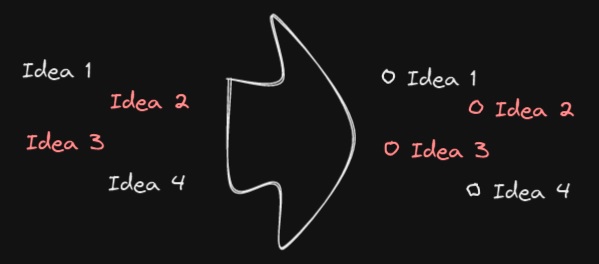
|
||||
|
||||
This script will add a small circle to the top left of each text element in the selection and add the text and the "bullet point" into a group.
|
||||
|
||||
See documentation for more details:
|
||||
https://zsviczian.github.io/obsidian-excalidraw-plugin/ExcalidrawScriptsEngine.html
|
||||
|
||||
```javascript
|
||||
*/
|
||||
elements = ea.getViewSelectedElements().filter((el)=>el.type==="text");
|
||||
ea.copyViewElementsToEAforEditing(elements);
|
||||
const padding = 10;
|
||||
elements.forEach((el)=>{
|
||||
ea.style.strokeColor = el.strokeColor;
|
||||
const size = el.fontSize/2;
|
||||
const ellipseId = ea.addEllipse(
|
||||
el.x-padding-size,
|
||||
el.y+size/2,
|
||||
size,
|
||||
size
|
||||
);
|
||||
ea.addToGroup([el.id,ellipseId]);
|
||||
});
|
||||
await ea.addElementsToView(false,false,true);
|
||||
|
||||
```
|
||||
+67
@@ -0,0 +1,67 @@
|
||||
/*
|
||||
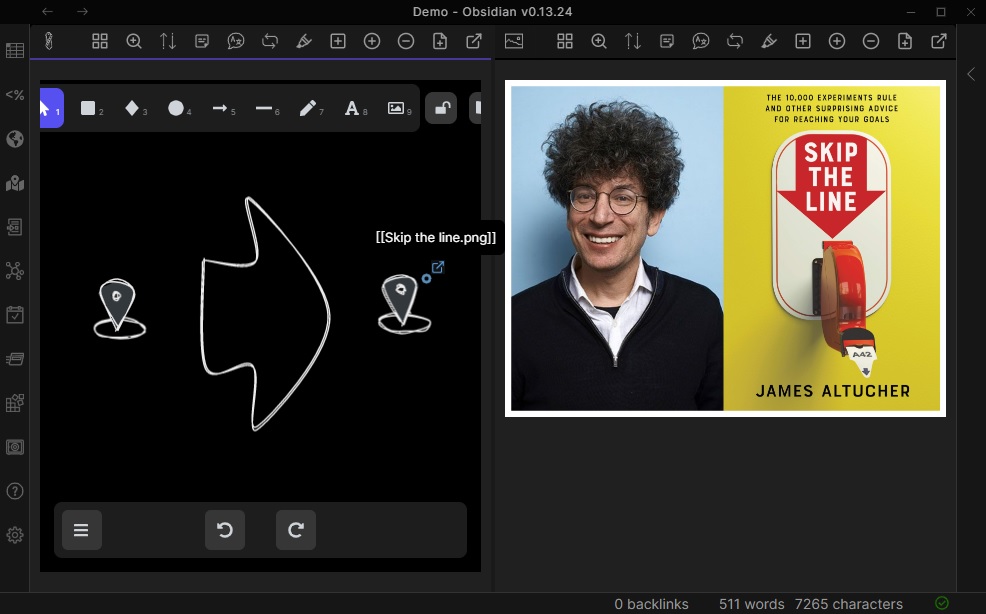
|
||||
|
||||
Prompts for a file from the vault. Adds a link to the selected element pointing to the selected file. You can control in settings to open the file in the current active pane or an adjacent pane.
|
||||
|
||||
```javascript
|
||||
*/
|
||||
|
||||
if(!ea.verifyMinimumPluginVersion || !ea.verifyMinimumPluginVersion("1.5.21")) {
|
||||
new Notice("This script requires a newer version of Excalidraw. Please install the latest version.");
|
||||
return;
|
||||
}
|
||||
|
||||
settings = ea.getScriptSettings();
|
||||
|
||||
if(!settings["Open link in active pane"]) {
|
||||
settings = {
|
||||
"Open link in active pane": {
|
||||
value: false,
|
||||
description: "Open the link in the current active pane (on) or a new pane (off)."
|
||||
},
|
||||
...settings
|
||||
};
|
||||
ea.setScriptSettings(settings);
|
||||
}
|
||||
|
||||
const openInCurrentPane = settings["Open link in active pane"].value;
|
||||
|
||||
elements = ea.getViewSelectedElements();
|
||||
if(elements.length === 0) {
|
||||
new Notice("No selected elements");
|
||||
return;
|
||||
}
|
||||
|
||||
const files = app.vault.getFiles()
|
||||
const filePaths = files.map((f)=>f.path);
|
||||
file = await utils.suggester(filePaths,files,"Select a file");
|
||||
|
||||
if(!file) return;
|
||||
|
||||
const link = `[[${app.metadataCache.fileToLinktext(file,ea.targetView.file.path,true)}]]`;
|
||||
|
||||
ea.style.backgroundColor = "transparent";
|
||||
ea.style.strokeColor = "rgba(70,130,180,0.05)"
|
||||
ea.style.strokeWidth = 2;
|
||||
ea.style.roughness = 0;
|
||||
|
||||
if(elements.length===1 && elements[0].type !== "text") {
|
||||
ea.copyViewElementsToEAforEditing(elements);
|
||||
ea.getElements()[0].link = link;
|
||||
} else {
|
||||
const b = ea.getBoundingBox(elements);
|
||||
const id = ea.addEllipse(b.topX+b.width-5, b.topY, 5, 5);
|
||||
ea.getElement(id).link = link;
|
||||
ea.copyViewElementsToEAforEditing(elements);
|
||||
ea.addToGroup(elements.map((e)=>e.id).concat([id]));
|
||||
}
|
||||
await ea.addElementsToView(false,true,true);
|
||||
ea.selectElementsInView(ea.getElements());
|
||||
|
||||
if(openInCurrentPane) {
|
||||
app.workspace.openLinkText(file.path,ea.targetView.file.path,false);
|
||||
return;
|
||||
}
|
||||
ea.openFileInNewOrAdjacentLeaf(file);
|
||||
|
||||
```
|
||||
+92
@@ -0,0 +1,92 @@
|
||||
/*
|
||||
|
||||
|
||||
Prompts for filename. Offers option to create and open a new Markdown or Excalidraw document. Adds link pointing to the new file, to the selected objects in the drawing. You can control in settings to open the file in the current active pane or an adjacent pane.
|
||||
|
||||
```javascript
|
||||
*/
|
||||
|
||||
if(!ea.verifyMinimumPluginVersion || !ea.verifyMinimumPluginVersion("1.6.1")) {
|
||||
new Notice("This script requires a newer version of Excalidraw. Please install the latest version.");
|
||||
return;
|
||||
}
|
||||
|
||||
settings = ea.getScriptSettings();
|
||||
|
||||
if(!settings["Open link in active pane"]) {
|
||||
settings = {
|
||||
"Open link in active pane": {
|
||||
value: false,
|
||||
description: "Open the link in the current active pane (on) or a new pane (off)."
|
||||
},
|
||||
...settings
|
||||
};
|
||||
ea.setScriptSettings(settings);
|
||||
}
|
||||
|
||||
const openInCurrentPane = settings["Open link in active pane"].value;
|
||||
|
||||
elements = ea.getViewSelectedElements();
|
||||
if(elements.length === 0) {
|
||||
new Notice("No selected elements");
|
||||
return;
|
||||
}
|
||||
|
||||
const activeFile = ea.targetView.file;
|
||||
const prefix = activeFile.basename;
|
||||
const timestamp = moment(Date.now()).format(ea.plugin.settings.drawingFilenameDateTime);
|
||||
|
||||
let fileType = "";
|
||||
const filename = await utils.inputPrompt (
|
||||
"Filename for new document",
|
||||
"",
|
||||
`${prefix} - ${timestamp}`,
|
||||
[
|
||||
{
|
||||
caption: "Markdown",
|
||||
action: ()=>{fileType="md";return;}
|
||||
},
|
||||
{
|
||||
caption: "Excalidraw",
|
||||
action: ()=>{fileType="ex";return;}
|
||||
}
|
||||
]
|
||||
);
|
||||
|
||||
if(!filename || filename === "") return;
|
||||
const filepath = activeFile.path.replace(activeFile.name,`${filename}.md`);
|
||||
|
||||
const file = await app.fileManager.createNewMarkdownFileFromLinktext(filepath);
|
||||
if(file && fileType==="ex") {
|
||||
const blank = await app.plugins.plugins["obsidian-excalidraw-plugin"].getBlankDrawing();
|
||||
await app.vault.modify(file,blank);
|
||||
await new Promise(r => setTimeout(r, 100)); //wait for metadata cache to update, so file opens as excalidraw
|
||||
}
|
||||
|
||||
const link = `[[${app.metadataCache.fileToLinktext(file,ea.targetView.file.path,true)}]]`;
|
||||
|
||||
ea.style.backgroundColor = "transparent";
|
||||
ea.style.strokeColor = "rgba(70,130,180,0.05)"
|
||||
ea.style.strokeWidth = 2;
|
||||
ea.style.roughness = 0;
|
||||
|
||||
if(elements.length===1 && elements[0].type !== "text") {
|
||||
ea.copyViewElementsToEAforEditing(elements);
|
||||
ea.getElements()[0].link = link;
|
||||
} else {
|
||||
const b = ea.getBoundingBox(elements);
|
||||
const id = ea.addEllipse(b.topX+b.width-5, b.topY, 5, 5);
|
||||
ea.getElement(id).link = link;
|
||||
ea.copyViewElementsToEAforEditing(elements);
|
||||
ea.addToGroup(elements.map((e)=>e.id).concat([id]));
|
||||
}
|
||||
await ea.addElementsToView(false,true,true);
|
||||
ea.selectElementsInView(ea.getElements());
|
||||
|
||||
if(openInCurrentPane) {
|
||||
app.workspace.openLinkText(file.path,ea.targetView.file.path,false);
|
||||
return;
|
||||
}
|
||||
ea.openFileInNewOrAdjacentLeaf(file);
|
||||
|
||||
```
|
||||
+142
@@ -0,0 +1,142 @@
|
||||
/*
|
||||
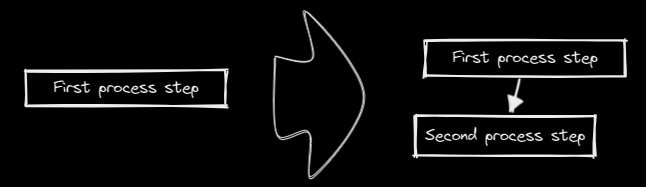
|
||||
|
||||
This script will prompt you for the title of the process step, then will create a stick note with the text. If an element is selected then the script will connect this new step with an arrow to the previous step (the selected element). If no element is selected, then the script assumes this is the first step in the process and will only output the sticky note with the text that was entered.
|
||||
|
||||
```javascript
|
||||
*/
|
||||
|
||||
if(!ea.verifyMinimumPluginVersion || !ea.verifyMinimumPluginVersion("1.5.24")) {
|
||||
new Notice("This script requires a newer version of Excalidraw. Please install the latest version.");
|
||||
return;
|
||||
}
|
||||
|
||||
settings = ea.getScriptSettings();
|
||||
//set default values on first run
|
||||
if(!settings["Starting arrowhead"]) {
|
||||
settings = {
|
||||
"Starting arrowhead" : {
|
||||
value: "none",
|
||||
valueset: ["none","arrow","triangle","bar","dot"]
|
||||
},
|
||||
"Ending arrowhead" : {
|
||||
value: "triangle",
|
||||
valueset: ["none","arrow","triangle","bar","dot"]
|
||||
},
|
||||
"Line points" : {
|
||||
value: 0,
|
||||
description: "Number of line points between start and end"
|
||||
},
|
||||
"Gap between elements": {
|
||||
value: 100
|
||||
},
|
||||
"Wrap text at (number of characters)": {
|
||||
value: 25,
|
||||
},
|
||||
"Fix width": {
|
||||
value: true,
|
||||
description: "The object around the text should have fix width to fit the wrapped text"
|
||||
}
|
||||
};
|
||||
ea.setScriptSettings(settings);
|
||||
}
|
||||
|
||||
const arrowStart = settings["Starting arrowhead"].value === "none" ? null : settings["Starting arrowhead"].value;
|
||||
const arrowEnd = settings["Ending arrowhead"].value === "none" ? null : settings["Ending arrowhead"].value;
|
||||
|
||||
// workaround until https://github.com/zsviczian/obsidian-excalidraw-plugin/issues/388 is fixed
|
||||
if (!arrowEnd) ea.style.endArrowHead = null;
|
||||
if (!arrowStart) ea.style.startArrowHead = null;
|
||||
|
||||
const linePoints = Math.floor(settings["Line points"].value);
|
||||
const gapBetweenElements = Math.floor(settings["Gap between elements"].value);
|
||||
const wrapLineLen = Math.floor(settings["Wrap text at (number of characters)"].value);
|
||||
const fixWidth = settings["Fix width"];
|
||||
|
||||
const textPadding = 10;
|
||||
const text = await utils.inputPrompt("Text?");
|
||||
const elements = ea.getViewSelectedElements();
|
||||
const isFirst = (!elements || elements.length === 0);
|
||||
|
||||
const width = ea.measureText("w".repeat(wrapLineLen)).width;
|
||||
|
||||
let id = "";
|
||||
|
||||
if(!isFirst) {
|
||||
const fromElement = ea.getLargestElement(elements);
|
||||
ea.copyViewElementsToEAforEditing([fromElement]);
|
||||
|
||||
const previousTextElements = elements.filter((el)=>el.type==="text");
|
||||
const previousRectElements = elements.filter((el)=> ['ellipse', 'rectangle', 'diamond'].includes(el.type));
|
||||
if(previousTextElements.length>0) {
|
||||
const el = previousTextElements[0];
|
||||
ea.style.strokeColor = el.strokeColor;
|
||||
ea.style.fontSize = el.fontSize;
|
||||
ea.style.fontFamily = el.fontFamily;
|
||||
}
|
||||
|
||||
textWidth = ea.measureText(text).width;
|
||||
|
||||
id = ea.addText(
|
||||
fixWidth
|
||||
? fromElement.x+fromElement.width/2-width/2
|
||||
: fromElement.x+fromElement.width/2-textWidth/2-textPadding,
|
||||
fromElement.y+fromElement.height+gapBetweenElements,
|
||||
text,
|
||||
{
|
||||
wrapAt: wrapLineLen,
|
||||
textAlign: "center",
|
||||
textVerticalAlign: "middle",
|
||||
box: previousRectElements.length > 0 ? previousRectElements[0].type : false,
|
||||
...fixWidth
|
||||
? {width: width, boxPadding:0}
|
||||
: {boxPadding: textPadding}
|
||||
}
|
||||
);
|
||||
|
||||
ea.connectObjects(
|
||||
fromElement.id,
|
||||
null,
|
||||
id,
|
||||
null,
|
||||
{
|
||||
endArrowHead: arrowEnd,
|
||||
startArrowHead: arrowStart,
|
||||
numberOfPoints: linePoints
|
||||
}
|
||||
);
|
||||
|
||||
if (previousRectElements.length>0) {
|
||||
const rect = ea.getElement(id);
|
||||
rect.strokeColor = fromElement.strokeColor;
|
||||
rect.strokeWidth = fromElement.strokeWidth;
|
||||
rect.strokeStyle = fromElement.strokeStyle;
|
||||
rect.roughness = fromElement.roughness;
|
||||
rect.roundness = fromElement.roundness;
|
||||
rect.strokeSharpness = fromElement.strokeSharpness;
|
||||
rect.backgroundColor = fromElement.backgroundColor;
|
||||
rect.fillStyle = fromElement.fillStyle;
|
||||
rect.width = fromElement.width;
|
||||
rect.height = fromElement.height;
|
||||
}
|
||||
|
||||
await ea.addElementsToView(false,false);
|
||||
} else {
|
||||
id = ea.addText(
|
||||
0,
|
||||
0,
|
||||
text,
|
||||
{
|
||||
wrapAt: wrapLineLen,
|
||||
textAlign: "center",
|
||||
textVerticalAlign: "middle",
|
||||
box: "rectangle",
|
||||
boxPadding: textPadding,
|
||||
...fixWidth?{width: width}:null
|
||||
}
|
||||
);
|
||||
await ea.addElementsToView(true,false);
|
||||
}
|
||||
|
||||
ea.selectElementsInView([ea.getElement(id)]);
|
||||
```
|
||||
@@ -0,0 +1,400 @@
|
||||
/*
|
||||
|
||||

|
||||
|
||||
Download this file and save to your Obsidian Vault including the first line, or open it in "Raw" and copy the entire contents to Obsidian.
|
||||
|
||||
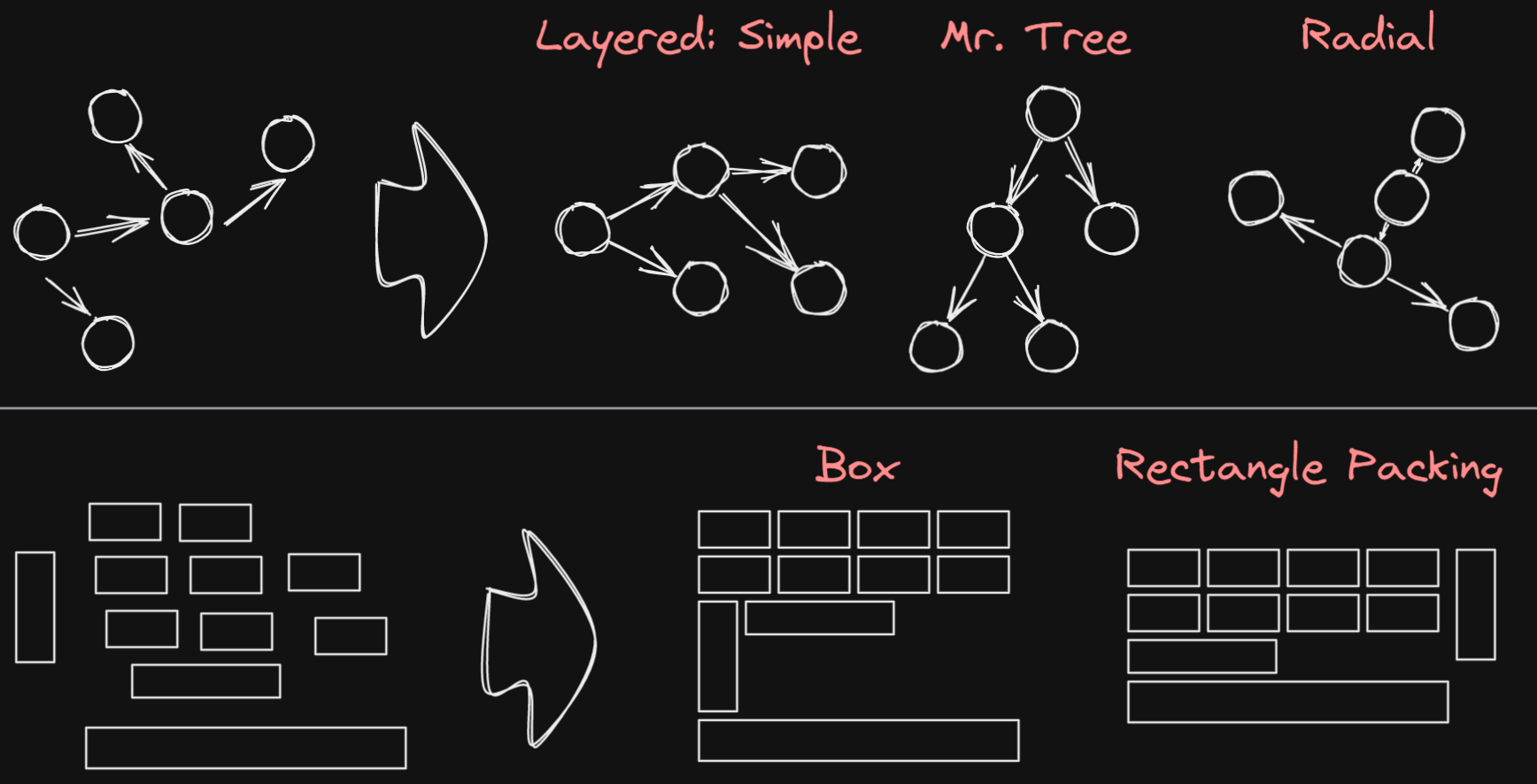
|
||||
|
||||
This script performs automatic layout for the selected top-level grouping objects. It is powered by [elkjs](https://github.com/kieler/elkjs) and needs to be connected to the Internet.
|
||||
|
||||
|
||||
See documentation for more details:
|
||||
https://zsviczian.github.io/obsidian-excalidraw-plugin/ExcalidrawScriptsEngine.html
|
||||
|
||||
```javascript
|
||||
*/
|
||||
|
||||
if (
|
||||
!ea.verifyMinimumPluginVersion ||
|
||||
!ea.verifyMinimumPluginVersion("1.5.21")
|
||||
) {
|
||||
new Notice(
|
||||
"This script requires a newer version of Excalidraw. Please install the latest version."
|
||||
);
|
||||
return;
|
||||
}
|
||||
|
||||
settings = ea.getScriptSettings();
|
||||
//set default values on first run
|
||||
if (!settings["Layout Options JSON"]) {
|
||||
settings = {
|
||||
"Layout Options JSON": {
|
||||
height: "450px",
|
||||
value: `{\n "org.eclipse.elk.layered.crossingMinimization.semiInteractive": "true",\n "org.eclipse.elk.layered.considerModelOrder.components": "FORCE_MODEL_ORDER"\n}`,
|
||||
description: `You can use layout options to configure the layout algorithm. A list of all options and further details of their exact effects is available in <a href="http://www.eclipse.org/elk/reference.html" rel="nofollow">ELK's documentation</a>.`,
|
||||
},
|
||||
};
|
||||
ea.setScriptSettings(settings);
|
||||
}
|
||||
|
||||
if (typeof ELK === "undefined") {
|
||||
loadELK(doAutoLayout);
|
||||
} else {
|
||||
doAutoLayout();
|
||||
}
|
||||
|
||||
async function doAutoLayout() {
|
||||
const selectedElements = ea.getViewSelectedElements();
|
||||
const groups = ea
|
||||
.getMaximumGroups(selectedElements)
|
||||
.map((g) => g.filter((el) => el.containerId == null)) // ignore text in stickynote
|
||||
.filter((els) => els.length > 0);
|
||||
|
||||
const stickynotesMap = selectedElements
|
||||
.filter((el) => el.containerId != null)
|
||||
.reduce((result, el) => {
|
||||
result.set(el.containerId, el);
|
||||
return result;
|
||||
}, new Map());
|
||||
|
||||
const elk = new ELK();
|
||||
const knownLayoutAlgorithms = await elk.knownLayoutAlgorithms();
|
||||
const layoutAlgorithms = knownLayoutAlgorithms
|
||||
.map((knownLayoutAlgorithm) => ({
|
||||
id: knownLayoutAlgorithm.id,
|
||||
displayText:
|
||||
knownLayoutAlgorithm.id === "org.eclipse.elk.layered" ||
|
||||
knownLayoutAlgorithm.id === "org.eclipse.elk.radial" ||
|
||||
knownLayoutAlgorithm.id === "org.eclipse.elk.mrtree"
|
||||
? "* " +
|
||||
knownLayoutAlgorithm.name +
|
||||
": " +
|
||||
knownLayoutAlgorithm.description
|
||||
: knownLayoutAlgorithm.name + ": " + knownLayoutAlgorithm.description,
|
||||
}))
|
||||
.sort((lha, rha) => lha.displayText.localeCompare(rha.displayText));
|
||||
|
||||
const layoutAlgorithmsSimple = knownLayoutAlgorithms
|
||||
.map((knownLayoutAlgorithm) => ({
|
||||
id: knownLayoutAlgorithm.id,
|
||||
displayText:
|
||||
knownLayoutAlgorithm.id === "org.eclipse.elk.layered" ||
|
||||
knownLayoutAlgorithm.id === "org.eclipse.elk.radial" ||
|
||||
knownLayoutAlgorithm.id === "org.eclipse.elk.mrtree"
|
||||
? "* " + knownLayoutAlgorithm.name
|
||||
: knownLayoutAlgorithm.name,
|
||||
}))
|
||||
.sort((lha, rha) => lha.displayText.localeCompare(rha.displayText));
|
||||
|
||||
// const knownOptions = knownLayoutAlgorithms
|
||||
// .reduce(
|
||||
// (result, knownLayoutAlgorithm) => [
|
||||
// ...result,
|
||||
// ...knownLayoutAlgorithm.knownOptions,
|
||||
// ],
|
||||
// []
|
||||
// )
|
||||
// .filter((value, index, self) => self.indexOf(value) === index) // remove duplicates
|
||||
// .sort((lha, rha) => lha.localeCompare(rha));
|
||||
// console.log("knownOptions", knownOptions);
|
||||
|
||||
const selectedAlgorithm = await utils.suggester(
|
||||
layoutAlgorithms.map((algorithmInfo) => algorithmInfo.displayText),
|
||||
layoutAlgorithms.map((algorithmInfo) => algorithmInfo.id),
|
||||
"Layout algorithm"
|
||||
);
|
||||
|
||||
const knownNodePlacementStrategy = [
|
||||
"SIMPLE",
|
||||
"INTERACTIVE",
|
||||
"LINEAR_SEGMENTS",
|
||||
"BRANDES_KOEPF",
|
||||
"NETWORK_SIMPLEX",
|
||||
];
|
||||
|
||||
const knownDirections = [
|
||||
"UNDEFINED",
|
||||
"RIGHT",
|
||||
"LEFT",
|
||||
"DOWN",
|
||||
"UP"
|
||||
];
|
||||
|
||||
let nodePlacementStrategy = "BRANDES_KOEPF";
|
||||
let componentComponentSpacing = "10";
|
||||
let nodeNodeSpacing = "100";
|
||||
let nodeNodeBetweenLayersSpacing = "100";
|
||||
let discoComponentLayoutAlgorithm = "org.eclipse.elk.layered";
|
||||
let direction = "UNDEFINED";
|
||||
|
||||
if (selectedAlgorithm === "org.eclipse.elk.layered") {
|
||||
nodePlacementStrategy = await utils.suggester(
|
||||
knownNodePlacementStrategy,
|
||||
knownNodePlacementStrategy,
|
||||
"Node placement strategy"
|
||||
);
|
||||
|
||||
selectedDirection = await utils.suggester(
|
||||
knownDirections,
|
||||
knownDirections,
|
||||
"Direction"
|
||||
);
|
||||
direction = selectedDirection??"UNDEFINED";
|
||||
} else if (selectedAlgorithm === "org.eclipse.elk.disco") {
|
||||
const componentLayoutAlgorithms = layoutAlgorithmsSimple.filter(al => al.id !== "org.eclipse.elk.disco");
|
||||
const selectedDiscoComponentLayoutAlgorithm = await utils.suggester(
|
||||
componentLayoutAlgorithms.map((algorithmInfo) => algorithmInfo.displayText),
|
||||
componentLayoutAlgorithms.map((algorithmInfo) => algorithmInfo.id),
|
||||
"Disco Connected Components Layout Algorithm"
|
||||
);
|
||||
discoComponentLayoutAlgorithm = selectedDiscoComponentLayoutAlgorithm??"org.eclipse.elk.layered";
|
||||
}
|
||||
|
||||
if (
|
||||
selectedAlgorithm === "org.eclipse.elk.box" ||
|
||||
selectedAlgorithm === "org.eclipse.elk.rectpacking"
|
||||
) {
|
||||
nodeNodeSpacing = await utils.inputPrompt("Node Spacing", "number", "10");
|
||||
} else {
|
||||
let userSpacingStr = await utils.inputPrompt(
|
||||
"Components Spacing, Node Spacing, Node Node Between Layers Spacing",
|
||||
"number, number, number",
|
||||
"10, 100, 100"
|
||||
);
|
||||
let userSpacingArr = (userSpacingStr??"").split(",");
|
||||
componentComponentSpacing = userSpacingArr[0] ?? "10";
|
||||
nodeNodeSpacing = userSpacingArr[1] ?? "100";
|
||||
nodeNodeBetweenLayersSpacing = userSpacingArr[2] ?? "100";
|
||||
}
|
||||
|
||||
let layoutOptionsJson = {};
|
||||
try {
|
||||
layoutOptionsJson = JSON.parse(settings["Layout Options JSON"].value);
|
||||
} catch (e) {
|
||||
new Notice(
|
||||
"Error reading Layout Options JSON, see developer console for more information",
|
||||
4000
|
||||
);
|
||||
console.log(e);
|
||||
}
|
||||
|
||||
layoutOptionsJson["elk.algorithm"] = selectedAlgorithm;
|
||||
layoutOptionsJson["org.eclipse.elk.spacing.componentComponent"] =
|
||||
componentComponentSpacing;
|
||||
layoutOptionsJson["org.eclipse.elk.spacing.nodeNode"] = nodeNodeSpacing;
|
||||
layoutOptionsJson["org.eclipse.elk.layered.spacing.nodeNodeBetweenLayers"] =
|
||||
nodeNodeBetweenLayersSpacing;
|
||||
layoutOptionsJson["org.eclipse.elk.layered.nodePlacement.strategy"] =
|
||||
nodePlacementStrategy;
|
||||
layoutOptionsJson["org.eclipse.elk.disco.componentCompaction.componentLayoutAlgorithm"] =
|
||||
discoComponentLayoutAlgorithm;
|
||||
layoutOptionsJson["org.eclipse.elk.direction"] = direction;
|
||||
|
||||
const graph = {
|
||||
id: "root",
|
||||
layoutOptions: layoutOptionsJson,
|
||||
children: [],
|
||||
edges: [],
|
||||
};
|
||||
|
||||
let groupMap = new Map();
|
||||
let targetElkMap = new Map();
|
||||
let arrowEls = [];
|
||||
|
||||
for (let i = 0; i < groups.length; i++) {
|
||||
const elements = groups[i];
|
||||
if (
|
||||
elements.length === 1 &&
|
||||
(elements[0].type === "arrow" || elements[0].type === "line")
|
||||
) {
|
||||
if (
|
||||
elements[0].type === "arrow" &&
|
||||
elements[0].startBinding &&
|
||||
elements[0].endBinding
|
||||
) {
|
||||
arrowEls.push(elements[0]);
|
||||
}
|
||||
} else {
|
||||
let elkId = "g" + i;
|
||||
elements.reduce((result, el) => {
|
||||
result.set(el.id, elkId);
|
||||
return result;
|
||||
}, targetElkMap);
|
||||
|
||||
const box = ea.getBoundingBox(elements);
|
||||
groupMap.set(elkId, {
|
||||
elements: elements,
|
||||
boundingBox: box,
|
||||
});
|
||||
|
||||
graph.children.push({
|
||||
id: elkId,
|
||||
width: box.width,
|
||||
height: box.height,
|
||||
x: box.topX,
|
||||
y: box.topY,
|
||||
});
|
||||
}
|
||||
}
|
||||
|
||||
for (let i = 0; i < arrowEls.length; i++) {
|
||||
const arrowEl = arrowEls[i];
|
||||
const startElkId = targetElkMap.get(arrowEl.startBinding.elementId);
|
||||
const endElkId = targetElkMap.get(arrowEl.endBinding.elementId);
|
||||
|
||||
graph.edges.push({
|
||||
id: "e" + i,
|
||||
sources: [startElkId],
|
||||
targets: [endElkId],
|
||||
});
|
||||
}
|
||||
|
||||
const initTopX =
|
||||
Math.min(...Array.from(groupMap.values()).map((v) => v.boundingBox.topX)) -
|
||||
12;
|
||||
const initTopY =
|
||||
Math.min(...Array.from(groupMap.values()).map((v) => v.boundingBox.topY)) -
|
||||
12;
|
||||
|
||||
elk
|
||||
.layout(graph)
|
||||
.then((resultGraph) => {
|
||||
for (const elkEl of resultGraph.children) {
|
||||
const group = groupMap.get(elkEl.id);
|
||||
for (const groupEl of group.elements) {
|
||||
const originalDistancX = groupEl.x - group.boundingBox.topX;
|
||||
const originalDistancY = groupEl.y - group.boundingBox.topY;
|
||||
const groupElDistanceX =
|
||||
elkEl.x + initTopX + originalDistancX - groupEl.x;
|
||||
const groupElDistanceY =
|
||||
elkEl.y + initTopY + originalDistancY - groupEl.y;
|
||||
|
||||
groupEl.x = groupEl.x + groupElDistanceX;
|
||||
groupEl.y = groupEl.y + groupElDistanceY;
|
||||
|
||||
if (stickynotesMap.has(groupEl.id)) {
|
||||
const stickynote = stickynotesMap.get(groupEl.id);
|
||||
stickynote.x = stickynote.x + groupElDistanceX;
|
||||
stickynote.y = stickynote.y + groupElDistanceY;
|
||||
}
|
||||
}
|
||||
}
|
||||
|
||||
ea.copyViewElementsToEAforEditing(selectedElements);
|
||||
ea.addElementsToView(false, false);
|
||||
|
||||
normalizeSelectedArrows();
|
||||
})
|
||||
.catch(console.error);
|
||||
}
|
||||
|
||||
function loadELK(doAfterLoaded) {
|
||||
let script = document.createElement("script");
|
||||
script.onload = function () {
|
||||
if (typeof ELK !== "undefined") {
|
||||
doAfterLoaded();
|
||||
}
|
||||
};
|
||||
script.src =
|
||||
"https://cdn.jsdelivr.net/npm/elkjs@0.8.2/lib/elk.bundled.min.js";
|
||||
document.head.appendChild(script);
|
||||
}
|
||||
|
||||
/*
|
||||
* Normalize Selected Arrows
|
||||
*/
|
||||
|
||||
function normalizeSelectedArrows() {
|
||||
let gapValue = 2;
|
||||
|
||||
const selectedIndividualArrows = ea.getMaximumGroups(ea.getViewSelectedElements())
|
||||
.reduce((result, g) => [...result, ...g.filter(el => el.type === 'arrow')], []);
|
||||
|
||||
const allElements = ea.getViewElements();
|
||||
for (const arrow of selectedIndividualArrows) {
|
||||
const startBindingEl = allElements.filter(
|
||||
(el) => el.id === (arrow.startBinding || {}).elementId
|
||||
)[0];
|
||||
const endBindingEl = allElements.filter(
|
||||
(el) => el.id === (arrow.endBinding || {}).elementId
|
||||
)[0];
|
||||
|
||||
if (startBindingEl) {
|
||||
recalculateStartPointOfLine(
|
||||
arrow,
|
||||
startBindingEl,
|
||||
endBindingEl,
|
||||
gapValue
|
||||
);
|
||||
}
|
||||
if (endBindingEl) {
|
||||
recalculateEndPointOfLine(arrow, endBindingEl, startBindingEl, gapValue);
|
||||
}
|
||||
}
|
||||
|
||||
ea.copyViewElementsToEAforEditing(selectedIndividualArrows);
|
||||
ea.addElementsToView(false, false);
|
||||
}
|
||||
|
||||
function recalculateStartPointOfLine(line, el, elB, gapValue) {
|
||||
const aX = el.x + el.width / 2;
|
||||
const bX =
|
||||
line.points.length <= 2 && elB
|
||||
? elB.x + elB.width / 2
|
||||
: line.x + line.points[1][0];
|
||||
const aY = el.y + el.height / 2;
|
||||
const bY =
|
||||
line.points.length <= 2 && elB
|
||||
? elB.y + elB.height / 2
|
||||
: line.y + line.points[1][1];
|
||||
|
||||
line.startBinding.gap = gapValue;
|
||||
line.startBinding.focus = 0;
|
||||
const intersectA = ea.intersectElementWithLine(
|
||||
el,
|
||||
[bX, bY],
|
||||
[aX, aY],
|
||||
line.startBinding.gap
|
||||
);
|
||||
|
||||
if (intersectA.length > 0) {
|
||||
line.points[0] = [0, 0];
|
||||
for (let i = 1; i < line.points.length; i++) {
|
||||
line.points[i][0] -= intersectA[0][0] - line.x;
|
||||
line.points[i][1] -= intersectA[0][1] - line.y;
|
||||
}
|
||||
line.x = intersectA[0][0];
|
||||
line.y = intersectA[0][1];
|
||||
}
|
||||
}
|
||||
|
||||
function recalculateEndPointOfLine(line, el, elB, gapValue) {
|
||||
const aX = el.x + el.width / 2;
|
||||
const bX =
|
||||
line.points.length <= 2 && elB
|
||||
? elB.x + elB.width / 2
|
||||
: line.x + line.points[line.points.length - 2][0];
|
||||
const aY = el.y + el.height / 2;
|
||||
const bY =
|
||||
line.points.length <= 2 && elB
|
||||
? elB.y + elB.height / 2
|
||||
: line.y + line.points[line.points.length - 2][1];
|
||||
|
||||
line.endBinding.gap = gapValue;
|
||||
line.endBinding.focus = 0;
|
||||
const intersectA = ea.intersectElementWithLine(
|
||||
el,
|
||||
[bX, bY],
|
||||
[aX, aY],
|
||||
line.endBinding.gap
|
||||
);
|
||||
|
||||
if (intersectA.length > 0) {
|
||||
line.points[line.points.length - 1] = [
|
||||
intersectA[0][0] - line.x,
|
||||
intersectA[0][1] - line.y,
|
||||
];
|
||||
}
|
||||
}
|
||||
```
|
||||
@@ -0,0 +1,376 @@
|
||||
/*
|
||||
With This Script it is possible to make boolean Operations on Shapes.
|
||||
The style of the resulting shape will be the style of the highest ranking Element that was used.
|
||||
The ranking of the elements is based on their background. The "denser" the background, the higher the ranking (the order of backgroundstyles is shown below). If they have the same background the opacity will decide. If thats also the same its decided by the order they were created.
|
||||
The ranking is also important for the difference operation, so a transparent object for example will cut a hole into a solid object.
|
||||
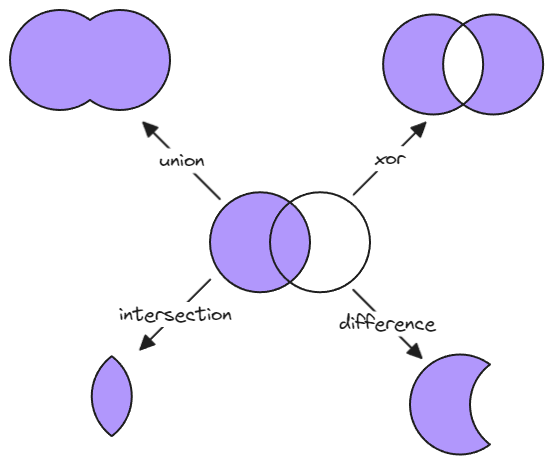
|
||||

|
||||
|
||||
|
||||
See documentation for more details:
|
||||
https://zsviczian.github.io/obsidian-excalidraw-plugin/ExcalidrawScriptsEngine.html
|
||||
|
||||
```javascript
|
||||
*/
|
||||
if(!ea.verifyMinimumPluginVersion || !ea.verifyMinimumPluginVersion("1.9.20")) {
|
||||
new Notice("This script requires a newer version of Excalidraw. Please install the latest version.");
|
||||
return;
|
||||
}
|
||||
const ShadowGroupMarker = "ShadowCloneOf-";
|
||||
|
||||
const elements = ea.getViewSelectedElements().filter(
|
||||
el=>["ellipse", "rectangle", "diamond"].includes(el.type) ||
|
||||
el.groupIds.some(id => id.startsWith(ShadowGroupMarker)) ||
|
||||
(["line", "arrow"].includes(el.type) && el.roundness === null)
|
||||
);
|
||||
if(elements.length < 2) {
|
||||
new Notice ("Select ellipses, rectangles, diamonds; or lines and arrows with sharp edges");
|
||||
return;
|
||||
}
|
||||
|
||||
const PolyBool = ea.getPolyBool();
|
||||
const polyboolAction = await utils.suggester(["union (a + b)", "intersect (a && b)", "difference (a - b)", "reversed difference (b - a)", "xor"], [
|
||||
PolyBool.union, PolyBool.intersect, PolyBool.difference, PolyBool.differenceRev, PolyBool.xor
|
||||
], "What would you like todo with the object");
|
||||
|
||||
const shadowClones = elements.filter(element => element.groupIds.some(id => id.startsWith(ShadowGroupMarker)));
|
||||
shadowClones.forEach(shadowClone => {
|
||||
let parentId = shadowClone.groupIds
|
||||
.filter(id => id.startsWith(ShadowGroupMarker))[0]
|
||||
.slice(ShadowGroupMarker.length);
|
||||
const shadowCloneIndex = elements.findIndex(element => element.id == parentId);
|
||||
if (shadowCloneIndex == -1) return;
|
||||
elements[shadowCloneIndex].backgroundColor = shadowClone.backgroundColor;
|
||||
elements[shadowCloneIndex].fillStyle = shadowClone.fillStyle;
|
||||
})
|
||||
const borderElements = elements.filter(element => !element.groupIds.some(id => id.startsWith(ShadowGroupMarker)));
|
||||
groups = ea.getMaximumGroups(borderElements);
|
||||
groups = groups.map((group) => group.sort((a, b) => RankElement(b) - RankElement(a)));
|
||||
groups.sort((a, b) => RankElement(b[0]) - RankElement(a[0]));
|
||||
|
||||
ea.style.strokeColor = groups[0][0].strokeColor;
|
||||
ea.style.backgroundColor = groups[0][0].backgroundColor;
|
||||
ea.style.fillStyle = groups[0][0].fillStyle;
|
||||
ea.style.strokeWidth = groups[0][0].strokeWidth;
|
||||
ea.style.strokeStyle = groups[0][0].strokeStyle;
|
||||
ea.style.roughness = groups[0][0].roughness;
|
||||
ea.style.opacity = groups[0][0].opacity;
|
||||
|
||||
const basePolygons = groups.shift().map(element => traceElement(element));
|
||||
const toolPolygons = groups.flatMap(group => group.map(element => traceElement(element)));
|
||||
|
||||
const result = polyboolAction({
|
||||
regions: basePolygons,
|
||||
inverted: false
|
||||
}, {
|
||||
regions: toolPolygons,
|
||||
inverted: false
|
||||
});
|
||||
const polygonHierachy = subordinateInnerPolygons(result.regions);
|
||||
drawPolygonHierachy(polygonHierachy);
|
||||
ea.deleteViewElements(elements);
|
||||
setPolygonTrue();
|
||||
ea.addElementsToView(false,false,true);
|
||||
return;
|
||||
|
||||
function setPolygonTrue() {
|
||||
ea.getElements().filter(el=>el.type==="line").forEach(el => {
|
||||
el.polygon = true;
|
||||
});
|
||||
}
|
||||
|
||||
function traceElement(element) {
|
||||
const diamondPath = (diamond) => [
|
||||
SxVEC(1/2, [0, diamond.height]),
|
||||
SxVEC(1/2, [diamond.width, 0]),
|
||||
addVec([SxVEC(1/2, [0, diamond.height]), ([diamond.width, 0])]),
|
||||
addVec([SxVEC(1/2, [diamond.width, 0]), ([0, diamond.height])]),
|
||||
SxVEC(1/2, [0, diamond.height])
|
||||
];
|
||||
const rectanglePath = (rectangle) => [
|
||||
[0,0],
|
||||
[0, rectangle.height],
|
||||
[rectangle.width, rectangle.height],
|
||||
[rectangle.width, 0],
|
||||
[0, 0]
|
||||
]
|
||||
const ellipsePath = (ellipse) => {
|
||||
const angle = ellipse.angle;
|
||||
const width = ellipse.width;
|
||||
const height = ellipse.height;
|
||||
const ellipseAtPoint = (t) => {
|
||||
const spanningVector = [width/2*Math.cos(t), height/2*Math.sin(t)];
|
||||
const baseVector = [width/2, height/2];
|
||||
return addVec([spanningVector, baseVector]);
|
||||
}
|
||||
let points = [];
|
||||
step = (2*Math.PI)/64
|
||||
for (let t = 0; t < 2*Math.PI; t = t + step) {
|
||||
points.push(ellipseAtPoint(t));
|
||||
}
|
||||
return points;
|
||||
}
|
||||
let polygon;
|
||||
let correctForPolygon = [0, 0];
|
||||
switch (element.type) {
|
||||
case "diamond":
|
||||
polygon = diamondPath(element);
|
||||
break;
|
||||
case "rectangle":
|
||||
polygon = rectanglePath(element);
|
||||
break;
|
||||
case "ellipse":
|
||||
polygon = ellipsePath(element);
|
||||
break;
|
||||
case "line":
|
||||
case "arrow":
|
||||
if (element.angle != 0) {
|
||||
let smallestX = 0;
|
||||
let smallestY = 0;
|
||||
element.points.forEach(point => {
|
||||
if (point[0] < smallestX) smallestX = point[0];
|
||||
if (point[1] < smallestY) smallestY = point[1];
|
||||
});
|
||||
polygon = element.points.map(point => {
|
||||
return [
|
||||
point[0] -= smallestX,
|
||||
point[1] -= smallestY
|
||||
];
|
||||
});
|
||||
correctForPolygon = [smallestX, smallestY];
|
||||
break;
|
||||
}
|
||||
if (element.roundness) {
|
||||
new Notice("This script does not work with curved lines or arrows yet!");
|
||||
return [];
|
||||
}
|
||||
polygon = element.points;
|
||||
default:
|
||||
break;
|
||||
}
|
||||
if (element.angle == 0) return polygon.map(v => addVec([v, [element.x, element.y]]));
|
||||
|
||||
polygon = polygon.map(v => addVec([v, SxVEC(-1/2, [element.width, element.height])]));
|
||||
polygon = rotateVectorsByAngle(polygon, element.angle);
|
||||
return polygon.map(v => addVec([v, [element.x, element.y], SxVEC(1/2, [element.width, element.height]), correctForPolygon]));
|
||||
}
|
||||
|
||||
function RankElement(element) {
|
||||
let score = 0;
|
||||
const backgroundRank = [
|
||||
"dashed",
|
||||
"none",
|
||||
"hachure",
|
||||
"zigzag",
|
||||
"zigzag-line",
|
||||
"cross-hatch",
|
||||
"solid"
|
||||
]
|
||||
score += (backgroundRank.findIndex((fillStyle) => fillStyle == element.fillStyle) + 1) * 10;
|
||||
if (element.backgroundColor == "transparent") score -= 100;
|
||||
if (element.points && getVectorLength(element.points[element.points.length - 1]) > 8) score -= 100;
|
||||
if (score < 0) score = 0;
|
||||
score += element.opacity / 100;
|
||||
return score;
|
||||
}
|
||||
|
||||
function drawPolygonHierachy(polygonHierachy) {
|
||||
const backgroundColor = ea.style.backgroundColor;
|
||||
const strokeColor = ea.style.strokeColor;
|
||||
const setInnerStyle = () => {
|
||||
ea.style.backgroundColor = backgroundColor;
|
||||
ea.style.strokeColor = "transparent";
|
||||
}
|
||||
const setBorderStyle = () => {
|
||||
ea.style.backgroundColor = "transparent";
|
||||
ea.style.strokeColor = strokeColor;
|
||||
}
|
||||
const setFilledStyle = () => {
|
||||
ea.style.backgroundColor = backgroundColor;
|
||||
ea.style.strokeColor = strokeColor;
|
||||
}
|
||||
|
||||
polygonHierachy.forEach(polygon => {
|
||||
setFilledStyle();
|
||||
let path = polygon.path;
|
||||
path.push(polygon.path[0]);
|
||||
if (polygon.innerPolygons.length === 0) {
|
||||
ea.addLine(path);
|
||||
return;
|
||||
}
|
||||
const outerBorder = path;
|
||||
const innerPolygons = addInnerPolygons(polygon.innerPolygons);
|
||||
path = path.concat(innerPolygons.backgroundPath);
|
||||
path.push(polygon.path[0]);
|
||||
setInnerStyle();
|
||||
const backgroundId = ea.addLine(path);
|
||||
setBorderStyle();
|
||||
const outerBorderId = ea.addLine(outerBorder)
|
||||
const innerBorderIds = innerPolygons.borderPaths.map(path => ea.addLine(path));
|
||||
const allIds = [innerBorderIds, outerBorderId, backgroundId].flat();
|
||||
ea.addToGroup(allIds);
|
||||
const background = ea.getElement(backgroundId);
|
||||
background.groupIds.push(ShadowGroupMarker + outerBorderId);
|
||||
});
|
||||
}
|
||||
|
||||
function addInnerPolygons(polygonHierachy) {
|
||||
let firstPath = [];
|
||||
let secondPath = [];
|
||||
let borderPaths = [];
|
||||
polygonHierachy.forEach(polygon => {
|
||||
let path = polygon.path;
|
||||
path.push(polygon.path[0]);
|
||||
borderPaths.push(path);
|
||||
firstPath = firstPath.concat(path);
|
||||
secondPath.push(polygon.path[0]);
|
||||
drawPolygonHierachy(polygon.innerPolygons);
|
||||
});
|
||||
return {
|
||||
backgroundPath: firstPath.concat(secondPath.reverse()),
|
||||
borderPaths: borderPaths
|
||||
};
|
||||
}
|
||||
|
||||
function subordinateInnerPolygons(polygons) {
|
||||
const polygonObjectPrototype = (polygon) => {
|
||||
return {
|
||||
path: polygon,
|
||||
innerPolygons: []
|
||||
};
|
||||
}
|
||||
|
||||
const insertPolygonIntoHierachy = (polygon, hierarchy) => {
|
||||
for (let i = 0; i < hierarchy.length; i++) {
|
||||
const polygonObject = hierarchy[i];
|
||||
let inside = null;
|
||||
let pointIndex = 0;
|
||||
do {
|
||||
inside = pointInPolygon(polygon[pointIndex], polygonObject.path);
|
||||
pointIndex++
|
||||
} while (inside === null);
|
||||
if (inside) {
|
||||
hierarchy[i].innerPolygons = insertPolygonIntoHierachy(polygon, hierarchy[i].innerPolygons);
|
||||
return hierarchy;
|
||||
}
|
||||
}
|
||||
polygon = polygonObjectPrototype(polygon);
|
||||
for (let i = 0; i < hierarchy.length; i++) {
|
||||
const polygonObject = hierarchy[i];
|
||||
let inside = null;
|
||||
let pointIndex = 0;
|
||||
do {
|
||||
inside = pointInPolygon(polygonObject.path[pointIndex], polygon.path);
|
||||
pointIndex++
|
||||
} while (inside === null);
|
||||
if (inside) {
|
||||
polygon.innerPolygons.push(hierarchy.splice(i, 1)[0]);
|
||||
i--;
|
||||
}
|
||||
}
|
||||
hierarchy.push(polygon);
|
||||
return hierarchy;
|
||||
}
|
||||
|
||||
let polygonHierachy = [];
|
||||
polygons.forEach(polygon => {
|
||||
polygonHierachy = insertPolygonIntoHierachy(polygon, polygonHierachy);
|
||||
})
|
||||
|
||||
return polygonHierachy;
|
||||
}
|
||||
|
||||
/**
|
||||
* Checks if the given point lays in the polygon
|
||||
* @param point array [x, y]
|
||||
* @param polygon array [[x, y], ...]
|
||||
* @returns true if inside, false if not, null if the point is on one of the polygons vertecies
|
||||
*/
|
||||
function pointInPolygon(point, polygon) {
|
||||
const x = point[0];
|
||||
const y = point[1];
|
||||
let inside = false;
|
||||
|
||||
// odd even test if point is in polygon
|
||||
for (let i = 0, j = polygon.length - 1; i < polygon.length; j = i++) {
|
||||
const xi = polygon[i][0];
|
||||
const yi = polygon[i][1];
|
||||
const xj = polygon[j][0];
|
||||
const yj = polygon[j][1];
|
||||
|
||||
const intersect =
|
||||
yi > y !== yj > y &&
|
||||
x < ((xj - xi) * (y - yi)) / (yj - yi) + xi;
|
||||
|
||||
if (intersect) {
|
||||
inside = !inside;
|
||||
}
|
||||
|
||||
if ((x === xi && y === yi) || (x === xj && y === yj)) {
|
||||
return null;
|
||||
}
|
||||
}
|
||||
|
||||
return inside;
|
||||
}
|
||||
|
||||
|
||||
function getVectorLength(vector) {
|
||||
return Math.sqrt(vector[0]**2+vector[1]**2);
|
||||
}
|
||||
|
||||
/**
|
||||
* Adds two Vectors together
|
||||
*/
|
||||
function addVec(vectors) {
|
||||
return vectors.reduce((acc, vec) => [acc[0] + vec[0], acc[1] + vec[1]], [0, 0]);
|
||||
}
|
||||
|
||||
/**
|
||||
* Returns the negative of the vector
|
||||
*/
|
||||
function negVec(vector) {
|
||||
return [-vector[0], -vector[1]];
|
||||
}
|
||||
|
||||
/**
|
||||
* Multiplies Vector with a scalar
|
||||
*/
|
||||
function SxVEC(scalar, vector) {
|
||||
return [vector[0] * scalar, vector[1] * scalar];
|
||||
}
|
||||
|
||||
function rotateVector (vec, ang) {
|
||||
var cos = Math.cos(ang);
|
||||
var sin = Math.sin(ang);
|
||||
return [vec[0] * cos - vec[1] * sin, vec[0] * sin + vec[1] * cos];
|
||||
}
|
||||
|
||||
function rotateVectorsByAngle(vectors, angle) {
|
||||
const cosAngle = Math.cos(angle);
|
||||
const sinAngle = Math.sin(angle);
|
||||
|
||||
const rotationMatrix = [
|
||||
[cosAngle, -sinAngle],
|
||||
[sinAngle, cosAngle]
|
||||
];
|
||||
|
||||
return applyTranformationMatrix(vectors, rotationMatrix);
|
||||
}
|
||||
|
||||
function applyTranformationMatrix(vectors, transformationMatrix) {
|
||||
const result = [];
|
||||
for (const vector of vectors) {
|
||||
const x = vector[0];
|
||||
const y = vector[1];
|
||||
|
||||
const newX = transformationMatrix[0][0] * x + transformationMatrix[0][1] * y;
|
||||
const newY = transformationMatrix[1][0] * x + transformationMatrix[1][1] * y;
|
||||
|
||||
result.push([newX, newY]);
|
||||
}
|
||||
|
||||
return result;
|
||||
}
|
||||
|
||||
```
|
||||
+183
@@ -0,0 +1,183 @@
|
||||
/*
|
||||

|
||||
|
||||
Download this file and save to your Obsidian Vault including the first line, or open it in "Raw" and copy the entire contents to Obsidian.
|
||||
|
||||
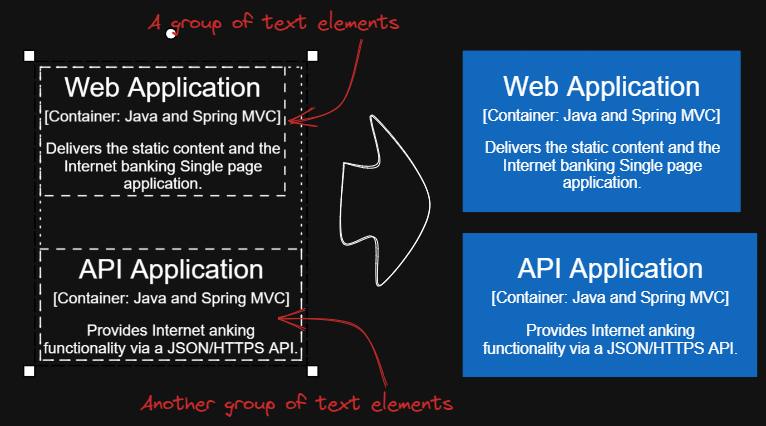
|
||||
|
||||
This script will add encapsulating boxes around each of the currently selected groups in Excalidraw.
|
||||
|
||||
You can focus on content creation first, and then batch add consistent style boxes to each group of text.
|
||||
|
||||
Tips 1: You can copy the desired style to the global state using script `Copy Selected Element Style to Global`, then add boxes with the same global style using script `Box Each Selected Groups`.
|
||||
|
||||
Tips 2: Next you can use scripts `Expand rectangles horizontally keep text centered` and `Expand rectangles vertically keep text centered` to make the boxes the same size, if you wish.
|
||||
|
||||
Tips 3: If you want the left and right margins to be different from the top and bottom margins, input something like `32,16`, this will create a box with left and right margins of `32` and top and bottom margins of `16`.
|
||||
|
||||
See documentation for more details:
|
||||
https://zsviczian.github.io/obsidian-excalidraw-plugin/ExcalidrawScriptsEngine.html
|
||||
|
||||
```javascript
|
||||
*/
|
||||
if(!ea.verifyMinimumPluginVersion || !ea.verifyMinimumPluginVersion("1.5.21")) {
|
||||
new Notice("This script requires a newer version of Excalidraw. Please install the latest version.");
|
||||
return;
|
||||
}
|
||||
settings = ea.getScriptSettings();
|
||||
//set default values on first run
|
||||
if(!settings["Default padding"]) {
|
||||
settings = {
|
||||
"Prompt for padding?": true,
|
||||
"Default padding" : {
|
||||
value: 10,
|
||||
description: "Padding between the bounding box of the selected elements, and the box the script creates"
|
||||
},
|
||||
"Remember last padding?": false
|
||||
};
|
||||
ea.setScriptSettings(settings);
|
||||
}
|
||||
|
||||
let paddingStr = settings["Default padding"].value.toString();
|
||||
const rememberLastPadding = settings["Remember last padding?"];
|
||||
|
||||
if(settings["Prompt for padding?"]) {
|
||||
paddingStr = await utils.inputPrompt("padding?","string",paddingStr);
|
||||
}
|
||||
if(!paddingStr) {
|
||||
return;
|
||||
}
|
||||
if(rememberLastPadding) {
|
||||
settings["Default padding"].value = paddingStr;
|
||||
ea.setScriptSettings(settings);
|
||||
}
|
||||
var paddingLR = 0;
|
||||
var paddingTB = 0;
|
||||
if(paddingStr.indexOf(',') > 0) {
|
||||
const paddingParts = paddingStr.split(',');
|
||||
paddingLR = parseInt(paddingParts[0]);
|
||||
paddingTB = parseInt(paddingParts[1]);
|
||||
}
|
||||
else {
|
||||
paddingLR = paddingTB = parseInt(paddingStr);
|
||||
}
|
||||
|
||||
if(isNaN(paddingLR) || isNaN(paddingTB)) {
|
||||
return;
|
||||
}
|
||||
|
||||
const selectedElements = ea.getViewSelectedElements();
|
||||
const groups = ea.getMaximumGroups(selectedElements);
|
||||
const allIndividualArrows = ea.getMaximumGroups(ea.getViewElements())
|
||||
.reduce((result, group) => (group.length === 1 && (group[0].type === 'arrow' || group[0].type === 'line')) ?
|
||||
[...result, group[0]] : result, []);
|
||||
for(const elements of groups) {
|
||||
if(elements.length === 1 && elements[0].type ==="arrow" || elements[0].type==="line") {
|
||||
// individual arrows or lines are not affected
|
||||
continue;
|
||||
}
|
||||
const box = ea.getBoundingBox(elements);
|
||||
color = ea
|
||||
.getExcalidrawAPI()
|
||||
.getAppState()
|
||||
.currentItemStrokeColor;
|
||||
// use current stroke with and style
|
||||
const appState = ea.getExcalidrawAPI().getAppState();
|
||||
const strokeWidth = appState.currentItemStrokeWidth;
|
||||
const strokeStyle = appState.currentItemStrokeStyle;
|
||||
const strokeSharpness = appState.currentItemStrokeSharpness;
|
||||
const roughness = appState.currentItemRoughness;
|
||||
const fillStyle = appState.currentItemFillStyle;
|
||||
const backgroundColor = appState.currentItemBackgroundColor;
|
||||
ea.style.strokeWidth = strokeWidth;
|
||||
ea.style.strokeStyle = strokeStyle;
|
||||
ea.style.strokeSharpness = strokeSharpness;
|
||||
ea.style.roughness = roughness;
|
||||
ea.style.fillStyle = fillStyle;
|
||||
ea.style.backgroundColor = backgroundColor;
|
||||
ea.style.strokeColor = color;
|
||||
|
||||
const id = ea.addRect(
|
||||
box.topX - paddingLR,
|
||||
box.topY - paddingTB,
|
||||
box.width + 2*paddingLR,
|
||||
box.height + 2*paddingTB
|
||||
);
|
||||
|
||||
// Change the join point in the group to the new box
|
||||
const elementsWithBounded = elements.filter(el => (el.boundElements || []).length > 0);
|
||||
const boundedElementsCollection = elementsWithBounded.reduce((result, el) => [...result, ...el.boundElements], []);
|
||||
for(const el of elementsWithBounded) {
|
||||
el.boundElements = [];
|
||||
}
|
||||
|
||||
const newRect = ea.getElement(id);
|
||||
newRect.boundElements = boundedElementsCollection;
|
||||
|
||||
const elementIds = elements.map(el => el.id);
|
||||
|
||||
const startBindingLines = allIndividualArrows.filter(el => elementIds.includes((el.startBinding||{}).elementId));
|
||||
for(startBindingLine of startBindingLines) {
|
||||
startBindingLine.startBinding.elementId = id;
|
||||
recalculateStartPointOfLine(startBindingLine, newRect);
|
||||
}
|
||||
|
||||
const endBindingLines = allIndividualArrows.filter(el => elementIds.includes((el.endBinding||{}).elementId));
|
||||
for(endBindingLine of endBindingLines) {
|
||||
endBindingLine.endBinding.elementId = id;
|
||||
recalculateEndPointOfLine(endBindingLine, newRect);
|
||||
}
|
||||
|
||||
ea.copyViewElementsToEAforEditing(elements);
|
||||
ea.addToGroup([id].concat(elements.map((el)=>el.id)));
|
||||
}
|
||||
|
||||
await ea.addElementsToView(false,false);
|
||||
|
||||
function recalculateStartPointOfLine(line, el) {
|
||||
const aX = el.x + el.width/2;
|
||||
const bX = line.x + line.points[1][0];
|
||||
const aY = el.y + el.height/2;
|
||||
const bY = line.y + line.points[1][1];
|
||||
|
||||
line.startBinding.gap = 8;
|
||||
line.startBinding.focus = 0;
|
||||
const intersectA = ea.intersectElementWithLine(
|
||||
el,
|
||||
[bX, bY],
|
||||
[aX, aY],
|
||||
line.startBinding.gap
|
||||
);
|
||||
|
||||
if(intersectA.length > 0) {
|
||||
line.points[0] = [0, 0];
|
||||
for(var i = 1; i<line.points.length; i++) {
|
||||
line.points[i][0] -= intersectA[0][0] - line.x;
|
||||
line.points[i][1] -= intersectA[0][1] - line.y;
|
||||
}
|
||||
line.x = intersectA[0][0];
|
||||
line.y = intersectA[0][1];
|
||||
}
|
||||
}
|
||||
|
||||
function recalculateEndPointOfLine(line, el) {
|
||||
const aX = el.x + el.width/2;
|
||||
const bX = line.x + line.points[line.points.length-2][0];
|
||||
const aY = el.y + el.height/2;
|
||||
const bY = line.y + line.points[line.points.length-2][1];
|
||||
|
||||
line.endBinding.gap = 8;
|
||||
line.endBinding.focus = 0;
|
||||
const intersectA = ea.intersectElementWithLine(
|
||||
el,
|
||||
[bX, bY],
|
||||
[aX, aY],
|
||||
line.endBinding.gap
|
||||
);
|
||||
|
||||
if(intersectA.length > 0) {
|
||||
line.points[line.points.length - 1] = [intersectA[0][0] - line.x, intersectA[0][1] - line.y];
|
||||
}
|
||||
}
|
||||
|
||||
```
|
||||
@@ -0,0 +1,56 @@
|
||||
/*
|
||||
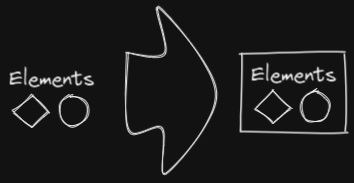
|
||||
|
||||
This script will add an encapsulating box around the currently selected elements in Excalidraw.
|
||||
|
||||
See documentation for more details:
|
||||
https://zsviczian.github.io/obsidian-excalidraw-plugin/ExcalidrawScriptsEngine.html
|
||||
|
||||
```javascript
|
||||
*/
|
||||
if(!ea.verifyMinimumPluginVersion || !ea.verifyMinimumPluginVersion("1.5.21")) {
|
||||
new Notice("This script requires a newer version of Excalidraw. Please install the latest version.");
|
||||
return;
|
||||
}
|
||||
settings = ea.getScriptSettings();
|
||||
//set default values on first run
|
||||
if(!settings["Default padding"]) {
|
||||
settings = {
|
||||
"Prompt for padding?": true,
|
||||
"Default padding" : {
|
||||
value: 10,
|
||||
description: "Padding between the bounding box of the selected elements, and the box the script creates"
|
||||
}
|
||||
};
|
||||
ea.setScriptSettings(settings);
|
||||
}
|
||||
|
||||
let padding = settings["Default padding"].value;
|
||||
|
||||
if(settings["Prompt for padding?"]) {
|
||||
padding = parseInt (await utils.inputPrompt("padding?","number",padding.toString()));
|
||||
}
|
||||
|
||||
if(isNaN(padding)) {
|
||||
new Notice("The padding value provided is not a number");
|
||||
return;
|
||||
}
|
||||
elements = ea.getViewSelectedElements();
|
||||
const box = ea.getBoundingBox(elements);
|
||||
color = ea
|
||||
.getExcalidrawAPI()
|
||||
.getAppState()
|
||||
.currentItemStrokeColor;
|
||||
//uncomment for random color:
|
||||
//color = '#'+(Math.random()*0xFFFFFF<<0).toString(16).padStart(6,"0");
|
||||
ea.style.strokeColor = color;
|
||||
id = ea.addRect(
|
||||
box.topX - padding,
|
||||
box.topY - padding,
|
||||
box.width + 2*padding,
|
||||
box.height + 2*padding
|
||||
);
|
||||
ea.copyViewElementsToEAforEditing(elements);
|
||||
ea.addToGroup([id].concat(elements.map((el)=>el.id)));
|
||||
ea.addElementsToView(false,false);
|
||||
```
|
||||
File diff suppressed because it is too large.
Load diff
+54
@@ -0,0 +1,54 @@
|
||||
/*
|
||||
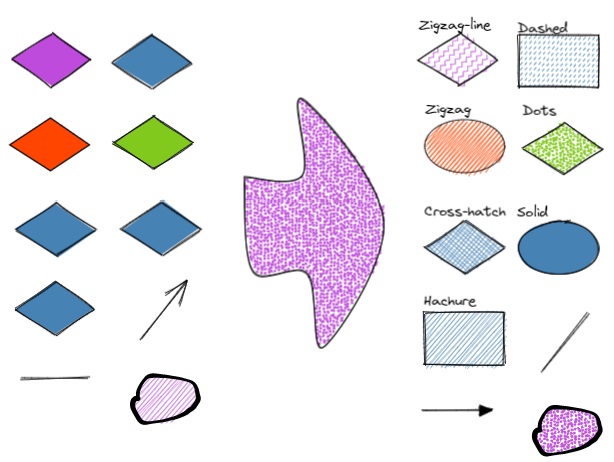
|
||||
|
||||
The script allows you to change the shape and fill style of selected Rectangles, Diamonds, Ellipses, Lines, Arrows and Freedraw.
|
||||
|
||||
```javascript
|
||||
*/
|
||||
const fillStylesDispaly=["Dots (⚠ VERY SLOW performance on large objects!)","Zigzag","Zigzag-line", "Dashed", "Hachure", "Cross-hatch", "Solid"];
|
||||
const fillStyles=["dots","zigzag","zigzag-line", "dashed", "hachure", "cross-hatch", "solid"];
|
||||
const fillShapes=["ellipse","rectangle","diamond", "freedraw", "line"];
|
||||
const boxShapesDispaly=["○ ellipse","□ rectangle","◇ diamond"];
|
||||
const boxShapes=["ellipse","rectangle","diamond"];
|
||||
const lineShapesDispaly=["- line","⭢ arrow"];
|
||||
const lineShapes=["line","arrow"];
|
||||
|
||||
let editedElements = [];
|
||||
|
||||
let elements = ea.getViewSelectedElements().filter(el=>boxShapes.contains(el.type));
|
||||
if (elements.length>0) {
|
||||
newShape = await utils.suggester(boxShapesDispaly, boxShapes, "Change shape of 'box' type elements in selection, press ESC to skip");
|
||||
if(newShape) {
|
||||
editedElements = elements;
|
||||
elements.forEach(el=>el.type = newShape);
|
||||
}
|
||||
}
|
||||
|
||||
elements = ea.getViewSelectedElements().filter(el=>fillShapes.contains(el.type));
|
||||
if (elements.length>0) {
|
||||
newFillStyle = await utils.suggester(fillStylesDispaly, fillStyles, "Change the fill style of elements in selection, press ESC to skip");
|
||||
if(newFillStyle) {
|
||||
editedElements = editedElements.concat(elements.filter(e=>!editedElements.some(el=>el.id===e.id)));
|
||||
elements.forEach(el=>el.fillStyle = newFillStyle);
|
||||
}
|
||||
}
|
||||
|
||||
elements = ea.getViewSelectedElements().filter(el=>lineShapes.contains(el.type));
|
||||
if (elements.length>0) {
|
||||
newShape = await utils.suggester(lineShapesDispaly, lineShapes, "Change shape of 'line' type elements in selection, press ESC to skip");
|
||||
if(newShape) {
|
||||
editedElements = editedElements.concat(elements.filter(e=>!editedElements.some(el=>el.id===e.id)));
|
||||
elements.forEach((el)=>{
|
||||
el.type = newShape;
|
||||
if(newShape === "arrow") {
|
||||
el.endArrowhead = "triangle";
|
||||
}
|
||||
});
|
||||
}
|
||||
}
|
||||
|
||||
ea.copyViewElementsToEAforEditing(editedElements);
|
||||
|
||||
ea.addElementsToView(false,false);
|
||||
|
||||
```
|
||||
+2169
File diff suppressed because it is too large.
Load diff
@@ -0,0 +1,159 @@
|
||||
/*
|
||||
Connects two lines. Lines may be type of arrow or line. The resulting line will carry the style of the line higher in the drawing layers (bring to front the one you want to control the look and feel). Arrows are connected intelligently.
|
||||
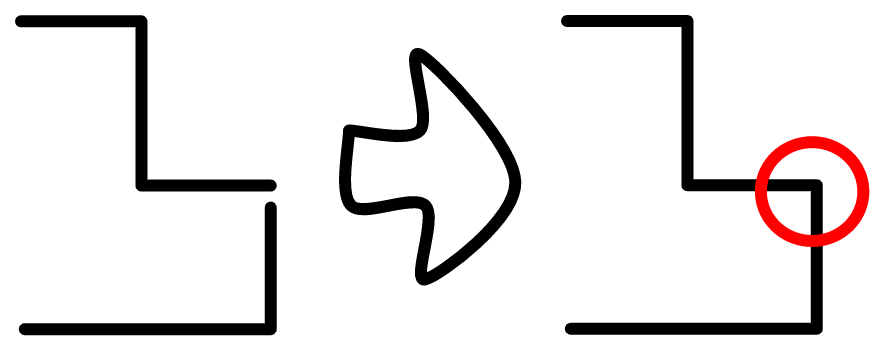
|
||||
```js*/
|
||||
const lines = ea.getViewSelectedElements().filter(el=>el.type==="line" || el.type==="arrow");
|
||||
if(lines.length !== 2) {
|
||||
new Notice ("Select two lines or arrows");
|
||||
return;
|
||||
}
|
||||
|
||||
//Same line but with angle=0
|
||||
function getNormalizedLine(originalElement) {
|
||||
if(originalElement.angle === 0) return originalElement;
|
||||
|
||||
// Get absolute coordinates for all points first
|
||||
const pointRotateRads = (point, center, angle) => {
|
||||
const [x, y] = point;
|
||||
const [cx, cy] = center;
|
||||
return [
|
||||
(x - cx) * Math.cos(angle) - (y - cy) * Math.sin(angle) + cx,
|
||||
(x - cx) * Math.sin(angle) + (y - cy) * Math.cos(angle) + cy
|
||||
];
|
||||
};
|
||||
|
||||
// Get element absolute coordinates (matching Excalidraw's approach)
|
||||
const getElementAbsoluteCoords = (element) => {
|
||||
const points = element.points;
|
||||
let minX = Infinity;
|
||||
let minY = Infinity;
|
||||
let maxX = -Infinity;
|
||||
let maxY = -Infinity;
|
||||
|
||||
for (const [x, y] of points) {
|
||||
const absX = x + element.x;
|
||||
const absY = y + element.y;
|
||||
minX = Math.min(minX, absX);
|
||||
minY = Math.min(minY, absY);
|
||||
maxX = Math.max(maxX, absX);
|
||||
maxY = Math.max(maxY, absY);
|
||||
}
|
||||
|
||||
return [minX, minY, maxX, maxY];
|
||||
};
|
||||
|
||||
// Calculate center point based on absolute coordinates
|
||||
const [x1, y1, x2, y2] = getElementAbsoluteCoords(originalElement);
|
||||
const centerX = (x1 + x2) / 2;
|
||||
const centerY = (y1 + y2) / 2;
|
||||
|
||||
// Calculate absolute coordinates of all points
|
||||
const absolutePoints = originalElement.points.map(([x, y]) => [
|
||||
x + originalElement.x,
|
||||
y + originalElement.y
|
||||
]);
|
||||
|
||||
// Rotate all points around the center
|
||||
const rotatedPoints = absolutePoints.map(point =>
|
||||
pointRotateRads(point, [centerX, centerY], originalElement.angle)
|
||||
);
|
||||
|
||||
// Convert back to relative coordinates
|
||||
const newPoints = rotatedPoints.map(([x, y]) => [
|
||||
x - rotatedPoints[0][0],
|
||||
y - rotatedPoints[0][1]
|
||||
]);
|
||||
|
||||
const newLineId = ea.addLine(newPoints);
|
||||
|
||||
// Set the position of the new line to the first rotated point
|
||||
const newLine = ea.getElement(newLineId);
|
||||
newLine.x = rotatedPoints[0][0];
|
||||
newLine.y = rotatedPoints[0][1];
|
||||
newLine.angle = 0;
|
||||
delete ea.elementsDict[newLine.id];
|
||||
return newLine;
|
||||
}
|
||||
|
||||
|
||||
const points = lines.map(getNormalizedLine).map(
|
||||
el=>el.points.map(p=>[p[0]+el.x, p[1]+el.y])
|
||||
);
|
||||
|
||||
const last = (p) => p[p.length-1];
|
||||
const first = (p) => p[0];
|
||||
const distance = (p1,p2) => Math.sqrt((p1[0]-p2[0])**2+(p1[1]-p2[1])**2);
|
||||
|
||||
const distances = [
|
||||
distance(first(points[0]),first(points[1])),
|
||||
distance(first(points[0]),last (points[1])),
|
||||
distance(last (points[0]),first(points[1])),
|
||||
distance(last (points[0]),last (points[1]))
|
||||
];
|
||||
|
||||
const connectDirection = distances.indexOf(Math.min(...distances));
|
||||
|
||||
let newPoints = [];
|
||||
switch(connectDirection) {
|
||||
case 0: //first-first
|
||||
newPoints = [...points[0].reverse(),...points[1].slice(1)];
|
||||
break;
|
||||
case 1: //first-last
|
||||
newPoints = [...points[0].reverse(),...points[1].reverse().slice(1)];
|
||||
break;
|
||||
case 2: //last-first
|
||||
newPoints = [...points[0],...points[1].slice(1)];
|
||||
break;
|
||||
case 3: //last-last
|
||||
newPoints = [...points[0],...points[1].reverse().slice(1)];
|
||||
break;
|
||||
}
|
||||
|
||||
["strokeColor", "backgrounColor", "fillStyle", "roundness", "roughness", "strokeWidth", "strokeStyle", "opacity"].forEach(prop=>{
|
||||
ea.style[prop] = lines[1][prop];
|
||||
})
|
||||
|
||||
ea.style.startArrowHead = null;
|
||||
ea.style.endArrowHead = null;
|
||||
|
||||
ea.copyViewElementsToEAforEditing(lines);
|
||||
ea.getElements().forEach(el=>{el.isDeleted = true});
|
||||
|
||||
const lineTypes = parseInt(lines.map(line => line.type === "line" ? '1' : '0').join(''),2);
|
||||
|
||||
switch (lineTypes) {
|
||||
case 0: //arrow - arrow
|
||||
ea.addArrow(
|
||||
newPoints,
|
||||
connectDirection === 0 //first-first
|
||||
? { startArrowHead: lines[0].endArrowhead, endArrowHead: lines[1].endArrowhead }
|
||||
: connectDirection === 1 //first-last
|
||||
? { startArrowHead: lines[0].endArrowhead, endArrowHead: lines[1].startArrowhead }
|
||||
: connectDirection === 2 //last-first
|
||||
? { startArrowHead: lines[0].startArrowhead, endArrowHead: lines[1].endArrowhead }
|
||||
//3: last-last
|
||||
: { startArrowHead: lines[0].startArrowhead, endArrowHead: lines[1].startArrowhead }
|
||||
);
|
||||
break;
|
||||
case 1: //arrow - line
|
||||
reverse = connectDirection === 0 || connectDirection === 1;
|
||||
ea.addArrow(newPoints,{
|
||||
startArrowHead: reverse ? lines[0].endArrowhead : lines[0].startArrowhead,
|
||||
endArrowHead: reverse ? lines[0].startArrowhead : lines[0].endArrowhead
|
||||
});
|
||||
break;
|
||||
case 2: //line - arrow
|
||||
reverse = connectDirection === 1 || connectDirection === 3;
|
||||
ea.addArrow(newPoints,{
|
||||
startArrowHead: reverse ? lines[1].endArrowhead : lines[1].startArrowhead,
|
||||
endArrowHead: reverse ? lines[1].startArrowhead : lines[1].endArrowhead
|
||||
});
|
||||
break;
|
||||
case 3: //line - line
|
||||
ea.addLine(newPoints);
|
||||
break;
|
||||
}
|
||||
|
||||
|
||||
await ea.addElementsToView();
|
||||
```
|
||||
@@ -0,0 +1,82 @@
|
||||
/*
|
||||
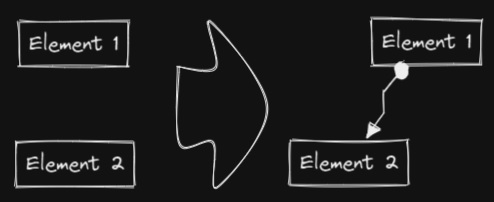
|
||||
|
||||
This script will connect two objects with an arrow. If either of the objects are a set of grouped elements (e.g. a text element grouped with an encapsulating rectangle), the script will identify these groups, and connect the arrow to the largest object in the group (assuming you want to connect the arrow to the box around the text element).
|
||||
|
||||
See documentation for more details:
|
||||
https://zsviczian.github.io/obsidian-excalidraw-plugin/ExcalidrawScriptsEngine.html
|
||||
|
||||
```javascript
|
||||
*/
|
||||
if(!ea.verifyMinimumPluginVersion || !ea.verifyMinimumPluginVersion("1.5.21")) {
|
||||
new Notice("This script requires a newer version of Excalidraw. Please install the latest version.");
|
||||
return;
|
||||
}
|
||||
|
||||
settings = ea.getScriptSettings();
|
||||
//set default values on first run
|
||||
if(!settings["Starting arrowhead"]) {
|
||||
settings = {
|
||||
"Starting arrowhead" : {
|
||||
value: "none",
|
||||
valueset: ["none","arrow","triangle","bar","dot"]
|
||||
},
|
||||
"Ending arrowhead" : {
|
||||
value: "triangle",
|
||||
valueset: ["none","arrow","triangle","bar","dot"]
|
||||
},
|
||||
"Line points" : {
|
||||
value: 1,
|
||||
description: "Number of line points between start and end"
|
||||
}
|
||||
};
|
||||
ea.setScriptSettings(settings);
|
||||
}
|
||||
|
||||
const arrowStart = settings["Starting arrowhead"].value === "none" ? null : settings["Starting arrowhead"].value;
|
||||
const arrowEnd = settings["Ending arrowhead"].value === "none" ? null : settings["Ending arrowhead"].value;
|
||||
const linePoints = Math.floor(settings["Line points"].value);
|
||||
|
||||
|
||||
|
||||
const elements = ea.getViewSelectedElements();
|
||||
ea.copyViewElementsToEAforEditing(elements);
|
||||
groups = ea.getMaximumGroups(elements);
|
||||
if(groups.length !== 2) {
|
||||
//unfortunately getMaxGroups returns duplicated resultset for sticky notes
|
||||
//needs additional filtering
|
||||
cleanGroups=[];
|
||||
idList = [];
|
||||
for (group of groups) {
|
||||
keep = true;
|
||||
for(item of group) if(idList.contains(item.id)) keep = false;
|
||||
if(keep) {
|
||||
cleanGroups.push(group);
|
||||
idList = idList.concat(group.map(el=>el.id))
|
||||
}
|
||||
}
|
||||
if(cleanGroups.length !== 2) return;
|
||||
groups = cleanGroups;
|
||||
}
|
||||
els = [
|
||||
ea.getLargestElement(groups[0]),
|
||||
ea.getLargestElement(groups[1])
|
||||
];
|
||||
|
||||
ea.style.strokeColor = els[0].strokeColor;
|
||||
ea.style.strokeWidth = els[0].strokeWidth;
|
||||
ea.style.strokeStyle = els[0].strokeStyle;
|
||||
ea.style.strokeSharpness = els[0].strokeSharpness;
|
||||
ea.connectObjects(
|
||||
els[0].id,
|
||||
null,
|
||||
els[1].id,
|
||||
null,
|
||||
{
|
||||
endArrowHead: arrowEnd,
|
||||
startArrowHead: arrowStart,
|
||||
numberOfPoints: linePoints
|
||||
}
|
||||
);
|
||||
ea.addElementsToView(false,false,true);
|
||||
```
|
||||
+65
@@ -0,0 +1,65 @@
|
||||
/*
|
||||
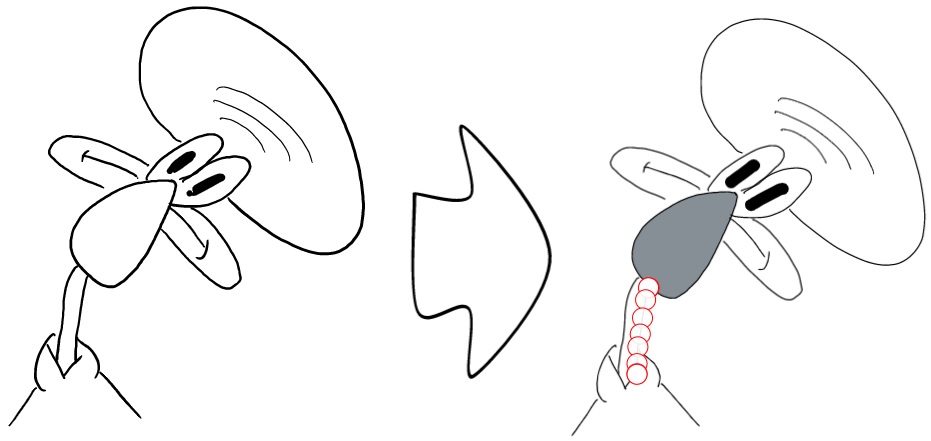
|
||||
|
||||
Convert selected freedraw objects into editable lines. This will allow you to adjust your drawings by dragging line points and will also allow you to select shape fill in case of enclosed lines. You can adjust conversion point density in settings.
|
||||
|
||||
```javascript
|
||||
*/
|
||||
|
||||
if(!ea.verifyMinimumPluginVersion || !ea.verifyMinimumPluginVersion("1.5.21")) {
|
||||
new Notice("This script requires a newer version of Excalidraw. Please install the latest version.");
|
||||
return;
|
||||
}
|
||||
|
||||
settings = ea.getScriptSettings();
|
||||
//set default values on first run
|
||||
if(!settings["Point density"]) {
|
||||
settings = {
|
||||
"Point density" : {
|
||||
value: "7:1",
|
||||
valueset: ["1:1","2:1","3:1","4:1","5:1","6:1","7:1","8:1","9:1","10:1","11:1"],
|
||||
description: "A freedraw object has many points. Converting freedraw to a line with too many points will result in an impractical object that is hard to edit. This setting sepcifies how many points from freedraw should be averaged to form a point on the line"
|
||||
},
|
||||
};
|
||||
ea.setScriptSettings(settings);
|
||||
}
|
||||
|
||||
const scale = settings["Point density"].value;
|
||||
const setSize = parseInt(scale.substring(0,scale.indexOf(":")));
|
||||
|
||||
const elements = ea.getViewSelectedElements().filter(el=>el.type==="freedraw");
|
||||
if(elements.length === 0) {
|
||||
new Notice("No freedraw object is selected");
|
||||
}
|
||||
|
||||
|
||||
ea.style.roughness=0;
|
||||
ea.style.strokeSharpness="round";
|
||||
|
||||
elements.forEach((el)=>{
|
||||
points = [];
|
||||
points.push(el.points[0]);
|
||||
for(i=1;i<el.points.length;i+=setSize) {
|
||||
point = [0,0];
|
||||
count = 0;
|
||||
for(p of el.points.slice(i,i+setSize)) {
|
||||
point = [ point[0]+p[0] , point[1]+p[1] ];
|
||||
count++;
|
||||
}
|
||||
point = [point[0]/count,point[1]/count];
|
||||
points.push(point);
|
||||
}
|
||||
const lineId = ea.addLine(points);
|
||||
const line = ea.getElement(lineId);
|
||||
line.strokeWidth = el.strokeWidth*3;
|
||||
line.strokeColor = el.strokeColor;
|
||||
line.width = el.width;
|
||||
line.height = el.height;
|
||||
line.x = el.x;
|
||||
line.y = el.y;
|
||||
});
|
||||
|
||||
ea.deleteViewElements(elements);
|
||||
await ea.addElementsToView(false,false,true);
|
||||
ea.selectElementsInView(ea.getElements());
|
||||
```
|
||||
+71
@@ -0,0 +1,71 @@
|
||||
/*
|
||||
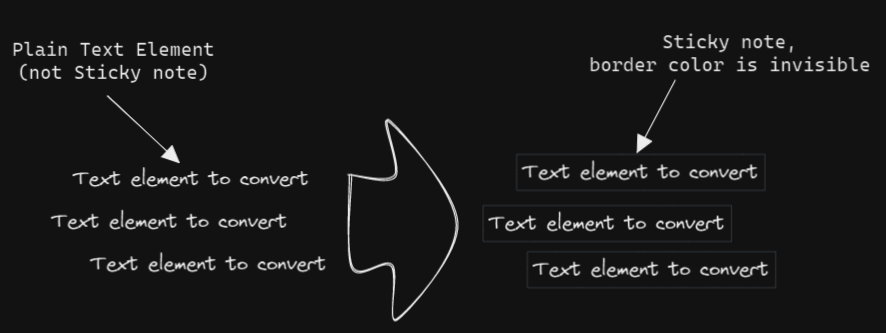
|
||||
|
||||
Converts selected plain text elements to sticky notes with transparent background and transparent stroke color. Essentially converts text element into a wrappable format.
|
||||
|
||||
```javascript
|
||||
*/
|
||||
if(!ea.verifyMinimumPluginVersion || !ea.verifyMinimumPluginVersion("1.5.21")) {
|
||||
new Notice("This script requires a newer version of Excalidraw. Please install the latest version.");
|
||||
return;
|
||||
}
|
||||
let settings = ea.getScriptSettings();
|
||||
//set default values on first run
|
||||
if(!settings["Border color"]) {
|
||||
settings = {
|
||||
"Border color" : {
|
||||
value: "#000000",
|
||||
description: "Any legal HTML color (#000000, rgb, color-name, etc.). Set to 'transparent' for transparent color."
|
||||
},
|
||||
"Background color" : {
|
||||
value: "transparent",
|
||||
description: "Background color of the sticky note. Set to 'transparent' for transparent color."
|
||||
},
|
||||
"Background fill style" : {
|
||||
value: "solid",
|
||||
description: "Fill style of the sticky note",
|
||||
valueset: ["hachure","cross-hatch","solid"]
|
||||
}
|
||||
};
|
||||
await ea.setScriptSettings(settings);
|
||||
}
|
||||
|
||||
if(!settings["Max sticky note width"]) {
|
||||
settings["Max sticky note width"] = {
|
||||
value: "600",
|
||||
description: "Maximum width of new sticky note. If text is longer, it will be wrapped",
|
||||
valueset: ["400","600","800","1000","1200","1400","2000"]
|
||||
}
|
||||
await ea.setScriptSettings(settings);
|
||||
}
|
||||
const maxWidth = parseInt(settings["Max sticky note width"].value);
|
||||
const strokeColor = settings["Border color"].value;
|
||||
const backgroundColor = settings["Background color"].value;
|
||||
const fillStyle = settings["Background fill style"].value;
|
||||
|
||||
const elements = ea
|
||||
.getViewSelectedElements()
|
||||
.filter((el)=>(el.type==="text")&&(el.containerId===null));
|
||||
if(elements.length===0) {
|
||||
new Notice("Please select a text element");
|
||||
return;
|
||||
}
|
||||
ea.style.strokeColor = strokeColor;
|
||||
ea.style.backgroundColor = backgroundColor;
|
||||
ea.style.fillStyle = fillStyle;
|
||||
const padding = 6;
|
||||
const boxes = [];
|
||||
ea.copyViewElementsToEAforEditing(elements);
|
||||
ea.getElements().forEach((el)=>{
|
||||
const width = el.width+2*padding;
|
||||
const widthOK = width<=maxWidth;
|
||||
const id = ea.addRect(el.x-padding,el.y-padding,widthOK?width:maxWidth,el.height+2*padding);
|
||||
boxes.push(id);
|
||||
ea.getElement(id).boundElements=[{type:"text",id:el.id}];
|
||||
el.containerId = id;
|
||||
});
|
||||
await ea.addElementsToView(false,true);
|
||||
const containers = ea.getViewElements().filter(el=>boxes.includes(el.id));
|
||||
ea.getExcalidrawAPI().updateContainerSize(containers);
|
||||
ea.selectElementsInView(containers);
|
||||
```
|
||||
+33
@@ -0,0 +1,33 @@
|
||||
/*
|
||||

|
||||
|
||||
Download this file and save to your Obsidian Vault including the first line, or open it in "Raw" and copy the entire contents to Obsidian.
|
||||
|
||||
Converts text elements to links pointing to a file in a selected folder and with the alias set as the original text. The script will prompt the user to select an existing folder from the vault.
|
||||
`original text` => `[[selected folder/original text|original text]]`
|
||||
|
||||
See documentation for more details:
|
||||
https://zsviczian.github.io/obsidian-excalidraw-plugin/ExcalidrawScriptsEngine.html
|
||||
|
||||
```javascript
|
||||
*/
|
||||
folders = new Set();
|
||||
app.vault.getFiles().forEach((f)=>
|
||||
folders.add(f.path.substring(0,f.path.lastIndexOf("/")))
|
||||
);
|
||||
|
||||
f = Array.from(folders);
|
||||
folder = await utils.suggester(f,f);
|
||||
folder = folder??""; //if exiting suggester with ESC
|
||||
folder = folder === "" ? folder : folder + "/";
|
||||
|
||||
elements = ea.getViewSelectedElements().filter((el)=>el.type==="text");
|
||||
|
||||
elements.forEach((el)=>{
|
||||
el.rawText = "[["+folder+el.rawText+"|"+el.rawText+"]]";
|
||||
el.text = "[["+folder+el.text+"|"+el.text+"]]";
|
||||
el.originalText = "[["+folder+el.originalText+"|"+el.originalText+"]]";
|
||||
})
|
||||
ea.copyViewElementsToEAforEditing(elements);
|
||||
ea.addElementsToView();
|
||||
```
|
||||
+45
@@ -0,0 +1,45 @@
|
||||
/*
|
||||
|
||||

|
||||
|
||||
Download this file and save to your Obsidian Vault including the first line, or open it in "Raw" and copy the entire contents to Obsidian.
|
||||
|
||||
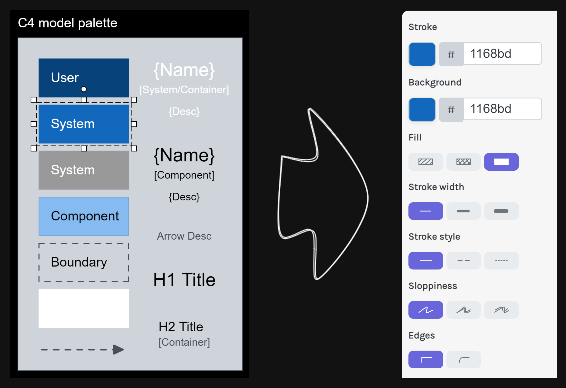
|
||||
|
||||
This script will copy styles of any selected element into Excalidraw's global styles.
|
||||
|
||||
After copying the styles of element such as box, text, or arrow using this script, You can then use Excalidraw's box, arrow, and other tools to create several elements with the same style. This is sometimes more convenient than `Copy Styles` and `Paste Styles`, especially when used with the script `Box Each Selected Groups`.
|
||||
|
||||
See documentation for more details:
|
||||
https://zsviczian.github.io/obsidian-excalidraw-plugin/ExcalidrawScriptsEngine.html
|
||||
|
||||
```javascript
|
||||
*/
|
||||
|
||||
const element = ea.getViewSelectedElement();
|
||||
const appState = ea.getExcalidrawAPI().getAppState();
|
||||
|
||||
if(!element) {
|
||||
return;
|
||||
}
|
||||
|
||||
appState.currentItemStrokeWidth = element.strokeWidth;
|
||||
appState.currentItemStrokeStyle = element.strokeStyle;
|
||||
appState.currentItemStrokeSharpness = element.strokeSharpness;
|
||||
appState.currentItemRoughness = element.roughness;
|
||||
appState.currentItemFillStyle = element.fillStyle;
|
||||
appState.currentItemBackgroundColor = element.backgroundColor;
|
||||
appState.currentItemStrokeColor = element.strokeColor;
|
||||
|
||||
if(element.type === 'text') {
|
||||
appState.currentItemFontFamily = element.fontFamily;
|
||||
appState.currentItemFontSize = element.fontSize;
|
||||
appState.currentItemTextAlign = element.textAlign;
|
||||
}
|
||||
|
||||
if(element.type === 'arrow') {
|
||||
appState.currentItemStartArrowhead = element.startArrowhead;
|
||||
appState.currentItemEndArrowhead = element.endArrowhead;
|
||||
}
|
||||
|
||||
```
|
||||
+23
@@ -0,0 +1,23 @@
|
||||
/*
|
||||
|
||||

|
||||
|
||||
Download this file and save to your Obsidian Vault including the first line, or open it in "Raw" and copy the entire contents to Obsidian.
|
||||
|
||||
|
||||
|
||||
The script will prompt you for a filename, then create a new markdown document with the file name provided, open the new markdown document in an adjacent pane, and embed the markdown document into the active Excalidraw drawing.
|
||||
|
||||
See documentation for more details:
|
||||
https://zsviczian.github.io/obsidian-excalidraw-plugin/ExcalidrawScriptsEngine.html
|
||||
|
||||
```javascript
|
||||
*/
|
||||
let folder = ea.targetView.file.path;
|
||||
folder = folder.lastIndexOf("/")===-1?"":folder.substring(0,folder.lastIndexOf("/"))+"/";
|
||||
const fname = await utils.inputPrompt("Filename for new file","Filename",folder);
|
||||
const file = await app.fileManager.createAndOpenMarkdownFile(fname,true);
|
||||
await ea.addImage(0,0,file);
|
||||
ea.addElementsToView(true,true);
|
||||
|
||||
```
|
||||
@@ -0,0 +1,76 @@
|
||||
/*
|
||||
Adds a rounded mask to the image by adding a full cover black mask and a rounded rectangle white mask. The script is also useful for adding just a black mask. In this case, run the script, then delete the white mask and add your custom white mask.
|
||||
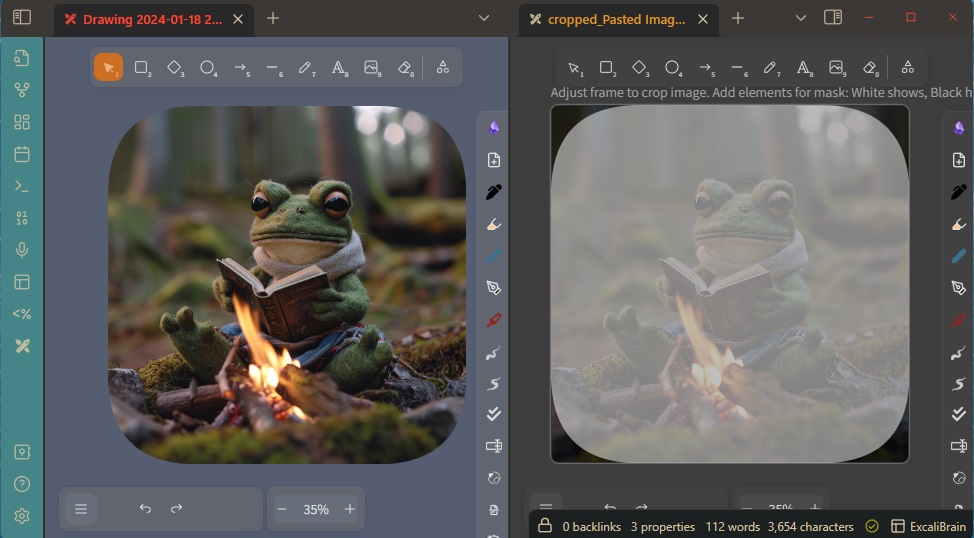
|
||||
```js*/
|
||||
if(!ea.verifyMinimumPluginVersion || !ea.verifyMinimumPluginVersion("2.0.18")) {
|
||||
new Notice("This script requires a newer version of Excalidraw. Please install the latest version.");
|
||||
return;
|
||||
}
|
||||
|
||||
if(!ea.isExcalidrawMaskFile()) {
|
||||
new Notice("This script only works with Mask Files");
|
||||
return;
|
||||
}
|
||||
|
||||
const frames = ea.getViewElements().filter(el=>el.type==="frame")
|
||||
if(frames.length !== 1) {
|
||||
new Notice("Multiple frames found");
|
||||
return;
|
||||
}
|
||||
const frame = frames[0];
|
||||
ea.copyViewElementsToEAforEditing(ea.getViewElements().filter(el=>el.frameId === frame.id));
|
||||
const frameId = ea.generateElementId();
|
||||
ea.style.fillStyle = "solid";
|
||||
ea.style.roughness = 0;
|
||||
ea.style.strokeColor = "transparent";
|
||||
ea.style.strokeWidth = 0.1;
|
||||
ea.style.opacity = 50;
|
||||
|
||||
let blackEl = ea.getViewElements().find(el=>el.id === "allblack");
|
||||
let whiteEl = ea.getViewElements().find(el=>el.id === "whiteovr");
|
||||
|
||||
if(blackEl && whiteEl) {
|
||||
ea.copyViewElementsToEAforEditing([blackEl, whiteEl]);
|
||||
} else
|
||||
if (blackEl && !whiteEl) {
|
||||
ea.copyViewElementsToEAforEditing([blackEl]);
|
||||
ea.style.backgroundColor = "white";
|
||||
ea.addRect(frame.x,frame.y,frame.width,frame.height, "whiteovr");
|
||||
} else
|
||||
if (!blackEl && whiteEl) {
|
||||
ea.style.backgroundColor = "black";
|
||||
ea.addRect(frame.x-2,frame.y-2,frame.width+4,frame.height+4, "allblack");
|
||||
ea.copyViewElementsToEAforEditing([whiteEl]);
|
||||
} else {
|
||||
ea.style.backgroundColor = "black";
|
||||
ea.addRect(frame.x-2,frame.y-2,frame.width+4,frame.height+4, "allblack");
|
||||
ea.style.backgroundColor = "white";
|
||||
ea.addRect(frame.x,frame.y,frame.width,frame.height, "whiteovr");
|
||||
}
|
||||
blackEl = ea.getElement("allblack");
|
||||
whiteEl = ea.getElement("whiteovr");
|
||||
|
||||
//this "magic" is required to ensure the frame element is above in sequence of the new rectangle elements
|
||||
ea.getElements().forEach(el=>{el.frameId = frameId});
|
||||
ea.copyViewElementsToEAforEditing(ea.getViewElements().filter(el=>el.id === frame.id));
|
||||
const newFrame = ea.getElement(frame.id);
|
||||
newFrame.id = frameId;
|
||||
ea.elementsDict[frameId] = newFrame;
|
||||
ea.copyViewElementsToEAforEditing(ea.getViewElements().filter(el=>el.id === frame.id));
|
||||
ea.getElement(frame.id).isDeleted = true;
|
||||
|
||||
let curve = await utils.inputPrompt(
|
||||
"Set roundess",
|
||||
"Positive whole number",
|
||||
`${whiteEl.roundness?.value ?? "500"}`
|
||||
);
|
||||
|
||||
if(!curve) return;
|
||||
curve = parseInt(curve);
|
||||
if(isNaN(curve) || curve < 0) {
|
||||
new Notice ("Roudness is not a valid positive whole number");
|
||||
return;
|
||||
}
|
||||
whiteEl.roundness = {type: 3, value: curve};
|
||||
ea.addElementsToView(false,false,true);
|
||||
```
|
||||
@@ -0,0 +1,16 @@
|
||||
/*
|
||||
You can set a custom zoom level with this script. This allows you to set a zoom level below 10% or set the zoom level to a specific value. Note however, that Excalidraw has a bug under 10% zoom, and a phantom copy of your image may appear on screen. If this happens, increase the zoom and the phantom should disappear, if it doesn't then close and open the drawing.
|
||||
|
||||
```js*/
|
||||
const api = ea.getExcalidrawAPI();
|
||||
const appState = api.getAppState();
|
||||
const zoomStr = await utils.inputPrompt("Zoom [%]",null,`${appState.zoom.value*100}%`);
|
||||
if(!zoomStr) return;
|
||||
const zoomNum = parseFloat(zoomStr.match(/^\d*/)[0]);
|
||||
if(isNaN(zoomNum)) {
|
||||
new Notice("You must provide a number");
|
||||
return;
|
||||
}
|
||||
|
||||
ea.getExcalidrawAPI().updateScene({appState:{zoom:{value: zoomNum/100 }}});
|
||||
```
|
||||
@@ -0,0 +1,54 @@
|
||||
/*
|
||||

|
||||
|
||||
Download this file and save to your Obsidian Vault including the first line, or open it in "Raw" and copy the entire contents to Obsidian.
|
||||
|
||||
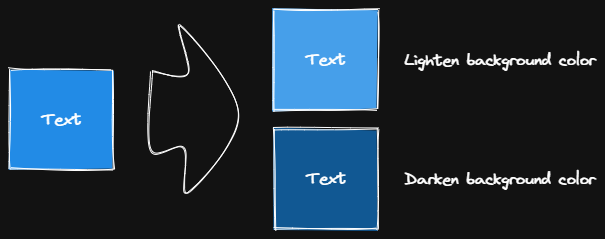
|
||||
|
||||
This script darkens the background color of the selected element by 2% at a time.
|
||||
|
||||
You can use this script several times until you are satisfied. It is recommended to set a shortcut key for this script so that you can quickly try to DARKEN and LIGHTEN the color effect.
|
||||
|
||||
In contrast to the `Modify background color opacity` script, the advantage is that the background color of the element is not affected by the canvas color, and the color value does not appear in a strange rgba() form.
|
||||
|
||||
The color conversion method was copied from [color-convert](https://github.com/Qix-/color-convert).
|
||||
|
||||
```javascript
|
||||
*/
|
||||
|
||||
if(!ea.verifyMinimumPluginVersion || !ea.verifyMinimumPluginVersion("1.7.19")) {
|
||||
new Notice("This script requires a newer version of Excalidraw. Please install the latest version.");
|
||||
return;
|
||||
}
|
||||
|
||||
let settings = ea.getScriptSettings();
|
||||
//set default values on first run
|
||||
if(!settings["Step size"]) {
|
||||
settings = {
|
||||
"Step size" : {
|
||||
value: 2,
|
||||
description: "Step size in percentage for making the color darker"
|
||||
}
|
||||
};
|
||||
ea.setScriptSettings(settings);
|
||||
}
|
||||
|
||||
const step = settings["Step size"].value;
|
||||
|
||||
const elements = ea
|
||||
.getViewSelectedElements()
|
||||
.filter((el) =>
|
||||
["rectangle", "ellipse", "diamond", "image", "line", "freedraw"].includes(el.type)
|
||||
);
|
||||
ea.copyViewElementsToEAforEditing(elements);
|
||||
for (const el of ea.getElements()) {
|
||||
const color = ea.colorNameToHex(el.backgroundColor);
|
||||
const cm = ea.getCM(color);
|
||||
if (cm) {
|
||||
const darker = cm.darkerBy(step);
|
||||
if(Math.floor(darker.lightness)>0) el.backgroundColor = darker.stringHSL();
|
||||
}
|
||||
}
|
||||
await ea.addElementsToView(false, false);
|
||||
|
||||
```
|
||||
+332
@@ -0,0 +1,332 @@
|
||||
/*
|
||||
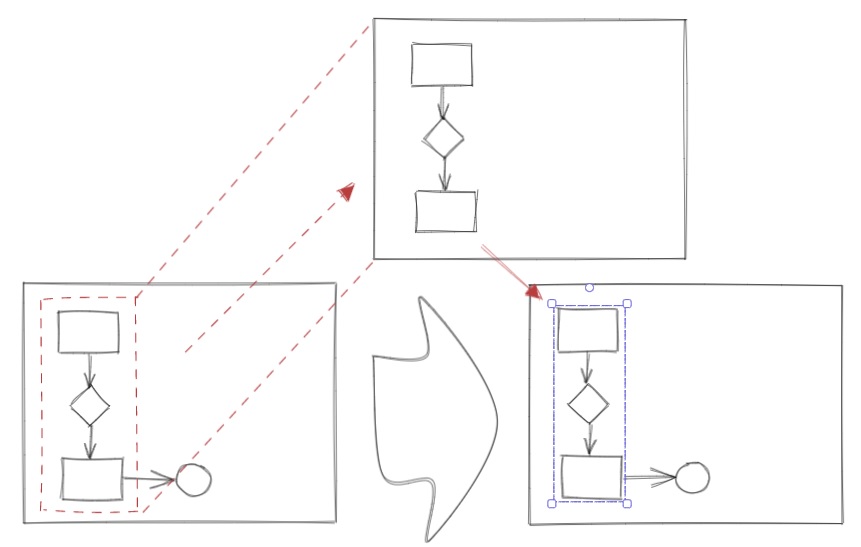
|
||||
|
||||
Select some elements in the scene. The script will take these elements and move them into a new Excalidraw file, and open that file. The selected elements will also be replaced in your original drawing with the embedded Excalidraw file (the one that was just created). You will be prompted for the file name of the new deconstructed image. The script is useful if you want to break a larger drawing into smaller reusable parts that you want to reference in multiple drawings.
|
||||
|
||||
<a href="https://www.youtube.com/watch?v=HRtaaD34Zzg" target="_blank"><img src ="https://i.ytimg.com/vi/HRtaaD34Zzg/maxresdefault.jpg" style="width:560px;"></a>
|
||||
|
||||
<a href="https://www.youtube.com/watch?v=mvMQcz401yo" target="_blank"><img src ="https://i.ytimg.com/vi/mvMQcz401yo/maxresdefault.jpg" style="width:560px;"></a>
|
||||
|
||||
```js
|
||||
*/
|
||||
|
||||
if(!ea.verifyMinimumPluginVersion || !ea.verifyMinimumPluginVersion("2.7.3")) {
|
||||
new Notice("This script requires a newer version of Excalidraw. Please install the latest version.");
|
||||
return;
|
||||
}
|
||||
|
||||
// -------------------------------
|
||||
// Utility variables and functions
|
||||
// -------------------------------
|
||||
const excalidrawTemplates = ea.getListOfTemplateFiles();
|
||||
if(typeof window.ExcalidrawDeconstructElements === "undefined") {
|
||||
window.ExcalidrawDeconstructElements = {
|
||||
openDeconstructedImage: true,
|
||||
reuseTab: true,
|
||||
templatePath: excalidrawTemplates?.[0]?.path??""
|
||||
};
|
||||
} else if (typeof window.ExcalidrawDeconstructElements.reuseTab === "undefined") {
|
||||
window.ExcalidrawDeconstructElements.reuseTab = true;
|
||||
}
|
||||
|
||||
// Helper class for Folder Autocomplete
|
||||
class FolderSuggest extends ea.obsidian.AbstractInputSuggest {
|
||||
constructor(app, inputEl) {
|
||||
super(app, inputEl);
|
||||
this.inputEl = inputEl;
|
||||
}
|
||||
|
||||
getSuggestions(query) {
|
||||
const folders = app.vault.getAllLoadedFiles().filter(f => f instanceof ea.obsidian.TFolder);
|
||||
const lowerQuery = query.toLowerCase();
|
||||
|
||||
// Filter folders that match the query
|
||||
const matches = folders.filter(f => f.path.toLowerCase().includes(lowerQuery));
|
||||
|
||||
// Custom Sort
|
||||
matches.sort((a, b) => {
|
||||
const aPath = a.path;
|
||||
const bPath = b.path;
|
||||
const aLower = aPath.toLowerCase();
|
||||
const bLower = bPath.toLowerCase();
|
||||
|
||||
// Priority 1: Starts with query (e.g. "Projects" comes before "Hobbies/Projects")
|
||||
const aStarts = aLower.startsWith(lowerQuery);
|
||||
const bStarts = bLower.startsWith(lowerQuery);
|
||||
|
||||
if (aStarts && !bStarts) return -1;
|
||||
if (!aStarts && bStarts) return 1;
|
||||
|
||||
// Priority 2: Alphabetical
|
||||
return aPath.localeCompare(bPath);
|
||||
});
|
||||
|
||||
return matches.map(f => f.path);
|
||||
}
|
||||
|
||||
renderSuggestion(value, el) {
|
||||
el.setText(value);
|
||||
}
|
||||
|
||||
selectSuggestion(value, evt) {
|
||||
this.inputEl.value = value;
|
||||
this.inputEl.dispatchEvent(new Event('input'));
|
||||
this.close();
|
||||
}
|
||||
}
|
||||
|
||||
let settings = ea.getScriptSettings();
|
||||
//set default values on first run
|
||||
if(!settings["Templates"]) {
|
||||
settings = {
|
||||
"Templates" : {
|
||||
value: "",
|
||||
description: "Comma-separated list of template filepaths"
|
||||
}
|
||||
};
|
||||
await ea.setScriptSettings(settings);
|
||||
}
|
||||
|
||||
if(!settings["Default file name"]) {
|
||||
settings["Default file name"] = {
|
||||
value: "deconstructed",
|
||||
description: "The default filename to use when deconstructing elements."
|
||||
};
|
||||
await ea.setScriptSettings(settings);
|
||||
}
|
||||
|
||||
const DEFAULT_FILENAME = settings["Default file name"].value;
|
||||
|
||||
const templates = settings["Templates"]
|
||||
.value
|
||||
.split(",")
|
||||
.map(p=>app.metadataCache.getFirstLinkpathDest(p.trim(),""))
|
||||
.concat(excalidrawTemplates)
|
||||
.filter(f=>Boolean(f))
|
||||
.sort((a,b) => a.basename.localeCompare(b.basename));
|
||||
|
||||
|
||||
// ------------------------------------
|
||||
// Prepare elements to be deconstructed
|
||||
// ------------------------------------
|
||||
const els = ea.getViewSelectedElements();
|
||||
if (els.length === 0) {
|
||||
new Notice("You must select elements first")
|
||||
return;
|
||||
}
|
||||
|
||||
const bb = ea.getBoundingBox(els);
|
||||
ea.copyViewElementsToEAforEditing(els);
|
||||
|
||||
// Handle Image elements logic from original script
|
||||
ea.getElements().filter(el=>el.type==="image").forEach(el=>{
|
||||
const img = ea.targetView.excalidrawData.getFile(el.fileId);
|
||||
const path = (img?.linkParts?.original)??(img?.file?.path);
|
||||
const hyperlink = img?.hyperlink;
|
||||
if(img && (path || hyperlink)) {
|
||||
const colorMap = ea.getColorMapForImageElement(el);
|
||||
ea.imagesDict[el.fileId] = {
|
||||
mimeType: img.mimeType,
|
||||
id: el.fileId,
|
||||
dataURL: img.img,
|
||||
created: img.mtime,
|
||||
file: path,
|
||||
hyperlink,
|
||||
hasSVGwithBitmap: img.isSVGwithBitmap,
|
||||
latex: null,
|
||||
colorMap,
|
||||
};
|
||||
return;
|
||||
}
|
||||
const equation = ea.targetView.excalidrawData.getEquation(el.fileId);
|
||||
const eqImg = ea.targetView.getScene()?.files[el.fileId]
|
||||
if(equation && eqImg) {
|
||||
ea.imagesDict[el.fileId] = {
|
||||
mimeType: eqImg.mimeType,
|
||||
id: el.fileId,
|
||||
dataURL: eqImg.dataURL,
|
||||
created: eqImg.created,
|
||||
file: null,
|
||||
hasSVGwithBitmap: null,
|
||||
latex: equation.latex,
|
||||
};
|
||||
return;
|
||||
}
|
||||
});
|
||||
|
||||
|
||||
// ----------------------
|
||||
// Execution Logic
|
||||
// ----------------------
|
||||
const executeDeconstruction = async (folderPath, fileName, shouldAnchor) => {
|
||||
// Ensure filename has extension
|
||||
if (!fileName.endsWith(".md")) fileName += ".md";
|
||||
|
||||
// Construct full path
|
||||
// normalizePath handles cases where folderPath might be empty or root
|
||||
const fullPath = ea.obsidian.normalizePath(`${folderPath}/${fileName}`);
|
||||
|
||||
// Separate back into folder and filename for ea.create
|
||||
const pathParts = fullPath.split("/");
|
||||
const finalFileName = pathParts.pop();
|
||||
const finalFolderName = pathParts.join("/");
|
||||
|
||||
// We use silent: true to prevent ea.create from opening the file automatically.
|
||||
// We handle opening manually based on user preference.
|
||||
const newPath = await ea.create ({
|
||||
filename: finalFileName,
|
||||
foldername: finalFolderName,
|
||||
templatePath: window.ExcalidrawDeconstructElements.templatePath,
|
||||
onNewPane: true,
|
||||
silent: true
|
||||
});
|
||||
|
||||
let f = app.vault.getAbstractFileByPath(newPath);
|
||||
let counter = 0;
|
||||
while((!f || !ea.isExcalidrawFile(f)) && counter++<100) {
|
||||
await sleep(50);
|
||||
f = app.vault.getAbstractFileByPath(newPath);
|
||||
}
|
||||
|
||||
if(!f || !ea.isExcalidrawFile(f)) {
|
||||
new Notice("Something went wrong");
|
||||
return;
|
||||
}
|
||||
|
||||
let padding = parseFloat(app.metadataCache.getCache(f.path)?.frontmatter["excalidraw-export-padding"]);
|
||||
if(isNaN(padding)) {
|
||||
padding = ea.plugin.settings.exportPaddingSVG;
|
||||
}
|
||||
|
||||
// Remove elements from current view and replace with image of new file
|
||||
ea.getElements().forEach(el=>el.isDeleted = true);
|
||||
await ea.addImage(bb.topX-padding, bb.topY-padding, f, false, shouldAnchor);
|
||||
await ea.addElementsToView(false, true, true);
|
||||
ea.getExcalidrawAPI().history.clear();
|
||||
|
||||
if(window.ExcalidrawDeconstructElements.openDeconstructedImage) {
|
||||
const reuse = window.ExcalidrawDeconstructElements.reuseTab;
|
||||
if (reuse) {
|
||||
ea.openFileInNewOrAdjacentLeaf(f);
|
||||
} else {
|
||||
// Force new tab
|
||||
await app.workspace.getLeaf('tab').openFile(f);
|
||||
}
|
||||
} else {
|
||||
new Notice("Deconstruction ready");
|
||||
}
|
||||
};
|
||||
|
||||
|
||||
// ----------------------
|
||||
// Floating Modal UI
|
||||
// ----------------------
|
||||
|
||||
const modal = new ea.FloatingModal(ea.plugin.app);
|
||||
modal.titleEl.setText("Deconstruct Elements");
|
||||
|
||||
modal.onOpen = () => {
|
||||
const content = modal.contentEl;
|
||||
content.empty();
|
||||
|
||||
// -- Folder Path Input --
|
||||
const folderDiv = content.createDiv({ cls: "setting-item" });
|
||||
folderDiv.createDiv({ cls: "setting-item-info" }).createEl("label", { text: "Folder path" });
|
||||
const folderControl = folderDiv.createDiv({ cls: "setting-item-control" });
|
||||
const folderInput = new ea.obsidian.TextComponent(folderControl);
|
||||
|
||||
// Set default folder to current file's parent
|
||||
const currentFolder = ea.targetView.file.parent.path;
|
||||
folderInput.setValue(currentFolder);
|
||||
folderInput.inputEl.style.width = "100%";
|
||||
|
||||
// Attach Autocomplete
|
||||
new FolderSuggest(ea.plugin.app, folderInput.inputEl);
|
||||
|
||||
// -- Filename Input --
|
||||
const fileDiv = content.createDiv({ cls: "setting-item" });
|
||||
fileDiv.createDiv({ cls: "setting-item-info" }).createEl("label", { text: "File name" });
|
||||
const fileControl = fileDiv.createDiv({ cls: "setting-item-control" });
|
||||
const fileInput = new ea.obsidian.TextComponent(fileControl);
|
||||
fileInput.setValue(DEFAULT_FILENAME);
|
||||
fileInput.inputEl.style.width = "100%";
|
||||
|
||||
// Set focus to file input
|
||||
setTimeout(() => fileInput.inputEl.focus(), 50);
|
||||
|
||||
// -- Template Dropdown --
|
||||
new ea.obsidian.Setting(content)
|
||||
.setName(`Select template`)
|
||||
.addDropdown(dropdown => {
|
||||
templates.forEach(file => dropdown.addOption(file.path, file.basename));
|
||||
if(templates.length === 0) dropdown.addOption(null, "none");
|
||||
dropdown
|
||||
.setValue(window.ExcalidrawDeconstructElements.templatePath)
|
||||
.onChange(value => {
|
||||
window.ExcalidrawDeconstructElements.templatePath = value;
|
||||
})
|
||||
});
|
||||
|
||||
// -- Open Toggle --
|
||||
new ea.obsidian.Setting(content)
|
||||
.setName(`Open deconstructed image`)
|
||||
.addToggle((toggle) => toggle
|
||||
.setValue(window.ExcalidrawDeconstructElements.openDeconstructedImage)
|
||||
.onChange(value => {
|
||||
window.ExcalidrawDeconstructElements.openDeconstructedImage = value;
|
||||
// Update visibility of the sub-toggle
|
||||
reuseSetting.settingEl.style.display = value ? "" : "none";
|
||||
})
|
||||
);
|
||||
|
||||
// -- Reuse Tab Toggle --
|
||||
const reuseSetting = new ea.obsidian.Setting(content)
|
||||
.setName(`Reuse existing tab`)
|
||||
.setDesc("If available, open in an adjacent tab. Otherwise open in a new tab.")
|
||||
.setClass("reuse-tab-setting")
|
||||
.addToggle((toggle) => toggle
|
||||
.setValue(window.ExcalidrawDeconstructElements.reuseTab)
|
||||
.onChange(value => {
|
||||
window.ExcalidrawDeconstructElements.reuseTab = value;
|
||||
})
|
||||
);
|
||||
|
||||
// Initialize visibility and style
|
||||
reuseSetting.settingEl.style.display = window.ExcalidrawDeconstructElements.openDeconstructedImage ? "" : "none";
|
||||
reuseSetting.settingEl.style.borderTop = "none";
|
||||
|
||||
// -- Buttons --
|
||||
const buttonContainer = content.createDiv({ cls: "excalidraw-dialog-buttons", style: "margin-top: 20px; display: flex; gap: 12px; justify-content: flex-end;" });
|
||||
|
||||
const btnInsert = new ea.obsidian.ButtonComponent(buttonContainer)
|
||||
.setButtonText("Insert")
|
||||
.setTooltip("Insert without anchoring")
|
||||
.onClick(async () => {
|
||||
const folder = folderInput.getValue();
|
||||
const filename = fileInput.getValue();
|
||||
if (!filename) {
|
||||
new Notice("Filename is required");
|
||||
return;
|
||||
}
|
||||
modal.close();
|
||||
await executeDeconstruction(folder, filename, false);
|
||||
});
|
||||
|
||||
const btnInsertAnchor = new ea.obsidian.ButtonComponent(buttonContainer)
|
||||
.setButtonText("Insert @100%")
|
||||
.setTooltip("Anchor to 100% size")
|
||||
.setCta()
|
||||
.onClick(async () => {
|
||||
const folder = folderInput.getValue();
|
||||
const filename = fileInput.getValue();
|
||||
if (!filename) {
|
||||
new Notice("Filename is required");
|
||||
return;
|
||||
}
|
||||
modal.close();
|
||||
await executeDeconstruction(folder, filename, true);
|
||||
});
|
||||
};
|
||||
|
||||
modal.open();
|
||||
```
|
||||
@@ -0,0 +1,95 @@
|
||||
/*
|
||||
|
||||

|
||||
|
||||
Download this file and save to your Obsidian Vault including the first line, or open it in "Raw" and copy the entire contents to Obsidian.
|
||||
|
||||
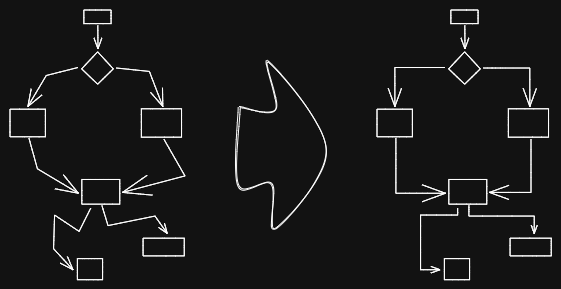
|
||||
|
||||
This script converts the selected connectors to elbows.
|
||||
|
||||
See documentation for more details:
|
||||
https://zsviczian.github.io/obsidian-excalidraw-plugin/ExcalidrawScriptsEngine.html
|
||||
|
||||
```javascript
|
||||
*/
|
||||
const selectedCenterConnectPoints = await utils.suggester(
|
||||
['Yes', 'No'],
|
||||
[true, false],
|
||||
"Center connect points?"
|
||||
);
|
||||
const centerConnectPoints = selectedCenterConnectPoints??false;
|
||||
|
||||
const allElements = ea.getViewElements();
|
||||
const elements = ea.getViewSelectedElements();
|
||||
|
||||
const lines = elements.filter((el)=>el.type==="arrow" || el.type==="line");
|
||||
|
||||
for (const line of lines) {
|
||||
if (line.points.length >= 3) {
|
||||
if(centerConnectPoints) {
|
||||
const startBindingEl = allElements.filter(el => el.id === (line.startBinding||{}).elementId)[0];
|
||||
const endBindingEl = allElements.filter(el => el.id === (line.endBinding||{}).elementId)[0];
|
||||
|
||||
if(startBindingEl) {
|
||||
const startPointX = line.x +line.points[0][0];
|
||||
if(startPointX >= startBindingEl.x && startPointX <= startBindingEl.x + startBindingEl.width) {
|
||||
line.points[0][0] = startBindingEl.x + startBindingEl.width / 2 - line.x;
|
||||
}
|
||||
|
||||
const startPointY = line.y +line.points[0][1];
|
||||
if(startPointY >= startBindingEl.y && startPointY <= startBindingEl.y + startBindingEl.height) {
|
||||
line.points[0][1] = startBindingEl.y + startBindingEl.height / 2 - line.y;
|
||||
}
|
||||
}
|
||||
|
||||
if(endBindingEl) {
|
||||
const startPointX = line.x +line.points[line.points.length-1][0];
|
||||
if(startPointX >= endBindingEl.x && startPointX <= endBindingEl.x + endBindingEl.width) {
|
||||
line.points[line.points.length-1][0] = endBindingEl.x + endBindingEl.width / 2 - line.x;
|
||||
}
|
||||
|
||||
const startPointY = line.y +line.points[line.points.length-1][1];
|
||||
if(startPointY >= endBindingEl.y && startPointY <= endBindingEl.y + endBindingEl.height) {
|
||||
line.points[line.points.length-1][1] = endBindingEl.y + endBindingEl.height / 2 - line.y;
|
||||
}
|
||||
}
|
||||
}
|
||||
|
||||
for (var i = 0; i < line.points.length - 2; i++) {
|
||||
var p1;
|
||||
var p3;
|
||||
if (line.points[i][0] < line.points[i + 2][0]) {
|
||||
p1 = line.points[i];
|
||||
p3 = line.points[i+2];
|
||||
} else {
|
||||
p1 = line.points[i + 2];
|
||||
p3 = line.points[i];
|
||||
}
|
||||
const p2 = line.points[i + 1];
|
||||
|
||||
if (p1[0] === p3[0]) {
|
||||
continue;
|
||||
}
|
||||
|
||||
const k = (p3[1] - p1[1]) / (p3[0] - p1[0]);
|
||||
const b = p1[1] - k * p1[0];
|
||||
|
||||
y0 = k * p2[0] + b;
|
||||
const up = p2[1] < y0;
|
||||
|
||||
if ((k > 0 && !up) || (k < 0 && up)) {
|
||||
p2[0] = p1[0];
|
||||
p2[1] = p3[1];
|
||||
} else {
|
||||
p2[0] = p3[0];
|
||||
p2[1] = p1[1];
|
||||
}
|
||||
}
|
||||
}
|
||||
}
|
||||
|
||||
ea.copyViewElementsToEAforEditing(lines);
|
||||
await ea.addElementsToView(false,false);
|
||||
|
||||
```
|
||||
+63
@@ -0,0 +1,63 @@
|
||||
/*
|
||||
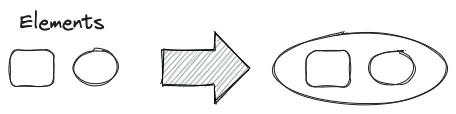
|
||||
|
||||
This script will add an encapsulating ellipse around the currently selected elements in Excalidraw.
|
||||
|
||||
See documentation for more details:
|
||||
https://zsviczian.github.io/obsidian-excalidraw-plugin/ExcalidrawScriptsEngine.html
|
||||
|
||||
```javascript
|
||||
*/
|
||||
if(!ea.verifyMinimumPluginVersion || !ea.verifyMinimumPluginVersion("1.5.21")) {
|
||||
new Notice("This script requires a newer version of Excalidraw. Please install the latest version.");
|
||||
return;
|
||||
}
|
||||
settings = ea.getScriptSettings();
|
||||
//set default values on first run
|
||||
if(!settings["Default padding"]) {
|
||||
settings = {
|
||||
"Prompt for padding?": true,
|
||||
"Default padding" : {
|
||||
value: 10,
|
||||
description: "Padding between the bounding box of the selected elements, and the ellipse the script creates"
|
||||
}
|
||||
};
|
||||
ea.setScriptSettings(settings);
|
||||
}
|
||||
|
||||
let padding = settings["Default padding"].value;
|
||||
|
||||
if(settings["Prompt for padding?"]) {
|
||||
padding = parseInt (await utils.inputPrompt("padding?","number",padding.toString()));
|
||||
}
|
||||
|
||||
if(isNaN(padding)) {
|
||||
new Notice("The padding value provided is not a number");
|
||||
return;
|
||||
}
|
||||
elements = ea.getViewSelectedElements();
|
||||
const box = ea.getBoundingBox(elements);
|
||||
color = ea
|
||||
.getExcalidrawAPI()
|
||||
.getAppState()
|
||||
.currentItemStrokeColor;
|
||||
//uncomment for random color:
|
||||
//color = '#'+(Math.random()*0xFFFFFF<<0).toString(16).padStart(6,"0");
|
||||
ea.style.strokeColor = color;
|
||||
|
||||
const ellipseWidth = box.width/Math.sqrt(2);
|
||||
const ellipseHeight = box.height/Math.sqrt(2);
|
||||
|
||||
const topX = box.topX - (ellipseWidth - box.width/2);
|
||||
const topY = box.topY - (ellipseHeight - box.height/2);
|
||||
id = ea.addEllipse(
|
||||
topX - padding,
|
||||
topY - padding,
|
||||
2*ellipseWidth + 2*padding,
|
||||
2*ellipseHeight + 2*padding
|
||||
);
|
||||
ea.copyViewElementsToEAforEditing(elements);
|
||||
ea.addToGroup([id].concat(elements.map((el)=>el.id)));
|
||||
ea.addElementsToView(false,false);
|
||||
|
||||
```
|
||||
File diff suppressed because it is too large.
Load diff
File diff suppressed because it is too large.
Load diff
+13
@@ -0,0 +1,13 @@
|
||||
/*
|
||||
Creates a new Excalidraw.com collaboration room and places the link to the room on the clipboard.
|
||||
```js*/
|
||||
const room = Array.from(window.crypto.getRandomValues(new Uint8Array(10))).map((byte) => `0${byte.toString(16)}`.slice(-2)).join("");
|
||||
const key = (await window.crypto.subtle.exportKey("jwk",await window.crypto.subtle.generateKey({name:"AES-GCM",length:128},true,["encrypt", "decrypt"]))).k;
|
||||
const link = `https://excalidraw.com/#room=${room},${key}`;
|
||||
|
||||
ea.addEmbeddable(0,0,800,600,link);
|
||||
ea.addElementsToView(true,true);
|
||||
|
||||
window.navigator.clipboard.writeText(link);
|
||||
new Notice("The collaboration room link is available on the clipboard.",4000);
|
||||
```
|
||||
+311
@@ -0,0 +1,311 @@
|
||||
/*
|
||||
Generates a hierarchical Markdown document out of a visual layout of an article.
|
||||
Watch this video to understand how the script is intended to work:
|
||||

|
||||
You can download the sample Obsidian Templater file from [here](https://gist.github.com/zsviczian/bf49d4b2d401f5749aaf8c2fa8a513d9)
|
||||
You can download the demo PDF document showcased in the video from [here](https://zsviczian.github.io/DemoArticle-AtomicHabits.pdf)
|
||||
|
||||
```js*/
|
||||
if (!ea.verifyMinimumPluginVersion || !ea.verifyMinimumPluginVersion("2.20.2")) {
|
||||
new Notice("Please update the Excalidraw Plugin to version 2.20.2 or higher.");
|
||||
return;
|
||||
}
|
||||
|
||||
let selectedElements = ea.getViewSelectedElements();
|
||||
const selectedTextElement = ea.getBoundTextElement(selectedElements, true)?.sceneElement;
|
||||
|
||||
if ((!selectedTextElement && selectedElements.length !== 1) || selectedElements[0].type === "arrow") {
|
||||
new Notice("Select a single element that is not an arrow and not a frame");
|
||||
return;
|
||||
}
|
||||
|
||||
// Detect Mindmap Builder nodes
|
||||
const startNode = selectedElements[0];
|
||||
const isMindMap = typeof startNode.customData?.growthMode !== "undefined" || typeof startNode.customData?.mindmapOrder !== "undefined";
|
||||
|
||||
const visited = new Set(); // Avoiding recursive infinite loops
|
||||
delete window.ewm;
|
||||
|
||||
await ea.targetView.save();
|
||||
|
||||
//------------------
|
||||
// Load Settings
|
||||
//------------------
|
||||
|
||||
let settings = ea.getScriptSettings();
|
||||
//set default values on first run
|
||||
let didSettingsChange = false;
|
||||
if(!settings["Template path"]) {
|
||||
settings = {
|
||||
"Template path" : {
|
||||
value: "",
|
||||
description: "The template file path that will receive the concatenated text. If the file includes <<<REPLACE ME>>> then it will be replaced with the generated text, if <<<REPLACE ME>>> is not present in the file the hierarchical markdown generated from the diagram will be added to the end of the template."
|
||||
},
|
||||
"ZK '# Summary' section": {
|
||||
value: "Summary",
|
||||
description: "The section in your visual zettelkasten file that contains the short written summary of the idea. This is the text that will be included in the hierarchical markdown file if visual ZK cards are included in your flow"
|
||||
},
|
||||
"ZK '# Source' section": {
|
||||
value: "Source",
|
||||
description: "The section in your visual zettelkasten file that contains the reference to your source. If present in the file, this text will be included in the output file as a reference"
|
||||
},
|
||||
"Embed image links": {
|
||||
value: true,
|
||||
description: "Should the resulting markdown document include the ![[embedded images]]?"
|
||||
}
|
||||
};
|
||||
didSettingsChange = true;
|
||||
}
|
||||
|
||||
if(!settings["Generate "]) {
|
||||
settings["Generate "] = {
|
||||
value: true,
|
||||
description: "If you turn this off the script will generate ![[wikilinks]] for images"
|
||||
}
|
||||
didSettingsChange = true;
|
||||
}
|
||||
|
||||
if(didSettingsChange) {
|
||||
await ea.setScriptSettings(settings);
|
||||
}
|
||||
|
||||
const ZK_SOURCE = settings["ZK '# Source' section"].value;
|
||||
const ZK_SECTION = settings["ZK '# Summary' section"].value;
|
||||
const INCLUDE_IMG_LINK = settings["Embed image links"].value;
|
||||
const MARKDOWN_LINKS = settings["Generate "].value;
|
||||
let templatePath = settings["Template path"].value;
|
||||
|
||||
//------------------
|
||||
// Select template file
|
||||
//------------------
|
||||
|
||||
const MSG = "Select another file"
|
||||
let selection = MSG;
|
||||
if(templatePath && app.vault.getAbstractFileByPath(templatePath)) {
|
||||
selection = await utils.suggester([templatePath, MSG],[templatePath, MSG], "Use previous template or select another?");
|
||||
if(!selection) {
|
||||
new Notice("process aborted");
|
||||
return;
|
||||
}
|
||||
}
|
||||
|
||||
if(selection === MSG) {
|
||||
const files = app.vault.getMarkdownFiles().map(f=>f.path);
|
||||
selection = await utils.suggester(files,files,"Select the template to use. ESC to not use a tempalte");
|
||||
}
|
||||
|
||||
if(selection && selection !== templatePath) {
|
||||
settings["Template path"].value = selection;
|
||||
await ea.setScriptSettings(settings);
|
||||
}
|
||||
|
||||
templatePath = selection;
|
||||
|
||||
//------------------
|
||||
// supporting functions
|
||||
//------------------
|
||||
function getNextElementFollowingArrow(el, arrow) {
|
||||
if (arrow.startBinding?.elementId === el.id) {
|
||||
return ea.getViewElements().find(x => x.id === arrow.endBinding?.elementId);
|
||||
}
|
||||
if (arrow.endBinding?.elementId === el.id) {
|
||||
return ea.getViewElements().find(x => x.id === arrow.startBinding?.elementId);
|
||||
}
|
||||
return null;
|
||||
}
|
||||
|
||||
function getImageLink(f) {
|
||||
if(MARKDOWN_LINKS) {
|
||||
return `})`;
|
||||
}
|
||||
return `![[${f.path}|${f.basename}]]`;
|
||||
}
|
||||
|
||||
function getBoundText(el) {
|
||||
const text = ea.getBoundTextElement(el,true)?.sceneElement?.rawText;
|
||||
return text ? text + "\n" : "";
|
||||
}
|
||||
|
||||
async function getSectionText(file, section) {
|
||||
const content = await app.vault.cachedRead(file);
|
||||
const metadata = app.metadataCache.getFileCache(file);
|
||||
|
||||
if (!metadata || !metadata.headings) {
|
||||
return null;
|
||||
}
|
||||
|
||||
const targetHeading = metadata.headings.find(h => h.heading === section);
|
||||
if (!targetHeading) {
|
||||
return null;
|
||||
}
|
||||
|
||||
const startPos = targetHeading.position.start.offset;
|
||||
let endPos = content.length;
|
||||
|
||||
const nextHeading = metadata.headings.find(h => h.position.start.offset > startPos);
|
||||
if (nextHeading) {
|
||||
endPos = nextHeading.position.start.offset;
|
||||
}
|
||||
|
||||
let sectionContent = content.slice(startPos, endPos).trim();
|
||||
sectionContent = sectionContent.substring(sectionContent.indexOf('\n') + 1).trim();
|
||||
|
||||
// Remove Markdown comments enclosed in %%
|
||||
sectionContent = sectionContent.replace(/%%[\s\S]*?%%/g, '').trim();
|
||||
return sectionContent;
|
||||
}
|
||||
|
||||
async function getBlockText(file, blockref) {
|
||||
const content = await app.vault.cachedRead(file);
|
||||
const blockPattern = new RegExp(`\\^${blockref}\\b`, 'g');
|
||||
let blockPosition = content.search(blockPattern);
|
||||
|
||||
if (blockPosition === -1) {
|
||||
return "";
|
||||
}
|
||||
|
||||
const startPos = content.lastIndexOf('\n', blockPosition) + 1;
|
||||
let endPos = content.indexOf('\n', blockPosition);
|
||||
|
||||
if (endPos === -1) {
|
||||
endPos = content.length;
|
||||
} else {
|
||||
const nextBlockOrHeading = content.slice(endPos).search(/(^# |^\^|\n)/gm);
|
||||
if (nextBlockOrHeading !== -1) {
|
||||
endPos += nextBlockOrHeading;
|
||||
} else {
|
||||
endPos = content.length;
|
||||
}
|
||||
}
|
||||
let blockContent = content.slice(startPos, endPos).trim();
|
||||
blockContent = blockContent.replace(blockPattern, '').trim();
|
||||
blockContent = blockContent.replace(/%%[\s\S]*?%%/g, '').trim();
|
||||
return blockContent;
|
||||
}
|
||||
|
||||
async function getElementText(el) {
|
||||
const maybeTextEl = ea.getBoundTextElement(el,true)?.sceneElement;
|
||||
if (maybeTextEl) {
|
||||
return maybeTextEl.rawText;
|
||||
}
|
||||
if (el.type === "image") {
|
||||
const f = ea.getViewFileForImageElement(el);
|
||||
if(!ea.isExcalidrawFile(f)) return f.name + (INCLUDE_IMG_LINK ? `\n${getImageLink(f)}\n` : "");
|
||||
let source = await getSectionText(f, ZK_SOURCE);
|
||||
source = source ? ` (source:: ${source})` : "";
|
||||
const summary = await getSectionText(f, ZK_SECTION) ;
|
||||
|
||||
if(summary) return (INCLUDE_IMG_LINK ? `${getImageLink(f)}\n${summary + source}` : summary + source) + "\n";
|
||||
return f.name + (INCLUDE_IMG_LINK ? `\n${getImageLink(f)}\n` : "");
|
||||
}
|
||||
if (el.type === "embeddable") {
|
||||
const linkWithRef = el.link.match(/\[\[([^\]]*)]]/)?.[1];
|
||||
if(!linkWithRef) return "";
|
||||
const path = linkWithRef.split("#")[0];
|
||||
const f = app.metadataCache.getFirstLinkpathDest(path, ea.targetView.file.path);
|
||||
if(!f) return "";
|
||||
if(f.extension !== "md") return f.name;
|
||||
const ref = linkWithRef.split("#")[1];
|
||||
if(!ref) return await app.vault.read(f);
|
||||
if(ref.startsWith("^")) {
|
||||
return await getBlockText(f, ref.substring(1));
|
||||
} else {
|
||||
return await getSectionText(f, ref);
|
||||
}
|
||||
}
|
||||
return getBoundText(el);
|
||||
}
|
||||
|
||||
//------------------
|
||||
// Navigating the hierarchy
|
||||
//------------------
|
||||
|
||||
async function crawl(el, level, isFirst = false) {
|
||||
visited.add(el.id);
|
||||
|
||||
let result = await getElementText(el) + "\n";
|
||||
let itemsToTraverse = [];
|
||||
|
||||
if (isMindMap) {
|
||||
// --- Mindmap Traversal Logic ---
|
||||
// 1. Get all elements to lookup connections
|
||||
const allElements = ea.getViewElements();
|
||||
|
||||
// 2. Find outgoing arrows marked as branches
|
||||
const branchArrows = allElements.filter(a =>
|
||||
a.type === "arrow" &&
|
||||
a.customData?.isBranch &&
|
||||
a.startBinding?.elementId === el.id // Only traverse downwards (Parent -> Child)
|
||||
);
|
||||
|
||||
// 3. Map arrows to their target nodes for sorting
|
||||
const childNodes = branchArrows.map(arrow => {
|
||||
const node = allElements.find(e => e.id === arrow.endBinding?.elementId);
|
||||
return { arrow, nextEl: node };
|
||||
}).filter(x => x.nextEl); // Safety check
|
||||
|
||||
// 4. Sort by mindmapOrder (visual order)
|
||||
childNodes.sort((a, b) => {
|
||||
const orderA = a.nextEl.customData?.mindmapOrder ?? 0;
|
||||
const orderB = b.nextEl.customData?.mindmapOrder ?? 0;
|
||||
return orderA - orderB;
|
||||
});
|
||||
|
||||
itemsToTraverse = childNodes;
|
||||
|
||||
} else {
|
||||
// --- Standard Traversal Logic (Legacy) ---
|
||||
// Use boundElements (incoming and outgoing) in creation order
|
||||
const boundElementsData = el.boundElements?.filter(x => x.type === "arrow") || [];
|
||||
|
||||
itemsToTraverse = boundElementsData.map(bindingData => {
|
||||
const arrow = ea.getViewElements().find(x => x.id === bindingData.id);
|
||||
if (!arrow) return null;
|
||||
const nextEl = getNextElementFollowingArrow(el, arrow);
|
||||
return { arrow, nextEl };
|
||||
}).filter(x => x && x.nextEl);
|
||||
}
|
||||
|
||||
// Determine indentation trigger (Fork)
|
||||
const isFork = itemsToTraverse.length > (isFirst ? 1 : 2);
|
||||
if(isFork) level++;
|
||||
|
||||
// Recursive Traversal
|
||||
for(const {arrow, nextEl} of itemsToTraverse) {
|
||||
if (!visited.has(nextEl.id)) {
|
||||
if(isFork) result += `\n${"#".repeat(level)} `;
|
||||
const arrowLabel = getBoundText(arrow);
|
||||
if (arrowLabel) {
|
||||
// If the arrow has a label, add it as an additional level
|
||||
result += arrowLabel + "\n";
|
||||
result += await crawl(nextEl, level);
|
||||
} else {
|
||||
// If no label, continue to the next element
|
||||
result += await crawl(nextEl, level);
|
||||
}
|
||||
}
|
||||
};
|
||||
|
||||
return result;
|
||||
}
|
||||
|
||||
window.ewm = "## " + await crawl(selectedElements[0], 2, true);
|
||||
|
||||
const outputPath = await ea.getAttachmentFilepath(`EWM - ${ea.targetView.file.name}.md`);
|
||||
let result = templatePath
|
||||
? await app.vault.read(app.vault.getAbstractFileByPath(templatePath))
|
||||
: "";
|
||||
|
||||
if(result.match("<<<REPLACE ME>>>")) {
|
||||
result = result.replaceAll("<<<REPLACE ME>>>",window.ewm);
|
||||
} else {
|
||||
result += window.ewm;
|
||||
}
|
||||
|
||||
const outfile = await app.vault.create(outputPath,result);
|
||||
|
||||
setTimeout(()=>{
|
||||
ea.openFileInNewOrAdjacentLeaf(outfile);
|
||||
}, 250);
|
||||
|
||||
```
|
||||
+157
@@ -0,0 +1,157 @@
|
||||
/*
|
||||
|
||||

|
||||
|
||||
Download this file and save to your Obsidian Vault including the first line, or open it in "Raw" and copy the entire contents to Obsidian.
|
||||
|
||||
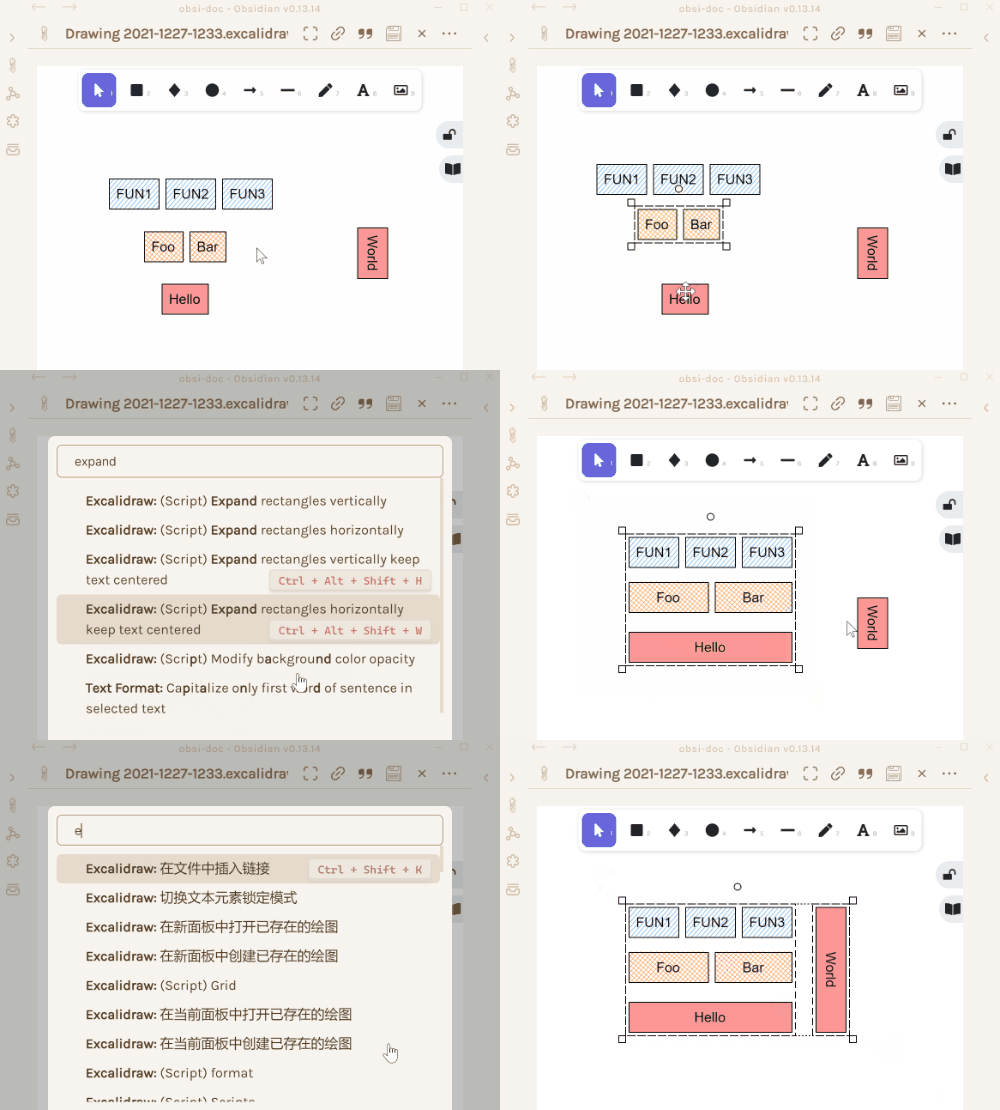
|
||||
|
||||
This script expands the width of the selected rectangles until they are all the same width and keep the text centered.
|
||||
|
||||
See documentation for more details:
|
||||
https://zsviczian.github.io/obsidian-excalidraw-plugin/ExcalidrawScriptsEngine.html
|
||||
|
||||
```javascript
|
||||
*/
|
||||
|
||||
const elements = ea.getViewSelectedElements();
|
||||
const topGroups = ea.getMaximumGroups(elements);
|
||||
const allIndividualArrows = ea.getMaximumGroups(ea.getViewElements())
|
||||
.reduce((result, group) => (group.length === 1 && (group[0].type === 'arrow')) ?
|
||||
[...result, group[0]] : result, []);
|
||||
|
||||
const groupWidths = topGroups
|
||||
.map((g) => {
|
||||
if(g.length === 1 && (g[0].type === 'arrow' || g[0].type === 'line')) {
|
||||
// ignore individual lines
|
||||
return { minLeft: 0, maxRight: 0 };
|
||||
}
|
||||
return g.reduce(
|
||||
(pre, cur, i) => {
|
||||
if (i === 0) {
|
||||
return {
|
||||
minLeft: cur.x,
|
||||
maxRight: cur.x + cur.width,
|
||||
index: i,
|
||||
};
|
||||
} else {
|
||||
return {
|
||||
minLeft: cur.x < pre.minLeft ? cur.x : pre.minLeft,
|
||||
maxRight:
|
||||
cur.x + cur.width > pre.maxRight
|
||||
? cur.x + cur.width
|
||||
: pre.maxRight,
|
||||
index: i,
|
||||
};
|
||||
}
|
||||
},
|
||||
{ minLeft: 0, maxRight: 0 }
|
||||
);
|
||||
})
|
||||
.map((r) => {
|
||||
r.width = r.maxRight - r.minLeft;
|
||||
return r;
|
||||
});
|
||||
|
||||
const maxGroupWidth = Math.max(...groupWidths.map((g) => g.width));
|
||||
|
||||
for (var i = 0; i < topGroups.length; i++) {
|
||||
const rects = topGroups[i]
|
||||
.filter((el) => el.type === "rectangle")
|
||||
.sort((lha, rha) => lha.x - rha.x);
|
||||
const texts = topGroups[i]
|
||||
.filter((el) => el.type === "text")
|
||||
.sort((lha, rha) => lha.x - rha.x);
|
||||
const groupWith = groupWidths[i].width;
|
||||
if (groupWith < maxGroupWidth) {
|
||||
const distance = maxGroupWidth - groupWith;
|
||||
const perRectDistance = distance / rects.length;
|
||||
const textsWithRectIndex = [];
|
||||
for (var j = 0; j < rects.length; j++) {
|
||||
const rect = rects[j];
|
||||
const rectLeft = rect.x;
|
||||
const rectTop = rect.y;
|
||||
const rectRight = rect.x + rect.width;
|
||||
const rectBottom = rect.y + rect.height;
|
||||
|
||||
const textsWithRect = texts.filter(text => text.x >= rectLeft && text.x <= rectRight
|
||||
&& text.y >= rectTop && text.y <= rectBottom);
|
||||
|
||||
textsWithRectIndex[j] = textsWithRect;
|
||||
}
|
||||
for (var j = 0; j < rects.length; j++) {
|
||||
const rect = rects[j];
|
||||
rect.x = rect.x + perRectDistance * j - perRectDistance / 2;
|
||||
rect.width += perRectDistance;
|
||||
|
||||
const textsWithRect = textsWithRectIndex[j];
|
||||
|
||||
if(textsWithRect) {
|
||||
for(const text of textsWithRect) {
|
||||
text.x = text.x + perRectDistance * j;
|
||||
}
|
||||
}
|
||||
|
||||
// recalculate the position of the points
|
||||
const startBindingLines = allIndividualArrows.filter(el => (el.startBinding||{}).elementId === rect.id);
|
||||
for(startBindingLine of startBindingLines) {
|
||||
recalculateStartPointOfLine(startBindingLine, rect);
|
||||
}
|
||||
|
||||
const endBindingLines = allIndividualArrows.filter(el => (el.endBinding||{}).elementId === rect.id);
|
||||
for(endBindingLine of endBindingLines) {
|
||||
recalculateEndPointOfLine(endBindingLine, rect);
|
||||
}
|
||||
}
|
||||
}
|
||||
}
|
||||
|
||||
ea.copyViewElementsToEAforEditing(elements);
|
||||
await ea.addElementsToView(false, false);
|
||||
|
||||
function recalculateStartPointOfLine(line, el) {
|
||||
const aX = el.x + el.width/2;
|
||||
const bX = line.x + line.points[1][0];
|
||||
const aY = el.y + el.height/2;
|
||||
const bY = line.y + line.points[1][1];
|
||||
|
||||
line.startBinding.gap = 8;
|
||||
line.startBinding.focus = 0;
|
||||
const intersectA = ea.intersectElementWithLine(
|
||||
el,
|
||||
[bX, bY],
|
||||
[aX, aY],
|
||||
line.startBinding.gap
|
||||
);
|
||||
|
||||
if(intersectA.length > 0) {
|
||||
line.points[0] = [0, 0];
|
||||
for(var i = 1; i<line.points.length; i++) {
|
||||
line.points[i][0] -= intersectA[0][0] - line.x;
|
||||
line.points[i][1] -= intersectA[0][1] - line.y;
|
||||
}
|
||||
line.x = intersectA[0][0];
|
||||
line.y = intersectA[0][1];
|
||||
}
|
||||
}
|
||||
|
||||
function recalculateEndPointOfLine(line, el) {
|
||||
const aX = el.x + el.width/2;
|
||||
const bX = line.x + line.points[line.points.length-2][0];
|
||||
const aY = el.y + el.height/2;
|
||||
const bY = line.y + line.points[line.points.length-2][1];
|
||||
|
||||
line.endBinding.gap = 8;
|
||||
line.endBinding.focus = 0;
|
||||
const intersectA = ea.intersectElementWithLine(
|
||||
el,
|
||||
[bX, bY],
|
||||
[aX, aY],
|
||||
line.endBinding.gap
|
||||
);
|
||||
|
||||
if(intersectA.length > 0) {
|
||||
line.points[line.points.length - 1] = [intersectA[0][0] - line.x, intersectA[0][1] - line.y];
|
||||
}
|
||||
}
|
||||
```
|
||||
+134
@@ -0,0 +1,134 @@
|
||||
/*
|
||||
|
||||

|
||||
|
||||
Download this file and save to your Obsidian Vault including the first line, or open it in "Raw" and copy the entire contents to Obsidian.
|
||||
|
||||

|
||||
|
||||
This script expands the width of the selected rectangles until they are all the same width.
|
||||
|
||||
See documentation for more details:
|
||||
https://zsviczian.github.io/obsidian-excalidraw-plugin/ExcalidrawScriptsEngine.html
|
||||
|
||||
```javascript
|
||||
*/
|
||||
|
||||
const elements = ea.getViewSelectedElements();
|
||||
const topGroups = ea.getMaximumGroups(elements);
|
||||
const allIndividualArrows = ea.getMaximumGroups(ea.getViewElements())
|
||||
.reduce((result, group) => (group.length === 1 && (group[0].type === 'arrow' || group[0].type === 'line')) ?
|
||||
[...result, group[0]] : result, []);
|
||||
|
||||
const groupWidths = topGroups
|
||||
.map((g) => {
|
||||
if(g.length === 1 && (g[0].type === 'arrow' || g[0].type === 'line')) {
|
||||
// ignore individual lines
|
||||
return { minLeft: 0, maxRight: 0 };
|
||||
}
|
||||
return g.reduce(
|
||||
(pre, cur, i) => {
|
||||
if (i === 0) {
|
||||
return {
|
||||
minLeft: cur.x,
|
||||
maxRight: cur.x + cur.width,
|
||||
index: i,
|
||||
};
|
||||
} else {
|
||||
return {
|
||||
minLeft: cur.x < pre.minLeft ? cur.x : pre.minLeft,
|
||||
maxRight:
|
||||
cur.x + cur.width > pre.maxRight
|
||||
? cur.x + cur.width
|
||||
: pre.maxRight,
|
||||
index: i,
|
||||
};
|
||||
}
|
||||
},
|
||||
{ minLeft: 0, maxRight: 0 }
|
||||
);
|
||||
})
|
||||
.map((r) => {
|
||||
r.width = r.maxRight - r.minLeft;
|
||||
return r;
|
||||
});
|
||||
|
||||
const maxGroupWidth = Math.max(...groupWidths.map((g) => g.width));
|
||||
|
||||
for (var i = 0; i < topGroups.length; i++) {
|
||||
const rects = topGroups[i]
|
||||
.filter((el) => el.type === "rectangle")
|
||||
.sort((lha, rha) => lha.x - rha.x);
|
||||
|
||||
const groupWith = groupWidths[i].width;
|
||||
if (groupWith < maxGroupWidth) {
|
||||
const distance = maxGroupWidth - groupWith;
|
||||
const perRectDistance = distance / rects.length;
|
||||
for (var j = 0; j < rects.length; j++) {
|
||||
const rect = rects[j];
|
||||
rect.x = rect.x + perRectDistance * j;
|
||||
rect.width += perRectDistance;
|
||||
|
||||
// recalculate the position of the points
|
||||
const startBindingLines = allIndividualArrows.filter(el => (el.startBinding||{}).elementId === rect.id);
|
||||
for(startBindingLine of startBindingLines) {
|
||||
recalculateStartPointOfLine(startBindingLine, rect);
|
||||
}
|
||||
|
||||
const endBindingLines = allIndividualArrows.filter(el => (el.endBinding||{}).elementId === rect.id);
|
||||
for(endBindingLine of endBindingLines) {
|
||||
recalculateEndPointOfLine(endBindingLine, rect);
|
||||
}
|
||||
}
|
||||
}
|
||||
}
|
||||
|
||||
ea.copyViewElementsToEAforEditing(elements);
|
||||
await ea.addElementsToView(false, false);
|
||||
|
||||
function recalculateStartPointOfLine(line, el) {
|
||||
const aX = el.x + el.width/2;
|
||||
const bX = line.x + line.points[1][0];
|
||||
const aY = el.y + el.height/2;
|
||||
const bY = line.y + line.points[1][1];
|
||||
|
||||
line.startBinding.gap = 8;
|
||||
line.startBinding.focus = 0;
|
||||
const intersectA = ea.intersectElementWithLine(
|
||||
el,
|
||||
[bX, bY],
|
||||
[aX, aY],
|
||||
line.startBinding.gap
|
||||
);
|
||||
|
||||
if(intersectA.length > 0) {
|
||||
line.points[0] = [0, 0];
|
||||
for(var i = 1; i<line.points.length; i++) {
|
||||
line.points[i][0] -= intersectA[0][0] - line.x;
|
||||
line.points[i][1] -= intersectA[0][1] - line.y;
|
||||
}
|
||||
line.x = intersectA[0][0];
|
||||
line.y = intersectA[0][1];
|
||||
}
|
||||
}
|
||||
|
||||
function recalculateEndPointOfLine(line, el) {
|
||||
const aX = el.x + el.width/2;
|
||||
const bX = line.x + line.points[line.points.length-2][0];
|
||||
const aY = el.y + el.height/2;
|
||||
const bY = line.y + line.points[line.points.length-2][1];
|
||||
|
||||
line.endBinding.gap = 8;
|
||||
line.endBinding.focus = 0;
|
||||
const intersectA = ea.intersectElementWithLine(
|
||||
el,
|
||||
[bX, bY],
|
||||
[aX, aY],
|
||||
line.endBinding.gap
|
||||
);
|
||||
|
||||
if(intersectA.length > 0) {
|
||||
line.points[line.points.length - 1] = [intersectA[0][0] - line.x, intersectA[0][1] - line.y];
|
||||
}
|
||||
}
|
||||
```
|
||||
+157
@@ -0,0 +1,157 @@
|
||||
/*
|
||||
|
||||

|
||||
|
||||
Download this file and save to your Obsidian Vault including the first line, or open it in "Raw" and copy the entire contents to Obsidian.
|
||||
|
||||

|
||||
|
||||
This script expands the height of the selected rectangles until they are all the same height and keep the text centered.
|
||||
|
||||
See documentation for more details:
|
||||
https://zsviczian.github.io/obsidian-excalidraw-plugin/ExcalidrawScriptsEngine.html
|
||||
|
||||
```javascript
|
||||
*/
|
||||
|
||||
const elements = ea.getViewSelectedElements();
|
||||
const topGroups = ea.getMaximumGroups(elements);
|
||||
const allIndividualArrows = ea.getMaximumGroups(ea.getViewElements())
|
||||
.reduce((result, group) => (group.length === 1 && (group[0].type === 'arrow' || group[0].type === 'line')) ?
|
||||
[...result, group[0]] : result, []);
|
||||
|
||||
const groupHeights = topGroups
|
||||
.map((g) => {
|
||||
if(g.length === 1 && (g[0].type === 'arrow' || g[0].type === 'line')) {
|
||||
// ignore individual lines
|
||||
return { minTop: 0, maxBottom: 0 };
|
||||
}
|
||||
return g.reduce(
|
||||
(pre, cur, i) => {
|
||||
if (i === 0) {
|
||||
return {
|
||||
minTop: cur.y,
|
||||
maxBottom: cur.y + cur.height,
|
||||
index: i,
|
||||
};
|
||||
} else {
|
||||
return {
|
||||
minTop: cur.y < pre.minTop ? cur.y : pre.minTop,
|
||||
maxBottom:
|
||||
cur.y + cur.height > pre.maxBottom
|
||||
? cur.y + cur.height
|
||||
: pre.maxBottom,
|
||||
index: i,
|
||||
};
|
||||
}
|
||||
},
|
||||
{ minTop: 0, maxBottom: 0 }
|
||||
);
|
||||
})
|
||||
.map((r) => {
|
||||
r.height = r.maxBottom - r.minTop;
|
||||
return r;
|
||||
});
|
||||
|
||||
const maxGroupHeight = Math.max(...groupHeights.map((g) => g.height));
|
||||
|
||||
for (var i = 0; i < topGroups.length; i++) {
|
||||
const rects = topGroups[i]
|
||||
.filter((el) => el.type === "rectangle")
|
||||
.sort((lha, rha) => lha.y - rha.y);
|
||||
const texts = topGroups[i]
|
||||
.filter((el) => el.type === "text")
|
||||
.sort((lha, rha) => lha.y - rha.y);
|
||||
const groupWith = groupHeights[i].height;
|
||||
if (groupWith < maxGroupHeight) {
|
||||
const distance = maxGroupHeight - groupWith;
|
||||
const perRectDistance = distance / rects.length;
|
||||
const textsWithRectIndex = [];
|
||||
for (var j = 0; j < rects.length; j++) {
|
||||
const rect = rects[j];
|
||||
const rectLeft = rect.x;
|
||||
const rectTop = rect.y;
|
||||
const rectRight = rect.x + rect.width;
|
||||
const rectBottom = rect.y + rect.height;
|
||||
|
||||
const textsWithRect = texts.filter(text => text.x >= rectLeft && text.x <= rectRight
|
||||
&& text.y >= rectTop && text.y <= rectBottom);
|
||||
|
||||
textsWithRectIndex[j] = textsWithRect;
|
||||
}
|
||||
for (var j = 0; j < rects.length; j++) {
|
||||
const rect = rects[j];
|
||||
rect.y = rect.y + perRectDistance * j - perRectDistance / 2;
|
||||
rect.height += perRectDistance;
|
||||
|
||||
const textsWithRect = textsWithRectIndex[j];
|
||||
|
||||
if(textsWithRect) {
|
||||
for(const text of textsWithRect) {
|
||||
text.y = text.y + perRectDistance * j;
|
||||
}
|
||||
}
|
||||
|
||||
// recalculate the position of the points
|
||||
const startBindingLines = allIndividualArrows.filter(el => (el.startBinding||{}).elementId === rect.id);
|
||||
for(startBindingLine of startBindingLines) {
|
||||
recalculateStartPointOfLine(startBindingLine, rect);
|
||||
}
|
||||
|
||||
const endBindingLines = allIndividualArrows.filter(el => (el.endBinding||{}).elementId === rect.id);
|
||||
for(endBindingLine of endBindingLines) {
|
||||
recalculateEndPointOfLine(endBindingLine, rect);
|
||||
}
|
||||
}
|
||||
}
|
||||
}
|
||||
|
||||
ea.copyViewElementsToEAforEditing(elements);
|
||||
await ea.addElementsToView(false, false);
|
||||
|
||||
function recalculateStartPointOfLine(line, el) {
|
||||
const aX = el.x + el.width/2;
|
||||
const bX = line.x + line.points[1][0];
|
||||
const aY = el.y + el.height/2;
|
||||
const bY = line.y + line.points[1][1];
|
||||
|
||||
line.startBinding.gap = 8;
|
||||
line.startBinding.focus = 0;
|
||||
const intersectA = ea.intersectElementWithLine(
|
||||
el,
|
||||
[bX, bY],
|
||||
[aX, aY],
|
||||
line.startBinding.gap
|
||||
);
|
||||
|
||||
if(intersectA.length > 0) {
|
||||
line.points[0] = [0, 0];
|
||||
for(var i = 1; i<line.points.length; i++) {
|
||||
line.points[i][0] -= intersectA[0][0] - line.x;
|
||||
line.points[i][1] -= intersectA[0][1] - line.y;
|
||||
}
|
||||
line.x = intersectA[0][0];
|
||||
line.y = intersectA[0][1];
|
||||
}
|
||||
}
|
||||
|
||||
function recalculateEndPointOfLine(line, el) {
|
||||
const aX = el.x + el.width/2;
|
||||
const bX = line.x + line.points[line.points.length-2][0];
|
||||
const aY = el.y + el.height/2;
|
||||
const bY = line.y + line.points[line.points.length-2][1];
|
||||
|
||||
line.endBinding.gap = 8;
|
||||
line.endBinding.focus = 0;
|
||||
const intersectA = ea.intersectElementWithLine(
|
||||
el,
|
||||
[bX, bY],
|
||||
[aX, aY],
|
||||
line.endBinding.gap
|
||||
);
|
||||
|
||||
if(intersectA.length > 0) {
|
||||
line.points[line.points.length - 1] = [intersectA[0][0] - line.x, intersectA[0][1] - line.y];
|
||||
}
|
||||
}
|
||||
```
|
||||
+133
@@ -0,0 +1,133 @@
|
||||
/*
|
||||
|
||||

|
||||
|
||||
Download this file and save to your Obsidian Vault including the first line, or open it in "Raw" and copy the entire contents to Obsidian.
|
||||
|
||||

|
||||
|
||||
This script expands the height of the selected rectangles until they are all the same height.
|
||||
|
||||
```javascript
|
||||
*/
|
||||
|
||||
const elements = ea.getViewSelectedElements();
|
||||
const topGroups = ea.getMaximumGroups(elements);
|
||||
const allLines = ea.getViewElements().filter(el => el.type === 'arrow' || el.type === 'line');
|
||||
const allIndividualArrows = ea.getMaximumGroups(ea.getViewElements())
|
||||
.reduce((result, group) => (group.length === 1 && (group[0].type === 'arrow' || group[0].type === 'line')) ?
|
||||
[...result, group[0]] : result, []);
|
||||
|
||||
const groupHeights = topGroups
|
||||
.map((g) => {
|
||||
if(g.length === 1 && (g[0].type === 'arrow' || g[0].type === 'line')) {
|
||||
// ignore individual lines
|
||||
return { minTop: 0, maxBottom: 0 };
|
||||
}
|
||||
return g.reduce(
|
||||
(pre, cur, i) => {
|
||||
if (i === 0) {
|
||||
return {
|
||||
minTop: cur.y,
|
||||
maxBottom: cur.y + cur.height,
|
||||
index: i,
|
||||
};
|
||||
} else {
|
||||
return {
|
||||
minTop: cur.y < pre.minTop ? cur.y : pre.minTop,
|
||||
maxBottom:
|
||||
cur.y + cur.height > pre.maxBottom
|
||||
? cur.y + cur.height
|
||||
: pre.maxBottom,
|
||||
index: i,
|
||||
};
|
||||
}
|
||||
},
|
||||
{ minTop: 0, maxBottom: 0 }
|
||||
);
|
||||
})
|
||||
.map((r) => {
|
||||
r.height = r.maxBottom - r.minTop;
|
||||
return r;
|
||||
});
|
||||
|
||||
const maxGroupHeight = Math.max(...groupHeights.map((g) => g.height));
|
||||
|
||||
for (var i = 0; i < topGroups.length; i++) {
|
||||
const rects = topGroups[i]
|
||||
.filter((el) => el.type === "rectangle")
|
||||
.sort((lha, rha) => lha.y - rha.y);
|
||||
|
||||
const groupWidth = groupHeights[i].height;
|
||||
if (groupWidth < maxGroupHeight) {
|
||||
const distance = maxGroupHeight - groupWidth;
|
||||
const perRectDistance = distance / rects.length;
|
||||
for (var j = 0; j < rects.length; j++) {
|
||||
const rect = rects[j];
|
||||
rect.y = rect.y + perRectDistance * j;
|
||||
rect.height += perRectDistance;
|
||||
|
||||
// recalculate the position of the points
|
||||
const startBindingLines = allIndividualArrows.filter(el => (el.startBinding||{}).elementId === rect.id);
|
||||
for(startBindingLine of startBindingLines) {
|
||||
recalculateStartPointOfLine(startBindingLine, rect);
|
||||
}
|
||||
|
||||
const endBindingLines = allIndividualArrows.filter(el => (el.endBinding||{}).elementId === rect.id);
|
||||
for(endBindingLine of endBindingLines) {
|
||||
recalculateEndPointOfLine(endBindingLine, rect);
|
||||
}
|
||||
}
|
||||
}
|
||||
}
|
||||
|
||||
ea.copyViewElementsToEAforEditing(elements);
|
||||
await ea.addElementsToView(false, false);
|
||||
|
||||
function recalculateStartPointOfLine(line, el) {
|
||||
const aX = el.x + el.width/2;
|
||||
const bX = line.x + line.points[1][0];
|
||||
const aY = el.y + el.height/2;
|
||||
const bY = line.y + line.points[1][1];
|
||||
|
||||
line.startBinding.gap = 8;
|
||||
line.startBinding.focus = 0;
|
||||
const intersectA = ea.intersectElementWithLine(
|
||||
el,
|
||||
[bX, bY],
|
||||
[aX, aY],
|
||||
line.startBinding.gap
|
||||
);
|
||||
|
||||
if(intersectA.length > 0) {
|
||||
line.points[0] = [0, 0];
|
||||
for(var i = 1; i<line.points.length; i++) {
|
||||
line.points[i][0] -= intersectA[0][0] - line.x;
|
||||
line.points[i][1] -= intersectA[0][1] - line.y;
|
||||
}
|
||||
line.x = intersectA[0][0];
|
||||
line.y = intersectA[0][1];
|
||||
}
|
||||
}
|
||||
|
||||
function recalculateEndPointOfLine(line, el) {
|
||||
const aX = el.x + el.width/2;
|
||||
const bX = line.x + line.points[line.points.length-2][0];
|
||||
const aY = el.y + el.height/2;
|
||||
const bY = line.y + line.points[line.points.length-2][1];
|
||||
|
||||
line.endBinding.gap = 8;
|
||||
line.endBinding.focus = 0;
|
||||
const intersectA = ea.intersectElementWithLine(
|
||||
el,
|
||||
[bX, bY],
|
||||
[aX, aY],
|
||||
line.endBinding.gap
|
||||
);
|
||||
|
||||
if(intersectA.length > 0) {
|
||||
line.points[line.points.length - 1] = [intersectA[0][0] - line.x, intersectA[0][1] - line.y];
|
||||
}
|
||||
}
|
||||
|
||||
```
|
||||
+76
@@ -0,0 +1,76 @@
|
||||
/*
|
||||

|
||||
|
||||
Download this file and save to your Obsidian Vault including the first line, or open it in "Raw" and copy the entire contents to Obsidian.
|
||||
|
||||
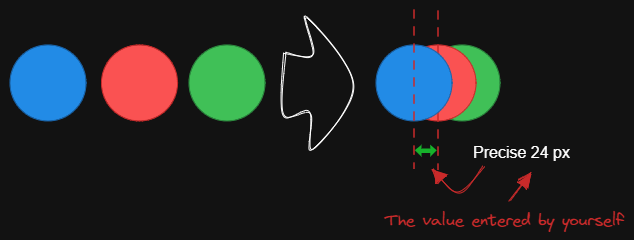
|
||||
|
||||
This script arranges the selected elements horizontally with a fixed center spacing.
|
||||
|
||||
See documentation for more details:
|
||||
https://zsviczian.github.io/obsidian-excalidraw-plugin/ExcalidrawScriptsEngine.html
|
||||
|
||||
```javascript
|
||||
*/
|
||||
if(!ea.verifyMinimumPluginVersion || !ea.verifyMinimumPluginVersion("1.5.21")) {
|
||||
new Notice("This script requires a newer version of Excalidraw. Please install the latest version.");
|
||||
return;
|
||||
}
|
||||
settings = ea.getScriptSettings();
|
||||
//set default values on first run
|
||||
if(!settings["Default distance"]) {
|
||||
settings = {
|
||||
"Prompt for distance?": true,
|
||||
"Default distance" : {
|
||||
value: 10,
|
||||
description: "Fixed horizontal distance between centers"
|
||||
},
|
||||
"Remember last distance?": false
|
||||
};
|
||||
ea.setScriptSettings(settings);
|
||||
}
|
||||
|
||||
let distanceStr = settings["Default distance"].value.toString();
|
||||
const rememberLastDistance = settings["Remember last distance?"];
|
||||
|
||||
if(settings["Prompt for distance?"]) {
|
||||
distanceStr = await utils.inputPrompt("distance?","number",distanceStr);
|
||||
}
|
||||
|
||||
const distance = parseInt(distanceStr);
|
||||
if(isNaN(distance)) {
|
||||
return;
|
||||
}
|
||||
if(rememberLastDistance) {
|
||||
settings["Default distance"].value = distance;
|
||||
ea.setScriptSettings(settings);
|
||||
}
|
||||
const elements=ea.getViewSelectedElements();
|
||||
const topGroups = ea.getMaximumGroups(elements)
|
||||
.filter(els => !(els.length === 1 && els[0].type ==="arrow")) // ignore individual arrows
|
||||
.filter(els => !(els.length === 1 && (els[0].containerId))); // ignore text in stickynote
|
||||
|
||||
const groups = topGroups.sort((lha,rha) => lha[0].x - rha[0].x);
|
||||
|
||||
for(var i=0; i<groups.length; i++) {
|
||||
if(i > 0) {
|
||||
const preGroup = groups[i-1];
|
||||
const curGroup = groups[i];
|
||||
|
||||
const preLeft = Math.min(...preGroup.map(el => el.x));
|
||||
const preRight = Math.max(...preGroup.map(el => el.x + el.width));
|
||||
const preCenter = preLeft + (preRight - preLeft) / 2;
|
||||
const curLeft = Math.min(...curGroup.map(el => el.x));
|
||||
const curRight = Math.max(...curGroup.map(el => el.x + el.width));
|
||||
const curCenter = curLeft + (curRight - curLeft) / 2;
|
||||
const distanceBetweenCenters = curCenter - preCenter - distance;
|
||||
|
||||
for(const curEl of curGroup) {
|
||||
curEl.x = curEl.x - distanceBetweenCenters;
|
||||
}
|
||||
}
|
||||
}
|
||||
ea.copyViewElementsToEAforEditing(elements);
|
||||
await ea.addElementsToView(false, false);
|
||||
|
||||
```
|
||||
@@ -0,0 +1,129 @@
|
||||
/*
|
||||

|
||||
|
||||
Download this file and save to your Obsidian Vault including the first line, or open it in "Raw" and copy the entire contents to Obsidian.
|
||||
|
||||

|
||||
|
||||
This script arranges selected elements and groups with a fixed inner distance.
|
||||
|
||||
Tips: You can use the `Box Selected Elements` and `Dimensions` scripts to create rectangles of the desired size, then use the `Change shape of selected elements` script to convert the rectangles to ellipses, and then use the `Fixed inner distance` script regains a desired inner distance.
|
||||
|
||||
Inspiration: #394
|
||||
|
||||
See documentation for more details:
|
||||
https://zsviczian.github.io/obsidian-excalidraw-plugin/ExcalidrawScriptsEngine.html
|
||||
|
||||
```javascript
|
||||
*/
|
||||
if(!ea.verifyMinimumPluginVersion || !ea.verifyMinimumPluginVersion("1.5.21")) {
|
||||
new Notice("This script requires a newer version of Excalidraw. Please install the latest version.");
|
||||
return;
|
||||
}
|
||||
settings = ea.getScriptSettings();
|
||||
//set default values on first run
|
||||
if(!settings["Default distance"]) {
|
||||
settings = {
|
||||
"Prompt for distance?": true,
|
||||
"Default distance" : {
|
||||
value: 10,
|
||||
description: "Fixed horizontal distance between centers"
|
||||
},
|
||||
"Remember last distance?": false
|
||||
};
|
||||
ea.setScriptSettings(settings);
|
||||
}
|
||||
|
||||
let distanceStr = settings["Default distance"].value.toString();
|
||||
const rememberLastDistance = settings["Remember last distance?"];
|
||||
|
||||
if(settings["Prompt for distance?"]) {
|
||||
distanceStr = await utils.inputPrompt("distance?","number",distanceStr);
|
||||
}
|
||||
|
||||
const borders = ["top", "bottom", "left", "right"];
|
||||
const fromBorder = await utils.suggester(borders, borders, "from border?");
|
||||
|
||||
if(!fromBorder) {
|
||||
return;
|
||||
}
|
||||
|
||||
const distance = parseInt(distanceStr);
|
||||
if(isNaN(distance)) {
|
||||
return;
|
||||
}
|
||||
if(rememberLastDistance) {
|
||||
settings["Default distance"].value = distance;
|
||||
ea.setScriptSettings(settings);
|
||||
}
|
||||
const elements=ea.getViewSelectedElements();
|
||||
const topGroups = ea.getMaximumGroups(elements)
|
||||
.filter(els => !(els.length === 1 && els[0].type ==="arrow")) // ignore individual arrows
|
||||
.filter(els => !(els.length === 1 && (els[0].containerId))); // ignore text in stickynote
|
||||
|
||||
if(topGroups.length <= 1) {
|
||||
new Notice("At least 2 or more elements or groups should be selected.");
|
||||
return;
|
||||
}
|
||||
|
||||
if(fromBorder === 'top') {
|
||||
const groups = topGroups.sort((lha,rha) => Math.min(...lha.map(t => t.y)) - Math.min(...rha.map(t => t.y)));
|
||||
const firstGroupTop = Math.min(...groups[0].map(el => el.y));
|
||||
|
||||
for(var i=0; i<groups.length; i++) {
|
||||
if(i > 0) {
|
||||
const curGroup = groups[i];
|
||||
const moveDistance = distance * i;
|
||||
for(const curEl of curGroup) {
|
||||
curEl.y = firstGroupTop + moveDistance;
|
||||
}
|
||||
}
|
||||
}
|
||||
}
|
||||
else if(fromBorder === 'bottom') {
|
||||
const groups = topGroups.sort((lha,rha) => Math.min(...lha.map(t => t.y + t.height)) - Math.min(...rha.map(t => t.y + t.height))).reverse();
|
||||
const firstGroupBottom = Math.max(...groups[0].map(el => el.y + el.height));
|
||||
|
||||
for(var i=0; i<groups.length; i++) {
|
||||
if(i > 0) {
|
||||
const curGroup = groups[i];
|
||||
const moveDistance = distance * i;
|
||||
for(const curEl of curGroup) {
|
||||
curEl.y = firstGroupBottom - moveDistance - curEl.height;
|
||||
}
|
||||
}
|
||||
}
|
||||
}
|
||||
else if(fromBorder === 'left') {
|
||||
const groups = topGroups.sort((lha,rha) => Math.min(...lha.map(t => t.x)) - Math.min(...rha.map(t => t.x)));
|
||||
const firstGroupLeft = Math.min(...groups[0].map(el => el.x));
|
||||
|
||||
for(var i=0; i<groups.length; i++) {
|
||||
if(i > 0) {
|
||||
const curGroup = groups[i];
|
||||
const moveDistance = distance * i;
|
||||
for(const curEl of curGroup) {
|
||||
curEl.x = firstGroupLeft + moveDistance;
|
||||
}
|
||||
}
|
||||
}
|
||||
}
|
||||
else if(fromBorder === 'right') {
|
||||
const groups = topGroups.sort((lha,rha) => Math.min(...lha.map(t => t.x + t.width)) - Math.min(...rha.map(t => t.x + t.width))).reverse();
|
||||
const firstGroupRight = Math.max(...groups[0].map(el => el.x + el.width));
|
||||
|
||||
for(var i=0; i<groups.length; i++) {
|
||||
if(i > 0) {
|
||||
const curGroup = groups[i];
|
||||
const moveDistance = distance * i;
|
||||
for(const curEl of curGroup) {
|
||||
curEl.x = firstGroupRight - moveDistance - curEl.width;
|
||||
}
|
||||
}
|
||||
}
|
||||
}
|
||||
|
||||
ea.copyViewElementsToEAforEditing(elements);
|
||||
await ea.addElementsToView(false, false);
|
||||
|
||||
```
|
||||
@@ -0,0 +1,71 @@
|
||||
/*
|
||||

|
||||
|
||||
Download this file and save to your Obsidian Vault including the first line, or open it in "Raw" and copy the entire contents to Obsidian.
|
||||
|
||||
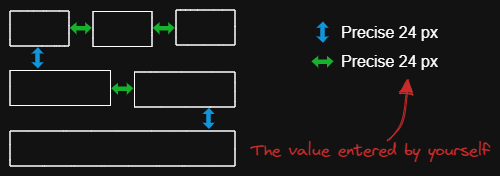
|
||||
|
||||
The script arranges the selected elements horizontally with a fixed spacing.
|
||||
|
||||
When we create an architecture diagram or mind map, we often need to arrange a large number of elements in a fixed spacing. `Fixed spacing` and `Fixed vertical Distance` scripts can save us a lot of time.
|
||||
|
||||
```javascript
|
||||
*/
|
||||
if(!ea.verifyMinimumPluginVersion || !ea.verifyMinimumPluginVersion("1.5.21")) {
|
||||
new Notice("This script requires a newer version of Excalidraw. Please install the latest version.");
|
||||
return;
|
||||
}
|
||||
settings = ea.getScriptSettings();
|
||||
//set default values on first run
|
||||
if(!settings["Default spacing"]) {
|
||||
settings = {
|
||||
"Prompt for spacing?": true,
|
||||
"Default spacing" : {
|
||||
value: 10,
|
||||
description: "Fixed horizontal spacing between elements"
|
||||
},
|
||||
"Remember last spacing?": false
|
||||
};
|
||||
ea.setScriptSettings(settings);
|
||||
}
|
||||
|
||||
let spacingStr = settings["Default spacing"].value.toString();
|
||||
const rememberLastSpacing = settings["Remember last spacing?"];
|
||||
|
||||
if(settings["Prompt for spacing?"]) {
|
||||
spacingStr = await utils.inputPrompt("spacing?","number",spacingStr);
|
||||
}
|
||||
|
||||
const spacing = parseInt(spacingStr);
|
||||
if(isNaN(spacing)) {
|
||||
return;
|
||||
}
|
||||
if(rememberLastSpacing) {
|
||||
settings["Default spacing"].value = spacing;
|
||||
ea.setScriptSettings(settings);
|
||||
}
|
||||
const elements=ea.getViewSelectedElements();
|
||||
const topGroups = ea.getMaximumGroups(elements)
|
||||
.filter(els => !(els.length === 1 && els[0].type ==="arrow")) // ignore individual arrows
|
||||
.filter(els => !(els.length === 1 && (els[0].containerId))); // ignore text in stickynote
|
||||
|
||||
const groups = topGroups.sort((lha,rha) => lha[0].x - rha[0].x);
|
||||
|
||||
for(var i=0; i<groups.length; i++) {
|
||||
if(i > 0) {
|
||||
const preGroup = groups[i-1];
|
||||
const curGroup = groups[i];
|
||||
|
||||
const preRight = Math.max(...preGroup.map(el => el.x + el.width));
|
||||
const curLeft = Math.min(...curGroup.map(el => el.x));
|
||||
const distance = curLeft - preRight - spacing;
|
||||
|
||||
for(const curEl of curGroup) {
|
||||
curEl.x = curEl.x - distance;
|
||||
}
|
||||
}
|
||||
}
|
||||
ea.copyViewElementsToEAforEditing(elements);
|
||||
await ea.addElementsToView(false, false);
|
||||
|
||||
```
|
||||
+77
@@ -0,0 +1,77 @@
|
||||
/*
|
||||

|
||||
|
||||
Download this file and save to your Obsidian Vault including the first line, or open it in "Raw" and copy the entire contents to Obsidian.
|
||||
|
||||
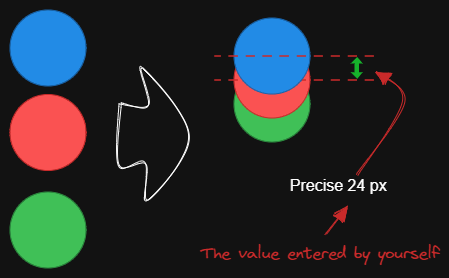
|
||||
|
||||
This script arranges the selected elements vertically with a fixed center spacing.
|
||||
|
||||
See documentation for more details:
|
||||
https://zsviczian.github.io/obsidian-excalidraw-plugin/ExcalidrawScriptsEngine.html
|
||||
|
||||
```javascript
|
||||
*/
|
||||
if(!ea.verifyMinimumPluginVersion || !ea.verifyMinimumPluginVersion("1.5.21")) {
|
||||
new Notice("This script requires a newer version of Excalidraw. Please install the latest version.");
|
||||
return;
|
||||
}
|
||||
|
||||
settings = ea.getScriptSettings();
|
||||
//set default values on first run
|
||||
if(!settings["Default distance"]) {
|
||||
settings = {
|
||||
"Prompt for distance?": true,
|
||||
"Default distance" : {
|
||||
value: 10,
|
||||
description: "Fixed vertical distance between centers"
|
||||
},
|
||||
"Remember last distance?": false
|
||||
};
|
||||
ea.setScriptSettings(settings);
|
||||
}
|
||||
|
||||
let distanceStr = settings["Default distance"].value.toString();
|
||||
const rememberLastDistance = settings["Remember last distance?"];
|
||||
|
||||
if(settings["Prompt for distance?"]) {
|
||||
distanceStr = await utils.inputPrompt("distance?","number",distanceStr);
|
||||
}
|
||||
|
||||
const distance = parseInt(distanceStr);
|
||||
if(isNaN(distance)) {
|
||||
return;
|
||||
}
|
||||
if(rememberLastDistance) {
|
||||
settings["Default distance"].value = distance;
|
||||
ea.setScriptSettings(settings);
|
||||
}
|
||||
const elements=ea.getViewSelectedElements();
|
||||
const topGroups = ea.getMaximumGroups(elements)
|
||||
.filter(els => !(els.length === 1 && els[0].type ==="arrow")) // ignore individual arrows
|
||||
.filter(els => !(els.length === 1 && (els[0].containerId))); // ignore text in stickynote
|
||||
|
||||
const groups = topGroups.sort((lha,rha) => lha[0].y - rha[0].y);
|
||||
|
||||
for(var i=0; i<groups.length; i++) {
|
||||
if(i > 0) {
|
||||
const preGroup = groups[i-1];
|
||||
const curGroup = groups[i];
|
||||
|
||||
const preTop = Math.min(...preGroup.map(el => el.y));
|
||||
const preBottom = Math.max(...preGroup.map(el => el.y + el.height));
|
||||
const preCenter = preTop + (preBottom - preTop) / 2;
|
||||
const curTop = Math.min(...curGroup.map(el => el.y));
|
||||
const curBottom = Math.max(...curGroup.map(el => el.y + el.height));
|
||||
const curCenter = curTop + (curBottom - curTop) / 2;
|
||||
const distanceBetweenCenters = curCenter - preCenter - distance;
|
||||
|
||||
for(const curEl of curGroup) {
|
||||
curEl.y = curEl.y - distanceBetweenCenters;
|
||||
}
|
||||
}
|
||||
}
|
||||
|
||||
ea.copyViewElementsToEAforEditing(elements);
|
||||
await ea.addElementsToView(false, false);
|
||||
```
|
||||
@@ -0,0 +1,71 @@
|
||||
/*
|
||||

|
||||
|
||||
Download this file and save to your Obsidian Vault including the first line, or open it in "Raw" and copy the entire contents to Obsidian.
|
||||
|
||||
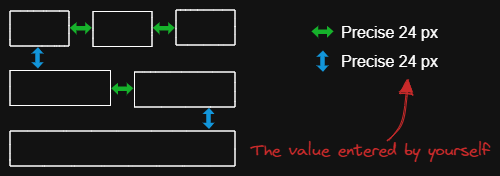
|
||||
|
||||
The script arranges the selected elements vertically with a fixed spacing.
|
||||
|
||||
When we create an architecture diagram or mind map, we often need to arrange a large number of elements in a fixed spacing. `Fixed spacing` and `Fixed vertical Distance` scripts can save us a lot of time.
|
||||
|
||||
```javascript
|
||||
*/
|
||||
if(!ea.verifyMinimumPluginVersion || !ea.verifyMinimumPluginVersion("1.5.21")) {
|
||||
new Notice("This script requires a newer version of Excalidraw. Please install the latest version.");
|
||||
return;
|
||||
}
|
||||
settings = ea.getScriptSettings();
|
||||
//set default values on first run
|
||||
if(!settings["Default spacing"]) {
|
||||
settings = {
|
||||
"Prompt for spacing?": true,
|
||||
"Default spacing" : {
|
||||
value: 10,
|
||||
description: "Fixed vertical spacing between elements"
|
||||
},
|
||||
"Remember last spacing?": false
|
||||
};
|
||||
ea.setScriptSettings(settings);
|
||||
}
|
||||
|
||||
let spacingStr = settings["Default spacing"].value.toString();
|
||||
const rememberLastSpacing = settings["Remember last spacing?"];
|
||||
|
||||
if(settings["Prompt for spacing?"]) {
|
||||
spacingStr = await utils.inputPrompt("spacing?","number",spacingStr);
|
||||
}
|
||||
|
||||
const spacing = parseInt(spacingStr);
|
||||
if(isNaN(spacing)) {
|
||||
return;
|
||||
}
|
||||
if(rememberLastSpacing) {
|
||||
settings["Default spacing"].value = spacing;
|
||||
ea.setScriptSettings(settings);
|
||||
}
|
||||
const elements=ea.getViewSelectedElements();
|
||||
const topGroups = ea.getMaximumGroups(elements)
|
||||
.filter(els => !(els.length === 1 && els[0].type ==="arrow")) // ignore individual arrows
|
||||
.filter(els => !(els.length === 1 && (els[0].containerId))); // ignore text in stickynote
|
||||
|
||||
const groups = topGroups.sort((lha,rha) => lha[0].y - rha[0].y);
|
||||
|
||||
for(var i=0; i<groups.length; i++) {
|
||||
if(i > 0) {
|
||||
const preGroup = groups[i-1];
|
||||
const curGroup = groups[i];
|
||||
|
||||
const preBottom = Math.max(...preGroup.map(el => el.y + el.height));
|
||||
const curTop = Math.min(...curGroup.map(el => el.y));
|
||||
const distance = curTop - preBottom - spacing;
|
||||
|
||||
for(const curEl of curGroup) {
|
||||
curEl.y = curEl.y - distance;
|
||||
}
|
||||
}
|
||||
}
|
||||
ea.copyViewElementsToEAforEditing(elements);
|
||||
await ea.addElementsToView(false, false);
|
||||
|
||||
```
|
||||
+10
@@ -0,0 +1,10 @@
|
||||
/*
|
||||
This script adds the `Folder Note Core: Make current document folder note` function to Excalidraw drawings. Running this script will convert the active Excalidraw drawing into a folder note. If you already have embedded images in your drawing, those attachments will not be moved when the folder note is created. You need to take care of those attachments separately, or convert the drawing to a folder note prior to adding the attachments. The script requires the [Folder Note Core](https://github.com/aidenlx/folder-note-core) plugin.
|
||||
|
||||
```javascript*/
|
||||
const FNC = app.plugins.plugins['folder-note-core']?.resolver;
|
||||
const file = ea.targetView.file;
|
||||
if(!FNC) return;
|
||||
if(!FNC.createFolderForNoteCheck(file)) return;
|
||||
FNC.createFolderForNote(file);
|
||||
```
|
||||
+159
@@ -0,0 +1,159 @@
|
||||
/*
|
||||
|
||||
This script generates a complete calendar for a specified year, visually distinguishing weekends from weekdays through color coding.
|
||||
|
||||
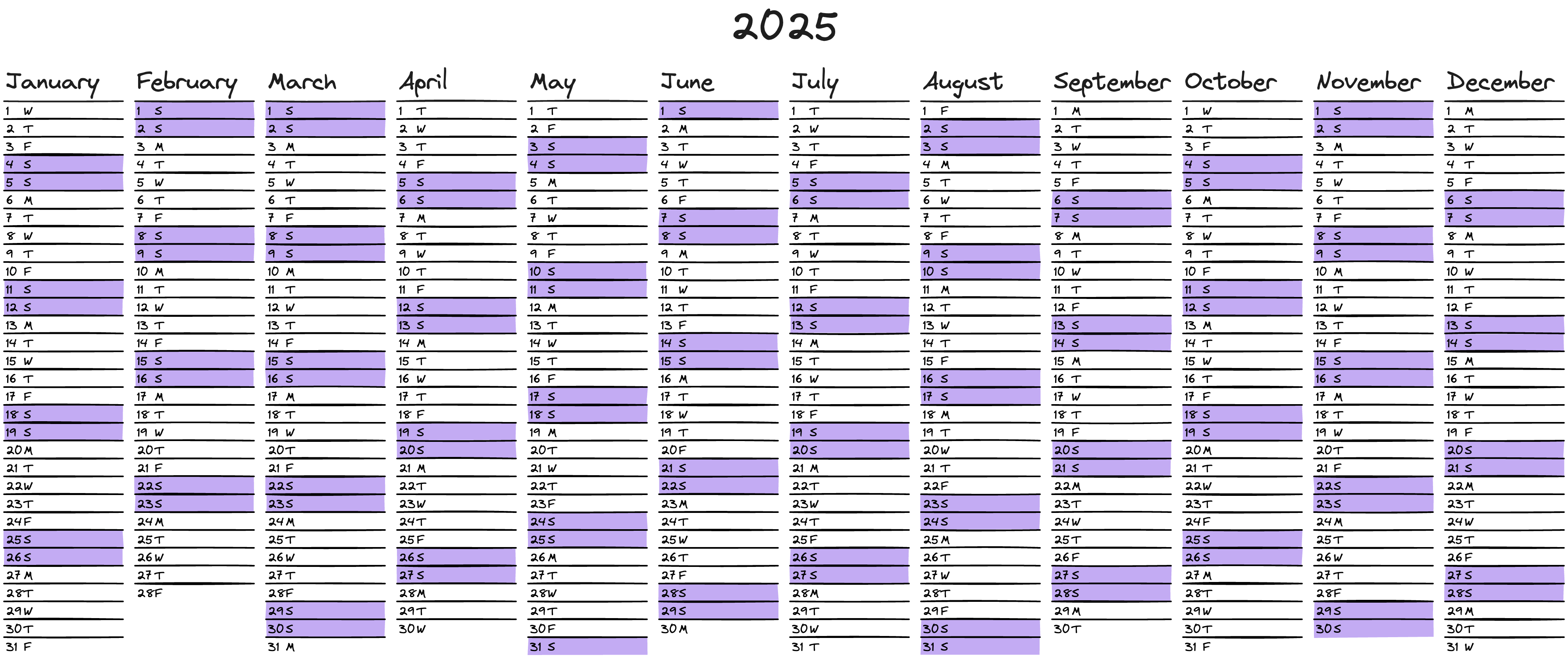
|
||||
|
||||
## Customizable Colors
|
||||
|
||||
You can personalize the calendar’s appearance by defining your own colors:
|
||||
|
||||
1. Create two rectangles in your design.
|
||||
2. Select both rectangles before running the script:
|
||||
• The **fill and stroke colors of the first rectangle** will be applied to weekdays.
|
||||
• The **fill and stroke colors of the second rectangle** will be used for weekends.
|
||||
|
||||
If no rectangle are selected, the default color schema will be used (white and purple).
|
||||
|
||||
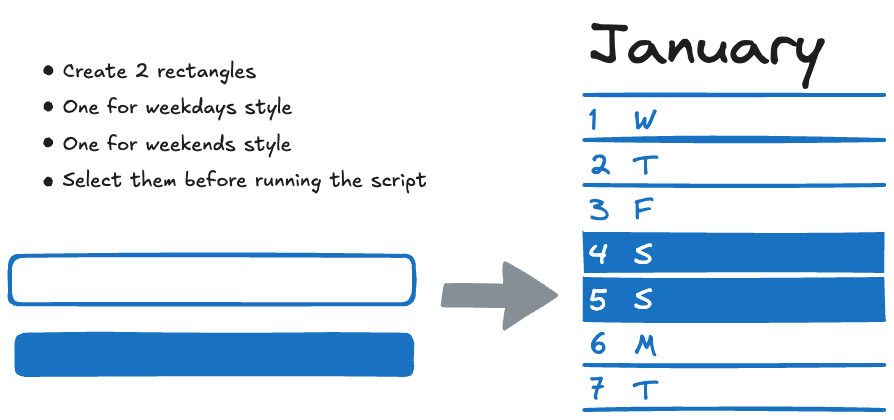
|
||||
|
||||
```javascript
|
||||
*/
|
||||
|
||||
ea.reset();
|
||||
|
||||
// -------------------------------------
|
||||
// Constants initiation
|
||||
// -------------------------------------
|
||||
|
||||
const RECT_WIDTH = 300; // day width
|
||||
const RECT_HEIGHT = 45; // day height
|
||||
const START_X = 0; // X start position
|
||||
const START_Y = 0; // PY start position
|
||||
const MONTH_SPACING = 30; // space between months
|
||||
const DAY_SPACING = 0; // space between days
|
||||
const DAY_NAME_SPACING = 45; // space between day number and day letters
|
||||
const DAY_NAME_AND_NUMBER_X_MARGIN = 5;
|
||||
const MONTH_NAME_SPACING = -40;
|
||||
const YEAR_X = (RECT_WIDTH + MONTH_SPACING) * 6 - 150;
|
||||
const YEAR_Y = -200;
|
||||
|
||||
let COLOR_WEEKEND = "#c3abf3";
|
||||
let COLOR_WEEKDAY = "#ffffff";
|
||||
const COLOR_DAY_STROKE = "none";
|
||||
let STROKE_DAY = 4;
|
||||
let FILLSTYLE_DAY = "solid";
|
||||
|
||||
const FONT_SIZE_MONTH = 60;
|
||||
const FONT_SIZE_DAY = 30;
|
||||
const FONT_SIZE_YEAR = 100;
|
||||
|
||||
const LINE_STROKE_SIZE = 4;
|
||||
let LINE_STROKE_COLOR_WEEKDAY = "black";
|
||||
let LINE_STROKE_COLOR_WEEKEND = "black";
|
||||
|
||||
const SATURDAY = 6;
|
||||
const SUNDAY = 0;
|
||||
const JANUARY = 0;
|
||||
const FIRST_DAY_OF_THE_MONTH = 1;
|
||||
|
||||
const DAY_NAME_AND_NUMBER_Y_MARGIN = (RECT_HEIGHT - FONT_SIZE_DAY) / 2;
|
||||
|
||||
// -------------------------------------
|
||||
|
||||
// ask for requested Year
|
||||
// Default value is the current year
|
||||
let requestedYear = parseFloat(new Date().getFullYear());
|
||||
requestedYear = parseFloat(await utils.inputPrompt("Year ?", requestedYear, requestedYear));
|
||||
if(isNaN(requestedYear)) {
|
||||
new Notice("Invalid number");
|
||||
return;
|
||||
}
|
||||
|
||||
// -------------------------------------
|
||||
// Use selected element for the calendar style
|
||||
// -------------------------------------
|
||||
|
||||
let elements = ea.getViewSelectedElements();
|
||||
if (elements.length>=1){
|
||||
COLOR_WEEKDAY = elements[0].backgroundColor;
|
||||
FILLSTYLE_DAY = elements[0].fillStyle;
|
||||
STROKE_DAY = elements[0].strokeWidth;
|
||||
LINE_STROKE_COLOR_WEEKDAY = elements[0].strokeColor;
|
||||
|
||||
}
|
||||
if (elements.length>=2){
|
||||
COLOR_WEEKEND = elements[1].backgroundColor;
|
||||
LINE_STROKE_COLOR_WEEKEND = elements[1].strokeColor;
|
||||
}
|
||||
|
||||
|
||||
|
||||
|
||||
|
||||
|
||||
// get the first day of the current year (01/01)
|
||||
var firstDayOfYear = new Date(requestedYear, JANUARY, FIRST_DAY_OF_THE_MONTH);
|
||||
|
||||
var currentDay = firstDayOfYear
|
||||
|
||||
// write year number
|
||||
let calendarYear = firstDayOfYear.getFullYear();
|
||||
ea.style.fontSize = FONT_SIZE_YEAR;
|
||||
ea.addText(START_X + YEAR_X, START_Y + YEAR_Y, String(calendarYear));
|
||||
|
||||
|
||||
// while we do not reach the end of the year iterate on all the day of the current year
|
||||
do {
|
||||
|
||||
var curentDayOfTheMonth = currentDay.getDate();
|
||||
var currentMonth = currentDay.getMonth();
|
||||
var isWeekend = currentDay.getDay() == SATURDAY || currentDay.getDay() == SUNDAY;
|
||||
|
||||
// set background color if it's a weekend or weekday
|
||||
ea.style.backgroundColor = isWeekend ? COLOR_WEEKEND : COLOR_WEEKDAY ;
|
||||
|
||||
|
||||
ea.style.strokeColor = COLOR_DAY_STROKE;
|
||||
ea.style.fillStyle = FILLSTYLE_DAY;
|
||||
ea.style.strokeWidth = STROKE_DAY;
|
||||
|
||||
|
||||
let x = START_X + currentMonth * (RECT_WIDTH + MONTH_SPACING);
|
||||
let y = START_Y + curentDayOfTheMonth * (RECT_HEIGHT + DAY_SPACING);
|
||||
|
||||
// only one time per month
|
||||
if(curentDayOfTheMonth == FIRST_DAY_OF_THE_MONTH) {
|
||||
|
||||
// add month name
|
||||
ea.style.fontSize = FONT_SIZE_MONTH;
|
||||
ea.addText(x + DAY_NAME_AND_NUMBER_X_MARGIN, START_Y+MONTH_NAME_SPACING, currentDay.toLocaleString('default', { month: 'long' }));
|
||||
}
|
||||
|
||||
// Add day rectangle
|
||||
ea.style.fontSize = FONT_SIZE_DAY;
|
||||
ea.addRect(x, y, RECT_WIDTH, RECT_HEIGHT);
|
||||
|
||||
// set stroke color based on weekday
|
||||
ea.style.strokeColor = isWeekend ? LINE_STROKE_COLOR_WEEKEND : LINE_STROKE_COLOR_WEEKDAY;
|
||||
|
||||
// add line between days
|
||||
//ea.style.strokeColor = LINE_STROKE_COLOR_WEEKDAY;
|
||||
ea.style.strokeWidth = LINE_STROKE_SIZE;
|
||||
ea.addLine([[x,y],[x+RECT_WIDTH, y]]);
|
||||
|
||||
|
||||
// add day number
|
||||
ea.addText(x + DAY_NAME_AND_NUMBER_X_MARGIN, y + DAY_NAME_AND_NUMBER_Y_MARGIN, String(curentDayOfTheMonth));
|
||||
// add day name
|
||||
ea.addText(x + DAY_NAME_AND_NUMBER_X_MARGIN + DAY_NAME_SPACING, y + DAY_NAME_AND_NUMBER_Y_MARGIN, String(currentDay.toLocaleString('default', { weekday: 'narrow' })));
|
||||
|
||||
// go to the next day
|
||||
currentDay.setDate(currentDay.getDate() + 1);
|
||||
|
||||
} while (!(currentDay.getMonth() == JANUARY && currentDay.getDate() == FIRST_DAY_OF_THE_MONTH)) // stop if we reach the 01/01 of the next year
|
||||
|
||||
|
||||
await ea.addElementsToView(false, false, true);
|
||||
|
||||
```
|
||||
@@ -0,0 +1,676 @@
|
||||
/*
|
||||
The script performs two different functions depending on the elements selected in the view.
|
||||
1) In case you select text elements, the script will cycle through a set of font scales. First the 2 larger fonts following the Fibonacci sequence (fontsize * φ; fonsize * φ^2), then the 2 smaller fonts (fontsize / φ; fontsize / φ^2), finally the original size, followed again by the 2 larger fonts. If you wait 2 seconds, the sequence clears and starts from which ever font size you are on. So if you want the 3rd larges font, then toggle twice, wait 2 sec, then toggle again.
|
||||
2) In case you select a single rectangle, the script will open the "Golden Grid", "Golden Spiral" window, where you can set up the type of grid or spiral you want to insert into the document.
|
||||
|
||||
|
||||
|
||||
|
||||
<a href="https://www.youtube.com/watch?v=2SHn_ruax-s" target="_blank"><img src ="https://i.ytimg.com/vi/2SHn_ruax-s/maxresdefault.jpg" style="width:560px;"></a>
|
||||
|
||||
Gravitational point of spiral: $$\left[x,y\right]=\left[ x + \frac{{\text{width} \cdot \phi^2}}{{\phi^2 + 1}}\;, \; y + \frac{{\text{height} \cdot \phi^2}}{{\phi^2 + 1}} \right]$$
|
||||
Dimensions of inner rectangles in case of Double Spiral: $$[width, height] = \left[\frac{width\cdot(\phi^2+1)}{2\phi^2}\;, \;\frac{height\cdot(\phi^2+1)}{2\phi^2}\right]$$
|
||||
|
||||
```js*/
|
||||
if(!ea.verifyMinimumPluginVersion || !ea.verifyMinimumPluginVersion("2.4.0")) {
|
||||
new Notice("This script requires a newer version of Excalidraw. Please install the latest version.");
|
||||
return;
|
||||
}
|
||||
|
||||
const phi = (1 + Math.sqrt(5)) / 2; // Golden Ratio (φ)
|
||||
const inversePhi = (1-1/phi);
|
||||
const pointsPerCurve = 20; // Number of points per curve segment
|
||||
const ownerWindow = ea.targetView.ownerWindow;
|
||||
const hostLeaf = ea.targetView.leaf;
|
||||
let dirty = false;
|
||||
const ids = [];
|
||||
|
||||
const textEls = ea.getViewSelectedElements().filter(el=>el.type === "text");
|
||||
let rect = ea.getViewSelectedElements().length === 1 ? ea.getViewSelectedElement() : null;
|
||||
if(!rect || rect.type !== "rectangle") {
|
||||
//Fontsize cycle
|
||||
if(textEls.length>0) {
|
||||
if(window.excalidrawGoldenRatio) {
|
||||
clearTimeout(window.excalidrawGoldenRatio?.timer);
|
||||
} else {
|
||||
window.excalidrawGoldenRatio = {timer: null, cycle:-1};
|
||||
}
|
||||
window.excalidrawGoldenRatio.timer = setTimeout(()=>{delete window.excalidrawGoldenRatio;},2000);
|
||||
window.excalidrawGoldenRatio.cycle = (window.excalidrawGoldenRatio.cycle+1)%5;
|
||||
ea.copyViewElementsToEAforEditing(textEls);
|
||||
ea.getElements().forEach(el=> {
|
||||
el.fontSize = window.excalidrawGoldenRatio.cycle === 2
|
||||
? el.fontSize / Math.pow(phi,4)
|
||||
: el.fontSize * phi;
|
||||
ea.style.fontFamily = el.fontFamily;
|
||||
ea.style.fontSize = el.fontSize;
|
||||
const {width, height } = ea.measureText(el.originalText);
|
||||
el.width = width;
|
||||
el.height = height;
|
||||
});
|
||||
ea.addElementsToView();
|
||||
return;
|
||||
}
|
||||
new Notice("Select text elements, or a select a single rectangle");
|
||||
return;
|
||||
}
|
||||
ea.copyViewElementsToEAforEditing([rect]);
|
||||
rect = ea.getElement(rect.id);
|
||||
ea.style.strokeColor = rect.strokeColor;
|
||||
ea.style.strokeWidth = rect.strokeWidth;
|
||||
ea.style.roughness = rect.roughness;
|
||||
ea.style.angle = rect.angle;
|
||||
let {x,y,width,height} = rect;
|
||||
|
||||
// --------------------------------------------
|
||||
// Load Settings
|
||||
// --------------------------------------------
|
||||
let settings = ea.getScriptSettings();
|
||||
if(!settings["Horizontal Grid"]) {
|
||||
settings = {
|
||||
"Horizontal Grid" : {
|
||||
value: "left-right",
|
||||
valueset: ["none","letf-right","right-left","center-out","center-in"]
|
||||
},
|
||||
"Vertical Grid": {
|
||||
value: "none",
|
||||
valueset: ["none","top-down","bottom-up","center-out","center-in"]
|
||||
},
|
||||
"Size": {
|
||||
value: "6",
|
||||
valueset: ["2", "3", "4", "5", "6", "7", "8", "9", "10", "11", "12", "13", "14", "15", "16", "17", "18", "19", "20"]
|
||||
},
|
||||
"Aspect Choice": {
|
||||
value: "none",
|
||||
valueset: ["none","adjust-width","adjust-height"]
|
||||
},
|
||||
"Type": "grid",
|
||||
"Spiral Orientation": {
|
||||
value: "top-left",
|
||||
valueset: ["double","top-left","top-right","bottom-right","bottom-left"]
|
||||
},
|
||||
"Lock Elements": false,
|
||||
"Send to Back": false,
|
||||
"Update Style": false,
|
||||
"Bold Spiral": false,
|
||||
};
|
||||
await ea.setScriptSettings(settings);
|
||||
}
|
||||
|
||||
let hDirection = settings["Horizontal Grid"].value;
|
||||
let vDirection = settings["Vertical Grid"].value;
|
||||
let aspectChoice = settings["Aspect Choice"].value;
|
||||
let type = settings["Type"];
|
||||
let spiralOrientation = settings["Spiral Orientation"].value;
|
||||
let lockElements = settings["Lock Elements"];
|
||||
let sendToBack = settings["Send to Back"];
|
||||
let size = parseInt(settings["Size"].value);
|
||||
let updateStyle = settings["Update Style"];
|
||||
let boldSpiral = settings["Bold Spiral"];
|
||||
|
||||
// --------------------------------------------
|
||||
// Rotation
|
||||
// --------------------------------------------
|
||||
let centerX, centerY;
|
||||
const rotatePointAndAddToElementList = (elementID) => {
|
||||
ids.push(elementID);
|
||||
const line = ea.getElement(elementID);
|
||||
|
||||
// Calculate the initial position of the line's center
|
||||
const lineCenterX = line.x + line.width / 2;
|
||||
const lineCenterY = line.y + line.height / 2;
|
||||
|
||||
// Calculate the difference between the line's center and the rectangle's center
|
||||
const diffX = lineCenterX - (rect.x + rect.width / 2);
|
||||
const diffY = lineCenterY - (rect.y + rect.height / 2);
|
||||
|
||||
// Apply the rotation to the difference
|
||||
const cosTheta = Math.cos(rect.angle);
|
||||
const sinTheta = Math.sin(rect.angle);
|
||||
const rotatedX = diffX * cosTheta - diffY * sinTheta;
|
||||
const rotatedY = diffX * sinTheta + diffY * cosTheta;
|
||||
|
||||
// Calculate the new position of the line's center with respect to the rectangle's center
|
||||
const newLineCenterX = rotatedX + (rect.x + rect.width / 2);
|
||||
const newLineCenterY = rotatedY + (rect.y + rect.height / 2);
|
||||
|
||||
// Update the line's coordinates by adjusting for the change in the center
|
||||
line.x += newLineCenterX - lineCenterX;
|
||||
line.y += newLineCenterY - lineCenterY;
|
||||
}
|
||||
|
||||
const rotatePointsWithinRectangle = (points) => {
|
||||
const centerX = rect.x + rect.width / 2;
|
||||
const centerY = rect.y + rect.height / 2;
|
||||
|
||||
const cosTheta = Math.cos(rect.angle);
|
||||
const sinTheta = Math.sin(rect.angle);
|
||||
|
||||
const rotatedPoints = points.map(([x, y]) => {
|
||||
// Translate the point relative to the rectangle's center
|
||||
const translatedX = x - centerX;
|
||||
const translatedY = y - centerY;
|
||||
|
||||
// Apply the rotation to the translated coordinates
|
||||
const rotatedX = translatedX * cosTheta - translatedY * sinTheta;
|
||||
const rotatedY = translatedX * sinTheta + translatedY * cosTheta;
|
||||
|
||||
// Translate back to the original coordinate system
|
||||
const finalX = rotatedX + centerX;
|
||||
const finalY = rotatedY + centerY;
|
||||
|
||||
return [finalX, finalY];
|
||||
});
|
||||
|
||||
return rotatedPoints;
|
||||
}
|
||||
|
||||
// --------------------------------------------
|
||||
// Grid
|
||||
// --------------------------------------------
|
||||
const calculateGoldenSum = (baseOfGoldenGrid, pow) => {
|
||||
const ratio = 1 / phi;
|
||||
const geometricSum = baseOfGoldenGrid * ((1 - Math.pow(ratio, pow)) / (1 - ratio));
|
||||
return geometricSum;
|
||||
};
|
||||
|
||||
const findBaseForGoldenGrid = (targetValue, n, scenario) => {
|
||||
const ratio = 1 / phi;
|
||||
if (scenario === "center-out") {
|
||||
return targetValue * (2-2*ratio) / (1 + ratio + 2*Math.pow(ratio,n));
|
||||
} else if (scenario === "center-in") {
|
||||
return targetValue*2*(1-ratio)*Math.pow(phi,n-1) /(2*Math.pow(phi,n-1)*(1-Math.pow(ratio,n))-1+ratio);
|
||||
} else {
|
||||
return targetValue * (1-ratio)/(1-Math.pow(ratio,n));
|
||||
}
|
||||
}
|
||||
|
||||
const calculateOffsetVertical = (scenario, base) => {
|
||||
if (scenario === "center-out") return base / 2;
|
||||
if (scenario === "center-in") return base / Math.pow(phi, size + 1) / 2;
|
||||
return 0;
|
||||
};
|
||||
|
||||
const horizontal = (direction, scenario) => {
|
||||
const base = findBaseForGoldenGrid(width, size + 1, scenario);
|
||||
const totalGridWidth = calculateGoldenSum(base, size + 1);
|
||||
|
||||
for (i = 1; i <= size; i++) {
|
||||
const offset =
|
||||
scenario === "center-out"
|
||||
? totalGridWidth - calculateGoldenSum(base, i)
|
||||
: calculateGoldenSum(base, size + 1 - i);
|
||||
|
||||
const x2 =
|
||||
direction === "left"
|
||||
? x + offset
|
||||
: x + width - offset;
|
||||
|
||||
rotatePointAndAddToElementList(
|
||||
ea.addLine([
|
||||
[x2, y],
|
||||
[x2, y + height],
|
||||
])
|
||||
);
|
||||
}
|
||||
};
|
||||
|
||||
const vertical = (direction, scenario) => {
|
||||
const base = findBaseForGoldenGrid(height, size + 1, scenario);
|
||||
const totalGridWidth = calculateGoldenSum(base, size + 1);
|
||||
|
||||
for (i = 1; i <= size; i++) {
|
||||
const offset =
|
||||
scenario === "center-out"
|
||||
? totalGridWidth - calculateGoldenSum(base, i)
|
||||
: calculateGoldenSum(base, size + 1 - i);
|
||||
|
||||
const y2 =
|
||||
direction === "top"
|
||||
? y + offset
|
||||
: y + height - offset;
|
||||
|
||||
rotatePointAndAddToElementList(
|
||||
ea.addLine([
|
||||
[x, y2],
|
||||
[x+width, y2],
|
||||
])
|
||||
);
|
||||
}
|
||||
};
|
||||
|
||||
const centerHorizontal = (scenario) => {
|
||||
width = width / 2;
|
||||
horizontal("left", scenario);
|
||||
x += width;
|
||||
horizontal("right", scenario);
|
||||
x -= width;
|
||||
width = 2*width;
|
||||
|
||||
};
|
||||
|
||||
const centerVertical = (scenario) => {
|
||||
height = height / 2;
|
||||
vertical("top", scenario);
|
||||
y += height;
|
||||
vertical("bottom", scenario);
|
||||
y -= height;
|
||||
height = 2*height;
|
||||
};
|
||||
|
||||
const drawGrid = () => {
|
||||
switch(hDirection) {
|
||||
case "none": break;
|
||||
case "left-right": horizontal("left"); break;
|
||||
case "right-left": horizontal("right"); break;
|
||||
case "center-out": centerHorizontal("center-out"); break;
|
||||
case "center-in": centerHorizontal("center-in"); break;
|
||||
}
|
||||
switch(vDirection) {
|
||||
case "none": break;
|
||||
case "top-down": vertical("top"); break;
|
||||
case "bottom-up": vertical("bottom"); break;
|
||||
case "center-out": centerVertical("center-out"); break;
|
||||
case "center-in": centerVertical("center-in"); break;
|
||||
}
|
||||
}
|
||||
|
||||
// --------------------------------------------
|
||||
// Draw Spiral
|
||||
// --------------------------------------------
|
||||
const drawSpiral = () => {
|
||||
let nextX, nextY, nextW, nextH;
|
||||
let spiralPoints = [];
|
||||
let curveEndX, curveEndY, curveX, curveY;
|
||||
|
||||
const phaseShift = {
|
||||
"bottom-right": 0,
|
||||
"bottom-left": 2,
|
||||
"top-left": 2,
|
||||
"top-right": 0,
|
||||
}[spiralOrientation];
|
||||
|
||||
let curveStartX = {
|
||||
"bottom-right": x,
|
||||
"bottom-left": x+width,
|
||||
"top-left": x+width,
|
||||
"top-right": x,
|
||||
}[spiralOrientation];
|
||||
|
||||
let curveStartY = {
|
||||
"bottom-right": y+height,
|
||||
"bottom-left": y+height,
|
||||
"top-left": y,
|
||||
"top-right": y,
|
||||
}[spiralOrientation];
|
||||
|
||||
const mirror = spiralOrientation === "bottom-left" || spiralOrientation === "top-right";
|
||||
for (let i = phaseShift; i < size+phaseShift; i++) {
|
||||
const curvePhase = i%4;
|
||||
const linePhase = mirror?[0,3,2,1][curvePhase]:curvePhase;
|
||||
const longHorizontal = width/phi;
|
||||
const shortHorizontal = width*inversePhi;
|
||||
const longVertical = height/phi;
|
||||
const shortVertical = height*inversePhi;
|
||||
switch(linePhase) {
|
||||
case 0: //right
|
||||
nextX = x + longHorizontal;
|
||||
nextY = y;
|
||||
nextW = shortHorizontal;
|
||||
nextH = height;
|
||||
break;
|
||||
case 1: //down
|
||||
nextX = x;
|
||||
nextY = y + longVertical;
|
||||
nextW = width;
|
||||
nextH = shortVertical;
|
||||
break;
|
||||
case 2: //left
|
||||
nextX = x;
|
||||
nextY = y;
|
||||
nextW = shortHorizontal;
|
||||
nextH = height;
|
||||
break;
|
||||
case 3: //up
|
||||
nextX = x;
|
||||
nextY = y;
|
||||
nextW = width;
|
||||
nextH = shortVertical;
|
||||
break;
|
||||
}
|
||||
|
||||
switch(curvePhase) {
|
||||
case 0: //right
|
||||
curveEndX = nextX;
|
||||
curveEndY = mirror ? nextY + nextH : nextY;
|
||||
break;
|
||||
case 1: //down
|
||||
curveEndX = nextX + nextW;
|
||||
curveEndY = mirror ? nextY + nextH : nextY;
|
||||
break;
|
||||
case 2: //left
|
||||
curveEndX = nextX + nextW;
|
||||
curveEndY = mirror ? nextY : nextY + nextH;
|
||||
break;
|
||||
case 3: //up
|
||||
curveEndX = nextX;
|
||||
curveEndY = mirror ? nextY : nextY + nextH;
|
||||
break;
|
||||
}
|
||||
|
||||
// Add points for the curve segment
|
||||
|
||||
for (let j = 0; j <= pointsPerCurve; j++) {
|
||||
const t = j / pointsPerCurve;
|
||||
const angle = -Math.PI / 2 * t;
|
||||
|
||||
switch(curvePhase) {
|
||||
case 0:
|
||||
curveX = curveEndX + (curveStartX - curveEndX) * Math.cos(angle);
|
||||
curveY = curveStartY + (curveStartY - curveEndY) * Math.sin(angle);
|
||||
break;
|
||||
case 1:
|
||||
curveX = curveStartX + (curveStartX - curveEndX) * Math.sin(angle);
|
||||
curveY = curveEndY + (curveStartY - curveEndY) * Math.cos(angle);
|
||||
break;
|
||||
case 2:
|
||||
curveX = curveEndX + (curveStartX - curveEndX) * Math.cos(angle);
|
||||
curveY = curveStartY + (curveStartY - curveEndY) * Math.sin(angle);
|
||||
break;
|
||||
case 3:
|
||||
curveX = curveStartX + (curveStartX - curveEndX) * Math.sin(angle);
|
||||
curveY = curveEndY + (curveStartY - curveEndY) * Math.cos(angle);
|
||||
break;
|
||||
}
|
||||
spiralPoints.push([curveX, curveY]);
|
||||
}
|
||||
x = nextX;
|
||||
y = nextY;
|
||||
curveStartX = curveEndX;
|
||||
curveStartY = curveEndY;
|
||||
width = nextW;
|
||||
height = nextH;
|
||||
switch(linePhase) {
|
||||
case 0: rotatePointAndAddToElementList(ea.addLine([[x,y],[x,y+height]]));break;
|
||||
case 1: rotatePointAndAddToElementList(ea.addLine([[x,y],[x+width,y]]));break;
|
||||
case 2: rotatePointAndAddToElementList(ea.addLine([[x+width,y],[x+width,y+height]]));break;
|
||||
case 3: rotatePointAndAddToElementList(ea.addLine([[x,y+height],[x+width,y+height]]));break;
|
||||
}
|
||||
}
|
||||
const strokeWidth = ea.style.strokeWidth;
|
||||
ea.style.strokeWidth = strokeWidth * (boldSpiral ? 3 : 1);
|
||||
const angle = ea.style.angle;
|
||||
ea.style.angle = 0;
|
||||
ids.push(ea.addLine(rotatePointsWithinRectangle(spiralPoints)));
|
||||
ea.style.angle = angle;
|
||||
ea.style.strokeWidth = strokeWidth;
|
||||
}
|
||||
|
||||
// --------------------------------------------
|
||||
// Update Aspect Ratio
|
||||
// --------------------------------------------
|
||||
const updateAspectRatio = () => {
|
||||
switch(aspectChoice) {
|
||||
case "none": break;
|
||||
case "adjust-width": rect.width = rect.height/phi; break;
|
||||
case "adjust-height": rect.height = rect.width/phi; break;
|
||||
}
|
||||
({x,y,width,height} = rect);
|
||||
centerX = x + width/2;
|
||||
centerY = y + height/2;
|
||||
}
|
||||
// --------------------------------------------
|
||||
// UI
|
||||
// --------------------------------------------
|
||||
draw = async () => {
|
||||
if(updateStyle) {
|
||||
ea.style.strokeWidth = 0.5; rect.strokeWidth;
|
||||
ea.style.roughness = 0; rect.roughness;
|
||||
ea.style.roundness = null;
|
||||
rect.strokeWidth = 0.5;
|
||||
rect.roughness = 0;
|
||||
rect.roundness = null;
|
||||
}
|
||||
updateAspectRatio();
|
||||
switch(type) {
|
||||
case "grid": drawGrid(); break;
|
||||
case "spiral":
|
||||
if(spiralOrientation === "double") {
|
||||
wInner = width * (Math.pow(phi,2)+1)/(2*Math.pow(phi,2));
|
||||
hInner = height * (Math.pow(phi,2)+1)/(2*Math.pow(phi,2));
|
||||
x2 = width - wInner + x;
|
||||
y2 = height - hInner + y;
|
||||
width = wInner;
|
||||
height = hInner;
|
||||
rotatePointAndAddToElementList(ea.addRect(x,y,width,height));
|
||||
spiralOrientation = "bottom-right";
|
||||
drawSpiral();
|
||||
x = x2;
|
||||
y = y2;
|
||||
width = wInner;
|
||||
height = hInner;
|
||||
rotatePointAndAddToElementList(ea.addRect(x,y,width,height));
|
||||
spiralOrientation = "top-left";
|
||||
drawSpiral();
|
||||
spiralOrientation = "double";
|
||||
} else {
|
||||
drawSpiral();
|
||||
}
|
||||
break;
|
||||
}
|
||||
ea.addToGroup(ids);
|
||||
ids.push(rect.id);
|
||||
ea.addToGroup(ids);
|
||||
lockElements && ea.getElements().forEach(el=>{el.locked = true;});
|
||||
await ea.addElementsToView(false,false,!sendToBack);
|
||||
!lockElements && ea.selectElementsInView(ea.getViewElements().filter(el => ids.includes(el.id)));
|
||||
}
|
||||
|
||||
const modal = new ea.obsidian.Modal(app);
|
||||
|
||||
const fragWithHTML = (html) => createFragment((frag) => (frag.createDiv().innerHTML = html));
|
||||
|
||||
const keydownListener = (e) => {
|
||||
if(hostLeaf !== app.workspace.activeLeaf) return;
|
||||
if(hostLeaf.width === 0 && hostLeaf.height === 0) return;
|
||||
if(e.key === "Enter" && (e.ctrlKey || e.shiftKey || e.metaKey || e.altKey)) {
|
||||
e.preventDefault();
|
||||
modal.close();
|
||||
draw()
|
||||
}
|
||||
}
|
||||
ownerWindow.addEventListener('keydown',keydownListener);
|
||||
|
||||
modal.onOpen = async () => {
|
||||
const contentEl = modal.contentEl;
|
||||
contentEl.createEl("h1", {text: "Golden Ratio"});
|
||||
|
||||
new ea.obsidian.Setting(contentEl)
|
||||
.setName("Adjust Rectangle Aspect Ratio to Golden Ratio")
|
||||
.addDropdown(dropdown=>dropdown
|
||||
.addOption("none","None")
|
||||
.addOption("adjust-width","Adjust Width")
|
||||
.addOption("adjust-height","Adjust Height")
|
||||
.setValue(aspectChoice)
|
||||
.onChange(value => {
|
||||
aspectChoice = value;
|
||||
dirty = true;
|
||||
})
|
||||
);
|
||||
|
||||
new ea.obsidian.Setting(contentEl)
|
||||
.setName("Change Line Style To: thin, architect, sharp")
|
||||
.addToggle(toggle=>
|
||||
toggle
|
||||
.setValue(updateStyle)
|
||||
.onChange(value => {
|
||||
dirty = true;
|
||||
updateStyle = value;
|
||||
})
|
||||
)
|
||||
|
||||
let sizeEl;
|
||||
new ea.obsidian.Setting(contentEl)
|
||||
.setName("Number of lines")
|
||||
.addSlider(slider => slider
|
||||
.setLimits(2, 20, 1)
|
||||
.setValue(size)
|
||||
.onChange(value => {
|
||||
sizeEl.innerText = ` ${value.toString()}`;
|
||||
size = value;
|
||||
dirty = true;
|
||||
}),
|
||||
)
|
||||
.settingEl.createDiv("", el => {
|
||||
sizeEl = el;
|
||||
el.style.minWidth = "2.3em";
|
||||
el.style.textAlign = "right";
|
||||
el.innerText = ` ${size.toString()}`;
|
||||
});
|
||||
|
||||
new ea.obsidian.Setting(contentEl)
|
||||
.setName("Lock Rectangle and Gridlines")
|
||||
.addToggle(toggle=>
|
||||
toggle
|
||||
.setValue(lockElements)
|
||||
.onChange(value => {
|
||||
dirty = true;
|
||||
lockElements = value;
|
||||
})
|
||||
)
|
||||
|
||||
new ea.obsidian.Setting(contentEl)
|
||||
.setName("Send to Back")
|
||||
.addToggle(toggle=>
|
||||
toggle
|
||||
.setValue(sendToBack)
|
||||
.onChange(value => {
|
||||
dirty = true;
|
||||
sendToBack = value;
|
||||
})
|
||||
)
|
||||
|
||||
let bGrid, bSpiral;
|
||||
let sHGrid, sVGrid, sSpiral, sBoldSpiral;
|
||||
const showGridSettings = (value) => {
|
||||
value
|
||||
? (bGrid.setCta(), bSpiral.removeCta())
|
||||
: (bGrid.removeCta(), bSpiral.setCta());
|
||||
sHGrid.settingEl.style.display = value ? "" : "none";
|
||||
sVGrid.settingEl.style.display = value ? "" : "none";
|
||||
sSpiral.settingEl.style.display = !value ? "" : "none";
|
||||
sBoldSpiral.settingEl.style.display = !value ? "" : "none";
|
||||
}
|
||||
|
||||
new ea.obsidian.Setting(contentEl)
|
||||
.setName(fragWithHTML("<h3>Output Type</h3>"))
|
||||
.addButton(button => {
|
||||
bGrid = button;
|
||||
button
|
||||
.setButtonText("Grid")
|
||||
.setCta(type === "grid")
|
||||
.onClick(event => {
|
||||
type = "grid";
|
||||
showGridSettings(true);
|
||||
dirty = true;
|
||||
})
|
||||
})
|
||||
.addButton(button => {
|
||||
bSpiral = button;
|
||||
button
|
||||
.setButtonText("Spiral")
|
||||
.setCta(type === "spiral")
|
||||
.onClick(event => {
|
||||
type = "spiral";
|
||||
showGridSettings(false);
|
||||
dirty = true;
|
||||
})
|
||||
});
|
||||
|
||||
sSpiral = new ea.obsidian.Setting(contentEl)
|
||||
.setName("Spiral Orientation")
|
||||
.addDropdown(dropdown=>dropdown
|
||||
.addOption("double","Double")
|
||||
.addOption("top-left","Top left")
|
||||
.addOption("top-right","Top right")
|
||||
.addOption("bottom-right","Bottom right")
|
||||
.addOption("bottom-left","Bottom left")
|
||||
.setValue(spiralOrientation)
|
||||
.onChange(value => {
|
||||
spiralOrientation = value;
|
||||
dirty = true;
|
||||
})
|
||||
);
|
||||
|
||||
sBoldSpiral = new ea.obsidian.Setting(contentEl)
|
||||
.setName("Spiral with Bold Line")
|
||||
.addToggle(toggle=>
|
||||
toggle
|
||||
.setValue(boldSpiral)
|
||||
.onChange(value => {
|
||||
dirty = true;
|
||||
boldSpiral = value;
|
||||
})
|
||||
)
|
||||
|
||||
sHGrid = new ea.obsidian.Setting(contentEl)
|
||||
.setName("Horizontal Grid")
|
||||
.addDropdown(dropdown=>dropdown
|
||||
.addOption("none","None")
|
||||
.addOption("left-right","Left to right")
|
||||
.addOption("right-left","Right to left")
|
||||
.addOption("center-out","Center out")
|
||||
.addOption("center-in","Center in")
|
||||
.setValue(hDirection)
|
||||
.onChange(value => {
|
||||
hDirection = value;
|
||||
dirty = true;
|
||||
})
|
||||
);
|
||||
|
||||
sVGrid = new ea.obsidian.Setting(contentEl)
|
||||
.setName("Vertical Grid")
|
||||
.addDropdown(dropdown=>dropdown
|
||||
.addOption("none","None")
|
||||
.addOption("top-down","Top down")
|
||||
.addOption("bottom-up","Bootom up")
|
||||
.addOption("center-out","Center out")
|
||||
.addOption("center-in","Center in")
|
||||
.setValue(vDirection)
|
||||
.onChange(value => {
|
||||
vDirection = value;
|
||||
dirty = true;
|
||||
})
|
||||
);
|
||||
|
||||
showGridSettings(type === "grid");
|
||||
new ea.obsidian.Setting(contentEl)
|
||||
.addButton(button => button
|
||||
.setButtonText("Run")
|
||||
.setCta(true)
|
||||
.onClick(async (event) => {
|
||||
draw();
|
||||
modal.close();
|
||||
})
|
||||
);
|
||||
}
|
||||
|
||||
modal.onClose = () => {
|
||||
if(dirty) {
|
||||
settings["Horizontal Grid"].value = hDirection;
|
||||
settings["Vertical Grid"].value = vDirection;
|
||||
settings["Size"].value = size.toString();
|
||||
settings["Aspect Choice"].value = aspectChoice;
|
||||
settings["Type"] = type;
|
||||
settings["Spiral Orientation"].value = spiralOrientation;
|
||||
settings["Lock Elements"] = lockElements;
|
||||
settings["Send to Back"] = sendToBack;
|
||||
settings["Update Style"] = updateStyle;
|
||||
settings["Bold Spiral"] = boldSpiral;
|
||||
ea.setScriptSettings(settings);
|
||||
}
|
||||
ownerWindow.removeEventListener('keydown',keydownListener);
|
||||
}
|
||||
|
||||
modal.open();
|
||||
```
|
||||
@@ -0,0 +1,69 @@
|
||||
/*
|
||||
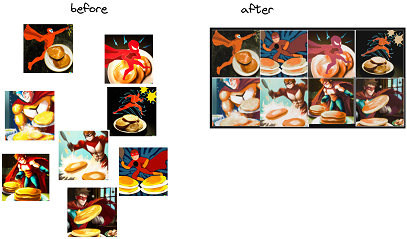
|
||||
|
||||
This script arranges selected images into compact grid view, removing gaps in-between, resizing when necessary and breaking into multiple rows/columns.
|
||||
|
||||
```javascript
|
||||
*/
|
||||
|
||||
try {
|
||||
let els = ea.getViewSelectedElements().filter(el => el.type == 'image');
|
||||
|
||||
new Notice(els.length);
|
||||
|
||||
if (els.length == 0) throw new Error('No image elements selected');
|
||||
|
||||
const bounds = ea.getBoundingBox(els);
|
||||
const { topX, topY, width, height } = bounds;
|
||||
|
||||
els.sort((a, b) => a.x + a.y < b.x + b.y);
|
||||
|
||||
const areaAvailable = width * height;
|
||||
|
||||
let elWidth = els[0].width;
|
||||
let elHeight = els[0].height;
|
||||
|
||||
if (elWidth * elHeight > areaAvailable) {
|
||||
while (elWidth * elHeight > areaAvailable) {
|
||||
elWidth /= 1.1;
|
||||
elHeight /= 1.1;
|
||||
}
|
||||
} else if (elWidth * elHeight < areaAvailable) {
|
||||
while (elWidth * elHeight < areaAvailable) {
|
||||
elWidth *= 1.1;
|
||||
elHeight *= 1.1;
|
||||
}
|
||||
}
|
||||
|
||||
const rows = (width - elWidth) / elWidth;
|
||||
|
||||
let row = 0, column = 0;
|
||||
for (const element of els) {
|
||||
element.x = topX + (elWidth * row);
|
||||
element.y = topY + (elHeight * column);
|
||||
|
||||
if (element.width > elWidth) {
|
||||
while (element.width >= elWidth) {
|
||||
element.width /= 1.1;
|
||||
element.height /= 1.1;
|
||||
}
|
||||
} else if (element.width < elWidth) {
|
||||
while (element.width <= elWidth) {
|
||||
element.width *= 1.1;
|
||||
element.height *= 1.1;
|
||||
}
|
||||
}
|
||||
|
||||
row++;
|
||||
if (row > rows) {
|
||||
row = 0;
|
||||
column++;
|
||||
}
|
||||
}
|
||||
|
||||
ea.addElementsToView(false, true, true);
|
||||
} catch (err) {
|
||||
_ = new Notice(err.toString())
|
||||
}
|
||||
|
||||
```
|
||||
File diff suppressed because it is too large.
Load diff
File diff suppressed because it is too large.
Load diff
@@ -0,0 +1,123 @@
|
||||
/*
|
||||
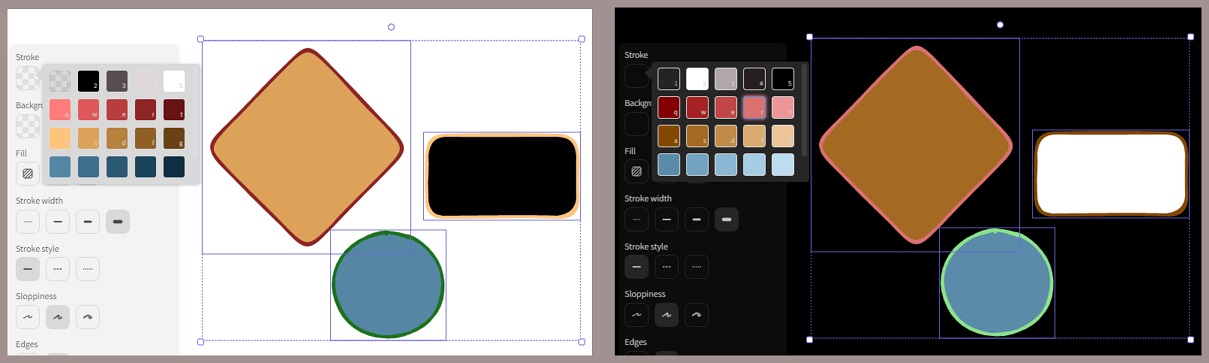
|
||||
|
||||
|
||||
|
||||
The script inverts the colors on the canvas including the color palette in Element Properties.
|
||||
|
||||
This script inverts all the colors in the current Excalidraw drawing. It applies the inversion to:
|
||||
1. The stroke and background colors of every element on the canvas.
|
||||
2. The main canvas background color.
|
||||
3. All colors within the user's custom color palette, handling all possible configurations (simple arrays, nested arrays, and objects).
|
||||
4. The currently selected stroke and background colors in the UI.
|
||||
|
||||
A default color palette is defined to use as a fallback if the current drawing's palette is missing or empty. // This is based on the standard Excalidraw palette from version [1.6.8.](https://github.com/zsviczian/obsidian-excalidraw-plugin/releases/tag/1.6.8)
|
||||
|
||||
You'll find a detailed description of the color palette data structure on the [Excalidraw-Obsidian Wiki](https://excalidraw-obsidian.online/wiki/color-palette)
|
||||
|
||||
```js*/
|
||||
const defaultColorPalette = {
|
||||
elementStroke: ["#000000", "#343a40", "#495057", "#c92a2a", "#a61e4d", "#862e9c", "#5f3dc4", "#364fc7", "#1864ab", "#0b7285", "#087f5b", "#2b8a3e", "#5c940d", "#e67700", "#d9480f"],
|
||||
elementBackground: ["transparent", "#ced4da", "#868e96", "#fa5252", "#e64980", "#be4bdb", "#7950f2", "#4c6ef5", "#228be6", "#15aabf", "#12b886", "#40c057", "#82c91e", "#fab005", "#fd7e14"],
|
||||
canvasBackground: ["#ffffff", "#f8f9fa", "#f1f3f5", "#fff5f5", "#fff0f6", "#f8f0fc", "#f3f0ff", "#edf2ff", "#e7f5ff", "#e3fafc", "#e6fcf5", "#ebfbee", "#f4fce3", "#fff9db", "#fff4e6"]
|
||||
};
|
||||
|
||||
// Get the Excalidraw API and the current application state.
|
||||
const api = ea.getExcalidrawAPI();
|
||||
const st = api.getAppState();
|
||||
|
||||
// Retrieve the current color palette, falling back to the default if necessary.
|
||||
let colorPalette = st.colorPalette ?? defaultColorPalette;
|
||||
if (!colorPalette || Object.keys(colorPalette).length === 0) {
|
||||
colorPalette = defaultColorPalette;
|
||||
}
|
||||
// Ensure each key in the palette has a default value if it's missing.
|
||||
if (!colorPalette.elementStroke || colorPalette.elementStroke.length === 0) {
|
||||
colorPalette.elementStroke = defaultColorPalette.elementStroke;
|
||||
}
|
||||
if (!colorPalette.elementBackground || colorPalette.elementBackground.length === 0) {
|
||||
colorPalette.elementBackground = defaultColorPalette.elementBackground;
|
||||
}
|
||||
if (!colorPalette.canvasBackground || colorPalette.canvasBackground.length === 0) {
|
||||
colorPalette.canvasBackground = defaultColorPalette.canvasBackground;
|
||||
}
|
||||
|
||||
/**
|
||||
* Inverts a single color string by reversing its lightness value.
|
||||
* This function uses the ColorMaster utility provided by Excalidraw Automate.
|
||||
* It correctly handles various color formats (HEX, RGB, HSL) and preserves transparency.
|
||||
* @param {string} color - The color to be inverted (e.g., "#FF0000").
|
||||
* @returns {string} The inverted color string.
|
||||
*/
|
||||
const invertColor = (color) => {
|
||||
const cm = ea.getCM(color);
|
||||
const opts = cm.alpha !== 1 ? { alpha: true } : { alpha: false };
|
||||
const lightness = cm.lightness;
|
||||
cm.lightnessTo(Math.abs(lightness - 100)); // Invert lightness on a 0-100 scale.
|
||||
switch (cm.format) {
|
||||
case "hsl": return cm.stringHSL(opts);
|
||||
case "rgb": return cm.stringRGB(opts);
|
||||
case "hsv": return cm.stringHSV(opts);
|
||||
default: return cm.stringHEX(opts);
|
||||
}
|
||||
};
|
||||
|
||||
/**
|
||||
* Recursively traverses a color palette data structure and inverts every color string found.
|
||||
* This robustly handles all valid `colorPalette` configurations, including nested arrays
|
||||
* (`string[][]`), simple arrays (`string[]`), and objects (`topPicks`).
|
||||
* @param {any} palette - A color string, an array of colors, an array of arrays, or an object palette.
|
||||
* @returns {any} A new palette structure with all colors inverted.
|
||||
*/
|
||||
const invertPaletteStructure = (palette) => {
|
||||
if (typeof palette === 'string') {
|
||||
// Base case: If the item is a color string, invert it.
|
||||
return invertColor(palette);
|
||||
}
|
||||
if (Array.isArray(palette)) {
|
||||
// If it's an array, recursively call this function for each item.
|
||||
return palette.map(item => invertPaletteStructure(item));
|
||||
}
|
||||
if (typeof palette === 'object' && palette !== null) {
|
||||
// If it's an object, create a new object and recursively process its values.
|
||||
const newPalette = {};
|
||||
for (const key in palette) {
|
||||
if (Object.prototype.hasOwnProperty.call(palette, key)) {
|
||||
newPalette[key] = invertPaletteStructure(palette[key]);
|
||||
}
|
||||
}
|
||||
return newPalette;
|
||||
}
|
||||
// Return any other data types (like numbers or null) unchanged.
|
||||
return palette;
|
||||
};
|
||||
|
||||
// Generate the new, fully inverted color palette.
|
||||
const invertedColorPalette = invertPaletteStructure(colorPalette);
|
||||
|
||||
// Load all elements from the current view into the Excalidraw Automate workbench for editing.
|
||||
ea.copyViewElementsToEAforEditing(ea.getViewElements());
|
||||
|
||||
// Iterate over all elements and invert their stroke and background colors.
|
||||
ea.getElements().forEach(el => {
|
||||
if (el.strokeColor) {
|
||||
el.strokeColor = invertColor(el.strokeColor);
|
||||
}
|
||||
if (el.backgroundColor) {
|
||||
el.backgroundColor = invertColor(el.backgroundColor);
|
||||
}
|
||||
});
|
||||
|
||||
// Finally, update the Excalidraw scene with the inverted elements and application state.
|
||||
ea.viewUpdateScene({
|
||||
appState: {
|
||||
colorPalette: invertedColorPalette,
|
||||
viewBackgroundColor: invertColor(st.viewBackgroundColor),
|
||||
currentItemStrokeColor: invertColor(st.currentItemStrokeColor),
|
||||
currentItemBackgroundColor: invertColor(st.currentItemBackgroundColor)
|
||||
},
|
||||
elements: ea.getElements(),
|
||||
storeAction: "capture" // Ensures the change is saved and added to the undo/redo history.
|
||||
});
|
||||
|
||||
```
|
||||
+54
@@ -0,0 +1,54 @@
|
||||
/*
|
||||

|
||||
|
||||
Download this file and save to your Obsidian Vault including the first line, or open it in "Raw" and copy the entire contents to Obsidian.
|
||||
|
||||

|
||||
|
||||
This script lightens the background color of the selected element by 2% at a time.
|
||||
|
||||
You can use this script several times until you are satisfied. It is recommended to set a shortcut key for this script so that you can quickly try to DARKEN and LIGHTEN the color effect.
|
||||
|
||||
In contrast to the `Modify background color opacity` script, the advantage is that the background color of the element is not affected by the canvas color, and the color value does not appear in a strange rgba() form.
|
||||
|
||||
The color conversion method was copied from [color-convert](https://github.com/Qix-/color-convert).
|
||||
|
||||
```javascript
|
||||
*/
|
||||
|
||||
if(!ea.verifyMinimumPluginVersion || !ea.verifyMinimumPluginVersion("1.7.19")) {
|
||||
new Notice("This script requires a newer version of Excalidraw. Please install the latest version.");
|
||||
return;
|
||||
}
|
||||
|
||||
let settings = ea.getScriptSettings();
|
||||
//set default values on first run
|
||||
if(!settings["Step size"]) {
|
||||
settings = {
|
||||
"Step size" : {
|
||||
value: 2,
|
||||
description: "Step size in percentage for making the color lighter"
|
||||
}
|
||||
};
|
||||
ea.setScriptSettings(settings);
|
||||
}
|
||||
|
||||
const step = settings["Step size"].value;
|
||||
|
||||
const elements = ea
|
||||
.getViewSelectedElements()
|
||||
.filter((el) =>
|
||||
["rectangle", "ellipse", "diamond", "image", "line", "freedraw"].includes(el.type)
|
||||
);
|
||||
ea.copyViewElementsToEAforEditing(elements);
|
||||
for (const el of ea.getElements()) {
|
||||
const color = ea.colorNameToHex(el.backgroundColor);
|
||||
const cm = ea.getCM(color);
|
||||
if (cm) {
|
||||
const lighter = cm.lighterBy(step);
|
||||
if(Math.ceil(lighter.lightness)<100) el.backgroundColor = lighter.stringHSL();
|
||||
}
|
||||
}
|
||||
await ea.addElementsToView(false, false);
|
||||
|
||||
```
|
||||
+211
@@ -0,0 +1,211 @@
|
||||
/*
|
||||
|
||||
This script generates a linear (horizontal) calendar for a specified year, with days flowing left to right and months as rows.
|
||||
|
||||
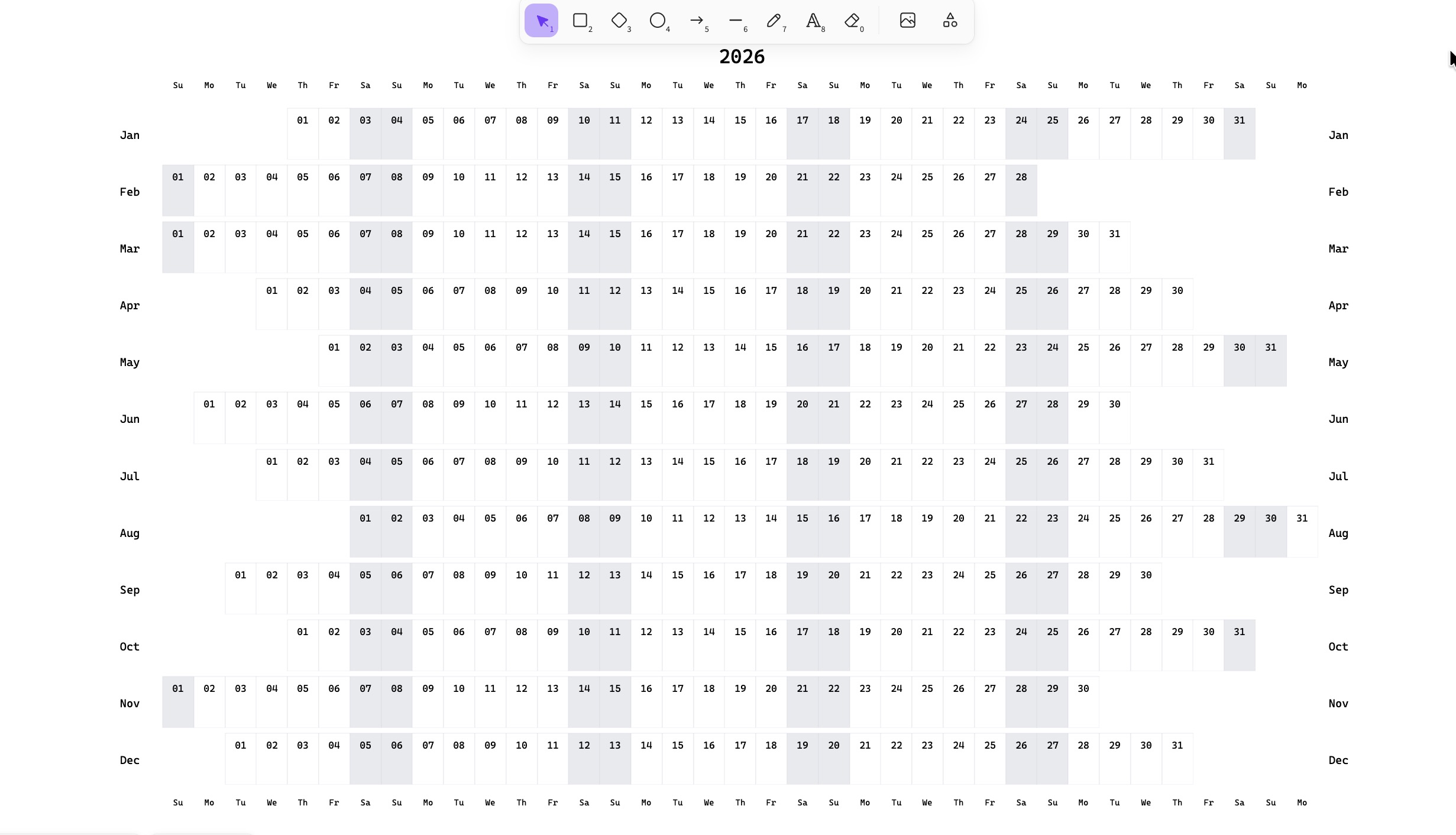
|
||||
|
||||
## Features
|
||||
- Horizontal timeline layout with days of the week as columns
|
||||
- Month names displayed on both left and right sides
|
||||
- Weekend days (Saturday & Sunday) highlighted
|
||||
- Day-of-week headers at top and bottom
|
||||
|
||||
## Customizable Colors
|
||||
|
||||
You can personalize the calendar's appearance by defining your own colors:
|
||||
|
||||
1. Create two rectangles in your design.
|
||||
2. Select both rectangles before running the script:
|
||||
• The **fill and stroke colors of the first rectangle** will be applied to weekdays.
|
||||
• The **fill and stroke colors of the second rectangle** will be used for weekends.
|
||||
|
||||
If no rectangles are selected, the default color schema will be used (white and light blue-gray for weekends).
|
||||
|
||||
```javascript
|
||||
*/
|
||||
|
||||
// -------------------------------------
|
||||
// Constants initiation
|
||||
// -------------------------------------
|
||||
|
||||
const CELL_WIDTH = 176; // Width of each day cell
|
||||
const CELL_HEIGHT = 288; // Height of each day cell
|
||||
const START_X = 0; // X start position
|
||||
const START_Y = 0; // Y start position
|
||||
const ROW_SPACING = 32; // Space between month rows
|
||||
const MONTH_LABEL_WIDTH = 240; // Space for month labels on sides
|
||||
|
||||
// Colors
|
||||
let COLOR_WEEKEND = "#e8eaed";
|
||||
let COLOR_WEEKDAY = "#ffffff";
|
||||
let COLOR_TEXT = "#000000";
|
||||
let COLOR_WEEKEND_TEXT = "#000000";
|
||||
let COLOR_HEADER_TEXT = "#000000";
|
||||
const COLOR_STROKE = "#d0d4db";
|
||||
let STROKE_WIDTH = 1;
|
||||
let FILLSTYLE = "solid";
|
||||
const ROUGHNESS = 0; // 0 = Architect, 1 = Artist, 2 = Cartoonist
|
||||
const FONT_FAMILY = 3; // 1 = Virgil, 2 = Helvetica, 3 = Cascadia (code), 4 = Little One
|
||||
|
||||
// Font sizes
|
||||
const FONT_SIZE_DAY = 56;
|
||||
const FONT_SIZE_HEADER = 48;
|
||||
const FONT_SIZE_MONTH = 64;
|
||||
const FONT_SIZE_YEAR = 112;
|
||||
|
||||
// Day constants
|
||||
const SATURDAY = 6;
|
||||
const SUNDAY = 0;
|
||||
const JANUARY = 0;
|
||||
const FIRST_DAY_OF_THE_MONTH = 1;
|
||||
|
||||
// Day names (short)
|
||||
const DAY_NAMES = ["Su", "Mo", "Tu", "We", "Th", "Fr", "Sa"];
|
||||
|
||||
// Month names (short)
|
||||
const MONTH_NAMES = ["Jan", "Feb", "Mar", "Apr", "May", "Jun", "Jul", "Aug", "Sep", "Oct", "Nov", "Dec"];
|
||||
|
||||
// Number of day columns needed (max 37 to cover all possible month alignments: 6 days offset + 31 days)
|
||||
const NUM_COLUMNS = 37;
|
||||
|
||||
// -------------------------------------
|
||||
|
||||
// Ask for requested Year
|
||||
let requestedYear = parseFloat(new Date().getFullYear());
|
||||
requestedYear = parseFloat(await utils.inputPrompt("Year?", requestedYear, requestedYear));
|
||||
if (isNaN(requestedYear)) {
|
||||
new Notice("Invalid number");
|
||||
return;
|
||||
}
|
||||
|
||||
// -------------------------------------
|
||||
// Use selected elements for calendar style
|
||||
// -------------------------------------
|
||||
|
||||
let elements = ea.getViewSelectedElements();
|
||||
if (elements.length >= 1) {
|
||||
COLOR_WEEKDAY = elements[0].backgroundColor;
|
||||
FILLSTYLE = elements[0].fillStyle;
|
||||
STROKE_WIDTH = elements[0].strokeWidth;
|
||||
}
|
||||
if (elements.length >= 2) {
|
||||
COLOR_WEEKEND = elements[1].backgroundColor;
|
||||
}
|
||||
|
||||
// -------------------------------------
|
||||
// Helper function to get days in a month
|
||||
// -------------------------------------
|
||||
|
||||
function getDaysInMonth(year, month) {
|
||||
return new Date(year, month + 1, 0).getDate();
|
||||
}
|
||||
|
||||
// -------------------------------------
|
||||
// Helper function to get the day of week for first day of month
|
||||
// -------------------------------------
|
||||
|
||||
function getFirstDayOfMonth(year, month) {
|
||||
return new Date(year, month, 1).getDay();
|
||||
}
|
||||
|
||||
// -------------------------------------
|
||||
// Draw day-of-week headers
|
||||
// -------------------------------------
|
||||
|
||||
function drawDayHeaders(yPosition) {
|
||||
ea.style.fontSize = FONT_SIZE_HEADER;
|
||||
ea.style.strokeColor = COLOR_TEXT;
|
||||
ea.style.fontFamily = FONT_FAMILY;
|
||||
|
||||
for (let col = 0; col < NUM_COLUMNS; col++) {
|
||||
const dayIndex = col % 7;
|
||||
const x = START_X + MONTH_LABEL_WIDTH + (col * CELL_WIDTH);
|
||||
|
||||
// Center the text in the cell (approximate width of 2 chars)
|
||||
const textX = x + (CELL_WIDTH / 2) - (FONT_SIZE_HEADER * 0.6);
|
||||
ea.addText(textX, yPosition, DAY_NAMES[dayIndex]);
|
||||
}
|
||||
}
|
||||
|
||||
// -------------------------------------
|
||||
// Draw month row
|
||||
// -------------------------------------
|
||||
|
||||
function drawMonthRow(year, month, rowIndex) {
|
||||
const daysInMonth = getDaysInMonth(year, month);
|
||||
const firstDayOfWeek = getFirstDayOfMonth(year, month);
|
||||
const y = START_Y + 160 + (rowIndex * (CELL_HEIGHT + ROW_SPACING));
|
||||
|
||||
// Draw month label on the left
|
||||
ea.style.fontSize = FONT_SIZE_MONTH;
|
||||
ea.style.strokeColor = COLOR_TEXT;
|
||||
ea.style.fontFamily = FONT_FAMILY;
|
||||
const monthLabelY = y + (CELL_HEIGHT / 2) - (FONT_SIZE_MONTH / 2);
|
||||
ea.addText(START_X, monthLabelY, MONTH_NAMES[month]);
|
||||
|
||||
// Draw day cells
|
||||
for (let day = 1; day <= daysInMonth; day++) {
|
||||
const date = new Date(year, month, day);
|
||||
const dayOfWeek = date.getDay();
|
||||
const col = firstDayOfWeek + day - 1; // Column position based on day of week alignment
|
||||
|
||||
const x = START_X + MONTH_LABEL_WIDTH + (col * CELL_WIDTH);
|
||||
const isWeekend = dayOfWeek === SATURDAY || dayOfWeek === SUNDAY;
|
||||
|
||||
// Set cell style
|
||||
ea.style.backgroundColor = isWeekend ? COLOR_WEEKEND : COLOR_WEEKDAY;
|
||||
ea.style.strokeColor = COLOR_STROKE;
|
||||
ea.style.strokeWidth = STROKE_WIDTH;
|
||||
ea.style.fillStyle = FILLSTYLE;
|
||||
ea.style.roughness = ROUGHNESS;
|
||||
|
||||
// Draw cell rectangle
|
||||
ea.addRect(x, y, CELL_WIDTH, CELL_HEIGHT);
|
||||
|
||||
// Draw day number
|
||||
ea.style.fontSize = FONT_SIZE_DAY;
|
||||
ea.style.strokeColor = COLOR_TEXT;
|
||||
ea.style.fontFamily = FONT_FAMILY;
|
||||
|
||||
// Position the day number at top center of the cell
|
||||
const dayStr = String(day).padStart(2, "0");
|
||||
const charWidth = FONT_SIZE_DAY * 0.6; // Approximate character width
|
||||
const textWidth = dayStr.length * charWidth;
|
||||
const textX = x + (CELL_WIDTH - textWidth) / 2;
|
||||
const textY = y + 32; // 32px padding from top
|
||||
ea.addText(textX, textY, dayStr);
|
||||
}
|
||||
|
||||
// Draw month label on the right
|
||||
ea.style.fontSize = FONT_SIZE_MONTH;
|
||||
ea.style.strokeColor = COLOR_TEXT;
|
||||
const rightLabelX = START_X + MONTH_LABEL_WIDTH + (NUM_COLUMNS * CELL_WIDTH) + 60;
|
||||
ea.addText(rightLabelX, monthLabelY, MONTH_NAMES[month]);
|
||||
}
|
||||
|
||||
// -------------------------------------
|
||||
// Main calendar generation
|
||||
// -------------------------------------
|
||||
|
||||
// Draw year title (centered above calendar)
|
||||
ea.style.fontSize = FONT_SIZE_YEAR;
|
||||
ea.style.strokeColor = COLOR_TEXT;
|
||||
ea.style.fontFamily = FONT_FAMILY;
|
||||
const yearX = START_X + MONTH_LABEL_WIDTH + ((NUM_COLUMNS * CELL_WIDTH) / 2) - 120;
|
||||
ea.addText(yearX, START_Y - 200, String(requestedYear));
|
||||
|
||||
// Draw top day-of-week headers
|
||||
drawDayHeaders(START_Y);
|
||||
|
||||
// Draw all 12 months
|
||||
for (let month = 0; month < 12; month++) {
|
||||
drawMonthRow(requestedYear, month, month);
|
||||
}
|
||||
|
||||
// Draw bottom day-of-week headers
|
||||
const bottomHeaderY = START_Y + 160 + (12 * (CELL_HEIGHT + ROW_SPACING)) + 40;
|
||||
drawDayHeaders(bottomHeaderY);
|
||||
|
||||
await ea.addElementsToView(false, false, true);
|
||||
|
||||
```
|
||||
@@ -0,0 +1,3 @@
|
||||
/*
|
||||
Because of misleading code scanner results that incorrectly pick up the mindmap MindMap Builder.js script as a potential security risk due to "hard coded" :) URLs - yes, in the comments explaining how to use the script - I have decided to move the script to a separate file. I will not add the link here, becuase it will be picked up by scanners: look for "MindMap Builder.js.md" in the repo. Sorry for the inconvenience, but I want to ensure that false positives do not cause unnecessary alarm, and do not undermine the trust in the plugin that I have built with care and dedication.
|
||||
*/
|
||||
File diff suppressed because it is too large.
Load diff
@@ -0,0 +1,115 @@
|
||||
/*
|
||||
|
||||

|
||||
|
||||

|
||||
This script creates mindmap like lines(only right and down side are available). The line will starts according to the creation time of the elements. So you may need to create the header element first.
|
||||
|
||||
```javascript
|
||||
*/
|
||||
const elements = ea.getViewSelectedElements();
|
||||
ea.copyViewElementsToEAforEditing(elements);
|
||||
groups = ea.getMaximumGroups(elements);
|
||||
|
||||
els=[];
|
||||
elsx=[];
|
||||
elsy=[];
|
||||
for (i = 0, len =groups.length; i < len; i++) {
|
||||
els.push(ea.getLargestElement(groups[i]));
|
||||
elsx.push(ea.getLargestElement(groups[i]).x);
|
||||
elsy.push(ea.getLargestElement(groups[i]).y);
|
||||
}
|
||||
//line style setting
|
||||
ea.style.strokeColor = els[0].strokeColor;
|
||||
ea.style.strokeWidth = els[0].strokeWidth;
|
||||
ea.style.strokeStyle = els[0].strokeStyle;
|
||||
ea.style.strokeSharpness = els[0].strokeSharpness;
|
||||
//all min max x y
|
||||
let maxy = Math.max.apply(null, elsy);
|
||||
let indexmaxy=elsy.indexOf(maxy);
|
||||
let miny = Math.min.apply(null, elsy);
|
||||
let indexminy = elsy.indexOf(miny);
|
||||
let maxx = Math.max.apply(null, elsx);
|
||||
let indexmaxx = elsx.indexOf(maxx);
|
||||
let minx = Math.min.apply(null, elsx);
|
||||
let indexminx = elsx.indexOf(minx);
|
||||
//child max min x y
|
||||
let gmaxy = Math.max.apply(null, elsy.slice(1));
|
||||
let gindexmaxy=elsy.indexOf(gmaxy);
|
||||
let gminy = Math.min.apply(null, elsy.slice(1));
|
||||
let gindexminy = elsy.indexOf(gminy);
|
||||
let gmaxx = Math.max.apply(null, elsx.slice(1));
|
||||
let gindexmaxx = elsx.indexOf(gmaxx);
|
||||
let gminx = Math.min.apply(null, elsx.slice(1));
|
||||
let gindexminx = elsx.indexOf(gminx);
|
||||
let s=0;//Set line direction down as default
|
||||
if (indexminx==0 && els[0].x + els[0].width<=gminx) {
|
||||
s=1;
|
||||
}
|
||||
else if (indexminy == 0) {
|
||||
s=0;
|
||||
}
|
||||
var length_left;
|
||||
if(els[0].x + els[0].width * 2<=gminx){length_left=els[0].x + els[0].width * 1.5;}
|
||||
else {length_left=(els[0].x + els[0].width+gminx)/2;}
|
||||
|
||||
var length_down;
|
||||
if(els[0].y + els[0].height* 2.5<=gminy){length_down=els[0].y + els[0].height * 2;}
|
||||
else {length_down=(els[0].y + els[0].height+gminy)/2;}
|
||||
if(s) {
|
||||
ea.addLine(
|
||||
[[length_left,
|
||||
maxy + els[indexmaxy].height / 2],
|
||||
[length_left,
|
||||
miny + els[indexminy].height / 2]]
|
||||
);
|
||||
for (i = 1, len = groups.length; i < len; i++) {
|
||||
ea.addLine(
|
||||
[[els[i].x,
|
||||
els[i].y + els[i].height/2],
|
||||
[length_left,
|
||||
els[i].y + els[i].height/2]]
|
||||
);
|
||||
}
|
||||
ea.addArrow(
|
||||
[[els[0].x+els[0].width,
|
||||
els[0].y + els[0].height / 2],
|
||||
[length_left,
|
||||
els[0].y + els[0].height / 2]],
|
||||
{
|
||||
startArrowHead: "none",
|
||||
endArrowHead: "dot"
|
||||
}
|
||||
)
|
||||
}
|
||||
|
||||
else {
|
||||
ea.addLine(
|
||||
[[maxx + els[indexmaxx].width / 2,
|
||||
length_down],
|
||||
[minx + els[indexminx].width / 2,
|
||||
length_down]]
|
||||
);
|
||||
for (i = 1, len = groups.length; i < len; i++) {
|
||||
ea.addLine(
|
||||
[[els[i].x + els[i].width / 2,
|
||||
els[i].y],
|
||||
[els[i].x + els[i].width / 2,
|
||||
length_down]]
|
||||
);
|
||||
}
|
||||
ea.addArrow(
|
||||
[[els[0].x + els[0].width / 2,
|
||||
els[0].y + els[0].height],
|
||||
[els[0].x + els[0].width / 2,
|
||||
length_down]],
|
||||
{
|
||||
startArrowHead: "none",
|
||||
endArrowHead: "dot"
|
||||
}
|
||||
);
|
||||
}
|
||||
|
||||
await ea.addElementsToView(false,false,true);
|
||||
|
||||
```
|
||||
@@ -0,0 +1,372 @@
|
||||
/*
|
||||
|
||||
format **the left to right** mind map
|
||||
|
||||
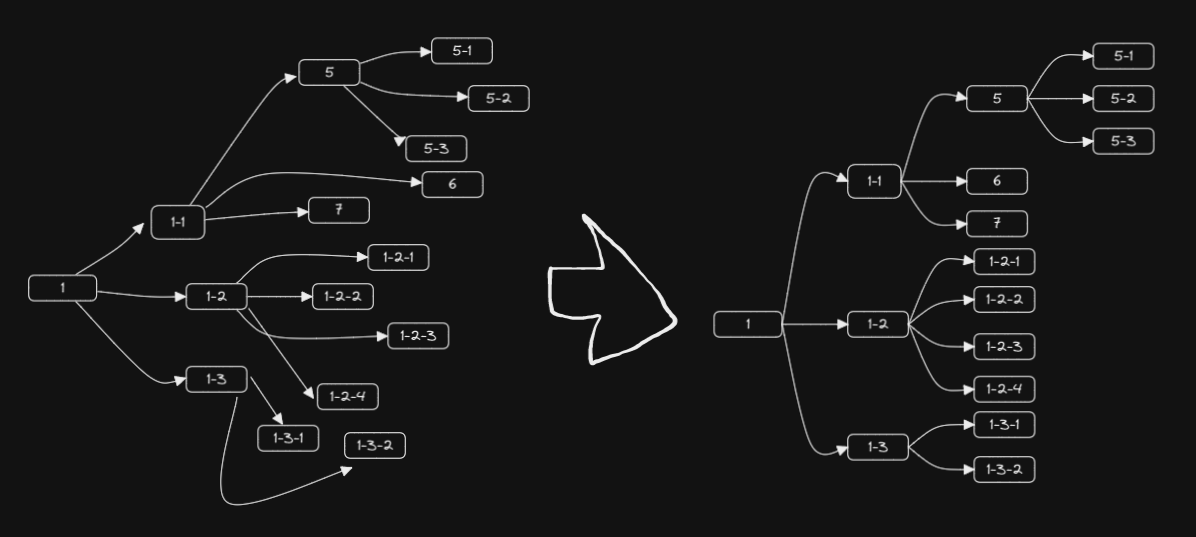
|
||||
|
||||
# tree
|
||||
|
||||
Mind map is actually a tree, so you must have a **root node**. The script will determine **the leftmost element** of the selected element as the root element (node is excalidraw element, e.g. rectangle, diamond, ellipse, text, image, but it can't be arrow, line, freedraw, **group**)
|
||||
|
||||
The element connecting node and node must be an **arrow** and have the correct direction, e.g. **parent node -> children node**
|
||||
|
||||
# sort
|
||||
|
||||
The order of nodes in the Y axis or vertical direction is determined by **the creation time** of the arrow connecting it
|
||||
|
||||
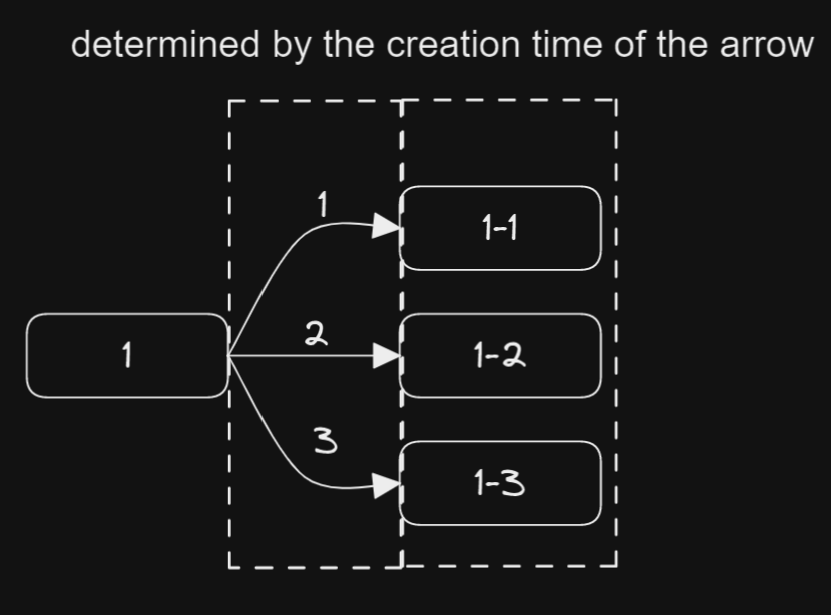
|
||||
|
||||
So if you want to readjust the order, you can **delete arrows and reconnect them**
|
||||
|
||||
# setting
|
||||
|
||||
Script provides options to adjust the style of mind map, The option is at the bottom of the option of the exalidraw plugin(e.g. Settings -> Community plugins -> Excalidraw -> drag to bottom)
|
||||
|
||||
# problem
|
||||
|
||||
1. since the start bingding and end bingding of the arrow are easily disconnected from the node, so if there are unformatted parts, please **check the connection** and use the script to **reformat**
|
||||
|
||||
```javascript
|
||||
*/
|
||||
|
||||
let settings = ea.getScriptSettings();
|
||||
//set default values on first run
|
||||
if (!settings["MindMap Format"]) {
|
||||
settings = {
|
||||
"MindMap Format": {
|
||||
value: "Excalidraw/MindMap Format",
|
||||
description:
|
||||
"This is prepared for the namespace of MindMap Format and does not need to be modified",
|
||||
},
|
||||
"default gap": {
|
||||
value: 10,
|
||||
description: "Interval size of element",
|
||||
},
|
||||
"curve length": {
|
||||
value: 40,
|
||||
description: "The length of the curve part in the mind map line",
|
||||
},
|
||||
"length between element and line": {
|
||||
value: 50,
|
||||
description:
|
||||
"The distance between the tail of the connection and the connecting elements of the mind map",
|
||||
},
|
||||
};
|
||||
ea.setScriptSettings(settings);
|
||||
}
|
||||
|
||||
const sceneElements = ea.getExcalidrawAPI().getSceneElements();
|
||||
|
||||
// default X coordinate of the middle point of the arc
|
||||
const defaultDotX = Number(settings["curve length"].value);
|
||||
// The default length from the middle point of the arc on the X axis
|
||||
const defaultLengthWithCenterDot = Number(
|
||||
settings["length between element and line"].value
|
||||
);
|
||||
// Initial trimming distance of the end point on the Y axis
|
||||
const initAdjLength = 4;
|
||||
// default gap
|
||||
const defaultGap = Number(settings["default gap"].value);
|
||||
|
||||
const setCenter = (parent, line) => {
|
||||
// Focus and gap need the api calculation of excalidraw
|
||||
// e.g. determineFocusDistance, but they are not available now
|
||||
// so they are uniformly set to 0/1
|
||||
line.startBinding.focus = 0;
|
||||
line.startBinding.gap = 1;
|
||||
line.endBinding.focus = 0;
|
||||
line.endBinding.gap = 1;
|
||||
line.x = parent.x + parent.width;
|
||||
line.y = parent.y + parent.height / 2;
|
||||
};
|
||||
|
||||
/**
|
||||
* set the middle point of curve
|
||||
* @param {any} lineEl the line element of excalidraw
|
||||
* @param {number} height height of dot on Y axis
|
||||
* @param {number} [ratio=1] ,coefficient of the initial trimming distance of the end point on the Y axis, default is 1
|
||||
*/
|
||||
const setTopCurveDotOnLine = (lineEl, height, ratio = 1) => {
|
||||
if (lineEl.points.length < 3) {
|
||||
lineEl.points.splice(1, 0, [defaultDotX, lineEl.points[0][1] - height]);
|
||||
} else if (lineEl.points.length === 3) {
|
||||
lineEl.points[1] = [defaultDotX, lineEl.points[0][1] - height];
|
||||
} else {
|
||||
lineEl.points.splice(2, lineEl.points.length - 3);
|
||||
lineEl.points[1] = [defaultDotX, lineEl.points[0][1] - height];
|
||||
}
|
||||
lineEl.points[2][0] = lineEl.points[1][0] + defaultLengthWithCenterDot;
|
||||
// adjust the curvature of the second line segment
|
||||
lineEl.points[2][1] = lineEl.points[1][1] - initAdjLength * ratio * 0.8;
|
||||
};
|
||||
|
||||
const setMidCurveDotOnLine = (lineEl) => {
|
||||
if (lineEl.points.length < 3) {
|
||||
lineEl.points.splice(1, 0, [defaultDotX, lineEl.points[0][1]]);
|
||||
} else if (lineEl.points.length === 3) {
|
||||
lineEl.points[1] = [defaultDotX, lineEl.points[0][1]];
|
||||
} else {
|
||||
lineEl.points.splice(2, lineEl.points.length - 3);
|
||||
lineEl.points[1] = [defaultDotX, lineEl.points[0][1]];
|
||||
}
|
||||
lineEl.points[2][0] = lineEl.points[1][0] + defaultLengthWithCenterDot;
|
||||
lineEl.points[2][1] = lineEl.points[1][1];
|
||||
};
|
||||
|
||||
/**
|
||||
* set the middle point of curve
|
||||
* @param {any} lineEl the line element of excalidraw
|
||||
* @param {number} height height of dot on Y axis
|
||||
* @param {number} [ratio=1] ,coefficient of the initial trimming distance of the end point on the Y axis, default is 1
|
||||
*/
|
||||
const setBottomCurveDotOnLine = (lineEl, height, ratio = 1) => {
|
||||
if (lineEl.points.length < 3) {
|
||||
lineEl.points.splice(1, 0, [defaultDotX, lineEl.points[0][1] + height]);
|
||||
} else if (lineEl.points.length === 3) {
|
||||
lineEl.points[1] = [defaultDotX, lineEl.points[0][1] + height];
|
||||
} else {
|
||||
lineEl.points.splice(2, lineEl.points.length - 3);
|
||||
lineEl.points[1] = [defaultDotX, lineEl.points[0][1] + height];
|
||||
}
|
||||
lineEl.points[2][0] = lineEl.points[1][0] + defaultLengthWithCenterDot;
|
||||
// adjust the curvature of the second line segment
|
||||
lineEl.points[2][1] = lineEl.points[1][1] + initAdjLength * ratio * 0.8;
|
||||
};
|
||||
|
||||
const setTextXY = (rect, text) => {
|
||||
text.x = rect.x + (rect.width - text.width) / 2;
|
||||
text.y = rect.y + (rect.height - text.height) / 2;
|
||||
};
|
||||
|
||||
const setChildrenXY = (parent, children, line, elementsMap) => {
|
||||
x = parent.x + parent.width + line.points[2][0];
|
||||
y = parent.y + parent.height / 2 + line.points[2][1] - children.height / 2;
|
||||
distX = children.x - x;
|
||||
distY = children.y - y;
|
||||
|
||||
ea.getElementsInTheSameGroupWithElement(children, sceneElements).forEach((el) => {
|
||||
el.x = el.x - distX;
|
||||
el.y = el.y - distY;
|
||||
});
|
||||
|
||||
if (
|
||||
["rectangle", "diamond", "ellipse"].includes(children.type) &&
|
||||
![null, undefined].includes(children.boundElements)
|
||||
) {
|
||||
const textDesc = children.boundElements.filter(
|
||||
(el) => el.type === "text"
|
||||
)[0];
|
||||
if (textDesc !== undefined) {
|
||||
const textEl = elementsMap.get(textDesc.id);
|
||||
setTextXY(children, textEl);
|
||||
}
|
||||
}
|
||||
};
|
||||
|
||||
/**
|
||||
* returns the height of the upper part of all child nodes
|
||||
* and the height of the lower part of all child nodes
|
||||
* @param {Number[]} childrenTotalHeightArr
|
||||
* @returns {Number[]} [topHeight, bottomHeight]
|
||||
*/
|
||||
const getNodeCurrentHeight = (childrenTotalHeightArr) => {
|
||||
if (childrenTotalHeightArr.length <= 0) return [0, 0];
|
||||
else if (childrenTotalHeightArr.length === 1)
|
||||
return [childrenTotalHeightArr[0] / 2, childrenTotalHeightArr[0] / 2];
|
||||
const heightArr = childrenTotalHeightArr;
|
||||
let topHeight = 0,
|
||||
bottomHeight = 0;
|
||||
const isEven = heightArr.length % 2 === 0;
|
||||
const mid = Math.floor(heightArr.length / 2);
|
||||
const topI = mid - 1;
|
||||
const bottomI = isEven ? mid : mid + 1;
|
||||
topHeight = isEven ? 0 : heightArr[mid] / 2;
|
||||
for (let i = topI; i >= 0; i--) {
|
||||
topHeight += heightArr[i];
|
||||
}
|
||||
bottomHeight = isEven ? 0 : heightArr[mid] / 2;
|
||||
for (let i = bottomI; i < heightArr.length; i++) {
|
||||
bottomHeight += heightArr[i];
|
||||
}
|
||||
return [topHeight, bottomHeight];
|
||||
};
|
||||
|
||||
/**
|
||||
* handle the height of each point in the single-level tree
|
||||
* @param {Array} lines
|
||||
* @param {Map} elementsMap
|
||||
* @param {Boolean} isEven
|
||||
* @param {Number} mid 'lines' array midpoint index
|
||||
* @returns {Array} height array corresponding to 'lines'
|
||||
*/
|
||||
const handleDotYValue = (lines, elementsMap, isEven, mid) => {
|
||||
const getTotalHeight = (line, elementsMap) => {
|
||||
return elementsMap.get(line.endBinding.elementId).totalHeight;
|
||||
};
|
||||
const getTopHeight = (line, elementsMap) => {
|
||||
return elementsMap.get(line.endBinding.elementId).topHeight;
|
||||
};
|
||||
const getBottomHeight = (line, elementsMap) => {
|
||||
return elementsMap.get(line.endBinding.elementId).bottomHeight;
|
||||
};
|
||||
const heightArr = new Array(lines.length).fill(0);
|
||||
const upI = mid === 0 ? 0 : mid - 1;
|
||||
const bottomI = isEven ? mid : mid + 1;
|
||||
let initHeight = isEven ? 0 : getTopHeight(lines[mid], elementsMap);
|
||||
for (let i = upI; i >= 0; i--) {
|
||||
heightArr[i] = initHeight + getBottomHeight(lines[i], elementsMap);
|
||||
initHeight += getTotalHeight(lines[i], elementsMap);
|
||||
}
|
||||
initHeight = isEven ? 0 : getBottomHeight(lines[mid], elementsMap);
|
||||
for (let i = bottomI; i < lines.length; i++) {
|
||||
heightArr[i] = initHeight + getTopHeight(lines[i], elementsMap);
|
||||
initHeight += getTotalHeight(lines[i], elementsMap);
|
||||
}
|
||||
return heightArr;
|
||||
};
|
||||
|
||||
/**
|
||||
* format single-level tree
|
||||
* @param {any} parent
|
||||
* @param {Array} lines
|
||||
* @param {Map} childrenDescMap
|
||||
* @param {Map} elementsMap
|
||||
*/
|
||||
const formatTree = (parent, lines, childrenDescMap, elementsMap) => {
|
||||
lines.forEach((item) => setCenter(parent, item));
|
||||
|
||||
const isEven = lines.length % 2 === 0;
|
||||
const mid = Math.floor(lines.length / 2);
|
||||
const heightArr = handleDotYValue(lines, childrenDescMap, isEven, mid);
|
||||
lines.forEach((item, index) => {
|
||||
if (isEven) {
|
||||
if (index < mid) setTopCurveDotOnLine(item, heightArr[index], index + 1);
|
||||
else setBottomCurveDotOnLine(item, heightArr[index], index - mid + 1);
|
||||
} else {
|
||||
if (index < mid) setTopCurveDotOnLine(item, heightArr[index], index + 1);
|
||||
else if (index === mid) setMidCurveDotOnLine(item);
|
||||
else setBottomCurveDotOnLine(item, heightArr[index], index - mid);
|
||||
}
|
||||
});
|
||||
lines.forEach((item) => {
|
||||
if (item.endBinding !== null) {
|
||||
setChildrenXY(
|
||||
parent,
|
||||
elementsMap.get(item.endBinding.elementId),
|
||||
item,
|
||||
elementsMap
|
||||
);
|
||||
}
|
||||
});
|
||||
};
|
||||
|
||||
const generateTree = (elements) => {
|
||||
const elIdMap = new Map([[elements[0].id, elements[0]]]);
|
||||
let minXEl = elements[0];
|
||||
for (let i = 1; i < elements.length; i++) {
|
||||
elIdMap.set(elements[i].id, elements[i]);
|
||||
if (
|
||||
!(elements[i].type === "arrow" || elements[i].type === "line") &&
|
||||
elements[i].x < minXEl.x
|
||||
) {
|
||||
minXEl = elements[i];
|
||||
}
|
||||
}
|
||||
const root = {
|
||||
el: minXEl,
|
||||
totalHeight: minXEl.height,
|
||||
topHeight: 0,
|
||||
bottomHeight: 0,
|
||||
linkChildrensLines: [],
|
||||
isLeafNode: false,
|
||||
children: [],
|
||||
};
|
||||
const preIdSet = new Set(); // The id_set of Elements that is already in the tree, avoid a dead cycle
|
||||
const dfsForTreeData = (root) => {
|
||||
if (preIdSet.has(root.el.id)) {
|
||||
return 0;
|
||||
}
|
||||
preIdSet.add(root.el.id);
|
||||
let lines = root.el.boundElements.filter(
|
||||
(el) =>
|
||||
el.type === "arrow" &&
|
||||
!preIdSet.has(el.id) &&
|
||||
elIdMap.get(el.id)?.startBinding?.elementId === root.el.id
|
||||
);
|
||||
if (lines.length === 0) {
|
||||
root.isLeafNode = true;
|
||||
root.totalHeight = root.el.height + 2 * defaultGap;
|
||||
[root.topHeight, root.bottomHeight] = [
|
||||
root.totalHeight / 2,
|
||||
root.totalHeight / 2,
|
||||
];
|
||||
return root.totalHeight;
|
||||
} else {
|
||||
lines = lines.map((elementDesc) => {
|
||||
preIdSet.add(elementDesc.id);
|
||||
return elIdMap.get(elementDesc.id);
|
||||
});
|
||||
}
|
||||
|
||||
const linkChildrensLines = [];
|
||||
lines.forEach((el) => {
|
||||
const line = el;
|
||||
if (
|
||||
line &&
|
||||
line.endBinding !== null &&
|
||||
line.endBinding !== undefined &&
|
||||
!preIdSet.has(elIdMap.get(line.endBinding.elementId).id)
|
||||
) {
|
||||
const children = elIdMap.get(line.endBinding.elementId);
|
||||
linkChildrensLines.push(line);
|
||||
root.children.push({
|
||||
el: children,
|
||||
totalHeight: 0,
|
||||
topHeight: 0,
|
||||
bottomHeight: 0,
|
||||
linkChildrensLines: [],
|
||||
isLeafNode: false,
|
||||
children: [],
|
||||
});
|
||||
}
|
||||
});
|
||||
|
||||
let totalHeight = 0;
|
||||
root.children.forEach((el) => (totalHeight += dfsForTreeData(el)));
|
||||
|
||||
root.linkChildrensLines = linkChildrensLines;
|
||||
if (root.children.length === 0) {
|
||||
root.isLeafNode = true;
|
||||
root.totalHeight = root.el.height + 2 * defaultGap;
|
||||
[root.topHeight, root.bottomHeight] = [
|
||||
root.totalHeight / 2,
|
||||
root.totalHeight / 2,
|
||||
];
|
||||
} else if (root.children.length > 0) {
|
||||
root.totalHeight = Math.max(root.el.height + 2 * defaultGap, totalHeight);
|
||||
[root.topHeight, root.bottomHeight] = getNodeCurrentHeight(
|
||||
root.children.map((item) => item.totalHeight)
|
||||
);
|
||||
}
|
||||
|
||||
return totalHeight;
|
||||
};
|
||||
dfsForTreeData(root);
|
||||
const dfsForFormat = (root) => {
|
||||
if (root.isLeafNode) return;
|
||||
const childrenDescMap = new Map(
|
||||
root.children.map((item) => [item.el.id, item])
|
||||
);
|
||||
formatTree(root.el, root.linkChildrensLines, childrenDescMap, elIdMap);
|
||||
root.children.forEach((el) => dfsForFormat(el));
|
||||
};
|
||||
dfsForFormat(root);
|
||||
};
|
||||
|
||||
const elements = ea.getViewSelectedElements();
|
||||
generateTree(elements);
|
||||
|
||||
ea.copyViewElementsToEAforEditing(elements);
|
||||
await ea.addElementsToView(false, false);
|
||||
|
||||
```
|
||||
+217
@@ -0,0 +1,217 @@
|
||||
/*
|
||||

|
||||
|
||||
Download this file and save to your Obsidian Vault including the first line, or open it in "Raw" and copy the entire contents to Obsidian.
|
||||
|
||||
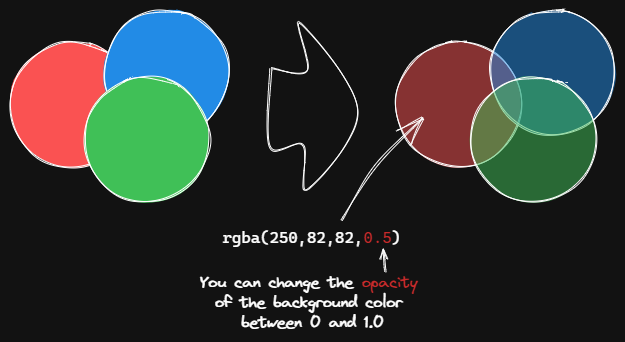
|
||||
|
||||
This script changes the opacity of the background color of the selected boxes.
|
||||
|
||||
The default background color in Excalidraw is so dark that the text is hard to read. You can lighten the color a bit by setting transparency. And you can tweak the transparency over and over again until you're happy with it.
|
||||
|
||||
Although excalidraw has the opacity option in its native property Settings, it also changes the transparency of the border. Use this script to change only the opacity of the background color without affecting the border.
|
||||
|
||||
```javascript
|
||||
*/
|
||||
if(!ea.verifyMinimumPluginVersion || !ea.verifyMinimumPluginVersion("1.5.21")) {
|
||||
new Notice("This script requires a newer version of Excalidraw. Please install the latest version.");
|
||||
return;
|
||||
}
|
||||
settings = ea.getScriptSettings();
|
||||
//set default values on first run
|
||||
if(!settings["Default opacity"]) {
|
||||
settings = {
|
||||
"Prompt for opacity?": true,
|
||||
"Default opacity" : {
|
||||
value: 0.6,
|
||||
description: "Element's background color transparency"
|
||||
},
|
||||
"Remember last opacity?": false
|
||||
};
|
||||
ea.setScriptSettings(settings);
|
||||
}
|
||||
|
||||
let opacityStr = settings["Default opacity"].value.toString();
|
||||
const rememberLastOpacity = settings["Remember last opacity?"];
|
||||
|
||||
if(settings["Prompt for opacity?"]) {
|
||||
opacityStr = await utils.inputPrompt("Background color opacity?","number",opacityStr);
|
||||
}
|
||||
|
||||
const alpha = parseFloat(opacityStr);
|
||||
if(isNaN(alpha)) {
|
||||
return;
|
||||
}
|
||||
if(rememberLastOpacity) {
|
||||
settings["Default opacity"].value = alpha;
|
||||
ea.setScriptSettings(settings);
|
||||
}
|
||||
const elements=ea.getViewSelectedElements().filter((el)=>["rectangle","ellipse","diamond","line","image"].includes(el.type));
|
||||
ea.copyViewElementsToEAforEditing(elements);
|
||||
ea.getElements().forEach((el)=>{
|
||||
const color = colorNameToHex(el.backgroundColor);
|
||||
const rgbColor = /^#?([a-f\d]{2})([a-f\d]{2})([a-f\d]{2})$/i.exec(color);
|
||||
if(rgbColor) {
|
||||
const r = parseInt(rgbColor[1], 16);
|
||||
const g = parseInt(rgbColor[2], 16);
|
||||
const b = parseInt(rgbColor[3], 16);
|
||||
el.backgroundColor=`rgba(${r},${g},${b},${alpha})`;
|
||||
}
|
||||
else {
|
||||
const rgbaColor = /^rgba\((\d+,\d+,\d+,)(\d*\.?\d*)\)$/i.exec(color);
|
||||
if(rgbaColor) {
|
||||
el.backgroundColor=`rgba(${rgbaColor[1]}${alpha})`;
|
||||
}
|
||||
}
|
||||
});
|
||||
await ea.addElementsToView(false, false);
|
||||
|
||||
function colorNameToHex(color) {
|
||||
const colors = {
|
||||
"aliceblue":"#f0f8ff",
|
||||
"antiquewhite":"#faebd7",
|
||||
"aqua":"#00ffff",
|
||||
"aquamarine":"#7fffd4",
|
||||
"azure":"#f0ffff",
|
||||
"beige":"#f5f5dc",
|
||||
"bisque":"#ffe4c4",
|
||||
"black":"#000000",
|
||||
"blanchedalmond":"#ffebcd",
|
||||
"blue":"#0000ff",
|
||||
"blueviolet":"#8a2be2",
|
||||
"brown":"#a52a2a",
|
||||
"burlywood":"#deb887",
|
||||
"cadetblue":"#5f9ea0",
|
||||
"chartreuse":"#7fff00",
|
||||
"chocolate":"#d2691e",
|
||||
"coral":"#ff7f50",
|
||||
"cornflowerblue":"#6495ed",
|
||||
"cornsilk":"#fff8dc",
|
||||
"crimson":"#dc143c",
|
||||
"cyan":"#00ffff",
|
||||
"darkblue":"#00008b",
|
||||
"darkcyan":"#008b8b",
|
||||
"darkgoldenrod":"#b8860b",
|
||||
"darkgray":"#a9a9a9",
|
||||
"darkgreen":"#006400",
|
||||
"darkkhaki":"#bdb76b",
|
||||
"darkmagenta":"#8b008b",
|
||||
"darkolivegreen":"#556b2f",
|
||||
"darkorange":"#ff8c00",
|
||||
"darkorchid":"#9932cc",
|
||||
"darkred":"#8b0000",
|
||||
"darksalmon":"#e9967a",
|
||||
"darkseagreen":"#8fbc8f",
|
||||
"darkslateblue":"#483d8b",
|
||||
"darkslategray":"#2f4f4f",
|
||||
"darkturquoise":"#00ced1",
|
||||
"darkviolet":"#9400d3",
|
||||
"deeppink":"#ff1493",
|
||||
"deepskyblue":"#00bfff",
|
||||
"dimgray":"#696969",
|
||||
"dodgerblue":"#1e90ff",
|
||||
"firebrick":"#b22222",
|
||||
"floralwhite":"#fffaf0",
|
||||
"forestgreen":"#228b22",
|
||||
"fuchsia":"#ff00ff",
|
||||
"gainsboro":"#dcdcdc",
|
||||
"ghostwhite":"#f8f8ff",
|
||||
"gold":"#ffd700",
|
||||
"goldenrod":"#daa520",
|
||||
"gray":"#808080",
|
||||
"green":"#008000",
|
||||
"greenyellow":"#adff2f",
|
||||
"honeydew":"#f0fff0",
|
||||
"hotpink":"#ff69b4",
|
||||
"indianred ":"#cd5c5c",
|
||||
"indigo":"#4b0082",
|
||||
"ivory":"#fffff0",
|
||||
"khaki":"#f0e68c",
|
||||
"lavender":"#e6e6fa",
|
||||
"lavenderblush":"#fff0f5",
|
||||
"lawngreen":"#7cfc00",
|
||||
"lemonchiffon":"#fffacd",
|
||||
"lightblue":"#add8e6",
|
||||
"lightcoral":"#f08080",
|
||||
"lightcyan":"#e0ffff",
|
||||
"lightgoldenrodyellow":"#fafad2",
|
||||
"lightgrey":"#d3d3d3",
|
||||
"lightgreen":"#90ee90",
|
||||
"lightpink":"#ffb6c1",
|
||||
"lightsalmon":"#ffa07a",
|
||||
"lightseagreen":"#20b2aa",
|
||||
"lightskyblue":"#87cefa",
|
||||
"lightslategray":"#778899",
|
||||
"lightsteelblue":"#b0c4de",
|
||||
"lightyellow":"#ffffe0",
|
||||
"lime":"#00ff00",
|
||||
"limegreen":"#32cd32",
|
||||
"linen":"#faf0e6",
|
||||
"magenta":"#ff00ff",
|
||||
"maroon":"#800000",
|
||||
"mediumaquamarine":"#66cdaa",
|
||||
"mediumblue":"#0000cd",
|
||||
"mediumorchid":"#ba55d3",
|
||||
"mediumpurple":"#9370d8",
|
||||
"mediumseagreen":"#3cb371",
|
||||
"mediumslateblue":"#7b68ee",
|
||||
"mediumspringgreen":"#00fa9a",
|
||||
"mediumturquoise":"#48d1cc",
|
||||
"mediumvioletred":"#c71585",
|
||||
"midnightblue":"#191970",
|
||||
"mintcream":"#f5fffa",
|
||||
"mistyrose":"#ffe4e1",
|
||||
"moccasin":"#ffe4b5",
|
||||
"navajowhite":"#ffdead",
|
||||
"navy":"#000080",
|
||||
"oldlace":"#fdf5e6",
|
||||
"olive":"#808000",
|
||||
"olivedrab":"#6b8e23",
|
||||
"orange":"#ffa500",
|
||||
"orangered":"#ff4500",
|
||||
"orchid":"#da70d6",
|
||||
"palegoldenrod":"#eee8aa",
|
||||
"palegreen":"#98fb98",
|
||||
"paleturquoise":"#afeeee",
|
||||
"palevioletred":"#d87093",
|
||||
"papayawhip":"#ffefd5",
|
||||
"peachpuff":"#ffdab9",
|
||||
"peru":"#cd853f",
|
||||
"pink":"#ffc0cb",
|
||||
"plum":"#dda0dd",
|
||||
"powderblue":"#b0e0e6",
|
||||
"purple":"#800080",
|
||||
"rebeccapurple":"#663399",
|
||||
"red":"#ff0000",
|
||||
"rosybrown":"#bc8f8f",
|
||||
"royalblue":"#4169e1",
|
||||
"saddlebrown":"#8b4513",
|
||||
"salmon":"#fa8072",
|
||||
"sandybrown":"#f4a460",
|
||||
"seagreen":"#2e8b57",
|
||||
"seashell":"#fff5ee",
|
||||
"sienna":"#a0522d",
|
||||
"silver":"#c0c0c0",
|
||||
"skyblue":"#87ceeb",
|
||||
"slateblue":"#6a5acd",
|
||||
"slategray":"#708090",
|
||||
"snow":"#fffafa",
|
||||
"springgreen":"#00ff7f",
|
||||
"steelblue":"#4682b4",
|
||||
"tan":"#d2b48c",
|
||||
"teal":"#008080",
|
||||
"thistle":"#d8bfd8",
|
||||
"tomato":"#ff6347",
|
||||
"turquoise":"#40e0d0",
|
||||
"violet":"#ee82ee",
|
||||
"wheat":"#f5deb3",
|
||||
"white":"#ffffff",
|
||||
"whitesmoke":"#f5f5f5",
|
||||
"yellow":"#ffff00",
|
||||
"yellowgreen":"#9acd32"
|
||||
};
|
||||
if (typeof colors[color.toLowerCase()] != 'undefined')
|
||||
return colors[color.toLowerCase()];
|
||||
return color;
|
||||
}
|
||||
```
|
||||
+92
@@ -0,0 +1,92 @@
|
||||
/*
|
||||
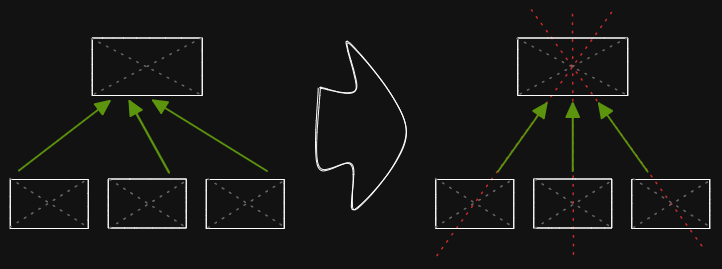
|
||||
|
||||
This script will reset the start and end positions of the selected arrows. The arrow will point to the center of the connected box and will have a gap of 8px from the box.
|
||||
|
||||
Tips: If you are drawing a flowchart, you can use `Normalize Selected Arrows` script to correct the position of the start and end points of the arrows, then use `Elbow connectors` script, and you will get the perfect connecting line!
|
||||
|
||||
```javascript
|
||||
*/
|
||||
if(!ea.verifyMinimumPluginVersion || !ea.verifyMinimumPluginVersion("1.5.21")) {
|
||||
new Notice("This script requires a newer version of Excalidraw. Please install the latest version.");
|
||||
return;
|
||||
}
|
||||
settings = ea.getScriptSettings();
|
||||
//set default values on first run
|
||||
if(!settings["Gap"]) {
|
||||
settings = {
|
||||
"Gap" : {
|
||||
value: 8,
|
||||
description: "The value of the gap between the connection line and the element, which must be greater than 0. If you want the connector to be next to the element, set it to 1."
|
||||
}
|
||||
};
|
||||
ea.setScriptSettings(settings);
|
||||
}
|
||||
|
||||
let gapValue = settings["Gap"].value;
|
||||
|
||||
const selectedIndividualArrows = ea.getMaximumGroups(ea.getViewSelectedElements())
|
||||
.reduce((result, g) => [...result, ...g.filter(el => el.type === 'arrow')], []);
|
||||
|
||||
const allElements = ea.getViewElements();
|
||||
for(const arrow of selectedIndividualArrows) {
|
||||
const startBindingEl = allElements.filter(el => el.id === (arrow.startBinding||{}).elementId)[0];
|
||||
const endBindingEl = allElements.filter(el => el.id === (arrow.endBinding||{}).elementId)[0];
|
||||
|
||||
if(startBindingEl) {
|
||||
recalculateStartPointOfLine(arrow, startBindingEl, endBindingEl, gapValue);
|
||||
}
|
||||
if(endBindingEl) {
|
||||
recalculateEndPointOfLine(arrow, endBindingEl, startBindingEl, gapValue);
|
||||
}
|
||||
}
|
||||
|
||||
ea.copyViewElementsToEAforEditing(selectedIndividualArrows);
|
||||
await ea.addElementsToView(false,false);
|
||||
|
||||
function recalculateStartPointOfLine(line, el, elB, gapValue) {
|
||||
const aX = el.x + el.width/2;
|
||||
const bX = (line.points.length <=2 && elB) ? elB.x + elB.width/2 : line.x + line.points[1][0];
|
||||
const aY = el.y + el.height/2;
|
||||
const bY = (line.points.length <=2 && elB) ? elB.y + elB.height/2 : line.y + line.points[1][1];
|
||||
|
||||
line.startBinding.gap = gapValue;
|
||||
line.startBinding.focus = 0;
|
||||
const intersectA = ea.intersectElementWithLine(
|
||||
el,
|
||||
[bX, bY],
|
||||
[aX, aY],
|
||||
line.startBinding.gap
|
||||
);
|
||||
|
||||
if(intersectA.length > 0) {
|
||||
line.points[0] = [0, 0];
|
||||
for(var i = 1; i<line.points.length; i++) {
|
||||
line.points[i][0] -= intersectA[0][0] - line.x;
|
||||
line.points[i][1] -= intersectA[0][1] - line.y;
|
||||
}
|
||||
line.x = intersectA[0][0];
|
||||
line.y = intersectA[0][1];
|
||||
}
|
||||
}
|
||||
|
||||
function recalculateEndPointOfLine(line, el, elB, gapValue) {
|
||||
const aX = el.x + el.width/2;
|
||||
const bX = (line.points.length <=2 && elB) ? elB.x + elB.width/2 : line.x + line.points[line.points.length-2][0];
|
||||
const aY = el.y + el.height/2;
|
||||
const bY = (line.points.length <=2 && elB) ? elB.y + elB.height/2 : line.y + line.points[line.points.length-2][1];
|
||||
|
||||
line.endBinding.gap = gapValue;
|
||||
line.endBinding.focus = 0;
|
||||
const intersectA = ea.intersectElementWithLine(
|
||||
el,
|
||||
[bX, bY],
|
||||
[aX, aY],
|
||||
line.endBinding.gap
|
||||
);
|
||||
|
||||
if(intersectA.length > 0) {
|
||||
line.points[line.points.length - 1] = [intersectA[0][0] - line.x, intersectA[0][1] - line.y];
|
||||
}
|
||||
}
|
||||
```
|
||||
@@ -0,0 +1,37 @@
|
||||
/*
|
||||

|
||||
|
||||
Converts selected freedraw lines such that pencil pressure will decrease from maximum to minimum from the beginning of the line to its end. The resulting line is placed at the back of the layers, under all other items. Helpful when drawing organic mindmaps.
|
||||
|
||||
This is the old script from this [video](https://youtu.be/JMcNDdj_lPs?t=479). Since it's release this has been superseded by custom pens that you can enable in plugin settings. For more on custom pens, watch [this](https://youtu.be/OjNhjaH2KjI)
|
||||
|
||||
The benefit of the approach in this implementation of custom pens is that it will look the same on excalidraw.com when you copy your drawing over for sharing with non-Obsidian users. Otherwise custom pens are faster to use and much more configurable.
|
||||
|
||||
```javascript
|
||||
*/
|
||||
let elements = ea.getViewSelectedElements().filter((el)=>["freedraw","line","arrow"].includes(el.type));
|
||||
if(elements.length === 0) {
|
||||
elements = ea.getViewSelectedElements();
|
||||
const len = elements.length;
|
||||
if(len === 0 || ["freedraw","line","arrow"].includes(elements[len].type)) {
|
||||
return;
|
||||
}
|
||||
elements = [elements[len]];
|
||||
}
|
||||
|
||||
ea.copyViewElementsToEAforEditing(elements);
|
||||
|
||||
ea.getElements().forEach((el)=>{
|
||||
el.simulatePressure = false;
|
||||
el.type = "freedraw";
|
||||
el.pressures = [];
|
||||
const len = el.points.length;
|
||||
for(i=0;i<len;i++)
|
||||
el.pressures.push((len-i)/len);
|
||||
});
|
||||
|
||||
await ea.addElementsToView(false,true);
|
||||
elements.forEach((el)=>ea.moveViewElementToZIndex(el.id,0));
|
||||
const ids=ea.getElements().map(el=>el.id);
|
||||
ea.selectElementsInView(ea.getViewElements().filter(el=>ids.contains(el.id)));
|
||||
```
|
||||
@@ -0,0 +1,81 @@
|
||||
/*
|
||||
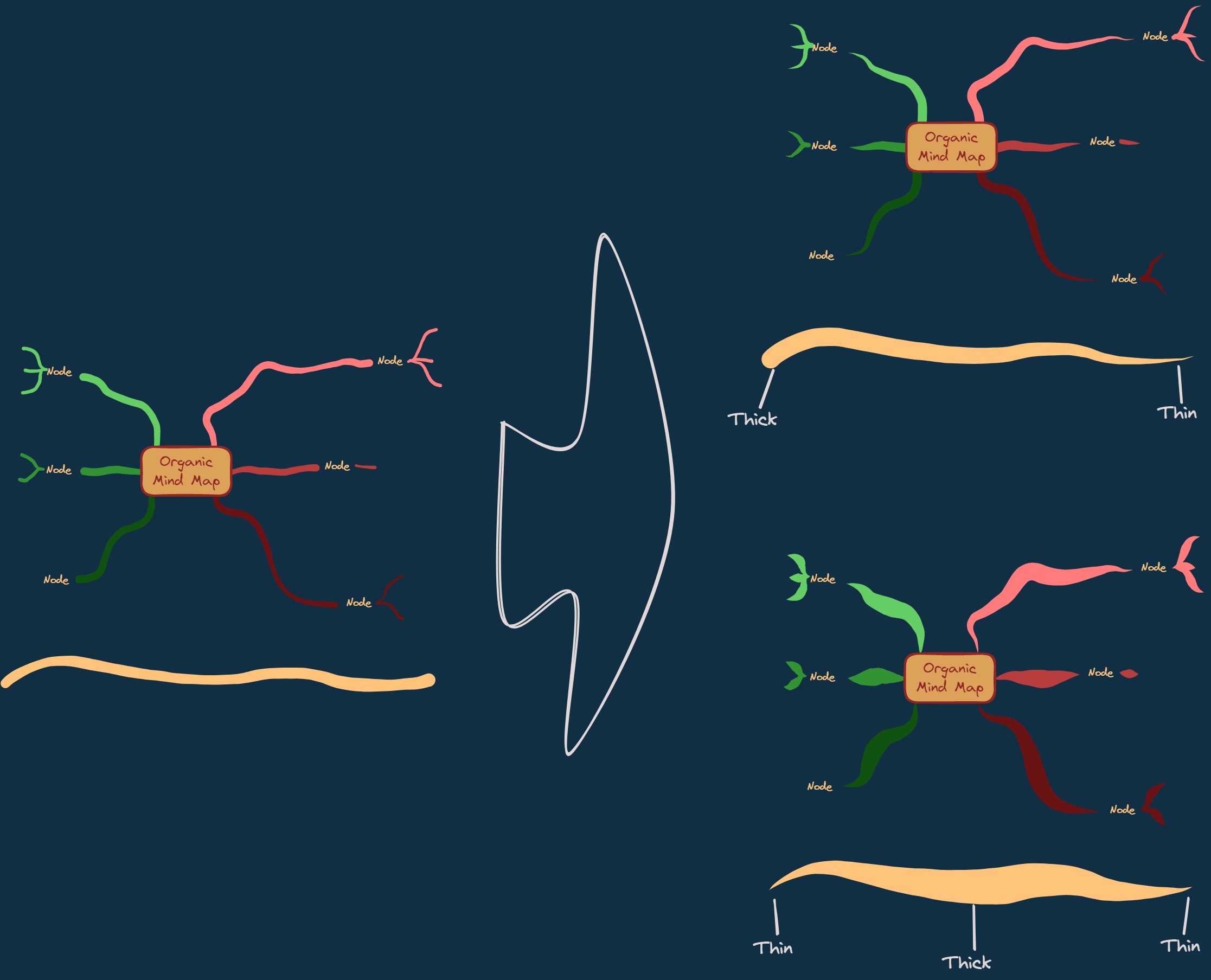
|
||||
|
||||
Converts selected freedraw lines such that pencil pressure will decrease from maximum to minimum from the beginning of the line to its end. The resulting line is placed at the back of the layers, under all other items. Helpful when drawing organic mindmaps.
|
||||
|
||||
```javascript
|
||||
*/
|
||||
|
||||
if(!ea.verifyMinimumPluginVersion || !ea.verifyMinimumPluginVersion("1.8.8")) {
|
||||
new Notice("This script requires a newer version of Excalidraw. Please install the latest version.");
|
||||
return;
|
||||
}
|
||||
|
||||
let elements = ea.getViewSelectedElements().filter((el)=>["freedraw","line","arrow"].includes(el.type));
|
||||
|
||||
//if nothing is selected find the last element that was drawn and use it if it is the right element type
|
||||
if(elements.length === 0) {
|
||||
elements = ea.getViewSelectedElements();
|
||||
const len = elements.length;
|
||||
if(len === 0 || ["freedraw","line","arrow"].includes(elements[len].type)) {
|
||||
return;
|
||||
}
|
||||
elements = [elements[len]];
|
||||
}
|
||||
|
||||
const lineType = await utils.suggester(["Thick to thin", "Thin to thick to thin"],["l1","l2"],"Select the type of line");
|
||||
if(!lineType) return;
|
||||
|
||||
ea.copyViewElementsToEAforEditing(elements);
|
||||
|
||||
ea.getElements().forEach((el)=>{
|
||||
el.simulatePressure = false;
|
||||
el.type = "freedraw";
|
||||
el.pressures = Array(el.points.length).fill(1);
|
||||
el.customData = {
|
||||
strokeOptions: {
|
||||
... lineType === "l1"
|
||||
? {
|
||||
options: {
|
||||
thinning: 1,
|
||||
smoothing: 0.5,
|
||||
streamline: 0.5,
|
||||
easing: "linear",
|
||||
start: {
|
||||
taper: 0,
|
||||
cap: true
|
||||
},
|
||||
end: {
|
||||
taper: true,
|
||||
easing: "linear",
|
||||
cap: false
|
||||
}
|
||||
}
|
||||
}
|
||||
: {
|
||||
options: {
|
||||
thinning: 4,
|
||||
smoothing: 0.5,
|
||||
streamline: 0.5,
|
||||
easing: "linear",
|
||||
start: {
|
||||
taper: true,
|
||||
easing: "linear",
|
||||
cap: true
|
||||
},
|
||||
end: {
|
||||
taper: true,
|
||||
easing: "linear",
|
||||
cap: false
|
||||
}
|
||||
}
|
||||
}
|
||||
}
|
||||
};
|
||||
});
|
||||
|
||||
await ea.addElementsToView(false,true);
|
||||
elements.forEach((el)=>ea.moveViewElementToZIndex(el.id,0));
|
||||
const ids=ea.getElements().map(el=>el.id);
|
||||
ea.selectElementsInView(ea.getViewElements().filter(el=>ids.contains(el.id)));
|
||||
```
|
||||
+37
@@ -0,0 +1,37 @@
|
||||
/*
|
||||
Copies the text from the selected PDF page on the Excalidraw canvas to the clipboard.
|
||||
|
||||
<a href="https://www.youtube.com/watch?v=Kwt_8WdOUT4" target="_blank"><img src ="https://i.ytimg.com/vi/Kwt_8WdOUT4/maxresdefault.jpg" style="width:560px;"></a>
|
||||
|
||||
|
||||
```js*/
|
||||
const el = ea.getViewSelectedElements().filter(el=>el.type==="image")[0];
|
||||
if(!el) {
|
||||
new Notice("Select a PDF page");
|
||||
return;
|
||||
}
|
||||
const f = ea.getViewFileForImageElement(el);
|
||||
if(f.extension.toLowerCase() !== "pdf") {
|
||||
new Notice("Select a PDF page");
|
||||
return;
|
||||
}
|
||||
|
||||
const pageNum = parseInt(ea.targetView.excalidrawData.getFile(el.fileId).linkParts.ref.replace(/\D/g, ""));
|
||||
if(isNaN(pageNum)) {
|
||||
new Notice("Can't find page number");
|
||||
return;
|
||||
}
|
||||
|
||||
const pdfDoc = await window.pdfjsLib.getDocument(app.vault.getResourcePath(f)).promise;
|
||||
const page = await pdfDoc.getPage(pageNum);
|
||||
const text = await page.getTextContent();
|
||||
if(!text) {
|
||||
new Notice("Could not get text");
|
||||
return;
|
||||
}
|
||||
pdfDoc.destroy();
|
||||
window.navigator.clipboard.writeText(
|
||||
text.items.reduce((acc, cur) => acc + cur.str.replace(/\x00/ug, '') + (cur.hasEOL ? "\n" : ""),"")
|
||||
);
|
||||
new Notice("Page text is available on the clipboard");
|
||||
```
|
||||
@@ -0,0 +1,327 @@
|
||||
/*
|
||||
|
||||
<a href="https://www.youtube.com/watch?v=epYNx2FSf2w" target="_blank"><img src ="https://i.ytimg.com/vi/epYNx2FSf2w/maxresdefault.jpg" style="width:560px;"></a>
|
||||
|
||||
<a href="https://www.youtube.com/watch?v=diBT5iaoAYo" target="_blank"><img src ="https://i.ytimg.com/vi/diBT5iaoAYo/maxresdefault.jpg" style="width:560px;"></a>
|
||||
|
||||
Design your palette at http://paletton.com/
|
||||
Once you are happy with your colors, click Tables/Export in the bottom right of the screen:
|
||||
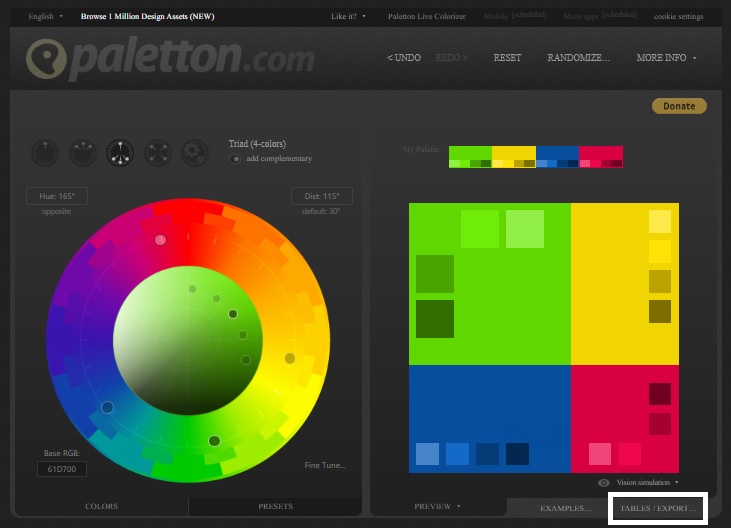
|
||||
Then click "Color swatches/as Sketch Palette"
|
||||
|
||||
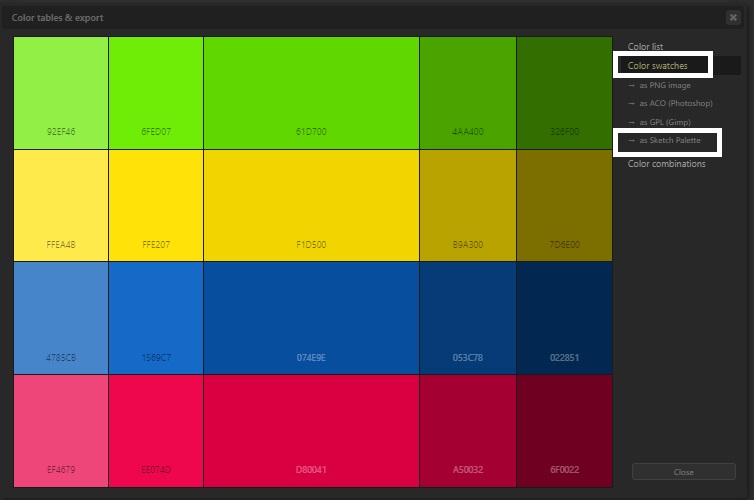
|
||||
Copy the contents of the page to a markdown file in your vault. Place the file in the Excalidraw/Palettes folder (you can change this folder in settings).
|
||||
|
||||
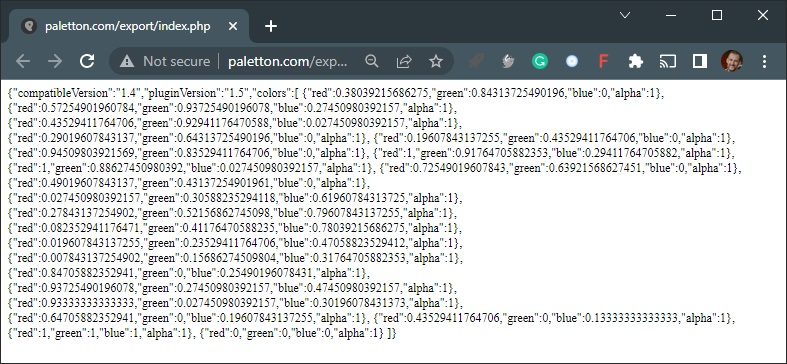
|
||||
|
||||
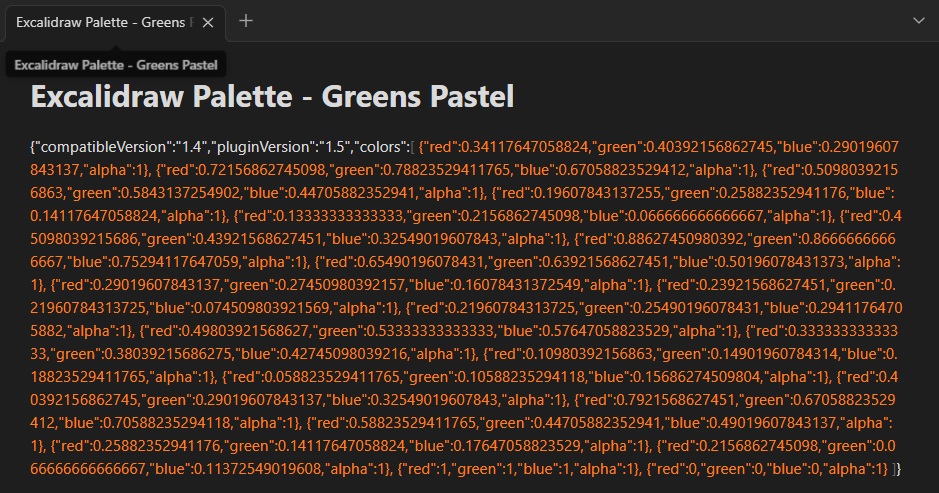
|
||||
|
||||
Excalidraw appState Custom Palette Data Object:
|
||||
```js
|
||||
colorPalette: {
|
||||
canvasBackground: [string, string, string, string, string][] | string[],
|
||||
elementBackground: [string, string, string, string, string][] | string[],
|
||||
elementStroke: [string, string, string, string, string][] | string[],
|
||||
topPicks: {
|
||||
canvasBackground: [string, string, string, string, string],
|
||||
elementStroke: [string, string, string, string, string],
|
||||
elementBackground: [string, string, string, string, string]
|
||||
},
|
||||
}
|
||||
|
||||
*/
|
||||
//--------------------------
|
||||
// Load settings
|
||||
//--------------------------
|
||||
if(!ea.verifyMinimumPluginVersion || !ea.verifyMinimumPluginVersion("1.9.2")) {
|
||||
new Notice("This script requires a newer version of Excalidraw. Please install the latest version.");
|
||||
return;
|
||||
}
|
||||
|
||||
const api = ea.getExcalidrawAPI();
|
||||
let settings = ea.getScriptSettings();
|
||||
//set default values on first run
|
||||
if(!settings["Palette folder"]) {
|
||||
settings = {
|
||||
"Palette folder" : {
|
||||
value: "Excalidraw/Palettes",
|
||||
description: "The path to the folder where you store the Excalidraw Palettes"
|
||||
},
|
||||
"Light-gray" : {
|
||||
value: "#505050",
|
||||
description: "Base light-gray used for mixing with the accent color to generate the palette light-gray"
|
||||
},
|
||||
"Dark-gray" : {
|
||||
value: "#e0e0e0",
|
||||
description: "Base dark-gray used for mixing with the accent color to generate the palette dark-gray"
|
||||
}
|
||||
};
|
||||
ea.setScriptSettings(settings);
|
||||
}
|
||||
|
||||
const lightGray = settings["Light-gray"].value;
|
||||
const darkGray = settings["Dark-gray"].value;
|
||||
|
||||
let paletteFolder = settings["Palette folder"].value.toLowerCase();
|
||||
if(paletteFolder === "" || paletteFolder === "/") {
|
||||
new Notice("The palette folder cannot be the root folder of your vault");
|
||||
return;
|
||||
}
|
||||
|
||||
if(!paletteFolder.endsWith("/")) paletteFolder += "/";
|
||||
|
||||
|
||||
//-----------------------
|
||||
// UPDATE CustomPalette
|
||||
//-----------------------
|
||||
const updateColorPalette = (paletteFragment) => {
|
||||
const st = ea.getExcalidrawAPI().getAppState();
|
||||
colorPalette = st.colorPalette ?? {};
|
||||
if(paletteFragment?.topPicks) {
|
||||
if(!colorPalette.topPicks) {
|
||||
colorPalette.topPicks = {
|
||||
...paletteFragment.topPicks
|
||||
};
|
||||
} else {
|
||||
colorPalette.topPicks = {
|
||||
...colorPalette.topPicks,
|
||||
...paletteFragment.topPicks
|
||||
}
|
||||
}
|
||||
} else {
|
||||
colorPalette = {
|
||||
...colorPalette,
|
||||
...paletteFragment
|
||||
}
|
||||
}
|
||||
ea.viewUpdateScene({appState: {colorPalette}});
|
||||
ea.addElementsToView(true,true); //elements is empty, but this will save the file
|
||||
}
|
||||
|
||||
|
||||
//----------------
|
||||
// LOAD PALETTE
|
||||
//----------------
|
||||
const loadPalette = async () => {
|
||||
//--------------------------
|
||||
// Select palette
|
||||
//--------------------------
|
||||
const palettes = app.vault.getFiles()
|
||||
.filter(f=>f.extension === "md" && f.path.toLowerCase() === paletteFolder + f.name.toLowerCase())
|
||||
.sort((a,b)=>a.basename.toLowerCase()<b.basename.toLowerCase()?-1:1);
|
||||
const file = await utils.suggester(["Excalidraw Default"].concat(palettes.map(f=>f.name)),["Default"].concat(palettes), "Choose a palette, press ESC to abort");
|
||||
if(!file) return;
|
||||
|
||||
if(file === "Default") {
|
||||
api.updateScene({
|
||||
appState: {
|
||||
colorPalette: {}
|
||||
}
|
||||
});
|
||||
return;
|
||||
}
|
||||
|
||||
//--------------------------
|
||||
// Load palette
|
||||
//--------------------------
|
||||
const sketchPalette = await app.vault.read(file);
|
||||
|
||||
const parseJSON = (data) => {
|
||||
try {
|
||||
return JSON.parse(data);
|
||||
} catch(e) {
|
||||
return;
|
||||
}
|
||||
}
|
||||
|
||||
const loadPaletteFromPlainText = (data) => {
|
||||
const colors = [];
|
||||
data.replaceAll("\r","").split("\n").forEach(c=>{
|
||||
c = c.trim();
|
||||
if(c==="") return;
|
||||
if(c.match(/[^hslrga-fA-F\(\d\.\,\%\s)#]/)) return;
|
||||
const cm = ea.getCM(c);
|
||||
if(cm) colors.push(cm.stringHEX({alpha: false}));
|
||||
})
|
||||
return colors;
|
||||
}
|
||||
|
||||
const paletteJSON = parseJSON(sketchPalette);
|
||||
|
||||
const colors = paletteJSON
|
||||
? paletteJSON.colors.map(c=>ea.getCM({r:c.red*255,g:c.green*255,b:c.blue*255,a:c.alpha}).stringHEX({alpha: false}))
|
||||
: loadPaletteFromPlainText(sketchPalette);
|
||||
const baseColor = ea.getCM(colors[0]);
|
||||
|
||||
// Add black, white, transparent, gary
|
||||
const palette = [[
|
||||
"transparent",
|
||||
"black",
|
||||
baseColor.mix({color: lightGray, ratio:0.95}).stringHEX({alpha: false}),
|
||||
baseColor.mix({color: darkGray, ratio:0.95}).stringHEX({alpha: false}),
|
||||
"white"
|
||||
]];
|
||||
|
||||
// Create Excalidraw palette
|
||||
for(i=0;i<Math.floor(colors.length/5);i++) {
|
||||
palette.push([
|
||||
colors[i*5+1],
|
||||
colors[i*5+2],
|
||||
colors[i*5],
|
||||
colors[i*5+3],
|
||||
colors[i*5+4]
|
||||
]);
|
||||
}
|
||||
|
||||
const getShades = (c,type) => {
|
||||
cm = ea.getCM(c);
|
||||
const lightness = cm.lightness;
|
||||
if(lightness === 0 || lightness === 100) return c;
|
||||
|
||||
switch(type) {
|
||||
case "canvas":
|
||||
return [
|
||||
c,
|
||||
ea.getCM(c).lightnessTo((100-lightness)*0.5+lightness).stringHEX({alpha: false}),
|
||||
ea.getCM(c).lightnessTo((100-lightness)*0.25+lightness).stringHEX({alpha: false}),
|
||||
ea.getCM(c).lightnessTo(lightness*0.5).stringHEX({alpha: false}),
|
||||
ea.getCM(c).lightnessTo(lightness*0.25).stringHEX({alpha: false}),
|
||||
];
|
||||
case "stroke":
|
||||
return [
|
||||
ea.getCM(c).lightnessTo((100-lightness)*0.5+lightness).stringHEX({alpha: false}),
|
||||
ea.getCM(c).lightnessTo((100-lightness)*0.25+lightness).stringHEX({alpha: false}),
|
||||
ea.getCM(c).lightnessTo(lightness*0.5).stringHEX({alpha: false}),
|
||||
ea.getCM(c).lightnessTo(lightness*0.25).stringHEX({alpha: false}),
|
||||
c,
|
||||
];
|
||||
case "background":
|
||||
return [
|
||||
ea.getCM(c).lightnessTo((100-lightness)*0.5+lightness).stringHEX({alpha: false}),
|
||||
c,
|
||||
ea.getCM(c).lightnessTo((100-lightness)*0.25+lightness).stringHEX({alpha: false}),
|
||||
ea.getCM(c).lightnessTo(lightness*0.5).stringHEX({alpha: false}),
|
||||
ea.getCM(c).lightnessTo(lightness*0.25).stringHEX({alpha: false}),
|
||||
];
|
||||
}
|
||||
}
|
||||
|
||||
const paletteSize = palette.flat().length;
|
||||
const newPalette = {
|
||||
canvasBackground: palette.flat().map(c=>getShades(c,"canvas")),
|
||||
elementStroke: palette.flat().map(c=>getShades(c,"stroke")),
|
||||
elementBackground: palette.flat().map(c=>getShades(c,"background"))
|
||||
};
|
||||
|
||||
|
||||
//--------------------------
|
||||
// Check if palette has the same size as the current. Is re-paint possible?
|
||||
//--------------------------
|
||||
const oldPalette = api.getAppState().colorPalette;
|
||||
|
||||
//You can only switch and repaint equal size palettes
|
||||
let canRepaint = Boolean(oldPalette) && Object.keys(oldPalette).length === 3 &&
|
||||
oldPalette.canvasBackground.length === paletteSize &&
|
||||
oldPalette.elementBackground.length === paletteSize &&
|
||||
oldPalette.elementStroke.length === paletteSize;
|
||||
|
||||
//Check that the palette for canvas background, element stroke and element background are the same
|
||||
for(i=0;canRepaint && i<paletteSize;i++) {
|
||||
if(
|
||||
oldPalette.canvasBackground[i] !== oldPalette.elementBackground[i] ||
|
||||
oldPalette.canvasBackground[i] !== oldPalette.elementStroke[i]
|
||||
) {
|
||||
canRepaint = false;
|
||||
break;
|
||||
}
|
||||
}
|
||||
|
||||
const shouldRepaint = canRepaint && await utils.suggester(["Try repainting the drawing with the new palette","Just load the new palette"], [true, false],"ESC will load the palette without repainting");
|
||||
|
||||
|
||||
//--------------------------
|
||||
// Apply palette
|
||||
//--------------------------
|
||||
if(shouldRepaint) {
|
||||
const map = new Map();
|
||||
for(i=0;i<paletteSize;i++) {
|
||||
map.set(oldPalette.canvasBackground[i],newPalette.canvasBackground[i])
|
||||
}
|
||||
|
||||
ea.copyViewElementsToEAforEditing(ea.getViewElements());
|
||||
ea.getElements().forEach(el=>{
|
||||
el.strokeColor = map.get(el.strokeColor)??el.strokeColor;
|
||||
el.backgroundColor = map.get(el.backgroundColor)??el.backgroundColor;
|
||||
})
|
||||
|
||||
const canvasColor = api.getAppState().viewBackgroundColor;
|
||||
|
||||
await api.updateScene({
|
||||
appState: {
|
||||
viewBackgroundColor: map.get(canvasColor)??canvasColor
|
||||
}
|
||||
});
|
||||
|
||||
ea.addElementsToView();
|
||||
}
|
||||
updateColorPalette(newPalette);
|
||||
}
|
||||
|
||||
//-------------
|
||||
// TOP PICKS
|
||||
//-------------
|
||||
const topPicks = async () => {
|
||||
const elements = ea.getViewSelectedElements().filter(el=>["rectangle", "diamond", "ellipse", "line"].includes(el.type));
|
||||
if(elements.length !== 5) {
|
||||
new Notice("Select 5 elements, the script will use the background color of these elements",6000);
|
||||
return;
|
||||
}
|
||||
|
||||
const colorType = await utils.suggester(["View Background", "Element Background", "Stroke"],["view", "background", "stroke"], "Which top-picks would you like to set?");
|
||||
|
||||
if(!colorType) {
|
||||
new Notice("You did not select which color to set");
|
||||
return;
|
||||
}
|
||||
|
||||
const topPicks = elements.map(el=>el.backgroundColor);
|
||||
switch(colorType) {
|
||||
case "view": updateColorPalette({topPicks: {canvasBackground: topPicks}}); break;
|
||||
case "stroke": updateColorPalette({topPicks: {elementStroke: topPicks}}); break;
|
||||
default: updateColorPalette({topPicks: {elementBackground: topPicks}}); break;
|
||||
}
|
||||
}
|
||||
|
||||
//-----------------------------------
|
||||
// Copy palette from another file
|
||||
//-----------------------------------
|
||||
const copyPaletteFromFile = async () => {
|
||||
const files = app.vault.getFiles().filter(f => ea.isExcalidrawFile(f)).sort((a,b)=>a.name > b.name ? 1 : -1);
|
||||
const file = await utils.suggester(files.map(f=>f.path),files,"Select the file to copy from");
|
||||
if(!file) {
|
||||
return;
|
||||
}
|
||||
scene = await ea.getSceneFromFile(file);
|
||||
if(!scene || !scene.appState) {
|
||||
new Notice("unknown error");
|
||||
return;
|
||||
}
|
||||
ea.viewUpdateScene({appState: {colorPalette: {...scene.appState.colorPalette}}});
|
||||
ea.addElementsToView(true,true);
|
||||
}
|
||||
|
||||
//----------
|
||||
// START
|
||||
//----------
|
||||
const action = await utils.suggester(
|
||||
["Load palette from file", "Set top-picks based on the background color of 5 selected elements", "Copy palette from another Excalidraw File"],
|
||||
["palette","top-picks","copy"]
|
||||
);
|
||||
if(!action) return;
|
||||
|
||||
switch(action) {
|
||||
case "palette": loadPalette(); break;
|
||||
case "top-picks": topPicks(); break;
|
||||
case "copy": copyPaletteFromFile(); break;
|
||||
}
|
||||
```
|
||||
@@ -0,0 +1,246 @@
|
||||
/*
|
||||
Palm Guard: A mobile-friendly drawing mode for Excalidraw that prevents accidental palm touches by hiding UI controls and entering fullscreen mode. Perfect for drawing with a stylus on tablets.
|
||||
|
||||
Features:
|
||||
- Enters fullscreen to maximize drawing space (configurable in plugin script settings)
|
||||
- Hides all UI controls to prevent accidental taps
|
||||
- Provides a minimal floating toolbar with toggle visibility button
|
||||
- Enables a completely distraction-free canvas even on desktop devices by hiding the main toolbar and all chrome while keeping a tiny movable toggle control (addresses immersive canvas / beyond Zen Mode request)
|
||||
- Draggable toolbar can be positioned anywhere on screen
|
||||
- Exit Palm Guard mode with a single tap
|
||||
- Press the hotkey you configured for this script in Obsidian's Hotkey settings (e.g., ALT+X) to toggle UI visibility; if no hotkey is set, use the on-screen toggle button.
|
||||
|
||||

|
||||
|
||||
```js
|
||||
*/
|
||||
|
||||
if(!ea.verifyMinimumPluginVersion || !ea.verifyMinimumPluginVersion("2.14.2")) {
|
||||
new Notice("This script requires a newer version of Excalidraw. Please install the latest version.");
|
||||
return;
|
||||
}
|
||||
|
||||
function requestFullscreen() {
|
||||
const el = ea.targetView.ownerDocument.body;
|
||||
if (el.requestFullscreen) {
|
||||
el.requestFullscreen();
|
||||
} else if (el.webkitRequestFullscreen) {
|
||||
el.webkitRequestFullscreen();
|
||||
}
|
||||
ea.targetView.gotoFullscreen();
|
||||
}
|
||||
|
||||
function exitFullscreen() {
|
||||
const doc = ea.targetView.ownerDocument;
|
||||
if (doc.exitFullscreen) {
|
||||
doc.exitFullscreen();
|
||||
} else if (doc.webkitExitFullscreen) {
|
||||
doc.webkitExitFullscreen();
|
||||
}
|
||||
ea.targetView.exitFullscreen();
|
||||
}
|
||||
|
||||
async function run() {
|
||||
if(window.excalidrawPalmGuard) {
|
||||
window.excalidrawPalmGuard()
|
||||
return;
|
||||
}
|
||||
const modal = new ea.FloatingModal(ea.plugin.app);
|
||||
if (modal.bgEl) {
|
||||
modal.containerEl.removeChild(modal.bgEl);
|
||||
}
|
||||
modal.modalEl.style.borderRadius = "6px";
|
||||
modal.contentEl.style.padding = "4px";
|
||||
const FULLSCREEN = "Goto fullscreen?";
|
||||
let settings = ea.getScriptSettings() || {};
|
||||
if(!settings[FULLSCREEN]) {
|
||||
settings[FULLSCREEN] = { value: true };
|
||||
await ea.setScriptSettings(settings);
|
||||
}
|
||||
|
||||
//added only to clean up settings if someone installed the initial version of the script
|
||||
const HOTKEY_MODIFIERS = "PalmGuard Toggle UI Hotkey Modifiers";
|
||||
const HOTKEY_KEY = "PalmGuard Toggle UI Hotkey Key";
|
||||
if(settings[HOTKEY_MODIFIERS] || settings[HOTKEY_KEY]) {
|
||||
delete settings[HOTKEY_MODIFIERS];
|
||||
delete settings[HOTKEY_KEY];
|
||||
await ea.setScriptSettings(settings);
|
||||
}
|
||||
|
||||
const enableFullscreen = settings[FULLSCREEN].value;
|
||||
|
||||
// Initialize state
|
||||
let uiHidden = true;
|
||||
let currentIcon = "eye";
|
||||
let layerUIWrapper = ea.targetView.contentEl.querySelector(".excalidraw.excalidraw-container > .layer-ui__wrapper");
|
||||
const toolbar = ea.targetView.contentEl.querySelector(".excalidraw > .Island");
|
||||
let toolbarActive = toolbar?.style.display === "block";
|
||||
let prevHiddenState = false;
|
||||
|
||||
// Function to toggle UI visibility
|
||||
const toggleUIVisibility = (hidden) => {
|
||||
if(hidden === prevHiddenState) return hidden;
|
||||
prevHiddenState = hidden;
|
||||
if (!!layerUIWrapper) {
|
||||
try {
|
||||
if(hidden) {
|
||||
layerUIWrapper.style.display = "none";
|
||||
} else {
|
||||
layerUIWrapper.style.display = "block";
|
||||
}
|
||||
} catch {};
|
||||
} else {
|
||||
try{
|
||||
const topBar = ea.targetView.containerEl.querySelector(".App-top-bar");
|
||||
const bottomBar = ea.targetView.containerEl.querySelector(".App-bottom-bar");
|
||||
const sidebarToggle = ea.targetView.containerEl.querySelector(".sidebar-toggle");
|
||||
const plugins = ea.targetView.containerEl.querySelector(".plugins-container");
|
||||
|
||||
if(hidden) {
|
||||
if (toolbarActive && (toolbar?.style.display === "none")) {
|
||||
toolbarActive = false;
|
||||
}
|
||||
if (toolbarActive = toolbar?.style.display === "block") {
|
||||
toolbarActive = true;
|
||||
};
|
||||
}
|
||||
|
||||
const display = hidden ? "none" : "";
|
||||
|
||||
if (topBar) topBar.style.display = display;
|
||||
if (bottomBar) bottomBar.style.display = display;
|
||||
if (sidebarToggle) sidebarToggle.style.display = display;
|
||||
if (plugins) plugins.style.display = display;
|
||||
if (toolbarActive) toolbar.style.display = hidden ? "none" : "block";
|
||||
modal.modalEl.style.opacity = hidden ? "0.4" : "0.8";
|
||||
} catch {};
|
||||
};
|
||||
return hidden;
|
||||
};
|
||||
|
||||
// Enter fullscreen view mode
|
||||
if(enableFullscreen) {
|
||||
requestFullscreen ();
|
||||
}
|
||||
setTimeout(()=>toggleUIVisibility(true),100);
|
||||
|
||||
// Create floating toolbar modal
|
||||
Object.assign(modal.modalEl.style, {
|
||||
width: "fit-content",
|
||||
minWidth: "fit-content",
|
||||
height: "fit-content",
|
||||
minHeight: "fit-content",
|
||||
paddingBottom: "4px",
|
||||
paddingTop: "16px",
|
||||
paddingRight: "4px",
|
||||
paddingLeft: "4px"
|
||||
});
|
||||
|
||||
modal.headerEl.style.display = "none";
|
||||
// Configure modal
|
||||
modal.titleEl.setText(""); // No title for minimal UI
|
||||
|
||||
// Create modal content
|
||||
modal.contentEl.createDiv({ cls: "palm-guard-toolbar" }, div => {
|
||||
const container = div.createDiv({
|
||||
attr: {
|
||||
style: "display: flex; flex-direction: column; background-color: var(--background-secondary); border-radius: 4px;"
|
||||
}
|
||||
});
|
||||
|
||||
// Button container
|
||||
const buttonContainer = container.createDiv({
|
||||
attr: {
|
||||
style: "display: flex; flex-wrap: wrap; gap: 4px; justify-content: center;"
|
||||
}
|
||||
});
|
||||
|
||||
// Toggle UI visibility button
|
||||
const toggleButton = buttonContainer.createEl("button", {
|
||||
cls: "palm-guard-btn clickable-icon",
|
||||
attr: {
|
||||
style: "background-color: var(--interactive-accent); color: var(--text-on-accent);"
|
||||
}
|
||||
});
|
||||
toggleButton.innerHTML = ea.obsidian.getIcon("eye").outerHTML;
|
||||
// Keyboard hotkey listener (only acts if hotkey configured)
|
||||
window.excalidrawPalmGuard = () => toggleButton.click();
|
||||
toggleButton.addEventListener("click", () => {
|
||||
uiHidden = !uiHidden;
|
||||
toggleUIVisibility(uiHidden);
|
||||
|
||||
// Toggle icon
|
||||
currentIcon = uiHidden ? "eye" : "eye-off";
|
||||
toggleButton.innerHTML = ea.obsidian.getIcon(currentIcon).outerHTML;
|
||||
});
|
||||
|
||||
// Exit button
|
||||
const exitButton = buttonContainer.createEl("button", {
|
||||
cls: "palm-guard-btn clickable-icon",
|
||||
attr: {
|
||||
style: "background-color: var(--background-secondary-alt); color: var(--text-normal);"
|
||||
}
|
||||
});
|
||||
exitButton.innerHTML = ea.obsidian.getIcon("cross").outerHTML;
|
||||
|
||||
exitButton.addEventListener("click", () => {
|
||||
modal.close();
|
||||
});
|
||||
|
||||
// Add CSS
|
||||
div.createEl("style", {
|
||||
text: `
|
||||
.palm-guard-btn:hover {
|
||||
filter: brightness(1.1);
|
||||
}
|
||||
.modal-close-button {
|
||||
display: none;
|
||||
}
|
||||
.palm-guard-btn {
|
||||
display: flex;
|
||||
justify-content: center;
|
||||
align-items: center;
|
||||
padding: 4px;
|
||||
border-radius: 10%;
|
||||
width: 2em;
|
||||
height: 2em;
|
||||
cursor: pointer;
|
||||
}
|
||||
`
|
||||
});
|
||||
});
|
||||
|
||||
const autocloseTimer = setInterval(()=>{
|
||||
if(!ea.targetView) modal.close();
|
||||
},1000);
|
||||
|
||||
// Handle modal close (exit Palm Guard mode)
|
||||
modal.onClose = () => {
|
||||
// Show all UI elements
|
||||
toggleUIVisibility(false);
|
||||
|
||||
// Exit fullscreen
|
||||
if(ea.targetView && enableFullscreen) {
|
||||
exitFullscreen();
|
||||
}
|
||||
clearInterval(autocloseTimer);
|
||||
delete window.excalidrawPalmGuard;
|
||||
};
|
||||
|
||||
// Open the modal
|
||||
modal.open();
|
||||
|
||||
// Position the modal in the top left initially
|
||||
setTimeout(() => {
|
||||
const modalEl = modal.modalEl;
|
||||
const rect = ea.targetView.contentEl.getBoundingClientRect();
|
||||
if (modalEl) {
|
||||
modalEl.style.left = `${rect.left+10}px`;
|
||||
modalEl.style.top = `${rect.top+10}px`;
|
||||
}
|
||||
}, 100);
|
||||
}
|
||||
|
||||
run();
|
||||
|
||||
```
|
||||
+866
@@ -0,0 +1,866 @@
|
||||
/*
|
||||
|
||||
Export Excalidraw to PDF Pages: Define printable page areas using frames, then export each frame as a separate page in a multi-page PDF. Perfect for turning your Excalidraw drawings into printable notes, handouts, or booklets. Supports standard and custom page sizes, margins, and easy frame arrangement.
|
||||
|
||||
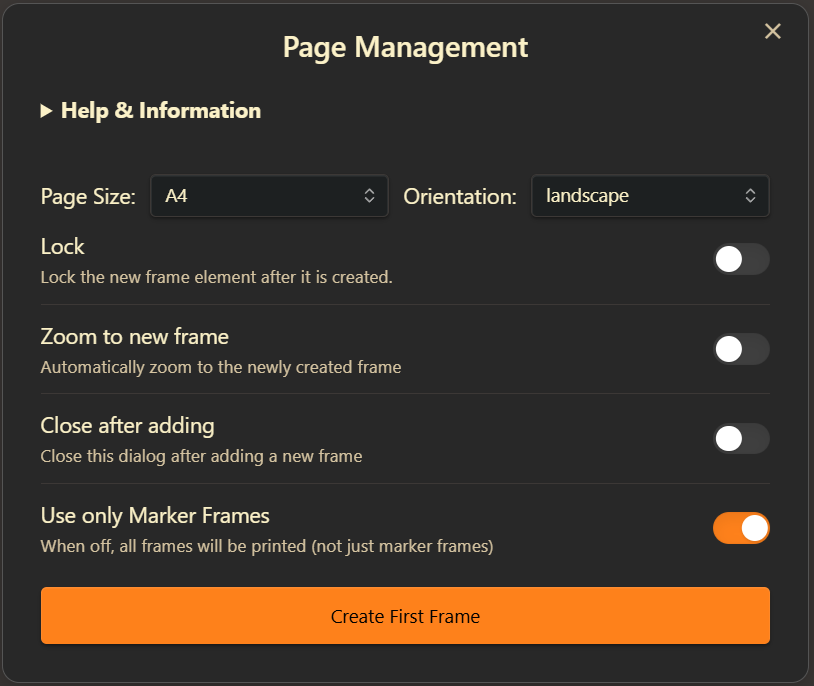
|
||||
|
||||
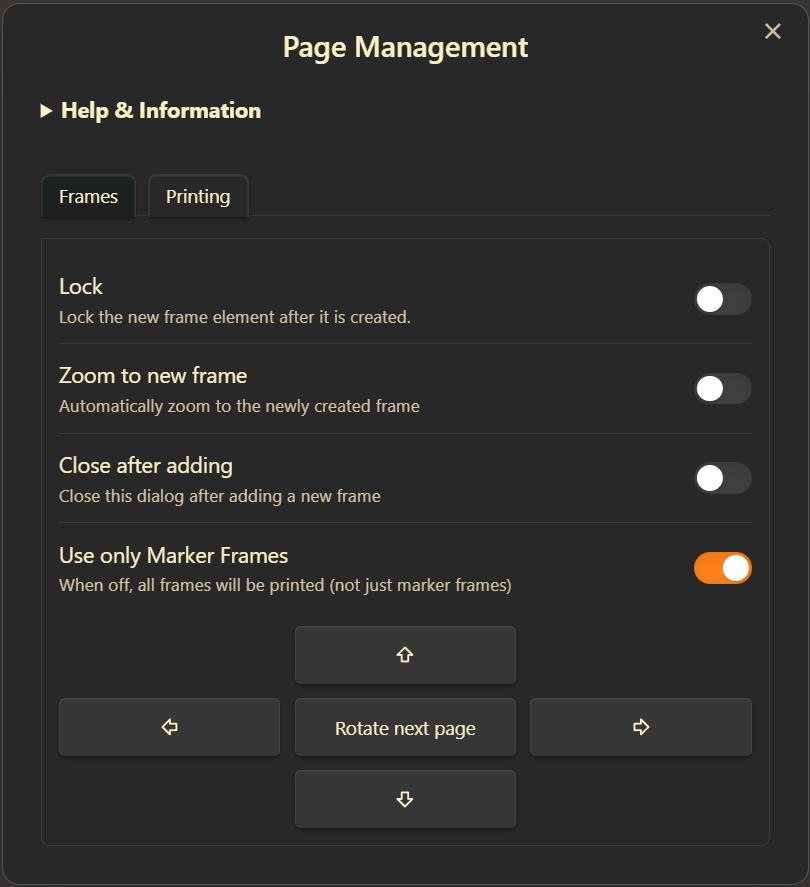
|
||||
|
||||
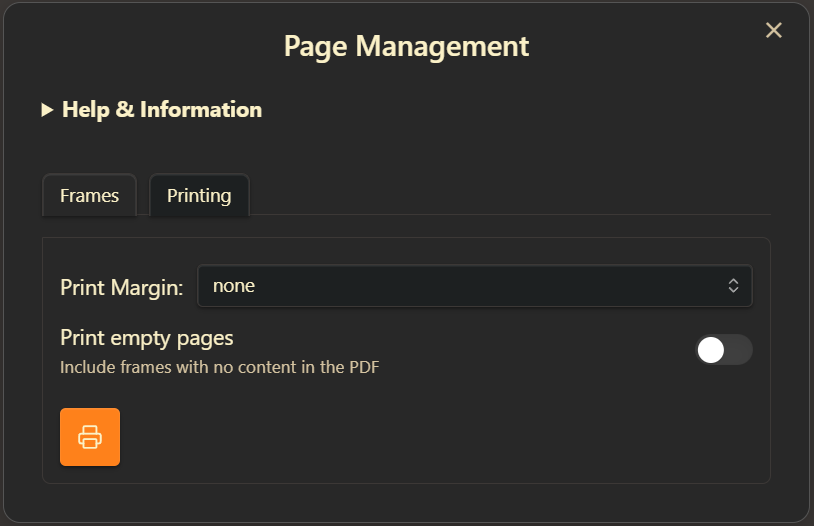
|
||||
|
||||

|
||||
|
||||

|
||||
|
||||
```js
|
||||
*/
|
||||
|
||||
if(!ea.verifyMinimumPluginVersion || !ea.verifyMinimumPluginVersion("2.15.0")) {
|
||||
new Notice("This script requires a newer version of Excalidraw. Please install the latest version.");
|
||||
return;
|
||||
}
|
||||
|
||||
if(window.excalidrawPrintableLayoutWizardModal) {
|
||||
window.excalidrawPrintableLayoutWizardModal.open();
|
||||
return;
|
||||
}
|
||||
|
||||
// Help text for the script
|
||||
const HELP_TEXT = `
|
||||
**Easily split your Excalidraw drawing into printable pages!**
|
||||
|
||||
If you find this script helpful, consider [buying me a coffee](https://ko-fi.com/zsolt). Thank you.
|
||||
|
||||
---
|
||||
|
||||
### How it works
|
||||
|
||||
- **Define Pages:** Use frames to mark out each page area in your drawing. You can create the first frame with this script (choose a standard size or orientation), or draw your own frame for a custom page size.
|
||||
- **Add More Pages:** Select a frame, then use the arrow buttons to add new frames next to it. All new frames will match the size of the selected one.
|
||||
- **Rename Frames:** You can rename frames as you like. When exporting to PDF, pages will be ordered alphabetically by frame name.
|
||||
|
||||
---
|
||||
|
||||
### Important Notes
|
||||
|
||||
- **Same Size & Orientation:** All frames must have the same size and orientation (e.g., all A4 Portrait) to export to PDF. Excalidraw currently does not support PDFs with different-sized pages.
|
||||
- **Custom Sizes:** If you draw your own frame, the PDF will use that exact size—great for custom page layouts!
|
||||
- **Margins:** If you set a margin, the page size stays the same, but your content will shrink to fit inside the printable area.
|
||||
- **No Frame Borders/Titles in Print:** Frame borders and frame titles will *not* appear in the PDF.
|
||||
- **No Frame Clipping:** The script disables frame clipping for this drawing.
|
||||
- **Templates:** You can save a template document with prearranged frames (even locked ones) for reuse.
|
||||
- **Lock Frames:** Frames only define print areas—they don't "contain" elements. Locking frames is recommended to prevent accidental movement.
|
||||
- **Outside Content:** Anything outside the frames will *not* appear in the PDF.
|
||||
|
||||
---
|
||||
|
||||
### Printing
|
||||
|
||||
- **Export to PDF:** Click the printer button to export each frame as a separate page in a PDF.
|
||||
- **Order:** Pages are exported in alphabetical order of frame names.
|
||||
|
||||
---
|
||||
|
||||
### Settings
|
||||
|
||||
You can also access script settings at the bottom of Excalidraw Plugin settings. The script stores your preferences for:
|
||||
- Locking new frames after creation
|
||||
- Zooming to new frames
|
||||
- Closing the dialog after adding a frame
|
||||
- Default page size and orientation
|
||||
- Print margin
|
||||
|
||||
---
|
||||
|
||||
**Tip:** For more on templates, see [Mastering Excalidraw Templates](https://youtu.be/jgUpYznHP9A). For referencing pages in markdown, see [Image Fragments](https://youtu.be/sjZfdqpxqsg) and [Image Block References](https://youtu.be/yZQoJg2RCKI).
|
||||
|
||||

|
||||
|
||||

|
||||
`;
|
||||
|
||||
async function run() {
|
||||
modal = new ea.FloatingModal(ea.plugin.app);
|
||||
window.excalidrawPrintableLayoutWizardModal = modal;
|
||||
modal.contentEl.empty();
|
||||
let shouldRestart = false;
|
||||
// Enable frame rendering
|
||||
const st = ea.getExcalidrawAPI().getAppState();
|
||||
let {enabled, clip, name, outline, markerName, markerEnabled} = st.frameRendering;
|
||||
if(!enabled || !name || !outline || !markerEnabled || !markerName) {
|
||||
ea.viewUpdateScene({
|
||||
appState: {
|
||||
frameRendering: {
|
||||
enabled: true,
|
||||
clip: clip,
|
||||
name: true,
|
||||
outline: true,
|
||||
markerName: true,
|
||||
markerEnabled: true
|
||||
}
|
||||
}
|
||||
});
|
||||
}
|
||||
|
||||
// Page size options (using standard sizes from ExcalidrawAutomate)
|
||||
const PAGE_SIZES = [
|
||||
"A0", "A1", "A2", "A3", "A4", "A5", "A6",
|
||||
"Letter", "Legal", "Tabloid", "Ledger"
|
||||
];
|
||||
|
||||
const PAGE_ORIENTATIONS = ["portrait", "landscape"];
|
||||
|
||||
// Margin sizes in points
|
||||
const MARGINS = {
|
||||
"none": 0,
|
||||
"tiny": 10,
|
||||
"normal": 60,
|
||||
};
|
||||
|
||||
// Initialize settings
|
||||
let settings = ea.getScriptSettings();
|
||||
let dirty = false;
|
||||
|
||||
// Define setting keys
|
||||
const PAGE_SIZE = "Page size";
|
||||
const ORIENTATION = "Page orientation";
|
||||
const MARGIN = "Print-margin";
|
||||
const LOCK_FRAME = "Lock frame after it is created";
|
||||
const SHOULD_ZOOM = "Should zoom after adding page";
|
||||
const SHOULD_CLOSE = "Should close after adding page";
|
||||
const PRINT_EMPTY = "Print empty pages";
|
||||
const PRINT_MARKERS_ONLY = "Print only marker frames";
|
||||
|
||||
// Set default values on first run
|
||||
if (!settings[PAGE_SIZE]) {
|
||||
settings = {};
|
||||
settings[PAGE_SIZE] = { value: "A4", valueset: PAGE_SIZES };
|
||||
settings[ORIENTATION] = { value: "portrait", valueset: PAGE_ORIENTATIONS };
|
||||
settings[MARGIN] = { value: "none", valueset: Object.keys(MARGINS)};
|
||||
settings[SHOULD_ZOOM] = { value: false };
|
||||
settings[SHOULD_CLOSE] = { value: false };
|
||||
settings[LOCK_FRAME] = { value: true };
|
||||
settings[PRINT_EMPTY] = { value: false };
|
||||
settings[PRINT_MARKERS_ONLY] = { value: true };
|
||||
dirty = true;
|
||||
}
|
||||
|
||||
//once off correction. In the first version I incorrectly used valueSet with wrong casing.
|
||||
if(settings[PAGE_SIZE].valueSet) {
|
||||
settings[PAGE_SIZE].valueset = settings[PAGE_SIZE].valueSet;
|
||||
delete settings[PAGE_SIZE].valueSet;
|
||||
settings[ORIENTATION].valueset = settings[ORIENTATION].valueSet;
|
||||
delete settings[ORIENTATION].valueSet;
|
||||
settings[MARGIN].valueset = settings[MARGIN].valueSet;
|
||||
delete settings[MARGIN].valueSet;
|
||||
dirty = true;
|
||||
}
|
||||
|
||||
if(!settings[LOCK_FRAME]) {
|
||||
settings[LOCK_FRAME] = { value: true };
|
||||
dirty = true;
|
||||
}
|
||||
|
||||
if(!settings[PRINT_EMPTY]) {
|
||||
settings[PRINT_EMPTY] = { value: false };
|
||||
dirty = true;
|
||||
}
|
||||
|
||||
|
||||
if(!settings[PRINT_MARKERS_ONLY]) {
|
||||
settings[PRINT_MARKERS_ONLY] = { value: true };
|
||||
dirty = true;
|
||||
}
|
||||
|
||||
let lockFrame = settings[LOCK_FRAME].value;
|
||||
let shouldClose = settings[SHOULD_CLOSE].value;
|
||||
let shouldZoom = settings[SHOULD_ZOOM].value;
|
||||
let printEmptyPages = settings[PRINT_EMPTY].value;
|
||||
let printMarkersOnly = settings[PRINT_MARKERS_ONLY].value;
|
||||
|
||||
const getSortedFrames = () => {
|
||||
return ea.getViewElements()
|
||||
.filter(el => isEligibleFrame(el))
|
||||
.sort((a, b) => {
|
||||
const nameA = a.name || "";
|
||||
const nameB = b.name || "";
|
||||
return nameA.localeCompare(nameB);
|
||||
});
|
||||
};
|
||||
|
||||
// Find existing page frames and determine next page number
|
||||
const findExistingPages = (selectLastFrame = false) => {
|
||||
const frameElements = getSortedFrames();
|
||||
|
||||
// Extract page numbers from frame names
|
||||
const pageNumbers = frameElements
|
||||
.map(frame => {
|
||||
const match = frame.name?.match(/(?:Page\s+)?(\d+)/i);
|
||||
return match ? parseInt(match[1]) : 0;
|
||||
})
|
||||
.filter(num => !isNaN(num));
|
||||
|
||||
// Find the highest page number
|
||||
const nextPageNumber = pageNumbers.length > 0
|
||||
? Math.max(...pageNumbers) + 1
|
||||
: 1;
|
||||
|
||||
if(selectLastFrame && frameElements.length > 0) {
|
||||
ea.selectElementsInView([frameElements[frameElements.length-1]]);
|
||||
}
|
||||
|
||||
return {
|
||||
frames: frameElements,
|
||||
nextPageNumber: nextPageNumber
|
||||
};
|
||||
};
|
||||
|
||||
const isEligibleFrame = (el) => el.type === "frame" && (printMarkersOnly ? el.frameRole === "marker" : true);
|
||||
|
||||
// Check if there are frames in the scene and if a frame is selected
|
||||
let existingFrames = ea.getViewElements().filter(el => isEligibleFrame(el));
|
||||
let selectedFrame = ea.getViewSelectedElements().find(el => isEligibleFrame(el));
|
||||
|
||||
const hasFrames = existingFrames.length > 0;
|
||||
if(hasFrames && !selectedFrame) {
|
||||
if(st.activeLockedId && existingFrames.find(f=>f.id === st.activeLockedId)) {
|
||||
selectedFrame = existingFrames.find(f=>f.id === st.activeLockedId);
|
||||
ea.viewUpdateScene({ appState: { activeLockedId: null }});
|
||||
ea.selectElementsInView([selectedFrame]);
|
||||
} else {
|
||||
findExistingPages(true);
|
||||
selectedFrame = ea.getViewSelectedElements().find(el => isEligibleFrame(el));
|
||||
}
|
||||
}
|
||||
|
||||
const hasSelectedFrame = !!selectedFrame;
|
||||
|
||||
// rotation is now a temporary UI state controlled by the center button
|
||||
let rotateOnAdd = false;
|
||||
let centerRotateBtn = null;
|
||||
const setRotateBtnActive = (active) => {
|
||||
if (!centerRotateBtn) return;
|
||||
centerRotateBtn.classList.toggle("is-accent", active);
|
||||
centerRotateBtn.setAttribute("aria-pressed", active ? "true" : "false");
|
||||
};
|
||||
|
||||
// Show notice if there are frames but none selected
|
||||
if (hasFrames && !hasSelectedFrame) {
|
||||
new Notice("Select a frame before running the script", 7000);
|
||||
return;
|
||||
}
|
||||
|
||||
// Create the first frame
|
||||
const createFirstFrame = async (pageSize, orientation) => {
|
||||
// Use ExcalidrawAutomate's built-in function to get page dimensions
|
||||
const dimensions = ea.getPagePDFDimensions(pageSize, orientation);
|
||||
|
||||
if (!dimensions) {
|
||||
new Notice("Invalid page size selected");
|
||||
return;
|
||||
}
|
||||
|
||||
// Save settings when creating first frame
|
||||
if (settings[PAGE_SIZE].value !== pageSize) {
|
||||
settings[PAGE_SIZE].value = pageSize;
|
||||
dirty = true;
|
||||
}
|
||||
|
||||
if (settings[ORIENTATION].value !== orientation) {
|
||||
settings[ORIENTATION].value = orientation;
|
||||
dirty = true;
|
||||
}
|
||||
|
||||
// Format page number with leading zero
|
||||
const pageName = "01";
|
||||
|
||||
// Calculate position to center the frame
|
||||
const appState = ea.getExcalidrawAPI().getAppState();
|
||||
const x = (appState.width - dimensions.width) / 2;
|
||||
const y = (appState.height - dimensions.height) / 2;
|
||||
|
||||
return await addFrameElement(x, y, dimensions.width, dimensions.height, pageName, true);
|
||||
};
|
||||
|
||||
// Add new page frame
|
||||
const addPage = async (direction, pageSize, orientation) => {
|
||||
selectedFrame = ea.getViewSelectedElements().find(el => isEligibleFrame(el));
|
||||
if (!selectedFrame) {
|
||||
const { activeLockedId } = ea.getExcalidrawAPI().getAppState();
|
||||
if(activeLockedId) {
|
||||
selectedFrame = ea.getViewElements().find(el=>el.id === activeLockedId && isEligibleFrame(el));
|
||||
}
|
||||
if (!selectedFrame) return;
|
||||
}
|
||||
ea.viewUpdateScene({appState: {activeLockedId: null}});
|
||||
|
||||
const { frames, nextPageNumber } = findExistingPages();
|
||||
|
||||
// Get dimensions from selected frame, support optional rotation
|
||||
const dimensions = {
|
||||
width: rotateOnAdd ? selectedFrame.height : selectedFrame.width,
|
||||
height: rotateOnAdd ? selectedFrame.width : selectedFrame.height
|
||||
};
|
||||
|
||||
// Format page number with leading zero
|
||||
const pageName = `${nextPageNumber.toString().padStart(2, '0')}`;
|
||||
|
||||
// Calculate position based on direction and selected frame
|
||||
let x = 0;
|
||||
let y = 0;
|
||||
|
||||
switch (direction) {
|
||||
case "right":
|
||||
x = selectedFrame.x + selectedFrame.width;
|
||||
y = selectedFrame.y;
|
||||
break;
|
||||
case "left":
|
||||
x = selectedFrame.x - dimensions.width;
|
||||
y = selectedFrame.y;
|
||||
break;
|
||||
case "down":
|
||||
x = selectedFrame.x;
|
||||
y = selectedFrame.y + selectedFrame.height;
|
||||
break;
|
||||
case "up":
|
||||
x = selectedFrame.x;
|
||||
y = selectedFrame.y - dimensions.height;
|
||||
break;
|
||||
}
|
||||
|
||||
const added = await addFrameElement(x, y, dimensions.width, dimensions.height, pageName);
|
||||
// reset the rotate toggle after adding the frame
|
||||
rotateOnAdd = false;
|
||||
setRotateBtnActive(false);
|
||||
return added;
|
||||
};
|
||||
|
||||
addFrameElement = async (x, y, width, height, pageName, repositionToCursor = false) => {
|
||||
const frameId = ea.addFrame(x, y, width, height, pageName);
|
||||
ea.getElement(frameId).frameRole = "marker";
|
||||
if(lockFrame) {
|
||||
ea.getElement(frameId).locked = true;
|
||||
}
|
||||
await ea.addElementsToView(repositionToCursor);
|
||||
const addedFrame = ea.getViewElements().find(el => el.id === frameId);
|
||||
if(shouldZoom) {
|
||||
ea.viewZoomToElements(true, [addedFrame]);
|
||||
} else {
|
||||
ea.selectElementsInView([addedFrame]);
|
||||
}
|
||||
|
||||
//ready for the next frame
|
||||
ea.clear();
|
||||
selectedFrame = addedFrame;
|
||||
if(shouldClose) {
|
||||
modal.close();
|
||||
}
|
||||
return addedFrame;
|
||||
}
|
||||
|
||||
const translateToZero = ({ x, y, width, height }, padding=0) => {
|
||||
const top = y, left = x, right = x + width, bottom = y + height;
|
||||
const {topX, topY, width:w, height:h} = ea.getBoundingBox(ea.getViewElements());
|
||||
const newTop = top - (topY - padding);
|
||||
const newLeft = left - (topX - padding);
|
||||
const newBottom = bottom - (topY - padding);
|
||||
const newRight = right - (topX - padding);
|
||||
|
||||
return {
|
||||
top: newTop,
|
||||
left: newLeft,
|
||||
bottom: newBottom,
|
||||
right: newRight,
|
||||
};
|
||||
}
|
||||
|
||||
// NEW: detect if any non-frame element overlaps the given area
|
||||
const hasElementsInArea = (area) => ea.getElementsInArea(ea.getViewElements(), area).length>0;
|
||||
|
||||
const checkFrameSizes = (frames) => {
|
||||
if (frames.length <= 1) return true;
|
||||
|
||||
const referenceWidth = frames[0].width;
|
||||
const referenceHeight = frames[0].height;
|
||||
|
||||
return frames.every(frame =>
|
||||
Math.abs(frame.width - referenceWidth) < 1 &&
|
||||
Math.abs(frame.height - referenceHeight) < 1
|
||||
);
|
||||
};
|
||||
|
||||
const printToPDF = async (marginSize) => {
|
||||
const margin = MARGINS[marginSize] || 0;
|
||||
|
||||
// Save margin setting
|
||||
if (settings[MARGIN].value !== marginSize) {
|
||||
settings[MARGIN].value = marginSize;
|
||||
dirty = true;
|
||||
}
|
||||
|
||||
// Get all frame elements and sort by name
|
||||
const frames = getSortedFrames();
|
||||
|
||||
if (frames.length === 0) {
|
||||
new Notice("No frames found to print");
|
||||
return;
|
||||
}
|
||||
|
||||
// Create a notice during processing
|
||||
const notice = new Notice("Preparing PDF, please wait...", 0);
|
||||
|
||||
// Create SVGs for each frame
|
||||
const svgPages = [];
|
||||
|
||||
let placeholderRects = [];
|
||||
ea.clear();
|
||||
for (const frame of frames) {
|
||||
ea.style.opacity = 0;
|
||||
ea.style.roughness = 0;
|
||||
ea.style.fillStyle = "solid";
|
||||
ea.style.backgroundColor = "black"
|
||||
ea.style.strokeWidth = 0.01;
|
||||
ea.addRect(frame.x, frame.y, frame.width, frame.height);
|
||||
}
|
||||
|
||||
const svgScene = await ea.createViewSVG({
|
||||
withBackground: true,
|
||||
theme: st.theme,
|
||||
//frameRendering: { enabled: false, name: false, outline: false, clip: false },
|
||||
padding: 0,
|
||||
selectedOnly: false,
|
||||
skipInliningFonts: false,
|
||||
embedScene: false,
|
||||
elementsOverride: ea.getViewElements().concat(ea.getElements()),
|
||||
});
|
||||
ea.clear();
|
||||
for (const frame of frames) {
|
||||
// NEW: skip empty frames unless user opted to print them
|
||||
if(!printEmptyPages && !hasElementsInArea(frame)) continue;
|
||||
|
||||
const { top, left, bottom, right } = translateToZero(frame);
|
||||
|
||||
//always create the new SVG in the main Obsidian workspace (not the popout window, if present)
|
||||
const host = window.createDiv();
|
||||
host.innerHTML = svgScene.outerHTML;
|
||||
const clonedSVG = host.firstElementChild;
|
||||
const width = Math.abs(left-right);
|
||||
const height = Math.abs(top-bottom);
|
||||
clonedSVG.setAttribute("viewBox", `${left} ${top} ${width} ${height}`);
|
||||
clonedSVG.setAttribute("width", `${width}`);
|
||||
clonedSVG.setAttribute("height", `${height}`);
|
||||
svgPages.push(clonedSVG);
|
||||
}
|
||||
|
||||
// NEW: abort if nothing to print
|
||||
if(svgPages.length === 0) {
|
||||
notice.hide();
|
||||
new Notice("No pages to print (all selected frames are empty)");
|
||||
notice.hide();
|
||||
return;
|
||||
}
|
||||
|
||||
// Use dimensions from the first frame
|
||||
const width = frames[0].width;
|
||||
const height = frames[0].height;
|
||||
|
||||
// Create PDF
|
||||
await ea.createPDF({
|
||||
SVG: svgPages,
|
||||
scale: { fitToPage: true },
|
||||
pageProps: {
|
||||
dimensions: {},
|
||||
//dimensions: { width, height },
|
||||
backgroundColor: "#ffffff",
|
||||
margin: {
|
||||
left: margin,
|
||||
right: margin,
|
||||
top: margin,
|
||||
bottom: margin
|
||||
},
|
||||
alignment: "center"
|
||||
},
|
||||
filename: ea.targetView.file.basename + "-pages.pdf"
|
||||
});
|
||||
notice.hide();
|
||||
};
|
||||
|
||||
// -----------------------
|
||||
// Create a floating modal
|
||||
// -----------------------
|
||||
|
||||
modal.titleEl.setText("Page Management");
|
||||
modal.titleEl.style.textAlign = "center";
|
||||
|
||||
modal.onClose = async () => {
|
||||
delete window.excalidrawPrintableLayoutWizardModal;
|
||||
if (dirty) {
|
||||
await ea.setScriptSettings(settings);
|
||||
}
|
||||
ea.viewUpdateScene({
|
||||
appState: {
|
||||
frameRendering: {enabled, clip, name, outline, markerName, markerEnabled}
|
||||
}
|
||||
});
|
||||
if(shouldRestart) setTimeout(()=>run());
|
||||
};
|
||||
|
||||
// Create modal content
|
||||
modal.contentEl.createDiv({ cls: "excalidraw-page-manager" }, div => {
|
||||
const container = div.createDiv({
|
||||
attr: {
|
||||
style: "display: flex; flex-direction: column; gap: 15px; padding: 10px;"
|
||||
}
|
||||
});
|
||||
|
||||
// Help section
|
||||
const helpDiv = container.createDiv({
|
||||
attr: {
|
||||
style: "margin-bottom: 10px;"
|
||||
}
|
||||
});
|
||||
helpDiv.createEl("details", {}, (details) => {
|
||||
details.createEl("summary", {
|
||||
text: "Help & Information",
|
||||
attr: {
|
||||
style: "cursor: pointer; font-weight: bold; margin-bottom: 10px;"
|
||||
}
|
||||
});
|
||||
|
||||
details.createEl("div", {
|
||||
attr: {
|
||||
style: "padding: 10px; border: 1px solid var(--background-modifier-border); border-radius: 4px; margin-top: 8px; font-size: 0.9em; max-height: 300px; overflow-y: auto;"
|
||||
}
|
||||
}, div => {
|
||||
ea.obsidian.MarkdownRenderer.render(ea.plugin.app, HELP_TEXT, div, "", ea.plugin)
|
||||
});
|
||||
});
|
||||
|
||||
// Tabs (show only when frames exist)
|
||||
let framesTabEl, printingTabEl, tabsHeaderEl, marginDropdown;
|
||||
if (hasFrames) {
|
||||
tabsHeaderEl = container.createDiv({
|
||||
attr: { style: "display:flex; gap:8px; border-bottom:1px solid var(--background-modifier-border); padding-bottom:0;" }
|
||||
});
|
||||
tabsHeaderEl.addClass("tabs-header"); // NEW
|
||||
|
||||
const framesTabBtn = tabsHeaderEl.createEl("button", {
|
||||
text: "Frames",
|
||||
attr: { style: "padding:8px 12px; cursor:pointer;" }
|
||||
});
|
||||
framesTabBtn.addClass("tab-btn"); // NEW
|
||||
|
||||
const printingTabBtn = tabsHeaderEl.createEl("button", {
|
||||
text: "Printing",
|
||||
attr: { style: "padding:8px 12px; cursor:pointer;" }
|
||||
});
|
||||
printingTabBtn.addClass("tab-btn"); // NEW
|
||||
|
||||
const tabsBody = container.createDiv();
|
||||
tabsBody.addClass("tab-panels"); // NEW
|
||||
|
||||
framesTabEl = tabsBody.createDiv({ attr: { style: "display:block;" } });
|
||||
framesTabEl.addClass("tab-panel"); // NEW
|
||||
|
||||
printingTabEl = tabsBody.createDiv({ attr: { style: "display:none;" } });
|
||||
printingTabEl.addClass("tab-panel"); // NEW
|
||||
|
||||
const activate = (tab) => {
|
||||
if (tab === "frames") {
|
||||
framesTabEl.style.display = "";
|
||||
printingTabEl.style.display = "none";
|
||||
framesTabBtn.classList.add("is-active");
|
||||
printingTabBtn.classList.remove("is-active");
|
||||
} else {
|
||||
framesTabEl.style.display = "none";
|
||||
printingTabEl.style.display = "";
|
||||
framesTabBtn.classList.remove("is-active");
|
||||
printingTabBtn.classList.add("is-active");
|
||||
}
|
||||
};
|
||||
framesTabBtn.addEventListener("click", () => {
|
||||
window.excalidrawPrintLayoutWizard = "frames";
|
||||
activate("frames")
|
||||
});
|
||||
printingTabBtn.addEventListener("click", () => {
|
||||
window.excalidrawPrintLayoutWizard = "printing";
|
||||
activate("printing")
|
||||
});
|
||||
activate(window.excalidrawPrintLayoutWizard ?? "frames");
|
||||
} else {
|
||||
// No frames yet, only frames tab content
|
||||
framesTabEl = container.createDiv();
|
||||
}
|
||||
|
||||
const createOptionsContainerCommonControls = (optionsContainer) => {
|
||||
new ea.obsidian.Setting(optionsContainer)
|
||||
.setName("Lock")
|
||||
.setDesc("Lock the new frame element after it is created.")
|
||||
.addToggle(toggle => {
|
||||
toggle.setValue(lockFrame).onChange(value => {
|
||||
lockFrame = value;
|
||||
if (settings[LOCK_FRAME].value !== value) {
|
||||
settings[LOCK_FRAME].value = value; dirty = true;
|
||||
}
|
||||
});
|
||||
});
|
||||
|
||||
new ea.obsidian.Setting(optionsContainer)
|
||||
.setName("Zoom to new frame")
|
||||
.setDesc("Automatically zoom to the newly created frame")
|
||||
.addToggle(toggle => {
|
||||
toggle.setValue(shouldZoom).onChange(value => {
|
||||
shouldZoom = value;
|
||||
if (settings[SHOULD_ZOOM].value !== value) {
|
||||
settings[SHOULD_ZOOM].value = value; dirty = true;
|
||||
}
|
||||
});
|
||||
});
|
||||
|
||||
new ea.obsidian.Setting(optionsContainer)
|
||||
.setName("Close after adding")
|
||||
.setDesc("Close this dialog after adding a new frame")
|
||||
.addToggle(toggle => {
|
||||
toggle.setValue(shouldClose).onChange(value => {
|
||||
shouldClose = value;
|
||||
if (settings[SHOULD_CLOSE].value !== value) {
|
||||
settings[SHOULD_CLOSE].value = value; dirty = true;
|
||||
}
|
||||
});
|
||||
});
|
||||
|
||||
new ea.obsidian.Setting(optionsContainer)
|
||||
.setName("Use only Marker Frames")
|
||||
.setDesc("When off, all frames will be printed (not just marker frames)")
|
||||
.addToggle(toggle => {
|
||||
toggle.setValue(printMarkersOnly).onChange(value => {
|
||||
printMarkersOnly = value;
|
||||
if (settings[PRINT_MARKERS_ONLY].value !== value) {
|
||||
settings[PRINT_MARKERS_ONLY].value = value;
|
||||
dirty = true;
|
||||
shouldRestart = true;
|
||||
modal.close();
|
||||
}
|
||||
});
|
||||
});
|
||||
}
|
||||
|
||||
// FRAMES TAB CONTENT
|
||||
// When no frames yet: initial size/orientation inputs and Create First Frame button
|
||||
if (!hasFrames) {
|
||||
const settingsContainer = framesTabEl.createDiv({
|
||||
attr: {
|
||||
// four columns: label + input, label + input
|
||||
style: "display: grid; grid-template-columns: auto 1fr auto 1fr; gap: 10px; align-items: center;"
|
||||
}
|
||||
});
|
||||
// Page Size
|
||||
settingsContainer.createEl("label", { text: "Page Size:" });
|
||||
const pageSizeDropdown = settingsContainer.createEl("select", {
|
||||
cls: "dropdown",
|
||||
attr: { style: "width: 100%;" }
|
||||
});
|
||||
PAGE_SIZES.forEach(size => pageSizeDropdown.createEl("option", { text: size, value: size }));
|
||||
pageSizeDropdown.value = settings[PAGE_SIZE].value;
|
||||
|
||||
// Orientation
|
||||
settingsContainer.createEl("label", { text: "Orientation:" });
|
||||
const orientationDropdown = settingsContainer.createEl("select", {
|
||||
cls: "dropdown",
|
||||
attr: { style: "width: 100%;" }
|
||||
});
|
||||
PAGE_ORIENTATIONS.forEach(orientation => orientationDropdown.createEl("option", { text: orientation, value: orientation }));
|
||||
orientationDropdown.value = settings[ORIENTATION].value;
|
||||
|
||||
const optionsContainer = framesTabEl.createDiv({ attr: { style: "margin-top: 10px;" } });
|
||||
createOptionsContainerCommonControls(optionsContainer);
|
||||
|
||||
// Create First Frame button
|
||||
const buttonContainer = framesTabEl.createDiv({
|
||||
attr: { style: "display: grid; grid-template-columns: 1fr; gap: 10px; margin-top: 10px;" }
|
||||
});
|
||||
const createFirstBtn = buttonContainer.createEl("button", {
|
||||
cls: "page-btn",
|
||||
attr: { style: "height: 40px; background-color: var(--interactive-accent); color: var(--text-on-accent);" }
|
||||
});
|
||||
createFirstBtn.textContent = "Create First Frame";
|
||||
createFirstBtn.addEventListener("click", async () => {
|
||||
const tmpShouldClose = shouldClose;
|
||||
shouldClose = true;
|
||||
await createFirstFrame(pageSizeDropdown.value, orientationDropdown.value);
|
||||
shouldClose = tmpShouldClose;
|
||||
if(!shouldClose) {
|
||||
shouldRestart = true;
|
||||
modal.close()
|
||||
}
|
||||
});
|
||||
|
||||
} else {
|
||||
// hasFrames: frame-management options + arrow buttons
|
||||
const optionsContainer = framesTabEl.createDiv({ attr: { style: "margin-top: 10px;" } });
|
||||
createOptionsContainerCommonControls(optionsContainer);
|
||||
|
||||
// Arrow buttons with center rotate toggle
|
||||
const buttonContainer = framesTabEl.createDiv({
|
||||
attr: {
|
||||
style: "display: grid; grid-template-columns: repeat(3, 1fr); gap: 10px; margin-top: 10px;"
|
||||
}
|
||||
});
|
||||
|
||||
const upBtn = buttonContainer.createEl("button", {
|
||||
cls: "page-btn",
|
||||
attr: { style: "grid-column: 2; grid-row: 1; height: 40px;" }
|
||||
});
|
||||
upBtn.innerHTML = ea.obsidian.getIcon("arrow-big-up").outerHTML;
|
||||
upBtn.addEventListener("click", async () => { await addPage("up"); });
|
||||
|
||||
buttonContainer.createDiv({ attr: { style: "grid-column: 3; grid-row: 1;" } });
|
||||
|
||||
const leftBtn = buttonContainer.createEl("button", {
|
||||
cls: "page-btn",
|
||||
attr: { style: "grid-column: 1; grid-row: 2; height: 40px;" }
|
||||
});
|
||||
leftBtn.innerHTML = ea.obsidian.getIcon("arrow-big-left").outerHTML;
|
||||
leftBtn.addEventListener("click", async () => { await addPage("left"); });
|
||||
|
||||
// Center toggle: Rotate next page
|
||||
centerRotateBtn = buttonContainer.createEl("button", {
|
||||
cls: "page-btn",
|
||||
attr: { style: "grid-column: 2; grid-row: 2; height: 40px;" }
|
||||
});
|
||||
centerRotateBtn.textContent = "Rotate next page";
|
||||
centerRotateBtn.addEventListener("click", () => {
|
||||
rotateOnAdd = !rotateOnAdd;
|
||||
setRotateBtnActive(rotateOnAdd);
|
||||
});
|
||||
setRotateBtnActive(rotateOnAdd);
|
||||
|
||||
const rightBtn = buttonContainer.createEl("button", {
|
||||
cls: "page-btn",
|
||||
attr: { style: "grid-column: 3; grid-row: 2; height: 40px;" }
|
||||
});
|
||||
rightBtn.innerHTML = ea.obsidian.getIcon("arrow-big-right").outerHTML;
|
||||
rightBtn.addEventListener("click", async () => { await addPage("right"); });
|
||||
|
||||
const downBtn = buttonContainer.createEl("button", {
|
||||
cls: "page-btn",
|
||||
attr: { style: "grid-column: 2; grid-row: 3; height: 40px;" }
|
||||
});
|
||||
downBtn.innerHTML = ea.obsidian.getIcon("arrow-big-down").outerHTML;
|
||||
downBtn.addEventListener("click", async () => { await addPage("down"); });
|
||||
|
||||
buttonContainer.createDiv({ attr: { style: "grid-column: 1; grid-row: 3;" } });
|
||||
}
|
||||
|
||||
// PRINTING TAB CONTENT (only when hasFrames)
|
||||
if (hasFrames && printingTabEl) {
|
||||
const marginContainer = printingTabEl.createDiv({
|
||||
attr: {
|
||||
style: "display: grid; grid-template-columns: auto 1fr; gap: 10px; align-items: center; margin-top: 6px;"
|
||||
}
|
||||
});
|
||||
marginContainer.createEl("label", { text: "Print Margin:" });
|
||||
marginDropdown = marginContainer.createEl("select", { cls: "dropdown", attr: { style: "width: 100%;" } });
|
||||
Object.keys(MARGINS).forEach(margin => marginDropdown.createEl("option", { text: margin, value: margin }));
|
||||
marginDropdown.value = settings[MARGIN].value;
|
||||
|
||||
const printingOptions = printingTabEl.createDiv({ attr: { style: "margin-top: 10px;" } });
|
||||
|
||||
new ea.obsidian.Setting(printingOptions)
|
||||
.setName(PRINT_EMPTY)
|
||||
.setDesc("Include frames with no content in the PDF")
|
||||
.addToggle(toggle => {
|
||||
toggle.setValue(printEmptyPages).onChange(value => {
|
||||
printEmptyPages = value;
|
||||
if(settings[PRINT_EMPTY].value !== value) {
|
||||
settings[PRINT_EMPTY].value = value;
|
||||
dirty = true;
|
||||
}
|
||||
});
|
||||
});
|
||||
|
||||
const printBtnRow = printingTabEl.createDiv({ attr: { style: "margin-top: 10px; display:flex; justify-content:flex-start;" } });
|
||||
const printBtn = printBtnRow.createEl("button", {
|
||||
cls: "page-btn",
|
||||
attr: { style: "height: 40px; background-color: var(--interactive-accent);" }
|
||||
});
|
||||
printBtn.innerHTML = ea.obsidian.getIcon("printer").outerHTML;
|
||||
printBtn.addEventListener("click", async () => { await printToPDF(marginDropdown.value); });
|
||||
}
|
||||
|
||||
// CSS
|
||||
div.createEl("style", {
|
||||
text: `
|
||||
.page-btn {
|
||||
display: flex;
|
||||
justify-content: center;
|
||||
align-items: center;
|
||||
cursor: pointer;
|
||||
border-radius: 4px;
|
||||
}
|
||||
.page-btn:hover {
|
||||
background-color: var(--interactive-hover);
|
||||
}
|
||||
.dropdown {
|
||||
height: 30px;
|
||||
background-color: var(--background-secondary);
|
||||
color: var(--text-normal);
|
||||
border-radius: 4px;
|
||||
border: 1px solid var(--background-modifier-border);
|
||||
padding: 0 10px;
|
||||
}
|
||||
.is-active {
|
||||
background-color: var(--background-modifier-hover);
|
||||
border-radius: 4px;
|
||||
}
|
||||
/* Tabs styling - NEW */
|
||||
.tabs-header {
|
||||
gap: 8px;
|
||||
border-bottom: 1px solid var(--background-modifier-border);
|
||||
}
|
||||
.tabs-header .tab-btn {
|
||||
background: var(--background-primary);
|
||||
color: var(--text-normal);
|
||||
border: 1px solid var(--background-modifier-border);
|
||||
border-bottom: none;
|
||||
border-top-left-radius: 6px;
|
||||
border-top-right-radius: 6px;
|
||||
border-bottom-left-radius: 0;
|
||||
border-bottom-right-radius: 0;
|
||||
padding: 8px 12px;
|
||||
margin-bottom: -1px; /* sit on top of the panel border */
|
||||
}
|
||||
.tabs-header .tab-btn:hover {
|
||||
background: var(--background-modifier-hover);
|
||||
}
|
||||
.tabs-header .tab-btn.is-active {
|
||||
background: var(--background-secondary);
|
||||
color: var(--text-normal);
|
||||
position: relative;
|
||||
z-index: 2;
|
||||
}
|
||||
.tab-panels {
|
||||
border: 1px solid var(--background-modifier-border);
|
||||
border-radius: 0 6px 6px 6px; /* merge with active tab */
|
||||
padding: 12px;
|
||||
background: var(--background-primary);
|
||||
}
|
||||
|
||||
/* accent styling for center rotate toggle when active */
|
||||
.page-btn.is-accent {
|
||||
background-color: var(--interactive-accent);
|
||||
color: var(--text-on-accent);
|
||||
}
|
||||
.page-btn.is-accent:hover {
|
||||
background-color: var(--interactive-accent-hover, var(--interactive-accent));
|
||||
}
|
||||
`
|
||||
});
|
||||
});
|
||||
|
||||
modal.open();
|
||||
}
|
||||
|
||||
run();
|
||||
|
||||
```
|
||||
@@ -0,0 +1,86 @@
|
||||
# Excalidraw Script Engine scripts library
|
||||
|
||||
【English | [简体中文](../docs/zh-cn/ea-scripts/README.md)】
|
||||
|
||||
Click to watch the intro video:
|
||||
|
||||
[](https://youtu.be/hePJcObHIso)
|
||||
|
||||
> **Warning**
|
||||
> There is an easier way to install/manage scripts than what is shown in this video
|
||||
|
||||
See the [Excalidraw Script Engine](https://zsviczian.github.io/obsidian-excalidraw-plugin/ExcalidrawScriptsEngine.html) documentation for more details.
|
||||
|
||||
## How to install scripts into your Obsidian Vault
|
||||
To install one of the built-in scripts:
|
||||
- Open up an excalidraw drawing in Obsidian
|
||||
- In the pane dropdown menu select "Install or update Excalidraw Scripts"
|
||||
- Click on one of the available scripts
|
||||
- Click on "Install this script" (note if the script is already installed you will instead see an option to update it)
|
||||
- Restart Obsidian so the script will be picked up
|
||||
|
||||
Note: By default this will install the script into your vault in the `Excalidraw/Scripts/Downloaded` folder
|
||||
|
||||
<details><summary>Manual installation of scripts</summary>
|
||||
|
||||
Open the script you are interested in and save it to your Obsidian Vault including the first line `/*`, or open it in "Raw" and copy the entire contents to Obsidian.
|
||||
|
||||

|
||||
|
||||
</details>
|
||||
|
||||
## List of available scripts
|
||||
|Title|Description|Icon|Contributor|
|
||||
|----|----|----|----|
|
||||
|[Add Connector Point](Add%20Connector%20Point.md)|This script will add a small circle to the top left of each text element in the selection and add the text and the "bullet point" into a group.||[@zsviczian](https://github.com/zsviczian)|
|
||||
|[Add Link to Existing File and Open](Add%20Link%20to%20Existing%20File%20and%20Open.md)|Prompts for a file from the vault. Adds a link to the selected element pointing to the selected file. You can control in settings to open the file in the current active pane or an adjacent pane.||[@zsviczian](https://github.com/zsviczian)|
|
||||
|[Add Link to New Page and Open](Add%20Link%20and%20Open%20Page.md)|Prompts for filename. Offers option to create and open a new Markdown or Excalidraw document. Adds link pointing to the new file, to the selected objects in the drawing. You can control in settings to open the file in the current active pane or an adjacent pane.||[@zsviczian](https://github.com/zsviczian)|
|
||||
|[Add Next Step in Process](Add%20Link%20to%20New%20Page%20and%20Open.md)|This script will prompt you for the title of the process step, then will create a stick note with the text. If an element is selected then the script will connect this new step with an arrow to the previous step (the selected element). If no element is selected, then the script assumes this is the first step in the process and will only output the sticky note with the text that was entered.||[@zsviczian](https://github.com/zsviczian)|
|
||||
|[Split Ellipse](Boolean%20Operations.md)|With This Script it is possible to make boolean Operations on Shapes.||[@GColoy](https://github.com/GColoy)|
|
||||
|[Box Each Selected Groups](Box%20Each%20Selected%20Groups.md)|This script will add encapsulating boxes around each of the currently selected groups in Excalidraw.||[@1-2-3](https://github.com/1-2-3)|
|
||||
|[Box Selected Elements](Box%20Selected%20Elements.md)|This script will add an encapsulating box around the currently selected elements in Excalidraw.||[@zsviczian](https://github.com/zsviczian)|
|
||||
|[Change shape of selected elements](Change%20shape%20of%20selected%20elements.md)|The script allows you to change the shape of selected Rectangles, Diamonds and Ellipses||[@zsviczian](https://github.com/zsviczian)|
|
||||
|[Connect elements](Connect%20elements.md)|This script will connect two objects with an arrow. If either of the objects are a set of grouped elements (e.g. a text element grouped with an encapsulating rectangle), the script will identify these groups, and connect the arrow to the largest object in the group (assuming you want to connect the arrow to the box around the text element).||[@zsviczian](https://github.com/zsviczian)|
|
||||
|[Convert freedraw to line](https://raw.githubusercontent.com/zsviczian/obsidian-excalidraw-plugin/master/ea-scripts/Convert%20freedraw%20to%20line.md)|Convert selected freedraw objects into editable lines. This will allow you to adjust your drawings by dragging line points and will also allow you to select shape fill in case of enclosed lines. You can adjust conversion point density in settings||[@zsviczian](https://github.com/zsviczian)|
|
||||
|[Convert selected text elements to sticky notes](Convert%20selected%20text%20elements%20to%20sticky%20notes.md)|Converts selected plain text elements to sticky notes with transparent background and transparent stroke color. Essentially converts text element into a wrappable format.||[@zsviczian](https://github.com/zsviczian)|
|
||||
|[Convert text to link with folder and alias](Convert%20text%20to%20link%20with%20folder%20and%20alias.md)|Converts text elements to links pointing to a file in a selected folder and with the alias set as the original text. The script will prompt the user to select an existing folder from the vault.|`original text` => `[[selected folder/original text\|original text]]`|[@zsviczian](https://github.com/zsviczian)|
|
||||
|[Copy Selected Element Styles to Global](Copy%20Selected%20Element%20Styles%20to%20Global)|This script will copy styles of any selected element into Excalidraw's global styles.||[@1-2-3](https://github.com/1-2-3)|
|
||||
|[Create new markdown file and embed into active drawing](Create%20new%20markdown%20file%20and%20embed%20into%20active%20drawing.md)|The script will prompt you for a filename, then create a new markdown document with the file name provided, open the new markdown document in an adjacent pane, and embed the markdown document into the active Excalidraw drawing.||[@zsviczian](https://github.com/zsviczian)|
|
||||
|[Darken background color](Darken%20background%20color.md)|This script darkens the background color of the selected element by 2% at a time. You can use this script several times until you are satisfied. It is recommended to set a shortcut key for this script so that you can quickly try to DARKEN and LIGHTEN the color effect. In contrast to the `Modify background color opacity` script, the advantage is that the background color of the element is not affected by the canvas color, and the color value does not appear in a strange rgba() form.||[@1-2-3](https://github.com/1-2-3)|
|
||||
|[Elbow connectors](Elbow%20connectors.md)|This script converts the selected connectors to elbows.||[@1-2-3](https://github.com/1-2-3)|
|
||||
|[Expand rectangles horizontally keep text centered](Expand%20rectangles%20horizontally%20keep%20text20%centered.md)|This script expands the width of the selected rectangles until they are all the same width and keep the text centered.||[@1-2-3](https://github.com/1-2-3)|
|
||||
|[Expand rectangles horizontally](Expand%20rectangles%20horizontally.md)|This script expands the width of the selected rectangles until they are all the same width.||[@1-2-3](https://github.com/1-2-3)|
|
||||
|[Expand rectangles vertically keep text centered](Expand%20rectangles%20vertically%20keep%20text%20centered.md)|This script expands the height of the selected rectangles until they are all the same height and keep the text centered.||[@1-2-3](https://github.com/1-2-3)|
|
||||
|[Expand rectangles vertically](Expand%20rectangles%20vertically.md)|This script expands the height of the selected rectangles until they are all the same height.||[@1-2-3](https://github.com/1-2-3)|
|
||||
|[Fixed horizontal distance between centers](Fixed%20horizontal%20distance%20between%20centers.md)|This script arranges the selected elements horizontally with a fixed center spacing.||[@1-2-3](https://github.com/1-2-3)|
|
||||
|[Fixed inner distance](Fixed%20inner%20distance.md)|This script arranges selected elements and groups with a fixed inner distance.||[@1-2-3](https://github.com/1-2-3)|
|
||||
|[Fixed spacing](Fixed%20spacing.md)|The script arranges the selected elements horizontally with a fixed spacing. When we create an architecture diagram or mind map, we often need to arrange a large number of elements in a fixed spacing. `Fixed spacing` and `Fixed vertical Distance` scripts can save us a lot of time.||[@1-2-3](https://github.com/1-2-3)|
|
||||
|[Fixed vertical distance between centers](Fixed%20vertical%20distance%20between%20centers.md)|This script arranges the selected elements vertically with a fixed center spacing.||[@1-2-3](https://github.com/1-2-3)|
|
||||
|[Fixed vertical distance](Fixed%20vertical%20distance.md)|The script arranges the selected elements vertically with a fixed spacing. When we create an architecture diagram or mind map, we often need to arrange a large number of elements in a fixed spacing. `Fixed spacing` and `Fixed vertical Distance` scripts can save us a lot of time.||[@1-2-3](https://github.com/1-2-3)|
|
||||
|[Lighten background color](Lighten%20background%20color.md)|This script lightens the background color of the selected element by 2% at a time. You can use this script several times until you are satisfied. It is recommended to set a shortcut key for this script so that you can quickly try to DARKEN and LIGHTEN the color effect.In contrast to the `Modify background color opacity` script, the advantage is that the background color of the element is not affected by the canvas color, and the color value does not appear in a strange rgba() form.||[@1-2-3](https://github.com/1-2-3)|
|
||||
|[Mindmap connector](Mindmap%20connector.md)|This script creates mindmap like lines (only right side and down available currently) for selected elements. The line will start according to the creation time of the elements. So you should create the header element first.||[@xllowl](https://github.com/xllowl)|
|
||||
|[Modify background color opacity](Modify%20background%20color%20opacity.md)|This script changes the opacity of the background color of the selected boxes. The default background color in Excalidraw is so dark that the text is hard to read. You can lighten the color a bit by setting transparency. And you can tweak the transparency over and over again until you're happy with it. Although excalidraw has the opacity option in its native property Settings, it also changes the transparency of the border. Use this script to change only the opacity of the background color without affecting the border.||[@1-2-3](https://github.com/1-2-3)|
|
||||
|[Normalize Selected Arrows](Normalize%20Selected%20Arrows.md)|This script will reset the start and end positions of the selected arrows. The arrow will point to the center of the connected box and will have a gap of 8px from the box.||[@1-2-3](https://github.com/1-2-3)|
|
||||
|[OCR - Optical Character Recognition](OCR%20-%20Optical%20Character%20Recognition.md)|The script will 1) send the selected image file to [taskbone.com](https://taskbone.com) to extract the text from the image, and 2) will add the text to your drawing as a text element.|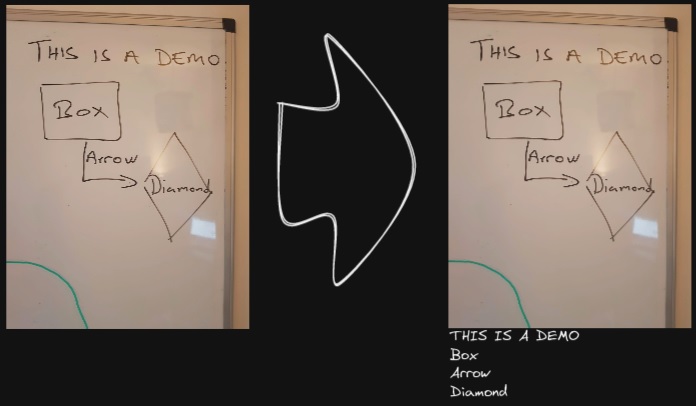|[@zsviczian](https://github.com/zsviczian)|
|
||||
|[Organic Line](Organic%20Line.md)|Converts selected freedraw lines such that pencil pressure will decrease from maximum to minimum from the beginning of the line to its end. The resulting line is placed at the back of the layers, under all other items. Helpful when drawing organic mindmaps.||[@zsviczian](https://github.com/zsviczian)|
|
||||
|[Repeat Elements](Repeat%20Elements.md)|This script will detect the difference between 2 selected elements, including position, size, angle, stroke and background color, and create several elements that repeat these differences based on the number of repetitions entered by the user.|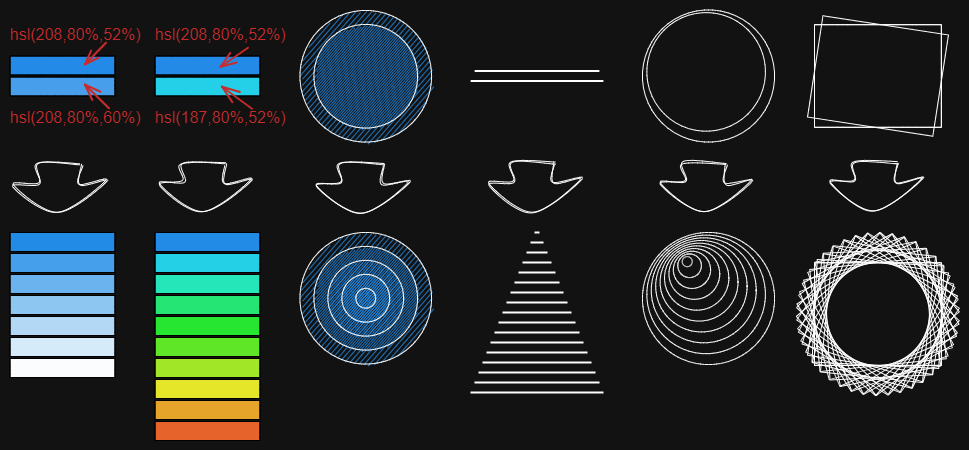|[@1-2-3](https://github.com/1-2-3)|
|
||||
|[Reset LaTeX Size](Reset%20LaTeX%20Size.md)|Reset the sizes of embedded LaTeX equations to the default sizes or a multiple of the default sizes.|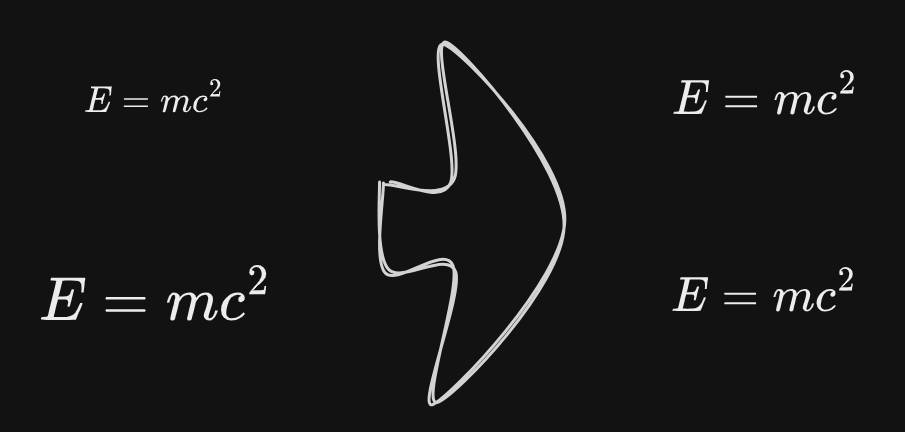|[@firai](https://github.com/firai)|
|
||||
|[Reverse arrows](Reverse%20arrows.md)|Reverse the direction of **arrows** within the scope of selected elements.|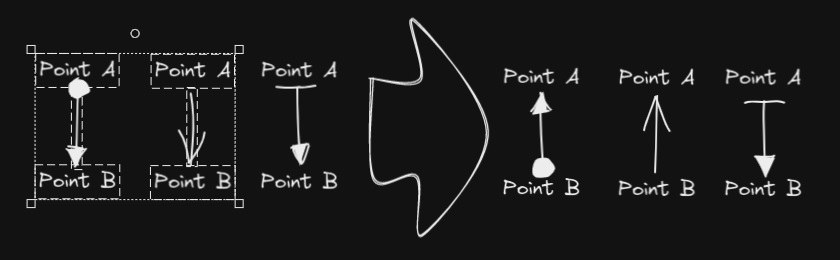|[@zsviczian](https://github.com/zsviczian)|
|
||||
|[Scribble Helper](Scribble%20Helper.md)|iOS scribble helper for better handwriting experience with text elements. If no elements are selected then the creates a text element at pointer position and you can use the edit box to modify the text with scribble. If a text element is selected then opens the input prompt where you can modify this text with scribble.||[@zsviczian](https://github.com/zsviczian)|
|
||||
|[Select Elements of Type](Select%20Elements%20of%20Type.md)|Prompts you with a list of the different element types in the active image. Only elements of the selected type will be selected on the canvas. If nothing is selected when running the script, then the script will process all the elements on the canvas. If some elements are selected when the script is executed, then the script will only process the selected elements.<br>The script is useful when, for example, you want to bring to front all the arrows, or want to change the color of all the text elements, etc.||[@zsviczian](https://github.com/zsviczian)|
|
||||
|[Set background color of unclosed line object by adding a shadow clone](Set%20background%20color%20of%20unclosed%20line%20object%20by%20adding%20a%20shadow%20clone.md)|Use this script to set the background color of unclosed (i.e. open) line objects by creating a clone of the object. The script will set the stroke color of the clone to transparent and will add a straight line to close the object. Use settings to define the default background color, the fill style, and the strokeWidth of the clone. By default the clone will be grouped with the original object, you can disable this also in settings.|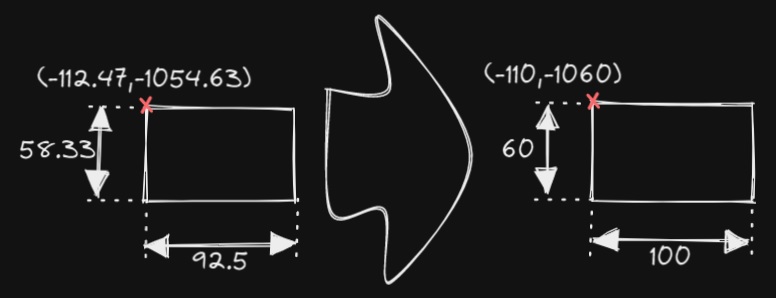|[@zsviczian](https://github.com/zsviczian)|
|
||||
|[Set Dimensions](Set%20Dimensions.md)|Currently there is no way to specify the exact location and size of objects in Excalidraw. You can bridge this gap with the following simple script.||[@zsviczian](https://github.com/zsviczian)|
|
||||
|[Set Font Family](Set%20Font%20Family.md)|Sets font family of the text block (Virgil, Helvetica, Cascadia). Useful if you want to set a keyboard shortcut for selecting font family.|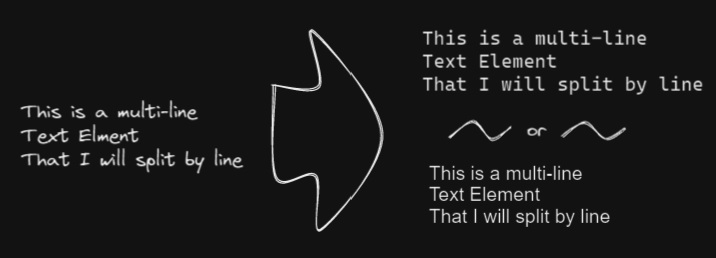|[@zsviczian](https://github.com/zsviczian)|
|
||||
|[Set Grid](Set%20Grid.md)|The default grid size in Excalidraw is 20. Currently there is no way to change the grid size via the user interface. This script offers a way to bridge this gap.|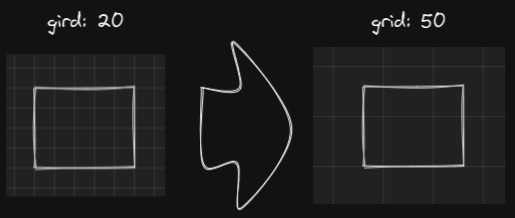|[@zsviczian](https://github.com/zsviczian)|
|
||||
|[Set Link Alias](Set20%Link20%Alias.md)|Iterates all of the links in the selected TextElements and prompts the user to set or modify the alias for each link found.|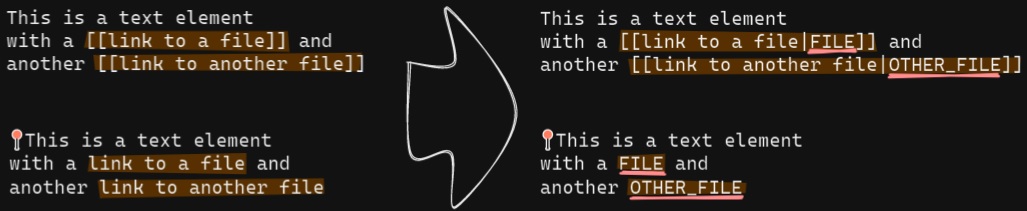|[@zsviczian](https://github.com/zsviczian)|
|
||||
|[Set stroke width of selected elements](Set%20Stroke%20Width%20of%20Selected%20Elements.md)|This script will set the stroke width of selected elements. This is helpful, for example, when you scale freedraw sketches and want to reduce or increase their line width.|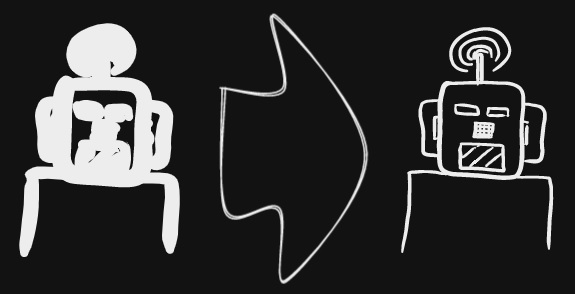|[@zsviczian](https://github.com/zsviczian)|
|
||||
|[Split text by lines](Split%20text%20by%20lines.md)|Split lines of text into separate text elements for easier reorganization|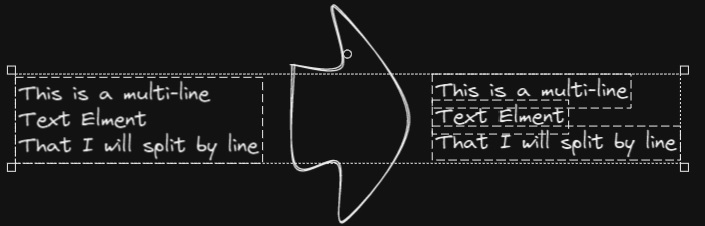|[@zsviczian](https://github.com/zsviczian)|
|
||||
|[Set Text Alignment](Set%20Text%20Alignment.md)|Sets text alignment of text block (cetner, right, left). Useful if you want to set a keyboard shortcut for selecting text alignment.|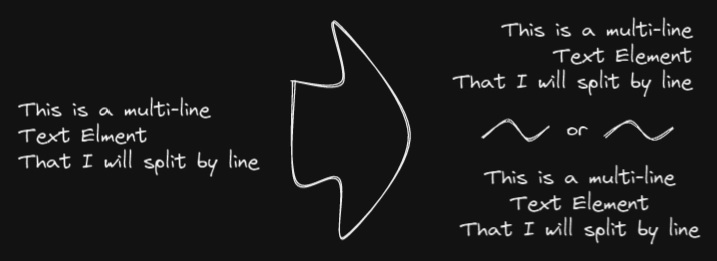|[@zsviczian](https://github.com/zsviczian)|
|
||||
|[Split Ellipse](Split%20Ellipse.md)|This script splits an ellipse at any point where a line intersects it.|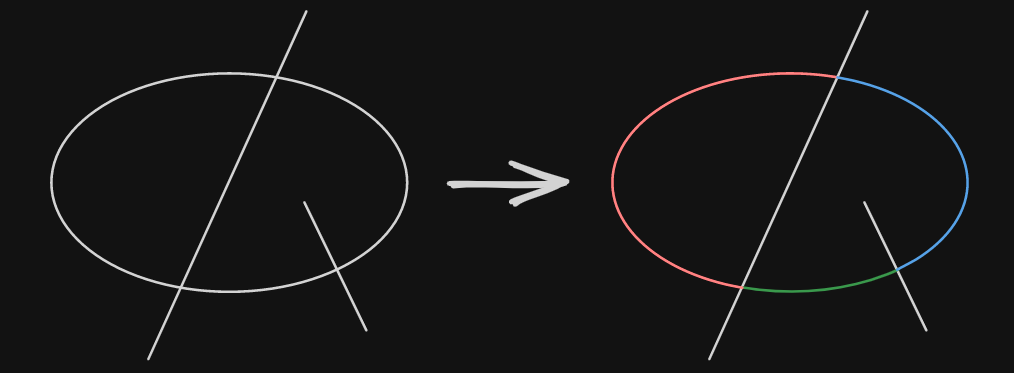|[@GColoy](https://github.com/GColoy)|
|
||||
|[TheBrain-navigation](TheBrain-navigation.md)|An Excalidraw based graph user interface for your Vault. Requires the [Dataview plugin](https://github.com/blacksmithgu/obsidian-dataview). Generates a graph view similar to that of [TheBrain](https://TheBrain.com) plex. Watch introduction to this script on [YouTube](https://youtu.be/plYobK-VufM).||[@zsviczian](https://github.com/zsviczian)|
|
||||
|[Toggle Fullscreen on Mobile](Toggle%20Fullscreen%20on%20Mobile.md)|Hides Obsidian workspace leaf padding and header (based on option in settings, default is "hide header" = false) which will take Excalidraw to full screen. ⚠ Note that if the header is not visible, it will be very difficult to invoke the command palette to end full screen. Only hide the header if you have a keyboard or you've practiced opening command palette!|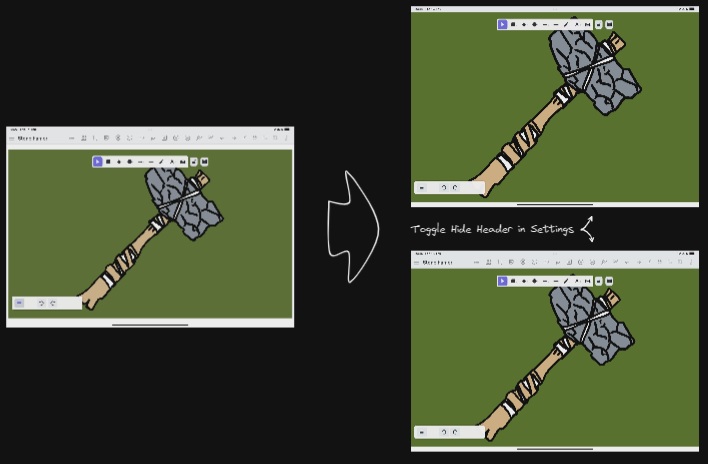|[@zsviczian](https://github.com/zsviczian)|
|
||||
|[Toggle Grid](Toggle%20Grid.md)|Toggles the grid.||[@GColoy](https://github.com/GColoy)|
|
||||
|[Transfer TextElements to Excalidraw markdown metadata](Transfer%20TextElements%20to%20Excalidraw%20markdown%20metadata.md)|The script will delete the selected text elements from the canvas and will copy the text from these text elements into the Excalidraw markdown file as metadata. This means, that the text will no longer be visible in the drawing, however you will be able to search for the text in Obsidian and find the drawing containing this image.|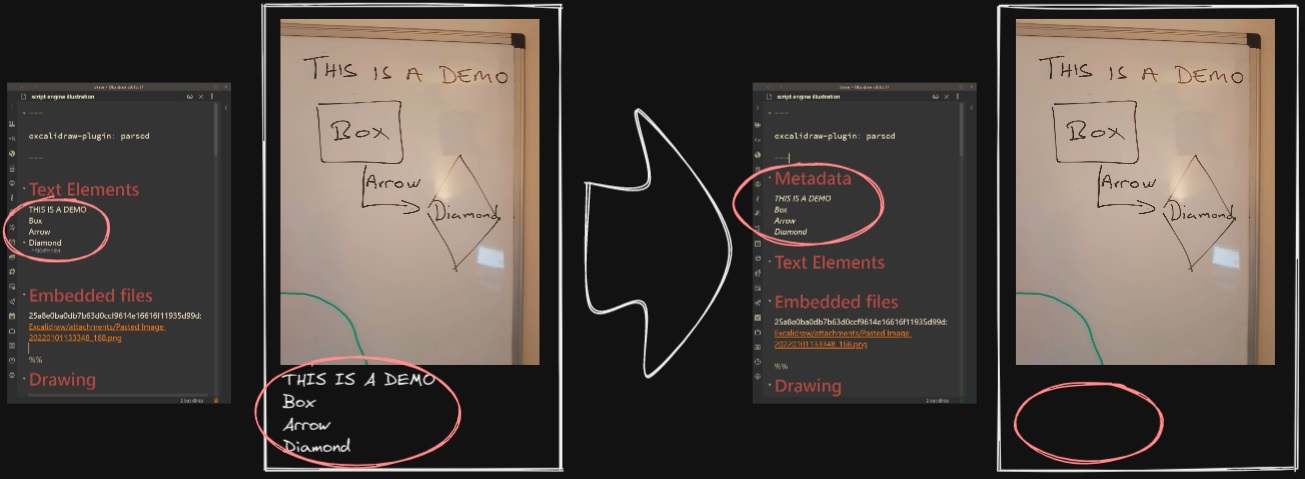|[@zsviczian](https://github.com/zsviczian)|
|
||||
|[Zoom to Fit Selected Elements](Zoom%20to%20Fit%20Selected%20Elements.md)|Similar to Excalidraw standard <kbd>SHIFT+2</kbd> feature: Zoom to fit selected elements, but with the ability to zoom to 1000%. Inspiration: [#272](https://github.com/zsviczian/obsidian-excalidraw-plugin/issues/272)||[@zsviczian](https://github.com/zsviczian)|
|
||||
|[Hardware Eraser Suppoer](Hardware%20Eraser%20Support.md)|Allows the use of pen inversion/hardware erasers on supported pens.|[@threethan](https://github.com/threethan)|
|
||||
|[Hardware Eraser Suppoer](Auto%20Draw%20for%20Pen.md)|Automatically switched from the Select tool to the Draw tool when a pen is hovered, and then back.|[@threethan](https://github.com/threethan)|
|
||||
+41
@@ -0,0 +1,41 @@
|
||||
/*
|
||||
The script will cycle through S, M, L, XL font sizes scaled to the current canvas zoom.
|
||||
```js*/
|
||||
const FONTSIZES = [16, 20, 28, 36];
|
||||
const api = ea.getExcalidrawAPI();
|
||||
const st = api.getAppState();
|
||||
const zoom = st.zoom.value;
|
||||
const currentItemFontSize = st.currentItemFontSize;
|
||||
|
||||
const fontsizes = FONTSIZES.map(s=>s/zoom);
|
||||
const els = ea.getViewSelectedElements().filter(el=>el.type === "text");
|
||||
|
||||
const findClosestIndex = (val, list) => {
|
||||
let closestIndex = 0;
|
||||
let closestDifference = Math.abs(list[0] - val);
|
||||
for (let i = 1; i < list.length; i++) {
|
||||
const difference = Math.abs(list[i] - val);
|
||||
if (difference <= closestDifference) {
|
||||
closestDifference = difference;
|
||||
closestIndex = i;
|
||||
}
|
||||
}
|
||||
return closestIndex;
|
||||
}
|
||||
|
||||
ea.viewUpdateScene({appState:{currentItemFontSize: fontsizes[(findClosestIndex(currentItemFontSize, fontsizes)+1) % fontsizes.length] }});
|
||||
|
||||
if(els.length>0) {
|
||||
ea.copyViewElementsToEAforEditing(els);
|
||||
ea.getElements().forEach(el=> {
|
||||
el.fontSize = fontsizes[(findClosestIndex(el.fontSize, fontsizes)+1) % fontsizes.length];
|
||||
const font = ExcalidrawLib.getFontString(el);
|
||||
const lineHeight = ExcalidrawLib.getDefaultLineHeight(el.fontFamily);
|
||||
const {width, height, baseline} = ExcalidrawLib.measureText(el.originalText, font, lineHeight);
|
||||
el.width = width;
|
||||
el.height = height;
|
||||
el.baseline = baseline;
|
||||
});
|
||||
ea.addElementsToView();
|
||||
}
|
||||
```
|
||||
@@ -0,0 +1,31 @@
|
||||
/*
|
||||
|
||||
|
||||
|
||||
Select an image on the canvas and run the script. You will be prompted to provide a new filename / filepath. This cuts down the time to name images you paste from the web or drag and drop from your file system.
|
||||
|
||||
```javascript
|
||||
*/
|
||||
await ea.addElementsToView(); //to ensure all images are saved into the file
|
||||
|
||||
const img = ea.getViewSelectedElements().filter(el=>el.type === "image");
|
||||
if(img.length === 0) {
|
||||
new Notice("No image is selected");
|
||||
return;
|
||||
}
|
||||
|
||||
for(i of img) {
|
||||
const currentPath = ea.plugin.filesMaster.get(i.fileId).path;
|
||||
const file = app.vault.getAbstractFileByPath(currentPath);
|
||||
if(!file) {
|
||||
new Notice("Can't find file: " + currentPath);
|
||||
continue;
|
||||
}
|
||||
const pathNoExtension = file.path.substring(0,file.path.length-file.extension.length-1);
|
||||
const newPath = await utils.inputPrompt("Please provide the filename","file path",pathNoExtension);
|
||||
if(newPath && newPath !== pathNoExtension) {
|
||||
await app.fileManager.renameFile(file,`${newPath}.${file.extension}`);
|
||||
}
|
||||
}
|
||||
|
||||
```
|
||||
@@ -0,0 +1,118 @@
|
||||
/*
|
||||
|
||||

|
||||
|
||||
Download this file and save to your Obsidian Vault including the first line, or open it in "Raw" and copy the entire contents to Obsidian.
|
||||
|
||||

|
||||
|
||||
This script will detect the difference between 2 selected elements, including position, size, angle, stroke and background color, and create several elements that repeat these differences based on the number of repetitions entered by the user.
|
||||
|
||||
See documentation for more details:
|
||||
https://zsviczian.github.io/obsidian-excalidraw-plugin/ExcalidrawScriptsEngine.html
|
||||
|
||||
```javascript
|
||||
*/
|
||||
|
||||
if(!ea.verifyMinimumPluginVersion || !ea.verifyMinimumPluginVersion("1.7.19")) {
|
||||
new Notice("This script requires a newer version of Excalidraw. Please install the latest version.");
|
||||
return;
|
||||
}
|
||||
|
||||
let repeatNum = parseInt(await utils.inputPrompt("repeat times?","number","5"));
|
||||
if(!repeatNum) {
|
||||
new Notice("Please enter a number.");
|
||||
return;
|
||||
}
|
||||
|
||||
const selectedElements = ea.getViewSelectedElements().sort((lha,rha) =>
|
||||
lha.x === rha.x? (lha.y === rha.y?
|
||||
(lha.width === rha.width?
|
||||
(lha.height - rha.height) : lha.width - rha.width)
|
||||
: lha.y - rha.y) : lha.x - rha.x);
|
||||
|
||||
if(selectedElements.length !== 2) {
|
||||
new Notice("Please select 2 elements.");
|
||||
return;
|
||||
}
|
||||
|
||||
if(selectedElements[0].type !== selectedElements[1].type) {
|
||||
new Notice("The selected elements must be of the same type.");
|
||||
return;
|
||||
}
|
||||
|
||||
const xDistance = selectedElements[1].x - selectedElements[0].x;
|
||||
const yDistance = selectedElements[1].y - selectedElements[0].y;
|
||||
const widthDistance = selectedElements[1].width - selectedElements[0].width;
|
||||
const heightDistance = selectedElements[1].height - selectedElements[0].height;
|
||||
const angleDistance = selectedElements[1].angle - selectedElements[0].angle;
|
||||
|
||||
const bgColor1 = ea.colorNameToHex(selectedElements[0].backgroundColor);
|
||||
const cmBgColor1 = ea.getCM(bgColor1);
|
||||
const bgColor2 = ea.colorNameToHex(selectedElements[1].backgroundColor);
|
||||
let cmBgColor2 = ea.getCM(bgColor2);
|
||||
const isBgTransparent = cmBgColor1.alpha === 0 || cmBgColor2.alpha === 0;
|
||||
const bgHDistance = cmBgColor2.hue - cmBgColor1.hue;
|
||||
const bgSDistance = cmBgColor2.saturation - cmBgColor1.saturation;
|
||||
const bgLDistance = cmBgColor2.lightness - cmBgColor1.lightness;
|
||||
const bgADistance = cmBgColor2.alpha - cmBgColor1.alpha;
|
||||
|
||||
const strokeColor1 = ea.colorNameToHex(selectedElements[0].strokeColor);
|
||||
const cmStrokeColor1 = ea.getCM(strokeColor1);
|
||||
const strokeColor2 = ea.colorNameToHex(selectedElements[1].strokeColor);
|
||||
let cmStrokeColor2 = ea.getCM(strokeColor2);
|
||||
const isStrokeTransparent = cmStrokeColor1.alpha === 0 || cmStrokeColor2.alpha ===0;
|
||||
const strokeHDistance = cmStrokeColor2.hue - cmStrokeColor1.hue;
|
||||
const strokeSDistance = cmStrokeColor2.saturation - cmStrokeColor1.saturation;
|
||||
const strokeLDistance = cmStrokeColor2.lightness - cmStrokeColor1.lightness;
|
||||
const strokeADistance = cmStrokeColor2.alpha - cmStrokeColor1.alpha;
|
||||
|
||||
|
||||
ea.copyViewElementsToEAforEditing(selectedElements);
|
||||
for(let i=0; i<repeatNum; i++) {
|
||||
const newEl = ea.cloneElement(selectedElements[1]);
|
||||
ea.elementsDict[newEl.id] = newEl;
|
||||
newEl.x += xDistance * (i + 1);
|
||||
newEl.y += yDistance * (i + 1);
|
||||
newEl.angle += angleDistance * (i + 1);
|
||||
const originWidth = newEl.width;
|
||||
const originHeight = newEl.height;
|
||||
const newWidth = newEl.width + widthDistance * (i + 1);
|
||||
const newHeight = newEl.height + heightDistance * (i + 1);
|
||||
if(newWidth >= 0 && newHeight >= 0) {
|
||||
if(newEl.type === 'arrow' || newEl.type === 'line' || newEl.type === 'freedraw') {
|
||||
const minX = Math.min(...newEl.points.map(pt => pt[0]));
|
||||
const minY = Math.min(...newEl.points.map(pt => pt[1]));
|
||||
for(let j = 0; j < newEl.points.length; j++) {
|
||||
if(newEl.points[j][0] > minX) {
|
||||
newEl.points[j][0] = newEl.points[j][0] + ((newEl.points[j][0] - minX) / originWidth) * (newWidth - originWidth);
|
||||
}
|
||||
if(newEl.points[j][1] > minY) {
|
||||
newEl.points[j][1] = newEl.points[j][1] + ((newEl.points[j][1] - minY) / originHeight) * (newHeight - originHeight);
|
||||
}
|
||||
}
|
||||
}
|
||||
else {
|
||||
newEl.width = newWidth;
|
||||
newEl.height = newHeight;
|
||||
}
|
||||
}
|
||||
|
||||
if(!isBgTransparent) {
|
||||
cmBgColor2 = cmBgColor2.hueBy(bgHDistance).saturateBy(bgSDistance).lighterBy(bgLDistance).alphaBy(bgADistance);
|
||||
newEl.backgroundColor = cmBgColor2.stringHEX();
|
||||
} else {
|
||||
newEl.backgroundColor = "transparent";
|
||||
}
|
||||
|
||||
if(!isStrokeTransparent) {
|
||||
cmStrokeColor2 = cmStrokeColor2.hueBy(strokeHDistance).saturateBy(strokeSDistance).lighterBy(strokeLDistance).alphaBy(strokeADistance);
|
||||
newEl.strokeColor = cmStrokeColor2.stringHEX();
|
||||
} else {
|
||||
newEl.strokeColor = "transparent";
|
||||
}
|
||||
}
|
||||
|
||||
await ea.addElementsToView(false, false, true);
|
||||
|
||||
```
|
||||
@@ -0,0 +1,98 @@
|
||||
/*
|
||||
|
||||
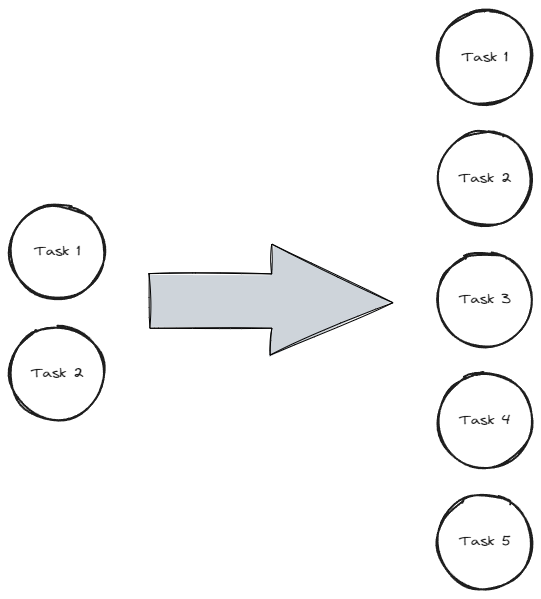
|
||||
In the following script, we address the concept of repetition through the lens of numerical progression. As visualized by the image, where multiple circles each labeled with an even task number are being condensed into a linear sequence, our script will similarly iterate through a set of numbers.
|
||||
|
||||
Inspired from [Repeat Elements](https://github.com/zsviczian/obsidian-excalidraw-plugin/blob/master/ea-scripts/Repeat%20Elements.md)
|
||||
|
||||
|
||||
```javascript
|
||||
*/
|
||||
|
||||
if(!ea.verifyMinimumPluginVersion || !ea.verifyMinimumPluginVersion("1.7.19")) {
|
||||
new Notice("This script requires a newer version of Excalidraw. Please install the latest version.");
|
||||
return;
|
||||
}
|
||||
|
||||
let repeatNum = parseInt(await utils.inputPrompt("repeat times?","number","5"));
|
||||
if(!repeatNum) {
|
||||
new Notice("Please enter a number.");
|
||||
return;
|
||||
}
|
||||
|
||||
const selectedElements = ea.getViewSelectedElements().sort((lha,rha) => lha.x === rha.x ? lha.y - rha.y : lha.x - rha.x);
|
||||
|
||||
const selectedBounds = selectedElements.filter(e => e.type !== "text");
|
||||
const selectedTexts = selectedElements.filter(e => e.type === "text");
|
||||
const selectedTextsById = selectedTexts.reduce((prev, next) => (prev[next.id] = next, prev), {})
|
||||
|
||||
|
||||
if(selectedTexts.length !== 2 || ![0, 2].includes(selectedBounds.length)) {
|
||||
new Notice("Please select only 2 text elements.");
|
||||
return;
|
||||
}
|
||||
|
||||
if(selectedBounds.length === 2) {
|
||||
if(selectedBounds[0].type !== selectedBounds[1].type) {
|
||||
new Notice("The selected elements must be of the same type.");
|
||||
return;
|
||||
}
|
||||
if (!selectedBounds.every(e => e.boundElements?.length === 1)) {
|
||||
new Notice("Only support the bound element with 1 text element.");
|
||||
return;
|
||||
}
|
||||
if (!selectedBounds.every(e => !!selectedTextsById[e.boundElements?.[0]?.id])) {
|
||||
new Notice("Bound element must refer to the text element.");
|
||||
return;
|
||||
}
|
||||
}
|
||||
|
||||
const prevBoundEl = selectedBounds.length ? selectedBounds[0] : selectedTexts[0];
|
||||
const nextBoundEl = selectedBounds.length ? selectedBounds[1] : selectedTexts[1];
|
||||
const prevTextEl = prevBoundEl.type === 'text' ? prevBoundEl : selectedTextsById[prevBoundEl.boundElements[0].id]
|
||||
const nextTextEl = nextBoundEl.type === 'text' ? nextBoundEl : selectedTextsById[nextBoundEl.boundElements[0].id]
|
||||
|
||||
const xDistance = nextBoundEl.x - prevBoundEl.x;
|
||||
const yDistance = nextBoundEl.y - prevBoundEl.y;
|
||||
|
||||
const numReg = /\d+/
|
||||
let textNumDiff
|
||||
try {
|
||||
const num0 = +prevTextEl.text.match(numReg)
|
||||
const num1 = +nextTextEl.text.match(numReg)
|
||||
textNumDiff = num1 - num0
|
||||
} catch(e) {
|
||||
new Notice("Text must include a number!")
|
||||
return;
|
||||
}
|
||||
|
||||
const repeatEl = (newEl, step) => {
|
||||
ea.elementsDict[newEl.id] = newEl;
|
||||
newEl.x += xDistance * (step + 1);
|
||||
newEl.y += yDistance * (step + 1);
|
||||
|
||||
if(newEl.text) {
|
||||
const text = newEl.text.replace(numReg, (match) => +match + (step + 1) * textNumDiff)
|
||||
newEl.originalText = text
|
||||
newEl.rawText = text
|
||||
newEl.text = text
|
||||
}
|
||||
}
|
||||
|
||||
ea.copyViewElementsToEAforEditing(selectedBounds);
|
||||
for(let i=0; i<repeatNum; i++) {
|
||||
const newTextEl = ea.cloneElement(nextTextEl);
|
||||
repeatEl(newTextEl, i)
|
||||
|
||||
if (selectedBounds.length) {
|
||||
const newBoundEl = ea.cloneElement(selectedBounds[1]);
|
||||
newBoundEl.boundElements[0].id = newTextEl.id
|
||||
newTextEl.containerId = newBoundEl.id
|
||||
repeatEl(newBoundEl, i)
|
||||
}
|
||||
}
|
||||
|
||||
await ea.addElementsToView(false, false, true);
|
||||
|
||||
|
||||
```
|
||||
@@ -0,0 +1,33 @@
|
||||
|
||||
/*
|
||||

|
||||
|
||||
Reset the sizes of embedded LaTeX equations to the default sizes or a multiple of the default sizes.
|
||||
|
||||
```javascript
|
||||
*/
|
||||
|
||||
if (!ea.verifyMinimumPluginVersion || !ea.verifyMinimumPluginVersion("2.4.0")) {
|
||||
new Notice("This script requires a newer version of Excalidraw. Please install the latest version.");
|
||||
return;
|
||||
}
|
||||
|
||||
let elements = ea.getViewSelectedElements().filter((el)=>["image"].includes(el.type));
|
||||
if (elements.length === 0) return;
|
||||
|
||||
scale = await utils.inputPrompt("Scale?", "Number", "1");
|
||||
if (!scale) return;
|
||||
scale = parseFloat(scale);
|
||||
|
||||
ea.copyViewElementsToEAforEditing(elements);
|
||||
|
||||
for (el of elements) {
|
||||
equation = ea.targetView.excalidrawData.getEquation(el.fileId)?.latex;
|
||||
if (!equation) return;
|
||||
eqData = await ea.tex2dataURL(equation);
|
||||
ea.getElement(el.id).width = eqData.size.width * scale;
|
||||
ea.getElement(el.id).height = eqData.size.height * scale;
|
||||
};
|
||||
|
||||
ea.addElementsToView(false, false);
|
||||
```
|
||||
@@ -0,0 +1,24 @@
|
||||
/*
|
||||

|
||||
|
||||
Download this file and save to your Obsidian Vault including the first line, or open it in "Raw" and copy the entire contents to Obsidian.
|
||||
|
||||

|
||||
|
||||
Reverse the direction of **arrows** within the scope of selected elements.
|
||||
|
||||
See documentation for more details:
|
||||
https://zsviczian.github.io/obsidian-excalidraw-plugin/ExcalidrawScriptsEngine.html
|
||||
|
||||
```javascript
|
||||
*/
|
||||
elements = ea.getViewSelectedElements().filter((el)=>el.type==="arrow");
|
||||
if(!elements || elements.length===0) return;
|
||||
elements.forEach((el)=>{
|
||||
const start = el.startArrowhead;
|
||||
el.startArrowhead = el.endArrowhead;
|
||||
el.endArrowhead = start;
|
||||
});
|
||||
ea.copyViewElementsToEAforEditing(elements);
|
||||
ea.addElementsToView(false,false);
|
||||
```
|
||||
@@ -0,0 +1,379 @@
|
||||
/*
|
||||

|
||||
|
||||
Scribble Helper can improve handwriting and add links. It lets you create and edit text elements, including wrapped text and sticky notes, by double-tapping on the canvas. When you run the script, it creates an event handler that will activate the editor when you double-tap. If you select a text element on the canvas before running the script, it will open the editor for that element. If you use a pen, you can set it up to only activate Scribble Helper when you double-tap with the pen. The event handler is removed when you run the script a second time or switch to a different tab.
|
||||
|
||||
<a href="https://www.youtube.com/watch?v=BvYkOaly-QM" target="_blank"><img src ="https://i.ytimg.com/vi/BvYkOaly-QM/maxresdefault.jpg" style="width:560px;"></a>
|
||||
|
||||
```js
|
||||
*/
|
||||
if(!ea.verifyMinimumPluginVersion || !ea.verifyMinimumPluginVersion("2.19.0")) {
|
||||
new Notice("This script requires a newer version of Excalidraw. Please install the latest version.");
|
||||
return;
|
||||
}
|
||||
|
||||
// ------------------------------
|
||||
// Constants and initialization
|
||||
// ------------------------------
|
||||
const helpLINK = "https://youtu.be/BvYkOaly-QM";
|
||||
const DBLCLICKTIMEOUT = 300;
|
||||
const maxWidth = 600;
|
||||
const padding = 6;
|
||||
const api = ea.getExcalidrawAPI();
|
||||
const win = ea.targetView.ownerWindow;
|
||||
|
||||
// Initialize global variables
|
||||
if(!win.ExcalidrawScribbleHelper) win.ExcalidrawScribbleHelper = {};
|
||||
if(typeof win.ExcalidrawScribbleHelper.penOnly === "undefined") {
|
||||
win.ExcalidrawScribbleHelper.penOnly = false;
|
||||
}
|
||||
|
||||
let windowOpen = false; //to prevent the modal window to open again while writing with scribble
|
||||
let prevZoomValue = api.getAppState().zoom.value; //used to avoid trigger on pinch zoom
|
||||
|
||||
// -------------
|
||||
// Load settings
|
||||
// -------------
|
||||
let settings = ea.getScriptSettings();
|
||||
//set default values on first-ever run of the script
|
||||
if(!settings["Default action"]) {
|
||||
settings = {
|
||||
"Default action" : {
|
||||
value: "Text",
|
||||
valueset: ["Text","Sticky","Wrap"],
|
||||
description: "What type of element should CTRL/CMD+ENTER create. TEXT: A regular text element. " +
|
||||
"STICKY: A sticky note with border color and background color " +
|
||||
"(using the current setting of the canvas). STICKY: A sticky note with transparent " +
|
||||
"border and background color."
|
||||
},
|
||||
};
|
||||
await ea.setScriptSettings(settings);
|
||||
}
|
||||
|
||||
if(typeof win.ExcalidrawScribbleHelper.action === "undefined") {
|
||||
win.ExcalidrawScribbleHelper.action = settings["Default action"].value;
|
||||
}
|
||||
|
||||
//---------------------------------------
|
||||
// Helper Functions
|
||||
//---------------------------------------
|
||||
|
||||
// Event handler management
|
||||
function addEventHandler(handler) {
|
||||
if(win.ExcalidrawScribbleHelper.eventHandler) {
|
||||
win.removeEventListener("pointerdown", handler);
|
||||
}
|
||||
win.addEventListener("pointerdown",handler);
|
||||
win.ExcalidrawScribbleHelper.eventHandler = handler;
|
||||
win.ExcalidrawScribbleHelper.window = win;
|
||||
}
|
||||
|
||||
function removeEventHandler(handler) {
|
||||
win.removeEventListener("pointerdown",handler);
|
||||
delete win.ExcalidrawScribbleHelper.eventHandler;
|
||||
delete win.ExcalidrawScribbleHelper.window;
|
||||
}
|
||||
|
||||
// Edit existing text element function
|
||||
async function editExistingTextElement(elements) {
|
||||
windowOpen = true;
|
||||
ea.copyViewElementsToEAforEditing(elements);
|
||||
const el = ea.getElements()[0];
|
||||
ea.style.strokeColor = el.strokeColor;
|
||||
const text = await utils.inputPrompt({
|
||||
header: "Edit text",
|
||||
placeholder: "",
|
||||
value: elements[0].rawText,
|
||||
//buttons: undefined,
|
||||
lines: 5,
|
||||
displayEditorButtons: true,
|
||||
customComponents: customControls,
|
||||
blockPointerInputOutsideModal: true,
|
||||
controlsOnTop: true
|
||||
});
|
||||
|
||||
windowOpen = false;
|
||||
if(!text) return;
|
||||
|
||||
el.strokeColor = ea.style.strokeColor;
|
||||
el.originalText = text;
|
||||
el.text = text;
|
||||
el.rawText = text;
|
||||
if(el.autoResize) {
|
||||
ea.refreshTextElementSize(el.id);
|
||||
}
|
||||
await ea.addElementsToView(false,false);
|
||||
if(el.containerId) {
|
||||
const containers = ea.getViewElements().filter(e=>e.id === el.containerId);
|
||||
api.updateContainerSize(containers);
|
||||
ea.selectElementsInView(containers);
|
||||
}
|
||||
}
|
||||
|
||||
// Custom dialog UI components
|
||||
function customControls (container) {
|
||||
const helpDIV = container.createDiv();
|
||||
helpDIV.innerHTML = `<a href="${helpLINK}" target="_blank">Click here for help</a>`;
|
||||
helpDIV.style.paddingBottom = "0.25em";
|
||||
const viewBackground = api.getAppState().viewBackgroundColor;
|
||||
const el1 = new ea.obsidian.Setting(container)
|
||||
.setName(`Text color`)
|
||||
.addButton(button => button
|
||||
.setIcon("swatch-book")
|
||||
.onClick(async () => {
|
||||
const selected = await ea.showColorPicker(button.buttonEl, "elementStroke");
|
||||
if(selected) {
|
||||
ea.style.strokeColor = selected;
|
||||
el1.nameEl.style.color = selected;
|
||||
}
|
||||
})
|
||||
);
|
||||
|
||||
el1.nameEl.style.color = ea.style.strokeColor;
|
||||
el1.nameEl.style.background = viewBackground;
|
||||
el1.nameEl.style.fontWeight = "bold";
|
||||
el1.settingEl.style.padding = "0.25em 0";
|
||||
|
||||
const el2 = new ea.obsidian.Setting(container)
|
||||
.setDesc(`Trigger editor by pen double tap only`)
|
||||
.addToggle((toggle) => toggle
|
||||
.setValue(win.ExcalidrawScribbleHelper.penOnly)
|
||||
.onChange(value => {
|
||||
win.ExcalidrawScribbleHelper.penOnly = value;
|
||||
})
|
||||
)
|
||||
el2.settingEl.style.border = "none";
|
||||
el2.settingEl.style.padding = "0.25em 0";
|
||||
el2.settingEl.style.display = win.ExcalidrawScribbleHelper.penDetected ? "" : "none";
|
||||
}
|
||||
|
||||
//----------------------------------------------------------
|
||||
// Cache element location on first click
|
||||
//----------------------------------------------------------
|
||||
// if a single element is selected when the action is started, update that existing text
|
||||
let containerElements = ea.getViewSelectedElements()
|
||||
.filter(el=>["arrow","rectangle","ellipse","line","diamond"].contains(el.type));
|
||||
let selectedTextElements = ea.getViewSelectedElements().filter(el=>el.type==="text");
|
||||
|
||||
// -------------------------------
|
||||
// Main Click / dbl click event handler
|
||||
// -------------------------------
|
||||
let timer = Date.now();
|
||||
async function eventHandler(evt) {
|
||||
if(windowOpen) return;
|
||||
if(ea.targetView !== app.workspace.activeLeaf.view) removeEventHandler(eventHandler);
|
||||
if(evt && evt.target && !evt.target.hasClass("excalidraw__canvas")) return;
|
||||
if(evt && (evt.ctrlKey || evt.altKey || evt.metaKey || evt.shiftKey)) return;
|
||||
const st = api.getAppState();
|
||||
win.ExcalidrawScribbleHelper.penDetected = st.penDetected;
|
||||
|
||||
//don't trigger text editor when editing a line or arrow
|
||||
if(st.editingElement && ["arrow","line"].contains(st.editingElment.type)) return;
|
||||
|
||||
if(typeof win.ExcalidrawScribbleHelper.penOnly === "undefined") {
|
||||
win.ExcalidrawScribbleHelper.penOnly = false;
|
||||
}
|
||||
|
||||
if (evt && win.ExcalidrawScribbleHelper.penOnly &&
|
||||
win.ExcalidrawScribbleHelper.penDetected && evt.pointerType !== "pen") return;
|
||||
const now = Date.now();
|
||||
|
||||
//the <50 condition is to avoid false double click when pinch zooming
|
||||
if((now-timer > DBLCLICKTIMEOUT) || (now-timer < 50)) {
|
||||
prevZoomValue = st.zoom.value;
|
||||
timer = now;
|
||||
containerElements = ea.getViewSelectedElements()
|
||||
.filter(el=>["arrow","rectangle","ellipse","line","diamond"].contains(el.type));
|
||||
selectedTextElements = ea.getViewSelectedElements().filter(el=>el.type==="text");
|
||||
return;
|
||||
}
|
||||
//further safeguard against triggering when pinch zooming
|
||||
if(st.zoom.value !== prevZoomValue) return;
|
||||
|
||||
//sleeping to allow keyboard to pop up on mobile devices
|
||||
await sleep(200);
|
||||
ea.clear();
|
||||
|
||||
//if a single element with text is selected, edit the text
|
||||
//(this can be an arrow, a sticky note, or just a text element)
|
||||
if(selectedTextElements.length === 1) {
|
||||
editExistingTextElement(selectedTextElements);
|
||||
return;
|
||||
}
|
||||
|
||||
let containerID;
|
||||
let container;
|
||||
//if no text elements are selected (i.e. not multiple text elements selected),
|
||||
//check if there is a single eligeable container selected
|
||||
if(selectedTextElements.length === 0) {
|
||||
if(containerElements.length === 1) {
|
||||
ea.copyViewElementsToEAforEditing(containerElements);
|
||||
containerID = containerElements[0].id
|
||||
container = ea.getElement(containerID);
|
||||
}
|
||||
}
|
||||
|
||||
const {x,y} = ea.targetView.currentPosition;
|
||||
|
||||
if(ea.targetView !== app.workspace.activeLeaf.view) return;
|
||||
const actionButtons = [
|
||||
{
|
||||
caption: `A`,
|
||||
tooltip: "Add as Text Element",
|
||||
action: () => {
|
||||
win.ExcalidrawScribbleHelper.action="Text";
|
||||
if(settings["Default action"].value!=="Text") {
|
||||
settings["Default action"].value = "Text";
|
||||
ea.setScriptSettings(settings);
|
||||
};
|
||||
return;
|
||||
}
|
||||
},
|
||||
{
|
||||
caption: "📝",
|
||||
tooltip: "Add as Sticky Note (rectangle with border color and background color)",
|
||||
action: () => {
|
||||
win.ExcalidrawScribbleHelper.action="Sticky";
|
||||
if(settings["Default action"].value!=="Sticky") {
|
||||
settings["Default action"].value = "Sticky";
|
||||
ea.setScriptSettings(settings);
|
||||
};
|
||||
return;
|
||||
}
|
||||
},
|
||||
{
|
||||
caption: "☱",
|
||||
tooltip: "Add as Wrapped Text",
|
||||
action: () => {
|
||||
win.ExcalidrawScribbleHelper.action="Wrap";
|
||||
if(settings["Default action"].value!=="Wrap") {
|
||||
settings["Default action"].value = "Wrap";
|
||||
ea.setScriptSettings(settings);
|
||||
};
|
||||
return;
|
||||
}
|
||||
}
|
||||
];
|
||||
if(win.ExcalidrawScribbleHelper.action !== "Text") actionButtons.push(actionButtons.shift());
|
||||
if(win.ExcalidrawScribbleHelper.action === "Wrap") actionButtons.push(actionButtons.shift());
|
||||
|
||||
// Apply styles from current app state
|
||||
ea.style.strokeColor = st.currentItemStrokeColor ?? ea.style.strokeColor;
|
||||
ea.style.roughness = st.currentItemRoughness ?? ea.style.roughness;
|
||||
ea.setStrokeSharpness(st.currentItemRoundness === "round" ? 0 : st.currentItemRoundness)
|
||||
ea.style.backgroundColor = st.currentItemBackgroundColor ?? ea.style.backgroundColor;
|
||||
ea.style.fillStyle = st.currentItemFillStyle ?? ea.style.fillStyle;
|
||||
ea.style.fontFamily = st.currentItemFontFamily ?? ea.style.fontFamily;
|
||||
ea.style.fontSize = st.currentItemFontSize ?? ea.style.fontSize;
|
||||
ea.style.textAlign = (container && ["arrow","line"].contains(container.type))
|
||||
? "center"
|
||||
: (container && ["rectangle","diamond","ellipse"].contains(container.type))
|
||||
? "center"
|
||||
: st.currentItemTextAlign ?? "center";
|
||||
ea.style.verticalAlign = "middle";
|
||||
|
||||
windowOpen = true;
|
||||
|
||||
const text = await utils.inputPrompt ({
|
||||
header: "Edit text",
|
||||
placeholder: "",
|
||||
value: "",
|
||||
buttons: containerID?undefined:actionButtons,
|
||||
lines: 5,
|
||||
displayEditorButtons: true,
|
||||
customComponents: customControls,
|
||||
blockPointerInputOutsideModal: true,
|
||||
controlsOnTop: true
|
||||
});
|
||||
windowOpen = false;
|
||||
|
||||
if(!text || text.trim() === "") return;
|
||||
|
||||
const textId = ea.addText(x,y, text);
|
||||
if (!container && (win.ExcalidrawScribbleHelper.action === "Text")) {
|
||||
ea.addElementsToView(false, false, true);
|
||||
addEventHandler(eventHandler);
|
||||
return;
|
||||
}
|
||||
const textEl = ea.getElement(textId);
|
||||
|
||||
if(!container && (win.ExcalidrawScribbleHelper.action === "Wrap")) {
|
||||
textEl.autoResize = false;
|
||||
textEl.width = Math.min(textEl.width, maxWidth);
|
||||
ea.addElementsToView(false, false, true);
|
||||
addEventHandler(eventHandler);
|
||||
return;
|
||||
}
|
||||
|
||||
if(!container && (win.ExcalidrawScribbleHelper.action === "Sticky")) {
|
||||
textEl.textAlign = "center";
|
||||
}
|
||||
|
||||
const boxes = [];
|
||||
if(container) {
|
||||
boxes.push(containerID);
|
||||
const linearElement = ["arrow","line"].contains(container.type);
|
||||
const l = linearElement ? container.points.length-1 : 0;
|
||||
const dx = linearElement && (container.points[l][0] < 0) ? -1 : 1;
|
||||
const dy = linearElement && (container.points[l][1] < 0) ? -1 : 1;
|
||||
cx = container.x + dx*container.width/2;
|
||||
cy = container.y + dy*container.height/2;
|
||||
textEl.x = cx - textEl.width/2;
|
||||
textEl.y = cy - textEl.height/2;
|
||||
}
|
||||
|
||||
if(!container) {
|
||||
const width = textEl.width+2*padding;
|
||||
const widthOK = width<=maxWidth;
|
||||
containerID = ea.addRect(
|
||||
textEl.x-padding,
|
||||
textEl.y-padding,
|
||||
widthOK ? width : maxWidth,
|
||||
textEl.height + 2 * padding
|
||||
);
|
||||
container = ea.getElement(containerID);
|
||||
}
|
||||
boxes.push(containerID);
|
||||
container.boundElements=[{type:"text",id: textId}];
|
||||
textEl.containerId = containerID;
|
||||
//ensuring the correct order of elements, first container, then text
|
||||
delete ea.elementsDict[textEl.id];
|
||||
ea.elementsDict[textEl.id] = textEl;
|
||||
|
||||
await ea.addElementsToView(false,false,true);
|
||||
const containers = ea.getViewElements().filter(el=>boxes.includes(el.id));
|
||||
if(["rectangle","diamond","ellipse"].includes(container.type)) api.updateContainerSize(containers);
|
||||
ea.selectElementsInView(containers);
|
||||
};
|
||||
|
||||
//---------------------
|
||||
// Script entry point
|
||||
//---------------------
|
||||
//Stop the script if scribble helper is clicked and no eligable element is selected
|
||||
let silent = false;
|
||||
if (win.ExcalidrawScribbleHelper?.eventHandler) {
|
||||
removeEventHandler(win.ExcalidrawScribbleHelper.eventHandler);
|
||||
delete win.ExcalidrawScribbleHelper.eventHandler;
|
||||
delete win.ExcalidrawScribbleHelper.window;
|
||||
if(!(containerElements.length === 1 || selectedTextElements.length === 1)) {
|
||||
new Notice ("Scribble Helper was stopped",1000);
|
||||
return;
|
||||
}
|
||||
silent = true;
|
||||
}
|
||||
|
||||
if(!win.ExcalidrawScribbleHelper?.eventHandler) {
|
||||
if(!silent) new Notice(
|
||||
"To create a new text element,\ndouble-tap the screen.\n\n" +
|
||||
"To edit text,\ndouble-tap an existing element.\n\n" +
|
||||
"To stop the script,\ntap it again or switch to a different tab.",
|
||||
5000
|
||||
);
|
||||
addEventHandler(eventHandler);
|
||||
}
|
||||
|
||||
if(containerElements.length === 1 || selectedTextElements.length === 1) {
|
||||
timer = timer - 100;
|
||||
eventHandler();
|
||||
}
|
||||
```
|
||||
@@ -0,0 +1,48 @@
|
||||
/*
|
||||
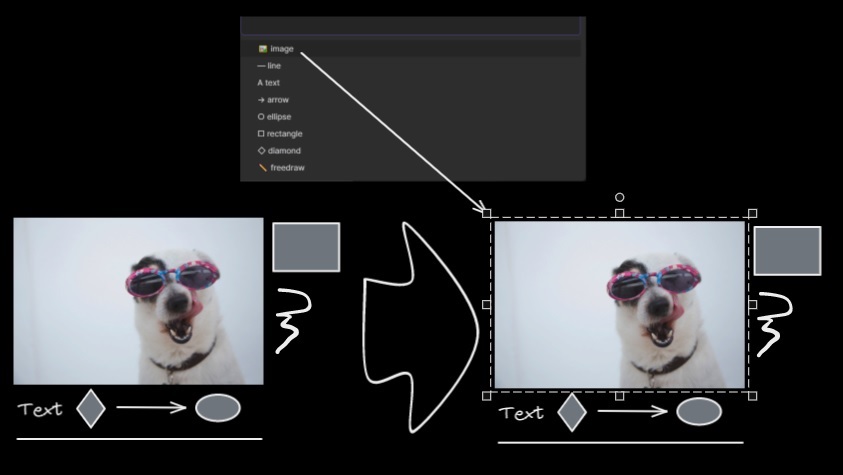
|
||||
Prompts you with a list of the different element types in the active image. Only elements of the selected type will be selected on the canvas. If nothing is selected when running the script, then the script will process all the elements on the canvas. If some elements are selected when the script is executed, then the script will only process the selected elements.
|
||||
|
||||
The script is useful when, for example, you want to bring to front all the arrows, or want to change the color of all the text elements, etc.
|
||||
|
||||
```javascript
|
||||
*/
|
||||
|
||||
if(!ea.verifyMinimumPluginVersion || !ea.verifyMinimumPluginVersion("1.5.24")) {
|
||||
new Notice("This script requires a newer version of Excalidraw. Please install the latest version.");
|
||||
return;
|
||||
}
|
||||
|
||||
let elements = ea.getViewSelectedElements();
|
||||
if(elements.length === 0) elements = ea.getViewElements();
|
||||
if(elements.length === 0) {
|
||||
new Notice("There are no elements in the view");
|
||||
return;
|
||||
}
|
||||
|
||||
typeSet = new Set();
|
||||
elements.forEach(el=>typeSet.add(el.type));
|
||||
let elementType = Array.from(typeSet)[0];
|
||||
|
||||
if(typeSet.size > 1) {
|
||||
elementType = await utils.suggester(
|
||||
Array.from(typeSet).map((item) => {
|
||||
switch(item) {
|
||||
case "line": return "— line";
|
||||
case "ellipse": return "○ ellipse";
|
||||
case "rectangle": return "□ rectangle";
|
||||
case "diamond": return "◇ diamond";
|
||||
case "arrow": return "→ arrow";
|
||||
case "freedraw": return "✎ freedraw";
|
||||
case "image": return "🖼 image";
|
||||
case "text": return "A text";
|
||||
default: return item;
|
||||
}
|
||||
}),
|
||||
Array.from(typeSet)
|
||||
);
|
||||
}
|
||||
|
||||
if(!elementType) return;
|
||||
|
||||
ea.selectElementsInView(elements.filter(el=>el.type === elementType));
|
||||
```
|
||||
+236
@@ -0,0 +1,236 @@
|
||||
/*
|
||||
|
||||
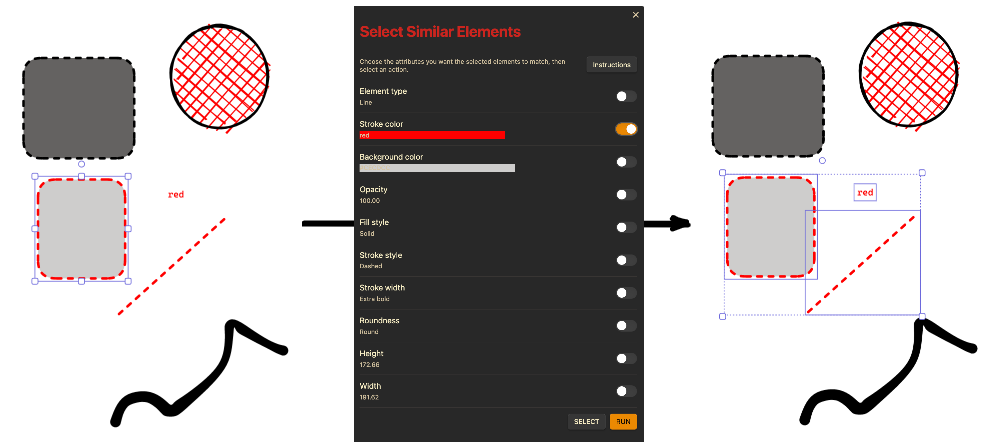
|
||||
|
||||
This script enables the selection of elements based on matching properties. Select the attributes (such as stroke color, fill style, font family, etc) that should match for selection. It's perfect for large scenes where manual selection of elements would be cumbersome. You can either run the script to select matching elements across the entire scene, or define a specific group of elements to apply the selection criteria to.
|
||||
|
||||
```js */
|
||||
|
||||
let config = window.ExcalidrawSelectConfig;
|
||||
const isValidConfig = config && (Date.now() - config.timestamp < 60000);
|
||||
config = isValidConfig ? config : null;
|
||||
|
||||
let elements = ea.getViewSelectedElements();
|
||||
if(!config) {
|
||||
|
||||
async function shouldAbort() {
|
||||
if(elements.length === 1) return false;
|
||||
if(elements.length !== 2) return true;
|
||||
|
||||
//maybe container?
|
||||
const textEl = elements.find(el=>el.type==="text");
|
||||
if(!textEl || !textEl.containerId) return true;
|
||||
|
||||
const containerEl = elements.find(el=>el.id === textEl.containerId);
|
||||
if(!containerEl) return true;
|
||||
|
||||
const id = await utils.suggester(
|
||||
elements.map(el=>el.type),
|
||||
elements.map(el=>el.id),
|
||||
"Select container component"
|
||||
);
|
||||
if(!id) return true;
|
||||
elements = elements.filter(el=>el.id === id);
|
||||
return false;
|
||||
}
|
||||
|
||||
if(await shouldAbort()) {
|
||||
new Notice("Select a single element");
|
||||
return;
|
||||
}
|
||||
}
|
||||
|
||||
if(Boolean(config) && elements.length === 0) {
|
||||
elements = ea.getViewElements();
|
||||
}
|
||||
|
||||
const {angle, backgroundColor, fillStyle, fontFamily, fontSize, height, width, opacity, roughness, roundness, strokeColor, strokeStyle, strokeWidth, type, startArrowhead, endArrowhead, fileId} = ea.getViewSelectedElement();
|
||||
|
||||
const fragWithHTML = (html) => createFragment((frag) => (frag.createDiv().innerHTML = html));
|
||||
|
||||
function lc(x) {
|
||||
return x?.toLocaleLowerCase();
|
||||
}
|
||||
|
||||
//--------------------------
|
||||
// RUN
|
||||
//--------------------------
|
||||
const run = () => {
|
||||
selectedElements = elements.filter(el=>
|
||||
((typeof config.angle === "undefined") || (el.angle === config.angle)) &&
|
||||
((typeof config.backgroundColor === "undefined") || (lc(el.backgroundColor) === lc(config.backgroundColor))) &&
|
||||
((typeof config.fillStyle === "undefined") || (el.fillStyle === config.fillStyle)) &&
|
||||
((typeof config.fontFamily === "undefined") || (el.fontFamily === config.fontFamily)) &&
|
||||
((typeof config.fontSize === "undefined") || (el.fontSize === config.fontSize)) &&
|
||||
((typeof config.height === "undefined") || Math.abs(el.height - config.height) < 0.01) &&
|
||||
((typeof config.width === "undefined") || Math.abs(el.width - config.width) < 0.01) &&
|
||||
((typeof config.opacity === "undefined") || (el.opacity === config.opacity)) &&
|
||||
((typeof config.roughness === "undefined") || (el.roughness === config.roughness)) &&
|
||||
((typeof config.roundness === "undefined") || (el.roundness === config.roundness)) &&
|
||||
((typeof config.strokeColor === "undefined") || (lc(el.strokeColor) === lc(config.strokeColor))) &&
|
||||
((typeof config.strokeStyle === "undefined") || (el.strokeStyle === config.strokeStyle)) &&
|
||||
((typeof config.strokeWidth === "undefined") || (el.strokeWidth === config.strokeWidth)) &&
|
||||
((typeof config.type === "undefined") || (el.type === config.type)) &&
|
||||
((typeof config.startArrowhead === "undefined") || (el.startArrowhead === config.startArrowhead)) &&
|
||||
((typeof config.endArrowhead === "undefined") || (el.endArrowhead === config.endArrowhead)) &&
|
||||
((typeof config.fileId === "undefined") || (el.fileId === config.fileId))
|
||||
)
|
||||
ea.selectElementsInView(selectedElements);
|
||||
delete window.ExcalidrawSelectConfig;
|
||||
}
|
||||
|
||||
//--------------------------
|
||||
// Modal
|
||||
//--------------------------
|
||||
const showInstructions = () => {
|
||||
const instructionsModal = new ea.obsidian.Modal(app);
|
||||
instructionsModal.onOpen = () => {
|
||||
instructionsModal.contentEl.createEl("h2", {text: "Instructions"});
|
||||
instructionsModal.contentEl.createEl("p", {text: "Step 1: Choose the attributes that you want the selected elements to match."});
|
||||
instructionsModal.contentEl.createEl("p", {text: "Step 2: Select an action:"});
|
||||
instructionsModal.contentEl.createEl("ul", {}, el => {
|
||||
el.createEl("li", {text: "Click 'RUN' to find matching elements throughout the entire scene."});
|
||||
el.createEl("li", {text: "Click 'SELECT' to 1) first choose a specific group of elements in the scene, then 2) run the 'Select Similar Elements' once more within 1 minute to apply the filter criteria only to that group of elements."});
|
||||
});
|
||||
instructionsModal.contentEl.createEl("p", {text: "Note: If you choose 'SELECT', make sure to click the 'Select Similar Elements' script again within 1 minute to apply your selection criteria to the group of elements you chose."});
|
||||
};
|
||||
instructionsModal.open();
|
||||
};
|
||||
|
||||
const selectAttributesToCopy = () => {
|
||||
const configModal = new ea.obsidian.Modal(app);
|
||||
configModal.onOpen = () => {
|
||||
config = {};
|
||||
configModal.contentEl.createEl("h1", {text: "Select Similar Elements"});
|
||||
new ea.obsidian.Setting(configModal.contentEl)
|
||||
.setDesc("Choose the attributes you want the selected elements to match, then select an action.")
|
||||
.addButton(button => button
|
||||
.setButtonText("Instructions")
|
||||
.onClick(showInstructions)
|
||||
);
|
||||
|
||||
|
||||
// Add Toggles for the rest of the attributes
|
||||
let attributes = [
|
||||
{name: "Element type", key: "type"},
|
||||
{name: "Stroke color", key: "strokeColor"},
|
||||
{name: "Background color", key: "backgroundColor"},
|
||||
{name: "Opacity", key: "opacity"},
|
||||
{name: "Fill style", key: "fillStyle"},
|
||||
{name: "Stroke style", key: "strokeStyle"},
|
||||
{name: "Stroke width", key: "strokeWidth"},
|
||||
{name: "Roughness", key: "roughness"},
|
||||
{name: "Roundness", key: "roundness"},
|
||||
{name: "Font family", key: "fontFamily"},
|
||||
{name: "Font size", key: "fontSize"},
|
||||
{name: "Start arrowhead", key: "startArrowhead"},
|
||||
{name: "End arrowhead", key: "endArrowhead"},
|
||||
{name: "Height", key: "height"},
|
||||
{name: "Width", key: "width"},
|
||||
{name: "ImageID", key: "fileId"},
|
||||
];
|
||||
|
||||
attributes.forEach(attr => {
|
||||
const attrValue = elements[0][attr.key];
|
||||
if((typeof attrValue !== "undefined" && attrValue !== null) || (attr.key === "startArrowhead" && elements[0].type === "arrow") || (attr.key === "endArrowhead" && elements[0].type === "arrow")) {
|
||||
let description = '';
|
||||
|
||||
switch(attr.key) {
|
||||
case 'backgroundColor':
|
||||
case 'strokeColor':
|
||||
description = `<div style='background-color:${attrValue};'>${attrValue}</div>`;
|
||||
break;
|
||||
case 'roundness':
|
||||
description = attrValue === null ? 'Sharp' : 'Round';
|
||||
break;
|
||||
case 'roughness':
|
||||
description = attrValue === 0 ? 'Architect' : attrValue === 1 ? 'Artist' : 'Cartoonist';
|
||||
break;
|
||||
case 'strokeWidth':
|
||||
description = attrValue <= 0.5 ? 'Extra thin' :
|
||||
attrValue <= 1 ? 'Thin' :
|
||||
attrValue <= 2 ? 'Bold' :
|
||||
'Extra bold';
|
||||
break;
|
||||
case 'opacity':
|
||||
description = `${attrValue}%`;
|
||||
break;
|
||||
case 'width':
|
||||
case 'height':
|
||||
description = `${attrValue.toFixed(2)}`;
|
||||
break;
|
||||
case 'startArrowhead':
|
||||
case 'endArrowhead':
|
||||
description = attrValue === null ? 'None' : `${attrValue.charAt(0).toUpperCase() + attrValue.slice(1)}`;
|
||||
break;
|
||||
case 'fontFamily':
|
||||
description = attrValue === 1 ? 'Hand-drawn' :
|
||||
attrValue === 2 ? 'Normal' :
|
||||
attrValue === 3 ? 'Code' :
|
||||
'Custom 4th font';
|
||||
break;
|
||||
case 'fontSize':
|
||||
description = `${attrValue}`;
|
||||
break;
|
||||
default:
|
||||
description = `${attrValue.charAt(0).toUpperCase() + attrValue.slice(1)}`;
|
||||
break;
|
||||
}
|
||||
|
||||
new ea.obsidian.Setting(configModal.contentEl)
|
||||
.setName(`${attr.name}`)
|
||||
.setDesc(fragWithHTML(`${description}`))
|
||||
.addToggle(toggle => toggle
|
||||
.setValue(false)
|
||||
.onChange(value => {
|
||||
if(value) {
|
||||
config[attr.key] = attrValue;
|
||||
} else {
|
||||
delete config[attr.key];
|
||||
}
|
||||
})
|
||||
)
|
||||
}
|
||||
});
|
||||
|
||||
|
||||
//Add Toggle for the rest of the attributes. Organize attributes into a logical sequence or groups by adding
|
||||
//configModal.contentEl.createEl("h") or similar to the code
|
||||
|
||||
new ea.obsidian.Setting(configModal.contentEl)
|
||||
.addButton(button => button
|
||||
.setButtonText("SELECT")
|
||||
.onClick(()=>{
|
||||
config.timestamp = Date.now();
|
||||
window.ExcalidrawSelectConfig = config;
|
||||
configModal.close();
|
||||
})
|
||||
)
|
||||
.addButton(button => button
|
||||
.setButtonText("RUN")
|
||||
.setCta(true)
|
||||
.onClick(()=>{
|
||||
elements = ea.getViewElements();
|
||||
run();
|
||||
configModal.close();
|
||||
})
|
||||
)
|
||||
}
|
||||
|
||||
|
||||
configModal.onClose = () => {
|
||||
setTimeout(()=>{
|
||||
delete configModal
|
||||
});
|
||||
}
|
||||
|
||||
configModal.open();
|
||||
}
|
||||
|
||||
|
||||
if(config) {
|
||||
run();
|
||||
} else {
|
||||
selectAttributesToCopy();
|
||||
}
|
||||
```
|
||||
@@ -0,0 +1,40 @@
|
||||
/*
|
||||
|
||||

|
||||
|
||||
Download this file and save to your Obsidian Vault including the first line, or open it in "Raw" and copy the entire contents to Obsidian.
|
||||
|
||||

|
||||
|
||||
Currently there is no way to specify the exact location and size of objects in Excalidraw. You can bridge this gap with the following simple script.
|
||||
|
||||
See documentation for more details:
|
||||
https://zsviczian.github.io/obsidian-excalidraw-plugin/ExcalidrawScriptsEngine.html
|
||||
|
||||
```javascript
|
||||
*/
|
||||
const elements = ea.getViewSelectedElements();
|
||||
if(elements.length === 0) return;
|
||||
const el = ea.getLargestElement(elements);
|
||||
const sizeIn = [
|
||||
Math.round(el.x),
|
||||
Math.round(el.y),
|
||||
Math.round(el.width),
|
||||
Math.round(el.height)
|
||||
].join(",");
|
||||
let res = await utils.inputPrompt("x,y,width,height?",null,sizeIn);
|
||||
res = res.split(",");
|
||||
if(res.length !== 4) return;
|
||||
let size = [];
|
||||
for (v of res) {
|
||||
const i = parseInt(v);
|
||||
if(isNaN(i)) return;
|
||||
size.push(i);
|
||||
}
|
||||
el.x = size[0];
|
||||
el.y = size[1];
|
||||
el.width = size[2];
|
||||
el.height = size[3];
|
||||
ea.copyViewElementsToEAforEditing([el]);
|
||||
ea.addElementsToView(false,false);
|
||||
```
|
||||
@@ -0,0 +1,19 @@
|
||||
/*
|
||||

|
||||
|
||||
Sets font family of the text block (Virgil, Helvetica, Cascadia). Useful if you want to set a keyboard shortcut for selecting font family.
|
||||
|
||||
See documentation for more details:
|
||||
https://zsviczian.github.io/obsidian-excalidraw-plugin/ExcalidrawScriptsEngine.html
|
||||
|
||||
```javascript
|
||||
*/
|
||||
elements = ea.getViewSelectedElements().filter((el)=>el.type==="text");
|
||||
if(elements.length===0) return;
|
||||
let font = ["Virgil","Helvetica","Cascadia"];
|
||||
font = parseInt(await utils.suggester(font,["1","2","3"]));
|
||||
if (isNaN(font)) return;
|
||||
elements.forEach((el)=>el.fontFamily = font);
|
||||
ea.copyViewElementsToEAforEditing(elements);
|
||||
ea.addElementsToView(false,false);
|
||||
```
|
||||
Loaded 100 of 464 files, more files were not shown because too many files have changed in this diff.
Show more
Reference in new issue
Block a user