zsviczian
Obsidian Excalidraw Plugin
The Obsidian-Excalidraw plugin integrates Excalidraw, a feature rich sketching tool, into Obsidian. You can store and edit Excalidraw files in your vault and you can transclude drawings into your documents. For a showcase of Excalidraw features, please read my blog post here and/or watch the videos below.
Pleas find release notes for new releases below the How-to videos.
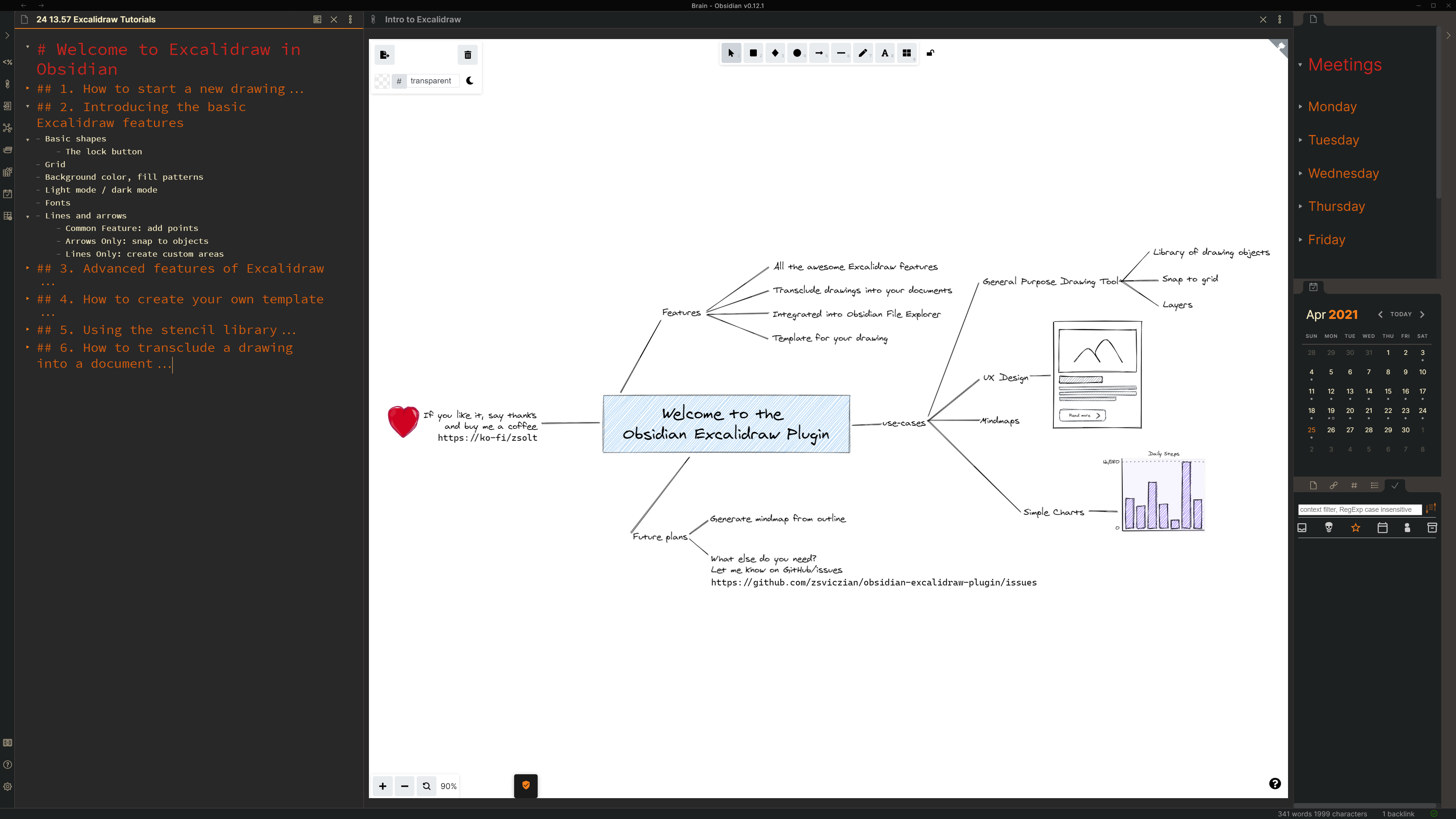
Key features
- The plugin saves drawings to your vault as a file with the .excalidraw file extension.
- The plugin adds the following actions to the command palette:
- Create a new drawing
- Find and edit existing drawings in your vault,
- Transclude (embed) a drawing into a document, and
- Export a drawing as PNG or SVG.
- You can also use the file explorer in your vault to open existing Excalidraw files.
- Use the ribbon button to create a new drawing, CTRL+Click to open on a new page.
- Open settings to set up
- a default folder for new drawings,
- a Template by first creating a drawing, customizing it the way you like it, and specifying the file as the template in settings,
- Excalidraw to automatically export SVG and/or PNG files for your drawings, and to keep those in sync with your drawing,
- default width of embedded drawings
- You can also ustomize the size and position of the embedded image using the
[[image.excalidraw|100]],[[image.excalidraw|100x100]],[[image.excalidraw|100|left]],[[image.excalidraw|right-wrap]], formatting options.[[<filename.excalidraw>|<width>x<height>|<alignment>]]. You can add your custom alignment via css. Any text that appears in<alignment>will be added as style to the SVG element and the wrapper DIV element. Check below and styles.css for more insight. - Includes full Templater and Dataview support through ExcalidrawAutomate. Read detailed help + examples: here
- REQUIRES AN OBSIDIAN SYNC SUBSCRIPTION: Temporary hack/workaround to enable Obsidian Sync for Excalidraw files. This enables almost real-time two-way sync for Excalidraw files between your devices. You can draw on your iPad with your pencil, on your Android with your stylus, and the image will be available in Obsidian on your desktop as well and vice versa.
How to?
Part 1: Intro to Obsidian-Excalidraw - Start a new drawing (3:12)
Part 2: Intro to Obsidian-Excalidraw - Basic features (6:06)

Part 3: Intro to Obsidian-Excalidraw - Advanced features (3:26)
Part 4: Intro to Obsidian-Excalidraw - Setting up a template (1:45)
Part 5: Intro to Obsidian-Excalidraw - Stencil Library (3:16)
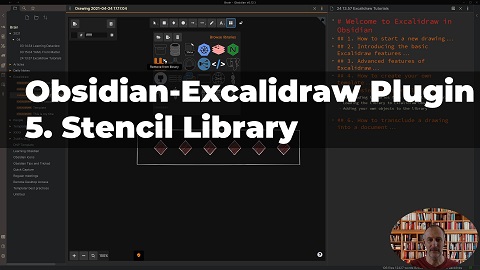
Part 6: Intro to Obsidian-Excalidraw: Embedding drawings (2:08)

Release Notes
1.0.6 and 1.0.7 update

SVG styling when embedding using a code block
- 1.0.7 adds further flexibility to styling
- new formatting option for the code block embedding
- Valid values:
left,right,left-wrap,right-wrap... but anything after the last|character will be added to the class of the SVG element and the wrapper DIV element. Here is the corresponding CSS:
svg.excalidraw-svg-right-wrap {
  float: right;
  margin: 0px 0px 20px 20px;
}

svg.excalidraw-svg-left-wrap {
  float: left;
  margin: 0px 35px 20px 0px;
}

div.excalidraw-svg-right {
  text-align: right;
}

div.excalidraw-svg-left {
  text-align: left;
}
1.0.8 + 1.0.9 (minor fixes) update

QoL improvements
- Adds context menu to File Explorer to create new drawings
- Adds a new command to the palette: “Transclude (embed) the most recently edited Excalidraw drawing”
- Automatically update file-links in transclusions when you rename or move your drawing
- Saves drawing and updates all active pre-views when drawing loses focus
- File is closed and removed when you select “Delete file” from more options
- Saves drawing when exiting Obsidian
- Fixes pen positioning bug with sliding panes after panes scroll
ExcalidrawAutomte full Templater and DataviewJS support
You now have ultimate flexibility over your Excalidraw templates using Templater and Dataview.
- Detailed documentation available here
- I created few examples from the simple to the more complex
- Simple use-case: Creating a drawing using a custom template and following a file and folder naming convention of your choice.
- Complex use-case: Create a mindmap from a tabulated outline.

1.0.10 update
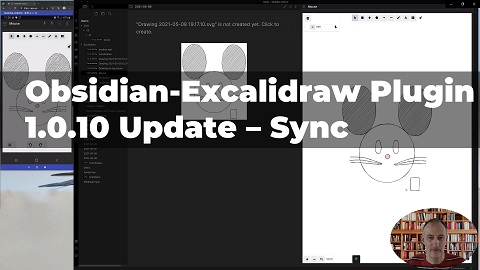
Temporary workaround - use it only if you are ok with hacky solutions
- I implemented a temporary workaround to enable Obsidian Sync for Excalidraw files. This enables almost real-time two-way sync between your devices. You can draw on your iPad with your pencil, on your Android with your stylus, and the image will be available in Obsidian as well and vice versa.
- By enabling this feature Excalidraw will sync drawings to a sync folder where drawings are stored in an ".md" file. This will allow Obsidian sync to synchronize Excalidraw drawings as well... Whenever your drawing changes, the corresponding file in the sync folder will also get updated. Similarly, whenever a file is synchronized to the sync folder by Obsidian sync, Excalidraw will sync it with the .excalidraw file in your vault.
- Because this is a temporary workaround until Obsidian sync is ready, I didn't implement extensive application logic to manage sync. Sync might get confused requiring some manual intervention.
QoL improvement
- I added an autosave feature. Your active drawing gets saved every 30 seconds if you've made changes to it. Drawings otherwise get saved when the window loses focus, or when you close the drawing, etc. Autosave limits the risk of accidental data loss on mobiles when you "swipe out" Obsidian to close it.
Known issues
- I have seen two cases when adding a stencil library did not work. In both cases, the end solution was a reinstall of Obsidian. The root cause is not clear, but maybe because of the incremental updates of Obsidian from an early version.
- Mobile support
- Positioning of the pen gets misaligned after you open the command palette.
- Partially mitigated in 1.0.10 by the introduction of autosave: Your drawing will not be saved when you terminate the mobile app by closing the Obsidian task.
Resolved known issues:
- Resolved with 1.0.10 Temporary workaround:
- Sync does not support .excalidraw files. This issue will be addressed in a later release of Obsidian sync. Until then, you can use my temporary workaround.
- Resolved with Obsidian mobile 0.18:
- On mobile (iOS and Android): As you draw left to right it opens left sidebar. Draw right to left, opens right sidebar. Draw down, opens commands palette. So seems open is emulating the gestures, even when drawing towards the center.
Tips and tricks
- If you want to sketch in fullscreen, I recommend installing the Fullscreen Focus Mode plugin.
Feedback, questions, ideas, problems
Join the conversation about the Excalidraw plugin on forum.obsidian.md
Please head over to GitHub to report a bug or request an enhancement.
Say Thank You
If you are enjoying Excalidraw then please support my work and enthusiasm by buying me a coffee on https://ko-fi/zsolt.
Please also help spread the word by sharing about the Obsidian Excalidraw Plugin on Twitter, Reddit, or any other social media platform you regularly use.
You can find me on Twitter @zsviczian, and on my blog zsolt.blog.