mirror of
https://github.com/zsviczian/obsidian-excalidraw-plugin.git
synced 2025-08-06 05:46:28 +00:00

Obsidian-Excalidraw
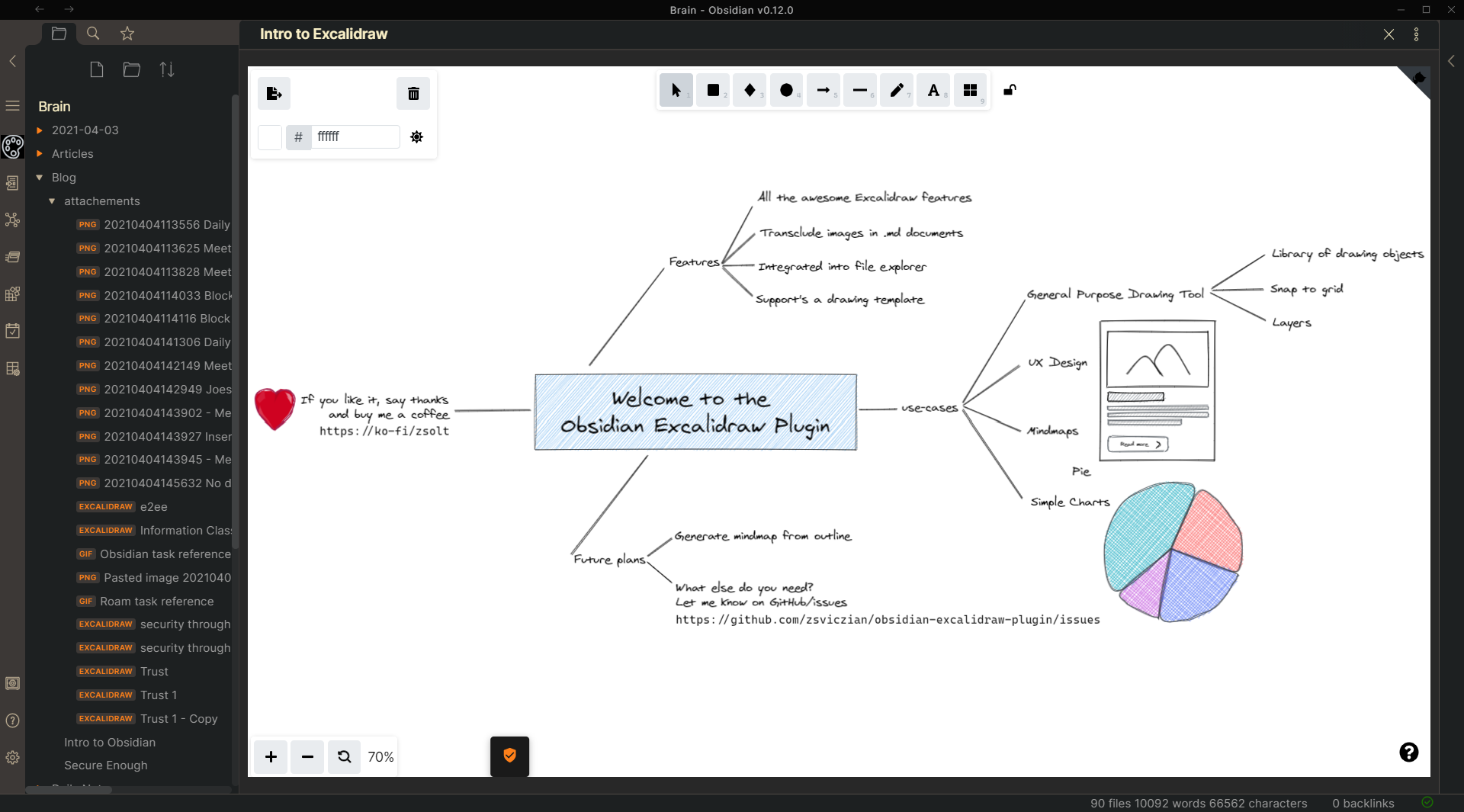
Key features
- Use the Excalidraw command in the Command palette to open an existing drawing or to create a new one. You create a new one by typing its name and hitting enter.
- Set up a default folder for your drawings in Settings, however you can have excalidraw drawings in any folder within your vault.
- Set up a Template by creating a drawing, customizing it the way you like it, and specifying the file as the template in settings.
- Translusion of drawings into markdown documents
- Drawings are saved to your vault as a file with the extension .excalidraw
- You can also use the file explorer in your vault to open Excalidraw files
- Fesize embedded image using the image.excalidraw or image.excalidraw format.
How to?
- Add a library: click browse libraries. Download preferred library and close browser tab. Click Load library in Obsidian to load your locally saved library.
Known issues
- When inserting images from the library, in some cases these images will be placed out of view, and you'll need to select scroll to view at the bottom of the screen. The bug was reproduced by the Excalidraw dev team, so I expect in the next update of Excalidraw it will be fixed.
- On iPad: As you draw left to right it opens left sidebar. Draw right to left, opens right sidebar. Draw down it opens commands palette. So seems open is emulating the gestures, even when drawing towards the center. This will be resolved in the next release according to Licat.
Excalidraw in Obsidian
Support
If you want to support me and my work, you can donate me a little something.
 https://ko-fi/zsolt