Compare commits
| Author | SHA1 | Date | |
|---|---|---|---|
 zsviczian |
73a90fda05 | ||
|
zsviczian
|
8d9efe1e38 | ||
|
zsviczian
|
1136ebc88a | ||
|
zsviczian
|
40a0694a0f | ||
|
zsviczian
|
123cac8e00 | ||
|
zsviczian
|
c140f24473 | ||
|
zsviczian
|
f2a911c47c | ||
|
zsviczian
|
30eb992484 | ||
|
Lumintian
|
bb3eb684c0 | ||
|
zsviczian
|
11a5c06190 | ||
|
zsviczian
|
168d0e5fa6 | ||
|
zsviczian
|
30b20ebaf0 | ||
|
zsviczian
|
841db04f75 | ||
|
zsviczian
|
d61131e321 | ||
|
zsviczian
|
f45a9ebd66 | ||
|
zsviczian
|
757147ad4b | ||
|
zsviczian
|
a57db28e22 | ||
|
zsviczian
|
64f105b11b | ||
|
zsviczian
|
fccc325825 | ||
|
zsviczian
|
7843d9ce51 | ||
|
zsviczian
|
894350739a | ||
|
zsviczian
|
53eae64ed3 | ||
|
zsviczian
|
ec426ce5ea | ||
|
zsviczian
|
97c4381f64 | ||
|
zsviczian
|
25220bb6fc | ||
|
zsviczian
|
c3c666e0c9 | ||
|
zsviczian
|
ee479985f6 | ||
|
zsviczian
|
ab799ab836 | ||
|
zsviczian
|
629763ed7a | ||
|
Murat
|
e0f9326a8b | ||
|
zsviczian
|
2fb2ffbc4c | ||
|
zsviczian
|
9fcabc2d94 | ||
|
zsviczian
|
cc8af155c7 | ||
|
zsviczian
|
33e8085161 | ||
|
zsviczian
|
5af5844556 | ||
|
zsviczian
|
d2ed7faefa | ||
|
zsviczian
|
44bb246572 | ||
|
zsviczian
|
0a7ec898d1 | ||
|
zsviczian
|
84c77180e1 | ||
|
zsviczian
|
809c722855 | ||
|
iwanhoogendoorn
|
e6c05292a7 | ||
|
zsviczian
|
4ad249db22 | ||
|
zsviczian
|
46ac969f4e | ||
|
zsviczian
|
573397868b | ||
|
zsviczian
|
278e6d9976 | ||
|
zsviczian
|
fb2b782bd4 | ||
|
zsviczian
|
421f2ec21a | ||
|
zsviczian
|
9e358cac97 | ||
|
zsviczian
|
5cbb5f2ee5 | ||
|
zsviczian
|
c8470ffdc5 | ||
|
zsviczian
|
57f8a781a6 | ||
|
zsviczian
|
4c764b5656 | ||
|
zsviczian
|
e655cfbccd | ||
|
zsviczian
|
1208a509d6 | ||
|
zsviczian
|
1759cdffab | ||
|
zsviczian
|
e7af4b62ac | ||
|
zsviczian
|
bd5df81be7 | ||
|
zsviczian
|
db1ec02578 | ||
|
zsviczian
|
e92d95fc67 | ||
|
zsviczian
|
9d7e0828f9 | ||
|
zsviczian
|
1160e0ec1f | ||
|
zsviczian
|
efe7009040 | ||
|
zsviczian
|
96aa17d4d8 | ||
|
zsviczian
|
52d6d905d3 | ||
|
zsviczian
|
329e739c69 | ||
|
zsviczian
|
b8b51fcff2 | ||
|
zsviczian
|
11f47ecd41 | ||
|
zsviczian
|
817854bbcd | ||
|
zsviczian
|
d3232f3071 | ||
|
zsviczian
|
e4e290cdb6 | ||
|
zsviczian
|
3c3f4a54b1 | ||
|
zsviczian
|
820e5b2324 | ||
|
zsviczian
|
ce332eab26 | ||
|
zsviczian
|
57a5149a91 | ||
|
zsviczian
|
cebe80ce0d | ||
|
zsviczian
|
cf9096adf8 | ||
|
zsviczian
|
dc0038a116 | ||
|
zsviczian
|
09356cfcef | ||
|
zsviczian
|
f210b4b28e | ||
|
zsviczian
|
6c7e9b0811 | ||
|
iwanhoogendoorn
|
b3879f9550 | ||
|
zsviczian
|
4d2555532d | ||
|
iwanhoogendoorn
|
605222de78 | ||
|
zsviczian
|
209ae5e2b9 | ||
|
zsviczian
|
36b0cc0c97 | ||
|
zsviczian
|
79662d11b0 | ||
|
zsviczian
|
fc5147fcb6 | ||
|
zsviczian
|
7f08ea8e18 | ||
|
zsviczian
|
d4dc96c34a | ||
|
zsviczian
|
6e1041a590 | ||
|
zsviczian
|
f6e4997534 | ||
|
zsviczian
|
b96eb43ac7 | ||
|
zsviczian
|
566d98b008 | ||
|
zsviczian
|
6fdaf710eb | ||
|
zsviczian
|
b06fa3fa7c | ||
|
zsviczian
|
e86c977495 | ||
|
zsviczian
|
1754797876 | ||
|
zsviczian
|
78a33be754 | ||
|
zsviczian
|
b985993af7 | ||
|
zsviczian
|
9f815a5ed4 | ||
|
zsviczian
|
0ddf6bfbeb | ||
|
zsviczian
|
f08e5777fd | ||
|
zsviczian
|
53a868ade5 | ||
|
zsviczian
|
b9ec19fee3 | ||
|
zsviczian
|
467a4b8a43 | ||
|
zsviczian
|
b15204a1fd | ||
|
zsviczian
|
571829081c | ||
|
zsviczian
|
ed888f7de2 | ||
|
zsviczian
|
13ce80bc41 | ||
|
zsviczian
|
2d2c52e042 | ||
|
zsviczian
|
29bd2df589 | ||
|
zsviczian
|
cac0029afc | ||
|
zsviczian
|
3ab78f8364 | ||
|
playermiller109
|
9b495bb05a | ||
|
playermiller109
|
937936521f | ||
|
zsviczian
|
d8eff4c2f5 | ||
|
zsviczian
|
bf791f4c8a | ||
|
zsviczian
|
2bfb38197b | ||
|
zsviczian
|
e639b1c1f4 | ||
|
zsviczian
|
06ff20e844 | ||
|
zsviczian
|
b2e96d369c | ||
|
zsviczian
|
8cddc6ae60 | ||
|
zsviczian
|
3c74deeb43 | ||
|
zsviczian
|
5240d1ffe2 | ||
|
zsviczian
|
c22fde3215 | ||
|
zsviczian
|
7021a24611 | ||
|
zsviczian
|
e157074504 | ||
|
zsviczian
|
46093d890a | ||
|
zsviczian
|
de89b5d365 | ||
|
zsviczian
|
f9529e3e6e | ||
|
zsviczian
|
e800036b66 | ||
|
zsviczian
|
6f9a53bf6d | ||
|
zsviczian
|
e80666f46e | ||
|
zsviczian
|
ba86626560 | ||
|
zsviczian
|
6929d19bd2 | ||
|
zsviczian
|
b549b27024 | ||
|
zsviczian
|
1503e34b72 | ||
|
zsviczian
|
1417ec33f9 | ||
|
zsviczian
|
a3b27e5501 | ||
|
zsviczian
|
5591e048be | ||
|
zsviczian
|
d8c2a2d56c | ||
|
zsviczian
|
4e58511fa1 | ||
|
zsviczian
|
2529f44283 | ||
|
zsviczian
|
c34144876c | ||
|
zsviczian
|
5a9f7fdeff | ||
|
zsviczian
|
e98f9dff4a | ||
|
zsviczian
|
4d39502c68 | ||
|
zsviczian
|
cde46e593d | ||
|
zsviczian
|
c58c28457b | ||
|
zsviczian
|
f01ff7fd29 | ||
|
zsviczian
|
2cb9dbd7f8 | ||
|
zsviczian
|
0b1a56f92d | ||
|
zsviczian
|
e82923b6f4 | ||
|
zsviczian
|
b0bd640d50 | ||
|
zsviczian
|
eca144ab26 | ||
|
zsviczian
|
1651593c13 | ||
|
zsviczian
|
7f32232d55 | ||
|
zsviczian
|
7e004f7475 | ||
|
zsviczian
|
13cae3056b | ||
|
zsviczian
|
b0221b47ab | ||
|
zsviczian
|
7647295608 | ||
|
zsviczian
|
5ff497386f | ||
|
zsviczian
|
360da17a19 | ||
|
zsviczian
|
b37101e606 | ||
|
zsviczian
|
9650f98d5d | ||
|
zsviczian
|
15e44ffd34 | ||
|
zsviczian
|
eb3fd734e8 | ||
|
zsviczian
|
69afe79aa7 | ||
|
zsviczian
|
d013c1a4b2 | ||
|
zsviczian
|
2ecc0fedf9 | ||
|
zsviczian
|
ee6bb5a341 | ||
|
zsviczian
|
c97284ce2e | ||
|
zsviczian
|
1893053cf6 | ||
|
zsviczian
|
fea19d11ed | ||
|
zsviczian
|
868609ac2d | ||
|
zsviczian
|
3043827402 | ||
|
zsviczian
|
d41b2af32d | ||
|
zsviczian
|
fc23213f4a | ||
|
zsviczian
|
b05d102294 | ||
|
zsviczian
|
9472e18047 | ||
|
zsviczian
|
9342942fce | ||
|
zsviczian
|
15041121fa | ||
|
zsviczian
|
e1c77dab1d | ||
|
zsviczian
|
2c1f92484f | ||
|
zsviczian
|
64c1e1c166 | ||
|
zsviczian
|
85bba4a6b6 | ||
|
zsviczian
|
aaeb8433b4 | ||
|
zsviczian
|
eb4718e5a8 | ||
|
zsviczian
|
070dc487ab | ||
|
zsviczian
|
d809ad5e97 | ||
|
zsviczian
|
bd79b09fb7 | ||
|
zsviczian
|
6c2057e4ce | ||
|
zsviczian
|
d38a2ed9fd | ||
|
zsviczian
|
762a2dd39e | ||
|
zsviczian
|
c1417a1f4e | ||
|
zsviczian
|
07b20b2c3b | ||
|
zsviczian
|
0b8992542c | ||
|
zsviczian
|
13fa5c95b5 | ||
|
zsviczian
|
b4d2f78c76 | ||
|
zsviczian
|
894ac734f2 | ||
|
zsviczian
|
0e768ca1c8 | ||
|
zsviczian
|
93ec4f7072 | ||
|
zsviczian
|
704d853ce2 | ||
|
zsviczian
|
9a17e83c3b | ||
|
zsviczian
|
f4dbe51066 | ||
|
zsviczian
|
f3dddd3d1d | ||
|
zsviczian
|
aaab8fff62 | ||
|
zsviczian
|
869ad088a5 | ||
|
zsviczian
|
b9a3b1c71e | ||
|
zsviczian
|
ce2713ecdb | ||
|
zsviczian
|
8fefcbcf66 | ||
|
zsviczian
|
d765e36326 | ||
|
zsviczian
|
f6a5236a14 | ||
|
zsviczian
|
18c547d0f1 | ||
|
zsviczian
|
10f0e26316 | ||
|
zsviczian
|
a2f277e232 | ||
|
zsviczian
|
130f518b3b | ||
|
zsviczian
|
b30abb0406 | ||
|
zsviczian
|
6a7e3b41e4 | ||
|
zsviczian
|
6749c078cc | ||
|
zsviczian
|
7475a1ad41 | ||
|
zsviczian
|
982e9e0848 | ||
|
zsviczian
|
8df4364bc8 | ||
|
zsviczian
|
7ca40ceb4f | ||
|
zsviczian
|
3275a7a168 | ||
|
zsviczian
|
41e1a0dd02 | ||
|
zsviczian
|
15c0d34ecc | ||
|
zsviczian
|
9fe30df73a | ||
|
zsviczian
|
1a774d1ed4 | ||
|
zsviczian
|
bf5ea9c27a | ||
|
zsviczian
|
4170847411 | ||
|
zsviczian
|
407bdf11ad | ||
|
zsviczian
|
cc6fc24d77 | ||
|
zsviczian
|
1c69f36031 | ||
|
zsviczian
|
9e0347c4ab | ||
|
zsviczian
|
25474af843 | ||
|
zsviczianandCopilot
|
444ac933fa | ||
|
zsviczian
|
5bfd690c7a | ||
|
zsviczian
|
95c562b15c | ||
|
zsviczian
|
7e18367075 | ||
|
zsviczianandCopilot
|
713f197381 | ||
|
zsviczianandCopilot
|
d1e4b9a905 | ||
|
zsviczianandCopilot
|
29c215bbfb | ||
|
zsviczian
|
fb21d5516d | ||
|
zsviczian
|
c2f986dff7 | ||
|
zsviczian
|
d2c8abf0fc | ||
|
zsviczian
|
22835f3c1f | ||
|
zsviczian
|
e1ad165313 | ||
|
zsviczian
|
67f291177d | ||
|
zsviczian
|
ad0e47033a | ||
|
zsviczian
|
65b8de8965 | ||
|
zsviczian
|
27b899ecbc | ||
|
zsviczian
|
62e6142813 | ||
|
zsviczian
|
b967cddf4c | ||
|
zsviczian
|
45709e5f1e | ||
|
zsviczian
|
5e9eb66510 | ||
|
zsviczian
|
af7891da4e | ||
|
zsviczian
|
65831073a6 | ||
|
zsviczian
|
7093c221d1 | ||
|
zsviczian
|
675700696a | ||
|
zsviczian
|
becb650902 | ||
|
henrich26
|
1a7d9c6f8c | ||
|
zsviczian
|
403467c134 | ||
|
zsviczian
|
8a1b90c06b | ||
|
zsviczian
|
f93b3b9306 | ||
|
zsviczian
|
f7ce333fea | ||
|
zsviczian
|
78b2a351bd | ||
|
Sreeram Sreedhar
|
1db888991a | ||
|
zsviczian
|
a72ecbc75d | ||
|
zsviczian
|
ef4f638eb9 | ||
|
zsviczian
|
9bfcf68ef7 | ||
|
zsviczian
|
e3916141ca | ||
|
zsviczian
|
8fb4ad1cd6 | ||
|
zsviczian
|
d08eaeef57 | ||
|
zsviczian
|
0e34b13c8d | ||
|
zsviczian
|
d4e23af17f | ||
|
zsviczian
|
c6450a1e91 | ||
|
zsviczian
|
bfaaf6dac0 | ||
|
seth
|
4373dc5d04 | ||
|
zsviczian
|
bf35f8f9a7 | ||
|
zsviczian
|
54594bf73d | ||
|
zsviczian
|
ff9f1f53d7 | ||
|
zsviczian
|
9f7d78f2d6 | ||
|
zsviczian
|
ccc4e3921e | ||
|
playermiller109
|
5fae43094f | ||
|
zsviczian
|
aa200953dc | ||
|
zsviczian
|
4ccda30e72 | ||
|
zsviczian
|
309721df11 | ||
|
zsviczian
|
c455b8fa01 | ||
|
zsviczian
|
8f899277fd | ||
|
zsviczian
|
512ef8c1e7 | ||
|
zsviczian
|
0aaf1fb9d8 | ||
|
zsviczian
|
bb3065058e | ||
|
zsviczian
|
13b80db77c | ||
|
zsviczian
|
b6a204da4e | ||
|
zsviczian
|
9ef7f61e86 | ||
|
zsviczian
|
e87a936887 | ||
|
zsviczian
|
b3d0a5a571 | ||
|
zsviczian
|
68d7aff4ee | ||
|
zsviczian
|
9a8011ea1e | ||
|
zsviczian
|
945d645c6b | ||
|
zsviczian
|
8d50e0e5f7 | ||
|
zsviczian
|
b030fb6b6c | ||
|
zsviczian
|
7f666364ee | ||
|
zsviczian
|
64f93e16b8 | ||
|
Hendrik Horstmann
|
f212db7223 | ||
|
zsviczian
|
3e965a3ac3 | ||
|
henrich26
|
755618eefe | ||
|
zsviczian
|
de4cd361a8 | ||
|
zsviczian
|
521ca1aa5e | ||
|
Hendrik Horstmann
|
5da6505c95 | ||
|
Rick Lan
|
48143ead47 | ||
|
Hendrik Horstmann
|
d053d51672 | ||
|
zsviczian
|
b786f25745 | ||
|
zsviczian
|
b3957cc6f8 | ||
|
Hendrik Horstmann
|
2cd9119ad1 | ||
|
henrich26
|
75a0af8ee4 | ||
|
zsviczian
|
25b657138c | ||
|
zsviczian
|
c9c86382a9 | ||
|
zsviczian
|
b4925c096d | ||
|
zsviczian
|
83c8a86de7 | ||
|
zsviczian
|
71ca343495 | ||
|
zsviczian
|
2f22f2312b | ||
|
zsviczian
|
9a12684009 | ||
|
zsviczian
|
b7b93f780b | ||
|
zsviczian
|
48d6d3c725 | ||
|
zsviczian
|
b8300221b5 | ||
|
henrich26
|
b32de61199 | ||
|
henrich26
|
ece9a9d064 | ||
|
TravisLeblanc1
|
3463310601 | ||
|
playermiller109
|
1c420b3007 | ||
|
zsviczian
|
ca37450eb2 | ||
|
zsviczian
|
1a32fc9c55 | ||
|
zsviczian
|
91b4f4fc86 | ||
|
zsviczian
|
dafaa4be07 | ||
|
zsviczian
|
d82d0d3364 | ||
|
zsviczian
|
dd8507daa2 | ||
|
zsviczian
|
2faf93c613 | ||
|
zsviczian
|
15637db7ab | ||
|
zsviczian
|
8b137fceb1 | ||
|
zsviczian
|
8de24b0f03 | ||
|
zsviczian
|
fc0a143979 | ||
|
zsviczian
|
003983e7c7 | ||
|
zsviczian
|
03afc7513f | ||
|
zsviczian
|
184bce0eb1 | ||
|
zsviczian
|
e7844a03be | ||
|
zsviczian
|
b2a97dc871 | ||
|
Rick Lan
|
fbbd7f03e6 | ||
|
zsviczian
|
121c3538e4 | ||
|
zsviczian
|
a42450bcd1 | ||
|
zsviczian
|
6c2e3f06a6 | ||
|
playermiller109
|
8db62c1a73 | ||
|
zsviczian
|
376738f894 | ||
|
zsviczian
|
6a69d61f2d | ||
|
zsviczian
|
2ddf503df8 | ||
|
zsviczian
|
6b55cc62b6 | ||
|
zsviczian
|
5384105e63 | ||
|
zsviczian
|
37397933b2 | ||
|
zsviczian
|
48fba1d64d | ||
|
TravisLeblanc1
|
eee1bec4a0 | ||
|
zsviczian
|
ee74a567a9 | ||
|
zsviczian
|
45d46bdb5d | ||
|
zsviczian
|
555046ad66 | ||
|
zsviczian
|
90e15a1388 | ||
|
zsviczian
|
059b072a2b | ||
|
zsviczian
|
d15e18f80c | ||
|
zsviczian
|
3a0c0a15ed | ||
|
zsviczian
|
b465abe2f0 | ||
|
zsviczian
|
a179968af4 | ||
|
Ev357
|
5cd50698fb | ||
|
zsviczian
|
72206f33da | ||
|
zsviczian
|
8b8f5ac675 | ||
|
zsviczian
|
b6d3a2b8ae | ||
|
zsviczian
|
4695c328a9 | ||
|
zsviczian
|
f050dd5544 | ||
|
zsviczian
|
26fdb744c4 | ||
|
zsviczian
|
972193c236 | ||
|
superle3
|
efa7c93e18 | ||
|
zsviczian
|
b4226cbf78 | ||
|
zsviczian
|
75538bb87d | ||
|
zsviczian
|
20e6d6da86 | ||
|
Rick Lan
|
a03e515ac8 | ||
|
zsviczian
|
d9f65d00e8 | ||
|
zsviczian
|
45fe0fec25 | ||
|
zsviczian
|
bb0f508e6e | ||
|
zsviczian
|
266e6f87c3 | ||
|
zsviczian
|
d04a6d4eae | ||
|
zsviczian
|
18d79c18f8 | ||
|
zsviczian
|
7d22bc0970 | ||
|
zsviczian
|
f5d125e21f | ||
|
zsviczian
|
92e3b44234 | ||
|
zsviczian
|
50306f5834 | ||
|
zsviczian
|
077274f343 | ||
|
zsviczian
|
a55e9c061f | ||
|
zsviczian
|
e4db79addb | ||
|
zsviczian
|
fe9bbbf5a8 | ||
|
zsviczian
|
8e84be734d | ||
|
zsviczian
|
e23523c713 | ||
|
zsviczian
|
1969a45085 | ||
|
zsviczian
|
61388ddd17 | ||
|
zsviczian
|
ebe9b6d357 | ||
|
zsviczian
|
16fbe0bff1 | ||
|
zsviczian
|
105289a0cc | ||
|
zsviczian
|
30abb1b7a7 | ||
|
zsviczian
|
9c17d3f7a0 | ||
|
playermiller109
|
8a74120640 | ||
|
zsviczian
|
e25083504b | ||
|
zsviczian
|
ff5780b703 | ||
|
zsviczian
|
465b99edb8 | ||
|
zsviczian
|
e977a3d9d3 | ||
|
zsviczian
|
c3b0803676 | ||
|
zsviczian
|
1e696bdcc1 | ||
|
zsviczian
|
99cf5c26e2 | ||
|
zsviczian
|
dd81b137e4 | ||
|
zsviczian
|
82a41e7cc1 | ||
|
zsviczian
|
5b7644e5a3 | ||
|
zsviczian
|
bdd55aea2c | ||
|
zsviczian
|
b26cb5d067 | ||
|
zsviczian
|
d2e1d72678 | ||
|
zsviczian
|
76e5d82c0f | ||
|
zsviczian
|
9391ba45a3 | ||
|
zsviczian
|
e08db69c4c | ||
|
playermiller109
|
59d2650a99 | ||
|
playermiller109
|
fcecb19d11 | ||
|
playermiller109
|
5cbe209666 | ||
|
playermiller109
|
922aa5d17b | ||
|
playermiller109
|
6206962185 | ||
|
playermiller109
|
0204a1d19c | ||
|
zsviczian
|
cfa18cdd6d | ||
|
zsviczian
|
ab3bed01cd | ||
|
zsviczian
|
711142a899 | ||
|
zsviczian
|
cc5a3006c9 | ||
|
zsviczian
|
03d3e25611 | ||
|
zsviczian
|
478fca4306 | ||
|
zsviczian
|
0446b3dbed | ||
|
zsviczian
|
b0b2afb972 | ||
|
zsviczian
|
5d5970c62d | ||
|
zsviczian
|
4bcb9be49d | ||
|
zsviczian
|
8d9546f4cd | ||
|
zsviczian
|
5257a0a73f | ||
|
zsviczian
|
955b0de308 | ||
|
zsviczian
|
e2739fe34c | ||
|
zsviczian
|
3ac427f813 | ||
|
zsviczian
|
36044e41a1 | ||
|
zsviczian
|
91156279c5 | ||
|
zsviczian
|
1083c9fb10 | ||
|
zsviczian
|
1e40fe28db | ||
|
zsviczian
|
c3d8f8e5d5 | ||
|
zsviczian
|
49d657aad9 | ||
|
zsviczian
|
d844daaaec | ||
|
zsviczian
|
ecd24f57a6 | ||
|
zsviczian
|
30c901e6f3 | ||
|
zsviczian
|
2d7873ad0d | ||
|
zsviczian
|
b1786a35e8 | ||
|
zsviczian
|
7033020101 | ||
|
zsviczian
|
9853b6b0fc | ||
|
zsviczian
|
bfc4e4561a | ||
|
zsviczian
|
c557d1c0e8 | ||
|
zsviczian
|
e912ab698b | ||
|
zsviczian
|
1657837830 | ||
|
TravisLeblanc1
|
20e305931b | ||
|
TravisLeblanc1
|
33be7275b1 | ||
|
zsviczian
|
97f425b6de | ||
|
zsviczian
|
46d69db8a6 | ||
|
zsviczian
|
6326c62bcd | ||
|
zsviczian
|
f0e231a3e5 | ||
|
zsviczian
|
7b1d91ce0d | ||
|
zsviczian
|
b6fd3bd665 | ||
|
zsviczian
|
7c24821011 | ||
|
zsviczian
|
9ae74c7af0 | ||
|
zsviczian
|
14d5521483 | ||
|
zsviczian
|
6865fdf33c | ||
|
zsviczian
|
c573d2cba3 | ||
|
zsviczian
|
9186537a1a | ||
|
zsviczian
|
d89a212c46 | ||
|
zsviczian
|
6a1d773d87 | ||
|
zsviczian
|
4c23be299c | ||
|
TravisLeblanc1
|
4e9baf72ec | ||
|
zsviczian
|
1136f19bb6 | ||
|
zsviczian
|
230c0e9c4b | ||
|
zsviczian
|
a0e251af36 | ||
|
zsviczian
|
dddd13e439 | ||
|
zsviczian
|
83337cbec7 | ||
|
zsviczian
|
7c14328226 | ||
|
zsviczian
|
dd579e8d52 | ||
|
zsviczian
|
c5b34b0e50 | ||
|
zsviczian
|
6651db8c3a | ||
|
zsviczian
|
60a692ba7b | ||
|
zsviczian
|
a21481aae5 | ||
|
zsviczian
|
e1ec75f7c7 | ||
|
zsviczian
|
b15a9cff91 | ||
|
TravisLeblanc1
|
375c29171c | ||
|
zsviczian
|
c7bbb0ca0f | ||
|
zsviczian
|
3dd3f6c5a3 | ||
|
zsviczian
|
3931fa95b8 | ||
|
zsviczian
|
fc03c0bfd2 | ||
|
zsviczian
|
00ce6b1883 | ||
|
zsviczian
|
a9a2c63873 | ||
|
zsviczian
|
4bd42bff9a | ||
|
zsviczian
|
a2ae59965b | ||
|
zsviczian
|
49d6e2180e | ||
|
zsviczian
|
75f69af2cd | ||
|
Rick Lan
|
0a5a7660fc | ||
|
zsviczian
|
f2eed2a755 | ||
|
zsviczian
|
9b0c656e0b | ||
|
zsviczian
|
ada0caea1a | ||
|
zsviczian
|
37c1c2459f | ||
|
zsviczian
|
38ad0c9eed | ||
|
zsviczian
|
dd37894ddd | ||
|
zsviczian
|
54bb7558f7 | ||
|
zsviczian
|
d698f2d3f7 | ||
|
zsviczian
|
135e634df3 | ||
|
zsviczian
|
bec690c792 | ||
|
zsviczian
|
d57d8ecc9d | ||
|
zsviczian
|
ab5d26078c | ||
|
zsviczian
|
1b7f9c19de | ||
|
zsviczian
|
22324613f3 | ||
|
zsviczian
|
3baf7de216 | ||
|
zsviczian
|
250a1a14d5 | ||
|
zsviczian
|
fd0d84d240 | ||
|
zsviczian
|
a9ffdde8e5 | ||
|
zsviczian
|
5206aff1cf | ||
|
zsviczian
|
8022f9a89b | ||
|
zsviczian
|
5216d81db9 | ||
|
zsviczian
|
949789ec8c | ||
|
zsviczian
|
53f21bca9b | ||
|
zsviczian
|
1246eca2f3 | ||
|
zsviczian
|
06014da0b7 | ||
|
zsviczian
|
24b6a610b8 | ||
|
zsviczian
|
35dd6dd650 | ||
|
zsviczian
|
26ce6dfe0d | ||
|
zsviczian
|
ebaab2702c | ||
|
zsviczian
|
1638d9cc42 | ||
|
zsviczian
|
9bb5d7249e | ||
|
zsviczian
|
7986ed4000 | ||
|
zsviczian
|
4d9a8d90ba | ||
|
zsviczian
|
3994f63e69 | ||
|
zsviczian
|
956cdf07ea | ||
|
zsviczian
|
03692dfd77 | ||
|
zsviczian
|
5340669fd6 | ||
|
zsviczian
|
4ac8dcc4de | ||
|
zsviczian
|
aa6f07e652 | ||
|
zsviczian
|
df281889ff | ||
|
zsviczian
|
25629ee5eb | ||
|
zsviczian
|
e6e61d3a99 | ||
|
zsviczian
|
7c9a2e9d57 | ||
|
zsviczian
|
41177030ae | ||
|
zsviczian
|
6a09b3f873 | ||
|
zsviczian
|
0acacc8f9f | ||
|
zsviczian
|
1efb8f3049 | ||
|
zsviczian
|
7d99259cdc | ||
|
zsviczian
|
a97d90653f | ||
|
zsviczian
|
06debd4106 | ||
|
zsviczian
|
62ae0b8230 | ||
|
zsviczian
|
0e2044ba72 | ||
|
playermiller109
|
0db8ab9cda | ||
|
zsviczian
|
9319b39c96 | ||
|
zsviczian
|
75cbc47bc5 | ||
|
zsviczian
|
66e31110e2 | ||
|
zsviczian
|
a0ec16cdf1 | ||
|
zsviczian
|
a5105688e4 | ||
|
zsviczian
|
60fe7a413f | ||
|
zsviczian
|
ee3da19290 | ||
|
zsviczian
|
4a71042fea | ||
|
zsviczian
|
fc51cf9a15 | ||
|
zsviczian
|
1b5a6ae18a | ||
|
zsviczian
|
fee74f4edd | ||
|
zsviczian
|
bfcab155ca | ||
|
zsviczian
|
56934e0279 | ||
|
zsviczian
|
d89ef4caeb | ||
|
zsviczian
|
f939db2cba | ||
|
zsviczian
|
04e9723048 | ||
|
zsviczian
|
5e68f29f7c | ||
|
zsviczian
|
b82ab59126 | ||
|
zsviczian
|
894906cebb | ||
|
zsviczian
|
b0828011e2 | ||
|
zsviczian
|
ef70901263 | ||
|
zsviczian
|
b934c429bc | ||
|
zsviczian
|
57b00f7c69 | ||
|
zsviczian
|
1e245f1136 | ||
|
zsviczian
|
a5632866b0 | ||
|
zsviczian
|
a96f0d0889 | ||
|
zsviczian
|
5cbaf5b203 | ||
|
zsviczian
|
3cd05b0be2 | ||
|
zsviczian
|
70a6c0167d | ||
|
zsviczian
|
7150aaf795 | ||
|
zsviczian
|
ad3874889e | ||
|
zsviczian
|
15d15b35e7 | ||
|
zsviczian
|
7680396b99 | ||
|
zsviczian
|
3f582d87fe | ||
|
zsviczian
|
b37ed015e3 | ||
|
zsviczian
|
22cf76b1f9 | ||
|
zsviczian
|
588dfc5dc2 | ||
|
zsviczian
|
e1f36d910b | ||
|
zsviczian
|
cbec7f4d9f | ||
|
zsviczian
|
6585a75b6e | ||
|
zsviczian
|
d3b8d07d9c | ||
|
zsviczian
|
9cda26faad | ||
|
zsviczian
|
cc18cf9166 | ||
|
zsviczian
|
8ce71c262b | ||
|
zsviczian
|
0116125a10 | ||
|
zsviczian
|
f214633db8 | ||
|
zsviczian
|
bd191f0d2d | ||
|
zsviczian
|
afa8fbff80 | ||
|
zsviczian
|
5236a73a1e | ||
|
zsviczian
|
45d95856ca | ||
|
zsviczian
|
4e050f76e1 | ||
|
zsviczian
|
aee74ca6d9 | ||
|
zsviczian
|
c6459b6a87 | ||
|
zsviczian
|
0eb4b2a1f5 | ||
|
zsviczian
|
23b793d21f | ||
|
zsviczian
|
77dd95f089 | ||
|
zsviczian
|
faa900a352 | ||
|
zsviczian
|
2ceebab04f | ||
|
zsviczian
|
0b0232aa62 | ||
|
zsviczian
|
497125d7cc | ||
|
zsviczian
|
4e8baed49f | ||
|
zsviczian
|
3f93be3b45 | ||
|
zsviczian
|
bb17694219 | ||
|
zsviczian
|
51ffcdf3de | ||
|
zsviczian
|
12bc2a1680 | ||
|
zsviczian
|
4c8ed3fe57 | ||
|
zsviczian
|
bbb3a63106 | ||
|
zsviczian
|
b801a1e4d2 | ||
|
zsviczian
|
96bf5d4880 | ||
|
zsviczian
|
0962eadcf9 | ||
|
zsviczian
|
4d57bf6fb5 | ||
|
zsviczian
|
da8937499b | ||
|
zsviczian
|
4818d23f8b | ||
|
zsviczian
|
a1561de832 | ||
|
zsviczian
|
1900cfcf84 | ||
|
zsviczian
|
aa47d1375b | ||
|
zsviczian
|
61ae34968a | ||
|
zsviczian
|
296ac84f08 | ||
|
zsviczian
|
bcd63ad7fe | ||
|
zsviczian
|
1fec09c367 | ||
|
zsviczian
|
4cd5dde3d6 | ||
|
zsviczian
|
36ee7f6e52 | ||
|
zsviczian
|
32f76d4ea4 | ||
|
zsviczian
|
53aed86777 | ||
|
zsviczian
|
573587bd88 | ||
|
zsviczian
|
558d0105a5 | ||
|
superle3
|
76910a3352 | ||
|
zsviczian
|
e2c9e2b256 | ||
|
zsviczian
|
9630db68a4 | ||
|
zsviczian
|
7541fa22b4 | ||
|
zsviczian
|
c5cf6d630f | ||
|
Travis LEBLANC
|
2f296c7a46 | ||
|
zsviczian
|
095ff057cd | ||
|
zsviczian
|
b38956cb51 | ||
|
zsviczian
|
03392db757 | ||
|
zsviczian
|
2bd252fcff | ||
|
zsviczian
|
12b52e42f2 | ||
|
zsviczian
|
76675591fe | ||
|
zsviczian
|
966f6b53ea | ||
|
TravisLeblanc1
|
efbca80f74 | ||
|
zsviczian
|
ee8ac2f7ad | ||
|
zsviczian
|
0ac7ccde66 | ||
|
zsviczian
|
b5bd27f115 | ||
|
zsviczian
|
600b2d9621 | ||
|
TravisLeblanc1
|
c709562925 | ||
|
zsviczian
|
c3cfe0b0ed | ||
|
TravisLeblanc1
|
686ff92f4d | ||
|
TravisLeblanc1
|
37f3937bd6 | ||
|
TravisLeblanc1
|
16c61c44ce | ||
|
TravisLeblanc1
|
2f968a7bbc | ||
|
zsviczian
|
475492beda | ||
|
zsviczian
|
ab11258d0d | ||
|
TravisLeblanc1
|
1ab682e726 | ||
|
zsviczian
|
cb370645b7 | ||
|
zsviczian
|
c80420772e | ||
|
zsviczian
|
5fd76e07ba | ||
|
playermiller109
|
fda8d5ce77 | ||
|
zsviczian
|
2e52744743 | ||
|
zsviczian
|
a634d24f6b | ||
|
zsviczian
|
ebc0ecbfc4 | ||
|
zsviczian
|
9622e137ba | ||
|
zsviczian
|
b3bf3b5a60 | ||
|
zsviczian
|
cc1ae730d1 | ||
|
zsviczian
|
9841941431 | ||
|
zsviczian
|
f179b6720b | ||
|
TravisLeblanc1
|
b44d2a4a9a | ||
|
TravisLeblanc1
|
6a82011bdb | ||
|
parkero
|
c835943fc5 | ||
|
TravisLeblanc1
|
a4f0676686 | ||
|
zsviczian
|
e69487c456 | ||
|
zsviczian
|
e7a067d53a | ||
|
zsviczian
|
fe8ece275a | ||
|
zsviczian
|
a5f2da74ba | ||
|
zsviczian
|
ce602b8268 | ||
|
zsviczian
|
7bb718da81 | ||
|
Rick Lan
|
cceb2cae82 | ||
|
Rick Lan
|
f5f0134509 | ||
|
zsviczian
|
44588ab4b8 | ||
|
zsviczian
|
989e7969dc | ||
|
zsviczian
|
f5c7820315 | ||
|
zsviczian
|
c416c21985 | ||
|
zsviczian
|
e5f6466542 | ||
|
zsviczian
|
95ba981445 | ||
|
zsviczian
|
31cc45ff6d | ||
|
zsviczian
|
62f51511ed | ||
|
zsviczian
|
5c628e08f4 | ||
|
zsviczian
|
0e11150055 | ||
|
zsviczian
|
37b4cdd44a | ||
|
zsviczian
|
a2a33bc463 | ||
|
Rick Lan
|
00531325ea | ||
|
zsviczian
|
a7d4d59619 | ||
|
playermiller109
|
b05e26d138 | ||
|
playermiller109
|
ce3cda7a1d | ||
|
zsviczian
|
ba5d1aa6d6 | ||
|
zsviczian
|
686f462716 | ||
|
playermiller109
|
21dec11170 | ||
|
zsviczian
|
168b1d1871 | ||
|
zsviczian
|
8df45aed14 | ||
|
zsviczian
|
2e9b5ce593 | ||
|
dependabot[bot]
|
c332608bb5 | ||
|
zsviczian
|
ed9fe5f3d4 | ||
|
zsviczian
|
57afd6f134 | ||
|
zsviczian
|
63e0c1368f | ||
|
zsviczian
|
3b2f7d2c98 | ||
|
dddrop
|
684d19eebd | ||
|
dddrop
|
d65e967e4b | ||
|
three3q
|
59fe5abfa8 | ||
|
zsviczian
|
919913044d | ||
|
zsviczian
|
306e6db564 | ||
|
zsviczian
|
c32d0cb350 | ||
|
Rick Lan
|
a43e527602 | ||
|
zsviczian
|
2e48ee8484 | ||
|
zsviczian
|
d568003915 | ||
|
zsviczian
|
247685b13f | ||
|
zsviczian
|
73c20e0d9d | ||
|
zsviczian
|
222ff139d8 | ||
|
playermiller109
|
0e0774d973 | ||
|
zsviczian
|
ae722623e5 | ||
|
zsviczian
|
65ab00a932 | ||
|
playermiller109
|
418063e9b6 | ||
|
zsviczian
|
b2f051e088 | ||
|
zsviczian
|
c884db0840 | ||
|
playermiller109
|
e4d1b509f7 | ||
|
zsviczian
|
97da7c680f | ||
|
zsviczian
|
5696a33e60 | ||
|
zsviczian
|
b68e8c0b20 | ||
|
zsviczian
|
3a43571f3e | ||
|
zsviczian
|
65c3a11fba | ||
|
duianto
|
010fd5c624 | ||
|
KTibow
|
8ddf03cdd3 | ||
|
zsviczian
|
a5fd91a33c | ||
|
zsviczian
|
d8de0db423 | ||
|
zsviczian
|
b5d9fa4625 | ||
|
zsviczian
|
fcc0f94974 | ||
|
zsviczian
|
6b7d8c8b69 | ||
|
zsviczian
|
259e6277ed | ||
|
zsviczian
|
88405af417 | ||
|
zsviczian
|
8fecb75f97 | ||
|
zsviczian
|
bd1b13b58c | ||
|
playermiller109
|
d8cac4eacd | ||
|
zsviczian
|
8379f9315e | ||
|
zsviczian
|
123fa12122 | ||
|
zsviczian
|
46a41feaf3 | ||
|
zsviczian
|
a043ee131f | ||
|
zsviczian
|
7e9f1f6350 | ||
|
zsviczian
|
ffc209d4b0 | ||
|
zsviczian
|
c1ea206d9d | ||
|
zsviczian
|
4587d36997 | ||
|
zsviczian
|
4f4035b8ef | ||
|
Rick Lan
|
de5da38474 | ||
|
zsviczian
|
27d30c609e | ||
|
zsviczian
|
9aaaf77daf | ||
|
zsviczian
|
ba0fac6f74 | ||
|
zsviczian
|
802e0f2dcd | ||
|
zsviczian
|
7bcb14b72f | ||
|
Joakim31
|
21ddc4b90f | ||
|
zsviczian
|
8035e489ca | ||
|
zsviczian
|
bf8ae6f8bb | ||
|
zsviczian
|
8b557a8461 | ||
|
zsviczian
|
35bc375356 | ||
|
zsviczian
|
09890d8890 | ||
|
zsviczian
|
5d8370234c | ||
|
Alex Spinu
|
e11664c826 | ||
|
Alex Spinu
|
fc33805fbe | ||
|
playermiller109
|
21f202a725 | ||
|
zsviczian
|
3e55719035 | ||
|
zsviczian
|
c5ca730946 | ||
|
zsviczian
|
537b01f461 | ||
|
Rick Lan
|
428f2c50b6 | ||
|
zsviczian
|
b976a5d5e6 | ||
|
zsviczian
|
9221b8c475 | ||
|
playermiller109
|
6d659042ec | ||
|
zsviczian
|
37543c6a56 | ||
|
zsviczian
|
98f065c8cc | ||
|
Rick Lan
|
a29d9cb7b1 | ||
|
zsviczian
|
2eef8d0151 | ||
|
zsviczian
|
f7676b4102 | ||
|
PlayerMiller109
|
ff6da66f94 | ||
|
zsviczian
|
0f7def145d | ||
|
zsviczian
|
a6586803de | ||
|
zsviczian
|
7fe1dc5494 | ||
|
zsviczian
|
b092a09c3b | ||
|
zsviczian
|
e67ed7ff4f | ||
|
zsviczian
|
5ab7311e74 | ||
|
zsviczian
|
dd05339f73 | ||
|
zsviczian
|
ec23f166ab | ||
|
zsviczian
|
42af86ed9f | ||
|
Joakim31
|
8b198a5785 | ||
|
Rick Lan
|
739b745e95 | ||
|
zsviczian
|
ccb5590f0c | ||
|
zsviczian
|
524c33a7e5 | ||
|
zsviczian
|
09bb5c5486 | ||
|
zsviczian
|
434f61653d | ||
|
zsviczian
|
613b86e9d0 | ||
|
zsviczian
|
a6cad5010e | ||
|
zsviczian
|
49cf799f66 | ||
|
zsviczian
|
662737436a | ||
|
zsviczian
|
887651a4bc | ||
|
PlayerMiller109
|
c0a40c69a1 | ||
|
PlayerMiller109
|
e69676f461 | ||
|
PlayerMiller109
|
9582758483 | ||
|
PlayerMiller109
|
a227c746a2 | ||
|
zsviczian
|
425d8304d5 | ||
|
zsviczian
|
1ee277c814 | ||
|
zsviczian
|
5a2cbadc9d | ||
|
zsviczian
|
f2d0c8c6b7 | ||
|
zsviczian
|
afecea3e67 | ||
|
zsviczian
|
a3b6acb0a7 | ||
|
zsviczian
|
a7f33f3be0 | ||
|
zsviczian
|
0ec5ad1bbb | ||
|
zsviczian
|
89f2a3beb5 | ||
|
zsviczian
|
88e27a35ef | ||
|
zsviczian
|
ea3103b650 | ||
|
zsviczian
|
59bbbb907d | ||
|
zsviczian
|
488daf0fde | ||
|
zsviczian
|
cf6128433d | ||
|
PlayerMiller109
|
945afffc11 | ||
|
PlayerMiller109
|
fe322f492e | ||
|
zsviczian
|
22eee5e37e | ||
|
zsviczian
|
5bf7271f86 | ||
|
zsviczian
|
1db4654fe2 | ||
|
PlayerMiller109
|
3152ec2c58 | ||
|
zsviczian
|
1bd9a70635 | ||
|
dmscode
|
4a775d81f4 | ||
|
zsviczian
|
a0630b4719 | ||
|
zsviczian
|
37ceca8ccd | ||
|
mfuria
|
00acbce5f0 | ||
|
mfuria
|
ea502134fd | ||
|
mfuria
|
1c5daeafae | ||
|
zsviczian
|
1ca55ccfcb | ||
|
dmscode
|
24566dfb8c | ||
|
zsviczian
|
dab8528fb6 | ||
|
zsviczian
|
f4c52ea675 | ||
|
zsviczian
|
10abb50a5c | ||
|
Rick Lan
|
1427b0791a | ||
|
zsviczian
|
10fad8a29c | ||
|
Joakim31
|
429c9b0f55 | ||
|
zsviczian
|
38d524db75 | ||
|
zsviczian
|
f7ef047ebd | ||
|
zsviczian
|
e167dd21c3 | ||
|
zsviczian
|
8baa3aa0e4 | ||
|
zsviczian
|
615f66393e | ||
|
dmscode
|
c621a96179 | ||
|
Rick Lan
|
65b88ab67d | ||
|
zsviczian
|
691c2fdc3e | ||
|
zsviczian
|
79979d38e4 | ||
|
zsviczian
|
536479c3d9 | ||
|
zsviczian
|
1065551196 | ||
|
zsviczian
|
3105d5533c | ||
|
zsviczian
|
4cff3f013b | ||
|
zsviczian
|
4a3e527605 | ||
|
zsviczian
|
fd592e9325 | ||
|
zsviczian
|
7ad928ccdc | ||
|
zsviczian
|
e9f632e4db | ||
|
zsviczian
|
6689d9497c | ||
|
zsviczian
|
3e86419421 | ||
|
dmscode
|
d2d4f16ebd | ||
|
zsviczian
|
e574d84b84 | ||
|
zsviczian
|
8f3ace89ea | ||
|
zsviczian
|
e4e4a07aa8 | ||
|
dmscode
|
7a90bf753f | ||
|
Joakim31
|
6221d985ac | ||
|
zsviczian
|
41065ce9f9 | ||
|
zsviczian
|
351977f0d3 | ||
|
zsviczian
|
01b0b64a08 | ||
|
Joakim31
|
938e93cc43 | ||
|
Michael Naumov
|
cebcd2b43c | ||
|
zsviczian
|
80b6e30040 | ||
|
zsviczian
|
6e92a6a399 | ||
|
zsviczian
|
992ae8b238 | ||
|
zsviczian
|
5cd07e7766 | ||
|
zsviczian
|
07817a4d2d | ||
|
zsviczian
|
a22bb4c58c | ||
|
zsviczian
|
43e00a51be | ||
|
zsviczian
|
049b5bfa85 | ||
|
zsviczian
|
743afa73b4 | ||
|
zsviczian
|
6469eec051 | ||
|
zsviczian
|
9f46821a41 | ||
|
dmscode
|
1fb3a47bdc | ||
|
稻米鼠
|
bcd0cdda65 | ||
|
zsviczian
|
207fea3f57 | ||
|
Rick Lan
|
e55ba3cc21 | ||
|
PlayerMiller109
|
71c87a7630 | ||
|
dmscode
|
e598a91f43 | ||
|
zsviczian
|
972fe1baea | ||
|
zsviczian
|
d7e1268afa | ||
|
zsviczian
|
7a3b937ea7 | ||
|
dmscode
|
c850cd15ae | ||
|
zsviczian
|
e9f70fd09e | ||
|
zsviczian
|
2083443dfe | ||
|
zsviczian
|
69d9b8c1c9 | ||
|
duianto
|
65f4c9f3b3 | ||
|
dmscode
|
b89a106523 | ||
|
zsviczian
|
6434a6e58a | ||
|
zsviczian
|
68180db2aa | ||
|
zsviczian
|
63505d17e9 | ||
|
zsviczian
|
0851b45977 | ||
|
dmscode
|
16332a3e83 | ||
|
zsviczian
|
8240d87fa8 | ||
|
zsviczian
|
a7db044715 | ||
|
dependabot[bot]
|
339c274f1b | ||
|
zsviczian
|
d5a19cbc09 | ||
|
zsviczian
|
400cffcd01 | ||
|
zsviczian
|
e5438c1e56 | ||
|
zsviczian
|
7e2ef3f115 | ||
|
dmscode
|
ad091df4d9 | ||
|
dmscode
|
0837c017a1 | ||
|
zsviczian
|
32d0301366 | ||
|
zsviczian
|
5accd657d9 | ||
|
zsviczian
|
8da97a63e0 | ||
|
zsviczian
|
a5d7731533 | ||
|
zsviczian
|
acb83fd697 | ||
|
zsviczian
|
271f21f85a | ||
|
zsviczian
|
371fb54787 | ||
|
zsviczian
|
3f19f9771a | ||
|
zsviczian
|
5a8596d113 | ||
|
zsviczian
|
6edd8b9a4e | ||
|
zsviczian
|
778346b0dd | ||
|
dmscode
|
85ac633263 | ||
|
zsviczian
|
ff404e4dd6 | ||
|
zsviczian
|
d0845a7d68 | ||
|
zsviczian
|
954eaefe29 | ||
|
zsviczian
|
175b202a6f | ||
|
zsviczian
|
b77b4df56d | ||
|
zsviczian
|
dd7abe2547 | ||
|
zsviczian
|
cac27fb936 | ||
|
zsviczian
|
d9aef84e13 | ||
|
dmscode
|
c6a81bef24 | ||
|
zsviczian
|
6824a1aa68 | ||
|
zsviczian
|
00de9d639b | ||
|
zsviczian
|
5a66c78428 | ||
|
zsviczian
|
d1be193125 | ||
|
zsviczian
|
f4c8d21a33 | ||
|
zsviczian
|
d588f749d2 | ||
|
dmscode
|
c1f909427b | ||
|
zsviczian
|
2b38c03840 | ||
|
zsviczian
|
8cca77dcab | ||
|
zsviczian
|
5b341cb5fb | ||
|
zsviczian
|
526299e41f | ||
|
zsviczian
|
ae82bce4da | ||
|
dmscode
|
499ca87759 | ||
|
zsviczian
|
aa4fbe1f6c | ||
|
zsviczian
|
05b72f9f07 | ||
|
dmscode
|
53ffa50b15 | ||
|
zsviczian
|
bd9721f308 | ||
|
zsviczian
|
875bd4cb35 | ||
|
zsviczian
|
ec575c307a | ||
|
dmscode
|
05087874e2 | ||
|
zsviczian
|
4a803f4b46 | ||
|
zsviczian
|
a48222022e | ||
|
稻米鼠
|
eebbde1c40 | ||
|
dmscode
|
c0a7686338 | ||
|
zsviczian
|
4840470b60 | ||
|
zsviczian
|
091d9b9669 | ||
|
zsviczian
|
d5b86289b6 | ||
|
zsviczian
|
dceb6ce690 | ||
|
zsviczian
|
c29c25d252 | ||
|
dmscode
|
a2fb36671d | ||
|
zsviczian
|
6e57d4e69a | ||
|
zsviczian
|
063bef92b9 | ||
|
zsviczian
|
2bf9156808 | ||
|
zsviczian
|
391363c419 | ||
|
dmscode
|
85ae7f7bec | ||
|
dmscode
|
03718bc927 | ||
|
zsviczian
|
768aebf5d2 | ||
|
zsviczian
|
9e31e74d15 | ||
|
dmscode
|
2acc99d307 | ||
|
dmscode
|
20892f8541 | ||
|
dmscode
|
e0f96a2650 | ||
|
zsviczian
|
e793526cb2 | ||
|
zsviczian
|
d1eb4cae57 | ||
|
zsviczian
|
f33fa33a08 | ||
|
zsviczian
|
858ae11c8b | ||
|
zsviczian
|
99a7e74825 | ||
|
zsviczian
|
304cef4d7d | ||
|
稻米鼠
|
7dba9b88dc | ||
|
zsviczian
|
bfb5de1525 | ||
|
zsviczian
|
8071a2888b | ||
|
zsviczian
|
8b9abb13d0 | ||
|
zsviczian
|
6dbae61212 | ||
|
zsviczian
|
75c65d61c5 | ||
|
Martin Dürrmeier
|
37e0de41af | ||
|
zsviczian
|
57f9e43508 | ||
|
zsviczian
|
3b7f931f28 | ||
|
zsviczian
|
b37a7aad4f | ||
|
zsviczian
|
667ab31ed9 | ||
|
zsviczian
|
b15ddef7fe | ||
|
zsviczian
|
ef785e5fb0 | ||
|
zsviczian
|
15ba4146ac | ||
|
Enrico Sintoni
|
9956fd1756 | ||
|
Enrico Sintoni
|
b6f2161f1c | ||
|
dmscode
|
e6fca1a2d0 | ||
|
稻米鼠
|
a9cad8c9f1 | ||
|
zsviczian
|
22b8b1f707 | ||
|
zsviczian
|
98f6871caa | ||
|
Enrico Sintoni
|
aae588249a | ||
|
Enrico Sintoni
|
ef890d51e3 | ||
|
zsviczian
|
b0bc03437a | ||
|
zsviczian
|
23b94da8f0 | ||
|
zsviczian
|
1f227ddd24 | ||
|
dmscode
|
01a88a25a2 | ||
|
zsviczian
|
12152665af | ||
|
zsviczian
|
064e17b29d | ||
|
zsviczian
|
0aaba80c82 | ||
|
zsviczian
|
1744668fbd | ||
|
zsviczian
|
8e3e2ffb25 | ||
|
zsviczian
|
f5475bfde6 | ||
|
zsviczian
|
27fa270b42 | ||
|
dmscode
|
15ece75b5d | ||
|
zsviczian
|
a796621f93 | ||
|
zsviczian
|
3c943c6685 | ||
|
zsviczian
|
4209774b4e | ||
|
zsviczian
|
b18637f7d0 | ||
|
dmscode
|
af8a848d14 | ||
|
zsviczian
|
01e392158d | ||
|
zsviczian
|
fc47b7aa0d | ||
|
zsviczian
|
a0e0627a49 |
No files matched your search
@@ -0,0 +1,17 @@
|
||||
{
|
||||
"name": "Node.js 20",
|
||||
"image": "mcr.microsoft.com/devcontainers/javascript-node:20",
|
||||
"features": {
|
||||
"ghcr.io/devcontainers/features/node:1": {
|
||||
"version": "20"
|
||||
}
|
||||
},
|
||||
"postCreateCommand": "npm install",
|
||||
"customizations": {
|
||||
"vscode": {
|
||||
"extensions": [
|
||||
"ms-vscode.vscode-typescript-next"
|
||||
]
|
||||
}
|
||||
}
|
||||
}
|
||||
@@ -1,4 +0,0 @@
|
||||
node_modules/
|
||||
.github/
|
||||
docs/
|
||||
images/
|
||||
@@ -1,7 +0,0 @@
|
||||
{
|
||||
"extends": ["@excalidraw/eslint-config"],
|
||||
"rules": {
|
||||
"import/no-anonymous-default-export": "off",
|
||||
"no-restricted-globals": "off"
|
||||
}
|
||||
}
|
||||
@@ -10,10 +10,10 @@ body:
|
||||
I am a one-person team working on this plugin as a part-time hobby. Please help me manage the workload by following these guidelines. **Support requests that don't include enough details may be closed without review**.
|
||||
|
||||
Before submitting a support request, please:
|
||||
1. **Review the [documentation](https://github.com/zsviczian/obsidian-excalidraw-plugin/wiki)** – your question may already be answered.
|
||||
2. **[Search issues](https://github.com/zsviczian/obsidian-excalidraw-plugin/issues) (including closed ones)** to see if your question has already been addressed.
|
||||
3. **[Watch the Feature Walkthrough Video](https://youtu.be/P_Q6avJGoWI)**: As it infact answers 90% of the typical questions I receive
|
||||
4. **[Consult NotebookLM with your question](https://excalidraw-obsidian.online/WIKI/09+Video+Transcripts/Videos/Turn+any+YouTube+Channel+into+your+AI+Mentor+-+Obsidian+is+the+ultimate+automation+workbench+for+PKM)**
|
||||
1. **[Consult NotebookLM with your question](https://notebooklm.google.com/notebook/42d76a2f-c11d-4002-9286-1683c43d0ab0)**
|
||||
2. **Review the [documentation](https://excalidraw-obsidian.online/wiki/welcome)** – your question may already be answered.
|
||||
3. **[Search issues](https://github.com/zsviczian/obsidian-excalidraw-plugin/issues) (including closed ones)** to see if your question has already been addressed.
|
||||
4. **[Watch the Feature Walkthrough Video](https://youtu.be/P_Q6avJGoWI)**: As it infact answers 90% of the typical questions I receive
|
||||
|
||||
- type: markdown
|
||||
attributes:
|
||||
|
||||
@@ -11,9 +11,9 @@ body:
|
||||
|
||||
Before creating a bug report, please:
|
||||
1. **Review recent [release notes](https://github.com/zsviczian/obsidian-excalidraw-plugin/releases)** – maybe there is already an answer.
|
||||
2. **[Search issues](https://github.com/zsviczian/obsidian-excalidraw-plugin/issues) (including closed ones)** to see if there is anything similar.
|
||||
3. **[Watch the Feature Walkthrough Video](https://youtu.be/P_Q6avJGoWI)**: As it infact answers 90% of the typical questions I receive
|
||||
4. **[Consult NotebookLM with your question](https://excalidraw-obsidian.online/WIKI/09+Video+Transcripts/Videos/Turn+any+YouTube+Channel+into+your+AI+Mentor+-+Obsidian+is+the+ultimate+automation+workbench+for+PKM)**
|
||||
2. **[Consult NotebookLM with your question](https://notebooklm.google.com/notebook/42d76a2f-c11d-4002-9286-1683c43d0ab0)**
|
||||
3. **[Search issues](https://github.com/zsviczian/obsidian-excalidraw-plugin/issues) (including closed ones)** to see if there is anything similar.
|
||||
4. **[Watch the Feature Walkthrough Video](https://youtu.be/P_Q6avJGoWI)**: As it infact answers 90% of the typical questions I receive
|
||||
|
||||
- type: markdown
|
||||
attributes:
|
||||
|
||||
@@ -7,6 +7,8 @@ body:
|
||||
value: |
|
||||
🛠️ **Important: Please Read Before Submitting a Feature Request** 🛠️
|
||||
|
||||
Before you go further, please chat with [NotebookLM](https://notebooklm.google.com/notebook/42d76a2f-c11d-4002-9286-1683c43d0ab0), it may very well be that the feature you are looking for is already there, or you can find a suitable workaround.
|
||||
|
||||
I develop Excalidraw primarily as a hobby, and I prioritize features that I personally use regularly. Features I don't use often break without me noticing, which is why the plugin is as stable as it is—because I rely on it every day.
|
||||
|
||||
**Your task isn't just to describe the feature you want, but to sell me on the idea**. If I'm not convinced that the feature would significantly benefit my own workflow, it's unlikely I'll spend my free hobby time on it.
|
||||
|
||||
@@ -0,0 +1,7 @@
|
||||
version: 2
|
||||
updates:
|
||||
- package-ecosystem: "npm"
|
||||
directory: "/"
|
||||
schedule:
|
||||
interval: "weekly"
|
||||
target-branch: "master"
|
||||
@@ -0,0 +1,74 @@
|
||||
name: Build, Release, and Attest Assets
|
||||
|
||||
on:
|
||||
push:
|
||||
tags:
|
||||
- '*.*.*' # Triggers if you tag exactly like: 2.23.0 or 2.23.0-beta-1
|
||||
- 'v*.*.*' # Triggers if you tag like: v2.23.0 or v2.23.0-beta-1
|
||||
|
||||
jobs:
|
||||
release:
|
||||
name: Create Release and Attest Assets
|
||||
runs-on: ubuntu-latest
|
||||
|
||||
# CRITICAL: Give GitHub the required permissions to sign your files
|
||||
permissions:
|
||||
id-token: write
|
||||
contents: write
|
||||
attestations: write
|
||||
|
||||
steps:
|
||||
# 1. Pull down your repository code
|
||||
- name: Checkout code
|
||||
uses: actions/checkout@v4
|
||||
|
||||
# 2. Tell the server to install Node 22
|
||||
- name: Setup Node.js
|
||||
uses: actions/setup-node@v4
|
||||
with:
|
||||
node-version: '22'
|
||||
|
||||
# 3. Install dependencies and build assets
|
||||
# This naturally generates dist/manifest.json from the stable one
|
||||
- name: Install dependencies and build
|
||||
run: |
|
||||
npm ci
|
||||
npm run build
|
||||
|
||||
# 4. Check if the tag has a hyphen (e.g. v2.2.5-beta). If yes, mark as pre-release.
|
||||
- name: Determine if Pre-release
|
||||
id: check-prerelease
|
||||
run: |
|
||||
if [[ "${{ github.ref_name }}" == *"-"* ]]; then
|
||||
echo "is_prerelease=true" >> $GITHUB_OUTPUT
|
||||
else
|
||||
echo "is_prerelease=false" >> $GITHUB_OUTPUT
|
||||
fi
|
||||
|
||||
# 5. Swap to the Beta Manifest if it's a pre-release
|
||||
- name: Prepare Beta Manifest
|
||||
if: steps.check-prerelease.outputs.is_prerelease == 'true'
|
||||
run: |
|
||||
echo "Pre-release detected! Swapping dist/manifest.json with manifest-beta.json..."
|
||||
cp manifest-beta.json dist/manifest.json
|
||||
|
||||
# 6. Generate the cryptographic attestations for your built files
|
||||
# (Because this runs AFTER step 5, it will correctly sign the beta manifest!)
|
||||
- name: Attest Build Provenance
|
||||
uses: actions/attest-build-provenance@v2
|
||||
with:
|
||||
subject-path: 'dist/*'
|
||||
|
||||
# 7. Automatically create a GitHub Release and attach the files
|
||||
- name: Create GitHub Release
|
||||
uses: softprops/action-gh-release@v2
|
||||
with:
|
||||
generate_release_notes: true
|
||||
files: |
|
||||
dist/main.js
|
||||
dist/styles.css
|
||||
dist/manifest.json
|
||||
# Dynamically set pre-release based on step 4
|
||||
prerelease: ${{ steps.check-prerelease.outputs.is_prerelease == 'true' }}
|
||||
env:
|
||||
GITHUB_TOKEN: ${{ secrets.GITHUB_TOKEN }}
|
||||
@@ -14,10 +14,15 @@ data.json
|
||||
lib
|
||||
dist
|
||||
tmp
|
||||
deploy.ps1
|
||||
eslint_results.json
|
||||
bundle-analysis.html
|
||||
|
||||
#VSCode
|
||||
.vscode
|
||||
yarn.lock
|
||||
.DS_Store
|
||||
.lock
|
||||
.lock
|
||||
|
||||
# Obsidian files
|
||||
Obsidian
|
||||
@@ -0,0 +1,4 @@
|
||||
{
|
||||
"tabWidth": 2,
|
||||
"useTabs": false
|
||||
}
|
||||
@@ -0,0 +1,33 @@
|
||||
{
|
||||
"typescript.tsdk": "node_modules/typescript/lib",
|
||||
"typescript.enablePromptUseWorkspaceTsdk": true,
|
||||
"typescript.tsserver.log": "off",
|
||||
"[typescript]": {
|
||||
"editor.defaultFormatter": "esbenp.prettier-vscode",
|
||||
"editor.formatOnSave": true
|
||||
},
|
||||
"[typescriptreact]": {
|
||||
"editor.defaultFormatter": "esbenp.prettier-vscode",
|
||||
"editor.formatOnSave": true
|
||||
},
|
||||
"editor.codeActionsOnSave": {
|
||||
"source.fixAll.eslint": "explicit"
|
||||
},
|
||||
"editor.tabSize": 2,
|
||||
"editor.insertSpaces": true,
|
||||
"editor.formatOnSave": true,
|
||||
"eslint.validate": [
|
||||
"javascript",
|
||||
"javascriptreact",
|
||||
"typescript",
|
||||
"typescriptreact"
|
||||
],
|
||||
"files.exclude": {
|
||||
"**/lib": true
|
||||
},
|
||||
"search.exclude": {
|
||||
"**/node_modules": true,
|
||||
"**/dist": true,
|
||||
"**/lib": true
|
||||
}
|
||||
}
|
||||
@@ -0,0 +1,15 @@
|
||||
{
|
||||
"version": "2.0.0",
|
||||
"tasks": [
|
||||
{
|
||||
"type": "npm",
|
||||
"script": "lint",
|
||||
"problemMatcher": "$eslint-stylish",
|
||||
"group": {
|
||||
"kind": "build",
|
||||
"isDefault": true
|
||||
},
|
||||
"label": "Run Project Linting"
|
||||
}
|
||||
]
|
||||
}
|
||||
@@ -0,0 +1,586 @@
|
||||
# Obsidian Excalidraw Plugin Agent Guide
|
||||
|
||||
## Purpose
|
||||
|
||||
This repository contains the Obsidian Excalidraw plugin: an Obsidian.md plugin that integrates a heavily customized Excalidraw fork into Obsidian.
|
||||
|
||||
This is not a generic React canvas app. Many implementation choices are driven by:
|
||||
|
||||
- Obsidian plugin lifecycle constraints
|
||||
- Electron desktop and mobile compatibility
|
||||
- popout window support
|
||||
- startup time and bundle size
|
||||
- compatibility with a customized upstream Excalidraw fork
|
||||
- advanced plugin-specific features such as scripts, automation, custom pens, custom fonts, markdown embeds, PDF export, OCR, AI features, and deep vault integration
|
||||
|
||||
When working in this repo, optimize for correctness inside Obsidian and for preserving existing behavior. Do not assume that a simpler-looking web-app pattern is safe here.
|
||||
|
||||
Use https://github.com/obsidian-typings/obsidian-typings as a reference when dealing with Obsidian APIs, especially undocumented or weakly documented ones.
|
||||
|
||||
## Product And Deployment Model
|
||||
|
||||
- The shipped plugin is effectively three files: `main.js`, `styles.css`, and `manifest.json`.
|
||||
- The production build emits these into `dist/`.
|
||||
- The bundle is intentionally assembled as a single CommonJS `main.js` with embedded runtime payloads.
|
||||
- `package.json` is primarily the library/package manifest. Its version is not the canonical plugin release version.
|
||||
- Plugin release versions live in `manifest.json` and `manifest-beta.json`.
|
||||
- `package.json` `main` and `types` point to the library build in `lib/`, not the Obsidian runtime bundle.
|
||||
|
||||
## Core Mental Model
|
||||
|
||||
- `src/core/main.ts` owns plugin startup, lifecycle, settings loading, migration, and manager initialization.
|
||||
- `src/view/ExcalidrawView.ts` is the main runtime surface for the editor/view experience.
|
||||
- `src/core/managers/` contains most lifecycle-adjacent coordination logic.
|
||||
- `src/shared/` contains major reusable subsystems such as Excalidraw Automate, dialogs, data handling, script engine support, LaTeX, workers, and SVG conversion.
|
||||
- `src/utils/` contains lower-level helpers for Obsidian integration, export, files, PDF, AI, dynamic styling, and scene manipulation.
|
||||
- `rollup.config.mjs` is a critical part of the runtime architecture, not just a packaging detail.
|
||||
|
||||
Treat build code and runtime code as one system.
|
||||
|
||||
## Repository Map
|
||||
|
||||
### Runtime Source
|
||||
|
||||
- `src/core/main.ts`: plugin class, lifecycle ordering, view registration, settings load/save/migration, startup instrumentation
|
||||
- `src/core/index.ts`: library/public API entry used by consumers of the lib build
|
||||
- `src/core/settings.ts`: settings interface, defaults, settings tab UI
|
||||
- `src/core/managers/`: command, event, file, observer, package, style, and markdown post processor managers
|
||||
- `src/core/editor/`: editor-specific helpers and mode handling
|
||||
- `src/view/`: Excalidraw views, loading view, sidepanel, view managers
|
||||
- `src/shared/`: Excalidraw Automate, script engine, dialogs, OCR, LaTeX, data model, workers, suggesters, SVG parser
|
||||
- `src/utils/`: file/path/export/PDF/Obsidian/scene/UI/helper utilities
|
||||
- `src/lang/`: localization helpers and locale files
|
||||
- `src/constants/`: constants, icons, startup script, safe URLs
|
||||
- `src/types/`: project TypeScript contracts
|
||||
|
||||
### Build, Docs, And Supporting Content
|
||||
|
||||
- `rollup.config.mjs`: main plugin build and runtime payload embedding
|
||||
- `MathjaxToSVG/`: separate subproject built before the main plugin and embedded into the bundle
|
||||
- `scripts/`: build helpers such as `build-mathjax.mjs`
|
||||
- `styles.css`: plugin stylesheet merged with Excalidraw CSS during build
|
||||
- `docs/`: user-facing documentation and API/docs content
|
||||
- `ea-scripts/`: downloadable/example scripts for the script engine, not the main plugin runtime
|
||||
- `test-data/`: fixtures and sample content, not a conventional automated test suite
|
||||
|
||||
## Startup And Lifecycle Rules
|
||||
|
||||
Lifecycle ordering matters.
|
||||
|
||||
- `onload()` in `src/core/main.ts` registers views, extensions, icons, the ribbon action, settings loading, Excalidraw Automate initialization, the markdown post processor, and the `onLayoutReady` callback.
|
||||
- `onloadOnLayoutReady()` initializes the package manager, event manager, observer manager, command manager, compression worker, Excalidraw config, monkey patches, styles manager, script engine, fonts, image cache, and finally switches loading views to real Excalidraw views.
|
||||
|
||||
Important constraints:
|
||||
|
||||
- Keep markdown post processor registration in `onload()`. Obsidian expects post processors to be registered there.
|
||||
- Monkey patches are intentionally registered after layout is ready.
|
||||
- Startup order is performance-sensitive and behavior-sensitive.
|
||||
- Do not move initialization steps across `onload()` and `onLayoutReady()` casually.
|
||||
- `ExcalidrawView.onUnloadFile()` deliberately avoids calling `super.onUnloadFile()` to avoid duplicate autosave behavior.
|
||||
|
||||
If a task touches startup behavior, read the surrounding lifecycle code before editing.
|
||||
|
||||
## Build And Packaging Rules
|
||||
|
||||
This project uses a non-trivial Rollup build because startup time, popout-window behavior, and bundle size matter.
|
||||
|
||||
### Key Facts
|
||||
|
||||
- The main build entry is `src/core/main.ts`.
|
||||
- Production output is `dist/main.js` plus `dist/styles.css` and `dist/manifest.json`.
|
||||
- `inlineDynamicImports` is enabled for the main bundle.
|
||||
- The build compresses and embeds selected runtime payloads into `main.js`.
|
||||
- `styles.css` is merged with upstream Excalidraw CSS and minified.
|
||||
|
||||
### Embedded Runtime Payloads
|
||||
|
||||
The build embeds or injects runtime code for:
|
||||
|
||||
- React and ReactDOM
|
||||
- a JSX runtime shim for compatibility
|
||||
- the customized `@zsviczian/excalidraw` package
|
||||
- `MathjaxToSVG`
|
||||
- `lz-string`
|
||||
- selected compressed locale payloads
|
||||
|
||||
These payloads are executed or unpacked at runtime. This is intentional.
|
||||
|
||||
### Popout Window Support
|
||||
|
||||
- `src/core/managers/PackageManager.ts` manages window-scoped React/ReactDOM/Excalidraw packages.
|
||||
- This is necessary because the plugin must work in Obsidian/Electron popout windows.
|
||||
- Do not replace this with a naive global singleton approach.
|
||||
|
||||
### MathJax Subproject
|
||||
|
||||
- `MathjaxToSVG/` is a standalone subproject with its own build.
|
||||
- `scripts/build-mathjax.mjs` hashes the subproject, installs dependencies if needed, and rebuilds it when inputs change.
|
||||
- The main plugin build expects `MathjaxToSVG/dist/index.js` to exist and embeds it.
|
||||
|
||||
### Localization Compression
|
||||
|
||||
- English is loaded directly.
|
||||
- Some non-English locales are compressed and embedded at build time.
|
||||
- `rollup.config.mjs` tokenizes runtime-dependent strings in locales.
|
||||
- `src/lang/helpers.ts` resolves those tokens at runtime.
|
||||
- If you add new runtime-dependent locale patterns, you must keep `rollup.config.mjs` and `src/lang/helpers.ts` in sync.
|
||||
|
||||
### Safe URL Tokenization
|
||||
|
||||
- Safe URLs are centralized in `src/constants/safeUrls.ts`.
|
||||
- The build tokenizes URL constants and resolves them at runtime.
|
||||
- If you change safe URL handling, rebuild and verify both token emission and token resolution.
|
||||
|
||||
### Versioning Nuance
|
||||
|
||||
- The release workflow publishes `dist/main.js`, `dist/styles.css`, and `dist/manifest.json`.
|
||||
- Stable releases use `manifest.json`.
|
||||
- Pre-releases swap in `manifest-beta.json` in the GitHub release workflow.
|
||||
- `rollup.config.mjs` currently reads `manifest-beta.json` when injecting `PLUGIN_VERSION`, so version changes must be intentional and consistent.
|
||||
|
||||
## Architectural Conventions
|
||||
|
||||
- Prefer repository-local patterns over upstream Excalidraw assumptions.
|
||||
- Many unusual solutions are workarounds for Obsidian or Electron limitations. Do not remove them just because they look unconventional.
|
||||
- The codebase uses non-published Obsidian APIs and monkey patches where necessary.
|
||||
- Performance and startup-time optimizations are first-class design constraints.
|
||||
- Popout window support is a first-class design constraint.
|
||||
- Backwards compatibility is a strong default requirement.
|
||||
- Preserve existing abstractions unless the task clearly requires a redesign.
|
||||
- Avoid broad refactors unless there is strong evidence they are necessary.
|
||||
|
||||
## Naming And Placement Conventions
|
||||
|
||||
Treat the following as the target convention for all new code and for any future naming-cleanup pass. The current repository contains legacy exceptions. Do not rename files opportunistically inside behavior changes; do naming cleanup in a dedicated, compatibility-aware refactor.
|
||||
|
||||
### File And Symbol Naming
|
||||
|
||||
- Use PascalCase filenames when the file's main export is a class, React component, modal, manager, view, or similarly named object with clear identity. The filename should match the primary export. Examples already in the repo include `ExcalidrawView.ts`, `CommandManager.ts`, and `ReleaseNotes.ts`.
|
||||
- Use lowerCamelCase filenames for helper and utility modules whose main exports are functions or small related helpers. Examples already in the repo include `fileUtils.ts`, `pathUtils.ts`, and `exportUtils.ts`.
|
||||
- Use lowerCamelCase filenames for grouped type modules unless the file is intentionally mirroring an externally established name.
|
||||
- Use PascalCase for classes, React components, dialogs, managers, views, interfaces, and domain-level type aliases.
|
||||
- Use lowerCamelCase for functions, methods, variables, parameters, and object properties.
|
||||
- Use UPPER_SNAKE_CASE for exported constants and locale keys.
|
||||
- Keep persisted settings keys, serialized fields, and frontmatter keys stable and lowerCamelCase unless an explicit migration is added.
|
||||
- For future rename work, fix typos and inconsistent acronym casing in a dedicated pass rather than mixing those renames with behavior changes. Existing examples worth normalizing later include files such as `YoutTubeUtils.ts`, `modifierkeyHelper.ts`, and `TTDDialogPersistanceAdater.ts`.
|
||||
|
||||
### Folder Placement Guide
|
||||
|
||||
- `src/core/`: plugin bootstrap, plugin-wide lifecycle, registration, settings, and orchestration. If a change affects the plugin globally rather than a single open view, start here.
|
||||
- `src/core/managers/`: plugin-global coordinators that own subscriptions, registration, or lifecycle-managed behavior.
|
||||
- `src/core/editor/`: markdown/editor bridge behavior and editor-specific UX.
|
||||
- `src/view/`: the live Excalidraw pane and view-owned behavior.
|
||||
- `src/view/components/`: React components rendered inside the main Excalidraw view or tightly coupled to `ExcalidrawView` state.
|
||||
- `src/view/managers/`: view-scoped controllers that belong to a single view instance rather than the whole plugin.
|
||||
- `src/view/sidepanel/`: sidepanel-only view code.
|
||||
- `src/shared/`: reusable subsystems used by multiple areas such as `core`, `view`, scripting, import/export, or dialogs.
|
||||
- `src/shared/Dialogs/`: Obsidian modals, prompts, release-note content, and user-facing dialog flows. `src/shared/Dialogs/Messages.ts` is the source for next-version change messages shown to users.
|
||||
- `src/shared/components/`: reusable UI helpers that are not owned solely by the main Excalidraw view.
|
||||
- `src/shared/Suggesters/`: suggestion modals and suggestion-specific helpers.
|
||||
- `src/shared/Workers/`: worker entrypoints and worker-specific helper code.
|
||||
- `src/shared/OCR/`: OCR integrations and OCR-specific logic.
|
||||
- `src/shared/svgToExcalidraw/`: SVG parsing and import pipeline code.
|
||||
- `src/utils/`: side-effect-light helpers. If a module owns long-lived state, subscriptions, or plugin/view lifecycle, it likely does not belong in `utils`.
|
||||
- `src/constants/`: shared constants, icon definitions, startup content, and URL registries. Keep logic here minimal and obvious.
|
||||
- `src/types/`: shared TypeScript contracts and ambient declarations, not implementation logic.
|
||||
- `src/lang/locale/`: user-visible strings. `en.ts` is the source of truth for new keys.
|
||||
- `MathjaxToSVG/`: a separate subproject with its own build and runtime role. Treat it as an independent package with the same documentation and compatibility expectations as the main plugin.
|
||||
|
||||
## Documentation Standard
|
||||
|
||||
Use TSDoc as the documentation standard. It is the modern TypeScript-friendly evolution of JSDoc and is the right fit for this repository; do not think in terms of JavaDoc for TS code.
|
||||
|
||||
- Require TSDoc for exported classes, exported functions, public methods, public library APIs, and non-obvious modules.
|
||||
- Public APIs in `src/core/index.ts` and `src/shared/ExcalidrawAutomate.ts` should always have complete TSDoc.
|
||||
- Settings migrations, compatibility shims, build-time tokenization code, and package-loading code should also carry clear high-signal documentation.
|
||||
- Add short module-level documentation to files whose behavior is easy to misread, such as `rollup.config.mjs`, `src/core/managers/PackageManager.ts`, migration code in `src/core/main.ts`, and the `MathjaxToSVG/` subproject.
|
||||
- Internal/private code should only be commented when the behavior is non-obvious. Avoid trivial comments.
|
||||
|
||||
## Backward Compatibility Requirements
|
||||
|
||||
Backwards compatibility is a strong requirement in this repository.
|
||||
|
||||
- Do not break persisted settings, serialized scene data, frontmatter keys, command IDs, or documented user workflows without an explicit migration or compatibility layer.
|
||||
- Do not rename public API methods, script-engine entry points, or library exports casually. `src/core/index.ts` and `src/shared/ExcalidrawAutomate.ts` are especially sensitive.
|
||||
- Naming-only refactors must preserve observable behavior.
|
||||
- If a rename reaches beyond a purely internal import graph, prefer temporary aliases, re-exports, or compatibility wrappers during migration.
|
||||
- If settings shape or stored values change, update defaults, settings UI, load/save flow, and migration logic together.
|
||||
- Assume user scripts, vault content, templates, embeds, release-note references, and community documentation may depend on existing names and behavior.
|
||||
|
||||
## User-Facing Change Workflow
|
||||
|
||||
- Every user-visible change intended for the next release should be documented in `src/shared/Dialogs/Messages.ts` under the next upcoming version key.
|
||||
- Keep `Messages.ts` entries concise, user-facing, and focused on observable behavior, not implementation detail.
|
||||
- If a change affects scripting, API behavior, settings, or migration, mention that explicitly in the release-note entry.
|
||||
- Every new user-visible language string must be added first in `src/lang/locale/en.ts`.
|
||||
- The same change must also update `src/lang/locale/ru.ts`, `src/lang/locale/es.ts`, `src/lang/locale/zh-cn.ts`, and `src/lang/locale/zh-tw.ts`.
|
||||
- These maintained locales are part of the build-time localized bundle path, so they are not optional follow-up work.
|
||||
- Preserve locale key names and the existing comment grouping by owning file or subsystem.
|
||||
- If a string contains URLs or runtime-dependent tokens, follow the existing locale patterns so build-time tokenization and runtime resolution continue to work.
|
||||
|
||||
## React Runtime Import Model
|
||||
|
||||
React usage in this repository is special because React and ReactDOM are package-managed per window to support Obsidian popout windows and runtime package injection.
|
||||
|
||||
- It is fine to import React for types, component definitions, JSX compilation, and nearby established patterns.
|
||||
- Do not assume a single global React/ReactDOM runtime is safe for rendering, root creation, or view-owned objects.
|
||||
- For view-bound rendering and roots, follow `src/view/ExcalidrawView.ts` and use `view.packages.react` and `view.packages.reactDOM` through the package-manager flow.
|
||||
- For view-owned React objects such as refs or runtime-created elements, follow neighboring patterns such as `src/view/components/menu/ToolsPanel.tsx` and `src/view/components/CustomEmbeddable.tsx`, which intentionally use the package-managed React instance.
|
||||
- Do not introduce a new direct `ReactDOM.createRoot()` path outside the package-manager model unless you have verified popout-window safety.
|
||||
- Before adding or refactoring a React file, inspect the nearest existing file in that area and match its import/runtime pattern.
|
||||
|
||||
## Where To Make Changes
|
||||
|
||||
Use this routing guide before editing.
|
||||
|
||||
- Startup, lifecycle, readiness, plugin-wide state: `src/core/main.ts`
|
||||
- Public/library API surface: `src/core/index.ts`
|
||||
- Settings schema/defaults/UI: `src/core/settings.ts`
|
||||
- Commands and command registration: `src/core/managers/CommandManager.ts`
|
||||
- Vault or workspace event handling: `src/core/managers/EventManager.ts` and `src/core/managers/FileManager.ts`
|
||||
- Markdown rendering or markdown embeds: `src/core/managers/MarkdownPostProcessor.ts`
|
||||
- Package/runtime loading across windows: `src/core/managers/PackageManager.ts`
|
||||
- Styling setup and style injection: `src/core/managers/StylesManager.ts`, `styles.css`, `src/utils/dynamicStyling.ts`
|
||||
- Main canvas/editor behavior: `src/view/ExcalidrawView.ts`
|
||||
- Sidepanel behavior: `src/view/sidepanel/`
|
||||
- Scripting and automation API: `src/shared/ExcalidrawAutomate.ts` and `src/shared/Scripts.ts`
|
||||
- Dialogs and UI support components: `src/shared/Dialogs/`
|
||||
- Release notes and next-version change messages: `src/shared/Dialogs/Messages.ts` and `src/shared/Dialogs/ReleaseNotes.ts`
|
||||
- Export/PDF/image workflows: `src/utils/exportUtils.ts`, `src/utils/PDFUtils.ts`, `src/shared/ImageCache.ts`
|
||||
- Localization: `src/lang/locale/en.ts`, then the maintained locales `ru.ts`, `es.ts`, `zh-cn.ts`, and `zh-tw.ts`, then build/runtime localization helpers if needed
|
||||
- Build output, bundle shape, and injected payloads: `rollup.config.mjs` and `MathjaxToSVG/`
|
||||
|
||||
## Settings Change Checklist
|
||||
|
||||
If a task changes persisted settings, inspect all relevant pieces.
|
||||
|
||||
- `ExcalidrawSettings` in `src/core/settings.ts`
|
||||
- `DEFAULT_SETTINGS` in `src/core/settings.ts`
|
||||
- settings UI in `src/core/settings.ts`
|
||||
- loading and migration logic in `src/core/main.ts`
|
||||
- any encryption or decryption logic for persisted keys
|
||||
|
||||
Settings changes are often incomplete if only one of these surfaces is updated.
|
||||
|
||||
## Script Engine And Automation Notes
|
||||
|
||||
- Excalidraw Automate is a major public surface of this project.
|
||||
- `src/shared/ExcalidrawAutomate.ts` is large and high-impact.
|
||||
- `src/shared/Scripts.ts` loads and manages vault-based scripts.
|
||||
- Example and user-facing docs live in `AutomateHowTo.md`, `docs/ExcalidrawScriptsEngine.md`, `docs/API/`, and `ea-scripts/`.
|
||||
- If you change public automation behavior, consider whether docs or the library build need updates.
|
||||
|
||||
### ExcalidrawAutomate Change Checklist
|
||||
|
||||
Whenever a function is added to or changed in `src/shared/ExcalidrawAutomate.ts`, three additional files must be updated in the same change:
|
||||
|
||||
1. **`src/shared/Dialogs/SuggesterInfo.ts`** — Add or update the corresponding entry in `EXCALIDRAW_AUTOMATE_INFO`. The `field` must match the function or property name exactly. The `desc` should explain behavior clearly, including any important limitations or session-scoped constraints. The `code` should reflect the actual TypeScript signature.
|
||||
2. **`src/shared/Dialogs/Messages.ts`** — Document the new or changed function under the upcoming release version key. Include a brief user-facing description and the TypeScript signature in a fenced code block.
|
||||
3. **`src/lang/locale/en.ts`** (and maintained locales) — Only required if the change introduces new user-visible strings. Follow the existing locale workflow described in the User-Facing Change Workflow section.
|
||||
|
||||
## High-Risk Areas
|
||||
|
||||
These areas require extra care:
|
||||
|
||||
- `rollup.config.mjs`: payload injection, localization, manifest/versioning, CSS bundling
|
||||
- `src/core/main.ts`: lifecycle order, settings migration, startup initialization
|
||||
- `src/view/ExcalidrawView.ts`: very large, stateful, performance-sensitive, and central to user behavior
|
||||
- `src/core/managers/PackageManager.ts`: cross-window package loading and runtime evaluation
|
||||
- `src/lang/helpers.ts`: build-token compatibility for compressed locales
|
||||
- AI/provider settings and persisted credentials handling
|
||||
- PDF/export code paths and Electron/Obsidian-specific integrations
|
||||
|
||||
If a task touches any of the above, read adjacent code first and validate more carefully than usual.
|
||||
|
||||
## Validation Expectations
|
||||
|
||||
There is no standard unit-test suite wired into `package.json`.
|
||||
|
||||
Repo-wide ESLint currently reports a large backlog of pre-existing issues, so it is not yet a blocking pass/fail gate for every task.
|
||||
|
||||
Primary validation commands:
|
||||
|
||||
```bash
|
||||
npm run code
|
||||
npm run build
|
||||
```
|
||||
|
||||
Additional useful commands:
|
||||
|
||||
```bash
|
||||
npm run lib
|
||||
npm run build:mathjax
|
||||
npm run build:all
|
||||
npm run madge
|
||||
npm run doc
|
||||
```
|
||||
|
||||
Validation guidance:
|
||||
|
||||
- Treat `eslint.config.cjs` as the quality bar for all new and modified code.
|
||||
- Use lint results to avoid introducing new violations in touched files, even if repo-wide lint still fails because of unrelated backlog.
|
||||
- `npm run code` is useful for visibility, but a failing repo-wide run does not by itself mean your change is invalid if the failures are pre-existing and unrelated.
|
||||
- Run `npm run build` for anything that can affect bundle integrity, runtime injection, or production output.
|
||||
- Run `npm run lib` if you touch the public/library API surface.
|
||||
- Run `npm run build:mathjax` or `npm run build:all` if you edit `MathjaxToSVG/`.
|
||||
- Run `npm run madge` after structural import changes or when touching shared architecture.
|
||||
- Prefer targeted diagnostics for the files you touched when repo-wide lint noise obscures signal.
|
||||
- Prefer `npm run build` plus targeted file diagnostics over raw `tsc --noEmit` as the primary gate. Standalone `tsc` can surface large volumes of dependency-typing noise unrelated to touched files.
|
||||
- Do not treat `dist/` output edits as source fixes.
|
||||
|
||||
|
||||
## Practical Agent Guidance
|
||||
|
||||
**All changes must consider the full codebase, not just the immediate file or local context.**
|
||||
|
||||
- Before making or validating any change, agents must proactively search for all dependencies, references, and affected code across the repository. This includes:
|
||||
- Searching for all usages, imports, and related patterns (e.g., property access, type assertions, function calls, etc.)
|
||||
- Considering both direct and indirect consumers of the changed code or types
|
||||
- Reviewing all files that may be impacted by a type, interface, or API change
|
||||
- Never assume a change is local unless you have verified, by search or analysis, that no other code is affected.
|
||||
- After making a change, always validate that the build passes and that no new errors or warnings are introduced anywhere in the codebase.
|
||||
- Prefer minimal, local changes when possible, but never at the expense of breaking global correctness or introducing subtle bugs elsewhere.
|
||||
- Avoid reformatting large files unless necessary.
|
||||
- Do not edit generated `dist/` or `lib/` outputs by hand.
|
||||
- Assume undocumented behavior may still be intentional.
|
||||
- For new code, follow the target naming conventions even if nearby legacy files do not yet.
|
||||
- When a change looks odd, search for the constraint that explains it before removing it.
|
||||
- When in doubt, preserve startup performance, popout support, and existing vault compatibility.
|
||||
|
||||
### Additional Guidance for Global Impact
|
||||
|
||||
- When changing types, interfaces, or exported APIs, always search for all references and usages across the codebase and update them as needed.
|
||||
- When tightening types (e.g., replacing `any`), ensure all code that accesses the affected values is type-safe and will continue to work as before.
|
||||
- If a change introduces new type errors elsewhere, you must fix those errors or revert the change.
|
||||
- Always run `npm run build` after changes, and do not consider a change complete until the build passes with no new errors.
|
||||
- If a change could affect runtime behavior, validate by running the plugin in Obsidian if possible.
|
||||
|
||||
### MANDATORY: Build Validation After Every Change
|
||||
|
||||
**Build validation is not optional and must be run immediately after every code change.**
|
||||
|
||||
- After you complete any code modification, you **must** immediately run `npm run build` before proceeding to the next task.
|
||||
- Do not consider a change complete, correct, or ready to return to the user until `npm run build` passes with no new errors or warnings.
|
||||
- If the build fails, fix all errors in your code and run `npm run build` again.
|
||||
- Report all build output (including warnings and circular dependency notices) to the user if relevant to your changes.
|
||||
- Build validation is not a final polish step—it is part of the core work.
|
||||
- Treat any new build errors as blockers that must be resolved before considering the task done.
|
||||
- If a type change or code edit introduces new build failures anywhere in the codebase, those are your responsibility to fix.
|
||||
|
||||
### Type Consolidation Follow-through
|
||||
|
||||
- Treat user requests like "tiny follow-up" or "do this consolidation" as end-to-end tasks: complete extraction, replace all known duplicates, and remove local leftovers in the same pass.
|
||||
- When a type is used in more than one module, prefer a shared definition in `src/types/` and import it everywhere instead of repeating local aliases.
|
||||
- For scope-local inline types (for example inside a processor or callback), quickly verify whether the shape already exists elsewhere before keeping or adding a local declaration.
|
||||
- Example: if `RemoteDirectoryInfo` is used in both `src/utils/utils.ts` and `src/core/main.ts`, define it once in `src/types/githubTypes.ts`, update both imports, and delete both local aliases in the same change.
|
||||
- After type-only consolidations, run targeted diagnostics on touched files plus `npm run build`, and confirm no runtime behavior was intentionally changed.
|
||||
|
||||
**Summary:**
|
||||
|
||||
> Agents must always consider the full codebase impact of any change, proactively search for dependencies and affected code, and validate correctness globally—not just locally—before considering a task complete.
|
||||
|
||||
## Type System And Type Refactoring
|
||||
|
||||
Replacing `any` types is a precision task requiring understanding of the codebase's type architecture and constraints.
|
||||
|
||||
### Core Principles
|
||||
|
||||
When replacing `any` types:
|
||||
|
||||
- **Functional equivalence is non-negotiable**: Code must remain 100% functionally identical. Type changes are *only* for TypeScript type checking, never for runtime behavior changes.
|
||||
- **Never invent local types**: If a type can be inferred from existing usage, Excalidraw types, or Obsidian APIs, use it. Do not create ad-hoc interface definitions.
|
||||
- **Do not replace with `unknown` by default**: `unknown` is stricter than `any` and often requires guards/assertions elsewhere, which can break functional equivalence.
|
||||
- **Exception for bridge casts**: In rare generic conditional return scenarios where TypeScript cannot express a provably equivalent return value, a narrow `as unknown as ...` bridge cast is acceptable. Keep it local, document why, and do not use it to bypass real type mismatches.
|
||||
- **Use existing infrastructure**: Extend `src/types/types.d.ts` for Obsidian unpublished APIs, create new files in `src/types/` that build on existing conventions, and reference Excalidraw types directly.
|
||||
|
||||
### CRITICAL: Behavioral Change Detection When Replacing `any`
|
||||
|
||||
**Type replacements that appear to be "type-only" can introduce subtle runtime behavior changes. You must proactively detect and flag these before finalizing any change.**
|
||||
|
||||
#### Behavior-Altering Patterns
|
||||
|
||||
When scanning code that uses a value currently typed as `any`, watch for these patterns that can be affected by a type change:
|
||||
|
||||
1. **Falsy/Truthy checks**: `if (!value)`, `if (value)`, `value ? ... : ...`
|
||||
- **Risk**: If the original code treats `0`, `""`, `false`, `null`, `undefined`, or `[]` as falsy, and you infer a type that allows these values, behavior changes.
|
||||
- **Example**: Old code `if (!offset)` rejects `offset === 0`. New type `offset: number` allows `0`, fundamentally changing behavior for edge cases.
|
||||
- **Action**: If the code has falsy checks, document that behavior explicitly in your change notes to the user.
|
||||
|
||||
2. **Existence checks**: `if (value === undefined)`, `if (value === null)`, `if (value)`
|
||||
- **Risk**: Changing from accepting `any` (including undefined) to a narrower type may exclude valid edge cases.
|
||||
- **Action**: Verify all call sites provide values matching the new type constraint.
|
||||
|
||||
3. **Optional chaining with falsy fallbacks**: `value?.prop ?? default`, `value?.prop ?? fallback`
|
||||
- **Risk**: The fallback behavior may change if the inferred type rules out falsy intermediate values.
|
||||
- **Action**: Test that fallback behavior is identical.
|
||||
|
||||
4. **Conditional logic on properties**: `if (obj.prop)`, `switch (obj.type)`, loops over `obj`
|
||||
- **Risk**: Narrowing from `any` to a specific object shape might exclude properties the runtime code depends on.
|
||||
- **Action**: Verify the inferred type shape includes all properties actually accessed.
|
||||
|
||||
#### Mandatory Pre-Change Verification
|
||||
|
||||
Before replacing an `any` type:
|
||||
|
||||
1. **Scan all usages** of the value (especially the entire function or component containing it).
|
||||
2. **Identify falsy/truthy checks** or conditional logic that depends on the value.
|
||||
3. **Compare semantics**: Does the old behavior permit `0`, `""`, `false`, `null`, or `undefined` in a way the new type might not?
|
||||
4. **If a behavior change is introduced**: Explicitly document it in a comment in the code AND flag it to the user BEFORE considering the task complete.
|
||||
5. **Document edge cases** that the type change affects.
|
||||
|
||||
#### Examples of Correct vs. Incorrect Replacements
|
||||
|
||||
**INCORRECT** (behavioral change, not flagged):
|
||||
```typescript
|
||||
// Old: const value: any = ...; if (!value) return null;
|
||||
// New: const value: number = ...; if (typeof value !== "number") return null;
|
||||
// Problem: Old code rejects 0, new code accepts 0. Behavior changed silently.
|
||||
```
|
||||
|
||||
**CORRECT** (behavioral change, explicitly flagged):
|
||||
```typescript
|
||||
// Old: const offset: any = ...; if (!offset) return null;
|
||||
// New: const offset: number = ...; if (typeof offset !== "number") return null;
|
||||
// Flagged: "Note: This change now allows offset=0 (previously rejected as falsy).
|
||||
// This is intentional and fixes a bug where block IDs could not be inserted at file start."
|
||||
```
|
||||
|
||||
**CORRECT** (no behavioral change):
|
||||
```typescript
|
||||
// Old: const frame: any = ...; if (frame.type === "frame" && !frame.isDeleted) ...
|
||||
// New: const frame: { type: string; isDeleted?: boolean } = ...; if (frame.type === "frame" && !frame.isDeleted) ...
|
||||
// OK: Inferred type supports all operations, no falsy checks introduced, behavior identical.
|
||||
```
|
||||
|
||||
### Type Files And Responsibilities
|
||||
|
||||
- **`src/types/types.d.ts`**: Ambient module declarations and Obsidian unpublished API types. This is the standard location for extending Obsidian's type system and for global type declarations. Use the existing patterns (interfaces extending `obsidian` module interfaces) consistently.
|
||||
- **`src/types/excalidrawLib.ts`** (or similar): When creating new type files for project-specific types, place them in `src/types/` and use PascalCase for files that export types or interfaces.
|
||||
- **Type files in subsystem directories**: Files like `src/shared/ExcalidrawAutomate.ts` may carry substantial type definitions and exports alongside implementation. Do not move these without evaluating the impact on the public API surface.
|
||||
- **Leverage existing type files**: Consult `src/types/excalidrawLib.ts` for the current Excalidraw type model before adding new Excalidraw-derived types.
|
||||
|
||||
### Excalidraw Type Integration
|
||||
|
||||
- Do not invent wrapper types for Excalidraw entities. Reference the customized `@zsviczian/excalidraw` types directly.
|
||||
- Build on existing type extensions in the codebase (e.g., `src/types/types.d.ts` may already extend Excalidraw types).
|
||||
- When a type depends on Excalidraw internals, document the dependency clearly so future changes to the fork are visible.
|
||||
- Obsidian unpublished API types often interact with Excalidraw components; model these intersections carefully in `src/types/types.d.ts`.
|
||||
|
||||
### Inference And Scanning Workflow
|
||||
|
||||
To identify the correct type for an `any` reference:
|
||||
|
||||
1. **Scan usage**: Identify all sites where the value is used. Determine what properties, methods, or operations are performed on it.
|
||||
2. **Check existing types**: Search `src/types/`, the Excalidraw type definitions (via node_modules), and Obsidian API typings for matching types.
|
||||
3. **Check upstream patterns**: Look at similar usage patterns elsewhere in the codebase. How are comparable values typed?
|
||||
4. **Intersect constraints**: The correct type must support all observed operations. If multiple possible types exist, choose the one that is most specific without inventing new constraints.
|
||||
5. **Test narrowing**: If the type was `any`, code may not have type guards. Ensure that replacing `any` with a more specific type does not require adding guards or assertions that change behavior.
|
||||
|
||||
### Common Patterns
|
||||
|
||||
- **DOM elements and jQuery-like objects**: Often `any` when they should be `HTMLElement`, `HTMLDivElement`, `Element`, etc. Check `src/utils/` and view components for examples.
|
||||
- **Obsidian unpublished APIs**: Frequently `any` because the official typings are incomplete. Add to `src/types/types.d.ts` to model the actual shape based on Obsidian source or runtime inspection.
|
||||
- **Excalidraw component state and config objects**: Usually `any` but should reference `ExcalidrawProps`, `AppState`, or similar exported by `@zsviczian/excalidraw`.
|
||||
- **Event handler parameters and callbacks**: Often `any` but should be typed based on what the callback receives. Check invocation sites.
|
||||
- **Imported worker or third-party runtime objects**: May be `any` if the package lacks types. Create a minimal type stub in `src/types/` if needed, or use `as const` to infer from a known shape.
|
||||
- **Scene boundary typing (`getScene()` vs persistence sync)**: Scene producers may return readonly/non-deleted element arrays while persistence code mutates scene internals. Prefer broader input types at boundary methods (e.g., sync/update entry points), then narrow/cast internally where mutation is required.
|
||||
- **AppState strict vs partial contracts**: Many helpers accept `AppState` while repository data paths often carry `Partial<AppState>`. Prefer widening helper signatures only when behavior is unchanged and call sites are truly partial; otherwise use narrow local assertions at call sites instead of reshaping runtime objects.
|
||||
- **Legacy appState compatibility keys**: Preserve compatibility for legacy keys used during migrations or cross-version loads (e.g., `currentItemLinearStrokeSharpness`, `currentItemStrokeSharpness`) when tightening types.
|
||||
|
||||
### Adding Obsidian Unpublished API Types
|
||||
|
||||
When documenting an unpublished Obsidian API in `src/types/types.d.ts`:
|
||||
|
||||
- Use module declaration patterns already in the file (`declare module "obsidian" { interface App { ... } }`).
|
||||
- Include a brief comment explaining the API or linking to the Obsidian source, if known.
|
||||
- Only add properties and methods that are actually used in the codebase. Avoid speculative extensions.
|
||||
- Be conservative: unpublished APIs can change; document the version or observation date if possible.
|
||||
- Do not duplicate types; if Obsidian's types already define something, extend or refine, not redefine.
|
||||
|
||||
### Validation Approach
|
||||
|
||||
When replacing `any`:
|
||||
|
||||
1. **No new runtime errors**: Run the plugin in Obsidian after the change. Verify that all observed functionality works identically.
|
||||
2. **TypeScript checking**: The change should reduce or eliminate TypeScript errors, not introduce new ones.
|
||||
3. **No new guards or assertions**: If code previously worked with `any`, replacing it with a specific type should not require new `if` checks, `as` casts, or optional chaining that wasn't there before. If it does, the type choice is too strict.
|
||||
4. **Side-effect parity check**: When replacing index-based mutation code with object transforms (e.g., sanitize/copy patterns), explicitly verify whether the original code intentionally mutated shared objects. Preserve side effects unless a behavior change is explicitly approved.
|
||||
5. **Build passes**: `npm run build` must succeed. Type changes can affect bundle outcome if they affect build-time inference.
|
||||
6. **Lint cleanliness**: The changed file should not gain new lint violations. Use `npm run code -- src/path/to/file.ts` to check the specific file.
|
||||
|
||||
### Justified ESLint Suppressions
|
||||
|
||||
In some cases, `@typescript-eslint/no-explicit-any` or `@typescript-eslint/no-unnecessary-type-assertion` warnings are justified and reflect legitimate constraints rather than type-safety failures. When suppressing these rules, follow strict guidelines:
|
||||
|
||||
#### When Suppressions Are Justified
|
||||
|
||||
- **Provider-specific dynamic payloads**: AI providers, image APIs, and other external services return schemas that vary by provider. Normalizing these requires accepting `any` properties or using type assertions on the `item` parameter to access provider-specific fields.
|
||||
- Example: `(item: Record<string, any>) => item.image?.url || item.image?.b64_json` normalizes images from different providers into a common schema.
|
||||
|
||||
- **Mutation-path type casts**: When updating scene elements or bound references, Excalidraw type definitions may return readonly or union types, but the mutation path requires the mutable variant. The assertion is necessary and doesn't bypass a real type mismatch.
|
||||
- Example: `sceneElements.find(...) as unknown as Mutable<ExcalidrawElement>` during ID migration where the lookup guarantees the mutable variant exists.
|
||||
|
||||
- **Legacy or compatibility code**: When bridging serialized data, migrations, or undocumented Obsidian APIs where the runtime shape is known but the type system cannot express it without inventing local stubs.
|
||||
|
||||
#### How To Document Suppressions
|
||||
|
||||
Always use `eslint-disable-next-line` (not file-wide disables) and include a comment explaining:
|
||||
|
||||
1. **Which rule** is being suppressed and why
|
||||
2. **What constraint** makes the suppression necessary (provider variability, mutation path, etc.)
|
||||
3. **Why a stricter type is not feasible** without breaking functional equivalence
|
||||
|
||||
**Format**:
|
||||
```typescript
|
||||
// eslint-disable-next-line @typescript-eslint/no-explicit-any -- <rule name>: <1-2 sentence explanation of the constraint>
|
||||
```
|
||||
|
||||
**Examples**:
|
||||
|
||||
```typescript
|
||||
// eslint-disable-next-line @typescript-eslint/no-explicit-any -- image provider payload schemas vary and are normalized in this function.
|
||||
const normalizedData = rawItems.flatMap((item: Record<string, any>) => {
|
||||
// ... normalize item.url, item.b64_json, item.image.url, etc.
|
||||
});
|
||||
```
|
||||
|
||||
```typescript
|
||||
// eslint-disable-next-line @typescript-eslint/no-unnecessary-type-assertion -- scene lookup returns union; mutation path requires mutable element.
|
||||
const containerEl = sceneElements.find(
|
||||
(el) => el.id === textElement.containerId,
|
||||
) as unknown as Mutable<ExcalidrawElement>;
|
||||
```
|
||||
|
||||
#### Suppressions To Avoid
|
||||
|
||||
- **Lazy typing**: Do not suppress `no-explicit-any` to avoid refactoring a complex function. Fix the type instead.
|
||||
- **Overly broad assertions**: Do not use `as any` or `as unknown as any` to bypass unrelated type mismatches.
|
||||
- **Undocumented suppressions**: Every suppression must include a clear comment. Suppressions without explanation are a code review red flag.
|
||||
|
||||
### When To Create A New Type File
|
||||
|
||||
- If a set of related types will be used across multiple modules and are not Obsidian or Excalidraw types, create a new file in `src/types/`.
|
||||
- Name it to reflect its domain (e.g., `canvasTypes.ts`, `aiProviderTypes.ts`).
|
||||
- Document the file's purpose and scope at the top with a brief module-level comment.
|
||||
- Export types, not implementation. Do not put logic in type files.
|
||||
- If the file re-exports types from Excalidraw or elsewhere, document the origin.
|
||||
|
||||
## Default Stance For Future Prompts
|
||||
|
||||
When you are asked to modify this repository:
|
||||
|
||||
- assume the current behavior exists for a reason
|
||||
- favor root-cause fixes over superficial patches
|
||||
- keep scope tight
|
||||
- maintain backwards compatibility unless the task explicitly authorizes a breaking change
|
||||
- validate with build plus lint-aware checks before declaring success
|
||||
- do not introduce new lint violations in touched code, even if the full repo lint command still fails
|
||||
- document user-visible changes in `src/shared/Dialogs/Messages.ts`
|
||||
- add new language keys in `src/lang/locale/en.ts` and update `ru.ts`, `es.ts`, `zh-cn.ts`, and `zh-tw.ts` in the same change
|
||||
- be especially careful around startup, build plumbing, localization tokenization, settings migration, and popout-window behavior
|
||||
|
||||
#### Custom Element Metadata (`customData`)
|
||||
|
||||
- All types and helpers for Excalidraw element `customData` (extensible metadata on elements, e.g., for LaTeX, PDF, image, or plugin-specific keys) are centralized in `src/utils/elementCustomDataUtils.ts`.
|
||||
- If you need to add a new `customData` key, type, or helper, always add it to this file and import from here in all consumers. This avoids type duplication and ensures discoverability for future maintainers and agents.
|
||||
- See `ExcalidrawCustomData`, `ExcalidrawCustomDataPatch`, `ExcalidrawPDFCustomData`, `ExcalidrawLatexCustomData`, and `addAppendUpdateCustomData` in that file for canonical patterns.
|
||||
@@ -161,7 +161,7 @@ Number between 0 and 100. The opacity of an object, both stroke and fill.
|
||||
### strokeSharpness, setStrokeSharpness()
|
||||
```typescript
|
||||
type StrokeSharpness = "round" | "sharp";
|
||||
setStrokeSharpness(val:nmuber);
|
||||
setStrokeSharpness(val:number);
|
||||
```
|
||||
strokeSharpness is a string.
|
||||
|
||||
|
||||
@@ -0,0 +1,96 @@
|
||||
# Contributing to Obsidian Excalidraw Plugin
|
||||
|
||||
First off, thank you for considering contributing to the Obsidian Excalidraw plugin! This project integrates a heavily customized Excalidraw fork into Obsidian.
|
||||
|
||||
Because this is not a generic React canvas app, but rather a deeply integrated Obsidian plugin with popout window support, mobile compatibility constraints, and performance optimizations, please read the following guidelines carefully before making any changes.
|
||||
|
||||
## 💬 Discuss First
|
||||
|
||||
Before spending your valuable time writing code for a new feature or significant refactor, please **open an issue** to discuss it first. This ensures your idea aligns with the project's roadmap and architecture, and helps prevent wasted effort or complex merge conflicts later.
|
||||
|
||||
## 🚀 Getting Started
|
||||
|
||||
1. Fork the repository and clone it locally.
|
||||
2. Run `npm install` in the root directory to install the main dependencies.
|
||||
*(Note: The `MathjaxToSVG` sub-component has its own separate dependencies. You do not need to install them manually; the first time you run `npm run build`, it will take care of this automatically).*
|
||||
3. To test your changes locally, we recommend symlinking your cloned repository folder into a test Obsidian vault's `.obsidian/plugins/obsidian-excalidraw-plugin` directory. (Using a community plugin like [Obsidian Hot Reload](https://github.com/pjeby/hot-reload) will make local development much faster).
|
||||
|
||||
## 🛠️ Build and Lint Commands
|
||||
|
||||
- **Build the project:** Run `npm run build`
|
||||
*(Note: Our Rollup build is non-trivial as it merges CSS, handles MathjaxToSVG dependencies, and embeds runtime payloads. Run this command frequently to validate your changes).*
|
||||
- **Run ESLint:** Run `npm run code`
|
||||
- **Fix ESLint Warnings:** Run `node ./scripts/fix-eslint-warnings.mjs`
|
||||
|
||||
## 🧪 Testing
|
||||
|
||||
At this time, the project **has no automated tests**. As a contributor, you are responsible for testing your changes thoroughly.
|
||||
|
||||
Because Obsidian runs across a variety of environments, please manually test your changes on as many of the following platforms as possible to avoid breaking the plugin for other users:
|
||||
- Desktop: Mac, Windows, Linux
|
||||
- Mobile: Android, iOS (Test on both Phones and Tablets)
|
||||
|
||||
## 🏗️ Architecture & Sub-components
|
||||
|
||||
This project consists of multiple sub-components and non-standard integrations to support Obsidian-specific features.
|
||||
|
||||
### 1. React & Package Manager
|
||||
Because the plugin must support Obsidian's native popout windows, React and Excalidraw cannot be loaded as simple global singletons.
|
||||
- References to React and ReactDOM are handled via `PackageManager.ts` (`src/core/managers/PackageManager.ts`).
|
||||
- They are loaded to Obsidian popout windows separately during runtime. Do not introduce direct `ReactDOM.createRoot()` or similar global React calls outside of this package manager model.
|
||||
|
||||
### 2. MathjaxToSVG
|
||||
LaTeX support is provided by the `MathjaxToSVG` library, which is packaged as a separate sub-component (located in the `MathjaxToSVG/` folder).
|
||||
- It is compressed using `LZString` during build time.
|
||||
- It is decompressed and executed dynamically during runtime only when needed, maintaining optimal Obsidian startup times.
|
||||
|
||||
### 3. Excalidraw Fork Guidelines
|
||||
This plugin relies on a custom Excalidraw component fork: [`zsviczian/excalidraw`](https://github.com/zsviczian/excalidraw/).
|
||||
|
||||
If you must submit a PR to the Excalidraw fork, **keep changes to the absolute minimum**. Compounding changes to the fork make merging upstream updates from `excalidraw/excalidraw` exponentially harder.
|
||||
|
||||
- **Resist the temptation:** Do not implement features in the fork if they can be achieved using plugin wrappers, monkey patches, or API integrations within the main Obsidian plugin repo.
|
||||
- **Use ringfenced areas:** Place changes in files clearly marked for the fork whenever possible:
|
||||
- `packages/excalidraw/obsidianUtils.ts`
|
||||
- `packages/common/src/commonObsidianUtils.ts`
|
||||
- `packages/excalidraw/css/obsidianStylingOverrides.css`
|
||||
- **Mark your changes explicitly:** Add a comment with your initials and the Issue or PR ID to easily identify custom additions during merge conflicts.
|
||||
```ts
|
||||
private shouldRenderAllEmbeddables: boolean = false; //zsviczian
|
||||
```
|
||||
- **Use dedicated functions:** If your code extension doesn't fit neatly into the ringfenced files, extract it into a dedicated new function rather than putting huge chunks of logic inline.
|
||||
```ts
|
||||
//mfuria #329. Right-click pan support when enabled via host plugin setting
|
||||
if (
|
||||
isPanWithRightMouseEnabled() &&
|
||||
event.pointerType === "mouse" &&
|
||||
event.button === POINTER_BUTTON.SECONDARY &&
|
||||
!this.state.editingTextElement
|
||||
) {
|
||||
// prevent native context menu
|
||||
const onContextMenu = (e: MouseEvent) => {
|
||||
e.preventDefault();
|
||||
};
|
||||
window.addEventListener('contextmenu', onContextMenu, { once: true });
|
||||
|
||||
// Start right-click panning
|
||||
this.startRightClickPanning(event);
|
||||
return;
|
||||
}
|
||||
|
||||
//mfuria #329. start right-click panning
|
||||
private startRightClickPanning(event) { ... }
|
||||
```
|
||||
|
||||
## 🌍 Localization & User-Facing Text
|
||||
|
||||
- **No hardcoded strings:** There should be no hardcoded English strings directly in the UI components or logic.
|
||||
- **Language files:** All strings must be added to the localization files located in `src/lang/locale/`.
|
||||
- **Translations:** At a minimum, you must add your new keys and strings to `en.ts`. However, it is highly appreciated if you can provide translated strings for all of our actively maintained translations (`es.ts`, `ru.ts`, `zh-cn.ts`, `zh-tw.ts`) using a translation tool.
|
||||
|
||||
## 📦 Pull Requests & Versioning
|
||||
|
||||
- **Do NOT bump versions:** Please do not bump the version numbers in `manifest.json`, `manifest-beta.json`, or `package.json` in your Pull Requests. Version bumping and release coordination are handled exclusively by the maintainer during the final GitHub Release workflow.
|
||||
- **Release Notes:** If you are adding a feature or fixing a bug that users need to know about, please document it in `src/shared/Dialogs/Messages.ts` under the upcoming version key.
|
||||
|
||||
Once again, thank you for contributing to the plugin!
|
||||
@@ -0,0 +1,661 @@
|
||||
GNU AFFERO GENERAL PUBLIC LICENSE
|
||||
Version 3, 19 November 2007
|
||||
|
||||
Copyright (C) 2007 Free Software Foundation, Inc. <https://fsf.org/>
|
||||
Everyone is permitted to copy and distribute verbatim copies
|
||||
of this license document, but changing it is not allowed.
|
||||
|
||||
Preamble
|
||||
|
||||
The GNU Affero General Public License is a free, copyleft license for
|
||||
software and other kinds of works, specifically designed to ensure
|
||||
cooperation with the community in the case of network server software.
|
||||
|
||||
The licenses for most software and other practical works are designed
|
||||
to take away your freedom to share and change the works. By contrast,
|
||||
our General Public Licenses are intended to guarantee your freedom to
|
||||
share and change all versions of a program--to make sure it remains free
|
||||
software for all its users.
|
||||
|
||||
When we speak of free software, we are referring to freedom, not
|
||||
price. Our General Public Licenses are designed to make sure that you
|
||||
have the freedom to distribute copies of free software (and charge for
|
||||
them if you wish), that you receive source code or can get it if you
|
||||
want it, that you can change the software or use pieces of it in new
|
||||
free programs, and that you know you can do these things.
|
||||
|
||||
Developers that use our General Public Licenses protect your rights
|
||||
with two steps: (1) assert copyright on the software, and (2) offer
|
||||
you this License which gives you legal permission to copy, distribute
|
||||
and/or modify the software.
|
||||
|
||||
A secondary benefit of defending all users' freedom is that
|
||||
improvements made in alternate versions of the program, if they
|
||||
receive widespread use, become available for other developers to
|
||||
incorporate. Many developers of free software are heartened and
|
||||
encouraged by the resulting cooperation. However, in the case of
|
||||
software used on network servers, this result may fail to come about.
|
||||
The GNU General Public License permits making a modified version and
|
||||
letting the public access it on a server without ever releasing its
|
||||
source code to the public.
|
||||
|
||||
The GNU Affero General Public License is designed specifically to
|
||||
ensure that, in such cases, the modified source code becomes available
|
||||
to the community. It requires the operator of a network server to
|
||||
provide the source code of the modified version running there to the
|
||||
users of that server. Therefore, public use of a modified version, on
|
||||
a publicly accessible server, gives the public access to the source
|
||||
code of the modified version.
|
||||
|
||||
An older license, called the Affero General Public License and
|
||||
published by Affero, was designed to accomplish similar goals. This is
|
||||
a different license, not a version of the Affero GPL, but Affero has
|
||||
released a new version of the Affero GPL which permits relicensing under
|
||||
this license.
|
||||
|
||||
The precise terms and conditions for copying, distribution and
|
||||
modification follow.
|
||||
|
||||
TERMS AND CONDITIONS
|
||||
|
||||
0. Definitions.
|
||||
|
||||
"This License" refers to version 3 of the GNU Affero General Public License.
|
||||
|
||||
"Copyright" also means copyright-like laws that apply to other kinds of
|
||||
works, such as semiconductor masks.
|
||||
|
||||
"The Program" refers to any copyrightable work licensed under this
|
||||
License. Each licensee is addressed as "you". "Licensees" and
|
||||
"recipients" may be individuals or organizations.
|
||||
|
||||
To "modify" a work means to copy from or adapt all or part of the work
|
||||
in a fashion requiring copyright permission, other than the making of an
|
||||
exact copy. The resulting work is called a "modified version" of the
|
||||
earlier work or a work "based on" the earlier work.
|
||||
|
||||
A "covered work" means either the unmodified Program or a work based
|
||||
on the Program.
|
||||
|
||||
To "propagate" a work means to do anything with it that, without
|
||||
permission, would make you directly or secondarily liable for
|
||||
infringement under applicable copyright law, except executing it on a
|
||||
computer or modifying a private copy. Propagation includes copying,
|
||||
distribution (with or without modification), making available to the
|
||||
public, and in some countries other activities as well.
|
||||
|
||||
To "convey" a work means any kind of propagation that enables other
|
||||
parties to make or receive copies. Mere interaction with a user through
|
||||
a computer network, with no transfer of a copy, is not conveying.
|
||||
|
||||
An interactive user interface displays "Appropriate Legal Notices"
|
||||
to the extent that it includes a convenient and prominently visible
|
||||
feature that (1) displays an appropriate copyright notice, and (2)
|
||||
tells the user that there is no warranty for the work (except to the
|
||||
extent that warranties are provided), that licensees may convey the
|
||||
work under this License, and how to view a copy of this License. If
|
||||
the interface presents a list of user commands or options, such as a
|
||||
menu, a prominent item in the list meets this criterion.
|
||||
|
||||
1. Source Code.
|
||||
|
||||
The "source code" for a work means the preferred form of the work
|
||||
for making modifications to it. "Object code" means any non-source
|
||||
form of a work.
|
||||
|
||||
A "Standard Interface" means an interface that either is an official
|
||||
standard defined by a recognized standards body, or, in the case of
|
||||
interfaces specified for a particular programming language, one that
|
||||
is widely used among developers working in that language.
|
||||
|
||||
The "System Libraries" of an executable work include anything, other
|
||||
than the work as a whole, that (a) is included in the normal form of
|
||||
packaging a Major Component, but which is not part of that Major
|
||||
Component, and (b) serves only to enable use of the work with that
|
||||
Major Component, or to implement a Standard Interface for which an
|
||||
implementation is available to the public in source code form. A
|
||||
"Major Component", in this context, means a major essential component
|
||||
(kernel, window system, and so on) of the specific operating system
|
||||
(if any) on which the executable work runs, or a compiler used to
|
||||
produce the work, or an object code interpreter used to run it.
|
||||
|
||||
The "Corresponding Source" for a work in object code form means all
|
||||
the source code needed to generate, install, and (for an executable
|
||||
work) run the object code and to modify the work, including scripts to
|
||||
control those activities. However, it does not include the work's
|
||||
System Libraries, or general-purpose tools or generally available free
|
||||
programs which are used unmodified in performing those activities but
|
||||
which are not part of the work. For example, Corresponding Source
|
||||
includes interface definition files associated with source files for
|
||||
the work, and the source code for shared libraries and dynamically
|
||||
linked subprograms that the work is specifically designed to require,
|
||||
such as by intimate data communication or control flow between those
|
||||
subprograms and other parts of the work.
|
||||
|
||||
The Corresponding Source need not include anything that users
|
||||
can regenerate automatically from other parts of the Corresponding
|
||||
Source.
|
||||
|
||||
The Corresponding Source for a work in source code form is that
|
||||
same work.
|
||||
|
||||
2. Basic Permissions.
|
||||
|
||||
All rights granted under this License are granted for the term of
|
||||
copyright on the Program, and are irrevocable provided the stated
|
||||
conditions are met. This License explicitly affirms your unlimited
|
||||
permission to run the unmodified Program. The output from running a
|
||||
covered work is covered by this License only if the output, given its
|
||||
content, constitutes a covered work. This License acknowledges your
|
||||
rights of fair use or other equivalent, as provided by copyright law.
|
||||
|
||||
You may make, run and propagate covered works that you do not
|
||||
convey, without conditions so long as your license otherwise remains
|
||||
in force. You may convey covered works to others for the sole purpose
|
||||
of having them make modifications exclusively for you, or provide you
|
||||
with facilities for running those works, provided that you comply with
|
||||
the terms of this License in conveying all material for which you do
|
||||
not control copyright. Those thus making or running the covered works
|
||||
for you must do so exclusively on your behalf, under your direction
|
||||
and control, on terms that prohibit them from making any copies of
|
||||
your copyrighted material outside their relationship with you.
|
||||
|
||||
Conveying under any other circumstances is permitted solely under
|
||||
the conditions stated below. Sublicensing is not allowed; section 10
|
||||
makes it unnecessary.
|
||||
|
||||
3. Protecting Users' Legal Rights From Anti-Circumvention Law.
|
||||
|
||||
No covered work shall be deemed part of an effective technological
|
||||
measure under any applicable law fulfilling obligations under article
|
||||
11 of the WIPO copyright treaty adopted on 20 December 1996, or
|
||||
similar laws prohibiting or restricting circumvention of such
|
||||
measures.
|
||||
|
||||
When you convey a covered work, you waive any legal power to forbid
|
||||
circumvention of technological measures to the extent such circumvention
|
||||
is effected by exercising rights under this License with respect to
|
||||
the covered work, and you disclaim any intention to limit operation or
|
||||
modification of the work as a means of enforcing, against the work's
|
||||
users, your or third parties' legal rights to forbid circumvention of
|
||||
technological measures.
|
||||
|
||||
4. Conveying Verbatim Copies.
|
||||
|
||||
You may convey verbatim copies of the Program's source code as you
|
||||
receive it, in any medium, provided that you conspicuously and
|
||||
appropriately publish on each copy an appropriate copyright notice;
|
||||
keep intact all notices stating that this License and any
|
||||
non-permissive terms added in accord with section 7 apply to the code;
|
||||
keep intact all notices of the absence of any warranty; and give all
|
||||
recipients a copy of this License along with the Program.
|
||||
|
||||
You may charge any price or no price for each copy that you convey,
|
||||
and you may offer support or warranty protection for a fee.
|
||||
|
||||
5. Conveying Modified Source Versions.
|
||||
|
||||
You may convey a work based on the Program, or the modifications to
|
||||
produce it from the Program, in the form of source code under the
|
||||
terms of section 4, provided that you also meet all of these conditions:
|
||||
|
||||
a) The work must carry prominent notices stating that you modified
|
||||
it, and giving a relevant date.
|
||||
|
||||
b) The work must carry prominent notices stating that it is
|
||||
released under this License and any conditions added under section
|
||||
7. This requirement modifies the requirement in section 4 to
|
||||
"keep intact all notices".
|
||||
|
||||
c) You must license the entire work, as a whole, under this
|
||||
License to anyone who comes into possession of a copy. This
|
||||
License will therefore apply, along with any applicable section 7
|
||||
additional terms, to the whole of the work, and all its parts,
|
||||
regardless of how they are packaged. This License gives no
|
||||
permission to license the work in any other way, but it does not
|
||||
invalidate such permission if you have separately received it.
|
||||
|
||||
d) If the work has interactive user interfaces, each must display
|
||||
Appropriate Legal Notices; however, if the Program has interactive
|
||||
interfaces that do not display Appropriate Legal Notices, your
|
||||
work need not make them do so.
|
||||
|
||||
A compilation of a covered work with other separate and independent
|
||||
works, which are not by their nature extensions of the covered work,
|
||||
and which are not combined with it such as to form a larger program,
|
||||
in or on a volume of a storage or distribution medium, is called an
|
||||
"aggregate" if the compilation and its resulting copyright are not
|
||||
used to limit the access or legal rights of the compilation's users
|
||||
beyond what the individual works permit. Inclusion of a covered work
|
||||
in an aggregate does not cause this License to apply to the other
|
||||
parts of the aggregate.
|
||||
|
||||
6. Conveying Non-Source Forms.
|
||||
|
||||
You may convey a covered work in object code form under the terms
|
||||
of sections 4 and 5, provided that you also convey the
|
||||
machine-readable Corresponding Source under the terms of this License,
|
||||
in one of these ways:
|
||||
|
||||
a) Convey the object code in, or embodied in, a physical product
|
||||
(including a physical distribution medium), accompanied by the
|
||||
Corresponding Source fixed on a durable physical medium
|
||||
customarily used for software interchange.
|
||||
|
||||
b) Convey the object code in, or embodied in, a physical product
|
||||
(including a physical distribution medium), accompanied by a
|
||||
written offer, valid for at least three years and valid for as
|
||||
long as you offer spare parts or customer support for that product
|
||||
model, to give anyone who possesses the object code either (1) a
|
||||
copy of the Corresponding Source for all the software in the
|
||||
product that is covered by this License, on a durable physical
|
||||
medium customarily used for software interchange, for a price no
|
||||
more than your reasonable cost of physically performing this
|
||||
conveying of source, or (2) access to copy the
|
||||
Corresponding Source from a network server at no charge.
|
||||
|
||||
c) Convey individual copies of the object code with a copy of the
|
||||
written offer to provide the Corresponding Source. This
|
||||
alternative is allowed only occasionally and noncommercially, and
|
||||
only if you received the object code with such an offer, in accord
|
||||
with subsection 6b.
|
||||
|
||||
d) Convey the object code by offering access from a designated
|
||||
place (gratis or for a charge), and offer equivalent access to the
|
||||
Corresponding Source in the same way through the same place at no
|
||||
further charge. You need not require recipients to copy the
|
||||
Corresponding Source along with the object code. If the place to
|
||||
copy the object code is a network server, the Corresponding Source
|
||||
may be on a different server (operated by you or a third party)
|
||||
that supports equivalent copying facilities, provided you maintain
|
||||
clear directions next to the object code saying where to find the
|
||||
Corresponding Source. Regardless of what server hosts the
|
||||
Corresponding Source, you remain obligated to ensure that it is
|
||||
available for as long as needed to satisfy these requirements.
|
||||
|
||||
e) Convey the object code using peer-to-peer transmission, provided
|
||||
you inform other peers where the object code and Corresponding
|
||||
Source of the work are being offered to the general public at no
|
||||
charge under subsection 6d.
|
||||
|
||||
A separable portion of the object code, whose source code is excluded
|
||||
from the Corresponding Source as a System Library, need not be
|
||||
included in conveying the object code work.
|
||||
|
||||
A "User Product" is either (1) a "consumer product", which means any
|
||||
tangible personal property which is normally used for personal, family,
|
||||
or household purposes, or (2) anything designed or sold for incorporation
|
||||
into a dwelling. In determining whether a product is a consumer product,
|
||||
doubtful cases shall be resolved in favor of coverage. For a particular
|
||||
product received by a particular user, "normally used" refers to a
|
||||
typical or common use of that class of product, regardless of the status
|
||||
of the particular user or of the way in which the particular user
|
||||
actually uses, or expects or is expected to use, the product. A product
|
||||
is a consumer product regardless of whether the product has substantial
|
||||
commercial, industrial or non-consumer uses, unless such uses represent
|
||||
the only significant mode of use of the product.
|
||||
|
||||
"Installation Information" for a User Product means any methods,
|
||||
procedures, authorization keys, or other information required to install
|
||||
and execute modified versions of a covered work in that User Product from
|
||||
a modified version of its Corresponding Source. The information must
|
||||
suffice to ensure that the continued functioning of the modified object
|
||||
code is in no case prevented or interfered with solely because
|
||||
modification has been made.
|
||||
|
||||
If you convey an object code work under this section in, or with, or
|
||||
specifically for use in, a User Product, and the conveying occurs as
|
||||
part of a transaction in which the right of possession and use of the
|
||||
User Product is transferred to the recipient in perpetuity or for a
|
||||
fixed term (regardless of how the transaction is characterized), the
|
||||
Corresponding Source conveyed under this section must be accompanied
|
||||
by the Installation Information. But this requirement does not apply
|
||||
if neither you nor any third party retains the ability to install
|
||||
modified object code on the User Product (for example, the work has
|
||||
been installed in ROM).
|
||||
|
||||
The requirement to provide Installation Information does not include a
|
||||
requirement to continue to provide support service, warranty, or updates
|
||||
for a work that has been modified or installed by the recipient, or for
|
||||
the User Product in which it has been modified or installed. Access to a
|
||||
network may be denied when the modification itself materially and
|
||||
adversely affects the operation of the network or violates the rules and
|
||||
protocols for communication across the network.
|
||||
|
||||
Corresponding Source conveyed, and Installation Information provided,
|
||||
in accord with this section must be in a format that is publicly
|
||||
documented (and with an implementation available to the public in
|
||||
source code form), and must require no special password or key for
|
||||
unpacking, reading or copying.
|
||||
|
||||
7. Additional Terms.
|
||||
|
||||
"Additional permissions" are terms that supplement the terms of this
|
||||
License by making exceptions from one or more of its conditions.
|
||||
Additional permissions that are applicable to the entire Program shall
|
||||
be treated as though they were included in this License, to the extent
|
||||
that they are valid under applicable law. If additional permissions
|
||||
apply only to part of the Program, that part may be used separately
|
||||
under those permissions, but the entire Program remains governed by
|
||||
this License without regard to the additional permissions.
|
||||
|
||||
When you convey a copy of a covered work, you may at your option
|
||||
remove any additional permissions from that copy, or from any part of
|
||||
it. (Additional permissions may be written to require their own
|
||||
removal in certain cases when you modify the work.) You may place
|
||||
additional permissions on material, added by you to a covered work,
|
||||
for which you have or can give appropriate copyright permission.
|
||||
|
||||
Notwithstanding any other provision of this License, for material you
|
||||
add to a covered work, you may (if authorized by the copyright holders of
|
||||
that material) supplement the terms of this License with terms:
|
||||
|
||||
a) Disclaiming warranty or limiting liability differently from the
|
||||
terms of sections 15 and 16 of this License; or
|
||||
|
||||
b) Requiring preservation of specified reasonable legal notices or
|
||||
author attributions in that material or in the Appropriate Legal
|
||||
Notices displayed by works containing it; or
|
||||
|
||||
c) Prohibiting misrepresentation of the origin of that material, or
|
||||
requiring that modified versions of such material be marked in
|
||||
reasonable ways as different from the original version; or
|
||||
|
||||
d) Limiting the use for publicity purposes of names of licensors or
|
||||
authors of the material; or
|
||||
|
||||
e) Declining to grant rights under trademark law for use of some
|
||||
trade names, trademarks, or service marks; or
|
||||
|
||||
f) Requiring indemnification of licensors and authors of that
|
||||
material by anyone who conveys the material (or modified versions of
|
||||
it) with contractual assumptions of liability to the recipient, for
|
||||
any liability that these contractual assumptions directly impose on
|
||||
those licensors and authors.
|
||||
|
||||
All other non-permissive additional terms are considered "further
|
||||
restrictions" within the meaning of section 10. If the Program as you
|
||||
received it, or any part of it, contains a notice stating that it is
|
||||
governed by this License along with a term that is a further
|
||||
restriction, you may remove that term. If a license document contains
|
||||
a further restriction but permits relicensing or conveying under this
|
||||
License, you may add to a covered work material governed by the terms
|
||||
of that license document, provided that the further restriction does
|
||||
not survive such relicensing or conveying.
|
||||
|
||||
If you add terms to a covered work in accord with this section, you
|
||||
must place, in the relevant source files, a statement of the
|
||||
additional terms that apply to those files, or a notice indicating
|
||||
where to find the applicable terms.
|
||||
|
||||
Additional terms, permissive or non-permissive, may be stated in the
|
||||
form of a separately written license, or stated as exceptions;
|
||||
the above requirements apply either way.
|
||||
|
||||
8. Termination.
|
||||
|
||||
You may not propagate or modify a covered work except as expressly
|
||||
provided under this License. Any attempt otherwise to propagate or
|
||||
modify it is void, and will automatically terminate your rights under
|
||||
this License (including any patent licenses granted under the third
|
||||
paragraph of section 11).
|
||||
|
||||
However, if you cease all violation of this License, then your
|
||||
license from a particular copyright holder is reinstated (a)
|
||||
provisionally, unless and until the copyright holder explicitly and
|
||||
finally terminates your license, and (b) permanently, if the copyright
|
||||
holder fails to notify you of the violation by some reasonable means
|
||||
prior to 60 days after the cessation.
|
||||
|
||||
Moreover, your license from a particular copyright holder is
|
||||
reinstated permanently if the copyright holder notifies you of the
|
||||
violation by some reasonable means, this is the first time you have
|
||||
received notice of violation of this License (for any work) from that
|
||||
copyright holder, and you cure the violation prior to 30 days after
|
||||
your receipt of the notice.
|
||||
|
||||
Termination of your rights under this section does not terminate the
|
||||
licenses of parties who have received copies or rights from you under
|
||||
this License. If your rights have been terminated and not permanently
|
||||
reinstated, you do not qualify to receive new licenses for the same
|
||||
material under section 10.
|
||||
|
||||
9. Acceptance Not Required for Having Copies.
|
||||
|
||||
You are not required to accept this License in order to receive or
|
||||
run a copy of the Program. Ancillary propagation of a covered work
|
||||
occurring solely as a consequence of using peer-to-peer transmission
|
||||
to receive a copy likewise does not require acceptance. However,
|
||||
nothing other than this License grants you permission to propagate or
|
||||
modify any covered work. These actions infringe copyright if you do
|
||||
not accept this License. Therefore, by modifying or propagating a
|
||||
covered work, you indicate your acceptance of this License to do so.
|
||||
|
||||
10. Automatic Licensing of Downstream Recipients.
|
||||
|
||||
Each time you convey a covered work, the recipient automatically
|
||||
receives a license from the original licensors, to run, modify and
|
||||
propagate that work, subject to this License. You are not responsible
|
||||
for enforcing compliance by third parties with this License.
|
||||
|
||||
An "entity transaction" is a transaction transferring control of an
|
||||
organization, or substantially all assets of one, or subdividing an
|
||||
organization, or merging organizations. If propagation of a covered
|
||||
work results from an entity transaction, each party to that
|
||||
transaction who receives a copy of the work also receives whatever
|
||||
licenses to the work the party's predecessor in interest had or could
|
||||
give under the previous paragraph, plus a right to possession of the
|
||||
Corresponding Source of the work from the predecessor in interest, if
|
||||
the predecessor has it or can get it with reasonable efforts.
|
||||
|
||||
You may not impose any further restrictions on the exercise of the
|
||||
rights granted or affirmed under this License. For example, you may
|
||||
not impose a license fee, royalty, or other charge for exercise of
|
||||
rights granted under this License, and you may not initiate litigation
|
||||
(including a cross-claim or counterclaim in a lawsuit) alleging that
|
||||
any patent claim is infringed by making, using, selling, offering for
|
||||
sale, or importing the Program or any portion of it.
|
||||
|
||||
11. Patents.
|
||||
|
||||
A "contributor" is a copyright holder who authorizes use under this
|
||||
License of the Program or a work on which the Program is based. The
|
||||
work thus licensed is called the contributor's "contributor version".
|
||||
|
||||
A contributor's "essential patent claims" are all patent claims
|
||||
owned or controlled by the contributor, whether already acquired or
|
||||
hereafter acquired, that would be infringed by some manner, permitted
|
||||
by this License, of making, using, or selling its contributor version,
|
||||
but do not include claims that would be infringed only as a
|
||||
consequence of further modification of the contributor version. For
|
||||
purposes of this definition, "control" includes the right to grant
|
||||
patent sublicenses in a manner consistent with the requirements of
|
||||
this License.
|
||||
|
||||
Each contributor grants you a non-exclusive, worldwide, royalty-free
|
||||
patent license under the contributor's essential patent claims, to
|
||||
make, use, sell, offer for sale, import and otherwise run, modify and
|
||||
propagate the contents of its contributor version.
|
||||
|
||||
In the following three paragraphs, a "patent license" is any express
|
||||
agreement or commitment, however denominated, not to enforce a patent
|
||||
(such as an express permission to practice a patent or covenant not to
|
||||
sue for patent infringement). To "grant" such a patent license to a
|
||||
party means to make such an agreement or commitment not to enforce a
|
||||
patent against the party.
|
||||
|
||||
If you convey a covered work, knowingly relying on a patent license,
|
||||
and the Corresponding Source of the work is not available for anyone
|
||||
to copy, free of charge and under the terms of this License, through a
|
||||
publicly available network server or other readily accessible means,
|
||||
then you must either (1) cause the Corresponding Source to be so
|
||||
available, or (2) arrange to deprive yourself of the benefit of the
|
||||
patent license for this particular work, or (3) arrange, in a manner
|
||||
consistent with the requirements of this License, to extend the patent
|
||||
license to downstream recipients. "Knowingly relying" means you have
|
||||
actual knowledge that, but for the patent license, your conveying the
|
||||
covered work in a country, or your recipient's use of the covered work
|
||||
in a country, would infringe one or more identifiable patents in that
|
||||
country that you have reason to believe are valid.
|
||||
|
||||
If, pursuant to or in connection with a single transaction or
|
||||
arrangement, you convey, or propagate by procuring conveyance of, a
|
||||
covered work, and grant a patent license to some of the parties
|
||||
receiving the covered work authorizing them to use, propagate, modify
|
||||
or convey a specific copy of the covered work, then the patent license
|
||||
you grant is automatically extended to all recipients of the covered
|
||||
work and works based on it.
|
||||
|
||||
A patent license is "discriminatory" if it does not include within
|
||||
the scope of its coverage, prohibits the exercise of, or is
|
||||
conditioned on the non-exercise of one or more of the rights that are
|
||||
specifically granted under this License. You may not convey a covered
|
||||
work if you are a party to an arrangement with a third party that is
|
||||
in the business of distributing software, under which you make payment
|
||||
to the third party based on the extent of your activity of conveying
|
||||
the work, and under which the third party grants, to any of the
|
||||
parties who would receive the covered work from you, a discriminatory
|
||||
patent license (a) in connection with copies of the covered work
|
||||
conveyed by you (or copies made from those copies), or (b) primarily
|
||||
for and in connection with specific products or compilations that
|
||||
contain the covered work, unless you entered into that arrangement,
|
||||
or that patent license was granted, prior to 28 March 2007.
|
||||
|
||||
Nothing in this License shall be construed as excluding or limiting
|
||||
any implied license or other defenses to infringement that may
|
||||
otherwise be available to you under applicable patent law.
|
||||
|
||||
12. No Surrender of Others' Freedom.
|
||||
|
||||
If conditions are imposed on you (whether by court order, agreement or
|
||||
otherwise) that contradict the conditions of this License, they do not
|
||||
excuse you from the conditions of this License. If you cannot convey a
|
||||
covered work so as to satisfy simultaneously your obligations under this
|
||||
License and any other pertinent obligations, then as a consequence you may
|
||||
not convey it at all. For example, if you agree to terms that obligate you
|
||||
to collect a royalty for further conveying from those to whom you convey
|
||||
the Program, the only way you could satisfy both those terms and this
|
||||
License would be to refrain entirely from conveying the Program.
|
||||
|
||||
13. Remote Network Interaction; Use with the GNU General Public License.
|
||||
|
||||
Notwithstanding any other provision of this License, if you modify the
|
||||
Program, your modified version must prominently offer all users
|
||||
interacting with it remotely through a computer network (if your version
|
||||
supports such interaction) an opportunity to receive the Corresponding
|
||||
Source of your version by providing access to the Corresponding Source
|
||||
from a network server at no charge, through some standard or customary
|
||||
means of facilitating copying of software. This Corresponding Source
|
||||
shall include the Corresponding Source for any work covered by version 3
|
||||
of the GNU General Public License that is incorporated pursuant to the
|
||||
following paragraph.
|
||||
|
||||
Notwithstanding any other provision of this License, you have
|
||||
permission to link or combine any covered work with a work licensed
|
||||
under version 3 of the GNU General Public License into a single
|
||||
combined work, and to convey the resulting work. The terms of this
|
||||
License will continue to apply to the part which is the covered work,
|
||||
but the work with which it is combined will remain governed by version
|
||||
3 of the GNU General Public License.
|
||||
|
||||
14. Revised Versions of this License.
|
||||
|
||||
The Free Software Foundation may publish revised and/or new versions of
|
||||
the GNU Affero General Public License from time to time. Such new versions
|
||||
will be similar in spirit to the present version, but may differ in detail to
|
||||
address new problems or concerns.
|
||||
|
||||
Each version is given a distinguishing version number. If the
|
||||
Program specifies that a certain numbered version of the GNU Affero General
|
||||
Public License "or any later version" applies to it, you have the
|
||||
option of following the terms and conditions either of that numbered
|
||||
version or of any later version published by the Free Software
|
||||
Foundation. If the Program does not specify a version number of the
|
||||
GNU Affero General Public License, you may choose any version ever published
|
||||
by the Free Software Foundation.
|
||||
|
||||
If the Program specifies that a proxy can decide which future
|
||||
versions of the GNU Affero General Public License can be used, that proxy's
|
||||
public statement of acceptance of a version permanently authorizes you
|
||||
to choose that version for the Program.
|
||||
|
||||
Later license versions may give you additional or different
|
||||
permissions. However, no additional obligations are imposed on any
|
||||
author or copyright holder as a result of your choosing to follow a
|
||||
later version.
|
||||
|
||||
15. Disclaimer of Warranty.
|
||||
|
||||
THERE IS NO WARRANTY FOR THE PROGRAM, TO THE EXTENT PERMITTED BY
|
||||
APPLICABLE LAW. EXCEPT WHEN OTHERWISE STATED IN WRITING THE COPYRIGHT
|
||||
HOLDERS AND/OR OTHER PARTIES PROVIDE THE PROGRAM "AS IS" WITHOUT WARRANTY
|
||||
OF ANY KIND, EITHER EXPRESSED OR IMPLIED, INCLUDING, BUT NOT LIMITED TO,
|
||||
THE IMPLIED WARRANTIES OF MERCHANTABILITY AND FITNESS FOR A PARTICULAR
|
||||
PURPOSE. THE ENTIRE RISK AS TO THE QUALITY AND PERFORMANCE OF THE PROGRAM
|
||||
IS WITH YOU. SHOULD THE PROGRAM PROVE DEFECTIVE, YOU ASSUME THE COST OF
|
||||
ALL NECESSARY SERVICING, REPAIR OR CORRECTION.
|
||||
|
||||
16. Limitation of Liability.
|
||||
|
||||
IN NO EVENT UNLESS REQUIRED BY APPLICABLE LAW OR AGREED TO IN WRITING
|
||||
WILL ANY COPYRIGHT HOLDER, OR ANY OTHER PARTY WHO MODIFIES AND/OR CONVEYS
|
||||
THE PROGRAM AS PERMITTED ABOVE, BE LIABLE TO YOU FOR DAMAGES, INCLUDING ANY
|
||||
GENERAL, SPECIAL, INCIDENTAL OR CONSEQUENTIAL DAMAGES ARISING OUT OF THE
|
||||
USE OR INABILITY TO USE THE PROGRAM (INCLUDING BUT NOT LIMITED TO LOSS OF
|
||||
DATA OR DATA BEING RENDERED INACCURATE OR LOSSES SUSTAINED BY YOU OR THIRD
|
||||
PARTIES OR A FAILURE OF THE PROGRAM TO OPERATE WITH ANY OTHER PROGRAMS),
|
||||
EVEN IF SUCH HOLDER OR OTHER PARTY HAS BEEN ADVISED OF THE POSSIBILITY OF
|
||||
SUCH DAMAGES.
|
||||
|
||||
17. Interpretation of Sections 15 and 16.
|
||||
|
||||
If the disclaimer of warranty and limitation of liability provided
|
||||
above cannot be given local legal effect according to their terms,
|
||||
reviewing courts shall apply local law that most closely approximates
|
||||
an absolute waiver of all civil liability in connection with the
|
||||
Program, unless a warranty or assumption of liability accompanies a
|
||||
copy of the Program in return for a fee.
|
||||
|
||||
END OF TERMS AND CONDITIONS
|
||||
|
||||
How to Apply These Terms to Your New Programs
|
||||
|
||||
If you develop a new program, and you want it to be of the greatest
|
||||
possible use to the public, the best way to achieve this is to make it
|
||||
free software which everyone can redistribute and change under these terms.
|
||||
|
||||
To do so, attach the following notices to the program. It is safest
|
||||
to attach them to the start of each source file to most effectively
|
||||
state the exclusion of warranty; and each file should have at least
|
||||
the "copyright" line and a pointer to where the full notice is found.
|
||||
|
||||
<one line to give the program's name and a brief idea of what it does.>
|
||||
Copyright (C) <year> <name of author>
|
||||
|
||||
This program is free software: you can redistribute it and/or modify
|
||||
it under the terms of the GNU Affero General Public License as published
|
||||
by the Free Software Foundation, either version 3 of the License, or
|
||||
(at your option) any later version.
|
||||
|
||||
This program is distributed in the hope that it will be useful,
|
||||
but WITHOUT ANY WARRANTY; without even the implied warranty of
|
||||
MERCHANTABILITY or FITNESS FOR A PARTICULAR PURPOSE. See the
|
||||
GNU Affero General Public License for more details.
|
||||
|
||||
You should have received a copy of the GNU Affero General Public License
|
||||
along with this program. If not, see <https://www.gnu.org/licenses/>.
|
||||
|
||||
Also add information on how to contact you by electronic and paper mail.
|
||||
|
||||
If your software can interact with users remotely through a computer
|
||||
network, you should also make sure that it provides a way for users to
|
||||
get its source. For example, if your program is a web application, its
|
||||
interface could display a "Source" link that leads users to an archive
|
||||
of the code. There are many ways you could offer source, and different
|
||||
solutions will be better for different programs; see section 13 for the
|
||||
specific requirements.
|
||||
|
||||
You should also get your employer (if you work as a programmer) or school,
|
||||
if any, to sign a "copyright disclaimer" for the program, if necessary.
|
||||
For more information on this, and how to apply and follow the GNU AGPL, see
|
||||
<https://www.gnu.org/licenses/>.
|
||||
@@ -1,102 +0,0 @@
|
||||
import {mathjax} from "mathjax-full/js/mathjax";
|
||||
import {TeX} from 'mathjax-full/js/input/tex.js';
|
||||
import {SVG} from 'mathjax-full/js/output/svg.js';
|
||||
import {LiteAdaptor, liteAdaptor} from 'mathjax-full/js/adaptors/liteAdaptor.js';
|
||||
import {RegisterHTMLHandler} from 'mathjax-full/js/handlers/html.js';
|
||||
import {AllPackages} from 'mathjax-full/js/input/tex/AllPackages.js';
|
||||
import { customAlphabet } from "nanoid";
|
||||
|
||||
type DataURL = string & { _brand: "DataURL" };
|
||||
type FileId = string & { _brand: "FileId" };
|
||||
const fileid = customAlphabet("1234567890abcdef", 40);
|
||||
|
||||
let adaptor: LiteAdaptor;
|
||||
let html: any;
|
||||
let preamble: string;
|
||||
|
||||
function svgToBase64(svg: string): string {
|
||||
const cleanSvg = svg.replaceAll(" ", " ");
|
||||
|
||||
// Convert the string to UTF-8 and handle non-Latin1 characters
|
||||
const encodedData = encodeURIComponent(cleanSvg)
|
||||
.replace(/%([0-9A-F]{2})/g,
|
||||
(match, p1) => String.fromCharCode(parseInt(p1, 16))
|
||||
);
|
||||
|
||||
return `data:image/svg+xml;base64,${btoa(encodedData)}`;
|
||||
}
|
||||
|
||||
async function getImageSize(src: string): Promise<{ height: number; width: number }> {
|
||||
return new Promise((resolve, reject) => {
|
||||
const img = new Image();
|
||||
img.onload = () => resolve({ height: img.naturalHeight, width: img.naturalWidth });
|
||||
img.onerror = reject;
|
||||
img.src = src;
|
||||
});
|
||||
}
|
||||
|
||||
export async function tex2dataURL(
|
||||
tex: string,
|
||||
scale: number = 4,
|
||||
app?: any
|
||||
): Promise<{
|
||||
mimeType: string;
|
||||
fileId: FileId;
|
||||
dataURL: DataURL;
|
||||
created: number;
|
||||
size: { height: number; width: number };
|
||||
}> {
|
||||
let input: TeX<unknown, unknown, unknown>;
|
||||
let output: SVG<unknown, unknown, unknown>;
|
||||
|
||||
if(!adaptor) {
|
||||
if (app) {
|
||||
const file = app.vault.getAbstractFileByPath("preamble.sty");
|
||||
preamble = file ? await app.vault.read(file) : null;
|
||||
}
|
||||
adaptor = liteAdaptor();
|
||||
RegisterHTMLHandler(adaptor);
|
||||
input = new TeX({
|
||||
packages: AllPackages,
|
||||
...(preamble ? {
|
||||
inlineMath: [['$', '$']],
|
||||
displayMath: [['$$', '$$']]
|
||||
} : {}),
|
||||
});
|
||||
output = new SVG({ fontCache: "local" });
|
||||
html = mathjax.document("", { InputJax: input, OutputJax: output });
|
||||
}
|
||||
|
||||
try {
|
||||
const node = html.convert(
|
||||
preamble ? `${preamble}${tex}` : tex,
|
||||
{ display: true, scale }
|
||||
);
|
||||
const svg = new DOMParser().parseFromString(adaptor.innerHTML(node), "image/svg+xml").firstChild as SVGSVGElement;
|
||||
if (svg) {
|
||||
if(svg.width.baseVal.valueInSpecifiedUnits < 2) {
|
||||
svg.width.baseVal.valueAsString = `${(svg.width.baseVal.valueInSpecifiedUnits+1).toFixed(3)}ex`;
|
||||
}
|
||||
const img = svgToBase64(svg.outerHTML);
|
||||
svg.width.baseVal.valueAsString = (svg.width.baseVal.valueInSpecifiedUnits * 10).toFixed(3);
|
||||
svg.height.baseVal.valueAsString = (svg.height.baseVal.valueInSpecifiedUnits * 10).toFixed(3);
|
||||
const dataURL = svgToBase64(svg.outerHTML);
|
||||
return {
|
||||
mimeType: "image/svg+xml",
|
||||
fileId: fileid() as FileId,
|
||||
dataURL: dataURL as DataURL,
|
||||
created: Date.now(),
|
||||
size: await getImageSize(img),
|
||||
};
|
||||
}
|
||||
} catch (e) {
|
||||
console.error(e);
|
||||
}
|
||||
return null;
|
||||
}
|
||||
|
||||
export function clearMathJaxVariables(): void {
|
||||
adaptor = null;
|
||||
html = null;
|
||||
preamble = null;
|
||||
}
|
||||
@@ -1,24 +0,0 @@
|
||||
{
|
||||
"name": "@zsviczian/mathjax-to-svg",
|
||||
"version": "1.0.0",
|
||||
"main": "dist/index.js",
|
||||
"scripts": {
|
||||
"build": "cross-env NODE_ENV=production rollup --config rollup.config.js",
|
||||
"dev": "cross-env NODE_ENV=development rollup --config rollup.config.js"
|
||||
},
|
||||
"dependencies": {
|
||||
"mathjax-full": "^3.2.2",
|
||||
"nanoid": "^4.0.2"
|
||||
},
|
||||
"devDependencies": {
|
||||
"@rollup/plugin-commonjs": "^26.0.1",
|
||||
"@rollup/plugin-node-resolve": "^15.2.3",
|
||||
"@rollup/plugin-typescript": "^12.1.2",
|
||||
"cross-env": "^7.0.3",
|
||||
"obsidian": "1.5.7-1",
|
||||
"rollup": "^2.70.1",
|
||||
"rollup-plugin-terser": "^7.0.2",
|
||||
"tslib": "^2.8.1",
|
||||
"typescript": "^5.7.3"
|
||||
}
|
||||
}
|
||||
@@ -1,35 +0,0 @@
|
||||
import { nodeResolve } from '@rollup/plugin-node-resolve';
|
||||
import commonjs from '@rollup/plugin-commonjs';
|
||||
import typescript from '@rollup/plugin-typescript';
|
||||
import { terser } from 'rollup-plugin-terser';
|
||||
|
||||
const isProd = (process.env.NODE_ENV === 'production');
|
||||
|
||||
export default {
|
||||
input: './index.ts',
|
||||
output: {
|
||||
dir: 'dist',
|
||||
format: 'iife',
|
||||
name: 'MathjaxToSVG', // Global variable name
|
||||
exports: 'named',
|
||||
sourcemap: !isProd,
|
||||
},
|
||||
plugins: [
|
||||
typescript({
|
||||
tsconfig: 'tsconfig.json',
|
||||
}),
|
||||
commonjs(),
|
||||
nodeResolve({
|
||||
browser: true,
|
||||
preferBuiltins: false
|
||||
}),
|
||||
isProd && terser({
|
||||
format: {
|
||||
comments: false,
|
||||
},
|
||||
compress: {
|
||||
passes: 2,
|
||||
}
|
||||
})
|
||||
].filter(Boolean)
|
||||
};
|
||||
@@ -1,26 +0,0 @@
|
||||
{
|
||||
"compilerOptions": {
|
||||
"baseUrl": ".",
|
||||
"sourceMap": false,
|
||||
"module": "es2020",
|
||||
"target": "es2022", //min es2017 because script engine requires for async execution and min es2018 for named capture groups
|
||||
"allowJs": false,
|
||||
"noImplicitAny": true,
|
||||
"moduleResolution": "node",
|
||||
"esModuleInterop": true,
|
||||
"importHelpers": true,
|
||||
"resolveJsonModule": true,
|
||||
"lib": [
|
||||
"dom",
|
||||
"scripthost",
|
||||
"es2022",
|
||||
"DOM.Iterable"
|
||||
],
|
||||
"jsx": "react",
|
||||
},
|
||||
"include": [
|
||||
"**/*.ts",
|
||||
"**/*.tsx", "src/shared/Dialogs/OpenDrawing.ts",
|
||||
"src/types/types.d.ts",
|
||||
]
|
||||
}
|
||||
@@ -1,10 +1,85 @@
|
||||
# Excalidraw
|
||||
|
||||
[简体中文](./docs/zh-cn/README.md)
|
||||
【English | [简体中文](./docs/zh-cn/README.md)】
|
||||
|
||||
👉👉👉 Check out and contribute to the new [Obsidian-Excalidraw Community Wiki](https://excalidraw-obsidian.online/WIKI/Welcome+to+the+WIKI)
|
||||
👉👉👉 Check out and contribute to the new [Obsidian-Excalidraw Community Wiki](https://community.sketch-your-mind.com/Wiki)
|
||||
|
||||
The Obsidian-Excalidraw plugin integrates [Excalidraw](https://excalidraw.com/), a feature rich sketching tool, into Obsidian. You can store and edit Excalidraw files in your vault, you can embed drawings into your documents, and you can link to documents and other drawings to/and from Excalidraw. For a showcase of Excalidraw features, please read my blog post [here](https://www.zsolt.blog/2021/03/showcasing-excalidraw.html) and/or watch the videos below.
|
||||
The Obsidian-Excalidraw plugin integrates [Excalidraw](https://excalidraw.com/), a feature rich sketching tool, into Obsidian. You can store and edit Excalidraw files in your vault, you can embed drawings into your documents, and you can link to documents and other drawings to/and from Excalidraw. For a showcase of Excalidraw features watch the videos below.
|
||||
|
||||

|
||||
|
||||
Excalidraw for Obsidian keeps evolving; it is extremely feature‑rich and can feel intimidating at first. The Video Walkthrough below should ease that initial overwhelm. For a comprehensive, searchable knowledge base covering features, settings, scripting, workflows, and visual thinking methods, explore the public [NotebookLM workbook](https://notebooklm.google.com/notebook/42d76a2f-c11d-4002-9286-1683c43d0ab0) (a must‑have learning resource).
|
||||
|
||||
<a href="https://community.sketch-your-mind.com/ee"><img src="https://github.com/zsviczian/obsidian-excalidraw-plugin/blob/master/images/logo-EE.png?raw=true" width="150"></a>
|
||||
|
||||
[**Excalidraw Essentials**](https://community.sketch-your-mind.com/ee) is a free course to get started with Excalidraw.
|
||||
|
||||
<a href="https://community.sketch-your-mind.com/sym"><img src="https://github.com/zsviczian/obsidian-excalidraw-plugin/blob/master/images/sym-cover.jpg?raw=true" width="150"></a>
|
||||
|
||||
If you are curious about the Visual PKM philosophy behind the plugin, consider my book [Sketch Your Mind](https://community.sketch-your-mind.com/sym) and the [Visual Thinking Workshops](https://community.sketch-your-mind.com/vtw). To learn about all the different options available and how they fit together, check out the [Welcome to the Sketch Your Mind Ecosystem](https://community.sketch-your-mind.com/t/welcome-to-the-sketch-your-mind-ecosystem/375) introduction page. Finally, keep the [Excalidraw Plugin Wiki](https://community.sketch-your-mind.com/Wiki) and the [NotebookLM workbook](https://notebooklm.google.com/notebook/42d76a2f-c11d-4002-9286-1683c43d0ab0) at hand, those are essential companions.
|
||||
|
||||
## Disclaimer / Disclosure: Plugin Access and Privileges
|
||||
|
||||
I treat privacy as a top priority. Apart from the few technical limitations outlined below, Excalidraw is 100% local and runs without network access. Most of the findings published on sites such as [obsidianpluginaudit.com](https://obsidianpluginaudit.com/), [plugin.observer](https://plugin.observer/), and [community.obsidian.md/plugins](https://community.obsidian.md/plugins) can be misleading without proper context.
|
||||
|
||||
Obsidian is fundamentally a locally executed web application. Automated code scanners apply the same vulnerability rules used for public-facing websites, even though the risk model inside a local Obsidian vault is very different. For example, patterns such as `innerHTML` or `outerHTML` manipulation are considered problematic on public websites because they can expose visitors to malicious third-party content. In a local-first application such as Obsidian, these risks are significantly different in nature and impact.
|
||||
|
||||
Excalidraw for Obsidian is a large and feature-rich tool with many integrations and performance optimizations. Below, I explain how the most common findings reported by these scanners are actually used within the plugin.
|
||||
|
||||
When evaluating these findings, please keep the following in mind:
|
||||
|
||||
1. Obsidian.md currently does not provide plugin developers with proper mechanisms for deploying local assets such as fonts, auxiliary packages, or official APIs for certain features like Obsidian Publish or PDF generation. As a result, plugin developers sometimes need to rely on workaround solutions such as IPC calls or dynamic code execution (`eval`) to deliver functionality users expect.
|
||||
|
||||
2. Excalidraw for Obsidian is not maintained by a company or engineering team. It is a one-person hobby project and an open-source contribution developed alongside a full-time job. If you would like to support continued development and improved code quality, the best way is through financial support via [Ko-fi](https://ko-fi.com/zsolt). Open-source software is not truly “free.” The cost is usually paid in developer time, personal energy, or by supporters who help sustain the project. I will continue striving to improve the codebase, but expectations around enterprise-grade engineering standards for a free community contribution can easily become unrealistic and unsustainable without corresponding support structures.
|
||||
|
||||
3. In general, I recommend using the minimum number of plugins necessary for your workflow. Personally, I use around 10–15 plugins and disable plugins when not actively needed. This is not because I distrust plugin safety, but because most Obsidian plugins are hobby-driven community projects, and I believe users should maintain realistic expectations regarding maintenance, complexity, and long-term support.
|
||||
|
||||
<details><summary><h3>Detailed Findings</h3></summary>
|
||||
|
||||
- **Plugin might make requests to external domains:**
|
||||
- To see the complete list of URLs referenced in the code, either used as links, images, or in API calls, open the Obsidian Developer Console (CTRL+SHIFT+i or CMD+OPT+i) and run `ExcalidrawAutomate.printURLsInCodebase()`
|
||||
- The plugin works fully offline and locally by default.
|
||||
- If you configure API keys for AI features and explicitly use those features, the corresponding AI providers are contacted.
|
||||
- The Taskbone OCR service requires a separate API key and explicit user opt-in in plugin settings.
|
||||
- Iframely is optionally used to resolve reader-friendly webpage titles when dragging website links into Excalidraw. This feature is disabled by default.
|
||||
- The Ko-fi support button, when enabled, downloads its image asset from `cdn.ko-fi.com`.
|
||||
- The CJK font package exceeds 12 MB in size. To avoid significantly increasing plugin startup time and bundle size, these fonts are downloaded from GitHub only when required.
|
||||
|
||||
- **`requestUrl` and `fetch` calls:**
|
||||
- Used for AI integrations and Taskbone OCR functionality.
|
||||
- Excalidraw supports embedding images from external sources (local URIs and public URLs). `requestUrl` is used to retrieve those images when needed.
|
||||
- The Excalidraw Script Library accesses GitHub to download scripts only when the user explicitly chooses to install them.
|
||||
|
||||
- **Excalidraw accesses files in your vault:**
|
||||
- To detect legacy `.excalidraw` files and support conversion workflows.
|
||||
- To search for and load custom fonts stored inside the vault.
|
||||
- To populate file picker dialogs such as “Insert any file.”
|
||||
|
||||
- **Clipboard access:**
|
||||
- Allows users to copy and paste Excalidraw scenes between Obsidian and excalidraw.com.
|
||||
- Allows users to copy links to scene elements and paste them into markdown documents as embeds.
|
||||
|
||||
- **Local Storage:**
|
||||
- Excalidraw stores image caches locally to improve loading performance for large and complex scenes.
|
||||
- Mermaid text-to-diagram chat history is stored locally.
|
||||
- Backup versions of drawings are stored locally to support crash recovery.
|
||||
|
||||
- **Dynamic Code Execution:**
|
||||
- Excalidraw dynamically loads user-created scripts and scripts installed from the Script Library.
|
||||
- Excalidraw also dynamically loads parts of the Excalidraw React component and supporting packages. This improves startup performance and supports functionality such as desktop popout windows.
|
||||
|
||||
- **Electron remote module privilege IPC bridge calls:**
|
||||
- Used to access Electron’s built-in PDF generation capabilities so users can export drawings as PDFs.
|
||||
- This avoids bundling additional large PDF libraries, reducing plugin size and improving performance.
|
||||
- The process also enables Electron’s native file-save dialog when exporting PDFs.
|
||||
|
||||
- **Document-level keyboard listener:**
|
||||
- Comes from the core excalidraw.com component to support keyboard shortcuts and interactions.
|
||||
|
||||
- **Direct Node.js file system access allowing access outside the vault:**
|
||||
- Used exclusively to support embedding images located outside the Obsidian vault into Excalidraw scenes.
|
||||
|
||||
</details>
|
||||
|
||||
## Video Walkthrough
|
||||
<a href="https://youtu.be/P_Q6avJGoWI" target="_blank"><img src="https://github.com/zsviczian/obsidian-excalidraw-plugin/assets/14358394/da34bb33-7610-45e6-b36f-cb7a02a9141b" width="300"/></a>
|
||||
@@ -12,7 +87,7 @@ The Obsidian-Excalidraw plugin integrates [Excalidraw](https://excalidraw.com/),
|
||||
<a href="https://youtu.be/QKnQgSjJVuc" target="_blank"><img src="https://raw.githubusercontent.com/zsviczian/obsidian-excalidraw-plugin/master/images/thumbnail-getting-started.jpg" width="300"/></a>
|
||||
|
||||
### Here's my complete catalog of videos:
|
||||
<a href="https://excalidraw-obsidian.online/Hobbies/Excalidraw+Blog/Catalogue+of+Videos"><img width="380" alt="image" src="https://github.com/zsviczian/obsidian-excalidraw-plugin/assets/14358394/2577e5ad-7a21-4c62-acd5-4fe80c8a8a95"></a>
|
||||
<a href="https://community.sketch-your-mind.com/t/a-visual-catalogue-of-all-my-youtube-videos/701"><img width="380" alt="image" src="https://github.com/zsviczian/obsidian-excalidraw-plugin/blob/master/images/catalogue.jpg?raw=true"></a>
|
||||
<br>
|
||||
|
||||
<details><summary>10 Part (slightly outdated) Video Walkthrough</summary>
|
||||
@@ -31,7 +106,7 @@ The Obsidian-Excalidraw plugin integrates [Excalidraw](https://excalidraw.com/),
|
||||
<a href="https://www.youtube.com/watch?v=_c_0zpBJ4Xc&" target="_blank"><img src="https://user-images.githubusercontent.com/14358394/138607067-ccb62f92-48a4-4880-ac6e-68c1bf86ac2c.png" width="100" style="vertical-align: middle;"/> Image Elements</a><br>
|
||||
<a href="https://youtu.be/r08wk-58DPk" target="_blank"><img src="https://user-images.githubusercontent.com/14358394/143732412-1c65227e-4381-406d-847a-b001ab3506ca.jpg" width="100" style="vertical-align: middle;"/> LaTex Demo</a><br>
|
||||
<a href="https://youtu.be/tsecSfnTMow" target="_blank"><img src="https://user-images.githubusercontent.com/14358394/143732440-90bfa029-8615-462e-ada3-c903d71a82c9.jpg" width="100" style="vertical-align: middle;"/> Markdown embeds</a><br>
|
||||
<a href="https://youtu.be/K6qZkTz8GHs" target="_blank"><img src="https://user-images.githubusercontent.com/14358394/143783906-15cee494-c6d5-4495-a2ca-74634e4e7355.jpg" width="100" style="vertical-align: middle;"/> Markdown embeds advanced features</a><br>
|
||||
<a href="https://youtu.be/K6qZkTz8GHs" target="_blank"><img src="https://user-images.githubusercontent.com/143783906-15cee494-c6d5-4495-a2ca-74634e4e7355.jpg" width="100" style="vertical-align: middle;"/> Markdown embeds advanced features</a><br>
|
||||
<a href="https://youtu.be/Etskjw7a5zo" target="_blank"><img src="https://user-images.githubusercontent.com/14358394/156931461-0979b821-315a-41dd-86f1-31d169b7c127.jpg" width="100" style="vertical-align: middle;"/> Link to Elements, Vertical text alignment, Markdown Styling</a><br>
|
||||
</details>
|
||||
<details><summary>The Script Engine Store - Excalidraw Automation</summary>
|
||||
@@ -68,7 +143,7 @@ The Obsidian-Excalidraw plugin integrates [Excalidraw](https://excalidraw.com/),
|
||||
</details>
|
||||
|
||||
### Beta testing
|
||||
The plugin follows a monthly release schedule. If you want to receive more frequent updates with new features (e.g. shiny new stuff available on excalidraw.com, but not yet in Obsidian) and minor bug fixes, then join the beta community.
|
||||
The plugin follows a monthly release schedule. If you want to receive more frequent updates with new features (e.g. shiny new stuff available on excalidraw.com, but not yet in Obsidian) and minor bug fixes, then [join the beta community](https://community.sketch-your-mind.com/t/about-the-beta-releases-category/329).
|
||||
|
||||
[](https://youtu.be/2poSS-Z91lY)
|
||||
|
||||
@@ -89,8 +164,8 @@ Plugin settings are grouped into the following sections:
|
||||
- **Basic settings**: such as default folders to use.
|
||||
- **Saving**: compression and autosave timer.
|
||||
- **Filename**: configure the automatically created Excalidraw filename.
|
||||
- **Display**: settings that effect the handling of Excalidraw (e.g.: left-handed mode, theme settings, mouse wheel and pinch zoom settings, zoom to fit settings).
|
||||
- **Links and transclusions**: Settings that effect how links and embedded items behave on the Excalidraw canvas.
|
||||
- **Display**: settings that affect the handling of Excalidraw (e.g.: left-handed mode, theme settings, mouse wheel and pinch zoom settings, zoom to fit settings).
|
||||
- **Links and transclusions**: Settings that affect how links and embedded items behave on the Excalidraw canvas.
|
||||
- **Markdown-embed settings**: These settings control how markdown documents from your Vault embedded into Excalidraw drawings will behave.
|
||||
- **Embed & Export**: Settings that control how Excalidraw images are displayed when embedding them into markdown documents.
|
||||
- **Auto-export Settings**: You can configure Excalidraw to create a PNG or SVG copy of your drawing each time it gets saved.
|
||||
@@ -225,7 +300,7 @@ For more details, see this [video](https://youtu.be/yZQoJg2RCKI)
|
||||
- `excalidraw-link-brackets: true|false` whether or not to display brackets around links in preview
|
||||
- `excalidraw-default-mode: view|zen` Open this document in view mode or zen mode by defult. The default view mode is excellent for presentation slides.
|
||||
- Frontmatter tags to customize image export at a file level [519](https://github.com/zsviczian/obsidian-excalidraw-plugin/issues/519). If these keys are present, they will override the default Excalidraw embed and export settings.
|
||||
- `excalidraw-export-transparent: true`: true == Transparent / false == with background.
|
||||
- `excalidraw-export-transparent: true`: true == Transparent / false == with background.
|
||||
- `excalidraw-export-dark`: true == Dark mode / false == light mode.
|
||||
- `excalidraw-export-padding`: Specify the export padding for the image.
|
||||
- `excalidraw-export-pngscale`: This only affects export to PNG. Specify the export scale for the image. The typical range is between 0.5 and 5, but you can experiment with other values as well.
|
||||
@@ -243,7 +318,7 @@ Drag the desired file from the Obsidian file explorer and hold down <kbd>SHIFT</
|
||||
- Open Obsidian Developer Console (<kbd>CTRL+Shift+i</kbd>/<kbd>CMD+OPT+i</kbd>) and
|
||||
- Execute the following command: `ExcalidrawAutomate.mostRecentMarkdownSVG`
|
||||
- You can control the appearance of the embedded markdown file on a file by file
|
||||
bases by adding the following front matter keys to your markdown document:
|
||||
bases by adding the following front matter keys to your markdown document:
|
||||
- `excalidraw-font: Virgil|Cascadia|font_file_name.extension`
|
||||
- `excalidraw-font-color: css-color-name|#HEXcolor|any-other-html-standard-format`,
|
||||
- You can find css color names [here](https://www.w3schools.com/colors/colors_names.asp).
|
||||
|
||||
@@ -0,0 +1,727 @@
|
||||
/*
|
||||
#exclude
|
||||
```js*/
|
||||
// -----------------------------
|
||||
// -----------------------------
|
||||
// Icon Library / Bases Search
|
||||
// -----------------------------
|
||||
// -----------------------------
|
||||
const IMAGE_LIBRARY_FOLDER = ea.obsidian.normalizePath("Assets/nosync");
|
||||
const IMAGE_LIBRARY_FILENAME = "Image Library.base"
|
||||
const ICONTYPES = [
|
||||
{name: "Icon", pattern: "icon"},
|
||||
{name: "Stickfigure", pattern: "stickfigure"},
|
||||
{name: "Logo", pattern: "logo"}
|
||||
];
|
||||
|
||||
const IMAGE_LIBRARY_PATH = ea.obsidian.normalizePath(IMAGE_LIBRARY_FOLDER + "/" + IMAGE_LIBRARY_FILENAME);
|
||||
async function initializeImageLibrary() {
|
||||
await ea.checkAndCreateFolder(IMAGE_LIBRARY_FOLDER);
|
||||
const syncPlugin = app.internalPlugins.plugins["sync"]?.instance;
|
||||
if(syncPlugin && !syncPlugin.ignoreFolders.includes(IMAGE_LIBRARY_FOLDER)) {
|
||||
syncPlugin.setIgnoreFolders(syncPlugin.ignoreFolders.concat(IMAGE_LIBRARY_FOLDER));
|
||||
}
|
||||
const imgLibFile = app.vault.getFileByPath(IMAGE_LIBRARY_PATH);
|
||||
if(!imgLibFile) {
|
||||
//The bases file is very sensitive to spaces, indents, and formatting
|
||||
//take care when modifying this
|
||||
const baseTemplate = `formulas:\n` +
|
||||
` Icon: image(file.path)\n` +
|
||||
` keywords: file.name.split(" - ")[1]\n` +
|
||||
` icon-path: link(if(file.ext == "md", "Assets/" + file.name.split(" - ")[0] + "s/" + file.name + ".svg", file.path))\n` +
|
||||
`views:\n` +
|
||||
` - type: cards\n` +
|
||||
` name: View\n` +
|
||||
` filters:\n` +
|
||||
` and:\n` +
|
||||
` - /^(icon|stickfigure|logo) \\- /i.matches(file.name.lower())\n` +
|
||||
` - '!file.path.startsWith("Assets/")'\n` +
|
||||
` - /./i.matches(formula.keywords)\n` +
|
||||
` order:\n` +
|
||||
` - formula.keywords\n` +
|
||||
` sort:\n` +
|
||||
` - property: formula.keywords\n` +
|
||||
` direction: ASC\n` +
|
||||
` cardSize: 130\n` +
|
||||
` imageFit: contain\n` +
|
||||
` image: formula.icon-path\n` +
|
||||
` imageAspectRatio: 0.8\n`;
|
||||
await app.vault.create(IMAGE_LIBRARY_PATH, baseTemplate);
|
||||
}
|
||||
}
|
||||
|
||||
initializeImageLibrary();
|
||||
|
||||
async function revealIconLibrary() {
|
||||
const file = app.vault.getFileByPath(IMAGE_LIBRARY_PATH);
|
||||
if(!file) return;
|
||||
let leaf;
|
||||
app.workspace.iterateAllLeaves(l=>{
|
||||
if(leaf) return;
|
||||
if(l.view?.getViewType() === "bases" && l.view.getState().file === file.path) leaf = l;
|
||||
});
|
||||
if(leaf) {
|
||||
app.workspace.revealLeaf(leaf);
|
||||
return file;
|
||||
}
|
||||
|
||||
leaf = app.workspace.getRightLeaf();
|
||||
await leaf.openFile(file);
|
||||
app.workspace.revealLeaf(leaf);
|
||||
return file;
|
||||
}
|
||||
|
||||
if(ea.verifyMinimumPluginVersion("2.13.2")) {
|
||||
ea.plugin.addCommand({
|
||||
id: "base-filter-keywords",
|
||||
name: "Icon Library",
|
||||
icon: "images",
|
||||
callback: async () => {
|
||||
// Check if the active file is a .base file
|
||||
const file = await revealIconLibrary();
|
||||
if(!file) return false;
|
||||
|
||||
let baseContent = await app.vault.read(file);
|
||||
// Check if the file has the specific patterns for filtering
|
||||
if (!baseContent.includes(".matches(formula.keywords)")) return;
|
||||
|
||||
// Create a modal using Obsidian's Modal class
|
||||
const Modal = ea.FloatingModal;
|
||||
const modal = new Modal(app);
|
||||
const { contentEl } = modal;
|
||||
|
||||
contentEl.createEl("style", {
|
||||
text: `
|
||||
input[type="checkbox"]:focus-visible {
|
||||
outline: 2px solid ${app.getAccentColor()} !important;
|
||||
outline-offset: 2px !important;
|
||||
}
|
||||
`
|
||||
});
|
||||
|
||||
// Set title
|
||||
contentEl.createEl("h3", {
|
||||
text: "Icon Library"
|
||||
});
|
||||
|
||||
// ---------------------
|
||||
// Create keyword filter
|
||||
// ---------------------
|
||||
const inputContainer = contentEl.createDiv();
|
||||
inputContainer.style.margin = "20px 0";
|
||||
const input = contentEl.createEl("input", {
|
||||
type: "text",
|
||||
placeholder: "Enter filter term (leave empty for wildcard, you may use regular expression)",
|
||||
});
|
||||
input.style.width = "100%";
|
||||
input.style.padding = "8px";
|
||||
// Extract current keyword filter
|
||||
const keywordFilterRegex = /(- +)\/(.*?)\/i?\.matches\(formula\.keywords\)/;
|
||||
const keywordMatch = baseContent.match(keywordFilterRegex);
|
||||
if (keywordMatch && keywordMatch[2] && keywordMatch[2] !== ".") {
|
||||
input.value = keywordMatch[2];
|
||||
}
|
||||
// Set focus on the input
|
||||
setTimeout(() => input.focus(), 50);
|
||||
|
||||
// ------------------
|
||||
// Create toggle switches for file type filters
|
||||
// ------------------
|
||||
const toggleContainer = contentEl.createDiv();
|
||||
toggleContainer.style.margin = "20px 0";
|
||||
toggleContainer.style.display = "flex";
|
||||
toggleContainer.style.gap = "15px";
|
||||
toggleContainer.style.flexWrap = "wrap";
|
||||
// Get current filter pattern to determine initial toggle states
|
||||
const fileNameFilterRegex = /\/\^(.*?) \\- \/i?\.matches\(file\.name\.lower\(\)\)/;
|
||||
const match = baseContent.match(fileNameFilterRegex);
|
||||
let currentFilters = [];
|
||||
if (match && match[1]) {
|
||||
currentFilters = match[1].replace(/[\(\)]/g, '').split('|');
|
||||
}
|
||||
|
||||
// Create toggle function
|
||||
const createToggle = (label, value) => {
|
||||
const toggleWrapper = toggleContainer.createDiv();
|
||||
toggleWrapper.style.display = "flex";
|
||||
toggleWrapper.style.alignItems = "center";
|
||||
|
||||
const checkbox = toggleWrapper.createEl("input", {
|
||||
type: "checkbox",
|
||||
attr: { id: `toggle-${value}` }
|
||||
});
|
||||
checkbox.checked = currentFilters.includes(value);
|
||||
|
||||
const labelEl = toggleWrapper.createEl("label", {
|
||||
text: label,
|
||||
attr: { for: `toggle-${value}` }
|
||||
});
|
||||
labelEl.style.marginLeft = "5px";
|
||||
|
||||
return checkbox;
|
||||
};
|
||||
|
||||
// Create toggles dynamically based on ICONTYPES array
|
||||
const typeToggles = {};
|
||||
ICONTYPES.forEach(iconType => {
|
||||
typeToggles[iconType.pattern] = createToggle(iconType.name, iconType.pattern);
|
||||
});
|
||||
|
||||
// Function to apply the filter
|
||||
const applyFilter = async () => {
|
||||
// Get selected file types
|
||||
const selectedTypes = [];
|
||||
ICONTYPES.forEach(iconType => {
|
||||
if (typeToggles[iconType.pattern].checked) selectedTypes.push(iconType.pattern);
|
||||
});
|
||||
// Build file type filter pattern
|
||||
const fileTypePattern = selectedTypes.length > 0
|
||||
? `/^(${selectedTypes.join('|')}) \\- /i`
|
||||
: `/^() \\- /i`; // Empty pattern if none selected
|
||||
|
||||
// Get keyword filter
|
||||
const keywordTerm = input.value.trim() || ".";
|
||||
|
||||
// Update both filter patterns in the base file
|
||||
let updatedContent = baseContent;
|
||||
|
||||
// Update file name filter
|
||||
updatedContent = updatedContent.replace(
|
||||
/\/\^.*? \\\- \/i?\.matches\(file\.name\.lower\(\)\)/,
|
||||
`${fileTypePattern}.matches(file.name.lower())`
|
||||
);
|
||||
|
||||
// Update keyword filter
|
||||
updatedContent = updatedContent.replace(
|
||||
/(- +)\/.*\/i?\.matches\(formula\.keywords\)/g,
|
||||
`$1/${keywordTerm}/i.matches(formula.keywords)`
|
||||
);
|
||||
|
||||
// Save the updated file
|
||||
if (updatedContent !== baseContent) {
|
||||
await app.vault.modify(file, updatedContent);
|
||||
baseContent = updatedContent; // Update base content to prevent duplicate updates
|
||||
}
|
||||
};
|
||||
|
||||
// -------------------
|
||||
// Add event listeners for input changes to apply filter immediately
|
||||
// -------------------
|
||||
contentEl.querySelectorAll("input").forEach(el => {
|
||||
el.addEventListener("input", applyFilter);
|
||||
});
|
||||
|
||||
// Handle Enter key in the input field
|
||||
contentEl.querySelectorAll("input").forEach(el => {
|
||||
el.addEventListener("keydown", (e) => {
|
||||
if (e.key === "Enter") {
|
||||
e.preventDefault();
|
||||
modal.close();
|
||||
}
|
||||
});
|
||||
});
|
||||
modal.open();
|
||||
},
|
||||
});
|
||||
} else {
|
||||
new Notice("Icon Library not initialized. Please update to the latest Excalidraw Plugin version", 0);
|
||||
}
|
||||
|
||||
// -----------------
|
||||
// -----------------
|
||||
// Throttle Sync
|
||||
// -----------------
|
||||
// -----------------
|
||||
const sync = app.internalPlugins.plugins["sync"]?.instance
|
||||
|
||||
function throttleSync() {
|
||||
function setPause(newState) {
|
||||
if (newState && sync.getStatus() !== "synced") {
|
||||
setTimeout(() => setPause(true), 10000) //20 seconds
|
||||
return;
|
||||
}
|
||||
sync.setPause(newState);
|
||||
//console.log(`${moment().format("HH:mm:ss")} - ${sync.getStatus()}`);
|
||||
if (newState) {
|
||||
//unpause after 2 minutes
|
||||
setTimeout(() => setPause(false), 120000) //2 minutes
|
||||
} else {
|
||||
//pause after 20 seconds of sync
|
||||
setTimeout(() => setPause(true), 20000) //20 seconds
|
||||
}
|
||||
}
|
||||
|
||||
if (sync) {
|
||||
if (ea.DEVICE.isDesktop) {
|
||||
setPause(false);
|
||||
console.log("Sync throttle started");
|
||||
} else {
|
||||
sync.setPause(false);
|
||||
}
|
||||
}
|
||||
}
|
||||
if (sync) {
|
||||
sync.setPause(false);
|
||||
}
|
||||
//throttleSync();
|
||||
|
||||
// ----------------------
|
||||
// ----------------------
|
||||
// Move settings button
|
||||
// ----------------------
|
||||
// ----------------------
|
||||
try {
|
||||
if (ea.DEVICE.isDesktop) {
|
||||
const actions = document.querySelector(".workspace-drawer-vault-actions");
|
||||
actions.style.display = "none";
|
||||
const setting = actions.children[1];
|
||||
const header = document.querySelector(".workspace-tab-header-container");
|
||||
const toggle = document.querySelector(".sidebar-toggle-button.mod-left");
|
||||
header.appendChild(setting);
|
||||
if (header === toggle.parentElement) header.insertBefore(setting, toggle);
|
||||
}
|
||||
} catch (e) {
|
||||
console.log("Excalidraw Startup Move Settings Button", e);
|
||||
}
|
||||
|
||||
// --------------
|
||||
// --------------
|
||||
// Debug logger
|
||||
// --------------
|
||||
// --------------
|
||||
window.logger = (label, values) => {
|
||||
if (!window.log) window.log = [];
|
||||
window.log.push({
|
||||
label,
|
||||
timestamp: performance.now(),
|
||||
stack: new Error().stack,
|
||||
values,
|
||||
});
|
||||
return false;
|
||||
}
|
||||
|
||||
window.printLog = () => {
|
||||
console.log(window.log.map(l => {
|
||||
return `${moment(l.timestamp).format("HH:mm:ss.SSS")} ${
|
||||
l.label}\n${l.stack.split("\n").slice(3).map(x=>x.trim()).join("\n")
|
||||
}\n------------------------`;
|
||||
}).join("\n"))
|
||||
}
|
||||
|
||||
if (window.electron) {
|
||||
const alignElectronSpellcheckWithObsidianSettings = () => {
|
||||
const session = window.electron.remote.getCurrentWebContents().session;
|
||||
session.setSpellCheckerEnabled(app.vault.config.spellcheck);
|
||||
if (app.vault.config.spellcheck) {
|
||||
session.setSpellCheckerLanguages(navigator.languages);
|
||||
}
|
||||
};
|
||||
|
||||
const body = document.body;
|
||||
const observer = new MutationObserver((mutationsList, observer) => {
|
||||
for (let mutation of mutationsList) {
|
||||
if (mutation.type === 'childList') {
|
||||
mutation.removedNodes.forEach(node => {
|
||||
if (node.classList && node.classList.contains('modal-container')) {
|
||||
alignElectronSpellcheckWithObsidianSettings();
|
||||
}
|
||||
});
|
||||
}
|
||||
}
|
||||
});
|
||||
const config = {
|
||||
childList: true
|
||||
};
|
||||
observer.observe(body, config);
|
||||
alignElectronSpellcheckWithObsidianSettings();
|
||||
}
|
||||
|
||||
// ------------------------
|
||||
// ------------------------
|
||||
// Excalidraw Event Hooks
|
||||
// ------------------------
|
||||
// ------------------------
|
||||
/**
|
||||
* If set, this callback is triggered when the user closes an Excalidraw view.
|
||||
* onViewUnloadHook: (view: ExcalidrawView) => void = null;
|
||||
*/
|
||||
//ea.onViewUnloadHook = (view) => {};
|
||||
|
||||
/**
|
||||
* If set, this callback is triggered, when the user changes the view mode.
|
||||
* You can use this callback in case you want to do something additional when the user switches to view mode and back.
|
||||
* onViewModeChangeHook: (isViewModeEnabled:boolean, view: ExcalidrawView, ea: ExcalidrawAutomate) => void = null;
|
||||
*/
|
||||
//ea.onViewModeChangeHook = (isViewModeEnabled, view, ea) => {};
|
||||
|
||||
/**
|
||||
* If set, this callback is triggered, when the user hovers a link in the scene.
|
||||
* You can use this callback in case you want to do something additional when the onLinkHover event occurs.
|
||||
* This callback must return a boolean value.
|
||||
* In case you want to prevent the excalidraw onLinkHover action you must return false, it will stop the native excalidraw onLinkHover management flow.
|
||||
* onLinkHoverHook: (
|
||||
* element: NonDeletedExcalidrawElement,
|
||||
* linkText: string,
|
||||
* view: ExcalidrawView,
|
||||
* ea: ExcalidrawAutomate
|
||||
* ) => boolean = null;
|
||||
*/
|
||||
//ea.onLinkHoverHook = (element, linkText, view, ea) => {};
|
||||
|
||||
/**
|
||||
* If set, this callback is triggered, when the user clicks a link in the scene.
|
||||
* You can use this callback in case you want to do something additional when the onLinkClick event occurs.
|
||||
* This callback must return a boolean value.
|
||||
* In case you want to prevent the excalidraw onLinkClick action you must return false, it will stop the native excalidraw onLinkClick management flow.
|
||||
* onLinkClickHook:(
|
||||
* element: ExcalidrawElement,
|
||||
* linkText: string,
|
||||
* event: MouseEvent,
|
||||
* view: ExcalidrawView,
|
||||
* ea: ExcalidrawAutomate
|
||||
* ) => boolean = null;
|
||||
*/
|
||||
//ea.onLinkClickHook = (element,linkText,event, view, ea) => {};
|
||||
|
||||
/**
|
||||
* If set, this callback is triggered, when Excalidraw receives an onDrop event.
|
||||
* You can use this callback in case you want to do something additional when the onDrop event occurs.
|
||||
* This callback must return a boolean value.
|
||||
* In case you want to prevent the excalidraw onDrop action you must return false, it will stop the native excalidraw onDrop management flow.
|
||||
* onDropHook: (data: {
|
||||
* ea: ExcalidrawAutomate;
|
||||
* event: React.DragEvent<HTMLDivElement>;
|
||||
* draggable: any; //Obsidian draggable object
|
||||
* type: "file" | "text" | "unknown";
|
||||
* payload: {
|
||||
* files: TFile[]; //TFile[] array of dropped files
|
||||
* text: string; //string
|
||||
* };
|
||||
* excalidrawFile: TFile; //the file receiving the drop event
|
||||
* view: ExcalidrawView; //the excalidraw view receiving the drop
|
||||
* pointerPosition: { x: number; y: number }; //the pointer position on canvas at the time of drop
|
||||
* }) => boolean = null;
|
||||
*/
|
||||
ea.onDropHook = (data) => {
|
||||
const {view,draggable} = data;
|
||||
if(!draggable) return;
|
||||
|
||||
const {file, type} = draggable;
|
||||
if(!file || type !== "link") return;
|
||||
|
||||
const {extension} = file;
|
||||
if(!(
|
||||
data.ea.isExcalidrawFile(file) ||
|
||||
["jpeg", "jpg", "png", "gif", "svg", "webp", "bmp", "ico", "jtif", "tif", "jfif", "avif"].contains(extension)
|
||||
)) return;
|
||||
|
||||
const ea = data.ea.getAPI(view);
|
||||
const idBefore = new Set(ea.getViewElements().map(el=>el.id));
|
||||
|
||||
setTimeout(()=>{
|
||||
const newElements = ea.getViewElements().filter(el=>!idBefore.has(el.id));
|
||||
if(newElements.length !== 1 || newElements[0].type !== "image") return;
|
||||
|
||||
const f = ea.getViewFileForImageElement(newElements[0]);
|
||||
if(f !== file) return;
|
||||
|
||||
ea.copyViewElementsToEAforEditing(newElements);
|
||||
ea.getElements().forEach(el=>{
|
||||
const l = Math.max(el.width, el.height);
|
||||
el.width = Math.round(el.width * 180/l);
|
||||
el.height = Math.round(el.height * 180/l);
|
||||
});
|
||||
ea.addElementsToView();
|
||||
},100);
|
||||
}
|
||||
|
||||
/**
|
||||
* If set, this callback is triggered, when Excalidraw receives an onPaste event.
|
||||
* You can use this callback in case you want to do something additional when the
|
||||
* onPaste event occurs.
|
||||
* This callback must return a boolean value.
|
||||
* In case you want to prevent the excalidraw onPaste action you must return false,
|
||||
* it will stop the native excalidraw onPaste management flow.
|
||||
* onPasteHook: (data: {
|
||||
* ea: ExcalidrawAutomate;
|
||||
* payload: ClipboardData;
|
||||
* event: ClipboardEvent;
|
||||
* excalidrawFile: TFile; //the file receiving the paste event
|
||||
* view: ExcalidrawView; //the excalidraw view receiving the paste
|
||||
* pointerPosition: { x: number; y: number }; //the pointer position on canvas
|
||||
* }) => boolean = null;
|
||||
*/
|
||||
ea.onPasteHook = (data) => {
|
||||
const {ea,payload} = data;
|
||||
if (payload?.elements) {
|
||||
payload.elements.filter(el => el.locked).forEach(el => {
|
||||
el.locked = false;
|
||||
});
|
||||
/* data.payload.elements
|
||||
.filter(el=>el.type==="text" && !el.hasOwnProperty("rawText"))
|
||||
.forEach(el=>el.rawText = el.originalText);*/
|
||||
}
|
||||
/*
|
||||
const getFileFromObsidianURL = (data) => {
|
||||
if(!data) return null;
|
||||
if(!data.startsWith("obsidian://")) return null;
|
||||
|
||||
try {
|
||||
const url = new URL(data);
|
||||
const fileParam = url.searchParams.get("file");
|
||||
if(!fileParam) return null;
|
||||
|
||||
return decodeURIComponent(fileParam);
|
||||
} catch {
|
||||
return null;
|
||||
}
|
||||
}
|
||||
|
||||
if(payload.text) {
|
||||
link = getFileFromObsidianURL(payload.text);
|
||||
await ea.addImage(0,0,link);
|
||||
await ea.addElementsToView(true,true,true);
|
||||
return false;
|
||||
}
|
||||
*/
|
||||
};
|
||||
|
||||
/**
|
||||
* if set, this callback is triggered, when an Excalidraw file is opened
|
||||
* You can use this callback in case you want to do something additional when the file is opened.
|
||||
* This will run before the file level script defined in the `excalidraw-onload-script` frontmatter.
|
||||
* onFileOpenHook: (data: {
|
||||
* ea: ExcalidrawAutomate;
|
||||
* excalidrawFile: TFile; //the file being loaded
|
||||
* view: ExcalidrawView;
|
||||
* }) => Promise<void>;
|
||||
*/
|
||||
//ea.onFileOpenHook = (data) => {};
|
||||
|
||||
/**
|
||||
* if set, this callback is triggered, when an Excalidraw file is created
|
||||
* see also: https://github.com/zsviczian/obsidian-excalidraw-plugin/issues/1124
|
||||
* onFileCreateHook: (data: {
|
||||
* ea: ExcalidrawAutomate;
|
||||
* excalidrawFile: TFile; //the file being created
|
||||
* view: ExcalidrawView;
|
||||
* }) => Promise<void>;
|
||||
*/
|
||||
/*ea.onFileCreateHook = (data) => {
|
||||
app.fileManager.promptForFileRename(data.excalidrawFile);
|
||||
};*/
|
||||
|
||||
/**
|
||||
* If set, this callback is triggered when a image is being saved in Excalidraw.
|
||||
* You can use this callback to customize the naming and path of pasted images to avoid
|
||||
* default names like "Pasted image 123147170.png" being saved in the attachments folder,
|
||||
* and instead use more meaningful names based on the Excalidraw file or other criteria,
|
||||
* plus save the image in a different folder.
|
||||
*
|
||||
* If the function returns null or undefined, the normal Excalidraw operation will continue
|
||||
* with the excalidraw generated name and default path.
|
||||
* If a filepath is returned, that will be used. Include the full Vault filepath and filename
|
||||
* with the file extension.
|
||||
* The currentImageName is the name of the image generated by excalidraw or provided during paste.
|
||||
*
|
||||
* @param data - An object containing the following properties:
|
||||
* @property {string} [currentImageName] - Default name for the image.
|
||||
* @property {string} drawingFilePath - The file path of the Excalidraw file where the image is being used.
|
||||
*
|
||||
* @returns {string} - The new filepath for the image including full vault path and extension.
|
||||
*
|
||||
* Example usage:
|
||||
* ```
|
||||
* onImageFilePathHook: (data) => {
|
||||
* const { currentImageName, drawingFilePath } = data;
|
||||
* const ext = currentImageName.split('.').pop();
|
||||
* // Generate a new filepath based on the drawing file name and other criteria
|
||||
* return `${drawingFileName} - ${currentImageName || 'image'}.${ext}`;
|
||||
* }
|
||||
* ```
|
||||
* onImageFilePathHook: (data: {
|
||||
* currentImageName: string; // Excalidraw generated name of the image, or the name received from the file system.
|
||||
* drawingFilePath: string; // The full filepath of the Excalidraw file where the image is being used.
|
||||
* }) => string = null;
|
||||
*/
|
||||
// ea.onImageFilePathHook = (data) => { console.log(data); };
|
||||
|
||||
/**
|
||||
* If set, this callback is triggered when the Excalidraw image is being exported to
|
||||
* .svg, .png, or .excalidraw.
|
||||
* You can use this callback to customize the naming and path of the images. This allows
|
||||
* you to place images into an assets folder.
|
||||
*
|
||||
* If the function returns null or undefined, the normal Excalidraw operation will continue
|
||||
* with the currentImageName and in the same folder as the Excalidraw file
|
||||
* If a filepath is returned, that will be used. Include the full Vault filepath and filename
|
||||
* with the file extension.
|
||||
* !!!! If an image already exists on the path, that will be overwritten. When returning
|
||||
* your own image path, you must take care of unique filenames (if that is a requirement) !!!!
|
||||
* The current image name is the name generated by Excalidraw:
|
||||
* - my-drawing.png
|
||||
* - my-drawing.svg
|
||||
* - my-drawing.excalidraw
|
||||
* - my-drawing.dark.svg
|
||||
* - my-drawing.light.svg
|
||||
* - my-drawing.dark.png
|
||||
* - my-drawing.light.png
|
||||
*
|
||||
* @param data - An object containing the following properties:
|
||||
* @property {string} exportFilepath - Default export filepath for the image.
|
||||
* @property {string} excalidrawFile - TFile: The Excalidraw file being exported.
|
||||
* @property {ExcalidrawAutomate} ea - The ExcalidrawAutomate instance associated with the hook.
|
||||
* @property {string} [oldExcalidrawPath] - If action === "move" The old path of the Excalidraw file, else undefined
|
||||
* @property {string} action - The action being performed: "export", "move", or "delete". move and delete reference the change to the Excalidraw file.
|
||||
*
|
||||
* @returns {string} - The new filepath for the image including full vault path and extension.
|
||||
*
|
||||
* action === "move" || action === "delete" is only possible if "keep in sync" is enabled
|
||||
* in plugin export settings
|
||||
*
|
||||
* Example usage:
|
||||
* ```
|
||||
* onImageFilePathHook: (data) => {
|
||||
* const { currentImageName, drawingFilePath, frontmatter } = data;
|
||||
* // Generate a new filepath based on the drawing file name and other criteria
|
||||
* const ext = currentImageName.split('.').pop();
|
||||
* if(frontmatter && frontmatter["my-custom-field"]) {
|
||||
* }
|
||||
* return `${drawingFileName} - ${currentImageName || 'image'}.${ext}`;
|
||||
* }
|
||||
* ```
|
||||
*/
|
||||
ea.onImageExportPathHook = (data) => {
|
||||
//debugger; //remove comment to debug using Developer Console
|
||||
|
||||
let {
|
||||
excalidrawFile,
|
||||
exportFilepath,
|
||||
exportExtension,
|
||||
oldExcalidrawPath,
|
||||
action
|
||||
} = data;
|
||||
const frontmatter = app.metadataCache.getFileCache(excalidrawFile)?.frontmatter;
|
||||
//console.log(data, frontmatter);
|
||||
|
||||
const excalidrawFilename = action === "move" ?
|
||||
ea.splitFolderAndFilename(excalidrawFile.name).filename :
|
||||
excalidrawFile.name
|
||||
|
||||
if (excalidrawFilename.match(/^icon - /i)) {
|
||||
const {
|
||||
folderpath,
|
||||
filename,
|
||||
basename,
|
||||
extension
|
||||
} = ea.splitFolderAndFilename(exportFilepath);
|
||||
exportFilepath = "Assets/icons/" + filename;
|
||||
return exportFilepath;
|
||||
}
|
||||
|
||||
if (excalidrawFilename.match(/^stickfigure - /i)) {
|
||||
const {
|
||||
folderpath,
|
||||
filename,
|
||||
basename,
|
||||
extension
|
||||
} = ea.splitFolderAndFilename(exportFilepath);
|
||||
exportFilepath = "Assets/stickfigures/" + filename;
|
||||
return exportFilepath;
|
||||
}
|
||||
|
||||
if (excalidrawFilename.match(/^logo - /i)) {
|
||||
const {
|
||||
folderpath,
|
||||
filename,
|
||||
basename,
|
||||
extension
|
||||
} = ea.splitFolderAndFilename(exportFilepath);
|
||||
exportFilepath = "Assets/logos/" + filename;
|
||||
return exportFilepath;
|
||||
}
|
||||
|
||||
|
||||
// !!!! frontmatter will be undefined when action === "delete"
|
||||
// this means if you base your logic on frontmatter properties, then
|
||||
// plugin settings keep files in sync will break for those files when
|
||||
// deleting the Excalidraw file. The images will not be deleted, or worst
|
||||
// your logic might result in deleting other files. This hook gives you
|
||||
// powerful control, but the hook function logic requires careful testing
|
||||
// on your part.
|
||||
//if(frontmatter && frontmatter["is-asset"]) { //custom frontmatter property
|
||||
// exportFilepath = ea.obsidian.normalizePath("assets/" + exportFilepath);
|
||||
// return exportFilepath;
|
||||
//}
|
||||
|
||||
return exportFilepath;
|
||||
};
|
||||
|
||||
/**
|
||||
* Excalidraw supports auto-export of Excalidraw files to .png, .svg, and .excalidraw formats.
|
||||
*
|
||||
* Auto-export of Excalidraw files can be controlled at multiple levels.
|
||||
* 1) In plugin settings where you can set up default auto-export applicable to all your Excalidraw files.
|
||||
* 2) However, if you do not want to auto-export every file, you can also control auto-export
|
||||
* at the file level using the 'excalidraw-autoexport' frontmatter property.
|
||||
* 3) This hook gives you an additional layer of control over the auto-export process.
|
||||
*
|
||||
* This hook is triggered when an Excalidraw file is being saved.
|
||||
*
|
||||
* interface AutoexportConfig {
|
||||
* png: boolean; // Whether to auto-export to PNG
|
||||
* svg: boolean; // Whether to auto-export to SVG
|
||||
* excalidraw: boolean; // Whether to auto-export to Excalidraw format
|
||||
* theme: "light" | "dark" | "both"; // The theme to use for the export
|
||||
* }
|
||||
*
|
||||
* @param {Object} data - The data for the hook.
|
||||
* @param {AutoexportConfig} data.autoexportConfig - The current autoexport configuration.
|
||||
* @param {TFile} data.excalidrawFile - The Excalidraw file being auto-exported.
|
||||
* @returns {AutoexportConfig | null} - Return a modified AutoexportConfig to override the export behavior, or null to use the default.
|
||||
*/
|
||||
ea.onTriggerAutoexportHook = (data) => {
|
||||
let {
|
||||
autoexportConfig,
|
||||
excalidrawFile
|
||||
} = data;
|
||||
//const frontmatter = app.metadataCache.getFileCache(excalidrawFile)?.frontmatter;
|
||||
//console.log(data, frontmatter);
|
||||
//logic based on filepath and frontmatter
|
||||
|
||||
if (excalidrawFile.name.match(/^(?:icon|stickfigure|logo) - /i)) {
|
||||
autoexportConfig.theme = "light";
|
||||
autoexportConfig.svg = true;
|
||||
autoexportConfig.png = false;
|
||||
autoexportConfig.excalidraw = false;
|
||||
return autoexportConfig;
|
||||
}
|
||||
return autoexportConfig;
|
||||
};
|
||||
|
||||
/**
|
||||
* If set, this callback is triggered whenever the active canvas color changes
|
||||
* onCanvasColorChangeHook: (
|
||||
* ea: ExcalidrawAutomate,
|
||||
* view: ExcalidrawView, //the excalidraw view
|
||||
* color: string,
|
||||
* ) => void = null;
|
||||
*/
|
||||
//ea.onCanvasColorChangeHook = (ea, view, color) => {};
|
||||
|
||||
/**
|
||||
* If set, this callback is triggered whenever a drawing is exported to SVG.
|
||||
* The string returned will replace the link in the exported SVG.
|
||||
* The hook is only executed if the link is to a file internal to Obsidian
|
||||
* see: https://github.com/zsviczian/obsidian-excalidraw-plugin/issues/1605
|
||||
* onUpdateElementLinkForExportHook: (data: {
|
||||
* originalLink: string,
|
||||
* obsidianLink: string,
|
||||
* linkedFile: TFile | null,
|
||||
* hostFile: TFile,
|
||||
* }) => string = null;
|
||||
*/
|
||||
//ea.onUpdateElementLinkForExportHook = (data) => {
|
||||
// const decodedObsidianURI = decodeURIComponent(data.obsidianLink);
|
||||
//};
|
||||
|
||||
@@ -1,20 +1,31 @@
|
||||
import ExcalidrawPlugin from "src/core/main";
|
||||
import { FillStyle, StrokeStyle, ExcalidrawElement, ExcalidrawBindableElement, FileId, NonDeletedExcalidrawElement, ExcalidrawImageElement, StrokeRoundness, RoundnessType } from "@zsviczian/excalidraw/types/excalidraw/element/types";
|
||||
import { ColorMap, MimeType } from "./EmbeddedFileLoader";
|
||||
import { Editor, OpenViewState, RequestUrlResponse, TFile, TFolder, WorkspaceLeaf } from "obsidian";
|
||||
import { FillStyle,StrokeStyle,ExcalidrawElement,ExcalidrawBindableElement,FileId,NonDeletedExcalidrawElement,ExcalidrawImageElement,StrokeRoundness,RoundnessType } from "@zsviczian/excalidraw/types/element/src/types";
|
||||
import { ColorMap,MimeType } from "./EmbeddedFileLoader";
|
||||
import { Editor,OpenViewState,RequestUrlResponse,TFile,TFolder,WorkspaceLeaf } from "obsidian";
|
||||
import * as obsidian_module from "obsidian";
|
||||
import ExcalidrawView, { ExportSettings } from "src/view/ExcalidrawView";
|
||||
import { AppState, BinaryFileData, DataURL } from "@zsviczian/excalidraw/types/excalidraw/types";
|
||||
import ExcalidrawView,{ ExportSettings } from "src/view/ExcalidrawView";
|
||||
import { AppState,BinaryFileData,DataURL } from "@zsviczian/excalidraw/types/excalidraw/types";
|
||||
import { EmbeddedFilesLoader } from "./EmbeddedFileLoader";
|
||||
import { ConnectionPoint, DeviceType, Point } from "src/types/types";
|
||||
import { ConnectionPoint,DeviceType,Point } from "src/types/types";
|
||||
import { ColorMaster } from "@zsviczian/colormaster";
|
||||
import { TInput } from "@zsviczian/colormaster/types";
|
||||
import { ClipboardData } from "@zsviczian/excalidraw/types/excalidraw/clipboard";
|
||||
import { PaneTarget } from "src/utils/modifierkeyHelper";
|
||||
import { Mutable } from "@zsviczian/excalidraw/types/excalidraw/utility-types";
|
||||
import { Mutable } from "@zsviczian/excalidraw/types/common/src/utility-types";
|
||||
import { EmbeddableMDCustomProps } from "./Dialogs/EmbeddableSettings";
|
||||
import { AIRequest } from "../utils/AIUtils";
|
||||
import { AddImageOptions, ImageInfo, SVGColorInfo } from "src/types/excalidrawAutomateTypes";
|
||||
import { AddImageOptions,ImageInfo,SVGColorInfo } from "src/types/excalidrawAutomateTypes";
|
||||
|
||||
type ExcalidrawCustomDataValue =
|
||||
| string
|
||||
| number
|
||||
| boolean
|
||||
| null
|
||||
| ExcalidrawCustomDataValue[]
|
||||
| { [key: string]: ExcalidrawCustomDataValue };
|
||||
|
||||
type ExcalidrawCustomDataPatch = Partial<Record<string, ExcalidrawCustomDataValue | undefined>>;
|
||||
type ExcalidrawAutomateHelpTarget = ((...args: any[]) => any) | string;
|
||||
/**
|
||||
* ExcalidrawAutomate is a utility class that provides a simplified API to interact with Excalidraw elements and the Excalidraw canvas.
|
||||
* Elements in the Excalidraw Scene are immutable. You should never directly change element properties in the scene object.
|
||||
@@ -93,19 +104,19 @@ export declare class ExcalidrawAutomate {
|
||||
* Add or modify keys in an element's customData while preserving existing keys.
|
||||
* Creates customData={} if it does not exist.
|
||||
* @param {string} id - The element ID in elementsDict to modify.
|
||||
* @param {Partial<Record<string, unknown>>} newData - Object containing key-value pairs to add/update. Set value to undefined to delete a key.
|
||||
* @param {ExcalidrawCustomDataPatch} newData - Object containing key-value pairs to add/update. Set value to undefined to delete a key.
|
||||
* @returns {Mutable<ExcalidrawElement> | undefined} The modified element, or undefined if element does not exist.
|
||||
*/
|
||||
addAppendUpdateCustomData(id: string, newData: Partial<Record<string, unknown>>): ExcalidrawElement;
|
||||
addAppendUpdateCustomData(id: string, newData: ExcalidrawCustomDataPatch): ExcalidrawElement;
|
||||
/**
|
||||
* Displays help information for EA functions and properties intended to be used in Obsidian developer console.
|
||||
* @param {Function | string} target - Function reference or property name as string.
|
||||
* @param {ExcalidrawAutomateHelpTarget} target - Function reference or property name as string.
|
||||
* Usage examples:
|
||||
* - ea.help(ea.functionName)
|
||||
* - ea.help('propertyName')
|
||||
* - ea.help('utils.functionName')
|
||||
*/
|
||||
help(target: Function | string): void;
|
||||
help(target: ExcalidrawAutomateHelpTarget): void;
|
||||
/**
|
||||
* Posts an AI request to the OpenAI API and returns the response.
|
||||
* @param {AIRequest} request - The AI request configuration.
|
||||
@@ -247,7 +258,7 @@ export declare class ExcalidrawAutomate {
|
||||
viewBackgroundColor: string;
|
||||
gridSize: number;
|
||||
};
|
||||
colorPalette: {};
|
||||
colorPalette: object;
|
||||
constructor(plugin: ExcalidrawPlugin, view?: ExcalidrawView);
|
||||
/**
|
||||
* Returns the last recorded pointer position on the Excalidraw canvas.
|
||||
@@ -577,9 +588,11 @@ export declare class ExcalidrawAutomate {
|
||||
* @param {number} topX - The x-coordinate of the top-left corner.
|
||||
* @param {number} topY - The y-coordinate of the top-left corner.
|
||||
* @param {string} tex - The LaTeX equation string.
|
||||
* @param {number} [scaleX=1] - The x-scaling factor (post mathjax creation)
|
||||
* @param {number} [scaleY=1] - The y-scaling factor (post mathjax creation)
|
||||
* @returns {Promise<string>} Promise resolving to the ID of the added LaTeX image element.
|
||||
*/
|
||||
addLaTex(topX: number, topY: number, tex: string): Promise<string>;
|
||||
addLaTex(topX: number, topY: number, tex: string, scaleX?: number, scaleY?: number): Promise<string>;
|
||||
/**
|
||||
* Returns the base64 dataURL of the LaTeX equation rendered as an SVG.
|
||||
* @param {string} tex - The LaTeX equation string.
|
||||
@@ -984,7 +997,7 @@ export declare class ExcalidrawAutomate {
|
||||
* Saves settings in plugin settings, under the activeScript key.
|
||||
* @returns {Object} The script settings.
|
||||
*/
|
||||
getScriptSettings(): {};
|
||||
getScriptSettings(): object;
|
||||
/**
|
||||
* Sets the script settings for the active script.
|
||||
* @param {Object} settings - The script settings to set.
|
||||
|
||||
@@ -54,7 +54,7 @@ Number between 0 and 100. The opacity of an object, both stroke and fill.
|
||||
### strokeSharpness, setStrokeSharpness()
|
||||
```typescript
|
||||
type StrokeSharpness = "round" | "sharp";
|
||||
setStrokeSharpness(val:nmuber);
|
||||
setStrokeSharpness(val:number);
|
||||
```
|
||||
strokeSharpness is a string.
|
||||
|
||||
|
||||
@@ -1,5 +1,7 @@
|
||||
# [◀ Excalidraw Automate How To](./readme.md)
|
||||
|
||||
【English | [简体中文](zh-cn/docs/ExcalidrawScriptsEngine.md)】
|
||||
|
||||
[](https://youtu.be/hePJcObHIso)
|
||||
|
||||
## Introduction
|
||||
|
||||
@@ -3011,7 +3011,7 @@ Fix:
|
||||
- Transcluded text will now exclude ^block-references at end of lines
|
||||
- Phantom duplicates of the drawing appear when "zoom to fit" results in a zoom value below 10% and there are many objects on the canvas [#850](https://github.com/zsviczian/obsidian-excalidraw-plugin/issues/850)
|
||||
- CTRL+Wheel will increase/decrease zoom in steps of 5% matching the behavior of the "+" & "-" zoom buttons.
|
||||
- Latest updates from Excalidarw.com
|
||||
- Latest updates from Excalidraw.com
|
||||
- Freedraw flip not scaling correctly [#5752](https://github.com/excalidraw/excalidraw/pull/5752)
|
||||
- Multiple elements resizing regressions [#5586](https://github.com/excalidraw/excalidraw/pull/5586)
|
||||
|
||||
@@ -4339,7 +4339,7 @@ Fixed:
|
||||
|
||||
# 1.5.8
|
||||
|
||||
- minor fix to ExcalidarwAutomate addText to handle non-container bound text wrapping correctly.
|
||||
- minor fix to ExcalidrawAutomate addText to handle non-container bound text wrapping correctly.
|
||||
|
||||
# 1.5.7
|
||||
|
||||
|
||||
@@ -0,0 +1,547 @@
|
||||
# MindMap Builder API
|
||||
|
||||
This page documents how **Mind Map Builder** works internally and how to automate it through `window.MindMapBuilderAPI`.
|
||||
|
||||
## Why this API exists
|
||||
|
||||
Mind Map Builder is optimized for interactive keyboard-first use in Excalidraw. The public API adds a stable automation layer so scripts and AI agents can:
|
||||
|
||||
- discover available methods and actions,
|
||||
- validate arguments before execution,
|
||||
- execute high-level operations without re-implementing layout logic,
|
||||
- retrieve map structure and role-based element groups.
|
||||
|
||||
## Runtime model (how Mind Map Builder works)
|
||||
|
||||
At runtime, Mind Map Builder treats a map as a graph composed of:
|
||||
|
||||
- **Node elements**: text-containing Excalidraw elements representing ideas.
|
||||
- **Branch arrows**: arrows with `customData.isBranch === true`, defining parent/child relationships.
|
||||
- **Map roots**: top-level nodes without incoming branch arrows.
|
||||
- **Additional roots (submaps)**: nodes flagged as `customData.isAdditionalRoot === true`.
|
||||
- **Map config root**: settings are resolved from the node returned by internal root/settings-root logic.
|
||||
- **Project elements**: branch content plus related decorations, boundaries, and crosslinks.
|
||||
|
||||
Most operations run through existing Mind Map Builder internals (action dispatcher + layout engine), and the API wraps those internals with structured success/error return objects.
|
||||
|
||||
## API entry point
|
||||
|
||||
```js
|
||||
const mmb = window.MindMapBuilderAPI;
|
||||
```
|
||||
|
||||
The API is available while Mind Map Builder is active.
|
||||
|
||||
## Result envelope
|
||||
|
||||
All public methods (except `ready()` and `getCapabilities()`) return:
|
||||
|
||||
```ts
|
||||
type MMResult<T> =
|
||||
| { ok: true; data: T }
|
||||
| { ok: false; error: { code: string; message: string; details?: any } };
|
||||
```
|
||||
|
||||
## Discoverability and minification-safe introspection
|
||||
|
||||
Because Mind Map Builder is minified in distribution, rely on runtime introspection (not source signatures):
|
||||
|
||||
- `spec()` for machine-readable contract,
|
||||
- `help()` for human-readable docs,
|
||||
- `listMethods()` for method discovery,
|
||||
- `validate()` for argument validation,
|
||||
- `getErrorCodes()` for stable error semantics.
|
||||
|
||||
## Quick start
|
||||
|
||||
```js
|
||||
const mmb = window.MindMapBuilderAPI;
|
||||
if (!mmb?.ready()) throw new Error("MindMapBuilderAPI not ready");
|
||||
|
||||
const methods = mmb.listMethods();
|
||||
console.log(methods);
|
||||
|
||||
const view = mmb.getView();
|
||||
console.log(view);
|
||||
```
|
||||
|
||||
---
|
||||
|
||||
## Public API reference
|
||||
|
||||
### Metadata and introspection
|
||||
|
||||
#### `ready(): boolean`
|
||||
Returns whether the API runtime is initialized.
|
||||
|
||||
#### `getCapabilities(): { actions: string[]; methods: string[] }`
|
||||
Returns action constants and currently enumerable API method names.
|
||||
|
||||
#### `listMethods(): MMResult<{ methods: string[] }>`
|
||||
Returns all documented public method names.
|
||||
|
||||
#### `getErrorCodes(): MMResult<{ errors: Record<string,string> }>`
|
||||
Returns error code → explanation map.
|
||||
|
||||
#### `spec(): MMResult<{ version; actions; errors; methods }>`
|
||||
Returns the full machine-readable API contract, including method parameter metadata.
|
||||
|
||||
#### `help(method?: string, format?: "object" | "text"): MMResult<object | string>`
|
||||
Returns docs for one method or the full API.
|
||||
|
||||
#### `validate(method: string, args?: any): MMResult<{ valid: boolean; errors: string[]; normalizedArgs: object }>`
|
||||
Validates arguments against documented method contract before execution.
|
||||
|
||||
### View and selection
|
||||
|
||||
#### `setView(view: ExcalidrawView): MMResult<{ view; filePath }>`
|
||||
Sets the active Excalidraw view context used by Mind Map Builder.
|
||||
|
||||
#### `getView(): MMResult<{ view; filePath }>`
|
||||
Returns the current Excalidraw view and backing file path.
|
||||
|
||||
#### `getSelection(): MMResult<{ nodeId: string | null; elementIds: string[] }>`
|
||||
Returns current selected mindmap node (if resolvable) and selected element IDs.
|
||||
|
||||
#### `selectNode(nodeId?: string): MMResult<{ nodeId: string }>`
|
||||
Selects node by ID. If omitted, resolves from current selection context.
|
||||
|
||||
#### `setInputFieldDockStatus({ isDocked }): Promise<MMResult<{ isDocked: boolean; isUndocked: boolean; sidepanelVisible: boolean }>>`
|
||||
Forces input UI mode to docked/undocked. When docking, it docks if needed and reveals sidepanel if hidden. When undocking, it undocks if needed and hides sidepanel if currently visible.
|
||||
|
||||
### Map structure and node content
|
||||
|
||||
#### `getMindMapRoots(): MMResult<{ rootIds: string[] }>`
|
||||
Returns top-level master root IDs.
|
||||
|
||||
#### `getMapInfo(nodeId?: string): MMResult<{ nodeId; rootId; settingsRootId; depth }>`
|
||||
Returns hierarchy info for a node.
|
||||
|
||||
#### `getNodeText(nodeId?: string): MMResult<{ nodeId; text; ontology }>`
|
||||
Returns node text and ontology (derived from incoming branch metadata text).
|
||||
|
||||
### Actions and layout
|
||||
|
||||
#### `performAction(action: string, event?: object): Promise<MMResult<void>>`
|
||||
Executes one built-in action from `MindMapBuilderAPI.Actions`.
|
||||
|
||||
#### `refreshMapLayout(nodeId?: string): Promise<MMResult<{ rootId: string }>>`
|
||||
Re-runs map layout for a selected or provided node.
|
||||
|
||||
### Create / import / export
|
||||
|
||||
#### `addNode({ text, parentId?, ontology?, follow?, position? }): Promise<MMResult<{ nodeId; arrowId; rootId }>>`
|
||||
Adds a node using existing mindmap insertion logic.
|
||||
|
||||
#### `importMarkdown({ markdown, parentId? }): Promise<MMResult<{ addedNodeIds: string[]; rootId: string | null }>>`
|
||||
Imports markdown bullet hierarchy into the map.
|
||||
|
||||
#### `exportMarkdown({ nodeId?, cut? }): Promise<MMResult<{ markdown: string }>>`
|
||||
Copies selected branch as markdown to clipboard and returns the markdown text.
|
||||
|
||||
### Map and Global config
|
||||
|
||||
#### `toggleSubmapRoot({ nodeId?, enabled? }): Promise<MMResult<{ nodeId; enabled }>>`
|
||||
Toggles additional-root status (or forces it when `enabled` is provided).
|
||||
|
||||
#### `getMapConfig(nodeId?): MMResult<{ rootId; settingsRootId; config }>`
|
||||
Returns effective map configuration.
|
||||
|
||||
#### `setMapConfig({ patch, nodeId?, relayout? }): Promise<MMResult<{ rootId; settingsRootId }>>`
|
||||
Patches map config and optionally relayouts.
|
||||
|
||||
### Element extraction for automation
|
||||
|
||||
#### `getBranchElementIds({ nodeId, includeDecorations?, includeCrosslinks? }): MMResult<{ ids: string[] }>`
|
||||
Returns branch element IDs for targeted operations.
|
||||
|
||||
#### `getProjectElementIds(rootId: string): MMResult<{ ids: string[] }>`
|
||||
Returns all project element IDs under a root.
|
||||
|
||||
#### `getElementIdsByRole(rootId: string): MMResult<{ nodes; branchArrows; crossLinks; boundaries; decorations; boundTexts }>`
|
||||
Returns categorized element IDs for selective styling or export workflows.
|
||||
|
||||
#### `getConfigSchema(): MMResult<{ schema: object }>`
|
||||
Returns the schema, allowed values, data types, and definitions for all map configurations. Useful for external agents to validate payloads before passing them to `setGlobalConfig` or `setMapConfig`.
|
||||
|
||||
#### `getGlobalConfig(): MMResult<{ config: object }>`
|
||||
Returns the current active global settings, including layout configurations, growth strategy, and the custom color palette.
|
||||
|
||||
#### `setGlobalConfig({ patch }): Promise<MMResult<{ success: boolean }>>`
|
||||
Updates the global map and layout configurations using a partial JSON patch. It automatically validates against allowed parameters, updates the in-memory state so the Sidepanel UI refreshes immediately, and persists the settings.
|
||||
|
||||
---
|
||||
|
||||
## Actions enum
|
||||
|
||||
Use `MindMapBuilderAPI.Actions` constants with `performAction()`.
|
||||
|
||||
Key values include:
|
||||
|
||||
- `ADD`, `ADD_SIBLING_AFTER`, `ADD_SIBLING_BEFORE`,
|
||||
- `ADD_FOLLOW`, `ADD_FOLLOW_FOCUS`, `ADD_FOLLOW_ZOOM`,
|
||||
- `EDIT`, `PIN`, `BOX`, `TOGGLE_EMBED`, `TOGGLE_BOUNDARY`, `TOGGLE_SUBMAP_ROOT`, `TOGGLE_GROUP`,
|
||||
- `FOLD`, `FOLD_L1`, `FOLD_ALL`,
|
||||
- `COPY`, `CUT`, `PASTE`,
|
||||
- `ZOOM`, `FOCUS`,
|
||||
- `NAVIGATE`, `NAVIGATE_ZOOM`, `NAVIGATE_FOCUS`,
|
||||
- `SORT_ORDER`, `REARRANGE`,
|
||||
- `DOCK_UNDOCK`, `HIDE`,
|
||||
- `UNDO`, `REDO_Z`, `REDO_Y`.
|
||||
|
||||
## Error codes
|
||||
|
||||
Retrieve full list dynamically via:
|
||||
|
||||
```js
|
||||
window.MindMapBuilderAPI.getErrorCodes();
|
||||
```
|
||||
|
||||
Common codes:
|
||||
|
||||
- `NO_VIEW`, `INVALID_VIEW`
|
||||
- `INVALID_NODE`, `NO_SELECTION`, `NO_ROOT`
|
||||
- `INVALID_ACTION`, `INVALID_ARGUMENT`
|
||||
- `OPERATION_FAILED`
|
||||
|
||||
---
|
||||
|
||||
## Examples
|
||||
|
||||
### 1) Agent-safe execution flow
|
||||
|
||||
```js
|
||||
const ea = window.ExcalidrawAutomate;
|
||||
if (!ea) {
|
||||
console.log("Excalidraw not running");
|
||||
return;
|
||||
}
|
||||
|
||||
ea.setView();
|
||||
if (!ea.targetView) {
|
||||
console.log("No Excaliidraw document open");
|
||||
return;
|
||||
}
|
||||
|
||||
let mmb = window.MindMapBuilderAPI;
|
||||
|
||||
if (!mmb) {
|
||||
const cmd = Object.keys(app.commands.commands).find(k=>k.match(/.*Mindmap Builder$/));
|
||||
if(!cmd) {
|
||||
console.log("MindMap Builder not installed");
|
||||
return;
|
||||
}
|
||||
const leaf = ea.targetView.leaf;
|
||||
app.workspace.setActiveLeaf(leaf);
|
||||
if (app.commands.commands[cmd].checkCallback(false)) {
|
||||
console.log("Failed to initialize MindMap Builder");
|
||||
return;
|
||||
}
|
||||
await sleep(100);
|
||||
mmb = window.MindMapBuilderAPI;
|
||||
if (!mmb) {
|
||||
console.log("MindMap Builder API not available");
|
||||
return;
|
||||
}
|
||||
}
|
||||
|
||||
const check = mmb.validate("addNode", { text: "New idea" });
|
||||
if (!check.ok || !check.data.valid) {
|
||||
console.log(check);
|
||||
return;
|
||||
}
|
||||
|
||||
const res = await mmb.addNode(check.data.normalizedArgs);
|
||||
console.log(res);
|
||||
```
|
||||
|
||||
### 2) Discover API at runtime
|
||||
|
||||
```js
|
||||
const spec = window.MindMapBuilderAPI.spec();
|
||||
if (spec.ok) {
|
||||
console.log(spec.data.version);
|
||||
console.log(Object.keys(spec.data.methods));
|
||||
}
|
||||
```
|
||||
|
||||
### 3) Add nodes then relayout
|
||||
|
||||
```js
|
||||
await window.MindMapBuilderAPI.addNode({ text: "Topic A" });
|
||||
await window.MindMapBuilderAPI.addNode({ text: "Topic B", follow: true });
|
||||
await window.MindMapBuilderAPI.refreshMapLayout();
|
||||
```
|
||||
|
||||
### 4) Execute built-in action
|
||||
|
||||
```js
|
||||
const { Actions } = window.MindMapBuilderAPI;
|
||||
await window.MindMapBuilderAPI.performAction(Actions.FOLD_ALL);
|
||||
```
|
||||
|
||||
### 5) Read node text + ontology
|
||||
|
||||
```js
|
||||
const res = window.MindMapBuilderAPI.getNodeText();
|
||||
if (res.ok) {
|
||||
console.log(res.data.text, res.data.ontology);
|
||||
}
|
||||
```
|
||||
|
||||
### 6) Force input dock/undock state
|
||||
|
||||
```js
|
||||
await window.MindMapBuilderAPI.setInputFieldDockStatus({ isDocked: true }); // force docked input
|
||||
await window.MindMapBuilderAPI.setInputFieldDockStatus({ isDocked: false }); // force floating input
|
||||
```
|
||||
|
||||
### 7) Import markdown under selected node
|
||||
|
||||
```js
|
||||
const md = `
|
||||
# Product Strategy
|
||||
- Vision
|
||||
- Problem
|
||||
- Outcome
|
||||
- Execution
|
||||
- Milestones
|
||||
`;
|
||||
|
||||
await window.MindMapBuilderAPI.importMarkdown({ markdown: md });
|
||||
```
|
||||
|
||||
### 8) Export a branch to markdown
|
||||
|
||||
```js
|
||||
const out = await window.MindMapBuilderAPI.exportMarkdown({ cut: false });
|
||||
if (out.ok) console.log(out.data.markdown);
|
||||
```
|
||||
|
||||
### 9) Get role-based IDs and style with ExcalidrawAutomate
|
||||
|
||||
```js
|
||||
const roots = window.MindMapBuilderAPI.getMindMapRoots();
|
||||
if (!roots.ok || roots.data.rootIds.length === 0) return;
|
||||
|
||||
const roles = window.MindMapBuilderAPI.getElementIdsByRole(roots.data.rootIds[0]);
|
||||
if (!roles.ok) return;
|
||||
|
||||
// Example: pass roles.data.nodes into your EA styling pipeline
|
||||
```
|
||||
|
||||
### 10) Build a feature showcase mindmap (Right-Left + boundaries)
|
||||
|
||||
```js
|
||||
(async () => {
|
||||
const ensureMindMapBuilder = async () => {
|
||||
const ea = window.ExcalidrawAutomate;
|
||||
if (!ea) throw new Error("ExcalidrawAutomate is not available");
|
||||
|
||||
ea.setView();
|
||||
if (!ea.targetView) {
|
||||
//if no excalidraw document is avaialble create one and open it
|
||||
await ea.create({onNewPane: true,silent: false});
|
||||
await sleep(100);
|
||||
ea.setView();
|
||||
if(!ea.targetView) {
|
||||
throw new Error("No Excalidraw view is open");
|
||||
}
|
||||
}
|
||||
|
||||
let mmb = window.MindMapBuilderAPI;
|
||||
if (!mmb) {
|
||||
const cmd = Object.keys(app.commands.commands).find((k) => /.*Mindmap Builder$/.test(k));
|
||||
if (!cmd) throw new Error("MindMap Builder command not found");
|
||||
|
||||
app.workspace.setActiveLeaf(ea.targetView.leaf);
|
||||
|
||||
// checkCallback(false) returns false when the command can run.
|
||||
if (app.commands.commands[cmd].checkCallback(false)) {
|
||||
throw new Error("MindMap Builder could not be initialized");
|
||||
}
|
||||
|
||||
await sleep(120);
|
||||
mmb = window.MindMapBuilderAPI;
|
||||
if (!mmb) throw new Error("MindMap Builder API not available after command execution");
|
||||
}
|
||||
|
||||
const setView = mmb.setView(ea.targetView);
|
||||
if (!setView.ok) throw new Error(`setView failed: ${setView.error.message}`);
|
||||
|
||||
return { ea, mmb };
|
||||
}
|
||||
|
||||
const assertOk = (result, label) => {
|
||||
if (!result?.ok) {
|
||||
const message = result?.error?.message || "Unknown error";
|
||||
const code = result?.error?.code || "UNKNOWN";
|
||||
throw new Error(`${label} failed (${code}): ${message}`);
|
||||
}
|
||||
return result.data;
|
||||
}
|
||||
|
||||
const { mmb } = await ensureMindMapBuilder();
|
||||
|
||||
// 1) Create / select root
|
||||
const rootData = assertOk(await mmb.addNode({ text: "MindMapBuilder API", ontology: "Root" }), "add root");
|
||||
assertOk(mmb.selectNode(rootData.nodeId), "select root");
|
||||
|
||||
// 2) Explicitly set growth strategy to Right-Left
|
||||
assertOk(
|
||||
await mmb.setMapConfig({
|
||||
nodeId: rootData.nodeId,
|
||||
patch: {
|
||||
growthMode: "Right-Left",
|
||||
multicolor: true,
|
||||
boxChildren: false,
|
||||
},
|
||||
relayout: true,
|
||||
}),
|
||||
"setMapConfig",
|
||||
);
|
||||
|
||||
// 3) Build feature branches
|
||||
const features = [
|
||||
{
|
||||
title: "Discoverability",
|
||||
ontology: "spec/help/listMethods/getErrorCodes",
|
||||
items: ["spec()", "help('addNode')", "listMethods()", "getErrorCodes()"],
|
||||
},
|
||||
{
|
||||
title: "Validation",
|
||||
ontology: "validate-first automation",
|
||||
items: ["validate(method,args)", "normalizedArgs", "contract checks"],
|
||||
},
|
||||
{
|
||||
title: "Core Ops",
|
||||
ontology: "create+layout",
|
||||
items: ["addNode()", "refreshMapLayout()", "performAction()"],
|
||||
},
|
||||
{
|
||||
title: "Map Data",
|
||||
ontology: "query graph",
|
||||
items: ["getMapInfo()", "getNodeText()", "getMindMapRoots()"],
|
||||
},
|
||||
{
|
||||
title: "Import/Export",
|
||||
ontology: "markdown bridge",
|
||||
items: ["importMarkdown()", "exportMarkdown()"],
|
||||
},
|
||||
{
|
||||
title: "Extraction",
|
||||
ontology: "element grouping",
|
||||
items: ["getBranchElementIds()", "getProjectElementIds()", "getElementIdsByRole()"],
|
||||
},
|
||||
];
|
||||
|
||||
const branchNodeIds = [];
|
||||
for (const group of features) {
|
||||
assertOk(mmb.selectNode(rootData.nodeId), `select root for ${group.title}`);
|
||||
const branch = assertOk(
|
||||
await mmb.addNode({ text: group.title, ontology: group.ontology, parentId: rootData.nodeId }),
|
||||
`add branch ${group.title}`,
|
||||
);
|
||||
branchNodeIds.push(branch.nodeId);
|
||||
|
||||
for (const item of group.items) {
|
||||
assertOk(
|
||||
await mmb.addNode({ text: item, parentId: branch.nodeId }),
|
||||
`add item ${group.title} -> ${item}`,
|
||||
);
|
||||
}
|
||||
}
|
||||
|
||||
// 4) Add boundaries around selected branch groups
|
||||
const withBoundaries = ["Discoverability", "Core Ops", "Extraction"];
|
||||
for (let i = 0; i < features.length; i++) {
|
||||
const group = features[i];
|
||||
if (!withBoundaries.includes(group.title)) continue;
|
||||
assertOk(mmb.selectNode(branchNodeIds[i]), `select for boundary ${group.title}`);
|
||||
assertOk(await mmb.performAction(mmb.Actions.TOGGLE_BOUNDARY), `toggle boundary ${group.title}`);
|
||||
}
|
||||
|
||||
// 5) Final layout + quick verification calls
|
||||
assertOk(mmb.selectNode(rootData.nodeId), "reselect root");
|
||||
assertOk(await mmb.refreshMapLayout(rootData.nodeId), "final relayout");
|
||||
|
||||
const rootInfo = assertOk(mmb.getMapInfo(rootData.nodeId), "getMapInfo root");
|
||||
const rootText = assertOk(mmb.getNodeText(rootData.nodeId), "getNodeText root");
|
||||
mmb.performAction(mmb.Actions.ZOOM);
|
||||
|
||||
console.log("Map created", { rootInfo, rootText, branchNodeIds });
|
||||
})();
|
||||
```
|
||||
|
||||
### 11) Update global configuration and custom color palette
|
||||
|
||||
```js
|
||||
const mmb = window.MindMapBuilderAPI;
|
||||
if (!mmb?.ready()) throw new Error("MindMapBuilderAPI not ready");
|
||||
|
||||
// 1. (Optional) Check the schema to understand allowed values
|
||||
const schemaRes = mmb.getConfigSchema();
|
||||
if (schemaRes.ok) {
|
||||
// e.g., ["Radial", "Right-facing", "Left-facing", "Right-Left", "Up-facing", "Down-facing", "Up-Down"]
|
||||
console.log("Allowed Growth Modes:", schemaRes.data.schema.growthMode.valueset);
|
||||
}
|
||||
|
||||
// 2. Fetch the current global configuration
|
||||
const configRes = mmb.getGlobalConfig();
|
||||
if (configRes.ok) {
|
||||
console.log("Current Base Stroke Width:", configRes.data.config.baseStrokeWidth);
|
||||
}
|
||||
|
||||
// 3. Apply a patch to the global configuration
|
||||
// This example sets the growth mode, adjusts stroke width, modifies layout spacing,
|
||||
// and configures a custom sequential color palette.
|
||||
const patch = {
|
||||
growthMode: "Right-facing",
|
||||
multicolor: true,
|
||||
baseStrokeWidth: 8,
|
||||
customPalette: {
|
||||
enabled: true,
|
||||
random: false, // Set to true to pick random colors from the array instead of sequentially
|
||||
colors: [
|
||||
"#ff595e", // red
|
||||
"#ff922b", // orange
|
||||
"#fcc419", // yellow
|
||||
"#51cf66", // green
|
||||
"#339af0", // blue
|
||||
"#845ef7" // purple
|
||||
]
|
||||
},
|
||||
layoutSettings: {
|
||||
GAP_X: 150,
|
||||
GAP_Y: 35
|
||||
}
|
||||
};
|
||||
|
||||
const updateRes = await mmb.setGlobalConfig({ patch });
|
||||
|
||||
if (updateRes.ok) {
|
||||
console.log("Global settings and custom color palette updated successfully!");
|
||||
|
||||
// Subsequent calls to mmb.addNode() or mmb.refreshMapLayout()
|
||||
// will now utilize these newly established global settings.
|
||||
} else {
|
||||
console.error("Failed to update global config:", updateRes.error.message);
|
||||
}
|
||||
```
|
||||
|
||||
---
|
||||
|
||||
## ExcalidrawAutomate integration note
|
||||
|
||||
MindMapBuilder API focuses on mindmap-specific orchestration. For advanced canvas operations (fine-grained styling, geometry transforms, scene-level utilities, file operations), use **ExcalidrawAutomate** together with this API.
|
||||
|
||||
Reference:
|
||||
|
||||
- [ExcalidrawAutomate full library for LLM training.md](../AITrainingData/ExcalidrawAutomate%20full%20library%20for%20LLM%20training.md)
|
||||
|
||||
You can use MindMapBuilderAPI to identify target nodes/branches, then use ExcalidrawAutomate to apply detailed transformations.
|
||||
|
||||
## Compatibility
|
||||
|
||||
- Designed for the current MindMapBuilder public API exposed at runtime.
|
||||
- Prefer `spec()` and `validate()` in automation code to remain robust against future changes.
|
||||
@@ -1,5 +1,7 @@
|
||||
# Excalidraw Automate How To
|
||||
|
||||
【English | [简体中文](zh-cn/docs/readme.md)】
|
||||
|
||||
Use ExcalidrawAutomate to create or manipulate Excalidraw drawings using the [ExcalidrawAutomate Script Engine](ExcalidrawScriptsEngine.md), the [Templater](https://silentvoid13.github.io/Templater/docs/) or the [QuickAdd](https://github.com/chhoumann/quickadd) plugins, and to generate embedded SVG and PNG images using [DataviewJS](https://blacksmithgu.github.io/obsidian-dataview/docs/api/intro/)
|
||||
|
||||
With a little work, using ExcalidrawAutomate you can generate simple mindmaps, build a family tree, fill out SVG forms, create customized charts, or automate simple tasks (i.e. create macros) in Excalidraw.
|
||||
|
||||
@@ -167,7 +167,7 @@ strokeStyle 是一个字符串。
|
||||
### strokeSharpness, setStrokeSharpness()
|
||||
```typescript
|
||||
type StrokeSharpness = "round" | "sharp";
|
||||
setStrokeSharpness(val:nmuber);
|
||||
setStrokeSharpness(val:number);
|
||||
```
|
||||
strokeSharpness 是一个字符串。
|
||||
|
||||
@@ -282,7 +282,7 @@ addToGroup(objectIds:[]):void
|
||||
```
|
||||
将 `objectIds` 中列出的对象进行分组。
|
||||
|
||||
## Utility functions
|
||||
## 实用函数
|
||||
### clear()
|
||||
`clear()` 将从缓存中清除对象,但会保留元素样式设置。
|
||||
|
||||
@@ -407,7 +407,7 @@ async createPNG(templatePath?:string)
|
||||
- Test 3.1
|
||||
```
|
||||
|
||||
The script:
|
||||
脚本:
|
||||
|
||||
*使用 <kbd>CTRL+Shift+V</kbd> 将代码粘贴到 Obsidian 中!*
|
||||
```javascript
|
||||
|
||||
@@ -2,7 +2,7 @@
|
||||
|
||||
> 此说明当前更新至 `5569cff`。
|
||||
|
||||
[English](../../README.md)
|
||||
【[English](../../README.md) | 简体中文】
|
||||
|
||||
👉👉👉 快来查看并为新的 [Obsidian-Excalidraw 社区维基](https://excalidraw-obsidian.online/Hobbies/Excalidraw+Blog/WIKI/Welcome+to+the+WIKI)贡献你的力量吧
|
||||
|
||||
@@ -107,7 +107,7 @@ Obsidian-Excalidraw 插件将 [Excalidraw](https://excalidraw.com/) 这一功能
|
||||
|
||||
#### 模板
|
||||
|
||||
- 新绘图的模板。该模板将恢复笔画属性。这意味着您可以在模板中设置笔画颜色、笔画宽度、不透明度、字体系列、字体大小、填充样式、笔画样式等的默认值。这同样适用于 ExcalidrawAutomate。
|
||||
- 新绘图的模板。该模板将恢复笔画属性。这意味着您可以在模板中设置笔画颜色、笔画宽度、不透明度、字体系列、字体大小、填充样式、笔画样式等的默认值。这同样适用于 ExcalidrawAutomate。对于 1.6.13 或更高版本,在编辑模板中的 JSON 之前,请确保在设置中启用"在 Markdown 视图中解压缩 Excalidraw JSON"。完成更改后可以禁用此选项。
|
||||
- 通过模板,您可以自定义 Excalidraw 使用的调色板。
|
||||
- 切换到 Markdown 视图。
|
||||
- 滚动到文件底部,找到 `"AppState": {`。
|
||||
@@ -218,6 +218,7 @@ Obsidian-Excalidraw 插件将 [Excalidraw](https://excalidraw.com/) 这一功能
|
||||
- `excalidraw-export-dark`: true == 深色模式 / false == 浅色模式。
|
||||
- `excalidraw-export-padding`:指定图像的导出边距。
|
||||
- `excalidraw-export-pngscale`:这仅影响导出为 PNG。指定图像的导出比例。典型范围在 0.5 到 5 之间,但您也可以尝试其他值。
|
||||
- 从 1.6.13 版本开始,如果您想修改任何 JSON 内容,请在设置中启用"在 Markdown 视图中解压缩 Excalidraw JSON"。
|
||||
|
||||
### 将完整的 Markdown 文件嵌入到您的绘图中
|
||||
|
||||
|
||||
@@ -0,0 +1,782 @@
|
||||
# [◀ Excalidraw 自动化使用指南](../readme.md)
|
||||
|
||||
## 属性和函数概览
|
||||
|
||||
以下是 ExcalidrawAutomate 实现的接口:
|
||||
|
||||
你可以在这里找到源文件: [ExcalidrawAutomate.d.ts](ExcalidrawAutomate.d.ts)。
|
||||
|
||||
```javascript
|
||||
/// <reference types="react" />
|
||||
import ExcalidrawPlugin from "src/main";
|
||||
import { FillStyle, StrokeStyle, ExcalidrawElement, ExcalidrawBindableElement, FileId, NonDeletedExcalidrawElement, ExcalidrawImageElement, StrokeRoundness, RoundnessType } from "@zsviczian/excalidraw/types/element/types";
|
||||
import { Editor, OpenViewState, TFile, WorkspaceLeaf } from "obsidian";
|
||||
import * as obsidian_module from "obsidian";
|
||||
import ExcalidrawView, { ExportSettings } from "src/ExcalidrawView";
|
||||
import { AppState, BinaryFileData, DataURL, ExcalidrawImperativeAPI, Point } from "@zsviczian/excalidraw/types/types";
|
||||
import { EmbeddedFilesLoader } from "src/EmbeddedFileLoader";
|
||||
import { ConnectionPoint, DeviceType } from "src/types";
|
||||
import { ColorMaster } from "colormaster";
|
||||
import { TInput } from "colormaster/types";
|
||||
import { ClipboardData } from "@zsviczian/excalidraw/types/clipboard";
|
||||
import { PaneTarget } from "src/utils/modifierkeyHelper";
|
||||
export declare class ExcalidrawAutomate {
|
||||
/**
|
||||
* Utility function that returns the Obsidian Module object.
|
||||
*/
|
||||
get obsidian(): typeof obsidian_module;
|
||||
get DEVICE(): DeviceType;
|
||||
getAttachmentFilepath(filename: string): Promise<string>;
|
||||
/**
|
||||
* Prompts the user with a dialog to select new file action.
|
||||
* - create markdown file
|
||||
* - create excalidraw file
|
||||
* - cancel action
|
||||
* The new file will be relative to this.targetView.file.path, unless parentFile is provided.
|
||||
* If shouldOpenNewFile is true, the new file will be opened in a workspace leaf.
|
||||
* targetPane control which leaf will be used for the new file.
|
||||
* Returns the TFile for the new file or null if the user cancelled the action.
|
||||
* @param newFileNameOrPath
|
||||
* @param shouldOpenNewFile
|
||||
* @param targetPane //type PaneTarget = "active-pane"|"new-pane"|"popout-window"|"new-tab"|"md-properties";
|
||||
* @param parentFile
|
||||
* @returns
|
||||
*/
|
||||
newFilePrompt(newFileNameOrPath: string, shouldOpenNewFile: boolean, targetPane?: PaneTarget, parentFile?: TFile): Promise<TFile | null>;
|
||||
/**
|
||||
* Generates a new Obsidian Leaf following Excalidraw plugin settings such as open in Main Workspace or not, open in adjacent pane if available, etc.
|
||||
* @param origo // the currently active leaf, the origin of the new leaf
|
||||
* @param targetPane //type PaneTarget = "active-pane"|"new-pane"|"popout-window"|"new-tab"|"md-properties";
|
||||
* @returns
|
||||
*/
|
||||
getLeaf(origo: WorkspaceLeaf, targetPane?: PaneTarget): WorkspaceLeaf;
|
||||
/**
|
||||
* Returns the editor or leaf.view of the currently active embedded obsidian file.
|
||||
* If view is not provided, ea.targetView is used.
|
||||
* If the embedded file is a markdown document the function will return
|
||||
* {file:TFile, editor:Editor} otherwise it will return {view:any}. You can check view type with view.getViewType();
|
||||
* @param view
|
||||
* @returns
|
||||
*/
|
||||
getActiveEmbeddableViewOrEditor(view?: ExcalidrawView): {
|
||||
view: any;
|
||||
} | {
|
||||
file: TFile;
|
||||
editor: Editor;
|
||||
} | null;
|
||||
plugin: ExcalidrawPlugin;
|
||||
elementsDict: {
|
||||
[key: string]: any;
|
||||
};
|
||||
imagesDict: {
|
||||
[key: FileId]: any;
|
||||
};
|
||||
mostRecentMarkdownSVG: SVGSVGElement;
|
||||
style: {
|
||||
strokeColor: string;
|
||||
backgroundColor: string;
|
||||
angle: number;
|
||||
fillStyle: FillStyle;
|
||||
strokeWidth: number;
|
||||
strokeStyle: StrokeStyle;
|
||||
roughness: number;
|
||||
opacity: number;
|
||||
strokeSharpness?: StrokeRoundness;
|
||||
roundness: null | {
|
||||
type: RoundnessType;
|
||||
value?: number;
|
||||
};
|
||||
fontFamily: number;
|
||||
fontSize: number;
|
||||
textAlign: string;
|
||||
verticalAlign: string;
|
||||
startArrowHead: string;
|
||||
endArrowHead: string;
|
||||
};
|
||||
canvas: {
|
||||
theme: string;
|
||||
viewBackgroundColor: string;
|
||||
gridSize: number;
|
||||
};
|
||||
colorPalette: {};
|
||||
constructor(plugin: ExcalidrawPlugin, view?: ExcalidrawView);
|
||||
/**
|
||||
*
|
||||
* @returns the last recorded pointer position on the Excalidraw canvas
|
||||
*/
|
||||
getViewLastPointerPosition(): {
|
||||
x: number;
|
||||
y: number;
|
||||
};
|
||||
/**
|
||||
*
|
||||
* @returns
|
||||
*/
|
||||
getAPI(view?: ExcalidrawView): ExcalidrawAutomate;
|
||||
/**
|
||||
* @param val //0:"hachure", 1:"cross-hatch" 2:"solid"
|
||||
* @returns
|
||||
*/
|
||||
setFillStyle(val: number): "hachure" | "cross-hatch" | "solid";
|
||||
/**
|
||||
* @param val //0:"solid", 1:"dashed", 2:"dotted"
|
||||
* @returns
|
||||
*/
|
||||
setStrokeStyle(val: number): "solid" | "dashed" | "dotted";
|
||||
/**
|
||||
* @param val //0:"round", 1:"sharp"
|
||||
* @returns
|
||||
*/
|
||||
setStrokeSharpness(val: number): "round" | "sharp";
|
||||
/**
|
||||
* @param val //1: Virgil, 2:Helvetica, 3:Cascadia
|
||||
* @returns
|
||||
*/
|
||||
setFontFamily(val: number): "Virgil, Segoe UI Emoji" | "Helvetica, Segoe UI Emoji" | "Cascadia, Segoe UI Emoji" | "LocalFont";
|
||||
/**
|
||||
* @param val //0:"light", 1:"dark"
|
||||
* @returns
|
||||
*/
|
||||
setTheme(val: number): "light" | "dark";
|
||||
/**
|
||||
* @param objectIds
|
||||
* @returns
|
||||
*/
|
||||
addToGroup(objectIds: string[]): string;
|
||||
/**
|
||||
* @param templatePath
|
||||
*/
|
||||
toClipboard(templatePath?: string): Promise<void>;
|
||||
/**
|
||||
* @param file: TFile
|
||||
* @returns ExcalidrawScene
|
||||
*/
|
||||
getSceneFromFile(file: TFile): Promise<{
|
||||
elements: ExcalidrawElement[];
|
||||
appState: AppState;
|
||||
}>;
|
||||
/**
|
||||
* get all elements from ExcalidrawAutomate elementsDict
|
||||
* @returns elements from elementsDict
|
||||
*/
|
||||
getElements(): ExcalidrawElement[];
|
||||
/**
|
||||
* get single element from ExcalidrawAutomate elementsDict
|
||||
* @param id
|
||||
* @returns
|
||||
*/
|
||||
getElement(id: string): ExcalidrawElement;
|
||||
/**
|
||||
* create a drawing and save it to filename
|
||||
* @param params
|
||||
* filename: if null, default filename as defined in Excalidraw settings
|
||||
* foldername: if null, default folder as defined in Excalidraw settings
|
||||
* @returns
|
||||
*/
|
||||
create(params?: {
|
||||
filename?: string;
|
||||
foldername?: string;
|
||||
templatePath?: string;
|
||||
onNewPane?: boolean;
|
||||
frontmatterKeys?: {
|
||||
"excalidraw-plugin"?: "raw" | "parsed";
|
||||
"excalidraw-link-prefix"?: string;
|
||||
"excalidraw-link-brackets"?: boolean;
|
||||
"excalidraw-url-prefix"?: string;
|
||||
"excalidraw-export-transparent"?: boolean;
|
||||
"excalidraw-export-dark"?: boolean;
|
||||
"excalidraw-export-padding"?: number;
|
||||
"excalidraw-export-pngscale"?: number;
|
||||
"excalidraw-default-mode"?: "view" | "zen";
|
||||
"excalidraw-onload-script"?: string;
|
||||
"excalidraw-linkbutton-opacity"?: number;
|
||||
"excalidraw-autoexport"?: boolean;
|
||||
};
|
||||
plaintext?: string;
|
||||
}): Promise<string>;
|
||||
/**
|
||||
*
|
||||
* @param templatePath
|
||||
* @param embedFont
|
||||
* @param exportSettings use ExcalidrawAutomate.getExportSettings(boolean,boolean)
|
||||
* @param loader use ExcalidrawAutomate.getEmbeddedFilesLoader(boolean?)
|
||||
* @param theme
|
||||
* @returns
|
||||
*/
|
||||
createSVG(templatePath?: string, embedFont?: boolean, exportSettings?: ExportSettings, loader?: EmbeddedFilesLoader, theme?: string, padding?: number): Promise<SVGSVGElement>;
|
||||
/**
|
||||
*
|
||||
* @param templatePath
|
||||
* @param scale
|
||||
* @param exportSettings use ExcalidrawAutomate.getExportSettings(boolean,boolean)
|
||||
* @param loader use ExcalidrawAutomate.getEmbeddedFilesLoader(boolean?)
|
||||
* @param theme
|
||||
* @returns
|
||||
*/
|
||||
createPNG(templatePath?: string, scale?: number, exportSettings?: ExportSettings, loader?: EmbeddedFilesLoader, theme?: string, padding?: number): Promise<any>;
|
||||
/**
|
||||
*
|
||||
* @param text
|
||||
* @param lineLen
|
||||
* @returns
|
||||
*/
|
||||
wrapText(text: string, lineLen: number): string;
|
||||
private boxedElement;
|
||||
addIFrame(topX: number, topY: number, width: number, height: number, url?: string, file?: TFile): string;
|
||||
/**
|
||||
*
|
||||
* @param topX
|
||||
* @param topY
|
||||
* @param width
|
||||
* @param height
|
||||
* @returns
|
||||
*/
|
||||
addEmbeddable(topX: number, topY: number, width: number, height: number, url?: string, file?: TFile): string;
|
||||
/**
|
||||
*
|
||||
* @param topX
|
||||
* @param topY
|
||||
* @param width
|
||||
* @param height
|
||||
* @returns
|
||||
*/
|
||||
addRect(topX: number, topY: number, width: number, height: number): string;
|
||||
/**
|
||||
*
|
||||
* @param topX
|
||||
* @param topY
|
||||
* @param width
|
||||
* @param height
|
||||
* @returns
|
||||
*/
|
||||
addDiamond(topX: number, topY: number, width: number, height: number): string;
|
||||
/**
|
||||
*
|
||||
* @param topX
|
||||
* @param topY
|
||||
* @param width
|
||||
* @param height
|
||||
* @returns
|
||||
*/
|
||||
addEllipse(topX: number, topY: number, width: number, height: number): string;
|
||||
/**
|
||||
*
|
||||
* @param topX
|
||||
* @param topY
|
||||
* @param width
|
||||
* @param height
|
||||
* @returns
|
||||
*/
|
||||
addBlob(topX: number, topY: number, width: number, height: number): string;
|
||||
/**
|
||||
* Refresh the size of a text element to fit its contents
|
||||
* @param id - the id of the text element
|
||||
*/
|
||||
refreshTextElementSize(id: string): void;
|
||||
/**
|
||||
*
|
||||
* @param topX
|
||||
* @param topY
|
||||
* @param text
|
||||
* @param formatting
|
||||
* box: if !null, text will be boxed
|
||||
* @param id
|
||||
* @returns
|
||||
*/
|
||||
addText(topX: number, topY: number, text: string, formatting?: {
|
||||
wrapAt?: number;
|
||||
width?: number;
|
||||
height?: number;
|
||||
textAlign?: "left" | "center" | "right";
|
||||
box?: boolean | "box" | "blob" | "ellipse" | "diamond";
|
||||
boxPadding?: number;
|
||||
boxStrokeColor?: string;
|
||||
textVerticalAlign?: "top" | "middle" | "bottom";
|
||||
}, id?: string): string;
|
||||
/**
|
||||
*
|
||||
* @param points
|
||||
* @returns
|
||||
*/
|
||||
addLine(points: [[x: number, y: number]]): string;
|
||||
/**
|
||||
*
|
||||
* @param points
|
||||
* @param formatting
|
||||
* @returns
|
||||
*/
|
||||
addArrow(points: [x: number, y: number][], formatting?: {
|
||||
startArrowHead?: string;
|
||||
endArrowHead?: string;
|
||||
startObjectId?: string;
|
||||
endObjectId?: string;
|
||||
}): string;
|
||||
/**
|
||||
*
|
||||
* @param topX
|
||||
* @param topY
|
||||
* @param imageFile
|
||||
* @returns
|
||||
*/
|
||||
addImage(topX: number, topY: number, imageFile: TFile | string, scale?: boolean, //default is true which will scale the image to MAX_IMAGE_SIZE, false will insert image at 100% of its size
|
||||
anchor?: boolean): Promise<string>;
|
||||
/**
|
||||
*
|
||||
* @param topX
|
||||
* @param topY
|
||||
* @param tex
|
||||
* @returns
|
||||
*/
|
||||
addLaTex(topX: number, topY: number, tex: string): Promise<string>;
|
||||
/**
|
||||
*
|
||||
* @param objectA
|
||||
* @param connectionA type ConnectionPoint = "top" | "bottom" | "left" | "right" | null
|
||||
* @param objectB
|
||||
* @param connectionB when passed null, Excalidraw will automatically decide
|
||||
* @param formatting
|
||||
* numberOfPoints: points on the line. Default is 0 ie. line will only have a start and end point
|
||||
* startArrowHead: "triangle"|"dot"|"arrow"|"bar"|null
|
||||
* endArrowHead: "triangle"|"dot"|"arrow"|"bar"|null
|
||||
* padding:
|
||||
* @returns
|
||||
*/
|
||||
connectObjects(objectA: string, connectionA: ConnectionPoint | null, objectB: string, connectionB: ConnectionPoint | null, formatting?: {
|
||||
numberOfPoints?: number;
|
||||
startArrowHead?: "triangle" | "dot" | "arrow" | "bar" | null;
|
||||
endArrowHead?: "triangle" | "dot" | "arrow" | "bar" | null;
|
||||
padding?: number;
|
||||
}): string;
|
||||
/**
|
||||
* Adds a text label to a line or arrow. Currently only works with a straight (2 point - start & end - line)
|
||||
* @param lineId id of the line or arrow object in elementsDict
|
||||
* @param label the label text
|
||||
* @returns undefined (if unsuccessful) or the id of the new text element
|
||||
*/
|
||||
addLabelToLine(lineId: string, label: string): string;
|
||||
/**
|
||||
* clear elementsDict and imagesDict only
|
||||
*/
|
||||
clear(): void;
|
||||
/**
|
||||
* clear() + reset all style values to default
|
||||
*/
|
||||
reset(): void;
|
||||
/**
|
||||
* returns true if MD file is an Excalidraw file
|
||||
* @param f
|
||||
* @returns
|
||||
*/
|
||||
isExcalidrawFile(f: TFile): boolean;
|
||||
targetView: ExcalidrawView;
|
||||
/**
|
||||
* sets the target view for EA. All the view operations and the access to Excalidraw API will be performend on this view
|
||||
* if view is null or undefined, the function will first try setView("active"), then setView("first").
|
||||
* @param view
|
||||
* @returns targetView
|
||||
*/
|
||||
setView(view?: ExcalidrawView | "first" | "active"): ExcalidrawView;
|
||||
/**
|
||||
*
|
||||
* @returns https://github.com/excalidraw/excalidraw/tree/master/src/packages/excalidraw#ref
|
||||
*/
|
||||
getExcalidrawAPI(): any;
|
||||
/**
|
||||
* get elements in View
|
||||
* @returns
|
||||
*/
|
||||
getViewElements(): ExcalidrawElement[];
|
||||
/**
|
||||
*
|
||||
* @param elToDelete
|
||||
* @returns
|
||||
*/
|
||||
deleteViewElements(elToDelete: ExcalidrawElement[]): boolean;
|
||||
/**
|
||||
* get the selected element in the view, if more are selected, get the first
|
||||
* @returns
|
||||
*/
|
||||
getViewSelectedElement(): any;
|
||||
/**
|
||||
*
|
||||
* @returns
|
||||
*/
|
||||
getViewSelectedElements(): any[];
|
||||
/**
|
||||
*
|
||||
* @param el
|
||||
* @returns TFile file handle for the image element
|
||||
*/
|
||||
getViewFileForImageElement(el: ExcalidrawElement): TFile | null;
|
||||
/**
|
||||
* copies elements from view to elementsDict for editing
|
||||
* @param elements
|
||||
*/
|
||||
copyViewElementsToEAforEditing(elements: ExcalidrawElement[]): void;
|
||||
/**
|
||||
*
|
||||
* @param forceViewMode
|
||||
* @returns
|
||||
*/
|
||||
viewToggleFullScreen(forceViewMode?: boolean): void;
|
||||
setViewModeEnabled(enabled: boolean): void;
|
||||
/**
|
||||
* This function gives you a more hands on access to Excalidraw.
|
||||
* @param scene - The scene you want to load to Excalidraw
|
||||
* @param restore - Use this if the scene includes legacy excalidraw file elements that need to be converted to the latest excalidraw data format (not a typical usecase)
|
||||
* @returns
|
||||
*/
|
||||
viewUpdateScene(scene: {
|
||||
elements?: ExcalidrawElement[];
|
||||
appState?: AppState;
|
||||
files?: BinaryFileData;
|
||||
commitToHistory?: boolean;
|
||||
}, restore?: boolean): void;
|
||||
/**
|
||||
* connect an object to the selected element in the view
|
||||
* @param objectA ID of the element
|
||||
* @param connectionA
|
||||
* @param connectionB
|
||||
* @param formatting
|
||||
* @returns
|
||||
*/
|
||||
connectObjectWithViewSelectedElement(objectA: string, connectionA: ConnectionPoint | null, connectionB: ConnectionPoint | null, formatting?: {
|
||||
numberOfPoints?: number;
|
||||
startArrowHead?: "triangle" | "dot" | "arrow" | "bar" | null;
|
||||
endArrowHead?: "triangle" | "dot" | "arrow" | "bar" | null;
|
||||
padding?: number;
|
||||
}): boolean;
|
||||
/**
|
||||
* zoom tarteView to fit elements provided as input
|
||||
* elements === [] will zoom to fit the entire scene
|
||||
* selectElements toggles whether the elements should be in a selected state at the end of the operation
|
||||
* @param selectElements
|
||||
* @param elements
|
||||
*/
|
||||
viewZoomToElements(selectElements: boolean, elements: ExcalidrawElement[]): void;
|
||||
/**
|
||||
* Adds elements from elementsDict to the current view
|
||||
* @param repositionToCursor default is false
|
||||
* @param save default is true
|
||||
* @param newElementsOnTop controls whether elements created with ExcalidrawAutomate
|
||||
* are added at the bottom of the stack or the top of the stack of elements already in the view
|
||||
* Note that elements copied to the view with copyViewElementsToEAforEditing retain their
|
||||
* position in the stack of elements in the view even if modified using EA
|
||||
* default is false, i.e. the new elements get to the bottom of the stack
|
||||
* @param shouldRestoreElements - restore elements - auto-corrects broken, incomplete or old elements included in the update
|
||||
* @returns
|
||||
*/
|
||||
addElementsToView(repositionToCursor?: boolean, save?: boolean, newElementsOnTop?: boolean, shouldRestoreElements?: boolean): Promise<boolean>;
|
||||
/**
|
||||
* Register instance of EA to use for hooks with TargetView
|
||||
* By default ExcalidrawViews will check window.ExcalidrawAutomate for event hooks.
|
||||
* Using this event you can set a different instance of Excalidraw Automate for hooks
|
||||
* @returns true if successful
|
||||
*/
|
||||
registerThisAsViewEA(): boolean;
|
||||
/**
|
||||
* Sets the targetView EA to window.ExcalidrawAutomate
|
||||
* @returns true if successful
|
||||
*/
|
||||
deregisterThisAsViewEA(): boolean;
|
||||
/**
|
||||
* If set, this callback is triggered when the user closes an Excalidraw view.
|
||||
*/
|
||||
onViewUnloadHook: (view: ExcalidrawView) => void;
|
||||
/**
|
||||
* If set, this callback is triggered, when the user changes the view mode.
|
||||
* You can use this callback in case you want to do something additional when the user switches to view mode and back.
|
||||
*/
|
||||
onViewModeChangeHook: (isViewModeEnabled: boolean, view: ExcalidrawView, ea: ExcalidrawAutomate) => void;
|
||||
/**
|
||||
* If set, this callback is triggered, when the user hovers a link in the scene.
|
||||
* You can use this callback in case you want to do something additional when the onLinkHover event occurs.
|
||||
* This callback must return a boolean value.
|
||||
* In case you want to prevent the excalidraw onLinkHover action you must return false, it will stop the native excalidraw onLinkHover management flow.
|
||||
*/
|
||||
onLinkHoverHook: (element: NonDeletedExcalidrawElement, linkText: string, view: ExcalidrawView, ea: ExcalidrawAutomate) => boolean;
|
||||
/**
|
||||
* If set, this callback is triggered, when the user clicks a link in the scene.
|
||||
* You can use this callback in case you want to do something additional when the onLinkClick event occurs.
|
||||
* This callback must return a boolean value.
|
||||
* In case you want to prevent the excalidraw onLinkClick action you must return false, it will stop the native excalidraw onLinkClick management flow.
|
||||
*/
|
||||
onLinkClickHook: (element: ExcalidrawElement, linkText: string, event: MouseEvent, view: ExcalidrawView, ea: ExcalidrawAutomate) => boolean;
|
||||
/**
|
||||
* If set, this callback is triggered, when Excalidraw receives an onDrop event.
|
||||
* You can use this callback in case you want to do something additional when the onDrop event occurs.
|
||||
* This callback must return a boolean value.
|
||||
* In case you want to prevent the excalidraw onDrop action you must return false, it will stop the native excalidraw onDrop management flow.
|
||||
*/
|
||||
onDropHook: (data: {
|
||||
ea: ExcalidrawAutomate;
|
||||
event: React.DragEvent<HTMLDivElement>;
|
||||
draggable: any;
|
||||
type: "file" | "text" | "unknown";
|
||||
payload: {
|
||||
files: TFile[];
|
||||
text: string;
|
||||
};
|
||||
excalidrawFile: TFile;
|
||||
view: ExcalidrawView;
|
||||
pointerPosition: {
|
||||
x: number;
|
||||
y: number;
|
||||
};
|
||||
}) => boolean;
|
||||
/**
|
||||
* If set, this callback is triggered, when Excalidraw receives an onPaste event.
|
||||
* You can use this callback in case you want to do something additional when the
|
||||
* onPaste event occurs.
|
||||
* This callback must return a boolean value.
|
||||
* In case you want to prevent the excalidraw onPaste action you must return false,
|
||||
* it will stop the native excalidraw onPaste management flow.
|
||||
*/
|
||||
onPasteHook: (data: {
|
||||
ea: ExcalidrawAutomate;
|
||||
payload: ClipboardData;
|
||||
event: ClipboardEvent;
|
||||
excalidrawFile: TFile;
|
||||
view: ExcalidrawView;
|
||||
pointerPosition: {
|
||||
x: number;
|
||||
y: number;
|
||||
};
|
||||
}) => boolean;
|
||||
/**
|
||||
* if set, this callback is triggered, when an Excalidraw file is opened
|
||||
* You can use this callback in case you want to do something additional when the file is opened.
|
||||
* This will run before the file level script defined in the `excalidraw-onload-script` frontmatter.
|
||||
*/
|
||||
onFileOpenHook: (data: {
|
||||
ea: ExcalidrawAutomate;
|
||||
excalidrawFile: TFile;
|
||||
view: ExcalidrawView;
|
||||
}) => Promise<void>;
|
||||
/**
|
||||
* if set, this callback is triggered, when an Excalidraw file is created
|
||||
* see also: https://github.com/zsviczian/obsidian-excalidraw-plugin/issues/1124
|
||||
*/
|
||||
onFileCreateHook: (data: {
|
||||
ea: ExcalidrawAutomate;
|
||||
excalidrawFile: TFile;
|
||||
view: ExcalidrawView;
|
||||
}) => Promise<void>;
|
||||
/**
|
||||
* If set, this callback is triggered whenever the active canvas color changes
|
||||
*/
|
||||
onCanvasColorChangeHook: (ea: ExcalidrawAutomate, view: ExcalidrawView, //the excalidraw view
|
||||
color: string) => void;
|
||||
/**
|
||||
* utility function to generate EmbeddedFilesLoader object
|
||||
* @param isDark
|
||||
* @returns
|
||||
*/
|
||||
getEmbeddedFilesLoader(isDark?: boolean): EmbeddedFilesLoader;
|
||||
/**
|
||||
* utility function to generate ExportSettings object
|
||||
* @param withBackground
|
||||
* @param withTheme
|
||||
* @returns
|
||||
*/
|
||||
getExportSettings(withBackground: boolean, withTheme: boolean): ExportSettings;
|
||||
/**
|
||||
* get bounding box of elements
|
||||
* bounding box is the box encapsulating all of the elements completely
|
||||
* @param elements
|
||||
* @returns
|
||||
*/
|
||||
getBoundingBox(elements: ExcalidrawElement[]): {
|
||||
topX: number;
|
||||
topY: number;
|
||||
width: number;
|
||||
height: number;
|
||||
};
|
||||
/**
|
||||
* elements grouped by the highest level groups
|
||||
* @param elements
|
||||
* @returns
|
||||
*/
|
||||
getMaximumGroups(elements: ExcalidrawElement[]): ExcalidrawElement[][];
|
||||
/**
|
||||
* gets the largest element from a group. useful when a text element is grouped with a box, and you want to connect an arrow to the box
|
||||
* @param elements
|
||||
* @returns
|
||||
*/
|
||||
getLargestElement(elements: ExcalidrawElement[]): ExcalidrawElement;
|
||||
/**
|
||||
* @param element
|
||||
* @param a
|
||||
* @param b
|
||||
* @param gap
|
||||
* @returns 2 or 0 intersection points between line going through `a` and `b`
|
||||
* and the `element`, in ascending order of distance from `a`.
|
||||
*/
|
||||
intersectElementWithLine(element: ExcalidrawBindableElement, a: readonly [number, number], b: readonly [number, number], gap?: number): Point[];
|
||||
/**
|
||||
* Gets the groupId for the group that contains all the elements, or null if such a group does not exist
|
||||
* @param elements
|
||||
* @returns null or the groupId
|
||||
*/
|
||||
getCommonGroupForElements(elements: ExcalidrawElement[]): string;
|
||||
/**
|
||||
* Gets all the elements from elements[] that share one or more groupIds with element.
|
||||
* @param element
|
||||
* @param elements - typically all the non-deleted elements in the scene
|
||||
* @returns
|
||||
*/
|
||||
getElementsInTheSameGroupWithElement(element: ExcalidrawElement, elements: ExcalidrawElement[]): ExcalidrawElement[];
|
||||
/**
|
||||
* Gets all the elements from elements[] that are contained in the frame.
|
||||
* @param element
|
||||
* @param elements - typically all the non-deleted elements in the scene
|
||||
* @returns
|
||||
*/
|
||||
getElementsInFrame(frameElement: ExcalidrawElement, elements: ExcalidrawElement[]): ExcalidrawElement[];
|
||||
/**
|
||||
* See OCR plugin for example on how to use scriptSettings
|
||||
* Set by the ScriptEngine
|
||||
*/
|
||||
activeScript: string;
|
||||
/**
|
||||
*
|
||||
* @returns script settings. Saves settings in plugin settings, under the activeScript key
|
||||
*/
|
||||
getScriptSettings(): {};
|
||||
/**
|
||||
* sets script settings.
|
||||
* @param settings
|
||||
* @returns
|
||||
*/
|
||||
setScriptSettings(settings: any): Promise<void>;
|
||||
/**
|
||||
* Open a file in a new workspaceleaf or reuse an existing adjacent leaf depending on Excalidraw Plugin Settings
|
||||
* @param file
|
||||
* @param openState - if not provided {active: true} will be used
|
||||
* @returns
|
||||
*/
|
||||
openFileInNewOrAdjacentLeaf(file: TFile, openState?: OpenViewState): WorkspaceLeaf;
|
||||
/**
|
||||
* measure text size based on current style settings
|
||||
* @param text
|
||||
* @returns
|
||||
*/
|
||||
measureText(text: string): {
|
||||
width: number;
|
||||
height: number;
|
||||
};
|
||||
/**
|
||||
* Returns the size of the image element at 100% (i.e. the original size)
|
||||
* @param imageElement an image element from the active scene on targetView
|
||||
*/
|
||||
getOriginalImageSize(imageElement: ExcalidrawImageElement): Promise<{
|
||||
width: number;
|
||||
height: number;
|
||||
}>;
|
||||
/**
|
||||
* verifyMinimumPluginVersion returns true if plugin version is >= than required
|
||||
* recommended use:
|
||||
* if(!ea.verifyMinimumPluginVersion || !ea.verifyMinimumPluginVersion("1.5.20")) {new Notice("message");return;}
|
||||
* @param requiredVersion
|
||||
* @returns
|
||||
*/
|
||||
verifyMinimumPluginVersion(requiredVersion: string): boolean;
|
||||
/**
|
||||
* Check if view is instance of ExcalidrawView
|
||||
* @param view
|
||||
* @returns
|
||||
*/
|
||||
isExcalidrawView(view: any): boolean;
|
||||
/**
|
||||
* sets selection in view
|
||||
* @param elements
|
||||
* @returns
|
||||
*/
|
||||
selectElementsInView(elements: ExcalidrawElement[] | string[]): void;
|
||||
/**
|
||||
* @returns an 8 character long random id
|
||||
*/
|
||||
generateElementId(): string;
|
||||
/**
|
||||
* @param element
|
||||
* @returns a clone of the element with a new id
|
||||
*/
|
||||
cloneElement(element: ExcalidrawElement): ExcalidrawElement;
|
||||
/**
|
||||
* Moves the element to a specific position in the z-index
|
||||
*/
|
||||
moveViewElementToZIndex(elementId: number, newZIndex: number): void;
|
||||
/**
|
||||
* Deprecated. Use getCM / ColorMaster instead
|
||||
* @param color
|
||||
* @returns
|
||||
*/
|
||||
hexStringToRgb(color: string): number[];
|
||||
/**
|
||||
* Deprecated. Use getCM / ColorMaster instead
|
||||
* @param color
|
||||
* @returns
|
||||
*/
|
||||
rgbToHexString(color: number[]): string;
|
||||
/**
|
||||
* Deprecated. Use getCM / ColorMaster instead
|
||||
* @param color
|
||||
* @returns
|
||||
*/
|
||||
hslToRgb(color: number[]): number[];
|
||||
/**
|
||||
* Deprecated. Use getCM / ColorMaster instead
|
||||
* @param color
|
||||
* @returns
|
||||
*/
|
||||
rgbToHsl(color: number[]): number[];
|
||||
/**
|
||||
*
|
||||
* @param color
|
||||
* @returns
|
||||
*/
|
||||
colorNameToHex(color: string): string;
|
||||
/**
|
||||
* https://github.com/lbragile/ColorMaster
|
||||
* @param color
|
||||
* @returns
|
||||
*/
|
||||
getCM(color: TInput): ColorMaster;
|
||||
importSVG(svgString: string): boolean;
|
||||
}
|
||||
export declare function initExcalidrawAutomate(plugin: ExcalidrawPlugin): Promise<ExcalidrawAutomate>;
|
||||
export declare function destroyExcalidrawAutomate(): void;
|
||||
export declare function _measureText(newText: string, fontSize: number, fontFamily: number, lineHeight: number): {
|
||||
w: number;
|
||||
h: number;
|
||||
baseline: number;
|
||||
};
|
||||
export declare const generatePlaceholderDataURL: (width: number, height: number) => DataURL;
|
||||
export declare function createPNG(templatePath: string, scale: number, exportSettings: ExportSettings, loader: EmbeddedFilesLoader, forceTheme: string, canvasTheme: string, canvasBackgroundColor: string, automateElements: ExcalidrawElement[], plugin: ExcalidrawPlugin, depth: number, padding?: number, imagesDict?: any): Promise<Blob>;
|
||||
export declare function createSVG(templatePath: string, embedFont: boolean, exportSettings: ExportSettings, loader: EmbeddedFilesLoader, forceTheme: string, canvasTheme: string, canvasBackgroundColor: string, automateElements: ExcalidrawElement[], plugin: ExcalidrawPlugin, depth: number, padding?: number, imagesDict?: any, convertMarkdownLinksToObsidianURLs?: boolean): Promise<SVGSVGElement>;
|
||||
export declare function estimateBounds(elements: ExcalidrawElement[]): [number, number, number, number];
|
||||
export declare function repositionElementsToCursor(elements: ExcalidrawElement[], newPosition: {
|
||||
x: number;
|
||||
y: number;
|
||||
}, center: boolean, api: ExcalidrawImperativeAPI): ExcalidrawElement[];
|
||||
export declare const insertLaTeXToView: (view: ExcalidrawView) => void;
|
||||
export declare const search: (view: ExcalidrawView) => Promise<void>;
|
||||
/**
|
||||
*
|
||||
* @param elements
|
||||
* @param query
|
||||
* @param exactMatch - when searching for section header exactMatch should be set to true
|
||||
* @returns the elements matching the query
|
||||
*/
|
||||
export declare const getTextElementsMatchingQuery: (elements: ExcalidrawElement[], query: string[], exactMatch?: boolean) => ExcalidrawElement[];
|
||||
/**
|
||||
*
|
||||
* @param elements
|
||||
* @param query
|
||||
* @param exactMatch - when searching for section header exactMatch should be set to true
|
||||
* @returns the elements matching the query
|
||||
*/
|
||||
export declare const getFrameElementsMatchingQuery: (elements: ExcalidrawElement[], query: string[], exactMatch?: boolean) => ExcalidrawElement[];
|
||||
export declare const cloneElement: (el: ExcalidrawElement) => any;
|
||||
export declare const verifyMinimumPluginVersion: (requiredVersion: string) => boolean;
|
||||
```
|
||||
@@ -0,0 +1,19 @@
|
||||
# [◀ Excalidraw 自动化指南](../readme.md)
|
||||
|
||||
## 画布样式设置
|
||||
设置画布的属性。
|
||||
|
||||
### theme, setTheme()
|
||||
字符串。有效值为 "light"(明亮)和 "dark"(黑暗)。
|
||||
|
||||
`setTheme()` 接受一个数字参数:
|
||||
- 0:"light"(明亮)
|
||||
- 其他任何数字:"dark"(黑暗)
|
||||
|
||||
### viewBackgroundColor
|
||||
字符串。这是对象的填充颜色。[CSS 合法颜色值](https://www.w3schools.com/cssref/css_colors_legal.asp)
|
||||
|
||||
允许的值包括 [HTML 颜色名称](https://www.w3schools.com/colors/colors_names.asp)、十六进制 RGB 字符串(例如红色使用 `#FF0000`)或 `transparent`(透明)。
|
||||
|
||||
### gridSize
|
||||
数字。网格的大小。如果设置为零,则不显示网格。
|
||||
@@ -0,0 +1,110 @@
|
||||
# [◀ Excalidraw 自动化指南](../readme.md)
|
||||
|
||||
## 元素样式设置
|
||||
|
||||
你会注意到,一些样式有setter函数。这是为了帮助你设置属性的允许值。但是你不必使用setter函数,也可以直接设置值。
|
||||
|
||||
### strokeColor
|
||||
|
||||
字符串类型。线条的颜色。[CSS合法颜色值](https://www.w3schools.com/cssref/css_colors_legal.asp)
|
||||
|
||||
允许的值包括[HTML颜色名称](https://www.w3schools.com/colors/colors_names.asp)、十六进制RGB字符串,例如红色为`#FF0000`。
|
||||
|
||||
### backgroundColor
|
||||
|
||||
字符串类型。这是对象的填充颜色。[CSS合法颜色值](https://www.w3schools.com/cssref/css_colors_legal.asp)
|
||||
|
||||
允许的值包括[HTML颜色名称](https://www.w3schools.com/colors/colors_names.asp)、十六进制RGB字符串,例如红色为`#FF0000`,或者`transparent`(透明)。
|
||||
|
||||
### angle
|
||||
|
||||
数字类型。以弧度为单位的旋转角度。90度等于`Math.PI/2`。
|
||||
|
||||
### fillStyle, setFillStyle()
|
||||
|
||||
```typescript
|
||||
type FillStyle = "hachure" | "cross-hatch" | "solid";
|
||||
setFillStyle (val:number);
|
||||
```
|
||||
|
||||
fillStyle 是一个字符串。
|
||||
|
||||
`setFillStyle()` 接受一个数字参数:
|
||||
- 0: "hachure"(斜线填充)
|
||||
- 1: "cross-hatch"(交叉填充)
|
||||
- 其他任意数字: "solid"(实心填充)
|
||||
|
||||
### strokeWidth
|
||||
|
||||
数字类型。设置线条的宽度。
|
||||
|
||||
### strokeStyle, setStrokeStyle()
|
||||
|
||||
```typescript
|
||||
type StrokeStyle = "solid" | "dashed" | "dotted";
|
||||
setStrokeStyle (val:number);
|
||||
```
|
||||
|
||||
strokeStyle 是一个字符串。
|
||||
|
||||
`setStrokeStyle()` 接受一个数字参数:
|
||||
- 0: "solid"(实线)
|
||||
- 1: "dashed"(虚线)
|
||||
- 其他任意数字: "dotted"(点线)
|
||||
|
||||
### roughness
|
||||
|
||||
数字类型。在 Excalidraw 中称为随意度。接受三个值:
|
||||
- 0:建筑师风格
|
||||
- 1:艺术家风格
|
||||
- 2:卡通家风格
|
||||
|
||||
### opacity
|
||||
|
||||
数字类型,取值范围在 0~100 之间。用于设置对象的不透明度,同时影响线条和填充的透明度。
|
||||
|
||||
### strokeSharpness, setStrokeSharpness()
|
||||
|
||||
```typescript
|
||||
type StrokeSharpness = "round" | "sharp";
|
||||
setStrokeSharpness(val:number);
|
||||
```
|
||||
|
||||
strokeSharpness 是一个字符串。
|
||||
|
||||
"round"(圆滑)线条是弯曲的,"sharp"(尖锐)线条在转折点处会形成尖角。
|
||||
|
||||
`setStrokeSharpness()` 接受一个数字参数:
|
||||
- 0:"round"(圆滑)
|
||||
- 其他任意数字:"sharp"(尖锐)
|
||||
|
||||
### fontFamily, setFontFamily()
|
||||
|
||||
数字类型。有效值为 1、2 和 3。
|
||||
|
||||
`setFontFamily()` 也接受一个数字参数并返回字体名称:
|
||||
- 1: "Virgil, Segoe UI Emoji"
|
||||
- 2: "Helvetica, Segoe UI Emoji"
|
||||
- 3: "Cascadia, Segoe UI Emoji"
|
||||
|
||||
### fontSize
|
||||
|
||||
数字类型。默认值为 20px。
|
||||
|
||||
### textAlign
|
||||
|
||||
字符串类型。文本的水平对齐方式。有效值为 "left"(左对齐)、"center"(居中对齐)、"right"(右对齐)。
|
||||
|
||||
这在使用 `addText()` 函数设置固定宽度时很有用。
|
||||
|
||||
### verticalAlign
|
||||
|
||||
字符串类型。文本的垂直对齐方式。有效值为 "top"(顶部对齐)和 "middle"(居中对齐)。
|
||||
|
||||
这在使用 `addText()` 函数设置固定高度时很有用。
|
||||
|
||||
### startArrowHead, endArrowHead
|
||||
|
||||
字符串类型。有效值为 "arrow"(箭头)、"bar"(线段)、"dot"(圆点)和 "none"(无)。用于指定箭头的起始和结束样式。
|
||||
|
||||
这在使用 `addArrow()` 和 `connectObjects()` 函数时很有用。
|
||||
@@ -0,0 +1,113 @@
|
||||
# [◀ Excalidraw Automate 使用指南](../readme.md)
|
||||
|
||||
## API 介绍
|
||||
|
||||
你可以通过 ExcalidrawAutomate 对象来访问 Excalidraw Automate。我建议在 Templater、DataView 和 QuickAdd 脚本中使用以下代码开始:
|
||||
|
||||
*使用 <kbd>CTRL+Shift+V</kbd> 将代码粘贴到 Obsidian 中!*
|
||||
|
||||
```javascript
|
||||
const ea = ExcalidrawAutomate;
|
||||
ea.reset();
|
||||
```
|
||||
|
||||
第一行创建了一个常量,这样你就可以避免重复写 ExcalidrawAutomate 上百次。
|
||||
|
||||
第二行将 ExcalidrawAutomate 重置为默认值。这一步很重要,因为你不会知道之前执行了哪个模板,因此也不知道 Excalidraw 处于什么状态。
|
||||
|
||||
**⚠ 注意:** 如果你正在使用 Excalidraw 插件内置的[脚本引擎](../ExcalidrawScriptsEngine.md),引擎会自动处理 `ea` 对象的初始化。
|
||||
|
||||
### Excalidraw Automate 的基本使用逻辑
|
||||
|
||||
1. 设置要绘制元素的样式
|
||||
2. 添加元素。当你添加元素时,每个新元素都会被添加到前一个元素的上层,因此在元素重叠的情况下,后添加的元素会显示在先添加元素的上方。
|
||||
3. 调用 `await ea.create();` 来实例化绘图,或使用 `ea.setView();` 后跟 `ea.addElementsToView();` 将元素添加到现有视图中,或使用 `await ea.createSVG();` 或 `await ea.createPNG();` 从你的元素创建 PNG 或 SVG 图像。
|
||||
|
||||
你可以在添加不同元素之间改变样式。我将元素样式和创建分开的逻辑基于这样一个假设:你可能会设置一个描边颜色、描边样式、描边粗糙度等,并使用这些设置来绘制大多数元素。每次添加元素时都重新设置所有这些参数是没有意义的。
|
||||
|
||||
### 在深入了解之前,这里有三个简单的 [Templater](https://github.com/SilentVoid13/Templater) 脚本示例
|
||||
|
||||
#### 使用模板在自定义文件夹中创建具有自定义名称的新绘图
|
||||
|
||||
这个简单的脚本相比 Excalidraw 插件设置提供了更大的灵活性,让你可以为绘图命名、将其放入文件夹中并应用模板。
|
||||
|
||||
*使用 <kbd>CTRL+Shift+V</kbd> 将代码粘贴到 Obsidian 中!*
|
||||
|
||||
```javascript
|
||||
<%*
|
||||
const ea = ExcalidrawAutomate;
|
||||
ea.reset();
|
||||
await ea.create({
|
||||
filename : tp.date.now("HH.mm"),
|
||||
foldername : tp.date.now("YYYY-MM-DD"),
|
||||
templatePath: "Excalidraw/Template1.excalidraw",
|
||||
onNewPane : false
|
||||
});
|
||||
%>
|
||||
```
|
||||
|
||||
#### 创建一个简单的绘图
|
||||
|
||||
*使用 <kbd>CTRL+Shift+V</kbd> 将代码粘贴到 Obsidian 中!*
|
||||
|
||||
```javascript
|
||||
<%*
|
||||
const ea = ExcalidrawAutomate;
|
||||
ea.reset();
|
||||
ea.addRect(-150,-50,450,300);
|
||||
ea.addText(-100,70,"Left to right");
|
||||
ea.addArrow([[-100,100],[100,100]]);
|
||||
|
||||
ea.style.strokeColor = "red";
|
||||
ea.addText(100,-30,"top to bottom",{width:200,textAligh:"center"});
|
||||
ea.addArrow([[200,0],[200,200]]);
|
||||
await ea.create();
|
||||
%>
|
||||
```
|
||||
|
||||
该脚本将生成以下绘图:
|
||||
|
||||

|
||||
|
||||
#### 在打开的 Excalidraw 视图中添加一个带框的文本元素
|
||||
|
||||
将新元素放置在当前选中元素的下方,并用箭头从选中的元素指向新添加的文本。
|
||||
|
||||
*使用 <kbd>CTRL+Shift+V</kbd> 将代码粘贴到 Obsidian 中!*
|
||||
|
||||
```javascript
|
||||
<%*
|
||||
const ea = ExcalidrawAutomate;
|
||||
ea.reset();
|
||||
ea.setView("first");
|
||||
selectedElement = ea.getViewSelectedElement();
|
||||
ea.setStrokeSharpness(0);
|
||||
const boxPadding = 5;
|
||||
id = ea.addText(
|
||||
selectedElement.x + boxPadding,
|
||||
selectedElement.y+selectedElement.height+100,
|
||||
"[[Next process step]]",
|
||||
{
|
||||
textAlign:"center",
|
||||
box:true,
|
||||
boxPadding:boxPadding,
|
||||
width:selectedElement.width-boxPadding*2,
|
||||
}
|
||||
);
|
||||
ea.setStrokeSharpness(1);
|
||||
ea.style.roughness= 0;
|
||||
ea.connectObjectWithViewSelectedElement(
|
||||
id,
|
||||
"top",
|
||||
"bottom",
|
||||
{
|
||||
numberOfPoints:2,
|
||||
startArrowHead:"arrow",
|
||||
endArrowHead:"dot",
|
||||
padding:5
|
||||
});
|
||||
ea.addElementsToView();
|
||||
%>
|
||||
```
|
||||
|
||||
[点击此处查看动画演示](https://user-images.githubusercontent.com/14358394/131967188-2a488e38-f742-49d9-ae98-33238a8d4712.mp4)
|
||||
@@ -0,0 +1,94 @@
|
||||
# [◀ Excalidraw 自动化使用指南](../readme.md)
|
||||
|
||||
## 添加对象
|
||||
|
||||
这些函数将向你的绘图中添加对象。画布是无限的,可以接受负数和正数的 X 和 Y 值。X 值从左到右递增,Y 值从上到下递增。
|
||||
|
||||

|
||||
|
||||
### addRect(), addDiamond(), addEllipse()
|
||||
|
||||
```typescript
|
||||
addRect(topX:number, topY:number, width:number, height:number):string
|
||||
addDiamond(topX:number, topY:number, width:number, height:number):string
|
||||
addEllipse(topX:number, topY:number, width:number, height:number):string
|
||||
```
|
||||
|
||||
返回对象的 `id`。当使用线条连接对象时需要用到这个 `id`,详见后文。
|
||||
|
||||
### addText()
|
||||
|
||||
```typescript
|
||||
addText(
|
||||
topX:number,
|
||||
topY:number,
|
||||
text:string,
|
||||
formatting?:{
|
||||
wrapAt?:number,
|
||||
width?:number,
|
||||
height?:number,
|
||||
textAlign?:string,
|
||||
box?: "box"|"blob"|"ellipse"|"diamond",
|
||||
boxPadding?:number
|
||||
},
|
||||
id?:string
|
||||
):string
|
||||
```
|
||||
|
||||
向绘图中添加文本。
|
||||
|
||||
格式化参数是可选的:
|
||||
- 如果未指定 `width` 和 `height`,函数将根据字体系列(fontFamily)、字体大小(fontSize)和提供的文本来计算宽度和高度。
|
||||
- 如果你想要将文本相对于绘图中的其他元素居中对齐,你可以提供固定的高度和宽度,并且可以像上面描述的那样指定 `textAlign` 和 `verticalAlign`。例如:`{width:500, textAlign:"center"}`
|
||||
- 如果你想在文本周围添加一个框,设置 `{box:"box"|"blob"|"ellipse"|"diamond"}`(分别对应矩形框、气泡框、椭圆框、菱形框)
|
||||
|
||||
返回对象的 `id`。当使用线条连接对象时需要用到这个 `id`,详见后文。如果设置了 `{box:}`,则返回包围框对象的 id。
|
||||
|
||||
### addLine()
|
||||
|
||||
```typescript
|
||||
addLine(points: [[x:number,y:number]]):string
|
||||
```
|
||||
|
||||
根据提供的点添加一条线。必须包含至少两个点 `points.length >= 2`。如果提供了超过 2 个点,中间点将被添加为断点。当 `strokeSharpness` 设置为 "sharp" 时,线条会以角度方式折断;设置为 "round" 时,线条会呈现曲线。
|
||||
|
||||
返回对象的 `id`。
|
||||
|
||||
### addArrow()
|
||||
|
||||
```typescript
|
||||
addArrow(points: [[x:number,y:number]],formatting?:{startArrowHead?:string,endArrowHead?:string,startObjectId?:string,endObjectId?:string}):string ;
|
||||
```
|
||||
|
||||
根据提供的点添加一个箭头。必须包含至少两个点 `points.length >= 2`。如果提供了超过 2 个点,中间点将被添加为断点。当元素的 `style.strokeSharpness` 设置为 "sharp" 时,线条会以角度方式折断;设置为 "round" 时,线条会呈现曲线。
|
||||
|
||||
`startArrowHead` 和 `endArrowHead` 指定要使用的箭头类型,如上所述。有效值包括 "none"(无)、"arrow"(箭头)、"dot"(圆点)和 "bar"(线条)。例如:`{startArrowHead: "dot", endArrowHead: "arrow"}`
|
||||
|
||||
`startObjectId` 和 `endObjectId` 是连接对象的 ID。如果是为了连接对象,建议使用 `connectObjects` 而不是调用 addArrow()。
|
||||
|
||||
返回对象的 `id`。
|
||||
|
||||
### connectObjects()
|
||||
|
||||
```typescript
|
||||
declare type ConnectionPoint = "top"|"bottom"|"left"|"right";
|
||||
connectObjects(objectA: string, connectionA: ConnectionPoint, objectB: string, connectionB: ConnectionPoint, formatting?:{numberOfPoints: number,startArrowHead:string,endArrowHead:string, padding: number}):void
|
||||
```
|
||||
|
||||
使用箭头连接两个对象。如果两个元素中的任何一个是 `line`(线条)、`arrow`(箭头)或 `freedraw`(自由绘制)类型,则不会执行任何操作。
|
||||
|
||||
`objectA` 和 `objectB` 是字符串类型,表示要连接的对象的 ID。这些 ID 是在创建对象时由 addRect()、addDiamond()、addEllipse() 和 addText() 函数返回的。
|
||||
|
||||
`connectionA` 和 `connectionB` 指定在对象上的连接位置。有效值包括:"top"(顶部)、"bottom"(底部)、"left"(左侧)和 "right"(右侧)。
|
||||
|
||||
`numberOfPoints` 设置线条的中间断点数量。默认值为零,表示箭头的起点和终点之间没有断点。当在绘图上移动对象时,这些断点会影响 Excalidraw 重新路由线条的方式。
|
||||
|
||||
`startArrowHead` 和 `endArrowHead` 的工作方式如上文 `addArrow()` 中所述。
|
||||
|
||||
### addToGroup()
|
||||
|
||||
```typescript
|
||||
addToGroup(objectIds:[]):string
|
||||
```
|
||||
|
||||
将 `objectIds` 中列出的对象组合成一个组。返回该组的 `id`。
|
||||
@@ -0,0 +1,219 @@
|
||||
# [◀ Excalidraw Automate How To](../readme.md)
|
||||
|
||||
## 实用工具函数
|
||||
|
||||
### isExcalidrawFile()
|
||||
```typescript
|
||||
isExcalidrawFile(f:TFile): boolean
|
||||
```
|
||||
如果提供的文件是有效的 Excalidraw 文件(可以是传统的 `*.excalidraw` 文件或在 front-matter 中包含 excalidraw 键的 markdown 文件),则返回 true。
|
||||
|
||||
### clear()
|
||||
`clear()` 将清除缓存中的对象,但会保留元素样式设置。
|
||||
|
||||
### reset()
|
||||
`reset()` 会先调用 `clear()`,然后将元素样式重置为默认值。
|
||||
|
||||
### toClipboard()
|
||||
```typescript
|
||||
async toClipboard(templatePath?:string)
|
||||
```
|
||||
将生成的绘图放置到剪贴板中。当你不想创建新的绘图,而是想将额外的元素粘贴到现有绘图上时,这个功能很有用。
|
||||
|
||||
### getElements()
|
||||
```typescript
|
||||
getElements():ExcalidrawElement[];
|
||||
```
|
||||
以数组形式返回 ExcalidrawAutomate 中的 ExcalidrawElement 元素。这种格式在使用 ExcalidrawRef 时特别有用。
|
||||
|
||||
### getElement()
|
||||
```typescript
|
||||
getElement(id:string):ExcalidrawElement;
|
||||
```
|
||||
返回与指定 id 匹配的元素对象。如果元素不存在,则返回 null。
|
||||
|
||||
### create()
|
||||
```typescript
|
||||
async create(params?:{filename: string, foldername:string, templatePath:string, onNewPane: boolean})
|
||||
```
|
||||
创建并打开绘图。返回创建文件的完整路径。
|
||||
|
||||
`filename` 是要创建的绘图文件名(不包含扩展名)。如果为 `null`,Excalidraw 将自动生成文件名。
|
||||
|
||||
`foldername` 是文件创建的目标文件夹。如果为 `null`,则会根据 Excalidraw 设置使用默认的新建绘图文件夹。
|
||||
|
||||
`templatePath` 是模板文件的完整路径(包含文件名和扩展名)。该模板文件将作为基础图层,所有通过 ExcalidrawAutomate 添加的对象都会显示在模板元素的上层。如果为 `null`,则不使用模板,即使用空白画布作为添加对象的基础。
|
||||
|
||||
`onNewPane` 定义新绘图的创建位置。`false` 将在当前活动页签中打开绘图。`true` 将通过垂直分割当前页签来打开绘图。
|
||||
|
||||
`frontmatterKeys` 是要应用到文档的 frontmatter 键值集合
|
||||
{
|
||||
excalidraw-plugin?: "raw"|"parsed",
|
||||
excalidraw-link-prefix?: string,
|
||||
excalidraw-link-brackets?: boolean,
|
||||
excalidraw-url-prefix?: string
|
||||
}
|
||||
|
||||
示例:
|
||||
```javascript
|
||||
create (
|
||||
{
|
||||
filename:"my drawing",
|
||||
foldername:"myfolder/subfolder/",
|
||||
templatePath: "Excalidraw/template.excalidraw",
|
||||
onNewPane: true,
|
||||
frontmatterKeys: {
|
||||
"excalidraw-plugin": "parsed",
|
||||
"excalidraw-link-prefix": "",
|
||||
"excalidraw-link-brackets": true,
|
||||
"excalidraw-url-prefix": "🌐",
|
||||
}
|
||||
}
|
||||
);
|
||||
```
|
||||
|
||||
### createSVG()
|
||||
```typescript
|
||||
async createSVG(templatePath?:string)
|
||||
```
|
||||
返回包含生成绘图的 HTML SVGSVGElement 元素。
|
||||
|
||||
### createPNG()
|
||||
```typescript
|
||||
async createPNG(templatePath?:string, scale:number=1)
|
||||
```
|
||||
返回包含生成绘图的 PNG 图像 blob 对象。
|
||||
|
||||
### wrapText()
|
||||
```typescript
|
||||
wrapText(text:string, lineLen:number):string
|
||||
```
|
||||
返回一个按照指定最大行长度换行的字符串。
|
||||
|
||||
### 访问打开的 Excalidraw 视图
|
||||
在使用任何视图操作函数之前,你需要先初始化 targetView。
|
||||
|
||||
#### targetView
|
||||
```typescript
|
||||
targetView: ExcalidrawView
|
||||
```
|
||||
已打开的 Excalidraw 视图,被配置为视图操作的目标。使用 `setView` 进行初始化。
|
||||
|
||||
#### setView()
|
||||
```typescript
|
||||
setView(view:ExcalidrawView|"first"|"active"):ExcalidrawView
|
||||
```
|
||||
设置将作为视图操作目标的 ExcalidrawView。有效的 `view` 输入值包括:
|
||||
- ExcalidrawView 的对象实例
|
||||
- "first":如果打开了多个 Excalidraw 视图,则选择 `app.workspace.getLeavesOfType("Excalidraw")` 返回的第一个视图
|
||||
- "active":表示当前活动的视图
|
||||
|
||||
#### getExcalidrawAPI()
|
||||
```typescript
|
||||
getExcalidrawAPI():any
|
||||
```
|
||||
返回在 `targetView` 中指定的当前活动绘图的原生 Excalidraw API(ref.current)。
|
||||
查看 Excalidraw 文档请访问:https://www.npmjs.com/package/@excalidraw/excalidraw#ref
|
||||
|
||||
#### getViewElements()
|
||||
```typescript
|
||||
getViewElements():ExcalidrawElement[]
|
||||
```
|
||||
返回视图中的所有元素。
|
||||
|
||||
#### deleteViewElements()
|
||||
```typescript
|
||||
deleteViewElements(elToDelete: ExcalidrawElement[]):boolean
|
||||
```
|
||||
从视图中删除与输入参数中提供的元素相匹配的元素。
|
||||
|
||||
示例:从视图中删除选中的元素:
|
||||
```typescript
|
||||
ea = ExcalidrawAutomate;
|
||||
ea.setView("active");
|
||||
el = ea.getViewSelectedElements();
|
||||
ea.deleteViewElements();
|
||||
```
|
||||
|
||||
#### getViewSelectedElement()
|
||||
```typescript
|
||||
getViewSelectedElement():ExcalidrawElement
|
||||
```
|
||||
首先需要调用 `setView()` 来设置视图。
|
||||
|
||||
如果在目标视图 (targetView) 中选中了一个元素,该函数将返回被选中的元素。如果选中了多个元素(通过 <kbd>SHIFT+点击</kbd> 选择多个元素,或者选择一个组),将返回第一个元素。如果你想从一个组中指定要选择的元素,请双击该组中想要的元素。
|
||||
|
||||
当你想要添加一个与绘图中现有元素相关的新元素时,这个函数会很有帮助。
|
||||
|
||||
#### getViewSelectedElements()
|
||||
```typescript
|
||||
getViewSelectedElements():ExcalidrawElement[]
|
||||
```
|
||||
首先需要调用 `setView()` 来设置视图。
|
||||
|
||||
获取场景中选中元素的数组。如果没有选中任何元素,则返回 []。
|
||||
|
||||
注意:你可以调用 `getExcalidrawAPI().getSceneElements()` 来获取场景中的所有元素。
|
||||
|
||||
#### viewToggleFullScreen()
|
||||
```typescript
|
||||
viewToggleFullScreen(forceViewMode?:boolean):void;
|
||||
```
|
||||
在目标视图 (targetView) 中切换全屏模式和普通模式。通过将 forceViewMode 设置为 `true` 可以将 Excalidraw 切换到查看模式。默认值为 `false`。
|
||||
|
||||
此功能在 Obsidian 移动端上不生效。
|
||||
|
||||
#### connectObjectWithViewSelectedElement()
|
||||
```typescript
|
||||
connectObjectWithViewSelectedElement(objectA:string,connectionA: ConnectionPoint, connectionB: ConnectionPoint, formatting?:{numberOfPoints?: number,startArrowHead?:string,endArrowHead?:string, padding?: number}):boolean
|
||||
```
|
||||
与 `connectObjects()` 功能相同,但 ObjectB 是目标 ExcalidrawView 中当前选中的元素。该函数有助于在新创建的对象和目标 ExcalidrawView 中选中的元素之间放置一个箭头。
|
||||
|
||||
#### addElementsToView()
|
||||
```typescript
|
||||
async addElementsToView(repositionToCursor:boolean=false, save:boolean=false):Promise<boolean>
|
||||
```
|
||||
将使用 ExcalidrawAutomate 创建的元素添加到目标 ExcalidrawView 中。
|
||||
|
||||
`repositionToCursor` 默认值为 false
|
||||
- true:元素将被移动,使其中心点与 ExcalidrawView 上当前指针的位置对齐。你可以使用此开关将元素指向并放置到绘图中的所需位置。
|
||||
- false:元素将按照每个元素的 x&y 坐标定义的位置进行放置。
|
||||
|
||||
`save` 默认值为 false
|
||||
- true:元素添加后绘图将被保存。
|
||||
- false:绘图将在下一个自动保存周期时保存。当连续添加多个元素时使用 false。否则,最好使用 true 以最小化数据丢失的风险。
|
||||
|
||||
### onDropHook
|
||||
```typescript
|
||||
onDropHook (data: {
|
||||
ea: ExcalidrawAutomate,
|
||||
event: React.DragEvent<HTMLDivElement>,
|
||||
draggable: any, //Obsidian draggable object
|
||||
type: "file"|"text"|"unknown",
|
||||
payload: {
|
||||
files: TFile[], //TFile[] array of dropped files
|
||||
text: string, //string
|
||||
},
|
||||
excalidrawFile: TFile, //the file receiving the drop event
|
||||
view: ExcalidrawView, //the excalidraw view receiving the drop
|
||||
pointerPosition: {x:number, y:number} //the pointer position on canvas at the time of drop
|
||||
}):boolean;
|
||||
```
|
||||
当可拖拽项被拖放到 Excalidraw 上时触发的回调函数。
|
||||
|
||||
该函数应返回一个布尔值。如果拖放由钩子函数处理且应停止进一步的原生处理,则返回 true;如果应让 Excalidraw 继续处理拖放操作,则返回 false。
|
||||
|
||||
拖放类型可以是以下之一:
|
||||
- "file":当从 Obsidian 文件浏览器中拖放文件到 Excalidraw 时。在这种情况下,payload.files 将包含被拖放文件的列表。
|
||||
- "text":当拖放链接(如 URL 或 wiki 链接)或其他文本时。在这种情况下,payload.text 将包含接收到的字符串。
|
||||
- "unknown":当 Excalidraw 插件无法识别拖放对象的类型时。在这种情况下,你可以使用 React.DragEvent 来分析拖放的对象。
|
||||
|
||||
使用 Templater 启动模板或类似方法来设置钩子函数。
|
||||
|
||||
```typescript
|
||||
ea = ExcalidrawAutomate;
|
||||
ea.onDropHook = (data) => {
|
||||
console.log(data);
|
||||
return false;
|
||||
}
|
||||
```
|
||||
@@ -0,0 +1,28 @@
|
||||
# [◀ Excalidraw 自动化使用指南](../readme.md)
|
||||
|
||||
## 将 Excalidraw 模板应用到新绘图
|
||||
|
||||
这个示例与介绍中的类似,只是将图形旋转了90度,并且使用了模板,同时指定了保存绘图的文件名和文件夹,还会在新窗格中打开这个新绘图。
|
||||
|
||||
*使用 <kbd>CTRL+Shift+V</kbd> 将代码粘贴到 Obsidian 中!*
|
||||
|
||||
```javascript
|
||||
<%*
|
||||
const ea = ExcalidrawAutomate;
|
||||
ea.reset();
|
||||
ea.style.angle = Math.PI/2;
|
||||
ea.style.strokeWidth = 3.5;
|
||||
ea.addRect(-150,-50,450,300);
|
||||
ea.addText(-100,70,"Left to right");
|
||||
ea.addArrow([[-100,100],[100,100]]);
|
||||
|
||||
ea.style.strokeColor = "red";
|
||||
await ea.addText(100,-30,"top to bottom",{width:200,textAlign:"center"});
|
||||
ea.addArrow([[200,0],[200,200]]);
|
||||
await ea.create({
|
||||
filename :"My Drawing",
|
||||
foldername :"myfolder/fordemo/",
|
||||
templatePath:"Excalidraw/Template2.excalidraw",
|
||||
onNewPane :true});
|
||||
%>
|
||||
```
|
||||
@@ -0,0 +1,21 @@
|
||||
# [◀ Excalidraw Automate 使用指南](../readme.md)
|
||||
|
||||
## 连接对象
|
||||
|
||||
这个 [Templater](https://github.com/SilentVoid13/Templater) 模板演示了如何使用 ExcalidrawAutomate 连接两个对象。
|
||||
|
||||
*使用 <kbd>CTRL+Shift+V</kbd> 将代码粘贴到 Obsidian 中!*
|
||||
|
||||
```javascript
|
||||
<%*
|
||||
const ea = ExcalidrawAutomate;
|
||||
ea.reset();
|
||||
ea.addText(-130,-100,"Connecting two objects");
|
||||
const a = ea.addRect(-100,-100,100,100);
|
||||
const b = ea.addEllipse(200,200,100,100);
|
||||
ea.connectObjects(a,"bottom",b,"left",{numberOfPoints: 2}); //see how the line breaks differently when moving objects around
|
||||
ea.style.strokeColor = "red";
|
||||
ea.connectObjects(a,"right",b,"top",1);
|
||||
await ea.create();
|
||||
%>
|
||||
```
|
||||
@@ -0,0 +1,70 @@
|
||||
# [◀ Excalidraw Automate 使用指南](../readme.md)
|
||||
|
||||
## 使用 dataviewjs 生成家谱树
|
||||
|
||||
这个示例与使用 dataviewjs 生成思维导图的脚本类似,但输出结果是垂直呈现的。
|
||||
|
||||
### 输出效果
|
||||
|
||||

|
||||
|
||||
### 输入文件
|
||||
|
||||
任务列表格式如下:
|
||||
|
||||
```markdown
|
||||
- [ ] OBSIDIAN
|
||||
- [ ] Silver
|
||||
- [ ] PawPaw Silv
|
||||
- [ ] MawMaw Silv
|
||||
- [ ] Licat
|
||||
- [ ] PeePaw Li
|
||||
- [ ] MeeMaw Li
|
||||
```
|
||||
|
||||
### dataviewjs 脚本
|
||||
|
||||
渲染 Excalidraw 图形的代码如下:
|
||||
|
||||
```javascript
|
||||
function crawl(subtasks) {
|
||||
let size = subtasks.length > 0 ? 0 : 1; //if no children then a leaf with size 1
|
||||
for (let task of subtasks) {
|
||||
task["size"] = crawl(task.subtasks);
|
||||
size += task.size;
|
||||
}
|
||||
return size;
|
||||
}
|
||||
|
||||
const tasks = dv.page("FamilyTree.md").file.tasks[0];
|
||||
tasks["size"] = crawl(tasks.subtasks);
|
||||
|
||||
const width = 300;
|
||||
const height = 150;
|
||||
const ea = ExcalidrawAutomate;
|
||||
ea.reset();
|
||||
|
||||
function buildMindmap(subtasks, depth, offset, parentObjectID) {
|
||||
if (subtasks.length == 0) return;
|
||||
let task;
|
||||
|
||||
for (let i = 0; i < subtasks.length; i++) {
|
||||
task = subtasks[i]
|
||||
if (depth == 1) ea.style.strokeColor = '#'+(Math.random()*0xFFFFFF<<0).toString(16).padStart(6,"0");
|
||||
task["objectID"] = ea.addText((task.size/2+offset)*width,depth*height,task.text,{box:true})
|
||||
ea.connectObjects(parentObjectID,"top",task.objectID,"bottom",{startArrowHead: 'arrow', endArrowHead: 'dot'});
|
||||
if (i >= 1) {
|
||||
ea.connectObjects(subtasks[i-1]['objectID'],"right",task.objectID,"left", {endArrowHead: 'none'});
|
||||
}
|
||||
|
||||
buildMindmap(task.subtasks, depth-1,offset,task.objectID);
|
||||
offset += task.size/1.5;
|
||||
}
|
||||
|
||||
}
|
||||
|
||||
tasks["objectID"] = ea.addText(width*1.5,height*(tasks.size-1),tasks.text,{box:true, textAlign:"center"});
|
||||
buildMindmap(tasks.subtasks, 2, 0, tasks.objectID);
|
||||
|
||||
ea.createSVG().then((svg)=>dv.span(svg.outerHTML));
|
||||
```
|
||||
@@ -0,0 +1,64 @@
|
||||
# [◀ Excalidraw Automate 使用指南](../readme.md)
|
||||
|
||||
## 使用 dataviewjs 从任务列表生成思维导图
|
||||
|
||||
这个方法与使用 templater 生成思维导图的脚本类似,但由于 dataview 已经以树形结构返回任务,所以实现起来稍微简单一些
|
||||
|
||||
### 输出效果
|
||||
|
||||

|
||||
|
||||
### 输入文件
|
||||
|
||||
输入文件是 `Demo.md`,其内容如下:
|
||||
|
||||
```markdown
|
||||
- [ ] Root task
|
||||
- [ ] task 1.1
|
||||
- [ ] task 1.2
|
||||
- [ ] task 1.2.1
|
||||
- [ ] task 1.2.2
|
||||
- [ ] task 1.3
|
||||
- [ ] task 1.3.1
|
||||
```
|
||||
|
||||
### dataviewjs 脚本
|
||||
|
||||
`dataviewjs` 脚本如下所示:
|
||||
|
||||
*使用 <kbd>CTRL+Shift+V</kbd> 将代码粘贴到 Obsidian 中!*
|
||||
|
||||
```javascript
|
||||
function crawl(subtasks) {
|
||||
let size = subtasks.length > 0 ? 0 : 1; //if no children then a leaf with size 1
|
||||
for (let task of subtasks) {
|
||||
task["size"] = crawl(task.subtasks);
|
||||
size += task.size;
|
||||
}
|
||||
return size;
|
||||
}
|
||||
|
||||
const tasks = dv.page("Demo.md").file.tasks[0];
|
||||
tasks["size"] = crawl(tasks.subtasks);
|
||||
|
||||
const width = 300;
|
||||
const height = 100;
|
||||
const ea = ExcalidrawAutomate;
|
||||
ea.reset();
|
||||
|
||||
function buildMindmap(subtasks, depth, offset, parentObjectID) {
|
||||
if (subtasks.length == 0) return;
|
||||
for (let task of subtasks) {
|
||||
if (depth == 1) ea.style.strokeColor = '#'+(Math.random()*0xFFFFFF<<0).toString(16).padStart(6,"0");
|
||||
task["objectID"] = ea.addText(depth*width,(task.size/2+offset)*height,task.text,{box:true})
|
||||
ea.connectObjects(parentObjectID,"right",task.objectID,"left",{startArrowHead: 'dot'});
|
||||
buildMindmap(task.subtasks, depth+1,offset,task.objectID);
|
||||
offset += task.size;
|
||||
}
|
||||
}
|
||||
|
||||
tasks["objectID"] = ea.addText(0,(tasks.size/2)*height,tasks.text,{box:true});
|
||||
buildMindmap(tasks.subtasks, 1, 0, tasks.objectID);
|
||||
|
||||
ea.createSVG().then((svg)=>dv.span(svg.outerHTML));
|
||||
```
|
||||
@@ -0,0 +1,26 @@
|
||||
# [◀ Excalidraw 自动化使用指南](../readme.md)
|
||||
|
||||
## 在当前编辑的文档中插入新绘图
|
||||
|
||||
这个 [Templater](https://github.com/SilentVoid13/Templater) 模板会提示你输入绘图的标题。它将使用提供的标题创建一个新的绘图,并将其保存在你正在编辑的文档所在的文件夹中。然后,它会在光标位置嵌入新绘图,并通过拆分当前页面的方式在新的工作区中打开这个绘图。
|
||||
|
||||
*使用 <kbd>CTRL+Shift+V</kbd> 将代码粘贴到 Obsidian 中!*
|
||||
|
||||
```javascript
|
||||
<%*
|
||||
const defaultTitle = tp.date.now("HHmm")+' '+tp.file.title;
|
||||
const title = await tp.system.prompt("Title of the drawing?", defaultTitle);
|
||||
const folder = tp.file.folder(true);
|
||||
const transcludePath = (folder== '/' ? '' : folder + '/') + title + '.excalidraw';
|
||||
tR = '![['+transcludePath+']]';
|
||||
const ea = ExcalidrawAutomate;
|
||||
ea.reset();
|
||||
ea.setTheme(1); //set Theme to dark
|
||||
await ea.create({
|
||||
filename : title,
|
||||
foldername : folder,
|
||||
//templatePath: 'Excalidraw/Template.excalidraw', //uncomment if you want to use a template
|
||||
onNewPane : true
|
||||
});
|
||||
%>
|
||||
```
|
||||
@@ -0,0 +1,103 @@
|
||||
# [◀ Excalidraw Automate 使用指南](../readme.md)
|
||||
|
||||
## 从文本大纲生成简单思维导图
|
||||
|
||||
这是一个稍微复杂一点的示例。它将从制表符缩进的大纲生成思维导图。
|
||||
|
||||
### 输出效果
|
||||
|
||||

|
||||
|
||||
### 输入文件
|
||||
|
||||
示例输入:
|
||||
```
|
||||
- Test 1
|
||||
- Test 1.1
|
||||
- Test 2
|
||||
- Test 2.1
|
||||
- Test 2.2
|
||||
- Test 2.2.1
|
||||
- Test 2.2.2
|
||||
- Test 2.2.3
|
||||
- Test 2.2.3.1
|
||||
- Test 3
|
||||
- Test 3.1
|
||||
```
|
||||
|
||||
### Templater 脚本
|
||||
|
||||
*使用 <kbd>CTRL+Shift+V</kbd> 将代码粘贴到 Obsidian 中!*
|
||||
|
||||
```javascript
|
||||
<%*
|
||||
const IDX = Object.freeze({"depth":0, "text":1, "parent":2, "size":3, "children": 4, "objectId":5});
|
||||
|
||||
//check if an editor is the active view
|
||||
const editor = this.app.workspace.activeLeaf?.view?.editor;
|
||||
if(!editor) return;
|
||||
|
||||
//initialize the tree with the title of the document as the first element
|
||||
let tree = [[0,this.app.workspace.activeLeaf?.view?.getDisplayText(),-1,0,[],0]];
|
||||
const linecount = editor.lineCount();
|
||||
|
||||
//helper function, use regex to calculate indentation depth, and to get line text
|
||||
function getLineProps (i) {
|
||||
props = editor.getLine(i).match(/^(\t*)-\s+(.*)/);
|
||||
return [props[1].length+1, props[2]];
|
||||
}
|
||||
|
||||
//a vector that will hold last valid parent for each depth
|
||||
let parents = [0];
|
||||
|
||||
//load outline into tree
|
||||
for(i=0;i<linecount;i++) {
|
||||
[depth,text] = getLineProps(i);
|
||||
if(depth>parents.length) parents.push(i+1);
|
||||
else parents[depth] = i+1;
|
||||
tree.push([depth,text,parents[depth-1],1,[]]);
|
||||
tree[parents[depth-1]][IDX.children].push(i+1);
|
||||
}
|
||||
|
||||
//recursive function to crawl the tree and identify height aka. size of each node
|
||||
function crawlTree(i) {
|
||||
if(i>linecount) return 0;
|
||||
size = 0;
|
||||
if((i+1<=linecount && tree[i+1][IDX.depth] <= tree[i][IDX.depth])|| i == linecount) { //I am a leaf
|
||||
tree[i][IDX.size] = 1;
|
||||
return 1;
|
||||
}
|
||||
tree[i][IDX.children].forEach((node)=>{
|
||||
size += crawlTree(node);
|
||||
});
|
||||
tree[i][IDX.size] = size;
|
||||
return size;
|
||||
}
|
||||
|
||||
crawlTree(0);
|
||||
|
||||
//Build the mindmap in Excalidraw
|
||||
const width = 300;
|
||||
const height = 100;
|
||||
const ea = ExcalidrawAutomate;
|
||||
ea.reset();
|
||||
|
||||
//stores position offset of branch/leaf in height units
|
||||
offsets = [0];
|
||||
|
||||
for(i=0;i<=linecount;i++) {
|
||||
depth = tree[i][IDX.depth];
|
||||
if (depth == 1) ea.style.strokeColor = '#'+(Math.random()*0xFFFFFF<<0).toString(16).padStart(6,"0");
|
||||
tree[i][IDX.objectId] = ea.addText(depth*width,((tree[i][IDX.size]/2)+offsets[depth])*height,tree[i][IDX.text],{box:true});
|
||||
//set child offset equal to parent offset
|
||||
if((depth+1)>offsets.length) offsets.push(offsets[depth]);
|
||||
else offsets[depth+1] = offsets[depth];
|
||||
offsets[depth] += tree[i][IDX.size];
|
||||
if(tree[i][IDX.parent]!=-1) {
|
||||
ea.connectObjects(tree[tree[i][IDX.parent]][IDX.objectId],"right",tree[i][IDX.objectId],"left",{startArrowHead: 'dot'});
|
||||
}
|
||||
}
|
||||
|
||||
await ea.create({onNewPane: true});
|
||||
%>
|
||||
```
|
||||
@@ -0,0 +1,410 @@
|
||||
# [◀ Excalidraw 自动化使用指南](./readme.md)
|
||||
|
||||
> 此说明当前更新至 `768aebf`。
|
||||
|
||||
【[English](../../ExcalidrawScriptsEngine.md) | 简体中文】
|
||||
|
||||
[](https://youtu.be/hePJcObHIso)
|
||||
|
||||
## 简介
|
||||
|
||||
请将你的 ExcalidrawAutomate 脚本放入 Excalidraw 设置中定义的文件夹中。脚本文件夹不能是你的 Vault 根目录。
|
||||
|
||||

|
||||
|
||||
EA 脚本可以是 markdown 文件、纯文本文件或 .js 文件。唯一的要求是它们必须包含有效的 JavaScript 代码。
|
||||
|
||||

|
||||
|
||||
你可以通过 Obsidian 命令面板从 Excalidraw 访问你的脚本。
|
||||
|
||||

|
||||
|
||||
这样你就可以像设置其他 Obsidian 命令一样,为你喜欢的脚本分配快捷键。
|
||||
|
||||

|
||||
|
||||
## 脚本开发
|
||||
|
||||
Excalidraw 脚本会自动接收两个对象:
|
||||
|
||||
- `ea`:脚本引擎会初始化 `ea` 对象,包括设置调用脚本时的活动视图为当前视图。
|
||||
- `utils`:我从 [QuickAdd](https://github.com/chhoumann/quickadd/blob/master/docs/QuickAddAPI.md) 借用了一些实用函数,但目前并非所有 QuickAdd 实用函数都在 Excalidraw 中实现。目前可用的函数如下。详见下方示例。
|
||||
- `inputPrompt: (header: string, placeholder?: string, value?: string, buttons?: [{caption:string, action:Function}])`
|
||||
- 打开一个提示框请求输入。返回输入的字符串。
|
||||
- 你需要使用 await 等待 inputPrompt 的结果。
|
||||
- `buttons.action(input: string) => string`。按钮动作将接收当前输入字符串。如果动作返回 null,输入将保持不变。如果动作返回字符串,inputPrompt 将解析为该值。
|
||||
```typescript
|
||||
let fileType = "";
|
||||
const filename = await utils.inputPrompt (
|
||||
"Filename for new document",
|
||||
"Placeholder",
|
||||
"DefaultFilename.md",
|
||||
[
|
||||
{
|
||||
caption: "Markdown",
|
||||
action: ()=>{fileType="md";return;}
|
||||
},
|
||||
{
|
||||
caption: "Excalidraw",
|
||||
action: ()=>{fileType="ex";return;}
|
||||
}
|
||||
]
|
||||
);
|
||||
|
||||
```
|
||||
- `suggester: (displayItems: string[], items: any[], hint?: string, instructions?:Instruction[])`
|
||||
- 打开一个建议器。显示 displayItems 并返回 items[] 中对应的项。
|
||||
- 你需要使用 await 等待 suggester 的结果。
|
||||
- 如果用户取消(按ESC键),suggester 将返回 `undefined`
|
||||
- Hint(提示)和 instructions(说明)参数是可选的。
|
||||
```typescript
|
||||
interface Instruction {
|
||||
command: string;
|
||||
purpose: string;
|
||||
}
|
||||
```
|
||||
- 脚本可以有设置。这些设置作为插件设置的一部分存储,用户也可以通过 Obsidian 插件设置窗口更改。
|
||||
- 你可以使用 `ea.getScriptSettings()` 访问当前脚本的设置,并使用 `ea.setScriptSettings(settings:any)` 存储设置值
|
||||
- 在插件设置中显示脚本设置的规则如下:
|
||||
- 如果设置是简单的字面量(布尔值、数字、字符串),这些将按原样显示在设置中。设置的名称将作为值的键。
|
||||
```javascript
|
||||
ea.setScriptSettings({
|
||||
"value 1": true,
|
||||
"value 2": 1,
|
||||
"value 3": "my string"
|
||||
})
|
||||
```
|
||||
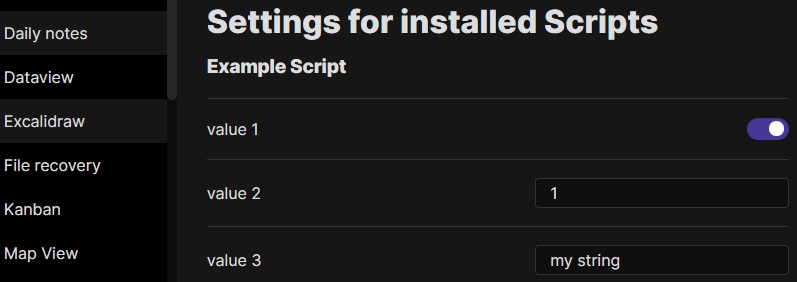
|
||||
- 如果设置是一个对象并遵循以下结构,则可以添加描述和值集。也可以使用 `hidden` 键从用户界面中隐藏值。
|
||||
```javascript
|
||||
ea.setScriptSettings({
|
||||
"value 1": {
|
||||
"value": true,
|
||||
"description": "This is the description for my boolean value"
|
||||
},
|
||||
"value 2": {
|
||||
"value": 1,
|
||||
"description": "This is the description for my numeric value"
|
||||
},
|
||||
"value 3": {
|
||||
"value": "my string",
|
||||
"description": "This is the description for my string value",
|
||||
"valueset": ["allowed 1","allowed 2","allowed 3"]
|
||||
},
|
||||
"value 4": {
|
||||
"value": "my value",
|
||||
"hidden": true
|
||||
}
|
||||
});
|
||||
```
|
||||
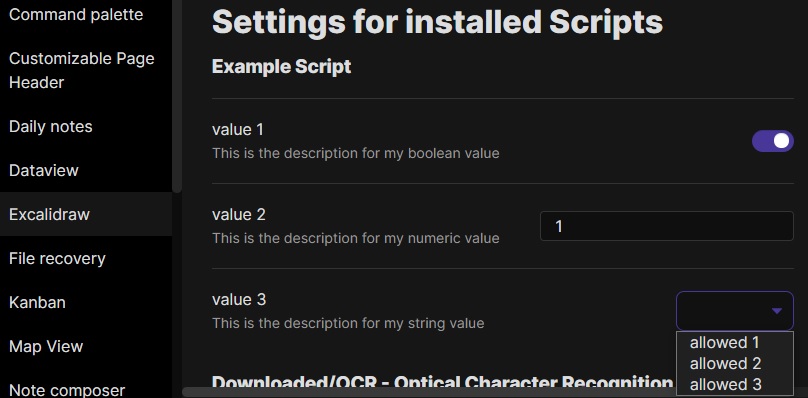
|
||||
|
||||
---------
|
||||
|
||||
## Excalidraw 自动化脚本示例
|
||||
|
||||
这些脚本可以在 GitHub [这个](https://github.com/zsviczian/obsidian-excalidraw-plugin/tree/master/ea-scripts)文件夹 📂 中下载为 `.md` 文件。
|
||||
|
||||
### 为选中元素添加边框
|
||||
|
||||
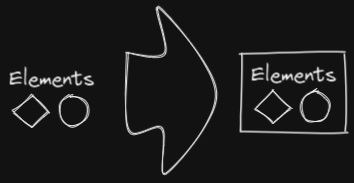
|
||||
|
||||
此脚本将在 Excalidraw 中当前选中的元素周围添加一个包围框
|
||||
|
||||
```javascript
|
||||
if(!ea.verifyMinimumPluginVersion || !ea.verifyMinimumPluginVersion("1.5.21")) {
|
||||
new Notice("This script requires a newer version of Excalidraw. Please install the latest version.");
|
||||
return;
|
||||
}
|
||||
|
||||
settings = ea.getScriptSettings();
|
||||
//check if settings exist. If not, set default values on first run
|
||||
if(!settings["Default padding"]) {
|
||||
settings = {
|
||||
"Prompt for padding?": true,
|
||||
"Default padding" : {
|
||||
value: 10,
|
||||
description: "Padding between the bounding box of the selected elements, and the box the script creates"
|
||||
}
|
||||
};
|
||||
ea.setScriptSettings(settings);
|
||||
}
|
||||
|
||||
let padding = settings["Default padding"].value;
|
||||
|
||||
if(settings["Prompt for padding?"]) {
|
||||
padding = parseInt (await utils.inputPrompt("padding?","number",padding.toString()));
|
||||
}
|
||||
|
||||
if(isNaN(padding)) {
|
||||
new Notice("The padding value provided is not a number");
|
||||
return;
|
||||
}
|
||||
elements = ea.getViewSelectedElements();
|
||||
const box = ea.getBoundingBox(elements);
|
||||
color = ea
|
||||
.getExcalidrawAPI()
|
||||
.getAppState()
|
||||
.currentItemStrokeColor;
|
||||
//uncomment for random color:
|
||||
//color = '#'+(Math.random()*0xFFFFFF<<0).toString(16).padStart(6,"0");
|
||||
ea.style.strokeColor = color;
|
||||
id = ea.addRect(
|
||||
box.topX - padding,
|
||||
box.topY - padding,
|
||||
box.width + 2*padding,
|
||||
box.height + 2*padding
|
||||
);
|
||||
ea.copyViewElementsToEAforEditing(elements);
|
||||
ea.addToGroup([id].concat(elements.map((el)=>el.id)));
|
||||
ea.addElementsToView(false);
|
||||
```
|
||||
|
||||
----
|
||||
|
||||
### 用箭头连接选中的元素
|
||||
|
||||
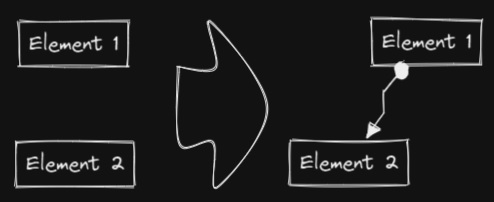
|
||||
|
||||
此脚本将用箭头连接两个对象。如果任一对象是一组分组元素(例如,一个文本元素与一个包围它的矩形分组),脚本会识别这些组,并将箭头连接到组中最大的对象(假设你想将箭头连接到文本元素周围的框)。
|
||||
```javascript
|
||||
if(!ea.verifyMinimumPluginVersion || !ea.verifyMinimumPluginVersion("1.5.21")) {
|
||||
new Notice("This script requires a newer version of Excalidraw. Please install the latest version.");
|
||||
return;
|
||||
}
|
||||
|
||||
settings = ea.getScriptSettings();
|
||||
//set default values on first run
|
||||
if(!settings["Starting arrowhead"]) {
|
||||
settings = {
|
||||
"Starting arrowhead" : {
|
||||
value: "none",
|
||||
valueset: ["none","arrow","triangle","bar","dot"]
|
||||
},
|
||||
"Ending arrowhead" : {
|
||||
value: "triangle",
|
||||
valueset: ["none","arrow","triangle","bar","dot"]
|
||||
},
|
||||
"Line points" : {
|
||||
value: 1,
|
||||
description: "Number of line points between start and end"
|
||||
}
|
||||
};
|
||||
ea.setScriptSettings(settings);
|
||||
}
|
||||
|
||||
const arrowStart = settings["Starting arrowhead"].value === "none" ? null : settings["Starting arrowhead"].value;
|
||||
const arrowEnd = settings["Ending arrowhead"].value === "none" ? null : settings["Ending arrowhead"].value;
|
||||
const linePoints = Math.floor(settings["Line points"].value);
|
||||
|
||||
const elements = ea.getViewSelectedElements();
|
||||
ea.copyViewElementsToEAforEditing(elements);
|
||||
groups = ea.getMaximumGroups(elements);
|
||||
|
||||
if(groups.length !== 2) {
|
||||
//unfortunately getMaxGroups returns duplicated resultset for sticky notes
|
||||
//needs additional filtering
|
||||
cleanGroups=[];
|
||||
idList = [];
|
||||
for (group of groups) {
|
||||
keep = true;
|
||||
for(item of group) if(idList.contains(item.id)) keep = false;
|
||||
if(keep) {
|
||||
cleanGroups.push(group);
|
||||
idList = idList.concat(group.map(el=>el.id))
|
||||
}
|
||||
}
|
||||
if(cleanGroups.length !== 2) return;
|
||||
groups = cleanGroups;
|
||||
}
|
||||
|
||||
els = [
|
||||
ea.getLargestElement(groups[0]),
|
||||
ea.getLargestElement(groups[1])
|
||||
];
|
||||
|
||||
ea.style.strokeColor = els[0].strokeColor;
|
||||
ea.style.strokeWidth = els[0].strokeWidth;
|
||||
ea.style.strokeStyle = els[0].strokeStyle;
|
||||
ea.style.strokeSharpness = els[0].strokeSharpness;
|
||||
|
||||
ea.connectObjects(
|
||||
els[0].id,
|
||||
null,
|
||||
els[1].id,
|
||||
null,
|
||||
{
|
||||
endArrowHead: arrowEnd,
|
||||
startArrowHead: arrowStart,
|
||||
numberOfPoints: linePoints
|
||||
}
|
||||
);
|
||||
ea.addElementsToView();
|
||||
```
|
||||
|
||||
----
|
||||
### 反转选中的箭头
|
||||
|
||||
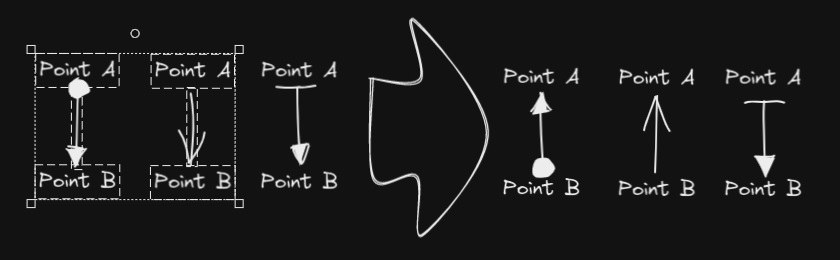
|
||||
|
||||
反转选中元素范围内**箭头**的方向。
|
||||
|
||||
```javascript
|
||||
elements = ea.getViewSelectedElements().filter((el)=>el.type==="arrow");
|
||||
if(!elements || elements.length===0) return;
|
||||
elements.forEach((el)=>{
|
||||
const start = el.startArrowhead;
|
||||
el.startArrowhead = el.endArrowhead;
|
||||
el.endArrowhead = start;
|
||||
});
|
||||
ea.copyViewElementsToEAforEditing(elements);
|
||||
ea.addElementsToView();
|
||||
```
|
||||
|
||||
----
|
||||
|
||||
### 设置选中元素的线条宽度
|
||||
|
||||
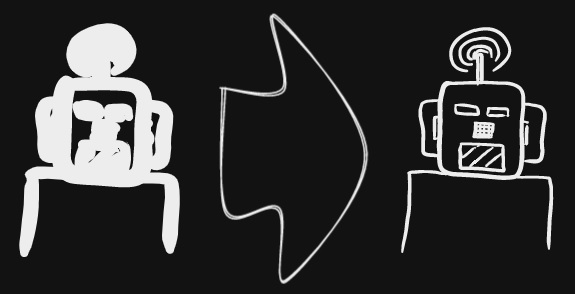
|
||||
|
||||
当你缩放自由绘制的草图并想要减小或增加它们的线条宽度时,这个脚本会很有帮助。
|
||||
```javascript
|
||||
let width = (ea.getViewSelectedElement().strokeWidth??1).toString();
|
||||
width = await utils.inputPrompt("Width?","number",width);
|
||||
const elements=ea.getViewSelectedElements();
|
||||
ea.copyViewElementsToEAforEditing(elements);
|
||||
ea.getElements().forEach((el)=>el.strokeWidth=width);
|
||||
ea.addElementsToView();
|
||||
```
|
||||
|
||||
----
|
||||
|
||||
### 设置网格大小
|
||||
|
||||
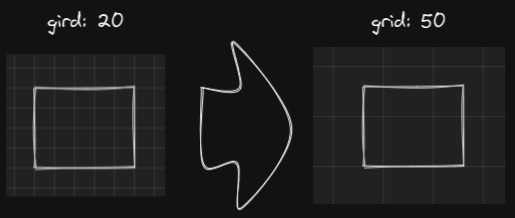
|
||||
|
||||
Excalidraw 中默认的网格大小是 20。目前通过用户界面无法更改网格大小。
|
||||
```javascript
|
||||
const grid = parseInt(await utils.inputPrompt("Grid size?",null,"20"));
|
||||
const api = ea.getExcalidrawAPI();
|
||||
let appState = api.getAppState();
|
||||
appState.gridSize = grid;
|
||||
api.updateScene({
|
||||
appState,
|
||||
commitToHistory:false
|
||||
});
|
||||
```
|
||||
|
||||
----
|
||||
|
||||
### 设置元素尺寸和位置
|
||||
|
||||
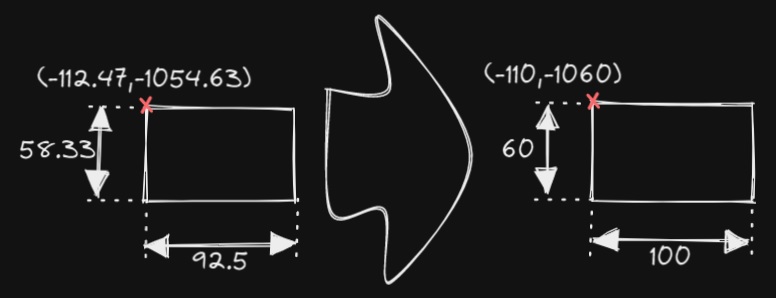
|
||||
|
||||
目前在 Excalidraw 中还没有办法指定对象的精确位置和大小。你可以使用以下简单脚本来解决这个问题。
|
||||
```javascript
|
||||
const elements = ea.getViewSelectedElements();
|
||||
if(elements.length === 0) return;
|
||||
const el = ea.getLargestElement(elements);
|
||||
const sizeIn = [el.x,el.y,el.width,el.height].join(",");
|
||||
let res = await utils.inputPrompt("x,y,width,height?",null,sizeIn);
|
||||
res = res.split(",");
|
||||
if(res.length !== 4) return;
|
||||
let size = [];
|
||||
for (v of res) {
|
||||
const i = parseInt(v);
|
||||
if(isNaN(i)) return;
|
||||
size.push(i);
|
||||
}
|
||||
el.x = size[0];
|
||||
el.y = size[1];
|
||||
el.width = size[2];
|
||||
el.height = size[3];
|
||||
ea.copyViewElementsToEAforEditing([el]);
|
||||
ea.addElementsToView();
|
||||
```
|
||||
|
||||
----
|
||||
|
||||
### 项目符号
|
||||
|
||||
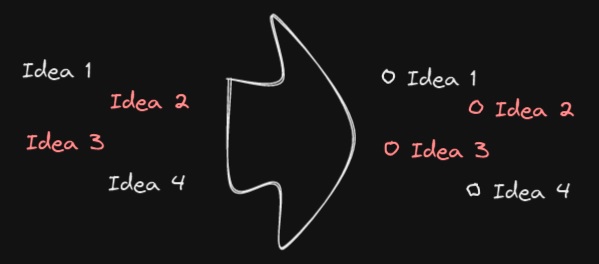
|
||||
|
||||
此脚本会在选中的每个文本元素的左上角添加一个小圆圈,并将文本和"项目符号"组合成一个组。
|
||||
```javascript
|
||||
elements = ea.getViewSelectedElements().filter((el)=>el.type==="text");
|
||||
ea.copyViewElementsToEAforEditing(elements);
|
||||
const padding = 10;
|
||||
elements.forEach((el)=>{
|
||||
ea.style.strokeColor = el.strokeColor;
|
||||
const size = el.fontSize/2;
|
||||
const ellipseId = ea.addEllipse(
|
||||
el.x-padding-size,
|
||||
el.y+size/2,
|
||||
size,
|
||||
size
|
||||
);
|
||||
ea.addToGroup([el.id,ellipseId]);
|
||||
});
|
||||
ea.addElementsToView();
|
||||
```
|
||||
|
||||
----
|
||||
|
||||
### 按行分割文本
|
||||
|
||||
**!!!需要 Excalidraw 1.5.1 或更高版本**
|
||||
|
||||
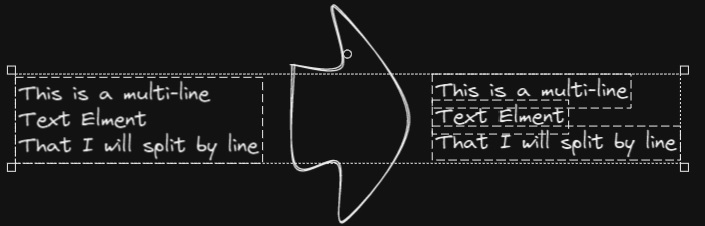
|
||||
|
||||
将文本块按行分割成单独的文本元素,以便更容易重新组织
|
||||
```javascript
|
||||
elements = ea.getViewSelectedElements().filter((el)=>el.type==="text");
|
||||
elements.forEach((el)=>{
|
||||
ea.style.strokeColor = el.strokeColor;
|
||||
ea.style.fontFamily = el.fontFamily;
|
||||
ea.style.fontSize = el.fontSize;
|
||||
const text = el.text.split("\n");
|
||||
for(i=0;i<text.length;i++) {
|
||||
ea.addText(el.x,el.y+i*el.height/text.length,text[i]);
|
||||
}
|
||||
});
|
||||
ea.addElementsToView();
|
||||
ea.deleteViewElements(elements);
|
||||
```
|
||||
|
||||
----
|
||||
|
||||
### 设置文本对齐方式
|
||||
|
||||
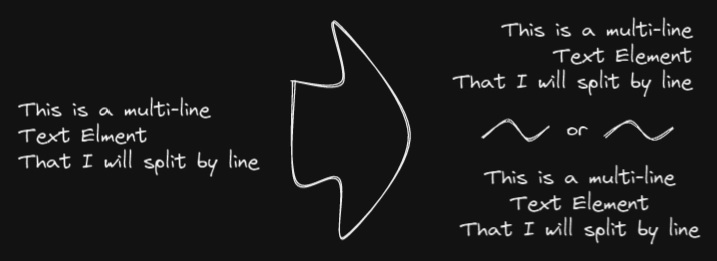
|
||||
|
||||
设置文本块的对齐方式(居中、右对齐、左对齐)。如果你想为选择文本对齐方式设置键盘快捷键,这个脚本会很有用。
|
||||
```javascript
|
||||
elements = ea.getViewSelectedElements().filter((el)=>el.type==="text");
|
||||
if(elements.length===0) return;
|
||||
let align = ["left","right","center"];
|
||||
align = await utils.suggester(align,align);
|
||||
elements.forEach((el)=>el.textAlign = align);
|
||||
ea.copyViewElementsToEAforEditing(elements);
|
||||
ea.addElementsToView();
|
||||
```
|
||||
|
||||
----
|
||||
|
||||
### 设置字体
|
||||
|
||||
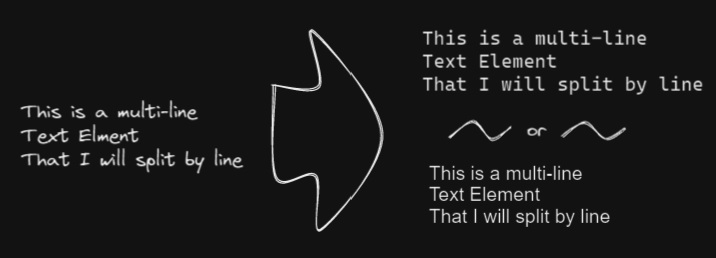
|
||||
|
||||
设置文本块的字体(Virgil、Helvetica、Cascadia)。如果你想为选择字体设置键盘快捷键,这个功能会很有用。
|
||||
```javascript
|
||||
elements = ea.getViewSelectedElements().filter((el)=>el.type==="text");
|
||||
if(elements.length===0) return;
|
||||
let font = ["Virgil","Helvetica","Cascadia"];
|
||||
font = parseInt(await utils.suggester(font,["1","2","3"]));
|
||||
if (isNaN(font)) return;
|
||||
elements.forEach((el)=>el.fontFamily = font);
|
||||
ea.copyViewElementsToEAforEditing(elements);
|
||||
ea.addElementsToView();
|
||||
```
|
||||
@@ -0,0 +1,57 @@
|
||||
# Excalidraw 自动化使用指南
|
||||
|
||||
> 此说明当前更新至 `e793526`。
|
||||
|
||||
【[English](../../readme.md) | 简体中文】
|
||||
|
||||
使用 ExcalidrawAutomate 可以通过 [ExcalidrawAutomate 脚本引擎](ExcalidrawScriptsEngine.md)、[Templater](https://silentvoid13.github.io/Templater/docs/) 或 [QuickAdd](https://github.com/chhoumann/quickadd) 插件来创建或操作 Excalidraw 绘图,并使用 [DataviewJS](https://blacksmithgu.github.io/obsidian-dataview/docs/api/intro/) 生成嵌入式的 SVG 和 PNG 图像。
|
||||
|
||||
通过一些简单的配置,使用 ExcalidrawAutomate 你可以:
|
||||
- 生成简单的思维导图
|
||||
- 构建家谱
|
||||
- 填写 SVG 表单
|
||||
- 创建自定义图表
|
||||
- 在 Excalidraw 中自动化简单任务(即创建宏)
|
||||
|
||||

|
||||
|
||||
## API 文档
|
||||
|
||||
- **从这里开始** [API 介绍](API/introduction.md)
|
||||
- [属性和函数概览](API/attributes_functions_overview.md)
|
||||
- [元素样式](API/element_style.md)
|
||||
- [画布样式](API/canvas_style.md)
|
||||
- [添加对象](API/objects.md)
|
||||
- [实用函数](API/utility.md)
|
||||
|
||||
## ExcalidrawAutomate 脚本引擎
|
||||
|
||||
当你想要自动化一些简单的步骤时,比如在文本元素周围添加一个框、用箭头连接两个对象、或者设置自定义的线宽或网格值等类似"宏"的自动化操作,我建议使用脚本引擎。
|
||||
- [ExcalidrawAutomate 脚本引擎](ExcalidrawScriptsEngine.md)
|
||||
|
||||
## 示例
|
||||
- **Templater**
|
||||
- [在当前编辑的文档中插入新绘图](Examples/insert_new_drawing.md)
|
||||
- [连接对象](Examples/connect_objects.md)
|
||||
- [应用 Excalidraw 模板](Examples/apply_template.md)
|
||||
- [使用 Templater 创建思维导图](Examples/templater_mindmap.md)
|
||||
|
||||
- **Dataview**
|
||||
- [使用 Dataview 创建思维导图](Examples/dataviewjs_mindmap.md)
|
||||
- [使用 Dataview 创建家谱](Examples/dataviewjs_familytree.md)
|
||||
|
||||
## 支持与反馈
|
||||
|
||||
### 支持原作者
|
||||
|
||||
如果你喜欢这个插件,请通过以下方式支持:
|
||||
- 在社交媒体上分享这个插件
|
||||
- 在 Twitter 上关注作者 [@zsviczian](https://twitter.com/zsviczian)
|
||||
- 访问作者的博客 [zsolt.blog](https://zsolt.blog)
|
||||
- [赞助作者](https://ko-fi.com/zsolt)
|
||||
|
||||
[<img src="https://user-images.githubusercontent.com/14358394/115450238-f39e8100-a21b-11eb-89d0-fa4b82cdbce8.png" width="150" alt="赞助按钮">](https://ko-fi.com/zsolt)
|
||||
|
||||
### 支持中文翻译
|
||||
|
||||
如果这些中文翻译对你有帮助,欢迎通过 [爱发电](https://afdian.com/a/daomishu) 支持译者。
|
||||
@@ -0,0 +1,91 @@
|
||||
# Excalidraw 脚本引擎脚本库
|
||||
|
||||
> 此说明当前更新至 `768aebf`。
|
||||
|
||||
【[English](../../../ea-scripts/README.md) | 简体中文】
|
||||
|
||||
点击观看介绍视频:
|
||||
|
||||
[](https://youtu.be/hePJcObHIso)
|
||||
|
||||
> **警告**
|
||||
> 相比视频中展示的方法,现在有更简单的方式来安装/管理脚本
|
||||
|
||||
查看 [Excalidraw 脚本引擎](../../ExcalidrawScriptsEngine.md) 文档了解更多详情。
|
||||
|
||||
## 如何在 Obsidian 仓库中安装脚本
|
||||
|
||||
安装内置脚本的步骤:
|
||||
|
||||
- 在 Obsidian 中打开一个 Excalidraw 绘图
|
||||
- 在面板下拉菜单中选择"安装或更新 Excalidraw 脚本"
|
||||
- 点击其中一个可用脚本
|
||||
- 点击"安装此脚本"(注意如果脚本已经安装,你会看到更新选项)
|
||||
- 重启 Obsidian 使脚本生效
|
||||
|
||||
注意:默认情况下,脚本会被安装到你仓库中的 `Excalidraw/Scripts/Downloaded` 文件夹
|
||||
|
||||
<details><summary>手动安装脚本</summary>
|
||||
|
||||
打开你感兴趣的脚本,将其保存到你的 Obsidian 仓库中(包括第一行的 `/*`),或者在"Raw"模式下打开并将全部内容复制到 Obsidian 中。
|
||||
|
||||

|
||||
|
||||
</details>
|
||||
|
||||
## 可用脚本列表
|
||||
|
||||
|标题|描述|图标|贡献者|
|
||||
|----|----|----|----|
|
||||
|[添加连接点](../../../ea-scripts/Add%20Connector%20Point.md)|此脚本将在选中文本元素的左上角添加一个小圆圈,并将文本和"圆点"组合成一组。||[@zsviczian](https://github.com/zsviczian)|
|
||||
|[添加现有文件链接并打开](../../../ea-scripts/Add%20Link%20to%20Existing%20File%20and%20Open.md)|提示从保险库(Vault)中选择文件。为选中的元素添加指向所选文件的链接。你可以在设置中控制是在当前活动面板还是相邻面板中打开文件。||[@zsviczian](https://github.com/zsviczian)|
|
||||
|[添加新页面链接并打开](../../../ea-scripts/Add%20Link%20and%20Open%20Page.md)|提示输入文件名。提供创建和打开新的 Markdown 或 Excalidraw 文档的选项。为绘图中选中的对象添加指向新文件的链接。你可以在设置中控制是在当前活动面板或是相邻面板中打开文件。||[@zsviczian](https://github.com/zsviczian)|
|
||||
|[添加流程下一步](../../../ea-scripts/Add%20Link%20to%20New%20Page%20and%20Open.md)|此脚本将提示你输入流程步骤的标题,然后创建带有该文本的便签。如果选中了某个元素,脚本将用箭头将这个新步骤与上一步骤(选中的元素)连接起来。如果没有选中元素,脚本会假定这是流程的第一步,只会输出带有输入文本的便签。|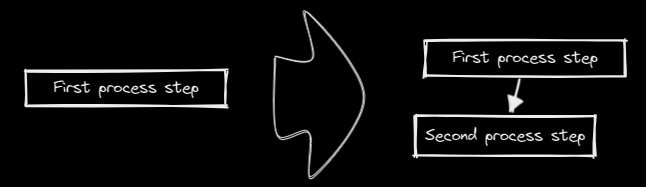|[@zsviczian](https://github.com/zsviczian)|
|
||||
|[分割椭圆](../../../ea-scripts/Boolean%20Operations.md)|使用此脚本可以对形状进行布尔运算。|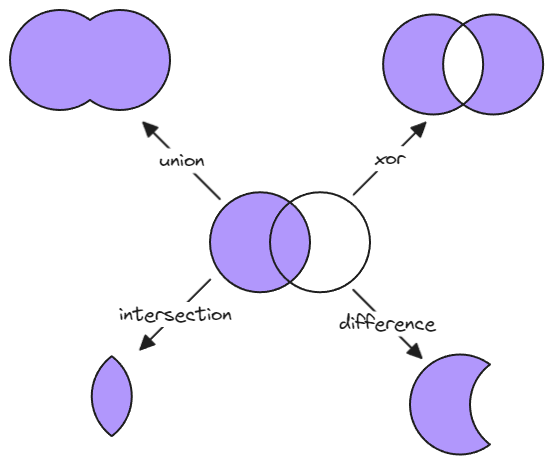|[@GColoy](https://github.com/GColoy)|
|
||||
|[为每个选中的组添加边框](../../../ea-scripts/Box%20Each%20Selected%20Groups.md)|此脚本将为 Excalidraw 中当前选中的每个组添加封装框。|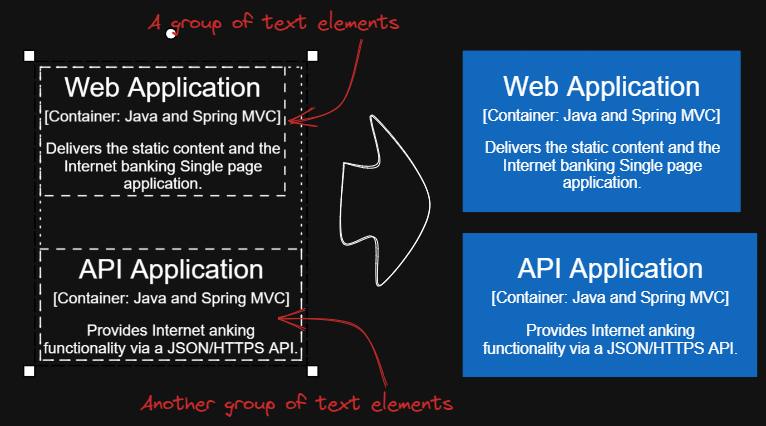|[@1-2-3](https://github.com/1-2-3)|
|
||||
|[为选中元素添加边框](../../../ea-scripts/Box%20Selected%20Elements.md)|此脚本将为 Excalidraw 中当前选中的元素添加一个封装框。||[@zsviczian](https://github.com/zsviczian)|
|
||||
|[更改选中元素的形状](../../../ea-scripts/Change%20shape%20of%20selected%20elements.md)|此脚本允许你更改选中的矩形、菱形和椭圆的形状|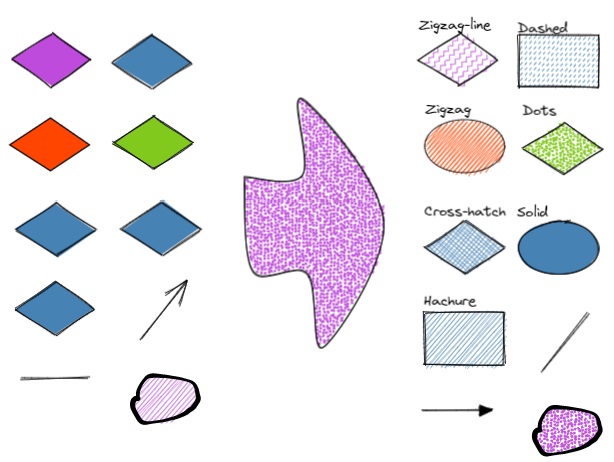|[@zsviczian](https://github.com/zsviczian)|
|
||||
|[连接元素](../../../ea-scripts/Connect%20elements.md)|此脚本将用箭头连接两个对象。如果任一对象是一组分组的元素(例如,与封装矩形分组的文本元素),脚本将识别这些组,并将箭头连接到组中最大的对象(假设你想将箭头连接到文本元素周围的框)。||[@zsviczian](https://github.com/zsviczian)|
|
||||
|[将自由绘制转换为线条](../../../ea-scripts/Convert%20freedraw%20to%20line.md)|将选中的自由绘制对象转换为可编辑的线条。这样你就可以通过拖动线条点来调整绘图,如果是封闭线条还可以选择形状填充。你可以在设置中调整转换点的密度||[@zsviczian](https://github.com/zsviczian)|
|
||||
|[将选中的文本元素转换为便签](../../../ea-scripts/Convert%20selected%20text%20elements%20to%20sticky%20notes.md)|将选中的纯文本元素转换为具有透明背景和透明描边颜色的便签。本质上是将文本元素转换为可换行的格式。|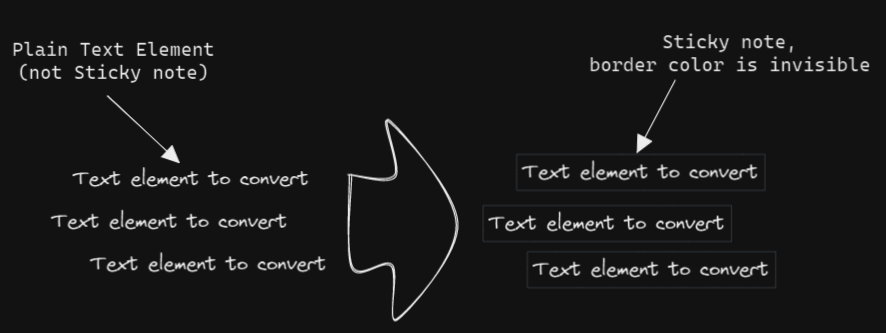|[@zsviczian](https://github.com/zsviczian)|
|
||||
|[将文本转换为带文件夹和别名的链接](../../../ea-scripts/Convert%20text%20to%20link%20with%20folder%20and%20alias.md)|将文本元素转换为指向所选文件夹中文件的链接,并将原始文本设置为别名。脚本会提示用户从保险库(Vault)中选择一个现有文件夹。|`原始文本` => `[[选定文件夹/原始文本\|原始文本]]`|[@zsviczian](https://github.com/zsviczian)|
|
||||
|[将选中元素样式复制到全局](../../../ea-scripts/Copy%20Selected%20Element%20Styles%20to%20Global)|此脚本会将任何选中元素的样式复制到 Excalidraw 的全局样式中。|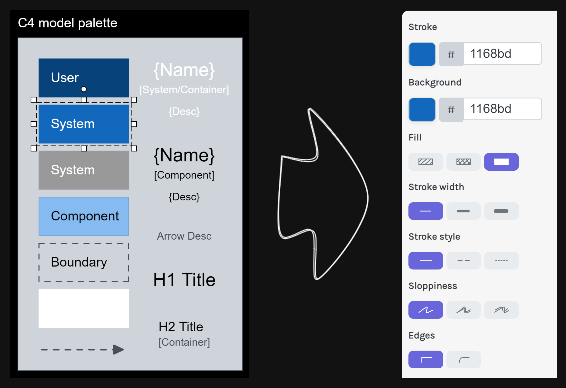|[@1-2-3](https://github.com/1-2-3)|
|
||||
|[创建新的 Markdown 文件并嵌入到当前绘图中](../../../ea-scripts/Create%20new%20markdown%20file%20and%20embed%20into%20active%20drawing.md)|此脚本会提示你输入文件名,然后创建一个具有该文件名的新 Markdown 文档,在相邻面板中打开新的 Markdown 文档,并将该 Markdown 文档嵌入到当前的 Excalidraw 绘图中。|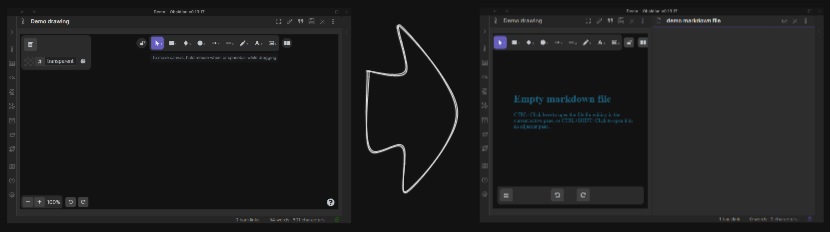|[@zsviczian](https://github.com/zsviczian)|
|
||||
|[加深背景颜色](../../../ea-scripts/Darken%20background%20color.md)|此脚本每次将选中元素的背景颜色加深 2%。你可以多次使用此脚本直到满意为止。建议为此脚本设置快捷键,这样你就可以快速尝试加深和减淡颜色效果。与"修改背景颜色不透明度"脚本相比,其优点是元素的背景颜色不受画布颜色影响,并且颜色值不会以奇怪的 rgba() 形式出现。|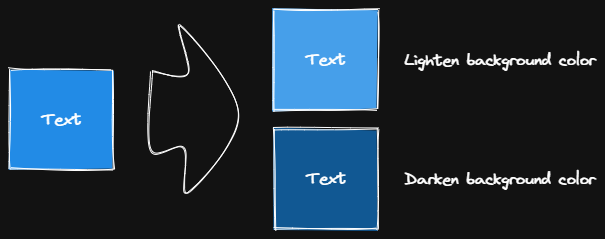|[@1-2-3](https://github.com/1-2-3)|
|
||||
|[肘形连接器](../../../ea-scripts/Elbow%20connectors.md)|此脚本将选中的连接器转换为肘形。|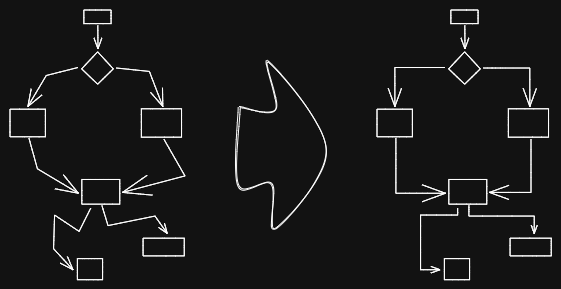|[@1-2-3](https://github.com/1-2-3)|
|
||||
|[水平扩展矩形并保持文本居中](../../../ea-scripts/Expand%20rectangles%20horizontally%20keep%20text20%centered.md)|此脚本会扩展选中矩形的宽度,直到它们都具有相同的宽度,并保持文本居中。|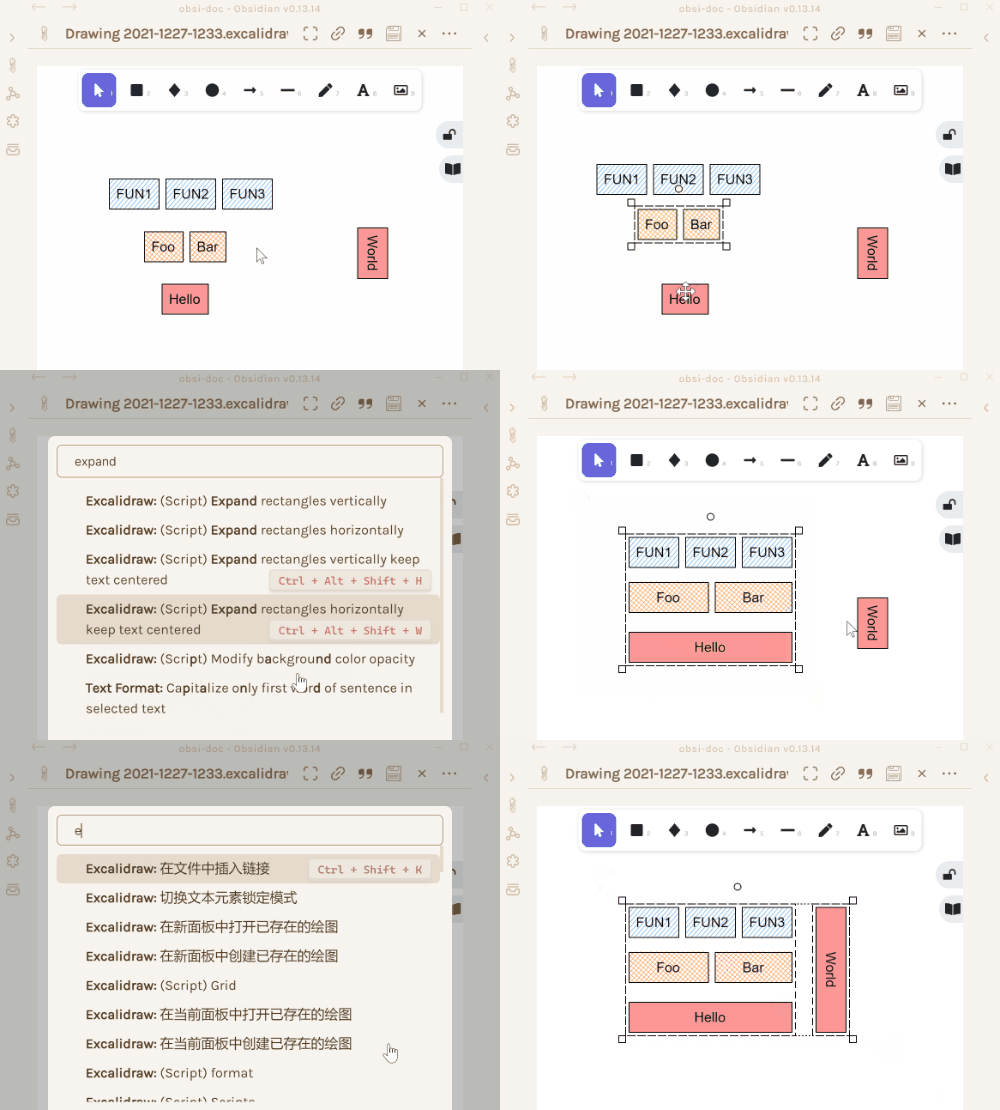|[@1-2-3](https://github.com/1-2-3)|
|
||||
|[水平扩展矩形](../../../ea-scripts/Expand%20rectangles%20horizontally.md)|此脚本会扩展选中矩形的宽度,直到它们都具有相同的宽度。||[@1-2-3](https://github.com/1-2-3)|
|
||||
|[垂直扩展矩形并保持文本居中](../../../ea-scripts/Expand%20rectangles%20vertically%20keep%20text%20centered.md)|此脚本会扩展选中矩形的高度,直到它们都具有相同的高度,并保持文本居中。||[@1-2-3](https://github.com/1-2-3)|
|
||||
|[垂直扩展矩形](../../../ea-scripts/Expand%20rectangles%20vertically.md)|此脚本会扩展选中矩形的高度,直到它们都具有相同的高度。||[@1-2-3](https://github.com/1-2-3)|
|
||||
|[固定中心点水平距离](../../../ea-scripts/Fixed%20horizontal%20distance%20between%20centers.md)|此脚本会以固定的中心点间距水平排列选中的元素。|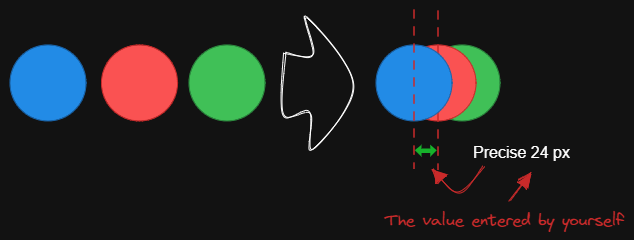|[@1-2-3](https://github.com/1-2-3)|
|
||||
|[固定内部距离](../../../ea-scripts/Fixed%20inner%20distance.md)|此脚本会以固定的内部距离排列选中的元素和组。||[@1-2-3](https://github.com/1-2-3)|
|
||||
|[固定间距](../../../ea-scripts/Fixed%20spacing.md)|此脚本会以固定的间距水平排列选中的元素。当我们创建架构图或思维导图时,经常需要以固定间距排列大量元素。"固定间距"和"固定垂直距离"脚本可以为我们节省大量时间。|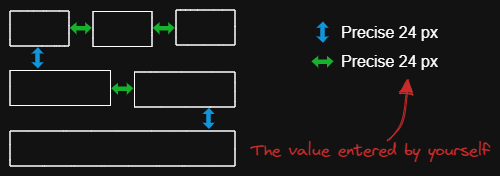|[@1-2-3](https://github.com/1-2-3)|
|
||||
|[固定中心点垂直距离](../../../ea-scripts/Fixed%20vertical%20distance%20between%20centers.md)|此脚本会以固定的中心点间距垂直排列选中的元素。|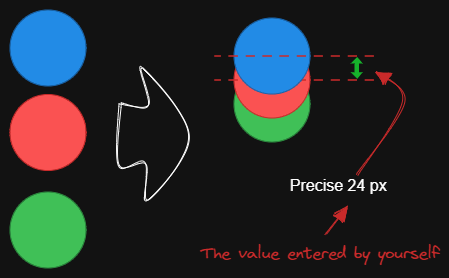|[@1-2-3](https://github.com/1-2-3)|
|
||||
|[固定垂直距离](../../../ea-scripts/Fixed%20vertical%20distance.md)|此脚本会以固定间距垂直排列选中的元素。当我们创建架构图或思维导图时,经常需要以固定间距排列大量元素。`固定间距`和`固定垂直距离`脚本可以为我们节省大量时间。|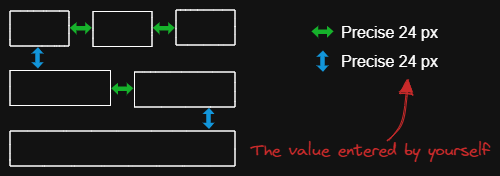|[@1-2-3](https://github.com/1-2-3)|
|
||||
|[减淡背景颜色](../../../ea-scripts/Lighten%20background%20color.md)|此脚本每次将选中元素的背景颜色减淡 2%。你可以多次使用此脚本直到满意为止。建议为此脚本设置快捷键,这样你就可以快速尝试加深和减淡颜色效果。与"修改背景颜色不透明度"脚本相比,其优点是元素的背景颜色不受画布颜色影响,并且颜色值不会以奇怪的 rgba() 形式出现。||[@1-2-3](https://github.com/1-2-3)|
|
||||
|[思维导图连接器](../../../ea-scripts/Mindmap%20connector.md)|此脚本为选中的元素创建类似思维导图的连线(目前仅支持右侧和向下方向)。连线的起点将根据元素的创建时间确定。因此你应该先创建标题元素。|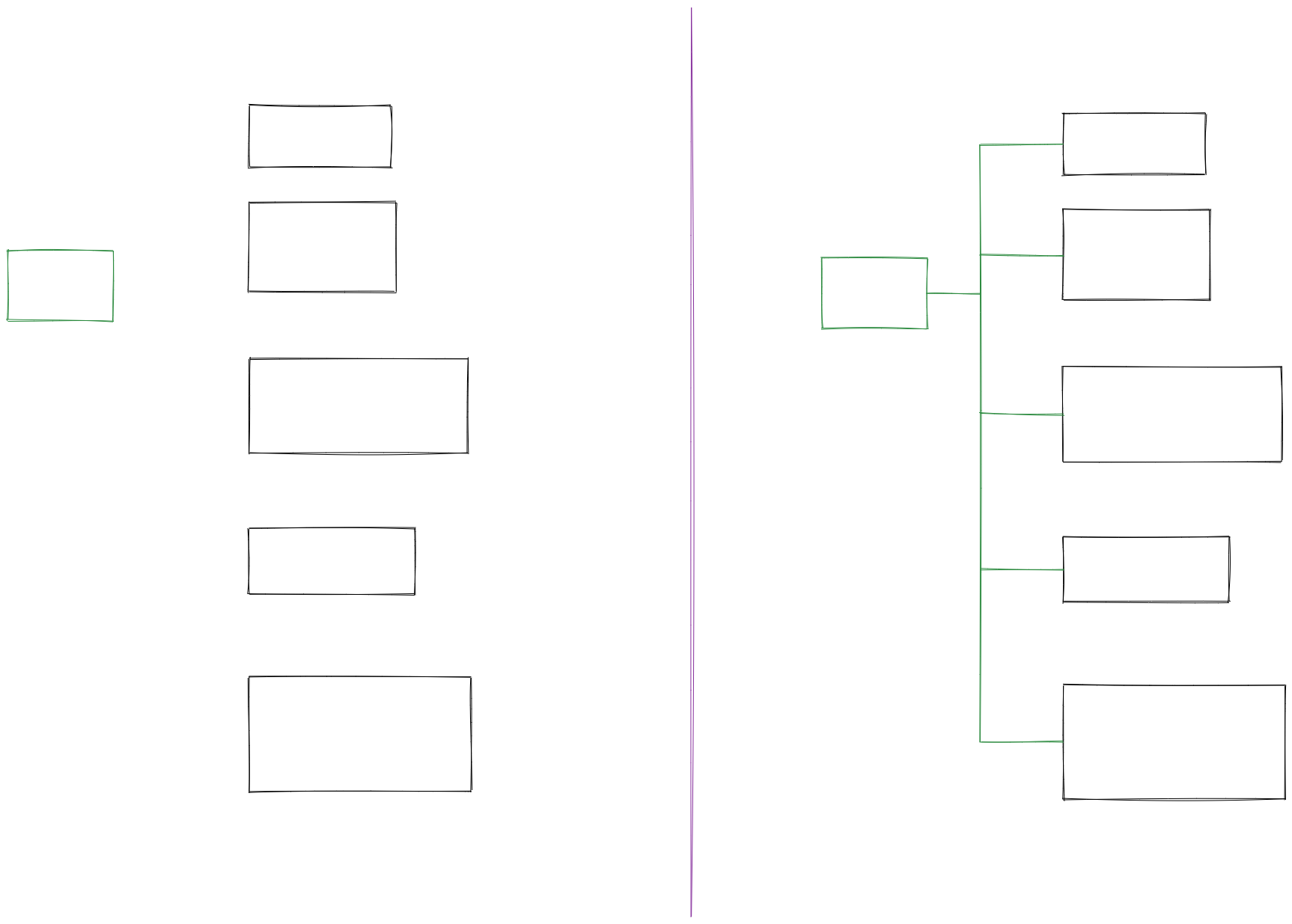|[@xllowl](https://github.com/xllowl)|
|
||||
|[修改背景颜色不透明度](../../../ea-scripts/Modify%20background%20color%20opacity.md)|此脚本会更改选中框的背景颜色不透明度。Excalidraw 中的默认背景颜色太深,导致文字难以阅读。你可以通过设置透明度来使颜色变浅。你可以反复调整透明度直到满意为止。虽然 Excalidraw 在其原生属性设置中有不透明度选项,但它也会改变边框的透明度。使用此脚本可以只更改背景颜色的不透明度而不影响边框。|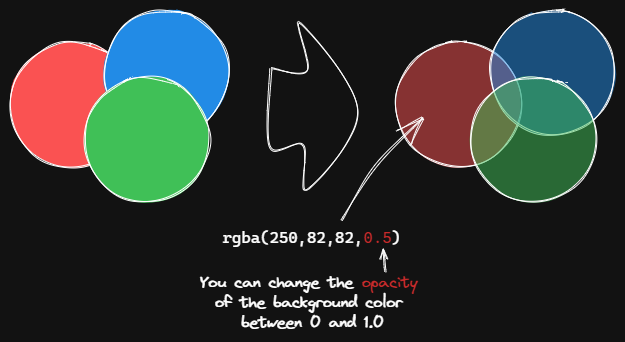|[@1-2-3](https://github.com/1-2-3)|
|
||||
|[标准化选中箭头](../../../ea-scripts/Normalize%20Selected%20Arrows.md)|此脚本将重置选中箭头的起点和终点位置。箭头将指向连接框的中心,并与框保持 8px 的间距。|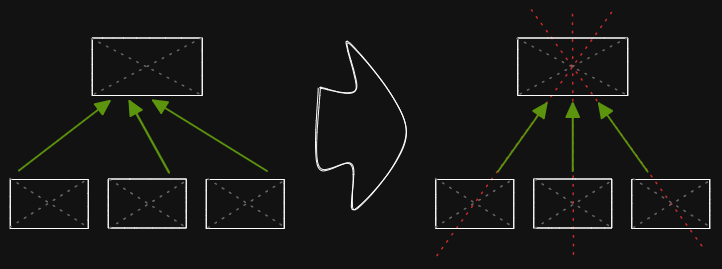|[@1-2-3](https://github.com/1-2-3)|
|
||||
|[OCR - 光学字符识别](../../../ea-scripts/OCR%20-%20Optical%20Character%20Recognition.md)|此脚本将 1) 把选中的图片文件发送到 [taskbone.com](https://taskbone.com) 提取图片中的文字,并 2) 将文字作为文本元素添加到你的绘图中。||[@zsviczian](https://github.com/zsviczian)|
|
||||
|[有机线条](../../../ea-scripts/Organic%20Line.md)|将选中的自由绘制线条转换为从开始到结束笔压逐渐减小的线条。转换后的线条会被放置在图层的最底层,位于所有其他元素之下。在绘制有机思维导图时很有帮助。||[@zsviczian](https://github.com/zsviczian)|
|
||||
|[重复元素](../../../ea-scripts/Repeat%20Elements.md)|此脚本会检测两个选中元素之间的差异,包括位置、大小、角度、描边和背景颜色,并根据用户输入的重复次数创建多个具有相同差异的元素。||[@1-2-3](https://github.com/1-2-3)|
|
||||
|[重置 LaTeX 大小](../../../ea-scripts/Reset%20LaTeX%20Size.md)|将嵌入的 LaTeX 公式大小重置为默认大小或默认大小的倍数。||[@firai](https://github.com/firai)|
|
||||
|[反转箭头](../../../ea-scripts/Reverse%20arrows.md)|反转选中元素范围内的**箭头**方向。||[@zsviczian](https://github.com/zsviczian)|
|
||||
|[手写助手](../../../ea-scripts/Scribble%20Helper.md)|iOS 手写助手,用于改善文本元素的手写体验。如果没有选中元素,则会在指针位置创建一个文本元素,你可以使用编辑框通过手写来修改文本。如果选中了文本元素,则会打开输入提示框,你可以在其中通过手写修改文本。||[@zsviczian](https://github.com/zsviczian)|
|
||||
|[选择特定类型元素](../../../ea-scripts/Select%20Elements%20of%20Type.md)|显示当前图像中不同元素类型的列表供选择。只有选定类型的元素会在画布上被选中。如果运行脚本时没有选中任何元素,则脚本会处理画布上的所有元素。如果执行脚本时已选中某些元素,则脚本只会处理这些选中的元素。<br>此脚本在以下情况下很有用,例如,当你想要将所有箭头置于顶层,或想要更改所有文本元素的颜色等。||[@zsviczian](https://github.com/zsviczian)|
|
||||
|[通过添加阴影克隆为未闭合线条对象设置背景颜色](../../../ea-scripts/Set%20background%20color%20of%20unclosed%20line%20object%20by%20adding%20a%20shadow%20clone.md)|使用此脚本为未闭合(即开放)线条对象设置背景颜色,方法是创建对象的克隆。脚本会将克隆的描边颜色设置为透明,并添加一条直线来闭合对象。使用设置来定义默认背景颜色、填充样式和克隆的描边宽度。默认情况下,克隆会与原始对象组合在一起,你也可以在设置中禁用此功能。||[@zsviczian](https://github.com/zsviczian)|
|
||||
|[设置尺寸](../../../ea-scripts/Set%20Dimensions.md)|目前在 Excalidraw 中无法指定对象的确切位置和大小。你可以使用这个简单的脚本来弥补这个不足。||[@zsviczian](https://github.com/zsviczian)|
|
||||
|[设置字体](../../../ea-scripts/Set%20Font%20Family.md)|设置文本块的字体(Virgil、Helvetica、Cascadia)。如果你想为选择字体设置键盘快捷键,这个脚本很有用。||[@zsviczian](https://github.com/zsviczian)|
|
||||
|[设置网格](../../../ea-scripts/Set%20Grid.md)|Excalidraw 中的默认网格大小是 20。目前无法通过用户界面更改网格大小。这个脚本提供了一种方法来弥补这个不足。||[@zsviczian](https://github.com/zsviczian)|
|
||||
|[设置链接别名](../../../ea-scripts/Set20%Link20%Alias.md)|遍历选中文本元素中的所有链接,并提示用户为每个找到的链接设置或修改别名。|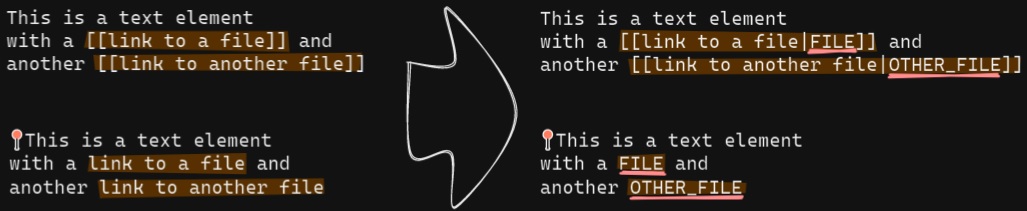|[@zsviczian](https://github.com/zsviczian)|
|
||||
|[设置选中元素的描边宽度](../../../ea-scripts/Set%20Stroke%20Width%20of%20Selected%20Elements.md)|此脚本将设置选中元素的描边宽度。这在缩放自由绘制草图并想要减小或增加其线条宽度时很有用。||[@zsviczian](https://github.com/zsviczian)|
|
||||
|[按行分割文本](../../../ea-scripts/Split%20text%20by%20lines.md)|将文本行分割成单独的文本元素,以便更容易重新组织||[@zsviczian](https://github.com/zsviczian)|
|
||||
|[设置文本对齐方式](../../../ea-scripts/Set%20Text%20Alignment.md)|设置文本块的对齐方式(居中、右对齐、左对齐)。如果你想为选择文本对齐方式设置键盘快捷键,这个脚本很有用。||[@zsviczian](https://github.com/zsviczian)|
|
||||
|[分割椭圆](../../../ea-scripts/Split%20Ellipse.md)|此脚本会在线条与椭圆相交的任何点处分割椭圆。|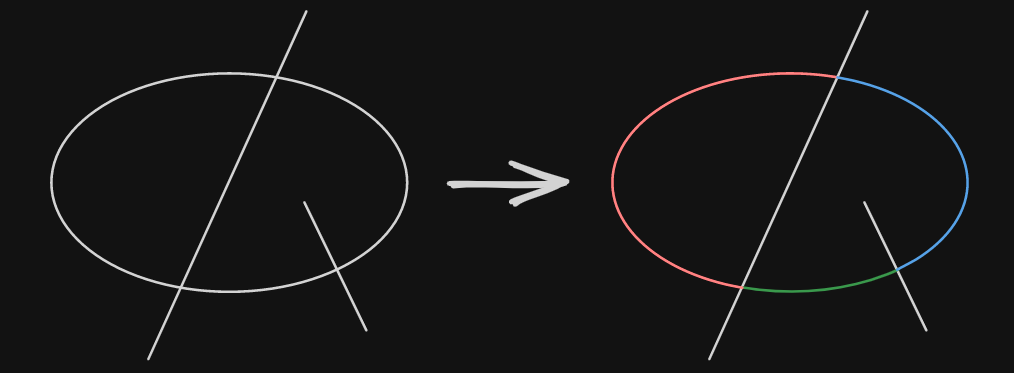|[@GColoy](https://github.com/GColoy)|
|
||||
|[TheBrain导航](../../../ea-scripts/TheBrain-navigation.md)|基于Excalidraw的保险库(Vault)图形用户界面。需要[Dataview插件](https://github.com/blacksmithgu/obsidian-dataview)。生成类似于[TheBrain](https://TheBrain.com)的图形视图。在[YouTube](https://youtu.be/plYobK-VufM)上观看此脚本的介绍。||[@zsviczian](https://github.com/zsviczian)|
|
||||
|[移动端切换全屏](../../../ea-scripts/Toggle%20Fullscreen%20on%20Mobile.md)|隐藏Obsidian工作区叶片填充和标题(基于设置中的选项,默认"隐藏标题"=false),这将使Excalidraw全屏显示。⚠ 注意,如果标题不可见,将很难调用命令面板来结束全屏。只有在你有键盘或已经练习过打开命令面板的情况下才隐藏标题!|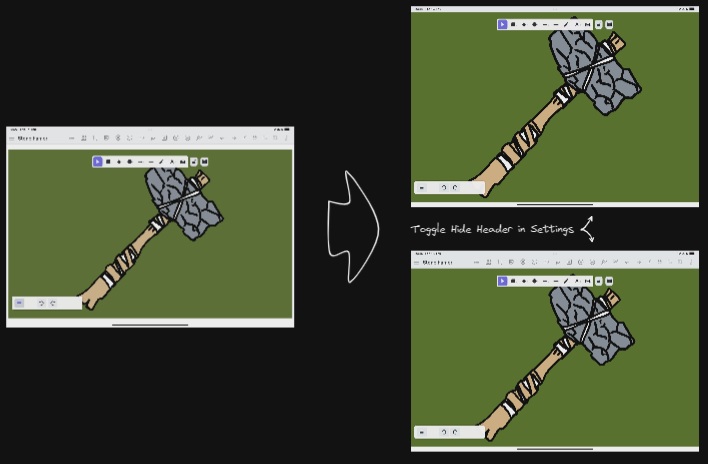|[@zsviczian](https://github.com/zsviczian)|
|
||||
|[切换网格](../../../ea-scripts/Toggle%20Grid.md)|切换网格的显示与隐藏。||[@GColoy](https://github.com/GColoy)|
|
||||
|[将文本元素转移到Excalidraw markdown元数据](../../../ea-scripts/Transfer%20TextElements%20to%20Excalidraw%20markdown%20metadata.md)|此脚本将从画布中删除选中的文本元素,并将这些文本元素中的文本复制到Excalidraw markdown文件的元数据中。这意味着,文本将不再在绘图中可见,但你可以在Obsidian中搜索文本并找到包含此图像的绘图。|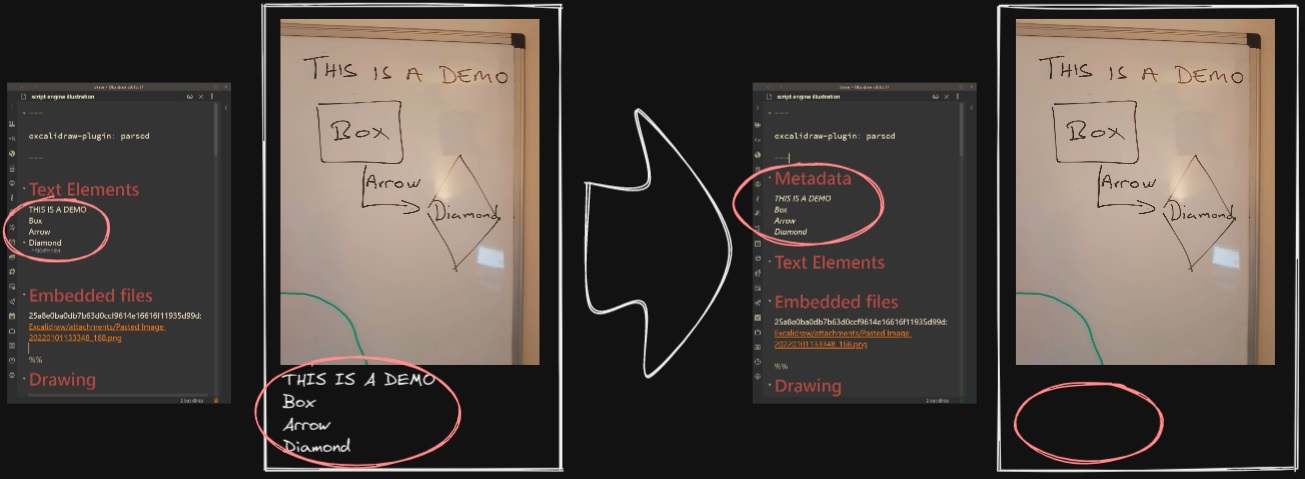|[@zsviczian](https://github.com/zsviczian)|
|
||||
|[缩放以适应选中元素](../../../ea-scripts/Zoom%20to%20Fit%20Selected%20Elements.md)|类似于Excalidraw标准的<kbd>SHIFT+2</kbd>功能:缩放以适应选中元素,但可以缩放到1000%。灵感来源:[#272](https://github.com/zsviczian/obsidian-excalidraw-plugin/issues/272)||[@zsviczian](https://github.com/zsviczian)|
|
||||
|[硬件橡皮擦支持](../../../ea-scripts/Hardware%20Eraser%20Support.md)|允许在支持的笔上使用笔反转/硬件橡皮擦。|[@threethan](https://github.com/threethan)|
|
||||
|[笔的自动绘制](../../../ea-scripts/Auto%20Draw%20for%20Pen.md)|当悬停笔时自动从选择工具切换到绘制工具,然后再切换回来。|[@threethan](https://github.com/threethan)|
|
||||

@@ -1 +1 @@
|
||||
<svg xmlns="http://www.w3.org/2000/svg" viewBox="100 100 500 400"><path fill-rule="evenodd" d="M414.57 183.49a11.194 11.194 0 0 0-10.344 6.914 11.21 11.21 0 0 0-.851 4.285v74.086h-110.09c-5.57-47.172-45.852-83.945-94.48-83.945-52.418 0-95.2 42.715-95.2 95.145 0 52.43 42.782 95.141 95.2 95.141 48.629 0 88.91-36.773 94.48-83.945h110.09v74.145c0 1.465.293 2.93.851 4.285a11.184 11.184 0 0 0 10.344 6.91H585.2c1.465 0 2.93-.292 4.285-.85a11.184 11.184 0 0 0 6.91-10.344v-170.63c0-1.466-.293-2.93-.851-4.286a11.246 11.246 0 0 0-2.426-3.633c-1.035-1.035-2.277-1.867-3.633-2.43s-2.82-.851-4.285-.851z"/></svg>
|
||||
<svg xmlns="http://www.w3.org/2000/svg" width="24" height="24" viewBox="0 0 24 24" fill="none" stroke="currentColor" stroke-width="2" stroke-linecap="round" stroke-linejoin="round" class="svg-icon lucide-workflow"><rect width="8" height="8" x="3" y="3" rx="2"/><path d="M7 11v4a2 2 0 0 0 2 2h4"/><rect width="8" height="8" x="13" y="13" rx="2"/></svg>
|
||||
|
Before Width: | Height: | Size: 604 B After Width: | Height: | Size: 351 B |
@@ -7,7 +7,8 @@ If you are enjoying the Excalidraw plugin then please support my work and enthus
|
||||
Jump ahead to the [[#List of available scripts]]
|
||||
|
||||
# Introducing Excalidraw Automate Script Engine
|
||||
<iframe width="560" height="315" src="https://www.youtube.com/embed/hePJcObHIso" title="YouTube video player" frameborder="0" allow="accelerometer; autoplay; clipboard-write; encrypted-media; gyroscope; picture-in-picture" allowfullscreen></iframe>
|
||||
|
||||
<a href="https://www.youtube.com/watch?v=hePJcObHIso" target="_blank"><img src ="https://i.ytimg.com/vi/hePJcObHIso/maxresdefault.jpg" style="width:560px;"></a>
|
||||
|
||||
Script Engine scripts are installed in the `Downloaded` subfolder of the `Excalidraw Automate script folder` specified in plugin settings.
|
||||
|
||||
@@ -243,7 +244,7 @@ https://raw.githubusercontent.com/zsviczian/obsidian-excalidraw-plugin/master/ea
|
||||
```excalidraw-script-install
|
||||
https://raw.githubusercontent.com/zsviczian/obsidian-excalidraw-plugin/master/ea-scripts/OCR%20-%20Optical%20Character%20Recognition.md
|
||||
```
|
||||
<table><tr valign='top'><td class="label">Author</td><td class="data"><a href='https://github.com/zsviczian'>@zsviczian</a></td></tr><tr valign='top'><td class="label">Source</td><td class="data"><a href='https://github.com/zsviczian/obsidian-excalidraw-plugin/blob/master/ea-scripts/OCR%20-%20Optical%20Character%20Recognition.md'>File on GitHub</a></td></tr><tr valign='top'><td class="label">Description</td><td class="data">REQUIRES EXCALIDRAW 1.5.15<br>The script will 1) send the selected image file to [taskbone.com](https://taskbone.com) to extract the text from the image, and 2) will add the text to your drawing as a text element.<br><mark>⚠ Note that you will need to manually paste your token into the script after the first run! ⚠</mark><br><img src='https://raw.githubusercontent.com/zsviczian/obsidian-excalidraw-plugin/master/images/scripts-ocr.jpg'><br><iframe width="560" height="315" src="https://www.youtube.com/embed/W2NMzR8s4eE" title="YouTube video player" frameborder="0" allow="accelerometer; autoplay; clipboard-write; encrypted-media; gyroscope; picture-in-picture" allowfullscreen></iframe></td></tr></table>
|
||||
<table><tr valign='top'><td class="label">Author</td><td class="data"><a href='https://github.com/zsviczian'>@zsviczian</a></td></tr><tr valign='top'><td class="label">Source</td><td class="data"><a href='https://github.com/zsviczian/obsidian-excalidraw-plugin/blob/master/ea-scripts/OCR%20-%20Optical%20Character%20Recognition.md'>File on GitHub</a></td></tr><tr valign='top'><td class="label">Description</td><td class="data">REQUIRES EXCALIDRAW 1.5.15<br>The script will 1) send the selected image file to [taskbone.com](https://taskbone.com) to extract the text from the image, and 2) will add the text to your drawing as a text element.<br><mark>⚠ Note that you will need to manually paste your token into the script after the first run! ⚠</mark><br><img src='https://raw.githubusercontent.com/zsviczian/obsidian-excalidraw-plugin/master/images/scripts-ocr.jpg'><br><a href="https://www.youtube.com/watch?v=W2NMzR8s4eE" target="_blank"><img src ="https://i.ytimg.com/vi/W2NMzR8s4eE/maxresdefault.jpg" style="width:560px;"></a></td></tr></table>
|
||||
|
||||
## Organic Line
|
||||
```excalidraw-script-install
|
||||
|
||||

@@ -1 +1 @@
|
||||
<?xml version="1.0" standalone="no"?><!DOCTYPE svg PUBLIC "-//W3C//DTD SVG 1.1//EN" "http://www.w3.org/Graphics/SVG/1.1/DTD/svg11.dtd"><svg t="1670131481615" class="icon" viewBox="0 0 1024 1024" version="1.1" xmlns="http://www.w3.org/2000/svg" p-id="3504" width="128" height="128" xmlns:xlink="http://www.w3.org/1999/xlink"><path d="M947.2 0H76.8C33.6 0 0 33.6 0 76.8v870.4C0 990.4 33.6 1024 76.8 1024h870.4c38.4 0 72-30.4 76.8-68.8V76.8C1024 33.6 990.4 0 947.2 0zM84.8 84.8h852.8V256H84.8V84.8z m256 256h596.8v256H340.8v-256z m-256 598.4V340.8H256v596.8H84.8z m256 0v-256h596.8v256H340.8z" p-id="3505"></path></svg>
|
||||
<svg class="icon" viewBox="0 0 1024 1024" xmlns="http://www.w3.org/2000/svg" width="128" height="128"><path d="M947.2 0H76.8C33.6 0 0 33.6 0 76.8v870.4C0 990.4 33.6 1024 76.8 1024h870.4c38.4 0 72-30.4 76.8-68.8V76.8C1024 33.6 990.4 0 947.2 0zM84.8 84.8h852.8V256H84.8V84.8z m256 256h596.8v256H340.8v-256z m-256 598.4V340.8H256v596.8H84.8z m256 0v-256h596.8v256H340.8z"></path></svg>
|
||||
|
Before Width: | Height: | Size: 616 B After Width: | Height: | Size: 382 B |
@@ -23,8 +23,8 @@ const elements = ea.getViewSelectedElements().filter(
|
||||
el.groupIds.some(id => id.startsWith(ShadowGroupMarker)) ||
|
||||
(["line", "arrow"].includes(el.type) && el.roundness === null)
|
||||
);
|
||||
if(elements.length === 0) {
|
||||
new Notice ("Select ellipses, rectangles or diamonds");
|
||||
if(elements.length < 2) {
|
||||
new Notice ("Select ellipses, rectangles, diamonds; or lines and arrows with sharp edges");
|
||||
return;
|
||||
}
|
||||
|
||||
@@ -69,10 +69,15 @@ const result = polyboolAction({
|
||||
const polygonHierachy = subordinateInnerPolygons(result.regions);
|
||||
drawPolygonHierachy(polygonHierachy);
|
||||
ea.deleteViewElements(elements);
|
||||
setPolygonTrue();
|
||||
ea.addElementsToView(false,false,true);
|
||||
return;
|
||||
|
||||
|
||||
function setPolygonTrue() {
|
||||
ea.getElements().filter(el=>el.type==="line").forEach(el => {
|
||||
el.polygon = true;
|
||||
});
|
||||
}
|
||||
|
||||
function traceElement(element) {
|
||||
const diamondPath = (diamond) => [
|
||||
|
||||

@@ -1,5 +1 @@
|
||||
<svg xmlns="http://www.w3.org/2000/svg" viewBox="0 0 64 64">
|
||||
<path
|
||||
d="m 24.000085,1.5001668 c -0.386664,0 -0.771381,0.00992 -1.153418,0.029456 -0.382035,0.019538 -0.761505,0.048738 -1.138431,0.087333 -0.376928,0.038595 -0.751077,0.086489 -1.122412,0.1436604 -0.371337,0.057172 -0.740095,0.1231708 -1.105359,0.1984375 -0.365266,0.075267 -0.72701,0.1598168 -1.085722,0.2526978 -0.358713,0.092881 -0.714405,0.1943596 -1.066085,0.304374 C 16.976978,2.6261398 16.62896,2.7444758 16.284794,2.8711426 15.940628,2.9978093 15.600354,3.132931 15.264185,3.275769 14.928014,3.4186072 14.596073,3.5694093 14.26838,3.7279378 13.940685,3.8864665 13.617667,4.0523606 13.29893,4.2260986 12.980192,4.3998368 12.66565,4.5812681 12.356352,4.7697347 12.047052,4.9582013 11.74261,5.1540648 11.443229,5.356779 11.143849,5.5594932 10.849575,5.7692003 10.560596,5.9856812 10.271615,6.2021619 9.9881012,6.4251244 9.7100016,6.654891 9.4319021,6.8846574 9.1592182,7.1213204 8.8924805,7.3638916 8.6257427,7.6064628 8.3649942,7.8552043 8.1100993,8.1100993 7.8552043,8.3649942 7.6064628,8.6257427 7.3638916,8.8924805 7.1213204,9.1592182 6.8846574,9.4319021 6.654891,9.7100016 6.4251244,9.9881012 6.2021619,10.271615 5.9856812,10.560596 5.7692003,10.849575 5.5594932,11.143849 5.356779,11.443229 5.1540648,11.74261 4.9582013,12.047052 4.7697347,12.356352 4.5812681,12.66565 4.3998368,12.980192 4.2260986,13.29893 4.0523606,13.617667 3.8864665,13.940685 3.7279378,14.26838 3.5694093,14.596073 3.4186072,14.928014 3.275769,15.264185 3.132931,15.600354 2.9978093,15.940628 2.8711426,16.284794 2.7444758,16.62896 2.6261398,16.976978 2.5161255,17.328658 c -0.1100144,0.35168 -0.2114932,0.707372 -0.3043742,1.066085 -0.092881,0.358712 -0.177431,0.720456 -0.2526978,1.085722 -0.075267,0.365264 -0.1412659,0.734022 -0.1984375,1.105359 -0.057171,0.371335 -0.1050652,0.745484 -0.1436604,1.122412 -0.038595,0.376926 -0.067795,0.756396 -0.087333,1.138431 -0.019538,0.382037 -0.029456,0.766754 -0.029456,1.153418 0,0.386665 0.00992,0.770865 0.029456,1.152902 0.019538,0.382035 0.048738,0.762022 0.087333,1.138948 0.038595,0.376927 0.086489,0.751076 0.1436604,1.122412 0.057172,0.371337 0.1231708,0.739578 0.1984375,1.104842 0.075267,0.365266 0.1598168,0.727526 0.2526978,1.086239 0.092881,0.358713 0.1943598,0.713888 0.3043742,1.065568 0.1100143,0.35168 0.2283503,0.699698 0.3550171,1.043864 0.1266667,0.344166 0.2617884,0.684439 0.4046264,1.02061 0.1428382,0.336169 0.2936403,0.668627 0.4521688,0.996321 0.1585287,0.327695 0.3244228,0.650712 0.4981608,0.96945 0.1737382,0.318738 0.3551695,0.632763 0.5436361,0.942061 0.1884666,0.3093 0.3843301,0.613742 0.5870443,0.913123 0.2027142,0.299381 0.4124213,0.593654 0.6289022,0.882633 0.2164807,0.288981 0.4394432,0.573012 0.6692098,0.851111 0.2297664,0.2781 0.4664294,0.550267 0.7090006,0.817005 0.2425712,0.266737 0.4913127,0.528002 0.7462077,0.782898 0.2548949,0.254894 0.5156434,0.503637 0.7823812,0.746207 0.2667377,0.242572 0.5394216,0.478717 0.8175211,0.708484 0.2780996,0.229767 0.5616134,0.453246 0.8505944,0.669727 0.288979,0.216481 0.583253,0.426188 0.882633,0.628902 0.299381,0.202714 0.603823,0.398577 0.913123,0.587044 0.309298,0.188467 0.62384,0.369381 0.942578,0.54312 0.318737,0.173737 0.641755,0.340148 0.96945,0.498677 0.327693,0.158529 0.659634,0.309331 0.995805,0.452169 0.336169,0.142838 0.676443,0.277443 1.020609,0.40411 0.344166,0.126665 0.692184,0.24552 1.043864,0.355533 0.304779,0.09534 0.613889,0.181052 0.923975,0.26355 0.08249,0.310063 0.168215,0.618701 0.263549,0.923458 0.110015,0.351679 0.228351,0.699699 0.355018,1.043864 0.126665,0.344165 0.261788,0.684439 0.404626,1.02061 0.142838,0.336169 0.29364,0.668111 0.452169,0.995804 0.158528,0.327694 0.324423,0.65123 0.498161,0.969967 0.173736,0.318737 0.355169,0.632763 0.543636,0.942061 0.188465,0.309299 0.38433,0.613743 0.587044,0.913123 0.202714,0.29938 0.412422,0.593654 0.628902,0.882633 0.216481,0.288981 0.439444,0.573013 0.66921,0.851111 0.229766,0.2781 0.465913,0.550267 0.708484,0.817005 0.242571,0.266736 0.491831,0.528003 0.746724,0.782898 0.254895,0.254893 0.515645,0.503637 0.782381,0.746207 0.266738,0.242571 0.539422,0.478718 0.817522,0.708484 0.278098,0.229766 0.561614,0.453246 0.850594,0.669727 0.288979,0.216479 0.583253,0.426188 0.882633,0.628902 0.29938,0.202714 0.603824,0.398578 0.913123,0.587044 0.309298,0.188467 0.623324,0.369383 0.942061,0.543119 0.318737,0.173738 0.642273,0.34015 0.969967,0.498678 0.327693,0.158528 0.659634,0.309331 0.995805,0.452169 0.336169,0.142838 0.676444,0.277443 1.020609,0.40411 0.344165,0.126665 0.692185,0.245519 1.043864,0.355533 0.351679,0.110015 0.707372,0.211494 1.066085,0.304375 0.358711,0.09288 0.720457,0.176914 1.085722,0.252181 0.365263,0.07527 0.734022,0.141782 1.105359,0.198954 0.371335,0.05717 0.745485,0.105065 1.122412,0.14366 0.376925,0.0386 0.756397,0.0678 1.138431,0.08733 0.382036,0.01954 0.766755,0.02946 1.153418,0.02946 0.386665,0 0.770866,-0.0099 1.152902,-0.02946 0.382034,-0.01954 0.762023,-0.04874 1.138948,-0.08733 0.376927,-0.0386 0.751077,-0.08649 1.122412,-0.14366 0.371336,-0.05717 0.73Line truncated
|
||||
/>
|
||||
</svg>
|
||||
<svg xmlns="http://www.w3.org/2000/svg" width="24" height="24" viewBox="0 0 24 24" fill="none" stroke="currentColor" stroke-width="2" stroke-linecap="round" stroke-linejoin="round" class="svg-icon lucide-squares-subtract"><path d="M10 22a2 2 0 0 1-2-2"/><path d="M16 22h-2"/><path d="M16 4a2 2 0 0 0-2-2H4a2 2 0 0 0-2 2v10a2 2 0 0 0 2 2h3a1 1 0 0 0 1-1v-5a2 2 0 0 1 2-2h5a1 1 0 0 0 1-1z"/><path d="M20 8a2 2 0 0 1 2 2"/><path d="M22 14v2"/><path d="M22 20a2 2 0 0 1-2 2"/></svg>
|
||||
|
Before Width: | Height: | Size: 17 KiB After Width: | Height: | Size: 478 B |

@@ -0,0 +1 @@
|
||||
<svg xmlns="http://www.w3.org/2000/svg" width="24" height="24" viewBox="0 0 24 24" fill="none" stroke="currentColor" stroke-width="2" stroke-linecap="round" stroke-linejoin="round" class="lucide lucide-book-heart-icon lucide-book-heart"><path d="M4 19.5v-15A2.5 2.5 0 0 1 6.5 2H19a1 1 0 0 1 1 1v18a1 1 0 0 1-1 1H6.5a1 1 0 0 1 0-5H20"/><path d="M8.62 9.8A2.25 2.25 0 1 1 12 6.836a2.25 2.25 0 1 1 3.38 2.966l-2.626 2.856a.998.998 0 0 1-1.507 0z"/></svg>
|
||||
|
After Width: | Height: | Size: 451 B |

@@ -1 +1 @@
|
||||
<svg xmlns="http://www.w3.org/2000/svg" viewBox="5 5 170 70" stroke="#000"><path fill="none" stroke-linecap="round" stroke-width="4" d="M10 10h60m-60 0h60m0 0v60m0-60v60m0 0H10m60 0H10m0 0V10m0 60V10M141 10c6.47 6.91 12.94 13.83 29 31m-29-31c9.29 9.93 18.57 19.86 29 31m0 0-29 29m29-29-29 29m0 0c-10.49-9.82-20.99-19.64-31-29m31 29c-7.35-6.88-14.71-13.76-31-29m0 0 31-31m-31 31 31-31"/><g stroke-linecap="round"><path fill="none" stroke-width="4" d="M80 40h20m-20 0h20"/><path fill-rule="evenodd" stroke-width="0" d="m100 40-9.06 4.23v-8.46L100 40"/><path fill="none" stroke-width="4" d="M100 40c-3.14 1.47-6.29 2.93-9.06 4.23M100 40c-3.13 1.46-6.27 2.92-9.06 4.23m0 0v-8.46m0 8.46v-8.46m0 0c3.38 1.58 6.76 3.16 9.06 4.23m-9.06-4.23c2.17 1.02 4.34 2.03 9.06 4.23m0 0s0 0 0 0m0 0s0 0 0 0"/></g></svg>
|
||||
<svg xmlns="http://www.w3.org/2000/svg" width="24" height="24" viewBox="0 0 24 24" fill="none" stroke="currentColor" stroke-width="2" stroke-linecap="round" stroke-linejoin="round" class="svg-icon lucide-shapes"><path d="M8.3 10a.7.7 0 0 1-.626-1.079L11.4 3a.7.7 0 0 1 1.198-.043L16.3 8.9a.7.7 0 0 1-.572 1.1Z"/><rect x="3" y="14" width="7" height="7" rx="1"/><circle cx="17.5" cy="17.5" r="3.5"/></svg>
|
||||
|
Before Width: | Height: | Size: 802 B After Width: | Height: | Size: 403 B |

@@ -0,0 +1,10 @@
|
||||
<svg class="svg-icon lucide-swatch-book" xmlns="http://www.w3.org/2000/svg" width="24" height="24" viewBox="0 0 24 24" fill="none" stroke="currentColor" stroke-width="2" stroke-linecap="round" stroke-linejoin="round">
|
||||
<!-- bottom swatch card (peeking out) -->
|
||||
<path d="M8 13H19a2 2 0 0 1 2 2v4a2 2 0 0 1-2 2H6V13Z" fill="#FFD23F"/>
|
||||
<!-- back / cover card with binder ring -->
|
||||
<path d="M11 17a4 4 0 0 1-8 0V5a2 2 0 0 1 2-2h4a2 2 0 0 1 2 2Z" fill="#FF6B6B"/>
|
||||
<!-- flipped-open top card -->
|
||||
<path d="m11 8 2.3-2.3a2.4 2.4 0 0 1 3.404.004L18.6 7.6a2.4 2.4 0 0 1 .026 3.434L9.9 19.8Z" fill="#4ECDC4"/>
|
||||
<!-- binder ring hole -->
|
||||
<path d="M7 17h.01"/>
|
||||
</svg>
|
||||
|
After Width: | Height: | Size: 668 B |

@@ -1,17 +1,2 @@
|
||||
<svg version="1.1" xmlns="http://www.w3.org/2000/svg" viewBox="0 0 72.75819749055177 80.03703336574608" width="72.75819749055177" height="80.03703336574608">
|
||||
<!-- svg-source:excalidraw -->
|
||||
|
||||
<defs>
|
||||
<style class="style-fonts">
|
||||
@font-face {
|
||||
font-family: "Virgil";
|
||||
src: url("https://excalidraw.com/Virgil.woff2");
|
||||
}
|
||||
@font-face {
|
||||
font-family: "Cascadia";
|
||||
src: url("https://excalidraw.com/Cascadia.woff2");
|
||||
}
|
||||
</style>
|
||||
|
||||
</defs>
|
||||
<g stroke-linecap="round"><g transform="translate(4 4) rotate(0 12.71901889991409 17.183109917454658)"><path d="M0 0 C0 7.02, 0 14.05, 0 34.37 M0 34.37 C7.62 34.37, 15.24 34.37, 25.44 34.37" stroke="black" stroke-width="4.5" fill="none" stroke-dasharray="1.5 10"></path></g></g><mask></mask><g stroke-linecap="round"><g transform="translate(51.379765518092086 61.93633577499986) rotate(0 5.684341886080802e-14 7.050348795373111)"><path d="M0 0 C0 4.06, 0 8.11, 0 14.1" stroke="black" stroke-width="4.5" fill="none" stroke-dasharray="1.5 10"></path></g></g><mask></mask><g stroke-linecap="round" transform="translate(34.0013341989918 20.987787610339183) rotate(0 17.378431645779926 17.378431645779983)"><path d="M34.76 17.38 C34.76 18.38, 34.67 19.41, 34.49 20.4 C34.32 21.39, 34.05 22.38, 33.71 23.32 C33.36 24.27, 32.93 25.2, 32.43 26.07 C31.93 26.94, 31.34 27.78, 30.69 28.55 C30.04 29.32, 29.32 30.04, 28.55 30.69 C27.78 31.34, 26.94 31.93, 26.07 32.43 C25.2 32.93, 24.27 33.36, 23.32 33.71 C22.38 34.05, 21.39 34.32, 20.4 34.49 C19.41 34.67, 18.38 34.76, 17.38 34.76 C16.37 34.76, 15.35 34.67, 14.36 34.49 C13.37 34.32, 12.38 34.05, 11.43 33.71 C10.49 33.36, 9.56 32.93, 8.69 32.43 C7.82 31.93, 6.98 31.34, 6.21 30.69 C5.44 30.04, 4.71 29.32, 4.07 28.55 C3.42 27.78, 2.83 26.94, 2.33 26.07 C1.83 25.2, 1.39 24.27, 1.05 23.32 C0.7 22.38, 0.44 21.39, 0.26 20.4 C0.09 19.41, 0 18.38, 0 17.38 C0 16.37, 0.09 15.35, 0.26 14.36 C0.44 13.37, 0.7 12.38, 1.05 11.43 C1.39 10.49, 1.83 9.56, 2.33 8.69 C2.83 7.82, 3.42 6.98, 4.07 6.21 C4.71 5.44, 5.44 4.71, 6.21 4.07 C6.98 3.42, 7.82 2.83, 8.69 2.33 C9.56 1.83, 10.49 1.39, 11.43 1.05 C12.38 0.7, 13.37 0.44, 14.36 0.26 C15.35 0.09, 16.37 0, 17.38 0 C18.38 0, 19.41 0.09, 20.4 0.26 C21.39 0.44, 22.38 0.7, 23.32 1.05 C24.27 1.39, 25.2 1.83, 26.07 2.33 C26.94 2.83, 27.78 3.42, 28.55 4.07 C29.32 4.71, 30.04 5.44, 30.69 6.21 C31.34 6.98, 31.93 7.82, 32.43 8.69 C32.93 9.56, 33.36 10.49, 33.71 11.43 C34.05 12.38, 34.32 13.37, 34.49 14.36 C34.67 15.35, 34.71 16.88, 34.76 17.38 C34.8 17.88, 34.8 16.88, 34.76 17.38" stroke="black" stroke-width="4" fill="none"></path></g><g stroke-linecap="round"><g transform="translate(41.72257566145686 38.36621939788711) rotate(0 9.65718949485347 0)"><path d="M0 0 C4.11 0, 8.22 0, 19.31 0 M0 0 C6.95 0, 13.9 0, 19.31 0" stroke="black" stroke-width="4" fill="none"></path></g></g><mask></mask><g stroke-linecap="round"><g transform="translate(41.72257587602678 38.36622004108449) rotate(89.99999999999994 9.65718949485347 0)"><path d="M0 0 C5.31 0, 10.62 0, 19.31 0 M0 0 C4.56 0, 9.13 0, 19.31 0" stroke="black" stroke-width="4" fill="none"></path></g></g><mask></mask></svg>
|
||||
|
Before Width: | Height: | Size: 3.1 KiB After Width: | Height: | Size: 2.7 KiB |

@@ -1 +1 @@
|
||||
<svg xmlns="http://www.w3.org/2000/svg" viewBox="0 0 512 512"><path d="M480 256c-17.67 0-32 14.31-32 32c0 52.94-43.06 96-96 96H192L192 344c0-9.469-5.578-18.06-14.23-21.94C169.1 318.3 159 319.8 151.9 326.2l-80 72C66.89 402.7 64 409.2 64 416s2.891 13.28 7.938 17.84l80 72C156.4 509.9 162.2 512 168 512c3.312 0 6.615-.6875 9.756-2.062C186.4 506.1 192 497.5 192 488L192 448h160c88.22 0 160-71.78 160-160C512 270.3 497.7 256 480 256zM160 128h159.1L320 168c0 9.469 5.578 18.06 14.23 21.94C337.4 191.3 340.7 192 343.1 192c5.812 0 11.57-2.125 16.07-6.156l80-72C445.1 109.3 448 102.8 448 95.1s-2.891-13.28-7.938-17.84l-80-72c-7.047-6.312-17.19-7.875-25.83-4.094C325.6 5.938 319.1 14.53 319.1 24L320 64H160C71.78 64 0 135.8 0 224c0 17.69 14.33 32 32 32s32-14.31 32-32C64 171.1 107.1 128 160 128z"/></svg>
|
||||
<svg xmlns="http://www.w3.org/2000/svg" width="24" height="24" viewBox="0 0 24 24" fill="none" stroke="currentColor" stroke-width="2" stroke-linecap="round" stroke-linejoin="round" class="svg-icon lucide-repeat"><path d="m17 2 4 4-4 4"/><path d="M3 11v-1a4 4 0 0 1 4-4h14"/><path d="m7 22-4-4 4-4"/><path d="M21 13v1a4 4 0 0 1-4 4H3"/></svg>
|
||||
|
Before Width: | Height: | Size: 794 B After Width: | Height: | Size: 341 B |

@@ -1 +1 @@
|
||||
<svg xmlns="http://www.w3.org/2000/svg" viewBox="0 0 384 512"><path d="M224 0H336C362.5 0 384 21.49 384 48V256H0V48C0 21.49 21.49 0 48 0H64L96 64L128 0H160L192 64L224 0zM384 288V320C384 355.3 355.3 384 320 384H256V448C256 483.3 227.3 512 192 512C156.7 512 128 483.3 128 448V384H64C28.65 384 0 355.3 0 320V288H384zM192 464C200.8 464 208 456.8 208 448C208 439.2 200.8 432 192 432C183.2 432 176 439.2 176 448C176 456.8 183.2 464 192 464z"/></svg>
|
||||
<svg xmlns="http://www.w3.org/2000/svg" width="24" height="24" viewBox="0 0 24 24" fill="none" stroke="currentColor" stroke-width="2" stroke-linecap="round" stroke-linejoin="round" class="svg-icon lucide-paintbrush-vertical"><path d="M10 2v2"/><path d="M14 2v4"/><path d="M17 2a1 1 0 0 1 1 1v9H6V3a1 1 0 0 1 1-1z"/><path d="M6 12a1 1 0 0 0-1 1v1a2 2 0 0 0 2 2h2a1 1 0 0 1 1 1v2.9a2 2 0 1 0 4 0V17a1 1 0 0 1 1-1h2a2 2 0 0 0 2-2v-1a1 1 0 0 0-1-1"/></svg>
|
||||
|
Before Width: | Height: | Size: 443 B After Width: | Height: | Size: 452 B |

@@ -1 +1 @@
|
||||
<svg xmlns="http://www.w3.org/2000/svg" width="24" height="24" viewBox="0 0 24 24" fill="none" stroke="currentColor" stroke-width="2" stroke-linecap="round" stroke-linejoin="round" class="lucide lucide-squircle"><path fill="none" d="M12 3c7.2 0 9 1.8 9 9s-1.8 9-9 9-9-1.8-9-9 1.8-9 9-9"/></svg>
|
||||
<svg xmlns="http://www.w3.org/2000/svg" width="24" height="24" viewBox="0 0 24 24" fill="none" stroke="currentColor" stroke-width="2" stroke-linecap="round" stroke-linejoin="round" class="svg-icon lucide-squircle"><path fill="none" d="M12 3c7.2 0 9 1.8 9 9s-1.8 9-9 9-9-1.8-9-9 1.8-9 9-9"/></svg>
|
||||
|
Before Width: | Height: | Size: 294 B After Width: | Height: | Size: 296 B |

@@ -1 +1 @@
|
||||
<svg xmlns="http://www.w3.org/2000/svg" width="24" height="24" viewBox="0 0 24 24" fill="none" stroke="currentColor" stroke-width="2" stroke-linecap="round" stroke-linejoin="round" class="lucide lucide-scan-search"><g stroke-width="2"><path d="M3 7V5a2 2 0 0 1 2-2h2"/><path d="M17 3h2a2 2 0 0 1 2 2v2"/><path d="M21 17v2a2 2 0 0 1-2 2h-2"/><path d="M7 21H5a2 2 0 0 1-2-2v-2"/><circle cx="12" cy="12" r="3"/><path d="m16 16-1.9-1.9"/></g></svg>
|
||||
<svg xmlns="http://www.w3.org/2000/svg" width="24" height="24" viewBox="0 0 24 24" fill="none" stroke="currentColor" stroke-width="2" stroke-linecap="round" stroke-linejoin="round" class="svg-icon lucide-scan-search"><g stroke-width="2"><path d="M3 7V5a2 2 0 0 1 2-2h2"/><path d="M17 3h2a2 2 0 0 1 2 2v2"/><path d="M21 17v2a2 2 0 0 1-2 2h-2"/><path d="M7 21H5a2 2 0 0 1-2-2v-2"/><circle cx="12" cy="12" r="3"/><path d="m16 16-1.9-1.9"/></g></svg>
|
||||
|
Before Width: | Height: | Size: 444 B After Width: | Height: | Size: 446 B |

@@ -1 +1 @@
|
||||
<svg xmlns="http://www.w3.org/2000/svg" viewBox="120 30 500 500" stroke="#000"><path d="M365.4 56a224.009 224.009 0 0 0-158.39 65.609 223.994 223.994 0 0 0 0 316.78 224.001 224.001 0 0 0 158.39 65.609c59.41 0 116.39-23.602 158.39-65.609a223.99 223.99 0 0 0 65.605-158.39c0-39.32-10.348-77.949-30.008-112s-47.938-62.328-81.992-81.988a224 224 0 0 0-112-30.012zm92.398 243.6h-72.801v72.801l.004-.004a19.602 19.602 0 0 1-39.2 0v-72.8h-72.8v.003a19.6 19.6 0 0 1-16.974-9.8 19.59 19.59 0 0 1 0-19.603c3.5-6.062 9.97-9.8 16.973-9.8h72.801v-72.802.004a19.602 19.602 0 0 1 39.2 0V260.4h72.8v-.004a19.604 19.604 0 0 1 16.974 29.403 19.604 19.604 0 0 1-16.973 9.801z"/></svg>
|
||||
<svg xmlns="http://www.w3.org/2000/svg" width="24" height="24" viewBox="0 0 24 24" fill="none" stroke="currentColor" stroke-width="2" stroke-linecap="round" stroke-linejoin="round" class="svg-icon lucide-moon"><path d="M20.985 12.486a9 9 0 1 1-9.473-9.472c.405-.022.617.46.402.803a6 6 0 0 0 8.268 8.268c.344-.215.825-.004.803.401"/></svg>
|
||||
|
Before Width: | Height: | Size: 664 B After Width: | Height: | Size: 338 B |
@@ -3,12 +3,13 @@
|
||||
|
||||
Select some elements in the scene. The script will take these elements and move them into a new Excalidraw file, and open that file. The selected elements will also be replaced in your original drawing with the embedded Excalidraw file (the one that was just created). You will be prompted for the file name of the new deconstructed image. The script is useful if you want to break a larger drawing into smaller reusable parts that you want to reference in multiple drawings.
|
||||
|
||||
<iframe width="560" height="315" src="https://www.youtube.com/embed/HRtaaD34Zzg" title="YouTube video player" frameborder="0" allow="accelerometer; autoplay; clipboard-write; encrypted-media; gyroscope; picture-in-picture" allowfullscreen></iframe>
|
||||
<a href="https://www.youtube.com/watch?v=HRtaaD34Zzg" target="_blank"><img src ="https://i.ytimg.com/vi/HRtaaD34Zzg/maxresdefault.jpg" style="width:560px;"></a>
|
||||
|
||||
<iframe width="560" height="315" src="https://www.youtube.com/embed/mvMQcz401yo" title="YouTube video player" frameborder="0" allow="accelerometer; autoplay; clipboard-write; encrypted-media; gyroscope; picture-in-picture" allowfullscreen></iframe>
|
||||
<a href="https://www.youtube.com/watch?v=mvMQcz401yo" target="_blank"><img src ="https://i.ytimg.com/vi/mvMQcz401yo/maxresdefault.jpg" style="width:560px;"></a>
|
||||
|
||||
```javascript
|
||||
```js
|
||||
*/
|
||||
|
||||
if(!ea.verifyMinimumPluginVersion || !ea.verifyMinimumPluginVersion("2.7.3")) {
|
||||
new Notice("This script requires a newer version of Excalidraw. Please install the latest version.");
|
||||
return;
|
||||
@@ -21,16 +22,57 @@ const excalidrawTemplates = ea.getListOfTemplateFiles();
|
||||
if(typeof window.ExcalidrawDeconstructElements === "undefined") {
|
||||
window.ExcalidrawDeconstructElements = {
|
||||
openDeconstructedImage: true,
|
||||
templatePath: excalidrawTemplates?.[0].path??""
|
||||
reuseTab: true,
|
||||
templatePath: excalidrawTemplates?.[0]?.path??""
|
||||
};
|
||||
} else if (typeof window.ExcalidrawDeconstructElements.reuseTab === "undefined") {
|
||||
window.ExcalidrawDeconstructElements.reuseTab = true;
|
||||
}
|
||||
|
||||
const splitFolderAndFilename = (filepath) => {
|
||||
const lastIndex = filepath.lastIndexOf("/");
|
||||
return {
|
||||
foldername: ea.obsidian.normalizePath(filepath.substring(0, lastIndex)),
|
||||
filename: (lastIndex == -1 ? filepath : filepath.substring(lastIndex + 1)) + ".md"
|
||||
};
|
||||
// Helper class for Folder Autocomplete
|
||||
class FolderSuggest extends ea.obsidian.AbstractInputSuggest {
|
||||
constructor(app, inputEl) {
|
||||
super(app, inputEl);
|
||||
this.inputEl = inputEl;
|
||||
}
|
||||
|
||||
getSuggestions(query) {
|
||||
const folders = app.vault.getAllLoadedFiles().filter(f => f instanceof ea.obsidian.TFolder);
|
||||
const lowerQuery = query.toLowerCase();
|
||||
|
||||
// Filter folders that match the query
|
||||
const matches = folders.filter(f => f.path.toLowerCase().includes(lowerQuery));
|
||||
|
||||
// Custom Sort
|
||||
matches.sort((a, b) => {
|
||||
const aPath = a.path;
|
||||
const bPath = b.path;
|
||||
const aLower = aPath.toLowerCase();
|
||||
const bLower = bPath.toLowerCase();
|
||||
|
||||
// Priority 1: Starts with query (e.g. "Projects" comes before "Hobbies/Projects")
|
||||
const aStarts = aLower.startsWith(lowerQuery);
|
||||
const bStarts = bLower.startsWith(lowerQuery);
|
||||
|
||||
if (aStarts && !bStarts) return -1;
|
||||
if (!aStarts && bStarts) return 1;
|
||||
|
||||
// Priority 2: Alphabetical
|
||||
return aPath.localeCompare(bPath);
|
||||
});
|
||||
|
||||
return matches.map(f => f.path);
|
||||
}
|
||||
|
||||
renderSuggestion(value, el) {
|
||||
el.setText(value);
|
||||
}
|
||||
|
||||
selectSuggestion(value, evt) {
|
||||
this.inputEl.value = value;
|
||||
this.inputEl.dispatchEvent(new Event('input'));
|
||||
this.close();
|
||||
}
|
||||
}
|
||||
|
||||
let settings = ea.getScriptSettings();
|
||||
@@ -76,12 +118,13 @@ if (els.length === 0) {
|
||||
const bb = ea.getBoundingBox(els);
|
||||
ea.copyViewElementsToEAforEditing(els);
|
||||
|
||||
// Handle Image elements logic from original script
|
||||
ea.getElements().filter(el=>el.type==="image").forEach(el=>{
|
||||
const img = ea.targetView.excalidrawData.getFile(el.fileId);
|
||||
const path = (img?.linkParts?.original)??(img?.file?.path);
|
||||
const hyperlink = img?.hyperlink;
|
||||
if(img && (path || hyperlink)) {
|
||||
const colorMap = ea.getColorMapForImageElement(el);
|
||||
const colorMap = ea.getColorMapForImageElement(el);
|
||||
ea.imagesDict[el.fileId] = {
|
||||
mimeType: img.mimeType,
|
||||
id: el.fileId,
|
||||
@@ -96,7 +139,7 @@ ea.getElements().filter(el=>el.type==="image").forEach(el=>{
|
||||
return;
|
||||
}
|
||||
const equation = ea.targetView.excalidrawData.getEquation(el.fileId);
|
||||
eqImg = ea.targetView.getScene()?.files[el.fileId]
|
||||
const eqImg = ea.targetView.getScene()?.files[el.fileId]
|
||||
if(equation && eqImg) {
|
||||
ea.imagesDict[el.fileId] = {
|
||||
mimeType: eqImg.mimeType,
|
||||
@@ -112,28 +155,107 @@ ea.getElements().filter(el=>el.type==="image").forEach(el=>{
|
||||
});
|
||||
|
||||
|
||||
// ------------
|
||||
// Input prompt
|
||||
// ------------
|
||||
let shouldAnchor = false;
|
||||
const actionButtons = [
|
||||
{
|
||||
caption: "Insert @100%",
|
||||
tooltip: "Anchor to 100% size",
|
||||
action: () => {
|
||||
shouldAnchor = true;
|
||||
}
|
||||
},
|
||||
{
|
||||
caption: "Insert",
|
||||
tooltip: "Insert without anchoring",
|
||||
action: () => {
|
||||
shouldAnchor = false;
|
||||
}
|
||||
}];
|
||||
// ----------------------
|
||||
// Execution Logic
|
||||
// ----------------------
|
||||
const executeDeconstruction = async (folderPath, fileName, shouldAnchor) => {
|
||||
// Ensure filename has extension
|
||||
if (!fileName.endsWith(".md")) fileName += ".md";
|
||||
|
||||
// Construct full path
|
||||
// normalizePath handles cases where folderPath might be empty or root
|
||||
const fullPath = ea.obsidian.normalizePath(`${folderPath}/${fileName}`);
|
||||
|
||||
// Separate back into folder and filename for ea.create
|
||||
const pathParts = fullPath.split("/");
|
||||
const finalFileName = pathParts.pop();
|
||||
const finalFolderName = pathParts.join("/");
|
||||
|
||||
const customControls = (container) => {
|
||||
new ea.obsidian.Setting(container)
|
||||
// We use silent: true to prevent ea.create from opening the file automatically.
|
||||
// We handle opening manually based on user preference.
|
||||
const newPath = await ea.create ({
|
||||
filename: finalFileName,
|
||||
foldername: finalFolderName,
|
||||
templatePath: window.ExcalidrawDeconstructElements.templatePath,
|
||||
onNewPane: true,
|
||||
silent: true
|
||||
});
|
||||
|
||||
let f = app.vault.getAbstractFileByPath(newPath);
|
||||
let counter = 0;
|
||||
while((!f || !ea.isExcalidrawFile(f)) && counter++<100) {
|
||||
await sleep(50);
|
||||
f = app.vault.getAbstractFileByPath(newPath);
|
||||
}
|
||||
|
||||
if(!f || !ea.isExcalidrawFile(f)) {
|
||||
new Notice("Something went wrong");
|
||||
return;
|
||||
}
|
||||
|
||||
let padding = parseFloat(app.metadataCache.getCache(f.path)?.frontmatter["excalidraw-export-padding"]);
|
||||
if(isNaN(padding)) {
|
||||
padding = ea.plugin.settings.exportPaddingSVG;
|
||||
}
|
||||
|
||||
// Remove elements from current view and replace with image of new file
|
||||
ea.getElements().forEach(el=>el.isDeleted = true);
|
||||
await ea.addImage(bb.topX-padding, bb.topY-padding, f, false, shouldAnchor);
|
||||
await ea.addElementsToView(false, true, true);
|
||||
ea.getExcalidrawAPI().history.clear();
|
||||
|
||||
if(window.ExcalidrawDeconstructElements.openDeconstructedImage) {
|
||||
const reuse = window.ExcalidrawDeconstructElements.reuseTab;
|
||||
if (reuse) {
|
||||
ea.openFileInNewOrAdjacentLeaf(f);
|
||||
} else {
|
||||
// Force new tab
|
||||
await app.workspace.getLeaf('tab').openFile(f);
|
||||
}
|
||||
} else {
|
||||
new Notice("Deconstruction ready");
|
||||
}
|
||||
};
|
||||
|
||||
|
||||
// ----------------------
|
||||
// Floating Modal UI
|
||||
// ----------------------
|
||||
|
||||
const modal = new ea.FloatingModal(ea.plugin.app);
|
||||
modal.titleEl.setText("Deconstruct Elements");
|
||||
|
||||
modal.onOpen = () => {
|
||||
const content = modal.contentEl;
|
||||
content.empty();
|
||||
|
||||
// -- Folder Path Input --
|
||||
const folderDiv = content.createDiv({ cls: "setting-item" });
|
||||
folderDiv.createDiv({ cls: "setting-item-info" }).createEl("label", { text: "Folder path" });
|
||||
const folderControl = folderDiv.createDiv({ cls: "setting-item-control" });
|
||||
const folderInput = new ea.obsidian.TextComponent(folderControl);
|
||||
|
||||
// Set default folder to current file's parent
|
||||
const currentFolder = ea.targetView.file.parent.path;
|
||||
folderInput.setValue(currentFolder);
|
||||
folderInput.inputEl.style.width = "100%";
|
||||
|
||||
// Attach Autocomplete
|
||||
new FolderSuggest(ea.plugin.app, folderInput.inputEl);
|
||||
|
||||
// -- Filename Input --
|
||||
const fileDiv = content.createDiv({ cls: "setting-item" });
|
||||
fileDiv.createDiv({ cls: "setting-item-info" }).createEl("label", { text: "File name" });
|
||||
const fileControl = fileDiv.createDiv({ cls: "setting-item-control" });
|
||||
const fileInput = new ea.obsidian.TextComponent(fileControl);
|
||||
fileInput.setValue(DEFAULT_FILENAME);
|
||||
fileInput.inputEl.style.width = "100%";
|
||||
|
||||
// Set focus to file input
|
||||
setTimeout(() => fileInput.inputEl.focus(), 50);
|
||||
|
||||
// -- Template Dropdown --
|
||||
new ea.obsidian.Setting(content)
|
||||
.setName(`Select template`)
|
||||
.addDropdown(dropdown => {
|
||||
templates.forEach(file => dropdown.addOption(file.path, file.basename));
|
||||
@@ -143,64 +265,67 @@ const customControls = (container) => {
|
||||
.onChange(value => {
|
||||
window.ExcalidrawDeconstructElements.templatePath = value;
|
||||
})
|
||||
})
|
||||
});
|
||||
|
||||
new ea.obsidian.Setting(container)
|
||||
// -- Open Toggle --
|
||||
new ea.obsidian.Setting(content)
|
||||
.setName(`Open deconstructed image`)
|
||||
.addToggle((toggle) => toggle
|
||||
.setValue(window.ExcalidrawDeconstructElements.openDeconstructedImage)
|
||||
.onChange(value => {
|
||||
window.ExcalidrawDeconstructElements.openDeconstructedImage = value;
|
||||
// Update visibility of the sub-toggle
|
||||
reuseSetting.settingEl.style.display = value ? "" : "none";
|
||||
})
|
||||
)
|
||||
}
|
||||
);
|
||||
|
||||
const path = await utils.inputPrompt(
|
||||
"Filename for new file",
|
||||
"Filename",
|
||||
await ea.getAttachmentFilepath(DEFAULT_FILENAME),
|
||||
actionButtons,
|
||||
2,
|
||||
false,
|
||||
customControls
|
||||
);
|
||||
// -- Reuse Tab Toggle --
|
||||
const reuseSetting = new ea.obsidian.Setting(content)
|
||||
.setName(`Reuse existing tab`)
|
||||
.setDesc("If available, open in an adjacent tab. Otherwise open in a new tab.")
|
||||
.setClass("reuse-tab-setting")
|
||||
.addToggle((toggle) => toggle
|
||||
.setValue(window.ExcalidrawDeconstructElements.reuseTab)
|
||||
.onChange(value => {
|
||||
window.ExcalidrawDeconstructElements.reuseTab = value;
|
||||
})
|
||||
);
|
||||
|
||||
// Initialize visibility and style
|
||||
reuseSetting.settingEl.style.display = window.ExcalidrawDeconstructElements.openDeconstructedImage ? "" : "none";
|
||||
reuseSetting.settingEl.style.borderTop = "none";
|
||||
|
||||
// -- Buttons --
|
||||
const buttonContainer = content.createDiv({ cls: "excalidraw-dialog-buttons", style: "margin-top: 20px; display: flex; gap: 12px; justify-content: flex-end;" });
|
||||
|
||||
const btnInsert = new ea.obsidian.ButtonComponent(buttonContainer)
|
||||
.setButtonText("Insert")
|
||||
.setTooltip("Insert without anchoring")
|
||||
.onClick(async () => {
|
||||
const folder = folderInput.getValue();
|
||||
const filename = fileInput.getValue();
|
||||
if (!filename) {
|
||||
new Notice("Filename is required");
|
||||
return;
|
||||
}
|
||||
modal.close();
|
||||
await executeDeconstruction(folder, filename, false);
|
||||
});
|
||||
|
||||
if(!path) return;
|
||||
const btnInsertAnchor = new ea.obsidian.ButtonComponent(buttonContainer)
|
||||
.setButtonText("Insert @100%")
|
||||
.setTooltip("Anchor to 100% size")
|
||||
.setCta()
|
||||
.onClick(async () => {
|
||||
const folder = folderInput.getValue();
|
||||
const filename = fileInput.getValue();
|
||||
if (!filename) {
|
||||
new Notice("Filename is required");
|
||||
return;
|
||||
}
|
||||
modal.close();
|
||||
await executeDeconstruction(folder, filename, true);
|
||||
});
|
||||
};
|
||||
|
||||
// ----------------------
|
||||
// Execute deconstruction
|
||||
// ----------------------
|
||||
const {foldername, filename} = splitFolderAndFilename(path);
|
||||
|
||||
const newPath = await ea.create ({
|
||||
filename,
|
||||
foldername,
|
||||
templatePath: window.ExcalidrawDeconstructElements.templatePath,
|
||||
onNewPane: true,
|
||||
silent: !window.ExcalidrawDeconstructElements.openDeconstructedImage
|
||||
});
|
||||
|
||||
let f = app.vault.getAbstractFileByPath(newPath);
|
||||
let counter = 0;
|
||||
while((!f || !ea.isExcalidrawFile(f)) && counter++<100) {
|
||||
await sleep(50);
|
||||
f = app.vault.getAbstractFileByPath(newPath);
|
||||
}
|
||||
|
||||
if(!f || !ea.isExcalidrawFile(f)) {
|
||||
new Notice("Something went wrong");
|
||||
return;
|
||||
}
|
||||
|
||||
let padding = parseFloat(app.metadataCache.getCache(f.path)?.frontmatter["excalidraw-export-padding"]);
|
||||
if(isNaN(padding)) {
|
||||
padding = ea.plugin.settings.exportPaddingSVG;
|
||||
}
|
||||
|
||||
ea.getElements().forEach(el=>el.isDeleted = true);
|
||||
await ea.addImage(bb.topX-padding,bb.topY-padding,f,false, shouldAnchor);
|
||||
await ea.addElementsToView(false, true, true);
|
||||
ea.getExcalidrawAPI().history.clear();
|
||||
if(!window.ExcalidrawDeconstructElements.openDeconstructedImage) {
|
||||
new Notice("Deconstruction ready");
|
||||
}
|
||||
modal.open();
|
||||
@@ -5,7 +5,7 @@ const room = Array.from(window.crypto.getRandomValues(new Uint8Array(10))).map((
|
||||
const key = (await window.crypto.subtle.exportKey("jwk",await window.crypto.subtle.generateKey({name:"AES-GCM",length:128},true,["encrypt", "decrypt"]))).k;
|
||||
const link = `https://excalidraw.com/#room=${room},${key}`;
|
||||
|
||||
ea.addIFrame(0,0,800,600,link);
|
||||
ea.addEmbeddable(0,0,800,600,link);
|
||||
ea.addElementsToView(true,true);
|
||||
|
||||
window.navigator.clipboard.writeText(link);
|
||||
|
||||
@@ -6,12 +6,23 @@ You can download the sample Obsidian Templater file from [here](https://gist.git
|
||||
You can download the demo PDF document showcased in the video from [here](https://zsviczian.github.io/DemoArticle-AtomicHabits.pdf)
|
||||
|
||||
```js*/
|
||||
const selectedElements = ea.getViewSelectedElements();
|
||||
if (selectedElements.length !== 1 || selectedElements[0].type === "arrow") {
|
||||
if (!ea.verifyMinimumPluginVersion || !ea.verifyMinimumPluginVersion("2.20.2")) {
|
||||
new Notice("Please update the Excalidraw Plugin to version 2.20.2 or higher.");
|
||||
return;
|
||||
}
|
||||
|
||||
let selectedElements = ea.getViewSelectedElements();
|
||||
const selectedTextElement = ea.getBoundTextElement(selectedElements, true)?.sceneElement;
|
||||
|
||||
if ((!selectedTextElement && selectedElements.length !== 1) || selectedElements[0].type === "arrow") {
|
||||
new Notice("Select a single element that is not an arrow and not a frame");
|
||||
return;
|
||||
}
|
||||
|
||||
// Detect Mindmap Builder nodes
|
||||
const startNode = selectedElements[0];
|
||||
const isMindMap = typeof startNode.customData?.growthMode !== "undefined" || typeof startNode.customData?.mindmapOrder !== "undefined";
|
||||
|
||||
const visited = new Set(); // Avoiding recursive infinite loops
|
||||
delete window.ewm;
|
||||
|
||||
@@ -111,9 +122,8 @@ function getImageLink(f) {
|
||||
}
|
||||
|
||||
function getBoundText(el) {
|
||||
const textId = el.boundElements?.find(x => x.type === "text")?.id;
|
||||
const text = ea.getViewElements().find(x => x.id === textId)?.originalText;
|
||||
return text ? text + "\n" : "";
|
||||
const text = ea.getBoundTextElement(el,true)?.sceneElement?.rawText;
|
||||
return text ? text + "\n" : "";
|
||||
}
|
||||
|
||||
async function getSectionText(file, section) {
|
||||
@@ -174,8 +184,9 @@ async function getBlockText(file, blockref) {
|
||||
}
|
||||
|
||||
async function getElementText(el) {
|
||||
if (el.type === "text") {
|
||||
return el.originalText;
|
||||
const maybeTextEl = ea.getBoundTextElement(el,true)?.sceneElement;
|
||||
if (maybeTextEl) {
|
||||
return maybeTextEl.rawText;
|
||||
}
|
||||
if (el.type === "image") {
|
||||
const f = ea.getViewFileForImageElement(el);
|
||||
@@ -213,16 +224,55 @@ async function crawl(el, level, isFirst = false) {
|
||||
visited.add(el.id);
|
||||
|
||||
let result = await getElementText(el) + "\n";
|
||||
let itemsToTraverse = [];
|
||||
|
||||
// Process all arrows connected to this element
|
||||
const boundElementsData = el.boundElements.filter(x => x.type === "arrow");
|
||||
const isFork = boundElementsData.length > (isFirst ? 1 : 2);
|
||||
if (isMindMap) {
|
||||
// --- Mindmap Traversal Logic ---
|
||||
// 1. Get all elements to lookup connections
|
||||
const allElements = ea.getViewElements();
|
||||
|
||||
// 2. Find outgoing arrows marked as branches
|
||||
const branchArrows = allElements.filter(a =>
|
||||
a.type === "arrow" &&
|
||||
a.customData?.isBranch &&
|
||||
a.startBinding?.elementId === el.id // Only traverse downwards (Parent -> Child)
|
||||
);
|
||||
|
||||
// 3. Map arrows to their target nodes for sorting
|
||||
const childNodes = branchArrows.map(arrow => {
|
||||
const node = allElements.find(e => e.id === arrow.endBinding?.elementId);
|
||||
return { arrow, nextEl: node };
|
||||
}).filter(x => x.nextEl); // Safety check
|
||||
|
||||
// 4. Sort by mindmapOrder (visual order)
|
||||
childNodes.sort((a, b) => {
|
||||
const orderA = a.nextEl.customData?.mindmapOrder ?? 0;
|
||||
const orderB = b.nextEl.customData?.mindmapOrder ?? 0;
|
||||
return orderA - orderB;
|
||||
});
|
||||
|
||||
itemsToTraverse = childNodes;
|
||||
|
||||
} else {
|
||||
// --- Standard Traversal Logic (Legacy) ---
|
||||
// Use boundElements (incoming and outgoing) in creation order
|
||||
const boundElementsData = el.boundElements?.filter(x => x.type === "arrow") || [];
|
||||
|
||||
itemsToTraverse = boundElementsData.map(bindingData => {
|
||||
const arrow = ea.getViewElements().find(x => x.id === bindingData.id);
|
||||
if (!arrow) return null;
|
||||
const nextEl = getNextElementFollowingArrow(el, arrow);
|
||||
return { arrow, nextEl };
|
||||
}).filter(x => x && x.nextEl);
|
||||
}
|
||||
|
||||
// Determine indentation trigger (Fork)
|
||||
const isFork = itemsToTraverse.length > (isFirst ? 1 : 2);
|
||||
if(isFork) level++;
|
||||
|
||||
for(const bindingData of boundElementsData) {
|
||||
const arrow = ea.getViewElements().find(x=> x.id === bindingData.id);
|
||||
const nextEl = getNextElementFollowingArrow(el, arrow);
|
||||
if (nextEl && !visited.has(nextEl.id)) {
|
||||
// Recursive Traversal
|
||||
for(const {arrow, nextEl} of itemsToTraverse) {
|
||||
if (!visited.has(nextEl.id)) {
|
||||
if(isFork) result += `\n${"#".repeat(level)} `;
|
||||
const arrowLabel = getBoundText(arrow);
|
||||
if (arrowLabel) {
|
||||
|
||||
@@ -1,673 +0,0 @@
|
||||
/*
|
||||
<iframe width="560" height="315" src="https://www.youtube.com/embed/A1vrSGBbWgo" title="YouTube video player" frameborder="0" allow="accelerometer; autoplay; clipboard-write; encrypted-media; gyroscope; picture-in-picture" allowfullscreen></iframe>
|
||||
|
||||
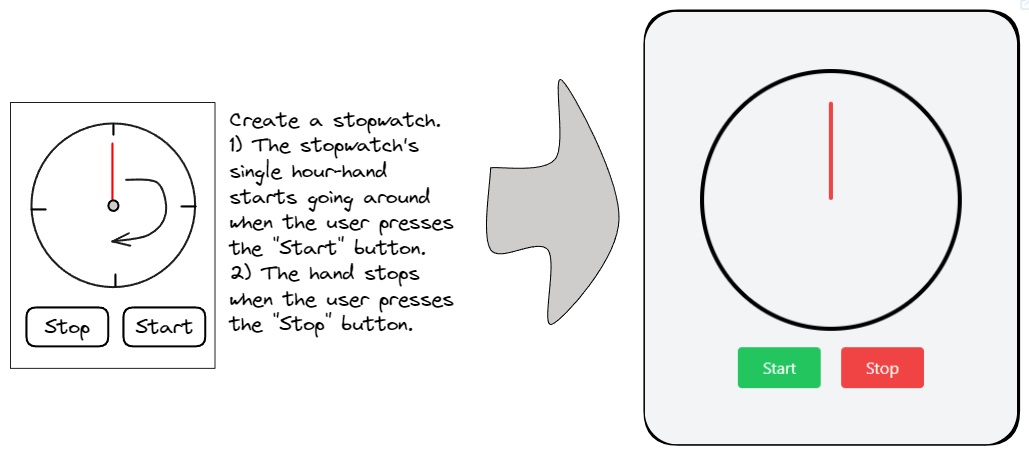
|
||||
```js*/
|
||||
let dirty=false;
|
||||
|
||||
if(!ea.verifyMinimumPluginVersion || !ea.verifyMinimumPluginVersion("2.0.12")) {
|
||||
new Notice("This script requires a newer version of Excalidraw. Please install the latest version.");
|
||||
return;
|
||||
}
|
||||
|
||||
const outputTypes = {
|
||||
"html": {
|
||||
instruction: "Turn this into a single html file using tailwind. Return a single message containing only the html file in a codeblock.",
|
||||
blocktype: "html"
|
||||
},
|
||||
"mermaid": {
|
||||
instruction: "Return a single message containing only the mermaid diagram in a codeblock.",
|
||||
blocktype: "mermaid"
|
||||
},
|
||||
"svg": {
|
||||
instruction: "Return a single message containing only the SVG code in an html codeblock.",
|
||||
blocktype: "svg"
|
||||
},
|
||||
"image-gen": {
|
||||
instruction: "Return a single message with the generated image prompt in a codeblock",
|
||||
blocktype: "image"
|
||||
},
|
||||
"image-edit": {
|
||||
instruction: "",
|
||||
blocktype: "image"
|
||||
}
|
||||
}
|
||||
|
||||
const systemPrompts = {
|
||||
"Challenge my thinking": {
|
||||
prompt: `Your task is to interpret a screenshot of a whiteboard, translating its ideas into a Mermaid graph. The whiteboard will encompass thoughts on a subject. Within the mind map, distinguish ideas that challenge, dispute, or contradict the whiteboard content. Additionally, include concepts that expand, complement, or advance the user's thinking. Utilize the Mermaid graph diagram type and present the resulting Mermaid diagram within a code block. Ensure the Mermaid script excludes the use of parentheses ().`,
|
||||
type: "mermaid",
|
||||
help: "Translate your image and optional text prompt into a Mermaid mindmap. If there are conversion errors, edit the Mermaid script under 'More Tools'."
|
||||
},
|
||||
"Convert sketch to shapes": {
|
||||
prompt: `Given an image featuring various geometric shapes drawn by the user, your objective is to analyze the input and generate SVG code that accurately represents these shapes. Your output will be the SVG code enclosed in an HTML code block.`,
|
||||
type: "svg",
|
||||
help: "Convert selected scribbles into shapes; works better with fewer shapes. Experimental and may not produce good drawings."
|
||||
},
|
||||
"Create a simple Excalidraw icon": {
|
||||
prompt: `Given a description of an SVG image from the user, your objective is to generate the corresponding SVG code. Avoid incorporating textual elements within the generated SVG. Your output should be the resulting SVG code enclosed in an HTML code block.`,
|
||||
type: "svg",
|
||||
help: "Convert text prompts into simple icons inserted as Excalidraw elements. Expect only a text prompt. Experimental and may not produce good drawings."
|
||||
},
|
||||
"Edit an image": {
|
||||
prompt: null,
|
||||
type: "image-edit",
|
||||
help: "Image elements will be used as the Image. Shapes on top of the image will be the Mask. Use the prompt to instruct Dall-e about the changes. Dall-e-2 model will be used."
|
||||
},
|
||||
"Generate an image from image and prompt": {
|
||||
prompt: "Your task involves receiving an image and a textual prompt from the user. Your goal is to craft a detailed, accurate, and descriptive narrative of the image, tailored for effective image generation. Utilize the user-provided text prompt to inform and guide your depiction of the image. Ensure the resulting image remains text-free.",
|
||||
type: "image-gen",
|
||||
help: "Generate an image based on the drawing and prompt using ChatGPT-Vision and Dall-e. Provide a contextual text-prompt for accurate interpretation."
|
||||
},
|
||||
"Generate an image from prompt": {
|
||||
prompt: null,
|
||||
type: "image-gen",
|
||||
help: "Send only the text prompt to OpenAI. Provide a detailed description; OpenAI will enrich your prompt automatically. To avoid it, start your prompt like this 'DO NOT add any detail, just use it AS-IS:'"
|
||||
},
|
||||
"Generate an image to illustrate a quote": {
|
||||
prompt: "Your task involves transforming a user-provided quote into a detailed and imaginative illustration. Craft a visual representation that captures the essence of the quote and resonates well with a broad audience. If the Author's name is provided, aim to establish a connection between the illustration and the Author. This can be achieved by referencing a well-known story from the Author, situating the image in the Author's era or setting, or employing other creative methods of association. Additionally, provide preferences for styling, such as the chosen medium and artistic direction, to guide the image creation process. Ensure the resulting image remains text-free. Your task output should comprise a descriptive and detailed narrative aimed at facilitating the creation of a captivating illustration from the quote.",
|
||||
type: "image-gen",
|
||||
help: "ExcaliAI will create an image prompt to illustrate your text input - a quote - with GPT, then generate an image using Dall-e. In case you include the Author's name, GPT will try to generate an image that in some way references the Author."
|
||||
},
|
||||
"Visual brainstorm": {
|
||||
prompt: "Your objective is to interpret a screenshot of a whiteboard, creating an image aimed at sparking further thoughts on the subject. The whiteboard will present diverse ideas about a specific topic. Your generated image should achieve one of two purposes: highlighting concepts that challenge, dispute, or contradict the whiteboard content, or introducing ideas that expand, complement, or enrich the user's thinking. You have the option to include multiple tiles in the resulting image, resembling a sequence akin to a comic strip. Ensure that the image remains devoid of text.",
|
||||
type: "image-gen",
|
||||
help: "Use ChatGPT Visions and Dall-e to create an image based on your text prompt and image to spark new ideas."
|
||||
},
|
||||
"Wireframe to code": {
|
||||
prompt: `You are an expert tailwind developer. A user will provide you with a low-fidelity wireframe of an application and you will return a single html file that uses tailwind to create the website. Use creative license to make the application more fleshed out. Write the necessary javascript code. If you need to insert an image, use placehold.co to create a placeholder image.`,
|
||||
type: "html",
|
||||
help: "Use GPT Visions to interpret the wireframe and generate a web application. You may copy the resulting code from the active embeddable's top left menu."
|
||||
},
|
||||
}
|
||||
|
||||
const IMAGE_WARNING = "The generated image is linked through a temporary OpenAI URL and will be removed in approximately 30 minutes. To save it permanently, choose 'Save image from URL to local file' from the Obsidian Command Palette."
|
||||
// --------------------------------------
|
||||
// Initialize values and settings
|
||||
// --------------------------------------
|
||||
let settings = ea.getScriptSettings();
|
||||
|
||||
if(!settings["Agent's Task"]) {
|
||||
settings = {
|
||||
"Agent's Task": "Wireframe to code",
|
||||
"User Prompt": "",
|
||||
};
|
||||
await ea.setScriptSettings(settings);
|
||||
}
|
||||
|
||||
const OPENAI_API_KEY = ea.plugin.settings.openAIAPIToken;
|
||||
if(!OPENAI_API_KEY || OPENAI_API_KEY === "") {
|
||||
new Notice("You must first configure your API key in Excalidraw Plugin Settings");
|
||||
return;
|
||||
}
|
||||
|
||||
let userPrompt = settings["User Prompt"] ?? "";
|
||||
let agentTask = settings["Agent's Task"];
|
||||
let imageSize = settings["Image Size"]??"1024x1024";
|
||||
|
||||
if(!systemPrompts.hasOwnProperty(agentTask)) {
|
||||
agentTask = Object.keys(systemPrompts)[0];
|
||||
}
|
||||
let imageModel, valideSizes;
|
||||
|
||||
const setImageModelAndSizes = () => {
|
||||
imageModel = systemPrompts[agentTask].type === "image-edit"
|
||||
? "dall-e-2"
|
||||
: ea.plugin.settings.openAIDefaultImageGenerationModel;
|
||||
validSizes = imageModel === "dall-e-2"
|
||||
? [`256x256`, `512x512`, `1024x1024`]
|
||||
: (imageModel === "dall-e-3"
|
||||
? [`1024x1024`, `1792x1024`, `1024x1792`]
|
||||
: [`1024x1024`])
|
||||
if(!validSizes.includes(imageSize)) {
|
||||
imageSize = "1024x1024";
|
||||
dirty = true;
|
||||
}
|
||||
}
|
||||
setImageModelAndSizes();
|
||||
|
||||
// --------------------------------------
|
||||
// Generate Image Blob From Selected Excalidraw Elements
|
||||
// --------------------------------------
|
||||
const calculateImageScale = (elements) => {
|
||||
const bb = ea.getBoundingBox(elements);
|
||||
const size = (bb.width*bb.height);
|
||||
const minRatio = Math.sqrt(360000/size);
|
||||
const maxRatio = Math.sqrt(size/16000000);
|
||||
return minRatio > 1
|
||||
? minRatio
|
||||
: (
|
||||
maxRatio > 1
|
||||
? 1/maxRatio
|
||||
: 1
|
||||
);
|
||||
}
|
||||
|
||||
const createMask = async (dataURL) => {
|
||||
return new Promise((resolve, reject) => {
|
||||
const img = new Image();
|
||||
|
||||
img.onload = () => {
|
||||
const canvas = document.createElement('canvas');
|
||||
canvas.width = img.width;
|
||||
canvas.height = img.height;
|
||||
|
||||
const ctx = canvas.getContext('2d');
|
||||
ctx.drawImage(img, 0, 0);
|
||||
|
||||
const imageData = ctx.getImageData(0, 0, canvas.width, canvas.height);
|
||||
const data = imageData.data;
|
||||
|
||||
for (let i = 0; i < data.length; i += 4) {
|
||||
// If opaque (alpha > 0), make it transparent
|
||||
if (data[i + 3] > 0) {
|
||||
data[i + 3] = 0; // Set alpha to 0 (transparent)
|
||||
} else if (data[i + 3] === 0) {
|
||||
// If fully transparent, make it red
|
||||
data[i] = 255; // Red
|
||||
data[i + 1] = 0; // Green
|
||||
data[i + 2] = 0; // Blue
|
||||
data[i + 3] = 255; // make it opaque
|
||||
}
|
||||
}
|
||||
|
||||
ctx.putImageData(imageData, 0, 0);
|
||||
const maskDataURL = canvas.toDataURL();
|
||||
|
||||
resolve(maskDataURL);
|
||||
};
|
||||
|
||||
img.onerror = error => {
|
||||
reject(error);
|
||||
};
|
||||
|
||||
img.src = dataURL;
|
||||
});
|
||||
}
|
||||
|
||||
//https://platform.openai.com/docs/api-reference/images/createEdit
|
||||
//dall-e-2 image edit only works on square images
|
||||
//if targetDalleImageEdit === true then the image and the mask will be returned in two separate dataURLs
|
||||
let squareBB;
|
||||
|
||||
const generateCanvasDataURL = async (view, targetDalleImageEdit=false) => {
|
||||
let PADDING = 5;
|
||||
await view.forceSave(true); //to ensure recently embedded PNG and other images are saved to file
|
||||
const viewElements = ea.getViewSelectedElements();
|
||||
if(viewElements.length === 0) {
|
||||
return {imageDataURL: null, maskDataURL: null} ;
|
||||
}
|
||||
ea.copyViewElementsToEAforEditing(viewElements, true); //copying the images objects over to EA for PNG generation
|
||||
|
||||
let maskDataURL;
|
||||
const loader = ea.getEmbeddedFilesLoader(false);
|
||||
let scale = calculateImageScale(ea.getElements());
|
||||
const bb = ea.getBoundingBox(viewElements);
|
||||
if(ea.getElements()
|
||||
.filter(el=>el.type==="image")
|
||||
.some(el=>Math.round(el.width) === Math.round(bb.width) && Math.round(el.height) === Math.round(bb.height))
|
||||
) { PADDING = 0; }
|
||||
|
||||
let exportSettings = {withBackground: true, withTheme: true};
|
||||
|
||||
if(targetDalleImageEdit) {
|
||||
PADDING = 0;
|
||||
const strokeColor = ea.style.strokeColor;
|
||||
const backgroundColor = ea.style.backgroundColor;
|
||||
ea.style.backgroundColor = "transparent";
|
||||
ea.style.strokeColor = "transparent";
|
||||
let rectID;
|
||||
if(bb.height > bb.width) {
|
||||
rectID = ea.addRect(bb.topX-(bb.height-bb.width)/2, bb.topY,bb.height, bb.height);
|
||||
}
|
||||
if(bb.width > bb.height) {
|
||||
rectID = ea.addRect(bb.topX, bb.topY-(bb.width-bb.height)/2,bb.width, bb.width);
|
||||
}
|
||||
if(bb.height === bb.width) {
|
||||
rectID = ea.addRect(bb.topX, bb.topY, bb.width, bb.height);
|
||||
}
|
||||
const rect = ea.getElement(rectID);
|
||||
squareBB = {topX: rect.x-PADDING, topY: rect.y-PADDING, width: rect.width + 2*PADDING, height: rect.height + 2*PADDING};
|
||||
ea.style.strokeColor = strokeColor;
|
||||
ea.style.backgroundColor = backgroundColor;
|
||||
ea.getElements().filter(el=>el.type === "image").forEach(el=>{el.isDeleted = true});
|
||||
|
||||
dalleWidth = parseInt(imageSize.split("x")[0]);
|
||||
scale = dalleWidth/squareBB.width;
|
||||
exportSettings = {withBackground: false, withTheme: true};
|
||||
maskDataURL= await ea.createPNGBase64(
|
||||
null, scale, exportSettings, loader, "light", PADDING
|
||||
);
|
||||
maskDataURL = await createMask(maskDataURL)
|
||||
ea.getElements().filter(el=>el.type === "image").forEach(el=>{el.isDeleted = false});
|
||||
ea.getElements().filter(el=>el.type !== "image" && el.id !== rectID).forEach(el=>{el.isDeleted = true});
|
||||
}
|
||||
|
||||
const imageDataURL = await ea.createPNGBase64(
|
||||
null, scale, exportSettings, loader, "light", PADDING
|
||||
);
|
||||
ea.clear();
|
||||
return {imageDataURL, maskDataURL};
|
||||
}
|
||||
|
||||
let {imageDataURL, maskDataURL} = await generateCanvasDataURL(ea.targetView, systemPrompts[agentTask].type === "image-edit");
|
||||
|
||||
// --------------------------------------
|
||||
// Support functions - embeddable spinner and error
|
||||
// --------------------------------------
|
||||
const spinner = await ea.convertStringToDataURL(`
|
||||
<html><head><style>
|
||||
html, body {width: 100%; height: 100%; color: ${ea.getExcalidrawAPI().getAppState().theme === "dark" ? "white" : "black"};}
|
||||
body {display: flex; align-items: center; justify-content: center; flex-direction: column; gap: 1rem; overflow: hidden;}
|
||||
.Spinner {display: flex; align-items: center; justify-content: center; margin-left: auto; margin-right: auto;}
|
||||
.Spinner svg {animation: rotate 1.6s linear infinite; transform-origin: center center; width: 40px; height: 40px;}
|
||||
.Spinner circle {stroke: currentColor; animation: dash 1.6s linear 0s infinite; stroke-linecap: round;}
|
||||
@keyframes rotate {100% {transform: rotate(360deg);}}
|
||||
@keyframes dash {
|
||||
0% {stroke-dasharray: 1, 300; stroke-dashoffset: 0;}
|
||||
50% {stroke-dasharray: 150, 300; stroke-dashoffset: -200;}
|
||||
100% {stroke-dasharray: 1, 300; stroke-dashoffset: -280;}
|
||||
}
|
||||
</style></head><body>
|
||||
<div class="Spinner">
|
||||
<svg viewBox="0 0 100 100">
|
||||
<circle cx="50" cy="50" r="46" stroke-width="8" fill="none" stroke-miter-limit="10"/>
|
||||
</svg>
|
||||
</div>
|
||||
<div>Generating...</div>
|
||||
</body></html>`);
|
||||
|
||||
const errorMessage = async (spinnerID, message) => {
|
||||
const error = "Something went wrong! Check developer console for more.";
|
||||
const details = message ? `<p>${message}</p>` : "";
|
||||
const errorDataURL = await ea.convertStringToDataURL(`
|
||||
<html><head><style>
|
||||
html, body {height: 100%;}
|
||||
body {display: flex; flex-direction: column; align-items: center; justify-content: center; color: red;}
|
||||
h1, h3 {margin-top: 0;margin-bottom: 0.5rem;}
|
||||
</style></head><body>
|
||||
<h1>Error!</h1>
|
||||
<h3>${error}</h3>${details}
|
||||
</body></html>`);
|
||||
new Notice (error);
|
||||
ea.getElement(spinnerID).link = errorDataURL;
|
||||
ea.addElementsToView(false,true);
|
||||
}
|
||||
|
||||
// --------------------------------------
|
||||
// Utility to write Mermaid to dialog
|
||||
// --------------------------------------
|
||||
const EDITOR_LS_KEYS = {
|
||||
OAI_API_KEY: "excalidraw-oai-api-key",
|
||||
MERMAID_TO_EXCALIDRAW: "mermaid-to-excalidraw",
|
||||
PUBLISH_LIBRARY: "publish-library-data",
|
||||
};
|
||||
|
||||
const setMermaidDataToStorage = (mermaidDefinition) => {
|
||||
try {
|
||||
window.localStorage.setItem(
|
||||
EDITOR_LS_KEYS.MERMAID_TO_EXCALIDRAW,
|
||||
JSON.stringify(mermaidDefinition)
|
||||
);
|
||||
return true;
|
||||
} catch (error) {
|
||||
console.warn(`localStorage.setItem error: ${error.message}`);
|
||||
return false;
|
||||
}
|
||||
};
|
||||
|
||||
// --------------------------------------
|
||||
// Submit Prompt
|
||||
// --------------------------------------
|
||||
const generateImage = async(text, spinnerID, bb) => {
|
||||
const requestObject = {
|
||||
text,
|
||||
imageGenerationProperties: {
|
||||
size: imageSize,
|
||||
//quality: "standard", //not supported by dall-e-2
|
||||
n:1,
|
||||
},
|
||||
};
|
||||
|
||||
const result = await ea.postOpenAI(requestObject);
|
||||
console.log({result, json:result?.json});
|
||||
|
||||
if(!result?.json?.data?.[0]?.url) {
|
||||
await errorMessage(spinnerID, result?.json?.error?.message);
|
||||
return;
|
||||
}
|
||||
|
||||
const spinner = ea.getElement(spinnerID)
|
||||
spinner.isDeleted = true;
|
||||
const imageID = await ea.addImage(spinner.x, spinner.y, result.json.data[0].url);
|
||||
const imageEl = ea.getElement(imageID);
|
||||
const revisedPrompt = result.json.data[0].revised_prompt;
|
||||
if(revisedPrompt) {
|
||||
ea.style.fontSize = 16;
|
||||
const rectID = ea.addText(imageEl.x+15, imageEl.y + imageEl.height + 50, revisedPrompt, {
|
||||
width: imageEl.width-30,
|
||||
textAlign: "center",
|
||||
textVerticalAlign: "top",
|
||||
box: true,
|
||||
})
|
||||
ea.getElement(rectID).strokeColor = "transparent";
|
||||
ea.getElement(rectID).backgroundColor = "transparent";
|
||||
ea.addToGroup(ea.getElements().filter(el=>el.id !== spinnerID).map(el=>el.id));
|
||||
}
|
||||
|
||||
await ea.addElementsToView(false, true, true);
|
||||
ea.getExcalidrawAPI().setToast({
|
||||
message: IMAGE_WARNING,
|
||||
duration: 15000,
|
||||
closable: true
|
||||
});
|
||||
}
|
||||
|
||||
const run = async (text) => {
|
||||
if(!text && !imageDataURL) {
|
||||
new Notice("No prompt, aborting");
|
||||
return;
|
||||
}
|
||||
|
||||
const systemPrompt = systemPrompts[agentTask];
|
||||
const outputType = outputTypes[systemPrompt.type];
|
||||
const isImageGenRequest = outputType.blocktype === "image";
|
||||
const isImageEditRequest = systemPrompt.type === "image-edit";
|
||||
|
||||
if(isImageEditRequest) {
|
||||
if(!text) {
|
||||
new Notice("You must provide a text prompt with instructions for how the image should be modified");
|
||||
return;
|
||||
}
|
||||
if(!imageDataURL || !maskDataURL) {
|
||||
new Notice("You must provide an image and a mask");
|
||||
return;
|
||||
}
|
||||
}
|
||||
|
||||
//place spinner next to selected elements
|
||||
const bb = ea.getBoundingBox(ea.getViewSelectedElements());
|
||||
const spinnerID = ea.addEmbeddable(bb.topX+bb.width+100,bb.topY-(720-bb.height)/2,550,720,spinner);
|
||||
|
||||
//this block is in an async call using the isEACompleted flag because otherwise during debug Obsidian
|
||||
//goes black (not freezes, but does not get a new frame for some reason)
|
||||
//palcing this in an async call solves this issue
|
||||
//If you know why this is happening and can offer a better solution, please reach out to @zsviczian
|
||||
let isEACompleted = false;
|
||||
setTimeout(async()=>{
|
||||
await ea.addElementsToView(false,true);
|
||||
ea.clear();
|
||||
const embeddable = ea.getViewElements().filter(el=>el.id===spinnerID);
|
||||
ea.copyViewElementsToEAforEditing(embeddable);
|
||||
const els = ea.getViewSelectedElements();
|
||||
ea.viewZoomToElements(false, els.concat(embeddable));
|
||||
isEACompleted = true;
|
||||
});
|
||||
|
||||
if(isImageGenRequest && !systemPrompt.prompt && !isImageEditRequest) {
|
||||
generateImage(text,spinnerID,bb);
|
||||
return;
|
||||
}
|
||||
|
||||
const requestObject = isImageEditRequest
|
||||
? {
|
||||
...imageDataURL ? {image: imageDataURL} : {},
|
||||
...(text && text.trim() !== "") ? {text} : {},
|
||||
imageGenerationProperties: {
|
||||
size: imageSize,
|
||||
//quality: "standard", //not supported by dall-e-2
|
||||
n:1,
|
||||
mask: maskDataURL,
|
||||
},
|
||||
}
|
||||
: {
|
||||
...imageDataURL ? {image: imageDataURL} : {},
|
||||
...(text && text.trim() !== "") ? {text} : {},
|
||||
systemPrompt: systemPrompt.prompt,
|
||||
instruction: outputType.instruction,
|
||||
}
|
||||
|
||||
//Get result from GPT
|
||||
const result = await ea.postOpenAI(requestObject);
|
||||
console.log({result, json:result?.json});
|
||||
|
||||
//checking that EA has completed. Because the postOpenAI call is an async await
|
||||
//I don't expect EA not to be completed by now. However the devil never sleeps.
|
||||
//This (the insomnia of the Devil) is why I have a watchdog here as well
|
||||
let counter = 0
|
||||
while(!isEACompleted && counter++<10) sleep(50);
|
||||
if(!isEACompleted) {
|
||||
await errorMessage(spinnerID, "Unexpected issue with ExcalidrawAutomate");
|
||||
return;
|
||||
}
|
||||
|
||||
if(isImageEditRequest) {
|
||||
if(!result?.json?.data?.[0]?.url) {
|
||||
await errorMessage(spinnerID, result?.json?.error?.message);
|
||||
return;
|
||||
}
|
||||
|
||||
const spinner = ea.getElement(spinnerID)
|
||||
spinner.isDeleted = true;
|
||||
const imageID = await ea.addImage(spinner.x, spinner.y, result.json.data[0].url);
|
||||
await ea.addElementsToView(false, true, true);
|
||||
ea.getExcalidrawAPI().setToast({
|
||||
message: IMAGE_WARNING,
|
||||
duration: 15000,
|
||||
closable: true
|
||||
});
|
||||
return;
|
||||
}
|
||||
|
||||
if(!result?.json?.hasOwnProperty("choices")) {
|
||||
await errorMessage(spinnerID, result?.json?.error?.message);
|
||||
return;
|
||||
}
|
||||
|
||||
//extract codeblock and display result
|
||||
let content = ea.extractCodeBlocks(result.json.choices[0]?.message?.content)[0]?.data;
|
||||
|
||||
if(!content) {
|
||||
await errorMessage(spinnerID);
|
||||
return;
|
||||
}
|
||||
|
||||
if(isImageGenRequest) {
|
||||
generateImage(content,spinnerID,bb);
|
||||
return;
|
||||
}
|
||||
|
||||
switch(outputType.blocktype) {
|
||||
case "html":
|
||||
ea.getElement(spinnerID).link = await ea.convertStringToDataURL(content);
|
||||
ea.addElementsToView(false,true);
|
||||
break;
|
||||
case "svg":
|
||||
ea.getElement(spinnerID).isDeleted = true;
|
||||
ea.importSVG(content);
|
||||
ea.addToGroup(ea.getElements().map(el=>el.id));
|
||||
if(ea.getViewSelectedElements().length>0) {
|
||||
ea.targetView.currentPosition = {x: bb.topX+bb.width+100, y: bb.topY};
|
||||
}
|
||||
ea.addElementsToView(true, false);
|
||||
break;
|
||||
case "mermaid":
|
||||
if(content.startsWith("mermaid")) {
|
||||
content = content.replace(/^mermaid/,"").trim();
|
||||
}
|
||||
|
||||
try {
|
||||
result = await ea.addMermaid(content);
|
||||
if(typeof result === "string") {
|
||||
await errorMessage(spinnerID, "Open [More Tools / Mermaid to Excalidraw] to manually fix the received mermaid script<br><br>" + result);
|
||||
return;
|
||||
}
|
||||
} catch (e) {
|
||||
ea.addText(0,0,content);
|
||||
}
|
||||
ea.getElement(spinnerID).isDeleted = true;
|
||||
ea.targetView.currentPosition = {x: bb.topX+bb.width+100, y: bb.topY-bb.height};
|
||||
await ea.addElementsToView(true, false);
|
||||
setMermaidDataToStorage(content);
|
||||
new Notice("Open More Tools/Mermaid to Excalidraw in the top tools menu to edit the generated diagram",8000);
|
||||
break;
|
||||
}
|
||||
}
|
||||
|
||||
// --------------------------------------
|
||||
// User Interface
|
||||
// --------------------------------------
|
||||
let previewDiv;
|
||||
const fragWithHTML = (html) => createFragment((frag) => (frag.createDiv().innerHTML = html));
|
||||
const isImageGenerationTask = () => systemPrompts[agentTask].type === "image-gen" || systemPrompts[agentTask].type === "image-edit";
|
||||
const addPreviewImage = () => {
|
||||
if(!previewDiv) return;
|
||||
previewDiv.empty();
|
||||
previewDiv.createEl("img",{
|
||||
attr: {
|
||||
style: `max-width: 100%;max-height: 30vh;`,
|
||||
src: imageDataURL,
|
||||
}
|
||||
});
|
||||
if(maskDataURL) {
|
||||
previewDiv.createEl("img",{
|
||||
attr: {
|
||||
style: `max-width: 100%;max-height: 30vh;`,
|
||||
src: maskDataURL,
|
||||
}
|
||||
});
|
||||
}
|
||||
}
|
||||
|
||||
const configModal = new ea.obsidian.Modal(app);
|
||||
configModal.modalEl.style.width="100%";
|
||||
configModal.modalEl.style.maxWidth="1000px";
|
||||
|
||||
configModal.onOpen = async () => {
|
||||
const contentEl = configModal.contentEl;
|
||||
contentEl.createEl("h1", {text: "ExcaliAI"});
|
||||
|
||||
let systemPromptTextArea, systemPromptDiv, imageSizeSetting, imageSizeSettingDropdown, helpEl;
|
||||
|
||||
new ea.obsidian.Setting(contentEl)
|
||||
.setName("What would you like to do?")
|
||||
.addDropdown(dropdown=>{
|
||||
Object.keys(systemPrompts).forEach(key=>dropdown.addOption(key,key));
|
||||
dropdown
|
||||
.setValue(agentTask)
|
||||
.onChange(async (value) => {
|
||||
dirty = true;
|
||||
const prevTask = agentTask;
|
||||
agentTask = value;
|
||||
if(
|
||||
(systemPrompts[prevTask].type === "image-edit" && systemPrompts[value].type !== "image-edit") ||
|
||||
(systemPrompts[prevTask].type !== "image-edit" && systemPrompts[value].type === "image-edit")
|
||||
) {
|
||||
({imageDataURL, maskDataURL} = await generateCanvasDataURL(ea.targetView, systemPrompts[value].type === "image-edit"));
|
||||
addPreviewImage();
|
||||
setImageModelAndSizes();
|
||||
while (imageSizeSettingDropdown.selectEl.options.length > 0) { imageSizeSettingDropdown.selectEl.remove(0); }
|
||||
validSizes.forEach(size=>imageSizeSettingDropdown.addOption(size,size));
|
||||
imageSizeSettingDropdown.setValue(imageSize);
|
||||
}
|
||||
imageSizeSetting.settingEl.style.display = isImageGenerationTask() ? "" : "none";
|
||||
const prompt = systemPrompts[value].prompt;
|
||||
helpEl.innerHTML = `<b>Help: </b>` + systemPrompts[value].help;
|
||||
if(prompt) {
|
||||
systemPromptDiv.style.display = "";
|
||||
systemPromptTextArea.setValue(systemPrompts[value].prompt);
|
||||
} else {
|
||||
systemPromptDiv.style.display = "none";
|
||||
}
|
||||
});
|
||||
})
|
||||
|
||||
helpEl = contentEl.createEl("p");
|
||||
helpEl.innerHTML = `<b>Help: </b>` + systemPrompts[agentTask].help;
|
||||
|
||||
systemPromptDiv = contentEl.createDiv();
|
||||
systemPromptDiv.createEl("h4", {text: "Customize System Prompt"});
|
||||
systemPromptDiv.createEl("span", {text: "Unless you know what you are doing I do not recommend changing the system prompt"})
|
||||
const systemPromptSetting = new ea.obsidian.Setting(systemPromptDiv)
|
||||
.addTextArea(text => {
|
||||
systemPromptTextArea = text;
|
||||
const prompt = systemPrompts[agentTask].prompt;
|
||||
text.inputEl.style.minHeight = "10em";
|
||||
text.inputEl.style.width = "100%";
|
||||
text.setValue(prompt);
|
||||
text.onChange(value => {
|
||||
systemPrompts[value].prompt = value;
|
||||
});
|
||||
if(!prompt) systemPromptDiv.style.display = "none";
|
||||
})
|
||||
systemPromptSetting.nameEl.style.display = "none";
|
||||
systemPromptSetting.descEl.style.display = "none";
|
||||
systemPromptSetting.infoEl.style.display = "none";
|
||||
|
||||
contentEl.createEl("h4", {text: "User Prompt"});
|
||||
const userPromptSetting = new ea.obsidian.Setting(contentEl)
|
||||
.addTextArea(text => {
|
||||
text.inputEl.style.minHeight = "10em";
|
||||
text.inputEl.style.width = "100%";
|
||||
text.setValue(userPrompt);
|
||||
text.onChange(value => {
|
||||
userPrompt = value;
|
||||
dirty = true;
|
||||
})
|
||||
})
|
||||
userPromptSetting.nameEl.style.display = "none";
|
||||
userPromptSetting.descEl.style.display = "none";
|
||||
userPromptSetting.infoEl.style.display = "none";
|
||||
|
||||
imageSizeSetting = new ea.obsidian.Setting(contentEl)
|
||||
.setName("Select image size")
|
||||
.setDesc(fragWithHTML("<mark>⚠️ Important ⚠️</mark>: " + IMAGE_WARNING))
|
||||
.addDropdown(dropdown=>{
|
||||
validSizes.forEach(size=>dropdown.addOption(size,size));
|
||||
imageSizeSettingDropdown = dropdown;
|
||||
dropdown
|
||||
.setValue(imageSize)
|
||||
.onChange(async (value) => {
|
||||
dirty = true;
|
||||
imageSize = value;
|
||||
if(systemPrompts[agentTask].type === "image-edit") {
|
||||
({imageDataURL, maskDataURL} = await generateCanvasDataURL(ea.targetView, true));
|
||||
addPreviewImage();
|
||||
}
|
||||
});
|
||||
})
|
||||
imageSizeSetting.settingEl.style.display = isImageGenerationTask() ? "" : "none";
|
||||
|
||||
if(imageDataURL) {
|
||||
previewDiv = contentEl.createDiv({
|
||||
attr: {
|
||||
style: "text-align: center;",
|
||||
}
|
||||
});
|
||||
addPreviewImage();
|
||||
} else {
|
||||
contentEl.createEl("h4", {text: "No elements are selected from your canvas"});
|
||||
contentEl.createEl("span", {text: "Because there are no Excalidraw elements selected on the canvas, only the text prompt will be sent to OpenAI."});
|
||||
}
|
||||
|
||||
new ea.obsidian.Setting(contentEl)
|
||||
.addButton(button =>
|
||||
button
|
||||
.setButtonText("Run")
|
||||
.onClick((event)=>{
|
||||
run(userPrompt); //Obsidian crashes otherwise, likely has to do with requesting an new frame for react
|
||||
configModal.close();
|
||||
})
|
||||
);
|
||||
}
|
||||
|
||||
configModal.onClose = () => {
|
||||
if(dirty) {
|
||||
settings["User Prompt"] = userPrompt;
|
||||
settings["Agent's Task"] = agentTask;
|
||||
settings["Image Size"] = imageSize;
|
||||
ea.setScriptSettings(settings);
|
||||
}
|
||||
}
|
||||
|
||||
configModal.open();
|
||||

@@ -1 +0,0 @@
|
||||
<svg xmlns="http://www.w3.org/2000/svg" viewBox="0 0 640 512"><path d="M320 0c17.7 0 32 14.3 32 32V96H472c39.8 0 72 32.2 72 72V440c0 39.8-32.2 72-72 72H168c-39.8 0-72-32.2-72-72V168c0-39.8 32.2-72 72-72H288V32c0-17.7 14.3-32 32-32zM208 384c-8.8 0-16 7.2-16 16s7.2 16 16 16h32c8.8 0 16-7.2 16-16s-7.2-16-16-16H208zm96 0c-8.8 0-16 7.2-16 16s7.2 16 16 16h32c8.8 0 16-7.2 16-16s-7.2-16-16-16H304zm96 0c-8.8 0-16 7.2-16 16s7.2 16 16 16h32c8.8 0 16-7.2 16-16s-7.2-16-16-16H400zM264 256a40 40 0 1 0 -80 0 40 40 0 1 0 80 0zm152 40a40 40 0 1 0 0-80 40 40 0 1 0 0 80zM48 224H64V416H48c-26.5 0-48-21.5-48-48V272c0-26.5 21.5-48 48-48zm544 0c26.5 0 48 21.5 48 48v96c0 26.5-21.5 48-48 48H576V224h16z"/></svg>
|
||||
|
Before Width: | Height: | Size: 694 B |
@@ -6,8 +6,7 @@ The script performs two different functions depending on the elements selected i
|
||||
|
||||
|
||||
|
||||
<iframe width="560" height="315" src="https://www.youtube.com/embed/2SHn_ruax-s" title="YouTube video player" frameborder="0" allow="accelerometer; autoplay; clipboard-write; encrypted-media; gyroscope; picture-in-picture" allowfullscreen></iframe>
|
||||
|
||||
<a href="https://www.youtube.com/watch?v=2SHn_ruax-s" target="_blank"><img src ="https://i.ytimg.com/vi/2SHn_ruax-s/maxresdefault.jpg" style="width:560px;"></a>
|
||||
|
||||
Gravitational point of spiral: $$\left[x,y\right]=\left[ x + \frac{{\text{width} \cdot \phi^2}}{{\phi^2 + 1}}\;, \; y + \frac{{\text{height} \cdot \phi^2}}{{\phi^2 + 1}} \right]$$
|
||||
Dimensions of inner rectangles in case of Double Spiral: $$[width, height] = \left[\frac{width\cdot(\phi^2+1)}{2\phi^2}\;, \;\frac{height\cdot(\phi^2+1)}{2\phi^2}\right]$$
|
||||
|
||||

@@ -1,2 +1 @@
|
||||
<svg version="1.1" xmlns="http://www.w3.org/2000/svg" viewBox="0 0 376.3492303436433 256.64929991179815" stroke="#000">
|
||||
<g stroke-linecap="round" transform="translate(10 10) rotate(0 58.5858154296875 58.5858154296875)"><path d="M-1.64 1.57 C38.67 2.87, 77.63 0.2, 117.31 1.14 M-0.05 -0.5 C40.75 0.3, 82.48 0.12, 118.09 0.99 M116.67 0.11 C118.02 47.69, 116.43 92.18, 118.63 118.15 M117.41 0.39 C116.57 38.93, 117.51 79.53, 116.57 116.49 M118.65 117.22 C92.96 119.01, 66.56 117.46, -0.42 117.17 M117.21 116.56 C91.43 117.53, 63.4 117.03, -0.23 117.71 M1.5 116.9 C-2.3 91.83, 1.37 68.12, -0.05 -0.85 M-0.84 116.86 C-1.03 87.92, -0.86 61.1, 0.54 0.72" stroke-width="2" fill="none"></path></g><g stroke-linecap="round" transform="translate(128.96603337932902 10.2586194164669) rotate(0 58.5858154296875 58.5858154296875)"><path d="M0.05 1.78 C24.68 -1.8, 48.73 0.22, 118.17 0.33 M-0.27 0.22 C34.72 0.61, 69.52 1.58, 118.12 0.36 M117.6 1.43 C115.71 34.53, 118.33 70.74, 117.89 116.98 M116.68 -0.46 C117.9 41.7, 116.85 81.21, 116.34 117.29 M118.4 119.11 C83.22 117.59, 48.31 117.2, -1.44 117.99 M118.15 116.77 C74.14 115.56, 31.55 116.99, -0.96 117.69 M-1.69 115.77 C1.1 78.33, -0.93 41, -1.14 1.03 M-0.43 116.37 C0.72 90.14, 1.52 62.17, 0.55 -0.66" stroke-width="2" fill="none"></path></g><g stroke-linecap="round" transform="translate(248.3020093440573 10.465294492851172) rotate(0 58.5858154296875 58.5858154296875)"><path d="M0.39 -0.88 C44.51 0.1, 89.74 -0.71, 117.03 -0.11 M0.42 0.03 C30.22 0.74, 59.56 0.11, 117.15 -0.25 M116 -0.35 C118.88 36.78, 118.14 71.41, 118.16 117.65 M117.62 0.75 C115.99 39.07, 115.76 79.63, 117.09 117.91 M117.44 117.56 C81.29 118.3, 44.81 119.12, 1.29 117.25 M116.84 116.27 C88.98 117.24, 60.29 117.22, 0.21 117.92 M1.97 115.99 C0.94 82.75, -0.15 51.05, -1.24 -1.67 M-0.26 118 C1.05 86.36, 1.06 53.45, 0.95 0.65" stroke-width="2" fill="none"></path></g><g stroke-linecap="round" transform="translate(10.875590140210988 129.01237455957016) rotate(0 58.5858154296875 58.5858154296875)"><path d="M0.24 -0.16 C29.59 1.02, 57.45 2.91, 117.44 0.38 M0.41 0.64 C32.74 0.23, 66.39 0.45, 116.84 -0.9 M118.21 0.43 C119.3 32.21, 116.11 63.55, 119.15 115.99 M117.68 -0.62 C115.84 34.54, 116.24 68.9, 116.91 118 M115.86 119.08 C76.96 118.61, 32.48 117.59, -1.75 116.45 M117.39 116.77 C85.7 116.42, 54.91 116.16, 0.1 118.13 M-0.18 118.45 C-0.52 71.18, -0.96 24.41, 1.23 0.16 M0.3 117.66 C0.57 92.18, 0.07 65.33, -0.4 0.17" stroke-width="2" fill="none"></path></g><g stroke-linecap="round" transform="translate(129.84162351954 129.27099397603888) rotate(0 58.5858154296875 58.5858154296875)"><path d="M-0.16 1.48 C27.24 1.09, 56.31 0.13, 117.56 -0.42 M0.64 0.04 C34.52 0.5, 69.88 -0.81, 116.27 -0.23 M117.6 1.5 C115.78 39.75, 114.64 84.85, 115.99 117.12 M116.55 -0.84 C116.19 29.74, 115.7 60.09, 118 117.71 M119.08 118.46 C74.37 114.72, 29.76 114.66, -0.72 116.45 M116.77 116.64 C81.73 117.03, 46.47 117.52, 0.96 118.05 M1.28 117.07 C0.37 77.34, -0.95 39.83, 0.16 -1.64 M0.49 117.63 C0.17 83.07, -1.11 48.64, 0.17 0.23" stroke-width="2" fill="none"></path></g><g stroke-linecap="round" transform="translate(249.17759948426828 129.47766905242315) rotate(0 58.5858154296875 58.5858154296875)"><path d="M1.48 0.05 C26.67 2.03, 51.16 0.48, 116.75 0 M0.04 -0.61 C27.7 -1.15, 53.12 -1.65, 116.94 0.54 M118.67 -0.27 C116.09 22.53, 119.75 46.69, 117.12 116.32 M116.34 -0.31 C117.34 27.65, 117.51 57.73, 117.71 117.89 M118.46 117.96 C73.87 118.06, 32.19 117.57, -0.72 117.14 M116.64 116.71 C84.55 115.98, 52.82 117.66, 0.88 117.52 M-0.11 116.63 C-0.44 89.26, 1.33 65.24, -1.64 -0.19 M0.46 117.75 C-0.38 77.25, -0.75 38.91, 0.23 0.69" stroke-width="2" fill="none"></path></g></svg>
|
||||
<svg xmlns="http://www.w3.org/2000/svg" width="24" height="24" viewBox="0 0 24 24" fill="none" stroke="currentColor" stroke-width="2" stroke-linecap="round" stroke-linejoin="round" class="svg-icon lucide-layout-grid"><rect width="7" height="7" x="3" y="3" rx="1"/><rect width="7" height="7" x="14" y="3" rx="1"/><rect width="7" height="7" x="14" y="14" rx="1"/><rect width="7" height="7" x="3" y="14" rx="1"/></svg>
|
||||
|
Before Width: | Height: | Size: 3.6 KiB After Width: | Height: | Size: 415 B |
@@ -94,6 +94,7 @@ const mode = await utils.suggester(
|
||||
// Exit if user cancels the operation
|
||||
if(!mode) return;
|
||||
|
||||
// Function to permanently delete related files and images
|
||||
// Function to permanently delete related files and images
|
||||
const deleteRelatedFilesAndImages = async (sourcePath) => {
|
||||
// Add delay function for async operations
|
||||
@@ -101,7 +102,7 @@ const deleteRelatedFilesAndImages = async (sourcePath) => {
|
||||
|
||||
// Initialize collections and counters
|
||||
const cardFiles = new Set();
|
||||
const batchMarkers = new Set();
|
||||
const batchMarkers = new Map(); // Map<folderPath, Set<markerFile>>
|
||||
const sourceFile = app.vault.getAbstractFileByPath(sourcePath);
|
||||
let deletedCardsCount = 0;
|
||||
let deletedFoldersCount = 0;
|
||||
@@ -120,21 +121,25 @@ const deleteRelatedFilesAndImages = async (sourcePath) => {
|
||||
if (filePath.endsWith('batch-marker.md')) {
|
||||
const markerFile = app.vault.getAbstractFileByPath(filePath);
|
||||
if (markerFile) {
|
||||
batchMarkers.add(markerFile);
|
||||
// console.log(`Found batch marker: ${filePath}`);
|
||||
const folderPath = markerFile.path.substring(0, markerFile.path.lastIndexOf('/'));
|
||||
if (!batchMarkers.has(folderPath)) {
|
||||
batchMarkers.set(folderPath, new Set());
|
||||
}
|
||||
batchMarkers.get(folderPath).add(markerFile);
|
||||
}
|
||||
}
|
||||
}
|
||||
}
|
||||
|
||||
if (batchMarkers.size === 0) {
|
||||
// console.log('No batch markers found. Please check if the source file path is correct:', sourcePath);
|
||||
console.log('No batch markers found. Please check if the source file path is correct:', sourcePath);
|
||||
new Notice("No batch markers found. Please check if the source file path is correct.");
|
||||
return;
|
||||
}
|
||||
|
||||
// Process each batch marker file to find cards
|
||||
for (const marker of batchMarkers) {
|
||||
// console.log(`Processing batch marker: ${marker.path}`);
|
||||
console.log(`Processing batch marker: ${marker.path}`);
|
||||
const content = await app.vault.read(marker);
|
||||
// console.log("Batch marker content:", content);
|
||||
const lines = content.split('\n');
|
||||
@@ -156,14 +161,52 @@ const deleteRelatedFilesAndImages = async (sourcePath) => {
|
||||
cardFiles.add(cardFile);
|
||||
// console.log(`Found card file through wiki link: ${cardFile.path}`);
|
||||
} else {
|
||||
// console.log(`Card file not found for wiki link: ${cardPath}`);
|
||||
console.log(`Card file not found for wiki link: ${cardPath}`);
|
||||
}
|
||||
}
|
||||
}
|
||||
}
|
||||
}
|
||||
|
||||
// First delete all card files
|
||||
if (cardFiles.size === 0) {
|
||||
new Notice("No cards found for deletion.");
|
||||
return;
|
||||
}
|
||||
|
||||
// --- Confirmation Dialog ---
|
||||
const confirmDeletion = await new Promise(resolve => {
|
||||
const modal = new ea.Modal(app);
|
||||
modal.onOpen = () => {
|
||||
const contentEl = modal.contentEl;
|
||||
contentEl.createEl('h2', { text: 'Confirm Deletion' });
|
||||
contentEl.createEl('p', { text: `You are about to permanently delete ${cardFiles.size} card file(s).` });
|
||||
|
||||
if (batchMarkers.size > 0) {
|
||||
contentEl.createEl('p', { text: `This action will also attempt to delete ${batchMarkers.size} related folder(s).` });
|
||||
}
|
||||
|
||||
const confirmContainer = contentEl.createDiv({ cls: "excalidraw-dialog-buttons", style: "margin-top: 20px; display: flex; gap: 12px; justify-content: flex-end;" });
|
||||
|
||||
// Cancel Button
|
||||
const cancelButton = new ea.obsidian.ButtonComponent(confirmContainer);
|
||||
cancelButton.setButtonText("Cancel");
|
||||
cancelButton.onClick(() => resolve(false));
|
||||
|
||||
// Confirm Button
|
||||
const confirmButton = new ea.obsidian.ButtonComponent(confirmContainer);
|
||||
confirmButton.setButtonText("Delete Permanently");
|
||||
confirmButton.setCta();
|
||||
confirmButton.onClick(() => resolve(true));
|
||||
};
|
||||
modal.open();
|
||||
});
|
||||
|
||||
if (!confirmDeletion) {
|
||||
new Notice("Deletion cancelled.");
|
||||
return;
|
||||
}
|
||||
|
||||
// Proceed with deletion if confirmed
|
||||
for (const file of cardFiles) {
|
||||
try {
|
||||
if (await app.vault.adapter.exists(file.path)) {
|
||||
@@ -173,7 +216,7 @@ const deleteRelatedFilesAndImages = async (sourcePath) => {
|
||||
// Add short delay to allow plugins to respond
|
||||
await delay(50);
|
||||
deletedCardsCount++;
|
||||
// console.log(`Deleted card file: ${file.path}`);
|
||||
console.log(`Deleted card file: ${file.path}`);
|
||||
}
|
||||
} catch (error) {
|
||||
console.error(`Failed to delete card file: ${file.path}`, error);
|
||||
@@ -195,14 +238,14 @@ const deleteRelatedFilesAndImages = async (sourcePath) => {
|
||||
await app.vault.delete(parentFolder, true);
|
||||
await delay(50);
|
||||
deletedFoldersCount++;
|
||||
// console.log(`Deleted folder: ${parentFolder.path}`);
|
||||
console.log(`Deleted folder: ${parentFolder.path}`);
|
||||
} catch (error) {
|
||||
console.error(`Failed to delete folder: ${parentFolder.path}`, error);
|
||||
}
|
||||
}
|
||||
}
|
||||
|
||||
new Notice(`Summary:
|
||||
new Notice(`Deletion Summary:
|
||||
- Card files deleted: ${deletedCardsCount}
|
||||
- Image folders deleted: ${deletedFoldersCount}`);
|
||||
};
|
||||
|
||||
@@ -1,65 +1,121 @@
|
||||
/*
|
||||
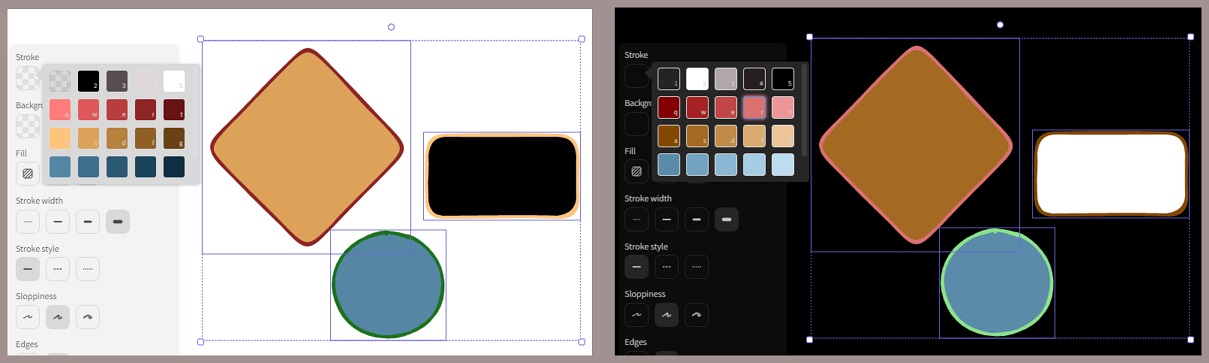
|
||||
|
||||
|
||||
|
||||
The script inverts the colors on the canvas including the color palette in Element Properties.
|
||||
|
||||
```javascript
|
||||
*/
|
||||
const defaultColorPalette = { // https://github.com/zsviczian/obsidian-excalidraw-plugin/releases/tag/1.6.8
|
||||
elementStroke:["#000000","#343a40","#495057","#c92a2a","#a61e4d","#862e9c","#5f3dc4","#364fc7","#1864ab","#0b7285","#087f5b","#2b8a3e","#5c940d","#e67700","#d9480f"],
|
||||
elementBackground:["transparent","#ced4da","#868e96","#fa5252","#e64980","#be4bdb","#7950f2","#4c6ef5","#228be6","#15aabf","#12b886","#40c057","#82c91e","#fab005","#fd7e14"],
|
||||
canvasBackground:["#ffffff","#f8f9fa","#f1f3f5","#fff5f5","#fff0f6","#f8f0fc","#f3f0ff","#edf2ff","#e7f5ff","#e3fafc","#e6fcf5","#ebfbee","#f4fce3","#fff9db","#fff4e6"]
|
||||
This script inverts all the colors in the current Excalidraw drawing. It applies the inversion to:
|
||||
1. The stroke and background colors of every element on the canvas.
|
||||
2. The main canvas background color.
|
||||
3. All colors within the user's custom color palette, handling all possible configurations (simple arrays, nested arrays, and objects).
|
||||
4. The currently selected stroke and background colors in the UI.
|
||||
|
||||
A default color palette is defined to use as a fallback if the current drawing's palette is missing or empty. // This is based on the standard Excalidraw palette from version [1.6.8.](https://github.com/zsviczian/obsidian-excalidraw-plugin/releases/tag/1.6.8)
|
||||
|
||||
You'll find a detailed description of the color palette data structure on the [Excalidraw-Obsidian Wiki](https://excalidraw-obsidian.online/wiki/color-palette)
|
||||
|
||||
```js*/
|
||||
const defaultColorPalette = {
|
||||
elementStroke: ["#000000", "#343a40", "#495057", "#c92a2a", "#a61e4d", "#862e9c", "#5f3dc4", "#364fc7", "#1864ab", "#0b7285", "#087f5b", "#2b8a3e", "#5c940d", "#e67700", "#d9480f"],
|
||||
elementBackground: ["transparent", "#ced4da", "#868e96", "#fa5252", "#e64980", "#be4bdb", "#7950f2", "#4c6ef5", "#228be6", "#15aabf", "#12b886", "#40c057", "#82c91e", "#fab005", "#fd7e14"],
|
||||
canvasBackground: ["#ffffff", "#f8f9fa", "#f1f3f5", "#fff5f5", "#fff0f6", "#f8f0fc", "#f3f0ff", "#edf2ff", "#e7f5ff", "#e3fafc", "#e6fcf5", "#ebfbee", "#f4fce3", "#fff9db", "#fff4e6"]
|
||||
};
|
||||
|
||||
// Get the Excalidraw API and the current application state.
|
||||
const api = ea.getExcalidrawAPI();
|
||||
const st = api.getAppState();
|
||||
|
||||
// Retrieve the current color palette, falling back to the default if necessary.
|
||||
let colorPalette = st.colorPalette ?? defaultColorPalette;
|
||||
if (Object.entries(colorPalette).length === 0) colorPalette = defaultColorPalette;
|
||||
if(!colorPalette.elementStroke || Object.entries(colorPalette.elementStroke).length === 0) colorPalette.elementStroke = defaultColorPalette.elementStroke;
|
||||
if(!colorPalette.elementBackground || Object.entries(colorPalette.elementBackground).length === 0) colorPalette.elementBackground = defaultColorPalette.elementBackground;
|
||||
if(!colorPalette.canvasBackground || Object.entries(colorPalette.canvasBackground).length === 0) colorPalette.canvasBackground = defaultColorPalette.canvasBackground;
|
||||
if (!colorPalette || Object.keys(colorPalette).length === 0) {
|
||||
colorPalette = defaultColorPalette;
|
||||
}
|
||||
// Ensure each key in the palette has a default value if it's missing.
|
||||
if (!colorPalette.elementStroke || colorPalette.elementStroke.length === 0) {
|
||||
colorPalette.elementStroke = defaultColorPalette.elementStroke;
|
||||
}
|
||||
if (!colorPalette.elementBackground || colorPalette.elementBackground.length === 0) {
|
||||
colorPalette.elementBackground = defaultColorPalette.elementBackground;
|
||||
}
|
||||
if (!colorPalette.canvasBackground || colorPalette.canvasBackground.length === 0) {
|
||||
colorPalette.canvasBackground = defaultColorPalette.canvasBackground;
|
||||
}
|
||||
|
||||
/**
|
||||
* Inverts a single color string by reversing its lightness value.
|
||||
* This function uses the ColorMaster utility provided by Excalidraw Automate.
|
||||
* It correctly handles various color formats (HEX, RGB, HSL) and preserves transparency.
|
||||
* @param {string} color - The color to be inverted (e.g., "#FF0000").
|
||||
* @returns {string} The inverted color string.
|
||||
*/
|
||||
const invertColor = (color) => {
|
||||
if(color.toLowerCase()==="transparent") return color;
|
||||
const cm = ea.getCM(color);
|
||||
const lightness = cm.lightness;
|
||||
cm.lightnessTo(Math.abs(lightness-100));
|
||||
switch (cm.format) {
|
||||
case "hsl": return cm.stringHSL();
|
||||
case "rgb": return cm.stringRGB();
|
||||
case "hsv": return cm.stringHSV();
|
||||
default: return cm.stringHEX({alpha: false});
|
||||
}
|
||||
}
|
||||
|
||||
function invertColorsRecursively(obj) {
|
||||
if (typeof obj === 'string') {
|
||||
return invertColor(obj);
|
||||
} else if (Array.isArray(obj)) {
|
||||
return obj.map(item => invertColorsRecursively(item));
|
||||
} else if (typeof obj === 'object' && obj !== null) {
|
||||
const result = {};
|
||||
Object.keys(obj).forEach(key => result[key] = invertColorsRecursively(obj[key]));
|
||||
return result;
|
||||
} else {
|
||||
return obj;
|
||||
const cm = ea.getCM(color);
|
||||
const opts = cm.alpha !== 1 ? { alpha: true } : { alpha: false };
|
||||
const lightness = cm.lightness;
|
||||
cm.lightnessTo(Math.abs(lightness - 100)); // Invert lightness on a 0-100 scale.
|
||||
switch (cm.format) {
|
||||
case "hsl": return cm.stringHSL(opts);
|
||||
case "rgb": return cm.stringRGB(opts);
|
||||
case "hsv": return cm.stringHSV(opts);
|
||||
default: return cm.stringHEX(opts);
|
||||
}
|
||||
}
|
||||
colorPalette = invertColorsRecursively(colorPalette);
|
||||
};
|
||||
|
||||
/**
|
||||
* Recursively traverses a color palette data structure and inverts every color string found.
|
||||
* This robustly handles all valid `colorPalette` configurations, including nested arrays
|
||||
* (`string[][]`), simple arrays (`string[]`), and objects (`topPicks`).
|
||||
* @param {any} palette - A color string, an array of colors, an array of arrays, or an object palette.
|
||||
* @returns {any} A new palette structure with all colors inverted.
|
||||
*/
|
||||
const invertPaletteStructure = (palette) => {
|
||||
if (typeof palette === 'string') {
|
||||
// Base case: If the item is a color string, invert it.
|
||||
return invertColor(palette);
|
||||
}
|
||||
if (Array.isArray(palette)) {
|
||||
// If it's an array, recursively call this function for each item.
|
||||
return palette.map(item => invertPaletteStructure(item));
|
||||
}
|
||||
if (typeof palette === 'object' && palette !== null) {
|
||||
// If it's an object, create a new object and recursively process its values.
|
||||
const newPalette = {};
|
||||
for (const key in palette) {
|
||||
if (Object.prototype.hasOwnProperty.call(palette, key)) {
|
||||
newPalette[key] = invertPaletteStructure(palette[key]);
|
||||
}
|
||||
}
|
||||
return newPalette;
|
||||
}
|
||||
// Return any other data types (like numbers or null) unchanged.
|
||||
return palette;
|
||||
};
|
||||
|
||||
// Generate the new, fully inverted color palette.
|
||||
const invertedColorPalette = invertPaletteStructure(colorPalette);
|
||||
|
||||
// Load all elements from the current view into the Excalidraw Automate workbench for editing.
|
||||
ea.copyViewElementsToEAforEditing(ea.getViewElements());
|
||||
ea.getElements().forEach(el=>{
|
||||
el.strokeColor = invertColor(el.strokeColor);
|
||||
el.backgroundColor = invertColor(el.backgroundColor);
|
||||
|
||||
// Iterate over all elements and invert their stroke and background colors.
|
||||
ea.getElements().forEach(el => {
|
||||
if (el.strokeColor) {
|
||||
el.strokeColor = invertColor(el.strokeColor);
|
||||
}
|
||||
if (el.backgroundColor) {
|
||||
el.backgroundColor = invertColor(el.backgroundColor);
|
||||
}
|
||||
});
|
||||
|
||||
// Finally, update the Excalidraw scene with the inverted elements and application state.
|
||||
ea.viewUpdateScene({
|
||||
appState:{
|
||||
colorPalette,
|
||||
viewBackgroundColor: invertColor(st.viewBackgroundColor),
|
||||
currentItemStrokeColor: invertColor(st.currentItemStrokeColor),
|
||||
currentItemBackgroundColor: invertColor(st.currentItemBackgroundColor)
|
||||
appState: {
|
||||
colorPalette: invertedColorPalette,
|
||||
viewBackgroundColor: invertColor(st.viewBackgroundColor),
|
||||
currentItemStrokeColor: invertColor(st.currentItemStrokeColor),
|
||||
currentItemBackgroundColor: invertColor(st.currentItemBackgroundColor)
|
||||
},
|
||||
elements: ea.getElements()
|
||||
elements: ea.getElements(),
|
||||
storeAction: "capture" // Ensures the change is saved and added to the undo/redo history.
|
||||
});
|
||||

@@ -1,13 +1 @@
|
||||
<svg xmlns="http://www.w3.org/2000/svg" width="24" height="24" viewBox="0 0 24 24" fill="none" stroke="currentColor" stroke-width="2" stroke-linecap="round" stroke-linejoin="round">
|
||||
<path stroke-width="2" fill="none" d="M12 16a4 4 0 1 0 0-8 4 4 0 0 0 0 8z"></path>
|
||||
<path stroke-width="2" fill="none" d="M12 8a2.828 2.828 0 1 0 4 4"></path>
|
||||
<path stroke-width="2" fill="none" d="M12 2v2"></path>
|
||||
<path stroke-width="2" fill="none" d="M12 20v2"></path>
|
||||
<path stroke-width="2" fill="none" d="m4.93 4.93 1.41 1.41"></path>
|
||||
<path stroke-width="2" fill="none" d="m17.66 17.66 1.41 1.41"></path>
|
||||
<path stroke-width="2" fill="none" d="M2 12h2"></path>
|
||||
<path stroke-width="2" fill="none" d="M20 12h2"></path>
|
||||
<path stroke-width="2" fill="none" d="m6.34 17.66-1.41 1.41"></path>
|
||||
<path stroke-width="2" fill="none" d="m19.07 4.93-1.41 1.41"></path>
|
||||
|
||||
</svg>
|
||||
<svg xmlns="http://www.w3.org/2000/svg" width="24" height="24" viewBox="0 0 24 24" fill="none" stroke="currentColor" stroke-width="2" stroke-linecap="round" stroke-linejoin="round" class="svg-icon lucide-sun-moon"><path d="M12 2v2"/><path d="M14.837 16.385a6 6 0 1 1-7.223-7.222c.624-.147.97.66.715 1.248a4 4 0 0 0 5.26 5.259c.589-.255 1.396.09 1.248.715"/><path d="M16 12a4 4 0 0 0-4-4"/><path d="m19 5-1.256 1.256"/><path d="M20 12h2"/></svg>
|
||||
|
Before Width: | Height: | Size: 865 B After Width: | Height: | Size: 444 B |

@@ -1 +1 @@
|
||||
<svg xmlns="http://www.w3.org/2000/svg" viewBox="50 -20 600 600"><path d="M350 0c-74.262 0-145.48 29.5-197.99 82.012a279.995 279.995 0 0 0 0 395.98 279.995 279.995 0 0 0 395.98 0 279.995 279.995 0 0 0 0-395.98A279.992 279.992 0 0 0 350 0zm140 324.8H210v-89.602h280z"/></svg>
|
||||
<svg xmlns="http://www.w3.org/2000/svg" width="24" height="24" viewBox="0 0 24 24" fill="none" stroke="currentColor" stroke-width="2" stroke-linecap="round" stroke-linejoin="round" class="svg-icon lucide-sun"><circle cx="12" cy="12" r="4"/><path d="M12 2v2"/><path d="M12 20v2"/><path d="m4.93 4.93 1.41 1.41"/><path d="m17.66 17.66 1.41 1.41"/><path d="M2 12h2"/><path d="M20 12h2"/><path d="m6.34 17.66-1.41 1.41"/><path d="m19.07 4.93-1.41 1.41"/></svg>
|
||||
|
Before Width: | Height: | Size: 274 B After Width: | Height: | Size: 456 B |
@@ -0,0 +1,209 @@
|
||||
/*
|
||||
|
||||
This script generates a linear (horizontal) calendar for a specified year, with days flowing left to right and months as rows.
|
||||
|
||||
|
||||
|
||||
## Features
|
||||
- Horizontal timeline layout with days of the week as columns
|
||||
- Month names displayed on both left and right sides
|
||||
- Weekend days (Saturday & Sunday) highlighted
|
||||
- Day-of-week headers at top and bottom
|
||||
|
||||
## Customizable Colors
|
||||
|
||||
You can personalize the calendar's appearance by defining your own colors:
|
||||
|
||||
1. Create two rectangles in your design.
|
||||
2. Select both rectangles before running the script:
|
||||
• The **fill and stroke colors of the first rectangle** will be applied to weekdays.
|
||||
• The **fill and stroke colors of the second rectangle** will be used for weekends.
|
||||
|
||||
If no rectangles are selected, the default color schema will be used (white and light blue-gray for weekends).
|
||||
|
||||
```javascript
|
||||
*/
|
||||
|
||||
// -------------------------------------
|
||||
// Constants initiation
|
||||
// -------------------------------------
|
||||
|
||||
const CELL_WIDTH = 176; // Width of each day cell
|
||||
const CELL_HEIGHT = 288; // Height of each day cell
|
||||
const START_X = 0; // X start position
|
||||
const START_Y = 0; // Y start position
|
||||
const ROW_SPACING = 32; // Space between month rows
|
||||
const MONTH_LABEL_WIDTH = 240; // Space for month labels on sides
|
||||
|
||||
// Colors
|
||||
let COLOR_WEEKEND = "#e8eaed";
|
||||
let COLOR_WEEKDAY = "#ffffff";
|
||||
let COLOR_TEXT = "#000000";
|
||||
let COLOR_WEEKEND_TEXT = "#000000";
|
||||
let COLOR_HEADER_TEXT = "#000000";
|
||||
const COLOR_STROKE = "#d0d4db";
|
||||
let STROKE_WIDTH = 1;
|
||||
let FILLSTYLE = "solid";
|
||||
const ROUGHNESS = 0; // 0 = Architect, 1 = Artist, 2 = Cartoonist
|
||||
const FONT_FAMILY = 3; // 1 = Virgil, 2 = Helvetica, 3 = Cascadia (code), 4 = Little One
|
||||
|
||||
// Font sizes
|
||||
const FONT_SIZE_DAY = 56;
|
||||
const FONT_SIZE_HEADER = 48;
|
||||
const FONT_SIZE_MONTH = 64;
|
||||
const FONT_SIZE_YEAR = 112;
|
||||
|
||||
// Day constants
|
||||
const SATURDAY = 6;
|
||||
const SUNDAY = 0;
|
||||
const JANUARY = 0;
|
||||
const FIRST_DAY_OF_THE_MONTH = 1;
|
||||
|
||||
// Day names (short)
|
||||
const DAY_NAMES = ["Su", "Mo", "Tu", "We", "Th", "Fr", "Sa"];
|
||||
|
||||
// Month names (short)
|
||||
const MONTH_NAMES = ["Jan", "Feb", "Mar", "Apr", "May", "Jun", "Jul", "Aug", "Sep", "Oct", "Nov", "Dec"];
|
||||
|
||||
// Number of day columns needed (max 37 to cover all possible month alignments: 6 days offset + 31 days)
|
||||
const NUM_COLUMNS = 37;
|
||||
|
||||
// -------------------------------------
|
||||
|
||||
// Ask for requested Year
|
||||
let requestedYear = parseFloat(new Date().getFullYear());
|
||||
requestedYear = parseFloat(await utils.inputPrompt("Year?", requestedYear, requestedYear));
|
||||
if (isNaN(requestedYear)) {
|
||||
new Notice("Invalid number");
|
||||
return;
|
||||
}
|
||||
|
||||
// -------------------------------------
|
||||
// Use selected elements for calendar style
|
||||
// -------------------------------------
|
||||
|
||||
let elements = ea.getViewSelectedElements();
|
||||
if (elements.length >= 1) {
|
||||
COLOR_WEEKDAY = elements[0].backgroundColor;
|
||||
FILLSTYLE = elements[0].fillStyle;
|
||||
STROKE_WIDTH = elements[0].strokeWidth;
|
||||
}
|
||||
if (elements.length >= 2) {
|
||||
COLOR_WEEKEND = elements[1].backgroundColor;
|
||||
}
|
||||
|
||||
// -------------------------------------
|
||||
// Helper function to get days in a month
|
||||
// -------------------------------------
|
||||
|
||||
function getDaysInMonth(year, month) {
|
||||
return new Date(year, month + 1, 0).getDate();
|
||||
}
|
||||
|
||||
// -------------------------------------
|
||||
// Helper function to get the day of week for first day of month
|
||||
// -------------------------------------
|
||||
|
||||
function getFirstDayOfMonth(year, month) {
|
||||
return new Date(year, month, 1).getDay();
|
||||
}
|
||||
|
||||
// -------------------------------------
|
||||
// Draw day-of-week headers
|
||||
// -------------------------------------
|
||||
|
||||
function drawDayHeaders(yPosition) {
|
||||
ea.style.fontSize = FONT_SIZE_HEADER;
|
||||
ea.style.strokeColor = COLOR_TEXT;
|
||||
ea.style.fontFamily = FONT_FAMILY;
|
||||
|
||||
for (let col = 0; col < NUM_COLUMNS; col++) {
|
||||
const dayIndex = col % 7;
|
||||
const x = START_X + MONTH_LABEL_WIDTH + (col * CELL_WIDTH);
|
||||
|
||||
// Center the text in the cell (approximate width of 2 chars)
|
||||
const textX = x + (CELL_WIDTH / 2) - (FONT_SIZE_HEADER * 0.6);
|
||||
ea.addText(textX, yPosition, DAY_NAMES[dayIndex]);
|
||||
}
|
||||
}
|
||||
|
||||
// -------------------------------------
|
||||
// Draw month row
|
||||
// -------------------------------------
|
||||
|
||||
function drawMonthRow(year, month, rowIndex) {
|
||||
const daysInMonth = getDaysInMonth(year, month);
|
||||
const firstDayOfWeek = getFirstDayOfMonth(year, month);
|
||||
const y = START_Y + 160 + (rowIndex * (CELL_HEIGHT + ROW_SPACING));
|
||||
|
||||
// Draw month label on the left
|
||||
ea.style.fontSize = FONT_SIZE_MONTH;
|
||||
ea.style.strokeColor = COLOR_TEXT;
|
||||
ea.style.fontFamily = FONT_FAMILY;
|
||||
const monthLabelY = y + (CELL_HEIGHT / 2) - (FONT_SIZE_MONTH / 2);
|
||||
ea.addText(START_X, monthLabelY, MONTH_NAMES[month]);
|
||||
|
||||
// Draw day cells
|
||||
for (let day = 1; day <= daysInMonth; day++) {
|
||||
const date = new Date(year, month, day);
|
||||
const dayOfWeek = date.getDay();
|
||||
const col = firstDayOfWeek + day - 1; // Column position based on day of week alignment
|
||||
|
||||
const x = START_X + MONTH_LABEL_WIDTH + (col * CELL_WIDTH);
|
||||
const isWeekend = dayOfWeek === SATURDAY || dayOfWeek === SUNDAY;
|
||||
|
||||
// Set cell style
|
||||
ea.style.backgroundColor = isWeekend ? COLOR_WEEKEND : COLOR_WEEKDAY;
|
||||
ea.style.strokeColor = COLOR_STROKE;
|
||||
ea.style.strokeWidth = STROKE_WIDTH;
|
||||
ea.style.fillStyle = FILLSTYLE;
|
||||
ea.style.roughness = ROUGHNESS;
|
||||
|
||||
// Draw cell rectangle
|
||||
ea.addRect(x, y, CELL_WIDTH, CELL_HEIGHT);
|
||||
|
||||
// Draw day number
|
||||
ea.style.fontSize = FONT_SIZE_DAY;
|
||||
ea.style.strokeColor = COLOR_TEXT;
|
||||
ea.style.fontFamily = FONT_FAMILY;
|
||||
|
||||
// Position the day number at top center of the cell
|
||||
const dayStr = String(day).padStart(2, "0");
|
||||
const charWidth = FONT_SIZE_DAY * 0.6; // Approximate character width
|
||||
const textWidth = dayStr.length * charWidth;
|
||||
const textX = x + (CELL_WIDTH - textWidth) / 2;
|
||||
const textY = y + 32; // 32px padding from top
|
||||
ea.addText(textX, textY, dayStr);
|
||||
}
|
||||
|
||||
// Draw month label on the right
|
||||
ea.style.fontSize = FONT_SIZE_MONTH;
|
||||
ea.style.strokeColor = COLOR_TEXT;
|
||||
const rightLabelX = START_X + MONTH_LABEL_WIDTH + (NUM_COLUMNS * CELL_WIDTH) + 60;
|
||||
ea.addText(rightLabelX, monthLabelY, MONTH_NAMES[month]);
|
||||
}
|
||||
|
||||
// -------------------------------------
|
||||
// Main calendar generation
|
||||
// -------------------------------------
|
||||
|
||||
// Draw year title (centered above calendar)
|
||||
ea.style.fontSize = FONT_SIZE_YEAR;
|
||||
ea.style.strokeColor = COLOR_TEXT;
|
||||
ea.style.fontFamily = FONT_FAMILY;
|
||||
const yearX = START_X + MONTH_LABEL_WIDTH + ((NUM_COLUMNS * CELL_WIDTH) / 2) - 120;
|
||||
ea.addText(yearX, START_Y - 200, String(requestedYear));
|
||||
|
||||
// Draw top day-of-week headers
|
||||
drawDayHeaders(START_Y);
|
||||
|
||||
// Draw all 12 months
|
||||
for (let month = 0; month < 12; month++) {
|
||||
drawMonthRow(requestedYear, month, month);
|
||||
}
|
||||
|
||||
// Draw bottom day-of-week headers
|
||||
const bottomHeaderY = START_Y + 160 + (12 * (CELL_HEIGHT + ROW_SPACING)) + 40;
|
||||
drawDayHeaders(bottomHeaderY);
|
||||
|
||||
await ea.addElementsToView(false, false, true);
|
||||

@@ -0,0 +1 @@
|
||||
<svg xmlns="http://www.w3.org/2000/svg" width="24" height="24" viewBox="0 0 24 24" fill="none" stroke="currentColor" stroke-width="2" stroke-linecap="round" stroke-linejoin="round" class="svg-icon lucide-calendar-days"><path d="M8 2v4"/><path d="M16 2v4"/><rect width="18" height="18" x="3" y="4" rx="2"/><path d="M3 10h18"/><path d="M8 14h.01"/><path d="M12 14h.01"/><path d="M16 14h.01"/><path d="M8 18h.01"/><path d="M12 18h.01"/><path d="M16 18h.01"/></svg>
|
||||
|
After Width: | Height: | Size: 461 B |
@@ -0,0 +1,3 @@
|
||||
/*
|
||||
Because of misleading code scanner results that incorrectly pick up the mindmap MindMap Builder.js script as a potential security risk due to "hard coded" :) URLs - yes, in the comments explaining how to use the script - I have decided to move the script to a separate file. I will not add the link here, becuase it will be picked up by scanners: look for "MindMap Builder.js.md" in the repo. Sorry for the inconvenience, but I want to ensure that false positives do not cause unnecessary alarm, and do not undermine the trust in the plugin that I have built with care and dedication.
|
||||
*/
|
||||

@@ -0,0 +1 @@
|
||||
<svg xmlns="http://www.w3.org/2000/svg" width="24" height="24" viewBox="0 0 24 24" fill="none" stroke="currentColor" stroke-width="2" stroke-linecap="round" stroke-linejoin="round" class="svg-icon lucide-map-plus"><path d="m11 19-1.106-.552a2 2 0 0 0-1.788 0l-3.659 1.83A1 1 0 0 1 3 19.381V6.618a1 1 0 0 1 .553-.894l4.553-2.277a2 2 0 0 1 1.788 0l4.212 2.106a2 2 0 0 0 1.788 0l3.659-1.83A1 1 0 0 1 21 4.619V12"/><path d="M15 5.764V12"/><path d="M18 15v6"/><path d="M21 18h-6"/><path d="M9 3.236v15"/></svg>
|
||||
|
After Width: | Height: | Size: 505 B |

@@ -1,17 +1,2 @@
|
||||
<svg version="1.1" xmlns="http://www.w3.org/2000/svg" viewBox="0 0 297.0049715909092 210.33238636363632" width="297.0049715909092" height="210.33238636363632">
|
||||
<!-- svg-source:excalidraw -->
|
||||
|
||||
<defs>
|
||||
<style class="style-fonts">
|
||||
@font-face {
|
||||
font-family: "Virgil";
|
||||
src: url("https://excalidraw.com/Virgil.woff2");
|
||||
}
|
||||
@font-face {
|
||||
font-family: "Cascadia";
|
||||
src: url("https://excalidraw.com/Cascadia.woff2");
|
||||
}
|
||||
</style>
|
||||
|
||||
</defs>
|
||||
<rect x="0" y="0" width="297.0049715909092" height="210.33238636363632" fill="#ffffff"></rect><g transform="translate(120.73437500000006 90.6171875) rotate(0 -55.24325284090909 -43.80859375)" stroke="none"><path d="M -14.07,7.96 Q -14.07,7.96 -15.48,4.09 -16.89,0.22 -18.99,-3.55 -21.09,-7.33 -24.13,-12.89 -27.17,-18.45 -30.14,-24.36 -33.10,-30.28 -35.37,-34.93 -37.64,-39.59 -40.51,-44.80 -43.37,-50.02 -46.11,-53.71 -48.86,-57.40 -52.16,-60.58 -55.46,-63.76 -60.35,-67.14 -65.24,-70.53 -69.99,-72.77 -74.74,-75.00 -80.08,-76.54 -85.41,-78.08 -91.27,-78.91 -97.12,-79.74 -103.29,-80.06 -109.47,-80.38 -110.38,-80.46 -111.29,-80.55 -112.12,-80.91 -112.96,-81.28 -113.64,-81.90 -114.31,-82.52 -114.76,-83.32 -115.20,-84.12 -115.36,-85.02 -115.53,-85.92 -115.40,-86.82 -115.27,-87.73 -114.85,-88.54 -114.44,-89.36 -113.79,-90.00 -113.13,-90.64 -112.31,-91.04 -111.49,-91.44 -110.58,-91.55 -109.67,-91.67 -108.78,-91.49 -107.88,-91.31 -107.09,-90.85 -106.30,-90.39 -105.69,-89.71 -105.09,-89.02 -104.73,-88.18 -104.38,-87.34 -104.31,-86.42 -104.25,-85.51 -104.47,-84.63 -104.70,-83.74 -105.20,-82.97 -105.70,-82.21 -106.42,-81.64 -107.14,-81.07 -108.00,-80.77 -108.86,-80.46 -109.77,-80.44 -110.69,-80.43 -111.56,-80.70 -112.43,-80.98 -113.17,-81.52 -113.91,-82.06 -114.44,-82.81 -114.96,-83.55 -115.22,-84.43 -115.48,-85.31 -115.45,-86.22 -115.42,-87.13 -115.09,-87.99 -114.77,-88.84 -114.19,-89.55 -113.61,-90.26 -112.84,-90.75 -112.06,-91.23 -111.17,-91.44 -110.28,-91.66 -110.29,-91.66 -110.29,-91.66 -104.12,-93.28 -97.96,-94.90 -91.98,-95.45 -85.99,-96.00 -81.46,-95.64 -76.92,-95.29 -68.61,-93.08 -60.30,-90.88 -54.63,-88.23 -48.96,-85.58 -45.26,-83.31 -41.56,-81.05 -36.47,-77.03 -31.37,-73.00 -27.42,-68.77 -23.47,-64.54 -19.02,-58.37 -14.56,-52.20 -11.80,-47.74 -9.05,-43.29 -5.96,-38.13 -2.87,-32.97 0.60,-27.54 4.09,-22.12 6.49,-18.24 8.89,-14.36 11.48,-11.16 14.07,-7.96 14.81,-6.16 15.56,-4.36 15.86,-2.43 16.15,-0.51 15.98,1.43 15.81,3.37 15.17,5.21 14.54,7.05 13.48,8.69 12.43,10.33 11.01,11.67 9.59,13.00 7.90,13.96 6.20,14.92 4.33,15.45 2.45,15.98 0.50,16.04 -1.44,16.10 -3.34,15.69 -5.25,15.29 -7.00,14.43 -8.76,13.58 -10.25,12.34 -11.75,11.09 -12.91,9.52 -14.07,7.96 -14.07,7.96 L -14.07,7.96 Z"></path></g><g transform="translate(164.26775568181824 144.2109375) rotate(0 61.39737215909091 31.56072443181816)" stroke="none"><path d="M 15.66,-4.01 Q 15.66,-4.01 16.13,-0.20 16.61,3.60 17.59,8.51 18.58,13.41 19.95,17.45 21.33,21.49 24.37,24.74 27.42,27.99 31.19,30.37 34.96,32.74 39.20,35.13 43.45,37.52 48.43,39.69 53.42,41.86 58.89,43.75 64.36,45.65 70.65,46.93 76.94,48.20 82.07,49.37 87.20,50.54 94.31,51.57 101.42,52.61 105.80,53.22 110.19,53.84 116.30,55.50 122.42,57.17 123.33,57.43 124.24,57.70 125.02,58.24 125.80,58.78 126.36,59.54 126.93,60.30 127.22,61.20 127.51,62.11 127.50,63.05 127.49,64.00 127.18,64.90 126.86,65.79 126.28,66.54 125.70,67.29 124.91,67.81 124.12,68.33 123.20,68.58 122.29,68.82 121.34,68.76 120.39,68.69 119.52,68.33 118.64,67.97 117.93,67.35 117.21,66.73 116.73,65.91 116.25,65.09 116.06,64.16 115.87,63.24 115.98,62.30 116.09,61.35 116.50,60.50 116.91,59.64 117.57,58.96 118.23,58.28 119.07,57.85 119.91,57.41 120.85,57.27 121.79,57.13 122.72,57.29 123.66,57.46 124.49,57.91 125.32,58.37 125.96,59.06 126.61,59.76 127.00,60.62 127.38,61.49 127.47,62.43 127.57,63.37 127.35,64.30 127.14,65.22 126.64,66.03 126.14,66.83 125.41,67.44 124.68,68.04 123.80,68.38 122.91,68.72 121.96,68.76 121.02,68.80 121.02,68.80 121.02,68.80 115.03,68.92 109.04,69.04 104.35,68.97 99.66,68.90 91.93,68.33 84.21,67.77 79.05,67.15 73.88,66.53 66.31,65.49 58.74,64.46 52.36,62.80 45.98,61.14 39.86,59.02 33.75,56.90 28.77,54.67 23.78,52.44 16.02,48.05 8.26,43.66 4.11,40.01 -0.02,36.37 -2.76,32.84 -5.49,29.32 -7.53,25.15 -9.57,20.98 -11.19,16.07 -12.82,11.16 -14.24,7.58 -15.66,4.01 -15.91,2.08 -16.16,0.15 -15.95,-1.78 -15.73,-3.72 -15.05,-5.54 -14.38,-7.37 -13.29,-8.99 -12.20,-10.60 -10.75,-11.91 -9.30,-13.21 -7.59,-14.14 -5.87,-15.06 -3.98,-15.54 -2.09,-16.03 -0.15,-16.04 1.79,-16.06 3.69,-15.61 5.59,-15.17 7.32,-14.28 9.05,-13.39 10.53,-12.11 12.00,-10.83 13.12,-9.24 14.24,-7.64 14.95,-5.83 15.66,-4.01 15.66,-4.01 L 15.66,-4.01 Z"></path></g><g transform="translate(162.112215909091 97.65198863636371) rotate(0 65.9463778409091 -9.367897727272734)" stroke="none"><path d="M -11.89,-13.03 Q -11.89,-13.03 -9.71,-14.43 -7.53,-15.83 -3.76,-18.75 0.00,-21.67 4.98,-23.33 9.95,-24.99 15.49,-25.40 21.03,-25.81 25.86,-26.38 30.69,-26.94 36.72,-27.29 42.74,-27.64 50.18,-27.53 57.63,-27.43 63.68,-27.17 69.73,-26.92 76.87,-26.79 84.00,-26.67 89.62,-26.12 95.24,-25.57 100.83,-24.77 106.42,-23.98 111.10,-23.39 115.77,-22.79 120.60,-22.26 125.43,-21.72 128.49,-20.87 131.56,-20.02 132.45,-19.88 133.35,-19.73 134.15,-19.31 134.95,-18.88 135.57,-18.22 136.19,-17.56 136.57,-16.74 136.95,-15.92 137.05,-15.02 137.15,-14.12 136.95,-13.24 136.76,-12.35 136.29,-11.57 135.82,-10.80 135.13,-10.21 134.44,-9.63 133.60,-9.29 132.76,-8.96 131.85,-8.91 130.95,-8.86 130.08,-9Line truncated
|
||||
<svg xmlns="http://www.w3.org/2000/svg" viewBox="0 0 297.0049715909092 210.33238636363632" width="297.0049715909092" height="210.33238636363632">
|
||||
<g transform="translate(120.73437500000006 90.6171875) rotate(0 -55.24325284090909 -43.80859375)" stroke="none"><path d="M -14.07,7.96 Q -14.07,7.96 -15.48,4.09 -16.89,0.22 -18.99,-3.55 -21.09,-7.33 -24.13,-12.89 -27.17,-18.45 -30.14,-24.36 -33.10,-30.28 -35.37,-34.93 -37.64,-39.59 -40.51,-44.80 -43.37,-50.02 -46.11,-53.71 -48.86,-57.40 -52.16,-60.58 -55.46,-63.76 -60.35,-67.14 -65.24,-70.53 -69.99,-72.77 -74.74,-75.00 -80.08,-76.54 -85.41,-78.08 -91.27,-78.91 -97.12,-79.74 -103.29,-80.06 -109.47,-80.38 -110.38,-80.46 -111.29,-80.55 -112.12,-80.91 -112.96,-81.28 -113.64,-81.90 -114.31,-82.52 -114.76,-83.32 -115.20,-84.12 -115.36,-85.02 -115.53,-85.92 -115.40,-86.82 -115.27,-87.73 -114.85,-88.54 -114.44,-89.36 -113.79,-90.00 -113.13,-90.64 -112.31,-91.04 -111.49,-91.44 -110.58,-91.55 -109.67,-91.67 -108.78,-91.49 -107.88,-91.31 -107.09,-90.85 -106.30,-90.39 -105.69,-89.71 -105.09,-89.02 -104.73,-88.18 -104.38,-87.34 -104.31,-86.42 -104.25,-85.51 -104.47,-84.63 -104.70,-83.74 -105.20,-82.97 -105.70,-82.21 -106.42,-81.64 -107.14,-81.07 -108.00,-80.77 -108.86,-80.46 -109.77,-80.44 -110.69,-80.43 -111.56,-80.70 -112.43,-80.98 -113.17,-81.52 -113.91,-82.06 -114.44,-82.81 -114.96,-83.55 -115.22,-84.43 -115.48,-85.31 -115.45,-86.22 -115.42,-87.13 -115.09,-87.99 -114.77,-88.84 -114.19,-89.55 -113.61,-90.26 -112.84,-90.75 -112.06,-91.23 -111.17,-91.44 -110.28,-91.66 -110.29,-91.66 -110.29,-91.66 -104.12,-93.28 -97.96,-94.90 -91.98,-95.45 -85.99,-96.00 -81.46,-95.64 -76.92,-95.29 -68.61,-93.08 -60.30,-90.88 -54.63,-88.23 -48.96,-85.58 -45.26,-83.31 -41.56,-81.05 -36.47,-77.03 -31.37,-73.00 -27.42,-68.77 -23.47,-64.54 -19.02,-58.37 -14.56,-52.20 -11.80,-47.74 -9.05,-43.29 -5.96,-38.13 -2.87,-32.97 0.60,-27.54 4.09,-22.12 6.49,-18.24 8.89,-14.36 11.48,-11.16 14.07,-7.96 14.81,-6.16 15.56,-4.36 15.86,-2.43 16.15,-0.51 15.98,1.43 15.81,3.37 15.17,5.21 14.54,7.05 13.48,8.69 12.43,10.33 11.01,11.67 9.59,13.00 7.90,13.96 6.20,14.92 4.33,15.45 2.45,15.98 0.50,16.04 -1.44,16.10 -3.34,15.69 -5.25,15.29 -7.00,14.43 -8.76,13.58 -10.25,12.34 -11.75,11.09 -12.91,9.52 -14.07,7.96 -14.07,7.96 L -14.07,7.96 Z"></path></g><g transform="translate(164.26775568181824 144.2109375) rotate(0 61.39737215909091 31.56072443181816)" stroke="none"><path d="M 15.66,-4.01 Q 15.66,-4.01 16.13,-0.20 16.61,3.60 17.59,8.51 18.58,13.41 19.95,17.45 21.33,21.49 24.37,24.74 27.42,27.99 31.19,30.37 34.96,32.74 39.20,35.13 43.45,37.52 48.43,39.69 53.42,41.86 58.89,43.75 64.36,45.65 70.65,46.93 76.94,48.20 82.07,49.37 87.20,50.54 94.31,51.57 101.42,52.61 105.80,53.22 110.19,53.84 116.30,55.50 122.42,57.17 123.33,57.43 124.24,57.70 125.02,58.24 125.80,58.78 126.36,59.54 126.93,60.30 127.22,61.20 127.51,62.11 127.50,63.05 127.49,64.00 127.18,64.90 126.86,65.79 126.28,66.54 125.70,67.29 124.91,67.81 124.12,68.33 123.20,68.58 122.29,68.82 121.34,68.76 120.39,68.69 119.52,68.33 118.64,67.97 117.93,67.35 117.21,66.73 116.73,65.91 116.25,65.09 116.06,64.16 115.87,63.24 115.98,62.30 116.09,61.35 116.50,60.50 116.91,59.64 117.57,58.96 118.23,58.28 119.07,57.85 119.91,57.41 120.85,57.27 121.79,57.13 122.72,57.29 123.66,57.46 124.49,57.91 125.32,58.37 125.96,59.06 126.61,59.76 127.00,60.62 127.38,61.49 127.47,62.43 127.57,63.37 127.35,64.30 127.14,65.22 126.64,66.03 126.14,66.83 125.41,67.44 124.68,68.04 123.80,68.38 122.91,68.72 121.96,68.76 121.02,68.80 121.02,68.80 121.02,68.80 115.03,68.92 109.04,69.04 104.35,68.97 99.66,68.90 91.93,68.33 84.21,67.77 79.05,67.15 73.88,66.53 66.31,65.49 58.74,64.46 52.36,62.80 45.98,61.14 39.86,59.02 33.75,56.90 28.77,54.67 23.78,52.44 16.02,48.05 8.26,43.66 4.11,40.01 -0.02,36.37 -2.76,32.84 -5.49,29.32 -7.53,25.15 -9.57,20.98 -11.19,16.07 -12.82,11.16 -14.24,7.58 -15.66,4.01 -15.91,2.08 -16.16,0.15 -15.95,-1.78 -15.73,-3.72 -15.05,-5.54 -14.38,-7.37 -13.29,-8.99 -12.20,-10.60 -10.75,-11.91 -9.30,-13.21 -7.59,-14.14 -5.87,-15.06 -3.98,-15.54 -2.09,-16.03 -0.15,-16.04 1.79,-16.06 3.69,-15.61 5.59,-15.17 7.32,-14.28 9.05,-13.39 10.53,-12.11 12.00,-10.83 13.12,-9.24 14.24,-7.64 14.95,-5.83 15.66,-4.01 15.66,-4.01 L 15.66,-4.01 Z"></path></g><g transform="translate(162.112215909091 97.65198863636371) rotate(0 65.9463778409091 -9.367897727272734)" stroke="none"><path d="M -11.89,-13.03 Q -11.89,-13.03 -9.71,-14.43 -7.53,-15.83 -3.76,-18.75 0.00,-21.67 4.98,-23.33 9.95,-24.99 15.49,-25.40 21.03,-25.81 25.86,-26.38 30.69,-26.94 36.72,-27.29 42.74,-27.64 50.18,-27.53 57.63,-27.43 63.68,-27.17 69.73,-26.92 76.87,-26.79 84.00,-26.67 89.62,-26.12 95.24,-25.57 100.83,-24.77 106.42,-23.98 111.10,-23.39 115.77,-22.79 120.60,-22.26 125.43,-21.72 128.49,-20.87 131.56,-20.02 132.45,-19.88 133.35,-19.73 134.15,-19.31 134.95,-18.88 135.57,-18.22 136.19,-17.56 136.57,-16.74 136.95,-15.92 137.05,-15.02 137.15,-14.12 136.95,-13.24 136.76,-12.35 136.29,-11.57 135.82,-10.80 135.13,-10.21 134.44,-9.63 133.60,-9.29 132.76,-8.96 131.85,-8.91 130.95,-8.86 130.08,-9.10 129.20,-9.35 128.46,-9.85 127.71,-10.36 127.16,-11.08 126.61,-11.81 126.32,-12.66 126.03,-13Line truncated
|
||||
|
Before Width: | Height: | Size: 9.6 KiB After Width: | Height: | Size: 9.1 KiB |
@@ -1,8 +1,7 @@
|
||||
/*
|
||||
Copies the text from the selected PDF page on the Excalidraw canvas to the clipboard.
|
||||
|
||||
<iframe width="560" height="315" src="https://www.youtube.com/embed/Kwt_8WdOUT4" title="YouTube video player" frameborder="0" allow="accelerometer; autoplay; clipboard-write; encrypted-media; gyroscope; picture-in-picture" allowfullscreen></iframe>
|
||||
Link:: https://youtu.be/Kwt_8WdOUT4
|
||||
<a href="https://www.youtube.com/watch?v=Kwt_8WdOUT4" target="_blank"><img src ="https://i.ytimg.com/vi/Kwt_8WdOUT4/maxresdefault.jpg" style="width:560px;"></a>
|
||||
|
||||
|
||||
```js*/
|
||||
|
||||

@@ -1 +1 @@
|
||||
<svg xmlns="http://www.w3.org/2000/svg" viewBox="0 0 384 512"><!--! Font Awesome Pro 6.4.0 by @fontawesome - https://fontawesome.com License - https://fontawesome.com/license (Commercial License) Copyright 2023 Fonticons, Inc. --><path d="M64 0C28.7 0 0 28.7 0 64V448c0 35.3 28.7 64 64 64H320c35.3 0 64-28.7 64-64V160H256c-17.7 0-32-14.3-32-32V0H64zM256 0V128H384L256 0zM112 256H272c8.8 0 16 7.2 16 16s-7.2 16-16 16H112c-8.8 0-16-7.2-16-16s7.2-16 16-16zm0 64H272c8.8 0 16 7.2 16 16s-7.2 16-16 16H112c-8.8 0-16-7.2-16-16s7.2-16 16-16zm0 64H272c8.8 0 16 7.2 16 16s-7.2 16-16 16H112c-8.8 0-16-7.2-16-16s7.2-16 16-16z"/></svg>
|
||||
<svg xmlns="http://www.w3.org/2000/svg" width="24" height="24" viewBox="0 0 24 24" fill="none" stroke="currentColor" stroke-width="2" stroke-linecap="round" stroke-linejoin="round" class="svg-icon lucide-file-text"><path d="M6 22a2 2 0 0 1-2-2V4a2 2 0 0 1 2-2h8a2.4 2.4 0 0 1 1.704.706l3.588 3.588A2.4 2.4 0 0 1 20 8v12a2 2 0 0 1-2 2z"/><path d="M14 2v5a1 1 0 0 0 1 1h5"/><path d="M10 9H8"/><path d="M16 13H8"/><path d="M16 17H8"/></svg>
|
||||
|
Before Width: | Height: | Size: 622 B After Width: | Height: | Size: 437 B |
@@ -1,11 +1,8 @@
|
||||
/*
|
||||
|
||||
<a href="https://www.youtube.com/watch?v=epYNx2FSf2w" target="_blank"><img src ="https://i.ytimg.com/vi/epYNx2FSf2w/maxresdefault.jpg" style="width:560px;"></a>
|
||||
|
||||
<iframe width="560" height="315" src="https://www.youtube.com/embed/epYNx2FSf2w" title="YouTube video player" frameborder="0" allow="accelerometer; autoplay; clipboard-write; encrypted-media; gyroscope; picture-in-picture" allowfullscreen></iframe>
|
||||
Link:: https://youtu.be/epYNx2FSf2w
|
||||
|
||||
<iframe width="560" height="315" src="https://www.youtube.com/embed/diBT5iaoAYo" title="YouTube video player" frameborder="0" allow="accelerometer; autoplay; clipboard-write; encrypted-media; gyroscope; picture-in-picture" allowfullscreen></iframe>
|
||||
Link:: https://youtu.be/diBT5iaoAYo
|
||||
<a href="https://www.youtube.com/watch?v=diBT5iaoAYo" target="_blank"><img src ="https://i.ytimg.com/vi/diBT5iaoAYo/maxresdefault.jpg" style="width:560px;"></a>
|
||||
|
||||
Design your palette at http://paletton.com/
|
||||
Once you are happy with your colors, click Tables/Export in the bottom right of the screen:
|
||||
|
||||

@@ -1 +1 @@
|
||||
<svg xmlns="http://www.w3.org/2000/svg" viewBox="0 0 512 512"><!--! Font Awesome Pro 6.1.1 by @fontawesome - https://fontawesome.com License - https://fontawesome.com/license (Commercial License) Copyright 2022 Fonticons, Inc. --><path d="M512 255.1C512 256.9 511.1 257.8 511.1 258.7C511.6 295.2 478.4 319.1 441.9 319.1H344C317.5 319.1 296 341.5 296 368C296 371.4 296.4 374.7 297 377.9C299.2 388.1 303.5 397.1 307.9 407.8C313.9 421.6 320 435.3 320 449.8C320 481.7 298.4 510.5 266.6 511.8C263.1 511.9 259.5 512 256 512C114.6 512 0 397.4 0 256C0 114.6 114.6 0 256 0C397.4 0 512 114.6 512 256V255.1zM96 255.1C78.33 255.1 64 270.3 64 287.1C64 305.7 78.33 319.1 96 319.1C113.7 319.1 128 305.7 128 287.1C128 270.3 113.7 255.1 96 255.1zM128 191.1C145.7 191.1 160 177.7 160 159.1C160 142.3 145.7 127.1 128 127.1C110.3 127.1 96 142.3 96 159.1C96 177.7 110.3 191.1 128 191.1zM256 63.1C238.3 63.1 224 78.33 224 95.1C224 113.7 238.3 127.1 256 127.1C273.7 127.1 288 113.7 288 95.1C288 78.33 273.7 63.1 256 63.1zM384 191.1C401.7 191.1 416 177.7 416 159.1C416 142.3 401.7 127.1 384 127.1C366.3 127.1 352 142.3 352 159.1C352 177.7 366.3 191.1 384 191.1z"/></svg>
|
||||
<svg xmlns="http://www.w3.org/2000/svg" width="24" height="24" viewBox="0 0 24 24" fill="none" stroke="currentColor" stroke-width="2" stroke-linecap="round" stroke-linejoin="round" class="svg-icon lucide-palette"><path d="M12 22a1 1 0 0 1 0-20 10 9 0 0 1 10 9 5 5 0 0 1-5 5h-2.25a1.75 1.75 0 0 0-1.4 2.8l.3.4a1.75 1.75 0 0 1-1.4 2.8z"/><circle cx="13.5" cy="6.5" r=".5" fill="currentColor"/><circle cx="17.5" cy="10.5" r=".5" fill="currentColor"/><circle cx="6.5" cy="12.5" r=".5" fill="currentColor"/><circle cx="8.5" cy="7.5" r=".5" fill="currentColor"/></svg>
|
||||
|
Before Width: | Height: | Size: 1.1 KiB After Width: | Height: | Size: 562 B |
@@ -0,0 +1,244 @@
|
||||
/*
|
||||
Palm Guard: A mobile-friendly drawing mode for Excalidraw that prevents accidental palm touches by hiding UI controls and entering fullscreen mode. Perfect for drawing with a stylus on tablets.
|
||||
|
||||
Features:
|
||||
- Enters fullscreen to maximize drawing space (configurable in plugin script settings)
|
||||
- Hides all UI controls to prevent accidental taps
|
||||
- Provides a minimal floating toolbar with toggle visibility button
|
||||
- Enables a completely distraction-free canvas even on desktop devices by hiding the main toolbar and all chrome while keeping a tiny movable toggle control (addresses immersive canvas / beyond Zen Mode request)
|
||||
- Draggable toolbar can be positioned anywhere on screen
|
||||
- Exit Palm Guard mode with a single tap
|
||||
- Press the hotkey you configured for this script in Obsidian's Hotkey settings (e.g., ALT+X) to toggle UI visibility; if no hotkey is set, use the on-screen toggle button.
|
||||
|
||||

|
||||
|
||||
```js
|
||||
*/
|
||||
|
||||
if(!ea.verifyMinimumPluginVersion || !ea.verifyMinimumPluginVersion("2.14.2")) {
|
||||
new Notice("This script requires a newer version of Excalidraw. Please install the latest version.");
|
||||
return;
|
||||
}
|
||||
|
||||
function requestFullscreen() {
|
||||
const el = ea.targetView.ownerDocument.body;
|
||||
if (el.requestFullscreen) {
|
||||
el.requestFullscreen();
|
||||
} else if (el.webkitRequestFullscreen) {
|
||||
el.webkitRequestFullscreen();
|
||||
}
|
||||
ea.targetView.gotoFullscreen();
|
||||
}
|
||||
|
||||
function exitFullscreen() {
|
||||
const doc = ea.targetView.ownerDocument;
|
||||
if (doc.exitFullscreen) {
|
||||
doc.exitFullscreen();
|
||||
} else if (doc.webkitExitFullscreen) {
|
||||
doc.webkitExitFullscreen();
|
||||
}
|
||||
ea.targetView.exitFullscreen();
|
||||
}
|
||||
|
||||
async function run() {
|
||||
if(window.excalidrawPalmGuard) {
|
||||
window.excalidrawPalmGuard()
|
||||
return;
|
||||
}
|
||||
const modal = new ea.FloatingModal(ea.plugin.app);
|
||||
if (modal.bgEl) {
|
||||
modal.containerEl.removeChild(modal.bgEl);
|
||||
}
|
||||
modal.modalEl.style.borderRadius = "6px";
|
||||
modal.contentEl.style.padding = "4px";
|
||||
const FULLSCREEN = "Goto fullscreen?";
|
||||
let settings = ea.getScriptSettings() || {};
|
||||
if(!settings[FULLSCREEN]) {
|
||||
settings[FULLSCREEN] = { value: true };
|
||||
await ea.setScriptSettings(settings);
|
||||
}
|
||||
|
||||
//added only to clean up settings if someone installed the initial version of the script
|
||||
const HOTKEY_MODIFIERS = "PalmGuard Toggle UI Hotkey Modifiers";
|
||||
const HOTKEY_KEY = "PalmGuard Toggle UI Hotkey Key";
|
||||
if(settings[HOTKEY_MODIFIERS] || settings[HOTKEY_KEY]) {
|
||||
delete settings[HOTKEY_MODIFIERS];
|
||||
delete settings[HOTKEY_KEY];
|
||||
await ea.setScriptSettings(settings);
|
||||
}
|
||||
|
||||
const enableFullscreen = settings[FULLSCREEN].value;
|
||||
|
||||
// Initialize state
|
||||
let uiHidden = true;
|
||||
let currentIcon = "eye";
|
||||
let layerUIWrapper = ea.targetView.contentEl.querySelector(".excalidraw.excalidraw-container > .layer-ui__wrapper");
|
||||
const toolbar = ea.targetView.contentEl.querySelector(".excalidraw > .Island");
|
||||
let toolbarActive = toolbar?.style.display === "block";
|
||||
let prevHiddenState = false;
|
||||
|
||||
// Function to toggle UI visibility
|
||||
const toggleUIVisibility = (hidden) => {
|
||||
if(hidden === prevHiddenState) return hidden;
|
||||
prevHiddenState = hidden;
|
||||
if (!!layerUIWrapper) {
|
||||
try {
|
||||
if(hidden) {
|
||||
layerUIWrapper.style.display = "none";
|
||||
} else {
|
||||
layerUIWrapper.style.display = "block";
|
||||
}
|
||||
} catch {};
|
||||
} else {
|
||||
try{
|
||||
const topBar = ea.targetView.containerEl.querySelector(".App-top-bar");
|
||||
const bottomBar = ea.targetView.containerEl.querySelector(".App-bottom-bar");
|
||||
const sidebarToggle = ea.targetView.containerEl.querySelector(".sidebar-toggle");
|
||||
const plugins = ea.targetView.containerEl.querySelector(".plugins-container");
|
||||
|
||||
if(hidden) {
|
||||
if (toolbarActive && (toolbar?.style.display === "none")) {
|
||||
toolbarActive = false;
|
||||
}
|
||||
if (toolbarActive = toolbar?.style.display === "block") {
|
||||
toolbarActive = true;
|
||||
};
|
||||
}
|
||||
|
||||
const display = hidden ? "none" : "";
|
||||
|
||||
if (topBar) topBar.style.display = display;
|
||||
if (bottomBar) bottomBar.style.display = display;
|
||||
if (sidebarToggle) sidebarToggle.style.display = display;
|
||||
if (plugins) plugins.style.display = display;
|
||||
if (toolbarActive) toolbar.style.display = hidden ? "none" : "block";
|
||||
modal.modalEl.style.opacity = hidden ? "0.4" : "0.8";
|
||||
} catch {};
|
||||
};
|
||||
return hidden;
|
||||
};
|
||||
|
||||
// Enter fullscreen view mode
|
||||
if(enableFullscreen) {
|
||||
requestFullscreen ();
|
||||
}
|
||||
setTimeout(()=>toggleUIVisibility(true),100);
|
||||
|
||||
// Create floating toolbar modal
|
||||
Object.assign(modal.modalEl.style, {
|
||||
width: "fit-content",
|
||||
minWidth: "fit-content",
|
||||
height: "fit-content",
|
||||
minHeight: "fit-content",
|
||||
paddingBottom: "4px",
|
||||
paddingTop: "16px",
|
||||
paddingRight: "4px",
|
||||
paddingLeft: "4px"
|
||||
});
|
||||
|
||||
modal.headerEl.style.display = "none";
|
||||
// Configure modal
|
||||
modal.titleEl.setText(""); // No title for minimal UI
|
||||
|
||||
// Create modal content
|
||||
modal.contentEl.createDiv({ cls: "palm-guard-toolbar" }, div => {
|
||||
const container = div.createDiv({
|
||||
attr: {
|
||||
style: "display: flex; flex-direction: column; background-color: var(--background-secondary); border-radius: 4px;"
|
||||
}
|
||||
});
|
||||
|
||||
// Button container
|
||||
const buttonContainer = container.createDiv({
|
||||
attr: {
|
||||
style: "display: flex; flex-wrap: wrap; gap: 4px; justify-content: center;"
|
||||
}
|
||||
});
|
||||
|
||||
// Toggle UI visibility button
|
||||
const toggleButton = buttonContainer.createEl("button", {
|
||||
cls: "palm-guard-btn clickable-icon",
|
||||
attr: {
|
||||
style: "background-color: var(--interactive-accent); color: var(--text-on-accent);"
|
||||
}
|
||||
});
|
||||
toggleButton.innerHTML = ea.obsidian.getIcon("eye").outerHTML;
|
||||
// Keyboard hotkey listener (only acts if hotkey configured)
|
||||
window.excalidrawPalmGuard = () => toggleButton.click();
|
||||
toggleButton.addEventListener("click", () => {
|
||||
uiHidden = !uiHidden;
|
||||
toggleUIVisibility(uiHidden);
|
||||
|
||||
// Toggle icon
|
||||
currentIcon = uiHidden ? "eye" : "eye-off";
|
||||
toggleButton.innerHTML = ea.obsidian.getIcon(currentIcon).outerHTML;
|
||||
});
|
||||
|
||||
// Exit button
|
||||
const exitButton = buttonContainer.createEl("button", {
|
||||
cls: "palm-guard-btn clickable-icon",
|
||||
attr: {
|
||||
style: "background-color: var(--background-secondary-alt); color: var(--text-normal);"
|
||||
}
|
||||
});
|
||||
exitButton.innerHTML = ea.obsidian.getIcon("cross").outerHTML;
|
||||
|
||||
exitButton.addEventListener("click", () => {
|
||||
modal.close();
|
||||
});
|
||||
|
||||
// Add CSS
|
||||
div.createEl("style", {
|
||||
text: `
|
||||
.palm-guard-btn:hover {
|
||||
filter: brightness(1.1);
|
||||
}
|
||||
.modal-close-button {
|
||||
display: none;
|
||||
}
|
||||
.palm-guard-btn {
|
||||
display: flex;
|
||||
justify-content: center;
|
||||
align-items: center;
|
||||
padding: 4px;
|
||||
border-radius: 10%;
|
||||
width: 2em;
|
||||
height: 2em;
|
||||
cursor: pointer;
|
||||
}
|
||||
`
|
||||
});
|
||||
});
|
||||
|
||||
const autocloseTimer = setInterval(()=>{
|
||||
if(!ea.targetView) modal.close();
|
||||
},1000);
|
||||
|
||||
// Handle modal close (exit Palm Guard mode)
|
||||
modal.onClose = () => {
|
||||
// Show all UI elements
|
||||
toggleUIVisibility(false);
|
||||
|
||||
// Exit fullscreen
|
||||
if(ea.targetView && enableFullscreen) {
|
||||
exitFullscreen();
|
||||
}
|
||||
clearInterval(autocloseTimer);
|
||||
delete window.excalidrawPalmGuard;
|
||||
};
|
||||
|
||||
// Open the modal
|
||||
modal.open();
|
||||
|
||||
// Position the modal in the top left initially
|
||||
setTimeout(() => {
|
||||
const modalEl = modal.modalEl;
|
||||
const rect = ea.targetView.contentEl.getBoundingClientRect();
|
||||
if (modalEl) {
|
||||
modalEl.style.left = `${rect.left+10}px`;
|
||||
modalEl.style.top = `${rect.top+10}px`;
|
||||
}
|
||||
}, 100);
|
||||
}
|
||||
|
||||
run();
|
||||

@@ -0,0 +1 @@
|
||||
<svg xmlns="http://www.w3.org/2000/svg" width="24" height="24" viewBox="0 0 24 24" fill="none" stroke="currentColor" stroke-width="2" stroke-linecap="round" stroke-linejoin="round" class="svg-icon lucide-hand"><path d="M18 11V6a2 2 0 0 0-2-2a2 2 0 0 0-2 2"/><path d="M14 10V4a2 2 0 0 0-2-2a2 2 0 0 0-2 2v2"/><path d="M10 10.5V6a2 2 0 0 0-2-2a2 2 0 0 0-2 2v8"/><path d="M18 8a2 2 0 1 1 4 0v6a8 8 0 0 1-8 8h-2c-2.8 0-4.5-.86-5.99-2.34l-3.6-3.6a2 2 0 0 1 2.83-2.82L7 15"/></svg>
|
||||
|
After Width: | Height: | Size: 475 B |
@@ -0,0 +1,864 @@
|
||||
/*
|
||||
|
||||
Export Excalidraw to PDF Pages: Define printable page areas using frames, then export each frame as a separate page in a multi-page PDF. Perfect for turning your Excalidraw drawings into printable notes, handouts, or booklets. Supports standard and custom page sizes, margins, and easy frame arrangement.
|
||||
|
||||
|
||||
|
||||
|
||||
|
||||
|
||||
|
||||

|
||||
|
||||

|
||||
|
||||
```js
|
||||
*/
|
||||
|
||||
if(!ea.verifyMinimumPluginVersion || !ea.verifyMinimumPluginVersion("2.15.0")) {
|
||||
new Notice("This script requires a newer version of Excalidraw. Please install the latest version.");
|
||||
return;
|
||||
}
|
||||
|
||||
if(window.excalidrawPrintableLayoutWizardModal) {
|
||||
window.excalidrawPrintableLayoutWizardModal.open();
|
||||
return;
|
||||
}
|
||||
|
||||
// Help text for the script
|
||||
const HELP_TEXT = `
|
||||
**Easily split your Excalidraw drawing into printable pages!**
|
||||
|
||||
If you find this script helpful, consider [buying me a coffee](https://ko-fi.com/zsolt). Thank you.
|
||||
|
||||
---
|
||||
|
||||
### How it works
|
||||
|
||||
- **Define Pages:** Use frames to mark out each page area in your drawing. You can create the first frame with this script (choose a standard size or orientation), or draw your own frame for a custom page size.
|
||||
- **Add More Pages:** Select a frame, then use the arrow buttons to add new frames next to it. All new frames will match the size of the selected one.
|
||||
- **Rename Frames:** You can rename frames as you like. When exporting to PDF, pages will be ordered alphabetically by frame name.
|
||||
|
||||
---
|
||||
|
||||
### Important Notes
|
||||
|
||||
- **Same Size & Orientation:** All frames must have the same size and orientation (e.g., all A4 Portrait) to export to PDF. Excalidraw currently does not support PDFs with different-sized pages.
|
||||
- **Custom Sizes:** If you draw your own frame, the PDF will use that exact size—great for custom page layouts!
|
||||
- **Margins:** If you set a margin, the page size stays the same, but your content will shrink to fit inside the printable area.
|
||||
- **No Frame Borders/Titles in Print:** Frame borders and frame titles will *not* appear in the PDF.
|
||||
- **No Frame Clipping:** The script disables frame clipping for this drawing.
|
||||
- **Templates:** You can save a template document with prearranged frames (even locked ones) for reuse.
|
||||
- **Lock Frames:** Frames only define print areas—they don't "contain" elements. Locking frames is recommended to prevent accidental movement.
|
||||
- **Outside Content:** Anything outside the frames will *not* appear in the PDF.
|
||||
|
||||
---
|
||||
|
||||
### Printing
|
||||
|
||||
- **Export to PDF:** Click the printer button to export each frame as a separate page in a PDF.
|
||||
- **Order:** Pages are exported in alphabetical order of frame names.
|
||||
|
||||
---
|
||||
|
||||
### Settings
|
||||
|
||||
You can also access script settings at the bottom of Excalidraw Plugin settings. The script stores your preferences for:
|
||||
- Locking new frames after creation
|
||||
- Zooming to new frames
|
||||
- Closing the dialog after adding a frame
|
||||
- Default page size and orientation
|
||||
- Print margin
|
||||
|
||||
---
|
||||
|
||||
**Tip:** For more on templates, see [Mastering Excalidraw Templates](https://youtu.be/jgUpYznHP9A). For referencing pages in markdown, see [Image Fragments](https://youtu.be/sjZfdqpxqsg) and [Image Block References](https://youtu.be/yZQoJg2RCKI).
|
||||
|
||||

|
||||
|
||||

|
||||
`;
|
||||
|
||||
async function run() {
|
||||
modal = new ea.FloatingModal(ea.plugin.app);
|
||||
window.excalidrawPrintableLayoutWizardModal = modal;
|
||||
modal.contentEl.empty();
|
||||
let shouldRestart = false;
|
||||
// Enable frame rendering
|
||||
const st = ea.getExcalidrawAPI().getAppState();
|
||||
let {enabled, clip, name, outline, markerName, markerEnabled} = st.frameRendering;
|
||||
if(!enabled || !name || !outline || !markerEnabled || !markerName) {
|
||||
ea.viewUpdateScene({
|
||||
appState: {
|
||||
frameRendering: {
|
||||
enabled: true,
|
||||
clip: clip,
|
||||
name: true,
|
||||
outline: true,
|
||||
markerName: true,
|
||||
markerEnabled: true
|
||||
}
|
||||
}
|
||||
});
|
||||
}
|
||||
|
||||
// Page size options (using standard sizes from ExcalidrawAutomate)
|
||||
const PAGE_SIZES = [
|
||||
"A0", "A1", "A2", "A3", "A4", "A5", "A6",
|
||||
"Letter", "Legal", "Tabloid", "Ledger"
|
||||
];
|
||||
|
||||
const PAGE_ORIENTATIONS = ["portrait", "landscape"];
|
||||
|
||||
// Margin sizes in points
|
||||
const MARGINS = {
|
||||
"none": 0,
|
||||
"tiny": 10,
|
||||
"normal": 60,
|
||||
};
|
||||
|
||||
// Initialize settings
|
||||
let settings = ea.getScriptSettings();
|
||||
let dirty = false;
|
||||
|
||||
// Define setting keys
|
||||
const PAGE_SIZE = "Page size";
|
||||
const ORIENTATION = "Page orientation";
|
||||
const MARGIN = "Print-margin";
|
||||
const LOCK_FRAME = "Lock frame after it is created";
|
||||
const SHOULD_ZOOM = "Should zoom after adding page";
|
||||
const SHOULD_CLOSE = "Should close after adding page";
|
||||
const PRINT_EMPTY = "Print empty pages";
|
||||
const PRINT_MARKERS_ONLY = "Print only marker frames";
|
||||
|
||||
// Set default values on first run
|
||||
if (!settings[PAGE_SIZE]) {
|
||||
settings = {};
|
||||
settings[PAGE_SIZE] = { value: "A4", valueset: PAGE_SIZES };
|
||||
settings[ORIENTATION] = { value: "portrait", valueset: PAGE_ORIENTATIONS };
|
||||
settings[MARGIN] = { value: "none", valueset: Object.keys(MARGINS)};
|
||||
settings[SHOULD_ZOOM] = { value: false };
|
||||
settings[SHOULD_CLOSE] = { value: false };
|
||||
settings[LOCK_FRAME] = { value: true };
|
||||
settings[PRINT_EMPTY] = { value: false };
|
||||
settings[PRINT_MARKERS_ONLY] = { value: true };
|
||||
dirty = true;
|
||||
}
|
||||
|
||||
//once off correction. In the first version I incorrectly used valueSet with wrong casing.
|
||||
if(settings[PAGE_SIZE].valueSet) {
|
||||
settings[PAGE_SIZE].valueset = settings[PAGE_SIZE].valueSet;
|
||||
delete settings[PAGE_SIZE].valueSet;
|
||||
settings[ORIENTATION].valueset = settings[ORIENTATION].valueSet;
|
||||
delete settings[ORIENTATION].valueSet;
|
||||
settings[MARGIN].valueset = settings[MARGIN].valueSet;
|
||||
delete settings[MARGIN].valueSet;
|
||||
dirty = true;
|
||||
}
|
||||
|
||||
if(!settings[LOCK_FRAME]) {
|
||||
settings[LOCK_FRAME] = { value: true };
|
||||
dirty = true;
|
||||
}
|
||||
|
||||
if(!settings[PRINT_EMPTY]) {
|
||||
settings[PRINT_EMPTY] = { value: false };
|
||||
dirty = true;
|
||||
}
|
||||
|
||||
|
||||
if(!settings[PRINT_MARKERS_ONLY]) {
|
||||
settings[PRINT_MARKERS_ONLY] = { value: true };
|
||||
dirty = true;
|
||||
}
|
||||
|
||||
let lockFrame = settings[LOCK_FRAME].value;
|
||||
let shouldClose = settings[SHOULD_CLOSE].value;
|
||||
let shouldZoom = settings[SHOULD_ZOOM].value;
|
||||
let printEmptyPages = settings[PRINT_EMPTY].value;
|
||||
let printMarkersOnly = settings[PRINT_MARKERS_ONLY].value;
|
||||
|
||||
const getSortedFrames = () => {
|
||||
return ea.getViewElements()
|
||||
.filter(el => isEligibleFrame(el))
|
||||
.sort((a, b) => {
|
||||
const nameA = a.name || "";
|
||||
const nameB = b.name || "";
|
||||
return nameA.localeCompare(nameB);
|
||||
});
|
||||
};
|
||||
|
||||
// Find existing page frames and determine next page number
|
||||
const findExistingPages = (selectLastFrame = false) => {
|
||||
const frameElements = getSortedFrames();
|
||||
|
||||
// Extract page numbers from frame names
|
||||
const pageNumbers = frameElements
|
||||
.map(frame => {
|
||||
const match = frame.name?.match(/(?:Page\s+)?(\d+)/i);
|
||||
return match ? parseInt(match[1]) : 0;
|
||||
})
|
||||
.filter(num => !isNaN(num));
|
||||
|
||||
// Find the highest page number
|
||||
const nextPageNumber = pageNumbers.length > 0
|
||||
? Math.max(...pageNumbers) + 1
|
||||
: 1;
|
||||
|
||||
if(selectLastFrame && frameElements.length > 0) {
|
||||
ea.selectElementsInView([frameElements[frameElements.length-1]]);
|
||||
}
|
||||
|
||||
return {
|
||||
frames: frameElements,
|
||||
nextPageNumber: nextPageNumber
|
||||
};
|
||||
};
|
||||
|
||||
const isEligibleFrame = (el) => el.type === "frame" && (printMarkersOnly ? el.frameRole === "marker" : true);
|
||||
|
||||
// Check if there are frames in the scene and if a frame is selected
|
||||
let existingFrames = ea.getViewElements().filter(el => isEligibleFrame(el));
|
||||
let selectedFrame = ea.getViewSelectedElements().find(el => isEligibleFrame(el));
|
||||
|
||||
const hasFrames = existingFrames.length > 0;
|
||||
if(hasFrames && !selectedFrame) {
|
||||
if(st.activeLockedId && existingFrames.find(f=>f.id === st.activeLockedId)) {
|
||||
selectedFrame = existingFrames.find(f=>f.id === st.activeLockedId);
|
||||
ea.viewUpdateScene({ appState: { activeLockedId: null }});
|
||||
ea.selectElementsInView([selectedFrame]);
|
||||
} else {
|
||||
findExistingPages(true);
|
||||
selectedFrame = ea.getViewSelectedElements().find(el => isEligibleFrame(el));
|
||||
}
|
||||
}
|
||||
|
||||
const hasSelectedFrame = !!selectedFrame;
|
||||
|
||||
// rotation is now a temporary UI state controlled by the center button
|
||||
let rotateOnAdd = false;
|
||||
let centerRotateBtn = null;
|
||||
const setRotateBtnActive = (active) => {
|
||||
if (!centerRotateBtn) return;
|
||||
centerRotateBtn.classList.toggle("is-accent", active);
|
||||
centerRotateBtn.setAttribute("aria-pressed", active ? "true" : "false");
|
||||
};
|
||||
|
||||
// Show notice if there are frames but none selected
|
||||
if (hasFrames && !hasSelectedFrame) {
|
||||
new Notice("Select a frame before running the script", 7000);
|
||||
return;
|
||||
}
|
||||
|
||||
// Create the first frame
|
||||
const createFirstFrame = async (pageSize, orientation) => {
|
||||
// Use ExcalidrawAutomate's built-in function to get page dimensions
|
||||
const dimensions = ea.getPagePDFDimensions(pageSize, orientation);
|
||||
|
||||
if (!dimensions) {
|
||||
new Notice("Invalid page size selected");
|
||||
return;
|
||||
}
|
||||
|
||||
// Save settings when creating first frame
|
||||
if (settings[PAGE_SIZE].value !== pageSize) {
|
||||
settings[PAGE_SIZE].value = pageSize;
|
||||
dirty = true;
|
||||
}
|
||||
|
||||
if (settings[ORIENTATION].value !== orientation) {
|
||||
settings[ORIENTATION].value = orientation;
|
||||
dirty = true;
|
||||
}
|
||||
|
||||
// Format page number with leading zero
|
||||
const pageName = "01";
|
||||
|
||||
// Calculate position to center the frame
|
||||
const appState = ea.getExcalidrawAPI().getAppState();
|
||||
const x = (appState.width - dimensions.width) / 2;
|
||||
const y = (appState.height - dimensions.height) / 2;
|
||||
|
||||
return await addFrameElement(x, y, dimensions.width, dimensions.height, pageName, true);
|
||||
};
|
||||
|
||||
// Add new page frame
|
||||
const addPage = async (direction, pageSize, orientation) => {
|
||||
selectedFrame = ea.getViewSelectedElements().find(el => isEligibleFrame(el));
|
||||
if (!selectedFrame) {
|
||||
const { activeLockedId } = ea.getExcalidrawAPI().getAppState();
|
||||
if(activeLockedId) {
|
||||
selectedFrame = ea.getViewElements().find(el=>el.id === activeLockedId && isEligibleFrame(el));
|
||||
}
|
||||
if (!selectedFrame) return;
|
||||
}
|
||||
ea.viewUpdateScene({appState: {activeLockedId: null}});
|
||||
|
||||
const { frames, nextPageNumber } = findExistingPages();
|
||||
|
||||
// Get dimensions from selected frame, support optional rotation
|
||||
const dimensions = {
|
||||
width: rotateOnAdd ? selectedFrame.height : selectedFrame.width,
|
||||
height: rotateOnAdd ? selectedFrame.width : selectedFrame.height
|
||||
};
|
||||
|
||||
// Format page number with leading zero
|
||||
const pageName = `${nextPageNumber.toString().padStart(2, '0')}`;
|
||||
|
||||
// Calculate position based on direction and selected frame
|
||||
let x = 0;
|
||||
let y = 0;
|
||||
|
||||
switch (direction) {
|
||||
case "right":
|
||||
x = selectedFrame.x + selectedFrame.width;
|
||||
y = selectedFrame.y;
|
||||
break;
|
||||
case "left":
|
||||
x = selectedFrame.x - dimensions.width;
|
||||
y = selectedFrame.y;
|
||||
break;
|
||||
case "down":
|
||||
x = selectedFrame.x;
|
||||
y = selectedFrame.y + selectedFrame.height;
|
||||
break;
|
||||
case "up":
|
||||
x = selectedFrame.x;
|
||||
y = selectedFrame.y - dimensions.height;
|
||||
break;
|
||||
}
|
||||
|
||||
const added = await addFrameElement(x, y, dimensions.width, dimensions.height, pageName);
|
||||
// reset the rotate toggle after adding the frame
|
||||
rotateOnAdd = false;
|
||||
setRotateBtnActive(false);
|
||||
return added;
|
||||
};
|
||||
|
||||
addFrameElement = async (x, y, width, height, pageName, repositionToCursor = false) => {
|
||||
const frameId = ea.addFrame(x, y, width, height, pageName);
|
||||
ea.getElement(frameId).frameRole = "marker";
|
||||
if(lockFrame) {
|
||||
ea.getElement(frameId).locked = true;
|
||||
}
|
||||
await ea.addElementsToView(repositionToCursor);
|
||||
const addedFrame = ea.getViewElements().find(el => el.id === frameId);
|
||||
if(shouldZoom) {
|
||||
ea.viewZoomToElements(true, [addedFrame]);
|
||||
} else {
|
||||
ea.selectElementsInView([addedFrame]);
|
||||
}
|
||||
|
||||
//ready for the next frame
|
||||
ea.clear();
|
||||
selectedFrame = addedFrame;
|
||||
if(shouldClose) {
|
||||
modal.close();
|
||||
}
|
||||
return addedFrame;
|
||||
}
|
||||
|
||||
const translateToZero = ({ x, y, width, height }, padding=0) => {
|
||||
const top = y, left = x, right = x + width, bottom = y + height;
|
||||
const {topX, topY, width:w, height:h} = ea.getBoundingBox(ea.getViewElements());
|
||||
const newTop = top - (topY - padding);
|
||||
const newLeft = left - (topX - padding);
|
||||
const newBottom = bottom - (topY - padding);
|
||||
const newRight = right - (topX - padding);
|
||||
|
||||
return {
|
||||
top: newTop,
|
||||
left: newLeft,
|
||||
bottom: newBottom,
|
||||
right: newRight,
|
||||
};
|
||||
}
|
||||
|
||||
// NEW: detect if any non-frame element overlaps the given area
|
||||
const hasElementsInArea = (area) => ea.getElementsInArea(ea.getViewElements(), area).length>0;
|
||||
|
||||
const checkFrameSizes = (frames) => {
|
||||
if (frames.length <= 1) return true;
|
||||
|
||||
const referenceWidth = frames[0].width;
|
||||
const referenceHeight = frames[0].height;
|
||||
|
||||
return frames.every(frame =>
|
||||
Math.abs(frame.width - referenceWidth) < 1 &&
|
||||
Math.abs(frame.height - referenceHeight) < 1
|
||||
);
|
||||
};
|
||||
|
||||
const printToPDF = async (marginSize) => {
|
||||
const margin = MARGINS[marginSize] || 0;
|
||||
|
||||
// Save margin setting
|
||||
if (settings[MARGIN].value !== marginSize) {
|
||||
settings[MARGIN].value = marginSize;
|
||||
dirty = true;
|
||||
}
|
||||
|
||||
// Get all frame elements and sort by name
|
||||
const frames = getSortedFrames();
|
||||
|
||||
if (frames.length === 0) {
|
||||
new Notice("No frames found to print");
|
||||
return;
|
||||
}
|
||||
|
||||
// Create a notice during processing
|
||||
const notice = new Notice("Preparing PDF, please wait...", 0);
|
||||
|
||||
// Create SVGs for each frame
|
||||
const svgPages = [];
|
||||
|
||||
let placeholderRects = [];
|
||||
ea.clear();
|
||||
for (const frame of frames) {
|
||||
ea.style.opacity = 0;
|
||||
ea.style.roughness = 0;
|
||||
ea.style.fillStyle = "solid";
|
||||
ea.style.backgroundColor = "black"
|
||||
ea.style.strokeWidth = 0.01;
|
||||
ea.addRect(frame.x, frame.y, frame.width, frame.height);
|
||||
}
|
||||
|
||||
const svgScene = await ea.createViewSVG({
|
||||
withBackground: true,
|
||||
theme: st.theme,
|
||||
//frameRendering: { enabled: false, name: false, outline: false, clip: false },
|
||||
padding: 0,
|
||||
selectedOnly: false,
|
||||
skipInliningFonts: false,
|
||||
embedScene: false,
|
||||
elementsOverride: ea.getViewElements().concat(ea.getElements()),
|
||||
});
|
||||
ea.clear();
|
||||
for (const frame of frames) {
|
||||
// NEW: skip empty frames unless user opted to print them
|
||||
if(!printEmptyPages && !hasElementsInArea(frame)) continue;
|
||||
|
||||
const { top, left, bottom, right } = translateToZero(frame);
|
||||
|
||||
//always create the new SVG in the main Obsidian workspace (not the popout window, if present)
|
||||
const host = window.createDiv();
|
||||
host.innerHTML = svgScene.outerHTML;
|
||||
const clonedSVG = host.firstElementChild;
|
||||
const width = Math.abs(left-right);
|
||||
const height = Math.abs(top-bottom);
|
||||
clonedSVG.setAttribute("viewBox", `${left} ${top} ${width} ${height}`);
|
||||
clonedSVG.setAttribute("width", `${width}`);
|
||||
clonedSVG.setAttribute("height", `${height}`);
|
||||
svgPages.push(clonedSVG);
|
||||
}
|
||||
|
||||
// NEW: abort if nothing to print
|
||||
if(svgPages.length === 0) {
|
||||
notice.hide();
|
||||
new Notice("No pages to print (all selected frames are empty)");
|
||||
notice.hide();
|
||||
return;
|
||||
}
|
||||
|
||||
// Use dimensions from the first frame
|
||||
const width = frames[0].width;
|
||||
const height = frames[0].height;
|
||||
|
||||
// Create PDF
|
||||
await ea.createPDF({
|
||||
SVG: svgPages,
|
||||
scale: { fitToPage: true },
|
||||
pageProps: {
|
||||
dimensions: {},
|
||||
//dimensions: { width, height },
|
||||
backgroundColor: "#ffffff",
|
||||
margin: {
|
||||
left: margin,
|
||||
right: margin,
|
||||
top: margin,
|
||||
bottom: margin
|
||||
},
|
||||
alignment: "center"
|
||||
},
|
||||
filename: ea.targetView.file.basename + "-pages.pdf"
|
||||
});
|
||||
notice.hide();
|
||||
};
|
||||
|
||||
// -----------------------
|
||||
// Create a floating modal
|
||||
// -----------------------
|
||||
|
||||
modal.titleEl.setText("Page Management");
|
||||
modal.titleEl.style.textAlign = "center";
|
||||
|
||||
modal.onClose = async () => {
|
||||
delete window.excalidrawPrintableLayoutWizardModal;
|
||||
if (dirty) {
|
||||
await ea.setScriptSettings(settings);
|
||||
}
|
||||
ea.viewUpdateScene({
|
||||
appState: {
|
||||
frameRendering: {enabled, clip, name, outline, markerName, markerEnabled}
|
||||
}
|
||||
});
|
||||
if(shouldRestart) setTimeout(()=>run());
|
||||
};
|
||||
|
||||
// Create modal content
|
||||
modal.contentEl.createDiv({ cls: "excalidraw-page-manager" }, div => {
|
||||
const container = div.createDiv({
|
||||
attr: {
|
||||
style: "display: flex; flex-direction: column; gap: 15px; padding: 10px;"
|
||||
}
|
||||
});
|
||||
|
||||
// Help section
|
||||
const helpDiv = container.createDiv({
|
||||
attr: {
|
||||
style: "margin-bottom: 10px;"
|
||||
}
|
||||
});
|
||||
helpDiv.createEl("details", {}, (details) => {
|
||||
details.createEl("summary", {
|
||||
text: "Help & Information",
|
||||
attr: {
|
||||
style: "cursor: pointer; font-weight: bold; margin-bottom: 10px;"
|
||||
}
|
||||
});
|
||||
|
||||
details.createEl("div", {
|
||||
attr: {
|
||||
style: "padding: 10px; border: 1px solid var(--background-modifier-border); border-radius: 4px; margin-top: 8px; font-size: 0.9em; max-height: 300px; overflow-y: auto;"
|
||||
}
|
||||
}, div => {
|
||||
ea.obsidian.MarkdownRenderer.render(ea.plugin.app, HELP_TEXT, div, "", ea.plugin)
|
||||
});
|
||||
});
|
||||
|
||||
// Tabs (show only when frames exist)
|
||||
let framesTabEl, printingTabEl, tabsHeaderEl, marginDropdown;
|
||||
if (hasFrames) {
|
||||
tabsHeaderEl = container.createDiv({
|
||||
attr: { style: "display:flex; gap:8px; border-bottom:1px solid var(--background-modifier-border); padding-bottom:0;" }
|
||||
});
|
||||
tabsHeaderEl.addClass("tabs-header"); // NEW
|
||||
|
||||
const framesTabBtn = tabsHeaderEl.createEl("button", {
|
||||
text: "Frames",
|
||||
attr: { style: "padding:8px 12px; cursor:pointer;" }
|
||||
});
|
||||
framesTabBtn.addClass("tab-btn"); // NEW
|
||||
|
||||
const printingTabBtn = tabsHeaderEl.createEl("button", {
|
||||
text: "Printing",
|
||||
attr: { style: "padding:8px 12px; cursor:pointer;" }
|
||||
});
|
||||
printingTabBtn.addClass("tab-btn"); // NEW
|
||||
|
||||
const tabsBody = container.createDiv();
|
||||
tabsBody.addClass("tab-panels"); // NEW
|
||||
|
||||
framesTabEl = tabsBody.createDiv({ attr: { style: "display:block;" } });
|
||||
framesTabEl.addClass("tab-panel"); // NEW
|
||||
|
||||
printingTabEl = tabsBody.createDiv({ attr: { style: "display:none;" } });
|
||||
printingTabEl.addClass("tab-panel"); // NEW
|
||||
|
||||
const activate = (tab) => {
|
||||
if (tab === "frames") {
|
||||
framesTabEl.style.display = "";
|
||||
printingTabEl.style.display = "none";
|
||||
framesTabBtn.classList.add("is-active");
|
||||
printingTabBtn.classList.remove("is-active");
|
||||
} else {
|
||||
framesTabEl.style.display = "none";
|
||||
printingTabEl.style.display = "";
|
||||
framesTabBtn.classList.remove("is-active");
|
||||
printingTabBtn.classList.add("is-active");
|
||||
}
|
||||
};
|
||||
framesTabBtn.addEventListener("click", () => {
|
||||
window.excalidrawPrintLayoutWizard = "frames";
|
||||
activate("frames")
|
||||
});
|
||||
printingTabBtn.addEventListener("click", () => {
|
||||
window.excalidrawPrintLayoutWizard = "printing";
|
||||
activate("printing")
|
||||
});
|
||||
activate(window.excalidrawPrintLayoutWizard ?? "frames");
|
||||
} else {
|
||||
// No frames yet, only frames tab content
|
||||
framesTabEl = container.createDiv();
|
||||
}
|
||||
|
||||
const createOptionsContainerCommonControls = (optionsContainer) => {
|
||||
new ea.obsidian.Setting(optionsContainer)
|
||||
.setName("Lock")
|
||||
.setDesc("Lock the new frame element after it is created.")
|
||||
.addToggle(toggle => {
|
||||
toggle.setValue(lockFrame).onChange(value => {
|
||||
lockFrame = value;
|
||||
if (settings[LOCK_FRAME].value !== value) {
|
||||
settings[LOCK_FRAME].value = value; dirty = true;
|
||||
}
|
||||
});
|
||||
});
|
||||
|
||||
new ea.obsidian.Setting(optionsContainer)
|
||||
.setName("Zoom to new frame")
|
||||
.setDesc("Automatically zoom to the newly created frame")
|
||||
.addToggle(toggle => {
|
||||
toggle.setValue(shouldZoom).onChange(value => {
|
||||
shouldZoom = value;
|
||||
if (settings[SHOULD_ZOOM].value !== value) {
|
||||
settings[SHOULD_ZOOM].value = value; dirty = true;
|
||||
}
|
||||
});
|
||||
});
|
||||
|
||||
new ea.obsidian.Setting(optionsContainer)
|
||||
.setName("Close after adding")
|
||||
.setDesc("Close this dialog after adding a new frame")
|
||||
.addToggle(toggle => {
|
||||
toggle.setValue(shouldClose).onChange(value => {
|
||||
shouldClose = value;
|
||||
if (settings[SHOULD_CLOSE].value !== value) {
|
||||
settings[SHOULD_CLOSE].value = value; dirty = true;
|
||||
}
|
||||
});
|
||||
});
|
||||
|
||||
new ea.obsidian.Setting(optionsContainer)
|
||||
.setName("Use only Marker Frames")
|
||||
.setDesc("When off, all frames will be printed (not just marker frames)")
|
||||
.addToggle(toggle => {
|
||||
toggle.setValue(printMarkersOnly).onChange(value => {
|
||||
printMarkersOnly = value;
|
||||
if (settings[PRINT_MARKERS_ONLY].value !== value) {
|
||||
settings[PRINT_MARKERS_ONLY].value = value;
|
||||
dirty = true;
|
||||
shouldRestart = true;
|
||||
modal.close();
|
||||
}
|
||||
});
|
||||
});
|
||||
}
|
||||
|
||||
// FRAMES TAB CONTENT
|
||||
// When no frames yet: initial size/orientation inputs and Create First Frame button
|
||||
if (!hasFrames) {
|
||||
const settingsContainer = framesTabEl.createDiv({
|
||||
attr: {
|
||||
// four columns: label + input, label + input
|
||||
style: "display: grid; grid-template-columns: auto 1fr auto 1fr; gap: 10px; align-items: center;"
|
||||
}
|
||||
});
|
||||
// Page Size
|
||||
settingsContainer.createEl("label", { text: "Page Size:" });
|
||||
const pageSizeDropdown = settingsContainer.createEl("select", {
|
||||
cls: "dropdown",
|
||||
attr: { style: "width: 100%;" }
|
||||
});
|
||||
PAGE_SIZES.forEach(size => pageSizeDropdown.createEl("option", { text: size, value: size }));
|
||||
pageSizeDropdown.value = settings[PAGE_SIZE].value;
|
||||
|
||||
// Orientation
|
||||
settingsContainer.createEl("label", { text: "Orientation:" });
|
||||
const orientationDropdown = settingsContainer.createEl("select", {
|
||||
cls: "dropdown",
|
||||
attr: { style: "width: 100%;" }
|
||||
});
|
||||
PAGE_ORIENTATIONS.forEach(orientation => orientationDropdown.createEl("option", { text: orientation, value: orientation }));
|
||||
orientationDropdown.value = settings[ORIENTATION].value;
|
||||
|
||||
const optionsContainer = framesTabEl.createDiv({ attr: { style: "margin-top: 10px;" } });
|
||||
createOptionsContainerCommonControls(optionsContainer);
|
||||
|
||||
// Create First Frame button
|
||||
const buttonContainer = framesTabEl.createDiv({
|
||||
attr: { style: "display: grid; grid-template-columns: 1fr; gap: 10px; margin-top: 10px;" }
|
||||
});
|
||||
const createFirstBtn = buttonContainer.createEl("button", {
|
||||
cls: "page-btn",
|
||||
attr: { style: "height: 40px; background-color: var(--interactive-accent); color: var(--text-on-accent);" }
|
||||
});
|
||||
createFirstBtn.textContent = "Create First Frame";
|
||||
createFirstBtn.addEventListener("click", async () => {
|
||||
const tmpShouldClose = shouldClose;
|
||||
shouldClose = true;
|
||||
await createFirstFrame(pageSizeDropdown.value, orientationDropdown.value);
|
||||
shouldClose = tmpShouldClose;
|
||||
if(!shouldClose) {
|
||||
shouldRestart = true;
|
||||
modal.close()
|
||||
}
|
||||
});
|
||||
|
||||
} else {
|
||||
// hasFrames: frame-management options + arrow buttons
|
||||
const optionsContainer = framesTabEl.createDiv({ attr: { style: "margin-top: 10px;" } });
|
||||
createOptionsContainerCommonControls(optionsContainer);
|
||||
|
||||
// Arrow buttons with center rotate toggle
|
||||
const buttonContainer = framesTabEl.createDiv({
|
||||
attr: {
|
||||
style: "display: grid; grid-template-columns: repeat(3, 1fr); gap: 10px; margin-top: 10px;"
|
||||
}
|
||||
});
|
||||
|
||||
const upBtn = buttonContainer.createEl("button", {
|
||||
cls: "page-btn",
|
||||
attr: { style: "grid-column: 2; grid-row: 1; height: 40px;" }
|
||||
});
|
||||
upBtn.innerHTML = ea.obsidian.getIcon("arrow-big-up").outerHTML;
|
||||
upBtn.addEventListener("click", async () => { await addPage("up"); });
|
||||
|
||||
buttonContainer.createDiv({ attr: { style: "grid-column: 3; grid-row: 1;" } });
|
||||
|
||||
const leftBtn = buttonContainer.createEl("button", {
|
||||
cls: "page-btn",
|
||||
attr: { style: "grid-column: 1; grid-row: 2; height: 40px;" }
|
||||
});
|
||||
leftBtn.innerHTML = ea.obsidian.getIcon("arrow-big-left").outerHTML;
|
||||
leftBtn.addEventListener("click", async () => { await addPage("left"); });
|
||||
|
||||
// Center toggle: Rotate next page
|
||||
centerRotateBtn = buttonContainer.createEl("button", {
|
||||
cls: "page-btn",
|
||||
attr: { style: "grid-column: 2; grid-row: 2; height: 40px;" }
|
||||
});
|
||||
centerRotateBtn.textContent = "Rotate next page";
|
||||
centerRotateBtn.addEventListener("click", () => {
|
||||
rotateOnAdd = !rotateOnAdd;
|
||||
setRotateBtnActive(rotateOnAdd);
|
||||
});
|
||||
setRotateBtnActive(rotateOnAdd);
|
||||
|
||||
const rightBtn = buttonContainer.createEl("button", {
|
||||
cls: "page-btn",
|
||||
attr: { style: "grid-column: 3; grid-row: 2; height: 40px;" }
|
||||
});
|
||||
rightBtn.innerHTML = ea.obsidian.getIcon("arrow-big-right").outerHTML;
|
||||
rightBtn.addEventListener("click", async () => { await addPage("right"); });
|
||||
|
||||
const downBtn = buttonContainer.createEl("button", {
|
||||
cls: "page-btn",
|
||||
attr: { style: "grid-column: 2; grid-row: 3; height: 40px;" }
|
||||
});
|
||||
downBtn.innerHTML = ea.obsidian.getIcon("arrow-big-down").outerHTML;
|
||||
downBtn.addEventListener("click", async () => { await addPage("down"); });
|
||||
|
||||
buttonContainer.createDiv({ attr: { style: "grid-column: 1; grid-row: 3;" } });
|
||||
}
|
||||
|
||||
// PRINTING TAB CONTENT (only when hasFrames)
|
||||
if (hasFrames && printingTabEl) {
|
||||
const marginContainer = printingTabEl.createDiv({
|
||||
attr: {
|
||||
style: "display: grid; grid-template-columns: auto 1fr; gap: 10px; align-items: center; margin-top: 6px;"
|
||||
}
|
||||
});
|
||||
marginContainer.createEl("label", { text: "Print Margin:" });
|
||||
marginDropdown = marginContainer.createEl("select", { cls: "dropdown", attr: { style: "width: 100%;" } });
|
||||
Object.keys(MARGINS).forEach(margin => marginDropdown.createEl("option", { text: margin, value: margin }));
|
||||
marginDropdown.value = settings[MARGIN].value;
|
||||
|
||||
const printingOptions = printingTabEl.createDiv({ attr: { style: "margin-top: 10px;" } });
|
||||
|
||||
new ea.obsidian.Setting(printingOptions)
|
||||
.setName(PRINT_EMPTY)
|
||||
.setDesc("Include frames with no content in the PDF")
|
||||
.addToggle(toggle => {
|
||||
toggle.setValue(printEmptyPages).onChange(value => {
|
||||
printEmptyPages = value;
|
||||
if(settings[PRINT_EMPTY].value !== value) {
|
||||
settings[PRINT_EMPTY].value = value;
|
||||
dirty = true;
|
||||
}
|
||||
});
|
||||
});
|
||||
|
||||
const printBtnRow = printingTabEl.createDiv({ attr: { style: "margin-top: 10px; display:flex; justify-content:flex-start;" } });
|
||||
const printBtn = printBtnRow.createEl("button", {
|
||||
cls: "page-btn",
|
||||
attr: { style: "height: 40px; background-color: var(--interactive-accent);" }
|
||||
});
|
||||
printBtn.innerHTML = ea.obsidian.getIcon("printer").outerHTML;
|
||||
printBtn.addEventListener("click", async () => { await printToPDF(marginDropdown.value); });
|
||||
}
|
||||
|
||||
// CSS
|
||||
div.createEl("style", {
|
||||
text: `
|
||||
.page-btn {
|
||||
display: flex;
|
||||
justify-content: center;
|
||||
align-items: center;
|
||||
cursor: pointer;
|
||||
border-radius: 4px;
|
||||
}
|
||||
.page-btn:hover {
|
||||
background-color: var(--interactive-hover);
|
||||
}
|
||||
.dropdown {
|
||||
height: 30px;
|
||||
background-color: var(--background-secondary);
|
||||
color: var(--text-normal);
|
||||
border-radius: 4px;
|
||||
border: 1px solid var(--background-modifier-border);
|
||||
padding: 0 10px;
|
||||
}
|
||||
.is-active {
|
||||
background-color: var(--background-modifier-hover);
|
||||
border-radius: 4px;
|
||||
}
|
||||
/* Tabs styling - NEW */
|
||||
.tabs-header {
|
||||
gap: 8px;
|
||||
border-bottom: 1px solid var(--background-modifier-border);
|
||||
}
|
||||
.tabs-header .tab-btn {
|
||||
background: var(--background-primary);
|
||||
color: var(--text-normal);
|
||||
border: 1px solid var(--background-modifier-border);
|
||||
border-bottom: none;
|
||||
border-top-left-radius: 6px;
|
||||
border-top-right-radius: 6px;
|
||||
border-bottom-left-radius: 0;
|
||||
border-bottom-right-radius: 0;
|
||||
padding: 8px 12px;
|
||||
margin-bottom: -1px; /* sit on top of the panel border */
|
||||
}
|
||||
.tabs-header .tab-btn:hover {
|
||||
background: var(--background-modifier-hover);
|
||||
}
|
||||
.tabs-header .tab-btn.is-active {
|
||||
background: var(--background-secondary);
|
||||
color: var(--text-normal);
|
||||
position: relative;
|
||||
z-index: 2;
|
||||
}
|
||||
.tab-panels {
|
||||
border: 1px solid var(--background-modifier-border);
|
||||
border-radius: 0 6px 6px 6px; /* merge with active tab */
|
||||
padding: 12px;
|
||||
background: var(--background-primary);
|
||||
}
|
||||
|
||||
/* accent styling for center rotate toggle when active */
|
||||
.page-btn.is-accent {
|
||||
background-color: var(--interactive-accent);
|
||||
color: var(--text-on-accent);
|
||||
}
|
||||
.page-btn.is-accent:hover {
|
||||
background-color: var(--interactive-accent-hover, var(--interactive-accent));
|
||||
}
|
||||
`
|
||||
});
|
||||
});
|
||||
|
||||
modal.open();
|
||||
}
|
||||
|
||||
run();
|
||||

@@ -0,0 +1 @@
|
||||
<svg class="svg-icon lucide-printer" xmlns="http://www.w3.org/2000/svg" width="24" height="24" viewBox="0 0 24 24" fill="none" stroke="currentColor" stroke-width="2" stroke-linecap="round" stroke-linejoin="round"><path d="M6 18H4a2 2 0 0 1-2-2v-5a2 2 0 0 1 2-2h16a2 2 0 0 1 2 2v5a2 2 0 0 1-2 2h-2"/><path d="M6 9V3a1 1 0 0 1 1-1h10a1 1 0 0 1 1 1v6"/><rect x="6" y="14" width="12" height="8" rx="1"/></svg>
|
||||
|
After Width: | Height: | Size: 405 B |
@@ -1,4 +1,7 @@
|
||||
# Excalidraw Script Engine scripts library
|
||||
|
||||
【English | [简体中文](../docs/zh-cn/ea-scripts/README.md)】
|
||||
|
||||
Click to watch the intro video:
|
||||
|
||||
[](https://youtu.be/hePJcObHIso)
|
||||
|
||||

@@ -1,4 +1 @@
|
||||
<svg viewBox="0 0 50 30" xmlns="http://www.w3.org/2000/svg">
|
||||
<text fill="currentColor" x="10" y="30" font-size="16px" font-weight="light">A</text>
|
||||
<text fill="currentColor" x="22" y="30" font-size="36px" font-weight="light">A</text>
|
||||
</svg>
|
||||
<svg xmlns="http://www.w3.org/2000/svg" width="24" height="24" viewBox="0 0 24 24" fill="none" stroke="currentColor" stroke-width="2" stroke-linecap="round" stroke-linejoin="round" class="svg-icon lucide-a-large-small"><path d="m15 16 2.536-7.328a1.02 1.02 1 0 1 1.928 0L22 16"/><path d="M15.697 14h5.606"/><path d="m2 16 4.039-9.69a.5.5 0 0 1 .923 0L11 16"/><path d="M3.304 13h6.392"/></svg>
|
||||
|
Before Width: | Height: | Size: 243 B After Width: | Height: | Size: 392 B |

@@ -1 +1 @@
|
||||
<svg version="1.1" xmlns="http://www.w3.org/2000/svg" stroke="#000" viewBox="0 0 122.88 102.06"><path stroke-linecap="round" stroke-width="4" d="M8.18,23.12h67.09v5.39H8.18c-0.77,0-1.47,0.31-1.98,0.82c-0.5,0.51-0.82,1.21-0.82,1.98v39.46c0,0.77,0.31,1.47,0.82,1.98 c0.51,0.5,1.21,0.82,1.98,0.82h67.09v5.39H8.18c-2.24,0-4.29-0.92-5.77-2.4L2.4,76.53C0.92,75.05,0,73.01,0,70.76V31.3 c0-2.24,0.92-4.29,2.4-5.77l0.01-0.01C3.89,24.04,5.94,23.12,8.18,23.12L8.18,23.12z M71.77,53.85c-1.52,0-2.75-1.23-2.75-2.75 c0-1.52,1.23-2.75,2.75-2.75h12.78V18.04c-0.39-3.8-1.56-6.62-3.34-8.6c-1.93-2.16-4.67-3.43-7.99-3.98 c-1.49-0.24-2.51-1.65-2.26-3.15c0.24-1.49,1.65-2.51,3.15-2.26c4.54,0.75,8.37,2.57,11.19,5.74c0.72,0.8,1.37,1.69,1.94,2.66 c0.72-1.25,1.58-2.35,2.56-3.32c2.94-2.92,6.88-4.51,11.59-5.1c1.51-0.18,2.88,0.89,3.06,2.4c0.18,1.51-0.89,2.88-2.4,3.06 c-3.52,0.44-6.38,1.54-8.39,3.53c-1.99,1.97-3.25,4.91-3.61,9.04v5.07h24.65c2.24,0,4.29,0.92,5.77,2.4l0.01,0.01 c1.48,1.48,2.4,3.53,2.4,5.77v39.46c0,2.24-0.92,4.29-2.4,5.77l-0.01,0.01c-1.48,1.48-3.53,2.4-5.77,2.4H90.05v5.07 c0.36,4.13,1.62,7.08,3.61,9.04c2,1.98,4.86,3.09,8.39,3.53c1.51,0.18,2.58,1.56,2.4,3.06c-0.18,1.51-1.55,2.58-3.06,2.4 c-4.7-0.59-8.65-2.18-11.59-5.1c-0.98-0.97-1.84-2.07-2.56-3.32c-0.57,0.97-1.22,1.85-1.94,2.66c-2.83,3.16-6.66,4.99-11.19,5.74 c-1.49,0.24-2.9-0.77-3.15-2.26c-0.24-1.49,0.77-2.9,2.26-3.15c3.32-0.55,6.06-1.81,7.99-3.98c1.78-1.99,2.94-4.81,3.34-8.6 l0-30.17H71.77L71.77,53.85L71.77,53.85z M90.05,28.5v19.84h12.98c1.52,0,2.75,1.23,2.75,2.75c0,1.52-1.23,2.75-2.75,2.75H90.05 v19.71h24.65c0.77,0,1.47-0.31,1.98-0.82c0.5-0.51,0.82-1.21,0.82-1.98V31.3c0-0.77-0.31-1.47-0.82-1.98 c-0.51-0.5-1.21-0.82-1.98-0.82H90.05L90.05,28.5z"/></svg>
|
||||
<svg xmlns="http://www.w3.org/2000/svg" width="24" height="24" viewBox="0 0 24 24" fill="none" stroke="currentColor" stroke-width="2" stroke-linecap="round" stroke-linejoin="round" class="svg-icon lucide-file-pen"><path d="M12.659 22H18a2 2 0 0 0 2-2V8a2.4 2.4 0 0 0-.706-1.706l-3.588-3.588A2.4 2.4 0 0 0 14 2H6a2 2 0 0 0-2 2v9.34"/><path d="M14 2v5a1 1 0 0 0 1 1h5"/><path d="M10.378 12.622a1 1 0 0 1 3 3.003L8.36 20.637a2 2 0 0 1-.854.506l-2.867.837a.5.5 0 0 1-.62-.62l.836-2.869a2 2 0 0 1 .506-.853z"/></svg>
|
||||
|
Before Width: | Height: | Size: 1.7 KiB After Width: | Height: | Size: 511 B |

@@ -1 +1 @@
|
||||
<svg xmlns="http://www.w3.org/2000/svg" viewBox="0 0 220 120" stroke="#000"><defs/><path fill="none" stroke-linecap="round" stroke-width="4" d="M10 110h200m-200 0h200M30 90h160M30 90h160M50 70h120M50 70h120M70 50h80m-80 0h80M90 30h40m-40 0h40M110 10s0 0 0 0m0 0s0 0 0 0"/></svg>
|
||||
<svg xmlns="http://www.w3.org/2000/svg" width="24" height="24" viewBox="0 0 24 24" fill="none" stroke="currentColor" stroke-width="2" stroke-linecap="round" stroke-linejoin="round" class="svg-icon lucide-square-stack"><path d="M4 10c-1.1 0-2-.9-2-2V4c0-1.1.9-2 2-2h4c1.1 0 2 .9 2 2"/><path d="M10 16c-1.1 0-2-.9-2-2v-4c0-1.1.9-2 2-2h4c1.1 0 2 .9 2 2"/><rect width="8" height="8" x="14" y="14" rx="2"/></svg>
|
||||
|
Before Width: | Height: | Size: 279 B After Width: | Height: | Size: 407 B |

@@ -1,7 +1 @@
|
||||
<?xml version="1.0" encoding="utf-8"?>
|
||||
<!-- Svg Vector Icons : http://www.onlinewebfonts.com/icon -->
|
||||
<!DOCTYPE svg PUBLIC "-//W3C//DTD SVG 1.1//EN" "http://www.w3.org/Graphics/SVG/1.1/DTD/svg11.dtd">
|
||||
<svg version="1.1" xmlns="http://www.w3.org/2000/svg" xmlns:xlink="http://www.w3.org/1999/xlink" x="0px" y="0px" viewBox="0 0 256 256" enable-background="new 0 0 256 256" xml:space="preserve">
|
||||
<metadata> Svg Vector Icons : http://www.onlinewebfonts.com/icon </metadata>
|
||||
<g><g><g><path fill="#000000" d="M101.2,18.7c-2,0.9-38,36.6-39.2,39c-1,1.9-1.1,4.2-0.4,6.2c0.6,1.5,37.3,38.6,39.3,39.6c1.7,0.9,5.2,0.8,7.1-0.1c1.9-0.9,3.7-3.5,4.1-5.8c0.6-3.5-0.2-4.5-12.5-16.8L88.2,69.2h44.3c38.7,0,44.8,0.1,48.6,0.7c24.2,4.2,43.2,22.6,48.1,46.8c3.3,16.4-1,34.2-11.5,47.6c-3.5,4.6-4.1,6.9-2.4,10.4c1.8,3.7,6.6,5.3,10.4,3.5c2.8-1.3,8.7-9.4,12.5-17.2c10.5-20.8,10.5-45.2,0-66.2c-10.3-20.6-28.6-34.8-51.8-40c-4.6-1.1-4.8-1.1-51.3-1.2c-25.7-0.1-46.7-0.3-46.7-0.5s5.2-5.5,11.5-11.9c9.4-9.4,11.6-11.9,12-13.3C113.6,21.6,107.3,16.1,101.2,18.7z"/><path fill="#000000" d="M34.9,73.4c-1.8,0.5-5.8,4.4-9.7,9.6c-7.9,10.4-12.8,22.4-14.5,35.4c-5.3,40.1,22.9,77.3,63.1,83.3c4,0.6,11.3,0.7,45.4,0.7c24,0,40.6,0.2,40.6,0.4c0,0.2-5,5.3-11.1,11.1c-11.3,11-12.9,13-12.9,16c0,4.1,3.8,7.9,7.9,7.9c0.7,0,2.1-0.3,3.1-0.7c2.3-1,38.1-36.6,39.3-39.2c1-2.1,1.1-4.2,0.4-6.1c-0.6-1.5-37.3-38.6-39.3-39.7c-1.9-1-6.1-0.6-8.1,0.8c-2.9,2-4,6.4-2.5,9.4c0.4,0.8,5.9,6.6,12.1,12.9l11.4,11.4h-40.4c-35,0-40.9-0.1-44.7-0.7c-24.2-4.1-43.4-22.9-48.2-47.1c-1.1-5.5-1.1-16.4,0-21.9c2.1-10.7,7-20.2,14.6-28.7c2.1-2.3,3.5-4.3,3.8-5.4c1-3.6-0.7-7.3-4.2-9C38.7,72.8,37.4,72.7,34.9,73.4z"/></g></g></g>
|
||||
</svg>
|
||||
<svg xmlns="http://www.w3.org/2000/svg" width="24" height="24" viewBox="0 0 24 24" fill="none" stroke="currentColor" stroke-width="2" stroke-linecap="round" stroke-linejoin="round" class="svg-icon lucide-repeat-1"><path d="m17 2 4 4-4 4"/><path d="M3 11v-1a4 4 0 0 1 4-4h14"/><path d="m7 22-4-4 4-4"/><path d="M21 13v1a4 4 0 0 1-4 4H3"/><path d="M11 10h1v4"/></svg>
|
||||
|
Before Width: | Height: | Size: 1.6 KiB After Width: | Height: | Size: 365 B |