Compare commits
| Author | SHA1 | Date | |
|---|---|---|---|
 zsviczian |
66e31110e2 | ||
|
zsviczian
|
a0ec16cdf1 | ||
|
zsviczian
|
a5105688e4 | ||
|
zsviczian
|
60fe7a413f | ||
|
zsviczian
|
ee3da19290 | ||
|
zsviczian
|
4a71042fea | ||
|
zsviczian
|
fc51cf9a15 | ||
|
zsviczian
|
1b5a6ae18a | ||
|
zsviczian
|
fee74f4edd | ||
|
zsviczian
|
bfcab155ca | ||
|
zsviczian
|
56934e0279 | ||
|
zsviczian
|
d89ef4caeb | ||
|
zsviczian
|
f939db2cba | ||
|
zsviczian
|
04e9723048 | ||
|
zsviczian
|
5e68f29f7c | ||
|
zsviczian
|
b82ab59126 | ||
|
zsviczian
|
894906cebb | ||
|
zsviczian
|
b0828011e2 | ||
|
zsviczian
|
ef70901263 | ||
|
zsviczian
|
b934c429bc | ||
|
zsviczian
|
57b00f7c69 | ||
|
zsviczian
|
1e245f1136 | ||
|
zsviczian
|
a5632866b0 | ||
|
zsviczian
|
a96f0d0889 | ||
|
zsviczian
|
5cbaf5b203 | ||
|
zsviczian
|
3cd05b0be2 | ||
|
zsviczian
|
70a6c0167d | ||
|
zsviczian
|
7150aaf795 | ||
|
zsviczian
|
ad3874889e | ||
|
zsviczian
|
15d15b35e7 | ||
|
zsviczian
|
7680396b99 | ||
|
zsviczian
|
3f582d87fe | ||
|
zsviczian
|
b37ed015e3 | ||
|
zsviczian
|
22cf76b1f9 | ||
|
zsviczian
|
588dfc5dc2 | ||
|
zsviczian
|
e1f36d910b | ||
|
zsviczian
|
cbec7f4d9f | ||
|
zsviczian
|
6585a75b6e | ||
|
zsviczian
|
d3b8d07d9c | ||
|
zsviczian
|
9cda26faad | ||
|
zsviczian
|
cc18cf9166 | ||
|
zsviczian
|
8ce71c262b | ||
|
zsviczian
|
0116125a10 | ||
|
zsviczian
|
f214633db8 | ||
|
zsviczian
|
bd191f0d2d | ||
|
zsviczian
|
afa8fbff80 | ||
|
zsviczian
|
5236a73a1e | ||
|
zsviczian
|
45d95856ca | ||
|
zsviczian
|
4e050f76e1 | ||
|
zsviczian
|
aee74ca6d9 | ||
|
zsviczian
|
c6459b6a87 | ||
|
zsviczian
|
0eb4b2a1f5 | ||
|
zsviczian
|
23b793d21f | ||
|
zsviczian
|
77dd95f089 | ||
|
zsviczian
|
faa900a352 | ||
|
zsviczian
|
2ceebab04f | ||
|
zsviczian
|
0b0232aa62 | ||
|
zsviczian
|
497125d7cc | ||
|
zsviczian
|
4e8baed49f | ||
|
zsviczian
|
3f93be3b45 | ||
|
zsviczian
|
bb17694219 | ||
|
zsviczian
|
51ffcdf3de | ||
|
zsviczian
|
12bc2a1680 | ||
|
zsviczian
|
4c8ed3fe57 | ||
|
zsviczian
|
bbb3a63106 | ||
|
zsviczian
|
b801a1e4d2 | ||
|
zsviczian
|
96bf5d4880 | ||
|
zsviczian
|
0962eadcf9 | ||
|
zsviczian
|
4d57bf6fb5 | ||
|
zsviczian
|
da8937499b | ||
|
zsviczian
|
4818d23f8b | ||
|
zsviczian
|
a1561de832 | ||
|
zsviczian
|
1900cfcf84 | ||
|
zsviczian
|
aa47d1375b | ||
|
zsviczian
|
61ae34968a | ||
|
zsviczian
|
296ac84f08 | ||
|
zsviczian
|
bcd63ad7fe | ||
|
zsviczian
|
1fec09c367 | ||
|
zsviczian
|
4cd5dde3d6 | ||
|
zsviczian
|
36ee7f6e52 | ||
|
zsviczian
|
32f76d4ea4 | ||
|
zsviczian
|
53aed86777 | ||
|
zsviczian
|
573587bd88 | ||
|
zsviczian
|
558d0105a5 | ||
|
superle3
|
76910a3352 | ||
|
zsviczian
|
e2c9e2b256 | ||
|
zsviczian
|
9630db68a4 | ||
|
zsviczian
|
7541fa22b4 | ||
|
zsviczian
|
c5cf6d630f | ||
|
Travis LEBLANC
|
2f296c7a46 | ||
|
zsviczian
|
095ff057cd | ||
|
zsviczian
|
b38956cb51 | ||
|
zsviczian
|
03392db757 | ||
|
zsviczian
|
2bd252fcff | ||
|
zsviczian
|
12b52e42f2 | ||
|
zsviczian
|
76675591fe | ||
|
zsviczian
|
966f6b53ea | ||
|
TravisLeblanc1
|
efbca80f74 | ||
|
zsviczian
|
ee8ac2f7ad | ||
|
zsviczian
|
0ac7ccde66 | ||
|
zsviczian
|
b5bd27f115 | ||
|
zsviczian
|
600b2d9621 | ||
|
TravisLeblanc1
|
c709562925 | ||
|
zsviczian
|
c3cfe0b0ed | ||
|
TravisLeblanc1
|
686ff92f4d | ||
|
TravisLeblanc1
|
37f3937bd6 | ||
|
TravisLeblanc1
|
16c61c44ce | ||
|
TravisLeblanc1
|
2f968a7bbc | ||
|
zsviczian
|
475492beda | ||
|
zsviczian
|
ab11258d0d | ||
|
TravisLeblanc1
|
1ab682e726 | ||
|
zsviczian
|
cb370645b7 | ||
|
zsviczian
|
c80420772e | ||
|
zsviczian
|
5fd76e07ba | ||
|
playermiller109
|
fda8d5ce77 | ||
|
zsviczian
|
2e52744743 | ||
|
zsviczian
|
a634d24f6b | ||
|
zsviczian
|
ebc0ecbfc4 | ||
|
zsviczian
|
9622e137ba | ||
|
zsviczian
|
b3bf3b5a60 | ||
|
zsviczian
|
cc1ae730d1 | ||
|
zsviczian
|
9841941431 | ||
|
zsviczian
|
f179b6720b | ||
|
TravisLeblanc1
|
b44d2a4a9a | ||
|
TravisLeblanc1
|
6a82011bdb | ||
|
parkero
|
c835943fc5 | ||
|
TravisLeblanc1
|
a4f0676686 | ||
|
zsviczian
|
e69487c456 | ||
|
zsviczian
|
e7a067d53a | ||
|
zsviczian
|
fe8ece275a | ||
|
zsviczian
|
a5f2da74ba | ||
|
zsviczian
|
ce602b8268 | ||
|
zsviczian
|
7bb718da81 | ||
|
Rick Lan
|
cceb2cae82 | ||
|
Rick Lan
|
f5f0134509 | ||
|
zsviczian
|
44588ab4b8 | ||
|
zsviczian
|
989e7969dc | ||
|
zsviczian
|
f5c7820315 | ||
|
zsviczian
|
c416c21985 | ||
|
zsviczian
|
e5f6466542 | ||
|
zsviczian
|
95ba981445 | ||
|
zsviczian
|
31cc45ff6d | ||
|
zsviczian
|
62f51511ed | ||
|
zsviczian
|
5c628e08f4 | ||
|
zsviczian
|
0e11150055 | ||
|
zsviczian
|
37b4cdd44a | ||
|
zsviczian
|
a2a33bc463 | ||
|
Rick Lan
|
00531325ea | ||
|
zsviczian
|
a7d4d59619 | ||
|
playermiller109
|
b05e26d138 | ||
|
playermiller109
|
ce3cda7a1d | ||
|
zsviczian
|
ba5d1aa6d6 | ||
|
zsviczian
|
686f462716 | ||
|
playermiller109
|
21dec11170 | ||
|
zsviczian
|
168b1d1871 | ||
|
zsviczian
|
8df45aed14 | ||
|
zsviczian
|
2e9b5ce593 | ||
|
dependabot[bot]
|
c332608bb5 | ||
|
zsviczian
|
ed9fe5f3d4 | ||
|
zsviczian
|
57afd6f134 | ||
|
zsviczian
|
63e0c1368f | ||
|
zsviczian
|
3b2f7d2c98 | ||
|
dddrop
|
684d19eebd | ||
|
dddrop
|
d65e967e4b | ||
|
three3q
|
59fe5abfa8 | ||
|
zsviczian
|
919913044d | ||
|
zsviczian
|
306e6db564 | ||
|
zsviczian
|
c32d0cb350 | ||
|
Rick Lan
|
a43e527602 | ||
|
zsviczian
|
2e48ee8484 | ||
|
zsviczian
|
d568003915 | ||
|
zsviczian
|
247685b13f | ||
|
zsviczian
|
73c20e0d9d | ||
|
zsviczian
|
222ff139d8 | ||
|
playermiller109
|
0e0774d973 | ||
|
zsviczian
|
ae722623e5 | ||
|
zsviczian
|
65ab00a932 | ||
|
playermiller109
|
418063e9b6 | ||
|
zsviczian
|
b2f051e088 | ||
|
zsviczian
|
c884db0840 | ||
|
playermiller109
|
e4d1b509f7 | ||
|
zsviczian
|
97da7c680f | ||
|
zsviczian
|
5696a33e60 | ||
|
zsviczian
|
b68e8c0b20 | ||
|
zsviczian
|
3a43571f3e | ||
|
zsviczian
|
65c3a11fba | ||
|
duianto
|
010fd5c624 | ||
|
KTibow
|
8ddf03cdd3 | ||
|
zsviczian
|
a5fd91a33c | ||
|
zsviczian
|
d8de0db423 | ||
|
zsviczian
|
b5d9fa4625 | ||
|
zsviczian
|
fcc0f94974 | ||
|
zsviczian
|
6b7d8c8b69 | ||
|
zsviczian
|
259e6277ed | ||
|
zsviczian
|
88405af417 | ||
|
zsviczian
|
8fecb75f97 | ||
|
zsviczian
|
bd1b13b58c | ||
|
playermiller109
|
d8cac4eacd | ||
|
zsviczian
|
8379f9315e | ||
|
zsviczian
|
123fa12122 | ||
|
zsviczian
|
46a41feaf3 | ||
|
zsviczian
|
a043ee131f | ||
|
zsviczian
|
7e9f1f6350 | ||
|
zsviczian
|
ffc209d4b0 | ||
|
zsviczian
|
c1ea206d9d | ||
|
zsviczian
|
4587d36997 | ||
|
zsviczian
|
4f4035b8ef | ||
|
Rick Lan
|
de5da38474 | ||
|
zsviczian
|
27d30c609e | ||
|
zsviczian
|
9aaaf77daf | ||
|
zsviczian
|
ba0fac6f74 | ||
|
zsviczian
|
802e0f2dcd | ||
|
zsviczian
|
7bcb14b72f | ||
|
Joakim31
|
21ddc4b90f | ||
|
zsviczian
|
8035e489ca | ||
|
zsviczian
|
bf8ae6f8bb | ||
|
zsviczian
|
8b557a8461 | ||
|
zsviczian
|
35bc375356 | ||
|
zsviczian
|
09890d8890 | ||
|
zsviczian
|
5d8370234c | ||
|
Alex Spinu
|
e11664c826 | ||
|
Alex Spinu
|
fc33805fbe | ||
|
playermiller109
|
21f202a725 | ||
|
zsviczian
|
3e55719035 | ||
|
zsviczian
|
c5ca730946 | ||
|
zsviczian
|
537b01f461 | ||
|
Rick Lan
|
428f2c50b6 | ||
|
zsviczian
|
b976a5d5e6 | ||
|
zsviczian
|
9221b8c475 | ||
|
playermiller109
|
6d659042ec | ||
|
zsviczian
|
37543c6a56 | ||
|
zsviczian
|
98f065c8cc | ||
|
Rick Lan
|
a29d9cb7b1 | ||
|
zsviczian
|
2eef8d0151 | ||
|
zsviczian
|
f7676b4102 | ||
|
PlayerMiller109
|
ff6da66f94 | ||
|
zsviczian
|
0f7def145d | ||
|
zsviczian
|
a6586803de | ||
|
zsviczian
|
7fe1dc5494 | ||
|
zsviczian
|
b092a09c3b | ||
|
zsviczian
|
e67ed7ff4f | ||
|
zsviczian
|
5ab7311e74 | ||
|
zsviczian
|
dd05339f73 | ||
|
zsviczian
|
ec23f166ab | ||
|
zsviczian
|
42af86ed9f | ||
|
Joakim31
|
8b198a5785 | ||
|
Rick Lan
|
739b745e95 | ||
|
zsviczian
|
ccb5590f0c | ||
|
zsviczian
|
524c33a7e5 | ||
|
zsviczian
|
09bb5c5486 | ||
|
zsviczian
|
434f61653d | ||
|
zsviczian
|
613b86e9d0 | ||
|
zsviczian
|
a6cad5010e | ||
|
zsviczian
|
49cf799f66 | ||
|
zsviczian
|
662737436a | ||
|
zsviczian
|
887651a4bc | ||
|
PlayerMiller109
|
c0a40c69a1 | ||
|
PlayerMiller109
|
e69676f461 | ||
|
PlayerMiller109
|
9582758483 | ||
|
PlayerMiller109
|
a227c746a2 | ||
|
zsviczian
|
425d8304d5 | ||
|
zsviczian
|
1ee277c814 | ||
|
zsviczian
|
5a2cbadc9d | ||
|
zsviczian
|
f2d0c8c6b7 | ||
|
zsviczian
|
afecea3e67 | ||
|
zsviczian
|
a3b6acb0a7 | ||
|
zsviczian
|
a7f33f3be0 | ||
|
zsviczian
|
0ec5ad1bbb | ||
|
zsviczian
|
89f2a3beb5 | ||
|
zsviczian
|
88e27a35ef | ||
|
zsviczian
|
ea3103b650 | ||
|
zsviczian
|
59bbbb907d | ||
|
zsviczian
|
488daf0fde | ||
|
zsviczian
|
cf6128433d | ||
|
PlayerMiller109
|
945afffc11 | ||
|
PlayerMiller109
|
fe322f492e | ||
|
zsviczian
|
22eee5e37e | ||
|
zsviczian
|
5bf7271f86 | ||
|
zsviczian
|
1db4654fe2 | ||
|
PlayerMiller109
|
3152ec2c58 | ||
|
zsviczian
|
1bd9a70635 | ||
|
dmscode
|
4a775d81f4 | ||
|
zsviczian
|
a0630b4719 | ||
|
zsviczian
|
37ceca8ccd | ||
|
mfuria
|
00acbce5f0 | ||
|
mfuria
|
ea502134fd | ||
|
mfuria
|
1c5daeafae | ||
|
zsviczian
|
1ca55ccfcb | ||
|
dmscode
|
24566dfb8c | ||
|
zsviczian
|
dab8528fb6 | ||
|
zsviczian
|
f4c52ea675 | ||
|
zsviczian
|
10abb50a5c | ||
|
Rick Lan
|
1427b0791a | ||
|
zsviczian
|
10fad8a29c | ||
|
Joakim31
|
429c9b0f55 | ||
|
zsviczian
|
38d524db75 | ||
|
zsviczian
|
f7ef047ebd | ||
|
zsviczian
|
e167dd21c3 | ||
|
zsviczian
|
8baa3aa0e4 | ||
|
zsviczian
|
615f66393e | ||
|
dmscode
|
c621a96179 | ||
|
Rick Lan
|
65b88ab67d | ||
|
zsviczian
|
691c2fdc3e | ||
|
zsviczian
|
79979d38e4 | ||
|
zsviczian
|
536479c3d9 | ||
|
zsviczian
|
1065551196 | ||
|
zsviczian
|
3105d5533c | ||
|
zsviczian
|
4cff3f013b | ||
|
zsviczian
|
4a3e527605 | ||
|
zsviczian
|
fd592e9325 | ||
|
zsviczian
|
7ad928ccdc | ||
|
zsviczian
|
e9f632e4db | ||
|
zsviczian
|
6689d9497c | ||
|
zsviczian
|
3e86419421 | ||
|
dmscode
|
d2d4f16ebd | ||
|
zsviczian
|
e574d84b84 | ||
|
zsviczian
|
8f3ace89ea | ||
|
zsviczian
|
e4e4a07aa8 | ||
|
dmscode
|
7a90bf753f | ||
|
Joakim31
|
6221d985ac | ||
|
zsviczian
|
41065ce9f9 | ||
|
zsviczian
|
351977f0d3 | ||
|
zsviczian
|
01b0b64a08 | ||
|
Joakim31
|
938e93cc43 | ||
|
Michael Naumov
|
cebcd2b43c | ||
|
zsviczian
|
80b6e30040 | ||
|
zsviczian
|
6e92a6a399 | ||
|
zsviczian
|
992ae8b238 | ||
|
zsviczian
|
5cd07e7766 | ||
|
zsviczian
|
07817a4d2d | ||
|
zsviczian
|
a22bb4c58c | ||
|
zsviczian
|
43e00a51be | ||
|
zsviczian
|
049b5bfa85 | ||
|
zsviczian
|
743afa73b4 | ||
|
zsviczian
|
6469eec051 | ||
|
zsviczian
|
9f46821a41 | ||
|
dmscode
|
1fb3a47bdc | ||
|
稻米鼠
|
bcd0cdda65 | ||
|
zsviczian
|
207fea3f57 | ||
|
Rick Lan
|
e55ba3cc21 | ||
|
PlayerMiller109
|
71c87a7630 | ||
|
dmscode
|
e598a91f43 | ||
|
zsviczian
|
972fe1baea | ||
|
zsviczian
|
d7e1268afa | ||
|
zsviczian
|
7a3b937ea7 | ||
|
dmscode
|
c850cd15ae | ||
|
zsviczian
|
e9f70fd09e | ||
|
zsviczian
|
2083443dfe | ||
|
zsviczian
|
69d9b8c1c9 | ||
|
duianto
|
65f4c9f3b3 | ||
|
dmscode
|
b89a106523 | ||
|
zsviczian
|
6434a6e58a | ||
|
zsviczian
|
68180db2aa | ||
|
zsviczian
|
63505d17e9 | ||
|
zsviczian
|
0851b45977 | ||
|
dmscode
|
16332a3e83 | ||
|
zsviczian
|
8240d87fa8 | ||
|
zsviczian
|
a7db044715 | ||
|
dependabot[bot]
|
339c274f1b | ||
|
zsviczian
|
d5a19cbc09 | ||
|
zsviczian
|
400cffcd01 | ||
|
zsviczian
|
e5438c1e56 | ||
|
zsviczian
|
7e2ef3f115 | ||
|
dmscode
|
ad091df4d9 | ||
|
dmscode
|
0837c017a1 | ||
|
zsviczian
|
32d0301366 | ||
|
zsviczian
|
5accd657d9 | ||
|
zsviczian
|
8da97a63e0 | ||
|
zsviczian
|
a5d7731533 | ||
|
zsviczian
|
acb83fd697 | ||
|
zsviczian
|
271f21f85a | ||
|
zsviczian
|
371fb54787 | ||
|
zsviczian
|
3f19f9771a | ||
|
zsviczian
|
5a8596d113 | ||
|
zsviczian
|
6edd8b9a4e | ||
|
zsviczian
|
778346b0dd | ||
|
dmscode
|
85ac633263 | ||
|
zsviczian
|
ff404e4dd6 | ||
|
zsviczian
|
d0845a7d68 | ||
|
zsviczian
|
954eaefe29 | ||
|
zsviczian
|
175b202a6f | ||
|
zsviczian
|
b77b4df56d | ||
|
zsviczian
|
dd7abe2547 | ||
|
zsviczian
|
cac27fb936 | ||
|
zsviczian
|
d9aef84e13 | ||
|
dmscode
|
c6a81bef24 | ||
|
zsviczian
|
6824a1aa68 | ||
|
zsviczian
|
00de9d639b | ||
|
zsviczian
|
5a66c78428 | ||
|
zsviczian
|
d1be193125 | ||
|
zsviczian
|
f4c8d21a33 | ||
|
zsviczian
|
d588f749d2 | ||
|
dmscode
|
c1f909427b | ||
|
zsviczian
|
2b38c03840 | ||
|
zsviczian
|
8cca77dcab | ||
|
zsviczian
|
5b341cb5fb | ||
|
zsviczian
|
526299e41f | ||
|
zsviczian
|
ae82bce4da | ||
|
dmscode
|
499ca87759 | ||
|
zsviczian
|
aa4fbe1f6c | ||
|
zsviczian
|
05b72f9f07 | ||
|
dmscode
|
53ffa50b15 | ||
|
zsviczian
|
bd9721f308 | ||
|
zsviczian
|
875bd4cb35 | ||
|
zsviczian
|
ec575c307a | ||
|
dmscode
|
05087874e2 | ||
|
zsviczian
|
4a803f4b46 | ||
|
zsviczian
|
a48222022e | ||
|
稻米鼠
|
eebbde1c40 | ||
|
dmscode
|
c0a7686338 | ||
|
zsviczian
|
4840470b60 | ||
|
zsviczian
|
091d9b9669 | ||
|
zsviczian
|
d5b86289b6 | ||
|
zsviczian
|
dceb6ce690 | ||
|
zsviczian
|
c29c25d252 | ||
|
dmscode
|
a2fb36671d | ||
|
zsviczian
|
6e57d4e69a | ||
|
zsviczian
|
063bef92b9 | ||
|
zsviczian
|
2bf9156808 | ||
|
zsviczian
|
391363c419 | ||
|
dmscode
|
85ae7f7bec | ||
|
dmscode
|
03718bc927 | ||
|
zsviczian
|
768aebf5d2 | ||
|
zsviczian
|
9e31e74d15 | ||
|
dmscode
|
2acc99d307 | ||
|
dmscode
|
20892f8541 | ||
|
dmscode
|
e0f96a2650 | ||
|
zsviczian
|
e793526cb2 | ||
|
zsviczian
|
d1eb4cae57 | ||
|
zsviczian
|
f33fa33a08 | ||
|
zsviczian
|
858ae11c8b | ||
|
zsviczian
|
99a7e74825 | ||
|
zsviczian
|
304cef4d7d | ||
|
稻米鼠
|
7dba9b88dc | ||
|
zsviczian
|
bfb5de1525 | ||
|
zsviczian
|
8071a2888b | ||
|
zsviczian
|
8b9abb13d0 | ||
|
zsviczian
|
6dbae61212 | ||
|
zsviczian
|
75c65d61c5 | ||
|
Martin Dürrmeier
|
37e0de41af | ||
|
zsviczian
|
57f9e43508 | ||
|
zsviczian
|
3b7f931f28 | ||
|
zsviczian
|
b37a7aad4f | ||
|
zsviczian
|
667ab31ed9 | ||
|
zsviczian
|
b15ddef7fe | ||
|
zsviczian
|
ef785e5fb0 | ||
|
zsviczian
|
15ba4146ac | ||
|
Enrico Sintoni
|
9956fd1756 | ||
|
Enrico Sintoni
|
b6f2161f1c | ||
|
dmscode
|
e6fca1a2d0 | ||
|
稻米鼠
|
a9cad8c9f1 | ||
|
zsviczian
|
22b8b1f707 | ||
|
zsviczian
|
98f6871caa | ||
|
Enrico Sintoni
|
aae588249a | ||
|
Enrico Sintoni
|
ef890d51e3 | ||
|
zsviczian
|
b0bc03437a | ||
|
zsviczian
|
23b94da8f0 | ||
|
zsviczian
|
1f227ddd24 | ||
|
dmscode
|
01a88a25a2 | ||
|
zsviczian
|
12152665af | ||
|
zsviczian
|
064e17b29d | ||
|
zsviczian
|
0aaba80c82 | ||
|
zsviczian
|
1744668fbd | ||
|
zsviczian
|
8e3e2ffb25 | ||
|
zsviczian
|
f5475bfde6 | ||
|
zsviczian
|
27fa270b42 | ||
|
dmscode
|
15ece75b5d | ||
|
zsviczian
|
a796621f93 | ||
|
zsviczian
|
3c943c6685 | ||
|
zsviczian
|
4209774b4e | ||
|
zsviczian
|
b18637f7d0 | ||
|
dmscode
|
af8a848d14 | ||
|
zsviczian
|
01e392158d | ||
|
zsviczian
|
fc47b7aa0d | ||
|
zsviczian
|
a0e0627a49 | ||
|
zsviczian
|
efcb0c0580 | ||
|
zsviczian
|
23d7105fb1 | ||
|
zsviczian
|
5d9565bd7c | ||
|
zsviczian
|
59785523ae | ||
|
zsviczian
|
2a21ed5fc7 | ||
|
zsviczian
|
3d3ce73fa1 | ||
|
zsviczian
|
c35bd385fe | ||
|
zsviczian
|
a790b04547 | ||
|
zsviczian
|
5171978c37 | ||
|
zsviczian
|
ea4a0c91e8 | ||
|
zsviczian
|
34af6dd447 | ||
|
zsviczian
|
ed2e700946 | ||
|
zsviczian
|
7eb23ab5e1 | ||
|
zsviczian
|
7cccf1d4e2 | ||
|
zsviczian
|
2a5545964c | ||
|
zsviczian
|
4ce22883cc | ||
|
zsviczian
|
272804afc8 | ||
|
zsviczian
|
dc0b50f717 | ||
|
zsviczian
|
a0eb625b8a | ||
|
zsviczian
|
524dc54d03 | ||
|
zsviczian
|
918718be90 | ||
|
zsviczian
|
78ee784be1 | ||
|
zsviczian
|
7e0e016bf9 | ||
|
zsviczian
|
4f875a03a0 | ||
|
zsviczian
|
63c56e0e98 | ||
|
zsviczian
|
46477208be | ||
|
zsviczian
|
3194c014c7 | ||
|
zsviczian
|
25ccb9dc43 | ||
|
zsviczian
|
fa46f8c39d | ||
|
zsviczian
|
8ffe5c3942 | ||
|
zsviczian
|
88f256cd8f | ||
|
zsviczian
|
1562600cd3 | ||
|
Nikolaos Karaolidis
|
d759abbc47 | ||
|
zsviczian
|
90533138e5 | ||
|
zsviczian
|
80d8f0e5b6 | ||
|
zsviczian
|
9829fab97c | ||
|
Simon
|
a33c8b6eab | ||
|
zsviczian
|
f0921856c1 | ||
|
zsviczian
|
31e06ac0e0 | ||
|
zsviczian
|
033d764b1c | ||
|
zsviczian
|
00f98dd14e | ||
|
zsviczian
|
0f601d969a | ||
|
zsviczian
|
8fa0fb37b2 | ||
|
zsviczian
|
5a58d17d99 | ||
|
zsviczian
|
982958a4c6 | ||
|
dmscode
|
d425884bb8 | ||
|
zsviczian
|
d3b61a0df1 | ||
|
zsviczian
|
4bab0162ba | ||
|
zsviczian
|
d3f4437478 | ||
|
zsviczian
|
a64586c3e6 | ||
|
zsviczian
|
7a92e78851 | ||
|
zsviczian
|
af0122b21a | ||
|
zsviczian
|
1f95f57e97 | ||
|
zsviczian
|
f384e95e44 | ||
|
zsviczian
|
a40521f07b | ||
|
zsviczian
|
9649b36175 | ||
|
zsviczian
|
6cb1394793 | ||
|
dmscode
|
e5b2977c0c | ||
|
zsviczian
|
22d3f25dc4 | ||
|
zsviczian
|
d9534fcc4f | ||
|
zsviczian
|
fd1604c3a4 | ||
|
zsviczian
|
8f0f8d64df | ||
|
zsviczian
|
5a413ab910 | ||
|
zsviczian
|
d3133f055c | ||
|
zsviczian
|
fe05518e31 | ||
|
zsviczian
|
8adcb7d850 | ||
|
zsviczian
|
be383f2b48 | ||
|
zsviczian
|
682307b51d | ||
|
zsviczian
|
60328613ea | ||
|
zsviczian
|
4a2e054ac6 | ||
|
zsviczian
|
eebc428f1b | ||
|
zsviczian
|
ab8ba66eb5 | ||
|
dmscode
|
97b3050270 | ||
|
zsviczian
|
6733f76fbf | ||
|
zsviczian
|
1dcc45585d | ||
|
zsviczian
|
0c5ceaa3f7 | ||
|
zsviczian
|
2e602d49a2 | ||
|
hackerESQ
|
84bcdf8bee | ||
|
hackerESQ
|
6d60bcf6eb | ||
|
zsviczian
|
b832a51a5b | ||
|
zsviczian
|
dd4c07cbf9 | ||
|
zsviczian
|
6a86de3e1e | ||
|
zsviczian
|
ff8c649c6a | ||
|
zsviczian
|
ae34e124a7 | ||
|
zsviczian
|
5d084ffc30 | ||
|
zsviczian
|
b0a9cf848e | ||
|
zsviczian
|
37e06efa43 | ||
|
zsviczian
|
3a6ad7d762 | ||
|
zsviczian
|
2846b358f4 | ||
|
zsviczian
|
8b3c22cc7f | ||
|
zsviczian
|
ee7fc3eddd | ||
|
zsviczian
|
639ccdf83e | ||
|
zsviczian
|
2b901c473b | ||
|
zsviczian
|
b419079734 | ||
|
zsviczian
|
5c4d37cce4 | ||
|
zsviczian
|
7b5f701f8f | ||
|
zsviczian
|
0eca97bf18 | ||
|
zsviczian
|
f620263fc6 | ||
|
dmscode
|
4e299677bd | ||
|
zsviczian
|
b8655cff5e | ||
|
zsviczian
|
be452fee6d | ||
|
zsviczian
|
90589dd075 | ||
|
zsviczian
|
9c5b48c037 | ||
|
zsviczian
|
4406709920 | ||
|
zsviczian
|
b7ba0f8909 | ||
|
zsviczian
|
c28911c739 | ||
|
dmscode
|
28088754ad | ||
|
zsviczian
|
9e1d491981 | ||
|
zsviczian
|
ab5caa4877 | ||
|
trillstones
|
44b580ae78 | ||
|
trillstones
|
3859eddc80 | ||
|
trillstones
|
6098e1b42e | ||
|
zsviczian
|
6ad8d2f620 | ||
|
zsviczian
|
5b3f3a56ad | ||
|
zsviczian
|
f746b4f4ac | ||
|
trillstones
|
3e4a3ace56 | ||
|
trillstones
|
c72f6add40 | ||
|
trillstones
|
6cfb125a38 | ||
|
trillstones
|
c91e57e341 | ||
|
trillstones
|
0ddd75e5fe | ||
|
zsviczian
|
382d4ca827 | ||
|
zsviczian
|
198e8f8cb7 | ||
|
zsviczian
|
d3baa74ce7 | ||
|
zsviczian
|
995bfe962e | ||
|
zsviczian
|
59255fd954 | ||
|
zsviczian
|
1e9bed9192 | ||
|
dmscode
|
a747a6f698 | ||
|
zsviczian
|
b0d3976c27 | ||
|
zsviczian
|
7f77ab0743 | ||
|
zsviczian
|
79da8afa0b |
No files matched your search
@@ -0,0 +1,17 @@
|
||||
{
|
||||
"name": "Node.js 20",
|
||||
"image": "mcr.microsoft.com/devcontainers/javascript-node:20",
|
||||
"features": {
|
||||
"ghcr.io/devcontainers/features/node:1": {
|
||||
"version": "20"
|
||||
}
|
||||
},
|
||||
"postCreateCommand": "npm install",
|
||||
"customizations": {
|
||||
"vscode": {
|
||||
"extensions": [
|
||||
"ms-vscode.vscode-typescript-next"
|
||||
]
|
||||
}
|
||||
}
|
||||
}
|
||||
@@ -10,8 +10,10 @@ body:
|
||||
I am a one-person team working on this plugin as a part-time hobby. Please help me manage the workload by following these guidelines. **Support requests that don't include enough details may be closed without review**.
|
||||
|
||||
Before submitting a support request, please:
|
||||
1. **Review the [documentation](https://github.com/zsviczian/obsidian-excalidraw-plugin/wiki)** – your question may already be answered.
|
||||
2. **[Search issues](https://github.com/zsviczian/obsidian-excalidraw-plugin/issues) (including closed ones)** to see if your question has already been addressed.
|
||||
1. **[Consult NotebookLM with your question](https://notebooklm.google.com/notebook/42d76a2f-c11d-4002-9286-1683c43d0ab0)**
|
||||
2. **Review the [documentation](https://excalidraw-obsidian.online/wiki/welcome)** – your question may already be answered.
|
||||
3. **[Search issues](https://github.com/zsviczian/obsidian-excalidraw-plugin/issues) (including closed ones)** to see if your question has already been addressed.
|
||||
4. **[Watch the Feature Walkthrough Video](https://youtu.be/P_Q6avJGoWI)**: As it infact answers 90% of the typical questions I receive
|
||||
|
||||
- type: markdown
|
||||
attributes:
|
||||
@@ -31,6 +33,13 @@ body:
|
||||
options:
|
||||
- label: Yes, I have reviewed the documentation and searched for related issues.
|
||||
|
||||
- type: textarea
|
||||
id: notebook_lm
|
||||
attributes:
|
||||
label: "Your NotebookLM query"
|
||||
description: "See point 4) above. Paste the question and answer you received from NotebookLM. This serves partly as proof, partly to help me see where the model is incorrect"
|
||||
placeholder: "Copy/Paste your question and the resulting answer you got from NotebookLM"
|
||||
|
||||
- type: textarea
|
||||
id: support_question
|
||||
attributes:
|
||||
|
||||
@@ -1,5 +1,5 @@
|
||||
name: Bug report
|
||||
description: If something is clearly broken, it’s a bug. Everything else is a feature or support request. Most reported “bugs” are actually how-to questions or feature requests.
|
||||
description: If something is clearly broken, it’s a bug. **Everything else** is a feature or support request. Most reported “bugs” are actually how-to questions or feature requests.
|
||||
title: "BUG: "
|
||||
body:
|
||||
- type: markdown
|
||||
@@ -11,7 +11,9 @@ body:
|
||||
|
||||
Before creating a bug report, please:
|
||||
1. **Review recent [release notes](https://github.com/zsviczian/obsidian-excalidraw-plugin/releases)** – maybe there is already an answer.
|
||||
2. **[Search issues](https://github.com/zsviczian/obsidian-excalidraw-plugin/issues) (including closed ones)** to see if there is anything similar.
|
||||
2. **[Consult NotebookLM with your question](https://notebooklm.google.com/notebook/42d76a2f-c11d-4002-9286-1683c43d0ab0)**
|
||||
3. **[Search issues](https://github.com/zsviczian/obsidian-excalidraw-plugin/issues) (including closed ones)** to see if there is anything similar.
|
||||
4. **[Watch the Feature Walkthrough Video](https://youtu.be/P_Q6avJGoWI)**: As it infact answers 90% of the typical questions I receive
|
||||
|
||||
- type: markdown
|
||||
attributes:
|
||||
@@ -46,6 +48,13 @@ body:
|
||||
description: "Run `Command Palette/Show Debug info` in Obsidian and paste the result here."
|
||||
placeholder: "Paste your Obsidian debug info here..."
|
||||
|
||||
- type: textarea
|
||||
id: notebook_lm
|
||||
attributes:
|
||||
label: "Your NotebookLM query"
|
||||
description: "See point 4) above. Paste the question and answer you received from NotebookLM. This serves partly as proof, partly to help me see where the model is incorrect"
|
||||
placeholder: "Copy/Paste your question and the resulting answer you got from NotebookLM"
|
||||
|
||||
- type: textarea
|
||||
id: bug_description
|
||||
attributes:
|
||||
|
||||
@@ -7,6 +7,8 @@ body:
|
||||
value: |
|
||||
🛠️ **Important: Please Read Before Submitting a Feature Request** 🛠️
|
||||
|
||||
Before you go further, please chat with [NotebookLM](https://notebooklm.google.com/notebook/42d76a2f-c11d-4002-9286-1683c43d0ab0), it may very well be that the feature you are looking for is already there, or you can find a suitable workaround.
|
||||
|
||||
I develop Excalidraw primarily as a hobby, and I prioritize features that I personally use regularly. Features I don't use often break without me noticing, which is why the plugin is as stable as it is—because I rely on it every day.
|
||||
|
||||
**Your task isn't just to describe the feature you want, but to sell me on the idea**. If I'm not convinced that the feature would significantly benefit my own workflow, it's unlikely I'll spend my free hobby time on it.
|
||||
|
||||
@@ -0,0 +1,7 @@
|
||||
version: 2
|
||||
updates:
|
||||
- package-ecosystem: "npm"
|
||||
directory: "/"
|
||||
schedule:
|
||||
interval: "weekly"
|
||||
target-branch: "master"
|
||||
@@ -4,7 +4,6 @@
|
||||
|
||||
# npm
|
||||
node_modules
|
||||
package-lock.json
|
||||
|
||||
# build
|
||||
main.js
|
||||
@@ -14,6 +13,8 @@ hot-reload.bat
|
||||
data.json
|
||||
lib
|
||||
dist
|
||||
tmp
|
||||
deploy.ps1
|
||||
|
||||
#VSCode
|
||||
.vscode
|
||||
@@ -21,3 +22,6 @@ yarn.lock
|
||||
.DS_Store
|
||||
.lock
|
||||
.lock
|
||||
|
||||
# Obsidian files
|
||||
Obsidian
|
||||
@@ -161,7 +161,7 @@ Number between 0 and 100. The opacity of an object, both stroke and fill.
|
||||
### strokeSharpness, setStrokeSharpness()
|
||||
```typescript
|
||||
type StrokeSharpness = "round" | "sharp";
|
||||
setStrokeSharpness(val:nmuber);
|
||||
setStrokeSharpness(val:number);
|
||||
```
|
||||
strokeSharpness is a string.
|
||||
|
||||
|
||||
@@ -1,64 +1,46 @@
|
||||
import { DataURL } from "@zsviczian/excalidraw/types/excalidraw/types";
|
||||
import {mathjax} from "mathjax-full/js/mathjax";
|
||||
import {TeX} from 'mathjax-full/js/input/tex.js';
|
||||
import {SVG} from 'mathjax-full/js/output/svg.js';
|
||||
import {LiteAdaptor, liteAdaptor} from 'mathjax-full/js/adaptors/liteAdaptor.js';
|
||||
import {RegisterHTMLHandler} from 'mathjax-full/js/handlers/html.js';
|
||||
import {AllPackages} from 'mathjax-full/js/input/tex/AllPackages.js';
|
||||
import { customAlphabet } from "nanoid";
|
||||
|
||||
import ExcalidrawView from "./ExcalidrawView";
|
||||
import { FileData, MimeType } from "./EmbeddedFileLoader";
|
||||
import { FileId } from "@zsviczian/excalidraw/types/excalidraw/element/types";
|
||||
import { getImageSize, svgToBase64 } from "./utils/Utils";
|
||||
import { fileid } from "./constants/constants";
|
||||
import { TFile } from "obsidian";
|
||||
import { MathDocument } from "mathjax-full/js/core/MathDocument";
|
||||
|
||||
export const updateEquation = async (
|
||||
equation: string,
|
||||
fileId: string,
|
||||
view: ExcalidrawView,
|
||||
addFiles: Function,
|
||||
) => {
|
||||
const data = await tex2dataURL(equation);
|
||||
if (data) {
|
||||
const files: FileData[] = [];
|
||||
files.push({
|
||||
mimeType: data.mimeType,
|
||||
id: fileId as FileId,
|
||||
dataURL: data.dataURL,
|
||||
created: data.created,
|
||||
size: data.size,
|
||||
hasSVGwithBitmap: false,
|
||||
shouldScale: true,
|
||||
});
|
||||
addFiles(files, view);
|
||||
}
|
||||
};
|
||||
type DataURL = string & { _brand: "DataURL" };
|
||||
type FileId = string & { _brand: "FileId" };
|
||||
const fileid = customAlphabet("1234567890abcdef", 40);
|
||||
|
||||
let adaptor: LiteAdaptor;
|
||||
let html: MathDocument<any, any, any>;
|
||||
let html: any;
|
||||
let preamble: string;
|
||||
|
||||
export const clearMathJaxVariables = () => {
|
||||
adaptor = null;
|
||||
html = null;
|
||||
preamble = null;
|
||||
};
|
||||
function svgToBase64(svg: string): string {
|
||||
const cleanSvg = svg.replaceAll(" ", " ");
|
||||
|
||||
// Convert the string to UTF-8 and handle non-Latin1 characters
|
||||
const encodedData = encodeURIComponent(cleanSvg)
|
||||
.replace(/%([0-9A-F]{2})/g,
|
||||
(match, p1) => String.fromCharCode(parseInt(p1, 16))
|
||||
);
|
||||
|
||||
return `data:image/svg+xml;base64,${btoa(encodedData)}`;
|
||||
}
|
||||
|
||||
//https://github.com/xldenis/obsidian-latex/blob/master/main.ts
|
||||
const loadPreamble = async () => {
|
||||
const file = app.vault.getAbstractFileByPath("preamble.sty");
|
||||
preamble = file && file instanceof TFile
|
||||
? await app.vault.read(file)
|
||||
: null;
|
||||
};
|
||||
async function getImageSize(src: string): Promise<{ height: number; width: number }> {
|
||||
return new Promise((resolve, reject) => {
|
||||
const img = new Image();
|
||||
img.onload = () => resolve({ height: img.naturalHeight, width: img.naturalWidth });
|
||||
img.onerror = reject;
|
||||
img.src = src;
|
||||
});
|
||||
}
|
||||
|
||||
export async function tex2dataURL(
|
||||
tex: string,
|
||||
scale: number = 4 // Default scale value, adjust as needed
|
||||
scale: number = 4,
|
||||
plugin?: any
|
||||
): Promise<{
|
||||
mimeType: MimeType;
|
||||
mimeType: string;
|
||||
fileId: FileId;
|
||||
dataURL: DataURL;
|
||||
created: number;
|
||||
@@ -68,25 +50,37 @@ export async function tex2dataURL(
|
||||
let output: SVG<unknown, unknown, unknown>;
|
||||
|
||||
if(!adaptor) {
|
||||
await loadPreamble();
|
||||
if (plugin) {
|
||||
const file = plugin.app.vault.getAbstractFileByPath(plugin.settings.latexPreambleLocation || "preamble.sty");
|
||||
preamble = file ? await plugin.app.vault.read(file) : null;
|
||||
}
|
||||
adaptor = liteAdaptor();
|
||||
RegisterHTMLHandler(adaptor);
|
||||
input = new TeX({
|
||||
packages: AllPackages,
|
||||
...Boolean(preamble) ? {
|
||||
...(preamble ? {
|
||||
inlineMath: [['$', '$']],
|
||||
displayMath: [['$$', '$$']]
|
||||
} : {},
|
||||
} : {}),
|
||||
});
|
||||
output = new SVG({ fontCache: "local" });
|
||||
html = mathjax.document("", { InputJax: input, OutputJax: output });
|
||||
}
|
||||
|
||||
try {
|
||||
const node = html.convert(
|
||||
Boolean(preamble) ? `${preamble}${tex}` : tex,
|
||||
preamble ? `${preamble}\n${tex}` : tex,
|
||||
{ display: true, scale }
|
||||
);
|
||||
const svg = new DOMParser().parseFromString(adaptor.innerHTML(node), "image/svg+xml").firstChild as SVGSVGElement;
|
||||
|
||||
//https://github.com/zsviczian/obsidian-excalidraw-plugin/issues/2195
|
||||
//https://stackoverflow.com/a/77181931
|
||||
let styleNode = document.createElement('style');
|
||||
styleNode.setAttribute("type", "text/css");
|
||||
styleNode.appendChild(document.createTextNode(".mjx-solid { stroke-width: 80px; }"));
|
||||
svg.appendChild(styleNode);
|
||||
|
||||
if (svg) {
|
||||
if(svg.width.baseVal.valueInSpecifiedUnits < 2) {
|
||||
svg.width.baseVal.valueAsString = `${(svg.width.baseVal.valueInSpecifiedUnits+1).toFixed(3)}ex`;
|
||||
@@ -107,4 +101,10 @@ export async function tex2dataURL(
|
||||
console.error(e);
|
||||
}
|
||||
return null;
|
||||
}
|
||||
|
||||
export function clearMathJaxVariables(): void {
|
||||
adaptor = null;
|
||||
html = null;
|
||||
preamble = null;
|
||||
}
|
||||
@@ -0,0 +1,24 @@
|
||||
{
|
||||
"name": "@zsviczian/mathjax-to-svg",
|
||||
"version": "1.0.0",
|
||||
"main": "dist/index.js",
|
||||
"scripts": {
|
||||
"build": "cross-env NODE_ENV=production rollup --config rollup.config.js",
|
||||
"dev": "cross-env NODE_ENV=development rollup --config rollup.config.js"
|
||||
},
|
||||
"dependencies": {
|
||||
"mathjax-full": "^3.2.2",
|
||||
"nanoid": "^5.0.9"
|
||||
},
|
||||
"devDependencies": {
|
||||
"@rollup/plugin-commonjs": "^26.0.1",
|
||||
"@rollup/plugin-node-resolve": "^15.2.3",
|
||||
"@rollup/plugin-typescript": "^12.1.2",
|
||||
"cross-env": "^7.0.3",
|
||||
"obsidian": "1.5.7-1",
|
||||
"rollup": "^2.70.1",
|
||||
"rollup-plugin-terser": "^7.0.2",
|
||||
"tslib": "^2.8.1",
|
||||
"typescript": "^5.7.3"
|
||||
}
|
||||
}
|
||||
@@ -0,0 +1,35 @@
|
||||
import { nodeResolve } from '@rollup/plugin-node-resolve';
|
||||
import commonjs from '@rollup/plugin-commonjs';
|
||||
import typescript from '@rollup/plugin-typescript';
|
||||
import { terser } from 'rollup-plugin-terser';
|
||||
|
||||
const isProd = (process.env.NODE_ENV === 'production');
|
||||
|
||||
export default {
|
||||
input: './index.ts',
|
||||
output: {
|
||||
dir: 'dist',
|
||||
format: 'iife',
|
||||
name: 'MathjaxToSVG', // Global variable name
|
||||
exports: 'named',
|
||||
sourcemap: !isProd,
|
||||
},
|
||||
plugins: [
|
||||
typescript({
|
||||
tsconfig: 'tsconfig.json',
|
||||
}),
|
||||
commonjs(),
|
||||
nodeResolve({
|
||||
browser: true,
|
||||
preferBuiltins: false
|
||||
}),
|
||||
isProd && terser({
|
||||
format: {
|
||||
comments: false,
|
||||
},
|
||||
compress: {
|
||||
passes: 2,
|
||||
}
|
||||
})
|
||||
].filter(Boolean)
|
||||
};
|
||||
@@ -0,0 +1,26 @@
|
||||
{
|
||||
"compilerOptions": {
|
||||
"baseUrl": ".",
|
||||
"sourceMap": false,
|
||||
"module": "es2020",
|
||||
"target": "es2022", //min es2017 because script engine requires for async execution and min es2018 for named capture groups
|
||||
"allowJs": false,
|
||||
"noImplicitAny": true,
|
||||
"moduleResolution": "node",
|
||||
"esModuleInterop": true,
|
||||
"importHelpers": true,
|
||||
"resolveJsonModule": true,
|
||||
"lib": [
|
||||
"dom",
|
||||
"scripthost",
|
||||
"es2022",
|
||||
"DOM.Iterable"
|
||||
],
|
||||
"jsx": "react",
|
||||
},
|
||||
"include": [
|
||||
"**/*.ts",
|
||||
"**/*.tsx", "src/shared/Dialogs/OpenDrawing.ts",
|
||||
"src/types/types.d.ts",
|
||||
]
|
||||
}
|
||||
@@ -1,4 +0,0 @@
|
||||
The project runs with `node 18`.
|
||||
|
||||
After running `npm -i` you'll need to make two manual changes:
|
||||
|
||||
@@ -1,18 +1,20 @@
|
||||
# Excalidraw
|
||||
|
||||
[简体中文](./docs/zh-cn/README.md)
|
||||
【English | [简体中文](./docs/zh-cn/README.md)】
|
||||
|
||||
👉👉👉 Check out and contribute to the new [Obsidian-Excalidraw Community Wiki](https://excalidraw-obsidian.online/WIKI/Welcome+to+the+WIKI)
|
||||
|
||||
The Obsidian-Excalidraw plugin integrates [Excalidraw](https://excalidraw.com/), a feature rich sketching tool, into Obsidian. You can store and edit Excalidraw files in your vault, you can embed drawings into your documents, and you can link to documents and other drawings to/and from Excalidraw. For a showcase of Excalidraw features, please read my blog post [here](https://www.zsolt.blog/2021/03/showcasing-excalidraw.html) and/or watch the videos below.
|
||||
|
||||
Excalidraw for Obsidian keeps evolving; it is extremely feature‑rich and can feel intimidating at first. The Video Walkthrough below should ease that initial overwhelm. For a comprehensive, searchable knowledge base covering features, settings, scripting, workflows, and visual thinking methods, explore the public [NotebookLM workbook](https://notebooklm.google.com/notebook/42d76a2f-c11d-4002-9286-1683c43d0ab0) (a must‑have learning resource). If you are curious about the Visual PKM philosophy behind the plugin, consider my book [Sketch Your Mind](https://sketch-your-mind.com/) and the [Visual Thinking Workshops](https://visual-thinking-workshop.com/). Finally, keep the [Excalidraw Plugin Wiki](https://excalidraw-obsidian.online/) at hand—it is an essential companion.
|
||||
|
||||
## Video Walkthrough
|
||||
<a href="https://youtu.be/P_Q6avJGoWI" target="_blank"><img src="https://github.com/zsviczian/obsidian-excalidraw-plugin/assets/14358394/da34bb33-7610-45e6-b36f-cb7a02a9141b" width="300"/></a>
|
||||
<a href="https://youtu.be/o0exK-xFP3k" target="_blank"><img src="https://user-images.githubusercontent.com/14358394/156931370-aa4d88de-c4a8-46cc-aeb2-dc09aa0bea39.jpg" width="300"/></a>
|
||||
<a href="https://youtu.be/QKnQgSjJVuc" target="_blank"><img src="https://raw.githubusercontent.com/zsviczian/obsidian-excalidraw-plugin/master/images/thumbnail-getting-started.jpg" width="300"/></a>
|
||||
|
||||
### Here's my complete catalog of videos:
|
||||
<a href="https://excalidraw-obsidian.online/Hobbies/Excalidraw+Blog/Catalogue+of+Videos"><img width="380" alt="image" src="https://github.com/zsviczian/obsidian-excalidraw-plugin/assets/14358394/2577e5ad-7a21-4c62-acd5-4fe80c8a8a95"></a>
|
||||
<a href="https://excalidraw-obsidian.online/wiki/catalogue"><img width="380" alt="image" src="https://github.com/zsviczian/obsidian-excalidraw-plugin/assets/14358394/2577e5ad-7a21-4c62-acd5-4fe80c8a8a95"></a>
|
||||
<br>
|
||||
|
||||
<details><summary>10 Part (slightly outdated) Video Walkthrough</summary>
|
||||
@@ -89,8 +91,8 @@ Plugin settings are grouped into the following sections:
|
||||
- **Basic settings**: such as default folders to use.
|
||||
- **Saving**: compression and autosave timer.
|
||||
- **Filename**: configure the automatically created Excalidraw filename.
|
||||
- **Display**: settings that effect the handling of Excalidraw (e.g.: left-handed mode, theme settings, mouse wheel and pinch zoom settings, zoom to fit settings).
|
||||
- **Links and transclusions**: Settings that effect how links and embedded items behave on the Excalidraw canvas.
|
||||
- **Display**: settings that affect the handling of Excalidraw (e.g.: left-handed mode, theme settings, mouse wheel and pinch zoom settings, zoom to fit settings).
|
||||
- **Links and transclusions**: Settings that affect how links and embedded items behave on the Excalidraw canvas.
|
||||
- **Markdown-embed settings**: These settings control how markdown documents from your Vault embedded into Excalidraw drawings will behave.
|
||||
- **Embed & Export**: Settings that control how Excalidraw images are displayed when embedding them into markdown documents.
|
||||
- **Auto-export Settings**: You can configure Excalidraw to create a PNG or SVG copy of your drawing each time it gets saved.
|
||||
@@ -225,7 +227,7 @@ For more details, see this [video](https://youtu.be/yZQoJg2RCKI)
|
||||
- `excalidraw-link-brackets: true|false` whether or not to display brackets around links in preview
|
||||
- `excalidraw-default-mode: view|zen` Open this document in view mode or zen mode by defult. The default view mode is excellent for presentation slides.
|
||||
- Frontmatter tags to customize image export at a file level [519](https://github.com/zsviczian/obsidian-excalidraw-plugin/issues/519). If these keys are present, they will override the default Excalidraw embed and export settings.
|
||||
- `excalidraw-export-transparent: true`: true == Transparent / false == with background.
|
||||
- `excalidraw-export-transparent: true`: true == Transparent / false == with background.
|
||||
- `excalidraw-export-dark`: true == Dark mode / false == light mode.
|
||||
- `excalidraw-export-padding`: Specify the export padding for the image.
|
||||
- `excalidraw-export-pngscale`: This only affects export to PNG. Specify the export scale for the image. The typical range is between 0.5 and 5, but you can experiment with other values as well.
|
||||
@@ -243,7 +245,7 @@ Drag the desired file from the Obsidian file explorer and hold down <kbd>SHIFT</
|
||||
- Open Obsidian Developer Console (<kbd>CTRL+Shift+i</kbd>/<kbd>CMD+OPT+i</kbd>) and
|
||||
- Execute the following command: `ExcalidrawAutomate.mostRecentMarkdownSVG`
|
||||
- You can control the appearance of the embedded markdown file on a file by file
|
||||
bases by adding the following front matter keys to your markdown document:
|
||||
bases by adding the following front matter keys to your markdown document:
|
||||
- `excalidraw-font: Virgil|Cascadia|font_file_name.extension`
|
||||
- `excalidraw-font-color: css-color-name|#HEXcolor|any-other-html-standard-format`,
|
||||
- You can find css color names [here](https://www.w3schools.com/colors/colors_names.asp).
|
||||
@@ -306,3 +308,4 @@ You can find me on Twitter [@zsviczian](https://twitter.com/zsviczian), and on m
|
||||
If you enjoy Excalidraw, consider giving [ExcaliBrain](https://github.com/zsviczian/excalibrain) a try (also available via Obsidian Community Plugins).
|
||||
|
||||
<a href="https://youtu.be/gOkniMkDPyM" target="_blank"><img src="https://user-images.githubusercontent.com/14358394/169708346-9e41289d-9536-43ec-8f70-2d2ad2d369d6.png" width="300"/></a>
|
||||
|
||||
@@ -0,0 +1,727 @@
|
||||
/*
|
||||
#exclude
|
||||
```js*/
|
||||
// -----------------------------
|
||||
// -----------------------------
|
||||
// Icon Library / Bases Search
|
||||
// -----------------------------
|
||||
// -----------------------------
|
||||
const IMAGE_LIBRARY_FOLDER = ea.obsidian.normalizePath("Assets/nosync");
|
||||
const IMAGE_LIBRARY_FILENAME = "Image Library.base"
|
||||
const ICONTYPES = [
|
||||
{name: "Icon", pattern: "icon"},
|
||||
{name: "Stickfigure", pattern: "stickfigure"},
|
||||
{name: "Logo", pattern: "logo"}
|
||||
];
|
||||
|
||||
const IMAGE_LIBRARY_PATH = ea.obsidian.normalizePath(IMAGE_LIBRARY_FOLDER + "/" + IMAGE_LIBRARY_FILENAME);
|
||||
async function initializeImageLibrary() {
|
||||
await ea.checkAndCreateFolder(IMAGE_LIBRARY_FOLDER);
|
||||
const syncPlugin = app.internalPlugins.plugins["sync"]?.instance;
|
||||
if(syncPlugin && !syncPlugin.ignoreFolders.includes(IMAGE_LIBRARY_FOLDER)) {
|
||||
syncPlugin.setIgnoreFolders(syncPlugin.ignoreFolders.concat(IMAGE_LIBRARY_FOLDER));
|
||||
}
|
||||
const imgLibFile = app.vault.getFileByPath(IMAGE_LIBRARY_PATH);
|
||||
if(!imgLibFile) {
|
||||
//The bases file is very sensitive to spaces, indents, and formatting
|
||||
//take care when modifying this
|
||||
const baseTemplate = `formulas:\n` +
|
||||
` Icon: image(file.path)\n` +
|
||||
` keywords: file.name.split(" - ")[1]\n` +
|
||||
` icon-path: link(if(file.ext == "md", "Assets/" + file.name.split(" - ")[0] + "s/" + file.name + ".svg", file.path))\n` +
|
||||
`views:\n` +
|
||||
` - type: cards\n` +
|
||||
` name: View\n` +
|
||||
` filters:\n` +
|
||||
` and:\n` +
|
||||
` - /^(icon|stickfigure|logo) \\- /i.matches(file.name.lower())\n` +
|
||||
` - '!file.path.startsWith("Assets/")'\n` +
|
||||
` - /./i.matches(formula.keywords)\n` +
|
||||
` order:\n` +
|
||||
` - formula.keywords\n` +
|
||||
` sort:\n` +
|
||||
` - property: formula.keywords\n` +
|
||||
` direction: ASC\n` +
|
||||
` cardSize: 130\n` +
|
||||
` imageFit: contain\n` +
|
||||
` image: formula.icon-path\n` +
|
||||
` imageAspectRatio: 0.8\n`;
|
||||
await app.vault.create(IMAGE_LIBRARY_PATH, baseTemplate);
|
||||
}
|
||||
}
|
||||
|
||||
initializeImageLibrary();
|
||||
|
||||
async function revealIconLibrary() {
|
||||
const file = app.vault.getFileByPath(IMAGE_LIBRARY_PATH);
|
||||
if(!file) return;
|
||||
let leaf;
|
||||
app.workspace.iterateAllLeaves(l=>{
|
||||
if(leaf) return;
|
||||
if(l.view?.getViewType() === "bases" && l.view.getState().file === file.path) leaf = l;
|
||||
});
|
||||
if(leaf) {
|
||||
app.workspace.revealLeaf(leaf);
|
||||
return file;
|
||||
}
|
||||
|
||||
leaf = app.workspace.getRightLeaf();
|
||||
await leaf.openFile(file);
|
||||
app.workspace.revealLeaf(leaf);
|
||||
return file;
|
||||
}
|
||||
|
||||
if(ea.verifyMinimumPluginVersion("2.13.2")) {
|
||||
ea.plugin.addCommand({
|
||||
id: "base-filter-keywords",
|
||||
name: "Icon Library",
|
||||
icon: "images",
|
||||
callback: async () => {
|
||||
// Check if the active file is a .base file
|
||||
const file = await revealIconLibrary();
|
||||
if(!file) return false;
|
||||
|
||||
let baseContent = await app.vault.read(file);
|
||||
// Check if the file has the specific patterns for filtering
|
||||
if (!baseContent.includes(".matches(formula.keywords)")) return;
|
||||
|
||||
// Create a modal using Obsidian's Modal class
|
||||
const Modal = ea.FloatingModal;
|
||||
const modal = new Modal(app);
|
||||
const { contentEl } = modal;
|
||||
|
||||
contentEl.createEl("style", {
|
||||
text: `
|
||||
input[type="checkbox"]:focus-visible {
|
||||
outline: 2px solid ${app.getAccentColor()} !important;
|
||||
outline-offset: 2px !important;
|
||||
}
|
||||
`
|
||||
});
|
||||
|
||||
// Set title
|
||||
contentEl.createEl("h3", {
|
||||
text: "Icon Library"
|
||||
});
|
||||
|
||||
// ---------------------
|
||||
// Create keyword filter
|
||||
// ---------------------
|
||||
const inputContainer = contentEl.createDiv();
|
||||
inputContainer.style.margin = "20px 0";
|
||||
const input = contentEl.createEl("input", {
|
||||
type: "text",
|
||||
placeholder: "Enter filter term (leave empty for wildcard, you may use regular expression)",
|
||||
});
|
||||
input.style.width = "100%";
|
||||
input.style.padding = "8px";
|
||||
// Extract current keyword filter
|
||||
const keywordFilterRegex = /(- +)\/(.*?)\/i?\.matches\(formula\.keywords\)/;
|
||||
const keywordMatch = baseContent.match(keywordFilterRegex);
|
||||
if (keywordMatch && keywordMatch[2] && keywordMatch[2] !== ".") {
|
||||
input.value = keywordMatch[2];
|
||||
}
|
||||
// Set focus on the input
|
||||
setTimeout(() => input.focus(), 50);
|
||||
|
||||
// ------------------
|
||||
// Create toggle switches for file type filters
|
||||
// ------------------
|
||||
const toggleContainer = contentEl.createDiv();
|
||||
toggleContainer.style.margin = "20px 0";
|
||||
toggleContainer.style.display = "flex";
|
||||
toggleContainer.style.gap = "15px";
|
||||
toggleContainer.style.flexWrap = "wrap";
|
||||
// Get current filter pattern to determine initial toggle states
|
||||
const fileNameFilterRegex = /\/\^(.*?) \\- \/i?\.matches\(file\.name\.lower\(\)\)/;
|
||||
const match = baseContent.match(fileNameFilterRegex);
|
||||
let currentFilters = [];
|
||||
if (match && match[1]) {
|
||||
currentFilters = match[1].replace(/[\(\)]/g, '').split('|');
|
||||
}
|
||||
|
||||
// Create toggle function
|
||||
const createToggle = (label, value) => {
|
||||
const toggleWrapper = toggleContainer.createDiv();
|
||||
toggleWrapper.style.display = "flex";
|
||||
toggleWrapper.style.alignItems = "center";
|
||||
|
||||
const checkbox = toggleWrapper.createEl("input", {
|
||||
type: "checkbox",
|
||||
attr: { id: `toggle-${value}` }
|
||||
});
|
||||
checkbox.checked = currentFilters.includes(value);
|
||||
|
||||
const labelEl = toggleWrapper.createEl("label", {
|
||||
text: label,
|
||||
attr: { for: `toggle-${value}` }
|
||||
});
|
||||
labelEl.style.marginLeft = "5px";
|
||||
|
||||
return checkbox;
|
||||
};
|
||||
|
||||
// Create toggles dynamically based on ICONTYPES array
|
||||
const typeToggles = {};
|
||||
ICONTYPES.forEach(iconType => {
|
||||
typeToggles[iconType.pattern] = createToggle(iconType.name, iconType.pattern);
|
||||
});
|
||||
|
||||
// Function to apply the filter
|
||||
const applyFilter = async () => {
|
||||
// Get selected file types
|
||||
const selectedTypes = [];
|
||||
ICONTYPES.forEach(iconType => {
|
||||
if (typeToggles[iconType.pattern].checked) selectedTypes.push(iconType.pattern);
|
||||
});
|
||||
// Build file type filter pattern
|
||||
const fileTypePattern = selectedTypes.length > 0
|
||||
? `/^(${selectedTypes.join('|')}) \\- /i`
|
||||
: `/^() \\- /i`; // Empty pattern if none selected
|
||||
|
||||
// Get keyword filter
|
||||
const keywordTerm = input.value.trim() || ".";
|
||||
|
||||
// Update both filter patterns in the base file
|
||||
let updatedContent = baseContent;
|
||||
|
||||
// Update file name filter
|
||||
updatedContent = updatedContent.replace(
|
||||
/\/\^.*? \\\- \/i?\.matches\(file\.name\.lower\(\)\)/,
|
||||
`${fileTypePattern}.matches(file.name.lower())`
|
||||
);
|
||||
|
||||
// Update keyword filter
|
||||
updatedContent = updatedContent.replace(
|
||||
/(- +)\/.*\/i?\.matches\(formula\.keywords\)/g,
|
||||
`$1/${keywordTerm}/i.matches(formula.keywords)`
|
||||
);
|
||||
|
||||
// Save the updated file
|
||||
if (updatedContent !== baseContent) {
|
||||
await app.vault.modify(file, updatedContent);
|
||||
baseContent = updatedContent; // Update base content to prevent duplicate updates
|
||||
}
|
||||
};
|
||||
|
||||
// -------------------
|
||||
// Add event listeners for input changes to apply filter immediately
|
||||
// -------------------
|
||||
contentEl.querySelectorAll("input").forEach(el => {
|
||||
el.addEventListener("input", applyFilter);
|
||||
});
|
||||
|
||||
// Handle Enter key in the input field
|
||||
contentEl.querySelectorAll("input").forEach(el => {
|
||||
el.addEventListener("keydown", (e) => {
|
||||
if (e.key === "Enter") {
|
||||
e.preventDefault();
|
||||
modal.close();
|
||||
}
|
||||
});
|
||||
});
|
||||
modal.open();
|
||||
},
|
||||
});
|
||||
} else {
|
||||
new Notice("Icon Library not initialized. Please update to the latest Excalidraw Plugin version", 0);
|
||||
}
|
||||
|
||||
// -----------------
|
||||
// -----------------
|
||||
// Throttle Sync
|
||||
// -----------------
|
||||
// -----------------
|
||||
const sync = app.internalPlugins.plugins["sync"]?.instance
|
||||
|
||||
function throttleSync() {
|
||||
function setPause(newState) {
|
||||
if (newState && sync.getStatus() !== "synced") {
|
||||
setTimeout(() => setPause(true), 10000) //20 seconds
|
||||
return;
|
||||
}
|
||||
sync.setPause(newState);
|
||||
//console.log(`${moment().format("HH:mm:ss")} - ${sync.getStatus()}`);
|
||||
if (newState) {
|
||||
//unpause after 2 minutes
|
||||
setTimeout(() => setPause(false), 120000) //2 minutes
|
||||
} else {
|
||||
//pause after 20 seconds of sync
|
||||
setTimeout(() => setPause(true), 20000) //20 seconds
|
||||
}
|
||||
}
|
||||
|
||||
if (sync) {
|
||||
if (ea.DEVICE.isDesktop) {
|
||||
setPause(false);
|
||||
console.log("Sync throttle started");
|
||||
} else {
|
||||
sync.setPause(false);
|
||||
}
|
||||
}
|
||||
}
|
||||
if (sync) {
|
||||
sync.setPause(false);
|
||||
}
|
||||
//throttleSync();
|
||||
|
||||
// ----------------------
|
||||
// ----------------------
|
||||
// Move settings button
|
||||
// ----------------------
|
||||
// ----------------------
|
||||
try {
|
||||
if (ea.DEVICE.isDesktop) {
|
||||
const actions = document.querySelector(".workspace-drawer-vault-actions");
|
||||
actions.style.display = "none";
|
||||
const setting = actions.children[1];
|
||||
const header = document.querySelector(".workspace-tab-header-container");
|
||||
const toggle = document.querySelector(".sidebar-toggle-button.mod-left");
|
||||
header.appendChild(setting);
|
||||
if (header === toggle.parentElement) header.insertBefore(setting, toggle);
|
||||
}
|
||||
} catch (e) {
|
||||
console.log("Excalidraw Startup Move Settings Button", e);
|
||||
}
|
||||
|
||||
// --------------
|
||||
// --------------
|
||||
// Debug logger
|
||||
// --------------
|
||||
// --------------
|
||||
window.logger = (label, values) => {
|
||||
if (!window.log) window.log = [];
|
||||
window.log.push({
|
||||
label,
|
||||
timestamp: performance.now(),
|
||||
stack: new Error().stack,
|
||||
values,
|
||||
});
|
||||
return false;
|
||||
}
|
||||
|
||||
window.printLog = () => {
|
||||
console.log(window.log.map(l => {
|
||||
return `${moment(l.timestamp).format("HH:mm:ss.SSS")} ${
|
||||
l.label}\n${l.stack.split("\n").slice(3).map(x=>x.trim()).join("\n")
|
||||
}\n------------------------`;
|
||||
}).join("\n"))
|
||||
}
|
||||
|
||||
if (window.electron) {
|
||||
const alignElectronSpellcheckWithObsidianSettings = () => {
|
||||
const session = window.electron.remote.getCurrentWebContents().session;
|
||||
session.setSpellCheckerEnabled(app.vault.config.spellcheck);
|
||||
if (app.vault.config.spellcheck) {
|
||||
session.setSpellCheckerLanguages(navigator.languages);
|
||||
}
|
||||
};
|
||||
|
||||
const body = document.body;
|
||||
const observer = new MutationObserver((mutationsList, observer) => {
|
||||
for (let mutation of mutationsList) {
|
||||
if (mutation.type === 'childList') {
|
||||
mutation.removedNodes.forEach(node => {
|
||||
if (node.classList && node.classList.contains('modal-container')) {
|
||||
alignElectronSpellcheckWithObsidianSettings();
|
||||
}
|
||||
});
|
||||
}
|
||||
}
|
||||
});
|
||||
const config = {
|
||||
childList: true
|
||||
};
|
||||
observer.observe(body, config);
|
||||
alignElectronSpellcheckWithObsidianSettings();
|
||||
}
|
||||
|
||||
// ------------------------
|
||||
// ------------------------
|
||||
// Excalidraw Event Hooks
|
||||
// ------------------------
|
||||
// ------------------------
|
||||
/**
|
||||
* If set, this callback is triggered when the user closes an Excalidraw view.
|
||||
* onViewUnloadHook: (view: ExcalidrawView) => void = null;
|
||||
*/
|
||||
//ea.onViewUnloadHook = (view) => {};
|
||||
|
||||
/**
|
||||
* If set, this callback is triggered, when the user changes the view mode.
|
||||
* You can use this callback in case you want to do something additional when the user switches to view mode and back.
|
||||
* onViewModeChangeHook: (isViewModeEnabled:boolean, view: ExcalidrawView, ea: ExcalidrawAutomate) => void = null;
|
||||
*/
|
||||
//ea.onViewModeChangeHook = (isViewModeEnabled, view, ea) => {};
|
||||
|
||||
/**
|
||||
* If set, this callback is triggered, when the user hovers a link in the scene.
|
||||
* You can use this callback in case you want to do something additional when the onLinkHover event occurs.
|
||||
* This callback must return a boolean value.
|
||||
* In case you want to prevent the excalidraw onLinkHover action you must return false, it will stop the native excalidraw onLinkHover management flow.
|
||||
* onLinkHoverHook: (
|
||||
* element: NonDeletedExcalidrawElement,
|
||||
* linkText: string,
|
||||
* view: ExcalidrawView,
|
||||
* ea: ExcalidrawAutomate
|
||||
* ) => boolean = null;
|
||||
*/
|
||||
//ea.onLinkHoverHook = (element, linkText, view, ea) => {};
|
||||
|
||||
/**
|
||||
* If set, this callback is triggered, when the user clicks a link in the scene.
|
||||
* You can use this callback in case you want to do something additional when the onLinkClick event occurs.
|
||||
* This callback must return a boolean value.
|
||||
* In case you want to prevent the excalidraw onLinkClick action you must return false, it will stop the native excalidraw onLinkClick management flow.
|
||||
* onLinkClickHook:(
|
||||
* element: ExcalidrawElement,
|
||||
* linkText: string,
|
||||
* event: MouseEvent,
|
||||
* view: ExcalidrawView,
|
||||
* ea: ExcalidrawAutomate
|
||||
* ) => boolean = null;
|
||||
*/
|
||||
//ea.onLinkClickHook = (element,linkText,event, view, ea) => {};
|
||||
|
||||
/**
|
||||
* If set, this callback is triggered, when Excalidraw receives an onDrop event.
|
||||
* You can use this callback in case you want to do something additional when the onDrop event occurs.
|
||||
* This callback must return a boolean value.
|
||||
* In case you want to prevent the excalidraw onDrop action you must return false, it will stop the native excalidraw onDrop management flow.
|
||||
* onDropHook: (data: {
|
||||
* ea: ExcalidrawAutomate;
|
||||
* event: React.DragEvent<HTMLDivElement>;
|
||||
* draggable: any; //Obsidian draggable object
|
||||
* type: "file" | "text" | "unknown";
|
||||
* payload: {
|
||||
* files: TFile[]; //TFile[] array of dropped files
|
||||
* text: string; //string
|
||||
* };
|
||||
* excalidrawFile: TFile; //the file receiving the drop event
|
||||
* view: ExcalidrawView; //the excalidraw view receiving the drop
|
||||
* pointerPosition: { x: number; y: number }; //the pointer position on canvas at the time of drop
|
||||
* }) => boolean = null;
|
||||
*/
|
||||
ea.onDropHook = (data) => {
|
||||
const {view,draggable} = data;
|
||||
if(!draggable) return;
|
||||
|
||||
const {file, type} = draggable;
|
||||
if(!file || type !== "link") return;
|
||||
|
||||
const {extension} = file;
|
||||
if(!(
|
||||
data.ea.isExcalidrawFile(file) ||
|
||||
["jpeg", "jpg", "png", "gif", "svg", "webp", "bmp", "ico", "jtif", "tif", "jfif", "avif"].contains(extension)
|
||||
)) return;
|
||||
|
||||
const ea = data.ea.getAPI(view);
|
||||
const idBefore = new Set(ea.getViewElements().map(el=>el.id));
|
||||
|
||||
setTimeout(()=>{
|
||||
const newElements = ea.getViewElements().filter(el=>!idBefore.has(el.id));
|
||||
if(newElements.length !== 1 || newElements[0].type !== "image") return;
|
||||
|
||||
const f = ea.getViewFileForImageElement(newElements[0]);
|
||||
if(f !== file) return;
|
||||
|
||||
ea.copyViewElementsToEAforEditing(newElements);
|
||||
ea.getElements().forEach(el=>{
|
||||
const l = Math.max(el.width, el.height);
|
||||
el.width = Math.round(el.width * 180/l);
|
||||
el.height = Math.round(el.height * 180/l);
|
||||
});
|
||||
ea.addElementsToView();
|
||||
},100);
|
||||
}
|
||||
|
||||
/**
|
||||
* If set, this callback is triggered, when Excalidraw receives an onPaste event.
|
||||
* You can use this callback in case you want to do something additional when the
|
||||
* onPaste event occurs.
|
||||
* This callback must return a boolean value.
|
||||
* In case you want to prevent the excalidraw onPaste action you must return false,
|
||||
* it will stop the native excalidraw onPaste management flow.
|
||||
* onPasteHook: (data: {
|
||||
* ea: ExcalidrawAutomate;
|
||||
* payload: ClipboardData;
|
||||
* event: ClipboardEvent;
|
||||
* excalidrawFile: TFile; //the file receiving the paste event
|
||||
* view: ExcalidrawView; //the excalidraw view receiving the paste
|
||||
* pointerPosition: { x: number; y: number }; //the pointer position on canvas
|
||||
* }) => boolean = null;
|
||||
*/
|
||||
ea.onPasteHook = (data) => {
|
||||
const {ea,payload} = data;
|
||||
if (payload?.elements) {
|
||||
payload.elements.filter(el => el.locked).forEach(el => {
|
||||
el.locked = false;
|
||||
});
|
||||
/* data.payload.elements
|
||||
.filter(el=>el.type==="text" && !el.hasOwnProperty("rawText"))
|
||||
.forEach(el=>el.rawText = el.originalText);*/
|
||||
}
|
||||
/*
|
||||
const getFileFromObsidianURL = (data) => {
|
||||
if(!data) return null;
|
||||
if(!data.startsWith("obsidian://")) return null;
|
||||
|
||||
try {
|
||||
const url = new URL(data);
|
||||
const fileParam = url.searchParams.get("file");
|
||||
if(!fileParam) return null;
|
||||
|
||||
return decodeURIComponent(fileParam);
|
||||
} catch {
|
||||
return null;
|
||||
}
|
||||
}
|
||||
|
||||
if(payload.text) {
|
||||
link = getFileFromObsidianURL(payload.text);
|
||||
await ea.addImage(0,0,link);
|
||||
await ea.addElementsToView(true,true,true);
|
||||
return false;
|
||||
}
|
||||
*/
|
||||
};
|
||||
|
||||
/**
|
||||
* if set, this callback is triggered, when an Excalidraw file is opened
|
||||
* You can use this callback in case you want to do something additional when the file is opened.
|
||||
* This will run before the file level script defined in the `excalidraw-onload-script` frontmatter.
|
||||
* onFileOpenHook: (data: {
|
||||
* ea: ExcalidrawAutomate;
|
||||
* excalidrawFile: TFile; //the file being loaded
|
||||
* view: ExcalidrawView;
|
||||
* }) => Promise<void>;
|
||||
*/
|
||||
//ea.onFileOpenHook = (data) => {};
|
||||
|
||||
/**
|
||||
* if set, this callback is triggered, when an Excalidraw file is created
|
||||
* see also: https://github.com/zsviczian/obsidian-excalidraw-plugin/issues/1124
|
||||
* onFileCreateHook: (data: {
|
||||
* ea: ExcalidrawAutomate;
|
||||
* excalidrawFile: TFile; //the file being created
|
||||
* view: ExcalidrawView;
|
||||
* }) => Promise<void>;
|
||||
*/
|
||||
/*ea.onFileCreateHook = (data) => {
|
||||
app.fileManager.promptForFileRename(data.excalidrawFile);
|
||||
};*/
|
||||
|
||||
/**
|
||||
* If set, this callback is triggered when a image is being saved in Excalidraw.
|
||||
* You can use this callback to customize the naming and path of pasted images to avoid
|
||||
* default names like "Pasted image 123147170.png" being saved in the attachments folder,
|
||||
* and instead use more meaningful names based on the Excalidraw file or other criteria,
|
||||
* plus save the image in a different folder.
|
||||
*
|
||||
* If the function returns null or undefined, the normal Excalidraw operation will continue
|
||||
* with the excalidraw generated name and default path.
|
||||
* If a filepath is returned, that will be used. Include the full Vault filepath and filename
|
||||
* with the file extension.
|
||||
* The currentImageName is the name of the image generated by excalidraw or provided during paste.
|
||||
*
|
||||
* @param data - An object containing the following properties:
|
||||
* @property {string} [currentImageName] - Default name for the image.
|
||||
* @property {string} drawingFilePath - The file path of the Excalidraw file where the image is being used.
|
||||
*
|
||||
* @returns {string} - The new filepath for the image including full vault path and extension.
|
||||
*
|
||||
* Example usage:
|
||||
* ```
|
||||
* onImageFilePathHook: (data) => {
|
||||
* const { currentImageName, drawingFilePath } = data;
|
||||
* const ext = currentImageName.split('.').pop();
|
||||
* // Generate a new filepath based on the drawing file name and other criteria
|
||||
* return `${drawingFileName} - ${currentImageName || 'image'}.${ext}`;
|
||||
* }
|
||||
* ```
|
||||
* onImageFilePathHook: (data: {
|
||||
* currentImageName: string; // Excalidraw generated name of the image, or the name received from the file system.
|
||||
* drawingFilePath: string; // The full filepath of the Excalidraw file where the image is being used.
|
||||
* }) => string = null;
|
||||
*/
|
||||
// ea.onImageFilePathHook = (data) => { console.log(data); };
|
||||
|
||||
/**
|
||||
* If set, this callback is triggered when the Excalidraw image is being exported to
|
||||
* .svg, .png, or .excalidraw.
|
||||
* You can use this callback to customize the naming and path of the images. This allows
|
||||
* you to place images into an assets folder.
|
||||
*
|
||||
* If the function returns null or undefined, the normal Excalidraw operation will continue
|
||||
* with the currentImageName and in the same folder as the Excalidraw file
|
||||
* If a filepath is returned, that will be used. Include the full Vault filepath and filename
|
||||
* with the file extension.
|
||||
* !!!! If an image already exists on the path, that will be overwritten. When returning
|
||||
* your own image path, you must take care of unique filenames (if that is a requirement) !!!!
|
||||
* The current image name is the name generated by Excalidraw:
|
||||
* - my-drawing.png
|
||||
* - my-drawing.svg
|
||||
* - my-drawing.excalidraw
|
||||
* - my-drawing.dark.svg
|
||||
* - my-drawing.light.svg
|
||||
* - my-drawing.dark.png
|
||||
* - my-drawing.light.png
|
||||
*
|
||||
* @param data - An object containing the following properties:
|
||||
* @property {string} exportFilepath - Default export filepath for the image.
|
||||
* @property {string} excalidrawFile - TFile: The Excalidraw file being exported.
|
||||
* @property {ExcalidrawAutomate} ea - The ExcalidrawAutomate instance associated with the hook.
|
||||
* @property {string} [oldExcalidrawPath] - If action === "move" The old path of the Excalidraw file, else undefined
|
||||
* @property {string} action - The action being performed: "export", "move", or "delete". move and delete reference the change to the Excalidraw file.
|
||||
*
|
||||
* @returns {string} - The new filepath for the image including full vault path and extension.
|
||||
*
|
||||
* action === "move" || action === "delete" is only possible if "keep in sync" is enabled
|
||||
* in plugin export settings
|
||||
*
|
||||
* Example usage:
|
||||
* ```
|
||||
* onImageFilePathHook: (data) => {
|
||||
* const { currentImageName, drawingFilePath, frontmatter } = data;
|
||||
* // Generate a new filepath based on the drawing file name and other criteria
|
||||
* const ext = currentImageName.split('.').pop();
|
||||
* if(frontmatter && frontmatter["my-custom-field"]) {
|
||||
* }
|
||||
* return `${drawingFileName} - ${currentImageName || 'image'}.${ext}`;
|
||||
* }
|
||||
* ```
|
||||
*/
|
||||
ea.onImageExportPathHook = (data) => {
|
||||
//debugger; //remove comment to debug using Developer Console
|
||||
|
||||
let {
|
||||
excalidrawFile,
|
||||
exportFilepath,
|
||||
exportExtension,
|
||||
oldExcalidrawPath,
|
||||
action
|
||||
} = data;
|
||||
const frontmatter = app.metadataCache.getFileCache(excalidrawFile)?.frontmatter;
|
||||
//console.log(data, frontmatter);
|
||||
|
||||
const excalidrawFilename = action === "move" ?
|
||||
ea.splitFolderAndFilename(excalidrawFile.name).filename :
|
||||
excalidrawFile.name
|
||||
|
||||
if (excalidrawFilename.match(/^icon - /i)) {
|
||||
const {
|
||||
folderpath,
|
||||
filename,
|
||||
basename,
|
||||
extension
|
||||
} = ea.splitFolderAndFilename(exportFilepath);
|
||||
exportFilepath = "Assets/icons/" + filename;
|
||||
return exportFilepath;
|
||||
}
|
||||
|
||||
if (excalidrawFilename.match(/^stickfigure - /i)) {
|
||||
const {
|
||||
folderpath,
|
||||
filename,
|
||||
basename,
|
||||
extension
|
||||
} = ea.splitFolderAndFilename(exportFilepath);
|
||||
exportFilepath = "Assets/stickfigures/" + filename;
|
||||
return exportFilepath;
|
||||
}
|
||||
|
||||
if (excalidrawFilename.match(/^logo - /i)) {
|
||||
const {
|
||||
folderpath,
|
||||
filename,
|
||||
basename,
|
||||
extension
|
||||
} = ea.splitFolderAndFilename(exportFilepath);
|
||||
exportFilepath = "Assets/logos/" + filename;
|
||||
return exportFilepath;
|
||||
}
|
||||
|
||||
|
||||
// !!!! frontmatter will be undefined when action === "delete"
|
||||
// this means if you base your logic on frontmatter properties, then
|
||||
// plugin settings keep files in sync will break for those files when
|
||||
// deleting the Excalidraw file. The images will not be deleted, or worst
|
||||
// your logic might result in deleting other files. This hook gives you
|
||||
// powerful control, but the hook function logic requires careful testing
|
||||
// on your part.
|
||||
//if(frontmatter && frontmatter["is-asset"]) { //custom frontmatter property
|
||||
// exportFilepath = ea.obsidian.normalizePath("assets/" + exportFilepath);
|
||||
// return exportFilepath;
|
||||
//}
|
||||
|
||||
return exportFilepath;
|
||||
};
|
||||
|
||||
/**
|
||||
* Excalidraw supports auto-export of Excalidraw files to .png, .svg, and .excalidraw formats.
|
||||
*
|
||||
* Auto-export of Excalidraw files can be controlled at multiple levels.
|
||||
* 1) In plugin settings where you can set up default auto-export applicable to all your Excalidraw files.
|
||||
* 2) However, if you do not want to auto-export every file, you can also control auto-export
|
||||
* at the file level using the 'excalidraw-autoexport' frontmatter property.
|
||||
* 3) This hook gives you an additional layer of control over the auto-export process.
|
||||
*
|
||||
* This hook is triggered when an Excalidraw file is being saved.
|
||||
*
|
||||
* interface AutoexportConfig {
|
||||
* png: boolean; // Whether to auto-export to PNG
|
||||
* svg: boolean; // Whether to auto-export to SVG
|
||||
* excalidraw: boolean; // Whether to auto-export to Excalidraw format
|
||||
* theme: "light" | "dark" | "both"; // The theme to use for the export
|
||||
* }
|
||||
*
|
||||
* @param {Object} data - The data for the hook.
|
||||
* @param {AutoexportConfig} data.autoexportConfig - The current autoexport configuration.
|
||||
* @param {TFile} data.excalidrawFile - The Excalidraw file being auto-exported.
|
||||
* @returns {AutoexportConfig | null} - Return a modified AutoexportConfig to override the export behavior, or null to use the default.
|
||||
*/
|
||||
ea.onTriggerAutoexportHook = (data) => {
|
||||
let {
|
||||
autoexportConfig,
|
||||
excalidrawFile
|
||||
} = data;
|
||||
//const frontmatter = app.metadataCache.getFileCache(excalidrawFile)?.frontmatter;
|
||||
//console.log(data, frontmatter);
|
||||
//logic based on filepath and frontmatter
|
||||
|
||||
if (excalidrawFile.name.match(/^(?:icon|stickfigure|logo) - /i)) {
|
||||
autoexportConfig.theme = "light";
|
||||
autoexportConfig.svg = true;
|
||||
autoexportConfig.png = false;
|
||||
autoexportConfig.excalidraw = false;
|
||||
return autoexportConfig;
|
||||
}
|
||||
return autoexportConfig;
|
||||
};
|
||||
|
||||
/**
|
||||
* If set, this callback is triggered whenever the active canvas color changes
|
||||
* onCanvasColorChangeHook: (
|
||||
* ea: ExcalidrawAutomate,
|
||||
* view: ExcalidrawView, //the excalidraw view
|
||||
* color: string,
|
||||
* ) => void = null;
|
||||
*/
|
||||
//ea.onCanvasColorChangeHook = (ea, view, color) => {};
|
||||
|
||||
/**
|
||||
* If set, this callback is triggered whenever a drawing is exported to SVG.
|
||||
* The string returned will replace the link in the exported SVG.
|
||||
* The hook is only executed if the link is to a file internal to Obsidian
|
||||
* see: https://github.com/zsviczian/obsidian-excalidraw-plugin/issues/1605
|
||||
* onUpdateElementLinkForExportHook: (data: {
|
||||
* originalLink: string,
|
||||
* obsidianLink: string,
|
||||
* linkedFile: TFile | null,
|
||||
* hostFile: TFile,
|
||||
* }) => string = null;
|
||||
*/
|
||||
//ea.onUpdateElementLinkForExportHook = (data) => {
|
||||
// const decodedObsidianURI = decodeURIComponent(data.obsidianLink);
|
||||
//};
|
||||
|
||||
@@ -17,7 +17,7 @@ import { ConnectionPoint, DeviceType } from "src/types";
|
||||
import { ColorMaster } from "colormaster";
|
||||
import { TInput } from "colormaster/types";
|
||||
import { ClipboardData } from "@zsviczian/excalidraw/types/clipboard";
|
||||
import { PaneTarget } from "src/utils/ModifierkeyHelper";
|
||||
import { PaneTarget } from "src/utils/modifierkeyHelper";
|
||||
export declare class ExcalidrawAutomate {
|
||||
/**
|
||||
* Utility function that returns the Obsidian Module object.
|
||||
|
||||
@@ -54,7 +54,7 @@ Number between 0 and 100. The opacity of an object, both stroke and fill.
|
||||
### strokeSharpness, setStrokeSharpness()
|
||||
```typescript
|
||||
type StrokeSharpness = "round" | "sharp";
|
||||
setStrokeSharpness(val:nmuber);
|
||||
setStrokeSharpness(val:number);
|
||||
```
|
||||
strokeSharpness is a string.
|
||||
|
||||
|
||||
@@ -1,5 +1,7 @@
|
||||
# [◀ Excalidraw Automate How To](./readme.md)
|
||||
|
||||
【English | [简体中文](zh-cn/docs/ExcalidrawScriptsEngine.md)】
|
||||
|
||||
[](https://youtu.be/hePJcObHIso)
|
||||
|
||||
## Introduction
|
||||
|
||||
@@ -1,5 +1,7 @@
|
||||
# Excalidraw Automate How To
|
||||
|
||||
【English | [简体中文](zh-cn/docs/readme.md)】
|
||||
|
||||
Use ExcalidrawAutomate to create or manipulate Excalidraw drawings using the [ExcalidrawAutomate Script Engine](ExcalidrawScriptsEngine.md), the [Templater](https://silentvoid13.github.io/Templater/docs/) or the [QuickAdd](https://github.com/chhoumann/quickadd) plugins, and to generate embedded SVG and PNG images using [DataviewJS](https://blacksmithgu.github.io/obsidian-dataview/docs/api/intro/)
|
||||
|
||||
With a little work, using ExcalidrawAutomate you can generate simple mindmaps, build a family tree, fill out SVG forms, create customized charts, or automate simple tasks (i.e. create macros) in Excalidraw.
|
||||
|
||||
@@ -167,7 +167,7 @@ strokeStyle 是一个字符串。
|
||||
### strokeSharpness, setStrokeSharpness()
|
||||
```typescript
|
||||
type StrokeSharpness = "round" | "sharp";
|
||||
setStrokeSharpness(val:nmuber);
|
||||
setStrokeSharpness(val:number);
|
||||
```
|
||||
strokeSharpness 是一个字符串。
|
||||
|
||||
@@ -282,7 +282,7 @@ addToGroup(objectIds:[]):void
|
||||
```
|
||||
将 `objectIds` 中列出的对象进行分组。
|
||||
|
||||
## Utility functions
|
||||
## 实用函数
|
||||
### clear()
|
||||
`clear()` 将从缓存中清除对象,但会保留元素样式设置。
|
||||
|
||||
@@ -407,7 +407,7 @@ async createPNG(templatePath?:string)
|
||||
- Test 3.1
|
||||
```
|
||||
|
||||
The script:
|
||||
脚本:
|
||||
|
||||
*使用 <kbd>CTRL+Shift+V</kbd> 将代码粘贴到 Obsidian 中!*
|
||||
```javascript
|
||||
|
||||
@@ -2,7 +2,7 @@
|
||||
|
||||
> 此说明当前更新至 `5569cff`。
|
||||
|
||||
[English](../../README.md)
|
||||
【[English](../../README.md) | 简体中文】
|
||||
|
||||
👉👉👉 快来查看并为新的 [Obsidian-Excalidraw 社区维基](https://excalidraw-obsidian.online/Hobbies/Excalidraw+Blog/WIKI/Welcome+to+the+WIKI)贡献你的力量吧
|
||||
|
||||
@@ -107,7 +107,7 @@ Obsidian-Excalidraw 插件将 [Excalidraw](https://excalidraw.com/) 这一功能
|
||||
|
||||
#### 模板
|
||||
|
||||
- 新绘图的模板。该模板将恢复笔画属性。这意味着您可以在模板中设置笔画颜色、笔画宽度、不透明度、字体系列、字体大小、填充样式、笔画样式等的默认值。这同样适用于 ExcalidrawAutomate。
|
||||
- 新绘图的模板。该模板将恢复笔画属性。这意味着您可以在模板中设置笔画颜色、笔画宽度、不透明度、字体系列、字体大小、填充样式、笔画样式等的默认值。这同样适用于 ExcalidrawAutomate。对于 1.6.13 或更高版本,在编辑模板中的 JSON 之前,请确保在设置中启用"在 Markdown 视图中解压缩 Excalidraw JSON"。完成更改后可以禁用此选项。
|
||||
- 通过模板,您可以自定义 Excalidraw 使用的调色板。
|
||||
- 切换到 Markdown 视图。
|
||||
- 滚动到文件底部,找到 `"AppState": {`。
|
||||
@@ -218,6 +218,7 @@ Obsidian-Excalidraw 插件将 [Excalidraw](https://excalidraw.com/) 这一功能
|
||||
- `excalidraw-export-dark`: true == 深色模式 / false == 浅色模式。
|
||||
- `excalidraw-export-padding`:指定图像的导出边距。
|
||||
- `excalidraw-export-pngscale`:这仅影响导出为 PNG。指定图像的导出比例。典型范围在 0.5 到 5 之间,但您也可以尝试其他值。
|
||||
- 从 1.6.13 版本开始,如果您想修改任何 JSON 内容,请在设置中启用"在 Markdown 视图中解压缩 Excalidraw JSON"。
|
||||
|
||||
### 将完整的 Markdown 文件嵌入到您的绘图中
|
||||
|
||||
|
||||
@@ -0,0 +1,782 @@
|
||||
# [◀ Excalidraw 自动化使用指南](../readme.md)
|
||||
|
||||
## 属性和函数概览
|
||||
|
||||
以下是 ExcalidrawAutomate 实现的接口:
|
||||
|
||||
你可以在这里找到源文件: [ExcalidrawAutomate.d.ts](ExcalidrawAutomate.d.ts)。
|
||||
|
||||
```javascript
|
||||
/// <reference types="react" />
|
||||
import ExcalidrawPlugin from "src/main";
|
||||
import { FillStyle, StrokeStyle, ExcalidrawElement, ExcalidrawBindableElement, FileId, NonDeletedExcalidrawElement, ExcalidrawImageElement, StrokeRoundness, RoundnessType } from "@zsviczian/excalidraw/types/element/types";
|
||||
import { Editor, OpenViewState, TFile, WorkspaceLeaf } from "obsidian";
|
||||
import * as obsidian_module from "obsidian";
|
||||
import ExcalidrawView, { ExportSettings } from "src/ExcalidrawView";
|
||||
import { AppState, BinaryFileData, DataURL, ExcalidrawImperativeAPI, Point } from "@zsviczian/excalidraw/types/types";
|
||||
import { EmbeddedFilesLoader } from "src/EmbeddedFileLoader";
|
||||
import { ConnectionPoint, DeviceType } from "src/types";
|
||||
import { ColorMaster } from "colormaster";
|
||||
import { TInput } from "colormaster/types";
|
||||
import { ClipboardData } from "@zsviczian/excalidraw/types/clipboard";
|
||||
import { PaneTarget } from "src/utils/modifierkeyHelper";
|
||||
export declare class ExcalidrawAutomate {
|
||||
/**
|
||||
* Utility function that returns the Obsidian Module object.
|
||||
*/
|
||||
get obsidian(): typeof obsidian_module;
|
||||
get DEVICE(): DeviceType;
|
||||
getAttachmentFilepath(filename: string): Promise<string>;
|
||||
/**
|
||||
* Prompts the user with a dialog to select new file action.
|
||||
* - create markdown file
|
||||
* - create excalidraw file
|
||||
* - cancel action
|
||||
* The new file will be relative to this.targetView.file.path, unless parentFile is provided.
|
||||
* If shouldOpenNewFile is true, the new file will be opened in a workspace leaf.
|
||||
* targetPane control which leaf will be used for the new file.
|
||||
* Returns the TFile for the new file or null if the user cancelled the action.
|
||||
* @param newFileNameOrPath
|
||||
* @param shouldOpenNewFile
|
||||
* @param targetPane //type PaneTarget = "active-pane"|"new-pane"|"popout-window"|"new-tab"|"md-properties";
|
||||
* @param parentFile
|
||||
* @returns
|
||||
*/
|
||||
newFilePrompt(newFileNameOrPath: string, shouldOpenNewFile: boolean, targetPane?: PaneTarget, parentFile?: TFile): Promise<TFile | null>;
|
||||
/**
|
||||
* Generates a new Obsidian Leaf following Excalidraw plugin settings such as open in Main Workspace or not, open in adjacent pane if available, etc.
|
||||
* @param origo // the currently active leaf, the origin of the new leaf
|
||||
* @param targetPane //type PaneTarget = "active-pane"|"new-pane"|"popout-window"|"new-tab"|"md-properties";
|
||||
* @returns
|
||||
*/
|
||||
getLeaf(origo: WorkspaceLeaf, targetPane?: PaneTarget): WorkspaceLeaf;
|
||||
/**
|
||||
* Returns the editor or leaf.view of the currently active embedded obsidian file.
|
||||
* If view is not provided, ea.targetView is used.
|
||||
* If the embedded file is a markdown document the function will return
|
||||
* {file:TFile, editor:Editor} otherwise it will return {view:any}. You can check view type with view.getViewType();
|
||||
* @param view
|
||||
* @returns
|
||||
*/
|
||||
getActiveEmbeddableViewOrEditor(view?: ExcalidrawView): {
|
||||
view: any;
|
||||
} | {
|
||||
file: TFile;
|
||||
editor: Editor;
|
||||
} | null;
|
||||
plugin: ExcalidrawPlugin;
|
||||
elementsDict: {
|
||||
[key: string]: any;
|
||||
};
|
||||
imagesDict: {
|
||||
[key: FileId]: any;
|
||||
};
|
||||
mostRecentMarkdownSVG: SVGSVGElement;
|
||||
style: {
|
||||
strokeColor: string;
|
||||
backgroundColor: string;
|
||||
angle: number;
|
||||
fillStyle: FillStyle;
|
||||
strokeWidth: number;
|
||||
strokeStyle: StrokeStyle;
|
||||
roughness: number;
|
||||
opacity: number;
|
||||
strokeSharpness?: StrokeRoundness;
|
||||
roundness: null | {
|
||||
type: RoundnessType;
|
||||
value?: number;
|
||||
};
|
||||
fontFamily: number;
|
||||
fontSize: number;
|
||||
textAlign: string;
|
||||
verticalAlign: string;
|
||||
startArrowHead: string;
|
||||
endArrowHead: string;
|
||||
};
|
||||
canvas: {
|
||||
theme: string;
|
||||
viewBackgroundColor: string;
|
||||
gridSize: number;
|
||||
};
|
||||
colorPalette: {};
|
||||
constructor(plugin: ExcalidrawPlugin, view?: ExcalidrawView);
|
||||
/**
|
||||
*
|
||||
* @returns the last recorded pointer position on the Excalidraw canvas
|
||||
*/
|
||||
getViewLastPointerPosition(): {
|
||||
x: number;
|
||||
y: number;
|
||||
};
|
||||
/**
|
||||
*
|
||||
* @returns
|
||||
*/
|
||||
getAPI(view?: ExcalidrawView): ExcalidrawAutomate;
|
||||
/**
|
||||
* @param val //0:"hachure", 1:"cross-hatch" 2:"solid"
|
||||
* @returns
|
||||
*/
|
||||
setFillStyle(val: number): "hachure" | "cross-hatch" | "solid";
|
||||
/**
|
||||
* @param val //0:"solid", 1:"dashed", 2:"dotted"
|
||||
* @returns
|
||||
*/
|
||||
setStrokeStyle(val: number): "solid" | "dashed" | "dotted";
|
||||
/**
|
||||
* @param val //0:"round", 1:"sharp"
|
||||
* @returns
|
||||
*/
|
||||
setStrokeSharpness(val: number): "round" | "sharp";
|
||||
/**
|
||||
* @param val //1: Virgil, 2:Helvetica, 3:Cascadia
|
||||
* @returns
|
||||
*/
|
||||
setFontFamily(val: number): "Virgil, Segoe UI Emoji" | "Helvetica, Segoe UI Emoji" | "Cascadia, Segoe UI Emoji" | "LocalFont";
|
||||
/**
|
||||
* @param val //0:"light", 1:"dark"
|
||||
* @returns
|
||||
*/
|
||||
setTheme(val: number): "light" | "dark";
|
||||
/**
|
||||
* @param objectIds
|
||||
* @returns
|
||||
*/
|
||||
addToGroup(objectIds: string[]): string;
|
||||
/**
|
||||
* @param templatePath
|
||||
*/
|
||||
toClipboard(templatePath?: string): Promise<void>;
|
||||
/**
|
||||
* @param file: TFile
|
||||
* @returns ExcalidrawScene
|
||||
*/
|
||||
getSceneFromFile(file: TFile): Promise<{
|
||||
elements: ExcalidrawElement[];
|
||||
appState: AppState;
|
||||
}>;
|
||||
/**
|
||||
* get all elements from ExcalidrawAutomate elementsDict
|
||||
* @returns elements from elementsDict
|
||||
*/
|
||||
getElements(): ExcalidrawElement[];
|
||||
/**
|
||||
* get single element from ExcalidrawAutomate elementsDict
|
||||
* @param id
|
||||
* @returns
|
||||
*/
|
||||
getElement(id: string): ExcalidrawElement;
|
||||
/**
|
||||
* create a drawing and save it to filename
|
||||
* @param params
|
||||
* filename: if null, default filename as defined in Excalidraw settings
|
||||
* foldername: if null, default folder as defined in Excalidraw settings
|
||||
* @returns
|
||||
*/
|
||||
create(params?: {
|
||||
filename?: string;
|
||||
foldername?: string;
|
||||
templatePath?: string;
|
||||
onNewPane?: boolean;
|
||||
frontmatterKeys?: {
|
||||
"excalidraw-plugin"?: "raw" | "parsed";
|
||||
"excalidraw-link-prefix"?: string;
|
||||
"excalidraw-link-brackets"?: boolean;
|
||||
"excalidraw-url-prefix"?: string;
|
||||
"excalidraw-export-transparent"?: boolean;
|
||||
"excalidraw-export-dark"?: boolean;
|
||||
"excalidraw-export-padding"?: number;
|
||||
"excalidraw-export-pngscale"?: number;
|
||||
"excalidraw-default-mode"?: "view" | "zen";
|
||||
"excalidraw-onload-script"?: string;
|
||||
"excalidraw-linkbutton-opacity"?: number;
|
||||
"excalidraw-autoexport"?: boolean;
|
||||
};
|
||||
plaintext?: string;
|
||||
}): Promise<string>;
|
||||
/**
|
||||
*
|
||||
* @param templatePath
|
||||
* @param embedFont
|
||||
* @param exportSettings use ExcalidrawAutomate.getExportSettings(boolean,boolean)
|
||||
* @param loader use ExcalidrawAutomate.getEmbeddedFilesLoader(boolean?)
|
||||
* @param theme
|
||||
* @returns
|
||||
*/
|
||||
createSVG(templatePath?: string, embedFont?: boolean, exportSettings?: ExportSettings, loader?: EmbeddedFilesLoader, theme?: string, padding?: number): Promise<SVGSVGElement>;
|
||||
/**
|
||||
*
|
||||
* @param templatePath
|
||||
* @param scale
|
||||
* @param exportSettings use ExcalidrawAutomate.getExportSettings(boolean,boolean)
|
||||
* @param loader use ExcalidrawAutomate.getEmbeddedFilesLoader(boolean?)
|
||||
* @param theme
|
||||
* @returns
|
||||
*/
|
||||
createPNG(templatePath?: string, scale?: number, exportSettings?: ExportSettings, loader?: EmbeddedFilesLoader, theme?: string, padding?: number): Promise<any>;
|
||||
/**
|
||||
*
|
||||
* @param text
|
||||
* @param lineLen
|
||||
* @returns
|
||||
*/
|
||||
wrapText(text: string, lineLen: number): string;
|
||||
private boxedElement;
|
||||
addIFrame(topX: number, topY: number, width: number, height: number, url?: string, file?: TFile): string;
|
||||
/**
|
||||
*
|
||||
* @param topX
|
||||
* @param topY
|
||||
* @param width
|
||||
* @param height
|
||||
* @returns
|
||||
*/
|
||||
addEmbeddable(topX: number, topY: number, width: number, height: number, url?: string, file?: TFile): string;
|
||||
/**
|
||||
*
|
||||
* @param topX
|
||||
* @param topY
|
||||
* @param width
|
||||
* @param height
|
||||
* @returns
|
||||
*/
|
||||
addRect(topX: number, topY: number, width: number, height: number): string;
|
||||
/**
|
||||
*
|
||||
* @param topX
|
||||
* @param topY
|
||||
* @param width
|
||||
* @param height
|
||||
* @returns
|
||||
*/
|
||||
addDiamond(topX: number, topY: number, width: number, height: number): string;
|
||||
/**
|
||||
*
|
||||
* @param topX
|
||||
* @param topY
|
||||
* @param width
|
||||
* @param height
|
||||
* @returns
|
||||
*/
|
||||
addEllipse(topX: number, topY: number, width: number, height: number): string;
|
||||
/**
|
||||
*
|
||||
* @param topX
|
||||
* @param topY
|
||||
* @param width
|
||||
* @param height
|
||||
* @returns
|
||||
*/
|
||||
addBlob(topX: number, topY: number, width: number, height: number): string;
|
||||
/**
|
||||
* Refresh the size of a text element to fit its contents
|
||||
* @param id - the id of the text element
|
||||
*/
|
||||
refreshTextElementSize(id: string): void;
|
||||
/**
|
||||
*
|
||||
* @param topX
|
||||
* @param topY
|
||||
* @param text
|
||||
* @param formatting
|
||||
* box: if !null, text will be boxed
|
||||
* @param id
|
||||
* @returns
|
||||
*/
|
||||
addText(topX: number, topY: number, text: string, formatting?: {
|
||||
wrapAt?: number;
|
||||
width?: number;
|
||||
height?: number;
|
||||
textAlign?: "left" | "center" | "right";
|
||||
box?: boolean | "box" | "blob" | "ellipse" | "diamond";
|
||||
boxPadding?: number;
|
||||
boxStrokeColor?: string;
|
||||
textVerticalAlign?: "top" | "middle" | "bottom";
|
||||
}, id?: string): string;
|
||||
/**
|
||||
*
|
||||
* @param points
|
||||
* @returns
|
||||
*/
|
||||
addLine(points: [[x: number, y: number]]): string;
|
||||
/**
|
||||
*
|
||||
* @param points
|
||||
* @param formatting
|
||||
* @returns
|
||||
*/
|
||||
addArrow(points: [x: number, y: number][], formatting?: {
|
||||
startArrowHead?: string;
|
||||
endArrowHead?: string;
|
||||
startObjectId?: string;
|
||||
endObjectId?: string;
|
||||
}): string;
|
||||
/**
|
||||
*
|
||||
* @param topX
|
||||
* @param topY
|
||||
* @param imageFile
|
||||
* @returns
|
||||
*/
|
||||
addImage(topX: number, topY: number, imageFile: TFile | string, scale?: boolean, //default is true which will scale the image to MAX_IMAGE_SIZE, false will insert image at 100% of its size
|
||||
anchor?: boolean): Promise<string>;
|
||||
/**
|
||||
*
|
||||
* @param topX
|
||||
* @param topY
|
||||
* @param tex
|
||||
* @returns
|
||||
*/
|
||||
addLaTex(topX: number, topY: number, tex: string): Promise<string>;
|
||||
/**
|
||||
*
|
||||
* @param objectA
|
||||
* @param connectionA type ConnectionPoint = "top" | "bottom" | "left" | "right" | null
|
||||
* @param objectB
|
||||
* @param connectionB when passed null, Excalidraw will automatically decide
|
||||
* @param formatting
|
||||
* numberOfPoints: points on the line. Default is 0 ie. line will only have a start and end point
|
||||
* startArrowHead: "triangle"|"dot"|"arrow"|"bar"|null
|
||||
* endArrowHead: "triangle"|"dot"|"arrow"|"bar"|null
|
||||
* padding:
|
||||
* @returns
|
||||
*/
|
||||
connectObjects(objectA: string, connectionA: ConnectionPoint | null, objectB: string, connectionB: ConnectionPoint | null, formatting?: {
|
||||
numberOfPoints?: number;
|
||||
startArrowHead?: "triangle" | "dot" | "arrow" | "bar" | null;
|
||||
endArrowHead?: "triangle" | "dot" | "arrow" | "bar" | null;
|
||||
padding?: number;
|
||||
}): string;
|
||||
/**
|
||||
* Adds a text label to a line or arrow. Currently only works with a straight (2 point - start & end - line)
|
||||
* @param lineId id of the line or arrow object in elementsDict
|
||||
* @param label the label text
|
||||
* @returns undefined (if unsuccessful) or the id of the new text element
|
||||
*/
|
||||
addLabelToLine(lineId: string, label: string): string;
|
||||
/**
|
||||
* clear elementsDict and imagesDict only
|
||||
*/
|
||||
clear(): void;
|
||||
/**
|
||||
* clear() + reset all style values to default
|
||||
*/
|
||||
reset(): void;
|
||||
/**
|
||||
* returns true if MD file is an Excalidraw file
|
||||
* @param f
|
||||
* @returns
|
||||
*/
|
||||
isExcalidrawFile(f: TFile): boolean;
|
||||
targetView: ExcalidrawView;
|
||||
/**
|
||||
* sets the target view for EA. All the view operations and the access to Excalidraw API will be performend on this view
|
||||
* if view is null or undefined, the function will first try setView("active"), then setView("first").
|
||||
* @param view
|
||||
* @returns targetView
|
||||
*/
|
||||
setView(view?: ExcalidrawView | "first" | "active"): ExcalidrawView;
|
||||
/**
|
||||
*
|
||||
* @returns https://github.com/excalidraw/excalidraw/tree/master/src/packages/excalidraw#ref
|
||||
*/
|
||||
getExcalidrawAPI(): any;
|
||||
/**
|
||||
* get elements in View
|
||||
* @returns
|
||||
*/
|
||||
getViewElements(): ExcalidrawElement[];
|
||||
/**
|
||||
*
|
||||
* @param elToDelete
|
||||
* @returns
|
||||
*/
|
||||
deleteViewElements(elToDelete: ExcalidrawElement[]): boolean;
|
||||
/**
|
||||
* get the selected element in the view, if more are selected, get the first
|
||||
* @returns
|
||||
*/
|
||||
getViewSelectedElement(): any;
|
||||
/**
|
||||
*
|
||||
* @returns
|
||||
*/
|
||||
getViewSelectedElements(): any[];
|
||||
/**
|
||||
*
|
||||
* @param el
|
||||
* @returns TFile file handle for the image element
|
||||
*/
|
||||
getViewFileForImageElement(el: ExcalidrawElement): TFile | null;
|
||||
/**
|
||||
* copies elements from view to elementsDict for editing
|
||||
* @param elements
|
||||
*/
|
||||
copyViewElementsToEAforEditing(elements: ExcalidrawElement[]): void;
|
||||
/**
|
||||
*
|
||||
* @param forceViewMode
|
||||
* @returns
|
||||
*/
|
||||
viewToggleFullScreen(forceViewMode?: boolean): void;
|
||||
setViewModeEnabled(enabled: boolean): void;
|
||||
/**
|
||||
* This function gives you a more hands on access to Excalidraw.
|
||||
* @param scene - The scene you want to load to Excalidraw
|
||||
* @param restore - Use this if the scene includes legacy excalidraw file elements that need to be converted to the latest excalidraw data format (not a typical usecase)
|
||||
* @returns
|
||||
*/
|
||||
viewUpdateScene(scene: {
|
||||
elements?: ExcalidrawElement[];
|
||||
appState?: AppState;
|
||||
files?: BinaryFileData;
|
||||
commitToHistory?: boolean;
|
||||
}, restore?: boolean): void;
|
||||
/**
|
||||
* connect an object to the selected element in the view
|
||||
* @param objectA ID of the element
|
||||
* @param connectionA
|
||||
* @param connectionB
|
||||
* @param formatting
|
||||
* @returns
|
||||
*/
|
||||
connectObjectWithViewSelectedElement(objectA: string, connectionA: ConnectionPoint | null, connectionB: ConnectionPoint | null, formatting?: {
|
||||
numberOfPoints?: number;
|
||||
startArrowHead?: "triangle" | "dot" | "arrow" | "bar" | null;
|
||||
endArrowHead?: "triangle" | "dot" | "arrow" | "bar" | null;
|
||||
padding?: number;
|
||||
}): boolean;
|
||||
/**
|
||||
* zoom tarteView to fit elements provided as input
|
||||
* elements === [] will zoom to fit the entire scene
|
||||
* selectElements toggles whether the elements should be in a selected state at the end of the operation
|
||||
* @param selectElements
|
||||
* @param elements
|
||||
*/
|
||||
viewZoomToElements(selectElements: boolean, elements: ExcalidrawElement[]): void;
|
||||
/**
|
||||
* Adds elements from elementsDict to the current view
|
||||
* @param repositionToCursor default is false
|
||||
* @param save default is true
|
||||
* @param newElementsOnTop controls whether elements created with ExcalidrawAutomate
|
||||
* are added at the bottom of the stack or the top of the stack of elements already in the view
|
||||
* Note that elements copied to the view with copyViewElementsToEAforEditing retain their
|
||||
* position in the stack of elements in the view even if modified using EA
|
||||
* default is false, i.e. the new elements get to the bottom of the stack
|
||||
* @param shouldRestoreElements - restore elements - auto-corrects broken, incomplete or old elements included in the update
|
||||
* @returns
|
||||
*/
|
||||
addElementsToView(repositionToCursor?: boolean, save?: boolean, newElementsOnTop?: boolean, shouldRestoreElements?: boolean): Promise<boolean>;
|
||||
/**
|
||||
* Register instance of EA to use for hooks with TargetView
|
||||
* By default ExcalidrawViews will check window.ExcalidrawAutomate for event hooks.
|
||||
* Using this event you can set a different instance of Excalidraw Automate for hooks
|
||||
* @returns true if successful
|
||||
*/
|
||||
registerThisAsViewEA(): boolean;
|
||||
/**
|
||||
* Sets the targetView EA to window.ExcalidrawAutomate
|
||||
* @returns true if successful
|
||||
*/
|
||||
deregisterThisAsViewEA(): boolean;
|
||||
/**
|
||||
* If set, this callback is triggered when the user closes an Excalidraw view.
|
||||
*/
|
||||
onViewUnloadHook: (view: ExcalidrawView) => void;
|
||||
/**
|
||||
* If set, this callback is triggered, when the user changes the view mode.
|
||||
* You can use this callback in case you want to do something additional when the user switches to view mode and back.
|
||||
*/
|
||||
onViewModeChangeHook: (isViewModeEnabled: boolean, view: ExcalidrawView, ea: ExcalidrawAutomate) => void;
|
||||
/**
|
||||
* If set, this callback is triggered, when the user hovers a link in the scene.
|
||||
* You can use this callback in case you want to do something additional when the onLinkHover event occurs.
|
||||
* This callback must return a boolean value.
|
||||
* In case you want to prevent the excalidraw onLinkHover action you must return false, it will stop the native excalidraw onLinkHover management flow.
|
||||
*/
|
||||
onLinkHoverHook: (element: NonDeletedExcalidrawElement, linkText: string, view: ExcalidrawView, ea: ExcalidrawAutomate) => boolean;
|
||||
/**
|
||||
* If set, this callback is triggered, when the user clicks a link in the scene.
|
||||
* You can use this callback in case you want to do something additional when the onLinkClick event occurs.
|
||||
* This callback must return a boolean value.
|
||||
* In case you want to prevent the excalidraw onLinkClick action you must return false, it will stop the native excalidraw onLinkClick management flow.
|
||||
*/
|
||||
onLinkClickHook: (element: ExcalidrawElement, linkText: string, event: MouseEvent, view: ExcalidrawView, ea: ExcalidrawAutomate) => boolean;
|
||||
/**
|
||||
* If set, this callback is triggered, when Excalidraw receives an onDrop event.
|
||||
* You can use this callback in case you want to do something additional when the onDrop event occurs.
|
||||
* This callback must return a boolean value.
|
||||
* In case you want to prevent the excalidraw onDrop action you must return false, it will stop the native excalidraw onDrop management flow.
|
||||
*/
|
||||
onDropHook: (data: {
|
||||
ea: ExcalidrawAutomate;
|
||||
event: React.DragEvent<HTMLDivElement>;
|
||||
draggable: any;
|
||||
type: "file" | "text" | "unknown";
|
||||
payload: {
|
||||
files: TFile[];
|
||||
text: string;
|
||||
};
|
||||
excalidrawFile: TFile;
|
||||
view: ExcalidrawView;
|
||||
pointerPosition: {
|
||||
x: number;
|
||||
y: number;
|
||||
};
|
||||
}) => boolean;
|
||||
/**
|
||||
* If set, this callback is triggered, when Excalidraw receives an onPaste event.
|
||||
* You can use this callback in case you want to do something additional when the
|
||||
* onPaste event occurs.
|
||||
* This callback must return a boolean value.
|
||||
* In case you want to prevent the excalidraw onPaste action you must return false,
|
||||
* it will stop the native excalidraw onPaste management flow.
|
||||
*/
|
||||
onPasteHook: (data: {
|
||||
ea: ExcalidrawAutomate;
|
||||
payload: ClipboardData;
|
||||
event: ClipboardEvent;
|
||||
excalidrawFile: TFile;
|
||||
view: ExcalidrawView;
|
||||
pointerPosition: {
|
||||
x: number;
|
||||
y: number;
|
||||
};
|
||||
}) => boolean;
|
||||
/**
|
||||
* if set, this callback is triggered, when an Excalidraw file is opened
|
||||
* You can use this callback in case you want to do something additional when the file is opened.
|
||||
* This will run before the file level script defined in the `excalidraw-onload-script` frontmatter.
|
||||
*/
|
||||
onFileOpenHook: (data: {
|
||||
ea: ExcalidrawAutomate;
|
||||
excalidrawFile: TFile;
|
||||
view: ExcalidrawView;
|
||||
}) => Promise<void>;
|
||||
/**
|
||||
* if set, this callback is triggered, when an Excalidraw file is created
|
||||
* see also: https://github.com/zsviczian/obsidian-excalidraw-plugin/issues/1124
|
||||
*/
|
||||
onFileCreateHook: (data: {
|
||||
ea: ExcalidrawAutomate;
|
||||
excalidrawFile: TFile;
|
||||
view: ExcalidrawView;
|
||||
}) => Promise<void>;
|
||||
/**
|
||||
* If set, this callback is triggered whenever the active canvas color changes
|
||||
*/
|
||||
onCanvasColorChangeHook: (ea: ExcalidrawAutomate, view: ExcalidrawView, //the excalidraw view
|
||||
color: string) => void;
|
||||
/**
|
||||
* utility function to generate EmbeddedFilesLoader object
|
||||
* @param isDark
|
||||
* @returns
|
||||
*/
|
||||
getEmbeddedFilesLoader(isDark?: boolean): EmbeddedFilesLoader;
|
||||
/**
|
||||
* utility function to generate ExportSettings object
|
||||
* @param withBackground
|
||||
* @param withTheme
|
||||
* @returns
|
||||
*/
|
||||
getExportSettings(withBackground: boolean, withTheme: boolean): ExportSettings;
|
||||
/**
|
||||
* get bounding box of elements
|
||||
* bounding box is the box encapsulating all of the elements completely
|
||||
* @param elements
|
||||
* @returns
|
||||
*/
|
||||
getBoundingBox(elements: ExcalidrawElement[]): {
|
||||
topX: number;
|
||||
topY: number;
|
||||
width: number;
|
||||
height: number;
|
||||
};
|
||||
/**
|
||||
* elements grouped by the highest level groups
|
||||
* @param elements
|
||||
* @returns
|
||||
*/
|
||||
getMaximumGroups(elements: ExcalidrawElement[]): ExcalidrawElement[][];
|
||||
/**
|
||||
* gets the largest element from a group. useful when a text element is grouped with a box, and you want to connect an arrow to the box
|
||||
* @param elements
|
||||
* @returns
|
||||
*/
|
||||
getLargestElement(elements: ExcalidrawElement[]): ExcalidrawElement;
|
||||
/**
|
||||
* @param element
|
||||
* @param a
|
||||
* @param b
|
||||
* @param gap
|
||||
* @returns 2 or 0 intersection points between line going through `a` and `b`
|
||||
* and the `element`, in ascending order of distance from `a`.
|
||||
*/
|
||||
intersectElementWithLine(element: ExcalidrawBindableElement, a: readonly [number, number], b: readonly [number, number], gap?: number): Point[];
|
||||
/**
|
||||
* Gets the groupId for the group that contains all the elements, or null if such a group does not exist
|
||||
* @param elements
|
||||
* @returns null or the groupId
|
||||
*/
|
||||
getCommonGroupForElements(elements: ExcalidrawElement[]): string;
|
||||
/**
|
||||
* Gets all the elements from elements[] that share one or more groupIds with element.
|
||||
* @param element
|
||||
* @param elements - typically all the non-deleted elements in the scene
|
||||
* @returns
|
||||
*/
|
||||
getElementsInTheSameGroupWithElement(element: ExcalidrawElement, elements: ExcalidrawElement[]): ExcalidrawElement[];
|
||||
/**
|
||||
* Gets all the elements from elements[] that are contained in the frame.
|
||||
* @param element
|
||||
* @param elements - typically all the non-deleted elements in the scene
|
||||
* @returns
|
||||
*/
|
||||
getElementsInFrame(frameElement: ExcalidrawElement, elements: ExcalidrawElement[]): ExcalidrawElement[];
|
||||
/**
|
||||
* See OCR plugin for example on how to use scriptSettings
|
||||
* Set by the ScriptEngine
|
||||
*/
|
||||
activeScript: string;
|
||||
/**
|
||||
*
|
||||
* @returns script settings. Saves settings in plugin settings, under the activeScript key
|
||||
*/
|
||||
getScriptSettings(): {};
|
||||
/**
|
||||
* sets script settings.
|
||||
* @param settings
|
||||
* @returns
|
||||
*/
|
||||
setScriptSettings(settings: any): Promise<void>;
|
||||
/**
|
||||
* Open a file in a new workspaceleaf or reuse an existing adjacent leaf depending on Excalidraw Plugin Settings
|
||||
* @param file
|
||||
* @param openState - if not provided {active: true} will be used
|
||||
* @returns
|
||||
*/
|
||||
openFileInNewOrAdjacentLeaf(file: TFile, openState?: OpenViewState): WorkspaceLeaf;
|
||||
/**
|
||||
* measure text size based on current style settings
|
||||
* @param text
|
||||
* @returns
|
||||
*/
|
||||
measureText(text: string): {
|
||||
width: number;
|
||||
height: number;
|
||||
};
|
||||
/**
|
||||
* Returns the size of the image element at 100% (i.e. the original size)
|
||||
* @param imageElement an image element from the active scene on targetView
|
||||
*/
|
||||
getOriginalImageSize(imageElement: ExcalidrawImageElement): Promise<{
|
||||
width: number;
|
||||
height: number;
|
||||
}>;
|
||||
/**
|
||||
* verifyMinimumPluginVersion returns true if plugin version is >= than required
|
||||
* recommended use:
|
||||
* if(!ea.verifyMinimumPluginVersion || !ea.verifyMinimumPluginVersion("1.5.20")) {new Notice("message");return;}
|
||||
* @param requiredVersion
|
||||
* @returns
|
||||
*/
|
||||
verifyMinimumPluginVersion(requiredVersion: string): boolean;
|
||||
/**
|
||||
* Check if view is instance of ExcalidrawView
|
||||
* @param view
|
||||
* @returns
|
||||
*/
|
||||
isExcalidrawView(view: any): boolean;
|
||||
/**
|
||||
* sets selection in view
|
||||
* @param elements
|
||||
* @returns
|
||||
*/
|
||||
selectElementsInView(elements: ExcalidrawElement[] | string[]): void;
|
||||
/**
|
||||
* @returns an 8 character long random id
|
||||
*/
|
||||
generateElementId(): string;
|
||||
/**
|
||||
* @param element
|
||||
* @returns a clone of the element with a new id
|
||||
*/
|
||||
cloneElement(element: ExcalidrawElement): ExcalidrawElement;
|
||||
/**
|
||||
* Moves the element to a specific position in the z-index
|
||||
*/
|
||||
moveViewElementToZIndex(elementId: number, newZIndex: number): void;
|
||||
/**
|
||||
* Deprecated. Use getCM / ColorMaster instead
|
||||
* @param color
|
||||
* @returns
|
||||
*/
|
||||
hexStringToRgb(color: string): number[];
|
||||
/**
|
||||
* Deprecated. Use getCM / ColorMaster instead
|
||||
* @param color
|
||||
* @returns
|
||||
*/
|
||||
rgbToHexString(color: number[]): string;
|
||||
/**
|
||||
* Deprecated. Use getCM / ColorMaster instead
|
||||
* @param color
|
||||
* @returns
|
||||
*/
|
||||
hslToRgb(color: number[]): number[];
|
||||
/**
|
||||
* Deprecated. Use getCM / ColorMaster instead
|
||||
* @param color
|
||||
* @returns
|
||||
*/
|
||||
rgbToHsl(color: number[]): number[];
|
||||
/**
|
||||
*
|
||||
* @param color
|
||||
* @returns
|
||||
*/
|
||||
colorNameToHex(color: string): string;
|
||||
/**
|
||||
* https://github.com/lbragile/ColorMaster
|
||||
* @param color
|
||||
* @returns
|
||||
*/
|
||||
getCM(color: TInput): ColorMaster;
|
||||
importSVG(svgString: string): boolean;
|
||||
}
|
||||
export declare function initExcalidrawAutomate(plugin: ExcalidrawPlugin): Promise<ExcalidrawAutomate>;
|
||||
export declare function destroyExcalidrawAutomate(): void;
|
||||
export declare function _measureText(newText: string, fontSize: number, fontFamily: number, lineHeight: number): {
|
||||
w: number;
|
||||
h: number;
|
||||
baseline: number;
|
||||
};
|
||||
export declare const generatePlaceholderDataURL: (width: number, height: number) => DataURL;
|
||||
export declare function createPNG(templatePath: string, scale: number, exportSettings: ExportSettings, loader: EmbeddedFilesLoader, forceTheme: string, canvasTheme: string, canvasBackgroundColor: string, automateElements: ExcalidrawElement[], plugin: ExcalidrawPlugin, depth: number, padding?: number, imagesDict?: any): Promise<Blob>;
|
||||
export declare function createSVG(templatePath: string, embedFont: boolean, exportSettings: ExportSettings, loader: EmbeddedFilesLoader, forceTheme: string, canvasTheme: string, canvasBackgroundColor: string, automateElements: ExcalidrawElement[], plugin: ExcalidrawPlugin, depth: number, padding?: number, imagesDict?: any, convertMarkdownLinksToObsidianURLs?: boolean): Promise<SVGSVGElement>;
|
||||
export declare function estimateBounds(elements: ExcalidrawElement[]): [number, number, number, number];
|
||||
export declare function repositionElementsToCursor(elements: ExcalidrawElement[], newPosition: {
|
||||
x: number;
|
||||
y: number;
|
||||
}, center: boolean, api: ExcalidrawImperativeAPI): ExcalidrawElement[];
|
||||
export declare const insertLaTeXToView: (view: ExcalidrawView) => void;
|
||||
export declare const search: (view: ExcalidrawView) => Promise<void>;
|
||||
/**
|
||||
*
|
||||
* @param elements
|
||||
* @param query
|
||||
* @param exactMatch - when searching for section header exactMatch should be set to true
|
||||
* @returns the elements matching the query
|
||||
*/
|
||||
export declare const getTextElementsMatchingQuery: (elements: ExcalidrawElement[], query: string[], exactMatch?: boolean) => ExcalidrawElement[];
|
||||
/**
|
||||
*
|
||||
* @param elements
|
||||
* @param query
|
||||
* @param exactMatch - when searching for section header exactMatch should be set to true
|
||||
* @returns the elements matching the query
|
||||
*/
|
||||
export declare const getFrameElementsMatchingQuery: (elements: ExcalidrawElement[], query: string[], exactMatch?: boolean) => ExcalidrawElement[];
|
||||
export declare const cloneElement: (el: ExcalidrawElement) => any;
|
||||
export declare const verifyMinimumPluginVersion: (requiredVersion: string) => boolean;
|
||||
```
|
||||
@@ -0,0 +1,19 @@
|
||||
# [◀ Excalidraw 自动化指南](../readme.md)
|
||||
|
||||
## 画布样式设置
|
||||
设置画布的属性。
|
||||
|
||||
### theme, setTheme()
|
||||
字符串。有效值为 "light"(明亮)和 "dark"(黑暗)。
|
||||
|
||||
`setTheme()` 接受一个数字参数:
|
||||
- 0:"light"(明亮)
|
||||
- 其他任何数字:"dark"(黑暗)
|
||||
|
||||
### viewBackgroundColor
|
||||
字符串。这是对象的填充颜色。[CSS 合法颜色值](https://www.w3schools.com/cssref/css_colors_legal.asp)
|
||||
|
||||
允许的值包括 [HTML 颜色名称](https://www.w3schools.com/colors/colors_names.asp)、十六进制 RGB 字符串(例如红色使用 `#FF0000`)或 `transparent`(透明)。
|
||||
|
||||
### gridSize
|
||||
数字。网格的大小。如果设置为零,则不显示网格。
|
||||
@@ -0,0 +1,110 @@
|
||||
# [◀ Excalidraw 自动化指南](../readme.md)
|
||||
|
||||
## 元素样式设置
|
||||
|
||||
你会注意到,一些样式有setter函数。这是为了帮助你设置属性的允许值。但是你不必使用setter函数,也可以直接设置值。
|
||||
|
||||
### strokeColor
|
||||
|
||||
字符串类型。线条的颜色。[CSS合法颜色值](https://www.w3schools.com/cssref/css_colors_legal.asp)
|
||||
|
||||
允许的值包括[HTML颜色名称](https://www.w3schools.com/colors/colors_names.asp)、十六进制RGB字符串,例如红色为`#FF0000`。
|
||||
|
||||
### backgroundColor
|
||||
|
||||
字符串类型。这是对象的填充颜色。[CSS合法颜色值](https://www.w3schools.com/cssref/css_colors_legal.asp)
|
||||
|
||||
允许的值包括[HTML颜色名称](https://www.w3schools.com/colors/colors_names.asp)、十六进制RGB字符串,例如红色为`#FF0000`,或者`transparent`(透明)。
|
||||
|
||||
### angle
|
||||
|
||||
数字类型。以弧度为单位的旋转角度。90度等于`Math.PI/2`。
|
||||
|
||||
### fillStyle, setFillStyle()
|
||||
|
||||
```typescript
|
||||
type FillStyle = "hachure" | "cross-hatch" | "solid";
|
||||
setFillStyle (val:number);
|
||||
```
|
||||
|
||||
fillStyle 是一个字符串。
|
||||
|
||||
`setFillStyle()` 接受一个数字参数:
|
||||
- 0: "hachure"(斜线填充)
|
||||
- 1: "cross-hatch"(交叉填充)
|
||||
- 其他任意数字: "solid"(实心填充)
|
||||
|
||||
### strokeWidth
|
||||
|
||||
数字类型。设置线条的宽度。
|
||||
|
||||
### strokeStyle, setStrokeStyle()
|
||||
|
||||
```typescript
|
||||
type StrokeStyle = "solid" | "dashed" | "dotted";
|
||||
setStrokeStyle (val:number);
|
||||
```
|
||||
|
||||
strokeStyle 是一个字符串。
|
||||
|
||||
`setStrokeStyle()` 接受一个数字参数:
|
||||
- 0: "solid"(实线)
|
||||
- 1: "dashed"(虚线)
|
||||
- 其他任意数字: "dotted"(点线)
|
||||
|
||||
### roughness
|
||||
|
||||
数字类型。在 Excalidraw 中称为随意度。接受三个值:
|
||||
- 0:建筑师风格
|
||||
- 1:艺术家风格
|
||||
- 2:卡通家风格
|
||||
|
||||
### opacity
|
||||
|
||||
数字类型,取值范围在 0~100 之间。用于设置对象的不透明度,同时影响线条和填充的透明度。
|
||||
|
||||
### strokeSharpness, setStrokeSharpness()
|
||||
|
||||
```typescript
|
||||
type StrokeSharpness = "round" | "sharp";
|
||||
setStrokeSharpness(val:number);
|
||||
```
|
||||
|
||||
strokeSharpness 是一个字符串。
|
||||
|
||||
"round"(圆滑)线条是弯曲的,"sharp"(尖锐)线条在转折点处会形成尖角。
|
||||
|
||||
`setStrokeSharpness()` 接受一个数字参数:
|
||||
- 0:"round"(圆滑)
|
||||
- 其他任意数字:"sharp"(尖锐)
|
||||
|
||||
### fontFamily, setFontFamily()
|
||||
|
||||
数字类型。有效值为 1、2 和 3。
|
||||
|
||||
`setFontFamily()` 也接受一个数字参数并返回字体名称:
|
||||
- 1: "Virgil, Segoe UI Emoji"
|
||||
- 2: "Helvetica, Segoe UI Emoji"
|
||||
- 3: "Cascadia, Segoe UI Emoji"
|
||||
|
||||
### fontSize
|
||||
|
||||
数字类型。默认值为 20px。
|
||||
|
||||
### textAlign
|
||||
|
||||
字符串类型。文本的水平对齐方式。有效值为 "left"(左对齐)、"center"(居中对齐)、"right"(右对齐)。
|
||||
|
||||
这在使用 `addText()` 函数设置固定宽度时很有用。
|
||||
|
||||
### verticalAlign
|
||||
|
||||
字符串类型。文本的垂直对齐方式。有效值为 "top"(顶部对齐)和 "middle"(居中对齐)。
|
||||
|
||||
这在使用 `addText()` 函数设置固定高度时很有用。
|
||||
|
||||
### startArrowHead, endArrowHead
|
||||
|
||||
字符串类型。有效值为 "arrow"(箭头)、"bar"(线段)、"dot"(圆点)和 "none"(无)。用于指定箭头的起始和结束样式。
|
||||
|
||||
这在使用 `addArrow()` 和 `connectObjects()` 函数时很有用。
|
||||
@@ -0,0 +1,113 @@
|
||||
# [◀ Excalidraw Automate 使用指南](../readme.md)
|
||||
|
||||
## API 介绍
|
||||
|
||||
你可以通过 ExcalidrawAutomate 对象来访问 Excalidraw Automate。我建议在 Templater、DataView 和 QuickAdd 脚本中使用以下代码开始:
|
||||
|
||||
*使用 <kbd>CTRL+Shift+V</kbd> 将代码粘贴到 Obsidian 中!*
|
||||
|
||||
```javascript
|
||||
const ea = ExcalidrawAutomate;
|
||||
ea.reset();
|
||||
```
|
||||
|
||||
第一行创建了一个常量,这样你就可以避免重复写 ExcalidrawAutomate 上百次。
|
||||
|
||||
第二行将 ExcalidrawAutomate 重置为默认值。这一步很重要,因为你不会知道之前执行了哪个模板,因此也不知道 Excalidraw 处于什么状态。
|
||||
|
||||
**⚠ 注意:** 如果你正在使用 Excalidraw 插件内置的[脚本引擎](../ExcalidrawScriptsEngine.md),引擎会自动处理 `ea` 对象的初始化。
|
||||
|
||||
### Excalidraw Automate 的基本使用逻辑
|
||||
|
||||
1. 设置要绘制元素的样式
|
||||
2. 添加元素。当你添加元素时,每个新元素都会被添加到前一个元素的上层,因此在元素重叠的情况下,后添加的元素会显示在先添加元素的上方。
|
||||
3. 调用 `await ea.create();` 来实例化绘图,或使用 `ea.setView();` 后跟 `ea.addElementsToView();` 将元素添加到现有视图中,或使用 `await ea.createSVG();` 或 `await ea.createPNG();` 从你的元素创建 PNG 或 SVG 图像。
|
||||
|
||||
你可以在添加不同元素之间改变样式。我将元素样式和创建分开的逻辑基于这样一个假设:你可能会设置一个描边颜色、描边样式、描边粗糙度等,并使用这些设置来绘制大多数元素。每次添加元素时都重新设置所有这些参数是没有意义的。
|
||||
|
||||
### 在深入了解之前,这里有三个简单的 [Templater](https://github.com/SilentVoid13/Templater) 脚本示例
|
||||
|
||||
#### 使用模板在自定义文件夹中创建具有自定义名称的新绘图
|
||||
|
||||
这个简单的脚本相比 Excalidraw 插件设置提供了更大的灵活性,让你可以为绘图命名、将其放入文件夹中并应用模板。
|
||||
|
||||
*使用 <kbd>CTRL+Shift+V</kbd> 将代码粘贴到 Obsidian 中!*
|
||||
|
||||
```javascript
|
||||
<%*
|
||||
const ea = ExcalidrawAutomate;
|
||||
ea.reset();
|
||||
await ea.create({
|
||||
filename : tp.date.now("HH.mm"),
|
||||
foldername : tp.date.now("YYYY-MM-DD"),
|
||||
templatePath: "Excalidraw/Template1.excalidraw",
|
||||
onNewPane : false
|
||||
});
|
||||
%>
|
||||
```
|
||||
|
||||
#### 创建一个简单的绘图
|
||||
|
||||
*使用 <kbd>CTRL+Shift+V</kbd> 将代码粘贴到 Obsidian 中!*
|
||||
|
||||
```javascript
|
||||
<%*
|
||||
const ea = ExcalidrawAutomate;
|
||||
ea.reset();
|
||||
ea.addRect(-150,-50,450,300);
|
||||
ea.addText(-100,70,"Left to right");
|
||||
ea.addArrow([[-100,100],[100,100]]);
|
||||
|
||||
ea.style.strokeColor = "red";
|
||||
ea.addText(100,-30,"top to bottom",{width:200,textAligh:"center"});
|
||||
ea.addArrow([[200,0],[200,200]]);
|
||||
await ea.create();
|
||||
%>
|
||||
```
|
||||
|
||||
该脚本将生成以下绘图:
|
||||
|
||||

|
||||
|
||||
#### 在打开的 Excalidraw 视图中添加一个带框的文本元素
|
||||
|
||||
将新元素放置在当前选中元素的下方,并用箭头从选中的元素指向新添加的文本。
|
||||
|
||||
*使用 <kbd>CTRL+Shift+V</kbd> 将代码粘贴到 Obsidian 中!*
|
||||
|
||||
```javascript
|
||||
<%*
|
||||
const ea = ExcalidrawAutomate;
|
||||
ea.reset();
|
||||
ea.setView("first");
|
||||
selectedElement = ea.getViewSelectedElement();
|
||||
ea.setStrokeSharpness(0);
|
||||
const boxPadding = 5;
|
||||
id = ea.addText(
|
||||
selectedElement.x + boxPadding,
|
||||
selectedElement.y+selectedElement.height+100,
|
||||
"[[Next process step]]",
|
||||
{
|
||||
textAlign:"center",
|
||||
box:true,
|
||||
boxPadding:boxPadding,
|
||||
width:selectedElement.width-boxPadding*2,
|
||||
}
|
||||
);
|
||||
ea.setStrokeSharpness(1);
|
||||
ea.style.roughness= 0;
|
||||
ea.connectObjectWithViewSelectedElement(
|
||||
id,
|
||||
"top",
|
||||
"bottom",
|
||||
{
|
||||
numberOfPoints:2,
|
||||
startArrowHead:"arrow",
|
||||
endArrowHead:"dot",
|
||||
padding:5
|
||||
});
|
||||
ea.addElementsToView();
|
||||
%>
|
||||
```
|
||||
|
||||
[点击此处查看动画演示](https://user-images.githubusercontent.com/14358394/131967188-2a488e38-f742-49d9-ae98-33238a8d4712.mp4)
|
||||
@@ -0,0 +1,94 @@
|
||||
# [◀ Excalidraw 自动化使用指南](../readme.md)
|
||||
|
||||
## 添加对象
|
||||
|
||||
这些函数将向你的绘图中添加对象。画布是无限的,可以接受负数和正数的 X 和 Y 值。X 值从左到右递增,Y 值从上到下递增。
|
||||
|
||||

|
||||
|
||||
### addRect(), addDiamond(), addEllipse()
|
||||
|
||||
```typescript
|
||||
addRect(topX:number, topY:number, width:number, height:number):string
|
||||
addDiamond(topX:number, topY:number, width:number, height:number):string
|
||||
addEllipse(topX:number, topY:number, width:number, height:number):string
|
||||
```
|
||||
|
||||
返回对象的 `id`。当使用线条连接对象时需要用到这个 `id`,详见后文。
|
||||
|
||||
### addText()
|
||||
|
||||
```typescript
|
||||
addText(
|
||||
topX:number,
|
||||
topY:number,
|
||||
text:string,
|
||||
formatting?:{
|
||||
wrapAt?:number,
|
||||
width?:number,
|
||||
height?:number,
|
||||
textAlign?:string,
|
||||
box?: "box"|"blob"|"ellipse"|"diamond",
|
||||
boxPadding?:number
|
||||
},
|
||||
id?:string
|
||||
):string
|
||||
```
|
||||
|
||||
向绘图中添加文本。
|
||||
|
||||
格式化参数是可选的:
|
||||
- 如果未指定 `width` 和 `height`,函数将根据字体系列(fontFamily)、字体大小(fontSize)和提供的文本来计算宽度和高度。
|
||||
- 如果你想要将文本相对于绘图中的其他元素居中对齐,你可以提供固定的高度和宽度,并且可以像上面描述的那样指定 `textAlign` 和 `verticalAlign`。例如:`{width:500, textAlign:"center"}`
|
||||
- 如果你想在文本周围添加一个框,设置 `{box:"box"|"blob"|"ellipse"|"diamond"}`(分别对应矩形框、气泡框、椭圆框、菱形框)
|
||||
|
||||
返回对象的 `id`。当使用线条连接对象时需要用到这个 `id`,详见后文。如果设置了 `{box:}`,则返回包围框对象的 id。
|
||||
|
||||
### addLine()
|
||||
|
||||
```typescript
|
||||
addLine(points: [[x:number,y:number]]):string
|
||||
```
|
||||
|
||||
根据提供的点添加一条线。必须包含至少两个点 `points.length >= 2`。如果提供了超过 2 个点,中间点将被添加为断点。当 `strokeSharpness` 设置为 "sharp" 时,线条会以角度方式折断;设置为 "round" 时,线条会呈现曲线。
|
||||
|
||||
返回对象的 `id`。
|
||||
|
||||
### addArrow()
|
||||
|
||||
```typescript
|
||||
addArrow(points: [[x:number,y:number]],formatting?:{startArrowHead?:string,endArrowHead?:string,startObjectId?:string,endObjectId?:string}):string ;
|
||||
```
|
||||
|
||||
根据提供的点添加一个箭头。必须包含至少两个点 `points.length >= 2`。如果提供了超过 2 个点,中间点将被添加为断点。当元素的 `style.strokeSharpness` 设置为 "sharp" 时,线条会以角度方式折断;设置为 "round" 时,线条会呈现曲线。
|
||||
|
||||
`startArrowHead` 和 `endArrowHead` 指定要使用的箭头类型,如上所述。有效值包括 "none"(无)、"arrow"(箭头)、"dot"(圆点)和 "bar"(线条)。例如:`{startArrowHead: "dot", endArrowHead: "arrow"}`
|
||||
|
||||
`startObjectId` 和 `endObjectId` 是连接对象的 ID。如果是为了连接对象,建议使用 `connectObjects` 而不是调用 addArrow()。
|
||||
|
||||
返回对象的 `id`。
|
||||
|
||||
### connectObjects()
|
||||
|
||||
```typescript
|
||||
declare type ConnectionPoint = "top"|"bottom"|"left"|"right";
|
||||
connectObjects(objectA: string, connectionA: ConnectionPoint, objectB: string, connectionB: ConnectionPoint, formatting?:{numberOfPoints: number,startArrowHead:string,endArrowHead:string, padding: number}):void
|
||||
```
|
||||
|
||||
使用箭头连接两个对象。如果两个元素中的任何一个是 `line`(线条)、`arrow`(箭头)或 `freedraw`(自由绘制)类型,则不会执行任何操作。
|
||||
|
||||
`objectA` 和 `objectB` 是字符串类型,表示要连接的对象的 ID。这些 ID 是在创建对象时由 addRect()、addDiamond()、addEllipse() 和 addText() 函数返回的。
|
||||
|
||||
`connectionA` 和 `connectionB` 指定在对象上的连接位置。有效值包括:"top"(顶部)、"bottom"(底部)、"left"(左侧)和 "right"(右侧)。
|
||||
|
||||
`numberOfPoints` 设置线条的中间断点数量。默认值为零,表示箭头的起点和终点之间没有断点。当在绘图上移动对象时,这些断点会影响 Excalidraw 重新路由线条的方式。
|
||||
|
||||
`startArrowHead` 和 `endArrowHead` 的工作方式如上文 `addArrow()` 中所述。
|
||||
|
||||
### addToGroup()
|
||||
|
||||
```typescript
|
||||
addToGroup(objectIds:[]):string
|
||||
```
|
||||
|
||||
将 `objectIds` 中列出的对象组合成一个组。返回该组的 `id`。
|
||||
@@ -0,0 +1,219 @@
|
||||
# [◀ Excalidraw Automate How To](../readme.md)
|
||||
|
||||
## 实用工具函数
|
||||
|
||||
### isExcalidrawFile()
|
||||
```typescript
|
||||
isExcalidrawFile(f:TFile): boolean
|
||||
```
|
||||
如果提供的文件是有效的 Excalidraw 文件(可以是传统的 `*.excalidraw` 文件或在 front-matter 中包含 excalidraw 键的 markdown 文件),则返回 true。
|
||||
|
||||
### clear()
|
||||
`clear()` 将清除缓存中的对象,但会保留元素样式设置。
|
||||
|
||||
### reset()
|
||||
`reset()` 会先调用 `clear()`,然后将元素样式重置为默认值。
|
||||
|
||||
### toClipboard()
|
||||
```typescript
|
||||
async toClipboard(templatePath?:string)
|
||||
```
|
||||
将生成的绘图放置到剪贴板中。当你不想创建新的绘图,而是想将额外的元素粘贴到现有绘图上时,这个功能很有用。
|
||||
|
||||
### getElements()
|
||||
```typescript
|
||||
getElements():ExcalidrawElement[];
|
||||
```
|
||||
以数组形式返回 ExcalidrawAutomate 中的 ExcalidrawElement 元素。这种格式在使用 ExcalidrawRef 时特别有用。
|
||||
|
||||
### getElement()
|
||||
```typescript
|
||||
getElement(id:string):ExcalidrawElement;
|
||||
```
|
||||
返回与指定 id 匹配的元素对象。如果元素不存在,则返回 null。
|
||||
|
||||
### create()
|
||||
```typescript
|
||||
async create(params?:{filename: string, foldername:string, templatePath:string, onNewPane: boolean})
|
||||
```
|
||||
创建并打开绘图。返回创建文件的完整路径。
|
||||
|
||||
`filename` 是要创建的绘图文件名(不包含扩展名)。如果为 `null`,Excalidraw 将自动生成文件名。
|
||||
|
||||
`foldername` 是文件创建的目标文件夹。如果为 `null`,则会根据 Excalidraw 设置使用默认的新建绘图文件夹。
|
||||
|
||||
`templatePath` 是模板文件的完整路径(包含文件名和扩展名)。该模板文件将作为基础图层,所有通过 ExcalidrawAutomate 添加的对象都会显示在模板元素的上层。如果为 `null`,则不使用模板,即使用空白画布作为添加对象的基础。
|
||||
|
||||
`onNewPane` 定义新绘图的创建位置。`false` 将在当前活动页签中打开绘图。`true` 将通过垂直分割当前页签来打开绘图。
|
||||
|
||||
`frontmatterKeys` 是要应用到文档的 frontmatter 键值集合
|
||||
{
|
||||
excalidraw-plugin?: "raw"|"parsed",
|
||||
excalidraw-link-prefix?: string,
|
||||
excalidraw-link-brackets?: boolean,
|
||||
excalidraw-url-prefix?: string
|
||||
}
|
||||
|
||||
示例:
|
||||
```javascript
|
||||
create (
|
||||
{
|
||||
filename:"my drawing",
|
||||
foldername:"myfolder/subfolder/",
|
||||
templatePath: "Excalidraw/template.excalidraw",
|
||||
onNewPane: true,
|
||||
frontmatterKeys: {
|
||||
"excalidraw-plugin": "parsed",
|
||||
"excalidraw-link-prefix": "",
|
||||
"excalidraw-link-brackets": true,
|
||||
"excalidraw-url-prefix": "🌐",
|
||||
}
|
||||
}
|
||||
);
|
||||
```
|
||||
|
||||
### createSVG()
|
||||
```typescript
|
||||
async createSVG(templatePath?:string)
|
||||
```
|
||||
返回包含生成绘图的 HTML SVGSVGElement 元素。
|
||||
|
||||
### createPNG()
|
||||
```typescript
|
||||
async createPNG(templatePath?:string, scale:number=1)
|
||||
```
|
||||
返回包含生成绘图的 PNG 图像 blob 对象。
|
||||
|
||||
### wrapText()
|
||||
```typescript
|
||||
wrapText(text:string, lineLen:number):string
|
||||
```
|
||||
返回一个按照指定最大行长度换行的字符串。
|
||||
|
||||
### 访问打开的 Excalidraw 视图
|
||||
在使用任何视图操作函数之前,你需要先初始化 targetView。
|
||||
|
||||
#### targetView
|
||||
```typescript
|
||||
targetView: ExcalidrawView
|
||||
```
|
||||
已打开的 Excalidraw 视图,被配置为视图操作的目标。使用 `setView` 进行初始化。
|
||||
|
||||
#### setView()
|
||||
```typescript
|
||||
setView(view:ExcalidrawView|"first"|"active"):ExcalidrawView
|
||||
```
|
||||
设置将作为视图操作目标的 ExcalidrawView。有效的 `view` 输入值包括:
|
||||
- ExcalidrawView 的对象实例
|
||||
- "first":如果打开了多个 Excalidraw 视图,则选择 `app.workspace.getLeavesOfType("Excalidraw")` 返回的第一个视图
|
||||
- "active":表示当前活动的视图
|
||||
|
||||
#### getExcalidrawAPI()
|
||||
```typescript
|
||||
getExcalidrawAPI():any
|
||||
```
|
||||
返回在 `targetView` 中指定的当前活动绘图的原生 Excalidraw API(ref.current)。
|
||||
查看 Excalidraw 文档请访问:https://www.npmjs.com/package/@excalidraw/excalidraw#ref
|
||||
|
||||
#### getViewElements()
|
||||
```typescript
|
||||
getViewElements():ExcalidrawElement[]
|
||||
```
|
||||
返回视图中的所有元素。
|
||||
|
||||
#### deleteViewElements()
|
||||
```typescript
|
||||
deleteViewElements(elToDelete: ExcalidrawElement[]):boolean
|
||||
```
|
||||
从视图中删除与输入参数中提供的元素相匹配的元素。
|
||||
|
||||
示例:从视图中删除选中的元素:
|
||||
```typescript
|
||||
ea = ExcalidrawAutomate;
|
||||
ea.setView("active");
|
||||
el = ea.getViewSelectedElements();
|
||||
ea.deleteViewElements();
|
||||
```
|
||||
|
||||
#### getViewSelectedElement()
|
||||
```typescript
|
||||
getViewSelectedElement():ExcalidrawElement
|
||||
```
|
||||
首先需要调用 `setView()` 来设置视图。
|
||||
|
||||
如果在目标视图 (targetView) 中选中了一个元素,该函数将返回被选中的元素。如果选中了多个元素(通过 <kbd>SHIFT+点击</kbd> 选择多个元素,或者选择一个组),将返回第一个元素。如果你想从一个组中指定要选择的元素,请双击该组中想要的元素。
|
||||
|
||||
当你想要添加一个与绘图中现有元素相关的新元素时,这个函数会很有帮助。
|
||||
|
||||
#### getViewSelectedElements()
|
||||
```typescript
|
||||
getViewSelectedElements():ExcalidrawElement[]
|
||||
```
|
||||
首先需要调用 `setView()` 来设置视图。
|
||||
|
||||
获取场景中选中元素的数组。如果没有选中任何元素,则返回 []。
|
||||
|
||||
注意:你可以调用 `getExcalidrawAPI().getSceneElements()` 来获取场景中的所有元素。
|
||||
|
||||
#### viewToggleFullScreen()
|
||||
```typescript
|
||||
viewToggleFullScreen(forceViewMode?:boolean):void;
|
||||
```
|
||||
在目标视图 (targetView) 中切换全屏模式和普通模式。通过将 forceViewMode 设置为 `true` 可以将 Excalidraw 切换到查看模式。默认值为 `false`。
|
||||
|
||||
此功能在 Obsidian 移动端上不生效。
|
||||
|
||||
#### connectObjectWithViewSelectedElement()
|
||||
```typescript
|
||||
connectObjectWithViewSelectedElement(objectA:string,connectionA: ConnectionPoint, connectionB: ConnectionPoint, formatting?:{numberOfPoints?: number,startArrowHead?:string,endArrowHead?:string, padding?: number}):boolean
|
||||
```
|
||||
与 `connectObjects()` 功能相同,但 ObjectB 是目标 ExcalidrawView 中当前选中的元素。该函数有助于在新创建的对象和目标 ExcalidrawView 中选中的元素之间放置一个箭头。
|
||||
|
||||
#### addElementsToView()
|
||||
```typescript
|
||||
async addElementsToView(repositionToCursor:boolean=false, save:boolean=false):Promise<boolean>
|
||||
```
|
||||
将使用 ExcalidrawAutomate 创建的元素添加到目标 ExcalidrawView 中。
|
||||
|
||||
`repositionToCursor` 默认值为 false
|
||||
- true:元素将被移动,使其中心点与 ExcalidrawView 上当前指针的位置对齐。你可以使用此开关将元素指向并放置到绘图中的所需位置。
|
||||
- false:元素将按照每个元素的 x&y 坐标定义的位置进行放置。
|
||||
|
||||
`save` 默认值为 false
|
||||
- true:元素添加后绘图将被保存。
|
||||
- false:绘图将在下一个自动保存周期时保存。当连续添加多个元素时使用 false。否则,最好使用 true 以最小化数据丢失的风险。
|
||||
|
||||
### onDropHook
|
||||
```typescript
|
||||
onDropHook (data: {
|
||||
ea: ExcalidrawAutomate,
|
||||
event: React.DragEvent<HTMLDivElement>,
|
||||
draggable: any, //Obsidian draggable object
|
||||
type: "file"|"text"|"unknown",
|
||||
payload: {
|
||||
files: TFile[], //TFile[] array of dropped files
|
||||
text: string, //string
|
||||
},
|
||||
excalidrawFile: TFile, //the file receiving the drop event
|
||||
view: ExcalidrawView, //the excalidraw view receiving the drop
|
||||
pointerPosition: {x:number, y:number} //the pointer position on canvas at the time of drop
|
||||
}):boolean;
|
||||
```
|
||||
当可拖拽项被拖放到 Excalidraw 上时触发的回调函数。
|
||||
|
||||
该函数应返回一个布尔值。如果拖放由钩子函数处理且应停止进一步的原生处理,则返回 true;如果应让 Excalidraw 继续处理拖放操作,则返回 false。
|
||||
|
||||
拖放类型可以是以下之一:
|
||||
- "file":当从 Obsidian 文件浏览器中拖放文件到 Excalidraw 时。在这种情况下,payload.files 将包含被拖放文件的列表。
|
||||
- "text":当拖放链接(如 URL 或 wiki 链接)或其他文本时。在这种情况下,payload.text 将包含接收到的字符串。
|
||||
- "unknown":当 Excalidraw 插件无法识别拖放对象的类型时。在这种情况下,你可以使用 React.DragEvent 来分析拖放的对象。
|
||||
|
||||
使用 Templater 启动模板或类似方法来设置钩子函数。
|
||||
|
||||
```typescript
|
||||
ea = ExcalidrawAutomate;
|
||||
ea.onDropHook = (data) => {
|
||||
console.log(data);
|
||||
return false;
|
||||
}
|
||||
```
|
||||
@@ -0,0 +1,28 @@
|
||||
# [◀ Excalidraw 自动化使用指南](../readme.md)
|
||||
|
||||
## 将 Excalidraw 模板应用到新绘图
|
||||
|
||||
这个示例与介绍中的类似,只是将图形旋转了90度,并且使用了模板,同时指定了保存绘图的文件名和文件夹,还会在新窗格中打开这个新绘图。
|
||||
|
||||
*使用 <kbd>CTRL+Shift+V</kbd> 将代码粘贴到 Obsidian 中!*
|
||||
|
||||
```javascript
|
||||
<%*
|
||||
const ea = ExcalidrawAutomate;
|
||||
ea.reset();
|
||||
ea.style.angle = Math.PI/2;
|
||||
ea.style.strokeWidth = 3.5;
|
||||
ea.addRect(-150,-50,450,300);
|
||||
ea.addText(-100,70,"Left to right");
|
||||
ea.addArrow([[-100,100],[100,100]]);
|
||||
|
||||
ea.style.strokeColor = "red";
|
||||
await ea.addText(100,-30,"top to bottom",{width:200,textAlign:"center"});
|
||||
ea.addArrow([[200,0],[200,200]]);
|
||||
await ea.create({
|
||||
filename :"My Drawing",
|
||||
foldername :"myfolder/fordemo/",
|
||||
templatePath:"Excalidraw/Template2.excalidraw",
|
||||
onNewPane :true});
|
||||
%>
|
||||
```
|
||||
@@ -0,0 +1,21 @@
|
||||
# [◀ Excalidraw Automate 使用指南](../readme.md)
|
||||
|
||||
## 连接对象
|
||||
|
||||
这个 [Templater](https://github.com/SilentVoid13/Templater) 模板演示了如何使用 ExcalidrawAutomate 连接两个对象。
|
||||
|
||||
*使用 <kbd>CTRL+Shift+V</kbd> 将代码粘贴到 Obsidian 中!*
|
||||
|
||||
```javascript
|
||||
<%*
|
||||
const ea = ExcalidrawAutomate;
|
||||
ea.reset();
|
||||
ea.addText(-130,-100,"Connecting two objects");
|
||||
const a = ea.addRect(-100,-100,100,100);
|
||||
const b = ea.addEllipse(200,200,100,100);
|
||||
ea.connectObjects(a,"bottom",b,"left",{numberOfPoints: 2}); //see how the line breaks differently when moving objects around
|
||||
ea.style.strokeColor = "red";
|
||||
ea.connectObjects(a,"right",b,"top",1);
|
||||
await ea.create();
|
||||
%>
|
||||
```
|
||||
@@ -0,0 +1,70 @@
|
||||
# [◀ Excalidraw Automate 使用指南](../readme.md)
|
||||
|
||||
## 使用 dataviewjs 生成家谱树
|
||||
|
||||
这个示例与使用 dataviewjs 生成思维导图的脚本类似,但输出结果是垂直呈现的。
|
||||
|
||||
### 输出效果
|
||||
|
||||

|
||||
|
||||
### 输入文件
|
||||
|
||||
任务列表格式如下:
|
||||
|
||||
```markdown
|
||||
- [ ] OBSIDIAN
|
||||
- [ ] Silver
|
||||
- [ ] PawPaw Silv
|
||||
- [ ] MawMaw Silv
|
||||
- [ ] Licat
|
||||
- [ ] PeePaw Li
|
||||
- [ ] MeeMaw Li
|
||||
```
|
||||
|
||||
### dataviewjs 脚本
|
||||
|
||||
渲染 Excalidraw 图形的代码如下:
|
||||
|
||||
```javascript
|
||||
function crawl(subtasks) {
|
||||
let size = subtasks.length > 0 ? 0 : 1; //if no children then a leaf with size 1
|
||||
for (let task of subtasks) {
|
||||
task["size"] = crawl(task.subtasks);
|
||||
size += task.size;
|
||||
}
|
||||
return size;
|
||||
}
|
||||
|
||||
const tasks = dv.page("FamilyTree.md").file.tasks[0];
|
||||
tasks["size"] = crawl(tasks.subtasks);
|
||||
|
||||
const width = 300;
|
||||
const height = 150;
|
||||
const ea = ExcalidrawAutomate;
|
||||
ea.reset();
|
||||
|
||||
function buildMindmap(subtasks, depth, offset, parentObjectID) {
|
||||
if (subtasks.length == 0) return;
|
||||
let task;
|
||||
|
||||
for (let i = 0; i < subtasks.length; i++) {
|
||||
task = subtasks[i]
|
||||
if (depth == 1) ea.style.strokeColor = '#'+(Math.random()*0xFFFFFF<<0).toString(16).padStart(6,"0");
|
||||
task["objectID"] = ea.addText((task.size/2+offset)*width,depth*height,task.text,{box:true})
|
||||
ea.connectObjects(parentObjectID,"top",task.objectID,"bottom",{startArrowHead: 'arrow', endArrowHead: 'dot'});
|
||||
if (i >= 1) {
|
||||
ea.connectObjects(subtasks[i-1]['objectID'],"right",task.objectID,"left", {endArrowHead: 'none'});
|
||||
}
|
||||
|
||||
buildMindmap(task.subtasks, depth-1,offset,task.objectID);
|
||||
offset += task.size/1.5;
|
||||
}
|
||||
|
||||
}
|
||||
|
||||
tasks["objectID"] = ea.addText(width*1.5,height*(tasks.size-1),tasks.text,{box:true, textAlign:"center"});
|
||||
buildMindmap(tasks.subtasks, 2, 0, tasks.objectID);
|
||||
|
||||
ea.createSVG().then((svg)=>dv.span(svg.outerHTML));
|
||||
```
|
||||
@@ -0,0 +1,64 @@
|
||||
# [◀ Excalidraw Automate 使用指南](../readme.md)
|
||||
|
||||
## 使用 dataviewjs 从任务列表生成思维导图
|
||||
|
||||
这个方法与使用 templater 生成思维导图的脚本类似,但由于 dataview 已经以树形结构返回任务,所以实现起来稍微简单一些
|
||||
|
||||
### 输出效果
|
||||
|
||||

|
||||
|
||||
### 输入文件
|
||||
|
||||
输入文件是 `Demo.md`,其内容如下:
|
||||
|
||||
```markdown
|
||||
- [ ] Root task
|
||||
- [ ] task 1.1
|
||||
- [ ] task 1.2
|
||||
- [ ] task 1.2.1
|
||||
- [ ] task 1.2.2
|
||||
- [ ] task 1.3
|
||||
- [ ] task 1.3.1
|
||||
```
|
||||
|
||||
### dataviewjs 脚本
|
||||
|
||||
`dataviewjs` 脚本如下所示:
|
||||
|
||||
*使用 <kbd>CTRL+Shift+V</kbd> 将代码粘贴到 Obsidian 中!*
|
||||
|
||||
```javascript
|
||||
function crawl(subtasks) {
|
||||
let size = subtasks.length > 0 ? 0 : 1; //if no children then a leaf with size 1
|
||||
for (let task of subtasks) {
|
||||
task["size"] = crawl(task.subtasks);
|
||||
size += task.size;
|
||||
}
|
||||
return size;
|
||||
}
|
||||
|
||||
const tasks = dv.page("Demo.md").file.tasks[0];
|
||||
tasks["size"] = crawl(tasks.subtasks);
|
||||
|
||||
const width = 300;
|
||||
const height = 100;
|
||||
const ea = ExcalidrawAutomate;
|
||||
ea.reset();
|
||||
|
||||
function buildMindmap(subtasks, depth, offset, parentObjectID) {
|
||||
if (subtasks.length == 0) return;
|
||||
for (let task of subtasks) {
|
||||
if (depth == 1) ea.style.strokeColor = '#'+(Math.random()*0xFFFFFF<<0).toString(16).padStart(6,"0");
|
||||
task["objectID"] = ea.addText(depth*width,(task.size/2+offset)*height,task.text,{box:true})
|
||||
ea.connectObjects(parentObjectID,"right",task.objectID,"left",{startArrowHead: 'dot'});
|
||||
buildMindmap(task.subtasks, depth+1,offset,task.objectID);
|
||||
offset += task.size;
|
||||
}
|
||||
}
|
||||
|
||||
tasks["objectID"] = ea.addText(0,(tasks.size/2)*height,tasks.text,{box:true});
|
||||
buildMindmap(tasks.subtasks, 1, 0, tasks.objectID);
|
||||
|
||||
ea.createSVG().then((svg)=>dv.span(svg.outerHTML));
|
||||
```
|
||||
@@ -0,0 +1,26 @@
|
||||
# [◀ Excalidraw 自动化使用指南](../readme.md)
|
||||
|
||||
## 在当前编辑的文档中插入新绘图
|
||||
|
||||
这个 [Templater](https://github.com/SilentVoid13/Templater) 模板会提示你输入绘图的标题。它将使用提供的标题创建一个新的绘图,并将其保存在你正在编辑的文档所在的文件夹中。然后,它会在光标位置嵌入新绘图,并通过拆分当前页面的方式在新的工作区中打开这个绘图。
|
||||
|
||||
*使用 <kbd>CTRL+Shift+V</kbd> 将代码粘贴到 Obsidian 中!*
|
||||
|
||||
```javascript
|
||||
<%*
|
||||
const defaultTitle = tp.date.now("HHmm")+' '+tp.file.title;
|
||||
const title = await tp.system.prompt("Title of the drawing?", defaultTitle);
|
||||
const folder = tp.file.folder(true);
|
||||
const transcludePath = (folder== '/' ? '' : folder + '/') + title + '.excalidraw';
|
||||
tR = '![['+transcludePath+']]';
|
||||
const ea = ExcalidrawAutomate;
|
||||
ea.reset();
|
||||
ea.setTheme(1); //set Theme to dark
|
||||
await ea.create({
|
||||
filename : title,
|
||||
foldername : folder,
|
||||
//templatePath: 'Excalidraw/Template.excalidraw', //uncomment if you want to use a template
|
||||
onNewPane : true
|
||||
});
|
||||
%>
|
||||
```
|
||||
@@ -0,0 +1,103 @@
|
||||
# [◀ Excalidraw Automate 使用指南](../readme.md)
|
||||
|
||||
## 从文本大纲生成简单思维导图
|
||||
|
||||
这是一个稍微复杂一点的示例。它将从制表符缩进的大纲生成思维导图。
|
||||
|
||||
### 输出效果
|
||||
|
||||

|
||||
|
||||
### 输入文件
|
||||
|
||||
示例输入:
|
||||
```
|
||||
- Test 1
|
||||
- Test 1.1
|
||||
- Test 2
|
||||
- Test 2.1
|
||||
- Test 2.2
|
||||
- Test 2.2.1
|
||||
- Test 2.2.2
|
||||
- Test 2.2.3
|
||||
- Test 2.2.3.1
|
||||
- Test 3
|
||||
- Test 3.1
|
||||
```
|
||||
|
||||
### Templater 脚本
|
||||
|
||||
*使用 <kbd>CTRL+Shift+V</kbd> 将代码粘贴到 Obsidian 中!*
|
||||
|
||||
```javascript
|
||||
<%*
|
||||
const IDX = Object.freeze({"depth":0, "text":1, "parent":2, "size":3, "children": 4, "objectId":5});
|
||||
|
||||
//check if an editor is the active view
|
||||
const editor = this.app.workspace.activeLeaf?.view?.editor;
|
||||
if(!editor) return;
|
||||
|
||||
//initialize the tree with the title of the document as the first element
|
||||
let tree = [[0,this.app.workspace.activeLeaf?.view?.getDisplayText(),-1,0,[],0]];
|
||||
const linecount = editor.lineCount();
|
||||
|
||||
//helper function, use regex to calculate indentation depth, and to get line text
|
||||
function getLineProps (i) {
|
||||
props = editor.getLine(i).match(/^(\t*)-\s+(.*)/);
|
||||
return [props[1].length+1, props[2]];
|
||||
}
|
||||
|
||||
//a vector that will hold last valid parent for each depth
|
||||
let parents = [0];
|
||||
|
||||
//load outline into tree
|
||||
for(i=0;i<linecount;i++) {
|
||||
[depth,text] = getLineProps(i);
|
||||
if(depth>parents.length) parents.push(i+1);
|
||||
else parents[depth] = i+1;
|
||||
tree.push([depth,text,parents[depth-1],1,[]]);
|
||||
tree[parents[depth-1]][IDX.children].push(i+1);
|
||||
}
|
||||
|
||||
//recursive function to crawl the tree and identify height aka. size of each node
|
||||
function crawlTree(i) {
|
||||
if(i>linecount) return 0;
|
||||
size = 0;
|
||||
if((i+1<=linecount && tree[i+1][IDX.depth] <= tree[i][IDX.depth])|| i == linecount) { //I am a leaf
|
||||
tree[i][IDX.size] = 1;
|
||||
return 1;
|
||||
}
|
||||
tree[i][IDX.children].forEach((node)=>{
|
||||
size += crawlTree(node);
|
||||
});
|
||||
tree[i][IDX.size] = size;
|
||||
return size;
|
||||
}
|
||||
|
||||
crawlTree(0);
|
||||
|
||||
//Build the mindmap in Excalidraw
|
||||
const width = 300;
|
||||
const height = 100;
|
||||
const ea = ExcalidrawAutomate;
|
||||
ea.reset();
|
||||
|
||||
//stores position offset of branch/leaf in height units
|
||||
offsets = [0];
|
||||
|
||||
for(i=0;i<=linecount;i++) {
|
||||
depth = tree[i][IDX.depth];
|
||||
if (depth == 1) ea.style.strokeColor = '#'+(Math.random()*0xFFFFFF<<0).toString(16).padStart(6,"0");
|
||||
tree[i][IDX.objectId] = ea.addText(depth*width,((tree[i][IDX.size]/2)+offsets[depth])*height,tree[i][IDX.text],{box:true});
|
||||
//set child offset equal to parent offset
|
||||
if((depth+1)>offsets.length) offsets.push(offsets[depth]);
|
||||
else offsets[depth+1] = offsets[depth];
|
||||
offsets[depth] += tree[i][IDX.size];
|
||||
if(tree[i][IDX.parent]!=-1) {
|
||||
ea.connectObjects(tree[tree[i][IDX.parent]][IDX.objectId],"right",tree[i][IDX.objectId],"left",{startArrowHead: 'dot'});
|
||||
}
|
||||
}
|
||||
|
||||
await ea.create({onNewPane: true});
|
||||
%>
|
||||
```
|
||||
@@ -0,0 +1,410 @@
|
||||
# [◀ Excalidraw 自动化使用指南](./readme.md)
|
||||
|
||||
> 此说明当前更新至 `768aebf`。
|
||||
|
||||
【[English](../../ExcalidrawScriptsEngine.md) | 简体中文】
|
||||
|
||||
[](https://youtu.be/hePJcObHIso)
|
||||
|
||||
## 简介
|
||||
|
||||
请将你的 ExcalidrawAutomate 脚本放入 Excalidraw 设置中定义的文件夹中。脚本文件夹不能是你的 Vault 根目录。
|
||||
|
||||

|
||||
|
||||
EA 脚本可以是 markdown 文件、纯文本文件或 .js 文件。唯一的要求是它们必须包含有效的 JavaScript 代码。
|
||||
|
||||

|
||||
|
||||
你可以通过 Obsidian 命令面板从 Excalidraw 访问你的脚本。
|
||||
|
||||

|
||||
|
||||
这样你就可以像设置其他 Obsidian 命令一样,为你喜欢的脚本分配快捷键。
|
||||
|
||||

|
||||
|
||||
## 脚本开发
|
||||
|
||||
Excalidraw 脚本会自动接收两个对象:
|
||||
|
||||
- `ea`:脚本引擎会初始化 `ea` 对象,包括设置调用脚本时的活动视图为当前视图。
|
||||
- `utils`:我从 [QuickAdd](https://github.com/chhoumann/quickadd/blob/master/docs/QuickAddAPI.md) 借用了一些实用函数,但目前并非所有 QuickAdd 实用函数都在 Excalidraw 中实现。目前可用的函数如下。详见下方示例。
|
||||
- `inputPrompt: (header: string, placeholder?: string, value?: string, buttons?: [{caption:string, action:Function}])`
|
||||
- 打开一个提示框请求输入。返回输入的字符串。
|
||||
- 你需要使用 await 等待 inputPrompt 的结果。
|
||||
- `buttons.action(input: string) => string`。按钮动作将接收当前输入字符串。如果动作返回 null,输入将保持不变。如果动作返回字符串,inputPrompt 将解析为该值。
|
||||
```typescript
|
||||
let fileType = "";
|
||||
const filename = await utils.inputPrompt (
|
||||
"Filename for new document",
|
||||
"Placeholder",
|
||||
"DefaultFilename.md",
|
||||
[
|
||||
{
|
||||
caption: "Markdown",
|
||||
action: ()=>{fileType="md";return;}
|
||||
},
|
||||
{
|
||||
caption: "Excalidraw",
|
||||
action: ()=>{fileType="ex";return;}
|
||||
}
|
||||
]
|
||||
);
|
||||
|
||||
```
|
||||
- `suggester: (displayItems: string[], items: any[], hint?: string, instructions?:Instruction[])`
|
||||
- 打开一个建议器。显示 displayItems 并返回 items[] 中对应的项。
|
||||
- 你需要使用 await 等待 suggester 的结果。
|
||||
- 如果用户取消(按ESC键),suggester 将返回 `undefined`
|
||||
- Hint(提示)和 instructions(说明)参数是可选的。
|
||||
```typescript
|
||||
interface Instruction {
|
||||
command: string;
|
||||
purpose: string;
|
||||
}
|
||||
```
|
||||
- 脚本可以有设置。这些设置作为插件设置的一部分存储,用户也可以通过 Obsidian 插件设置窗口更改。
|
||||
- 你可以使用 `ea.getScriptSettings()` 访问当前脚本的设置,并使用 `ea.setScriptSettings(settings:any)` 存储设置值
|
||||
- 在插件设置中显示脚本设置的规则如下:
|
||||
- 如果设置是简单的字面量(布尔值、数字、字符串),这些将按原样显示在设置中。设置的名称将作为值的键。
|
||||
```javascript
|
||||
ea.setScriptSettings({
|
||||
"value 1": true,
|
||||
"value 2": 1,
|
||||
"value 3": "my string"
|
||||
})
|
||||
```
|
||||
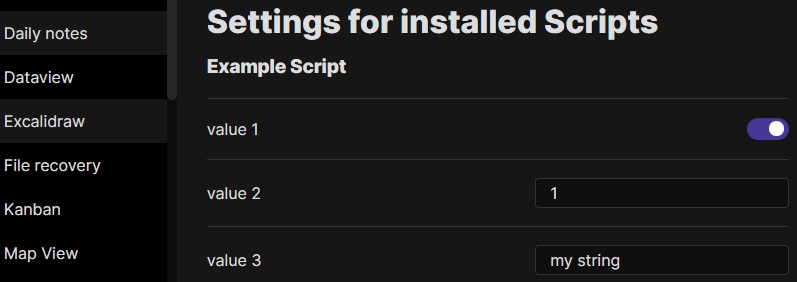
|
||||
- 如果设置是一个对象并遵循以下结构,则可以添加描述和值集。也可以使用 `hidden` 键从用户界面中隐藏值。
|
||||
```javascript
|
||||
ea.setScriptSettings({
|
||||
"value 1": {
|
||||
"value": true,
|
||||
"description": "This is the description for my boolean value"
|
||||
},
|
||||
"value 2": {
|
||||
"value": 1,
|
||||
"description": "This is the description for my numeric value"
|
||||
},
|
||||
"value 3": {
|
||||
"value": "my string",
|
||||
"description": "This is the description for my string value",
|
||||
"valueset": ["allowed 1","allowed 2","allowed 3"]
|
||||
},
|
||||
"value 4": {
|
||||
"value": "my value",
|
||||
"hidden": true
|
||||
}
|
||||
});
|
||||
```
|
||||
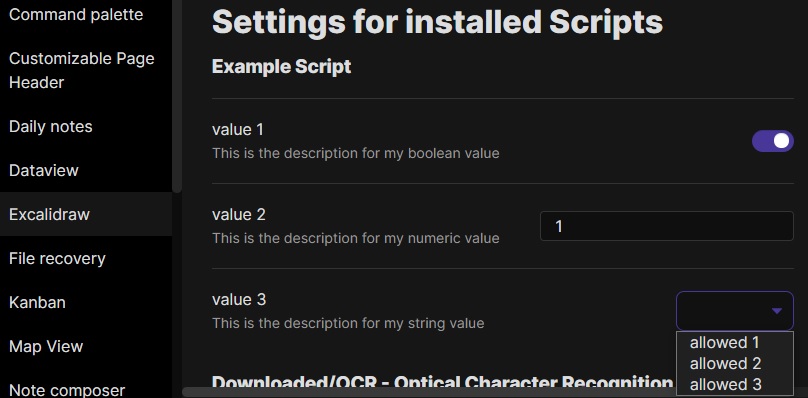
|
||||
|
||||
---------
|
||||
|
||||
## Excalidraw 自动化脚本示例
|
||||
|
||||
这些脚本可以在 GitHub [这个](https://github.com/zsviczian/obsidian-excalidraw-plugin/tree/master/ea-scripts)文件夹 📂 中下载为 `.md` 文件。
|
||||
|
||||
### 为选中元素添加边框
|
||||
|
||||
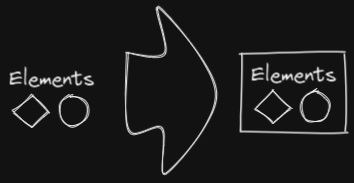
|
||||
|
||||
此脚本将在 Excalidraw 中当前选中的元素周围添加一个包围框
|
||||
|
||||
```javascript
|
||||
if(!ea.verifyMinimumPluginVersion || !ea.verifyMinimumPluginVersion("1.5.21")) {
|
||||
new Notice("This script requires a newer version of Excalidraw. Please install the latest version.");
|
||||
return;
|
||||
}
|
||||
|
||||
settings = ea.getScriptSettings();
|
||||
//check if settings exist. If not, set default values on first run
|
||||
if(!settings["Default padding"]) {
|
||||
settings = {
|
||||
"Prompt for padding?": true,
|
||||
"Default padding" : {
|
||||
value: 10,
|
||||
description: "Padding between the bounding box of the selected elements, and the box the script creates"
|
||||
}
|
||||
};
|
||||
ea.setScriptSettings(settings);
|
||||
}
|
||||
|
||||
let padding = settings["Default padding"].value;
|
||||
|
||||
if(settings["Prompt for padding?"]) {
|
||||
padding = parseInt (await utils.inputPrompt("padding?","number",padding.toString()));
|
||||
}
|
||||
|
||||
if(isNaN(padding)) {
|
||||
new Notice("The padding value provided is not a number");
|
||||
return;
|
||||
}
|
||||
elements = ea.getViewSelectedElements();
|
||||
const box = ea.getBoundingBox(elements);
|
||||
color = ea
|
||||
.getExcalidrawAPI()
|
||||
.getAppState()
|
||||
.currentItemStrokeColor;
|
||||
//uncomment for random color:
|
||||
//color = '#'+(Math.random()*0xFFFFFF<<0).toString(16).padStart(6,"0");
|
||||
ea.style.strokeColor = color;
|
||||
id = ea.addRect(
|
||||
box.topX - padding,
|
||||
box.topY - padding,
|
||||
box.width + 2*padding,
|
||||
box.height + 2*padding
|
||||
);
|
||||
ea.copyViewElementsToEAforEditing(elements);
|
||||
ea.addToGroup([id].concat(elements.map((el)=>el.id)));
|
||||
ea.addElementsToView(false);
|
||||
```
|
||||
|
||||
----
|
||||
|
||||
### 用箭头连接选中的元素
|
||||
|
||||
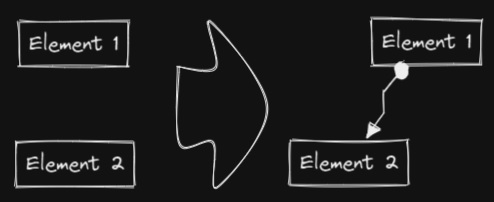
|
||||
|
||||
此脚本将用箭头连接两个对象。如果任一对象是一组分组元素(例如,一个文本元素与一个包围它的矩形分组),脚本会识别这些组,并将箭头连接到组中最大的对象(假设你想将箭头连接到文本元素周围的框)。
|
||||
```javascript
|
||||
if(!ea.verifyMinimumPluginVersion || !ea.verifyMinimumPluginVersion("1.5.21")) {
|
||||
new Notice("This script requires a newer version of Excalidraw. Please install the latest version.");
|
||||
return;
|
||||
}
|
||||
|
||||
settings = ea.getScriptSettings();
|
||||
//set default values on first run
|
||||
if(!settings["Starting arrowhead"]) {
|
||||
settings = {
|
||||
"Starting arrowhead" : {
|
||||
value: "none",
|
||||
valueset: ["none","arrow","triangle","bar","dot"]
|
||||
},
|
||||
"Ending arrowhead" : {
|
||||
value: "triangle",
|
||||
valueset: ["none","arrow","triangle","bar","dot"]
|
||||
},
|
||||
"Line points" : {
|
||||
value: 1,
|
||||
description: "Number of line points between start and end"
|
||||
}
|
||||
};
|
||||
ea.setScriptSettings(settings);
|
||||
}
|
||||
|
||||
const arrowStart = settings["Starting arrowhead"].value === "none" ? null : settings["Starting arrowhead"].value;
|
||||
const arrowEnd = settings["Ending arrowhead"].value === "none" ? null : settings["Ending arrowhead"].value;
|
||||
const linePoints = Math.floor(settings["Line points"].value);
|
||||
|
||||
const elements = ea.getViewSelectedElements();
|
||||
ea.copyViewElementsToEAforEditing(elements);
|
||||
groups = ea.getMaximumGroups(elements);
|
||||
|
||||
if(groups.length !== 2) {
|
||||
//unfortunately getMaxGroups returns duplicated resultset for sticky notes
|
||||
//needs additional filtering
|
||||
cleanGroups=[];
|
||||
idList = [];
|
||||
for (group of groups) {
|
||||
keep = true;
|
||||
for(item of group) if(idList.contains(item.id)) keep = false;
|
||||
if(keep) {
|
||||
cleanGroups.push(group);
|
||||
idList = idList.concat(group.map(el=>el.id))
|
||||
}
|
||||
}
|
||||
if(cleanGroups.length !== 2) return;
|
||||
groups = cleanGroups;
|
||||
}
|
||||
|
||||
els = [
|
||||
ea.getLargestElement(groups[0]),
|
||||
ea.getLargestElement(groups[1])
|
||||
];
|
||||
|
||||
ea.style.strokeColor = els[0].strokeColor;
|
||||
ea.style.strokeWidth = els[0].strokeWidth;
|
||||
ea.style.strokeStyle = els[0].strokeStyle;
|
||||
ea.style.strokeSharpness = els[0].strokeSharpness;
|
||||
|
||||
ea.connectObjects(
|
||||
els[0].id,
|
||||
null,
|
||||
els[1].id,
|
||||
null,
|
||||
{
|
||||
endArrowHead: arrowEnd,
|
||||
startArrowHead: arrowStart,
|
||||
numberOfPoints: linePoints
|
||||
}
|
||||
);
|
||||
ea.addElementsToView();
|
||||
```
|
||||
|
||||
----
|
||||
### 反转选中的箭头
|
||||
|
||||
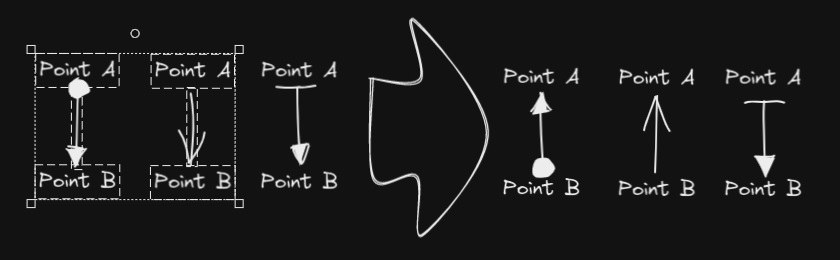
|
||||
|
||||
反转选中元素范围内**箭头**的方向。
|
||||
|
||||
```javascript
|
||||
elements = ea.getViewSelectedElements().filter((el)=>el.type==="arrow");
|
||||
if(!elements || elements.length===0) return;
|
||||
elements.forEach((el)=>{
|
||||
const start = el.startArrowhead;
|
||||
el.startArrowhead = el.endArrowhead;
|
||||
el.endArrowhead = start;
|
||||
});
|
||||
ea.copyViewElementsToEAforEditing(elements);
|
||||
ea.addElementsToView();
|
||||
```
|
||||
|
||||
----
|
||||
|
||||
### 设置选中元素的线条宽度
|
||||
|
||||
|
||||
|
||||
当你缩放自由绘制的草图并想要减小或增加它们的线条宽度时,这个脚本会很有帮助。
|
||||
```javascript
|
||||
let width = (ea.getViewSelectedElement().strokeWidth??1).toString();
|
||||
width = await utils.inputPrompt("Width?","number",width);
|
||||
const elements=ea.getViewSelectedElements();
|
||||
ea.copyViewElementsToEAforEditing(elements);
|
||||
ea.getElements().forEach((el)=>el.strokeWidth=width);
|
||||
ea.addElementsToView();
|
||||
```
|
||||
|
||||
----
|
||||
|
||||
### 设置网格大小
|
||||
|
||||
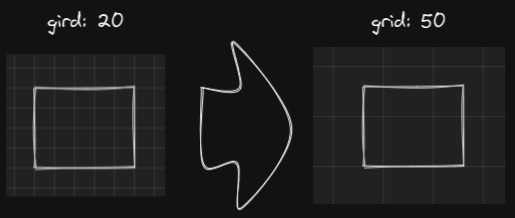
|
||||
|
||||
Excalidraw 中默认的网格大小是 20。目前通过用户界面无法更改网格大小。
|
||||
```javascript
|
||||
const grid = parseInt(await utils.inputPrompt("Grid size?",null,"20"));
|
||||
const api = ea.getExcalidrawAPI();
|
||||
let appState = api.getAppState();
|
||||
appState.gridSize = grid;
|
||||
api.updateScene({
|
||||
appState,
|
||||
commitToHistory:false
|
||||
});
|
||||
```
|
||||
|
||||
----
|
||||
|
||||
### 设置元素尺寸和位置
|
||||
|
||||
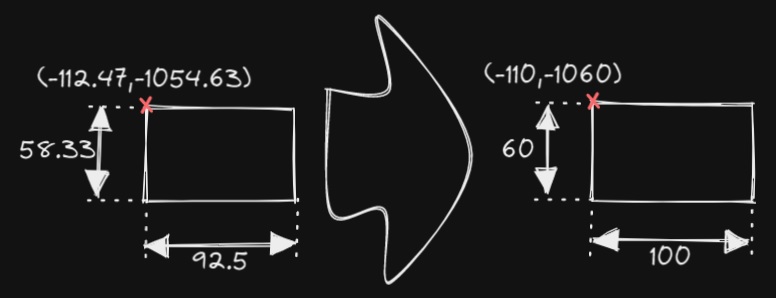
|
||||
|
||||
目前在 Excalidraw 中还没有办法指定对象的精确位置和大小。你可以使用以下简单脚本来解决这个问题。
|
||||
```javascript
|
||||
const elements = ea.getViewSelectedElements();
|
||||
if(elements.length === 0) return;
|
||||
const el = ea.getLargestElement(elements);
|
||||
const sizeIn = [el.x,el.y,el.width,el.height].join(",");
|
||||
let res = await utils.inputPrompt("x,y,width,height?",null,sizeIn);
|
||||
res = res.split(",");
|
||||
if(res.length !== 4) return;
|
||||
let size = [];
|
||||
for (v of res) {
|
||||
const i = parseInt(v);
|
||||
if(isNaN(i)) return;
|
||||
size.push(i);
|
||||
}
|
||||
el.x = size[0];
|
||||
el.y = size[1];
|
||||
el.width = size[2];
|
||||
el.height = size[3];
|
||||
ea.copyViewElementsToEAforEditing([el]);
|
||||
ea.addElementsToView();
|
||||
```
|
||||
|
||||
----
|
||||
|
||||
### 项目符号
|
||||
|
||||
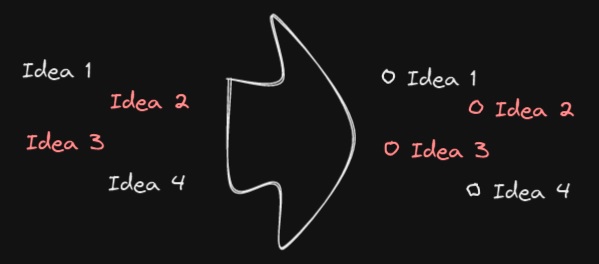
|
||||
|
||||
此脚本会在选中的每个文本元素的左上角添加一个小圆圈,并将文本和"项目符号"组合成一个组。
|
||||
```javascript
|
||||
elements = ea.getViewSelectedElements().filter((el)=>el.type==="text");
|
||||
ea.copyViewElementsToEAforEditing(elements);
|
||||
const padding = 10;
|
||||
elements.forEach((el)=>{
|
||||
ea.style.strokeColor = el.strokeColor;
|
||||
const size = el.fontSize/2;
|
||||
const ellipseId = ea.addEllipse(
|
||||
el.x-padding-size,
|
||||
el.y+size/2,
|
||||
size,
|
||||
size
|
||||
);
|
||||
ea.addToGroup([el.id,ellipseId]);
|
||||
});
|
||||
ea.addElementsToView();
|
||||
```
|
||||
|
||||
----
|
||||
|
||||
### 按行分割文本
|
||||
|
||||
**!!!需要 Excalidraw 1.5.1 或更高版本**
|
||||
|
||||
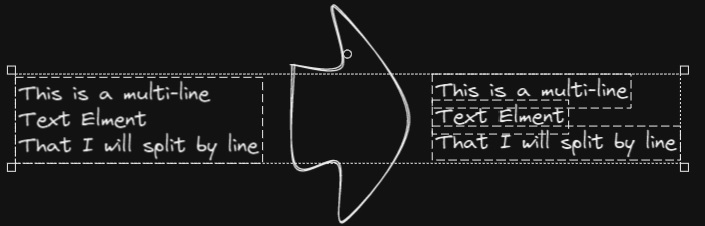
|
||||
|
||||
将文本块按行分割成单独的文本元素,以便更容易重新组织
|
||||
```javascript
|
||||
elements = ea.getViewSelectedElements().filter((el)=>el.type==="text");
|
||||
elements.forEach((el)=>{
|
||||
ea.style.strokeColor = el.strokeColor;
|
||||
ea.style.fontFamily = el.fontFamily;
|
||||
ea.style.fontSize = el.fontSize;
|
||||
const text = el.text.split("\n");
|
||||
for(i=0;i<text.length;i++) {
|
||||
ea.addText(el.x,el.y+i*el.height/text.length,text[i]);
|
||||
}
|
||||
});
|
||||
ea.addElementsToView();
|
||||
ea.deleteViewElements(elements);
|
||||
```
|
||||
|
||||
----
|
||||
|
||||
### 设置文本对齐方式
|
||||
|
||||
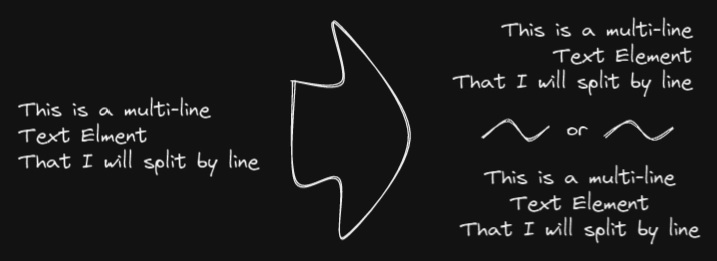
|
||||
|
||||
设置文本块的对齐方式(居中、右对齐、左对齐)。如果你想为选择文本对齐方式设置键盘快捷键,这个脚本会很有用。
|
||||
```javascript
|
||||
elements = ea.getViewSelectedElements().filter((el)=>el.type==="text");
|
||||
if(elements.length===0) return;
|
||||
let align = ["left","right","center"];
|
||||
align = await utils.suggester(align,align);
|
||||
elements.forEach((el)=>el.textAlign = align);
|
||||
ea.copyViewElementsToEAforEditing(elements);
|
||||
ea.addElementsToView();
|
||||
```
|
||||
|
||||
----
|
||||
|
||||
### 设置字体
|
||||
|
||||
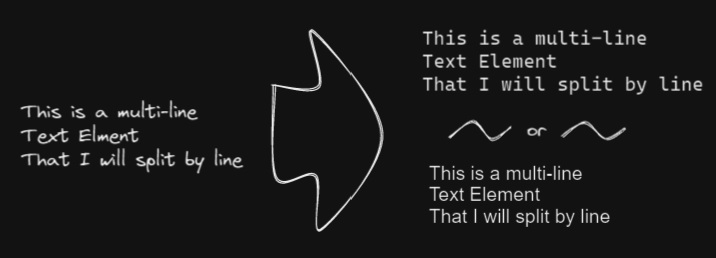
|
||||
|
||||
设置文本块的字体(Virgil、Helvetica、Cascadia)。如果你想为选择字体设置键盘快捷键,这个功能会很有用。
|
||||
```javascript
|
||||
elements = ea.getViewSelectedElements().filter((el)=>el.type==="text");
|
||||
if(elements.length===0) return;
|
||||
let font = ["Virgil","Helvetica","Cascadia"];
|
||||
font = parseInt(await utils.suggester(font,["1","2","3"]));
|
||||
if (isNaN(font)) return;
|
||||
elements.forEach((el)=>el.fontFamily = font);
|
||||
ea.copyViewElementsToEAforEditing(elements);
|
||||
ea.addElementsToView();
|
||||
```
|
||||
@@ -0,0 +1,57 @@
|
||||
# Excalidraw 自动化使用指南
|
||||
|
||||
> 此说明当前更新至 `e793526`。
|
||||
|
||||
【[English](../../readme.md) | 简体中文】
|
||||
|
||||
使用 ExcalidrawAutomate 可以通过 [ExcalidrawAutomate 脚本引擎](ExcalidrawScriptsEngine.md)、[Templater](https://silentvoid13.github.io/Templater/docs/) 或 [QuickAdd](https://github.com/chhoumann/quickadd) 插件来创建或操作 Excalidraw 绘图,并使用 [DataviewJS](https://blacksmithgu.github.io/obsidian-dataview/docs/api/intro/) 生成嵌入式的 SVG 和 PNG 图像。
|
||||
|
||||
通过一些简单的配置,使用 ExcalidrawAutomate 你可以:
|
||||
- 生成简单的思维导图
|
||||
- 构建家谱
|
||||
- 填写 SVG 表单
|
||||
- 创建自定义图表
|
||||
- 在 Excalidraw 中自动化简单任务(即创建宏)
|
||||
|
||||

|
||||
|
||||
## API 文档
|
||||
|
||||
- **从这里开始** [API 介绍](API/introduction.md)
|
||||
- [属性和函数概览](API/attributes_functions_overview.md)
|
||||
- [元素样式](API/element_style.md)
|
||||
- [画布样式](API/canvas_style.md)
|
||||
- [添加对象](API/objects.md)
|
||||
- [实用函数](API/utility.md)
|
||||
|
||||
## ExcalidrawAutomate 脚本引擎
|
||||
|
||||
当你想要自动化一些简单的步骤时,比如在文本元素周围添加一个框、用箭头连接两个对象、或者设置自定义的线宽或网格值等类似"宏"的自动化操作,我建议使用脚本引擎。
|
||||
- [ExcalidrawAutomate 脚本引擎](ExcalidrawScriptsEngine.md)
|
||||
|
||||
## 示例
|
||||
- **Templater**
|
||||
- [在当前编辑的文档中插入新绘图](Examples/insert_new_drawing.md)
|
||||
- [连接对象](Examples/connect_objects.md)
|
||||
- [应用 Excalidraw 模板](Examples/apply_template.md)
|
||||
- [使用 Templater 创建思维导图](Examples/templater_mindmap.md)
|
||||
|
||||
- **Dataview**
|
||||
- [使用 Dataview 创建思维导图](Examples/dataviewjs_mindmap.md)
|
||||
- [使用 Dataview 创建家谱](Examples/dataviewjs_familytree.md)
|
||||
|
||||
## 支持与反馈
|
||||
|
||||
### 支持原作者
|
||||
|
||||
如果你喜欢这个插件,请通过以下方式支持:
|
||||
- 在社交媒体上分享这个插件
|
||||
- 在 Twitter 上关注作者 [@zsviczian](https://twitter.com/zsviczian)
|
||||
- 访问作者的博客 [zsolt.blog](https://zsolt.blog)
|
||||
- [赞助作者](https://ko-fi.com/zsolt)
|
||||
|
||||
[<img src="https://user-images.githubusercontent.com/14358394/115450238-f39e8100-a21b-11eb-89d0-fa4b82cdbce8.png" width="150" alt="赞助按钮">](https://ko-fi.com/zsolt)
|
||||
|
||||
### 支持中文翻译
|
||||
|
||||
如果这些中文翻译对你有帮助,欢迎通过 [爱发电](https://afdian.com/a/daomishu) 支持译者。
|
||||
@@ -0,0 +1,91 @@
|
||||
# Excalidraw 脚本引擎脚本库
|
||||
|
||||
> 此说明当前更新至 `768aebf`。
|
||||
|
||||
【[English](../../../ea-scripts/README.md) | 简体中文】
|
||||
|
||||
点击观看介绍视频:
|
||||
|
||||
[](https://youtu.be/hePJcObHIso)
|
||||
|
||||
> **警告**
|
||||
> 相比视频中展示的方法,现在有更简单的方式来安装/管理脚本
|
||||
|
||||
查看 [Excalidraw 脚本引擎](../../ExcalidrawScriptsEngine.md) 文档了解更多详情。
|
||||
|
||||
## 如何在 Obsidian 仓库中安装脚本
|
||||
|
||||
安装内置脚本的步骤:
|
||||
|
||||
- 在 Obsidian 中打开一个 Excalidraw 绘图
|
||||
- 在面板下拉菜单中选择"安装或更新 Excalidraw 脚本"
|
||||
- 点击其中一个可用脚本
|
||||
- 点击"安装此脚本"(注意如果脚本已经安装,你会看到更新选项)
|
||||
- 重启 Obsidian 使脚本生效
|
||||
|
||||
注意:默认情况下,脚本会被安装到你仓库中的 `Excalidraw/Scripts/Downloaded` 文件夹
|
||||
|
||||
<details><summary>手动安装脚本</summary>
|
||||
|
||||
打开你感兴趣的脚本,将其保存到你的 Obsidian 仓库中(包括第一行的 `/*`),或者在"Raw"模式下打开并将全部内容复制到 Obsidian 中。
|
||||
|
||||

|
||||
|
||||
</details>
|
||||
|
||||
## 可用脚本列表
|
||||
|
||||
|标题|描述|图标|贡献者|
|
||||
|----|----|----|----|
|
||||
|[添加连接点](../../../ea-scripts/Add%20Connector%20Point.md)|此脚本将在选中文本元素的左上角添加一个小圆圈,并将文本和"圆点"组合成一组。||[@zsviczian](https://github.com/zsviczian)|
|
||||
|[添加现有文件链接并打开](../../../ea-scripts/Add%20Link%20to%20Existing%20File%20and%20Open.md)|提示从保险库(Vault)中选择文件。为选中的元素添加指向所选文件的链接。你可以在设置中控制是在当前活动面板还是相邻面板中打开文件。|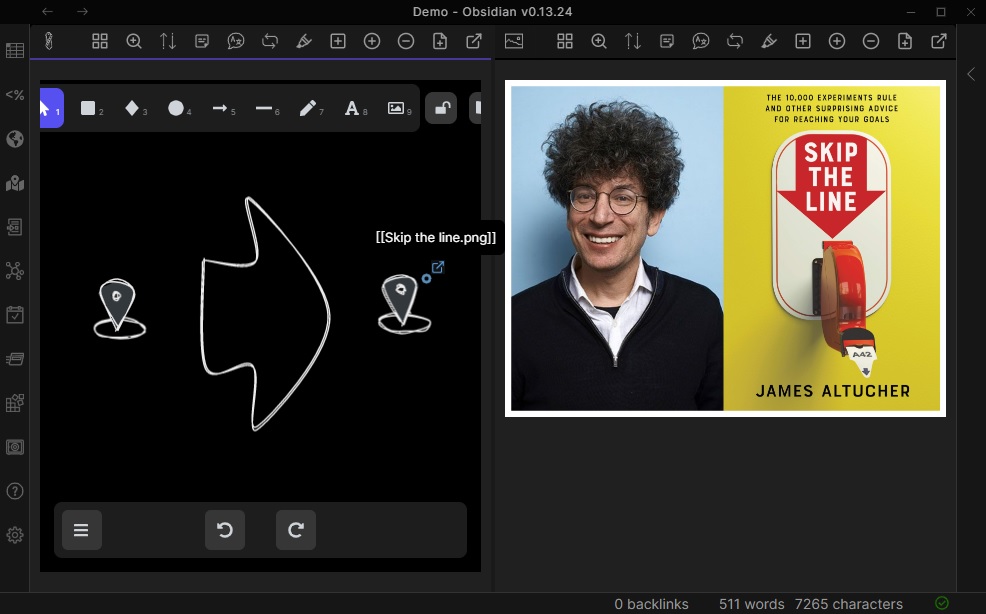|[@zsviczian](https://github.com/zsviczian)|
|
||||
|[添加新页面链接并打开](../../../ea-scripts/Add%20Link%20and%20Open%20Page.md)|提示输入文件名。提供创建和打开新的 Markdown 或 Excalidraw 文档的选项。为绘图中选中的对象添加指向新文件的链接。你可以在设置中控制是在当前活动面板或是相邻面板中打开文件。||[@zsviczian](https://github.com/zsviczian)|
|
||||
|[添加流程下一步](../../../ea-scripts/Add%20Link%20to%20New%20Page%20and%20Open.md)|此脚本将提示你输入流程步骤的标题,然后创建带有该文本的便签。如果选中了某个元素,脚本将用箭头将这个新步骤与上一步骤(选中的元素)连接起来。如果没有选中元素,脚本会假定这是流程的第一步,只会输出带有输入文本的便签。|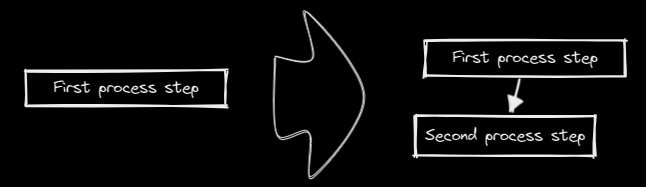|[@zsviczian](https://github.com/zsviczian)|
|
||||
|[分割椭圆](../../../ea-scripts/Boolean%20Operations.md)|使用此脚本可以对形状进行布尔运算。|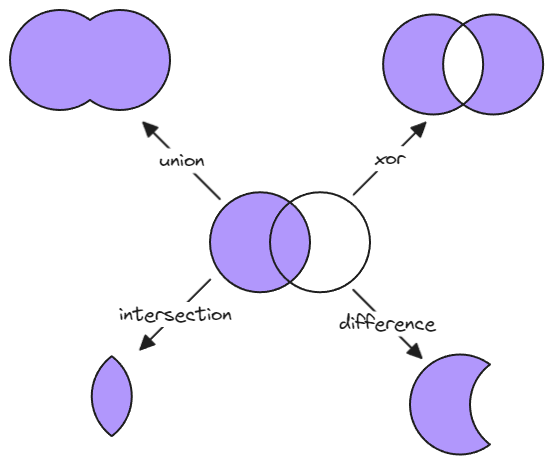|[@GColoy](https://github.com/GColoy)|
|
||||
|[为每个选中的组添加边框](../../../ea-scripts/Box%20Each%20Selected%20Groups.md)|此脚本将为 Excalidraw 中当前选中的每个组添加封装框。|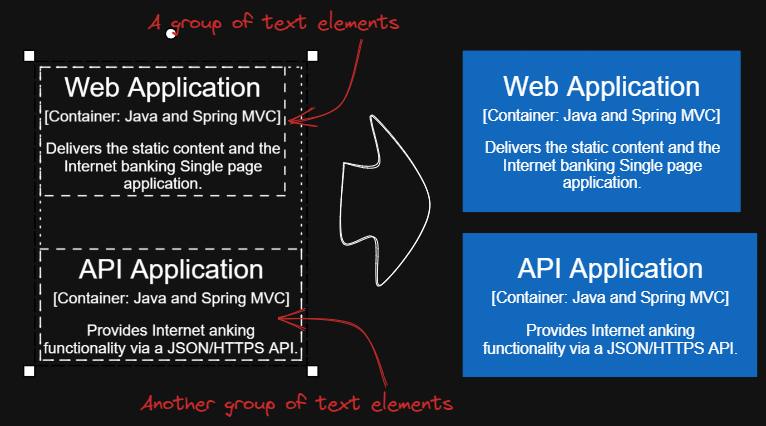|[@1-2-3](https://github.com/1-2-3)|
|
||||
|[为选中元素添加边框](../../../ea-scripts/Box%20Selected%20Elements.md)|此脚本将为 Excalidraw 中当前选中的元素添加一个封装框。||[@zsviczian](https://github.com/zsviczian)|
|
||||
|[更改选中元素的形状](../../../ea-scripts/Change%20shape%20of%20selected%20elements.md)|此脚本允许你更改选中的矩形、菱形和椭圆的形状|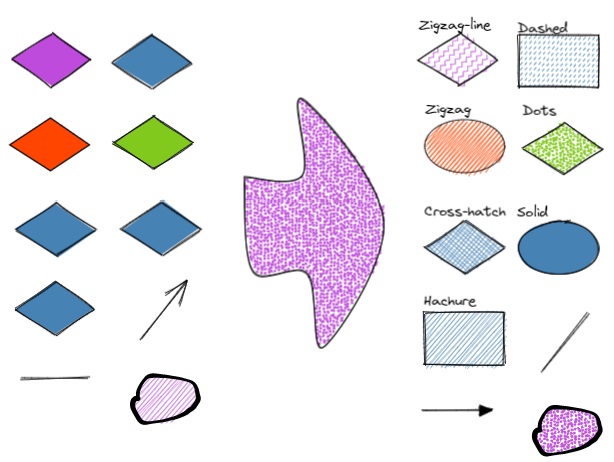|[@zsviczian](https://github.com/zsviczian)|
|
||||
|[连接元素](../../../ea-scripts/Connect%20elements.md)|此脚本将用箭头连接两个对象。如果任一对象是一组分组的元素(例如,与封装矩形分组的文本元素),脚本将识别这些组,并将箭头连接到组中最大的对象(假设你想将箭头连接到文本元素周围的框)。||[@zsviczian](https://github.com/zsviczian)|
|
||||
|[将自由绘制转换为线条](../../../ea-scripts/Convert%20freedraw%20to%20line.md)|将选中的自由绘制对象转换为可编辑的线条。这样你就可以通过拖动线条点来调整绘图,如果是封闭线条还可以选择形状填充。你可以在设置中调整转换点的密度|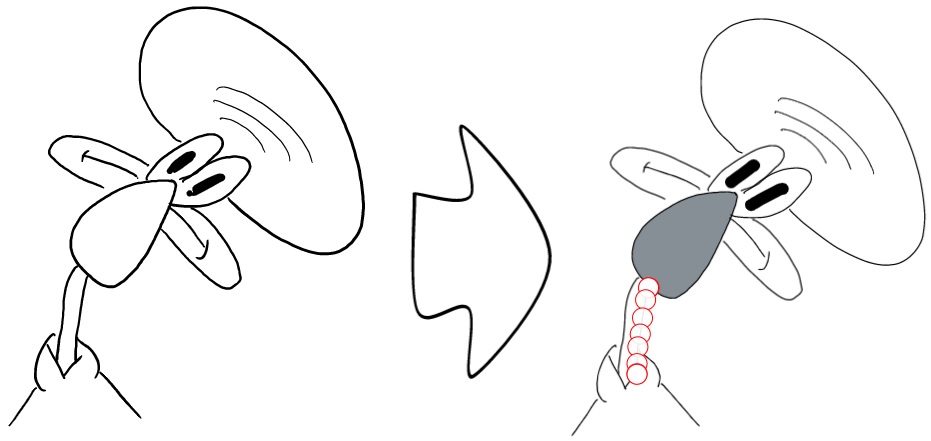|[@zsviczian](https://github.com/zsviczian)|
|
||||
|[将选中的文本元素转换为便签](../../../ea-scripts/Convert%20selected%20text%20elements%20to%20sticky%20notes.md)|将选中的纯文本元素转换为具有透明背景和透明描边颜色的便签。本质上是将文本元素转换为可换行的格式。|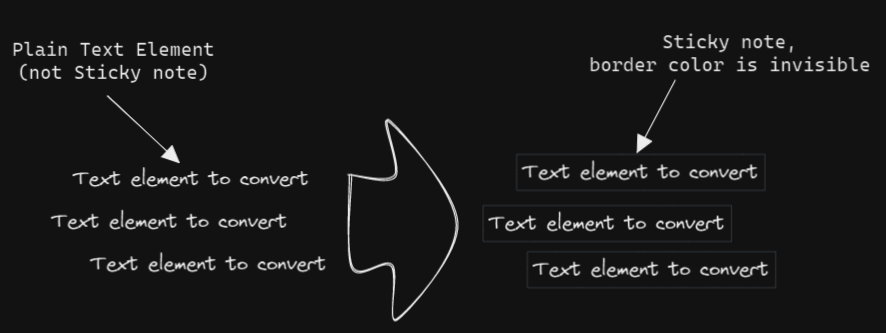|[@zsviczian](https://github.com/zsviczian)|
|
||||
|[将文本转换为带文件夹和别名的链接](../../../ea-scripts/Convert%20text%20to%20link%20with%20folder%20and%20alias.md)|将文本元素转换为指向所选文件夹中文件的链接,并将原始文本设置为别名。脚本会提示用户从保险库(Vault)中选择一个现有文件夹。|`原始文本` => `[[选定文件夹/原始文本\|原始文本]]`|[@zsviczian](https://github.com/zsviczian)|
|
||||
|[将选中元素样式复制到全局](../../../ea-scripts/Copy%20Selected%20Element%20Styles%20to%20Global)|此脚本会将任何选中元素的样式复制到 Excalidraw 的全局样式中。|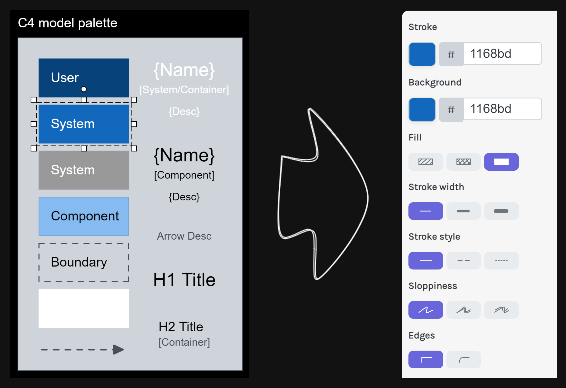|[@1-2-3](https://github.com/1-2-3)|
|
||||
|[创建新的 Markdown 文件并嵌入到当前绘图中](../../../ea-scripts/Create%20new%20markdown%20file%20and%20embed%20into%20active%20drawing.md)|此脚本会提示你输入文件名,然后创建一个具有该文件名的新 Markdown 文档,在相邻面板中打开新的 Markdown 文档,并将该 Markdown 文档嵌入到当前的 Excalidraw 绘图中。||[@zsviczian](https://github.com/zsviczian)|
|
||||
|[加深背景颜色](../../../ea-scripts/Darken%20background%20color.md)|此脚本每次将选中元素的背景颜色加深 2%。你可以多次使用此脚本直到满意为止。建议为此脚本设置快捷键,这样你就可以快速尝试加深和减淡颜色效果。与"修改背景颜色不透明度"脚本相比,其优点是元素的背景颜色不受画布颜色影响,并且颜色值不会以奇怪的 rgba() 形式出现。|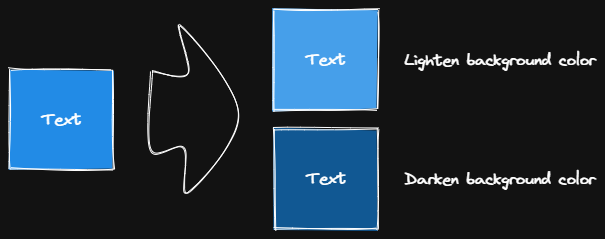|[@1-2-3](https://github.com/1-2-3)|
|
||||
|[肘形连接器](../../../ea-scripts/Elbow%20connectors.md)|此脚本将选中的连接器转换为肘形。|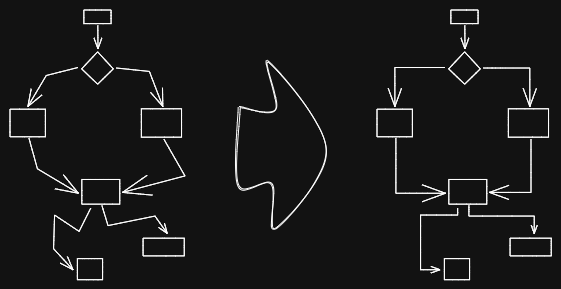|[@1-2-3](https://github.com/1-2-3)|
|
||||
|[水平扩展矩形并保持文本居中](../../../ea-scripts/Expand%20rectangles%20horizontally%20keep%20text20%centered.md)|此脚本会扩展选中矩形的宽度,直到它们都具有相同的宽度,并保持文本居中。|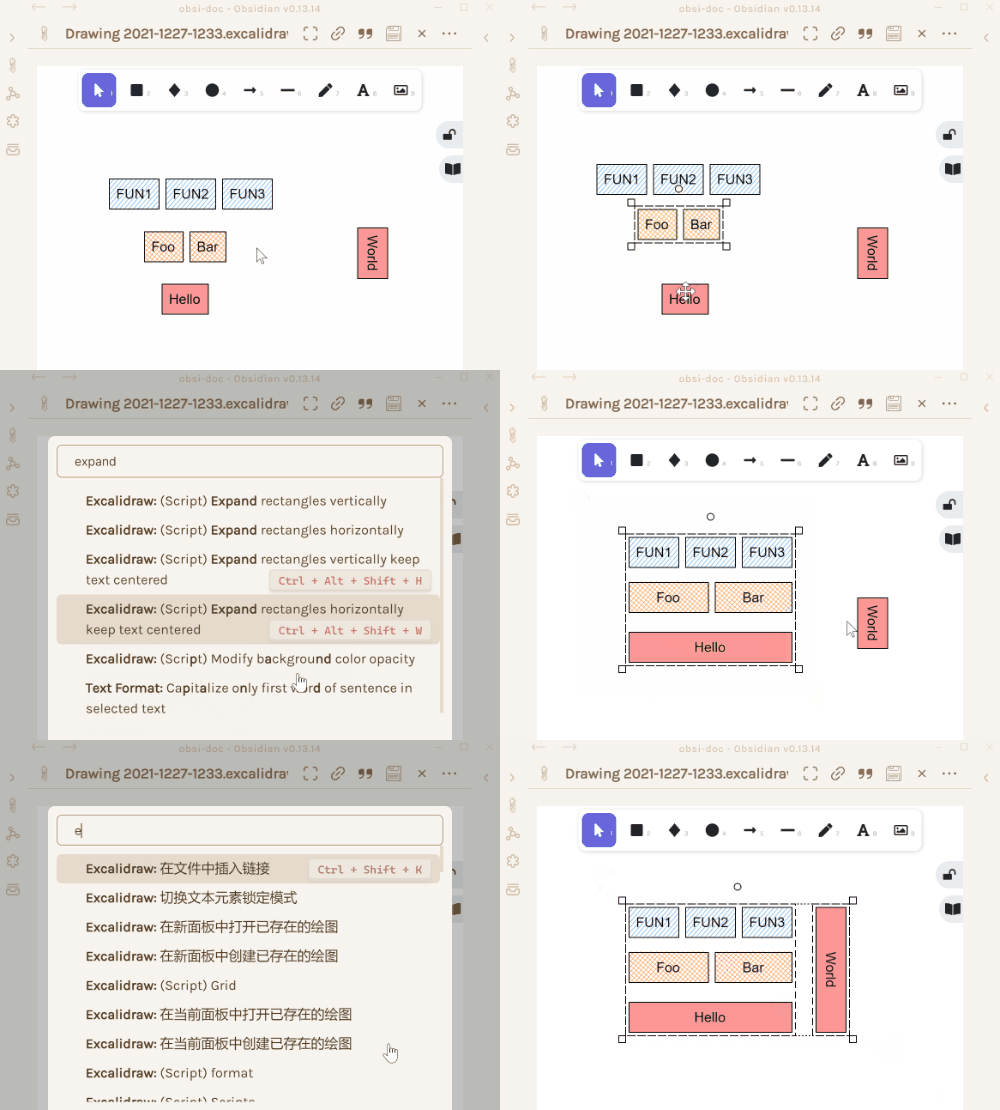|[@1-2-3](https://github.com/1-2-3)|
|
||||
|[水平扩展矩形](../../../ea-scripts/Expand%20rectangles%20horizontally.md)|此脚本会扩展选中矩形的宽度,直到它们都具有相同的宽度。||[@1-2-3](https://github.com/1-2-3)|
|
||||
|[垂直扩展矩形并保持文本居中](../../../ea-scripts/Expand%20rectangles%20vertically%20keep%20text%20centered.md)|此脚本会扩展选中矩形的高度,直到它们都具有相同的高度,并保持文本居中。||[@1-2-3](https://github.com/1-2-3)|
|
||||
|[垂直扩展矩形](../../../ea-scripts/Expand%20rectangles%20vertically.md)|此脚本会扩展选中矩形的高度,直到它们都具有相同的高度。||[@1-2-3](https://github.com/1-2-3)|
|
||||
|[固定中心点水平距离](../../../ea-scripts/Fixed%20horizontal%20distance%20between%20centers.md)|此脚本会以固定的中心点间距水平排列选中的元素。|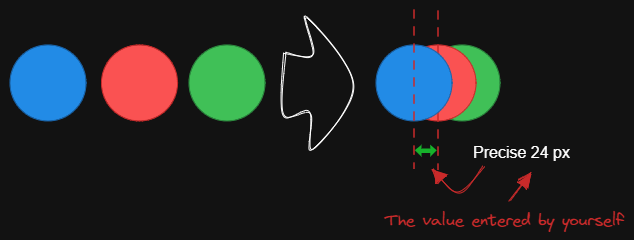|[@1-2-3](https://github.com/1-2-3)|
|
||||
|[固定内部距离](../../../ea-scripts/Fixed%20inner%20distance.md)|此脚本会以固定的内部距离排列选中的元素和组。||[@1-2-3](https://github.com/1-2-3)|
|
||||
|[固定间距](../../../ea-scripts/Fixed%20spacing.md)|此脚本会以固定的间距水平排列选中的元素。当我们创建架构图或思维导图时,经常需要以固定间距排列大量元素。"固定间距"和"固定垂直距离"脚本可以为我们节省大量时间。|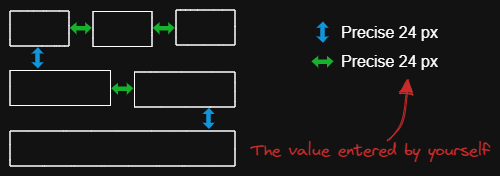|[@1-2-3](https://github.com/1-2-3)|
|
||||
|[固定中心点垂直距离](../../../ea-scripts/Fixed%20vertical%20distance%20between%20centers.md)|此脚本会以固定的中心点间距垂直排列选中的元素。|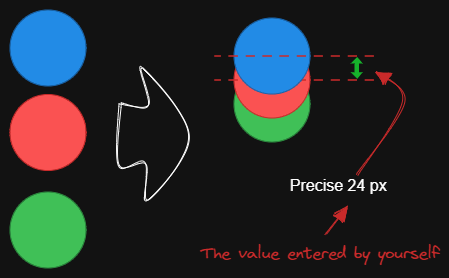|[@1-2-3](https://github.com/1-2-3)|
|
||||
|[固定垂直距离](../../../ea-scripts/Fixed%20vertical%20distance.md)|此脚本会以固定间距垂直排列选中的元素。当我们创建架构图或思维导图时,经常需要以固定间距排列大量元素。`固定间距`和`固定垂直距离`脚本可以为我们节省大量时间。|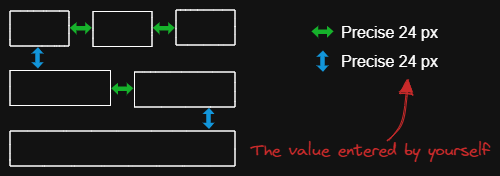|[@1-2-3](https://github.com/1-2-3)|
|
||||
|[减淡背景颜色](../../../ea-scripts/Lighten%20background%20color.md)|此脚本每次将选中元素的背景颜色减淡 2%。你可以多次使用此脚本直到满意为止。建议为此脚本设置快捷键,这样你就可以快速尝试加深和减淡颜色效果。与"修改背景颜色不透明度"脚本相比,其优点是元素的背景颜色不受画布颜色影响,并且颜色值不会以奇怪的 rgba() 形式出现。||[@1-2-3](https://github.com/1-2-3)|
|
||||
|[思维导图连接器](../../../ea-scripts/Mindmap%20connector.md)|此脚本为选中的元素创建类似思维导图的连线(目前仅支持右侧和向下方向)。连线的起点将根据元素的创建时间确定。因此你应该先创建标题元素。|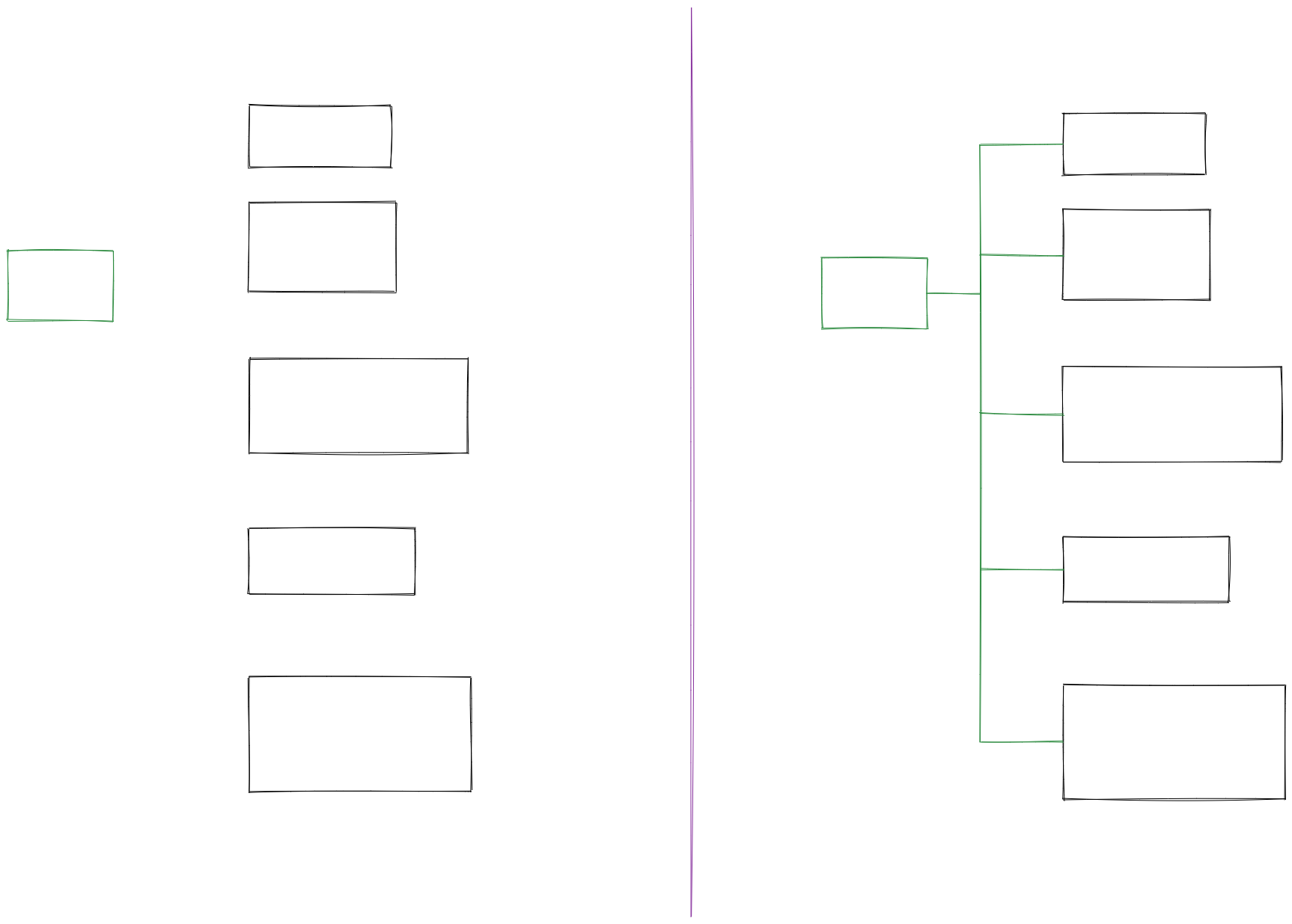|[@xllowl](https://github.com/xllowl)|
|
||||
|[修改背景颜色不透明度](../../../ea-scripts/Modify%20background%20color%20opacity.md)|此脚本会更改选中框的背景颜色不透明度。Excalidraw 中的默认背景颜色太深,导致文字难以阅读。你可以通过设置透明度来使颜色变浅。你可以反复调整透明度直到满意为止。虽然 Excalidraw 在其原生属性设置中有不透明度选项,但它也会改变边框的透明度。使用此脚本可以只更改背景颜色的不透明度而不影响边框。|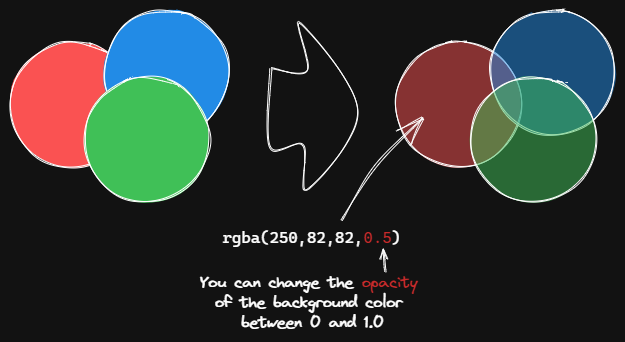|[@1-2-3](https://github.com/1-2-3)|
|
||||
|[标准化选中箭头](../../../ea-scripts/Normalize%20Selected%20Arrows.md)|此脚本将重置选中箭头的起点和终点位置。箭头将指向连接框的中心,并与框保持 8px 的间距。|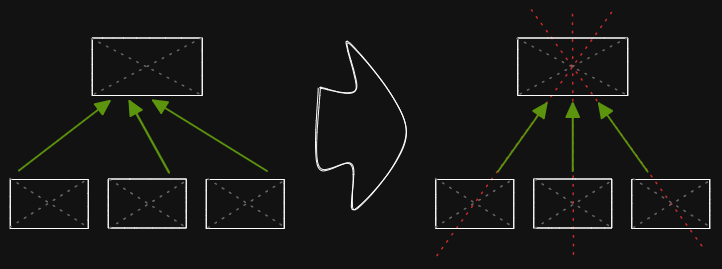|[@1-2-3](https://github.com/1-2-3)|
|
||||
|[OCR - 光学字符识别](../../../ea-scripts/OCR%20-%20Optical%20Character%20Recognition.md)|此脚本将 1) 把选中的图片文件发送到 [taskbone.com](https://taskbone.com) 提取图片中的文字,并 2) 将文字作为文本元素添加到你的绘图中。|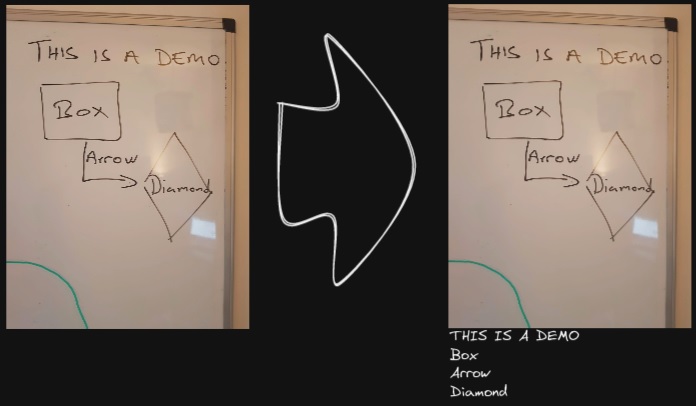|[@zsviczian](https://github.com/zsviczian)|
|
||||
|[有机线条](../../../ea-scripts/Organic%20Line.md)|将选中的自由绘制线条转换为从开始到结束笔压逐渐减小的线条。转换后的线条会被放置在图层的最底层,位于所有其他元素之下。在绘制有机思维导图时很有帮助。|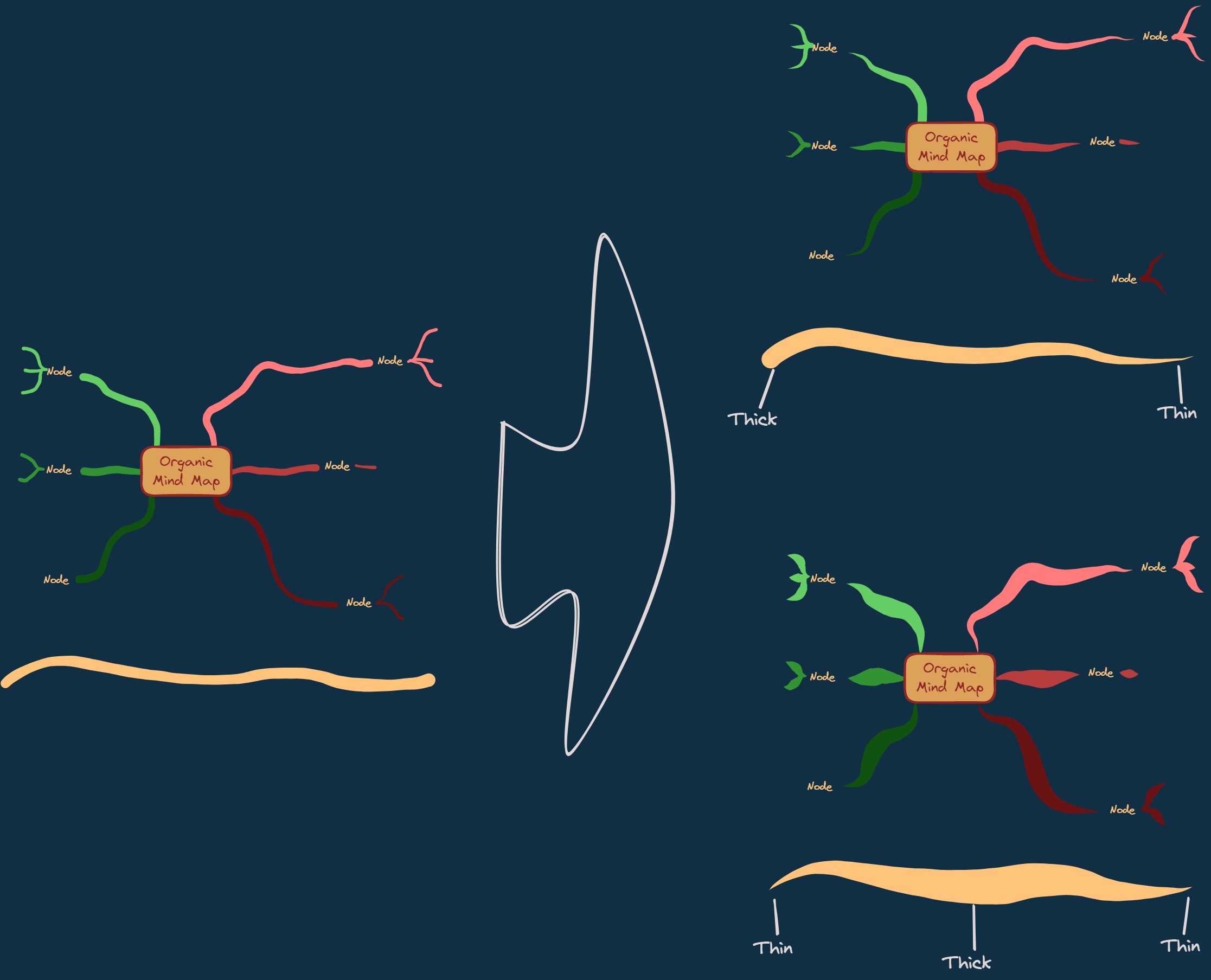|[@zsviczian](https://github.com/zsviczian)|
|
||||
|[重复元素](../../../ea-scripts/Repeat%20Elements.md)|此脚本会检测两个选中元素之间的差异,包括位置、大小、角度、描边和背景颜色,并根据用户输入的重复次数创建多个具有相同差异的元素。|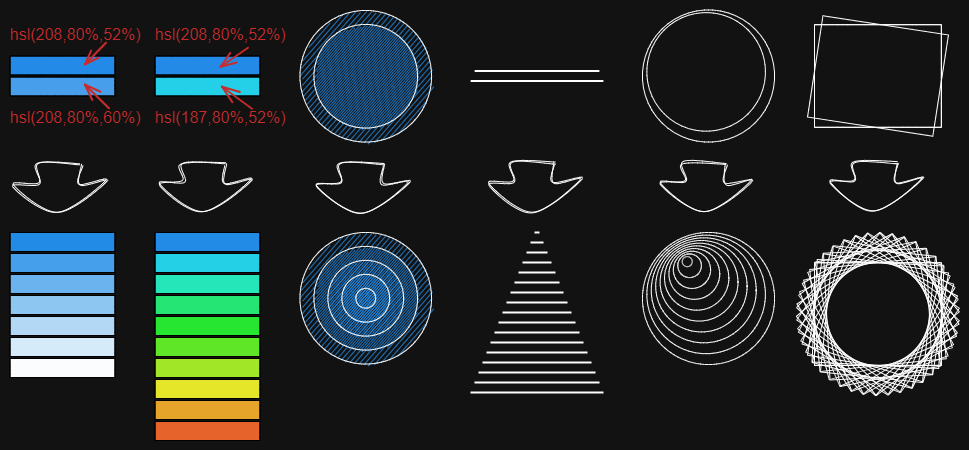|[@1-2-3](https://github.com/1-2-3)|
|
||||
|[重置 LaTeX 大小](../../../ea-scripts/Reset%20LaTeX%20Size.md)|将嵌入的 LaTeX 公式大小重置为默认大小或默认大小的倍数。|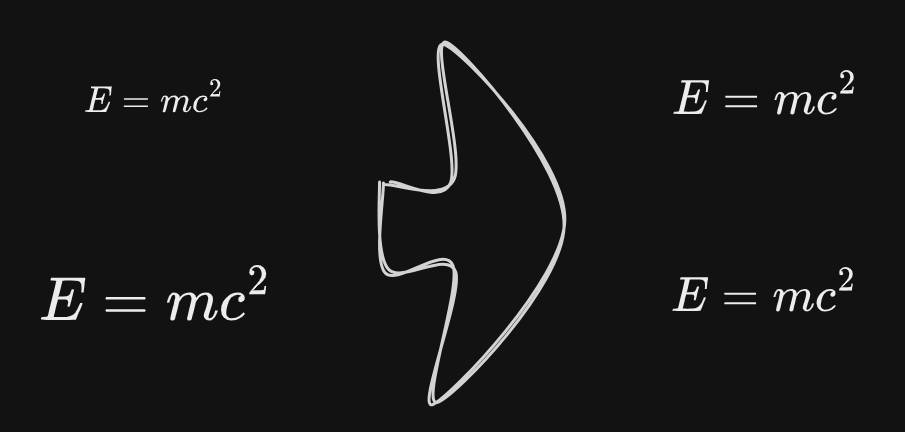|[@firai](https://github.com/firai)|
|
||||
|[反转箭头](../../../ea-scripts/Reverse%20arrows.md)|反转选中元素范围内的**箭头**方向。||[@zsviczian](https://github.com/zsviczian)|
|
||||
|[手写助手](../../../ea-scripts/Scribble%20Helper.md)|iOS 手写助手,用于改善文本元素的手写体验。如果没有选中元素,则会在指针位置创建一个文本元素,你可以使用编辑框通过手写来修改文本。如果选中了文本元素,则会打开输入提示框,你可以在其中通过手写修改文本。||[@zsviczian](https://github.com/zsviczian)|
|
||||
|[选择特定类型元素](../../../ea-scripts/Select%20Elements%20of%20Type.md)|显示当前图像中不同元素类型的列表供选择。只有选定类型的元素会在画布上被选中。如果运行脚本时没有选中任何元素,则脚本会处理画布上的所有元素。如果执行脚本时已选中某些元素,则脚本只会处理这些选中的元素。<br>此脚本在以下情况下很有用,例如,当你想要将所有箭头置于顶层,或想要更改所有文本元素的颜色等。||[@zsviczian](https://github.com/zsviczian)|
|
||||
|[通过添加阴影克隆为未闭合线条对象设置背景颜色](../../../ea-scripts/Set%20background%20color%20of%20unclosed%20line%20object%20by%20adding%20a%20shadow%20clone.md)|使用此脚本为未闭合(即开放)线条对象设置背景颜色,方法是创建对象的克隆。脚本会将克隆的描边颜色设置为透明,并添加一条直线来闭合对象。使用设置来定义默认背景颜色、填充样式和克隆的描边宽度。默认情况下,克隆会与原始对象组合在一起,你也可以在设置中禁用此功能。||[@zsviczian](https://github.com/zsviczian)|
|
||||
|[设置尺寸](../../../ea-scripts/Set%20Dimensions.md)|目前在 Excalidraw 中无法指定对象的确切位置和大小。你可以使用这个简单的脚本来弥补这个不足。||[@zsviczian](https://github.com/zsviczian)|
|
||||
|[设置字体](../../../ea-scripts/Set%20Font%20Family.md)|设置文本块的字体(Virgil、Helvetica、Cascadia)。如果你想为选择字体设置键盘快捷键,这个脚本很有用。||[@zsviczian](https://github.com/zsviczian)|
|
||||
|[设置网格](../../../ea-scripts/Set%20Grid.md)|Excalidraw 中的默认网格大小是 20。目前无法通过用户界面更改网格大小。这个脚本提供了一种方法来弥补这个不足。||[@zsviczian](https://github.com/zsviczian)|
|
||||
|[设置链接别名](../../../ea-scripts/Set20%Link20%Alias.md)|遍历选中文本元素中的所有链接,并提示用户为每个找到的链接设置或修改别名。|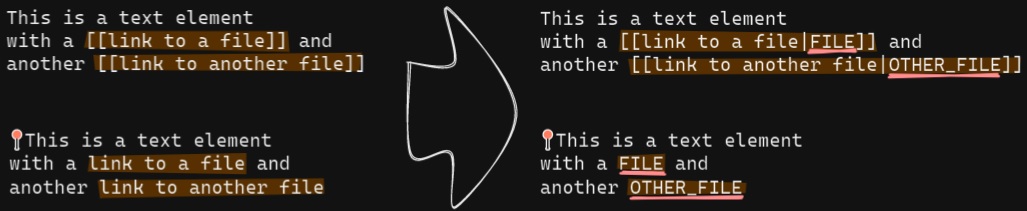|[@zsviczian](https://github.com/zsviczian)|
|
||||
|[设置选中元素的描边宽度](../../../ea-scripts/Set%20Stroke%20Width%20of%20Selected%20Elements.md)|此脚本将设置选中元素的描边宽度。这在缩放自由绘制草图并想要减小或增加其线条宽度时很有用。||[@zsviczian](https://github.com/zsviczian)|
|
||||
|[按行分割文本](../../../ea-scripts/Split%20text%20by%20lines.md)|将文本行分割成单独的文本元素,以便更容易重新组织||[@zsviczian](https://github.com/zsviczian)|
|
||||
|[设置文本对齐方式](../../../ea-scripts/Set%20Text%20Alignment.md)|设置文本块的对齐方式(居中、右对齐、左对齐)。如果你想为选择文本对齐方式设置键盘快捷键,这个脚本很有用。||[@zsviczian](https://github.com/zsviczian)|
|
||||
|[分割椭圆](../../../ea-scripts/Split%20Ellipse.md)|此脚本会在线条与椭圆相交的任何点处分割椭圆。|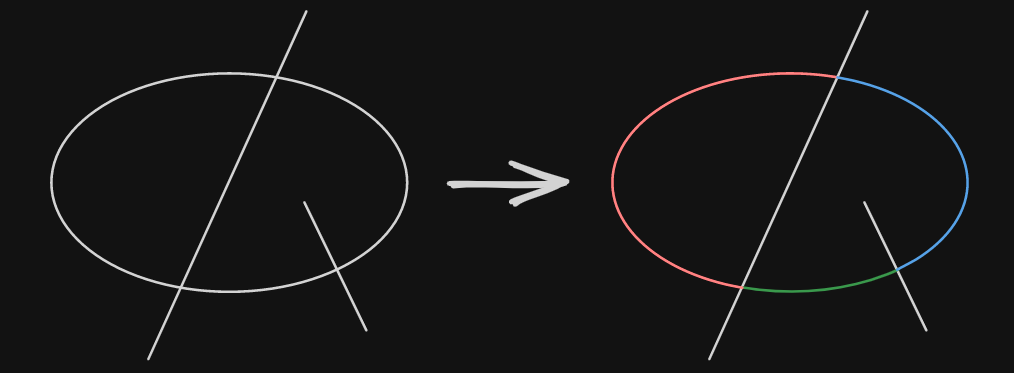|[@GColoy](https://github.com/GColoy)|
|
||||
|[TheBrain导航](../../../ea-scripts/TheBrain-navigation.md)|基于Excalidraw的保险库(Vault)图形用户界面。需要[Dataview插件](https://github.com/blacksmithgu/obsidian-dataview)。生成类似于[TheBrain](https://TheBrain.com)的图形视图。在[YouTube](https://youtu.be/plYobK-VufM)上观看此脚本的介绍。||[@zsviczian](https://github.com/zsviczian)|
|
||||
|[移动端切换全屏](../../../ea-scripts/Toggle%20Fullscreen%20on%20Mobile.md)|隐藏Obsidian工作区叶片填充和标题(基于设置中的选项,默认"隐藏标题"=false),这将使Excalidraw全屏显示。⚠ 注意,如果标题不可见,将很难调用命令面板来结束全屏。只有在你有键盘或已经练习过打开命令面板的情况下才隐藏标题!|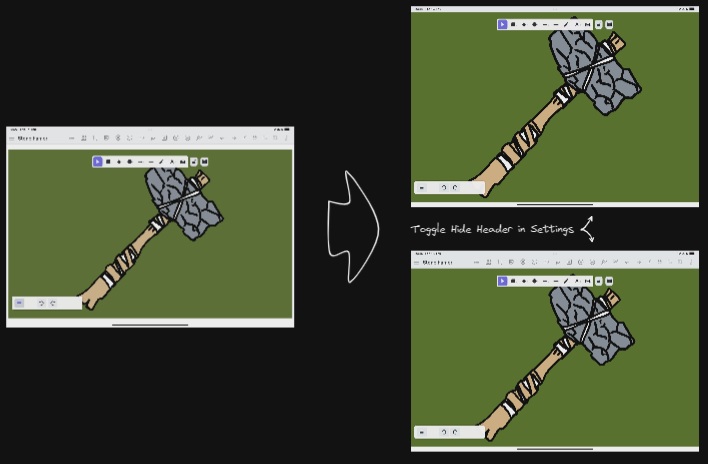|[@zsviczian](https://github.com/zsviczian)|
|
||||
|[切换网格](../../../ea-scripts/Toggle%20Grid.md)|切换网格的显示与隐藏。||[@GColoy](https://github.com/GColoy)|
|
||||
|[将文本元素转移到Excalidraw markdown元数据](../../../ea-scripts/Transfer%20TextElements%20to%20Excalidraw%20markdown%20metadata.md)|此脚本将从画布中删除选中的文本元素,并将这些文本元素中的文本复制到Excalidraw markdown文件的元数据中。这意味着,文本将不再在绘图中可见,但你可以在Obsidian中搜索文本并找到包含此图像的绘图。|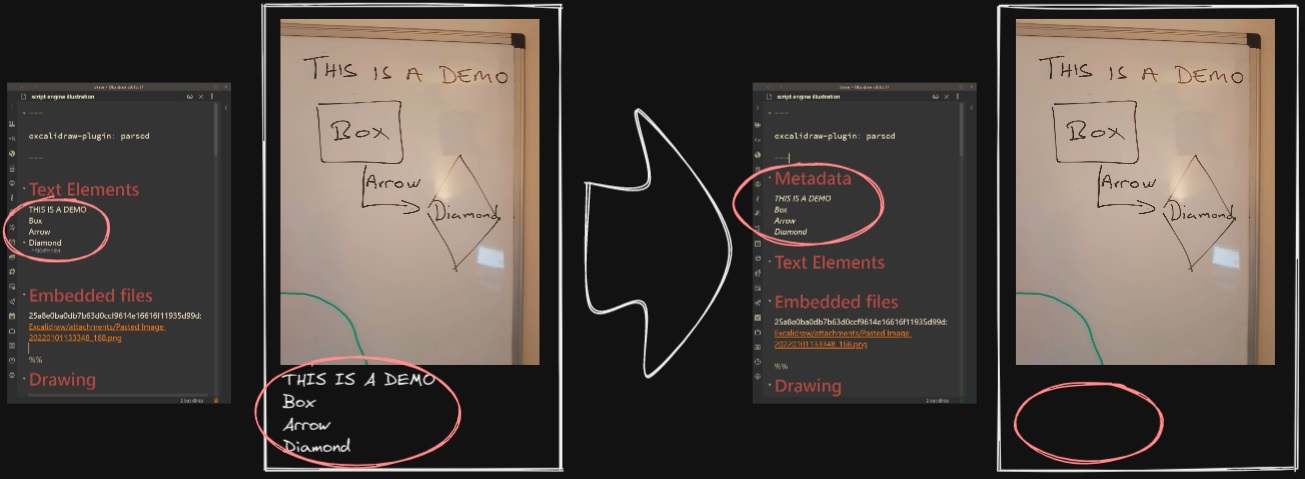|[@zsviczian](https://github.com/zsviczian)|
|
||||
|[缩放以适应选中元素](../../../ea-scripts/Zoom%20to%20Fit%20Selected%20Elements.md)|类似于Excalidraw标准的<kbd>SHIFT+2</kbd>功能:缩放以适应选中元素,但可以缩放到1000%。灵感来源:[#272](https://github.com/zsviczian/obsidian-excalidraw-plugin/issues/272)||[@zsviczian](https://github.com/zsviczian)|
|
||||
|[硬件橡皮擦支持](../../../ea-scripts/Hardware%20Eraser%20Support.md)|允许在支持的笔上使用笔反转/硬件橡皮擦。|[@threethan](https://github.com/threethan)|
|
||||
|[笔的自动绘制](../../../ea-scripts/Auto%20Draw%20for%20Pen.md)|当悬停笔时自动从选择工具切换到绘制工具,然后再切换回来。|[@threethan](https://github.com/threethan)|
|
||||
@@ -22,4 +22,4 @@ elements.forEach((el)=>{
|
||||
);
|
||||
ea.addToGroup([el.id,ellipseId]);
|
||||
});
|
||||
ea.addElementsToView(false,false);
|
||||
await ea.addElementsToView(false,false,true);
|
||||
@@ -7,7 +7,8 @@ If you are enjoying the Excalidraw plugin then please support my work and enthus
|
||||
Jump ahead to the [[#List of available scripts]]
|
||||
|
||||
# Introducing Excalidraw Automate Script Engine
|
||||
<iframe width="560" height="315" src="https://www.youtube.com/embed/hePJcObHIso" title="YouTube video player" frameborder="0" allow="accelerometer; autoplay; clipboard-write; encrypted-media; gyroscope; picture-in-picture" allowfullscreen></iframe>
|
||||
|
||||
<a href="https://www.youtube.com/watch?v=hePJcObHIso" target="_blank"><img src ="https://i.ytimg.com/vi/hePJcObHIso/maxresdefault.jpg" style="width:560px;"></a>
|
||||
|
||||
Script Engine scripts are installed in the `Downloaded` subfolder of the `Excalidraw Automate script folder` specified in plugin settings.
|
||||
|
||||
@@ -243,7 +244,7 @@ https://raw.githubusercontent.com/zsviczian/obsidian-excalidraw-plugin/master/ea
|
||||
```excalidraw-script-install
|
||||
https://raw.githubusercontent.com/zsviczian/obsidian-excalidraw-plugin/master/ea-scripts/OCR%20-%20Optical%20Character%20Recognition.md
|
||||
```
|
||||
<table><tr valign='top'><td class="label">Author</td><td class="data"><a href='https://github.com/zsviczian'>@zsviczian</a></td></tr><tr valign='top'><td class="label">Source</td><td class="data"><a href='https://github.com/zsviczian/obsidian-excalidraw-plugin/blob/master/ea-scripts/OCR%20-%20Optical%20Character%20Recognition.md'>File on GitHub</a></td></tr><tr valign='top'><td class="label">Description</td><td class="data">REQUIRES EXCALIDRAW 1.5.15<br>The script will 1) send the selected image file to [taskbone.com](https://taskbone.com) to extract the text from the image, and 2) will add the text to your drawing as a text element.<br><mark>⚠ Note that you will need to manually paste your token into the script after the first run! ⚠</mark><br><img src='https://raw.githubusercontent.com/zsviczian/obsidian-excalidraw-plugin/master/images/scripts-ocr.jpg'><br><iframe width="560" height="315" src="https://www.youtube.com/embed/W2NMzR8s4eE" title="YouTube video player" frameborder="0" allow="accelerometer; autoplay; clipboard-write; encrypted-media; gyroscope; picture-in-picture" allowfullscreen></iframe></td></tr></table>
|
||||
<table><tr valign='top'><td class="label">Author</td><td class="data"><a href='https://github.com/zsviczian'>@zsviczian</a></td></tr><tr valign='top'><td class="label">Source</td><td class="data"><a href='https://github.com/zsviczian/obsidian-excalidraw-plugin/blob/master/ea-scripts/OCR%20-%20Optical%20Character%20Recognition.md'>File on GitHub</a></td></tr><tr valign='top'><td class="label">Description</td><td class="data">REQUIRES EXCALIDRAW 1.5.15<br>The script will 1) send the selected image file to [taskbone.com](https://taskbone.com) to extract the text from the image, and 2) will add the text to your drawing as a text element.<br><mark>⚠ Note that you will need to manually paste your token into the script after the first run! ⚠</mark><br><img src='https://raw.githubusercontent.com/zsviczian/obsidian-excalidraw-plugin/master/images/scripts-ocr.jpg'><br><a href="https://www.youtube.com/watch?v=W2NMzR8s4eE" target="_blank"><img src ="https://i.ytimg.com/vi/W2NMzR8s4eE/maxresdefault.jpg" style="width:560px;"></a></td></tr></table>
|
||||
|
||||
## Organic Line
|
||||
```excalidraw-script-install
|
||||
|
||||
@@ -23,8 +23,8 @@ const elements = ea.getViewSelectedElements().filter(
|
||||
el.groupIds.some(id => id.startsWith(ShadowGroupMarker)) ||
|
||||
(["line", "arrow"].includes(el.type) && el.roundness === null)
|
||||
);
|
||||
if(elements.length === 0) {
|
||||
new Notice ("Select ellipses, rectangles or diamonds");
|
||||
if(elements.length < 2) {
|
||||
new Notice ("Select ellipses, rectangles, diamonds; or lines and arrows with sharp edges");
|
||||
return;
|
||||
}
|
||||
|
||||
@@ -69,10 +69,15 @@ const result = polyboolAction({
|
||||
const polygonHierachy = subordinateInnerPolygons(result.regions);
|
||||
drawPolygonHierachy(polygonHierachy);
|
||||
ea.deleteViewElements(elements);
|
||||
setPolygonTrue();
|
||||
ea.addElementsToView(false,false,true);
|
||||
return;
|
||||
|
||||
|
||||
function setPolygonTrue() {
|
||||
ea.getElements().filter(el=>el.type==="line").forEach(el => {
|
||||
el.polygon = true;
|
||||
});
|
||||
}
|
||||
|
||||
function traceElement(element) {
|
||||
const diamondPath = (diamond) => [
|
||||
|
||||
@@ -8,20 +8,76 @@ if(lines.length !== 2) {
|
||||
return;
|
||||
}
|
||||
|
||||
// https://math.stackexchange.com/questions/2204520/how-do-i-rotate-a-line-segment-in-a-specific-point-on-the-line
|
||||
const rotate = (point, element) => {
|
||||
const [x1, y1] = point;
|
||||
const x2 = element.x + element.width/2;
|
||||
const y2 = element.y - element.height/2;
|
||||
const angle = element.angle;
|
||||
return [
|
||||
(x1 - x2) * Math.cos(angle) - (y1 - y2) * Math.sin(angle) + x2,
|
||||
(x1 - x2) * Math.sin(angle) + (y1 - y2) * Math.cos(angle) + y2,
|
||||
];
|
||||
//Same line but with angle=0
|
||||
function getNormalizedLine(originalElement) {
|
||||
if(originalElement.angle === 0) return originalElement;
|
||||
|
||||
// Get absolute coordinates for all points first
|
||||
const pointRotateRads = (point, center, angle) => {
|
||||
const [x, y] = point;
|
||||
const [cx, cy] = center;
|
||||
return [
|
||||
(x - cx) * Math.cos(angle) - (y - cy) * Math.sin(angle) + cx,
|
||||
(x - cx) * Math.sin(angle) + (y - cy) * Math.cos(angle) + cy
|
||||
];
|
||||
};
|
||||
|
||||
// Get element absolute coordinates (matching Excalidraw's approach)
|
||||
const getElementAbsoluteCoords = (element) => {
|
||||
const points = element.points;
|
||||
let minX = Infinity;
|
||||
let minY = Infinity;
|
||||
let maxX = -Infinity;
|
||||
let maxY = -Infinity;
|
||||
|
||||
for (const [x, y] of points) {
|
||||
const absX = x + element.x;
|
||||
const absY = y + element.y;
|
||||
minX = Math.min(minX, absX);
|
||||
minY = Math.min(minY, absY);
|
||||
maxX = Math.max(maxX, absX);
|
||||
maxY = Math.max(maxY, absY);
|
||||
}
|
||||
|
||||
return [minX, minY, maxX, maxY];
|
||||
};
|
||||
|
||||
// Calculate center point based on absolute coordinates
|
||||
const [x1, y1, x2, y2] = getElementAbsoluteCoords(originalElement);
|
||||
const centerX = (x1 + x2) / 2;
|
||||
const centerY = (y1 + y2) / 2;
|
||||
|
||||
// Calculate absolute coordinates of all points
|
||||
const absolutePoints = originalElement.points.map(([x, y]) => [
|
||||
x + originalElement.x,
|
||||
y + originalElement.y
|
||||
]);
|
||||
|
||||
// Rotate all points around the center
|
||||
const rotatedPoints = absolutePoints.map(point =>
|
||||
pointRotateRads(point, [centerX, centerY], originalElement.angle)
|
||||
);
|
||||
|
||||
// Convert back to relative coordinates
|
||||
const newPoints = rotatedPoints.map(([x, y]) => [
|
||||
x - rotatedPoints[0][0],
|
||||
y - rotatedPoints[0][1]
|
||||
]);
|
||||
|
||||
const newLineId = ea.addLine(newPoints);
|
||||
|
||||
// Set the position of the new line to the first rotated point
|
||||
const newLine = ea.getElement(newLineId);
|
||||
newLine.x = rotatedPoints[0][0];
|
||||
newLine.y = rotatedPoints[0][1];
|
||||
newLine.angle = 0;
|
||||
delete ea.elementsDict[newLine.id];
|
||||
return newLine;
|
||||
}
|
||||
|
||||
const points = lines.map(
|
||||
el=>el.points.map(p=>rotate([p[0]+el.x, p[1]+el.y],el))
|
||||
|
||||
const points = lines.map(getNormalizedLine).map(
|
||||
el=>el.points.map(p=>[p[0]+el.x, p[1]+el.y])
|
||||
);
|
||||
|
||||
const last = (p) => p[p.length-1];
|
||||
@@ -99,4 +155,4 @@ switch (lineTypes) {
|
||||
}
|
||||
|
||||
|
||||
ea.addElementsToView();
|
||||
await ea.addElementsToView();
|
||||
@@ -3,13 +3,13 @@
|
||||
|
||||
Select some elements in the scene. The script will take these elements and move them into a new Excalidraw file, and open that file. The selected elements will also be replaced in your original drawing with the embedded Excalidraw file (the one that was just created). You will be prompted for the file name of the new deconstructed image. The script is useful if you want to break a larger drawing into smaller reusable parts that you want to reference in multiple drawings.
|
||||
|
||||
<iframe width="560" height="315" src="https://www.youtube.com/embed/HRtaaD34Zzg" title="YouTube video player" frameborder="0" allow="accelerometer; autoplay; clipboard-write; encrypted-media; gyroscope; picture-in-picture" allowfullscreen></iframe>
|
||||
<a href="https://www.youtube.com/watch?v=HRtaaD34Zzg" target="_blank"><img src ="https://i.ytimg.com/vi/HRtaaD34Zzg/maxresdefault.jpg" style="width:560px;"></a>
|
||||
|
||||
<iframe width="560" height="315" src="https://www.youtube.com/embed/mvMQcz401yo" title="YouTube video player" frameborder="0" allow="accelerometer; autoplay; clipboard-write; encrypted-media; gyroscope; picture-in-picture" allowfullscreen></iframe>
|
||||
<a href="https://www.youtube.com/watch?v=mvMQcz401yo" target="_blank"><img src ="https://i.ytimg.com/vi/mvMQcz401yo/maxresdefault.jpg" style="width:560px;"></a>
|
||||
|
||||
```javascript
|
||||
*/
|
||||
if(!ea.verifyMinimumPluginVersion || !ea.verifyMinimumPluginVersion("2.0.25")) {
|
||||
if(!ea.verifyMinimumPluginVersion || !ea.verifyMinimumPluginVersion("2.7.3")) {
|
||||
new Notice("This script requires a newer version of Excalidraw. Please install the latest version.");
|
||||
return;
|
||||
}
|
||||
@@ -79,15 +79,19 @@ ea.copyViewElementsToEAforEditing(els);
|
||||
ea.getElements().filter(el=>el.type==="image").forEach(el=>{
|
||||
const img = ea.targetView.excalidrawData.getFile(el.fileId);
|
||||
const path = (img?.linkParts?.original)??(img?.file?.path);
|
||||
if(img && path) {
|
||||
const hyperlink = img?.hyperlink;
|
||||
if(img && (path || hyperlink)) {
|
||||
const colorMap = ea.getColorMapForImageElement(el);
|
||||
ea.imagesDict[el.fileId] = {
|
||||
mimeType: img.mimeType,
|
||||
id: el.fileId,
|
||||
dataURL: img.img,
|
||||
created: img.mtime,
|
||||
file: path,
|
||||
hyperlink,
|
||||
hasSVGwithBitmap: img.isSVGwithBitmap,
|
||||
latex: null,
|
||||
colorMap,
|
||||
};
|
||||
return;
|
||||
}
|
||||
|
||||
@@ -1,5 +1,7 @@
|
||||
/*
|
||||
<iframe width="560" height="315" src="https://www.youtube.com/embed/A1vrSGBbWgo" title="YouTube video player" frameborder="0" allow="accelerometer; autoplay; clipboard-write; encrypted-media; gyroscope; picture-in-picture" allowfullscreen></iframe>
|
||||
|
||||
<a href="https://www.youtube.com/watch?v=A1vrSGBbWgo" target="_blank"><img src ="https://i.ytimg.com/vi/A1vrSGBbWgo/maxresdefault.jpg" style="width:560px;"></a>
|
||||
|
||||
|
||||
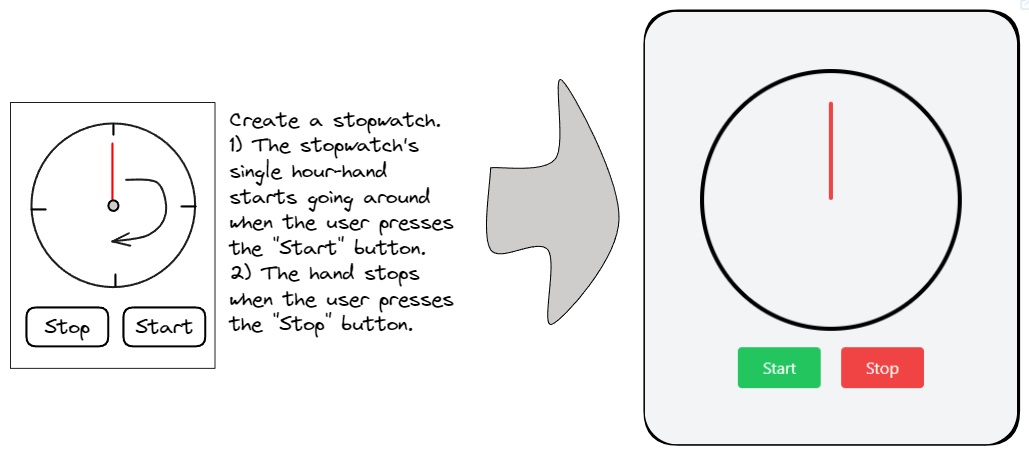
|
||||
```js*/
|
||||
|
||||
@@ -5,7 +5,7 @@ const room = Array.from(window.crypto.getRandomValues(new Uint8Array(10))).map((
|
||||
const key = (await window.crypto.subtle.exportKey("jwk",await window.crypto.subtle.generateKey({name:"AES-GCM",length:128},true,["encrypt", "decrypt"]))).k;
|
||||
const link = `https://excalidraw.com/#room=${room},${key}`;
|
||||
|
||||
ea.addIFrame(0,0,800,600,link);
|
||||
ea.addEmbeddable(0,0,800,600,link);
|
||||
ea.addElementsToView(true,true);
|
||||
|
||||
window.navigator.clipboard.writeText(link);
|
||||
|
||||
@@ -0,0 +1,157 @@
|
||||
/*
|
||||
|
||||
This script generates a complete calendar for a specified year, visually distinguishing weekends from weekdays through color coding.
|
||||
|
||||
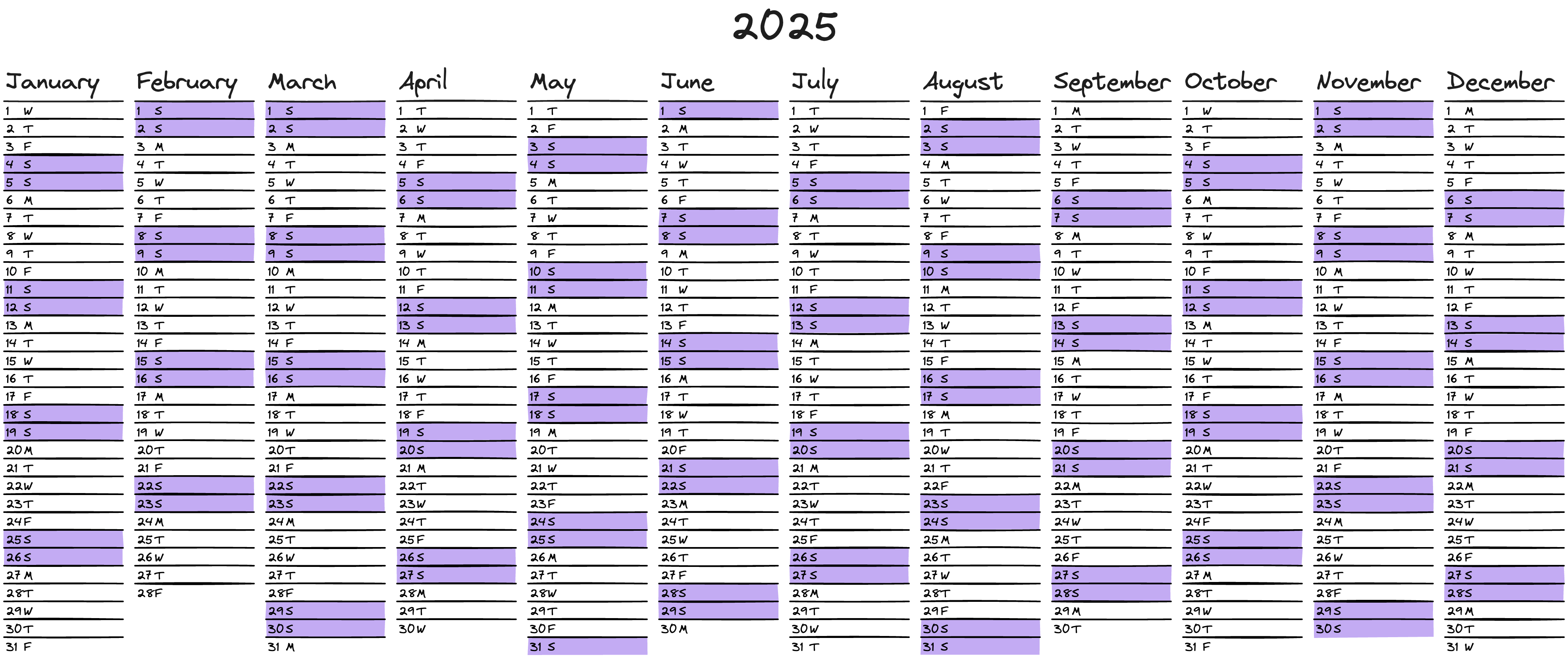
|
||||
|
||||
## Customizable Colors
|
||||
|
||||
You can personalize the calendar’s appearance by defining your own colors:
|
||||
|
||||
1. Create two rectangles in your design.
|
||||
2. Select both rectangles before running the script:
|
||||
• The **fill and stroke colors of the first rectangle** will be applied to weekdays.
|
||||
• The **fill and stroke colors of the second rectangle** will be used for weekends.
|
||||
|
||||
If no rectangle are selected, the default color schema will be used (white and purple).
|
||||
|
||||
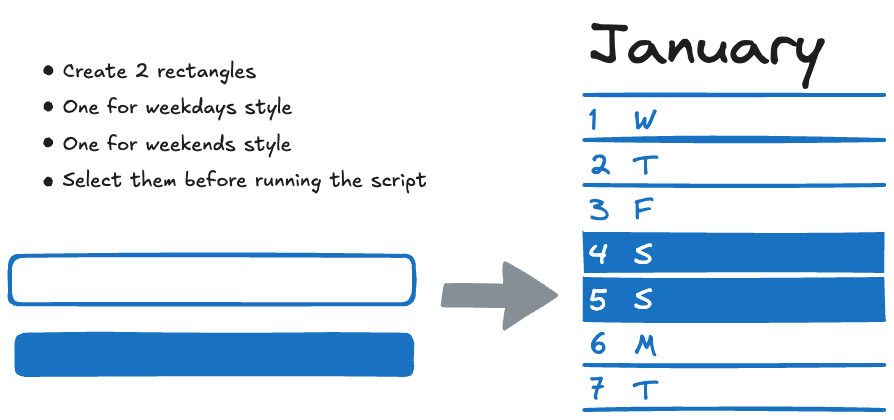
|
||||
|
||||
```javascript
|
||||
*/
|
||||
|
||||
ea.reset();
|
||||
|
||||
// -------------------------------------
|
||||
// Constants initiation
|
||||
// -------------------------------------
|
||||
|
||||
const RECT_WIDTH = 300; // day width
|
||||
const RECT_HEIGHT = 45; // day height
|
||||
const START_X = 0; // X start position
|
||||
const START_Y = 0; // PY start position
|
||||
const MONTH_SPACING = 30; // space between months
|
||||
const DAY_SPACING = 0; // space between days
|
||||
const DAY_NAME_SPACING = 45; // space between day number and day letters
|
||||
const DAY_NAME_AND_NUMBER_X_MARGIN = 5;
|
||||
const MONTH_NAME_SPACING = -40;
|
||||
const YEAR_X = (RECT_WIDTH + MONTH_SPACING) * 6 - 150;
|
||||
const YEAR_Y = -200;
|
||||
|
||||
let COLOR_WEEKEND = "#c3abf3";
|
||||
let COLOR_WEEKDAY = "#ffffff";
|
||||
const COLOR_DAY_STROKE = "none";
|
||||
let STROKE_DAY = 4;
|
||||
let FILLSTYLE_DAY = "solid";
|
||||
|
||||
const FONT_SIZE_MONTH = 60;
|
||||
const FONT_SIZE_DAY = 30;
|
||||
const FONT_SIZE_YEAR = 100;
|
||||
|
||||
const LINE_STROKE_SIZE = 4;
|
||||
let LINE_STROKE_COLOR_WEEKDAY = "black";
|
||||
let LINE_STROKE_COLOR_WEEKEND = "black";
|
||||
|
||||
const SATURDAY = 6;
|
||||
const SUNDAY = 0;
|
||||
const JANUARY = 0;
|
||||
const FIRST_DAY_OF_THE_MONTH = 1;
|
||||
|
||||
const DAY_NAME_AND_NUMBER_Y_MARGIN = (RECT_HEIGHT - FONT_SIZE_DAY) / 2;
|
||||
|
||||
// -------------------------------------
|
||||
|
||||
// ask for requested Year
|
||||
// Default value is the current year
|
||||
let requestedYear = parseFloat(new Date().getFullYear());
|
||||
requestedYear = parseFloat(await utils.inputPrompt("Year ?", requestedYear, requestedYear));
|
||||
if(isNaN(requestedYear)) {
|
||||
new Notice("Invalid number");
|
||||
return;
|
||||
}
|
||||
|
||||
// -------------------------------------
|
||||
// Use selected element for the calendar style
|
||||
// -------------------------------------
|
||||
|
||||
let elements = ea.getViewSelectedElements();
|
||||
if (elements.length>=1){
|
||||
COLOR_WEEKDAY = elements[0].backgroundColor;
|
||||
FILLSTYLE_DAY = elements[0].fillStyle;
|
||||
STROKE_DAY = elements[0].strokeWidth;
|
||||
LINE_STROKE_COLOR_WEEKDAY = elements[0].strokeColor;
|
||||
|
||||
}
|
||||
if (elements.length>=2){
|
||||
COLOR_WEEKEND = elements[1].backgroundColor;
|
||||
LINE_STROKE_COLOR_WEEKEND = elements[1].strokeColor;
|
||||
}
|
||||
|
||||
|
||||
|
||||
|
||||
|
||||
|
||||
// get the first day of the current year (01/01)
|
||||
var firstDayOfYear = new Date(requestedYear, JANUARY, FIRST_DAY_OF_THE_MONTH);
|
||||
|
||||
var currentDay = firstDayOfYear
|
||||
|
||||
// write year number
|
||||
let calendarYear = firstDayOfYear.getFullYear();
|
||||
ea.style.fontSize = FONT_SIZE_YEAR;
|
||||
ea.addText(START_X + YEAR_X, START_Y + YEAR_Y, String(calendarYear));
|
||||
|
||||
|
||||
// while we do not reach the end of the year iterate on all the day of the current year
|
||||
do {
|
||||
|
||||
var curentDayOfTheMonth = currentDay.getDate();
|
||||
var currentMonth = currentDay.getMonth();
|
||||
var isWeekend = currentDay.getDay() == SATURDAY || currentDay.getDay() == SUNDAY;
|
||||
|
||||
// set background color if it's a weekend or weekday
|
||||
ea.style.backgroundColor = isWeekend ? COLOR_WEEKEND : COLOR_WEEKDAY ;
|
||||
|
||||
|
||||
ea.style.strokeColor = COLOR_DAY_STROKE;
|
||||
ea.style.fillStyle = FILLSTYLE_DAY;
|
||||
ea.style.strokeWidth = STROKE_DAY;
|
||||
|
||||
|
||||
let x = START_X + currentMonth * (RECT_WIDTH + MONTH_SPACING);
|
||||
let y = START_Y + curentDayOfTheMonth * (RECT_HEIGHT + DAY_SPACING);
|
||||
|
||||
// only one time per month
|
||||
if(curentDayOfTheMonth == FIRST_DAY_OF_THE_MONTH) {
|
||||
|
||||
// add month name
|
||||
ea.style.fontSize = FONT_SIZE_MONTH;
|
||||
ea.addText(x + DAY_NAME_AND_NUMBER_X_MARGIN, START_Y+MONTH_NAME_SPACING, currentDay.toLocaleString('default', { month: 'long' }));
|
||||
}
|
||||
|
||||
// Add day rectangle
|
||||
ea.style.fontSize = FONT_SIZE_DAY;
|
||||
ea.addRect(x, y, RECT_WIDTH, RECT_HEIGHT);
|
||||
|
||||
// set stroke color based on weekday
|
||||
ea.style.strokeColor = isWeekend ? LINE_STROKE_COLOR_WEEKEND : LINE_STROKE_COLOR_WEEKDAY;
|
||||
|
||||
// add line between days
|
||||
//ea.style.strokeColor = LINE_STROKE_COLOR_WEEKDAY;
|
||||
ea.style.strokeWidth = LINE_STROKE_SIZE;
|
||||
ea.addLine([[x,y],[x+RECT_WIDTH, y]]);
|
||||
|
||||
|
||||
// add day number
|
||||
ea.addText(x + DAY_NAME_AND_NUMBER_X_MARGIN, y + DAY_NAME_AND_NUMBER_Y_MARGIN, String(curentDayOfTheMonth));
|
||||
// add day name
|
||||
ea.addText(x + DAY_NAME_AND_NUMBER_X_MARGIN + DAY_NAME_SPACING, y + DAY_NAME_AND_NUMBER_Y_MARGIN, String(currentDay.toLocaleString('default', { weekday: 'narrow' })));
|
||||
|
||||
// go to the next day
|
||||
currentDay.setDate(currentDay.getDate() + 1);
|
||||
|
||||
} while (!(currentDay.getMonth() == JANUARY && currentDay.getDate() == FIRST_DAY_OF_THE_MONTH)) // stop if we reach the 01/01 of the next year
|
||||
|
||||
|
||||
await ea.addElementsToView(false, false, true);
|
||||

@@ -0,0 +1,10 @@
|
||||
<svg version="1.1" xmlns="http://www.w3.org/2000/svg" viewBox="0 0 50.097575068473816 56.100231877975375" width="50.097575068473816" height="56.100231877975375" class="excalidraw-svg">
|
||||
<!-- svg-source:excalidraw -->
|
||||
|
||||
<defs>
|
||||
<style class="style-fonts">
|
||||
@font-face { font-family: Nunito; src: url(data:font/woff2;base64,d09GMgABAAAAAAN4AA8AAAAABswAAAMeAAEAAAAAAAAAAAAAAAAAAAAAAAAAAAAAGhYbgQwcLgZgP1NUQVREAEQRCAqCMIIHCwoAATYCJAMQBCAFhCQHIBuUBcguChxjano4VFxM2vQ1QySkcTXuPsXzT/vRzn0z64qIV7yJJ/EmGSp5Q0EalEiqlgiVyv/L7uv1Qpy/pAfsqfk9Cx44ly4UHRVC2VW+YH51qZj/wAD1eZu/7e/zfzNtkm0LNEs8kV4W4FwgUb7BEox+1s0hcpt7B9o7UD9zWyypoLCgyLAoF3TIGFjCt/9zgmlAiWgimHRUDsvrVQ0d4PV6RpPA690oUcCLFQz/C/KW1hSwQxBdGRfjymFWuCiNpQ7DZwDDscLwyUUTpYlomhJRStJMOi7BBt/PBqzAjvfKyhfW1JZFD4AbvUueQVDCsDDk3yTfBN7BFQ3t838A/UISdgP6BED+1nvsZim+dJYbtD/zgeUIAj7ZZBGCWGbFzydiAggCGUFfAAoNyywFy6ycBsbpAlxRrmEgQGPIthJUmvOuGydAT4H3YPkMSmTbaOxSp3F7M1DceuB47Z4/v7F+08G4H9CV65T/cP2u2BPnHPNo1Njby9l9lqCzm7uyMRu86fNiz8HY2fFxdzcm+/lrt24Fx+vVjuOWhqzPHlHBaqZuP3PXoc7G406+6sZfeO7ufn05DaoJRR5e5HzVrTsP79AzLra5Dm2pRJjYVsGw41e6W67j9sQLnUPzqc0Fimnx1xZHPf0V1+aX3CiUZM329mTN07WNyR3+eb++hXAzh+fUMLjgc9WH8Z3yyaPxrSryLvf0qvAGgKB9DTasXLeHXQv+jTfLj/DT99Yu4E/arcz/tgqsErobMKpAeLRyF0C2LRAeQ88XaXVqd92A/IrQCaF7wtobVgIAumDKFlhKtwe+w49BxmkfyDLrB9lcN1numByxaYAYdVJSCoFpewlG+CpsjU9+k4kD7sNkoxSNaBN4OlktYpSEN64bjcfiEE10Ch6BVZpGaEY1oGqiArsLTWOeiiko6ZJkSZEm3HxNmjWpzFMZbutn6SSjtL1mKvApcDlMNUNDv0uTIlUGSgcOjVL8TAsNJqCNIyildAQH05hRYnAIQmWWJ1kyFl8W6cYkGYfJCxXDbbqExsAUhFky5ZIfyxKLDU8LAgAA); }
|
||||
</style>
|
||||
|
||||
</defs>
|
||||
<g stroke-linecap="round"><g transform="translate(17.077535418245503 32.086027259866626) rotate(0 -6.0775204356467825 0)"><path d="M0 0 C-2.03 0, -10.13 0, -12.16 0 M0 0 C-2.03 0, -10.13 0, -12.16 0" stroke="#1e1e1e" stroke-width="4" fill="none"></path></g></g><mask></mask><g stroke-linecap="round"><g transform="translate(16.865850031647774 39.07185193521212) rotate(0 -6.077520435646779 0)"><path d="M0 0 C-2.03 0, -10.13 0, -12.16 0 M0 0 C-2.03 0, -10.13 0, -12.16 0" stroke="#1e1e1e" stroke-width="4" fill="none"></path></g></g><mask></mask><g stroke-linecap="round"><g transform="translate(16.946763254178506 46.743160072731996) rotate(0 -6.0775204356467825 0)"><path d="M0 0 C-2.03 0, -10.13 0, -12.16 0 M0 0 C-2.03 0, -10.13 0, -12.16 0" stroke="#1e1e1e" stroke-width="4" fill="none"></path></g></g><mask></mask><g stroke-linecap="round"><g transform="translate(16.680839244467208 53.831041680294504) rotate(0 -6.0775204356467825 0)"><path d="M0 0 C-2.03 0, -10.13 0, -12.16 0 M0 0 C-2.03 0, -10.13 0, -12.16 0" stroke="#1e1e1e" stroke-width="4" fill="none"></path></g></g><mask></mask><g stroke-linecap="round"><g transform="translate(47.41441860670051 32.80666516147113) rotate(0 -6.077520435646779 0)"><path d="M0 0 C-2.03 0, -10.13 0, -12.16 0 M0 0 C-2.03 0, -10.13 0, -12.16 0" stroke="#1e1e1e" stroke-width="4" fill="none"></path></g></g><mask></mask><g stroke-linecap="round"><g transform="translate(47.20273322010279 39.79248983681666) rotate(0 -6.077520435646779 0)"><path d="M0 0 C-2.03 0, -10.13 0, -12.16 0 M0 0 C-2.03 0, -10.13 0, -12.16 0" stroke="#1e1e1e" stroke-width="4" fill="none"></path></g></g><mask></mask><g transform="translate(0 0) rotate(0 25.048787534236908 17.010119812063635)"><text x="0" y="25.30097820935094" font-family="Nunito, Segoe UI Emoji" font-size="25.200177499353526px" fill="#1e1e1e" text-anchor="start" style="white-space: pre;" direction="ltr" dominant-baseline="alphabetic">CAL</text></g><g stroke-linecap="round"><g transform="translate(26.079917947816256 27.03803518092093) rotate(0 0 14.531098348527223)"><path d="M0 0 C0 4.84, 0 24.22, 0 29.06 M0 0 C0 4.84, 0 24.22, 0 29.06" stroke="#1e1e1e" stroke-width="4" fill="none"></path></g></g><mask></mask><g stroke-linecap="round"><g transform="translate(47.199941306131535 47.15190785557627) rotate(0 -6.077520435646779 0)"><path d="M0 0 C-2.03 0, -10.13 0, -12.16 0 M0 0 C-2.03 0, -10.13 0, -12.16 0" stroke="#1e1e1e" stroke-width="4" fill="none"></path></g></g><mask></mask></svg>
|
||||
|
After Width: | Height: | Size: 3.9 KiB |
@@ -1,5 +1,6 @@
|
||||
/*
|
||||
<iframe width="560" height="315" src="https://www.youtube.com/embed/A1vrSGBbWgo" title="YouTube video player" frameborder="0" allow="accelerometer; autoplay; clipboard-write; encrypted-media; gyroscope; picture-in-picture" allowfullscreen></iframe>
|
||||
|
||||
<a href="https://www.youtube.com/watch?v=A1vrSGBbWgo" target="_blank"><img src ="https://i.ytimg.com/vi/A1vrSGBbWgo/maxresdefault.jpg" style="width:560px;"></a>
|
||||
|
||||

|
||||
```js*/
|
||||
|
||||
@@ -6,8 +6,7 @@ The script performs two different functions depending on the elements selected i
|
||||
|
||||
|
||||
|
||||
<iframe width="560" height="315" src="https://www.youtube.com/embed/2SHn_ruax-s" title="YouTube video player" frameborder="0" allow="accelerometer; autoplay; clipboard-write; encrypted-media; gyroscope; picture-in-picture" allowfullscreen></iframe>
|
||||
|
||||
<a href="https://www.youtube.com/watch?v=2SHn_ruax-s" target="_blank"><img src ="https://i.ytimg.com/vi/2SHn_ruax-s/maxresdefault.jpg" style="width:560px;"></a>
|
||||
|
||||
Gravitational point of spiral: $$\left[x,y\right]=\left[ x + \frac{{\text{width} \cdot \phi^2}}{{\phi^2 + 1}}\;, \; y + \frac{{\text{height} \cdot \phi^2}}{{\phi^2 + 1}} \right]$$
|
||||
Dimensions of inner rectangles in case of Double Spiral: $$[width, height] = \left[\frac{width\cdot(\phi^2+1)}{2\phi^2}\;, \;\frac{height\cdot(\phi^2+1)}{2\phi^2}\right]$$
|
||||
|
||||

@@ -0,0 +1,20 @@
|
||||
<?xml version="1.0" encoding="UTF-8" standalone="no"?>
|
||||
<svg width="100" height="100" viewBox="0 0 100 100" xmlns="http://www.w3.org/2000/svg">
|
||||
<!-- Blue star background -->
|
||||
<path
|
||||
d="M50 5 L61 40 L98 40 L68 62 L79 95 L50 75 L21 95 L32 62 L2 40 L39 40 Z"
|
||||
fill="#4a9eff"
|
||||
stroke="#1e1e1e"
|
||||
stroke-width="2"
|
||||
/>
|
||||
<!-- White "A" text -->
|
||||
<text
|
||||
x="50"
|
||||
y="65"
|
||||
font-family="Arial"
|
||||
font-size="40"
|
||||
fill="white"
|
||||
text-anchor="middle"
|
||||
dominant-baseline="middle"
|
||||
>A</text>
|
||||
</svg>
|
||||
|
After Width: | Height: | Size: 517 B |
@@ -1,65 +1,121 @@
|
||||
/*
|
||||
|
||||
|
||||
|
||||
|
||||
The script inverts the colors on the canvas including the color palette in Element Properties.
|
||||
|
||||
```javascript
|
||||
*/
|
||||
const defaultColorPalette = { // https://github.com/zsviczian/obsidian-excalidraw-plugin/releases/tag/1.6.8
|
||||
elementStroke:["#000000","#343a40","#495057","#c92a2a","#a61e4d","#862e9c","#5f3dc4","#364fc7","#1864ab","#0b7285","#087f5b","#2b8a3e","#5c940d","#e67700","#d9480f"],
|
||||
elementBackground:["transparent","#ced4da","#868e96","#fa5252","#e64980","#be4bdb","#7950f2","#4c6ef5","#228be6","#15aabf","#12b886","#40c057","#82c91e","#fab005","#fd7e14"],
|
||||
canvasBackground:["#ffffff","#f8f9fa","#f1f3f5","#fff5f5","#fff0f6","#f8f0fc","#f3f0ff","#edf2ff","#e7f5ff","#e3fafc","#e6fcf5","#ebfbee","#f4fce3","#fff9db","#fff4e6"]
|
||||
This script inverts all the colors in the current Excalidraw drawing. It applies the inversion to:
|
||||
1. The stroke and background colors of every element on the canvas.
|
||||
2. The main canvas background color.
|
||||
3. All colors within the user's custom color palette, handling all possible configurations (simple arrays, nested arrays, and objects).
|
||||
4. The currently selected stroke and background colors in the UI.
|
||||
|
||||
A default color palette is defined to use as a fallback if the current drawing's palette is missing or empty. // This is based on the standard Excalidraw palette from version [1.6.8.](https://github.com/zsviczian/obsidian-excalidraw-plugin/releases/tag/1.6.8)
|
||||
|
||||
You'll find a detailed description of the color palette data structure on the [Excalidraw-Obsidian Wiki](https://excalidraw-obsidian.online/wiki/color-palette)
|
||||
|
||||
```js*/
|
||||
const defaultColorPalette = {
|
||||
elementStroke: ["#000000", "#343a40", "#495057", "#c92a2a", "#a61e4d", "#862e9c", "#5f3dc4", "#364fc7", "#1864ab", "#0b7285", "#087f5b", "#2b8a3e", "#5c940d", "#e67700", "#d9480f"],
|
||||
elementBackground: ["transparent", "#ced4da", "#868e96", "#fa5252", "#e64980", "#be4bdb", "#7950f2", "#4c6ef5", "#228be6", "#15aabf", "#12b886", "#40c057", "#82c91e", "#fab005", "#fd7e14"],
|
||||
canvasBackground: ["#ffffff", "#f8f9fa", "#f1f3f5", "#fff5f5", "#fff0f6", "#f8f0fc", "#f3f0ff", "#edf2ff", "#e7f5ff", "#e3fafc", "#e6fcf5", "#ebfbee", "#f4fce3", "#fff9db", "#fff4e6"]
|
||||
};
|
||||
|
||||
// Get the Excalidraw API and the current application state.
|
||||
const api = ea.getExcalidrawAPI();
|
||||
const st = api.getAppState();
|
||||
|
||||
// Retrieve the current color palette, falling back to the default if necessary.
|
||||
let colorPalette = st.colorPalette ?? defaultColorPalette;
|
||||
if (Object.entries(colorPalette).length === 0) colorPalette = defaultColorPalette;
|
||||
if(!colorPalette.elementStroke || Object.entries(colorPalette.elementStroke).length === 0) colorPalette.elementStroke = defaultColorPalette.elementStroke;
|
||||
if(!colorPalette.elementBackground || Object.entries(colorPalette.elementBackground).length === 0) colorPalette.elementBackground = defaultColorPalette.elementBackground;
|
||||
if(!colorPalette.canvasBackground || Object.entries(colorPalette.canvasBackground).length === 0) colorPalette.canvasBackground = defaultColorPalette.canvasBackground;
|
||||
if (!colorPalette || Object.keys(colorPalette).length === 0) {
|
||||
colorPalette = defaultColorPalette;
|
||||
}
|
||||
// Ensure each key in the palette has a default value if it's missing.
|
||||
if (!colorPalette.elementStroke || colorPalette.elementStroke.length === 0) {
|
||||
colorPalette.elementStroke = defaultColorPalette.elementStroke;
|
||||
}
|
||||
if (!colorPalette.elementBackground || colorPalette.elementBackground.length === 0) {
|
||||
colorPalette.elementBackground = defaultColorPalette.elementBackground;
|
||||
}
|
||||
if (!colorPalette.canvasBackground || colorPalette.canvasBackground.length === 0) {
|
||||
colorPalette.canvasBackground = defaultColorPalette.canvasBackground;
|
||||
}
|
||||
|
||||
/**
|
||||
* Inverts a single color string by reversing its lightness value.
|
||||
* This function uses the ColorMaster utility provided by Excalidraw Automate.
|
||||
* It correctly handles various color formats (HEX, RGB, HSL) and preserves transparency.
|
||||
* @param {string} color - The color to be inverted (e.g., "#FF0000").
|
||||
* @returns {string} The inverted color string.
|
||||
*/
|
||||
const invertColor = (color) => {
|
||||
if(color.toLowerCase()==="transparent") return color;
|
||||
const cm = ea.getCM(color);
|
||||
const lightness = cm.lightness;
|
||||
cm.lightnessTo(Math.abs(lightness-100));
|
||||
switch (cm.format) {
|
||||
case "hsl": return cm.stringHSL();
|
||||
case "rgb": return cm.stringRGB();
|
||||
case "hsv": return cm.stringHSV();
|
||||
default: return cm.stringHEX({alpha: false});
|
||||
}
|
||||
}
|
||||
|
||||
function invertColorsRecursively(obj) {
|
||||
if (typeof obj === 'string') {
|
||||
return invertColor(obj);
|
||||
} else if (Array.isArray(obj)) {
|
||||
return obj.map(item => invertColorsRecursively(item));
|
||||
} else if (typeof obj === 'object' && obj !== null) {
|
||||
const result = {};
|
||||
Object.keys(obj).forEach(key => result[key] = invertColorsRecursively(obj[key]));
|
||||
return result;
|
||||
} else {
|
||||
return obj;
|
||||
const cm = ea.getCM(color);
|
||||
const opts = cm.alpha !== 1 ? { alpha: true } : { alpha: false };
|
||||
const lightness = cm.lightness;
|
||||
cm.lightnessTo(Math.abs(lightness - 100)); // Invert lightness on a 0-100 scale.
|
||||
switch (cm.format) {
|
||||
case "hsl": return cm.stringHSL(opts);
|
||||
case "rgb": return cm.stringRGB(opts);
|
||||
case "hsv": return cm.stringHSV(opts);
|
||||
default: return cm.stringHEX(opts);
|
||||
}
|
||||
}
|
||||
colorPalette = invertColorsRecursively(colorPalette);
|
||||
};
|
||||
|
||||
/**
|
||||
* Recursively traverses a color palette data structure and inverts every color string found.
|
||||
* This robustly handles all valid `colorPalette` configurations, including nested arrays
|
||||
* (`string[][]`), simple arrays (`string[]`), and objects (`topPicks`).
|
||||
* @param {any} palette - A color string, an array of colors, an array of arrays, or an object palette.
|
||||
* @returns {any} A new palette structure with all colors inverted.
|
||||
*/
|
||||
const invertPaletteStructure = (palette) => {
|
||||
if (typeof palette === 'string') {
|
||||
// Base case: If the item is a color string, invert it.
|
||||
return invertColor(palette);
|
||||
}
|
||||
if (Array.isArray(palette)) {
|
||||
// If it's an array, recursively call this function for each item.
|
||||
return palette.map(item => invertPaletteStructure(item));
|
||||
}
|
||||
if (typeof palette === 'object' && palette !== null) {
|
||||
// If it's an object, create a new object and recursively process its values.
|
||||
const newPalette = {};
|
||||
for (const key in palette) {
|
||||
if (Object.prototype.hasOwnProperty.call(palette, key)) {
|
||||
newPalette[key] = invertPaletteStructure(palette[key]);
|
||||
}
|
||||
}
|
||||
return newPalette;
|
||||
}
|
||||
// Return any other data types (like numbers or null) unchanged.
|
||||
return palette;
|
||||
};
|
||||
|
||||
// Generate the new, fully inverted color palette.
|
||||
const invertedColorPalette = invertPaletteStructure(colorPalette);
|
||||
|
||||
// Load all elements from the current view into the Excalidraw Automate workbench for editing.
|
||||
ea.copyViewElementsToEAforEditing(ea.getViewElements());
|
||||
ea.getElements().forEach(el=>{
|
||||
el.strokeColor = invertColor(el.strokeColor);
|
||||
el.backgroundColor = invertColor(el.backgroundColor);
|
||||
|
||||
// Iterate over all elements and invert their stroke and background colors.
|
||||
ea.getElements().forEach(el => {
|
||||
if (el.strokeColor) {
|
||||
el.strokeColor = invertColor(el.strokeColor);
|
||||
}
|
||||
if (el.backgroundColor) {
|
||||
el.backgroundColor = invertColor(el.backgroundColor);
|
||||
}
|
||||
});
|
||||
|
||||
// Finally, update the Excalidraw scene with the inverted elements and application state.
|
||||
ea.viewUpdateScene({
|
||||
appState:{
|
||||
colorPalette,
|
||||
viewBackgroundColor: invertColor(st.viewBackgroundColor),
|
||||
currentItemStrokeColor: invertColor(st.currentItemStrokeColor),
|
||||
currentItemBackgroundColor: invertColor(st.currentItemBackgroundColor)
|
||||
appState: {
|
||||
colorPalette: invertedColorPalette,
|
||||
viewBackgroundColor: invertColor(st.viewBackgroundColor),
|
||||
currentItemStrokeColor: invertColor(st.currentItemStrokeColor),
|
||||
currentItemBackgroundColor: invertColor(st.currentItemBackgroundColor)
|
||||
},
|
||||
elements: ea.getElements()
|
||||
elements: ea.getElements(),
|
||||
storeAction: "capture" // Ensures the change is saved and added to the undo/redo history.
|
||||
});
|
||||
@@ -0,0 +1,209 @@
|
||||
/*
|
||||
|
||||
This script generates a linear (horizontal) calendar for a specified year, with days flowing left to right and months as rows.
|
||||
|
||||
|
||||
|
||||
## Features
|
||||
- Horizontal timeline layout with days of the week as columns
|
||||
- Month names displayed on both left and right sides
|
||||
- Weekend days (Saturday & Sunday) highlighted
|
||||
- Day-of-week headers at top and bottom
|
||||
|
||||
## Customizable Colors
|
||||
|
||||
You can personalize the calendar's appearance by defining your own colors:
|
||||
|
||||
1. Create two rectangles in your design.
|
||||
2. Select both rectangles before running the script:
|
||||
• The **fill and stroke colors of the first rectangle** will be applied to weekdays.
|
||||
• The **fill and stroke colors of the second rectangle** will be used for weekends.
|
||||
|
||||
If no rectangles are selected, the default color schema will be used (white and light blue-gray for weekends).
|
||||
|
||||
```javascript
|
||||
*/
|
||||
|
||||
// -------------------------------------
|
||||
// Constants initiation
|
||||
// -------------------------------------
|
||||
|
||||
const CELL_WIDTH = 176; // Width of each day cell
|
||||
const CELL_HEIGHT = 288; // Height of each day cell
|
||||
const START_X = 0; // X start position
|
||||
const START_Y = 0; // Y start position
|
||||
const ROW_SPACING = 32; // Space between month rows
|
||||
const MONTH_LABEL_WIDTH = 240; // Space for month labels on sides
|
||||
|
||||
// Colors
|
||||
let COLOR_WEEKEND = "#e8eaed";
|
||||
let COLOR_WEEKDAY = "#ffffff";
|
||||
let COLOR_TEXT = "#000000";
|
||||
let COLOR_WEEKEND_TEXT = "#000000";
|
||||
let COLOR_HEADER_TEXT = "#000000";
|
||||
const COLOR_STROKE = "#d0d4db";
|
||||
let STROKE_WIDTH = 1;
|
||||
let FILLSTYLE = "solid";
|
||||
const ROUGHNESS = 0; // 0 = Architect, 1 = Artist, 2 = Cartoonist
|
||||
const FONT_FAMILY = 3; // 1 = Virgil, 2 = Helvetica, 3 = Cascadia (code), 4 = Little One
|
||||
|
||||
// Font sizes
|
||||
const FONT_SIZE_DAY = 56;
|
||||
const FONT_SIZE_HEADER = 48;
|
||||
const FONT_SIZE_MONTH = 64;
|
||||
const FONT_SIZE_YEAR = 112;
|
||||
|
||||
// Day constants
|
||||
const SATURDAY = 6;
|
||||
const SUNDAY = 0;
|
||||
const JANUARY = 0;
|
||||
const FIRST_DAY_OF_THE_MONTH = 1;
|
||||
|
||||
// Day names (short)
|
||||
const DAY_NAMES = ["Su", "Mo", "Tu", "We", "Th", "Fr", "Sa"];
|
||||
|
||||
// Month names (short)
|
||||
const MONTH_NAMES = ["Jan", "Feb", "Mar", "Apr", "May", "Jun", "Jul", "Aug", "Sep", "Oct", "Nov", "Dec"];
|
||||
|
||||
// Number of day columns needed (max 37 to cover all possible month alignments: 6 days offset + 31 days)
|
||||
const NUM_COLUMNS = 37;
|
||||
|
||||
// -------------------------------------
|
||||
|
||||
// Ask for requested Year
|
||||
let requestedYear = parseFloat(new Date().getFullYear());
|
||||
requestedYear = parseFloat(await utils.inputPrompt("Year?", requestedYear, requestedYear));
|
||||
if (isNaN(requestedYear)) {
|
||||
new Notice("Invalid number");
|
||||
return;
|
||||
}
|
||||
|
||||
// -------------------------------------
|
||||
// Use selected elements for calendar style
|
||||
// -------------------------------------
|
||||
|
||||
let elements = ea.getViewSelectedElements();
|
||||
if (elements.length >= 1) {
|
||||
COLOR_WEEKDAY = elements[0].backgroundColor;
|
||||
FILLSTYLE = elements[0].fillStyle;
|
||||
STROKE_WIDTH = elements[0].strokeWidth;
|
||||
}
|
||||
if (elements.length >= 2) {
|
||||
COLOR_WEEKEND = elements[1].backgroundColor;
|
||||
}
|
||||
|
||||
// -------------------------------------
|
||||
// Helper function to get days in a month
|
||||
// -------------------------------------
|
||||
|
||||
function getDaysInMonth(year, month) {
|
||||
return new Date(year, month + 1, 0).getDate();
|
||||
}
|
||||
|
||||
// -------------------------------------
|
||||
// Helper function to get the day of week for first day of month
|
||||
// -------------------------------------
|
||||
|
||||
function getFirstDayOfMonth(year, month) {
|
||||
return new Date(year, month, 1).getDay();
|
||||
}
|
||||
|
||||
// -------------------------------------
|
||||
// Draw day-of-week headers
|
||||
// -------------------------------------
|
||||
|
||||
function drawDayHeaders(yPosition) {
|
||||
ea.style.fontSize = FONT_SIZE_HEADER;
|
||||
ea.style.strokeColor = COLOR_TEXT;
|
||||
ea.style.fontFamily = FONT_FAMILY;
|
||||
|
||||
for (let col = 0; col < NUM_COLUMNS; col++) {
|
||||
const dayIndex = col % 7;
|
||||
const x = START_X + MONTH_LABEL_WIDTH + (col * CELL_WIDTH);
|
||||
|
||||
// Center the text in the cell (approximate width of 2 chars)
|
||||
const textX = x + (CELL_WIDTH / 2) - (FONT_SIZE_HEADER * 0.6);
|
||||
ea.addText(textX, yPosition, DAY_NAMES[dayIndex]);
|
||||
}
|
||||
}
|
||||
|
||||
// -------------------------------------
|
||||
// Draw month row
|
||||
// -------------------------------------
|
||||
|
||||
function drawMonthRow(year, month, rowIndex) {
|
||||
const daysInMonth = getDaysInMonth(year, month);
|
||||
const firstDayOfWeek = getFirstDayOfMonth(year, month);
|
||||
const y = START_Y + 160 + (rowIndex * (CELL_HEIGHT + ROW_SPACING));
|
||||
|
||||
// Draw month label on the left
|
||||
ea.style.fontSize = FONT_SIZE_MONTH;
|
||||
ea.style.strokeColor = COLOR_TEXT;
|
||||
ea.style.fontFamily = FONT_FAMILY;
|
||||
const monthLabelY = y + (CELL_HEIGHT / 2) - (FONT_SIZE_MONTH / 2);
|
||||
ea.addText(START_X, monthLabelY, MONTH_NAMES[month]);
|
||||
|
||||
// Draw day cells
|
||||
for (let day = 1; day <= daysInMonth; day++) {
|
||||
const date = new Date(year, month, day);
|
||||
const dayOfWeek = date.getDay();
|
||||
const col = firstDayOfWeek + day - 1; // Column position based on day of week alignment
|
||||
|
||||
const x = START_X + MONTH_LABEL_WIDTH + (col * CELL_WIDTH);
|
||||
const isWeekend = dayOfWeek === SATURDAY || dayOfWeek === SUNDAY;
|
||||
|
||||
// Set cell style
|
||||
ea.style.backgroundColor = isWeekend ? COLOR_WEEKEND : COLOR_WEEKDAY;
|
||||
ea.style.strokeColor = COLOR_STROKE;
|
||||
ea.style.strokeWidth = STROKE_WIDTH;
|
||||
ea.style.fillStyle = FILLSTYLE;
|
||||
ea.style.roughness = ROUGHNESS;
|
||||
|
||||
// Draw cell rectangle
|
||||
ea.addRect(x, y, CELL_WIDTH, CELL_HEIGHT);
|
||||
|
||||
// Draw day number
|
||||
ea.style.fontSize = FONT_SIZE_DAY;
|
||||
ea.style.strokeColor = COLOR_TEXT;
|
||||
ea.style.fontFamily = FONT_FAMILY;
|
||||
|
||||
// Position the day number at top center of the cell
|
||||
const dayStr = String(day).padStart(2, "0");
|
||||
const charWidth = FONT_SIZE_DAY * 0.6; // Approximate character width
|
||||
const textWidth = dayStr.length * charWidth;
|
||||
const textX = x + (CELL_WIDTH - textWidth) / 2;
|
||||
const textY = y + 32; // 32px padding from top
|
||||
ea.addText(textX, textY, dayStr);
|
||||
}
|
||||
|
||||
// Draw month label on the right
|
||||
ea.style.fontSize = FONT_SIZE_MONTH;
|
||||
ea.style.strokeColor = COLOR_TEXT;
|
||||
const rightLabelX = START_X + MONTH_LABEL_WIDTH + (NUM_COLUMNS * CELL_WIDTH) + 60;
|
||||
ea.addText(rightLabelX, monthLabelY, MONTH_NAMES[month]);
|
||||
}
|
||||
|
||||
// -------------------------------------
|
||||
// Main calendar generation
|
||||
// -------------------------------------
|
||||
|
||||
// Draw year title (centered above calendar)
|
||||
ea.style.fontSize = FONT_SIZE_YEAR;
|
||||
ea.style.strokeColor = COLOR_TEXT;
|
||||
ea.style.fontFamily = FONT_FAMILY;
|
||||
const yearX = START_X + MONTH_LABEL_WIDTH + ((NUM_COLUMNS * CELL_WIDTH) / 2) - 120;
|
||||
ea.addText(yearX, START_Y - 200, String(requestedYear));
|
||||
|
||||
// Draw top day-of-week headers
|
||||
drawDayHeaders(START_Y);
|
||||
|
||||
// Draw all 12 months
|
||||
for (let month = 0; month < 12; month++) {
|
||||
drawMonthRow(requestedYear, month, month);
|
||||
}
|
||||
|
||||
// Draw bottom day-of-week headers
|
||||
const bottomHeaderY = START_Y + 160 + (12 * (CELL_HEIGHT + ROW_SPACING)) + 40;
|
||||
drawDayHeaders(bottomHeaderY);
|
||||
|
||||
await ea.addElementsToView(false, false, true);
|
||||

@@ -0,0 +1,24 @@
|
||||
<svg version="1.1" xmlns="http://www.w3.org/2000/svg" viewBox="0 0 50.097575068473816 56.100231877975375" width="50.097575068473816" height="56.100231877975375" class="excalidraw-svg">
|
||||
<!-- Linear calendar icon (same size/viewBox as original) -->
|
||||
|
||||
<g stroke="#1e1e1e" stroke-width="4" stroke-linecap="round" stroke-linejoin="round" fill="none">
|
||||
<!-- Binding rings -->
|
||||
<path d="M16 3 L16 12" />
|
||||
<path d="M34.5 3 L34.5 12" />
|
||||
|
||||
<!-- Outer calendar body -->
|
||||
<rect x="4" y="9" width="42.097575068473816" height="44.100231877975375" rx="5" ry="5" />
|
||||
|
||||
<!-- Header separator -->
|
||||
<path d="M4 19 L46.097575068473816 19" />
|
||||
|
||||
<!-- A single highlighted date block -->
|
||||
<rect x="10" y="23" width="8" height="8" rx="1.5" ry="1.5" />
|
||||
|
||||
<!-- Linear agenda lines -->
|
||||
<path d="M22 27 L42 27" />
|
||||
<path d="M10 35 L42 35" />
|
||||
<path d="M10 43 L42 43" />
|
||||
<path d="M10 51 L30 51" />
|
||||
</g>
|
||||
</svg>
|
||||
|
After Width: | Height: | Size: 929 B |

@@ -0,0 +1 @@
|
||||
<svg xmlns="http://www.w3.org/2000/svg" width="24" height="24" viewBox="0 0 24 24" fill="none" stroke="currentColor" stroke-width="2" stroke-linecap="round" stroke-linejoin="round" class="skip"><path d="m11 19-1.106-.552a2 2 0 0 0-1.788 0l-3.659 1.83A1 1 0 0 1 3 19.381V6.618a1 1 0 0 1 .553-.894l4.553-2.277a2 2 0 0 1 1.788 0l4.212 2.106a2 2 0 0 0 1.788 0l3.659-1.83A1 1 0 0 1 21 4.619V12"/><path d="M15 5.764V12"/><path d="M18 15v6"/><path d="M21 18h-6"/><path d="M9 3.236v15"/></svg>
|
||||
|
After Width: | Height: | Size: 485 B |
@@ -1,8 +1,7 @@
|
||||
/*
|
||||
Copies the text from the selected PDF page on the Excalidraw canvas to the clipboard.
|
||||
|
||||
<iframe width="560" height="315" src="https://www.youtube.com/embed/Kwt_8WdOUT4" title="YouTube video player" frameborder="0" allow="accelerometer; autoplay; clipboard-write; encrypted-media; gyroscope; picture-in-picture" allowfullscreen></iframe>
|
||||
Link:: https://youtu.be/Kwt_8WdOUT4
|
||||
<a href="https://www.youtube.com/watch?v=Kwt_8WdOUT4" target="_blank"><img src ="https://i.ytimg.com/vi/Kwt_8WdOUT4/maxresdefault.jpg" style="width:560px;"></a>
|
||||
|
||||
|
||||
```js*/
|
||||
|
||||
@@ -1,11 +1,8 @@
|
||||
/*
|
||||
|
||||
<a href="https://www.youtube.com/watch?v=epYNx2FSf2w" target="_blank"><img src ="https://i.ytimg.com/vi/epYNx2FSf2w/maxresdefault.jpg" style="width:560px;"></a>
|
||||
|
||||
<iframe width="560" height="315" src="https://www.youtube.com/embed/epYNx2FSf2w" title="YouTube video player" frameborder="0" allow="accelerometer; autoplay; clipboard-write; encrypted-media; gyroscope; picture-in-picture" allowfullscreen></iframe>
|
||||
Link:: https://youtu.be/epYNx2FSf2w
|
||||
|
||||
<iframe width="560" height="315" src="https://www.youtube.com/embed/diBT5iaoAYo" title="YouTube video player" frameborder="0" allow="accelerometer; autoplay; clipboard-write; encrypted-media; gyroscope; picture-in-picture" allowfullscreen></iframe>
|
||||
Link:: https://youtu.be/diBT5iaoAYo
|
||||
<a href="https://www.youtube.com/watch?v=diBT5iaoAYo" target="_blank"><img src ="https://i.ytimg.com/vi/diBT5iaoAYo/maxresdefault.jpg" style="width:560px;"></a>
|
||||
|
||||
Design your palette at http://paletton.com/
|
||||
Once you are happy with your colors, click Tables/Export in the bottom right of the screen:
|
||||
|
||||
@@ -0,0 +1,215 @@
|
||||
/*
|
||||
Palm Guard: A mobile-friendly drawing mode for Excalidraw that prevents accidental palm touches by hiding UI controls and entering fullscreen mode. Perfect for drawing with a stylus on tablets.
|
||||
|
||||
Features:
|
||||
- Enters fullscreen to maximize drawing space (configurable in plugin script settings)
|
||||
- Hides all UI controls to prevent accidental taps
|
||||
- Provides a minimal floating toolbar with toggle visibility button
|
||||
- Enables a completely distraction-free canvas even on desktop devices by hiding the main toolbar and all chrome while keeping a tiny movable toggle control (addresses immersive canvas / beyond Zen Mode request)
|
||||
- Draggable toolbar can be positioned anywhere on screen
|
||||
- Exit Palm Guard mode with a single tap
|
||||
- Press the hotkey you configured for this script in Obsidian's Hotkey settings (e.g., ALT+X) to toggle UI visibility; if no hotkey is set, use the on-screen toggle button.
|
||||
|
||||

|
||||
|
||||
```js
|
||||
*/
|
||||
|
||||
if(!ea.verifyMinimumPluginVersion || !ea.verifyMinimumPluginVersion("2.14.2")) {
|
||||
new Notice("This script requires a newer version of Excalidraw. Please install the latest version.");
|
||||
return;
|
||||
}
|
||||
|
||||
async function run() {
|
||||
if(window.excalidrawPalmGuard) {
|
||||
window.excalidrawPalmGuard()
|
||||
return;
|
||||
}
|
||||
const modal = new ea.FloatingModal(ea.plugin.app);
|
||||
const FULLSCREEN = "Goto fullscreen?";
|
||||
let settings = ea.getScriptSettings() || {};
|
||||
if(!settings[FULLSCREEN]) {
|
||||
settings[FULLSCREEN] = { value: true };
|
||||
await ea.setScriptSettings(settings);
|
||||
}
|
||||
|
||||
//added only to clean up settings if someone installed the initial version of the script
|
||||
const HOTKEY_MODIFIERS = "PalmGuard Toggle UI Hotkey Modifiers";
|
||||
const HOTKEY_KEY = "PalmGuard Toggle UI Hotkey Key";
|
||||
if(settings[HOTKEY_MODIFIERS] || settings[HOTKEY_KEY]) {
|
||||
delete settings[HOTKEY_MODIFIERS];
|
||||
delete settings[HOTKEY_KEY];
|
||||
await ea.setScriptSettings(settings);
|
||||
}
|
||||
|
||||
const enableFullscreen = settings[FULLSCREEN].value;
|
||||
|
||||
// Initialize state
|
||||
let uiHidden = true;
|
||||
let currentIcon = "eye";
|
||||
let layerUIWrapper = ea.targetView.contentEl.querySelector(".excalidraw.excalidraw-container > .layer-ui__wrapper");
|
||||
const toolbar = ea.targetView.contentEl.querySelector(".excalidraw > .Island");
|
||||
let toolbarActive = toolbar?.style.display === "block";
|
||||
let prevHiddenState = false;
|
||||
|
||||
// Function to toggle UI visibility
|
||||
const toggleUIVisibility = (hidden) => {
|
||||
if(hidden === prevHiddenState) return hidden;
|
||||
prevHiddenState = hidden;
|
||||
if (!!layerUIWrapper) {
|
||||
try {
|
||||
if(hidden) {
|
||||
layerUIWrapper.style.display = "none";
|
||||
} else {
|
||||
layerUIWrapper.style.display = "block";
|
||||
}
|
||||
} catch {};
|
||||
} else {
|
||||
try{
|
||||
const topBar = ea.targetView.containerEl.querySelector(".App-top-bar");
|
||||
const bottomBar = ea.targetView.containerEl.querySelector(".App-bottom-bar");
|
||||
const sidebarToggle = ea.targetView.containerEl.querySelector(".sidebar-toggle");
|
||||
const plugins = ea.targetView.containerEl.querySelector(".plugins-container");
|
||||
|
||||
if(hidden) {
|
||||
if (toolbarActive && (toolbar?.style.display === "none")) {
|
||||
toolbarActive = false;
|
||||
}
|
||||
if (toolbarActive = toolbar?.style.display === "block") {
|
||||
toolbarActive = true;
|
||||
};
|
||||
}
|
||||
|
||||
const display = hidden ? "none" : "";
|
||||
|
||||
if (topBar) topBar.style.display = display;
|
||||
if (bottomBar) bottomBar.style.display = display;
|
||||
if (sidebarToggle) sidebarToggle.style.display = display;
|
||||
if (plugins) plugins.style.display = display;
|
||||
if (toolbarActive) toolbar.style.display = hidden ? "none" : "block";
|
||||
modal.modalEl.style.opacity = hidden ? "0.4" : "0.8";
|
||||
} catch {};
|
||||
};
|
||||
return hidden;
|
||||
};
|
||||
|
||||
// Enter fullscreen view mode
|
||||
if(enableFullscreen) ea.targetView.gotoFullscreen();
|
||||
setTimeout(()=>toggleUIVisibility(true),100);
|
||||
|
||||
// Create floating toolbar modal
|
||||
Object.assign(modal.modalEl.style, {
|
||||
width: "fit-content",
|
||||
minWidth: "fit-content",
|
||||
height: "fit-content",
|
||||
minHeight: "fit-content",
|
||||
paddingBottom: "4px",
|
||||
paddingTop: "16px",
|
||||
paddingRight: "4px",
|
||||
paddingLeft: "4px"
|
||||
});
|
||||
|
||||
modal.headerEl.style.display = "none";
|
||||
// Configure modal
|
||||
modal.titleEl.setText(""); // No title for minimal UI
|
||||
|
||||
// Create modal content
|
||||
modal.contentEl.createDiv({ cls: "palm-guard-toolbar" }, div => {
|
||||
const container = div.createDiv({
|
||||
attr: {
|
||||
style: "display: flex; flex-direction: column; background-color: var(--background-secondary); border-radius: 4px;"
|
||||
}
|
||||
});
|
||||
|
||||
// Button container
|
||||
const buttonContainer = container.createDiv({
|
||||
attr: {
|
||||
style: "display: flex; flex-wrap: wrap; gap: 4px; justify-content: center;"
|
||||
}
|
||||
});
|
||||
|
||||
// Toggle UI visibility button
|
||||
const toggleButton = buttonContainer.createEl("button", {
|
||||
cls: "palm-guard-btn clickable-icon",
|
||||
attr: {
|
||||
style: "background-color: var(--interactive-accent); color: var(--text-on-accent);"
|
||||
}
|
||||
});
|
||||
toggleButton.innerHTML = ea.obsidian.getIcon("eye").outerHTML;
|
||||
// Keyboard hotkey listener (only acts if hotkey configured)
|
||||
window.excalidrawPalmGuard = () => toggleButton.click();
|
||||
toggleButton.addEventListener("click", () => {
|
||||
uiHidden = !uiHidden;
|
||||
toggleUIVisibility(uiHidden);
|
||||
|
||||
// Toggle icon
|
||||
currentIcon = uiHidden ? "eye" : "eye-off";
|
||||
toggleButton.innerHTML = ea.obsidian.getIcon(currentIcon).outerHTML;
|
||||
});
|
||||
|
||||
// Exit button
|
||||
const exitButton = buttonContainer.createEl("button", {
|
||||
cls: "palm-guard-btn clickable-icon",
|
||||
attr: {
|
||||
style: "background-color: var(--background-secondary-alt); color: var(--text-normal);"
|
||||
}
|
||||
});
|
||||
exitButton.innerHTML = ea.obsidian.getIcon("cross").outerHTML;
|
||||
|
||||
exitButton.addEventListener("click", () => {
|
||||
modal.close();
|
||||
});
|
||||
|
||||
// Add CSS
|
||||
div.createEl("style", {
|
||||
text: `
|
||||
.palm-guard-btn:hover {
|
||||
filter: brightness(1.1);
|
||||
}
|
||||
.modal-close-button {
|
||||
display: none;
|
||||
}
|
||||
.palm-guard-btn {
|
||||
display: flex;
|
||||
justify-content: center;
|
||||
align-items: center;
|
||||
padding: 4px;
|
||||
border-radius: 10%;
|
||||
width: 2em;
|
||||
height: 2em;
|
||||
cursor: pointer;
|
||||
}
|
||||
`
|
||||
});
|
||||
});
|
||||
|
||||
const autocloseTimer = setInterval(()=>{
|
||||
if(!ea.targetView) modal.close();
|
||||
},1000);
|
||||
|
||||
// Handle modal close (exit Palm Guard mode)
|
||||
modal.onClose = () => {
|
||||
// Show all UI elements
|
||||
toggleUIVisibility(false);
|
||||
|
||||
// Exit fullscreen
|
||||
if(ea.targetView && enableFullscreen) ea.targetView.exitFullscreen();
|
||||
clearInterval(autocloseTimer);
|
||||
delete window.excalidrawPalmGuard;
|
||||
};
|
||||
|
||||
// Open the modal
|
||||
modal.open();
|
||||
|
||||
// Position the modal in the top left initially
|
||||
setTimeout(() => {
|
||||
const modalEl = modal.modalEl;
|
||||
const rect = ea.targetView.contentEl.getBoundingClientRect();
|
||||
if (modalEl) {
|
||||
modalEl.style.left = `${rect.left+10}px`;
|
||||
modalEl.style.top = `${rect.top+10}px`;
|
||||
}
|
||||
}, 100);
|
||||
}
|
||||
|
||||
run();
|
||||

@@ -0,0 +1 @@
|
||||
<svg xmlns="http://www.w3.org/2000/svg" width="24" height="24" viewBox="0 0 24 24" fill="none" stroke="currentColor" stroke-width="2" stroke-linecap="round" stroke-linejoin="round" class="skip"><path d="M18 11V6a2 2 0 0 0-2-2a2 2 0 0 0-2 2"/><path d="M14 10V4a2 2 0 0 0-2-2a2 2 0 0 0-2 2v2"/><path d="M10 10.5V6a2 2 0 0 0-2-2a2 2 0 0 0-2 2v8"/><path d="M18 8a2 2 0 1 1 4 0v6a8 8 0 0 1-8 8h-2c-2.8 0-4.5-.86-5.99-2.34l-3.6-3.6a2 2 0 0 1 2.83-2.82L7 15"/></svg>
|
||||
|
After Width: | Height: | Size: 459 B |
@@ -0,0 +1,864 @@
|
||||
/*
|
||||
|
||||
Export Excalidraw to PDF Pages: Define printable page areas using frames, then export each frame as a separate page in a multi-page PDF. Perfect for turning your Excalidraw drawings into printable notes, handouts, or booklets. Supports standard and custom page sizes, margins, and easy frame arrangement.
|
||||
|
||||
|
||||
|
||||
|
||||
|
||||
|
||||
|
||||

|
||||
|
||||

|
||||
|
||||
```js
|
||||
*/
|
||||
|
||||
if(!ea.verifyMinimumPluginVersion || !ea.verifyMinimumPluginVersion("2.15.0")) {
|
||||
new Notice("This script requires a newer version of Excalidraw. Please install the latest version.");
|
||||
return;
|
||||
}
|
||||
|
||||
if(window.excalidrawPrintableLayoutWizardModal) {
|
||||
window.excalidrawPrintableLayoutWizardModal.open();
|
||||
return;
|
||||
}
|
||||
|
||||
// Help text for the script
|
||||
const HELP_TEXT = `
|
||||
**Easily split your Excalidraw drawing into printable pages!**
|
||||
|
||||
If you find this script helpful, consider [buying me a coffee](https://ko-fi.com/zsolt). Thank you.
|
||||
|
||||
---
|
||||
|
||||
### How it works
|
||||
|
||||
- **Define Pages:** Use frames to mark out each page area in your drawing. You can create the first frame with this script (choose a standard size or orientation), or draw your own frame for a custom page size.
|
||||
- **Add More Pages:** Select a frame, then use the arrow buttons to add new frames next to it. All new frames will match the size of the selected one.
|
||||
- **Rename Frames:** You can rename frames as you like. When exporting to PDF, pages will be ordered alphabetically by frame name.
|
||||
|
||||
---
|
||||
|
||||
### Important Notes
|
||||
|
||||
- **Same Size & Orientation:** All frames must have the same size and orientation (e.g., all A4 Portrait) to export to PDF. Excalidraw currently does not support PDFs with different-sized pages.
|
||||
- **Custom Sizes:** If you draw your own frame, the PDF will use that exact size—great for custom page layouts!
|
||||
- **Margins:** If you set a margin, the page size stays the same, but your content will shrink to fit inside the printable area.
|
||||
- **No Frame Borders/Titles in Print:** Frame borders and frame titles will *not* appear in the PDF.
|
||||
- **No Frame Clipping:** The script disables frame clipping for this drawing.
|
||||
- **Templates:** You can save a template document with prearranged frames (even locked ones) for reuse.
|
||||
- **Lock Frames:** Frames only define print areas—they don't "contain" elements. Locking frames is recommended to prevent accidental movement.
|
||||
- **Outside Content:** Anything outside the frames will *not* appear in the PDF.
|
||||
|
||||
---
|
||||
|
||||
### Printing
|
||||
|
||||
- **Export to PDF:** Click the printer button to export each frame as a separate page in a PDF.
|
||||
- **Order:** Pages are exported in alphabetical order of frame names.
|
||||
|
||||
---
|
||||
|
||||
### Settings
|
||||
|
||||
You can also access script settings at the bottom of Excalidraw Plugin settings. The script stores your preferences for:
|
||||
- Locking new frames after creation
|
||||
- Zooming to new frames
|
||||
- Closing the dialog after adding a frame
|
||||
- Default page size and orientation
|
||||
- Print margin
|
||||
|
||||
---
|
||||
|
||||
**Tip:** For more on templates, see [Mastering Excalidraw Templates](https://youtu.be/jgUpYznHP9A). For referencing pages in markdown, see [Image Fragments](https://youtu.be/sjZfdqpxqsg) and [Image Block References](https://youtu.be/yZQoJg2RCKI).
|
||||
|
||||

|
||||
|
||||

|
||||
`;
|
||||
|
||||
async function run() {
|
||||
modal = new ea.FloatingModal(ea.plugin.app);
|
||||
window.excalidrawPrintableLayoutWizardModal = modal;
|
||||
modal.contentEl.empty();
|
||||
let shouldRestart = false;
|
||||
// Enable frame rendering
|
||||
const st = ea.getExcalidrawAPI().getAppState();
|
||||
let {enabled, clip, name, outline, markerName, markerEnabled} = st.frameRendering;
|
||||
if(!enabled || !name || !outline || !markerEnabled || !markerName) {
|
||||
ea.viewUpdateScene({
|
||||
appState: {
|
||||
frameRendering: {
|
||||
enabled: true,
|
||||
clip: clip,
|
||||
name: true,
|
||||
outline: true,
|
||||
markerName: true,
|
||||
markerEnabled: true
|
||||
}
|
||||
}
|
||||
});
|
||||
}
|
||||
|
||||
// Page size options (using standard sizes from ExcalidrawAutomate)
|
||||
const PAGE_SIZES = [
|
||||
"A0", "A1", "A2", "A3", "A4", "A5", "A6",
|
||||
"Letter", "Legal", "Tabloid", "Ledger"
|
||||
];
|
||||
|
||||
const PAGE_ORIENTATIONS = ["portrait", "landscape"];
|
||||
|
||||
// Margin sizes in points
|
||||
const MARGINS = {
|
||||
"none": 0,
|
||||
"tiny": 10,
|
||||
"normal": 60,
|
||||
};
|
||||
|
||||
// Initialize settings
|
||||
let settings = ea.getScriptSettings();
|
||||
let dirty = false;
|
||||
|
||||
// Define setting keys
|
||||
const PAGE_SIZE = "Page size";
|
||||
const ORIENTATION = "Page orientation";
|
||||
const MARGIN = "Print-margin";
|
||||
const LOCK_FRAME = "Lock frame after it is created";
|
||||
const SHOULD_ZOOM = "Should zoom after adding page";
|
||||
const SHOULD_CLOSE = "Should close after adding page";
|
||||
const PRINT_EMPTY = "Print empty pages";
|
||||
const PRINT_MARKERS_ONLY = "Print only marker frames";
|
||||
|
||||
// Set default values on first run
|
||||
if (!settings[PAGE_SIZE]) {
|
||||
settings = {};
|
||||
settings[PAGE_SIZE] = { value: "A4", valueset: PAGE_SIZES };
|
||||
settings[ORIENTATION] = { value: "portrait", valueset: PAGE_ORIENTATIONS };
|
||||
settings[MARGIN] = { value: "none", valueset: Object.keys(MARGINS)};
|
||||
settings[SHOULD_ZOOM] = { value: false };
|
||||
settings[SHOULD_CLOSE] = { value: false };
|
||||
settings[LOCK_FRAME] = { value: true };
|
||||
settings[PRINT_EMPTY] = { value: false };
|
||||
settings[PRINT_MARKERS_ONLY] = { value: true };
|
||||
dirty = true;
|
||||
}
|
||||
|
||||
//once off correction. In the first version I incorrectly used valueSet with wrong casing.
|
||||
if(settings[PAGE_SIZE].valueSet) {
|
||||
settings[PAGE_SIZE].valueset = settings[PAGE_SIZE].valueSet;
|
||||
delete settings[PAGE_SIZE].valueSet;
|
||||
settings[ORIENTATION].valueset = settings[ORIENTATION].valueSet;
|
||||
delete settings[ORIENTATION].valueSet;
|
||||
settings[MARGIN].valueset = settings[MARGIN].valueSet;
|
||||
delete settings[MARGIN].valueSet;
|
||||
dirty = true;
|
||||
}
|
||||
|
||||
if(!settings[LOCK_FRAME]) {
|
||||
settings[LOCK_FRAME] = { value: true };
|
||||
dirty = true;
|
||||
}
|
||||
|
||||
if(!settings[PRINT_EMPTY]) {
|
||||
settings[PRINT_EMPTY] = { value: false };
|
||||
dirty = true;
|
||||
}
|
||||
|
||||
|
||||
if(!settings[PRINT_MARKERS_ONLY]) {
|
||||
settings[PRINT_MARKERS_ONLY] = { value: true };
|
||||
dirty = true;
|
||||
}
|
||||
|
||||
let lockFrame = settings[LOCK_FRAME].value;
|
||||
let shouldClose = settings[SHOULD_CLOSE].value;
|
||||
let shouldZoom = settings[SHOULD_ZOOM].value;
|
||||
let printEmptyPages = settings[PRINT_EMPTY].value;
|
||||
let printMarkersOnly = settings[PRINT_MARKERS_ONLY].value;
|
||||
|
||||
const getSortedFrames = () => {
|
||||
return ea.getViewElements()
|
||||
.filter(el => isEligibleFrame(el))
|
||||
.sort((a, b) => {
|
||||
const nameA = a.name || "";
|
||||
const nameB = b.name || "";
|
||||
return nameA.localeCompare(nameB);
|
||||
});
|
||||
};
|
||||
|
||||
// Find existing page frames and determine next page number
|
||||
const findExistingPages = (selectLastFrame = false) => {
|
||||
const frameElements = getSortedFrames();
|
||||
|
||||
// Extract page numbers from frame names
|
||||
const pageNumbers = frameElements
|
||||
.map(frame => {
|
||||
const match = frame.name?.match(/(?:Page\s+)?(\d+)/i);
|
||||
return match ? parseInt(match[1]) : 0;
|
||||
})
|
||||
.filter(num => !isNaN(num));
|
||||
|
||||
// Find the highest page number
|
||||
const nextPageNumber = pageNumbers.length > 0
|
||||
? Math.max(...pageNumbers) + 1
|
||||
: 1;
|
||||
|
||||
if(selectLastFrame && frameElements.length > 0) {
|
||||
ea.selectElementsInView([frameElements[frameElements.length-1]]);
|
||||
}
|
||||
|
||||
return {
|
||||
frames: frameElements,
|
||||
nextPageNumber: nextPageNumber
|
||||
};
|
||||
};
|
||||
|
||||
const isEligibleFrame = (el) => el.type === "frame" && (printMarkersOnly ? el.frameRole === "marker" : true);
|
||||
|
||||
// Check if there are frames in the scene and if a frame is selected
|
||||
let existingFrames = ea.getViewElements().filter(el => isEligibleFrame(el));
|
||||
let selectedFrame = ea.getViewSelectedElements().find(el => isEligibleFrame(el));
|
||||
|
||||
const hasFrames = existingFrames.length > 0;
|
||||
if(hasFrames && !selectedFrame) {
|
||||
if(st.activeLockedId && existingFrames.find(f=>f.id === st.activeLockedId)) {
|
||||
selectedFrame = existingFrames.find(f=>f.id === st.activeLockedId);
|
||||
ea.viewUpdateScene({ appState: { activeLockedId: null }});
|
||||
ea.selectElementsInView([selectedFrame]);
|
||||
} else {
|
||||
findExistingPages(true);
|
||||
selectedFrame = ea.getViewSelectedElements().find(el => isEligibleFrame(el));
|
||||
}
|
||||
}
|
||||
|
||||
const hasSelectedFrame = !!selectedFrame;
|
||||
|
||||
// rotation is now a temporary UI state controlled by the center button
|
||||
let rotateOnAdd = false;
|
||||
let centerRotateBtn = null;
|
||||
const setRotateBtnActive = (active) => {
|
||||
if (!centerRotateBtn) return;
|
||||
centerRotateBtn.classList.toggle("is-accent", active);
|
||||
centerRotateBtn.setAttribute("aria-pressed", active ? "true" : "false");
|
||||
};
|
||||
|
||||
// Show notice if there are frames but none selected
|
||||
if (hasFrames && !hasSelectedFrame) {
|
||||
new Notice("Select a frame before running the script", 7000);
|
||||
return;
|
||||
}
|
||||
|
||||
// Create the first frame
|
||||
const createFirstFrame = async (pageSize, orientation) => {
|
||||
// Use ExcalidrawAutomate's built-in function to get page dimensions
|
||||
const dimensions = ea.getPagePDFDimensions(pageSize, orientation);
|
||||
|
||||
if (!dimensions) {
|
||||
new Notice("Invalid page size selected");
|
||||
return;
|
||||
}
|
||||
|
||||
// Save settings when creating first frame
|
||||
if (settings[PAGE_SIZE].value !== pageSize) {
|
||||
settings[PAGE_SIZE].value = pageSize;
|
||||
dirty = true;
|
||||
}
|
||||
|
||||
if (settings[ORIENTATION].value !== orientation) {
|
||||
settings[ORIENTATION].value = orientation;
|
||||
dirty = true;
|
||||
}
|
||||
|
||||
// Format page number with leading zero
|
||||
const pageName = "01";
|
||||
|
||||
// Calculate position to center the frame
|
||||
const appState = ea.getExcalidrawAPI().getAppState();
|
||||
const x = (appState.width - dimensions.width) / 2;
|
||||
const y = (appState.height - dimensions.height) / 2;
|
||||
|
||||
return await addFrameElement(x, y, dimensions.width, dimensions.height, pageName, true);
|
||||
};
|
||||
|
||||
// Add new page frame
|
||||
const addPage = async (direction, pageSize, orientation) => {
|
||||
selectedFrame = ea.getViewSelectedElements().find(el => isEligibleFrame(el));
|
||||
if (!selectedFrame) {
|
||||
const { activeLockedId } = ea.getExcalidrawAPI().getAppState();
|
||||
if(activeLockedId) {
|
||||
selectedFrame = ea.getViewElements().find(el=>el.id === activeLockedId && isEligibleFrame(el));
|
||||
}
|
||||
if (!selectedFrame) return;
|
||||
}
|
||||
ea.viewUpdateScene({appState: {activeLockedId: null}});
|
||||
|
||||
const { frames, nextPageNumber } = findExistingPages();
|
||||
|
||||
// Get dimensions from selected frame, support optional rotation
|
||||
const dimensions = {
|
||||
width: rotateOnAdd ? selectedFrame.height : selectedFrame.width,
|
||||
height: rotateOnAdd ? selectedFrame.width : selectedFrame.height
|
||||
};
|
||||
|
||||
// Format page number with leading zero
|
||||
const pageName = `${nextPageNumber.toString().padStart(2, '0')}`;
|
||||
|
||||
// Calculate position based on direction and selected frame
|
||||
let x = 0;
|
||||
let y = 0;
|
||||
|
||||
switch (direction) {
|
||||
case "right":
|
||||
x = selectedFrame.x + selectedFrame.width;
|
||||
y = selectedFrame.y;
|
||||
break;
|
||||
case "left":
|
||||
x = selectedFrame.x - dimensions.width;
|
||||
y = selectedFrame.y;
|
||||
break;
|
||||
case "down":
|
||||
x = selectedFrame.x;
|
||||
y = selectedFrame.y + selectedFrame.height;
|
||||
break;
|
||||
case "up":
|
||||
x = selectedFrame.x;
|
||||
y = selectedFrame.y - dimensions.height;
|
||||
break;
|
||||
}
|
||||
|
||||
const added = await addFrameElement(x, y, dimensions.width, dimensions.height, pageName);
|
||||
// reset the rotate toggle after adding the frame
|
||||
rotateOnAdd = false;
|
||||
setRotateBtnActive(false);
|
||||
return added;
|
||||
};
|
||||
|
||||
addFrameElement = async (x, y, width, height, pageName, repositionToCursor = false) => {
|
||||
const frameId = ea.addFrame(x, y, width, height, pageName);
|
||||
ea.getElement(frameId).frameRole = "marker";
|
||||
if(lockFrame) {
|
||||
ea.getElement(frameId).locked = true;
|
||||
}
|
||||
await ea.addElementsToView(repositionToCursor);
|
||||
const addedFrame = ea.getViewElements().find(el => el.id === frameId);
|
||||
if(shouldZoom) {
|
||||
ea.viewZoomToElements(true, [addedFrame]);
|
||||
} else {
|
||||
ea.selectElementsInView([addedFrame]);
|
||||
}
|
||||
|
||||
//ready for the next frame
|
||||
ea.clear();
|
||||
selectedFrame = addedFrame;
|
||||
if(shouldClose) {
|
||||
modal.close();
|
||||
}
|
||||
return addedFrame;
|
||||
}
|
||||
|
||||
const translateToZero = ({ x, y, width, height }, padding=0) => {
|
||||
const top = y, left = x, right = x + width, bottom = y + height;
|
||||
const {topX, topY, width:w, height:h} = ea.getBoundingBox(ea.getViewElements());
|
||||
const newTop = top - (topY - padding);
|
||||
const newLeft = left - (topX - padding);
|
||||
const newBottom = bottom - (topY - padding);
|
||||
const newRight = right - (topX - padding);
|
||||
|
||||
return {
|
||||
top: newTop,
|
||||
left: newLeft,
|
||||
bottom: newBottom,
|
||||
right: newRight,
|
||||
};
|
||||
}
|
||||
|
||||
// NEW: detect if any non-frame element overlaps the given area
|
||||
const hasElementsInArea = (area) => ea.getElementsInArea(ea.getViewElements(), area).length>0;
|
||||
|
||||
const checkFrameSizes = (frames) => {
|
||||
if (frames.length <= 1) return true;
|
||||
|
||||
const referenceWidth = frames[0].width;
|
||||
const referenceHeight = frames[0].height;
|
||||
|
||||
return frames.every(frame =>
|
||||
Math.abs(frame.width - referenceWidth) < 1 &&
|
||||
Math.abs(frame.height - referenceHeight) < 1
|
||||
);
|
||||
};
|
||||
|
||||
const printToPDF = async (marginSize) => {
|
||||
const margin = MARGINS[marginSize] || 0;
|
||||
|
||||
// Save margin setting
|
||||
if (settings[MARGIN].value !== marginSize) {
|
||||
settings[MARGIN].value = marginSize;
|
||||
dirty = true;
|
||||
}
|
||||
|
||||
// Get all frame elements and sort by name
|
||||
const frames = getSortedFrames();
|
||||
|
||||
if (frames.length === 0) {
|
||||
new Notice("No frames found to print");
|
||||
return;
|
||||
}
|
||||
|
||||
// Create a notice during processing
|
||||
const notice = new Notice("Preparing PDF, please wait...", 0);
|
||||
|
||||
// Create SVGs for each frame
|
||||
const svgPages = [];
|
||||
|
||||
let placeholderRects = [];
|
||||
ea.clear();
|
||||
for (const frame of frames) {
|
||||
ea.style.opacity = 0;
|
||||
ea.style.roughness = 0;
|
||||
ea.style.fillStyle = "solid";
|
||||
ea.style.backgroundColor = "black"
|
||||
ea.style.strokeWidth = 0.01;
|
||||
ea.addRect(frame.x, frame.y, frame.width, frame.height);
|
||||
}
|
||||
|
||||
const svgScene = await ea.createViewSVG({
|
||||
withBackground: true,
|
||||
theme: st.theme,
|
||||
//frameRendering: { enabled: false, name: false, outline: false, clip: false },
|
||||
padding: 0,
|
||||
selectedOnly: false,
|
||||
skipInliningFonts: false,
|
||||
embedScene: false,
|
||||
elementsOverride: ea.getViewElements().concat(ea.getElements()),
|
||||
});
|
||||
ea.clear();
|
||||
for (const frame of frames) {
|
||||
// NEW: skip empty frames unless user opted to print them
|
||||
if(!printEmptyPages && !hasElementsInArea(frame)) continue;
|
||||
|
||||
const { top, left, bottom, right } = translateToZero(frame);
|
||||
|
||||
//always create the new SVG in the main Obsidian workspace (not the popout window, if present)
|
||||
const host = window.createDiv();
|
||||
host.innerHTML = svgScene.outerHTML;
|
||||
const clonedSVG = host.firstElementChild;
|
||||
const width = Math.abs(left-right);
|
||||
const height = Math.abs(top-bottom);
|
||||
clonedSVG.setAttribute("viewBox", `${left} ${top} ${width} ${height}`);
|
||||
clonedSVG.setAttribute("width", `${width}`);
|
||||
clonedSVG.setAttribute("height", `${height}`);
|
||||
svgPages.push(clonedSVG);
|
||||
}
|
||||
|
||||
// NEW: abort if nothing to print
|
||||
if(svgPages.length === 0) {
|
||||
notice.hide();
|
||||
new Notice("No pages to print (all selected frames are empty)");
|
||||
notice.hide();
|
||||
return;
|
||||
}
|
||||
|
||||
// Use dimensions from the first frame
|
||||
const width = frames[0].width;
|
||||
const height = frames[0].height;
|
||||
|
||||
// Create PDF
|
||||
await ea.createPDF({
|
||||
SVG: svgPages,
|
||||
scale: { fitToPage: true },
|
||||
pageProps: {
|
||||
dimensions: {},
|
||||
//dimensions: { width, height },
|
||||
backgroundColor: "#ffffff",
|
||||
margin: {
|
||||
left: margin,
|
||||
right: margin,
|
||||
top: margin,
|
||||
bottom: margin
|
||||
},
|
||||
alignment: "center"
|
||||
},
|
||||
filename: ea.targetView.file.basename + "-pages.pdf"
|
||||
});
|
||||
notice.hide();
|
||||
};
|
||||
|
||||
// -----------------------
|
||||
// Create a floating modal
|
||||
// -----------------------
|
||||
|
||||
modal.titleEl.setText("Page Management");
|
||||
modal.titleEl.style.textAlign = "center";
|
||||
|
||||
modal.onClose = async () => {
|
||||
delete window.excalidrawPrintableLayoutWizardModal;
|
||||
if (dirty) {
|
||||
await ea.setScriptSettings(settings);
|
||||
}
|
||||
ea.viewUpdateScene({
|
||||
appState: {
|
||||
frameRendering: {enabled, clip, name, outline, markerName, markerEnabled}
|
||||
}
|
||||
});
|
||||
if(shouldRestart) setTimeout(()=>run());
|
||||
};
|
||||
|
||||
// Create modal content
|
||||
modal.contentEl.createDiv({ cls: "excalidraw-page-manager" }, div => {
|
||||
const container = div.createDiv({
|
||||
attr: {
|
||||
style: "display: flex; flex-direction: column; gap: 15px; padding: 10px;"
|
||||
}
|
||||
});
|
||||
|
||||
// Help section
|
||||
const helpDiv = container.createDiv({
|
||||
attr: {
|
||||
style: "margin-bottom: 10px;"
|
||||
}
|
||||
});
|
||||
helpDiv.createEl("details", {}, (details) => {
|
||||
details.createEl("summary", {
|
||||
text: "Help & Information",
|
||||
attr: {
|
||||
style: "cursor: pointer; font-weight: bold; margin-bottom: 10px;"
|
||||
}
|
||||
});
|
||||
|
||||
details.createEl("div", {
|
||||
attr: {
|
||||
style: "padding: 10px; border: 1px solid var(--background-modifier-border); border-radius: 4px; margin-top: 8px; font-size: 0.9em; max-height: 300px; overflow-y: auto;"
|
||||
}
|
||||
}, div => {
|
||||
ea.obsidian.MarkdownRenderer.render(ea.plugin.app, HELP_TEXT, div, "", ea.plugin)
|
||||
});
|
||||
});
|
||||
|
||||
// Tabs (show only when frames exist)
|
||||
let framesTabEl, printingTabEl, tabsHeaderEl, marginDropdown;
|
||||
if (hasFrames) {
|
||||
tabsHeaderEl = container.createDiv({
|
||||
attr: { style: "display:flex; gap:8px; border-bottom:1px solid var(--background-modifier-border); padding-bottom:0;" }
|
||||
});
|
||||
tabsHeaderEl.addClass("tabs-header"); // NEW
|
||||
|
||||
const framesTabBtn = tabsHeaderEl.createEl("button", {
|
||||
text: "Frames",
|
||||
attr: { style: "padding:8px 12px; cursor:pointer;" }
|
||||
});
|
||||
framesTabBtn.addClass("tab-btn"); // NEW
|
||||
|
||||
const printingTabBtn = tabsHeaderEl.createEl("button", {
|
||||
text: "Printing",
|
||||
attr: { style: "padding:8px 12px; cursor:pointer;" }
|
||||
});
|
||||
printingTabBtn.addClass("tab-btn"); // NEW
|
||||
|
||||
const tabsBody = container.createDiv();
|
||||
tabsBody.addClass("tab-panels"); // NEW
|
||||
|
||||
framesTabEl = tabsBody.createDiv({ attr: { style: "display:block;" } });
|
||||
framesTabEl.addClass("tab-panel"); // NEW
|
||||
|
||||
printingTabEl = tabsBody.createDiv({ attr: { style: "display:none;" } });
|
||||
printingTabEl.addClass("tab-panel"); // NEW
|
||||
|
||||
const activate = (tab) => {
|
||||
if (tab === "frames") {
|
||||
framesTabEl.style.display = "";
|
||||
printingTabEl.style.display = "none";
|
||||
framesTabBtn.classList.add("is-active");
|
||||
printingTabBtn.classList.remove("is-active");
|
||||
} else {
|
||||
framesTabEl.style.display = "none";
|
||||
printingTabEl.style.display = "";
|
||||
framesTabBtn.classList.remove("is-active");
|
||||
printingTabBtn.classList.add("is-active");
|
||||
}
|
||||
};
|
||||
framesTabBtn.addEventListener("click", () => {
|
||||
window.excalidrawPrintLayoutWizard = "frames";
|
||||
activate("frames")
|
||||
});
|
||||
printingTabBtn.addEventListener("click", () => {
|
||||
window.excalidrawPrintLayoutWizard = "printing";
|
||||
activate("printing")
|
||||
});
|
||||
activate(window.excalidrawPrintLayoutWizard ?? "frames");
|
||||
} else {
|
||||
// No frames yet, only frames tab content
|
||||
framesTabEl = container.createDiv();
|
||||
}
|
||||
|
||||
const createOptionsContainerCommonControls = (optionsContainer) => {
|
||||
new ea.obsidian.Setting(optionsContainer)
|
||||
.setName("Lock")
|
||||
.setDesc("Lock the new frame element after it is created.")
|
||||
.addToggle(toggle => {
|
||||
toggle.setValue(lockFrame).onChange(value => {
|
||||
lockFrame = value;
|
||||
if (settings[LOCK_FRAME].value !== value) {
|
||||
settings[LOCK_FRAME].value = value; dirty = true;
|
||||
}
|
||||
});
|
||||
});
|
||||
|
||||
new ea.obsidian.Setting(optionsContainer)
|
||||
.setName("Zoom to new frame")
|
||||
.setDesc("Automatically zoom to the newly created frame")
|
||||
.addToggle(toggle => {
|
||||
toggle.setValue(shouldZoom).onChange(value => {
|
||||
shouldZoom = value;
|
||||
if (settings[SHOULD_ZOOM].value !== value) {
|
||||
settings[SHOULD_ZOOM].value = value; dirty = true;
|
||||
}
|
||||
});
|
||||
});
|
||||
|
||||
new ea.obsidian.Setting(optionsContainer)
|
||||
.setName("Close after adding")
|
||||
.setDesc("Close this dialog after adding a new frame")
|
||||
.addToggle(toggle => {
|
||||
toggle.setValue(shouldClose).onChange(value => {
|
||||
shouldClose = value;
|
||||
if (settings[SHOULD_CLOSE].value !== value) {
|
||||
settings[SHOULD_CLOSE].value = value; dirty = true;
|
||||
}
|
||||
});
|
||||
});
|
||||
|
||||
new ea.obsidian.Setting(optionsContainer)
|
||||
.setName("Use only Marker Frames")
|
||||
.setDesc("When off, all frames will be printed (not just marker frames)")
|
||||
.addToggle(toggle => {
|
||||
toggle.setValue(printMarkersOnly).onChange(value => {
|
||||
printMarkersOnly = value;
|
||||
if (settings[PRINT_MARKERS_ONLY].value !== value) {
|
||||
settings[PRINT_MARKERS_ONLY].value = value;
|
||||
dirty = true;
|
||||
shouldRestart = true;
|
||||
modal.close();
|
||||
}
|
||||
});
|
||||
});
|
||||
}
|
||||
|
||||
// FRAMES TAB CONTENT
|
||||
// When no frames yet: initial size/orientation inputs and Create First Frame button
|
||||
if (!hasFrames) {
|
||||
const settingsContainer = framesTabEl.createDiv({
|
||||
attr: {
|
||||
// four columns: label + input, label + input
|
||||
style: "display: grid; grid-template-columns: auto 1fr auto 1fr; gap: 10px; align-items: center;"
|
||||
}
|
||||
});
|
||||
// Page Size
|
||||
settingsContainer.createEl("label", { text: "Page Size:" });
|
||||
const pageSizeDropdown = settingsContainer.createEl("select", {
|
||||
cls: "dropdown",
|
||||
attr: { style: "width: 100%;" }
|
||||
});
|
||||
PAGE_SIZES.forEach(size => pageSizeDropdown.createEl("option", { text: size, value: size }));
|
||||
pageSizeDropdown.value = settings[PAGE_SIZE].value;
|
||||
|
||||
// Orientation
|
||||
settingsContainer.createEl("label", { text: "Orientation:" });
|
||||
const orientationDropdown = settingsContainer.createEl("select", {
|
||||
cls: "dropdown",
|
||||
attr: { style: "width: 100%;" }
|
||||
});
|
||||
PAGE_ORIENTATIONS.forEach(orientation => orientationDropdown.createEl("option", { text: orientation, value: orientation }));
|
||||
orientationDropdown.value = settings[ORIENTATION].value;
|
||||
|
||||
const optionsContainer = framesTabEl.createDiv({ attr: { style: "margin-top: 10px;" } });
|
||||
createOptionsContainerCommonControls(optionsContainer);
|
||||
|
||||
// Create First Frame button
|
||||
const buttonContainer = framesTabEl.createDiv({
|
||||
attr: { style: "display: grid; grid-template-columns: 1fr; gap: 10px; margin-top: 10px;" }
|
||||
});
|
||||
const createFirstBtn = buttonContainer.createEl("button", {
|
||||
cls: "page-btn",
|
||||
attr: { style: "height: 40px; background-color: var(--interactive-accent); color: var(--text-on-accent);" }
|
||||
});
|
||||
createFirstBtn.textContent = "Create First Frame";
|
||||
createFirstBtn.addEventListener("click", async () => {
|
||||
const tmpShouldClose = shouldClose;
|
||||
shouldClose = true;
|
||||
await createFirstFrame(pageSizeDropdown.value, orientationDropdown.value);
|
||||
shouldClose = tmpShouldClose;
|
||||
if(!shouldClose) {
|
||||
shouldRestart = true;
|
||||
modal.close()
|
||||
}
|
||||
});
|
||||
|
||||
} else {
|
||||
// hasFrames: frame-management options + arrow buttons
|
||||
const optionsContainer = framesTabEl.createDiv({ attr: { style: "margin-top: 10px;" } });
|
||||
createOptionsContainerCommonControls(optionsContainer);
|
||||
|
||||
// Arrow buttons with center rotate toggle
|
||||
const buttonContainer = framesTabEl.createDiv({
|
||||
attr: {
|
||||
style: "display: grid; grid-template-columns: repeat(3, 1fr); gap: 10px; margin-top: 10px;"
|
||||
}
|
||||
});
|
||||
|
||||
const upBtn = buttonContainer.createEl("button", {
|
||||
cls: "page-btn",
|
||||
attr: { style: "grid-column: 2; grid-row: 1; height: 40px;" }
|
||||
});
|
||||
upBtn.innerHTML = ea.obsidian.getIcon("arrow-big-up").outerHTML;
|
||||
upBtn.addEventListener("click", async () => { await addPage("up"); });
|
||||
|
||||
buttonContainer.createDiv({ attr: { style: "grid-column: 3; grid-row: 1;" } });
|
||||
|
||||
const leftBtn = buttonContainer.createEl("button", {
|
||||
cls: "page-btn",
|
||||
attr: { style: "grid-column: 1; grid-row: 2; height: 40px;" }
|
||||
});
|
||||
leftBtn.innerHTML = ea.obsidian.getIcon("arrow-big-left").outerHTML;
|
||||
leftBtn.addEventListener("click", async () => { await addPage("left"); });
|
||||
|
||||
// Center toggle: Rotate next page
|
||||
centerRotateBtn = buttonContainer.createEl("button", {
|
||||
cls: "page-btn",
|
||||
attr: { style: "grid-column: 2; grid-row: 2; height: 40px;" }
|
||||
});
|
||||
centerRotateBtn.textContent = "Rotate next page";
|
||||
centerRotateBtn.addEventListener("click", () => {
|
||||
rotateOnAdd = !rotateOnAdd;
|
||||
setRotateBtnActive(rotateOnAdd);
|
||||
});
|
||||
setRotateBtnActive(rotateOnAdd);
|
||||
|
||||
const rightBtn = buttonContainer.createEl("button", {
|
||||
cls: "page-btn",
|
||||
attr: { style: "grid-column: 3; grid-row: 2; height: 40px;" }
|
||||
});
|
||||
rightBtn.innerHTML = ea.obsidian.getIcon("arrow-big-right").outerHTML;
|
||||
rightBtn.addEventListener("click", async () => { await addPage("right"); });
|
||||
|
||||
const downBtn = buttonContainer.createEl("button", {
|
||||
cls: "page-btn",
|
||||
attr: { style: "grid-column: 2; grid-row: 3; height: 40px;" }
|
||||
});
|
||||
downBtn.innerHTML = ea.obsidian.getIcon("arrow-big-down").outerHTML;
|
||||
downBtn.addEventListener("click", async () => { await addPage("down"); });
|
||||
|
||||
buttonContainer.createDiv({ attr: { style: "grid-column: 1; grid-row: 3;" } });
|
||||
}
|
||||
|
||||
// PRINTING TAB CONTENT (only when hasFrames)
|
||||
if (hasFrames && printingTabEl) {
|
||||
const marginContainer = printingTabEl.createDiv({
|
||||
attr: {
|
||||
style: "display: grid; grid-template-columns: auto 1fr; gap: 10px; align-items: center; margin-top: 6px;"
|
||||
}
|
||||
});
|
||||
marginContainer.createEl("label", { text: "Print Margin:" });
|
||||
marginDropdown = marginContainer.createEl("select", { cls: "dropdown", attr: { style: "width: 100%;" } });
|
||||
Object.keys(MARGINS).forEach(margin => marginDropdown.createEl("option", { text: margin, value: margin }));
|
||||
marginDropdown.value = settings[MARGIN].value;
|
||||
|
||||
const printingOptions = printingTabEl.createDiv({ attr: { style: "margin-top: 10px;" } });
|
||||
|
||||
new ea.obsidian.Setting(printingOptions)
|
||||
.setName(PRINT_EMPTY)
|
||||
.setDesc("Include frames with no content in the PDF")
|
||||
.addToggle(toggle => {
|
||||
toggle.setValue(printEmptyPages).onChange(value => {
|
||||
printEmptyPages = value;
|
||||
if(settings[PRINT_EMPTY].value !== value) {
|
||||
settings[PRINT_EMPTY].value = value;
|
||||
dirty = true;
|
||||
}
|
||||
});
|
||||
});
|
||||
|
||||
const printBtnRow = printingTabEl.createDiv({ attr: { style: "margin-top: 10px; display:flex; justify-content:flex-start;" } });
|
||||
const printBtn = printBtnRow.createEl("button", {
|
||||
cls: "page-btn",
|
||||
attr: { style: "height: 40px; background-color: var(--interactive-accent);" }
|
||||
});
|
||||
printBtn.innerHTML = ea.obsidian.getIcon("printer").outerHTML;
|
||||
printBtn.addEventListener("click", async () => { await printToPDF(marginDropdown.value); });
|
||||
}
|
||||
|
||||
// CSS
|
||||
div.createEl("style", {
|
||||
text: `
|
||||
.page-btn {
|
||||
display: flex;
|
||||
justify-content: center;
|
||||
align-items: center;
|
||||
cursor: pointer;
|
||||
border-radius: 4px;
|
||||
}
|
||||
.page-btn:hover {
|
||||
background-color: var(--interactive-hover);
|
||||
}
|
||||
.dropdown {
|
||||
height: 30px;
|
||||
background-color: var(--background-secondary);
|
||||
color: var(--text-normal);
|
||||
border-radius: 4px;
|
||||
border: 1px solid var(--background-modifier-border);
|
||||
padding: 0 10px;
|
||||
}
|
||||
.is-active {
|
||||
background-color: var(--background-modifier-hover);
|
||||
border-radius: 4px;
|
||||
}
|
||||
/* Tabs styling - NEW */
|
||||
.tabs-header {
|
||||
gap: 8px;
|
||||
border-bottom: 1px solid var(--background-modifier-border);
|
||||
}
|
||||
.tabs-header .tab-btn {
|
||||
background: var(--background-primary);
|
||||
color: var(--text-normal);
|
||||
border: 1px solid var(--background-modifier-border);
|
||||
border-bottom: none;
|
||||
border-top-left-radius: 6px;
|
||||
border-top-right-radius: 6px;
|
||||
border-bottom-left-radius: 0;
|
||||
border-bottom-right-radius: 0;
|
||||
padding: 8px 12px;
|
||||
margin-bottom: -1px; /* sit on top of the panel border */
|
||||
}
|
||||
.tabs-header .tab-btn:hover {
|
||||
background: var(--background-modifier-hover);
|
||||
}
|
||||
.tabs-header .tab-btn.is-active {
|
||||
background: var(--background-secondary);
|
||||
color: var(--text-normal);
|
||||
position: relative;
|
||||
z-index: 2;
|
||||
}
|
||||
.tab-panels {
|
||||
border: 1px solid var(--background-modifier-border);
|
||||
border-radius: 0 6px 6px 6px; /* merge with active tab */
|
||||
padding: 12px;
|
||||
background: var(--background-primary);
|
||||
}
|
||||
|
||||
/* accent styling for center rotate toggle when active */
|
||||
.page-btn.is-accent {
|
||||
background-color: var(--interactive-accent);
|
||||
color: var(--text-on-accent);
|
||||
}
|
||||
.page-btn.is-accent:hover {
|
||||
background-color: var(--interactive-accent-hover, var(--interactive-accent));
|
||||
}
|
||||
`
|
||||
});
|
||||
});
|
||||
|
||||
modal.open();
|
||||
}
|
||||
|
||||
run();
|
||||

@@ -0,0 +1 @@
|
||||
<svg class="skip" xmlns="http://www.w3.org/2000/svg" width="24" height="24" viewBox="0 0 24 24" fill="none" stroke="currentColor" stroke-width="2" stroke-linecap="round" stroke-linejoin="round"><path d="M6 18H4a2 2 0 0 1-2-2v-5a2 2 0 0 1 2-2h16a2 2 0 0 1 2 2v5a2 2 0 0 1-2 2h-2"/><path d="M6 9V3a1 1 0 0 1 1-1h10a1 1 0 0 1 1 1v6"/><rect x="6" y="14" width="12" height="8" rx="1"/></svg>
|
||||
|
After Width: | Height: | Size: 386 B |
@@ -1,4 +1,7 @@
|
||||
# Excalidraw Script Engine scripts library
|
||||
|
||||
【English | [简体中文](../docs/zh-cn/ea-scripts/README.md)】
|
||||
|
||||
Click to watch the intro video:
|
||||
|
||||
[](https://youtu.be/hePJcObHIso)
|
||||
|
||||
@@ -3,25 +3,31 @@
|
||||
|
||||
Scribble Helper can improve handwriting and add links. It lets you create and edit text elements, including wrapped text and sticky notes, by double-tapping on the canvas. When you run the script, it creates an event handler that will activate the editor when you double-tap. If you select a text element on the canvas before running the script, it will open the editor for that element. If you use a pen, you can set it up to only activate Scribble Helper when you double-tap with the pen. The event handler is removed when you run the script a second time or switch to a different tab.
|
||||
|
||||
<iframe width="560" height="315" src="https://www.youtube.com/embed/BvYkOaly-QM" title="YouTube video player" frameborder="0" allow="accelerometer; autoplay; clipboard-write; encrypted-media; gyroscope; picture-in-picture" allowfullscreen></iframe>
|
||||
<a href="https://www.youtube.com/watch?v=BvYkOaly-QM" target="_blank"><img src ="https://i.ytimg.com/vi/BvYkOaly-QM/maxresdefault.jpg" style="width:560px;"></a>
|
||||
|
||||
```javascript
|
||||
```js
|
||||
*/
|
||||
if(!ea.verifyMinimumPluginVersion || !ea.verifyMinimumPluginVersion("1.8.25")) {
|
||||
if(!ea.verifyMinimumPluginVersion || !ea.verifyMinimumPluginVersion("2.19.0")) {
|
||||
new Notice("This script requires a newer version of Excalidraw. Please install the latest version.");
|
||||
return;
|
||||
}
|
||||
|
||||
// ------------------------------
|
||||
// Constants and initialization
|
||||
// ------------------------------
|
||||
const helpLINK = "https://youtu.be/BvYkOaly-QM";
|
||||
const DBLCLICKTIMEOUT = 300;
|
||||
const maxWidth = 600;
|
||||
const padding = 6;
|
||||
const api = ea.getExcalidrawAPI();
|
||||
const win = ea.targetView.ownerWindow;
|
||||
|
||||
// Initialize global variables
|
||||
if(!win.ExcalidrawScribbleHelper) win.ExcalidrawScribbleHelper = {};
|
||||
if(typeof win.ExcalidrawScribbleHelper.penOnly === "undefined") {
|
||||
win.ExcalidrawScribbleHelper.penOnly = false;
|
||||
}
|
||||
|
||||
let windowOpen = false; //to prevent the modal window to open again while writing with scribble
|
||||
let prevZoomValue = api.getAppState().zoom.value; //used to avoid trigger on pinch zoom
|
||||
|
||||
@@ -49,112 +55,87 @@ if(typeof win.ExcalidrawScribbleHelper.action === "undefined") {
|
||||
}
|
||||
|
||||
//---------------------------------------
|
||||
// Color Palette for stroke color setting
|
||||
// Helper Functions
|
||||
//---------------------------------------
|
||||
// https://github.com/zsviczian/obsidian-excalidraw-plugin/releases/tag/1.6.8
|
||||
const defaultStrokeColors = [
|
||||
"#000000", "#343a40", "#495057", "#c92a2a", "#a61e4d",
|
||||
"#862e9c", "#5f3dc4", "#364fc7", "#1864ab", "#0b7285",
|
||||
"#087f5b", "#2b8a3e", "#5c940d", "#e67700", "#d9480f"
|
||||
];
|
||||
|
||||
const loadColorPalette = () => {
|
||||
const st = api.getAppState();
|
||||
const strokeColors = new Set();
|
||||
let strokeColorPalette = st.colorPalette?.elementStroke ?? defaultStrokeColors;
|
||||
if(Object.entries(strokeColorPalette).length === 0) {
|
||||
strokeColorPalette = defaultStrokeColors;
|
||||
}
|
||||
|
||||
ea.getViewElements().forEach(el => {
|
||||
if(el.strokeColor.toLowerCase()==="transparent") return;
|
||||
strokeColors.add(el.strokeColor);
|
||||
});
|
||||
|
||||
strokeColorPalette.forEach(color => {
|
||||
strokeColors.add(color)
|
||||
});
|
||||
|
||||
strokeColors.add(st.currentItemStrokeColor ?? ea.style.strokeColor);
|
||||
return strokeColors;
|
||||
}
|
||||
|
||||
//----------------------------------------------------------
|
||||
// Define variables to cache element location on first click
|
||||
//----------------------------------------------------------
|
||||
// if a single element is selected when the action is started, update that existing text
|
||||
let containerElements = ea.getViewSelectedElements()
|
||||
.filter(el=>["arrow","rectangle","ellipse","line","diamond"].contains(el.type));
|
||||
let selectedTextElements = ea.getViewSelectedElements().filter(el=>el.type==="text");
|
||||
|
||||
//-------------------------------------------
|
||||
// Functions to add and remove event listners
|
||||
//-------------------------------------------
|
||||
const addEventHandler = (handler) => {
|
||||
// Event handler management
|
||||
function addEventHandler(handler) {
|
||||
if(win.ExcalidrawScribbleHelper.eventHandler) {
|
||||
win.removeEventListner("pointerdown", handler);
|
||||
win.removeEventListener("pointerdown", handler);
|
||||
}
|
||||
win.addEventListener("pointerdown",handler);
|
||||
win.ExcalidrawScribbleHelper.eventHandler = handler;
|
||||
win.ExcalidrawScribbleHelper.window = win;
|
||||
}
|
||||
|
||||
const removeEventHandler = (handler) => {
|
||||
function removeEventHandler(handler) {
|
||||
win.removeEventListener("pointerdown",handler);
|
||||
delete win.ExcalidrawScribbleHelper.eventHandler;
|
||||
delete win.ExcalidrawScribbleHelper.window;
|
||||
}
|
||||
|
||||
//Stop the script if scribble helper is clicked and no eligable element is selected
|
||||
let silent = false;
|
||||
if (win.ExcalidrawScribbleHelper?.eventHandler) {
|
||||
removeEventHandler(win.ExcalidrawScribbleHelper.eventHandler);
|
||||
delete win.ExcalidrawScribbleHelper.eventHandler;
|
||||
delete win.ExcalidrawScribbleHelper.window;
|
||||
if(!(containerElements.length === 1 || selectedTextElements.length === 1)) {
|
||||
new Notice ("Scribble Helper was stopped",1000);
|
||||
return;
|
||||
// Edit existing text element function
|
||||
async function editExistingTextElement(elements) {
|
||||
windowOpen = true;
|
||||
ea.copyViewElementsToEAforEditing(elements);
|
||||
const el = ea.getElements()[0];
|
||||
ea.style.strokeColor = el.strokeColor;
|
||||
const text = await utils.inputPrompt({
|
||||
header: "Edit text",
|
||||
placeholder: "",
|
||||
value: elements[0].rawText,
|
||||
//buttons: undefined,
|
||||
lines: 5,
|
||||
displayEditorButtons: true,
|
||||
customComponents: customControls,
|
||||
blockPointerInputOutsideModal: true,
|
||||
controlsOnTop: true
|
||||
});
|
||||
|
||||
windowOpen = false;
|
||||
if(!text) return;
|
||||
|
||||
el.strokeColor = ea.style.strokeColor;
|
||||
el.originalText = text;
|
||||
el.text = text;
|
||||
el.rawText = text;
|
||||
if(el.autoResize) {
|
||||
ea.refreshTextElementSize(el.id);
|
||||
}
|
||||
await ea.addElementsToView(false,false);
|
||||
if(el.containerId) {
|
||||
const containers = ea.getViewElements().filter(e=>e.id === el.containerId);
|
||||
api.updateContainerSize(containers);
|
||||
ea.selectElementsInView(containers);
|
||||
}
|
||||
silent = true;
|
||||
}
|
||||
|
||||
// ----------------------
|
||||
// Custom dialog controls
|
||||
// ----------------------
|
||||
if (typeof win.ExcalidrawScribbleHelper.penOnly === "undefined") {
|
||||
win.ExcalidrawScribbleHelper.penOnly = undefined;
|
||||
}
|
||||
if (typeof win.ExcalidrawScribbleHelper.penDetected === "undefined") {
|
||||
win.ExcalidrawScribbleHelper.penDetected = false;
|
||||
}
|
||||
let timer = Date.now();
|
||||
let eventHandler = () => {};
|
||||
|
||||
const customControls = (container) => {
|
||||
// Custom dialog UI components
|
||||
function customControls (container) {
|
||||
const helpDIV = container.createDiv();
|
||||
helpDIV.innerHTML = `<a href="${helpLINK}" target="_blank">Click here for help</a>`;
|
||||
helpDIV.style.paddingBottom = "0.25em";
|
||||
const viewBackground = api.getAppState().viewBackgroundColor;
|
||||
const el1 = new ea.obsidian.Setting(container)
|
||||
.setName(`Text color`)
|
||||
.addDropdown(dropdown => {
|
||||
Array.from(loadColorPalette()).forEach(color => {
|
||||
const options = dropdown.addOption(color, color).selectEl.options;
|
||||
options[options.length-1].setAttribute("style",`color: ${color
|
||||
}; background: ${viewBackground};`);
|
||||
});
|
||||
dropdown
|
||||
.setValue(ea.style.strokeColor)
|
||||
.onChange(value => {
|
||||
ea.style.strokeColor = value;
|
||||
el1.nameEl.style.color = value;
|
||||
})
|
||||
})
|
||||
.addButton(button => button
|
||||
.setIcon("swatch-book")
|
||||
.onClick(async () => {
|
||||
const selected = await ea.showColorPicker(button.buttonEl, "elementStroke");
|
||||
if(selected) {
|
||||
ea.style.strokeColor = selected;
|
||||
el1.nameEl.style.color = selected;
|
||||
}
|
||||
})
|
||||
);
|
||||
|
||||
el1.nameEl.style.color = ea.style.strokeColor;
|
||||
el1.nameEl.style.background = viewBackground;
|
||||
el1.nameEl.style.fontWeight = "bold";
|
||||
|
||||
el1.settingEl.style.padding = "0.25em 0";
|
||||
|
||||
const el2 = new ea.obsidian.Setting(container)
|
||||
.setName(`Trigger editor by pen double tap only`)
|
||||
.setDesc(`Trigger editor by pen double tap only`)
|
||||
.addToggle((toggle) => toggle
|
||||
.setValue(win.ExcalidrawScribbleHelper.penOnly)
|
||||
.onChange(value => {
|
||||
@@ -162,13 +143,23 @@ const customControls = (container) => {
|
||||
})
|
||||
)
|
||||
el2.settingEl.style.border = "none";
|
||||
el2.settingEl.style.padding = "0.25em 0";
|
||||
el2.settingEl.style.display = win.ExcalidrawScribbleHelper.penDetected ? "" : "none";
|
||||
}
|
||||
|
||||
//----------------------------------------------------------
|
||||
// Cache element location on first click
|
||||
//----------------------------------------------------------
|
||||
// if a single element is selected when the action is started, update that existing text
|
||||
let containerElements = ea.getViewSelectedElements()
|
||||
.filter(el=>["arrow","rectangle","ellipse","line","diamond"].contains(el.type));
|
||||
let selectedTextElements = ea.getViewSelectedElements().filter(el=>el.type==="text");
|
||||
|
||||
// -------------------------------
|
||||
// Click / dbl click event handler
|
||||
// Main Click / dbl click event handler
|
||||
// -------------------------------
|
||||
eventHandler = async (evt) => {
|
||||
let timer = Date.now();
|
||||
async function eventHandler(evt) {
|
||||
if(windowOpen) return;
|
||||
if(ea.targetView !== app.workspace.activeLeaf.view) removeEventHandler(eventHandler);
|
||||
if(evt && evt.target && !evt.target.hasClass("excalidraw__canvas")) return;
|
||||
@@ -252,7 +243,7 @@ eventHandler = async (evt) => {
|
||||
},
|
||||
{
|
||||
caption: "☱",
|
||||
tooltip: "Add as Wrapped Text (rectangle with transparent border and background)",
|
||||
tooltip: "Add as Wrapped Text",
|
||||
action: () => {
|
||||
win.ExcalidrawScribbleHelper.action="Wrap";
|
||||
if(settings["Default action"].value!=="Wrap") {
|
||||
@@ -266,6 +257,7 @@ eventHandler = async (evt) => {
|
||||
if(win.ExcalidrawScribbleHelper.action !== "Text") actionButtons.push(actionButtons.shift());
|
||||
if(win.ExcalidrawScribbleHelper.action === "Wrap") actionButtons.push(actionButtons.shift());
|
||||
|
||||
// Apply styles from current app state
|
||||
ea.style.strokeColor = st.currentItemStrokeColor ?? ea.style.strokeColor;
|
||||
ea.style.roughness = st.currentItemRoughness ?? ea.style.roughness;
|
||||
ea.setStrokeSharpness(st.currentItemRoundness === "round" ? 0 : st.currentItemRoundness)
|
||||
@@ -281,9 +273,18 @@ eventHandler = async (evt) => {
|
||||
ea.style.verticalAlign = "middle";
|
||||
|
||||
windowOpen = true;
|
||||
const text = await utils.inputPrompt (
|
||||
"Edit text", "", "", containerID?undefined:actionButtons, 5, true, customControls, true
|
||||
);
|
||||
|
||||
const text = await utils.inputPrompt ({
|
||||
header: "Edit text",
|
||||
placeholder: "",
|
||||
value: "",
|
||||
buttons: containerID?undefined:actionButtons,
|
||||
lines: 5,
|
||||
displayEditorButtons: true,
|
||||
customComponents: customControls,
|
||||
blockPointerInputOutsideModal: true,
|
||||
controlsOnTop: true
|
||||
});
|
||||
windowOpen = false;
|
||||
|
||||
if(!text || text.trim() === "") return;
|
||||
@@ -297,8 +298,11 @@ eventHandler = async (evt) => {
|
||||
const textEl = ea.getElement(textId);
|
||||
|
||||
if(!container && (win.ExcalidrawScribbleHelper.action === "Wrap")) {
|
||||
ea.style.backgroundColor = "transparent";
|
||||
ea.style.strokeColor = "transparent";
|
||||
textEl.autoResize = false;
|
||||
textEl.width = Math.min(textEl.width, maxWidth);
|
||||
ea.addElementsToView(false, false, true);
|
||||
addEventHandler(eventHandler);
|
||||
return;
|
||||
}
|
||||
|
||||
if(!container && (win.ExcalidrawScribbleHelper.action === "Sticky")) {
|
||||
@@ -342,36 +346,22 @@ eventHandler = async (evt) => {
|
||||
ea.selectElementsInView(containers);
|
||||
};
|
||||
|
||||
// ---------------------
|
||||
// Edit Existing Element
|
||||
// ---------------------
|
||||
const editExistingTextElement = async (elements) => {
|
||||
windowOpen = true;
|
||||
ea.copyViewElementsToEAforEditing(elements);
|
||||
const el = ea.getElements()[0];
|
||||
ea.style.strokeColor = el.strokeColor;
|
||||
const text = await utils.inputPrompt(
|
||||
"Edit text","",elements[0].rawText,undefined,5,true,customControls,true
|
||||
);
|
||||
windowOpen = false;
|
||||
if(!text) return;
|
||||
|
||||
el.strokeColor = ea.style.strokeColor;
|
||||
el.originalText = text;
|
||||
el.text = text;
|
||||
el.rawText = text;
|
||||
ea.refreshTextElementSize(el.id);
|
||||
await ea.addElementsToView(false,false);
|
||||
if(el.containerId) {
|
||||
const containers = ea.getViewElements().filter(e=>e.id === el.containerId);
|
||||
api.updateContainerSize(containers);
|
||||
ea.selectElementsInView(containers);
|
||||
//---------------------
|
||||
// Script entry point
|
||||
//---------------------
|
||||
//Stop the script if scribble helper is clicked and no eligable element is selected
|
||||
let silent = false;
|
||||
if (win.ExcalidrawScribbleHelper?.eventHandler) {
|
||||
removeEventHandler(win.ExcalidrawScribbleHelper.eventHandler);
|
||||
delete win.ExcalidrawScribbleHelper.eventHandler;
|
||||
delete win.ExcalidrawScribbleHelper.window;
|
||||
if(!(containerElements.length === 1 || selectedTextElements.length === 1)) {
|
||||
new Notice ("Scribble Helper was stopped",1000);
|
||||
return;
|
||||
}
|
||||
silent = true;
|
||||
}
|
||||
|
||||
//--------------
|
||||
// Start actions
|
||||
//--------------
|
||||
if(!win.ExcalidrawScribbleHelper?.eventHandler) {
|
||||
if(!silent) new Notice(
|
||||
"To create a new text element,\ndouble-tap the screen.\n\n" +
|
||||
|
||||
@@ -7,29 +7,58 @@ This script enables the selection of elements based on matching properties. Sele
|
||||
```js */
|
||||
|
||||
let config = window.ExcalidrawSelectConfig;
|
||||
config = Boolean(config) && (Date.now() - config.timestamp < 60000) ? config : null;
|
||||
const isValidConfig = config && (Date.now() - config.timestamp < 60000);
|
||||
config = isValidConfig ? config : null;
|
||||
|
||||
let elements = ea.getViewSelectedElements();
|
||||
if(!config && (elements.length !==1)) {
|
||||
new Notice("Select a single element");
|
||||
return;
|
||||
} else {
|
||||
if(elements.length === 0) {
|
||||
elements = ea.getViewElements();
|
||||
if(!config) {
|
||||
|
||||
async function shouldAbort() {
|
||||
if(elements.length === 1) return false;
|
||||
if(elements.length !== 2) return true;
|
||||
|
||||
//maybe container?
|
||||
const textEl = elements.find(el=>el.type==="text");
|
||||
if(!textEl || !textEl.containerId) return true;
|
||||
|
||||
const containerEl = elements.find(el=>el.id === textEl.containerId);
|
||||
if(!containerEl) return true;
|
||||
|
||||
const id = await utils.suggester(
|
||||
elements.map(el=>el.type),
|
||||
elements.map(el=>el.id),
|
||||
"Select container component"
|
||||
);
|
||||
if(!id) return true;
|
||||
elements = elements.filter(el=>el.id === id);
|
||||
return false;
|
||||
}
|
||||
|
||||
if(await shouldAbort()) {
|
||||
new Notice("Select a single element");
|
||||
return;
|
||||
}
|
||||
}
|
||||
|
||||
if(Boolean(config) && elements.length === 0) {
|
||||
elements = ea.getViewElements();
|
||||
}
|
||||
|
||||
const {angle, backgroundColor, fillStyle, fontFamily, fontSize, height, width, opacity, roughness, roundness, strokeColor, strokeStyle, strokeWidth, type, startArrowhead, endArrowhead, fileId} = ea.getViewSelectedElement();
|
||||
|
||||
const fragWithHTML = (html) => createFragment((frag) => (frag.createDiv().innerHTML = html));
|
||||
|
||||
function lc(x) {
|
||||
return x?.toLocaleLowerCase();
|
||||
}
|
||||
|
||||
//--------------------------
|
||||
// RUN
|
||||
//--------------------------
|
||||
const run = () => {
|
||||
selectedElements = elements.filter(el=>
|
||||
((typeof config.angle === "undefined") || (el.angle === config.angle)) &&
|
||||
((typeof config.backgroundColor === "undefined") || (el.backgroundColor === config.backgroundColor)) &&
|
||||
((typeof config.backgroundColor === "undefined") || (lc(el.backgroundColor) === lc(config.backgroundColor))) &&
|
||||
((typeof config.fillStyle === "undefined") || (el.fillStyle === config.fillStyle)) &&
|
||||
((typeof config.fontFamily === "undefined") || (el.fontFamily === config.fontFamily)) &&
|
||||
((typeof config.fontSize === "undefined") || (el.fontSize === config.fontSize)) &&
|
||||
@@ -38,7 +67,7 @@ const run = () => {
|
||||
((typeof config.opacity === "undefined") || (el.opacity === config.opacity)) &&
|
||||
((typeof config.roughness === "undefined") || (el.roughness === config.roughness)) &&
|
||||
((typeof config.roundness === "undefined") || (el.roundness === config.roundness)) &&
|
||||
((typeof config.strokeColor === "undefined") || (el.strokeColor === config.strokeColor)) &&
|
||||
((typeof config.strokeColor === "undefined") || (lc(el.strokeColor) === lc(config.strokeColor))) &&
|
||||
((typeof config.strokeStyle === "undefined") || (el.strokeStyle === config.strokeStyle)) &&
|
||||
((typeof config.strokeWidth === "undefined") || (el.strokeWidth === config.strokeWidth)) &&
|
||||
((typeof config.type === "undefined") || (el.type === config.type)) &&
|
||||
|
||||
@@ -17,4 +17,5 @@ if(isNaN(width)) {
|
||||
const elements=ea.getViewSelectedElements();
|
||||
ea.copyViewElementsToEAforEditing(elements);
|
||||
ea.getElements().forEach((el)=>el.strokeWidth=width);
|
||||
ea.addElementsToView(false,false);
|
||||
await ea.addElementsToView(false,false);
|
||||
ea.viewUpdateScene({appState: {currentItemStrokeWidth: width}});
|
||||
@@ -0,0 +1,716 @@
|
||||
/*
|
||||
This is an experimental script. If you find bugs, please consider debugging yourself then submitting a PR on github with the fix, instead of raising an issue. Thank you!
|
||||
|
||||
This script modifies the color lightness/hue/saturation/transparency of selected Excalidraw elements and SVG and nested Excalidraw drawings. Select eligible elements in the scene, then run the script.
|
||||
|
||||
- The color of Excalidraw elements (lines, ellipses, rectangles, etc.) will be changed by the script.
|
||||
- The color of SVG elements and nested Excalidraw drawings will only be mapped. When mapping colors, the original image remains unchanged, only a mapping table is created and the image is recolored during rendering of your Excalidraw screen. In case you want to make manual changes you can also edit the mapping in Markdown View Mode under `## Embedded Files`
|
||||
|
||||
If you select only a single SVG or nested Excalidraw element, then the script offers an additional feature. You can map colors one by one in the image.
|
||||
```js
|
||||
*/
|
||||
|
||||
const HELP_TEXT = `
|
||||
- Select SVG images, nested Excalidraw drawings and/or regular Excalidraw elements
|
||||
- For a single selected image, you can map colors individually in the color mapping section
|
||||
- For Excalidraw elements: stroke and background colors are modified permanently
|
||||
- For SVG/nested drawings: original files stay unchanged, color mapping is stored under \`## Embedded Files\`
|
||||
- Using color maps helps maintain links between drawings while allowing different color themes
|
||||
- Sliders work on relative scale - the amount of change is applied to current values
|
||||
- Unlike Excalidraw's opacity setting which affects the whole element:
|
||||
- Shade Master can set different opacity for stroke vs background
|
||||
- **Note:** SVG/nested drawing colors are mapped at color name level, thus "black" is different from "#000000"
|
||||
- Additionally if the same color is used as fill and stroke the color can only be mapped once
|
||||
- This is an experimental script - contributions welcome on GitHub via PRs
|
||||
|
||||
😍 If you find this script helpful, please [buy me a coffee ☕](https://ko-fi.com/zsolt).
|
||||
|
||||
<a href="https://www.youtube.com/watch?v=ISuORbVKyhQ" target="_blank"><img src ="https://i.ytimg.com/vi/ISuORbVKyhQ/maxresdefault.jpg" style="max-width:560px; width:100%"></a>
|
||||
|
||||
`;
|
||||
|
||||
if(!ea.verifyMinimumPluginVersion || !ea.verifyMinimumPluginVersion("2.19.0")) {
|
||||
new Notice("This script requires a newer version of Excalidraw. Please install the latest version.");
|
||||
return;
|
||||
}
|
||||
|
||||
/*
|
||||
SVGColorInfo is returned by ea.getSVGColorInfoForImgElement. Color info will all the color strings in the SVG file plus "fill" which represents the default fill color for SVG icons set at the SVG root element level. Fill if not set defaults to black:
|
||||
|
||||
type SVGColorInfo = Map<string, {
|
||||
mappedTo: string;
|
||||
fill: boolean;
|
||||
stroke: boolean;
|
||||
}>;
|
||||
|
||||
In the Excalidraw file under `## Embedded Files` the color map is included after the file. That color map implements ColorMap. ea.updateViewSVGImageColorMap takes a ColorMap as input.
|
||||
interface ColorMap {
|
||||
[color: string]: string;
|
||||
};
|
||||
*/
|
||||
|
||||
// Main script execution
|
||||
const allElements = ea.getViewSelectedElements();
|
||||
const svgImageElements = allElements.filter(el => {
|
||||
if(el.type !== "image") return false;
|
||||
const file = ea.getViewFileForImageElement(el);
|
||||
if(!file) return false;
|
||||
return el.type === "image" && (
|
||||
file.extension === "svg" ||
|
||||
ea.isExcalidrawFile(file)
|
||||
);
|
||||
});
|
||||
|
||||
if(allElements.length === 0) {
|
||||
new Notice("Select at least one rectangle, ellipse, diamond, line, arrow, freedraw, text or SVG image elment");
|
||||
return;
|
||||
}
|
||||
|
||||
const originalColors = new Map();
|
||||
const currentColors = new Map();
|
||||
const colorInputs = new Map();
|
||||
const sliderResetters = [];
|
||||
let terminate = false;
|
||||
const FORMAT = "Color Format";
|
||||
const STROKE = "Modify Stroke Color";
|
||||
const BACKGROUND = "Modify Background Color"
|
||||
const ACTIONS = ["Hue", "Lightness", "Saturation", "Transparency"];
|
||||
const precision = [1,2,2,3];
|
||||
const minLigtness = 1/Math.pow(10,precision[2]);
|
||||
const maxLightness = 100 - minLigtness;
|
||||
const minSaturation = 1/Math.pow(10,precision[2]);
|
||||
|
||||
let settings = ea.getScriptSettings();
|
||||
//set default values on first run
|
||||
if(!settings[STROKE]) {
|
||||
settings = {};
|
||||
settings[FORMAT] = {
|
||||
value: "HEX",
|
||||
valueset: ["HSL", "RGB", "HEX"],
|
||||
description: "Output color format."
|
||||
};
|
||||
settings[STROKE] = { value: true }
|
||||
settings[BACKGROUND] = {value: true }
|
||||
ea.setScriptSettings(settings);
|
||||
}
|
||||
|
||||
function getRegularElements() {
|
||||
ea.clear();
|
||||
//loading view elements again as element objects change when colors are updated
|
||||
const allElements = ea.getViewSelectedElements();
|
||||
return allElements.filter(el =>
|
||||
["rectangle", "ellipse", "diamond", "line", "arrow", "freedraw", "text"].includes(el.type)
|
||||
);
|
||||
}
|
||||
|
||||
const updatedImageElementColorMaps = new Map();
|
||||
let isWaitingForSVGUpdate = false;
|
||||
function updateViewImageColors() {
|
||||
if(terminate || isWaitingForSVGUpdate || updatedImageElementColorMaps.size === 0) {
|
||||
return;
|
||||
}
|
||||
isWaitingForSVGUpdate = true;
|
||||
elementArray = Array.from(updatedImageElementColorMaps.keys());
|
||||
colorMapArray = Array.from(updatedImageElementColorMaps.values());
|
||||
updatedImageElementColorMaps.clear();
|
||||
ea.updateViewSVGImageColorMap(elementArray, colorMapArray).then(()=>{
|
||||
isWaitingForSVGUpdate = false;
|
||||
updateViewImageColors();
|
||||
});
|
||||
}
|
||||
|
||||
async function storeOriginalColors() {
|
||||
// Store colors for regular elements
|
||||
for (const el of getRegularElements()) {
|
||||
const key = el.id;
|
||||
const colorData = {
|
||||
type: "regular",
|
||||
strokeColor: el.strokeColor,
|
||||
backgroundColor: el.backgroundColor
|
||||
};
|
||||
originalColors.set(key, colorData);
|
||||
}
|
||||
|
||||
// Store colors for SVG elements
|
||||
for (const el of svgImageElements) {
|
||||
const colorInfo = await ea.getSVGColorInfoForImgElement(el);
|
||||
const svgColors = new Map();
|
||||
for (const [color, info] of colorInfo.entries()) {
|
||||
svgColors.set(color, {...info});
|
||||
}
|
||||
|
||||
originalColors.set(el.id, {type: "svg",colors: svgColors});
|
||||
}
|
||||
copyOriginalsToCurrent();
|
||||
}
|
||||
|
||||
function copyOriginalsToCurrent() {
|
||||
for (const [key, value] of originalColors.entries()) {
|
||||
if(value.type === "regular") {
|
||||
currentColors.set(key, {...value});
|
||||
} else {
|
||||
const newColorMap = new Map();
|
||||
for (const [color, info] of value.colors.entries()) {
|
||||
newColorMap.set(color, {...info});
|
||||
}
|
||||
currentColors.set(key, {type: "svg", colors: newColorMap});
|
||||
}
|
||||
}
|
||||
}
|
||||
|
||||
function clearSVGMapping() {
|
||||
for (const resetter of sliderResetters) {
|
||||
resetter();
|
||||
}
|
||||
// Reset SVG elements
|
||||
if (svgImageElements.length === 1) {
|
||||
const el = svgImageElements[0];
|
||||
const original = originalColors.get(el.id);
|
||||
const current = currentColors.get(el.id);
|
||||
if (original && original.type === "svg") {
|
||||
|
||||
for (const color of original.colors.keys()) {
|
||||
current.colors.get(color).mappedTo = color;
|
||||
}
|
||||
}
|
||||
} else {
|
||||
for (const el of svgImageElements) {
|
||||
const original = originalColors.get(el.id);
|
||||
const current = currentColors.get(el.id);
|
||||
if (original && original.type === "svg") {
|
||||
for (const color of original.colors.keys()) {
|
||||
current.colors.get(color).mappedTo = color;
|
||||
}
|
||||
}
|
||||
}
|
||||
}
|
||||
run("clear");
|
||||
}
|
||||
|
||||
// Set colors
|
||||
async function setColors(colors) {
|
||||
debounceColorPicker = true;
|
||||
const regularElements = getRegularElements();
|
||||
|
||||
if (regularElements.length > 0) {
|
||||
ea.copyViewElementsToEAforEditing(regularElements);
|
||||
for (const el of ea.getElements()) {
|
||||
const original = colors.get(el.id);
|
||||
if (original && original.type === "regular") {
|
||||
if (original.strokeColor) el.strokeColor = original.strokeColor;
|
||||
if (original.backgroundColor) el.backgroundColor = original.backgroundColor;
|
||||
}
|
||||
}
|
||||
await ea.addElementsToView(false, false);
|
||||
}
|
||||
|
||||
// Reset SVG elements
|
||||
if (svgImageElements.length === 1) {
|
||||
const el = svgImageElements[0];
|
||||
const original = colors.get(el.id);
|
||||
if (original && original.type === "svg") {
|
||||
const newColorMap = {};
|
||||
|
||||
for (const [color, info] of original.colors.entries()) {
|
||||
newColorMap[color] = info.mappedTo;
|
||||
// Update UI components
|
||||
const inputs = colorInputs.get(color);
|
||||
if (inputs) {
|
||||
if(info.mappedTo === "fill") {
|
||||
info.mappedTo = "black";
|
||||
//"fill" is a special value in case the SVG has no fill color defined (i.e black)
|
||||
inputs.textInput.setValue("black");
|
||||
inputs.colorPicker.setValue("#000000");
|
||||
} else {
|
||||
const cm = ea.getCM(info.mappedTo);
|
||||
inputs.textInput.setValue(info.mappedTo);
|
||||
inputs.colorPicker.setValue(cm.stringHEX({alpha: false}).toLowerCase());
|
||||
}
|
||||
}
|
||||
}
|
||||
updatedImageElementColorMaps.set(el, newColorMap);
|
||||
}
|
||||
} else {
|
||||
for (const el of svgImageElements) {
|
||||
const original = colors.get(el.id);
|
||||
if (original && original.type === "svg") {
|
||||
const newColorMap = {};
|
||||
|
||||
for (const [color, info] of original.colors.entries()) {
|
||||
newColorMap[color] = info.mappedTo;
|
||||
}
|
||||
updatedImageElementColorMaps.set(el, newColorMap);
|
||||
}
|
||||
}
|
||||
}
|
||||
updateViewImageColors();
|
||||
}
|
||||
|
||||
function modifyColor(color, isDecrease, step, action) {
|
||||
if (!color) return null;
|
||||
|
||||
const cm = ea.getCM(color);
|
||||
if (!cm) return color;
|
||||
|
||||
let modified = cm;
|
||||
if (modified.lightness === 0) modified = modified.lightnessTo(minLigtness);
|
||||
if (modified.lightness === 100) modified = modified.lightnessTo(maxLightness);
|
||||
if (modified.saturation === 0) modified = modified.saturationTo(minSaturation);
|
||||
|
||||
switch(action) {
|
||||
case "Lightness":
|
||||
// handles edge cases where lightness is 0 or 100 would convert saturation and hue to 0
|
||||
let lightness = cm.lightness;
|
||||
const shouldRoundLight = (lightness === minLigtness || lightness === maxLightness);
|
||||
if (shouldRoundLight) lightness = Math.round(lightness);
|
||||
lightness += isDecrease ? -step : step;
|
||||
if (lightness <= 0) lightness = minLigtness;
|
||||
if (lightness >= 100) lightness = maxLightness;
|
||||
modified = modified.lightnessTo(lightness);
|
||||
break;
|
||||
case "Hue":
|
||||
modified = isDecrease ? modified.hueBy(-step) : modified.hueBy(step);
|
||||
break;
|
||||
case "Transparency":
|
||||
modified = isDecrease ? modified.alphaBy(-step) : modified.alphaBy(step);
|
||||
break;
|
||||
default:
|
||||
let saturation = cm.saturation;
|
||||
const shouldRoundSat = saturation === minSaturation;
|
||||
if (shouldRoundSat) saturation = Math.round(saturation);
|
||||
saturation += isDecrease ? -step : step;
|
||||
if (saturation <= 0) saturation = minSaturation;
|
||||
modified = modified.saturationTo(saturation);
|
||||
}
|
||||
|
||||
const hasAlpha = modified.alpha < 1;
|
||||
const opts = { alpha: hasAlpha, precision };
|
||||
|
||||
const format = settings[FORMAT].value;
|
||||
switch(format) {
|
||||
case "RGB": return modified.stringRGB(opts).toLowerCase();
|
||||
case "HEX": return modified.stringHEX(opts).toLowerCase();
|
||||
default: return modified.stringHSL(opts).toLowerCase();
|
||||
}
|
||||
}
|
||||
|
||||
function slider(contentEl, action, min, max, step, invert) {
|
||||
let prevValue = (max-min)/2;
|
||||
let debounce = false;
|
||||
let sliderControl;
|
||||
new ea.obsidian.Setting(contentEl)
|
||||
.setName(action)
|
||||
.addSlider(slider => {
|
||||
sliderControl = slider;
|
||||
slider
|
||||
.setLimits(min, max, step)
|
||||
.setValue(prevValue)
|
||||
.onChange(async (value) => {
|
||||
if (debounce) return;
|
||||
const isDecrease = invert ? value > prevValue : value < prevValue;
|
||||
const step = Math.abs(value-prevValue);
|
||||
prevValue = value;
|
||||
if(step>0) {
|
||||
run(action, isDecrease, step);
|
||||
}
|
||||
});
|
||||
}
|
||||
);
|
||||
return () => {
|
||||
debounce = true;
|
||||
prevValue = (max-min)/2;
|
||||
sliderControl.setValue(prevValue);
|
||||
debounce = false;
|
||||
}
|
||||
}
|
||||
|
||||
function showModal() {
|
||||
let debounceColorPicker = true;
|
||||
const modal = new ea.FloatingModal(app);
|
||||
let dirty = false;
|
||||
|
||||
modal.onOpen = async () => {
|
||||
const { contentEl, modalEl } = modal;
|
||||
const { width, height } = ea.getExcalidrawAPI().getAppState();
|
||||
modal.bgOpacity = 0;
|
||||
contentEl.createEl('h2', { text: 'Shade Master' });
|
||||
|
||||
const helpDiv = contentEl.createEl("details", {
|
||||
attr: { style: "margin-bottom: 1em;background: var(--background-secondary); padding: 1em; border-radius: 4px;" }});
|
||||
helpDiv.createEl("summary", { text: "Help & Usage Guide", attr: { style: "cursor: pointer; color: var(--text-accent);" } });
|
||||
const helpDetailsDiv = helpDiv.createEl("div", {
|
||||
attr: { style: "margin-top: 0em; " }
|
||||
});
|
||||
//helpDetailsDiv.innerHTML = HELP_TEXT;
|
||||
await ea.obsidian.MarkdownRenderer.render(ea.plugin.app, HELP_TEXT, helpDetailsDiv, "", ea.plugin);
|
||||
|
||||
const component = new ea.obsidian.Setting(contentEl)
|
||||
.setName(FORMAT)
|
||||
.setDesc("Output color format")
|
||||
.addDropdown(dropdown => dropdown
|
||||
.addOptions({
|
||||
"HSL": "HSL",
|
||||
"RGB": "RGB",
|
||||
"HEX": "HEX"
|
||||
})
|
||||
.setValue(settings[FORMAT].value)
|
||||
.onChange(value => {
|
||||
settings[FORMAT].value = value;
|
||||
run();
|
||||
dirty = true;
|
||||
})
|
||||
);
|
||||
|
||||
new ea.obsidian.Setting(contentEl)
|
||||
.setName(STROKE)
|
||||
.addToggle(toggle => toggle
|
||||
.setValue(settings[STROKE].value)
|
||||
.onChange(value => {
|
||||
settings[STROKE].value = value;
|
||||
dirty = true;
|
||||
})
|
||||
);
|
||||
|
||||
new ea.obsidian.Setting(contentEl)
|
||||
.setName(BACKGROUND)
|
||||
.addToggle(toggle => toggle
|
||||
.setValue(settings[BACKGROUND].value)
|
||||
.onChange(value => {
|
||||
settings[BACKGROUND].value = value;
|
||||
dirty = true;
|
||||
})
|
||||
);
|
||||
|
||||
// lightness and saturation are on a scale of 0%-100%
|
||||
// Hue is in degrees, 360 for the full circle
|
||||
// transparency is on a range between 0 and 1 (equivalent to 0%-100%)
|
||||
// The range for lightness, saturation and transparency are double since
|
||||
// the input could be at either end of the scale
|
||||
// The range for Hue is 360 since regarless of the position on the circle moving
|
||||
// the slider to the two extremes will travel the entire circle
|
||||
// To modify blacks and whites, lightness first needs to be changed to value between 1% and 99%
|
||||
sliderResetters.push(slider(contentEl, "Hue", 0, 360, 1, false));
|
||||
sliderResetters.push(slider(contentEl, "Saturation", 0, 200, 1, false));
|
||||
sliderResetters.push(slider(contentEl, "Lightness", 0, 200, 1, false));
|
||||
sliderResetters.push(slider(contentEl, "Transparency", 0, 2, 0.05, true));
|
||||
|
||||
// Add color pickers if a single SVG image is selected
|
||||
if (svgImageElements.length === 1) {
|
||||
const svgElement = svgImageElements[0];
|
||||
//note that the objects in currentColors might get replaced when
|
||||
//colors are reset, thus in the onChange functions I will always
|
||||
//read currentColorInfo from currentColors based on svgElement.id
|
||||
const initialColorInfo = currentColors.get(svgElement.id).colors;
|
||||
const colorSection = contentEl.createDiv();
|
||||
colorSection.createEl('h3', { text: 'SVG Colors' });
|
||||
|
||||
for (const [color, info] of initialColorInfo.entries()) {
|
||||
const row = new ea.obsidian.Setting(colorSection)
|
||||
.setName(color === "fill" ? "SVG default" : color)
|
||||
.setDesc(`${info.fill ? "Fill" : ""}${info.fill && info.stroke ? " & " : ""}${info.stroke ? "Stroke" : ""}`);
|
||||
row.descEl.style.width = "100px";
|
||||
row.nameEl.style.width = "100px";
|
||||
|
||||
// Create color preview div
|
||||
const previewDiv = row.controlEl.createDiv();
|
||||
previewDiv.style.width = "50px";
|
||||
previewDiv.style.height = "20px";
|
||||
previewDiv.style.border = "1px solid var(--background-modifier-border)";
|
||||
if (color === "transparent") {
|
||||
previewDiv.style.backgroundImage = "linear-gradient(45deg, #808080 25%, transparent 25%), linear-gradient(-45deg, #808080 25%, transparent 25%), linear-gradient(45deg, transparent 75%, #808080 75%), linear-gradient(-45deg, transparent 75%, #808080 75%)";
|
||||
previewDiv.style.backgroundSize = "10px 10px";
|
||||
previewDiv.style.backgroundPosition = "0 0, 0 5px, 5px -5px, -5px 0px";
|
||||
} else {
|
||||
previewDiv.style.backgroundColor = ea.getCM(color).stringHEX({alpha: false}).toLowerCase();
|
||||
}
|
||||
|
||||
const resetButton = new ea.obsidian.Setting(row.controlEl)
|
||||
.addButton(button => button
|
||||
.setButtonText(">>")
|
||||
.setClass("reset-color-button")
|
||||
.onClick(async () => {
|
||||
const original = originalColors.get(svgElement.id);
|
||||
const current = currentColors.get(svgElement.id);
|
||||
if (original?.type === "svg") {
|
||||
const originalInfo = original.colors.get(color);
|
||||
const currentInfo = current.colors.get(color);
|
||||
if (originalInfo) {
|
||||
currentInfo.mappedTo = color;
|
||||
run("reset single color");
|
||||
}
|
||||
}
|
||||
}))
|
||||
resetButton.settingEl.style.padding = "0";
|
||||
resetButton.settingEl.style.border = "0";
|
||||
|
||||
// Add text input for color value
|
||||
const textInput = new ea.obsidian.TextComponent(row.controlEl)
|
||||
.setValue(info.mappedTo)
|
||||
.setPlaceholder("Color value");
|
||||
textInput.inputEl.style.width = "100%";
|
||||
textInput.onChange(value => {
|
||||
const lower = value.toLowerCase();
|
||||
if (lower === color) return;
|
||||
textInput.setValue(lower);
|
||||
})
|
||||
|
||||
const applyButtonComponent = new ea.obsidian.Setting(row.controlEl)
|
||||
.addButton(button => button
|
||||
.setIcon("check")
|
||||
.setTooltip("Apply")
|
||||
.onClick(async () => {
|
||||
const value = textInput.getValue();
|
||||
try {
|
||||
if(!CSS.supports("color",value)) {
|
||||
new Notice (`${value} is not a valid color string`);
|
||||
return;
|
||||
}
|
||||
const cm = ea.getCM(value);
|
||||
if (cm) {
|
||||
const format = settings[FORMAT].value;
|
||||
const alpha = cm.alpha < 1 ? true : false;
|
||||
const newColor = format === "RGB"
|
||||
? cm.stringRGB({alpha , precision }).toLowerCase()
|
||||
: format === "HEX"
|
||||
? cm.stringHEX({alpha}).toLowerCase()
|
||||
: cm.stringHSL({alpha, precision }).toLowerCase();
|
||||
|
||||
textInput.setValue(newColor);
|
||||
const currentInfo = currentColors.get(svgElement.id).colors;
|
||||
currentInfo.get(color).mappedTo = newColor;
|
||||
run("Update SVG color");
|
||||
debounceColorPicker = true;
|
||||
colorPicker.setValue(cm.stringHEX({alpha: false}).toLowerCase());
|
||||
}
|
||||
} catch (e) {
|
||||
console.error("Invalid color value:", e);
|
||||
}
|
||||
}));
|
||||
applyButtonComponent.settingEl.style.padding = "0";
|
||||
applyButtonComponent.settingEl.style.border = "0";
|
||||
|
||||
// Add color picker
|
||||
const colorPicker = new ea.obsidian.ColorComponent(row.controlEl)
|
||||
.setValue(ea.getCM(info.mappedTo).stringHEX({alpha: false}).toLowerCase());
|
||||
|
||||
colorPicker.colorPickerEl.style.maxWidth = "2.5rem";
|
||||
|
||||
// Add palette picker button
|
||||
const paletteButton = new ea.obsidian.Setting(row.controlEl)
|
||||
.addButton(button => button
|
||||
.setIcon("swatch-book")
|
||||
.setTooltip("Pick from Palette")
|
||||
.onClick(async () => {
|
||||
const selected = await ea.showColorPicker(button.buttonEl, "elementStroke");
|
||||
if (selected) {
|
||||
try {
|
||||
const cm = ea.getCM(selected);
|
||||
if (cm) {
|
||||
const format = settings[FORMAT].value;
|
||||
|
||||
// Preserve alpha from original color
|
||||
const currentInfo = currentColors.get(svgElement.id).colors.get(color);
|
||||
const originalAlpha = ea.getCM(currentInfo.mappedTo).alpha;
|
||||
cm.alphaTo(originalAlpha);
|
||||
const alpha = originalAlpha < 1 ? true : false;
|
||||
|
||||
const newColor = format === "RGB"
|
||||
? cm.stringRGB({alpha , precision }).toLowerCase()
|
||||
: format === "HEX"
|
||||
? cm.stringHEX({alpha}).toLowerCase()
|
||||
: cm.stringHSL({alpha, precision }).toLowerCase();
|
||||
|
||||
// Update text input
|
||||
textInput.setValue(newColor);
|
||||
|
||||
// Update Color Picker visual
|
||||
colorPicker.setValue(cm.stringHEX({alpha: false}).toLowerCase());
|
||||
|
||||
// Update SVG mapping
|
||||
currentInfo.mappedTo = newColor;
|
||||
run("Update SVG color");
|
||||
}
|
||||
} catch (e) {
|
||||
console.error("Invalid color value:", e);
|
||||
}
|
||||
}
|
||||
}));
|
||||
paletteButton.settingEl.style.padding = "0";
|
||||
paletteButton.settingEl.style.border = "0";
|
||||
paletteButton.infoEl.style.display = "none";
|
||||
|
||||
// Store references to the components
|
||||
colorInputs.set(color, {
|
||||
textInput,
|
||||
colorPicker,
|
||||
previewDiv,
|
||||
resetButton
|
||||
});
|
||||
|
||||
colorPicker.colorPickerEl.addEventListener('click', () => {
|
||||
debounceColorPicker = false;
|
||||
});
|
||||
|
||||
colorPicker.onChange(async (value) => {
|
||||
try {
|
||||
if(!debounceColorPicker) {
|
||||
const currentInfo = currentColors.get(svgElement.id).colors.get(color);
|
||||
// Preserve alpha from original color
|
||||
const originalAlpha = ea.getCM(currentInfo.mappedTo).alpha;
|
||||
const cm = ea.getCM(value);
|
||||
cm.alphaTo(originalAlpha);
|
||||
const alpha = originalAlpha < 1 ? true : false;
|
||||
const format = settings[FORMAT].value;
|
||||
const newColor = format === "RGB"
|
||||
? cm.stringRGB({alpha, precision }).toLowerCase()
|
||||
: format === "HEX"
|
||||
? cm.stringHEX({alpha}).toLowerCase()
|
||||
: cm.stringHSL({alpha, precision }).toLowerCase();
|
||||
|
||||
// Update text input
|
||||
textInput.setValue(newColor);
|
||||
|
||||
// Update SVG
|
||||
currentInfo.mappedTo = newColor;
|
||||
run("Update SVG color");
|
||||
}
|
||||
} catch (e) {
|
||||
console.error("Invalid color value:", e);
|
||||
} finally {
|
||||
debounceColorPicker = true;
|
||||
}
|
||||
});
|
||||
}
|
||||
}
|
||||
|
||||
const buttons = new ea.obsidian.Setting(contentEl);
|
||||
if(svgImageElements.length > 0) {
|
||||
buttons.addButton(button => button
|
||||
.setButtonText("Initialize SVG Colors")
|
||||
.onClick(() => {
|
||||
debounceColorPicker = true;
|
||||
clearSVGMapping();
|
||||
})
|
||||
);
|
||||
}
|
||||
|
||||
buttons
|
||||
.addButton(button => button
|
||||
.setButtonText("Reset")
|
||||
.onClick(() => {
|
||||
for (const resetter of sliderResetters) {
|
||||
resetter();
|
||||
}
|
||||
copyOriginalsToCurrent();
|
||||
setColors(originalColors);
|
||||
}))
|
||||
.addButton(button => button
|
||||
.setButtonText("Close")
|
||||
.setCta(true)
|
||||
.onClick(() => modal.close()));
|
||||
|
||||
const maxHeight = Math.round(height * 0.6);
|
||||
const maxWidth = Math.round(width * 0.9);
|
||||
modalEl.style.maxHeight = `${maxHeight}px`;
|
||||
modalEl.style.maxWidth = `${maxWidth}px`;
|
||||
};
|
||||
|
||||
modal.onClose = () => {
|
||||
terminate = true;
|
||||
if (dirty) {
|
||||
ea.setScriptSettings(settings);
|
||||
}
|
||||
if(ea.targetView.isDirty()) {
|
||||
ea.targetView.save(false);
|
||||
}
|
||||
};
|
||||
|
||||
modal.open();
|
||||
}
|
||||
|
||||
function executeChange(isDecrease, step, action) {
|
||||
const modifyStroke = settings[STROKE].value;
|
||||
const modifyBackground = settings[BACKGROUND].value;
|
||||
const regularElements = getRegularElements();
|
||||
|
||||
// Process regular elements
|
||||
if (regularElements.length > 0) {
|
||||
for (const el of regularElements) {
|
||||
const currentColor = currentColors.get(el.id);
|
||||
|
||||
if (modifyStroke && currentColor.strokeColor) {
|
||||
currentColor.strokeColor = modifyColor(el.strokeColor, isDecrease, step, action);
|
||||
}
|
||||
|
||||
if (modifyBackground && currentColor.backgroundColor) {
|
||||
currentColor.backgroundColor = modifyColor(el.backgroundColor, isDecrease, step, action);
|
||||
}
|
||||
}
|
||||
}
|
||||
|
||||
// Process SVG image elements
|
||||
if (svgImageElements.length === 1) { // Only update UI for single SVG
|
||||
const el = svgImageElements[0];
|
||||
colorInfo = currentColors.get(el.id).colors;
|
||||
|
||||
// Process each color in the SVG
|
||||
for (const [color, info] of colorInfo.entries()) {
|
||||
let shouldModify = (modifyBackground && info.fill) || (modifyStroke && info.stroke);
|
||||
|
||||
if (shouldModify) {
|
||||
const modifiedColor = modifyColor(info.mappedTo, isDecrease, step, action);
|
||||
colorInfo.get(color).mappedTo = modifiedColor;
|
||||
// Update UI components if they exist
|
||||
const inputs = colorInputs.get(color);
|
||||
if (inputs) {
|
||||
const cm = ea.getCM(modifiedColor);
|
||||
inputs.textInput.setValue(modifiedColor);
|
||||
inputs.colorPicker.setValue(cm.stringHEX({alpha: false}).toLowerCase());
|
||||
}
|
||||
}
|
||||
}
|
||||
} else {
|
||||
if (svgImageElements.length > 0) {
|
||||
for (const el of svgImageElements) {
|
||||
const colorInfo = currentColors.get(el.id).colors;
|
||||
|
||||
// Process each color in the SVG
|
||||
for (const [color, info] of colorInfo.entries()) {
|
||||
let shouldModify = (modifyBackground && info.fill) || (modifyStroke && info.stroke);
|
||||
|
||||
if (shouldModify) {
|
||||
const modifiedColor = modifyColor(info.mappedTo, isDecrease, step, action);
|
||||
colorInfo.get(color).mappedTo = modifiedColor;
|
||||
}
|
||||
}
|
||||
}
|
||||
}
|
||||
}
|
||||
}
|
||||
|
||||
let isRunning = false;
|
||||
let queue = false;
|
||||
function processQueue() {
|
||||
if (!terminate && !isRunning && queue) {
|
||||
queue = false;
|
||||
isRunning = true;
|
||||
setColors(currentColors).then(() => {
|
||||
isRunning = false;
|
||||
if (queue) processQueue();
|
||||
});
|
||||
}
|
||||
}
|
||||
|
||||
function run(action="Hue", isDecrease=true, step=0) {
|
||||
// passing invalid action (such as "clear") will bypass rewriting of colors using CM
|
||||
// this is useful when resetting colors to original values
|
||||
if(ACTIONS.includes(action)) {
|
||||
executeChange(isDecrease, step, action);
|
||||
}
|
||||
queue = true;
|
||||
if (!isRunning) processQueue();
|
||||
}
|
||||
|
||||
await storeOriginalColors();
|
||||
showModal();
|
||||
processQueue();
|
||||

@@ -0,0 +1 @@
|
||||
<svg class="skip" xmlns="http://www.w3.org/2000/svg" width="24" height="24" viewBox="0 0 24 24" fill="none" stroke="currentColor" stroke-width="2" stroke-linecap="round" stroke-linejoin="round"><path d="M11 17a4 4 0 0 1-8 0V5a2 2 0 0 1 2-2h4a2 2 0 0 1 2 2Z"/><path d="M16.7 13H19a2 2 0 0 1 2 2v4a2 2 0 0 1-2 2H7"/><path d="M 7 17h.01"/><path d="m11 8 2.3-2.3a2.4 2.4 0 0 1 3.404.004L18.6 7.6a2.4 2.4 0 0 1 .026 3.434L9.9 19.8"/></svg>
|
||||
|
After Width: | Height: | Size: 434 B |
@@ -21,11 +21,15 @@ The script will convert your drawing into a slideshow presentation.
|
||||
|
||||
```javascript
|
||||
*/
|
||||
if(!ea.verifyMinimumPluginVersion || !ea.verifyMinimumPluginVersion("2.1.7")) {
|
||||
if(!ea.verifyMinimumPluginVersion || !ea.verifyMinimumPluginVersion("2.8.0")) {
|
||||
new Notice("This script requires a newer version of Excalidraw. Please install the latest version.");
|
||||
return;
|
||||
}
|
||||
|
||||
if(ea.targetView.isDirty()) {
|
||||
ea.targetView.forceSave(true);
|
||||
}
|
||||
|
||||
const hostLeaf = ea.targetView.leaf;
|
||||
const hostView = hostLeaf.view;
|
||||
const statusBarElement = document.querySelector("div.status-bar");
|
||||
@@ -33,7 +37,7 @@ const ctrlKey = ea.targetView.modifierKeyDown.ctrlKey || ea.targetView.modifierK
|
||||
const altKey = ea.targetView.modifierKeyDown.altKey || ctrlKey;
|
||||
const shiftKey = ea.targetView.modifierKeyDown.shiftKey;
|
||||
const shouldStartWithLastSlide = shiftKey && window.ExcalidrawSlideshow &&
|
||||
(window.ExcalidrawSlideshow.script === utils.scriptFile.path) && (typeof window.ExcalidrawSlideshow.slide === "number")
|
||||
(window.ExcalidrawSlideshow.script === utils.scriptFile.path) && (typeof window.ExcalidrawSlideshow.slide?.[ea.targetView.file.path] === "number")
|
||||
//-------------------------------
|
||||
//constants
|
||||
//-------------------------------
|
||||
@@ -42,6 +46,9 @@ const TRANSITION_DELAY = 1000; //maximum time for transition between slides in m
|
||||
const FRAME_SLEEP = 1; //milliseconds
|
||||
const EDIT_ZOOMOUT = 0.7; //70% of original slide zoom, set to a value between 1 and 0
|
||||
const FADE_LEVEL = 0.1; //opacity of the slideshow controls after fade delay (value between 0 and 1)
|
||||
const PRINT_SLIDE_WIDTH = 1920;
|
||||
const PRINT_SLIDE_HEIGHT = 1080;
|
||||
const MAX_ZOOM = 30; //3000%
|
||||
//using outerHTML because the SVG object returned by Obsidin is in the main workspace window
|
||||
//but excalidraw might be open in a popout window which has a different document object
|
||||
const SVG_COG = ea.obsidian.getIcon("lucide-settings").outerHTML;
|
||||
@@ -53,12 +60,15 @@ const SVG_MAXIMIZE = ea.obsidian.getIcon("lucide-maximize").outerHTML;
|
||||
const SVG_MINIMIZE = ea.obsidian.getIcon("lucide-minimize").outerHTML;
|
||||
const SVG_LASER_ON = ea.obsidian.getIcon("lucide-hand").outerHTML;
|
||||
const SVG_LASER_OFF = ea.obsidian.getIcon("lucide-wand").outerHTML;
|
||||
const SVG_PRINTER = ea.obsidian.getIcon("lucide-printer").outerHTML;
|
||||
const SVG_REFOCUS = ea.obsidian.getIcon("lucide-scan-eye").outerHTML;
|
||||
|
||||
//-------------------------------
|
||||
//utility & convenience functions
|
||||
//-------------------------------
|
||||
let shouldSaveAfterThePresentation = false;
|
||||
let isLaserOn = false;
|
||||
let slide = shouldStartWithLastSlide ? window.ExcalidrawSlideshow.slide : 0;
|
||||
let slide = shouldStartWithLastSlide ? window.ExcalidrawSlideshow.slide?.[ea.targetView.file.path] : 0;
|
||||
let isFullscreen = false;
|
||||
const ownerDocument = ea.targetView.ownerDocument;
|
||||
const startFullscreen = !altKey;
|
||||
@@ -197,7 +207,7 @@ const gotoFullscreen = async () => {
|
||||
}
|
||||
await waitForExcalidrawResize();
|
||||
const layerUIWrapper = contentEl.querySelector(".layer-ui__wrapper");
|
||||
if(!layerUIWrapper.hasClass("excalidraw-hidden")) layerUIWrapper.addClass("excalidraw-hidden");
|
||||
if(!layerUIWrapper?.hasClass("excalidraw-hidden")) layerUIWrapper.addClass("excalidraw-hidden");
|
||||
if(toggleFullscreenButton) toggleFullscreenButton.innerHTML = SVG_MINIMIZE;
|
||||
resetControlPanelElPosition();
|
||||
isFullscreen = true;
|
||||
@@ -266,11 +276,11 @@ if(presentationPathType==="line") {
|
||||
//-----------------------------
|
||||
// scroll-to-location functions
|
||||
//-----------------------------
|
||||
const getNavigationRect = ({ x1, y1, x2, y2 }) => {
|
||||
const { width, height } = excalidrawAPI.getAppState();
|
||||
const getNavigationRect = ({ x1, y1, x2, y2, printDimensions }) => {
|
||||
const { width, height } = printDimensions ? printDimensions : excalidrawAPI.getAppState();
|
||||
const ratioX = width / Math.abs(x1 - x2);
|
||||
const ratioY = height / Math.abs(y1 - y2);
|
||||
let ratio = Math.min(Math.max(ratioX, ratioY), 30);
|
||||
let ratio = Math.min(Math.max(ratioX, ratioY), MAX_ZOOM);
|
||||
|
||||
const scaledWidth = Math.abs(x1 - x2) * ratio;
|
||||
const scaledHeight = Math.abs(y1 - y2) * ratio;
|
||||
@@ -350,8 +360,8 @@ const navigate = async (dir) => {
|
||||
}
|
||||
if(selectSlideDropdown) selectSlideDropdown.value = slide+1;
|
||||
await scrollToNextRect(nextRect);
|
||||
if(window.ExcalidrawSlideshow && (typeof window.ExcalidrawSlideshow.slide === "number")) {
|
||||
window.ExcalidrawSlideshow.slide = slide;
|
||||
if(window.ExcalidrawSlideshow && (typeof window.ExcalidrawSlideshow.slide?.[ea.targetView.file.path] === "number")) {
|
||||
window.ExcalidrawSlideshow.slide[ea.targetView.file.path] = slide;
|
||||
}
|
||||
}
|
||||
|
||||
@@ -491,9 +501,22 @@ const createPresentationNavigationPanel = () => {
|
||||
}
|
||||
});
|
||||
|
||||
el.createEl("button",{
|
||||
attr: {
|
||||
title: "Re-focus current slide (shortcut: HOME)"
|
||||
}
|
||||
}, button => {
|
||||
button.innerHTML = SVG_REFOCUS;
|
||||
button.onclick = () => {
|
||||
debugger;
|
||||
slide--;
|
||||
navigate("fwd");
|
||||
}
|
||||
});
|
||||
|
||||
el.createEl("button",{
|
||||
attr: {
|
||||
title: "Toggle fullscreen. If you hold ALT/OPT when starting the presentation it will not go fullscreen."
|
||||
title: "Toggle fullscreen. If you hold ALT/OPT when starting the presentation it will not go fullscreen. (shortcut: f)"
|
||||
},
|
||||
}, button => {
|
||||
toggleFullscreenButton = button;
|
||||
@@ -505,6 +528,7 @@ const createPresentationNavigationPanel = () => {
|
||||
new ea.obsidian.ToggleComponent(el)
|
||||
.setValue(isHidden)
|
||||
.onChange(value => {
|
||||
shouldSaveAfterThePresentation = true;
|
||||
if(value) {
|
||||
excalidrawAPI.setToast({
|
||||
message:"The presentation path remain hidden after the presentation. No need to select the line again. Just click the slideshow button to start the next presentation.",
|
||||
@@ -528,6 +552,20 @@ const createPresentationNavigationPanel = () => {
|
||||
}
|
||||
});
|
||||
}
|
||||
if(ea.DEVICE.isDesktop) {
|
||||
el.createEl("button",{
|
||||
attr: {
|
||||
style: `
|
||||
margin-right: calc(var(--default-button-size)*0.25);`,
|
||||
title: `Print to PDF\nClick to print slides at ${PRINT_SLIDE_WIDTH}x${
|
||||
PRINT_SLIDE_HEIGHT}\nHold SHIFT to print the presentation as displayed`
|
||||
//${!presentationPathLineEl ? "\nHold ALT/OPT to clip frames":""}`
|
||||
}
|
||||
}, button => {
|
||||
button.innerHTML = SVG_PRINTER;
|
||||
button.onclick = (e) => printToPDF(e);
|
||||
});
|
||||
}
|
||||
el.createEl("button",{
|
||||
attr: {
|
||||
style: `
|
||||
@@ -536,7 +574,7 @@ const createPresentationNavigationPanel = () => {
|
||||
}
|
||||
}, button => {
|
||||
button.innerHTML = SVG_FINISH;
|
||||
button.onclick = () => exitPresentation()
|
||||
button.onclick = () => exitPresentation();
|
||||
});
|
||||
});
|
||||
}
|
||||
@@ -567,7 +605,7 @@ const keydownListener = (e) => {
|
||||
navigate("fwd");
|
||||
break;
|
||||
case "Home":
|
||||
slide = -1;
|
||||
slide--;
|
||||
navigate("fwd");
|
||||
break;
|
||||
case "e":
|
||||
@@ -577,6 +615,9 @@ const keydownListener = (e) => {
|
||||
exitPresentation(true);
|
||||
})()
|
||||
break;
|
||||
case "f":
|
||||
toggleFullscreen();
|
||||
break;
|
||||
}
|
||||
}
|
||||
|
||||
@@ -730,6 +771,117 @@ const exitPresentation = async (openForEdit = false) => {
|
||||
hostView.refreshCanvasOffset();
|
||||
excalidrawAPI.setActiveTool({type: "selection"});
|
||||
})
|
||||
if(!shouldSaveAfterThePresentation) {
|
||||
ea.targetView.clearDirty();
|
||||
}
|
||||
}
|
||||
|
||||
//--------------------------
|
||||
// Print to PDF
|
||||
//--------------------------
|
||||
let notice;
|
||||
let noticeEl;
|
||||
function setSingleNotice(message) {
|
||||
if(noticeEl?.parentElement) {
|
||||
notice.setMessage(message);
|
||||
return;
|
||||
}
|
||||
notice = new Notice(message, 0);
|
||||
noticeEl = notice.containerEl ?? notice.noticeEl;
|
||||
}
|
||||
|
||||
function hideSingleNotice() {
|
||||
if(noticeEl?.parentElement) {
|
||||
notice.hide();
|
||||
}
|
||||
}
|
||||
|
||||
const translateToZero = ({ top, left, bottom, right }, padding) => {
|
||||
const {topX, topY, width, height} = ea.getBoundingBox(ea.getViewElements());
|
||||
const newTop = top - (topY - padding);
|
||||
const newLeft = left - (topX - padding);
|
||||
const newBottom = bottom - (topY - padding);
|
||||
const newRight = right - (topX - padding);
|
||||
|
||||
return {
|
||||
top: newTop,
|
||||
left: newLeft,
|
||||
bottom: newBottom,
|
||||
right: newRight,
|
||||
};
|
||||
}
|
||||
|
||||
const getElementPlaceholdersForMarkerFrames = () => {
|
||||
const viewMarkerFrames = ea.getViewElements().filter(el=>el.type === "frame" && el.frameRole === "marker");
|
||||
if(viewMarkerFrames.length === 0) return;
|
||||
ea.clear();
|
||||
ea.style.opacity = 0;
|
||||
ea.style.roughness = 0;
|
||||
ea.style.fillStyle = "solid";
|
||||
ea.style.backgroundColor = "black"
|
||||
ea.style.strokeWidth = 0.01;
|
||||
|
||||
for (const frame of viewMarkerFrames) {
|
||||
ea.addRect(frame.x, frame.y, frame.width, frame.height);
|
||||
}
|
||||
return ea.getViewElements().concat(ea.getElements());
|
||||
}
|
||||
|
||||
const printToPDF = async (e) => {
|
||||
const slideWidth = e.shiftKey ? excalidrawAPI.getAppState().width : PRINT_SLIDE_WIDTH;
|
||||
const slideHeight = e.shiftKey ? excalidrawAPI.getAppState().height : PRINT_SLIDE_HEIGHT;
|
||||
//const shouldClipFrames = !presentationPathLineEl && e.altKey;
|
||||
const shouldClipFrames = false;
|
||||
//huge padding to ensure the HD window always fits the width
|
||||
//no padding if frames are clipped
|
||||
const padding = shouldClipFrames ? 0 : Math.round(Math.max(slideWidth,slideHeight)/2)+10;
|
||||
const st = ea.getExcalidrawAPI().getAppState();
|
||||
setSingleNotice("Generating image. This can take a longer time depending on the size of the image and speed of your device");
|
||||
const elementsOverride = getElementPlaceholdersForMarkerFrames();
|
||||
const svg = await ea.createViewSVG({
|
||||
withBackground: true,
|
||||
theme: st.theme,
|
||||
frameRendering: { enabled: shouldClipFrames, name: false, outline: false, clip: shouldClipFrames },
|
||||
padding,
|
||||
selectedOnly: false,
|
||||
skipInliningFonts: false,
|
||||
embedScene: false,
|
||||
elementsOverride,
|
||||
});
|
||||
const pages = [];
|
||||
for(i=0;i<slides.length;i++) {
|
||||
setSingleNotice(`Generating slide ${i+1}`);
|
||||
const s = slides[i];
|
||||
const { top, left, bottom, right } = translateToZero(
|
||||
getNavigationRect({
|
||||
...s,
|
||||
printDimensions: {width: slideWidth, height: slideHeight}
|
||||
}), padding
|
||||
);
|
||||
//always create the new SVG in the main Obsidian workspace (not the popout window, if present)
|
||||
const host = window.createDiv();
|
||||
host.innerHTML = svg.outerHTML;
|
||||
const clonedSVG = host.firstElementChild;
|
||||
const width = Math.abs(left-right);
|
||||
const height = Math.abs(top-bottom);
|
||||
clonedSVG.setAttribute("viewBox", `${left} ${top} ${width} ${height}`);
|
||||
clonedSVG.setAttribute("width", `${width}`);
|
||||
clonedSVG.setAttribute("height", `${height}`);
|
||||
pages.push(clonedSVG);
|
||||
}
|
||||
const bgColor = ea.getExcalidrawAPI().getAppState().viewBackgroundColor;
|
||||
setSingleNotice("Creating PDF Document");
|
||||
ea.createPDF({
|
||||
SVG: pages,
|
||||
scale: { fitToPage: true },
|
||||
pageProps: {
|
||||
dimensions: { width: slideWidth, height: slideHeight },
|
||||
backgroundColor: bgColor,
|
||||
margin: { left: 0, right: 0, top: 0, bottom: 0 },
|
||||
alignment: "center"
|
||||
},
|
||||
filename: ea.targetView.file.basename + ".pdf",
|
||||
}).then(()=>hideSingleNotice());
|
||||
}
|
||||
|
||||
//--------------------------
|
||||
@@ -755,10 +907,15 @@ const start = async () => {
|
||||
resetControlPanelElPosition();
|
||||
}
|
||||
if(presentationPathType === "line") await toggleArrowVisibility(isHidden);
|
||||
ea.targetView.clearDirty();
|
||||
}
|
||||
|
||||
const timestamp = Date.now();
|
||||
if(window.ExcalidrawSlideshow && (window.ExcalidrawSlideshow.script === utils.scriptFile.path) && (timestamp - window.ExcalidrawSlideshow.timestamp <400) ) {
|
||||
if(
|
||||
window.ExcalidrawSlideshow &&
|
||||
(window.ExcalidrawSlideshow.script === utils.scriptFile.path) &&
|
||||
(timestamp - window.ExcalidrawSlideshow.timestamp <400)
|
||||
) {
|
||||
if(window.ExcalidrawSlideshowStartTimer) {
|
||||
window.clearTimeout(window.ExcalidrawSlideshowStartTimer);
|
||||
delete window.ExcalidrawSlideshowStartTimer;
|
||||
@@ -769,10 +926,14 @@ if(window.ExcalidrawSlideshow && (window.ExcalidrawSlideshow.script === utils.sc
|
||||
window.clearTimeout(window.ExcalidrawSlideshowStartTimer);
|
||||
delete window.ExcalidrawSlideshowStartTimer;
|
||||
}
|
||||
window.ExcalidrawSlideshow = {
|
||||
script: utils.scriptFile.path,
|
||||
timestamp,
|
||||
slide: 0
|
||||
};
|
||||
if(!window.ExcalidrawSlideshow) {
|
||||
window.ExcalidrawSlideshow = {
|
||||
script: utils.scriptFile.path,
|
||||
slide: {},
|
||||
};
|
||||
}
|
||||
window.ExcalidrawSlideshow.timestamp = timestamp;
|
||||
window.ExcalidrawSlideshow.slide[ea.targetView.file.path] = 0;
|
||||
|
||||
window.ExcalidrawSlideshowStartTimer = window.setTimeout(start,500);
|
||||
}
|
||||
}
|
||||
@@ -2,8 +2,8 @@
|
||||
|
||||
This script splits an ellipse at any point where a line intersects it. If no lines are selected, it will use every line that intersects the ellipse. Otherwise, it will only use the selected lines. If there is no intersecting line, the ellipse will be converted into a line object.
|
||||
There is also the option to close the object along the cut, which will close the cut in the shape of the line.
|
||||

|
||||

|
||||

|
||||

|
||||
Tip: To use an ellipse as the cutting object, you first have to use this script on it, since it will convert the ellipse into a line.
|
||||
|
||||
|
||||
@@ -18,6 +18,7 @@ if (!ellipse) return;
|
||||
|
||||
let lines = elements.filter(el => el.type == "line" || el.type == "arrow");
|
||||
if (lines.length == 0) lines = ea.getViewElements().filter(el => el.type == "line" || el.type == "arrow");
|
||||
lines = lines.map(getNormalizedLine);
|
||||
const subLines = getSubLines(lines);
|
||||
|
||||
const angles = subLines.flatMap(line => {
|
||||
@@ -53,6 +54,7 @@ angles.forEach((angle, key) => {
|
||||
|
||||
const lineId = ea.addLine(points);
|
||||
const line = ea.getElement(lineId);
|
||||
if (closeObject && cuttingLine) line.polygon = true;
|
||||
line.frameId = ellipse.frameId;
|
||||
line.groupIds = ellipse.groupIds;
|
||||
});
|
||||
@@ -206,3 +208,70 @@ function isBetween(num, min, max) {
|
||||
function clamp(number, min, max) {
|
||||
return Math.max(min, Math.min(number, max));
|
||||
}
|
||||
|
||||
//Same line but with angle=0
|
||||
function getNormalizedLine(originalElement) {
|
||||
if(originalElement.angle === 0) return originalElement;
|
||||
|
||||
// Get absolute coordinates for all points first
|
||||
const pointRotateRads = (point, center, angle) => {
|
||||
const [x, y] = point;
|
||||
const [cx, cy] = center;
|
||||
return [
|
||||
(x - cx) * Math.cos(angle) - (y - cy) * Math.sin(angle) + cx,
|
||||
(x - cx) * Math.sin(angle) + (y - cy) * Math.cos(angle) + cy
|
||||
];
|
||||
};
|
||||
|
||||
// Get element absolute coordinates (matching Excalidraw's approach)
|
||||
const getElementAbsoluteCoords = (element) => {
|
||||
const points = element.points;
|
||||
let minX = Infinity;
|
||||
let minY = Infinity;
|
||||
let maxX = -Infinity;
|
||||
let maxY = -Infinity;
|
||||
|
||||
for (const [x, y] of points) {
|
||||
const absX = x + element.x;
|
||||
const absY = y + element.y;
|
||||
minX = Math.min(minX, absX);
|
||||
minY = Math.min(minY, absY);
|
||||
maxX = Math.max(maxX, absX);
|
||||
maxY = Math.max(maxY, absY);
|
||||
}
|
||||
|
||||
return [minX, minY, maxX, maxY];
|
||||
};
|
||||
|
||||
// Calculate center point based on absolute coordinates
|
||||
const [x1, y1, x2, y2] = getElementAbsoluteCoords(originalElement);
|
||||
const centerX = (x1 + x2) / 2;
|
||||
const centerY = (y1 + y2) / 2;
|
||||
|
||||
// Calculate absolute coordinates of all points
|
||||
const absolutePoints = originalElement.points.map(([x, y]) => [
|
||||
x + originalElement.x,
|
||||
y + originalElement.y
|
||||
]);
|
||||
|
||||
// Rotate all points around the center
|
||||
const rotatedPoints = absolutePoints.map(point =>
|
||||
pointRotateRads(point, [centerX, centerY], originalElement.angle)
|
||||
);
|
||||
|
||||
// Convert back to relative coordinates
|
||||
const newPoints = rotatedPoints.map(([x, y]) => [
|
||||
x - rotatedPoints[0][0],
|
||||
y - rotatedPoints[0][1]
|
||||
]);
|
||||
|
||||
const newLineId = ea.addLine(newPoints);
|
||||
|
||||
// Set the position of the new line to the first rotated point
|
||||
const newLine = ea.getElement(newLineId);
|
||||
newLine.x = rotatedPoints[0][0];
|
||||
newLine.y = rotatedPoints[0][1];
|
||||
newLine.angle = 0;
|
||||
delete ea.elementsDict[newLine.id];
|
||||
return newLine;
|
||||
}
|
||||
@@ -1,49 +0,0 @@
|
||||
/*
|
||||
|
||||
|
||||
Fit a text to the arch of a circle. The script will prompt you for the radius of the circle and then split your text to individual letters and place each letter to the arch defined by the radius. Setting a lower radius value will increase the arching of the text. Note that the arched-text will no longer be editable as a text element and it will no longer function as a markdown link. Emojis are currently not supported.
|
||||
|
||||
```javascript
|
||||
*/
|
||||
el = ea.getViewSelectedElement();
|
||||
if(!el || el.type!=="text") {
|
||||
new Notice("Please select a text element");
|
||||
return;
|
||||
}
|
||||
|
||||
ea.style.fontSize = el.fontSize;
|
||||
ea.style.fontFamily = el.fontFamily;
|
||||
ea.style.strokeColor = el.strokeColor;
|
||||
ea.style.opacity = el.opacity;
|
||||
|
||||
const r = parseInt (await utils.inputPrompt("The radius of the arch you'd like to fit the text to","number","150"));
|
||||
const archAbove = await utils.suggester(["Arch above","Arch below"],[true,false]);
|
||||
|
||||
if(isNaN(r)) {
|
||||
new Notice("The radius is not a number");
|
||||
return;
|
||||
}
|
||||
|
||||
circlePoint = (angle) => archAbove
|
||||
? [
|
||||
r * Math.sin(angle),
|
||||
-r * Math.cos(angle)
|
||||
]
|
||||
: [
|
||||
-r * Math.sin(angle),
|
||||
r * Math.cos(angle)
|
||||
];
|
||||
|
||||
let rot = (archAbove ? -0.5 : 0.5) * ea.measureText(el.text).width/r;
|
||||
|
||||
let objectIDs = [];
|
||||
for(i=0;i<el.text.length;i++) {
|
||||
const character = el.text.substring(i,i+1);
|
||||
const width = ea.measureText(character).width;
|
||||
ea.style.angle = rot;
|
||||
const [x,y] = circlePoint(rot);
|
||||
rot += (archAbove ? 1 : -1) *width / r;
|
||||
objectIDs.push(ea.addText(x,y,character));
|
||||
}
|
||||
ea.addToGroup(objectIDs);
|
||||
ea.addElementsToView(true, false, true);
|
||||

|
Before Width: | Height: | Size: 327 B After Width: | Height: | Size: 327 B |
@@ -0,0 +1,476 @@
|
||||
/**
|
||||
* Converts an ellipse element to a line element
|
||||
* @param {Object} ellipse - The ellipse element to convert
|
||||
* @param {number} pointDensity - Optional number of points to generate (defaults to 64)
|
||||
* @returns {string} The ID of the created line element
|
||||
```js*/
|
||||
function ellipseToLine(ellipse, pointDensity = 64) {
|
||||
if (!ellipse || ellipse.type !== "ellipse") {
|
||||
throw new Error("Input must be an ellipse element");
|
||||
}
|
||||
|
||||
// Calculate points along the ellipse perimeter
|
||||
const stepSize = (Math.PI * 2) / pointDensity;
|
||||
const points = drawEllipse(
|
||||
ellipse.x,
|
||||
ellipse.y,
|
||||
ellipse.width,
|
||||
ellipse.height,
|
||||
ellipse.angle,
|
||||
0,
|
||||
Math.PI * 2,
|
||||
stepSize
|
||||
);
|
||||
|
||||
// Save original styling to apply to the new line
|
||||
const originalStyling = {
|
||||
strokeColor: ellipse.strokeColor,
|
||||
strokeWidth: ellipse.strokeWidth,
|
||||
backgroundColor: ellipse.backgroundColor,
|
||||
fillStyle: ellipse.fillStyle,
|
||||
roughness: ellipse.roughness,
|
||||
strokeSharpness: ellipse.strokeSharpness,
|
||||
frameId: ellipse.frameId,
|
||||
groupIds: [...ellipse.groupIds],
|
||||
opacity: ellipse.opacity
|
||||
};
|
||||
|
||||
// Use current style
|
||||
const prevStyle = {...ea.style};
|
||||
|
||||
// Apply ellipse styling to the line
|
||||
ea.style.strokeColor = originalStyling.strokeColor;
|
||||
ea.style.strokeWidth = originalStyling.strokeWidth;
|
||||
ea.style.backgroundColor = originalStyling.backgroundColor;
|
||||
ea.style.fillStyle = originalStyling.fillStyle;
|
||||
ea.style.roughness = originalStyling.roughness;
|
||||
ea.style.strokeSharpness = originalStyling.strokeSharpness;
|
||||
ea.style.opacity = originalStyling.opacity;
|
||||
|
||||
// Create the line and close it
|
||||
const lineId = ea.addLine(points);
|
||||
const line = ea.getElement(lineId);
|
||||
|
||||
// Make it a polygon to close the path
|
||||
line.polygon = true;
|
||||
|
||||
// Transfer grouping and frame information
|
||||
line.frameId = originalStyling.frameId;
|
||||
line.groupIds = originalStyling.groupIds;
|
||||
|
||||
// Restore previous style
|
||||
ea.style = prevStyle;
|
||||
|
||||
return lineId;
|
||||
|
||||
// Helper function from the Split Ellipse script
|
||||
function drawEllipse(x, y, width, height, angle = 0, start = 0, end = Math.PI*2, step = Math.PI/32) {
|
||||
const ellipse = (t) => {
|
||||
const spanningVector = rotateVector([width/2*Math.cos(t), height/2*Math.sin(t)], angle);
|
||||
const baseVector = [x+width/2, y+height/2];
|
||||
return addVectors([baseVector, spanningVector]);
|
||||
}
|
||||
|
||||
if(end <= start) end = end + Math.PI*2;
|
||||
|
||||
let points = [];
|
||||
const almostEnd = end - step/2;
|
||||
for (let t = start; t < almostEnd; t = t + step) {
|
||||
points.push(ellipse(t));
|
||||
}
|
||||
points.push(ellipse(end));
|
||||
return points;
|
||||
}
|
||||
|
||||
function rotateVector(vec, ang) {
|
||||
var cos = Math.cos(ang);
|
||||
var sin = Math.sin(ang);
|
||||
return [vec[0] * cos - vec[1] * sin, vec[0] * sin + vec[1] * cos];
|
||||
}
|
||||
|
||||
function addVectors(vectors) {
|
||||
return vectors.reduce((acc, vec) => [acc[0] + vec[0], acc[1] + vec[1]], [0, 0]);
|
||||
}
|
||||
}
|
||||
|
||||
/**
|
||||
* Converts a rectangle element to a line element
|
||||
* @param {Object} rectangle - The rectangle element to convert
|
||||
* @param {number} pointDensity - Optional number of points to generate for curved segments (defaults to 16)
|
||||
* @returns {string} The ID of the created line element
|
||||
*/
|
||||
function rectangleToLine(rectangle, pointDensity = 16) {
|
||||
if (!rectangle || rectangle.type !== "rectangle") {
|
||||
throw new Error("Input must be a rectangle element");
|
||||
}
|
||||
|
||||
// Save original styling to apply to the new line
|
||||
const originalStyling = {
|
||||
strokeColor: rectangle.strokeColor,
|
||||
strokeWidth: rectangle.strokeWidth,
|
||||
backgroundColor: rectangle.backgroundColor,
|
||||
fillStyle: rectangle.fillStyle,
|
||||
roughness: rectangle.roughness,
|
||||
strokeSharpness: rectangle.strokeSharpness,
|
||||
frameId: rectangle.frameId,
|
||||
groupIds: [...rectangle.groupIds],
|
||||
opacity: rectangle.opacity
|
||||
};
|
||||
|
||||
// Use current style
|
||||
const prevStyle = {...ea.style};
|
||||
|
||||
// Apply rectangle styling to the line
|
||||
ea.style.strokeColor = originalStyling.strokeColor;
|
||||
ea.style.strokeWidth = originalStyling.strokeWidth;
|
||||
ea.style.backgroundColor = originalStyling.backgroundColor;
|
||||
ea.style.fillStyle = originalStyling.fillStyle;
|
||||
ea.style.roughness = originalStyling.roughness;
|
||||
ea.style.strokeSharpness = originalStyling.strokeSharpness;
|
||||
ea.style.opacity = originalStyling.opacity;
|
||||
|
||||
// Calculate points for the rectangle perimeter
|
||||
const points = generateRectanglePoints(rectangle, pointDensity);
|
||||
|
||||
// Create the line and close it
|
||||
const lineId = ea.addLine(points);
|
||||
const line = ea.getElement(lineId);
|
||||
|
||||
// Make it a polygon to close the path
|
||||
line.polygon = true;
|
||||
|
||||
// Transfer grouping and frame information
|
||||
line.frameId = originalStyling.frameId;
|
||||
line.groupIds = originalStyling.groupIds;
|
||||
|
||||
// Restore previous style
|
||||
ea.style = prevStyle;
|
||||
|
||||
return lineId;
|
||||
|
||||
// Helper function to generate rectangle points with optional rounded corners
|
||||
function generateRectanglePoints(rectangle, pointDensity) {
|
||||
const { x, y, width, height, angle = 0 } = rectangle;
|
||||
const centerX = x + width / 2;
|
||||
const centerY = y + height / 2;
|
||||
|
||||
// If no roundness, create a simple rectangle
|
||||
if (!rectangle.roundness) {
|
||||
const corners = [
|
||||
[x, y], // top-left
|
||||
[x + width, y], // top-right
|
||||
[x + width, y + height], // bottom-right
|
||||
[x, y + height], // bottom-left
|
||||
[x,y] //origo
|
||||
];
|
||||
|
||||
// Apply rotation if needed
|
||||
if (angle !== 0) {
|
||||
return corners.map(point => rotatePoint(point, [centerX, centerY], angle));
|
||||
}
|
||||
return corners;
|
||||
}
|
||||
|
||||
// Handle rounded corners
|
||||
const points = [];
|
||||
|
||||
// Calculate corner radius using Excalidraw's algorithm
|
||||
const cornerRadius = getCornerRadius(Math.min(width, height), rectangle);
|
||||
const clampedRadius = Math.min(cornerRadius, width / 2, height / 2);
|
||||
|
||||
// Corner positions
|
||||
const topLeft = [x + clampedRadius, y + clampedRadius];
|
||||
const topRight = [x + width - clampedRadius, y + clampedRadius];
|
||||
const bottomRight = [x + width - clampedRadius, y + height - clampedRadius];
|
||||
const bottomLeft = [x + clampedRadius, y + height - clampedRadius];
|
||||
|
||||
// Add top-left corner arc
|
||||
points.push(...createArc(
|
||||
topLeft[0], topLeft[1], clampedRadius, Math.PI, Math.PI * 1.5, pointDensity));
|
||||
|
||||
// Add top edge
|
||||
points.push([x + clampedRadius, y], [x + width - clampedRadius, y]);
|
||||
|
||||
// Add top-right corner arc
|
||||
points.push(...createArc(
|
||||
topRight[0], topRight[1], clampedRadius, Math.PI * 1.5, Math.PI * 2, pointDensity));
|
||||
|
||||
// Add right edge
|
||||
points.push([x + width, y + clampedRadius], [x + width, y + height - clampedRadius]);
|
||||
|
||||
// Add bottom-right corner arc
|
||||
points.push(...createArc(
|
||||
bottomRight[0], bottomRight[1], clampedRadius, 0, Math.PI * 0.5, pointDensity));
|
||||
|
||||
// Add bottom edge
|
||||
points.push([x + width - clampedRadius, y + height], [x + clampedRadius, y + height]);
|
||||
|
||||
// Add bottom-left corner arc
|
||||
points.push(...createArc(
|
||||
bottomLeft[0], bottomLeft[1], clampedRadius, Math.PI * 0.5, Math.PI, pointDensity));
|
||||
|
||||
// Add left edge
|
||||
points.push([x, y + height - clampedRadius], [x, y + clampedRadius]);
|
||||
|
||||
// Apply rotation if needed
|
||||
if (angle !== 0) {
|
||||
return points.map(point => rotatePoint(point, [centerX, centerY], angle));
|
||||
}
|
||||
|
||||
return points;
|
||||
}
|
||||
|
||||
// Helper function to create an arc of points
|
||||
function createArc(centerX, centerY, radius, startAngle, endAngle, pointDensity) {
|
||||
const points = [];
|
||||
const angleStep = (endAngle - startAngle) / pointDensity;
|
||||
|
||||
for (let i = 0; i <= pointDensity; i++) {
|
||||
const angle = startAngle + i * angleStep;
|
||||
const x = centerX + radius * Math.cos(angle);
|
||||
const y = centerY + radius * Math.sin(angle);
|
||||
points.push([x, y]);
|
||||
}
|
||||
|
||||
return points;
|
||||
}
|
||||
|
||||
// Helper function to rotate a point around a center
|
||||
function rotatePoint(point, center, angle) {
|
||||
const sin = Math.sin(angle);
|
||||
const cos = Math.cos(angle);
|
||||
|
||||
// Translate point to origin
|
||||
const x = point[0] - center[0];
|
||||
const y = point[1] - center[1];
|
||||
|
||||
// Rotate point
|
||||
const xNew = x * cos - y * sin;
|
||||
const yNew = x * sin + y * cos;
|
||||
|
||||
// Translate point back
|
||||
return [xNew + center[0], yNew + center[1]];
|
||||
}
|
||||
}
|
||||
|
||||
function getCornerRadius(x, element) {
|
||||
const fixedRadiusSize = element.roundness?.value ?? 32;
|
||||
const CUTOFF_SIZE = fixedRadiusSize / 0.25;
|
||||
if (x <= CUTOFF_SIZE) {
|
||||
return x * 0.25;
|
||||
}
|
||||
return fixedRadiusSize;
|
||||
}
|
||||
|
||||
/**
|
||||
* Converts a diamond element to a line element
|
||||
* @param {Object} diamond - The diamond element to convert
|
||||
* @param {number} pointDensity - Optional number of points to generate for curved segments (defaults to 16)
|
||||
* @returns {string} The ID of the created line element
|
||||
*/
|
||||
function diamondToLine(diamond, pointDensity = 16) {
|
||||
if (!diamond || diamond.type !== "diamond") {
|
||||
throw new Error("Input must be a diamond element");
|
||||
}
|
||||
|
||||
// Save original styling to apply to the new line
|
||||
const originalStyling = {
|
||||
strokeColor: diamond.strokeColor,
|
||||
strokeWidth: diamond.strokeWidth,
|
||||
backgroundColor: diamond.backgroundColor,
|
||||
fillStyle: diamond.fillStyle,
|
||||
roughness: diamond.roughness,
|
||||
strokeSharpness: diamond.strokeSharpness,
|
||||
frameId: diamond.frameId,
|
||||
groupIds: [...diamond.groupIds],
|
||||
opacity: diamond.opacity
|
||||
};
|
||||
|
||||
// Use current style
|
||||
const prevStyle = {...ea.style};
|
||||
|
||||
// Apply diamond styling to the line
|
||||
ea.style.strokeColor = originalStyling.strokeColor;
|
||||
ea.style.strokeWidth = originalStyling.strokeWidth;
|
||||
ea.style.backgroundColor = originalStyling.backgroundColor;
|
||||
ea.style.fillStyle = originalStyling.fillStyle;
|
||||
ea.style.roughness = originalStyling.roughness;
|
||||
ea.style.strokeSharpness = originalStyling.strokeSharpness;
|
||||
ea.style.opacity = originalStyling.opacity;
|
||||
|
||||
// Calculate points for the diamond perimeter
|
||||
const points = generateDiamondPoints(diamond, pointDensity);
|
||||
|
||||
// Create the line and close it
|
||||
const lineId = ea.addLine(points);
|
||||
const line = ea.getElement(lineId);
|
||||
|
||||
// Make it a polygon to close the path
|
||||
line.polygon = true;
|
||||
|
||||
// Transfer grouping and frame information
|
||||
line.frameId = originalStyling.frameId;
|
||||
line.groupIds = originalStyling.groupIds;
|
||||
|
||||
// Restore previous style
|
||||
ea.style = prevStyle;
|
||||
|
||||
return lineId;
|
||||
|
||||
function generateDiamondPoints(diamond, pointDensity) {
|
||||
const { x, y, width, height, angle = 0 } = diamond;
|
||||
const cx = x + width / 2;
|
||||
const cy = y + height / 2;
|
||||
|
||||
// Diamond corners
|
||||
const top = [cx, y];
|
||||
const right = [x + width, cy];
|
||||
const bottom = [cx, y + height];
|
||||
const left = [x, cy];
|
||||
|
||||
if (!diamond.roundness) {
|
||||
const corners = [top, right, bottom, left, top];
|
||||
if (angle !== 0) {
|
||||
return corners.map(pt => rotatePoint(pt, [cx, cy], angle));
|
||||
}
|
||||
return corners;
|
||||
}
|
||||
|
||||
// Clamp radius
|
||||
const r = Math.min(
|
||||
getCornerRadius(Math.min(width, height) / 2, diamond),
|
||||
width / 2,
|
||||
height / 2
|
||||
);
|
||||
|
||||
// For a diamond, the rounded corner is a *bezier* between the two adjacent edge points, not a circular arc.
|
||||
// Excalidraw uses a quadratic bezier for each corner, with the control point at the corner itself.
|
||||
|
||||
// Calculate edge directions
|
||||
function sub(a, b) { return [a[0] - b[0], a[1] - b[1]]; }
|
||||
function add(a, b) { return [a[0] + b[0], a[1] + b[1]]; }
|
||||
function norm([x, y]) {
|
||||
const len = Math.hypot(x, y);
|
||||
return [x / len, y / len];
|
||||
}
|
||||
function scale([x, y], s) { return [x * s, y * s]; }
|
||||
|
||||
// For each corner, move along both adjacent edges by r to get arc endpoints
|
||||
// Order: top, right, bottom, left
|
||||
const corners = [top, right, bottom, left];
|
||||
const next = [right, bottom, left, top];
|
||||
const prev = [left, top, right, bottom];
|
||||
|
||||
// For each corner, calculate the two points where the straight segments meet the arc
|
||||
const arcPoints = [];
|
||||
for (let i = 0; i < 4; ++i) {
|
||||
const c = corners[i];
|
||||
const n = next[i];
|
||||
const p = prev[i];
|
||||
const toNext = norm(sub(n, c));
|
||||
const toPrev = norm(sub(p, c));
|
||||
arcPoints.push([
|
||||
add(c, scale(toPrev, r)), // start of arc (from previous edge)
|
||||
add(c, scale(toNext, r)), // end of arc (to next edge)
|
||||
c // control point for bezier
|
||||
]);
|
||||
}
|
||||
|
||||
// Helper: quadratic bezier between p0 and p2 with control p1
|
||||
function bezier(p0, p1, p2, density) {
|
||||
const pts = [];
|
||||
for (let i = 0; i <= density; ++i) {
|
||||
const t = i / density;
|
||||
const mt = 1 - t;
|
||||
pts.push([
|
||||
mt*mt*p0[0] + 2*mt*t*p1[0] + t*t*p2[0],
|
||||
mt*mt*p0[1] + 2*mt*t*p1[1] + t*t*p2[1]
|
||||
]);
|
||||
}
|
||||
return pts;
|
||||
}
|
||||
|
||||
// Build path: for each corner, straight line to arc start, then bezier to arc end using corner as control
|
||||
let pts = [];
|
||||
for (let i = 0; i < 4; ++i) {
|
||||
const prevArc = arcPoints[(i + 3) % 4];
|
||||
const arc = arcPoints[i];
|
||||
if (i === 0) {
|
||||
pts.push(arc[0]);
|
||||
} else {
|
||||
pts.push(arc[0]);
|
||||
}
|
||||
// Quadratic bezier from arc[0] to arc[1] with control at arc[2] (the corner)
|
||||
pts.push(...bezier(arc[0], arc[2], arc[1], pointDensity));
|
||||
}
|
||||
pts.push(arcPoints[0][0]); // close
|
||||
|
||||
if (angle !== 0) {
|
||||
return pts.map(pt => rotatePoint(pt, [cx, cy], angle));
|
||||
}
|
||||
return pts;
|
||||
}
|
||||
|
||||
// Helper function to create an arc between two points
|
||||
function createArcBetweenPoints(startPoint, endPoint, centerX, centerY, pointDensity) {
|
||||
const startAngle = Math.atan2(startPoint[1] - centerY, startPoint[0] - centerX);
|
||||
const endAngle = Math.atan2(endPoint[1] - centerY, endPoint[0] - centerX);
|
||||
|
||||
// Ensure angles are in correct order for arc drawing
|
||||
let adjustedEndAngle = endAngle;
|
||||
if (endAngle < startAngle) {
|
||||
adjustedEndAngle += 2 * Math.PI;
|
||||
}
|
||||
|
||||
const points = [];
|
||||
const angleStep = (adjustedEndAngle - startAngle) / pointDensity;
|
||||
|
||||
// Start with the straight line to arc start
|
||||
points.push(startPoint);
|
||||
|
||||
// Create arc points
|
||||
for (let i = 1; i < pointDensity; i++) {
|
||||
const angle = startAngle + i * angleStep;
|
||||
const distance = Math.hypot(startPoint[0] - centerX, startPoint[1] - centerY);
|
||||
const x = centerX + distance * Math.cos(angle);
|
||||
const y = centerY + distance * Math.sin(angle);
|
||||
points.push([x, y]);
|
||||
}
|
||||
|
||||
// Add the end point of the arc
|
||||
points.push(endPoint);
|
||||
|
||||
return points;
|
||||
}
|
||||
|
||||
// Helper function to rotate a point around a center
|
||||
function rotatePoint(point, center, angle) {
|
||||
const sin = Math.sin(angle);
|
||||
const cos = Math.cos(angle);
|
||||
|
||||
// Translate point to origin
|
||||
const x = point[0] - center[0];
|
||||
const y = point[1] - center[1];
|
||||
|
||||
// Rotate point
|
||||
const xNew = x * cos - y * sin;
|
||||
const yNew = x * sin + y * cos;
|
||||
|
||||
// Translate point back
|
||||
return [xNew + center[0], yNew + center[1]];
|
||||
}
|
||||
}
|
||||
|
||||
const el = ea.getViewSelectedElement();
|
||||
switch (el.type) {
|
||||
case "rectangle":
|
||||
rectangleToLine(el);
|
||||
break;
|
||||
case "ellipse":
|
||||
ellipseToLine(el);
|
||||
break;
|
||||
case "diamond":
|
||||
diamondToLine(el);
|
||||
break;
|
||||
}
|
||||
ea.addElementsToView();
|
||||
@@ -1 +1 @@
|
||||
[{"fname":"Mindmap connector.md","mtime":1658686599427},{"fname":"Mindmap connector.svg","mtime":1658686599427},{"fname":"Add Connector Point.md","mtime":1645305706000},{"fname":"Add Connector Point.svg","mtime":1645944722000},{"fname":"Add Link to Existing File and Open.md","mtime":1647807918345},{"fname":"Add Link to Existing File and Open.svg","mtime":1645964261000},{"fname":"Add Link to New Page and Open.md","mtime":1654168862138},{"fname":"Add Link to New Page and Open.svg","mtime":1645960639000},{"fname":"Add Next Step in Process.md","mtime":1688304760357},{"fname":"Add Next Step in Process.svg","mtime":1645960639000},{"fname":"Box Each Selected Groups.md","mtime":1645305706000},{"fname":"Box Each Selected Groups.svg","mtime":1645967510000},{"fname":"Box Selected Elements.md","mtime":1645305706000},{"fname":"Box Selected Elements.svg","mtime":1645960639000},{"fname":"Change shape of selected elements.md","mtime":1652701169236},{"fname":"Change shape of selected elements.svg","mtime":1645960775000},{"fname":"Connect elements.md","mtime":1645305706000},{"fname":"Connect elements.svg","mtime":1645960639000},{"fname":"Convert freedraw to line.md","mtime":1645305706000},{"fname":"Convert freedraw to line.svg","mtime":1645960639000},{"fname":"Convert selected text elements to sticky notes.md","mtime":1670169501383},{"fname":"Convert selected text elements to sticky notes.svg","mtime":1645960639000},{"fname":"Convert text to link with folder and alias.md","mtime":1641639819000},{"fname":"Convert text to link with folder and alias.svg","mtime":1645960639000},{"fname":"Copy Selected Element Styles to Global.md","mtime":1642232088000},{"fname":"Copy Selected Element Styles to Global.svg","mtime":1645960639000},{"fname":"Create new markdown file and embed into active drawing.md","mtime":1640866935000},{"fname":"Create new markdown file and embed into active drawing.svg","mtime":1645960639000},{"fname":"Darken background color.md","mtime":1663059051059},{"fname":"Darken background color.svg","mtime":1645960639000},{"fname":"Elbow connectors.md","mtime":1671126911490},{"fname":"Elbow connectors.svg","mtime":1645960639000},{"fname":"Expand rectangles horizontally keep text centered.md","mtime":1646563692000},{"fname":"Expand rectangles horizontally keep text centered.svg","mtime":1645967510000},{"fname":"Expand rectangles horizontally.md","mtime":1644950235000},{"fname":"Expand rectangles horizontally.svg","mtime":1645967510000},{"fname":"Expand rectangles vertically keep text centered.md","mtime":1646563692000},{"fname":"Expand rectangles vertically keep text centered.svg","mtime":1645967510000},{"fname":"Expand rectangles vertically.md","mtime":1658686599427},{"fname":"Expand rectangles vertically.svg","mtime":1645967510000},{"fname":"Fixed horizontal distance between centers.md","mtime":1646743234000},{"fname":"Fixed horizontal distance between centers.svg","mtime":1645960639000},{"fname":"Fixed inner distance.md","mtime":1646743234000},{"fname":"Fixed inner distance.svg","mtime":1645960639000},{"fname":"Fixed spacing.md","mtime":1646743234000},{"fname":"Fixed spacing.svg","mtime":1645967510000},{"fname":"Fixed vertical distance between centers.md","mtime":1646743234000},{"fname":"Fixed vertical distance between centers.svg","mtime":1645967510000},{"fname":"Fixed vertical distance.md","mtime":1646743234000},{"fname":"Fixed vertical distance.svg","mtime":1645967510000},{"fname":"Lighten background color.md","mtime":1663059051059},{"fname":"Lighten background color.svg","mtime":1645959546000},{"fname":"Modify background color opacity.md","mtime":1644924415000},{"fname":"Modify background color opacity.svg","mtime":1645944722000},{"fname":"Normalize Selected Arrows.md","mtime":1670403743278},{"fname":"Normalize Selected Arrows.svg","mtime":1645960639000},{"fname":"Organic Line.md","mtime":1672920172531},{"fname":"Organic Line.svg","mtime":1645964261000},{"fname":"Organic Line Legacy.md","mtime":1690607372668},{"fname":"Organic Line Legacy.svg","mtime":1690607372668},{"fname":"README.md","mtime":1645175700000},{"fname":"Repeat Elements.md","mtime":1663059051059},{"fname":"Repeat Elements.svg","mtime":1645960639000},{"fname":"Reverse arrows.md","mtime":1645305706000},{"fname":"Reverse arrows.svg","mtime":1645960639000},{"fname":"Scribble Helper.md","mtime":1682228345043},{"fname":"Scribble Helper.svg","mtime":1645944722000},{"fname":"Select Elements of Type.md","mtime":1643464321000},{"fname":"Select Elements of Type.svg","mtime":1645960639000},{"fname":"Set Dimensions.md","mtime":1645305706000},{"fname":"Set Dimensions.svg","mtime":1645944722000},{"fname":"Set Font Family.md","mtime":1645305706000},{"fname":"Set Font Family.svg","mtime":1645944722000},{"fname":"Set Grid.md","mtime":1693725826368},{"fname":"Set Grid.svg","mtime":1645960639000},{"fname":"Set Link Alias.md","mtime":1645305706000},{"fname":"Set Link Alias.svg","mtime":1645960639000},{"fname":"Set Stroke Width of Selected Elements.md","mtime":1723788773Line truncated
|
||||
[{"fname":"Mindmap connector.md","mtime":1658686599427},{"fname":"Mindmap connector.svg","mtime":1658686599427},{"fname":"Add Connector Point.md","mtime":1735420748564},{"fname":"Add Connector Point.svg","mtime":1645944722000},{"fname":"Add Link to Existing File and Open.md","mtime":1647807918345},{"fname":"Add Link to Existing File and Open.svg","mtime":1645964261000},{"fname":"Add Link to New Page and Open.md","mtime":1654168862138},{"fname":"Add Link to New Page and Open.svg","mtime":1645960639000},{"fname":"Add Next Step in Process.md","mtime":1688304760357},{"fname":"Add Next Step in Process.svg","mtime":1645960639000},{"fname":"Box Each Selected Groups.md","mtime":1645305706000},{"fname":"Box Each Selected Groups.svg","mtime":1645967510000},{"fname":"Box Selected Elements.md","mtime":1645305706000},{"fname":"Box Selected Elements.svg","mtime":1645960639000},{"fname":"Change shape of selected elements.md","mtime":1652701169236},{"fname":"Change shape of selected elements.svg","mtime":1645960775000},{"fname":"Connect elements.md","mtime":1645305706000},{"fname":"Connect elements.svg","mtime":1645960639000},{"fname":"Convert freedraw to line.md","mtime":1645305706000},{"fname":"Convert freedraw to line.svg","mtime":1645960639000},{"fname":"Convert selected text elements to sticky notes.md","mtime":1670169501383},{"fname":"Convert selected text elements to sticky notes.svg","mtime":1645960639000},{"fname":"Convert text to link with folder and alias.md","mtime":1641639819000},{"fname":"Convert text to link with folder and alias.svg","mtime":1645960639000},{"fname":"Copy Selected Element Styles to Global.md","mtime":1642232088000},{"fname":"Copy Selected Element Styles to Global.svg","mtime":1645960639000},{"fname":"Create new markdown file and embed into active drawing.md","mtime":1640866935000},{"fname":"Create new markdown file and embed into active drawing.svg","mtime":1645960639000},{"fname":"Darken background color.md","mtime":1663059051059},{"fname":"Darken background color.svg","mtime":1645960639000},{"fname":"Elbow connectors.md","mtime":1671126911490},{"fname":"Elbow connectors.svg","mtime":1645960639000},{"fname":"Expand rectangles horizontally keep text centered.md","mtime":1646563692000},{"fname":"Expand rectangles horizontally keep text centered.svg","mtime":1645967510000},{"fname":"Expand rectangles horizontally.md","mtime":1644950235000},{"fname":"Expand rectangles horizontally.svg","mtime":1645967510000},{"fname":"Expand rectangles vertically keep text centered.md","mtime":1646563692000},{"fname":"Expand rectangles vertically keep text centered.svg","mtime":1645967510000},{"fname":"Expand rectangles vertically.md","mtime":1658686599427},{"fname":"Expand rectangles vertically.svg","mtime":1645967510000},{"fname":"Fixed horizontal distance between centers.md","mtime":1646743234000},{"fname":"Fixed horizontal distance between centers.svg","mtime":1645960639000},{"fname":"Fixed inner distance.md","mtime":1646743234000},{"fname":"Fixed inner distance.svg","mtime":1645960639000},{"fname":"Fixed spacing.md","mtime":1646743234000},{"fname":"Fixed spacing.svg","mtime":1645967510000},{"fname":"Fixed vertical distance between centers.md","mtime":1646743234000},{"fname":"Fixed vertical distance between centers.svg","mtime":1645967510000},{"fname":"Fixed vertical distance.md","mtime":1646743234000},{"fname":"Fixed vertical distance.svg","mtime":1645967510000},{"fname":"Lighten background color.md","mtime":1663059051059},{"fname":"Lighten background color.svg","mtime":1645959546000},{"fname":"Modify background color opacity.md","mtime":1644924415000},{"fname":"Modify background color opacity.svg","mtime":1645944722000},{"fname":"Normalize Selected Arrows.md","mtime":1670403743278},{"fname":"Normalize Selected Arrows.svg","mtime":1645960639000},{"fname":"Organic Line.md","mtime":1672920172531},{"fname":"Organic Line.svg","mtime":1645964261000},{"fname":"Organic Line Legacy.md","mtime":1690607372668},{"fname":"Organic Line Legacy.svg","mtime":1690607372668},{"fname":"README.md","mtime":1645175700000},{"fname":"Repeat Elements.md","mtime":1663059051059},{"fname":"Repeat Elements.svg","mtime":1645960639000},{"fname":"Reverse arrows.md","mtime":1645305706000},{"fname":"Reverse arrows.svg","mtime":1645960639000},{"fname":"Scribble Helper.md","mtime":1767536720161},{"fname":"Scribble Helper.svg","mtime":1645944722000},{"fname":"Select Elements of Type.md","mtime":1643464321000},{"fname":"Select Elements of Type.svg","mtime":1645960639000},{"fname":"Set Dimensions.md","mtime":1645305706000},{"fname":"Set Dimensions.svg","mtime":1645944722000},{"fname":"Set Font Family.md","mtime":1645305706000},{"fname":"Set Font Family.svg","mtime":1645944722000},{"fname":"Set Grid.md","mtime":1693725826368},{"fname":"Set Grid.svg","mtime":1645960639000},{"fname":"Set Link Alias.md","mtime":1645305706000},{"fname":"Set Link Alias.svg","mtime":1645960639000},{"fname":"Set Stroke Width of Selected Elements.md","mtime":1748189277Line truncated
|
||||
@@ -7,7 +7,7 @@ If you are enjoying the Excalidraw plugin then please support my work and enthus
|
||||
Jump ahead to the [[#List of available scripts]]
|
||||
|
||||
# Introducing Excalidraw Automate Script Engine
|
||||
<iframe width="560" height="315" src="https://www.youtube.com/embed/hePJcObHIso" title="YouTube video player" frameborder="0" allow="accelerometer; autoplay; clipboard-write; encrypted-media; gyroscope; picture-in-picture" allowfullscreen></iframe>
|
||||
<a href="https://www.youtube.com/watch?v=hePJcObHIso" target="_blank"><img src ="https://i.ytimg.com/vi/hePJcObHIso/maxresdefault.jpg" style="width:560px;"></a>
|
||||
|
||||
Script Engine scripts are installed in the `Downloaded` subfolder of the `Excalidraw Automate script folder` specified in plugin settings.
|
||||
|
||||
@@ -26,6 +26,37 @@ I would love to include your contribution in the script library. If you have a s
|
||||
|
||||
# List of available scripts
|
||||
|
||||
## Editors Picks
|
||||
These are the scripts I use most often. I tried to order them by importance, but usefulness is situational—some days Crop Vintage Mask is as helpful as Deconstruct Selected Elements. I do deconstruct drawings daily; the entries lower in the Editors’ Picks list are still valuable, just needed less frequently.
|
||||
|
||||
| | |
|
||||
|----|-----|
|
||||
|<div><img src="https://raw.githubusercontent.com/zsviczian/obsidian-excalidraw-plugin/master/ea-scripts/Deconstruct%20selected%20elements%20into%20new%20drawing.svg"/></div>|[[#Deconstruct selected elements into new drawing]]|
|
||||
|<div><img src="https://raw.githubusercontent.com/zsviczian/obsidian-excalidraw-plugin/master/ea-scripts/Slideshow.svg"/></div>|[[#Slideshow]]|
|
||||
|<div><img src="https://raw.githubusercontent.com/zsviczian/obsidian-excalidraw-plugin/master/ea-scripts/Shade%20Master.svg"/></div>|[[#Shade Master]]|
|
||||
|<div><img src="https://raw.githubusercontent.com/zsviczian/obsidian-excalidraw-plugin/master/ea-scripts/Palette%20loader.svg"/></div>|[[#Palette Loader]]|
|
||||
|<div><img src="https://raw.githubusercontent.com/zsviczian/obsidian-excalidraw-plugin/master/ea-scripts/Palm%20Guard.svg"/></div>|[[#Palm Guard]]|
|
||||
|<div><img src="https://raw.githubusercontent.com/zsviczian/obsidian-excalidraw-plugin/master/ea-scripts/Rename%20Image.svg"/></div>|[[#Rename Image]]|
|
||||
|<div><img src="https://raw.githubusercontent.com/zsviczian/obsidian-excalidraw-plugin/master/ea-scripts/Select%20Elements%20of%20Type.svg"/></div>|[[#Select Elements of Type]]|
|
||||
|<div><img src="https://raw.githubusercontent.com/zsviczian/obsidian-excalidraw-plugin/master/ea-scripts/Select%20Similar%20Elements.svg"/></div>|[[#Select Similar Elements]]|
|
||||
|<div><img src="https://raw.githubusercontent.com/zsviczian/obsidian-excalidraw-plugin/master/ea-scripts/Boolean%20Operations.svg"/></div>|[[#Boolean Operations]]|
|
||||
|<div><img src="https://raw.githubusercontent.com/zsviczian/obsidian-excalidraw-plugin/master/ea-scripts/Split%20Ellipse.svg"/></div>|[[#Split Ellipse]]|
|
||||
|<div><img src="https://raw.githubusercontent.com/zsviczian/obsidian-excalidraw-plugin/master/ea-scripts/Text%20to%20Path.svg"/></div>|[[#Text to Path]]|
|
||||
|<div><img src="https://raw.githubusercontent.com/zsviczian/obsidian-excalidraw-plugin/master/ea-scripts/Set%20Dimensions.svg"/></div>|[[#Set Dimensions]]|
|
||||
|<div><img src="https://raw.githubusercontent.com/zsviczian/obsidian-excalidraw-plugin/master/ea-scripts/Set%20Stroke%20Width%20of%20Selected%20Elements.svg"/></div>|[[#Set Stroke Width of Selected Elements]]|
|
||||
|<div><img src="https://raw.githubusercontent.com/zsviczian/obsidian-excalidraw-plugin/master/ea-scripts/Scribble%20Helper.svg"/></div>|[[#Scribble Helper]]|
|
||||
|<div><img src="https://raw.githubusercontent.com/zsviczian/obsidian-excalidraw-plugin/master/ea-scripts/Split%20text%20by%20lines.svg"/></div>|[[#Split text by lines]]|
|
||||
|<div><img src="https://raw.githubusercontent.com/zsviczian/obsidian-excalidraw-plugin/master/ea-scripts/Text%20Aura.svg"/></div>|[[#Text Aura]]|
|
||||
|<div><img src="https://raw.githubusercontent.com/zsviczian/obsidian-excalidraw-plugin/master/ea-scripts/Golden%20Ratio.svg"/></div>|[[#Golden Ratio]]|
|
||||
|<div><img src="https://raw.githubusercontent.com/zsviczian/obsidian-excalidraw-plugin/master/ea-scripts/Printable%20Layout%20Wizard.svg"/></div>|[[#Printable Layout Wizard]]|
|
||||
|<div><img src="https://raw.githubusercontent.com/zsviczian/obsidian-excalidraw-plugin/master/ea-scripts/Concatenate%20lines.svg"></div>|[[#Concatenate lines]]|
|
||||
|<div><img src="https://raw.githubusercontent.com/zsviczian/obsidian-excalidraw-plugin/master/ea-scripts/Repeat%20Elements.svg"/></div>|[[#Repeat Elements]]|
|
||||
|<div><img src="https://raw.githubusercontent.com/zsviczian/obsidian-excalidraw-plugin/master/ea-scripts/Set%20background%20color%20of%20unclosed%20line%20object%20by%20adding%20a%20shadow%20clone.svg"/></div>|[[#Set background color of unclosed line object by adding a shadow clone]]|
|
||||
|<div><img src="https://raw.githubusercontent.com/zsviczian/obsidian-excalidraw-plugin/master/ea-scripts/Excalidraw%20Writing%20Machine.svg"/></div>|[[#Excalidraw Writing Machine]]|
|
||||
|<div><img src="https://raw.githubusercontent.com/zsviczian/obsidian-excalidraw-plugin/master/ea-scripts/Convert%20freedraw%20to%20line.svg"/></div>|[[#Convert freedraw to line]]|
|
||||
|<div><img src="https://raw.githubusercontent.com/zsviczian/obsidian-excalidraw-plugin/master/ea-scripts/Crop%20Vintage%20Mask.svg"/></div>|[[#Crop Vintage Mask]]|
|
||||
|<div><img src="https://raw.githubusercontent.com/zsviczian/obsidian-excalidraw-plugin/master/ea-scripts/Mindmap%20Builder.svg"/></div>|[[#Mindmap Builder]]|
|
||||
|
||||
## Layout and Organization
|
||||
**Keywords**: Design, Placement, Arrangement, Structure, Formatting, Alignment
|
||||
|
||||
@@ -46,7 +77,9 @@ I would love to include your contribution in the script library. If you have a s
|
||||
|<div><img src="https://raw.githubusercontent.com/zsviczian/obsidian-excalidraw-plugin/master/ea-scripts/Fixed%20vertical%20distance.svg"/></div>|[[#Fixed vertical distance]]|
|
||||
|<div><img src="https://raw.githubusercontent.com/zsviczian/obsidian-excalidraw-plugin/master/ea-scripts/Golden%20Ratio.svg"/></div>|[[#Golden Ratio]]|
|
||||
|<div><img src="https://raw.githubusercontent.com/zsviczian/obsidian-excalidraw-plugin/master/ea-scripts/Grid%20Selected%20Images.svg"/></div>|[[#Grid selected images]]|
|
||||
|<div><img src="https://raw.githubusercontent.com/zsviczian/obsidian-excalidraw-plugin/master/images/scripts-mindmap-builder.png"/></div>|[[#Mindmap Builder]]|
|
||||
|<div><img src="https://raw.githubusercontent.com/zsviczian/obsidian-excalidraw-plugin/master/ea-scripts/Mindmap%20format.svg"/></div>|[[#Mindmap format]]|
|
||||
|<div><img src="https://raw.githubusercontent.com/zsviczian/obsidian-excalidraw-plugin/master/ea-scripts/Printable%20Layout%20Wizard.svg"/></div>|[[#Printable Layout Wizard]]|
|
||||
|<div><img src="https://raw.githubusercontent.com/zsviczian/obsidian-excalidraw-plugin/master/ea-scripts/Zoom%20to%20Fit%20Selected%20Elements.svg"/></div>|[[#Zoom to Fit Selected Elements]]|
|
||||
|
||||
## Connectors and Arrows
|
||||
@@ -73,8 +106,8 @@ I would love to include your contribution in the script library. If you have a s
|
||||
|<div><img src="https://raw.githubusercontent.com/zsviczian/obsidian-excalidraw-plugin/master/ea-scripts/Set%20Font%20Family.svg"/></div>|[[#Set Font Family]]|
|
||||
|<div><img src="https://raw.githubusercontent.com/zsviczian/obsidian-excalidraw-plugin/master/ea-scripts/Set%20Text%20Alignment.svg"/></div>|[[#Set Text Alignment]]|
|
||||
|<div><img src="https://raw.githubusercontent.com/zsviczian/obsidian-excalidraw-plugin/master/ea-scripts/Split%20text%20by%20lines.svg"/></div>|[[#Split text by lines]]|
|
||||
|<div><img src="https://raw.githubusercontent.com/zsviczian/obsidian-excalidraw-plugin/master/ea-scripts/Text%20Arch.svg"/></div>|[[#Text Arch]]|
|
||||
|<div><img src="https://raw.githubusercontent.com/zsviczian/obsidian-excalidraw-plugin/master/ea-scripts/Text%20Aura.svg"/></div>|[[#Text Aura]]|
|
||||
|<div><img src="https://raw.githubusercontent.com/zsviczian/obsidian-excalidraw-plugin/master/ea-scripts/Text%20to%20Path.svg"/></div>|[[#Text to Path]]|
|
||||
|<div><img src="https://raw.githubusercontent.com/zsviczian/obsidian-excalidraw-plugin/master/ea-scripts/Text%20to%20Sticky%20Notes.svg"/></div>|[[#Text to Sticky Notes]]|
|
||||
|
||||
## Styling and Appearance
|
||||
@@ -94,6 +127,7 @@ I would love to include your contribution in the script library. If you have a s
|
||||
|<div><img src="https://raw.githubusercontent.com/zsviczian/obsidian-excalidraw-plugin/master/ea-scripts/Set%20Dimensions.svg"/></div>|[[#Set Dimensions]]|
|
||||
|<div><img src="https://raw.githubusercontent.com/zsviczian/obsidian-excalidraw-plugin/master/ea-scripts/Set%20Grid.svg"/></div>|[[#Set Grid]]|
|
||||
|<div><img src="https://raw.githubusercontent.com/zsviczian/obsidian-excalidraw-plugin/master/ea-scripts/Set%20Stroke%20Width%20of%20Selected%20Elements.svg"/></div>|[[#Set Stroke Width of Selected Elements]]|
|
||||
|<div><img src="https://raw.githubusercontent.com/zsviczian/obsidian-excalidraw-plugin/master/ea-scripts/Shade%20Master.svg"/></div>|[[#Shade Master]]|
|
||||
|<div><img src="https://raw.githubusercontent.com/zsviczian/obsidian-excalidraw-plugin/master/ea-scripts/Toggle%20Grid.svg"/></div>|[[#Toggle Grid]]|
|
||||
|<div><img src="https://raw.githubusercontent.com/zsviczian/obsidian-excalidraw-plugin/master/ea-scripts/Uniform%20size.svg"/></div>|[[#Uniform Size]]|
|
||||
|
||||
@@ -122,6 +156,7 @@ I would love to include your contribution in the script library. If you have a s
|
||||
|<div><img src="https://raw.githubusercontent.com/zsviczian/obsidian-excalidraw-plugin/master/ea-scripts/Excalidraw%20Writing%20Machine.svg"/></div>|[[#Excalidraw Writing Machine]]|
|
||||
|<div><img src="https://raw.githubusercontent.com/zsviczian/obsidian-excalidraw-plugin/master/ea-scripts/GPT-Draw-a-UI.svg"/></div>|[[#GPT Draw-a-UI]]|
|
||||
|<div><img src="https://raw.githubusercontent.com/zsviczian/obsidian-excalidraw-plugin/master/ea-scripts/Palette%20loader.svg"/></div>|[[#Palette Loader]]|
|
||||
|<div><img src="https://raw.githubusercontent.com/zsviczian/obsidian-excalidraw-plugin/master/ea-scripts/Palm%20Guard.svg"/></div>|[[#Palm Guard]]|
|
||||
|<div><img src="https://raw.githubusercontent.com/zsviczian/obsidian-excalidraw-plugin/master/ea-scripts/PDF%20Page%20Text%20to%20Clipboard.svg"/></div>|[[#PDF Page Text to Clipboard]]|
|
||||
|<div><img src="https://raw.githubusercontent.com/zsviczian/obsidian-excalidraw-plugin/master/ea-scripts/Rename%20Image.svg"/></div>|[[#Rename Image]]|
|
||||
|<div><img src="https://raw.githubusercontent.com/zsviczian/obsidian-excalidraw-plugin/master/ea-scripts/Repeat%20Elements.svg"/></div>|[[#Repeat Elements]]|
|
||||
@@ -130,6 +165,7 @@ I would love to include your contribution in the script library. If you have a s
|
||||
|<div><img src="https://raw.githubusercontent.com/zsviczian/obsidian-excalidraw-plugin/master/ea-scripts/Select%20Similar%20Elements.svg"/></div>|[[#Select Similar Elements]]|
|
||||
|<div><img src="https://raw.githubusercontent.com/zsviczian/obsidian-excalidraw-plugin/master/ea-scripts/Slideshow.svg"/></div>|[[#Slideshow]]|
|
||||
|<div><img src="https://raw.githubusercontent.com/zsviczian/obsidian-excalidraw-plugin/master/ea-scripts/Split%20Ellipse.svg"/></div>|[[#Split Ellipse]]|
|
||||
|<div><img src="https://raw.githubusercontent.com/zsviczian/obsidian-excalidraw-plugin/master/ea-scripts/Image%20Occlusion.svg"/></div>|[[#Image Occlusion]]|
|
||||
|
||||
## Collaboration and Export
|
||||
**Keywords**: Sharing, Teamwork, Exporting, Distribution, Cooperative, Publish
|
||||
@@ -146,6 +182,8 @@ I would love to include your contribution in the script library. If you have a s
|
||||
|<div><img src="https://raw.githubusercontent.com/zsviczian/obsidian-excalidraw-plugin/master/ea-scripts/Add%20Next%20Step%20in%20Process.svg"/></div>|[[#Add Next Step in Process]]|
|
||||
|<div><img src="https://raw.githubusercontent.com/zsviczian/obsidian-excalidraw-plugin/master/ea-scripts/Convert%20freedraw%20to%20line.svg"/></div>|[[#Convert freedraw to line]]|
|
||||
|<div><img src="https://raw.githubusercontent.com/zsviczian/obsidian-excalidraw-plugin/master/ea-scripts/Deconstruct%20selected%20elements%20into%20new%20drawing.svg"/></div>|[[#Deconstruct selected elements into new drawing]]|
|
||||
|<div><img src="https://raw.githubusercontent.com/zsviczian/obsidian-excalidraw-plugin/master/ea-scripts/Full-Year%20Calendar%20Generator.svg"/></div>|[[#Full-Year Calendar Generator]]|
|
||||
|<div><img src="https://raw.githubusercontent.com/zsviczian/obsidian-excalidraw-plugin/master/ea-scripts/Linear%20Calendar%20Generator.svg"/></div>|[[#Linear Calendar Generator]]|
|
||||
|
||||
## Masking and cropping
|
||||
**Keywords**: Crop, Mask, Transform images
|
||||
@@ -154,6 +192,7 @@ I would love to include your contribution in the script library. If you have a s
|
||||
|----|-----|
|
||||
|<div><img src="https://raw.githubusercontent.com/zsviczian/obsidian-excalidraw-plugin/master/ea-scripts/Crop%20Vintage%20Mask.svg"/></div>|[[#Crop Vintage Mask]]|
|
||||
|
||||
|
||||
---
|
||||
|
||||
# Description and Installation
|
||||
@@ -253,7 +292,7 @@ https://raw.githubusercontent.com/zsviczian/obsidian-excalidraw-plugin/master/ea
|
||||
```excalidraw-script-install
|
||||
https://raw.githubusercontent.com/zsviczian/obsidian-excalidraw-plugin/master/ea-scripts/Create%20DrawIO%20file.md
|
||||
```
|
||||
<table><tr valign='top'><td class="label">Author</td><td class="data"><a href='https://github.com/zsviczian'>@zsviczian</a></td></tr><tr valign='top'><td class="label">Source</td><td class="data"><a href='https://github.com/zsviczian/obsidian-excalidraw-plugin/blob/master/ea-scripts/Create%20DrawIO%20file.md'>File on GitHub</a></td></tr><tr valign='top'><td class="label">Description</td><td class="data">The script will prompt you for a filename, then create a new draw.io diagram file and open the file in the <a href='https://github.com/zapthedingbat/drawio-obsidian'>Diagram plugin</a>, in a new tab.<br><iframe width="400" height="225" src="https://www.youtube.com/embed/DJcosmN-q2s" title="YouTube video player" frameborder="0" allow="accelerometer; autoplay; clipboard-write; encrypted-media; gyroscope; picture-in-picture" allowfullscreen></iframe></td></tr></table>
|
||||
<table><tr valign='top'><td class="label">Author</td><td class="data"><a href='https://github.com/zsviczian'>@zsviczian</a></td></tr><tr valign='top'><td class="label">Source</td><td class="data"><a href='https://github.com/zsviczian/obsidian-excalidraw-plugin/blob/master/ea-scripts/Create%20DrawIO%20file.md'>File on GitHub</a></td></tr><tr valign='top'><td class="label">Description</td><td class="data">The script will prompt you for a filename, then create a new draw.io diagram file and open the file in the <a href='https://github.com/zapthedingbat/drawio-obsidian'>Diagram plugin</a>, in a new tab.<br><a href="https://www.youtube.com/watch?v=DJcosmN-q2s" target="_blank"><img src ="https://i.ytimg.com/vi/DJcosmN-q2s/maxresdefault.jpg" style="width:400px;"></a></td></tr></table>
|
||||
|
||||
## Create new markdown file and embed into active drawing
|
||||
```excalidraw-script-install
|
||||
@@ -267,6 +306,8 @@ https://raw.githubusercontent.com/zsviczian/obsidian-excalidraw-plugin/master/ea
|
||||
```
|
||||
<table><tr valign='top'><td class="label">Author</td><td class="data"><a href='https://github.com/zsviczian'>@zsviczian</a></td></tr><tr valign='top'><td class="label">Source</td><td class="data"><a href='https://github.com/zsviczian/obsidian-excalidraw-plugin/blob/master/ea-scripts/Crop%20Vintage%20Mask.md'>File on GitHub</a></td></tr><tr valign='top'><td class="label">Description</td><td class="data">Adds a rounded mask to the image by adding a full cover black mask and a rounded rectangle white mask. The script is also useful for adding just a black mask. In this case, run the script, then delete the white mask and add your custom white mask.<br><img src='https://raw.githubusercontent.com/zsviczian/obsidian-excalidraw-plugin/master/images/scripts-crop-vintage.jpg'></td></tr></table>
|
||||
|
||||
|
||||
|
||||
## Custom Zoom
|
||||
```excalidraw-script-install
|
||||
https://raw.githubusercontent.com/zsviczian/obsidian-excalidraw-plugin/master/ea-scripts/Custom%20Zoom.md
|
||||
@@ -283,7 +324,7 @@ https://raw.githubusercontent.com/zsviczian/obsidian-excalidraw-plugin/master/ea
|
||||
```excalidraw-script-install
|
||||
https://raw.githubusercontent.com/zsviczian/obsidian-excalidraw-plugin/master/ea-scripts/Deconstruct%20selected%20elements%20into%20new%20drawing.md
|
||||
```
|
||||
<table><tr valign='top'><td class="label">Author</td><td class="data"><a href='https://github.com/zsviczian'>@zsviczian</a></td></tr><tr valign='top'><td class="label">Source</td><td class="data"><a href='https://github.com/zsviczian/obsidian-excalidraw-plugin/blob/master/ea-scripts/Deconstruct%20selected%20elements%20into%20new%20drawing.md'>File on GitHub</a></td></tr><tr valign='top'><td class="label">Description</td><td class="data">Select some elements in the scene. The script will take these elements and move them into a new Excalidraw file, and open that file. The selected elements will also be replaced in your original drawing with the embedded Excalidraw file (the one that was just created). You will be prompted for the file name of the new deconstructed image. The script is useful if you want to break a larger drawing into smaller reusable parts that you want to reference in multiple drawings.<br><iframe width="400" height="225" src="https://www.youtube.com/embed/HRtaaD34Zzg" title="YouTube video player" frameborder="0" allow="accelerometer; autoplay; clipboard-write; encrypted-media; gyroscope; picture-in-picture" allowfullscreen></iframe><br><img src='https://raw.githubusercontent.com/zsviczian/obsidian-excalidraw-plugin/master/images/scripts-deconstruct.jpg'></td></tr></table>
|
||||
<table><tr valign='top'><td class="label">Author</td><td class="data"><a href='https://github.com/zsviczian'>@zsviczian</a></td></tr><tr valign='top'><td class="label">Source</td><td class="data"><a href='https://github.com/zsviczian/obsidian-excalidraw-plugin/blob/master/ea-scripts/Deconstruct%20selected%20elements%20into%20new%20drawing.md'>File on GitHub</a></td></tr><tr valign='top'><td class="label">Description</td><td class="data">Select some elements in the scene. The script will take these elements and move them into a new Excalidraw file, and open that file. The selected elements will also be replaced in your original drawing with the embedded Excalidraw file (the one that was just created). You will be prompted for the file name of the new deconstructed image. The script is useful if you want to break a larger drawing into smaller reusable parts that you want to reference in multiple drawings.<br><a href="https://www.youtube.com/watch?v=HRtaaD34Zzg" target="_blank"><img src ="https://i.ytimg.com/vi/HRtaaD34Zzg/maxresdefault.jpg" style="width:400px;"></a><br><img src='https://raw.githubusercontent.com/zsviczian/obsidian-excalidraw-plugin/master/images/scripts-deconstruct.jpg'></td></tr></table>
|
||||
|
||||
## Elbow connectors
|
||||
```excalidraw-script-install
|
||||
@@ -301,7 +342,7 @@ https://raw.githubusercontent.com/zsviczian/obsidian-excalidraw-plugin/master/ea
|
||||
```excalidraw-script-install
|
||||
https://raw.githubusercontent.com/zsviczian/obsidian-excalidraw-plugin/master/ea-scripts/Excalidraw%20Collaboration%20Frame.md
|
||||
```
|
||||
<table><tr valign='top'><td class="label">Author</td><td class="data"><a href='https://github.com/1-2-3'>@1-2-3</a></td></tr><tr valign='top'><td class="label">Source</td><td class="data"><a href='https://github.com/zsviczian/obsidian-excalidraw-plugin/blob/master/ea-scripts/Excalidraw%20Collaboration%20Frame.md'>File on GitHub</a></td></tr><tr valign='top'><td class="label">Description</td><td class="data">Creates a new Excalidraw.com collaboration room and places the link to the room on the clipboard.<iframe width="400" height="225" src="https://www.youtube.com/embed/7isRfeAhEH4" title="YouTube video player" frameborder="0" allow="accelerometer; autoplay; clipboard-write; encrypted-media; gyroscope; picture-in-picture" allowfullscreen></iframe></td></tr></table>
|
||||
<table><tr valign='top'><td class="label">Author</td><td class="data"><a href='https://github.com/1-2-3'>@1-2-3</a></td></tr><tr valign='top'><td class="label">Source</td><td class="data"><a href='https://github.com/zsviczian/obsidian-excalidraw-plugin/blob/master/ea-scripts/Excalidraw%20Collaboration%20Frame.md'>File on GitHub</a></td></tr><tr valign='top'><td class="label">Description</td><td class="data">Creates a new Excalidraw.com collaboration room and places the link to the room on the clipboard.<a href="https://www.youtube.com/watch?v=7isRfeAhEH4" target="_blank"><img src ="https://i.ytimg.com/vi/7isRfeAhEH4/maxresdefault.jpg" style="width:400px;"></a></td></tr></table>
|
||||
|
||||
## Expand rectangles horizontally keep text centered
|
||||
```excalidraw-script-install
|
||||
@@ -369,7 +410,7 @@ https://raw.githubusercontent.com/zsviczian/obsidian-excalidraw-plugin/master/ea
|
||||
```
|
||||
<table><tr valign='top'><td class="label">Author</td><td class="data"><a href='https://github.com/zsviczian'>@zsviczian</a></td></tr><tr valign='top'><td class="label">Source</td><td class="data"><a href='https://github.com/zsviczian/obsidian-excalidraw-plugin/blob/master/ea-scripts/Golden%20Ratio.md'>File on GitHub</a></td></tr><tr valign='top'><td class="label">Description</td><td class="data">The script performs two different functions depending on the elements selected in the view.<br>
|
||||
1) In case you select text elements, the script will cycle through a set of font scales. First the 2 larger fonts following the Fibonacci sequence (fontsize * φ; fonsize * φ^2), then the 2 smaller fonts (fontsize / φ; fontsize / φ^2), finally the original size, followed again by the 2 larger fonts. If you wait 2 seconds, the sequence clears and starts from which ever font size you are on. So if you want the 3rd larges font, then toggle twice, wait 2 sec, then toggle again.<br>
|
||||
2) In case you select a single rectangle, the script will open the "Golden Grid", "Golden Spiral" window, where you can set up the type of grid or spiral you want to insert into the document.<br><img src='https://raw.githubusercontent.com/zsviczian/obsidian-excalidraw-plugin/master/images/golden-ratio.jpg'><br><iframe width="400" height="225" src="https://www.youtube.com/embed/2SHn_ruax-s" title="YouTube video player" frameborder="0" allow="accelerometer; autoplay; clipboard-write; encrypted-media; gyroscope; picture-in-picture" allowfullscreen></iframe></td></tr></table>
|
||||
2) In case you select a single rectangle, the script will open the "Golden Grid", "Golden Spiral" window, where you can set up the type of grid or spiral you want to insert into the document.<br><img src='https://raw.githubusercontent.com/zsviczian/obsidian-excalidraw-plugin/master/images/golden-ratio.jpg'><br><a href="https://www.youtube.com/watch?v=2SHn_ruax-s" target="_blank"><img src ="https://i.ytimg.com/vi/2SHn_ruax-s/maxresdefault.jpg" style="width:400px;"></a></td></tr></table>
|
||||
|
||||
## Grid selected images
|
||||
```excalidraw-script-install
|
||||
@@ -381,19 +422,31 @@ https://raw.githubusercontent.com/zsviczian/obsidian-excalidraw-plugin/master/ea
|
||||
```excalidraw-script-install
|
||||
https://raw.githubusercontent.com/zsviczian/obsidian-excalidraw-plugin/master/ea-scripts/ExcaliAI.md
|
||||
```
|
||||
<table><tr valign='top'><td class="label">Author</td><td class="data"><a href='https://github.com/zsviczian'>@zsviczian</a></td></tr><tr valign='top'><td class="label">Source</td><td class="data"><a href='https://github.com/zsviczian/obsidian-excalidraw-plugin/blob/master/ea-scripts/ExcaliAI.md'>File on GitHub</a></td></tr><tr valign='top'><td class="label">Description</td><td class="data">Various AI features based on GPT Vision.<br><iframe width="400" height="225" src="https://www.youtube.com/embed/A1vrSGBbWgo" title="YouTube video player" frameborder="0" allow="accelerometer; autoplay; clipboard-write; encrypted-media; gyroscope; picture-in-picture" allowfullscreen></iframe><img src='https://raw.githubusercontent.com/zsviczian/obsidian-excalidraw-plugin/master/images/scripts-draw-a-ui.jpg'></td></tr></table>
|
||||
<table><tr valign='top'><td class="label">Author</td><td class="data"><a href='https://github.com/zsviczian'>@zsviczian</a></td></tr><tr valign='top'><td class="label">Source</td><td class="data"><a href='https://github.com/zsviczian/obsidian-excalidraw-plugin/blob/master/ea-scripts/ExcaliAI.md'>File on GitHub</a></td></tr><tr valign='top'><td class="label">Description</td><td class="data">Various AI features based on GPT Vision.<br><a href="https://www.youtube.com/watch?v=A1vrSGBbWgo" target="_blank"><img src ="https://i.ytimg.com/vi/A1vrSGBbWgo/maxresdefault.jpg" style="width:400px;"></a><img src='https://raw.githubusercontent.com/zsviczian/obsidian-excalidraw-plugin/master/images/scripts-draw-a-ui.jpg'></td></tr></table>
|
||||
|
||||
## Excalidraw Writing Machine
|
||||
```excalidraw-script-install
|
||||
https://raw.githubusercontent.com/zsviczian/obsidian-excalidraw-plugin/master/ea-scripts/Excalidraw%20Writing%20Machine.md
|
||||
```
|
||||
<table><tr valign='top'><td class="label">Author</td><td class="data"><a href='https://github.com/zsviczian'>@zsviczian</a></td></tr><tr valign='top'><td class="label">Source</td><td class="data"><a href='https://github.com/zsviczian/obsidian-excalidraw-plugin/blob/master/ea-scripts/Excalidraw%20Writing%20Machine.md'>File on GitHub</a></td></tr><tr valign='top'><td class="label">Description</td><td class="data">Creates a hierarchical Markdown document out of a visual layout of an article that can be fed to Templater and converted into an article using AI for Templater.<br>Watch this video to understand how the script is intended to work:<br><iframe width="400" height="225" src="https://www.youtube.com/embed/zvRpCOZAUSs" title="YouTube video player" frameborder="0" allow="accelerometer; autoplay; clipboard-write; encrypted-media; gyroscope; picture-in-picture" allowfullscreen></iframe><br>You can download the sample Obsidian Templater file from <a href="https://gist.github.com/zsviczian/bf49d4b2d401f5749aaf8c2fa8a513d9">here</a>. You can download the demo PDF document showcased in the video from <a href="https://zsviczian.github.io/DemoArticle-AtomicHabits.pdf">here</a>.</td></tr></table>
|
||||
<table><tr valign='top'><td class="label">Author</td><td class="data"><a href='https://github.com/zsviczian'>@zsviczian</a></td></tr><tr valign='top'><td class="label">Source</td><td class="data"><a href='https://github.com/zsviczian/obsidian-excalidraw-plugin/blob/master/ea-scripts/Excalidraw%20Writing%20Machine.md'>File on GitHub</a></td></tr><tr valign='top'><td class="label">Description</td><td class="data">Creates a hierarchical Markdown document out of a visual layout of an article that can be fed to Templater and converted into an article using AI for Templater.<br>Watch this video to understand how the script is intended to work:<br><a href="https://www.youtube.com/watch?v=zvRpCOZAUSs" target="_blank"><img src ="https://i.ytimg.com/vi/zvRpCOZAUSs/maxresdefault.jpg" style="width:400px;"></a><br>You can download the sample Obsidian Templater file from <a href="https://gist.github.com/zsviczian/bf49d4b2d401f5749aaf8c2fa8a513d9">here</a>. You can download the demo PDF document showcased in the video from <a href="https://zsviczian.github.io/DemoArticle-AtomicHabits.pdf">here</a>.</td></tr></table>
|
||||
|
||||
## Full-Year Calendar Generator
|
||||
```excalidraw-script-install
|
||||
https://raw.githubusercontent.com/zsviczian/obsidian-excalidraw-plugin/master/ea-scripts/Full-Year%20Calendar%20Generator.md
|
||||
```
|
||||
<table><tr valign='top'><td class="label">Author</td><td class="data"><a href='https://github.com/simonperet'>@simonperet</a></td></tr><tr valign='top'><td class="label">Source</td><td class="data"><a href='https://github.com/zsviczian/obsidian-excalidraw-plugin/blob/master/ea-scripts/Full-Year%20Calendar%20Generator.md'>File on GitHub</a></td></tr><tr valign='top'><td class="label">Description</td><td class="data">Generates a complete calendar for a specified year.<br><img src='https://raw.githubusercontent.com/zsviczian/obsidian-excalidraw-plugin/master/images/scripts-full-year-calendar-exemple.excalidraw.png'></td></tr></table>
|
||||
|
||||
## GPT Draw-a-UI
|
||||
```excalidraw-script-install
|
||||
https://raw.githubusercontent.com/zsviczian/obsidian-excalidraw-plugin/master/ea-scripts/GPT-Draw-a-UI.md
|
||||
```
|
||||
<table><tr valign='top'><td class="label">Author</td><td class="data"><a href='https://github.com/zsviczian'>@zsviczian</a></td></tr><tr valign='top'><td class="label">Source</td><td class="data"><a href='https://github.com/zsviczian/obsidian-excalidraw-plugin/blob/master/ea-scripts/GPT-Draw-a-UI.md'>File on GitHub</a></td></tr><tr valign='top'><td class="label">Description</td><td class="data">This script was discontinued in favor of ExcaliAI. Draw a UI and let GPT create the code for you.<br><iframe width="400" height="225" src="https://www.youtube.com/embed/y3kHl_6Ll4w" title="YouTube video player" frameborder="0" allow="accelerometer; autoplay; clipboard-write; encrypted-media; gyroscope; picture-in-picture" allowfullscreen></iframe><img src='https://raw.githubusercontent.com/zsviczian/obsidian-excalidraw-plugin/master/images/scripts-draw-a-ui.jpg'></td></tr></table>
|
||||
<table><tr valign='top'><td class="label">Author</td><td class="data"><a href='https://github.com/zsviczian'>@zsviczian</a></td></tr><tr valign='top'><td class="label">Source</td><td class="data"><a href='https://github.com/zsviczian/obsidian-excalidraw-plugin/blob/master/ea-scripts/GPT-Draw-a-UI.md'>File on GitHub</a></td></tr><tr valign='top'><td class="label">Description</td><td class="data">This script was discontinued in favor of ExcaliAI. Draw a UI and let GPT create the code for you.<br><a href="https://www.youtube.com/watch?v=y3kHl_6Ll4w" target="_blank"><img src ="https://i.ytimg.com/vi/y3kHl_6Ll4w/maxresdefault.jpg" style="width:400px;"></a><img src='https://raw.githubusercontent.com/zsviczian/obsidian-excalidraw-plugin/master/images/scripts-draw-a-ui.jpg'></td></tr></table>
|
||||
|
||||
## Image Occlusion
|
||||
```excalidraw-script-install
|
||||
https://raw.githubusercontent.com/zsviczian/obsidian-excalidraw-plugin/master/ea-scripts/Image%20Occlusion.md
|
||||
```
|
||||
<table><tr valign='top'><td class="label">Author</td><td class="data"><a href='https://github.com/TrillStones'>@TrillStones</a></td></tr><tr valign='top'><td class="label">Source</td><td class="data"><a href='https://github.com/zsviczian/obsidian-excalidraw-plugin/blob/master/ea-scripts/Image%20Occlusion.md'>File on GitHub</a></td></tr><tr valign='top'><td class="label">Description</td><td class="data">An Excalidraw script for creating Anki image occlusion cards in Obsidian, similar to Anki's Image Occlusion Enhanced add-on but integrated into your Obsidian workflow.<br><img src='https://raw.githubusercontent.com/zsviczian/obsidian-excalidraw-plugin/master/images/scripts-image-occlusion.png'></td></tr></table>
|
||||
|
||||
## Invert colors
|
||||
```excalidraw-script-install
|
||||
@@ -407,6 +460,18 @@ https://raw.githubusercontent.com/zsviczian/obsidian-excalidraw-plugin/master/ea
|
||||
```
|
||||
<table><tr valign='top'><td class="label">Author</td><td class="data"><a href='https://github.com/1-2-3'>@1-2-3</a></td></tr><tr valign='top'><td class="label">Source</td><td class="data"><a href='https://github.com/zsviczian/obsidian-excalidraw-plugin/blob/master/ea-scripts/Lighten%20background%20color.md'>File on GitHub</a></td></tr><tr valign='top'><td class="label">Description</td><td class="data">This script lightens the background color of the selected element by 2% at a time. You can use this script several times until you are satisfied. It is recommended to set a shortcut key for this script so that you can quickly try to DARKEN and LIGHTEN the color effect.In contrast to the `Modify background color opacity` script, the advantage is that the background color of the element is not affected by the canvas color, and the color value does not appear in a strange rgba() form.<br><img src='https://raw.githubusercontent.com/zsviczian/obsidian-excalidraw-plugin/master/images/darken-lighten-background-color.png'></td></tr></table>
|
||||
|
||||
## Linear Calendar Generator
|
||||
```excalidraw-script-install
|
||||
https://raw.githubusercontent.com/zsviczian/obsidian-excalidraw-plugin/master/ea-scripts/Linear%20Calendar%20Generator.md
|
||||
```
|
||||
<table><tr valign='top'><td class="label">Author</td><td class="data"><a href='https://github.com/iwanhoogendoorn'>@iwanhoogendoorn</a></td></tr><tr valign='top'><td class="label">Source</td><td class="data"><a href='https://github.com/zsviczian/obsidian-excalidraw-plugin/blob/master/ea-scripts/Linear%20Calendar%20Generator.md'>File on GitHub</a></td></tr><tr valign='top'><td class="label">Description</td><td class="data">Generates a complete calendar for a specified year.<br><img src='https://raw.githubusercontent.com/zsviczian/obsidian-excalidraw-plugin/master/images/scripts-Linear-Calendar-Generator.jpg'></td></tr></table>
|
||||
|
||||
## Mindmap Builder
|
||||
```excalidraw-script-install
|
||||
https://raw.githubusercontent.com/zsviczian/obsidian-excalidraw-plugin/master/ea-scripts/Mindmap%20Builder.md
|
||||
```
|
||||
<table><tr valign='top'><td class="label">Author</td><td class="data"><a href='https://github.com/zsviczian'>@zsviczian</a></td></tr><tr valign='top'><td class="label">Source</td><td class="data"><a href='https://github.com/zsviczian/obsidian-excalidraw-plugin/blob/master/ea-scripts/Mindmap%20Builder.md'>File on GitHub</a></td></tr><tr valign='top'><td class="label">Description</td><td class="data">Rapid mind mapping workflow driven by keyboard shortcuts: add sibling/child nodes, auto-layout and branch styling, quick navigation, optional recursive grouping, and Markdown copy/paste import/export for bullet-list sync.<br><a href="https://www.youtube.com/watch?v=qY66yoobaX4" target="_blank"><img src ="https://i.ytimg.com/vi/qY66yoobaX4/maxresdefault.jpg" style="width:400px;"></a><br><a href='https://youtu.be/qY66yoobaX4' target='_blank'>Link to video on YouTube</a><br><img src='https://raw.githubusercontent.com/zsviczian/obsidian-excalidraw-plugin/master/images/scripts-mindmap-builder.png'></td></tr></table>
|
||||
|
||||
## Mindmap connector
|
||||
```excalidraw-script-install
|
||||
https://raw.githubusercontent.com/zsviczian/obsidian-excalidraw-plugin/master/ea-scripts/Mindmap%20connector.md
|
||||
@@ -449,11 +514,19 @@ https://raw.githubusercontent.com/zsviczian/obsidian-excalidraw-plugin/master/ea
|
||||
```
|
||||
<table><tr valign='top'><td class="label">Author</td><td class="data"><a href='https://github.com/zsviczian'>@zsviczian</a></td></tr><tr valign='top'><td class="label">Source</td><td class="data"><a href='https://github.com/zsviczian/obsidian-excalidraw-plugin/blob/master/ea-scripts/Palette%20loader.md'>File on GitHub</a></td></tr><tr valign='top'><td class="label">Description</td><td class="data">Design your palette at <a href="http://paletton.com/" target="_blank">paletton.com</a> Once you are happy with your colors, click Tables/Export in the bottom right of the screen. Then click "Color swatches/as Sketch Palette", and copy the contents of the page to a markdown file in the palette folder of your vault (default is Excalidraw/Palette)<br><img src='https://raw.githubusercontent.com/zsviczian/obsidian-excalidraw-plugin/master/images/scripts-sketch-palette-loader-1.jpg'></td></tr></table>
|
||||
|
||||
## Palm Guard
|
||||
```excalidraw-script-install
|
||||
https://raw.githubusercontent.com/zsviczian/obsidian-excalidraw-plugin/master/ea-scripts/Palm%20Guard.md
|
||||
```
|
||||
<table><tr valign='top'><td class="label">Author</td><td class="data"><a href='https://github.com/zsviczian'>@zsviczian</a></td></tr>
|
||||
<tr valign='top'><td class="label">Source</td><td class="data"><a href='https://github.com/zsviczian/obsidian-excalidraw-plugin/blob/master/ea-scripts/Palm%20Guard.md'>File on GitHub</a></td></tr>
|
||||
<tr valign='top'><td class="label">Description</td><td class="data">Mobile & desktop palm‑rejection and distraction‑free drawing mode: optionally enters fullscreen, hides ALL Excalidraw UI chrome (top toolbar, side / bottom bars, plugin panels) for a clean / zen / immersive / kiosk / focus mode canvas. Provides a tiny draggable micro toolbar (toggle visibility + exit) so you gain maximum drawing area while preventing accidental palm taps. Uses the hotkey you assign in Obsidian’s Hotkey settings for this script to instantly show / hide controls (if no hotkey is set, use the on‑screen toggle). Ideal for stylus sketching, presentations, screen recording, split‑view space saving, or anyone searching for: palm rejection, hide toolbar, hide UI controls, clean mode, distraction free Excalidraw.<br><a href="https://www.youtube.com/watch?v=A_udjVjgWN0" target="_blank"><img src ="https://i.ytimg.com/vi/A_udjVjgWN0/maxresdefault.jpg" style="width:400px;"></a><br><a href='https://youtu.be/A_udjVjgWN0' target='_blank'>Link to video on YouTube</a></td></tr></table>
|
||||
|
||||
## PDF Page Text to Clipboard
|
||||
```excalidraw-script-install
|
||||
https://raw.githubusercontent.com/zsviczian/obsidian-excalidraw-plugin/master/ea-scripts/PDF%20Page%20Text%20to%20Clipboard.md
|
||||
```
|
||||
<table><tr valign='top'><td class="label">Author</td><td class="data"><a href='https://github.com/zsviczian'>@zsviczian</a></td></tr><tr valign='top'><td class="label">Source</td><td class="data"><a href='https://github.com/zsviczian/obsidian-excalidraw-plugin/blob/master/ea-scripts/PDF%20Page%20Text%20to%20Clipboard.md'>File on GitHub</a></td></tr><tr valign='top'><td class="label">Description</td><td class="data">Copies the text from the selected PDF page on the Excalidraw canvas to the clipboard.<br><iframe width="400" height="225" src="https://www.youtube.com/embed/Kwt_8WdOUT4" title="YouTube video player" frameborder="0" allow="accelerometer; autoplay; clipboard-write; encrypted-media; gyroscope; picture-in-picture" allowfullscreen></iframe><br><a href='https://youtu.be/Kwt_8WdOUT4' target='_blank'>Link to video on YouTube</a></td></tr></table>
|
||||
<table><tr valign='top'><td class="label">Author</td><td class="data"><a href='https://github.com/zsviczian'>@zsviczian</a></td></tr><tr valign='top'><td class="label">Source</td><td class="data"><a href='https://github.com/zsviczian/obsidian-excalidraw-plugin/blob/master/ea-scripts/PDF%20Page%20Text%20to%20Clipboard.md'>File on GitHub</a></td></tr><tr valign='top'><td class="label">Description</td><td class="data">Copies the text from the selected PDF page on the Excalidraw canvas to the clipboard.<br><a href="https://www.youtube.com/watch?v=Kwt_8WdOUT4" target="_blank"><img src ="https://i.ytimg.com/vi/Kwt_8WdOUT4/maxresdefault.jpg" style="width:400px;"></a><br><a href='https://youtu.be/Kwt_8WdOUT4' target='_blank'>Link to video on YouTube</a></td></tr></table>
|
||||
|
||||
## Relative Font Size Cycle
|
||||
```excalidraw-script-install
|
||||
@@ -489,7 +562,7 @@ https://raw.githubusercontent.com/zsviczian/obsidian-excalidraw-plugin/master/ea
|
||||
```excalidraw-script-install
|
||||
https://raw.githubusercontent.com/zsviczian/obsidian-excalidraw-plugin/master/ea-scripts/Scribble%20Helper.md
|
||||
```
|
||||
<table><tr valign='top'><td class="label">Author</td><td class="data"><a href='https://github.com/zsviczian'>@zsviczian</a></td></tr><tr valign='top'><td class="label">Source</td><td class="data"><a href='https://github.com/zsviczian/obsidian-excalidraw-plugin/blob/master/ea-scripts/Scribble%20Helper.md'>File on GitHub</a></td></tr><tr valign='top'><td class="label">Description</td><td class="data">iOS scribble helper for better handwriting experience with text elements. If no elements are selected then the creates a text element at pointer position and you can use the edit box to modify the text with scribble. If a text element is selected then opens the input prompt where you can modify this text with scribble.<br><img src='https://raw.githubusercontent.com/zsviczian/obsidian-excalidraw-plugin/master/images/scripts-scribble-helper.jpg'><br><iframe width="560" height="315" src="https://www.youtube.com/embed/BvYkOaly-QM" title="YouTube video player" frameborder="0" allow="accelerometer; autoplay; clipboard-write; encrypted-media; gyroscope; picture-in-picture" allowfullscreen></iframe></td></tr></table>
|
||||
<table><tr valign='top'><td class="label">Author</td><td class="data"><a href='https://github.com/zsviczian'>@zsviczian</a></td></tr><tr valign='top'><td class="label">Source</td><td class="data"><a href='https://github.com/zsviczian/obsidian-excalidraw-plugin/blob/master/ea-scripts/Scribble%20Helper.md'>File on GitHub</a></td></tr><tr valign='top'><td class="label">Description</td><td class="data">iOS scribble helper for better handwriting experience with text elements. If no elements are selected then the creates a text element at pointer position and you can use the edit box to modify the text with scribble. If a text element is selected then opens the input prompt where you can modify this text with scribble.<br><img src='https://raw.githubusercontent.com/zsviczian/obsidian-excalidraw-plugin/master/images/scripts-scribble-helper.jpg'><br><a href="https://www.youtube.com/watch?v=BvYkOaly-QM" target="_blank"><img src ="https://i.ytimg.com/vi/BvYkOaly-QM/maxresdefault.jpg" style="width:560px;"></a></td></tr></table>
|
||||
|
||||
## Select Elements of Type
|
||||
```excalidraw-script-install
|
||||
@@ -553,11 +626,18 @@ https://raw.githubusercontent.com/zsviczian/obsidian-excalidraw-plugin/master/ea
|
||||
```
|
||||
<table><tr valign='top'><td class="label">Author</td><td class="data"><a href='https://github.com/zsviczian'>@zsviczian</a></td></tr><tr valign='top'><td class="label">Source</td><td class="data"><a href='https://github.com/zsviczian/obsidian-excalidraw-plugin/blob/master/ea-scripts/Set%20Text%20Alignment.md'>File on GitHub</a></td></tr><tr valign='top'><td class="label">Description</td><td class="data">Sets text alignment of text block (cetner, right, left). Useful if you want to set a keyboard shortcut for selecting text alignment.<br><img src='https://raw.githubusercontent.com/zsviczian/obsidian-excalidraw-plugin/master/images/scripts-text-align.jpg'></td></tr></table>
|
||||
|
||||
## Shade Master
|
||||
```excalidraw-script-install
|
||||
https://raw.githubusercontent.com/zsviczian/obsidian-excalidraw-plugin/master/ea-scripts/Shade%20Master.md
|
||||
```
|
||||
<table><tr valign='top'><td class="label">Author</td><td class="data"><a href='https://github.com/zsviczian'>@zsviczian</a></td></tr><tr valign='top'><td class="label">Source</td><td class="data"><a href='https://github.com/zsviczian/obsidian-excalidraw-plugin/blob/master/ea-scripts/Shade%20Master.md'>File on GitHub</a></td></tr><tr valign='top'><td class="label">Description</td><td class="data">You can modify the colors of SVG images, embedded files, and Excalidraw elements in a drawing by changing Hue, Saturation, Lightness and Transparency; and if only a single SVG or nested Excalidraw drawing is selected, then you can remap image colors.<br><a href="https://www.youtube.com/watch?v=ISuORbVKyhQ" target="_blank"><img src ="https://i.ytimg.com/vi/ISuORbVKyhQ/maxresdefault.jpg" style="width:560px;"></a></td></tr></table>
|
||||
|
||||
|
||||
## Slideshow
|
||||
```excalidraw-script-install
|
||||
https://raw.githubusercontent.com/zsviczian/obsidian-excalidraw-plugin/master/ea-scripts/Slideshow.md
|
||||
```
|
||||
<table><tr valign='top'><td class="label">Author</td><td class="data"><a href='https://github.com/zsviczian'>@zsviczian</a></td></tr><tr valign='top'><td class="label">Source</td><td class="data"><a href='https://github.com/zsviczian/obsidian-excalidraw-plugin/blob/master/ea-scripts/Slideshow.md'>File on GitHub</a></td></tr><tr valign='top'><td class="label">Description</td><td class="data">The script will convert your drawing into a slideshow presentation.<br><iframe width="560" height="315" src="https://www.youtube.com/embed/JwgtCrIVeEU" title="YouTube video player" frameborder="0" allow="accelerometer; autoplay; clipboard-write; encrypted-media; gyroscope; picture-in-picture" allowfullscreen></iframe></td></tr></table>
|
||||
<table><tr valign='top'><td class="label">Author</td><td class="data"><a href='https://github.com/zsviczian'>@zsviczian</a></td></tr><tr valign='top'><td class="label">Source</td><td class="data"><a href='https://github.com/zsviczian/obsidian-excalidraw-plugin/blob/master/ea-scripts/Slideshow.md'>File on GitHub</a></td></tr><tr valign='top'><td class="label">Description</td><td class="data">The script will convert your drawing into a slideshow presentation.<br><a href="https://www.youtube.com/watch?v=JwgtCrIVeEU" target="_blank"><img src ="https://i.ytimg.com/vi/JwgtCrIVeEU/maxresdefault.jpg" style="width:560px;"></a></td></tr></table>
|
||||
|
||||
## Split Ellipse
|
||||
```excalidraw-script-install
|
||||
@@ -571,18 +651,24 @@ https://raw.githubusercontent.com/zsviczian/obsidian-excalidraw-plugin/master/ea
|
||||
```
|
||||
<table><tr valign='top'><td class="label">Author</td><td class="data"><a href='https://github.com/zsviczian'>@zsviczian</a></td></tr><tr valign='top'><td class="label">Source</td><td class="data"><a href='https://github.com/zsviczian/obsidian-excalidraw-plugin/blob/master/ea-scripts/Split%20text%20by%20lines.md'>File on GitHub</a></td></tr><tr valign='top'><td class="label">Description</td><td class="data">Split lines of text into separate text elements for easier reorganization<br><img src='https://raw.githubusercontent.com/zsviczian/obsidian-excalidraw-plugin/master/images/scripts-split-lines.jpg'></td></tr></table>
|
||||
|
||||
## Text Arch
|
||||
```excalidraw-script-install
|
||||
https://raw.githubusercontent.com/zsviczian/obsidian-excalidraw-plugin/master/ea-scripts/Text%20Arch.md
|
||||
```
|
||||
<table><tr valign='top'><td class="label">Author</td><td class="data"><a href='https://github.com/zsviczian'>@zsviczian</a></td></tr><tr valign='top'><td class="label">Source</td><td class="data"><a href='https://github.com/zsviczian/obsidian-excalidraw-plugin/blob/master/ea-scripts/Text%20Arch.md'>File on GitHub</a></td></tr><tr valign='top'><td class="label">Description</td><td class="data">Fit a text to the arch of a circle. The script will prompt you for the radius of the circle and then split your text to individual letters and place each letter to the arch defined by the radius. Setting a lower radius value will increase the arching of the text. Note that the arched-text will no longer be editable as a text element and it will no longer function as a markdown link. Emojis are currently not supported.<br><img src='https://raw.githubusercontent.com/zsviczian/obsidian-excalidraw-plugin/master/images/text-arch.jpg'></td></tr></table>
|
||||
|
||||
## Text Aura
|
||||
```excalidraw-script-install
|
||||
https://raw.githubusercontent.com/zsviczian/obsidian-excalidraw-plugin/master/ea-scripts/Text%20Aura.md
|
||||
```
|
||||
<table><tr valign='top'><td class="label">Author</td><td class="data"><a href='https://github.com/zsviczian'>@zsviczian</a></td></tr><tr valign='top'><td class="label">Source</td><td class="data"><a href='https://github.com/zsviczian/obsidian-excalidraw-plugin/blob/master/ea-scripts/Text%20Aura.md'>File on GitHub</a></td></tr><tr valign='top'><td class="label">Description</td><td class="data">Select a single text element, or a text element in a container. The container must have a transparent background.<br>The script will add an aura to the text by adding 4 copies of the text each with the inverted stroke color of the original text element and with a very small X and Y offset. The resulting 4 + 1 (original) text elements or containers will be grouped.<br>If you copy a color string on the clipboard before running the script, the script will use that color instead of the inverted color.<br><img src='https://raw.githubusercontent.com/zsviczian/obsidian-excalidraw-plugin/master/images/scripts-text-aura.jpg'></td></tr></table>
|
||||
|
||||
## Text to Path
|
||||
```excalidraw-script-install
|
||||
https://raw.githubusercontent.com/zsviczian/obsidian-excalidraw-plugin/master/ea-scripts/Text%20to%20Path.md
|
||||
```
|
||||
<table><tr valign='top'><td class="label">Author</td><td class="data"><a href='https://github.com/zsviczian'>@zsviczian</a></td></tr><tr valign='top'><td class="label">Source</td><td class="data"><a href='https://github.com/zsviczian/obsidian-excalidraw-plugin/blob/master/ea-scripts/Text%20to%20Path.md'>File on GitHub</a></td></tr><tr valign='top'><td class="label">Description</td><td class="data">This script allows you to fit a text element along a selected path: line, arrow, freedraw, ellipse, rectangle, or diamond. You can select either a path or a text element, or both:<br><br>
|
||||
- If only a path is selected, you will be prompted to provide the text.<br>
|
||||
- If only a text element is selected and it was previously fitted to a path, the script will use the original path if it is still present in the scene.<br>
|
||||
- If both a text and a path are selected, the script will fit the text to the selected path.<br><br>
|
||||
If the path is a perfect circle, you will be prompted to choose whether to fit the text above or below the circle.<br><br>
|
||||
After fitting, the text will no longer be editable as a standard text element or function as a markdown link. Emojis are not supported.<br>
|
||||
<img src='https://raw.githubusercontent.com/zsviczian/obsidian-excalidraw-plugin/master/images/scripts-text-to-path.jpg'></td></tr></table>
|
||||
|
||||
## Toggle Grid
|
||||
```excalidraw-script-install
|
||||
https://raw.githubusercontent.com/zsviczian/obsidian-excalidraw-plugin/master/ea-scripts/Toggle%20Grid.md
|
||||
@@ -601,6 +687,13 @@ https://raw.githubusercontent.com/zsviczian/obsidian-excalidraw-plugin/master/ea
|
||||
```
|
||||
<table><tr valign='top'><td class="label">Author</td><td class="data"><a href='https://github.com/zsviczian'>@zsviczian</a></td></tr><tr valign='top'><td class="label">Source</td><td class="data"><a href='https://github.com/zsviczian/obsidian-excalidraw-plugin/blob/master/ea-scripts/Uniform%20size.md'>File on GitHub</a></td></tr><tr valign='top'><td class="label">Description</td><td class="data"><img src="https://raw.githubusercontent.com/zsviczian/obsidian-excalidraw-plugin/master/images/scripts-uniform-size.jpg"><br>The script will standardize the sizes of rectangles, diamonds and ellipses adjusting all the elements to match the largest width and height within the group.</td></tr></table>
|
||||
|
||||
# Printable Layout Wizard
|
||||
```excalidraw-script-install
|
||||
https://raw.githubusercontent.com/zsviczian/obsidian-excalidraw-plugin/master/ea-scripts/Printable%20Layout%20Wizard.md
|
||||
```
|
||||
<table><tr valign='top'><td class="label">Author</td><td class="data"><a href='https://github.com/zsviczian'>@zsviczian</a></td></tr><tr valign='top'><td class="label">Source</td><td class="data"><a href='https://github.com/zsviczian/obsidian-excalidraw-plugin/blob/master/ea-scripts/Printable%20Layout%20Wizard.md'>File on GitHub</a></td></tr><tr valign='top'><td class="label">Description</td><td class="data">Export Excalidraw to PDF Pages: Define printable page areas using frames, then export each frame as a separate page in a multi-page PDF. Perfect for turning your Excalidraw drawings into printable notes, handouts, or booklets. Supports standard and custom page sizes, margins, and easy frame arrangement.<br><a href="https://www.youtube.com/watch?v=29EWeglRm7s" target="_blank"><img src ="https://i.ytimg.com/vi/29EWeglRm7s/maxresdefault.jpg" style="width:400px;"></a><br><a href='https://youtu.be/29EWeglRm7s' target='_blank'>Link to video on YouTube</a><br><a href="https://www.youtube.com/watch?v=DqDnzCOoYMc" target="_blank"><img src ="https://i.ytimg.com/vi/DqDnzCOoYMc/maxresdefault.jpg" style="width:400px;"></a><br><a href='https://youtu.be/DqDnzCOoYMc' target='_blank'>Link to video on YouTube</a><br><img src="https://raw.githubusercontent.com/zsviczian/obsidian-excalidraw-plugin/master/images/scripts-layout-wizard-01.png" style="max-width: 400px;"><br><img src="https://raw.githubusercontent.com/zsviczian/obsidian-excalidraw-plugin/master/images/scripts-layout-wizard-02.png" style="max-width: 400px;"></td></tr></table>
|
||||
|
||||
|
||||
## Zoom to Fit Selected Elements
|
||||
```excalidraw-script-install
|
||||
https://raw.githubusercontent.com/zsviczian/obsidian-excalidraw-plugin/master/ea-scripts/Zoom%20to%20Fit%20Selected%20Elements.md
|
||||
|
||||

|
After Width: | Height: | Size: 344 KiB |

|
After Width: | Height: | Size: 42 KiB |

|
After Width: | Height: | Size: 442 KiB |

|
After Width: | Height: | Size: 1.0 MiB |

|
After Width: | Height: | Size: 41 KiB |

|
After Width: | Height: | Size: 63 KiB |

|
After Width: | Height: | Size: 33 KiB |

|
After Width: | Height: | Size: 76 KiB |

|
After Width: | Height: | Size: 23 KiB |

|
Before Width: | Height: | Size: 95 KiB |
@@ -1,10 +1,10 @@
|
||||
{
|
||||
"id": "obsidian-excalidraw-plugin",
|
||||
"name": "Excalidraw",
|
||||
"version": "2.6.4",
|
||||
"minAppVersion": "1.1.6",
|
||||
"description": "An Obsidian plugin to edit and view Excalidraw drawings",
|
||||
"version": "2.19.0",
|
||||
"minAppVersion": "1.5.7",
|
||||
"description": "Sketch Your Mind. An Obsidian plugin to edit and view Excalidraw drawings. Enter the world of 4D Visual PKM.",
|
||||
"author": "Zsolt Viczian",
|
||||
"authorUrl": "https://zsolt.blog",
|
||||
"authorUrl": "https://excalidraw-obsidian.online",
|
||||
"isDesktopOnly": false
|
||||
}
|
||||
@@ -1,12 +1,12 @@
|
||||
{
|
||||
"id": "obsidian-excalidraw-plugin",
|
||||
"name": "Excalidraw",
|
||||
"version": "2.6.4",
|
||||
"minAppVersion": "1.1.6",
|
||||
"description": "An Obsidian plugin to edit and view Excalidraw drawings",
|
||||
"version": "2.19.0",
|
||||
"minAppVersion": "1.5.7",
|
||||
"description": "Sketch Your Mind. An Obsidian plugin to edit and view Excalidraw drawings. Enter the world of 4D Visual PKM.",
|
||||
"author": "Zsolt Viczian",
|
||||
"authorUrl": "https://www.zsolt.blog",
|
||||
"authorUrl": "https://excalidraw-obsidian.online",
|
||||
"fundingUrl": "https://ko-fi.com/zsolt",
|
||||
"helpUrl": "https://github.com/zsviczian/obsidian-excalidraw-plugin#readme",
|
||||
"isDesktopOnly": false
|
||||
}
|
||||
}
|
||||
@@ -8,24 +8,29 @@
|
||||
"lib/**/*"
|
||||
],
|
||||
"scripts": {
|
||||
"dev": "cross-env NODE_ENV=development rollup --config rollup.config.js -w",
|
||||
"dev": "cross-env NODE_ENV=development rollup --config rollup.config.js",
|
||||
"build": "cross-env NODE_ENV=production rollup --config rollup.config.js",
|
||||
"lib": "cross-env NODE_ENV=lib rollup --config rollup.config.js",
|
||||
"code:fix": "eslint --max-warnings=0 --ext .ts,.tsx ./src --fix",
|
||||
"madge": "madge --circular ."
|
||||
"madge": "madge --circular .",
|
||||
"build:mathjax": "cd MathjaxToSVG && npm run build",
|
||||
"build:all": "npm run build:mathjax && npm run build",
|
||||
"dev:mathjax": "cd MathjaxToSVG && npm run dev",
|
||||
"dev:all": "npm run dev:mathjax && npm run dev",
|
||||
"doc": "npm run lib && node scripts/generate-script-library.js"
|
||||
},
|
||||
"keywords": [],
|
||||
"author": "",
|
||||
"license": "MIT",
|
||||
"dependencies": {
|
||||
"@popperjs/core": "^2.11.8",
|
||||
"@zsviczian/excalidraw": "0.17.6-11",
|
||||
"chroma-js": "^2.4.2",
|
||||
"@zsviczian/excalidraw": "0.18.0-67",
|
||||
"chroma-js": "^3.1.2",
|
||||
"clsx": "^2.0.0",
|
||||
"@zsviczian/colormaster": "^1.2.2",
|
||||
"gl-matrix": "^3.4.3",
|
||||
"js-yaml": "^4.1.0",
|
||||
"lucide-react": "^0.263.1",
|
||||
"lucide-react": "^0.479.0",
|
||||
"mathjax-full": "^3.2.2",
|
||||
"monkey-around": "^2.3.0",
|
||||
"nanoid": "^4.0.2",
|
||||
@@ -53,8 +58,9 @@
|
||||
"@rollup/plugin-commonjs": "^26.0.1",
|
||||
"@rollup/plugin-node-resolve": "^15.2.3",
|
||||
"@rollup/plugin-replace": "^5.0.2",
|
||||
"@rollup/plugin-typescript": "^11.1.6",
|
||||
"@types/chroma-js": "^2.4.0",
|
||||
"@rollup/plugin-typescript": "^12.1.2",
|
||||
"@rollup/plugin-json": "^6.1.0",
|
||||
"@types/chroma-js": "^3.1.1",
|
||||
"@types/js-beautify": "^1.14.0",
|
||||
"@types/js-yaml": "^4.0.9",
|
||||
"@types/node": "^20.10.5",
|
||||
@@ -68,19 +74,25 @@
|
||||
"eslint-config-prettier": "^9.0.0",
|
||||
"eslint-plugin-prettier": "^5.0.0",
|
||||
"lz-string": "^1.5.0",
|
||||
"obsidian": "1.5.7-1",
|
||||
"obsidian": "^1.10.0",
|
||||
"prettier": "^3.0.1",
|
||||
"rollup": "^2.70.1",
|
||||
"rollup-plugin-copy": "^3.5.0",
|
||||
"@zsviczian/rollup-plugin-postprocess": "^1.0.3",
|
||||
"rollup-plugin-terser": "^7.0.2",
|
||||
"rollup-plugin-typescript2": "^0.34.1",
|
||||
"tslib": "^2.6.1",
|
||||
"rollup-plugin-typescript2": "^0.36.0",
|
||||
"tslib": "^2.8.1",
|
||||
"ttypescript": "^1.5.15",
|
||||
"typescript": "^5.2.2"
|
||||
"typescript": "^5.7.3",
|
||||
"fs-extra": "^11.2.0",
|
||||
"uglify-js": "^3.19.3"
|
||||
},
|
||||
"resolutions": {
|
||||
"@typescript-eslint/typescript-estree": "5.3.0"
|
||||
},
|
||||
"prettier": "@excalidraw/prettier-config"
|
||||
"prettier": "@excalidraw/prettier-config",
|
||||
"engines": {
|
||||
"node": ">=20.0.0",
|
||||
"npm": ">=10.0.0"
|
||||
}
|
||||
}
|
||||
@@ -5,29 +5,95 @@ import { terser } from "rollup-plugin-terser";
|
||||
import copy from "rollup-plugin-copy";
|
||||
import typescript2 from "rollup-plugin-typescript2";
|
||||
import fs from 'fs';
|
||||
import path from 'path';
|
||||
import LZString from 'lz-string';
|
||||
import postprocess from '@zsviczian/rollup-plugin-postprocess';
|
||||
import cssnano from 'cssnano';
|
||||
import jsesc from 'jsesc';
|
||||
import { minify } from 'uglify-js';
|
||||
import json from '@rollup/plugin-json';
|
||||
|
||||
// Load environment variables
|
||||
import dotenv from 'dotenv';
|
||||
dotenv.config();
|
||||
|
||||
const DIST_FOLDER = 'dist';
|
||||
const absolutePath = path.resolve(DIST_FOLDER);
|
||||
fs.mkdirSync(absolutePath, { recursive: true });
|
||||
const isProd = (process.env.NODE_ENV === "production");
|
||||
const isLib = (process.env.NODE_ENV === "lib");
|
||||
console.log(`Running: ${process.env.NODE_ENV}; isProd: ${isProd}; isLib: ${isLib}`);
|
||||
|
||||
const excalidraw_pkg = isLib ? "" : isProd
|
||||
|
||||
// Excalidraw React 19 compatiblity shim
|
||||
// Create JSX runtime compatibility layer
|
||||
const jsxRuntimeShim = `
|
||||
const jsx = (type, props, key) => {
|
||||
return React.createElement(type, props);
|
||||
};
|
||||
const jsxs = (type, props, key) => {
|
||||
return React.createElement(type, props);
|
||||
};
|
||||
const Fragment = React.Fragment;
|
||||
React.jsx = jsx;
|
||||
React.jsxs = jsxs;
|
||||
React.Fragment = Fragment;
|
||||
React.jsxRuntime = { jsx, jsxs, Fragment };
|
||||
window.__WEBPACK_EXTERNAL_MODULE_react_jsx_runtime__ = { jsx, jsxs, Fragment };
|
||||
window.__WEBPACK_EXTERNAL_MODULE_react_jsx_dev_runtime__ = { jsx, jsxs, Fragment, jsxDEV: jsx };
|
||||
window['react/jsx-runtime'] = { jsx, jsxs, Fragment };
|
||||
window['react/jsx-dev-runtime'] = { jsx, jsxs, Fragment, jsxDEV: jsx };
|
||||
`;
|
||||
|
||||
|
||||
|
||||
const mathjaxtosvg_pkg = isLib ? "" : fs.readFileSync("./MathjaxToSVG/dist/index.js", "utf8");
|
||||
|
||||
const LANGUAGES = ['ru', 'zh-cn', 'zh-tw', 'es']; //english is not compressed as it is always loaded by default
|
||||
|
||||
function trimLastSemicolon(input) {
|
||||
if (input.endsWith(";")) {
|
||||
return input.slice(0, -1);
|
||||
}
|
||||
return input;
|
||||
}
|
||||
|
||||
function minifyCode(code) {
|
||||
const minified = minify(code, {
|
||||
compress: {
|
||||
//https://github.com/zsviczian/obsidian-excalidraw-plugin/issues/2170
|
||||
reduce_vars: false,
|
||||
},
|
||||
mangle: true,
|
||||
output: {
|
||||
comments: false,
|
||||
beautify: false,
|
||||
}
|
||||
});
|
||||
|
||||
if (minified.error) {
|
||||
throw new Error(minified.error);
|
||||
}
|
||||
return minified.code;
|
||||
}
|
||||
|
||||
function compressLanguageFile(lang) {
|
||||
const inputDir = "./src/lang/locale";
|
||||
const filePath = `${inputDir}/${lang}.ts`;
|
||||
let content = fs.readFileSync(filePath, "utf-8");
|
||||
content = trimLastSemicolon(content.split("export default")[1].trim());
|
||||
return LZString.compressToBase64(minifyCode(`x = ${content};`));
|
||||
}
|
||||
|
||||
const excalidraw_pkg = isLib ? "" : minifyCode(isProd
|
||||
? fs.readFileSync("./node_modules/@zsviczian/excalidraw/dist/excalidraw.production.min.js", "utf8")
|
||||
: fs.readFileSync("./node_modules/@zsviczian/excalidraw/dist/excalidraw.development.js", "utf8");
|
||||
const react_pkg = isLib ? "" : isProd
|
||||
: fs.readFileSync("./node_modules/@zsviczian/excalidraw/dist/excalidraw.development.js", "utf8"));
|
||||
const react_pkg = isLib ? "" : minifyCode(isProd
|
||||
? fs.readFileSync("./node_modules/react/umd/react.production.min.js", "utf8")
|
||||
: fs.readFileSync("./node_modules/react/umd/react.development.js", "utf8");
|
||||
const reactdom_pkg = isLib ? "" : isProd
|
||||
: fs.readFileSync("./node_modules/react/umd/react.development.js", "utf8"));
|
||||
const reactdom_pkg = isLib ? "" : minifyCode(isProd
|
||||
? fs.readFileSync("./node_modules/react-dom/umd/react-dom.production.min.js", "utf8")
|
||||
: fs.readFileSync("./node_modules/react-dom/umd/react-dom.development.js", "utf8");
|
||||
: fs.readFileSync("./node_modules/react-dom/umd/react-dom.development.js", "utf8"));
|
||||
|
||||
const lzstring_pkg = isLib ? "" : fs.readFileSync("./node_modules/lz-string/libs/lz-string.min.js", "utf8");
|
||||
if (!isLib) {
|
||||
@@ -35,7 +101,7 @@ if (!isLib) {
|
||||
? fs.readFileSync("./node_modules/@zsviczian/excalidraw/dist/styles.production.css", "utf8")
|
||||
: fs.readFileSync("./node_modules/@zsviczian/excalidraw/dist/styles.development.css", "utf8");
|
||||
const plugin_styles = fs.readFileSync("./styles.css", "utf8");
|
||||
const styles = plugin_styles + excalidraw_styles;
|
||||
const styles = excalidraw_styles + plugin_styles;
|
||||
cssnano()
|
||||
.process(styles) // Process the CSS
|
||||
.then(result => {
|
||||
@@ -48,21 +114,25 @@ if (!isLib) {
|
||||
|
||||
const manifestStr = isLib ? "" : fs.readFileSync("manifest.json", "utf-8");
|
||||
const manifest = isLib ? {} : JSON.parse(manifestStr);
|
||||
if (!isLib) console.log(manifest.version);
|
||||
if (!isLib) {
|
||||
console.log(manifest.version);
|
||||
}
|
||||
|
||||
const packageString = isLib
|
||||
? ""
|
||||
: ';' + lzstring_pkg +
|
||||
: ';const INITIAL_TIMESTAMP=Date.now();' + lzstring_pkg +
|
||||
'\nlet REACT_PACKAGES = `' +
|
||||
jsesc(react_pkg + reactdom_pkg, { quotes: 'backtick' }) +
|
||||
jsesc(react_pkg + reactdom_pkg + jsxRuntimeShim, { quotes: 'backtick' }) +
|
||||
'`;\n' +
|
||||
'let EXCALIDRAW_PACKAGE = ""; const unpackExcalidraw = () => {EXCALIDRAW_PACKAGE = LZString.decompressFromBase64("' + LZString.compressToBase64(excalidraw_pkg) + '");};\n' +
|
||||
'let {react, reactDOM } = window.eval.call(window, `(function() {' + '${REACT_PACKAGES};' + 'return {react: React, reactDOM: ReactDOM};})();`);\n' +
|
||||
`let excalidrawLib = {};\n` +
|
||||
'let PLUGIN_VERSION="' + manifest.version + '";';
|
||||
'const unpackExcalidraw = () => LZString.decompressFromBase64("' + LZString.compressToBase64(excalidraw_pkg) + '");\n' +
|
||||
'let {react, reactDOM } = new Function(`${REACT_PACKAGES}; return {react: React, reactDOM: ReactDOM};`)();\n' +
|
||||
'let excalidrawLib = {};\n' +
|
||||
'const loadMathjaxToSVG = () => new Function(`${LZString.decompressFromBase64("' + LZString.compressToBase64(mathjaxtosvg_pkg) + '")}; return MathjaxToSVG;`)();\n' +
|
||||
`const PLUGIN_LANGUAGES = {${LANGUAGES.map(lang => `"${lang}": "${compressLanguageFile(lang)}"`).join(",")}};\n` +
|
||||
'const PLUGIN_VERSION="' + manifest.version + '";';
|
||||
|
||||
const BASE_CONFIG = {
|
||||
input: 'src/main.ts',
|
||||
input: 'src/core/main.ts',
|
||||
external: [
|
||||
'@codemirror/autocomplete',
|
||||
'@codemirror/collab',
|
||||
@@ -84,6 +154,7 @@ const BASE_CONFIG = {
|
||||
|
||||
const getRollupPlugins = (tsconfig, ...plugins) => [
|
||||
typescript2(tsconfig),
|
||||
json(),
|
||||
replace({
|
||||
preventAssignment: true,
|
||||
"process.env.NODE_ENV": JSON.stringify(process.env.NODE_ENV),
|
||||
@@ -99,9 +170,15 @@ const BUILD_CONFIG = {
|
||||
entryFileNames: 'main.js',
|
||||
format: 'cjs',
|
||||
exports: 'default',
|
||||
inlineDynamicImports: true, // Add this line only
|
||||
},
|
||||
plugins: getRollupPlugins(
|
||||
{tsconfig: isProd ? "tsconfig.json" : "tsconfig.dev.json"},
|
||||
{
|
||||
tsconfig: isProd ? "tsconfig.json" : "tsconfig.dev.json",
|
||||
sourcemap: !isProd,
|
||||
clean: true,
|
||||
//verbosity: isProd ? 1 : 2,
|
||||
},
|
||||
...(isProd ? [
|
||||
terser({
|
||||
toplevel: false,
|
||||
@@ -111,8 +188,10 @@ const BUILD_CONFIG = {
|
||||
},
|
||||
}),
|
||||
postprocess([
|
||||
[/React=require\("react"\),state=require\("@codemirror\/state"\),view=require\("@codemirror\/view"\)/,
|
||||
`state=require("@codemirror/state"),view=require("@codemirror/view")` + packageString],
|
||||
[
|
||||
/(var[^;]*?),\s*React\s*=\s*require\(["']react["']\)([^;]*;)/,
|
||||
(_, g1, g2) => `${g1}${g2}${packageString}`
|
||||
],
|
||||
]),
|
||||
] : [
|
||||
postprocess([ [/var React = require\('react'\);/, packageString] ]),
|
||||
@@ -126,10 +205,10 @@ const BUILD_CONFIG = {
|
||||
|
||||
const LIB_CONFIG = {
|
||||
...BASE_CONFIG,
|
||||
input: "src/index.ts",
|
||||
input: "src/core/index.ts",
|
||||
output: {
|
||||
dir: "lib",
|
||||
sourcemap: true,
|
||||
sourcemap: false,
|
||||
format: "cjs",
|
||||
name: "Excalidraw (Library)",
|
||||
},
|
||||
|
||||
@@ -0,0 +1,661 @@
|
||||
/* eslint-disable no-console */
|
||||
// to run: npm run doc
|
||||
const fs = require('fs');
|
||||
const path = require('path');
|
||||
|
||||
const ROOT = path.resolve(__dirname, '..');
|
||||
const EA_SCRIPTS_DIR = path.join(ROOT, 'ea-scripts');
|
||||
const INDEX_NEW = path.join(EA_SCRIPTS_DIR, 'index-new.md');
|
||||
const OUT_DIR = path.join(path.join(ROOT, 'docs'), 'AITrainingData');
|
||||
const SCRIPT_LIBRARY_OUT = path.join(OUT_DIR, 'Excalidraw Script Library.md');
|
||||
const TYPE_DEF_OUT = path.join(OUT_DIR, 'Excalidraw Automate library and related type definitions.md');
|
||||
const AI_TRAINING_OUT = path.join(OUT_DIR, 'ExcalidrawAutomate full library for LLM training.md');
|
||||
|
||||
const AI_TRAINING_INTRO = `**ExcalidrawAutomate full library for LLM training**
|
||||
|
||||
Excalidraw-Obsidian is an Obsidian.md plugins that is built on the open source Excalidraw component. Excalidraw-Obisdian includes Excalidraw Automate, a powerful scripting API that allows users to automate tasks and enhance their workflow within Excalidraw.
|
||||
|
||||
Read the information below and respond with I'm ready. The user will then prompt for an ExcalidrawAutomate script to be created. Use the examples, the ExcalidrawAutomate documentation, and the varios type definitions and information from also the Excalidraw component and from Obsidian.md to generate the script based on the user's requirements.
|
||||
|
||||
In addition to ExcalidrawAutomate, you can also use two other sources of functions:
|
||||
- The Excalidraw API available via ea.getExcalidrawAPI(). Note: the API is only available if ea.targetView is set. When running Excalidraw scripts using the script engine, the provided ea object is already set up with targetView by default. Otherwise you need to first run ea.setView().
|
||||
- window.ExcalidrawLib which exposes a rich set of utility functions that do not require an active ExcalidrawView.
|
||||
|
||||
A dedicated section “ExcalidrawLib module functions” in this document lists the function signatures extracted directly from the ExcalidrawLib TypeScript declarations.
|
||||
|
||||
- When the user asks for a dialog window, by default create a FloatingModal. Do not extend the FloatingModal class. Instead, define the modal's behavior by creating a new instance (e.g., const modal = new ea.FloatingModal(...)) and then assigning functions directly to the onOpen and onClose properties of that instance.
|
||||
For a reference, follow the implementation pattern used in the "Printable Layout Wizard.md" script.
|
||||
- Elements have a customData property that can be used to store arbitrary data. To ensure the data the script adds to elements use the ea.addAppendUpdateCustomData function. This function ensures that existing customData is preserved when adding new data.
|
||||
- Elements can be hidden by setting their opacity to 0. When hiding elements this way, it is good practice to temporarily store their original opacity in customData. This allows for easy restoration of the original opacity later.
|
||||
- Elements can be deleted from the scene by setting their isDeleted property to true.
|
||||
- The Obsidian.md module is available on ea.obsidian.
|
||||
|
||||
**Sidepanels and multi-view tooling:**
|
||||
- Sidepanels are for scripts that must stay open while users hop between multiple Excalidraw views. They should implement the SidepanelTab hooks (\`onOpen\`, \`onFocus(view)\`, \`onClose\`, \`onExcalidrawViewClosed\`) and manage their own \`ea.targetView\` explicitly.
|
||||
- Persisted sidepanel scripts are launched during plugin startup (e.g., Obsidian restart, plugin update) with \`ea.targetView === null\`. Scripts must handle this by deferring view-bound work until \`onFocus\` delivers a view; call \`ea.setView(view)\` when you decide to bind.
|
||||
- Each \`ea\` instance may host a single \`sidepanelTab\`. This sidepanel tab is stored in \`ea.sidepanelTab\`. Create the tab with \`ea.createSidepanelTab(title, persist=false, reveal=true)\`; the returned \`ea.sidepanelTab\` exposes \`contentEl\`, \`setContent\`, \`setTitle\`, \`setDisabled\`, \`setCloseCallback\`, \`open/close\`, and focus lifecycle hooks. Note auto-reveal during tab creation via \`ea.createSidepanelTab()\` is disabled during plugin startup. You can reveal a tab with \`ea.sidepanelTab?.open()\`. You can persist with \`ea.persistSidepanelTab()\` (tabs are restored and scripts re-run on next startup). Close with \`ea.sidepanelTab?.close()\`.
|
||||
- Mobile UX: sidepanels slide in without disturbing canvas layout and are better for longer forms than floating modals. Prefer them for complex inputs, especially on phones.
|
||||
- Auto-closing patterns: For scripts that use sidepanels but perform operations that are single-\`ExcalidrawView\` relevant, they can call \`ea.closeSidepanelTab()\` after completing the operation, and/or inside \`ea.sidepanelTab.onFocus = (view) => { if (view !== ea.targetView) { ea.sidepanelTab?.close(); } }\` to shut down when the user leaves the originating view.
|
||||
- Scripts can detect view change in \`onFocus(view)\` by comparing \`ea.targetView\` to the provided \`view\` parameter.
|
||||
- Persistence UX: scripts may offer a “Persist tab” control inside \`contentEl\` that calls \`ea.persistSidepanelTab()\`. Once persisted, hide that control; users can later remove the tab via the sidepanel close button (scripts cannot unpersist themselves, but can close themselves via \`ea.sidepanelTab?.close()\`).
|
||||
- Use \`checkForActiveSidepanelTabForScript\` to avoid creating duplicate tabs for the same script name. This method returns the \`ExcalidrawSidepanelTab\` associated with the supplied \`scriptName\` (or \`ea.activeScript\` when omitted), or \`null\` if none exists. It is intended to let a script detect an existing tab that may be owned by another \`ExcalidrawAutomate\` instance (for example, a persisted tab restored at startup). Typical pattern:
|
||||
- Before creating a new sidepanel, call \`ea.checkForActiveSidepanelTabForScript()\` to see if a tab already exists.
|
||||
- If a tab exists and \`tab.getHostEA() === ea\`, reuse it (your script already hosts it).
|
||||
- If a tab exists but is hosted by a different \`ea\` instance, decide whether to reuse or hand off control — e.g. open the existing tab and exit to avoid duplicates.
|
||||
- Note: persisted tabs restored on startup may be created with \`ea.targetView === null\` and hosted by a different \`ea\` instance; handle that case by waiting for \`onFocus\` before binding view-specific work.
|
||||
- Example usage:
|
||||
\`const sp = ea.checkForActiveSidepanelTabForScript();
|
||||
if (sp) {
|
||||
if (sp.getHostEA() === ea) {
|
||||
// we already own the tab — reuse it
|
||||
sp.open();
|
||||
} else {
|
||||
// another EA instance hosts the tab — open it for the user and exit
|
||||
sp.open();
|
||||
return;
|
||||
}
|
||||
}
|
||||
// no existing tab — safe to create a new one
|
||||
// ea.createSidepanelTab("My Script", false, true);\`
|
||||
- A dedicated section "sidepanelTabTypes.d.ts" in this document lists the \`ExcalidrawSidepanelTab\` function signatures.
|
||||
|
||||
#### **1. The Core Workflow: Handling Element Immutability**
|
||||
|
||||
* **Central Rule:** Elements in the Excalidraw scene are immutable and should never be modified directly. Always use the ExcalidrawAutomate (EA) "workbench" pattern for modifications.
|
||||
* **The Workflow:**
|
||||
1. Get elements from the current view using \`ea.getViewElements()\` or \`ea.getViewSelectedElements()\`.
|
||||
2. Copy these elements into the EA workbench for editing using \`ea.copyViewElementsToEAforEditing(elements)\`.
|
||||
3. Modify the properties of the element copies that are now in the EA workbench (e.g., \`ea.getElement(id).locked = true;\`).
|
||||
4. Commit the changes back to the scene using \`await ea.addElementsToView()\`.
|
||||
* **Deletion:** To delete an element, set its \`isDeleted\` property to \`true\` on the workbench copy (\`ea.getElement(id).isDeleted = true;\`) and then commit with \`await ea.addElementsToView()\`.
|
||||
* **Cleanup:** Use \`ea.clear()\` at the beginning of a script if you are creating a completely new set of elements, to ensure the EA workbench is empty and doesn't contain artifacts from a previous run.
|
||||
|
||||
#### **2. User Interaction: Prompts and Dialogs**
|
||||
|
||||
* **Simple Input:** For straightforward user input, use the \`utils\` object provided to the script.
|
||||
* \`await utils.inputPrompt()\`: To get a string or number from the user.
|
||||
* \`await utils.suggester()\`: To let the user select from a predefined list of options.
|
||||
* **Complex Dialogs:** When a more complex UI with multiple controls is needed, create a floating dialog window.
|
||||
* **Use \`FloatingModal\`:** Always create a new instance: \`const modal = new ea.FloatingModal(ea.plugin.app);\`.
|
||||
* **Do Not Extend:** Do not use \`class MyModal extends ea.FloatingModal\`.
|
||||
* **Define Behavior:** Assign functions directly to the \`onOpen\` and \`onClose\` properties of the instance. Inside \`onOpen\`, use the \`modal.contentEl\` property to build your UI.
|
||||
* **Reference Implementation:** The script "Printable Layout Wizard.md" is the canonical example for this pattern. Use \`ea.obsidian.Setting\` to add controls like toggles and dropdowns within the modal.
|
||||
|
||||
#### **3. Element Manipulation and Querying**
|
||||
|
||||
* **Finding Elements:** The most common starting point is to get the user's selection with \`ea.getViewSelectedElements()\`. Use standard JavaScript array methods like \`.filter()\` to narrow down the selection (e.g., \`elements.filter(el => el.type === "text")\`).
|
||||
* **Geometric Calculations:**
|
||||
* Before performing layout or positioning tasks, use \`ea.getBoundingBox(elements)\` to get the collective dimensions and position of a group of elements.
|
||||
* Use \`ea.measureText(text)\` to determine the width and height of a string based on the current \`ea.style\` settings before creating a text element or a container for it.
|
||||
* **Grouping:**
|
||||
* To create a group, use \`ea.addToGroup([elementId1, elementId2, ...])\`.
|
||||
* To operate on existing groups within a selection, use \`ea.getMaximumGroups(selectedElements)\` which correctly identifies the top-level groups. Use \`ea.getLargestElement(group)\` to find the primary container within a group (e.g., the box around a text element).
|
||||
|
||||
#### **4. Styling: Creation vs. Modification**
|
||||
|
||||
* **For New Elements:** Set the properties on the global \`ea.style\` object *before* you call a creation function like \`ea.addText()\` or \`ea.addRect()\`. This acts like setting the active color/style on a paintbrush.
|
||||
* **For Existing Elements:** To change the style of an existing element, modify the properties directly on the element's copy in the EA workbench (after \`copyViewElementsToEAforEditing\`). For example: \`const myElement = ea.getElement(id); myElement.strokeColor = '#FF0000';\`.
|
||||
|
||||
#### **5. Data Persistence and Customization**
|
||||
|
||||
* **Storing Custom Data:** Elements have a \`customData\` property for arbitrary data.
|
||||
* **Always Use \`ea.addAppendUpdateCustomData(id, newData)\`:** This is crucial. It safely adds or updates your key-value pairs without overwriting data that might have been stored by other scripts or the Excalidraw plugin itself.
|
||||
* **Creating Configurable Scripts:** To make your script's behavior customizable by the user:
|
||||
* Use \`ea.getScriptSettings()\` to retrieve saved settings.
|
||||
* Check if settings exist, and if not, define the default structure.
|
||||
* Use \`await ea.setScriptSettings(settings)\` to save any changes. This allows users to configure your script in the Excalidraw plugin settings pane.
|
||||
|
||||
#### **6. Best Practices and Advanced Techniques**
|
||||
|
||||
* **Embrace \`await\`:** Many EA functions are asynchronous and return a \`Promise\` (e.g., \`ea.addElementsToView()\`, \`ea.createSVG()\`, \`utils.inputPrompt()\`). **Always** use \`await\` when calling these functions to ensure your script executes in the correct order.
|
||||
* **Accessing Obsidian API:** The full Obsidian API is available via \`ea.obsidian\`. For example, use \`new ea.obsidian.Notice("message")\` or \`ea.obsidian.normalizePath(filepath)\`.
|
||||
* **Accessing Excalidraw API:** The full Excalidraw API is available on ea.getExcalidrawAPI(), these API functions are Scene dependent. Additional support functions are avalable on ExcalidrawLib.
|
||||
* **Visibility vs. Deletion:**
|
||||
* To temporarily hide an element, set \`element.opacity = 0\`. It's good practice to store the original opacity in \`customData\` so it can be restored. It is also recommended to lock hidden elements so they do not get accidentally selected or moved around.
|
||||
* To permanently remove an element from the scene, set \`element.isDeleted = true\`.
|
||||
* **Image Handling:** When dealing with image elements, use \`ea.getViewFileForImageElement(imageElement)\` to get the corresponding \`TFile\` from the Obsidian vault. This is necessary for any logic that needs to read or manipulate the source image file.
|
||||
|
||||
#### **9. Text Element**
|
||||
* There are three text properties.
|
||||
* **textElement.text** holds the wrapped, rendered text. This is what is displayed in the view. Excalidraw adds '\\n' linebreaks during dynamic wrapping.
|
||||
* **textElement.originalText** holds the rendered, but unwrapped text. Any '\\n' character in originalText is an intentional linebreak by the user. Rendered means that for example [[wiki links]] are rendered without the square brackets.
|
||||
* **textElement.rawText** holds the original raw text including intentional new line characters and the full markdown markup (thought currently only links are rendered, so markdown support is limited to these)
|
||||
* When modifying element text from script, typically all 3 of these properties must be updated, though in case textElement.autoresize === true, or when a text element is bound in a container, excalidraw will update textElement.text following the size of the text element or the container.
|
||||
|
||||
#### **8. Custom Pens and Perfect Freehand**
|
||||
|
||||
Excalidraw's freehand tool is powered by the open-source Perfect Freehand library. The plugin exposes “custom pens” that bundle:
|
||||
- Canvas style for the next strokes (colors, width, fillStyle, roughness).
|
||||
- Perfect Freehand stroke geometry and behavior (pressure simulation, outline, tapering, easing, etc.).
|
||||
|
||||
Key concepts:
|
||||
- AppState-driven drawing: When \`appState.currentStrokeOptions\` is set, the freedraw tool renders new strokes using those Perfect Freehand options.
|
||||
- Element-level persistence: If a freedraw element has \`element.customData.strokeOptions\`, it is rendered with those options regardless of the current tool state.
|
||||
- Types reference: See \`src/types/penTypes.ts\`. The \`PenOptions\` shape is:
|
||||
\`\`\`ts
|
||||
interface PenOptions {
|
||||
highlighter: boolean; // if true the pen is drawn at the lowest layer, behind all other elements
|
||||
constantPressure: boolean;
|
||||
hasOutline: boolean;
|
||||
outlineWidth: number;
|
||||
options: {
|
||||
thinning: number;
|
||||
smoothing: number;
|
||||
streamline: number;
|
||||
easing: string; // see supported names below
|
||||
start: { cap: boolean; taper: number | boolean; easing: string; };
|
||||
end: { cap: boolean; taper: number | boolean; easing: string; };
|
||||
};
|
||||
}
|
||||
\`\`\`
|
||||
|
||||
Using custom pens from scripts:
|
||||
- Activate a custom pen for drawing:
|
||||
\`\`\`ts
|
||||
// obtain the Excalidraw API
|
||||
const api = ea.getExcalidrawAPI();
|
||||
|
||||
// define Perfect Freehand options (example similar to "finetip")
|
||||
const penOptions = {
|
||||
highlighter: false,
|
||||
constantPressure: true,
|
||||
hasOutline: false,
|
||||
outlineWidth: 1,
|
||||
options: {
|
||||
thinning: -0.5,
|
||||
smoothing: 0.4,
|
||||
streamline: 0.4,
|
||||
easing: "linear",
|
||||
start: { taper: 5, cap: false, easing: "linear" },
|
||||
end: { taper: 5, cap: false, easing: "linear" },
|
||||
},
|
||||
};
|
||||
|
||||
// apply stroke options + canvas style, then switch to freedraw (strokeWidth, color, background, fillStyle are optional)
|
||||
ea.viewUpdateScene({
|
||||
appState: {
|
||||
currentStrokeOptions: penOptions,
|
||||
currentItemStrokeWidth: 0.5,
|
||||
currentItemStrokeColor: "#3E6F8D",
|
||||
currentItemBackgroundColor: "transparent",
|
||||
currentItemFillStyle: "hachure",
|
||||
},
|
||||
});
|
||||
api.setActiveTool({ type: "freedraw" });
|
||||
\`\`\`
|
||||
|
||||
- Clear custom pen (revert to default freedraw behavior):
|
||||
\`\`\`ts
|
||||
ea.viewUpdateScene({ appState: { currentStrokeOptions: null } });
|
||||
\`\`\`
|
||||
|
||||
- Persist custom strokeOptions onto existing freedraw elements:
|
||||
\`\`\`ts
|
||||
const selected = ea.getViewSelectedElements().filter(el => el.type === "freedraw");
|
||||
ea.copyViewElementsToEAforEditing(selected);
|
||||
for (const el of selected) {
|
||||
ea.addAppendUpdateCustomData(el.id, { strokeOptions: penOptions });
|
||||
}
|
||||
await ea.addElementsToView();
|
||||
\`\`\`
|
||||
|
||||
Notes:
|
||||
- New strokes respect \`appState.currentStrokeOptions\` at draw time. Existing elements only change if you update their \`customData.strokeOptions\`.
|
||||
- For pens that should behave like real markers/highlighters, set \`highlighter: true\` and often \`constantPressure: true\` with an \`outlineWidth\` for the edge.
|
||||
|
||||
Supported easing names (string values for \`options.easing\`, \`options.start.easing\`, \`options.end.easing\`):
|
||||
linear, easeInQuad, easeOutQuad, easeInOutQuad, easeInCubic, easeOutCubic, easeInOutCubic, easeInQuart, easeOutQuart, easeInOutQuart, easeInQuint, easeOutQuint, easeInOutQuint, easeInSine, easeOutSine, easeInOutSine, easeInExpo, easeOutExpo, easeInOutExpo, easeInCirc, easeOutCirc, easeInOutCirc, easeInBack, easeOutBack, easeInOutBack, easeInElastic, easeOutElastic, easeInOutElastic, easeInBounce, easeOutBounce, easeInOutBounce.
|
||||
|
||||
Example freedraw element carrying \`customData.strokeOptions\`:
|
||||
\`\`\`json
|
||||
{"type":"excalidraw/clipboard","elements":[{"id":"...","type":"freedraw","strokeColor":"#3E6F8D","backgroundColor":"transparent","fillStyle":"hachure","strokeWidth":0.5,"roughness":0,"customData":{"strokeOptions":{"highlighter":false,"hasOutline":false,"outlineWidth":0,"constantPressure":true,"options":{"smoothing":0.4,"thinning":-0.5,"streamline":0.4,"easing":"linear","start":{"taper":5,"cap":false,"easing":"linear"},"end":{"taper":5,"cap":false,"easing":"linear"}}}}}],"files":{}}
|
||||
\`\`\`
|
||||
|
||||
`;
|
||||
|
||||
const SCRIPT_INTRO = `# Excalidraw Script Library Examples
|
||||
|
||||
This is an automatically generated knowledge base intended for Retrieval Augmented Generation (RAG) and other AI-assisted workflows (e.g. NotebookLM or local embeddings tools).
|
||||
Its purpose:
|
||||
- Provide a single, query-friendly corpus of all Excalidraw Automate scripts.
|
||||
- Serve as a practical pattern and snippet library for developers learning Excalidraw Automate.
|
||||
- Preserve original source side by side with the higher-level index (index-new.md) to improve semantic recall.
|
||||
- Enable AI tools to answer questions about how to manipulate the Excalidraw canvas, elements, styling, or integration features by referencing real, working examples.
|
||||
|
||||
Content structure:
|
||||
1. SCRIPT_INTRO (this section)
|
||||
2. The curated script overview (index-new.md)
|
||||
3. Raw source of every *.md script in /ea-scripts (each fenced code block is auto-closed to ensure well-formed aggregation)
|
||||
|
||||
Generated on: ${new Date().toISOString()}
|
||||
|
||||
---
|
||||
|
||||
`;
|
||||
|
||||
const TYPE_DEF_INTRO = `# ExcalidrawAutomate library and related type definitions
|
||||
|
||||
`;
|
||||
|
||||
const EXCALIDRAW_STARTUP_MESSAGE = `# Excalidraw Startup Script
|
||||
|
||||
ExcalidrawStartup Script can be configured in Plugin Settings under 'Excalidraw Automate'. When defined this script runs automatically when the Excalidraw plugin is loaded to Obsidian. The user can add automation tasks here that they want to run on every startup of Excalidraw in Obsidian such as defining Excalidraw event handlers (also known as hooks).
|
||||
|
||||
Two files follow. First the template startup script with documenation comments, then an actual startup script example with implemented functionality.
|
||||
`;
|
||||
const EXCALIDRAW_STARTUP_TEMPLATE = "src/constants/assets/startupScript.md";
|
||||
const EXCALIDRAW_STARTUP_EXAMPLE = "docs/AITrainingData/ExcalidrawStartupExample.md";
|
||||
|
||||
const ADDITIONAL_TYPE_DEFS_FOR_AI_TRAINING = [
|
||||
"node_modules/obsidian/obsidian.d.ts",
|
||||
];
|
||||
|
||||
const TYPE_DEF_WHITELIST = [
|
||||
"lib/shared/ExcalidrawAutomate.d.ts",
|
||||
"lib/types/excalidrawAutomateTypes.d.ts",
|
||||
"lib/types/sidepanelTabTypes.d.ts",
|
||||
"lib/types/penTypes.d.ts",
|
||||
"lib/types/utilTypes.d.ts",
|
||||
"lib/types/exportUtilTypes.d.ts",
|
||||
"lib/types/embeddedFileLoaderTypes.d.ts",
|
||||
"lib/types/AIUtilTypes.d.ts",
|
||||
"node_modules/@zsviczian/excalidraw/types/element/src/types.d.ts",
|
||||
"node_modules/@zsviczian/excalidraw/types/excalidraw/types.d.ts",
|
||||
];
|
||||
|
||||
/**
|
||||
* Returns true if content contains at least one line starting with ```
|
||||
* and has an odd number of fences (unbalanced).
|
||||
*/
|
||||
function needsClosingFence(content) {
|
||||
const fenceCount = (content.match(/^```/gm) || []).length;
|
||||
return fenceCount > 0 && fenceCount % 2 === 1;
|
||||
}
|
||||
|
||||
// Add: helpers for type-def aggregation
|
||||
function normalizeEOL(str) {
|
||||
return str.replace(/\r\n/g, '\n');
|
||||
}
|
||||
|
||||
function stripBOM(str) {
|
||||
return str.replace(/^\uFEFF/, '');
|
||||
}
|
||||
|
||||
/**
|
||||
* Remove top-of-file imports/references while preserving initial comments/blank lines.
|
||||
* Also removes bare "export {}" lines (module markers).
|
||||
*/
|
||||
function stripTopImports(content) {
|
||||
const lines = normalizeEOL(stripBOM(content)).split('\n');
|
||||
const out = [];
|
||||
let inTopRegion = true;
|
||||
|
||||
for (let i = 0; i < lines.length; i++) {
|
||||
const line = lines[i];
|
||||
|
||||
const isImport =
|
||||
/^\s*import\s+type\s+/.test(line) ||
|
||||
/^\s*import\s+/.test(line) ||
|
||||
/^\s*import\(/.test(line);
|
||||
|
||||
const isTripleRef = /^\s*\/\/\/\s*<reference/.test(line);
|
||||
const isBareExportModule = /^\s*export\s*\{\s*\};?\s*$/.test(line);
|
||||
|
||||
if (inTopRegion) {
|
||||
if (isImport || isTripleRef) {
|
||||
// drop
|
||||
continue;
|
||||
}
|
||||
// comments and blanks are kept, top-region continues until first code (non-comment/non-blank/non-import)
|
||||
const isBlank = /^\s*$/.test(line);
|
||||
const isLineComment = /^\s*\/\//.test(line);
|
||||
const isBlockCommentStart = /^\s*\/\*/.test(line);
|
||||
|
||||
if (!isBlank && !isLineComment && !isBlockCommentStart) {
|
||||
inTopRegion = false;
|
||||
}
|
||||
if (!isBareExportModule) out.push(line);
|
||||
continue;
|
||||
}
|
||||
|
||||
if (!isBareExportModule) out.push(line);
|
||||
}
|
||||
|
||||
return out.join('\n').trim() + '\n';
|
||||
}
|
||||
|
||||
/**
|
||||
* Create a nice section header for the concatenated file.
|
||||
*/
|
||||
function makeSectionHeader(relPath) {
|
||||
const stars = '*'.repeat(Math.max(6, Math.min(38, relPath.length + 6)));
|
||||
return [
|
||||
`/* ${stars} */`,
|
||||
`/* ${relPath} */`,
|
||||
`/* ${stars} */`,
|
||||
].join('\n') + '\n';
|
||||
}
|
||||
|
||||
/**
|
||||
* Build the concatenated types markdown body from the whitelist only.
|
||||
* - Removes top-of-file imports
|
||||
* - Adds section headers with relative paths
|
||||
* - Wraps all in one ```js code fence
|
||||
*/
|
||||
function buildTypeDefMarkdown() {
|
||||
const entries = TYPE_DEF_WHITELIST.map((rel) => ({
|
||||
rel,
|
||||
abs: path.join(ROOT, ...rel.split('/')),
|
||||
}));
|
||||
|
||||
let body = '```js\n';
|
||||
for (const { rel, abs } of entries) {
|
||||
if (!fs.existsSync(abs)) {
|
||||
console.warn('[script-library] Whitelist file missing:', rel);
|
||||
continue;
|
||||
}
|
||||
let content = fs.readFileSync(abs, 'utf8');
|
||||
content = stripTopImports(content);
|
||||
|
||||
body += makeSectionHeader(rel);
|
||||
body += content.trimEnd() + '\n\n';
|
||||
}
|
||||
body += '```\n';
|
||||
return body;
|
||||
}
|
||||
|
||||
/**
|
||||
* Build additional type defs used only in AI_TRAINING_OUT (e.g. obsidian.d.ts).
|
||||
*/
|
||||
function buildAdditionalTypeDefsMarkdown() {
|
||||
const entries = ADDITIONAL_TYPE_DEFS_FOR_AI_TRAINING.map((rel) => ({
|
||||
rel,
|
||||
abs: path.join(ROOT, ...rel.split('/')),
|
||||
}));
|
||||
|
||||
let body = '```js\n';
|
||||
for (const { rel, abs } of entries) {
|
||||
if (!fs.existsSync(abs)) {
|
||||
console.warn('[script-library] Additional type def missing:', rel);
|
||||
continue;
|
||||
}
|
||||
let content = fs.readFileSync(abs, 'utf8');
|
||||
content = stripTopImports(content);
|
||||
body += makeSectionHeader(rel);
|
||||
body += content.trimEnd() + '\n\n';
|
||||
}
|
||||
body += '```\n';
|
||||
return body;
|
||||
}
|
||||
|
||||
// NEW: Resolve module specifiers from types/excalidraw/index.d.ts to absolute .d.ts paths
|
||||
function resolveExcalModulePath(spec, excalIndexAbs) {
|
||||
const baseTypesRoot = path.join(ROOT, 'node_modules', '@zsviczian', 'excalidraw', 'types');
|
||||
if (spec.startsWith('@excalidraw/')) {
|
||||
const sub = spec.slice('@excalidraw/'.length); // e.g. 'element', 'element/bounds'
|
||||
const parts = sub.split('/');
|
||||
const pkg = parts.shift(); // 'element' | 'common' | 'utils'
|
||||
const rest = parts;
|
||||
if (!pkg) return null;
|
||||
const base = path.join(baseTypesRoot, pkg);
|
||||
if (rest.length === 0) {
|
||||
return path.join(base, 'src', 'index.d.ts');
|
||||
}
|
||||
return path.join(base, 'src', ...rest) + '.d.ts';
|
||||
}
|
||||
// relative to the excalidraw index.d.ts
|
||||
if (spec.startsWith('.')) {
|
||||
const dir = path.dirname(excalIndexAbs);
|
||||
return path.resolve(dir, spec) + '.d.ts';
|
||||
}
|
||||
// anything else is not expected
|
||||
return null;
|
||||
}
|
||||
|
||||
// NEW: Extract function signatures for a set of names from a .d.ts file
|
||||
function extractFunctionSignaturesFromModule(absPath, names) {
|
||||
const out = {};
|
||||
if (!absPath || !fs.existsSync(absPath)) {
|
||||
return out;
|
||||
}
|
||||
const content = fs.readFileSync(absPath, 'utf8');
|
||||
|
||||
for (const rawName of names) {
|
||||
const name = rawName.trim();
|
||||
if (!name) continue;
|
||||
|
||||
// Try "export declare function NAME ..."
|
||||
let m = content.match(new RegExp(`export\\s+declare\\s+function\\s+${name}[\\s\\S]*?;`, 'm'));
|
||||
if (m) {
|
||||
out[name] = m[0].trim();
|
||||
continue;
|
||||
}
|
||||
|
||||
// Try "declare function NAME ..." (re-exported later)
|
||||
m = content.match(new RegExp(`(^|\\n)declare\\s+function\\s+${name}[\\s\\S]*?;`, 'm'));
|
||||
if (m) {
|
||||
// Ensure it starts with export for readability
|
||||
out[name] = m[0].replace(/^\s*declare\s+/, 'export declare ').trim();
|
||||
continue;
|
||||
}
|
||||
|
||||
// Try "export declare const NAME: (...args) => ...;"
|
||||
m = content.match(new RegExp(`export\\s+declare\\s+const\\s+${name}\\s*:\\s*[\\s\\S]*?=>[\\s\\S]*?;`, 'm'));
|
||||
if (m) {
|
||||
out[name] = m[0].trim();
|
||||
continue;
|
||||
}
|
||||
|
||||
// Try "export declare function-type via type alias" (rare) - fallback to any const function shape
|
||||
m = content.match(new RegExp(`export\\s+declare\\s+(?:var|let|const)\\s+${name}\\s*:\\s*[\\s\\S]*?;`, 'm'));
|
||||
if (m && /=>/.test(m[0])) {
|
||||
out[name] = m[0].trim();
|
||||
continue;
|
||||
}
|
||||
}
|
||||
return out;
|
||||
}
|
||||
|
||||
// NEW: Build "ExcalidrawLib module functions" section from index.d.ts
|
||||
function buildExcalidrawLibFunctionsSection() {
|
||||
const excalIndexRel = 'node_modules/@zsviczian/excalidraw/types/excalidraw/index.d.ts';
|
||||
const excalIndexAbs = path.join(ROOT, ...excalIndexRel.split('/'));
|
||||
if (!fs.existsSync(excalIndexAbs)) {
|
||||
console.warn('[script-library] Missing Excalidraw index.d.ts:', excalIndexRel);
|
||||
return '';
|
||||
}
|
||||
|
||||
const content = fs.readFileSync(excalIndexAbs, 'utf8');
|
||||
const reExport = /export\s*\{\s*([\s\S]*?)\s*\}\s*from\s*["']([^"']+)["'];/g;
|
||||
|
||||
// Collect names by source module
|
||||
const moduleToNames = new Map();
|
||||
for (const match of content.matchAll(reExport)) {
|
||||
const namesChunk = match[1];
|
||||
const spec = match[2];
|
||||
// skip if the export list contains only types we know we shouldn't include? We'll filter later by signature detection.
|
||||
const names = namesChunk
|
||||
.split(',')
|
||||
.map((s) => s.trim())
|
||||
.filter(Boolean);
|
||||
if (!names.length) continue;
|
||||
const abs = resolveExcalModulePath(spec, excalIndexAbs);
|
||||
if (!abs) continue;
|
||||
const key = spec;
|
||||
const curr = moduleToNames.get(key) || { abs, names: new Set() };
|
||||
for (const n of names) curr.names.add(n);
|
||||
moduleToNames.set(key, curr);
|
||||
}
|
||||
|
||||
// Extract signatures
|
||||
const seen = new Set();
|
||||
const sections = [];
|
||||
let functionsFound = 0;
|
||||
|
||||
for (const [spec, { abs, names }] of moduleToNames) {
|
||||
const sigs = extractFunctionSignaturesFromModule(abs, Array.from(names));
|
||||
const sigEntries = Object.entries(sigs)
|
||||
.filter(([name]) => {
|
||||
if (seen.has(name)) return false;
|
||||
seen.add(name);
|
||||
return true;
|
||||
})
|
||||
.sort(([a], [b]) => a.localeCompare(b, 'en', { sensitivity: 'base' }));
|
||||
|
||||
if (!sigEntries.length) continue;
|
||||
|
||||
const rel = path.relative(ROOT, abs).replace(/\\/g, '/');
|
||||
const header = makeSectionHeader(`${spec} -> ${rel}`).replace(/\*\/\n\/\*/g, '*\/\n/*'); // keep style
|
||||
sections.push(header + sigEntries.map(([, s]) => s).join('\n') + '\n');
|
||||
functionsFound += sigEntries.length;
|
||||
}
|
||||
|
||||
if (!sections.length) {
|
||||
console.warn('[script-library] No function signatures found in ExcalidrawLib exports.');
|
||||
}
|
||||
|
||||
const body =
|
||||
'# ExcalidrawLib module functions\n\n' +
|
||||
'The following functions are exposed via window.ExcalidrawLib. Signatures are extracted from TypeScript declarations.\n\n' +
|
||||
'```ts\n' +
|
||||
sections.join('\n') +
|
||||
'```\n';
|
||||
|
||||
console.log(`[script-library] Collected ${functionsFound} ExcalidrawLib function signatures`);
|
||||
return body;
|
||||
}
|
||||
|
||||
function main() {
|
||||
console.log('[script-library] Generating Excalidraw Script Library...');
|
||||
if (!fs.existsSync(EA_SCRIPTS_DIR)) {
|
||||
console.error('ea-scripts directory not found:', EA_SCRIPTS_DIR);
|
||||
process.exit(1);
|
||||
}
|
||||
if (!fs.existsSync(INDEX_NEW)) {
|
||||
console.error('index-new.md not found:', INDEX_NEW);
|
||||
process.exit(1);
|
||||
}
|
||||
if (!fs.existsSync(OUT_DIR)) {
|
||||
fs.mkdirSync(OUT_DIR, { recursive: true });
|
||||
}
|
||||
|
||||
let output = SCRIPT_INTRO;
|
||||
|
||||
console.log('[script-library] Adding index-new.md');
|
||||
const indexNewContent = fs.readFileSync(INDEX_NEW, 'utf8');
|
||||
output += `<!-- BEGIN index-new.md -->\n${indexNewContent.trim()}\n<!-- END index-new.md -->\n\n`;
|
||||
output += `---\n\n# Script Sources\n`;
|
||||
|
||||
// Collect *.md files (non-recursive) excluding index-new.md
|
||||
const files = fs
|
||||
.readdirSync(EA_SCRIPTS_DIR, { withFileTypes: true })
|
||||
.filter(
|
||||
(d) =>
|
||||
d.isFile() &&
|
||||
d.name.endsWith('.md') &&
|
||||
d.name.toLowerCase() !== 'index-new.md'
|
||||
)
|
||||
.map((d) => d.name)
|
||||
.sort((a, b) => a.localeCompare(b, 'en', { sensitivity: 'base' }));
|
||||
|
||||
for (const file of files) {
|
||||
const full = path.join(EA_SCRIPTS_DIR, file);
|
||||
let content = fs.readFileSync(full, 'utf8');
|
||||
|
||||
output += `\n---\n\n## ${file}\n`;
|
||||
output += `<!-- Source: ea-scripts/${file} -->\n\n`;
|
||||
|
||||
// Normalize line endings
|
||||
content = content.replace(/\r\n/g, '\n');
|
||||
|
||||
output += content.trimEnd() + '\n';
|
||||
|
||||
if (needsClosingFence(content)) {
|
||||
output += '```\n';
|
||||
console.log(`[script-library] Added missing closing fence to ${file}`);
|
||||
} else {
|
||||
console.log(`[script-library] Added ${file} (no fence fix needed)`);
|
||||
}
|
||||
}
|
||||
|
||||
fs.writeFileSync(SCRIPT_LIBRARY_OUT, output, 'utf8');
|
||||
console.log('[script-library] Wrote:', SCRIPT_LIBRARY_OUT);
|
||||
|
||||
// Generate TYPE_DEF_OUT from whitelist
|
||||
try {
|
||||
console.log('[script-library] Generating Type Definition Library...');
|
||||
const typeDefs = TYPE_DEF_INTRO + '\n' + buildTypeDefMarkdown();
|
||||
fs.writeFileSync(TYPE_DEF_OUT, typeDefs, 'utf8');
|
||||
console.log('[script-library] Wrote:', TYPE_DEF_OUT);
|
||||
} catch (e) {
|
||||
console.error('[script-library] Failed to generate TYPE_DEF_OUT:', e);
|
||||
}
|
||||
|
||||
// NEW: Generate AI_TRAINING_OUT
|
||||
try {
|
||||
console.log('[script-library] Generating AI Training bundle...');
|
||||
const typeDefContent = fs.existsSync(TYPE_DEF_OUT)
|
||||
? fs.readFileSync(TYPE_DEF_OUT, 'utf8')
|
||||
: (TYPE_DEF_INTRO + '\n' + buildTypeDefMarkdown());
|
||||
const additionalTypeDefs = buildAdditionalTypeDefsMarkdown();
|
||||
const scriptLibContent = fs.existsSync(SCRIPT_LIBRARY_OUT)
|
||||
? fs.readFileSync(SCRIPT_LIBRARY_OUT, 'utf8')
|
||||
: '';
|
||||
|
||||
// NEW: load startup template and example
|
||||
const startupTemplatePath = path.join(ROOT, ...EXCALIDRAW_STARTUP_TEMPLATE.split('/'));
|
||||
const startupExamplePath = path.join(ROOT, ...EXCALIDRAW_STARTUP_EXAMPLE.split('/'));
|
||||
const startupTemplate = fs.existsSync(startupTemplatePath)
|
||||
? fs.readFileSync(startupTemplatePath, 'utf8').replace(/\r\n/g, '\n').trim()
|
||||
: (console.warn('[script-library] Missing startup template:', EXCALIDRAW_STARTUP_TEMPLATE), '');
|
||||
const startupExample = fs.existsSync(startupExamplePath)
|
||||
? fs.readFileSync(startupExamplePath, 'utf8').replace(/\r\n/g, '\n').trim()
|
||||
: (console.warn('[script-library] Missing startup example:', EXCALIDRAW_STARTUP_EXAMPLE), '');
|
||||
|
||||
const startupSection =
|
||||
'\n---\n\n' +
|
||||
EXCALIDRAW_STARTUP_MESSAGE +
|
||||
'\n' +
|
||||
(startupTemplate
|
||||
? `<!-- ${EXCALIDRAW_STARTUP_TEMPLATE} -->\n${startupTemplate}\n\n`
|
||||
: '') +
|
||||
(startupExample
|
||||
? `<!-- ${EXCALIDRAW_STARTUP_EXAMPLE} -->\n${startupExample}\n`
|
||||
: '');
|
||||
|
||||
// NEW: Build ExcalidrawLib functions section
|
||||
const excalidrawLibFunctionsSection = buildExcalidrawLibFunctionsSection();
|
||||
|
||||
const combined =
|
||||
(AI_TRAINING_INTRO +
|
||||
'\n---\n\n' +
|
||||
typeDefContent.trim() +
|
||||
'\n\n---\n\n' +
|
||||
additionalTypeDefs +
|
||||
'\n\n---\n\n' +
|
||||
excalidrawLibFunctionsSection +
|
||||
'\n---\n\n' +
|
||||
scriptLibContent.trim() +
|
||||
startupSection +
|
||||
'\n')
|
||||
.replaceAll("https://youtu.be/", "YouTube: ")
|
||||
.replaceAll("https://www.youtube.com/watch?v=", "YouTube: ")
|
||||
.replaceAll("https://www.youtube.com/", "YouTube: "); // prevent accidental link triggering
|
||||
|
||||
fs.writeFileSync(AI_TRAINING_OUT, combined, 'utf8');
|
||||
console.log('[script-library] Wrote:', AI_TRAINING_OUT);
|
||||
} catch (e) {
|
||||
console.error('[script-library] Failed to generate AI_TRAINING_OUT:', e);
|
||||
}
|
||||
|
||||
console.log('[script-library] Done.');
|
||||
}
|
||||
|
||||
if (require.main === module) {
|
||||
try {
|
||||
main();
|
||||
} catch (e) {
|
||||
console.error('[script-library] Failed:', e);
|
||||
process.exit(1);
|
||||
}
|
||||
}
|
||||